09Notification badge
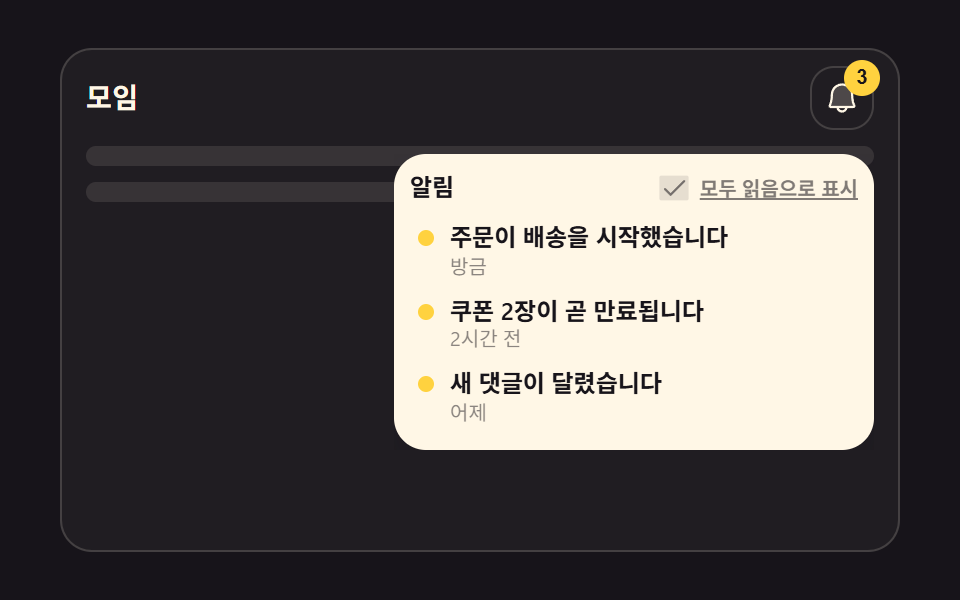
The bell icon rocks briefly around its tip while the badge in the corner scales up and back, marking the exact instant a new notification arrives.
Best forHeader notification icons, unread-message counts
transform-box: fill-boxrotatescale
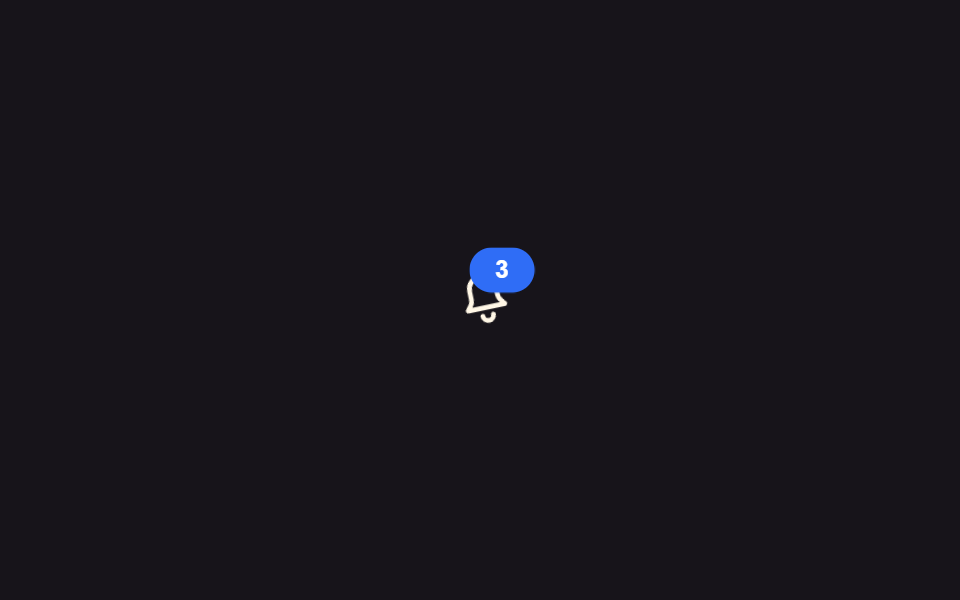
<main class="stage">
  <button class="bell is-demo" type="button" aria-label="3 notifications">
    <svg viewBox="0 0 24 24" width="32" height="32" aria-hidden="true">
      <g class="bell__body">
        <path d="M12 3a5 5 0 0 0-5 5v3.2c0 .9-.35 1.77-.98 2.4L5 15h14l-1.02-1.4a3.4 3.4 0 0 1-.98-2.4V8a5 5 0 0 0-5-5Z" fill="none" stroke="currentColor" stroke-width="1.8" stroke-linejoin="round"/>
        <path d="M10 18a2 2 0 0 0 4 0" fill="none" stroke="currentColor" stroke-width="1.8" stroke-linecap="round"/>
      </g>
    </svg>
    <span class="badge" aria-hidden="true">3</span>
  </button>
</main>
@use "../../../../site/static/demo-tokens" as *;
// ── 변수 3개 ──────────────────────────────
$duration: $dur-base; // 300ms — 종이 흔들리는 시간
$easing: $ease-out;
$color: $subject-blue; // 배지 색
// ── 데모 무대 ───────────────────────────────
@include stage($stage-ink);
.bell {
position: relative;
display: grid; place-items: center;
width: 56px; height: 56px;
border: 0; border-radius: $r-control;
background: transparent;
color: $subject-cream;
cursor: pointer;
&:hover, &:focus-visible { background: rgba(255, 255, 255, .08); }
}
.bell__body {
transform-box: fill-box;
transform-origin: 50% 0%; // 종의 꼭지점을 축으로 흔든다
}
.badge {
position: absolute; top: $sp-1; right: $sp-1;
display: grid; place-items: center;
min-width: 18px; height: 18px;
padding: 0 $sp-1;
border-radius: $r-pill;
background: $color;
color: #fff;
font-weight: 700;
font-size: 10px;
line-height: 1;
font-family: inherit;
}
// 실측 2026-09-10: 흔들림과 배지 맥동을 같은 구간에 겹쳐 "새 알림이 왔다"는 한 순간을 만든다
.bell.is-demo .bell__body { animation: shake $dur-loop $easing infinite; }
.bell.is-demo .badge { animation: pulse $dur-loop $easing infinite; }
@keyframes shake {
0%, 55%, 100% { transform: rotate(0deg); }
60% { transform: rotate(-14deg); }
65% { transform: rotate(12deg); }
70% { transform: rotate(-8deg); }
75% { transform: rotate(5deg); }
80% { transform: rotate(0deg); }
}
@keyframes pulse {
0%, 55%, 100% { transform: scale(1); }
60% { transform: scale(1.3); }
70% { transform: scale(1); }
}
// ── 접근성: 움직임 줄이기 설정이면 흔들지 않고 배지만 남긴다 ────────
@media (prefers-reduced-motion: reduce) {
.bell.is-demo .bell__body { animation: none; }
.bell.is-demo .badge { animation: none; }
}html, body {
margin: 0;
overflow: hidden;
}
.stage {
box-sizing: border-box;
min-height: 100vh;
display: grid;
place-items: center;
margin: 0;
background: #17141a;
font-family: -apple-system, "Segoe UI", "Noto Sans KR", sans-serif;
padding: clamp(8px, 4vw, 24px);
}
.bell {
position: relative;
display: grid;
place-items: center;
width: 56px;
height: 56px;
border: 0;
border-radius: 12px;
background: transparent;
color: #fff7e6;
cursor: pointer;
}
.bell:hover, .bell:focus-visible {
background: rgba(255, 255, 255, 0.08);
}
.bell__body {
transform-box: fill-box;
transform-origin: 50% 0%;
}
.badge {
position: absolute;
top: 4px;
right: 4px;
display: grid;
place-items: center;
min-width: 18px;
height: 18px;
padding: 0 4px;
border-radius: 999px;
background: #2f6df6;
color: #fff;
font-weight: 700;
font-size: 10px;
line-height: 1;
font-family: inherit;
}
.bell.is-demo .bell__body {
animation: shake 2s ease-out infinite;
}
.bell.is-demo .badge {
animation: pulse 2s ease-out infinite;
}
@keyframes shake {
0%, 55%, 100% {
transform: rotate(0deg);
}
60% {
transform: rotate(-14deg);
}
65% {
transform: rotate(12deg);
}
70% {
transform: rotate(-8deg);
}
75% {
transform: rotate(5deg);
}
80% {
transform: rotate(0deg);
}
}
@keyframes pulse {
0%, 55%, 100% {
transform: scale(1);
}
60% {
transform: scale(1.3);
}
70% {
transform: scale(1);
}
}
@media (prefers-reduced-motion: reduce) {
.bell.is-demo .bell__body {
animation: none;
}
.bell.is-demo .badge {
animation: none;
}
}import type { CSSProperties } from "react";
import styles from "./BellBadge.module.scss";
export type BellBadgeProps = {
count: number;
onClick?: () => void;
color?: string;
};
type Vars = CSSProperties & { "--color"?: string };
export default function BellBadge({ count, onClick, color = "#2f6df6" }: BellBadgeProps) {
const vars: Vars = { "--color": color };
return (
<button className={styles.bell} style={vars} type="button" aria-label={`알림 ${count}개`} onClick={onClick}>
<svg viewBox="0 0 24 24" width={32} height={32} aria-hidden="true">
<g className={styles.body}>
<path
d="M12 3a5 5 0 0 0-5 5v3.2c0 .9-.35 1.77-.98 2.4L5 15h14l-1.02-1.4a3.4 3.4 0 0 1-.98-2.4V8a5 5 0 0 0-5-5Z"
fill="none"
stroke="currentColor"
strokeWidth={1.8}
strokeLinejoin="round"
/>
<path d="M10 18a2 2 0 0 0 4 0" fill="none" stroke="currentColor" strokeWidth={1.8} strokeLinecap="round" />
</g>
</svg>
{count > 0 && (
<span className={styles.badge} aria-hidden="true">
{count}
</span>
)}
</button>
);
}09 Notification badge — Measured area 0.469% · moving frames 8/23Original by GODRICH · SCSS and React ship in the zip · 9 CSS Toast Notifications — No Library, Pure CSS
The post this demo lives in
 9 CSS Toast Notifications — No Library, Pure CSSA CSS toast notification is a small card that appears in a corner, holds briefly, and clears itself away so a result nev See all demos in this post
If you like this effect - similar demos
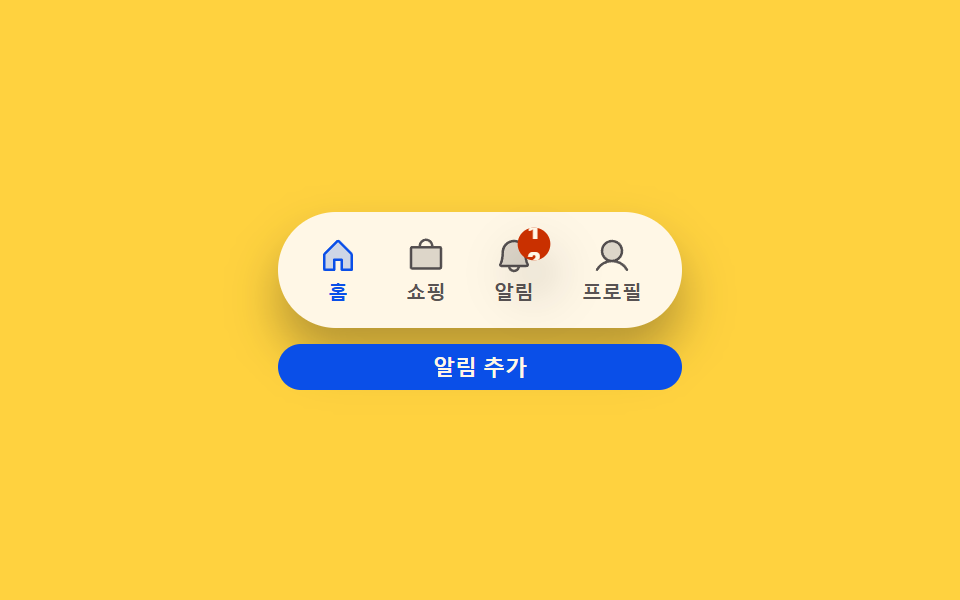 Transitions03 Badge count-bump toggle — each time a notification count value rises, that display's size value grows once then settles backCSS Bottom Navigation Bar: 9 Transition Patterns
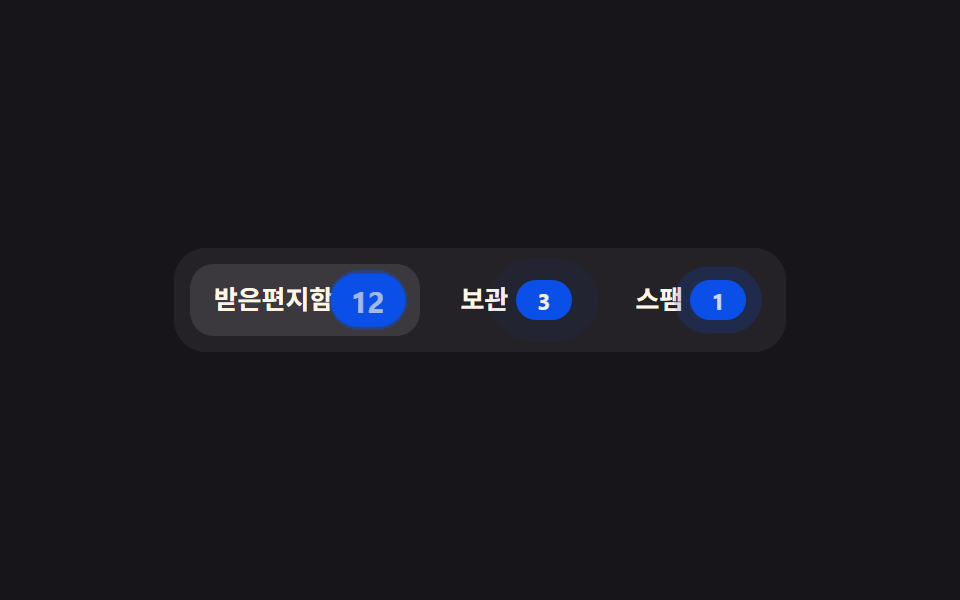 Transitions09 Tab count badge9 CSS Tab Switch Animations — No Library, Pure CSS
 Transitions09 Notification badge menu with live read state9 mega menu ui patterns, link list to site map