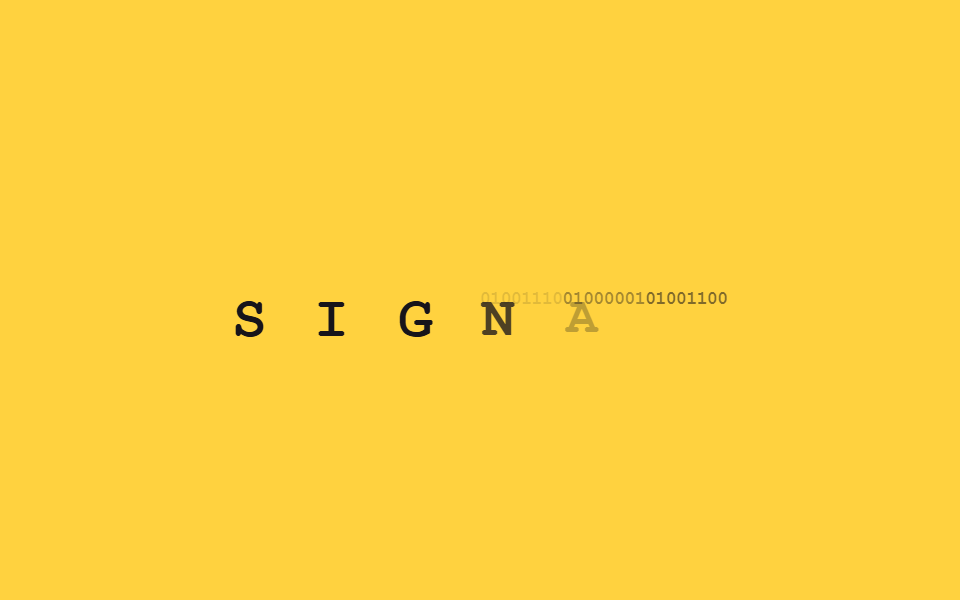
09Word swap typing
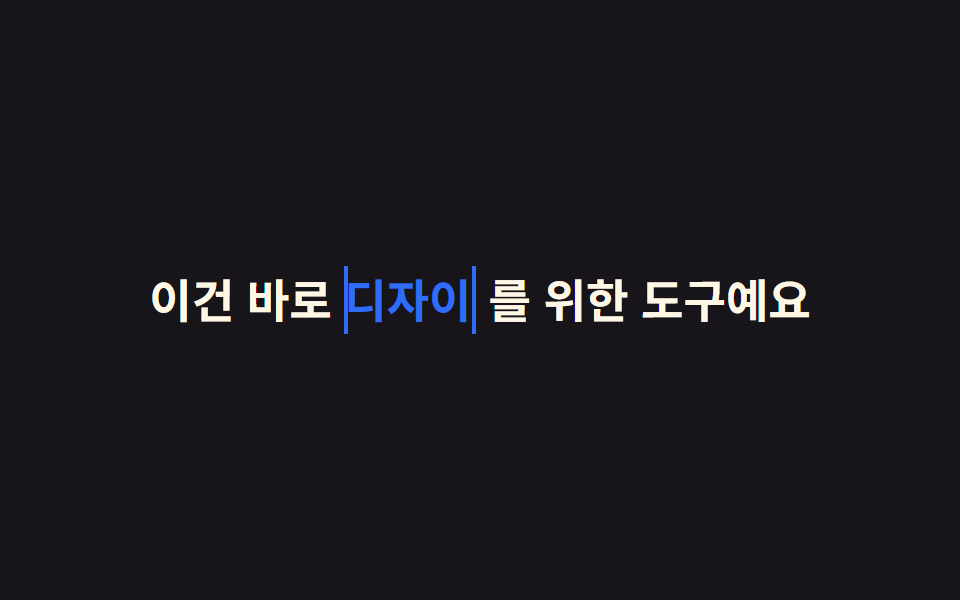
Three stacked words sit at width 0 until their own slice of the loop, where each types and clears in turn via steps(), so only that one word changes while the rest of the sentence stays put.
Best forHero copy that swaps a role or noun, multi-feature taglines
구간별 steps()단어 3개 겹쳐두기고정 문장 + 가변 단어
<main class="stage">
  <p class="swap">
    <span class="swap__prefix">Built just for </span><span class="swap__slot"><span class="swap__word swap__word--1">Designers</span><span class="swap__word swap__word--2">Developers</span><span class="swap__word swap__word--3">Marketers</span></span><span class="swap__suffix"> — try it</span>
  </p>
</main>
@use "../../../../site/static/demo-tokens" as *;
$duration: $dur-loop; // 단어 세 개가 차례로 도는 전체 루프
$easing: $ease-out; // 문장 색·굵기 톤
$color: $subject-blue; // 바뀌는 단어 색
@include stage($stage-ink);
.swap {
margin: 0;
font-weight: 700; font-size: clamp(17px, 4.8vw, 27px); line-height: 1.5; font-family: inherit;
color: $subject-cream;
&__slot { position: relative; display: inline-flex; vertical-align: bottom; }
&__word {
display: inline-block;
overflow: hidden;
white-space: nowrap;
width: 0;
border-right: .1em solid $color;
color: $color;
&--1 { animation: w1 $duration linear infinite; }
&--2 { position: absolute; left: 0; top: 0; animation: w2 $duration linear infinite; }
&--3 { position: absolute; left: 0; top: 0; animation: w3 $duration linear infinite; }
}
}
@keyframes w1 {
0% { width: 0; animation-timing-function: steps(4, end); }
8% { width: var(--full, 4ch); }
30% { width: var(--full, 4ch); animation-timing-function: steps(4, end); }
38%, 100% { width: 0; }
}
@keyframes w2 {
0%, 40% { width: 0; animation-timing-function: steps(3, end); }
46% { width: var(--full, 4ch); }
68% { width: var(--full, 4ch); animation-timing-function: steps(3, end); }
74%, 100% { width: 0; }
}
@keyframes w3 {
0%, 74% { width: 0; animation-timing-function: steps(3, end); }
80% { width: var(--full, 4ch); }
96% { width: var(--full, 4ch); animation-timing-function: steps(3, end); }
100% { width: 0; }
}
@media (prefers-reduced-motion: reduce) {
.swap__word { animation: none; }
.swap__word--1 { width: var(--full, 4ch); }
.swap__word--2,
.swap__word--3 { width: 0; opacity: 0; }
}html, body {
margin: 0;
overflow: hidden;
}
.stage {
box-sizing: border-box;
min-height: 100vh;
display: grid;
place-items: center;
margin: 0;
background: #17141a;
font-family: -apple-system, "Segoe UI", "Noto Sans KR", sans-serif;
padding: clamp(8px, 4vw, 24px);
}
.swap {
margin: 0;
font-weight: 700;
font-size: clamp(17px, 4.8vw, 27px);
line-height: 1.5;
font-family: inherit;
color: #fff7e6;
}
.swap__slot {
position: relative;
display: inline-flex;
vertical-align: bottom;
}
.swap__word {
display: inline-block;
overflow: hidden;
white-space: nowrap;
width: 0;
border-right: 0.1em solid #2f6df6;
color: #2f6df6;
}
.swap__word--1 {
animation: w1 2s linear infinite;
}
.swap__word--2 {
position: absolute;
left: 0;
top: 0;
animation: w2 2s linear infinite;
}
.swap__word--3 {
position: absolute;
left: 0;
top: 0;
animation: w3 2s linear infinite;
}
@keyframes w1 {
0% {
width: 0;
animation-timing-function: steps(4, end);
}
8% {
width: var(--full, 4ch);
}
30% {
width: var(--full, 4ch);
animation-timing-function: steps(4, end);
}
38%, 100% {
width: 0;
}
}
@keyframes w2 {
0%, 40% {
width: 0;
animation-timing-function: steps(3, end);
}
46% {
width: var(--full, 4ch);
}
68% {
width: var(--full, 4ch);
animation-timing-function: steps(3, end);
}
74%, 100% {
width: 0;
}
}
@keyframes w3 {
0%, 74% {
width: 0;
animation-timing-function: steps(3, end);
}
80% {
width: var(--full, 4ch);
}
96% {
width: var(--full, 4ch);
animation-timing-function: steps(3, end);
}
100% {
width: 0;
}
}
@media (prefers-reduced-motion: reduce) {
.swap__word {
animation: none;
}
.swap__word--1 {
width: var(--full, 4ch);
}
.swap__word--2,
.swap__word--3 {
width: 0;
opacity: 0;
}
}(function () {
var cv = document.createElement('canvas').getContext('2d');
document.querySelectorAll('.swap__word').forEach(function (el) {
cv.font = getComputedStyle(el).font;
el.style.setProperty('--full', Math.ceil(cv.measureText(el.textContent).width) + 'px');
});
})();import { useEffect, useRef } from "react";
import type { CSSProperties } from "react";
import styles from "./WordSwap.module.scss";
export type WordSwapProps = {
prefix: string;
words: [string, string, string];
suffix: string;
/** 단어 세 개가 차례로 도는 전체 루프 (기본 2000ms) */
duration?: number;
color?: string;
};
export default function WordSwap({ prefix, words, suffix, duration = 2000, color = "#2f6df6" }: WordSwapProps) {
const r1 = useRef<HTMLSpanElement | null>(null);
const r2 = useRef<HTMLSpanElement | null>(null);
const r3 = useRef<HTMLSpanElement | null>(null);
useEffect(() => {
const cv = document.createElement("canvas").getContext("2d");
if (!cv) return;
[r1, r2, r3].forEach((r) => {
const el = r.current;
if (!el) return;
cv.font = getComputedStyle(el).font;
el.style.setProperty("--full", Math.ceil(cv.measureText(el.textContent || "").width) + "px");
});
}, [words]);
const vars = { "--duration": `${duration}ms`, "--color": color } as CSSProperties;
const e = (s: string) => ({ "--easing": `steps(${s.length}, end)` } as CSSProperties);
return (
<p className={styles.swap} style={vars}>
<span className={styles.prefix}>{prefix} </span>
<span className={styles.slot}>
<span ref={r1} className={`${styles.word} ${styles.w1}`} style={e(words[0])}>{words[0]}</span>
<span ref={r2} className={`${styles.word} ${styles.w2}`} style={e(words[1])}>{words[1]}</span>
<span ref={r3} className={`${styles.word} ${styles.w3}`} style={e(words[2])}>{words[2]}</span>
</span>
<span className={styles.suffix}> {suffix}</span>
</p>
);
}09 Word swap typing — Measured area 4.917% · moving frames 11/23Original by GODRICH · SCSS and React ship in the zip · 9 CSS Typing Animation, One Line, Copy-Paste
The post this demo lives in
 9 CSS Typing Animation, One Line, Copy-PasteA css typing animation is a text effect that types itself onto the screen letter by letter, built from a width transitio See all demos in this post