07Sequential reveal — a button whose second phrase appears character by character following an order value on hover
Once a hovered state begins, each character of the second phrase appears in turn after a delay proportional to its own order value, and once the hovered state ends it returns to the first phrase.
Best forA phrase-switching button, a detail-guide CTA
BASE=70TEXTreveal

<main class="stage">
<div class="ctatwr is-demo" id="ctatwr">
  <div class="ctatwr__panel">
    <button class="ctatwr__btn" id="ctatwrBtn" type="button">
      <span class="ctatwr__phrase ctatwr__phrase--first" id="ctatwrFirst">Learn more</span>
      <span class="ctatwr__phrase ctatwr__phrase--second" id="ctatwrSecond" aria-hidden="true"></span>
    </button>
    <span class="ctatwr__hint">Hover and the second phrase appears character by character</span>
  </div>
</div>
</main>
@use "../../../../site/static/demo-tokens" as *;
// 계산 겹(글자별 가변 지연)은 JS 에 있다 — 여기는 정적 배치만.
@include stage($stage-ink);
.stage { position: relative; }
.ctatwr__panel {
display: flex;
flex-direction: column;
align-items: center;
gap: $sp-4;
padding: $sp-5;
border-radius: $r-card;
background: $tick-panel;
}
.ctatwr__btn {
position: relative;
border: 0;
border-radius: $r-control;
background: $subject-mint;
color: $subject-ink;
font-family: inherit;
font-weight: 700;
font-size: 15px;
padding: $sp-4 $sp-5;
min-width: 168px;
cursor: pointer;
display: grid;
}
.ctatwr__phrase {
grid-area: 1 / 1;
}
.ctatwr__phrase--first {
opacity: 1;
transition: opacity $dur-quick $ease-out;
}
.ctatwr__phrase--first.is-hidden {
opacity: 0;
}
.ctatwr__phrase--second {
display: flex;
}
.ctatwr__phrase--second span {
opacity: 0;
transform: translateY(3px);
transition: opacity $dur-instant $ease-out, transform $dur-instant $ease-out;
}
.ctatwr__phrase--second.is-shown span {
opacity: 1;
transform: translateY(0);
}
.ctatwr__hint {
color: $tick-mute;
font-size: 12px;
text-align: center;
}
@media (max-width: 340px) {
.ctatwr__panel { padding: $sp-4; gap: $sp-3; }
.ctatwr__btn { padding: $sp-3 $sp-4; font-size: 14px; min-width: 148px; }
}
@media (prefers-reduced-motion: reduce) {
.ctatwr__phrase--second span { transition: none !important; }
}html, body {
margin: 0;
overflow: hidden;
}
.stage {
box-sizing: border-box;
min-height: 100vh;
display: grid;
place-items: center;
margin: 0;
background: #17141a;
font-family: -apple-system, "Segoe UI", "Noto Sans KR", sans-serif;
padding: clamp(8px, 4vw, 24px);
}
.stage {
position: relative;
}
.ctatwr__panel {
display: flex;
flex-direction: column;
align-items: center;
gap: 16px;
padding: 20px;
border-radius: 16px;
background: #231f28;
}
.ctatwr__btn {
position: relative;
border: 0;
border-radius: 12px;
background: #4cd4a6;
color: #17141a;
font-family: inherit;
font-weight: 700;
font-size: 15px;
padding: 16px 20px;
min-width: 168px;
cursor: pointer;
display: grid;
}
.ctatwr__phrase {
grid-area: 1/1;
}
.ctatwr__phrase--first {
opacity: 1;
transition: opacity 220ms ease-out;
}
.ctatwr__phrase--first.is-hidden {
opacity: 0;
}
.ctatwr__phrase--second {
display: flex;
}
.ctatwr__phrase--second span {
opacity: 0;
transform: translateY(3px);
transition: opacity 140ms ease-out, transform 140ms ease-out;
}
.ctatwr__phrase--second.is-shown span {
opacity: 1;
transform: translateY(0);
}
.ctatwr__hint {
color: #9a93a6;
font-size: 12px;
text-align: center;
}
@media (max-width: 340px) {
.ctatwr__panel {
padding: 16px;
gap: 12px;
}
.ctatwr__btn {
padding: 12px 16px;
font-size: 14px;
min-width: 148px;
}
}
@media (prefers-reduced-motion: reduce) {
.ctatwr__phrase--second span {
transition: none !important;
}
}(function () {
var root = document.getElementById('ctatwr');
var btn = document.getElementById('ctatwrBtn');
var first = document.getElementById('ctatwrFirst');
var second = document.getElementById('ctatwrSecond');
var TEXT = '30% off right now';
// 계산 겹: 각 글자의 등장 지연 값을 순서(i) 의 0.82제곱에 비례하게 계산해
// 뒤로 갈수록 지연 간격이 좁아지는(가속하는) 타자기 리듬을 만든다.
var BASE = 70;
TEXT.split('').forEach(function (ch, i) {
var span = document.createElement('span');
span.textContent = ch === ' ' ? ' ' : ch;
span.style.transitionDelay = (Math.pow(i, 0.82) * BASE).toFixed(0) + 'ms';
second.appendChild(span);
});
var maxDelay = Math.pow(TEXT.length - 1, 0.82) * BASE + 260;
function reveal() {
second.classList.add('is-shown');
first.classList.add('is-hidden');
}
function hide() {
second.classList.remove('is-shown');
first.classList.remove('is-hidden');
}
function wireReal() {
btn.addEventListener('mouseenter', function () { root.classList.remove('is-demo'); stopAutoplay(); reveal(); });
btn.addEventListener('mouseleave', hide);
btn.addEventListener('focus', function () { root.classList.remove('is-demo'); stopAutoplay(); reveal(); });
btn.addEventListener('blur', hide);
}
wireReal();
var shown = false, autoplayTimer = null;
function autoplayTick() { shown = !shown; if (shown) { reveal(); } else { hide(); } }
function stopAutoplay() { if (autoplayTimer) { clearInterval(autoplayTimer); autoplayTimer = null; } }
var reduce = window.matchMedia('(prefers-reduced-motion: reduce)').matches;
if (!reduce) { autoplayTimer = setInterval(autoplayTick, maxDelay + 500); }
})();import { useEffect, useRef } from "react";
import styles from "./CtaBtnTypewriterReveal.module.scss";
export type CtaBtnTypewriterRevealProps = {
color?: string;
};
export default function CtaBtnTypewriterReveal({
color = "#4cd4a6",
}: CtaBtnTypewriterRevealProps) {
const rootRef = useRef<HTMLDivElement | null>(null);
useEffect(() => {
const root = rootRef.current;
if (!root) return;
const btn = root.querySelector<HTMLButtonElement>(`.${styles.btn}`);
const first = root.querySelector<HTMLSpanElement>(`.${styles.first}`);
const second = root.querySelector<HTMLSpanElement>(`.${styles.second}`);
if (!btn || !first || !second) return;
const TEXT = "지금 30% 할인중";
// 계산 겹: 각 글자의 등장 지연 값을 순서(i) 의 0.82제곱에 비례하게 계산해
// 뒤로 갈수록 지연 간격이 좁아지는(가속하는) 타자기 리듬을 만든다.
const BASE = 70;
TEXT.split("").forEach((ch, i) => {
const span = document.createElement("span");
span.textContent = ch === " " ? " " : ch;
span.style.transitionDelay = (Math.pow(i, 0.82) * BASE).toFixed(0) + "ms";
second.appendChild(span);
});
const maxDelay = Math.pow(TEXT.length - 1, 0.82) * BASE + 260;
function reveal() { second!.classList.add(styles.isShown); first!.classList.add(styles.isHidden); }
function hide() { second!.classList.remove(styles.isShown); first!.classList.remove(styles.isHidden); }
function onEnter() { stopAutoplay(); reveal(); }
btn.addEventListener("mouseenter", onEnter);
btn.addEventListener("mouseleave", hide);
btn.addEventListener("focus", onEnter);
btn.addEventListener("blur", hide);
let shown = false;
let autoplayTimer: number | null = null;
function autoplayTick() { shown = !shown; if (shown) { reveal(); } else { hide(); } }
function stopAutoplay() { if (autoplayTimer !== null) { window.clearInterval(autoplayTimer); autoplayTimer = null; } }
const reduce = window.matchMedia("(prefers-reduced-motion: reduce)").matches;
if (!reduce) { autoplayTimer = window.setInterval(autoplayTick, maxDelay + 500); }
return () => {
stopAutoplay();
btn.removeEventListener("mouseenter", onEnter);
btn.removeEventListener("mouseleave", hide);
btn.removeEventListener("focus", onEnter);
btn.removeEventListener("blur", hide);
};
}, []);
return (
<div ref={rootRef} className={styles.stage}>
<div className={styles.panel}>
<button className={styles.btn} type="button" style={{ background: color }}>
<span className={styles.first}>더 알아보기</span>
<span className={styles.second} aria-hidden="true" />
</button>
<span className={styles.hint}>호버하면 두 번째 문구가 한 글자씩 나타납니다</span>
</div>
</div>
);
}07 Sequential reveal — a button whose second phrase appears character by character following an order value on hover — Measured area 0.943% · moving frames 10/23Original by GODRICH · SCSS and React ship in the zip · CTA Button Design: 9 Interaction Patterns
The post this demo lives in
 CTA Button Design: 9 Interaction PatternsOne shadow length value grows and shrinks with hover state, one perimeter progress value depletes to zero over time, and See all demos in this post
If you like this effect - similar demos
 Buttons01 Accordion-reveal value toggle — when the button's open value changes, its rounding and shadow values change along, presenting the content belowExpanding Button UI: 9 Shape-Morph Patterns
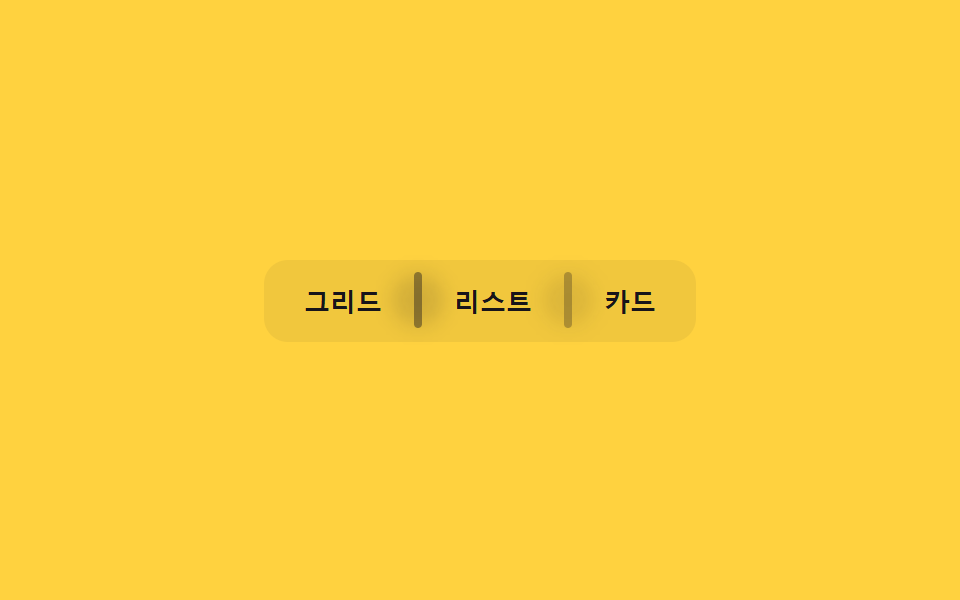 Buttons03 Divider fade — the opacity value of the line between buttons fades as the pointer nears an adjacent buttonButton Group CSS: 9 Adjoined Patterns
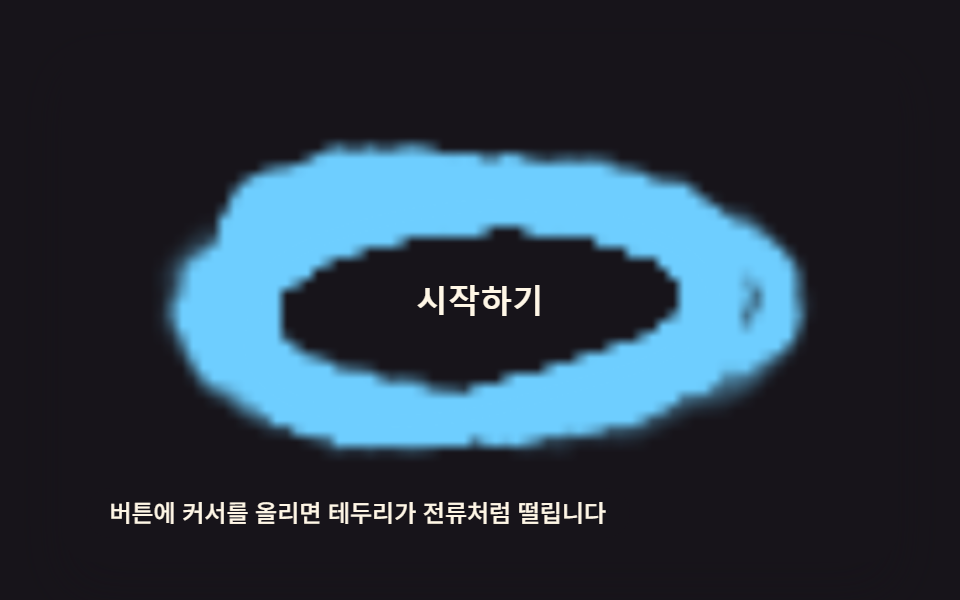 Buttons05 Electric-arc Border Button That Thickens With a Hover-intensity ValueButton Click Effect CSS: 9 Canvas Pixel Patterns