01Accordion-reveal value toggle — when the button's open value changes, its rounding and shadow values change along, presenting the content below
As the open value changes, the button's corner rounding grows and its shadow deepens, while the content appears beneath it.
Best forAn FAQ item toggle, a settings group expand
STAGGER_MSmeasuretoggle

<main class="stage">
<div class="ba is-demo" id="ba">
  <button type="button" class="ba__btn" id="baBtn" aria-expanded="false" aria-controls="baPanel">
    <span class="ba__label">Expand open value</span>
    <span class="ba__mark" aria-hidden="true">
      <svg viewBox="0 0 16 16" width="14" height="14"><path d="M3 6l5 5 5-5" fill="none" stroke="currentColor" stroke-width="2" stroke-linecap="round" stroke-linejoin="round"/></svg>
    </span>
  </button>
  <div class="ba__panel" id="baPanel" role="region">
    <ul class="ba__list" id="baList">
      <li class="ba__item">Answer value 1</li>
      <li class="ba__item">Answer value 2</li>
      <li class="ba__item">Answer value 3</li>
    </ul>
  </div>
</div>
</main>
@use "../../../../site/static/demo-tokens" as *;
// 계산 겹: 하위 항목 노출 높이를 getBoundingClientRect 로 실측해 --panel-h 로 넘기고(index.html),
// 항목마다 순서 * STAGGER_MS 산술로 transition-delay 를 준다.
@include stage($stage-ink);
.ba {
width: 100%;
max-width: 300px;
}
.ba__btn {
display: flex;
align-items: center;
justify-content: space-between;
gap: $sp-3;
width: 100%;
box-sizing: border-box;
padding: $sp-3 $sp-4;
border: 0;
border-radius: $r-control $r-control 0 0;
background: $subject-cream;
color: $subject-ink;
font-weight: 600;
font-size: 15px;
box-shadow: $shadow-press;
transition: border-radius $dur-base $ease-out, box-shadow $dur-base $ease-out;
cursor: pointer;
}
.ba__mark {
display: inline-flex;
transition: transform $dur-base $ease-out;
}
.ba__panel {
overflow: hidden;
max-height: 0;
border-radius: 0 0 $r-control $r-control;
background: rgba($subject-cream, .92);
transition: max-height $dur-enter $ease-spring;
}
.ba__list {
list-style: none;
margin: 0;
padding: $sp-3 $sp-4;
display: grid;
gap: $sp-2;
}
.ba__item {
color: $subject-ink;
font-size: 13px;
opacity: 0;
transform: translateY(-6px);
transition: opacity $dur-quick $ease-out, transform $dur-quick $ease-out;
}
.ba--open {
.ba__btn { border-radius: $r-control $r-control 0 0; box-shadow: $shadow-raised; }
.ba__mark { transform: rotate(180deg); }
.ba__panel { max-height: var(--panel-h, 160px); }
.ba__item { opacity: 1; transform: translateY(0); }
}
@media (max-width: 340px) {
.ba__btn { padding: $sp-2 $sp-3; font-size: 14px; }
.ba__list { padding: $sp-2 $sp-3; }
}
@media (prefers-reduced-motion: reduce) {
.ba__btn, .ba__mark, .ba__panel, .ba__item { transition: none; }
}html, body {
margin: 0;
overflow: hidden;
}
.stage {
box-sizing: border-box;
min-height: 100vh;
display: grid;
place-items: center;
margin: 0;
background: #17141a;
font-family: -apple-system, "Segoe UI", "Noto Sans KR", sans-serif;
padding: clamp(8px, 4vw, 24px);
}
.ba {
width: 100%;
max-width: 300px;
}
.ba__btn {
display: flex;
align-items: center;
justify-content: space-between;
gap: 12px;
width: 100%;
box-sizing: border-box;
padding: 12px 16px;
border: 0;
border-radius: 12px 12px 0 0;
background: #fff7e6;
color: #17141a;
font-weight: 600;
font-size: 15px;
box-shadow: 0 6px 12px rgba(23, 20, 26, 0.32);
transition: border-radius 300ms ease-out, box-shadow 300ms ease-out;
cursor: pointer;
}
.ba__mark {
display: inline-flex;
transition: transform 300ms ease-out;
}
.ba__panel {
overflow: hidden;
max-height: 0;
border-radius: 0 0 12px 12px;
background: rgba(255, 247, 230, 0.92);
transition: max-height 600ms cubic-bezier(0.2, 0.8, 0.2, 1);
}
.ba__list {
list-style: none;
margin: 0;
padding: 12px 16px;
display: grid;
gap: 8px;
}
.ba__item {
color: #17141a;
font-size: 13px;
opacity: 0;
transform: translateY(-6px);
transition: opacity 220ms ease-out, transform 220ms ease-out;
}
.ba--open .ba__btn {
border-radius: 12px 12px 0 0;
box-shadow: 0 14px 24px rgba(23, 20, 26, 0.32);
}
.ba--open .ba__mark {
transform: rotate(180deg);
}
.ba--open .ba__panel {
max-height: var(--panel-h, 160px);
}
.ba--open .ba__item {
opacity: 1;
transform: translateY(0);
}
@media (max-width: 340px) {
.ba__btn {
padding: 8px 12px;
font-size: 14px;
}
.ba__list {
padding: 8px 12px;
}
}
@media (prefers-reduced-motion: reduce) {
.ba__btn, .ba__mark, .ba__panel, .ba__item {
transition: none;
}
}(function () {
var root = document.getElementById('ba');
var btn = document.getElementById('baBtn');
var panel = document.getElementById('baPanel');
var items = panel.querySelectorAll('.ba__item');
var STAGGER_MS = 70; // 계산 겹: 항목 순서 * 이 값만큼 늦게 나타난다
// 계산 겹: 하위 항목이 실제로 차지하는 노출 높이를 getBoundingClientRect 로 실측해
// panel 의 --panel-h 로 넘긴다 — 짐작한 고정값이 아니라 지금 폰트·내용 기준 값이다.
function measure() {
var h = 0;
items.forEach(function (li) { h += li.getBoundingClientRect().height; });
panel.style.setProperty('--panel-h', h + 'px');
}
items.forEach(function (li, i) {
li.style.transitionDelay = (i * STAGGER_MS) + 'ms';
});
var open = false;
function paint() {
measure();
root.classList.toggle('ba--open', open);
btn.setAttribute('aria-expanded', String(open));
}
function toggle() {
open = !open;
paint();
}
btn.addEventListener('click', function () {
root.classList.remove('is-demo');
stopAutoplay();
toggle();
});
var autoTimer = null;
function stopAutoplay() { if (autoTimer) { clearInterval(autoTimer); autoTimer = null; } }
var reduce = window.matchMedia('(prefers-reduced-motion: reduce)').matches;
measure();
if (!reduce) { toggle(); autoTimer = setInterval(toggle, 800); }
else { open = true; paint(); }
})();import { useEffect, useRef } from "react";
import styles from "./AccordionReveal.module.scss";
type Box<T> = { current: T };
const STAGGER_MS = 70; // 계산 겹: 항목 순서 * 이 값만큼 늦게 나타난다
export default function AccordionReveal() {
const rootRef = useRef(null) as unknown as Box<HTMLDivElement | null>;
useEffect(() => {
const root = rootRef.current;
if (!root) return;
const btn = root.querySelector(`.${styles.btn}`) as HTMLButtonElement | null;
const panel = root.querySelector(`.${styles.panel}`) as HTMLElement | null;
const items = root.querySelectorAll(`.${styles.item}`);
if (!btn || !panel) return;
items.forEach((li, i) => {
(li as HTMLElement).style.transitionDelay = (i * STAGGER_MS) + "ms";
});
function measure() {
let h = 0;
items.forEach((li) => { h += li.getBoundingClientRect().height; });
panel!.style.setProperty("--panel-h", h + "px");
}
let open = false;
function paint() {
measure();
root!.classList.toggle(styles["root--open"], open);
btn!.setAttribute("aria-expanded", String(open));
}
function toggle() {
open = !open;
paint();
}
function onClick() {
root!.classList.remove(styles["is-demo"]);
stopAutoplay();
toggle();
}
btn.addEventListener("click", onClick);
let autoTimer: number | null = null;
function stopAutoplay() { if (autoTimer !== null) { window.clearInterval(autoTimer); autoTimer = null; } }
const reduce = window.matchMedia("(prefers-reduced-motion: reduce)").matches;
measure();
if (!reduce) { toggle(); autoTimer = window.setInterval(toggle, 800); }
else { open = true; paint(); }
return () => {
stopAutoplay();
btn.removeEventListener("click", onClick);
};
}, []);
return (
<div ref={rootRef} className={`${styles.stage} ${styles.ba} ${styles["is-demo"]}`}>
<button type="button" className={styles.btn} aria-expanded="false">
<span className={styles.label}>열림 값 펼치기</span>
<span className={styles.mark} aria-hidden="true">
<svg viewBox="0 0 16 16" width="14" height="14"><path d="M3 6l5 5 5-5" fill="none" stroke="currentColor" strokeWidth="2" strokeLinecap="round" strokeLinejoin="round" /></svg>
</span>
</button>
<div className={styles.panel} role="region">
<ul className={styles.list}>
<li className={styles.item}>답변 값 1</li>
<li className={styles.item}>답변 값 2</li>
<li className={styles.item}>답변 값 3</li>
</ul>
</div>
</div>
);
}01 Accordion-reveal value toggle — when the button's open value changes, its rounding and shadow values change along, presenting the content below — Measured area 18.301% · moving frames 8/23Original by GODRICH · SCSS and React ship in the zip · Expanding Button UI: 9 Shape-Morph Patterns
The post this demo lives in
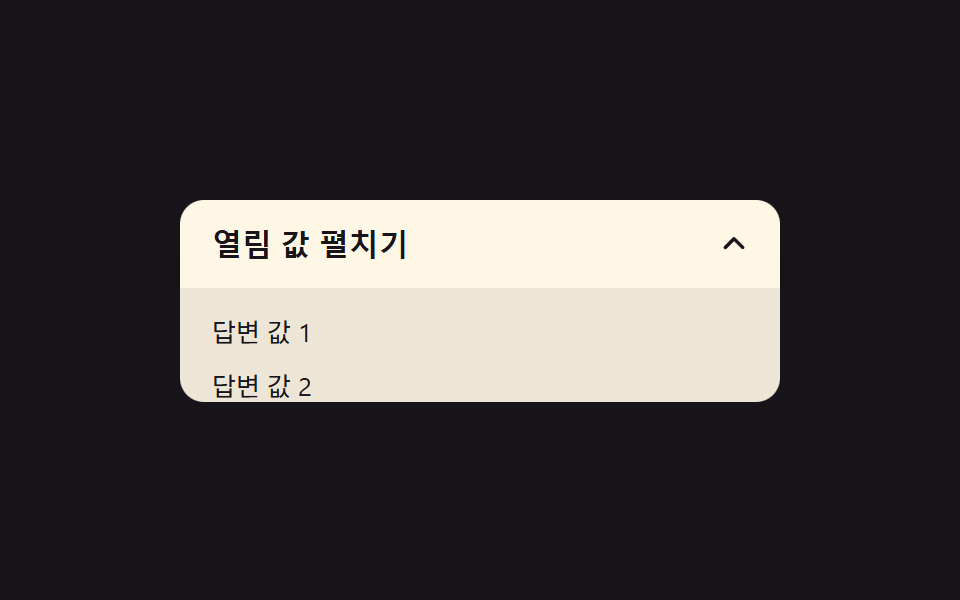 Expanding Button UI: 9 Shape-Morph PatternsExpanding button UI: One of nine grows corner rounding as its open value changes, one spins a plus into a close mark as See all demos in this post
If you like this effect - similar demos
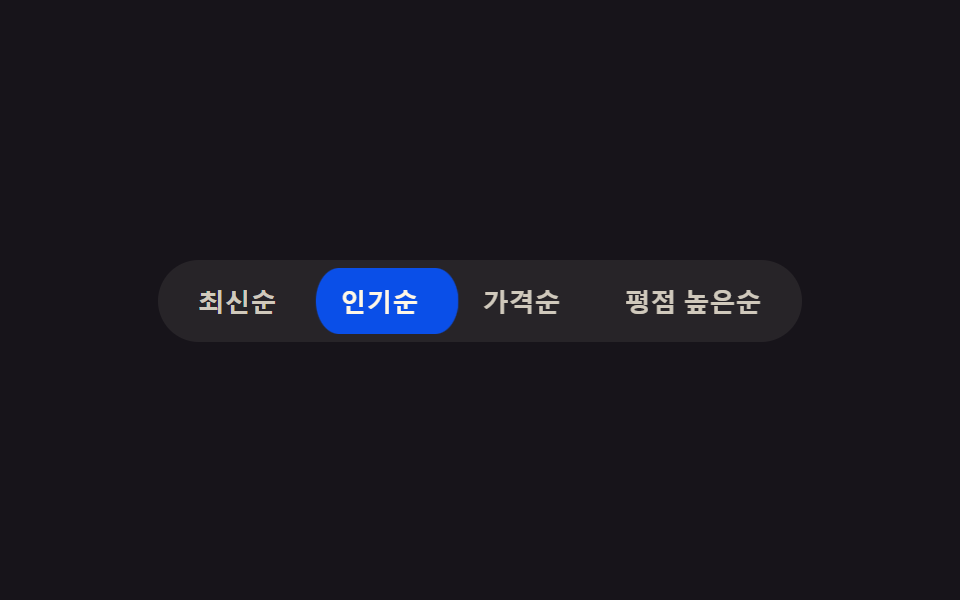 Buttons02 Active-indicator slide — when the active-button value changes, the highlight background's position value glides to the new button along measured coordinatesButton Group CSS: 9 Adjoined Patterns
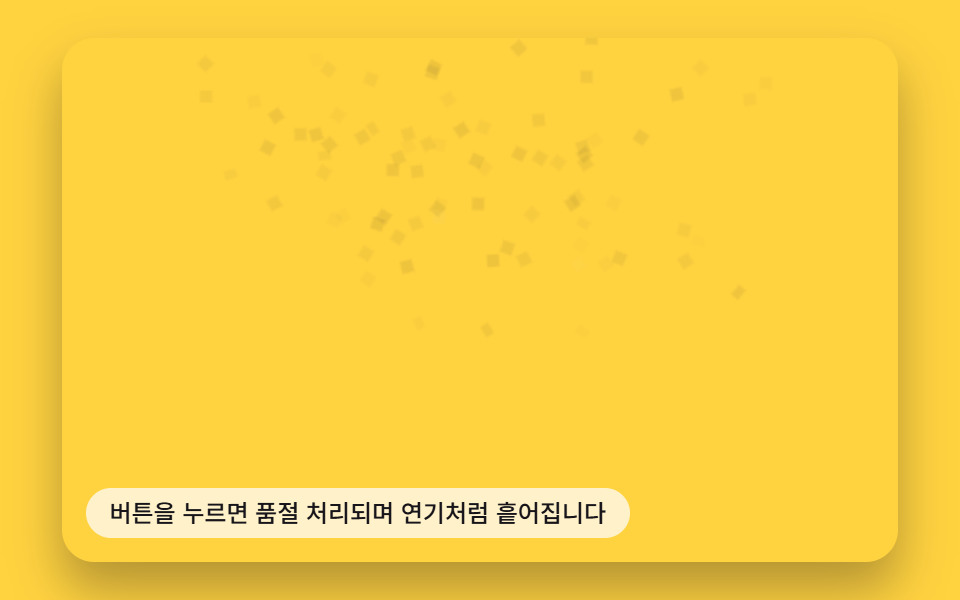 Buttons06 Button That Dissolves Into Smoke When a Disabled Value Turns OnButton Click Effect CSS: 9 Canvas Pixel Patterns
 Buttons01 Long-shadow retro — a button whose trailing shadow length value extends and retracts with hover stateCTA Button Design: 9 Interaction Patterns