07Completion-value flash — the completion value flips to one the instant a download finishes, then falls back to zero after a set time
The instant a download finishes, the completion value flips to one and briefly appears, then after a set time returns to zero and disappears.
Best forA status bar announcing a finished download, a background-save completion notice
.dcf__sweepDECAYSWEEP_COUNT
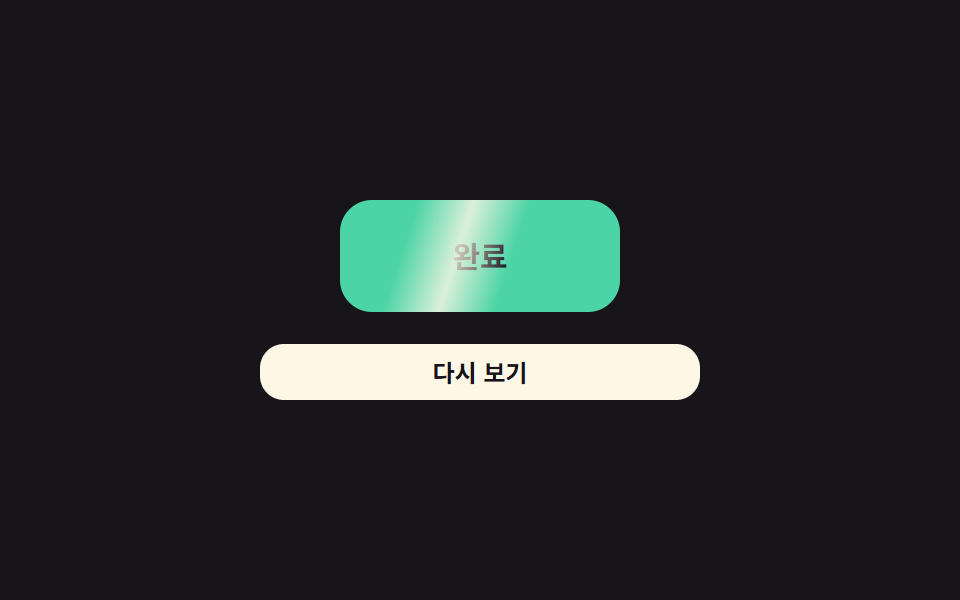
<main class="stage">
<div class="dcf is-demo" id="dcf">
  <div class="dcf__badge" id="dcfBadge">
    <span class="dcf__sweep" id="dcfSweep"></span>
    <span class="dcf__text">Done</span>
  </div>
  <button class="dcf__btn" id="dcfBtn" type="button">Replay</button>
</div>
</main>
@use "../../../../site/static/demo-tokens" as *;
// 계산 겹: 광택 sweep 세기 = 초기값 × 0.55^회차(지수 감쇠) — index.html sweepOpacity() 참조
@include stage($stage-ink);
.dcf {
width: 100%;
max-width: 220px;
display: grid;
justify-items: center;
gap: $sp-4;
}
.dcf__badge {
position: relative;
overflow: hidden;
width: 140px;
height: 56px;
border-radius: $r-card;
background: $subject-mint;
display: grid;
place-items: center;
opacity: 0;
transform: scale(.7);
transition: opacity $dur-quick $ease-out, transform $dur-quick $ease-pop;
}
.dcf--on .dcf__badge {
opacity: 1;
transform: scale(1);
}
.dcf__sweep {
position: absolute;
top: -20%;
left: 0;
width: 40%;
height: 140%;
background: linear-gradient(90deg, rgba($subject-cream, 0), rgba($subject-cream, .8), rgba($subject-cream, 0));
opacity: 0;
pointer-events: none;
}
.dcf__text {
font: 700 15px/1 -apple-system, "Segoe UI", "Noto Sans KR", sans-serif;
color: $stage-ink;
}
.dcf__btn {
width: 100%;
border: 0;
border-radius: $r-control;
padding: $sp-2 $sp-4;
background: $subject-cream;
color: $stage-ink;
font: 700 12px/1 -apple-system, "Segoe UI", "Noto Sans KR", sans-serif;
cursor: pointer;
transition: transform $dur-instant $ease-out;
&:active { transform: scale(.96); }
}
@media (max-width: 340px) {
.dcf { max-width: 180px; }
.dcf__badge { width: 120px; height: 48px; }
}
@media (prefers-reduced-motion: reduce) {
.dcf__badge, .dcf__btn { transition: none; }
}html, body {
margin: 0;
overflow: hidden;
}
.stage {
box-sizing: border-box;
min-height: 100vh;
display: grid;
place-items: center;
margin: 0;
background: #17141a;
font-family: -apple-system, "Segoe UI", "Noto Sans KR", sans-serif;
padding: clamp(8px, 4vw, 24px);
}
.dcf {
width: 100%;
max-width: 220px;
display: grid;
justify-items: center;
gap: 16px;
}
.dcf__badge {
position: relative;
overflow: hidden;
width: 140px;
height: 56px;
border-radius: 16px;
background: #4cd4a6;
display: grid;
place-items: center;
opacity: 0;
transform: scale(0.7);
transition: opacity 220ms ease-out, transform 220ms cubic-bezier(0.2, 1.4, 0.4, 1);
}
.dcf--on .dcf__badge {
opacity: 1;
transform: scale(1);
}
.dcf__sweep {
position: absolute;
top: -20%;
left: 0;
width: 40%;
height: 140%;
background: linear-gradient(90deg, rgba(255, 247, 230, 0), rgba(255, 247, 230, 0.8), rgba(255, 247, 230, 0));
opacity: 0;
pointer-events: none;
}
.dcf__text {
font: 700 15px/1 -apple-system, "Segoe UI", "Noto Sans KR", sans-serif;
color: #17141a;
}
.dcf__btn {
width: 100%;
border: 0;
border-radius: 12px;
padding: 8px 16px;
background: #fff7e6;
color: #17141a;
font: 700 12px/1 -apple-system, "Segoe UI", "Noto Sans KR", sans-serif;
cursor: pointer;
transition: transform 140ms ease-out;
}
.dcf__btn:active {
transform: scale(0.96);
}
@media (max-width: 340px) {
.dcf {
max-width: 180px;
}
.dcf__badge {
width: 120px;
height: 48px;
}
}
@media (prefers-reduced-motion: reduce) {
.dcf__badge, .dcf__btn {
transition: none;
}
}(function () {
var root = document.getElementById('dcf');
var badge = document.getElementById('dcfBadge');
var sweep = document.getElementById('dcfSweep');
var btn = document.getElementById('dcfBtn');
// 상수: Done 표시 유지 시간(ms) · 광택 sweep 1회 길이(ms) · 반복 횟수 · 감쇠율
var VISIBLE_MS = 1500;
var SWEEP_MS = 420;
var SWEEP_COUNT = 3;
var DECAY = 0.55; // 회차마다 강도(불투명도)가 이 비율로 줄어든다
var CYCLE_MS = 2400;
var start = performance.now();
var raf = null;
// 계산 겹: 광택 sweep 의 세기 = 초기값 × DECAY^회차(지수 감쇠) — 매 회차 옅어지다 사라진다
function sweepOpacity(passIndex) {
return Math.pow(DECAY, passIndex);
}
function frame(now) {
var e = (now - start) % CYCLE_MS;
var on = e < VISIBLE_MS;
root.classList.toggle('dcf--on', on);
if (on) {
var passLen = SWEEP_MS;
var passIdx = Math.floor(e / passLen);
var passT = (e % passLen) / passLen;
if (passIdx < SWEEP_COUNT) {
var x = -30 + passT * 160; // %
sweep.style.transform = 'translateX(' + x.toFixed(1) + '%) skewX(-18deg)';
sweep.style.opacity = sweepOpacity(passIdx).toFixed(3);
} else {
sweep.style.opacity = '0';
}
}
raf = requestAnimationFrame(frame);
}
raf = requestAnimationFrame(frame);
btn.addEventListener('click', function () {
root.classList.remove('is-demo');
start = performance.now();
root.classList.add('dcf--on');
});
})();import { useEffect, useRef } from "react";
import styles from "./DownloadManagerCompleteFlash.module.scss";
type Box<T> = { current: T };
export default function DownloadManagerCompleteFlash() {
const rootRef = useRef(null) as unknown as Box<HTMLDivElement | null>;
useEffect(() => {
const root = rootRef.current;
if (!root) return;
const sweep = root.querySelector(`.${styles.sweep}`) as HTMLElement | null;
const btn = root.querySelector(`.${styles.btn}`) as HTMLElement | null;
if (!sweep || !btn) return;
// 상수: 완료 표시 유지 시간(ms) · 광택 sweep 1회 길이(ms) · 반복 횟수 · 감쇠율
const VISIBLE_MS = 1500;
const SWEEP_MS = 420;
const SWEEP_COUNT = 3;
const DECAY = 0.55;
const CYCLE_MS = 2400;
let start = performance.now();
let rafId = 0;
let stopped = false;
// 계산 겹: 광택 sweep 의 세기 = 초기값 × DECAY^회차(지수 감쇠) — 매 회차 옅어지다 사라진다
function sweepOpacity(passIndex: number) {
return Math.pow(DECAY, passIndex);
}
function frame(now: number) {
if (stopped) return;
const e = (now - start) % CYCLE_MS;
const on = e < VISIBLE_MS;
root!.classList.toggle(styles["dcf--on"], on);
if (on) {
const passLen = SWEEP_MS;
const passIdx = Math.floor(e / passLen);
const passT = (e % passLen) / passLen;
if (passIdx < SWEEP_COUNT) {
const x = -30 + passT * 160;
sweep!.style.transform = "translateX(" + x.toFixed(1) + "%) skewX(-18deg)";
sweep!.style.opacity = sweepOpacity(passIdx).toFixed(3);
} else {
sweep!.style.opacity = "0";
}
}
rafId = requestAnimationFrame(frame);
}
rafId = requestAnimationFrame(frame);
function onClick() {
root!.classList.remove(styles["is-demo"]);
start = performance.now();
root!.classList.add(styles["dcf--on"]);
}
btn.addEventListener("click", onClick);
return () => {
stopped = true;
cancelAnimationFrame(rafId);
btn.removeEventListener("click", onClick);
};
}, []);
return (
<div ref={rootRef} className={`${styles.stage} ${styles.dcf} ${styles["is-demo"]}`}>
<div className={styles.badge}>
<span className={styles.sweep} />
<span className={styles.text}>완료</span>
</div>
<button className={styles.btn} type="button">다시 보기</button>
</div>
);
}07 Completion-value flash — the completion value flips to one the instant a download finishes, then falls back to zero after a set time — Measured area 5.561% · moving frames 17/23Original by GODRICH · SCSS and React ship in the zip · Download Progress Bar: 9 Loading UI Patterns
The post this demo lives in
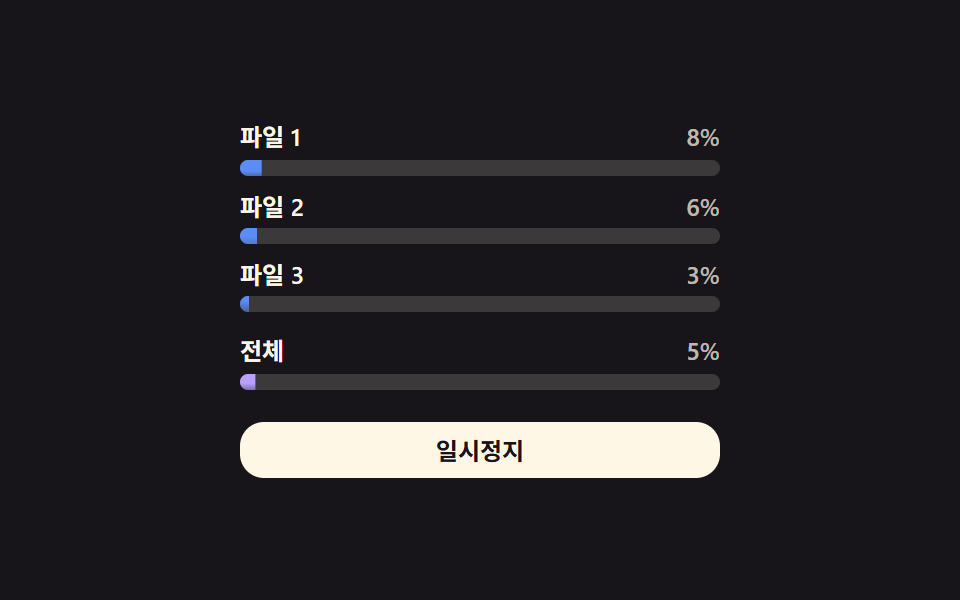 Download Progress Bar: 9 Loading UI PatternsThis download progress bar roundup: One of nine keeps each file's progress value climbing in a list, another resets it t See all demos in this post
If you like this effect - similar demos
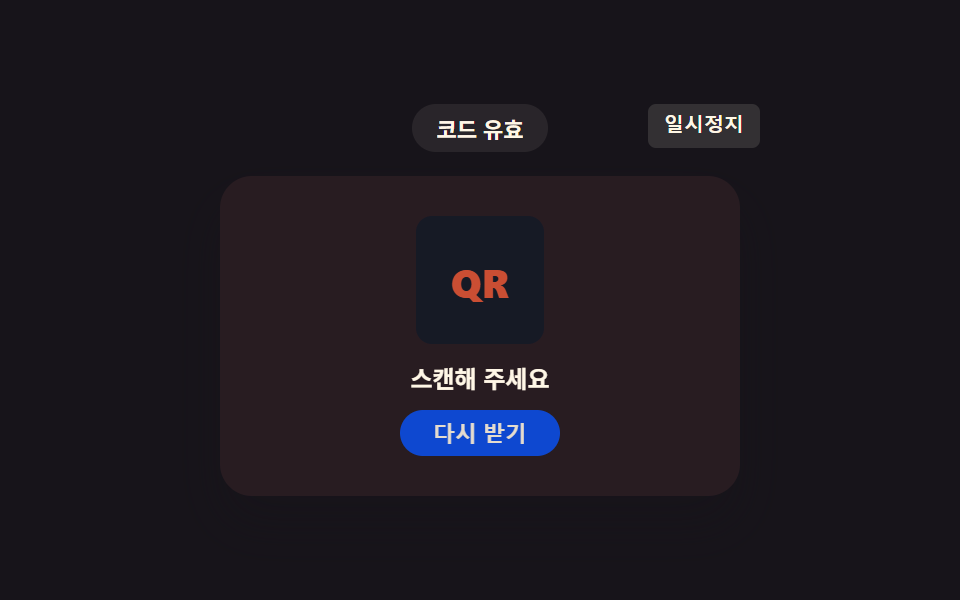 Loaders08 QR Code That Shakes the Instant the Time Left Value Hits ZeroQR Code Loading Animation — 9 CSS Expiry Patterns
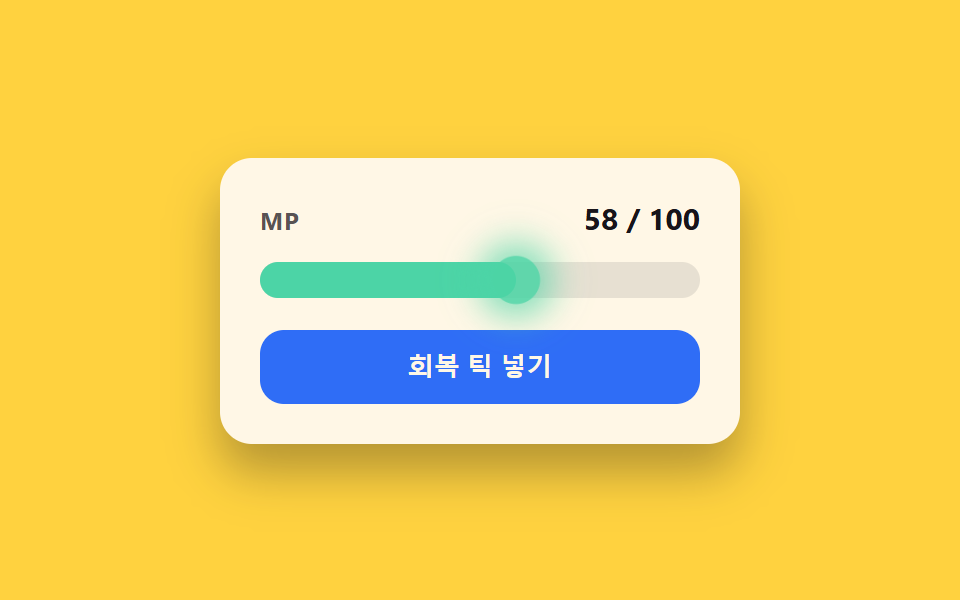 Loaders02 Regen-tick glow toggle — each time a value ticks upward at a fixed interval, a flash lights the bar's leading edgeCSS Progress Bar: 9 Game-Style Fill Patterns
 Loaders05 Thumbnail pop-in the instant the file finishes readingFile Upload Progress Bar Loader: 9 UI Demos