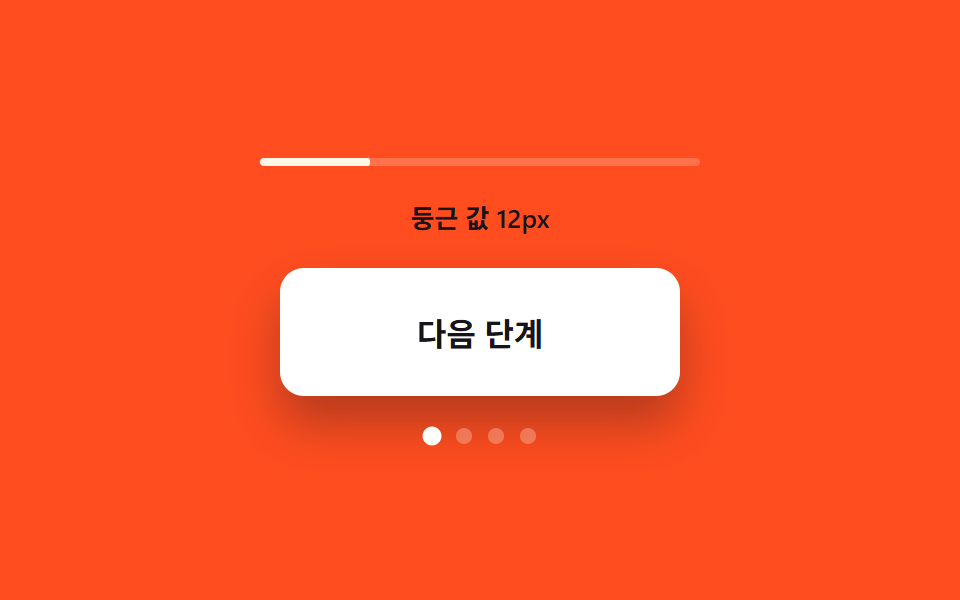
03Corner-rounding value growth — the more the open value grows, the more the button's corner rounding grows with it
Each time the open value grows a step, the corner rounding grows by the same amount, so the button takes a progressively softer form.
Best forA next button in a multi-step form, a step-select card
RADIIRADII_TEXTadvance
<main class="stage">
<div class="cr is-demo" id="cr">
  <div class="cr__meter" aria-hidden="true">
    <div class="cr__meterFill" id="crFill"></div>
  </div>
  <p class="cr__read" id="crRead">Rounding value 12px</p>
  <div class="cr__btn" id="crBtn" role="button" tabindex="0" aria-label="Raise step value">
    <span class="cr__label">Next step</span>
  </div>
  <div class="cr__steps" aria-hidden="true">
    <span class="cr__dot"></span>
    <span class="cr__dot"></span>
    <span class="cr__dot"></span>
    <span class="cr__dot"></span>
  </div>
</div>
</main>
@use "../../../../site/static/demo-tokens" as *;
// 계산 겹: 단계 값마다 둥근 반경이 RADII 산술(12→16→24→알약)으로 커지고(index.html),
// 크기 성장 곡선이 같은 transition 에 물려 함께 이어진다.
@include stage($stage-orange);
.cr {
display: grid;
gap: $sp-4;
justify-items: center;
}
.cr__meter {
width: 220px;
height: $sp-1;
border-radius: $r-xs;
background: rgba($subject-cream, .22);
overflow: hidden;
}
.cr__meterFill {
width: 100%;
height: 100%;
border-radius: $r-xs;
background: $subject-cream;
transform-origin: left center;
transform: scaleX(.25);
transition: transform $dur-base $ease-out;
}
.cr__read {
margin: 0;
color: $subject-ink;
font-size: 13px;
font-weight: 600;
}
.cr__btn {
display: grid;
place-items: center;
width: 200px;
height: 64px;
border-radius: $r-control;
background: $stage-paper;
color: $subject-ink;
box-shadow: $shadow-raised;
cursor: pointer;
transition: border-radius $dur-enter $ease-elastic, width $dur-enter $ease-elastic, height $dur-enter $ease-elastic;
}
.cr__label {
font-weight: 700;
font-size: 16px;
}
.cr__steps {
display: flex;
gap: $sp-2;
}
.cr__dot {
width: $sp-2;
height: $sp-2;
border-radius: 50%;
background: rgba($subject-cream, .28);
transition: background-color $dur-quick $ease-out, transform $dur-quick $ease-elastic;
}
.cr__dot--on {
background: $stage-paper;
transform: scale(1.18);
}
@media (max-width: 340px) {
.cr__btn { width: 180px; height: 56px; }
.cr__meter { width: 180px; }
}
@media (prefers-reduced-motion: reduce) {
.cr__btn, .cr__meterFill, .cr__dot { transition: none; }
}html, body {
margin: 0;
overflow: hidden;
}
.stage {
box-sizing: border-box;
min-height: 100vh;
display: grid;
place-items: center;
margin: 0;
background: #ff4d1f;
font-family: -apple-system, "Segoe UI", "Noto Sans KR", sans-serif;
padding: clamp(8px, 4vw, 24px);
}
.cr {
display: grid;
gap: 16px;
justify-items: center;
}
.cr__meter {
width: 220px;
height: 4px;
border-radius: 4px;
background: rgba(255, 247, 230, 0.22);
overflow: hidden;
}
.cr__meterFill {
width: 100%;
height: 100%;
border-radius: 4px;
background: #fff7e6;
transform-origin: left center;
transform: scaleX(0.25);
transition: transform 300ms ease-out;
}
.cr__read {
margin: 0;
color: #17141a;
font-size: 13px;
font-weight: 600;
}
.cr__btn {
display: grid;
place-items: center;
width: 200px;
height: 64px;
border-radius: 12px;
background: #ffffff;
color: #17141a;
box-shadow: 0 14px 24px rgba(23, 20, 26, 0.32);
cursor: pointer;
transition: border-radius 600ms cubic-bezier(0.34, 1.56, 0.64, 1), width 600ms cubic-bezier(0.34, 1.56, 0.64, 1), height 600ms cubic-bezier(0.34, 1.56, 0.64, 1);
}
.cr__label {
font-weight: 700;
font-size: 16px;
}
.cr__steps {
display: flex;
gap: 8px;
}
.cr__dot {
width: 8px;
height: 8px;
border-radius: 50%;
background: rgba(255, 247, 230, 0.28);
transition: background-color 220ms ease-out, transform 220ms cubic-bezier(0.34, 1.56, 0.64, 1);
}
.cr__dot--on {
background: #ffffff;
transform: scale(1.18);
}
@media (max-width: 340px) {
.cr__btn {
width: 180px;
height: 56px;
}
.cr__meter {
width: 180px;
}
}
@media (prefers-reduced-motion: reduce) {
.cr__btn, .cr__meterFill, .cr__dot {
transition: none;
}
}(function () {
var root = document.getElementById('cr');
var btn = document.getElementById('crBtn');
var fill = document.getElementById('crFill');
var read = document.getElementById('crRead');
var dots = root.querySelectorAll('.cr__dot');
var RADII = [12, 16, 24, 999]; // 계산 겹: 단계마다 커지는 둥근 값(px) — 마지막은 pill
var RADII_TEXT = ['Rounding value 12px', 'Rounding value 16px', 'Rounding value 24px', 'Rounding value pill'];
var step = 0;
function paint() {
var r = RADII[step];
// 둥근 값은 % 가 아니라 px 로 보간해야 성장이 선형으로 보인다 — 999px 는 pill 표기
btn.style.borderRadius = (r === 999 ? '999px' : r + 'px');
read.textContent = RADII_TEXT[step];
fill.style.transform = 'scaleX(' + ((step + 1) / RADII.length) + ')';
dots.forEach(function (d, i) {
d.classList.toggle('cr__dot--on', i <= step);
});
}
function advance() {
step = (step + 1) % RADII.length;
paint();
}
function human() {
root.classList.remove('is-demo');
stopAutoplay();
advance();
}
btn.addEventListener('click', human);
btn.addEventListener('keydown', function (e) {
if (e.key === 'Enter' || e.key === ' ') { e.preventDefault(); human(); }
});
var autoTimer = null;
function stopAutoplay() { if (autoTimer) { clearInterval(autoTimer); autoTimer = null; } }
var reduce = window.matchMedia('(prefers-reduced-motion: reduce)').matches;
paint();
if (!reduce) { autoTimer = setInterval(advance, 900); }
})();import { useEffect, useRef } from "react";
import styles from "./CornerRoundGrow.module.scss";
type Box<T> = { current: T };
const RADII = [12, 16, 24, 999]; // 계산 겹: 단계마다 커지는 둥근 값(px) — 마지막은 알약
const RADII_TEXT = ["둥근 값 12px", "둥근 값 16px", "둥근 값 24px", "둥근 값 알약"];
export default function CornerRoundGrow() {
const rootRef = useRef(null) as unknown as Box<HTMLDivElement | null>;
useEffect(() => {
const root = rootRef.current;
if (!root) return;
const btn = root.querySelector(`.${styles.btn}`) as HTMLElement | null;
const fill = root.querySelector(`.${styles.fill}`) as HTMLElement | null;
const read = root.querySelector(`.${styles.read}`) as HTMLElement | null;
const dots = root.querySelectorAll(`.${styles.dot}`);
if (!btn || !fill || !read) return;
let step = 0;
function paint() {
const r = RADII[step];
btn!.style.borderRadius = (r === 999 ? "999px" : r + "px");
read!.textContent = RADII_TEXT[step];
fill!.style.transform = "scaleX(" + ((step + 1) / RADII.length) + ")";
dots.forEach((d, i) => {
d.classList.toggle(styles["dot--on"], i <= step);
});
}
function advance() {
step = (step + 1) % RADII.length;
paint();
}
function human() {
root!.classList.remove(styles["is-demo"]);
stopAutoplay();
advance();
}
function onClick() { human(); }
function onKey(e: KeyboardEvent) {
if (e.key === "Enter" || e.key === " ") { e.preventDefault(); human(); }
}
btn.addEventListener("click", onClick);
btn.addEventListener("keydown", onKey);
let autoTimer: number | null = null;
function stopAutoplay() { if (autoTimer !== null) { window.clearInterval(autoTimer); autoTimer = null; } }
const reduce = window.matchMedia("(prefers-reduced-motion: reduce)").matches;
paint();
if (!reduce) { autoTimer = window.setInterval(advance, 900); }
return () => {
stopAutoplay();
btn.removeEventListener("click", onClick);
btn.removeEventListener("keydown", onKey);
};
}, []);
return (
<div ref={rootRef} className={`${styles.stage} ${styles.cr} ${styles["is-demo"]}`}>
<div className={styles.meter} aria-hidden="true">
<div className={styles.fill} />
</div>
<p className={styles.read}>둥근 값 12px</p>
<div className={styles.btn} role="button" tabIndex={0} aria-label="단계 값 올리기">
<span className={styles.label}>다음 단계</span>
</div>
<div className={styles.steps} aria-hidden="true">
<span className={styles.dot} />
<span className={styles.dot} />
<span className={styles.dot} />
<span className={styles.dot} />
</div>
</div>
);
}03 Corner-rounding value growth — the more the open value grows, the more the button's corner rounding grows with it — Measured area 1.665% · moving frames 15/23Original by GODRICH · SCSS and React ship in the zip · Expanding Button UI: 9 Shape-Morph Patterns
The post this demo lives in
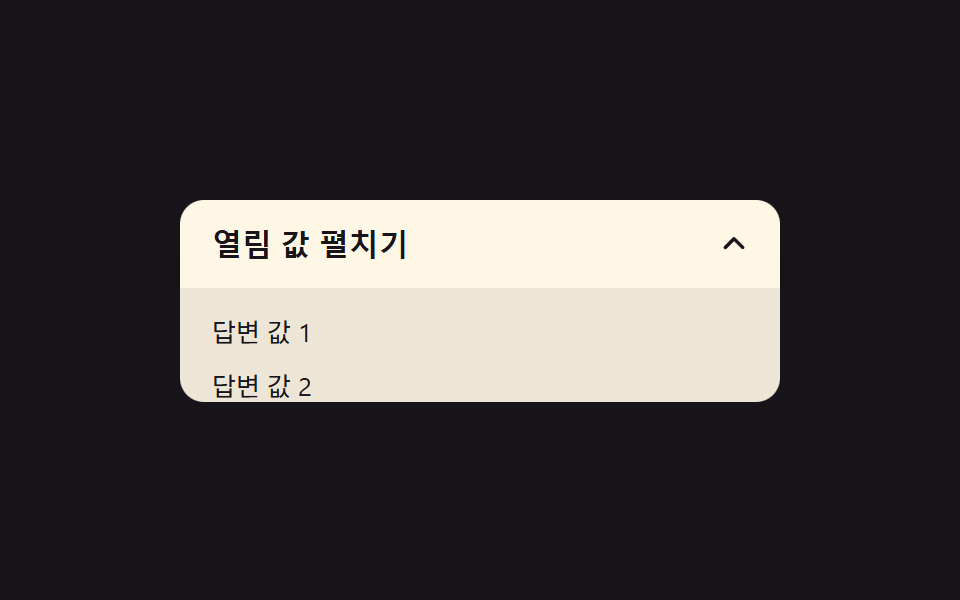 Expanding Button UI: 9 Shape-Morph PatternsExpanding button UI: One of nine grows corner rounding as its open value changes, one spins a plus into a close mark as See all demos in this post
If you like this effect - similar demos
 Buttons01 Button Whose Glow Widens With the Distance ValueCSS Button Hover Effects — 9 Proximity Patterns
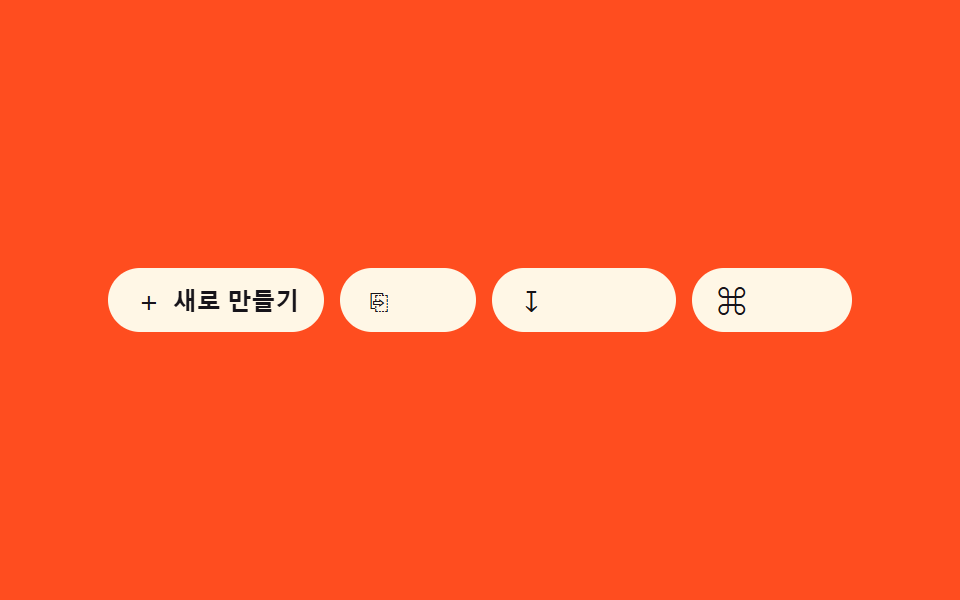 Buttons07 Icon-label combo reveal — as the container-width value widens, an icon button's text-label width value grows from zero into viewButton Group CSS: 9 Adjoined Patterns
 Buttons01 Long-shadow retro — a button whose trailing shadow length value extends and retracts with hover stateCTA Button Design: 9 Interaction Patterns