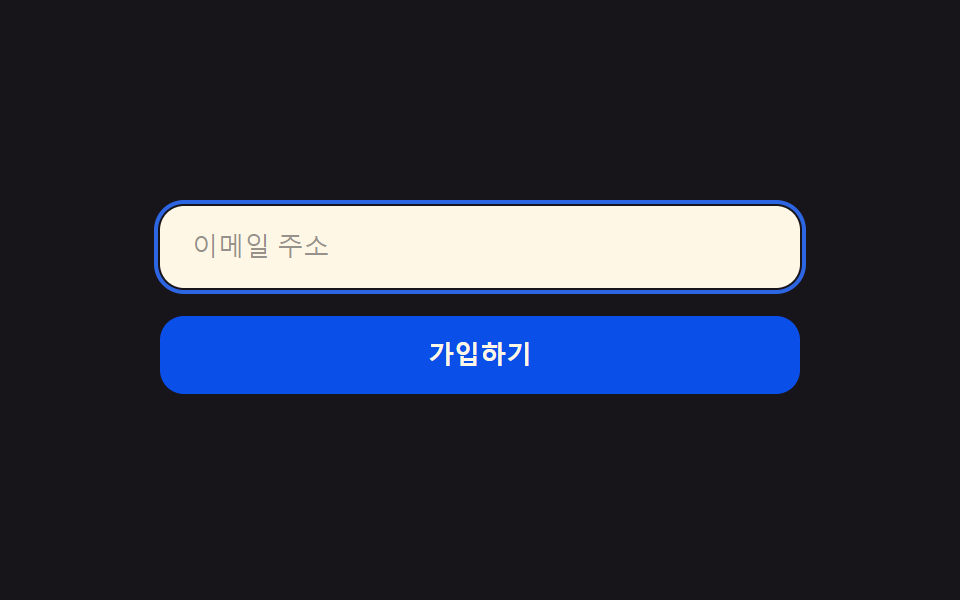
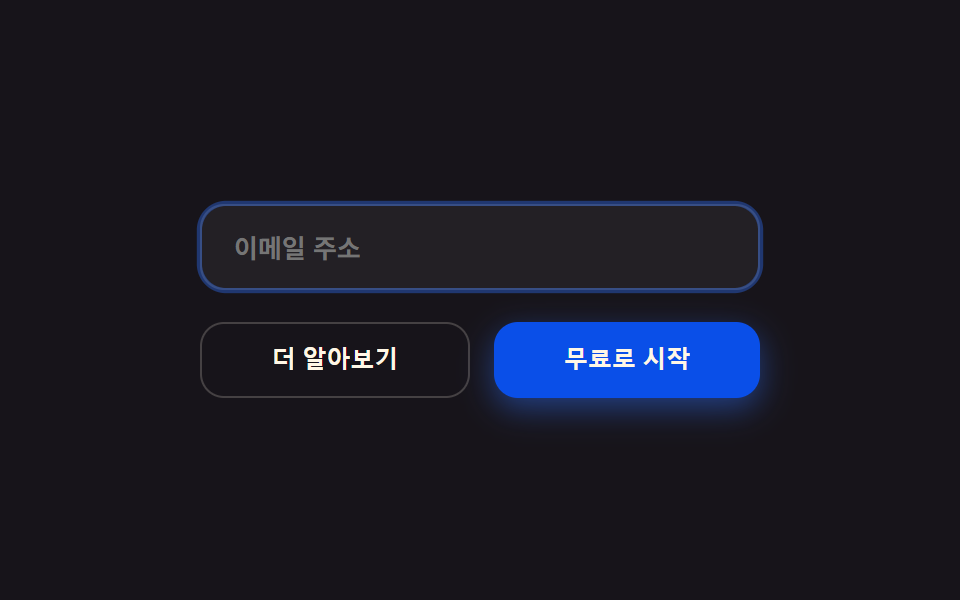
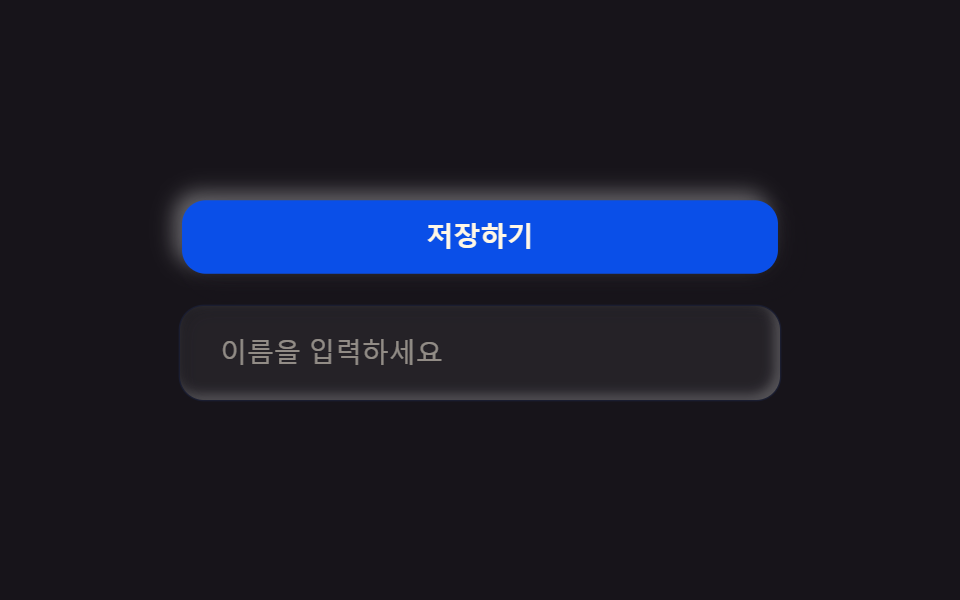
09Paper buttons & inputs
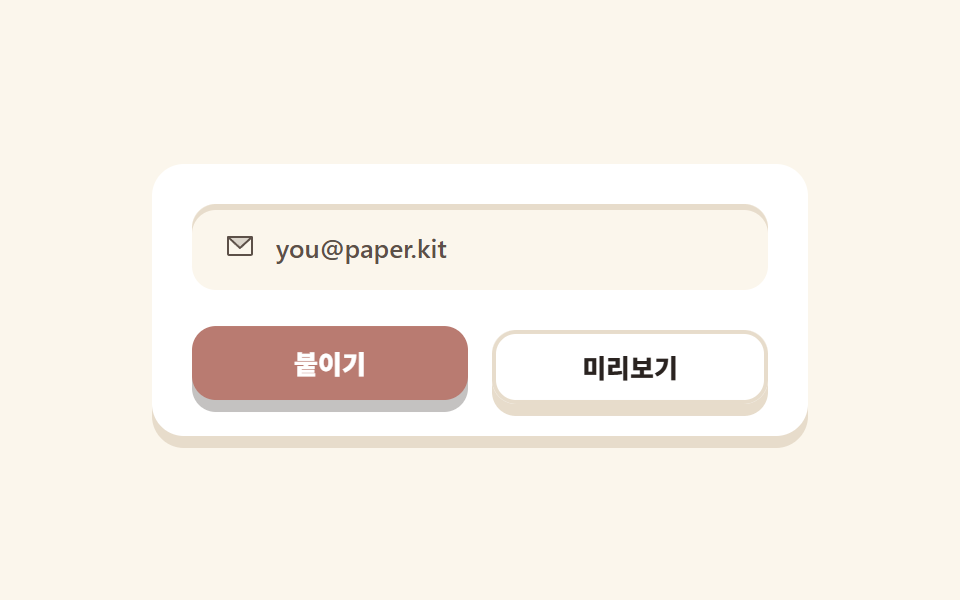
Two buttons press 6px down half a cycle apart, while the input's inset shadow reads as a groove carved into the paper.
Best forSubscribe forms and small in-page conversion blocks
그림자=두께inset 홈radius 12
<main class="stage">
  <section class="paperui">
    <label class="paperui__field">
      <span class="paperui__ic" aria-hidden="true">
        <svg xmlns="http://www.w3.org/2000/svg" width="1em" height="1em" viewBox="0 0 256 256"><g fill="currentColor"><path d="m224 56l-96 88l-96-88Z" opacity=".2"/><path d="M224 48H32a8 8 0 0 0-8 8v136a16 16 0 0 0 16 16h176a16 16 0 0 0 16-16V56a8 8 0 0 0-8-8m-20.57 16L128 133.15L52.57 64ZM216 192H40V74.19l82.59 75.71a8 8 0 0 0 10.82 0L216 74.19z"/></g></svg>
      </span>
      <input class="paperui__input" type="email" placeholder="[email protected]" aria-label="Email">
    </label>
    <div class="paperui__row">
      <button class="paperui__btn paperui__btn--solid" type="button">Pasting</button>
      <button class="paperui__btn paperui__btn--ghost" type="button">Preview</button>
    </div>
  </section>
</main>
@use "../../../../site/static/demo-tokens" as *;
// 페이퍼컷 팔레트
$paper-base: #fbf6ec;
$paper-sheet: #ffffff;
$paper-ink: #2a2320;
$paper-stone: #5c5048;
$paper-coral: #b97b71;
$paper-sky: #6a8db5;
$paper-leaf: #2b7d5a;
$paper-butter: #d6c9ab;
$paper-edge: #e7dccb;
$duration: $dur-loop; // 두 버튼이 번갈아 눌리는 한 주기
$easing: $ease-spring; // 종이가 바닥에 닿을 때만 탄력
$color: $paper-coral; // 채운 버튼의 종이색
@include stage($paper-base);
.paperui {
box-sizing: border-box;
width: clamp(240px, 78vw, 328px);
display: flex;
flex-direction: column;
gap: $sp-4;
padding: $sp-5;
border-radius: $r-card;
background: $paper-sheet;
box-shadow: 0 6px 0 $paper-edge;
}
// 인풋 — 종이에 홈을 판 것처럼 안쪽 그림자
.paperui__field {
display: flex;
align-items: center;
gap: $sp-2;
padding: $sp-3 $sp-4;
border-radius: $r-control;
background: $paper-base;
box-shadow: inset 0 3px 0 $paper-edge;
}
.paperui__ic { color: $paper-stone; font-size: 16px; line-height: 1; }
.paperui__input {
flex: 1 1 auto;
min-width: 0;
border: 0;
background: transparent;
color: $paper-ink;
font-weight: 500; font-size: 13px; line-height: 1;
font-family: inherit;
}
.paperui__input::placeholder { color: $paper-stone; }
.paperui__input:focus-visible { outline: 2px solid $paper-sky; outline-offset: 4px; }
.paperui__row { display: flex; gap: $sp-3; }
.paperui__btn {
flex: 1 1 0;
border: 0;
border-radius: $r-control;
padding: $sp-3 $sp-4;
font-weight: 800; font-size: 13px; line-height: 1;
font-family: inherit;
animation: btnPress $duration $easing infinite;
}
.paperui__btn--solid {
background: $color;
color: $paper-sheet;
box-shadow: 0 6px 0 rgba($paper-ink, .28);
}
.paperui__btn--ghost {
background: $paper-sheet;
color: $paper-ink;
box-shadow: 0 6px 0 $paper-edge, inset 0 0 0 2px $paper-edge;
animation-delay: -1s; // 반 주기 뒤 — 둘이 번갈아 눌린다
}
.paperui__btn:focus-visible { outline: 3px solid $paper-sky; outline-offset: 3px; }
// 데모: 버튼이 종이 두께(그림자 6px)만큼 내려앉았다가 되돌아온다
@keyframes btnPress {
0%, 100% { transform: translateY(0); }
50% { transform: translateY(6px); }
}
@media (max-width: 340px), (max-height: 220px) {
.paperui { width: 256px; padding: $sp-3; gap: $sp-3; }
.paperui__field { padding: $sp-2 $sp-3; }
.paperui__ic { font-size: 13px; }
.paperui__input { font-size: 11px; }
.paperui__row { gap: $sp-2; }
.paperui__btn { padding: $sp-2 $sp-3; font-size: 11px; }
}
@media (prefers-reduced-motion: reduce) {
.paperui__btn { animation: none !important; transform: none; }
}html, body {
margin: 0;
overflow: hidden;
}
.stage {
box-sizing: border-box;
min-height: 100vh;
display: grid;
place-items: center;
margin: 0;
background: #fbf6ec;
font-family: -apple-system, "Segoe UI", "Noto Sans KR", sans-serif;
padding: clamp(8px, 4vw, 24px);
}
.paperui {
box-sizing: border-box;
width: clamp(240px, 78vw, 328px);
display: flex;
flex-direction: column;
gap: 16px;
padding: 20px;
border-radius: 16px;
background: #ffffff;
box-shadow: 0 6px 0 #e7dccb;
}
.paperui__field {
display: flex;
align-items: center;
gap: 8px;
padding: 12px 16px;
border-radius: 12px;
background: #fbf6ec;
box-shadow: inset 0 3px 0 #e7dccb;
}
.paperui__ic {
color: #5c5048;
font-size: 16px;
line-height: 1;
}
.paperui__input {
flex: 1 1 auto;
min-width: 0;
border: 0;
background: transparent;
color: #2a2320;
font-weight: 500;
font-size: 13px;
line-height: 1;
font-family: inherit;
}
.paperui__input::placeholder {
color: #5c5048;
}
.paperui__input:focus-visible {
outline: 2px solid #6a8db5;
outline-offset: 4px;
}
.paperui__row {
display: flex;
gap: 12px;
}
.paperui__btn {
flex: 1 1 0;
border: 0;
border-radius: 12px;
padding: 12px 16px;
font-weight: 800;
font-size: 13px;
line-height: 1;
font-family: inherit;
animation: btnPress 2s cubic-bezier(0.2, 0.8, 0.2, 1) infinite;
}
.paperui__btn--solid {
background: #b97b71;
color: #ffffff;
box-shadow: 0 6px 0 rgba(42, 35, 32, 0.28);
}
.paperui__btn--ghost {
background: #ffffff;
color: #2a2320;
box-shadow: 0 6px 0 #e7dccb, inset 0 0 0 2px #e7dccb;
animation-delay: -1s;
}
.paperui__btn:focus-visible {
outline: 3px solid #6a8db5;
outline-offset: 3px;
}
@keyframes btnPress {
0%, 100% {
transform: translateY(0);
}
50% {
transform: translateY(6px);
}
}
@media (max-width: 340px), (max-height: 220px) {
.paperui {
width: 256px;
padding: 12px;
gap: 12px;
}
.paperui__field {
padding: 8px 12px;
}
.paperui__ic {
font-size: 13px;
}
.paperui__input {
font-size: 11px;
}
.paperui__row {
gap: 8px;
}
.paperui__btn {
padding: 8px 12px;
font-size: 11px;
}
}
@media (prefers-reduced-motion: reduce) {
.paperui__btn {
animation: none !important;
transform: none;
}
}import type { CSSProperties } from "react";
import styles from "./PaperUI.module.scss";
export type PaperUIProps = {
placeholder?: string;
solidLabel?: string;
ghostLabel?: string;
/** 한 주기(기본 2000ms) */
duration?: number;
easing?: string;
/** 채운 버튼의 종이색 */
color?: string;
};
type Vars = CSSProperties & { "--duration"?: string; "--easing"?: string; "--color"?: string };
const MAIL = (
<svg xmlns="http://www.w3.org/2000/svg" width="1em" height="1em" viewBox="0 0 256 256"><g fill="currentColor"><path d="m224 56l-96 88l-96-88Z" opacity=".2"/><path d="M224 48H32a8 8 0 0 0-8 8v136a16 16 0 0 0 16 16h176a16 16 0 0 0 16-16V56a8 8 0 0 0-8-8m-20.57 16L128 133.15L52.57 64ZM216 192H40V74.19l82.59 75.71a8 8 0 0 0 10.82 0L216 74.19z"/></g></svg>
);
export default function PaperUI({
placeholder = "[email protected]",
solidLabel = "붙이기",
ghostLabel = "미리보기",
duration = 2000,
easing = "cubic-bezier(.2,.8,.2,1)",
color = "#cc3d26",
}: PaperUIProps) {
const vars: Vars = { "--duration": `${duration}ms`, "--easing": easing, "--color": color };
return (
<section className={styles.paperui} style={vars}>
<label className={styles.field}>
<span className={styles.ic} aria-hidden="true">{MAIL}</span>
<input className={styles.input} type="email" placeholder={placeholder} aria-label="이메일" />
</label>
<div className={styles.row}>
<button className={`${styles.btn} ${styles.solid}`} type="button">{solidLabel}</button>
<button className={`${styles.btn} ${styles.ghost}`} type="button">{ghostLabel}</button>
</div>
</section>
);
}09 Paper buttons & inputs — Measured area 4.483% · moving frames 16/23Original by GODRICH · SCSS and React ship in the zip · Paper Cutout Design: 9 Layered Landing Sections
The post this demo lives in
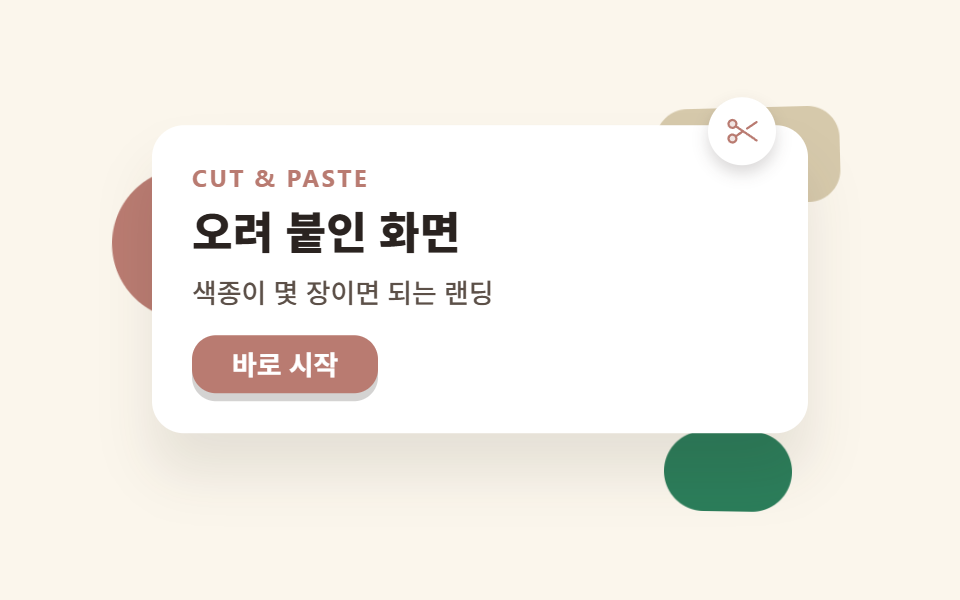 Paper Cutout Design: 9 Layered Landing SectionsPaper cutout design is a layout style where every surface looks like it was cut with scissors and glued down: each panel See all demos in this post