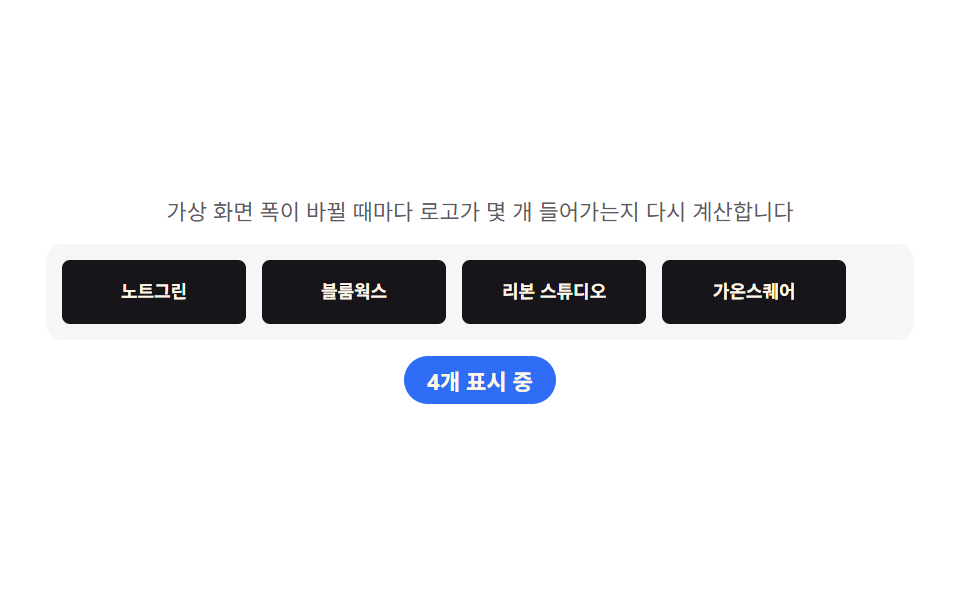
08Partner logo bar — a row that recomputes how many logos fit the current width
The current width works out how many logos fit one row, overflow logos automatically drop to the next row, and any width change reworks that count and fixes the layout.
Best forPartner and payment-provider logo rows, trust badge lineups
querySelectorAlloffsetWidthtext-overflow
<main class="stage">
<section class="panel">
  <p class="hint">Every time the virtual screen width changes, it recalculates how many logos fit.</p>
  <div class="viewport" id="viewport">
    <ul class="row" id="row">
      <li class="logo" id="logo0">NoteGreen</li>
      <li class="logo" id="logo1">Bloomworks</li>
      <li class="logo" id="logo2">Ribbon Studio</li>
      <li class="logo" id="logo3">Gaon Square</li>
      <li class="logo" id="logo4">Dasol Works</li>
      <li class="logo" id="logo5">Byeolbit Lab</li>
    </ul>
  </div>
  <p class="chip" id="fitChip">0 shown</p>
</section>
</main>
@use "../../../../site/static/demo-tokens" as *;
$duration: $dur-base;
$easing: $ease-out;
$color: $subject-blue;
@include stage($stage-paper);
.panel {
width: 100%;
max-width: 440px;
display: flex;
flex-direction: column;
align-items: center;
gap: $sp-2;
}
.hint {
margin: 0;
padding: 0 $sp-2;
text-align: center;
font-weight: 400;
font-size: 11px;
line-height: 1.4;
color: rgba($subject-ink, .70);
}
.viewport {
width: 220px;
overflow: hidden;
border-radius: $r-sm;
background: rgba($subject-ink, .04);
padding: $sp-2;
transition: width $duration $easing;
}
.row {
margin: 0;
padding: 0;
list-style: none;
display: flex;
gap: $sp-2;
flex-wrap: nowrap;
}
.logo {
flex: 0 0 auto;
width: 84px;
height: 32px;
display: flex;
align-items: center;
justify-content: center;
border-radius: $r-xs;
background: $subject-ink;
color: $subject-cream;
font-weight: 700;
font-size: 9px;
text-align: center;
padding: 0 $sp-1;
white-space: nowrap;
overflow: hidden;
text-overflow: ellipsis;
}
.chip {
margin: 0;
padding: $sp-1 $sp-3;
border-radius: $r-pill;
background: $color;
color: $subject-cream;
font-weight: 700;
font-size: 11px;
}
@media (max-width: 340px) {
.panel { max-width: 300px; gap: $sp-1; }
.hint { font-size: 9px; }
.viewport { width: 180px; }
}
@media (prefers-reduced-motion: reduce) {
.viewport {
transition: none;
}
}html, body {
margin: 0;
overflow: hidden;
}
.stage {
box-sizing: border-box;
min-height: 100vh;
display: grid;
place-items: center;
margin: 0;
background: #ffffff;
font-family: -apple-system, "Segoe UI", "Noto Sans KR", sans-serif;
padding: clamp(8px, 4vw, 24px);
}
.panel {
width: 100%;
max-width: 440px;
display: flex;
flex-direction: column;
align-items: center;
gap: 8px;
}
.hint {
margin: 0;
padding: 0 8px;
text-align: center;
font-weight: 400;
font-size: 11px;
line-height: 1.4;
color: rgba(23, 20, 26, 0.7);
}
.viewport {
width: 220px;
overflow: hidden;
border-radius: 8px;
background: rgba(23, 20, 26, 0.04);
padding: 8px;
transition: width 300ms ease-out;
}
.row {
margin: 0;
padding: 0;
list-style: none;
display: flex;
gap: 8px;
flex-wrap: nowrap;
}
.logo {
flex: 0 0 auto;
width: 84px;
height: 32px;
display: flex;
align-items: center;
justify-content: center;
border-radius: 4px;
background: #17141a;
color: #fff7e6;
font-weight: 700;
font-size: 9px;
text-align: center;
padding: 0 4px;
white-space: nowrap;
overflow: hidden;
text-overflow: ellipsis;
}
.chip {
margin: 0;
padding: 4px 12px;
border-radius: 999px;
background: #2f6df6;
color: #fff7e6;
font-weight: 700;
font-size: 11px;
}
@media (max-width: 340px) {
.panel {
max-width: 300px;
gap: 4px;
}
.hint {
font-size: 9px;
}
.viewport {
width: 180px;
}
}
@media (prefers-reduced-motion: reduce) {
.viewport {
transition: none;
}
}// 파트너 바(08) — 가상 화면 폭(viewport)이 바뀔 때마다 로고 한 칸의 실제 폭(itemWidth)과 간격(gap)을
// 재 몇 개가 들어가는지(fitCount) 다시 계산하고, 그만큼만 보이게 한다(계산 한 겹). 마퀴가 아니라
// 정적 배치라 무한 루프 트랙 복제는 쓰지 않는다.
(function () {
var viewport = document.getElementById('viewport');
var row = document.getElementById('row');
var chip = document.getElementById('fitChip');
if (!viewport || !row || !chip) return;
var reduce = window.matchMedia('(prefers-reduced-motion: reduce)').matches;
var items = Array.prototype.slice.call(row.querySelectorAll('.logo'));
if (!items.length) return;
var GAP = 8;
var WIDTHS = [220, 320, 420];
function apply(width) {
viewport.style.width = width + 'px';
var itemWidth = items[0].offsetWidth || 80;
var fitCount = Math.max(1, Math.floor((width + GAP) / (itemWidth + GAP)));
fitCount = Math.min(fitCount, items.length);
items.forEach(function (item, i) {
item.style.display = i < fitCount ? '' : 'none';
});
chip.textContent = fitCount + 'shown';
}
apply(WIDTHS[0]);
if (!reduce) {
var idx = 0;
setInterval(function () {
idx = (idx + 1) % WIDTHS.length;
apply(WIDTHS[idx]);
}, 900);
}
})();// PricingPartnerBar — vanilla 판(run/339/demo/08-pricing-partner-bar/index.html) 의 React 포트.
// 가상 화면 폭(viewport)이 바뀔 때마다 로고 한 칸의 실제 폭(itemWidth)과 간격(gap)을 재 몇 개가
// 들어가는지(fitCount) 다시 계산하고, 그만큼만 보이게 한다(계산 한 겹). 마퀴가 아니라 정적 배치라
// 무한 루프 트랙 복제는 쓰지 않는다.
import { useEffect, useRef } from "react";
import styles from "./PricingPartnerBar.module.scss";
export type PricingPartnerBarProps = {
duration?: string;
easing?: string;
color?: string;
};
const HINT = "가상 화면 폭이 바뀔 때마다 로고가 몇 개 들어가는지 다시 계산합니다";
const LOGOS = ["노트그린", "블룸웍스", "리본 스튜디오", "가온스퀘어", "다솔웍스", "별빛랩"];
const GAP = 8;
const WIDTHS = [220, 320, 420];
export default function PricingPartnerBar({
duration = "300ms",
easing = "ease-out",
color = "#2f6df6"
}: PricingPartnerBarProps) {
const viewportRef = useRef<HTMLDivElement | null>(null);
const itemRefs = useRef<(HTMLLIElement | null)[]>([]);
const chipRef = useRef<HTMLParagraphElement | null>(null);
useEffect(() => {
const viewport = viewportRef.current;
const chip = chipRef.current;
const items = itemRefs.current!;
if (!viewport || !chip || items.some((el) => !el)) return;
const reduce = window.matchMedia("(prefers-reduced-motion: reduce)").matches;
function apply(width: number): void {
viewport!.style.width = width + "px";
const itemWidth = items[0]!.offsetWidth || 80;
let fitCount = Math.max(1, Math.floor((width + GAP) / (itemWidth + GAP)));
fitCount = Math.min(fitCount, items.length);
items.forEach((item, i) => {
if (item) item.style.display = i < fitCount ? "" : "none";
});
chip!.textContent = fitCount + "개 표시 중";
}
apply(WIDTHS[0]);
let timer = 0;
if (!reduce) {
let idx = 0;
timer = window.setInterval(() => {
idx = (idx + 1) % WIDTHS.length;
apply(WIDTHS[idx]);
}, 900);
}
return () => {
if (timer) window.clearInterval(timer);
};
// eslint-disable-next-line react-hooks/exhaustive-deps
}, []);
return (
<main className={styles.stage}>
<section className={styles.panel}>
<p className={styles.hint}>{HINT}</p>
<div className={styles.viewport} ref={viewportRef}>
<ul className={styles.row}>
{LOGOS.map((name, i) => (
<li
key={name}
className={styles.logo}
ref={(el: HTMLLIElement | null) => {
itemRefs.current![i] = el;
}}
>
{name}
</li>
))}
</ul>
</div>
<p className={styles.chip} ref={chipRef}>
0개 표시 중
</p>
</section>
</main>
);
}08 Partner logo bar — a row that recomputes how many logos fit the current width — Measured area 8.32% · moving frames 9/23Original by GODRICH · SCSS and React ship in the zip · 9 Pricing Page Design Sections (Copy-Paste)
The post this demo lives in
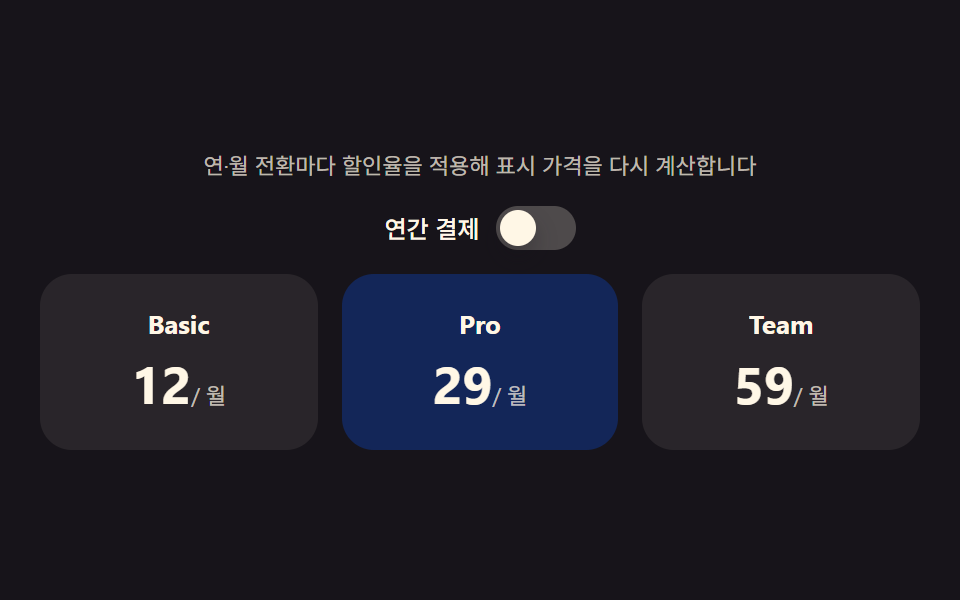 9 Pricing Page Design Sections (Copy-Paste)Nine pricing sections that compute: the billing switch reworks every plan's price on the spot, the discount badge derive See all demos in this post
If you like this effect - similar demos
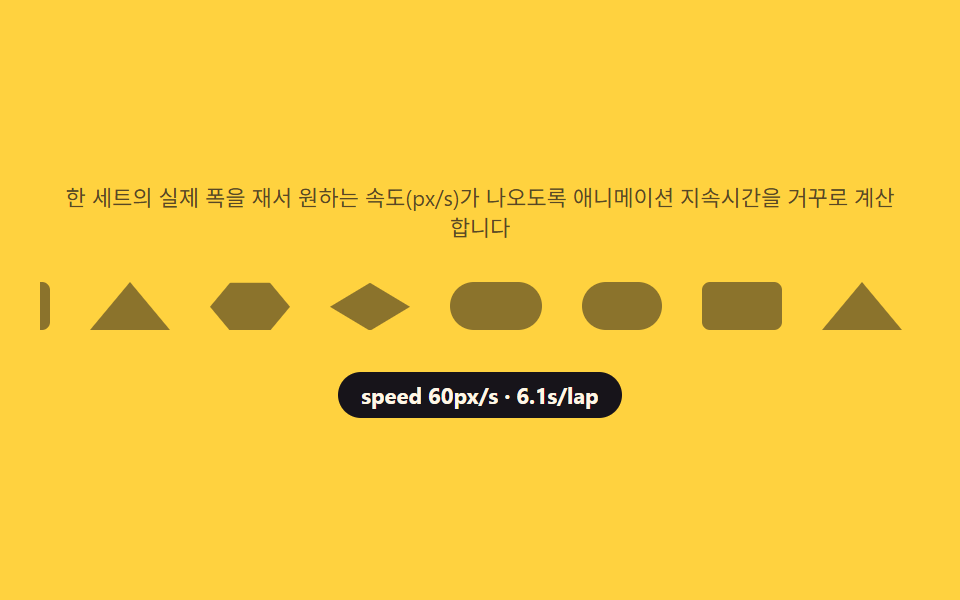 Landing sections06 Partner logo bar — a scroll that reverse-computes its speed from the measured track width9 Team Page Design Patterns (Copy-Paste)
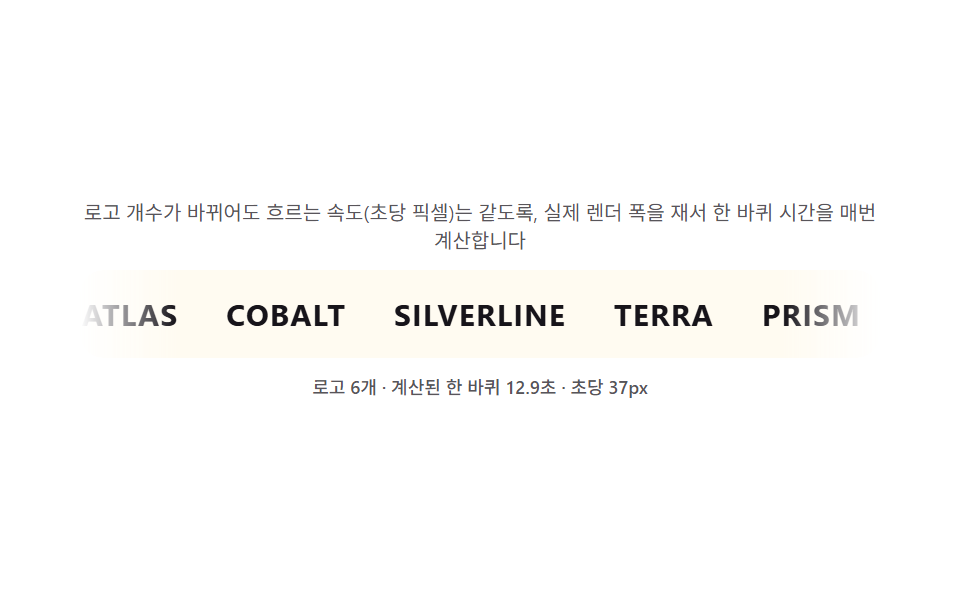 Landing sections08 Logo bar — a marquee that recomputes speed from logo count to keep loop time constant9 Case Study Page Design Sections (Copy-Paste)
 Landing sections07 Footer — a link list recomputing underline width from zero to the text widthHero Section Design Examples: 9 Patterns