09Input with clear (X) button
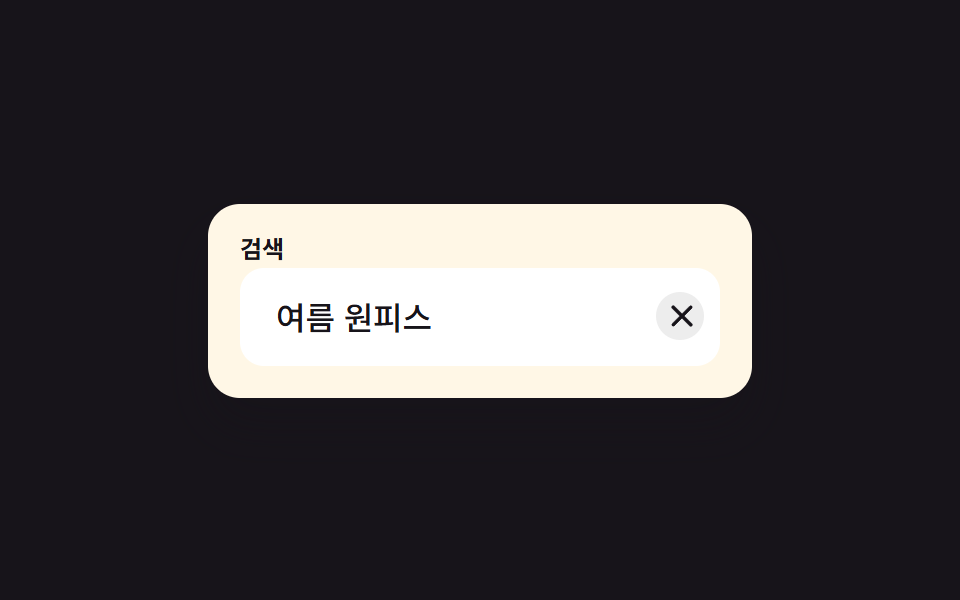
Once you type, an X button appears on the right; clicking it empties the field in one go and keeps focus in place.
Best forClearing a search box, correcting a signup field in one tap
조건부 표시aria-label 지우기focus 유지
<main class="stage">
  <div class="cb is-demo" id="wrap">
    <label class="cb__label" for="cb-input">Search</label>
    <div class="cb__field">
      <input class="cb__input" id="cb-input" type="text" placeholder="Type to search" autocomplete="off">
      <button type="button" class="cb__clear" id="cb-clear" aria-label="Clear">
        <svg viewBox="0 0 16 16" width="14" height="14" aria-hidden="true" focusable="false">
          <line x1="3" y1="3" x2="13" y2="13" stroke="currentColor" stroke-width="2" stroke-linecap="round"/>
          <line x1="13" y1="3" x2="3" y2="13" stroke="currentColor" stroke-width="2" stroke-linecap="round"/>
        </svg>
      </button>
    </div>
  </div>
</main>
@use "../../../../site/static/demo-tokens" as *;
// ── 변수 3개 ──────────────────────────────────────────
$duration: $dur-instant; // X 버튼 팝인 시간
$easing: $ease-pop;
$color: $subject-blue; // 포커스 테두리 색
// ── 데모 무대 ──────────────────────────────────────────
@include stage($stage-ink);
.cb {
box-sizing: border-box;
width: min(272px, 84vw);
background: $subject-cream;
border-radius: $r-card;
padding: $sp-4;
box-shadow: $shadow-raised;
&__label {
display: block;
margin: 0 0 $sp-1;
font-weight: 700;
font-size: 12px;
line-height: 1;
font-family: inherit;
color: $stage-ink;
}
&__field {
position: relative;
width: 100%;
}
&__input {
box-sizing: border-box;
width: 100%;
border: 2px solid transparent;
border-radius: $r-control;
padding: $sp-3 $sp-10 $sp-3 $sp-4;
font-weight: 500;
font-size: clamp(14px, 4.2vw, 16px);
font-family: inherit;
color: $stage-ink;
background: #fff;
transition: border-color $duration $easing;
&:focus { outline: none; border-color: $color; }
}
&__clear {
position: absolute;
top: 50%;
right: $sp-2;
transform: translateY(-50%) scale(.5);
width: 24px;
height: 24px;
display: grid;
place-items: center;
border: 0;
border-radius: 50%;
background: rgba(23, 20, 26, .08);
color: $stage-ink;
cursor: pointer;
opacity: 0;
pointer-events: none;
transition: opacity $duration $easing, transform $duration $easing, background $duration $easing;
&:hover, &:focus-visible { background: rgba(23, 20, 26, .16); }
}
}
.cb.has-value .cb__clear {
opacity: 1;
pointer-events: auto;
transform: translateY(-50%) scale(1);
}
@media (prefers-reduced-motion: reduce) {
.cb__input, .cb__clear { transition: none; }
}html, body {
margin: 0;
overflow: hidden;
}
.stage {
box-sizing: border-box;
min-height: 100vh;
display: grid;
place-items: center;
margin: 0;
background: #17141a;
font-family: -apple-system, "Segoe UI", "Noto Sans KR", sans-serif;
padding: clamp(8px, 4vw, 24px);
}
.cb {
box-sizing: border-box;
width: min(272px, 84vw);
background: #fff7e6;
border-radius: 16px;
padding: 16px;
box-shadow: 0 14px 24px rgba(23, 20, 26, 0.32);
}
.cb__label {
display: block;
margin: 0 0 4px;
font-weight: 700;
font-size: 12px;
line-height: 1;
font-family: inherit;
color: #17141a;
}
.cb__field {
position: relative;
width: 100%;
}
.cb__input {
box-sizing: border-box;
width: 100%;
border: 2px solid transparent;
border-radius: 12px;
padding: 12px 40px 12px 16px;
font-weight: 500;
font-size: clamp(14px, 4.2vw, 16px);
font-family: inherit;
color: #17141a;
background: #fff;
transition: border-color 140ms cubic-bezier(0.2, 1.4, 0.4, 1);
}
.cb__input:focus {
outline: none;
border-color: #2f6df6;
}
.cb__clear {
position: absolute;
top: 50%;
right: 8px;
transform: translateY(-50%) scale(0.5);
width: 24px;
height: 24px;
display: grid;
place-items: center;
border: 0;
border-radius: 50%;
background: rgba(23, 20, 26, 0.08);
color: #17141a;
cursor: pointer;
opacity: 0;
pointer-events: none;
transition: opacity 140ms cubic-bezier(0.2, 1.4, 0.4, 1), transform 140ms cubic-bezier(0.2, 1.4, 0.4, 1), background 140ms cubic-bezier(0.2, 1.4, 0.4, 1);
}
.cb__clear:hover, .cb__clear:focus-visible {
background: rgba(23, 20, 26, 0.16);
}
.cb.has-value .cb__clear {
opacity: 1;
pointer-events: auto;
transform: translateY(-50%) scale(1);
}
@media (prefers-reduced-motion: reduce) {
.cb__input, .cb__clear {
transition: none;
}
}(function () {
var wrap = document.getElementById('wrap');
var input = document.getElementById('cb-input');
var clearBtn = document.getElementById('cb-clear');
function sync() {
if (input.value) {
wrap.classList.add('has-value');
} else {
wrap.classList.remove('has-value');
}
}
function doClear() {
input.value = '';
sync();
input.focus({ preventScroll: true });
}
input.addEventListener('input', sync);
clearBtn.addEventListener('click', function () { stopDemo(); doClear(); });
input.addEventListener('keydown', function (e) {
stopDemo();
if (e.key === 'Escape' && input.value) {
doClear();
}
});
input.addEventListener('pointerdown', stopDemo);
function stopDemo() {
if (!wrap.classList.contains('is-demo')) return;
wrap.classList.remove('is-demo');
clearInterval(timer);
}
var full = 'summer dress';
var i = 0, paused = false;
var timer = setInterval(function () {
if (paused) return;
if (i > full.length) {
paused = true;
setTimeout(function () { doClear(); i = 0; paused = false; }, 900);
return;
}
input.value = full.slice(0, i);
sync();
i++;
}, 130);
})();import { useRef, useState, type ChangeEvent } from "react";
import styles from "./ClearButtonInput.module.scss";
export type ClearButtonInputProps = {
label?: string;
};
export default function ClearButtonInput({ label = "검색" }: ClearButtonInputProps) {
const [value, setValue] = useState("");
const inputRef = useRef<HTMLInputElement>(null);
const clear = () => {
setValue("");
inputRef.current?.focus({ preventScroll: true });
};
const onChange = (e: ChangeEvent<HTMLInputElement>) => setValue(e.target.value);
const onKeyDown = (e: any) => {
if (e.key === "Escape" && value) {
clear();
}
};
return (
<div className={styles.cb}>
<label className={styles.label} htmlFor="cb-input-react">
{label}
</label>
<div className={styles.field}>
<input
id="cb-input-react"
ref={inputRef}
className={styles.input}
type="text"
placeholder="검색어를 입력하세요"
autoComplete="off"
value={value}
onChange={onChange}
onKeyDown={onKeyDown}
/>
<button
type="button"
className={value ? `${styles.clear} ${styles.visible}` : styles.clear}
aria-label="지우기"
onClick={clear}
>
<svg viewBox="0 0 16 16" width="14" height="14" aria-hidden="true" focusable="false">
<line x1="3" y1="3" x2="13" y2="13" stroke="currentColor" strokeWidth={2} strokeLinecap="round" />
<line x1="13" y1="3" x2="3" y2="13" stroke="currentColor" strokeWidth={2} strokeLinecap="round" />
</svg>
</button>
</div>
</div>
);
}09 Input with clear (X) button — Measured area 2.114% · moving frames 11/23Original by GODRICH · SCSS and React ship in the zip · Register Form Design: 9 Keyboard-Friendly Inputs
The post this demo lives in
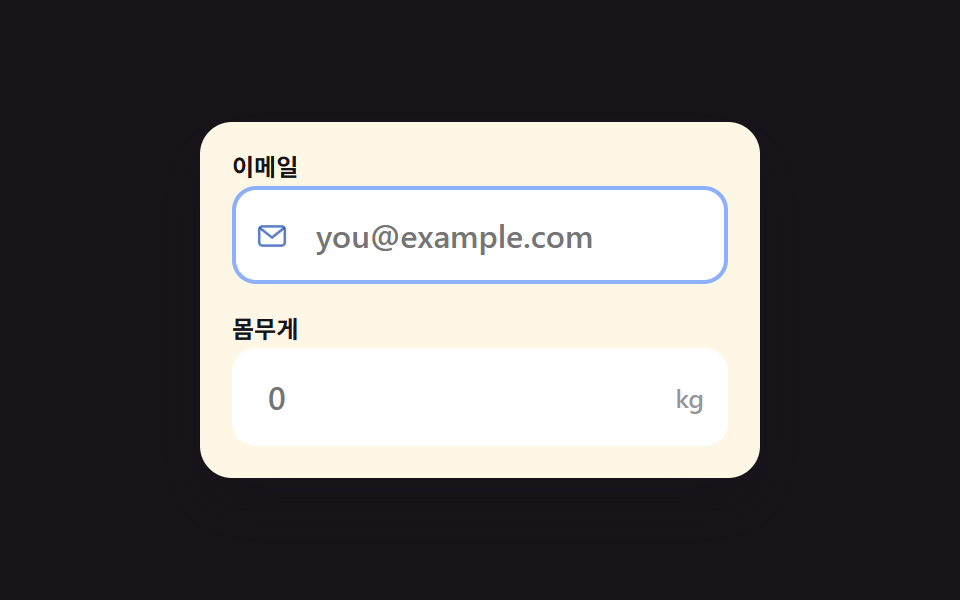 Register Form Design: 9 Keyboard-Friendly InputsRegister form design lives or dies in the fields, not the submit button. These nine inputs cover everything a signup scr See all demos in this post
If you like this effect - similar demos
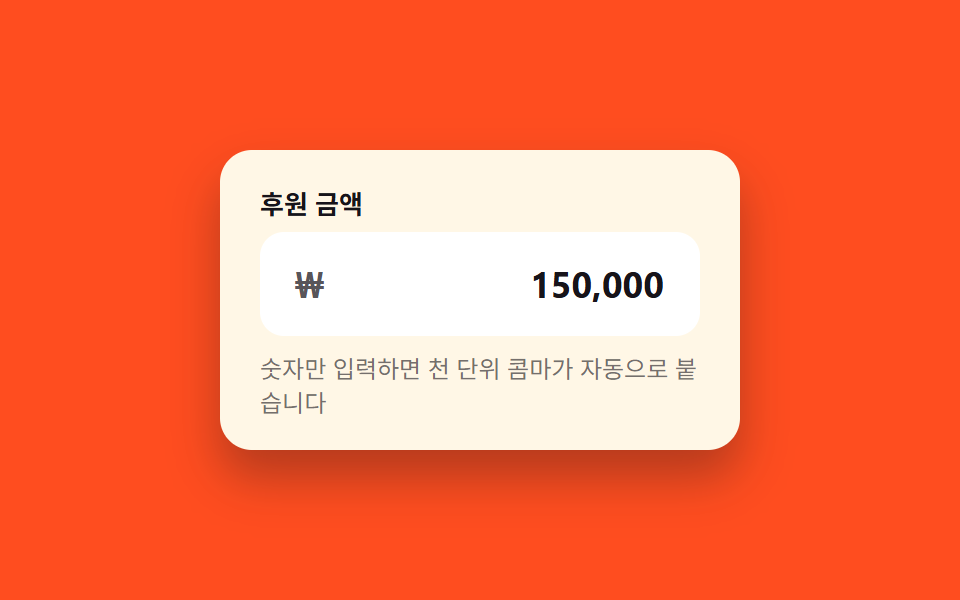 Inputs03 Currency input with auto commaCSS Input Design: 9 Form Widgets You Can Paste In
 Inputs06 Error-value shake toggle — when the number's error value turns on, the field's shake value rises then settles while the input value clearsCredit Card Input UI: 9 Patterns
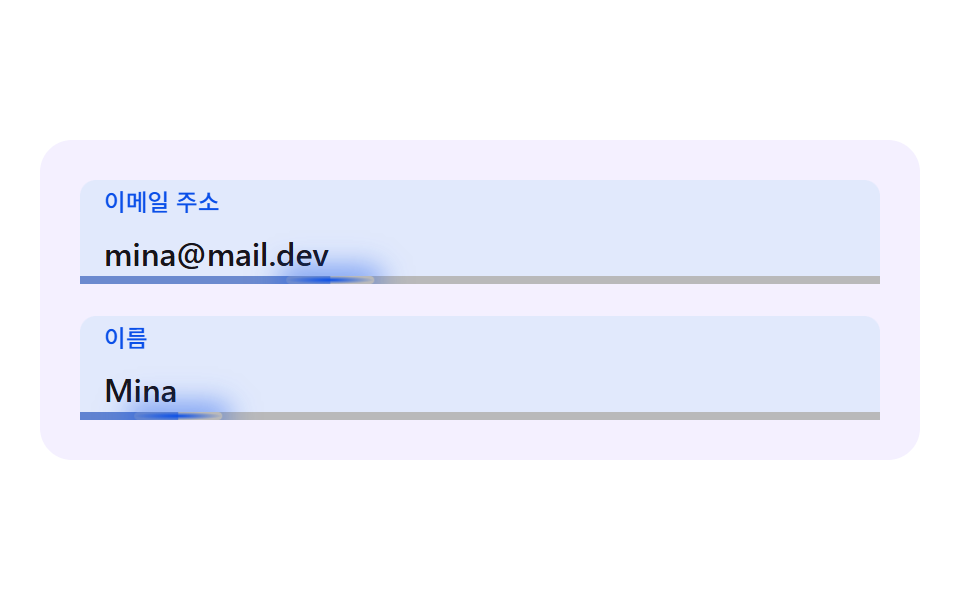 Inputs03 An Input Whose Underline Chases the Caret with InertiaCSS Floating Label: 9 Inputs on Spring Physics