02Half-step precision fill — the filled value splits into a whole or half value depending on which half of a star's width the pointer falls in
The pointer's horizontal position value determines which half of a single star's width value it falls in, and the filled value is set to either a whole number value or a half-step value accordingly.
Best forA review form for finer ratings, a decimal rating input based on a five-star scale
valueFromX(clientX)STAR_W = 44steps = [0.5, 1, 1.5, …, 5]
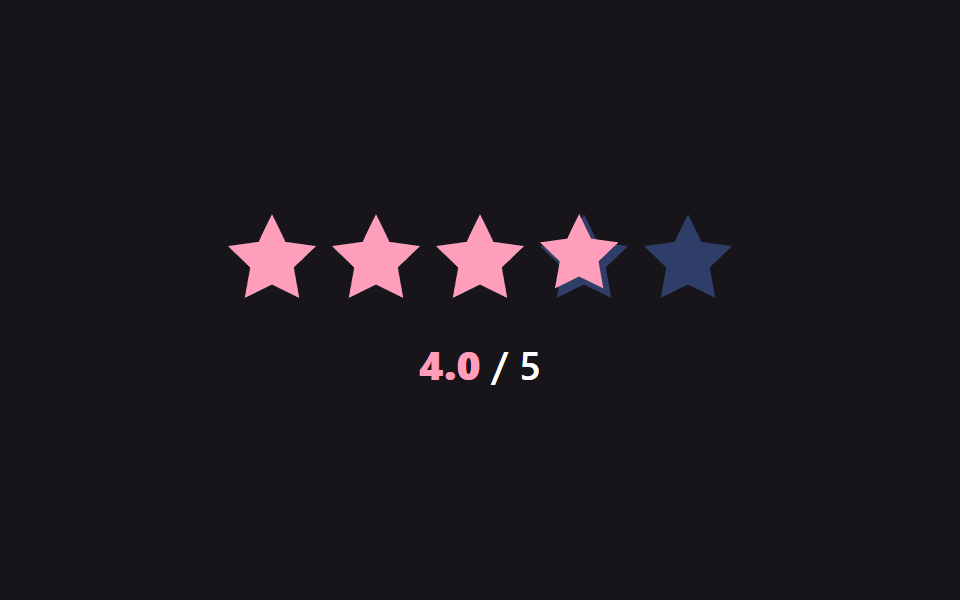
<main class="stage">
<div class="sr is-demo" id="sr">
  <div class="sr__row" id="srRow">
    <span class="sr__star" data-i="0"><svg class="sr__base" viewBox="0 0 24 24"><path d="M12 .587l3.668 7.568 8.332 1.151-6.064 5.828 1.48 8.279L12 19.771l-7.416 3.642 1.48-8.279-6.064-5.828 8.332-1.151z"/></svg><span class="sr__fillclip" id="fc0"><svg class="sr__fill" viewBox="0 0 24 24"><path d="M12 .587l3.668 7.568 8.332 1.151-6.064 5.828 1.48 8.279L12 19.771l-7.416 3.642 1.48-8.279-6.064-5.828 8.332-1.151z"/></svg></span></span>
    <span class="sr__star" data-i="1"><svg class="sr__base" viewBox="0 0 24 24"><path d="M12 .587l3.668 7.568 8.332 1.151-6.064 5.828 1.48 8.279L12 19.771l-7.416 3.642 1.48-8.279-6.064-5.828 8.332-1.151z"/></svg><span class="sr__fillclip" id="fc1"><svg class="sr__fill" viewBox="0 0 24 24"><path d="M12 .587l3.668 7.568 8.332 1.151-6.064 5.828 1.48 8.279L12 19.771l-7.416 3.642 1.48-8.279-6.064-5.828 8.332-1.151z"/></svg></span></span>
    <span class="sr__star" data-i="2"><svg class="sr__base" viewBox="0 0 24 24"><path d="M12 .587l3.668 7.568 8.332 1.151-6.064 5.828 1.48 8.279L12 19.771l-7.416 3.642 1.48-8.279-6.064-5.828 8.332-1.151z"/></svg><span class="sr__fillclip" id="fc2"><svg class="sr__fill" viewBox="0 0 24 24"><path d="M12 .587l3.668 7.568 8.332 1.151-6.064 5.828 1.48 8.279L12 19.771l-7.416 3.642 1.48-8.279-6.064-5.828 8.332-1.151z"/></svg></span></span>
    <span class="sr__star" data-i="3"><svg class="sr__base" viewBox="0 0 24 24"><path d="M12 .587l3.668 7.568 8.332 1.151-6.064 5.828 1.48 8.279L12 19.771l-7.416 3.642 1.48-8.279-6.064-5.828 8.332-1.151z"/></svg><span class="sr__fillclip" id="fc3"><svg class="sr__fill" viewBox="0 0 24 24"><path d="M12 .587l3.668 7.568 8.332 1.151-6.064 5.828 1.48 8.279L12 19.771l-7.416 3.642 1.48-8.279-6.064-5.828 8.332-1.151z"/></svg></span></span>
    <span class="sr__star" data-i="4"><svg class="sr__base" viewBox="0 0 24 24"><path d="M12 .587l3.668 7.568 8.332 1.151-6.064 5.828 1.48 8.279L12 19.771l-7.416 3.642 1.48-8.279-6.064-5.828 8.332-1.151z"/></svg><span class="sr__fillclip" id="fc4"><svg class="sr__fill" viewBox="0 0 24 24"><path d="M12 .587l3.668 7.568 8.332 1.151-6.064 5.828 1.48 8.279L12 19.771l-7.416 3.642 1.48-8.279-6.064-5.828 8.332-1.151z"/></svg></span></span>
  </div>
  <div class="sr__readout" id="srReadout"><b id="srNum">0.0</b> / 5</div>
</div>
</main>
@use "../../../../site/static/demo-tokens" as *;
// 계산 겹: 별의 실제 렌더 폭(getBoundingClientRect)을 기준으로 포인터 위치가 왼쪽/오른쪽 절반
// 어디에 있는지를 나눠 정수 또는 .5 단위로만 값을 스냅한다 (valueFromX()).
@include stage($stage-ink);
.sr {
display: grid;
gap: $sp-5;
place-items: center;
}
.sr__row {
display: flex;
gap: $sp-2;
cursor: pointer;
}
.sr__star {
position: relative;
width: 44px;
height: 44px;
}
.sr__base,
.sr__fill svg {
position: absolute;
inset: 0;
width: 100%;
height: 100%;
}
.sr__base { fill: $subject-blue-light; opacity: .35; }
.sr__fillclip {
position: absolute;
inset: 0;
width: 0%;
overflow: hidden;
transition: width $dur-instant $ease-out;
}
.sr__fill { fill: $subject-pink; }
.sr__readout {
font: 600 20px/1.2 -apple-system, "Segoe UI", "Noto Sans KR", sans-serif;
color: $stage-paper;
b { color: $subject-pink; font-variant-numeric: tabular-nums; }
}
@media (max-width: 340px) {
.sr__star { width: 34px; height: 34px; }
.sr__row { gap: $sp-1; }
.sr__readout { font-size: 16px; }
}
@media (prefers-reduced-motion: reduce) {
.sr__fillclip { transition: none; }
}html, body {
margin: 0;
overflow: hidden;
}
.stage {
box-sizing: border-box;
min-height: 100vh;
display: grid;
place-items: center;
margin: 0;
background: #17141a;
font-family: -apple-system, "Segoe UI", "Noto Sans KR", sans-serif;
padding: clamp(8px, 4vw, 24px);
}
.sr {
display: grid;
gap: 20px;
place-items: center;
}
.sr__row {
display: flex;
gap: 8px;
cursor: pointer;
}
.sr__star {
position: relative;
width: 44px;
height: 44px;
}
.sr__base,
.sr__fill svg {
position: absolute;
inset: 0;
width: 100%;
height: 100%;
}
.sr__base {
fill: #5b8cf8;
opacity: 0.35;
}
.sr__fillclip {
position: absolute;
inset: 0;
width: 0%;
overflow: hidden;
transition: width 140ms ease-out;
}
.sr__fill {
fill: #ff9ebb;
}
.sr__readout {
font: 600 20px/1.2 -apple-system, "Segoe UI", "Noto Sans KR", sans-serif;
color: #ffffff;
}
.sr__readout b {
color: #ff9ebb;
font-variant-numeric: tabular-nums;
}
@media (max-width: 340px) {
.sr__star {
width: 34px;
height: 34px;
}
.sr__row {
gap: 4px;
}
.sr__readout {
font-size: 16px;
}
}
@media (prefers-reduced-motion: reduce) {
.sr__fillclip {
transition: none;
}
}(function () {
var root = document.getElementById('sr');
var row = document.getElementById('srRow');
var stars = Array.prototype.slice.call(row.querySelectorAll('.sr__star'));
var clips = stars.map(function (s) { return s.querySelector('.sr__fillclip'); });
var numEl = document.getElementById('srNum');
var STAR_W = 44;
var value = 0;
// 계산 겹: 각 별의 실제 렌더 폭(getBoundingClientRect)을 기준으로 포인터가 왼쪽 절반에 있는지
// 오른쪽 절반에 있는지를 나눠, 정수 또는 .5 단위로만 값을 스냅한다.
function valueFromX(clientX) {
for (var i = 0; i < stars.length; i++) {
var r = stars[i].getBoundingClientRect();
if (clientX < r.left) return i;
if (clientX <= r.right) {
var half = r.left + r.width / 2;
return clientX < half ? i + 0.5 : i + 1;
}
}
return stars.length;
}
function paint(v) {
stars.forEach(function (s, idx) {
var starVal = Math.max(0, Math.min(1, v - idx));
clips[idx].style.width = (starVal * 100).toFixed(0) + '%';
});
numEl.textContent = v.toFixed(1);
}
function setFromPointer(clientX) {
value = valueFromX(clientX);
paint(value);
}
row.addEventListener('pointermove', function (e) {
root.classList.remove('is-demo'); stopAutoplay();
setFromPointer(e.clientX);
});
row.addEventListener('click', function (e) { setFromPointer(e.clientX); });
paint(value);
// 자동 루프: 반 칸 단위(0.5)로 값을 끝까지 올렸다 처음으로 되돌리는 것을 반복한다.
var steps = [0.5, 1, 1.5, 2, 2.5, 3, 3.5, 4, 4.5, 5];
var step = 0;
var autoTimer = null;
function autoTick() { paint(steps[step]); value = steps[step]; step = (step + 1) % steps.length; }
var reduce = window.matchMedia('(prefers-reduced-motion: reduce)').matches;
function stopAutoplay() { if (autoTimer) { clearInterval(autoTimer); autoTimer = null; } }
if (!reduce) { autoTimer = setInterval(autoTick, 260); autoTick(); }
})();import { useEffect, useRef } from "react";
import styles from "./HalfStepPrecision.module.scss";
const STAR_PATH =
"M12 .587l3.668 7.568 8.332 1.151-6.064 5.828 1.48 8.279L12 19.771l-7.416 3.642 1.48-8.279-6.064-5.828 8.332-1.151z";
export default function HalfStepPrecision() {
const rootRef = useRef<HTMLDivElement | null>(null);
useEffect(() => {
const root = rootRef.current;
if (!root) return;
const row = root.querySelector<HTMLDivElement>(`.${styles.row}`);
const numEl = root.querySelector<HTMLElement>(`.${styles.num}`);
if (!row || !numEl) return;
const stars = Array.prototype.slice.call(
row.querySelectorAll(`.${styles.star}`)
) as HTMLElement[];
const clips = stars.map((s) => s.querySelector<HTMLElement>(`.${styles.fillclip}`)!);
let value = 0;
// 계산 겹: 각 별의 실제 렌더 폭(getBoundingClientRect)을 기준으로 포인터가 왼쪽 절반에 있는지
// 오른쪽 절반에 있는지를 나눠, 정수 또는 .5 단위로만 값을 스냅한다.
function valueFromX(clientX: number) {
for (let i = 0; i < stars.length; i++) {
const r = stars[i].getBoundingClientRect();
if (clientX < r.left) return i;
if (clientX <= r.right) {
const half = r.left + r.width / 2;
return clientX < half ? i + 0.5 : i + 1;
}
}
return stars.length;
}
function paint(v: number) {
stars.forEach((_s, idx) => {
const starVal = Math.max(0, Math.min(1, v - idx));
clips[idx].style.width = (starVal * 100).toFixed(0) + "%";
});
numEl!.textContent = v.toFixed(1);
}
function setFromPointer(clientX: number) {
value = valueFromX(clientX);
paint(value);
}
function onMove(e: PointerEvent) {
stopAutoplay();
setFromPointer(e.clientX);
}
function onClick(e: MouseEvent) { setFromPointer(e.clientX); }
row.addEventListener("pointermove", onMove);
row.addEventListener("click", onClick);
paint(value);
// 자동 루프: 반 칸 단위(0.5)로 값을 끝까지 올렸다 처음으로 되돌리는 것을 반복한다.
const steps = [0.5, 1, 1.5, 2, 2.5, 3, 3.5, 4, 4.5, 5];
let step = 0;
let autoTimer: number | null = null;
function autoTick() { paint(steps[step]); value = steps[step]; step = (step + 1) % steps.length; }
function stopAutoplay() { if (autoTimer !== null) { window.clearInterval(autoTimer); autoTimer = null; } }
const reduce = window.matchMedia("(prefers-reduced-motion: reduce)").matches;
if (!reduce) { autoTimer = window.setInterval(autoTick, 260); autoTick(); }
return () => {
stopAutoplay();
row.removeEventListener("pointermove", onMove);
row.removeEventListener("click", onClick);
};
}, []);
return (
<div ref={rootRef} className={styles.stage}>
<div className={styles.sr}>
<div className={styles.row}>
{[0, 1, 2, 3, 4].map((i) => (
<span key={i} className={styles.star}>
<svg className={styles.base} viewBox="0 0 24 24"><path d={STAR_PATH} /></svg>
<span className={styles.fillclip}>
<svg className={styles.fill} viewBox="0 0 24 24"><path d={STAR_PATH} /></svg>
</span>
</span>
))}
</div>
<div className={styles.readout}><b className={styles.num}>0.0</b> / 5</div>
</div>
</div>
);
}02 Half-step precision fill — the filled value splits into a whole or half value depending on which half of a star's width the pointer falls in — Measured area 4.027% · moving frames 23/23Original by GODRICH · SCSS and React ship in the zip · Star Rating UI: 9 Interactive Rating Patterns
The post this demo lives in
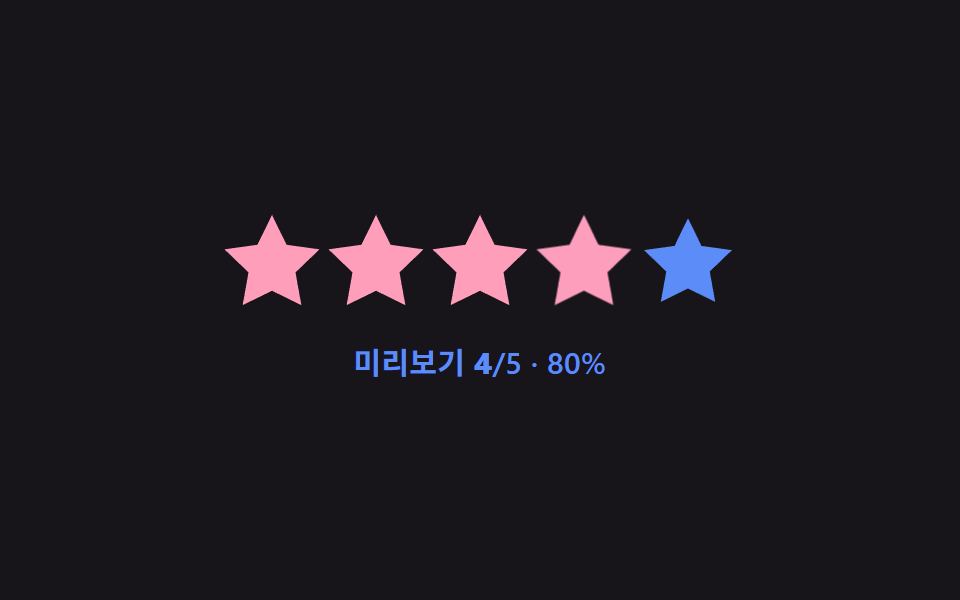 Star Rating UI: 9 Interactive Rating PatternsOne fill value follows the finger's position value in real time, one overlays an average's decimal part on a star, and o See all demos in this post
If you like this effect - similar demos
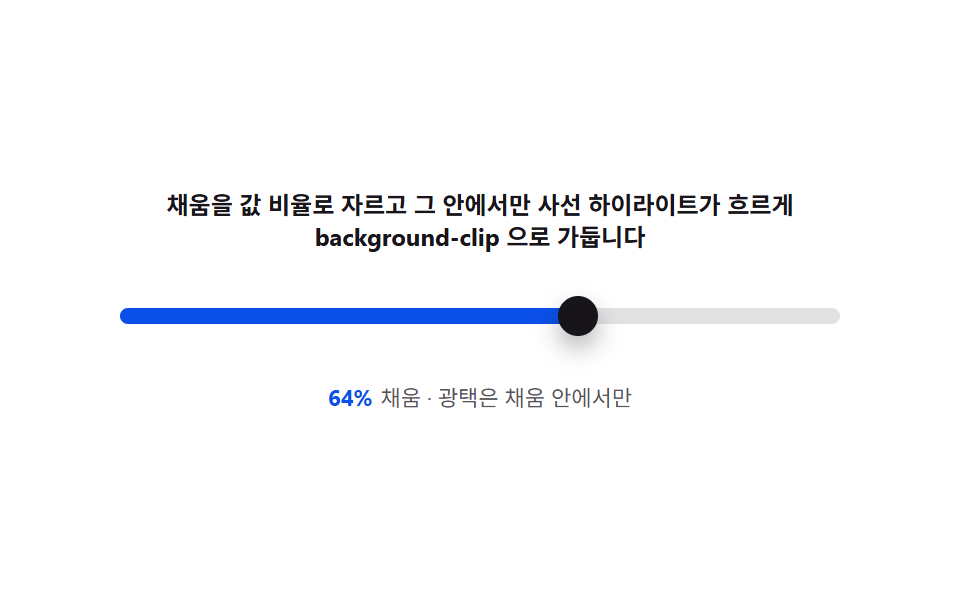 Pickers04 Fill gloss — clipping the filled span to the value ratio and sweeping a highlightCSS Range Slider: 9 Physics-Grade Custom Sliders
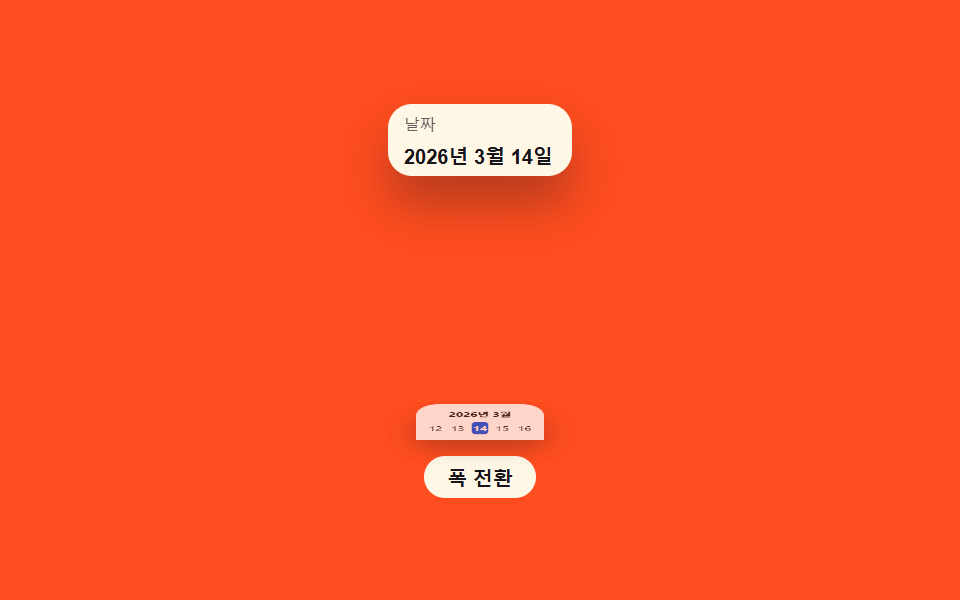 Pickers07 Sheet-swap value toggle — as the screen-width value narrows, a popover value changes into a bottom-sheet value that rises from belowDate Picker UI: 9 Popover & Calendar Patterns
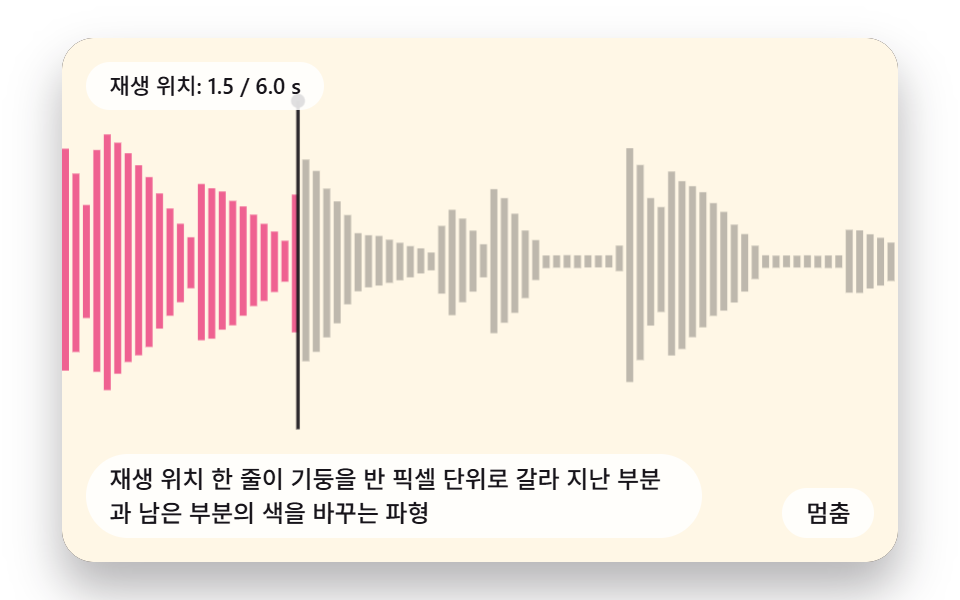 Pickers03 A Waveform Whose Playhead Splits a Column at Half-Pixel Precision to Recolor Played and Unplayed PartsCSS Waveform: 9 Peak Columns and Trim Pickers