04Exclusive pressed state — when one button's pressed value turns on, every other button's pressed value turns off at the same instant
The moment one button's pressed value turns on, every other one turns off, so only a single value ever stays on.
Best forA view-mode selector, a single-choice filter button set
STIFF 320 / DAMP 14translateY depthspring overshoot

<main class="stage">
<div class="rep is-demo" id="rep" role="radiogroup" aria-label="View mode">
  <button class="rep__btn" role="radio" aria-checked="true" tabindex="0" data-i="0">List type</button>
  <button class="rep__btn" role="radio" aria-checked="false" tabindex="-1" data-i="1">Grid type</button>
  <button class="rep__btn" role="radio" aria-checked="false" tabindex="-1" data-i="2">Board type</button>
</div>
</main>
@use "../../../../site/static/demo-tokens" as *;
// 계산 겹: index.html 이 버튼마다 눌림 깊이(depth)를 감쇠 스프링으로 적분한다. 한 버튼이 켜지는
// 순간 나머지가 동시에 0으로 되돌아가고, 켜지는 버튼은 depth 1을 살짝 넘겼다가 정착한다(오버슛).
// translateY·box-shadow 는 그 깊이값의 함수다 — 레이아웃에 영향 없는 transform·paint 만 바뀐다.
@include stage($stage-orange);
.rep {
display: flex;
gap: $sp-3;
}
.rep__btn {
appearance: none;
border: none;
border-radius: $r-control;
background: $subject-cream;
color: $subject-ink;
font-size: 13px;
font-weight: 700;
padding: $sp-3 $sp-5;
cursor: pointer;
box-shadow: 0 8px 14px rgba(23, 20, 26, .34);
will-change: transform, box-shadow;
&:focus-visible { outline: 2px solid $subject-blue-deep; outline-offset: 2px; }
}
.rep__btn--on {
background: $subject-blue-deep;
color: $subject-cream;
}
@media (max-width: 340px) {
.rep { gap: $sp-2; }
.rep__btn { font-size: 12px; padding: $sp-2 $sp-4; }
}
@media (prefers-reduced-motion: reduce) {
.rep__btn { transition: none; }
}html, body {
margin: 0;
overflow: hidden;
}
.stage {
box-sizing: border-box;
min-height: 100vh;
display: grid;
place-items: center;
margin: 0;
background: #ff4d1f;
font-family: -apple-system, "Segoe UI", "Noto Sans KR", sans-serif;
padding: clamp(8px, 4vw, 24px);
}
.rep {
display: flex;
gap: 12px;
}
.rep__btn {
appearance: none;
border: none;
border-radius: 12px;
background: #fff7e6;
color: #17141a;
font-size: 13px;
font-weight: 700;
padding: 12px 20px;
cursor: pointer;
box-shadow: 0 8px 14px rgba(23, 20, 26, 0.34);
will-change: transform, box-shadow;
}
.rep__btn:focus-visible {
outline: 2px solid #0a4fe8;
outline-offset: 2px;
}
.rep__btn--on {
background: #0a4fe8;
color: #fff7e6;
}
@media (max-width: 340px) {
.rep {
gap: 8px;
}
.rep__btn {
font-size: 12px;
padding: 8px 16px;
}
}
@media (prefers-reduced-motion: reduce) {
.rep__btn {
transition: none;
}
}(function () {
var CYCLE_MS = 950; // 자동 루프가 다음 버튼을 누르는 간격
var STIFF = 320; // 계산 겹 상수: 눌림 깊이 스프링 강성
var DAMP = 14; // 계산 겹 상수: 감쇠 — 작을수록 눌린 뒤 살짝 되튀는 오버슛이 남는다
var reduce = window.matchMedia('(prefers-reduced-motion: reduce)').matches;
var root = document.getElementById('rep');
var btns = Array.prototype.slice.call(root.querySelectorAll('.rep__btn'));
var isDemo = true;
var checkedIdx = 0;
// 계산 겹: 버튼마다 눌림 깊이(depth 0~1)를 감쇠 스프링으로 적분한다 — 켜지는 버튼은
// depth 1을 살짝 넘겼다가(오버슛) 정착하고, 나머지는 동시에 0으로 되돌아간다.
var depth = btns.map(function () { return 0; });
var vel = btns.map(function () { return 0; });
var target = btns.map(function (b, i) { return i === 0 ? 1 : 0; });
function setChecked(idx) {
checkedIdx = idx;
btns.forEach(function (b, i) {
var on = i === idx;
b.setAttribute('aria-checked', String(on));
b.setAttribute('tabindex', on ? '0' : '-1');
target[i] = on ? 1 : 0;
if (reduce) { depth[i] = target[i]; vel[i] = 0; }
});
}
function human() {
if (isDemo) { root.classList.remove('is-demo'); isDemo = false; }
}
btns.forEach(function (b, i) {
b.addEventListener('click', function () { human(); setChecked(i); b.focus({ preventScroll: true }); });
});
root.addEventListener('keydown', function (e) {
if (e.key !== 'ArrowRight' && e.key !== 'ArrowLeft') return;
human();
var dir = e.key === 'ArrowRight' ? 1 : -1;
var next = (checkedIdx + dir + btns.length) % btns.length;
setChecked(next);
btns[next].focus({ preventScroll: true });
e.preventDefault();
});
function render(i) {
var d = depth[i];
var overshootLift = Math.max(0, -(d - 1)) * -2; // 오버슛 구간(d>1)에서 살짝 더 눌리는 표현
var y = d * 3 + (d > 1 ? (d - 1) * 4 : 0);
var blur = 14 - d * 8;
var offY = 8 - d * 6;
btns[i].style.transform = 'translateY(' + y.toFixed(2) + 'px)';
btns[i].style.boxShadow = '0 ' + Math.max(1, offY).toFixed(1) + 'px ' + Math.max(4, blur).toFixed(1) + 'px rgba(23,20,26,.34)';
btns[i].classList.toggle('rep__btn--on', d > 0.5);
}
var cycleStart = 0, lastIdx = -1;
function loop(ts) {
if (!cycleStart) cycleStart = ts;
if (isDemo && !reduce) {
var idx = Math.floor((ts - cycleStart) / CYCLE_MS) % btns.length;
if (idx !== lastIdx) { lastIdx = idx; setChecked(idx); }
}
for (var i = 0; i < btns.length; i++) {
var acc = STIFF * (target[i] - depth[i]) - DAMP * vel[i];
vel[i] += acc * (1 / 60);
depth[i] += vel[i] * (1 / 60);
render(i);
}
requestAnimationFrame(loop);
}
requestAnimationFrame(loop);
})();// RadioExclusivePress — vanilla 판(run/369/demo/04-btn-group-radio-exclusive-press/index.html) 의 React 포트.
// 버튼마다 눌림 깊이(depth)를 감쇠 스프링으로 적분한다. 한 버튼이 켜지는 순간 나머지가 동시에
// 0으로 되돌아가고, 켜지는 버튼은 depth 1을 살짝 넘겼다가 정착한다(오버슛).
import { useEffect, useRef } from "react";
import styles from "./RadioExclusivePress.module.scss";
type Box<T> = { current: T };
const LABELS = ["목록형", "격자형", "보드형"];
export default function RadioExclusivePress() {
const rootRef = useRef(null) as unknown as Box<HTMLDivElement>;
const btnRefs = useRef([]) as unknown as Box<HTMLButtonElement[]>;
const rafRef = useRef(0) as unknown as Box<number>;
useEffect(() => {
const CYCLE_MS = 950;
const STIFF = 320; // 계산 겹 상수: 눌림 깊이 스프링 강성
const DAMP = 14; // 계산 겹 상수: 감쇠
const reduce = window.matchMedia("(prefers-reduced-motion: reduce)").matches;
const root = rootRef.current;
const btns = btnRefs.current;
if (!root || btns.length === 0) return;
let isDemo = true;
let checkedIdx = 0;
const depth = btns.map(() => 0);
const vel = btns.map(() => 0);
const target = btns.map((_, i) => (i === 0 ? 1 : 0));
function setChecked(idx: number) {
checkedIdx = idx;
btns.forEach((b, i) => {
const on = i === idx;
b.setAttribute("aria-checked", String(on));
b.setAttribute("tabindex", on ? "0" : "-1");
target[i] = on ? 1 : 0;
if (reduce) { depth[i] = target[i]; vel[i] = 0; }
});
}
function human() { if (isDemo) { root!.classList.remove(styles.isDemo); isDemo = false; } }
const clicks: (() => void)[] = [];
btns.forEach((b, i) => {
const fn = () => { human(); setChecked(i); b.focus({ preventScroll: true }); };
b.addEventListener("click", fn);
clicks.push(fn);
});
function onKeydown(e: KeyboardEvent) {
if (e.key !== "ArrowRight" && e.key !== "ArrowLeft") return;
human();
const dir = e.key === "ArrowRight" ? 1 : -1;
const next = (checkedIdx + dir + btns.length) % btns.length;
setChecked(next);
btns[next].focus({ preventScroll: true });
e.preventDefault();
}
root.addEventListener("keydown", onKeydown);
function render(i: number) {
const d = depth[i];
const y = d * 3 + (d > 1 ? (d - 1) * 4 : 0);
const blur = 14 - d * 8;
const offY = 8 - d * 6;
btns[i].style.transform = "translateY(" + y.toFixed(2) + "px)";
btns[i].style.boxShadow = "0 " + Math.max(1, offY).toFixed(1) + "px " + Math.max(4, blur).toFixed(1) + "px rgba(23,20,26,.34)";
btns[i].classList.toggle(styles.btnOn, d > 0.5);
}
let cycleStart = 0, lastIdx = -1;
function loop(ts: number) {
if (!cycleStart) cycleStart = ts;
if (isDemo && !reduce) {
const idx = Math.floor((ts - cycleStart) / CYCLE_MS) % btns.length;
if (idx !== lastIdx) { lastIdx = idx; setChecked(idx); }
}
for (let i = 0; i < btns.length; i++) {
const acc = STIFF * (target[i] - depth[i]) - DAMP * vel[i];
vel[i] += acc * (1 / 60);
depth[i] += vel[i] * (1 / 60);
render(i);
}
rafRef.current = requestAnimationFrame(loop);
}
rafRef.current = requestAnimationFrame(loop);
return () => {
btns.forEach((b, i) => b.removeEventListener("click", clicks[i]));
root.removeEventListener("keydown", onKeydown);
cancelAnimationFrame(rafRef.current);
};
}, []);
return (
<main className={styles.stage}>
<div className={styles.rep + " " + styles.isDemo} ref={rootRef} role="radiogroup" aria-label="보기 방식">
{LABELS.map((label, i) => (
<button
key={label}
className={styles.btn}
role="radio"
aria-checked={i === 0}
tabIndex={i === 0 ? 0 : -1}
ref={(el: HTMLButtonElement | null) => { if (el) btnRefs.current[i] = el; }}
>
{label}
</button>
))}
</div>
</main>
);
}04 Exclusive pressed state — when one button's pressed value turns on, every other button's pressed value turns off at the same instant — Measured area 9.53% · moving frames 15/23Original by GODRICH · SCSS and React ship in the zip · Button Group CSS: 9 Adjoined Patterns
The post this demo lives in
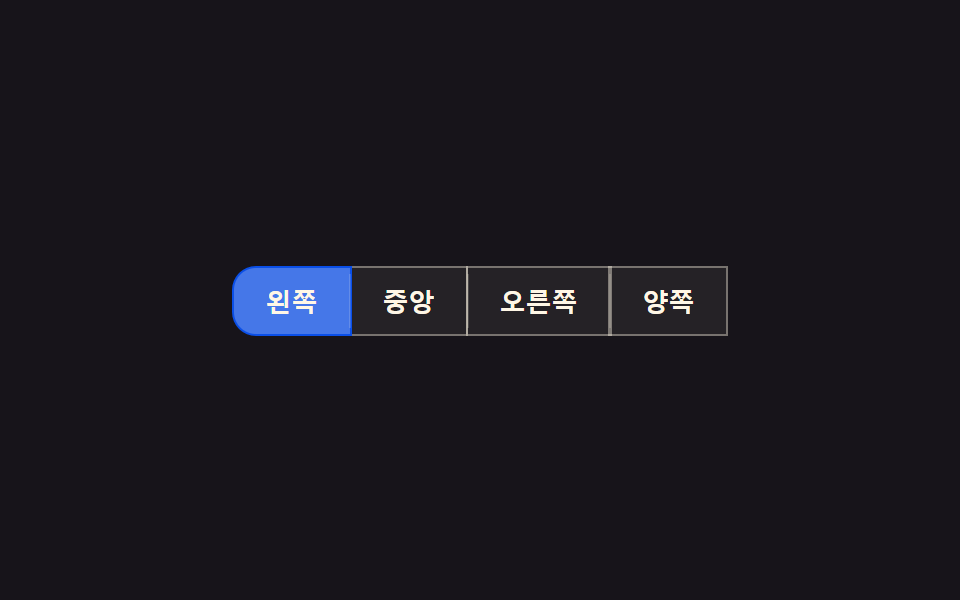 Button Group CSS: 9 Adjoined PatternsButton Group CSS: One of nine slides its indicator along measured coordinates, one folds overflow buttons into a more-va See all demos in this post
If you like this effect - similar demos
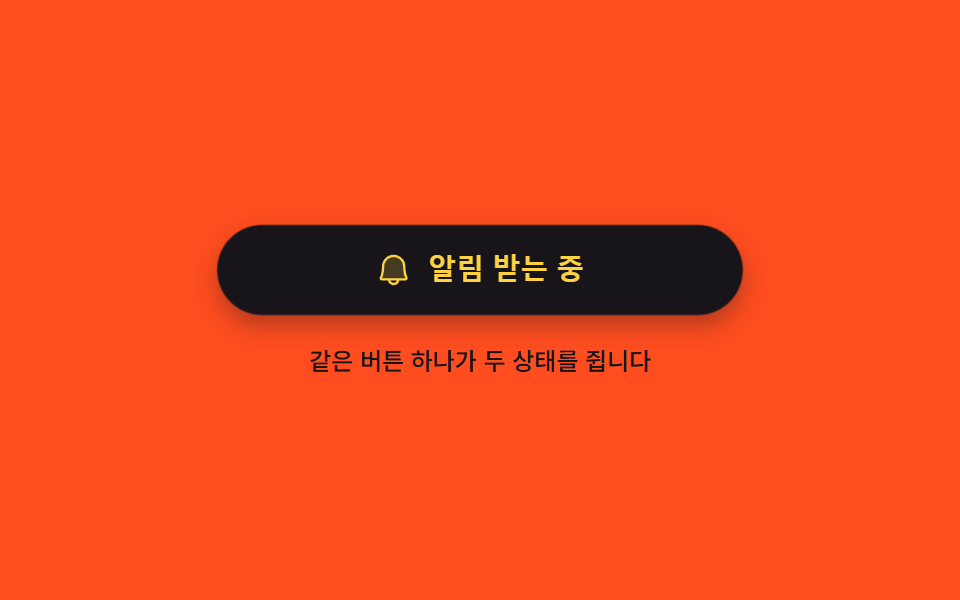 Buttons03 One button holding on and off9 button state css patterns, loading to done
 Buttons05 Split-dual value reveal — when a confirm value turns on, the button splits into two pieces, each revealing a different valueExpanding Button UI: 9 Shape-Morph Patterns
 Buttons01 Press-value overshoot — the pressed value passes its target value and swings back, repeating while the swing shrinksButton Press Animation UI: 9 Calculation Patterns