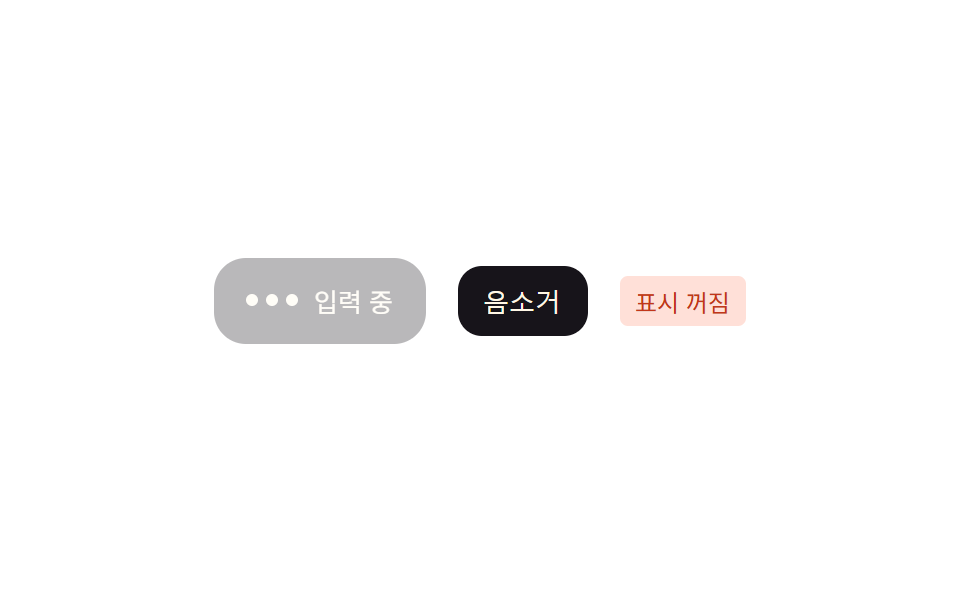
08Mute toggle — a switch interpolating opacity by its state value
Once the indicator is switched off, the card's opacity interpolates down toward the off value and fades away, and switching back on retraces the same curve in reverse.
Best forA chat app with a notification-minimizing setting, a do-not-disturb screen
addEventListeneraria-pressedopacity
<main class="stage">
<section class="panel">
  <div class="card" id="card">
    <div class="dots"><span class="dot"></span><span class="dot"></span><span class="dot"></span></div>
    <span class="label">Typing</span>
  </div>
  <button class="muteBtn" id="muteBtn" type="button" aria-pressed="false" aria-label="Toggle typing indicator mute">
    Mute
  </button>
  <span class="badge" id="muteBadge" hidden>Indicator off</span>
  <span class="sr" id="live" role="status" aria-live="polite"></span>
</section>
</main>
@use "../../../../site/static/demo-tokens" as *;
@include stage($stage-paper);
.panel {
display: flex;
align-items: center;
gap: $sp-4;
}
.card {
display: flex;
align-items: center;
gap: $sp-2;
padding: $sp-3 $sp-4;
border-radius: $r-card;
background: $subject-ink;
transition: opacity $dur-base $ease-out;
}
.dots { display: flex; gap: $sp-1; }
.dot {
width: 6px;
height: 6px;
border-radius: 50%;
background: $subject-cream;
}
.label {
font-size: 13px;
color: $subject-cream;
}
.muteBtn {
padding: $sp-2 $sp-3;
border-radius: $r-control;
border: 1px solid $subject-ink;
background: transparent;
color: $subject-ink;
font-size: 13px;
cursor: pointer;
}
.muteBtn[aria-pressed="true"] {
background: $subject-ink;
color: $subject-cream;
}
.badge {
padding: $sp-1 $sp-2;
border-radius: $r-xs;
background: $error-soft;
color: $error;
font-size: 12px;
}
.sr {
position: absolute;
width: 1px;
height: 1px;
overflow: hidden;
clip: rect(0 0 0 0);
}
@media (prefers-reduced-motion: reduce) {
.card { transition: none; }
}html, body {
margin: 0;
overflow: hidden;
}
.stage {
box-sizing: border-box;
min-height: 100vh;
display: grid;
place-items: center;
margin: 0;
background: #ffffff;
font-family: -apple-system, "Segoe UI", "Noto Sans KR", sans-serif;
padding: clamp(8px, 4vw, 24px);
}
.panel {
display: flex;
align-items: center;
gap: 16px;
}
.card {
display: flex;
align-items: center;
gap: 8px;
padding: 12px 16px;
border-radius: 16px;
background: #17141a;
transition: opacity 300ms ease-out;
}
.dots {
display: flex;
gap: 4px;
}
.dot {
width: 6px;
height: 6px;
border-radius: 50%;
background: #fff7e6;
}
.label {
font-size: 13px;
color: #fff7e6;
}
.muteBtn {
padding: 8px 12px;
border-radius: 12px;
border: 1px solid #17141a;
background: transparent;
color: #17141a;
font-size: 13px;
cursor: pointer;
}
.muteBtn[aria-pressed=true] {
background: #17141a;
color: #fff7e6;
}
.badge {
padding: 4px 8px;
border-radius: 4px;
background: #ffe0d8;
color: #c2361a;
font-size: 12px;
}
.sr {
position: absolute;
width: 1px;
height: 1px;
overflow: hidden;
clip: rect(0 0 0 0);
}
@media (prefers-reduced-motion: reduce) {
.card {
transition: none;
}
}// 표시 끄기 토글 — 상태 값(켜짐/꺼짐)만큼 카드의 투명도를 보간하고, 꺼짐 표시는 별도 배지로 대비를 지킨다.
// 계산 겹: 상태 값 → 목표 투명도 재계산 → transition 으로 보간. 클릭 리스너 1개(이 항목만).
(function () {
var btn = document.getElementById('muteBtn');
var card = document.getElementById('card');
var badge = document.getElementById('muteBadge');
var live = document.getElementById('live');
if (!btn || !card || !badge || !live) return;
var OFF_OPACITY = 0.3;
var AUTO_CYCLE_MS = 700;
var muted = false;
function apply() {
card.style.opacity = muted ? String(OFF_OPACITY) : '1';
badge.hidden = !muted;
btn.setAttribute('aria-pressed', String(muted));
live.textContent = muted ? 'Indicator off' : 'Indicator on';
}
btn.addEventListener('click', function () {
muted = !muted;
apply();
});
apply();
var reduce = window.matchMedia('(prefers-reduced-motion: reduce)').matches;
if (reduce) return;
setInterval(function () {
muted = !muted;
apply();
}, AUTO_CYCLE_MS);
})();import { useEffect, useRef, useState } from "react";
import styles from "./TypingMuteToggleFade.module.scss";
// 표시 끄기 토글 — 상태 값(켜짐/꺼짐)만큼 카드의 투명도를 보간하고, 꺼짐 표시는 별도 배지로 대비를 지킨다.
// 계산 겹: 상태 값 → 목표 투명도 재계산 → transition 으로 보간. 클릭 리스너 1개(이 항목만).
const OFF_OPACITY = 0.3;
const AUTO_CYCLE_MS = 700;
export default function TypingMuteToggleFade() {
const [muted, setMuted] = useState(false);
const liveRef = useRef<HTMLSpanElement | null>(null);
useEffect(() => {
if (liveRef.current) {
liveRef.current.textContent = muted ? "표시 꺼짐" : "표시 켜짐";
}
}, [muted]);
useEffect(() => {
const reduce = window.matchMedia("(prefers-reduced-motion: reduce)").matches;
if (reduce) return;
const id = setInterval(() => setMuted((m) => !m), AUTO_CYCLE_MS);
return () => clearInterval(id);
}, []);
return (
<div className={styles.stage}>
<section className={styles.panel}>
<div
className={styles.card}
style={{ opacity: muted ? OFF_OPACITY : 1 }}
>
<div className={styles.dots}>
<span className={styles.dot} />
<span className={styles.dot} />
<span className={styles.dot} />
</div>
<span className={styles.label}>입력 중</span>
</div>
<button
type="button"
className={styles.muteBtn}
aria-pressed={muted}
aria-label="입력 표시 음소거 전환"
onClick={() => setMuted((m) => !m)}
>
음소거
</button>
{muted && <span className={styles.badge}>표시 꺼짐</span>}
<span ref={liveRef} className={styles.sr} role="status" aria-live="polite" />
</section>
</div>
);
}08 Mute toggle — a switch interpolating opacity by its state value — Measured area 6.372% · moving frames 11/23Original by GODRICH · SCSS and React ship in the zip · 9 Typing Indicator CSS Patterns (Chat UI)
The post this demo lives in
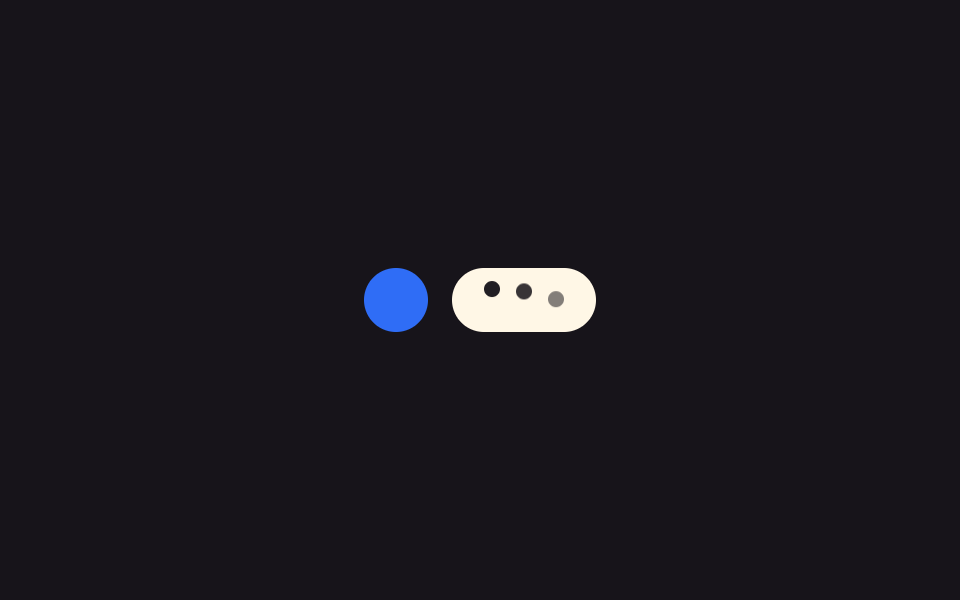 9 Typing Indicator CSS Patterns (Chat UI)One of nine typing indicators slows its avatar pulse as typing runs longer, one redraws a group name tag from remaining See all demos in this post
If you like this effect - similar demos
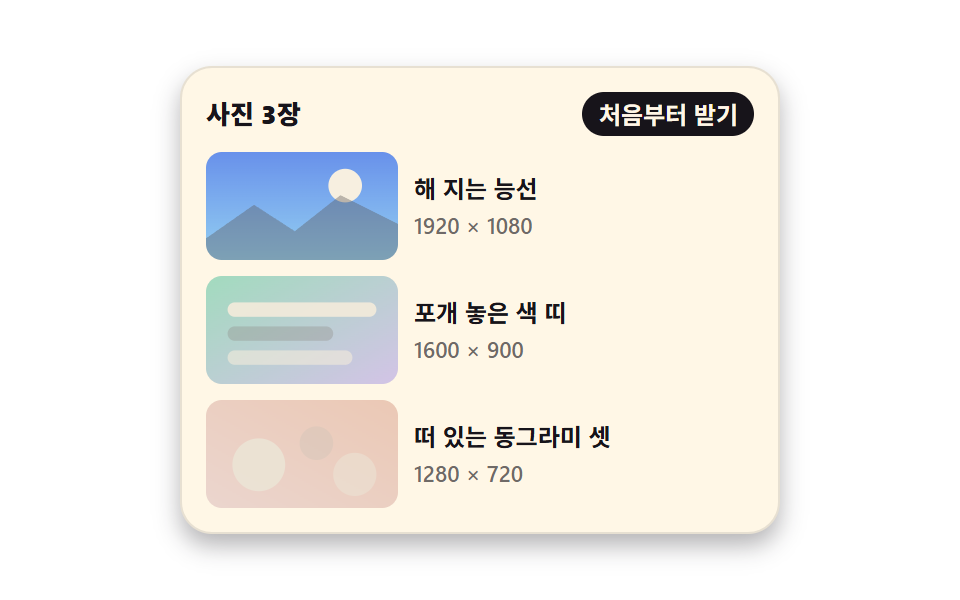 Loaders08 Picture that arrives late into a ratio box already holding its placePage Loading Animation CSS: 9 Route-Change Demos
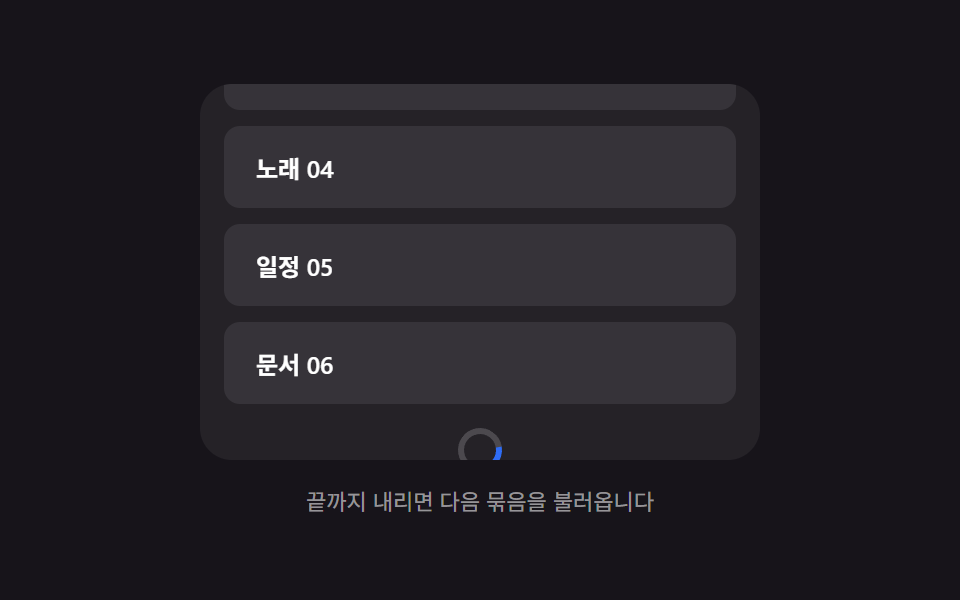 Loaders01 Bottom spinner fade — a loading indicator computing its opacity from the remaining scroll distanceInfinite Scroll Loading: 9 Essential UI Patterns
 Loaders03 Pause/resume state-value switch — the progress value stops changing and starts again each time the state value toggles between paused and runningDownload Progress Bar: 9 Loading UI Patterns