09Keyboard-bar hint — an indicator repositioned by a virtual keyboard height value
On a mobile screen, once the virtual keyboard is open, the indicator's bottom position is recomputed by the keyboard's height value so it sits right above the keyboard bar.
Best forMobile chat apps, responsive web chat widgets
translateY(requestAnimationFrametransform
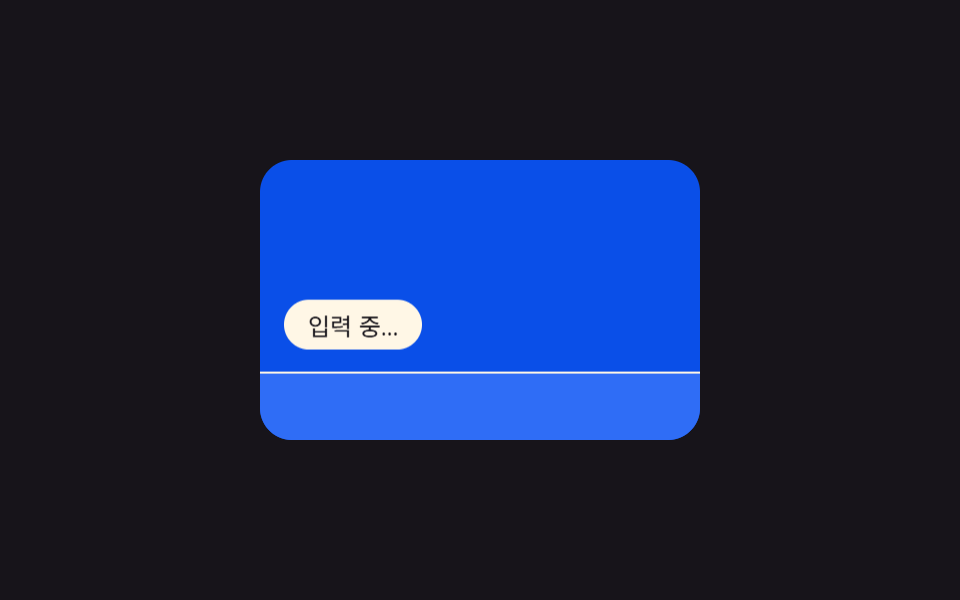
<main class="stage">
<section class="panel">
  <div class="screen">
    <span class="indicator" id="indicator">Typing…</span>
    <div class="keyboard" id="keyboard"></div>
  </div>
</section>
</main>
@use "../../../../site/static/demo-tokens" as *;
@include stage($stage-ink);
.panel { display: flex; align-items: center; justify-content: center; }
.screen {
position: relative;
width: 220px;
height: 140px;
overflow: hidden;
border-radius: $r-card;
background: $subject-blue-deep;
}
.indicator {
position: absolute;
left: $sp-3;
bottom: $sp-3;
padding: $sp-1 $sp-3;
border-radius: $r-pill;
background: $subject-cream;
color: $subject-ink;
font-size: 12px;
will-change: transform;
}
.keyboard {
position: absolute;
left: 0;
bottom: 0;
width: 100%;
height: 64px;
background: $subject-blue;
border-top: 1px solid $subject-cream;
will-change: transform;
}
@media (prefers-reduced-motion: reduce) {
.indicator, .keyboard { transition: none; }
}html, body {
margin: 0;
overflow: hidden;
}
.stage {
box-sizing: border-box;
min-height: 100vh;
display: grid;
place-items: center;
margin: 0;
background: #17141a;
font-family: -apple-system, "Segoe UI", "Noto Sans KR", sans-serif;
padding: clamp(8px, 4vw, 24px);
}
.panel {
display: flex;
align-items: center;
justify-content: center;
}
.screen {
position: relative;
width: 220px;
height: 140px;
overflow: hidden;
border-radius: 16px;
background: #0a4fe8;
}
.indicator {
position: absolute;
left: 12px;
bottom: 12px;
padding: 4px 12px;
border-radius: 999px;
background: #fff7e6;
color: #17141a;
font-size: 12px;
will-change: transform;
}
.keyboard {
position: absolute;
left: 0;
bottom: 0;
width: 100%;
height: 64px;
background: #2f6df6;
border-top: 1px solid #fff7e6;
will-change: transform;
}
@media (prefers-reduced-motion: reduce) {
.indicator, .keyboard {
transition: none;
}
}// 키보드 열림 표시 이동 — 키보드 높이 값을 시간에 따라 재계산해 표시줄과 키보드를 함께 translateY 로 옮긴다.
// 계산 겹: ease-in-out 진행률 → 키보드 높이 h 재계산 → translateY(둘 다 transform 만 사용, top/height 미변경).
(function () {
var keyboard = document.getElementById('keyboard');
var indicator = document.getElementById('indicator');
if (!keyboard || !indicator) return;
var KB_H = 64;
var CYCLE_MS = 2000;
var OPEN_START = 0.10 * CYCLE_MS;
var OPEN_MS = 360;
var CLOSE_START = 0.62 * CYCLE_MS;
var CLOSE_MS = 360;
function ease(p) {
return p < 0.5 ? 2 * p * p : 1 - Math.pow(-2 * p + 2, 2) / 2;
}
function heightAt(t) {
if (t < OPEN_START) return 0;
if (t < OPEN_START + OPEN_MS) {
return KB_H * ease((t - OPEN_START) / OPEN_MS);
}
if (t < CLOSE_START) return KB_H;
if (t < CLOSE_START + CLOSE_MS) {
return KB_H * (1 - ease((t - CLOSE_START) / CLOSE_MS));
}
return 0;
}
function apply(h) {
keyboard.style.transform = 'translateY(' + (KB_H - h) + 'px)';
indicator.style.transform = 'translateY(' + (-h) + 'px)';
}
var reduce = window.matchMedia('(prefers-reduced-motion: reduce)').matches;
if (reduce) {
apply(KB_H);
return;
}
var start = null;
function frame(ts) {
if (start === null) start = ts;
var t = (ts - start) % CYCLE_MS;
apply(heightAt(t));
requestAnimationFrame(frame);
}
requestAnimationFrame(frame);
})();import { useEffect, useRef } from "react";
import styles from "./TypingKeyboardBarHint.module.scss";
// 키보드 열림 표시 이동 — 키보드 높이 값을 시간에 따라 재계산해 표시줄과 키보드를 함께 translateY 로 옮긴다.
// 계산 겹: ease-in-out 진행률 → 키보드 높이 h 재계산 → translateY(둘 다 transform 만 사용, top/height 미변경).
const KB_H = 64;
const CYCLE_MS = 2000;
const OPEN_START = 0.10 * CYCLE_MS;
const OPEN_MS = 360;
const CLOSE_START = 0.62 * CYCLE_MS;
const CLOSE_MS = 360;
function ease(p: number): number {
return p < 0.5 ? 2 * p * p : 1 - Math.pow(-2 * p + 2, 2) / 2;
}
function heightAt(t: number): number {
if (t < OPEN_START) return 0;
if (t < OPEN_START + OPEN_MS) {
return KB_H * ease((t - OPEN_START) / OPEN_MS);
}
if (t < CLOSE_START) return KB_H;
if (t < CLOSE_START + CLOSE_MS) {
return KB_H * (1 - ease((t - CLOSE_START) / CLOSE_MS));
}
return 0;
}
export default function TypingKeyboardBarHint() {
const keyboardRef = useRef<HTMLDivElement | null>(null);
const indicatorRef = useRef<HTMLSpanElement | null>(null);
useEffect(() => {
const keyboard = keyboardRef.current;
const indicator = indicatorRef.current;
if (!keyboard || !indicator) return;
function apply(h: number) {
keyboard!.style.transform = "translateY(" + (KB_H - h) + "px)";
indicator!.style.transform = "translateY(" + -h + "px)";
}
const reduce = window.matchMedia("(prefers-reduced-motion: reduce)").matches;
if (reduce) {
apply(KB_H);
return;
}
let start: number | null = null;
let raf = 0;
function frame(ts: number) {
if (start === null) start = ts;
const t = (ts - start) % CYCLE_MS;
apply(heightAt(t));
raf = requestAnimationFrame(frame);
}
raf = requestAnimationFrame(frame);
return () => cancelAnimationFrame(raf);
}, []);
return (
<div className={styles.stage}>
<section className={styles.panel}>
<div className={styles.screen}>
<span ref={indicatorRef} className={styles.indicator}>입력 중…</span>
<div ref={keyboardRef} className={styles.keyboard} />
</div>
</section>
</div>
);
}09 Keyboard-bar hint — an indicator repositioned by a virtual keyboard height value — Measured area 11.546% · moving frames 12/23Original by GODRICH · SCSS and React ship in the zip · 9 Typing Indicator CSS Patterns (Chat UI)
The post this demo lives in
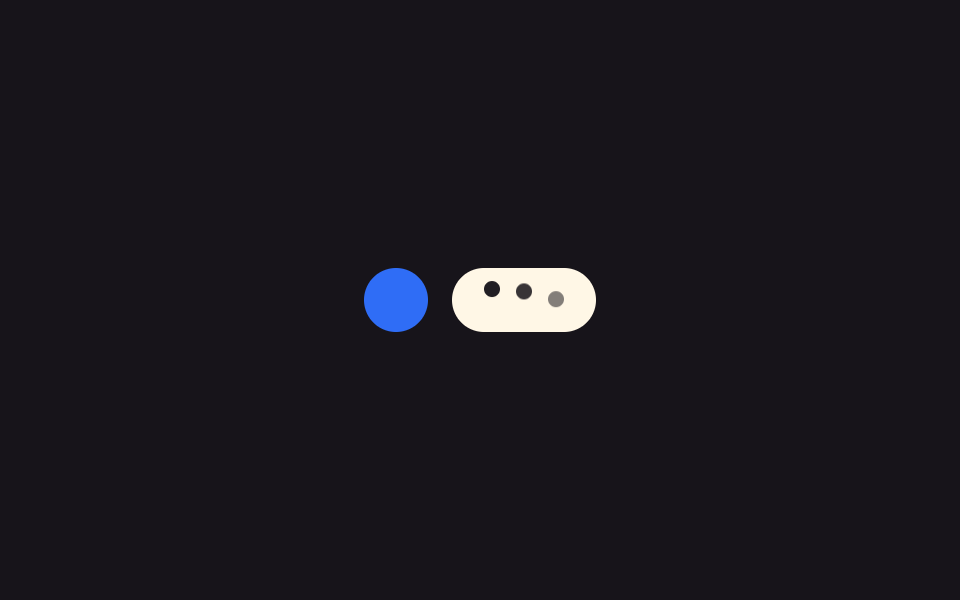 9 Typing Indicator CSS Patterns (Chat UI)One of nine typing indicators slows its avatar pulse as typing runs longer, one redraws a group name tag from remaining See all demos in this post
If you like this effect - similar demos
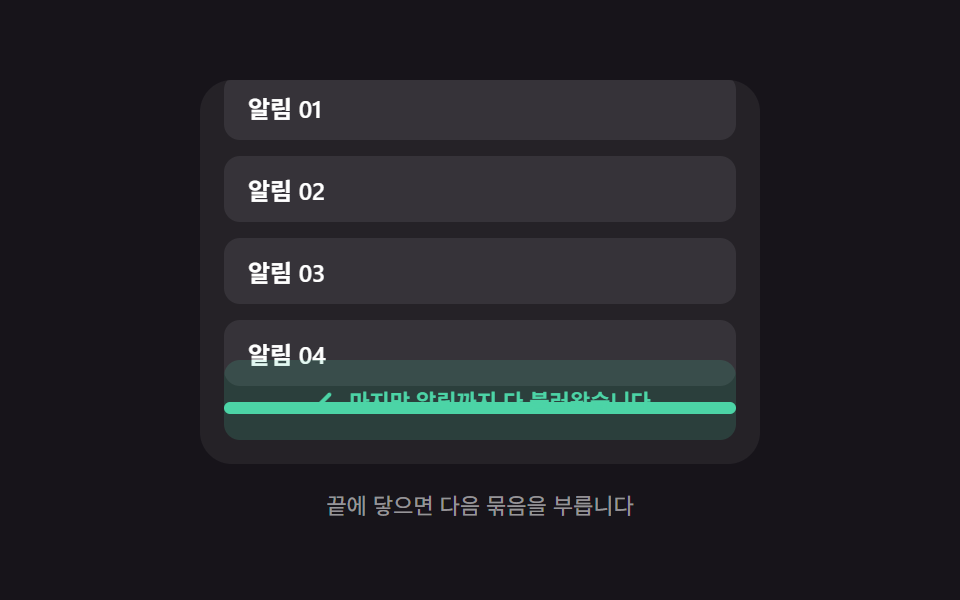 Loaders06 End-of-list reveal — a message appearing once the remaining-item value reaches zeroInfinite Scroll Loading: 9 Essential UI Patterns
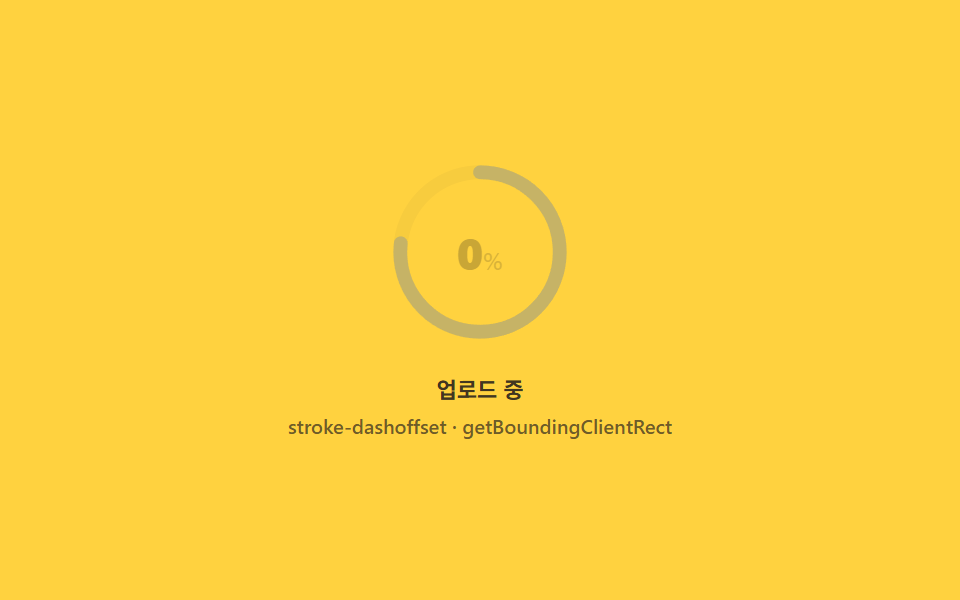 Loaders02 Circular percent ring computed from its own circumferenceFile Upload Progress Bar Loader: 9 UI Demos
 Loaders02 Rotation bind — an indicator whose rotation value turns in proportion to the pulled distance ratioPull to Refresh CSS: 9 Loading Patterns