09Chrome buttons, holographic focus
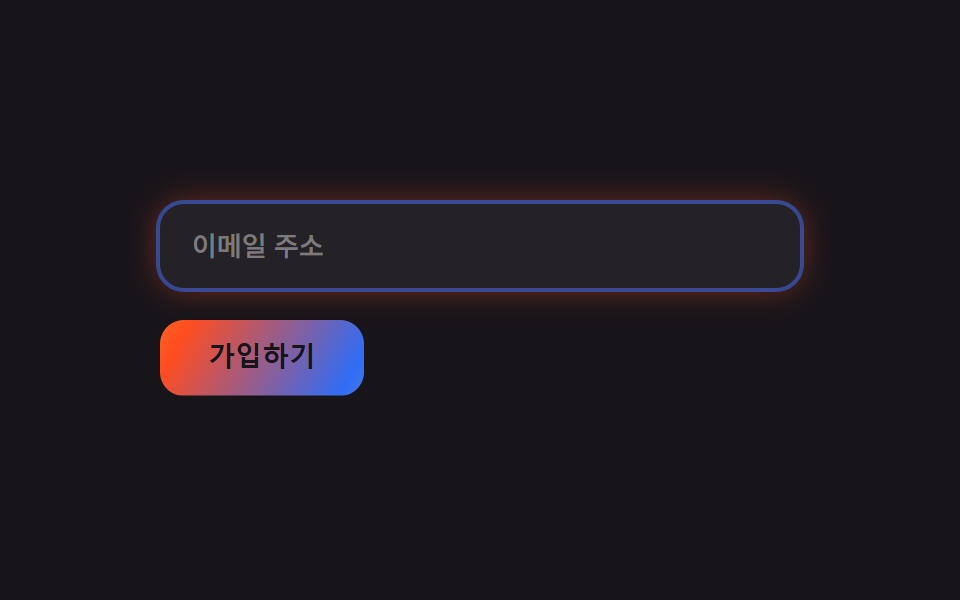
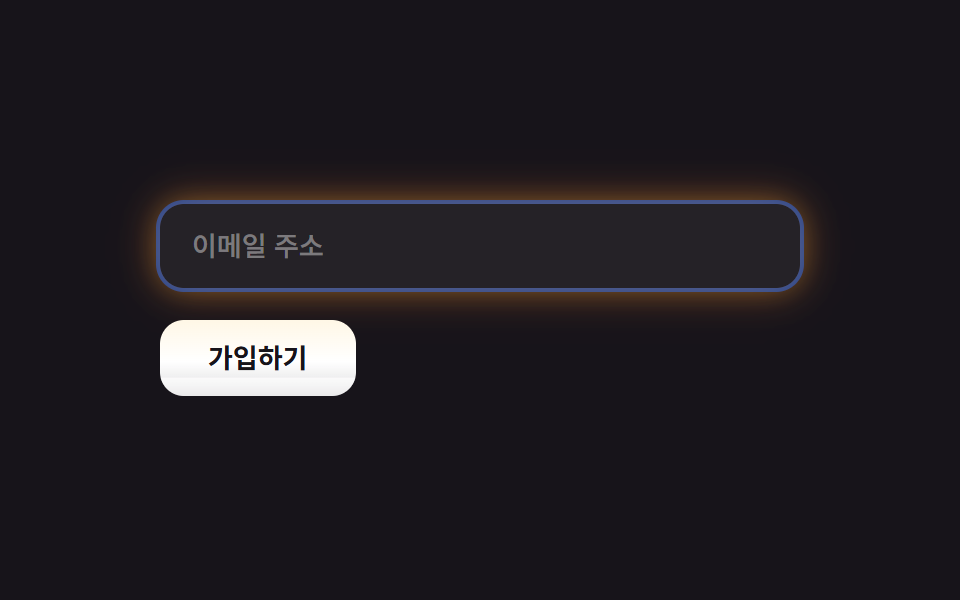
Pressing the button flips its highlight from top to bottom like light sliding off pressed metal, and the input grows a holographic glow ring around its border on focus.
Best forForm submit buttons, search and email inputs
box-shadow 반전press 하이라이트 플립focus glow 그라디언트
<main class="stage">
  <form class="bi-c is-demo">
    <input class="bi-c__input" type="email" placeholder="Email address" readonly>
    <button class="bi-c__btn" type="button">Sign up</button>
  </form>
</main>
@use "../../../../site/static/demo-tokens" as *;
$duration: $dur-loop;
$easing: $ease-out;
$color: $subject-cream;
@include stage($stage-ink);
.bi-c { display: flex; flex-direction: column; gap: $sp-4; width: clamp(220px, 78vw, 320px); }
.bi-c__input {
border: 0;
border-radius: $r-control;
padding: $sp-3 $sp-4;
background: rgba($stage-paper, .06);
color: $stage-paper;
font-weight: 500;
font-size: clamp(12px, 3vw, 13.5px);
line-height: 1.3;
font-family: -apple-system, "Segoe UI", "Noto Sans KR", sans-serif;
box-shadow: 0 0 0 2px rgba($subject-blue, .5), 0 0 16px rgba($stage-yellow, .4), 0 0 22px rgba($stage-orange, .3);
}
.bi-c__input::placeholder { color: rgba($stage-paper, .4); }
// 버튼 — 위에 있던 스펙큘러 하이라이트가 눌리면 아래로 뒤집힌다 (유일한 애니메이션, .is-demo 로 강제 발동)
.bi-c__btn {
position: relative;
overflow: hidden;
align-self: flex-start;
border: 0;
border-radius: $r-control;
padding: $sp-3 $sp-6;
color: $stage-ink;
font-weight: 700;
font-size: clamp(12px, 3vw, 13.5px);
line-height: 1;
font-family: inherit;
background: linear-gradient(180deg, $color, $stage-paper 55%, rgba($stage-paper, .85));
}
.bi-c__btn::after {
content: "";
position: absolute;
inset: 0;
background: linear-gradient(180deg, rgba($stage-paper, .9), transparent 55%);
}
.is-demo .bi-c__btn::after,
.bi-c__btn:hover::after,
.bi-c__btn:focus-visible::after {
animation: pressFlip $duration $easing infinite;
}
@keyframes pressFlip {
0%, 40% { transform: translateY(0); opacity: 1; }
50%, 60% { transform: translateY(100%); opacity: .7; }
70%, 100% { transform: translateY(0); opacity: 1; }
}
@media (prefers-reduced-motion: reduce) {
.is-demo .bi-c__btn::after, .bi-c__btn:hover::after, .bi-c__btn:focus-visible::after { animation: none; }
}html, body {
margin: 0;
overflow: hidden;
}
.stage {
box-sizing: border-box;
min-height: 100vh;
display: grid;
place-items: center;
margin: 0;
background: #17141a;
font-family: -apple-system, "Segoe UI", "Noto Sans KR", sans-serif;
padding: clamp(8px, 4vw, 24px);
}
.bi-c {
display: flex;
flex-direction: column;
gap: 16px;
width: clamp(220px, 78vw, 320px);
}
.bi-c__input {
border: 0;
border-radius: 12px;
padding: 12px 16px;
background: rgba(255, 255, 255, 0.06);
color: #ffffff;
font-weight: 500;
font-size: clamp(12px, 3vw, 13.5px);
line-height: 1.3;
font-family: -apple-system, "Segoe UI", "Noto Sans KR", sans-serif;
box-shadow: 0 0 0 2px rgba(47, 109, 246, 0.5), 0 0 16px rgba(255, 210, 63, 0.4), 0 0 22px rgba(255, 77, 31, 0.3);
}
.bi-c__input::placeholder {
color: rgba(255, 255, 255, 0.4);
}
.bi-c__btn {
position: relative;
overflow: hidden;
align-self: flex-start;
border: 0;
border-radius: 12px;
padding: 12px 24px;
color: #17141a;
font-weight: 700;
font-size: clamp(12px, 3vw, 13.5px);
line-height: 1;
font-family: inherit;
background: linear-gradient(180deg, #fff7e6, #ffffff 55%, rgba(255, 255, 255, 0.85));
}
.bi-c__btn::after {
content: "";
position: absolute;
inset: 0;
background: linear-gradient(180deg, rgba(255, 255, 255, 0.9), transparent 55%);
}
.is-demo .bi-c__btn::after,
.bi-c__btn:hover::after,
.bi-c__btn:focus-visible::after {
animation: pressFlip 2s ease-out infinite;
}
@keyframes pressFlip {
0%, 40% {
transform: translateY(0);
opacity: 1;
}
50%, 60% {
transform: translateY(100%);
opacity: 0.7;
}
70%, 100% {
transform: translateY(0);
opacity: 1;
}
}
@media (prefers-reduced-motion: reduce) {
.is-demo .bi-c__btn::after, .bi-c__btn:hover::after, .bi-c__btn:focus-visible::after {
animation: none;
}
}import type { CSSProperties } from "react";
import styles from "./ButtonsInputsChrome.module.scss";
export type ButtonsInputsChromeProps = {
placeholder?: string;
cta?: string;
/** 한 주기(기본 2000ms) */
duration?: number;
easing?: string;
color?: string;
};
type Vars = CSSProperties & { "--duration"?: string; "--easing"?: string; "--color"?: string };
export default function ButtonsInputsChrome({
placeholder = "Email address",
cta = "Sign up",
duration = 2000,
easing = "ease-out",
color = "#fff7e6",
}: ButtonsInputsChromeProps) {
const vars: Vars = { "--duration": `${duration}ms`, "--easing": easing, "--color": color };
return (
<form className={styles.form} style={vars}>
<input className={styles.input} type="email" placeholder={placeholder} readOnly />
<button type="button" className={styles.btn}>{cta}</button>
</form>
);
}09 Chrome buttons, holographic focus — Measured area 1.061% · moving frames 6/23Original by GODRICH · SCSS and React ship in the zip · Y2K Web Design: 9 Chrome Holographic Sections
The post this demo lives in
 Y2K Web Design: 9 Chrome Holographic SectionsY2K web design brings back the chrome shine of early-2000s CDs and holographic packaging, rebuilt in pure CSS. It's the See all demos in this post