css 波紋 アニメーション 9パターン — キャンバスで計算するピクセル波
css 波紋 アニメーションを9パターン集めました。9番のヒーローシーンはすでに完成した波紋だ。その前の5番は反射する水面が揺れる段階で、いちばん最初の1番はポインターの一回のタップが一つの輪を描くところから始まった。
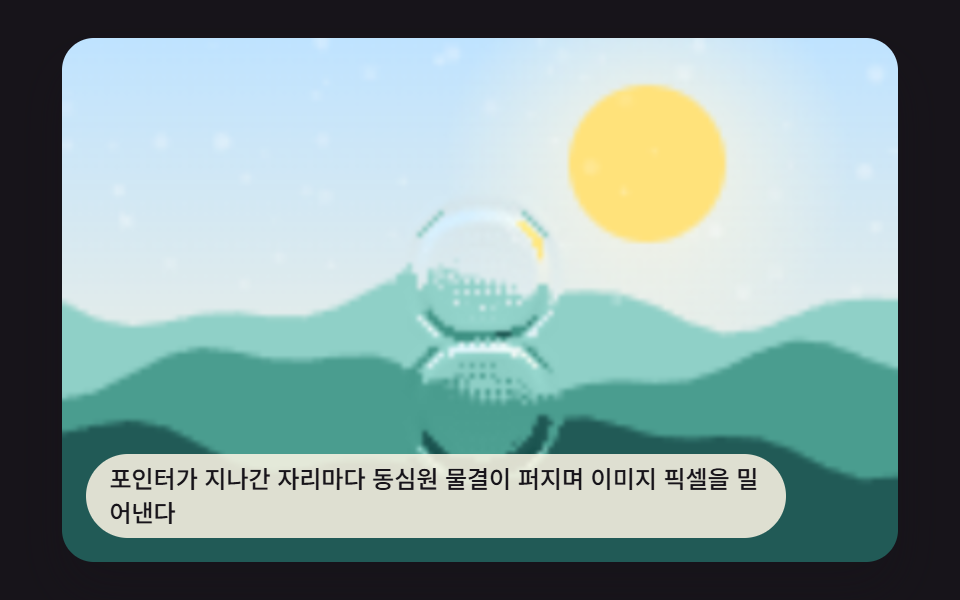 01 ripple-canvas-pointer-splash
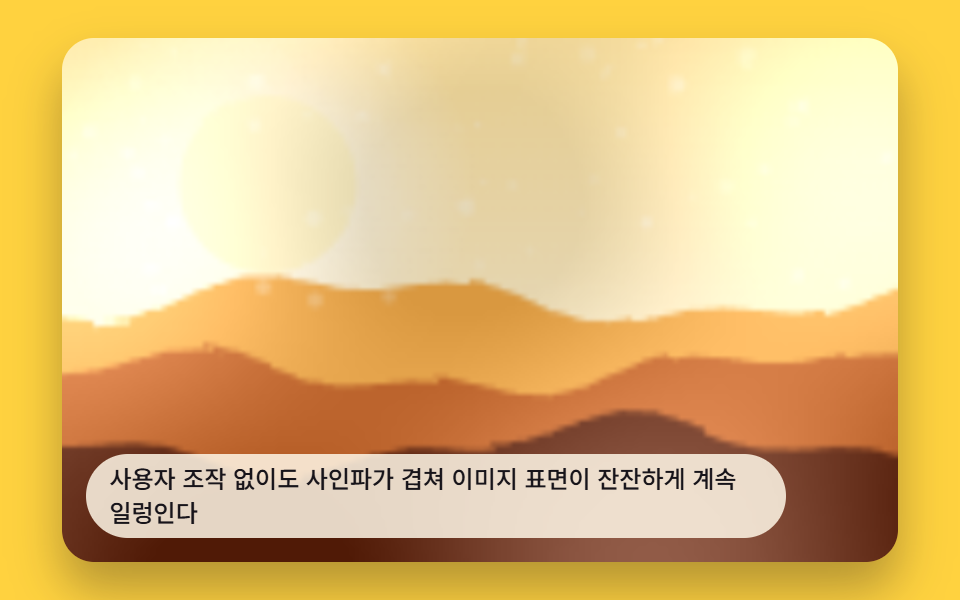 02 ripple-canvas-auto-loop-scene
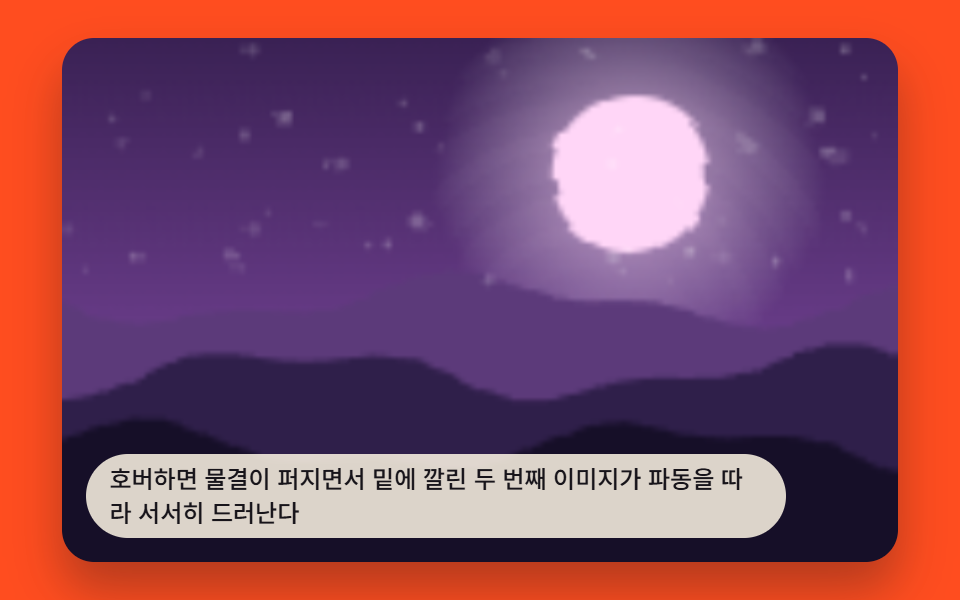 03 ripple-canvas-hover-reveal
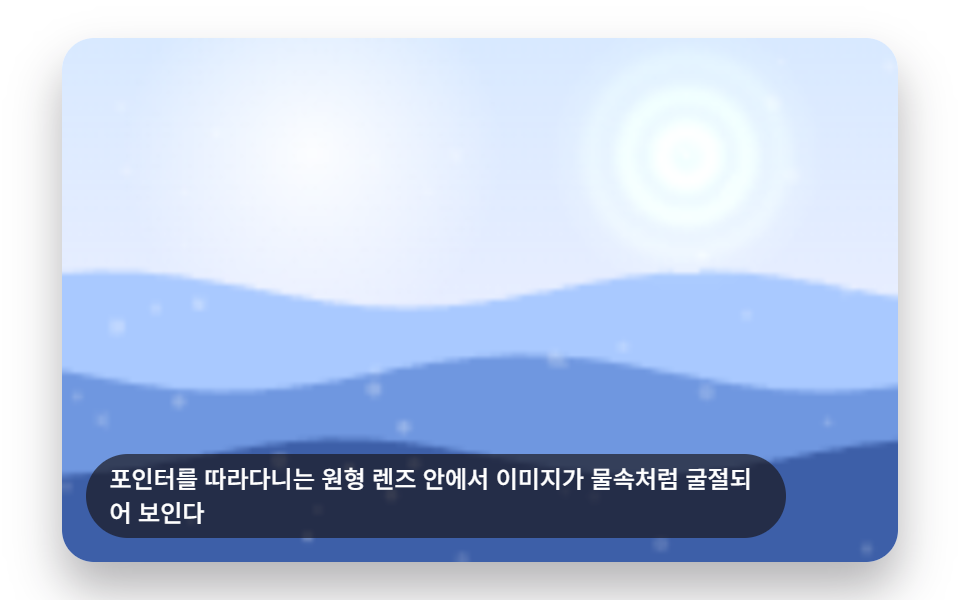 04 ripple-canvas-refraction-lens
 05 ripple-canvas-reflection-pool
 06 ripple-canvas-card-flip-wave
 07 ripple-canvas-audio-reactive
 08 ripple-canvas-text-liquid
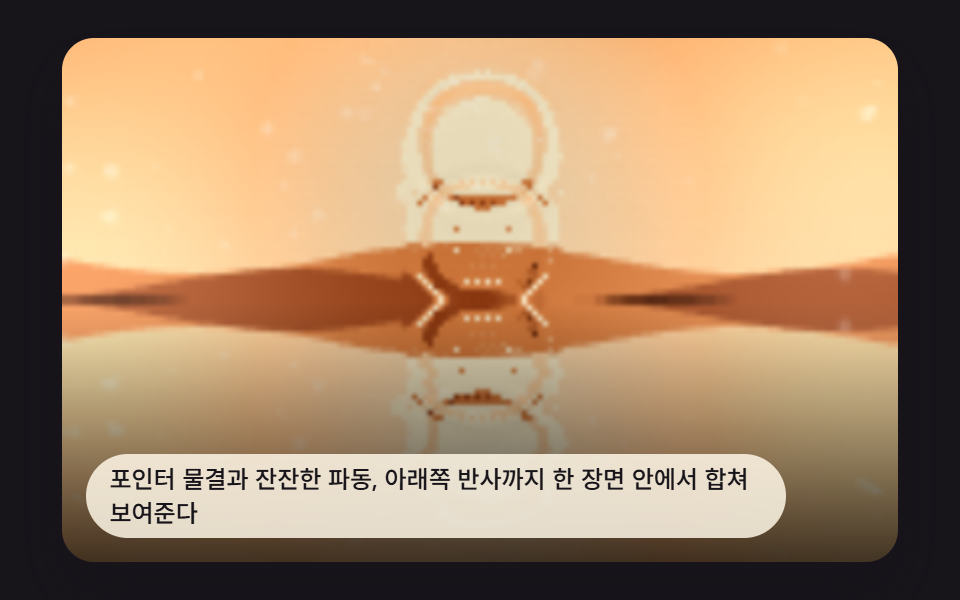 09 ripple-canvas-hero-scene
自動再生 · タイルを押すとその項目へ · すべて1つのzip
- 01 ポインターで広がる波紋
- 02 ひとりでに揺れる背景波紋
- 03 波紋が引くと別の画像が現れるホバー
- 04 ポインターを追う屈折レンズ
- 05 水面に映るように揺れる反射画像
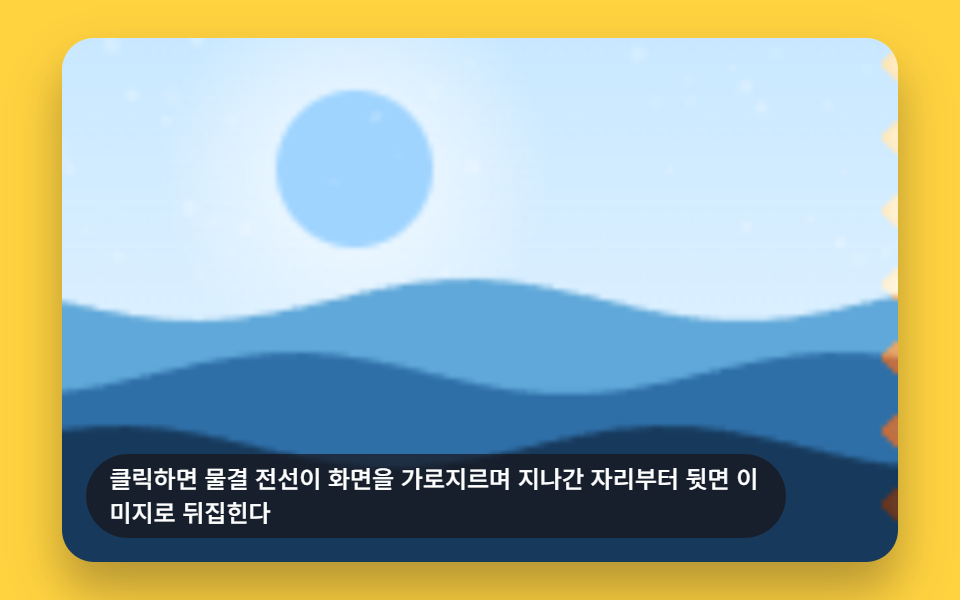
- 06 波が通り過ぎながら反転するカード
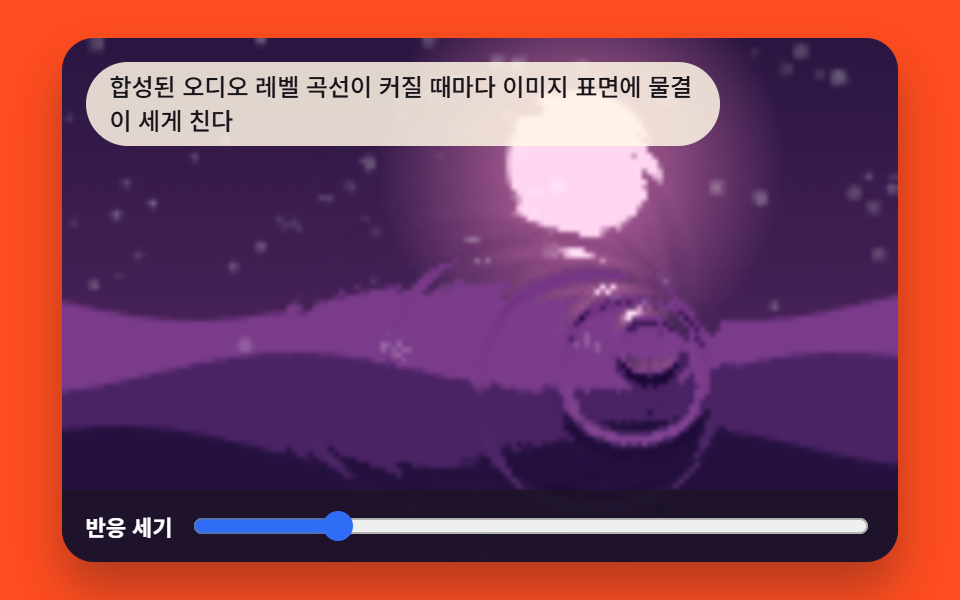
- 07 音量に合わせて大きくなる波紋
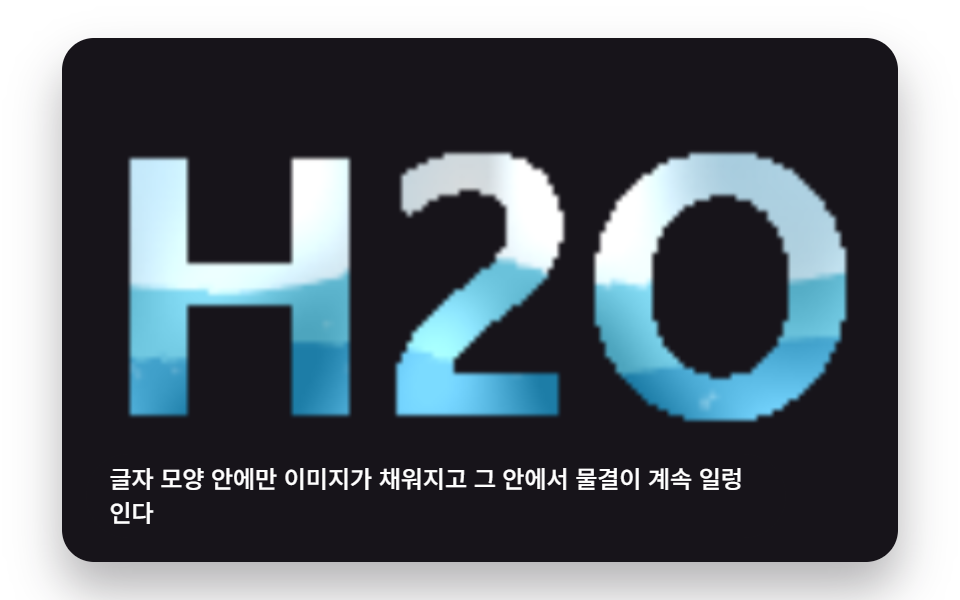
- 08 文字の中で揺れる画像
- 09 上記技法を合わせたヒーロー波紋シーン
css 波紋 アニメーション 9パターン — ピクセルを押し出すキャンバス波の計算
9つとも、どこかから写真を読み込んではいません。それぞれがseedRand()で駆動するdrawPhotoBase()を一度だけ呼び、グラデーションと粒のある画像をオフスクリーンキャンバスに描いてからgetImageData()で読み戻します。以降は毎フレーム、高さの場(ポインターが打ち込むばね減衰の2バッファグリッド、いくつものMath.sin()を足し合わせた波、あるいはポインターを起点にした放射状の減衰)を計算し直し、隣接する高さの差を小さなx/yのピクセルオフセットに変換して、そのオフセットで元の画像をsampleBase()で再サンプリングし、putImageData()で描き戻します。だからこそ、以下の並びは160×100のグリッドに一度の水しぶきが減衰していく1番から、正弦波とレンズの幾何学を扱う2番から8番を経て、1番・2番・5番の計算を自前で4つ目として作らずにそのまま一つのヒーローシーンへ流用する9番へとつながります。
01ポインター波紋スプラッシュ
ポインターが触れた場所ごとに同心円の波紋が広がり、画像のピクセルを押し出します。タップのたびに160×100の高さグリッドへ衝撃が加わり、stepWave()が1フレームごとに1マスずつそれを伝えていきます。RIPPLE_SPLASH_DECAY_MS(400)はMath.pow(0.02, 16 / RIPPLE_SPLASH_DECAY_MS)としてdampingを決めており、値を小さくすると次のタップが来る前に一つの波紋が消え、大きくすると複数の波紋が重なって残ります。
<main class="stage">
<div class="rv is-demo" id="rvRoot">
  <canvas class="rv__canvas" id="rvCanvas" width="480" height="300"></canvas>
  <p class="rv__caption">ポインターが通った場所ごとに同心円の波紋が広がり、画像のピクセルを押し出す。</p>
</div>
</main>
@use "../../../../site/static/demo-tokens" as *;
@include stage($stage-ink);
.rv {
position: relative;
width: min(92vw, calc(160vh - 12.8vw));
aspect-ratio: 480 / 300;
margin: 0 auto;
border-radius: $r-card;
overflow: hidden;
box-shadow: $shadow-raised;
cursor: crosshair;
outline: none;
}
.rv__canvas {
display: block;
width: 100%;
height: 100%;
}
.rv__caption {
position: absolute;
left: $sp-3;
bottom: $sp-3;
max-width: 78%;
margin: 0;
padding: $sp-1 $sp-3;
border-radius: $r-pill;
background: rgba(255, 247, 230, .85);
color: $subject-ink;
font-weight: 500;
font-size: 12px;
line-height: 1.4;
pointer-events: none;
}
@media (max-width: 340px) {
.rv__caption { font-size: 10px; padding: $sp-1 $sp-2; }
}
@media (prefers-reduced-motion: reduce) {
.rv { cursor: pointer; }
}html, body {
margin: 0;
overflow: hidden;
}
.stage {
box-sizing: border-box;
min-height: 100vh;
display: grid;
place-items: center;
margin: 0;
background: #17141a;
font-family: -apple-system, "Segoe UI", "Noto Sans KR", sans-serif;
padding: clamp(8px, 4vw, 24px);
}
.rv {
position: relative;
width: min(92vw, 160vh - 12.8vw);
aspect-ratio: 480/300;
margin: 0 auto;
border-radius: 16px;
overflow: hidden;
box-shadow: 0 14px 24px rgba(23, 20, 26, 0.32);
cursor: crosshair;
outline: none;
}
.rv__canvas {
display: block;
width: 100%;
height: 100%;
}
.rv__caption {
position: absolute;
left: 12px;
bottom: 12px;
max-width: 78%;
margin: 0;
padding: 4px 12px;
border-radius: 999px;
background: rgba(255, 247, 230, 0.85);
color: #17141a;
font-weight: 500;
font-size: 12px;
line-height: 1.4;
pointer-events: none;
}
@media (max-width: 340px) {
.rv__caption {
font-size: 10px;
padding: 4px 8px;
}
}
@media (prefers-reduced-motion: reduce) {
.rv {
cursor: pointer;
}
}(function () {
// 기법: 높이 필드 2버퍼 전파(감쇠 파동식) 위에 포인터가 지나가는 자리마다 임펄스를 찍는다.
// 높이 기울기를 픽셀 변위(굴절 오프셋)로 써서 절차적 "사진"을 getImageData/putImageData 로 다시 그린다.
var root = document.getElementById('rvRoot');
var canvas = document.getElementById('rvCanvas');
var ctx = canvas.getContext('2d');
var wrap = canvas.parentElement;
function seedRand(seed) {
var s = seed >>> 0;
return function () { s = (s * 1664525 + 1013904223) >>> 0; return s / 4294967296; };
}
function drawPhotoBase(pctx, w, h, seed) {
var rand = seedRand(seed);
var sky = pctx.createLinearGradient(0, 0, 0, h);
sky.addColorStop(0, '#bfe3ff');
sky.addColorStop(1, '#fff3da');
pctx.fillStyle = sky;
pctx.fillRect(0, 0, w, h);
var sunX = w * 0.7, sunY = h * 0.24, sunR = h * 0.15;
var glow = pctx.createRadialGradient(sunX, sunY, 0, sunX, sunY, sunR * 2.6);
glow.addColorStop(0, 'rgba(255,247,225,.9)');
glow.addColorStop(1, 'rgba(255,247,225,0)');
pctx.fillStyle = glow;
pctx.fillRect(0, 0, w, h);
pctx.beginPath();
pctx.arc(sunX, sunY, sunR, 0, Math.PI * 2);
pctx.fillStyle = '#ffe27a';
pctx.fill();
var hillColors = ['#8fd0c7', '#4a9d8f', '#215a56'];
for (var i = 0; i < hillColors.length; i += 1) {
var baseY = h * (0.5 + i * 0.14);
pctx.beginPath();
pctx.moveTo(0, h);
var step = Math.max(2, w / 24);
for (var x = 0; x <= w; x += step) {
var n = Math.sin(x * 0.06 + i * 2.3 + seed * 0.0003) * h * 0.045 + Math.sin(x * 0.16 + i) * h * 0.02;
pctx.lineTo(x, baseY + n);
}
pctx.lineTo(w, h);
pctx.closePath();
pctx.fillStyle = hillColors[i];
pctx.fill();
}
for (var k = 0; k < 60; k += 1) {
var px = rand() * w, py = rand() * h * 0.5, r = rand() * 1.3 + 0.3;
pctx.beginPath();
pctx.arc(px, py, r, 0, Math.PI * 2);
pctx.fillStyle = 'rgba(255,255,255,' + (0.12 + rand() * 0.22) + ')';
pctx.fill();
}
}
  var CALC_W = 160, CALC_H = 100;
  var LOOP_MS = 2000;
  var RIPPLE_SPLASH_DECAY_MS = 400;
  var SPLASH_AMP = -520;
  var REFRACT_K = 0.9;

  var gridA = new Float32Array(CALC_W * CALC_H);
  var gridB = new Float32Array(CALC_W * CALC_H);
  var damping = Math.pow(0.02, 16 / RIPPLE_SPLASH_DECAY_MS);

  function cellIndex(x, y) { return y * CALC_W + x; }

  function splashAt(gx, gy) {
    gx = Math.round(gx); gy = Math.round(gy);
    for (var dy = -1; dy <= 1; dy += 1) {
      for (var dx = -1; dx <= 1; dx += 1) {
        var x = gx + dx, y = gy + dy;
        if (x > 0 && x < CALC_W - 1 && y > 0 && y < CALC_H - 1) {
          gridA[cellIndex(x, y)] += SPLASH_AMP * (dx === 0 && dy === 0 ? 1 : 0.45);
        }
      }
    }
  }
function stepWave() {
for (var y = 1; y < CALC_H - 1; y += 1) {
var row = y * CALC_W;
for (var x = 1; x < CALC_W - 1; x += 1) {
var i = row + x;
var next = (gridA[i - 1] + gridA[i + 1] + gridA[i - CALC_W] + gridA[i + CALC_W]) / 2 - gridB[i];
gridB[i] = next * damping;
}
}
var t = gridA; gridA = gridB; gridB = t;
}
var off = document.createElement('canvas');
off.width = CALC_W; off.height = CALC_H;
var octx = off.getContext('2d');
drawPhotoBase(octx, CALC_W, CALC_H, 419011);
var baseImg = octx.getImageData(0, 0, CALC_W, CALC_H);
var baseBuf = baseImg.data;
var out = document.createElement('canvas');
out.width = CALC_W; out.height = CALC_H;
var outCtx = out.getContext('2d');
var outImg = outCtx.createImageData(CALC_W, CALC_H);
var outBuf = outImg.data;
function sampleBase(sx, sy) {
sx = sx < 0 ? 0 : (sx > CALC_W - 1 ? CALC_W - 1 : sx);
sy = sy < 0 ? 0 : (sy > CALC_H - 1 ? CALC_H - 1 : sy);
var i = (Math.round(sy) * CALC_W + Math.round(sx)) * 4;
return [baseBuf[i], baseBuf[i + 1], baseBuf[i + 2]];
}
function renderField() {
var idx = 0;
for (var y = 0; y < CALC_H; y += 1) {
var row = y * CALC_W;
for (var x = 0; x < CALC_W; x += 1) {
var i = row + x;
var hl = x > 0 ? gridA[i - 1] : gridA[i];
var hr = x < CALC_W - 1 ? gridA[i + 1] : gridA[i];
var hu = y > 0 ? gridA[i - CALC_W] : gridA[i];
var hd = y < CALC_H - 1 ? gridA[i + CALC_W] : gridA[i];
var dx = (hr - hl) * REFRACT_K;
var dy = (hd - hu) * REFRACT_K;
var rgb = sampleBase(x + dx, y + dy);
var shine = Math.max(-30, Math.min(60, (hu - hd) * 0.6));
outBuf[idx] = Math.max(0, Math.min(255, rgb[0] + shine));
outBuf[idx + 1] = Math.max(0, Math.min(255, rgb[1] + shine));
outBuf[idx + 2] = Math.max(0, Math.min(255, rgb[2] + shine));
outBuf[idx + 3] = 255;
idx += 4;
}
}
}
var cw = 480, ch = 300;
function fit() {
var r = wrap.getBoundingClientRect();
cw = Math.max(1, Math.round(r.width));
ch = Math.max(1, Math.round(r.height));
canvas.width = cw; canvas.height = ch;
draw();
}
function draw() {
renderField();
outCtx.putImageData(outImg, 0, 0);
ctx.clearRect(0, 0, cw, ch);
ctx.drawImage(out, 0, 0, CALC_W, CALC_H, 0, 0, cw, ch);
}
var reduce = window.matchMedia('(prefers-reduced-motion: reduce)').matches;
var playing = !reduce;
if (reduce) { root.classList.remove('is-demo'); }
var pointerActive = false;
var lastSplashMs = -9999;
function toGrid(e) {
var r = wrap.getBoundingClientRect();
var t0 = (e.touches && e.touches[0]) ? e.touches[0] : e;
var relX = (t0.clientX - r.left) / r.width * CALC_W;
var relY = (t0.clientY - r.top) / r.height * CALC_H;
return { x: relX, y: relY };
}
wrap.addEventListener('pointerdown', function (e) {
pointerActive = true;
var g = toGrid(e);
splashAt(g.x, g.y);
lastSplashMs = performance.now();
if (reduce) draw();
});
wrap.addEventListener('pointermove', function (e) {
if (!pointerActive && e.pressure === 0 && e.pointerType === 'mouse') { /* hover still allowed below */ }
var g = toGrid(e);
var now = performance.now();
if (now - lastSplashMs > 90) {
splashAt(g.x, g.y);
lastSplashMs = now;
if (reduce) draw();
}
});
wrap.addEventListener('pointerup', function () { pointerActive = false; });
wrap.addEventListener('pointerleave', function () { pointerActive = false; });
var keySplashRand = seedRand(419012);
wrap.addEventListener('keydown', function (e) {
if (e.key === 'Enter' || e.key === ' ') {
e.preventDefault();
splashAt(CALC_W / 2 + (keySplashRand() - 0.5) * 20, CALC_H / 2);
if (reduce) draw();
}
});
wrap.tabIndex = 0;
var VIRTUAL_INTERVAL_MS = 460;
var lastVirtualMs = -9999;
function virtualPointerOrbit(t) {
var cx = CALC_W * (0.28 + 0.44 * ((Math.sin(t * 0.0013) + 1) / 2));
var cy = CALC_H * (0.3 + 0.4 * ((Math.cos(t * 0.0019) + 1) / 2));
return { x: cx, y: cy };
}
var lastTs = null;
var elapsed = 0;
function tick(ts) {
if (lastTs === null) lastTs = ts;
var dt = ts - lastTs;
lastTs = ts;
if (playing) {
elapsed += dt;
if (!pointerActive && elapsed - lastVirtualMs > VIRTUAL_INTERVAL_MS) {
var p = virtualPointerOrbit(elapsed);
splashAt(p.x, p.y);
lastVirtualMs = elapsed;
}
stepWave();
draw();
}
requestAnimationFrame(tick);
}
fit();
window.addEventListener('resize', fit);
splashAt(CALC_W * 0.5, CALC_H * 0.45);
draw();
requestAnimationFrame(tick);
})();import { useEffect, useRef } from "react";
import styles from "./RippleCanvasPointerSplash.module.scss";
export default function RippleCanvasPointerSplash() {
const rootRef = useRef<HTMLDivElement>(null);
const canvasRef = useRef<HTMLCanvasElement>(null);
useEffect(() => {
const root = rootRef.current;
const canvas = canvasRef.current;
if (!root || !canvas) return;
const ctx = canvas.getContext("2d") as CanvasRenderingContext2D;
const wrap = canvas.parentElement as HTMLElement;
function seedRand(seed: number) {
let s = seed >>> 0;
return function () { s = (s * 1664525 + 1013904223) >>> 0; return s / 4294967296; };
}
function drawPhotoBase(pctx: CanvasRenderingContext2D, w: number, h: number, seed: number) {
const rand = seedRand(seed);
const sky = pctx.createLinearGradient(0, 0, 0, h);
sky.addColorStop(0, "#bfe3ff");
sky.addColorStop(1, "#fff3da");
pctx.fillStyle = sky;
pctx.fillRect(0, 0, w, h);
const sunX = w * 0.7, sunY = h * 0.24, sunR = h * 0.15;
const glow = pctx.createRadialGradient(sunX, sunY, 0, sunX, sunY, sunR * 2.6);
glow.addColorStop(0, "rgba(255,247,225,.9)");
glow.addColorStop(1, "rgba(255,247,225,0)");
pctx.fillStyle = glow;
pctx.fillRect(0, 0, w, h);
pctx.beginPath();
pctx.arc(sunX, sunY, sunR, 0, Math.PI * 2);
pctx.fillStyle = "#ffe27a";
pctx.fill();
const hillColors = ["#8fd0c7", "#4a9d8f", "#215a56"];
for (let i = 0; i < hillColors.length; i += 1) {
const baseY = h * (0.5 + i * 0.14);
pctx.beginPath();
pctx.moveTo(0, h);
const step = Math.max(2, w / 24);
for (let x = 0; x <= w; x += step) {
const n = Math.sin(x * 0.06 + i * 2.3 + seed * 0.0003) * h * 0.045 + Math.sin(x * 0.16 + i) * h * 0.02;
pctx.lineTo(x, baseY + n);
}
pctx.lineTo(w, h);
pctx.closePath();
pctx.fillStyle = hillColors[i];
pctx.fill();
}
for (let k = 0; k < 60; k += 1) {
const px = rand() * w, py = rand() * h * 0.5, r = rand() * 1.3 + 0.3;
pctx.beginPath();
pctx.arc(px, py, r, 0, Math.PI * 2);
pctx.fillStyle = "rgba(255,255,255," + (0.12 + rand() * 0.22) + ")";
pctx.fill();
}
}
const CALC_W = 160, CALC_H = 100;
const RIPPLE_SPLASH_DECAY_MS = 400;
const SPLASH_AMP = -520;
const REFRACT_K = 0.9;
let gridA = new Float32Array(CALC_W * CALC_H);
let gridB = new Float32Array(CALC_W * CALC_H);
const damping = Math.pow(0.02, 16 / RIPPLE_SPLASH_DECAY_MS);
function cellIndex(x: number, y: number) { return y * CALC_W + x; }
function splashAt(gx: number, gy: number) {
gx = Math.round(gx); gy = Math.round(gy);
for (let dy = -1; dy <= 1; dy += 1) {
for (let dx = -1; dx <= 1; dx += 1) {
const x = gx + dx, y = gy + dy;
if (x > 0 && x < CALC_W - 1 && y > 0 && y < CALC_H - 1) {
gridA[cellIndex(x, y)] += SPLASH_AMP * (dx === 0 && dy === 0 ? 1 : 0.45);
}
}
}
}
function stepWave() {
for (let y = 1; y < CALC_H - 1; y += 1) {
const row = y * CALC_W;
for (let x = 1; x < CALC_W - 1; x += 1) {
const i = row + x;
const next = (gridA[i - 1] + gridA[i + 1] + gridA[i - CALC_W] + gridA[i + CALC_W]) / 2 - gridB[i];
gridB[i] = next * damping;
}
}
const t = gridA; gridA = gridB; gridB = t;
}
const off = document.createElement("canvas");
off.width = CALC_W; off.height = CALC_H;
const octx = off.getContext("2d") as CanvasRenderingContext2D;
drawPhotoBase(octx, CALC_W, CALC_H, 419011);
const baseBuf = octx.getImageData(0, 0, CALC_W, CALC_H).data;
const out = document.createElement("canvas");
out.width = CALC_W; out.height = CALC_H;
const outCtx = out.getContext("2d") as CanvasRenderingContext2D;
const outImg = outCtx.createImageData(CALC_W, CALC_H);
const outBuf = outImg.data;
function sampleBase(sx: number, sy: number): [number, number, number] {
sx = sx < 0 ? 0 : (sx > CALC_W - 1 ? CALC_W - 1 : sx);
sy = sy < 0 ? 0 : (sy > CALC_H - 1 ? CALC_H - 1 : sy);
const i = (Math.round(sy) * CALC_W + Math.round(sx)) * 4;
return [baseBuf[i], baseBuf[i + 1], baseBuf[i + 2]];
}
function renderField() {
let idx = 0;
for (let y = 0; y < CALC_H; y += 1) {
const row = y * CALC_W;
for (let x = 0; x < CALC_W; x += 1) {
const i = row + x;
const hl = x > 0 ? gridA[i - 1] : gridA[i];
const hr = x < CALC_W - 1 ? gridA[i + 1] : gridA[i];
const hu = y > 0 ? gridA[i - CALC_W] : gridA[i];
const hd = y < CALC_H - 1 ? gridA[i + CALC_W] : gridA[i];
const dx = (hr - hl) * REFRACT_K;
const dy = (hd - hu) * REFRACT_K;
const rgb = sampleBase(x + dx, y + dy);
const shine = Math.max(-30, Math.min(60, (hu - hd) * 0.6));
outBuf[idx] = Math.max(0, Math.min(255, rgb[0] + shine));
outBuf[idx + 1] = Math.max(0, Math.min(255, rgb[1] + shine));
outBuf[idx + 2] = Math.max(0, Math.min(255, rgb[2] + shine));
outBuf[idx + 3] = 255;
idx += 4;
}
}
}
let cw = 480, ch = 300;
function fit() {
const r = wrap.getBoundingClientRect();
cw = Math.max(1, Math.round(r.width));
ch = Math.max(1, Math.round(r.height));
canvas!.width = cw; canvas!.height = ch;
draw();
}
function draw() {
renderField();
outCtx.putImageData(outImg, 0, 0);
ctx.clearRect(0, 0, cw, ch);
ctx.drawImage(out, 0, 0, CALC_W, CALC_H, 0, 0, cw, ch);
}
const reduce = window.matchMedia("(prefers-reduced-motion: reduce)").matches;
const playing = !reduce;
if (reduce) { root.classList.remove("is-demo"); }
let pointerActive = false;
let lastSplashMs = -9999;
function toGrid(e: PointerEvent) {
const r = wrap.getBoundingClientRect();
const relX = ((e.clientX - r.left) / r.width) * CALC_W;
const relY = ((e.clientY - r.top) / r.height) * CALC_H;
return { x: relX, y: relY };
}
function onPointerDown(e: PointerEvent) {
pointerActive = true;
const g = toGrid(e);
splashAt(g.x, g.y);
lastSplashMs = performance.now();
if (reduce) draw();
}
function onPointerMove(e: PointerEvent) {
const g = toGrid(e);
const now = performance.now();
if (now - lastSplashMs > 90) {
splashAt(g.x, g.y);
lastSplashMs = now;
if (reduce) draw();
}
}
function onPointerUp() { pointerActive = false; }
function onPointerLeave() { pointerActive = false; }
function onKeyDown(e: KeyboardEvent) {
if (e.key === "Enter" || e.key === " ") {
e.preventDefault();
splashAt(CALC_W / 2, CALC_H / 2);
if (reduce) draw();
}
}
wrap.addEventListener("pointerdown", onPointerDown);
wrap.addEventListener("pointermove", onPointerMove);
wrap.addEventListener("pointerup", onPointerUp);
wrap.addEventListener("pointerleave", onPointerLeave);
wrap.addEventListener("keydown", onKeyDown);
wrap.tabIndex = 0;
const VIRTUAL_INTERVAL_MS = 460;
let lastVirtualMs = -9999;
function virtualPointerOrbit(t: number) {
return {
x: CALC_W * (0.28 + 0.44 * ((Math.sin(t * 0.0013) + 1) / 2)),
y: CALC_H * (0.3 + 0.4 * ((Math.cos(t * 0.0019) + 1) / 2))
};
}
let lastTs: number | null = null;
let elapsed = 0;
let raf = 0;
function tick(ts: number) {
if (lastTs === null) lastTs = ts;
const dt = ts - lastTs;
lastTs = ts;
if (playing) {
elapsed += dt;
if (!pointerActive && elapsed - lastVirtualMs > VIRTUAL_INTERVAL_MS) {
const p = virtualPointerOrbit(elapsed);
splashAt(p.x, p.y);
lastVirtualMs = elapsed;
}
stepWave();
draw();
}
raf = requestAnimationFrame(tick);
}
fit();
window.addEventListener("resize", fit);
splashAt(CALC_W * 0.5, CALC_H * 0.45);
draw();
raf = requestAnimationFrame(tick);
return () => {
cancelAnimationFrame(raf);
window.removeEventListener("resize", fit);
wrap.removeEventListener("pointerdown", onPointerDown);
wrap.removeEventListener("pointermove", onPointerMove);
wrap.removeEventListener("pointerup", onPointerUp);
wrap.removeEventListener("pointerleave", onPointerLeave);
wrap.removeEventListener("keydown", onKeyDown);
};
}, []);
return (
<main className={styles.stage}>
<div className={`${styles.rv} is-demo`} ref={rootRef}>
<canvas className={styles.rv__canvas} ref={canvasRef} width={480} height={300} />
<p className={styles.rv__caption}>포인터가 지나간 자리마다 동심원 물결이 퍼지며 이미지 픽셀을 밀어낸다</p>
</div>
</main>
);
}01 · ポインターで広がる波紋 — 計測 累積面積 15.95% · 動いたフレーム 23/23GODRICH オリジナル · SCSS と React は zip に同梱 · パスワードを見る
var CALC_W = 160, CALC_H = 100;
var LOOP_MS = 2000;
var RIPPLE_SPLASH_DECAY_MS = 400;
var SPLASH_AMP = -520;
var REFRACT_K = 0.9;
var gridA = new Float32Array(CALC_W * CALC_H);
var gridB = new Float32Array(CALC_W * CALC_H);
var damping = Math.pow(0.02, 16 / RIPPLE_SPLASH_DECAY_MS);
function cellIndex(x, y) { return y * CALC_W + x; }
function splashAt(gx, gy) {
gx = Math.round(gx); gy = Math.round(gy);
for (var dy = -1; dy <= 1; dy += 1) {
for (var dx = -1; dx <= 1; dx += 1) {
var x = gx + dx, y = gy + dy;
if (x > 0 && x < CALC_W - 1 && y > 0 && y < CALC_H - 1) {
gridA[cellIndex(x, y)] += SPLASH_AMP * (dx === 0 && dy === 0 ? 1 : 0.45);
}
}
}
}
測定値: 面積の15.9%が毎ループ塗り替わり、強度平均は56.8、サンプリングした23/23フレームで変化が確認できました。
02操作なしで常に揺れる背景
操作がなくても重なり合う正弦波によって画像の表面が絶えずゆらめきます。ambientHeight()が毎フレーム毎ピクセルでRIPPLE_AMBIENT_WAVE_COUNT(2)本のMath.sin()波を足し合わせており、ポインターへの反応ではなくループのために存在する関数です。この本数を増やすと、角度と速さの異なる波が何層も重なります。それはまさに下の変形表1行目が1番の減衰時間を伸ばし、2行目がこの本数を6まで上げているのと同じ考え方です。
<main class="stage">
<div class="rv is-demo" id="rvRoot">
  <canvas class="rv__canvas" id="rvCanvas" width="480" height="300"></canvas>
  <p class="rv__caption">操作がなくても、重なり合う正弦波が画像の表面を絶えずゆらめかせる。</p>
</div>
</main>
@use "../../../../site/static/demo-tokens" as *;
@include stage($stage-yellow);
.rv {
position: relative;
width: min(92vw, calc(160vh - 12.8vw));
aspect-ratio: 480 / 300;
margin: 0 auto;
border-radius: $r-card;
overflow: hidden;
box-shadow: $shadow-raised;
}
.rv__canvas {
display: block;
width: 100%;
height: 100%;
}
.rv__caption {
position: absolute;
left: $sp-3;
bottom: $sp-3;
max-width: 78%;
margin: 0;
padding: $sp-1 $sp-3;
border-radius: $r-pill;
background: rgba(255, 247, 230, .85);
color: $subject-ink;
font-weight: 500;
font-size: 12px;
line-height: 1.4;
pointer-events: none;
}
@media (max-width: 340px) {
.rv__caption { font-size: 10px; padding: $sp-1 $sp-2; }
}
@media (prefers-reduced-motion: reduce) {
.rv { cursor: default; }
}html, body {
margin: 0;
overflow: hidden;
}
.stage {
box-sizing: border-box;
min-height: 100vh;
display: grid;
place-items: center;
margin: 0;
background: #ffd23f;
font-family: -apple-system, "Segoe UI", "Noto Sans KR", sans-serif;
padding: clamp(8px, 4vw, 24px);
}
.rv {
position: relative;
width: min(92vw, 160vh - 12.8vw);
aspect-ratio: 480/300;
margin: 0 auto;
border-radius: 16px;
overflow: hidden;
box-shadow: 0 14px 24px rgba(23, 20, 26, 0.32);
}
.rv__canvas {
display: block;
width: 100%;
height: 100%;
}
.rv__caption {
position: absolute;
left: 12px;
bottom: 12px;
max-width: 78%;
margin: 0;
padding: 4px 12px;
border-radius: 999px;
background: rgba(255, 247, 230, 0.85);
color: #17141a;
font-weight: 500;
font-size: 12px;
line-height: 1.4;
pointer-events: none;
}
@media (max-width: 340px) {
.rv__caption {
font-size: 10px;
padding: 4px 8px;
}
}
@media (prefers-reduced-motion: reduce) {
.rv {
cursor: default;
}
}(function () {
// 기법: 포인터 없이도 사인파 RIPPLE_AMBIENT_WAVE_COUNT 겹을 분석식으로 합쳐 높이 필드를 매 프레임 계산한다.
// 높이 필드의 x·y 기울기를 굴절 변위로 써서 절차적 "사진" 픽셀을 매 프레임 다시 그린다(속성 트윈이 아니다).
var root = document.getElementById('rvRoot');
var canvas = document.getElementById('rvCanvas');
var ctx = canvas.getContext('2d');
var wrap = canvas.parentElement;
function seedRand(seed) {
var s = seed >>> 0;
return function () { s = (s * 1664525 + 1013904223) >>> 0; return s / 4294967296; };
}
function drawPhotoBase(pctx, w, h, seed) {
var rand = seedRand(seed);
var sky = pctx.createLinearGradient(0, 0, 0, h);
sky.addColorStop(0, '#ffe6a8');
sky.addColorStop(1, '#fff8ea');
pctx.fillStyle = sky;
pctx.fillRect(0, 0, w, h);
var sunX = w * 0.24, sunY = h * 0.28, sunR = h * 0.17;
var glow = pctx.createRadialGradient(sunX, sunY, 0, sunX, sunY, sunR * 2.4);
glow.addColorStop(0, 'rgba(255,255,255,.85)');
glow.addColorStop(1, 'rgba(255,255,255,0)');
pctx.fillStyle = glow;
pctx.fillRect(0, 0, w, h);
pctx.beginPath();
pctx.arc(sunX, sunY, sunR, 0, Math.PI * 2);
pctx.fillStyle = '#fff3c9';
pctx.fill();
var hillColors = ['#f3b25a', '#c9713a', '#6a3420'];
for (var i = 0; i < hillColors.length; i += 1) {
var baseY = h * (0.5 + i * 0.14);
pctx.beginPath();
pctx.moveTo(0, h);
var step = Math.max(2, w / 24);
for (var x = 0; x <= w; x += step) {
var n = Math.sin(x * 0.05 + i * 1.7 + seed * 0.0002) * h * 0.04 + Math.sin(x * 0.14 + i) * h * 0.02;
pctx.lineTo(x, baseY + n);
}
pctx.lineTo(w, h);
pctx.closePath();
pctx.fillStyle = hillColors[i];
pctx.fill();
}
for (var k = 0; k < 55; k += 1) {
var px = rand() * w, py = rand() * h * 0.5, r = rand() * 1.2 + 0.3;
pctx.beginPath();
pctx.arc(px, py, r, 0, Math.PI * 2);
pctx.fillStyle = 'rgba(255,255,255,' + (0.1 + rand() * 0.2) + ')';
pctx.fill();
}
}
var CALC_W = 160, CALC_H = 100;
var RIPPLE_AMBIENT_WAVE_COUNT = 2;
var REFRACT_K = 1.15;
var off = document.createElement('canvas');
off.width = CALC_W; off.height = CALC_H;
var octx = off.getContext('2d');
drawPhotoBase(octx, CALC_W, CALC_H, 419021);
var baseImg = octx.getImageData(0, 0, CALC_W, CALC_H);
var baseBuf = baseImg.data;
var out = document.createElement('canvas');
out.width = CALC_W; out.height = CALC_H;
var outCtx = out.getContext('2d');
var outImg = outCtx.createImageData(CALC_W, CALC_H);
var outBuf = outImg.data;
  function ambientHeight(x, y, t) {
    var h = 0;
    for (var i = 0; i < RIPPLE_AMBIENT_WAVE_COUNT; i += 1) {
      var ang = (i / RIPPLE_AMBIENT_WAVE_COUNT) * Math.PI + 0.5;
      var freq = 0.05 + i * 0.021;
      var speed = 0.0017 + i * 0.0009;
      var amp = 6.5 / (i + 1);
      var dir = (i % 2 === 0) ? 1 : -1;
      h += amp * Math.sin(x * Math.cos(ang) * freq + y * Math.sin(ang) * freq + t * speed * dir);
    }
    return h;
  }
function sampleBase(sx, sy) {
sx = sx < 0 ? 0 : (sx > CALC_W - 1 ? CALC_W - 1 : sx);
sy = sy < 0 ? 0 : (sy > CALC_H - 1 ? CALC_H - 1 : sy);
var i = (Math.round(sy) * CALC_W + Math.round(sx)) * 4;
return [baseBuf[i], baseBuf[i + 1], baseBuf[i + 2]];
}
function renderFrame(t) {
var idx = 0;
for (var y = 0; y < CALC_H; y += 1) {
for (var x = 0; x < CALC_W; x += 1) {
var h0 = ambientHeight(x, y, t);
var hx = ambientHeight(x + 1, y, t) - ambientHeight(x - 1, y, t);
var hy = ambientHeight(x, y + 1, t) - ambientHeight(x, y - 1, t);
var dx = hx * REFRACT_K, dy = hy * REFRACT_K;
var rgb = sampleBase(x + dx, y + dy);
var shine = Math.max(-26, Math.min(46, h0 * 4));
outBuf[idx] = Math.max(0, Math.min(255, rgb[0] + shine));
outBuf[idx + 1] = Math.max(0, Math.min(255, rgb[1] + shine));
outBuf[idx + 2] = Math.max(0, Math.min(255, rgb[2] + shine));
outBuf[idx + 3] = 255;
idx += 4;
}
}
}
var cw = 480, ch = 300;
function fit() {
var r = wrap.getBoundingClientRect();
cw = Math.max(1, Math.round(r.width));
ch = Math.max(1, Math.round(r.height));
canvas.width = cw; canvas.height = ch;
draw(lastElapsed);
}
var lastElapsed = 0;
function draw(t) {
lastElapsed = t;
renderFrame(t);
outCtx.putImageData(outImg, 0, 0);
ctx.clearRect(0, 0, cw, ch);
ctx.drawImage(out, 0, 0, CALC_W, CALC_H, 0, 0, cw, ch);
}
var reduce = window.matchMedia('(prefers-reduced-motion: reduce)').matches;
var playing = !reduce;
var elapsed = reduce ? 900 : 0;
if (reduce) { root.classList.remove('is-demo'); }
var lastTs = null;
function tick(ts) {
if (lastTs === null) lastTs = ts;
var dt = ts - lastTs;
lastTs = ts;
if (playing) { elapsed += dt; }
draw(elapsed);
requestAnimationFrame(tick);
}
fit();
window.addEventListener('resize', fit);
draw(elapsed);
requestAnimationFrame(tick);
})();import { useEffect, useRef } from "react";
import styles from "./RippleCanvasAutoLoopScene.module.scss";
export default function RippleCanvasAutoLoopScene() {
const rootRef = useRef<HTMLDivElement>(null);
const canvasRef = useRef<HTMLCanvasElement>(null);
useEffect(() => {
const root = rootRef.current;
const canvas = canvasRef.current;
if (!root || !canvas) return;
const ctx = canvas.getContext("2d") as CanvasRenderingContext2D;
const wrap = canvas.parentElement as HTMLElement;
function seedRand(seed: number) {
let s = seed >>> 0;
return function () { s = (s * 1664525 + 1013904223) >>> 0; return s / 4294967296; };
}
function drawPhotoBase(pctx: CanvasRenderingContext2D, w: number, h: number, seed: number) {
const rand = seedRand(seed);
const sky = pctx.createLinearGradient(0, 0, 0, h);
sky.addColorStop(0, "#ffe6a8");
sky.addColorStop(1, "#fff8ea");
pctx.fillStyle = sky;
pctx.fillRect(0, 0, w, h);
const sunX = w * 0.24, sunY = h * 0.28, sunR = h * 0.17;
const glow = pctx.createRadialGradient(sunX, sunY, 0, sunX, sunY, sunR * 2.4);
glow.addColorStop(0, "rgba(255,255,255,.85)");
glow.addColorStop(1, "rgba(255,255,255,0)");
pctx.fillStyle = glow;
pctx.fillRect(0, 0, w, h);
pctx.beginPath();
pctx.arc(sunX, sunY, sunR, 0, Math.PI * 2);
pctx.fillStyle = "#fff3c9";
pctx.fill();
const hillColors = ["#f3b25a", "#c9713a", "#6a3420"];
for (let i = 0; i < hillColors.length; i += 1) {
const baseY = h * (0.5 + i * 0.14);
pctx.beginPath();
pctx.moveTo(0, h);
const step = Math.max(2, w / 24);
for (let x = 0; x <= w; x += step) {
const n = Math.sin(x * 0.05 + i * 1.7 + seed * 0.0002) * h * 0.04 + Math.sin(x * 0.14 + i) * h * 0.02;
pctx.lineTo(x, baseY + n);
}
pctx.lineTo(w, h);
pctx.closePath();
pctx.fillStyle = hillColors[i];
pctx.fill();
}
for (let k = 0; k < 55; k += 1) {
const px = rand() * w, py = rand() * h * 0.5, r = rand() * 1.2 + 0.3;
pctx.beginPath();
pctx.arc(px, py, r, 0, Math.PI * 2);
pctx.fillStyle = "rgba(255,255,255," + (0.1 + rand() * 0.2) + ")";
pctx.fill();
}
}
const CALC_W = 160, CALC_H = 100;
const RIPPLE_AMBIENT_WAVE_COUNT = 2;
const REFRACT_K = 1.15;
const off = document.createElement("canvas");
off.width = CALC_W; off.height = CALC_H;
const octx = off.getContext("2d") as CanvasRenderingContext2D;
drawPhotoBase(octx, CALC_W, CALC_H, 419021);
const baseBuf = octx.getImageData(0, 0, CALC_W, CALC_H).data;
const out = document.createElement("canvas");
out.width = CALC_W; out.height = CALC_H;
const outCtx = out.getContext("2d") as CanvasRenderingContext2D;
const outImg = outCtx.createImageData(CALC_W, CALC_H);
const outBuf = outImg.data;
function ambientHeight(x: number, y: number, t: number) {
let h = 0;
for (let i = 0; i < RIPPLE_AMBIENT_WAVE_COUNT; i += 1) {
const ang = (i / RIPPLE_AMBIENT_WAVE_COUNT) * Math.PI + 0.5;
const freq = 0.05 + i * 0.021;
const speed = 0.0017 + i * 0.0009;
const amp = 6.5 / (i + 1);
const dir = (i % 2 === 0) ? 1 : -1;
h += amp * Math.sin(x * Math.cos(ang) * freq + y * Math.sin(ang) * freq + t * speed * dir);
}
return h;
}
function sampleBase(sx: number, sy: number): [number, number, number] {
sx = sx < 0 ? 0 : (sx > CALC_W - 1 ? CALC_W - 1 : sx);
sy = sy < 0 ? 0 : (sy > CALC_H - 1 ? CALC_H - 1 : sy);
const i = (Math.round(sy) * CALC_W + Math.round(sx)) * 4;
return [baseBuf[i], baseBuf[i + 1], baseBuf[i + 2]];
}
function renderFrame(t: number) {
let idx = 0;
for (let y = 0; y < CALC_H; y += 1) {
for (let x = 0; x < CALC_W; x += 1) {
const h0 = ambientHeight(x, y, t);
const hx = ambientHeight(x + 1, y, t) - ambientHeight(x - 1, y, t);
const hy = ambientHeight(x, y + 1, t) - ambientHeight(x, y - 1, t);
const dx = hx * REFRACT_K, dy = hy * REFRACT_K;
const rgb = sampleBase(x + dx, y + dy);
const shine = Math.max(-26, Math.min(46, h0 * 4));
outBuf[idx] = Math.max(0, Math.min(255, rgb[0] + shine));
outBuf[idx + 1] = Math.max(0, Math.min(255, rgb[1] + shine));
outBuf[idx + 2] = Math.max(0, Math.min(255, rgb[2] + shine));
outBuf[idx + 3] = 255;
idx += 4;
}
}
}
let cw = 480, ch = 300;
let lastElapsed = 0;
function draw(t: number) {
lastElapsed = t;
renderFrame(t);
outCtx.putImageData(outImg, 0, 0);
ctx.clearRect(0, 0, cw, ch);
ctx.drawImage(out, 0, 0, CALC_W, CALC_H, 0, 0, cw, ch);
}
function fit() {
const r = wrap.getBoundingClientRect();
cw = Math.max(1, Math.round(r.width));
ch = Math.max(1, Math.round(r.height));
canvas!.width = cw; canvas!.height = ch;
draw(lastElapsed);
}
const reduce = window.matchMedia("(prefers-reduced-motion: reduce)").matches;
const playing = !reduce;
let elapsed = reduce ? 900 : 0;
if (reduce) { root.classList.remove("is-demo"); }
let lastTs: number | null = null;
let raf = 0;
function tick(ts: number) {
if (lastTs === null) lastTs = ts;
const dt = ts - lastTs;
lastTs = ts;
if (playing) { elapsed += dt; }
draw(elapsed);
raf = requestAnimationFrame(tick);
}
fit();
window.addEventListener("resize", fit);
draw(elapsed);
raf = requestAnimationFrame(tick);
return () => {
cancelAnimationFrame(raf);
window.removeEventListener("resize", fit);
};
}, []);
return (
<main className={styles.stage}>
<div className={`${styles.rv} is-demo`} ref={rootRef}>
<canvas className={styles.rv__canvas} ref={canvasRef} width={480} height={300} />
<p className={styles.rv__caption}>사용자 조작 없이도 사인파가 겹쳐 이미지 표면이 잔잔하게 계속 일렁인다</p>
</div>
</main>
);
}02 · ひとりでに揺れる背景波紋 — 計測 累積面積 66.05% · 動いたフレーム 23/23GODRICH オリジナル · SCSS と React は zip に同梱 · パスワードを見る
function ambientHeight(x, y, t) {
var h = 0;
for (var i = 0; i < RIPPLE_AMBIENT_WAVE_COUNT; i += 1) {
var ang = (i / RIPPLE_AMBIENT_WAVE_COUNT) * Math.PI + 0.5;
var freq = 0.05 + i * 0.021;
var speed = 0.0017 + i * 0.0009;
var amp = 6.5 / (i + 1);
var dir = (i % 2 === 0) ? 1 : -1;
h += amp * Math.sin(x * Math.cos(ang) * freq + y * Math.sin(ang) * freq + t * speed * dir);
}
return h;
}
測定値: 面積の66.0%が毎ループ塗り替わり、強度平均は32.2、サンプリングした23/23フレームで変化が確認できました。
03波の先端に沿って現れるホバーリビール
ホバーすると波紋が広がり、下に敷かれた二枚目の画像が波の先端に沿って徐々に現れます。WAVE_BAND(10)が、広がっていく半径の周りで二枚の画像を混ぜ合わせる帯の幅を決めており、この帯を過ぎると一方の写真が完全に置き換わります。ポインターが離れてもvirtualHover()が同じリビールをループで動かし続けるため、誰も触れていない間も静止画のままにはなりません。
<main class="stage">
<div class="rv is-demo" id="rvRoot" tabindex="0">
  <canvas class="rv__canvas" id="rvCanvas" width="480" height="300"></canvas>
  <p class="rv__caption">ホバーすると波紋が広がり、下に敷かれた二枚目の画像が波に沿って徐々に現れる。</p>
</div>
</main>
@use "../../../../site/static/demo-tokens" as *;
@include stage($stage-orange);
.rv {
position: relative;
width: min(92vw, calc(160vh - 12.8vw));
aspect-ratio: 480 / 300;
margin: 0 auto;
border-radius: $r-card;
overflow: hidden;
box-shadow: $shadow-raised;
cursor: pointer;
outline: none;
}
.rv__canvas {
display: block;
width: 100%;
height: 100%;
}
.rv__caption {
position: absolute;
left: $sp-3;
bottom: $sp-3;
max-width: 78%;
margin: 0;
padding: $sp-1 $sp-3;
border-radius: $r-pill;
background: rgba(255, 247, 230, .85);
color: $subject-ink;
font-weight: 500;
font-size: 12px;
line-height: 1.4;
pointer-events: none;
}
@media (max-width: 340px) {
.rv__caption { font-size: 10px; padding: $sp-1 $sp-2; }
}
@media (prefers-reduced-motion: reduce) {
.rv { cursor: pointer; }
}html, body {
margin: 0;
overflow: hidden;
}
.stage {
box-sizing: border-box;
min-height: 100vh;
display: grid;
place-items: center;
margin: 0;
background: #ff4d1f;
font-family: -apple-system, "Segoe UI", "Noto Sans KR", sans-serif;
padding: clamp(8px, 4vw, 24px);
}
.rv {
position: relative;
width: min(92vw, 160vh - 12.8vw);
aspect-ratio: 480/300;
margin: 0 auto;
border-radius: 16px;
overflow: hidden;
box-shadow: 0 14px 24px rgba(23, 20, 26, 0.32);
cursor: pointer;
outline: none;
}
.rv__canvas {
display: block;
width: 100%;
height: 100%;
}
.rv__caption {
position: absolute;
left: 12px;
bottom: 12px;
max-width: 78%;
margin: 0;
padding: 4px 12px;
border-radius: 999px;
background: rgba(255, 247, 230, 0.85);
color: #17141a;
font-weight: 500;
font-size: 12px;
line-height: 1.4;
pointer-events: none;
}
@media (max-width: 340px) {
.rv__caption {
font-size: 10px;
padding: 4px 8px;
}
}
@media (prefers-reduced-motion: reduce) {
.rv {
cursor: pointer;
}
}(function () {
// 기법: 호버 시작점에서 시간에 비례해 자라는 파동 반경으로 두 절차적 "사진" A·B 를 마스크 블렌드한다.
// 반경 경계띠 안에서는 sin 오프셋으로 픽셀을 살짝 밀어 물결 전선이 지나가는 것처럼 보이게 한다.
var root = document.getElementById('rvRoot');
var canvas = document.getElementById('rvCanvas');
var ctx = canvas.getContext('2d');
var wrap = canvas.parentElement;
function seedRand(seed) {
var s = seed >>> 0;
return function () { s = (s * 1664525 + 1013904223) >>> 0; return s / 4294967296; };
}
function drawPhotoBase(pctx, w, h, seed, palette) {
var rand = seedRand(seed);
var sky = pctx.createLinearGradient(0, 0, 0, h);
sky.addColorStop(0, palette[0]);
sky.addColorStop(1, palette[1]);
pctx.fillStyle = sky;
pctx.fillRect(0, 0, w, h);
var sunX = w * 0.68, sunY = h * 0.26, sunR = h * 0.15;
var glow = pctx.createRadialGradient(sunX, sunY, 0, sunX, sunY, sunR * 2.5);
glow.addColorStop(0, palette[2]);
glow.addColorStop(1, 'rgba(255,255,255,0)');
pctx.fillStyle = glow;
pctx.fillRect(0, 0, w, h);
pctx.beginPath();
pctx.arc(sunX, sunY, sunR, 0, Math.PI * 2);
pctx.fillStyle = palette[3];
pctx.fill();
for (var i = 0; i < palette[4].length; i += 1) {
var baseY = h * (0.5 + i * 0.14);
pctx.beginPath();
pctx.moveTo(0, h);
var step = Math.max(2, w / 24);
for (var x = 0; x <= w; x += step) {
var n = Math.sin(x * 0.06 + i * 2 + seed * 0.0003) * h * 0.04 + Math.sin(x * 0.15 + i) * h * 0.018;
pctx.lineTo(x, baseY + n);
}
pctx.lineTo(w, h);
pctx.closePath();
pctx.fillStyle = palette[4][i];
pctx.fill();
}
for (var k = 0; k < 50; k += 1) {
var px = rand() * w, py = rand() * h * 0.5, r = rand() * 1.2 + 0.3;
pctx.beginPath();
pctx.arc(px, py, r, 0, Math.PI * 2);
pctx.fillStyle = 'rgba(255,255,255,' + (0.1 + rand() * 0.2) + ')';
pctx.fill();
}
}
var CALC_W = 160, CALC_H = 100;
var WAVE_FRONT_SPEED = 0.11;
var WAVE_BAND = 10;
function makeBase(seed, palette) {
var c = document.createElement('canvas');
c.width = CALC_W; c.height = CALC_H;
var cx = c.getContext('2d');
drawPhotoBase(cx, CALC_W, CALC_H, seed, palette);
return cx.getImageData(0, 0, CALC_W, CALC_H).data;
}
var bufA = makeBase(419031, ['#bfe3ff', '#fff3da', 'rgba(255,247,225,.9)', '#ffe27a', ['#8fd0c7', '#4a9d8f', '#215a56']]);
var bufB = makeBase(419032, ['#3a2154', '#8a4fae', 'rgba(255,214,247,.7)', '#ffd6f7', ['#5c3a7a', '#2f1f4a', '#160f28']]);
var out = document.createElement('canvas');
out.width = CALC_W; out.height = CALC_H;
var outCtx = out.getContext('2d');
var outImg = outCtx.createImageData(CALC_W, CALC_H);
var outBuf = outImg.data;
function sampleAt(buf, sx, sy) {
sx = sx < 0 ? 0 : (sx > CALC_W - 1 ? CALC_W - 1 : sx);
sy = sy < 0 ? 0 : (sy > CALC_H - 1 ? CALC_H - 1 : sy);
var i = (Math.round(sy) * CALC_W + Math.round(sx)) * 4;
return [buf[i], buf[i + 1], buf[i + 2]];
}
var origin = { x: CALC_W * 0.5, y: CALC_H * 0.5 };
var radius = 0;
var target = 0;
  function renderFrame(t) {
    var maxR = Math.sqrt(CALC_W * CALC_W + CALC_H * CALC_H);
    var idx = 0;
    for (var y = 0; y < CALC_H; y += 1) {
      for (var x = 0; x < CALC_W; x += 1) {
        var dx0 = x - origin.x, dy0 = y - origin.y;
        var dist = Math.sqrt(dx0 * dx0 + dy0 * dy0);
        var band = Math.sin(dist * 0.35 - t * 0.01);
        var mix = 1 - Math.max(0, Math.min(1, (dist - (radius - WAVE_BAND)) / WAVE_BAND));
        var rippled = dist + band * (mix > 0.02 && mix < 0.98 ? 2.4 : 0);
        var a = sampleAt(bufA, x + band * 0.6, y);
        var b = sampleAt(bufB, x - band * 0.6, y);
        var m = mix;
        outBuf[idx] = a[0] + (b[0] - a[0]) * m;
        outBuf[idx + 1] = a[1] + (b[1] - a[1]) * m;
        outBuf[idx + 2] = a[2] + (b[2] - a[2]) * m;
        outBuf[idx + 3] = 255;
idx += 4;
void rippled; void maxR;
}
}
}
var cw = 480, ch = 300;
function fit() {
var r = wrap.getBoundingClientRect();
cw = Math.max(1, Math.round(r.width));
ch = Math.max(1, Math.round(r.height));
canvas.width = cw; canvas.height = ch;
draw(lastElapsed);
}
var lastElapsed = 0;
function draw(t) {
lastElapsed = t;
renderFrame(t);
outCtx.putImageData(outImg, 0, 0);
ctx.clearRect(0, 0, cw, ch);
ctx.drawImage(out, 0, 0, CALC_W, CALC_H, 0, 0, cw, ch);
}
var reduce = window.matchMedia('(prefers-reduced-motion: reduce)').matches;
var playing = !reduce;
if (reduce) { root.classList.remove('is-demo'); }
var hovering = false;
function toGrid(e) {
var r = wrap.getBoundingClientRect();
var t0 = (e.touches && e.touches[0]) ? e.touches[0] : e;
return {
x: (t0.clientX - r.left) / r.width * CALC_W,
y: (t0.clientY - r.top) / r.height * CALC_H
};
}
function startReveal(e) {
hovering = true;
if (e) origin = toGrid(e);
target = Math.sqrt(CALC_W * CALC_W + CALC_H * CALC_H);
if (reduce) draw(lastElapsed);
}
function endReveal() {
hovering = false;
target = 0;
if (reduce) draw(lastElapsed);
}
wrap.addEventListener('pointerenter', startReveal);
wrap.addEventListener('pointermove', function (e) { if (hovering) origin = toGrid(e); });
wrap.addEventListener('pointerleave', endReveal);
wrap.addEventListener('focus', function () { startReveal(null); origin = { x: CALC_W * 0.5, y: CALC_H * 0.5 }; });
wrap.addEventListener('blur', endReveal);
var VIRTUAL_CYCLE_MS = 1900;
function virtualHover(t) {
var phase = (t % VIRTUAL_CYCLE_MS) / VIRTUAL_CYCLE_MS;
return phase < 0.55;
}
var lastTs = null;
var elapsed = 0;
function tick(ts) {
if (lastTs === null) lastTs = ts;
var dt = ts - lastTs;
lastTs = ts;
if (playing) {
elapsed += dt;
if (!hovering) {
var on = virtualHover(elapsed);
target = on ? Math.sqrt(CALC_W * CALC_W + CALC_H * CALC_H) : 0;
if (on) {
origin.x = CALC_W * (0.3 + 0.4 * ((Math.sin(elapsed * 0.0007) + 1) / 2));
origin.y = CALC_H * (0.3 + 0.4 * ((Math.cos(elapsed * 0.0011) + 1) / 2));
}
}
var maxR = Math.sqrt(CALC_W * CALC_W + CALC_H * CALC_H);
var step = WAVE_FRONT_SPEED * dt * (maxR / 20);
if (radius < target) radius = Math.min(target, radius + step);
else if (radius > target) radius = Math.max(target, radius - step);
draw(elapsed);
}
requestAnimationFrame(tick);
}
fit();
window.addEventListener('resize', fit);
draw(elapsed);
requestAnimationFrame(tick);
})();import { useEffect, useRef } from "react";
import styles from "./RippleCanvasHoverReveal.module.scss";
export default function RippleCanvasHoverReveal() {
const rootRef = useRef<HTMLDivElement>(null);
const canvasRef = useRef<HTMLCanvasElement>(null);
useEffect(() => {
const root = rootRef.current;
const canvas = canvasRef.current;
if (!root || !canvas) return;
const ctx = canvas.getContext("2d") as CanvasRenderingContext2D;
const wrap = canvas.parentElement as HTMLElement;
function seedRand(seed: number) {
let s = seed >>> 0;
return function () { s = (s * 1664525 + 1013904223) >>> 0; return s / 4294967296; };
}
function drawPhotoBase(pctx: CanvasRenderingContext2D, w: number, h: number, seed: number, palette: [string, string, string, string, string[]]) {
const rand = seedRand(seed);
const sky = pctx.createLinearGradient(0, 0, 0, h);
sky.addColorStop(0, palette[0]);
sky.addColorStop(1, palette[1]);
pctx.fillStyle = sky;
pctx.fillRect(0, 0, w, h);
const sunX = w * 0.68, sunY = h * 0.26, sunR = h * 0.15;
const glow = pctx.createRadialGradient(sunX, sunY, 0, sunX, sunY, sunR * 2.5);
glow.addColorStop(0, palette[2]);
glow.addColorStop(1, "rgba(255,255,255,0)");
pctx.fillStyle = glow;
pctx.fillRect(0, 0, w, h);
pctx.beginPath();
pctx.arc(sunX, sunY, sunR, 0, Math.PI * 2);
pctx.fillStyle = palette[3];
pctx.fill();
const bands = palette[4];
for (let i = 0; i < bands.length; i += 1) {
const baseY = h * (0.5 + i * 0.14);
pctx.beginPath();
pctx.moveTo(0, h);
const step = Math.max(2, w / 24);
for (let x = 0; x <= w; x += step) {
const n = Math.sin(x * 0.06 + i * 2 + seed * 0.0003) * h * 0.04 + Math.sin(x * 0.15 + i) * h * 0.018;
pctx.lineTo(x, baseY + n);
}
pctx.lineTo(w, h);
pctx.closePath();
pctx.fillStyle = bands[i];
pctx.fill();
}
for (let k = 0; k < 50; k += 1) {
const px = rand() * w, py = rand() * h * 0.5, r = rand() * 1.2 + 0.3;
pctx.beginPath();
pctx.arc(px, py, r, 0, Math.PI * 2);
pctx.fillStyle = "rgba(255,255,255," + (0.1 + rand() * 0.2) + ")";
pctx.fill();
}
}
const CALC_W = 160, CALC_H = 100;
const WAVE_FRONT_SPEED = 0.11;
const WAVE_BAND = 10;
function makeBase(seed: number, palette: [string, string, string, string, string[]]) {
const c = document.createElement("canvas");
c.width = CALC_W; c.height = CALC_H;
const cx = c.getContext("2d") as CanvasRenderingContext2D;
drawPhotoBase(cx, CALC_W, CALC_H, seed, palette);
return cx.getImageData(0, 0, CALC_W, CALC_H).data;
}
const bufA = makeBase(419031, ["#bfe3ff", "#fff3da", "rgba(255,247,225,.9)", "#ffe27a", ["#8fd0c7", "#4a9d8f", "#215a56"]]);
const bufB = makeBase(419032, ["#3a2154", "#8a4fae", "rgba(255,214,247,.7)", "#ffd6f7", ["#5c3a7a", "#2f1f4a", "#160f28"]]);
const out = document.createElement("canvas");
out.width = CALC_W; out.height = CALC_H;
const outCtx = out.getContext("2d") as CanvasRenderingContext2D;
const outImg = outCtx.createImageData(CALC_W, CALC_H);
const outBuf = outImg.data;
function sampleAt(buf: Uint8ClampedArray, sx: number, sy: number): [number, number, number] {
sx = sx < 0 ? 0 : (sx > CALC_W - 1 ? CALC_W - 1 : sx);
sy = sy < 0 ? 0 : (sy > CALC_H - 1 ? CALC_H - 1 : sy);
const i = (Math.round(sy) * CALC_W + Math.round(sx)) * 4;
return [buf[i], buf[i + 1], buf[i + 2]];
}
let origin = { x: CALC_W * 0.5, y: CALC_H * 0.5 };
let radius = 0;
let target = 0;
function renderFrame(t: number) {
let idx = 0;
for (let y = 0; y < CALC_H; y += 1) {
for (let x = 0; x < CALC_W; x += 1) {
const dx0 = x - origin.x, dy0 = y - origin.y;
const dist = Math.sqrt(dx0 * dx0 + dy0 * dy0);
const band = Math.sin(dist * 0.35 - t * 0.01);
const mix = 1 - Math.max(0, Math.min(1, (dist - (radius - WAVE_BAND)) / WAVE_BAND));
const a = sampleAt(bufA, x + band * 0.6, y);
const b = sampleAt(bufB, x - band * 0.6, y);
const m = mix;
outBuf[idx] = a[0] + (b[0] - a[0]) * m;
outBuf[idx + 1] = a[1] + (b[1] - a[1]) * m;
outBuf[idx + 2] = a[2] + (b[2] - a[2]) * m;
outBuf[idx + 3] = 255;
idx += 4;
}
}
}
let cw = 480, ch = 300;
let lastElapsed = 0;
function draw(t: number) {
lastElapsed = t;
renderFrame(t);
outCtx.putImageData(outImg, 0, 0);
ctx.clearRect(0, 0, cw, ch);
ctx.drawImage(out, 0, 0, CALC_W, CALC_H, 0, 0, cw, ch);
}
function fit() {
const r = wrap.getBoundingClientRect();
cw = Math.max(1, Math.round(r.width));
ch = Math.max(1, Math.round(r.height));
canvas!.width = cw; canvas!.height = ch;
draw(lastElapsed);
}
const reduce = window.matchMedia("(prefers-reduced-motion: reduce)").matches;
const playing = !reduce;
if (reduce) { root.classList.remove("is-demo"); }
let hovering = false;
function toGrid(e: PointerEvent) {
const r = wrap.getBoundingClientRect();
return {
x: (e.clientX - r.left) / r.width * CALC_W,
y: (e.clientY - r.top) / r.height * CALC_H
};
}
function startReveal(e: PointerEvent | null) {
hovering = true;
if (e) origin = toGrid(e);
target = Math.sqrt(CALC_W * CALC_W + CALC_H * CALC_H);
if (reduce) draw(lastElapsed);
}
function endReveal() {
hovering = false;
target = 0;
if (reduce) draw(lastElapsed);
}
function onPointerMove(e: PointerEvent) { if (hovering) origin = toGrid(e); }
function onFocus() { startReveal(null); origin = { x: CALC_W * 0.5, y: CALC_H * 0.5 }; }
wrap.addEventListener("pointerenter", startReveal as EventListener);
wrap.addEventListener("pointermove", onPointerMove);
wrap.addEventListener("pointerleave", endReveal);
wrap.addEventListener("focus", onFocus);
wrap.addEventListener("blur", endReveal);
const VIRTUAL_CYCLE_MS = 1900;
function virtualHover(t: number) {
const phase = (t % VIRTUAL_CYCLE_MS) / VIRTUAL_CYCLE_MS;
return phase < 0.55;
}
let lastTs: number | null = null;
let elapsed = 0;
let raf = 0;
function tick(ts: number) {
if (lastTs === null) lastTs = ts;
const dt = ts - lastTs;
lastTs = ts;
if (playing) {
elapsed += dt;
if (!hovering) {
const on = virtualHover(elapsed);
target = on ? Math.sqrt(CALC_W * CALC_W + CALC_H * CALC_H) : 0;
if (on) {
origin.x = CALC_W * (0.3 + 0.4 * ((Math.sin(elapsed * 0.0007) + 1) / 2));
origin.y = CALC_H * (0.3 + 0.4 * ((Math.cos(elapsed * 0.0011) + 1) / 2));
}
}
const maxR = Math.sqrt(CALC_W * CALC_W + CALC_H * CALC_H);
const step = WAVE_FRONT_SPEED * dt * (maxR / 20);
if (radius < target) radius = Math.min(target, radius + step);
else if (radius > target) radius = Math.max(target, radius - step);
draw(elapsed);
}
raf = requestAnimationFrame(tick);
}
fit();
window.addEventListener("resize", fit);
draw(elapsed);
raf = requestAnimationFrame(tick);
return () => {
cancelAnimationFrame(raf);
window.removeEventListener("resize", fit);
wrap.removeEventListener("pointerenter", startReveal as EventListener);
wrap.removeEventListener("pointermove", onPointerMove);
wrap.removeEventListener("pointerleave", endReveal);
wrap.removeEventListener("focus", onFocus);
wrap.removeEventListener("blur", endReveal);
};
}, []);
return (
<main className={styles.stage}>
<div className={`${styles.rv} is-demo`} ref={rootRef} tabIndex={0}>
<canvas className={styles.rv__canvas} ref={canvasRef} width={480} height={300} />
<p className={styles.rv__caption}>호버하면 물결이 퍼지면서 밑에 깔린 두 번째 이미지가 파동을 따라 서서히 드러난다</p>
</div>
</main>
);
}03 · 波紋が引くと別の画像が現れるホバー — 計測 累積面積 66.526% · 動いたフレーム 23/23GODRICH オリジナル · SCSS と React は zip に同梱 · パスワードを見る
function renderFrame(t) {
var maxR = Math.sqrt(CALC_W * CALC_W + CALC_H * CALC_H);
var idx = 0;
for (var y = 0; y < CALC_H; y += 1) {
for (var x = 0; x < CALC_W; x += 1) {
var dx0 = x - origin.x, dy0 = y - origin.y;
var dist = Math.sqrt(dx0 * dx0 + dy0 * dy0);
var band = Math.sin(dist * 0.35 - t * 0.01);
var mix = 1 - Math.max(0, Math.min(1, (dist - (radius - WAVE_BAND)) / WAVE_BAND));
var rippled = dist + band * (mix > 0.02 && mix < 0.98 ? 2.4 : 0);
var a = sampleAt(bufA, x + band * 0.6, y);
var b = sampleAt(bufB, x - band * 0.6, y);
var m = mix;
outBuf[idx] = a[0] + (b[0] - a[0]) * m;
outBuf[idx + 1] = a[1] + (b[1] - a[1]) * m;
outBuf[idx + 2] = a[2] + (b[2] - a[2]) * m;
outBuf[idx + 3] = 255;
測定値: 面積の66.5%が毎ループ塗り替わり、強度平均は44.4、サンプリングした23/23フレームで変化が確認できました。
04ポインター追従の屈折レンズ
ポインター周辺の円形領域だけ、光が屈折したようにピクセルが歪んで見えます。LENS_RADIUS(26)ピクセルの内側だけが、LENS_REFRACT_K(1.7)を膨らみと波のかかった係数に掛けたオフセットで元の画像を再サンプリングします。半径の外側は自分自身の座標からそのままサンプリングするので、レンズの縁がくっきり見え、写真全体になめらかに溶け込むことはありません。
<main class="stage">
<div class="rv is-demo" id="rvRoot" tabindex="0">
  <canvas class="rv__canvas" id="rvCanvas" width="480" height="300"></canvas>
  <p class="rv__caption">ポインターを追いかける円形レンズの中で、画像が水中のように屈折して見える。</p>
</div>
</main>
@use "../../../../site/static/demo-tokens" as *;
@include stage($stage-paper);
.rv {
position: relative;
width: min(92vw, calc(160vh - 12.8vw));
aspect-ratio: 480 / 300;
margin: 0 auto;
border-radius: $r-card;
overflow: hidden;
box-shadow: $shadow-raised;
cursor: crosshair;
outline: none;
}
.rv__canvas {
display: block;
width: 100%;
height: 100%;
}
.rv__caption {
position: absolute;
left: $sp-3;
bottom: $sp-3;
max-width: 78%;
margin: 0;
padding: $sp-1 $sp-3;
border-radius: $r-pill;
background: rgba(23, 20, 26, .68);
color: $stage-paper;
font-weight: 500;
font-size: 12px;
line-height: 1.4;
pointer-events: none;
}
@media (max-width: 340px) {
.rv__caption { font-size: 10px; padding: $sp-1 $sp-2; }
}
@media (prefers-reduced-motion: reduce) {
.rv { cursor: pointer; }
}html, body {
margin: 0;
overflow: hidden;
}
.stage {
box-sizing: border-box;
min-height: 100vh;
display: grid;
place-items: center;
margin: 0;
background: #ffffff;
font-family: -apple-system, "Segoe UI", "Noto Sans KR", sans-serif;
padding: clamp(8px, 4vw, 24px);
}
.rv {
position: relative;
width: min(92vw, 160vh - 12.8vw);
aspect-ratio: 480/300;
margin: 0 auto;
border-radius: 16px;
overflow: hidden;
box-shadow: 0 14px 24px rgba(23, 20, 26, 0.32);
cursor: crosshair;
outline: none;
}
.rv__canvas {
display: block;
width: 100%;
height: 100%;
}
.rv__caption {
position: absolute;
left: 12px;
bottom: 12px;
max-width: 78%;
margin: 0;
padding: 4px 12px;
border-radius: 999px;
background: rgba(23, 20, 26, 0.68);
color: #ffffff;
font-weight: 500;
font-size: 12px;
line-height: 1.4;
pointer-events: none;
}
@media (max-width: 340px) {
.rv__caption {
font-size: 10px;
padding: 4px 8px;
}
}
@media (prefers-reduced-motion: reduce) {
.rv {
cursor: pointer;
}
}(function () {
// 기법: 렌즈 중심에서의 거리 기반 반경 변위 필드(스넬 굴절 근사)로 원 안쪽만 픽셀을 재배치한다.
// 렌즈 표면에는 sin 파동을 얹어 정적 돋보기가 아니라 물 렌즈처럼 표면이 흔들리게 한다.
var root = document.getElementById('rvRoot');
var canvas = document.getElementById('rvCanvas');
var ctx = canvas.getContext('2d');
var wrap = canvas.parentElement;
function seedRand(seed) {
var s = seed >>> 0;
return function () { s = (s * 1664525 + 1013904223) >>> 0; return s / 4294967296; };
}
function drawPhotoBase(pctx, w, h, seed) {
var rand = seedRand(seed);
var sky = pctx.createLinearGradient(0, 0, 0, h);
sky.addColorStop(0, '#d8e9ff');
sky.addColorStop(1, '#f6f2ff');
pctx.fillStyle = sky;
pctx.fillRect(0, 0, w, h);
var sunX = w * 0.3, sunY = h * 0.22, sunR = h * 0.14;
var glow = pctx.createRadialGradient(sunX, sunY, 0, sunX, sunY, sunR * 2.6);
glow.addColorStop(0, 'rgba(255,255,255,.9)');
glow.addColorStop(1, 'rgba(255,255,255,0)');
pctx.fillStyle = glow;
pctx.fillRect(0, 0, w, h);
var gridColors = ['#a9c9ff', '#6f97e0', '#3d5fa8'];
for (var i = 0; i < gridColors.length; i += 1) {
var baseY = h * (0.48 + i * 0.16);
pctx.beginPath();
pctx.moveTo(0, h);
var step = Math.max(2, w / 22);
for (var x = 0; x <= w; x += step) {
var n = Math.sin(x * 0.055 + i * 1.9 + seed * 0.00025) * h * 0.035;
pctx.lineTo(x, baseY + n);
}
pctx.lineTo(w, h);
pctx.closePath();
pctx.fillStyle = gridColors[i];
pctx.fill();
}
for (var k = 0; k < 46; k += 1) {
var px = rand() * w, py = rand() * h, r = rand() * 1.1 + 0.4;
pctx.beginPath();
pctx.arc(px, py, r, 0, Math.PI * 2);
pctx.fillStyle = 'rgba(255,255,255,' + (0.12 + rand() * 0.2) + ')';
pctx.fill();
}
}
var CALC_W = 160, CALC_H = 100;
var LENS_RADIUS = 26;
var LENS_REFRACT_K = 1.7;
var off = document.createElement('canvas');
off.width = CALC_W; off.height = CALC_H;
var octx = off.getContext('2d');
drawPhotoBase(octx, CALC_W, CALC_H, 419041);
var baseImg = octx.getImageData(0, 0, CALC_W, CALC_H);
var baseBuf = baseImg.data;
var out = document.createElement('canvas');
out.width = CALC_W; out.height = CALC_H;
var outCtx = out.getContext('2d');
var outImg = outCtx.createImageData(CALC_W, CALC_H);
var outBuf = outImg.data;
function sampleBase(sx, sy) {
sx = sx < 0 ? 0 : (sx > CALC_W - 1 ? CALC_W - 1 : sx);
sy = sy < 0 ? 0 : (sy > CALC_H - 1 ? CALC_H - 1 : sy);
var i = (Math.round(sy) * CALC_W + Math.round(sx)) * 4;
return [baseBuf[i], baseBuf[i + 1], baseBuf[i + 2]];
}
var lens = { x: CALC_W * 0.5, y: CALC_H * 0.5 };
  function renderFrame(t) {
    var idx = 0;
    for (var y = 0; y < CALC_H; y += 1) {
      for (var x = 0; x < CALC_W; x += 1) {
        var dxp = x - lens.x, dyp = y - lens.y;
        var dist = Math.sqrt(dxp * dxp + dyp * dyp);
        var rgb;
        if (dist < LENS_RADIUS) {
          var norm = dist / LENS_RADIUS;
          var bulge = (1 - norm) * (1 - norm);
          var ripple = Math.sin(dist * 0.9 - t * 0.012) * 0.6 * (1 - norm);
          var factor = LENS_REFRACT_K * bulge + ripple;
          var ux = dist > 0.0001 ? dxp / dist : 0;
          var uy = dist > 0.0001 ? dyp / dist : 0;
          var sx = x - ux * factor * 4;
          var sy = y - uy * factor * 4;
          rgb = sampleBase(sx, sy);
          var shine = Math.max(-20, Math.min(50, (1 - norm) * 30 - ripple * 14));
          rgb = [
            Math.max(0, Math.min(255, rgb[0] + shine)),
            Math.max(0, Math.min(255, rgb[1] + shine)),
            Math.max(0, Math.min(255, rgb[2] + shine))
          ];
} else {
rgb = sampleBase(x, y);
}
outBuf[idx] = rgb[0];
outBuf[idx + 1] = rgb[1];
outBuf[idx + 2] = rgb[2];
outBuf[idx + 3] = 255;
idx += 4;
}
}
}
var cw = 480, ch = 300;
function fit() {
var r = wrap.getBoundingClientRect();
cw = Math.max(1, Math.round(r.width));
ch = Math.max(1, Math.round(r.height));
canvas.width = cw; canvas.height = ch;
draw(lastElapsed);
}
var lastElapsed = 0;
function draw(t) {
lastElapsed = t;
renderFrame(t);
outCtx.putImageData(outImg, 0, 0);
ctx.clearRect(0, 0, cw, ch);
ctx.drawImage(out, 0, 0, CALC_W, CALC_H, 0, 0, cw, ch);
}
var reduce = window.matchMedia('(prefers-reduced-motion: reduce)').matches;
var playing = !reduce;
if (reduce) { root.classList.remove('is-demo'); }
var pointerActive = false;
function toGrid(e) {
var r = wrap.getBoundingClientRect();
var t0 = (e.touches && e.touches[0]) ? e.touches[0] : e;
return {
x: (t0.clientX - r.left) / r.width * CALC_W,
y: (t0.clientY - r.top) / r.height * CALC_H
};
}
wrap.addEventListener('pointerenter', function () { pointerActive = true; });
wrap.addEventListener('pointermove', function (e) {
pointerActive = true;
lens = toGrid(e);
if (reduce) draw(lastElapsed);
});
wrap.addEventListener('pointerleave', function () { pointerActive = false; });
wrap.addEventListener('keydown', function (e) {
var moved = true;
if (e.key === 'ArrowLeft') lens.x = Math.max(0, lens.x - 6);
else if (e.key === 'ArrowRight') lens.x = Math.min(CALC_W, lens.x + 6);
else if (e.key === 'ArrowUp') lens.y = Math.max(0, lens.y - 6);
else if (e.key === 'ArrowDown') lens.y = Math.min(CALC_H, lens.y + 6);
else moved = false;
if (moved) {
e.preventDefault();
pointerActive = true;
if (reduce) draw(lastElapsed);
}
});
wrap.tabIndex = 0;
function virtualLens(t) {
return {
x: CALC_W * (0.5 + 0.32 * Math.sin(t * 0.0011)),
y: CALC_H * (0.5 + 0.3 * Math.cos(t * 0.0017))
};
}
var lastTs = null;
var elapsed = 0;
function tick(ts) {
if (lastTs === null) lastTs = ts;
var dt = ts - lastTs;
lastTs = ts;
if (playing) {
elapsed += dt;
if (!pointerActive) lens = virtualLens(elapsed);
draw(elapsed);
}
requestAnimationFrame(tick);
}
fit();
window.addEventListener('resize', fit);
draw(elapsed);
requestAnimationFrame(tick);
})();import { useEffect, useRef } from "react";
import styles from "./RippleCanvasRefractionLens.module.scss";
export default function RippleCanvasRefractionLens() {
const rootRef = useRef<HTMLDivElement>(null);
const canvasRef = useRef<HTMLCanvasElement>(null);
useEffect(() => {
const root = rootRef.current;
const canvas = canvasRef.current;
if (!root || !canvas) return;
const ctx = canvas.getContext("2d") as CanvasRenderingContext2D;
const wrap = canvas.parentElement as HTMLElement;
function seedRand(seed: number) {
let s = seed >>> 0;
return function () { s = (s * 1664525 + 1013904223) >>> 0; return s / 4294967296; };
}
function drawPhotoBase(pctx: CanvasRenderingContext2D, w: number, h: number, seed: number) {
const rand = seedRand(seed);
const sky = pctx.createLinearGradient(0, 0, 0, h);
sky.addColorStop(0, "#d8e9ff");
sky.addColorStop(1, "#f6f2ff");
pctx.fillStyle = sky;
pctx.fillRect(0, 0, w, h);
const sunX = w * 0.3, sunY = h * 0.22, sunR = h * 0.14;
const glow = pctx.createRadialGradient(sunX, sunY, 0, sunX, sunY, sunR * 2.6);
glow.addColorStop(0, "rgba(255,255,255,.9)");
glow.addColorStop(1, "rgba(255,255,255,0)");
pctx.fillStyle = glow;
pctx.fillRect(0, 0, w, h);
const gridColors = ["#a9c9ff", "#6f97e0", "#3d5fa8"];
for (let i = 0; i < gridColors.length; i += 1) {
const baseY = h * (0.48 + i * 0.16);
pctx.beginPath();
pctx.moveTo(0, h);
const step = Math.max(2, w / 22);
for (let x = 0; x <= w; x += step) {
const n = Math.sin(x * 0.055 + i * 1.9 + seed * 0.00025) * h * 0.035;
pctx.lineTo(x, baseY + n);
}
pctx.lineTo(w, h);
pctx.closePath();
pctx.fillStyle = gridColors[i];
pctx.fill();
}
for (let k = 0; k < 46; k += 1) {
const px = rand() * w, py = rand() * h, r = rand() * 1.1 + 0.4;
pctx.beginPath();
pctx.arc(px, py, r, 0, Math.PI * 2);
pctx.fillStyle = "rgba(255,255,255," + (0.12 + rand() * 0.2) + ")";
pctx.fill();
}
}
const CALC_W = 160, CALC_H = 100;
const LENS_RADIUS = 26;
const LENS_REFRACT_K = 1.7;
const off = document.createElement("canvas");
off.width = CALC_W; off.height = CALC_H;
const octx = off.getContext("2d") as CanvasRenderingContext2D;
drawPhotoBase(octx, CALC_W, CALC_H, 419041);
const baseBuf = octx.getImageData(0, 0, CALC_W, CALC_H).data;
const out = document.createElement("canvas");
out.width = CALC_W; out.height = CALC_H;
const outCtx = out.getContext("2d") as CanvasRenderingContext2D;
const outImg = outCtx.createImageData(CALC_W, CALC_H);
const outBuf = outImg.data;
function sampleBase(sx: number, sy: number): [number, number, number] {
sx = sx < 0 ? 0 : (sx > CALC_W - 1 ? CALC_W - 1 : sx);
sy = sy < 0 ? 0 : (sy > CALC_H - 1 ? CALC_H - 1 : sy);
const i = (Math.round(sy) * CALC_W + Math.round(sx)) * 4;
return [baseBuf[i], baseBuf[i + 1], baseBuf[i + 2]];
}
let lens = { x: CALC_W * 0.5, y: CALC_H * 0.5 };
function renderFrame(t: number) {
let idx = 0;
for (let y = 0; y < CALC_H; y += 1) {
for (let x = 0; x < CALC_W; x += 1) {
const dxp = x - lens.x, dyp = y - lens.y;
const dist = Math.sqrt(dxp * dxp + dyp * dyp);
let rgb: [number, number, number];
if (dist < LENS_RADIUS) {
const norm = dist / LENS_RADIUS;
const bulge = (1 - norm) * (1 - norm);
const ripple = Math.sin(dist * 0.9 - t * 0.012) * 0.6 * (1 - norm);
const factor = LENS_REFRACT_K * bulge + ripple;
const ux = dist > 0.0001 ? dxp / dist : 0;
const uy = dist > 0.0001 ? dyp / dist : 0;
const sx = x - ux * factor * 4;
const sy = y - uy * factor * 4;
const base = sampleBase(sx, sy);
const shine = Math.max(-20, Math.min(50, (1 - norm) * 30 - ripple * 14));
rgb = [
Math.max(0, Math.min(255, base[0] + shine)),
Math.max(0, Math.min(255, base[1] + shine)),
Math.max(0, Math.min(255, base[2] + shine))
];
} else {
rgb = sampleBase(x, y);
}
outBuf[idx] = rgb[0];
outBuf[idx + 1] = rgb[1];
outBuf[idx + 2] = rgb[2];
outBuf[idx + 3] = 255;
idx += 4;
}
}
}
let cw = 480, ch = 300;
let lastElapsed = 0;
function draw(t: number) {
lastElapsed = t;
renderFrame(t);
outCtx.putImageData(outImg, 0, 0);
ctx.clearRect(0, 0, cw, ch);
ctx.drawImage(out, 0, 0, CALC_W, CALC_H, 0, 0, cw, ch);
}
function fit() {
const r = wrap.getBoundingClientRect();
cw = Math.max(1, Math.round(r.width));
ch = Math.max(1, Math.round(r.height));
canvas!.width = cw; canvas!.height = ch;
draw(lastElapsed);
}
const reduce = window.matchMedia("(prefers-reduced-motion: reduce)").matches;
const playing = !reduce;
if (reduce) { root.classList.remove("is-demo"); }
let pointerActive = false;
function toGrid(e: PointerEvent) {
const r = wrap.getBoundingClientRect();
return {
x: (e.clientX - r.left) / r.width * CALC_W,
y: (e.clientY - r.top) / r.height * CALC_H
};
}
function onPointerEnter() { pointerActive = true; }
function onPointerMove(e: PointerEvent) {
pointerActive = true;
lens = toGrid(e);
if (reduce) draw(lastElapsed);
}
function onPointerLeave() { pointerActive = false; }
function onKeyDown(e: KeyboardEvent) {
let moved = true;
if (e.key === "ArrowLeft") lens.x = Math.max(0, lens.x - 6);
else if (e.key === "ArrowRight") lens.x = Math.min(CALC_W, lens.x + 6);
else if (e.key === "ArrowUp") lens.y = Math.max(0, lens.y - 6);
else if (e.key === "ArrowDown") lens.y = Math.min(CALC_H, lens.y + 6);
else moved = false;
if (moved) {
e.preventDefault();
pointerActive = true;
if (reduce) draw(lastElapsed);
}
}
wrap.addEventListener("pointerenter", onPointerEnter);
wrap.addEventListener("pointermove", onPointerMove);
wrap.addEventListener("pointerleave", onPointerLeave);
wrap.addEventListener("keydown", onKeyDown);
wrap.tabIndex = 0;
function virtualLens(t: number) {
return {
x: CALC_W * (0.5 + 0.32 * Math.sin(t * 0.0011)),
y: CALC_H * (0.5 + 0.3 * Math.cos(t * 0.0017))
};
}
let lastTs: number | null = null;
let elapsed = 0;
let raf = 0;
function tick(ts: number) {
if (lastTs === null) lastTs = ts;
const dt = ts - lastTs;
lastTs = ts;
if (playing) {
elapsed += dt;
if (!pointerActive) lens = virtualLens(elapsed);
draw(elapsed);
}
raf = requestAnimationFrame(tick);
}
fit();
window.addEventListener("resize", fit);
draw(elapsed);
raf = requestAnimationFrame(tick);
return () => {
cancelAnimationFrame(raf);
window.removeEventListener("resize", fit);
wrap.removeEventListener("pointerenter", onPointerEnter);
wrap.removeEventListener("pointermove", onPointerMove);
wrap.removeEventListener("pointerleave", onPointerLeave);
wrap.removeEventListener("keydown", onKeyDown);
};
}, []);
return (
<main className={styles.stage}>
<div className={`${styles.rv} is-demo`} ref={rootRef} tabIndex={0}>
<canvas className={styles.rv__canvas} ref={canvasRef} width={480} height={300} />
<p className={styles.rv__caption}>포인터를 따라다니는 원형 렌즈 안에서 이미지가 물속처럼 굴절되어 보인다</p>
</div>
</main>
);
}04 · ポインターを追う屈折レンズ — 計測 累積面積 21.081% · 動いたフレーム 23/23GODRICH オリジナル · SCSS と React は zip に同梱 · パスワードを見る
function renderFrame(t) {
var idx = 0;
for (var y = 0; y < CALC_H; y += 1) {
for (var x = 0; x < CALC_W; x += 1) {
var dxp = x - lens.x, dyp = y - lens.y;
var dist = Math.sqrt(dxp * dxp + dyp * dyp);
var rgb;
if (dist < LENS_RADIUS) {
var norm = dist / LENS_RADIUS;
var bulge = (1 - norm) * (1 - norm);
var ripple = Math.sin(dist * 0.9 - t * 0.012) * 0.6 * (1 - norm);
var factor = LENS_REFRACT_K * bulge + ripple;
var ux = dist > 0.0001 ? dxp / dist : 0;
var uy = dist > 0.0001 ? dyp / dist : 0;
var sx = x - ux * factor * 4;
var sy = y - uy * factor * 4;
rgb = sampleBase(sx, sy);
var shine = Math.max(-20, Math.min(50, (1 - norm) * 30 - ripple * 14));
rgb = [
Math.max(0, Math.min(255, rgb[0] + shine)),
Math.max(0, Math.min(255, rgb[1] + shine)),
Math.max(0, Math.min(255, rgb[2] + shine))
];
測定値: 面積の21.1%が毎ループ塗り替わり、強度平均は22.5、サンプリングした23/23フレームで変化が確認できました。
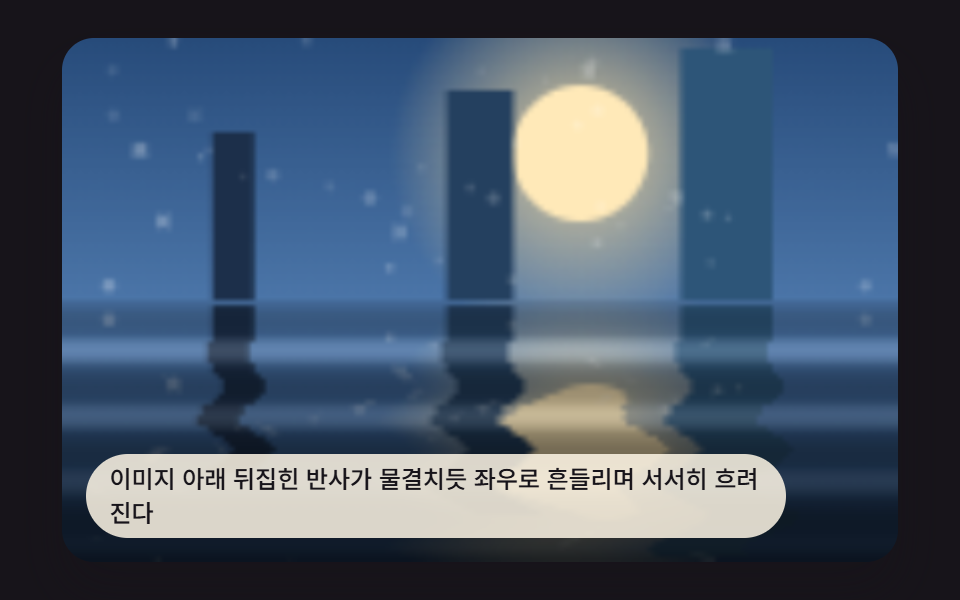
05揺れる反射プール
画像の下に上下反転した反射像があり、波の形に沿って揺れます。reflectWave()が深さに応じて位相をずらしたMath.sin()値を返し、REFLECT_SWAY_AMP(6.5)がそれを横方向のサンプリングオフセットに変換します。HORIZONから下に離れた行ほどこのオフセットは下端に向かって弱まっていくので、反射が水面につながっているように見え、一枚板がただ横滑りしているようには見えません。
<main class="stage">
<div class="rv is-demo" id="rvRoot">
  <canvas class="rv__canvas" id="rvCanvas" width="480" height="300"></canvas>
  <p class="rv__caption">画像の下の反転した反射が波打つように左右に揺れ、徐々にぼやけていく。</p>
</div>
</main>
@use "../../../../site/static/demo-tokens" as *;
@include stage($stage-ink);
.rv {
position: relative;
width: min(92vw, calc(160vh - 12.8vw));
aspect-ratio: 480 / 300;
margin: 0 auto;
border-radius: $r-card;
overflow: hidden;
box-shadow: $shadow-raised;
}
.rv__canvas {
display: block;
width: 100%;
height: 100%;
}
.rv__caption {
position: absolute;
left: $sp-3;
bottom: $sp-3;
max-width: 78%;
margin: 0;
padding: $sp-1 $sp-3;
border-radius: $r-pill;
background: rgba(255, 247, 230, .85);
color: $subject-ink;
font-weight: 500;
font-size: 12px;
line-height: 1.4;
pointer-events: none;
}
@media (max-width: 340px) {
.rv__caption { font-size: 10px; padding: $sp-1 $sp-2; }
}
@media (prefers-reduced-motion: reduce) {
.rv { box-shadow: $shadow-raised; }
}html, body {
margin: 0;
overflow: hidden;
}
.stage {
box-sizing: border-box;
min-height: 100vh;
display: grid;
place-items: center;
margin: 0;
background: #17141a;
font-family: -apple-system, "Segoe UI", "Noto Sans KR", sans-serif;
padding: clamp(8px, 4vw, 24px);
}
.rv {
position: relative;
width: min(92vw, 160vh - 12.8vw);
aspect-ratio: 480/300;
margin: 0 auto;
border-radius: 16px;
overflow: hidden;
box-shadow: 0 14px 24px rgba(23, 20, 26, 0.32);
}
.rv__canvas {
display: block;
width: 100%;
height: 100%;
}
.rv__caption {
position: absolute;
left: 12px;
bottom: 12px;
max-width: 78%;
margin: 0;
padding: 4px 12px;
border-radius: 999px;
background: rgba(255, 247, 230, 0.85);
color: #17141a;
font-weight: 500;
font-size: 12px;
line-height: 1.4;
pointer-events: none;
}
@media (max-width: 340px) {
.rv__caption {
font-size: 10px;
padding: 4px 8px;
}
}
@media (prefers-reduced-motion: reduce) {
.rv {
box-shadow: 0 14px 24px rgba(23, 20, 26, 0.32);
}
}(function () {
// 기법: 원본을 위쪽에 그리고 아래쪽엔 상하 반전한 복사본을 행마다 다른 x 오프셋(sin)으로 밀어 수면 반사처럼 만든다.
// 오프셋은 정적이지 않고 시간에 따라 위상이 흐르며, 아래로 갈수록 알파를 낮춰 감쇠하는 반사를 표현한다.
var root = document.getElementById('rvRoot');
var canvas = document.getElementById('rvCanvas');
var ctx = canvas.getContext('2d');
var wrap = canvas.parentElement;
function seedRand(seed) {
var s = seed >>> 0;
return function () { s = (s * 1664525 + 1013904223) >>> 0; return s / 4294967296; };
}
function drawPhotoBase(pctx, w, h, seed) {
var rand = seedRand(seed);
var sky = pctx.createLinearGradient(0, 0, 0, h);
sky.addColorStop(0, '#274b7a');
sky.addColorStop(1, '#6f9fd6');
pctx.fillStyle = sky;
pctx.fillRect(0, 0, w, h);
var sunX = w * 0.62, sunY = h * 0.22, sunR = h * 0.13;
var glow = pctx.createRadialGradient(sunX, sunY, 0, sunX, sunY, sunR * 2.8);
glow.addColorStop(0, 'rgba(255,224,160,.85)');
glow.addColorStop(1, 'rgba(255,224,160,0)');
pctx.fillStyle = glow;
pctx.fillRect(0, 0, w, h);
pctx.beginPath();
pctx.arc(sunX, sunY, sunR, 0, Math.PI * 2);
pctx.fillStyle = '#ffe9b8';
pctx.fill();
var towerColors = ['#1c2f4a', '#24405f', '#2d5578'];
for (var i = 0; i < towerColors.length; i += 1) {
var tw = w * (0.05 + i * 0.03);
var tx = w * (0.18 + i * 0.28);
var th = h * (0.32 + i * 0.08);
pctx.fillStyle = towerColors[i];
pctx.fillRect(tx, h * 0.5 - th, tw, th);
}
for (var k = 0; k < 40; k += 1) {
var px = rand() * w, py = rand() * h * 0.5, r = rand() * 1 + 0.3;
pctx.beginPath();
pctx.arc(px, py, r, 0, Math.PI * 2);
pctx.fillStyle = 'rgba(255,255,255,' + (0.1 + rand() * 0.2) + ')';
pctx.fill();
}
}
var CALC_W = 160, CALC_H = 100;
var HORIZON = Math.round(CALC_H * 0.5);
var REFLECT_SWAY_AMP = 6.5;
var REFLECT_SWAY_SPEED = 0.0066;
var REFLECT_GLOW_AMP = 46;
var off = document.createElement('canvas');
off.width = CALC_W; off.height = CALC_H;
var octx = off.getContext('2d');
drawPhotoBase(octx, CALC_W, CALC_H, 419051);
var baseImg = octx.getImageData(0, 0, CALC_W, CALC_H);
var baseBuf = baseImg.data;
var out = document.createElement('canvas');
out.width = CALC_W; out.height = CALC_H;
var outCtx = out.getContext('2d');
var outImg = outCtx.createImageData(CALC_W, CALC_H);
var outBuf = outImg.data;
function sampleBase(sx, sy) {
sx = sx < 0 ? 0 : (sx > CALC_W - 1 ? CALC_W - 1 : sx);
sy = sy < 0 ? 0 : (sy > CALC_H - 1 ? CALC_H - 1 : sy);
var i = (Math.round(sy) * CALC_W + Math.round(sx)) * 4;
return [baseBuf[i], baseBuf[i + 1], baseBuf[i + 2]];
}
function reflectWave(depth, t) {
return Math.sin(depth * 0.5 - t * REFLECT_SWAY_SPEED);
}
  function renderFrame(t) {
    var idx = 0;
    var span = CALC_H - HORIZON;
    for (var y = 0; y < CALC_H; y += 1) {
      for (var x = 0; x < CALC_W; x += 1) {
        var rgb;
        var alpha = 1;
        var glow = 0;
        if (y < HORIZON) {
          rgb = sampleBase(x, y);
        } else {
          var depth = y - HORIZON;
          var srcY = HORIZON - depth;
          var frac = depth / span;
          var wave = reflectWave(depth, t);
          var offset = wave * REFLECT_SWAY_AMP * frac;
          rgb = sampleBase(x + offset, srcY);
// 수면 하이라이트: x 오프셋과 같은 파형(wave)을 밝기 감쇠·스웨이 알파에도 그대로 전파한다.
alpha = Math.max(0.15, 1 - frac * 0.75) * (0.9 + 0.1 * wave);
glow = Math.max(0, wave) * REFLECT_GLOW_AMP * (1 - frac);
}
outBuf[idx] = Math.max(0, Math.min(255, rgb[0] * alpha + glow));
outBuf[idx + 1] = Math.max(0, Math.min(255, rgb[1] * alpha + glow));
outBuf[idx + 2] = Math.max(0, Math.min(255, rgb[2] * alpha + glow));
outBuf[idx + 3] = 255;
idx += 4;
}
}
}
var cw = 480, ch = 300;
function fit() {
var r = wrap.getBoundingClientRect();
cw = Math.max(1, Math.round(r.width));
ch = Math.max(1, Math.round(r.height));
canvas.width = cw; canvas.height = ch;
draw(lastElapsed);
}
var lastElapsed = 0;
function draw(t) {
lastElapsed = t;
renderFrame(t);
outCtx.putImageData(outImg, 0, 0);
ctx.clearRect(0, 0, cw, ch);
ctx.drawImage(out, 0, 0, CALC_W, CALC_H, 0, 0, cw, ch);
}
var reduce = window.matchMedia('(prefers-reduced-motion: reduce)').matches;
var playing = !reduce;
var elapsed = reduce ? 700 : 0;
if (reduce) { root.classList.remove('is-demo'); }
var lastTs = null;
function tick(ts) {
if (lastTs === null) lastTs = ts;
var dt = ts - lastTs;
lastTs = ts;
if (playing) { elapsed += dt; }
draw(elapsed);
requestAnimationFrame(tick);
}
fit();
window.addEventListener('resize', fit);
draw(elapsed);
requestAnimationFrame(tick);
})();import { useEffect, useRef } from "react";
import styles from "./RippleCanvasReflectionPool.module.scss";
export default function RippleCanvasReflectionPool() {
const rootRef = useRef<HTMLDivElement>(null);
const canvasRef = useRef<HTMLCanvasElement>(null);
useEffect(() => {
const root = rootRef.current;
const canvas = canvasRef.current;
if (!root || !canvas) return;
const ctx = canvas.getContext("2d") as CanvasRenderingContext2D;
const wrap = canvas.parentElement as HTMLElement;
function seedRand(seed: number) {
let s = seed >>> 0;
return function () { s = (s * 1664525 + 1013904223) >>> 0; return s / 4294967296; };
}
function drawPhotoBase(pctx: CanvasRenderingContext2D, w: number, h: number, seed: number) {
const rand = seedRand(seed);
const sky = pctx.createLinearGradient(0, 0, 0, h);
sky.addColorStop(0, "#274b7a");
sky.addColorStop(1, "#6f9fd6");
pctx.fillStyle = sky;
pctx.fillRect(0, 0, w, h);
const sunX = w * 0.62, sunY = h * 0.22, sunR = h * 0.13;
const glow = pctx.createRadialGradient(sunX, sunY, 0, sunX, sunY, sunR * 2.8);
glow.addColorStop(0, "rgba(255,224,160,.85)");
glow.addColorStop(1, "rgba(255,224,160,0)");
pctx.fillStyle = glow;
pctx.fillRect(0, 0, w, h);
pctx.beginPath();
pctx.arc(sunX, sunY, sunR, 0, Math.PI * 2);
pctx.fillStyle = "#ffe9b8";
pctx.fill();
const towerColors = ["#1c2f4a", "#24405f", "#2d5578"];
for (let i = 0; i < towerColors.length; i += 1) {
const tw = w * (0.05 + i * 0.03);
const tx = w * (0.18 + i * 0.28);
const th = h * (0.32 + i * 0.08);
pctx.fillStyle = towerColors[i];
pctx.fillRect(tx, h * 0.5 - th, tw, th);
}
for (let k = 0; k < 40; k += 1) {
const px = rand() * w, py = rand() * h * 0.5, r = rand() * 1 + 0.3;
pctx.beginPath();
pctx.arc(px, py, r, 0, Math.PI * 2);
pctx.fillStyle = "rgba(255,255,255," + (0.1 + rand() * 0.2) + ")";
pctx.fill();
}
}
const CALC_W = 160, CALC_H = 100;
const HORIZON = Math.round(CALC_H * 0.5);
const REFLECT_SWAY_AMP = 6.5;
const REFLECT_SWAY_SPEED = 0.0066;
const REFLECT_GLOW_AMP = 46;
const off = document.createElement("canvas");
off.width = CALC_W; off.height = CALC_H;
const octx = off.getContext("2d") as CanvasRenderingContext2D;
drawPhotoBase(octx, CALC_W, CALC_H, 419051);
const baseBuf = octx.getImageData(0, 0, CALC_W, CALC_H).data;
const out = document.createElement("canvas");
out.width = CALC_W; out.height = CALC_H;
const outCtx = out.getContext("2d") as CanvasRenderingContext2D;
const outImg = outCtx.createImageData(CALC_W, CALC_H);
const outBuf = outImg.data;
function sampleBase(sx: number, sy: number): [number, number, number] {
sx = sx < 0 ? 0 : (sx > CALC_W - 1 ? CALC_W - 1 : sx);
sy = sy < 0 ? 0 : (sy > CALC_H - 1 ? CALC_H - 1 : sy);
const i = (Math.round(sy) * CALC_W + Math.round(sx)) * 4;
return [baseBuf[i], baseBuf[i + 1], baseBuf[i + 2]];
}
function reflectWave(depth: number, t: number) {
return Math.sin(depth * 0.5 - t * REFLECT_SWAY_SPEED);
}
function renderFrame(t: number) {
let idx = 0;
const span = CALC_H - HORIZON;
for (let y = 0; y < CALC_H; y += 1) {
for (let x = 0; x < CALC_W; x += 1) {
let rgb: [number, number, number];
let alpha = 1;
let glow = 0;
if (y < HORIZON) {
rgb = sampleBase(x, y);
} else {
const depth = y - HORIZON;
const srcY = HORIZON - depth;
const frac = depth / span;
const wave = reflectWave(depth, t);
const offset = wave * REFLECT_SWAY_AMP * frac;
rgb = sampleBase(x + offset, srcY);
// 수면 하이라이트: x 오프셋과 같은 파형(wave)을 밝기 감쇠·스웨이 알파에도 그대로 전파한다.
alpha = Math.max(0.15, 1 - frac * 0.75) * (0.9 + 0.1 * wave);
glow = Math.max(0, wave) * REFLECT_GLOW_AMP * (1 - frac);
}
outBuf[idx] = Math.max(0, Math.min(255, rgb[0] * alpha + glow));
outBuf[idx + 1] = Math.max(0, Math.min(255, rgb[1] * alpha + glow));
outBuf[idx + 2] = Math.max(0, Math.min(255, rgb[2] * alpha + glow));
outBuf[idx + 3] = 255;
idx += 4;
}
}
}
let cw = 480, ch = 300;
let lastElapsed = 0;
function draw(t: number) {
lastElapsed = t;
renderFrame(t);
outCtx.putImageData(outImg, 0, 0);
ctx.clearRect(0, 0, cw, ch);
ctx.drawImage(out, 0, 0, CALC_W, CALC_H, 0, 0, cw, ch);
}
function fit() {
const r = wrap.getBoundingClientRect();
cw = Math.max(1, Math.round(r.width));
ch = Math.max(1, Math.round(r.height));
canvas!.width = cw; canvas!.height = ch;
draw(lastElapsed);
}
const reduce = window.matchMedia("(prefers-reduced-motion: reduce)").matches;
const playing = !reduce;
let elapsed = reduce ? 700 : 0;
if (reduce) { root.classList.remove("is-demo"); }
let lastTs: number | null = null;
let raf = 0;
function tick(ts: number) {
if (lastTs === null) lastTs = ts;
const dt = ts - lastTs;
lastTs = ts;
if (playing) { elapsed += dt; }
draw(elapsed);
raf = requestAnimationFrame(tick);
}
fit();
window.addEventListener("resize", fit);
draw(elapsed);
raf = requestAnimationFrame(tick);
return () => {
cancelAnimationFrame(raf);
window.removeEventListener("resize", fit);
};
}, []);
return (
<main className={styles.stage}>
<div className={`${styles.rv} is-demo`} ref={rootRef}>
<canvas className={styles.rv__canvas} ref={canvasRef} width={480} height={300} />
<p className={styles.rv__caption}>이미지 아래 뒤집힌 반사가 물결치듯 좌우로 흔들리며 서서히 흐려진다</p>
</div>
</main>
);
}05 · 水面に映るように揺れる反射画像 — 計測 累積面積 25.191% · 動いたフレーム 23/23GODRICH オリジナル · SCSS と React は zip に同梱 · パスワードを見る
function renderFrame(t) {
var idx = 0;
var span = CALC_H - HORIZON;
for (var y = 0; y < CALC_H; y += 1) {
for (var x = 0; x < CALC_W; x += 1) {
var rgb;
var alpha = 1;
var glow = 0;
if (y < HORIZON) {
rgb = sampleBase(x, y);
} else {
var depth = y - HORIZON;
var srcY = HORIZON - depth;
var frac = depth / span;
var wave = reflectWave(depth, t);
var offset = wave * REFLECT_SWAY_AMP * frac;
rgb = sampleBase(x + offset, srcY);
測定値: 面積の25.2%が毎ループ塗り替わり、強度平均は23.8、サンプリングした23/23フレームで変化が確認できました。
06反転の裏で波が通り過ぎるカードフリップ
カードが反転する瞬間、波がひとつ画面を横切り、表と裏の画像を入れ替えます。frontXがCARD_FLIP_MS(900)の間にキャンバスを横切って進み、幅FRONT_BAND(9)ピクセルの帯が、波の先端がいま通過している場所で二枚の写真を混ぜ合わせます。波がすでに通り過ぎた列は裏の画像がそのまま見え、まだ届いていない列は表のままなので、動いている縫い目の部分を除けば急に切り替わることはありません。
<main class="stage">
<div class="rv is-demo" id="rvRoot" tabindex="0">
  <canvas class="rv__canvas" id="rvCanvas" width="480" height="300"></canvas>
  <p class="rv__caption">クリックすると波の先端が画面を横切り、通過した部分から裏面の画像に反転する。</p>
</div>
</main>
@use "../../../../site/static/demo-tokens" as *;
@include stage($stage-yellow);
.rv {
position: relative;
width: min(92vw, calc(160vh - 12.8vw));
aspect-ratio: 480 / 300;
margin: 0 auto;
border-radius: $r-card;
overflow: hidden;
box-shadow: $shadow-raised;
cursor: pointer;
outline: none;
}
.rv__canvas {
display: block;
width: 100%;
height: 100%;
}
.rv__caption {
position: absolute;
left: $sp-3;
bottom: $sp-3;
max-width: 78%;
margin: 0;
padding: $sp-1 $sp-3;
border-radius: $r-pill;
background: rgba(23, 20, 26, .7);
color: $stage-paper;
font-weight: 500;
font-size: 12px;
line-height: 1.4;
pointer-events: none;
}
@media (max-width: 340px) {
.rv__caption { font-size: 10px; padding: $sp-1 $sp-2; }
}
@media (prefers-reduced-motion: reduce) {
.rv { cursor: pointer; }
}html, body {
margin: 0;
overflow: hidden;
}
.stage {
box-sizing: border-box;
min-height: 100vh;
display: grid;
place-items: center;
margin: 0;
background: #ffd23f;
font-family: -apple-system, "Segoe UI", "Noto Sans KR", sans-serif;
padding: clamp(8px, 4vw, 24px);
}
.rv {
position: relative;
width: min(92vw, 160vh - 12.8vw);
aspect-ratio: 480/300;
margin: 0 auto;
border-radius: 16px;
overflow: hidden;
box-shadow: 0 14px 24px rgba(23, 20, 26, 0.32);
cursor: pointer;
outline: none;
}
.rv__canvas {
display: block;
width: 100%;
height: 100%;
}
.rv__caption {
position: absolute;
left: 12px;
bottom: 12px;
max-width: 78%;
margin: 0;
padding: 4px 12px;
border-radius: 999px;
background: rgba(23, 20, 26, 0.7);
color: #ffffff;
font-weight: 500;
font-size: 12px;
line-height: 1.4;
pointer-events: none;
}
@media (max-width: 340px) {
.rv__caption {
font-size: 10px;
padding: 4px 8px;
}
}(function () {
// 기법: 좌→우로 진행하는 파동 전선의 x 위치를 시간으로 계산해, 전선을 지난 열은 뒷면 이미지, 못 지난 열은 앞면 이미지를 샘플링한다.
// 전선 경계에는 sin 오프셋을 더해 직선 와이프가 아니라 물결이 훑고 지나가는 모양으로 만든다.
var root = document.getElementById('rvRoot');
var canvas = document.getElementById('rvCanvas');
var ctx = canvas.getContext('2d');
var wrap = canvas.parentElement;
function seedRand(seed) {
var s = seed >>> 0;
return function () { s = (s * 1664525 + 1013904223) >>> 0; return s / 4294967296; };
}
function drawPhotoBase(pctx, w, h, seed, palette) {
var rand = seedRand(seed);
var sky = pctx.createLinearGradient(0, 0, 0, h);
sky.addColorStop(0, palette[0]);
sky.addColorStop(1, palette[1]);
pctx.fillStyle = sky;
pctx.fillRect(0, 0, w, h);
var sunX = w * 0.35, sunY = h * 0.25, sunR = h * 0.15;
var glow = pctx.createRadialGradient(sunX, sunY, 0, sunX, sunY, sunR * 2.5);
glow.addColorStop(0, palette[2]);
glow.addColorStop(1, 'rgba(255,255,255,0)');
pctx.fillStyle = glow;
pctx.fillRect(0, 0, w, h);
pctx.beginPath();
pctx.arc(sunX, sunY, sunR, 0, Math.PI * 2);
pctx.fillStyle = palette[3];
pctx.fill();
for (var i = 0; i < palette[4].length; i += 1) {
var baseY = h * (0.5 + i * 0.14);
pctx.beginPath();
pctx.moveTo(0, h);
var step = Math.max(2, w / 24);
for (var x = 0; x <= w; x += step) {
var n = Math.sin(x * 0.06 + i * 2 + seed * 0.0003) * h * 0.04;
pctx.lineTo(x, baseY + n);
}
pctx.lineTo(w, h);
pctx.closePath();
pctx.fillStyle = palette[4][i];
pctx.fill();
}
for (var k = 0; k < 48; k += 1) {
var px = rand() * w, py = rand() * h * 0.5, r = rand() * 1.1 + 0.3;
pctx.beginPath();
pctx.arc(px, py, r, 0, Math.PI * 2);
pctx.fillStyle = 'rgba(255,255,255,' + (0.1 + rand() * 0.2) + ')';
pctx.fill();
}
}
var CALC_W = 160, CALC_H = 100;
var CARD_FLIP_MS = 900;
var FRONT_BAND = 9;
function makeBase(seed, palette) {
var c = document.createElement('canvas');
c.width = CALC_W; c.height = CALC_H;
var cx = c.getContext('2d');
drawPhotoBase(cx, CALC_W, CALC_H, seed, palette);
return cx.getImageData(0, 0, CALC_W, CALC_H).data;
}
var bufFront = makeBase(419061, ['#ffe3b0', '#fff8ea', 'rgba(255,255,255,.85)', '#ffcf6b', ['#f0a35a', '#c76b34', '#6a331a']]);
var bufBack = makeBase(419062, ['#c9e8ff', '#eaf6ff', 'rgba(255,255,255,.8)', '#9fd4ff', ['#5fa8d9', '#2f6fa8', '#173a5c']]);
var out = document.createElement('canvas');
out.width = CALC_W; out.height = CALC_H;
var outCtx = out.getContext('2d');
var outImg = outCtx.createImageData(CALC_W, CALC_H);
var outBuf = outImg.data;
function sampleAt(buf, sx, sy) {
sx = sx < 0 ? 0 : (sx > CALC_W - 1 ? CALC_W - 1 : sx);
sy = sy < 0 ? 0 : (sy > CALC_H - 1 ? CALC_H - 1 : sy);
var i = (Math.round(sy) * CALC_W + Math.round(sx)) * 4;
return [buf[i], buf[i + 1], buf[i + 2]];
}
var progress = 0;
var target = 0;
  function renderFrame(t) {
    var frontX = progress * (CALC_W + FRONT_BAND * 2) - FRONT_BAND;
    var idx = 0;
    for (var y = 0; y < CALC_H; y += 1) {
      var wobble = Math.sin(y * 0.45 + t * 0.01) * 3.2;
      var localFront = frontX + wobble;
      for (var x = 0; x < CALC_W; x += 1) {
        var rgb;
        var d = x - localFront;
        if (d < -FRONT_BAND) {
          rgb = sampleAt(bufBack, x, y);
        } else if (d > FRONT_BAND) {
          rgb = sampleAt(bufFront, x, y);
        } else {
          var m = (d + FRONT_BAND) / (FRONT_BAND * 2);
          var a = sampleAt(bufFront, x, y);
          var b = sampleAt(bufBack, x, y);
          rgb = [a[0] + (b[0] - a[0]) * m, a[1] + (b[1] - a[1]) * m, a[2] + (b[2] - a[2]) * m];
          var shine = (1 - Math.abs(m - 0.5) * 2) * 34;
          rgb = [rgb[0] + shine, rgb[1] + shine, rgb[2] + shine];
}
outBuf[idx] = Math.max(0, Math.min(255, rgb[0]));
outBuf[idx + 1] = Math.max(0, Math.min(255, rgb[1]));
outBuf[idx + 2] = Math.max(0, Math.min(255, rgb[2]));
outBuf[idx + 3] = 255;
idx += 4;
}
}
}
var cw = 480, ch = 300;
function fit() {
var r = wrap.getBoundingClientRect();
cw = Math.max(1, Math.round(r.width));
ch = Math.max(1, Math.round(r.height));
canvas.width = cw; canvas.height = ch;
draw(lastElapsed);
}
var lastElapsed = 0;
function draw(t) {
lastElapsed = t;
renderFrame(t);
outCtx.putImageData(outImg, 0, 0);
ctx.clearRect(0, 0, cw, ch);
ctx.drawImage(out, 0, 0, CALC_W, CALC_H, 0, 0, cw, ch);
}
var reduce = window.matchMedia('(prefers-reduced-motion: reduce)').matches;
var playing = !reduce;
if (reduce) { root.classList.remove('is-demo'); }
function toggleFlip() {
target = target === 0 ? 1 : 0;
if (reduce) { progress = target; draw(lastElapsed); }
}
wrap.addEventListener('click', toggleFlip);
wrap.addEventListener('keydown', function (e) {
if (e.key === 'Enter' || e.key === ' ') { e.preventDefault(); toggleFlip(); }
});
wrap.tabIndex = 0;
var AUTO_CYCLE_MS = 2600;
var lastAutoMs = -9999;
function maybeAutoFlip(t) {
if (t - lastAutoMs > AUTO_CYCLE_MS) {
target = target === 0 ? 1 : 0;
lastAutoMs = t;
}
}
var lastTs = null;
var elapsed = 0;
function tick(ts) {
if (lastTs === null) lastTs = ts;
var dt = ts - lastTs;
lastTs = ts;
if (playing) {
elapsed += dt;
maybeAutoFlip(elapsed);
var step = dt / CARD_FLIP_MS;
if (progress < target) progress = Math.min(target, progress + step);
else if (progress > target) progress = Math.max(target, progress - step);
draw(elapsed);
}
requestAnimationFrame(tick);
}
fit();
window.addEventListener('resize', fit);
draw(elapsed);
requestAnimationFrame(tick);
})();import { useEffect, useRef } from "react";
import styles from "./RippleCanvasCardFlipWave.module.scss";
export default function RippleCanvasCardFlipWave() {
const rootRef = useRef<HTMLDivElement>(null);
const canvasRef = useRef<HTMLCanvasElement>(null);
useEffect(() => {
const root = rootRef.current;
const canvas = canvasRef.current;
if (!root || !canvas) return;
const ctx = canvas.getContext("2d") as CanvasRenderingContext2D;
const wrap = canvas.parentElement as HTMLElement;
function seedRand(seed: number) {
let s = seed >>> 0;
return function () { s = (s * 1664525 + 1013904223) >>> 0; return s / 4294967296; };
}
function drawPhotoBase(pctx: CanvasRenderingContext2D, w: number, h: number, seed: number, palette: [string, string, string, string, string[]]) {
const rand = seedRand(seed);
const sky = pctx.createLinearGradient(0, 0, 0, h);
sky.addColorStop(0, palette[0]);
sky.addColorStop(1, palette[1]);
pctx.fillStyle = sky;
pctx.fillRect(0, 0, w, h);
const sunX = w * 0.35, sunY = h * 0.25, sunR = h * 0.15;
const glow = pctx.createRadialGradient(sunX, sunY, 0, sunX, sunY, sunR * 2.5);
glow.addColorStop(0, palette[2]);
glow.addColorStop(1, "rgba(255,255,255,0)");
pctx.fillStyle = glow;
pctx.fillRect(0, 0, w, h);
pctx.beginPath();
pctx.arc(sunX, sunY, sunR, 0, Math.PI * 2);
pctx.fillStyle = palette[3];
pctx.fill();
const bands = palette[4];
for (let i = 0; i < bands.length; i += 1) {
const baseY = h * (0.5 + i * 0.14);
pctx.beginPath();
pctx.moveTo(0, h);
const step = Math.max(2, w / 24);
for (let x = 0; x <= w; x += step) {
const n = Math.sin(x * 0.06 + i * 2 + seed * 0.0003) * h * 0.04;
pctx.lineTo(x, baseY + n);
}
pctx.lineTo(w, h);
pctx.closePath();
pctx.fillStyle = bands[i];
pctx.fill();
}
for (let k = 0; k < 48; k += 1) {
const px = rand() * w, py = rand() * h * 0.5, r = rand() * 1.1 + 0.3;
pctx.beginPath();
pctx.arc(px, py, r, 0, Math.PI * 2);
pctx.fillStyle = "rgba(255,255,255," + (0.1 + rand() * 0.2) + ")";
pctx.fill();
}
}
const CALC_W = 160, CALC_H = 100;
const CARD_FLIP_MS = 900;
const FRONT_BAND = 9;
function makeBase(seed: number, palette: [string, string, string, string, string[]]) {
const c = document.createElement("canvas");
c.width = CALC_W; c.height = CALC_H;
const cx = c.getContext("2d") as CanvasRenderingContext2D;
drawPhotoBase(cx, CALC_W, CALC_H, seed, palette);
return cx.getImageData(0, 0, CALC_W, CALC_H).data;
}
const bufFront = makeBase(419061, ["#ffe3b0", "#fff8ea", "rgba(255,255,255,.85)", "#ffcf6b", ["#f0a35a", "#c76b34", "#6a331a"]]);
const bufBack = makeBase(419062, ["#c9e8ff", "#eaf6ff", "rgba(255,255,255,.8)", "#9fd4ff", ["#5fa8d9", "#2f6fa8", "#173a5c"]]);
const out = document.createElement("canvas");
out.width = CALC_W; out.height = CALC_H;
const outCtx = out.getContext("2d") as CanvasRenderingContext2D;
const outImg = outCtx.createImageData(CALC_W, CALC_H);
const outBuf = outImg.data;
function sampleAt(buf: Uint8ClampedArray, sx: number, sy: number): [number, number, number] {
sx = sx < 0 ? 0 : (sx > CALC_W - 1 ? CALC_W - 1 : sx);
sy = sy < 0 ? 0 : (sy > CALC_H - 1 ? CALC_H - 1 : sy);
const i = (Math.round(sy) * CALC_W + Math.round(sx)) * 4;
return [buf[i], buf[i + 1], buf[i + 2]];
}
let progress = 0;
let target = 0;
function renderFrame(t: number) {
const frontX = progress * (CALC_W + FRONT_BAND * 2) - FRONT_BAND;
let idx = 0;
for (let y = 0; y < CALC_H; y += 1) {
const wobble = Math.sin(y * 0.45 + t * 0.01) * 3.2;
const localFront = frontX + wobble;
for (let x = 0; x < CALC_W; x += 1) {
let rgb: number[];
const d = x - localFront;
if (d < -FRONT_BAND) {
rgb = sampleAt(bufBack, x, y);
} else if (d > FRONT_BAND) {
rgb = sampleAt(bufFront, x, y);
} else {
const m = (d + FRONT_BAND) / (FRONT_BAND * 2);
const a = sampleAt(bufFront, x, y);
const b = sampleAt(bufBack, x, y);
rgb = [a[0] + (b[0] - a[0]) * m, a[1] + (b[1] - a[1]) * m, a[2] + (b[2] - a[2]) * m];
const shine = (1 - Math.abs(m - 0.5) * 2) * 34;
rgb = [rgb[0] + shine, rgb[1] + shine, rgb[2] + shine];
}
outBuf[idx] = Math.max(0, Math.min(255, rgb[0]));
outBuf[idx + 1] = Math.max(0, Math.min(255, rgb[1]));
outBuf[idx + 2] = Math.max(0, Math.min(255, rgb[2]));
outBuf[idx + 3] = 255;
idx += 4;
}
}
}
let cw = 480, ch = 300;
let lastElapsed = 0;
function draw(t: number) {
lastElapsed = t;
renderFrame(t);
outCtx.putImageData(outImg, 0, 0);
ctx.clearRect(0, 0, cw, ch);
ctx.drawImage(out, 0, 0, CALC_W, CALC_H, 0, 0, cw, ch);
}
function fit() {
const r = wrap.getBoundingClientRect();
cw = Math.max(1, Math.round(r.width));
ch = Math.max(1, Math.round(r.height));
canvas!.width = cw; canvas!.height = ch;
draw(lastElapsed);
}
const reduce = window.matchMedia("(prefers-reduced-motion: reduce)").matches;
const playing = !reduce;
if (reduce) { root.classList.remove("is-demo"); }
function toggleFlip() {
target = target === 0 ? 1 : 0;
if (reduce) { progress = target; draw(lastElapsed); }
}
function onKeyDown(e: KeyboardEvent) {
if (e.key === "Enter" || e.key === " ") { e.preventDefault(); toggleFlip(); }
}
wrap.addEventListener("click", toggleFlip);
wrap.addEventListener("keydown", onKeyDown);
wrap.tabIndex = 0;
const AUTO_CYCLE_MS = 2600;
let lastAutoMs = -9999;
function maybeAutoFlip(t: number) {
if (t - lastAutoMs > AUTO_CYCLE_MS) {
target = target === 0 ? 1 : 0;
lastAutoMs = t;
}
}
let lastTs: number | null = null;
let elapsed = 0;
let raf = 0;
function tick(ts: number) {
if (lastTs === null) lastTs = ts;
const dt = ts - lastTs;
lastTs = ts;
if (playing) {
elapsed += dt;
maybeAutoFlip(elapsed);
const step = dt / CARD_FLIP_MS;
if (progress < target) progress = Math.min(target, progress + step);
else if (progress > target) progress = Math.max(target, progress - step);
draw(elapsed);
}
raf = requestAnimationFrame(tick);
}
fit();
window.addEventListener("resize", fit);
draw(elapsed);
raf = requestAnimationFrame(tick);
return () => {
cancelAnimationFrame(raf);
window.removeEventListener("resize", fit);
wrap.removeEventListener("click", toggleFlip);
wrap.removeEventListener("keydown", onKeyDown);
};
}, []);
return (
<main className={styles.stage}>
<div className={`${styles.rv} is-demo`} ref={rootRef} tabIndex={0}>
<canvas className={styles.rv__canvas} ref={canvasRef} width={480} height={300} />
<p className={styles.rv__caption}>클릭하면 물결 전선이 화면을 가로지르며 지나간 자리부터 뒷면 이미지로 뒤집힌다</p>
</div>
</main>
);
}06 · 波が通り過ぎながら反転するカード — 計測 累積面積 63.749% · 動いたフレーム 23/23GODRICH オリジナル · SCSS と React は zip に同梱 · パスワードを見る
function renderFrame(t) {
var frontX = progress * (CALC_W + FRONT_BAND * 2) - FRONT_BAND;
var idx = 0;
for (var y = 0; y < CALC_H; y += 1) {
var wobble = Math.sin(y * 0.45 + t * 0.01) * 3.2;
var localFront = frontX + wobble;
for (var x = 0; x < CALC_W; x += 1) {
var rgb;
var d = x - localFront;
if (d < -FRONT_BAND) {
rgb = sampleAt(bufBack, x, y);
} else if (d > FRONT_BAND) {
rgb = sampleAt(bufFront, x, y);
} else {
var m = (d + FRONT_BAND) / (FRONT_BAND * 2);
var a = sampleAt(bufFront, x, y);
var b = sampleAt(bufBack, x, y);
rgb = [a[0] + (b[0] - a[0]) * m, a[1] + (b[1] - a[1]) * m, a[2] + (b[2] - a[2]) * m];
var shine = (1 - Math.abs(m - 0.5) * 2) * 34;
rgb = [rgb[0] + shine, rgb[1] + shine, rgb[2] + shine];
測定値: 面積の63.7%が毎ループ塗り替わり、強度平均は59.5、サンプリングした23/23フレームで変化が確認できました。
07音量に反応する波紋(マイクなし)
仮想の音量レベルが上がるほど、波紋の振幅と広がる速度がともに大きくなります。このファイルのどこにもマイクは登場しません。virtualAudioLevel()が3つのMath.sin()項を組み合わせて0から1の値を作り、tick()がBEAT_INTERVAL_MS(220)ごとにそれを0.25というしきい値と比較します。RIPPLE_AUDIO_GAIN(既定0.4、「反応の強さ」というラベルのスライダーで10から160の範囲で調整可能)がそのレベルにsplashAt()へ渡す前に掛かるので、ゲインを上げると静かな仮想のビートでも大きな波紋を押し出します。
<main class="stage">
<div class="rv is-demo" id="rvRoot">
  <canvas class="rv__canvas" id="rvCanvas" width="480" height="300"></canvas>
  <p class="rv__caption">合成されたオーディオレベルが上がるたびに、画像の表面に波紋が強く打つ。</p>
  <div class="rv__control">
    <label class="rv__label" for="rvGain">反応の強さ</label>
    <input class="rv__range" id="rvGain" type="range" min="10" max="160" value="40" step="1" aria-label="反応の強さ">
  </div>
</div>
</main>
@use "../../../../site/static/demo-tokens" as *;
@include stage($stage-orange);
.rv {
position: relative;
width: min(92vw, calc(160vh - 12.8vw));
aspect-ratio: 480 / 300;
margin: 0 auto;
border-radius: $r-card;
overflow: hidden;
box-shadow: $shadow-raised;
}
.rv__canvas {
display: block;
width: 100%;
height: 100%;
}
.rv__caption {
position: absolute;
left: $sp-3;
top: $sp-3;
max-width: 70%;
margin: 0;
padding: $sp-1 $sp-3;
border-radius: $r-pill;
background: rgba(255, 247, 230, .85);
color: $subject-ink;
font-weight: 500;
font-size: 12px;
line-height: 1.4;
pointer-events: none;
}
.rv__control {
position: absolute;
left: 0;
right: 0;
bottom: 0;
display: flex;
align-items: center;
gap: $sp-2;
box-sizing: border-box;
padding: $sp-2 $sp-3;
background: rgba(23, 20, 26, .55);
}
.rv__label {
flex: 0 0 auto;
font-size: 11px;
font-weight: 600;
color: $stage-paper;
white-space: nowrap;
}
.rv__range {
flex: 1 1 auto;
min-width: 0;
width: 0;
accent-color: $subject-blue;
}
@media (max-width: 340px) {
.rv__caption { font-size: 10px; padding: $sp-1 $sp-2; }
.rv__label { font-size: 10px; }
}
@media (prefers-reduced-motion: reduce) {
.rv { cursor: default; }
}html, body {
margin: 0;
overflow: hidden;
}
.stage {
box-sizing: border-box;
min-height: 100vh;
display: grid;
place-items: center;
margin: 0;
background: #ff4d1f;
font-family: -apple-system, "Segoe UI", "Noto Sans KR", sans-serif;
padding: clamp(8px, 4vw, 24px);
}
.rv {
position: relative;
width: min(92vw, 160vh - 12.8vw);
aspect-ratio: 480/300;
margin: 0 auto;
border-radius: 16px;
overflow: hidden;
box-shadow: 0 14px 24px rgba(23, 20, 26, 0.32);
}
.rv__canvas {
display: block;
width: 100%;
height: 100%;
}
.rv__caption {
position: absolute;
left: 12px;
top: 12px;
max-width: 70%;
margin: 0;
padding: 4px 12px;
border-radius: 999px;
background: rgba(255, 247, 230, 0.85);
color: #17141a;
font-weight: 500;
font-size: 12px;
line-height: 1.4;
pointer-events: none;
}
.rv__control {
position: absolute;
left: 0;
right: 0;
bottom: 0;
display: flex;
align-items: center;
gap: 8px;
box-sizing: border-box;
padding: 8px 12px;
background: rgba(23, 20, 26, 0.55);
}
.rv__label {
flex: 0 0 auto;
font-size: 11px;
font-weight: 600;
color: #ffffff;
white-space: nowrap;
}
.rv__range {
flex: 1 1 auto;
min-width: 0;
width: 0;
accent-color: #2f6df6;
}
@media (max-width: 340px) {
.rv__caption {
font-size: 10px;
padding: 4px 8px;
}
.rv__label {
font-size: 10px;
}
}
@media (prefers-reduced-motion: reduce) {
.rv {
cursor: default;
}
}(function () {
// 기법: 실제 마이크·파일 없이 시간 함수로 합성한 가상 오디오 레벨 곡선(virtualAudioLevel)을 만든다.
// 레벨이 문턱을 넘을 때마다 높이 필드 2버퍼 파동식에 임펄스를 찍어 RIPPLE_AUDIO_GAIN 배율로 세기를 조절한다.
var root = document.getElementById('rvRoot');
var canvas = document.getElementById('rvCanvas');
var ctx = canvas.getContext('2d');
var wrap = canvas.parentElement;
var gainInput = document.getElementById('rvGain');
function seedRand(seed) {
var s = seed >>> 0;
return function () { s = (s * 1664525 + 1013904223) >>> 0; return s / 4294967296; };
}
function drawPhotoBase(pctx, w, h, seed) {
var rand = seedRand(seed);
var sky = pctx.createLinearGradient(0, 0, 0, h);
sky.addColorStop(0, '#2a1640');
sky.addColorStop(1, '#5c2a6b');
pctx.fillStyle = sky;
pctx.fillRect(0, 0, w, h);
var sunX = w * 0.62, sunY = h * 0.24, sunR = h * 0.14;
var glow = pctx.createRadialGradient(sunX, sunY, 0, sunX, sunY, sunR * 2.8);
glow.addColorStop(0, 'rgba(255,140,200,.75)');
glow.addColorStop(1, 'rgba(255,140,200,0)');
pctx.fillStyle = glow;
pctx.fillRect(0, 0, w, h);
pctx.beginPath();
pctx.arc(sunX, sunY, sunR, 0, Math.PI * 2);
pctx.fillStyle = '#ffd6f2';
pctx.fill();
var hillColors = ['#7a3b8a', '#4a2364', '#251140'];
for (var i = 0; i < hillColors.length; i += 1) {
var baseY = h * (0.5 + i * 0.14);
pctx.beginPath();
pctx.moveTo(0, h);
var step = Math.max(2, w / 24);
for (var x = 0; x <= w; x += step) {
var n = Math.sin(x * 0.06 + i * 2 + seed * 0.0003) * h * 0.04;
pctx.lineTo(x, baseY + n);
}
pctx.lineTo(w, h);
pctx.closePath();
pctx.fillStyle = hillColors[i];
pctx.fill();
}
for (var k = 0; k < 60; k += 1) {
var px = rand() * w, py = rand() * h * 0.6, r = rand() * 1.2 + 0.3;
pctx.beginPath();
pctx.arc(px, py, r, 0, Math.PI * 2);
pctx.fillStyle = 'rgba(255,255,255,' + (0.12 + rand() * 0.22) + ')';
pctx.fill();
}
}
var CALC_W = 160, CALC_H = 100;
var RIPPLE_AUDIO_GAIN = 0.4;
var gridA = new Float32Array(CALC_W * CALC_H);
var gridB = new Float32Array(CALC_W * CALC_H);
var damping = 0.965;
function cellIndex(x, y) { return y * CALC_W + x; }
function splashAt(gx, gy, amp) {
gx = Math.round(gx); gy = Math.round(gy);
for (var dy = -1; dy <= 1; dy += 1) {
for (var dx = -1; dx <= 1; dx += 1) {
var x = gx + dx, y = gy + dy;
if (x > 0 && x < CALC_W - 1 && y > 0 && y < CALC_H - 1) {
gridA[cellIndex(x, y)] += amp * (dx === 0 && dy === 0 ? 1 : 0.4);
}
}
}
}
function stepWave() {
for (var y = 1; y < CALC_H - 1; y += 1) {
var row = y * CALC_W;
for (var x = 1; x < CALC_W - 1; x += 1) {
var i = row + x;
var next = (gridA[i - 1] + gridA[i + 1] + gridA[i - CALC_W] + gridA[i + CALC_W]) / 2 - gridB[i];
gridB[i] = next * damping;
}
}
var t = gridA; gridA = gridB; gridB = t;
}
var off = document.createElement('canvas');
off.width = CALC_W; off.height = CALC_H;
var octx = off.getContext('2d');
drawPhotoBase(octx, CALC_W, CALC_H, 419071);
var baseImg = octx.getImageData(0, 0, CALC_W, CALC_H);
var baseBuf = baseImg.data;
var out = document.createElement('canvas');
out.width = CALC_W; out.height = CALC_H;
var outCtx = out.getContext('2d');
var outImg = outCtx.createImageData(CALC_W, CALC_H);
var outBuf = outImg.data;
function sampleBase(sx, sy) {
sx = sx < 0 ? 0 : (sx > CALC_W - 1 ? CALC_W - 1 : sx);
sy = sy < 0 ? 0 : (sy > CALC_H - 1 ? CALC_H - 1 : sy);
var i = (Math.round(sy) * CALC_W + Math.round(sx)) * 4;
return [baseBuf[i], baseBuf[i + 1], baseBuf[i + 2]];
}
function renderField() {
var idx = 0;
for (var y = 0; y < CALC_H; y += 1) {
var row = y * CALC_W;
for (var x = 0; x < CALC_W; x += 1) {
var i = row + x;
var hl = x > 0 ? gridA[i - 1] : gridA[i];
var hr = x < CALC_W - 1 ? gridA[i + 1] : gridA[i];
var hu = y > 0 ? gridA[i - CALC_W] : gridA[i];
var hd = y < CALC_H - 1 ? gridA[i + CALC_W] : gridA[i];
var dx = (hr - hl) * 0.8;
var dy = (hd - hu) * 0.8;
var rgb = sampleBase(x + dx, y + dy);
var shine = Math.max(-30, Math.min(60, (hu - hd) * 0.5));
outBuf[idx] = Math.max(0, Math.min(255, rgb[0] + shine));
outBuf[idx + 1] = Math.max(0, Math.min(255, rgb[1] + shine));
outBuf[idx + 2] = Math.max(0, Math.min(255, rgb[2] + shine));
outBuf[idx + 3] = 255;
idx += 4;
}
}
}
function virtualAudioLevel(t) {
var beat = Math.pow(Math.abs(Math.sin(t * 0.0026)), 3);
var pulse = Math.pow(Math.abs(Math.sin(t * 0.00071 + 1.3)), 5);
var flicker = 0.5 + 0.5 * Math.sin(t * 0.021);
var level = beat * 0.6 + pulse * 0.5 + flicker * 0.15;
return Math.max(0, Math.min(1, level));
}
var cw = 480, ch = 300;
function fit() {
var r = wrap.getBoundingClientRect();
cw = Math.max(1, Math.round(r.width));
ch = Math.max(1, Math.round(r.height));
canvas.width = cw; canvas.height = ch;
draw();
}
function draw() {
renderField();
outCtx.putImageData(outImg, 0, 0);
ctx.clearRect(0, 0, cw, ch);
ctx.drawImage(out, 0, 0, CALC_W, CALC_H, 0, 0, cw, ch);
}
var reduce = window.matchMedia('(prefers-reduced-motion: reduce)').matches;
var playing = !reduce;
if (reduce) { root.classList.remove('is-demo'); }
var gainMul = parseFloat(gainInput.value);
gainInput.addEventListener('input', function () {
gainMul = parseFloat(gainInput.value);
if (reduce) { splashAt(CALC_W * 0.5, CALC_H * 0.5, RIPPLE_AUDIO_GAIN * gainMul * 6); draw(); }
});
var lastBeatIdx = -1;
var BEAT_INTERVAL_MS = 220;
var lastTs = null;
var elapsed = 0;
  function tick(ts) {
    if (lastTs === null) lastTs = ts;
    var dt = ts - lastTs;
    lastTs = ts;
    if (playing) {
      elapsed += dt;
      var beatIdx = Math.floor(elapsed / BEAT_INTERVAL_MS);
      if (beatIdx !== lastBeatIdx) {
        lastBeatIdx = beatIdx;
        var level = virtualAudioLevel(elapsed);
        if (level > 0.25) {
          var gx = CALC_W * (0.3 + 0.4 * ((Math.sin(elapsed * 0.0017) + 1) / 2));
          var gy = CALC_H * (0.3 + 0.4 * ((Math.cos(elapsed * 0.0013) + 1) / 2));
          splashAt(gx, gy, -level * RIPPLE_AUDIO_GAIN * gainMul * 10);
        }
      }
      stepWave();
      draw();
    }
requestAnimationFrame(tick);
}
fit();
window.addEventListener('resize', fit);
splashAt(CALC_W * 0.5, CALC_H * 0.5, -RIPPLE_AUDIO_GAIN * gainMul * 6);
draw();
requestAnimationFrame(tick);
})();import { useEffect, useRef } from "react";
import styles from "./RippleCanvasAudioReactive.module.scss";
export default function RippleCanvasAudioReactive() {
const rootRef = useRef<HTMLDivElement>(null);
const canvasRef = useRef<HTMLCanvasElement>(null);
const gainRef = useRef<HTMLInputElement>(null);
useEffect(() => {
const root = rootRef.current;
const canvas = canvasRef.current;
const gainInput = gainRef.current;
if (!root || !canvas || !gainInput) return;
const ctx = canvas.getContext("2d") as CanvasRenderingContext2D;
const wrap = canvas.parentElement as HTMLElement;
function seedRand(seed: number) {
let s = seed >>> 0;
return function () { s = (s * 1664525 + 1013904223) >>> 0; return s / 4294967296; };
}
function drawPhotoBase(pctx: CanvasRenderingContext2D, w: number, h: number, seed: number) {
const rand = seedRand(seed);
const sky = pctx.createLinearGradient(0, 0, 0, h);
sky.addColorStop(0, "#2a1640");
sky.addColorStop(1, "#5c2a6b");
pctx.fillStyle = sky;
pctx.fillRect(0, 0, w, h);
const sunX = w * 0.62, sunY = h * 0.24, sunR = h * 0.14;
const glow = pctx.createRadialGradient(sunX, sunY, 0, sunX, sunY, sunR * 2.8);
glow.addColorStop(0, "rgba(255,140,200,.75)");
glow.addColorStop(1, "rgba(255,140,200,0)");
pctx.fillStyle = glow;
pctx.fillRect(0, 0, w, h);
pctx.beginPath();
pctx.arc(sunX, sunY, sunR, 0, Math.PI * 2);
pctx.fillStyle = "#ffd6f2";
pctx.fill();
const hillColors = ["#7a3b8a", "#4a2364", "#251140"];
for (let i = 0; i < hillColors.length; i += 1) {
const baseY = h * (0.5 + i * 0.14);
pctx.beginPath();
pctx.moveTo(0, h);
const step = Math.max(2, w / 24);
for (let x = 0; x <= w; x += step) {
const n = Math.sin(x * 0.06 + i * 2 + seed * 0.0003) * h * 0.04;
pctx.lineTo(x, baseY + n);
}
pctx.lineTo(w, h);
pctx.closePath();
pctx.fillStyle = hillColors[i];
pctx.fill();
}
for (let k = 0; k < 60; k += 1) {
const px = rand() * w, py = rand() * h * 0.6, r = rand() * 1.2 + 0.3;
pctx.beginPath();
pctx.arc(px, py, r, 0, Math.PI * 2);
pctx.fillStyle = "rgba(255,255,255," + (0.12 + rand() * 0.22) + ")";
pctx.fill();
}
}
const CALC_W = 160, CALC_H = 100;
const RIPPLE_AUDIO_GAIN = 0.4;
let gridA = new Float32Array(CALC_W * CALC_H);
let gridB = new Float32Array(CALC_W * CALC_H);
const damping = 0.965;
function cellIndex(x: number, y: number) { return y * CALC_W + x; }
function splashAt(gx: number, gy: number, amp: number) {
gx = Math.round(gx); gy = Math.round(gy);
for (let dy = -1; dy <= 1; dy += 1) {
for (let dx = -1; dx <= 1; dx += 1) {
const x = gx + dx, y = gy + dy;
if (x > 0 && x < CALC_W - 1 && y > 0 && y < CALC_H - 1) {
gridA[cellIndex(x, y)] += amp * (dx === 0 && dy === 0 ? 1 : 0.4);
}
}
}
}
function stepWave() {
for (let y = 1; y < CALC_H - 1; y += 1) {
const row = y * CALC_W;
for (let x = 1; x < CALC_W - 1; x += 1) {
const i = row + x;
const next = (gridA[i - 1] + gridA[i + 1] + gridA[i - CALC_W] + gridA[i + CALC_W]) / 2 - gridB[i];
gridB[i] = next * damping;
}
}
const t = gridA; gridA = gridB; gridB = t;
}
const off = document.createElement("canvas");
off.width = CALC_W; off.height = CALC_H;
const octx = off.getContext("2d") as CanvasRenderingContext2D;
drawPhotoBase(octx, CALC_W, CALC_H, 419071);
const baseBuf = octx.getImageData(0, 0, CALC_W, CALC_H).data;
const out = document.createElement("canvas");
out.width = CALC_W; out.height = CALC_H;
const outCtx = out.getContext("2d") as CanvasRenderingContext2D;
const outImg = outCtx.createImageData(CALC_W, CALC_H);
const outBuf = outImg.data;
function sampleBase(sx: number, sy: number): [number, number, number] {
sx = sx < 0 ? 0 : (sx > CALC_W - 1 ? CALC_W - 1 : sx);
sy = sy < 0 ? 0 : (sy > CALC_H - 1 ? CALC_H - 1 : sy);
const i = (Math.round(sy) * CALC_W + Math.round(sx)) * 4;
return [baseBuf[i], baseBuf[i + 1], baseBuf[i + 2]];
}
function renderField() {
let idx = 0;
for (let y = 0; y < CALC_H; y += 1) {
const row = y * CALC_W;
for (let x = 0; x < CALC_W; x += 1) {
const i = row + x;
const hl = x > 0 ? gridA[i - 1] : gridA[i];
const hr = x < CALC_W - 1 ? gridA[i + 1] : gridA[i];
const hu = y > 0 ? gridA[i - CALC_W] : gridA[i];
const hd = y < CALC_H - 1 ? gridA[i + CALC_W] : gridA[i];
const dx = (hr - hl) * 0.8;
const dy = (hd - hu) * 0.8;
const rgb = sampleBase(x + dx, y + dy);
const shine = Math.max(-30, Math.min(60, (hu - hd) * 0.5));
outBuf[idx] = Math.max(0, Math.min(255, rgb[0] + shine));
outBuf[idx + 1] = Math.max(0, Math.min(255, rgb[1] + shine));
outBuf[idx + 2] = Math.max(0, Math.min(255, rgb[2] + shine));
outBuf[idx + 3] = 255;
idx += 4;
}
}
}
function virtualAudioLevel(t: number) {
const beat = Math.pow(Math.abs(Math.sin(t * 0.0026)), 3);
const pulse = Math.pow(Math.abs(Math.sin(t * 0.00071 + 1.3)), 5);
const flicker = 0.5 + 0.5 * Math.sin(t * 0.021);
const level = beat * 0.6 + pulse * 0.5 + flicker * 0.15;
return Math.max(0, Math.min(1, level));
}
let cw = 480, ch = 300;
function draw() {
renderField();
outCtx.putImageData(outImg, 0, 0);
ctx.clearRect(0, 0, cw, ch);
ctx.drawImage(out, 0, 0, CALC_W, CALC_H, 0, 0, cw, ch);
}
function fit() {
const r = wrap.getBoundingClientRect();
cw = Math.max(1, Math.round(r.width));
ch = Math.max(1, Math.round(r.height));
canvas!.width = cw; canvas!.height = ch;
draw();
}
const reduce = window.matchMedia("(prefers-reduced-motion: reduce)").matches;
const playing = !reduce;
if (reduce) { root.classList.remove("is-demo"); }
let gainMul = parseFloat(gainInput.value);
function onGainInput() {
gainMul = parseFloat(gainInput!.value);
if (reduce) { splashAt(CALC_W * 0.5, CALC_H * 0.5, RIPPLE_AUDIO_GAIN * gainMul * 6); draw(); }
}
gainInput.addEventListener("input", onGainInput);
let lastBeatIdx = -1;
const BEAT_INTERVAL_MS = 220;
let lastTs: number | null = null;
let elapsed = 0;
let raf = 0;
function tick(ts: number) {
if (lastTs === null) lastTs = ts;
const dt = ts - lastTs;
lastTs = ts;
if (playing) {
elapsed += dt;
const beatIdx = Math.floor(elapsed / BEAT_INTERVAL_MS);
if (beatIdx !== lastBeatIdx) {
lastBeatIdx = beatIdx;
const level = virtualAudioLevel(elapsed);
if (level > 0.25) {
const gx = CALC_W * (0.3 + 0.4 * ((Math.sin(elapsed * 0.0017) + 1) / 2));
const gy = CALC_H * (0.3 + 0.4 * ((Math.cos(elapsed * 0.0013) + 1) / 2));
splashAt(gx, gy, -level * RIPPLE_AUDIO_GAIN * gainMul * 10);
}
}
stepWave();
draw();
}
raf = requestAnimationFrame(tick);
}
fit();
window.addEventListener("resize", fit);
splashAt(CALC_W * 0.5, CALC_H * 0.5, -RIPPLE_AUDIO_GAIN * gainMul * 6);
draw();
raf = requestAnimationFrame(tick);
return () => {
cancelAnimationFrame(raf);
window.removeEventListener("resize", fit);
gainInput.removeEventListener("input", onGainInput);
};
}, []);
return (
<main className={styles.stage}>
<div className={`${styles.rv} is-demo`} ref={rootRef}>
<canvas className={styles.rv__canvas} ref={canvasRef} width={480} height={300} />
<p className={styles.rv__caption}>합성된 오디오 레벨 곡선이 커질 때마다 이미지 표면에 물결이 세게 친다</p>
<div className={styles.rv__control}>
<label className={styles.rv__label} htmlFor="rvGain">반응 세기</label>
<input
className={styles.rv__range}
id="rvGain"
ref={gainRef}
type="range"
min={10}
max={160}
defaultValue={40}
step={1}
aria-label="반응 세기"
/>
</div>
</div>
</main>
);
}07 · 音量に合わせて大きくなる波紋 — 計測 累積面積 19.934% · 動いたフレーム 23/23GODRICH オリジナル · SCSS と React は zip に同梱 · パスワードを見る
function tick(ts) {
if (lastTs === null) lastTs = ts;
var dt = ts - lastTs;
lastTs = ts;
if (playing) {
elapsed += dt;
var beatIdx = Math.floor(elapsed / BEAT_INTERVAL_MS);
if (beatIdx !== lastBeatIdx) {
lastBeatIdx = beatIdx;
var level = virtualAudioLevel(elapsed);
if (level > 0.25) {
var gx = CALC_W * (0.3 + 0.4 * ((Math.sin(elapsed * 0.0017) + 1) / 2));
var gy = CALC_H * (0.3 + 0.4 * ((Math.cos(elapsed * 0.0013) + 1) / 2));
splashAt(gx, gy, -level * RIPPLE_AUDIO_GAIN * gainMul * 10);
}
}
stepWave();
draw();
}
測定値: 面積の19.9%が毎ループ塗り替わり、強度平均は33.3、サンプリングした23/23フレームで変化が確認できました。
08文字の形に閉じ込められた波紋
文字の形に切り抜かれた領域の中だけで、画像が液体のように波打ちます。liquidHeight()はテキストマスクのアルファ値が24以上のピクセルでしか呼ばれず、RIPPLE_TEXT_WAVE_COUNT(2)本のサインとコサインを掛け合わせた項を足して高さを求めます。マスクの外側は計算そのものをせず単色で塗るだけなので、この項目の面積比率が9つの中でも低めにとどまる理由になっています。
<main class="stage">
<div class="rv is-demo" id="rvRoot">
  <canvas class="rv__canvas" id="rvCanvas" width="480" height="300"></canvas>
  <p class="rv__caption">文字の形の中だけに画像が満たされ、その中で波紋が絶えず揺れる。</p>
</div>
</main>
@use "../../../../site/static/demo-tokens" as *;
@include stage($stage-paper);
.rv {
position: relative;
width: min(92vw, calc(160vh - 12.8vw));
aspect-ratio: 480 / 300;
margin: 0 auto;
border-radius: $r-card;
overflow: hidden;
box-shadow: $shadow-raised;
}
.rv__canvas {
display: block;
width: 100%;
height: 100%;
}
.rv__caption {
position: absolute;
left: $sp-3;
bottom: $sp-3;
max-width: 78%;
margin: 0;
padding: $sp-1 $sp-3;
border-radius: $r-pill;
background: rgba(23, 20, 26, .68);
color: $stage-paper;
font-weight: 500;
font-size: 12px;
line-height: 1.4;
pointer-events: none;
}
@media (max-width: 340px) {
.rv__caption { font-size: 10px; padding: $sp-1 $sp-2; }
}
@media (prefers-reduced-motion: reduce) {
.rv { box-shadow: $shadow-raised; }
}html, body {
margin: 0;
overflow: hidden;
}
.stage {
box-sizing: border-box;
min-height: 100vh;
display: grid;
place-items: center;
margin: 0;
background: #ffffff;
font-family: -apple-system, "Segoe UI", "Noto Sans KR", sans-serif;
padding: clamp(8px, 4vw, 24px);
}
.rv {
position: relative;
width: min(92vw, 160vh - 12.8vw);
aspect-ratio: 480/300;
margin: 0 auto;
border-radius: 16px;
overflow: hidden;
box-shadow: 0 14px 24px rgba(23, 20, 26, 0.32);
}
.rv__canvas {
display: block;
width: 100%;
height: 100%;
}
.rv__caption {
position: absolute;
left: 12px;
bottom: 12px;
max-width: 78%;
margin: 0;
padding: 4px 12px;
border-radius: 999px;
background: rgba(23, 20, 26, 0.68);
color: #ffffff;
font-weight: 500;
font-size: 12px;
line-height: 1.4;
pointer-events: none;
}
@media (max-width: 340px) {
.rv__caption {
font-size: 10px;
padding: 4px 8px;
}
}
@media (prefers-reduced-motion: reduce) {
.rv {
box-shadow: 0 14px 24px rgba(23, 20, 26, 0.32);
}
}(function () {
// 기법: fillText 로 그린 글자의 알파 채널을 마스크로 삼아, 마스크 안쪽 픽셀에만 사인파 높이 필드 굴절을 적용한다.
// 마스크 밖은 정적 배경이고 안쪽만 매 프레임 getImageData/putImageData 로 다시 계산해 액체가 담긴 글자처럼 보인다.
var root = document.getElementById('rvRoot');
var canvas = document.getElementById('rvCanvas');
var ctx = canvas.getContext('2d');
var wrap = canvas.parentElement;
function seedRand(seed) {
var s = seed >>> 0;
return function () { s = (s * 1664525 + 1013904223) >>> 0; return s / 4294967296; };
}
function drawPhotoBase(pctx, w, h, seed) {
var rand = seedRand(seed);
var sky = pctx.createLinearGradient(0, 0, 0, h);
sky.addColorStop(0, '#bfe9ff');
sky.addColorStop(1, '#e8fbff');
pctx.fillStyle = sky;
pctx.fillRect(0, 0, w, h);
var sunX = w * 0.5, sunY = h * 0.3, sunR = h * 0.2;
var glow = pctx.createRadialGradient(sunX, sunY, 0, sunX, sunY, sunR * 2.4);
glow.addColorStop(0, 'rgba(255,255,255,.9)');
glow.addColorStop(1, 'rgba(255,255,255,0)');
pctx.fillStyle = glow;
pctx.fillRect(0, 0, w, h);
var bandColors = ['#6fc7e0', '#3f9fc9', '#1f6f96'];
for (var i = 0; i < bandColors.length; i += 1) {
var baseY = h * (0.45 + i * 0.16);
pctx.beginPath();
pctx.moveTo(0, h);
var step = Math.max(2, w / 20);
for (var x = 0; x <= w; x += step) {
var n = Math.sin(x * 0.06 + i * 2 + seed * 0.0003) * h * 0.03;
pctx.lineTo(x, baseY + n);
}
pctx.lineTo(w, h);
pctx.closePath();
pctx.fillStyle = bandColors[i];
pctx.fill();
}
for (var k = 0; k < 40; k += 1) {
var px = rand() * w, py = rand() * h, r = rand() * 1 + 0.3;
pctx.beginPath();
pctx.arc(px, py, r, 0, Math.PI * 2);
pctx.fillStyle = 'rgba(255,255,255,' + (0.1 + rand() * 0.2) + ')';
pctx.fill();
}
}
var CALC_W = 160, CALC_H = 100;
var RIPPLE_TEXT_WAVE_COUNT = 2;
var RIPPLE_TEXT_FIT_RATIO = 0.9;
var off = document.createElement('canvas');
off.width = CALC_W; off.height = CALC_H;
var octx = off.getContext('2d');
drawPhotoBase(octx, CALC_W, CALC_H, 419081);
var baseImg = octx.getImageData(0, 0, CALC_W, CALC_H);
var baseBuf = baseImg.data;
var maskCanvas = document.createElement('canvas');
maskCanvas.width = CALC_W; maskCanvas.height = CALC_H;
var mctx = maskCanvas.getContext('2d');
mctx.textAlign = 'center';
mctx.textBaseline = 'middle';
// 글자 클립 영역을 스테이지 폭 기준으로 크게: probe 크기로 잰 폭을 CALC_W 의 RIPPLE_TEXT_FIT_RATIO 만큼 채우도록 실제 폰트 크기를 역산한다.
var TEXT_LABEL = 'H2O';
var PROBE_PX = 100;
mctx.font = '700 ' + PROBE_PX + 'px sans-serif';
var probeWidth = mctx.measureText(TEXT_LABEL).width;
var fitFontPx = Math.round(PROBE_PX * (CALC_W * RIPPLE_TEXT_FIT_RATIO) / probeWidth);
fitFontPx = Math.min(fitFontPx, Math.round(CALC_H * 0.88));
mctx.font = '700 ' + fitFontPx + 'px sans-serif';
mctx.fillStyle = '#000';
mctx.fillText(TEXT_LABEL, CALC_W / 2, CALC_H / 2 + 2);
var maskBuf = mctx.getImageData(0, 0, CALC_W, CALC_H).data;
var out = document.createElement('canvas');
out.width = CALC_W; out.height = CALC_H;
var outCtx = out.getContext('2d');
var outImg = outCtx.createImageData(CALC_W, CALC_H);
var outBuf = outImg.data;
function sampleBase(sx, sy) {
sx = sx < 0 ? 0 : (sx > CALC_W - 1 ? CALC_W - 1 : sx);
sy = sy < 0 ? 0 : (sy > CALC_H - 1 ? CALC_H - 1 : sy);
var i = (Math.round(sy) * CALC_W + Math.round(sx)) * 4;
return [baseBuf[i], baseBuf[i + 1], baseBuf[i + 2]];
}
  function liquidHeight(x, y, t) {
    var h = 0;
    for (var i = 0; i < RIPPLE_TEXT_WAVE_COUNT; i += 1) {
      var freq = 0.09 + i * 0.05;
      var speed = 0.0064 + i * 0.0032;
      var amp = 8 / (i + 1);
      h += amp * Math.sin(x * freq + t * speed) * Math.cos(y * (freq * 0.7) - t * speed * 0.7);
    }
    return h;
}
var BG_R = 23, BG_G = 20, BG_B = 26;
function renderFrame(t) {
var idx = 0;
for (var y = 0; y < CALC_H; y += 1) {
for (var x = 0; x < CALC_W; x += 1) {
var mAlpha = maskBuf[idx + 3];
if (mAlpha < 24) {
outBuf[idx] = BG_R; outBuf[idx + 1] = BG_G; outBuf[idx + 2] = BG_B; outBuf[idx + 3] = 255;
} else {
var h0 = liquidHeight(x, y, t);
var hx = liquidHeight(x + 1, y, t) - liquidHeight(x - 1, y, t);
var hy = liquidHeight(x, y + 1, t) - liquidHeight(x, y - 1, t);
var rgb = sampleBase(x + hx * 1.4, y + hy * 1.4);
// 파동 높이(h0)를 굴절 샘플뿐 아니라 글자 안 명도(shine)·그림자(hy 기반 음영)에도 같은 함수로 전파한다.
var shine = Math.max(-34, Math.min(60, h0 * 7 - hy * 3));
outBuf[idx] = Math.max(0, Math.min(255, rgb[0] + shine));
outBuf[idx + 1] = Math.max(0, Math.min(255, rgb[1] + shine));
outBuf[idx + 2] = Math.max(0, Math.min(255, rgb[2] + shine));
outBuf[idx + 3] = 255;
}
idx += 4;
}
}
}
var cw = 480, ch = 300;
function fit() {
var r = wrap.getBoundingClientRect();
cw = Math.max(1, Math.round(r.width));
ch = Math.max(1, Math.round(r.height));
canvas.width = cw; canvas.height = ch;
draw(lastElapsed);
}
var lastElapsed = 0;
function draw(t) {
lastElapsed = t;
renderFrame(t);
outCtx.putImageData(outImg, 0, 0);
ctx.clearRect(0, 0, cw, ch);
ctx.drawImage(out, 0, 0, CALC_W, CALC_H, 0, 0, cw, ch);
}
var reduce = window.matchMedia('(prefers-reduced-motion: reduce)').matches;
var playing = !reduce;
var elapsed = reduce ? 600 : 0;
if (reduce) { root.classList.remove('is-demo'); }
var lastTs = null;
function tick(ts) {
if (lastTs === null) lastTs = ts;
var dt = ts - lastTs;
lastTs = ts;
if (playing) { elapsed += dt; }
draw(elapsed);
requestAnimationFrame(tick);
}
fit();
window.addEventListener('resize', fit);
draw(elapsed);
requestAnimationFrame(tick);
})();import { useEffect, useRef } from "react";
import styles from "./RippleCanvasTextLiquid.module.scss";
export default function RippleCanvasTextLiquid() {
const rootRef = useRef<HTMLDivElement>(null);
const canvasRef = useRef<HTMLCanvasElement>(null);
useEffect(() => {
const root = rootRef.current;
const canvas = canvasRef.current;
if (!root || !canvas) return;
const ctx = canvas.getContext("2d") as CanvasRenderingContext2D;
const wrap = canvas.parentElement as HTMLElement;
function seedRand(seed: number) {
let s = seed >>> 0;
return function () { s = (s * 1664525 + 1013904223) >>> 0; return s / 4294967296; };
}
function drawPhotoBase(pctx: CanvasRenderingContext2D, w: number, h: number, seed: number) {
const rand = seedRand(seed);
const sky = pctx.createLinearGradient(0, 0, 0, h);
sky.addColorStop(0, "#bfe9ff");
sky.addColorStop(1, "#e8fbff");
pctx.fillStyle = sky;
pctx.fillRect(0, 0, w, h);
const sunX = w * 0.5, sunY = h * 0.3, sunR = h * 0.2;
const glow = pctx.createRadialGradient(sunX, sunY, 0, sunX, sunY, sunR * 2.4);
glow.addColorStop(0, "rgba(255,255,255,.9)");
glow.addColorStop(1, "rgba(255,255,255,0)");
pctx.fillStyle = glow;
pctx.fillRect(0, 0, w, h);
const bandColors = ["#6fc7e0", "#3f9fc9", "#1f6f96"];
for (let i = 0; i < bandColors.length; i += 1) {
const baseY = h * (0.45 + i * 0.16);
pctx.beginPath();
pctx.moveTo(0, h);
const step = Math.max(2, w / 20);
for (let x = 0; x <= w; x += step) {
const n = Math.sin(x * 0.06 + i * 2 + seed * 0.0003) * h * 0.03;
pctx.lineTo(x, baseY + n);
}
pctx.lineTo(w, h);
pctx.closePath();
pctx.fillStyle = bandColors[i];
pctx.fill();
}
for (let k = 0; k < 40; k += 1) {
const px = rand() * w, py = rand() * h, r = rand() * 1 + 0.3;
pctx.beginPath();
pctx.arc(px, py, r, 0, Math.PI * 2);
pctx.fillStyle = "rgba(255,255,255," + (0.1 + rand() * 0.2) + ")";
pctx.fill();
}
}
const CALC_W = 160, CALC_H = 100;
const RIPPLE_TEXT_WAVE_COUNT = 2;
const RIPPLE_TEXT_FIT_RATIO = 0.9;
const off = document.createElement("canvas");
off.width = CALC_W; off.height = CALC_H;
const octx = off.getContext("2d") as CanvasRenderingContext2D;
drawPhotoBase(octx, CALC_W, CALC_H, 419081);
const baseBuf = octx.getImageData(0, 0, CALC_W, CALC_H).data;
const maskCanvas = document.createElement("canvas");
maskCanvas.width = CALC_W; maskCanvas.height = CALC_H;
const mctx = maskCanvas.getContext("2d") as CanvasRenderingContext2D;
mctx.textAlign = "center";
mctx.textBaseline = "middle";
// 글자 클립 영역을 스테이지 폭 기준으로 크게: probe 크기로 잰 폭을 CALC_W 의 RIPPLE_TEXT_FIT_RATIO 만큼 채우도록 실제 폰트 크기를 역산한다.
const TEXT_LABEL = "H2O";
const PROBE_PX = 100;
mctx.font = "700 " + PROBE_PX + "px sans-serif";
const probeWidth = mctx.measureText(TEXT_LABEL).width;
let fitFontPx = Math.round(PROBE_PX * (CALC_W * RIPPLE_TEXT_FIT_RATIO) / probeWidth);
fitFontPx = Math.min(fitFontPx, Math.round(CALC_H * 0.88));
mctx.font = "700 " + fitFontPx + "px sans-serif";
mctx.fillStyle = "#000";
mctx.fillText(TEXT_LABEL, CALC_W / 2, CALC_H / 2 + 2);
const maskBuf = mctx.getImageData(0, 0, CALC_W, CALC_H).data;
const out = document.createElement("canvas");
out.width = CALC_W; out.height = CALC_H;
const outCtx = out.getContext("2d") as CanvasRenderingContext2D;
const outImg = outCtx.createImageData(CALC_W, CALC_H);
const outBuf = outImg.data;
function sampleBase(sx: number, sy: number): [number, number, number] {
sx = sx < 0 ? 0 : (sx > CALC_W - 1 ? CALC_W - 1 : sx);
sy = sy < 0 ? 0 : (sy > CALC_H - 1 ? CALC_H - 1 : sy);
const i = (Math.round(sy) * CALC_W + Math.round(sx)) * 4;
return [baseBuf[i], baseBuf[i + 1], baseBuf[i + 2]];
}
function liquidHeight(x: number, y: number, t: number) {
let h = 0;
for (let i = 0; i < RIPPLE_TEXT_WAVE_COUNT; i += 1) {
const freq = 0.09 + i * 0.05;
const speed = 0.0064 + i * 0.0032;
const amp = 8 / (i + 1);
h += amp * Math.sin(x * freq + t * speed) * Math.cos(y * (freq * 0.7) - t * speed * 0.7);
}
return h;
}
const BG_R = 23, BG_G = 20, BG_B = 26;
function renderFrame(t: number) {
let idx = 0;
for (let y = 0; y < CALC_H; y += 1) {
for (let x = 0; x < CALC_W; x += 1) {
const mAlpha = maskBuf[idx + 3];
if (mAlpha < 24) {
outBuf[idx] = BG_R; outBuf[idx + 1] = BG_G; outBuf[idx + 2] = BG_B; outBuf[idx + 3] = 255;
} else {
const h0 = liquidHeight(x, y, t);
const hx = liquidHeight(x + 1, y, t) - liquidHeight(x - 1, y, t);
const hy = liquidHeight(x, y + 1, t) - liquidHeight(x, y - 1, t);
const rgb = sampleBase(x + hx * 1.4, y + hy * 1.4);
// 파동 높이(h0)를 굴절 샘플뿐 아니라 글자 안 명도(shine)·그림자(hy 기반 음영)에도 같은 함수로 전파한다.
const shine = Math.max(-34, Math.min(60, h0 * 7 - hy * 3));
outBuf[idx] = Math.max(0, Math.min(255, rgb[0] + shine));
outBuf[idx + 1] = Math.max(0, Math.min(255, rgb[1] + shine));
outBuf[idx + 2] = Math.max(0, Math.min(255, rgb[2] + shine));
outBuf[idx + 3] = 255;
}
idx += 4;
}
}
}
let cw = 480, ch = 300;
let lastElapsed = 0;
function draw(t: number) {
lastElapsed = t;
renderFrame(t);
outCtx.putImageData(outImg, 0, 0);
ctx.clearRect(0, 0, cw, ch);
ctx.drawImage(out, 0, 0, CALC_W, CALC_H, 0, 0, cw, ch);
}
function fit() {
const r = wrap.getBoundingClientRect();
cw = Math.max(1, Math.round(r.width));
ch = Math.max(1, Math.round(r.height));
canvas!.width = cw; canvas!.height = ch;
draw(lastElapsed);
}
const reduce = window.matchMedia("(prefers-reduced-motion: reduce)").matches;
const playing = !reduce;
let elapsed = reduce ? 600 : 0;
if (reduce) { root.classList.remove("is-demo"); }
let lastTs: number | null = null;
let raf = 0;
function tick(ts: number) {
if (lastTs === null) lastTs = ts;
const dt = ts - lastTs;
lastTs = ts;
if (playing) { elapsed += dt; }
draw(elapsed);
raf = requestAnimationFrame(tick);
}
fit();
window.addEventListener("resize", fit);
draw(elapsed);
raf = requestAnimationFrame(tick);
return () => {
cancelAnimationFrame(raf);
window.removeEventListener("resize", fit);
};
}, []);
return (
<main className={styles.stage}>
<div className={`${styles.rv} is-demo`} ref={rootRef}>
<canvas className={styles.rv__canvas} ref={canvasRef} width={480} height={300} />
<p className={styles.rv__caption}>글자 모양 안에만 이미지가 채워지고 그 안에서 물결이 계속 일렁인다</p>
</div>
</main>
);
}08 · 文字の中で揺れる画像 — 計測 累積面積 17.21% · 動いたフレーム 23/23GODRICH オリジナル · SCSS と React は zip に同梱 · パスワードを見る
function liquidHeight(x, y, t) {
var h = 0;
for (var i = 0; i < RIPPLE_TEXT_WAVE_COUNT; i += 1) {
var freq = 0.09 + i * 0.05;
var speed = 0.0064 + i * 0.0032;
var amp = 8 / (i + 1);
h += amp * Math.sin(x * freq + t * speed) * Math.cos(y * (freq * 0.7) - t * speed * 0.7);
}
return h;
測定値: 面積の17.2%が毎ループ塗り替わり、強度平均は29.6、サンプリングした23/23フレームで変化が確認できました。
09スプラッシュ・アンビエント波・反射を合わせたヒーローシーン
上記の技法をひとつにまとめ、ヒーローセクション全体を埋める波紋の画像シーンに仕上げます。水平線より上ではupperRGB()がポインタースプラッシュの高さグリッドとambientHeight()の勾配をそれぞれ0.85と1.1の重みで足し合わせ、水平線より下ではその合成済みの場をMath.sin()の揺れとともに再利用して反射に見せかけます。つまり9番は、4つ目の計算を自前で用意する代わりに1番・2番・5番の計算を一つのrenderFrame()に折りたたんだものです。
<main class="stage">
<div class="rv is-demo" id="rvRoot" tabindex="0">
  <canvas class="rv__canvas" id="rvCanvas" width="480" height="300"></canvas>
  <p class="rv__caption">ポインターの波紋と穏やかな波、下の反射までを一つの場面にまとめて見せる。</p>
</div>
</main>
@use "../../../../site/static/demo-tokens" as *;
@include stage($stage-ink);
.rv {
position: relative;
width: min(92vw, calc(160vh - 12.8vw));
aspect-ratio: 480 / 300;
margin: 0 auto;
border-radius: $r-card;
overflow: hidden;
box-shadow: $shadow-raised;
cursor: crosshair;
outline: none;
}
.rv__canvas {
display: block;
width: 100%;
height: 100%;
}
.rv__caption {
position: absolute;
left: $sp-3;
bottom: $sp-3;
max-width: 78%;
margin: 0;
padding: $sp-1 $sp-3;
border-radius: $r-pill;
background: rgba(255, 247, 230, .85);
color: $subject-ink;
font-weight: 500;
font-size: 12px;
line-height: 1.4;
pointer-events: none;
}
@media (max-width: 340px) {
.rv__caption { font-size: 10px; padding: $sp-1 $sp-2; }
}
@media (prefers-reduced-motion: reduce) {
.rv { cursor: pointer; }
}html, body {
margin: 0;
overflow: hidden;
}
.stage {
box-sizing: border-box;
min-height: 100vh;
display: grid;
place-items: center;
margin: 0;
background: #17141a;
font-family: -apple-system, "Segoe UI", "Noto Sans KR", sans-serif;
padding: clamp(8px, 4vw, 24px);
}
.rv {
position: relative;
width: min(92vw, 160vh - 12.8vw);
aspect-ratio: 480/300;
margin: 0 auto;
border-radius: 16px;
overflow: hidden;
box-shadow: 0 14px 24px rgba(23, 20, 26, 0.32);
cursor: crosshair;
outline: none;
}
.rv__canvas {
display: block;
width: 100%;
height: 100%;
}
.rv__caption {
position: absolute;
left: 12px;
bottom: 12px;
max-width: 78%;
margin: 0;
padding: 4px 12px;
border-radius: 999px;
background: rgba(255, 247, 230, 0.85);
color: #17141a;
font-weight: 500;
font-size: 12px;
line-height: 1.4;
pointer-events: none;
}
@media (max-width: 340px) {
.rv__caption {
font-size: 10px;
padding: 4px 8px;
}
}
@media (prefers-reduced-motion: reduce) {
.rv {
cursor: pointer;
}
}(function () {
// 히어로 장면: 01(포인터 스플래시 2버퍼 파동식) + 02(사인파 잔물결 높이 필드) + 05(하단 반전 반사·sway) 세 기법을 한 캔버스에 합성한다.
// 01: 포인터/가상 궤도가 splashAt 으로 grid 에 임펄스를 찍고 stepWave 로 전파한다.
// 02: ambientHeight 다중 사인파가 배경 전체에 잔잔한 굴절을 계속 더한다.
// 05: 수평선 아래는 위쪽을 상하 반전해 sway 오프셋과 알파 감쇠로 반사처럼 그린다.
var root = document.getElementById('rvRoot');
var canvas = document.getElementById('rvCanvas');
var ctx = canvas.getContext('2d');
var wrap = canvas.parentElement;
function seedRand(seed) {
var s = seed >>> 0;
return function () { s = (s * 1664525 + 1013904223) >>> 0; return s / 4294967296; };
}
function drawPhotoBase(pctx, w, h, seed) {
var rand = seedRand(seed);
var sky = pctx.createLinearGradient(0, 0, 0, h);
sky.addColorStop(0, '#ffb877');
sky.addColorStop(1, '#ffe9c2');
pctx.fillStyle = sky;
pctx.fillRect(0, 0, w, h);
var sunX = w * 0.5, sunY = h * 0.28, sunR = h * 0.16;
var glow = pctx.createRadialGradient(sunX, sunY, 0, sunX, sunY, sunR * 2.8);
glow.addColorStop(0, 'rgba(255,240,210,.9)');
glow.addColorStop(1, 'rgba(255,240,210,0)');
pctx.fillStyle = glow;
pctx.fillRect(0, 0, w, h);
pctx.beginPath();
pctx.arc(sunX, sunY, sunR, 0, Math.PI * 2);
pctx.fillStyle = '#fff2d0';
pctx.fill();
var hillColors = ['#e08a4f', '#a5542c', '#5c2c16'];
for (var i = 0; i < hillColors.length; i += 1) {
var baseY = h * (0.42 + i * 0.05);
pctx.beginPath();
pctx.moveTo(0, h * 0.5);
var step = Math.max(2, w / 24);
for (var x = 0; x <= w; x += step) {
var n = Math.sin(x * 0.06 + i * 2 + seed * 0.0003) * h * 0.03;
pctx.lineTo(x, baseY + n);
}
pctx.lineTo(w, h * 0.5);
pctx.closePath();
pctx.fillStyle = hillColors[i];
pctx.fill();
}
for (var k = 0; k < 40; k += 1) {
var px = rand() * w, py = rand() * h * 0.45, r = rand() * 1.1 + 0.3;
pctx.beginPath();
pctx.arc(px, py, r, 0, Math.PI * 2);
pctx.fillStyle = 'rgba(255,255,255,' + (0.1 + rand() * 0.2) + ')';
pctx.fill();
}
}
var CALC_W = 160, CALC_H = 100;
var HORIZON = Math.round(CALC_H * 0.5);
var RIPPLE_AMBIENT_WAVE_COUNT = 2;
var HERO_SPLASH_DECAY_MS = 420;
var SPLASH_AMP = -420;
var gridA = new Float32Array(CALC_W * CALC_H);
var gridB = new Float32Array(CALC_W * CALC_H);
var damping = Math.pow(0.02, 16 / HERO_SPLASH_DECAY_MS);
function cellIndex(x, y) { return y * CALC_W + x; }
function splashAt(gx, gy) {
gx = Math.round(gx); gy = Math.round(gy);
for (var dy = -1; dy <= 1; dy += 1) {
for (var dx = -1; dx <= 1; dx += 1) {
var x = gx + dx, y = gy + dy;
if (x > 0 && x < CALC_W - 1 && y > 0 && y < HORIZON - 1) {
gridA[cellIndex(x, y)] += SPLASH_AMP * (dx === 0 && dy === 0 ? 1 : 0.45);
}
}
}
}
function stepWave() {
for (var y = 1; y < HORIZON - 1; y += 1) {
var row = y * CALC_W;
for (var x = 1; x < CALC_W - 1; x += 1) {
var i = row + x;
var next = (gridA[i - 1] + gridA[i + 1] + gridA[i - CALC_W] + gridA[i + CALC_W]) / 2 - gridB[i];
gridB[i] = next * damping;
}
}
var t = gridA; gridA = gridB; gridB = t;
}
function ambientHeight(x, y, t) {
var h = 0;
for (var i = 0; i < RIPPLE_AMBIENT_WAVE_COUNT; i += 1) {
var ang = (i / RIPPLE_AMBIENT_WAVE_COUNT) * Math.PI + 0.5;
var freq = 0.05 + i * 0.021;
var speed = 0.0017 + i * 0.0009;
var amp = 4.5 / (i + 1);
var dir = (i % 2 === 0) ? 1 : -1;
h += amp * Math.sin(x * Math.cos(ang) * freq + y * Math.sin(ang) * freq + t * speed * dir);
}
return h;
}
var off = document.createElement('canvas');
off.width = CALC_W; off.height = CALC_H;
var octx = off.getContext('2d');
drawPhotoBase(octx, CALC_W, CALC_H, 419091);
var baseImg = octx.getImageData(0, 0, CALC_W, CALC_H);
var baseBuf = baseImg.data;
var out = document.createElement('canvas');
out.width = CALC_W; out.height = CALC_H;
var outCtx = out.getContext('2d');
var outImg = outCtx.createImageData(CALC_W, CALC_H);
var outBuf = outImg.data;
function sampleBase(sx, sy) {
sx = sx < 0 ? 0 : (sx > CALC_W - 1 ? CALC_W - 1 : sx);
sy = sy < 0 ? 0 : (sy > HORIZON - 1 ? HORIZON - 1 : sy);
var i = (Math.round(sy) * CALC_W + Math.round(sx)) * 4;
return [baseBuf[i], baseBuf[i + 1], baseBuf[i + 2]];
}
  function upperRGB(x, y, t) {
    var i = y * CALC_W + x;
    var hl = x > 0 ? gridA[i - 1] : gridA[i];
    var hr = x < CALC_W - 1 ? gridA[i + 1] : gridA[i];
    var hu = y > 0 ? gridA[i - CALC_W] : gridA[i];
    var hd = y < HORIZON - 1 ? gridA[i + CALC_W] : gridA[i];
    var amb = ambientHeight(x, y, t);
    var ambX = ambientHeight(x + 1, y, t) - ambientHeight(x - 1, y, t);
    var ambY = ambientHeight(x, y + 1, t) - ambientHeight(x, y - 1, t);
    var dx = (hr - hl) * 0.85 + ambX * 1.1;
    var dy = (hd - hu) * 0.85 + ambY * 1.1;
    var rgb = sampleBase(x + dx, y + dy);
    var shine = Math.max(-30, Math.min(55, (hu - hd) * 0.5 + amb * 4));
    return [
      Math.max(0, Math.min(255, rgb[0] + shine)),
      Math.max(0, Math.min(255, rgb[1] + shine)),
      Math.max(0, Math.min(255, rgb[2] + shine))
    ];
}
function renderFrame(t) {
var idx = 0;
for (var y = 0; y < CALC_H; y += 1) {
for (var x = 0; x < CALC_W; x += 1) {
var rgb;
if (y < HORIZON) {
rgb = upperRGB(x, y, t);
} else {
var depth = y - HORIZON;
var srcY = Math.max(0, HORIZON - 1 - depth);
var sway = Math.sin(depth * 0.5 - t * 0.006) * 2.2 * (depth / (CALC_H - HORIZON));
var refl = upperRGB(Math.max(0, Math.min(CALC_W - 1, Math.round(x + sway))), srcY, t);
var alpha = Math.max(0.15, 1 - depth / (CALC_H - HORIZON) * 0.75);
rgb = [refl[0] * alpha, refl[1] * alpha, refl[2] * alpha];
}
outBuf[idx] = rgb[0];
outBuf[idx + 1] = rgb[1];
outBuf[idx + 2] = rgb[2];
outBuf[idx + 3] = 255;
idx += 4;
}
}
}
var cw = 480, ch = 300;
function fit() {
var r = wrap.getBoundingClientRect();
cw = Math.max(1, Math.round(r.width));
ch = Math.max(1, Math.round(r.height));
canvas.width = cw; canvas.height = ch;
draw(lastElapsed);
}
var lastElapsed = 0;
function draw(t) {
lastElapsed = t;
renderFrame(t);
outCtx.putImageData(outImg, 0, 0);
ctx.clearRect(0, 0, cw, ch);
ctx.drawImage(out, 0, 0, CALC_W, CALC_H, 0, 0, cw, ch);
}
var reduce = window.matchMedia('(prefers-reduced-motion: reduce)').matches;
var playing = !reduce;
if (reduce) { root.classList.remove('is-demo'); }
var pointerActive = false;
var lastSplashMs = -9999;
function toGrid(e) {
var r = wrap.getBoundingClientRect();
var t0 = (e.touches && e.touches[0]) ? e.touches[0] : e;
return {
x: (t0.clientX - r.left) / r.width * CALC_W,
y: (t0.clientY - r.top) / r.height * HORIZON
};
}
wrap.addEventListener('pointerdown', function (e) {
pointerActive = true;
var g = toGrid(e);
splashAt(g.x, g.y);
lastSplashMs = performance.now();
if (reduce) draw(lastElapsed);
});
wrap.addEventListener('pointermove', function (e) {
var g = toGrid(e);
var now = performance.now();
if (now - lastSplashMs > 100) {
splashAt(g.x, g.y);
lastSplashMs = now;
if (reduce) draw(lastElapsed);
}
});
wrap.addEventListener('pointerup', function () { pointerActive = false; });
wrap.addEventListener('pointerleave', function () { pointerActive = false; });
wrap.addEventListener('keydown', function (e) {
if (e.key === 'Enter' || e.key === ' ') {
e.preventDefault();
splashAt(CALC_W / 2, HORIZON * 0.5);
if (reduce) draw(lastElapsed);
}
});
wrap.tabIndex = 0;
var VIRTUAL_INTERVAL_MS = 520;
var lastVirtualMs = -9999;
function virtualPointerOrbit(t) {
return {
x: CALC_W * (0.28 + 0.44 * ((Math.sin(t * 0.0012) + 1) / 2)),
y: HORIZON * (0.25 + 0.5 * ((Math.cos(t * 0.0017) + 1) / 2))
};
}
var lastTs = null;
var elapsed = 0;
function tick(ts) {
if (lastTs === null) lastTs = ts;
var dt = ts - lastTs;
lastTs = ts;
if (playing) {
elapsed += dt;
if (!pointerActive && elapsed - lastVirtualMs > VIRTUAL_INTERVAL_MS) {
var p = virtualPointerOrbit(elapsed);
splashAt(p.x, p.y);
lastVirtualMs = elapsed;
}
stepWave();
draw(elapsed);
}
requestAnimationFrame(tick);
}
fit();
window.addEventListener('resize', fit);
splashAt(CALC_W * 0.5, HORIZON * 0.4);
draw(elapsed);
requestAnimationFrame(tick);
})();import { useEffect, useRef } from "react";
import styles from "./RippleCanvasHeroScene.module.scss";
// 히어로 장면: 01(포인터 스플래시 2버퍼 파동식) + 02(사인파 잔물결 높이 필드) + 05(하단 반전 반사·sway) 세 기법을 한 캔버스에 합성한다.
// 01: 포인터/가상 궤도가 splashAt 으로 grid 에 임펄스를 찍고 stepWave 로 전파한다.
// 02: ambientHeight 다중 사인파가 배경 전체에 잔잔한 굴절을 계속 더한다.
// 05: 수평선 아래는 위쪽을 상하 반전해 sway 오프셋과 알파 감쇠로 반사처럼 그린다.
export default function RippleCanvasHeroScene() {
const rootRef = useRef<HTMLDivElement>(null);
const canvasRef = useRef<HTMLCanvasElement>(null);
useEffect(() => {
const root = rootRef.current;
const canvas = canvasRef.current;
if (!root || !canvas) return;
const ctx = canvas.getContext("2d") as CanvasRenderingContext2D;
const wrap = canvas.parentElement as HTMLElement;
function seedRand(seed: number) {
let s = seed >>> 0;
return function () { s = (s * 1664525 + 1013904223) >>> 0; return s / 4294967296; };
}
function drawPhotoBase(pctx: CanvasRenderingContext2D, w: number, h: number, seed: number) {
const rand = seedRand(seed);
const sky = pctx.createLinearGradient(0, 0, 0, h);
sky.addColorStop(0, "#ffb877");
sky.addColorStop(1, "#ffe9c2");
pctx.fillStyle = sky;
pctx.fillRect(0, 0, w, h);
const sunX = w * 0.5, sunY = h * 0.28, sunR = h * 0.16;
const glow = pctx.createRadialGradient(sunX, sunY, 0, sunX, sunY, sunR * 2.8);
glow.addColorStop(0, "rgba(255,240,210,.9)");
glow.addColorStop(1, "rgba(255,240,210,0)");
pctx.fillStyle = glow;
pctx.fillRect(0, 0, w, h);
pctx.beginPath();
pctx.arc(sunX, sunY, sunR, 0, Math.PI * 2);
pctx.fillStyle = "#fff2d0";
pctx.fill();
const hillColors = ["#e08a4f", "#a5542c", "#5c2c16"];
for (let i = 0; i < hillColors.length; i += 1) {
const baseY = h * (0.42 + i * 0.05);
pctx.beginPath();
pctx.moveTo(0, h * 0.5);
const step = Math.max(2, w / 24);
for (let x = 0; x <= w; x += step) {
const n = Math.sin(x * 0.06 + i * 2 + seed * 0.0003) * h * 0.03;
pctx.lineTo(x, baseY + n);
}
pctx.lineTo(w, h * 0.5);
pctx.closePath();
pctx.fillStyle = hillColors[i];
pctx.fill();
}
for (let k = 0; k < 40; k += 1) {
const px = rand() * w, py = rand() * h * 0.45, r = rand() * 1.1 + 0.3;
pctx.beginPath();
pctx.arc(px, py, r, 0, Math.PI * 2);
pctx.fillStyle = "rgba(255,255,255," + (0.1 + rand() * 0.2) + ")";
pctx.fill();
}
}
const CALC_W = 160, CALC_H = 100;
const HORIZON = Math.round(CALC_H * 0.5);
const RIPPLE_AMBIENT_WAVE_COUNT = 2;
const HERO_SPLASH_DECAY_MS = 420;
const SPLASH_AMP = -420;
let gridA = new Float32Array(CALC_W * CALC_H);
let gridB = new Float32Array(CALC_W * CALC_H);
const damping = Math.pow(0.02, 16 / HERO_SPLASH_DECAY_MS);
function cellIndex(x: number, y: number) { return y * CALC_W + x; }
function splashAt(gx: number, gy: number) {
gx = Math.round(gx); gy = Math.round(gy);
for (let dy = -1; dy <= 1; dy += 1) {
for (let dx = -1; dx <= 1; dx += 1) {
const x = gx + dx, y = gy + dy;
if (x > 0 && x < CALC_W - 1 && y > 0 && y < HORIZON - 1) {
gridA[cellIndex(x, y)] += SPLASH_AMP * (dx === 0 && dy === 0 ? 1 : 0.45);
}
}
}
}
function stepWave() {
for (let y = 1; y < HORIZON - 1; y += 1) {
const row = y * CALC_W;
for (let x = 1; x < CALC_W - 1; x += 1) {
const i = row + x;
const next = (gridA[i - 1] + gridA[i + 1] + gridA[i - CALC_W] + gridA[i + CALC_W]) / 2 - gridB[i];
gridB[i] = next * damping;
}
}
const t = gridA; gridA = gridB; gridB = t;
}
function ambientHeight(x: number, y: number, t: number) {
let h = 0;
for (let i = 0; i < RIPPLE_AMBIENT_WAVE_COUNT; i += 1) {
const ang = (i / RIPPLE_AMBIENT_WAVE_COUNT) * Math.PI + 0.5;
const freq = 0.05 + i * 0.021;
const speed = 0.0017 + i * 0.0009;
const amp = 4.5 / (i + 1);
const dir = (i % 2 === 0) ? 1 : -1;
h += amp * Math.sin(x * Math.cos(ang) * freq + y * Math.sin(ang) * freq + t * speed * dir);
}
return h;
}
const off = document.createElement("canvas");
off.width = CALC_W; off.height = CALC_H;
const octx = off.getContext("2d") as CanvasRenderingContext2D;
drawPhotoBase(octx, CALC_W, CALC_H, 419091);
const baseBuf = octx.getImageData(0, 0, CALC_W, CALC_H).data;
const out = document.createElement("canvas");
out.width = CALC_W; out.height = CALC_H;
const outCtx = out.getContext("2d") as CanvasRenderingContext2D;
const outImg = outCtx.createImageData(CALC_W, CALC_H);
const outBuf = outImg.data;
function sampleBase(sx: number, sy: number): [number, number, number] {
sx = sx < 0 ? 0 : (sx > CALC_W - 1 ? CALC_W - 1 : sx);
sy = sy < 0 ? 0 : (sy > HORIZON - 1 ? HORIZON - 1 : sy);
const i = (Math.round(sy) * CALC_W + Math.round(sx)) * 4;
return [baseBuf[i], baseBuf[i + 1], baseBuf[i + 2]];
}
function upperRGB(x: number, y: number, t: number): [number, number, number] {
const i = y * CALC_W + x;
const hl = x > 0 ? gridA[i - 1] : gridA[i];
const hr = x < CALC_W - 1 ? gridA[i + 1] : gridA[i];
const hu = y > 0 ? gridA[i - CALC_W] : gridA[i];
const hd = y < HORIZON - 1 ? gridA[i + CALC_W] : gridA[i];
const amb = ambientHeight(x, y, t);
const ambX = ambientHeight(x + 1, y, t) - ambientHeight(x - 1, y, t);
const ambY = ambientHeight(x, y + 1, t) - ambientHeight(x, y - 1, t);
const dx = (hr - hl) * 0.85 + ambX * 1.1;
const dy = (hd - hu) * 0.85 + ambY * 1.1;
const rgb = sampleBase(x + dx, y + dy);
const shine = Math.max(-30, Math.min(55, (hu - hd) * 0.5 + amb * 4));
return [
Math.max(0, Math.min(255, rgb[0] + shine)),
Math.max(0, Math.min(255, rgb[1] + shine)),
Math.max(0, Math.min(255, rgb[2] + shine))
];
}
function renderFrame(t: number) {
let idx = 0;
for (let y = 0; y < CALC_H; y += 1) {
for (let x = 0; x < CALC_W; x += 1) {
let rgb: [number, number, number];
if (y < HORIZON) {
rgb = upperRGB(x, y, t);
} else {
const depth = y - HORIZON;
const srcY = Math.max(0, HORIZON - 1 - depth);
const sway = Math.sin(depth * 0.5 - t * 0.006) * 2.2 * (depth / (CALC_H - HORIZON));
const refl = upperRGB(Math.max(0, Math.min(CALC_W - 1, Math.round(x + sway))), srcY, t);
const alpha = Math.max(0.15, 1 - depth / (CALC_H - HORIZON) * 0.75);
rgb = [refl[0] * alpha, refl[1] * alpha, refl[2] * alpha];
}
outBuf[idx] = rgb[0];
outBuf[idx + 1] = rgb[1];
outBuf[idx + 2] = rgb[2];
outBuf[idx + 3] = 255;
idx += 4;
}
}
}
let cw = 480, ch = 300;
let lastElapsed = 0;
function draw(t: number) {
lastElapsed = t;
renderFrame(t);
outCtx.putImageData(outImg, 0, 0);
ctx.clearRect(0, 0, cw, ch);
ctx.drawImage(out, 0, 0, CALC_W, CALC_H, 0, 0, cw, ch);
}
function fit() {
const r = wrap.getBoundingClientRect();
cw = Math.max(1, Math.round(r.width));
ch = Math.max(1, Math.round(r.height));
canvas!.width = cw; canvas!.height = ch;
draw(lastElapsed);
}
const reduce = window.matchMedia("(prefers-reduced-motion: reduce)").matches;
const playing = !reduce;
if (reduce) { root.classList.remove("is-demo"); }
let pointerActive = false;
let lastSplashMs = -9999;
function toGrid(e: PointerEvent) {
const r = wrap.getBoundingClientRect();
return {
x: (e.clientX - r.left) / r.width * CALC_W,
y: (e.clientY - r.top) / r.height * HORIZON
};
}
function onPointerDown(e: PointerEvent) {
pointerActive = true;
const g = toGrid(e);
splashAt(g.x, g.y);
lastSplashMs = performance.now();
if (reduce) draw(lastElapsed);
}
function onPointerMove(e: PointerEvent) {
const g = toGrid(e);
const now = performance.now();
if (now - lastSplashMs > 100) {
splashAt(g.x, g.y);
lastSplashMs = now;
if (reduce) draw(lastElapsed);
}
}
function onPointerUp() { pointerActive = false; }
function onPointerLeave() { pointerActive = false; }
function onKeyDown(e: KeyboardEvent) {
if (e.key === "Enter" || e.key === " ") {
e.preventDefault();
splashAt(CALC_W / 2, HORIZON * 0.5);
if (reduce) draw(lastElapsed);
}
}
wrap.addEventListener("pointerdown", onPointerDown);
wrap.addEventListener("pointermove", onPointerMove);
wrap.addEventListener("pointerup", onPointerUp);
wrap.addEventListener("pointerleave", onPointerLeave);
wrap.addEventListener("keydown", onKeyDown);
wrap.tabIndex = 0;
const VIRTUAL_INTERVAL_MS = 520;
let lastVirtualMs = -9999;
function virtualPointerOrbit(t: number) {
return {
x: CALC_W * (0.28 + 0.44 * ((Math.sin(t * 0.0012) + 1) / 2)),
y: HORIZON * (0.25 + 0.5 * ((Math.cos(t * 0.0017) + 1) / 2))
};
}
let lastTs: number | null = null;
let elapsed = 0;
let raf = 0;
function tick(ts: number) {
if (lastTs === null) lastTs = ts;
const dt = ts - lastTs;
lastTs = ts;
if (playing) {
elapsed += dt;
if (!pointerActive && elapsed - lastVirtualMs > VIRTUAL_INTERVAL_MS) {
const p = virtualPointerOrbit(elapsed);
splashAt(p.x, p.y);
lastVirtualMs = elapsed;
}
stepWave();
draw(elapsed);
}
raf = requestAnimationFrame(tick);
}
fit();
window.addEventListener("resize", fit);
splashAt(CALC_W * 0.5, HORIZON * 0.4);
draw(elapsed);
raf = requestAnimationFrame(tick);
return () => {
cancelAnimationFrame(raf);
window.removeEventListener("resize", fit);
wrap.removeEventListener("pointerdown", onPointerDown);
wrap.removeEventListener("pointermove", onPointerMove);
wrap.removeEventListener("pointerup", onPointerUp);
wrap.removeEventListener("pointerleave", onPointerLeave);
wrap.removeEventListener("keydown", onKeyDown);
};
}, []);
return (
<main className={styles.stage}>
<div className={`${styles.rv} is-demo`} ref={rootRef} tabIndex={0}>
<canvas className={styles.rv__canvas} ref={canvasRef} width={480} height={300} />
<p className={styles.rv__caption}>포인터 물결과 잔잔한 파동, 아래쪽 반사까지 한 장면 안에서 합쳐 보여준다</p>
</div>
</main>
);
}09 · 上記技法を合わせたヒーロー波紋シーン — 計測 累積面積 61.751% · 動いたフレーム 23/23GODRICH オリジナル · SCSS と React は zip に同梱 · パスワードを見る
function upperRGB(x, y, t) {
var i = y * CALC_W + x;
var hl = x > 0 ? gridA[i - 1] : gridA[i];
var hr = x < CALC_W - 1 ? gridA[i + 1] : gridA[i];
var hu = y > 0 ? gridA[i - CALC_W] : gridA[i];
var hd = y < HORIZON - 1 ? gridA[i + CALC_W] : gridA[i];
var amb = ambientHeight(x, y, t);
var ambX = ambientHeight(x + 1, y, t) - ambientHeight(x - 1, y, t);
var ambY = ambientHeight(x, y + 1, t) - ambientHeight(x, y - 1, t);
var dx = (hr - hl) * 0.85 + ambX * 1.1;
var dy = (hd - hu) * 0.85 + ambY * 1.1;
var rgb = sampleBase(x + dx, y + dy);
var shine = Math.max(-30, Math.min(55, (hu - hd) * 0.5 + amb * 4));
return [
Math.max(0, Math.min(255, rgb[0] + shine)),
Math.max(0, Math.min(255, rgb[1] + shine)),
Math.max(0, Math.min(255, rgb[2] + shine))
];
測定値: 面積の61.8%が毎ループ塗り替わり、強度平均は38.1、サンプリングした23/23フレームで変化が確認できました。
css 波紋 アニメーション 9パターンをフレームごとに測定した結果
| 項目 | 面積% | 強度 | 動いたフレーム |
|---|---|---|---|
| 01 ripple-canvas-pointer-splash | 15.9 | 56.8 | 23/23 |
| 02 ripple-canvas-auto-loop-scene | 66.0 | 32.2 | 23/23 |
| 03 ripple-canvas-hover-reveal | 66.5 | 44.4 | 23/23 |
| 04 ripple-canvas-refraction-lens | 21.1 | 22.5 | 23/23 |
| 05 ripple-canvas-reflection-pool | 25.2 | 23.8 | 23/23 |
| 06 ripple-canvas-card-flip-wave | 63.7 | 59.5 | 23/23 |
| 07 ripple-canvas-audio-reactive | 19.9 | 33.3 | 23/23 |
| 08 ripple-canvas-text-liquid | 17.2 | 29.6 | 23/23 |
| 09 ripple-canvas-hero-scene | 61.8 | 38.1 | 23/23 |
面積比率が最も低いのは15.9%の1番で、stepWave()がまだ伝え切れていない小さな輪の範囲しか一度の水しぶきでは触れないからです。一方、3番のホバーリビールと2番のアンビエント波はどちらも66%台まで届き、160×100のバッファのほぼ全体を毎フレーム触っています。強度の平均が最も高いのは59.5の6番で、同じ写真の自分のピクセルを少しずらすのではなく、幅9ピクセルの帯でまったく別の写真に丸ごと入れ替えているためです。9項目すべてがサンプリングした23/23 フレームで変化しており、フレーム落ちの例外は一つもありませんでした。
画像 波紋 加工が実際に使われる場面
9項目のうち3つは、触らずに置いておくだけの背景として成立します。2番のアンビエント波と9番の合成ヒーローシーンはどちらもヒーロー背景やローディング画面に向いており、一度書き出した波紋 アニメーション 作り方のgifをループ再生するのとは違い、どちらも高さの場を実際にライブで計算し続けているので、ブラウザ幅を変えても継ぎ目が見えることはありません。5番の揺れる反射はブランドロゴのイントロやポートフォリオのヒーローセクションのように、揺れそのものが見せ場になる場面に合います。残る6つは操作寄りで、1番のスプラッシュは商品画像のホバーやインタラクティブバナーに、3番のリビールは比較画像カードや商品カラー切り替えに、4番のレンズは商品詳細画像やポートフォリオプレビューに、6番の波フリップはカード詳細の切り替えやイベントバナーの差し替えに、7番のゲインスライダーはただの背景というより音楽アルバムカバーやポッドキャストプレーヤー向けの小さな道具に近く、8番の文字の波紋はブランドタイポグラフィのヒーローやイベントタイトルのように文字そのものを生き生きと見せたい場面に合います。
値が波の形を変える場所 — 減衰時間・波形の数・音量ゲイン
体感の違いのほとんどは3つの定数が担っています。RIPPLE_SPLASH_DECAY_MSはstepWave()が一度の水しぶきの高さをどれだけ早く消すかを決め、1番と9番は既定でそれぞれ400と420にして次のタップが来る前に消えるようにしていますが、下の変形表1行目は1番の値を1400まで伸ばし、複数の波紋を重ねたまま残します。RIPPLE_AMBIENT_WAVE_COUNTはambientHeight()が毎フレーム毎ピクセルで足し合わせるMath.sin()項の本数を決め、2番と9番は既定で2ですが、変形表2行目はこれを6まで増やし、単調な一方向の揺れではなく角度と速さの異なる波を重ねます。RIPPLE_AUDIO_GAINは7番の仮想virtualAudioLevel()の値にsplashAt()へ渡る前に掛かる係数で、既定の0.4は静かなビートを控えめに保ちますが、変形表3行目の1.6は小さな仮想レベルでも実際のタップと同じくらい大きく波紋を押し出します。
どこで壊れるか — 動作軽減設定・低スペック端末・大きい画像の性能
9項目とも、draw()が結果を見た目のキャンバスに拡大する前に、同じ160×100のバッファ(CALC_W/CALC_H)を1ピクセルずつレンダー関数の中で歩きます。このサイズなら軽いのですが、同じループをフル解像度の1920×1080のヒーロー画像に当てはめると、Math.sin()やMath.sqrt()、getImageData()の呼び出しが毎フレーム100倍以上に膨れ上がります。低スペックのスマートフォンで最初にコマ落ちが目立つのはおそらく9番で、upperRGB()がスプラッシュグリッドを読むのに加えてambientHeight()を1ピクセルあたり3回も呼んでいるからです。e7jhekfsがここに置かれているすべてのindex.html・style.scssの組を守っているのはわざとで、ここまで読んだ時点でzipを開く前にどのパターンから最初に負荷を確認すべきかはもう分かっているはずです。静止画1枚だけあればアニメーションはいらないという場合も、9項目すべてがただの<canvas>要素なので、好きなフレームを右クリックして画像 波紋 加工済みのpngとして保存できます。サーバー側の書き出しは不要です。
変形3つとアクセシビリティ
| 変形 | 値の変更 | 感じ方 |
|---|---|---|
| 波紋の減衰時間値を調整する | 01 RIPPLE_SPLASH_DECAY_MS 400 → 1400 |
値を小さくすると波紋がすぐに消えてコツンと弾む感じになります。値を大きくすると波紋が長く残り、複数の波紋が重なって見えます。 |
| 背景の波形数値を調整する | 02 RIPPLE_AMBIENT_WAVE_COUNT 2 → 6 |
値を小さくすると単一の波形が単調に流れます。値を大きくすると複数の波形が重なり、ずっと複雑で自然な揺れになります。 |
| 音量反応ゲイン値を調整する | 07 RIPPLE_AUDIO_GAIN 0.4 → 1.6 |
値を小さくすると、音が大きくなっても波紋はあまり変わりません。値を大きくすると、小さな音でも波紋が大きく揺れます。 |
prefers-reduced-motion: reduceはどの項目でもアニメーションループを止め、代わりに1枚の静止フレームを描きます。2番・5番・8番はその止まったフレームの内部時計をわざと0ではなく900ミリ秒・700ミリ秒・600ミリ秒にずらしており、動きに敏感な読者にも空っぽの開始フレームではなく、それぞれの波の典型的な形が見えるようにしています。1番・4番・6番・9番はキーボードにも直接応答し、それぞれのキャンバスをtabIndexが0の要素で包んでいますが、keydownハンドラの中身は項目ごとに違います。1番・9番はEnterキーかスペースキーでポインターのタップと同じ水しぶきを起こし、4番は矢印キーでレンズの位置そのものを動かし、6番はEnterキーかスペースキーでクリックと同じtoggleFlip()を呼びます。7番のゲイン調整はネイティブの<input type="range">で「反応の強さ」というラベルが付いているので、矢印キーの操作はブラウザが標準で面倒を見てくれます。3番だけは穴が残っていて、ラッパーにtabindex="0"はあるものの応答するkeydownハンドラがなく、キーボードで要素にフォーカスは合わせられてもリビールは起きません。動かしているのはpointeroverと自動のvirtualHover()ループだけです。getImageData()、ImageData、requestAnimationFrame()、prefers-reduced-motionメディアクエリはいずれもMDNに解説があります。
水の波紋を再現するCSSと、この画像波紋アニメーションは何が違うのか?
波紋 が 広がる cssで検索すると、border-radiusやbox-shadow、あるいはSVGの<feDisplacementMap>フィルターで平らな箱を揺らしているものが大半で、波紋はコンテナの縁やフィルターグラフの中だけにあり、下に写真があってもそのピクセル自体は一切動きません。この記事の9項目はどれも同じ160×100のバッファにgetImageData()をかけ、高さの場を計算し、その場からわずかにずらした位置で元のピクセルを再サンプリングしてからputImageData()で書き戻しています。水 波紋 cssというキーワードで探すときに本当に見るべきなのは、ピクセルデータそのものに触れているか、それとも図形の輪郭をアニメーションさせているだけかという違いです。
同じように値主導で作られたキャンバス系の記事としては、html5 canvas アニメーション9種 — 水滴とブラックホールが別の力学でピクセル単位の歪みを扱っており、css 画像 フィルター 9パターン — 値ひとつで色が変わるは同じ写真をキャンバスのループではなくCSSのフィルター関数に通すとどう見えるかを示し、画像 拡大 表示 UI 9選 — 写真ファイルなしで作るビューアは一枚の画像上でポインターを起点にした操作を扱う点でいちばん近い親戚です。
この9つを試す前によくある質問に答えます
この9つの裏に本物の写真やキャンバスライブラリはありますか?
いいえ、どの項目もrand()だけを使う自前のdrawPhotoBase()を呼び出し、種から生成したグラデーションと粒のある画像をオフスクリーンキャンバスに描いているだけです。写真ファイルの読み込みもキャンバスライブラリの導入も一切なく、zipから実際に取り出して使えるのはgetImageData()とputImageData()が担っている計算そのものです。
低スペックのスマートフォンでいちばん重いのはどれですか?
9番です。すべてのタップが供給するスプラッシュグリッドを読むのに加えて、upperRGB()がambientHeight()を1ピクセルあたり3回呼んでいます。次に重いのは8番のliquidHeight()で、波の関数を1ピクセルあたり2回サンプリングしますが、160×100のバッファ全体ではなく文字の形に切り抜かれたマスクの中だけなので、測定された面積比率はずっと低く抑えられています。
水滴が落ちるようなcssの作例は、この9つの波紋と同じ仕組みで作られていますか?
ピクセルデータを読み書きしている場合に限ります。多くの水滴系の作例は固定した1枚の画像の上でborder-radiusのブロブやSVGフィルターをアニメーションさせているだけです。この記事の4番のレンズと1番のスプラッシュはどちらもgetImageData()を呼んでいるので、水が本当に写真自身のピクセルを歪ませており、上に重ねた図形が動いているわけではありません。
こんな記事もどうぞ
 ギャラリーcss 雨を降らせる 9パターン — 窓辺のストーム背景
 ギャラリーポートフォリオ ギャラリー UI 9選 — ドラッグからモーフ切替まで
 ギャラリー煙 エフェクト 9パターン — ノイズ計算で作るキャンバス演出
 ギャラリーcss masonry layout 9パターン — 高さの違うカードが隙間なく収まる配置
 ギャラリー水彩 エフェクト 9種 — にじみ・顔料だまり・紙の目を計算で描く
 ギャラリー雪 アニメーション css 9種 — ふわふわ舞う雪から積もる雪まで
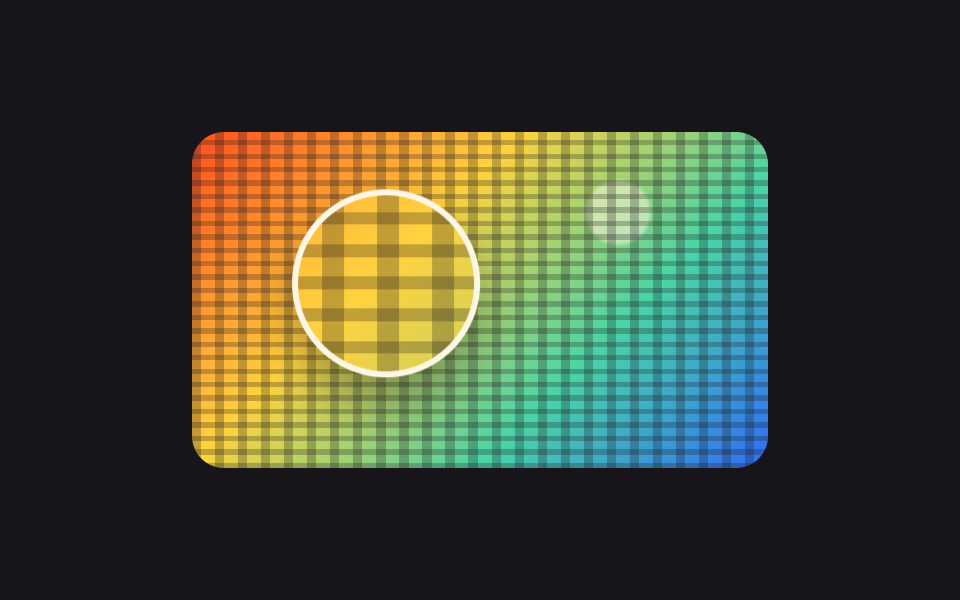 ギャラリー画像 拡大 表示 UI 9選 — 写真ファイルなしで作るビューア
 ギャラリー画像 スライダー css 9種 — GSAPなしでレスポンシブ対応
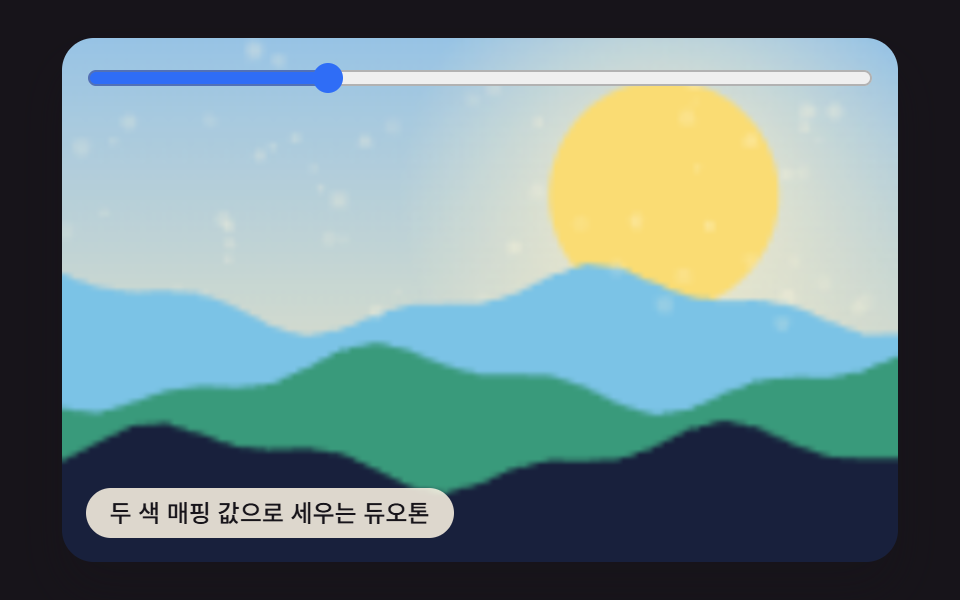 ギャラリーcss 画像 フィルター 9パターン — 値ひとつで色が変わる
 ギャラリーCSS フォト ギャラリー 9選 — メイソンリーからライトボックスまで