CSS 다크모드 토글 애니메이션 9종 — 한 줄 복붙으로
CSS 다크모드 토글 애니메이션 아홉 개를 한 번에 모았습니다. 아이콘이 바뀌는 가장 흔한 표현부터, 원 하나로 화면을 덮는 화려한 전환, 라이트·다크·자동까지 다루는 3단 스위치까지 담았고 전부 transform과 opacity만 움직입니다.
 01 dark-mode-toggle-sun-moon
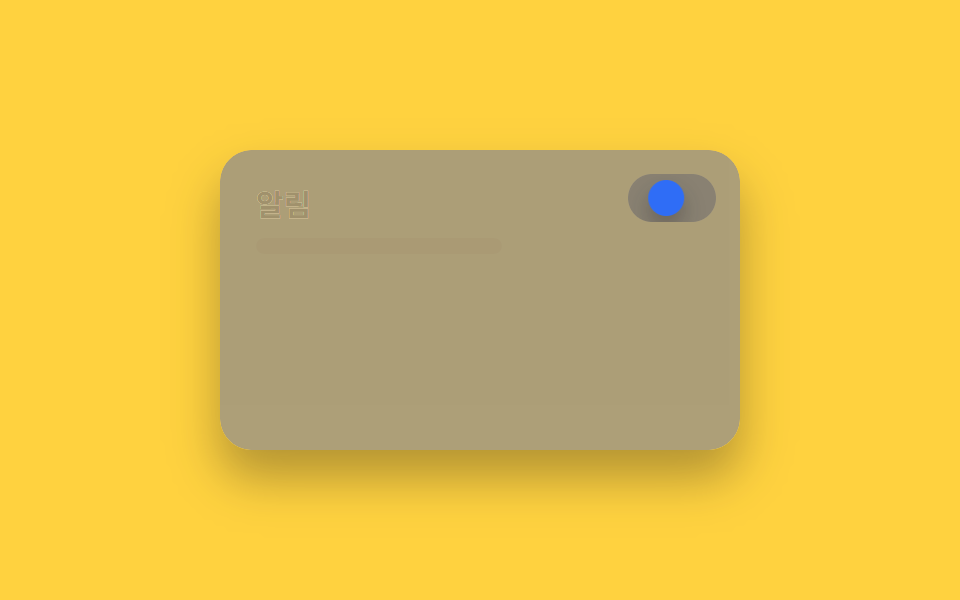 02 dark-mode-toggle-slide-knob
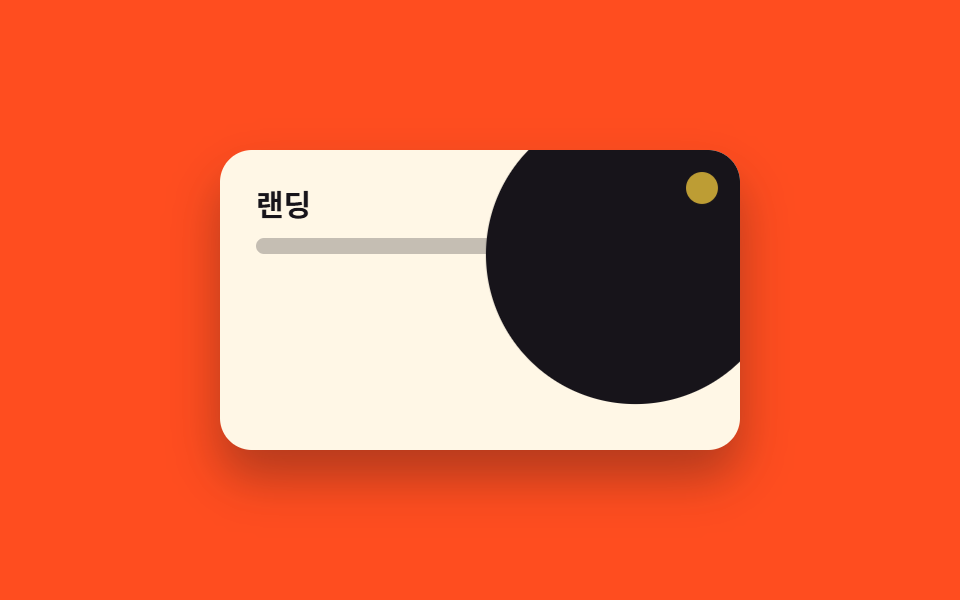 03 dark-mode-toggle-circle-expand
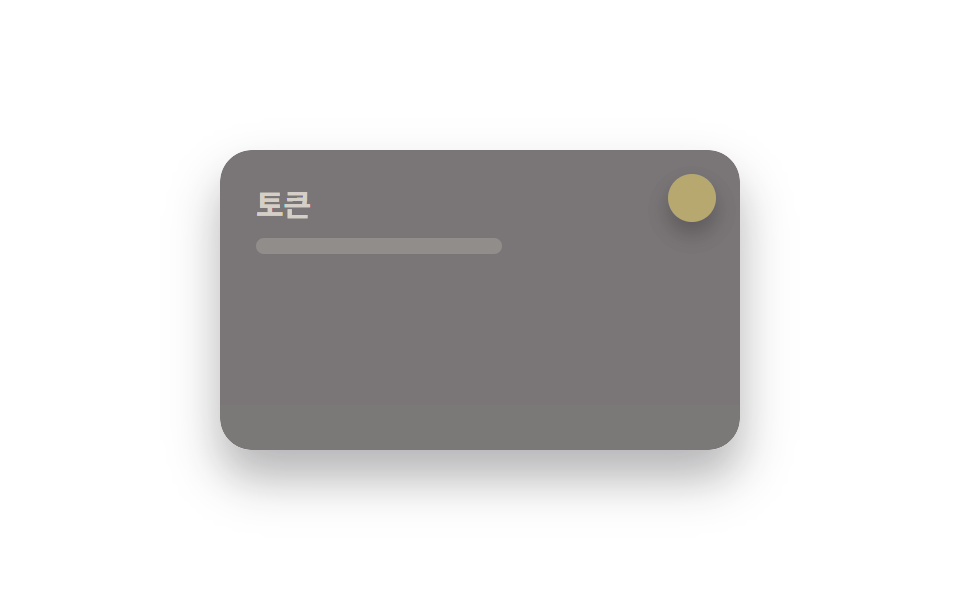 04 dark-mode-toggle-light-dark-fn
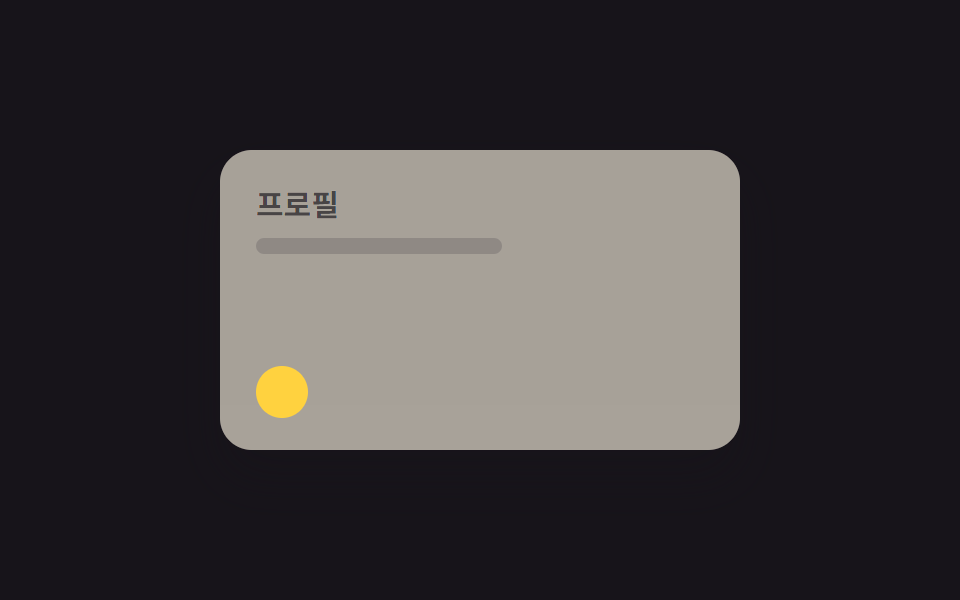 05 dark-mode-toggle-eclipse-mask
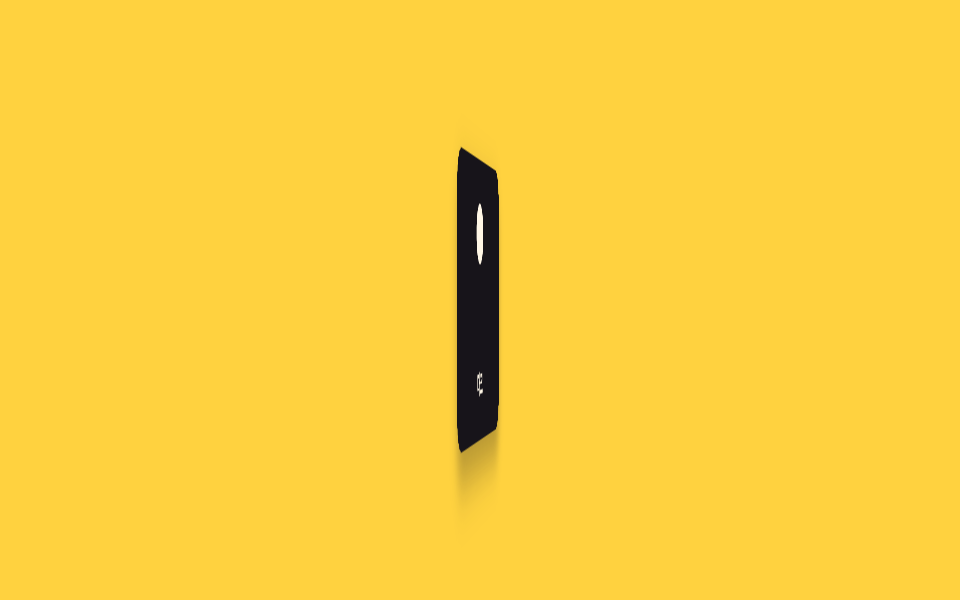 06 dark-mode-toggle-flip-card
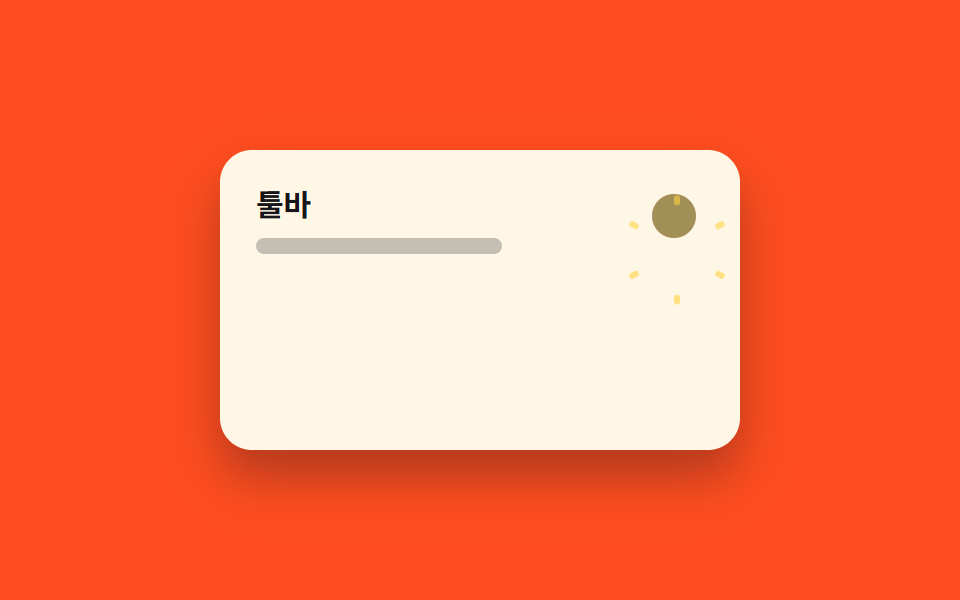 07 dark-mode-toggle-icon-morph
 08 dark-mode-toggle-color-fade
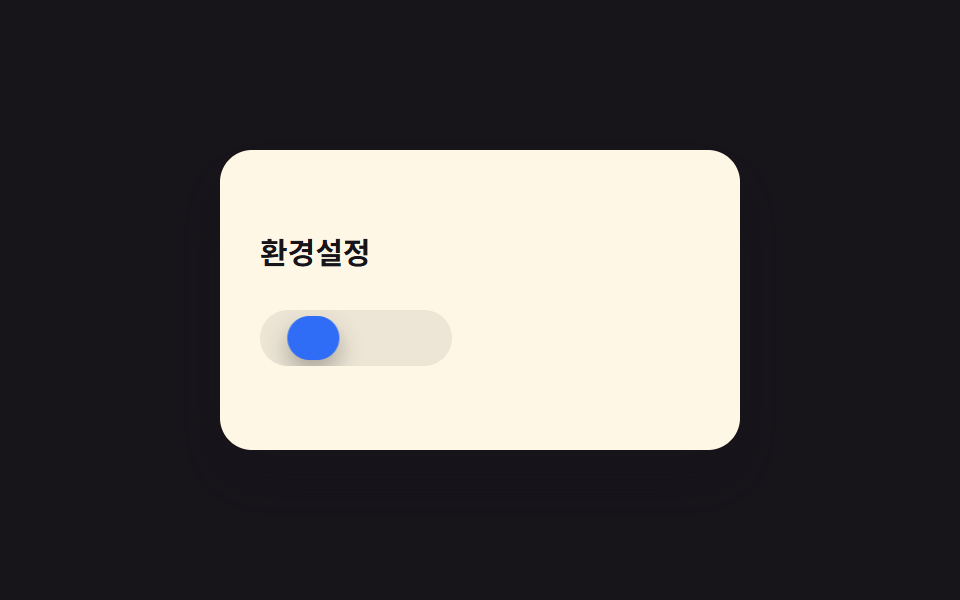 09 dark-mode-toggle-three-state
자동 재생 · 눌러서 해당 항목으로 · 전부 한 zip
- 01 해↔달 아이콘 전환
- 02 노브 슬라이드
- 03 클릭점 원형 확산(View Transition)
- 04 라이트·다크 한 번에 뒤집기
- 05 월식 마스크 전환
- 06 카드 뒤집기 전환
- 07 아이콘 모핑
- 08 전체 색 페이드 전환
- 09 라이트·다크·자동 3단
아홉 개는 인기순이 아니라 얼마나 화려한가 순으로 놓았습니다. 아이콘 하나 바뀌는 가장 단순한 표현(01~02)에서 시작해, 화면 전체를 건드리는 전환(03~06)을 지나, 색만 은은히 바뀌거나 세 가지 상태까지 다루는 것(07~09)으로 끝납니다. 아래 코드 블록엔 각 토글의 핵심 규칙만 남겼고, 붙여 넣으면 바로 돌아가는 완결본은 zip 안에 따로 있습니다.
01해↔달 아이콘 전환
어떤 움직임인가
토글을 누르면 해 아이콘이 회전하며 사라지고 달 아이콘이 반대쪽에서 돌아 들어옵니다.
<main class="stage">
  <div class="panel">
    <div class="panel__face panel__face--light">
      <p class="panel__title">설정</p>
      <p class="panel__line"></p>
    </div>
    <div class="panel__face panel__face--dark">
      <p class="panel__title">설정</p>
      <p class="panel__line"></p>
    </div>
    <button class="toggle" type="button" aria-label="다크모드 전환">
      <span class="toggle__sun"></span>
      <span class="toggle__moon"></span>
    </button>
  </div>
</main>
@use "../../../../site/static/demo-tokens" as *;
// ── 변수 3개. 변형은 이것만 바꾼다 (값은 토큰에서 받는다) ──────
$duration: $dur-base;
$easing: $ease-spring;
$color: $subject-blue;
// ── 데모 무대 ───────────────────────────────
@include stage($stage-ink);
.panel {
position: relative; overflow: hidden;
width: clamp(200px, 70vw, 260px); height: clamp(120px, 42vw, 150px);
border-radius: $r-card; box-shadow: $shadow-raised;
}
.panel__face {
position: absolute; inset: 0; box-sizing: border-box;
padding: clamp(12px, 5vw, 18px); text-align: left;
}
.panel__face--light {
background: $subject-cream; color: $subject-ink;
opacity: 1; animation: face-light $dur-loop $easing infinite;
}
.panel__face--dark {
background: $stage-ink; color: $subject-cream;
opacity: 0; animation: face-dark $dur-loop $easing infinite;
}
.panel__title { margin: 0 0 6px; font-weight: 700; font-size: clamp(12px, 3.6vw, 15px); line-height: 1.3; font-family: inherit; }
.panel__line { margin: 0; width: 60%; height: 8px; border-radius: 4px; background: currentColor; opacity: .25; }
.toggle {
position: absolute; top: clamp(8px, 3vw, 12px); right: clamp(8px, 3vw, 12px);
width: 28px; height: 28px; border: 0; border-radius: 50%; padding: 0;
background: rgba(255, 255, 255, .14); cursor: pointer;
}
.toggle__sun, .toggle__moon {
position: absolute; inset: 5px; border-radius: 50%; transform-origin: center;
}
.toggle__sun {
background: $stage-yellow; opacity: 1; transform: rotate(0deg);
animation: sun $dur-loop $easing infinite;
}
.toggle__moon {
background: $subject-cream; opacity: 0; transform: rotate(-90deg);
animation: moon $dur-loop $easing infinite;
}
// 0~15% 라이트 유지 · 15~40% 전환 · 40~60% 다크 유지 · 60~85% 전환 · 85~100% 라이트로 되돌아감
@keyframes face-light { 0%, 15% { opacity: 1; } 40%, 60% { opacity: 0; } 85%, 100% { opacity: 1; } }
@keyframes face-dark { 0%, 15% { opacity: 0; } 40%, 60% { opacity: 1; } 85%, 100% { opacity: 0; } }
@keyframes sun { 0%, 15% { opacity: 1; transform: rotate(0deg); } 40%, 60% { opacity: 0; transform: rotate(90deg); } 85%, 100% { opacity: 1; transform: rotate(0deg); } }
@keyframes moon { 0%, 15% { opacity: 0; transform: rotate(-90deg); } 40%, 60% { opacity: 1; transform: rotate(0deg); } 85%, 100% { opacity: 0; transform: rotate(-90deg); } }
// ── 접근성: 움직임 줄이기 설정이면 라이트 상태로 고정 ──────────
@media (prefers-reduced-motion: reduce) {
.panel__face--light, .panel__face--dark, .toggle__sun, .toggle__moon { animation: none !important; }
}html, body {
margin: 0;
overflow: hidden;
}
.stage {
box-sizing: border-box;
min-height: 100vh;
display: grid;
place-items: center;
margin: 0;
background: #17141a;
font-family: -apple-system, "Segoe UI", "Noto Sans KR", sans-serif;
padding: clamp(8px, 4vw, 24px);
}
.panel {
position: relative;
overflow: hidden;
width: clamp(200px, 70vw, 260px);
height: clamp(120px, 42vw, 150px);
border-radius: 16px;
box-shadow: 0 14px 24px rgba(23, 20, 26, 0.32);
}
.panel__face {
position: absolute;
inset: 0;
box-sizing: border-box;
padding: clamp(12px, 5vw, 18px);
text-align: left;
}
.panel__face--light {
background: #fff7e6;
color: #17141a;
opacity: 1;
animation: face-light 2s cubic-bezier(0.2, 0.8, 0.2, 1) infinite;
}
.panel__face--dark {
background: #17141a;
color: #fff7e6;
opacity: 0;
animation: face-dark 2s cubic-bezier(0.2, 0.8, 0.2, 1) infinite;
}
.panel__title {
margin: 0 0 6px;
font-weight: 700;
font-size: clamp(12px, 3.6vw, 15px);
line-height: 1.3;
font-family: inherit;
}
.panel__line {
margin: 0;
width: 60%;
height: 8px;
border-radius: 4px;
background: currentColor;
opacity: 0.25;
}
.toggle {
position: absolute;
top: clamp(8px, 3vw, 12px);
right: clamp(8px, 3vw, 12px);
width: 28px;
height: 28px;
border: 0;
border-radius: 50%;
padding: 0;
background: rgba(255, 255, 255, 0.14);
cursor: pointer;
}
.toggle__sun, .toggle__moon {
position: absolute;
inset: 5px;
border-radius: 50%;
transform-origin: center;
}
.toggle__sun {
background: #ffd23f;
opacity: 1;
transform: rotate(0deg);
animation: sun 2s cubic-bezier(0.2, 0.8, 0.2, 1) infinite;
}
.toggle__moon {
background: #fff7e6;
opacity: 0;
transform: rotate(-90deg);
animation: moon 2s cubic-bezier(0.2, 0.8, 0.2, 1) infinite;
}
@keyframes face-light {
0%, 15% {
opacity: 1;
}
40%, 60% {
opacity: 0;
}
85%, 100% {
opacity: 1;
}
}
@keyframes face-dark {
0%, 15% {
opacity: 0;
}
40%, 60% {
opacity: 1;
}
85%, 100% {
opacity: 0;
}
}
@keyframes sun {
0%, 15% {
opacity: 1;
transform: rotate(0deg);
}
40%, 60% {
opacity: 0;
transform: rotate(90deg);
}
85%, 100% {
opacity: 1;
transform: rotate(0deg);
}
}
@keyframes moon {
0%, 15% {
opacity: 0;
transform: rotate(-90deg);
}
40%, 60% {
opacity: 1;
transform: rotate(0deg);
}
85%, 100% {
opacity: 0;
transform: rotate(-90deg);
}
}
@media (prefers-reduced-motion: reduce) {
.panel__face--light, .panel__face--dark, .toggle__sun, .toggle__moon {
animation: none !important;
}
}import type { CSSProperties } from "react";
import styles from "./SunMoonToggle.module.scss";
export type SunMoonToggleProps = {
/** 다크모드가 켜져 있는가 */
dark: boolean;
onToggle?: () => void;
/** 전환 시간 (기본 300ms) */
duration?: number;
easing?: string;
color?: string;
className?: string;
};
type Vars = CSSProperties & { "--duration"?: string; "--easing"?: string; "--color"?: string };
export default function SunMoonToggle({
dark,
onToggle,
duration = 300,
easing = "cubic-bezier(.2,.8,.2,1)",
color = "#2f6df6",
className = "",
}: SunMoonToggleProps) {
const vars: Vars = { "--duration": `${duration}ms`, "--easing": easing, "--color": color };
return (
<button
type="button"
className={`${styles.toggle} ${className}`}
style={vars}
data-dark={dark}
aria-label="다크모드 전환"
onClick={onToggle}
>
<span className={styles.sun} />
<span className={styles.moon} />
</button>
);
}01 · 해↔달 아이콘 전환 — 측정 누적면적 26.961% · 움직인 프레임 11/23GODRICH 원작 · zip 에 SCSS·React 포함 · 비밀번호 보기
언제 쓰나
헤더의 다크모드 버튼처럼 아이콘 하나로 상태를 보여줘야 하는 자리에 씁니다.
.toggle__sun, .toggle__moon {
  position: absolute; inset: 5px; border-radius: 50%;
  transform-origin: center;
}
.toggle__sun  { opacity: 1; transform: rotate(0deg); }
.toggle__moon { opacity: 0; transform: rotate(-90deg); }

.toggle[data-dark="true"] .toggle__sun  { opacity: 0; transform: rotate(90deg); }
.toggle[data-dark="true"] .toggle__moon { opacity: 1; transform: rotate(0deg); }
02노브 슬라이드
무엇이 보이나
스위치 트랙 위 노브가 좌우로 미끄러지고, 트랙 배경은 두 겹을 겹쳐 색이 함께 바뀝니다.
<main class="stage">
  <div class="panel">
    <div class="panel__face panel__face--light">
      <p class="panel__title">알림</p>
      <p class="panel__line"></p>
    </div>
    <div class="panel__face panel__face--dark">
      <p class="panel__title">알림</p>
      <p class="panel__line"></p>
    </div>
    <span class="track">
      <span class="track__bg track__bg--light"></span>
      <span class="track__bg track__bg--dark"></span>
      <span class="knob"></span>
    </span>
  </div>
</main>
@use "../../../../site/static/demo-tokens" as *;
// ── 변수 3개 ──────────────────────────────
$duration: $dur-enter;
$easing: $ease-out;
$color: $subject-blue;
// ── 데모 무대 ───────────────────────────────
@include stage($stage-yellow);
.panel {
position: relative; overflow: hidden;
width: clamp(200px, 70vw, 260px); height: clamp(120px, 42vw, 150px);
border-radius: $r-card; box-shadow: $shadow-raised;
}
.panel__face {
position: absolute; inset: 0; box-sizing: border-box;
padding: clamp(12px, 5vw, 18px); text-align: left;
}
.panel__face--light {
background: $subject-cream; color: $subject-ink;
opacity: 1; animation: face-light $dur-loop $easing infinite;
}
.panel__face--dark {
background: $stage-ink; color: $subject-cream;
opacity: 0; animation: face-dark $dur-loop $easing infinite;
}
.panel__title { margin: 0 0 6px; font-weight: 700; font-size: clamp(12px, 3.6vw, 15px); line-height: 1.3; font-family: inherit; }
.panel__line { margin: 0; width: 55%; height: 8px; border-radius: 4px; background: currentColor; opacity: .25; }
.track {
position: absolute; top: clamp(8px, 3vw, 12px); right: clamp(8px, 3vw, 12px);
display: block; width: 44px; height: 24px; border-radius: $r-pill; overflow: hidden;
}
.track__bg { position: absolute; inset: 0; }
.track__bg--light { background: rgba(255, 255, 255, .5); opacity: 1; animation: face-light $dur-loop $easing infinite; }
.track__bg--dark { background: $subject-ink; opacity: 0; animation: face-dark $dur-loop $easing infinite; }
.knob {
position: absolute; top: 3px; left: 3px; width: 18px; height: 18px; border-radius: 50%;
background: $color; box-shadow: $shadow-press;
transform: translateX(0); animation: knob-slide $dur-loop $easing infinite;
}
// 0~15% 라이트 유지 · 15~40% 전환 · 40~60% 다크 유지 · 60~85% 전환 · 85~100% 라이트로 되돌아감
@keyframes face-light { 0%, 15% { opacity: 1; } 40%, 60% { opacity: 0; } 85%, 100% { opacity: 1; } }
@keyframes face-dark { 0%, 15% { opacity: 0; } 40%, 60% { opacity: 1; } 85%, 100% { opacity: 0; } }
@keyframes knob-slide {
0%, 15% { transform: translateX(0); }
40%, 60% { transform: translateX(20px); }
85%, 100% { transform: translateX(0); }
}
// ── 접근성: 움직임 줄이기 설정이면 라이트 상태로 고정 ──────────
@media (prefers-reduced-motion: reduce) {
.panel__face--light, .panel__face--dark, .track__bg--light, .track__bg--dark, .knob { animation: none !important; }
}html, body {
margin: 0;
overflow: hidden;
}
.stage {
box-sizing: border-box;
min-height: 100vh;
display: grid;
place-items: center;
margin: 0;
background: #ffd23f;
font-family: -apple-system, "Segoe UI", "Noto Sans KR", sans-serif;
padding: clamp(8px, 4vw, 24px);
}
.panel {
position: relative;
overflow: hidden;
width: clamp(200px, 70vw, 260px);
height: clamp(120px, 42vw, 150px);
border-radius: 16px;
box-shadow: 0 14px 24px rgba(23, 20, 26, 0.32);
}
.panel__face {
position: absolute;
inset: 0;
box-sizing: border-box;
padding: clamp(12px, 5vw, 18px);
text-align: left;
}
.panel__face--light {
background: #fff7e6;
color: #17141a;
opacity: 1;
animation: face-light 2s ease-out infinite;
}
.panel__face--dark {
background: #17141a;
color: #fff7e6;
opacity: 0;
animation: face-dark 2s ease-out infinite;
}
.panel__title {
margin: 0 0 6px;
font-weight: 700;
font-size: clamp(12px, 3.6vw, 15px);
line-height: 1.3;
font-family: inherit;
}
.panel__line {
margin: 0;
width: 55%;
height: 8px;
border-radius: 4px;
background: currentColor;
opacity: 0.25;
}
.track {
position: absolute;
top: clamp(8px, 3vw, 12px);
right: clamp(8px, 3vw, 12px);
display: block;
width: 44px;
height: 24px;
border-radius: 999px;
overflow: hidden;
}
.track__bg {
position: absolute;
inset: 0;
}
.track__bg--light {
background: rgba(255, 255, 255, 0.5);
opacity: 1;
animation: face-light 2s ease-out infinite;
}
.track__bg--dark {
background: #17141a;
opacity: 0;
animation: face-dark 2s ease-out infinite;
}
.knob {
position: absolute;
top: 3px;
left: 3px;
width: 18px;
height: 18px;
border-radius: 50%;
background: #2f6df6;
box-shadow: 0 6px 12px rgba(23, 20, 26, 0.32);
transform: translateX(0);
animation: knob-slide 2s ease-out infinite;
}
@keyframes face-light {
0%, 15% {
opacity: 1;
}
40%, 60% {
opacity: 0;
}
85%, 100% {
opacity: 1;
}
}
@keyframes face-dark {
0%, 15% {
opacity: 0;
}
40%, 60% {
opacity: 1;
}
85%, 100% {
opacity: 0;
}
}
@keyframes knob-slide {
0%, 15% {
transform: translateX(0);
}
40%, 60% {
transform: translateX(20px);
}
85%, 100% {
transform: translateX(0);
}
}
@media (prefers-reduced-motion: reduce) {
.panel__face--light, .panel__face--dark, .track__bg--light, .track__bg--dark, .knob {
animation: none !important;
}
}import type { CSSProperties } from "react";
import styles from "./SlideKnobToggle.module.scss";
export type SlideKnobToggleProps = {
dark: boolean;
onToggle?: () => void;
/** 노브가 미끄러지는 시간 (기본 600ms) */
duration?: number;
easing?: string;
color?: string;
className?: string;
};
type Vars = CSSProperties & { "--duration"?: string; "--easing"?: string; "--color"?: string };
export default function SlideKnobToggle({
dark,
onToggle,
duration = 600,
easing = "ease-out",
color = "#2f6df6",
className = "",
}: SlideKnobToggleProps) {
const vars: Vars = { "--duration": `${duration}ms`, "--easing": easing, "--color": color };
return (
<button
type="button"
className={`${styles.track} ${className}`}
style={vars}
data-dark={dark}
aria-label="다크모드 전환"
onClick={onToggle}
>
<span className={styles.knob} />
</button>
);
}02 · 노브 슬라이드 — 측정 누적면적 26.944% · 움직인 프레임 14/23GODRICH 원작 · zip 에 SCSS·React 포함 · 비밀번호 보기
다크모드 토글버튼은 어디에 쓰나
설정 화면처럼 켜고 끄는 느낌이 분명해야 하는 토글에 씁니다.
.knob {
  position: absolute; top: 3px; left: 3px;
  width: 18px; height: 18px; border-radius: 50%;
  background: var(--color);
  transition: transform var(--duration) var(--easing);
}
.track[data-dark="true"] .knob { transform: translateX(20px); }
03클릭점 원형 확산
화면에서 일어나는 일
토글을 누른 자리에서 원이 scale(0)에서 scale(1)로 퍼지며 화면을 다크모드 색으로 덮습니다. 랜딩 히어로처럼 전환 자체가 인상적이어야 하는 토글 하나에 씁니다.
<main class="stage">
  <div class="panel">
    <p class="panel__title">랜딩</p>
    <p class="panel__line"></p>
    <span class="wipe"></span>
    <span class="origin"></span>
  </div>
</main>
@use "../../../../site/static/demo-tokens" as *;
// ── 변수 3개 ──────────────────────────────
$duration: $dur-enter;
$easing: $ease-pop;
$color: $stage-ink;
// ── 데모 무대 ───────────────────────────────
@include stage($stage-orange);
.panel {
position: relative; overflow: hidden;
width: clamp(200px, 70vw, 260px); height: clamp(120px, 42vw, 150px);
border-radius: $r-card; box-shadow: $shadow-raised;
background: $subject-cream; color: $subject-ink;
box-sizing: border-box; padding: clamp(12px, 5vw, 18px); text-align: left;
}
.panel__title { position: relative; z-index: 1; margin: 0 0 6px; font-weight: 700; font-size: clamp(12px, 3.6vw, 15px); line-height: 1.3; font-family: inherit; }
.panel__line { position: relative; z-index: 1; margin: 0; width: 55%; height: 8px; border-radius: 4px; background: currentColor; opacity: .25; }
// 클릭 지점(우상단 토글 자리)에서 원이 퍼져 화면을 다크모드로 덮는다. transform: scale 하나로.
.wipe {
position: absolute; z-index: 0; top: -60px; right: -60px;
width: 320px; height: 320px; border-radius: 50%;
background: $color; transform-origin: 78% 22%; // 규칙8: 클릭 지점서 퍼짐
transform: scale(0); animation: wipe-scale $dur-loop $easing infinite;
}
.origin {
position: absolute; z-index: 2; top: clamp(8px, 3vw, 12px); right: clamp(8px, 3vw, 12px);
width: 14px; height: 14px; border-radius: 50%; background: $stage-yellow;
animation: origin-pulse $dur-loop $easing infinite;
}
@keyframes wipe-scale {
0%, 10% { transform: scale(0); }
45%, 55% { transform: scale(1); }
90%, 100% { transform: scale(0); }
}
@keyframes origin-pulse {
0%, 10% { opacity: 1; transform: scale(1); }
45%, 55% { opacity: .4; transform: scale(1.3); }
90%, 100% { opacity: 1; transform: scale(1); }
}
// ── 접근성: 움직임 줄이기 설정이면 원이 퍼지지 않는다 ──────────
@media (prefers-reduced-motion: reduce) {
.wipe, .origin { animation: none !important; transform: scale(0); }
}html, body {
margin: 0;
overflow: hidden;
}
.stage {
box-sizing: border-box;
min-height: 100vh;
display: grid;
place-items: center;
margin: 0;
background: #ff4d1f;
font-family: -apple-system, "Segoe UI", "Noto Sans KR", sans-serif;
padding: clamp(8px, 4vw, 24px);
}
.panel {
position: relative;
overflow: hidden;
width: clamp(200px, 70vw, 260px);
height: clamp(120px, 42vw, 150px);
border-radius: 16px;
box-shadow: 0 14px 24px rgba(23, 20, 26, 0.32);
background: #fff7e6;
color: #17141a;
box-sizing: border-box;
padding: clamp(12px, 5vw, 18px);
text-align: left;
}
.panel__title {
position: relative;
z-index: 1;
margin: 0 0 6px;
font-weight: 700;
font-size: clamp(12px, 3.6vw, 15px);
line-height: 1.3;
font-family: inherit;
}
.panel__line {
position: relative;
z-index: 1;
margin: 0;
width: 55%;
height: 8px;
border-radius: 4px;
background: currentColor;
opacity: 0.25;
}
.wipe {
position: absolute;
z-index: 0;
top: -60px;
right: -60px;
width: 320px;
height: 320px;
border-radius: 50%;
background: #17141a;
transform-origin: 78% 22%;
transform: scale(0);
animation: wipe-scale 2s cubic-bezier(0.2, 1.4, 0.4, 1) infinite;
}
.origin {
position: absolute;
z-index: 2;
top: clamp(8px, 3vw, 12px);
right: clamp(8px, 3vw, 12px);
width: 14px;
height: 14px;
border-radius: 50%;
background: #ffd23f;
animation: origin-pulse 2s cubic-bezier(0.2, 1.4, 0.4, 1) infinite;
}
@keyframes wipe-scale {
0%, 10% {
transform: scale(0);
}
45%, 55% {
transform: scale(1);
}
90%, 100% {
transform: scale(0);
}
}
@keyframes origin-pulse {
0%, 10% {
opacity: 1;
transform: scale(1);
}
45%, 55% {
opacity: 0.4;
transform: scale(1.3);
}
90%, 100% {
opacity: 1;
transform: scale(1);
}
}
@media (prefers-reduced-motion: reduce) {
.wipe, .origin {
animation: none !important;
transform: scale(0);
}
}import type { CSSProperties, ReactNode } from "react";
import styles from "./CircleExpandToggle.module.scss";
export type CircleExpandToggleProps = {
dark: boolean;
onToggle?: () => void;
/** 원이 다 퍼지는 시간 (기본 600ms) */
duration?: number;
easing?: string;
/** 다크모드로 덮는 원의 색 */
color?: string;
children?: ReactNode;
className?: string;
};
type Vars = CSSProperties & { "--duration"?: string; "--easing"?: string; "--color"?: string };
export default function CircleExpandToggle({
dark,
onToggle,
duration = 600,
easing = "cubic-bezier(.2,1.4,.4,1)",
color = "#17141a",
children,
className = "",
}: CircleExpandToggleProps) {
const vars: Vars = { "--duration": `${duration}ms`, "--easing": easing, "--color": color };
return (
<div className={`${styles.panel} ${className}`} style={vars} data-dark={dark}>
<div className={styles.content}>{children}</div>
<span className={styles.wipe} />
<button type="button" className={styles.origin} aria-label="다크모드 전환" onClick={onToggle} />
</div>
);
}03 · 클릭점 원형 확산(View Transition) — 측정 누적면적 26.663% · 움직인 프레임 19/23GODRICH 원작 · zip 에 SCSS·React 포함 · 비밀번호 보기
코드에서 볼 곳
.wipe {
  position: absolute; top: -60px; right: -60px;
  width: 320px; height: 320px; border-radius: 50%;
  background: $color; transform-origin: 78% 22%;
  transform: scale(0);
}
.panel[data-dark="true"] .wipe { transform: scale(1); }
04라이트·다크 한 번에 뒤집기
어떤 움직임인가
color-scheme 값 하나만 라이트·다크로 바꾸면 light-dark()로 선언한 배경·글자색이 한 번에 뒤집힙니다. 컴포넌트 라이브러리나 디자인 시스템 토큰처럼 값 하나로 여러 요소를 한꺼번에 바꿔야 하는 곳에 씁니다.
<main class="stage">
  <div class="panel">
    <div class="panel__face panel__face--light">
      <p class="panel__title">토큰</p>
      <p class="panel__line"></p>
    </div>
    <div class="panel__face panel__face--dark">
      <p class="panel__title">토큰</p>
      <p class="panel__line"></p>
    </div>
    <span class="chip">
      <span class="chip__swatch chip__swatch--light"></span>
      <span class="chip__swatch chip__swatch--dark"></span>
    </span>
  </div>
</main>
@use "../../../../site/static/demo-tokens" as *;
// ── 변수 3개 ──────────────────────────────
$duration: $dur-base;
$easing: $ease-out;
$color: $subject-blue;
// ── 데모 무대 ───────────────────────────────
@include stage($stage-paper);
.panel {
position: relative; overflow: hidden;
width: clamp(200px, 70vw, 260px); height: clamp(120px, 42vw, 150px);
border-radius: $r-card; box-shadow: $shadow-raised;
}
.panel__face {
position: absolute; inset: 0; box-sizing: border-box;
padding: clamp(12px, 5vw, 18px); text-align: left;
}
.panel__face--light {
background: $subject-cream; color: $subject-ink;
opacity: 1; animation: face-light $dur-loop $easing infinite;
}
.panel__face--dark {
background: $stage-ink; color: $subject-cream;
opacity: 0; animation: face-dark $dur-loop $easing infinite;
}
.panel__title { margin: 0 0 6px; font-weight: 700; font-size: clamp(12px, 3.6vw, 15px); line-height: 1.3; font-family: inherit; }
.panel__line { margin: 0; width: 55%; height: 8px; border-radius: 4px; background: currentColor; opacity: .25; }
// 변수 하나(color-scheme)만 바뀌면 스와치가 통째로 뒤집힌다는 걸 작은 칩으로 보여준다
.chip {
position: absolute; top: clamp(8px, 3vw, 12px); right: clamp(8px, 3vw, 12px);
width: 24px; height: 24px; border-radius: $r-control; overflow: hidden; box-shadow: $shadow-press;
}
.chip__swatch { position: absolute; inset: 0; }
.chip__swatch--light { background: $color; opacity: 1; animation: face-light $dur-loop $easing infinite; }
.chip__swatch--dark { background: $stage-yellow; opacity: 0; animation: face-dark $dur-loop $easing infinite; }
@keyframes face-light { 0%, 15% { opacity: 1; } 40%, 60% { opacity: 0; } 85%, 100% { opacity: 1; } }
@keyframes face-dark { 0%, 15% { opacity: 0; } 40%, 60% { opacity: 1; } 85%, 100% { opacity: 0; } }
// ── 접근성: 움직임 줄이기 설정이면 라이트 상태로 고정 ──────────
@media (prefers-reduced-motion: reduce) {
.panel__face--light, .panel__face--dark, .chip__swatch--light, .chip__swatch--dark { animation: none !important; }
}html, body {
margin: 0;
overflow: hidden;
}
.stage {
box-sizing: border-box;
min-height: 100vh;
display: grid;
place-items: center;
margin: 0;
background: #ffffff;
font-family: -apple-system, "Segoe UI", "Noto Sans KR", sans-serif;
padding: clamp(8px, 4vw, 24px);
}
.panel {
position: relative;
overflow: hidden;
width: clamp(200px, 70vw, 260px);
height: clamp(120px, 42vw, 150px);
border-radius: 16px;
box-shadow: 0 14px 24px rgba(23, 20, 26, 0.32);
}
.panel__face {
position: absolute;
inset: 0;
box-sizing: border-box;
padding: clamp(12px, 5vw, 18px);
text-align: left;
}
.panel__face--light {
background: #fff7e6;
color: #17141a;
opacity: 1;
animation: face-light 2s ease-out infinite;
}
.panel__face--dark {
background: #17141a;
color: #fff7e6;
opacity: 0;
animation: face-dark 2s ease-out infinite;
}
.panel__title {
margin: 0 0 6px;
font-weight: 700;
font-size: clamp(12px, 3.6vw, 15px);
line-height: 1.3;
font-family: inherit;
}
.panel__line {
margin: 0;
width: 55%;
height: 8px;
border-radius: 4px;
background: currentColor;
opacity: 0.25;
}
.chip {
position: absolute;
top: clamp(8px, 3vw, 12px);
right: clamp(8px, 3vw, 12px);
width: 24px;
height: 24px;
border-radius: 12px;
overflow: hidden;
box-shadow: 0 6px 12px rgba(23, 20, 26, 0.32);
}
.chip__swatch {
position: absolute;
inset: 0;
}
.chip__swatch--light {
background: #2f6df6;
opacity: 1;
animation: face-light 2s ease-out infinite;
}
.chip__swatch--dark {
background: #ffd23f;
opacity: 0;
animation: face-dark 2s ease-out infinite;
}
@keyframes face-light {
0%, 15% {
opacity: 1;
}
40%, 60% {
opacity: 0;
}
85%, 100% {
opacity: 1;
}
}
@keyframes face-dark {
0%, 15% {
opacity: 0;
}
40%, 60% {
opacity: 1;
}
85%, 100% {
opacity: 0;
}
}
@media (prefers-reduced-motion: reduce) {
.panel__face--light, .panel__face--dark, .chip__swatch--light, .chip__swatch--dark {
animation: none !important;
}
}import type { CSSProperties } from "react";
import styles from "./LightDarkSwitch.module.scss";
export type LightDarkSwitchProps = {
/** true 면 color-scheme: dark 로 light-dark() 값이 뒤집힌다 */
dark: boolean;
onToggle?: () => void;
duration?: number;
easing?: string;
color?: string;
className?: string;
};
type Vars = CSSProperties & { "--duration"?: string; "--easing"?: string; "--color"?: string };
export default function LightDarkSwitch({
dark,
onToggle,
duration = 300,
easing = "ease-out",
color = "#2f6df6",
className = "",
}: LightDarkSwitchProps) {
const vars: Vars = { "--duration": `${duration}ms`, "--easing": easing, "--color": color };
return (
<button
type="button"
className={`${styles.chip} ${className}`}
style={vars}
data-dark={dark}
aria-label="다크모드 전환"
onClick={onToggle}
>
<span className={`${styles.swatch} ${styles.light}`} />
<span className={`${styles.swatch} ${styles.dark}`} />
</button>
);
}04 · 라이트·다크 한 번에 뒤집기 — 측정 누적면적 26.944% · 움직인 프레임 14/23GODRICH 원작 · zip 에 SCSS·React 포함 · 비밀번호 보기
코드에서 볼 곳
:root { color-scheme: light; }
:root[data-theme="dark"] { color-scheme: dark; }

.card {
  background: light-dark($subject-cream, $stage-ink);
  color: light-dark($subject-ink, $subject-cream);
}
05월식 마스크 전환
무엇이 보이나
달 모양 마스크가 옆에서 밀려와 해 아이콘을 가리며 다크모드로 넘어갑니다.
<main class="stage">
  <div class="panel">
    <div class="panel__face panel__face--light">
      <p class="panel__title">프로필</p>
      <p class="panel__line"></p>
    </div>
    <div class="panel__face panel__face--dark">
      <p class="panel__title">프로필</p>
      <p class="panel__line"></p>
    </div>
    <span class="sun"></span>
    <span class="mask"></span>
  </div>
</main>
@use "../../../../site/static/demo-tokens" as *;
// ── 변수 3개 ──────────────────────────────
$duration: $dur-enter;
$easing: $ease-spring;
$color: $stage-yellow;
// ── 데모 무대 ───────────────────────────────
@include stage($stage-ink);
.panel {
position: relative; overflow: hidden;
width: clamp(200px, 70vw, 260px); height: clamp(120px, 42vw, 150px);
border-radius: $r-card; box-shadow: $shadow-raised;
}
.panel__face {
position: absolute; inset: 0; box-sizing: border-box;
padding: clamp(12px, 5vw, 18px); text-align: left;
}
.panel__face--light {
background: $subject-cream; color: $subject-ink;
opacity: 1; animation: face-light $dur-loop $easing infinite;
}
.panel__face--dark {
background: $stage-ink; color: $subject-cream;
opacity: 0; animation: face-dark $dur-loop $easing infinite;
}
.panel__title { margin: 0 0 6px; font-weight: 700; font-size: clamp(12px, 3.6vw, 15px); line-height: 1.3; font-family: inherit; }
.panel__line { margin: 0; width: 55%; height: 8px; border-radius: 4px; background: currentColor; opacity: .25; }
// 태양 아이콘을 달 모양 마스크가 옆에서 밀려와 가리며 다크모드로 넘어간다. transform: translateX 만 쓴다.
.sun {
position: absolute; z-index: 1; bottom: clamp(10px, 4vw, 16px); left: clamp(12px, 5vw, 18px);
width: 26px; height: 26px; border-radius: 50%; background: $color;
}
.mask {
position: absolute; z-index: 2; bottom: clamp(6px, 4vw, 12px); left: clamp(0px, 2vw, 4px);
width: 26px; height: 26px; border-radius: 50%; background: $stage-ink;
transform: translateX(-60px); animation: mask-slide $dur-loop $easing infinite;
}
@keyframes face-light { 0%, 15% { opacity: 1; } 40%, 60% { opacity: 0; } 85%, 100% { opacity: 1; } }
@keyframes face-dark { 0%, 15% { opacity: 0; } 40%, 60% { opacity: 1; } 85%, 100% { opacity: 0; } }
@keyframes mask-slide {
0%, 15% { transform: translateX(-60px); }
40%, 60% { transform: translateX(4px); }
85%, 100% { transform: translateX(-60px); }
}
// ── 접근성: 움직임 줄이기 설정이면 라이트 상태로 고정 ──────────
@media (prefers-reduced-motion: reduce) {
.panel__face--light, .panel__face--dark, .mask { animation: none !important; }
}html, body {
margin: 0;
overflow: hidden;
}
.stage {
box-sizing: border-box;
min-height: 100vh;
display: grid;
place-items: center;
margin: 0;
background: #17141a;
font-family: -apple-system, "Segoe UI", "Noto Sans KR", sans-serif;
padding: clamp(8px, 4vw, 24px);
}
.panel {
position: relative;
overflow: hidden;
width: clamp(200px, 70vw, 260px);
height: clamp(120px, 42vw, 150px);
border-radius: 16px;
box-shadow: 0 14px 24px rgba(23, 20, 26, 0.32);
}
.panel__face {
position: absolute;
inset: 0;
box-sizing: border-box;
padding: clamp(12px, 5vw, 18px);
text-align: left;
}
.panel__face--light {
background: #fff7e6;
color: #17141a;
opacity: 1;
animation: face-light 2s cubic-bezier(0.2, 0.8, 0.2, 1) infinite;
}
.panel__face--dark {
background: #17141a;
color: #fff7e6;
opacity: 0;
animation: face-dark 2s cubic-bezier(0.2, 0.8, 0.2, 1) infinite;
}
.panel__title {
margin: 0 0 6px;
font-weight: 700;
font-size: clamp(12px, 3.6vw, 15px);
line-height: 1.3;
font-family: inherit;
}
.panel__line {
margin: 0;
width: 55%;
height: 8px;
border-radius: 4px;
background: currentColor;
opacity: 0.25;
}
.sun {
position: absolute;
z-index: 1;
bottom: clamp(10px, 4vw, 16px);
left: clamp(12px, 5vw, 18px);
width: 26px;
height: 26px;
border-radius: 50%;
background: #ffd23f;
}
.mask {
position: absolute;
z-index: 2;
bottom: clamp(6px, 4vw, 12px);
left: clamp(0px, 2vw, 4px);
width: 26px;
height: 26px;
border-radius: 50%;
background: #17141a;
transform: translateX(-60px);
animation: mask-slide 2s cubic-bezier(0.2, 0.8, 0.2, 1) infinite;
}
@keyframes face-light {
0%, 15% {
opacity: 1;
}
40%, 60% {
opacity: 0;
}
85%, 100% {
opacity: 1;
}
}
@keyframes face-dark {
0%, 15% {
opacity: 0;
}
40%, 60% {
opacity: 1;
}
85%, 100% {
opacity: 0;
}
}
@keyframes mask-slide {
0%, 15% {
transform: translateX(-60px);
}
40%, 60% {
transform: translateX(4px);
}
85%, 100% {
transform: translateX(-60px);
}
}
@media (prefers-reduced-motion: reduce) {
.panel__face--light, .panel__face--dark, .mask {
animation: none !important;
}
}import type { CSSProperties } from "react";
import styles from "./EclipseMaskToggle.module.scss";
export type EclipseMaskToggleProps = {
dark: boolean;
onToggle?: () => void;
/** 마스크가 밀려오는 시간 (기본 600ms) */
duration?: number;
easing?: string;
/** 마스크(다크) 색 */
color?: string;
className?: string;
};
type Vars = CSSProperties & { "--duration"?: string; "--easing"?: string; "--color"?: string };
export default function EclipseMaskToggle({
dark,
onToggle,
duration = 600,
easing = "cubic-bezier(.2,.8,.2,1)",
color = "#17141a",
className = "",
}: EclipseMaskToggleProps) {
const vars: Vars = { "--duration": `${duration}ms`, "--easing": easing, "--color": color };
return (
<button
type="button"
className={`${styles.wrap} ${className}`}
style={vars}
data-dark={dark}
aria-label="다크모드 전환"
onClick={onToggle}
>
<span className={styles.sun} />
<span className={styles.mask} />
</button>
);
}05 · 월식 마스크 전환 — 측정 누적면적 26.797% · 움직인 프레임 11/23GODRICH 원작 · zip 에 SCSS·React 포함 · 비밀번호 보기
어디에 쓰나
프로필 메뉴처럼 브랜드다운 표현이 필요한 토글에 씁니다.
.mask {
  position: absolute; inset: 2px; border-radius: 50%;
  background: $color;
  transform: translateX(-60px);
  transition: transform var(--duration) var(--easing);
}
.wrap[data-dark="true"] .mask { transform: translateX(4px); }
06카드 뒤집기 전환
화면에서 일어나는 일
카드가 Y축으로 계속 돌며 앞면(라이트, 해)과 뒷면(다크, 달)이 번갈아 보입니다.
<main class="stage">
  <div class="card">
    <div class="card__inner">
      <div class="card__face card__face--front">
        <span class="card__icon card__icon--sun"></span>
        <p class="card__label">라이트</p>
      </div>
      <div class="card__face card__face--back">
        <span class="card__icon card__icon--moon"></span>
        <p class="card__label">다크</p>
      </div>
    </div>
  </div>
</main>
@use "../../../../site/static/demo-tokens" as *;
// ── 변수 3개 ──────────────────────────────
$duration: $dur-enter;
$easing: $ease-spring;
$color: $subject-blue;
// ── 데모 무대 ───────────────────────────────
@include stage($stage-yellow);
.card {
width: clamp(150px, 46vw, 180px); height: clamp(110px, 40vw, 140px);
perspective: 900px;
}
.card__inner {
position: relative; width: 100%; height: 100%; transform-style: preserve-3d;
animation: flip $dur-loop $easing infinite;
}
.card__face {
position: absolute; inset: 0; display: grid; place-items: center; gap: 8px;
border-radius: $r-card; box-shadow: $shadow-raised; backface-visibility: hidden;
}
.card__face--front { background: $subject-cream; color: $subject-ink; }
.card__face--back { background: $stage-ink; color: $subject-cream; transform: rotateY(180deg); }
.card__icon { width: 30px; height: 30px; border-radius: 50%; }
.card__icon--sun { background: $stage-yellow; }
.card__icon--moon { background: $subject-cream; }
.card__label { margin: 0; font-weight: 600; font-size: clamp(11px, 3.2vw, 13px); line-height: 1; font-family: inherit; }
// 앞면(라이트) → 뒷면(다크) → 다시 앞면. perspective + rotateY 만 쓴다
@keyframes flip {
0%, 15% { transform: rotateY(0deg); }
50% { transform: rotateY(180deg); }
85%, 100% { transform: rotateY(360deg); }
}
// ── 접근성: 움직임 줄이기 설정이면 앞면(라이트)에 고정 ──────────
@media (prefers-reduced-motion: reduce) {
.card__inner { animation: none !important; transform: rotateY(0deg); }
}html, body {
margin: 0;
overflow: hidden;
}
.stage {
box-sizing: border-box;
min-height: 100vh;
display: grid;
place-items: center;
margin: 0;
background: #ffd23f;
font-family: -apple-system, "Segoe UI", "Noto Sans KR", sans-serif;
padding: clamp(8px, 4vw, 24px);
}
.card {
width: clamp(150px, 46vw, 180px);
height: clamp(110px, 40vw, 140px);
perspective: 900px;
}
.card__inner {
position: relative;
width: 100%;
height: 100%;
transform-style: preserve-3d;
animation: flip 2s cubic-bezier(0.2, 0.8, 0.2, 1) infinite;
}
.card__face {
position: absolute;
inset: 0;
display: grid;
place-items: center;
gap: 8px;
border-radius: 16px;
box-shadow: 0 14px 24px rgba(23, 20, 26, 0.32);
backface-visibility: hidden;
}
.card__face--front {
background: #fff7e6;
color: #17141a;
}
.card__face--back {
background: #17141a;
color: #fff7e6;
transform: rotateY(180deg);
}
.card__icon {
width: 30px;
height: 30px;
border-radius: 50%;
}
.card__icon--sun {
background: #ffd23f;
}
.card__icon--moon {
background: #fff7e6;
}
.card__label {
margin: 0;
font-weight: 600;
font-size: clamp(11px, 3.2vw, 13px);
line-height: 1;
font-family: inherit;
}
@keyframes flip {
0%, 15% {
transform: rotateY(0deg);
}
50% {
transform: rotateY(180deg);
}
85%, 100% {
transform: rotateY(360deg);
}
}
@media (prefers-reduced-motion: reduce) {
.card__inner {
animation: none !important;
transform: rotateY(0deg);
}
}import type { CSSProperties } from "react";
import styles from "./FlipCardToggle.module.scss";
export type FlipCardToggleProps = {
dark: boolean;
onToggle?: () => void;
/** 카드가 뒤집히는 시간 (기본 600ms) */
duration?: number;
easing?: string;
className?: string;
};
type Vars = CSSProperties & { "--duration"?: string; "--easing"?: string };
export default function FlipCardToggle({
dark,
onToggle,
duration = 600,
easing = "cubic-bezier(.2,.8,.2,1)",
className = "",
}: FlipCardToggleProps) {
const vars: Vars = { "--duration": `${duration}ms`, "--easing": easing };
return (
<button
type="button"
className={`${styles.card} ${className}`}
style={vars}
data-dark={dark}
aria-label="다크모드 전환"
onClick={onToggle}
>
<span className={styles.inner}>
<span className={`${styles.face} ${styles.front}`}>라이트</span>
<span className={`${styles.face} ${styles.back}`}>다크</span>
</span>
</button>
);
}06 · 카드 뒤집기 전환 — 측정 누적면적 22.674% · 움직인 프레임 17/23GODRICH 원작 · zip 에 SCSS·React 포함 · 비밀번호 보기
쓰는 자리
카드형 설정 스위치나 프로필 메뉴처럼 이미 카드 모양인 UI에 자연스럽게 얹습니다.
.card__inner {
  transform-style: preserve-3d;
  transition: transform var(--duration) var(--easing);
}
.card[data-dark="true"] .card__inner { transform: rotateY(180deg); }
.card__face { backface-visibility: hidden; }
.card__face--back { transform: rotateY(180deg); }
07아이콘 모핑
어떤 움직임인가
해 아이콘의 광선 여섯 개가 하나씩 접혀 사라지고, 중심 원은 두 겹을 겹쳐 라이트에서 다크 색으로 바뀝니다.
<main class="stage">
  <div class="panel">
    <p class="panel__title">툴바</p>
    <p class="panel__line"></p>
    <span class="icon">
      <span class="icon__core icon__core--sun"></span>
      <span class="icon__core icon__core--moon"></span>
      <span class="icon__ray" style="--i:0"></span>
      <span class="icon__ray" style="--i:1"></span>
      <span class="icon__ray" style="--i:2"></span>
      <span class="icon__ray" style="--i:3"></span>
      <span class="icon__ray" style="--i:4"></span>
      <span class="icon__ray" style="--i:5"></span>
    </span>
  </div>
</main>
@use "../../../../site/static/demo-tokens" as *;
// ── 변수 3개 ──────────────────────────────
$duration: $dur-quick;
$easing: $ease-pop;
$color: $stage-yellow;
// ── 데모 무대 ───────────────────────────────
@include stage($stage-orange);
.panel {
position: relative; overflow: hidden;
width: clamp(200px, 70vw, 260px); height: clamp(120px, 42vw, 150px);
border-radius: $r-card; box-shadow: $shadow-raised;
background: $subject-cream; color: $subject-ink;
box-sizing: border-box; padding: clamp(12px, 5vw, 18px); text-align: left;
}
.panel__title { margin: 0 0 6px; font-weight: 700; font-size: clamp(12px, 3.6vw, 15px); line-height: 1.3; font-family: inherit; }
.panel__line { margin: 0; width: 55%; height: 8px; border-radius: 4px; background: currentColor; opacity: .25; }
// 광선이 접혀 사라지고 원 안에 크레이터가 떠오른다. transform: scale·rotate 와 opacity 만 쓴다.
.icon {
position: absolute; top: clamp(10px, 4vw, 16px); right: clamp(10px, 4vw, 16px);
width: 34px; height: 34px;
}
.icon__core { position: absolute; inset: 6px; border-radius: 50%; }
.icon__core--sun { background: $color; opacity: 1; animation: core-light $dur-loop $easing infinite; }
.icon__core--moon { background: $stage-ink; opacity: 0; animation: core-dark $dur-loop $easing infinite; }
.icon__ray {
position: absolute; top: 50%; left: 50%; width: 3px; height: 8px; border-radius: 2px;
background: $color; transform-origin: 50% 17px; // 규칙8: 아이콘 중심 회전축
transform: rotate(calc(var(--i) * 60deg)) translateY(-17px) scaleY(1);
animation: ray-fold $dur-loop $easing infinite;
}
@keyframes core-light { 0%, 15% { opacity: 1; } 40%, 60% { opacity: 0; } 85%, 100% { opacity: 1; } }
@keyframes core-dark { 0%, 15% { opacity: 0; } 40%, 60% { opacity: 1; } 85%, 100% { opacity: 0; } }
@keyframes ray-fold {
0%, 15% { opacity: 1; transform: rotate(calc(var(--i) * 60deg)) translateY(-17px) scaleY(1); }
40%, 60% { opacity: 0; transform: rotate(calc(var(--i) * 60deg)) translateY(-17px) scaleY(0); }
85%, 100% { opacity: 1; transform: rotate(calc(var(--i) * 60deg)) translateY(-17px) scaleY(1); }
}
// ── 접근성: 움직임 줄이기 설정이면 태양 상태로 고정 ──────────
@media (prefers-reduced-motion: reduce) {
.icon__core--sun, .icon__core--moon, .icon__ray { animation: none !important; }
}html, body {
margin: 0;
overflow: hidden;
}
.stage {
box-sizing: border-box;
min-height: 100vh;
display: grid;
place-items: center;
margin: 0;
background: #ff4d1f;
font-family: -apple-system, "Segoe UI", "Noto Sans KR", sans-serif;
padding: clamp(8px, 4vw, 24px);
}
.panel {
position: relative;
overflow: hidden;
width: clamp(200px, 70vw, 260px);
height: clamp(120px, 42vw, 150px);
border-radius: 16px;
box-shadow: 0 14px 24px rgba(23, 20, 26, 0.32);
background: #fff7e6;
color: #17141a;
box-sizing: border-box;
padding: clamp(12px, 5vw, 18px);
text-align: left;
}
.panel__title {
margin: 0 0 6px;
font-weight: 700;
font-size: clamp(12px, 3.6vw, 15px);
line-height: 1.3;
font-family: inherit;
}
.panel__line {
margin: 0;
width: 55%;
height: 8px;
border-radius: 4px;
background: currentColor;
opacity: 0.25;
}
.icon {
position: absolute;
top: clamp(10px, 4vw, 16px);
right: clamp(10px, 4vw, 16px);
width: 34px;
height: 34px;
}
.icon__core {
position: absolute;
inset: 6px;
border-radius: 50%;
}
.icon__core--sun {
background: #ffd23f;
opacity: 1;
animation: core-light 2s cubic-bezier(0.2, 1.4, 0.4, 1) infinite;
}
.icon__core--moon {
background: #17141a;
opacity: 0;
animation: core-dark 2s cubic-bezier(0.2, 1.4, 0.4, 1) infinite;
}
.icon__ray {
position: absolute;
top: 50%;
left: 50%;
width: 3px;
height: 8px;
border-radius: 2px;
background: #ffd23f;
transform-origin: 50% 17px;
transform: rotate(calc(var(--i) * 60deg)) translateY(-17px) scaleY(1);
animation: ray-fold 2s cubic-bezier(0.2, 1.4, 0.4, 1) infinite;
}
@keyframes core-light {
0%, 15% {
opacity: 1;
}
40%, 60% {
opacity: 0;
}
85%, 100% {
opacity: 1;
}
}
@keyframes core-dark {
0%, 15% {
opacity: 0;
}
40%, 60% {
opacity: 1;
}
85%, 100% {
opacity: 0;
}
}
@keyframes ray-fold {
0%, 15% {
opacity: 1;
transform: rotate(calc(var(--i) * 60deg)) translateY(-17px) scaleY(1);
}
40%, 60% {
opacity: 0;
transform: rotate(calc(var(--i) * 60deg)) translateY(-17px) scaleY(0);
}
85%, 100% {
opacity: 1;
transform: rotate(calc(var(--i) * 60deg)) translateY(-17px) scaleY(1);
}
}
@media (prefers-reduced-motion: reduce) {
.icon__core--sun, .icon__core--moon, .icon__ray {
animation: none !important;
}
}import type { CSSProperties } from "react";
import styles from "./IconMorphToggle.module.scss";
export type IconMorphToggleProps = {
dark: boolean;
onToggle?: () => void;
/** 광선이 접히는 시간 (기본 220ms) */
duration?: number;
easing?: string;
color?: string;
className?: string;
};
type Vars = CSSProperties & { "--duration"?: string; "--easing"?: string; "--color"?: string };
type RayVars = CSSProperties & { "--i"?: number };
const RAYS = [0, 1, 2, 3, 4, 5];
export default function IconMorphToggle({
dark,
onToggle,
duration = 220,
easing = "cubic-bezier(.2,1.4,.4,1)",
color = "#ffd23f",
className = "",
}: IconMorphToggleProps) {
const vars: Vars = { "--duration": `${duration}ms`, "--easing": easing, "--color": color };
return (
<button
type="button"
className={`${styles.icon} ${className}`}
style={vars}
data-dark={dark}
aria-label="다크모드 전환"
onClick={onToggle}
>
<span className={`${styles.core} ${styles.coreLight}`} />
<span className={`${styles.core} ${styles.coreDark}`} />
{RAYS.map((i) => {
const rayVars: RayVars = { "--i": i };
return <span key={i} className={styles.ray} style={rayVars} />;
})}
</button>
);
}07 · 아이콘 모핑 — 측정 누적면적 0.483% · 움직인 프레임 10/23GODRICH 원작 · zip 에 SCSS·React 포함 · 비밀번호 보기
언제 쓰나
툴바처럼 작은 아이콘 버튼 하나에 씁니다.
.ray {
  transform-origin: 50% 17px;
  transform: rotate(calc(var(--i) * 60deg)) translateY(-17px) scaleY(1);
  transition: opacity var(--duration) var(--easing), transform var(--duration) var(--easing);
}
.icon[data-dark="true"] .ray {
  opacity: 0;
  transform: rotate(calc(var(--i) * 60deg)) translateY(-17px) scaleY(0);
}
08전체 색 페이드 전환
무엇이 보이나
배경과 글자색이 동시에 부드럽게 뒤바뀝니다.
<main class="stage">
  <div class="panel">
    <div class="panel__face panel__face--light">
      <p class="panel__title">문서</p>
      <p class="panel__line"></p>
      <p class="panel__line panel__line--short"></p>
    </div>
    <div class="panel__face panel__face--dark">
      <p class="panel__title">문서</p>
      <p class="panel__line"></p>
      <p class="panel__line panel__line--short"></p>
    </div>
  </div>
</main>
@use "../../../../site/static/demo-tokens" as *;
// ── 변수 3개 ──────────────────────────────
$duration: $dur-enter;
$easing: $ease-out;
$color: $subject-blue;
// ── 데모 무대 ───────────────────────────────
@include stage($stage-paper);
.panel {
position: relative; overflow: hidden;
width: clamp(200px, 70vw, 260px); height: clamp(120px, 42vw, 150px);
border-radius: $r-card; box-shadow: $shadow-raised;
}
.panel__face {
position: absolute; inset: 0; box-sizing: border-box;
padding: clamp(12px, 5vw, 18px); text-align: left;
}
.panel__face--light {
background: $subject-cream; color: $subject-ink;
opacity: 1; animation: face-light $dur-loop $easing infinite;
}
.panel__face--dark {
background: $stage-ink; color: $subject-cream;
opacity: 0; animation: face-dark $dur-loop $easing infinite;
}
.panel__title { margin: 0 0 6px; font-weight: 700; font-size: clamp(12px, 3.6vw, 15px); line-height: 1.3; font-family: inherit; }
.panel__line { margin: 0 0 6px; width: 70%; height: 8px; border-radius: 4px; background: currentColor; opacity: .25; }
.panel__line--short { width: 40%; }
// 배경과 글자색이 같은 곡선을 따라 함께 뒤바뀐다. 토글 없이 페이지 전체가 페이드한다
@keyframes face-light { 0%, 15% { opacity: 1; } 40%, 60% { opacity: 0; } 85%, 100% { opacity: 1; } }
@keyframes face-dark { 0%, 15% { opacity: 0; } 40%, 60% { opacity: 1; } 85%, 100% { opacity: 0; } }
// ── 접근성: 움직임 줄이기 설정이면 라이트 상태로 고정 ──────────
@media (prefers-reduced-motion: reduce) {
.panel__face--light, .panel__face--dark { animation: none !important; }
}html, body {
margin: 0;
overflow: hidden;
}
.stage {
box-sizing: border-box;
min-height: 100vh;
display: grid;
place-items: center;
margin: 0;
background: #ffffff;
font-family: -apple-system, "Segoe UI", "Noto Sans KR", sans-serif;
padding: clamp(8px, 4vw, 24px);
}
.panel {
position: relative;
overflow: hidden;
width: clamp(200px, 70vw, 260px);
height: clamp(120px, 42vw, 150px);
border-radius: 16px;
box-shadow: 0 14px 24px rgba(23, 20, 26, 0.32);
}
.panel__face {
position: absolute;
inset: 0;
box-sizing: border-box;
padding: clamp(12px, 5vw, 18px);
text-align: left;
}
.panel__face--light {
background: #fff7e6;
color: #17141a;
opacity: 1;
animation: face-light 2s ease-out infinite;
}
.panel__face--dark {
background: #17141a;
color: #fff7e6;
opacity: 0;
animation: face-dark 2s ease-out infinite;
}
.panel__title {
margin: 0 0 6px;
font-weight: 700;
font-size: clamp(12px, 3.6vw, 15px);
line-height: 1.3;
font-family: inherit;
}
.panel__line {
margin: 0 0 6px;
width: 70%;
height: 8px;
border-radius: 4px;
background: currentColor;
opacity: 0.25;
}
.panel__line--short {
width: 40%;
}
@keyframes face-light {
0%, 15% {
opacity: 1;
}
40%, 60% {
opacity: 0;
}
85%, 100% {
opacity: 1;
}
}
@keyframes face-dark {
0%, 15% {
opacity: 0;
}
40%, 60% {
opacity: 1;
}
85%, 100% {
opacity: 0;
}
}
@media (prefers-reduced-motion: reduce) {
.panel__face--light, .panel__face--dark {
animation: none !important;
}
}import type { CSSProperties, ReactNode } from "react";
import styles from "./ColorFadeToggle.module.scss";
export type ColorFadeToggleProps = {
dark: boolean;
/** 전체 페이드가 끝나는 시간 (기본 800ms) */
duration?: number;
easing?: string;
lightContent: ReactNode;
darkContent: ReactNode;
className?: string;
};
type Vars = CSSProperties & { "--duration"?: string; "--easing"?: string };
export default function ColorFadeToggle({
dark,
duration = 800,
easing = "ease-out",
lightContent,
darkContent,
className = "",
}: ColorFadeToggleProps) {
const vars: Vars = { "--duration": `${duration}ms`, "--easing": easing };
return (
<div className={`${styles.panel} ${className}`} style={vars} data-dark={dark}>
<div className={styles.light}>{lightContent}</div>
<div className={styles.dark}>{darkContent}</div>
</div>
);
}08 · 전체 색 페이드 전환 — 측정 누적면적 26.961% · 움직인 프레임 12/23GODRICH 원작 · zip 에 SCSS·React 포함 · 비밀번호 보기
어디에 쓰나
토글 컨트롤 없이 페이지 전체가 테마를 바꾸는 문서 뷰어 같은 화면에 씁니다.
.light, .dark {
  position: absolute; inset: 0;
  transition: opacity var(--duration) var(--easing);
}
.light { opacity: 1; }
.dark  { opacity: 0; }
.panel[data-dark="true"] .light { opacity: 0; }
.panel[data-dark="true"] .dark  { opacity: 1; }
09라이트·다크·자동 3단
화면에서 일어나는 일
세 칸짜리 트랙 위 인디케이터가 라이트→다크→자동 순서로 이동합니다.
<main class="stage">
  <div class="panel">
    <p class="panel__title">환경설정</p>
    <div class="segmented">
      <span class="segmented__slot segmented__slot--light"></span>
      <span class="segmented__slot segmented__slot--dark"></span>
      <span class="segmented__slot segmented__slot--auto"></span>
      <span class="segmented__thumb"></span>
    </div>
  </div>
</main>
@use "../../../../site/static/demo-tokens" as *;
// ── 변수 3개 ──────────────────────────────
$duration: $dur-base;
$easing: $ease-spring;
$color: $subject-blue;
// ── 데모 무대 ───────────────────────────────
@include stage($stage-ink);
.panel {
position: relative;
width: clamp(200px, 70vw, 260px); height: clamp(120px, 42vw, 150px);
border-radius: $r-card; box-shadow: $shadow-raised;
background: $subject-cream; color: $subject-ink;
box-sizing: border-box; padding: clamp(14px, 5vw, 20px);
display: flex; flex-direction: column; justify-content: center; gap: clamp(12px, 4vw, 18px);
}
.panel__title { margin: 0; font-weight: 700; font-size: clamp(12px, 3.6vw, 15px); line-height: 1.3; font-family: inherit; }
// 3칸짜리 트랙 위 인디케이터가 라이트→다크→자동 순으로 이동한다. transform: translateX 만 쓴다.
.segmented {
position: relative; display: flex; width: 96px; height: 28px;
border-radius: $r-pill; background: rgba(23, 20, 26, .08); overflow: hidden;
}
.segmented__slot { flex: 1; }
.segmented__thumb {
position: absolute; top: 3px; left: 3px; width: 26px; height: 22px; border-radius: $r-pill;
background: $color; box-shadow: $shadow-press;
transform: translateX(0); animation: thumb-move $dur-loop $easing infinite;
}
@keyframes thumb-move {
0%, 22% { transform: translateX(0); }
33%, 55% { transform: translateX(32px); }
66%, 88% { transform: translateX(64px); }
100% { transform: translateX(0); }
}
// ── 접근성: 움직임 줄이기 설정이면 첫 칸(라이트)에 고정 ──────────
@media (prefers-reduced-motion: reduce) {
.segmented__thumb { animation: none !important; transform: translateX(0); }
}html, body {
margin: 0;
overflow: hidden;
}
.stage {
box-sizing: border-box;
min-height: 100vh;
display: grid;
place-items: center;
margin: 0;
background: #17141a;
font-family: -apple-system, "Segoe UI", "Noto Sans KR", sans-serif;
padding: clamp(8px, 4vw, 24px);
}
.panel {
position: relative;
width: clamp(200px, 70vw, 260px);
height: clamp(120px, 42vw, 150px);
border-radius: 16px;
box-shadow: 0 14px 24px rgba(23, 20, 26, 0.32);
background: #fff7e6;
color: #17141a;
box-sizing: border-box;
padding: clamp(14px, 5vw, 20px);
display: flex;
flex-direction: column;
justify-content: center;
gap: clamp(12px, 4vw, 18px);
}
.panel__title {
margin: 0;
font-weight: 700;
font-size: clamp(12px, 3.6vw, 15px);
line-height: 1.3;
font-family: inherit;
}
.segmented {
position: relative;
display: flex;
width: 96px;
height: 28px;
border-radius: 999px;
background: rgba(23, 20, 26, 0.08);
overflow: hidden;
}
.segmented__slot {
flex: 1;
}
.segmented__thumb {
position: absolute;
top: 3px;
left: 3px;
width: 26px;
height: 22px;
border-radius: 999px;
background: #2f6df6;
box-shadow: 0 6px 12px rgba(23, 20, 26, 0.32);
transform: translateX(0);
animation: thumb-move 2s cubic-bezier(0.2, 0.8, 0.2, 1) infinite;
}
@keyframes thumb-move {
0%, 22% {
transform: translateX(0);
}
33%, 55% {
transform: translateX(32px);
}
66%, 88% {
transform: translateX(64px);
}
100% {
transform: translateX(0);
}
}
@media (prefers-reduced-motion: reduce) {
.segmented__thumb {
animation: none !important;
transform: translateX(0);
}
}import type { CSSProperties } from "react";
import styles from "./ThreeStateToggle.module.scss";
export type ThreeStateMode = "light" | "dark" | "auto";
export type ThreeStateToggleProps = {
mode: ThreeStateMode;
onChange?: (mode: ThreeStateMode) => void;
/** 인디케이터가 옮겨가는 시간 (기본 350ms) */
duration?: number;
easing?: string;
color?: string;
className?: string;
};
type Vars = CSSProperties & { "--duration"?: string; "--easing"?: string; "--color"?: string };
const MODES: ThreeStateMode[] = ["light", "dark", "auto"];
export default function ThreeStateToggle({
mode,
onChange,
duration = 350,
easing = "cubic-bezier(.2,.8,.2,1)",
color = "#2f6df6",
className = "",
}: ThreeStateToggleProps) {
const vars: Vars = { "--duration": `${duration}ms`, "--easing": easing, "--color": color };
return (
<span className={`${styles.track} ${className}`} style={vars} data-mode={mode} role="radiogroup" aria-label="환경설정">
{MODES.map((m) => (
<button
key={m}
type="button"
className={styles.slot}
role="radio"
aria-checked={m === mode}
onClick={() => onChange?.(m)}
/>
))}
<span className={styles.thumb} />
</span>
);
}09 · 라이트·다크·자동 3단 — 측정 누적면적 1.517% · 움직인 프레임 8/23GODRICH 원작 · zip 에 SCSS·React 포함 · 비밀번호 보기
쓰는 자리
데스크톱 앱 환경설정처럼 자동(시스템 따라가기)까지 골라야 하는 화면에 씁니다.
.thumb {
  position: absolute; top: 3px; left: 3px;
  width: 26px; height: 22px; border-radius: 999px;
  background: var(--color);
  transition: transform var(--duration) var(--easing);
}
.track[data-mode="dark"] .thumb { transform: translateX(32px); }
.track[data-mode="auto"] .thumb { transform: translateX(64px); }
어디서 깨지는가 — 함정 하나
색을 직접 애니메이션하지 않는 이유
아홉 개가 하나같이 transform과 opacity 밖으로 나가지 않는 데는 분명한 이유가 있습니다. background-color를 직접 애니메이션하면 브라우저마다 색 보간 방식이 달라 중간 색이 탁하게 흐려지지만, 두 레이어를 겹쳐 opacity로 크로스페이드하면 각 레이어의 색은 그대로 유지됩니다. MDN의 애니메이션 성능 문서가 transform·opacity를 권하는 이유이기도 합니다. 03의 실제 프로덕션 버전은 클릭 지점에서 원이 퍼지는 걸 View Transitions API로 구현하지만, 이 API는 Safari·Firefox 지원이 Chrome보다 늦게 들어와 브라우저마다 결과가 달라집니다 — 그래서 이 데모는 순수 CSS scale로 같은 느낌만 근사했고, 실제 프로젝트에서 API를 쓸 땐 폴백을 반드시 두십시오.
light-dark 와 color-scheme
함정은 아니지만 짚어둘 점이 두 가지 있습니다. 04의 light-dark()는 color-scheme이 요소에 명시돼 있어야 작동합니다. 부모 어딘가에서 color-scheme을 안 정하면 값이 늘 라이트로 고정돼 "안 바뀐다"는 버그 리포트를 받게 됩니다. 이 값들이 이미 정리된 아홉 개 파일의 압축 비밀번호는 kjdwbr3q이고, 아래 버튼으로 받을 수 있습니다.
탭과 키보드 조작
다른 하나는 탭·키보드 조작입니다. 01·05·07처럼 버튼 하나로 만든 토글은 :focus-visible에 링 표시를 넣어야 하고, 09처럼 여러 칸으로 된 것은 웹 다크모드 구현에서 테마를 고를 때 쓰는 라디오 버튼과 같은 꼴이라 방향키로 칸을 옮길 수 있게 role="radiogroup"과 aria-checked를 붙였습니다.
접근성
동작 줄이기를 켰을 때
시스템 설정에서 "동작 줄이기"를 켠 사람에게는 아홉 개 토글 모두 prefers-reduced-motion: reduce 블록이 먼저 반응합니다. 움직임은 끄되 상태는 남기는 게 원칙이라, 전환 애니메이션만 제거하고 라이트·다크 상태 자체는 그대로 보여줍니다. 03의 원 확산과 06의 카드 뒤집기도 예외 없이 즉시 상태만 바뀝니다. 브라우저별 지원 여부는 MDN의 prefers-reduced-motion 문서에 정리돼 있습니다.
@media (prefers-reduced-motion: reduce) {
  .toggle__sun, .toggle__moon, .knob, .wipe, .mask, .card__inner, .ray, .thumb {
    animation: none !important;
    transition: none !important;
  }
}
다른 css 애니메이션 효과와 전환 주제는 CSS 애니메이션 카테고리에 모여 있고, 이 사이트가 무엇을 다루는지는 소개에 있습니다.
FAQ
다크모드 라이트모드 구현에 가장 무난한 토글은 아홉 개 중 무엇인가요?
헤더처럼 눈에 자주 띄는 자리는 01 해↔달이나 02 노브 슬라이드처럼 소박한 걸 고르십시오. 03 원형 확산이나 06 카드 뒤집기는 랜딩 페이지처럼 인상을 남겨야 하는 자리 하나에만 씁니다.
light-dark()는 지금 바로 써도 되나요?
caniuse.com에서 지원 범위를 먼저 확인하십시오. Chrome·Edge·Safari 최신판은 지원하지만 오래된 브라우저를 아직 지원해야 한다면 prefers-color-scheme 미디어 쿼리로 폴백을 남겨야 합니다.
React에서는 클래스 토글 대신 뭘 쓰나요?
zip 안 react/ 폴더의 컴포넌트는 다크 여부를 props 하나로 받습니다. 01~08은 dark boolean, 09는 mode("light"·"dark"·"auto")입니다. SCSS 모듈은 var()와 data-dark·data-mode 속성만 읽으므로 변수 세 개와 상태값만 넘기면 됩니다.
이런 글이랑 어울려요
 피드백바이브코딩 마이크로 인터랙션 9종 — 한 줄 복붙으로
 피드백CSS 하트 애니메이션 좋아요·별점 9종 — 한 줄 복붙으로
 피드백CSS 테두리 애니메이션 9종 — 한 줄 복붙으로
 피드백CSS 글로우 효과 9종 — 네온사인처럼 빛나는 버튼과 텍스트
 피드백컨페티 효과 축하 애니메이션 CSS 9종
 피드백CSS 통통 튀는 애니메이션 9종 — 한 줄 복붙으로
 피드백CSS 화살표 애니메이션 9종
 피드백CSS 툴팁 말풍선 9종 — 한 줄 복붙으로
 피드백CSS 마우스 커서 효과 9종 — 한 줄 복붙으로
 피드백CSS 타이핑 효과 9종 — 한 줄 복붙으로