08Nút gửi hóa nút dừng
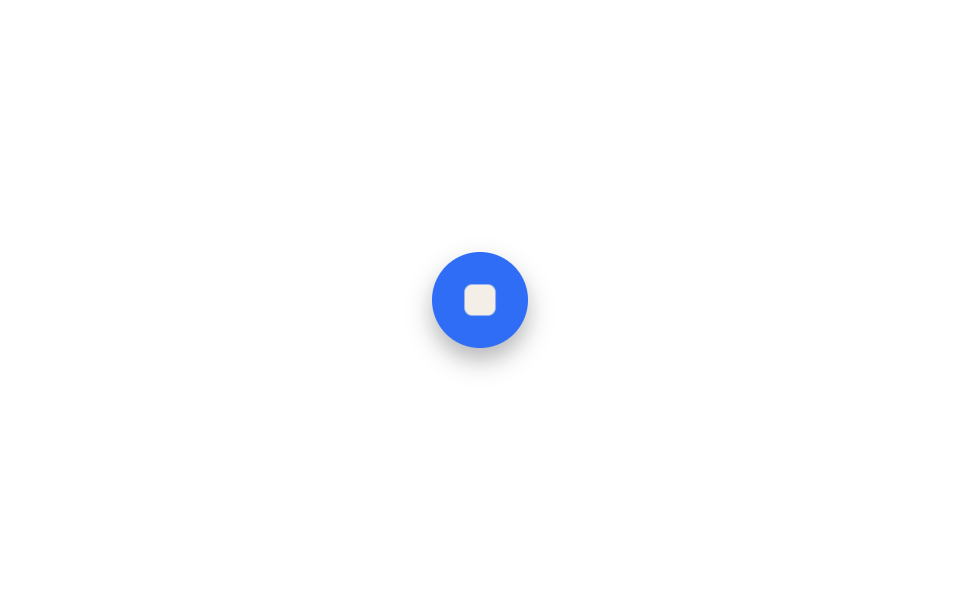
Bấm gửi, icon máy bay giấy mờ đi và thu nhỏ, ô vuông dừng đè vào chỗ đó bằng scale và opacity — hình nút giữ nguyên, chỉ icon bên trong thay đổi.
Dùng choNút gửi đổi thành nút dừng khi đang tạo, toggle phát·tạm dừng
scaleopacity200ms
<main class="stage">
  <button class="sm-btn is-demo" type="button" aria-label="Send message">
    <svg class="sm-icon sm-icon--send" viewBox="0 0 24 24"><path d="M3 11l18-8-8 18-2-8-8-2z"/></svg>
    <span class="sm-icon sm-icon--stop"></span>
  </button>
</main>
@use "../../../../site/static/demo-tokens" as *;
// ── 변수 3개 ──────────────────────────────────────────
$duration: $dur-loop;
$easing: $ease-spring;
$color: $subject-blue;
@include stage($stage-paper);
.sm-btn {
display: grid;
place-items: center;
width: $sp-12;
height: $sp-12;
border-radius: $r-pill;
border: none;
padding: 0;
background: $color;
box-shadow: $shadow-press;
}
.sm-icon {
grid-column: 1;
grid-row: 1;
}
.sm-icon--send {
width: $sp-5;
height: $sp-5;
path { fill: $subject-cream; }
}
.sm-icon--stop {
width: $sp-4;
height: $sp-4;
border-radius: $r-xs;
background: $subject-cream;
opacity: 0;
transform: scale(.5);
}
// 실사용: 전송을 누르면 한 번만 재생하고 정지 상태로 멈춘다. 데모는 오가며 반복 재생한다
@keyframes sm-send {
0%, 12% { opacity: 1; transform: scale(1); }
30%, 62% { opacity: 0; transform: scale(.5); }
80%, 100% { opacity: 1; transform: scale(1); }
}
@keyframes sm-stop {
0%, 12% { opacity: 0; transform: scale(.5); }
30%, 62% { opacity: 1; transform: scale(1); }
80%, 100% { opacity: 0; transform: scale(.5); }
}
.sm-btn.is-demo .sm-icon--send { animation: sm-send $duration $easing infinite; }
.sm-btn.is-demo .sm-icon--stop { animation: sm-stop $duration $easing infinite; }
@media (prefers-reduced-motion: reduce) {
.sm-btn.is-demo .sm-icon--send {
animation: none !important; opacity: 1 !important; transform: scale(1) !important;
}
.sm-btn.is-demo .sm-icon--stop {
animation: none !important; opacity: 0 !important; transform: scale(.5) !important;
}
}html, body {
margin: 0;
overflow: hidden;
}
.stage {
box-sizing: border-box;
min-height: 100vh;
display: grid;
place-items: center;
margin: 0;
background: #ffffff;
font-family: -apple-system, "Segoe UI", "Noto Sans KR", sans-serif;
padding: clamp(8px, 4vw, 24px);
}
.sm-btn {
display: grid;
place-items: center;
width: 48px;
height: 48px;
border-radius: 999px;
border: none;
padding: 0;
background: #2f6df6;
box-shadow: 0 6px 12px rgba(23, 20, 26, 0.32);
}
.sm-icon {
grid-column: 1;
grid-row: 1;
}
.sm-icon--send {
width: 20px;
height: 20px;
}
.sm-icon--send path {
fill: #fff7e6;
}
.sm-icon--stop {
width: 16px;
height: 16px;
border-radius: 4px;
background: #fff7e6;
opacity: 0;
transform: scale(0.5);
}
@keyframes sm-send {
0%, 12% {
opacity: 1;
transform: scale(1);
}
30%, 62% {
opacity: 0;
transform: scale(0.5);
}
80%, 100% {
opacity: 1;
transform: scale(1);
}
}
@keyframes sm-stop {
0%, 12% {
opacity: 0;
transform: scale(0.5);
}
30%, 62% {
opacity: 1;
transform: scale(1);
}
80%, 100% {
opacity: 0;
transform: scale(0.5);
}
}
.sm-btn.is-demo .sm-icon--send {
animation: sm-send 2s cubic-bezier(0.2, 0.8, 0.2, 1) infinite;
}
.sm-btn.is-demo .sm-icon--stop {
animation: sm-stop 2s cubic-bezier(0.2, 0.8, 0.2, 1) infinite;
}
@media (prefers-reduced-motion: reduce) {
.sm-btn.is-demo .sm-icon--send {
animation: none !important;
opacity: 1 !important;
transform: scale(1) !important;
}
.sm-btn.is-demo .sm-icon--stop {
animation: none !important;
opacity: 0 !important;
transform: scale(0.5) !important;
}
}import { CSSProperties } from "react";
import styles from "./StopButtonMorph.module.scss";
type Vars = CSSProperties & {
"--duration"?: string;
"--easing"?: string;
"--color"?: string;
};
export interface StopButtonMorphProps {
duration?: string;
easing?: string;
color?: string;
}
export default function StopButtonMorph({
duration = "2s",
easing = "cubic-bezier(.2, .8, .2, 1)",
color = "#2f6df6",
}: StopButtonMorphProps) {
const style: Vars = {
"--duration": duration,
"--easing": easing,
"--color": color,
};
return (
<button className={styles.btn} style={style} type="button" aria-label="Send message">
<svg className={`${styles.icon} ${styles.send}`} viewBox="0 0 24 24">
<path d="M3 11l18-8-8 18-2-8-8-2z" />
</svg>
<span className={`${styles.icon} ${styles.stop}`} />
</button>
);
}08 Nút gửi hóa nút dừng — Diện tích đo được 0.176% · khung hình chuyển động 10/23Nguyên tác GODRICH · SCSS và React nằm trong tệp zip · 9 css loading animation cho AI chat, copy-paste
Bài viết chứa demo này
 9 css loading animation cho AI chat, copy-pasteBa chấm nhấp nhô, con trỏ chớp tắt, chữ hiện dần lúc bạn chờ câu trả lời trong khung chat AI như ChatGPT hay Claude đều Xem tất cả demo trong bài này