02Mũi tên nảy lên
Icon mũi tên trong nút liên tục nhún lên xuống, lặng lẽ báo rằng nút này đưa bạn về đầu trang.
Dùng choNút nổi trên mobile, nút tối giản chỉ có icon
translateY$ease-out1.4s
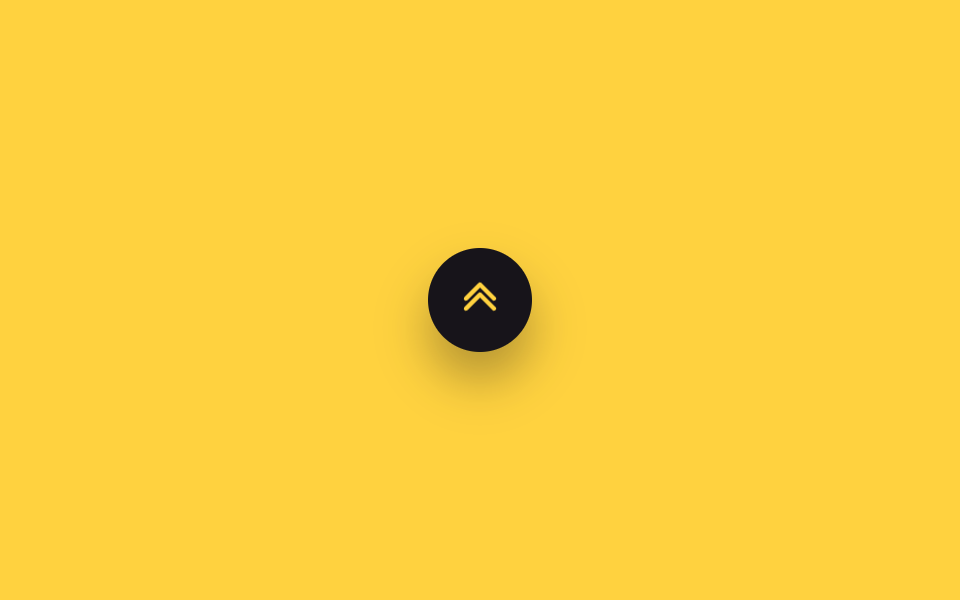
<main class="stage">
  <button type="button" class="totop" aria-label="Lên đầu trang">
    <svg class="totop__arrow is-demo" viewBox="0 0 24 24" aria-hidden="true"><polyline points="5,14 12,7 19,14"/><polyline points="5,19 12,12 19,19"/></svg>
  </button>
</main>
@use "../../../../site/static/demo-tokens" as *;
// ── 변수 3개 ──────────────────────────────────────────
$duration: 1.4s;
$easing: $ease-out;
$color: $stage-yellow; // 화살표 색
@include stage($stage-yellow);
.totop {
position: relative;
width: 52px; height: 52px;
border: 0;
border-radius: $r-pill;
background: $subject-ink;
display: grid;
place-items: center;
overflow: hidden;
box-shadow: $shadow-raised;
cursor: pointer;
}
.totop__arrow {
width: 24px; height: 24px;
fill: none;
stroke: $color;
stroke-width: 2.2;
stroke-linecap: round;
stroke-linejoin: round;
}
// 상시 반복 — 실제 사용도 버튼이 화면에 있는 동안 계속 튄다
.totop__arrow.is-demo { animation: arrow-bounce $duration $easing infinite; }
@keyframes arrow-bounce {
0%, 100% { transform: translateY(0); }
50% { transform: translateY(-5px); }
}
@media (prefers-reduced-motion: reduce) {
.totop__arrow.is-demo { animation: none; }
}html, body {
margin: 0;
overflow: hidden;
}
.stage {
box-sizing: border-box;
min-height: 100vh;
display: grid;
place-items: center;
margin: 0;
background: #ffd23f;
font-family: -apple-system, "Segoe UI", "Noto Sans KR", sans-serif;
padding: clamp(8px, 4vw, 24px);
}
.totop {
position: relative;
width: 52px;
height: 52px;
border: 0;
border-radius: 999px;
background: #17141a;
display: grid;
place-items: center;
overflow: hidden;
box-shadow: 0 14px 24px rgba(23, 20, 26, 0.32);
cursor: pointer;
}
.totop__arrow {
width: 24px;
height: 24px;
fill: none;
stroke: #ffd23f;
stroke-width: 2.2;
stroke-linecap: round;
stroke-linejoin: round;
}
.totop__arrow.is-demo {
animation: arrow-bounce 1.4s ease-out infinite;
}
@keyframes arrow-bounce {
0%, 100% {
transform: translateY(0);
}
50% {
transform: translateY(-5px);
}
}
@media (prefers-reduced-motion: reduce) {
.totop__arrow.is-demo {
animation: none;
}
}import type { CSSProperties } from "react";
import styles from "./ArrowBounceButton.module.scss";
export type ArrowBounceButtonProps = {
/** 한 번 튕기는 데 걸리는 시간 (기본 1.4s) */
duration?: number;
easing?: string;
color?: string;
};
type Vars = CSSProperties & { "--duration"?: string; "--easing"?: string; "--color"?: string };
export default function ArrowBounceButton({
duration = 1400,
easing = "ease-out",
color = "#ffd23f",
}: ArrowBounceButtonProps) {
const vars: Vars = { "--duration": `${duration}ms`, "--easing": easing, "--color": color };
return (
<button
type="button"
className={styles.totop}
style={vars}
aria-label="맨 위로"
onClick={() => window.scrollTo({ top: 0, behavior: "smooth" })}
>
<svg className={styles.arrow} viewBox="0 0 24 24" aria-hidden="true">
<polyline points="5,14 12,7 19,14" />
<polyline points="5,19 12,12 19,19" />
</svg>
</button>
);
}02 Mũi tên nảy lên — Diện tích đo được 0.17% · khung hình chuyển động 23/23Nguyên tác GODRICH · SCSS và React nằm trong tệp zip · 9 nút back to top button css — hiện khi cuộn
Bài viết chứa demo này
 9 nút back to top button css — hiện khi cuộnNút back to top button css là nút nhỏ đưa bạn về đầu trang khi đã cuộn xuống sâu. Chín kiểu dưới đây chạy từ bản không A Xem tất cả demo trong bài này