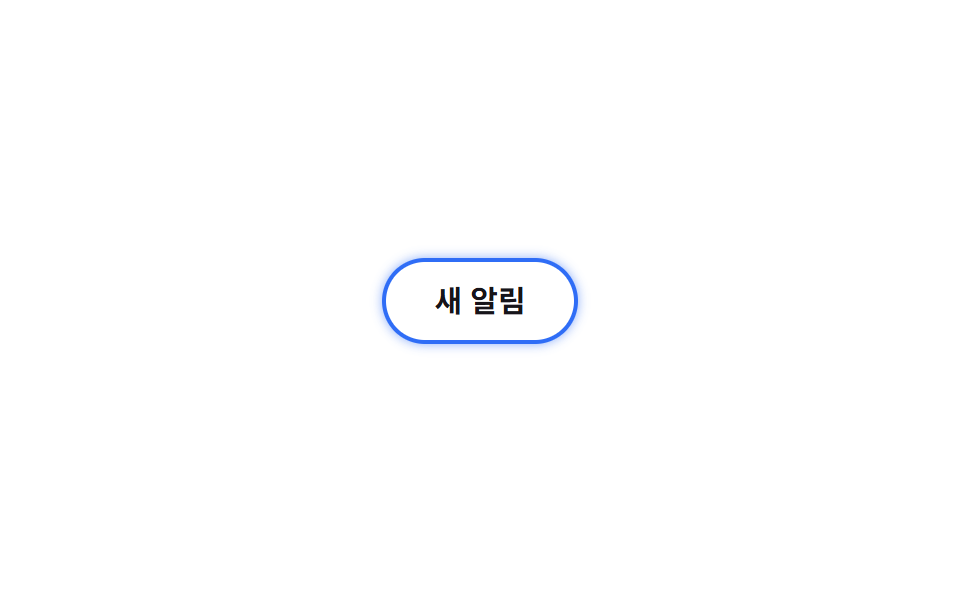
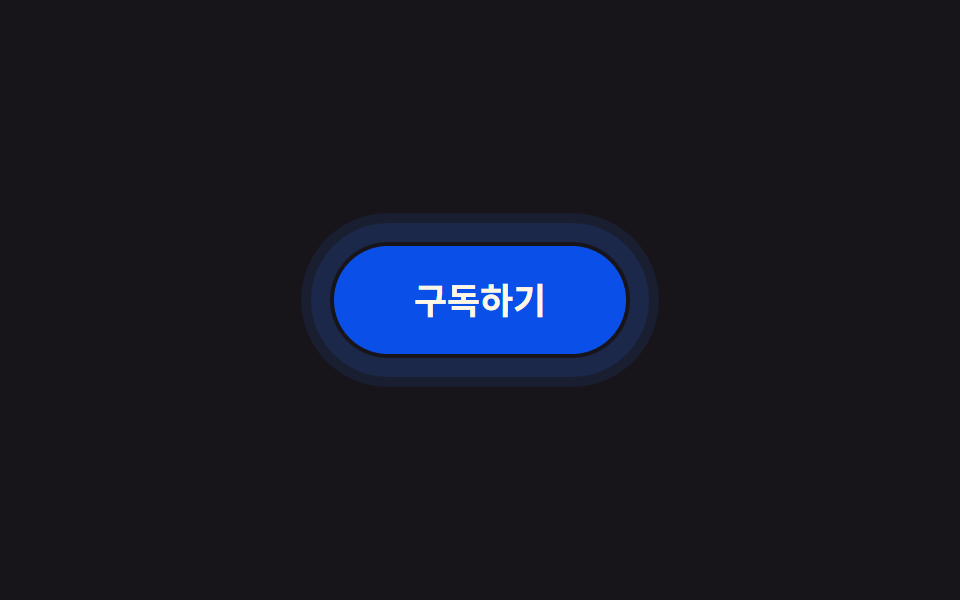
01Vòng viền nảy ra ngoài
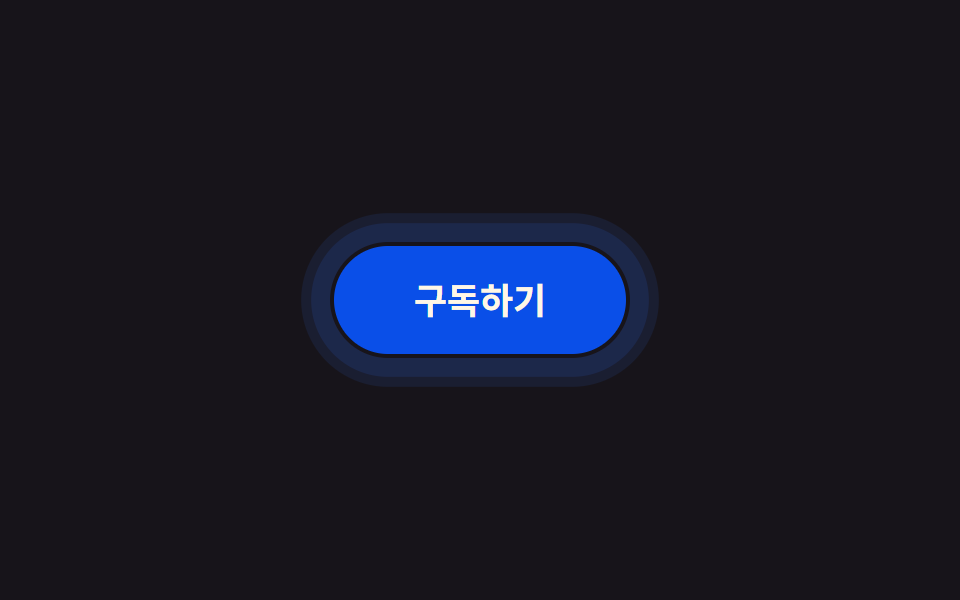
Không phải vòng tròn lan ra từ bên trong như ripple, mà một vòng box-shadow phồng dần ra ngoài viền nút rồi tắt hẳn. Vì hiệu ứng phải chạy hết dù ngón tay đã rời đi, một đoạn JS ngắn đổi class ngay trong sự kiện pointerdown thay vì chỉ dựa vào :active.
Dùng choNút dạng icon, hoặc màn hình đã có ripple lấp đầy và cần thêm một tín hiệu khác biệt cho lần chạm thứ hai.
box-shadowpointerdown0.6초
<main class="stage">
  <button class="btn is-demo" type="button">Đăng ký</button>
</main>
@use "../../../../site/static/demo-tokens" as *;
// ── 변수 3개. 변형은 이것만 바꾼다 ──────────────────────────
$duration: $dur-enter; // 링이 다 부풀고 사라지는 시간
$easing: $ease-out;
$color: $subject-blue; // 버튼·링 색
@include stage($stage-ink);
.btn {
position: relative;
border: 0;
border-radius: $r-pill;
padding: 18px 40px;
font-weight: 600; font-size: 18px; line-height: 1; font-family: inherit;
color: $subject-cream;
background: $subject-blue-deep;
cursor: pointer;
-webkit-tap-highlight-color: transparent;
transition: filter $dur-quick;
&:hover { filter: brightness(1.06); }
&:active { filter: brightness(.96); }
// 채워지는 원(::after 가 버튼 내부를 덮는 리플)이 아니라, 버튼 바깥으로 테두리만 번지는 링
// 규칙8 한 겹: 링 하나가 아니라 두 겹이 서로 다른 속도로 번져 노이즈처럼 불규칙한 파면을 만들고,
// 바깥 겹이 안쪽 겹보다 먼저 옅어지며 감쇠한다(선형 감쇠가 아니라 24%→52%→78% 단계별로 빠르게 줄어듦)
&::after {
content: "";
position: absolute;
inset: -2px;
border-radius: inherit;
box-shadow: 0 0 0 0 rgba($color, .55), 0 0 0 0 rgba($color, .32);
opacity: 0;
pointer-events: none;
}
&.is-ringing::after {
animation: ring $duration $easing forwards;
}
// 데모용: 클릭 여부와 무관하게 2초마다 자동 반복. linear 로 프레임마다 고르게 퍼지게 한다
&.is-demo::after {
animation: ring-loop $dur-loop linear infinite;
}
}
@keyframes ring {
0% { box-shadow: 0 0 0 0 rgba($color, .68), 0 0 0 0 rgba($color, .44); opacity: 1; }
30% { box-shadow: 0 0 0 8px rgba($color, .4), 0 0 0 3px rgba($color, .44); opacity: 1; }
62% { box-shadow: 0 0 0 14px rgba($color, .18), 0 0 0 9px rgba($color, .24); opacity: .72; }
86% { box-shadow: 0 0 0 17px rgba($color, .04), 0 0 0 12px rgba($color, .06); opacity: .16; }
100% { box-shadow: 0 0 0 17px rgba($color, 0), 0 0 0 12px rgba($color, 0); opacity: 0; }
}
@keyframes ring-loop {
0%, 8% { box-shadow: 0 0 0 0 rgba($color, .68), 0 0 0 0 rgba($color, .44); opacity: 1; }
24% { box-shadow: 0 0 0 8px rgba($color, .4), 0 0 0 3px rgba($color, .44); opacity: 1; }
40% { box-shadow: 0 0 0 14px rgba($color, .18), 0 0 0 9px rgba($color, .24); opacity: .72; }
52% { box-shadow: 0 0 0 17px rgba($color, .04), 0 0 0 12px rgba($color, .06); opacity: .16; }
62%, 100% { box-shadow: 0 0 0 17px rgba($color, 0), 0 0 0 12px rgba($color, 0); opacity: 0; }
}
@media (prefers-reduced-motion: reduce) {
.btn::after { animation: none !important; opacity: 0; }
.btn:active { filter: brightness(.88); }
}html, body {
margin: 0;
overflow: hidden;
}
.stage {
box-sizing: border-box;
min-height: 100vh;
display: grid;
place-items: center;
margin: 0;
background: #17141a;
font-family: -apple-system, "Segoe UI", "Noto Sans KR", sans-serif;
padding: clamp(8px, 4vw, 24px);
}
.btn {
position: relative;
border: 0;
border-radius: 999px;
padding: 18px 40px;
font-weight: 600;
font-size: 18px;
line-height: 1;
font-family: inherit;
color: #fff7e6;
background: #0a4fe8;
cursor: pointer;
-webkit-tap-highlight-color: transparent;
transition: filter 220ms;
}
.btn:hover {
filter: brightness(1.06);
}
.btn:active {
filter: brightness(0.96);
}
.btn::after {
content: "";
position: absolute;
inset: -2px;
border-radius: inherit;
box-shadow: 0 0 0 0 rgba(47, 109, 246, 0.55), 0 0 0 0 rgba(47, 109, 246, 0.32);
opacity: 0;
pointer-events: none;
}
.btn.is-ringing::after {
animation: ring 600ms ease-out forwards;
}
.btn.is-demo::after {
animation: ring-loop 2s linear infinite;
}
@keyframes ring {
0% {
box-shadow: 0 0 0 0 rgba(47, 109, 246, 0.68), 0 0 0 0 rgba(47, 109, 246, 0.44);
opacity: 1;
}
30% {
box-shadow: 0 0 0 8px rgba(47, 109, 246, 0.4), 0 0 0 3px rgba(47, 109, 246, 0.44);
opacity: 1;
}
62% {
box-shadow: 0 0 0 14px rgba(47, 109, 246, 0.18), 0 0 0 9px rgba(47, 109, 246, 0.24);
opacity: 0.72;
}
86% {
box-shadow: 0 0 0 17px rgba(47, 109, 246, 0.04), 0 0 0 12px rgba(47, 109, 246, 0.06);
opacity: 0.16;
}
100% {
box-shadow: 0 0 0 17px rgba(47, 109, 246, 0), 0 0 0 12px rgba(47, 109, 246, 0);
opacity: 0;
}
}
@keyframes ring-loop {
0%, 8% {
box-shadow: 0 0 0 0 rgba(47, 109, 246, 0.68), 0 0 0 0 rgba(47, 109, 246, 0.44);
opacity: 1;
}
24% {
box-shadow: 0 0 0 8px rgba(47, 109, 246, 0.4), 0 0 0 3px rgba(47, 109, 246, 0.44);
opacity: 1;
}
40% {
box-shadow: 0 0 0 14px rgba(47, 109, 246, 0.18), 0 0 0 9px rgba(47, 109, 246, 0.24);
opacity: 0.72;
}
52% {
box-shadow: 0 0 0 17px rgba(47, 109, 246, 0.04), 0 0 0 12px rgba(47, 109, 246, 0.06);
opacity: 0.16;
}
62%, 100% {
box-shadow: 0 0 0 17px rgba(47, 109, 246, 0), 0 0 0 12px rgba(47, 109, 246, 0);
opacity: 0;
}
}
@media (prefers-reduced-motion: reduce) {
.btn::after {
animation: none !important;
opacity: 0;
}
.btn:active {
filter: brightness(0.88);
}
}// 링은 클릭이 끝나도 끝까지 재생돼야 해서 :active 만으로는 부족하다. pointerdown 에서 클래스를 한 번 갈아끼운다.
var b = document.querySelector('.btn');
b.addEventListener('pointerdown', function () {
b.classList.remove('is-demo');
b.classList.remove('is-ringing');
void b.offsetWidth;
b.classList.add('is-ringing');
});
b.addEventListener('animationend', function (e) {
if (e.animationName === 'ring') b.classList.remove('is-ringing');
});import { useCallback, useRef, type CSSProperties } from "react";
import styles from "./RingPulseButton.module.scss";
export type RingPulseButtonProps = {
label: string;
/** 링이 다 부풀고 사라지는 시간 (기본 600ms) */
duration?: number;
easing?: string;
/** 버튼·링 색 */
color?: string;
};
type Vars = CSSProperties & { "--duration"?: string; "--easing"?: string; "--color"?: string };
export default function RingPulseButton({
label,
duration = 600,
easing = "ease-out",
color = "#0a4fe8",
}: RingPulseButtonProps) {
const ref = useRef<HTMLButtonElement>(null);
const vars: Vars = { "--duration": `${duration}ms`, "--easing": easing, "--color": color };
// 클릭이 끝나도 링은 끝까지 재생돼야 해서 :active 만으로는 부족하다 (index.html 과 같은 이유)
const onPointerDown = useCallback(() => {
const b = ref.current;
if (!b) return;
b.classList.remove(styles.ringing);
void b.offsetWidth;
b.classList.add(styles.ringing);
}, []);
const onAnimationEnd = useCallback((e: { animationName: string }) => {
if (e.animationName.includes("ring")) ref.current?.classList.remove(styles.ringing);
}, []);
return (
<button
ref={ref}
type="button"
className={styles.btn}
style={vars}
onPointerDown={onPointerDown}
onAnimationEnd={onAnimationEnd}
>
{label}
</button>
);
}01 Vòng viền nảy ra ngoài — Diện tích đo được 4.103% · khung hình chuyển động 11/23Nguyên tác GODRICH · SCSS và React nằm trong tệp zip · 9 CSS Button Click Feedback, dán 1 dòng chạy ngay
Bài viết chứa demo này
 9 CSS Button Click Feedback, dán 1 dòng chạy ngayCSS button click feedback là chuyển động CSS ngắn xuất hiện khi bạn nhấn hoặc chạm vào một nút, báo hiệu rằng thao tác đ Xem tất cả demo trong bài này