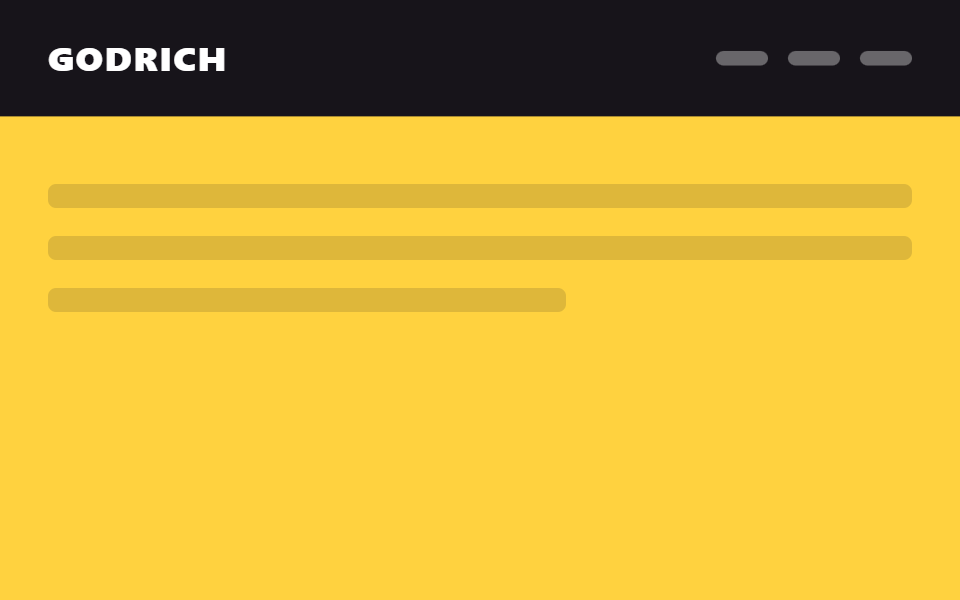
09Chấm thông báo bật lên
Đúng lúc cuộn vượt qua một điểm nhất định, chấm thông báo trên icon header bật to ra rồi đập nhè nhẹ lặp đi lặp lại.
Dùng choBáo bài mới của dịch vụ cộng đồng hay mạng xã hội, icon thông báo trên header
scale pop반복 pulsescroll 임계값
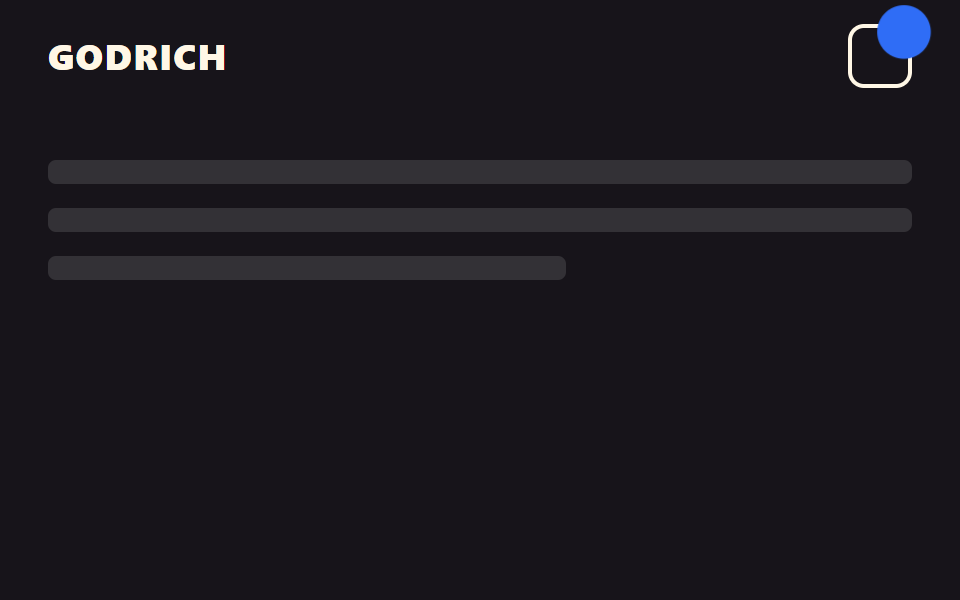
<main class="stage">
  <header class="head is-demo">
    <span class="head__logo">GODRICH</span>
    <span class="head__icon" aria-hidden="true">
      <span class="head__dot"></span>
    </span>
  </header>
  <div class="page">
    <p class="page__line"></p>
    <p class="page__line"></p>
    <p class="page__line short"></p>
  </div>
</main>
@use "../../../../site/static/demo-tokens" as *;
// ── 변수 3개. 변형은 이것만 바꾼다 ──────────────────────────
$duration: $dur-quick; // 점이 튀어나오는 시간
$easing: $ease-pop;
$color: $subject-blue; // 알림 점 색
// ── 데모 무대 ──────────────────────────────────────────
html, body { margin: 0; overflow: hidden; }
.stage {
min-height: 100vh;
margin: 0;
background: $stage-ink;
font-family: -apple-system, "Segoe UI", "Noto Sans KR", sans-serif;
}
.head {
position: sticky;
top: 0;
height: 56px;
display: flex;
align-items: center;
justify-content: space-between;
padding: 0 clamp(16px, 5vw, 24px);
background: $stage-ink;
&__logo { color: $subject-cream; font-weight: 800; font-size: 18px; line-height: 1; font-family: inherit; letter-spacing: .04em; }
&__icon {
position: relative;
display: inline-flex;
width: 28px;
height: 28px;
border-radius: $r-sm;
border: 2px solid $subject-cream;
}
&__dot {
position: absolute;
top: -6px;
right: -6px;
width: 16px;
height: 16px;
border-radius: 50%;
background: $color;
transform: scale(0);
opacity: 0;
transition: transform $duration $easing, opacity $duration $easing;
}
// 실제 사용: 스크롤을 넘으면 점이 튀어나오고, 그 뒤로는 은은하게 계속 맥박친다
&.is-scrolled &__dot {
transform: scale(1);
opacity: 1;
animation: dot-pulse-real 1.6s ease-in-out infinite;
}
}
@keyframes dot-pulse-real {
0%, 100% { transform: scale(1); opacity: 1; }
50% { transform: scale(1.3); opacity: .7; }
}
// ── 데모(.is-demo): 팝인 + 맥박 + 사라짐 2초 루프 ──────
.head.is-demo .head__dot {
animation: dot-demo-loop $dur-loop $easing infinite;
}
@keyframes dot-demo-loop {
0% { transform: scale(0); opacity: 0; }
10% { transform: scale(1.6); opacity: 1; }
18% { transform: scale(1); opacity: 1; }
38% { transform: scale(1.3); opacity: .7; }
52% { transform: scale(1); opacity: 1; }
72% { transform: scale(1.3); opacity: .7; }
86% { transform: scale(1); opacity: 1; }
96% { transform: scale(.4); opacity: 0; }
100% { transform: scale(0); opacity: 0; }
}
// ── 배경: 문서처럼 보이는 자리 ─────────────────────────
.page { padding: $sp-6 $sp-6 0; }
.page__line {
height: 12px;
margin: 0 0 $sp-3;
border-radius: $r-xs;
background: rgba($stage-paper, .12);
&.short { width: 60%; }
}
// ── 접근성: 움직임 줄이기 설정이면 즉시 상태만 바뀐다 ────────
@media (prefers-reduced-motion: reduce) {
.head__dot { transition: none; animation: none !important; }
.head.is-scrolled .head__dot { transform: scale(1); opacity: 1; }
.head.is-demo .head__dot { animation: none !important; transform: scale(1); opacity: 1; }
}html, body {
margin: 0;
overflow: hidden;
}
.stage {
min-height: 100vh;
margin: 0;
background: #17141a;
font-family: -apple-system, "Segoe UI", "Noto Sans KR", sans-serif;
}
.head {
position: sticky;
top: 0;
height: 56px;
display: flex;
align-items: center;
justify-content: space-between;
padding: 0 clamp(16px, 5vw, 24px);
background: #17141a;
}
.head__logo {
color: #fff7e6;
font-weight: 800;
font-size: 18px;
line-height: 1;
font-family: inherit;
letter-spacing: 0.04em;
}
.head__icon {
position: relative;
display: inline-flex;
width: 28px;
height: 28px;
border-radius: 8px;
border: 2px solid #fff7e6;
}
.head__dot {
position: absolute;
top: -6px;
right: -6px;
width: 16px;
height: 16px;
border-radius: 50%;
background: #2f6df6;
transform: scale(0);
opacity: 0;
transition: transform 220ms cubic-bezier(0.2, 1.4, 0.4, 1), opacity 220ms cubic-bezier(0.2, 1.4, 0.4, 1);
}
.head.is-scrolled .head__dot {
transform: scale(1);
opacity: 1;
animation: dot-pulse-real 1.6s ease-in-out infinite;
}
@keyframes dot-pulse-real {
0%, 100% {
transform: scale(1);
opacity: 1;
}
50% {
transform: scale(1.3);
opacity: 0.7;
}
}
.head.is-demo .head__dot {
animation: dot-demo-loop 2s cubic-bezier(0.2, 1.4, 0.4, 1) infinite;
}
@keyframes dot-demo-loop {
0% {
transform: scale(0);
opacity: 0;
}
10% {
transform: scale(1.6);
opacity: 1;
}
18% {
transform: scale(1);
opacity: 1;
}
38% {
transform: scale(1.3);
opacity: 0.7;
}
52% {
transform: scale(1);
opacity: 1;
}
72% {
transform: scale(1.3);
opacity: 0.7;
}
86% {
transform: scale(1);
opacity: 1;
}
96% {
transform: scale(0.4);
opacity: 0;
}
100% {
transform: scale(0);
opacity: 0;
}
}
.page {
padding: 24px 24px 0;
}
.page__line {
height: 12px;
margin: 0 0 12px;
border-radius: 4px;
background: rgba(255, 255, 255, 0.12);
}
.page__line.short {
width: 60%;
}
@media (prefers-reduced-motion: reduce) {
.head__dot {
transition: none;
animation: none !important;
}
.head.is-scrolled .head__dot {
transform: scale(1);
opacity: 1;
}
.head.is-demo .head__dot {
animation: none !important;
transform: scale(1);
opacity: 1;
}
}// 실제 페이지: 스크롤을 80px 넘게 내리는 순간 알림 점이 튀어나오듯 나타난다 (7줄)
var head = document.querySelector('.head');
window.addEventListener('scroll', function () {
head.classList.toggle('is-scrolled', window.scrollY > 80);
}, { passive: true });import { useEffect, useState } from "react";
import type { CSSProperties } from "react";
import styles from "./NoticeHeader.module.scss";
export type NoticeHeaderProps = {
logo: string;
/** 이 값(px)을 넘게 스크롤하면 점이 나타난다 (기본 80) */
threshold?: number;
/** 점이 튀어나오는 시간 (기본 220ms) */
duration?: number;
easing?: string;
color?: string;
};
type Vars = CSSProperties & { "--duration"?: string; "--easing"?: string; "--color"?: string };
export default function NoticeHeader({
logo,
threshold = 80,
duration = 220,
easing = "cubic-bezier(.2, 1.4, .4, 1)",
color = "#2f6df6",
}: NoticeHeaderProps) {
const [active, setActive] = useState(false);
const vars: Vars = { "--duration": `${duration}ms`, "--easing": easing, "--color": color };
useEffect(() => {
function onScroll() {
setActive(window.scrollY > threshold);
}
window.addEventListener("scroll", onScroll, { passive: true });
return () => window.removeEventListener("scroll", onScroll);
}, [threshold]);
return (
<header className={styles.head} style={vars}>
<span className={styles.logo}>{logo}</span>
<span className={styles.icon} aria-hidden="true">
<span className={active ? `${styles.dot} ${styles.active}` : styles.dot} />
</span>
</header>
);
}09 Chấm thông báo bật lên — Diện tích đo được 0.449% · khung hình chuyển động 17/23Nguyên tác GODRICH · SCSS và React nằm trong tệp zip · 9 mẫu css sticky header — copy-paste là chạy
Bài viết chứa demo này
 9 mẫu css sticky header — copy-paste là chạyCss sticky header là cách giữ hàng menu trên cùng bám mãi trên màn hình dù cuộn xuống đâu, chỉ một dòng position: sticky Xem tất cả demo trong bài này