02Đổ bóng khi cuộn
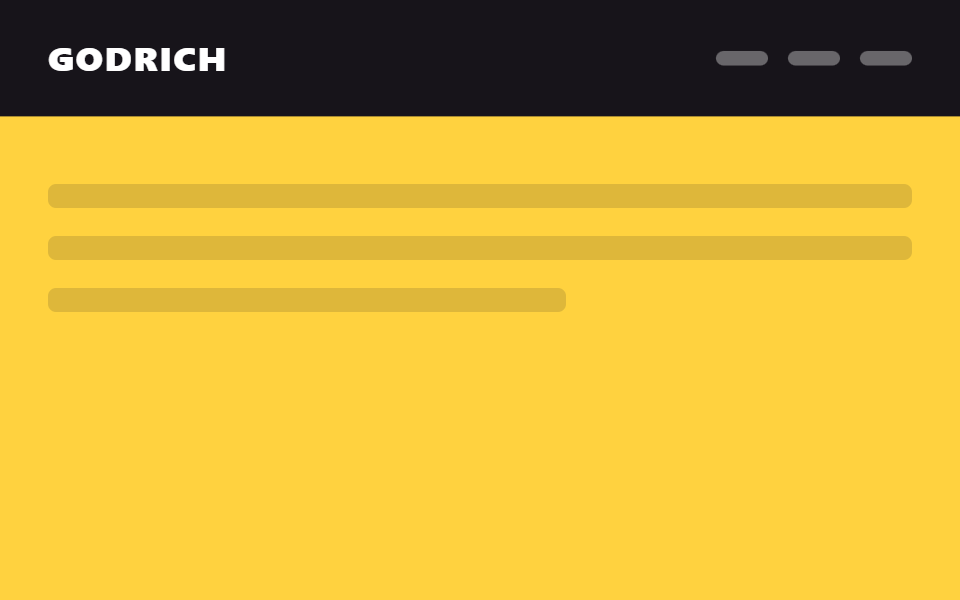
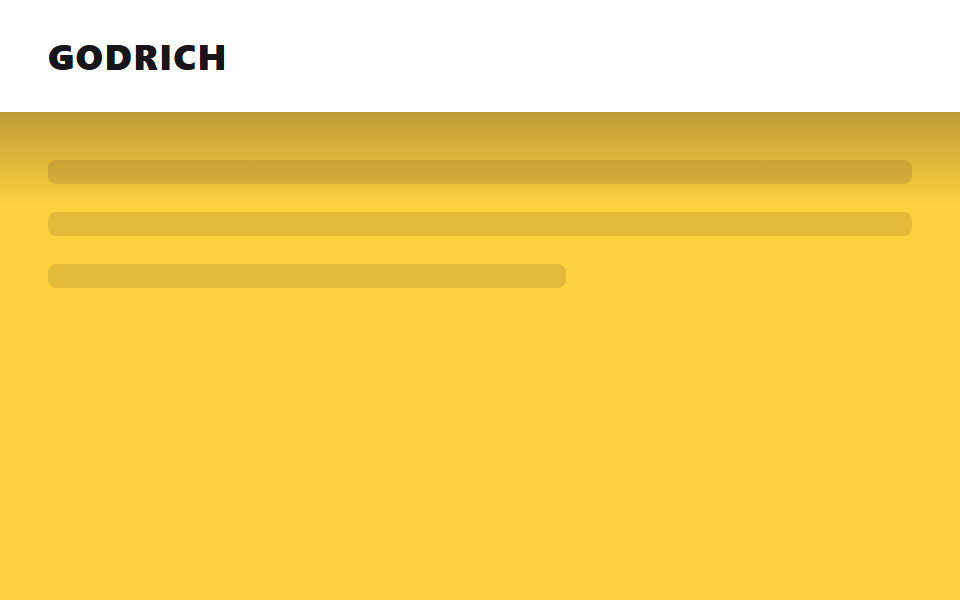
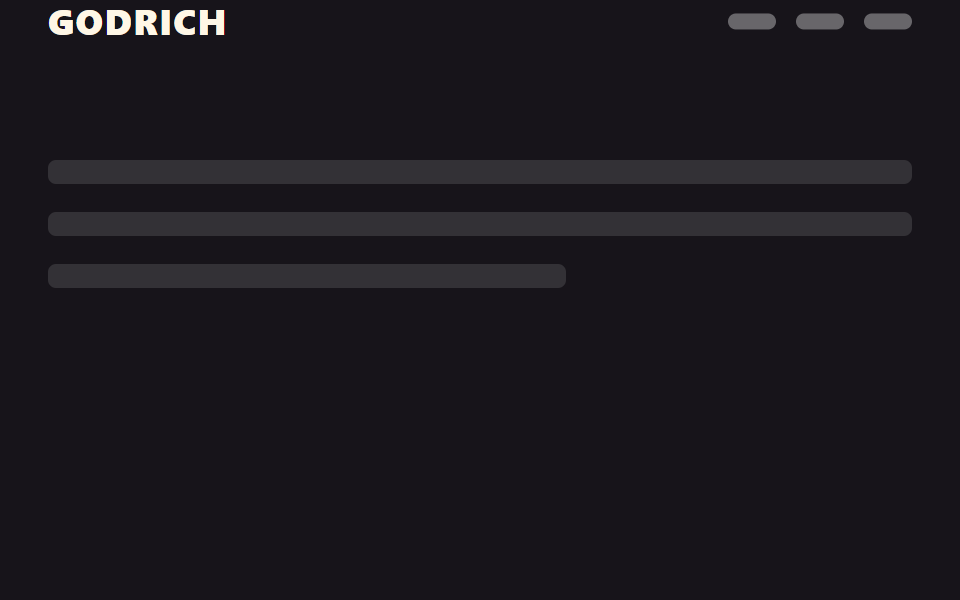
Ở đầu trang header không có bóng, chỉ cần cuộn một chút là một lớp bóng mờ hiện ra bên dưới để tách header khỏi nội dung.
Dùng choHeader tài liệu, blog; thanh điều hướng trên nền nhạt
IntersectionObserver그림자 레이어 opacity0→1
<main class="stage">
  <div class="sentinel"></div>
  <header class="head is-demo">
    <span class="head__logo">GODRICH</span>
    <span class="head__shadow" aria-hidden="true"></span>
  </header>
  <div class="page">
    <p class="page__line"></p>
    <p class="page__line"></p>
    <p class="page__line short"></p>
  </div>
</main>
@use "../../../../site/static/demo-tokens" as *;
// ── 변수 3개 ──────────────────────────────────────────
$duration: $dur-quick; // 그림자가 번지는 시간
$easing: $ease-out;
$color: $stage-paper; // 헤더 배경
// ── 데모 무대 ──────────────────────────────────────────
html, body { margin: 0; overflow: hidden; }
.stage {
min-height: 100vh;
margin: 0;
background: $stage-yellow;
font-family: -apple-system, "Segoe UI", "Noto Sans KR", sans-serif;
}
.sentinel { position: absolute; top: 0; height: 1px; width: 1px; }
.head {
position: sticky;
top: 0;
height: 56px;
display: flex;
align-items: center;
padding: 0 clamp(16px, 5vw, 24px);
background: $color;
&__logo { color: $stage-ink; font-weight: 800; font-size: 18px; line-height: 1; font-family: inherit; letter-spacing: .04em; }
// 그림자는 요소를 새로 그리지 않고 미리 그려둔 그라데이션 레이어의 opacity 만 켠다 (범위·대비를 키워 눈에 띄게)
&__shadow {
position: absolute;
left: 0; right: 0; bottom: -48px;
height: 48px;
background: linear-gradient(rgba($stage-ink, .85), rgba($stage-ink, 0));
opacity: 0;
transition: opacity $duration $easing;
}
// 실제 사용: 센티넬이 사라지면 JS 가 .is-scrolled 를 붙인다
&.is-scrolled &__shadow { opacity: 1; }
}
// ── 데모(.is-demo): 그림자가 켜졌다 꺼졌다 2초 루프 ────────
.head.is-demo .head__shadow {
animation: shadow-loop $dur-loop $easing infinite;
}
@keyframes shadow-loop {
0%, 5% { opacity: 0; }
40%, 60% { opacity: 1; }
95%, 100% { opacity: 0; }
}
// ── 배경: 문서처럼 보이는 자리 ─────────────────────────
.page { padding: 24px 24px 0; }
.page__line {
height: 12px;
margin: 0 0 14px;
border-radius: 4px;
background: rgba($stage-ink, .12);
&.short { width: 60%; }
}
@media (prefers-reduced-motion: reduce) {
.head__shadow { transition: none; }
.head.is-demo .head__shadow { animation: none !important; opacity: 1; }
}html, body {
margin: 0;
overflow: hidden;
}
.stage {
min-height: 100vh;
margin: 0;
background: #ffd23f;
font-family: -apple-system, "Segoe UI", "Noto Sans KR", sans-serif;
}
.sentinel {
position: absolute;
top: 0;
height: 1px;
width: 1px;
}
.head {
position: sticky;
top: 0;
height: 56px;
display: flex;
align-items: center;
padding: 0 clamp(16px, 5vw, 24px);
background: #ffffff;
}
.head__logo {
color: #17141a;
font-weight: 800;
font-size: 18px;
line-height: 1;
font-family: inherit;
letter-spacing: 0.04em;
}
.head__shadow {
position: absolute;
left: 0;
right: 0;
bottom: -48px;
height: 48px;
background: linear-gradient(rgba(23, 20, 26, 0.85), rgba(23, 20, 26, 0));
opacity: 0;
transition: opacity 220ms ease-out;
}
.head.is-scrolled .head__shadow {
opacity: 1;
}
.head.is-demo .head__shadow {
animation: shadow-loop 2s ease-out infinite;
}
@keyframes shadow-loop {
0%, 5% {
opacity: 0;
}
40%, 60% {
opacity: 1;
}
95%, 100% {
opacity: 0;
}
}
.page {
padding: 24px 24px 0;
}
.page__line {
height: 12px;
margin: 0 0 14px;
border-radius: 4px;
background: rgba(23, 20, 26, 0.12);
}
.page__line.short {
width: 60%;
}
@media (prefers-reduced-motion: reduce) {
.head__shadow {
transition: none;
}
.head.is-demo .head__shadow {
animation: none !important;
opacity: 1;
}
}// 실제 페이지: 맨 위 1px 센티넬이 화면을 벗어나는 순간 그림자를 켠다 (IntersectionObserver, 6줄)
var head = document.querySelector('.head');
new IntersectionObserver(function (es) {
head.classList.toggle('is-scrolled', !es[0].isIntersecting);
}).observe(document.querySelector('.sentinel'));import { useEffect, useRef } from "react";
import type { CSSProperties } from "react";
import styles from "./ShadowOnScrollHeader.module.scss";
export type ShadowOnScrollHeaderProps = {
logo: string;
/** 그림자가 번지는 시간 (기본 220ms) */
duration?: number;
easing?: string;
color?: string;
};
type Vars = CSSProperties & { "--duration"?: string; "--easing"?: string; "--color"?: string };
export default function ShadowOnScrollHeader({
logo,
duration = 220,
easing = "ease-out",
color = "#fff",
}: ShadowOnScrollHeaderProps) {
const head = useRef<HTMLElement>(null);
const sentinel = useRef<HTMLDivElement>(null);
const vars: Vars = { "--duration": `${duration}ms`, "--easing": easing, "--color": color };
useEffect(() => {
if (!sentinel.current) return;
const io = new IntersectionObserver(([e]) => {
head.current?.classList.toggle("is-scrolled", !e.isIntersecting);
});
io.observe(sentinel.current);
return () => io.disconnect();
}, []);
return (
<>
<div ref={sentinel} className={styles.sentinel} />
<header ref={head} className={styles.head} style={vars}>
<span className={styles.logo}>{logo}</span>
<span className={styles.shadow} aria-hidden="true" />
</header>
</>
);
}02 Đổ bóng khi cuộn — Diện tích đo được 15.0% · khung hình chuyển động 13/23Nguyên tác GODRICH · SCSS và React nằm trong tệp zip · 9 CSS sticky header không cần JS
Bài viết chứa demo này
 9 CSS sticky header không cần JSCss sticky header là kiểu header dùng position: sticky để dính lại trên đầu màn hình khi bạn cuộn trang, thay vì trôi mấ Xem tất cả demo trong bài này