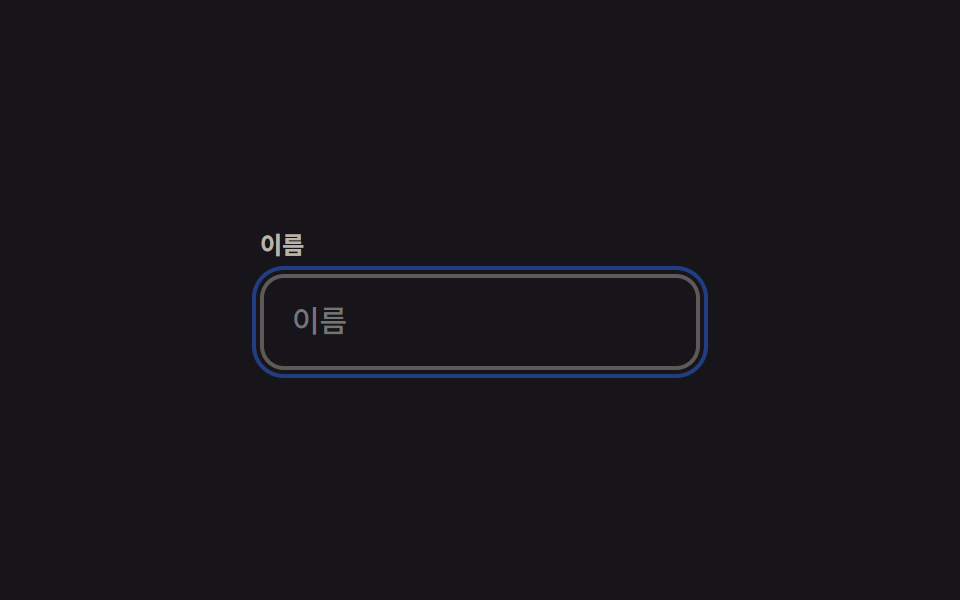
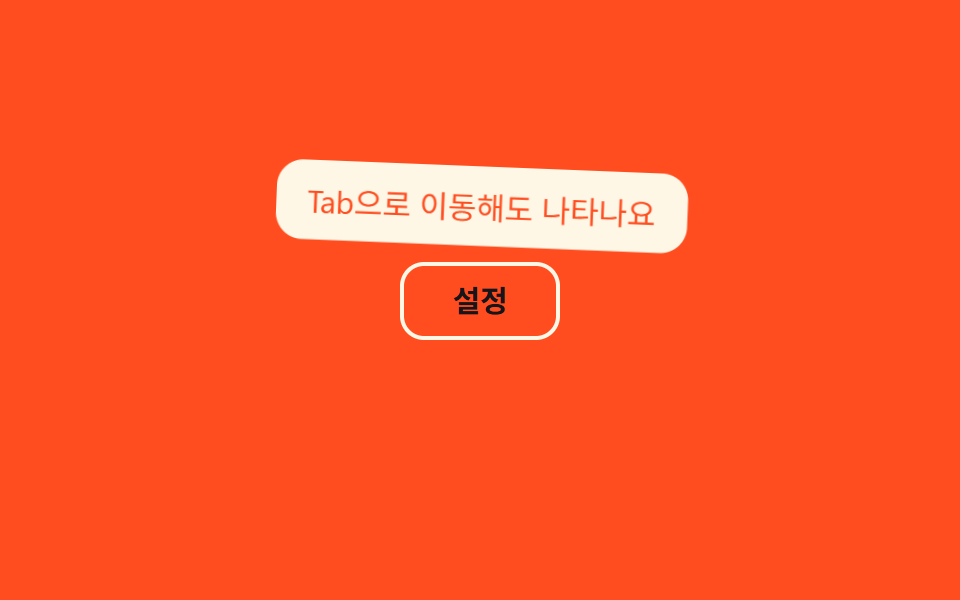
07Hiện khi focus bàn phím
Cùng một rule CSS được gắn cho cả :hover và :focus-visible nên tooltip hiện y hệt nhau dù bạn rê chuột hay dùng phím Tab để di chuyển focus.
Dùng chochú thích nhãn form cho người chỉ dùng bàn phím, nút icon cần đạt chuẩn tiếp cận
:focus-visible:hover 동시 대응aria-describedby
<main class="stage">
  <div class="tip-wrap">
    <button class="gear-btn" type="button" aria-describedby="tip07">Cài đặt</button>
    <span class="tooltip is-demo" role="tooltip" id="tip07">Cũng hiện khi di chuyển bằng phím Tab</span>
  </div>
</main>
@use "../../../../site/static/demo-tokens" as *;
$duration: $dur-loop; // 숨김→표시→숨김 한 주기
$easing: $ease-out;
$color: $subject-cream; // 버튼·툴팁 색 (주황 무대라 크림)
@include stage($stage-orange);
.tip-wrap { position: relative; }
.gear-btn {
border: 2px solid $color;
border-radius: $r-control;
padding: 10px 24px;
font-weight: 600;
font-size: 15px;
line-height: 1;
font-family: inherit;
color: $subject-ink; // AA: 주황 무대 위 글자 5.50:1 (테두리는 크림 유지)
background: transparent;
cursor: pointer;
}
.tooltip {
position: absolute;
bottom: calc(100% + 8px);
left: 50%;
transform-origin: bottom center; // 규칙8: 버튼 쪽 아래변 축 — 흔들림의 회전 중심
transform: translateX(-50%) scale(.85);
opacity: 0;
background: $color;
color: $stage-orange;
padding: 8px 14px;
border-radius: $r-control;
font-size: clamp(12px, 3.4vw, 14px);
white-space: nowrap;
pointer-events: none;
}
// 실사용: 마우스 호버뿐 아니라 :focus-visible 에도 같은 규칙이 붙는다 (버튼을 Tab 으로 옮겨도 뜬다)
.gear-btn:hover + .tooltip,
.gear-btn:focus-visible + .tooltip {
opacity: 1;
}
// 데모: 실제 포커스 없이 혼자 표시→숨김을 반복한다
// 등장에 스프링 한 겹 — 스케일 .85 → 1.12 오버슛 → 감쇠 반동, 회전은 아래변 축으로 2.6° → -1.5° → .6° 감쇠
.tooltip.is-demo {
animation: tip-loop $duration $easing infinite;
}
@keyframes tip-loop {
0% { opacity: 0; transform: translateX(-50%) scale(.85) rotate(0deg); }
12% { opacity: 1; transform: translateX(-50%) scale(1.12) rotate(2.6deg); }
22% { opacity: 1; transform: translateX(-50%) scale(.95) rotate(-1.5deg); }
30% { opacity: 1; transform: translateX(-50%) scale(1.03) rotate(.6deg); }
36%, 55% { opacity: 1; transform: translateX(-50%) scale(1) rotate(0deg); }
80% { opacity: 0; transform: translateX(-50%) scale(.85) rotate(0deg); }
100% { opacity: 0; transform: translateX(-50%) scale(.85) rotate(0deg); }
}
@media (prefers-reduced-motion: reduce) {
.tooltip.is-demo { animation: none; opacity: 1; transform: translateX(-50%) scale(1) rotate(0deg); }
}html, body {
margin: 0;
overflow: hidden;
}
.stage {
box-sizing: border-box;
min-height: 100vh;
display: grid;
place-items: center;
margin: 0;
background: #ff4d1f;
font-family: -apple-system, "Segoe UI", "Noto Sans KR", sans-serif;
padding: clamp(8px, 4vw, 24px);
}
.tip-wrap {
position: relative;
}
.gear-btn {
border: 2px solid #fff7e6;
border-radius: 12px;
padding: 10px 24px;
font-weight: 600;
font-size: 15px;
line-height: 1;
font-family: inherit;
color: #17141a;
background: transparent;
cursor: pointer;
}
.tooltip {
position: absolute;
bottom: calc(100% + 8px);
left: 50%;
transform-origin: bottom center;
transform: translateX(-50%) scale(0.85);
opacity: 0;
background: #fff7e6;
color: #ff4d1f;
padding: 8px 14px;
border-radius: 12px;
font-size: clamp(12px, 3.4vw, 14px);
white-space: nowrap;
pointer-events: none;
}
.gear-btn:hover + .tooltip,
.gear-btn:focus-visible + .tooltip {
opacity: 1;
}
.tooltip.is-demo {
animation: tip-loop 2s ease-out infinite;
}
@keyframes tip-loop {
0% {
opacity: 0;
transform: translateX(-50%) scale(0.85) rotate(0deg);
}
12% {
opacity: 1;
transform: translateX(-50%) scale(1.12) rotate(2.6deg);
}
22% {
opacity: 1;
transform: translateX(-50%) scale(0.95) rotate(-1.5deg);
}
30% {
opacity: 1;
transform: translateX(-50%) scale(1.03) rotate(0.6deg);
}
36%, 55% {
opacity: 1;
transform: translateX(-50%) scale(1) rotate(0deg);
}
80% {
opacity: 0;
transform: translateX(-50%) scale(0.85) rotate(0deg);
}
100% {
opacity: 0;
transform: translateX(-50%) scale(0.85) rotate(0deg);
}
}
@media (prefers-reduced-motion: reduce) {
.tooltip.is-demo {
animation: none;
opacity: 1;
transform: translateX(-50%) scale(1) rotate(0deg);
}
}import type { CSSProperties, ReactNode } from "react";
import styles from "./FocusTooltip.module.scss";
export type FocusTooltipProps = {
label: ReactNode;
text: string;
duration?: number;
easing?: string;
color?: string;
};
type Vars = CSSProperties & { "--duration"?: string; "--easing"?: string; "--color"?: string };
// :hover 와 :focus-visible 을 CSS 에서 같이 걸어 뒀다 — Tab 으로 옮겨도 마우스 호버와 같은 툴팁이 뜬다.
export default function FocusTooltip({
label,
text,
duration = 200,
easing = "ease-out",
color = "#fff7e6",
}: FocusTooltipProps) {
const vars: Vars = { "--duration": `${duration}ms`, "--easing": easing, "--color": color };
return (
<span className={styles.wrap} style={vars}>
<button type="button" className={styles.btn} aria-describedby="focus-tooltip">
{label}
</button>
<span id="focus-tooltip" role="tooltip" className={styles.tooltip}>
{text}
</span>
</span>
);
}07 Hiện khi focus bàn phím — Diện tích đo được 5.953% · khung hình chuyển động 14/23Nguyên tác GODRICH · SCSS và React nằm trong tệp zip · 9 CSS tooltip examples — copy dán một dòng là chạy
Bài viết chứa demo này
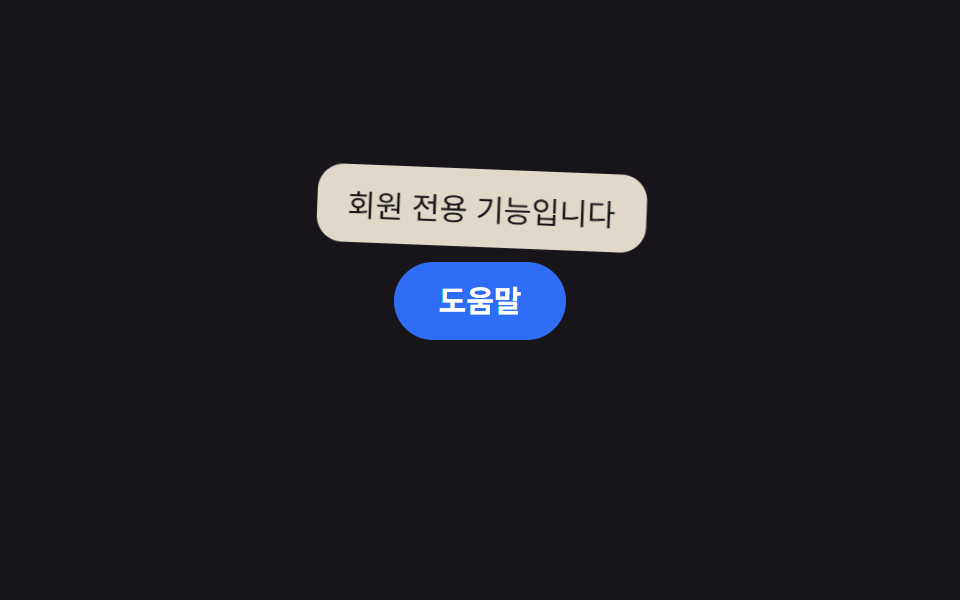 9 CSS tooltip examples — copy dán một dòng là chạyCSS tooltip examples ở đây là chín kiểu bong bóng chú thích hiện lên khi bạn hover hoặc focus vào một phần tử, hầu hết c Xem tất cả demo trong bài này