03Magnetic pull with label offset
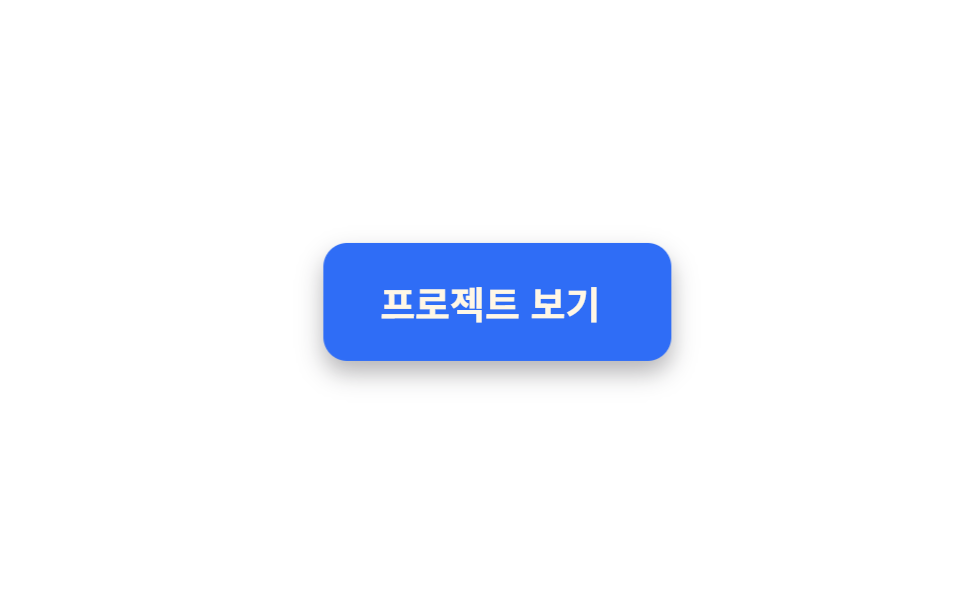
The button is pulled toward the cursor while the label inside drifts the other way, splitting into layers. Flipping the sign on the same coordinate is what creates depth.
Best forOn a portfolio hero where one button sits in wide empty space and should react before the cursor even lands on it
translate역시차pointerleave
<main class="stage">
  <div class="mag__field">
    <button class="mag is-demo" type="button"><span class="mag__label">View projects</span></button>
  </div>
</main>
@use "../../../../site/static/demo-tokens" as *;
// 변형은 이 세 줄만 바꾼다
$duration: $dur-loop;
$easing: $ease-spring;
$color: $subject-blue;
@include stage($stage-paper);
.mag__field {
display: grid;
place-items: center;
padding: $sp-8;
}
.mag {
border: 0;
cursor: pointer;
padding: $sp-4 $sp-8;
border-radius: $r-control;
background: $color;
color: $subject-cream;
font-family: inherit;
font-size: clamp(15px, 4.5vw, 19px);
font-weight: 700;
box-shadow: $shadow-press;
transition: translate $dur-quick $easing;
}
.mag__label {
display: inline-block;
transition: translate $dur-quick $easing;
}
.mag.is-demo { animation: mag-pull $duration $easing infinite; }
.mag.is-demo .mag__label { animation: mag-drift $duration $easing infinite; }
// 네 지점을 돌고 0 0 으로 돌아온다. 마지막 키프레임을 빼면 한 바퀴마다 제자리로 튄다
@keyframes mag-pull {
0% { translate: 0 0; }
25% { translate: 22px -8px; }
50% { translate: 0 6px; }
75% { translate: -22px -8px; }
100% { translate: 0 0; }
}
// 같은 좌표에 -0.4 를 곱한 값. 부호가 반대라 층이 갈라져 보인다
@keyframes mag-drift {
0% { translate: 0 0; }
25% { translate: -9px 3px; }
50% { translate: 0 -2px; }
75% { translate: 9px 3px; }
100% { translate: 0 0; }
}
@media (prefers-reduced-motion: reduce) {
.mag.is-demo,
.mag.is-demo .mag__label { animation: none; }
.mag,
.mag__label { transition: none; }
}html, body {
margin: 0;
overflow: hidden;
}
.stage {
box-sizing: border-box;
min-height: 100vh;
display: grid;
place-items: center;
margin: 0;
background: #ffffff;
font-family: -apple-system, "Segoe UI", "Noto Sans KR", sans-serif;
padding: clamp(8px, 4vw, 24px);
}
.mag__field {
display: grid;
place-items: center;
padding: 32px;
}
.mag {
border: 0;
cursor: pointer;
padding: 16px 32px;
border-radius: 12px;
background: #2f6df6;
color: #fff7e6;
font-family: inherit;
font-size: clamp(15px, 4.5vw, 19px);
font-weight: 700;
box-shadow: 0 6px 12px rgba(23, 20, 26, 0.32);
transition: translate 220ms cubic-bezier(0.2, 0.8, 0.2, 1);
}
.mag__label {
display: inline-block;
transition: translate 220ms cubic-bezier(0.2, 0.8, 0.2, 1);
}
.mag.is-demo {
animation: mag-pull 2s cubic-bezier(0.2, 0.8, 0.2, 1) infinite;
}
.mag.is-demo .mag__label {
animation: mag-drift 2s cubic-bezier(0.2, 0.8, 0.2, 1) infinite;
}
@keyframes mag-pull {
0% {
translate: 0 0;
}
25% {
translate: 22px -8px;
}
50% {
translate: 0 6px;
}
75% {
translate: -22px -8px;
}
100% {
translate: 0 0;
}
}
@keyframes mag-drift {
0% {
translate: 0 0;
}
25% {
translate: -9px 3px;
}
50% {
translate: 0 -2px;
}
75% {
translate: 9px 3px;
}
100% {
translate: 0 0;
}
}
@media (prefers-reduced-motion: reduce) {
.mag.is-demo,
.mag.is-demo .mag__label {
animation: none;
}
.mag,
.mag__label {
transition: none;
}
}// 실제 동작: 커서가 감지 영역에 들어오면 버튼은 커서 쪽으로, 라벨은 그 절반만큼 반대로 움직인다.
var field = document.querySelector('.mag__field');
var btn = document.querySelector('.mag');
var label = document.querySelector('.mag__label');
field.addEventListener('pointermove', function (e) {
var r = btn.getBoundingClientRect();
var dx = (e.clientX - (r.left + r.width / 2)) * 0.35;
var dy = (e.clientY - (r.top + r.height / 2)) * 0.35;
btn.classList.remove('is-demo');
btn.style.translate = dx + 'px ' + dy + 'px';
label.style.translate = (-dx * 0.4) + 'px ' + (-dy * 0.4) + 'px';
});
field.addEventListener('pointerleave', function () {
btn.style.translate = '';
label.style.translate = '';
btn.classList.add('is-demo');
});import { useState } from "react";
import type { CSSProperties, PointerEvent } from "react";
import styles from "./MagnetButton.module.scss";
export type MagnetButtonProps = {
label?: string;
duration?: number;
easing?: string;
color?: string;
};
type Vars = CSSProperties & { "--duration"?: string; "--easing"?: string; "--color"?: string };
export default function MagnetButton({
label = "View projects",
duration = 2000,
easing = "cubic-bezier(.2,.8,.2,1)",
color = "#2f6df6",
}: MagnetButtonProps) {
const [pull, setPull] = useState<{ x: number; y: number } | null>(null);
const vars: Vars = { "--duration": `${duration}ms`, "--easing": easing, "--color": color };
function move(e: PointerEvent<HTMLDivElement>) {
const btn = e.currentTarget.firstElementChild as HTMLElement | null;
if (!btn) { return; }
const r = btn.getBoundingClientRect();
setPull({
x: (e.clientX - (r.left + r.width / 2)) * 0.35,
y: (e.clientY - (r.top + r.height / 2)) * 0.35,
});
}
return (
<div className={styles.field} style={vars} onPointerMove={move} onPointerLeave={() => setPull(null)}>
<button
type="button"
className={`${styles.mag} ${pull ? "" : styles.loop}`}
style={pull ? { translate: `${pull.x}px ${pull.y}px` } : undefined}
>
<span
className={`${styles.label} ${pull ? "" : styles.labelLoop}`}
style={pull ? { translate: `${-pull.x * 0.4}px ${-pull.y * 0.4}px` } : undefined}
>
{label}
</span>
</button>
</div>
);
}03 Magnetic pull with label offset — Measured area 10.698% · moving frames 23/23Original by GODRICH · SCSS and React ship in the zip · 9 button hover effects css that award sites reuse
The post this demo lives in
 9 button hover effects css that award sites reuseThese button hover effects css techniques are the reactions a button gives when a pointer arrives, sorted by what each s See all demos in this post
If you like this effect - similar demos
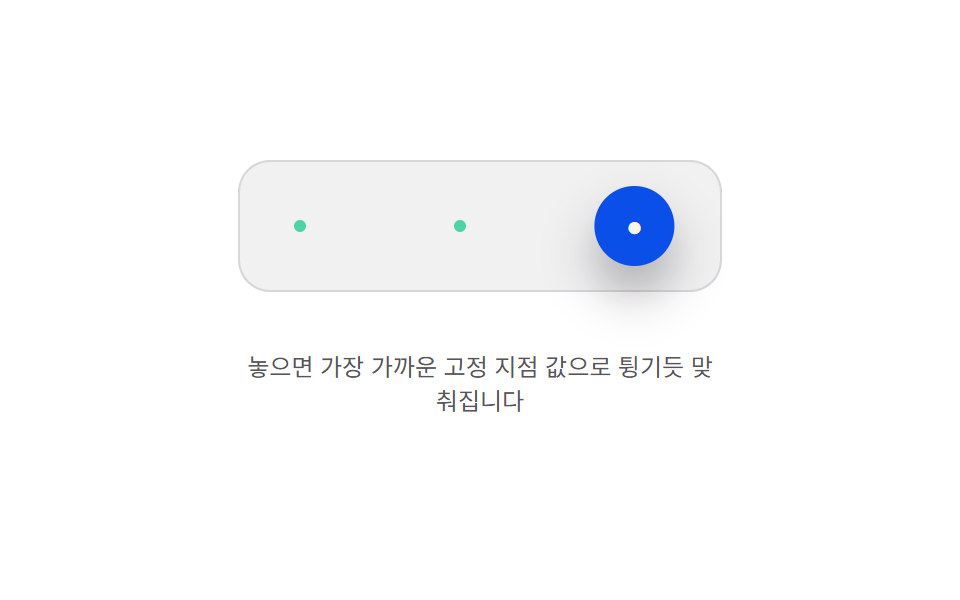 Buttons09 Snap-to-anchor bounce — the released position value is pulled toward the nearest of several preset anchor values and settles with a bounceButton Press Animation UI: 9 Calculation Patterns
 Buttons04 Magnetic9 CSS Button Animations (SCSS + React, copy-paste)
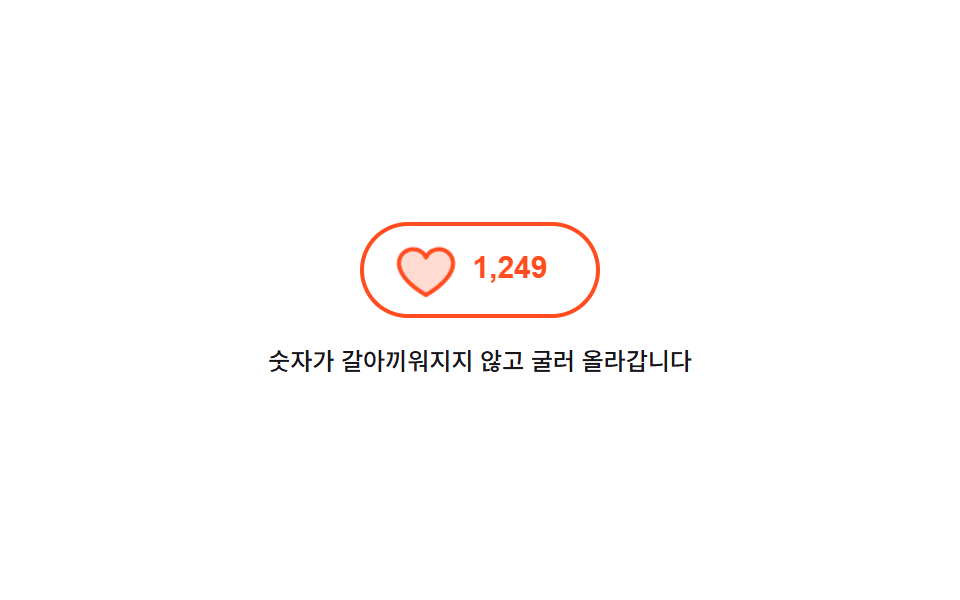 Buttons04 Like button with a rolling count9 button state css patterns, loading to done