04Width-inertia value toggle — while an expand value grows, a width value overshoots its target and returns
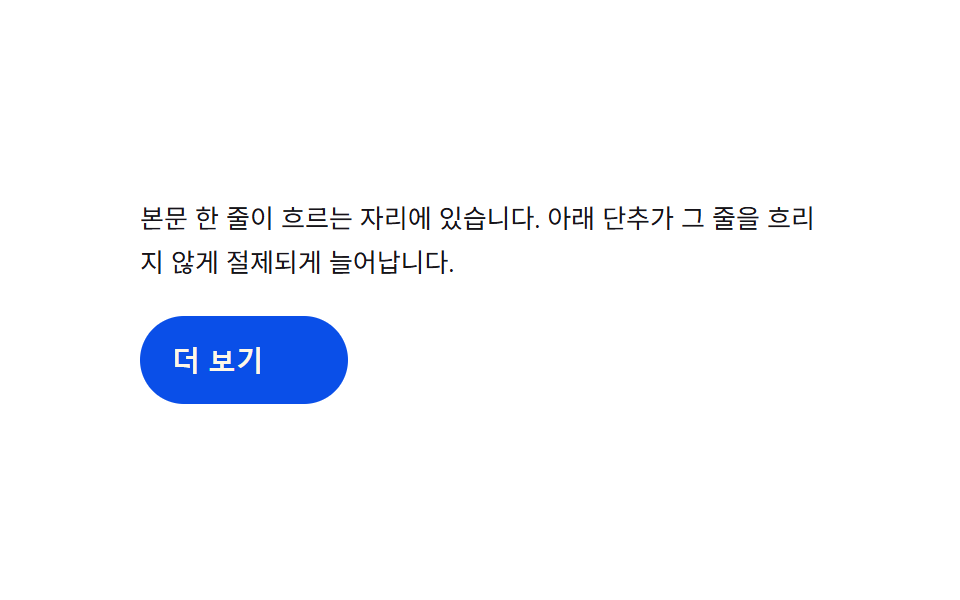
As the expand value grows, the width value passes slightly beyond its target and comes back, making the growth look weighted.
Best forAn inline read-more button, an in-place toolbar open
REST_WKD
<main class="stage">
<div class="we is-demo" id="we">
  <p class="we__line">This is a line of body text. The button below stretches with restraint so the line stays readable.</p>
  <button type="button" class="we__btn" id="weBtn" aria-expanded="false">
    <span class="we__base">More</span>
    <span class="we__more" id="weMore">View full value</span>
  </button>
</div>
</main>
@use "../../../../site/static/demo-tokens" as *;
// 계산 겹: 너비가 CSS transition 이 아니라 index.html 의 스프링 감쇠 계산(K·D)으로 매 프레임
// 결정된다 — 목표를 넘었다가 되돌아오는 관성. more 글자는 진행률 p 로만 얹힌다.
@include stage($stage-paper);
.we {
width: 100%;
max-width: 340px;
display: grid;
gap: $sp-4;
justify-items: start;
}
.we__line {
margin: 0;
color: $subject-ink;
font-size: 13px;
line-height: 1.7;
}
.we__btn {
position: relative;
display: inline-flex;
align-items: center;
justify-content: flex-start;
height: 44px;
padding: 0 $sp-4;
box-sizing: border-box;
border: 0;
border-radius: $r-pill;
background: $subject-blue-deep;
color: $subject-cream;
font-weight: 600;
font-size: 14px;
cursor: pointer;
overflow: hidden;
white-space: nowrap;
will-change: width;
}
.we__more {
margin-left: $sp-2;
opacity: 0;
white-space: nowrap;
font-weight: 600;
}
@media (max-width: 340px) {
.we { max-width: 280px; }
.we__btn { height: 40px; font-size: 13px; }
}
@media (prefers-reduced-motion: reduce) {
.we__more { transition: none; }
}html, body {
margin: 0;
overflow: hidden;
}
.stage {
box-sizing: border-box;
min-height: 100vh;
display: grid;
place-items: center;
margin: 0;
background: #ffffff;
font-family: -apple-system, "Segoe UI", "Noto Sans KR", sans-serif;
padding: clamp(8px, 4vw, 24px);
}
.we {
width: 100%;
max-width: 340px;
display: grid;
gap: 16px;
justify-items: start;
}
.we__line {
margin: 0;
color: #17141a;
font-size: 13px;
line-height: 1.7;
}
.we__btn {
position: relative;
display: inline-flex;
align-items: center;
justify-content: flex-start;
height: 44px;
padding: 0 16px;
box-sizing: border-box;
border: 0;
border-radius: 999px;
background: #0a4fe8;
color: #fff7e6;
font-weight: 600;
font-size: 14px;
cursor: pointer;
overflow: hidden;
white-space: nowrap;
will-change: width;
}
.we__more {
margin-left: 8px;
opacity: 0;
white-space: nowrap;
font-weight: 600;
}
@media (max-width: 340px) {
.we {
max-width: 280px;
}
.we__btn {
height: 40px;
font-size: 13px;
}
}
@media (prefers-reduced-motion: reduce) {
.we__more {
transition: none;
}
}(function () {
var root = document.getElementById('we');
var btn = document.getElementById('weBtn');
var more = document.getElementById('weMore');
var REST_W = 104; // 접힘 너비(px) — getBoundingClientRect 로 실측해 갱신한다
var K = 170, D = 12; // 스프링 상수·감쇠 — 목표를 넘었다가 되돌아오는 관성 값
// 계산 겹: 목표 폭을 getBoundingClientRect 로 실측한다(짐작 px 아님).
// 늘어난 상태의 텍스트를 잠깐 펼쳐 재고 다시 접는다 — 글꼴마다 값이 다르다.
function measure() {
var prev = more.style.width;
more.style.width = 'auto';
var w = more.getBoundingClientRect().width;
more.style.width = prev || '0px';
return Math.ceil(w);
}
var openW = measure() + REST_W + 24; // 24 = 기준 너비에 더할 여유
var open = false;
var cur = REST_W, vel = 0, target = REST_W;
var raf = null;
// 스프링 감쇠 계산: 매 프레임 a = -K*(cur-target) - D*vel — 오버슈트 후 안착
function tick() {
var a = -K * (cur - target) * 0.001 - D * vel * 0.01;
vel += a;
cur += vel;
if (Math.abs(cur - target) < 0.4 && Math.abs(vel) < 0.05) { cur = target; vel = 0; }
btn.style.width = cur.toFixed(1) + 'px';
var p = Math.max(0, Math.min(1, (cur - REST_W) / (openW - REST_W)));
more.style.opacity = String(p);
raf = requestAnimationFrame(tick);
}
function toggle() {
open = !open;
target = open ? openW : REST_W;
btn.setAttribute('aria-expanded', String(open));
}
btn.addEventListener('click', function () {
root.classList.remove('is-demo');
stopAutoplay();
toggle();
});
raf = requestAnimationFrame(tick);
var autoTimer = null;
function stopAutoplay() { if (autoTimer) { clearInterval(autoTimer); autoTimer = null; } }
var reduce = window.matchMedia('(prefers-reduced-motion: reduce)').matches;
if (!reduce) { autoTimer = setInterval(toggle, 1300); }
else { open = true; target = openW; cur = openW; btn.style.width = openW + 'px'; more.style.opacity = '1'; }
})();import { useEffect, useRef } from "react";
import styles from "./WidthExpandInline.module.scss";
type Box<T> = { current: T };
const REST_W = 104; // 접힘 너비(px) — getBoundingClientRect 로 실측해 갱신한다
const K = 170, D = 12; // 스프링 상수·감쇠 — 목표를 넘었다가 되돌아오는 관성 값
export default function WidthExpandInline() {
const rootRef = useRef(null) as unknown as Box<HTMLDivElement | null>;
useEffect(() => {
const root = rootRef.current;
if (!root) return;
const btn = root.querySelector(`.${styles.btn}`) as HTMLButtonElement | null;
const more = root.querySelector(`.${styles.more}`) as HTMLElement | null;
if (!btn || !more) return;
// 계산 겹: 목표 폭을 getBoundingClientRect 로 실측한다(짐작 px 아님).
function measure() {
const prev = more!.style.width;
more!.style.width = "auto";
const w = more!.getBoundingClientRect().width;
more!.style.width = prev || "0px";
return Math.ceil(w);
}
const openW = measure() + REST_W + 24; // 24 = 기준 너비에 더할 여유
let open = false;
let cur = REST_W, vel = 0, target = REST_W;
let raf: number | null = null;
function tick() {
const a = -K * (cur - target) * 0.001 - D * vel * 0.01;
vel += a;
cur += vel;
if (Math.abs(cur - target) < 0.4 && Math.abs(vel) < 0.05) { cur = target; vel = 0; }
btn!.style.width = cur.toFixed(1) + "px";
const p = Math.max(0, Math.min(1, (cur - REST_W) / (openW - REST_W)));
more!.style.opacity = String(p);
raf = requestAnimationFrame(tick);
}
function toggle() {
open = !open;
target = open ? openW : REST_W;
btn!.setAttribute("aria-expanded", String(open));
}
function onClick() {
root!.classList.remove(styles["is-demo"]);
stopAutoplay();
toggle();
}
btn.addEventListener("click", onClick);
raf = requestAnimationFrame(tick);
let autoTimer: number | null = null;
function stopAutoplay() { if (autoTimer !== null) { window.clearInterval(autoTimer); autoTimer = null; } }
const reduce = window.matchMedia("(prefers-reduced-motion: reduce)").matches;
if (!reduce) { autoTimer = window.setInterval(toggle, 1300); }
else {
open = true; target = openW; cur = openW;
btn!.style.width = openW + "px"; more!.style.opacity = "1";
}
return () => {
stopAutoplay();
if (raf !== null) cancelAnimationFrame(raf);
btn.removeEventListener("click", onClick);
};
}, []);
return (
<div ref={rootRef} className={`${styles.stage} ${styles.we} ${styles["is-demo"]}`}>
<p className={styles.line}>본문 한 줄이 흐르는 자리에 있습니다. 아래 단추가 그 줄을 흐리지 않게 절제되게 늘어납니다.</p>
<button type="button" className={styles.btn} aria-expanded="false">
<span className={styles.base}>더 보기</span>
<span className={styles.more}>전문 값 보기</span>
</button>
</div>
);
}04 Width-inertia value toggle — while an expand value grows, a width value overshoots its target and returns — Measured area 4.333% · moving frames 14/23Original by GODRICH · SCSS and React ship in the zip · Expanding Button UI: 9 Shape-Morph Patterns
The post this demo lives in
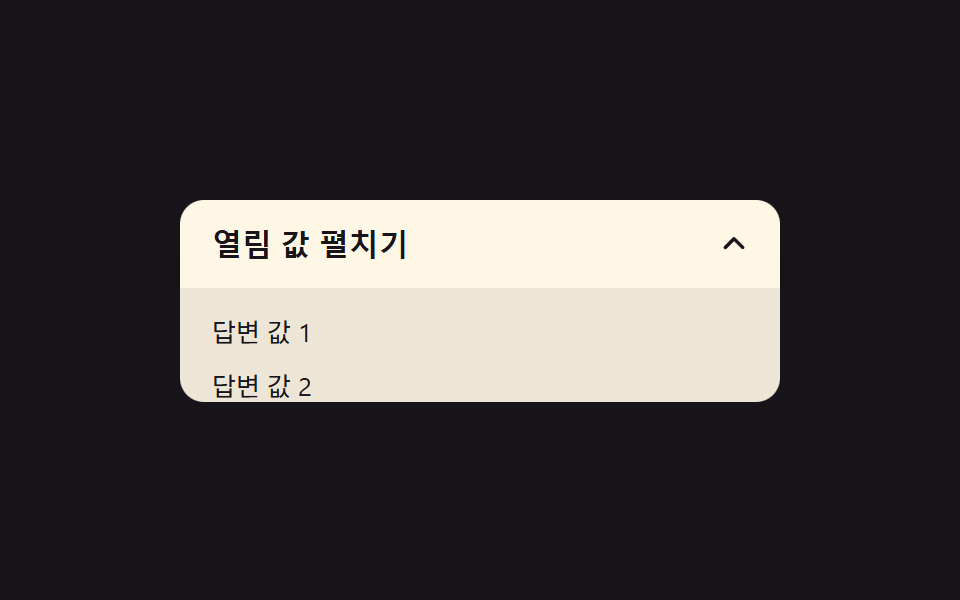 Expanding Button UI: 9 Shape-Morph PatternsExpanding button UI: One of nine grows corner rounding as its open value changes, one spins a plus into a close mark as See all demos in this post
If you like this effect - similar demos
 Buttons01 Press-value overshoot — the pressed value passes its target value and swings back, repeating while the swing shrinksButton Press Animation UI: 9 Calculation Patterns
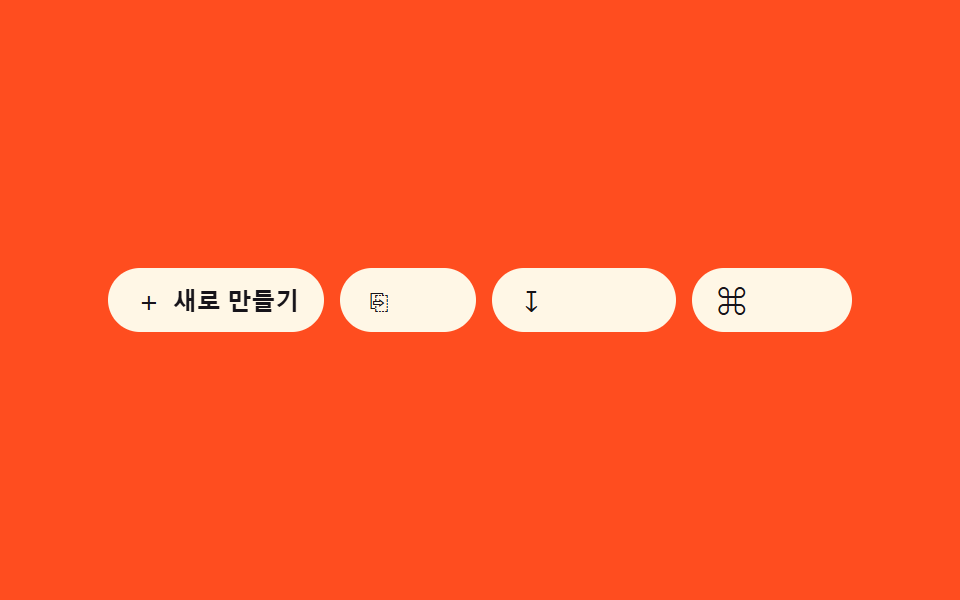 Buttons07 Icon-label combo reveal — as the container-width value widens, an icon button's text-label width value grows from zero into viewButton Group CSS: 9 Adjoined Patterns
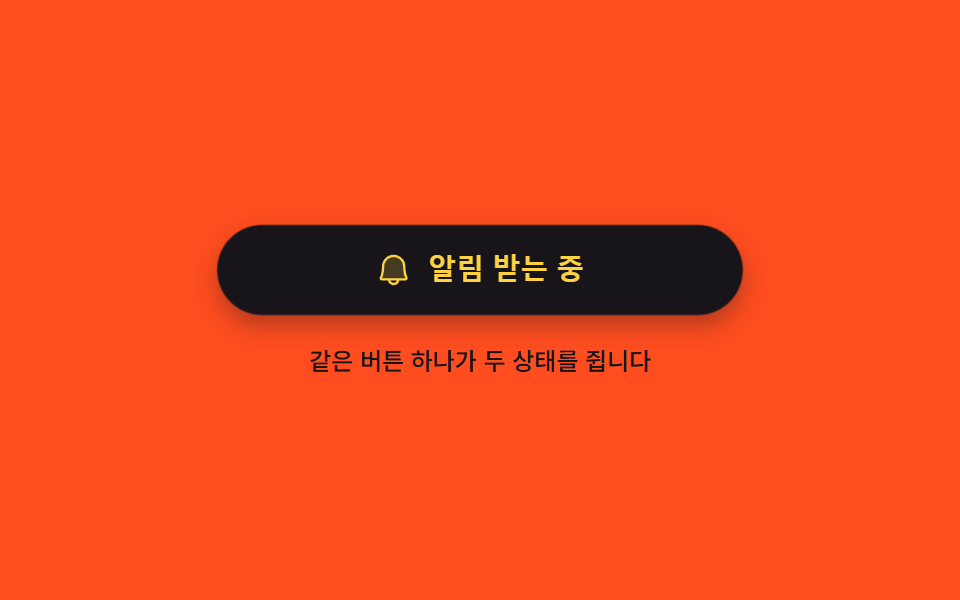 Buttons03 One button holding on and off9 button state css patterns, loading to done