04Captcha step-up — the captcha cell-count value grows each time the failure count crosses a threshold value
Each time the failure-count value crosses a set threshold, the captcha cell-count value grows by one step.
Best forA login form with frequent repeat failures, a signup screen that needs bot-input protection
STAGE_THRESHOLDCELL_STEPSAUTOPLAY_RESET_TICKS

<main class="stage">
<div class="ace is-demo" id="ace">
  <div class="ace__row">
    <span class="ace__label">Fail <b id="aceFails">0</b>times</span>
    <span class="ace__stage" id="aceStage">No captcha</span>
  </div>
  <div class="ace__grid" id="aceGrid"></div>
  <button class="ace__btn" id="aceBtn" type="button">Simulate failed login</button>
</div>
</main>
@use "../../../../site/static/demo-tokens" as *;
// 계산 겹: 캡차 단계 = floor(실패÷STAGE_THRESHOLD), 칸수 = CELL_STEPS[단계] — index.html 참조
@include stage($stage-ink);
.ace {
width: 100%;
max-width: 300px;
display: grid;
gap: $sp-3;
justify-items: center;
}
.ace__row {
width: 100%;
display: flex;
align-items: baseline;
justify-content: space-between;
font: 600 13px/1 -apple-system, "Segoe UI", "Noto Sans KR", sans-serif;
color: $subject-cream;
}
.ace__row b { font-size: 16px; font-variant-numeric: tabular-nums; }
.ace__grid {
display: grid;
grid-template-columns: repeat(var(--cols, 1), 1fr);
gap: $sp-2;
width: 132px;
min-height: 8px;
}
.ace__cell {
aspect-ratio: 1;
border-radius: $r-xs;
background: $subject-lilac;
animation: ace-pop $dur-quick $ease-pop backwards;
}
@keyframes ace-pop {
from { transform: scale(.4); opacity: 0; }
to { transform: scale(1); opacity: 1; }
}
.ace__btn {
border: 0;
border-radius: $r-control;
padding: $sp-2 $sp-4;
background: $subject-cream;
color: $stage-ink;
font: 700 14px/1 -apple-system, "Segoe UI", "Noto Sans KR", sans-serif;
cursor: pointer;
transition: transform $dur-instant $ease-out;
&:active { transform: scale(.96); }
}
@media (max-width: 340px) {
.ace { max-width: 220px; }
.ace__grid { width: 100px; }
}
@media (prefers-reduced-motion: reduce) {
.ace__btn { transition: none; }
.ace__cell { animation: none; }
}html, body {
margin: 0;
overflow: hidden;
}
.stage {
box-sizing: border-box;
min-height: 100vh;
display: grid;
place-items: center;
margin: 0;
background: #17141a;
font-family: -apple-system, "Segoe UI", "Noto Sans KR", sans-serif;
padding: clamp(8px, 4vw, 24px);
}
.ace {
width: 100%;
max-width: 300px;
display: grid;
gap: 12px;
justify-items: center;
}
.ace__row {
width: 100%;
display: flex;
align-items: baseline;
justify-content: space-between;
font: 600 13px/1 -apple-system, "Segoe UI", "Noto Sans KR", sans-serif;
color: #fff7e6;
}
.ace__row b {
font-size: 16px;
font-variant-numeric: tabular-nums;
}
.ace__grid {
display: grid;
grid-template-columns: repeat(var(--cols, 1), 1fr);
gap: 8px;
width: 132px;
min-height: 8px;
}
.ace__cell {
aspect-ratio: 1;
border-radius: 4px;
background: #b9a0ff;
animation: ace-pop 220ms cubic-bezier(0.2, 1.4, 0.4, 1) backwards;
}
@keyframes ace-pop {
from {
transform: scale(0.4);
opacity: 0;
}
to {
transform: scale(1);
opacity: 1;
}
}
.ace__btn {
border: 0;
border-radius: 12px;
padding: 8px 16px;
background: #fff7e6;
color: #17141a;
font: 700 14px/1 -apple-system, "Segoe UI", "Noto Sans KR", sans-serif;
cursor: pointer;
transition: transform 140ms ease-out;
}
.ace__btn:active {
transform: scale(0.96);
}
@media (max-width: 340px) {
.ace {
max-width: 220px;
}
.ace__grid {
width: 100px;
}
}
@media (prefers-reduced-motion: reduce) {
.ace__btn {
transition: none;
}
.ace__cell {
animation: none;
}
}(function () {
var root = document.getElementById('ace');
var btn = document.getElementById('aceBtn');
var failsEl = document.getElementById('aceFails');
var stageEl = document.getElementById('aceStage');
var grid = document.getElementById('aceGrid');
// 상수: Captcha 단계 승격 기준 Failure count · 단계별 칸 수(제곱수라야 격자가 맞는다) · 자동재생 리셋 주기
var STAGE_THRESHOLD = 2;
var CELL_STEPS = [0, 4, 9, 16]; // 단계 0=없음, 1=2x2, 2=3x3, 3(상한)=4x4
var AUTOPLAY_RESET_TICKS = 7;
var fails = 0;
function render() {
// 계산 겹: 단계 = min(상한, floor(Fail÷기준)), 칸수 = CELL_STEPS[단계]
var stage = Math.min(CELL_STEPS.length - 1, Math.floor(fails / STAGE_THRESHOLD));
var cells = CELL_STEPS[stage];
var cols = Math.round(Math.sqrt(cells)) || 0;
failsEl.textContent = String(fails);
stageEl.textContent = stage === 0 ? 'No captcha' : ('Captcha ' + cols + '×' + cols);
grid.style.setProperty('--cols', cols || 1);
grid.innerHTML = '';
for (var i = 0; i < cells; i++) {
var c = document.createElement('div');
c.className = 'ace__cell';
grid.appendChild(c);
}
}
function fail() {
fails += 1;
render();
}
function reset() {
fails = 0;
render();
}
btn.addEventListener('click', function () {
root.classList.remove('is-demo');
stopAutoplay();
fail();
});
render();
var autoTimer = null;
var tick = 0;
function autoTick() {
tick += 1;
if (tick > AUTOPLAY_RESET_TICKS) { reset(); tick = 0; return; }
fail();
}
function stopAutoplay() { if (autoTimer) { clearInterval(autoTimer); autoTimer = null; } }
var reduce = window.matchMedia('(prefers-reduced-motion: reduce)').matches;
if (!reduce) { autoTimer = setInterval(autoTick, 300); }
})();import { useEffect, useRef } from "react";
import styles from "./AuthAttemptCaptchaEscalate.module.scss";
type Box<T> = { current: T };
export default function AuthAttemptCaptchaEscalate() {
const rootRef = useRef(null) as unknown as Box<HTMLDivElement | null>;
useEffect(() => {
const root = rootRef.current;
if (!root) return;
const btn = root.querySelector(`.${styles.btn}`) as HTMLButtonElement | null;
const failsEl = root.querySelector(`.${styles.fails}`) as HTMLElement | null;
const stageEl = root.querySelector(`.${styles.stagelabel}`) as HTMLElement | null;
const grid = root.querySelector(`.${styles.grid}`) as HTMLElement | null;
if (!btn || !failsEl || !stageEl || !grid) return;
// 상수: 캡차 단계 승격 기준 실패 횟수 · 단계별 칸 수(제곱수라야 격자가 맞는다) · 자동재생 리셋 주기
const STAGE_THRESHOLD = 2;
const CELL_STEPS = [0, 4, 9, 16];
const AUTOPLAY_RESET_TICKS = 7;
let fails = 0;
function render() {
// 계산 겹: 단계 = min(상한, floor(실패÷기준)), 칸수 = CELL_STEPS[단계]
const stage = Math.min(CELL_STEPS.length - 1, Math.floor(fails / STAGE_THRESHOLD));
const cells = CELL_STEPS[stage];
const cols = Math.round(Math.sqrt(cells)) || 0;
failsEl!.textContent = String(fails);
stageEl!.textContent = stage === 0 ? "캡차 없음" : "캡차 " + cols + "×" + cols;
grid!.style.setProperty("--cols", String(cols || 1));
grid!.innerHTML = "";
for (let i = 0; i < cells; i++) {
const c = document.createElement("div");
c.className = styles.cell;
grid!.appendChild(c);
}
}
function fail() { fails += 1; render(); }
function reset() { fails = 0; render(); }
function onClick() {
root!.classList.remove(styles["is-demo"]);
stopAutoplay();
fail();
}
btn.addEventListener("click", onClick);
render();
let autoTimer: number | null = null;
let tick = 0;
function autoTick() {
tick += 1;
if (tick > AUTOPLAY_RESET_TICKS) { reset(); tick = 0; return; }
fail();
}
function stopAutoplay() { if (autoTimer !== null) { window.clearInterval(autoTimer); autoTimer = null; } }
const reduce = window.matchMedia("(prefers-reduced-motion: reduce)").matches;
if (!reduce) { autoTimer = window.setInterval(autoTick, 300); }
return () => {
stopAutoplay();
btn.removeEventListener("click", onClick);
};
}, []);
return (
<div ref={rootRef} className={`${styles.stage} ${styles.ace} ${styles["is-demo"]}`}>
<div className={styles.row}>
<span className={styles.label}>실패 <b className={styles.fails}>0</b>회</span>
<span className={styles.stagelabel}>캡차 없음</span>
</div>
<div className={styles.grid} />
<button className={styles.btn} type="button">로그인 실패 시도</button>
</div>
);
}04 Captcha step-up — the captcha cell-count value grows each time the failure count crosses a threshold value — Measured area 16.206% · moving frames 18/23Original by GODRICH · SCSS and React ship in the zip · Too Many Failed Login Attempts: 9 Patterns
The post this demo lives in
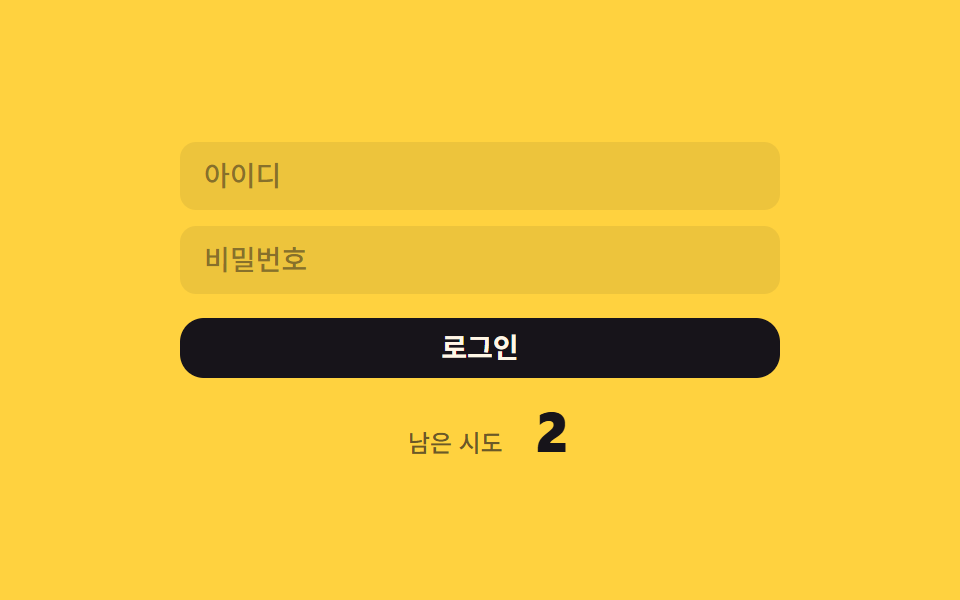 Too Many Failed Login Attempts: 9 PatternsOne value drops by one per failed try, another doubles the wait time as failures pile up, and another counts a remaining See all demos in this post
If you like this effect - similar demos
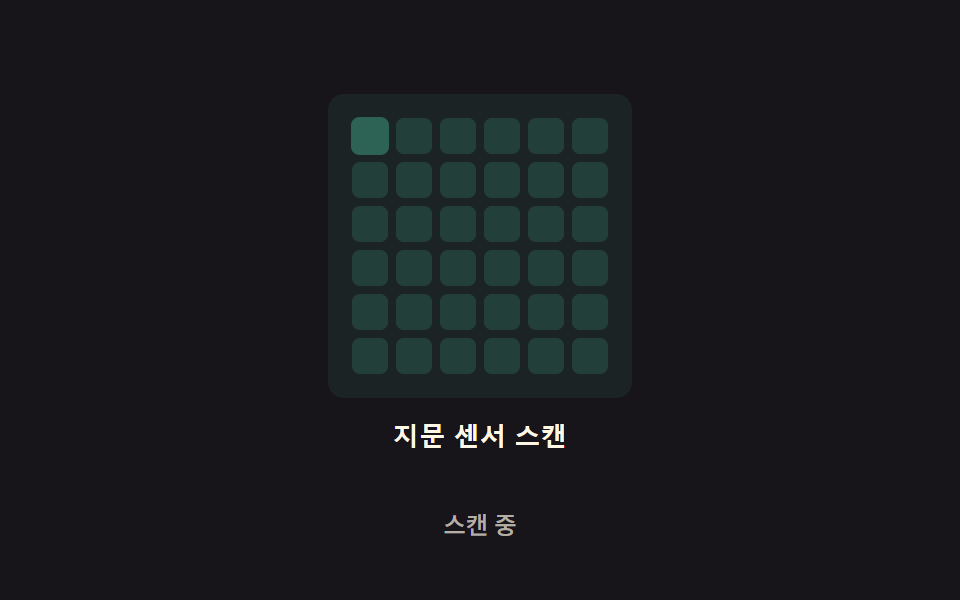 Auth UI08 Grid-scan glow — the scan area is split into a grid, and each cell glows in turn on its own delay valueFingerprint Scan Animation: 9 Biometric UI Demos
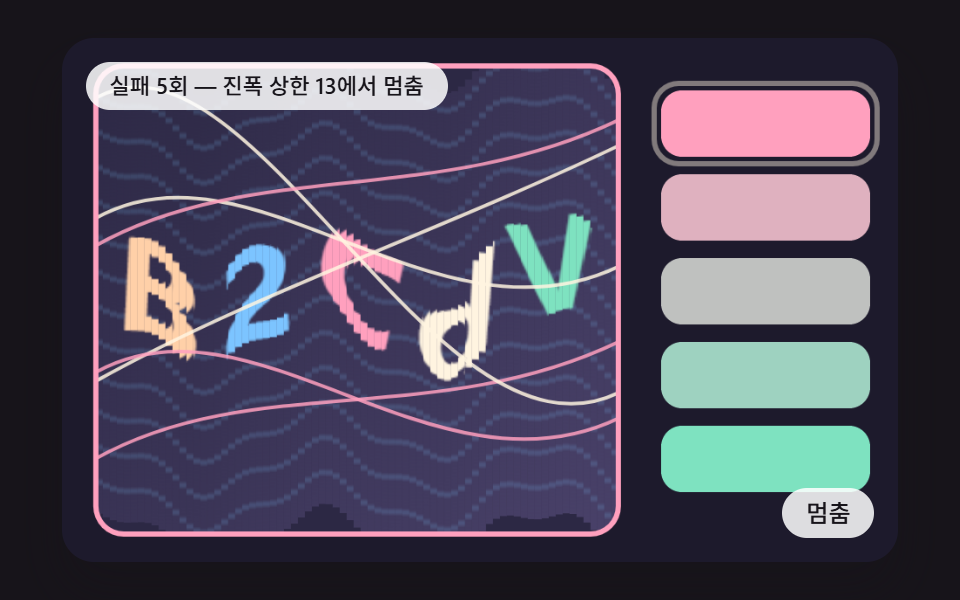 Auth UI08 A Stepped Check Where Warp Amplitude and Line Count Rise One Step per MissCSS Captcha: 9 Warped Text and Rotate Checks
 Auth UI06 Signup step progress9 Login Form Design Patterns You Can Copy-Paste