04Row-insert and position values changing together — when a new row is added, its position value settles into place while the rows below shift their position values too
The instant a new row's existence value appears, its position value settles into a set spot, and the rows below it shift their position values down by one.
Best forAn order list receiving new items in real time, a table that fills up as uploads finish
SLOTS 4order.tis__row
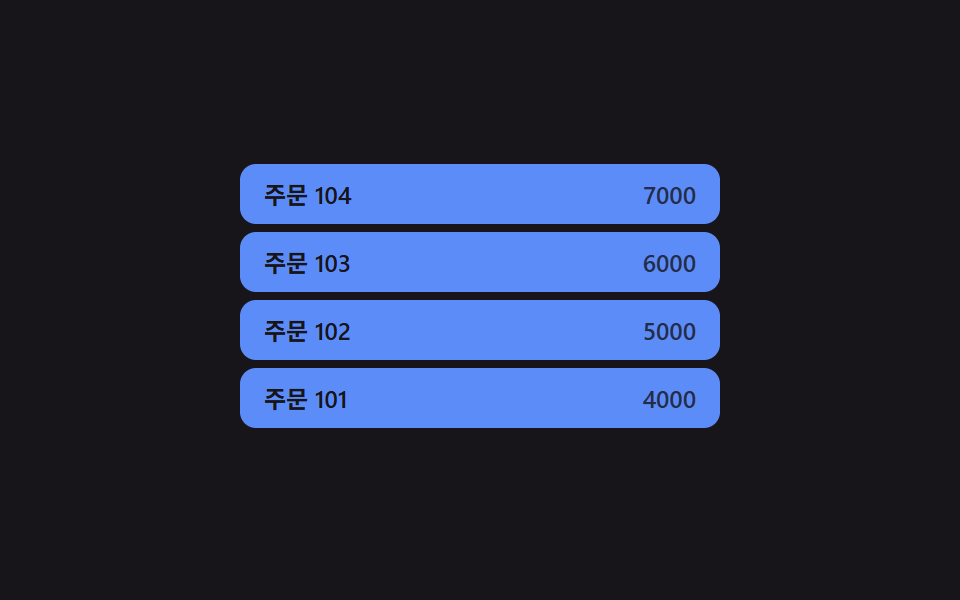
<main class="stage">
<div class="tis is-demo" id="tis" role="table" aria-label="New orders table"></div>
</main>
@use "../../../../site/static/demo-tokens" as *;
// 계산 겹: 새 행이 더해지면 기존 행의 슬롯(순서) 값을 하나씩 밀어 목표 y 를 다시 계산하고,
// 실제 위치는 매 프레임 남은 거리의 24%씩 다가가는 보간(lerp) — index.html tick() 참조
@include stage($stage-ink);
.tis {
position: relative;
width: 100%;
max-width: 240px;
overflow: hidden;
}
.tis__row {
position: absolute;
top: 0;
left: 0;
width: 100%;
height: 30px;
box-sizing: border-box;
display: flex;
align-items: center;
justify-content: space-between;
padding: 0 $sp-3;
border-radius: $r-sm;
background: $subject-blue-light;
color: $stage-ink;
font: 600 12px/1 -apple-system, "Segoe UI", "Noto Sans KR", sans-serif;
}
.tis__cell--num {
font-variant-numeric: tabular-nums;
opacity: .8;
}
@media (max-width: 340px) {
.tis { max-width: 200px; }
.tis__row { height: 28px; font-size: 11px; }
}
@media (prefers-reduced-motion: reduce) {
.tis__row { transition: none; }
}html, body {
margin: 0;
overflow: hidden;
}
.stage {
box-sizing: border-box;
min-height: 100vh;
display: grid;
place-items: center;
margin: 0;
background: #17141a;
font-family: -apple-system, "Segoe UI", "Noto Sans KR", sans-serif;
padding: clamp(8px, 4vw, 24px);
}
.tis {
position: relative;
width: 100%;
max-width: 240px;
overflow: hidden;
}
.tis__row {
position: absolute;
top: 0;
left: 0;
width: 100%;
height: 30px;
box-sizing: border-box;
display: flex;
align-items: center;
justify-content: space-between;
padding: 0 12px;
border-radius: 8px;
background: #5b8cf8;
color: #17141a;
font: 600 12px/1 -apple-system, "Segoe UI", "Noto Sans KR", sans-serif;
}
.tis__cell--num {
font-variant-numeric: tabular-nums;
opacity: 0.8;
}
@media (max-width: 340px) {
.tis {
max-width: 200px;
}
.tis__row {
height: 28px;
font-size: 11px;
}
}
@media (prefers-reduced-motion: reduce) {
.tis__row {
transition: none;
}
}(function () {
var root = document.getElementById('tis');
// 상수: 행 높이(px) · 보간 속도 · 표시 슬롯 수 · 자동 삽입 간격
var ROW_H = 34;
var LERP = 0.24;
var SLOTS = 4;
var AUTO_INSERT_MS = 1200;
var seq = 100;
var rows = []; // {el, order(현재 슬롯 index, SLOTS 이상=아래로 퇴장 중), y}
function makeRow(label, amount) {
var el = document.createElement('div');
el.className = 'tis__row';
el.setAttribute('role', 'row');
var c1 = document.createElement('span');
c1.className = 'tis__cell';
c1.setAttribute('role', 'cell');
c1.textContent = 'Order ' + label;
var c2 = document.createElement('span');
c2.className = 'tis__cell tis__cell--num';
c2.setAttribute('role', 'cell');
c2.textContent = amount;
el.appendChild(c1);
el.appendChild(c2);
root.appendChild(el);
return el;
}
function insert() {
seq++;
var el = makeRow(seq, ((seq % 7) + 1) * 1000);
var entry = { el: el, order: -1, y: -ROW_H };
// 계산 겹: 기존 행의 슬롯(순서) 값을 하나씩 뒤로 밀어 목표 y 를 다시 계산한다
rows.forEach(function (r) { r.order += 1; });
rows.unshift(entry);
entry.order = 0;
el.style.transform = 'translateY(' + entry.y.toFixed(1) + 'px)';
}
function tick() {
rows.forEach(function (r) {
var target = r.order * ROW_H;
r.y += (target - r.y) * LERP;
var opacity = r.order >= SLOTS ? Math.max(0, 1 - (r.y - (SLOTS - 1) * ROW_H) / ROW_H) : 1;
r.el.style.transform = 'translateY(' + r.y.toFixed(1) + 'px)';
r.el.style.opacity = opacity.toFixed(2);
});
for (var i = rows.length - 1; i >= 0; i--) {
var r = rows[i];
if (r.order >= SLOTS && Math.abs(r.order * ROW_H - r.y) < 1) {
r.el.remove();
rows.splice(i, 1);
}
}
requestAnimationFrame(tick);
}
requestAnimationFrame(tick);
insert(); insert(); insert(); insert();
// 초기 4행은 진입 애니메이션 없이 바로 자리에
rows.forEach(function (r) { r.y = r.order * ROW_H; r.el.style.transform = 'translateY(' + r.y + 'px)'; });
root.style.height = (SLOTS * ROW_H) + 'px';
root.addEventListener('click', function () {
root.classList.remove('is-demo');
insert();
});
// 자동 루프: 새 행을 주기적으로 추가한다
function autoStep() {
if (root.classList.contains('is-demo')) insert();
setTimeout(autoStep, AUTO_INSERT_MS);
}
setTimeout(autoStep, AUTO_INSERT_MS);
})();import { useEffect, useRef } from "react";
import styles from "./TableRowInsertSlideIn.module.scss";
type Box<T> = { current: T };
type Row = { el: HTMLDivElement; order: number; y: number };
export default function TableRowInsertSlideIn() {
const rootRef = useRef(null) as unknown as Box<HTMLDivElement | null>;
useEffect(() => {
const root = rootRef.current;
if (!root) return;
// 상수: 행 높이(px) · 보간 속도 · 표시 슬롯 수 · 자동 삽입 간격
const ROW_H = 34;
const LERP = 0.24;
const SLOTS = 4;
const AUTO_INSERT_MS = 1200;
let seq = 100;
const rows: Row[] = [];
let stopped = false;
let rafId = 0;
let autoTimer = 0;
function makeRow(label: number, amount: number) {
const el = document.createElement("div");
el.className = styles.row;
el.setAttribute("role", "row");
const c1 = document.createElement("span");
c1.className = styles.cell;
c1.setAttribute("role", "cell");
c1.textContent = "주문 " + label;
const c2 = document.createElement("span");
c2.className = `${styles.cell} ${styles.cellNum}`;
c2.setAttribute("role", "cell");
c2.textContent = String(amount);
el.appendChild(c1);
el.appendChild(c2);
root!.appendChild(el);
return el;
}
function insert() {
seq++;
const el = makeRow(seq, ((seq % 7) + 1) * 1000);
const entry: Row = { el, order: -1, y: -ROW_H };
// 계산 겹: 기존 행의 슬롯(순서) 값을 하나씩 뒤로 밀어 목표 y 를 다시 계산한다
rows.forEach((r) => { r.order += 1; });
rows.unshift(entry);
entry.order = 0;
el.style.transform = "translateY(" + entry.y.toFixed(1) + "px)";
}
function tick() {
if (stopped) return;
rows.forEach((r) => {
const target = r.order * ROW_H;
r.y += (target - r.y) * LERP;
const opacity = r.order >= SLOTS ? Math.max(0, 1 - (r.y - (SLOTS - 1) * ROW_H) / ROW_H) : 1;
r.el.style.transform = "translateY(" + r.y.toFixed(1) + "px)";
r.el.style.opacity = opacity.toFixed(2);
});
for (let i = rows.length - 1; i >= 0; i--) {
const r = rows[i];
if (r.order >= SLOTS && Math.abs(r.order * ROW_H - r.y) < 1) {
r.el.remove();
rows.splice(i, 1);
}
}
rafId = requestAnimationFrame(tick);
}
rafId = requestAnimationFrame(tick);
insert(); insert(); insert(); insert();
rows.forEach((r) => { r.y = r.order * ROW_H; r.el.style.transform = "translateY(" + r.y + "px)"; });
root.style.height = (SLOTS * ROW_H) + "px";
function onClick() {
root!.classList.remove(styles["is-demo"]);
insert();
}
root.addEventListener("click", onClick);
function autoStep() {
if (stopped) return;
if (root!.classList.contains(styles["is-demo"])) insert();
autoTimer = window.setTimeout(autoStep, AUTO_INSERT_MS);
}
autoTimer = window.setTimeout(autoStep, AUTO_INSERT_MS);
return () => {
stopped = true;
cancelAnimationFrame(rafId);
window.clearTimeout(autoTimer);
root!.removeEventListener("click", onClick);
rows.forEach((r) => r.el.remove());
};
}, []);
return <div ref={rootRef} className={`${styles.stage} ${styles.tis} ${styles["is-demo"]}`} role="table" aria-label="신규 주문 표" />;
}04 Row-insert and position values changing together — when a new row is added, its position value settles into place while the rows below shift their position values too — Measured area 11.482% · moving frames 10/23Original by GODRICH · SCSS and React ship in the zip · Collapsible Table Row: 9 UI Patterns
The post this demo lives in
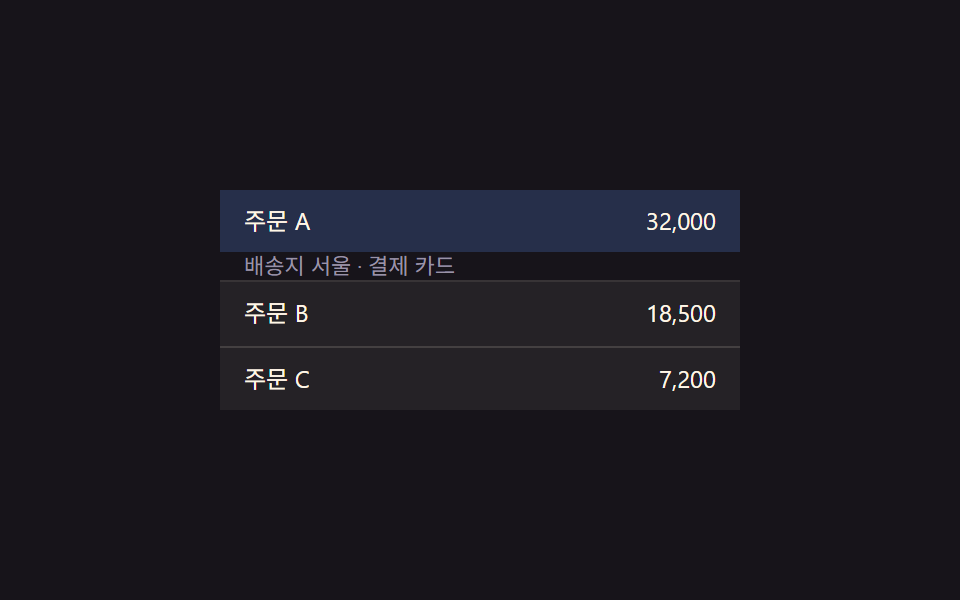 Collapsible Table Row: 9 UI PatternsCollapsible table row: One of nine grows a detail height as a row's expand value changes, one shrinks a removed row to z See all demos in this post
If you like this effect - similar demos
 Transitions01 Active-indicator slide-morph toggle — when the selected tab changes, the highlight's position and width values shift together from the old spot to the new oneCSS Bottom Navigation Bar: 9 Transition Patterns
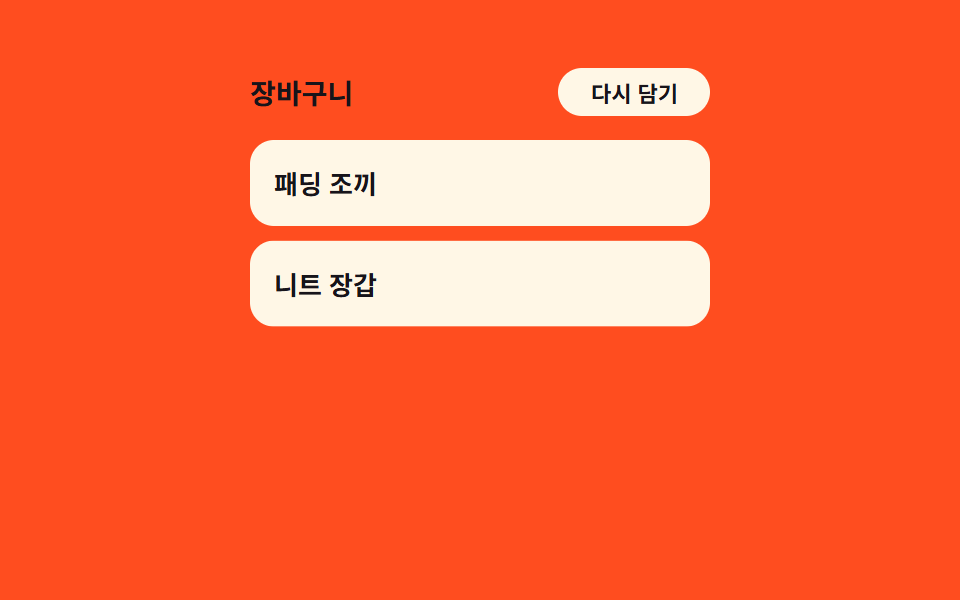 Transitions03 Item stagger cascade — each row's delay grows with its position value in the listCart Drawer UI Patterns: 9 Motion Techniques
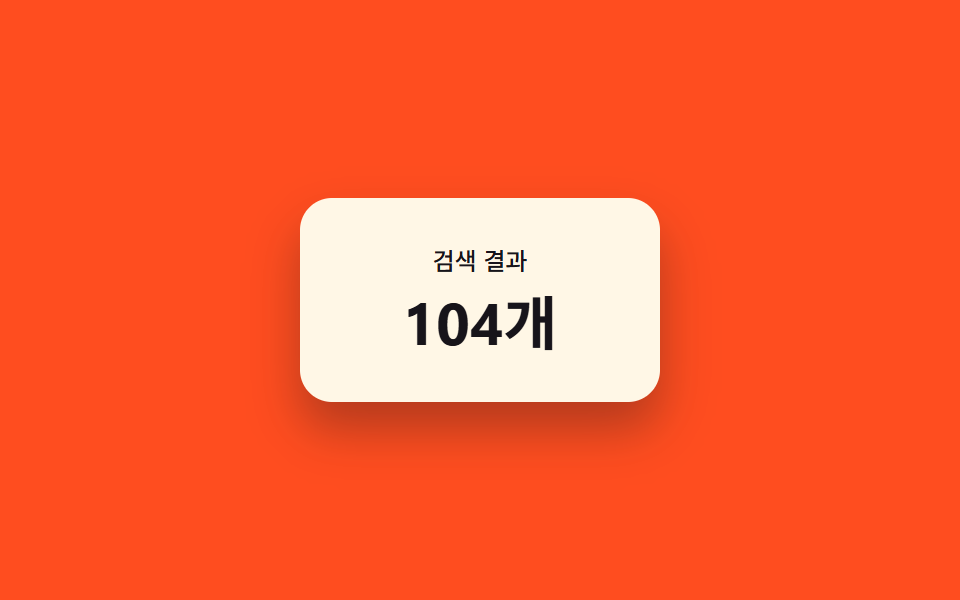 Transitions03 Result count morph — a number interpolating between its old and new value9 Filter UI Patterns (Panel Slide to Chip Remove)