css download button 9パターン — 沈み・満ち・ファイルが飛ぶボタン
css download button をラベルの入れ替えだけで作ると、矢印は硬く、進捗は段差になり、ファイルの行き先も見えない — 01番・02番・03番が計算で解く。取得ボタン一つを、押す・満ちる・届く・終わる・失敗するまで動きで見せる UI です。
ダウンロードボタンの九つの場面をこのページで見る
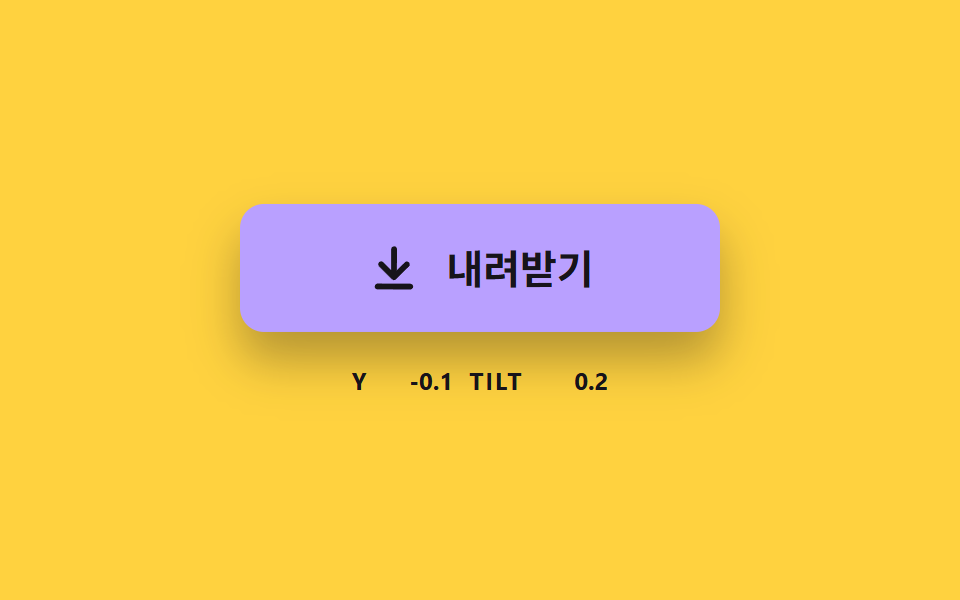 01 dlbtn-arrow-sink-spring
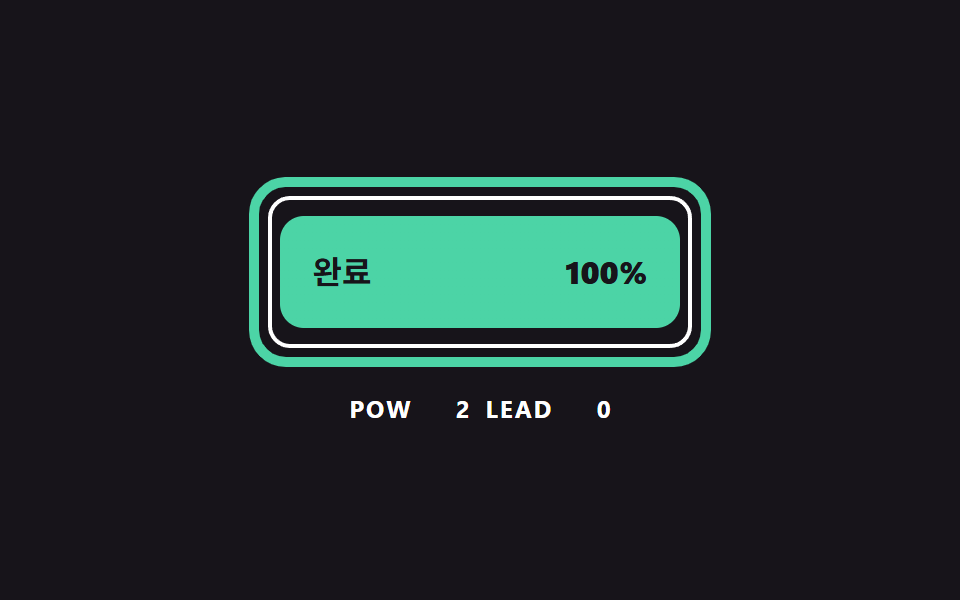 02 dlbtn-ring-progress-curve
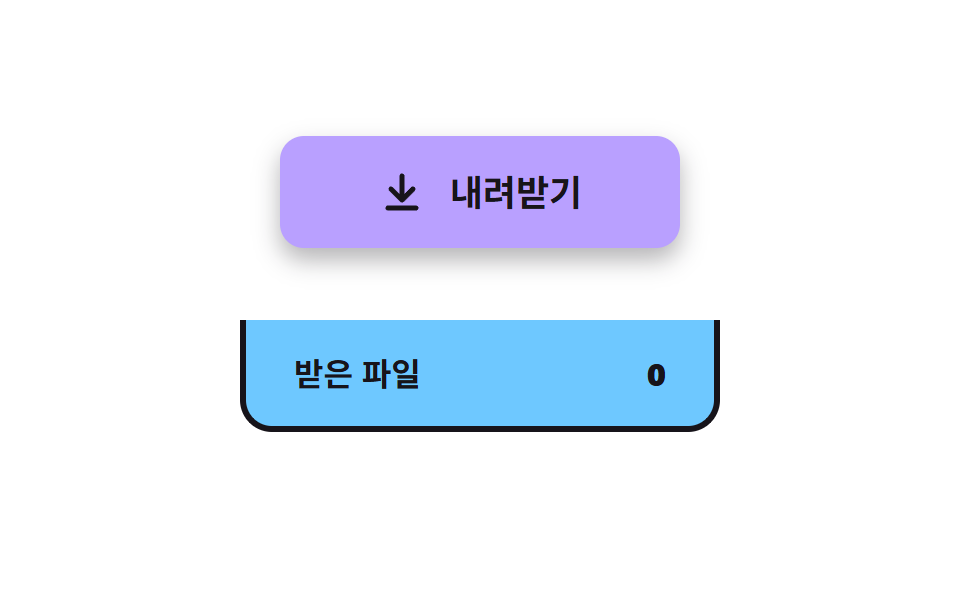 03 dlbtn-file-fly-tray
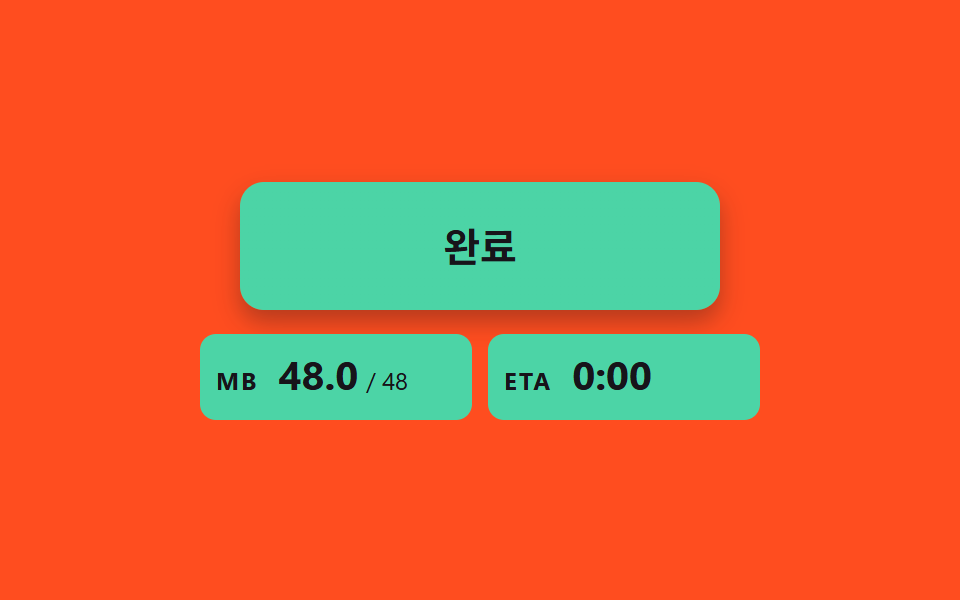 04 dlbtn-size-count-estimate
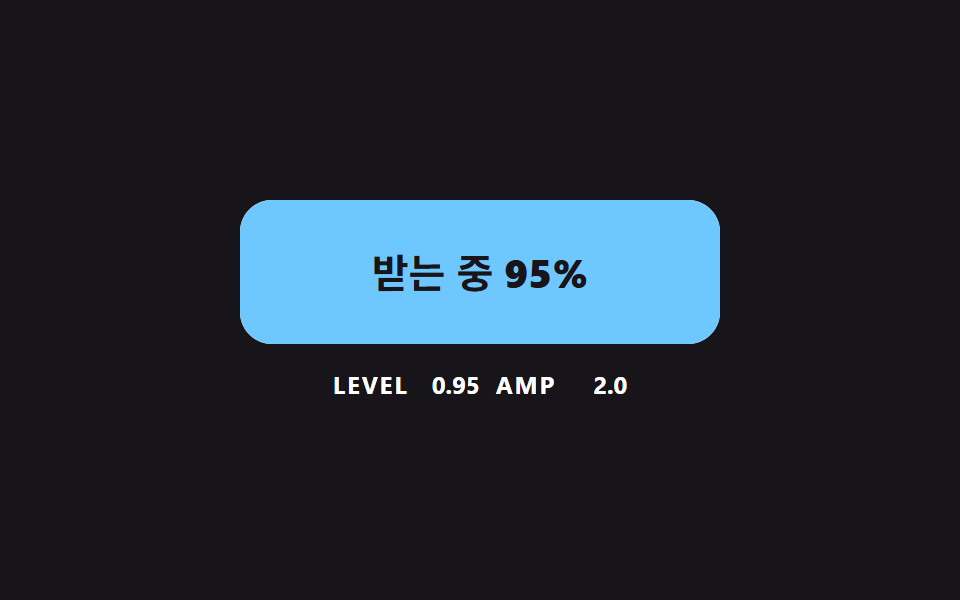 05 dlbtn-liquid-level-wave
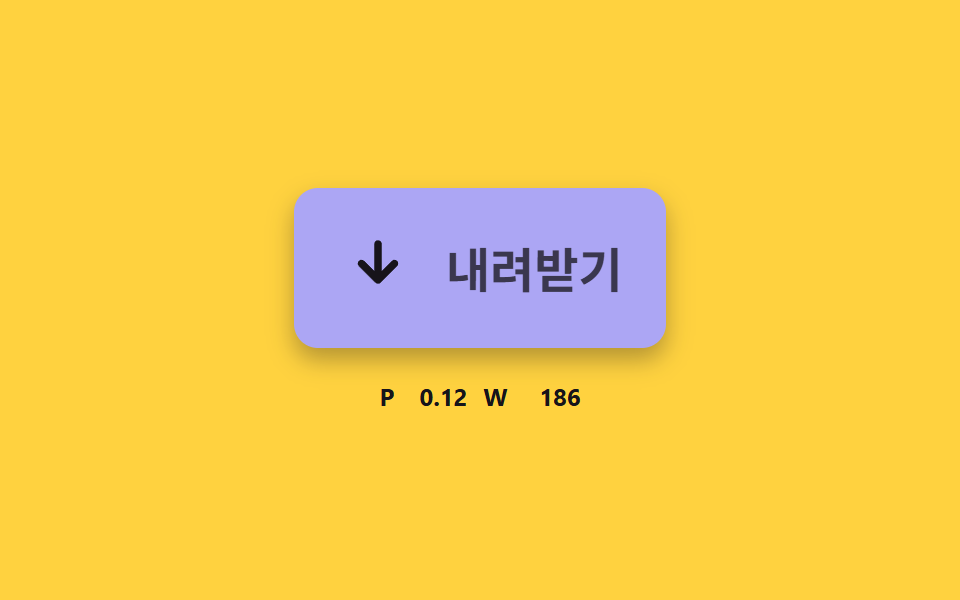 06 dlbtn-check-stroke-morph
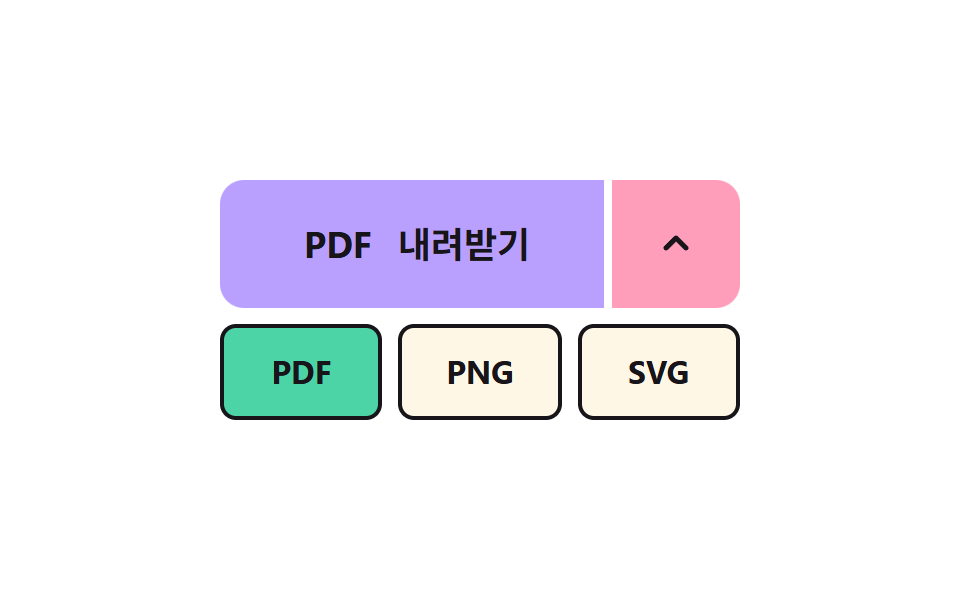 07 dlbtn-format-split-menu
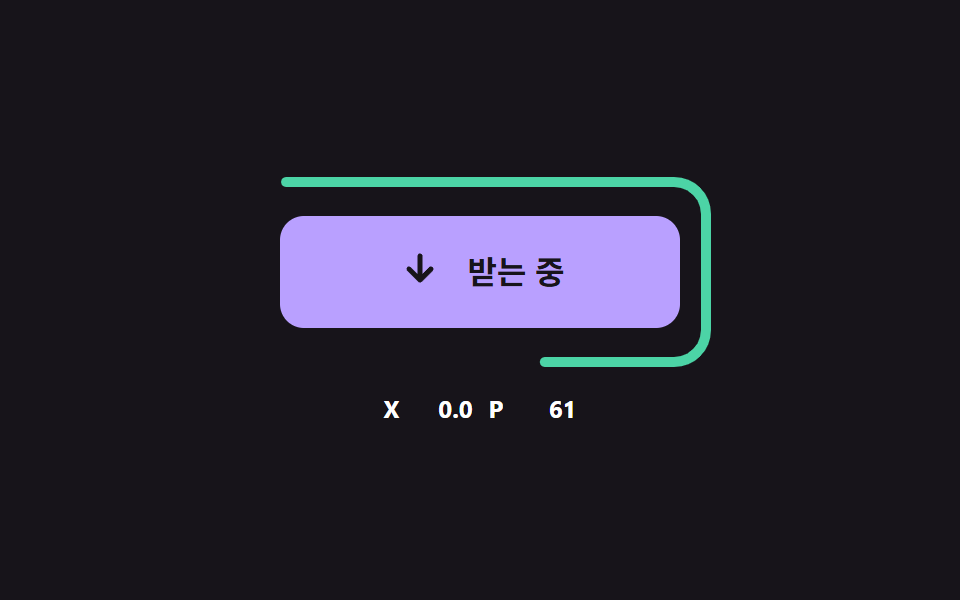 08 dlbtn-error-retry-decay
 09 dlbtn-magnet-sheen-hover
自動再生 · タイルを押すとその項目へ · すべて1つのzip
- 01 押すと沈む矢印
- 02 進捗カーブで満ちていく枠のリング
- 03 トレイへ飛んで収まるファイル
- 04 受け取ったサイズを数え上げるチップ
- 05 進捗に合わせて上がる液面
- 06 線の長さで矢印がチェックに変わる完了
- 07 形式を選ぶ分割ボタン
- 08 失敗して減衰し再試行するボタン
- 09 カーソルへ寄って光るボタン
css download button 9パターン — バネ・進捗曲線・経路を計算すると取得が感じられる
九つは、取得が一回流れていく順に並べました。01 は押すと沈む矢印、02 は進捗カーブで満ちるリング、03 はトレイへ飛ぶファイルで、04 は受け取ったサイズを数えるチップ、05 は上がる液面、06 は矢印がチェックに変わる完了です。07 は形式を選ぶ分割ボタン、08 は失敗して揺れ、もう一度試すボタン、09 はカーソルへ寄って光る第一印象のボタンです。
こんな画面で使います
資料ダウンロードのページや製品紹介の取得ボタンのように、一度押してファイルを持ち帰ってもらう場所で使います。容量の大きい資料を渡す画面なら 02 と 04 の進捗表示が、受け取ったファイルを溜めておく画面なら 03 のトレイが、形式が複数ある文書なら 07 の分割ボタンが先に要ります。どれも取得の状態を数値一つにまとめ、その数値から形を計算する点は同じです。
隣の記事とどこが違うか
css ボタン 押したら変わる 9選 — 状態遷移の実装は押したあとの状態の移り方を、ダウンロード 進捗バー 9選 — 値がパーセントで更新される9つの方式は取得中のファイルが一覧に並ぶ画面を扱います。この記事は、ボタン一つが押下・進捗・到着・完了・失敗をそれぞれどんな計算で動かすかに九つの場面を使いました。
技法別のコードで見るダウンロードボタン
九つの場面はどれも標準の button 要素で、動きは CSS の遷移ではなく、JS がフレームごとに計算した値で塗っています。入力がないあいだは .is-demo が付いていて二秒周期で同じ動きを繰り返し、最初の入力が来るとその場で外れ、同じ計算が入力を受けます。ライブラリと CDN は使わず、下のコードはソースの連続した区間をそのまま載せました。
01押すと沈む矢印
押すと矢印が SINK_PX の10px沈み、押した横位置の側へ最大14度傾きます。どちらもバネの式を8ms以下の小刻みなステップで積分して求め、SPRING_K 120・SPRING_DAMP 9 の減衰比は約0.41なので沈み量の約24%を行き過ぎてから戻り、取得ボタンの基本の押し心地に向きます。測定は累積面積13.3%、強度平均72.3、動いたフレーム23/23です。
<main class="stage">
<div class="sk is-demo" id="skRoot">
  <button class="sk__btn" id="skBtn" type="button">
    <svg class="sk__icon" id="skIcon" viewBox="0 0 24 24" aria-hidden="true"><path d="M12 4v11M6.5 10.5 12 16l5.5-5.5M5 20h14"/></svg>
    <span>ダウンロード</span>
  </button>
  <p class="sk__meta"><span class="sk__tag">Y</span> <b id="skY">0.0</b> <span class="sk__tag">TILT</span> <b id="skTilt">0.0</b></p>
</div>
</main>
@use "../../../../site/static/demo-tokens" as *;
// 핵심: 눌림 깊이는 CSS transition 이 아니라 JS 가 스프링 방정식으로 적분한 값이다.
// 그 값 하나(--p)가 버튼 색 · 그림자 길이 · 화살표 위치를 함께 끈다.
$sink-face: $subject-lilac;
$sink-deep: $subject-pink;
@include stage($stage-yellow);
.sk {
width: min(100%, 280px);
display: grid;
gap: $sp-4;
justify-items: center;
}
.sk__btn {
--p: 0;
box-sizing: border-box;
width: 240px;
max-width: 100%;
height: 64px;
display: inline-flex;
align-items: center;
justify-content: center;
gap: $sp-3;
border: 0;
border-radius: $r-control;
background: color-mix(in srgb, #{$sink-face}, #{$sink-deep} calc(var(--p) * 100%));
box-shadow: 0 calc(14px - 8px * var(--p)) calc(24px - 12px * var(--p)) rgba($subject-ink, .32);
color: $subject-ink;
font-family: inherit;
font-size: 20px;
font-weight: 700;
line-height: 24px;
cursor: pointer;
}
.sk__btn:focus-visible { outline: 3px solid $subject-ink; outline-offset: 3px; }
.sk__icon {
width: 28px;
height: 28px;
fill: none;
stroke: currentColor;
stroke-width: 2.5;
stroke-linecap: round;
stroke-linejoin: round;
}
.sk__meta {
margin: 0;
display: flex;
align-items: baseline;
gap: $sp-2;
font-size: 12px;
line-height: 16px;
color: $subject-ink;
}
.sk__tag { font-weight: 700; letter-spacing: .08em; }
.sk__meta b { min-width: 5ch; text-align: right; font-variant-numeric: tabular-nums; }
@media (prefers-reduced-motion: reduce) {
.sk__btn { transition: none; }
}html, body {
margin: 0;
overflow: hidden;
}
.stage {
box-sizing: border-box;
min-height: 100vh;
display: grid;
place-items: center;
margin: 0;
background: #ffd23f;
font-family: -apple-system, "Segoe UI", "Noto Sans KR", sans-serif;
padding: clamp(8px, 4vw, 24px);
}
.sk {
width: min(100%, 280px);
display: grid;
gap: 16px;
justify-items: center;
}
.sk__btn {
--p: 0;
box-sizing: border-box;
width: 240px;
max-width: 100%;
height: 64px;
display: inline-flex;
align-items: center;
justify-content: center;
gap: 12px;
border: 0;
border-radius: 12px;
background: color-mix(in srgb, #b9a0ff, #ff9ebb calc(var(--p) * 100%));
box-shadow: 0 calc(14px - 8px * var(--p)) calc(24px - 12px * var(--p)) rgba(23, 20, 26, 0.32);
color: #17141a;
font-family: inherit;
font-size: 20px;
font-weight: 700;
line-height: 24px;
cursor: pointer;
}
.sk__btn:focus-visible {
outline: 3px solid #17141a;
outline-offset: 3px;
}
.sk__icon {
width: 28px;
height: 28px;
fill: none;
stroke: currentColor;
stroke-width: 2.5;
stroke-linecap: round;
stroke-linejoin: round;
}
.sk__meta {
margin: 0;
display: flex;
align-items: baseline;
gap: 8px;
font-size: 12px;
line-height: 16px;
color: #17141a;
}
.sk__tag {
font-weight: 700;
letter-spacing: 0.08em;
}
.sk__meta b {
min-width: 5ch;
text-align: right;
font-variant-numeric: tabular-nums;
}
@media (prefers-reduced-motion: reduce) {
.sk__btn {
transition: none;
}
}(function () {
// 기법: 눌림 깊이와 기울기를 스프링 방정식 x'' = -K (x - 목표) - D x' 로 매 프레임 적분한다.
// 감쇠가 약해서 화살표는 제자리를 지나쳤다가 한 번 더 출렁이고 멈춘다 (CSS transition 으로는 못 만드는 곡선).
var SINK_PX = 10;
var SPRING_K = 120;
var SPRING_DAMP = 9;
var TILT_MAX = 14;
var START_MS = 200;
var HOLD_MS = 560;
var CYCLE_MS = 2000;
var root = document.getElementById('skRoot');
var btn = document.getElementById('skBtn');
var icon = document.getElementById('skIcon');
var yEl = document.getElementById('skY');
var tiltEl = document.getElementById('skTilt');
var reduce = window.matchMedia('(prefers-reduced-motion: reduce)').matches;
var y = 0;
var vy = 0;
var tilt = 0;
var vt = 0;
var pressed = false;
var side = 0;
var t0 = null;
var lastTs = null;
function clamp(v, lo, hi) { return Math.max(lo, Math.min(hi, v)); }
function stopDemo() { root.classList.remove('is-demo'); }
function goal(now) {
if (root.classList.contains('is-demo') && now >= START_MS) {
var ph = (now - START_MS) % CYCLE_MS;
return { depth: ph < HOLD_MS ? SINK_PX : 0, lean: ph < HOLD_MS ? -0.8 : (ph < 1100 ? 0.8 : 0) };
}
return { depth: pressed ? SINK_PX : 0, lean: side };
}
  function integrate(dt, g) {
    var n = Math.ceil(dt / 0.008);
    var h = dt / n;
    for (var i = 0; i < n; i += 1) {
      vy += (-SPRING_K * (y - g.depth) - SPRING_DAMP * vy) * h;
      y += vy * h;
      vt += (-SPRING_K * (tilt - g.lean * TILT_MAX) - SPRING_DAMP * vt) * h;
      tilt += vt * h;
    }
  }

  function render() {
    var p = clamp(y / SINK_PX, -0.3, 1);
    icon.style.transform = 'translateY(' + y.toFixed(2) + 'px) rotate(' + tilt.toFixed(2) + 'deg)';
    btn.style.transform = 'translateY(' + (y * 0.3).toFixed(2) + 'px)';
    btn.style.setProperty('--p', p.toFixed(3));
    yEl.textContent = y.toFixed(1);
    tiltEl.textContent = tilt.toFixed(1);
  }
function snap() {
var g = goal(0);
y = g.depth; vy = 0; tilt = g.lean * TILT_MAX; vt = 0;
render();
}
function press() { stopDemo(); pressed = true; if (reduce) snap(); }
function release() { pressed = false; if (reduce) snap(); }
btn.addEventListener('pointerdown', function (e) {
var r = btn.getBoundingClientRect();
side = clamp((e.clientX - r.left - r.width / 2) / (r.width / 2), -1, 1);
press();
});
btn.addEventListener('pointerup', release);
btn.addEventListener('pointerleave', release);
btn.addEventListener('pointercancel', release);
btn.addEventListener('keydown', function (e) {
if ((e.key === 'Enter' || e.key === ' ') && !e.repeat) { side = 0; press(); }
});
btn.addEventListener('keyup', function (e) { if (e.key === 'Enter' || e.key === ' ') release(); });
btn.addEventListener('blur', release);
function tick(ts) {
if (t0 === null) t0 = ts;
var now = ts - t0;
var dt = lastTs === null ? 0.016 : Math.min(0.05, (ts - lastTs) / 1000);
lastTs = ts;
integrate(dt, goal(now));
render();
requestAnimationFrame(tick);
}
if (reduce) {
stopDemo();
render();
} else {
requestAnimationFrame(tick);
}
})();// SinkArrowButton — vanilla 판(01-dlbtn-arrow-sink-spring) 의 React 포트.
// 눌림 깊이와 기울기를 스프링 방정식으로 매 프레임 적분한다. CSS transition 은 쓰지 않는다.
import { useEffect, useRef } from "react";
import styles from "./SinkArrowButton.module.scss";
const SINK_PX = 10;
const SPRING_K = 120;
const SPRING_DAMP = 9;
const TILT_MAX = 14;
const START_MS = 200;
const HOLD_MS = 560;
const CYCLE_MS = 2000;
type Goal = { depth: number; lean: number };
function clamp(v: number, lo: number, hi: number): number {
return Math.max(lo, Math.min(hi, v));
}
export default function SinkArrowButton() {
const btnRef = useRef<HTMLButtonElement | null>(null);
const iconRef = useRef<SVGSVGElement | null>(null);
const yRef = useRef<HTMLElement | null>(null);
const tiltRef = useRef<HTMLElement | null>(null);
useEffect(() => {
const btn = btnRef.current;
const icon = iconRef.current;
const yEl = yRef.current;
const tiltEl = tiltRef.current;
if (!btn || !icon || !yEl || !tiltEl) return;
const reduce = window.matchMedia("(prefers-reduced-motion: reduce)").matches;
let demo = !reduce;
let y = 0;
let vy = 0;
let tilt = 0;
let vt = 0;
let pressed = false;
let side = 0;
let t0: number | null = null;
let lastTs: number | null = null;
let raf = 0;
const goal = (now: number): Goal => {
if (demo && now >= START_MS) {
const ph = (now - START_MS) % CYCLE_MS;
return { depth: ph < HOLD_MS ? SINK_PX : 0, lean: ph < HOLD_MS ? -0.8 : ph < 1100 ? 0.8 : 0 };
}
return { depth: pressed ? SINK_PX : 0, lean: side };
};
const integrate = (dt: number, g: Goal): void => {
const n = Math.ceil(dt / 0.008);
const h = dt / n;
for (let i = 0; i < n; i += 1) {
vy += (-SPRING_K * (y - g.depth) - SPRING_DAMP * vy) * h;
y += vy * h;
vt += (-SPRING_K * (tilt - g.lean * TILT_MAX) - SPRING_DAMP * vt) * h;
tilt += vt * h;
}
};
const render = (): void => {
const p = clamp(y / SINK_PX, -0.3, 1);
icon.style.transform = `translateY(${y.toFixed(2)}px) rotate(${tilt.toFixed(2)}deg)`;
btn.style.transform = `translateY(${(y * 0.3).toFixed(2)}px)`;
btn.style.setProperty("--p", p.toFixed(3));
yEl.textContent = y.toFixed(1);
tiltEl.textContent = tilt.toFixed(1);
};
const snap = (): void => {
const g = goal(0);
y = g.depth; vy = 0; tilt = g.lean * TILT_MAX; vt = 0;
render();
};
const press = (): void => { demo = false; pressed = true; if (reduce) snap(); };
const release = (): void => { pressed = false; if (reduce) snap(); };
const onDown = (e: PointerEvent): void => {
const r = btn.getBoundingClientRect();
side = clamp((e.clientX - r.left - r.width / 2) / (r.width / 2), -1, 1);
press();
};
const onKeyDown = (e: KeyboardEvent): void => {
if ((e.key === "Enter" || e.key === " ") && !e.repeat) { side = 0; press(); }
};
const onKeyUp = (e: KeyboardEvent): void => { if (e.key === "Enter" || e.key === " ") release(); };
btn.addEventListener("pointerdown", onDown);
btn.addEventListener("pointerup", release);
btn.addEventListener("pointerleave", release);
btn.addEventListener("pointercancel", release);
btn.addEventListener("keydown", onKeyDown);
btn.addEventListener("keyup", onKeyUp);
btn.addEventListener("blur", release);
function tick(ts: number): void {
if (t0 === null) t0 = ts;
const now = ts - t0;
const dt = lastTs === null ? 0.016 : Math.min(0.05, (ts - lastTs) / 1000);
lastTs = ts;
integrate(dt, goal(now));
render();
raf = requestAnimationFrame(tick);
}
if (reduce) render();
else raf = requestAnimationFrame(tick);
return () => {
cancelAnimationFrame(raf);
btn.removeEventListener("pointerdown", onDown);
btn.removeEventListener("pointerup", release);
btn.removeEventListener("pointerleave", release);
btn.removeEventListener("pointercancel", release);
btn.removeEventListener("keydown", onKeyDown);
btn.removeEventListener("keyup", onKeyUp);
btn.removeEventListener("blur", release);
};
}, []);
return (
<main className={styles.stage}>
<div className={styles.sk}>
<button className={styles.sk__btn} type="button" ref={btnRef}>
<svg className={styles.sk__icon} viewBox="0 0 24 24" aria-hidden="true" ref={iconRef}>
<path d="M12 4v11M6.5 10.5 12 16l5.5-5.5M5 20h14" />
</svg>
<span>내려받기</span>
</button>
<p className={styles.sk__meta}>
<span className={styles.sk__tag}>Y</span> <b ref={yRef}>0.0</b> <span className={styles.sk__tag}>TILT</span> <b ref={tiltRef}>0.0</b>
</p>
</div>
</main>
);
}01 · 押すと沈む矢印 — 計測 累積面積 13.29% · 動いたフレーム 23/23GODRICH オリジナル · SCSS と React は zip に同梱 · パスワードを見る
function integrate(dt, g) {
var n = Math.ceil(dt / 0.008);
var h = dt / n;
for (var i = 0; i < n; i += 1) {
vy += (-SPRING_K * (y - g.depth) - SPRING_DAMP * vy) * h;
y += vy * h;
vt += (-SPRING_K * (tilt - g.lean * TILT_MAX) - SPRING_DAMP * vt) * h;
tilt += vt * h;
}
}
function render() {
var p = clamp(y / SINK_PX, -0.3, 1);
icon.style.transform = 'translateY(' + y.toFixed(2) + 'px) rotate(' + tilt.toFixed(2) + 'deg)';
btn.style.transform = 'translateY(' + (y * 0.3).toFixed(2) + 'px)';
btn.style.setProperty('--p', p.toFixed(3));
yEl.textContent = y.toFixed(1);
tiltEl.textContent = tilt.toFixed(1);
}
02進捗カーブで満ちていく枠のリング
太いリングは CURVE_POW 2 の曲線 1 - (1 - u)^CURVE_POW に従い、内側の細いリングは均一な進み方 u のままで、二つの差 LEAD は u 0.5 で最大25ポイントまで開きます。リングとボタン内の塗りが同じ進捗を読み、aria-valuenow を毎フレーム更新するので、大きなファイルの取得案内のように出足が速く見えてほしい場所に使えます。測定は累積面積11.1%、強度平均117.5、動いたフレーム19/23です。
<main class="stage">
<div class="rg is-demo" id="rgRoot">
  <div class="rg__wrap" id="rgBar" role="progressbar" aria-labelledby="rgLabel" aria-valuemin="0" aria-valuemax="100" aria-valuenow="0" aria-valuetext="0%">
    <svg class="rg__svg" viewBox="0 0 232 96" aria-hidden="true">
      <rect class="rg__ghost" id="rgGhost" x="11" y="11" width="210" height="74" pathLength="100"/>
      <rect class="rg__ring" id="rgRing" x="3" y="3" width="226" height="90" pathLength="100"/>
    </svg>
    <button class="rg__btn" id="rgBtn" type="button"><span id="rgLabel">ダウンロード</span><b id="rgPct">0%</b></button>
  </div>
  <p class="rg__meta"><span class="rg__tag">POW</span> <b id="rgPow">2</b> <span class="rg__tag">LEAD</span> <b id="rgLead">0</b></p>
</div>
</main>
@use "../../../../site/static/demo-tokens" as *;
// 핵심: 링 길이는 SVG stroke-dashoffset, 값은 JS 가 곡선으로 계산한다. 버튼 안 채움도 같은 진행률(--f)을 쓴다.
$ring-face: $subject-sky;
$ring-fill: $subject-mint;
@include stage($stage-ink);
.rg {
width: min(100%, 280px);
display: grid;
gap: $sp-3;
justify-items: center;
}
.rg__wrap {
position: relative;
width: 232px;
max-width: 100%;
aspect-ratio: 232 / 96;
}
.rg__svg {
position: absolute;
inset: 0;
width: 100%;
height: 100%;
}
.rg__ring, .rg__ghost {
fill: none;
stroke-dasharray: 100 100;
stroke-dashoffset: 100;
stroke-linecap: round;
}
.rg__ring { stroke: $subject-mint; stroke-width: 5; }
.rg__ghost { stroke: $stage-paper; stroke-width: 2; }
.rg__btn {
--f: 0;
position: absolute;
left: 7%;
right: 7%;
top: 21%;
bottom: 21%;
box-sizing: border-box;
display: flex;
align-items: center;
justify-content: space-between;
padding: 0 $sp-4;
border: 0;
border-radius: $r-control;
background: linear-gradient(90deg, #{$ring-fill} calc(var(--f) * 100%), #{$ring-face} calc(var(--f) * 100%));
color: $subject-ink;
font-family: inherit;
font-size: 16px;
font-weight: 700;
line-height: 24px;
cursor: pointer;
}
.rg__btn:focus-visible { outline: 3px solid $stage-paper; outline-offset: 4px; }
.rg__btn b { font-variant-numeric: tabular-nums; }
.rg__meta {
margin: 0;
display: flex;
align-items: baseline;
gap: $sp-2;
font-size: 12px;
line-height: 16px;
color: $stage-paper;
}
.rg__tag { font-weight: 700; letter-spacing: .08em; }
.rg__meta b { min-width: 3ch; text-align: right; font-variant-numeric: tabular-nums; }
@media (prefers-reduced-motion: reduce) {
.rg__btn { transition: none; }
}html, body {
margin: 0;
overflow: hidden;
}
.stage {
box-sizing: border-box;
min-height: 100vh;
display: grid;
place-items: center;
margin: 0;
background: #17141a;
font-family: -apple-system, "Segoe UI", "Noto Sans KR", sans-serif;
padding: clamp(8px, 4vw, 24px);
}
.rg {
width: min(100%, 280px);
display: grid;
gap: 12px;
justify-items: center;
}
.rg__wrap {
position: relative;
width: 232px;
max-width: 100%;
aspect-ratio: 232/96;
}
.rg__svg {
position: absolute;
inset: 0;
width: 100%;
height: 100%;
}
.rg__ring, .rg__ghost {
fill: none;
stroke-dasharray: 100 100;
stroke-dashoffset: 100;
stroke-linecap: round;
}
.rg__ring {
stroke: #4cd4a6;
stroke-width: 5;
}
.rg__ghost {
stroke: #ffffff;
stroke-width: 2;
}
.rg__btn {
--f: 0;
position: absolute;
left: 7%;
right: 7%;
top: 21%;
bottom: 21%;
box-sizing: border-box;
display: flex;
align-items: center;
justify-content: space-between;
padding: 0 16px;
border: 0;
border-radius: 12px;
background: linear-gradient(90deg, #4cd4a6 calc(var(--f) * 100%), #6ec8ff calc(var(--f) * 100%));
color: #17141a;
font-family: inherit;
font-size: 16px;
font-weight: 700;
line-height: 24px;
cursor: pointer;
}
.rg__btn:focus-visible {
outline: 3px solid #ffffff;
outline-offset: 4px;
}
.rg__btn b {
font-variant-numeric: tabular-nums;
}
.rg__meta {
margin: 0;
display: flex;
align-items: baseline;
gap: 8px;
font-size: 12px;
line-height: 16px;
color: #ffffff;
}
.rg__tag {
font-weight: 700;
letter-spacing: 0.08em;
}
.rg__meta b {
min-width: 3ch;
text-align: right;
font-variant-numeric: tabular-nums;
}
@media (prefers-reduced-motion: reduce) {
.rg__btn {
transition: none;
}
}(function () {
// 기법: 진행률을 시간에 비례시키지 않고 곡선 p = 1 - (1 - u)^CURVE_POW 로 계산한다 (u 는 시간 비율).
// 굵은 링 = 곡선 진행률, 가는 안쪽 링 = 같은 시간의 균일 진행률. 둘의 차이(LEAD)가 곡선이 앞서는 만큼이다.
var CURVE_POW = 2;
var RING_R = 16;
var RUN_MS = 1400;
var START_MS = 200;
var CYCLE_MS = 2000;
var root = document.getElementById('rgRoot');
var bar = document.getElementById('rgBar');
var btn = document.getElementById('rgBtn');
var ring = document.getElementById('rgRing');
var ghost = document.getElementById('rgGhost');
var labelEl = document.getElementById('rgLabel');
var pctEl = document.getElementById('rgPct');
var powEl = document.getElementById('rgPow');
var leadEl = document.getElementById('rgLead');
var reduce = window.matchMedia('(prefers-reduced-motion: reduce)').matches;
var clock = 0;
var runStart = null;
var t0 = null;
var lastTs = null;
function ringCurve(u) { return 1 - Math.pow(1 - u, CURVE_POW); }
function stopDemo() { root.classList.remove('is-demo'); }
ring.setAttribute('rx', String(RING_R));
ghost.setAttribute('rx', String(RING_R - 6));
powEl.textContent = String(CURVE_POW);
function startOf(now) {
if (root.classList.contains('is-demo')) {
return now < START_MS ? null : START_MS + Math.floor((now - START_MS) / CYCLE_MS) * CYCLE_MS;
}
return runStart === 'done' ? null : runStart;
}
  function render(now) {
    var s = startOf(now);
    var u = s === null ? 0 : Math.max(0, Math.min(1, (now - s) / RUN_MS));
    if (reduce && runStart === 'done') u = 1;
    var p = ringCurve(u);
    var pct = Math.round(p * 100);
    ring.style.strokeDashoffset = String((100 - p * 100).toFixed(2));
    ghost.style.strokeDashoffset = String((100 - u * 100).toFixed(2));
    ring.style.opacity = p < 0.004 ? '0' : '1';
    ghost.style.opacity = u < 0.004 ? '0' : '1';
    btn.style.setProperty('--f', p.toFixed(3));
    pctEl.textContent = pct + '%';
    leadEl.textContent = String(Math.round((p - u) * 100));
    labelEl.textContent = u >= 1 ? '完了' : (u > 0 ? '受信中' : 'ダウンロード');
    bar.setAttribute('aria-valuenow', String(pct));
    bar.setAttribute('aria-valuetext', pct + '%');
  }
function activate() {
stopDemo();
if (reduce) { runStart = 'done'; render(clock); return; }
if (runStart !== null && runStart !== 'done' && clock - runStart < RUN_MS) return;
runStart = clock;
}
btn.addEventListener('click', activate);
function tick(ts) {
if (t0 === null) t0 = ts;
clock = ts - t0;
lastTs = ts;
render(clock);
requestAnimationFrame(tick);
}
if (reduce) {
stopDemo();
render(0);
} else {
requestAnimationFrame(tick);
}
})();// RingProgressButton — vanilla 판(02-dlbtn-ring-progress-curve) 의 React 포트.
// 진행률은 곡선 p = 1 - (1 - u)^CURVE_POW 로 계산한다. 굵은 링 = 곡선, 가는 링 = 같은 시간의 균일 진행률.
import { useEffect, useRef } from "react";
import styles from "./RingProgressButton.module.scss";
const CURVE_POW = 2;
const RING_R = 16;
const RUN_MS = 1400;
const START_MS = 200;
const CYCLE_MS = 2000;
type Start = number | "done" | null;
function ringCurve(u: number): number {
return 1 - Math.pow(1 - u, CURVE_POW);
}
export default function RingProgressButton() {
const barRef = useRef<HTMLDivElement | null>(null);
const btnRef = useRef<HTMLButtonElement | null>(null);
const ringRef = useRef<SVGRectElement | null>(null);
const ghostRef = useRef<SVGRectElement | null>(null);
const labelRef = useRef<HTMLSpanElement | null>(null);
const pctRef = useRef<HTMLElement | null>(null);
const leadRef = useRef<HTMLElement | null>(null);
useEffect(() => {
const bar = barRef.current;
const btn = btnRef.current;
const ring = ringRef.current;
const ghost = ghostRef.current;
const labelEl = labelRef.current;
const pctEl = pctRef.current;
const leadEl = leadRef.current;
if (!bar || !btn || !ring || !ghost || !labelEl || !pctEl || !leadEl) return;
const reduce = window.matchMedia("(prefers-reduced-motion: reduce)").matches;
let demo = !reduce;
let clock = 0;
let runStart: Start = null;
let t0: number | null = null;
let raf = 0;
ring.setAttribute("rx", String(RING_R));
ghost.setAttribute("rx", String(RING_R - 6));
const startOf = (now: number): number | null => {
if (demo) return now < START_MS ? null : START_MS + Math.floor((now - START_MS) / CYCLE_MS) * CYCLE_MS;
return runStart === "done" ? null : runStart;
};
const render = (now: number): void => {
const s = startOf(now);
let u = s === null ? 0 : Math.max(0, Math.min(1, (now - s) / RUN_MS));
if (reduce && runStart === "done") u = 1;
const p = ringCurve(u);
const pct = Math.round(p * 100);
ring.style.strokeDashoffset = (100 - p * 100).toFixed(2);
ghost.style.strokeDashoffset = (100 - u * 100).toFixed(2);
ring.style.opacity = p < 0.004 ? "0" : "1";
ghost.style.opacity = u < 0.004 ? "0" : "1";
btn.style.setProperty("--f", p.toFixed(3));
pctEl.textContent = pct + "%";
leadEl.textContent = String(Math.round((p - u) * 100));
labelEl.textContent = u >= 1 ? "완료" : u > 0 ? "받는 중" : "내려받기";
bar.setAttribute("aria-valuenow", String(pct));
bar.setAttribute("aria-valuetext", pct + "%");
};
const activate = (): void => {
demo = false;
if (reduce) { runStart = "done"; render(clock); return; }
if (typeof runStart === "number" && clock - runStart < RUN_MS) return;
runStart = clock;
};
btn.addEventListener("click", activate);
function tick(ts: number): void {
if (t0 === null) t0 = ts;
clock = ts - t0;
render(clock);
raf = requestAnimationFrame(tick);
}
if (reduce) render(0);
else raf = requestAnimationFrame(tick);
return () => {
cancelAnimationFrame(raf);
btn.removeEventListener("click", activate);
};
}, []);
return (
<main className={styles.stage}>
<div className={styles.rg}>
<div className={styles.rg__wrap} ref={barRef} role="progressbar" aria-labelledby="rgLabel" aria-valuemin={0} aria-valuemax={100} aria-valuenow={0} aria-valuetext="0%">
<svg className={styles.rg__svg} viewBox="0 0 232 96" aria-hidden="true">
<rect className={styles.rg__ghost} ref={ghostRef} x="11" y="11" width="210" height="74" pathLength="100" />
<rect className={styles.rg__ring} ref={ringRef} x="3" y="3" width="226" height="90" pathLength="100" />
</svg>
<button className={styles.rg__btn} type="button" ref={btnRef}>
<span id="rgLabel" ref={labelRef}>내려받기</span>
<b ref={pctRef}>0%</b>
</button>
</div>
<p className={styles.rg__meta}>
<span className={styles.rg__tag}>POW</span> <b>{CURVE_POW}</b> <span className={styles.rg__tag}>LEAD</span> <b ref={leadRef}>0</b>
</p>
</div>
</main>
);
}02 · 進捗カーブで満ちていく枠のリング — 計測 累積面積 11.07% · 動いたフレーム 19/23GODRICH オリジナル · SCSS と React は zip に同梱 · パスワードを見る
function render(now) {
var s = startOf(now);
var u = s === null ? 0 : Math.max(0, Math.min(1, (now - s) / RUN_MS));
if (reduce && runStart === 'done') u = 1;
var p = ringCurve(u);
var pct = Math.round(p * 100);
ring.style.strokeDashoffset = String((100 - p * 100).toFixed(2));
ghost.style.strokeDashoffset = String((100 - u * 100).toFixed(2));
ring.style.opacity = p < 0.004 ? '0' : '1';
ghost.style.opacity = u < 0.004 ? '0' : '1';
btn.style.setProperty('--f', p.toFixed(3));
pctEl.textContent = pct + '%';
leadEl.textContent = String(Math.round((p - u) * 100));
labelEl.textContent = u >= 1 ? '完了' : (u > 0 ? '受信中' : 'ダウンロード');
bar.setAttribute('aria-valuenow', String(pct));
bar.setAttribute('aria-valuetext', pct + '%');
}
03トレイへ飛んで収まるファイル
ファイルのアイコンが FLY_MS 700ms のあいだ二次ベジェ曲線をたどり、最大 ARC_HEIGHT 56px の弧を描きながら回って小さくなり、トレイの近くで消えます。着くとトレイが TRAY_BOUNCE 14px 押し下がり、減衰比約0.37のバネで何度か揺れて戻って個数が一つ増えるので、受け取ったファイルの行き先を見せる場面に使います。測定は累積面積11.8%、強度平均101.2、動いたフレーム21/23です。
<main class="stage">
<div class="fl is-demo" id="flRoot">
  <button class="fl__btn" id="flBtn" type="button">
    <svg class="fl__icon" viewBox="0 0 24 24" aria-hidden="true"><path d="M12 4v11M6.5 10.5 12 16l5.5-5.5M5 20h14"/></svg>
    <span>ダウンロード</span>
  </button>
  <svg class="fl__file" id="flFile" viewBox="0 0 24 24" aria-hidden="true"><path d="M7 3h7l5 5v13H7zM14 3v5h5"/></svg>
  <div class="fl__tray" id="flTray" role="status"><span>受信済み</span><b id="flCount">0</b></div>
</div>
</main>
@use "../../../../site/static/demo-tokens" as *;
// 핵심: 파일은 JS 가 베지어 곡선 위 좌표를 계산해 transform 으로 옮긴다. 도착한 순간 트레이가 스프링으로 튄다.
$fly-face: $subject-lilac;
$fly-tray: $subject-sky;
$fly-land: $subject-mint;
@include stage($stage-paper);
.fl {
position: relative;
width: 240px;
max-width: 100%;
height: 164px;
}
.fl__btn {
position: absolute;
left: 20px;
right: 20px;
top: 0;
box-sizing: border-box;
height: 56px;
display: flex;
align-items: center;
justify-content: center;
gap: $sp-3;
border: 0;
border-radius: $r-control;
background: $fly-face;
box-shadow: $shadow-press;
color: $subject-ink;
font-family: inherit;
font-size: 18px;
font-weight: 700;
line-height: 24px;
cursor: pointer;
}
.fl__btn:focus-visible { outline: 3px solid $subject-ink; outline-offset: 3px; }
.fl__icon {
width: 24px;
height: 24px;
fill: none;
stroke: currentColor;
stroke-width: 2.5;
stroke-linecap: round;
stroke-linejoin: round;
}
.fl__file {
position: absolute;
left: 0;
top: 0;
width: 28px;
height: 28px;
opacity: 0;
fill: $stage-paper;
stroke: $subject-ink;
stroke-width: 2;
stroke-linejoin: round;
pointer-events: none;
}
.fl__tray {
--h: 0;
position: absolute;
left: 0;
right: 0;
top: 92px;
box-sizing: border-box;
height: 56px;
display: flex;
align-items: center;
justify-content: space-between;
padding: 0 $sp-6;
border: 3px solid $subject-ink;
border-top-width: 0;
border-radius: 0 0 $r-card $r-card;
background: color-mix(in srgb, #{$fly-tray}, #{$fly-land} calc(var(--h) * 100%));
color: $subject-ink;
font-size: 16px;
font-weight: 700;
line-height: 24px;
}
.fl__tray b { min-width: 3ch; text-align: right; font-variant-numeric: tabular-nums; }
@media (prefers-reduced-motion: reduce) {
.fl__tray { transition: none; }
}html, body {
margin: 0;
overflow: hidden;
}
.stage {
box-sizing: border-box;
min-height: 100vh;
display: grid;
place-items: center;
margin: 0;
background: #ffffff;
font-family: -apple-system, "Segoe UI", "Noto Sans KR", sans-serif;
padding: clamp(8px, 4vw, 24px);
}
.fl {
position: relative;
width: 240px;
max-width: 100%;
height: 164px;
}
.fl__btn {
position: absolute;
left: 20px;
right: 20px;
top: 0;
box-sizing: border-box;
height: 56px;
display: flex;
align-items: center;
justify-content: center;
gap: 12px;
border: 0;
border-radius: 12px;
background: #b9a0ff;
box-shadow: 0 6px 12px rgba(23, 20, 26, 0.32);
color: #17141a;
font-family: inherit;
font-size: 18px;
font-weight: 700;
line-height: 24px;
cursor: pointer;
}
.fl__btn:focus-visible {
outline: 3px solid #17141a;
outline-offset: 3px;
}
.fl__icon {
width: 24px;
height: 24px;
fill: none;
stroke: currentColor;
stroke-width: 2.5;
stroke-linecap: round;
stroke-linejoin: round;
}
.fl__file {
position: absolute;
left: 0;
top: 0;
width: 28px;
height: 28px;
opacity: 0;
fill: #ffffff;
stroke: #17141a;
stroke-width: 2;
stroke-linejoin: round;
pointer-events: none;
}
.fl__tray {
--h: 0;
position: absolute;
left: 0;
right: 0;
top: 92px;
box-sizing: border-box;
height: 56px;
display: flex;
align-items: center;
justify-content: space-between;
padding: 0 24px;
border: 3px solid #17141a;
border-top-width: 0;
border-radius: 0 0 16px 16px;
background: color-mix(in srgb, #6ec8ff, #4cd4a6 calc(var(--h) * 100%));
color: #17141a;
font-size: 16px;
font-weight: 700;
line-height: 24px;
}
.fl__tray b {
min-width: 3ch;
text-align: right;
font-variant-numeric: tabular-nums;
}
@media (prefers-reduced-motion: reduce) {
.fl__tray {
transition: none;
}
}(function () {
// 기법: 파일 아이콘은 2차 베지어 곡선 B(t) = (1-t)^2 P0 + 2(1-t)t P1 + t^2 P2 위를 날아간다.
// 제어점 P1 을 옆으로 ARC_HEIGHT 만큼 밀어 활처럼 휘게 하고, 도착하면 트레이를 TRAY_BOUNCE 만큼 눌러 스프링으로 되돌린다.
var FLY_MS = 700;
var ARC_HEIGHT = 56;
var TRAY_BOUNCE = 14;
var TRAY_K = 180;
var TRAY_DAMP = 10;
var START_MS = 200;
var CYCLE_MS = 2000;
var root = document.getElementById('flRoot');
var btn = document.getElementById('flBtn');
var file = document.getElementById('flFile');
var tray = document.getElementById('flTray');
var countEl = document.getElementById('flCount');
var reduce = window.matchMedia('(prefers-reduced-motion: reduce)').matches;
var clock = 0;
var flightStart = null;
var count = 0;
var ty = 0;
var tv = 0;
var lastCycle = -1;
var t0 = null;
var lastTs = null;
function stopDemo() { root.classList.remove('is-demo'); }
function ease(t) { return t < 0.5 ? 4 * t * t * t : 1 - Math.pow(-2 * t + 2, 3) / 2; }
function geometry() {
var w = root.clientWidth;
var b = btn.offsetTop + btn.offsetHeight / 2;
var tr = tray.offsetTop + tray.offsetHeight / 2;
return { x: w / 2, y0: b, y2: tr };
}
function land() {
count += 1;
ty = TRAY_BOUNCE;
tv = 0;
flightStart = null;
}
  function renderFile(now) {
    if (flightStart === null) { file.style.opacity = '0'; return; }
    var t = Math.min(1, (now - flightStart) / FLY_MS);
    var e = ease(t);
    var g = geometry();
    var cx = g.x + 2 * ARC_HEIGHT;
    var cy = (g.y0 + g.y2) / 2;
    var x = (1 - e) * (1 - e) * g.x + 2 * (1 - e) * e * cx + e * e * g.x;
    var y = (1 - e) * (1 - e) * g.y0 + 2 * (1 - e) * e * cy + e * e * g.y2;
    var rot = 28 * Math.sin(Math.PI * e);
    var sc = 1 - 0.45 * e;
    file.style.opacity = t > 0.9 ? String((1 - t) * 10) : '1';
    file.style.transform = 'translate(' + (x - 14).toFixed(1) + 'px,' + (y - 14).toFixed(1) + 'px) rotate(' + rot.toFixed(1) + 'deg) scale(' + sc.toFixed(3) + ')';
  }

  function renderTray() {
    tray.style.transform = 'translateY(' + ty.toFixed(2) + 'px)';
    tray.style.setProperty('--h', Math.max(0, Math.min(1, ty / TRAY_BOUNCE)).toFixed(3));
    countEl.textContent = String(count);
  }
function activate() {
stopDemo();
if (reduce) { count += 1; renderTray(); return; }
if (flightStart === null) flightStart = clock;
}
btn.addEventListener('click', activate);
function tick(ts) {
if (t0 === null) t0 = ts;
clock = ts - t0;
var dt = lastTs === null ? 0.016 : Math.min(0.05, (ts - lastTs) / 1000);
lastTs = ts;
if (root.classList.contains('is-demo') && clock >= START_MS) {
var cyc = Math.floor((clock - START_MS) / CYCLE_MS);
if (cyc > lastCycle) { lastCycle = cyc; count = 0; flightStart = START_MS + cyc * CYCLE_MS; }
}
if (flightStart !== null && clock - flightStart >= FLY_MS) land();
var n = Math.ceil(dt / 0.008);
var h = dt / n;
for (var i = 0; i < n; i += 1) {
tv += (-TRAY_K * ty - TRAY_DAMP * tv) * h;
ty += tv * h;
}
renderFile(clock);
renderTray();
requestAnimationFrame(tick);
}
if (reduce) {
stopDemo();
renderTray();
} else {
requestAnimationFrame(tick);
}
})();// FlyTrayButton — vanilla 판(03-dlbtn-file-fly-tray) 의 React 포트.
// 파일 아이콘은 2차 베지어 곡선 위를 날고, 도착하면 트레이가 TRAY_BOUNCE 만큼 눌렸다가 스프링으로 돌아온다.
import { useEffect, useRef } from "react";
import styles from "./FlyTrayButton.module.scss";
const FLY_MS = 700;
const ARC_HEIGHT = 56;
const TRAY_BOUNCE = 14;
const TRAY_K = 180;
const TRAY_DAMP = 10;
const START_MS = 200;
const CYCLE_MS = 2000;
function ease(t: number): number {
return t < 0.5 ? 4 * t * t * t : 1 - Math.pow(-2 * t + 2, 3) / 2;
}
export default function FlyTrayButton() {
const rootRef = useRef<HTMLDivElement | null>(null);
const btnRef = useRef<HTMLButtonElement | null>(null);
const fileRef = useRef<SVGSVGElement | null>(null);
const trayRef = useRef<HTMLDivElement | null>(null);
const countRef = useRef<HTMLElement | null>(null);
useEffect(() => {
const root = rootRef.current;
const btn = btnRef.current;
const file = fileRef.current;
const tray = trayRef.current;
const countEl = countRef.current;
if (!root || !btn || !file || !tray || !countEl) return;
const reduce = window.matchMedia("(prefers-reduced-motion: reduce)").matches;
let demo = !reduce;
let clock = 0;
let flightStart: number | null = null;
let count = 0;
let ty = 0;
let tv = 0;
let lastCycle = -1;
let t0: number | null = null;
let lastTs: number | null = null;
let raf = 0;
const land = (): void => { count += 1; ty = TRAY_BOUNCE; tv = 0; flightStart = null; };
const renderFile = (now: number): void => {
if (flightStart === null) { file.style.opacity = "0"; return; }
const t = Math.min(1, (now - flightStart) / FLY_MS);
const e = ease(t);
const gx = root.clientWidth / 2;
const y0 = btn.offsetTop + btn.offsetHeight / 2;
const y2 = tray.offsetTop + tray.offsetHeight / 2;
const cx = gx + 2 * ARC_HEIGHT;
const cy = (y0 + y2) / 2;
const x = (1 - e) * (1 - e) * gx + 2 * (1 - e) * e * cx + e * e * gx;
const y = (1 - e) * (1 - e) * y0 + 2 * (1 - e) * e * cy + e * e * y2;
const rot = 28 * Math.sin(Math.PI * e);
const sc = 1 - 0.45 * e;
file.style.opacity = t > 0.9 ? String((1 - t) * 10) : "1";
file.style.transform = `translate(${(x - 14).toFixed(1)}px,${(y - 14).toFixed(1)}px) rotate(${rot.toFixed(1)}deg) scale(${sc.toFixed(3)})`;
};
const renderTray = (): void => {
tray.style.transform = `translateY(${ty.toFixed(2)}px)`;
tray.style.setProperty("--h", Math.max(0, Math.min(1, ty / TRAY_BOUNCE)).toFixed(3));
countEl.textContent = String(count);
};
const activate = (): void => {
demo = false;
if (reduce) { count += 1; renderTray(); return; }
if (flightStart === null) flightStart = clock;
};
btn.addEventListener("click", activate);
function tick(ts: number): void {
if (t0 === null) t0 = ts;
clock = ts - t0;
const dt = lastTs === null ? 0.016 : Math.min(0.05, (ts - lastTs) / 1000);
lastTs = ts;
if (demo && clock >= START_MS) {
const cyc = Math.floor((clock - START_MS) / CYCLE_MS);
if (cyc > lastCycle) { lastCycle = cyc; count = 0; flightStart = START_MS + cyc * CYCLE_MS; }
}
if (flightStart !== null && clock - flightStart >= FLY_MS) land();
const n = Math.ceil(dt / 0.008);
const h = dt / n;
for (let i = 0; i < n; i += 1) {
tv += (-TRAY_K * ty - TRAY_DAMP * tv) * h;
ty += tv * h;
}
renderFile(clock);
renderTray();
raf = requestAnimationFrame(tick);
}
if (reduce) renderTray();
else raf = requestAnimationFrame(tick);
return () => {
cancelAnimationFrame(raf);
btn.removeEventListener("click", activate);
};
}, []);
return (
<main className={styles.stage}>
<div className={styles.fl} ref={rootRef}>
<button className={styles.fl__btn} type="button" ref={btnRef}>
<svg className={styles.fl__icon} viewBox="0 0 24 24" aria-hidden="true">
<path d="M12 4v11M6.5 10.5 12 16l5.5-5.5M5 20h14" />
</svg>
<span>내려받기</span>
</button>
<svg className={styles.fl__file} viewBox="0 0 24 24" aria-hidden="true" ref={fileRef}>
<path d="M7 3h7l5 5v13H7zM14 3v5h5" />
</svg>
<div className={styles.fl__tray} role="status" ref={trayRef}>
<span>받은 파일</span>
<b ref={countRef}>0</b>
</div>
</div>
</main>
);
}03 · トレイへ飛んで収まるファイル — 計測 累積面積 11.791% · 動いたフレーム 21/23GODRICH オリジナル · SCSS と React は zip に同梱 · パスワードを見る
function renderFile(now) {
if (flightStart === null) { file.style.opacity = '0'; return; }
var t = Math.min(1, (now - flightStart) / FLY_MS);
var e = ease(t);
var g = geometry();
var cx = g.x + 2 * ARC_HEIGHT;
var cy = (g.y0 + g.y2) / 2;
var x = (1 - e) * (1 - e) * g.x + 2 * (1 - e) * e * cx + e * e * g.x;
var y = (1 - e) * (1 - e) * g.y0 + 2 * (1 - e) * e * cy + e * e * g.y2;
var rot = 28 * Math.sin(Math.PI * e);
var sc = 1 - 0.45 * e;
file.style.opacity = t > 0.9 ? String((1 - t) * 10) : '1';
file.style.transform = 'translate(' + (x - 14).toFixed(1) + 'px,' + (y - 14).toFixed(1) + 'px) rotate(' + rot.toFixed(1) + 'deg) scale(' + sc.toFixed(3) + ')';
}
function renderTray() {
tray.style.transform = 'translateY(' + ty.toFixed(2) + 'px)';
tray.style.setProperty('--h', Math.max(0, Math.min(1, ty / TRAY_BOUNCE)).toFixed(3));
countEl.textContent = String(count);
}
04受け取ったサイズを数え上げるチップ
受信サイズは TARGET_MB 48 に COUNT_EASE 3乗の減速曲線を掛けて上がり、残り時間は残量を、ここまでの平均速度で割って出します。48MBと2分はデモ用の定数で、残り時間は約40秒から始まって0:00へ減るので、サイズと残り時間を並べて書く場所の型として使います。測定は累積面積18.6%、強度平均80.9、動いたフレーム19/23です。
<main class="stage">
<div class="sz is-demo" id="szRoot">
  <button class="sz__btn" id="szBtn" type="button"><span id="szLabel">ダウンロード</span></button>
  <div class="sz__chips">
    <p class="sz__chip"><span class="sz__tag">MB</span> <b id="szGot">0.0</b><span class="sz__of">/ 48</span></p>
    <p class="sz__chip"><span class="sz__tag">ETA</span> <b id="szEta">--:--</b></p>
  </div>
  <p class="sz__sr" id="szStatus" role="status"></p>
</div>
</main>
@use "../../../../site/static/demo-tokens" as *;
// 핵심: 숫자 두 개(받은 크기 · 남은 시간)와 버튼 안 채움이 같은 계산값 하나에서 나온다.
$sz-face: $subject-lilac;
$sz-fill: $subject-mint;
@include stage($stage-orange);
.sz {
--f: 0;
width: min(100%, 280px);
display: grid;
gap: $sp-3;
justify-items: center;
}
.sz__btn {
box-sizing: border-box;
width: 240px;
max-width: 100%;
height: 64px;
border: 0;
border-radius: $r-control;
background: linear-gradient(90deg, #{$sz-fill} calc(var(--f) * 100%), #{$sz-face} calc(var(--f) * 100%));
box-shadow: $shadow-press;
color: $subject-ink;
font-family: inherit;
font-size: 20px;
font-weight: 700;
line-height: 24px;
cursor: pointer;
}
.sz__btn:focus-visible { outline: 3px solid $subject-ink; outline-offset: 3px; }
.sz__chips {
width: 100%;
display: grid;
grid-template-columns: 1fr 1fr;
gap: $sp-2;
}
.sz__chip {
margin: 0;
box-sizing: border-box;
display: flex;
align-items: baseline;
gap: $sp-1;
padding: $sp-2;
border-radius: $r-sm;
background: color-mix(in srgb, #{$subject-cream}, #{$sz-fill} calc(var(--f) * 100%));
color: $subject-ink;
font-size: 14px;
line-height: 24px;
}
.sz__tag { font-size: 12px; font-weight: 700; letter-spacing: .08em; }
.sz__chip b { min-width: 4ch; font-size: 20px; text-align: right; font-variant-numeric: tabular-nums; }
.sz__of { font-size: 12px; }
.sz__sr {
position: absolute;
width: 1px;
height: 1px;
margin: -1px;
overflow: hidden;
clip-path: inset(50%);
white-space: nowrap;
}
@media (prefers-reduced-motion: reduce) {
.sz__btn { transition: none; }
}html, body {
margin: 0;
overflow: hidden;
}
.stage {
box-sizing: border-box;
min-height: 100vh;
display: grid;
place-items: center;
margin: 0;
background: #ff4d1f;
font-family: -apple-system, "Segoe UI", "Noto Sans KR", sans-serif;
padding: clamp(8px, 4vw, 24px);
}
.sz {
--f: 0;
width: min(100%, 280px);
display: grid;
gap: 12px;
justify-items: center;
}
.sz__btn {
box-sizing: border-box;
width: 240px;
max-width: 100%;
height: 64px;
border: 0;
border-radius: 12px;
background: linear-gradient(90deg, #4cd4a6 calc(var(--f) * 100%), #b9a0ff calc(var(--f) * 100%));
box-shadow: 0 6px 12px rgba(23, 20, 26, 0.32);
color: #17141a;
font-family: inherit;
font-size: 20px;
font-weight: 700;
line-height: 24px;
cursor: pointer;
}
.sz__btn:focus-visible {
outline: 3px solid #17141a;
outline-offset: 3px;
}
.sz__chips {
width: 100%;
display: grid;
grid-template-columns: 1fr 1fr;
gap: 8px;
}
.sz__chip {
margin: 0;
box-sizing: border-box;
display: flex;
align-items: baseline;
gap: 4px;
padding: 8px;
border-radius: 8px;
background: color-mix(in srgb, #fff7e6, #4cd4a6 calc(var(--f) * 100%));
color: #17141a;
font-size: 14px;
line-height: 24px;
}
.sz__tag {
font-size: 12px;
font-weight: 700;
letter-spacing: 0.08em;
}
.sz__chip b {
min-width: 4ch;
font-size: 20px;
text-align: right;
font-variant-numeric: tabular-nums;
}
.sz__of {
font-size: 12px;
}
.sz__sr {
position: absolute;
width: 1px;
height: 1px;
margin: -1px;
overflow: hidden;
clip-path: inset(50%);
white-space: nowrap;
}
@media (prefers-reduced-motion: reduce) {
.sz__btn {
transition: none;
}
}(function () {
// 기법: 받은 크기 = TARGET_MB x (1 - (1 - u)^COUNT_EASE) 로 감속하며 올라간다 (u 는 시간 비율).
// 남은 시간 = 남은 양 / 지금까지의 평균 속도. 평균 속도가 시간에 따라 변하므로 ETA 는 시작 때 가장 크고 끝에서 0 이 된다.
var TARGET_MB = 48;
var ETA_MIN = 2;
var COUNT_EASE = 3;
var RUN_MS = 1500;
var START_MS = 200;
var CYCLE_MS = 2000;
var root = document.getElementById('szRoot');
var btn = document.getElementById('szBtn');
var labelEl = document.getElementById('szLabel');
var gotEl = document.getElementById('szGot');
var etaEl = document.getElementById('szEta');
var statusEl = document.getElementById('szStatus');
var reduce = window.matchMedia('(prefers-reduced-motion: reduce)').matches;
var clock = 0;
var runStart = null;
var finished = false;
var announced = false;
var t0 = null;
function stopDemo() { root.classList.remove('is-demo'); }
function two(n) { return n < 10 ? '0' + n : String(n); }
function startOf(now) {
if (root.classList.contains('is-demo')) {
return now < START_MS ? null : START_MS + Math.floor((now - START_MS) / CYCLE_MS) * CYCLE_MS;
}
return runStart;
}
  function render(now) {
    var s = startOf(now);
    var u = s === null ? 0 : Math.max(0, Math.min(1, (now - s) / RUN_MS));
    if (reduce && finished) u = 1;
    var got = TARGET_MB * (1 - Math.pow(1 - u, COUNT_EASE));
    var eta = '--:--';
    if (u > 0) {
      var elapsedSec = Math.max(u, 0.004) * ETA_MIN * 60;
      var avg = Math.max(got, 0.01) / elapsedSec;
      var left = Math.round((TARGET_MB - got) / avg);
      eta = Math.floor(left / 60) + ':' + two(left % 60);
    }
    root.style.setProperty('--f', (got / TARGET_MB).toFixed(3));
    gotEl.textContent = got.toFixed(1);
    etaEl.textContent = eta;
    labelEl.textContent = u >= 1 ? '完了' : (u > 0 ? '受信中' : 'ダウンロード');
    if (u >= 1 && !announced) { announced = true; statusEl.textContent = 'ダウンロード完了'; }
    if (u < 1 && announced) { announced = false; statusEl.textContent = ''; }
  }
function activate() {
stopDemo();
if (reduce) { finished = true; render(clock); return; }
if (runStart !== null && clock - runStart < RUN_MS) return;
runStart = clock;
}
btn.addEventListener('click', activate);
function tick(ts) {
if (t0 === null) t0 = ts;
clock = ts - t0;
render(clock);
requestAnimationFrame(tick);
}
if (reduce) {
stopDemo();
render(0);
} else {
requestAnimationFrame(tick);
}
})();// SizeCountButton — vanilla 판(04-dlbtn-size-count-estimate) 의 React 포트.
// 받은 크기는 TARGET_MB x (1 - (1 - u)^COUNT_EASE) 로 감속하며 오르고, 남은 시간은 남은 양 / 평균 속도 로 계산한다.
import { useEffect, useRef } from "react";
import styles from "./SizeCountButton.module.scss";
const TARGET_MB = 48;
const ETA_MIN = 2;
const COUNT_EASE = 3;
const RUN_MS = 1500;
const START_MS = 200;
const CYCLE_MS = 2000;
function two(n: number): string {
return n < 10 ? "0" + n : String(n);
}
export default function SizeCountButton() {
const rootRef = useRef<HTMLDivElement | null>(null);
const btnRef = useRef<HTMLButtonElement | null>(null);
const labelRef = useRef<HTMLSpanElement | null>(null);
const gotRef = useRef<HTMLElement | null>(null);
const etaRef = useRef<HTMLElement | null>(null);
const statusRef = useRef<HTMLParagraphElement | null>(null);
useEffect(() => {
const root = rootRef.current;
const btn = btnRef.current;
const labelEl = labelRef.current;
const gotEl = gotRef.current;
const etaEl = etaRef.current;
const statusEl = statusRef.current;
if (!root || !btn || !labelEl || !gotEl || !etaEl || !statusEl) return;
const reduce = window.matchMedia("(prefers-reduced-motion: reduce)").matches;
let demo = !reduce;
let clock = 0;
let runStart: number | null = null;
let finished = false;
let announced = false;
let t0: number | null = null;
let raf = 0;
const startOf = (now: number): number | null => {
if (demo) return now < START_MS ? null : START_MS + Math.floor((now - START_MS) / CYCLE_MS) * CYCLE_MS;
return runStart;
};
const render = (now: number): void => {
const s = startOf(now);
let u = s === null ? 0 : Math.max(0, Math.min(1, (now - s) / RUN_MS));
if (reduce && finished) u = 1;
const got = TARGET_MB * (1 - Math.pow(1 - u, COUNT_EASE));
let eta = "--:--";
if (u > 0) {
const elapsedSec = Math.max(u, 0.004) * ETA_MIN * 60;
const avg = Math.max(got, 0.01) / elapsedSec;
const left = Math.round((TARGET_MB - got) / avg);
eta = Math.floor(left / 60) + ":" + two(left % 60);
}
root.style.setProperty("--f", (got / TARGET_MB).toFixed(3));
gotEl.textContent = got.toFixed(1);
etaEl.textContent = eta;
labelEl.textContent = u >= 1 ? "완료" : u > 0 ? "받는 중" : "내려받기";
if (u >= 1 && !announced) { announced = true; statusEl.textContent = "받기 완료"; }
if (u < 1 && announced) { announced = false; statusEl.textContent = ""; }
};
const activate = (): void => {
demo = false;
if (reduce) { finished = true; render(clock); return; }
if (runStart !== null && clock - runStart < RUN_MS) return;
runStart = clock;
};
btn.addEventListener("click", activate);
function tick(ts: number): void {
if (t0 === null) t0 = ts;
clock = ts - t0;
render(clock);
raf = requestAnimationFrame(tick);
}
if (reduce) render(0);
else raf = requestAnimationFrame(tick);
return () => {
cancelAnimationFrame(raf);
btn.removeEventListener("click", activate);
};
}, []);
return (
<main className={styles.stage}>
<div className={styles.sz} ref={rootRef}>
<button className={styles.sz__btn} type="button" ref={btnRef}>
<span ref={labelRef}>내려받기</span>
</button>
<div className={styles.sz__chips}>
<p className={styles.sz__chip}>
<span className={styles.sz__tag}>MB</span> <b ref={gotRef}>0.0</b>
<span className={styles.sz__of}>/ {TARGET_MB}</span>
</p>
<p className={styles.sz__chip}>
<span className={styles.sz__tag}>ETA</span> <b ref={etaRef}>--:--</b>
</p>
</div>
<p className={styles.sz__sr} role="status" ref={statusRef} />
</div>
</main>
);
}04 · 受け取ったサイズを数え上げるチップ — 計測 累積面積 18.608% · 動いたフレーム 19/23GODRICH オリジナル · SCSS と React は zip に同梱 · パスワードを見る
function render(now) {
var s = startOf(now);
var u = s === null ? 0 : Math.max(0, Math.min(1, (now - s) / RUN_MS));
if (reduce && finished) u = 1;
var got = TARGET_MB * (1 - Math.pow(1 - u, COUNT_EASE));
var eta = '--:--';
if (u > 0) {
var elapsedSec = Math.max(u, 0.004) * ETA_MIN * 60;
var avg = Math.max(got, 0.01) / elapsedSec;
var left = Math.round((TARGET_MB - got) / avg);
eta = Math.floor(left / 60) + ':' + two(left % 60);
}
root.style.setProperty('--f', (got / TARGET_MB).toFixed(3));
gotEl.textContent = got.toFixed(1);
etaEl.textContent = eta;
labelEl.textContent = u >= 1 ? '完了' : (u > 0 ? '受信中' : 'ダウンロード');
if (u >= 1 && !announced) { announced = true; statusEl.textContent = 'ダウンロード完了'; }
if (u < 1 && announced) { announced = false; statusEl.textContent = ''; }
}
05進捗に合わせて上がる液面
水面は48区間(点49個)を二つのサイン波の和でつないだ SVG の経路で、振幅 amp は液面が上がるほど小さくなり、満ちると穏やかになります。液面は目標の進捗を LEVEL_LERP 6 の指数補間で追うので、進行状況を絵で見せたい CTA に向きます。測定は累積面積12.0%、強度平均130.8、動いたフレーム23/23です。
<main class="stage">
<div class="lq is-demo" id="lqRoot">
  <button class="lq__btn" id="lqBtn" type="button">
    <svg class="lq__wave" viewBox="0 0 240 72" preserveAspectRatio="none" aria-hidden="true"><path id="lqPath" d="M0 72H240V72Z"/></svg>
    <span class="lq__text"><span id="lqLabel">ダウンロード</span> <b id="lqPct">0%</b></span>
  </button>
  <p class="lq__meta"><span class="lq__tag">LEVEL</span> <b id="lqLevel">0.00</b> <span class="lq__tag">AMP</span> <b id="lqAmp">0.0</b></p>
</div>
</main>
@use "../../../../site/static/demo-tokens" as *;
// 핵심: 수면은 SVG path 의 d 를 JS 가 매 프레임 다시 계산한다. 속성 트윈이 아니라 파동 합성이다.
$lq-face: $subject-cream;
$lq-water: $subject-sky;
@include stage($stage-ink);
.lq {
width: min(100%, 280px);
display: grid;
gap: $sp-3;
justify-items: center;
}
.lq__btn {
position: relative;
box-sizing: border-box;
width: 240px;
max-width: 100%;
height: 72px;
overflow: hidden;
border: 0;
border-radius: $r-card;
background: $lq-face;
color: $subject-ink;
font-family: inherit;
font-size: 20px;
font-weight: 700;
line-height: 24px;
cursor: pointer;
}
.lq__btn:focus-visible { outline: 3px solid $stage-paper; outline-offset: 3px; }
.lq__wave {
position: absolute;
inset: 0;
width: 100%;
height: 100%;
fill: $lq-water;
}
.lq__text { position: relative; }
.lq__text b { font-variant-numeric: tabular-nums; }
.lq__meta {
margin: 0;
display: flex;
align-items: baseline;
gap: $sp-2;
font-size: 12px;
line-height: 16px;
color: $stage-paper;
}
.lq__tag { font-weight: 700; letter-spacing: .08em; }
.lq__meta b { min-width: 4ch; text-align: right; font-variant-numeric: tabular-nums; }
@media (prefers-reduced-motion: reduce) {
.lq__btn { transition: none; }
}html, body {
margin: 0;
overflow: hidden;
}
.stage {
box-sizing: border-box;
min-height: 100vh;
display: grid;
place-items: center;
margin: 0;
background: #17141a;
font-family: -apple-system, "Segoe UI", "Noto Sans KR", sans-serif;
padding: clamp(8px, 4vw, 24px);
}
.lq {
width: min(100%, 280px);
display: grid;
gap: 12px;
justify-items: center;
}
.lq__btn {
position: relative;
box-sizing: border-box;
width: 240px;
max-width: 100%;
height: 72px;
overflow: hidden;
border: 0;
border-radius: 16px;
background: #fff7e6;
color: #17141a;
font-family: inherit;
font-size: 20px;
font-weight: 700;
line-height: 24px;
cursor: pointer;
}
.lq__btn:focus-visible {
outline: 3px solid #ffffff;
outline-offset: 3px;
}
.lq__wave {
position: absolute;
inset: 0;
width: 100%;
height: 100%;
fill: #6ec8ff;
}
.lq__text {
position: relative;
}
.lq__text b {
font-variant-numeric: tabular-nums;
}
.lq__meta {
margin: 0;
display: flex;
align-items: baseline;
gap: 8px;
font-size: 12px;
line-height: 16px;
color: #ffffff;
}
.lq__tag {
font-weight: 700;
letter-spacing: 0.08em;
}
.lq__meta b {
min-width: 4ch;
text-align: right;
font-variant-numeric: tabular-nums;
}
@media (prefers-reduced-motion: reduce) {
.lq__btn {
transition: none;
}
}(function () {
// 기법: 수위는 목표 진행률을 향해 지수 보간(LEVEL_LERP)으로 따라가고, 수면은 사인 두 개를 합성한 곡선이다.
// 파동 진폭에 (1 - 0.7 x 수위) 를 곱해서 물이 찰수록 수면이 가라앉는다.
var WAVE_AMP = 6;
var WAVE_FREQ = 2;
var LEVEL_LERP = 6;
var RUN_MS = 1500;
var START_MS = 200;
var CYCLE_MS = 2000;
var W = 240;
var H = 72;
var POINTS = 48;
var root = document.getElementById('lqRoot');
var btn = document.getElementById('lqBtn');
var pathEl = document.getElementById('lqPath');
var labelEl = document.getElementById('lqLabel');
var pctEl = document.getElementById('lqPct');
var levelEl = document.getElementById('lqLevel');
var ampEl = document.getElementById('lqAmp');
var reduce = window.matchMedia('(prefers-reduced-motion: reduce)').matches;
var clock = 0;
var runStart = null;
var level = 0;
var target = 0;
var t0 = null;
var lastTs = null;
function stopDemo() { root.classList.remove('is-demo'); }
function progressAt(now) {
var s = root.classList.contains('is-demo')
? (now < START_MS ? null : START_MS + Math.floor((now - START_MS) / CYCLE_MS) * CYCLE_MS)
: runStart;
return s === null ? 0 : Math.max(0, Math.min(1, (now - s) / RUN_MS));
}
  function draw(phase) {
    var reach = WAVE_AMP * 1.5;
    var base = -reach + (H + 2 * reach) * (1 - level);
    var amp = WAVE_AMP * (1 - 0.7 * level);
    var d = 'M0 ' + H;
    for (var i = 0; i <= POINTS; i += 1) {
      var x = (i / POINTS) * W;
      var a = 2 * Math.PI * WAVE_FREQ * (x / W);
      var y = base + amp * (Math.sin(a + phase) + 0.5 * Math.sin(2 * a - 1.3 * phase));
      d += 'L' + x.toFixed(1) + ' ' + y.toFixed(2);
    }
    d += 'L' + W + ' ' + H + 'Z';
    pathEl.setAttribute('d', d);
    var pct = Math.round(level * 100);
    pctEl.textContent = pct + '%';
    labelEl.textContent = level > 0.995 ? '完了' : (level > 0.01 ? '受信中' : 'ダウンロード');
    levelEl.textContent = level.toFixed(2);
    ampEl.textContent = amp.toFixed(1);
  }
function activate() {
stopDemo();
if (reduce) { level = 1; draw(0); return; }
if (runStart !== null && clock - runStart < RUN_MS) return;
runStart = clock;
}
btn.addEventListener('click', activate);
function tick(ts) {
if (t0 === null) t0 = ts;
clock = ts - t0;
var dt = lastTs === null ? 0.016 : Math.min(0.05, (ts - lastTs) / 1000);
lastTs = ts;
target = progressAt(clock);
level += (target - level) * (1 - Math.exp(-dt * LEVEL_LERP));
draw(clock * 0.006);
requestAnimationFrame(tick);
}
if (reduce) {
stopDemo();
draw(0);
} else {
requestAnimationFrame(tick);
}
})();// LiquidLevelButton — vanilla 판(05-dlbtn-liquid-level-wave) 의 React 포트.
// 수위는 목표 진행률을 지수 보간(LEVEL_LERP)으로 따라가고, 수면은 사인 두 개의 합성이며 물이 찰수록 진폭이 줄어든다.
import { useEffect, useRef } from "react";
import styles from "./LiquidLevelButton.module.scss";
const WAVE_AMP = 6;
const WAVE_FREQ = 2;
const LEVEL_LERP = 6;
const RUN_MS = 1500;
const START_MS = 200;
const CYCLE_MS = 2000;
const W = 240;
const H = 72;
const POINTS = 48;
export default function LiquidLevelButton() {
const btnRef = useRef<HTMLButtonElement | null>(null);
const pathRef = useRef<SVGPathElement | null>(null);
const labelRef = useRef<HTMLSpanElement | null>(null);
const pctRef = useRef<HTMLElement | null>(null);
const levelRef = useRef<HTMLElement | null>(null);
const ampRef = useRef<HTMLElement | null>(null);
useEffect(() => {
const btn = btnRef.current;
const pathEl = pathRef.current;
const labelEl = labelRef.current;
const pctEl = pctRef.current;
const levelEl = levelRef.current;
const ampEl = ampRef.current;
if (!btn || !pathEl || !labelEl || !pctEl || !levelEl || !ampEl) return;
const reduce = window.matchMedia("(prefers-reduced-motion: reduce)").matches;
let demo = !reduce;
let clock = 0;
let runStart: number | null = null;
let level = 0;
let t0: number | null = null;
let lastTs: number | null = null;
let raf = 0;
const progressAt = (now: number): number => {
const s = demo
? now < START_MS ? null : START_MS + Math.floor((now - START_MS) / CYCLE_MS) * CYCLE_MS
: runStart;
return s === null ? 0 : Math.max(0, Math.min(1, (now - s) / RUN_MS));
};
const draw = (phase: number): void => {
const reach = WAVE_AMP * 1.5;
const base = -reach + (H + 2 * reach) * (1 - level);
const amp = WAVE_AMP * (1 - 0.7 * level);
let d = "M0 " + H;
for (let i = 0; i <= POINTS; i += 1) {
const x = (i / POINTS) * W;
const a = 2 * Math.PI * WAVE_FREQ * (x / W);
const y = base + amp * (Math.sin(a + phase) + 0.5 * Math.sin(2 * a - 1.3 * phase));
d += "L" + x.toFixed(1) + " " + y.toFixed(2);
}
d += "L" + W + " " + H + "Z";
pathEl.setAttribute("d", d);
pctEl.textContent = Math.round(level * 100) + "%";
labelEl.textContent = level > 0.995 ? "완료" : level > 0.01 ? "받는 중" : "내려받기";
levelEl.textContent = level.toFixed(2);
ampEl.textContent = amp.toFixed(1);
};
const activate = (): void => {
demo = false;
if (reduce) { level = 1; draw(0); return; }
if (runStart !== null && clock - runStart < RUN_MS) return;
runStart = clock;
};
btn.addEventListener("click", activate);
function tick(ts: number): void {
if (t0 === null) t0 = ts;
clock = ts - t0;
const dt = lastTs === null ? 0.016 : Math.min(0.05, (ts - lastTs) / 1000);
lastTs = ts;
level += (progressAt(clock) - level) * (1 - Math.exp(-dt * LEVEL_LERP));
draw(clock * 0.006);
raf = requestAnimationFrame(tick);
}
if (reduce) draw(0);
else raf = requestAnimationFrame(tick);
return () => {
cancelAnimationFrame(raf);
btn.removeEventListener("click", activate);
};
}, []);
return (
<main className={styles.stage}>
<div className={styles.lq}>
<button className={styles.lq__btn} type="button" ref={btnRef}>
<svg className={styles.lq__wave} viewBox="0 0 240 72" preserveAspectRatio="none" aria-hidden="true">
<path d="M0 72H240V72Z" ref={pathRef} />
</svg>
<span className={styles.lq__text}>
<span ref={labelRef}>내려받기</span> <b ref={pctRef}>0%</b>
</span>
</button>
<p className={styles.lq__meta}>
<span className={styles.lq__tag}>LEVEL</span> <b ref={levelRef}>0.00</b> <span className={styles.lq__tag}>AMP</span> <b ref={ampRef}>0.0</b>
</p>
</div>
</main>
);
}05 · 進捗に合わせて上がる液面 — 計測 累積面積 12.04% · 動いたフレーム 23/23GODRICH オリジナル · SCSS と React は zip に同梱 · パスワードを見る
function draw(phase) {
var reach = WAVE_AMP * 1.5;
var base = -reach + (H + 2 * reach) * (1 - level);
var amp = WAVE_AMP * (1 - 0.7 * level);
var d = 'M0 ' + H;
for (var i = 0; i <= POINTS; i += 1) {
var x = (i / POINTS) * W;
var a = 2 * Math.PI * WAVE_FREQ * (x / W);
var y = base + amp * (Math.sin(a + phase) + 0.5 * Math.sin(2 * a - 1.3 * phase));
d += 'L' + x.toFixed(1) + ' ' + y.toFixed(2);
}
d += 'L' + W + ' ' + H + 'Z';
pathEl.setAttribute('d', d);
var pct = Math.round(level * 100);
pctEl.textContent = pct + '%';
labelEl.textContent = level > 0.995 ? '完了' : (level > 0.01 ? '受信中' : 'ダウンロード');
levelEl.textContent = level.toFixed(2);
ampEl.textContent = amp.toFixed(1);
}
06線の長さで矢印がチェックに変わる完了
矢印とチェックの二本の線の stroke-dashoffset を進行値 p 一つで計算し、p 0.5 までに矢印の線が縮み、0.4 からチェックの線が引かれ、ラベルは0.5で替わります。ボタン幅は見えない物差しの要素の offsetWidth でラベルの幅を測り、WIDTH_LERP 10 で寄せるので、取得完了の確認に合います。測定は累積面積11.6%、強度平均50.8、動いたフレーム18/23です。
<main class="stage">
<div class="ck is-demo" id="ckRoot">
  <button class="ck__btn" id="ckBtn" type="button">
    <svg class="ck__icon" viewBox="0 0 24 24" aria-hidden="true">
      <path id="ckArrow" d="M12 4v11M6.5 10.5 12 16l5.5-5.5"/>
      <path id="ckCheck" d="M5 13l4.5 4.5L19 7"/>
    </svg>
    <span class="ck__label" id="ckLabel">ダウンロード</span>
  </button>
  <span class="ck__ruler" id="ckRulerA" aria-hidden="true">ダウンロード</span>
  <span class="ck__ruler" id="ckRulerB" aria-hidden="true">完了</span>
  <p class="ck__meta"><span class="ck__tag">P</span> <b id="ckP">0.00</b> <span class="ck__tag">W</span> <b id="ckW">0</b></p>
  <p class="ck__sr" id="ckStatus" role="status"></p>
</div>
</main>
@use "../../../../site/static/demo-tokens" as *;
// 핵심: 두 선(화살표·체크)의 stroke-dashoffset 이 같은 진행값 하나로 움직이고, 폭은 라벨 실측 너비를 따라간다.
$ck-face: $subject-lilac;
$ck-done: $subject-mint;
@include stage($stage-yellow);
.ck {
position: relative;
width: min(100%, 280px);
display: grid;
gap: $sp-4;
justify-items: center;
}
.ck__btn {
--p: 0;
box-sizing: border-box;
height: 80px;
max-width: 100%;
display: inline-flex;
align-items: center;
justify-content: flex-start;
gap: $sp-4;
padding: 0 $sp-6;
overflow: hidden;
white-space: nowrap;
border: 0;
border-radius: $r-control;
background: color-mix(in srgb, #{$ck-face}, #{$ck-done} calc(var(--p) * 100%));
box-shadow: $shadow-press;
color: $subject-ink;
font-family: inherit;
font-size: 24px;
font-weight: 700;
line-height: 32px;
cursor: pointer;
}
.ck__btn:focus-visible { outline: 3px solid $subject-ink; outline-offset: 3px; }
.ck__icon {
flex: none;
width: 36px;
height: 36px;
fill: none;
stroke: currentColor;
stroke-width: 2.5;
stroke-linecap: round;
stroke-linejoin: round;
}
.ck__ruler {
position: absolute;
visibility: hidden;
white-space: nowrap;
font-size: 24px;
font-weight: 700;
}
.ck__meta {
margin: 0;
display: flex;
align-items: baseline;
gap: $sp-2;
font-size: 12px;
line-height: 16px;
color: $subject-ink;
}
.ck__tag { font-weight: 700; letter-spacing: .08em; }
.ck__meta b { min-width: 4ch; text-align: right; font-variant-numeric: tabular-nums; }
.ck__sr {
position: absolute;
width: 1px;
height: 1px;
margin: -1px;
overflow: hidden;
clip-path: inset(50%);
white-space: nowrap;
}
@media (prefers-reduced-motion: reduce) {
.ck__btn { transition: none; }
}html, body {
margin: 0;
overflow: hidden;
}
.stage {
box-sizing: border-box;
min-height: 100vh;
display: grid;
place-items: center;
margin: 0;
background: #ffd23f;
font-family: -apple-system, "Segoe UI", "Noto Sans KR", sans-serif;
padding: clamp(8px, 4vw, 24px);
}
.ck {
position: relative;
width: min(100%, 280px);
display: grid;
gap: 16px;
justify-items: center;
}
.ck__btn {
--p: 0;
box-sizing: border-box;
height: 80px;
max-width: 100%;
display: inline-flex;
align-items: center;
justify-content: flex-start;
gap: 16px;
padding: 0 24px;
overflow: hidden;
white-space: nowrap;
border: 0;
border-radius: 12px;
background: color-mix(in srgb, #b9a0ff, #4cd4a6 calc(var(--p) * 100%));
box-shadow: 0 6px 12px rgba(23, 20, 26, 0.32);
color: #17141a;
font-family: inherit;
font-size: 24px;
font-weight: 700;
line-height: 32px;
cursor: pointer;
}
.ck__btn:focus-visible {
outline: 3px solid #17141a;
outline-offset: 3px;
}
.ck__icon {
flex: none;
width: 36px;
height: 36px;
fill: none;
stroke: currentColor;
stroke-width: 2.5;
stroke-linecap: round;
stroke-linejoin: round;
}
.ck__ruler {
position: absolute;
visibility: hidden;
white-space: nowrap;
font-size: 24px;
font-weight: 700;
}
.ck__meta {
margin: 0;
display: flex;
align-items: baseline;
gap: 8px;
font-size: 12px;
line-height: 16px;
color: #17141a;
}
.ck__tag {
font-weight: 700;
letter-spacing: 0.08em;
}
.ck__meta b {
min-width: 4ch;
text-align: right;
font-variant-numeric: tabular-nums;
}
.ck__sr {
position: absolute;
width: 1px;
height: 1px;
margin: -1px;
overflow: hidden;
clip-path: inset(50%);
white-space: nowrap;
}
@media (prefers-reduced-motion: reduce) {
.ck__btn {
transition: none;
}
}(function () {
// 기법: 화살표와 체크 두 경로의 stroke-dashoffset 을 같은 진행값 p 에서 계산한다.
// p 0 to 0.5 에서 화살표 선이 줄어들고, p 0.4 to 1 에서 체크 선이 그어진다. 버튼 폭은 라벨 실측 너비로 지수 보간한다.
var STROKE_LEN = 100;
var CHECK_MS = 360;
var WIDTH_LERP = 10;
var PAD_X = 24;
var ICON_GAP = 16;
var ICON_W = 36;
var START_MS = 200;
var HOLD_MS = 1300;
var CYCLE_MS = 2000;
var root = document.getElementById('ckRoot');
var btn = document.getElementById('ckBtn');
var arrow = document.getElementById('ckArrow');
var check = document.getElementById('ckCheck');
var label = document.getElementById('ckLabel');
var rulerA = document.getElementById('ckRulerA');
var rulerB = document.getElementById('ckRulerB');
var pEl = document.getElementById('ckP');
var wEl = document.getElementById('ckW');
var statusEl = document.getElementById('ckStatus');
var reduce = window.matchMedia('(prefers-reduced-motion: reduce)').matches;
var p = 0;
var width = 0;
var done = false;
var announced = false;
var t0 = null;
var lastTs = null;
arrow.setAttribute('pathLength', String(STROKE_LEN));
check.setAttribute('pathLength', String(STROKE_LEN));
arrow.style.strokeDasharray = STROKE_LEN + ' ' + STROKE_LEN;
check.style.strokeDasharray = STROKE_LEN + ' ' + STROKE_LEN;
function clamp(v, lo, hi) { return Math.max(lo, Math.min(hi, v)); }
function stopDemo() { root.classList.remove('is-demo'); }
function widthFor(isDone) { return 2 * PAD_X + ICON_W + ICON_GAP + (isDone ? rulerB : rulerA).offsetWidth; }
function goal(now) {
if (root.classList.contains('is-demo')) {
return now >= START_MS && (now - START_MS) % CYCLE_MS < HOLD_MS;
}
return done;
}
  function render(want) {
    var shrink = clamp(p / 0.5, 0, 1);
    var draw = clamp((p - 0.4) / 0.6, 0, 1);
    arrow.style.strokeDashoffset = String((STROKE_LEN * shrink).toFixed(2));
    check.style.strokeDashoffset = String((STROKE_LEN * (1 - draw)).toFixed(2));
    label.textContent = p >= 0.5 ? '完了' : 'ダウンロード';
    label.style.opacity = String(Math.abs(2 * p - 1).toFixed(2));
    btn.style.setProperty('--p', p.toFixed(3));
    btn.style.width = width.toFixed(1) + 'px';
    pEl.textContent = p.toFixed(2);
    wEl.textContent = String(Math.round(width));
    if (p >= 1 && !announced) { announced = true; statusEl.textContent = 'ダウンロード完了'; }
    if (p <= 0 && announced) { announced = false; statusEl.textContent = ''; }
  }
function toggle() {
stopDemo();
done = !done;
if (reduce) { p = done ? 1 : 0; width = widthFor(done); render(done); }
}
btn.addEventListener('click', toggle);
function tick(ts) {
if (t0 === null) t0 = ts;
var now = ts - t0;
var dt = lastTs === null ? 0.016 : Math.min(0.05, (ts - lastTs) / 1000);
lastTs = ts;
var want = goal(now);
var step = dt / (CHECK_MS / 1000);
p = clamp(p + (want ? step : -step), 0, 1);
width += (widthFor(want) - width) * (1 - Math.exp(-dt * WIDTH_LERP));
render(want);
requestAnimationFrame(tick);
}
width = widthFor(false);
if (reduce) {
stopDemo();
render(false);
} else {
requestAnimationFrame(tick);
}
})();// CheckMorphButton — vanilla 판(06-dlbtn-check-stroke-morph) 의 React 포트.
// 화살표와 체크 두 경로의 stroke-dashoffset 을 같은 진행값 p 에서 계산하고, 버튼 폭은 라벨 실측 너비로 보간한다.
import { useEffect, useRef } from "react";
import styles from "./CheckMorphButton.module.scss";
const STROKE_LEN = 100;
const CHECK_MS = 360;
const WIDTH_LERP = 10;
const PAD_X = 24;
const ICON_GAP = 16;
const ICON_W = 36;
const START_MS = 200;
const HOLD_MS = 1300;
const CYCLE_MS = 2000;
function clamp(v: number, lo: number, hi: number): number {
return Math.max(lo, Math.min(hi, v));
}
export default function CheckMorphButton() {
const btnRef = useRef<HTMLButtonElement | null>(null);
const arrowRef = useRef<SVGPathElement | null>(null);
const checkRef = useRef<SVGPathElement | null>(null);
const labelRef = useRef<HTMLSpanElement | null>(null);
const rulerARef = useRef<HTMLSpanElement | null>(null);
const rulerBRef = useRef<HTMLSpanElement | null>(null);
const pRef = useRef<HTMLElement | null>(null);
const wRef = useRef<HTMLElement | null>(null);
const statusRef = useRef<HTMLParagraphElement | null>(null);
useEffect(() => {
const btn = btnRef.current;
const arrow = arrowRef.current;
const check = checkRef.current;
const label = labelRef.current;
const rulerA = rulerARef.current;
const rulerB = rulerBRef.current;
const pEl = pRef.current;
const wEl = wRef.current;
const statusEl = statusRef.current;
if (!btn || !arrow || !check || !label || !rulerA || !rulerB || !pEl || !wEl || !statusEl) return;
const reduce = window.matchMedia("(prefers-reduced-motion: reduce)").matches;
let demo = !reduce;
let p = 0;
let width = 0;
let done = false;
let announced = false;
let t0: number | null = null;
let lastTs: number | null = null;
let raf = 0;
arrow.setAttribute("pathLength", String(STROKE_LEN));
check.setAttribute("pathLength", String(STROKE_LEN));
arrow.style.strokeDasharray = STROKE_LEN + " " + STROKE_LEN;
check.style.strokeDasharray = STROKE_LEN + " " + STROKE_LEN;
const widthFor = (isDone: boolean): number =>
2 * PAD_X + ICON_W + ICON_GAP + (isDone ? rulerB : rulerA).offsetWidth;
const goal = (now: number): boolean => {
if (demo) return now >= START_MS && (now - START_MS) % CYCLE_MS < HOLD_MS;
return done;
};
const render = (): void => {
const shrink = clamp(p / 0.5, 0, 1);
const draw = clamp((p - 0.4) / 0.6, 0, 1);
arrow.style.strokeDashoffset = (STROKE_LEN * shrink).toFixed(2);
check.style.strokeDashoffset = (STROKE_LEN * (1 - draw)).toFixed(2);
label.textContent = p >= 0.5 ? "완료" : "내려받기";
label.style.opacity = Math.abs(2 * p - 1).toFixed(2);
btn.style.setProperty("--p", p.toFixed(3));
btn.style.width = width.toFixed(1) + "px";
pEl.textContent = p.toFixed(2);
wEl.textContent = String(Math.round(width));
if (p >= 1 && !announced) { announced = true; statusEl.textContent = "받기 완료"; }
if (p <= 0 && announced) { announced = false; statusEl.textContent = ""; }
};
const toggle = (): void => {
demo = false;
done = !done;
if (reduce) { p = done ? 1 : 0; width = widthFor(done); render(); }
};
btn.addEventListener("click", toggle);
function tick(ts: number): void {
if (t0 === null) t0 = ts;
const now = ts - t0;
const dt = lastTs === null ? 0.016 : Math.min(0.05, (ts - lastTs) / 1000);
lastTs = ts;
const want = goal(now);
const step = dt / (CHECK_MS / 1000);
p = clamp(p + (want ? step : -step), 0, 1);
width += (widthFor(want) - width) * (1 - Math.exp(-dt * WIDTH_LERP));
render();
raf = requestAnimationFrame(tick);
}
width = widthFor(false);
if (reduce) render();
else raf = requestAnimationFrame(tick);
return () => {
cancelAnimationFrame(raf);
btn.removeEventListener("click", toggle);
};
}, []);
return (
<main className={styles.stage}>
<div className={styles.ck}>
<button className={styles.ck__btn} type="button" ref={btnRef}>
<svg className={styles.ck__icon} viewBox="0 0 24 24" aria-hidden="true">
<path d="M12 4v11M6.5 10.5 12 16l5.5-5.5" ref={arrowRef} />
<path d="M5 13l4.5 4.5L19 7" ref={checkRef} />
</svg>
<span className={styles.ck__label} ref={labelRef}>내려받기</span>
</button>
<span className={styles.ck__ruler} ref={rulerARef} aria-hidden="true">내려받기</span>
<span className={styles.ck__ruler} ref={rulerBRef} aria-hidden="true">완료</span>
<p className={styles.ck__meta}>
<span className={styles.ck__tag}>P</span> <b ref={pRef}>0.00</b> <span className={styles.ck__tag}>W</span> <b ref={wRef}>0</b>
</p>
<p className={styles.ck__sr} role="status" ref={statusRef} />
</div>
</main>
);
}06 · 線の長さで矢印がチェックに変わる完了 — 計測 累積面積 11.569% · 動いたフレーム 18/23GODRICH オリジナル · SCSS と React は zip に同梱 · パスワードを見る
function render(want) {
var shrink = clamp(p / 0.5, 0, 1);
var draw = clamp((p - 0.4) / 0.6, 0, 1);
arrow.style.strokeDashoffset = String((STROKE_LEN * shrink).toFixed(2));
check.style.strokeDashoffset = String((STROKE_LEN * (1 - draw)).toFixed(2));
label.textContent = p >= 0.5 ? '完了' : 'ダウンロード';
label.style.opacity = String(Math.abs(2 * p - 1).toFixed(2));
btn.style.setProperty('--p', p.toFixed(3));
btn.style.width = width.toFixed(1) + 'px';
pEl.textContent = p.toFixed(2);
wEl.textContent = String(Math.round(width));
if (p >= 1 && !announced) { announced = true; statusEl.textContent = 'ダウンロード完了'; }
if (p <= 0 && announced) { announced = false; statusEl.textContent = ''; }
}
07形式を選ぶ分割ボタン
FORMATS の三つの項目が MENU_STAGGER 70ms ずつ遅れて easeOutBack で広がり、選んだ形式は高さ24pxのラベル窓で、古い文字が LABEL_RISE 24px 上へ抜けて新しい文字が下から上がります。トグルは ArrowDown で開き、矢印キーで項目を移り、Escape で閉じるので、PDF や PNG のように形式が分かれる取得に使います。測定は累積面積17.7%、強度平均90.6、動いたフレーム19/23です。
<main class="stage">
<div class="sp is-demo" id="spRoot">
  <div class="sp__row">
    <button class="sp__main" id="spMain" type="button">
      <span class="sp__win" aria-hidden="true"><span class="sp__fmt" id="spOld"></span><span class="sp__fmt" id="spNew">PDF</span></span>
      <span class="sp__sr" id="spFmtText">PDF</span>
      <span>ダウンロード</span>
    </button>
    <button class="sp__toggle" id="spToggle" type="button" aria-haspopup="menu" aria-expanded="false" aria-controls="spMenu" aria-label="形式を選択">
      <svg viewBox="0 0 24 24" aria-hidden="true"><path d="M7 10l5 5 5-5"/></svg>
    </button>
  </div>
  <div class="sp__menu" id="spMenu" role="menu" aria-label="形式を選択">
    <button class="sp__item" type="button" role="menuitem" data-i="0">PDF</button>
    <button class="sp__item" type="button" role="menuitem" data-i="1">PNG</button>
    <button class="sp__item" type="button" role="menuitem" data-i="2">SVG</button>
  </div>
</div>
</main>
@use "../../../../site/static/demo-tokens" as *;
// 핵심: 메뉴 칸마다 진행값이 따로 있다(JS 계산). 라벨은 창 안에서 위로 밀려 나가고 새 글자가 아래에서 올라온다.
$sp-face: $subject-lilac;
$sp-side: $subject-pink;
$sp-picked: $subject-mint;
@include stage($stage-paper);
.sp {
width: 260px;
max-width: 100%;
display: grid;
gap: $sp-2;
}
.sp__row {
display: grid;
grid-template-columns: 1fr 64px;
gap: $sp-1;
}
.sp__main, .sp__toggle {
box-sizing: border-box;
height: 64px;
border: 0;
color: $subject-ink;
font-family: inherit;
font-size: 18px;
font-weight: 700;
line-height: 24px;
cursor: pointer;
}
.sp__main {
display: flex;
align-items: center;
justify-content: center;
gap: $sp-2;
border-radius: $r-control 0 0 $r-control;
background: color-mix(in srgb, #{$sp-face}, #{$sp-picked} calc(var(--k, 0) * 100%));
}
.sp__toggle {
--o: 0;
display: grid;
place-items: center;
border-radius: 0 $r-control $r-control 0;
background: $sp-side;
}
.sp__toggle svg {
width: 24px;
height: 24px;
fill: none;
stroke: currentColor;
stroke-width: 2.5;
stroke-linecap: round;
stroke-linejoin: round;
transform: rotate(calc(var(--o) * 180deg));
}
.sp__main:focus-visible, .sp__toggle:focus-visible, .sp__item:focus-visible { outline: 3px solid $subject-ink; outline-offset: 3px; }
.sp__win {
position: relative;
display: block;
width: 44px;
height: 24px;
overflow: hidden;
}
.sp__fmt { position: absolute; inset: 0; text-align: center; }
.sp__menu {
display: grid;
grid-template-columns: repeat(3, 1fr);
gap: $sp-2;
}
.sp__item {
box-sizing: border-box;
height: 48px;
border: 2px solid $subject-ink;
border-radius: $r-sm;
background: $subject-cream;
color: $subject-ink;
font-family: inherit;
font-size: 16px;
font-weight: 700;
line-height: 24px;
cursor: pointer;
visibility: hidden;
}
.sp__item.is-picked { background: $sp-picked; }
.sp__sr {
position: absolute;
width: 1px;
height: 1px;
margin: -1px;
overflow: hidden;
clip-path: inset(50%);
white-space: nowrap;
}
@media (prefers-reduced-motion: reduce) {
.sp__item { transition: none; }
}html, body {
margin: 0;
overflow: hidden;
}
.stage {
box-sizing: border-box;
min-height: 100vh;
display: grid;
place-items: center;
margin: 0;
background: #ffffff;
font-family: -apple-system, "Segoe UI", "Noto Sans KR", sans-serif;
padding: clamp(8px, 4vw, 24px);
}
.sp {
width: 260px;
max-width: 100%;
display: grid;
gap: 8px;
}
.sp__row {
display: grid;
grid-template-columns: 1fr 64px;
gap: 4px;
}
.sp__main, .sp__toggle {
box-sizing: border-box;
height: 64px;
border: 0;
color: #17141a;
font-family: inherit;
font-size: 18px;
font-weight: 700;
line-height: 24px;
cursor: pointer;
}
.sp__main {
display: flex;
align-items: center;
justify-content: center;
gap: 8px;
border-radius: 12px 0 0 12px;
background: color-mix(in srgb, #b9a0ff, #4cd4a6 calc(var(--k, 0) * 100%));
}
.sp__toggle {
--o: 0;
display: grid;
place-items: center;
border-radius: 0 12px 12px 0;
background: #ff9ebb;
}
.sp__toggle svg {
width: 24px;
height: 24px;
fill: none;
stroke: currentColor;
stroke-width: 2.5;
stroke-linecap: round;
stroke-linejoin: round;
transform: rotate(calc(var(--o) * 180deg));
}
.sp__main:focus-visible, .sp__toggle:focus-visible, .sp__item:focus-visible {
outline: 3px solid #17141a;
outline-offset: 3px;
}
.sp__win {
position: relative;
display: block;
width: 44px;
height: 24px;
overflow: hidden;
}
.sp__fmt {
position: absolute;
inset: 0;
text-align: center;
}
.sp__menu {
display: grid;
grid-template-columns: repeat(3, 1fr);
gap: 8px;
}
.sp__item {
box-sizing: border-box;
height: 48px;
border: 2px solid #17141a;
border-radius: 8px;
background: #fff7e6;
color: #17141a;
font-family: inherit;
font-size: 16px;
font-weight: 700;
line-height: 24px;
cursor: pointer;
visibility: hidden;
}
.sp__item.is-picked {
background: #4cd4a6;
}
.sp__sr {
position: absolute;
width: 1px;
height: 1px;
margin: -1px;
overflow: hidden;
clip-path: inset(50%);
white-space: nowrap;
}
@media (prefers-reduced-motion: reduce) {
.sp__item {
transition: none;
}
}(function () {
// 기법: 메뉴 칸마다 시작 시각을 MENU_STAGGER 씩 늦춰 easeOutBack 으로 펼친다 (칸마다 따로 계산한 진행값).
// 고른 형식은 라벨 창 안에서 옛 글자가 위로 나가고 새 글자가 LABEL_RISE 만큼 아래에서 올라온다.
var MENU_STAGGER = 70;
var FORMATS = ['PDF', 'PNG', 'SVG'];
var LABEL_RISE = 24;
var ITEM_MS = 280;
var OPEN_MS = ITEM_MS + (FORMATS.length - 1) * MENU_STAGGER;
var RISE_MS = 320;
var START_MS = 200;
var CYCLE_MS = 2000;
var root = document.getElementById('spRoot');
var toggle = document.getElementById('spToggle');
var menu = document.getElementById('spMenu');
var oldEl = document.getElementById('spOld');
var newEl = document.getElementById('spNew');
var textEl = document.getElementById('spFmtText');
var items = Array.prototype.slice.call(menu.querySelectorAll('.sp__item'));
var reduce = window.matchMedia('(prefers-reduced-motion: reduce)').matches;
var wantOpen = false;
var wantFmt = 0;
var shownFmt = 0;
var open = 0;
var rise = 1;
var t0 = null;
var lastTs = null;
function clamp(v, lo, hi) { return Math.max(lo, Math.min(hi, v)); }
function stopDemo() { root.classList.remove('is-demo'); }
function outBack(t) { var c = 1.70158; return 1 + (c + 1) * Math.pow(t - 1, 3) + c * Math.pow(t - 1, 2); }
function outCubic(t) { return 1 - Math.pow(1 - t, 3); }
  function render() {
    var s = open * OPEN_MS;
    var visible = open > 0.001 || wantOpen;
    for (var i = 0; i < items.length; i += 1) {
      var q = outBack(clamp((s - i * MENU_STAGGER) / ITEM_MS, 0, 1));
      var o = clamp(q, 0, 1);
      items[i].style.opacity = o.toFixed(3);
      items[i].style.transform = 'translateY(' + ((1 - q) * -16).toFixed(2) + 'px) scale(' + (0.8 + 0.2 * q).toFixed(3) + ')';
      items[i].style.visibility = visible ? 'visible' : 'hidden';
      items[i].setAttribute('tabindex', wantOpen ? '0' : '-1');
      items[i].classList.toggle('is-picked', i === wantFmt);
    }
    menu.setAttribute('aria-hidden', wantOpen ? 'false' : 'true');
    toggle.setAttribute('aria-expanded', wantOpen ? 'true' : 'false');
    toggle.style.setProperty('--o', open.toFixed(3));
    root.style.setProperty('--k', (1 - rise).toFixed(3));
    oldEl.style.transform = 'translateY(' + (-LABEL_RISE * outCubic(rise)).toFixed(2) + 'px)';
    newEl.style.transform = 'translateY(' + (LABEL_RISE * (1 - outBack(rise))).toFixed(2) + 'px)';
    oldEl.style.opacity = String((1 - rise).toFixed(2));
    textEl.textContent = FORMATS[wantFmt];
  }
function pick(i) {
if (i === wantFmt) return;
oldEl.textContent = FORMATS[shownFmt === wantFmt ? wantFmt : shownFmt];
wantFmt = i;
shownFmt = i;
newEl.textContent = FORMATS[i];
rise = reduce ? 1 : 0;
}
function setOpen(v) {
wantOpen = v;
if (reduce) open = v ? 1 : 0;
}
toggle.addEventListener('click', function () {
stopDemo();
setOpen(!wantOpen);
render();
if (wantOpen) items[wantFmt].focus({ preventScroll: true });
});
toggle.addEventListener('keydown', function (e) {
if (e.key === 'ArrowDown' && !wantOpen) { e.preventDefault(); stopDemo(); setOpen(true); render(); items[wantFmt].focus({ preventScroll: true }); }
});
items.forEach(function (it, i) {
it.addEventListener('click', function () { stopDemo(); pick(i); setOpen(false); render(); toggle.focus({ preventScroll: true }); });
it.addEventListener('keydown', function (e) {
if (e.key === 'ArrowRight' || e.key === 'ArrowDown') { e.preventDefault(); items[(i + 1) % items.length].focus({ preventScroll: true }); }
if (e.key === 'ArrowLeft' || e.key === 'ArrowUp') { e.preventDefault(); items[(i + items.length - 1) % items.length].focus({ preventScroll: true }); }
if (e.key === 'Escape') { e.preventDefault(); setOpen(false); render(); toggle.focus({ preventScroll: true }); }
});
});
function tick(ts) {
if (t0 === null) t0 = ts;
var now = ts - t0;
var dt = lastTs === null ? 0.016 : Math.min(0.05, (ts - lastTs) / 1000);
lastTs = ts;
if (root.classList.contains('is-demo') && now >= START_MS) {
var ph = (now - START_MS) % CYCLE_MS;
wantOpen = ph < 800;
var f = ph >= 600 && ph < 1700 ? 2 : 0;
if (f !== wantFmt) pick(f);
}
open = clamp(open + (wantOpen ? 1 : -1) * dt * 1000 / OPEN_MS, 0, 1);
rise = clamp(rise + dt * 1000 / RISE_MS, 0, 1);
render();
requestAnimationFrame(tick);
}
if (reduce) {
stopDemo();
render();
} else {
render();
requestAnimationFrame(tick);
}
})();// SplitFormatButton — vanilla 판(07-dlbtn-format-split-menu) 의 React 포트.
// 메뉴 칸마다 시작 시각을 MENU_STAGGER 씩 늦춰 easeOutBack 으로 펼치고, 고른 형식은 라벨 창 안에서 LABEL_RISE 만큼 올라온다.
import { useEffect, useRef } from "react";
import styles from "./SplitFormatButton.module.scss";
const MENU_STAGGER = 70;
const FORMATS = ["PDF", "PNG", "SVG"];
const LABEL_RISE = 24;
const ITEM_MS = 280;
const OPEN_MS = ITEM_MS + (FORMATS.length - 1) * MENU_STAGGER;
const RISE_MS = 320;
const START_MS = 200;
const CYCLE_MS = 2000;
function clamp(v: number, lo: number, hi: number): number {
return Math.max(lo, Math.min(hi, v));
}
function outBack(t: number): number {
const c = 1.70158;
return 1 + (c + 1) * Math.pow(t - 1, 3) + c * Math.pow(t - 1, 2);
}
function outCubic(t: number): number {
return 1 - Math.pow(1 - t, 3);
}
export default function SplitFormatButton() {
const toggleRef = useRef<HTMLButtonElement | null>(null);
const menuRef = useRef<HTMLDivElement | null>(null);
const oldRef = useRef<HTMLSpanElement | null>(null);
const newRef = useRef<HTMLSpanElement | null>(null);
const textRef = useRef<HTMLSpanElement | null>(null);
useEffect(() => {
const toggle = toggleRef.current;
const menu = menuRef.current;
const oldEl = oldRef.current;
const newEl = newRef.current;
const textEl = textRef.current;
if (!toggle || !menu || !oldEl || !newEl || !textEl) return;
const items = Array.from(menu.querySelectorAll<HTMLButtonElement>("button"));
const reduce = window.matchMedia("(prefers-reduced-motion: reduce)").matches;
let demo = !reduce;
let wantOpen = false;
let wantFmt = 0;
let open = 0;
let rise = 1;
let t0: number | null = null;
let lastTs: number | null = null;
let raf = 0;
const render = (): void => {
const s = open * OPEN_MS;
const visible = open > 0.001 || wantOpen;
items.forEach((it, i) => {
const q = outBack(clamp((s - i * MENU_STAGGER) / ITEM_MS, 0, 1));
it.style.opacity = clamp(q, 0, 1).toFixed(3);
it.style.transform = `translateY(${((1 - q) * -16).toFixed(2)}px) scale(${(0.8 + 0.2 * q).toFixed(3)})`;
it.style.visibility = visible ? "visible" : "hidden";
it.setAttribute("tabindex", wantOpen ? "0" : "-1");
it.classList.toggle(styles["is-picked"], i === wantFmt);
});
menu.setAttribute("aria-hidden", wantOpen ? "false" : "true");
toggle.setAttribute("aria-expanded", wantOpen ? "true" : "false");
toggle.style.setProperty("--o", open.toFixed(3));
toggle.parentElement!.style.setProperty("--k", (1 - rise).toFixed(3));
oldEl.style.transform = `translateY(${(-LABEL_RISE * outCubic(rise)).toFixed(2)}px)`;
newEl.style.transform = `translateY(${(LABEL_RISE * (1 - outBack(rise))).toFixed(2)}px)`;
oldEl.style.opacity = (1 - rise).toFixed(2);
textEl.textContent = FORMATS[wantFmt];
};
const pick = (i: number): void => {
if (i === wantFmt) return;
oldEl.textContent = FORMATS[wantFmt];
wantFmt = i;
newEl.textContent = FORMATS[i];
rise = reduce ? 1 : 0;
};
const setOpen = (v: boolean): void => {
wantOpen = v;
if (reduce) open = v ? 1 : 0;
};
const onToggle = (): void => {
demo = false;
setOpen(!wantOpen);
render();
if (wantOpen) items[wantFmt].focus({ preventScroll: true });
};
const onToggleKey = (e: KeyboardEvent): void => {
if (e.key === "ArrowDown" && !wantOpen) {
e.preventDefault();
demo = false;
setOpen(true);
render();
items[wantFmt].focus({ preventScroll: true });
}
};
toggle.addEventListener("click", onToggle);
toggle.addEventListener("keydown", onToggleKey);
const itemHandlers = items.map((it, i) => {
const onClick = (): void => { demo = false; pick(i); setOpen(false); render(); toggle.focus({ preventScroll: true }); };
const onKey = (e: KeyboardEvent): void => {
if (e.key === "ArrowRight" || e.key === "ArrowDown") { e.preventDefault(); items[(i + 1) % items.length].focus({ preventScroll: true }); }
if (e.key === "ArrowLeft" || e.key === "ArrowUp") { e.preventDefault(); items[(i + items.length - 1) % items.length].focus({ preventScroll: true }); }
if (e.key === "Escape") { e.preventDefault(); setOpen(false); render(); toggle.focus({ preventScroll: true }); }
};
it.addEventListener("click", onClick);
it.addEventListener("keydown", onKey);
return { it, onClick, onKey };
});
function tick(ts: number): void {
if (t0 === null) t0 = ts;
const now = ts - t0;
const dt = lastTs === null ? 0.016 : Math.min(0.05, (ts - lastTs) / 1000);
lastTs = ts;
if (demo && now >= START_MS) {
const ph = (now - START_MS) % CYCLE_MS;
wantOpen = ph < 800;
const f = ph >= 600 && ph < 1700 ? 2 : 0;
if (f !== wantFmt) pick(f);
}
open = clamp(open + (wantOpen ? 1 : -1) * dt * 1000 / OPEN_MS, 0, 1);
rise = clamp(rise + dt * 1000 / RISE_MS, 0, 1);
render();
raf = requestAnimationFrame(tick);
}
render();
if (!reduce) raf = requestAnimationFrame(tick);
return () => {
cancelAnimationFrame(raf);
toggle.removeEventListener("click", onToggle);
toggle.removeEventListener("keydown", onToggleKey);
itemHandlers.forEach((h) => {
h.it.removeEventListener("click", h.onClick);
h.it.removeEventListener("keydown", h.onKey);
});
};
}, []);
return (
<main className={styles.stage}>
<div className={styles.sp}>
<div className={styles.sp__row}>
<button className={styles.sp__main} type="button">
<span className={styles.sp__win} aria-hidden="true">
<span className={styles.sp__fmt} ref={oldRef} />
<span className={styles.sp__fmt} ref={newRef}>PDF</span>
</span>
<span className={styles.sp__sr} ref={textRef}>PDF</span>
<span>내려받기</span>
</button>
<button className={styles.sp__toggle} type="button" aria-haspopup="menu" aria-expanded="false" aria-controls="spMenu" aria-label="형식 선택" ref={toggleRef}>
<svg viewBox="0 0 24 24" aria-hidden="true"><path d="M7 10l5 5 5-5" /></svg>
</button>
</div>
<div className={styles.sp__menu} id="spMenu" role="menu" aria-label="형식 선택" ref={menuRef}>
{FORMATS.map((f) => (
<button className={styles.sp__item} type="button" role="menuitem" key={f}>{f}</button>
))}
</div>
</div>
</main>
);
}07 · 形式を選ぶ分割ボタン — 計測 累積面積 17.706% · 動いたフレーム 19/23GODRICH オリジナル · SCSS と React は zip に同梱 · パスワードを見る
function render() {
var s = open * OPEN_MS;
var visible = open > 0.001 || wantOpen;
for (var i = 0; i < items.length; i += 1) {
var q = outBack(clamp((s - i * MENU_STAGGER) / ITEM_MS, 0, 1));
var o = clamp(q, 0, 1);
items[i].style.opacity = o.toFixed(3);
items[i].style.transform = 'translateY(' + ((1 - q) * -16).toFixed(2) + 'px) scale(' + (0.8 + 0.2 * q).toFixed(3) + ')';
items[i].style.visibility = visible ? 'visible' : 'hidden';
items[i].setAttribute('tabindex', wantOpen ? '0' : '-1');
items[i].classList.toggle('is-picked', i === wantFmt);
}
menu.setAttribute('aria-hidden', wantOpen ? 'false' : 'true');
toggle.setAttribute('aria-expanded', wantOpen ? 'true' : 'false');
toggle.style.setProperty('--o', open.toFixed(3));
root.style.setProperty('--k', (1 - rise).toFixed(3));
oldEl.style.transform = 'translateY(' + (-LABEL_RISE * outCubic(rise)).toFixed(2) + 'px)';
newEl.style.transform = 'translateY(' + (LABEL_RISE * (1 - outBack(rise))).toFixed(2) + 'px)';
oldEl.style.opacity = String((1 - rise).toFixed(2));
textEl.textContent = FORMATS[wantFmt];
}
08失敗して減衰し再試行するボタン
失敗すると bar 要素一つが translateX で SHAKE_AMP 14px から始まり、毎秒 SHAKE_DECAY 5 の割合で縮みながら4.5Hzで揺れ、続いて REWIND_MS 500ms でリングが最初へ巻き戻ってラベルが再試行に替わります。実際の入力では一回目が失敗し二回目が最後まで進むようコードが決めたデモなので、途切れた取得を復旧する画面の型としてだけ使います。測定は累積面積10.9%、強度平均135.5、動いたフレーム23/23です。
<main class="stage">
<div class="rt is-demo" id="rtRoot">
  <div class="rt__wrap" id="rtBar" role="progressbar" aria-labelledby="rtLabel" aria-valuemin="0" aria-valuemax="100" aria-valuenow="0" aria-valuetext="0%">
    <svg class="rt__svg" viewBox="0 0 232 96" aria-hidden="true">
      <rect class="rt__ring" id="rtRing" x="3" y="3" width="226" height="90" rx="16" pathLength="100"/>
    </svg>
    <button class="rt__btn" id="rtBtn" type="button">
      <svg class="rt__icon" viewBox="0 0 24 24" aria-hidden="true"><path id="rtGlyph" d="M12 4v11M6.5 10.5 12 16l5.5-5.5"/></svg>
      <span id="rtLabel">ダウンロード</span>
    </button>
  </div>
  <p class="rt__meta"><span class="rt__tag">X</span> <b id="rtX">0.0</b> <span class="rt__tag">P</span> <b id="rtP">0</b></p>
  <p class="rt__sr" id="rtStatus" role="status"></p>
</div>
</main>
@use "../../../../site/static/demo-tokens" as *;
// 핵심: 흔들림 진폭은 지수 감쇠 함수로, 링 되감기는 보간 곡선으로 JS 가 계산한다. 실패색(--e)은 글자와 아이콘으로도 구분된다.
$rt-face: $subject-lilac;
$rt-fail: $error-soft;
@include stage($stage-ink);
.rt {
position: relative;
width: min(100%, 280px);
display: grid;
gap: $sp-3;
justify-items: center;
}
.rt__wrap {
--e: 0;
position: relative;
width: 232px;
max-width: 100%;
aspect-ratio: 232 / 96;
}
.rt__svg {
position: absolute;
inset: 0;
width: 100%;
height: 100%;
}
.rt__ring {
fill: none;
stroke: color-mix(in srgb, #{$subject-mint}, #{$tick-down} calc(var(--e) * 100%));
stroke-width: 5;
stroke-dasharray: 100 100;
stroke-dashoffset: 100;
stroke-linecap: round;
}
.rt__btn {
position: absolute;
left: 7%;
right: 7%;
top: 21%;
bottom: 21%;
box-sizing: border-box;
display: flex;
align-items: center;
justify-content: center;
gap: $sp-3;
border: 0;
border-radius: $r-control;
background: color-mix(in srgb, #{$rt-face}, #{$rt-fail} calc(var(--e) * 100%));
color: $subject-ink;
font-family: inherit;
font-size: 16px;
font-weight: 700;
line-height: 24px;
cursor: pointer;
}
.rt__btn:focus-visible { outline: 3px solid $stage-paper; outline-offset: 4px; }
.rt__icon {
width: 24px;
height: 24px;
fill: none;
stroke: currentColor;
stroke-width: 2.5;
stroke-linecap: round;
stroke-linejoin: round;
}
.rt__meta {
margin: 0;
display: flex;
align-items: baseline;
gap: $sp-2;
font-size: 12px;
line-height: 16px;
color: $stage-paper;
}
.rt__tag { font-weight: 700; letter-spacing: .08em; }
.rt__meta b { min-width: 4ch; text-align: right; font-variant-numeric: tabular-nums; }
.rt__sr {
position: absolute;
width: 1px;
height: 1px;
margin: -1px;
overflow: hidden;
clip-path: inset(50%);
white-space: nowrap;
}
@media (prefers-reduced-motion: reduce) {
.rt__btn { transition: none; }
}html, body {
margin: 0;
overflow: hidden;
}
.stage {
box-sizing: border-box;
min-height: 100vh;
display: grid;
place-items: center;
margin: 0;
background: #17141a;
font-family: -apple-system, "Segoe UI", "Noto Sans KR", sans-serif;
padding: clamp(8px, 4vw, 24px);
}
.rt {
position: relative;
width: min(100%, 280px);
display: grid;
gap: 12px;
justify-items: center;
}
.rt__wrap {
--e: 0;
position: relative;
width: 232px;
max-width: 100%;
aspect-ratio: 232/96;
}
.rt__svg {
position: absolute;
inset: 0;
width: 100%;
height: 100%;
}
.rt__ring {
fill: none;
stroke: color-mix(in srgb, #4cd4a6, #ff7a5e calc(var(--e) * 100%));
stroke-width: 5;
stroke-dasharray: 100 100;
stroke-dashoffset: 100;
stroke-linecap: round;
}
.rt__btn {
position: absolute;
left: 7%;
right: 7%;
top: 21%;
bottom: 21%;
box-sizing: border-box;
display: flex;
align-items: center;
justify-content: center;
gap: 12px;
border: 0;
border-radius: 12px;
background: color-mix(in srgb, #b9a0ff, #ffe0d8 calc(var(--e) * 100%));
color: #17141a;
font-family: inherit;
font-size: 16px;
font-weight: 700;
line-height: 24px;
cursor: pointer;
}
.rt__btn:focus-visible {
outline: 3px solid #ffffff;
outline-offset: 4px;
}
.rt__icon {
width: 24px;
height: 24px;
fill: none;
stroke: currentColor;
stroke-width: 2.5;
stroke-linecap: round;
stroke-linejoin: round;
}
.rt__meta {
margin: 0;
display: flex;
align-items: baseline;
gap: 8px;
font-size: 12px;
line-height: 16px;
color: #ffffff;
}
.rt__tag {
font-weight: 700;
letter-spacing: 0.08em;
}
.rt__meta b {
min-width: 4ch;
text-align: right;
font-variant-numeric: tabular-nums;
}
.rt__sr {
position: absolute;
width: 1px;
height: 1px;
margin: -1px;
overflow: hidden;
clip-path: inset(50%);
white-space: nowrap;
}
@media (prefers-reduced-motion: reduce) {
.rt__btn {
transition: none;
}
}(function () {
// 기법: 失敗 순간부터 흔들림 x = SHAKE_AMP x e^(-SHAKE_DECAY x t) x sin(2 pi f t) 로 진폭이 지수로 줄고,
// 링은 실패한 길이에서 처음으로 REWIND_MS 동안 되감긴다. 두 번째 시도는 끝까지 간다.
var SHAKE_AMP = 14;
var SHAKE_DECAY = 5;
var REWIND_MS = 500;
var SHAKE_HZ = 4.5;
var FAIL_AT = 0.62;
var RUN_MS = 700;
var REWIND_DELAY = 150;
var START_MS = 200;
var CYCLE_MS = 2000;
var root = document.getElementById('rtRoot');
var bar = document.getElementById('rtBar');
var btn = document.getElementById('rtBtn');
var ring = document.getElementById('rtRing');
var labelEl = document.getElementById('rtLabel');
var glyph = document.getElementById('rtGlyph');
var xEl = document.getElementById('rtX');
var pEl = document.getElementById('rtP');
var statusEl = document.getElementById('rtStatus');
var reduce = window.matchMedia('(prefers-reduced-motion: reduce)').matches;
var ARROW = 'M12 4v11M6.5 10.5 12 16l5.5-5.5';
var BANG = 'M12 5v9M12 19v.5';
var clock = 0;
var runStart = null;
var outcome = 'fail';
var attempts = 0;
var settled = null;
var lastNote = '';
var t0 = null;
function clamp(v, lo, hi) { return Math.max(lo, Math.min(hi, v)); }
function stopDemo() { root.classList.remove('is-demo'); }
function outQuad(t) { return 1 - (1 - t) * (1 - t); }
function inOut(t) { return t < 0.5 ? 2 * t * t : 1 - Math.pow(-2 * t + 2, 2) / 2; }
function busy(now) { return runStart !== null && now - runStart < RUN_MS + REWIND_DELAY + REWIND_MS; }
function frame(now) {
var s;
var res = outcome;
if (root.classList.contains('is-demo')) {
s = now < START_MS ? null : START_MS + Math.floor((now - START_MS) / CYCLE_MS) * CYCLE_MS;
res = 'fail';
} else {
s = runStart;
}
if (settled) return settled;
if (s === null) return { p: 0, x: 0, e: 0, label: 'ダウンロード', glyph: ARROW, note: '' };
    var t = now - s;
    if (t < RUN_MS) {
      var u = outQuad(t / RUN_MS);
      return { p: res === 'fail' ? FAIL_AT * u : u, x: 0, e: 0, label: '受信中', glyph: ARROW, note: '' };
    }
    if (res === 'ok') return { p: 1, x: 0, e: 0, label: '完了', glyph: ARROW, note: 'ダウンロード完了' };
    var tau = (t - RUN_MS) / 1000;
    var rw = clamp((t - RUN_MS - REWIND_DELAY) / REWIND_MS, 0, 1);
    return {
      p: FAIL_AT * (1 - inOut(rw)),
      x: SHAKE_AMP * Math.exp(-SHAKE_DECAY * tau) * Math.sin(2 * Math.PI * SHAKE_HZ * tau),
      e: 1,
      label: rw >= 1 ? '再試行' : '失敗',
      glyph: BANG,
      note: 'ダウンロードが途切れました'
    };
}
function paint(f) {
var pct = Math.round(f.p * 100);
ring.style.strokeDashoffset = String((100 - f.p * 100).toFixed(2));
ring.style.opacity = f.p < 0.004 ? '0' : '1';
bar.style.setProperty('--e', String(f.e));
bar.style.transform = 'translateX(' + f.x.toFixed(2) + 'px)';
labelEl.textContent = f.label;
glyph.setAttribute('d', f.glyph);
xEl.textContent = f.x.toFixed(1);
pEl.textContent = String(pct);
bar.setAttribute('aria-valuenow', String(pct));
bar.setAttribute('aria-valuetext', pct + '%');
if (f.note !== lastNote) { lastNote = f.note; statusEl.textContent = f.note; }
}
btn.addEventListener('click', function () {
stopDemo();
if (busy(clock)) return;
outcome = attempts % 2 === 0 ? 'fail' : 'ok';
attempts += 1;
if (reduce) {
settled = outcome === 'ok'
? { p: 1, x: 0, e: 0, label: '完了', glyph: ARROW, note: 'ダウンロード完了' }
: { p: 0, x: 0, e: 1, label: '再試行', glyph: BANG, note: 'ダウンロードが途切れました' };
paint(settled);
settled = null;
runStart = null;
return;
}
runStart = clock;
});
function tick(ts) {
if (t0 === null) t0 = ts;
clock = ts - t0;
paint(frame(clock));
requestAnimationFrame(tick);
}
if (reduce) {
stopDemo();
paint(frame(0));
} else {
requestAnimationFrame(tick);
}
})();// RetryDecayButton — vanilla 판(08-dlbtn-error-retry-decay) 의 React 포트.
// 실패 순간부터 흔들림 진폭이 지수로 줄고, 링은 실패한 길이에서 처음으로 REWIND_MS 동안 되감긴다. 두 번째 시도는 끝까지 간다.
import { useEffect, useRef } from "react";
import styles from "./RetryDecayButton.module.scss";
const SHAKE_AMP = 14;
const SHAKE_DECAY = 5;
const REWIND_MS = 500;
const SHAKE_HZ = 4.5;
const FAIL_AT = 0.62;
const RUN_MS = 700;
const REWIND_DELAY = 150;
const START_MS = 200;
const CYCLE_MS = 2000;
const ARROW = "M12 4v11M6.5 10.5 12 16l5.5-5.5";
const BANG = "M12 5v9M12 19v.5";
type Frame = { p: number; x: number; e: number; label: string; glyph: string; note: string };
type Outcome = "fail" | "ok";
function clamp(v: number, lo: number, hi: number): number {
return Math.max(lo, Math.min(hi, v));
}
function outQuad(t: number): number {
return 1 - (1 - t) * (1 - t);
}
function inOut(t: number): number {
return t < 0.5 ? 2 * t * t : 1 - Math.pow(-2 * t + 2, 2) / 2;
}
export default function RetryDecayButton() {
const rootRef = useRef<HTMLDivElement | null>(null);
const barRef = useRef<HTMLDivElement | null>(null);
const btnRef = useRef<HTMLButtonElement | null>(null);
const ringRef = useRef<SVGRectElement | null>(null);
const labelRef = useRef<HTMLSpanElement | null>(null);
const glyphRef = useRef<SVGPathElement | null>(null);
const xRef = useRef<HTMLElement | null>(null);
const pRef = useRef<HTMLElement | null>(null);
const statusRef = useRef<HTMLParagraphElement | null>(null);
useEffect(() => {
const bar = barRef.current;
const btn = btnRef.current;
const ring = ringRef.current;
const labelEl = labelRef.current;
const glyph = glyphRef.current;
const xEl = xRef.current;
const pEl = pRef.current;
const statusEl = statusRef.current;
if (!bar || !btn || !ring || !labelEl || !glyph || !xEl || !pEl || !statusEl) return;
const reduce = window.matchMedia("(prefers-reduced-motion: reduce)").matches;
let demo = !reduce;
let clock = 0;
let runStart: number | null = null;
let outcome: Outcome = "fail";
let attempts = 0;
let lastNote = "";
let t0: number | null = null;
let raf = 0;
const busy = (now: number): boolean =>
runStart !== null && now - runStart < RUN_MS + REWIND_DELAY + REWIND_MS;
const frame = (now: number): Frame => {
let s: number | null;
let res: Outcome = outcome;
if (demo) {
s = now < START_MS ? null : START_MS + Math.floor((now - START_MS) / CYCLE_MS) * CYCLE_MS;
res = "fail";
} else {
s = runStart;
}
if (s === null) return { p: 0, x: 0, e: 0, label: "내려받기", glyph: ARROW, note: "" };
const t = now - s;
if (t < RUN_MS) {
const u = outQuad(t / RUN_MS);
return { p: res === "fail" ? FAIL_AT * u : u, x: 0, e: 0, label: "받는 중", glyph: ARROW, note: "" };
}
if (res === "ok") return { p: 1, x: 0, e: 0, label: "완료", glyph: ARROW, note: "받기 완료" };
const tau = (t - RUN_MS) / 1000;
const rw = clamp((t - RUN_MS - REWIND_DELAY) / REWIND_MS, 0, 1);
return {
p: FAIL_AT * (1 - inOut(rw)),
x: SHAKE_AMP * Math.exp(-SHAKE_DECAY * tau) * Math.sin(2 * Math.PI * SHAKE_HZ * tau),
e: 1,
label: rw >= 1 ? "다시 시도" : "실패",
glyph: BANG,
note: "받기가 끊겼어요"
};
};
const paint = (f: Frame): void => {
const pct = Math.round(f.p * 100);
ring.style.strokeDashoffset = (100 - f.p * 100).toFixed(2);
ring.style.opacity = f.p < 0.004 ? "0" : "1";
bar.style.setProperty("--e", String(f.e));
bar.style.transform = `translateX(${f.x.toFixed(2)}px)`;
labelEl.textContent = f.label;
glyph.setAttribute("d", f.glyph);
xEl.textContent = f.x.toFixed(1);
pEl.textContent = String(pct);
bar.setAttribute("aria-valuenow", String(pct));
bar.setAttribute("aria-valuetext", pct + "%");
if (f.note !== lastNote) { lastNote = f.note; statusEl.textContent = f.note; }
};
const onClick = (): void => {
demo = false;
if (busy(clock)) return;
outcome = attempts % 2 === 0 ? "fail" : "ok";
attempts += 1;
if (reduce) {
paint(outcome === "ok"
? { p: 1, x: 0, e: 0, label: "완료", glyph: ARROW, note: "받기 완료" }
: { p: 0, x: 0, e: 1, label: "다시 시도", glyph: BANG, note: "받기가 끊겼어요" });
runStart = null;
return;
}
runStart = clock;
};
btn.addEventListener("click", onClick);
function tick(ts: number): void {
if (t0 === null) t0 = ts;
clock = ts - t0;
paint(frame(clock));
raf = requestAnimationFrame(tick);
}
if (reduce) paint(frame(0));
else raf = requestAnimationFrame(tick);
return () => {
cancelAnimationFrame(raf);
btn.removeEventListener("click", onClick);
};
}, []);
return (
<main className={styles.stage}>
<div className={styles.rt} ref={rootRef}>
<div className={styles.rt__wrap} ref={barRef} role="progressbar" aria-labelledby="rtLabel" aria-valuemin={0} aria-valuemax={100} aria-valuenow={0} aria-valuetext="0%">
<svg className={styles.rt__svg} viewBox="0 0 232 96" aria-hidden="true">
<rect className={styles.rt__ring} ref={ringRef} x="3" y="3" width="226" height="90" rx="16" pathLength="100" />
</svg>
<button className={styles.rt__btn} type="button" ref={btnRef}>
<svg className={styles.rt__icon} viewBox="0 0 24 24" aria-hidden="true"><path d={ARROW} ref={glyphRef} /></svg>
<span id="rtLabel" ref={labelRef}>내려받기</span>
</button>
</div>
<p className={styles.rt__meta}>
<span className={styles.rt__tag}>X</span> <b ref={xRef}>0.0</b> <span className={styles.rt__tag}>P</span> <b ref={pRef}>0</b>
</p>
<p className={styles.rt__sr} role="status" ref={statusRef} />
</div>
</main>
);
}08 · 失敗して減衰し再試行するボタン — 計測 累積面積 10.896% · 動いたフレーム 23/23GODRICH オリジナル · SCSS と React は zip に同梱 · パスワードを見る
var t = now - s;
if (t < RUN_MS) {
var u = outQuad(t / RUN_MS);
return { p: res === 'fail' ? FAIL_AT * u : u, x: 0, e: 0, label: '受信中', glyph: ARROW, note: '' };
}
if (res === 'ok') return { p: 1, x: 0, e: 0, label: '完了', glyph: ARROW, note: 'ダウンロード完了' };
var tau = (t - RUN_MS) / 1000;
var rw = clamp((t - RUN_MS - REWIND_DELAY) / REWIND_MS, 0, 1);
return {
p: FAIL_AT * (1 - inOut(rw)),
x: SHAKE_AMP * Math.exp(-SHAKE_DECAY * tau) * Math.sin(2 * Math.PI * SHAKE_HZ * tau),
e: 1,
label: rw >= 1 ? '再試行' : '失敗',
glyph: BANG,
note: 'ダウンロードが途切れました'
};
09カーソルへ寄って光るボタン
ボタンはカーソルと中心の距離に PULL_RATE 0.12 を掛けた量だけ、最大 LEAN_MAX 10px まで引かれ、幅 SHEEN_W 64px の光の帯はカーソルの横位置を指数補間で追います。カーソルを見る範囲はボタンではなくその周りの最大280x144の領域なので、ランディングページの主 CTA の第一印象に使います。測定は累積面積18.2%、強度平均82.3、動いたフレーム23/23です。
<main class="stage">
<div class="mg is-demo" id="mgRoot">
  <button class="mg__btn" id="mgBtn" type="button">
    <span class="mg__sheen" id="mgSheen" aria-hidden="true"></span>
    <svg class="mg__icon" viewBox="0 0 24 24" aria-hidden="true"><path d="M12 4v11M6.5 10.5 12 16l5.5-5.5M5 20h14"/></svg>
    <span class="mg__text">ダウンロード</span>
  </button>
</div>
</main>
@use "../../../../site/static/demo-tokens" as *;
// 핵심: 버튼 이동량과 광택 위치는 커서와의 거리에서 JS 가 계산한다. 광택 띠와 번쩍임 중심(--gx --gy)이 같은 커서 값을 쓴다.
$mg-face: $subject-lilac;
@include stage($stage-orange);
.mg {
width: min(100%, 280px);
height: 144px;
display: grid;
place-items: center;
}
.mg__btn {
--gx: 50%;
--gy: 50%;
--ga: 0;
position: relative;
box-sizing: border-box;
width: 240px;
max-width: 100%;
height: 72px;
overflow: hidden;
display: flex;
align-items: center;
justify-content: center;
gap: $sp-3;
border: 0;
border-radius: $r-control;
background: radial-gradient(circle at var(--gx) var(--gy), rgb(255 255 255 / var(--ga)), rgb(255 255 255 / 0) 60%), $mg-face;
box-shadow: $shadow-raised;
color: $subject-ink;
font-family: inherit;
font-size: 20px;
font-weight: 700;
line-height: 24px;
cursor: pointer;
}
.mg__btn:focus-visible { outline: 3px solid $subject-ink; outline-offset: 3px; }
.mg__sheen {
position: absolute;
left: 0;
top: -10%;
height: 120%;
background: linear-gradient(90deg, rgba($stage-paper, 0), rgba($stage-paper, .7), rgba($stage-paper, 0));
opacity: 0;
pointer-events: none;
}
.mg__icon {
position: relative;
width: 28px;
height: 28px;
fill: none;
stroke: currentColor;
stroke-width: 2.5;
stroke-linecap: round;
stroke-linejoin: round;
}
.mg__text { position: relative; }
@media (prefers-reduced-motion: reduce) {
.mg__btn { transition: none; }
}html, body {
margin: 0;
overflow: hidden;
}
.stage {
box-sizing: border-box;
min-height: 100vh;
display: grid;
place-items: center;
margin: 0;
background: #ff4d1f;
font-family: -apple-system, "Segoe UI", "Noto Sans KR", sans-serif;
padding: clamp(8px, 4vw, 24px);
}
.mg {
width: min(100%, 280px);
height: 144px;
display: grid;
place-items: center;
}
.mg__btn {
--gx: 50%;
--gy: 50%;
--ga: 0;
position: relative;
box-sizing: border-box;
width: 240px;
max-width: 100%;
height: 72px;
overflow: hidden;
display: flex;
align-items: center;
justify-content: center;
gap: 12px;
border: 0;
border-radius: 12px;
background: radial-gradient(circle at var(--gx) var(--gy), rgb(255, 255, 255, var(--ga)), rgba(255, 255, 255, 0) 60%), #b9a0ff;
box-shadow: 0 14px 24px rgba(23, 20, 26, 0.32);
color: #17141a;
font-family: inherit;
font-size: 20px;
font-weight: 700;
line-height: 24px;
cursor: pointer;
}
.mg__btn:focus-visible {
outline: 3px solid #17141a;
outline-offset: 3px;
}
.mg__sheen {
position: absolute;
left: 0;
top: -10%;
height: 120%;
background: linear-gradient(90deg, rgba(255, 255, 255, 0), rgba(255, 255, 255, 0.7), rgba(255, 255, 255, 0));
opacity: 0;
pointer-events: none;
}
.mg__icon {
position: relative;
width: 28px;
height: 28px;
fill: none;
stroke: currentColor;
stroke-width: 2.5;
stroke-linecap: round;
stroke-linejoin: round;
}
.mg__text {
position: relative;
}
@media (prefers-reduced-motion: reduce) {
.mg__btn {
transition: none;
}
}(function () {
// 기법: 커서와 버튼 중심의 거리 x PULL_RATE 만큼 버튼이 끌려가고 (LEAN_MAX 에서 멈춤), 광택 띠는 커서의 가로 위치를 따라 지수 보간으로 쫓아간다.
// 포인터가 없는 데모에서는 같은 계산에 궤도 위 가짜 커서를 넣는다.
var PULL_RATE = 0.12;
var SHEEN_W = 64;
var LEAN_MAX = 10;
var LEAN_LERP = 10;
var SHEEN_LERP = 14;
var START_MS = 200;
var CYCLE_MS = 2000;
var ORBIT_X = 150;
var ORBIT_Y = 48;
var root = document.getElementById('mgRoot');
var btn = document.getElementById('mgBtn');
var sheen = document.getElementById('mgSheen');
var reduce = window.matchMedia('(prefers-reduced-motion: reduce)').matches;
var lx = 0;
var ly = 0;
var sx = -SHEEN_W * 2;
var alpha = 0;
var cursor = null;
var kbFocus = false;
var t0 = null;
var lastTs = null;
sheen.style.width = SHEEN_W + 'px';
function clamp(v, lo, hi) { return Math.max(lo, Math.min(hi, v)); }
function stopDemo() { root.classList.remove('is-demo'); }
  function goal(now) {
    var w = btn.offsetWidth;
    var h = btn.offsetHeight;
    var d = null;
    if (root.classList.contains('is-demo') && now >= START_MS) {
      var a = 2 * Math.PI * ((now - START_MS) % CYCLE_MS) / CYCLE_MS;
      d = { x: ORBIT_X * Math.cos(a), y: ORBIT_Y * Math.sin(a) };
    } else if (cursor) {
      d = cursor;
    }
    if (kbFocus && !d) return { lx: 0, ly: 0, sx: w / 2, a: 1, gx: 50, gy: 50 };
    if (!d) return { lx: 0, ly: 0, sx: -SHEEN_W * 2, a: 0, gx: 50, gy: 50 };
    return {
      lx: clamp(d.x * PULL_RATE, -LEAN_MAX, LEAN_MAX),
      ly: clamp(d.y * PULL_RATE, -LEAN_MAX, LEAN_MAX),
      sx: clamp(d.x + w / 2, -SHEEN_W, w + SHEEN_W),
      a: 1,
      gx: clamp((d.x + w / 2) / w * 100, -20, 120),
      gy: clamp((d.y + h / 2) / h * 100, -40, 140)
    };
  }
function render(g) {
btn.style.transform = 'translate(' + lx.toFixed(2) + 'px,' + ly.toFixed(2) + 'px)';
sheen.style.transform = 'translateX(' + (sx - SHEEN_W / 2).toFixed(1) + 'px) skewX(-20deg)';
sheen.style.opacity = alpha.toFixed(3);
btn.style.setProperty('--gx', g.gx.toFixed(1) + '%');
btn.style.setProperty('--gy', g.gy.toFixed(1) + '%');
btn.style.setProperty('--ga', (alpha * 0.55).toFixed(3));
}
function snap() {
var g = goal(0);
lx = g.lx; ly = g.ly; sx = g.sx; alpha = g.a;
render(g);
}
root.addEventListener('pointermove', function (e) {
var r = btn.getBoundingClientRect();
stopDemo();
cursor = { x: e.clientX - (r.left - lx) - r.width / 2, y: e.clientY - (r.top - ly) - r.height / 2 };
if (reduce) snap();
});
root.addEventListener('pointerleave', function () { cursor = null; if (reduce) snap(); });
btn.addEventListener('focus', function () { kbFocus = btn.matches(':focus-visible'); if (kbFocus) stopDemo(); if (reduce) snap(); });
btn.addEventListener('blur', function () { kbFocus = false; if (reduce) snap(); });
function tick(ts) {
if (t0 === null) t0 = ts;
var now = ts - t0;
var dt = lastTs === null ? 0.016 : Math.min(0.05, (ts - lastTs) / 1000);
lastTs = ts;
var g = goal(now);
var kl = 1 - Math.exp(-dt * LEAN_LERP);
var ks = 1 - Math.exp(-dt * SHEEN_LERP);
lx += (g.lx - lx) * kl;
ly += (g.ly - ly) * kl;
sx += (g.sx - sx) * ks;
alpha += (g.a - alpha) * ks;
render(g);
requestAnimationFrame(tick);
}
if (reduce) {
stopDemo();
snap();
} else {
requestAnimationFrame(tick);
}
})();// MagnetSheenButton — vanilla 판(09-dlbtn-magnet-sheen-hover) 의 React 포트.
// 커서와 버튼 중심의 거리 x PULL_RATE 만큼 버튼이 끌려가고(LEAN_MAX 에서 멈춤), 광택 띠는 커서의 가로 위치를 지수 보간으로 쫓는다.
import { useEffect, useRef } from "react";
import styles from "./MagnetSheenButton.module.scss";
const PULL_RATE = 0.12;
const SHEEN_W = 64;
const LEAN_MAX = 10;
const LEAN_LERP = 10;
const SHEEN_LERP = 14;
const START_MS = 200;
const CYCLE_MS = 2000;
const ORBIT_X = 150;
const ORBIT_Y = 48;
type Point = { x: number; y: number };
type Goal = { lx: number; ly: number; sx: number; a: number; gx: number; gy: number };
function clamp(v: number, lo: number, hi: number): number {
return Math.max(lo, Math.min(hi, v));
}
export default function MagnetSheenButton() {
const rootRef = useRef<HTMLDivElement | null>(null);
const btnRef = useRef<HTMLButtonElement | null>(null);
const sheenRef = useRef<HTMLSpanElement | null>(null);
useEffect(() => {
const root = rootRef.current;
const btn = btnRef.current;
const sheen = sheenRef.current;
if (!root || !btn || !sheen) return;
const reduce = window.matchMedia("(prefers-reduced-motion: reduce)").matches;
let demo = !reduce;
let lx = 0;
let ly = 0;
let sx = -SHEEN_W * 2;
let alpha = 0;
let cursor: Point | null = null;
let kbFocus = false;
let t0: number | null = null;
let lastTs: number | null = null;
let raf = 0;
sheen.style.width = SHEEN_W + "px";
const goal = (now: number): Goal => {
const w = btn.offsetWidth;
const h = btn.offsetHeight;
let d: Point | null = null;
if (demo && now >= START_MS) {
const a = 2 * Math.PI * ((now - START_MS) % CYCLE_MS) / CYCLE_MS;
d = { x: ORBIT_X * Math.cos(a), y: ORBIT_Y * Math.sin(a) };
} else if (cursor) {
d = cursor;
}
if (kbFocus && !d) return { lx: 0, ly: 0, sx: w / 2, a: 1, gx: 50, gy: 50 };
if (!d) return { lx: 0, ly: 0, sx: -SHEEN_W * 2, a: 0, gx: 50, gy: 50 };
return {
lx: clamp(d.x * PULL_RATE, -LEAN_MAX, LEAN_MAX),
ly: clamp(d.y * PULL_RATE, -LEAN_MAX, LEAN_MAX),
sx: clamp(d.x + w / 2, -SHEEN_W, w + SHEEN_W),
a: 1,
gx: clamp((d.x + w / 2) / w * 100, -20, 120),
gy: clamp((d.y + h / 2) / h * 100, -40, 140)
};
};
const render = (g: Goal): void => {
btn.style.transform = `translate(${lx.toFixed(2)}px,${ly.toFixed(2)}px)`;
sheen.style.transform = `translateX(${(sx - SHEEN_W / 2).toFixed(1)}px) skewX(-20deg)`;
sheen.style.opacity = alpha.toFixed(3);
btn.style.setProperty("--gx", g.gx.toFixed(1) + "%");
btn.style.setProperty("--gy", g.gy.toFixed(1) + "%");
btn.style.setProperty("--ga", (alpha * 0.55).toFixed(3));
};
const snap = (): void => {
const g = goal(0);
lx = g.lx; ly = g.ly; sx = g.sx; alpha = g.a;
render(g);
};
const onMove = (e: PointerEvent): void => {
const r = btn.getBoundingClientRect();
demo = false;
cursor = { x: e.clientX - (r.left - lx) - r.width / 2, y: e.clientY - (r.top - ly) - r.height / 2 };
if (reduce) snap();
};
const onLeave = (): void => { cursor = null; if (reduce) snap(); };
const onFocus = (): void => { kbFocus = btn.matches(":focus-visible"); if (kbFocus) demo = false; if (reduce) snap(); };
const onBlur = (): void => { kbFocus = false; if (reduce) snap(); };
root.addEventListener("pointermove", onMove);
root.addEventListener("pointerleave", onLeave);
btn.addEventListener("focus", onFocus);
btn.addEventListener("blur", onBlur);
function tick(ts: number): void {
if (t0 === null) t0 = ts;
const now = ts - t0;
const dt = lastTs === null ? 0.016 : Math.min(0.05, (ts - lastTs) / 1000);
lastTs = ts;
const g = goal(now);
const kl = 1 - Math.exp(-dt * LEAN_LERP);
const ks = 1 - Math.exp(-dt * SHEEN_LERP);
lx += (g.lx - lx) * kl;
ly += (g.ly - ly) * kl;
sx += (g.sx - sx) * ks;
alpha += (g.a - alpha) * ks;
render(g);
raf = requestAnimationFrame(tick);
}
if (reduce) snap();
else raf = requestAnimationFrame(tick);
return () => {
cancelAnimationFrame(raf);
root.removeEventListener("pointermove", onMove);
root.removeEventListener("pointerleave", onLeave);
btn.removeEventListener("focus", onFocus);
btn.removeEventListener("blur", onBlur);
};
}, []);
return (
<main className={styles.stage}>
<div className={styles.mg} ref={rootRef}>
<button className={styles.mg__btn} type="button" ref={btnRef}>
<span className={styles.mg__sheen} aria-hidden="true" ref={sheenRef} />
<svg className={styles.mg__icon} viewBox="0 0 24 24" aria-hidden="true">
<path d="M12 4v11M6.5 10.5 12 16l5.5-5.5M5 20h14" />
</svg>
<span className={styles.mg__text}>내려받기</span>
</button>
</div>
</main>
);
}09 · カーソルへ寄って光るボタン — 計測 累積面積 18.191% · 動いたフレーム 23/23GODRICH オリジナル · SCSS と React は zip に同梱 · パスワードを見る
function goal(now) {
var w = btn.offsetWidth;
var h = btn.offsetHeight;
var d = null;
if (root.classList.contains('is-demo') && now >= START_MS) {
var a = 2 * Math.PI * ((now - START_MS) % CYCLE_MS) / CYCLE_MS;
d = { x: ORBIT_X * Math.cos(a), y: ORBIT_Y * Math.sin(a) };
} else if (cursor) {
d = cursor;
}
if (kbFocus && !d) return { lx: 0, ly: 0, sx: w / 2, a: 1, gx: 50, gy: 50 };
if (!d) return { lx: 0, ly: 0, sx: -SHEEN_W * 2, a: 0, gx: 50, gy: 50 };
return {
lx: clamp(d.x * PULL_RATE, -LEAN_MAX, LEAN_MAX),
ly: clamp(d.y * PULL_RATE, -LEAN_MAX, LEAN_MAX),
sx: clamp(d.x + w / 2, -SHEEN_W, w + SHEEN_W),
a: 1,
gx: clamp((d.x + w / 2) / w * 100, -20, 120),
gy: clamp((d.y + h / 2) / h * 100, -40, 140)
};
}
値が場面を変えるところ — バネの強さ・曲線の指数・振幅
定数三つが、押したときの揺れ、進捗の先行、水面の揺れをほぼ決めます。css download button animation を作るときは、曲線やバネの式そのものより、この値を一つ動かして見るほうが場面の性格をずっと早く変えられます。下の数値は各項目を二秒レンダリングして24枚から取り、動いたフレームの分母はコマ間の間隔である23です。
| 項目 | 累積面積 % | 強度平均 | 動いたフレーム |
|---|---|---|---|
| 01 沈む矢印 | 13.3% | 72.3 | 23/23 |
| 02 進捗カーブのリング | 11.1% | 117.5 | 19/23 |
| 03 飛ぶファイル | 11.8% | 101.2 | 21/23 |
| 04 サイズのチップ | 18.6% | 80.9 | 19/23 |
| 05 液面 | 12.0% | 130.8 | 23/23 |
| 06 チェックの線 | 11.6% | 50.8 | 18/23 |
| 07 分割メニュー | 17.7% | 90.6 | 19/23 |
| 08 失敗の揺れ | 10.9% | 135.5 | 23/23 |
| 09 寄る光沢 | 18.2% | 82.3 | 23/23 |
累積面積が10%を下回る項目はありません。動いたフレームが23に満たないのは 02・03・04・06・07 で、理由はソースで確かめていないので、測定値だけを書きます。
バネの強さが行き過ぎを決める
01 の減衰比は SPRING_DAMP の9を、2と SPRING_K の平方根の積で割った値です。120では約0.41で、沈み量10pxの約24%にあたる2.4pxを行き過ぎます。SPRING_DAMP を変えずに SPRING_K だけを240へ上げると減衰比が約0.29に下がり、行き過ぎは約39%に増えます。
曲線の指数が先行を決める
02 の LEAD は曲線の進捗から均一な進捗を引いた値なので、指数2では u 0.5 のとき最大25ポイントです。CURVE_POW を4へ上げると、u 約0.37で約47ポイントまで開きます。曲線は均一な進み方より先行するだけで、遅れることはありません。
振幅が水面の揺れを決める
05 は amp = WAVE_AMP (1 - 0.7 level) なので、液面0.5で WAVE_AMP が6なら振幅は約3.9pxです。12へ上げると同じ液面で約7.8pxになり、満ちるほど振幅が縮む関係はそのままです。
どこで壊れるか — 進捗が逆戻りするとき・狭いボタン・キーボードだけのとき
進捗が逆戻りすると液面も下がる
02 と 04 は時間から進捗を計算するので逆戻りしません。05 は目標の進捗が下がると液面が LEVEL_LERP で下がり、パーセントの文字も一緒に減ります。デモが周期の終わりに0へ戻るとき液面が抜けるのがそれです。実際の進捗を入れるときは、入力が増えるだけの値かどうかを先に確かめてください。
ラベルが長いと幅が足りない
06 は幅をラベルの実測幅で取り直しますが、max-width: 100% とはみ出しの非表示がかかっているので、英語や日本語のように長いラベルへ替えると端が切れることがあります。07 は形式の三つが同じ比率なので、幅が260px未満になると文字が窮屈になります。
キーボードだけだと傾きも引き寄せもない
01 はキーで押すと傾きの目標を0にするので、ポインターの位置から来る傾きがありません。09 はフォーカスだけではボタンが引かれず、光の帯だけが中央に残ります。07 は閉じた項目を visibility: hidden と tabindex="-1" で外して、フォーカスが入らないようにしています。
デモの値を実際の取得にそのまま使わない
04 の48MBと2分、08 の失敗はデモ用に決めた値です。実際の速度は一定ではないので、平均速度で出した残り時間は開始直後に大きく外れ、08 は一回目の失敗と二回目の成功をコードが決めているので、応答の結果に差し替えて使います。03 は geometry() が座標をフレームごとに読み直すので、飛行中にレイアウトが動いても追従します。ただ横の位置はボタンの箱の幅の半分に固定されているため、箱の中央を外れた配置ではファイルの経路が実際の位置とずれます。
コード全体と SCSS を自分で動かすなら、圧縮ファイルを落としてパスワード f24sfs72 で開きます。九つのフォルダそれぞれに、download button html css js で組んだデモのページとスタイルが入っています。
変形三つとアクセシビリティ
三つの定数を動かした結果
| 項目 | 定数 | 値 | 感じ |
|---|---|---|---|
| 01 | SPRING_K | 120 → 240 | 減衰比が約0.41から0.29へ下がり、行き過ぎが沈み量の24%から39%へ増えて、揺れが目立ちます |
| 02 | CURVE_POW | 2 → 4 | 均一な進み方との差が最大25ポイントから約47ポイントへ開き、終盤はより長くゆっくり進みます |
| 05 | WAVE_AMP | 6 → 12 | 液面0.5での振幅が約3.9pxから7.8pxへ増えて、波打つ水に見えます |
キーボードと reduce のときの動き
九つの場面はどれも標準の button 要素なので Tab で届き、SCSS には九つすべてに :focus-visible の輪郭線があります。Enter と Space は標準の click が受け、01 は keydown と keyup で押下と解放を別に受けます。07 も keydown でメニューを受け、ArrowDown で開いて矢印キーで移り、Escape で閉じます。prefers-reduced-motion の分岐は九つすべてにあり、reduce のときは requestAnimationFrame のループを始めず、入力が来た瞬間に目標の値をそのまま塗ります。そのため 01 の沈みと 09 の追従は補間なしで目標の位置へ直接移り、03 はファイルを飛ばさず個数だけが増え、05 は液面がすぐ満タンになります。進捗の状態は 02 と 08 が role="progressbar" で、03・04・06・08 が role="status" で伝え、08 は色ではなく文字とびっくりマークのアイコンで失敗を示します。
html css download button はラベルを替えるだけで足りるか?
取得が短く、一度押して終わるファイルなら足ります。ただしラベルの入れ替えだけでは、押したときの揺れも、進捗の先行も、ファイルの行き先も見せられないので、大きなファイルや何度も受け取る画面にだけ、上の計算を足せば十分です。
取得以外のボタンの反応が欲しいときは、隣の記事へ進んでください。押し込みが戻る動きは ボタン 押し込み UI 9選 — 押し込みの値が戻る計算の9通りに、キーフレームで作るコピペ向けのボタン集は 【コピペOK】CSS ボタン アニメーション 9選(SCSS + React)にあります。
css download button を作る前によくある質問
進捗を全部 JS で計算すると重くないですか?
九つの場面は遷移もキーフレームも使わず、フレームごとに数値を計算してスタイルの値をいくつか塗る方式です。デモが回るのは入力がないあいだだけで、reduce のときはループ自体を始めないので、ボタン一つの仕事は小さく済みます。
tailwind css download button でも作れますか?
この記事のコードは素の CSS と JS で、Tailwind は使っていません。動きはクラスではなく JS が計算した値から出るので、マークアップのクラス名を別の方式に替えても、計算の区間はそのまま移して使えます。
取得の進捗を実際の値につなぐには?
02・04・05・08 の進捗を、時間の代わりに受け取ったバイトの割合へ差し替えます。05 の液面は目標が下がると一緒に下がるので入力が増えるだけかを確かめ、04 の残り時間の式は、実際の速度が一定でないときは区間ごとの平均に替えたほうが安定します。
こんな記事もどうぞ
 ボタン【コピペOK】CSS ボタン アニメーション 9選(SCSS + React)
 ボタンcss ボタン ホバー アニメーション 9選 — 受賞級の定番テク
 ボタンcss ボタン 押したら変わる 9選 — 状態遷移の実装
 ボタンCTA ボタン デザイン 9選 — 伸びる影から跳ねるバーまで
 ボタンボタン 押し込み UI 9選 — 押し込みの値が戻る計算の9通り
 ボタンcss ボタン 立体感 9種 — クリックまで再現
 ボタンcss ボタン クリック アニメーション 9選 — キャンバス計算
 ボタン送信ボタン css 9種 — 紙飛行機に折れて飛ぶボタン
 ボタンcss ボタン デザイン 9選 — キャンディグラデ・押し込み・ローディング
 ボタンフローティング ボタン アイコン 9選 — 押す・広がる・動かす