탭 전환 애니메이션 9가지 패턴 — 코드 그대로
탭 전환 애니메이션 아홉 개를 나란히 놓고 보면 높이 전환은 두 패널의 실측 높이 차이(px)로 늘어나는 시간을 정하는데, 스택 전환은 활성 탭과의 인덱스 거리로 축소 비율을 정하고, 탄성 슬라이드는 스프링 상수로 튕겨 넘기는 폭을 정한다 — 같은 탭인데 계산값은 저마다 다르다.
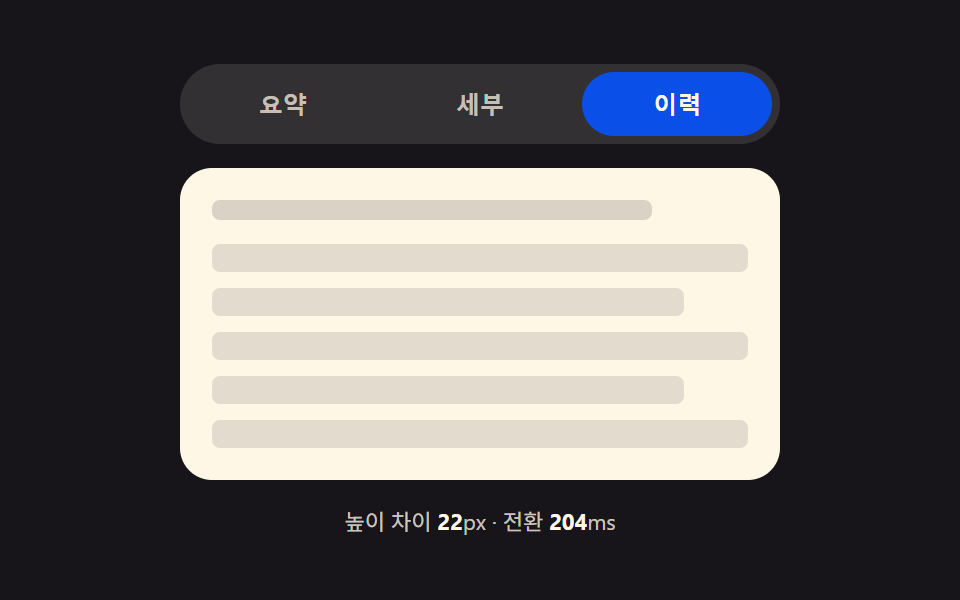 01 tab-panel-height-auto-morph
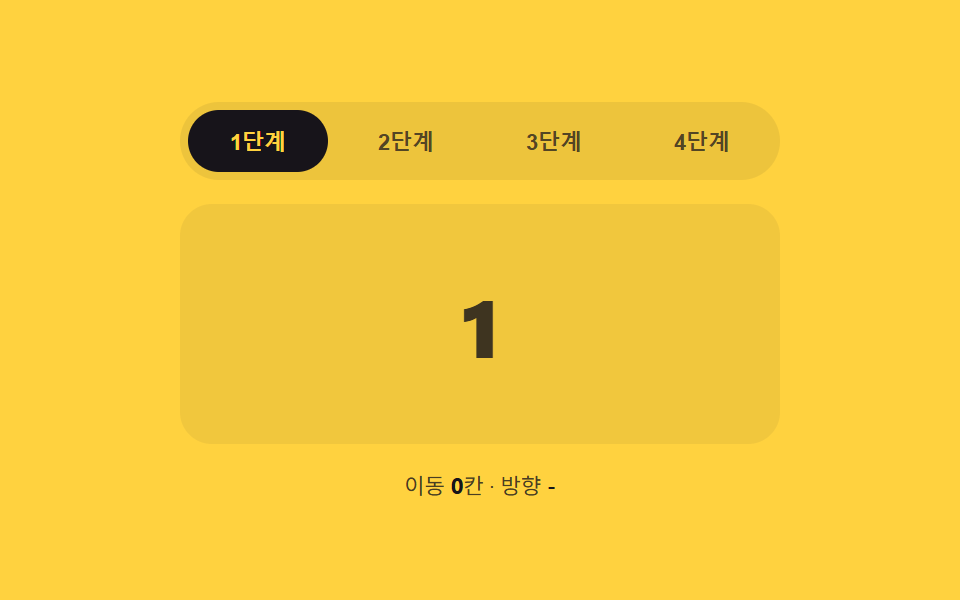 02 tab-panel-slide-direction-index
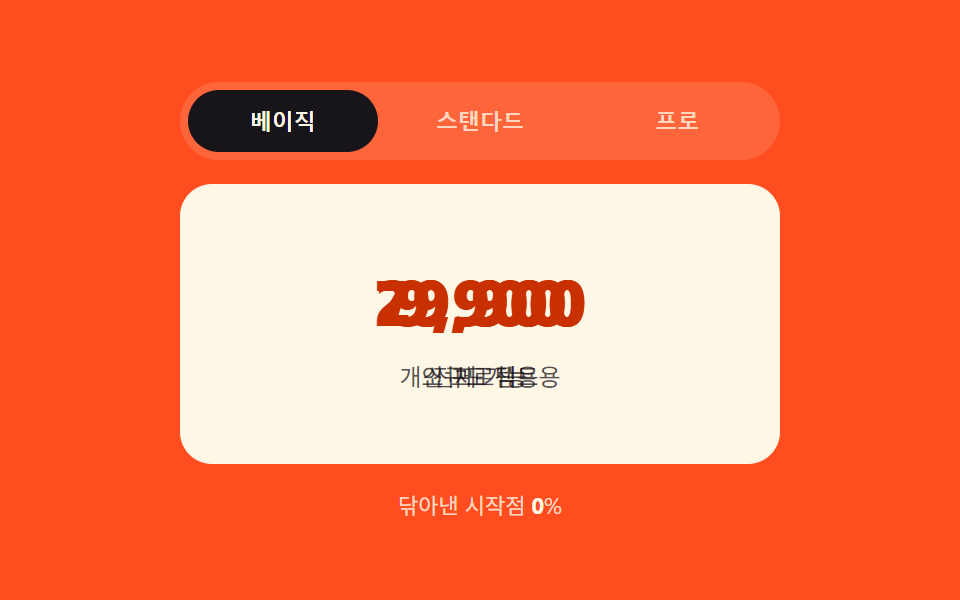 03 tab-panel-clip-wipe-progress
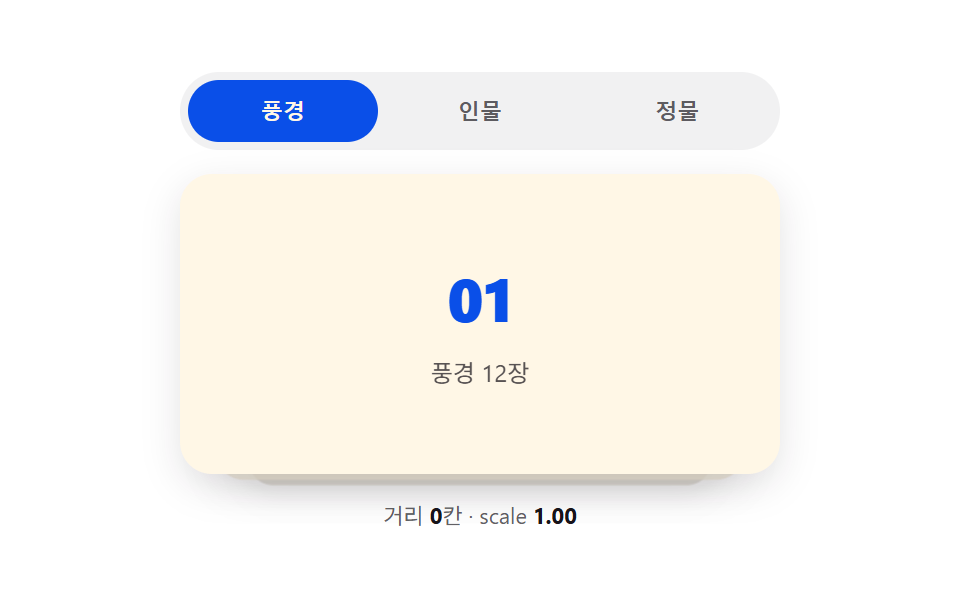 04 tab-panel-stack-depth-scale
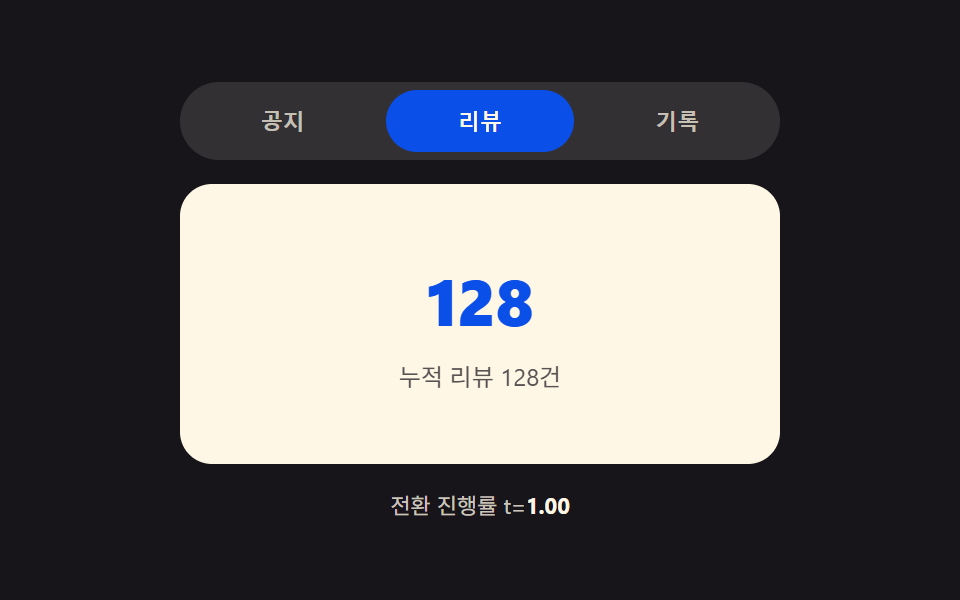 05 tab-panel-blur-focus-crossfade
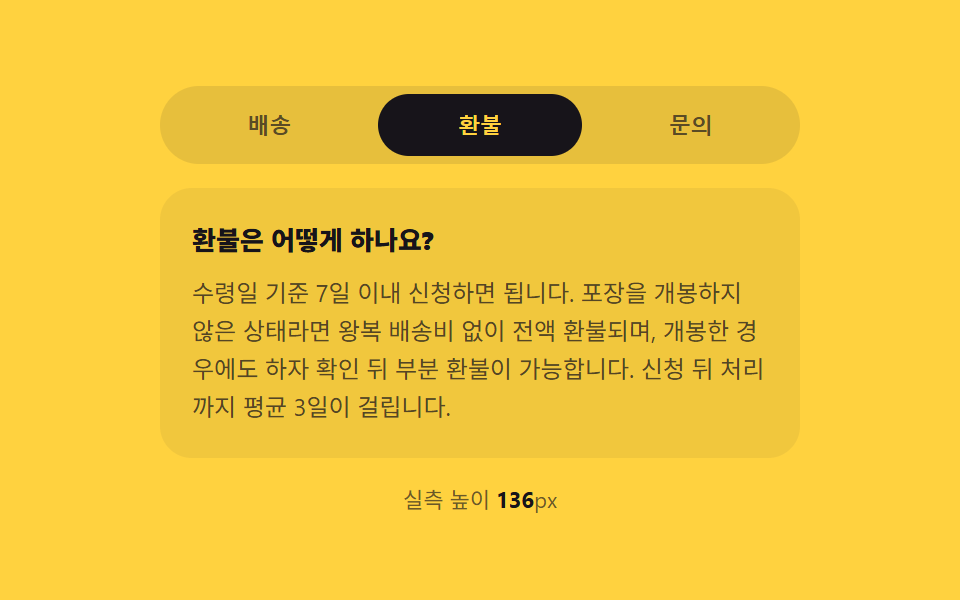 06 tab-panel-vertical-accordion-swap
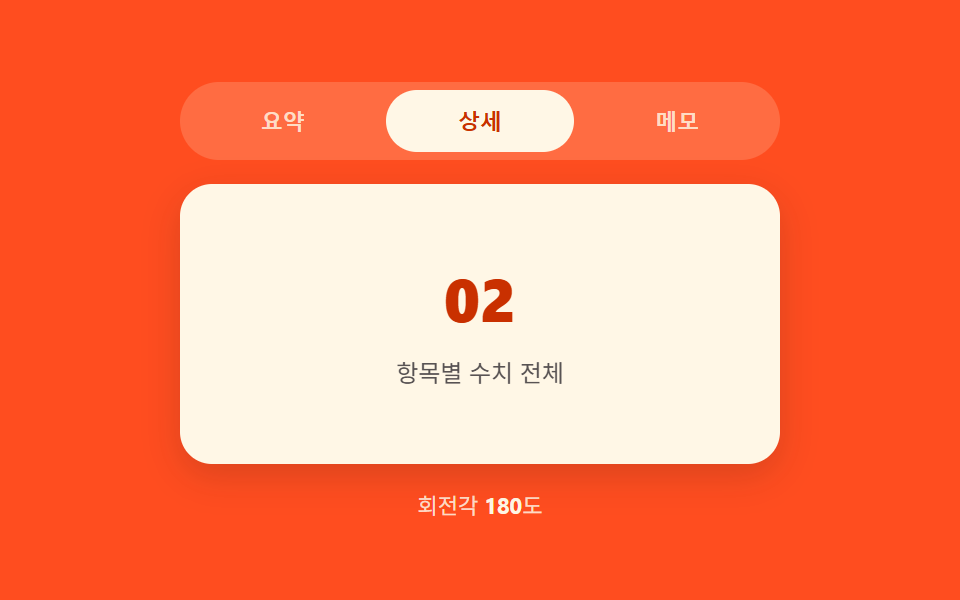 07 tab-panel-3d-flip-rotate
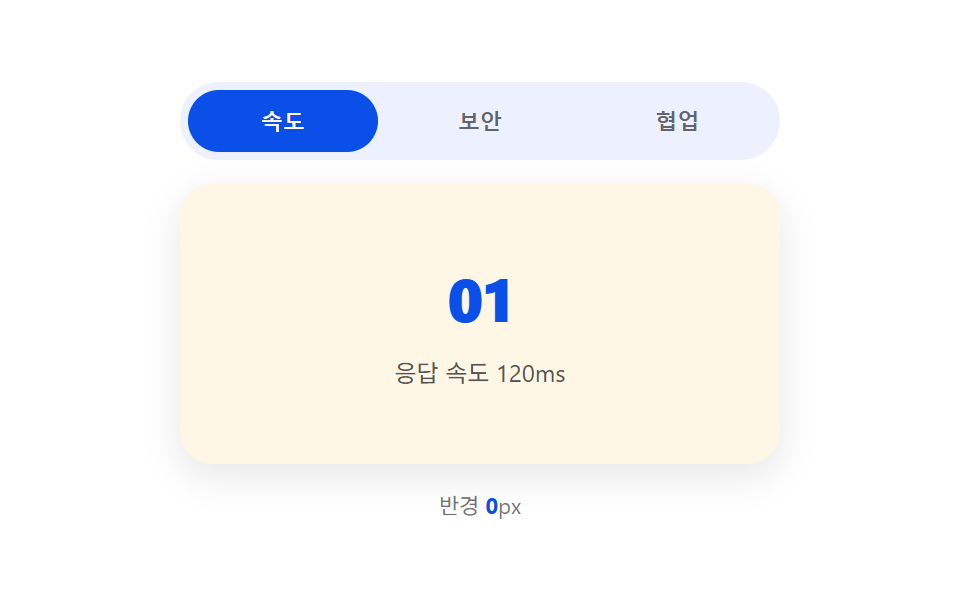 08 tab-panel-mask-reveal-radial
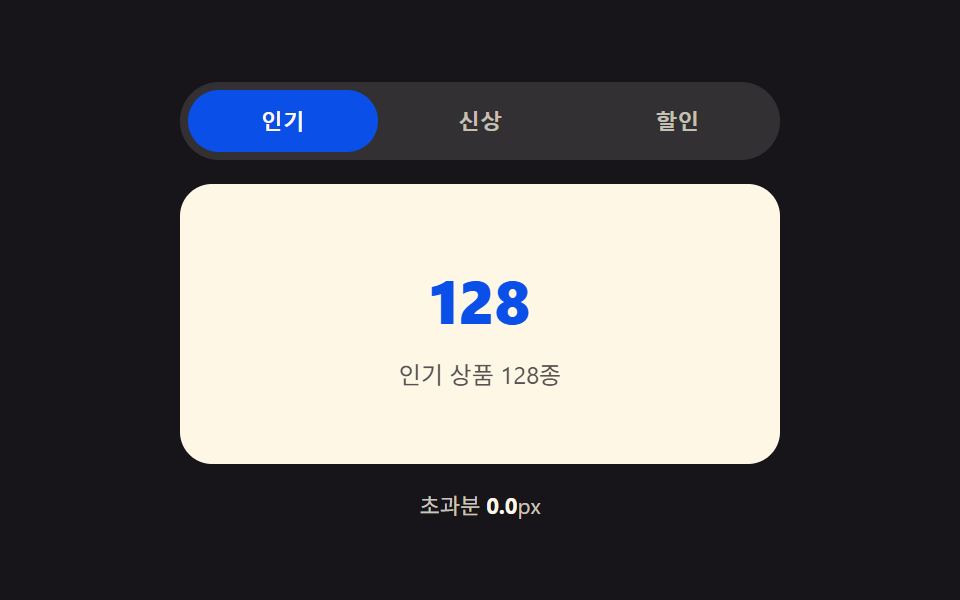 09 tab-panel-elastic-overshoot-slide
자동 재생 · 눌러서 해당 항목으로 · 전부 한 zip
- 01 패널 실측 높이 차이가 늘이는 탭 컨테이너
- 02 인덱스 차 값이 방향을 정하는 슬라이드 패널
- 03 클릭 좌표 비율이 닦아내는 클립 패스 패널
- 04 인덱스 거리 값이 눕히는 스택 패널
- 05 진행률 값이 흐렸다 맑히는 크로스페이드 패널
- 06 실측 높이 값이 접었다 펴는 세로 아코디언 패널
- 07 진행률 각도 값이 뒤집는 3D 회전 패널
- 08 클릭 좌표 값이 번지는 원형 마스크 패널
- 09 스프링 상수 값이 튕겨 넘겼다 되돌리는 슬라이드 패널
계산 값 하나가 아홉 가지 전환을 갈라놓습니다
아홉 항목은 전부 같은 뼈대에서 출발합니다. role="tablist" 안에 탭 버튼 세 개, role="tabpanel" 로 이어지는 패널 세 개, 그리고 화살표·Home·End 로 옮기고 Enter·Space 로 고정하는 roving tabindex 까지 동일합니다. 그런데 탭을 눌렀을 때 실제로 화면이 바뀌는 방식은 항목마다 숫자 하나가 갈라놓습니다 — 01 은 getBoundingClientRect 로 잰 높이 차이(px), 02 는 탭 인덱스 차의 부호와 절댓값, 09 는 스프링 강성·감쇠 두 상수입니다. 정렬 순서도 이 계산 축을 따라갑니다 — 높이·이동 거리처럼 좌표 계산이 앞서고, 회전·마스크처럼 도형 계산이 뒤를 잇고, 물리 계산인 09 가 마지막입니다.
01패널 실측 높이 차이가 늘이는 탭 컨테이너
전환 직전 두 패널의 실측 높이를 재 그 차이(px)를 구하고, 전환이 진행되는 동안 컨테이너 높이가 이전 값에서 그 차이만큼 보간되어 다음 패널 높이에 맞춰집니다. 숨은 패널은 hidden 상태 그대로는 높이가 0 으로 읽히므로, 잠깐 화면 밖에 겹치듯 세워 잰 뒤 다시 숨깁니다. 탭·화살표 전환은 CSS transition 이 그리고, 리사이즈 리스너는 붙어 있지 않아 창 너비가 바뀌어도 다음 클릭 전까지는 값을 다시 재지 않습니다.
<main class="stage">
<div class="tp is-demo" id="tp">
  <div class="tp__tabs" role="tablist" aria-label="설정 탭">
    <button type="button" class="tp__tab is-active" role="tab" id="tp-tab-0" aria-selected="true" aria-controls="tp-panel-0" data-idx="0">요약</button>
    <button type="button" class="tp__tab" role="tab" id="tp-tab-1" aria-selected="false" aria-controls="tp-panel-1" data-idx="1" tabindex="-1">세부</button>
    <button type="button" class="tp__tab" role="tab" id="tp-tab-2" aria-selected="false" aria-controls="tp-panel-2" data-idx="2" tabindex="-1">이력</button>
  </div>
  <div class="tp__wrap" id="tpWrap">
    <div class="tp__panel" id="tp-panel-0" role="tabpanel" aria-labelledby="tp-tab-0" tabindex="0">
      <p class="tp__line tp__line--a"></p>
      <p class="tp__line tp__line--b"></p>
    </div>
    <div class="tp__panel" id="tp-panel-1" role="tabpanel" aria-labelledby="tp-tab-1" tabindex="0" hidden>
      <p class="tp__line tp__line--a"></p>
      <p class="tp__line tp__line--b"></p>
      <p class="tp__line tp__line--c"></p>
      <div class="tp__bars"><span></span><span></span><span></span><span></span></div>
    </div>
    <div class="tp__panel" id="tp-panel-2" role="tabpanel" aria-labelledby="tp-tab-2" tabindex="0" hidden>
      <p class="tp__line tp__line--a"></p>
      <ul class="tp__list">
        <li></li><li></li><li></li><li></li><li></li>
      </ul>
    </div>
  </div>
  <p class="tp__meta" id="tpMeta">높이 차이 <b id="tpDiff">0</b>px · 전환 <b id="tpDur">0</b>ms</p>
</div>
</main>@use "../../../../site/static/demo-tokens" as *;
// 계산 겹: index.html select() 가 getBoundingClientRect 로 숨은/보이는 패널의 실측 높이를 재
// 그 차이(px)를 BASE_MS + diff*MS_PER_PX 식에 넣어 전환 시간을 정하고, wrap 의 height 를 그 시간 동안
// 이전 값에서 다음 패널 높이로 트랜지션한다 — 차이가 클수록 천천히, 작으면 짧게 늘어난다.
@include stage($stage-ink);
.tp { width: min(100%, 300px); display: flex; flex-direction: column; gap: $sp-3; }
.tp__tabs { display: flex; gap: $sp-1; background: rgba($subject-cream, .12); padding: $sp-1; border-radius: $r-pill; }
.tp__tab {
flex: 1 1 0; border: none; background: transparent; border-radius: $r-pill; cursor: pointer;
padding: $sp-2 $sp-3; font-size: 12px; font-weight: 700; color: rgba($subject-cream, .72);
}
.tp__tab.is-active { background: $subject-blue-deep; color: $subject-cream; }
.tp__tab:focus-visible { outline: 2px solid $subject-cream; outline-offset: 2px; }
.tp__wrap {
position: relative; overflow: hidden; border-radius: $r-card; background: $subject-cream;
transition: height var(--tp-dur, #{$dur-base}) $ease-out;
}
.tp__panel { padding: $sp-4; box-sizing: border-box; }
.tp__line { height: 10px; border-radius: $r-xs; background: rgba($subject-ink, .16); margin: 0 0 $sp-2; }
.tp__line--a { width: 82%; }
.tp__line--b { width: 58%; }
.tp__line--c { width: 68%; }
.tp__bars { display: flex; gap: $sp-2; margin-top: $sp-3; align-items: flex-end; height: 44px; }
.tp__bars span { flex: 1 1 0; border-radius: $r-xs $r-xs 0 0; background: $subject-blue; }
.tp__bars span:nth-child(1) { height: 60%; }
.tp__bars span:nth-child(2) { height: 100%; }
.tp__bars span:nth-child(3) { height: 40%; }
.tp__bars span:nth-child(4) { height: 78%; }
.tp__list { list-style: none; margin: $sp-3 0 0; padding: 0; display: flex; flex-direction: column; gap: $sp-2; }
.tp__list li { height: 14px; border-radius: $r-xs; background: rgba($subject-ink, .12); }
.tp__list li:nth-child(2n) { width: 88%; }
.tp__meta { margin: 0; font-size: 11px; color: rgba($subject-cream, .78); text-align: center; }
.tp__meta b { color: $subject-cream; font-weight: 700; }
@media (max-width: 340px) {
.tp { width: 100%; }
.tp__tab { font-size: 11px; padding: $sp-1 $sp-2; }
}
@media (prefers-reduced-motion: reduce) {
.tp__wrap { transition: none; }
}html, body {
margin: 0;
overflow: hidden;
}
.stage {
box-sizing: border-box;
min-height: 100vh;
display: grid;
place-items: center;
margin: 0;
background: #17141a;
font-family: -apple-system, "Segoe UI", "Noto Sans KR", sans-serif;
padding: clamp(8px, 4vw, 24px);
}
.tp {
width: min(100%, 300px);
display: flex;
flex-direction: column;
gap: 12px;
}
.tp__tabs {
display: flex;
gap: 4px;
background: rgba(255, 247, 230, 0.12);
padding: 4px;
border-radius: 999px;
}
.tp__tab {
flex: 1 1 0;
border: none;
background: transparent;
border-radius: 999px;
cursor: pointer;
padding: 8px 12px;
font-size: 12px;
font-weight: 700;
color: rgba(255, 247, 230, 0.72);
}
.tp__tab.is-active {
background: #0a4fe8;
color: #fff7e6;
}
.tp__tab:focus-visible {
outline: 2px solid #fff7e6;
outline-offset: 2px;
}
.tp__wrap {
position: relative;
overflow: hidden;
border-radius: 16px;
background: #fff7e6;
transition: height var(--tp-dur, 300ms) ease-out;
}
.tp__panel {
padding: 16px;
box-sizing: border-box;
}
.tp__line {
height: 10px;
border-radius: 4px;
background: rgba(23, 20, 26, 0.16);
margin: 0 0 8px;
}
.tp__line--a {
width: 82%;
}
.tp__line--b {
width: 58%;
}
.tp__line--c {
width: 68%;
}
.tp__bars {
display: flex;
gap: 8px;
margin-top: 12px;
align-items: flex-end;
height: 44px;
}
.tp__bars span {
flex: 1 1 0;
border-radius: 4px 4px 0 0;
background: #2f6df6;
}
.tp__bars span:nth-child(1) {
height: 60%;
}
.tp__bars span:nth-child(2) {
height: 100%;
}
.tp__bars span:nth-child(3) {
height: 40%;
}
.tp__bars span:nth-child(4) {
height: 78%;
}
.tp__list {
list-style: none;
margin: 12px 0 0;
padding: 0;
display: flex;
flex-direction: column;
gap: 8px;
}
.tp__list li {
height: 14px;
border-radius: 4px;
background: rgba(23, 20, 26, 0.12);
}
.tp__list li:nth-child(2n) {
width: 88%;
}
.tp__meta {
margin: 0;
font-size: 11px;
color: rgba(255, 247, 230, 0.78);
text-align: center;
}
.tp__meta b {
color: #fff7e6;
font-weight: 700;
}
@media (max-width: 340px) {
.tp {
width: 100%;
}
.tp__tab {
font-size: 11px;
padding: 4px 8px;
}
}
@media (prefers-reduced-motion: reduce) {
.tp__wrap {
transition: none;
}
}(function () {
var BASE_MS = 180; // 계산 겹 상수: 높이 차이가 0px 이어도 최소한의 스무딩을 준다
var MS_PER_PX = 1.1; // 계산 겹 상수: 높이 차이 1px 마다 전환 시간이 이만큼 늘어난다
var MIN_MS = 180, MAX_MS = 620;
var HOLD_MS = 760; // 자동 순환이 탭 하나에 머무는 시간
var COUNT = 3;
var reduce = window.matchMedia('(prefers-reduced-motion: reduce)').matches;
var root = document.getElementById('tp');
var wrap = document.getElementById('tpWrap');
var diffEl = document.getElementById('tpDiff');
var durEl = document.getElementById('tpDur');
var tabs = [0, 1, 2].map(function (i) { return document.getElementById('tp-tab-' + i); });
var panels = [0, 1, 2].map(function (i) { return document.getElementById('tp-panel-' + i); });
var isDemo = true;
var active = 0;
var busy = false;
  function rectHeight(idx) {
    // 계산 겹: 숨은 패널도 잠깐 측정 가능한 상태로 만들어 getBoundingClientRect 로 실측한다 — 짐작값을 쓰지 않는다
    var p = panels[idx];
    var wasHidden = p.hasAttribute('hidden');
    if (wasHidden) {
      p.style.visibility = 'hidden';
      p.style.position = 'absolute';
      p.style.width = wrap.clientWidth + 'px';
      p.removeAttribute('hidden');
    }
    var h = p.getBoundingClientRect().height;
    if (wasHidden) {
      p.setAttribute('hidden', '');
      p.style.visibility = '';
      p.style.position = '';
      p.style.width = '';
    }
    return h;
  }

  function human() {
    if (isDemo) { root.classList.remove('is-demo'); isDemo = false; }
  }
function select(idx) {
if (idx === active || busy) return;
busy = true;
var fromH = rectHeight(active);
var toH = rectHeight(idx);
var diff = Math.abs(toH - fromH); // 계산 겹: 두 패널의 실측 높이 차이(px)
var dur = Math.min(MAX_MS, Math.max(MIN_MS, BASE_MS + diff * MS_PER_PX)); // 계산 겹: 차이가 클수록 전환이 길다
wrap.style.setProperty('--tp-dur', dur.toFixed(0) + 'ms');
wrap.style.height = fromH.toFixed(2) + 'px';
wrap.getBoundingClientRect(); // 강제 리플로우 — 시작 높이를 확정한 뒤에 목표 높이를 건다
tabs[active].classList.remove('is-active');
tabs[active].setAttribute('aria-selected', 'false');
tabs[active].setAttribute('tabindex', '-1');
panels[active].setAttribute('hidden', '');
tabs[idx].classList.add('is-active');
tabs[idx].setAttribute('aria-selected', 'true');
tabs[idx].setAttribute('tabindex', '0');
panels[idx].removeAttribute('hidden');
requestAnimationFrame(function () {
wrap.style.height = toH.toFixed(2) + 'px';
});
diffEl.textContent = Math.round(diff);
durEl.textContent = Math.round(dur);
active = idx;
window.setTimeout(function () {
busy = false;
wrap.style.height = panels[active].getBoundingClientRect().height + 'px';
}, dur + 40);
}
tabs.forEach(function (t, i) {
t.addEventListener('click', function () { human(); select(i); });
});
root.addEventListener('keydown', function (e) {
var idx = tabs.indexOf(document.activeElement);
if (idx === -1) return;
var next = null;
if (e.key === 'ArrowRight') next = (idx + 1) % COUNT;
else if (e.key === 'ArrowLeft') next = (idx - 1 + COUNT) % COUNT;
else if (e.key === 'Home') next = 0;
else if (e.key === 'End') next = COUNT - 1;
if (next === null) return;
e.preventDefault();
human();
tabs[next].focus({ preventScroll: true });
select(next);
});
function loop() {
if (!isDemo) return;
select((active + 1) % COUNT);
window.setTimeout(loop, HOLD_MS);
}
wrap.style.height = rectHeight(0) + 'px';
if (!reduce) {
window.setTimeout(loop, HOLD_MS);
} else {
root.classList.remove('is-demo');
}
})();// TabHeightAutoMorph — vanilla 판(run/394/demo/01-tab-panel-height-auto-morph/index.html) 의 React 포트.
// select() 가 getBoundingClientRect 로 숨은/보이는 패널의 실측 높이를 재 그 차이(px)를
// BASE_MS + diff*MS_PER_PX 식에 넣어 전환 시간을 정하고, wrap 의 height 를 그 시간 동안 트랜지션한다.
import { useEffect, useRef } from "react";
import styles from "./TabHeightAutoMorph.module.scss";
type Box<T> = { current: T };
const BASE_MS = 180; // 계산 겹 상수: 높이 차이가 0px 이어도 최소한의 스무딩을 준다
const MS_PER_PX = 1.1; // 계산 겹 상수: 높이 차이 1px 마다 전환 시간이 이만큼 늘어난다
const MIN_MS = 180, MAX_MS = 620;
const HOLD_MS = 760; // 자동 순환이 탭 하나에 머무는 시간
const COUNT = 3;
export default function TabHeightAutoMorph() {
const rootRef = useRef(null) as unknown as Box<HTMLDivElement>;
const wrapRef = useRef(null) as unknown as Box<HTMLDivElement>;
const diffRef = useRef(null) as unknown as Box<HTMLElement>;
const durRef = useRef(null) as unknown as Box<HTMLElement>;
const tabRefs = useRef([null, null, null]) as unknown as Box<(HTMLButtonElement | null)[]>;
const panelRefs = useRef([null, null, null]) as unknown as Box<(HTMLDivElement | null)[]>;
const timerRef = useRef(0) as unknown as Box<number>;
useEffect(() => {
const reduce = window.matchMedia("(prefers-reduced-motion: reduce)").matches;
let isDemo = true;
let active = 0;
let busy = false;
function rectHeight(idx: number): number {
const p = panelRefs.current[idx];
const wrap = wrapRef.current;
if (!p || !wrap) return 0;
const wasHidden = p.hasAttribute("hidden");
if (wasHidden) {
p.style.visibility = "hidden";
p.style.position = "absolute";
p.style.width = wrap.clientWidth + "px";
p.removeAttribute("hidden");
}
const h = p.getBoundingClientRect().height;
if (wasHidden) {
p.setAttribute("hidden", "");
p.style.visibility = "";
p.style.position = "";
p.style.width = "";
}
return h;
}
function human() {
if (isDemo) { rootRef.current?.classList.remove(styles.isDemo); isDemo = false; }
}
function select(idx: number) {
if (idx === active || busy) return;
busy = true;
const wrap = wrapRef.current;
const fromH = rectHeight(active);
const toH = rectHeight(idx);
if (!wrap) return;
const diff = Math.abs(toH - fromH); // 계산 겹: 두 패널의 실측 높이 차이(px)
const dur = Math.min(MAX_MS, Math.max(MIN_MS, BASE_MS + diff * MS_PER_PX)); // 계산 겹: 차이가 클수록 전환이 길다
wrap.style.setProperty("--tp-dur", dur.toFixed(0) + "ms");
wrap.style.height = fromH.toFixed(2) + "px";
wrap.getBoundingClientRect(); // 강제 리플로우
const prevTab = tabRefs.current[active], nextTab = tabRefs.current[idx];
const prevPanel = panelRefs.current[active], nextPanel = panelRefs.current[idx];
prevTab?.classList.remove(styles.isActive);
prevTab?.setAttribute("aria-selected", "false");
prevTab?.setAttribute("tabindex", "-1");
prevPanel?.setAttribute("hidden", "");
nextTab?.classList.add(styles.isActive);
nextTab?.setAttribute("aria-selected", "true");
nextTab?.setAttribute("tabindex", "0");
nextPanel?.removeAttribute("hidden");
requestAnimationFrame(() => { wrap.style.height = toH.toFixed(2) + "px"; });
if (diffRef.current) diffRef.current.textContent = String(Math.round(diff));
if (durRef.current) durRef.current.textContent = String(Math.round(dur));
active = idx;
window.setTimeout(() => {
busy = false;
const p = panelRefs.current[active];
if (wrap && p) wrap.style.height = p.getBoundingClientRect().height + "px";
}, dur + 40);
}
function onKeydown(e: KeyboardEvent) {
const idx = tabRefs.current.indexOf(document.activeElement as HTMLButtonElement);
if (idx === -1) return;
let next: number | null = null;
if (e.key === "ArrowRight") next = (idx + 1) % COUNT;
else if (e.key === "ArrowLeft") next = (idx - 1 + COUNT) % COUNT;
else if (e.key === "Home") next = 0;
else if (e.key === "End") next = COUNT - 1;
if (next === null) return;
e.preventDefault();
human();
tabRefs.current[next]?.focus({ preventScroll: true });
select(next);
}
function onTabClick(i: number) { return () => { human(); select(i); }; }
const clickHandlers = [0, 1, 2].map(onTabClick);
tabRefs.current.forEach((t, i) => t?.addEventListener("click", clickHandlers[i]));
rootRef.current?.addEventListener("keydown", onKeydown);
function loop() {
if (!isDemo) return;
select((active + 1) % COUNT);
timerRef.current = window.setTimeout(loop, HOLD_MS);
}
const wrap = wrapRef.current;
if (wrap) wrap.style.height = rectHeight(0) + "px";
if (!reduce) {
timerRef.current = window.setTimeout(loop, HOLD_MS);
} else {
rootRef.current?.classList.remove(styles.isDemo);
}
return () => {
window.clearTimeout(timerRef.current);
tabRefs.current.forEach((t, i) => t?.removeEventListener("click", clickHandlers[i]));
rootRef.current?.removeEventListener("keydown", onKeydown);
};
}, []);
return (
<main className={styles.stage}>
<div className={styles.tp + " " + styles.isDemo} ref={rootRef}>
<div className={styles.tabs} role="tablist" aria-label="설정 탭">
<button type="button" className={styles.tab + " " + styles.isActive} role="tab" aria-selected="true" aria-controls="rtp-panel-0" data-idx="0"
ref={(el: HTMLButtonElement | null) => { tabRefs.current[0] = el; }}>요약</button>
<button type="button" className={styles.tab} role="tab" aria-selected="false" aria-controls="rtp-panel-1" data-idx="1" tabIndex={-1}
ref={(el: HTMLButtonElement | null) => { tabRefs.current[1] = el; }}>세부</button>
<button type="button" className={styles.tab} role="tab" aria-selected="false" aria-controls="rtp-panel-2" data-idx="2" tabIndex={-1}
ref={(el: HTMLButtonElement | null) => { tabRefs.current[2] = el; }}>이력</button>
</div>
<div className={styles.wrap} ref={wrapRef}>
<div className={styles.panel} id="rtp-panel-0" role="tabpanel" tabIndex={0}
ref={(el: HTMLDivElement | null) => { panelRefs.current[0] = el; }}>
<p className={styles.lineA} />
<p className={styles.lineB} />
</div>
<div className={styles.panel} id="rtp-panel-1" role="tabpanel" tabIndex={0} hidden
ref={(el: HTMLDivElement | null) => { panelRefs.current[1] = el; }}>
<p className={styles.lineA} />
<p className={styles.lineB} />
<p className={styles.lineC} />
<div className={styles.bars}><span /><span /><span /><span /></div>
</div>
<div className={styles.panel} id="rtp-panel-2" role="tabpanel" tabIndex={0} hidden
ref={(el: HTMLDivElement | null) => { panelRefs.current[2] = el; }}>
<p className={styles.lineA} />
<ul className={styles.list}>
<li /><li /><li /><li /><li />
</ul>
</div>
</div>
<p className={styles.meta}>
높이 차이 <b ref={diffRef}>0</b>px · 전환 <b ref={durRef}>0</b>ms
</p>
</div>
</main>
);
}01 · 패널 실측 높이 차이가 늘이는 탭 컨테이너 — 측정 누적면적 42.901% · 움직인 프레임 9/23GODRICH 원작 · zip 에 SCSS·React 포함 · 비밀번호 보기
function rectHeight(idx) {
// 계산 겹: 숨은 패널도 잠깐 측정 가능한 상태로 만들어 getBoundingClientRect 로 실측한다 — 짐작값을 쓰지 않는다
var p = panels[idx];
var wasHidden = p.hasAttribute('hidden');
if (wasHidden) {
p.style.visibility = 'hidden';
p.style.position = 'absolute';
p.style.width = wrap.clientWidth + 'px';
p.removeAttribute('hidden');
}
var h = p.getBoundingClientRect().height;
if (wasHidden) {
p.setAttribute('hidden', '');
p.style.visibility = '';
p.style.position = '';
p.style.width = '';
}
return h;
}
function human() {
if (isDemo) { root.classList.remove('is-demo'); isDemo = false; }
}
02인덱스 차 값이 방향을 정하는 슬라이드 패널
새로 누른 탭의 인덱스에서 이전 탭의 인덱스를 뺀 값의 부호로 슬라이드 방향을 정하고, 그 절댓값이 1보다 크면 건너뛴 탭 수만큼 이동 거리도 함께 늘어납니다. 두 칸을 건너뛰면 한 칸보다 전환 시간이 길어지는 것도 이 절댓값 계산 때문입니다. 클릭·키보드 전환은 CSS transition 이 맡고, 뷰포트 리사이즈 리스너가 붙어 있어 창 너비가 바뀌면 현재 위치를 다시 계산해 이동폭을 맞춥니다.
<main class="stage">
<div class="sp is-demo" id="sp">
  <div class="sp__tabs" role="tablist" aria-label="단계 탭">
    <button type="button" class="sp__tab is-active" role="tab" id="sp-tab-0" aria-selected="true" aria-controls="sp-panel-0" data-idx="0">1단계</button>
    <button type="button" class="sp__tab" role="tab" id="sp-tab-1" aria-selected="false" aria-controls="sp-panel-1" data-idx="1" tabindex="-1">2단계</button>
    <button type="button" class="sp__tab" role="tab" id="sp-tab-2" aria-selected="false" aria-controls="sp-panel-2" data-idx="2" tabindex="-1">3단계</button>
    <button type="button" class="sp__tab" role="tab" id="sp-tab-3" aria-selected="false" aria-controls="sp-panel-3" data-idx="3" tabindex="-1">4단계</button>
  </div>
  <div class="sp__viewport" id="spViewport">
    <div class="sp__track" id="spTrack">
      <div class="sp__panel" id="sp-panel-0" role="tabpanel" aria-labelledby="sp-tab-0" tabindex="0"><span class="sp__num">1</span></div>
      <div class="sp__panel" id="sp-panel-1" role="tabpanel" aria-labelledby="sp-tab-1" tabindex="0" aria-hidden="true"><span class="sp__num">2</span></div>
      <div class="sp__panel" id="sp-panel-2" role="tabpanel" aria-labelledby="sp-tab-2" tabindex="0" aria-hidden="true"><span class="sp__num">3</span></div>
      <div class="sp__panel" id="sp-panel-3" role="tabpanel" aria-labelledby="sp-tab-3" tabindex="0" aria-hidden="true"><span class="sp__num">4</span></div>
    </div>
  </div>
  <p class="sp__meta" id="spMeta">이동 <b id="spDist">0</b>칸 · 방향 <b id="spDir">-</b></p>
</div>
</main>
@use "../../../../site/static/demo-tokens" as *;
// 계산 겹: index.html select() 가 (새 인덱스 - 이전 인덱스) 의 부호로 방향을, 절댓값으로 건너뛴 칸
// 수를 구해 전환 시간(BASE_MS + (거리-1)*STEP_MS)을 늘린다 — 두 칸을 건너뛰면 한 칸보다 오래 미끄러진다.
@include stage($stage-yellow);
.sp { width: min(100%, 300px); min-width: 0; display: flex; flex-direction: column; gap: $sp-3; }
.sp__tabs { display: flex; gap: $sp-1; background: rgba($subject-ink, .08); padding: $sp-1; border-radius: $r-pill; }
.sp__tab {
flex: 1 1 0; border: none; background: transparent; border-radius: $r-pill; cursor: pointer;
padding: $sp-2 $sp-2; font-size: 11px; font-weight: 700; color: rgba($subject-ink, .72);
}
.sp__tab.is-active { background: $subject-ink; color: $stage-yellow; }
.sp__tab:focus-visible { outline: 2px solid $subject-ink; outline-offset: 2px; }
.sp__viewport { overflow: hidden; min-width: 0; border-radius: $r-card; background: rgba($subject-ink, .06); }
.sp__track {
display: flex; will-change: transform;
transition: transform var(--sp-dur, #{$dur-base}) $ease-spring;
}
.sp__panel {
flex: 0 0 auto; box-sizing: border-box; height: 120px; display: grid; place-items: center;
}
.sp__num { font-size: 40px; font-weight: 800; color: $subject-ink; opacity: .82; }
.sp__meta { margin: 0; font-size: 11px; color: rgba($subject-ink, .78); text-align: center; }
.sp__meta b { color: $subject-ink; font-weight: 700; }
@media (max-width: 340px) {
.sp { width: 100%; }
.sp__panel { height: 96px; }
.sp__num { font-size: 32px; }
}
@media (prefers-reduced-motion: reduce) {
.sp__track { transition: none; }
}html, body {
margin: 0;
overflow: hidden;
}
.stage {
box-sizing: border-box;
min-height: 100vh;
display: grid;
place-items: center;
margin: 0;
background: #ffd23f;
font-family: -apple-system, "Segoe UI", "Noto Sans KR", sans-serif;
padding: clamp(8px, 4vw, 24px);
}
.sp {
width: min(100%, 300px);
min-width: 0;
display: flex;
flex-direction: column;
gap: 12px;
}
.sp__tabs {
display: flex;
gap: 4px;
background: rgba(23, 20, 26, 0.08);
padding: 4px;
border-radius: 999px;
}
.sp__tab {
flex: 1 1 0;
border: none;
background: transparent;
border-radius: 999px;
cursor: pointer;
padding: 8px 8px;
font-size: 11px;
font-weight: 700;
color: rgba(23, 20, 26, 0.72);
}
.sp__tab.is-active {
background: #17141a;
color: #ffd23f;
}
.sp__tab:focus-visible {
outline: 2px solid #17141a;
outline-offset: 2px;
}
.sp__viewport {
overflow: hidden;
min-width: 0;
border-radius: 16px;
background: rgba(23, 20, 26, 0.06);
}
.sp__track {
display: flex;
will-change: transform;
transition: transform var(--sp-dur, 300ms) cubic-bezier(0.2, 0.8, 0.2, 1);
}
.sp__panel {
flex: 0 0 auto;
box-sizing: border-box;
height: 120px;
display: grid;
place-items: center;
}
.sp__num {
font-size: 40px;
font-weight: 800;
color: #17141a;
opacity: 0.82;
}
.sp__meta {
margin: 0;
font-size: 11px;
color: rgba(23, 20, 26, 0.78);
text-align: center;
}
.sp__meta b {
color: #17141a;
font-weight: 700;
}
@media (max-width: 340px) {
.sp {
width: 100%;
}
.sp__panel {
height: 96px;
}
.sp__num {
font-size: 32px;
}
}
@media (prefers-reduced-motion: reduce) {
.sp__track {
transition: none;
}
}(function () {
var BASE_MS = 220; // 계산 겹 상수: 한 칸 이동의 기본 시간
var STEP_MS = 90; // 계산 겹 상수: 건너뛴 칸 하나마다 늘어나는 시간
var MAX_MS = 640;
var HOLD_MS = 700;
var COUNT = 4;
var reduce = window.matchMedia('(prefers-reduced-motion: reduce)').matches;
var root = document.getElementById('sp');
var viewport = document.getElementById('spViewport');
var track = document.getElementById('spTrack');
var distEl = document.getElementById('spDist');
var dirEl = document.getElementById('spDir');
var tabs = [0, 1, 2, 3].map(function (i) { return document.getElementById('sp-tab-' + i); });
var panels = [0, 1, 2, 3].map(function (i) { return document.getElementById('sp-panel-' + i); });
var isDemo = true;
var active = 0;
function human() {
if (isDemo) { root.classList.remove('is-demo'); isDemo = false; }
}
  function select(idx) {
    if (idx === active) return;
    var delta = idx - active; // 계산 겹: 새 인덱스 - 이전 인덱스
    var dir = delta > 0 ? 1 : -1; // 계산 겹: 부호가 슬라이드 방향을 정한다
    var dist = Math.abs(delta); // 계산 겹: 건너뛴 칸 수
    var dur = Math.min(MAX_MS, BASE_MS + (dist - 1) * STEP_MS); // 계산 겹: 건너뛴 칸이 많을수록 오래 이동한다
    var w = viewport.clientWidth;

    track.style.setProperty('--sp-dur', dur.toFixed(0) + 'ms');
    track.style.transform = 'translateX(' + (-idx * w).toFixed(2) + 'px)';

    tabs[active].classList.remove('is-active');
    tabs[active].setAttribute('aria-selected', 'false');
    tabs[active].setAttribute('tabindex', '-1');
    panels[active].setAttribute('aria-hidden', 'true');

    tabs[idx].classList.add('is-active');
    tabs[idx].setAttribute('aria-selected', 'true');
    tabs[idx].setAttribute('tabindex', '0');
    panels[idx].setAttribute('aria-hidden', 'false');

    distEl.textContent = String(dist);
    dirEl.textContent = dir > 0 ? '→' : '←';
    active = idx;
  }
function place(initial) {
var w = viewport.clientWidth; // 계산 겹: 패널 폭은 실측 뷰포트 폭 — 짐작 px 를 쓰지 않는다
panels.forEach(function (p) { p.style.width = w + 'px'; });
if (initial) track.style.transition = 'none'; // 최초 배치는 transition 없이 — 'none'→translateX(0) 전이가 애니메이션으로 잡혀 측정을 망가뜨린다
track.style.transform = 'translateX(' + (-active * w).toFixed(2) + 'px)';
if (initial) { track.getBoundingClientRect(); track.style.transition = ''; }
}
tabs.forEach(function (t, i) {
t.addEventListener('click', function () { human(); select(i); });
});
root.addEventListener('keydown', function (e) {
var idx = tabs.indexOf(document.activeElement);
if (idx === -1) return;
var next = null;
if (e.key === 'ArrowRight') next = (idx + 1) % COUNT;
else if (e.key === 'ArrowLeft') next = (idx - 1 + COUNT) % COUNT;
else if (e.key === 'Home') next = 0;
else if (e.key === 'End') next = COUNT - 1;
if (next === null) return;
e.preventDefault();
human();
tabs[next].focus({ preventScroll: true });
select(next);
});
window.addEventListener('resize', place);
var seq = [1, 3, 0, 2]; // 계산 겹 실연용 순서 — 1→4(건너뛰기 3) 처럼 다양한 거리를 자동 순환에서 보여준다
var seqPos = 0;
function loop() {
if (!isDemo) return;
seqPos = (seqPos + 1) % seq.length;
select(seq[seqPos]);
window.setTimeout(loop, HOLD_MS);
}
place(true);
if (!reduce) {
window.setTimeout(loop, HOLD_MS);
} else {
root.classList.remove('is-demo');
}
})();// TabSlideDirectionIndex — vanilla 판(run/394/demo/02-tab-panel-slide-direction-index/index.html) 의 React 포트.
// select() 가 (새 인덱스 - 이전 인덱스) 의 부호로 방향을, 절댓값으로 건너뛴 칸 수를 구해
// 전환 시간(BASE_MS + (거리-1)*STEP_MS)을 늘린다.
import { useEffect, useRef } from "react";
import styles from "./TabSlideDirectionIndex.module.scss";
type Box<T> = { current: T };
const BASE_MS = 220; // 계산 겹 상수: 한 칸 이동의 기본 시간
const STEP_MS = 90; // 계산 겹 상수: 건너뛴 칸 하나마다 늘어나는 시간
const MAX_MS = 640;
const HOLD_MS = 700;
const COUNT = 4;
const SEQ = [1, 3, 0, 2];
export default function TabSlideDirectionIndex() {
const rootRef = useRef(null) as unknown as Box<HTMLDivElement>;
const viewportRef = useRef(null) as unknown as Box<HTMLDivElement>;
const trackRef = useRef(null) as unknown as Box<HTMLDivElement>;
const distRef = useRef(null) as unknown as Box<HTMLElement>;
const dirRef = useRef(null) as unknown as Box<HTMLElement>;
const tabRefs = useRef([null, null, null, null]) as unknown as Box<(HTMLButtonElement | null)[]>;
const panelRefs = useRef([null, null, null, null]) as unknown as Box<(HTMLDivElement | null)[]>;
const timerRef = useRef(0) as unknown as Box<number>;
useEffect(() => {
const reduce = window.matchMedia("(prefers-reduced-motion: reduce)").matches;
let isDemo = true;
let active = 0;
let seqPos = 0;
function human() {
if (isDemo) { rootRef.current?.classList.remove(styles.isDemo); isDemo = false; }
}
function select(idx: number) {
if (idx === active) return;
const track = trackRef.current, viewport = viewportRef.current;
if (!track || !viewport) return;
const delta = idx - active; // 계산 겹: 새 인덱스 - 이전 인덱스
const dir = delta > 0 ? 1 : -1; // 계산 겹: 부호가 슬라이드 방향을 정한다
const dist = Math.abs(delta); // 계산 겹: 건너뛴 칸 수
const dur = Math.min(MAX_MS, BASE_MS + (dist - 1) * STEP_MS); // 계산 겹: 건너뛴 칸이 많을수록 오래 이동한다
const w = viewport.clientWidth;
track.style.setProperty("--sp-dur", dur.toFixed(0) + "ms");
track.style.transform = "translateX(" + (-idx * w).toFixed(2) + "px)";
const prevTab = tabRefs.current[active], nextTab = tabRefs.current[idx];
const prevPanel = panelRefs.current[active], nextPanel = panelRefs.current[idx];
prevTab?.classList.remove(styles.isActive);
prevTab?.setAttribute("aria-selected", "false");
prevTab?.setAttribute("tabindex", "-1");
prevPanel?.setAttribute("aria-hidden", "true");
nextTab?.classList.add(styles.isActive);
nextTab?.setAttribute("aria-selected", "true");
nextTab?.setAttribute("tabindex", "0");
nextPanel?.setAttribute("aria-hidden", "false");
if (distRef.current) distRef.current.textContent = String(dist);
if (dirRef.current) dirRef.current.textContent = dir > 0 ? "→" : "←";
active = idx;
}
function place(initial?: boolean) {
const viewport = viewportRef.current, track = trackRef.current;
if (!viewport || !track) return;
const w = viewport.clientWidth; // 계산 겹: 패널 폭은 실측 뷰포트 폭
panelRefs.current.forEach((p) => { if (p) p.style.width = w + "px"; });
if (initial) track.style.transition = "none"; // 최초 배치는 transition 없이 — 측정 훼손 방지
track.style.transform = "translateX(" + (-active * w).toFixed(2) + "px)";
if (initial) { track.getBoundingClientRect(); track.style.transition = ""; }
}
function onKeydown(e: KeyboardEvent) {
const idx = tabRefs.current.indexOf(document.activeElement as HTMLButtonElement);
if (idx === -1) return;
let next: number | null = null;
if (e.key === "ArrowRight") next = (idx + 1) % COUNT;
else if (e.key === "ArrowLeft") next = (idx - 1 + COUNT) % COUNT;
else if (e.key === "Home") next = 0;
else if (e.key === "End") next = COUNT - 1;
if (next === null) return;
e.preventDefault();
human();
tabRefs.current[next]?.focus({ preventScroll: true });
select(next);
}
function onTabClick(i: number) { return () => { human(); select(i); }; }
const clickHandlers = [0, 1, 2, 3].map(onTabClick);
tabRefs.current.forEach((t, i) => t?.addEventListener("click", clickHandlers[i]));
rootRef.current?.addEventListener("keydown", onKeydown);
function onResize() { place(); }
window.addEventListener("resize", onResize);
function loop() {
if (!isDemo) return;
seqPos = (seqPos + 1) % SEQ.length;
select(SEQ[seqPos]);
timerRef.current = window.setTimeout(loop, HOLD_MS);
}
place(true);
if (!reduce) {
timerRef.current = window.setTimeout(loop, HOLD_MS);
} else {
rootRef.current?.classList.remove(styles.isDemo);
}
return () => {
window.clearTimeout(timerRef.current);
window.removeEventListener("resize", onResize);
tabRefs.current.forEach((t, i) => t?.removeEventListener("click", clickHandlers[i]));
rootRef.current?.removeEventListener("keydown", onKeydown);
};
}, []);
const labels = ["1단계", "2단계", "3단계", "4단계"];
return (
<main className={styles.stage}>
<div className={styles.sp + " " + styles.isDemo} ref={rootRef}>
<div className={styles.tabs} role="tablist" aria-label="단계 탭">
{labels.map((label, i) => (
<button
key={label}
type="button"
className={styles.tab + (i === 0 ? " " + styles.isActive : "")}
role="tab"
aria-selected={i === 0 ? "true" : "false"}
tabIndex={i === 0 ? 0 : -1}
ref={(el: HTMLButtonElement | null) => { tabRefs.current[i] = el; }}
>{label}</button>
))}
</div>
<div className={styles.viewport} ref={viewportRef}>
<div className={styles.track} ref={trackRef}>
{[1, 2, 3, 4].map((n, i) => (
<div
key={n}
className={styles.panel}
role="tabpanel"
tabIndex={0}
aria-hidden={i === 0 ? "false" : "true"}
ref={(el: HTMLDivElement | null) => { panelRefs.current[i] = el; }}
>
<span className={styles.num}>{n}</span>
</div>
))}
</div>
</div>
<p className={styles.meta}>
이동 <b ref={distRef}>0</b>칸 · 방향 <b ref={dirRef}>-</b>
</p>
</div>
</main>
);
}02 · 인덱스 차 값이 방향을 정하는 슬라이드 패널 — 측정 누적면적 6.432% · 움직인 프레임 13/23GODRICH 원작 · zip 에 SCSS·React 포함 · 비밀번호 보기
function select(idx) {
if (idx === active) return;
var delta = idx - active; // 계산 겹: 새 인덱스 - 이전 인덱스
var dir = delta > 0 ? 1 : -1; // 계산 겹: 부호가 슬라이드 방향을 정한다
var dist = Math.abs(delta); // 계산 겹: 건너뛴 칸 수
var dur = Math.min(MAX_MS, BASE_MS + (dist - 1) * STEP_MS); // 계산 겹: 건너뛴 칸이 많을수록 오래 이동한다
var w = viewport.clientWidth;
track.style.setProperty('--sp-dur', dur.toFixed(0) + 'ms');
track.style.transform = 'translateX(' + (-idx * w).toFixed(2) + 'px)';
tabs[active].classList.remove('is-active');
tabs[active].setAttribute('aria-selected', 'false');
tabs[active].setAttribute('tabindex', '-1');
panels[active].setAttribute('aria-hidden', 'true');
tabs[idx].classList.add('is-active');
tabs[idx].setAttribute('aria-selected', 'true');
tabs[idx].setAttribute('tabindex', '0');
panels[idx].setAttribute('aria-hidden', 'false');
distEl.textContent = String(dist);
dirEl.textContent = dir > 0 ? '→' : '←';
active = idx;
}
03클릭 좌표 비율이 닦아내는 클립 패스 패널
클릭한 탭의 x 좌표를 전체 탭바 너비에 대한 비율(0~1)로 바꾸고, 그 값을 clip-path 인셋의 시작 지점으로 삼아 새 패널이 그 지점부터 좌우로 닦여 나오듯 드러납니다. 키보드로 넘길 때는 클릭 좌표가 없으므로 탭 버튼 중심 좌표를 대신 씁니다. 전환은 CSS transition 이 맡고 리사이즈 리스너는 없어, 탭바 폭이 바뀌어도 다음 전환 때 좌표를 새로 잽니다.
<main class="stage">
<div class="cw is-demo" id="cw">
  <div class="cw__tabs" id="cwTabs" role="tablist" aria-label="플랜 탭">
    <button type="button" class="cw__tab is-active" role="tab" id="cw-tab-0" aria-selected="true" aria-controls="cw-panel-0" data-idx="0">베이직</button>
    <button type="button" class="cw__tab" role="tab" id="cw-tab-1" aria-selected="false" aria-controls="cw-panel-1" data-idx="1" tabindex="-1">스탠다드</button>
    <button type="button" class="cw__tab" role="tab" id="cw-tab-2" aria-selected="false" aria-controls="cw-panel-2" data-idx="2" tabindex="-1">프로</button>
  </div>
  <div class="cw__wrap" id="cwWrap">
    <div class="cw__panel is-visible" id="cw-panel-0" role="tabpanel" aria-labelledby="cw-tab-0" tabindex="0">
      <span class="cw__num">9,900</span><p class="cw__line">개인 프로젝트용</p>
    </div>
    <div class="cw__panel" id="cw-panel-1" role="tabpanel" aria-labelledby="cw-tab-1" tabindex="0" hidden>
      <span class="cw__num">29,900</span><p class="cw__line">소규모 팀용</p>
    </div>
    <div class="cw__panel" id="cw-panel-2" role="tabpanel" aria-labelledby="cw-tab-2" tabindex="0" hidden>
      <span class="cw__num">79,900</span><p class="cw__line">전체 기능</p>
    </div>
  </div>
  <p class="cw__meta">닦아낸 시작점 <b id="cwR">0</b>%</p>
</div>
</main>
@use "../../../../site/static/demo-tokens" as *;
// 계산 겹: index.html select() 가 클릭 x 좌표를 탭바 폭 대비 비율(0~1)로 바꿔 그 지점에서
// 폭 0인 clip-path 슬릿으로 새 패널을 시작한 뒤 inset(0)으로 넓혀 그 지점부터 좌우로 닦아낸다.
@include stage($stage-orange);
.cw { width: min(100%, 300px); display: flex; flex-direction: column; gap: $sp-3; }
.cw__tabs { display: flex; gap: $sp-1; background: rgba($subject-cream, .14); padding: $sp-1; border-radius: $r-pill; }
.cw__tab {
flex: 1 1 0; border: none; background: transparent; border-radius: $r-pill; cursor: pointer;
padding: $sp-2 $sp-2; font-size: 11px; font-weight: 700; color: rgba($subject-cream, .78);
}
.cw__tab.is-active { background: $subject-ink; color: $subject-cream; }
.cw__tab:focus-visible { outline: 2px solid $subject-cream; outline-offset: 2px; }
.cw__wrap {
position: relative; min-width: 0; height: 140px; border-radius: $r-card; overflow: hidden;
background: $subject-cream;
}
.cw__panel {
position: absolute; inset: 0; box-sizing: border-box; padding: $sp-4;
display: flex; flex-direction: column; align-items: center; justify-content: center; gap: $sp-2;
clip-path: inset(0 0 0 0);
transition: clip-path $dur-enter $ease-out;
}
.cw__num { font-size: 32px; font-weight: 800; color: $subject-orange-deep; }
.cw__line { margin: 0; font-size: 12px; color: rgba($subject-ink, .72); }
.cw__meta { margin: 0; font-size: 11px; color: rgba($subject-cream, .8); text-align: center; }
.cw__meta b { color: $subject-cream; font-weight: 700; }
@media (max-width: 340px) {
.cw { width: 100%; gap: $sp-2; }
.cw__tab { padding: $sp-1 $sp-2; }
.cw__wrap { height: 96px; }
.cw__num { font-size: 26px; }
}
@media (prefers-reduced-motion: reduce) {
.cw__panel { transition: none; }
}html, body {
margin: 0;
overflow: hidden;
}
.stage {
box-sizing: border-box;
min-height: 100vh;
display: grid;
place-items: center;
margin: 0;
background: #ff4d1f;
font-family: -apple-system, "Segoe UI", "Noto Sans KR", sans-serif;
padding: clamp(8px, 4vw, 24px);
}
.cw {
width: min(100%, 300px);
display: flex;
flex-direction: column;
gap: 12px;
}
.cw__tabs {
display: flex;
gap: 4px;
background: rgba(255, 247, 230, 0.14);
padding: 4px;
border-radius: 999px;
}
.cw__tab {
flex: 1 1 0;
border: none;
background: transparent;
border-radius: 999px;
cursor: pointer;
padding: 8px 8px;
font-size: 11px;
font-weight: 700;
color: rgba(255, 247, 230, 0.78);
}
.cw__tab.is-active {
background: #17141a;
color: #fff7e6;
}
.cw__tab:focus-visible {
outline: 2px solid #fff7e6;
outline-offset: 2px;
}
.cw__wrap {
position: relative;
min-width: 0;
height: 140px;
border-radius: 16px;
overflow: hidden;
background: #fff7e6;
}
.cw__panel {
position: absolute;
inset: 0;
box-sizing: border-box;
padding: 16px;
display: flex;
flex-direction: column;
align-items: center;
justify-content: center;
gap: 8px;
clip-path: inset(0 0 0 0);
transition: clip-path 600ms ease-out;
}
.cw__num {
font-size: 32px;
font-weight: 800;
color: #c93000;
}
.cw__line {
margin: 0;
font-size: 12px;
color: rgba(23, 20, 26, 0.72);
}
.cw__meta {
margin: 0;
font-size: 11px;
color: rgba(255, 247, 230, 0.8);
text-align: center;
}
.cw__meta b {
color: #fff7e6;
font-weight: 700;
}
@media (max-width: 340px) {
.cw {
width: 100%;
gap: 8px;
}
.cw__tab {
padding: 4px 8px;
}
.cw__wrap {
height: 96px;
}
.cw__num {
font-size: 26px;
}
}
@media (prefers-reduced-motion: reduce) {
.cw__panel {
transition: none;
}
}(function () {
var HOLD_MS = 720; // 전환(css $dur-enter) 뒤 자동 순환이 머무는 시간
var COUNT = 3;
var reduce = window.matchMedia('(prefers-reduced-motion: reduce)').matches;
var root = document.getElementById('cw');
var tabsBar = document.getElementById('cwTabs');
var wrap = document.getElementById('cwWrap');
var rEl = document.getElementById('cwR');
var tabs = [0, 1, 2].map(function (i) { return document.getElementById('cw-tab-' + i); });
var panels = [0, 1, 2].map(function (i) { return document.getElementById('cw-panel-' + i); });
var isDemo = true;
var active = 0;
function human() {
if (isDemo) { root.classList.remove('is-demo'); isDemo = false; }
}
function select(idx, originX) {
if (idx === active) return;
    var barRect = tabsBar.getBoundingClientRect();
    var x = (typeof originX === 'number') ? originX : (tabs[idx].getBoundingClientRect().left + tabs[idx].getBoundingClientRect().width / 2);
    var r = barRect.width > 0 ? Math.min(1, Math.max(0, (x - barRect.left) / barRect.width)) : 0.5; // 계산 겹: 클릭 x 좌표 → 탭바 폭 대비 비율(0~1)
    var pct = (r * 100).toFixed(1) + '%';

    tabs[active].classList.remove('is-active');
    tabs[active].setAttribute('aria-selected', 'false');
    tabs[active].setAttribute('tabindex', '-1');
    panels[active].classList.remove('is-visible');
    panels[active].setAttribute('hidden', '');

    var next = panels[idx];
    next.style.transition = 'none';
    next.style.clipPath = 'inset(0 calc(100% - ' + pct + ') 0 ' + pct + ')'; // 계산 겹: 비율 지점에서 폭 0 인 슬릿으로 시작
    next.removeAttribute('hidden');
    next.getBoundingClientRect();
    next.style.transition = '';
    requestAnimationFrame(function () {
      next.style.clipPath = 'inset(0 0 0 0)'; // 다음 프레임에 전체 노출로 전환 → transition 이 닦아내는 모양을 그린다
      next.classList.add('is-visible');
    });
tabs[idx].classList.add('is-active');
tabs[idx].setAttribute('aria-selected', 'true');
tabs[idx].setAttribute('tabindex', '0');
rEl.textContent = (r * 100).toFixed(0);
active = idx;
}
tabs.forEach(function (t, i) {
t.addEventListener('click', function () {
human();
var rect = t.getBoundingClientRect();
select(i, rect.left + rect.width / 2);
});
});
root.addEventListener('keydown', function (e) {
var idx = tabs.indexOf(document.activeElement);
if (idx === -1) return;
var next = null;
if (e.key === 'ArrowRight') next = (idx + 1) % COUNT;
else if (e.key === 'ArrowLeft') next = (idx - 1 + COUNT) % COUNT;
else if (e.key === 'Home') next = 0;
else if (e.key === 'End') next = COUNT - 1;
if (next === null) return;
e.preventDefault();
human();
tabs[next].focus({ preventScroll: true });
var rect = tabs[next].getBoundingClientRect();
select(next, rect.left + rect.width / 2);
});
function loop() {
if (!isDemo) return;
var next = (active + 1) % COUNT;
var rect = tabs[next].getBoundingClientRect();
select(next, rect.left + rect.width / 2);
window.setTimeout(loop, HOLD_MS);
}
if (!reduce) {
window.setTimeout(loop, HOLD_MS);
} else {
root.classList.remove('is-demo');
}
})();// TabClipWipeProgress — vanilla 판(run/394/demo/03-tab-panel-clip-wipe-progress/index.html) 의 React 포트.
// select() 가 클릭 x 좌표를 탭바 폭 대비 비율(0~1)로 바꿔 그 지점에서 폭 0인 clip-path 슬릿으로
// 새 패널을 시작한 뒤 inset(0)으로 넓혀 그 지점부터 좌우로 닦아낸다.
import { useEffect, useRef } from "react";
import styles from "./TabClipWipeProgress.module.scss";
type Box<T> = { current: T };
const HOLD_MS = 720; // 전환(css $dur-enter) 뒤 자동 순환이 머무는 시간
const COUNT = 3;
export default function TabClipWipeProgress() {
const rootRef = useRef(null) as unknown as Box<HTMLDivElement>;
const tabsBarRef = useRef(null) as unknown as Box<HTMLDivElement>;
const rEl = useRef(null) as unknown as Box<HTMLElement>;
const tabRefs = useRef([null, null, null]) as unknown as Box<(HTMLButtonElement | null)[]>;
const panelRefs = useRef([null, null, null]) as unknown as Box<(HTMLDivElement | null)[]>;
const timerRef = useRef(0) as unknown as Box<number>;
useEffect(() => {
const reduce = window.matchMedia("(prefers-reduced-motion: reduce)").matches;
let isDemo = true;
let active = 0;
function human() {
if (isDemo) { rootRef.current?.classList.remove(styles.isDemo); isDemo = false; }
}
function select(idx: number, originX?: number) {
if (idx === active) return;
const tabsBar = tabsBarRef.current;
const tab = tabRefs.current[idx];
if (!tabsBar || !tab) return;
const barRect = tabsBar.getBoundingClientRect();
const x = typeof originX === "number" ? originX : tab.getBoundingClientRect().left + tab.getBoundingClientRect().width / 2;
const r = barRect.width > 0 ? Math.min(1, Math.max(0, (x - barRect.left) / barRect.width)) : 0.5; // 계산 겹: 클릭 x 좌표 → 탭바 폭 대비 비율(0~1)
const pct = (r * 100).toFixed(1) + "%";
const prevTab = tabRefs.current[active], nextTab = tabRefs.current[idx];
const prevPanel = panelRefs.current[active], nextPanel = panelRefs.current[idx];
prevTab?.classList.remove(styles.isActive);
prevTab?.setAttribute("aria-selected", "false");
prevTab?.setAttribute("tabindex", "-1");
prevPanel?.classList.remove(styles.isVisible);
prevPanel?.setAttribute("hidden", "");
if (nextPanel) {
nextPanel.style.transition = "none";
nextPanel.style.clipPath = "inset(0 calc(100% - " + pct + ") 0 " + pct + ")"; // 계산 겹: 비율 지점에서 폭 0 인 슬릿으로 시작
nextPanel.removeAttribute("hidden");
nextPanel.getBoundingClientRect();
nextPanel.style.transition = "";
requestAnimationFrame(() => {
nextPanel.style.clipPath = "inset(0 0 0 0)";
nextPanel.classList.add(styles.isVisible);
});
}
nextTab?.classList.add(styles.isActive);
nextTab?.setAttribute("aria-selected", "true");
nextTab?.setAttribute("tabindex", "0");
if (rEl.current) rEl.current.textContent = (r * 100).toFixed(0);
active = idx;
}
function onKeydown(e: KeyboardEvent) {
const idx = tabRefs.current.indexOf(document.activeElement as HTMLButtonElement);
if (idx === -1) return;
let next: number | null = null;
if (e.key === "ArrowRight") next = (idx + 1) % COUNT;
else if (e.key === "ArrowLeft") next = (idx - 1 + COUNT) % COUNT;
else if (e.key === "Home") next = 0;
else if (e.key === "End") next = COUNT - 1;
if (next === null) return;
e.preventDefault();
human();
const t = tabRefs.current[next];
t?.focus({ preventScroll: true });
const rect = t?.getBoundingClientRect();
select(next, rect ? rect.left + rect.width / 2 : undefined);
}
function onTabClick(i: number) {
return () => {
human();
const t = tabRefs.current[i];
const rect = t?.getBoundingClientRect();
select(i, rect ? rect.left + rect.width / 2 : undefined);
};
}
const clickHandlers = [0, 1, 2].map(onTabClick);
tabRefs.current.forEach((t, i) => t?.addEventListener("click", clickHandlers[i]));
rootRef.current?.addEventListener("keydown", onKeydown);
function loop() {
if (!isDemo) return;
const next = (active + 1) % COUNT;
const t = tabRefs.current[next];
const rect = t?.getBoundingClientRect();
select(next, rect ? rect.left + rect.width / 2 : undefined);
timerRef.current = window.setTimeout(loop, HOLD_MS);
}
if (!reduce) {
timerRef.current = window.setTimeout(loop, HOLD_MS);
} else {
rootRef.current?.classList.remove(styles.isDemo);
}
return () => {
window.clearTimeout(timerRef.current);
tabRefs.current.forEach((t, i) => t?.removeEventListener("click", clickHandlers[i]));
rootRef.current?.removeEventListener("keydown", onKeydown);
};
}, []);
const plans = [
{ name: "베이직", price: "9,900", line: "개인 프로젝트용" },
{ name: "스탠다드", price: "29,900", line: "소규모 팀용" },
{ name: "프로", price: "79,900", line: "전체 기능" },
];
return (
<main className={styles.stage}>
<div className={styles.cw + " " + styles.isDemo} ref={rootRef}>
<div className={styles.tabs} ref={tabsBarRef} role="tablist" aria-label="플랜 탭">
{plans.map((p, i) => (
<button
key={p.name}
type="button"
className={styles.tab + (i === 0 ? " " + styles.isActive : "")}
role="tab"
aria-selected={i === 0 ? "true" : "false"}
tabIndex={i === 0 ? 0 : -1}
ref={(el: HTMLButtonElement | null) => { tabRefs.current[i] = el; }}
>{p.name}</button>
))}
</div>
<div className={styles.wrap}>
{plans.map((p, i) => (
<div
key={p.name}
className={styles.panel + (i === 0 ? " " + styles.isVisible : "")}
role="tabpanel"
tabIndex={0}
hidden={i !== 0}
ref={(el: HTMLDivElement | null) => { panelRefs.current[i] = el; }}
>
<span className={styles.num}>{p.price}</span>
<p className={styles.line}>{p.line}</p>
</div>
))}
</div>
<p className={styles.meta}>
닦아낸 시작점 <b ref={rEl}>0</b>%
</p>
</div>
</main>
);
}03 · 클릭 좌표 비율이 닦아내는 클립 패스 패널 — 측정 누적면적 7.335% · 움직인 프레임 12/23GODRICH 원작 · zip 에 SCSS·React 포함 · 비밀번호 보기
var barRect = tabsBar.getBoundingClientRect();
var x = (typeof originX === 'number') ? originX : (tabs[idx].getBoundingClientRect().left + tabs[idx].getBoundingClientRect().width / 2);
var r = barRect.width > 0 ? Math.min(1, Math.max(0, (x - barRect.left) / barRect.width)) : 0.5; // 계산 겹: 클릭 x 좌표 → 탭바 폭 대비 비율(0~1)
var pct = (r * 100).toFixed(1) + '%';
tabs[active].classList.remove('is-active');
tabs[active].setAttribute('aria-selected', 'false');
tabs[active].setAttribute('tabindex', '-1');
panels[active].classList.remove('is-visible');
panels[active].setAttribute('hidden', '');
var next = panels[idx];
next.style.transition = 'none';
next.style.clipPath = 'inset(0 calc(100% - ' + pct + ') 0 ' + pct + ')'; // 계산 겹: 비율 지점에서 폭 0 인 슬릿으로 시작
next.removeAttribute('hidden');
next.getBoundingClientRect();
next.style.transition = '';
requestAnimationFrame(function () {
next.style.clipPath = 'inset(0 0 0 0)'; // 다음 프레임에 전체 노출로 전환 → transition 이 닦아내는 모양을 그린다
next.classList.add('is-visible');
});
04인덱스 거리 값이 눕히는 스택 패널
활성 탭과의 인덱스 거리를 정수로 구해 그 값이 클수록 패널의 scale 과 밝기를 낮추고 z축 뒤로 밀어, 나가는 패널이 쌓인 카드처럼 한 겹씩 뒤로 눕습니다. 거리 0 은 그대로, 거리 1 부터 --d 커스텀 프로퍼티 값에 비례해 축소 폭이 커집니다. 전환은 CSS transition 이 맡고 리사이즈 리스너는 붙어 있지 않습니다.
<main class="stage">
<div class="sd is-demo" id="sd">
  <div class="sd__tabs" role="tablist" aria-label="카테고리 탭">
    <button type="button" class="sd__tab is-active" role="tab" id="sd-tab-0" aria-selected="true" aria-controls="sd-panel-0" data-idx="0">풍경</button>
    <button type="button" class="sd__tab" role="tab" id="sd-tab-1" aria-selected="false" aria-controls="sd-panel-1" data-idx="1" tabindex="-1">인물</button>
    <button type="button" class="sd__tab" role="tab" id="sd-tab-2" aria-selected="false" aria-controls="sd-panel-2" data-idx="2" tabindex="-1">정물</button>
  </div>
  <div class="sd__wrap" id="sdWrap">
    <div class="sd__panel" id="sd-panel-0" role="tabpanel" aria-labelledby="sd-tab-0" tabindex="0" style="--d:0"><span class="sd__num">01</span><p class="sd__line">풍경 12장</p></div>
    <div class="sd__panel" id="sd-panel-1" role="tabpanel" aria-labelledby="sd-tab-1" tabindex="0" aria-hidden="true" style="--d:1"><span class="sd__num">02</span><p class="sd__line">인물 8장</p></div>
    <div class="sd__panel" id="sd-panel-2" role="tabpanel" aria-labelledby="sd-tab-2" tabindex="0" aria-hidden="true" style="--d:2"><span class="sd__num">03</span><p class="sd__line">정물 5장</p></div>
  </div>
  <p class="sd__meta">거리 <b id="sdDist">0</b>칸 · scale <b id="sdScale">1.00</b></p>
</div>
</main>
@use "../../../../site/static/demo-tokens" as *;
// 계산 겹: index.html apply() 가 |탭 인덱스 - 활성 인덱스| 로 정수 거리(--d)를 구해 각 패널에 심는다.
// 이 scss 는 그 --d 하나로 scale·translateY·translateZ·opacity·filter 를 calc() 로 유도한다 —
// 값이 바뀔 때마다 transform·opacity·filter 가 transition 대상이라 자동으로 부드럽게 물러난다.
@include stage($stage-paper);
.sd { width: min(100%, 300px); min-width: 0; display: flex; flex-direction: column; gap: $sp-3; }
.sd__tabs { display: flex; gap: $sp-1; background: rgba($subject-ink, .06); padding: $sp-1; border-radius: $r-pill; }
.sd__tab {
flex: 1 1 0; border: none; background: transparent; border-radius: $r-pill; cursor: pointer;
padding: $sp-2 $sp-2; font-size: 11px; font-weight: 700; color: rgba($subject-ink, .68);
}
.sd__tab.is-active { background: $subject-blue-deep; color: $subject-cream; }
.sd__tab:focus-visible { outline: 2px solid $subject-blue-deep; outline-offset: 2px; }
.sd__wrap { position: relative; min-width: 0; height: 150px; perspective: 900px; }
.sd__panel {
position: absolute; inset: 0; box-sizing: border-box; padding: $sp-4;
display: flex; flex-direction: column; align-items: center; justify-content: center; gap: $sp-2;
border-radius: $r-card; background: $subject-cream; box-shadow: 0 6px 18px rgba($subject-ink, .12);
transform-origin: center 70%;
transform:
translateY(calc(var(--d) * 10px))
translateZ(calc(var(--d) * -40px))
scale(calc(1 - var(--d) * 0.08));
opacity: calc(1 - var(--d) * 0.22);
filter: brightness(calc(1 - var(--d) * 0.12));
z-index: calc(3 - var(--d));
transition: transform $dur-base $ease-out, opacity $dur-base $ease-out, filter $dur-base $ease-out;
}
.sd__panel[aria-hidden="true"] { pointer-events: none; }
.sd__num { font-size: 30px; font-weight: 800; color: $subject-blue-deep; }
.sd__line { margin: 0; font-size: 12px; color: rgba($subject-ink, .72); }
.sd__meta { margin: 0; font-size: 11px; color: rgba($subject-ink, .68); text-align: center; }
.sd__meta b { color: $subject-ink; font-weight: 700; }
@media (max-width: 340px) {
.sd { width: 100%; gap: $sp-2; }
.sd__tab { padding: $sp-1 $sp-2; }
.sd__wrap { height: 96px; }
.sd__num { font-size: 24px; }
}
@media (prefers-reduced-motion: reduce) {
.sd__panel { transition: none; }
}html, body {
margin: 0;
overflow: hidden;
}
.stage {
box-sizing: border-box;
min-height: 100vh;
display: grid;
place-items: center;
margin: 0;
background: #ffffff;
font-family: -apple-system, "Segoe UI", "Noto Sans KR", sans-serif;
padding: clamp(8px, 4vw, 24px);
}
.sd {
width: min(100%, 300px);
min-width: 0;
display: flex;
flex-direction: column;
gap: 12px;
}
.sd__tabs {
display: flex;
gap: 4px;
background: rgba(23, 20, 26, 0.06);
padding: 4px;
border-radius: 999px;
}
.sd__tab {
flex: 1 1 0;
border: none;
background: transparent;
border-radius: 999px;
cursor: pointer;
padding: 8px 8px;
font-size: 11px;
font-weight: 700;
color: rgba(23, 20, 26, 0.68);
}
.sd__tab.is-active {
background: #0a4fe8;
color: #fff7e6;
}
.sd__tab:focus-visible {
outline: 2px solid #0a4fe8;
outline-offset: 2px;
}
.sd__wrap {
position: relative;
min-width: 0;
height: 150px;
perspective: 900px;
}
.sd__panel {
position: absolute;
inset: 0;
box-sizing: border-box;
padding: 16px;
display: flex;
flex-direction: column;
align-items: center;
justify-content: center;
gap: 8px;
border-radius: 16px;
background: #fff7e6;
box-shadow: 0 6px 18px rgba(23, 20, 26, 0.12);
transform-origin: center 70%;
transform: translateY(calc(var(--d) * 10px)) translateZ(calc(var(--d) * -40px)) scale(calc(1 - var(--d) * 0.08));
opacity: calc(1 - var(--d) * 0.22);
filter: brightness(calc(1 - var(--d) * 0.12));
z-index: calc(3 - var(--d));
transition: transform 300ms ease-out, opacity 300ms ease-out, filter 300ms ease-out;
}
.sd__panel[aria-hidden=true] {
pointer-events: none;
}
.sd__num {
font-size: 30px;
font-weight: 800;
color: #0a4fe8;
}
.sd__line {
margin: 0;
font-size: 12px;
color: rgba(23, 20, 26, 0.72);
}
.sd__meta {
margin: 0;
font-size: 11px;
color: rgba(23, 20, 26, 0.68);
text-align: center;
}
.sd__meta b {
color: #17141a;
font-weight: 700;
}
@media (max-width: 340px) {
.sd {
width: 100%;
gap: 8px;
}
.sd__tab {
padding: 4px 8px;
}
.sd__wrap {
height: 96px;
}
.sd__num {
font-size: 24px;
}
}
@media (prefers-reduced-motion: reduce) {
.sd__panel {
transition: none;
}
}(function () {
var SCALE_STEP = 0.08; // 계산 겹 상수: 인덱스 거리 1칸마다 scale 이 이만큼 줄어든다
var HOLD_MS = 780;
var COUNT = 3;
var reduce = window.matchMedia('(prefers-reduced-motion: reduce)').matches;
var root = document.getElementById('sd');
var distEl = document.getElementById('sdDist');
var scaleEl = document.getElementById('sdScale');
var tabs = [0, 1, 2].map(function (i) { return document.getElementById('sd-tab-' + i); });
var panels = [0, 1, 2].map(function (i) { return document.getElementById('sd-panel-' + i); });
var isDemo = true;
var active = 0;
function human() {
if (isDemo) { root.classList.remove('is-demo'); isDemo = false; }
}
  function apply() {
    panels.forEach(function (p, i) {
      var d = Math.abs(i - active); // 계산 겹: 활성 탭과의 정수 인덱스 거리
      p.style.setProperty('--d', String(d));
      p.setAttribute('aria-hidden', d === 0 ? 'false' : 'true');
    });
    var scale = (1 - SCALE_STEP).toFixed(2); // 바로 다음 겹(거리1)의 scale 값을 대표로 표시
    distEl.textContent = '1';
    scaleEl.textContent = scale;
  }

  function select(idx) {
    if (idx === active) return;
    tabs[active].classList.remove('is-active');
    tabs[active].setAttribute('aria-selected', 'false');
    tabs[active].setAttribute('tabindex', '-1');
    tabs[idx].classList.add('is-active');
    tabs[idx].setAttribute('aria-selected', 'true');
    tabs[idx].setAttribute('tabindex', '0');
    active = idx;
    apply();
  }
tabs.forEach(function (t, i) {
t.addEventListener('click', function () { human(); select(i); });
});
root.addEventListener('keydown', function (e) {
var idx = tabs.indexOf(document.activeElement);
if (idx === -1) return;
var next = null;
if (e.key === 'ArrowRight') next = (idx + 1) % COUNT;
else if (e.key === 'ArrowLeft') next = (idx - 1 + COUNT) % COUNT;
else if (e.key === 'Home') next = 0;
else if (e.key === 'End') next = COUNT - 1;
if (next === null) return;
e.preventDefault();
human();
tabs[next].focus({ preventScroll: true });
select(next);
});
function loop() {
if (!isDemo) return;
select((active + 1) % COUNT);
window.setTimeout(loop, HOLD_MS);
}
if (!reduce) {
window.setTimeout(loop, HOLD_MS);
} else {
root.classList.remove('is-demo');
}
})();// TabStackDepthScale — vanilla 판(run/394/demo/04-tab-panel-stack-depth-scale/index.html) 의 React 포트.
// apply() 가 |탭 인덱스 - 활성 인덱스| 로 정수 거리(--d)를 구해 각 패널에 심으면, module.scss 의
// calc(var(--d) * ...) 가 scale·translateY·translateZ·opacity·filter 를 유도해 물러난다.
import { useEffect, useRef, CSSProperties } from "react";
import styles from "./TabStackDepthScale.module.scss";
type Box<T> = { current: T };
const SCALE_STEP = 0.08; // 계산 겹 상수: 인덱스 거리 1칸마다 scale 이 이만큼 줄어든다
const HOLD_MS = 780;
const COUNT = 3;
export default function TabStackDepthScale() {
const rootRef = useRef(null) as unknown as Box<HTMLDivElement>;
const distRef = useRef(null) as unknown as Box<HTMLElement>;
const scaleRef = useRef(null) as unknown as Box<HTMLElement>;
const tabRefs = useRef([null, null, null]) as unknown as Box<(HTMLButtonElement | null)[]>;
const panelRefs = useRef([null, null, null]) as unknown as Box<(HTMLDivElement | null)[]>;
const timerRef = useRef(0) as unknown as Box<number>;
useEffect(() => {
const reduce = window.matchMedia("(prefers-reduced-motion: reduce)").matches;
let isDemo = true;
let active = 0;
function human() {
if (isDemo) { rootRef.current?.classList.remove(styles.isDemo); isDemo = false; }
}
function apply() {
panelRefs.current.forEach((p, i) => {
if (!p) return;
const d = Math.abs(i - active); // 계산 겹: 활성 탭과의 정수 인덱스 거리
p.style.setProperty("--d", String(d));
p.setAttribute("aria-hidden", d === 0 ? "false" : "true");
});
if (distRef.current) distRef.current.textContent = "1";
if (scaleRef.current) scaleRef.current.textContent = (1 - SCALE_STEP).toFixed(2);
}
function select(idx: number) {
if (idx === active) return;
const prevTab = tabRefs.current[active], nextTab = tabRefs.current[idx];
prevTab?.classList.remove(styles.isActive);
prevTab?.setAttribute("aria-selected", "false");
prevTab?.setAttribute("tabindex", "-1");
nextTab?.classList.add(styles.isActive);
nextTab?.setAttribute("aria-selected", "true");
nextTab?.setAttribute("tabindex", "0");
active = idx;
apply();
}
function onKeydown(e: KeyboardEvent) {
const idx = tabRefs.current.indexOf(document.activeElement as HTMLButtonElement);
if (idx === -1) return;
let next: number | null = null;
if (e.key === "ArrowRight") next = (idx + 1) % COUNT;
else if (e.key === "ArrowLeft") next = (idx - 1 + COUNT) % COUNT;
else if (e.key === "Home") next = 0;
else if (e.key === "End") next = COUNT - 1;
if (next === null) return;
e.preventDefault();
human();
tabRefs.current[next]?.focus({ preventScroll: true });
select(next);
}
function onTabClick(i: number) { return () => { human(); select(i); }; }
const clickHandlers = [0, 1, 2].map(onTabClick);
tabRefs.current.forEach((t, i) => t?.addEventListener("click", clickHandlers[i]));
rootRef.current?.addEventListener("keydown", onKeydown);
function loop() {
if (!isDemo) return;
select((active + 1) % COUNT);
timerRef.current = window.setTimeout(loop, HOLD_MS);
}
if (!reduce) {
timerRef.current = window.setTimeout(loop, HOLD_MS);
} else {
rootRef.current?.classList.remove(styles.isDemo);
}
return () => {
window.clearTimeout(timerRef.current);
tabRefs.current.forEach((t, i) => t?.removeEventListener("click", clickHandlers[i]));
rootRef.current?.removeEventListener("keydown", onKeydown);
};
}, []);
const cats = [
{ name: "풍경", num: "01", line: "풍경 12장" },
{ name: "인물", num: "02", line: "인물 8장" },
{ name: "정물", num: "03", line: "정물 5장" },
];
return (
<main className={styles.stage}>
<div className={styles.sd + " " + styles.isDemo} ref={rootRef}>
<div className={styles.tabs} role="tablist" aria-label="카테고리 탭">
{cats.map((c, i) => (
<button
key={c.name}
type="button"
className={styles.tab + (i === 0 ? " " + styles.isActive : "")}
role="tab"
aria-selected={i === 0 ? "true" : "false"}
tabIndex={i === 0 ? 0 : -1}
ref={(el: HTMLButtonElement | null) => { tabRefs.current[i] = el; }}
>{c.name}</button>
))}
</div>
<div className={styles.wrap}>
{cats.map((c, i) => (
<div
key={c.name}
className={styles.panel}
role="tabpanel"
tabIndex={0}
aria-hidden={i === 0 ? "false" : "true"}
style={{ ["--d" as string]: String(i) } as CSSProperties}
ref={(el: HTMLDivElement | null) => { panelRefs.current[i] = el; }}
>
<span className={styles.num}>{c.num}</span>
<p className={styles.line}>{c.line}</p>
</div>
))}
</div>
<p className={styles.meta}>
거리 <b ref={distRef}>0</b>칸 · scale <b ref={scaleRef}>1.00</b>
</p>
</div>
</main>
);
}04 · 인덱스 거리 값이 눕히는 스택 패널 — 측정 누적면적 37.975% · 움직인 프레임 11/23GODRICH 원작 · zip 에 SCSS·React 포함 · 비밀번호 보기
function apply() {
panels.forEach(function (p, i) {
var d = Math.abs(i - active); // 계산 겹: 활성 탭과의 정수 인덱스 거리
p.style.setProperty('--d', String(d));
p.setAttribute('aria-hidden', d === 0 ? 'false' : 'true');
});
var scale = (1 - SCALE_STEP).toFixed(2); // 바로 다음 겹(거리1)의 scale 값을 대표로 표시
distEl.textContent = '1';
scaleEl.textContent = scale;
}
function select(idx) {
if (idx === active) return;
tabs[active].classList.remove('is-active');
tabs[active].setAttribute('aria-selected', 'false');
tabs[active].setAttribute('tabindex', '-1');
tabs[idx].classList.add('is-active');
tabs[idx].setAttribute('aria-selected', 'true');
tabs[idx].setAttribute('tabindex', '0');
active = idx;
apply();
}
05진행률 값이 흐렸다 맑히는 크로스페이드 패널
전환 진행률(0~1)을 t 로 두고 나가는 패널은 t 에 비례해 블러·투명도가 늘고 들어오는 패널은 (1-t) 에 비례해 블러가 줄어, 두 패널이 초점 이동처럼 겹쳐 지나갑니다. 이 진행률은 CSS transition 이 아니라 requestAnimationFrame 루프가 매 프레임 직접 계산해 두 패널 스타일에 나눠 씁니다. 리사이즈 리스너는 붙어 있지 않습니다.
<main class="stage">
<div class="bf is-demo" id="bf">
  <div class="bf__tabs" role="tablist" aria-label="카테고리 탭">
    <button type="button" class="bf__tab is-active" role="tab" id="bf-tab-0" aria-selected="true" aria-controls="bf-panel-0" data-idx="0">공지</button>
    <button type="button" class="bf__tab" role="tab" id="bf-tab-1" aria-selected="false" aria-controls="bf-panel-1" data-idx="1" tabindex="-1">리뷰</button>
    <button type="button" class="bf__tab" role="tab" id="bf-tab-2" aria-selected="false" aria-controls="bf-panel-2" data-idx="2" tabindex="-1">기록</button>
  </div>
  <div class="bf__wrap" id="bfWrap">
    <div class="bf__panel is-front" id="bf-panel-0" role="tabpanel" aria-labelledby="bf-tab-0" tabindex="0"><span class="bf__num">03</span><p class="bf__line">이번 주 공지 3건</p></div>
    <div class="bf__panel" id="bf-panel-1" role="tabpanel" aria-labelledby="bf-tab-1" tabindex="0" hidden><span class="bf__num">128</span><p class="bf__line">누적 리뷰 128건</p></div>
    <div class="bf__panel" id="bf-panel-2" role="tabpanel" aria-labelledby="bf-tab-2" tabindex="0" hidden><span class="bf__num">47</span><p class="bf__line">최근 기록 47건</p></div>
  </div>
  <p class="bf__meta">전환 진행률 t=<b id="bfT">0.00</b></p>
</div>
</main>
@use "../../../../site/static/demo-tokens" as *;
// 계산 겹: index.html 의 frame() 이 rAF 로 실측 경과시간/총시간 = t(0~1) 를 구해 setT() 에 넘긴다.
// 나가는 패널은 blur(t*BLUR_MAX)·opacity(1-t), 들어오는 패널은 blur((1-t)*BLUR_MAX)·opacity(t) —
// 두 패널이 초점이 옮겨가듯 겹쳐 지나간다. transition 없이 매 프레임 직접 스타일을 쓴다(진짜 t 계산).
@include stage($stage-ink);
.bf { width: min(100%, 300px); display: flex; flex-direction: column; gap: $sp-3; }
.bf__tabs { display: flex; gap: $sp-1; background: rgba($subject-cream, .12); padding: $sp-1; border-radius: $r-pill; }
.bf__tab {
flex: 1 1 0; border: none; background: transparent; border-radius: $r-pill; cursor: pointer;
padding: $sp-2 $sp-2; font-size: 11px; font-weight: 700; color: rgba($subject-cream, .72);
}
.bf__tab.is-active { background: $subject-blue-deep; color: $subject-cream; }
.bf__tab:focus-visible { outline: 2px solid $subject-cream; outline-offset: 2px; }
.bf__wrap { position: relative; min-width: 0; height: 140px; border-radius: $r-card; background: $subject-cream; overflow: hidden; }
.bf__panel {
position: absolute; inset: 0; box-sizing: border-box; padding: $sp-4;
display: flex; flex-direction: column; align-items: center; justify-content: center; gap: $sp-2;
opacity: 0;
}
.bf__panel.is-front { z-index: 2; }
.bf__num { font-size: 32px; font-weight: 800; color: $subject-blue-deep; }
.bf__line { margin: 0; font-size: 12px; color: rgba($subject-ink, .72); }
.bf__meta { margin: 0; font-size: 11px; color: rgba($subject-cream, .78); text-align: center; }
.bf__meta b { color: $subject-cream; font-weight: 700; }
@media (max-width: 340px) {
.bf { width: 100%; gap: $sp-2; }
.bf__tab { padding: $sp-1 $sp-2; }
.bf__wrap { height: 96px; }
.bf__num { font-size: 26px; }
}
@media (prefers-reduced-motion: reduce) {
.bf__panel { transition: none; }
}html, body {
margin: 0;
overflow: hidden;
}
.stage {
box-sizing: border-box;
min-height: 100vh;
display: grid;
place-items: center;
margin: 0;
background: #17141a;
font-family: -apple-system, "Segoe UI", "Noto Sans KR", sans-serif;
padding: clamp(8px, 4vw, 24px);
}
.bf {
width: min(100%, 300px);
display: flex;
flex-direction: column;
gap: 12px;
}
.bf__tabs {
display: flex;
gap: 4px;
background: rgba(255, 247, 230, 0.12);
padding: 4px;
border-radius: 999px;
}
.bf__tab {
flex: 1 1 0;
border: none;
background: transparent;
border-radius: 999px;
cursor: pointer;
padding: 8px 8px;
font-size: 11px;
font-weight: 700;
color: rgba(255, 247, 230, 0.72);
}
.bf__tab.is-active {
background: #0a4fe8;
color: #fff7e6;
}
.bf__tab:focus-visible {
outline: 2px solid #fff7e6;
outline-offset: 2px;
}
.bf__wrap {
position: relative;
min-width: 0;
height: 140px;
border-radius: 16px;
background: #fff7e6;
overflow: hidden;
}
.bf__panel {
position: absolute;
inset: 0;
box-sizing: border-box;
padding: 16px;
display: flex;
flex-direction: column;
align-items: center;
justify-content: center;
gap: 8px;
opacity: 0;
}
.bf__panel.is-front {
z-index: 2;
}
.bf__num {
font-size: 32px;
font-weight: 800;
color: #0a4fe8;
}
.bf__line {
margin: 0;
font-size: 12px;
color: rgba(23, 20, 26, 0.72);
}
.bf__meta {
margin: 0;
font-size: 11px;
color: rgba(255, 247, 230, 0.78);
text-align: center;
}
.bf__meta b {
color: #fff7e6;
font-weight: 700;
}
@media (max-width: 340px) {
.bf {
width: 100%;
gap: 8px;
}
.bf__tab {
padding: 4px 8px;
}
.bf__wrap {
height: 96px;
}
.bf__num {
font-size: 26px;
}
}
@media (prefers-reduced-motion: reduce) {
.bf__panel {
transition: none;
}
}(function () {
var BLUR_MAX = 10; // 계산 겹 상수: 진행률 t=1 에서 나가는 패널이 도달하는 최대 블러(px)
var DUR_MS = 460;
var HOLD_MS = 760;
var COUNT = 3;
var reduce = window.matchMedia('(prefers-reduced-motion: reduce)').matches;
var root = document.getElementById('bf');
var tEl = document.getElementById('bfT');
var tabs = [0, 1, 2].map(function (i) { return document.getElementById('bf-tab-' + i); });
var panels = [0, 1, 2].map(function (i) { return document.getElementById('bf-panel-' + i); });
var isDemo = true;
var active = 0;
var raf = 0;
function human() {
if (isDemo) { root.classList.remove('is-demo'); isDemo = false; }
}
function setT(el, t, incoming) {
// 계산 겹: 나가는 패널은 t 에 비례해 블러·투명도가 늘고, 들어오는 패널은 (1-t) 에 비례해 블러가 준다
var blur = incoming ? (1 - t) * BLUR_MAX : t * BLUR_MAX;
var opacity = incoming ? t : 1 - t;
el.style.filter = 'blur(' + blur.toFixed(2) + 'px)';
el.style.opacity = String(opacity);
}
function select(idx) {
if (idx === active || raf) return;
var prevIdx = active;
var outEl = panels[prevIdx];
var inEl = panels[idx];
tabs[prevIdx].classList.remove('is-active');
tabs[prevIdx].setAttribute('aria-selected', 'false');
tabs[prevIdx].setAttribute('tabindex', '-1');
tabs[idx].classList.add('is-active');
tabs[idx].setAttribute('aria-selected', 'true');
tabs[idx].setAttribute('tabindex', '0');
inEl.removeAttribute('hidden');
inEl.classList.add('is-front');
setT(outEl, 0, false);
setT(inEl, 0, true);
    var start = 0;
    function frame(ts) {
      if (!start) start = ts;
      var t = Math.min(1, (ts - start) / DUR_MS); // 계산 겹: 실측 경과시간 / 총 시간 = 진행률 t(0~1)
      setT(outEl, t, false);
      setT(inEl, t, true);
      tEl.textContent = t.toFixed(2);
      if (t < 1) {
        raf = requestAnimationFrame(frame);
      } else {
        raf = 0;
        outEl.setAttribute('hidden', '');
        outEl.classList.remove('is-front');
        active = idx;
      }
    }
raf = requestAnimationFrame(frame);
}
tabs.forEach(function (t, i) {
t.addEventListener('click', function () { human(); select(i); });
});
root.addEventListener('keydown', function (e) {
var idx = tabs.indexOf(document.activeElement);
if (idx === -1) return;
var next = null;
if (e.key === 'ArrowRight') next = (idx + 1) % COUNT;
else if (e.key === 'ArrowLeft') next = (idx - 1 + COUNT) % COUNT;
else if (e.key === 'Home') next = 0;
else if (e.key === 'End') next = COUNT - 1;
if (next === null) return;
e.preventDefault();
human();
tabs[next].focus({ preventScroll: true });
select(next);
});
function loop() {
if (!isDemo) return;
select((active + 1) % COUNT);
window.setTimeout(loop, HOLD_MS);
}
if (!reduce) {
window.setTimeout(loop, HOLD_MS);
} else {
root.classList.remove('is-demo');
}
})();// TabBlurFocusCrossfade — vanilla 판(run/394/demo/05-tab-panel-blur-focus-crossfade/index.html) 의 React 포트.
// select() 의 frame() 이 rAF 로 실측 경과시간/총시간 = t(0~1) 를 구해, 나가는 패널은 blur(t*BLUR_MAX)·
// opacity(1-t), 들어오는 패널은 blur((1-t)*BLUR_MAX)·opacity(t) 로 매 프레임 직접 스타일을 쓴다.
import { useEffect, useRef } from "react";
import styles from "./TabBlurFocusCrossfade.module.scss";
type Box<T> = { current: T };
const BLUR_MAX = 10; // 계산 겹 상수: 진행률 t=1 에서 나가는 패널이 도달하는 최대 블러(px)
const DUR_MS = 460;
const HOLD_MS = 760;
const COUNT = 3;
export default function TabBlurFocusCrossfade() {
const rootRef = useRef(null) as unknown as Box<HTMLDivElement>;
const tEl = useRef(null) as unknown as Box<HTMLElement>;
const tabRefs = useRef([null, null, null]) as unknown as Box<(HTMLButtonElement | null)[]>;
const panelRefs = useRef([null, null, null]) as unknown as Box<(HTMLDivElement | null)[]>;
const timerRef = useRef(0) as unknown as Box<number>;
const rafRef = useRef(0) as unknown as Box<number>;
useEffect(() => {
const reduce = window.matchMedia("(prefers-reduced-motion: reduce)").matches;
let isDemo = true;
let active = 0;
function human() {
if (isDemo) { rootRef.current?.classList.remove(styles.isDemo); isDemo = false; }
}
function setT(el: HTMLElement, t: number, incoming: boolean) {
const blur = incoming ? (1 - t) * BLUR_MAX : t * BLUR_MAX; // 계산 겹
const opacity = incoming ? t : 1 - t;
el.style.filter = "blur(" + blur.toFixed(2) + "px)";
el.style.opacity = String(opacity);
}
function select(idx: number) {
if (idx === active || rafRef.current) return;
const prevIdx = active;
const outEl = panelRefs.current[prevIdx];
const inEl = panelRefs.current[idx];
if (!outEl || !inEl) return;
const prevTab = tabRefs.current[prevIdx], nextTab = tabRefs.current[idx];
prevTab?.classList.remove(styles.isActive);
prevTab?.setAttribute("aria-selected", "false");
prevTab?.setAttribute("tabindex", "-1");
nextTab?.classList.add(styles.isActive);
nextTab?.setAttribute("aria-selected", "true");
nextTab?.setAttribute("tabindex", "0");
inEl.removeAttribute("hidden");
inEl.classList.add(styles.isFront);
setT(outEl, 0, false);
setT(inEl, 0, true);
let start = 0;
function frame(ts: number) {
if (!start) start = ts;
const t = Math.min(1, (ts - start) / DUR_MS); // 계산 겹: 실측 경과시간 / 총 시간 = 진행률 t(0~1)
setT(outEl!, t, false);
setT(inEl!, t, true);
if (tEl.current) tEl.current.textContent = t.toFixed(2);
if (t < 1) {
rafRef.current = requestAnimationFrame(frame);
} else {
rafRef.current = 0;
outEl!.setAttribute("hidden", "");
outEl!.classList.remove(styles.isFront);
active = idx;
}
}
rafRef.current = requestAnimationFrame(frame);
}
function onKeydown(e: KeyboardEvent) {
const idx = tabRefs.current.indexOf(document.activeElement as HTMLButtonElement);
if (idx === -1) return;
let next: number | null = null;
if (e.key === "ArrowRight") next = (idx + 1) % COUNT;
else if (e.key === "ArrowLeft") next = (idx - 1 + COUNT) % COUNT;
else if (e.key === "Home") next = 0;
else if (e.key === "End") next = COUNT - 1;
if (next === null) return;
e.preventDefault();
human();
tabRefs.current[next]?.focus({ preventScroll: true });
select(next);
}
function onTabClick(i: number) { return () => { human(); select(i); }; }
const clickHandlers = [0, 1, 2].map(onTabClick);
tabRefs.current.forEach((t, i) => t?.addEventListener("click", clickHandlers[i]));
rootRef.current?.addEventListener("keydown", onKeydown);
function loop() {
if (!isDemo) return;
select((active + 1) % COUNT);
timerRef.current = window.setTimeout(loop, HOLD_MS);
}
if (!reduce) {
timerRef.current = window.setTimeout(loop, HOLD_MS);
} else {
rootRef.current?.classList.remove(styles.isDemo);
}
return () => {
window.clearTimeout(timerRef.current);
if (rafRef.current) cancelAnimationFrame(rafRef.current);
tabRefs.current.forEach((t, i) => t?.removeEventListener("click", clickHandlers[i]));
rootRef.current?.removeEventListener("keydown", onKeydown);
};
}, []);
const cats = [
{ name: "공지", num: "03", line: "이번 주 공지 3건" },
{ name: "리뷰", num: "128", line: "누적 리뷰 128건" },
{ name: "기록", num: "47", line: "최근 기록 47건" },
];
return (
<main className={styles.stage}>
<div className={styles.bf + " " + styles.isDemo} ref={rootRef}>
<div className={styles.tabs} role="tablist" aria-label="카테고리 탭">
{cats.map((c, i) => (
<button
key={c.name}
type="button"
className={styles.tab + (i === 0 ? " " + styles.isActive : "")}
role="tab"
aria-selected={i === 0 ? "true" : "false"}
tabIndex={i === 0 ? 0 : -1}
ref={(el: HTMLButtonElement | null) => { tabRefs.current[i] = el; }}
>{c.name}</button>
))}
</div>
<div className={styles.wrap}>
{cats.map((c, i) => (
<div
key={c.name}
className={styles.panel + (i === 0 ? " " + styles.isFront : "")}
role="tabpanel"
tabIndex={0}
hidden={i !== 0}
ref={(el: HTMLDivElement | null) => { panelRefs.current[i] = el; }}
>
<span className={styles.num}>{c.num}</span>
<p className={styles.line}>{c.line}</p>
</div>
))}
</div>
<p className={styles.meta}>
전환 진행률 t=<b ref={tEl}>0.00</b>
</p>
</div>
</main>
);
}05 · 진행률 값이 흐렸다 맑히는 크로스페이드 패널 — 측정 누적면적 8.026% · 움직인 프레임 14/23GODRICH 원작 · zip 에 SCSS·React 포함 · 비밀번호 보기
var start = 0;
function frame(ts) {
if (!start) start = ts;
var t = Math.min(1, (ts - start) / DUR_MS); // 계산 겹: 실측 경과시간 / 총 시간 = 진행률 t(0~1)
setT(outEl, t, false);
setT(inEl, t, true);
tEl.textContent = t.toFixed(2);
if (t < 1) {
raf = requestAnimationFrame(frame);
} else {
raf = 0;
outEl.setAttribute('hidden', '');
outEl.classList.remove('is-front');
active = idx;
}
}
06실측 높이 값이 접었다 펴는 세로 아코디언 패널
선택되지 않은 패널의 max-height 를 0 으로 접어두고, 새로 선택된 패널만 scrollHeight 로 잰 실측 콘텐츠 높이 값으로 max-height 를 올려 세로로 펼쳐지며 그 자리에서 내용이 바뀝니다. 접힌 패널은 transitionend 가 와야 비로소 hidden 이 붙으므로, 눈에 보이지 않게 접히는 동안에도 레이아웃 계산에는 잠깐 남아 있습니다. 전환은 CSS transition 이 맡고, 리사이즈 리스너가 붙어 있어 창 높이가 바뀌면 펼쳐진 패널의 max-height 를 다시 잽니다.
<main class="stage">
<div class="va is-demo" id="va">
  <div class="va__tabs" role="tablist" aria-label="FAQ 탭">
    <button type="button" class="va__tab is-active" role="tab" id="va-tab-0" aria-selected="true" aria-controls="va-panel-0" data-idx="0">배송</button>
    <button type="button" class="va__tab" role="tab" id="va-tab-1" aria-selected="false" aria-controls="va-panel-1" data-idx="1" tabindex="-1">환불</button>
    <button type="button" class="va__tab" role="tab" id="va-tab-2" aria-selected="false" aria-controls="va-panel-2" data-idx="2" tabindex="-1">문의</button>
  </div>
  <div class="va__list" id="vaList">
    <div class="va__panel" id="va-panel-0" role="tabpanel" aria-labelledby="va-tab-0" tabindex="0">
      <div class="va__inner">
        <p class="va__q">배송은 얼마나 걸리나요?</p>
        <p class="va__a">주문 확인 후 1~2영업일 안에 출고되며, 평균 도착까지 2~4일이 걸립니다. 출고 뒤에는 문자로 송장 번호를 안내합니다.</p>
      </div>
    </div>
    <div class="va__panel" id="va-panel-1" role="tabpanel" aria-labelledby="va-tab-1" tabindex="0" hidden>
      <div class="va__inner">
        <p class="va__q">환불은 어떻게 하나요?</p>
        <p class="va__a">수령일 기준 7일 이내 신청하면 됩니다. 포장을 개봉하지 않은 상태라면 왕복 배송비 없이 전액 환불되며, 개봉한 경우에도 하자 확인 뒤 부분 환불이 가능합니다. 신청 뒤 처리까지 평균 3일이 걸립니다.</p>
      </div>
    </div>
    <div class="va__panel" id="va-panel-2" role="tabpanel" aria-labelledby="va-tab-2" tabindex="0" hidden>
      <div class="va__inner">
        <p class="va__q">문의는 어디로 남기나요?</p>
        <p class="va__a">고객센터 채팅으로 남겨주세요. 평일 오전 9시부터 오후 6시까지 순서대로 답변합니다.</p>
      </div>
    </div>
  </div>
  <p class="va__meta">실측 높이 <b id="vaH">0</b>px</p>
</div>
</main>@use "../../../../site/static/demo-tokens" as *;
// 계산 겹: index.html 의 measure() 가 patterns[i].firstElementChild.scrollHeight 로 실측 콘텐츠 높이(px)를
// 구해 openPanel() 이 max-height 목표값으로 쓴다. 선택 안 된 패널은 max-height:0 으로 접힌다.
@include stage($stage-yellow);
.va { width: min(100%, 320px); min-width: 0; display: flex; flex-direction: column; gap: $sp-3; }
.va__tabs { display: flex; gap: $sp-1; background: rgba($subject-ink, .1); padding: $sp-1; border-radius: $r-pill; }
.va__tab {
flex: 1 1 0; border: none; background: transparent; border-radius: $r-pill; cursor: pointer;
padding: $sp-2 $sp-2; font-size: 11px; font-weight: 700; color: rgba($subject-ink, .68);
}
.va__tab.is-active { background: $subject-ink; color: $stage-yellow; }
.va__tab:focus-visible { outline: 2px solid $subject-ink; outline-offset: 2px; }
.va__list { min-width: 0; border-radius: $r-card; background: rgba($subject-ink, .06); }
.va__panel {
overflow: hidden; max-height: 0; transition: max-height $dur-base $ease-out;
}
.va__inner { box-sizing: border-box; padding: $sp-4; display: flex; flex-direction: column; gap: $sp-2; }
.va__q { margin: 0; font-size: 13px; font-weight: 800; color: $subject-ink; }
.va__a { margin: 0; font-size: 12px; line-height: 1.6; color: rgba($subject-ink, .72); }
.va__meta { margin: 0; font-size: 11px; color: rgba($subject-ink, .64); text-align: center; }
.va__meta b { color: $subject-ink; font-weight: 700; }
@media (max-width: 340px) {
.va { width: 100%; gap: $sp-2; }
.va__tab { padding: $sp-1 $sp-2; }
.va__inner { padding: $sp-3; gap: $sp-1; }
.va__q { font-size: 12px; }
.va__a { font-size: 11px; }
}
@media (prefers-reduced-motion: reduce) {
.va__panel { transition: none; }
}html, body {
margin: 0;
overflow: hidden;
}
.stage {
box-sizing: border-box;
min-height: 100vh;
display: grid;
place-items: center;
margin: 0;
background: #ffd23f;
font-family: -apple-system, "Segoe UI", "Noto Sans KR", sans-serif;
padding: clamp(8px, 4vw, 24px);
}
.va {
width: min(100%, 320px);
min-width: 0;
display: flex;
flex-direction: column;
gap: 12px;
}
.va__tabs {
display: flex;
gap: 4px;
background: rgba(23, 20, 26, 0.1);
padding: 4px;
border-radius: 999px;
}
.va__tab {
flex: 1 1 0;
border: none;
background: transparent;
border-radius: 999px;
cursor: pointer;
padding: 8px 8px;
font-size: 11px;
font-weight: 700;
color: rgba(23, 20, 26, 0.68);
}
.va__tab.is-active {
background: #17141a;
color: #ffd23f;
}
.va__tab:focus-visible {
outline: 2px solid #17141a;
outline-offset: 2px;
}
.va__list {
min-width: 0;
border-radius: 16px;
background: rgba(23, 20, 26, 0.06);
}
.va__panel {
overflow: hidden;
max-height: 0;
transition: max-height 300ms ease-out;
}
.va__inner {
box-sizing: border-box;
padding: 16px;
display: flex;
flex-direction: column;
gap: 8px;
}
.va__q {
margin: 0;
font-size: 13px;
font-weight: 800;
color: #17141a;
}
.va__a {
margin: 0;
font-size: 12px;
line-height: 1.6;
color: rgba(23, 20, 26, 0.72);
}
.va__meta {
margin: 0;
font-size: 11px;
color: rgba(23, 20, 26, 0.64);
text-align: center;
}
.va__meta b {
color: #17141a;
font-weight: 700;
}
@media (max-width: 340px) {
.va {
width: 100%;
gap: 8px;
}
.va__tab {
padding: 4px 8px;
}
.va__inner {
padding: 12px;
gap: 4px;
}
.va__q {
font-size: 12px;
}
.va__a {
font-size: 11px;
}
}
@media (prefers-reduced-motion: reduce) {
.va__panel {
transition: none;
}
}(function () {
var reduce = window.matchMedia('(prefers-reduced-motion: reduce)').matches;
var COUNT = 3;
var HOLD_MS = 900;
var root = document.getElementById('va');
var hEl = document.getElementById('vaH');
var tabs = [0, 1, 2].map(function (i) { return document.getElementById('va-tab-' + i); });
var panels = [0, 1, 2].map(function (i) { return document.getElementById('va-panel-' + i); });
var isDemo = true;
var active = 0;
function human() {
if (isDemo) { root.classList.remove('is-demo'); isDemo = false; }
}
  function measure(el) {
    return el.firstElementChild.scrollHeight; // 계산 겹: 콘텐츠 실측 높이(px) — max-height 목표값
  }

  function openPanel(el, instant) {
    el.removeAttribute('hidden');
    var h = measure(el);
    if (instant) { el.style.transition = 'none'; }
    el.style.maxHeight = h + 'px';
    if (instant) { el.getBoundingClientRect(); el.style.transition = ''; }
    hEl.textContent = String(h);
  }

  function onCollapseEnd(e) {
    if (e.propertyName !== 'max-height') return;
    var el = e.currentTarget;
    if (el.style.maxHeight === '0px') el.setAttribute('hidden', '');
  }

  function closePanel(el, instant) {
    if (instant) { el.style.transition = 'none'; }
    el.style.maxHeight = '0px';
    if (instant) { el.getBoundingClientRect(); el.style.transition = ''; el.setAttribute('hidden', ''); }
  }
function select(idx) {
if (idx === active) return;
closePanel(panels[active]);
openPanel(panels[idx]);
tabs[active].classList.remove('is-active');
tabs[active].setAttribute('aria-selected', 'false');
tabs[active].setAttribute('tabindex', '-1');
tabs[idx].classList.add('is-active');
tabs[idx].setAttribute('aria-selected', 'true');
tabs[idx].setAttribute('tabindex', '0');
active = idx;
}
panels.forEach(function (p) { p.addEventListener('transitionend', onCollapseEnd); });
// 초기: panel 0 만 실측 높이로 즉시 펼침(전환 억제) — 나머지는 접힌 채 hidden 유지
openPanel(panels[0], true);
tabs.forEach(function (t, i) {
t.addEventListener('click', function () { human(); select(i); });
});
root.addEventListener('keydown', function (e) {
var idx = tabs.indexOf(document.activeElement);
if (idx === -1) return;
var next = null;
if (e.key === 'ArrowRight') next = (idx + 1) % COUNT;
else if (e.key === 'ArrowLeft') next = (idx - 1 + COUNT) % COUNT;
else if (e.key === 'Home') next = 0;
else if (e.key === 'End') next = COUNT - 1;
if (next === null) return;
e.preventDefault();
human();
tabs[next].focus({ preventScroll: true });
select(next);
});
window.addEventListener('resize', function () {
// 계산 겹: 폭이 바뀌면 텍스트 줄바꿈이 바뀌어 실측 높이도 바뀐다 — 열린 패널만 재측정해 반영
var h = measure(panels[active]);
panels[active].style.maxHeight = h + 'px';
hEl.textContent = String(h);
});
function loop() {
if (!isDemo) return;
select((active + 1) % COUNT);
window.setTimeout(loop, HOLD_MS);
}
if (!reduce) {
window.setTimeout(loop, HOLD_MS);
} else {
root.classList.remove('is-demo');
}
})();// TabVerticalAccordionSwap — vanilla 판(run/394/demo/06-tab-panel-vertical-accordion-swap/index.html) 의 React 포트.
// measure() 가 콘텐츠의 scrollHeight(px) 를 실측해 openPanel() 이 max-height 목표값으로 쓴다.
// 선택 안 된 패널은 max-height:0 으로 접힌다(transition-suppress 로 초기 펼침은 즉시 처리).
import { useEffect, useRef } from "react";
import styles from "./TabVerticalAccordionSwap.module.scss";
type Box<T> = { current: T };
const HOLD_MS = 900;
const COUNT = 3;
export default function TabVerticalAccordionSwap() {
const rootRef = useRef(null) as unknown as Box<HTMLDivElement>;
const hEl = useRef(null) as unknown as Box<HTMLElement>;
const tabRefs = useRef([null, null, null]) as unknown as Box<(HTMLButtonElement | null)[]>;
const panelRefs = useRef([null, null, null]) as unknown as Box<(HTMLDivElement | null)[]>;
const innerRefs = useRef([null, null, null]) as unknown as Box<(HTMLDivElement | null)[]>;
const timerRef = useRef(0) as unknown as Box<number>;
useEffect(() => {
const reduce = window.matchMedia("(prefers-reduced-motion: reduce)").matches;
let isDemo = true;
let active = 0;
function human() {
if (isDemo) { rootRef.current?.classList.remove(styles.isDemo); isDemo = false; }
}
function measure(i: number) {
const inner = innerRefs.current[i];
return inner ? inner.scrollHeight : 0; // 계산 겹: 콘텐츠 실측 높이(px)
}
function onCollapseEnd(e: TransitionEvent) {
if (e.propertyName !== "max-height") return;
const el = e.currentTarget as HTMLDivElement;
if (el.style.maxHeight === "0px") el.setAttribute("hidden", "");
}
function openPanel(i: number, instant?: boolean) {
const el = panelRefs.current[i];
if (!el) return;
el.removeAttribute("hidden");
const h = measure(i);
if (instant) el.style.transition = "none";
el.style.maxHeight = h + "px";
if (instant) { el.getBoundingClientRect(); el.style.transition = ""; }
if (hEl.current) hEl.current.textContent = String(h);
}
function closePanel(i: number) {
const el = panelRefs.current[i];
if (!el) return;
el.style.maxHeight = "0px";
}
function select(idx: number) {
if (idx === active) return;
closePanel(active);
openPanel(idx);
const prevTab = tabRefs.current[active], nextTab = tabRefs.current[idx];
prevTab?.classList.remove(styles.isActive);
prevTab?.setAttribute("aria-selected", "false");
prevTab?.setAttribute("tabindex", "-1");
nextTab?.classList.add(styles.isActive);
nextTab?.setAttribute("aria-selected", "true");
nextTab?.setAttribute("tabindex", "0");
active = idx;
}
function onKeydown(e: KeyboardEvent) {
const idx = tabRefs.current.indexOf(document.activeElement as HTMLButtonElement);
if (idx === -1) return;
let next: number | null = null;
if (e.key === "ArrowRight") next = (idx + 1) % COUNT;
else if (e.key === "ArrowLeft") next = (idx - 1 + COUNT) % COUNT;
else if (e.key === "Home") next = 0;
else if (e.key === "End") next = COUNT - 1;
if (next === null) return;
e.preventDefault();
human();
tabRefs.current[next]?.focus({ preventScroll: true });
select(next);
}
function onResize() {
// 계산 겹: 폭이 바뀌면 줄바꿈이 바뀌어 실측 높이도 바뀐다 — 열린 패널만 재측정해 반영
const h = measure(active);
const el = panelRefs.current[active];
if (el) el.style.maxHeight = h + "px";
if (hEl.current) hEl.current.textContent = String(h);
}
function onTabClick(i: number) { return () => { human(); select(i); }; }
const clickHandlers = [0, 1, 2].map(onTabClick);
tabRefs.current.forEach((t, i) => t?.addEventListener("click", clickHandlers[i]));
rootRef.current?.addEventListener("keydown", onKeydown);
panelRefs.current.forEach((p) => p?.addEventListener("transitionend", onCollapseEnd as EventListener));
window.addEventListener("resize", onResize);
openPanel(0, true);
function loop() {
if (!isDemo) return;
select((active + 1) % COUNT);
timerRef.current = window.setTimeout(loop, HOLD_MS);
}
if (!reduce) {
timerRef.current = window.setTimeout(loop, HOLD_MS);
} else {
rootRef.current?.classList.remove(styles.isDemo);
}
return () => {
window.clearTimeout(timerRef.current);
window.removeEventListener("resize", onResize);
tabRefs.current.forEach((t, i) => t?.removeEventListener("click", clickHandlers[i]));
rootRef.current?.removeEventListener("keydown", onKeydown);
panelRefs.current.forEach((p) => p?.removeEventListener("transitionend", onCollapseEnd as EventListener));
};
}, []);
const faqs = [
{ name: "배송", q: "배송은 얼마나 걸리나요?", a: "주문 확인 후 1~2영업일 안에 출고되며, 평균 도착까지 2~4일이 걸립니다. 출고 뒤에는 문자로 송장 번호를 안내합니다." },
{ name: "환불", q: "환불은 어떻게 하나요?", a: "수령일 기준 7일 이내 신청하면 됩니다. 포장을 개봉하지 않은 상태라면 왕복 배송비 없이 전액 환불되며, 개봉한 경우에도 하자 확인 뒤 부분 환불이 가능합니다. 신청 뒤 처리까지 평균 3일이 걸립니다." },
{ name: "문의", q: "문의는 어디로 남기나요?", a: "고객센터 채팅으로 남겨주세요. 평일 오전 9시부터 오후 6시까지 순서대로 답변합니다." },
];
return (
<main className={styles.stage}>
<div className={styles.va + " " + styles.isDemo} ref={rootRef}>
<div className={styles.tabs} role="tablist" aria-label="FAQ 탭">
{faqs.map((f, i) => (
<button
key={f.name}
type="button"
className={styles.tab + (i === 0 ? " " + styles.isActive : "")}
role="tab"
aria-selected={i === 0 ? "true" : "false"}
tabIndex={i === 0 ? 0 : -1}
ref={(el: HTMLButtonElement | null) => { tabRefs.current[i] = el; }}
>{f.name}</button>
))}
</div>
<div className={styles.list}>
{faqs.map((f, i) => (
<div
key={f.name}
className={styles.panel}
role="tabpanel"
tabIndex={0}
hidden={i !== 0}
ref={(el: HTMLDivElement | null) => { panelRefs.current[i] = el; }}
>
<div className={styles.inner} ref={(el: HTMLDivElement | null) => { innerRefs.current[i] = el; }}>
<p className={styles.q}>{f.q}</p>
<p className={styles.a}>{f.a}</p>
</div>
</div>
))}
</div>
<p className={styles.meta}>
실측 높이 <b ref={hEl}>0</b>px
</p>
</div>
</main>
);
}06 · 실측 높이 값이 접었다 펴는 세로 아코디언 패널 — 측정 누적면적 32.296% · 움직인 프레임 7/23GODRICH 원작 · zip 에 SCSS·React 포함 · 비밀번호 보기
function measure(el) {
return el.firstElementChild.scrollHeight; // 계산 겹: 콘텐츠 실측 높이(px) — max-height 목표값
}
function openPanel(el, instant) {
el.removeAttribute('hidden');
var h = measure(el);
if (instant) { el.style.transition = 'none'; }
el.style.maxHeight = h + 'px';
if (instant) { el.getBoundingClientRect(); el.style.transition = ''; }
hEl.textContent = String(h);
}
function onCollapseEnd(e) {
if (e.propertyName !== 'max-height') return;
var el = e.currentTarget;
if (el.style.maxHeight === '0px') el.setAttribute('hidden', '');
}
function closePanel(el, instant) {
if (instant) { el.style.transition = 'none'; }
el.style.maxHeight = '0px';
if (instant) { el.getBoundingClientRect(); el.style.transition = ''; el.setAttribute('hidden', ''); }
}
07진행률 각도 값이 뒤집는 3D 회전 패널
전환 진행률을 0~180도 사이 rotateY 각도 값으로 바꾸어 나가는 패널이 90도를 넘는 순간 보이지 않게 감추고 들어오는 패널이 나머지 각도를 이어받아 뒷면에서 돌아 나옵니다. 실제 회전은 CSS transition 이 rotateY() 값을 보간하고, 화면 숫자에 찍히는 각도만 별도 루프가 시간 경과로 따로 계산해 읽어줍니다. 목표 인덱스가 현재보다 큰지 작은지의 부호가 시계 방향인지 반시계 방향인지를 정하고, 리사이즈 리스너는 붙어 있지 않습니다.
<main class="stage">
<div class="fp is-demo" id="fp">
  <div class="fp__tabs" role="tablist" aria-label="대시보드 탭">
    <button type="button" class="fp__tab is-active" role="tab" id="fp-tab-0" aria-selected="true" aria-controls="fpFront" data-idx="0">요약</button>
    <button type="button" class="fp__tab" role="tab" id="fp-tab-1" aria-selected="false" aria-controls="fpFront" data-idx="1" tabindex="-1">상세</button>
    <button type="button" class="fp__tab" role="tab" id="fp-tab-2" aria-selected="false" aria-controls="fpFront" data-idx="2" tabindex="-1">메모</button>
  </div>
  <div class="fp__persp">
    <div class="fp__card" id="fpCard">
      <div class="fp__face fp__face--front" id="fpFront" role="tabpanel" tabindex="0" aria-labelledby="fp-tab-0">
        <span class="fp__num" id="fpFrontNum">01</span>
        <p class="fp__line" id="fpFrontLine">핵심 지표 한눈에</p>
      </div>
      <div class="fp__face fp__face--back" id="fpBack" aria-hidden="true">
        <span class="fp__num" id="fpBackNum">02</span>
        <p class="fp__line" id="fpBackLine">항목별 수치 전체</p>
      </div>
    </div>
  </div>
  <p class="fp__meta">회전각 <b id="fpAngle">0</b>도</p>
</div>
</main>
@use "../../../../site/static/demo-tokens" as *;
// 계산 겹: index.html 의 tickAngle() 이 실측 경과시간/총시간 = t(0~1) 을 0~180도 rotateY 각도로 바꿔 표시하고,
// 실제 회전은 card 의 transform: rotateY(dir*180deg) transition 이 구동한다(dir 은 목표 인덱스 부호).
// backface-visibility:hidden 덕에 90도를 넘는 순간 앞면은 자동으로 숨고 뒷면이 이어받는다.
@include stage($stage-orange);
.fp { width: min(100%, 300px); min-width: 0; display: flex; flex-direction: column; gap: $sp-3; }
.fp__tabs { display: flex; gap: $sp-1; background: rgba($subject-cream, .18); padding: $sp-1; border-radius: $r-pill; }
.fp__tab {
flex: 1 1 0; border: none; background: transparent; border-radius: $r-pill; cursor: pointer;
padding: $sp-2 $sp-2; font-size: 11px; font-weight: 700; color: rgba($subject-cream, .8);
}
.fp__tab.is-active { background: $subject-cream; color: $subject-orange-deep; }
.fp__tab:focus-visible { outline: 2px solid $subject-cream; outline-offset: 2px; }
.fp__persp { min-width: 0; height: 140px; perspective: 900px; }
.fp__card {
position: relative; width: 100%; height: 100%; transform-style: preserve-3d;
transition: transform $dur-enter $ease-out;
}
.fp__face {
position: absolute; inset: 0; box-sizing: border-box; padding: $sp-4;
display: flex; flex-direction: column; align-items: center; justify-content: center; gap: $sp-2;
border-radius: $r-card; background: $subject-cream; box-shadow: 0 6px 18px rgba($subject-ink, .16);
backface-visibility: hidden;
}
.fp__face--back { transform: rotateY(180deg); }
.fp__num { font-size: 30px; font-weight: 800; color: $subject-orange-deep; }
.fp__line { margin: 0; font-size: 12px; color: rgba($subject-ink, .72); }
.fp__meta { margin: 0; font-size: 11px; color: rgba($subject-cream, .84); text-align: center; }
.fp__meta b { color: $subject-cream; font-weight: 700; }
@media (max-width: 340px) {
.fp { width: 100%; gap: $sp-2; }
.fp__tab { padding: $sp-1 $sp-2; }
.fp__persp { height: 96px; }
.fp__num { font-size: 24px; }
}
@media (prefers-reduced-motion: reduce) {
.fp__card { transition: none; }
}html, body {
margin: 0;
overflow: hidden;
}
.stage {
box-sizing: border-box;
min-height: 100vh;
display: grid;
place-items: center;
margin: 0;
background: #ff4d1f;
font-family: -apple-system, "Segoe UI", "Noto Sans KR", sans-serif;
padding: clamp(8px, 4vw, 24px);
}
.fp {
width: min(100%, 300px);
min-width: 0;
display: flex;
flex-direction: column;
gap: 12px;
}
.fp__tabs {
display: flex;
gap: 4px;
background: rgba(255, 247, 230, 0.18);
padding: 4px;
border-radius: 999px;
}
.fp__tab {
flex: 1 1 0;
border: none;
background: transparent;
border-radius: 999px;
cursor: pointer;
padding: 8px 8px;
font-size: 11px;
font-weight: 700;
color: rgba(255, 247, 230, 0.8);
}
.fp__tab.is-active {
background: #fff7e6;
color: #c93000;
}
.fp__tab:focus-visible {
outline: 2px solid #fff7e6;
outline-offset: 2px;
}
.fp__persp {
min-width: 0;
height: 140px;
perspective: 900px;
}
.fp__card {
position: relative;
width: 100%;
height: 100%;
transform-style: preserve-3d;
transition: transform 600ms ease-out;
}
.fp__face {
position: absolute;
inset: 0;
box-sizing: border-box;
padding: 16px;
display: flex;
flex-direction: column;
align-items: center;
justify-content: center;
gap: 8px;
border-radius: 16px;
background: #fff7e6;
box-shadow: 0 6px 18px rgba(23, 20, 26, 0.16);
backface-visibility: hidden;
}
.fp__face--back {
transform: rotateY(180deg);
}
.fp__num {
font-size: 30px;
font-weight: 800;
color: #c93000;
}
.fp__line {
margin: 0;
font-size: 12px;
color: rgba(23, 20, 26, 0.72);
}
.fp__meta {
margin: 0;
font-size: 11px;
color: rgba(255, 247, 230, 0.84);
text-align: center;
}
.fp__meta b {
color: #fff7e6;
font-weight: 700;
}
@media (max-width: 340px) {
.fp {
width: 100%;
gap: 8px;
}
.fp__tab {
padding: 4px 8px;
}
.fp__persp {
height: 96px;
}
.fp__num {
font-size: 24px;
}
}
@media (prefers-reduced-motion: reduce) {
.fp__card {
transition: none;
}
}(function () {
var reduce = window.matchMedia('(prefers-reduced-motion: reduce)').matches;
var DUR_MS = 600;
var HOLD_MS = 900;
var COUNT = 3;
var cats = [
{ name: '요약', num: '01', line: '핵심 지표 한눈에' },
{ name: '상세', num: '02', line: '항목별 수치 전체' },
{ name: '메모', num: '03', line: '작성한 메모 목록' }
];
var root = document.getElementById('fp');
var card = document.getElementById('fpCard');
var angleEl = document.getElementById('fpAngle');
var frontNum = document.getElementById('fpFrontNum');
var frontLine = document.getElementById('fpFrontLine');
var backNum = document.getElementById('fpBackNum');
var backLine = document.getElementById('fpBackLine');
var tabs = [0, 1, 2].map(function (i) { return document.getElementById('fp-tab-' + i); });
var isDemo = true;
var active = 0;
var busy = false;
var raf = 0;
function human() {
if (isDemo) { root.classList.remove('is-demo'); isDemo = false; }
}
function renderFace(numEl, lineEl, idx) {
numEl.textContent = cats[idx].num;
lineEl.textContent = cats[idx].line;
}
  function tickAngle(start, dir) {
    function step(ts) {
      var t = Math.min(1, (ts - start) / DUR_MS); // 계산 겹: 실측 경과시간 / 총 시간 = 진행률 t(0~1)
      var angle = Math.round(t * 180); // 계산 겹: 진행률을 0~180도 rotateY 각도 값으로 변환
      angleEl.textContent = String(angle);
      if (t < 1 && busy) { raf = requestAnimationFrame(step); } else { raf = 0; }
    }
    raf = requestAnimationFrame(step);
  }
function flipTo(idx) {
if (idx === active || busy) return;
busy = true;
var dir = idx > active ? 1 : -1; // 계산 겹: 목표 인덱스와의 부호로 회전 방향(시계/반시계) 결정
renderFace(backNum, backLine, idx);
tabs[active].classList.remove('is-active');
tabs[active].setAttribute('aria-selected', 'false');
tabs[active].setAttribute('tabindex', '-1');
tabs[idx].classList.add('is-active');
tabs[idx].setAttribute('aria-selected', 'true');
tabs[idx].setAttribute('tabindex', '0');
var startTs = performance.now();
requestAnimationFrame(function () {
card.style.transform = 'rotateY(' + (dir * 180) + 'deg)';
});
tickAngle(startTs, dir);
function onEnd(e) {
if (e.propertyName !== 'transform') return;
card.removeEventListener('transitionend', onEnd);
card.style.transition = 'none';
card.style.transform = 'rotateY(0deg)';
card.getBoundingClientRect();
card.style.transition = '';
renderFace(frontNum, frontLine, idx);
document.getElementById('fpFront').setAttribute('aria-labelledby', 'fp-tab-' + idx);
active = idx;
busy = false;
angleEl.textContent = '0';
}
card.addEventListener('transitionend', onEnd);
}
tabs.forEach(function (t, i) {
t.addEventListener('click', function () { human(); flipTo(i); });
});
root.addEventListener('keydown', function (e) {
var idx = tabs.indexOf(document.activeElement);
if (idx === -1) return;
var next = null;
if (e.key === 'ArrowRight') next = (idx + 1) % COUNT;
else if (e.key === 'ArrowLeft') next = (idx - 1 + COUNT) % COUNT;
else if (e.key === 'Home') next = 0;
else if (e.key === 'End') next = COUNT - 1;
if (next === null) return;
e.preventDefault();
human();
tabs[next].focus({ preventScroll: true });
flipTo(next);
});
function loop() {
if (!isDemo) return;
flipTo((active + 1) % COUNT);
window.setTimeout(loop, HOLD_MS);
}
if (!reduce) {
window.setTimeout(loop, HOLD_MS);
} else {
root.classList.remove('is-demo');
}
})();// TabFlipRotate — vanilla 판(run/394/demo/07-tab-panel-3d-flip-rotate/index.html) 의 React 포트.
// tickAngle() 이 실측 경과시간/총시간 = t(0~1) 을 0~180도 rotateY 각도로 바꿔 표시하고, 실제 회전은
// card 의 transform: rotateY(dir*180deg) transition 이 구동한다(dir 은 목표 인덱스 부호).
import { useEffect, useRef } from "react";
import styles from "./TabFlipRotate.module.scss";
type Box<T> = { current: T };
const DUR_MS = 600;
const HOLD_MS = 900;
const COUNT = 3;
const cats = [
{ name: "요약", num: "01", line: "핵심 지표 한눈에" },
{ name: "상세", num: "02", line: "항목별 수치 전체" },
{ name: "메모", num: "03", line: "작성한 메모 목록" },
];
export default function TabFlipRotate() {
const rootRef = useRef(null) as unknown as Box<HTMLDivElement>;
const cardRef = useRef(null) as unknown as Box<HTMLDivElement>;
const angleEl = useRef(null) as unknown as Box<HTMLElement>;
const frontEl = useRef(null) as unknown as Box<HTMLDivElement>;
const frontNumEl = useRef(null) as unknown as Box<HTMLElement>;
const frontLineEl = useRef(null) as unknown as Box<HTMLElement>;
const backNumEl = useRef(null) as unknown as Box<HTMLElement>;
const backLineEl = useRef(null) as unknown as Box<HTMLElement>;
const tabRefs = useRef([null, null, null]) as unknown as Box<(HTMLButtonElement | null)[]>;
const timerRef = useRef(0) as unknown as Box<number>;
const rafRef = useRef(0) as unknown as Box<number>;
useEffect(() => {
const reduce = window.matchMedia("(prefers-reduced-motion: reduce)").matches;
let isDemo = true;
let active = 0;
let busy = false;
function human() {
if (isDemo) { rootRef.current?.classList.remove(styles.isDemo); isDemo = false; }
}
function renderFace(numEl: HTMLElement | null, lineEl: HTMLElement | null, idx: number) {
if (numEl) numEl.textContent = cats[idx].num;
if (lineEl) lineEl.textContent = cats[idx].line;
}
function tickAngle(start: number) {
function step(ts: number) {
const t = Math.min(1, (ts - start) / DUR_MS); // 계산 겹: 실측 경과시간 / 총 시간 = 진행률 t(0~1)
const angle = Math.round(t * 180); // 계산 겹: 진행률을 0~180도 rotateY 각도 값으로 변환
if (angleEl.current) angleEl.current.textContent = String(angle);
if (t < 1 && busy) { rafRef.current = requestAnimationFrame(step); } else { rafRef.current = 0; }
}
rafRef.current = requestAnimationFrame(step);
}
function onEnd(e: TransitionEvent) {
if (e.propertyName !== "transform") return;
const card = cardRef.current;
card.removeEventListener("transitionend", onEnd as EventListener);
card.style.transition = "none";
card.style.transform = "rotateY(0deg)";
card.getBoundingClientRect();
card.style.transition = "";
renderFace(frontNumEl.current, frontLineEl.current, pendingIdx);
frontEl.current?.setAttribute("aria-labelledby", "fp-tab-" + pendingIdx);
active = pendingIdx;
busy = false;
if (angleEl.current) angleEl.current.textContent = "0";
}
let pendingIdx = 0;
function flipTo(idx: number) {
if (idx === active || busy) return;
busy = true;
pendingIdx = idx;
const dir = idx > active ? 1 : -1; // 계산 겹: 목표 인덱스와의 부호로 회전 방향 결정
renderFace(backNumEl.current, backLineEl.current, idx);
const prevTab = tabRefs.current[active], nextTab = tabRefs.current[idx];
prevTab?.classList.remove(styles.isActive);
prevTab?.setAttribute("aria-selected", "false");
prevTab?.setAttribute("tabindex", "-1");
nextTab?.classList.add(styles.isActive);
nextTab?.setAttribute("aria-selected", "true");
nextTab?.setAttribute("tabindex", "0");
const startTs = performance.now();
const card = cardRef.current;
requestAnimationFrame(() => {
card.style.transform = "rotateY(" + dir * 180 + "deg)";
});
tickAngle(startTs);
card.addEventListener("transitionend", onEnd as EventListener);
}
function onKeydown(e: KeyboardEvent) {
const idx = tabRefs.current.indexOf(document.activeElement as HTMLButtonElement);
if (idx === -1) return;
let next: number | null = null;
if (e.key === "ArrowRight") next = (idx + 1) % COUNT;
else if (e.key === "ArrowLeft") next = (idx - 1 + COUNT) % COUNT;
else if (e.key === "Home") next = 0;
else if (e.key === "End") next = COUNT - 1;
if (next === null) return;
e.preventDefault();
human();
tabRefs.current[next]?.focus({ preventScroll: true });
flipTo(next);
}
function onTabClick(i: number) { return () => { human(); flipTo(i); }; }
const clickHandlers = [0, 1, 2].map(onTabClick);
tabRefs.current.forEach((t, i) => t?.addEventListener("click", clickHandlers[i]));
rootRef.current?.addEventListener("keydown", onKeydown);
function loop() {
if (!isDemo) return;
flipTo((active + 1) % COUNT);
timerRef.current = window.setTimeout(loop, HOLD_MS);
}
if (!reduce) {
timerRef.current = window.setTimeout(loop, HOLD_MS);
} else {
rootRef.current?.classList.remove(styles.isDemo);
}
return () => {
window.clearTimeout(timerRef.current);
if (rafRef.current) cancelAnimationFrame(rafRef.current);
tabRefs.current.forEach((t, i) => t?.removeEventListener("click", clickHandlers[i]));
rootRef.current?.removeEventListener("keydown", onKeydown);
cardRef.current?.removeEventListener("transitionend", onEnd as EventListener);
};
}, []);
return (
<main className={styles.stage}>
<div className={styles.fp + " " + styles.isDemo} ref={rootRef}>
<div className={styles.tabs} role="tablist" aria-label="대시보드 탭">
{cats.map((c, i) => (
<button
key={c.name}
type="button"
className={styles.tab + (i === 0 ? " " + styles.isActive : "")}
role="tab"
id={"fp-tab-" + i}
aria-selected={i === 0 ? "true" : "false"}
aria-controls="fpFrontReact"
tabIndex={i === 0 ? 0 : -1}
ref={(el: HTMLButtonElement | null) => { tabRefs.current[i] = el; }}
>{c.name}</button>
))}
</div>
<div className={styles.persp}>
<div className={styles.card} ref={cardRef}>
<div
className={styles.face + " " + styles.faceFront}
id="fpFrontReact"
role="tabpanel"
tabIndex={0}
aria-labelledby="fp-tab-0"
ref={frontEl}
>
<span className={styles.num} ref={frontNumEl}>01</span>
<p className={styles.line} ref={frontLineEl}>핵심 지표 한눈에</p>
</div>
<div className={styles.face + " " + styles.faceBack} aria-hidden="true">
<span className={styles.num} ref={backNumEl}>02</span>
<p className={styles.line} ref={backLineEl}>항목별 수치 전체</p>
</div>
</div>
</div>
<p className={styles.meta}>
회전각 <b ref={angleEl}>0</b>도
</p>
</div>
</main>
);
}07 · 진행률 각도 값이 뒤집는 3D 회전 패널 — 측정 누적면적 36.107% · 움직인 프레임 13/23GODRICH 원작 · zip 에 SCSS·React 포함 · 비밀번호 보기
function tickAngle(start, dir) {
function step(ts) {
var t = Math.min(1, (ts - start) / DUR_MS); // 계산 겹: 실측 경과시간 / 총 시간 = 진행률 t(0~1)
var angle = Math.round(t * 180); // 계산 겹: 진행률을 0~180도 rotateY 각도 값으로 변환
angleEl.textContent = String(angle);
if (t < 1 && busy) { raf = requestAnimationFrame(step); } else { raf = 0; }
}
raf = requestAnimationFrame(step);
}
08클릭 좌표 값이 번지는 원형 마스크 패널
클릭한 탭 라벨의 중심 좌표를 새 패널의 clip-path circle() 중심점으로 넘기고, 반지름 값을 0 에서 패널 대각선 길이까지 키워 그 지점에서부터 원형으로 번지듯 드러납니다. 사각형 inset() 이 아니라 원형 circle() 을 쓰므로 번짐 경계가 탭 위치와 상관없이 항상 동그랗게 유지됩니다. 반지름 확장은 CSS transition 이 맡고, 리사이즈 리스너는 붙어 있지 않아 창 크기가 바뀌어도 다음 클릭 전까지 좌표를 다시 재지 않습니다.
<main class="stage">
<div class="mr is-demo" id="mr">
  <div class="mr__tabs" role="tablist" aria-label="기능 탭">
    <button type="button" class="mr__tab is-active" role="tab" id="mr-tab-0" aria-selected="true" aria-controls="mr-panel-0" data-idx="0">속도</button>
    <button type="button" class="mr__tab" role="tab" id="mr-tab-1" aria-selected="false" aria-controls="mr-panel-1" data-idx="1" tabindex="-1">보안</button>
    <button type="button" class="mr__tab" role="tab" id="mr-tab-2" aria-selected="false" aria-controls="mr-panel-2" data-idx="2" tabindex="-1">협업</button>
  </div>
  <div class="mr__wrap" id="mrWrap">
    <div class="mr__panel is-active" id="mr-panel-0" role="tabpanel" aria-labelledby="mr-tab-0" tabindex="0"><span class="mr__num">01</span><p class="mr__line">응답 속도 120ms</p></div>
    <div class="mr__panel" id="mr-panel-1" role="tabpanel" aria-labelledby="mr-tab-1" tabindex="0" hidden><span class="mr__num">02</span><p class="mr__line">2단계 인증 지원</p></div>
    <div class="mr__panel" id="mr-panel-2" role="tabpanel" aria-labelledby="mr-tab-2" tabindex="0" hidden><span class="mr__num">03</span><p class="mr__line">실시간 공동 편집</p></div>
  </div>
  <p class="mr__meta">반경 <b id="mrR">0</b>px</p>
</div>
</main>
@use "../../../../site/static/demo-tokens" as *;
// 계산 겹: index.html 의 select() 가 클릭(또는 키보드 이동)된 탭 라벨의 중심 좌표를 clip-path circle() 의
// 중심점으로 쓰고, 반경 목표값은 Math.hypot(wrap.width, wrap.height) 로 구한 패널 대각선 길이다.
@include stage($stage-paper);
.mr { width: min(100%, 300px); min-width: 0; display: flex; flex-direction: column; gap: $sp-3; }
.mr__tabs { display: flex; gap: $sp-1; background: rgba($subject-blue-deep, .08); padding: $sp-1; border-radius: $r-pill; }
.mr__tab {
flex: 1 1 0; border: none; background: transparent; border-radius: $r-pill; cursor: pointer;
padding: $sp-2 $sp-2; font-size: 11px; font-weight: 700; color: rgba($subject-ink, .64);
}
.mr__tab.is-active { background: $subject-blue-deep; color: $subject-cream; }
.mr__tab:focus-visible { outline: 2px solid $subject-blue-deep; outline-offset: 2px; }
.mr__wrap { position: relative; min-width: 0; height: 140px; border-radius: $r-card; background: $subject-cream; overflow: hidden; box-shadow: 0 6px 18px rgba($subject-ink, .1); }
.mr__panel {
position: absolute; inset: 0; box-sizing: border-box; padding: $sp-4;
display: flex; flex-direction: column; align-items: center; justify-content: center; gap: $sp-2;
opacity: 0; pointer-events: none;
}
.mr__panel.is-active { opacity: 1; pointer-events: auto; z-index: 1; }
.mr__panel.is-front { opacity: 1; pointer-events: auto; z-index: 2; transition: clip-path $dur-enter $ease-out; }
.mr__num { font-size: 30px; font-weight: 800; color: $subject-blue-deep; }
.mr__line { margin: 0; font-size: 12px; color: rgba($subject-ink, .72); }
.mr__meta { margin: 0; font-size: 11px; color: rgba($subject-ink, .6); text-align: center; }
.mr__meta b { color: $subject-blue-deep; font-weight: 700; }
@media (max-width: 340px) {
.mr { width: 100%; gap: $sp-2; }
.mr__tab { padding: $sp-1 $sp-2; }
.mr__wrap { height: 96px; }
.mr__num { font-size: 24px; }
}
@media (prefers-reduced-motion: reduce) {
.mr__panel.is-front { transition: none; }
}html, body {
margin: 0;
overflow: hidden;
}
.stage {
box-sizing: border-box;
min-height: 100vh;
display: grid;
place-items: center;
margin: 0;
background: #ffffff;
font-family: -apple-system, "Segoe UI", "Noto Sans KR", sans-serif;
padding: clamp(8px, 4vw, 24px);
}
.mr {
width: min(100%, 300px);
min-width: 0;
display: flex;
flex-direction: column;
gap: 12px;
}
.mr__tabs {
display: flex;
gap: 4px;
background: rgba(10, 79, 232, 0.08);
padding: 4px;
border-radius: 999px;
}
.mr__tab {
flex: 1 1 0;
border: none;
background: transparent;
border-radius: 999px;
cursor: pointer;
padding: 8px 8px;
font-size: 11px;
font-weight: 700;
color: rgba(23, 20, 26, 0.64);
}
.mr__tab.is-active {
background: #0a4fe8;
color: #fff7e6;
}
.mr__tab:focus-visible {
outline: 2px solid #0a4fe8;
outline-offset: 2px;
}
.mr__wrap {
position: relative;
min-width: 0;
height: 140px;
border-radius: 16px;
background: #fff7e6;
overflow: hidden;
box-shadow: 0 6px 18px rgba(23, 20, 26, 0.1);
}
.mr__panel {
position: absolute;
inset: 0;
box-sizing: border-box;
padding: 16px;
display: flex;
flex-direction: column;
align-items: center;
justify-content: center;
gap: 8px;
opacity: 0;
pointer-events: none;
}
.mr__panel.is-active {
opacity: 1;
pointer-events: auto;
z-index: 1;
}
.mr__panel.is-front {
opacity: 1;
pointer-events: auto;
z-index: 2;
transition: clip-path 600ms ease-out;
}
.mr__num {
font-size: 30px;
font-weight: 800;
color: #0a4fe8;
}
.mr__line {
margin: 0;
font-size: 12px;
color: rgba(23, 20, 26, 0.72);
}
.mr__meta {
margin: 0;
font-size: 11px;
color: rgba(23, 20, 26, 0.6);
text-align: center;
}
.mr__meta b {
color: #0a4fe8;
font-weight: 700;
}
@media (max-width: 340px) {
.mr {
width: 100%;
gap: 8px;
}
.mr__tab {
padding: 4px 8px;
}
.mr__wrap {
height: 96px;
}
.mr__num {
font-size: 24px;
}
}
@media (prefers-reduced-motion: reduce) {
.mr__panel.is-front {
transition: none;
}
}(function () {
var reduce = window.matchMedia('(prefers-reduced-motion: reduce)').matches;
var COUNT = 3;
var HOLD_MS = 900;
var root = document.getElementById('mr');
var wrap = document.getElementById('mrWrap');
var rEl = document.getElementById('mrR');
var tabs = [0, 1, 2].map(function (i) { return document.getElementById('mr-tab-' + i); });
var panels = [0, 1, 2].map(function (i) { return document.getElementById('mr-panel-' + i); });
var isDemo = true;
var active = 0;
var busy = false;
function human() {
if (isDemo) { root.classList.remove('is-demo'); isDemo = false; }
}
function select(idx) {
if (idx === active || busy) return;
busy = true;
var tabRect = tabs[idx].getBoundingClientRect();
var wrapRect = wrap.getBoundingClientRect();
var cx = tabRect.left + tabRect.width / 2 - wrapRect.left; // 계산 겹: 탭 라벨 중심 좌표 → 마스크 중심
var cy = tabRect.top + tabRect.height / 2 - wrapRect.top;
var r = Math.hypot(wrapRect.width, wrapRect.height); // 계산 겹: 패널 대각선 길이 = 반경 목표값
var incoming = panels[idx];
var outgoing = panels[active];
incoming.style.transition = 'none';
incoming.style.clipPath = 'circle(0px at ' + cx.toFixed(1) + 'px ' + cy.toFixed(1) + 'px)';
incoming.removeAttribute('hidden');
incoming.classList.add('is-front');
incoming.getBoundingClientRect();
incoming.style.transition = '';
rEl.textContent = '0';
tabs[active].classList.remove('is-active');
tabs[active].setAttribute('aria-selected', 'false');
tabs[active].setAttribute('tabindex', '-1');
tabs[idx].classList.add('is-active');
tabs[idx].setAttribute('aria-selected', 'true');
tabs[idx].setAttribute('tabindex', '0');
    requestAnimationFrame(function () {
      incoming.style.clipPath = 'circle(' + r.toFixed(1) + 'px at ' + cx.toFixed(1) + 'px ' + cy.toFixed(1) + 'px)';
      rEl.textContent = String(Math.round(r));
    });

    function onEnd(e) {
      if (e.propertyName !== 'clip-path') return;
      incoming.removeEventListener('transitionend', onEnd);
      incoming.classList.add('is-active');
      incoming.classList.remove('is-front');
      incoming.style.clipPath = 'none';
      outgoing.classList.remove('is-active');
      outgoing.setAttribute('hidden', '');
      active = idx;
      busy = false;
    }
    incoming.addEventListener('transitionend', onEnd);
}
tabs.forEach(function (t, i) {
t.addEventListener('click', function () { human(); select(i); });
});
root.addEventListener('keydown', function (e) {
var idx = tabs.indexOf(document.activeElement);
if (idx === -1) return;
var next = null;
if (e.key === 'ArrowRight') next = (idx + 1) % COUNT;
else if (e.key === 'ArrowLeft') next = (idx - 1 + COUNT) % COUNT;
else if (e.key === 'Home') next = 0;
else if (e.key === 'End') next = COUNT - 1;
if (next === null) return;
e.preventDefault();
human();
tabs[next].focus({ preventScroll: true });
select(next);
});
function loop() {
if (!isDemo) return;
select((active + 1) % COUNT);
window.setTimeout(loop, HOLD_MS);
}
if (!reduce) {
window.setTimeout(loop, HOLD_MS);
} else {
root.classList.remove('is-demo');
}
})();// TabMaskRevealRadial — vanilla 판(run/394/demo/08-tab-panel-mask-reveal-radial/index.html) 의 React 포트.
// select() 가 클릭(또는 키보드 이동)된 탭 라벨의 중심 좌표를 clip-path circle() 의 중심점으로 쓰고,
// 반경 목표값은 Math.hypot(wrap.width, wrap.height) 로 구한 패널 대각선 길이다.
import { useEffect, useRef } from "react";
import styles from "./TabMaskRevealRadial.module.scss";
type Box<T> = { current: T };
const HOLD_MS = 900;
const COUNT = 3;
export default function TabMaskRevealRadial() {
const rootRef = useRef(null) as unknown as Box<HTMLDivElement>;
const wrapRef = useRef(null) as unknown as Box<HTMLDivElement>;
const rEl = useRef(null) as unknown as Box<HTMLElement>;
const tabRefs = useRef([null, null, null]) as unknown as Box<(HTMLButtonElement | null)[]>;
const panelRefs = useRef([null, null, null]) as unknown as Box<(HTMLDivElement | null)[]>;
const timerRef = useRef(0) as unknown as Box<number>;
useEffect(() => {
const reduce = window.matchMedia("(prefers-reduced-motion: reduce)").matches;
let isDemo = true;
let active = 0;
let busy = false;
function human() {
if (isDemo) { rootRef.current?.classList.remove(styles.isDemo); isDemo = false; }
}
function select(idx: number) {
if (idx === active || busy) return;
const wrap = wrapRef.current, tab = tabRefs.current[idx];
const incoming = panelRefs.current[idx], outgoing = panelRefs.current[active];
if (!wrap || !tab || !incoming || !outgoing) return;
busy = true;
const tabRect = tab.getBoundingClientRect();
const wrapRect = wrap.getBoundingClientRect();
const cx = tabRect.left + tabRect.width / 2 - wrapRect.left; // 계산 겹: 탭 라벨 중심 좌표 → 마스크 중심
const cy = tabRect.top + tabRect.height / 2 - wrapRect.top;
const r = Math.hypot(wrapRect.width, wrapRect.height); // 계산 겹: 패널 대각선 길이 = 반경 목표값
incoming.style.transition = "none";
incoming.style.clipPath = "circle(0px at " + cx.toFixed(1) + "px " + cy.toFixed(1) + "px)";
incoming.removeAttribute("hidden");
incoming.classList.add(styles.isFront);
incoming.getBoundingClientRect();
incoming.style.transition = "";
if (rEl.current) rEl.current.textContent = "0";
const prevTab = tabRefs.current[active], nextTab = tabRefs.current[idx];
prevTab?.classList.remove(styles.isActive);
prevTab?.setAttribute("aria-selected", "false");
prevTab?.setAttribute("tabindex", "-1");
nextTab?.classList.add(styles.isActive);
nextTab?.setAttribute("aria-selected", "true");
nextTab?.setAttribute("tabindex", "0");
requestAnimationFrame(() => {
incoming.style.clipPath = "circle(" + r.toFixed(1) + "px at " + cx.toFixed(1) + "px " + cy.toFixed(1) + "px)";
if (rEl.current) rEl.current.textContent = String(Math.round(r));
});
function onEnd(e: TransitionEvent) {
if (e.propertyName !== "clip-path") return;
incoming!.removeEventListener("transitionend", onEnd as EventListener);
incoming!.classList.add(styles.isActive);
incoming!.classList.remove(styles.isFront);
incoming!.style.clipPath = "none";
outgoing!.classList.remove(styles.isActive);
outgoing!.setAttribute("hidden", "");
active = idx;
busy = false;
}
incoming.addEventListener("transitionend", onEnd as EventListener);
}
function onKeydown(e: KeyboardEvent) {
const idx = tabRefs.current.indexOf(document.activeElement as HTMLButtonElement);
if (idx === -1) return;
let next: number | null = null;
if (e.key === "ArrowRight") next = (idx + 1) % COUNT;
else if (e.key === "ArrowLeft") next = (idx - 1 + COUNT) % COUNT;
else if (e.key === "Home") next = 0;
else if (e.key === "End") next = COUNT - 1;
if (next === null) return;
e.preventDefault();
human();
tabRefs.current[next]?.focus({ preventScroll: true });
select(next);
}
function onTabClick(i: number) { return () => { human(); select(i); }; }
const clickHandlers = [0, 1, 2].map(onTabClick);
tabRefs.current.forEach((t, i) => t?.addEventListener("click", clickHandlers[i]));
rootRef.current?.addEventListener("keydown", onKeydown);
function loop() {
if (!isDemo) return;
select((active + 1) % COUNT);
timerRef.current = window.setTimeout(loop, HOLD_MS);
}
if (!reduce) {
timerRef.current = window.setTimeout(loop, HOLD_MS);
} else {
rootRef.current?.classList.remove(styles.isDemo);
}
return () => {
window.clearTimeout(timerRef.current);
tabRefs.current.forEach((t, i) => t?.removeEventListener("click", clickHandlers[i]));
rootRef.current?.removeEventListener("keydown", onKeydown);
};
}, []);
const feats = [
{ name: "속도", num: "01", line: "응답 속도 120ms" },
{ name: "보안", num: "02", line: "2단계 인증 지원" },
{ name: "협업", num: "03", line: "실시간 공동 편집" },
];
return (
<main className={styles.stage}>
<div className={styles.mr + " " + styles.isDemo} ref={rootRef}>
<div className={styles.tabs} role="tablist" aria-label="기능 탭">
{feats.map((f, i) => (
<button
key={f.name}
type="button"
className={styles.tab + (i === 0 ? " " + styles.isActive : "")}
role="tab"
aria-selected={i === 0 ? "true" : "false"}
tabIndex={i === 0 ? 0 : -1}
ref={(el: HTMLButtonElement | null) => { tabRefs.current[i] = el; }}
>{f.name}</button>
))}
</div>
<div className={styles.wrap} ref={wrapRef}>
{feats.map((f, i) => (
<div
key={f.name}
className={styles.panel + (i === 0 ? " " + styles.isActive : "")}
role="tabpanel"
tabIndex={0}
hidden={i !== 0}
ref={(el: HTMLDivElement | null) => { panelRefs.current[i] = el; }}
>
<span className={styles.num}>{f.num}</span>
<p className={styles.line}>{f.line}</p>
</div>
))}
</div>
<p className={styles.meta}>
반경 <b ref={rEl}>0</b>px
</p>
</div>
</main>
);
}08 · 클릭 좌표 값이 번지는 원형 마스크 패널 — 측정 누적면적 6.911% · 움직인 프레임 8/23GODRICH 원작 · zip 에 SCSS·React 포함 · 비밀번호 보기
requestAnimationFrame(function () {
incoming.style.clipPath = 'circle(' + r.toFixed(1) + 'px at ' + cx.toFixed(1) + 'px ' + cy.toFixed(1) + 'px)';
rEl.textContent = String(Math.round(r));
});
function onEnd(e) {
if (e.propertyName !== 'clip-path') return;
incoming.removeEventListener('transitionend', onEnd);
incoming.classList.add('is-active');
incoming.classList.remove('is-front');
incoming.style.clipPath = 'none';
outgoing.classList.remove('is-active');
outgoing.setAttribute('hidden', '');
active = idx;
busy = false;
}
incoming.addEventListener('transitionend', onEnd);
09스프링 상수 값이 튕겨 넘겼다 되돌리는 슬라이드 패널
스프링 감쇠 상수를 슬라이드 종료 위치에 적용해 패널이 목표 지점을 한 번 지나쳤다가 그 초과분(px)만큼 다시 당겨져 멈추고, 값이 작을수록 튕기는 폭이 커집니다. err*STIFFNESS - vel*DAMPING 으로 매 프레임 힘을 구해 속도와 위치를 갱신하는 물리 루프이므로 CSS transition 이 아니라 requestAnimationFrame 이 전 구간을 그립니다. 리사이즈 리스너가 붙어 있어 창 너비가 바뀌면 목표 위치를 다시 계산합니다.
<main class="stage">
<div class="es is-demo" id="es">
  <div class="es__tabs" role="tablist" aria-label="메뉴 탭">
    <button type="button" class="es__tab is-active" role="tab" id="es-tab-0" aria-selected="true" aria-controls="es-panel-0" data-idx="0">인기</button>
    <button type="button" class="es__tab" role="tab" id="es-tab-1" aria-selected="false" aria-controls="es-panel-1" data-idx="1" tabindex="-1">신상</button>
    <button type="button" class="es__tab" role="tab" id="es-tab-2" aria-selected="false" aria-controls="es-panel-2" data-idx="2" tabindex="-1">할인</button>
  </div>
  <div class="es__viewport" id="esViewport">
    <div class="es__track" id="esTrack">
      <div class="es__panel" id="es-panel-0" role="tabpanel" aria-labelledby="es-tab-0" tabindex="0"><span class="es__num">128</span><p class="es__line">인기 상품 128종</p></div>
      <div class="es__panel" id="es-panel-1" role="tabpanel" aria-labelledby="es-tab-1" tabindex="0"><span class="es__num">32</span><p class="es__line">이번 주 신상 32종</p></div>
      <div class="es__panel" id="es-panel-2" role="tabpanel" aria-labelledby="es-tab-2" tabindex="0"><span class="es__num">54</span><p class="es__line">할인 진행 54종</p></div>
    </div>
  </div>
  <p class="es__meta">초과분 <b id="esOver">0.0</b>px</p>
</div>
</main>
@use "../../../../site/static/demo-tokens" as *;
// 계산 겹: index.html 의 frame() 이 매 프레임 실측 dt(ts 차이)로 스프링 힘 = 변위*STIFFNESS - 속도*DAMPING 을
// 적분해 track 을 목표 위치로 당긴다. DAMPING 이 작을수록 목표를 지나쳤다가 되돌아오는 초과분(px)이 커진다.
// transition 없이 매 프레임 transform 을 직접 쓴다(진짜 물리 계산 — Bug#1 면역).
@include stage($stage-ink);
.es { width: min(100%, 300px); min-width: 0; display: flex; flex-direction: column; gap: $sp-3; }
.es__tabs { display: flex; gap: $sp-1; background: rgba($subject-cream, .12); padding: $sp-1; border-radius: $r-pill; }
.es__tab {
flex: 1 1 0; border: none; background: transparent; border-radius: $r-pill; cursor: pointer;
padding: $sp-2 $sp-2; font-size: 11px; font-weight: 700; color: rgba($subject-cream, .72);
}
.es__tab.is-active { background: $subject-blue-deep; color: $subject-cream; }
.es__tab:focus-visible { outline: 2px solid $subject-cream; outline-offset: 2px; }
.es__viewport { position: relative; min-width: 0; height: 140px; border-radius: $r-card; background: $subject-cream; overflow: hidden; }
.es__track { display: flex; min-width: 0; height: 100%; will-change: transform; }
.es__panel {
flex: none; box-sizing: border-box; padding: $sp-4; height: 100%;
display: flex; flex-direction: column; align-items: center; justify-content: center; gap: $sp-2;
}
.es__num { font-size: 30px; font-weight: 800; color: $subject-blue-deep; }
.es__line { margin: 0; font-size: 12px; color: rgba($subject-ink, .72); }
.es__meta { margin: 0; font-size: 11px; color: rgba($subject-cream, .78); text-align: center; }
.es__meta b { color: $subject-cream; font-weight: 700; }
@media (max-width: 340px) {
.es { width: 100%; gap: $sp-2; }
.es__tab { padding: $sp-1 $sp-2; }
.es__viewport { height: 96px; }
.es__num { font-size: 24px; }
}
// 스프링 physics 는 transition 이 아니라 rAF(frame())에서 JS 로 reduce 분기해 즉시 스냅한다(index.html select()).
// 이 블록은 will-change 힌트만 거둬 접근성 도구가 reduce 상태를 css 에서도 확인할 수 있게 한다.
@media (prefers-reduced-motion: reduce) {
.es__track { will-change: auto; }
}html, body {
margin: 0;
overflow: hidden;
}
.stage {
box-sizing: border-box;
min-height: 100vh;
display: grid;
place-items: center;
margin: 0;
background: #17141a;
font-family: -apple-system, "Segoe UI", "Noto Sans KR", sans-serif;
padding: clamp(8px, 4vw, 24px);
}
.es {
width: min(100%, 300px);
min-width: 0;
display: flex;
flex-direction: column;
gap: 12px;
}
.es__tabs {
display: flex;
gap: 4px;
background: rgba(255, 247, 230, 0.12);
padding: 4px;
border-radius: 999px;
}
.es__tab {
flex: 1 1 0;
border: none;
background: transparent;
border-radius: 999px;
cursor: pointer;
padding: 8px 8px;
font-size: 11px;
font-weight: 700;
color: rgba(255, 247, 230, 0.72);
}
.es__tab.is-active {
background: #0a4fe8;
color: #fff7e6;
}
.es__tab:focus-visible {
outline: 2px solid #fff7e6;
outline-offset: 2px;
}
.es__viewport {
position: relative;
min-width: 0;
height: 140px;
border-radius: 16px;
background: #fff7e6;
overflow: hidden;
}
.es__track {
display: flex;
min-width: 0;
height: 100%;
will-change: transform;
}
.es__panel {
flex: none;
box-sizing: border-box;
padding: 16px;
height: 100%;
display: flex;
flex-direction: column;
align-items: center;
justify-content: center;
gap: 8px;
}
.es__num {
font-size: 30px;
font-weight: 800;
color: #0a4fe8;
}
.es__line {
margin: 0;
font-size: 12px;
color: rgba(23, 20, 26, 0.72);
}
.es__meta {
margin: 0;
font-size: 11px;
color: rgba(255, 247, 230, 0.78);
text-align: center;
}
.es__meta b {
color: #fff7e6;
font-weight: 700;
}
@media (max-width: 340px) {
.es {
width: 100%;
gap: 8px;
}
.es__tab {
padding: 4px 8px;
}
.es__viewport {
height: 96px;
}
.es__num {
font-size: 24px;
}
}
@media (prefers-reduced-motion: reduce) {
.es__track {
will-change: auto;
}
}(function () {
var reduce = window.matchMedia('(prefers-reduced-motion: reduce)').matches;
var COUNT = 3;
var HOLD_MS = 900;
var STIFFNESS = 210; // 1/s^2 스케일 — 목표 지점으로 당기는 힘의 세기
var DAMPING = 20; // 계산 겹 상수: 스프링 감쇠 — 값이 작을수록 튕기는 폭이 커진다
var root = document.getElementById('es');
var viewport = document.getElementById('esViewport');
var track = document.getElementById('esTrack');
var overEl = document.getElementById('esOver');
var tabs = [0, 1, 2].map(function (i) { return document.getElementById('es-tab-' + i); });
var panels = [0, 1, 2].map(function (i) { return document.getElementById('es-panel-' + i); });
var isDemo = true;
var active = 0;
var pos = 0, vel = 0, target = 0;
var raf = 0, lastTs = 0;
var crossed = false, overshootPeak = 0, startErr = 0;
function human() {
if (isDemo) { root.classList.remove('is-demo'); isDemo = false; }
}
function widths() {
var w = viewport.clientWidth;
panels.forEach(function (p) { p.style.width = w + 'px'; });
return w;
}
function settleInstant() {
var w = widths();
pos = -active * w;
target = pos;
track.style.transform = 'translateX(' + pos.toFixed(2) + 'px)';
}
  function frame(ts) {
    if (!lastTs) lastTs = ts;
    var dt = Math.min(0.032, (ts - lastTs) / 1000);
    lastTs = ts;
    var err = target - pos;
    if (!crossed && Math.sign(err) !== Math.sign(startErr) && startErr !== 0) crossed = true; // 계산 겹: 목표를 지나친 순간부터 초과분 추적 시작
    if (crossed) overshootPeak = Math.max(overshootPeak, Math.abs(pos - target));
    var force = err * STIFFNESS - vel * DAMPING; // 계산 겹: 스프링 힘 = 변위*강성 - 속도*감쇠
    vel += force * dt;
    pos += vel * dt;
    track.style.transform = 'translateX(' + pos.toFixed(2) + 'px)';
    overEl.textContent = overshootPeak.toFixed(1);
    if (Math.abs(target - pos) < 0.4 && Math.abs(vel) < 2) {
      pos = target; vel = 0; lastTs = 0;
      track.style.transform = 'translateX(' + pos.toFixed(2) + 'px)';
      raf = 0;
      return;
    }
    raf = requestAnimationFrame(frame);
  }
function select(idx) {
if (idx === active) return;
var w = widths();
target = -idx * w;
startErr = target - pos;
crossed = false;
overshootPeak = 0;
overEl.textContent = '0.0';
tabs[active].classList.remove('is-active');
tabs[active].setAttribute('aria-selected', 'false');
tabs[active].setAttribute('tabindex', '-1');
tabs[idx].classList.add('is-active');
tabs[idx].setAttribute('aria-selected', 'true');
tabs[idx].setAttribute('tabindex', '0');
active = idx;
if (reduce) {
if (raf) { cancelAnimationFrame(raf); raf = 0; }
pos = target; vel = 0;
track.style.transform = 'translateX(' + pos.toFixed(2) + 'px)';
return;
}
if (!raf) { lastTs = 0; raf = requestAnimationFrame(frame); }
}
settleInstant();
tabs.forEach(function (t, i) {
t.addEventListener('click', function () { human(); select(i); });
});
root.addEventListener('keydown', function (e) {
var idx = tabs.indexOf(document.activeElement);
if (idx === -1) return;
var next = null;
if (e.key === 'ArrowRight') next = (idx + 1) % COUNT;
else if (e.key === 'ArrowLeft') next = (idx - 1 + COUNT) % COUNT;
else if (e.key === 'Home') next = 0;
else if (e.key === 'End') next = COUNT - 1;
if (next === null) return;
e.preventDefault();
human();
tabs[next].focus({ preventScroll: true });
select(next);
});
window.addEventListener('resize', function () {
if (!raf) settleInstant();
});
function loop() {
if (!isDemo) return;
select((active + 1) % COUNT);
window.setTimeout(loop, HOLD_MS);
}
if (!reduce) {
window.setTimeout(loop, HOLD_MS);
} else {
root.classList.remove('is-demo');
}
})();// TabElasticOvershootSlide — vanilla 판(run/394/demo/09-tab-panel-elastic-overshoot-slide/index.html) 의 React 포트.
// frame() 이 매 프레임 실측 dt 로 스프링 힘 = 변위*STIFFNESS - 속도*DAMPING 을 적분해 track 을 목표 위치로
// 당긴다. DAMPING 이 작을수록 목표를 지나쳤다가 되돌아오는 초과분(px)이 커진다. transition 없이 매 프레임
// transform 을 직접 쓴다(진짜 물리 계산).
import { useEffect, useRef } from "react";
import styles from "./TabElasticOvershootSlide.module.scss";
type Box<T> = { current: T };
const HOLD_MS = 900;
const COUNT = 3;
const STIFFNESS = 210;
const DAMPING = 20; // 계산 겹 상수: 스프링 감쇠 — 값이 작을수록 튕기는 폭이 커진다
export default function TabElasticOvershootSlide() {
const rootRef = useRef(null) as unknown as Box<HTMLDivElement>;
const viewportRef = useRef(null) as unknown as Box<HTMLDivElement>;
const trackRef = useRef(null) as unknown as Box<HTMLDivElement>;
const overEl = useRef(null) as unknown as Box<HTMLElement>;
const tabRefs = useRef([null, null, null]) as unknown as Box<(HTMLButtonElement | null)[]>;
const panelRefs = useRef([null, null, null]) as unknown as Box<(HTMLDivElement | null)[]>;
const timerRef = useRef(0) as unknown as Box<number>;
const rafRef = useRef(0) as unknown as Box<number>;
useEffect(() => {
const reduce = window.matchMedia("(prefers-reduced-motion: reduce)").matches;
let isDemo = true;
let active = 0;
let pos = 0, vel = 0, target = 0;
let lastTs = 0;
let crossed = false, overshootPeak = 0, startErr = 0;
function human() {
if (isDemo) { rootRef.current?.classList.remove(styles.isDemo); isDemo = false; }
}
function widths() {
const viewport = viewportRef.current;
const w = viewport ? viewport.clientWidth : 0;
panelRefs.current.forEach((p) => { if (p) p.style.width = w + "px"; });
return w;
}
function settleInstant() {
const w = widths();
pos = -active * w;
target = pos;
if (trackRef.current) trackRef.current.style.transform = "translateX(" + pos.toFixed(2) + "px)";
}
function frame(ts: number) {
if (!lastTs) lastTs = ts;
const dt = Math.min(0.032, (ts - lastTs) / 1000);
lastTs = ts;
const err = target - pos;
if (!crossed && Math.sign(err) !== Math.sign(startErr) && startErr !== 0) crossed = true; // 계산 겹
if (crossed) overshootPeak = Math.max(overshootPeak, Math.abs(pos - target));
const force = err * STIFFNESS - vel * DAMPING; // 계산 겹: 스프링 힘
vel += force * dt;
pos += vel * dt;
if (trackRef.current) trackRef.current.style.transform = "translateX(" + pos.toFixed(2) + "px)";
if (overEl.current) overEl.current.textContent = overshootPeak.toFixed(1);
if (Math.abs(target - pos) < 0.4 && Math.abs(vel) < 2) {
pos = target; vel = 0; lastTs = 0;
if (trackRef.current) trackRef.current.style.transform = "translateX(" + pos.toFixed(2) + "px)";
rafRef.current = 0;
return;
}
rafRef.current = requestAnimationFrame(frame);
}
function select(idx: number) {
if (idx === active) return;
const w = widths();
target = -idx * w;
startErr = target - pos;
crossed = false;
overshootPeak = 0;
if (overEl.current) overEl.current.textContent = "0.0";
const prevTab = tabRefs.current[active], nextTab = tabRefs.current[idx];
prevTab?.classList.remove(styles.isActive);
prevTab?.setAttribute("aria-selected", "false");
prevTab?.setAttribute("tabindex", "-1");
nextTab?.classList.add(styles.isActive);
nextTab?.setAttribute("aria-selected", "true");
nextTab?.setAttribute("tabindex", "0");
active = idx;
if (reduce) {
if (rafRef.current) { cancelAnimationFrame(rafRef.current); rafRef.current = 0; }
pos = target; vel = 0;
if (trackRef.current) trackRef.current.style.transform = "translateX(" + pos.toFixed(2) + "px)";
return;
}
if (!rafRef.current) { lastTs = 0; rafRef.current = requestAnimationFrame(frame); }
}
function onKeydown(e: KeyboardEvent) {
const idx = tabRefs.current.indexOf(document.activeElement as HTMLButtonElement);
if (idx === -1) return;
let next: number | null = null;
if (e.key === "ArrowRight") next = (idx + 1) % COUNT;
else if (e.key === "ArrowLeft") next = (idx - 1 + COUNT) % COUNT;
else if (e.key === "Home") next = 0;
else if (e.key === "End") next = COUNT - 1;
if (next === null) return;
e.preventDefault();
human();
tabRefs.current[next]?.focus({ preventScroll: true });
select(next);
}
function onResize() {
if (!rafRef.current) settleInstant();
}
function onTabClick(i: number) { return () => { human(); select(i); }; }
const clickHandlers = [0, 1, 2].map(onTabClick);
tabRefs.current.forEach((t, i) => t?.addEventListener("click", clickHandlers[i]));
rootRef.current?.addEventListener("keydown", onKeydown);
window.addEventListener("resize", onResize);
settleInstant();
function loop() {
if (!isDemo) return;
select((active + 1) % COUNT);
timerRef.current = window.setTimeout(loop, HOLD_MS);
}
if (!reduce) {
timerRef.current = window.setTimeout(loop, HOLD_MS);
} else {
rootRef.current?.classList.remove(styles.isDemo);
}
return () => {
window.clearTimeout(timerRef.current);
if (rafRef.current) cancelAnimationFrame(rafRef.current);
window.removeEventListener("resize", onResize);
tabRefs.current.forEach((t, i) => t?.removeEventListener("click", clickHandlers[i]));
rootRef.current?.removeEventListener("keydown", onKeydown);
};
}, []);
const cats = [
{ name: "인기", num: "128", line: "인기 상품 128종" },
{ name: "신상", num: "32", line: "이번 주 신상 32종" },
{ name: "할인", num: "54", line: "할인 진행 54종" },
];
return (
<main className={styles.stage}>
<div className={styles.es + " " + styles.isDemo} ref={rootRef}>
<div className={styles.tabs} role="tablist" aria-label="메뉴 탭">
{cats.map((c, i) => (
<button
key={c.name}
type="button"
className={styles.tab + (i === 0 ? " " + styles.isActive : "")}
role="tab"
aria-selected={i === 0 ? "true" : "false"}
tabIndex={i === 0 ? 0 : -1}
ref={(el: HTMLButtonElement | null) => { tabRefs.current[i] = el; }}
>{c.name}</button>
))}
</div>
<div className={styles.viewport} ref={viewportRef}>
<div className={styles.track} ref={trackRef}>
{cats.map((c, i) => (
<div
key={c.name}
className={styles.panel}
role="tabpanel"
tabIndex={0}
ref={(el: HTMLDivElement | null) => { panelRefs.current[i] = el; }}
>
<span className={styles.num}>{c.num}</span>
<p className={styles.line}>{c.line}</p>
</div>
))}
</div>
</div>
<p className={styles.meta}>
초과분 <b ref={overEl}>0.0</b>px
</p>
</div>
</main>
);
}09 · 스프링 상수 값이 튕겨 넘겼다 되돌리는 슬라이드 패널 — 측정 누적면적 8.585% · 움직인 프레임 13/23GODRICH 원작 · zip 에 SCSS·React 포함 · 비밀번호 보기
function frame(ts) {
if (!lastTs) lastTs = ts;
var dt = Math.min(0.032, (ts - lastTs) / 1000);
lastTs = ts;
var err = target - pos;
if (!crossed && Math.sign(err) !== Math.sign(startErr) && startErr !== 0) crossed = true; // 계산 겹: 목표를 지나친 순간부터 초과분 추적 시작
if (crossed) overshootPeak = Math.max(overshootPeak, Math.abs(pos - target));
var force = err * STIFFNESS - vel * DAMPING; // 계산 겹: 스프링 힘 = 변위*강성 - 속도*감쇠
vel += force * dt;
pos += vel * dt;
track.style.transform = 'translateX(' + pos.toFixed(2) + 'px)';
overEl.textContent = overshootPeak.toFixed(1);
if (Math.abs(target - pos) < 0.4 && Math.abs(vel) < 2) {
pos = target; vel = 0; lastTs = 0;
track.style.transform = 'translateX(' + pos.toFixed(2) + 'px)';
raf = 0;
return;
}
raf = requestAnimationFrame(frame);
}
탭 UI 디자인 실무에서 이 아홉 개를 어디에 붙이나
설정 화면의 「계정·알림·결제」 탭처럼 섹션마다 입력 필드 개수가 다른 자리에는 01 의 실측 높이 차이 계산이 맞습니다. 고정 높이로 만들면 짧은 탭 아래 빈 여백이 남거나 긴 탭 내용이 잘리는데, 01 은 전환 직전 다음 패널의 실제 높이를 재서 그 차이만큼만 컨테이너를 늘이거나 줄이므로 어느 탭을 눌러도 여백이 남지 않습니다. 탭 디자인 CSS 를 손볼 때 값 하나만 조정하면 되는 것도 이런 구조 덕분입니다.
상품 상세 페이지의 「설명·리뷰·문의」 탭에는 06 의 세로 아코디언이 어울립니다. 좁은 화면에서 가로로 카드가 밀리는 구조 대신 위아래로 펼쳐지는 쪽이 스크롤 흐름을 안 끊기 때문입니다. 관리자 대시보드의 사이드 패널처럼 자주 옮겨 다니는 탭에는 04 의 인덱스 거리 스택이 맞습니다. css 탭 메뉴 디자인을 고를 때는 전환 계산이 어디서 도는지부터 보는 편이 나중에 값을 조정하기 쉽습니다.
아홉 항목 실측값 — 누적 면적과 움직인 프레임
| 항목 | 누적 면적 | 움직인 프레임 |
|---|---|---|
| 01 높이 모프 | 42.9% | 9/23 |
| 02 방향 슬라이드 | 6.4% | 13/23 |
| 03 클립 와이프 | 7.3% | 12/23 |
| 04 스택 뎁스 | 38.0% | 11/23 |
| 05 블러 크로스페이드 | 8.0% | 14/23 |
| 06 세로 아코디언 | 32.3% | 7/23 |
| 07 3D 플립 | 36.1% | 13/23 |
| 08 원형 마스크 | 6.9% | 8/23 |
| 09 탄성 오버슛 | 8.6% | 13/23 |
06 과 08 이 다른 항목보다 움직인 프레임 수가 낮은 것은 오류가 아니라 구조상 자연스러운 결과입니다. 06 은 transitionend 가 와야 다음 상태로 넘어가는 접힘 동작 하나가 끝을 맺을 때까지 중간값이 크게 뛰지 않고, 08 은 반지름이 0 에서 시작해 초반 몇 프레임은 원이 거의 보이지 않을 만큼 작기 때문입니다. 02·03·08 처럼 면적이 작은 항목도 마찬가지로, 이동 범위가 탭 하나 폭이나 얇은 원형 경계로 좁게 잡혀 있어 화면 전체가 움직이는 01·04·07 보다 픽셀 변화량이 작게 잡힙니다.
탭은 키보드가 우선이라 접근성부터 확인합니다
아홉 항목 전부 ARIA 탭 패턴 을 그대로 따라 role="tablist"·aria-selected·aria-controls 를 붙이고, 화살표 키로 탭 사이를 옮기고 Home·End 로 처음·끝 탭까지 한 번에 이동하는 roving tabindex 를 공유합니다. 선택되지 않은 탭은 tabindex="-1" 로 빠져 Tab 키 한 번으로 탭 목록을 건너뛸 수 있습니다.
prefers-reduced-motion 이 참일 때는 아홉 개 모두 자동으로 도는 데모 순환 루프를 멈춰 화면이 계속 바뀌는 것을 막습니다. 09 는 여기서 한 겹 더 나아가, 클릭으로 직접 전환할 때도 스프링 루프를 건너뛰고 목표 위치로 바로 스냅합니다 — 오버슛 애니메이션 자체가 전정 기관 자극에 민감한 사용자에게는 불편할 수 있기 때문입니다. 자세한 판정 기준은 prefers-reduced-motion 문서에 정리돼 있습니다.
값 세 가지를 바꾸면 전환 느낌이 달라집니다
| 항목 | 값 | 느낌 |
|---|---|---|
| 01 MS_PER_PX | 1.1 → 1.8 | 픽셀당 시간 값을 키우면 높이 차이가 클수록 전환이 더 길어져 패널이 천천히 자리 잡는 쪽에 가까워집니다. |
| 04 SCALE_STEP | 0.08 → 0.12 | 축소 단계 값을 키우면 활성 인덱스에서 멀수록 패널이 더 작게 물러나 깊이감이 커지는 쪽에 가까워집니다. |
| 09 DAMPING | 20 → 32 | 감쇠 값을 키우면 오버슛 폭이 줄어 슬라이드가 목표를 살짝만 지나쳤다 돌아오는 쪽에 가까워집니다. |
세 값 모두 레이아웃이나 마크업은 그대로 두고 상수 하나만 바꿉니다. 01 은 시간축, 04 는 공간축, 09 는 힘의 크기를 바꾸는 값이라 같은 「전환을 조정한다」는 목적이어도 만지는 자리가 서로 다릅니다.
숨은 패널 높이를 재다가 0 이 나오는 함정
01 의 rectHeight() 를 그대로 복사해 hidden 속성만 검사하지 않고 바로 getBoundingClientRect() 를 부르면 높이가 항상 0 으로 잡히는 함정에 걸립니다. hidden 이 붙은 요소는 display: none 과 같은 취급을 받아 실측 자체가 불가능하기 때문입니다. 01 코드가 굳이 visibility: hidden 과 position: absolute 로 잠깐 세워 잰 뒤 다시 감추는 이유가 여기 있습니다 — 화면에는 보이지 않지만 레이아웃 계산에는 참여하는 상태를 한순간 만들어야 실측값이 나옵니다.
na4hmpde 06 도 비슷한 함정을 품고 있습니다. scrollHeight 는 콘텐츠에 이미지가 있으면 로드 전과 후의 값이 달라지므로, 이미지가 없는 데모 콘텐츠라 값이 안정적으로 잡힙니다. 실제 이미지가 들어가는 콘텐츠에 06 구조를 옮긴다면 이미지 로드 완료 시점에 맞춰 높이를 다시 재는 처리를 더해야 열렸다 닫히는 도중에 높이가 어긋나지 않습니다.
세그먼트 컨트롤(209 편)과는 무엇이 다른가요?
세그먼트 컨트롤 선택 UI 9종 — 복붙하면 되는 편은 필터·정렬처럼 값 하나를 고르는 선택기이고, 고른 결과가 값 자체로 화면에 남습니다. 이 편은 값을 고르는 UI 가 아니라 이미 정해진 패널 하나를 다른 패널로 바꿔 보여주는 전환 애니메이션에 집중합니다 — 무엇을 고르느냐보다 그 사이를 어떻게 지나가느냐가 계산의 대상입니다.
전환이라는 축으로 보면 모바일 하단 탭바 9종 — 상태 값으로 바뀌는 아홉 가지 전환 편과 가장 가깝습니다. 다만 하단 탭바는 화면 전체를 바꾸는 내비게이션이고, 이 편은 한 페이지 안에서 패널만 바뀌는 지역적 전환이라는 점이 다릅니다. 03 의 클립 와이프처럼 경계선이 움직이는 방식은 글리치 전환 효과 9가지 — css 글리치 효과 모음 편의 색수차 화면 전환과도 비교할 만합니다 — 저쪽은 오프셋으로 어긋남을 만들고, 03 은 비율로 경계를 닦아냅니다.
탭 전환 아홉 개를 적용하기 전에 자주 나오는 질문
탭 UI 디자인에 아홉 개 전부 리사이즈에 반응하나요?
아니요. 리사이즈 리스너는 02·06·09 세 항목에만 붙어 있습니다. 02 는 뷰포트 너비로 이동폭을 다시 계산해야 하고, 06 은 펼쳐진 패널의 실측 높이가 창 크기에 따라 바뀌고, 09 는 슬라이드 목표 위치가 트랙 너비에 좌우되기 때문입니다. 나머지 여섯 항목은 클릭·키보드 조작 시점에만 값을 다시 계산합니다.
01·04·09 는 CSS 트랜지션인가요, requestAnimationFrame 인가요?
01 과 04 는 계산한 값을 CSS transition 에 넘기고 실제 보간은 브라우저가 처리합니다. 09 는 스프링 물리를 매 프레임 직접 계산해야 하므로 requestAnimationFrame 루프가 전 구간을 그립니다. 같은 이유로 05 도 requestAnimationFrame 을 쓰고, 나머지 01·02·03·04·06·07·08 일곱 항목은 CSS transition 이 값을 받아 보간합니다.
08 은 원형 대신 사각형 마스크로 바꿔도 되나요?
clip-path 를 circle() 대신 inset() 으로 바꾸면 됩니다. 다만 08 의 중심 좌표 계산은 원형 확장을 전제로 대각선 길이를 반지름 목표값으로 삼고 있어, 사각형으로 바꾸려면 반지름 대신 가로·세로 각각의 목표값을 따로 계산해야 경계가 어긋나지 않습니다.
이런 글이랑 어울려요
 선택 UI시간 선택 ui 9종 — 시각 하나가 아니라 구간까지
 선택 UI컬러 피커 직접 만들기 CSS+JS 9종 — 라이브러리 없이
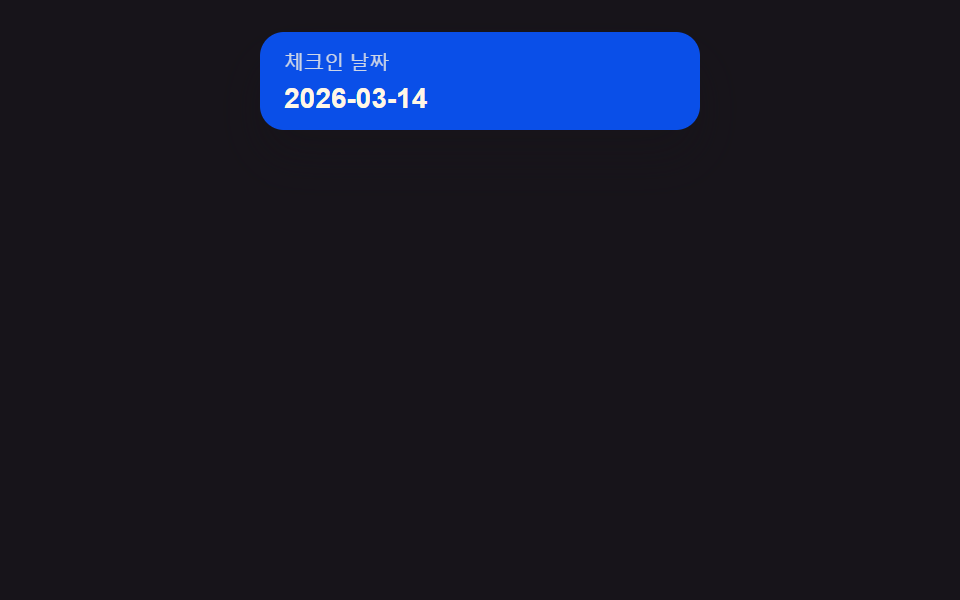 선택 UI날짜 선택 UI 9종 — 팝오버로 열고 접는 아홉 가지 방식
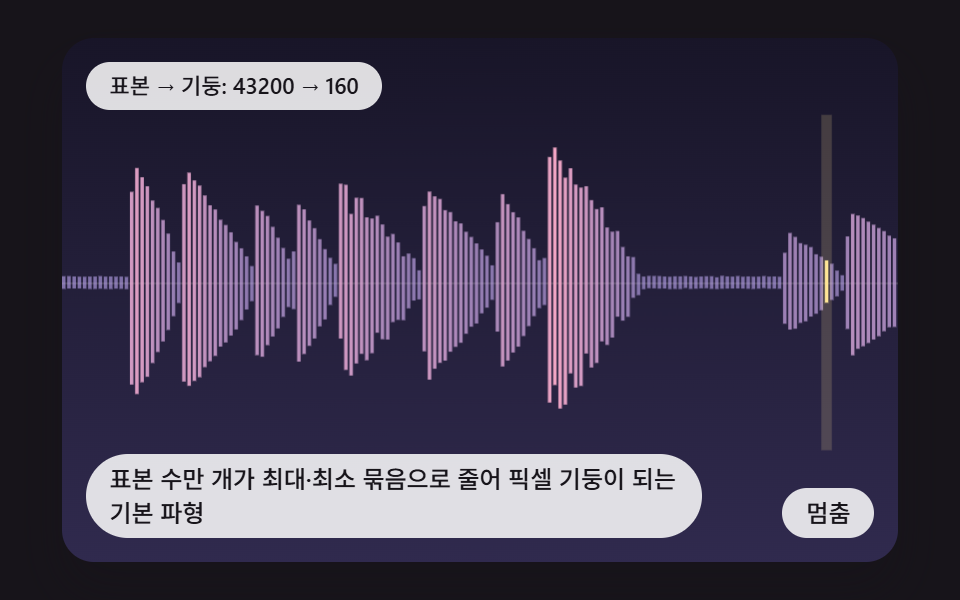 선택 UIcss waveform 9가지 — 피크로 줄이고 구간을 골라 자르는 오디오 파형 장면
 선택 UI세그먼트 컨트롤 선택 UI 9종 — 복붙하면 되는
 선택 UI달력 선택 UI 9종 — 복붙하면 되는
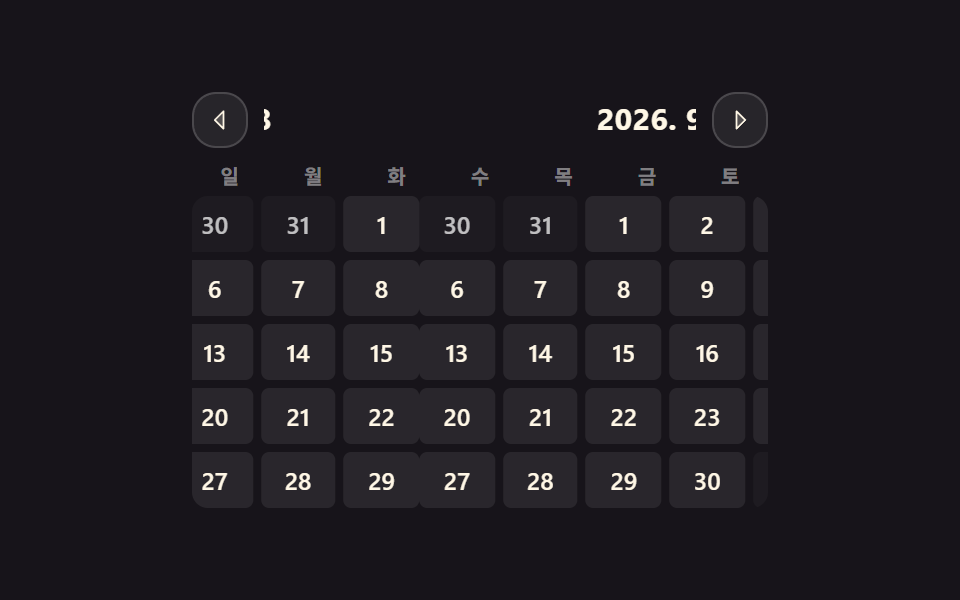 선택 UIcss 달력 만들기 9종 — 진짜 넘어가는 월간 캘린더
 선택 UIcss input range 슬라이더 — 관성·스냅 계산을 얹은 커스텀 9종
 선택 UI별점 UI 9종 — 채움 값이 상태에 따라 바뀌는 방식
 선택 UI난이도 선택 ui 9종 — 드래그 각도로 값이 바뀌는 계산까지