09Tiện ích stagger
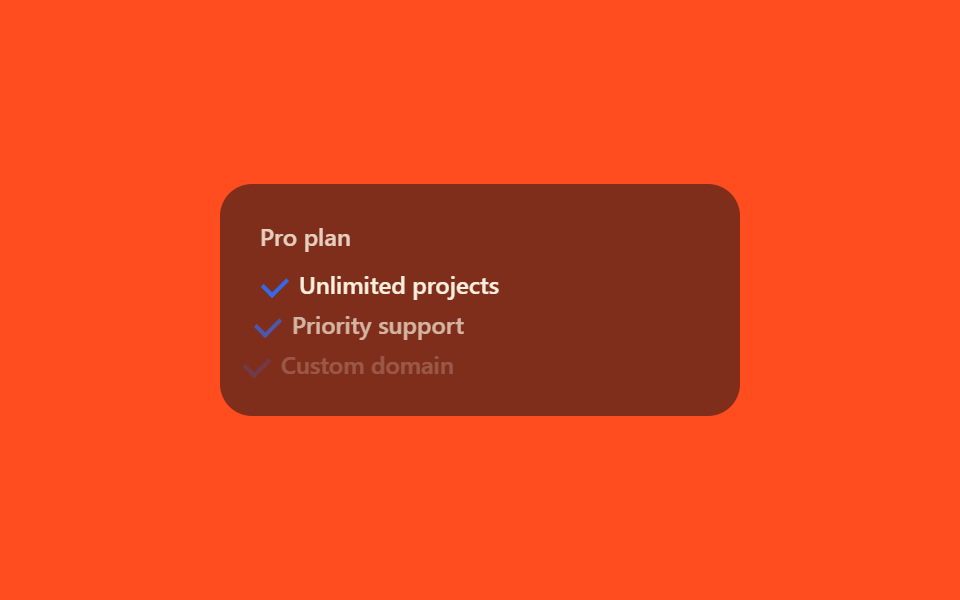
Mỗi item chỉ đổi `[animation-delay:calc(var(--i)*80ms)]` với `--i` tăng dần 0, 1, 2…, cùng một class `animate-fade-slide` sẽ nổi lên lần lượt cách nhau 80ms.
Dùng choDanh sách thông báo, card dashboard tải lần lượt
var(--i)animation-delay 계산80ms 간격

<main class="stage">
  <ul class="list is-demo">
    <li class="list__item" style="--i:0">Có bình luận mới</li>
    <li class="list__item" style="--i:1">Bạn có người theo dõi mới</li>
    <li class="list__item" style="--i:2">Thanh toán hoàn tất</li>
  </ul>
</main>
@use "../../../../site/static/demo-tokens" as *;
// ── 변수 3개 ──────────────────────────────────────────
$duration: 400ms;
$easing: ease-out;
$color: $subject-cream;
// ── 데모 무대 ──────────────────────────────────────────
@include stage($stage-ink);
.list {
list-style: none;
margin: 0;
padding: 0;
display: flex;
flex-direction: column;
gap: $sp-2;
width: min(280px, 88vw);
}
.list__item {
padding: $sp-2 $sp-4;
border-radius: $r-sm;
background: rgba($subject-cream, .08);
color: $color;
font-weight: 500;
font-size: clamp(12px, 3.4vw, 14px);
line-height: 1.3;
font-family: inherit;
opacity: 0;
transform: translateY(10px);
}
// 실사용: 각 항목의 --i 만 바꿔 [animation-delay:calc(var(--i)*80ms)] 로 순서를 만든다
.list.is-demo .list__item {
animation: stagger-in-loop 2s $easing infinite;
animation-delay: calc(var(--i) * 80ms);
}
@keyframes stagger-in-loop {
0% { opacity: 0; transform: translateY(10px); }
20% { opacity: 1; transform: translateY(0); }
75% { opacity: 1; transform: translateY(0); }
100% { opacity: 0; transform: translateY(10px); }
}
// 실사용 단발 버전
.list.is-appear .list__item {
animation: stagger-in $duration $easing both;
animation-delay: calc(var(--i) * 80ms);
}
@keyframes stagger-in {
from { opacity: 0; transform: translateY(10px); }
to { opacity: 1; transform: translateY(0); }
}
// ── 접근성 ──────────────────────────────────────────
@media (prefers-reduced-motion: reduce) {
.list__item { animation: none !important; opacity: 1; transform: none; }
}html, body {
margin: 0;
overflow: hidden;
}
.stage {
box-sizing: border-box;
min-height: 100vh;
display: grid;
place-items: center;
margin: 0;
background: #17141a;
font-family: -apple-system, "Segoe UI", "Noto Sans KR", sans-serif;
padding: clamp(8px, 4vw, 24px);
}
.list {
list-style: none;
margin: 0;
padding: 0;
display: flex;
flex-direction: column;
gap: 8px;
width: min(280px, 88vw);
}
.list__item {
padding: 8px 16px;
border-radius: 8px;
background: rgba(255, 247, 230, 0.08);
color: #fff7e6;
font-weight: 500;
font-size: clamp(12px, 3.4vw, 14px);
line-height: 1.3;
font-family: inherit;
opacity: 0;
transform: translateY(10px);
}
.list.is-demo .list__item {
animation: stagger-in-loop 2s ease-out infinite;
animation-delay: calc(var(--i) * 80ms);
}
@keyframes stagger-in-loop {
0% {
opacity: 0;
transform: translateY(10px);
}
20% {
opacity: 1;
transform: translateY(0);
}
75% {
opacity: 1;
transform: translateY(0);
}
100% {
opacity: 0;
transform: translateY(10px);
}
}
.list.is-appear .list__item {
animation: stagger-in 400ms ease-out both;
animation-delay: calc(var(--i) * 80ms);
}
@keyframes stagger-in {
from {
opacity: 0;
transform: translateY(10px);
}
to {
opacity: 1;
transform: translateY(0);
}
}
@media (prefers-reduced-motion: reduce) {
.list__item {
animation: none !important;
opacity: 1;
transform: none;
}
}import type { CSSProperties } from "react";
import styles from "./StaggerUtilList.module.scss";
export type StaggerUtilListProps = {
items?: string[];
duration?: number;
/** 항목 사이 지연, ms — [animation-delay:calc(var(--i)*80ms)] 의 80 */
step?: number;
easing?: string;
color?: string;
};
type ItemVars = CSSProperties & { "--i"?: number };
type Vars = CSSProperties & {
"--duration"?: string;
"--step"?: string;
"--easing"?: string;
"--color"?: string;
};
export default function StaggerUtilList({
items = [
"A new comment was posted",
"You have a new follower",
"Payment completed",
],
duration = 400,
step = 80,
easing = "ease-out",
color = "#fff7e6",
}: StaggerUtilListProps) {
const vars: Vars = {
"--duration": `${duration}ms`,
"--step": `${step}ms`,
"--easing": easing,
"--color": color,
};
return (
<ul className={styles.list} style={vars}>
{items.map((text, i) => {
const itemVars: ItemVars = { "--i": i };
return (
<li key={text} className={styles.list__item} style={itemVars}>
{text}
</li>
);
})}
</ul>
);
}09 Tiện ích stagger — Diện tích đo được 20.843% · khung hình chuyển động 12/23Nguyên tác GODRICH · SCSS và React nằm trong tệp zip · 9 Tailwind v4 Animations — dán 1 dòng là chạy
Bài viết chứa demo này
 9 Tailwind v4 Animations — dán 1 dòng là chạyTailwind v4 animations là các animate- được khai báo ngay trong khối @theme của CSS, không cần tailwind.config.js. Chín Xem tất cả demo trong bài này