06Cảm giác AI trả lời theo dòng
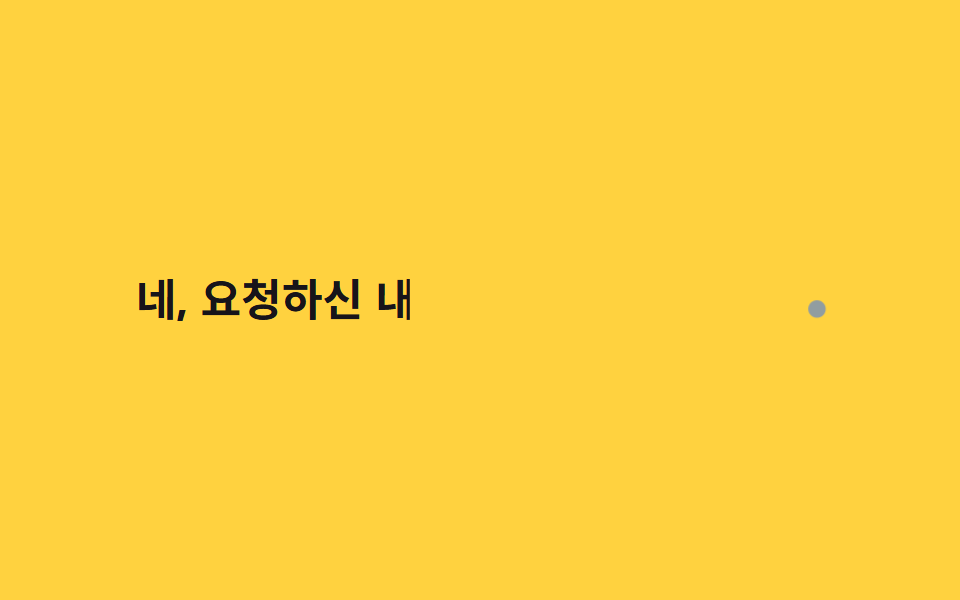
Thay vì steps() với khoảng cách cố định, một vòng lặp JavaScript nối chữ vào với khoảng nghỉ ngẫu nhiên 30-90ms, mô phỏng nhịp lệch của AI trả lời theo từng token.
Dùng choKhu vực trả lời của chatbot AI, hiệu ứng chờ kết quả prompt
랜덤 간격 JSel.animate오브 커서 pulse
<main class="stage">
  <p class="ai"><span class="ai__text" id="atext">Vâng, để tôi tóm tắt nội dung bạn yêu cầu</span><span class="ai__orb" aria-hidden="true"></span></p>
</main>
@use "../../../../site/static/demo-tokens" as *;
$duration: $dur-loop; // JS 쪽 el.animate() duration:2000 과 맞춘다
$easing: linear; // 랜덤 간격을 이미 offset 으로 넣어 linear 로 충분하다
$color: $subject-ink; // 글자 색
@include stage($stage-yellow);
.ai {
margin: 0;
display: flex;
align-items: baseline;
gap: clamp(4px, 1.4vw, 8px);
font-weight: 700; font-size: clamp(16px, 4.6vw, 26px); line-height: 1.5; font-family: inherit;
color: $color;
&__text { display: inline-block; }
&__orb {
width: clamp(6px, 1.8vw, 10px);
height: clamp(6px, 1.8vw, 10px);
border-radius: $r-pill;
background: $subject-blue;
animation: orb-pulse $dur-quick $ease-pop infinite;
}
}
@keyframes orb-pulse {
0%, 100% { transform: scale(1); opacity: .55; }
50% { transform: scale(1.6); opacity: 1; }
}
@media (prefers-reduced-motion: reduce) {
.ai__text { clip-path: none !important; }
.ai__orb { animation: none; opacity: .8; }
}html, body {
margin: 0;
overflow: hidden;
}
.stage {
box-sizing: border-box;
min-height: 100vh;
display: grid;
place-items: center;
margin: 0;
background: #ffd23f;
font-family: -apple-system, "Segoe UI", "Noto Sans KR", sans-serif;
padding: clamp(8px, 4vw, 24px);
}
.ai {
margin: 0;
display: flex;
align-items: baseline;
gap: clamp(4px, 1.4vw, 8px);
font-weight: 700;
font-size: clamp(16px, 4.6vw, 26px);
line-height: 1.5;
font-family: inherit;
color: #17141a;
}
.ai__text {
display: inline-block;
}
.ai__orb {
width: clamp(6px, 1.8vw, 10px);
height: clamp(6px, 1.8vw, 10px);
border-radius: 999px;
background: #2f6df6;
animation: orb-pulse 220ms cubic-bezier(0.2, 1.4, 0.4, 1) infinite;
}
@keyframes orb-pulse {
0%, 100% {
transform: scale(1);
opacity: 0.55;
}
50% {
transform: scale(1.6);
opacity: 1;
}
}
@media (prefers-reduced-motion: reduce) {
.ai__text {
clip-path: none !important;
}
.ai__orb {
animation: none;
opacity: 0.8;
}
}(function () {
if (matchMedia('(prefers-reduced-motion: reduce)').matches) return;
var el = document.getElementById('atext'), s = el.textContent, n = s.length, d = [], sum = 0;
for (var i = 0; i < n; i++) { var r = 30 + Math.random() * 60; d.push(r); sum += r; }
var acc = 0, kf = [{ clipPath: 'inset(0 100% 0 0)', offset: 0 }];
for (var i = 0; i < n; i++) { acc += d[i]; kf.push({ clipPath: 'inset(0 ' + (100 - acc / sum * 78) + '% 0 0)', offset: acc / sum * .78 }); }
kf.push({ clipPath: 'inset(0 0% 0 0)', offset: .9 }, { clipPath: 'inset(0 100% 0 0)', offset: 1 });
el.animate(kf, { duration: 2000, iterations: Infinity });
})();import { useEffect, useRef } from "react";
import type { CSSProperties } from "react";
import styles from "./AiStreamingCaret.module.scss";
export type AiStreamingCaretProps = {
text: string;
/** el.animate() duration (기본 2000ms) */
duration?: number;
color?: string;
};
export default function AiStreamingCaret({ text, duration = 2000, color = "#17141a" }: AiStreamingCaretProps) {
const ref = useRef<HTMLSpanElement | null>(null);
useEffect(() => {
const el = ref.current;
if (!el || matchMedia("(prefers-reduced-motion: reduce)").matches) return;
const n = text.length;
const d: number[] = [];
let sum = 0;
for (let i = 0; i < n; i++) { const r = 30 + Math.random() * 60; d.push(r); sum += r; }
let acc = 0;
const kf = [{ clipPath: "inset(0 100% 0 0)", offset: 0 }];
for (let i = 0; i < n; i++) { acc += d[i]; kf.push({ clipPath: "inset(0 " + (100 - (acc / sum) * 78) + "% 0 0)", offset: (acc / sum) * 0.78 }); }
kf.push({ clipPath: "inset(0 0% 0 0)", offset: 0.9 }, { clipPath: "inset(0 100% 0 0)", offset: 1 });
const anim = el.animate(kf, { duration, iterations: Infinity });
return () => anim.cancel();
}, [text, duration]);
const vars = { "--color": color } as CSSProperties;
return (
<p className={styles.ai} style={vars}>
<span ref={ref} className={styles.text}>{text}</span>
<span className={styles.orb} aria-hidden="true" />
</p>
);
}06 Cảm giác AI trả lời theo dòng — Diện tích đo được 2.514% · khung hình chuyển động 23/23Nguyên tác GODRICH · SCSS và React nằm trong tệp zip · 9 kiểu css typing animation, copy dán là chạy
Bài viết chứa demo này
 9 kiểu css typing animation, copy dán là chạyCss typing animation là hiệu ứng mô phỏng việc gõ chữ bằng CSS thuần, dựng bằng steps() và một con trỏ nhấp nháy thay ch Xem tất cả demo trong bài này