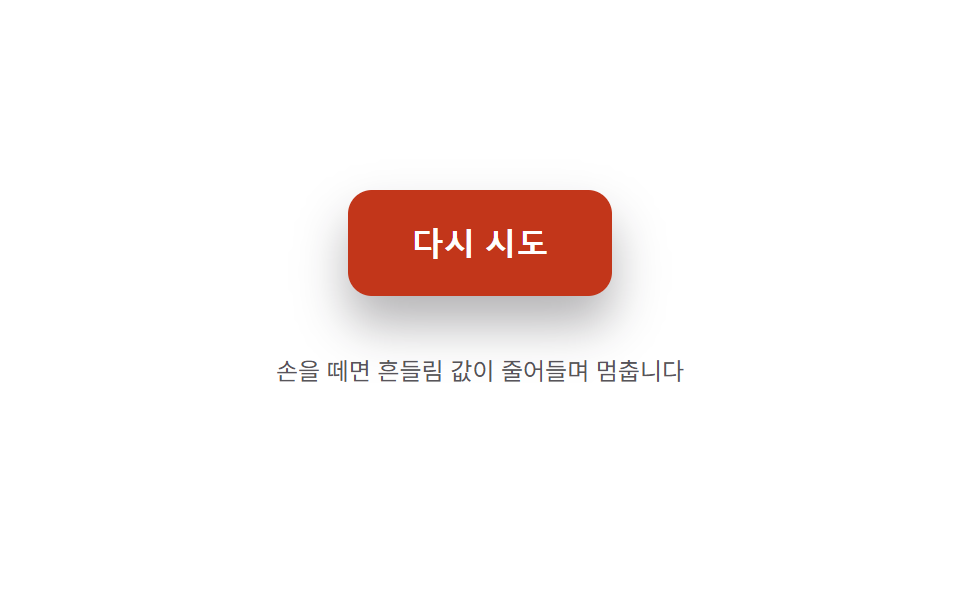
08Post-release wobble decay — the shape value wobbles side to side from the moment of release, and the wobble's width value shrinks until it stops
From the moment of release, the shape value wobbles side to side, and the width value of that wobble shrinks over time until it comes to rest.
Best forA hold-to-confirm button, a retry button that signals an error state
AMPLITUDE0DECAYFREQ
<main class="stage">
<div class="bwr is-demo" id="bwr">
  <button class="bwr__btn" id="bwrBtn" type="button">Try again</button>
  <p class="bwr__hint">Release it and the wobble value decays until it stops</p>
</div>
</main>
@use "../../../../site/static/demo-tokens" as *;
// 계산 겹(지수 감쇠 사인파 적분)은 JS 에 있다 — 여기는 정적 배치만.
@include stage($stage-paper);
.stage { position: relative; }
.bwr {
display: flex;
flex-direction: column;
align-items: center;
gap: $sp-4;
}
.bwr__btn {
border: 0;
border-radius: $r-control;
padding: $sp-4 $sp-8;
background: $error;
color: $stage-paper;
font-size: 16px;
font-weight: 700;
cursor: pointer;
box-shadow: $shadow-raised;
}
.bwr__hint {
color: rgba($subject-ink, .72);
font-size: 12px;
text-align: center;
}
@media (max-width: 340px) {
.bwr__btn { padding: $sp-3 $sp-6; font-size: 15px; }
}
@media (prefers-reduced-motion: reduce) {
.bwr__btn { transition: none !important; }
}html, body {
margin: 0;
overflow: hidden;
}
.stage {
box-sizing: border-box;
min-height: 100vh;
display: grid;
place-items: center;
margin: 0;
background: #ffffff;
font-family: -apple-system, "Segoe UI", "Noto Sans KR", sans-serif;
padding: clamp(8px, 4vw, 24px);
}
.stage {
position: relative;
}
.bwr {
display: flex;
flex-direction: column;
align-items: center;
gap: 16px;
}
.bwr__btn {
border: 0;
border-radius: 12px;
padding: 16px 32px;
background: #c2361a;
color: #ffffff;
font-size: 16px;
font-weight: 700;
cursor: pointer;
box-shadow: 0 14px 24px rgba(23, 20, 26, 0.32);
}
.bwr__hint {
color: rgba(23, 20, 26, 0.72);
font-size: 12px;
text-align: center;
}
@media (max-width: 340px) {
.bwr__btn {
padding: 12px 24px;
font-size: 15px;
}
}
@media (prefers-reduced-motion: reduce) {
.bwr__btn {
transition: none !important;
}
}(function () {
var root = document.getElementById('bwr');
var btn = document.getElementById('bwrBtn');
var reduce = window.matchMedia('(prefers-reduced-motion: reduce)').matches;
// 계산 겹: angle(t) = AMPLITUDE0 * e^(-DECAY*t) * sin(FREQ*t) — 지수 감쇠 사인파로
// 좌우 회전 각도를 직접 계산한다(키프레임이 아니라 매 프레임 값 대입). DECAY 가 클수록
// 빨리 잦아들고, FREQ 가 클수록 더 촘촘하게 떤다.
var AMPLITUDE0 = 9, DECAY = 5.2, FREQ = 26;
var t0 = 0, raf = null, running = false;
function paint(angle) { btn.style.transform = 'rotate(' + angle.toFixed(2) + 'deg)'; }
function tick(now) {
var t = (now - t0) / 1000;
var angle = AMPLITUDE0 * Math.exp(-DECAY * t) * Math.sin(FREQ * t);
paint(angle);
if (Math.abs(angle) < 0.15 && t > 0.15) { paint(0); running = false; raf = null; return; }
raf = requestAnimationFrame(tick);
}
function release() {
if (reduce) { paint(0); return; }
if (raf !== null) { cancelAnimationFrame(raf); }
t0 = performance.now();
running = true;
raf = requestAnimationFrame(tick);
}
function wireReal() {
btn.addEventListener('pointerup', function () { root.classList.remove('is-demo'); stopAutoplay(); release(); });
}
wireReal();
paint(0);
// 자동 루프: 실제 손을 떼는 이벤트 대신 같은 release() 를 주기적으로 다시 불러 감쇠 경로를 반복한다.
var autoTimer = null;
function stopAutoplay() { if (autoTimer) { clearInterval(autoTimer); autoTimer = null; } }
if (!reduce) { release(); autoTimer = setInterval(release, 1400); }
})();import { useEffect, useRef } from "react";
import styles from "./ButtonPhysicsWobbleReleaseSettle.module.scss";
export type ButtonPhysicsWobbleReleaseSettleProps = {
color?: string;
};
export default function ButtonPhysicsWobbleReleaseSettle({
color = "#c2361a",
}: ButtonPhysicsWobbleReleaseSettleProps) {
const rootRef = useRef<HTMLDivElement | null>(null);
useEffect(() => {
const root = rootRef.current;
if (!root) return;
const btn = root.querySelector<HTMLButtonElement>(`.${styles.btn}`);
if (!btn) return;
const reduce = window.matchMedia("(prefers-reduced-motion: reduce)").matches;
// 계산 겹: angle(t) = AMPLITUDE0 * e^(-DECAY*t) * sin(FREQ*t) — 지수 감쇠 사인파로
// 좌우 회전 각도를 직접 계산한다(키프레임이 아니라 매 프레임 값 대입). DECAY 가 클수록
// 빨리 잦아들고, FREQ 가 클수록 더 촘촘하게 떤다.
const AMPLITUDE0 = 9, DECAY = 5.2, FREQ = 26;
let t0 = 0, raf: number | null = null;
function paint(angle: number) { btn!.style.transform = "rotate(" + angle.toFixed(2) + "deg)"; }
function tick(now: number) {
const t = (now - t0) / 1000;
const angle = AMPLITUDE0 * Math.exp(-DECAY * t) * Math.sin(FREQ * t);
paint(angle);
if (Math.abs(angle) < 0.15 && t > 0.15) { paint(0); raf = null; return; }
raf = requestAnimationFrame(tick);
}
function release() {
if (reduce) { paint(0); return; }
if (raf !== null) { cancelAnimationFrame(raf); }
t0 = performance.now();
raf = requestAnimationFrame(tick);
}
function onPointerUp() { stopAutoplay(); release(); }
btn.addEventListener("pointerup", onPointerUp);
paint(0);
let autoTimer: number | null = null;
function stopAutoplay() { if (autoTimer !== null) { window.clearInterval(autoTimer); autoTimer = null; } }
if (!reduce) { release(); autoTimer = window.setInterval(release, 1400); }
return () => {
stopAutoplay();
if (raf !== null) cancelAnimationFrame(raf);
btn.removeEventListener("pointerup", onPointerUp);
};
}, []);
return (
<div ref={rootRef} className={styles.stage}>
<div className={styles.bwr}>
<button className={styles.btn} type="button" style={{ background: color }}>다시 시도</button>
<p className={styles.hint}>손을 떼면 흔들림 값이 줄어들며 멈춥니다</p>
</div>
</div>
);
}08 Post-release wobble decay — the shape value wobbles side to side from the moment of release, and the wobble's width value shrinks until it stops — Measured area 1.779% · moving frames 9/23Original by GODRICH · SCSS and React ship in the zip · Button Press Animation UI: 9 Calculation Patterns
The post this demo lives in
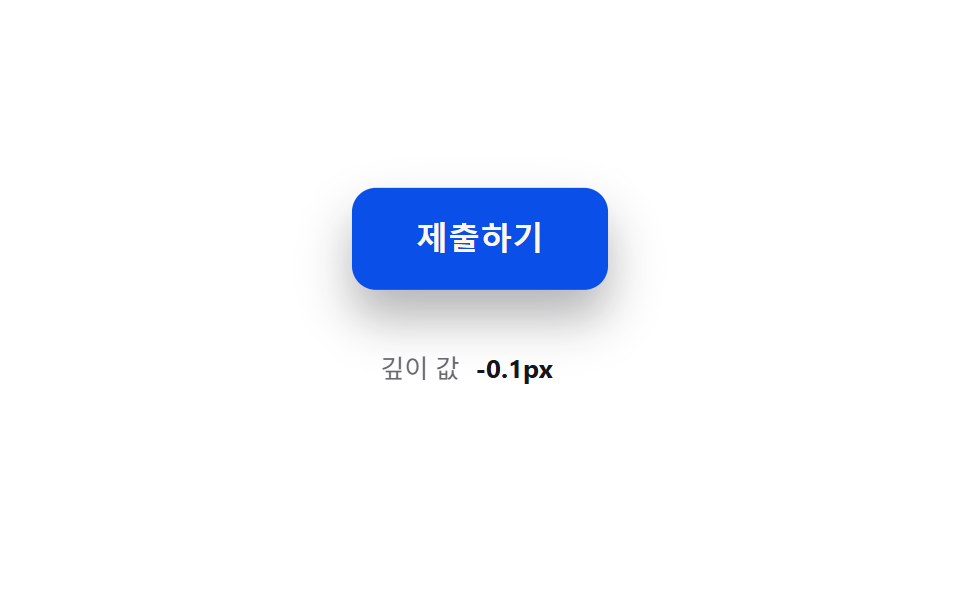 Button Press Animation UI: 9 Calculation PatternsOne value overshoots its target and swings back before settling, one falls and bounces off a floor value before resting, See all demos in this post
If you like this effect - similar demos
 Buttons01 Accordion-reveal value toggle — when the button's open value changes, its rounding and shadow values change along, presenting the content belowExpanding Button UI: 9 Shape-Morph Patterns
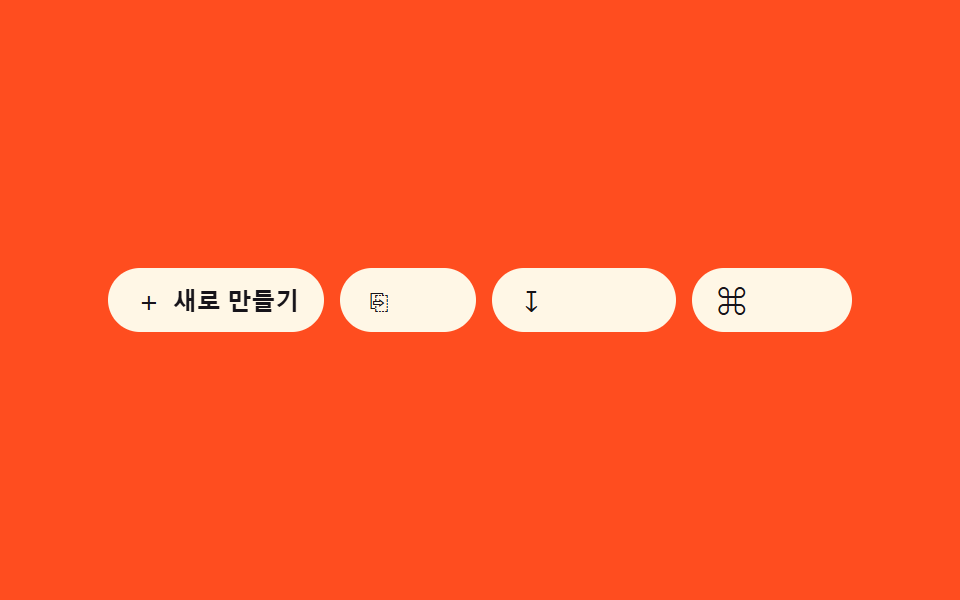 Buttons07 Icon-label combo reveal — as the container-width value widens, an icon button's text-label width value grows from zero into viewButton Group CSS: 9 Adjoined Patterns
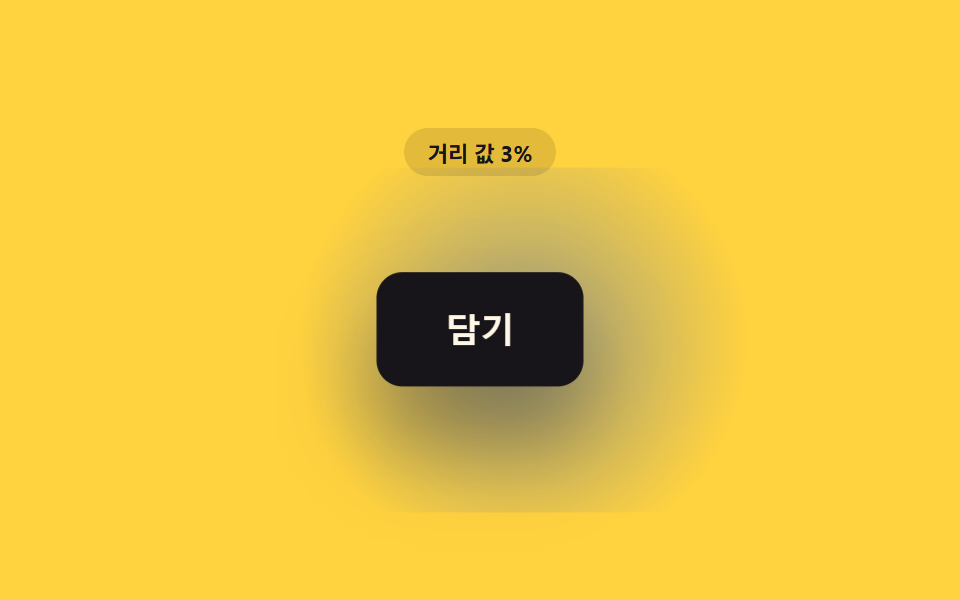 Buttons02 Button That Gradually Grows as the Distance Value ShrinksCSS Button Hover Effects — 9 Proximity Patterns