CSS Scroll Animation: 9 View-Timeline Examples
Nine css scroll animation demos, one idea: A card sits blurred, then sharpens as you scroll past it — one range value drives it.
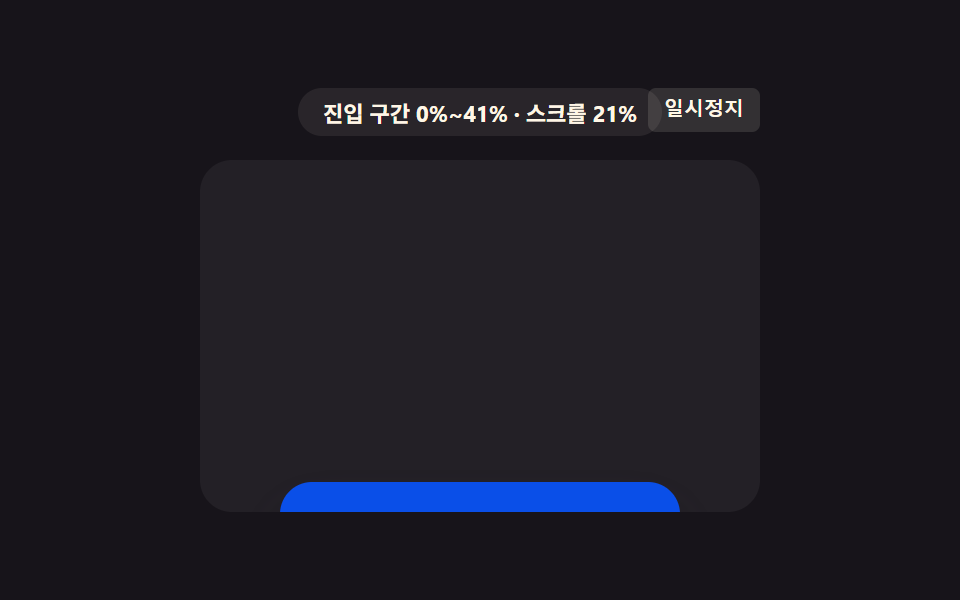 01 scroll-view-timeline-fade-scale-card
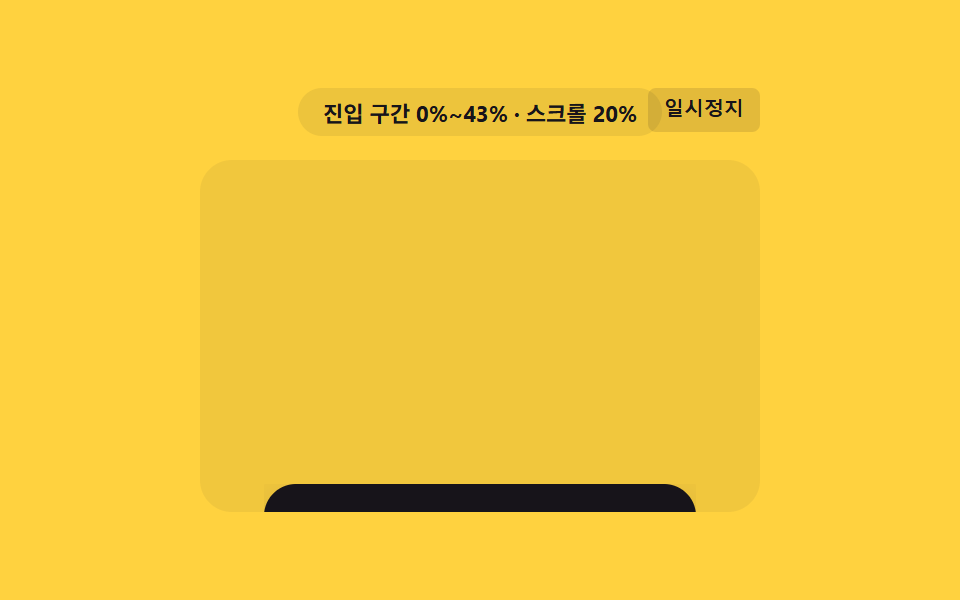 02 scroll-view-timeline-clip-path-reveal
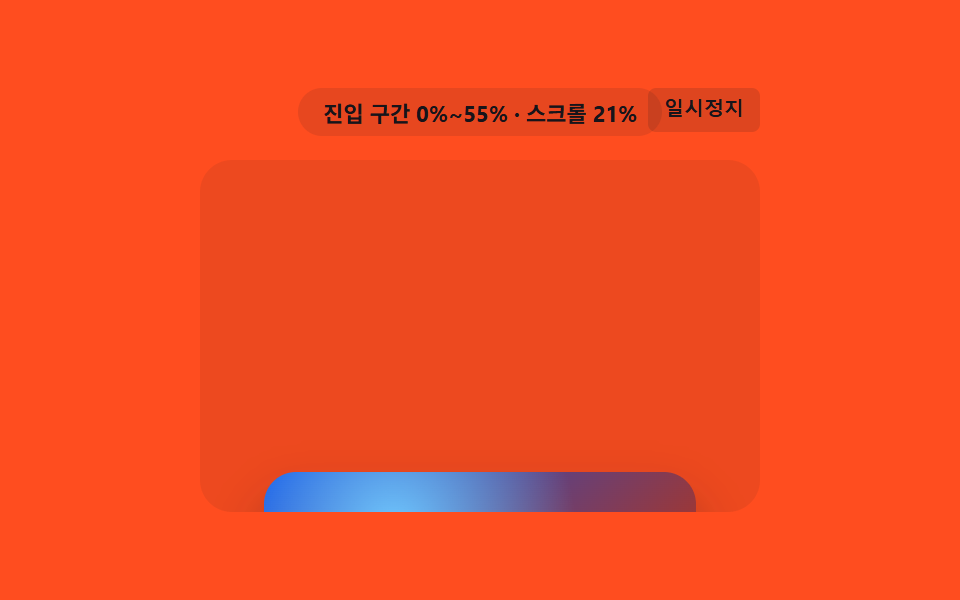 03 scroll-view-timeline-mask-wipe-image
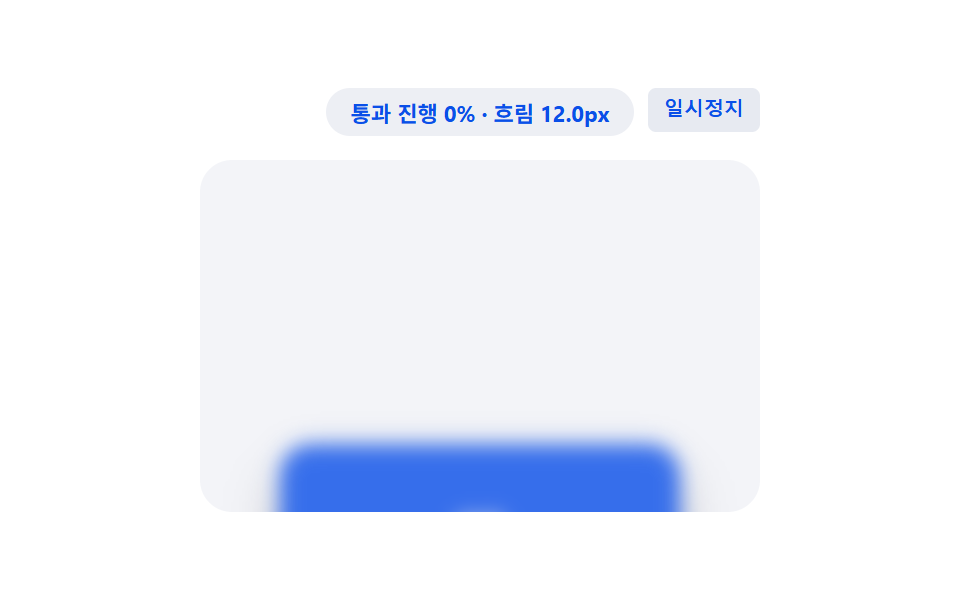 04 scroll-view-timeline-blur-focus-stack
 05 scroll-view-timeline-rotate-3d-flip
 06 scroll-view-timeline-skew-shear-panel
 07 scroll-view-timeline-color-morph-badge
 08 scroll-view-timeline-shadow-lift-depth
 09 scroll-view-timeline-letter-spacing-stretch
Auto-plays · click a tile to jump to its section · all nine in one zip
- 01 Card That Grows and Sharpens With the Range Value
- 02 Thumbnail Revealed as a Boundary Value Moves
- 03 Background Image Swept by a Diagonal Boundary Value
- 04 Card Whose Focus Loosens and Locks With the Range Value
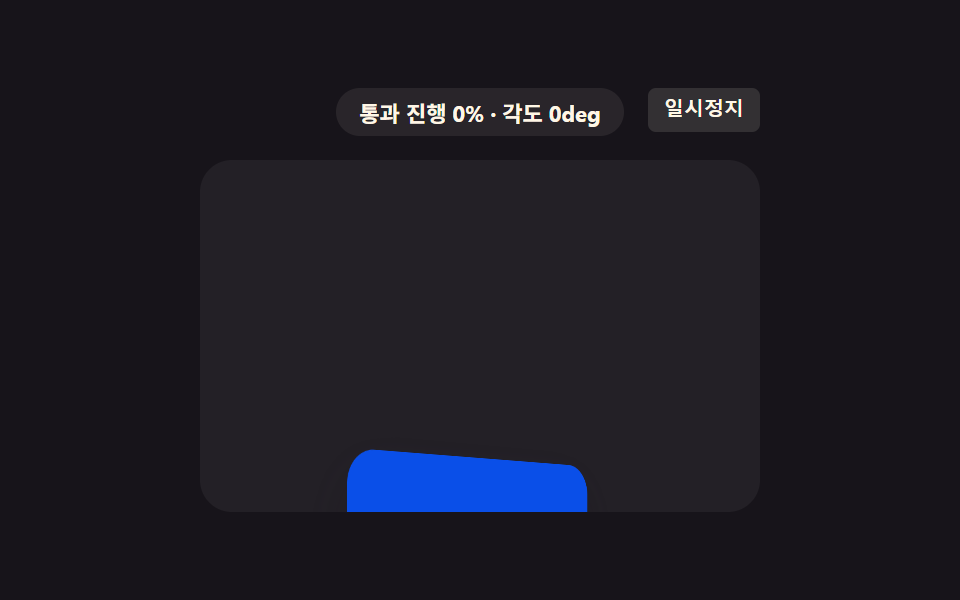
- 05 3D Card Whose Range Value Becomes an Angle Value
- 06 Panel Whose Skew Value Releases at the End
- 07 Badge Whose Range Value Becomes a Color-interpolation Point
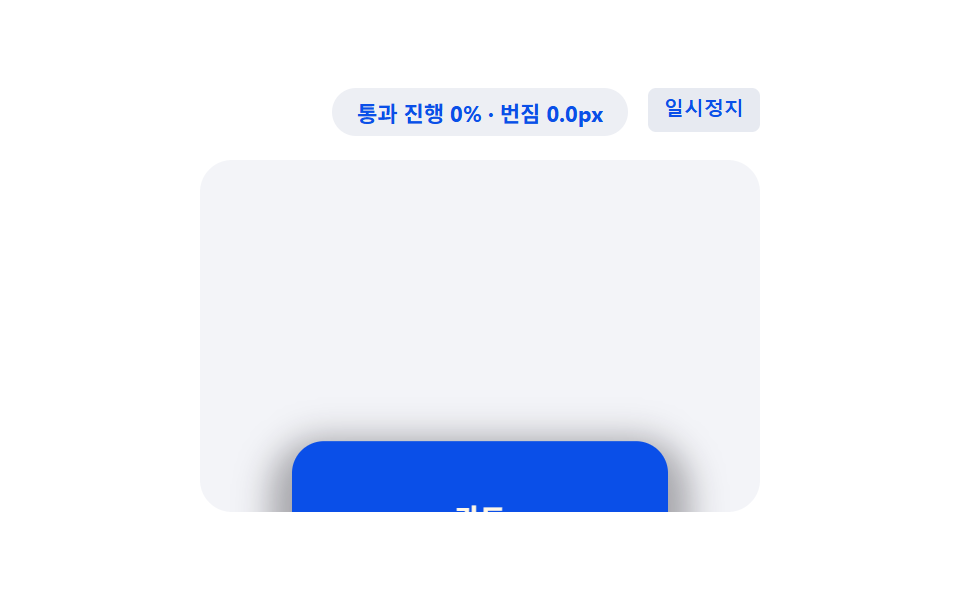
- 08 Card That Lifts by the Range Value's Shadow
- 09 Heading Whose Range Value Stretches Letter Spacing
Where animation-range Turns a Scroll Position Into a Progress Value
Every demo below reads the same kind of number: a 0-to-1 progress value that animation-timeline: view() produces as an element crosses the scrollable viewport. animation-range: entry narrows that value to just the entry phase — 0 the instant the element's leading edge appears, 1 once it's fully on screen — so items 1, 2, 3, 6, 7, and 9 use it to drive a one-way reveal. animation-range: cover instead spans the whole pass-through, 0 at first contact to 1 at the last pixel leaving, so items 4, 5, and 8 get a value that can rise and fall inside one crossing. Nothing here reads scrollTop directly — the browser recomputes the value every time a frame is painted, and the nine patterns differ only in which CSS property that value is plugged into.
01Card That Grows and Sharpens With the Range Value
As the card's entry range value fills from 0 to 1, its opacity value and size value both grow together, so it appears increasingly sharp and large — a feature card settling into a landing page as you scroll to it.
<main class="stage">
<div class="fsc is-demo" id="fscRoot">
  <div class="fsc__badge" id="fscBadge">entry range 0%~0%</div>
  <button class="fsc__ctrl" id="fscCtrl" type="button">Pause</button>
  <div class="fsc__view" id="fscView">
    <div class="fsc__track" id="fscTrack">
      <div class="fsc__spacer fsc__spacer--top"></div>
      <div class="fsc__card" id="fscCard">
        <span class="fsc__label">Feature card</span>
      </div>
      <div class="fsc__spacer fsc__spacer--bottom"></div>
    </div>
  </div>
</div>
</main>
@use "../../../../site/static/demo-tokens" as *;
// 핵심: animation-timeline: view() + animation-range: entry 로 카드가 뷰에 들어오는
// 진입 구간 값(0~1)에 투명도·크기를 직접 묶는다. 미지원 환경은 IntersectionObserver
// 교차 비율을 같은 값으로 대신 계산해 동일한 결과를 그린다.
$duration: $dur-loop;
$easing: linear;
$color: $subject-blue-deep;
@include stage($stage-ink);
.fsc {
position: relative;
width: min(100%, 280px);
display: flex;
flex-direction: column;
align-items: center;
gap: $sp-3;
}
.fsc__badge {
padding: $sp-1 $sp-3;
border-radius: $r-pill;
background: rgba(255, 247, 230, .08);
color: $subject-cream;
font-weight: 700;
font-size: 11px;
font-variant-numeric: tabular-nums;
}
.fsc__ctrl {
position: absolute;
top: 0;
right: 0;
border: 0;
border-radius: $r-xs;
padding: $sp-1 $sp-2;
background: rgba(255, 247, 230, .12);
color: $subject-cream;
font-weight: 600;
font-size: 10px;
line-height: 1.4;
cursor: pointer;
}
.fsc__ctrl:focus-visible { outline: 2px solid $subject-blue-light; outline-offset: 2px; }
.fsc__view {
box-sizing: border-box;
width: 100%;
height: 176px;
overflow-y: auto;
overflow-x: hidden;
border-radius: $r-card;
background: rgba(255, 255, 255, .05);
scrollbar-width: thin;
}
.fsc__track {
display: flex;
flex-direction: column;
align-items: center;
}
.fsc__spacer--top { height: 190px; flex: 0 0 auto; }
.fsc__spacer--bottom { height: 40px; flex: 0 0 auto; }
.fsc__card {
flex: 0 0 auto;
box-sizing: border-box;
width: 200px;
height: 72px;
display: grid;
place-items: center;
border-radius: $r-card;
background: $color;
box-shadow: $shadow-raised;
opacity: 0;
transform-origin: center;
transform: scale(var(--fade-scale-start, .8));
}
.fsc__label {
color: $subject-cream;
font-weight: 700;
font-size: 14px;
}
// 네이티브: animation-timeline: view() + animation-range: entry 가 진입 구간 값을
// 직접 투명도·크기에 묶는다.
.supports-vt .fsc__card {
animation-name: fscEnter;
animation-duration: 1s;
animation-timing-function: linear;
animation-fill-mode: both;
animation-timeline: view();
animation-range: entry;
}
@keyframes fscEnter {
0% { opacity: 0; transform: scale(var(--fade-scale-start, .8)); }
100% { opacity: 1; transform: scale(1); }
}
@media (max-width: 340px) {
.fsc { gap: $sp-2; }
.fsc__view { height: 130px; }
.fsc__spacer--top { height: 130px; }
.fsc__spacer--bottom { height: 26px; }
.fsc__card { width: 168px; height: 56px; }
}
@media (prefers-reduced-motion: reduce) {
.fsc__card { animation: none !important; opacity: 1 !important; transform: scale(1) !important; }
}html, body {
margin: 0;
overflow: hidden;
}
.stage {
box-sizing: border-box;
min-height: 100vh;
display: grid;
place-items: center;
margin: 0;
background: #17141a;
font-family: -apple-system, "Segoe UI", "Noto Sans KR", sans-serif;
padding: clamp(8px, 4vw, 24px);
}
.fsc {
position: relative;
width: min(100%, 280px);
display: flex;
flex-direction: column;
align-items: center;
gap: 12px;
}
.fsc__badge {
padding: 4px 12px;
border-radius: 999px;
background: rgba(255, 247, 230, 0.08);
color: #fff7e6;
font-weight: 700;
font-size: 11px;
font-variant-numeric: tabular-nums;
}
.fsc__ctrl {
position: absolute;
top: 0;
right: 0;
border: 0;
border-radius: 4px;
padding: 4px 8px;
background: rgba(255, 247, 230, 0.12);
color: #fff7e6;
font-weight: 600;
font-size: 10px;
line-height: 1.4;
cursor: pointer;
}
.fsc__ctrl:focus-visible {
outline: 2px solid #5b8cf8;
outline-offset: 2px;
}
.fsc__view {
box-sizing: border-box;
width: 100%;
height: 176px;
overflow-y: auto;
overflow-x: hidden;
border-radius: 16px;
background: rgba(255, 255, 255, 0.05);
scrollbar-width: thin;
}
.fsc__track {
display: flex;
flex-direction: column;
align-items: center;
}
.fsc__spacer--top {
height: 190px;
flex: 0 0 auto;
}
.fsc__spacer--bottom {
height: 40px;
flex: 0 0 auto;
}
.fsc__card {
flex: 0 0 auto;
box-sizing: border-box;
width: 200px;
height: 72px;
display: grid;
place-items: center;
border-radius: 16px;
background: #0a4fe8;
box-shadow: 0 14px 24px rgba(23, 20, 26, 0.32);
opacity: 0;
transform-origin: center;
transform: scale(var(--fade-scale-start, 0.8));
}
.fsc__label {
color: #fff7e6;
font-weight: 700;
font-size: 14px;
}
.supports-vt .fsc__card {
animation-name: fscEnter;
animation-duration: 1s;
animation-timing-function: linear;
animation-fill-mode: both;
animation-timeline: view();
animation-range: entry;
}
@keyframes fscEnter {
0% {
opacity: 0;
transform: scale(var(--fade-scale-start, 0.8));
}
100% {
opacity: 1;
transform: scale(1);
}
}
@media (max-width: 340px) {
.fsc {
gap: 8px;
}
.fsc__view {
height: 130px;
}
.fsc__spacer--top {
height: 130px;
}
.fsc__spacer--bottom {
height: 26px;
}
.fsc__card {
width: 168px;
height: 56px;
}
}
@media (prefers-reduced-motion: reduce) {
.fsc__card {
animation: none !important;
opacity: 1 !important;
transform: scale(1) !important;
}
}(function () {
// VIEWTL_FADE_SCALE_START — 변형 1: 0.8 → 0.6 로 낮추면 카드가 더 작게 쭈그러든 채 시작해 등장이 강조된다.
var VIEWTL_FADE_SCALE_START = 0.8;
document.documentElement.style.setProperty('--fade-scale-start', String(VIEWTL_FADE_SCALE_START));
var supportsVt = CSS.supports('animation-timeline: view()');
var root = document.getElementById('fscRoot');
var view = document.getElementById('fscView');
var card = document.getElementById('fscCard');
var badge = document.getElementById('fscBadge');
var ctrl = document.getElementById('fscCtrl');
root.classList.add(supportsVt ? 'supports-vt' : 'no-vt');
// 계산 한 겹: 요소 높이·뷰포트 높이에서 진입 구간(시작~끝 %) 값을 구해 배지에 표시한다.
function entryRangePct() {
var elH = card.offsetHeight;
var viewH = view.clientHeight;
return Math.round(Math.min(100, (elH / viewH) * 100));
}
var rangeEnd = entryRangePct();
var rangeText = 'entry range 0%~' + rangeEnd + '%';
function render(ratio) {
if (!supportsVt) {
var start = VIEWTL_FADE_SCALE_START;
var scale = start + (1 - start) * ratio;
card.style.opacity = String(ratio);
card.style.transform = 'scale(' + scale.toFixed(3) + ')';
}
badge.textContent = rangeText + ' · progress ' + Math.round(ratio * 100) + '%';
}
var lastRatio = 0;
if (!supportsVt) {
var STEPS = [];
for (var s = 0; s <= 50; s += 1) { STEPS.push(s / 50); }
var io = new IntersectionObserver(function (entries) {
entries.forEach(function (entry) {
lastRatio = entry.intersectionRatio;
render(lastRatio);
});
}, { root: view, threshold: STEPS });
io.observe(card);
} else {
badge.textContent = rangeText;
}
view.addEventListener('scroll', function () {
if (supportsVt) {
var max = view.scrollHeight - view.clientHeight;
var p = max > 0 ? Math.min(1, Math.max(0, view.scrollTop / max)) : 0;
badge.textContent = rangeText + ' · scroll ' + Math.round(p * 100) + '%';
}
}, { passive: true });
// 자동 시연: rAF 로 프레임을 누적해 컨테이너를 왕복 스크롤한다 (실시간 setInterval 이 아니라 프레임 누적).
var playing = true;
var frame = 0;
var PERIOD = 66;
function tick() {
if (playing) {
frame += 1;
var max = view.scrollHeight - view.clientHeight;
var t = frame % (PERIOD * 2);
var f = t < PERIOD ? (t / PERIOD) : ((PERIOD * 2 - t) / PERIOD);
view.scrollTop = f * max;
}
requestAnimationFrame(tick);
}
requestAnimationFrame(tick);
function stopAuto() {
if (root.classList.contains('is-demo')) { root.classList.remove('is-demo'); }
playing = false;
ctrl.textContent = 'Play';
}
view.addEventListener('wheel', stopAuto, { passive: true });
view.addEventListener('touchstart', stopAuto, { passive: true });
ctrl.addEventListener('click', function () {
playing = !playing;
ctrl.textContent = playing ? 'Pause' : 'Play';
if (playing) { root.classList.add('is-demo'); }
});
ctrl.addEventListener('keydown', function (e) {
if (e.key === 'r' || e.key === 'R') {
frame = 0;
view.scrollTop = 0;
lastRatio = 0;
render(0);
playing = true;
root.classList.add('is-demo');
ctrl.textContent = 'Pause';
}
});
window.addEventListener('resize', function () {
rangeEnd = entryRangePct();
rangeText = 'entry range 0%~' + rangeEnd + '%';
});
var reduce = window.matchMedia('(prefers-reduced-motion: reduce)').matches;
if (reduce) {
playing = false;
root.classList.remove('is-demo');
lastRatio = 1;
render(1);
card.style.opacity = '1';
card.style.transform = 'scale(1)';
badge.textContent = rangeText + ' · final state';
}
})();import { useEffect, useRef, useState } from "react";
import styles from "./FadeScaleCard.module.scss";
// 핵심: animation-timeline: view() + animation-range: entry 로 진입 구간 값(0~1)에
// 투명도·크기를 직접 묶는다. 미지원 환경은 IntersectionObserver 교차 비율로 같은 값을
// 계산한다. VIEWTL_FADE_SCALE_START — 변형 1: 0.8 → 0.6 로 낮추면 등장이 더 강조된다.
const VIEWTL_FADE_SCALE_START = 0.8;
export default function FadeScaleCard() {
const rootRef = useRef<HTMLDivElement>(null);
const viewRef = useRef<HTMLDivElement>(null);
const cardRef = useRef<HTMLDivElement>(null);
const [badge, setBadge] = useState("진입 구간 0%~0%");
const [demo, setDemo] = useState(true);
const [supportsVt, setSupportsVt] = useState(false);
useEffect(() => {
const view = viewRef.current;
const card = cardRef.current;
const root = rootRef.current;
if (!view || !card || !root) { return; }
card.style.setProperty("--fade-scale-start", String(VIEWTL_FADE_SCALE_START));
const vt = CSS.supports("animation-timeline: view()");
setSupportsVt(vt);
function entryRangePct() {
const elH = card!.offsetHeight;
const viewH = view!.clientHeight;
return Math.round(Math.min(100, (elH / viewH) * 100));
}
let rangeEnd = entryRangePct();
let rangeText = "진입 구간 0%~" + rangeEnd + "%";
function render(ratio: number) {
if (!vt) {
const start = VIEWTL_FADE_SCALE_START;
const scale = start + (1 - start) * ratio;
card!.style.opacity = String(ratio);
card!.style.transform = "scale(" + scale.toFixed(3) + ")";
}
setBadge(rangeText + " · 진행 " + Math.round(ratio * 100) + "%");
}
let io: IntersectionObserver | null = null;
if (!vt) {
const STEPS: number[] = [];
for (let s = 0; s <= 50; s += 1) { STEPS.push(s / 50); }
io = new IntersectionObserver((entries) => {
entries.forEach((entry) => { render(entry.intersectionRatio); });
}, { root: view, threshold: STEPS });
io.observe(card);
} else {
setBadge(rangeText);
}
function onScroll() {
if (vt) {
const max = view!.scrollHeight - view!.clientHeight;
const p = max > 0 ? Math.min(1, Math.max(0, view!.scrollTop / max)) : 0;
setBadge(rangeText + " · 스크롤 " + Math.round(p * 100) + "%");
}
}
view.addEventListener("scroll", onScroll, { passive: true });
let playing = true;
let frame = 0;
const PERIOD = 66;
let rafId = 0;
function tick() {
if (playing) {
frame += 1;
const max = view!.scrollHeight - view!.clientHeight;
const t = frame % (PERIOD * 2);
const f = t < PERIOD ? (t / PERIOD) : ((PERIOD * 2 - t) / PERIOD);
view!.scrollTop = f * max;
}
rafId = requestAnimationFrame(tick);
}
rafId = requestAnimationFrame(tick);
function stopAuto() {
setDemo(false);
playing = false;
}
view.addEventListener("wheel", stopAuto, { passive: true });
view.addEventListener("touchstart", stopAuto, { passive: true });
function onClick() {
playing = !playing;
setDemo(playing);
}
function onKeyDown(e: KeyboardEvent) {
if (e.key === "r" || e.key === "R") {
frame = 0;
view!.scrollTop = 0;
render(0);
playing = true;
setDemo(true);
}
}
root.addEventListener("keydown", onKeyDown);
function onResize() {
rangeEnd = entryRangePct();
rangeText = "진입 구간 0%~" + rangeEnd + "%";
}
window.addEventListener("resize", onResize);
const reduce = window.matchMedia("(prefers-reduced-motion: reduce)").matches;
if (reduce) {
playing = false;
setDemo(false);
render(1);
card.style.opacity = "1";
card.style.transform = "scale(1)";
setBadge(rangeText + " · 최종 상태");
}
const ctrl = root.querySelector("button");
ctrl?.addEventListener("click", onClick);
return () => {
cancelAnimationFrame(rafId);
io?.disconnect();
view.removeEventListener("scroll", onScroll);
view.removeEventListener("wheel", stopAuto);
view.removeEventListener("touchstart", stopAuto);
root.removeEventListener("keydown", onKeyDown);
window.removeEventListener("resize", onResize);
ctrl?.removeEventListener("click", onClick);
};
// eslint-disable-next-line react-hooks/exhaustive-deps
}, []);
return (
<main className={styles.stage}>
<div ref={rootRef} className={`${styles.fsc} ${demo ? styles["is-demo"] : ""} ${supportsVt ? styles["supports-vt"] : styles["no-vt"]}`}>
<div className={styles["fsc__badge"]}>{badge}</div>
<button className={styles["fsc__ctrl"]} type="button">{demo ? "일시정지" : "재생"}</button>
<div ref={viewRef} className={styles["fsc__view"]}>
<div className={styles["fsc__track"]}>
<div className={`${styles["fsc__spacer"]} ${styles["fsc__spacer--top"]}`} />
<div ref={cardRef} className={styles["fsc__card"]}>
<span className={styles["fsc__label"]}>기능 카드</span>
</div>
<div className={`${styles["fsc__spacer"]} ${styles["fsc__spacer--bottom"]}`} />
</div>
</div>
</div>
</main>
);
}01 · Card That Grows and Sharpens With the Range Value — Measured area 16.106% · moving frames 23/23Original by GODRICH · SCSS and React ship in the zip · See the password
// Native: animation-timeline: view() + animation-range: entry binds the entry
// range value directly to opacity and size.
.supports-vt .fsc__card {
  animation-name: fscEnter;
  animation-duration: 1s;
  animation-timing-function: linear;
  animation-fill-mode: both;
  animation-timeline: view();
  animation-range: entry;
}
@keyframes fscEnter {
  0%   { opacity: 0; transform: scale(var(--fade-scale-start, .8)); }
  100% { opacity: 1; transform: scale(1); }
}
The one value doing the work is --fade-scale-start: the keyframe only ever interpolates from that custom property to 1, so opacity and scale are locked to the same range value instead of running on two separate timers that could drift apart.
Measured: cumulative area 16.1% of the frame, average intensity 138.8, moved 23/23 frames.
02Thumbnail Revealed as a Boundary Value Moves
While the range value fills, the boundary value of a clip-path: inset() box travels from one edge to the other, uncovering the image little by little — a portfolio thumbnail that finishes revealing itself exactly when it's centered on screen.
<main class="stage">
<div class="cpr is-demo" id="cprRoot">
  <div class="cpr__badge" id="cprBadge">entry range 0%~0%</div>
  <button class="cpr__ctrl" id="cprCtrl" type="button">Pause</button>
  <div class="cpr__view" id="cprView">
    <div class="cpr__track" id="cprTrack">
      <div class="cpr__spacer cpr__spacer--top"></div>
      <div class="cpr__panel" id="cprPanel">
        <span class="cpr__label">Project</span>
      </div>
      <div class="cpr__spacer cpr__spacer--bottom"></div>
    </div>
  </div>
</div>
</main>
@use "../../../../site/static/demo-tokens" as *;
// 핵심: animation-timeline: view() + animation-range: entry 로 clip-path 의 가려진
// 폭을 진입 구간 값(0~1)에 직접 묶어 커튼처럼 걷어낸다. 미지원 환경은 교차 비율을
// 같은 공식으로 계산해 동일한 inset() 값을 적용한다.
$duration: $dur-loop;
$easing: linear;
$color: $subject-ink;
@include stage($stage-yellow);
.cpr {
position: relative;
width: min(100%, 280px);
display: flex;
flex-direction: column;
align-items: center;
gap: $sp-3;
}
.cpr__badge {
padding: $sp-1 $sp-3;
border-radius: $r-pill;
background: rgba(23, 20, 26, .08);
color: $subject-ink;
font-weight: 700;
font-size: 11px;
font-variant-numeric: tabular-nums;
}
.cpr__ctrl {
position: absolute;
top: 0;
right: 0;
border: 0;
border-radius: $r-xs;
padding: $sp-1 $sp-2;
background: rgba(23, 20, 26, .12);
color: $subject-ink;
font-weight: 600;
font-size: 10px;
line-height: 1.4;
cursor: pointer;
}
.cpr__ctrl:focus-visible { outline: 2px solid $subject-ink; outline-offset: 2px; }
.cpr__view {
box-sizing: border-box;
width: 100%;
height: 176px;
overflow-y: auto;
overflow-x: hidden;
border-radius: $r-card;
background: rgba(23, 20, 26, .06);
scrollbar-width: thin;
}
.cpr__track {
display: flex;
flex-direction: column;
align-items: center;
}
.cpr__spacer--top { height: 190px; flex: 0 0 auto; }
.cpr__spacer--bottom { height: 40px; flex: 0 0 auto; }
.cpr__panel {
flex: 0 0 auto;
box-sizing: border-box;
width: 216px;
height: 76px;
display: grid;
place-items: center;
border-radius: $r-card;
background: $color;
box-shadow: $shadow-raised;
clip-path: inset(0 100% 0 0);
}
.cpr__label {
color: $subject-cream;
font-weight: 700;
font-size: 14px;
}
.supports-vt .cpr__panel {
  animation-name: cprReveal;
  animation-duration: 1s;
  animation-timing-function: linear;
  animation-fill-mode: both;
  animation-timeline: view();
  animation-range: entry;
}
@keyframes cprReveal {
  0%   { clip-path: inset(0 100% 0 0); }
  100% { clip-path: inset(0 0% 0 0); }
}
@media (max-width: 340px) {
.cpr { gap: $sp-2; }
.cpr__view { height: 130px; }
.cpr__spacer--top { height: 130px; }
.cpr__spacer--bottom { height: 26px; }
.cpr__panel { width: 176px; height: 60px; }
}
@media (prefers-reduced-motion: reduce) {
.cpr__panel { animation: none !important; clip-path: inset(0 0% 0 0) !important; }
}html, body {
margin: 0;
overflow: hidden;
}
.stage {
box-sizing: border-box;
min-height: 100vh;
display: grid;
place-items: center;
margin: 0;
background: #ffd23f;
font-family: -apple-system, "Segoe UI", "Noto Sans KR", sans-serif;
padding: clamp(8px, 4vw, 24px);
}
.cpr {
position: relative;
width: min(100%, 280px);
display: flex;
flex-direction: column;
align-items: center;
gap: 12px;
}
.cpr__badge {
padding: 4px 12px;
border-radius: 999px;
background: rgba(23, 20, 26, 0.08);
color: #17141a;
font-weight: 700;
font-size: 11px;
font-variant-numeric: tabular-nums;
}
.cpr__ctrl {
position: absolute;
top: 0;
right: 0;
border: 0;
border-radius: 4px;
padding: 4px 8px;
background: rgba(23, 20, 26, 0.12);
color: #17141a;
font-weight: 600;
font-size: 10px;
line-height: 1.4;
cursor: pointer;
}
.cpr__ctrl:focus-visible {
outline: 2px solid #17141a;
outline-offset: 2px;
}
.cpr__view {
box-sizing: border-box;
width: 100%;
height: 176px;
overflow-y: auto;
overflow-x: hidden;
border-radius: 16px;
background: rgba(23, 20, 26, 0.06);
scrollbar-width: thin;
}
.cpr__track {
display: flex;
flex-direction: column;
align-items: center;
}
.cpr__spacer--top {
height: 190px;
flex: 0 0 auto;
}
.cpr__spacer--bottom {
height: 40px;
flex: 0 0 auto;
}
.cpr__panel {
flex: 0 0 auto;
box-sizing: border-box;
width: 216px;
height: 76px;
display: grid;
place-items: center;
border-radius: 16px;
background: #17141a;
box-shadow: 0 14px 24px rgba(23, 20, 26, 0.32);
clip-path: inset(0 100% 0 0);
}
.cpr__label {
color: #fff7e6;
font-weight: 700;
font-size: 14px;
}
.supports-vt .cpr__panel {
animation-name: cprReveal;
animation-duration: 1s;
animation-timing-function: linear;
animation-fill-mode: both;
animation-timeline: view();
animation-range: entry;
}
@keyframes cprReveal {
0% {
clip-path: inset(0 100% 0 0);
}
100% {
clip-path: inset(0 0% 0 0);
}
}
@media (max-width: 340px) {
.cpr {
gap: 8px;
}
.cpr__view {
height: 130px;
}
.cpr__spacer--top {
height: 130px;
}
.cpr__spacer--bottom {
height: 26px;
}
.cpr__panel {
width: 176px;
height: 60px;
}
}
@media (prefers-reduced-motion: reduce) {
.cpr__panel {
animation: none !important;
clip-path: inset(0 0% 0 0) !important;
}
}(function () {
var supportsVt = CSS.supports('animation-timeline: view()');
var root = document.getElementById('cprRoot');
var view = document.getElementById('cprView');
var panel = document.getElementById('cprPanel');
var badge = document.getElementById('cprBadge');
var ctrl = document.getElementById('cprCtrl');
root.classList.add(supportsVt ? 'supports-vt' : 'no-vt');
// 계산 한 겹: 요소 높이·뷰포트 높이에서 진입 구간(시작~끝 %) 값을 구해 배지에 표시한다.
function entryRangePct() {
var elH = panel.offsetHeight;
var viewH = view.clientHeight;
return Math.round(Math.min(100, (elH / viewH) * 100));
}
var rangeEnd = entryRangePct();
var rangeText = 'entry range 0%~' + rangeEnd + '%';
function render(ratio) {
if (!supportsVt) {
var hide = (1 - ratio) * 100;
panel.style.clipPath = 'inset(0 ' + hide.toFixed(1) + '% 0 0)';
}
badge.textContent = rangeText + ' · progress ' + Math.round(ratio * 100) + '%';
}
var lastRatio = 0;
if (!supportsVt) {
var STEPS = [];
for (var s = 0; s <= 50; s += 1) { STEPS.push(s / 50); }
var io = new IntersectionObserver(function (entries) {
entries.forEach(function (entry) {
lastRatio = entry.intersectionRatio;
render(lastRatio);
});
}, { root: view, threshold: STEPS });
io.observe(panel);
} else {
badge.textContent = rangeText;
}
view.addEventListener('scroll', function () {
if (supportsVt) {
var max = view.scrollHeight - view.clientHeight;
var p = max > 0 ? Math.min(1, Math.max(0, view.scrollTop / max)) : 0;
badge.textContent = rangeText + ' · scroll ' + Math.round(p * 100) + '%';
}
}, { passive: true });
// 자동 시연: rAF 로 프레임을 누적해 컨테이너를 왕복 스크롤한다.
var playing = true;
var frame = 0;
var PERIOD = 66;
function tick() {
if (playing) {
frame += 1;
var max = view.scrollHeight - view.clientHeight;
var t = frame % (PERIOD * 2);
var f = t < PERIOD ? (t / PERIOD) : ((PERIOD * 2 - t) / PERIOD);
view.scrollTop = f * max;
}
requestAnimationFrame(tick);
}
requestAnimationFrame(tick);
function stopAuto() {
if (root.classList.contains('is-demo')) { root.classList.remove('is-demo'); }
playing = false;
ctrl.textContent = 'Play';
}
view.addEventListener('wheel', stopAuto, { passive: true });
view.addEventListener('touchstart', stopAuto, { passive: true });
ctrl.addEventListener('click', function () {
playing = !playing;
ctrl.textContent = playing ? 'Pause' : 'Play';
if (playing) { root.classList.add('is-demo'); }
});
ctrl.addEventListener('keydown', function (e) {
if (e.key === 'r' || e.key === 'R') {
frame = 0;
view.scrollTop = 0;
lastRatio = 0;
render(0);
playing = true;
root.classList.add('is-demo');
ctrl.textContent = 'Pause';
}
});
window.addEventListener('resize', function () {
rangeEnd = entryRangePct();
rangeText = 'entry range 0%~' + rangeEnd + '%';
});
var reduce = window.matchMedia('(prefers-reduced-motion: reduce)').matches;
if (reduce) {
playing = false;
root.classList.remove('is-demo');
lastRatio = 1;
render(1);
panel.style.clipPath = 'inset(0 0% 0 0)';
badge.textContent = rangeText + ' · final state';
}
})();import { useEffect, useRef, useState } from "react";
import styles from "./ClipPathReveal.module.scss";
// 핵심: animation-timeline: view() + animation-range: entry 로 clip-path 의 가려진
// 폭을 진입 구간 값(0~1)에 직접 묶어 커튼처럼 걷어낸다. 미지원 환경은 교차 비율로
// 같은 공식을 계산해 동일한 inset() 값을 적용한다.
export default function ClipPathReveal() {
const rootRef = useRef<HTMLDivElement>(null);
const viewRef = useRef<HTMLDivElement>(null);
const panelRef = useRef<HTMLDivElement>(null);
const [badge, setBadge] = useState("진입 구간 0%~0%");
const [demo, setDemo] = useState(true);
const [supportsVt, setSupportsVt] = useState(false);
useEffect(() => {
const view = viewRef.current;
const panel = panelRef.current;
const root = rootRef.current;
if (!view || !panel || !root) { return; }
const vt = CSS.supports("animation-timeline: view()");
setSupportsVt(vt);
function entryRangePct() {
const elH = panel!.offsetHeight;
const viewH = view!.clientHeight;
return Math.round(Math.min(100, (elH / viewH) * 100));
}
let rangeEnd = entryRangePct();
let rangeText = "진입 구간 0%~" + rangeEnd + "%";
function render(ratio: number) {
if (!vt) {
const hide = (1 - ratio) * 100;
panel!.style.clipPath = "inset(0 " + hide.toFixed(1) + "% 0 0)";
}
setBadge(rangeText + " · 진행 " + Math.round(ratio * 100) + "%");
}
let io: IntersectionObserver | null = null;
if (!vt) {
const STEPS: number[] = [];
for (let s = 0; s <= 50; s += 1) { STEPS.push(s / 50); }
io = new IntersectionObserver((entries) => {
entries.forEach((entry) => { render(entry.intersectionRatio); });
}, { root: view, threshold: STEPS });
io.observe(panel);
} else {
setBadge(rangeText);
}
function onScroll() {
if (vt) {
const max = view!.scrollHeight - view!.clientHeight;
const p = max > 0 ? Math.min(1, Math.max(0, view!.scrollTop / max)) : 0;
setBadge(rangeText + " · 스크롤 " + Math.round(p * 100) + "%");
}
}
view.addEventListener("scroll", onScroll, { passive: true });
let playing = true;
let frame = 0;
const PERIOD = 66;
let rafId = 0;
function tick() {
if (playing) {
frame += 1;
const max = view!.scrollHeight - view!.clientHeight;
const t = frame % (PERIOD * 2);
const f = t < PERIOD ? (t / PERIOD) : ((PERIOD * 2 - t) / PERIOD);
view!.scrollTop = f * max;
}
rafId = requestAnimationFrame(tick);
}
rafId = requestAnimationFrame(tick);
function stopAuto() {
setDemo(false);
playing = false;
}
view.addEventListener("wheel", stopAuto, { passive: true });
view.addEventListener("touchstart", stopAuto, { passive: true });
function onClick() {
playing = !playing;
setDemo(playing);
}
function onKeyDown(e: KeyboardEvent) {
if (e.key === "r" || e.key === "R") {
frame = 0;
view!.scrollTop = 0;
render(0);
playing = true;
setDemo(true);
}
}
root.addEventListener("keydown", onKeyDown);
function onResize() {
rangeEnd = entryRangePct();
rangeText = "진입 구간 0%~" + rangeEnd + "%";
}
window.addEventListener("resize", onResize);
const reduce = window.matchMedia("(prefers-reduced-motion: reduce)").matches;
if (reduce) {
playing = false;
setDemo(false);
render(1);
panel.style.clipPath = "inset(0 0% 0 0)";
setBadge(rangeText + " · 최종 상태");
}
const ctrl = root.querySelector("button");
ctrl?.addEventListener("click", onClick);
return () => {
cancelAnimationFrame(rafId);
io?.disconnect();
view.removeEventListener("scroll", onScroll);
view.removeEventListener("wheel", stopAuto);
view.removeEventListener("touchstart", stopAuto);
root.removeEventListener("keydown", onKeyDown);
window.removeEventListener("resize", onResize);
ctrl?.removeEventListener("click", onClick);
};
// eslint-disable-next-line react-hooks/exhaustive-deps
}, []);
return (
<main className={styles.stage}>
<div ref={rootRef} className={`${styles.cpr} ${demo ? styles["is-demo"] : ""} ${supportsVt ? styles["supports-vt"] : styles["no-vt"]}`}>
<div className={styles["cpr__badge"]}>{badge}</div>
<button className={styles["cpr__ctrl"]} type="button">{demo ? "일시정지" : "재생"}</button>
<div ref={viewRef} className={styles["cpr__view"]}>
<div className={styles["cpr__track"]}>
<div className={`${styles["cpr__spacer"]} ${styles["cpr__spacer--top"]}`} />
<div ref={panelRef} className={styles["cpr__panel"]}>
<span className={styles["cpr__label"]}>프로젝트</span>
</div>
<div className={`${styles["cpr__spacer"]} ${styles["cpr__spacer--bottom"]}`} />
</div>
</div>
</div>
</main>
);
}02 · Thumbnail Revealed as a Boundary Value Moves — Measured area 17.112% · moving frames 23/23Original by GODRICH · SCSS and React ship in the zip · See the password
.supports-vt .cpr__panel {
animation-name: cprReveal;
animation-duration: 1s;
animation-timing-function: linear;
animation-fill-mode: both;
animation-timeline: view();
animation-range: entry;
}
@keyframes cprReveal {
0% { clip-path: inset(0 100% 0 0); }
100% { clip-path: inset(0 0% 0 0); }
}
The value here is the right inset percentage: it starts at 100% (the whole box hidden) and counts down to 0%, so the same progress number that would otherwise set an opacity is instead read as a distance across the box.
Measured: cumulative area 17.1% of the frame, average intensity 196.9, moved 23/23 frames.
03Background Image Swept by a Diagonal Boundary Value
Following the range value, a registered custom property sweeps a mask boundary diagonally across the image, revealing it as if a curtain were pulled back at a 135-degree angle.
<main class="stage">
<div class="mwi is-demo" id="mwiRoot">
  <div class="mwi__badge" id="mwiBadge">entry range 0%~0%</div>
  <button class="mwi__ctrl" id="mwiCtrl" type="button">Pause</button>
  <div class="mwi__view" id="mwiView">
    <div class="mwi__track" id="mwiTrack">
      <div class="mwi__spacer mwi__spacer--top"></div>
      <div class="mwi__frame" id="mwiFrame">
        <div class="mwi__pic" id="mwiPic"></div>
      </div>
      <div class="mwi__spacer mwi__spacer--bottom"></div>
    </div>
  </div>
</div>
</main>
@use "../../../../site/static/demo-tokens" as *;
// 핵심: animation-timeline: view() + animation-range: entry 로 등록 커스텀 프로퍼티
// --wipe(퍼센트)를 진입 구간 값에 직접 묶고, mask-image 그라디언트 경계를 그 값으로
// 계산해 번지듯 드러낸다. 미지원 환경은 교차 비율로 같은 그라디언트를 계산해 그린다.
@property --wipe {
  syntax: "<percentage>";
  inherits: true;
  initial-value: 0%;
}
$duration: $dur-loop;
$easing: linear;
$color: $subject-orange-deep;
@include stage($stage-orange);
.mwi {
position: relative;
width: min(100%, 280px);
display: flex;
flex-direction: column;
align-items: center;
gap: $sp-3;
}
.mwi__badge {
padding: $sp-1 $sp-3;
border-radius: $r-pill;
background: rgba(23, 20, 26, .10);
color: $subject-ink;
font-weight: 700;
font-size: 11px;
font-variant-numeric: tabular-nums;
}
.mwi__ctrl {
position: absolute;
top: 0;
right: 0;
border: 0;
border-radius: $r-xs;
padding: $sp-1 $sp-2;
background: rgba(23, 20, 26, .14);
color: $subject-ink;
font-weight: 600;
font-size: 10px;
line-height: 1.4;
cursor: pointer;
}
.mwi__ctrl:focus-visible { outline: 2px solid $subject-ink; outline-offset: 2px; }
.mwi__view {
box-sizing: border-box;
width: 100%;
height: 176px;
overflow-y: auto;
overflow-x: hidden;
border-radius: $r-card;
background: rgba(23, 20, 26, .08);
scrollbar-width: thin;
}
.mwi__track {
display: flex;
flex-direction: column;
align-items: center;
}
.mwi__spacer--top { height: 190px; flex: 0 0 auto; }
.mwi__spacer--bottom { height: 40px; flex: 0 0 auto; }
.mwi__frame {
flex: 0 0 auto;
box-sizing: border-box;
width: 216px;
height: 96px;
border-radius: $r-card;
overflow: hidden;
box-shadow: $shadow-raised;
}
.mwi__pic {
width: 100%;
height: 100%;
background:
radial-gradient(circle at 30% 30%, $subject-sky 0%, transparent 55%),
linear-gradient(135deg, $subject-blue-deep, $color);
-webkit-mask-image: linear-gradient(135deg, #000 calc(var(--wipe) - 12%), transparent var(--wipe));
mask-image: linear-gradient(135deg, #000 calc(var(--wipe) - 12%), transparent var(--wipe));
}
.supports-vt .mwi__pic {
  animation-name: mwiWipe;
  animation-duration: 1s;
  animation-timing-function: linear;
  animation-fill-mode: both;
  animation-timeline: view();
  animation-range: entry;
}
@keyframes mwiWipe {
  0%   { --wipe: 0%; }
  100% { --wipe: 100%; }
}
@media (max-width: 340px) {
.mwi { gap: $sp-2; }
.mwi__view { height: 130px; }
.mwi__spacer--top { height: 130px; }
.mwi__spacer--bottom { height: 26px; }
.mwi__frame { width: 176px; height: 80px; }
}
@media (prefers-reduced-motion: reduce) {
.mwi__pic {
animation: none !important;
-webkit-mask-image: none !important;
mask-image: none !important;
}
}@property --wipe {
syntax: "<percentage>";
inherits: true;
initial-value: 0%;
}
html, body {
margin: 0;
overflow: hidden;
}
.stage {
box-sizing: border-box;
min-height: 100vh;
display: grid;
place-items: center;
margin: 0;
background: #ff4d1f;
font-family: -apple-system, "Segoe UI", "Noto Sans KR", sans-serif;
padding: clamp(8px, 4vw, 24px);
}
.mwi {
position: relative;
width: min(100%, 280px);
display: flex;
flex-direction: column;
align-items: center;
gap: 12px;
}
.mwi__badge {
padding: 4px 12px;
border-radius: 999px;
background: rgba(23, 20, 26, 0.1);
color: #17141a;
font-weight: 700;
font-size: 11px;
font-variant-numeric: tabular-nums;
}
.mwi__ctrl {
position: absolute;
top: 0;
right: 0;
border: 0;
border-radius: 4px;
padding: 4px 8px;
background: rgba(23, 20, 26, 0.14);
color: #17141a;
font-weight: 600;
font-size: 10px;
line-height: 1.4;
cursor: pointer;
}
.mwi__ctrl:focus-visible {
outline: 2px solid #17141a;
outline-offset: 2px;
}
.mwi__view {
box-sizing: border-box;
width: 100%;
height: 176px;
overflow-y: auto;
overflow-x: hidden;
border-radius: 16px;
background: rgba(23, 20, 26, 0.08);
scrollbar-width: thin;
}
.mwi__track {
display: flex;
flex-direction: column;
align-items: center;
}
.mwi__spacer--top {
height: 190px;
flex: 0 0 auto;
}
.mwi__spacer--bottom {
height: 40px;
flex: 0 0 auto;
}
.mwi__frame {
flex: 0 0 auto;
box-sizing: border-box;
width: 216px;
height: 96px;
border-radius: 16px;
overflow: hidden;
box-shadow: 0 14px 24px rgba(23, 20, 26, 0.32);
}
.mwi__pic {
width: 100%;
height: 100%;
background: radial-gradient(circle at 30% 30%, #6ec8ff 0%, transparent 55%), linear-gradient(135deg, #0a4fe8, #c93000);
-webkit-mask-image: linear-gradient(135deg, #000 calc(var(--wipe) - 12%), transparent var(--wipe));
mask-image: linear-gradient(135deg, #000 calc(var(--wipe) - 12%), transparent var(--wipe));
}
.supports-vt .mwi__pic {
animation-name: mwiWipe;
animation-duration: 1s;
animation-timing-function: linear;
animation-fill-mode: both;
animation-timeline: view();
animation-range: entry;
}
@keyframes mwiWipe {
0% {
--wipe: 0%;
}
100% {
--wipe: 100%;
}
}
@media (max-width: 340px) {
.mwi {
gap: 8px;
}
.mwi__view {
height: 130px;
}
.mwi__spacer--top {
height: 130px;
}
.mwi__spacer--bottom {
height: 26px;
}
.mwi__frame {
width: 176px;
height: 80px;
}
}
@media (prefers-reduced-motion: reduce) {
.mwi__pic {
animation: none !important;
-webkit-mask-image: none !important;
mask-image: none !important;
}
}(function () {
var supportsVt = CSS.supports('animation-timeline: view()');
var root = document.getElementById('mwiRoot');
var view = document.getElementById('mwiView');
var frame = document.getElementById('mwiFrame');
var pic = document.getElementById('mwiPic');
var badge = document.getElementById('mwiBadge');
var ctrl = document.getElementById('mwiCtrl');
root.classList.add(supportsVt ? 'supports-vt' : 'no-vt');
// 계산 한 겹: 요소 높이·뷰포트 높이에서 진입 구간(시작~끝 %) 값을 구해 배지에 표시한다.
function entryRangePct() {
var elH = frame.offsetHeight;
var viewH = view.clientHeight;
return Math.round(Math.min(100, (elH / viewH) * 100));
}
var rangeEnd = entryRangePct();
var rangeText = 'entry range 0%~' + rangeEnd + '%';
function render(ratio) {
if (!supportsVt) {
var edge = Math.max(0, ratio * 100 - 12);
var full = ratio * 100;
var grad = 'linear-gradient(135deg, #000 ' + edge.toFixed(1) + '%, transparent ' + full.toFixed(1) + '%)';
pic.style.maskImage = grad;
pic.style.webkitMaskImage = grad;
}
badge.textContent = rangeText + ' · progress ' + Math.round(ratio * 100) + '%';
}
var lastRatio = 0;
if (!supportsVt) {
var STEPS = [];
for (var s = 0; s <= 50; s += 1) { STEPS.push(s / 50); }
var io = new IntersectionObserver(function (entries) {
entries.forEach(function (entry) {
lastRatio = entry.intersectionRatio;
render(lastRatio);
});
}, { root: view, threshold: STEPS });
io.observe(frame);
} else {
badge.textContent = rangeText;
}
view.addEventListener('scroll', function () {
if (supportsVt) {
var max = view.scrollHeight - view.clientHeight;
var p = max > 0 ? Math.min(1, Math.max(0, view.scrollTop / max)) : 0;
badge.textContent = rangeText + ' · scroll ' + Math.round(p * 100) + '%';
}
}, { passive: true });
// 자동 시연: rAF 로 프레임을 누적해 컨테이너를 왕복 스크롤한다.
var playing = true;
var frameN = 0;
var PERIOD = 66;
function tick() {
if (playing) {
frameN += 1;
var max = view.scrollHeight - view.clientHeight;
var t = frameN % (PERIOD * 2);
var f = t < PERIOD ? (t / PERIOD) : ((PERIOD * 2 - t) / PERIOD);
view.scrollTop = f * max;
}
requestAnimationFrame(tick);
}
requestAnimationFrame(tick);
function stopAuto() {
if (root.classList.contains('is-demo')) { root.classList.remove('is-demo'); }
playing = false;
ctrl.textContent = 'Play';
}
view.addEventListener('wheel', stopAuto, { passive: true });
view.addEventListener('touchstart', stopAuto, { passive: true });
ctrl.addEventListener('click', function () {
playing = !playing;
ctrl.textContent = playing ? 'Pause' : 'Play';
if (playing) { root.classList.add('is-demo'); }
});
ctrl.addEventListener('keydown', function (e) {
if (e.key === 'r' || e.key === 'R') {
frameN = 0;
view.scrollTop = 0;
lastRatio = 0;
render(0);
playing = true;
root.classList.add('is-demo');
ctrl.textContent = 'Pause';
}
});
window.addEventListener('resize', function () {
rangeEnd = entryRangePct();
rangeText = 'entry range 0%~' + rangeEnd + '%';
});
var reduce = window.matchMedia('(prefers-reduced-motion: reduce)').matches;
if (reduce) {
playing = false;
root.classList.remove('is-demo');
lastRatio = 1;
render(1);
pic.style.maskImage = 'none';
pic.style.webkitMaskImage = 'none';
badge.textContent = rangeText + ' · final state';
}
})();import { useEffect, useRef, useState } from "react";
import styles from "./MaskWipeImage.module.scss";
// 핵심: animation-timeline: view() + animation-range: entry 로 등록 커스텀 프로퍼티
// --wipe(퍼센트)를 진입 구간 값에 직접 묶고, mask-image 그라디언트 경계를 그 값으로
// 계산해 대각선으로 번지듯 드러낸다. 미지원 환경은 교차 비율로 같은 그라디언트를 계산한다.
export default function MaskWipeImage() {
const rootRef = useRef<HTMLDivElement>(null);
const viewRef = useRef<HTMLDivElement>(null);
const frameRef = useRef<HTMLDivElement>(null);
const picRef = useRef<HTMLDivElement>(null);
const [badge, setBadge] = useState("진입 구간 0%~0%");
const [demo, setDemo] = useState(true);
const [supportsVt, setSupportsVt] = useState(false);
useEffect(() => {
const view = viewRef.current;
const frame = frameRef.current;
const pic = picRef.current;
const root = rootRef.current;
if (!view || !frame || !pic || !root) { return; }
const vt = CSS.supports("animation-timeline: view()");
setSupportsVt(vt);
function entryRangePct() {
const elH = frame!.offsetHeight;
const viewH = view!.clientHeight;
return Math.round(Math.min(100, (elH / viewH) * 100));
}
let rangeEnd = entryRangePct();
let rangeText = "진입 구간 0%~" + rangeEnd + "%";
function render(ratio: number) {
if (!vt) {
const edge = Math.max(0, ratio * 100 - 12);
const full = ratio * 100;
const grad = "linear-gradient(135deg, #000 " + edge.toFixed(1) + "%, transparent " + full.toFixed(1) + "%)";
pic!.style.maskImage = grad;
pic!.style.webkitMaskImage = grad;
}
setBadge(rangeText + " · 진행 " + Math.round(ratio * 100) + "%");
}
let io: IntersectionObserver | null = null;
if (!vt) {
const STEPS: number[] = [];
for (let s = 0; s <= 50; s += 1) { STEPS.push(s / 50); }
io = new IntersectionObserver((entries) => {
entries.forEach((entry) => { render(entry.intersectionRatio); });
}, { root: view, threshold: STEPS });
io.observe(frame);
} else {
setBadge(rangeText);
}
function onScroll() {
if (vt) {
const max = view!.scrollHeight - view!.clientHeight;
const p = max > 0 ? Math.min(1, Math.max(0, view!.scrollTop / max)) : 0;
setBadge(rangeText + " · 스크롤 " + Math.round(p * 100) + "%");
}
}
view.addEventListener("scroll", onScroll, { passive: true });
let playing = true;
let frameN = 0;
const PERIOD = 66;
let rafId = 0;
function tick() {
if (playing) {
frameN += 1;
const max = view!.scrollHeight - view!.clientHeight;
const t = frameN % (PERIOD * 2);
const f = t < PERIOD ? (t / PERIOD) : ((PERIOD * 2 - t) / PERIOD);
view!.scrollTop = f * max;
}
rafId = requestAnimationFrame(tick);
}
rafId = requestAnimationFrame(tick);
function stopAuto() {
setDemo(false);
playing = false;
}
view.addEventListener("wheel", stopAuto, { passive: true });
view.addEventListener("touchstart", stopAuto, { passive: true });
function onClick() {
playing = !playing;
setDemo(playing);
}
function onKeyDown(e: KeyboardEvent) {
if (e.key === "r" || e.key === "R") {
frameN = 0;
view!.scrollTop = 0;
render(0);
playing = true;
setDemo(true);
}
}
root.addEventListener("keydown", onKeyDown);
function onResize() {
rangeEnd = entryRangePct();
rangeText = "진입 구간 0%~" + rangeEnd + "%";
}
window.addEventListener("resize", onResize);
const reduce = window.matchMedia("(prefers-reduced-motion: reduce)").matches;
if (reduce) {
playing = false;
setDemo(false);
render(1);
pic.style.maskImage = "none";
pic.style.webkitMaskImage = "none";
setBadge(rangeText + " · 최종 상태");
}
const ctrl = root.querySelector("button");
ctrl?.addEventListener("click", onClick);
return () => {
cancelAnimationFrame(rafId);
io?.disconnect();
view.removeEventListener("scroll", onScroll);
view.removeEventListener("wheel", stopAuto);
view.removeEventListener("touchstart", stopAuto);
root.removeEventListener("keydown", onKeyDown);
window.removeEventListener("resize", onResize);
ctrl?.removeEventListener("click", onClick);
};
// eslint-disable-next-line react-hooks/exhaustive-deps
}, []);
return (
<main className={styles.stage}>
<div ref={rootRef} className={`${styles.mwi} ${demo ? styles["is-demo"] : ""} ${supportsVt ? styles["supports-vt"] : styles["no-vt"]}`}>
<div className={styles["mwi__badge"]}>{badge}</div>
<button className={styles["mwi__ctrl"]} type="button">{demo ? "일시정지" : "재생"}</button>
<div ref={viewRef} className={styles["mwi__view"]}>
<div className={styles["mwi__track"]}>
<div className={`${styles["mwi__spacer"]} ${styles["mwi__spacer--top"]}`} />
<div ref={frameRef} className={styles["mwi__frame"]}>
<div ref={picRef} className={styles["mwi__pic"]} />
</div>
<div className={`${styles["mwi__spacer"]} ${styles["mwi__spacer--bottom"]}`} />
</div>
</div>
</div>
</main>
);
}03 · Background Image Swept by a Diagonal Boundary Value — Measured area 21.765% · moving frames 23/23Original by GODRICH · SCSS and React ship in the zip · See the password
@property --wipe {
syntax: "<percentage>";
inherits: true;
initial-value: 0%;
}
.supports-vt .mwi__pic {
animation-name: mwiWipe;
animation-duration: 1s;
animation-timing-function: linear;
animation-fill-mode: both;
animation-timeline: view();
animation-range: entry;
}
@keyframes mwiWipe {
0% { --wipe: 0%; }
100% { --wipe: 100%; }
}
--wipe only exists because @property registers it as a <percentage> — without that registration the browser could not interpolate it smoothly, and the mask-image gradient reads that one value twice (once as the hard edge, once twelve points behind it) to keep a soft feather instead of a hard line.
Measured: cumulative area 21.8% of the frame, average intensity 76.3, moved 23/23 frames.
04Card Whose Focus Loosens and Locks With the Range Value
As the element's cover-range value changes, its blur value grows then shrinks, so the focus loosens and locks separately on the way in and on the way out of view — a product card that's sharpest right as it crosses the center of the screen.
<main class="stage">
<div class="bfs is-demo" id="bfsRoot">
  <div class="bfs__badge" id="bfsBadge">cover range 0%~100%</div>
  <button class="bfs__ctrl" id="bfsCtrl" type="button">Pause</button>
  <div class="bfs__view" id="bfsView">
    <div class="bfs__track" id="bfsTrack">
      <div class="bfs__spacer bfs__spacer--top"></div>
      <div class="bfs__card" id="bfsCard">
        <span class="bfs__label">Product</span>
      </div>
      <div class="bfs__spacer bfs__spacer--bottom"></div>
    </div>
  </div>
</div>
</main>
@use "../../../../site/static/demo-tokens" as *;
// 핵심: animation-timeline: view() + animation-range: cover 로 요소가 뷰포트를
// 통과하는 전체 구간 값(0~1)에 흐림 정도를 묶는다 — 시작·끝에서 흐리고 중간에서
// 또렷해진다(초점이 풀렸다 맞는다). 미지원 환경은 스크롤 위치로 같은 통과 진행 값을
// 직접 계산해 동일한 흐림 값을 그린다.
$duration: $dur-loop;
$easing: linear;
$color: $subject-blue-deep;
@include stage($stage-paper);
.bfs {
position: relative;
width: min(100%, 280px);
display: flex;
flex-direction: column;
align-items: center;
gap: $sp-3;
}
.bfs__badge {
padding: $sp-1 $sp-3;
border-radius: $r-pill;
background: rgba(20, 45, 120, .08);
color: $subject-blue-deep;
font-weight: 700;
font-size: 11px;
font-variant-numeric: tabular-nums;
}
.bfs__ctrl {
position: absolute;
top: 0;
right: 0;
border: 0;
border-radius: $r-xs;
padding: $sp-1 $sp-2;
background: rgba(20, 45, 120, .10);
color: $subject-blue-deep;
font-weight: 600;
font-size: 10px;
line-height: 1.4;
cursor: pointer;
}
.bfs__ctrl:focus-visible { outline: 2px solid $subject-blue-deep; outline-offset: 2px; }
.bfs__view {
box-sizing: border-box;
width: 100%;
height: 176px;
overflow-y: auto;
overflow-x: hidden;
border-radius: $r-card;
background: rgba(20, 45, 120, .05);
scrollbar-width: thin;
}
.bfs__track {
display: flex;
flex-direction: column;
align-items: center;
}
.bfs__spacer--top { height: 200px; flex: 0 0 auto; }
.bfs__spacer--bottom { height: 200px; flex: 0 0 auto; }
.bfs__card {
flex: 0 0 auto;
box-sizing: border-box;
width: 200px;
height: 84px;
display: grid;
place-items: center;
border-radius: $r-card;
background: $color;
box-shadow: $shadow-raised;
filter: blur(var(--blur-max, 12px));
}
.bfs__label {
color: $subject-cream;
font-weight: 700;
font-size: 14px;
}
.supports-vt .bfs__card {
  animation-name: bfsFocus;
  animation-duration: 1s;
  animation-timing-function: linear;
  animation-fill-mode: both;
  animation-timeline: view();
  animation-range: cover;
}
@keyframes bfsFocus {
  0%   { filter: blur(var(--blur-max, 12px)); opacity: .55; }
  50%  { filter: blur(0px); opacity: 1; }
  100% { filter: blur(var(--blur-max, 12px)); opacity: .55; }
}
@media (max-width: 340px) {
.bfs { gap: $sp-2; }
.bfs__view { height: 130px; }
.bfs__spacer--top { height: 150px; }
.bfs__spacer--bottom { height: 150px; }
.bfs__card { width: 168px; height: 68px; }
}
@media (prefers-reduced-motion: reduce) {
.bfs__card { animation: none !important; filter: blur(0px) !important; opacity: 1 !important; }
}html, body {
margin: 0;
overflow: hidden;
}
.stage {
box-sizing: border-box;
min-height: 100vh;
display: grid;
place-items: center;
margin: 0;
background: #ffffff;
font-family: -apple-system, "Segoe UI", "Noto Sans KR", sans-serif;
padding: clamp(8px, 4vw, 24px);
}
.bfs {
position: relative;
width: min(100%, 280px);
display: flex;
flex-direction: column;
align-items: center;
gap: 12px;
}
.bfs__badge {
padding: 4px 12px;
border-radius: 999px;
background: rgba(20, 45, 120, 0.08);
color: #0a4fe8;
font-weight: 700;
font-size: 11px;
font-variant-numeric: tabular-nums;
}
.bfs__ctrl {
position: absolute;
top: 0;
right: 0;
border: 0;
border-radius: 4px;
padding: 4px 8px;
background: rgba(20, 45, 120, 0.1);
color: #0a4fe8;
font-weight: 600;
font-size: 10px;
line-height: 1.4;
cursor: pointer;
}
.bfs__ctrl:focus-visible {
outline: 2px solid #0a4fe8;
outline-offset: 2px;
}
.bfs__view {
box-sizing: border-box;
width: 100%;
height: 176px;
overflow-y: auto;
overflow-x: hidden;
border-radius: 16px;
background: rgba(20, 45, 120, 0.05);
scrollbar-width: thin;
}
.bfs__track {
display: flex;
flex-direction: column;
align-items: center;
}
.bfs__spacer--top {
height: 200px;
flex: 0 0 auto;
}
.bfs__spacer--bottom {
height: 200px;
flex: 0 0 auto;
}
.bfs__card {
flex: 0 0 auto;
box-sizing: border-box;
width: 200px;
height: 84px;
display: grid;
place-items: center;
border-radius: 16px;
background: #0a4fe8;
box-shadow: 0 14px 24px rgba(23, 20, 26, 0.32);
filter: blur(var(--blur-max, 12px));
}
.bfs__label {
color: #fff7e6;
font-weight: 700;
font-size: 14px;
}
.supports-vt .bfs__card {
animation-name: bfsFocus;
animation-duration: 1s;
animation-timing-function: linear;
animation-fill-mode: both;
animation-timeline: view();
animation-range: cover;
}
@keyframes bfsFocus {
0% {
filter: blur(var(--blur-max, 12px));
opacity: 0.55;
}
50% {
filter: blur(0px);
opacity: 1;
}
100% {
filter: blur(var(--blur-max, 12px));
opacity: 0.55;
}
}
@media (max-width: 340px) {
.bfs {
gap: 8px;
}
.bfs__view {
height: 130px;
}
.bfs__spacer--top {
height: 150px;
}
.bfs__spacer--bottom {
height: 150px;
}
.bfs__card {
width: 168px;
height: 68px;
}
}
@media (prefers-reduced-motion: reduce) {
.bfs__card {
animation: none !important;
filter: blur(0px) !important;
opacity: 1 !important;
}
}(function () {
// VIEWTL_BLUR_MAX_PX — 변형 2: 12 → 24 로 늘리면 들어오고 나갈 때 초점이 풀리는 정도가 더 뚜렷해진다.
var VIEWTL_BLUR_MAX_PX = 12;
document.documentElement.style.setProperty('--blur-max', VIEWTL_BLUR_MAX_PX + 'px');
var supportsVt = CSS.supports('animation-timeline: view()');
var root = document.getElementById('bfsRoot');
var view = document.getElementById('bfsView');
var card = document.getElementById('bfsCard');
var badge = document.getElementById('bfsBadge');
var ctrl = document.getElementById('bfsCtrl');
root.classList.add(supportsVt ? 'supports-vt' : 'no-vt');
// 계산 한 겹: 요소가 뷰포트를 완전히 통과하는 구간(cover) 진행 값을 요소 높이·뷰포트
// 높이·스크롤 위치로 직접 계산한다 (교차 비율이 아니라 통과 위치 값).
function coverProgress() {
var elTop = card.offsetTop;
var elH = card.offsetHeight;
var viewH = view.clientHeight;
var raw = (view.scrollTop - elTop + viewH) / (elH + viewH);
return Math.min(1, Math.max(0, raw));
}
function render(cov) {
var hump = 1 - Math.abs(cov * 2 - 1);
var blurPx = VIEWTL_BLUR_MAX_PX * (1 - hump);
if (!supportsVt) {
card.style.filter = 'blur(' + blurPx.toFixed(1) + 'px)';
card.style.opacity = String(0.55 + 0.45 * hump);
}
badge.textContent = 'cover progress ' + Math.round(cov * 100) + '% · blur ' + blurPx.toFixed(1) + 'px';
}
view.addEventListener('scroll', function () {
render(coverProgress());
}, { passive: true });
render(coverProgress());
// 자동 시연: rAF 로 프레임을 누적해 컨테이너를 왕복 스크롤한다.
var playing = true;
var frame = 0;
var PERIOD = 80;
function tick() {
if (playing) {
frame += 1;
var max = view.scrollHeight - view.clientHeight;
var t = frame % (PERIOD * 2);
var f = t < PERIOD ? (t / PERIOD) : ((PERIOD * 2 - t) / PERIOD);
view.scrollTop = f * max;
render(coverProgress());
}
requestAnimationFrame(tick);
}
requestAnimationFrame(tick);
function stopAuto() {
if (root.classList.contains('is-demo')) { root.classList.remove('is-demo'); }
playing = false;
ctrl.textContent = 'Play';
}
view.addEventListener('wheel', stopAuto, { passive: true });
view.addEventListener('touchstart', stopAuto, { passive: true });
ctrl.addEventListener('click', function () {
playing = !playing;
ctrl.textContent = playing ? 'Pause' : 'Play';
if (playing) { root.classList.add('is-demo'); }
render(coverProgress());
});
ctrl.addEventListener('keydown', function (e) {
if (e.key === 'r' || e.key === 'R') {
frame = 0;
view.scrollTop = 0;
playing = true;
root.classList.add('is-demo');
ctrl.textContent = 'Pause';
render(coverProgress());
}
});
window.addEventListener('resize', function () {
render(coverProgress());
});
var reduce = window.matchMedia('(prefers-reduced-motion: reduce)').matches;
if (reduce) {
playing = false;
root.classList.remove('is-demo');
card.style.filter = 'blur(0px)';
card.style.opacity = '1';
badge.textContent = 'cover progress 50% · blur 0.0px';
}
})();import { useEffect, useRef, useState } from "react";
import styles from "./BlurFocusStack.module.scss";
// 핵심: animation-timeline: view() + animation-range: cover 로 요소가 뷰포트를
// 통과하는 전체 구간 값(0~1)에 흐림 정도를 묶는다 — 시작·끝에서 흐리고 중간에서
// 또렷해진다. 미지원 환경은 스크롤 위치로 같은 통과 진행 값을 직접 계산한다.
// VIEWTL_BLUR_MAX_PX — 변형 2: 12 → 24 로 늘리면 흐려지는 정도가 더 뚜렷해진다.
const VIEWTL_BLUR_MAX_PX = 12;
export default function BlurFocusStack() {
const rootRef = useRef<HTMLDivElement>(null);
const viewRef = useRef<HTMLDivElement>(null);
const cardRef = useRef<HTMLDivElement>(null);
const [badge, setBadge] = useState("통과 구간 0%~100%");
const [demo, setDemo] = useState(true);
const [supportsVt, setSupportsVt] = useState(false);
useEffect(() => {
const view = viewRef.current;
const card = cardRef.current;
const root = rootRef.current;
if (!view || !card || !root) { return; }
card.style.setProperty("--blur-max", VIEWTL_BLUR_MAX_PX + "px");
const vt = CSS.supports("animation-timeline: view()");
setSupportsVt(vt);
function coverProgress() {
const elTop = card!.offsetTop;
const elH = card!.offsetHeight;
const viewH = view!.clientHeight;
const raw = (view!.scrollTop - elTop + viewH) / (elH + viewH);
return Math.min(1, Math.max(0, raw));
}
function render(cov: number) {
const hump = 1 - Math.abs(cov * 2 - 1);
const blurPx = VIEWTL_BLUR_MAX_PX * (1 - hump);
if (!vt) {
card!.style.filter = "blur(" + blurPx.toFixed(1) + "px)";
card!.style.opacity = String(0.55 + 0.45 * hump);
}
setBadge("통과 진행 " + Math.round(cov * 100) + "% · 흐림 " + blurPx.toFixed(1) + "px");
}
function onScroll() { render(coverProgress()); }
view.addEventListener("scroll", onScroll, { passive: true });
render(coverProgress());
let playing = true;
let frame = 0;
const PERIOD = 80;
let rafId = 0;
function tick() {
if (playing) {
frame += 1;
const max = view!.scrollHeight - view!.clientHeight;
const t = frame % (PERIOD * 2);
const f = t < PERIOD ? (t / PERIOD) : ((PERIOD * 2 - t) / PERIOD);
view!.scrollTop = f * max;
render(coverProgress());
}
rafId = requestAnimationFrame(tick);
}
rafId = requestAnimationFrame(tick);
function stopAuto() {
setDemo(false);
playing = false;
}
view.addEventListener("wheel", stopAuto, { passive: true });
view.addEventListener("touchstart", stopAuto, { passive: true });
function onClick() {
playing = !playing;
setDemo(playing);
render(coverProgress());
}
function onKeyDown(e: KeyboardEvent) {
if (e.key === "r" || e.key === "R") {
frame = 0;
view!.scrollTop = 0;
playing = true;
setDemo(true);
render(coverProgress());
}
}
root.addEventListener("keydown", onKeyDown);
function onResize() { render(coverProgress()); }
window.addEventListener("resize", onResize);
const reduce = window.matchMedia("(prefers-reduced-motion: reduce)").matches;
if (reduce) {
playing = false;
setDemo(false);
card.style.filter = "blur(0px)";
card.style.opacity = "1";
setBadge("통과 진행 50% · 흐림 0.0px");
}
const ctrl = root.querySelector("button");
ctrl?.addEventListener("click", onClick);
return () => {
cancelAnimationFrame(rafId);
view.removeEventListener("scroll", onScroll);
view.removeEventListener("wheel", stopAuto);
view.removeEventListener("touchstart", stopAuto);
root.removeEventListener("keydown", onKeyDown);
window.removeEventListener("resize", onResize);
ctrl?.removeEventListener("click", onClick);
};
// eslint-disable-next-line react-hooks/exhaustive-deps
}, []);
return (
<main className={styles.stage}>
<div ref={rootRef} className={`${styles.bfs} ${demo ? styles["is-demo"] : ""} ${supportsVt ? styles["supports-vt"] : styles["no-vt"]}`}>
<div className={styles["bfs__badge"]}>{badge}</div>
<button className={styles["bfs__ctrl"]} type="button">{demo ? "일시정지" : "재생"}</button>
<div ref={viewRef} className={styles["bfs__view"]}>
<div className={styles["bfs__track"]}>
<div className={`${styles["bfs__spacer"]} ${styles["bfs__spacer--top"]}`} />
<div ref={cardRef} className={styles["bfs__card"]}>
<span className={styles["bfs__label"]}>제품</span>
</div>
<div className={`${styles["bfs__spacer"]} ${styles["bfs__spacer--bottom"]}`} />
</div>
</div>
</div>
</main>
);
}04 · Card Whose Focus Loosens and Locks With the Range Value — Measured area 28.216% · moving frames 23/23Original by GODRICH · SCSS and React ship in the zip · See the password
.supports-vt .bfs__card {
animation-name: bfsFocus;
animation-duration: 1s;
animation-timing-function: linear;
animation-fill-mode: both;
animation-timeline: view();
animation-range: cover;
}
@keyframes bfsFocus {
0% { filter: blur(var(--blur-max, 12px)); opacity: .55; }
50% { filter: blur(0px); opacity: 1; }
100% { filter: blur(var(--blur-max, 12px)); opacity: .55; }
}
The 50% keyframe is the calculation: cover runs 0 to 1 across the full pass-through, and the fallback script mirrors it as hump = 1 - |cov * 2 - 1|, a triangle that peaks at exactly the halfway point — so blur is --blur-max scaled by how far the card still is from that midpoint, not a fixed duration.
Measured: cumulative area 28.2% of the frame, average intensity 62.5, moved 23/23 frames.
053D Card Whose Range Value Becomes an Angle Value
The same range value is converted into an angle value that flips the card in 3D, and the card's back face shows once the range passes its midpoint — a service card that turns over to its detail side mid-scroll.
<main class="stage">
<div class="r3f is-demo" id="r3fRoot">
  <div class="r3f__badge" id="r3fBadge">cover range 0%~100%</div>
  <button class="r3f__ctrl" id="r3fCtrl" type="button">Pause</button>
  <div class="r3f__view" id="r3fView">
    <div class="r3f__track" id="r3fTrack">
      <div class="r3f__spacer r3f__spacer--top"></div>
      <div class="r3f__flip">
        <div class="r3f__inner" id="r3fInner">
          <div class="r3f__face r3f__face--front">Service</div>
          <div class="r3f__face r3f__face--back">Details</div>
        </div>
      </div>
      <div class="r3f__spacer r3f__spacer--bottom"></div>
    </div>
  </div>
</div>
</main>
@use "../../../../site/static/demo-tokens" as *;
// 핵심: animation-timeline: view() + animation-range: cover 로 요소가 뷰포트를
// 통과하는 전체 구간 값(0~1)을 그대로 각도 값(0~180deg)으로 바꿔 카드를 입체적으로
// 뒤집는다. 미지원 환경은 스크롤 위치로 같은 통과 진행 값을 계산해 같은 각도를 적용한다.
$duration: $dur-loop;
$easing: linear;
$color: $subject-blue-deep;
@include stage($stage-ink);
.r3f {
position: relative;
width: min(100%, 280px);
display: flex;
flex-direction: column;
align-items: center;
gap: $sp-3;
}
.r3f__badge {
padding: $sp-1 $sp-3;
border-radius: $r-pill;
background: rgba(255, 247, 230, .08);
color: $subject-cream;
font-weight: 700;
font-size: 11px;
font-variant-numeric: tabular-nums;
}
.r3f__ctrl {
position: absolute;
top: 0;
right: 0;
border: 0;
border-radius: $r-xs;
padding: $sp-1 $sp-2;
background: rgba(255, 247, 230, .12);
color: $subject-cream;
font-weight: 600;
font-size: 10px;
line-height: 1.4;
cursor: pointer;
}
.r3f__ctrl:focus-visible { outline: 2px solid $subject-blue-light; outline-offset: 2px; }
.r3f__view {
box-sizing: border-box;
width: 100%;
height: 176px;
overflow-y: auto;
overflow-x: hidden;
border-radius: $r-card;
background: rgba(255, 255, 255, .05);
scrollbar-width: thin;
}
.r3f__track {
display: flex;
flex-direction: column;
align-items: center;
}
.r3f__spacer--top { height: 200px; flex: 0 0 auto; }
.r3f__spacer--bottom { height: 200px; flex: 0 0 auto; }
.r3f__flip {
flex: 0 0 auto;
width: 168px;
height: 88px;
perspective: 560px;
}
.r3f__inner {
position: relative;
width: 100%;
height: 100%;
transform-style: preserve-3d;
transform: rotateY(0deg);
}
.r3f__face {
position: absolute;
inset: 0;
display: grid;
place-items: center;
border-radius: $r-card;
box-shadow: $shadow-raised;
backface-visibility: hidden;
color: $subject-cream;
font-weight: 700;
font-size: 14px;
}
.r3f__face--front { background: $color; }
.r3f__face--back { background: $subject-orange-deep; transform: rotateY(180deg); }
.supports-vt .r3f__inner {
  animation-name: r3fFlip;
  animation-duration: 1s;
  animation-timing-function: linear;
  animation-fill-mode: both;
  animation-timeline: view();
  animation-range: cover;
}
@keyframes r3fFlip {
  0%   { transform: rotateY(0deg); }
  100% { transform: rotateY(180deg); }
}
@media (max-width: 340px) {
.r3f { gap: $sp-2; }
.r3f__view { height: 130px; }
.r3f__spacer--top { height: 150px; }
.r3f__spacer--bottom { height: 150px; }
.r3f__flip { width: 140px; height: 72px; }
}
@media (prefers-reduced-motion: reduce) {
.r3f__inner { animation: none !important; transform: rotateY(0deg) !important; }
}html, body {
margin: 0;
overflow: hidden;
}
.stage {
box-sizing: border-box;
min-height: 100vh;
display: grid;
place-items: center;
margin: 0;
background: #17141a;
font-family: -apple-system, "Segoe UI", "Noto Sans KR", sans-serif;
padding: clamp(8px, 4vw, 24px);
}
.r3f {
position: relative;
width: min(100%, 280px);
display: flex;
flex-direction: column;
align-items: center;
gap: 12px;
}
.r3f__badge {
padding: 4px 12px;
border-radius: 999px;
background: rgba(255, 247, 230, 0.08);
color: #fff7e6;
font-weight: 700;
font-size: 11px;
font-variant-numeric: tabular-nums;
}
.r3f__ctrl {
position: absolute;
top: 0;
right: 0;
border: 0;
border-radius: 4px;
padding: 4px 8px;
background: rgba(255, 247, 230, 0.12);
color: #fff7e6;
font-weight: 600;
font-size: 10px;
line-height: 1.4;
cursor: pointer;
}
.r3f__ctrl:focus-visible {
outline: 2px solid #5b8cf8;
outline-offset: 2px;
}
.r3f__view {
box-sizing: border-box;
width: 100%;
height: 176px;
overflow-y: auto;
overflow-x: hidden;
border-radius: 16px;
background: rgba(255, 255, 255, 0.05);
scrollbar-width: thin;
}
.r3f__track {
display: flex;
flex-direction: column;
align-items: center;
}
.r3f__spacer--top {
height: 200px;
flex: 0 0 auto;
}
.r3f__spacer--bottom {
height: 200px;
flex: 0 0 auto;
}
.r3f__flip {
flex: 0 0 auto;
width: 168px;
height: 88px;
perspective: 560px;
}
.r3f__inner {
position: relative;
width: 100%;
height: 100%;
transform-style: preserve-3d;
transform: rotateY(0deg);
}
.r3f__face {
position: absolute;
inset: 0;
display: grid;
place-items: center;
border-radius: 16px;
box-shadow: 0 14px 24px rgba(23, 20, 26, 0.32);
backface-visibility: hidden;
color: #fff7e6;
font-weight: 700;
font-size: 14px;
}
.r3f__face--front {
background: #0a4fe8;
}
.r3f__face--back {
background: #c93000;
transform: rotateY(180deg);
}
.supports-vt .r3f__inner {
animation-name: r3fFlip;
animation-duration: 1s;
animation-timing-function: linear;
animation-fill-mode: both;
animation-timeline: view();
animation-range: cover;
}
@keyframes r3fFlip {
0% {
transform: rotateY(0deg);
}
100% {
transform: rotateY(180deg);
}
}
@media (max-width: 340px) {
.r3f {
gap: 8px;
}
.r3f__view {
height: 130px;
}
.r3f__spacer--top {
height: 150px;
}
.r3f__spacer--bottom {
height: 150px;
}
.r3f__flip {
width: 140px;
height: 72px;
}
}
@media (prefers-reduced-motion: reduce) {
.r3f__inner {
animation: none !important;
transform: rotateY(0deg) !important;
}
}(function () {
var supportsVt = CSS.supports('animation-timeline: view()');
var root = document.getElementById('r3fRoot');
var view = document.getElementById('r3fView');
var inner = document.getElementById('r3fInner');
var badge = document.getElementById('r3fBadge');
var ctrl = document.getElementById('r3fCtrl');
root.classList.add(supportsVt ? 'supports-vt' : 'no-vt');
// 계산 한 겹: 요소가 뷰포트를 통과하는 구간(cover) 진행 값을 요소 높이·뷰포트
// 높이·스크롤 위치로 계산해, 같은 값을 각도 값으로 바꾼다.
function coverProgress() {
var elTop = inner.parentElement.offsetTop;
var elH = inner.parentElement.offsetHeight;
var viewH = view.clientHeight;
var raw = (view.scrollTop - elTop + viewH) / (elH + viewH);
return Math.min(1, Math.max(0, raw));
}
function render(cov) {
var angle = cov * 180;
if (!supportsVt) {
inner.style.transform = 'rotateY(' + angle.toFixed(1) + 'deg)';
}
badge.textContent = 'cover progress ' + Math.round(cov * 100) + '% · angle ' + Math.round(angle) + 'deg';
}
view.addEventListener('scroll', function () {
render(coverProgress());
}, { passive: true });
render(coverProgress());
// 자동 시연: rAF 로 프레임을 누적해 컨테이너를 왕복 스크롤한다.
var playing = true;
var frame = 0;
var PERIOD = 80;
function tick() {
if (playing) {
frame += 1;
var max = view.scrollHeight - view.clientHeight;
var t = frame % (PERIOD * 2);
var f = t < PERIOD ? (t / PERIOD) : ((PERIOD * 2 - t) / PERIOD);
view.scrollTop = f * max;
render(coverProgress());
}
requestAnimationFrame(tick);
}
requestAnimationFrame(tick);
function stopAuto() {
if (root.classList.contains('is-demo')) { root.classList.remove('is-demo'); }
playing = false;
ctrl.textContent = 'Play';
}
view.addEventListener('wheel', stopAuto, { passive: true });
view.addEventListener('touchstart', stopAuto, { passive: true });
ctrl.addEventListener('click', function () {
playing = !playing;
ctrl.textContent = playing ? 'Pause' : 'Play';
if (playing) { root.classList.add('is-demo'); }
render(coverProgress());
});
ctrl.addEventListener('keydown', function (e) {
if (e.key === 'r' || e.key === 'R') {
frame = 0;
view.scrollTop = 0;
playing = true;
root.classList.add('is-demo');
ctrl.textContent = 'Pause';
render(coverProgress());
}
});
window.addEventListener('resize', function () {
render(coverProgress());
});
var reduce = window.matchMedia('(prefers-reduced-motion: reduce)').matches;
if (reduce) {
playing = false;
root.classList.remove('is-demo');
inner.style.transform = 'rotateY(0deg)';
badge.textContent = 'cover progress 0% · angle 0deg';
}
})();import { useEffect, useRef, useState } from "react";
import styles from "./Rotate3dFlip.module.scss";
// 핵심: animation-timeline: view() + animation-range: cover 로 요소가 뷰포트를
// 통과하는 전체 구간 값(0~1)을 그대로 각도 값(0~180deg)으로 바꿔 카드를 입체적으로
// 뒤집는다. 미지원 환경은 스크롤 위치로 같은 통과 진행 값을 계산해 같은 각도를 적용한다.
export default function Rotate3dFlip() {
const rootRef = useRef<HTMLDivElement>(null);
const viewRef = useRef<HTMLDivElement>(null);
const flipRef = useRef<HTMLDivElement>(null);
const innerRef = useRef<HTMLDivElement>(null);
const [badge, setBadge] = useState("통과 구간 0%~100%");
const [demo, setDemo] = useState(true);
const [supportsVt, setSupportsVt] = useState(false);
useEffect(() => {
const view = viewRef.current;
const flip = flipRef.current;
const inner = innerRef.current;
const root = rootRef.current;
if (!view || !flip || !inner || !root) { return; }
const vt = CSS.supports("animation-timeline: view()");
setSupportsVt(vt);
function coverProgress() {
const elTop = flip!.offsetTop;
const elH = flip!.offsetHeight;
const viewH = view!.clientHeight;
const raw = (view!.scrollTop - elTop + viewH) / (elH + viewH);
return Math.min(1, Math.max(0, raw));
}
function render(cov: number) {
const angle = cov * 180;
if (!vt) {
inner!.style.transform = "rotateY(" + angle.toFixed(1) + "deg)";
}
setBadge("통과 진행 " + Math.round(cov * 100) + "% · 각도 " + Math.round(angle) + "deg");
}
function onScroll() { render(coverProgress()); }
view.addEventListener("scroll", onScroll, { passive: true });
render(coverProgress());
let playing = true;
let frame = 0;
const PERIOD = 80;
let rafId = 0;
function tick() {
if (playing) {
frame += 1;
const max = view!.scrollHeight - view!.clientHeight;
const t = frame % (PERIOD * 2);
const f = t < PERIOD ? (t / PERIOD) : ((PERIOD * 2 - t) / PERIOD);
view!.scrollTop = f * max;
render(coverProgress());
}
rafId = requestAnimationFrame(tick);
}
rafId = requestAnimationFrame(tick);
function stopAuto() {
setDemo(false);
playing = false;
}
view.addEventListener("wheel", stopAuto, { passive: true });
view.addEventListener("touchstart", stopAuto, { passive: true });
function onClick() {
playing = !playing;
setDemo(playing);
render(coverProgress());
}
function onKeyDown(e: KeyboardEvent) {
if (e.key === "r" || e.key === "R") {
frame = 0;
view!.scrollTop = 0;
playing = true;
setDemo(true);
render(coverProgress());
}
}
root.addEventListener("keydown", onKeyDown);
function onResize() { render(coverProgress()); }
window.addEventListener("resize", onResize);
const reduce = window.matchMedia("(prefers-reduced-motion: reduce)").matches;
if (reduce) {
playing = false;
setDemo(false);
inner.style.transform = "rotateY(0deg)";
setBadge("통과 진행 0% · 각도 0deg");
}
const ctrl = root.querySelector("button");
ctrl?.addEventListener("click", onClick);
return () => {
cancelAnimationFrame(rafId);
view.removeEventListener("scroll", onScroll);
view.removeEventListener("wheel", stopAuto);
view.removeEventListener("touchstart", stopAuto);
root.removeEventListener("keydown", onKeyDown);
window.removeEventListener("resize", onResize);
ctrl?.removeEventListener("click", onClick);
};
// eslint-disable-next-line react-hooks/exhaustive-deps
}, []);
return (
<main className={styles.stage}>
<div ref={rootRef} className={`${styles.r3f} ${demo ? styles["is-demo"] : ""} ${supportsVt ? styles["supports-vt"] : styles["no-vt"]}`}>
<div className={styles["r3f__badge"]}>{badge}</div>
<button className={styles["r3f__ctrl"]} type="button">{demo ? "일시정지" : "재생"}</button>
<div ref={viewRef} className={styles["r3f__view"]}>
<div className={styles["r3f__track"]}>
<div className={`${styles["r3f__spacer"]} ${styles["r3f__spacer--top"]}`} />
<div ref={flipRef} className={styles["r3f__flip"]}>
<div ref={innerRef} className={styles["r3f__inner"]}>
<div className={`${styles["r3f__face"]} ${styles["r3f__face--front"]}`}>서비스</div>
<div className={`${styles["r3f__face"]} ${styles["r3f__face--back"]}`}>자세히</div>
</div>
</div>
<div className={`${styles["r3f__spacer"]} ${styles["r3f__spacer--bottom"]}`} />
</div>
</div>
</div>
</main>
);
}05 · 3D Card Whose Range Value Becomes an Angle Value — Measured area 17.417% · moving frames 23/23Original by GODRICH · SCSS and React ship in the zip · See the password
.supports-vt .r3f__inner {
animation-name: r3fFlip;
animation-duration: 1s;
animation-timing-function: linear;
animation-fill-mode: both;
animation-timeline: view();
animation-range: cover;
}
@keyframes r3fFlip {
0% { transform: rotateY(0deg); }
100% { transform: rotateY(180deg); }
}
There's no separate flip trigger: rotateY reads the same 0-to-1 cover value multiplied by 180deg, so the back face becomes visible the instant the angle value crosses 90deg — which backface-visibility: hidden turns into the exact moment the range value crosses 0.5.
Measured: cumulative area 17.4% of the frame, average intensity 161.7, moved 23/23 frames.
06Panel Whose Skew Value Releases at the End
The closer the range value is to the start, the larger the panel's skew value remains; the instant the value reaches the end, the skew value releases to zero and the panel settles flat — a pricing panel straightening out as it enters view.
<main class="stage">
<div class="ssp is-demo" id="sspRoot">
  <div class="ssp__badge" id="sspBadge">entry range 0%~0%</div>
  <button class="ssp__ctrl" id="sspCtrl" type="button">Pause</button>
  <div class="ssp__view" id="sspView">
    <div class="ssp__track" id="sspTrack">
      <div class="ssp__spacer ssp__spacer--top"></div>
      <div class="ssp__panel" id="sspPanel">
        <span class="ssp__label">Plan</span>
      </div>
      <div class="ssp__spacer ssp__spacer--bottom"></div>
    </div>
  </div>
</div>
</main>
@use "../../../../site/static/demo-tokens" as *;
// 핵심: animation-timeline: view() + animation-range: entry 로 기울기 값을 진입
// 구간 값(0~1)에 직접 묶는다 — 시작 지점에 가까울수록 기울어져 있다가 구간 값이
// 끝에 닿는 순간 0으로 풀린다. 미지원 환경은 교차 비율로 같은 기울기 값을 계산한다.
$duration: $dur-loop;
$easing: linear;
$color: $subject-ink;
@include stage($stage-yellow);
.ssp {
position: relative;
width: min(100%, 280px);
display: flex;
flex-direction: column;
align-items: center;
gap: $sp-3;
}
.ssp__badge {
padding: $sp-1 $sp-3;
border-radius: $r-pill;
background: rgba(23, 20, 26, .08);
color: $subject-ink;
font-weight: 700;
font-size: 11px;
font-variant-numeric: tabular-nums;
}
.ssp__ctrl {
position: absolute;
top: 0;
right: 0;
border: 0;
border-radius: $r-xs;
padding: $sp-1 $sp-2;
background: rgba(23, 20, 26, .12);
color: $subject-ink;
font-weight: 600;
font-size: 10px;
line-height: 1.4;
cursor: pointer;
}
.ssp__ctrl:focus-visible { outline: 2px solid $subject-ink; outline-offset: 2px; }
.ssp__view {
box-sizing: border-box;
width: 100%;
height: 176px;
overflow-y: auto;
overflow-x: hidden;
border-radius: $r-card;
background: rgba(23, 20, 26, .06);
scrollbar-width: thin;
}
.ssp__track {
display: flex;
flex-direction: column;
align-items: center;
}
.ssp__spacer--top { height: 190px; flex: 0 0 auto; }
.ssp__spacer--bottom { height: 40px; flex: 0 0 auto; }
.ssp__panel {
flex: 0 0 auto;
box-sizing: border-box;
width: 200px;
height: 76px;
display: grid;
place-items: center;
border-radius: $r-card;
background: $color;
box-shadow: $shadow-raised;
transform: skewX(-18deg);
}
.ssp__label {
color: $subject-cream;
font-weight: 700;
font-size: 14px;
display: inline-block;
transform: skewX(18deg);
}
.supports-vt .ssp__panel {
  animation-name: sspShear;
  animation-duration: 1s;
  animation-timing-function: linear;
  animation-fill-mode: both;
  animation-timeline: view();
  animation-range: entry;
}
@keyframes sspShear {
  0%   { transform: skewX(-18deg); }
  100% { transform: skewX(0deg); }
}
@media (max-width: 340px) {
.ssp { gap: $sp-2; }
.ssp__view { height: 130px; }
.ssp__spacer--top { height: 130px; }
.ssp__spacer--bottom { height: 26px; }
.ssp__panel { width: 168px; height: 60px; }
}
@media (prefers-reduced-motion: reduce) {
.ssp__panel { animation: none !important; transform: skewX(0deg) !important; }
}html, body {
margin: 0;
overflow: hidden;
}
.stage {
box-sizing: border-box;
min-height: 100vh;
display: grid;
place-items: center;
margin: 0;
background: #ffd23f;
font-family: -apple-system, "Segoe UI", "Noto Sans KR", sans-serif;
padding: clamp(8px, 4vw, 24px);
}
.ssp {
position: relative;
width: min(100%, 280px);
display: flex;
flex-direction: column;
align-items: center;
gap: 12px;
}
.ssp__badge {
padding: 4px 12px;
border-radius: 999px;
background: rgba(23, 20, 26, 0.08);
color: #17141a;
font-weight: 700;
font-size: 11px;
font-variant-numeric: tabular-nums;
}
.ssp__ctrl {
position: absolute;
top: 0;
right: 0;
border: 0;
border-radius: 4px;
padding: 4px 8px;
background: rgba(23, 20, 26, 0.12);
color: #17141a;
font-weight: 600;
font-size: 10px;
line-height: 1.4;
cursor: pointer;
}
.ssp__ctrl:focus-visible {
outline: 2px solid #17141a;
outline-offset: 2px;
}
.ssp__view {
box-sizing: border-box;
width: 100%;
height: 176px;
overflow-y: auto;
overflow-x: hidden;
border-radius: 16px;
background: rgba(23, 20, 26, 0.06);
scrollbar-width: thin;
}
.ssp__track {
display: flex;
flex-direction: column;
align-items: center;
}
.ssp__spacer--top {
height: 190px;
flex: 0 0 auto;
}
.ssp__spacer--bottom {
height: 40px;
flex: 0 0 auto;
}
.ssp__panel {
flex: 0 0 auto;
box-sizing: border-box;
width: 200px;
height: 76px;
display: grid;
place-items: center;
border-radius: 16px;
background: #17141a;
box-shadow: 0 14px 24px rgba(23, 20, 26, 0.32);
transform: skewX(-18deg);
}
.ssp__label {
color: #fff7e6;
font-weight: 700;
font-size: 14px;
display: inline-block;
transform: skewX(18deg);
}
.supports-vt .ssp__panel {
animation-name: sspShear;
animation-duration: 1s;
animation-timing-function: linear;
animation-fill-mode: both;
animation-timeline: view();
animation-range: entry;
}
@keyframes sspShear {
0% {
transform: skewX(-18deg);
}
100% {
transform: skewX(0deg);
}
}
@media (max-width: 340px) {
.ssp {
gap: 8px;
}
.ssp__view {
height: 130px;
}
.ssp__spacer--top {
height: 130px;
}
.ssp__spacer--bottom {
height: 26px;
}
.ssp__panel {
width: 168px;
height: 60px;
}
}
@media (prefers-reduced-motion: reduce) {
.ssp__panel {
animation: none !important;
transform: skewX(0deg) !important;
}
}(function () {
var supportsVt = CSS.supports('animation-timeline: view()');
var root = document.getElementById('sspRoot');
var view = document.getElementById('sspView');
var panel = document.getElementById('sspPanel');
var badge = document.getElementById('sspBadge');
var ctrl = document.getElementById('sspCtrl');
root.classList.add(supportsVt ? 'supports-vt' : 'no-vt');
// 계산 한 겹: 요소 높이·뷰포트 높이에서 진입 구간(시작~끝 %) 값을 구해 배지에 표시한다.
function entryRangePct() {
var elH = panel.offsetHeight;
var viewH = view.clientHeight;
return Math.round(Math.min(100, (elH / viewH) * 100));
}
var rangeEnd = entryRangePct();
var rangeText = 'entry range 0%~' + rangeEnd + '%';
var SKEW_START = -18;
function render(ratio) {
if (!supportsVt) {
var skew = SKEW_START * (1 - ratio);
panel.style.transform = 'skewX(' + skew.toFixed(1) + 'deg)';
}
badge.textContent = rangeText + ' · progress ' + Math.round(ratio * 100) + '%';
}
var lastRatio = 0;
if (!supportsVt) {
var STEPS = [];
for (var s = 0; s <= 50; s += 1) { STEPS.push(s / 50); }
var io = new IntersectionObserver(function (entries) {
entries.forEach(function (entry) {
lastRatio = entry.intersectionRatio;
render(lastRatio);
});
}, { root: view, threshold: STEPS });
io.observe(panel);
} else {
badge.textContent = rangeText;
}
view.addEventListener('scroll', function () {
if (supportsVt) {
var max = view.scrollHeight - view.clientHeight;
var p = max > 0 ? Math.min(1, Math.max(0, view.scrollTop / max)) : 0;
badge.textContent = rangeText + ' · scroll ' + Math.round(p * 100) + '%';
}
}, { passive: true });
var playing = true;
var frame = 0;
var PERIOD = 66;
function tick() {
if (playing) {
frame += 1;
var max = view.scrollHeight - view.clientHeight;
var t = frame % (PERIOD * 2);
var f = t < PERIOD ? (t / PERIOD) : ((PERIOD * 2 - t) / PERIOD);
view.scrollTop = f * max;
}
requestAnimationFrame(tick);
}
requestAnimationFrame(tick);
function stopAuto() {
if (root.classList.contains('is-demo')) { root.classList.remove('is-demo'); }
playing = false;
ctrl.textContent = 'Play';
}
view.addEventListener('wheel', stopAuto, { passive: true });
view.addEventListener('touchstart', stopAuto, { passive: true });
ctrl.addEventListener('click', function () {
playing = !playing;
ctrl.textContent = playing ? 'Pause' : 'Play';
if (playing) { root.classList.add('is-demo'); }
});
ctrl.addEventListener('keydown', function (e) {
if (e.key === 'r' || e.key === 'R') {
frame = 0;
view.scrollTop = 0;
lastRatio = 0;
render(0);
playing = true;
root.classList.add('is-demo');
ctrl.textContent = 'Pause';
}
});
window.addEventListener('resize', function () {
rangeEnd = entryRangePct();
rangeText = 'entry range 0%~' + rangeEnd + '%';
});
var reduce = window.matchMedia('(prefers-reduced-motion: reduce)').matches;
if (reduce) {
playing = false;
root.classList.remove('is-demo');
lastRatio = 1;
render(1);
panel.style.transform = 'skewX(0deg)';
badge.textContent = rangeText + ' · final state';
}
})();import { useEffect, useRef, useState } from "react";
import styles from "./SkewShearPanel.module.scss";
// 핵심: animation-timeline: view() + animation-range: entry 로 기울기 값을 진입
// 구간 값(0~1)에 직접 묶는다 — 시작 지점에 가까울수록 기울어져 있다가 구간 값이
// 끝에 닿는 순간 0으로 풀린다. 미지원 환경은 교차 비율로 같은 기울기 값을 계산한다.
const SKEW_START = -18;
export default function SkewShearPanel() {
const rootRef = useRef<HTMLDivElement>(null);
const viewRef = useRef<HTMLDivElement>(null);
const panelRef = useRef<HTMLDivElement>(null);
const [badge, setBadge] = useState("진입 구간 0%~0%");
const [demo, setDemo] = useState(true);
const [supportsVt, setSupportsVt] = useState(false);
useEffect(() => {
const view = viewRef.current;
const panel = panelRef.current;
const root = rootRef.current;
if (!view || !panel || !root) { return; }
const vt = CSS.supports("animation-timeline: view()");
setSupportsVt(vt);
function entryRangePct() {
const elH = panel!.offsetHeight;
const viewH = view!.clientHeight;
return Math.round(Math.min(100, (elH / viewH) * 100));
}
let rangeEnd = entryRangePct();
let rangeText = "진입 구간 0%~" + rangeEnd + "%";
function render(ratio: number) {
if (!vt) {
const skew = SKEW_START * (1 - ratio);
panel!.style.transform = "skewX(" + skew.toFixed(1) + "deg)";
}
setBadge(rangeText + " · 진행 " + Math.round(ratio * 100) + "%");
}
let io: IntersectionObserver | null = null;
if (!vt) {
const STEPS: number[] = [];
for (let s = 0; s <= 50; s += 1) { STEPS.push(s / 50); }
io = new IntersectionObserver((entries) => {
entries.forEach((entry) => { render(entry.intersectionRatio); });
}, { root: view, threshold: STEPS });
io.observe(panel);
} else {
setBadge(rangeText);
}
function onScroll() {
if (vt) {
const max = view!.scrollHeight - view!.clientHeight;
const p = max > 0 ? Math.min(1, Math.max(0, view!.scrollTop / max)) : 0;
setBadge(rangeText + " · 스크롤 " + Math.round(p * 100) + "%");
}
}
view.addEventListener("scroll", onScroll, { passive: true });
let playing = true;
let frame = 0;
const PERIOD = 66;
let rafId = 0;
function tick() {
if (playing) {
frame += 1;
const max = view!.scrollHeight - view!.clientHeight;
const t = frame % (PERIOD * 2);
const f = t < PERIOD ? (t / PERIOD) : ((PERIOD * 2 - t) / PERIOD);
view!.scrollTop = f * max;
}
rafId = requestAnimationFrame(tick);
}
rafId = requestAnimationFrame(tick);
function stopAuto() {
setDemo(false);
playing = false;
}
view.addEventListener("wheel", stopAuto, { passive: true });
view.addEventListener("touchstart", stopAuto, { passive: true });
function onClick() {
playing = !playing;
setDemo(playing);
}
function onKeyDown(e: KeyboardEvent) {
if (e.key === "r" || e.key === "R") {
frame = 0;
view!.scrollTop = 0;
render(0);
playing = true;
setDemo(true);
}
}
root.addEventListener("keydown", onKeyDown);
function onResize() {
rangeEnd = entryRangePct();
rangeText = "진입 구간 0%~" + rangeEnd + "%";
}
window.addEventListener("resize", onResize);
const reduce = window.matchMedia("(prefers-reduced-motion: reduce)").matches;
if (reduce) {
playing = false;
setDemo(false);
render(1);
panel.style.transform = "skewX(0deg)";
setBadge(rangeText + " · 최종 상태");
}
const ctrl = root.querySelector("button");
ctrl?.addEventListener("click", onClick);
return () => {
cancelAnimationFrame(rafId);
io?.disconnect();
view.removeEventListener("scroll", onScroll);
view.removeEventListener("wheel", stopAuto);
view.removeEventListener("touchstart", stopAuto);
root.removeEventListener("keydown", onKeyDown);
window.removeEventListener("resize", onResize);
ctrl?.removeEventListener("click", onClick);
};
// eslint-disable-next-line react-hooks/exhaustive-deps
}, []);
return (
<main className={styles.stage}>
<div ref={rootRef} className={`${styles.ssp} ${demo ? styles["is-demo"] : ""} ${supportsVt ? styles["supports-vt"] : styles["no-vt"]}`}>
<div className={styles["ssp__badge"]}>{badge}</div>
<button className={styles["ssp__ctrl"]} type="button">{demo ? "일시정지" : "재생"}</button>
<div ref={viewRef} className={styles["ssp__view"]}>
<div className={styles["ssp__track"]}>
<div className={`${styles["ssp__spacer"]} ${styles["ssp__spacer--top"]}`} />
<div ref={panelRef} className={styles["ssp__panel"]}>
<span className={styles["ssp__label"]}>요금제</span>
</div>
<div className={`${styles["ssp__spacer"]} ${styles["ssp__spacer--bottom"]}`} />
</div>
</div>
</div>
</main>
);
}06 · Panel Whose Skew Value Releases at the End — Measured area 17.512% · moving frames 23/23Original by GODRICH · SCSS and React ship in the zip · See the password
.supports-vt .ssp__panel {
animation-name: sspShear;
animation-duration: 1s;
animation-timing-function: linear;
animation-fill-mode: both;
animation-timeline: view();
animation-range: entry;
}
@keyframes sspShear {
0% { transform: skewX(-18deg); }
100% { transform: skewX(0deg); }
}
The calculation is a single skewX angle counting down from -18deg to 0deg across the entry range — one value, one property, so the panel can never be caught mid-shear by anything except the same scroll progress that revealed it.
Measured: cumulative area 17.5% of the frame, average intensity 147.1, moved 23/23 frames.
07Badge Whose Range Value Becomes a Color-interpolation Point
The range value is used as the interpolation point between two color values, so the badge's color gradually shifts from one to the other — a "new" badge that finishes changing color right as it settles into place.
<main class="stage">
<div class="cmb is-demo" id="cmbRoot">
  <div class="cmb__badge" id="cmbBadge">entry range 0%~0%</div>
  <button class="cmb__ctrl" id="cmbCtrl" type="button">Pause</button>
  <div class="cmb__view" id="cmbView">
    <div class="cmb__track" id="cmbTrack">
      <div class="cmb__spacer cmb__spacer--top"></div>
      <div class="cmb__pill" id="cmbPill">
        <span class="cmb__label">New</span>
      </div>
      <div class="cmb__spacer cmb__spacer--bottom"></div>
    </div>
  </div>
</div>
</main>
@use "../../../../site/static/demo-tokens" as *;
// 핵심: animation-timeline: view() + animation-range: entry 로 배지 배경색을 진입
// 구간 값(0~1)을 보간 지점 삼아 한 색에서 다른 색으로 옮긴다. 미지원 환경은 교차
// 비율을 같은 보간 지점으로 써서 RGB 값을 직접 계산한다.
$duration: $dur-loop;
$easing: linear;
$color: $subject-blue-deep;
@include stage($stage-orange);
.cmb {
position: relative;
width: min(100%, 280px);
display: flex;
flex-direction: column;
align-items: center;
gap: $sp-3;
}
.cmb__badge {
padding: $sp-1 $sp-3;
border-radius: $r-pill;
background: rgba(23, 20, 26, .10);
color: $subject-ink;
font-weight: 700;
font-size: 11px;
font-variant-numeric: tabular-nums;
}
.cmb__ctrl {
position: absolute;
top: 0;
right: 0;
border: 0;
border-radius: $r-xs;
padding: $sp-1 $sp-2;
background: rgba(23, 20, 26, .14);
color: $subject-ink;
font-weight: 600;
font-size: 10px;
line-height: 1.4;
cursor: pointer;
}
.cmb__ctrl:focus-visible { outline: 2px solid $subject-ink; outline-offset: 2px; }
.cmb__view {
box-sizing: border-box;
width: 100%;
height: 176px;
overflow-y: auto;
overflow-x: hidden;
border-radius: $r-card;
background: rgba(23, 20, 26, .08);
scrollbar-width: thin;
}
.cmb__track {
display: flex;
flex-direction: column;
align-items: center;
}
.cmb__spacer--top { height: 190px; flex: 0 0 auto; }
.cmb__spacer--bottom { height: 40px; flex: 0 0 auto; }
.cmb__pill {
flex: 0 0 auto;
box-sizing: border-box;
width: 132px;
height: 56px;
display: grid;
place-items: center;
border-radius: $r-pill;
background: $color;
box-shadow: $shadow-raised;
}
.cmb__label {
color: $subject-cream;
font-weight: 700;
font-size: 14px;
}
.supports-vt .cmb__pill {
  animation-name: cmbMorph;
  animation-duration: 1s;
  animation-timing-function: linear;
  animation-fill-mode: both;
  animation-timeline: view();
  animation-range: entry;
}
@keyframes cmbMorph {
  0%   { background-color: $subject-blue-deep; }
  100% { background-color: $subject-orange-deep; }
}
@media (max-width: 340px) {
.cmb { gap: $sp-2; }
.cmb__view { height: 130px; }
.cmb__spacer--top { height: 130px; }
.cmb__spacer--bottom { height: 26px; }
.cmb__pill { width: 112px; height: 48px; }
}
@media (prefers-reduced-motion: reduce) {
.cmb__pill { animation: none !important; background-color: $subject-orange-deep !important; }
}html, body {
margin: 0;
overflow: hidden;
}
.stage {
box-sizing: border-box;
min-height: 100vh;
display: grid;
place-items: center;
margin: 0;
background: #ff4d1f;
font-family: -apple-system, "Segoe UI", "Noto Sans KR", sans-serif;
padding: clamp(8px, 4vw, 24px);
}
.cmb {
position: relative;
width: min(100%, 280px);
display: flex;
flex-direction: column;
align-items: center;
gap: 12px;
}
.cmb__badge {
padding: 4px 12px;
border-radius: 999px;
background: rgba(23, 20, 26, 0.1);
color: #17141a;
font-weight: 700;
font-size: 11px;
font-variant-numeric: tabular-nums;
}
.cmb__ctrl {
position: absolute;
top: 0;
right: 0;
border: 0;
border-radius: 4px;
padding: 4px 8px;
background: rgba(23, 20, 26, 0.14);
color: #17141a;
font-weight: 600;
font-size: 10px;
line-height: 1.4;
cursor: pointer;
}
.cmb__ctrl:focus-visible {
outline: 2px solid #17141a;
outline-offset: 2px;
}
.cmb__view {
box-sizing: border-box;
width: 100%;
height: 176px;
overflow-y: auto;
overflow-x: hidden;
border-radius: 16px;
background: rgba(23, 20, 26, 0.08);
scrollbar-width: thin;
}
.cmb__track {
display: flex;
flex-direction: column;
align-items: center;
}
.cmb__spacer--top {
height: 190px;
flex: 0 0 auto;
}
.cmb__spacer--bottom {
height: 40px;
flex: 0 0 auto;
}
.cmb__pill {
flex: 0 0 auto;
box-sizing: border-box;
width: 132px;
height: 56px;
display: grid;
place-items: center;
border-radius: 999px;
background: #0a4fe8;
box-shadow: 0 14px 24px rgba(23, 20, 26, 0.32);
}
.cmb__label {
color: #fff7e6;
font-weight: 700;
font-size: 14px;
}
.supports-vt .cmb__pill {
animation-name: cmbMorph;
animation-duration: 1s;
animation-timing-function: linear;
animation-fill-mode: both;
animation-timeline: view();
animation-range: entry;
}
@keyframes cmbMorph {
0% {
background-color: #0a4fe8;
}
100% {
background-color: #c93000;
}
}
@media (max-width: 340px) {
.cmb {
gap: 8px;
}
.cmb__view {
height: 130px;
}
.cmb__spacer--top {
height: 130px;
}
.cmb__spacer--bottom {
height: 26px;
}
.cmb__pill {
width: 112px;
height: 48px;
}
}
@media (prefers-reduced-motion: reduce) {
.cmb__pill {
animation: none !important;
background-color: #c93000 !important;
}
}(function () {
var supportsVt = CSS.supports('animation-timeline: view()');
var root = document.getElementById('cmbRoot');
var view = document.getElementById('cmbView');
var pill = document.getElementById('cmbPill');
var badge = document.getElementById('cmbBadge');
var ctrl = document.getElementById('cmbCtrl');
root.classList.add(supportsVt ? 'supports-vt' : 'no-vt');
// 색상 보간 지점의 양 끝 값(RGB) — CSS 토큰의 실제 값을 그대로 옮겨 왔다.
var COLOR_FROM = [10, 79, 232];
var COLOR_TO = [201, 48, 0];
// 계산 한 겹: 요소 높이·뷰포트 높이에서 진입 구간(시작~끝 %) 값을 구해 배지에 표시한다.
function entryRangePct() {
var elH = pill.offsetHeight;
var viewH = view.clientHeight;
return Math.round(Math.min(100, (elH / viewH) * 100));
}
var rangeEnd = entryRangePct();
var rangeText = 'entry range 0%~' + rangeEnd + '%';
function lerp(a, b, t) { return Math.round(a + (b - a) * t); }
function render(ratio) {
if (!supportsVt) {
var r = lerp(COLOR_FROM[0], COLOR_TO[0], ratio);
var g = lerp(COLOR_FROM[1], COLOR_TO[1], ratio);
var b = lerp(COLOR_FROM[2], COLOR_TO[2], ratio);
pill.style.backgroundColor = 'rgb(' + r + ', ' + g + ', ' + b + ')';
}
badge.textContent = rangeText + ' · progress ' + Math.round(ratio * 100) + '%';
}
var lastRatio = 0;
if (!supportsVt) {
var STEPS = [];
for (var s = 0; s <= 50; s += 1) { STEPS.push(s / 50); }
var io = new IntersectionObserver(function (entries) {
entries.forEach(function (entry) {
lastRatio = entry.intersectionRatio;
render(lastRatio);
});
}, { root: view, threshold: STEPS });
io.observe(pill);
} else {
badge.textContent = rangeText;
}
view.addEventListener('scroll', function () {
if (supportsVt) {
var max = view.scrollHeight - view.clientHeight;
var p = max > 0 ? Math.min(1, Math.max(0, view.scrollTop / max)) : 0;
badge.textContent = rangeText + ' · scroll ' + Math.round(p * 100) + '%';
}
}, { passive: true });
var playing = true;
var frame = 0;
var PERIOD = 66;
function tick() {
if (playing) {
frame += 1;
var max = view.scrollHeight - view.clientHeight;
var t = frame % (PERIOD * 2);
var f = t < PERIOD ? (t / PERIOD) : ((PERIOD * 2 - t) / PERIOD);
view.scrollTop = f * max;
}
requestAnimationFrame(tick);
}
requestAnimationFrame(tick);
function stopAuto() {
if (root.classList.contains('is-demo')) { root.classList.remove('is-demo'); }
playing = false;
ctrl.textContent = 'Play';
}
view.addEventListener('wheel', stopAuto, { passive: true });
view.addEventListener('touchstart', stopAuto, { passive: true });
ctrl.addEventListener('click', function () {
playing = !playing;
ctrl.textContent = playing ? 'Pause' : 'Play';
if (playing) { root.classList.add('is-demo'); }
});
ctrl.addEventListener('keydown', function (e) {
if (e.key === 'r' || e.key === 'R') {
frame = 0;
view.scrollTop = 0;
lastRatio = 0;
render(0);
playing = true;
root.classList.add('is-demo');
ctrl.textContent = 'Pause';
}
});
window.addEventListener('resize', function () {
rangeEnd = entryRangePct();
rangeText = 'entry range 0%~' + rangeEnd + '%';
});
var reduce = window.matchMedia('(prefers-reduced-motion: reduce)').matches;
if (reduce) {
playing = false;
root.classList.remove('is-demo');
lastRatio = 1;
render(1);
pill.style.backgroundColor = 'rgb(201, 48, 0)';
badge.textContent = rangeText + ' · final state';
}
})();import { useEffect, useRef, useState } from "react";
import styles from "./ColorMorphBadge.module.scss";
// 핵심: animation-timeline: view() + animation-range: entry 로 배지 배경색을 진입
// 구간 값(0~1)을 보간 지점 삼아 한 색에서 다른 색으로 옮긴다. 미지원 환경은 교차
// 비율을 같은 보간 지점으로 써서 RGB 값을 직접 계산한다.
const COLOR_FROM = [10, 79, 232];
const COLOR_TO = [201, 48, 0];
function lerp(a: number, b: number, t: number) { return Math.round(a + (b - a) * t); }
export default function ColorMorphBadge() {
const rootRef = useRef<HTMLDivElement>(null);
const viewRef = useRef<HTMLDivElement>(null);
const pillRef = useRef<HTMLDivElement>(null);
const [badge, setBadge] = useState("진입 구간 0%~0%");
const [demo, setDemo] = useState(true);
const [supportsVt, setSupportsVt] = useState(false);
useEffect(() => {
const view = viewRef.current;
const pill = pillRef.current;
const root = rootRef.current;
if (!view || !pill || !root) { return; }
const vt = CSS.supports("animation-timeline: view()");
setSupportsVt(vt);
function entryRangePct() {
const elH = pill!.offsetHeight;
const viewH = view!.clientHeight;
return Math.round(Math.min(100, (elH / viewH) * 100));
}
let rangeEnd = entryRangePct();
let rangeText = "진입 구간 0%~" + rangeEnd + "%";
function render(ratio: number) {
if (!vt) {
const r = lerp(COLOR_FROM[0], COLOR_TO[0], ratio);
const g = lerp(COLOR_FROM[1], COLOR_TO[1], ratio);
const b = lerp(COLOR_FROM[2], COLOR_TO[2], ratio);
pill!.style.backgroundColor = "rgb(" + r + ", " + g + ", " + b + ")";
}
setBadge(rangeText + " · 진행 " + Math.round(ratio * 100) + "%");
}
let io: IntersectionObserver | null = null;
if (!vt) {
const STEPS: number[] = [];
for (let s = 0; s <= 50; s += 1) { STEPS.push(s / 50); }
io = new IntersectionObserver((entries) => {
entries.forEach((entry) => { render(entry.intersectionRatio); });
}, { root: view, threshold: STEPS });
io.observe(pill);
} else {
setBadge(rangeText);
}
function onScroll() {
if (vt) {
const max = view!.scrollHeight - view!.clientHeight;
const p = max > 0 ? Math.min(1, Math.max(0, view!.scrollTop / max)) : 0;
setBadge(rangeText + " · 스크롤 " + Math.round(p * 100) + "%");
}
}
view.addEventListener("scroll", onScroll, { passive: true });
let playing = true;
let frame = 0;
const PERIOD = 66;
let rafId = 0;
function tick() {
if (playing) {
frame += 1;
const max = view!.scrollHeight - view!.clientHeight;
const t = frame % (PERIOD * 2);
const f = t < PERIOD ? (t / PERIOD) : ((PERIOD * 2 - t) / PERIOD);
view!.scrollTop = f * max;
}
rafId = requestAnimationFrame(tick);
}
rafId = requestAnimationFrame(tick);
function stopAuto() {
setDemo(false);
playing = false;
}
view.addEventListener("wheel", stopAuto, { passive: true });
view.addEventListener("touchstart", stopAuto, { passive: true });
function onClick() {
playing = !playing;
setDemo(playing);
}
function onKeyDown(e: KeyboardEvent) {
if (e.key === "r" || e.key === "R") {
frame = 0;
view!.scrollTop = 0;
render(0);
playing = true;
setDemo(true);
}
}
root.addEventListener("keydown", onKeyDown);
function onResize() {
rangeEnd = entryRangePct();
rangeText = "진입 구간 0%~" + rangeEnd + "%";
}
window.addEventListener("resize", onResize);
const reduce = window.matchMedia("(prefers-reduced-motion: reduce)").matches;
if (reduce) {
playing = false;
setDemo(false);
render(1);
pill.style.backgroundColor = "rgb(201, 48, 0)";
setBadge(rangeText + " · 최종 상태");
}
const ctrl = root.querySelector("button");
ctrl?.addEventListener("click", onClick);
return () => {
cancelAnimationFrame(rafId);
io?.disconnect();
view.removeEventListener("scroll", onScroll);
view.removeEventListener("wheel", stopAuto);
view.removeEventListener("touchstart", stopAuto);
root.removeEventListener("keydown", onKeyDown);
window.removeEventListener("resize", onResize);
ctrl?.removeEventListener("click", onClick);
};
// eslint-disable-next-line react-hooks/exhaustive-deps
}, []);
return (
<main className={styles.stage}>
<div ref={rootRef} className={`${styles.cmb} ${demo ? styles["is-demo"] : ""} ${supportsVt ? styles["supports-vt"] : styles["no-vt"]}`}>
<div className={styles["cmb__badge"]}>{badge}</div>
<button className={styles["cmb__ctrl"]} type="button">{demo ? "일시정지" : "재생"}</button>
<div ref={viewRef} className={styles["cmb__view"]}>
<div className={styles["cmb__track"]}>
<div className={`${styles["cmb__spacer"]} ${styles["cmb__spacer--top"]}`} />
<div ref={pillRef} className={styles["cmb__pill"]}>
<span className={styles["cmb__label"]}>신규</span>
</div>
<div className={`${styles["cmb__spacer"]} ${styles["cmb__spacer--bottom"]}`} />
</div>
</div>
</div>
</main>
);
}07 · Badge Whose Range Value Becomes a Color-interpolation Point — Measured area 10.083% · moving frames 23/23Original by GODRICH · SCSS and React ship in the zip · See the password
.supports-vt .cmb__pill {
animation-name: cmbMorph;
animation-duration: 1s;
animation-timing-function: linear;
animation-fill-mode: both;
animation-timeline: view();
animation-range: entry;
}
@keyframes cmbMorph {
0% { background-color: $subject-blue-deep; }
100% { background-color: $subject-orange-deep; }
}
background-color accepts the range value directly as an interpolation position between the two named colors — no mix() or custom property in the middle, which is also why this item's measured intensity is the lowest of the nine: color-only change moves far fewer pixels than a shape or position change.
Measured: cumulative area 10.1% of the frame, average intensity 58.5, moved 23/23 frames.
08Card That Lifts by the Range Value's Shadow
As the range value grows, the shadow's spread-distance value and blur value both increase together, making the card look as if it's lifting off the screen — a card list where each row rises slightly as it passes through view.
<main class="stage">
<div class="sld is-demo" id="sldRoot">
  <div class="sld__badge" id="sldBadge">cover range 0%~100%</div>
  <button class="sld__ctrl" id="sldCtrl" type="button">Pause</button>
  <div class="sld__view" id="sldView">
    <div class="sld__track" id="sldTrack">
      <div class="sld__spacer sld__spacer--top"></div>
      <div class="sld__card" id="sldCard">
        <span class="sld__label">Card</span>
      </div>
      <div class="sld__spacer sld__spacer--bottom"></div>
    </div>
  </div>
</div>
</main>
@use "../../../../site/static/demo-tokens" as *;
// 핵심: animation-timeline: view() + animation-range: cover 로 요소가 뷰포트를
// 통과하는 전체 구간 값(0~1)에 그림자 번짐 거리·흐림 값과 들어올림 정도를 함께
// 묶는다. 미지원 환경은 스크롤 위치로 같은 통과 진행 값을 계산해 같은 그림자를 그린다.
$duration: $dur-loop;
$easing: linear;
$color: $subject-blue-deep;
@include stage($stage-paper);
.sld {
position: relative;
width: min(100%, 280px);
display: flex;
flex-direction: column;
align-items: center;
gap: $sp-3;
}
.sld__badge {
padding: $sp-1 $sp-3;
border-radius: $r-pill;
background: rgba(20, 45, 120, .08);
color: $subject-blue-deep;
font-weight: 700;
font-size: 11px;
font-variant-numeric: tabular-nums;
}
.sld__ctrl {
position: absolute;
top: 0;
right: 0;
border: 0;
border-radius: $r-xs;
padding: $sp-1 $sp-2;
background: rgba(20, 45, 120, .10);
color: $subject-blue-deep;
font-weight: 600;
font-size: 10px;
line-height: 1.4;
cursor: pointer;
}
.sld__ctrl:focus-visible { outline: 2px solid $subject-blue-deep; outline-offset: 2px; }
.sld__view {
box-sizing: border-box;
width: 100%;
height: 176px;
overflow-y: auto;
overflow-x: hidden;
border-radius: $r-card;
background: rgba(20, 45, 120, .05);
scrollbar-width: thin;
}
.sld__track {
display: flex;
flex-direction: column;
align-items: center;
}
.sld__spacer--top { height: 200px; flex: 0 0 auto; }
.sld__spacer--bottom { height: 200px; flex: 0 0 auto; }
.sld__card {
flex: 0 0 auto;
box-sizing: border-box;
width: 188px;
height: 76px;
display: grid;
place-items: center;
border-radius: $r-card;
background: $color;
box-shadow: 0 6px 10px 0px rgba(23, 20, 26, .35);
transform: translateY(0px);
}
.sld__label {
color: $subject-cream;
font-weight: 700;
font-size: 14px;
}
.supports-vt .sld__card {
  animation-name: sldLift;
  animation-duration: 1s;
  animation-timing-function: linear;
  animation-fill-mode: both;
  animation-timeline: view();
  animation-range: cover;
}
@keyframes sldLift {
  0%   { box-shadow: 0 6px 10px 0px rgba(23, 20, 26, .35); transform: translateY(0px); }
  100% {
    box-shadow: 0 calc(6px + var(--shadow-spread, 24px) * .3) calc(10px + var(--shadow-spread, 24px) * .6) var(--shadow-spread, 24px) rgba(23, 20, 26, .35);
    transform: translateY(-14px);
  }
}
@media (max-width: 340px) {
.sld { gap: $sp-2; }
.sld__view { height: 130px; }
.sld__spacer--top { height: 150px; }
.sld__spacer--bottom { height: 150px; }
.sld__card { width: 160px; height: 64px; }
}
@media (prefers-reduced-motion: reduce) {
.sld__card {
animation: none !important;
box-shadow: 0 calc(6px + var(--shadow-spread, 24px) * .3) calc(10px + var(--shadow-spread, 24px) * .6) var(--shadow-spread, 24px) rgba(23, 20, 26, .35) !important;
transform: translateY(-14px) !important;
}
}html, body {
margin: 0;
overflow: hidden;
}
.stage {
box-sizing: border-box;
min-height: 100vh;
display: grid;
place-items: center;
margin: 0;
background: #ffffff;
font-family: -apple-system, "Segoe UI", "Noto Sans KR", sans-serif;
padding: clamp(8px, 4vw, 24px);
}
.sld {
position: relative;
width: min(100%, 280px);
display: flex;
flex-direction: column;
align-items: center;
gap: 12px;
}
.sld__badge {
padding: 4px 12px;
border-radius: 999px;
background: rgba(20, 45, 120, 0.08);
color: #0a4fe8;
font-weight: 700;
font-size: 11px;
font-variant-numeric: tabular-nums;
}
.sld__ctrl {
position: absolute;
top: 0;
right: 0;
border: 0;
border-radius: 4px;
padding: 4px 8px;
background: rgba(20, 45, 120, 0.1);
color: #0a4fe8;
font-weight: 600;
font-size: 10px;
line-height: 1.4;
cursor: pointer;
}
.sld__ctrl:focus-visible {
outline: 2px solid #0a4fe8;
outline-offset: 2px;
}
.sld__view {
box-sizing: border-box;
width: 100%;
height: 176px;
overflow-y: auto;
overflow-x: hidden;
border-radius: 16px;
background: rgba(20, 45, 120, 0.05);
scrollbar-width: thin;
}
.sld__track {
display: flex;
flex-direction: column;
align-items: center;
}
.sld__spacer--top {
height: 200px;
flex: 0 0 auto;
}
.sld__spacer--bottom {
height: 200px;
flex: 0 0 auto;
}
.sld__card {
flex: 0 0 auto;
box-sizing: border-box;
width: 188px;
height: 76px;
display: grid;
place-items: center;
border-radius: 16px;
background: #0a4fe8;
box-shadow: 0 6px 10px 0px rgba(23, 20, 26, 0.35);
transform: translateY(0px);
}
.sld__label {
color: #fff7e6;
font-weight: 700;
font-size: 14px;
}
.supports-vt .sld__card {
animation-name: sldLift;
animation-duration: 1s;
animation-timing-function: linear;
animation-fill-mode: both;
animation-timeline: view();
animation-range: cover;
}
@keyframes sldLift {
0% {
box-shadow: 0 6px 10px 0px rgba(23, 20, 26, 0.35);
transform: translateY(0px);
}
100% {
box-shadow: 0 calc(6px + var(--shadow-spread, 24px) * 0.3) calc(10px + var(--shadow-spread, 24px) * 0.6) var(--shadow-spread, 24px) rgba(23, 20, 26, 0.35);
transform: translateY(-14px);
}
}
@media (max-width: 340px) {
.sld {
gap: 8px;
}
.sld__view {
height: 130px;
}
.sld__spacer--top {
height: 150px;
}
.sld__spacer--bottom {
height: 150px;
}
.sld__card {
width: 160px;
height: 64px;
}
}
@media (prefers-reduced-motion: reduce) {
.sld__card {
animation: none !important;
box-shadow: 0 calc(6px + var(--shadow-spread, 24px) * 0.3) calc(10px + var(--shadow-spread, 24px) * 0.6) var(--shadow-spread, 24px) rgba(23, 20, 26, 0.35) !important;
transform: translateY(-14px) !important;
}
}(function () {
// VIEWTL_SHADOW_SPREAD_PX — 변형 3: 24 → 48 로 늘리면 그림자가 멀리 번져 카드가 훨씬 높이 떠 보인다.
var VIEWTL_SHADOW_SPREAD_PX = 24;
document.documentElement.style.setProperty('--shadow-spread', VIEWTL_SHADOW_SPREAD_PX + 'px');
var supportsVt = CSS.supports('animation-timeline: view()');
var root = document.getElementById('sldRoot');
var view = document.getElementById('sldView');
var card = document.getElementById('sldCard');
var badge = document.getElementById('sldBadge');
var ctrl = document.getElementById('sldCtrl');
root.classList.add(supportsVt ? 'supports-vt' : 'no-vt');
// 계산 한 겹: 요소가 뷰포트를 통과하는 구간(cover) 진행 값을 요소 높이·뷰포트
// 높이·스크롤 위치로 직접 계산한다.
function coverProgress() {
var elTop = card.offsetTop;
var elH = card.offsetHeight;
var viewH = view.clientHeight;
var raw = (view.scrollTop - elTop + viewH) / (elH + viewH);
return Math.min(1, Math.max(0, raw));
}
function render(cov) {
var spread = VIEWTL_SHADOW_SPREAD_PX * cov;
if (!supportsVt) {
var y = (6 + spread * 0.3).toFixed(1);
var blur = (10 + spread * 0.6).toFixed(1);
card.style.boxShadow = '0 ' + y + 'px ' + blur + 'px ' + spread.toFixed(1) + 'px rgba(23, 20, 26, .35)';
card.style.transform = 'translateY(' + (-14 * cov).toFixed(1) + 'px)';
}
badge.textContent = 'cover progress ' + Math.round(cov * 100) + '% · spread ' + spread.toFixed(1) + 'px';
}
view.addEventListener('scroll', function () {
render(coverProgress());
}, { passive: true });
render(coverProgress());
var playing = true;
var frame = 0;
var PERIOD = 80;
function tick() {
if (playing) {
frame += 1;
var max = view.scrollHeight - view.clientHeight;
var t = frame % (PERIOD * 2);
var f = t < PERIOD ? (t / PERIOD) : ((PERIOD * 2 - t) / PERIOD);
view.scrollTop = f * max;
render(coverProgress());
}
requestAnimationFrame(tick);
}
requestAnimationFrame(tick);
function stopAuto() {
if (root.classList.contains('is-demo')) { root.classList.remove('is-demo'); }
playing = false;
ctrl.textContent = 'Play';
}
view.addEventListener('wheel', stopAuto, { passive: true });
view.addEventListener('touchstart', stopAuto, { passive: true });
ctrl.addEventListener('click', function () {
playing = !playing;
ctrl.textContent = playing ? 'Pause' : 'Play';
if (playing) { root.classList.add('is-demo'); }
render(coverProgress());
});
ctrl.addEventListener('keydown', function (e) {
if (e.key === 'r' || e.key === 'R') {
frame = 0;
view.scrollTop = 0;
playing = true;
root.classList.add('is-demo');
ctrl.textContent = 'Pause';
render(coverProgress());
}
});
window.addEventListener('resize', function () {
render(coverProgress());
});
var reduce = window.matchMedia('(prefers-reduced-motion: reduce)').matches;
if (reduce) {
playing = false;
root.classList.remove('is-demo');
render(1);
badge.textContent = 'cover progress 100% · spread ' + VIEWTL_SHADOW_SPREAD_PX.toFixed(1) + 'px';
}
})();import { useEffect, useRef, useState } from "react";
import styles from "./ShadowLiftDepth.module.scss";
// 핵심: animation-timeline: view() + animation-range: cover 로 요소가 뷰포트를
// 통과하는 전체 구간 값(0~1)에 그림자 번짐 거리·흐림 값과 들어올림 정도를 함께
// 묶는다. 미지원 환경은 스크롤 위치로 같은 통과 진행 값을 계산해 같은 그림자를 그린다.
// VIEWTL_SHADOW_SPREAD_PX — 변형 3: 24 → 48 로 늘리면 그림자가 더 멀리 번져 보인다.
const VIEWTL_SHADOW_SPREAD_PX = 24;
export default function ShadowLiftDepth() {
const rootRef = useRef<HTMLDivElement>(null);
const viewRef = useRef<HTMLDivElement>(null);
const cardRef = useRef<HTMLDivElement>(null);
const [badge, setBadge] = useState("통과 구간 0%~100%");
const [demo, setDemo] = useState(true);
const [supportsVt, setSupportsVt] = useState(false);
useEffect(() => {
const view = viewRef.current;
const card = cardRef.current;
const root = rootRef.current;
if (!view || !card || !root) { return; }
card.style.setProperty("--shadow-spread", VIEWTL_SHADOW_SPREAD_PX + "px");
const vt = CSS.supports("animation-timeline: view()");
setSupportsVt(vt);
function coverProgress() {
const elTop = card!.offsetTop;
const elH = card!.offsetHeight;
const viewH = view!.clientHeight;
const raw = (view!.scrollTop - elTop + viewH) / (elH + viewH);
return Math.min(1, Math.max(0, raw));
}
function render(cov: number) {
const spread = VIEWTL_SHADOW_SPREAD_PX * cov;
if (!vt) {
const y = (6 + spread * 0.3).toFixed(1);
const blur = (10 + spread * 0.6).toFixed(1);
card!.style.boxShadow = "0 " + y + "px " + blur + "px " + spread.toFixed(1) + "px rgba(23, 20, 26, .35)";
card!.style.transform = "translateY(" + (-14 * cov).toFixed(1) + "px)";
}
setBadge("통과 진행 " + Math.round(cov * 100) + "% · 번짐 " + spread.toFixed(1) + "px");
}
function onScroll() { render(coverProgress()); }
view.addEventListener("scroll", onScroll, { passive: true });
render(coverProgress());
let playing = true;
let frame = 0;
const PERIOD = 80;
let rafId = 0;
function tick() {
if (playing) {
frame += 1;
const max = view!.scrollHeight - view!.clientHeight;
const t = frame % (PERIOD * 2);
const f = t < PERIOD ? (t / PERIOD) : ((PERIOD * 2 - t) / PERIOD);
view!.scrollTop = f * max;
render(coverProgress());
}
rafId = requestAnimationFrame(tick);
}
rafId = requestAnimationFrame(tick);
function stopAuto() {
setDemo(false);
playing = false;
}
view.addEventListener("wheel", stopAuto, { passive: true });
view.addEventListener("touchstart", stopAuto, { passive: true });
function onClick() {
playing = !playing;
setDemo(playing);
render(coverProgress());
}
function onKeyDown(e: KeyboardEvent) {
if (e.key === "r" || e.key === "R") {
frame = 0;
view!.scrollTop = 0;
playing = true;
setDemo(true);
render(coverProgress());
}
}
root.addEventListener("keydown", onKeyDown);
function onResize() { render(coverProgress()); }
window.addEventListener("resize", onResize);
const reduce = window.matchMedia("(prefers-reduced-motion: reduce)").matches;
if (reduce) {
playing = false;
setDemo(false);
render(1);
setBadge("통과 진행 100% · 번짐 " + VIEWTL_SHADOW_SPREAD_PX.toFixed(1) + "px");
}
const ctrl = root.querySelector("button");
ctrl?.addEventListener("click", onClick);
return () => {
cancelAnimationFrame(rafId);
view.removeEventListener("scroll", onScroll);
view.removeEventListener("wheel", stopAuto);
view.removeEventListener("touchstart", stopAuto);
root.removeEventListener("keydown", onKeyDown);
window.removeEventListener("resize", onResize);
ctrl?.removeEventListener("click", onClick);
};
// eslint-disable-next-line react-hooks/exhaustive-deps
}, []);
return (
<main className={styles.stage}>
<div ref={rootRef} className={`${styles.sld} ${demo ? styles["is-demo"] : ""} ${supportsVt ? styles["supports-vt"] : styles["no-vt"]}`}>
<div className={styles["sld__badge"]}>{badge}</div>
<button className={styles["sld__ctrl"]} type="button">{demo ? "일시정지" : "재생"}</button>
<div ref={viewRef} className={styles["sld__view"]}>
<div className={styles["sld__track"]}>
<div className={`${styles["sld__spacer"]} ${styles["sld__spacer--top"]}`} />
<div ref={cardRef} className={styles["sld__card"]}>
<span className={styles["sld__label"]}>카드</span>
</div>
<div className={`${styles["sld__spacer"]} ${styles["sld__spacer--bottom"]}`} />
</div>
</div>
</div>
</main>
);
}08 · Card That Lifts by the Range Value's Shadow — Measured area 28.618% · moving frames 23/23Original by GODRICH · SCSS and React ship in the zip · See the password
.supports-vt .sld__card {
animation-name: sldLift;
animation-duration: 1s;
animation-timing-function: linear;
animation-fill-mode: both;
animation-timeline: view();
animation-range: cover;
}
@keyframes sldLift {
0% { box-shadow: 0 6px 10px 0px rgba(23, 20, 26, .35); transform: translateY(0px); }
100% {
box-shadow: 0 calc(6px + var(--shadow-spread, 24px) * .3) calc(10px + var(--shadow-spread, 24px) * .6) var(--shadow-spread, 24px) rgba(23, 20, 26, .35);
transform: translateY(-14px);
}
}
One --shadow-spread value feeds three numbers at once: the vertical offset grows by 30% of it, the blur radius by 60% of it, and the fourth box-shadow slot (spread itself) takes the full value — so a single number reads as "how high did this card lift," not three unrelated tweaks.
Measured: cumulative area 28.6% of the frame, average intensity 93.9, moved 23/23 frames.
09Heading Whose Range Value Stretches Letter Spacing
The range value is converted into a letter-spacing value, so the heading starts tightly packed and its letters spread apart as the value fills — a section title that finishes expanding right as it enters view.
<main class="stage">
<div class="lss is-demo" id="lssRoot">
  <div class="lss__badge" id="lssBadge">entry range 0%~0%</div>
  <button class="lss__ctrl" id="lssCtrl" type="button">Pause</button>
  <div class="lss__view" id="lssView">
    <div class="lss__track" id="lssTrack">
      <div class="lss__spacer lss__spacer--top"></div>
      <h2 class="lss__title" id="lssTitle">Section title</h2>
      <div class="lss__spacer lss__spacer--bottom"></div>
    </div>
  </div>
</div>
</main>
@use "../../../../site/static/demo-tokens" as *;
// 핵심: animation-timeline: view() + animation-range: entry 로 글자 사이 간격 값을
// 진입 구간 값(0~1)에 직접 묶는다 — 좁게 뭉쳐 있다가 값이 채워질수록 넓게 벌어진다.
// 미지원 환경은 교차 비율로 같은 글자 간격 값을 계산한다.
$duration: $dur-loop;
$easing: linear;
$color: $subject-cream;
@include stage($stage-ink);
.lss {
position: relative;
width: min(100%, 280px);
display: flex;
flex-direction: column;
align-items: center;
gap: $sp-3;
}
.lss__badge {
padding: $sp-1 $sp-3;
border-radius: $r-pill;
background: rgba(255, 247, 230, .08);
color: $subject-cream;
font-weight: 700;
font-size: 11px;
font-variant-numeric: tabular-nums;
}
.lss__ctrl {
position: absolute;
top: 0;
right: 0;
border: 0;
border-radius: $r-xs;
padding: $sp-1 $sp-2;
background: rgba(255, 247, 230, .12);
color: $subject-cream;
font-weight: 600;
font-size: 10px;
line-height: 1.4;
cursor: pointer;
}
.lss__ctrl:focus-visible { outline: 2px solid $subject-blue-light; outline-offset: 2px; }
.lss__view {
box-sizing: border-box;
width: 100%;
height: 176px;
overflow-y: auto;
overflow-x: hidden;
border-radius: $r-card;
background: rgba(255, 255, 255, .05);
scrollbar-width: thin;
}
.lss__track {
display: flex;
flex-direction: column;
align-items: center;
}
.lss__spacer--top { height: 190px; flex: 0 0 auto; }
.lss__spacer--bottom { height: 40px; flex: 0 0 auto; }
.lss__title {
flex: 0 0 auto;
margin: 0;
color: $color;
font-weight: 800;
font-size: 22px;
line-height: 1.3;
letter-spacing: -0.04em;
opacity: .35;
}
.supports-vt .lss__title {
  animation-name: lssStretch;
  animation-duration: 1s;
  animation-timing-function: linear;
  animation-fill-mode: both;
  animation-timeline: view();
  animation-range: entry;
}
@keyframes lssStretch {
  0%   { letter-spacing: -0.04em; opacity: .35; }
  100% { letter-spacing: 0.4em; opacity: 1; }
}
@media (max-width: 340px) {
.lss { gap: $sp-2; }
.lss__view { height: 130px; }
.lss__spacer--top { height: 130px; }
.lss__spacer--bottom { height: 26px; }
.lss__title { font-size: 18px; }
}
@media (prefers-reduced-motion: reduce) {
.lss__title { animation: none !important; letter-spacing: 0.4em !important; opacity: 1 !important; }
}html, body {
margin: 0;
overflow: hidden;
}
.stage {
box-sizing: border-box;
min-height: 100vh;
display: grid;
place-items: center;
margin: 0;
background: #17141a;
font-family: -apple-system, "Segoe UI", "Noto Sans KR", sans-serif;
padding: clamp(8px, 4vw, 24px);
}
.lss {
position: relative;
width: min(100%, 280px);
display: flex;
flex-direction: column;
align-items: center;
gap: 12px;
}
.lss__badge {
padding: 4px 12px;
border-radius: 999px;
background: rgba(255, 247, 230, 0.08);
color: #fff7e6;
font-weight: 700;
font-size: 11px;
font-variant-numeric: tabular-nums;
}
.lss__ctrl {
position: absolute;
top: 0;
right: 0;
border: 0;
border-radius: 4px;
padding: 4px 8px;
background: rgba(255, 247, 230, 0.12);
color: #fff7e6;
font-weight: 600;
font-size: 10px;
line-height: 1.4;
cursor: pointer;
}
.lss__ctrl:focus-visible {
outline: 2px solid #5b8cf8;
outline-offset: 2px;
}
.lss__view {
box-sizing: border-box;
width: 100%;
height: 176px;
overflow-y: auto;
overflow-x: hidden;
border-radius: 16px;
background: rgba(255, 255, 255, 0.05);
scrollbar-width: thin;
}
.lss__track {
display: flex;
flex-direction: column;
align-items: center;
}
.lss__spacer--top {
height: 190px;
flex: 0 0 auto;
}
.lss__spacer--bottom {
height: 40px;
flex: 0 0 auto;
}
.lss__title {
flex: 0 0 auto;
margin: 0;
color: #fff7e6;
font-weight: 800;
font-size: 22px;
line-height: 1.3;
letter-spacing: -0.04em;
opacity: 0.35;
}
.supports-vt .lss__title {
animation-name: lssStretch;
animation-duration: 1s;
animation-timing-function: linear;
animation-fill-mode: both;
animation-timeline: view();
animation-range: entry;
}
@keyframes lssStretch {
0% {
letter-spacing: -0.04em;
opacity: 0.35;
}
100% {
letter-spacing: 0.4em;
opacity: 1;
}
}
@media (max-width: 340px) {
.lss {
gap: 8px;
}
.lss__view {
height: 130px;
}
.lss__spacer--top {
height: 130px;
}
.lss__spacer--bottom {
height: 26px;
}
.lss__title {
font-size: 18px;
}
}
@media (prefers-reduced-motion: reduce) {
.lss__title {
animation: none !important;
letter-spacing: 0.4em !important;
opacity: 1 !important;
}
}(function () {
var supportsVt = CSS.supports('animation-timeline: view()');
var root = document.getElementById('lssRoot');
var view = document.getElementById('lssView');
var title = document.getElementById('lssTitle');
var badge = document.getElementById('lssBadge');
var ctrl = document.getElementById('lssCtrl');
root.classList.add(supportsVt ? 'supports-vt' : 'no-vt');
var SPACING_START = -0.04;
var SPACING_END = 0.4;
// 계산 한 겹: 요소 높이·뷰포트 높이에서 진입 구간(시작~끝 %) 값을 구해 배지에 표시한다.
function entryRangePct() {
var elH = title.offsetHeight;
var viewH = view.clientHeight;
return Math.round(Math.min(100, (elH / viewH) * 100));
}
var rangeEnd = entryRangePct();
var rangeText = 'entry range 0%~' + rangeEnd + '%';
function render(ratio) {
if (!supportsVt) {
var spacing = SPACING_START + (SPACING_END - SPACING_START) * ratio;
title.style.letterSpacing = spacing.toFixed(3) + 'em';
title.style.opacity = String(0.35 + 0.65 * ratio);
}
badge.textContent = rangeText + ' · progress ' + Math.round(ratio * 100) + '%';
}
var lastRatio = 0;
if (!supportsVt) {
var STEPS = [];
for (var s = 0; s <= 50; s += 1) { STEPS.push(s / 50); }
var io = new IntersectionObserver(function (entries) {
entries.forEach(function (entry) {
lastRatio = entry.intersectionRatio;
render(lastRatio);
});
}, { root: view, threshold: STEPS });
io.observe(title);
} else {
badge.textContent = rangeText;
}
view.addEventListener('scroll', function () {
if (supportsVt) {
var max = view.scrollHeight - view.clientHeight;
var p = max > 0 ? Math.min(1, Math.max(0, view.scrollTop / max)) : 0;
badge.textContent = rangeText + ' · scroll ' + Math.round(p * 100) + '%';
}
}, { passive: true });
var playing = true;
var frame = 0;
var PERIOD = 66;
function tick() {
if (playing) {
frame += 1;
var max = view.scrollHeight - view.clientHeight;
var t = frame % (PERIOD * 2);
var f = t < PERIOD ? (t / PERIOD) : ((PERIOD * 2 - t) / PERIOD);
view.scrollTop = f * max;
}
requestAnimationFrame(tick);
}
requestAnimationFrame(tick);
function stopAuto() {
if (root.classList.contains('is-demo')) { root.classList.remove('is-demo'); }
playing = false;
ctrl.textContent = 'Play';
}
view.addEventListener('wheel', stopAuto, { passive: true });
view.addEventListener('touchstart', stopAuto, { passive: true });
ctrl.addEventListener('click', function () {
playing = !playing;
ctrl.textContent = playing ? 'Pause' : 'Play';
if (playing) { root.classList.add('is-demo'); }
});
ctrl.addEventListener('keydown', function (e) {
if (e.key === 'r' || e.key === 'R') {
frame = 0;
view.scrollTop = 0;
lastRatio = 0;
render(0);
playing = true;
root.classList.add('is-demo');
ctrl.textContent = 'Pause';
}
});
window.addEventListener('resize', function () {
rangeEnd = entryRangePct();
rangeText = 'entry range 0%~' + rangeEnd + '%';
});
var reduce = window.matchMedia('(prefers-reduced-motion: reduce)').matches;
if (reduce) {
playing = false;
root.classList.remove('is-demo');
lastRatio = 1;
render(1);
title.style.letterSpacing = SPACING_END.toFixed(3) + 'em';
title.style.opacity = '1';
badge.textContent = rangeText + ' · final state';
}
})();import { useEffect, useRef, useState } from "react";
import styles from "./LetterSpacingStretch.module.scss";
// 핵심: animation-timeline: view() + animation-range: entry 로 글자 사이 간격 값을
// 진입 구간 값(0~1)에 직접 묶는다 — 좁게 뭉쳐 있다가 값이 채워질수록 넓게 벌어지며
// 함께 밝아진다. 미지원 환경은 교차 비율로 같은 글자 간격·투명도 값을 계산한다.
const SPACING_START = -0.04;
const SPACING_END = 0.4;
export default function LetterSpacingStretch() {
const rootRef = useRef<HTMLDivElement>(null);
const viewRef = useRef<HTMLDivElement>(null);
const titleRef = useRef<HTMLHeadingElement>(null);
const [badge, setBadge] = useState("진입 구간 0%~0%");
const [demo, setDemo] = useState(true);
const [supportsVt, setSupportsVt] = useState(false);
useEffect(() => {
const view = viewRef.current;
const title = titleRef.current;
const root = rootRef.current;
if (!view || !title || !root) { return; }
const vt = CSS.supports("animation-timeline: view()");
setSupportsVt(vt);
function entryRangePct() {
const elH = title!.offsetHeight;
const viewH = view!.clientHeight;
return Math.round(Math.min(100, (elH / viewH) * 100));
}
let rangeEnd = entryRangePct();
let rangeText = "진입 구간 0%~" + rangeEnd + "%";
function render(ratio: number) {
if (!vt) {
const spacing = SPACING_START + (SPACING_END - SPACING_START) * ratio;
title!.style.letterSpacing = spacing.toFixed(3) + "em";
title!.style.opacity = String(0.35 + 0.65 * ratio);
}
setBadge(rangeText + " · 진행 " + Math.round(ratio * 100) + "%");
}
let io: IntersectionObserver | null = null;
if (!vt) {
const STEPS: number[] = [];
for (let s = 0; s <= 50; s += 1) { STEPS.push(s / 50); }
io = new IntersectionObserver((entries) => {
entries.forEach((entry) => { render(entry.intersectionRatio); });
}, { root: view, threshold: STEPS });
io.observe(title);
} else {
setBadge(rangeText);
}
function onScroll() {
if (vt) {
const max = view!.scrollHeight - view!.clientHeight;
const p = max > 0 ? Math.min(1, Math.max(0, view!.scrollTop / max)) : 0;
setBadge(rangeText + " · 스크롤 " + Math.round(p * 100) + "%");
}
}
view.addEventListener("scroll", onScroll, { passive: true });
let playing = true;
let frame = 0;
const PERIOD = 66;
let rafId = 0;
function tick() {
if (playing) {
frame += 1;
const max = view!.scrollHeight - view!.clientHeight;
const t = frame % (PERIOD * 2);
const f = t < PERIOD ? (t / PERIOD) : ((PERIOD * 2 - t) / PERIOD);
view!.scrollTop = f * max;
}
rafId = requestAnimationFrame(tick);
}
rafId = requestAnimationFrame(tick);
function stopAuto() {
setDemo(false);
playing = false;
}
view.addEventListener("wheel", stopAuto, { passive: true });
view.addEventListener("touchstart", stopAuto, { passive: true });
function onClick() {
playing = !playing;
setDemo(playing);
}
function onKeyDown(e: KeyboardEvent) {
if (e.key === "r" || e.key === "R") {
frame = 0;
view!.scrollTop = 0;
render(0);
playing = true;
setDemo(true);
}
}
root.addEventListener("keydown", onKeyDown);
function onResize() {
rangeEnd = entryRangePct();
rangeText = "진입 구간 0%~" + rangeEnd + "%";
}
window.addEventListener("resize", onResize);
const reduce = window.matchMedia("(prefers-reduced-motion: reduce)").matches;
if (reduce) {
playing = false;
setDemo(false);
render(1);
title.style.letterSpacing = SPACING_END.toFixed(3) + "em";
title.style.opacity = "1";
setBadge(rangeText + " · 최종 상태");
}
const ctrl = root.querySelector("button");
ctrl?.addEventListener("click", onClick);
return () => {
cancelAnimationFrame(rafId);
io?.disconnect();
view.removeEventListener("scroll", onScroll);
view.removeEventListener("wheel", stopAuto);
view.removeEventListener("touchstart", stopAuto);
root.removeEventListener("keydown", onKeyDown);
window.removeEventListener("resize", onResize);
ctrl?.removeEventListener("click", onClick);
};
// eslint-disable-next-line react-hooks/exhaustive-deps
}, []);
return (
<main className={styles.stage}>
<div ref={rootRef} className={`${styles.lss} ${demo ? styles["is-demo"] : ""} ${supportsVt ? styles["supports-vt"] : styles["no-vt"]}`}>
<div className={styles["lss__badge"]}>{badge}</div>
<button className={styles["lss__ctrl"]} type="button">{demo ? "일시정지" : "재생"}</button>
<div ref={viewRef} className={styles["lss__view"]}>
<div className={styles["lss__track"]}>
<div className={`${styles["lss__spacer"]} ${styles["lss__spacer--top"]}`} />
<h2 ref={titleRef} className={styles["lss__title"]}>섹션 타이틀</h2>
<div className={`${styles["lss__spacer"]} ${styles["lss__spacer--bottom"]}`} />
</div>
</div>
</div>
</main>
);
}09 · Heading Whose Range Value Stretches Letter Spacing — Measured area 4.267% · moving frames 23/23Original by GODRICH · SCSS and React ship in the zip · See the password
.supports-vt .lss__title {
animation-name: lssStretch;
animation-duration: 1s;
animation-timing-function: linear;
animation-fill-mode: both;
animation-timeline: view();
animation-range: entry;
}
@keyframes lssStretch {
0% { letter-spacing: -0.04em; opacity: .35; }
100% { letter-spacing: 0.4em; opacity: 1; }
}
letter-spacing runs from -0.04em to 0.4em, a spread of 0.44em mapped onto the same 0-to-1 range value that drives opacity from .35 to 1 — which is also the item with the smallest measured area, since spacing out a headline's characters moves far fewer pixels than resizing or clipping a card.
Measured: cumulative area 4.3% of the frame, average intensity 136.4, moved 23/23 frames.
Where These Nine Patterns Break Without Native Support
Every demo checks CSS.supports('animation-timeline: view()') once on load and adds a supports-vt or no-vt class before anything else runs. Where the environment lacks it, an IntersectionObserver with 51 threshold steps stands in for the missing timeline, and a scroll listener recomputes the same ratio by hand — the trap is that this fallback math has to be kept in sync with the keyframes by a human: item 1's fallback scale formula, item 4's triangular hump, item 9's letter-spacing interpolation, and every VIEWTL_* constant all have to be mirrored on both the CSS custom-property side and the JS variable side, and nothing warns you if one side quietly falls out of date after an edit. That fallback path also costs more on a low-end device than the native one — a scroll listener and a 51-step observer firing on every frame the native timeline would have handled for free in the compositor. Getting the zip open needs the yagmcszp written a little further down this section, since the archive won't extract without it.
What This Costs Accessibility When Motion Preference Says No
A prefers-reduced-motion: reduce media query removes animation-name on all nine and pins each element straight to its resting state — the card in item 1 is simply full size and opaque, the panel in item 6 is simply unskewed, the badge in item 7 is simply its final color — so nobody who's asked for less motion ever sees the value tween through the middle of its range, only the two ends of it.
| Item | What's removed under reduced-motion |
|---|---|
| 01 | Grow-and-fade tween — card renders at full opacity and scale |
| 04 | Blur hump — card renders in permanent focus |
| 05 | 3D flip — card renders front-facing only |
| 08 | Shadow lift — card renders at its resting shadow depth |
Where You'd Actually Wire One of These In
A feature-card grid is the most direct fit for item 1 — each card growing into focus as a visitor scrolls past gives a landing page a sense of pacing without a single line of JavaScript driving it. Pricing tables and service panels reach for items 5, 6, and 8 together: a panel that straightens out, a card that turns to its detail face, a row that visibly lifts, all reading as "this one is settling into place" rather than three separate effects competing for attention. Section headers and "new" badges are the smallest and cheapest of the nine — items 7 and 9 barely move any pixels at all, which makes them the safer choice for a page that already has a heavier animation running elsewhere and can't spend much more compositor time on decoration.
Three Constants That Reshape These Range Values
| Constant | Change | What shifts |
|---|---|---|
VIEWTL_FADE_SCALE_START |
0.8 → 0.6 | Item 1 starts more shrunken and grows through a wider range, so the entry reads as more emphatic |
VIEWTL_BLUR_MAX_PX |
12 → 24 | Item 4's blur goes deeper at both edges, making the in/out focus shift read as pronounced instead of mild |
VIEWTL_SHADOW_SPREAD_PX |
24 → 48 | Item 8's shadow spreads further out, so the card reads as lifted much higher rather than hovering low |
Where to Find More css scroll animation examples Beyond This Set
Nine CSS scroll animations with no JavaScript covers the wider @scroll-timeline and animation-timeline family this set draws its harness from, without narrowing every demo to a single range value the way these nine do. Scroll Trigger Animation: 9 Engines, No GSAP solves the same "something happens while scrolling" problem entirely in JavaScript instead, which is the fallback path these nine fall back to when animation-timeline: view() isn't available. Scroll Inertia CSS: 9 Value Patterns takes a related but different value — momentum left over after a scroll stops — rather than position along the scroll itself, so a card there keeps drifting after item 4 here would have already locked back into focus. For the underlying spec, MDN's animation-range reference documents every keyword these nine entry and cover values expand from, if a css scroll animation generator's output ever needs a closer read than its own preview gives you.
How far each of the nine range values actually moved, frame by frame
| Item | Cumulative area | Avg. intensity | Moved frames |
|---|---|---|---|
| 01 Card That Grows and Sharpens With the Range Value | 16.1% | 138.8 | 23/23 |
| 02 Thumbnail Revealed as a Boundary Value Moves | 17.1% | 196.9 | 23/23 |
| 03 Background Image Swept by a Diagonal Boundary Value | 21.8% | 76.3 | 23/23 |
| 04 Card Whose Focus Loosens and Locks With the Range Value | 28.2% | 62.5 | 23/23 |
| 05 3D Card Whose Range Value Becomes an Angle Value | 17.4% | 161.7 | 23/23 |
| 06 Panel Whose Skew Value Releases at the End | 17.5% | 147.1 | 23/23 |
| 07 Badge Whose Range Value Becomes a Color-interpolation Point | 10.1% | 58.5 | 23/23 |
| 08 Card That Lifts by the Range Value's Shadow | 28.6% | 93.9 | 23/23 |
| 09 Heading Whose Range Value Stretches Letter Spacing | 4.3% | 136.4 | 23/23 |
Questions Worth Asking Before You Wire Up animation-range
Does animation-range need JavaScript to run at all?
No — every property change in the nine keyframes above runs from CSS alone once animation-timeline: view() is supported; the JavaScript in each demo exists only to compute the same values by hand for environments where that support is missing, and to draw the on-screen progress badge.
Can I reuse one of these as a css scroll animation codepen-style snippet on its own?
Yes, each of the nine is a self-contained index.html and stylesheet with no cross-item dependency, so copying a single one out of the zip and dropping it into its own page works without pulling the other eight along.
Why does entry range 06's skew value look different from cover range 04's blur value?
Because entry only measures the element arriving, so its value counts up once and stops, while cover measures the full crossing, so its value can rise and fall inside a single pass — that's the whole difference between the two keywords, not a difference in how either one is coded.
You might also like
 Scroll9 CSS Animation on Scroll Effects, No JavaScript
 Scroll9 CSS Marquee Infinite Loop — No JS, Scroll-Driven
 Scroll9 CSS Scroll Progress Bar Ideas, Copy-Paste
 Scroll9 CSS Only Carousels You Can Copy-Paste
 Scroll9 CSS Timeline Animation Ideas, Copy-Paste
 Scroll9 CSS Only Carousel Slider Recipes to Copy-Paste
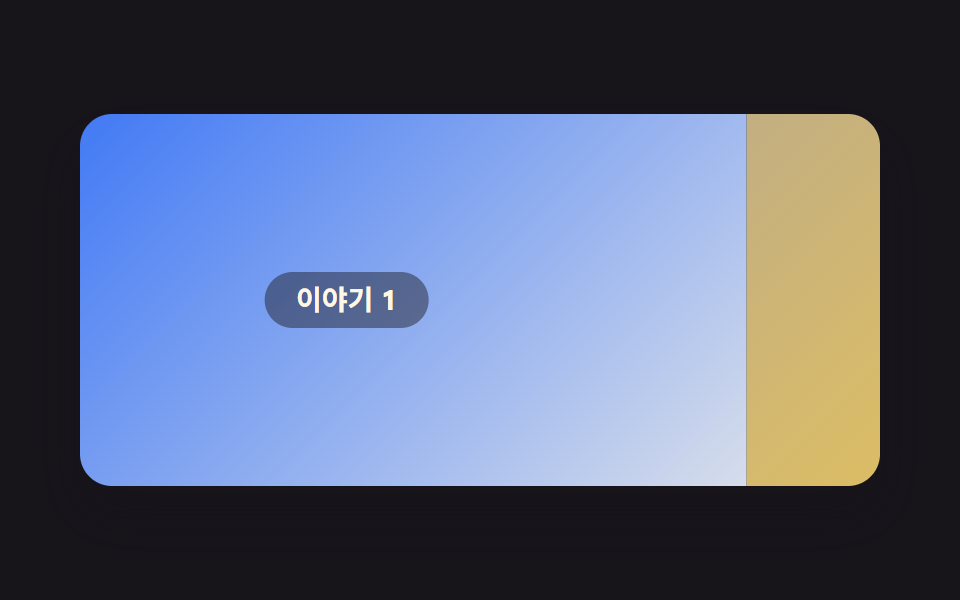 Scroll9 Website Scroll Effects — Apple-Style, CSS Only
 Scroll9 CSS Parallax Scrolling — No JS, Scroll-Driven
 Scroll9 CSS Sticky Header Effects — No JS, Scroll-Driven
 Scroll9 CSS Stagger Animation Demos You Can Copy-Paste