css キャラクター アニメーション 9選 — かわいいキャラを動かすCSS
css キャラクター アニメーションとは、描いたキャラクターを画像ファイルなしでコードだけでまばたきさせたり跳ねさせたりする作りのことです。ハート目の顔からクッキーを分ける友だちまで9体を図形で組み、クリックするとキャラがすぐ反応するという規則ひとつで動かしました。
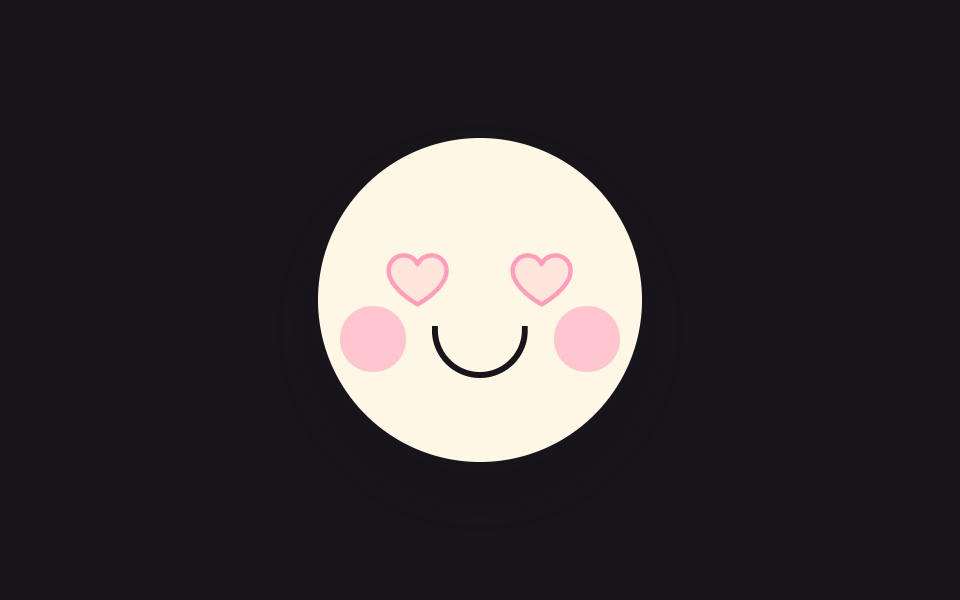 01 cute-heart-eyes-blink
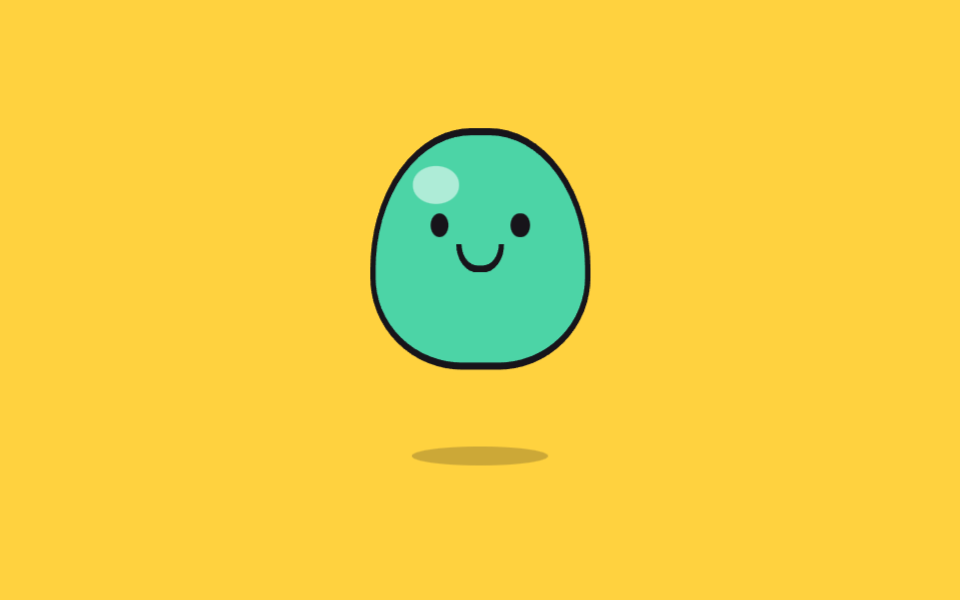 02 cute-jelly-bounce
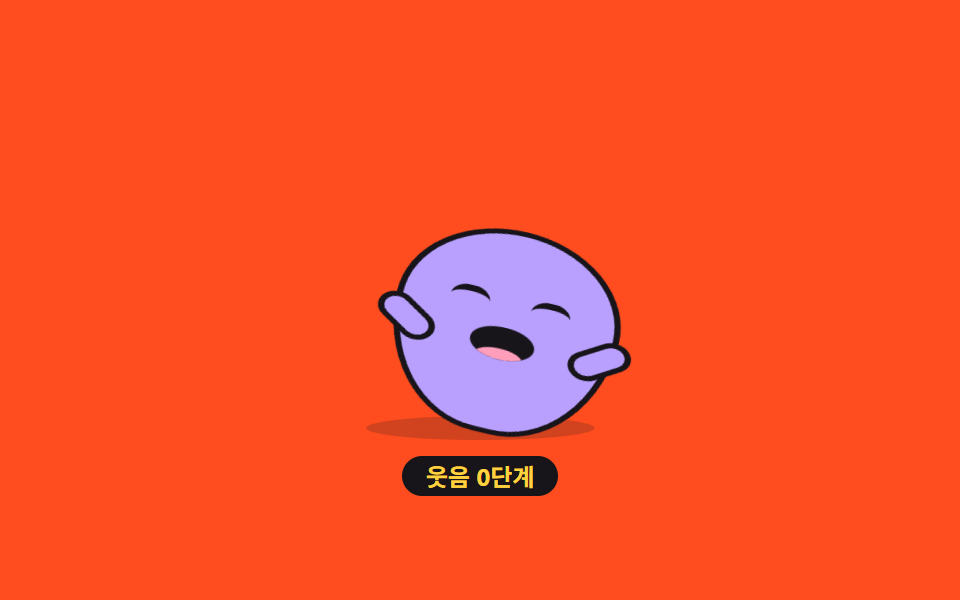 03 cute-belly-laugh-bean
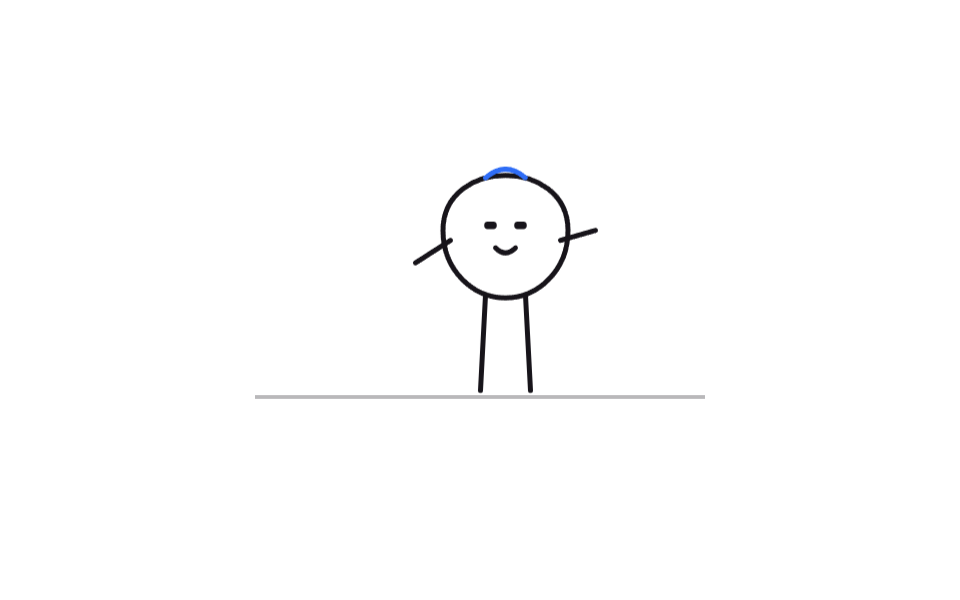 04 cute-doodle-walk-cycle
 05 cute-sticker-pop-in
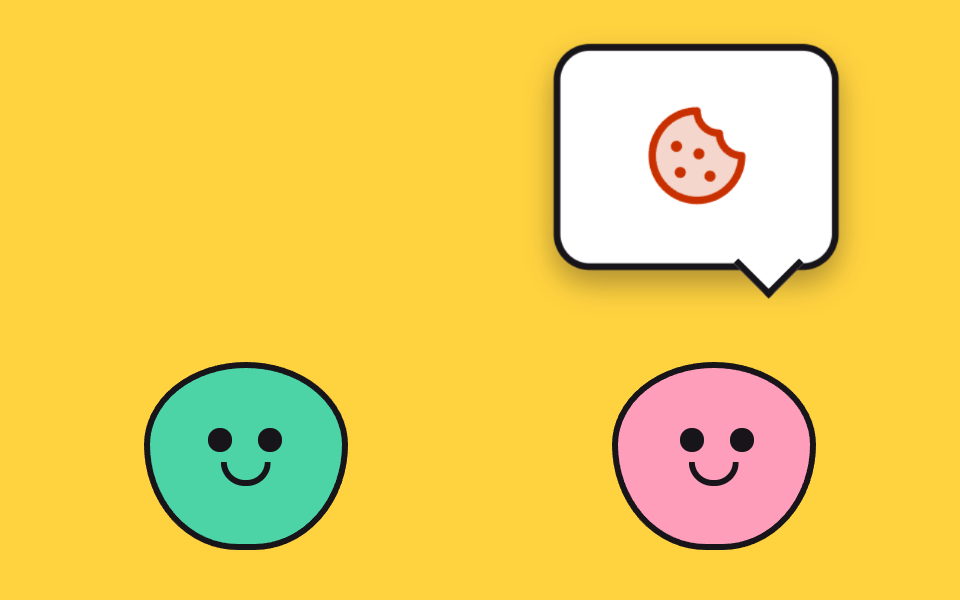 06 cute-speech-bubble-chatter
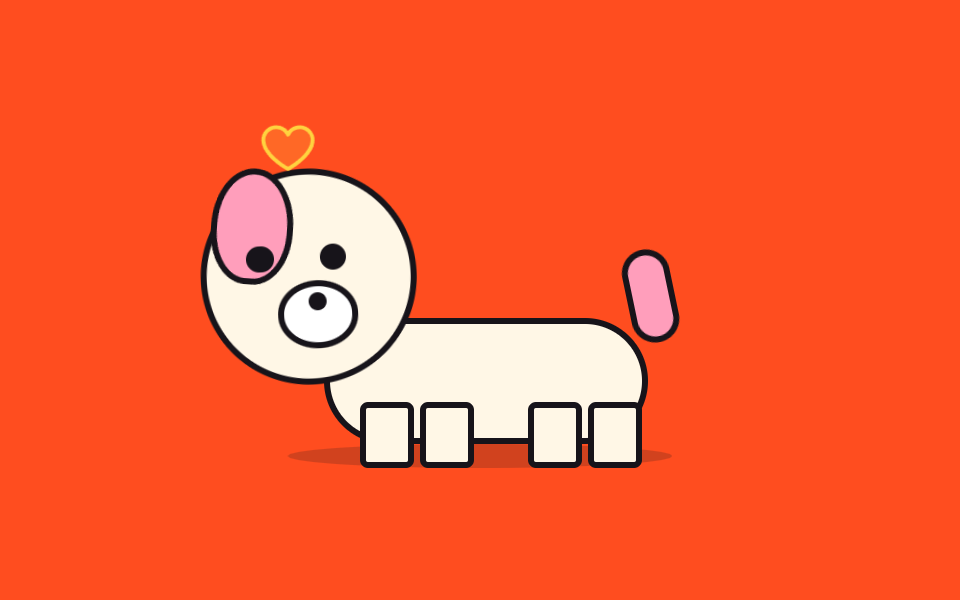 07 cute-tail-wag-wait
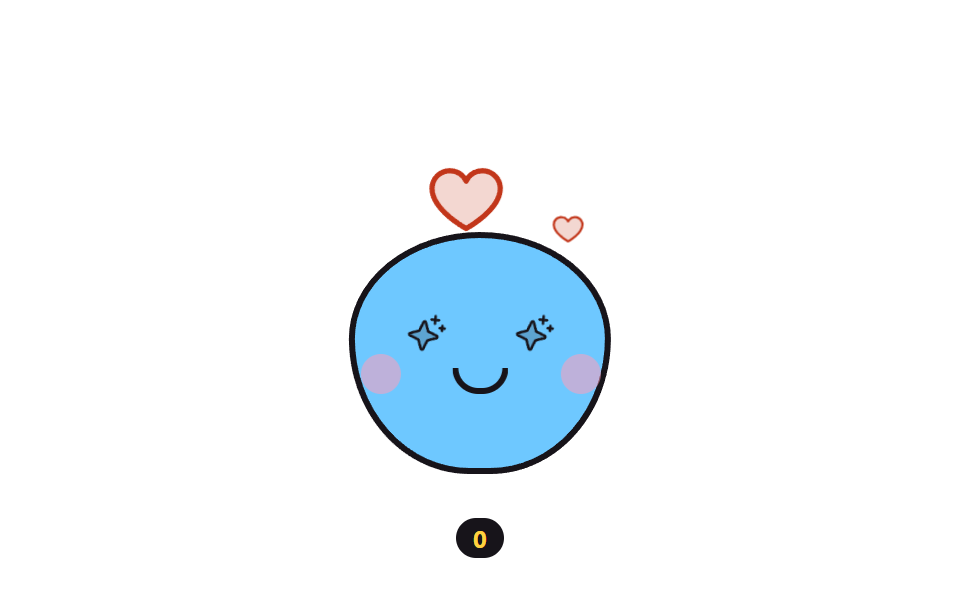 08 cute-sparkle-eyes-particles
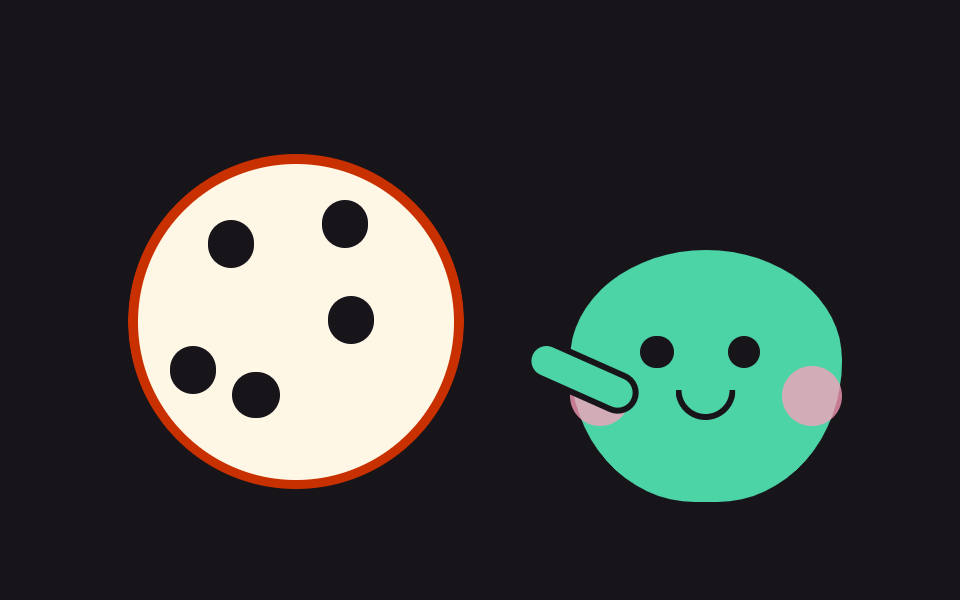 09 cute-cookie-bite-counter
自動再生 · タイルを押すとその項目へ · すべて1つのzip
- 01 ハート目のまばたき
- 02 ぷにぷにゼリーのバウンド
- 03 お腹をゆする笑い
- 04 落書き線のキャラの歩き
- 05 ステッカーのポップ登場
- 06 吹き出しの交代会話
- 07 しっぽを振る待ち犬
- 08 きらめく目とハートの粒
- 09 クッキーをひと口ずつ分け合う
並びは難しさの順でも人気の順でもなく、キャラクターが見る人へ近づいていく順です。はじめは自分だけで表情をつくり(01〜03)、自分で現れて歩き(04・05)、2体で言葉を交わし(06)、人を待って応え(07・08)、最後に人とクッキーを分け合います(09)。9体とも骨組みは円・カプセル・三日月といった図形が数個なので、紙に描いたキャラを図形の比率へ置き換える作業が中心になります。関節のあるマスコットが手を振ったり居眠りしたりする流れは挨拶から居眠りまでの9選が、ハートをもっと大量に降らせたいときはパーティクル アニメーション canvas 9種が隣に続きます。
01ハート目のまばたき
両目がハートで埋まった丸い顔が数秒に一度、目を閉じる、ログイン完了画面に置くキャラクターです。
<main class="stage">
<button class="hb is-demo" id="hb" type="button" aria-pressed="false" aria-label="キャラクターを押して喜ばせる">
  <span class="hb__face" aria-hidden="true">
    <span class="hb__eye hb__eye--l"><svg xmlns="http://www.w3.org/2000/svg" width="1em" height="1em" viewBox="0 0 256 256"><g fill="currentColor"><path d="M232 102c0 66-104 122-104 122S24 168 24 102a54 54 0 0 1 54-54c22.59 0 41.94 12.31 50 32c8.06-19.69 27.41-32 50-32a54 54 0 0 1 54 54" opacity=".2"/><path d="M178 40c-20.65 0-38.73 8.88-50 23.89C116.73 48.88 98.65 40 78 40a62.07 62.07 0 0 0-62 62c0 70 103.79 126.66 108.21 129a8 8 0 0 0 7.58 0C136.21 228.66 240 172 240 102a62.07 62.07 0 0 0-62-62m-50 174.8c-18.26-10.64-96-59.11-96-112.8a46.06 46.06 0 0 1 46-46c19.45 0 35.78 10.36 42.6 27a8 8 0 0 0 14.8 0c6.82-16.67 23.15-27 42.6-27a46.06 46.06 0 0 1 46 46c0 53.61-77.76 102.15-96 112.8"/></g></svg></span>
    <span class="hb__eye hb__eye--r"><svg xmlns="http://www.w3.org/2000/svg" width="1em" height="1em" viewBox="0 0 256 256"><g fill="currentColor"><path d="M232 102c0 66-104 122-104 122S24 168 24 102a54 54 0 0 1 54-54c22.59 0 41.94 12.31 50 32c8.06-19.69 27.41-32 50-32a54 54 0 0 1 54 54" opacity=".2"/><path d="M178 40c-20.65 0-38.73 8.88-50 23.89C116.73 48.88 98.65 40 78 40a62.07 62.07 0 0 0-62 62c0 70 103.79 126.66 108.21 129a8 8 0 0 0 7.58 0C136.21 228.66 240 172 240 102a62.07 62.07 0 0 0-62-62m-50 174.8c-18.26-10.64-96-59.11-96-112.8a46.06 46.06 0 0 1 46-46c19.45 0 35.78 10.36 42.6 27a8 8 0 0 0 14.8 0c6.82-16.67 23.15-27 42.6-27a46.06 46.06 0 0 1 46 46c0 53.61-77.76 102.15-96 112.8"/></g></svg></span>
    <span class="hb__cheek hb__cheek--l"></span>
    <span class="hb__cheek hb__cheek--r"></span>
    <span class="hb__mouth"></span>
  </span>
</button>
</main>
@use "../../../../site/static/demo-tokens" as *;
// 하트 눈 깜빡임 — 하트를 눈으로 삼은 얼굴이 몇 초에 한 번 세로로 눈을 감는다.
// 깜빡임은 눈 요소의 scaleY 로만 한다(눈꺼풀 오버레이를 얹으면 중간 프레임이 두 겹으로 겹쳐
// 유령처럼 보인다). 누르면 뺨이 발그레해지고 하트가 한 단계 커진다 — 상태는 aria-pressed 하나.
// 미리보기 루프(.is-demo)에서는 62% 지점에 뺨 발그레를 넣어 누른 뒤 모습도 프레임에 잡힌다.
$duration: $dur-loop;
$easing: $ease-pop;
$color: $subject-pink;
@include stage($stage-ink);
.hb {
display: block; border: 0; padding: 0; background: none; cursor: pointer;
-webkit-tap-highlight-color: transparent;
}
.hb:focus-visible { outline: 2px solid $color; outline-offset: 4px; border-radius: 50%; }
.hb__face {
position: relative; display: block; box-sizing: border-box;
width: clamp(120px, 38vw, 168px); aspect-ratio: 1;
background: $subject-cream; border: 3px solid $subject-ink; border-radius: 50%;
box-shadow: $shadow-raised;
}
// 눈 — 하트 아이콘(Phosphor heart duotone, 인라인). 커지는 하트 심장 박동도 이 요소의 scale
.hb__eye {
position: absolute; top: 32%; width: 22%; aspect-ratio: 1; color: $subject-pink;
transform-origin: 50% 50%;
}
.hb__eye--l { left: 20%; }
.hb__eye--r { right: 20%; }
.hb__eye svg { display: block; width: 100%; height: 100%; }
// 뺨 — 누르기 전엔 투명하게 있다가(공간 유지) 누르면 색이 오른다
.hb__cheek {
position: absolute; top: 52%; width: 20%; aspect-ratio: 1;
background: $subject-pink; border-radius: 50%; opacity: 0;
}
.hb__cheek--l { left: 7%; }
.hb__cheek--r { right: 7%; }
.hb__mouth {
position: absolute; top: 58%; left: 50%; width: 26%; height: 14%;
border: 3px solid $subject-ink; border-top: 0; border-radius: 0 0 $r-pill $r-pill;
transform: translateX(-50%);
}
// ── 누른 상태: 뺨 발그레 + 하트 한 단계 커짐 (정적 경로 — .is-demo 와 무관하게 살아 있다)
.hb[aria-pressed="true"] .hb__cheek { opacity: .55; }
.hb[aria-pressed="true"] .hb__eye { scale: 1.16; }
// ── 격자 미리보기 루프(2초). 깜빡임은 40~54% 구간(hbBlink 0%,40%→47%→54%,100%), 뺨은 62~88% 에 켜졌다 꺼진다. (주석 정정 2026-09-13 — 교열이 낡은 44~58 을 그대로 옮겨 적었던 출처)
// 하트는 앞구간에 두 번 박동(0~30%) 쳐서 정지 프레임을 채운다 — 깜빡임만으로는 움직인 프레임이 6/23 에 그친다
.hb.is-demo .hb__eye {
animation-name: hbBlink;
animation-duration: $duration;
animation-timing-function: $easing;
animation-iteration-count: infinite;
}
.hb.is-demo .hb__eye svg {
animation-name: hbBeat;
animation-duration: $duration;
animation-timing-function: $easing;
animation-iteration-count: infinite;
}
.hb.is-demo .hb__cheek {
animation-name: hbBlush;
animation-duration: $duration;
animation-timing-function: steps(1, end);
animation-iteration-count: infinite;
}
@keyframes hbBlink {
0%, 40% { transform: scaleY(1); }
47% { transform: scaleY(.08); }
54%, 100% { transform: scaleY(1); }
}
@keyframes hbBeat {
0%, 12% { transform: scale(1); }
17% { transform: scale(1.14); }
22% { transform: scale(1); }
27% { transform: scale(1.1); }
32%, 100% { transform: scale(1); }
}
@keyframes hbBlush {
0%, 61% { opacity: 0; }
62%, 87% { opacity: .55; }
88%, 100% { opacity: 0; }
}
// ── 좁은 화면: 얼굴을 조금 줄여 무대 안에 들어온다
@media (max-width: 340px) {
.hb__face { border-width: 2px; }
}
@media (prefers-reduced-motion: reduce) {
// 깜빡임을 끊으면 눈을 뜬 채 반가워하는 얼굴이 그대로 남는다
.hb.is-demo .hb__eye,
.hb.is-demo .hb__eye svg,
.hb.is-demo .hb__cheek {
animation: none !important;
}
}html, body {
margin: 0;
overflow: hidden;
}
.stage {
box-sizing: border-box;
min-height: 100vh;
display: grid;
place-items: center;
margin: 0;
background: #17141a;
font-family: -apple-system, "Segoe UI", "Noto Sans KR", sans-serif;
padding: clamp(8px, 4vw, 24px);
}
.hb {
display: block;
border: 0;
padding: 0;
background: none;
cursor: pointer;
-webkit-tap-highlight-color: transparent;
}
.hb:focus-visible {
outline: 2px solid #ff9ebb;
outline-offset: 4px;
border-radius: 50%;
}
.hb__face {
position: relative;
display: block;
box-sizing: border-box;
width: clamp(120px, 38vw, 168px);
aspect-ratio: 1;
background: #fff7e6;
border: 3px solid #17141a;
border-radius: 50%;
box-shadow: 0 14px 24px rgba(23, 20, 26, 0.32);
}
.hb__eye {
position: absolute;
top: 32%;
width: 22%;
aspect-ratio: 1;
color: #ff9ebb;
transform-origin: 50% 50%;
}
.hb__eye--l {
left: 20%;
}
.hb__eye--r {
right: 20%;
}
.hb__eye svg {
display: block;
width: 100%;
height: 100%;
}
.hb__cheek {
position: absolute;
top: 52%;
width: 20%;
aspect-ratio: 1;
background: #ff9ebb;
border-radius: 50%;
opacity: 0;
}
.hb__cheek--l {
left: 7%;
}
.hb__cheek--r {
right: 7%;
}
.hb__mouth {
position: absolute;
top: 58%;
left: 50%;
width: 26%;
height: 14%;
border: 3px solid #17141a;
border-top: 0;
border-radius: 0 0 999px 999px;
transform: translateX(-50%);
}
.hb[aria-pressed=true] .hb__cheek {
opacity: 0.55;
}
.hb[aria-pressed=true] .hb__eye {
scale: 1.16;
}
.hb.is-demo .hb__eye {
animation-name: hbBlink;
animation-duration: 2s;
animation-timing-function: cubic-bezier(0.2, 1.4, 0.4, 1);
animation-iteration-count: infinite;
}
.hb.is-demo .hb__eye svg {
animation-name: hbBeat;
animation-duration: 2s;
animation-timing-function: cubic-bezier(0.2, 1.4, 0.4, 1);
animation-iteration-count: infinite;
}
.hb.is-demo .hb__cheek {
animation-name: hbBlush;
animation-duration: 2s;
animation-timing-function: steps(1, end);
animation-iteration-count: infinite;
}
@keyframes hbBlink {
0%, 40% {
transform: scaleY(1);
}
47% {
transform: scaleY(0.08);
}
54%, 100% {
transform: scaleY(1);
}
}
@keyframes hbBeat {
0%, 12% {
transform: scale(1);
}
17% {
transform: scale(1.14);
}
22% {
transform: scale(1);
}
27% {
transform: scale(1.1);
}
32%, 100% {
transform: scale(1);
}
}
@keyframes hbBlush {
0%, 61% {
opacity: 0;
}
62%, 87% {
opacity: 0.55;
}
88%, 100% {
opacity: 0;
}
}
@media (max-width: 340px) {
.hb__face {
border-width: 2px;
}
}
@media (prefers-reduced-motion: reduce) {
.hb.is-demo .hb__eye,
.hb.is-demo .hb__eye svg,
.hb.is-demo .hb__cheek {
animation: none !important;
}
}var hb = document.getElementById('hb');
// 누르면 얼굴이 반가워하는 상태로 바뀐다 — 뺨 발그레 + 하트 한 단계 커짐. 상태는 aria-pressed 한 곳
hb.addEventListener('click', function () {
hb.classList.remove('is-demo');
hb.setAttribute('aria-pressed', hb.getAttribute('aria-pressed') === 'true' ? 'false' : 'true');
});
hb.addEventListener('pointerdown', function () { hb.classList.remove('is-demo'); });// CuteHeartEyes — vanilla 판(run/075/demo/01-cute-heart-eyes-blink) 의 React 포트.
// 누르면 얼굴이 반가워하는 상태로 바뀐다 — 상태는 aria-pressed 한 곳.
import { useState } from "react";
import type { CSSProperties } from "react";
import styles from "./CuteHeartEyes.module.scss";
export type CuteHeartEyesProps = {
duration?: number;
easing?: string;
color?: string;
initialPressed?: boolean;
};
type Vars = CSSProperties & { "--duration"?: string; "--easing"?: string; "--color"?: string };
const HEART_SVG = (
<svg xmlns="http://www.w3.org/2000/svg" width="1em" height="1em" viewBox="0 0 256 256"><g fill="currentColor"><path d="M232 102c0 66-104 122-104 122S24 168 24 102a54 54 0 0 1 54-54c22.59 0 41.94 12.31 50 32c8.06-19.69 27.41-32 50-32a54 54 0 0 1 54 54" opacity=".2"/><path d="M178 40c-20.65 0-38.73 8.88-50 23.89C116.73 48.88 98.65 40 78 40a62.07 62.07 0 0 0-62 62c0 70 103.79 126.66 108.21 129a8 8 0 0 0 7.58 0C136.21 228.66 240 172 240 102a62.07 62.07 0 0 0-62-62m-50 174.8c-18.26-10.64-96-59.11-96-112.8a46.06 46.06 0 0 1 46-46c19.45 0 35.78 10.36 42.6 27a8 8 0 0 0 14.8 0c6.82-16.67 23.15-27 42.6-27a46.06 46.06 0 0 1 46 46c0 53.61-77.76 102.15-96 112.8"/></g></svg>
);
export default function CuteHeartEyes(props: CuteHeartEyesProps) {
const duration = props.duration ?? 2000;
const easing = props.easing ?? "cubic-bezier(.2, 1.4, .4, 1)";
const color = props.color ?? "#ff9ebb";
const [pressed, setPressed] = useState<boolean>(props.initialPressed ?? false);
const [preview, setPreview] = useState<boolean>(true);
const vars: Vars = { "--duration": duration + "ms", "--easing": easing, "--color": color };
return (
<main className={styles.stage}>
<button
className={styles.hb + (preview ? " " + styles.isDemo : "")}
style={vars}
type="button"
aria-pressed={pressed}
aria-label="캐릭터 눌러서 반가워하기"
onClick={() => setPressed(!pressed)}
onPointerDown={() => setPreview(false)}
>
<span className={styles.face} aria-hidden="true">
<span className={styles.eye + " " + styles.eyeL}>{HEART_SVG}</span>
<span className={styles.eye + " " + styles.eyeR}>{HEART_SVG}</span>
<span className={styles.cheek + " " + styles.cheekL}></span>
<span className={styles.cheek + " " + styles.cheekR}></span>
<span className={styles.mouth}></span>
</span>
</button>
</main>
);
}01 · ハート目のまばたき — 計測 累積面積 2.374% · 動いたフレーム 11/23GODRICH オリジナル · SCSS と React は zip に同梱 · パスワードを見る
まばたきは目を縦につぶして描く
.hb.is-demo .hb__eye {
  animation-name: hbBlink;
  animation-duration: $duration;
  animation-timing-function: $easing;
  animation-iteration-count: infinite;
}
@keyframes hbBlink {
  0%, 40% { transform: scaleY(1); }
  47% { transform: scaleY(.08); }
  54%, 100% { transform: scaleY(1); }
}
まぶた代わりの板を重ねる作りにすると2枚が透けて幽霊のように見えるため、目の要素そのものを scaleY(.08) まで縦につぶすやり方にし、まばたきは2秒ループの47%前後という短い瞬間だけに置きました。
ハートの鼓動と頬が空白を埋める
@keyframes hbBeat {
  0%, 12% { transform: scale(1); }
  17% { transform: scale(1.14); }
  22% { transform: scale(1); }
  27% { transform: scale(1.1); }
  32%, 100% { transform: scale(1); }
}
@keyframes hbBlush {
  0%, 61% { opacity: 0; }
  62%, 87% { opacity: .55; }
  88%, 100% { opacity: 0; }
}
まばたきの合間に生まれる長い静止を前半の鼓動2回と後半の頬の赤みが埋め、動いたフレームは 11/23・変化した面積の合計は 2.374% になり、実際に押すと aria-pressed が true に変わり、頬 .55・ハート 1.16 倍のままの静止画が残ります。
02ぷにぷにゼリーのバウンド
かがんでから縦に伸びて跳ね、着地で左右に揺れる、ゲームのスタートボタン横に置くマスコットです。
<main class="stage">
<div class="jl is-demo" id="jl">
  <output class="jl__count" id="jlCount" aria-hidden="true">0</output>
  <button class="jl__hit" type="button" aria-label="ゼリーを弾ませる">
    <span class="jl__scene" aria-hidden="true">
      <span class="jl__shadow"></span>
      <span class="jl__body" id="jlBody">
        <span class="jl__eye jl__eye--l"></span>
        <span class="jl__eye jl__eye--r"></span>
        <span class="jl__mouth"></span>
        <span class="jl__shine"></span>
      </span>
    </span>
  </button>
</div>
</main>
@use "../../../../site/static/demo-tokens" as *;
// 폭신 젤리 튀어오름 — 눌렀다 늘어나며 뛰고, 착지한 뒤 좌우로 출렁여 안정된다.
// 스쿼시·스트레치를 전부 transform(scaleY·translateY) 로만 한다 — width/height 를 건드리면
// 매 프레임 레이아웃이 다시 돈다. 그림자는 젤리가 뜬 만큼 가로로 줄어 착지감을 준다.
// 카운터(output)는 장식이라 aria-hidden — 횟수는 단추 라벨이 대신 알린다.
$duration: $dur-loop;
$easing: $ease-pop;
$color: $subject-mint;
@include stage($stage-yellow);
.jl { position: relative; display: grid; place-items: end center; }
// 카운터 — 젤리 머리 위 작은 알약. 배경 노랑 위 잉크 글자(대비 14.9:1)
.jl__count {
position: absolute; top: 0; left: 50%; transform: translateX(-50%);
min-width: $sp-6; padding: 0 $sp-2; box-sizing: border-box;
background: $subject-ink; color: $stage-yellow;
border-radius: $r-pill; text-align: center;
font-weight: 700; font-size: 12px; line-height: 20px;
}
.jl__hit { border: 0; padding: 0; background: none; cursor: pointer; -webkit-tap-highlight-color: transparent; }
.jl__hit:focus-visible { outline: 2px solid $subject-ink; outline-offset: 4px; border-radius: $r-card; }
.jl__scene {
position: relative; display: block; box-sizing: border-box;
width: clamp(150px, 48vw, 210px); height: clamp(120px, 38vw, 168px);
}
// 바닥 그림자 — 젤리 발밑. 떠 있는 동안 가로로 줄고 연해진다(누적면적에 잡히는 움직임)
.jl__shadow {
position: absolute; bottom: 0; left: 50%; width: 62%; height: 12px;
background: rgba(23, 20, 26, .22); border-radius: 50%;
transform: translateX(-50%);
}
// 젤리 몸 — 둥근 돔. 변형은 전부 이 요소 하나의 transform
.jl__body {
position: absolute; bottom: 4px; left: 50%; width: 56%; aspect-ratio: 1 / .82;
background: $color; border: 3px solid $subject-ink;
border-radius: 46% 46% 42% 42% / 58% 58% 38% 38%;
transform: translateX(-50%);
}
.jl__shine {
position: absolute; top: 14%; left: 18%; width: 22%; height: 16%;
background: rgba(255, 255, 255, .55); border-radius: 50%;
}
.jl__eye {
position: absolute; top: 34%; width: 9%; aspect-ratio: 1;
background: $subject-ink; border-radius: 50%;
}
.jl__eye--l { left: 26%; }
.jl__eye--r { right: 26%; }
.jl__mouth {
position: absolute; top: 48%; left: 50%; width: 18%; height: 9%;
border: 3px solid $subject-ink; border-top: 0; border-radius: 0 0 $r-pill $r-pill;
transform: translateX(-50%);
}
// ── 격자 미리보기 루프(2초): 웅크림(8%) → 도약(16~26%) → 착지 눌림(26%) → 출렁(34~66%) → 안정
.jl.is-demo .jl__body {
animation-name: jlHop;
animation-duration: $duration;
animation-timing-function: $easing;
animation-iteration-count: infinite;
}
.jl.is-demo .jl__shadow {
animation-name: jlShadow;
animation-duration: $duration;
animation-timing-function: $easing;
animation-iteration-count: infinite;
}
@keyframes jlHop {
  0% { transform: translateX(-50%) scale(1, 1); }
  8% { transform: translateX(-50%) scale(1.16, .66); }
  16% { transform: translateX(-50%) translateY(-52px) scale(.9, 1.16); }
  24% { transform: translateX(-50%) translateY(-18px) scale(.98, 1.05); }
  30% { transform: translateX(-50%) scale(1.12, .78); }
  38% { transform: translateX(-50%) scale(.96, 1.06); }
  46% { transform: translateX(-50%) scale(1.06, .93); }
  54% { transform: translateX(-50%) scale(.97, 1.04); }
  62% { transform: translateX(-50%) scale(1.03, .97); }
  70%, 100% { transform: translateX(-50%) scale(1, 1); }
}
@keyframes jlShadow {
0% { transform: translateX(-50%) scale(1, 1); }
8% { transform: translateX(-50%) scale(1.1, 1); }
16% { transform: translateX(-50%) scale(.55, .8); }
30% { transform: translateX(-50%) scale(1.08, 1); }
40%, 100% { transform: translateX(-50%) scale(1, 1); }
}
// ── 눌렀을 때 큰 바운드(일회성). 미리보기 루프보다 높이 뜨고 이징은 더 세게 튄다
.jl__body--boing { animation: jlBoing 700ms cubic-bezier(.28, 1.7, .42, 1) 1; }
@keyframes jlBoing {
0% { transform: translateX(-50%) scale(1.2, .6); }
30% { transform: translateX(-50%) translateY(-72px) scale(.86, 1.22); }
55% { transform: translateX(-50%) scale(1.18, .74); }
75% { transform: translateX(-50%) scale(.96, 1.06); }
100% { transform: translateX(-50%) scale(1, 1); }
}
// ── 좁은 화면: 장면을 줄여 무대 안에 들어온다
@media (max-width: 340px) {
.jl__count { font-size: 11px; line-height: 16px; }
.jl__body { border-width: 2px; }
}
@media (prefers-reduced-motion: reduce) {
// 출렁임을 끊면 가만히 서 있는 젤리가 남는다 — 눌렀을 때는 카운터만 오른다
.jl.is-demo .jl__body,
.jl.is-demo .jl__shadow,
.jl__body--boing {
animation: none !important;
}
}html, body {
margin: 0;
overflow: hidden;
}
.stage {
box-sizing: border-box;
min-height: 100vh;
display: grid;
place-items: center;
margin: 0;
background: #ffd23f;
font-family: -apple-system, "Segoe UI", "Noto Sans KR", sans-serif;
padding: clamp(8px, 4vw, 24px);
}
.jl {
position: relative;
display: grid;
place-items: end center;
}
.jl__count {
position: absolute;
top: 0;
left: 50%;
transform: translateX(-50%);
min-width: 24px;
padding: 0 8px;
box-sizing: border-box;
background: #17141a;
color: #ffd23f;
border-radius: 999px;
text-align: center;
font-weight: 700;
font-size: 12px;
line-height: 20px;
}
.jl__hit {
border: 0;
padding: 0;
background: none;
cursor: pointer;
-webkit-tap-highlight-color: transparent;
}
.jl__hit:focus-visible {
outline: 2px solid #17141a;
outline-offset: 4px;
border-radius: 16px;
}
.jl__scene {
position: relative;
display: block;
box-sizing: border-box;
width: clamp(150px, 48vw, 210px);
height: clamp(120px, 38vw, 168px);
}
.jl__shadow {
position: absolute;
bottom: 0;
left: 50%;
width: 62%;
height: 12px;
background: rgba(23, 20, 26, 0.22);
border-radius: 50%;
transform: translateX(-50%);
}
.jl__body {
position: absolute;
bottom: 4px;
left: 50%;
width: 56%;
aspect-ratio: 1/0.82;
background: #4cd4a6;
border: 3px solid #17141a;
border-radius: 46% 46% 42% 42%/58% 58% 38% 38%;
transform: translateX(-50%);
}
.jl__shine {
position: absolute;
top: 14%;
left: 18%;
width: 22%;
height: 16%;
background: rgba(255, 255, 255, 0.55);
border-radius: 50%;
}
.jl__eye {
position: absolute;
top: 34%;
width: 9%;
aspect-ratio: 1;
background: #17141a;
border-radius: 50%;
}
.jl__eye--l {
left: 26%;
}
.jl__eye--r {
right: 26%;
}
.jl__mouth {
position: absolute;
top: 48%;
left: 50%;
width: 18%;
height: 9%;
border: 3px solid #17141a;
border-top: 0;
border-radius: 0 0 999px 999px;
transform: translateX(-50%);
}
.jl.is-demo .jl__body {
animation-name: jlHop;
animation-duration: 2s;
animation-timing-function: cubic-bezier(0.2, 1.4, 0.4, 1);
animation-iteration-count: infinite;
}
.jl.is-demo .jl__shadow {
animation-name: jlShadow;
animation-duration: 2s;
animation-timing-function: cubic-bezier(0.2, 1.4, 0.4, 1);
animation-iteration-count: infinite;
}
@keyframes jlHop {
0% {
transform: translateX(-50%) scale(1, 1);
}
8% {
transform: translateX(-50%) scale(1.16, 0.66);
}
16% {
transform: translateX(-50%) translateY(-52px) scale(0.9, 1.16);
}
24% {
transform: translateX(-50%) translateY(-18px) scale(0.98, 1.05);
}
30% {
transform: translateX(-50%) scale(1.12, 0.78);
}
38% {
transform: translateX(-50%) scale(0.96, 1.06);
}
46% {
transform: translateX(-50%) scale(1.06, 0.93);
}
54% {
transform: translateX(-50%) scale(0.97, 1.04);
}
62% {
transform: translateX(-50%) scale(1.03, 0.97);
}
70%, 100% {
transform: translateX(-50%) scale(1, 1);
}
}
@keyframes jlShadow {
0% {
transform: translateX(-50%) scale(1, 1);
}
8% {
transform: translateX(-50%) scale(1.1, 1);
}
16% {
transform: translateX(-50%) scale(0.55, 0.8);
}
30% {
transform: translateX(-50%) scale(1.08, 1);
}
40%, 100% {
transform: translateX(-50%) scale(1, 1);
}
}
.jl__body--boing {
animation: jlBoing 700ms cubic-bezier(0.28, 1.7, 0.42, 1) 1;
}
@keyframes jlBoing {
0% {
transform: translateX(-50%) scale(1.2, 0.6);
}
30% {
transform: translateX(-50%) translateY(-72px) scale(0.86, 1.22);
}
55% {
transform: translateX(-50%) scale(1.18, 0.74);
}
75% {
transform: translateX(-50%) scale(0.96, 1.06);
}
100% {
transform: translateX(-50%) scale(1, 1);
}
}
@media (max-width: 340px) {
.jl__count {
font-size: 11px;
line-height: 16px;
}
.jl__body {
border-width: 2px;
}
}
@media (prefers-reduced-motion: reduce) {
.jl.is-demo .jl__body,
.jl.is-demo .jl__shadow,
.jl__body--boing {
animation: none !important;
}
}var jl = document.getElementById('jl');
var body = document.getElementById('jlBody');
var count = document.getElementById('jlCount');
var hits = 0;
// 누를 때마다 카운터가 오르고 젤리가 평소보다 크게 한 번 튄다 — 클래스를 もう一度 끼워 애니메이션을 재시동
document.querySelector('.jl__hit').addEventListener('click', function () {
  jl.classList.remove('is-demo');
  hits = hits + 1;
  count.textContent = String(hits);
  body.classList.remove('jl__body--boing');
  void body.offsetWidth;
  body.classList.add('jl__body--boing');
});
jl.addEventListener('pointerdown', function () { jl.classList.remove('is-demo'); });// CuteJellyBounce — vanilla 판(run/075/demo/02-cute-jelly-bounce) 의 React 포트.
// 누를 때마다 카운터가 오르고 젤리가 크게 한 번 튄다 — 몸 요소를 key 로 다시 만들어 일회성 애니메이션을 재시동한다.
import { useState } from "react";
import type { CSSProperties } from "react";
import styles from "./CuteJellyBounce.module.scss";
export type CuteJellyBounceProps = {
duration?: number;
easing?: string;
color?: string;
};
type Vars = CSSProperties & { "--duration"?: string; "--easing"?: string; "--color"?: string };
export default function CuteJellyBounce(props: CuteJellyBounceProps) {
const duration = props.duration ?? 2000;
const easing = props.easing ?? "cubic-bezier(.2, 1.4, .4, 1)";
const color = props.color ?? "#4cd4a6";
const [hits, setHits] = useState<number>(0);
const [preview, setPreview] = useState<boolean>(true);
const vars: Vars = { "--duration": duration + "ms", "--easing": easing, "--color": color };
return (
<main className={styles.stage}>
<div className={styles.jl + (preview ? " " + styles.isDemo : "")} style={vars}>
<output className={styles.count} aria-hidden="true">{hits}</output>
<button
className={styles.hit}
type="button"
aria-label="젤리 튀기"
onClick={() => setHits(hits + 1)}
onPointerDown={() => setPreview(false)}
>
<span className={styles.scene} aria-hidden="true">
<span className={styles.shadow}></span>
<span className={styles.body} key={"boing" + hits}>
<span className={styles.eye + " " + styles.eyeL}></span>
<span className={styles.eye + " " + styles.eyeR}></span>
<span className={styles.mouth}></span>
<span className={styles.shine}></span>
</span>
</span>
</button>
</div>
</main>
);
}02 · ぷにぷにゼリーのバウンド — 計測 累積面積 12.578% · 動いたフレーム 17/23GODRICH オリジナル · SCSS と React は zip に同梱 · パスワードを見る
つぶれと伸びを transform ひとつで
@keyframes jlHop {
0% { transform: translateX(-50%) scale(1, 1); }
8% { transform: translateX(-50%) scale(1.16, .66); }
16% { transform: translateX(-50%) translateY(-52px) scale(.9, 1.16); }
24% { transform: translateX(-50%) translateY(-18px) scale(.98, 1.05); }
30% { transform: translateX(-50%) scale(1.12, .78); }
38% { transform: translateX(-50%) scale(.96, 1.06); }
46% { transform: translateX(-50%) scale(1.06, .93); }
54% { transform: translateX(-50%) scale(.97, 1.04); }
62% { transform: translateX(-50%) scale(1.03, .97); }
70%, 100% { transform: translateX(-50%) scale(1, 1); }
}
つぶれも伸びもすべて scale に載せてあり width・height には触れないので毎フレームのレイアウト計算が起きず、着地のあとの揺れが4回かけて減衰しながら 17/23 のフレームを動かします。
押すたびにもう一回り大きく跳ねる
document.querySelector('.jl__hit').addEventListener('click', function () {
jl.classList.remove('is-demo');
hits = hits + 1;
count.textContent = String(hits);
body.classList.remove('jl__body--boing');
void body.offsetWidth;
body.classList.add('jl__body--boing');
});
同じ要素にアニメーションのクラスが付いたままでは再生が始まらないため、いったん外して void body.offsetWidth でレイアウトを1度計算させてから付け直すと、高く跳ぶ一回きりのバウンドが最初から流れます。
03お腹をゆする笑い
三日月の目で笑いながら体が傾き、お腹が揺れる、コメント投稿成功のバッジに似合うキャラクターです。
<main class="stage">
<div class="bn is-demo" id="bn" data-level="0">
  <button class="bn__hit" type="button" aria-label="豆の友だちを笑わせる">
    <span class="bn__scene" aria-hidden="true">
      <span class="bn__shadow"></span>
      <span class="bn__bean" id="bnBean">
        <span class="bn__eye bn__eye--l"></span>
        <span class="bn__eye bn__eye--r"></span>
        <span class="bn__mouth"><span class="bn__tongue"></span></span>
        <span class="bn__arm bn__arm--l"></span>
        <span class="bn__arm bn__arm--r"></span>
      </span>
    </span>
  </button>
  <p class="bn__level" id="bnLevel" aria-hidden="true">笑いレベル0</p>
</div>
</main>
@use "../../../../site/static/demo-tokens" as *;
// 배 흔들기 웃음 — 눈을 반달로 접고 웃느라 몸이 기울고 배가 출렁이는 콩알 친구.
// 기울기의 원점은 발바닥(땅에 닿은 붙는 지점)이다 — 중심에 두면 발이 미끄러져 떠 보인다.
// 웃음 단계(data-level)는 기울기 진폭 --tilt 로만 커진다. 3단계에서는 몸이 앞으로 폭 접힌다.
// 정적 경로(미리보기 아님)에서도 기본 웃음 루프는 항상 돈다 — 누르면 진폭이 커질 뿐이다.
$duration: $dur-loop;
$easing: $ease-pop;
$color: $subject-lilac;
@include stage($stage-orange);
.bn { display: grid; justify-items: center; gap: $sp-2; }
.bn__hit { border: 0; padding: 0; background: none; cursor: pointer; -webkit-tap-highlight-color: transparent; }
.bn__hit:focus-visible { outline: 2px solid $subject-ink; outline-offset: 4px; border-radius: $r-card; }
.bn__scene {
position: relative; display: block; box-sizing: border-box;
width: clamp(140px, 44vw, 196px); height: clamp(120px, 38vw, 168px);
}
.bn__shadow {
position: absolute; bottom: 0; left: 50%; width: 58%; height: 12px;
background: rgba(23, 20, 26, .2); border-radius: 50%;
transform: translateX(-50%);
}
// 콩알 몸 — 세로로 길쭉한 알갱이. 기울기 진폭은 --tilt 변수 하나
.bn__bean {
--tilt: 4deg;
position: absolute; bottom: 4px; left: 50%; width: 52%; aspect-ratio: 1 / 1.18;
background: $color; border: 3px solid $subject-ink;
border-radius: 50% 50% 46% 46% / 42% 42% 58% 58%;
transform: translateX(-50%);
transform-origin: 50% 100%; // 붙는 지점: 발바닥 — 몸이 기울어도 발은 제자리
}
// 팔 — 웃으며 몸을 감싼다
.bn__arm {
position: absolute; top: 46%; width: 26%; height: 10%;
background: $color; border: 3px solid $subject-ink; border-radius: $r-pill;
}
.bn__arm--l { left: -12%; transform: rotate(38deg); }
.bn__arm--r { right: -12%; transform: rotate(-38deg); }
// 반달 눈 — 웃어서 감긴 호. border-top 만 있는 원호다
.bn__eye {
position: absolute; top: 30%; width: 18%; height: 10%;
border-top: 4px solid $subject-ink; border-radius: 50%;
}
.bn__eye--l { left: 22%; }
.bn__eye--r { right: 22%; }
// 벌린 입 — 안쪽 혀까지. 웃음에 맞춰 세로로 벌어졌다 닫힌다
.bn__mouth {
position: absolute; top: 46%; left: 50%; width: 30%; aspect-ratio: 1 / .8;
background: $subject-ink; border-radius: 50%;
transform: translateX(-50%); overflow: hidden;
}
.bn__tongue {
position: absolute; bottom: -22%; left: 50%; width: 74%; aspect-ratio: 1 / .6;
background: $subject-pink; border-radius: 50%;
transform: translateX(-50%);
}
// 단계 표시 — 주황 무대 위 잉크 알약
.bn__level {
margin: 0; padding: 0 $sp-3; background: $subject-ink; color: $stage-yellow;
border-radius: $r-pill; font-weight: 700; font-size: 12px; line-height: 20px;
}
// ── 기본 웃음 루프(정적 경로에서도 항상 돈다). 진폭은 --tilt 하나뿐이라 단계가 곧 진폭
.bn__bean {
animation-name: bnTilt;
animation-duration: $duration;
animation-timing-function: ease-in-out;
animation-iteration-count: infinite;
}
.bn__mouth {
animation-name: bnMouth;
animation-duration: $duration;
animation-timing-function: $easing;
animation-iteration-count: infinite;
}
@keyframes bnTilt {
0%, 100% { transform: translateX(-50%) rotate(calc(var(--tilt) * -1)); }
50% { transform: translateX(-50%) rotate(var(--tilt)); }
}
@keyframes bnMouth {
0%, 100% { transform: translateX(-50%) scale(1, .8); }
50% { transform: translateX(-50%) scale(1, 1.2); }
}
// ── 단계: 진폭이 커지다가 3단계에서 몸이 앞으로 폭 접힌다(일회성)
.bn[data-level="1"] .bn__bean { --tilt: 8deg; }
.bn[data-level="2"] .bn__bean { --tilt: 13deg; }
.bn[data-level="3"] .bn__bean {
--tilt: 4deg;
animation: bnFold 700ms cubic-bezier(.2, 1.4, .4, 1) 1 forwards;
}
@keyframes bnFold {
0% { transform: translateX(-50%) rotate(0deg) scale(1, 1); }
40% { transform: translateX(-50%) rotate(16deg) scale(1.06, .82); }
70% { transform: translateX(-50%) rotate(20deg) scale(1.1, .68); }
100% { transform: translateX(-50%) rotate(19deg) scale(1.08, .7); }
}
// ── 격자 미리보기 루프(2초): 같은 루프 안에서 단계가 커지다 접히고 돌아온다(90% 안에 복귀)
.bn.is-demo .bn__bean {
animation-name: bnLaughShow;
animation-duration: $duration;
animation-timing-function: ease-in-out;
animation-iteration-count: infinite;
}
@keyframes bnLaughShow {
0%, 8% { transform: translateX(-50%) rotate(-3deg) scaleX(1); }
16% { transform: translateX(-50%) rotate(3deg) scaleX(1.04); }
24% { transform: translateX(-50%) rotate(-3deg) scaleX(1); }
32% { transform: translateX(-50%) rotate(5deg) scaleX(1.06); }
40% { transform: translateX(-50%) rotate(-5deg) scaleX(1); }
48% { transform: translateX(-50%) rotate(5deg) scaleX(1.06); }
56% { transform: translateX(-50%) rotate(-5deg) scaleX(1); }
64% { transform: translateX(-50%) rotate(15deg) scale(1.06, .8); }
72%, 84% { transform: translateX(-50%) rotate(19deg) scale(1.08, .7); }
90%, 100% { transform: translateX(-50%) rotate(0deg) scale(1, 1); }
}
// ── 좁은 화면
@media (max-width: 340px) {
.bn { gap: $sp-1; }
.bn__level { font-size: 11px; line-height: 16px; }
.bn__bean { border-width: 2px; }
}
@media (prefers-reduced-motion: reduce) {
// 웃임 루프를 끊면 눈을 반달로 접고 선 채 웃고 있는 모습이 남는다
.bn__bean,
.bn__mouth,
.bn.is-demo .bn__bean {
animation: none !important;
}
}html, body {
margin: 0;
overflow: hidden;
}
.stage {
box-sizing: border-box;
min-height: 100vh;
display: grid;
place-items: center;
margin: 0;
background: #ff4d1f;
font-family: -apple-system, "Segoe UI", "Noto Sans KR", sans-serif;
padding: clamp(8px, 4vw, 24px);
}
.bn {
display: grid;
justify-items: center;
gap: 8px;
}
.bn__hit {
border: 0;
padding: 0;
background: none;
cursor: pointer;
-webkit-tap-highlight-color: transparent;
}
.bn__hit:focus-visible {
outline: 2px solid #17141a;
outline-offset: 4px;
border-radius: 16px;
}
.bn__scene {
position: relative;
display: block;
box-sizing: border-box;
width: clamp(140px, 44vw, 196px);
height: clamp(120px, 38vw, 168px);
}
.bn__shadow {
position: absolute;
bottom: 0;
left: 50%;
width: 58%;
height: 12px;
background: rgba(23, 20, 26, 0.2);
border-radius: 50%;
transform: translateX(-50%);
}
.bn__bean {
--tilt: 4deg;
position: absolute;
bottom: 4px;
left: 50%;
width: 52%;
aspect-ratio: 1/1.18;
background: #b9a0ff;
border: 3px solid #17141a;
border-radius: 50% 50% 46% 46%/42% 42% 58% 58%;
transform: translateX(-50%);
transform-origin: 50% 100%;
}
.bn__arm {
position: absolute;
top: 46%;
width: 26%;
height: 10%;
background: #b9a0ff;
border: 3px solid #17141a;
border-radius: 999px;
}
.bn__arm--l {
left: -12%;
transform: rotate(38deg);
}
.bn__arm--r {
right: -12%;
transform: rotate(-38deg);
}
.bn__eye {
position: absolute;
top: 30%;
width: 18%;
height: 10%;
border-top: 4px solid #17141a;
border-radius: 50%;
}
.bn__eye--l {
left: 22%;
}
.bn__eye--r {
right: 22%;
}
.bn__mouth {
position: absolute;
top: 46%;
left: 50%;
width: 30%;
aspect-ratio: 1/0.8;
background: #17141a;
border-radius: 50%;
transform: translateX(-50%);
overflow: hidden;
}
.bn__tongue {
position: absolute;
bottom: -22%;
left: 50%;
width: 74%;
aspect-ratio: 1/0.6;
background: #ff9ebb;
border-radius: 50%;
transform: translateX(-50%);
}
.bn__level {
margin: 0;
padding: 0 12px;
background: #17141a;
color: #ffd23f;
border-radius: 999px;
font-weight: 700;
font-size: 12px;
line-height: 20px;
}
.bn__bean {
animation-name: bnTilt;
animation-duration: 2s;
animation-timing-function: ease-in-out;
animation-iteration-count: infinite;
}
.bn__mouth {
animation-name: bnMouth;
animation-duration: 2s;
animation-timing-function: cubic-bezier(0.2, 1.4, 0.4, 1);
animation-iteration-count: infinite;
}
@keyframes bnTilt {
0%, 100% {
transform: translateX(-50%) rotate(calc(var(--tilt) * -1));
}
50% {
transform: translateX(-50%) rotate(var(--tilt));
}
}
@keyframes bnMouth {
0%, 100% {
transform: translateX(-50%) scale(1, 0.8);
}
50% {
transform: translateX(-50%) scale(1, 1.2);
}
}
.bn[data-level="1"] .bn__bean {
--tilt: 8deg;
}
.bn[data-level="2"] .bn__bean {
--tilt: 13deg;
}
.bn[data-level="3"] .bn__bean {
--tilt: 4deg;
animation: bnFold 700ms cubic-bezier(0.2, 1.4, 0.4, 1) 1 forwards;
}
@keyframes bnFold {
0% {
transform: translateX(-50%) rotate(0deg) scale(1, 1);
}
40% {
transform: translateX(-50%) rotate(16deg) scale(1.06, 0.82);
}
70% {
transform: translateX(-50%) rotate(20deg) scale(1.1, 0.68);
}
100% {
transform: translateX(-50%) rotate(19deg) scale(1.08, 0.7);
}
}
.bn.is-demo .bn__bean {
animation-name: bnLaughShow;
animation-duration: 2s;
animation-timing-function: ease-in-out;
animation-iteration-count: infinite;
}
@keyframes bnLaughShow {
0%, 8% {
transform: translateX(-50%) rotate(-3deg) scaleX(1);
}
16% {
transform: translateX(-50%) rotate(3deg) scaleX(1.04);
}
24% {
transform: translateX(-50%) rotate(-3deg) scaleX(1);
}
32% {
transform: translateX(-50%) rotate(5deg) scaleX(1.06);
}
40% {
transform: translateX(-50%) rotate(-5deg) scaleX(1);
}
48% {
transform: translateX(-50%) rotate(5deg) scaleX(1.06);
}
56% {
transform: translateX(-50%) rotate(-5deg) scaleX(1);
}
64% {
transform: translateX(-50%) rotate(15deg) scale(1.06, 0.8);
}
72%, 84% {
transform: translateX(-50%) rotate(19deg) scale(1.08, 0.7);
}
90%, 100% {
transform: translateX(-50%) rotate(0deg) scale(1, 1);
}
}
@media (max-width: 340px) {
.bn {
gap: 4px;
}
.bn__level {
font-size: 11px;
line-height: 16px;
}
.bn__bean {
border-width: 2px;
}
}
@media (prefers-reduced-motion: reduce) {
.bn__bean,
.bn__mouth,
.bn.is-demo .bn__bean {
animation: none !important;
}
}var bn = document.getElementById('bn');
var level = 0;
var labels = ['笑いレベル0', '笑いレベル1', '笑いレベル2', '笑いレベル3 — 大爆笑'];
// 누를 때마다 웃음 단계가 0→1→2→3 까지 커지고, もう一度 누르면 처음으로 돌아간다
document.querySelector('.bn__hit').addEventListener('click', function () {
bn.classList.remove('is-demo');
level = (level + 1) % 4;
bn.dataset.level = String(level);
document.getElementById('bnLevel').textContent = labels[level];
});
bn.addEventListener('pointerdown', function () { bn.classList.remove('is-demo'); });// CuteBellyLaughBean — vanilla 판(run/075/demo/03-cute-belly-laugh-bean) 의 React 포트.
// 누를 때마다 웃음 단계가 0→1→2→3 까지 커지고 다시 누르면 처음으로 돌아간다(data-level).
import { useState } from "react";
import type { CSSProperties } from "react";
import styles from "./CuteBellyLaughBean.module.scss";
export type CuteBellyLaughBeanProps = {
duration?: number;
easing?: string;
color?: string;
};
type Vars = CSSProperties & { "--duration"?: string; "--easing"?: string; "--color"?: string };
const LABELS = ["웃음 0단계", "웃음 1단계", "웃음 2단계", "웃음 3단계 — 폭 접힘"];
export default function CuteBellyLaughBean(props: CuteBellyLaughBeanProps) {
const duration = props.duration ?? 2000;
const easing = props.easing ?? "cubic-bezier(.2, 1.4, .4, 1)";
const color = props.color ?? "#b9a0ff";
const [level, setLevel] = useState<number>(0);
const [preview, setPreview] = useState<boolean>(true);
const vars: Vars = { "--duration": duration + "ms", "--easing": easing, "--color": color };
return (
<main className={styles.stage}>
<div
className={styles.bn + (preview ? " " + styles.isDemo : "")}
style={vars}
data-level={level}
>
<button
className={styles.hit}
type="button"
aria-label="콩알 친구 웃기기"
onClick={() => setLevel((level + 1) % 4)}
onPointerDown={() => setPreview(false)}
>
<span className={styles.scene} aria-hidden="true">
<span className={styles.shadow}></span>
<span className={styles.bean} key={"fold" + level}>
<span className={styles.eye + " " + styles.eyeL}></span>
<span className={styles.eye + " " + styles.eyeR}></span>
<span className={styles.mouth}><span className={styles.tongue}></span></span>
<span className={styles.arm + " " + styles.armL}></span>
<span className={styles.arm + " " + styles.armR}></span>
</span>
</span>
</button>
<p className={styles.level} aria-hidden="true">{LABELS[level]}</p>
</div>
</main>
);
}03 · お腹をゆする笑い — 計測 累積面積 8.074% · 動いたフレーム 22/23GODRICH オリジナル · SCSS と React は zip に同梱 · パスワードを見る
傾きの原点は足の裏に置く
.bn__bean {
  --tilt: 4deg;
  position: absolute; bottom: 4px; left: 50%; width: 52%; aspect-ratio: 1 / 1.18;
  background: $color; border: 3px solid $subject-ink;
  border-radius: 50% 50% 46% 46% / 42% 42% 58% 58%;
  transform: translateX(-50%);
  transform-origin: 50% 100%; // 付く位置: 足の裏 — 体が傾いても足はその場に残る
}
原点を体の中心に置くと、笑うたびに足が床から押し出されて浮いて見えますが、50% 100% の足の裏へ移すと体がどれだけ傾いても足は床に貼り付いたままです。
笑いの段階は変数ひとつが振れ幅
.bn[data-level="1"] .bn__bean { --tilt: 8deg; }
.bn[data-level="2"] .bn__bean { --tilt: 13deg; }
.bn[data-level="3"] .bn__bean {
  --tilt: 4deg;
  animation: bnFold 700ms cubic-bezier(.2, 1.4, .4, 1) 1 forwards;
}
@keyframes bnTilt {
  0%, 100% { transform: translateX(-50%) rotate(calc(var(--tilt) * -1)); }
  50% { transform: translateX(-50%) rotate(var(--tilt)); }
}
押すごとに data-level が上がって --tilt の値だけが入れ替わって、左右の振れが大きくなっていき、3段階目では一回きりの折れ曲がりで体が前へ倒れて 22/23 のフレームが動きました。
04落書き線のキャラの歩き
細い線で描いたキャラが自分の線を引きながら画面の外から歩いて入る、紹介ページのスクロール案内役です。
<main class="stage">
<div class="dw is-demo" id="dw" data-dir="fwd">
  <button class="dw__hit" type="button" aria-label="歩く向きを変える">
    <svg class="dw__scene" viewBox="0 0 480 300" aria-hidden="true">
      <line class="dw__ground" x1="60" y1="228" x2="420" y2="228" pathLength="100"/>
      <g class="dw__walker" id="dwWalker">
        <g class="dw__flipper">
          <path class="dw__draw dw__body" d="M150 96 C150 66 176 52 200 52 C224 52 250 66 250 96 C250 128 226 150 200 150 C174 150 150 128 150 96 Z" pathLength="100"/>
          <path class="dw__draw dw__leg dw__leg--l" d="M184 148 L180 224" pathLength="100"/>
          <path class="dw__draw dw__leg dw__leg--r" d="M216 148 L220 224" pathLength="100"/>
          <path class="dw__draw dw__arm dw__arm--l" d="M156 104 L128 122" pathLength="100"/>
          <path class="dw__draw dw__arm dw__arm--r" d="M244 104 L272 96" pathLength="100"/>
          <path class="dw__draw dw__eye" d="M186 92 L190 92" pathLength="100"/>
          <path class="dw__draw dw__eye" d="M210 92 L214 92" pathLength="100"/>
          <path class="dw__draw dw__mouth" d="M192 110 Q200 118 208 110" pathLength="100"/>
          <path class="dw__draw dw__crest" d="M184 54 Q200 40 216 54" pathLength="100"/>
        </g>
      </g>
    </svg>
  </button>
</div>
</main>
@use "../../../../site/static/demo-tokens" as *;
// 낙서 선 캐릭터 걷기 — 얇은 선(stroke)으로만 그린 캐릭터가 선을 그려가며 걷는다.
// 등장은 stroke-dashoffset(모든 path 에 pathLength="100" 을 걸어 길이를 100 으로 통일),
// 걷기는 다리 두 선의 교대 rotate(원점 = 엉덩이 붙는 지점) + 몸의 상하 바운스.
// 방향 전환은 안쪽 .dw__flipper 에 scaleX(-1) — 바깥 걷기 애니메이션(transform)과 겹치지 않게 층을 나눴다.
$duration: $dur-loop;
$easing: $ease-pop;
$color: $subject-blue;
@include stage($stage-paper);
.dw { display: grid; place-items: center; }
.dw__hit { border: 0; padding: 0; background: none; cursor: pointer; -webkit-tap-highlight-color: transparent; }
.dw__hit:focus-visible { outline: 2px solid $color; outline-offset: 4px; border-radius: $r-card; }
.dw__scene { display: block; width: min(100%, 440px); height: auto; overflow: visible; }
// 선 공통 — 낙서 느낌의 둥근 끝
.dw__draw {
fill: none; stroke: $subject-ink; stroke-width: 4;
stroke-linecap: round; stroke-linejoin: round;
stroke-dasharray: 100; stroke-dashoffset: 0;
}
.dw__ground { stroke: rgba(23, 20, 26, .3); stroke-width: 3; }
.dw__eye { stroke-width: 6; }
.dw__crest { stroke: $color; }
// 다리·팔 — 엉덩이·어깨(붙는 지점)를 원점으로 교대로 흔든다.
// SVG 자식의 transform-origin 은 transform-box: view-box 를 명시해야 viewBox 좌표(px) 로 잡힌다
.dw__leg { transform-box: view-box; transform-origin: 200px 148px; }
.dw__arm { transform-box: view-box; transform-origin: 200px 104px; }
.dw__leg--l, .dw__arm--r { animation-name: dwSwingA; }
.dw__leg--r, .dw__arm--l { animation-name: dwSwingB; }
.dw__leg, .dw__arm {
animation-duration: .5s;
animation-timing-function: ease-in-out;
animation-iteration-count: infinite;
}
@keyframes dwSwingA {
0%, 100% { transform: rotate(16deg); }
50% { transform: rotate(-16deg); }
}
@keyframes dwSwingB {
0%, 100% { transform: rotate(-16deg); }
50% { transform: rotate(16deg); }
}
// 걷기 — 몸통 그룹이 좌우로 건너가며 상하로 까딱인다. 걸음(.5s)과 주기(2s)가 맞아떨어진다
.dw__walker {
animation-name: dwWalk;
animation-duration: $duration;
animation-timing-function: linear;
animation-iteration-count: infinite;
}
@keyframes dwWalk {
0% { transform: translateX(-110px) translateY(0); }
12% { transform: translateX(-80px) translateY(-4px); }
25% { transform: translateX(-50px) translateY(0); }
37% { transform: translateX(-20px) translateY(-4px); }
50% { transform: translateX(10px) translateY(0); }
62% { transform: translateX(40px) translateY(-4px); }
75% { transform: translateX(70px) translateY(0); }
87% { transform: translateX(100px) translateY(-4px); }
100% { transform: translateX(110px) translateY(0); }
}
// 방향 — 누르면 안쪽 층이 좌우로 뒤집힌다
.dw[data-dir="back"] .dw__flipper { transform: scaleX(-1); }
.dw__flipper { transform-box: view-box; transform-origin: 200px 150px; }
// ── 격자 미리보기 루프(2초): 첫 38% 에 선이 그려지며 등장, 뒤는 계속 걷는다
.dw.is-demo .dw__draw {
animation-name: dwDraw;
animation-duration: $duration;
animation-timing-function: $easing;
animation-iteration-count: infinite;
}
@keyframes dwDraw {
0% { stroke-dashoffset: 100; }
38%, 100% { stroke-dashoffset: 0; }
}
// ── 좁은 화면: svg 는 비율 유지라 폭이 곧 높이다 — 무대 세로(320×200, 패딩 제외 174px) 안에 들게 폭을 묶는다
@media (max-width: 340px) {
.dw__scene { width: min(100%, 272px); } // 272 × 300/480 = 170px
}
@media (prefers-reduced-motion: reduce) {
// 걷기를 끊면 다 그려진 캐릭터가 제자리에 선다 — 다리 흔들림도 멈춘다
.dw__walker,
.dw__leg,
.dw__arm,
.dw.is-demo .dw__draw {
animation: none !important;
}
.dw.is-demo .dw__draw { stroke-dashoffset: 0; }
}html, body {
margin: 0;
overflow: hidden;
}
.stage {
box-sizing: border-box;
min-height: 100vh;
display: grid;
place-items: center;
margin: 0;
background: #ffffff;
font-family: -apple-system, "Segoe UI", "Noto Sans KR", sans-serif;
padding: clamp(8px, 4vw, 24px);
}
.dw {
display: grid;
place-items: center;
}
.dw__hit {
border: 0;
padding: 0;
background: none;
cursor: pointer;
-webkit-tap-highlight-color: transparent;
}
.dw__hit:focus-visible {
outline: 2px solid #2f6df6;
outline-offset: 4px;
border-radius: 16px;
}
.dw__scene {
display: block;
width: min(100%, 440px);
height: auto;
overflow: visible;
}
.dw__draw {
fill: none;
stroke: #17141a;
stroke-width: 4;
stroke-linecap: round;
stroke-linejoin: round;
stroke-dasharray: 100;
stroke-dashoffset: 0;
}
.dw__ground {
stroke: rgba(23, 20, 26, 0.3);
stroke-width: 3;
}
.dw__eye {
stroke-width: 6;
}
.dw__crest {
stroke: #2f6df6;
}
.dw__leg {
transform-box: view-box;
transform-origin: 200px 148px;
}
.dw__arm {
transform-box: view-box;
transform-origin: 200px 104px;
}
.dw__leg--l, .dw__arm--r {
animation-name: dwSwingA;
}
.dw__leg--r, .dw__arm--l {
animation-name: dwSwingB;
}
.dw__leg, .dw__arm {
animation-duration: 0.5s;
animation-timing-function: ease-in-out;
animation-iteration-count: infinite;
}
@keyframes dwSwingA {
0%, 100% {
transform: rotate(16deg);
}
50% {
transform: rotate(-16deg);
}
}
@keyframes dwSwingB {
0%, 100% {
transform: rotate(-16deg);
}
50% {
transform: rotate(16deg);
}
}
.dw__walker {
animation-name: dwWalk;
animation-duration: 2s;
animation-timing-function: linear;
animation-iteration-count: infinite;
}
@keyframes dwWalk {
0% {
transform: translateX(-110px) translateY(0);
}
12% {
transform: translateX(-80px) translateY(-4px);
}
25% {
transform: translateX(-50px) translateY(0);
}
37% {
transform: translateX(-20px) translateY(-4px);
}
50% {
transform: translateX(10px) translateY(0);
}
62% {
transform: translateX(40px) translateY(-4px);
}
75% {
transform: translateX(70px) translateY(0);
}
87% {
transform: translateX(100px) translateY(-4px);
}
100% {
transform: translateX(110px) translateY(0);
}
}
.dw[data-dir=back] .dw__flipper {
transform: scaleX(-1);
}
.dw__flipper {
transform-box: view-box;
transform-origin: 200px 150px;
}
.dw.is-demo .dw__draw {
animation-name: dwDraw;
animation-duration: 2s;
animation-timing-function: cubic-bezier(0.2, 1.4, 0.4, 1);
animation-iteration-count: infinite;
}
@keyframes dwDraw {
0% {
stroke-dashoffset: 100;
}
38%, 100% {
stroke-dashoffset: 0;
}
}
@media (max-width: 340px) {
.dw__scene {
width: min(100%, 272px);
}
}
@media (prefers-reduced-motion: reduce) {
.dw__walker,
.dw__leg,
.dw__arm,
.dw.is-demo .dw__draw {
animation: none !important;
}
.dw.is-demo .dw__draw {
stroke-dashoffset: 0;
}
}var dw = document.getElementById('dw');
// 누르면 걷는 방향이 뒤집힌다 — data-dir 하나만 바꾸고 거울은 CSS 가 씌운다
document.querySelector('.dw__hit').addEventListener('click', function () {
dw.classList.remove('is-demo');
dw.dataset.dir = dw.dataset.dir === 'fwd' ? 'back' : 'fwd';
});
dw.addEventListener('pointerdown', function () { dw.classList.remove('is-demo'); });// CuteDoodleWalkCycle — vanilla 판(run/075/demo/04-cute-doodle-walk-cycle) 의 React 포트.
// 누르면 걷는 방향이 뒤집힌다 — data-dir 하나만 바꾸고 거울은 CSS 가 씌운다.
import { useState } from "react";
import type { CSSProperties } from "react";
import styles from "./CuteDoodleWalkCycle.module.scss";
export type CuteDoodleWalkCycleProps = {
duration?: number;
easing?: string;
color?: string;
};
type Vars = CSSProperties & { "--duration"?: string; "--easing"?: string; "--color"?: string };
export default function CuteDoodleWalkCycle(props: CuteDoodleWalkCycleProps) {
const duration = props.duration ?? 2000;
const easing = props.easing ?? "cubic-bezier(.2, 1.4, .4, 1)";
const color = props.color ?? "#2f6df6";
const [dir, setDir] = useState<"fwd" | "back">("fwd");
const [preview, setPreview] = useState<boolean>(true);
const vars: Vars = { "--duration": duration + "ms", "--easing": easing, "--color": color };
return (
<main className={styles.stage}>
<div className={styles.dw + (preview ? " " + styles.isDemo : "")} style={vars} data-dir={dir}>
<button
className={styles.hit}
type="button"
aria-label="걷는 방향 바꾸기"
onClick={() => setDir(dir === "fwd" ? "back" : "fwd")}
onPointerDown={() => setPreview(false)}
>
<svg className={styles.scene} viewBox="0 0 480 300" aria-hidden="true">
<line className={styles.ground} x1="60" y1="228" x2="420" y2="228" pathLength="100" />
<g className={styles.walker}>
<g className={styles.flipper}>
<path className={styles.draw + " " + styles.body} d="M150 96 C150 66 176 52 200 52 C224 52 250 66 250 96 C250 128 226 150 200 150 C174 150 150 128 150 96 Z" pathLength="100" />
<path className={styles.draw + " " + styles.leg + " " + styles.legL} d="M184 148 L180 224" pathLength="100" />
<path className={styles.draw + " " + styles.leg + " " + styles.legR} d="M216 148 L220 224" pathLength="100" />
<path className={styles.draw + " " + styles.arm + " " + styles.armL} d="M156 104 L128 122" pathLength="100" />
<path className={styles.draw + " " + styles.arm + " " + styles.armR} d="M244 104 L272 96" pathLength="100" />
<path className={styles.draw + " " + styles.eye} d="M186 92 L190 92" pathLength="100" />
<path className={styles.draw + " " + styles.eye} d="M210 92 L214 92" pathLength="100" />
<path className={styles.draw + " " + styles.mouth} d="M192 110 Q200 118 208 110" pathLength="100" />
<path className={styles.draw + " " + styles.crest} d="M184 54 Q200 40 216 54" pathLength="100" />
</g>
</g>
</svg>
</button>
</div>
</main>
);
}04 · 落書き線のキャラの歩き — 計測 累積面積 12.113% · 動いたフレーム 23/23GODRICH オリジナル · SCSS と React は zip に同梱 · パスワードを見る
登場は線が自分で描かれること
.dw__draw {
  fill: none; stroke: $subject-ink; stroke-width: 4;
  stroke-linecap: round; stroke-linejoin: round;
  stroke-dasharray: 100; stroke-dashoffset: 0;
}
@keyframes dwDraw {
  0% { stroke-dashoffset: 100; }
  38%, 100% { stroke-dashoffset: 0; }
}
すべての path に pathLength="100" を与えて実際の長さと関係なく100にそろえたので stroke-dashoffset の値ひとつで体・脚・腕が同じ速さで描かれ、描き終わりは2秒のうち最初の38%に収まります。
脚と腕は付く位置を軸に交互に回る
// 脚・腕 — 尻・肩(付く位置)を原点に交互に振る。
// SVG の子要素の transform-origin は transform-box: view-box を明示してこそ viewBox 座標(px)で取られる
.dw__leg { transform-box: view-box; transform-origin: 200px 148px; }
.dw__arm { transform-box: view-box; transform-origin: 200px 104px; }
.dw__leg--l, .dw__arm--r { animation-name: dwSwingA; }
.dw__leg--r, .dw__arm--l { animation-name: dwSwingB; }
.dw__leg, .dw__arm {
  animation-duration: .5s;
  animation-timing-function: ease-in-out;
  animation-iteration-count: infinite;
}
@keyframes dwSwingA {
  0%, 100% { transform: rotate(16deg); }
  50% { transform: rotate(-16deg); }
}
@keyframes dwSwingB {
  0%, 100% { transform: rotate(-16deg); }
  50% { transform: rotate(16deg); }
}
左脚と右腕が同じキーフレームを、右脚と左腕が反対のキーフレームをたどることで歩きになり、10個のアニメーションが休みなく続いて 23/23 のフレームが動き、押すと内側の層が scaleX(-1) で裏返って反対方向へ歩き出します。
05ステッカーのポップ登場
白い縁取りのステッカーが何もないところから飛び出し、少し行き過ぎてから収まる、プロフィール飾り用の部品です。
<main class="stage">
<div class="st is-demo" id="st">
  <output class="st__count" id="stCount" aria-hidden="true">0</output>
  <button class="st__hit" type="button" aria-label="ステッカーを押す">
    <span class="st__sticker" id="stSticker" aria-hidden="true">
      <span class="st__face">
        <span class="st__ear st__ear--l"></span>
        <span class="st__ear st__ear--r"></span>
        <span class="st__eyeOpen st__eyeOpen--l"></span>
        <span class="st__eyeOpen st__eyeOpen--r"></span>
        <span class="st__eyeWink st__eyeWink--l"></span>
        <span class="st__eyeWink st__eyeWink--r"></span>
        <span class="st__snout"><span class="st__nose"></span><span class="st__mouth"></span></span>
        <span class="st__cheek st__cheek--l"></span>
        <span class="st__cheek st__cheek--r"></span>
      </span>
      <span class="st__spark st__spark--l"><svg xmlns="http://www.w3.org/2000/svg" width="1em" height="1em" viewBox="0 0 256 256"><g fill="currentColor"><path d="m194.82 151.43l-55.09 20.3l-20.3 55.09a7.92 7.92 0 0 1-14.86 0l-20.3-55.09l-55.09-20.3a7.92 7.92 0 0 1 0-14.86l55.09-20.3l20.3-55.09a7.92 7.92 0 0 1 14.86 0l20.3 55.09l55.09 20.3a7.92 7.92 0 0 1 0 14.86" opacity=".2"/><path d="M197.58 129.06L146 110l-19-51.62a15.92 15.92 0 0 0-29.88 0L78 110l-51.62 19a15.92 15.92 0 0 0 0 29.88L78 178l19 51.62a15.92 15.92 0 0 0 29.88 0L146 178l51.62-19a15.92 15.92 0 0 0 0-29.88ZM137 164.22a8 8 0 0 0-4.74 4.74L112 223.85L91.78 169a8 8 0 0 0-4.78-4.78L32.15 144L87 123.78a8 8 0 0 0 4.78-4.78L112 64.15L132.22 119a8 8 0 0 0 4.74 4.74L191.85 144ZM144 40a8 8 0 0 1 8-8h16V16a8 8 0 0 1 16 0v16h16a8 8 0 0 1 0 16h-16v16a8 8 0 0 1-16 0V48h-16a8 8 0 0 1-8-8m104 48a8 8 0 0 1-8 8h-8v8a8 8 0 0 1-16 0v-8h-8a8 8 0 0 1 0-16h8v-8a8 8 0 0 1 16 0v8h8a8 8 0 0 1 8 8"/></g></svg></span>
      <span class="st__spark st__spark--r"><svg xmlns="http://www.w3.org/2000/svg" width="1em" height="1em" viewBox="0 0 256 256"><g fill="currentColor"><path d="m194.82 151.43l-55.09 20.3l-20.3 55.09a7.92 7.92 0 0 1-14.86 0l-20.3-55.09l-55.09-20.3a7.92 7.92 0 0 1 0-14.86l55.09-20.3l20.3-55.09a7.92 7.92 0 0 1 14.86 0l20.3 55.09l55.09 20.3a7.92 7.92 0 0 1 0 14.86" opacity=".2"/><path d="M197.58 129.06L146 110l-19-51.62a15.92 15.92 0 0 0-29.88 0L78 110l-51.62 19a15.92 15.92 0 0 0 0 29.88L78 178l19 51.62a15.92 15.92 0 0 0 29.88 0L146 178l51.62-19a15.92 15.92 0 0 0 0-29.88ZM137 164.22a8 8 0 0 0-4.74 4.74L112 223.85L91.78 169a8 8 0 0 0-4.78-4.78L32.15 144L87 123.78a8 8 0 0 0 4.78-4.78L112 64.15L132.22 119a8 8 0 0 0 4.74 4.74L191.85 144ZM144 40a8 8 0 0 1 8-8h16V16a8 8 0 0 1 16 0v16h16a8 8 0 0 1 0 16h-16v16a8 8 0 0 1-16 0V48h-16a8 8 0 0 1-8-8m104 48a8 8 0 0 1-8 8h-8v8a8 8 0 0 1-16 0v-8h-8a8 8 0 0 1 0-16h8v-8a8 8 0 0 1 16 0v8h8a8 8 0 0 1 8 8"/></g></svg></span>
    </span>
  </button>
</div>
</main>
@use "../../../../site/static/demo-tokens" as *;
// 스티커 팝 등장 — 하얀 테두리를 두른 캐릭터 스티커가 0 에서 튀어나와 살짝 과하게 커졌다 앉는다.
// 등장은 스티커 전체의 scale(중심 원점) 하나. 표정 교체(윙크)는 두 눈을 겹쳐 두고
// visibility 로 한 프레임에 컷 — 크로스페이드하면 두 표정이 반투명하게 겹쳐 찍힌다.
// 반짝이 두 개(Phosphor sparkle duotone, 인라인)는 테두리에 걸쳐 스티커 느낌을 완성한다.
$duration: $dur-loop;
$easing: $ease-pop;
$color: $stage-yellow;
@include stage($stage-ink);
.st { position: relative; display: grid; place-items: center; }
.st__count {
position: absolute; top: 0; left: 50%; transform: translateX(-50%);
min-width: $sp-6; padding: 0 $sp-2; box-sizing: border-box;
background: $subject-cream; color: $subject-ink;
border-radius: $r-pill; text-align: center;
font-weight: 700; font-size: 12px; line-height: 20px;
}
.st__hit { border: 0; padding: 0; background: none; cursor: pointer; -webkit-tap-highlight-color: transparent; }
.st__hit:focus-visible { outline: 2px solid $color; outline-offset: 4px; border-radius: 50%; }
// 스티커 — 하얀 테두리(여백) + 그림자 + 살짝 기울임. 모든 등장 변형은 이 요소의 transform
.st__sticker {
position: relative; display: grid; place-items: center;
width: clamp(130px, 40vw, 180px); aspect-ratio: 1;
background: $stage-paper; border-radius: 50%;
box-shadow: $shadow-raised;
transform: rotate(-4deg);
transform-origin: 50% 50%;
}
// 곰 얼굴
.st__face {
position: relative; width: 74%; aspect-ratio: 1;
background: $color; border: 3px solid $subject-ink; border-radius: 50%;
}
.st__ear {
position: absolute; top: -7%; width: 26%; aspect-ratio: 1;
background: $color; border: 3px solid $subject-ink; border-radius: 50%;
z-index: -1;
}
.st__ear--l { left: 4%; }
.st__ear--r { right: 4%; }
// 눈 두 벌(열린 눈·윙크 눈)을 같은 칸에 겹치고 보이는 쪽만 visibility 로 고른다
.st__eyeOpen, .st__eyeWink { position: absolute; top: 38%; width: 11%; aspect-ratio: 1; }
.st__eyeOpen { background: $subject-ink; border-radius: 50%; }
.st__eyeOpen--l { left: 26%; }
.st__eyeOpen--r { right: 26%; }
.st__eyeWink { border-top: 4px solid $subject-ink; border-radius: 50%; visibility: hidden; }
.st__eyeWink--l { left: 26%; }
.st__eyeWink--r { right: 26%; }
.st--wink .st__eyeOpen--r { visibility: hidden; }
.st--wink .st__eyeWink--r { visibility: visible; }
.st__snout {
position: absolute; top: 52%; left: 50%; width: 34%; aspect-ratio: 1 / .8;
background: $subject-cream; border: 3px solid $subject-ink; border-radius: 50%;
transform: translateX(-50%);
}
.st__nose {
position: absolute; top: 18%; left: 50%; width: 22%; aspect-ratio: 1;
background: $subject-ink; border-radius: 50%;
transform: translateX(-50%);
}
.st__mouth {
position: absolute; top: 52%; left: 50%; width: 46%; height: 26%;
border: 3px solid $subject-ink; border-top: 0; border-radius: 0 0 $r-pill $r-pill;
transform: translateX(-50%);
}
.st__cheek {
position: absolute; top: 50%; width: 15%; aspect-ratio: 1;
background: $subject-pink; border-radius: 50%; opacity: .6;
}
.st__cheek--l { left: 5%; }
.st__cheek--r { right: 5%; }
// 반짝이 — 테두리에 걸친 장식
.st__spark {
position: absolute; width: 17%; aspect-ratio: 1; color: $color;
}
.st__spark--l { top: 2%; left: 0; }
.st__spark--r { bottom: 4%; right: 0; }
.st__spark svg { display: block; width: 100%; height: 100%; }
// ── 격자 미리보기 루프(2초): 팝 등장(0~30%) → 가만히(30~62%) → 윙크 컷(62~88%) → 복귀(90%)
.st.is-demo .st__sticker {
animation-name: stPop;
animation-duration: $duration;
animation-timing-function: $easing;
animation-iteration-count: infinite;
}
.st.is-demo .st__eyeOpen--r, .st.is-demo .st__eyeWink--r {
animation-name: stWink;
animation-duration: $duration;
animation-timing-function: steps(1, end);
animation-iteration-count: infinite;
}
@keyframes stPop {
  0% { transform: rotate(-10deg) scale(0); }
  14% { transform: rotate(0deg) scale(1.16); }
  24% { transform: rotate(-4deg) scale(.96); }
  32%, 58% { transform: rotate(-4deg) scale(1); }
  64% { transform: rotate(-4deg) scale(1.05); }
  72%, 100% { transform: rotate(-4deg) scale(1); }
}
@keyframes stWink {
0%, 61% { visibility: hidden; }
62%, 87% { visibility: visible; }
88%, 100% { visibility: hidden; }
}
// ── 눌렀을 때 살짝 튀는 반응(일회성) — 강한 이징으로 스티커가 쫀득 튕긴다
.st--nudge { animation: stNudge 420ms cubic-bezier(.2, 1.7, .4, 1) 1; }
@keyframes stNudge {
0% { transform: rotate(-4deg) scale(.92); }
50% { transform: rotate(2deg) scale(1.07); }
100% { transform: rotate(-4deg) scale(1); }
}
// ── 좁은 화면
@media (max-width: 340px) {
.st__count { font-size: 11px; line-height: 16px; }
.st__face, .st__ear, .st__snout { border-width: 2px; }
}
@media (prefers-reduced-motion: reduce) {
// 팝 등장을 끊면 다 나타난 스티커가 기울어진 채 앉아 있다 — 눌러도 표정만 바뀐다
.st.is-demo .st__sticker,
.st.is-demo .st__eyeOpen--r,
.st.is-demo .st__eyeWink--r,
.st--nudge {
animation: none !important;
}
}html, body {
margin: 0;
overflow: hidden;
}
.stage {
box-sizing: border-box;
min-height: 100vh;
display: grid;
place-items: center;
margin: 0;
background: #17141a;
font-family: -apple-system, "Segoe UI", "Noto Sans KR", sans-serif;
padding: clamp(8px, 4vw, 24px);
}
.st {
position: relative;
display: grid;
place-items: center;
}
.st__count {
position: absolute;
top: 0;
left: 50%;
transform: translateX(-50%);
min-width: 24px;
padding: 0 8px;
box-sizing: border-box;
background: #fff7e6;
color: #17141a;
border-radius: 999px;
text-align: center;
font-weight: 700;
font-size: 12px;
line-height: 20px;
}
.st__hit {
border: 0;
padding: 0;
background: none;
cursor: pointer;
-webkit-tap-highlight-color: transparent;
}
.st__hit:focus-visible {
outline: 2px solid #ffd23f;
outline-offset: 4px;
border-radius: 50%;
}
.st__sticker {
position: relative;
display: grid;
place-items: center;
width: clamp(130px, 40vw, 180px);
aspect-ratio: 1;
background: #ffffff;
border-radius: 50%;
box-shadow: 0 14px 24px rgba(23, 20, 26, 0.32);
transform: rotate(-4deg);
transform-origin: 50% 50%;
}
.st__face {
position: relative;
width: 74%;
aspect-ratio: 1;
background: #ffd23f;
border: 3px solid #17141a;
border-radius: 50%;
}
.st__ear {
position: absolute;
top: -7%;
width: 26%;
aspect-ratio: 1;
background: #ffd23f;
border: 3px solid #17141a;
border-radius: 50%;
z-index: -1;
}
.st__ear--l {
left: 4%;
}
.st__ear--r {
right: 4%;
}
.st__eyeOpen, .st__eyeWink {
position: absolute;
top: 38%;
width: 11%;
aspect-ratio: 1;
}
.st__eyeOpen {
background: #17141a;
border-radius: 50%;
}
.st__eyeOpen--l {
left: 26%;
}
.st__eyeOpen--r {
right: 26%;
}
.st__eyeWink {
border-top: 4px solid #17141a;
border-radius: 50%;
visibility: hidden;
}
.st__eyeWink--l {
left: 26%;
}
.st__eyeWink--r {
right: 26%;
}
.st--wink .st__eyeOpen--r {
visibility: hidden;
}
.st--wink .st__eyeWink--r {
visibility: visible;
}
.st__snout {
position: absolute;
top: 52%;
left: 50%;
width: 34%;
aspect-ratio: 1/0.8;
background: #fff7e6;
border: 3px solid #17141a;
border-radius: 50%;
transform: translateX(-50%);
}
.st__nose {
position: absolute;
top: 18%;
left: 50%;
width: 22%;
aspect-ratio: 1;
background: #17141a;
border-radius: 50%;
transform: translateX(-50%);
}
.st__mouth {
position: absolute;
top: 52%;
left: 50%;
width: 46%;
height: 26%;
border: 3px solid #17141a;
border-top: 0;
border-radius: 0 0 999px 999px;
transform: translateX(-50%);
}
.st__cheek {
position: absolute;
top: 50%;
width: 15%;
aspect-ratio: 1;
background: #ff9ebb;
border-radius: 50%;
opacity: 0.6;
}
.st__cheek--l {
left: 5%;
}
.st__cheek--r {
right: 5%;
}
.st__spark {
position: absolute;
width: 17%;
aspect-ratio: 1;
color: #ffd23f;
}
.st__spark--l {
top: 2%;
left: 0;
}
.st__spark--r {
bottom: 4%;
right: 0;
}
.st__spark svg {
display: block;
width: 100%;
height: 100%;
}
.st.is-demo .st__sticker {
animation-name: stPop;
animation-duration: 2s;
animation-timing-function: cubic-bezier(0.2, 1.4, 0.4, 1);
animation-iteration-count: infinite;
}
.st.is-demo .st__eyeOpen--r, .st.is-demo .st__eyeWink--r {
animation-name: stWink;
animation-duration: 2s;
animation-timing-function: steps(1, end);
animation-iteration-count: infinite;
}
@keyframes stPop {
0% {
transform: rotate(-10deg) scale(0);
}
14% {
transform: rotate(0deg) scale(1.16);
}
24% {
transform: rotate(-4deg) scale(0.96);
}
32%, 58% {
transform: rotate(-4deg) scale(1);
}
64% {
transform: rotate(-4deg) scale(1.05);
}
72%, 100% {
transform: rotate(-4deg) scale(1);
}
}
@keyframes stWink {
0%, 61% {
visibility: hidden;
}
62%, 87% {
visibility: visible;
}
88%, 100% {
visibility: hidden;
}
}
.st--nudge {
animation: stNudge 420ms cubic-bezier(0.2, 1.7, 0.4, 1) 1;
}
@keyframes stNudge {
0% {
transform: rotate(-4deg) scale(0.92);
}
50% {
transform: rotate(2deg) scale(1.07);
}
100% {
transform: rotate(-4deg) scale(1);
}
}
@media (max-width: 340px) {
.st__count {
font-size: 11px;
line-height: 16px;
}
.st__face, .st__ear, .st__snout {
border-width: 2px;
}
}
@media (prefers-reduced-motion: reduce) {
.st.is-demo .st__sticker,
.st.is-demo .st__eyeOpen--r,
.st.is-demo .st__eyeWink--r,
.st--nudge {
animation: none !important;
}
}var st = document.getElementById('st');
var sticker = document.getElementById('stSticker');
var count = document.getElementById('stCount');
var hits = 0;
// 다섯 번째 누름에 윙크, 여섯 번째에 원래 표정으로 돌아간다. 상태는 클래스 하나(.st--wink)
document.querySelector('.st__hit').addEventListener('click', function () {
st.classList.remove('is-demo');
hits = hits + 1;
count.textContent = String(hits);
sticker.classList.toggle('st--wink', hits % 5 === 0 && hits > 0);
sticker.classList.remove('st--nudge');
void sticker.offsetWidth;
sticker.classList.add('st--nudge');
});
st.addEventListener('pointerdown', function () { st.classList.remove('is-demo'); });// CuteStickerPopIn — vanilla 판(run/075/demo/05-cute-sticker-pop-in) 의 React 포트.
// 다섯 번째 누름에 윙크, 여섯 번째에 원래 표정. 누를 때마다 살짝 튀는 반응이 key 재마운트로 재시동된다.
import { useState } from "react";
import type { CSSProperties } from "react";
import styles from "./CuteStickerPopIn.module.scss";
export type CuteStickerPopInProps = {
duration?: number;
easing?: string;
color?: string;
};
type Vars = CSSProperties & { "--duration"?: string; "--easing"?: string; "--color"?: string };
const SPARKLE_SVG = (
<svg xmlns="http://www.w3.org/2000/svg" width="1em" height="1em" viewBox="0 0 256 256"><g fill="currentColor"><path d="m194.82 151.43l-55.09 20.3l-20.3 55.09a7.92 7.92 0 0 1-14.86 0l-20.3-55.09l-55.09-20.3a7.92 7.92 0 0 1 0-14.86l55.09-20.3l20.3-55.09a7.92 7.92 0 0 1 14.86 0l20.3 55.09l55.09 20.3a7.92 7.92 0 0 1 0 14.86" opacity=".2"/><path d="M197.58 129.06L146 110l-19-51.62a15.92 15.92 0 0 0-29.88 0L78 110l-51.62 19a15.92 15.92 0 0 0 0 29.88L78 178l19 51.62a15.92 15.92 0 0 0 29.88 0L146 178l51.62-19a15.92 15.92 0 0 0 0-29.88ZM137 164.22a8 8 0 0 0-4.74 4.74L112 223.85L91.78 169a8 8 0 0 0-4.78-4.78L32.15 144L87 123.78a8 8 0 0 0 4.78-4.78L112 64.15L132.22 119a8 8 0 0 0 4.74 4.74L191.85 144ZM144 40a8 8 0 0 1 8-8h16V16a8 8 0 0 1 16 0v16h16a8 8 0 0 1 0 16h-16v16a8 8 0 0 1-16 0V48h-16a8 8 0 0 1-8-8m104 48a8 8 0 0 1-8 8h-8v8a8 8 0 0 1-16 0v-8h-8a8 8 0 0 1 0-16h8v-8a8 8 0 0 1 16 0v8h8a8 8 0 0 1 8 8"/></g></svg>
);
export default function CuteStickerPopIn(props: CuteStickerPopInProps) {
const duration = props.duration ?? 2000;
const easing = props.easing ?? "cubic-bezier(.2, 1.4, .4, 1)";
const color = props.color ?? "#ffd23f";
const [hits, setHits] = useState<number>(0);
const [preview, setPreview] = useState<boolean>(true);
const vars: Vars = { "--duration": duration + "ms", "--easing": easing, "--color": color };
const wink = hits > 0 && hits % 5 === 0;
return (
<main className={styles.stage}>
<div className={styles.st + (preview ? " " + styles.isDemo : "")} style={vars}>
<output className={styles.count} aria-hidden="true">{hits}</output>
<button
className={styles.hit}
type="button"
aria-label="스티커 누르기"
onClick={() => setHits(hits + 1)}
onPointerDown={() => setPreview(false)}
>
<span
className={styles.sticker + (wink ? " " + styles.wink : "") + (hits > 0 ? " " + styles.nudge : "")}
key={"nudge" + hits}
aria-hidden="true"
>
<span className={styles.face}>
<span className={styles.ear + " " + styles.earL}></span>
<span className={styles.ear + " " + styles.earR}></span>
<span className={styles.eyeOpen + " " + styles.eyeOpenL}></span>
<span className={styles.eyeOpen + " " + styles.eyeOpenR}></span>
<span className={styles.eyeWink + " " + styles.eyeWinkL}></span>
<span className={styles.eyeWink + " " + styles.eyeWinkR}></span>
<span className={styles.snout}><span className={styles.nose}></span><span className={styles.mouth}></span></span>
<span className={styles.cheek + " " + styles.cheekL}></span>
<span className={styles.cheek + " " + styles.cheekR}></span>
</span>
<span className={styles.spark + " " + styles.sparkL}>{SPARKLE_SVG}</span>
<span className={styles.spark + " " + styles.sparkR}>{SPARKLE_SVG}</span>
</span>
</button>
</div>
</main>
);
}05 · ステッカーのポップ登場 — 計測 累積面積 27.173% · 動いたフレーム 14/23GODRICH オリジナル · SCSS と React は zip に同梱 · パスワードを見る
0から飛び出し行き過ぎてから座る
@keyframes stPop {
0% { transform: rotate(-10deg) scale(0); }
14% { transform: rotate(0deg) scale(1.16); }
24% { transform: rotate(-4deg) scale(.96); }
32%, 58% { transform: rotate(-4deg) scale(1); }
64% { transform: rotate(-4deg) scale(1.05); }
72%, 100% { transform: rotate(-4deg) scale(1); }
}
14%の地点で実寸の1.16倍まで行き過ぎてから0.96倍までわずかに沈む往復が貼り付いた感触をつくり、登場からウィンクまで休む区間が短いおかげで変化した面積の合計は 27.173%、1枚あたりの最大でも 23.256% を記録しました。
表情の交代は1フレームのカットで
.st__eyeWink { border-top: 4px solid $subject-ink; border-radius: 50%; visibility: hidden; }
.st__eyeWink--l { left: 26%; }
.st__eyeWink--r { right: 26%; }
.st--wink .st__eyeOpen--r { visibility: hidden; }
.st--wink .st__eyeWink--r { visibility: visible; }
sticker.classList.toggle('st--wink', hits % 5 === 0 && hits > 0);
sticker.classList.remove('st--nudge');
void sticker.offsetWidth;
sticker.classList.add('st--nudge');
開いた目とウィンクの目を2組そろえて同じ位置に重ね、見えるほうを visibility で選ぶので5回目のクリックで表情が一度に入れ替わり、フェードに替えると2つの表情が半透明のまま1枚に重なって写ります。
06吹き出しの交代会話
向かい合う2体のキャラが吹き出しをやり取りする、サポートチャットの最初の挨拶に置く組み合わせです。
<main class="stage">
<div class="ch is-demo" id="ch">
  <button class="ch__hit" type="button" aria-pressed="false" aria-label="自分の番で吹き出しを出す">
    <span class="ch__scene" aria-hidden="true">
      <span class="ch__bubble ch__bubble--l"><span class="ch__tail"></span><span class="ch__icon ch__icon--heart"><svg xmlns="http://www.w3.org/2000/svg" width="1em" height="1em" viewBox="0 0 256 256"><g fill="currentColor"><path d="M232 102c0 66-104 122-104 122S24 168 24 102a54 54 0 0 1 54-54c22.59 0 41.94 12.31 50 32c8.06-19.69 27.41-32 50-32a54 54 0 0 1 54 54" opacity=".2"/><path d="M178 40c-20.65 0-38.73 8.88-50 23.89C116.73 48.88 98.65 40 78 40a62.07 62.07 0 0 0-62 62c0 70 103.79 126.66 108.21 129a8 8 0 0 0 7.58 0C136.21 228.66 240 172 240 102a62.07 62.07 0 0 0-62-62m-50 174.8c-18.26-10.64-96-59.11-96-112.8a46.06 46.06 0 0 1 46-46c19.45 0 35.78 10.36 42.6 27a8 8 0 0 0 14.8 0c6.82-16.67 23.15-27 42.6-27a46.06 46.06 0 0 1 46 46c0 53.61-77.76 102.15-96 112.8"/></g></svg></span></span>
      <span class="ch__bubble ch__bubble--r"><span class="ch__tail"></span><span class="ch__icon ch__icon--cookie"><svg xmlns="http://www.w3.org/2000/svg" width="1em" height="1em" viewBox="0 0 256 256"><g fill="currentColor"><path d="M224 128a96 96 0 1 1-96-96a48 48 0 0 0 48 48a48 48 0 0 0 48 48" opacity=".2"/><path d="M164.49 163.51a12 12 0 1 1-17 0a12 12 0 0 1 17 0m-81-8a12 12 0 1 0 17 0a12 12 0 0 0-16.98 0Zm9-39a12 12 0 1 0-17 0a12 12 0 0 0 17-.02Zm48-1a12 12 0 1 0 0 17a12 12 0 0 0 0-17M232 128A104 104 0 1 1 128 24a8 8 0 0 1 8 8a40 40 0 0 0 40 40a8 8 0 0 1 8 8a40 40 0 0 0 40 40a8 8 0 0 1 8 8m-16.31 7.39A56.13 56.13 0 0 1 168.5 87.5a56.13 56.13 0 0 1-47.89-47.19a88 88 0 1 0 95.08 95.08"/></g></svg></span></span>
      <span class="ch__char ch__char--l"><span class="ch__eye ch__eye--l1"></span><span class="ch__eye ch__eye--l2"></span><span class="ch__smile"></span></span>
      <span class="ch__char ch__char--r"><span class="ch__eye ch__eye--r1"></span><span class="ch__eye ch__eye--r2"></span><span class="ch__smile"></span></span>
    </span>
  </button>
</div>
</main>
@use "../../../../site/static/demo-tokens" as *;
// 말풍선 대화 번갈아 — 마주 본 두 캐릭터가 말풍선을 주고받는다.
// 말풍선 등장은 꼬리가 먼저 나왔다가(animation-delay 를 몸보다 60ms 이른 시각으로 잡아 꼬리 키프레임을 따로 돌린다)
// 몸이 펴지는 순서.
// 아이콘은 감정 그림 두 장(하트·쿠키) — 말풍선 안 글자를 로케일 밖으로 두면 번역이 필요 없다.
// 사라짐은 visibility 컷 — opacity 페이드는 두 말풍선이 반투명하게 겹쳐 poster 에 유령을 남긴다.
$duration: $dur-loop;
$easing: $ease-pop;
$color: $subject-mint;
@include stage($stage-yellow);
.ch { width: min(88vw, 400px); display: grid; place-items: center; }
// 뿌리가 vw 폭을 정하고 단추는 그 100% 를 쓴다 — 수축 폭 안에서 % 폭은 0 으로 접힌다
.ch__hit { display: block; width: 100%; border: 0; padding: 0; background: none; cursor: pointer; -webkit-tap-highlight-color: transparent; }
.ch__hit:focus-visible { outline: 2px solid $subject-ink; outline-offset: 4px; border-radius: $r-card; }
.ch__scene {
position: relative; display: block; box-sizing: border-box;
width: 100%; aspect-ratio: 16 / 10;
}
// 캐릭터 둘 — 서로를 향해 마주 본다(눈 위치가 안쪽으로 쏠림)
.ch__char {
position: absolute; bottom: 0; width: 24%; aspect-ratio: 1 / .92;
border: 3px solid $subject-ink; border-radius: 50% 50% 46% 46% / 44% 44% 56% 56%;
}
.ch__char--l { left: 8%; background: $color; }
.ch__char--r { right: 8%; background: $subject-pink; }
.ch__eye {
position: absolute; top: 34%; width: 12%; aspect-ratio: 1;
background: $subject-ink; border-radius: 50%;
}
.ch__eye--l1 { left: 30%; } .ch__eye--l2 { left: 56%; }
.ch__eye--r1 { right: 56%; } .ch__eye--r2 { right: 30%; }
.ch__smile {
position: absolute; top: 54%; left: 50%; width: 20%; height: 10%;
border: 3px solid $subject-ink; border-top: 0; border-radius: 0 0 $r-pill $r-pill;
transform: translateX(-50%);
}
// 말풍선 — 흰 바탕에 먹 테두리. 꼬리는 마름모(회전한 정사각형)로 접착
.ch__bubble {
position: absolute; top: 4%; width: 30%; aspect-ratio: 1 / .78;
display: grid; place-items: center;
background: $stage-paper; border: 3px solid $subject-ink; border-radius: $r-card;
box-shadow: $shadow-press;
transform: scale(0);
}
.ch__bubble--l { left: 6%; transform-origin: 20% 100%; } // 붙는 지점: 꼬리가 캐릭터에 닿는 아래왼쪽
.ch__bubble--r { right: 6%; transform-origin: 80% 100%; }
.ch__tail {
position: absolute; bottom: -12%; width: 16%; aspect-ratio: 1;
background: $stage-paper; border-right: 3px solid $subject-ink; border-bottom: 3px solid $subject-ink;
transform: rotate(45deg);
}
.ch__bubble--l .ch__tail { left: 14%; }
.ch__bubble--r .ch__tail { right: 14%; }
.ch__icon { width: 44%; aspect-ratio: 1; }
.ch__icon svg { display: block; width: 100%; height: 100%; }
.ch__icon--heart { color: $error; }
.ch__icon--cookie { color: $subject-orange-deep; }
// ── 격자 미리보기 루프(2초): 왼쪽 말풍선(0~44%) → 컷 → 오른쪽 말풍선(50~94%) → 컷
.ch.is-demo .ch__bubble--l { animation-name: chPopL; animation-duration: $duration; animation-timing-function: $easing; animation-iteration-count: infinite; }
.ch.is-demo .ch__bubble--r { animation-name: chPopR; animation-duration: $duration; animation-timing-function: $easing; animation-iteration-count: infinite; }
// 꼬리는 몸보다 60ms 먼저 나온다 — 음수 animation-delay 로 같은 루프를 살짝 앞당긴다
.ch.is-demo .ch__tail { animation-name: chTail; animation-duration: $duration; animation-delay: -60ms; animation-timing-function: $easing; animation-iteration-count: infinite; }
// 캐릭터 눈은 말하는 쪽으로 한 번씩 깜빡 — 등장 컷과 어긋나지 않게 같은 주기
.ch.is-demo .ch__eye { animation-name: chBlink; animation-duration: $duration; animation-timing-function: steps(1, end); animation-iteration-count: infinite; }
@keyframes chPopL {
0% { transform: scale(0); }
10% { transform: scale(1.08); }
16%, 44% { transform: scale(1); }
45%, 100% { transform: scale(0); }
}
@keyframes chPopR {
0%, 49% { transform: scale(0); }
50% { transform: scale(0); }
60% { transform: scale(1.08); }
66%, 94% { transform: scale(1); }
95%, 100% { transform: scale(0); }
}
@keyframes chBlink {
0%, 19% { transform: scaleY(1); }
20%, 24% { transform: scaleY(.1); }
25%, 69% { transform: scaleY(1); }
70%, 74% { transform: scaleY(.1); }
75%, 100% { transform: scaleY(1); }
}
// 꼬리 — 몸보다 한 발 먼저 살아나 scale(1) 을 유지하다 몸이 사라질 때 같이 접힌다
@keyframes chTail {
0% { transform: rotate(45deg) scale(0); }
4%, 44% { transform: rotate(45deg) scale(1); }
45%, 49% { transform: rotate(45deg) scale(0); }
50% { transform: rotate(45deg) scale(0); }
54%, 94% { transform: rotate(45deg) scale(1); }
95%, 100% { transform: rotate(45deg) scale(0); }
}
// ── 내 차례: 누르면 왼쪽(내 쪽) 말풍선이 떠 있는 채로 고정된다(정적 규칙)
.ch.mine .ch__bubble--l { animation: none; transform: scale(1); }
.ch.mine .ch__bubble--r { animation: none; transform: scale(0); }
// ── 좁은 화면: 장면은 16/10 고정비라 폭이 곧 높이다 — 무대 세로(320×200, 패딩 제외 174px) 안으로 폭을 줄인다
@media (max-width: 340px) {
.ch { width: min(84vw, 400px); } // 320px 기준 268.8 × 10/16 = 168px
.ch__char, .ch__bubble, .ch__smile { border-width: 2px; }
.ch__tail { border-width: 2px; }
}
@media (prefers-reduced-motion: reduce) {
// 번갈아 뜨기를 끊면 두 캐릭터가 말풍선 없이 마주 본 채 선다 — 누르면 내 말풍선이 뜬다
.ch.is-demo .ch__bubble--l,
.ch.is-demo .ch__bubble--r,
.ch.is-demo .ch__tail,
.ch.is-demo .ch__eye {
animation: none !important;
}
}html, body {
margin: 0;
overflow: hidden;
}
.stage {
box-sizing: border-box;
min-height: 100vh;
display: grid;
place-items: center;
margin: 0;
background: #ffd23f;
font-family: -apple-system, "Segoe UI", "Noto Sans KR", sans-serif;
padding: clamp(8px, 4vw, 24px);
}
.ch {
width: min(88vw, 400px);
display: grid;
place-items: center;
}
.ch__hit {
display: block;
width: 100%;
border: 0;
padding: 0;
background: none;
cursor: pointer;
-webkit-tap-highlight-color: transparent;
}
.ch__hit:focus-visible {
outline: 2px solid #17141a;
outline-offset: 4px;
border-radius: 16px;
}
.ch__scene {
position: relative;
display: block;
box-sizing: border-box;
width: 100%;
aspect-ratio: 16/10;
}
.ch__char {
position: absolute;
bottom: 0;
width: 24%;
aspect-ratio: 1/0.92;
border: 3px solid #17141a;
border-radius: 50% 50% 46% 46%/44% 44% 56% 56%;
}
.ch__char--l {
left: 8%;
background: #4cd4a6;
}
.ch__char--r {
right: 8%;
background: #ff9ebb;
}
.ch__eye {
position: absolute;
top: 34%;
width: 12%;
aspect-ratio: 1;
background: #17141a;
border-radius: 50%;
}
.ch__eye--l1 {
left: 30%;
}
.ch__eye--l2 {
left: 56%;
}
.ch__eye--r1 {
right: 56%;
}
.ch__eye--r2 {
right: 30%;
}
.ch__smile {
position: absolute;
top: 54%;
left: 50%;
width: 20%;
height: 10%;
border: 3px solid #17141a;
border-top: 0;
border-radius: 0 0 999px 999px;
transform: translateX(-50%);
}
.ch__bubble {
position: absolute;
top: 4%;
width: 30%;
aspect-ratio: 1/0.78;
display: grid;
place-items: center;
background: #ffffff;
border: 3px solid #17141a;
border-radius: 16px;
box-shadow: 0 6px 12px rgba(23, 20, 26, 0.32);
transform: scale(0);
}
.ch__bubble--l {
left: 6%;
transform-origin: 20% 100%;
}
.ch__bubble--r {
right: 6%;
transform-origin: 80% 100%;
}
.ch__tail {
position: absolute;
bottom: -12%;
width: 16%;
aspect-ratio: 1;
background: #ffffff;
border-right: 3px solid #17141a;
border-bottom: 3px solid #17141a;
transform: rotate(45deg);
}
.ch__bubble--l .ch__tail {
left: 14%;
}
.ch__bubble--r .ch__tail {
right: 14%;
}
.ch__icon {
width: 44%;
aspect-ratio: 1;
}
.ch__icon svg {
display: block;
width: 100%;
height: 100%;
}
.ch__icon--heart {
color: #c2361a;
}
.ch__icon--cookie {
color: #c93000;
}
.ch.is-demo .ch__bubble--l {
animation-name: chPopL;
animation-duration: 2s;
animation-timing-function: cubic-bezier(0.2, 1.4, 0.4, 1);
animation-iteration-count: infinite;
}
.ch.is-demo .ch__bubble--r {
animation-name: chPopR;
animation-duration: 2s;
animation-timing-function: cubic-bezier(0.2, 1.4, 0.4, 1);
animation-iteration-count: infinite;
}
.ch.is-demo .ch__tail {
animation-name: chTail;
animation-duration: 2s;
animation-delay: -60ms;
animation-timing-function: cubic-bezier(0.2, 1.4, 0.4, 1);
animation-iteration-count: infinite;
}
.ch.is-demo .ch__eye {
animation-name: chBlink;
animation-duration: 2s;
animation-timing-function: steps(1, end);
animation-iteration-count: infinite;
}
@keyframes chPopL {
0% {
transform: scale(0);
}
10% {
transform: scale(1.08);
}
16%, 44% {
transform: scale(1);
}
45%, 100% {
transform: scale(0);
}
}
@keyframes chPopR {
0%, 49% {
transform: scale(0);
}
50% {
transform: scale(0);
}
60% {
transform: scale(1.08);
}
66%, 94% {
transform: scale(1);
}
95%, 100% {
transform: scale(0);
}
}
@keyframes chBlink {
0%, 19% {
transform: scaleY(1);
}
20%, 24% {
transform: scaleY(0.1);
}
25%, 69% {
transform: scaleY(1);
}
70%, 74% {
transform: scaleY(0.1);
}
75%, 100% {
transform: scaleY(1);
}
}
@keyframes chTail {
0% {
transform: rotate(45deg) scale(0);
}
4%, 44% {
transform: rotate(45deg) scale(1);
}
45%, 49% {
transform: rotate(45deg) scale(0);
}
50% {
transform: rotate(45deg) scale(0);
}
54%, 94% {
transform: rotate(45deg) scale(1);
}
95%, 100% {
transform: rotate(45deg) scale(0);
}
}
.ch.mine .ch__bubble--l {
animation: none;
transform: scale(1);
}
.ch.mine .ch__bubble--r {
animation: none;
transform: scale(0);
}
@media (max-width: 340px) {
.ch {
width: min(84vw, 400px);
}
.ch__char, .ch__bubble, .ch__smile {
border-width: 2px;
}
.ch__tail {
border-width: 2px;
}
}
@media (prefers-reduced-motion: reduce) {
.ch.is-demo .ch__bubble--l,
.ch.is-demo .ch__bubble--r,
.ch.is-demo .ch__tail,
.ch.is-demo .ch__eye {
animation: none !important;
}
}var ch = document.getElementById('ch');
// 누르면 왼쪽(내 쪽) 말풍선이 즉시 뜬다 — 상태는 aria-pressed 한 곳, 보임은 CSS 가 고른다
document.querySelector('.ch__hit').addEventListener('click', function () {
ch.classList.remove('is-demo');
var on = ch.classList.toggle('mine');
this.setAttribute('aria-pressed', String(on));
});
ch.addEventListener('pointerdown', function () { ch.classList.remove('is-demo'); });// CuteSpeechBubbleChatter — vanilla 판(run/075/demo/06-cute-speech-bubble-chatter) 의 React 포트.
// 누르면 왼쪽(내 쪽) 말풍선이 즉시 뜬다 — 상태는 aria-pressed 한 곳, 보임은 CSS 가 고른다.
import { useState } from "react";
import type { CSSProperties } from "react";
import styles from "./CuteSpeechBubbleChatter.module.scss";
export type CuteSpeechBubbleChatterProps = {
duration?: number;
easing?: string;
color?: string;
};
type Vars = CSSProperties & { "--duration"?: string; "--easing"?: string; "--color"?: string };
const HEART_SVG = (
<svg xmlns="http://www.w3.org/2000/svg" width="1em" height="1em" viewBox="0 0 256 256"><g fill="currentColor"><path d="M232 102c0 66-104 122-104 122S24 168 24 102a54 54 0 0 1 54-54c22.59 0 41.94 12.31 50 32c8.06-19.69 27.41-32 50-32a54 54 0 0 1 54 54" opacity=".2"/><path d="M178 40c-20.65 0-38.73 8.88-50 23.89C116.73 48.88 98.65 40 78 40a62.07 62.07 0 0 0-62 62c0 70 103.79 126.66 108.21 129a8 8 0 0 0 7.58 0C136.21 228.66 240 172 240 102a62.07 62.07 0 0 0-62-62m-50 174.8c-18.26-10.64-96-59.11-96-112.8a46.06 46.06 0 0 1 46-46c19.45 0 35.78 10.36 42.6 27a8 8 0 0 0 14.8 0c6.82-16.67 23.15-27 42.6-27a46.06 46.06 0 0 1 46 46c0 53.61-77.76 102.15-96 112.8"/></g></svg>
);
const COOKIE_SVG = (
<svg xmlns="http://www.w3.org/2000/svg" width="1em" height="1em" viewBox="0 0 256 256"><g fill="currentColor"><path d="M224 128a96 96 0 1 1-96-96a48 48 0 0 0 48 48a48 48 0 0 0 48 48" opacity=".2"/><path d="M164.49 163.51a12 12 0 1 1-17 0a12 12 0 0 1 17 0m-81-8a12 12 0 1 0 17 0a12 12 0 0 0-16.98 0Zm9-39a12 12 0 1 0-17 0a12 12 0 0 0 17-.02Zm48-1a12 12 0 1 0 0 17a12 12 0 0 0 0-17M232 128A104 104 0 1 1 128 24a8 8 0 0 1 8 8a40 40 0 0 0 40 40a8 8 0 0 1 8 8a40 40 0 0 0 40 40a8 8 0 0 1 8 8m-16.31 7.39A56.13 56.13 0 0 1 168.5 87.5a56.13 56.13 0 0 1-47.89-47.19a88 88 0 1 0 95.08 95.08"/></g></svg>
);
export default function CuteSpeechBubbleChatter(props: CuteSpeechBubbleChatterProps) {
const duration = props.duration ?? 2000;
const easing = props.easing ?? "cubic-bezier(.2, 1.4, .4, 1)";
const color = props.color ?? "#4cd4a6";
const [mine, setMine] = useState<boolean>(false);
const [preview, setPreview] = useState<boolean>(true);
const vars: Vars = { "--duration": duration + "ms", "--easing": easing, "--color": color };
return (
<main className={styles.stage}>
<div
className={styles.ch + (preview ? " " + styles.isDemo : "") + (mine ? " " + styles.mine : "")}
style={vars}
>
<button
className={styles.hit}
type="button"
aria-pressed={mine}
aria-label="내 차례에 말풍선 띄우기"
onClick={() => setMine(!mine)}
onPointerDown={() => setPreview(false)}
>
<span className={styles.scene} aria-hidden="true">
<span className={styles.bubble + " " + styles.bubbleL}>
<span className={styles.tail}></span>
<span className={styles.icon + " " + styles.iconHeart}>{HEART_SVG}</span>
</span>
<span className={styles.bubble + " " + styles.bubbleR}>
<span className={styles.tail}></span>
<span className={styles.icon + " " + styles.iconCookie}>{COOKIE_SVG}</span>
</span>
<span className={styles.char + " " + styles.charL}>
<span className={styles.eye + " " + styles.eyeL1}></span>
<span className={styles.eye + " " + styles.eyeL2}></span>
<span className={styles.smile}></span>
</span>
<span className={styles.char + " " + styles.charR}>
<span className={styles.eye + " " + styles.eyeR1}></span>
<span className={styles.eye + " " + styles.eyeR2}></span>
<span className={styles.smile}></span>
</span>
</span>
</button>
</div>
</main>
);
}06 · 吹き出しの交代会話 — 計測 累積面積 27.268% · 動いたフレーム 16/23GODRICH オリジナル · SCSS と React は zip に同梱 · パスワードを見る
しっぽが先に出てから体が伸びる
.ch.is-demo .ch__tail { animation-name: chTail; animation-duration: $duration; animation-delay: -60ms; animation-timing-function: $easing; animation-iteration-count: infinite; }
@keyframes chPopL {
  0% { transform: scale(0); }
  10% { transform: scale(1.08); }
  16%, 44% { transform: scale(1); }
  45%, 100% { transform: scale(0); }
}
しっぽのキーフレームに負の animation-delay: -60ms を与えて同じ2秒ループを体より一歩先に回し、吹き出しの transform-origin をしっぽが触れる下の角へ置いたのでそこから伸び広がります。
押すと自分の吹き出しが固定される
.ch.mine .ch__bubble--l { animation: none; transform: scale(1); }
.ch.mine .ch__bubble--r { animation: none; transform: scale(0); }
document.querySelector('.ch__hit').addEventListener('click', function () {
  ch.classList.remove('is-demo');
  var on = ch.classList.toggle('mine');
  this.setAttribute('aria-pressed', String(on));
});
押した瞬間にプレビューのループを止め、.mine クラスが左の吹き出しだけを開いたまま留めるので状態は aria-pressed の1か所に集まり、測定では動いたフレーム 16/23・変化した面積の合計 27.268% でした。
07しっぽを振る待ち犬
その場を守りながらしっぽを振り耳をゆらす、アップロード待ち画面の相棒です。
<main class="stage">
<div class="dg is-demo" id="dg" data-speed="0">
  <button class="dg__hit" type="button" aria-label="子犬をなでる">
    <span class="dg__scene" aria-hidden="true">
      <span class="dg__shadow"></span>
      <span class="dg__tail" id="dgTail"></span>
      <span class="dg__body"></span>
      <span class="dg__leg dg__leg--1"></span>
      <span class="dg__leg dg__leg--2"></span>
      <span class="dg__leg dg__leg--3"></span>
      <span class="dg__leg dg__leg--4"></span>
      <span class="dg__head">
        <span class="dg__ear"></span>
        <span class="dg__eyeOpen dg__eyeOpen--1"></span>
        <span class="dg__eyeOpen dg__eyeOpen--2"></span>
        <span class="dg__happy dg__happy--1"></span>
        <span class="dg__happy dg__happy--2"></span>
        <span class="dg__snout"><span class="dg__nose"></span></span>
      </span>
      <span class="dg__heart" id="dgHeart"><svg xmlns="http://www.w3.org/2000/svg" width="1em" height="1em" viewBox="0 0 256 256"><g fill="currentColor"><path d="M232 102c0 66-104 122-104 122S24 168 24 102a54 54 0 0 1 54-54c22.59 0 41.94 12.31 50 32c8.06-19.69 27.41-32 50-32a54 54 0 0 1 54 54" opacity=".2"/><path d="M178 40c-20.65 0-38.73 8.88-50 23.89C116.73 48.88 98.65 40 78 40a62.07 62.07 0 0 0-62 62c0 70 103.79 126.66 108.21 129a8 8 0 0 0 7.58 0C136.21 228.66 240 172 240 102a62.07 62.07 0 0 0-62-62m-50 174.8c-18.26-10.64-96-59.11-96-112.8a46.06 46.06 0 0 1 46-46c19.45 0 35.78 10.36 42.6 27a8 8 0 0 0 14.8 0c6.82-16.67 23.15-27 42.6-27a46.06 46.06 0 0 1 46 46c0 53.61-77.76 102.15-96 112.8"/></g></svg></span>
    </span>
  </button>
</div>
</main>
@use "../../../../site/static/demo-tokens" as *;
// 꼬리 흔드는 강아지 대기 — 옆모습 강아지가 자리를 지키며 꼬리를 흔들고 귀가 살랑거린다.
// 꼬리의 원점은 몸에 닿은 꼬리 뿌리(붙는 지점), 귀의 원점은 머리에 닿은 귀 위쪽이다.
// 꼬리 속도는 data-speed 단계(0.5s → 0.36s → 0.26s). 0.5s 만 2s 에 나누어떨어지고 0.36·0.26 은 아니다(5.56·7.69회) — 미리보기 루프 컷은 별도 키프레임이 맡는다. (주석 정정 2026-09-13)
// 다섯 번째 쓰다듬음에는 눈이 반달(하트 눈)으로 컷 교체되고 하트가 한 번 떠오른다.
$duration: $dur-loop;
$easing: $ease-pop;
$color: $subject-cream;
@include stage($stage-orange);
.dg { display: grid; place-items: center; }
.dg__hit { border: 0; padding: 0; background: none; cursor: pointer; -webkit-tap-highlight-color: transparent; }
.dg__hit:focus-visible { outline: 2px solid $subject-ink; outline-offset: 4px; border-radius: $r-card; }
.dg__scene {
position: relative; display: block; box-sizing: border-box;
width: clamp(220px, 66vw, 300px); aspect-ratio: 16 / 9;
}
.dg__shadow {
position: absolute; bottom: 0; left: 50%; width: 64%; height: 12px;
background: rgba(23, 20, 26, .2); border-radius: 50%;
transform: translateX(-50%);
}
// 몸통 — 왼쪽을 보고 서 있는 알약
.dg__body {
position: absolute; bottom: 12px; left: 24%; width: 52%; height: 34%;
background: $color; border: 3px solid $subject-ink; border-radius: $r-pill;
}
.dg__leg {
position: absolute; bottom: 0; width: 7%; height: 16%;
background: $color; border: 3px solid $subject-ink; border-radius: $r-xs;
}
.dg__leg--1 { left: 30%; } .dg__leg--2 { left: 40%; }
.dg__leg--3 { left: 58%; } .dg__leg--4 { left: 68%; }
// 머리 — 몸 왼쪽 위. 주인을 보고 살짝 기울었다
.dg__head {
position: absolute; bottom: 26%; left: 4%; width: 34%; aspect-ratio: 1;
background: $color; border: 3px solid $subject-ink; border-radius: 50%;
transform: rotate(-6deg);
transform-origin: 80% 90%; // 붙는 지점: 목이 닿은 오른쪽 아래 — 고개를 젖힐 때 목이 고정
animation-name: dgHeadTilt;
animation-duration: 1s;
animation-timing-function: ease-in-out;
animation-iteration-count: infinite;
}
@keyframes dgHeadTilt {
0%, 100% { transform: rotate(-6deg); }
50% { transform: rotate(-2deg); }
}
// 귀 — 머리에 붙어 늘어진 넓은 귀. 원점은 붙은 위쪽
.dg__ear {
position: absolute; top: -4%; left: 6%; width: 34%; aspect-ratio: 1 / 1.5;
background: $subject-pink; border: 3px solid $subject-ink; border-radius: 50% 50% 46% 46%;
transform-origin: 50% 6%;
animation-name: dgEarSway;
animation-duration: 1s;
animation-timing-function: ease-in-out;
animation-iteration-count: infinite;
}
@keyframes dgEarSway {
0%, 100% { transform: rotate(-6deg); }
50% { transform: rotate(7deg); }
}
// 꼬리 — 몸 오른쪽 끝에 붙어 위로 선 알약. 원점은 몸에 닿은 아래쪽 뿌리
.dg__tail {
  position: absolute; bottom: 38%; right: 16%; width: 6%; height: 24%;
  background: $subject-pink; border: 3px solid $subject-ink; border-radius: $r-pill;
  transform-origin: 50% 100%;
  animation-name: dgWag;
  animation-duration: .5s;
  animation-timing-function: ease-in-out;
  animation-iteration-count: infinite;
}
@keyframes dgWag {
  0%, 100% { transform: rotate(-22deg); }
  50% { transform: rotate(22deg); }
}
// 쓰다듬을수록 꼬리가 빨라진다 — 0.36s·0.26s 는 2s 의 약수라 루프 박자가 어긋나지 않는다
.dg[data-speed="2"] .dg__tail { animation-duration: .36s; }
.dg[data-speed="3"] .dg__tail { animation-duration: .26s; }
// 눈 두 벌(둥근 눈·반달 눈)을 겹치고 컷 교체 — 다섯 번째 쓰다듬음에 반달이 된다
.dg__eyeOpen, .dg__happy { position: absolute; top: 34%; width: 13%; aspect-ratio: 1; }
.dg__eyeOpen { background: $subject-ink; border-radius: 50%; }
.dg__eyeOpen--1 { left: 20%; } .dg__eyeOpen--2 { left: 56%; }
.dg__happy { border-top: 4px solid $subject-ink; border-radius: 50%; visibility: hidden; }
.dg__happy--1 { left: 20%; } .dg__happy--2 { left: 56%; }
.dg--love .dg__eyeOpen { visibility: hidden; }
.dg--love .dg__happy { visibility: visible; }
.dg__snout {
position: absolute; top: 52%; left: 34%; width: 34%; aspect-ratio: 1 / .8;
background: $stage-paper; border: 3px solid $subject-ink; border-radius: 50%;
}
.dg__nose {
position: absolute; top: 10%; left: 50%; width: 26%; aspect-ratio: 1;
background: $subject-ink; border-radius: 50%;
transform: translateX(-50%);
}
// 하트 — 다섯 번째 쓰다듬음에 머리 위로 한 번 떠오른다(일회성). 크기로 줄어들 뿐 페이드는 쓰지 않는다
.dg__heart {
position: absolute; top: 6%; left: 12%; width: 12%; aspect-ratio: 1;
color: $stage-yellow; transform: scale(0);
}
.dg__heart svg { display: block; width: 100%; height: 100%; }
.dg__heart--fly { animation: dgHeartRise 900ms cubic-bezier(.2, 1.2, .4, 1) 1 forwards; }
@keyframes dgHeartRise {
0% { transform: translateY(6px) scale(.2); }
30% { transform: translateY(-4px) scale(1.05); }
70% { transform: translateY(-22px) scale(.85); }
100% { transform: translateY(-34px) scale(.2); }
}
// ── 격자 미리보기 루프(2초): 꼬리·귀·고개는 항상 돌고, 30~56% 에 한 번 깜빡이며
// 62~88% 에는 하트가 떠오르는 모습도 프레임에 잡힌다
.dg.is-demo .dg__heart {
animation-name: dgHeartShow;
animation-duration: $duration;
animation-timing-function: cubic-bezier(.2, 1.2, .4, 1);
animation-iteration-count: infinite;
}
@keyframes dgHeartShow {
0%, 61% { transform: translateY(6px) scale(0); }
68% { transform: translateY(-6px) scale(1.05); }
80% { transform: translateY(-24px) scale(.8); }
88%, 100% { transform: translateY(-34px) scale(0); }
}
// ── 좁은 화면
@media (max-width: 340px) {
.dg__body, .dg__head, .dg__leg, .dg__tail, .dg__ear, .dg__snout { border-width: 2px; }
}
@media (prefers-reduced-motion: reduce) {
// 꼬리·귀·고개 흔들림을 끊면 앉아서 기다리는 강아지가 남는다 — 쓰다듬으면 눈만 반달로 바뀐다
.dg__tail,
.dg__ear,
.dg__head,
.dg.is-demo .dg__heart,
.dg__heart--fly {
animation: none !important;
}
}html, body {
margin: 0;
overflow: hidden;
}
.stage {
box-sizing: border-box;
min-height: 100vh;
display: grid;
place-items: center;
margin: 0;
background: #ff4d1f;
font-family: -apple-system, "Segoe UI", "Noto Sans KR", sans-serif;
padding: clamp(8px, 4vw, 24px);
}
.dg {
display: grid;
place-items: center;
}
.dg__hit {
border: 0;
padding: 0;
background: none;
cursor: pointer;
-webkit-tap-highlight-color: transparent;
}
.dg__hit:focus-visible {
outline: 2px solid #17141a;
outline-offset: 4px;
border-radius: 16px;
}
.dg__scene {
position: relative;
display: block;
box-sizing: border-box;
width: clamp(220px, 66vw, 300px);
aspect-ratio: 16/9;
}
.dg__shadow {
position: absolute;
bottom: 0;
left: 50%;
width: 64%;
height: 12px;
background: rgba(23, 20, 26, 0.2);
border-radius: 50%;
transform: translateX(-50%);
}
.dg__body {
position: absolute;
bottom: 12px;
left: 24%;
width: 52%;
height: 34%;
background: #fff7e6;
border: 3px solid #17141a;
border-radius: 999px;
}
.dg__leg {
position: absolute;
bottom: 0;
width: 7%;
height: 16%;
background: #fff7e6;
border: 3px solid #17141a;
border-radius: 4px;
}
.dg__leg--1 {
left: 30%;
}
.dg__leg--2 {
left: 40%;
}
.dg__leg--3 {
left: 58%;
}
.dg__leg--4 {
left: 68%;
}
.dg__head {
position: absolute;
bottom: 26%;
left: 4%;
width: 34%;
aspect-ratio: 1;
background: #fff7e6;
border: 3px solid #17141a;
border-radius: 50%;
transform: rotate(-6deg);
transform-origin: 80% 90%;
animation-name: dgHeadTilt;
animation-duration: 1s;
animation-timing-function: ease-in-out;
animation-iteration-count: infinite;
}
@keyframes dgHeadTilt {
0%, 100% {
transform: rotate(-6deg);
}
50% {
transform: rotate(-2deg);
}
}
.dg__ear {
position: absolute;
top: -4%;
left: 6%;
width: 34%;
aspect-ratio: 1/1.5;
background: #ff9ebb;
border: 3px solid #17141a;
border-radius: 50% 50% 46% 46%;
transform-origin: 50% 6%;
animation-name: dgEarSway;
animation-duration: 1s;
animation-timing-function: ease-in-out;
animation-iteration-count: infinite;
}
@keyframes dgEarSway {
0%, 100% {
transform: rotate(-6deg);
}
50% {
transform: rotate(7deg);
}
}
.dg__tail {
position: absolute;
bottom: 38%;
right: 16%;
width: 6%;
height: 24%;
background: #ff9ebb;
border: 3px solid #17141a;
border-radius: 999px;
transform-origin: 50% 100%;
animation-name: dgWag;
animation-duration: 0.5s;
animation-timing-function: ease-in-out;
animation-iteration-count: infinite;
}
@keyframes dgWag {
0%, 100% {
transform: rotate(-22deg);
}
50% {
transform: rotate(22deg);
}
}
.dg[data-speed="2"] .dg__tail {
animation-duration: 0.36s;
}
.dg[data-speed="3"] .dg__tail {
animation-duration: 0.26s;
}
.dg__eyeOpen, .dg__happy {
position: absolute;
top: 34%;
width: 13%;
aspect-ratio: 1;
}
.dg__eyeOpen {
background: #17141a;
border-radius: 50%;
}
.dg__eyeOpen--1 {
left: 20%;
}
.dg__eyeOpen--2 {
left: 56%;
}
.dg__happy {
border-top: 4px solid #17141a;
border-radius: 50%;
visibility: hidden;
}
.dg__happy--1 {
left: 20%;
}
.dg__happy--2 {
left: 56%;
}
.dg--love .dg__eyeOpen {
visibility: hidden;
}
.dg--love .dg__happy {
visibility: visible;
}
.dg__snout {
position: absolute;
top: 52%;
left: 34%;
width: 34%;
aspect-ratio: 1/0.8;
background: #ffffff;
border: 3px solid #17141a;
border-radius: 50%;
}
.dg__nose {
position: absolute;
top: 10%;
left: 50%;
width: 26%;
aspect-ratio: 1;
background: #17141a;
border-radius: 50%;
transform: translateX(-50%);
}
.dg__heart {
position: absolute;
top: 6%;
left: 12%;
width: 12%;
aspect-ratio: 1;
color: #ffd23f;
transform: scale(0);
}
.dg__heart svg {
display: block;
width: 100%;
height: 100%;
}
.dg__heart--fly {
animation: dgHeartRise 900ms cubic-bezier(0.2, 1.2, 0.4, 1) 1 forwards;
}
@keyframes dgHeartRise {
0% {
transform: translateY(6px) scale(0.2);
}
30% {
transform: translateY(-4px) scale(1.05);
}
70% {
transform: translateY(-22px) scale(0.85);
}
100% {
transform: translateY(-34px) scale(0.2);
}
}
.dg.is-demo .dg__heart {
animation-name: dgHeartShow;
animation-duration: 2s;
animation-timing-function: cubic-bezier(0.2, 1.2, 0.4, 1);
animation-iteration-count: infinite;
}
@keyframes dgHeartShow {
0%, 61% {
transform: translateY(6px) scale(0);
}
68% {
transform: translateY(-6px) scale(1.05);
}
80% {
transform: translateY(-24px) scale(0.8);
}
88%, 100% {
transform: translateY(-34px) scale(0);
}
}
@media (max-width: 340px) {
.dg__body, .dg__head, .dg__leg, .dg__tail, .dg__ear, .dg__snout {
border-width: 2px;
}
}
@media (prefers-reduced-motion: reduce) {
.dg__tail,
.dg__ear,
.dg__head,
.dg.is-demo .dg__heart,
.dg__heart--fly {
animation: none !important;
}
}var dg = document.getElementById('dg');
var heart = document.getElementById('dgHeart');
var pets = 0;
// 세 번씩 쓰다듬을 때마다 꼬리가 빨라지고(data-speed), 다섯 번째에는 눈이 반달이 되며 하트가 한 번 뜬다
document.querySelector('.dg__hit').addEventListener('click', function () {
dg.classList.remove('is-demo');
pets = pets + 1;
dg.dataset.speed = String(Math.min(1 + Math.floor(pets / 3), 3));
dg.classList.toggle('dg--love', pets === 5);
if (pets === 5) {
heart.classList.remove('dg__heart--fly');
void heart.offsetWidth;
heart.classList.add('dg__heart--fly');
}
});
dg.addEventListener('pointerdown', function () { dg.classList.remove('is-demo'); });// CuteTailWagWait — vanilla 판(run/075/demo/07-cute-tail-wag-wait) 의 React 포트.
// 세 번씩 쓰다듬을 때마다 꼬리가 빨라지고(data-speed), 다섯 번째에는 반달 눈과 하트가 뜬다.
import { useState } from "react";
import type { CSSProperties } from "react";
import styles from "./CuteTailWagWait.module.scss";
export type CuteTailWagWaitProps = {
duration?: number;
easing?: string;
color?: string;
};
type Vars = CSSProperties & { "--duration"?: string; "--easing"?: string; "--color"?: string };
const HEART_SVG = (
<svg xmlns="http://www.w3.org/2000/svg" width="1em" height="1em" viewBox="0 0 256 256"><g fill="currentColor"><path d="M232 102c0 66-104 122-104 122S24 168 24 102a54 54 0 0 1 54-54c22.59 0 41.94 12.31 50 32c8.06-19.69 27.41-32 50-32a54 54 0 0 1 54 54" opacity=".2"/><path d="M178 40c-20.65 0-38.73 8.88-50 23.89C116.73 48.88 98.65 40 78 40a62.07 62.07 0 0 0-62 62c0 70 103.79 126.66 108.21 129a8 8 0 0 0 7.58 0C136.21 228.66 240 172 240 102a62.07 62.07 0 0 0-62-62m-50 174.8c-18.26-10.64-96-59.11-96-112.8a46.06 46.06 0 0 1 46-46c19.45 0 35.78 10.36 42.6 27a8 8 0 0 0 14.8 0c6.82-16.67 23.15-27 42.6-27a46.06 46.06 0 0 1 46 46c0 53.61-77.76 102.15-96 112.8"/></g></svg>
);
export default function CuteTailWagWait(props: CuteTailWagWaitProps) {
const duration = props.duration ?? 2000;
const easing = props.easing ?? "cubic-bezier(.2, 1.4, .4, 1)";
const color = props.color ?? "#fff7e6";
const [pets, setPets] = useState<number>(0);
const [preview, setPreview] = useState<boolean>(true);
const vars: Vars = { "--duration": duration + "ms", "--easing": easing, "--color": color };
const speed = Math.min(1 + Math.floor(pets / 3), 3);
return (
<main className={styles.stage}>
<div
className={styles.dg + (preview ? " " + styles.isDemo : "")}
style={vars}
data-speed={speed}
>
<button
className={styles.hit}
type="button"
aria-label="강아지 쓰다듬기"
onClick={() => setPets(pets + 1)}
onPointerDown={() => setPreview(false)}
>
<span className={styles.scene} aria-hidden="true">
<span className={styles.shadow}></span>
<span className={styles.tail} key={"wag" + pets}></span>
<span className={styles.body}></span>
<span className={styles.leg + " " + styles.leg1}></span>
<span className={styles.leg + " " + styles.leg2}></span>
<span className={styles.leg + " " + styles.leg3}></span>
<span className={styles.leg + " " + styles.leg4}></span>
<span className={styles.head + (pets === 5 ? " " + styles.love : "")}>
<span className={styles.ear}></span>
<span className={styles.eyeOpen + " " + styles.eyeOpen1}></span>
<span className={styles.eyeOpen + " " + styles.eyeOpen2}></span>
<span className={styles.happy + " " + styles.happy1}></span>
<span className={styles.happy + " " + styles.happy2}></span>
<span className={styles.snout}><span className={styles.nose}></span></span>
</span>
<span className={styles.heart + (pets === 5 ? " " + styles.heartRise : "")} key={"heart" + pets}>{HEART_SVG}</span>
</span>
</button>
</div>
</main>
);
}07 · しっぽを振る待ち犬 — 計測 累積面積 4.646% · 動いたフレーム 23/23GODRICH オリジナル · SCSS と React は zip に同梱 · パスワードを見る
しっぽ・耳・頭はそれぞれ付く位置が軸
.dg__tail {
position: absolute; bottom: 38%; right: 16%; width: 6%; height: 24%;
background: $subject-pink; border: 3px solid $subject-ink; border-radius: $r-pill;
transform-origin: 50% 100%;
animation-name: dgWag;
animation-duration: .5s;
animation-timing-function: ease-in-out;
animation-iteration-count: infinite;
}
@keyframes dgWag {
0%, 100% { transform: rotate(-22deg); }
50% { transform: rotate(22deg); }
}
しっぽの軸は体に付く下の根元、耳の軸は頭にぶら下がる上端、頭の軸は首と、3つがそれぞれ別の点で揺れながら2秒のあいだ途切れないので動いたフレームは 23/23 で埋まりました。
なでるほどしっぽが速くなる
.dg[data-speed="2"] .dg__tail { animation-duration: .36s; }
.dg[data-speed="3"] .dg__tail { animation-duration: .26s; }
pets = pets + 1;
dg.dataset.speed = String(Math.min(1 + Math.floor(pets / 3), 3));
dg.classList.toggle('dg--love', pets === 5);
3回なでるごとにしっぽの周期が 0.5s から 0.36s・0.26s へ短くなり、振れ幅は ±22度 のまま往復だけが速くなって、5回目には目が三日月へカットで替わってハートが頭の上に1つ浮かびます。
08きらめく目とハートの粒
目の中で星が回り、その周りにハートが咲く、いいねの反応画面に置くキャラクターです。
<main class="stage">
<div class="sp is-demo" id="sp">
  <button class="sp__hit" type="button" aria-label="ハートを送る">
    <span class="sp__scene" aria-hidden="true">
      <span class="sp__char">
        <span class="sp__eye sp__eye--l"><svg xmlns="http://www.w3.org/2000/svg" width="1em" height="1em" viewBox="0 0 256 256"><g fill="currentColor"><path d="m194.82 151.43l-55.09 20.3l-20.3 55.09a7.92 7.92 0 0 1-14.86 0l-20.3-55.09l-55.09-20.3a7.92 7.92 0 0 1 0-14.86l55.09-20.3l20.3-55.09a7.92 7.92 0 0 1 14.86 0l20.3 55.09l55.09 20.3a7.92 7.92 0 0 1 0 14.86" opacity=".2"/><path d="M197.58 129.06L146 110l-19-51.62a15.92 15.92 0 0 0-29.88 0L78 110l-51.62 19a15.92 15.92 0 0 0 0 29.88L78 178l19 51.62a15.92 15.92 0 0 0 29.88 0L146 178l51.62-19a15.92 15.92 0 0 0 0-29.88ZM137 164.22a8 8 0 0 0-4.74 4.74L112 223.85L91.78 169a8 8 0 0 0-4.78-4.78L32.15 144L87 123.78a8 8 0 0 0 4.78-4.78L112 64.15L132.22 119a8 8 0 0 0 4.74 4.74L191.85 144ZM144 40a8 8 0 0 1 8-8h16V16a8 8 0 0 1 16 0v16h16a8 8 0 0 1 0 16h-16v16a8 8 0 0 1-16 0V48h-16a8 8 0 0 1-8-8m104 48a8 8 0 0 1-8 8h-8v8a8 8 0 0 1-16 0v-8h-8a8 8 0 0 1 0-16h8v-8a8 8 0 0 1 16 0v8h8a8 8 0 0 1 8 8"/></g></svg></span>
        <span class="sp__eye sp__eye--r"><svg xmlns="http://www.w3.org/2000/svg" width="1em" height="1em" viewBox="0 0 256 256"><g fill="currentColor"><path d="m194.82 151.43l-55.09 20.3l-20.3 55.09a7.92 7.92 0 0 1-14.86 0l-20.3-55.09l-55.09-20.3a7.92 7.92 0 0 1 0-14.86l55.09-20.3l20.3-55.09a7.92 7.92 0 0 1 14.86 0l20.3 55.09l55.09 20.3a7.92 7.92 0 0 1 0 14.86" opacity=".2"/><path d="M197.58 129.06L146 110l-19-51.62a15.92 15.92 0 0 0-29.88 0L78 110l-51.62 19a15.92 15.92 0 0 0 0 29.88L78 178l19 51.62a15.92 15.92 0 0 0 29.88 0L146 178l51.62-19a15.92 15.92 0 0 0 0-29.88ZM137 164.22a8 8 0 0 0-4.74 4.74L112 223.85L91.78 169a8 8 0 0 0-4.78-4.78L32.15 144L87 123.78a8 8 0 0 0 4.78-4.78L112 64.15L132.22 119a8 8 0 0 0 4.74 4.74L191.85 144ZM144 40a8 8 0 0 1 8-8h16V16a8 8 0 0 1 16 0v16h16a8 8 0 0 1 0 16h-16v16a8 8 0 0 1-16 0V48h-16a8 8 0 0 1-8-8m104 48a8 8 0 0 1-8 8h-8v8a8 8 0 0 1-16 0v-8h-8a8 8 0 0 1 0-16h8v-8a8 8 0 0 1 16 0v8h8a8 8 0 0 1 8 8"/></g></svg></span>
        <span class="sp__mouth"></span>
        <span class="sp__cheek sp__cheek--l"></span>
        <span class="sp__cheek sp__cheek--r"></span>
      </span>
      <span class="sp__auto sp__auto--1"><svg xmlns="http://www.w3.org/2000/svg" width="1em" height="1em" viewBox="0 0 256 256"><g fill="currentColor"><path d="M232 102c0 66-104 122-104 122S24 168 24 102a54 54 0 0 1 54-54c22.59 0 41.94 12.31 50 32c8.06-19.69 27.41-32 50-32a54 54 0 0 1 54 54" opacity=".2"/><path d="M178 40c-20.65 0-38.73 8.88-50 23.89C116.73 48.88 98.65 40 78 40a62.07 62.07 0 0 0-62 62c0 70 103.79 126.66 108.21 129a8 8 0 0 0 7.58 0C136.21 228.66 240 172 240 102a62.07 62.07 0 0 0-62-62m-50 174.8c-18.26-10.64-96-59.11-96-112.8a46.06 46.06 0 0 1 46-46c19.45 0 35.78 10.36 42.6 27a8 8 0 0 0 14.8 0c6.82-16.67 23.15-27 42.6-27a46.06 46.06 0 0 1 46 46c0 53.61-77.76 102.15-96 112.8"/></g></svg></span>
      <span class="sp__auto sp__auto--2"><svg xmlns="http://www.w3.org/2000/svg" width="1em" height="1em" viewBox="0 0 256 256"><g fill="currentColor"><path d="M232 102c0 66-104 122-104 122S24 168 24 102a54 54 0 0 1 54-54c22.59 0 41.94 12.31 50 32c8.06-19.69 27.41-32 50-32a54 54 0 0 1 54 54" opacity=".2"/><path d="M178 40c-20.65 0-38.73 8.88-50 23.89C116.73 48.88 98.65 40 78 40a62.07 62.07 0 0 0-62 62c0 70 103.79 126.66 108.21 129a8 8 0 0 0 7.58 0C136.21 228.66 240 172 240 102a62.07 62.07 0 0 0-62-62m-50 174.8c-18.26-10.64-96-59.11-96-112.8a46.06 46.06 0 0 1 46-46c19.45 0 35.78 10.36 42.6 27a8 8 0 0 0 14.8 0c6.82-16.67 23.15-27 42.6-27a46.06 46.06 0 0 1 46 46c0 53.61-77.76 102.15-96 112.8"/></g></svg></span>
      <span class="sp__auto sp__auto--3"><svg xmlns="http://www.w3.org/2000/svg" width="1em" height="1em" viewBox="0 0 256 256"><g fill="currentColor"><path d="M232 102c0 66-104 122-104 122S24 168 24 102a54 54 0 0 1 54-54c22.59 0 41.94 12.31 50 32c8.06-19.69 27.41-32 50-32a54 54 0 0 1 54 54" opacity=".2"/><path d="M178 40c-20.65 0-38.73 8.88-50 23.89C116.73 48.88 98.65 40 78 40a62.07 62.07 0 0 0-62 62c0 70 103.79 126.66 108.21 129a8 8 0 0 0 7.58 0C136.21 228.66 240 172 240 102a62.07 62.07 0 0 0-62-62m-50 174.8c-18.26-10.64-96-59.11-96-112.8a46.06 46.06 0 0 1 46-46c19.45 0 35.78 10.36 42.6 27a8 8 0 0 0 14.8 0c6.82-16.67 23.15-27 42.6-27a46.06 46.06 0 0 1 46 46c0 53.61-77.76 102.15-96 112.8"/></g></svg></span>
    </span>
  </button>
  <output class="sp__count" id="spCount" aria-hidden="true">0</output>
</div>
</main>
@use "../../../../site/static/demo-tokens" as *;
// 반짝 눈 하트 파티클 — 눈 속에 별이 도는 캐릭터 주위로 하트가 피어오른다.
// 하트는 페이드로 지우지 않고 크기로 줄어 소멸한다(scale 로 0 으로) — opacity 중간값이
// poster 에 반투명 유령으로 남는 일을 막는다. 떠오른 자리는 누른 점(JS 가 left/top 지정).
// 지연이 걸린 미리보기 하트 셋은 animation-fill-mode: backwards 로 대기 구간에 미리 보이지 않게 한다.
$duration: $dur-loop;
$easing: $ease-pop;
$color: $subject-sky;
@include stage($stage-paper);
.sp { position: relative; width: min(88vw, 368px); display: grid; place-items: center; gap: $sp-2; }
// 뿌리가 vw 폭을 정하고 단추는 그 100% 를 쓴다 — 수축 폭 안에서 % 폭은 0 으로 접힌다
.sp__hit { display: block; width: 100%; border: 0; padding: 0; background: none; cursor: pointer; -webkit-tap-highlight-color: transparent; }
.sp__hit:focus-visible { outline: 2px solid $subject-blue; outline-offset: 4px; border-radius: $r-card; }
.sp__scene {
position: relative; display: block; box-sizing: border-box;
width: 100%; aspect-ratio: 16 / 10;
}
// 캐릭터 — 하늘색 방울. 눈은 반짝이(Phosphor sparkle duotone, 인라인)
.sp__char {
position: absolute; bottom: 6%; left: 50%; width: 34%; aspect-ratio: 1 / .92;
background: $color; border: 3px solid $subject-ink;
border-radius: 50% 50% 46% 46% / 44% 44% 56% 56%;
transform: translateX(-50%);
}
.sp__eye { position: absolute; top: 32%; width: 17%; aspect-ratio: 1; color: $subject-ink; }
.sp__eye--l { left: 20%; }
.sp__eye--r { right: 20%; }
.sp__eye svg { display: block; width: 100%; height: 100%; }
.sp__mouth {
position: absolute; top: 56%; left: 50%; width: 18%; height: 9%;
border: 3px solid $subject-ink; border-top: 0; border-radius: 0 0 $r-pill $r-pill;
transform: translateX(-50%);
}
.sp__cheek {
position: absolute; top: 50%; width: 16%; aspect-ratio: 1;
background: $subject-pink; border-radius: 50%; opacity: .55;
}
.sp__cheek--l { left: 2%; }
.sp__cheek--r { right: 2%; }
// 눈의 반짝이는 계속 커졌다 작아지며 살짝 돈다 — 캐릭터가 늘 살아 있는 이유
.sp__eye {
animation-name: spTwinkle;
animation-duration: 1s;
animation-timing-function: ease-in-out;
animation-iteration-count: infinite;
}
@keyframes spTwinkle {
0%, 100% { transform: scale(.82) rotate(0deg); }
50% { transform: scale(1.12) rotate(12deg); }
}
// 하트 공통 — 붉은 하트가 위로 솟으며 커졌다 접혀 사라진다
.sp__auto, .sp__fly {
position: absolute; width: 12%; aspect-ratio: 1; color: $error; z-index: 2;
pointer-events: none;
}
.sp__auto svg, .sp__fly svg { display: block; width: 100%; height: 100%; }
// 미리보기 하트 셋 — 2초 루프 안에서 3개가 시차를 두고 피어오른다(0.66s 간격)
.sp__auto {
  animation-name: spRise;
  animation-duration: $duration;
  animation-timing-function: $easing;
  animation-iteration-count: infinite;
  animation-fill-mode: backwards;
}
.sp__auto--1 { left: 30%; bottom: 34%; animation-delay: 0s; }
.sp__auto--2 { left: 56%; bottom: 30%; animation-delay: .66s; }
.sp__auto--3 { left: 42%; bottom: 44%; animation-delay: 1.32s; }
@keyframes spRise {
0% { transform: translateY(10px) scale(.2); }
18% { transform: translateY(-16px) scale(1.05); }
40% { transform: translateY(-34px) scale(.92); }
55% { transform: translateY(-46px) scale(.4); }
60%, 100% { transform: translateY(-52px) scale(0); }
}
// 누른 자리에서 뜨는 하트(일회성) — 같은 키프레임을 한 번만 돈다
.sp__fly {
transform: scale(0);
animation: spRise 900ms cubic-bezier(.2, 1.2, .4, 1) 1 forwards;
}
// 카운터 — 흰 무대 위 잉크 알약
.sp__count {
min-width: $sp-6; padding: 0 $sp-2; box-sizing: border-box;
background: $subject-ink; color: $stage-yellow;
border-radius: $r-pill; text-align: center;
font-weight: 700; font-size: 12px; line-height: 20px;
}
// ── 좁은 화면: 장면(16/10) + 간격 + 카운터가 한 줄로 쌓인다 — 무대 세로(320×200, 패딩 제외 174px) 안에 들게 폭·간격을 줄인다
@media (max-width: 340px) {
.sp { width: min(76vw, 368px); gap: $sp-1; } // 320px 기준 243.2 × 10/16 = 152 + 4 + 16 = 172px
.sp__char { border-width: 2px; }
.sp__count { font-size: 11px; line-height: 16px; }
}
@media (prefers-reduced-motion: reduce) {
// 하트 솟음과 눈 반짝임을 끊면 하트 없이 서 있는 캐릭터가 남는다 — 카운터만 오른다
.sp__auto,
.sp__fly,
.sp__eye {
animation: none !important;
}
.sp__auto, .sp__fly { transform: scale(0); }
}html, body {
margin: 0;
overflow: hidden;
}
.stage {
box-sizing: border-box;
min-height: 100vh;
display: grid;
place-items: center;
margin: 0;
background: #ffffff;
font-family: -apple-system, "Segoe UI", "Noto Sans KR", sans-serif;
padding: clamp(8px, 4vw, 24px);
}
.sp {
position: relative;
width: min(88vw, 368px);
display: grid;
place-items: center;
gap: 8px;
}
.sp__hit {
display: block;
width: 100%;
border: 0;
padding: 0;
background: none;
cursor: pointer;
-webkit-tap-highlight-color: transparent;
}
.sp__hit:focus-visible {
outline: 2px solid #2f6df6;
outline-offset: 4px;
border-radius: 16px;
}
.sp__scene {
position: relative;
display: block;
box-sizing: border-box;
width: 100%;
aspect-ratio: 16/10;
}
.sp__char {
position: absolute;
bottom: 6%;
left: 50%;
width: 34%;
aspect-ratio: 1/0.92;
background: #6ec8ff;
border: 3px solid #17141a;
border-radius: 50% 50% 46% 46%/44% 44% 56% 56%;
transform: translateX(-50%);
}
.sp__eye {
position: absolute;
top: 32%;
width: 17%;
aspect-ratio: 1;
color: #17141a;
}
.sp__eye--l {
left: 20%;
}
.sp__eye--r {
right: 20%;
}
.sp__eye svg {
display: block;
width: 100%;
height: 100%;
}
.sp__mouth {
position: absolute;
top: 56%;
left: 50%;
width: 18%;
height: 9%;
border: 3px solid #17141a;
border-top: 0;
border-radius: 0 0 999px 999px;
transform: translateX(-50%);
}
.sp__cheek {
position: absolute;
top: 50%;
width: 16%;
aspect-ratio: 1;
background: #ff9ebb;
border-radius: 50%;
opacity: 0.55;
}
.sp__cheek--l {
left: 2%;
}
.sp__cheek--r {
right: 2%;
}
.sp__eye {
animation-name: spTwinkle;
animation-duration: 1s;
animation-timing-function: ease-in-out;
animation-iteration-count: infinite;
}
@keyframes spTwinkle {
0%, 100% {
transform: scale(0.82) rotate(0deg);
}
50% {
transform: scale(1.12) rotate(12deg);
}
}
.sp__auto, .sp__fly {
position: absolute;
width: 12%;
aspect-ratio: 1;
color: #c2361a;
z-index: 2;
pointer-events: none;
}
.sp__auto svg, .sp__fly svg {
display: block;
width: 100%;
height: 100%;
}
.sp__auto {
animation-name: spRise;
animation-duration: 2s;
animation-timing-function: cubic-bezier(0.2, 1.4, 0.4, 1);
animation-iteration-count: infinite;
animation-fill-mode: backwards;
}
.sp__auto--1 {
left: 30%;
bottom: 34%;
animation-delay: 0s;
}
.sp__auto--2 {
left: 56%;
bottom: 30%;
animation-delay: 0.66s;
}
.sp__auto--3 {
left: 42%;
bottom: 44%;
animation-delay: 1.32s;
}
@keyframes spRise {
0% {
transform: translateY(10px) scale(0.2);
}
18% {
transform: translateY(-16px) scale(1.05);
}
40% {
transform: translateY(-34px) scale(0.92);
}
55% {
transform: translateY(-46px) scale(0.4);
}
60%, 100% {
transform: translateY(-52px) scale(0);
}
}
.sp__fly {
transform: scale(0);
animation: spRise 900ms cubic-bezier(0.2, 1.2, 0.4, 1) 1 forwards;
}
.sp__count {
min-width: 24px;
padding: 0 8px;
box-sizing: border-box;
background: #17141a;
color: #ffd23f;
border-radius: 999px;
text-align: center;
font-weight: 700;
font-size: 12px;
line-height: 20px;
}
@media (max-width: 340px) {
.sp {
width: min(76vw, 368px);
gap: 4px;
}
.sp__char {
border-width: 2px;
}
.sp__count {
font-size: 11px;
line-height: 16px;
}
}
@media (prefers-reduced-motion: reduce) {
.sp__auto,
.sp__fly,
.sp__eye {
animation: none !important;
}
.sp__auto, .sp__fly {
transform: scale(0);
}
}var sp = document.getElementById('sp');
var scene = document.querySelector('.sp__scene');
var count = document.getElementById('spCount');
var HEART_SVG = scene.querySelector('.sp__auto--1').innerHTML;
var sent = 0;
// 무대를 누른 자리에서 하트가 피어오른다 — span 을 만들어 그 자리에 두고 애니메이션이 끝나면 치운다
document.querySelector('.sp__hit').addEventListener('click', function (e) {
sp.classList.remove('is-demo');
var rect = scene.getBoundingClientRect();
var heart = document.createElement('span');
heart.className = 'sp__fly';
heart.setAttribute('aria-hidden', 'true');
heart.innerHTML = HEART_SVG;
heart.style.left = ((e.clientX || rect.left + rect.width / 2) - rect.left) + 'px';
heart.style.top = ((e.clientY || rect.top + rect.height / 2) - rect.top) + 'px';
scene.appendChild(heart);
heart.addEventListener('animationend', function () { heart.remove(); });
sent = sent + 1;
count.textContent = String(sent);
});
sp.addEventListener('pointerdown', function () { sp.classList.remove('is-demo'); });// CuteSparkleEyesParticles — vanilla 판(run/075/demo/08-cute-sparkle-eyes-particles) 의 React 포트.
// 무대를 누른 자리에서 하트가 피어오른다 — 누른 좌표를 state 로 남겨 그 자리에 하트를 띄운다.
import { useState } from "react";
import type { CSSProperties } from "react";
import styles from "./CuteSparkleEyesParticles.module.scss";
// 로컬 이벤트 타입 — ambient 선언에 React 마우스 이벤트 제네릭이 없다(237 실측 계열)
type ClickEvt = { clientX: number; clientY: number; currentTarget: HTMLButtonElement };
export type CuteSparkleEyesParticlesProps = {
duration?: number;
easing?: string;
color?: string;
};
type Vars = CSSProperties & { "--duration"?: string; "--easing"?: string; "--color"?: string };
type Fly = { id: number; x: number; y: number };
const SPARKLE_SVG = (
<svg xmlns="http://www.w3.org/2000/svg" width="1em" height="1em" viewBox="0 0 256 256"><g fill="currentColor"><path d="m194.82 151.43l-55.09 20.3l-20.3 55.09a7.92 7.92 0 0 1-14.86 0l-20.3-55.09l-55.09-20.3a7.92 7.92 0 0 1 0-14.86l55.09-20.3l20.3-55.09a7.92 7.92 0 0 1 14.86 0l20.3 55.09l55.09 20.3a7.92 7.92 0 0 1 0 14.86" opacity=".2"/><path d="M197.58 129.06L146 110l-19-51.62a15.92 15.92 0 0 0-29.88 0L78 110l-51.62 19a15.92 15.92 0 0 0 0 29.88L78 178l19 51.62a15.92 15.92 0 0 0 29.88 0L146 178l51.62-19a15.92 15.92 0 0 0 0-29.88ZM137 164.22a8 8 0 0 0-4.74 4.74L112 223.85L91.78 169a8 8 0 0 0-4.78-4.78L32.15 144L87 123.78a8 8 0 0 0 4.78-4.78L112 64.15L132.22 119a8 8 0 0 0 4.74 4.74L191.85 144ZM144 40a8 8 0 0 1 8-8h16V16a8 8 0 0 1 16 0v16h16a8 8 0 0 1 0 16h-16v16a8 8 0 0 1-16 0V48h-16a8 8 0 0 1-8-8m104 48a8 8 0 0 1-8 8h-8v8a8 8 0 0 1-16 0v-8h-8a8 8 0 0 1 0-16h8v-8a8 8 0 0 1 16 0v8h8a8 8 0 0 1 8 8"/></g></svg>
);
const HEART_SVG = (
<svg xmlns="http://www.w3.org/2000/svg" width="1em" height="1em" viewBox="0 0 256 256"><g fill="currentColor"><path d="M232 102c0 66-104 122-104 122S24 168 24 102a54 54 0 0 1 54-54c22.59 0 41.94 12.31 50 32c8.06-19.69 27.41-32 50-32a54 54 0 0 1 54 54" opacity=".2"/><path d="M178 40c-20.65 0-38.73 8.88-50 23.89C116.73 48.88 98.65 40 78 40a62.07 62.07 0 0 0-62 62c0 70 103.79 126.66 108.21 129a8 8 0 0 0 7.58 0C136.21 228.66 240 172 240 102a62.07 62.07 0 0 0-62-62m-50 174.8c-18.26-10.64-96-59.11-96-112.8a46.06 46.06 0 0 1 46-46c19.45 0 35.78 10.36 42.6 27a8 8 0 0 0 14.8 0c6.82-16.67 23.15-27 42.6-27a46.06 46.06 0 0 1 46 46c0 53.61-77.76 102.15-96 112.8"/></g></svg>
);
let flySeq = 0;
export default function CuteSparkleEyesParticles(props: CuteSparkleEyesParticlesProps) {
const duration = props.duration ?? 2000;
const easing = props.easing ?? "cubic-bezier(.2, 1.4, .4, 1)";
const color = props.color ?? "#6ec8ff";
const [sent, setSent] = useState<number>(0);
const [flies, setFlies] = useState<Fly[]>([]);
const [preview, setPreview] = useState<boolean>(true);
const vars: Vars = { "--duration": duration + "ms", "--easing": easing, "--color": color };
function send(e: ClickEvt) {
const rect = (e.currentTarget.querySelector("." + styles.scene) as HTMLElement | null)?.getBoundingClientRect();
if (!rect) { setSent(sent + 1); return; }
const fly: Fly = { id: ++flySeq, x: e.clientX - rect.left, y: e.clientY - rect.top };
setFlies(flies.concat(fly));
setSent(sent + 1);
window.setTimeout(function () {
setFlies(function (cur) { return cur.filter(function (f) { return f.id !== fly.id; }); });
}, 950);
}
return (
<main className={styles.stage}>
<div className={styles.sp + (preview ? " " + styles.isDemo : "")} style={vars}>
<button
className={styles.hit}
type="button"
aria-label="하트 보내기"
onClick={send}
onPointerDown={() => setPreview(false)}
>
<span className={styles.scene} aria-hidden="true">
<span className={styles.char}>
<span className={styles.eye + " " + styles.eyeL}>{SPARKLE_SVG}</span>
<span className={styles.eye + " " + styles.eyeR}>{SPARKLE_SVG}</span>
<span className={styles.mouth}></span>
<span className={styles.cheek + " " + styles.cheekL}></span>
<span className={styles.cheek + " " + styles.cheekR}></span>
</span>
<span className={styles.auto + " " + styles.auto1}>{HEART_SVG}</span>
<span className={styles.auto + " " + styles.auto2}>{HEART_SVG}</span>
<span className={styles.auto + " " + styles.auto3}>{HEART_SVG}</span>
{flies.map(function (f) {
return (
<span className={styles.fly} key={f.id} style={{ left: f.x + "px", top: f.y + "px" }} aria-hidden="true">{HEART_SVG}</span>
);
})}
</span>
</button>
<output className={styles.count} aria-hidden="true">{sent}</output>
</div>
</main>
);
}08 · きらめく目とハートの粒 — 計測 累積面積 4.313% · 動いたフレーム 23/23GODRICH オリジナル · SCSS と React は zip に同梱 · パスワードを見る
プレビューのハート3つは時間差で咲く
.sp__auto {
animation-name: spRise;
animation-duration: $duration;
animation-timing-function: $easing;
animation-iteration-count: infinite;
animation-fill-mode: backwards;
}
.sp__auto--1 { left: 30%; bottom: 34%; animation-delay: 0s; }
.sp__auto--2 { left: 56%; bottom: 30%; animation-delay: .66s; }
.sp__auto--3 { left: 42%; bottom: 44%; animation-delay: 1.32s; }
animation-fill-mode: backwards が遅延の待ち時間に姿を見せないよう押さえ、0.66秒ずつずらしたハート3つが2秒の間を隙間なく埋めていくので動いたフレームは 23/23 になります。
ハートは押した場所から咲く
var rect = scene.getBoundingClientRect();
var heart = document.createElement('span');
heart.className = 'sp__fly';
heart.setAttribute('aria-hidden', 'true');
heart.innerHTML = HEART_SVG;
heart.style.left = ((e.clientX || rect.left + rect.width / 2) - rect.left) + 'px';
heart.style.top = ((e.clientY || rect.top + rect.height / 2) - rect.top) + 'px';
scene.appendChild(heart);
heart.addEventListener('animationend', function () { heart.remove(); });
押した点の画面座標をステージ基準へ換算してその場所にハートを置き、animationend で片付けるため、ハートは大きくなってから縮んで消え半透明の残像をステージに残しません。
09クッキーをひと口ずつ分け合う
押すたびにクッキーが4段階に減って頬が膨らみ、食べ終わると残念がる、1日4回のチェックイン画面用のキャラクターです。
<main class="stage">
<div class="ck is-demo" id="ck" data-bite="0">
  <button class="ck__hit" type="button" aria-label="クッキーを一口かじる">
    <span class="ck__scene" aria-hidden="true">
      <span class="ck__cookieWrap">
        <span class="ck__cookie" id="ckCookie">
          <span class="ck__chip ck__chip--1"></span>
          <span class="ck__chip ck__chip--2"></span>
          <span class="ck__chip ck__chip--3"></span>
          <span class="ck__chip ck__chip--4"></span>
          <span class="ck__chip ck__chip--5"></span>
          <span class="ck__crumb ck__crumb--1"></span>
          <span class="ck__crumb ck__crumb--2"></span>
          <span class="ck__crumb ck__crumb--3"></span>
        </span>
      </span>
      <span class="ck__char" id="ckChar">
        <span class="ck__eye ck__eye--l"></span>
        <span class="ck__eye ck__eye--r"></span>
        <span class="ck__sad ck__sad--l"></span>
        <span class="ck__sad ck__sad--r"></span>
        <span class="ck__cheek ck__cheek--l"></span>
        <span class="ck__cheek ck__cheek--r"></span>
        <span class="ck__mouth"></span>
        <span class="ck__arm"></span>
      </span>
    </span>
  </button>
  <button class="ck__reset" id="ckReset" type="button" hidden>もう一度</button>
</div>
</main>@use "../../../../site/static/demo-tokens" as *;
// 쿠키 한 입씩 나눠 먹기 — 캐릭터 옆 쿠키를 누를 때마다 한 입 베어 물어 네 단계로 줄어든다.
// 한 입은 clip-path: circle() 의 반지름과 중심을 옮겨 표현한다 — 우측 상단으로 중심을 밀수록
// 왼쪽 아래 초승달 모양의 쿠키가 남는다. 부스러기는 크기로 소멸(translateY + scale) — 페이드 금지.
// 네 번째에는 캐릭터 눈이 아래로 접힌 반달로 컷 교체되고 다시 단추가 나타난다.
$duration: $dur-loop;
$easing: $ease-pop;
$color: $subject-mint;
@include stage($stage-ink);
.ck { width: min(92vw, 400px); display: grid; justify-items: center; gap: $sp-2; }
// 뿌리가 vw 폭을 정하고 단추는 그 100% 를 쓴다 — 수축 폭 안에서 % 폭은 0 으로 접힌다
.ck__hit { display: block; width: 100%; border: 0; padding: 0; background: none; cursor: pointer; -webkit-tap-highlight-color: transparent; }
.ck__hit:focus-visible { outline: 2px solid $stage-yellow; outline-offset: 4px; border-radius: 50%; }
.ck__scene {
position: relative; display: block; box-sizing: border-box;
width: 100%; aspect-ratio: 16 / 9;
}
// 쿠키 — 크림 반죽에 코코아 칩. 무대색과 같은 색 자국이 붙으면 '먹혔다'로 읽힌다
.ck__cookieWrap { position: absolute; left: 6%; bottom: 8%; width: 42%; aspect-ratio: 1; }
.ck__cookie {
position: absolute; inset: 0;
background: $subject-cream; border: 5px solid $subject-orange-deep; border-radius: 50%;
clip-path: circle(50% at 50% 50%);
}
.ck__chip {
position: absolute; width: 15%; aspect-ratio: 1;
background: $subject-ink; border-radius: 50%;
}
.ck__chip--1 { top: 18%; left: 22%; }
.ck__chip--2 { top: 42%; left: 60%; }
.ck__chip--3 { top: 66%; left: 30%; }
.ck__chip--4 { top: 12%; left: 58%; }
.ck__chip--5 { top: 58%; left: 10%; }
// 한 입 단계 — 원의 반지름이 줄고 중심이 우측 상단으로 이동해 초승달이 남는다
.ck[data-bite="1"] .ck__cookie { clip-path: circle(44% at 60% 38%); }
.ck[data-bite="2"] .ck__cookie { clip-path: circle(36% at 66% 44%); }
.ck[data-bite="3"] .ck__cookie { clip-path: circle(26% at 70% 52%); }
.ck[data-bite="4"] .ck__cookie { clip-path: circle(15% at 72% 58%); }
// 부스러기 — 한 입마다 쿠키 밑으로 떨어진다(미리보기 루프에서도 돌고, 누를 때마다 반복 재생)
.ck__crumb {
position: absolute; bottom: -8%; width: 8%; aspect-ratio: 1;
background: $subject-cream; border-radius: 50%;
transform: scale(0);
animation-name: ckCrumb;
animation-duration: $duration;
animation-timing-function: ease-in;
animation-iteration-count: infinite;
}
.ck__crumb--1 { left: 30%; }
.ck__crumb--2 { left: 48%; animation-delay: .1s; }
.ck__crumb--3 { left: 62%; animation-delay: .2s; }
@keyframes ckCrumb {
0% { transform: translateY(-6px) scale(0); }
10% { transform: translateY(0) scale(1); }
55% { transform: translateY(18px) scale(1); }
70%, 100% { transform: translateY(22px) scale(0); }
}
// 캐릭터 — 쿠키를 나눠 주는 민트 친구. 한 입마다 볼이 부푼다(--puff)
.ck__char {
--puff: 0;
position: absolute; right: 4%; bottom: 4%; width: 34%; aspect-ratio: 1 / .92;
background: $color; border: 3px solid $subject-ink;
border-radius: 50% 50% 46% 46% / 44% 44% 56% 56%;
}
.ck__eye, .ck__sad { position: absolute; top: 34%; width: 12%; aspect-ratio: 1; }
.ck__eye { background: $subject-ink; border-radius: 50%; }
.ck__eye--l { left: 26%; }
.ck__eye--r { left: 58%; }
// 아쉬운 눈(아래로 접힌 반달) — 쿠키가 다 떨어진 넷째 단계에 컷 교체
.ck__sad { border-bottom: 4px solid $subject-ink; border-radius: 50%; visibility: hidden; }
.ck__sad--l { left: 26%; }
.ck__sad--r { left: 58%; }
.ck[data-bite="4"] .ck__eye { visibility: hidden; }
.ck[data-bite="4"] .ck__sad { visibility: visible; }
// 볼 — 한 입 먹을 때마다 하트 얼굴 옆 볼이 부풀어 오른다(--puff 로 scale)
.ck__cheek {
position: absolute; top: 46%; width: 22%; aspect-ratio: 1;
background: $subject-pink; border-radius: 50%; opacity: .75;
transform: scale(calc(1 + var(--puff)));
transform-origin: 50% 50%;
}
.ck__cheek--l { left: 0; }
.ck__cheek--r { right: 0; }
.ck[data-bite="1"] .ck__char { --puff: .05; }
.ck[data-bite="2"] .ck__char { --puff: .1; }
.ck[data-bite="3"] .ck__char, .ck[data-bite="4"] .ck__char { --puff: .16; }
.ck__mouth {
position: absolute; top: 56%; left: 50%; width: 18%; height: 9%;
border: 3px solid $subject-ink; border-top: 0; border-radius: 0 0 $r-pill $r-pill;
transform: translateX(-50%);
}
.ck__arm {
position: absolute; top: 42%; left: -18%; width: 40%; height: 12%;
background: $color; border: 3px solid $subject-ink; border-radius: $r-pill;
transform: rotate(24deg); // 쿠키 쪽으로 뻗은 팔
}
// 다시 단추 — 잉크 무대 위 크림 알약. 쿠키가 끝나야 나타난다(hidden 속성으로 제어)
.ck__reset {
padding: 0 $sp-4; background: $subject-cream; color: $subject-ink;
border: 2px solid $subject-cream; border-radius: $r-pill;
font-family: inherit; font-weight: 700; font-size: 12px; line-height: 20px;
cursor: pointer;
}
.ck__reset:focus-visible { outline: 2px solid $stage-yellow; outline-offset: 2px; }
// ── 격자 미리보기 루프(2초): 쿠키가 통째 → 한 입 → 두 입 → 세 입으로 컷으로 줄고(20% 간격)
// 80% 에 다시 통째로 돌아온다. 부스러기가 프레임 사이를 채운다
.ck.is-demo .ck__cookie {
animation-name: ckEat;
animation-duration: $duration;
animation-timing-function: steps(1, end);
animation-iteration-count: infinite;
}
@keyframes ckEat {
0%, 19% { clip-path: circle(50% at 50% 50%); }
20%, 39% { clip-path: circle(44% at 60% 38%); }
40%, 59% { clip-path: circle(36% at 66% 44%); }
60%, 79% { clip-path: circle(26% at 70% 52%); }
80%, 100% { clip-path: circle(50% at 50% 50%); }
}
.ck.is-demo .ck__cheek {
animation-name: ckPuff;
animation-duration: $duration;
animation-timing-function: steps(1, end);
animation-iteration-count: infinite;
}
@keyframes ckPuff {
0%, 19% { transform: scale(1); }
20%, 39% { transform: scale(1.18); }
40%, 59% { transform: scale(1.36); }
60%, 79% { transform: scale(1.56); }
80%, 100% { transform: scale(1); }
}
// ── 좁은 화면
@media (max-width: 340px) {
.ck__cookie { border-width: 3px; }
.ck__char { border-width: 2px; }
.ck__reset { font-size: 11px; line-height: 16px; }
}
@media (prefers-reduced-motion: reduce) {
// 먹는 루프를 끊면 온전한 쿠키와 친구가 나란히 선다 — 눌러도 단계만 바뀐다
.ck.is-demo .ck__cookie,
.ck.is-demo .ck__cheek,
.ck__crumb {
animation: none !important;
}
.ck__crumb { transform: scale(0); }
}html, body {
margin: 0;
overflow: hidden;
}
.stage {
box-sizing: border-box;
min-height: 100vh;
display: grid;
place-items: center;
margin: 0;
background: #17141a;
font-family: -apple-system, "Segoe UI", "Noto Sans KR", sans-serif;
padding: clamp(8px, 4vw, 24px);
}
.ck {
width: min(92vw, 400px);
display: grid;
justify-items: center;
gap: 8px;
}
.ck__hit {
display: block;
width: 100%;
border: 0;
padding: 0;
background: none;
cursor: pointer;
-webkit-tap-highlight-color: transparent;
}
.ck__hit:focus-visible {
outline: 2px solid #ffd23f;
outline-offset: 4px;
border-radius: 50%;
}
.ck__scene {
position: relative;
display: block;
box-sizing: border-box;
width: 100%;
aspect-ratio: 16/9;
}
.ck__cookieWrap {
position: absolute;
left: 6%;
bottom: 8%;
width: 42%;
aspect-ratio: 1;
}
.ck__cookie {
position: absolute;
inset: 0;
background: #fff7e6;
border: 5px solid #c93000;
border-radius: 50%;
clip-path: circle(50% at 50% 50%);
}
.ck__chip {
position: absolute;
width: 15%;
aspect-ratio: 1;
background: #17141a;
border-radius: 50%;
}
.ck__chip--1 {
top: 18%;
left: 22%;
}
.ck__chip--2 {
top: 42%;
left: 60%;
}
.ck__chip--3 {
top: 66%;
left: 30%;
}
.ck__chip--4 {
top: 12%;
left: 58%;
}
.ck__chip--5 {
top: 58%;
left: 10%;
}
.ck[data-bite="1"] .ck__cookie {
clip-path: circle(44% at 60% 38%);
}
.ck[data-bite="2"] .ck__cookie {
clip-path: circle(36% at 66% 44%);
}
.ck[data-bite="3"] .ck__cookie {
clip-path: circle(26% at 70% 52%);
}
.ck[data-bite="4"] .ck__cookie {
clip-path: circle(15% at 72% 58%);
}
.ck__crumb {
position: absolute;
bottom: -8%;
width: 8%;
aspect-ratio: 1;
background: #fff7e6;
border-radius: 50%;
transform: scale(0);
animation-name: ckCrumb;
animation-duration: 2s;
animation-timing-function: ease-in;
animation-iteration-count: infinite;
}
.ck__crumb--1 {
left: 30%;
}
.ck__crumb--2 {
left: 48%;
animation-delay: 0.1s;
}
.ck__crumb--3 {
left: 62%;
animation-delay: 0.2s;
}
@keyframes ckCrumb {
0% {
transform: translateY(-6px) scale(0);
}
10% {
transform: translateY(0) scale(1);
}
55% {
transform: translateY(18px) scale(1);
}
70%, 100% {
transform: translateY(22px) scale(0);
}
}
.ck__char {
--puff: 0;
position: absolute;
right: 4%;
bottom: 4%;
width: 34%;
aspect-ratio: 1/0.92;
background: #4cd4a6;
border: 3px solid #17141a;
border-radius: 50% 50% 46% 46%/44% 44% 56% 56%;
}
.ck__eye, .ck__sad {
position: absolute;
top: 34%;
width: 12%;
aspect-ratio: 1;
}
.ck__eye {
background: #17141a;
border-radius: 50%;
}
.ck__eye--l {
left: 26%;
}
.ck__eye--r {
left: 58%;
}
.ck__sad {
border-bottom: 4px solid #17141a;
border-radius: 50%;
visibility: hidden;
}
.ck__sad--l {
left: 26%;
}
.ck__sad--r {
left: 58%;
}
.ck[data-bite="4"] .ck__eye {
visibility: hidden;
}
.ck[data-bite="4"] .ck__sad {
visibility: visible;
}
.ck__cheek {
position: absolute;
top: 46%;
width: 22%;
aspect-ratio: 1;
background: #ff9ebb;
border-radius: 50%;
opacity: 0.75;
transform: scale(calc(1 + var(--puff)));
transform-origin: 50% 50%;
}
.ck__cheek--l {
left: 0;
}
.ck__cheek--r {
right: 0;
}
.ck[data-bite="1"] .ck__char {
--puff: .05;
}
.ck[data-bite="2"] .ck__char {
--puff: .1;
}
.ck[data-bite="3"] .ck__char, .ck[data-bite="4"] .ck__char {
--puff: .16;
}
.ck__mouth {
position: absolute;
top: 56%;
left: 50%;
width: 18%;
height: 9%;
border: 3px solid #17141a;
border-top: 0;
border-radius: 0 0 999px 999px;
transform: translateX(-50%);
}
.ck__arm {
position: absolute;
top: 42%;
left: -18%;
width: 40%;
height: 12%;
background: #4cd4a6;
border: 3px solid #17141a;
border-radius: 999px;
transform: rotate(24deg);
}
.ck__reset {
padding: 0 16px;
background: #fff7e6;
color: #17141a;
border: 2px solid #fff7e6;
border-radius: 999px;
font-family: inherit;
font-weight: 700;
font-size: 12px;
line-height: 20px;
cursor: pointer;
}
.ck__reset:focus-visible {
outline: 2px solid #ffd23f;
outline-offset: 2px;
}
.ck.is-demo .ck__cookie {
animation-name: ckEat;
animation-duration: 2s;
animation-timing-function: steps(1, end);
animation-iteration-count: infinite;
}
@keyframes ckEat {
0%, 19% {
clip-path: circle(50% at 50% 50%);
}
20%, 39% {
clip-path: circle(44% at 60% 38%);
}
40%, 59% {
clip-path: circle(36% at 66% 44%);
}
60%, 79% {
clip-path: circle(26% at 70% 52%);
}
80%, 100% {
clip-path: circle(50% at 50% 50%);
}
}
.ck.is-demo .ck__cheek {
animation-name: ckPuff;
animation-duration: 2s;
animation-timing-function: steps(1, end);
animation-iteration-count: infinite;
}
@keyframes ckPuff {
0%, 19% {
transform: scale(1);
}
20%, 39% {
transform: scale(1.18);
}
40%, 59% {
transform: scale(1.36);
}
60%, 79% {
transform: scale(1.56);
}
80%, 100% {
transform: scale(1);
}
}
@media (max-width: 340px) {
.ck__cookie {
border-width: 3px;
}
.ck__char {
border-width: 2px;
}
.ck__reset {
font-size: 11px;
line-height: 16px;
}
}
@media (prefers-reduced-motion: reduce) {
.ck.is-demo .ck__cookie,
.ck.is-demo .ck__cheek,
.ck__crumb {
animation: none !important;
}
.ck__crumb {
transform: scale(0);
}
}var ck = document.getElementById('ck');
var resetBtn = document.getElementById('ckReset');
var bites = 0;
// 누를 때마다 한 입: 쿠키가 네 단계로 줄고(data-bite) 볼이 부푼다. 네 번을 다 먹으면
// 아쉬운 눈과 함께 もう一度 단추가 나타나고, 누르면 처음으로 돌아간다
document.querySelector('.ck__hit').addEventListener('click', function () {
ck.classList.remove('is-demo');
if (bites >= 4) { return; }
bites = bites + 1;
ck.dataset.bite = String(bites);
if (bites === 4) { resetBtn.hidden = false; }
});
resetBtn.addEventListener('click', function () {
bites = 0;
ck.dataset.bite = '0';
resetBtn.hidden = true;
});
ck.addEventListener('pointerdown', function () { ck.classList.remove('is-demo'); });// CuteCookieBiteCounter — vanilla 판(run/075/demo/09-cute-cookie-bite-counter) 의 React 포트.
// 누를 때마다 한 입: 쿠키가 네 단계로 줄고(data-bite) 볼이 부푼다. 다 먹으면 다시 단추가 나타난다.
import { useState } from "react";
import type { CSSProperties } from "react";
import styles from "./CuteCookieBiteCounter.module.scss";
export type CuteCookieBiteCounterProps = {
duration?: number;
easing?: string;
color?: string;
};
type Vars = CSSProperties & { "--duration"?: string; "--easing"?: string; "--color"?: string };
export default function CuteCookieBiteCounter(props: CuteCookieBiteCounterProps) {
const duration = props.duration ?? 2000;
const easing = props.easing ?? "cubic-bezier(.2, 1.4, .4, 1)";
const color = props.color ?? "#4cd4a6";
const [bites, setBites] = useState<number>(0);
const [preview, setPreview] = useState<boolean>(true);
const vars: Vars = { "--duration": duration + "ms", "--easing": easing, "--color": color };
const done = bites >= 4;
return (
<main className={styles.stage}>
<div
className={styles.ck + (preview ? " " + styles.isDemo : "")}
style={vars}
data-bite={Math.min(bites, 4)}
>
<button
className={styles.hit}
type="button"
aria-label="쿠키 한 입 먹기"
onClick={() => { if (!done) { setBites(bites + 1); } }}
onPointerDown={() => setPreview(false)}
>
<span className={styles.scene} aria-hidden="true">
<span className={styles.cookieWrap}>
<span className={styles.cookie} key={"bite" + bites}>
<span className={styles.chip + " " + styles.chip1}></span>
<span className={styles.chip + " " + styles.chip2}></span>
<span className={styles.chip + " " + styles.chip3}></span>
<span className={styles.chip + " " + styles.chip4}></span>
<span className={styles.chip + " " + styles.chip5}></span>
<span className={styles.crumb + " " + styles.crumb1}></span>
<span className={styles.crumb + " " + styles.crumb2}></span>
<span className={styles.crumb + " " + styles.crumb3}></span>
</span>
</span>
<span className={styles.char}>
<span className={styles.eye + " " + styles.eyeL}></span>
<span className={styles.eye + " " + styles.eyeR}></span>
<span className={styles.sad + " " + styles.sadL}></span>
<span className={styles.sad + " " + styles.sadR}></span>
<span className={styles.cheek + " " + styles.cheekL}></span>
<span className={styles.cheek + " " + styles.cheekR}></span>
<span className={styles.mouth}></span>
<span className={styles.arm}></span>
</span>
</span>
</button>
{done ? (
<button className={styles.reset} type="button" onClick={() => setBites(0)}>다시</button>
) : null}
</div>
</main>
);
}09 · クッキーをひと口ずつ分け合う — 計測 累積面積 11.737% · 動いたフレーム 8/23GODRICH オリジナル · SCSS と React は zip に同梱 · パスワードを見る
ひと口は円を切り取ること
.ck__cookie {
  position: absolute; inset: 0;
  background: $subject-cream; border: 5px solid $subject-orange-deep; border-radius: 50%;
  clip-path: circle(50% at 50% 50%);
}
.ck[data-bite="1"] .ck__cookie { clip-path: circle(44% at 60% 38%); }
.ck[data-bite="2"] .ck__cookie { clip-path: circle(36% at 66% 44%); }
.ck[data-bite="3"] .ck__cookie { clip-path: circle(26% at 70% 52%); }
.ck[data-bite="4"] .ck__cookie { clip-path: circle(15% at 72% 58%); }
clip-path: circle() の半径を縮めながら中心を右上へ寄せるほど左下に三日月だけが残って噛み跡として読め、プレビューでは steps(1, end) により丸ごとから3口まで20%間隔でカットされます。
頬はひと口ごとに変数ひとつで膨らむ
.ck__cheek {
  position: absolute; top: 46%; width: 22%; aspect-ratio: 1;
  background: $subject-pink; border-radius: 50%; opacity: .75;
  transform: scale(calc(1 + var(--puff)));
  transform-origin: 50% 50%;
}
.ck[data-bite="1"] .ck__char { --puff: .05; }
.ck[data-bite="2"] .ck__char { --puff: .1; }
.ck[data-bite="3"] .ck__char, .ck[data-bite="4"] .ck__char { --puff: .16; }
--puff の値がひと口ごとに .05・.1・.16 と増えて calc を通り頬の大きさにそのまま渡り、落ちるかけら3つがフレームの隙間を埋めて変化した面積の合計を 11.737% に保ちました。
css キャラクター 紹介ページのどこに置くか?
まず効くのは、作業が終わったことをもう一度確かめさせる場所です。ログイン完了のハート目(01)、コメント投稿成功の笑い(03)、飾りを貼れたときのポップ(05)のように、成功画面のキャラクターは文言なしでも処理が済んだことを顔で伝えます。かわいい系のイラストを別に描き起こさなくても、図形数個の表情の変化が同じ役目を果たすので、css アニメーション かわいい という方向の演出は素材の準備ではなく座標の設計から始められます。
2つ目は待ち時間をなだめる場所です。アップロード中の犬(07)はしっぽの速さで進み具合を伝え、開始前のゼリー(02)は揺れで緊張をほぐします。進捗バーの横にパーセント表示を添える代わりに、キャラクターがだんだん嬉しそうになる姿で同じ情報を渡す形です。
置く場所を選ぶときは、動きの量も手がかりになります。変化した面積の合計を測ると、登場から表情の交代まで休まないステッカー(05)の 27.173% と吹き出し(06)の 27.268% が最も賑やかで、静かに瞬くだけのハート目(01)は 2.374%、粒が小さく上がるだけのきらめく目(08)は 4.313% と控えめです。読ませたい文章の隣には静かな側を、何も起きていない空白の画面には賑やかな側を置くと、キャラクターが読む邪魔をしません。
3つ目は人とやり取りする場所です。スクロール案内の歩き(04)、相談の挨拶の吹き出し(06)、いいねのハート(08)、1日4回のチェックインのクッキー(09)では、キャラクターが画面の飾りではなく会話の相手として出てきます。ただし1画面に1体が原則で、9体を1ページに並べるとかわいさが騒がしさに変わり、そのページが何のページなのかがぼやけます。
どこで壊れるか — 落とし穴
まばたきだけでは代表画像が止まった顔になる
まばたきは2秒のうち40〜54%という短い区間なので、それだけを置くと24枚のサンプルのほとんどが目を開けたまま止まった顔になります。01 は前半にハートの鼓動2回を、後半に頬の赤みを入れてフレームを埋め、その結果が動いたフレーム 11/23 です。それでも変化した面積の合計は 2.374% と9体の中でいちばん小さく、顔だけを動かす部品は数字の上では静かに見えるので、賑やかさを面積で比べるときは同じ土俵で比べないほうが判断を誤りません。
原点がずれるとキャラが床を滑る
笑う豆(03)の傾きの原点を体の中心に置くと、笑うたびに足が床から押し出されて浮いて見えます。足の裏へ移す1行で解決し、犬(07)のしっぽ・耳・頭も根元・ぶら下がる上端・首へそれぞれ原点を置いてはじめて自然に揺れ、SVG の中の脚(04)は transform-box: view-box を添えてこそ軸が viewBox 座標で取られます。
フェードで消すと半透明の幽霊が残る
表情の交代(05)と吹き出しの消滅(06)を opacity に任せると中間フレームがすべて半透明になり、2つの表情・2つの吹き出しが1枚に重なって写ります。目は2組を重ねて visibility のカットで選び、ハート(07・08)とかけら(09)はフェードではなく大きさを0まで縮めて消しました。9体をまとめた圧縮ファイルのパスワードは v8539tgs で、ここに挙げた直し方はすべてその中のソースに入っています。
3つのバリエーションとアクセシビリティ
変数3つを書き換えると、9体の性格がまとめて変わります。
| 名前 | 書き換える値 | 変わる感じ |
|---|---|---|
| duration | $dur-loop 2s → 1s |
まばたきと揺れが2倍速くなり、臆病なキャラに見える |
| easing | $ease-pop → $ease-spring |
跳ねる勢いが減り、滑るように収まる |
| color | $subject-pink → $subject-mint |
キャンディピンクのキャラが爽やかなミントに着替える |
9体とも押す範囲は本物の <button> で aria-label を付けてあり、押された状態は 01・06 が aria-pressed、残りは data-level・data-speed・data-bite の属性1つで知らせます。回数を数えるゼリー・ステッカー・ハートのカウンターは飾りなので aria-hidden にし、回数の知らせはボタンのラベルが代わりに伝えます。prefers-reduced-motion: reduce では9つのループがすべて止まり、目を開けたハートの顔・描き終わった歩きのキャラ・座って待つ犬のように最も読める静止画が1枚ずつ残り、そのブロックの宣言には .is-demo のループ側の詳細度に勝てるよう !important を付けてあります。画面に見えるものの材料は文字と図形だけなので、受け取ったファイルを開けばブラウザでそのまま動きます。
隣の一歩は挨拶から居眠りまでの9選が関節のあるキャラクターを、パーティクル アニメーション canvas 9種が舞台いっぱいの粒を扱います。原点の計算は MDN の transform-origin の解説、跳ねる感じの数値は animation-timing-function の解説、自分で描かれる線は stroke-dashoffset の解説、クッキーの噛み跡は clip-path の解説、押された知らせは aria-pressed の解説に根拠があります。
FAQ
css アニメーション かわいい と検索して出てくる作例のように、絵が上手でないと作れませんか
いいえ、01 の顔は円1つにハート2つ・頬2つ・半円の口1つを載せただけです。三日月の目は border-top だけを残した円弧という図形の組み合わせなので描く技術は必要なく、配置の比率を数%動かすだけで表情が変わります。
キャラクターを gif や動画で入れるのと何が違いますか
gif は押せません。9体はクリックごとに段階・表情・粒で応え、画面の幅や動きを減らす設定に合わせて止めることもコードの側でできます。画像ファイルが1枚もないので、追加で読み込む重さは0です。
キャラクターを何体も置くとページが遅くなりませんか
動きがすべて transform と opacity だけでできているのでレイアウトの計算が走りません。ゼリーの揺れを width・height で作れば毎フレーム計算が起きますが、9体はそのコストを払わない作りです。ただし1画面に1体を守るほうが、速度よりも先に効きます。
こんな記事もどうぞ
 クリエイティブUICSS アニメーション サンプル 9選 — 洗濯機・家・車を図形で動かす
 クリエイティブUIcss 背景 パターン ジェネレーター 自作9種
 クリエイティブUIリサージュ曲線 作り方9選 — 波の干渉で描くキャンバス
 クリエイティブUI物理エンジン 作り方 9選 — Verletロープからラグドールまで
 クリエイティブUI流体シミュレーション9種 — canvas の煙・インク格子計算 (WebGLなし)
 クリエイティブUIスピログラフ アート 9パターン — 歯車比で描く幾何模様
 クリエイティブUIcss 組織図 9パターン — 枝の幅を計算して親を子の真ん中に置くツリーの場面
 クリエイティブUIオーディオビジュアライザー 作り方 9選 — 棒からマイクまで
 クリエイティブUI物理シミュレーション 作り方 9選 — バネから慣性スクラブまで
 クリエイティブUIパーティクル アニメーション canvas 9種 — ライブラリなしの作り方