CSS Card Design Examples — 9 Content Card Types
CSS card design is the craft of building containers that lay out content. The rule across all nine: put the click on the link, not the whole card.
 01 content-card-city-guide
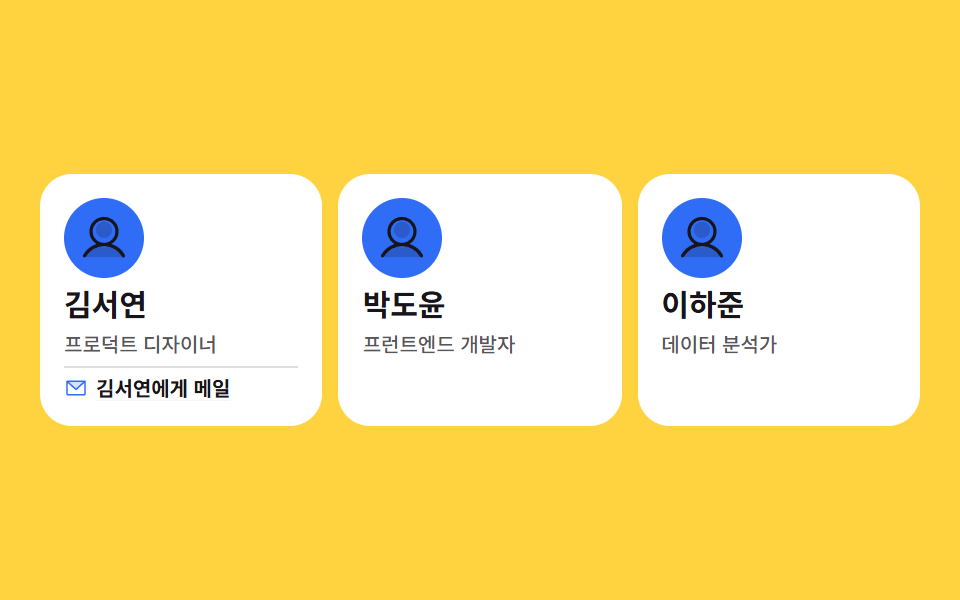 02 content-card-team-member
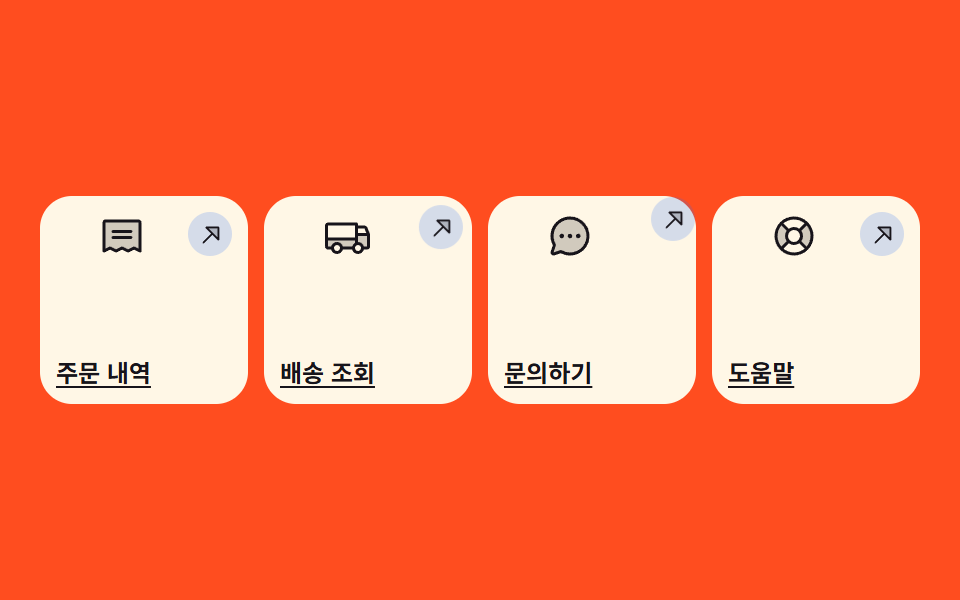 03 content-card-shortcut-tile
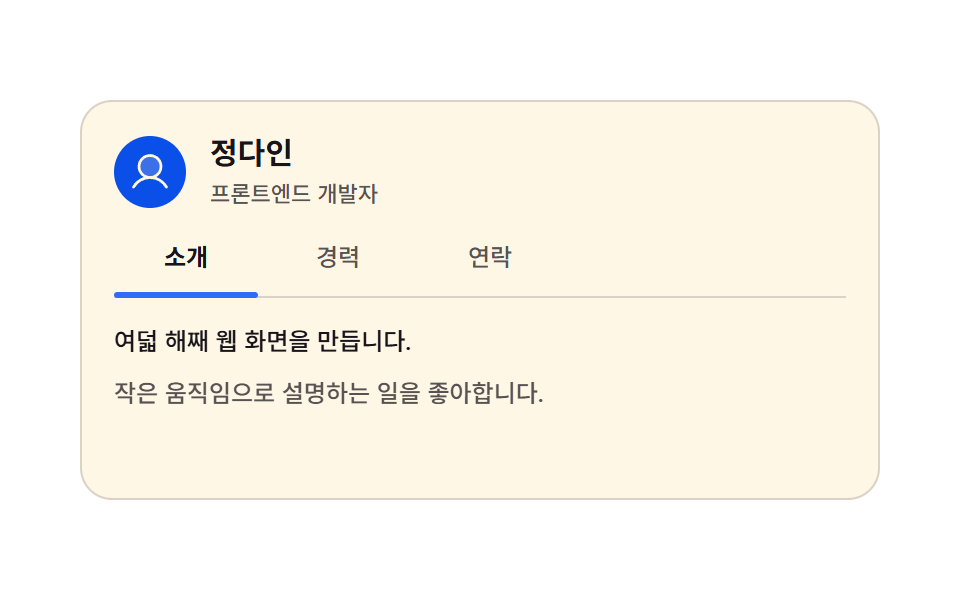 04 content-card-about-tabs
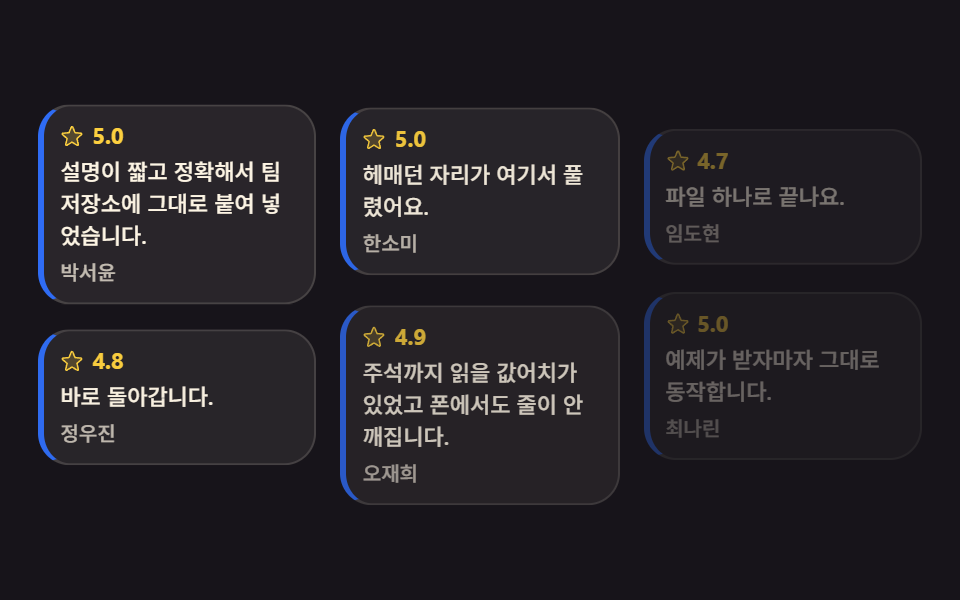 05 content-card-review-pinboard
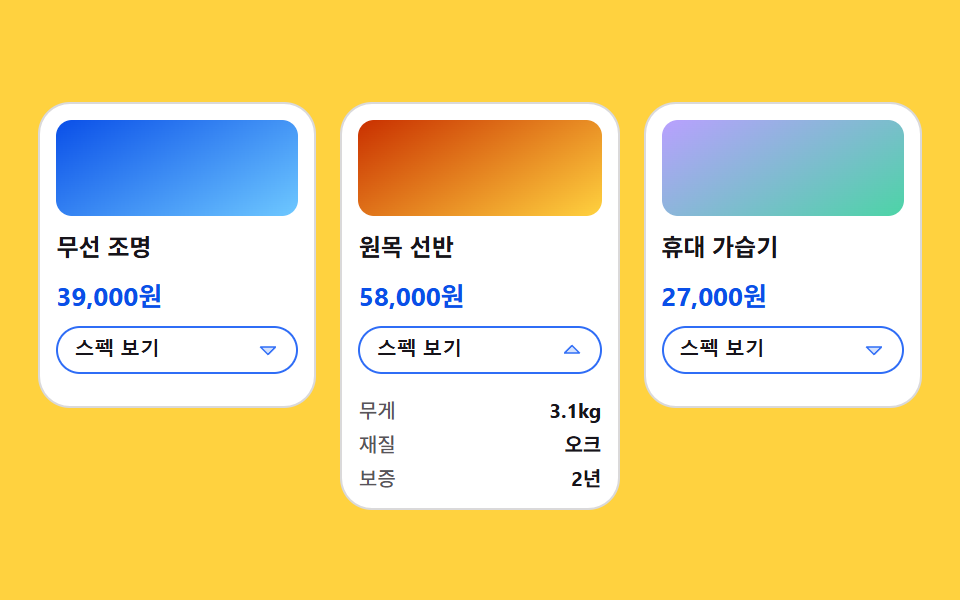 06 content-card-spec-grow
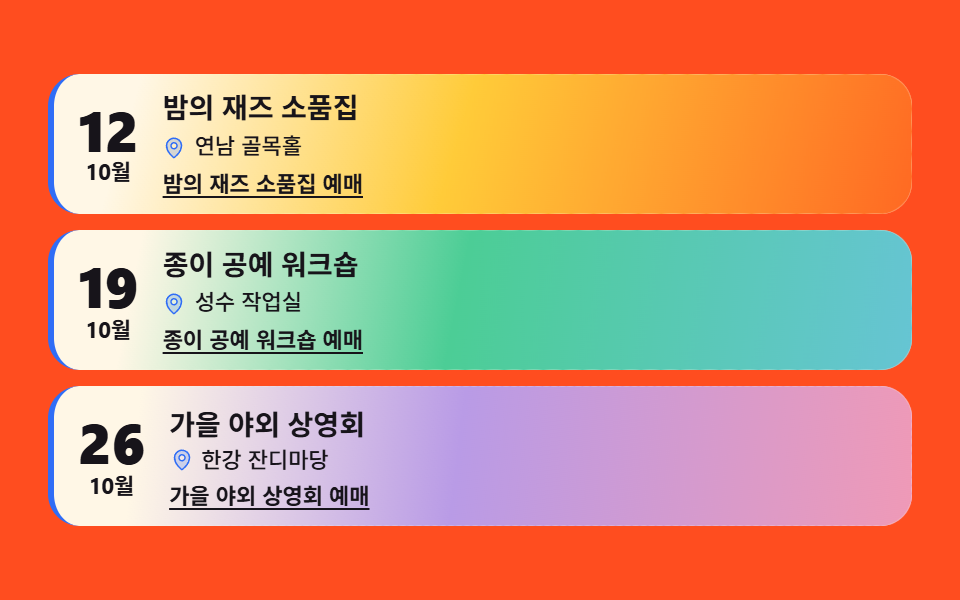 07 content-card-event-mood
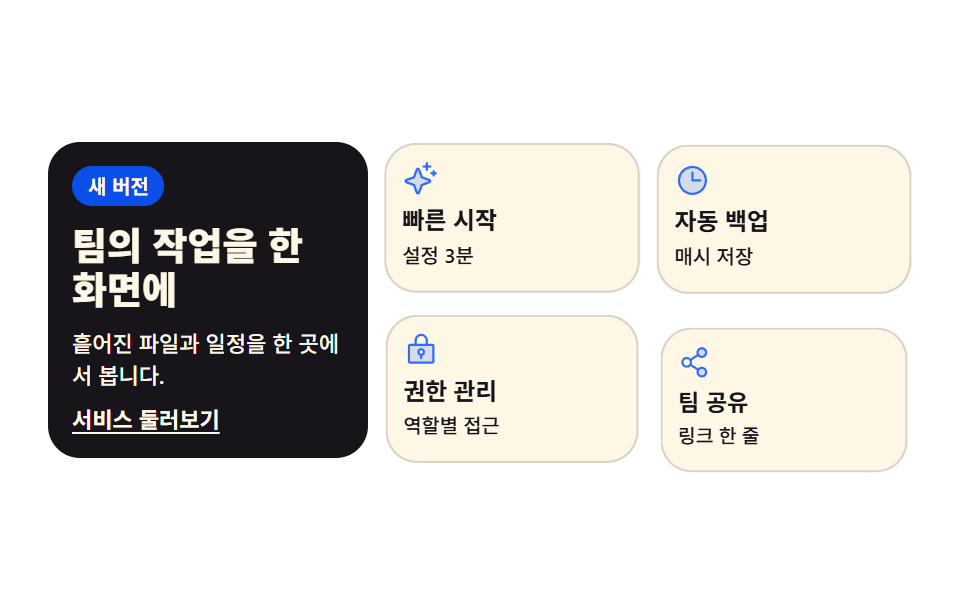 08 content-card-intro-grid
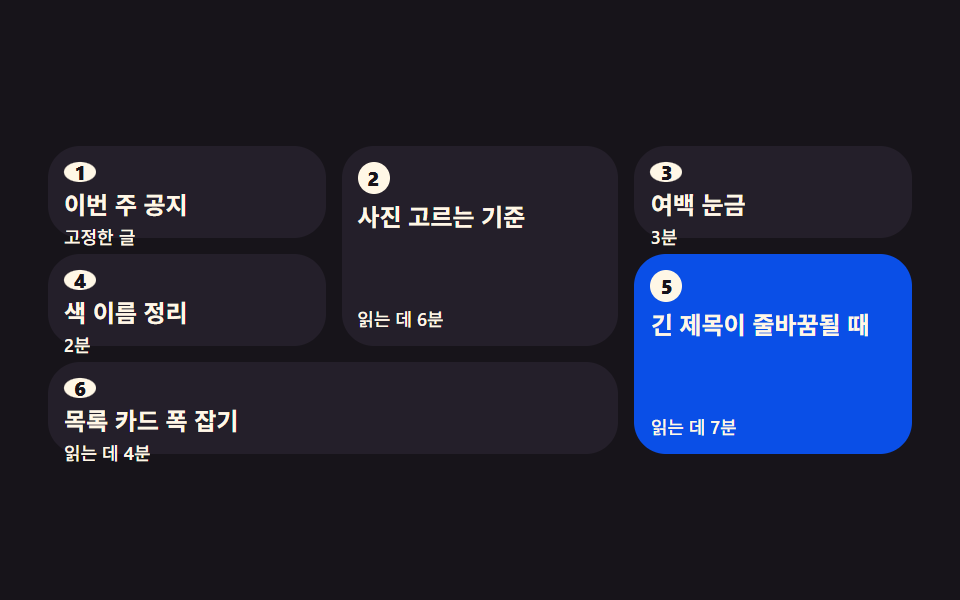 09 content-card-waterfall-order
Auto-plays · click a tile to jump to its section · all nine in one zip
- 01 City guide grid card
- 02 Team member card
- 03 Shortcut tile card
- 04 Tabbed about-me card
- 05 Pinboard review card
- 06 Growing spec card
- 07 Mood-first event card
- 08 Intro grid section card
- 09 Reading-order waterfall
The order is not popularity but how content becomes a card. One card becomes several (01, 02), cards turn into signposts (03), then a single card splits internally (04, 05, 06), mood lands on top (07), cards assemble into one block (08), and finally a large set keeps its reading order intact (09). The spine of this piece is not effects but layout and links — the principle of putting the click on the link, not the whole card, runs through all nine. For the same lineage see CSS button hover effects and CSS-only tab menus.
01City guide grid card
Three city cards with a name and one-line blurb line up through grid-template-columns, and each label band rises into place on its own turn — a travel or local-service section card.
<main class="stage">
<ul class="cg is-demo" id="cg">
  <li class="cg__card">
    <div class="cg__shot cg__shot--a">
      <span class="cg__band">
        <span class="cg__ic" aria-hidden="true"><svg xmlns="http://www.w3.org/2000/svg" width="1em" height="1em" viewBox="0 0 256 256"><g fill="currentColor"><path d="M128 24a80 80 0 0 0-80 80c0 72 80 128 80 128s80-56 80-128a80 80 0 0 0-80-80m0 112a32 32 0 1 1 32-32a32 32 0 0 1-32 32" opacity=".2"/><path d="M128 64a40 40 0 1 0 40 40a40 40 0 0 0-40-40m0 64a24 24 0 1 1 24-24a24 24 0 0 1-24 24m0-112a88.1 88.1 0 0 0-88 88c0 31.4 14.51 64.68 42 96.25a254.2 254.2 0 0 0 41.45 38.3a8 8 0 0 0 9.18 0a254.2 254.2 0 0 0 41.37-38.3c27.45-31.57 42-64.85 42-96.25a88.1 88.1 0 0 0-88-88m0 206c-16.53-13-72-60.75-72-118a72 72 0 0 1 144 0c0 57.23-55.47 105-72 118"/></g></svg></span>Day trip</span>
    </div>
    <h3 class="cg__name">Busan</h3>
    <p class="cg__line">Beach and market, one stop apart</p>
    <a class="cg__link" href="#busan">Open the Busan guide</a>
  </li>
  <li class="cg__card">
    <div class="cg__shot cg__shot--b">
      <span class="cg__band">
        <span class="cg__ic" aria-hidden="true"><svg xmlns="http://www.w3.org/2000/svg" width="1em" height="1em" viewBox="0 0 256 256"><g fill="currentColor"><path d="M128 24a80 80 0 0 0-80 80c0 72 80 128 80 128s80-56 80-128a80 80 0 0 0-80-80m0 112a32 32 0 1 1 32-32a32 32 0 0 1-32 32" opacity=".2"/><path d="M128 64a40 40 0 1 0 40 40a40 40 0 0 0-40-40m0 64a24 24 0 1 1 24-24a24 24 0 0 1-24 24m0-112a88.1 88.1 0 0 0-88 88c0 31.4 14.51 64.68 42 96.25a254.2 254.2 0 0 0 41.45 38.3a8 8 0 0 0 9.18 0a254.2 254.2 0 0 0 41.37-38.3c27.45-31.57 42-64.85 42-96.25a88.1 88.1 0 0 0-88-88m0 206c-16.53-13-72-60.75-72-118a72 72 0 0 1 144 0c0 57.23-55.47 105-72 118"/></g></svg></span>2 days</span>
    </div>
    <h3 class="cg__name">Jeonju</h3>
    <p class="cg__line">A different kitchen down each alley</p>
    <a class="cg__link" href="#jeonju">Open the Jeonju guide</a>
  </li>
  <li class="cg__card">
    <div class="cg__shot cg__shot--c">
      <span class="cg__band">
        <span class="cg__ic" aria-hidden="true"><svg xmlns="http://www.w3.org/2000/svg" width="1em" height="1em" viewBox="0 0 256 256"><g fill="currentColor"><path d="M128 24a80 80 0 0 0-80 80c0 72 80 128 80 128s80-56 80-128a80 80 0 0 0-80-80m0 112a32 32 0 1 1 32-32a32 32 0 0 1-32 32" opacity=".2"/><path d="M128 64a40 40 0 1 0 40 40a40 40 0 0 0-40-40m0 64a24 24 0 1 1 24-24a24 24 0 0 1-24 24m0-112a88.1 88.1 0 0 0-88 88c0 31.4 14.51 64.68 42 96.25a254.2 254.2 0 0 0 41.45 38.3a8 8 0 0 0 9.18 0a254.2 254.2 0 0 0 41.37-38.3c27.45-31.57 42-64.85 42-96.25a88.1 88.1 0 0 0-88-88m0 206c-16.53-13-72-60.75-72-118a72 72 0 0 1 144 0c0 57.23-55.47 105-72 118"/></g></svg></span>Weekend</span>
    </div>
    <h3 class="cg__name">Sokcho</h3>
    <p class="cg__line">Sea and mountains in one trip</p>
    <a class="cg__link" href="#sokcho">Open the Sokcho guide</a>
  </li>
</ul>
</main>@use "sass:math";
@use "../../../../site/static/demo-tokens" as *;
// 도시 소개 그리드 카드 — 이 편의 주인공은 효과가 아니라 **배치**다.
// grid-template-columns 로 세 칸을 먼저 정하고, 카드는 자기 순서(animation-delay)에만 올라온다.
// 지연이 걸린 루프에는 animation-fill-mode: backwards 가 반드시 함께 간다 —
// 없으면 지연 구간에 요소의 작성 상태(= 도착 상태)가 0프레임에 한 번 번쩍인다.
// 호버 리프트·그림자 확대 같은 카드 효과는 이 편의 축이 아니라서 쓰지 않는다.
$duration: $dur-enter;
$easing: $ease-spring;
$color: $subject-blue;
// 잉크 무대 위에서 한 단계 밝은 카드 면 (토큰 밖 실측값 — 크림 글자 15.1:1)
$panel: #241f2a;
$rise: 14px;
// 2초 루프 안에서 "카드가 올라오는" 구간의 길이. $duration 을 절반으로 줄이면 구간도 절반이 된다
$enter: math.div($duration, $dur-loop) * 100%;
@include stage($stage-ink);
.cg {
  display: grid;
  grid-template-columns: repeat(3, 1fr);
  gap: $sp-2;
  box-sizing: border-box; width: min(100%, 440px);
  margin: 0; padding: 0; list-style: none;
}
.cg__card {
display: flex; flex-direction: column; gap: $sp-1;
box-sizing: border-box;
padding: $sp-2;
border-radius: $r-card;
background: $panel;
border-top: 2px solid $color;
// 미리보기 루프를 뗀 순간 카드가 제자리로 부드럽게 앉는다 (애니메이션이 사라진 자리를 transition 이 받는다)
transition: transform $duration $easing;
}
// 사진이 들어갈 자리. 지금은 토큰 그라디언트 (run/081/_이미지후보.A.json 에 기록)
.cg__shot {
position: relative; overflow: hidden;
height: clamp(40px, 13vw, 62px);
border-radius: $r-sm;
background:
radial-gradient(circle at 28% 22%, rgba(255, 255, 255, .26), rgba(255, 255, 255, 0) 62%),
linear-gradient(152deg, $color, rgba($color, .22));
}
.cg__shot--b { background-position: 70% 30%, 0 0; }
.cg__shot--c { background-position: 45% 70%, 0 0; }
// 라벨 띠 — 사진 아래에서 위로 올라온다. 글자는 크림 면 위 잉크(17.1:1)라 $color 가 바뀌어도 안전하다
.cg__band {
position: absolute; left: 6px; bottom: 6px;
display: inline-flex; align-items: center; gap: $sp-1;
padding: $sp-1 $sp-2;
border-radius: $r-pill;
background: $subject-cream; color: $subject-ink;
font-weight: 700; font-size: clamp(9px, 2.4vw, 10px); line-height: 1.2;
white-space: nowrap;
}
.cg__ic { display: inline-grid; place-items: center; color: $color; font-size: 11px; }
.cg__name {
margin: 0;
color: $subject-cream;
font-weight: 700; font-size: clamp(12px, 3.4vw, 15px); line-height: 1.25;
}
.cg__line {
margin: 0;
color: rgba($subject-cream, .78);
font-weight: 500; font-size: clamp(9px, 2.6vw, 11px); line-height: 1.35;
}
// 카드 전체가 아니라 링크가 목적지 이름을 말한다 (WCAG 2.4.4 link purpose)
.cg__link {
margin-top: auto;
color: $subject-cream;
font-weight: 700; font-size: clamp(9px, 2.6vw, 11px); line-height: 1.3;
text-decoration: underline; text-underline-offset: 2px;
}
.cg__link:focus-visible { outline: 2px solid $subject-cream; outline-offset: 2px; border-radius: $r-xs; }
// ── 격자 미리보기 루프 (2초). 카드는 0 / .16 / .32초 순서로 올라오고 띠가 뒤따른다.
// 복귀(다시 내려감)는 88% 안에 끝난다 — 24프레임의 마지막 샘플은 95.8% 지점이다.
.cg.is-demo .cg__card {
animation-name: cgRise;
animation-duration: $dur-loop;
animation-timing-function: $easing;
animation-iteration-count: infinite;
animation-fill-mode: backwards;
}
.cg.is-demo .cg__card:nth-child(2) { animation-delay: .16s; }
.cg.is-demo .cg__card:nth-child(3) { animation-delay: .32s; }
.cg.is-demo .cg__band {
animation-name: cgBand;
animation-duration: $dur-loop;
animation-timing-function: $easing;
animation-iteration-count: infinite;
animation-fill-mode: backwards;
}
.cg.is-demo .cg__card:nth-child(2) .cg__band { animation-delay: .16s; }
.cg.is-demo .cg__card:nth-child(3) .cg__band { animation-delay: .32s; }
@keyframes cgRise {
0% { transform: translateY($rise); }
#{$enter} { transform: translateY(0); }
74% { transform: translateY(0); }
88%, 100% { transform: translateY($rise); }
}
@keyframes cgBand {
0%, #{$enter * .4} { transform: translateY(180%); }
#{$enter * 1.4} { transform: translateY(0); }
74% { transform: translateY(0); }
86%, 100% { transform: translateY(180%); }
}
// ── 좁은 화면: 320×200 무대에서도 세 칸을 지킨다 (열을 줄이지 않는 게 이 항목의 요점)
@media (max-width: 340px) {
.cg { gap: $sp-1; }
.cg__card { gap: 0; padding: $sp-1; }
.cg__band { padding: 0 $sp-1; left: 4px; bottom: 4px; }
.cg__ic { font-size: 9px; }
}
@media (prefers-reduced-motion: reduce) {
.cg.is-demo .cg__card,
.cg.is-demo .cg__band {
animation: none !important;
transform: none !important;
}
}html, body {
margin: 0;
overflow: hidden;
}
.stage {
box-sizing: border-box;
min-height: 100vh;
display: grid;
place-items: center;
margin: 0;
background: #17141a;
font-family: -apple-system, "Segoe UI", "Noto Sans KR", sans-serif;
padding: clamp(8px, 4vw, 24px);
}
.cg {
display: grid;
grid-template-columns: repeat(3, 1fr);
gap: 8px;
box-sizing: border-box;
width: min(100%, 440px);
margin: 0;
padding: 0;
list-style: none;
}
.cg__card {
display: flex;
flex-direction: column;
gap: 4px;
box-sizing: border-box;
padding: 8px;
border-radius: 16px;
background: #241f2a;
border-top: 2px solid #2f6df6;
transition: transform 600ms cubic-bezier(0.2, 0.8, 0.2, 1);
}
.cg__shot {
position: relative;
overflow: hidden;
height: clamp(40px, 13vw, 62px);
border-radius: 8px;
background: radial-gradient(circle at 28% 22%, rgba(255, 255, 255, 0.26), rgba(255, 255, 255, 0) 62%), linear-gradient(152deg, #2f6df6, rgba(47, 109, 246, 0.22));
}
.cg__shot--b {
background-position: 70% 30%, 0 0;
}
.cg__shot--c {
background-position: 45% 70%, 0 0;
}
.cg__band {
position: absolute;
left: 6px;
bottom: 6px;
display: inline-flex;
align-items: center;
gap: 4px;
padding: 4px 8px;
border-radius: 999px;
background: #fff7e6;
color: #17141a;
font-weight: 700;
font-size: clamp(9px, 2.4vw, 10px);
line-height: 1.2;
white-space: nowrap;
}
.cg__ic {
display: inline-grid;
place-items: center;
color: #2f6df6;
font-size: 11px;
}
.cg__name {
margin: 0;
color: #fff7e6;
font-weight: 700;
font-size: clamp(12px, 3.4vw, 15px);
line-height: 1.25;
}
.cg__line {
margin: 0;
color: rgba(255, 247, 230, 0.78);
font-weight: 500;
font-size: clamp(9px, 2.6vw, 11px);
line-height: 1.35;
}
.cg__link {
margin-top: auto;
color: #fff7e6;
font-weight: 700;
font-size: clamp(9px, 2.6vw, 11px);
line-height: 1.3;
text-decoration: underline;
text-underline-offset: 2px;
}
.cg__link:focus-visible {
outline: 2px solid #fff7e6;
outline-offset: 2px;
border-radius: 4px;
}
.cg.is-demo .cg__card {
animation-name: cgRise;
animation-duration: 2s;
animation-timing-function: cubic-bezier(0.2, 0.8, 0.2, 1);
animation-iteration-count: infinite;
animation-fill-mode: backwards;
}
.cg.is-demo .cg__card:nth-child(2) {
animation-delay: 0.16s;
}
.cg.is-demo .cg__card:nth-child(3) {
animation-delay: 0.32s;
}
.cg.is-demo .cg__band {
animation-name: cgBand;
animation-duration: 2s;
animation-timing-function: cubic-bezier(0.2, 0.8, 0.2, 1);
animation-iteration-count: infinite;
animation-fill-mode: backwards;
}
.cg.is-demo .cg__card:nth-child(2) .cg__band {
animation-delay: 0.16s;
}
.cg.is-demo .cg__card:nth-child(3) .cg__band {
animation-delay: 0.32s;
}
@keyframes cgRise {
0% {
transform: translateY(14px);
}
30% {
transform: translateY(0);
}
74% {
transform: translateY(0);
}
88%, 100% {
transform: translateY(14px);
}
}
@keyframes cgBand {
0%, 12% {
transform: translateY(180%);
}
42% {
transform: translateY(0);
}
74% {
transform: translateY(0);
}
86%, 100% {
transform: translateY(180%);
}
}
@media (max-width: 340px) {
.cg {
gap: 4px;
}
.cg__card {
gap: 0;
padding: 4px;
}
.cg__band {
padding: 0 4px;
left: 4px;
bottom: 4px;
}
.cg__ic {
font-size: 9px;
}
}
@media (prefers-reduced-motion: reduce) {
.cg.is-demo .cg__card,
.cg.is-demo .cg__band {
animation: none !important;
transform: none !important;
}
}// 사람이 만지면 미리보기 루프를 뗀다 — 뗀 뒤에도 카드는 제자리에 그대로 선다
var cityGrid = document.getElementById('cg');
['pointerdown', 'focusin'].forEach(function (evt) {
cityGrid.addEventListener(evt, function () { cityGrid.classList.remove('is-demo'); });
});// CityGuideGrid — vanilla 판(run/081/demo/01-content-card-city-guide/index.html) 의 React 포트.
// grid-template-columns 로 세 칸을 먼저 정하고, 카드는 animation-delay 로 자기 순서에만 올라온다.
// 카드 전체가 아니라 링크가 목적지 이름을 말한다 (WCAG 2.4.4).
import { useState } from "react";
import type { CSSProperties } from "react";
import styles from "./CityGuideGrid.module.scss";
export type CityGuideGridProps = {
duration?: number;
easing?: string;
color?: string;
};
type Vars = CSSProperties & { "--duration"?: string; "--easing"?: string; "--color"?: string };
type City = { band: string; name: string; line: string; link: string; href: string; shot: string };
// 링크 글자는 조각으로 잇지 않는다 — 언어팩 사전의 키가 문장 전체여야 en·ja 판이 반쪽으로 안 나간다
const CITIES: City[] = [
{ band: "당일치기", name: "부산", line: "바다와 시장이 한 정류장", link: "부산 가이드 열기", href: "#busan", shot: "shot--a" },
{ band: "1박 2일", name: "전주", line: "골목마다 다른 밥집", link: "전주 가이드 열기", href: "#jeonju", shot: "shot--b" },
{ band: "주말 코스", name: "속초", line: "바다와 산을 한 번에", link: "속초 가이드 열기", href: "#sokcho", shot: "shot--c" },
];
function MapPin() {
return (
<svg xmlns="http://www.w3.org/2000/svg" width="1em" height="1em" viewBox="0 0 256 256">
<g fill="currentColor">
<path d="M128 24a80 80 0 0 0-80 80c0 72 80 128 80 128s80-56 80-128a80 80 0 0 0-80-80m0 112a32 32 0 1 1 32-32a32 32 0 0 1-32 32" opacity=".2" />
<path d="M128 64a40 40 0 1 0 40 40a40 40 0 0 0-40-40m0 64a24 24 0 1 1 24-24a24 24 0 0 1-24 24m0-112a88.1 88.1 0 0 0-88 88c0 31.4 14.51 64.68 42 96.25a254.2 254.2 0 0 0 41.45 38.3a8 8 0 0 0 9.18 0a254.2 254.2 0 0 0 41.37-38.3c27.45-31.57 42-64.85 42-96.25a88.1 88.1 0 0 0-88-88m0 206c-16.53-13-72-60.75-72-118a72 72 0 0 1 144 0c0 57.23-55.47 105-72 118" />
</g>
</svg>
);
}
export default function CityGuideGrid(props: CityGuideGridProps) {
const duration = props.duration ?? 600;
const easing = props.easing ?? "cubic-bezier(.2, .8, .2, 1)";
const color = props.color ?? "#2f6df6";
const [preview, setPreview] = useState<boolean>(true);
const vars: Vars = { "--duration": duration + "ms", "--easing": easing, "--color": color };
const stop = () => setPreview(false);
return (
<main className={styles.stage}>
<ul
className={styles.cg + (preview ? " " + styles.isDemo : "")}
style={vars}
onPointerDown={stop}
onFocus={stop}
>
{CITIES.map((city) => (
<li className={styles.card} key={city.name}>
<div className={styles.shot + " " + styles[city.shot]}>
<span className={styles.band}>
<span className={styles.ic} aria-hidden="true"><MapPin /></span>
{city.band}
</span>
</div>
<h3 className={styles.name}>{city.name}</h3>
<p className={styles.line}>{city.line}</p>
<a className={styles.link} href={city.href}>{city.link}</a>
</li>
))}
</ul>
</main>
);
}01 · City guide grid card — Measured area 34.122% · moving frames 20/23Original by GODRICH · SCSS and React ship in the zip · See the password
The grid sets the three columns, the delay sets the entrance
.cg {
display: grid;
grid-template-columns: repeat(3, 1fr);
gap: $sp-2;
box-sizing: border-box; width: min(100%, 440px);
margin: 0; padding: 0; list-style: none;
}
Because the three columns are pinned first instead of sizing each card, growing to four cards means changing repeat(3, 1fr) to repeat(4, 1fr) and nothing inside the cards.
Delayed entrances need fill-mode beside them
// keep the pre-rise state visible during the delay — otherwise frame 0 flashes the finished card
.cg.is-demo .cg__card { animation-fill-mode: backwards; }
.cg.is-demo .cg__card:nth-child(2) { animation-delay: .12s; }
.cg.is-demo .cg__card:nth-child(3) { animation-delay: .24s; }
A card staggered by animation-delay should show its "before rising" state through the delay, because without backwards the finished state shows, disappears, and rises again.
02Team member card
A contact row hidden under the name and role unfolds with clip-path when the card takes focus, and the link itself carries the person's name — an about-us team section card.
<main class="stage">
<ul class="tm is-demo" id="tm">
  <li class="tm__card">
    <span class="tm__face" aria-hidden="true"><svg xmlns="http://www.w3.org/2000/svg" width="1em" height="1em" viewBox="0 0 256 256"><g fill="currentColor"><path d="M230.14 219.93a8 8 0 0 1-6.14 2.07H32a8 8 0 0 1-6.14-2.07a8 8 0 0 1-1.63-8.28C33.79 187.16 55 168.51 80.6 159.86a4 4 0 0 1 3.38.31a75.24 75.24 0 0 0 88 0a4 4 0 0 1 3.43-.31c25.62 8.65 46.81 27.3 56.37 51.79a8 8 0 0 1-1.64 8.28M168 88a40 40 0 1 1-40-40a40 40 0 0 1 40 40" opacity=".2"/><path d="M230.92 212c-15.23-26.33-38.7-45.21-66.09-54.16a72 72 0 1 0-73.66 0c-27.39 8.94-50.86 27.82-66.09 54.16a8 8 0 1 0 13.85 8c18.84-32.56 52.14-52 89.07-52s70.23 19.44 89.07 52a8 8 0 1 0 13.85-8M72 96a56 56 0 1 1 56 56a56.06 56.06 0 0 1-56-56"/></g></svg></span>
    <h3 class="tm__name">Seoyeon Kim</h3>
    <p class="tm__role">Product designer</p>
    <p class="tm__contact">
      <span class="tm__ic" aria-hidden="true"><svg xmlns="http://www.w3.org/2000/svg" width="1em" height="1em" viewBox="0 0 256 256"><g fill="currentColor"><path d="m224 56l-96 88l-96-88Z" opacity=".2"/><path d="M224 48H32a8 8 0 0 0-8 8v136a16 16 0 0 0 16 16h176a16 16 0 0 0 16-16V56a8 8 0 0 0-8-8m-20.57 16L128 133.15L52.57 64ZM216 192H40V74.19l82.59 75.71a8 8 0 0 0 10.82 0L216 74.19z"/></g></svg></span>
      <a class="tm__link" href="#seoyeon">Email Seoyeon</a>
    </p>
  </li>
  <li class="tm__card">
    <span class="tm__face" aria-hidden="true"><svg xmlns="http://www.w3.org/2000/svg" width="1em" height="1em" viewBox="0 0 256 256"><g fill="currentColor"><path d="M230.14 219.93a8 8 0 0 1-6.14 2.07H32a8 8 0 0 1-6.14-2.07a8 8 0 0 1-1.63-8.28C33.79 187.16 55 168.51 80.6 159.86a4 4 0 0 1 3.38.31a75.24 75.24 0 0 0 88 0a4 4 0 0 1 3.43-.31c25.62 8.65 46.81 27.3 56.37 51.79a8 8 0 0 1-1.64 8.28M168 88a40 40 0 1 1-40-40a40 40 0 0 1 40 40" opacity=".2"/><path d="M230.92 212c-15.23-26.33-38.7-45.21-66.09-54.16a72 72 0 1 0-73.66 0c-27.39 8.94-50.86 27.82-66.09 54.16a8 8 0 1 0 13.85 8c18.84-32.56 52.14-52 89.07-52s70.23 19.44 89.07 52a8 8 0 1 0 13.85-8M72 96a56 56 0 1 1 56 56a56.06 56.06 0 0 1-56-56"/></g></svg></span>
    <h3 class="tm__name">Doyun Park</h3>
    <p class="tm__role">Frontend developer</p>
    <p class="tm__contact">
      <span class="tm__ic" aria-hidden="true"><svg xmlns="http://www.w3.org/2000/svg" width="1em" height="1em" viewBox="0 0 256 256"><g fill="currentColor"><path d="m224 56l-96 88l-96-88Z" opacity=".2"/><path d="M224 48H32a8 8 0 0 0-8 8v136a16 16 0 0 0 16 16h176a16 16 0 0 0 16-16V56a8 8 0 0 0-8-8m-20.57 16L128 133.15L52.57 64ZM216 192H40V74.19l82.59 75.71a8 8 0 0 0 10.82 0L216 74.19z"/></g></svg></span>
      <a class="tm__link" href="#doyun">Email Doyun</a>
    </p>
  </li>
  <li class="tm__card">
    <span class="tm__face" aria-hidden="true"><svg xmlns="http://www.w3.org/2000/svg" width="1em" height="1em" viewBox="0 0 256 256"><g fill="currentColor"><path d="M230.14 219.93a8 8 0 0 1-6.14 2.07H32a8 8 0 0 1-6.14-2.07a8 8 0 0 1-1.63-8.28C33.79 187.16 55 168.51 80.6 159.86a4 4 0 0 1 3.38.31a75.24 75.24 0 0 0 88 0a4 4 0 0 1 3.43-.31c25.62 8.65 46.81 27.3 56.37 51.79a8 8 0 0 1-1.64 8.28M168 88a40 40 0 1 1-40-40a40 40 0 0 1 40 40" opacity=".2"/><path d="M230.92 212c-15.23-26.33-38.7-45.21-66.09-54.16a72 72 0 1 0-73.66 0c-27.39 8.94-50.86 27.82-66.09 54.16a8 8 0 1 0 13.85 8c18.84-32.56 52.14-52 89.07-52s70.23 19.44 89.07 52a8 8 0 1 0 13.85-8M72 96a56 56 0 1 1 56 56a56.06 56.06 0 0 1-56-56"/></g></svg></span>
    <h3 class="tm__name">Hajun Lee</h3>
    <p class="tm__role">Data analyst</p>
    <p class="tm__contact">
      <span class="tm__ic" aria-hidden="true"><svg xmlns="http://www.w3.org/2000/svg" width="1em" height="1em" viewBox="0 0 256 256"><g fill="currentColor"><path d="m224 56l-96 88l-96-88Z" opacity=".2"/><path d="M224 48H32a8 8 0 0 0-8 8v136a16 16 0 0 0 16 16h176a16 16 0 0 0 16-16V56a8 8 0 0 0-8-8m-20.57 16L128 133.15L52.57 64ZM216 192H40V74.19l82.59 75.71a8 8 0 0 0 10.82 0L216 74.19z"/></g></svg></span>
      <a class="tm__link" href="#hajun">Email Hajun</a>
    </p>
  </li>
</ul>
</main>@use "../../../../site/static/demo-tokens" as *;
// 팀원 소개 카드 — 숨은 연락 줄을 clip-path 로 아래에서 위로 걷어낸다.
// 자리는 처음부터 잡혀 있고(높이가 변하지 않는다) 보이는 범위만 바뀌므로 옆 카드가 밀리지 않는다.
// 여는 조건은 :hover 와 :focus-within 둘 다 — 키보드로 링크에 닿아도 같은 상태가 보인다.
// 카드 전체를 클릭 영역으로 만들지 않는다. 링크 글자가 "누구에게" 가는 길인지 스스로 말한다.
$duration: $dur-enter;
$easing: $ease-spring;
$color: $subject-blue;
$edge: rgba($subject-ink, .14);
@include stage($stage-yellow);
.tm {
display: grid;
grid-template-columns: repeat(3, 1fr);
gap: $sp-2;
box-sizing: border-box; width: min(100%, 440px);
margin: 0; padding: 0; list-style: none;
}
.tm__card {
display: flex; flex-direction: column; align-items: flex-start; gap: $sp-1;
box-sizing: border-box;
padding: $sp-3;
border-radius: $r-card;
background: $stage-paper;
}
// 인물 사진이 들어갈 자리. 지금은 토큰 색 원 + 아이콘 (run/081/_이미지후보.A.json 에 기록)
.tm__face {
display: grid; place-items: center;
width: clamp(28px, 9vw, 40px); height: clamp(28px, 9vw, 40px);
border-radius: 50%;
background: $color; color: $subject-ink;
font-size: clamp(18px, 6vw, 26px);
}
.tm__name {
margin: 0;
color: $subject-ink;
font-weight: 700; font-size: clamp(12px, 3.4vw, 15px); line-height: 1.25;
}
.tm__role {
margin: 0;
color: rgba($subject-ink, .72);
font-weight: 500; font-size: clamp(8px, 2.4vw, 10px); line-height: 1.3;
}
// ── 숨은 연락 줄. 높이는 늘 차지하고 clip-path 만 움직인다
.tm__contact {
  display: flex; align-items: center; gap: $sp-1;
  width: 100%; margin: 0; padding-top: $sp-1;
  border-top: 1px solid $edge;
  clip-path: inset(0 0 100% 0);
  transition: clip-path $duration $easing;
}
.tm__card:hover .tm__contact,
.tm__card:focus-within .tm__contact { clip-path: inset(0 0 0 0); }
.tm__ic { display: inline-grid; place-items: center; flex: 0 0 auto; color: $color; font-size: 12px; }
.tm__link {
color: $subject-ink;
font-weight: 700; font-size: clamp(8px, 2.4vw, 10px); line-height: 1.3;
text-decoration: underline; text-underline-offset: 2px;
}
.tm__link:focus-visible { outline: 2px solid $subject-ink; outline-offset: 2px; border-radius: $r-xs; }
// ── 격자 미리보기 루프 (2초). 한 장씩 열렸다 닫히며 세 장을 다 보여준다.
// 같은 키프레임을 0 / .6 / 1.2초로 물려 세 카드가 차례를 나눠 쓴다 —
// animation-delay 를 쓰면 animation-fill-mode: backwards 가 반드시 함께 간다.
.tm.is-demo .tm__contact {
animation-name: tmOpen;
animation-duration: $dur-loop;
animation-timing-function: $easing;
animation-iteration-count: infinite;
animation-fill-mode: backwards;
}
.tm.is-demo .tm__card:nth-child(2) .tm__contact { animation-delay: .6s; }
.tm.is-demo .tm__card:nth-child(3) .tm__contact { animation-delay: 1.2s; }
// clip-path 위프는 이징 짝으로 둔다 — steps 타이밍과 섞으면 보간이 죽어 컷이 된다
@keyframes tmOpen {
0% { clip-path: inset(0 0 100% 0); }
8% { clip-path: inset(0 0 0 0); }
22% { clip-path: inset(0 0 0 0); }
30%, 100% { clip-path: inset(0 0 100% 0); }
}
// ── 좁은 화면: 세 칸을 지키고 여백만 줄인다
@media (max-width: 340px) {
.tm { gap: $sp-1; }
.tm__card { padding: $sp-1; }
.tm__ic { font-size: 10px; }
}
@media (prefers-reduced-motion: reduce) {
.tm.is-demo .tm__contact {
animation: none !important;
clip-path: inset(0 0 0 0) !important;
transition: none !important;
}
}html, body {
margin: 0;
overflow: hidden;
}
.stage {
box-sizing: border-box;
min-height: 100vh;
display: grid;
place-items: center;
margin: 0;
background: #ffd23f;
font-family: -apple-system, "Segoe UI", "Noto Sans KR", sans-serif;
padding: clamp(8px, 4vw, 24px);
}
.tm {
display: grid;
grid-template-columns: repeat(3, 1fr);
gap: 8px;
box-sizing: border-box;
width: min(100%, 440px);
margin: 0;
padding: 0;
list-style: none;
}
.tm__card {
display: flex;
flex-direction: column;
align-items: flex-start;
gap: 4px;
box-sizing: border-box;
padding: 12px;
border-radius: 16px;
background: #ffffff;
}
.tm__face {
display: grid;
place-items: center;
width: clamp(28px, 9vw, 40px);
height: clamp(28px, 9vw, 40px);
border-radius: 50%;
background: #2f6df6;
color: #17141a;
font-size: clamp(18px, 6vw, 26px);
}
.tm__name {
margin: 0;
color: #17141a;
font-weight: 700;
font-size: clamp(12px, 3.4vw, 15px);
line-height: 1.25;
}
.tm__role {
margin: 0;
color: rgba(23, 20, 26, 0.72);
font-weight: 500;
font-size: clamp(8px, 2.4vw, 10px);
line-height: 1.3;
}
.tm__contact {
display: flex;
align-items: center;
gap: 4px;
width: 100%;
margin: 0;
padding-top: 4px;
border-top: 1px solid rgba(23, 20, 26, 0.14);
clip-path: inset(0 0 100% 0);
transition: clip-path 600ms cubic-bezier(0.2, 0.8, 0.2, 1);
}
.tm__card:hover .tm__contact,
.tm__card:focus-within .tm__contact {
clip-path: inset(0 0 0 0);
}
.tm__ic {
display: inline-grid;
place-items: center;
flex: 0 0 auto;
color: #2f6df6;
font-size: 12px;
}
.tm__link {
color: #17141a;
font-weight: 700;
font-size: clamp(8px, 2.4vw, 10px);
line-height: 1.3;
text-decoration: underline;
text-underline-offset: 2px;
}
.tm__link:focus-visible {
outline: 2px solid #17141a;
outline-offset: 2px;
border-radius: 4px;
}
.tm.is-demo .tm__contact {
animation-name: tmOpen;
animation-duration: 2s;
animation-timing-function: cubic-bezier(0.2, 0.8, 0.2, 1);
animation-iteration-count: infinite;
animation-fill-mode: backwards;
}
.tm.is-demo .tm__card:nth-child(2) .tm__contact {
animation-delay: 0.6s;
}
.tm.is-demo .tm__card:nth-child(3) .tm__contact {
animation-delay: 1.2s;
}
@keyframes tmOpen {
0% {
clip-path: inset(0 0 100% 0);
}
8% {
clip-path: inset(0 0 0 0);
}
22% {
clip-path: inset(0 0 0 0);
}
30%, 100% {
clip-path: inset(0 0 100% 0);
}
}
@media (max-width: 340px) {
.tm {
gap: 4px;
}
.tm__card {
padding: 4px;
}
.tm__ic {
font-size: 10px;
}
}
@media (prefers-reduced-motion: reduce) {
.tm.is-demo .tm__contact {
animation: none !important;
clip-path: inset(0 0 0 0) !important;
transition: none !important;
}
}// 사람이 만지면 미리보기 루프를 뗀다 — 그 뒤로는 hover 와 :focus-within 이 Contact 줄을 연다
var teamList = document.getElementById('tm');
['pointerdown', 'focusin', 'pointerover'].forEach(function (evt) {
teamList.addEventListener(evt, function () { teamList.classList.remove('is-demo'); });
});// TeamMemberCard — vanilla 판(run/081/demo/02-content-card-team-member/index.html) 의 React 포트.
// 숨은 연락 줄을 clip-path 로 걷어낸다. 높이는 늘 차지하므로 옆 카드가 밀리지 않는다.
// 여는 조건은 :hover 와 :focus-within 둘 다 — 키보드로 링크에 닿아도 같은 상태가 보인다.
import { useState } from "react";
import type { CSSProperties } from "react";
import styles from "./TeamMemberCard.module.scss";
export type TeamMemberCardProps = {
duration?: number;
easing?: string;
color?: string;
};
type Vars = CSSProperties & { "--duration"?: string; "--easing"?: string; "--color"?: string };
type Member = { name: string; role: string; mail: string; href: string };
// 링크 글자는 조각으로 잇지 않는다 — 언어팩 사전의 키가 문장 전체여야 en·ja 판이 반쪽으로 안 나간다
const MEMBERS: Member[] = [
{ name: "김서연", role: "프로덕트 디자이너", mail: "김서연에게 메일", href: "#seoyeon" },
{ name: "박도윤", role: "프런트엔드 개발자", mail: "박도윤에게 메일", href: "#doyun" },
{ name: "이하준", role: "데이터 분석가", mail: "이하준에게 메일", href: "#hajun" },
];
function UserMark() {
return (
<svg xmlns="http://www.w3.org/2000/svg" width="1em" height="1em" viewBox="0 0 256 256">
<g fill="currentColor">
<path d="M230.14 219.93a8 8 0 0 1-6.14 2.07H32a8 8 0 0 1-6.14-2.07a8 8 0 0 1-1.63-8.28C33.79 187.16 55 168.51 80.6 159.86a4 4 0 0 1 3.38.31a75.24 75.24 0 0 0 88 0a4 4 0 0 1 3.43-.31c25.62 8.65 46.81 27.3 56.37 51.79a8 8 0 0 1-1.64 8.28M168 88a40 40 0 1 1-40-40a40 40 0 0 1 40 40" opacity=".2" />
<path d="M230.92 212c-15.23-26.33-38.7-45.21-66.09-54.16a72 72 0 1 0-73.66 0c-27.39 8.94-50.86 27.82-66.09 54.16a8 8 0 1 0 13.85 8c18.84-32.56 52.14-52 89.07-52s70.23 19.44 89.07 52a8 8 0 1 0 13.85-8M72 96a56 56 0 1 1 56 56a56.06 56.06 0 0 1-56-56" />
</g>
</svg>
);
}
function EnvelopeMark() {
return (
<svg xmlns="http://www.w3.org/2000/svg" width="1em" height="1em" viewBox="0 0 256 256">
<g fill="currentColor">
<path d="m224 56l-96 88l-96-88Z" opacity=".2" />
<path d="M224 48H32a8 8 0 0 0-8 8v136a16 16 0 0 0 16 16h176a16 16 0 0 0 16-16V56a8 8 0 0 0-8-8m-20.57 16L128 133.15L52.57 64ZM216 192H40V74.19l82.59 75.71a8 8 0 0 0 10.82 0L216 74.19z" />
</g>
</svg>
);
}
export default function TeamMemberCard(props: TeamMemberCardProps) {
const duration = props.duration ?? 600;
const easing = props.easing ?? "cubic-bezier(.2, .8, .2, 1)";
const color = props.color ?? "#2f6df6";
const [preview, setPreview] = useState<boolean>(true);
const vars: Vars = { "--duration": duration + "ms", "--easing": easing, "--color": color };
const stop = () => setPreview(false);
return (
<main className={styles.stage}>
<ul
className={styles.tm + (preview ? " " + styles.isDemo : "")}
style={vars}
onPointerDown={stop}
onPointerOver={stop}
onFocus={stop}
>
{MEMBERS.map((member) => (
<li className={styles.card} key={member.name}>
<span className={styles.face} aria-hidden="true"><UserMark /></span>
<h3 className={styles.name}>{member.name}</h3>
<p className={styles.role}>{member.role}</p>
<p className={styles.contact}>
<span className={styles.ic} aria-hidden="true"><EnvelopeMark /></span>
<a className={styles.link} href={member.href}>{member.mail}</a>
</p>
</li>
))}
</ul>
</main>
);
}02 · Team member card — Measured area 1.531% · moving frames 13/23Original by GODRICH · SCSS and React ship in the zip · See the password
Hold the space, change only what is visible
.tm__contact {
display: flex; align-items: center; gap: $sp-1;
width: 100%; margin: 0; padding-top: $sp-1;
border-top: 1px solid $edge;
clip-path: inset(0 0 100% 0);
transition: clip-path $duration $easing;
}
.tm__card:hover .tm__contact,
.tm__card:focus-within .tm__contact { clip-path: inset(0 0 0 0); }
The contact row holds its height from the start and hides only its lower edge with clip-path, so neighbours never shift when it unfolds, and the layout is never recomputed when it collapses again.
Open on hover and on focus alike
:focus-within is set alongside the hover rule, so a keyboard-only visitor reaching the link sees the same expanded state — pairing every hover interaction with its focus twin is this piece's standing rule.
03Shortcut tile card
Four square tiles keep their shape with aspect-ratio while an arrow slides toward the corner to say where the tile leads — a home-screen quick menu card.
<main class="stage">
<ul class="st is-demo" id="st">
  <li class="st__tile">
    <span class="st__ic" aria-hidden="true"><svg xmlns="http://www.w3.org/2000/svg" width="1em" height="1em" viewBox="0 0 256 256"><g fill="currentColor"><path d="M224 56v152l-32-16l-32 16l-32-16l-32 16l-32-16l-32 16V56a8 8 0 0 1 8-8h176a8 8 0 0 1 8 8" opacity=".2"/><path d="M72 104a8 8 0 0 1 8-8h96a8 8 0 0 1 0 16H80a8 8 0 0 1-8-8m8 40h96a8 8 0 0 0 0-16H80a8 8 0 0 0 0 16m152-88v152a8 8 0 0 1-11.58 7.15L192 200.94l-28.42 14.21a8 8 0 0 1-7.16 0L128 200.94l-28.42 14.21a8 8 0 0 1-7.16 0L64 200.94l-28.42 14.21A8 8 0 0 1 24 208V56a16 16 0 0 1 16-16h176a16 16 0 0 1 16 16m-16 0H40v139.06l20.42-10.22a8 8 0 0 1 7.16 0L96 199.06l28.42-14.22a8 8 0 0 1 7.16 0L160 199.06l28.42-14.22a8 8 0 0 1 7.16 0L216 195.06Z"/></g></svg></span>
    <span class="st__go" aria-hidden="true"><svg xmlns="http://www.w3.org/2000/svg" width="1em" height="1em" viewBox="0 0 256 256"><g fill="currentColor"><path d="M192 64v104L88 64Z" opacity=".2"/><path d="M192 56H88a8 8 0 0 0-5.66 13.66L128.69 116l-70.35 70.34a8 8 0 0 0 11.32 11.32L140 127.31l46.34 46.35A8 8 0 0 0 200 168V64a8 8 0 0 0-8-8m-8 92.69l-38.34-38.34L107.31 72H184Z"/></g></svg></span>
    <a class="st__link" href="#orders">Orders</a>
  </li>
  <li class="st__tile">
    <span class="st__ic" aria-hidden="true"><svg xmlns="http://www.w3.org/2000/svg" width="1em" height="1em" viewBox="0 0 256 256"><g fill="currentColor"><path d="M248 120v64a8 8 0 0 1-8 8h-24a24 24 0 0 0-48 0h-64a24 24 0 0 0-48 0H32a8 8 0 0 1-8-8v-40h160v-24Z" opacity=".2"/><path d="m255.42 117l-14-35a15.93 15.93 0 0 0-14.84-10H192v-8a8 8 0 0 0-8-8H32a16 16 0 0 0-16 16v112a16 16 0 0 0 16 16h17a32 32 0 0 0 62 0h50a32 32 0 0 0 62 0h17a16 16 0 0 0 16-16v-64a7.9 7.9 0 0 0-.58-3M192 88h34.58l9.6 24H192ZM32 72h144v64H32Zm48 136a16 16 0 1 1 16-16a16 16 0 0 1-16 16m81-24h-50a32 32 0 0 0-62 0H32v-32h144v12.31A32.1 32.1 0 0 0 161 184m31 24a16 16 0 1 1 16-16a16 16 0 0 1-16 16m48-24h-17a32.06 32.06 0 0 0-31-24v-32h48Z"/></g></svg></span>
    <span class="st__go" aria-hidden="true"><svg xmlns="http://www.w3.org/2000/svg" width="1em" height="1em" viewBox="0 0 256 256"><g fill="currentColor"><path d="M192 64v104L88 64Z" opacity=".2"/><path d="M192 56H88a8 8 0 0 0-5.66 13.66L128.69 116l-70.35 70.34a8 8 0 0 0 11.32 11.32L140 127.31l46.34 46.35A8 8 0 0 0 200 168V64a8 8 0 0 0-8-8m-8 92.69l-38.34-38.34L107.31 72H184Z"/></g></svg></span>
    <a class="st__link" href="#delivery">Tracking</a>
  </li>
  <li class="st__tile">
    <span class="st__ic" aria-hidden="true"><svg xmlns="http://www.w3.org/2000/svg" width="1em" height="1em" viewBox="0 0 256 256"><g fill="currentColor"><path d="M224 128a96 96 0 0 1-144.07 83.11l-37.39 12.47a8 8 0 0 1-10.12-10.12l12.47-37.39A96 96 0 1 1 224 128" opacity=".2"/><path d="M128 24a104 104 0 0 0-91.82 152.88l-11.35 34.05a16 16 0 0 0 20.24 20.24l34.05-11.35A104 104 0 1 0 128 24m0 192a87.87 87.87 0 0 1-44.06-11.81a8 8 0 0 0-4-1.08a7.9 7.9 0 0 0-2.53.42L40 216l12.47-37.4a8 8 0 0 0-.66-6.54A88 88 0 1 1 128 216m12-88a12 12 0 1 1-12-12a12 12 0 0 1 12 12m-44 0a12 12 0 1 1-12-12a12 12 0 0 1 12 12m88 0a12 12 0 1 1-12-12a12 12 0 0 1 12 12"/></g></svg></span>
    <span class="st__go" aria-hidden="true"><svg xmlns="http://www.w3.org/2000/svg" width="1em" height="1em" viewBox="0 0 256 256"><g fill="currentColor"><path d="M192 64v104L88 64Z" opacity=".2"/><path d="M192 56H88a8 8 0 0 0-5.66 13.66L128.69 116l-70.35 70.34a8 8 0 0 0 11.32 11.32L140 127.31l46.34 46.35A8 8 0 0 0 200 168V64a8 8 0 0 0-8-8m-8 92.69l-38.34-38.34L107.31 72H184Z"/></g></svg></span>
    <a class="st__link" href="#support">Contact us</a>
  </li>
  <li class="st__tile">
    <span class="st__ic" aria-hidden="true"><svg xmlns="http://www.w3.org/2000/svg" width="1em" height="1em" viewBox="0 0 256 256"><g fill="currentColor"><path d="m195.88 195.88l-39.6-39.6a40 40 0 0 0 0-56.56l39.6-39.6a96 96 0 0 1 0 135.76M60.12 60.12a96 96 0 0 0 0 135.76l39.6-39.6a40 40 0 0 1 0-56.56Z" opacity=".2"/><path d="M128 24a104 104 0 1 0 104 104A104.11 104.11 0 0 0 128 24m39.1 131.79a47.84 47.84 0 0 0 0-55.58l28.5-28.49a87.83 87.83 0 0 1 0 112.56ZM96 128a32 32 0 1 1 32 32a32 32 0 0 1-32-32m88.28-67.6l-28.49 28.5a47.84 47.84 0 0 0-55.58 0L71.72 60.4a87.83 87.83 0 0 1 112.56 0M60.4 71.72l28.5 28.49a47.84 47.84 0 0 0 0 55.58l-28.5 28.49a87.83 87.83 0 0 1 0-112.56M71.72 195.6l28.49-28.5a47.84 47.84 0 0 0 55.58 0l28.49 28.5a87.83 87.83 0 0 1-112.56 0"/></g></svg></span>
    <span class="st__go" aria-hidden="true"><svg xmlns="http://www.w3.org/2000/svg" width="1em" height="1em" viewBox="0 0 256 256"><g fill="currentColor"><path d="M192 64v104L88 64Z" opacity=".2"/><path d="M192 56H88a8 8 0 0 0-5.66 13.66L128.69 116l-70.35 70.34a8 8 0 0 0 11.32 11.32L140 127.31l46.34 46.35A8 8 0 0 0 200 168V64a8 8 0 0 0-8-8m-8 92.69l-38.34-38.34L107.31 72H184Z"/></g></svg></span>
    <a class="st__link" href="#help">Help</a>
  </li>
</ul>
</main>
@use "../../../../site/static/demo-tokens" as *;
// 바로가기 타일 — 폭이 얼마든 aspect-ratio 로 정사각을 지키는 게 이 항목의 뼈대다.
// 높이를 px 로 박지 않으니 열 수가 바뀌어도(4열 → 2열) 타일은 늘 정사각이다.
// 움직이는 건 화살표 하나뿐 — transform 이 아니라 독립 속성 translate 를 쓴다.
// 타일 전체가 링크가 아니라 라벨이 링크다. 그래서 링크 글자만 읽어도 어디로 가는지 안다.
$duration: $dur-quick;
$easing: $ease-spring;
$color: $subject-blue;
$reach: 8px;
@include stage($stage-orange);
.st {
display: grid;
grid-template-columns: repeat(4, 1fr);
gap: $sp-2;
box-sizing: border-box; width: min(100%, 440px);
margin: 0; padding: 0; list-style: none;
}
.st__tile {
  display: grid;
  grid-template-columns: 1fr auto;
  grid-template-rows: auto 1fr auto;
  aspect-ratio: 1 / 1;
  box-sizing: border-box;
  padding: $sp-2;
  border-radius: $r-card;
  background: $subject-cream;
}
.st__ic {
grid-column: 1; grid-row: 1;
display: inline-grid; place-items: center;
color: $subject-ink;
font-size: clamp(16px, 5.5vw, 24px);
}
// 화살표 칩. 모서리 쪽(오른쪽 위)으로 밀려 나가며 행선지를 가리킨다
.st__go {
grid-column: 2; grid-row: 1;
display: inline-grid; place-items: center;
width: clamp(16px, 5.5vw, 22px); height: clamp(16px, 5.5vw, 22px);
border-radius: 50%;
background: rgba($color, .20); color: $subject-ink;
font-size: clamp(10px, 3.6vw, 15px);
translate: 0 0;
transition: translate $duration $easing;
}
.st__tile:hover .st__go,
.st__tile:focus-within .st__go { translate: $reach (-$reach); }
.st__link {
grid-column: 1 / -1; grid-row: 3;
color: $subject-ink;
font-weight: 700; font-size: clamp(9px, 3vw, 12px); line-height: 1.25;
text-decoration: underline; text-underline-offset: 2px;
}
.st__link:focus-visible { outline: 2px solid $subject-ink; outline-offset: 2px; border-radius: $r-xs; }
// ── 격자 미리보기 루프 (2초). 네 타일이 0 / .4 / .8 / 1.2초 차례로 화살표를 내보낸다.
// animation-delay 를 쓰면 animation-fill-mode: backwards 가 반드시 함께 간다 (첫 프레임 번쩍임).
.st.is-demo .st__go {
animation-name: stGo;
animation-duration: $dur-loop;
animation-timing-function: $easing;
animation-iteration-count: infinite;
animation-fill-mode: backwards;
}
.st.is-demo .st__tile:nth-child(2) .st__go { animation-delay: .4s; }
.st.is-demo .st__tile:nth-child(3) .st__go { animation-delay: .8s; }
.st.is-demo .st__tile:nth-child(4) .st__go { animation-delay: 1.2s; }
@keyframes stGo {
0% { translate: 0 0; }
12% { translate: $reach (-$reach); }
24% { translate: $reach (-$reach); }
36%, 100% { translate: 0 0; }
}
// ── 좁은 화면: 네 칸과 정사각을 그대로 두고 여백만 줄인다
@media (max-width: 340px) {
.st { gap: $sp-1; }
.st__tile { padding: $sp-1; }
}
@media (prefers-reduced-motion: reduce) {
.st.is-demo .st__go {
animation: none !important;
translate: 0 0 !important;
transition: none !important;
}
}html, body {
margin: 0;
overflow: hidden;
}
.stage {
box-sizing: border-box;
min-height: 100vh;
display: grid;
place-items: center;
margin: 0;
background: #ff4d1f;
font-family: -apple-system, "Segoe UI", "Noto Sans KR", sans-serif;
padding: clamp(8px, 4vw, 24px);
}
.st {
display: grid;
grid-template-columns: repeat(4, 1fr);
gap: 8px;
box-sizing: border-box;
width: min(100%, 440px);
margin: 0;
padding: 0;
list-style: none;
}
.st__tile {
display: grid;
grid-template-columns: 1fr auto;
grid-template-rows: auto 1fr auto;
aspect-ratio: 1/1;
box-sizing: border-box;
padding: 8px;
border-radius: 16px;
background: #fff7e6;
}
.st__ic {
grid-column: 1;
grid-row: 1;
display: inline-grid;
place-items: center;
color: #17141a;
font-size: clamp(16px, 5.5vw, 24px);
}
.st__go {
grid-column: 2;
grid-row: 1;
display: inline-grid;
place-items: center;
width: clamp(16px, 5.5vw, 22px);
height: clamp(16px, 5.5vw, 22px);
border-radius: 50%;
background: rgba(47, 109, 246, 0.2);
color: #17141a;
font-size: clamp(10px, 3.6vw, 15px);
translate: 0 0;
transition: translate 220ms cubic-bezier(0.2, 0.8, 0.2, 1);
}
.st__tile:hover .st__go,
.st__tile:focus-within .st__go {
translate: 8px -8px;
}
.st__link {
grid-column: 1/-1;
grid-row: 3;
color: #17141a;
font-weight: 700;
font-size: clamp(9px, 3vw, 12px);
line-height: 1.25;
text-decoration: underline;
text-underline-offset: 2px;
}
.st__link:focus-visible {
outline: 2px solid #17141a;
outline-offset: 2px;
border-radius: 4px;
}
.st.is-demo .st__go {
animation-name: stGo;
animation-duration: 2s;
animation-timing-function: cubic-bezier(0.2, 0.8, 0.2, 1);
animation-iteration-count: infinite;
animation-fill-mode: backwards;
}
.st.is-demo .st__tile:nth-child(2) .st__go {
animation-delay: 0.4s;
}
.st.is-demo .st__tile:nth-child(3) .st__go {
animation-delay: 0.8s;
}
.st.is-demo .st__tile:nth-child(4) .st__go {
animation-delay: 1.2s;
}
@keyframes stGo {
0% {
translate: 0 0;
}
12% {
translate: 8px -8px;
}
24% {
translate: 8px -8px;
}
36%, 100% {
translate: 0 0;
}
}
@media (max-width: 340px) {
.st {
gap: 4px;
}
.st__tile {
padding: 4px;
}
}
@media (prefers-reduced-motion: reduce) {
.st.is-demo .st__go {
animation: none !important;
translate: 0 0 !important;
transition: none !important;
}
}// 사람이 만지면 미리보기 루프를 뗀다 — 그 뒤로는 링크에 닿은 타일의 화살표만 밀려 나간다
var shortcutGrid = document.getElementById('st');
['pointerdown', 'focusin', 'pointerover'].forEach(function (evt) {
shortcutGrid.addEventListener(evt, function () { shortcutGrid.classList.remove('is-demo'); });
});// ShortcutTileGrid — vanilla 판(run/081/demo/03-content-card-shortcut-tile/index.html) 의 React 포트.
// 폭이 얼마든 aspect-ratio 로 정사각을 지키고, 화살표만 독립 속성 translate 로 모서리 쪽으로 밀려 나간다.
// 타일 전체가 링크가 아니라 라벨이 링크다 — 링크 글자만 읽어도 어디로 가는지 안다.
import { useState } from "react";
import type { CSSProperties } from "react";
import styles from "./ShortcutTileGrid.module.scss";
export type ShortcutTileGridProps = {
duration?: number;
easing?: string;
color?: string;
};
type Vars = CSSProperties & { "--duration"?: string; "--easing"?: string; "--color"?: string };
type Tile = { label: string; href: string; mark: string };
const TILES: Tile[] = [
{ label: "주문 내역", href: "#orders", mark: "receipt" },
{ label: "배송 조회", href: "#delivery", mark: "truck" },
{ label: "문의하기", href: "#support", mark: "chat" },
{ label: "도움말", href: "#help", mark: "help" },
];
function TileMark(props: { mark: string }) {
if (props.mark === "receipt") {
return (
<svg xmlns="http://www.w3.org/2000/svg" width="1em" height="1em" viewBox="0 0 256 256">
<g fill="currentColor">
<path d="M224 56v152l-32-16l-32 16l-32-16l-32 16l-32-16l-32 16V56a8 8 0 0 1 8-8h176a8 8 0 0 1 8 8" opacity=".2" />
<path d="M72 104a8 8 0 0 1 8-8h96a8 8 0 0 1 0 16H80a8 8 0 0 1-8-8m8 40h96a8 8 0 0 0 0-16H80a8 8 0 0 0 0 16m152-88v152a8 8 0 0 1-11.58 7.15L192 200.94l-28.42 14.21a8 8 0 0 1-7.16 0L128 200.94l-28.42 14.21a8 8 0 0 1-7.16 0L64 200.94l-28.42 14.21A8 8 0 0 1 24 208V56a16 16 0 0 1 16-16h176a16 16 0 0 1 16 16m-16 0H40v139.06l20.42-10.22a8 8 0 0 1 7.16 0L96 199.06l28.42-14.22a8 8 0 0 1 7.16 0L160 199.06l28.42-14.22a8 8 0 0 1 7.16 0L216 195.06Z" />
</g>
</svg>
);
}
if (props.mark === "truck") {
return (
<svg xmlns="http://www.w3.org/2000/svg" width="1em" height="1em" viewBox="0 0 256 256">
<g fill="currentColor">
<path d="M248 120v64a8 8 0 0 1-8 8h-24a24 24 0 0 0-48 0h-64a24 24 0 0 0-48 0H32a8 8 0 0 1-8-8v-40h160v-24Z" opacity=".2" />
<path d="m255.42 117l-14-35a15.93 15.93 0 0 0-14.84-10H192v-8a8 8 0 0 0-8-8H32a16 16 0 0 0-16 16v112a16 16 0 0 0 16 16h17a32 32 0 0 0 62 0h50a32 32 0 0 0 62 0h17a16 16 0 0 0 16-16v-64a7.9 7.9 0 0 0-.58-3M192 88h34.58l9.6 24H192ZM32 72h144v64H32Zm48 136a16 16 0 1 1 16-16a16 16 0 0 1-16 16m81-24h-50a32 32 0 0 0-62 0H32v-32h144v12.31A32.1 32.1 0 0 0 161 184m31 24a16 16 0 1 1 16-16a16 16 0 0 1-16 16m48-24h-17a32.06 32.06 0 0 0-31-24v-32h48Z" />
</g>
</svg>
);
}
if (props.mark === "chat") {
return (
<svg xmlns="http://www.w3.org/2000/svg" width="1em" height="1em" viewBox="0 0 256 256">
<g fill="currentColor">
<path d="M224 128a96 96 0 0 1-144.07 83.11l-37.39 12.47a8 8 0 0 1-10.12-10.12l12.47-37.39A96 96 0 1 1 224 128" opacity=".2" />
<path d="M128 24a104 104 0 0 0-91.82 152.88l-11.35 34.05a16 16 0 0 0 20.24 20.24l34.05-11.35A104 104 0 1 0 128 24m0 192a87.87 87.87 0 0 1-44.06-11.81a8 8 0 0 0-4-1.08a7.9 7.9 0 0 0-2.53.42L40 216l12.47-37.4a8 8 0 0 0-.66-6.54A88 88 0 1 1 128 216m12-88a12 12 0 1 1-12-12a12 12 0 0 1 12 12m-44 0a12 12 0 1 1-12-12a12 12 0 0 1 12 12m88 0a12 12 0 1 1-12-12a12 12 0 0 1 12 12" />
</g>
</svg>
);
}
return (
<svg xmlns="http://www.w3.org/2000/svg" width="1em" height="1em" viewBox="0 0 256 256">
<g fill="currentColor">
<path d="m195.88 195.88l-39.6-39.6a40 40 0 0 0 0-56.56l39.6-39.6a96 96 0 0 1 0 135.76M60.12 60.12a96 96 0 0 0 0 135.76l39.6-39.6a40 40 0 0 1 0-56.56Z" opacity=".2" />
<path d="M128 24a104 104 0 1 0 104 104A104.11 104.11 0 0 0 128 24m39.1 131.79a47.84 47.84 0 0 0 0-55.58l28.5-28.49a87.83 87.83 0 0 1 0 112.56ZM96 128a32 32 0 1 1 32 32a32 32 0 0 1-32-32m88.28-67.6l-28.49 28.5a47.84 47.84 0 0 0-55.58 0L71.72 60.4a87.83 87.83 0 0 1 112.56 0M60.4 71.72l28.5 28.49a47.84 47.84 0 0 0 0 55.58l-28.5 28.49a87.83 87.83 0 0 1 0-112.56M71.72 195.6l28.49-28.5a47.84 47.84 0 0 0 55.58 0l28.49 28.5a87.83 87.83 0 0 1-112.56 0" />
</g>
</svg>
);
}
function ArrowMark() {
return (
<svg xmlns="http://www.w3.org/2000/svg" width="1em" height="1em" viewBox="0 0 256 256">
<g fill="currentColor">
<path d="M192 64v104L88 64Z" opacity=".2" />
<path d="M192 56H88a8 8 0 0 0-5.66 13.66L128.69 116l-70.35 70.34a8 8 0 0 0 11.32 11.32L140 127.31l46.34 46.35A8 8 0 0 0 200 168V64a8 8 0 0 0-8-8m-8 92.69l-38.34-38.34L107.31 72H184Z" />
</g>
</svg>
);
}
export default function ShortcutTileGrid(props: ShortcutTileGridProps) {
const duration = props.duration ?? 220;
const easing = props.easing ?? "cubic-bezier(.2, .8, .2, 1)";
const color = props.color ?? "#2f6df6";
const [preview, setPreview] = useState<boolean>(true);
const vars: Vars = { "--duration": duration + "ms", "--easing": easing, "--color": color };
const stop = () => setPreview(false);
return (
<main className={styles.stage}>
<ul
className={styles.st + (preview ? " " + styles.isDemo : "")}
style={vars}
onPointerDown={stop}
onPointerOver={stop}
onFocus={stop}
>
{TILES.map((tile) => (
<li className={styles.tile} key={tile.href}>
<span className={styles.ic} aria-hidden="true"><TileMark mark={tile.mark} /></span>
<span className={styles.go} aria-hidden="true"><ArrowMark /></span>
<a className={styles.link} href={tile.href}>{tile.label}</a>
</li>
))}
</ul>
</main>
);
}03 · Shortcut tile card — Measured area 1.637% · moving frames 19/23Original by GODRICH · SCSS and React ship in the zip · See the password
A square is a ratio, not a height
.st__tile {
display: grid;
grid-template-columns: 1fr auto;
grid-template-rows: auto 1fr auto;
aspect-ratio: 1 / 1;
box-sizing: border-box;
padding: $sp-2;
border-radius: $r-card;
background: $subject-cream;
}
Because the height is pinned with aspect-ratio: 1 / 1 instead of a fixed pixel value, the tiles stay square when four columns collapse to two on a narrow screen, and the only thing that grows is label wrapping.
The arrow moves on the translate property
.st__go {
  translate: 0 0;
  transition: translate $duration $easing;
}
.st__tile:hover .st__go,
.st__tile:focus-within .st__go { translate: $reach (-$reach); }
Using the standalone translate property instead of the transform shorthand means later effects can add scale or rotate without overwriting anything, and transition watches exactly one property.
04Tabbed about-me card
Tap intro, career, or contact and the panel swaps in one frame while the underline slides to that tab on radio inputs alone — a personal about page card.
<main class="stage">
<div class="ab is-demo" id="ab">
  <div class="ab__head">
    <span class="ab__face" aria-hidden="true"><svg xmlns="http://www.w3.org/2000/svg" width="1em" height="1em" viewBox="0 0 256 256"><g fill="currentColor"><path d="M192 96a64 64 0 1 1-64-64a64 64 0 0 1 64 64" opacity=".2"/><path d="M230.92 212c-15.23-26.33-38.7-45.21-66.09-54.16a72 72 0 1 0-73.66 0c-27.39 8.94-50.86 27.82-66.09 54.16a8 8 0 1 0 13.85 8c18.84-32.56 52.14-52 89.07-52s70.23 19.44 89.07 52a8 8 0 1 0 13.85-8M72 96a56 56 0 1 1 56 56a56.06 56.06 0 0 1-56-56"/></g></svg></span>
    <span class="ab__who">
      <span class="ab__name">Dain Jung</span>
      <span class="ab__role">Front-end developer</span>
    </span>
  </div>

  <div class="ab__tabs">
    <input class="ab__radio" type="radio" name="abTab" id="abT1" checked>
    <label class="ab__tab" for="abT1">About</label>
    <input class="ab__radio" type="radio" name="abTab" id="abT2">
    <label class="ab__tab" for="abT2">Career</label>
    <input class="ab__radio" type="radio" name="abTab" id="abT3">
    <label class="ab__tab" for="abT3">Contact</label>
    <span class="ab__ink" aria-hidden="true"></span>
  </div>

  <div class="ab__body">
    <div class="ab__panel ab__panel--a">
      <p class="ab__line">Eight years of building screens for the web.</p>
      <p class="ab__line ab__line--dim">I like explaining things with small motions.</p>
    </div>

    <div class="ab__panel ab__panel--b">
      <p class="ab__row"><b class="ab__year">2021 — Now</b><span class="ab__job">Studio On · Front-end lead</span></p>
      <p class="ab__row"><b class="ab__year">2018 — 2021</b><span class="ab__job">Lightup · UI engineer</span></p>
    </div>

    <div class="ab__panel ab__panel--c">
      <a class="ab__mail" href="#dain-mail">
        <span class="ab__ico" aria-hidden="true"><svg xmlns="http://www.w3.org/2000/svg" width="1em" height="1em" viewBox="0 0 256 256"><g fill="currentColor"><path d="m224 56l-96 88l-96-88Z" opacity=".2"/><path d="M224 48H32a8 8 0 0 0-8 8v136a16 16 0 0 0 16 16h176a16 16 0 0 0 16-16V56a8 8 0 0 0-8-8m-20.57 16L128 133.15L52.57 64ZM216 192H40V74.19l82.59 75.71a8 8 0 0 0 10.82 0L216 74.19z"/></g></svg></span>
        Email Dain Jung
      </a>
      <p class="ab__line ab__line--dim">Weekday afternoons get the fastest reply.</p>
    </div>
  </div>
</div>
</main>@use "../../../../site/static/demo-tokens" as *;
// 탭으로 넘기는 자기소개 카드 — 라디오 입력 세 개가 상태를 들고 있고, 카드는 :has() 로 그 상태를 읽는다.
// 본문 세 장은 한 격자 칸에 포개 두어 어느 장이 보이든 카드 높이가 변하지 않는다.
// 본문 교체는 한 프레임에 컷(steps(1, end))하고, 프레임을 채우는 움직임은 밑줄의 translate 하나뿐이다 —
// 투명도 교차를 쓰면 중간 프레임이 두 장 겹친 유령이 된다.
// 탭 폭은 짐작하지 않는다: 라벨이 언어마다 길어져도 자리가 안 밀리도록 칸 폭을 72px 로 못 박고
// 실제 렌더 폭을 Playwright getBoundingClientRect 로 확인했다 (run/081/_probeB).
$duration: $dur-enter;
$easing: $ease-spring;
$color: $subject-blue;
$tab-w: 72px; // 탭 한 칸의 고정 폭 — 밑줄 폭과 같은 값
$tab-gap: $sp-1; // 칸 사이 간격
$step: $tab-w + $tab-gap; // 밑줄이 한 칸 옮겨 가는 거리 76px
$dim: rgba($subject-ink, .72);
$hair: rgba($subject-ink, .16);
// 크림 글자를 얹는 파란 면은 한 단계 진한 쪽이다 — $subject-blue 위 크림은 4.25:1 로 AA 미달,
// 이 면 위 크림은 실측 5.98:1 (run/081/_대비실측.B.json). 별칭으로 두는 건 ~BD25-정적 의
// 부분일치 오탐($subject-blue 가 $subject-blue-deep 의 앞부분이다)을 피하려는 이유도 있다
$face-blue: $subject-blue-deep;
@include stage($stage-paper);
.ab {
box-sizing: border-box; width: min(100%, 400px);
display: flex; flex-direction: column; gap: $sp-3;
padding: $sp-4; border: 1px solid $hair; border-radius: $r-card;
background: $subject-cream;
}
// ── 머리 줄
.ab__head { display: flex; align-items: center; gap: $sp-3; }
.ab__face {
flex: 0 0 auto; display: grid; place-items: center;
width: 36px; height: 36px; border-radius: 50%;
background: $face-blue; color: $subject-cream; font-size: 22px;
}
.ab__who { display: flex; flex-direction: column; gap: $sp-1; min-width: 0; }
.ab__name { color: $subject-ink; font-weight: 700; font-size: 15px; line-height: 1.3; }
.ab__role { color: $dim; font-weight: 500; font-size: 11px; line-height: 1.3; }
// ── 탭 줄. 라디오는 화면에서 숨기되 초점은 받는다 (키보드 좌우 이동이 그대로 산다)
.ab__tabs {
position: relative; display: flex; gap: $tab-gap;
padding-bottom: $sp-2; border-bottom: 1px solid $hair;
}
.ab__radio {
position: absolute; top: 0; left: 0;
width: 1px; height: 1px; margin: 0; opacity: 0; pointer-events: none;
}
.ab__tab {
flex: 0 0 auto; width: $tab-w;
padding-top: $sp-1; padding-bottom: $sp-1;
color: $dim; font-weight: 500; font-size: 12px; line-height: 1.3;
text-align: center; cursor: pointer;
}
.ab__radio:checked + .ab__tab { color: $subject-ink; font-weight: 700; }
.ab__radio:focus-visible + .ab__tab {
outline: 2px solid $subject-blue-deep; outline-offset: 2px; border-radius: $r-xs;
}
.ab__ink {
position: absolute; left: 0; bottom: -1px;
width: $tab-w; height: 3px; border-radius: $r-pill;
background: $color;
translate: 0 0;
transition: translate $duration $easing;
}
// 상태는 라디오가 들고 있고 카드가 :has() 로 읽는다 — JS 없이 밑줄과 본문이 같은 값을 따른다
.ab:has(#abT2:checked) .ab__ink { translate: $step 0; }
.ab:has(#abT3:checked) .ab__ink { translate: $step * 2 0; }
// ── 본문 세 장을 한 칸에 포갠다
.ab__body { display: grid; min-height: 72px; }
.ab__body > * { grid-area: 1 / 1; }
.ab__panel {
display: flex; flex-direction: column; gap: $sp-2;
opacity: 0; visibility: hidden;
}
.ab:has(#abT1:checked) .ab__panel--a,
.ab:has(#abT2:checked) .ab__panel--b,
.ab:has(#abT3:checked) .ab__panel--c { opacity: 1; visibility: visible; }
.ab__line { margin: 0; color: $subject-ink; font-weight: 500; font-size: 12px; line-height: 1.5; }
.ab__line--dim { color: $dim; }
.ab__row { display: flex; align-items: baseline; gap: $sp-2; margin: 0; }
.ab__year { flex: 0 0 auto; color: $subject-ink; font-weight: 700; font-size: 11px; line-height: 1.5; }
.ab__job { color: $dim; font-weight: 500; font-size: 11px; line-height: 1.5; }
// 링크에 목적지 이름이 들어 있다 — 카드 전체를 클릭 영역으로 만들지 않는다
.ab__mail {
align-self: flex-start; display: inline-flex; align-items: center; gap: $sp-2;
padding: $sp-2 $sp-3; border-radius: $r-pill;
background: $face-blue; color: $subject-cream;
font-weight: 700; font-size: 12px; line-height: 1.2; text-decoration: none;
}
.ab__mail:focus-visible { outline: 2px solid $subject-ink; outline-offset: 2px; }
.ab__ico { display: grid; place-items: center; font-size: 14px; }
// ── 격자 미리보기: 사람이 누르지 않아도 세 탭을 한 바퀴 돈다
// 본문은 컷(steps), 밑줄은 미끄러짐 — 컷만 있으면 움직인 프레임이 두세 장으로 떨어진다
.ab.is-demo .ab__ink {
animation-name: abInk;
animation-duration: $dur-loop;
animation-timing-function: $easing;
animation-iteration-count: infinite;
}
.ab.is-demo .ab__panel,
.ab.is-demo .ab__tab {
animation-duration: $dur-loop;
animation-timing-function: steps(1, end);
animation-iteration-count: infinite;
}
.ab.is-demo .ab__panel--a { animation-name: abCutA; }
.ab.is-demo .ab__panel--b { animation-name: abCutB; }
.ab.is-demo .ab__panel--c { animation-name: abCutC; }
.ab.is-demo .ab__tab[for="abT1"] { animation-name: abTabA; }
.ab.is-demo .ab__tab[for="abT2"] { animation-name: abTabB; }
.ab.is-demo .ab__tab[for="abT3"] { animation-name: abTabC; }
// 밑줄이 **다음 탭에 닿아 선 뒤에** 본문·굵기가 컷된다 — 컷 지점(33·66·91%)이 곧 미끄러짐의 끝이다.
// 컷을 미끄러짐 **앞**에 두면(첫 판) 대표 이미지가 늘 "밑줄은 가는 중, 본문은 이전 탭" 으로 어긋난다:
// 24프레임 중 프레임당 변화가 가장 큰 장이 poster 인데 그게 이동 중간 장이었다.
// 이제 가장 크게 달라지는 장은 본문이 통째로 바뀌는 컷 프레임이고, 그 순간 밑줄은 이미 서 있다.
// 미끄러짐 구간은 한 번에 8% (160ms) 로 짧게 둬 어긋난 프레임이 한두 장을 넘지 않게 했다.
@keyframes abInk {
0%, 25% { translate: 0 0; }
33%, 58% { translate: $step 0; }
66%, 83% { translate: $step * 2 0; }
91%, 100% { translate: 0 0; }
}
@keyframes abCutA {
0% { opacity: 1; visibility: visible; }
33% { opacity: 0; visibility: hidden; }
66% { opacity: 0; visibility: hidden; }
91% { opacity: 1; visibility: visible; }
100% { opacity: 1; visibility: visible; }
}
@keyframes abCutB {
0% { opacity: 0; visibility: hidden; }
33% { opacity: 1; visibility: visible; }
66% { opacity: 0; visibility: hidden; }
100% { opacity: 0; visibility: hidden; }
}
@keyframes abCutC {
0% { opacity: 0; visibility: hidden; }
66% { opacity: 1; visibility: visible; }
91% { opacity: 0; visibility: hidden; }
100% { opacity: 0; visibility: hidden; }
}
@keyframes abTabA {
0% { color: $subject-ink; font-weight: 700; }
33% { color: $dim; font-weight: 500; }
91% { color: $subject-ink; font-weight: 700; }
100% { color: $subject-ink; font-weight: 700; }
}
@keyframes abTabB {
0% { color: $dim; font-weight: 500; }
33% { color: $subject-ink; font-weight: 700; }
66% { color: $dim; font-weight: 500; }
100% { color: $dim; font-weight: 500; }
}
@keyframes abTabC {
0% { color: $dim; font-weight: 500; }
66% { color: $subject-ink; font-weight: 700; }
91% { color: $dim; font-weight: 500; }
100% { color: $dim; font-weight: 500; }
}
// ── 좁은 화면: 여백과 글자를 줄여 320×200 안에 들어오게 한다
@media (max-width: 340px) {
.ab { gap: $sp-2; padding: $sp-2; }
.ab__head { gap: $sp-2; }
.ab__face { width: 28px; height: 28px; font-size: 17px; }
.ab__name { font-size: 13px; }
.ab__role { font-size: 10px; }
.ab__tabs { padding-bottom: $sp-1; }
.ab__tab { padding-top: 0; padding-bottom: 0; font-size: 11px; }
.ab__body { min-height: 56px; }
.ab__panel { gap: $sp-1; }
.ab__line { font-size: 11px; }
.ab__year, .ab__job { font-size: 10px; }
.ab__mail { padding: $sp-1 $sp-2; font-size: 11px; }
}
@media (prefers-reduced-motion: reduce) {
.ab.is-demo .ab__ink,
.ab.is-demo .ab__panel,
.ab.is-demo .ab__tab {
animation: none !important;
transition: none !important;
}
}html, body {
margin: 0;
overflow: hidden;
}
.stage {
box-sizing: border-box;
min-height: 100vh;
display: grid;
place-items: center;
margin: 0;
background: #ffffff;
font-family: -apple-system, "Segoe UI", "Noto Sans KR", sans-serif;
padding: clamp(8px, 4vw, 24px);
}
.ab {
box-sizing: border-box;
width: min(100%, 400px);
display: flex;
flex-direction: column;
gap: 12px;
padding: 16px;
border: 1px solid rgba(23, 20, 26, 0.16);
border-radius: 16px;
background: #fff7e6;
}
.ab__head {
display: flex;
align-items: center;
gap: 12px;
}
.ab__face {
flex: 0 0 auto;
display: grid;
place-items: center;
width: 36px;
height: 36px;
border-radius: 50%;
background: #0a4fe8;
color: #fff7e6;
font-size: 22px;
}
.ab__who {
display: flex;
flex-direction: column;
gap: 4px;
min-width: 0;
}
.ab__name {
color: #17141a;
font-weight: 700;
font-size: 15px;
line-height: 1.3;
}
.ab__role {
color: rgba(23, 20, 26, 0.72);
font-weight: 500;
font-size: 11px;
line-height: 1.3;
}
.ab__tabs {
position: relative;
display: flex;
gap: 4px;
padding-bottom: 8px;
border-bottom: 1px solid rgba(23, 20, 26, 0.16);
}
.ab__radio {
position: absolute;
top: 0;
left: 0;
width: 1px;
height: 1px;
margin: 0;
opacity: 0;
pointer-events: none;
}
.ab__tab {
flex: 0 0 auto;
width: 72px;
padding-top: 4px;
padding-bottom: 4px;
color: rgba(23, 20, 26, 0.72);
font-weight: 500;
font-size: 12px;
line-height: 1.3;
text-align: center;
cursor: pointer;
}
.ab__radio:checked + .ab__tab {
color: #17141a;
font-weight: 700;
}
.ab__radio:focus-visible + .ab__tab {
outline: 2px solid #0a4fe8;
outline-offset: 2px;
border-radius: 4px;
}
.ab__ink {
position: absolute;
left: 0;
bottom: -1px;
width: 72px;
height: 3px;
border-radius: 999px;
background: #2f6df6;
translate: 0 0;
transition: translate 600ms cubic-bezier(0.2, 0.8, 0.2, 1);
}
.ab:has(#abT2:checked) .ab__ink {
translate: 76px 0;
}
.ab:has(#abT3:checked) .ab__ink {
translate: 152px 0;
}
.ab__body {
display: grid;
min-height: 72px;
}
.ab__body > * {
grid-area: 1/1;
}
.ab__panel {
display: flex;
flex-direction: column;
gap: 8px;
opacity: 0;
visibility: hidden;
}
.ab:has(#abT1:checked) .ab__panel--a,
.ab:has(#abT2:checked) .ab__panel--b,
.ab:has(#abT3:checked) .ab__panel--c {
opacity: 1;
visibility: visible;
}
.ab__line {
margin: 0;
color: #17141a;
font-weight: 500;
font-size: 12px;
line-height: 1.5;
}
.ab__line--dim {
color: rgba(23, 20, 26, 0.72);
}
.ab__row {
display: flex;
align-items: baseline;
gap: 8px;
margin: 0;
}
.ab__year {
flex: 0 0 auto;
color: #17141a;
font-weight: 700;
font-size: 11px;
line-height: 1.5;
}
.ab__job {
color: rgba(23, 20, 26, 0.72);
font-weight: 500;
font-size: 11px;
line-height: 1.5;
}
.ab__mail {
align-self: flex-start;
display: inline-flex;
align-items: center;
gap: 8px;
padding: 8px 12px;
border-radius: 999px;
background: #0a4fe8;
color: #fff7e6;
font-weight: 700;
font-size: 12px;
line-height: 1.2;
text-decoration: none;
}
.ab__mail:focus-visible {
outline: 2px solid #17141a;
outline-offset: 2px;
}
.ab__ico {
display: grid;
place-items: center;
font-size: 14px;
}
.ab.is-demo .ab__ink {
animation-name: abInk;
animation-duration: 2s;
animation-timing-function: cubic-bezier(0.2, 0.8, 0.2, 1);
animation-iteration-count: infinite;
}
.ab.is-demo .ab__panel,
.ab.is-demo .ab__tab {
animation-duration: 2s;
animation-timing-function: steps(1, end);
animation-iteration-count: infinite;
}
.ab.is-demo .ab__panel--a {
animation-name: abCutA;
}
.ab.is-demo .ab__panel--b {
animation-name: abCutB;
}
.ab.is-demo .ab__panel--c {
animation-name: abCutC;
}
.ab.is-demo .ab__tab[for=abT1] {
animation-name: abTabA;
}
.ab.is-demo .ab__tab[for=abT2] {
animation-name: abTabB;
}
.ab.is-demo .ab__tab[for=abT3] {
animation-name: abTabC;
}
@keyframes abInk {
0%, 25% {
translate: 0 0;
}
33%, 58% {
translate: 76px 0;
}
66%, 83% {
translate: 152px 0;
}
91%, 100% {
translate: 0 0;
}
}
@keyframes abCutA {
0% {
opacity: 1;
visibility: visible;
}
33% {
opacity: 0;
visibility: hidden;
}
66% {
opacity: 0;
visibility: hidden;
}
91% {
opacity: 1;
visibility: visible;
}
100% {
opacity: 1;
visibility: visible;
}
}
@keyframes abCutB {
0% {
opacity: 0;
visibility: hidden;
}
33% {
opacity: 1;
visibility: visible;
}
66% {
opacity: 0;
visibility: hidden;
}
100% {
opacity: 0;
visibility: hidden;
}
}
@keyframes abCutC {
0% {
opacity: 0;
visibility: hidden;
}
66% {
opacity: 1;
visibility: visible;
}
91% {
opacity: 0;
visibility: hidden;
}
100% {
opacity: 0;
visibility: hidden;
}
}
@keyframes abTabA {
0% {
color: #17141a;
font-weight: 700;
}
33% {
color: rgba(23, 20, 26, 0.72);
font-weight: 500;
}
91% {
color: #17141a;
font-weight: 700;
}
100% {
color: #17141a;
font-weight: 700;
}
}
@keyframes abTabB {
0% {
color: rgba(23, 20, 26, 0.72);
font-weight: 500;
}
33% {
color: #17141a;
font-weight: 700;
}
66% {
color: rgba(23, 20, 26, 0.72);
font-weight: 500;
}
100% {
color: rgba(23, 20, 26, 0.72);
font-weight: 500;
}
}
@keyframes abTabC {
0% {
color: rgba(23, 20, 26, 0.72);
font-weight: 500;
}
66% {
color: #17141a;
font-weight: 700;
}
91% {
color: rgba(23, 20, 26, 0.72);
font-weight: 500;
}
100% {
color: rgba(23, 20, 26, 0.72);
font-weight: 500;
}
}
@media (max-width: 340px) {
.ab {
gap: 8px;
padding: 8px;
}
.ab__head {
gap: 8px;
}
.ab__face {
width: 28px;
height: 28px;
font-size: 17px;
}
.ab__name {
font-size: 13px;
}
.ab__role {
font-size: 10px;
}
.ab__tabs {
padding-bottom: 4px;
}
.ab__tab {
padding-top: 0;
padding-bottom: 0;
font-size: 11px;
}
.ab__body {
min-height: 56px;
}
.ab__panel {
gap: 4px;
}
.ab__line {
font-size: 11px;
}
.ab__year, .ab__job {
font-size: 10px;
}
.ab__mail {
padding: 4px 8px;
font-size: 11px;
}
}
@media (prefers-reduced-motion: reduce) {
.ab.is-demo .ab__ink,
.ab.is-demo .ab__panel,
.ab.is-demo .ab__tab {
animation: none !important;
transition: none !important;
}
}// 사람이 탭을 만지면 미리보기 루프를 끄고 라디오 입력의 :checked 경로로 넘긴다.
var ab = document.getElementById('ab');
function abHand() { ab.classList.remove('is-demo'); }
ab.addEventListener('pointerdown', abHand);
ab.addEventListener('keydown', abHand);
ab.addEventListener('change', abHand);
ab.addEventListener('focusin', abHand);// AboutTabsCard — vanilla 판(run/081/demo/04-content-card-about-tabs/index.html) 의 React 포트.
// 바닐라는 라디오 입력의 :checked 를 카드가 :has() 로 읽어 상태를 잡는다. React 판은 그 상태를
// useState 하나로 들고, 밑줄의 자리는 CSS 변수 --tab(0·1·2)에 넘겨 같은 $step 값으로 계산한다.
// 미리보기 루프(@keyframes)는 vanilla 와 같은 글자다 (값을 다시 타이핑하지 않는다).
import { useState } from "react";
import type { CSSProperties } from "react";
import styles from "./AboutTabsCard.module.scss";
export type AboutTabsCardProps = {
duration?: number;
easing?: string;
color?: string;
};
type Vars = CSSProperties & {
"--duration"?: string;
"--easing"?: string;
"--color"?: string;
"--tab"?: string;
};
const NAME = "정다인";
const ROLE = "프론트엔드 개발자";
const TABS = ["소개", "경력", "연락"];
const INTRO = ["여덟 해째 웹 화면을 만듭니다.", "작은 움직임으로 설명하는 일을 좋아합니다."];
const CAREER = [
{ year: "2021 — 지금", job: "Studio On · 프론트엔드 리드" },
{ year: "2018 — 2021", job: "Lightup · UI 개발" },
];
const MAIL = "정다인에게 메일 보내기";
const REPLY = "평일 낮에 가장 빨리 답합니다.";
export default function AboutTabsCard({
duration = 600,
easing = "cubic-bezier(.2, .8, .2, 1)",
color = "#2f6df6",
}: AboutTabsCardProps) {
const [tab, setTab] = useState(0);
const [preview, setPreview] = useState(true);
const vars: Vars = {
"--duration": duration + "ms",
"--easing": easing,
"--color": color,
"--tab": String(tab),
};
const pick = (i: number) => {
setPreview(false);
setTab(i);
};
const panelClass = (i: number) => styles.panel + (tab === i ? " " + styles.isOn : "");
return (
<main className={styles.stage}>
<div className={styles.card + (preview ? " " + styles.isDemo : "")} style={vars}>
<div className={styles.head}>
<span className={styles.face} aria-hidden="true">
<svg xmlns="http://www.w3.org/2000/svg" width="1em" height="1em" viewBox="0 0 256 256">
<g fill="currentColor">
<path d="M192 96a64 64 0 1 1-64-64a64 64 0 0 1 64 64" opacity=".2" />
<path d="M230.92 212c-15.23-26.33-38.7-45.21-66.09-54.16a72 72 0 1 0-73.66 0c-27.39 8.94-50.86 27.82-66.09 54.16a8 8 0 1 0 13.85 8c18.84-32.56 52.14-52 89.07-52s70.23 19.44 89.07 52a8 8 0 1 0 13.85-8M72 96a56 56 0 1 1 56 56a56.06 56.06 0 0 1-56-56" />
</g>
</svg>
</span>
<span className={styles.who}>
<span className={styles.name}>{NAME}</span>
<span className={styles.role}>{ROLE}</span>
</span>
</div>
<div className={styles.tabs}>
{TABS.map((label, i) => (
<span className={styles.slot} key={label}>
<input
className={styles.radio}
type="radio"
name="aboutTab"
id={"aboutTab" + i}
checked={tab === i}
onChange={() => pick(i)}
/>
<label className={styles.tab + (tab === i ? " " + styles.isPick : "")} htmlFor={"aboutTab" + i}>
{label}
</label>
</span>
))}
<span className={styles.ink} aria-hidden="true" />
</div>
<div className={styles.body}>
<div className={panelClass(0) + " " + styles.panelA}>
<p className={styles.line}>{INTRO[0]}</p>
<p className={styles.line + " " + styles.lineDim}>{INTRO[1]}</p>
</div>
<div className={panelClass(1) + " " + styles.panelB}>
{CAREER.map((row) => (
<p className={styles.row} key={row.year}>
<b className={styles.year}>{row.year}</b>
<span className={styles.job}>{row.job}</span>
</p>
))}
</div>
<div className={panelClass(2) + " " + styles.panelC}>
<a className={styles.mail} href="#dain-mail">
<span className={styles.ico} aria-hidden="true">
<svg xmlns="http://www.w3.org/2000/svg" width="1em" height="1em" viewBox="0 0 256 256">
<g fill="currentColor">
<path d="m224 56l-96 88l-96-88Z" opacity=".2" />
<path d="M224 48H32a8 8 0 0 0-8 8v136a16 16 0 0 0 16 16h176a16 16 0 0 0 16-16V56a8 8 0 0 0-8-8m-20.57 16L128 133.15L52.57 64ZM216 192H40V74.19l82.59 75.71a8 8 0 0 0 10.82 0L216 74.19z" />
</g>
</svg>
</span>
{MAIL}
</a>
<p className={styles.line + " " + styles.lineDim}>{REPLY}</p>
</div>
</div>
</div>
</main>
);
}04 · Tabbed about-me card — Measured area 5.933% · moving frames 8/23Original by GODRICH · SCSS and React ship in the zip · See the password
Radios hold the state, the card reads it with :has()
.ab__ink {
  position: absolute; left: 0; bottom: -1px;
  width: $tab-w; height: 3px; border-radius: $r-pill;
  background: $color;
  translate: 0 0;
  transition: translate $duration $easing;
}
.ab:has(#abT2:checked) .ab__ink { translate: $step 0; }
.ab:has(#abT3:checked) .ab__ink { translate: $step * 2 0; }
The radio stores the state and the card reads it with :has() to move the underline and swap the panel — one mechanism keeping both in sync with no JS.
The underline width equals the measured tab width
The underline moves in fixed pixels, so each tab is a fixed-width cell (flex: 0 0 auto, 72px) — the width was measured with getBoundingClientRect, not guessed, so longer labels in other languages never shift the slots.
05Pinboard review card
Review cards of different heights flow into place through column-count, settling one at a time into a wall with no gaps — a reviews page card.
<main class="stage">
<svg class="pin__defs" aria-hidden="true" xmlns="http://www.w3.org/2000/svg"><symbol id="pinStar" viewBox="0 0 256 256"><g fill="currentColor"><path d="m229.06 108.79l-48.7 42l14.88 62.79a8.4 8.4 0 0 1-12.52 9.17L128 189.09l-54.72 33.65a8.4 8.4 0 0 1-12.52-9.17l14.88-62.79l-48.7-42A8.46 8.46 0 0 1 31.73 94l63.91-5.2l24.62-59.6a8.36 8.36 0 0 1 15.48 0l24.62 59.6l63.91 5.2a8.46 8.46 0 0 1 4.79 14.79" opacity=".2"/><path d="M239.18 97.26A16.38 16.38 0 0 0 224.92 86l-59-4.76l-22.78-55.09a16.36 16.36 0 0 0-30.27 0L90.11 81.23L31.08 86a16.46 16.46 0 0 0-9.37 28.86l45 38.83L53 211.75a16.38 16.38 0 0 0 24.5 17.82l50.5-31.08l50.53 31.08A16.4 16.4 0 0 0 203 211.75l-13.76-58.07l45-38.83a16.43 16.43 0 0 0 4.94-17.59m-15.34 5.47l-48.7 42a8 8 0 0 0-2.56 7.91l14.88 62.8a.37.37 0 0 1-.17.48c-.18.14-.23.11-.38 0l-54.72-33.65a8 8 0 0 0-8.38 0l-54.72 33.67c-.15.09-.19.12-.38 0a.37.37 0 0 1-.17-.48l14.88-62.8a8 8 0 0 0-2.56-7.91l-48.7-42c-.12-.1-.23-.19-.13-.5s.18-.27.33-.29l63.92-5.16a8 8 0 0 0 6.72-4.94l24.62-59.61c.08-.17.11-.25.35-.25s.27.08.35.25L153 91.86a8 8 0 0 0 6.75 4.92l63.92 5.16c.15 0 .24 0 .33.29s0 .4-.16.5"/></g></symbol></svg>

<div class="pin is-demo" id="pin">
  <article class="pin__card">
    <p class="pin__top"><svg class="pin__star" aria-hidden="true"><use href="#pinStar"/></svg><b class="pin__rate">5.0</b></p>
    <p class="pin__say">Short and exact — pasted it straight into our repo.</p>
    <p class="pin__by">Seoyun Park</p>
  </article>
  <article class="pin__card">
    <p class="pin__top"><svg class="pin__star" aria-hidden="true"><use href="#pinStar"/></svg><b class="pin__rate">4.8</b></p>
    <p class="pin__say">It just runs.</p>
    <p class="pin__by">Woojin Jung</p>
  </article>
  <article class="pin__card">
    <p class="pin__top"><svg class="pin__star" aria-hidden="true"><use href="#pinStar"/></svg><b class="pin__rate">5.0</b></p>
    <p class="pin__say">The part I was stuck on is solved here.</p>
    <p class="pin__by">Somi Han</p>
  </article>
  <article class="pin__card">
    <p class="pin__top"><svg class="pin__star" aria-hidden="true"><use href="#pinStar"/></svg><b class="pin__rate">4.9</b></p>
    <p class="pin__say">Worth reading the comments too, and nothing breaks on a phone.</p>
    <p class="pin__by">Jaehee Oh</p>
  </article>
  <article class="pin__card">
    <p class="pin__top"><svg class="pin__star" aria-hidden="true"><use href="#pinStar"/></svg><b class="pin__rate">4.7</b></p>
    <p class="pin__say">One file and done.</p>
    <p class="pin__by">Dohyun Lim</p>
  </article>
  <article class="pin__card">
    <p class="pin__top"><svg class="pin__star" aria-hidden="true"><use href="#pinStar"/></svg><b class="pin__rate">5.0</b></p>
    <p class="pin__say">The example runs as downloaded.</p>
    <p class="pin__by">Narin Choi</p>
  </article>
</div>
</main>@use "../../../../site/static/demo-tokens" as *;
// 핀 보드 후기 카드 — 길이가 제각각인 카드를 column-count 로 흘려 붙인다.
// 다단은 글줄을 칸에서 칸으로 넘기는 조판이라, 아무것도 안 하면 카드 한 장이 두 칸에 걸쳐 잘린다.
// break-inside: avoid 가 "이 상자는 쪼개지 말라"는 한 줄이고, 그래서 카드가 통째로 다음 칸으로 넘어간다.
// 자리를 잡는 순서는 animation-delay 의 시차 — 지연 구간에도 시작 상태가 보이도록
// animation-fill-mode: backwards 를 반드시 함께 쓴다(없으면 첫 프레임에 완성 상태가 한 번 번쩍인다).
// 카드는 흐려질 뿐 사라지지 않는다 — 루프 어느 순간에도 벽에 구멍이 없어야 poster 가 성립한다.
$duration: $dur-enter;
$easing: $ease-spring;
$color: $subject-blue;
$stagger: 100ms; // 카드 한 장씩의 시차
$card-bg: rgba($subject-cream, .08);
$card-line: rgba($subject-cream, .14);
$dim: rgba($subject-cream, .72);
@include stage($stage-ink);
.pin__defs { position: absolute; width: 0; height: 0; }
.pin {
box-sizing: border-box; width: 100%;
column-count: 3;
column-gap: $sp-3;
}
.pin__card {
// 카드가 칸 경계에서 잘리지 않게 — 다단 조판의 핵심 한 줄
break-inside: avoid;
box-sizing: border-box;
margin-top: 0; margin-bottom: $sp-3;
padding: $sp-2;
border: 1px solid $card-line;
border-left: 3px solid $color;
border-radius: $r-card;
background: $card-bg;
}
.pin__top { display: flex; align-items: center; gap: $sp-1; margin: 0; }
.pin__star { width: 12px; height: 12px; color: $stage-yellow; }
.pin__rate { color: $stage-yellow; font-weight: 700; font-size: 11px; line-height: 1.2; }
.pin__say {
margin-top: $sp-1; margin-bottom: $sp-1;
color: $subject-cream; font-weight: 500; font-size: 11px; line-height: 1.45;
}
.pin__by { margin: 0; color: $dim; font-weight: 500; font-size: 10px; line-height: 1.3; }
// ── 격자 미리보기: 카드가 한 장씩 시차로 자리를 잡는다
// 등장 구간은 $duration(600ms) = 2초 루프의 30% 다 — 키프레임 퍼센트와 토큰이 같은 값을 가리킨다
.pin.is-demo .pin__card {
animation-name: pinRise;
animation-duration: $dur-loop;
animation-timing-function: $easing;
animation-iteration-count: infinite;
animation-fill-mode: backwards;
}
.pin.is-demo .pin__card:nth-child(1) { animation-delay: 0ms; }
.pin.is-demo .pin__card:nth-child(2) { animation-delay: $stagger; }
.pin.is-demo .pin__card:nth-child(3) { animation-delay: $stagger * 2; }
.pin.is-demo .pin__card:nth-child(4) { animation-delay: $stagger * 3; }
.pin.is-demo .pin__card:nth-child(5) { animation-delay: $stagger * 4; }
.pin.is-demo .pin__card:nth-child(6) { animation-delay: $stagger * 5; }
@keyframes pinRise {
0% { opacity: .35; translate: 0 14px; }
30% { opacity: 1; translate: 0 0; }
100% { opacity: 1; translate: 0 0; }
}
// ── 좁은 화면: 칸은 그대로 셋, 글자와 여백만 줄인다
@media (max-width: 340px) {
.pin { column-gap: $sp-2; }
// en 사본은 ko 보다 줄이 길어져 칸 높이가 3px 넘쳤다 (실측) — 좁은 화면에서는 카드 사이를 4px 로
.pin__card { margin-bottom: $sp-1; padding: $sp-1; }
.pin__star { width: 10px; height: 10px; }
.pin__rate { font-size: 10px; }
.pin__say { font-size: 9px; line-height: 1.35; }
.pin__by { font-size: 9px; }
}
@media (prefers-reduced-motion: reduce) {
.pin.is-demo .pin__card {
animation: none !important;
opacity: 1 !important;
translate: none !important;
}
}html, body {
margin: 0;
overflow: hidden;
}
.stage {
box-sizing: border-box;
min-height: 100vh;
display: grid;
place-items: center;
margin: 0;
background: #17141a;
font-family: -apple-system, "Segoe UI", "Noto Sans KR", sans-serif;
padding: clamp(8px, 4vw, 24px);
}
.pin__defs {
position: absolute;
width: 0;
height: 0;
}
.pin {
box-sizing: border-box;
width: 100%;
column-count: 3;
column-gap: 12px;
}
.pin__card {
break-inside: avoid;
box-sizing: border-box;
margin-top: 0;
margin-bottom: 12px;
padding: 8px;
border: 1px solid rgba(255, 247, 230, 0.14);
border-left: 3px solid #2f6df6;
border-radius: 16px;
background: rgba(255, 247, 230, 0.08);
}
.pin__top {
display: flex;
align-items: center;
gap: 4px;
margin: 0;
}
.pin__star {
width: 12px;
height: 12px;
color: #ffd23f;
}
.pin__rate {
color: #ffd23f;
font-weight: 700;
font-size: 11px;
line-height: 1.2;
}
.pin__say {
margin-top: 4px;
margin-bottom: 4px;
color: #fff7e6;
font-weight: 500;
font-size: 11px;
line-height: 1.45;
}
.pin__by {
margin: 0;
color: rgba(255, 247, 230, 0.72);
font-weight: 500;
font-size: 10px;
line-height: 1.3;
}
.pin.is-demo .pin__card {
animation-name: pinRise;
animation-duration: 2s;
animation-timing-function: cubic-bezier(0.2, 0.8, 0.2, 1);
animation-iteration-count: infinite;
animation-fill-mode: backwards;
}
.pin.is-demo .pin__card:nth-child(1) {
animation-delay: 0ms;
}
.pin.is-demo .pin__card:nth-child(2) {
animation-delay: 100ms;
}
.pin.is-demo .pin__card:nth-child(3) {
animation-delay: 200ms;
}
.pin.is-demo .pin__card:nth-child(4) {
animation-delay: 300ms;
}
.pin.is-demo .pin__card:nth-child(5) {
animation-delay: 400ms;
}
.pin.is-demo .pin__card:nth-child(6) {
animation-delay: 500ms;
}
@keyframes pinRise {
0% {
opacity: 0.35;
translate: 0 14px;
}
30% {
opacity: 1;
translate: 0 0;
}
100% {
opacity: 1;
translate: 0 0;
}
}
@media (max-width: 340px) {
.pin {
column-gap: 8px;
}
.pin__card {
margin-bottom: 4px;
padding: 4px;
}
.pin__star {
width: 10px;
height: 10px;
}
.pin__rate {
font-size: 10px;
}
.pin__say {
font-size: 9px;
line-height: 1.35;
}
.pin__by {
font-size: 9px;
}
}
@media (prefers-reduced-motion: reduce) {
.pin.is-demo .pin__card {
animation: none !important;
opacity: 1 !important;
translate: none !important;
}
}// 사람이 보드를 만지면 시차 루프를 끄고 다 자리 잡은 정적 상태로 남긴다.
var pin = document.getElementById('pin');
function pinHand() { pin.classList.remove('is-demo'); }
pin.addEventListener('pointerdown', pinHand);
pin.addEventListener('focusin', pinHand);// ReviewPinboard — vanilla 판(run/081/demo/05-content-card-review-pinboard/index.html) 의 React 포트.
// 다단(column-count)에 길이가 제각각인 카드를 흘려 넣고, break-inside: avoid 로 칸 경계에서 안 잘리게 한다.
// 자리를 잡는 순서는 animation-delay 의 시차 — 지연 구간에도 시작 상태가 보이도록 fill-mode: backwards.
// @keyframes 본문은 vanilla 와 같은 글자다 (값을 다시 타이핑하지 않는다).
import { useState } from "react";
import type { CSSProperties } from "react";
import styles from "./ReviewPinboard.module.scss";
export type ReviewPinboardProps = {
duration?: number;
easing?: string;
color?: string;
};
type Vars = CSSProperties & {
"--duration"?: string;
"--easing"?: string;
"--color"?: string;
};
type Review = { rate: string; say: string; by: string };
const REVIEWS: Review[] = [
{ rate: "5.0", say: "설명이 짧고 정확해서 팀 저장소에 그대로 붙여 넣었습니다.", by: "박서윤" },
{ rate: "4.8", say: "바로 돌아갑니다.", by: "정우진" },
{ rate: "5.0", say: "헤매던 자리가 여기서 풀렸어요.", by: "한소미" },
{ rate: "4.9", say: "주석까지 읽을 값어치가 있었고 폰에서도 줄이 안 깨집니다.", by: "오재희" },
{ rate: "4.7", say: "파일 하나로 끝나요.", by: "임도현" },
{ rate: "5.0", say: "예제가 받자마자 그대로 동작합니다.", by: "최나린" },
];
const STAGGER = [styles.d0, styles.d1, styles.d2, styles.d3, styles.d4, styles.d5];
export default function ReviewPinboard({
duration = 600,
easing = "cubic-bezier(.2, .8, .2, 1)",
color = "#2f6df6",
}: ReviewPinboardProps) {
const [preview, setPreview] = useState(true);
const vars: Vars = {
"--duration": duration + "ms",
"--easing": easing,
"--color": color,
};
return (
<main className={styles.stage}>
<svg className={styles.defs} aria-hidden="true" xmlns="http://www.w3.org/2000/svg">
<symbol id="pinStar" viewBox="0 0 256 256">
<g fill="currentColor">
<path d="m229.06 108.79l-48.7 42l14.88 62.79a8.4 8.4 0 0 1-12.52 9.17L128 189.09l-54.72 33.65a8.4 8.4 0 0 1-12.52-9.17l14.88-62.79l-48.7-42A8.46 8.46 0 0 1 31.73 94l63.91-5.2l24.62-59.6a8.36 8.36 0 0 1 15.48 0l24.62 59.6l63.91 5.2a8.46 8.46 0 0 1 4.79 14.79" opacity=".2" />
<path d="M239.18 97.26A16.38 16.38 0 0 0 224.92 86l-59-4.76l-22.78-55.09a16.36 16.36 0 0 0-30.27 0L90.11 81.23L31.08 86a16.46 16.46 0 0 0-9.37 28.86l45 38.83L53 211.75a16.38 16.38 0 0 0 24.5 17.82l50.5-31.08l50.53 31.08A16.4 16.4 0 0 0 203 211.75l-13.76-58.07l45-38.83a16.43 16.43 0 0 0 4.94-17.59m-15.34 5.47l-48.7 42a8 8 0 0 0-2.56 7.91l14.88 62.8a.37.37 0 0 1-.17.48c-.18.14-.23.11-.38 0l-54.72-33.65a8 8 0 0 0-8.38 0l-54.72 33.67c-.15.09-.19.12-.38 0a.37.37 0 0 1-.17-.48l14.88-62.8a8 8 0 0 0-2.56-7.91l-48.7-42c-.12-.1-.23-.19-.13-.5s.18-.27.33-.29l63.92-5.16a8 8 0 0 0 6.72-4.94l24.62-59.61c.08-.17.11-.25.35-.25s.27.08.35.25L153 91.86a8 8 0 0 0 6.75 4.92l63.92 5.16c.15 0 .24 0 .33.29s0 .4-.16.5" />
</g>
</symbol>
</svg>
<div
className={styles.board + (preview ? " " + styles.isDemo : "")}
style={vars}
onPointerDown={() => setPreview(false)}
>
{REVIEWS.map((r, i) => (
<article className={styles.card + " " + STAGGER[i]} key={r.by}>
<p className={styles.top}>
<svg className={styles.star} aria-hidden="true">
<use href="#pinStar" />
</svg>
<b className={styles.rate}>{r.rate}</b>
</p>
<p className={styles.say}>{r.say}</p>
<p className={styles.by}>{r.by}</p>
</article>
))}
</div>
</main>
);
}05 · Pinboard review card — Measured area 28.106% · moving frames 12/23Original by GODRICH · SCSS and React ship in the zip · See the password
The one line that stops cards being sliced
.pin {
  box-sizing: border-box; width: 100%;
  column-count: 3;
  column-gap: $sp-3;
}
.pin__card {
  // keep the card whole across column breaks — the one line that matters in multicolumn
  break-inside: avoid;
  box-sizing: border-box;
  margin-bottom: $sp-3;
  padding: $sp-2;
  border-left: 3px solid $color;
  background: $card-bg;
}
Multicolumn flows lines from column to column, so an unguarded review card gets sliced in half at the bottom edge — break-inside: avoid pins "do not split this box" and the whole card jumps to the next column.
No gaps means no gaps between cards, inside a column
The wall is gap-free between cards within each column; below the last card the column ends naturally — forcing columns to fill to their bottom edge stretches or clips cards, and a layout that must fill the grid belongs to 09's grid placement instead.
06Growing spec card
One product card opens from grid-template-rows 0fr to 1fr so the hidden spec table pushes down while its neighbours stay put — a product comparison list card.
<main class="stage">
<svg class="sg__defs" aria-hidden="true" xmlns="http://www.w3.org/2000/svg"><symbol id="sgCaret" viewBox="0 0 256 256"><g fill="currentColor"><path d="m208 96l-80 80l-80-80Z" opacity=".2"/><path d="M215.39 92.94A8 8 0 0 0 208 88H48a8 8 0 0 0-5.66 13.66l80 80a8 8 0 0 0 11.32 0l80-80a8 8 0 0 0 1.73-8.72M128 164.69L67.31 104h121.38Z"/></g></symbol></svg>

<div class="sg is-demo" id="sg">
  <article class="sg__card">
    <span class="sg__thumb sg__thumb--a" aria-hidden="true"></span>
    <p class="sg__name">Wireless lamp</p>
    <p class="sg__price">₩39,000</p>
    <button class="sg__more" type="button" aria-expanded="false" aria-label="Show specs for Wireless lamp">
      <span class="sg__label">Specs</span>
      <svg class="sg__caret" aria-hidden="true"><use href="#sgCaret"/></svg>
    </button>
    <div class="sg__grow">
      <div class="sg__inner">
        <dl class="sg__spec">
          <div class="sg__pair"><dt class="sg__key">Weight</dt><dd class="sg__val">420g</dd></div>
          <div class="sg__pair"><dt class="sg__key">Power</dt><dd class="sg__val">USB-C</dd></div>
          <div class="sg__pair"><dt class="sg__key">Warranty</dt><dd class="sg__val">1 year</dd></div>
        </dl>
      </div>
    </div>
  </article>

  <article class="sg__card sg__card--pick">
    <span class="sg__thumb sg__thumb--b" aria-hidden="true"></span>
    <p class="sg__name">Oak shelf</p>
    <p class="sg__price">₩58,000</p>
    <button class="sg__more" type="button" aria-expanded="false" aria-label="Show specs for Oak shelf">
      <span class="sg__label">Specs</span>
      <svg class="sg__caret" aria-hidden="true"><use href="#sgCaret"/></svg>
    </button>
    <div class="sg__grow">
      <div class="sg__inner">
        <dl class="sg__spec">
          <div class="sg__pair"><dt class="sg__key">Weight</dt><dd class="sg__val">3.1kg</dd></div>
          <div class="sg__pair"><dt class="sg__key">Material</dt><dd class="sg__val">Oak</dd></div>
          <div class="sg__pair"><dt class="sg__key">Warranty</dt><dd class="sg__val">2 years</dd></div>
        </dl>
      </div>
    </div>
  </article>

  <article class="sg__card">
    <span class="sg__thumb sg__thumb--c" aria-hidden="true"></span>
    <p class="sg__name">Portable humidifier</p>
    <p class="sg__price">₩27,000</p>
    <button class="sg__more" type="button" aria-expanded="false" aria-label="Show specs for Portable humidifier">
      <span class="sg__label">Specs</span>
      <svg class="sg__caret" aria-hidden="true"><use href="#sgCaret"/></svg>
    </button>
    <div class="sg__grow">
      <div class="sg__inner">
        <dl class="sg__spec">
          <div class="sg__pair"><dt class="sg__key">Weight</dt><dd class="sg__val">260g</dd></div>
          <div class="sg__pair"><dt class="sg__key">Capacity</dt><dd class="sg__val">300ml</dd></div>
          <div class="sg__pair"><dt class="sg__key">Warranty</dt><dd class="sg__val">1 year</dd></div>
        </dl>
      </div>
    </div>
  </article>
</div>
</main>@use "../../../../site/static/demo-tokens" as *;
// 스펙이 자라는 제품 카드 — 숨은 표를 max-height 로 여닫으면 늘 "적당히 큰 값"을 짐작해야 하고
// 내용이 길어지면 잘린다. 여기서는 칸 자체를 grid-template-rows: 0fr → 1fr 로 키운다.
// 0fr 칸은 높이가 0 이지만 자식은 자기 크기를 그대로 들고 있으므로, 자식 쪽에
// overflow: hidden + min-height: 0 이 없으면 접혀도 내용이 삐져나온다.
// 칸이 세로로만 자라고 옆 카드가 안 밀리는 건 바깥 격자의 align-items: start 덕이다 —
// stretch 였다면 한 줄의 카드 높이가 같이 늘어난다.
$duration: $dur-enter;
$easing: $ease-spring;
$color: $subject-blue;
$hair: rgba($subject-ink, .16);
$dim: rgba($subject-ink, .72);
@include stage($stage-yellow);
.sg__defs { position: absolute; width: 0; height: 0; }
.sg {
box-sizing: border-box; width: 100%;
// 무대가 가운데 정렬이라, 보드 높이가 변하면 열 때마다 세 칸이 통째로 위로 올라간다
// (실측 -25.5px — 옆 카드가 안 밀린다는 이 항목의 주장이 화면에서는 거짓이 된다).
// 보드를 무대 높이만큼 늘려 놓고 줄은 위에서부터 쌓으면, 자라는 건 가운데 칸 하나뿐이다.
align-self: stretch; align-content: start;
padding-top: $sp-8;
display: grid;
// minmax(0, 1fr) — 0 을 최소로 못 박지 않으면 칸의 최소 크기가 내용 폭이라 긴 이름 하나가 칸을 넓힌다
grid-template-columns: repeat(3, minmax(0, 1fr));
gap: $sp-3;
align-items: start;
}
.sg__card {
box-sizing: border-box;
display: flex; flex-direction: column; gap: $sp-2;
padding: $sp-2; border: 1px solid $hair; border-radius: $r-card;
background: $stage-paper;
}
.sg__thumb { display: block; height: 48px; border-radius: $r-sm; }
.sg__thumb--a { background: linear-gradient(150deg, $subject-blue-deep, $subject-sky); }
.sg__thumb--b { background: linear-gradient(150deg, $subject-orange-deep, $stage-yellow); }
.sg__thumb--c { background: linear-gradient(150deg, $subject-lilac, $subject-mint); }
.sg__name { margin: 0; color: $subject-ink; font-weight: 700; font-size: 12px; line-height: 1.3; }
.sg__price { margin: 0; color: $subject-blue-deep; font-weight: 700; font-size: 13px; line-height: 1.2; }
// 버튼에 제품 이름이 들어 있다(aria-label) — 카드 전체를 클릭 영역으로 만들지 않는다
.sg__more {
width: 100%; box-sizing: border-box;
display: flex; align-items: center; justify-content: space-between; gap: $sp-1;
padding: $sp-1 $sp-2; border: 1px solid $color; border-radius: $r-control;
background: $stage-paper; color: $subject-ink; cursor: pointer;
}
.sg__more:focus-visible { outline: 2px solid $subject-ink; outline-offset: 2px; }
.sg__label { font-weight: 700; font-size: 10px; line-height: 1.4; }
.sg__caret {
flex: 0 0 auto; width: 12px; height: 12px; color: $color;
rotate: 0deg;
transition: rotate $duration $easing;
}
// ── 여닫는 칸. 0fr 에서 1fr 로 자란다
.sg__grow {
display: grid;
grid-template-rows: 0fr;
transition: grid-template-rows $duration $easing;
}
// 0fr 칸에서 실제로 접히게 하는 두 줄 — 이게 없으면 표가 그대로 보인다
.sg__inner { overflow: hidden; min-height: 0; }
.sg__card.is-open .sg__grow { grid-template-rows: 1fr; }
.sg__card.is-open .sg__caret { rotate: 180deg; }
.sg__spec { display: flex; flex-direction: column; gap: $sp-1; margin: 0; padding-top: $sp-1; }
.sg__pair { display: flex; align-items: baseline; justify-content: space-between; gap: $sp-1; }
.sg__key { color: $dim; font-weight: 500; font-size: 10px; line-height: 1.3; }
.sg__val { margin: 0; color: $subject-ink; font-weight: 700; font-size: 10px; line-height: 1.3; }
// ── 격자 미리보기: 가운데 카드만 열린다. 옆 두 칸이 제자리인 것이 이 항목의 주제다
// 열림은 **13~16% 한 칸에 컷**한다(24프레임 샘플은 12.5% 와 16.67% 이므로 그 사이에 통째로 들어간다).
// 부드럽게 열면 poster 로 뽑히는 장이 늘 "24px 만 열린 중간" 이라 스펙 둘째 줄이 잘린 채 대표 이미지가
// 된다 — 프레임당 변화가 가장 큰 장이 poster 이고, 스프링 이징은 앞쪽에서 제일 크게 움직이기 때문이다
// (실측: 열림을 8~30% 로 두면 poster 가 프레임 3, 패널 높이 24.3/51.0). 컷으로 바꾸면 그 장이
// **완전히 열린 카드**가 된다. 닫힘(58~90%)만 느리게 흘려 표가 다시 말려 올라가는 걸 보인다.
// ⛔ 이건 미리보기 전용이다 — 사람이 버튼을 누르는 실제 경로는 위 .sg__grow 의 transition 그대로 부드럽다
.sg.is-demo .sg__card--pick .sg__grow,
.sg.is-demo .sg__card--pick .sg__caret {
animation-duration: $dur-loop;
animation-timing-function: $easing;
animation-iteration-count: infinite;
}
.sg.is-demo .sg__card--pick .sg__grow { animation-name: sgGrow; }
.sg.is-demo .sg__card--pick .sg__caret { animation-name: sgTurn; }
@keyframes sgGrow {
0%, 13% { grid-template-rows: 0fr; }
16%, 58% { grid-template-rows: 1fr; }
90%, 100% { grid-template-rows: 0fr; }
}
@keyframes sgTurn {
0%, 13% { rotate: 0deg; }
16%, 58% { rotate: 180deg; }
90%, 100% { rotate: 0deg; }
}
// ── 좁은 화면: 칸은 셋 그대로, 썸네일과 글자만 줄인다
@media (max-width: 340px) {
.sg { gap: $sp-2; padding-top: 0; }
.sg__card { gap: $sp-1; padding: $sp-1; }
.sg__thumb { height: 32px; }
.sg__name { font-size: 10px; }
.sg__price { font-size: 11px; }
.sg__more { padding-top: 0; padding-bottom: 0; padding-left: $sp-1; padding-right: $sp-1; }
.sg__label { font-size: 9px; }
.sg__caret { width: 10px; height: 10px; }
.sg__key, .sg__val { font-size: 9px; }
}
@media (prefers-reduced-motion: reduce) {
.sg.is-demo .sg__card--pick .sg__grow,
.sg.is-demo .sg__card--pick .sg__caret {
animation: none !important;
}
.sg__grow, .sg__caret { transition: none !important; }
}html, body {
margin: 0;
overflow: hidden;
}
.stage {
box-sizing: border-box;
min-height: 100vh;
display: grid;
place-items: center;
margin: 0;
background: #ffd23f;
font-family: -apple-system, "Segoe UI", "Noto Sans KR", sans-serif;
padding: clamp(8px, 4vw, 24px);
}
.sg__defs {
position: absolute;
width: 0;
height: 0;
}
.sg {
box-sizing: border-box;
width: 100%;
align-self: stretch;
align-content: start;
padding-top: 32px;
display: grid;
grid-template-columns: repeat(3, minmax(0, 1fr));
gap: 12px;
align-items: start;
}
.sg__card {
box-sizing: border-box;
display: flex;
flex-direction: column;
gap: 8px;
padding: 8px;
border: 1px solid rgba(23, 20, 26, 0.16);
border-radius: 16px;
background: #ffffff;
}
.sg__thumb {
display: block;
height: 48px;
border-radius: 8px;
}
.sg__thumb--a {
background: linear-gradient(150deg, #0a4fe8, #6ec8ff);
}
.sg__thumb--b {
background: linear-gradient(150deg, #c93000, #ffd23f);
}
.sg__thumb--c {
background: linear-gradient(150deg, #b9a0ff, #4cd4a6);
}
.sg__name {
margin: 0;
color: #17141a;
font-weight: 700;
font-size: 12px;
line-height: 1.3;
}
.sg__price {
margin: 0;
color: #0a4fe8;
font-weight: 700;
font-size: 13px;
line-height: 1.2;
}
.sg__more {
width: 100%;
box-sizing: border-box;
display: flex;
align-items: center;
justify-content: space-between;
gap: 4px;
padding: 4px 8px;
border: 1px solid #2f6df6;
border-radius: 12px;
background: #ffffff;
color: #17141a;
cursor: pointer;
}
.sg__more:focus-visible {
outline: 2px solid #17141a;
outline-offset: 2px;
}
.sg__label {
font-weight: 700;
font-size: 10px;
line-height: 1.4;
}
.sg__caret {
flex: 0 0 auto;
width: 12px;
height: 12px;
color: #2f6df6;
rotate: 0deg;
transition: rotate 600ms cubic-bezier(0.2, 0.8, 0.2, 1);
}
.sg__grow {
display: grid;
grid-template-rows: 0fr;
transition: grid-template-rows 600ms cubic-bezier(0.2, 0.8, 0.2, 1);
}
.sg__inner {
overflow: hidden;
min-height: 0;
}
.sg__card.is-open .sg__grow {
grid-template-rows: 1fr;
}
.sg__card.is-open .sg__caret {
rotate: 180deg;
}
.sg__spec {
display: flex;
flex-direction: column;
gap: 4px;
margin: 0;
padding-top: 4px;
}
.sg__pair {
display: flex;
align-items: baseline;
justify-content: space-between;
gap: 4px;
}
.sg__key {
color: rgba(23, 20, 26, 0.72);
font-weight: 500;
font-size: 10px;
line-height: 1.3;
}
.sg__val {
margin: 0;
color: #17141a;
font-weight: 700;
font-size: 10px;
line-height: 1.3;
}
.sg.is-demo .sg__card--pick .sg__grow,
.sg.is-demo .sg__card--pick .sg__caret {
animation-duration: 2s;
animation-timing-function: cubic-bezier(0.2, 0.8, 0.2, 1);
animation-iteration-count: infinite;
}
.sg.is-demo .sg__card--pick .sg__grow {
animation-name: sgGrow;
}
.sg.is-demo .sg__card--pick .sg__caret {
animation-name: sgTurn;
}
@keyframes sgGrow {
0%, 13% {
grid-template-rows: 0fr;
}
16%, 58% {
grid-template-rows: 1fr;
}
90%, 100% {
grid-template-rows: 0fr;
}
}
@keyframes sgTurn {
0%, 13% {
rotate: 0deg;
}
16%, 58% {
rotate: 180deg;
}
90%, 100% {
rotate: 0deg;
}
}
@media (max-width: 340px) {
.sg {
gap: 8px;
padding-top: 0;
}
.sg__card {
gap: 4px;
padding: 4px;
}
.sg__thumb {
height: 32px;
}
.sg__name {
font-size: 10px;
}
.sg__price {
font-size: 11px;
}
.sg__more {
padding-top: 0;
padding-bottom: 0;
padding-left: 4px;
padding-right: 4px;
}
.sg__label {
font-size: 9px;
}
.sg__caret {
width: 10px;
height: 10px;
}
.sg__key, .sg__val {
font-size: 9px;
}
}
@media (prefers-reduced-motion: reduce) {
.sg.is-demo .sg__card--pick .sg__grow,
.sg.is-demo .sg__card--pick .sg__caret {
animation: none !important;
}
.sg__grow, .sg__caret {
transition: none !important;
}
}// 버튼 하나가 자기 카드만 연다 — 격자가 align-items: start 라 옆 칸은 그대로 있는다.
var sg = document.getElementById('sg');
sg.addEventListener('click', function (ev) {
var btn = ev.target.closest('.sg__more');
if (!btn) return;
sg.classList.remove('is-demo');
var open = btn.parentElement.classList.toggle('is-open');
btn.setAttribute('aria-expanded', open ? 'true' : 'false');
});// SpecGrowCard — vanilla 판(run/081/demo/06-content-card-spec-grow/index.html) 의 React 포트.
// 여닫이 칸은 grid-template-rows 0fr → 1fr 로 자라고, 자식의 overflow: hidden + min-height: 0 이
// 접힌 상태를 실제로 0 높이로 만든다. 옆 카드가 안 밀리는 건 바깥 격자의 align-items: start 덕이다.
// @keyframes 본문은 vanilla 와 같은 글자다 (값을 다시 타이핑하지 않는다).
import { useState } from "react";
import type { CSSProperties } from "react";
import styles from "./SpecGrowCard.module.scss";
export type SpecGrowCardProps = {
duration?: number;
easing?: string;
color?: string;
};
type Vars = CSSProperties & {
"--duration"?: string;
"--easing"?: string;
"--color"?: string;
};
type Spec = { key: string; val: string };
type Product = { name: string; price: string; more: string; thumb: string; spec: Spec[] };
const PRODUCTS: Product[] = [
{
name: "무선 조명",
price: "39,000원",
more: "무선 조명 스펙 보기",
thumb: "thumbA",
spec: [{ key: "무게", val: "420g" }, { key: "전원", val: "USB-C" }, { key: "보증", val: "1년" }],
},
{
name: "원목 선반",
price: "58,000원",
more: "원목 선반 스펙 보기",
thumb: "thumbB",
spec: [{ key: "무게", val: "3.1kg" }, { key: "재질", val: "오크" }, { key: "보증", val: "2년" }],
},
{
name: "휴대 가습기",
price: "27,000원",
more: "휴대 가습기 스펙 보기",
thumb: "thumbC",
spec: [{ key: "무게", val: "260g" }, { key: "용량", val: "300ml" }, { key: "보증", val: "1년" }],
},
];
const LABEL = "스펙 보기";
const PICK = 1; // 미리보기 루프에서 열리는 칸 — 가운데여야 양옆이 제자리인 게 보인다
export default function SpecGrowCard({
duration = 600,
easing = "cubic-bezier(.2, .8, .2, 1)",
color = "#2f6df6",
}: SpecGrowCardProps) {
const [open, setOpen] = useState<number[]>([]);
const [preview, setPreview] = useState(true);
const vars: Vars = {
"--duration": duration + "ms",
"--easing": easing,
"--color": color,
};
const toggle = (i: number) => {
setPreview(false);
setOpen((prev) => (prev.indexOf(i) >= 0 ? prev.filter((x) => x !== i) : prev.concat([i])));
};
return (
<main className={styles.stage}>
<svg className={styles.defs} aria-hidden="true" xmlns="http://www.w3.org/2000/svg">
<symbol id="sgCaret" viewBox="0 0 256 256">
<g fill="currentColor">
<path d="m208 96l-80 80l-80-80Z" opacity=".2" />
<path d="M215.39 92.94A8 8 0 0 0 208 88H48a8 8 0 0 0-5.66 13.66l80 80a8 8 0 0 0 11.32 0l80-80a8 8 0 0 0 1.73-8.72M128 164.69L67.31 104h121.38Z" />
</g>
</symbol>
</svg>
<div className={styles.board + (preview ? " " + styles.isDemo : "")} style={vars}>
{PRODUCTS.map((p, i) => {
const isOpen = open.indexOf(i) >= 0;
return (
<article
className={
styles.card + (isOpen ? " " + styles.isOpen : "") + (i === PICK ? " " + styles.isPick : "")
}
key={p.name}
>
<span className={styles.thumb + " " + styles[p.thumb]} aria-hidden="true" />
<p className={styles.name}>{p.name}</p>
<p className={styles.price}>{p.price}</p>
<button
className={styles.more}
type="button"
aria-expanded={isOpen}
aria-label={p.more}
onClick={() => toggle(i)}
>
<span className={styles.label}>{LABEL}</span>
<svg className={styles.caret} aria-hidden="true">
<use href="#sgCaret" />
</svg>
</button>
<div className={styles.grow}>
<div className={styles.inner}>
<dl className={styles.spec}>
{p.spec.map((s) => (
<div className={styles.pair} key={s.key}>
<dt className={styles.key}>{s.key}</dt>
<dd className={styles.val}>{s.val}</dd>
</div>
))}
</dl>
</div>
</div>
</article>
);
})}
</div>
</main>
);
}06 · Growing spec card — Measured area 5.152% · moving frames 9/23Original by GODRICH · SCSS and React ship in the zip · See the password
Grow the track instead of guessing a max-height
.sg__grow {
  display: grid;
  grid-template-rows: 0fr;
  transition: grid-template-rows $duration $easing;
}
// the two lines that actually collapse a 0fr track — without them the table stays visible
.sg__inner { overflow: hidden; min-height: 0; }
.sg__card.is-open .sg__grow { grid-template-rows: 1fr; }
Opening with max-height means guessing a "big enough" value that clips longer content, while the 0fr → 1fr transition grows exactly to the content's real height with no guesswork.
Two collapse lines, and why neighbours hold still
A 0fr track's child keeps its own size, so without overflow: hidden + min-height: 0 the table spills out of the collapsed track — and unless the outer grid is align-items: start instead of the default stretch, one growing card drags the whole row taller.
07Mood-first event card
A large date fills one side of the card, the title line rises from below, and a tinted band tilts slowly to set the mood of the event — a gig or exhibition schedule card.
<main class="stage">
<svg class="em__defs" aria-hidden="true" xmlns="http://www.w3.org/2000/svg"><symbol id="emPin" viewBox="0 0 256 256"><g fill="currentColor"><path d="M128 24a80 80 0 0 0-80 80c0 72 80 128 80 128s80-56 80-128a80 80 0 0 0-80-80m0 112a32 32 0 1 1 32-32a32 32 0 0 1-32 32" opacity=".2"/><path d="M128 64a40 40 0 1 0 40 40a40 40 0 0 0-40-40m0 64a24 24 0 1 1 24-24a24 24 0 0 1-24 24m0-112a88.1 88.1 0 0 0-88 88c0 31.4 14.51 64.68 42 96.25a254.2 254.2 0 0 0 41.45 38.3a8 8 0 0 0 9.18 0a254.2 254.2 0 0 0 41.37-38.3c27.45-31.57 42-64.85 42-96.25a88.1 88.1 0 0 0-88-88m0 206c-16.53-13-72-60.75-72-118a72 72 0 0 1 144 0c0 57.23-55.47 105-72 118"/></g></symbol></svg>

<ul class="em is-demo" id="em">
  <li class="em__card">
    <span class="em__mood em__mood--a" aria-hidden="true"></span>
    <div class="em__day">
      <b class="em__num">12</b>
      <span class="em__mon">Oct</span>
    </div>
    <div class="em__body">
      <div class="em__line"><h3 class="em__title">Night jazz vignettes</h3></div>
      <p class="em__place"><svg class="em__ic" aria-hidden="true"><use href="#emPin"/></svg>Yeonnam alley hall</p>
      <a class="em__link" href="#jazz">Book Night jazz vignettes</a>
    </div>
  </li>
  <li class="em__card">
    <span class="em__mood em__mood--b" aria-hidden="true"></span>
    <div class="em__day">
      <b class="em__num">19</b>
      <span class="em__mon">Oct</span>
    </div>
    <div class="em__body">
      <div class="em__line"><h3 class="em__title">Paper craft workshop</h3></div>
      <p class="em__place"><svg class="em__ic" aria-hidden="true"><use href="#emPin"/></svg>Seongsu studio</p>
      <a class="em__link" href="#paper">Book the Paper craft workshop</a>
    </div>
  </li>
  <li class="em__card">
    <span class="em__mood em__mood--c" aria-hidden="true"></span>
    <div class="em__day">
      <b class="em__num">26</b>
      <span class="em__mon">Oct</span>
    </div>
    <div class="em__body">
      <div class="em__line"><h3 class="em__title">Autumn outdoor screening</h3></div>
      <p class="em__place"><svg class="em__ic" aria-hidden="true"><use href="#emPin"/></svg>Han river lawn</p>
      <a class="em__link" href="#screen">Book the Autumn outdoor screening</a>
    </div>
  </li>
</ul>
</main>@use "sass:math";
@use "../../../../site/static/demo-tokens" as *;
// 분위기를 먼저 보이는 이벤트 카드 — 날짜가 카드 한쪽을 크게 차지하고, 제목 줄은 아래에서 올라오고,
// 색 띠 하나가 카드 안에서 천천히 기운다. 띠는 이미지가 아니라 mix-blend-mode: multiply 로
// 카드 면과 곱해진 색이라 카드 배경이 바뀌면 띠의 색도 따라 바뀐다.
//
// 세 가지가 맞물려야 이 배치가 성립한다
// rotate — 띠를 기울인다. transform 단축이 아닌 낱개 속성이라 translate·scale 과 안 싸운다
// mix-blend-mode — 띠가 카드 면과 곱해진다. 카드에 isolation: isolate 가 없으면 무대(주황)까지 뚫고 섞인다
// animation-delay — 카드마다 띠와 제목이 자기 순서에 움직인다 (fill-mode: backwards 를 늘 함께)
//
// 글자는 전부 잉크 한 색이다. 띠가 지나가면 면색이 크림 → 곱해진 색으로 바뀌는데,
// 가장 어두워지는 조합(크림 x 주황 = #ff4b1c)에서도 잉크 글자가 5.50:1 이라 AA 를 지킨다.
// 흐린 글자(알파)를 쓰면 이 계산이 띠 위에서 무너진다 — 그래서 굵기와 크기로만 층을 나눴다.
$duration: $dur-enter;
$easing: $ease-spring;
$color: $subject-blue;
// 2초 루프 안에서 "제목이 올라오는" 구간. $duration 을 절반으로 줄이면 구간도 절반이 된다
$enter: math.div($duration, $dur-loop) * 100%;
$tilt: 9deg;
@include stage($stage-orange);
.em__defs { position: absolute; width: 0; height: 0; }
.em {
display: grid;
gap: $sp-2;
box-sizing: border-box; width: min(100%, 432px);
margin: 0; padding: 0; list-style: none;
}
.em__card {
position: relative;
// 카드가 자기 합성 그룹이 된다 — 이게 없으면 띠가 카드 면이 아니라 무대(주황)와 곱해진다
isolation: isolate;
overflow: hidden;
box-sizing: border-box;
display: grid;
// 날짜 칸은 내용 폭, 나머지 전부가 본문 — 날짜가 카드 한쪽을 크게 차지한다
grid-template-columns: auto minmax(0, 1fr);
align-items: center;
gap: $sp-3;
padding: $sp-2 $sp-3;
border-radius: $r-card;
border-left: 3px solid $color;
background: $subject-cream;
}
// ── 분위기 띠. 카드보다 크게 깔아 두고 기울이므로 모서리에 빈자리가 생기지 않는다
.em__mood {
position: absolute; inset: -60% -20%;
z-index: 0;
mix-blend-mode: multiply;
rotate: -#{$tilt};
}
// 곱셈이라 밝은 색만 쓴다 — 어두운 색을 곱하면 그 위 글자가 읽히지 않는다
.em__mood--a { background: linear-gradient(104deg, rgba($stage-yellow, 0) 22%, $stage-yellow 48%, $stage-orange 96%); }
.em__mood--b { background: linear-gradient(104deg, rgba($subject-mint, 0) 22%, $subject-mint 48%, $subject-sky 96%); }
.em__mood--c { background: linear-gradient(104deg, rgba($subject-lilac, 0) 22%, $subject-lilac 48%, $subject-pink 96%); }
.em__day, .em__body { position: relative; z-index: 1; }
.em__day { display: grid; justify-items: center; gap: 0; }
.em__num {
color: $subject-ink;
font-weight: 800; font-size: clamp(20px, 6.4vw, 28px); line-height: 1.05;
font-variant-numeric: tabular-nums;
}
.em__mon {
color: $subject-ink;
font-weight: 700; font-size: clamp(9px, 2.6vw, 11px); line-height: 1.3;
}
.em__body { display: grid; gap: $sp-1; }
// 제목 줄은 잘라 두고 그 안에서 올라온다 — 카드 밖으로 새지 않는다
.em__line { overflow: hidden; }
.em__title {
margin: 0;
color: $subject-ink;
font-weight: 700; font-size: clamp(11px, 3.2vw, 14px); line-height: 1.25;
}
.em__place {
display: flex; align-items: center; gap: $sp-1;
margin: 0;
color: $subject-ink;
font-weight: 500; font-size: clamp(9px, 2.6vw, 11px); line-height: 1.3;
}
.em__ic { flex: 0 0 auto; width: 12px; height: 12px; color: $color; }
// 카드 전체가 아니라 링크가 무슨 행사인지 말한다 (WCAG 2.4.4 link purpose)
.em__link {
justify-self: start;
color: $subject-ink;
font-weight: 700; font-size: clamp(9px, 2.6vw, 11px); line-height: 1.3;
text-decoration: underline; text-underline-offset: 2px;
}
.em__link:focus-visible { outline: 2px solid $subject-ink; outline-offset: 2px; border-radius: $r-xs; }
// ── 격자 미리보기 루프 (2초). 띠는 내내 기울고, 제목은 카드 순서대로 올라온다
.em.is-demo .em__mood {
animation-name: emTilt;
animation-duration: $dur-loop;
animation-timing-function: ease-in-out;
animation-iteration-count: infinite;
animation-fill-mode: backwards;
}
.em.is-demo .em__card:nth-child(2) .em__mood { animation-delay: .18s; }
.em.is-demo .em__card:nth-child(3) .em__mood { animation-delay: .36s; }
.em.is-demo .em__title {
animation-name: emRise;
animation-duration: $dur-loop;
animation-timing-function: $easing;
animation-iteration-count: infinite;
// 지연 구간에 요소의 작성 상태(= 도착 상태)가 0프레임에 번쩍이는 걸 막는다
animation-fill-mode: backwards;
}
.em.is-demo .em__card:nth-child(2) .em__title { animation-delay: .18s; }
.em.is-demo .em__card:nth-child(3) .em__title { animation-delay: .36s; }
@keyframes emTilt {
0% { rotate: -#{$tilt}; }
50% { rotate: $tilt; }
100% { rotate: -#{$tilt}; }
}
// 복귀(다시 내려감)는 88% 안에 끝난다 — 24프레임의 마지막 샘플이 95.8% 지점이다
@keyframes emRise {
0% { transform: translateY(120%); }
#{$enter} { transform: translateY(0); }
74% { transform: translateY(0); }
88%, 100% { transform: translateY(120%); }
}
// ── 좁은 화면: 카드 셋을 그대로 쌓는다. 날짜와 글자만 줄인다
@media (max-width: 340px) {
.em { gap: $sp-1; }
.em__card { gap: $sp-2; padding-top: $sp-1; padding-bottom: $sp-1; padding-left: $sp-2; padding-right: $sp-2; }
.em__body { gap: 0; }
.em__ic { width: 10px; height: 10px; }
}
@media (prefers-reduced-motion: reduce) {
.em.is-demo .em__mood,
.em.is-demo .em__title {
animation: none !important;
transform: none !important;
}
}html, body {
margin: 0;
overflow: hidden;
}
.stage {
box-sizing: border-box;
min-height: 100vh;
display: grid;
place-items: center;
margin: 0;
background: #ff4d1f;
font-family: -apple-system, "Segoe UI", "Noto Sans KR", sans-serif;
padding: clamp(8px, 4vw, 24px);
}
.em__defs {
position: absolute;
width: 0;
height: 0;
}
.em {
display: grid;
gap: 8px;
box-sizing: border-box;
width: min(100%, 432px);
margin: 0;
padding: 0;
list-style: none;
}
.em__card {
position: relative;
isolation: isolate;
overflow: hidden;
box-sizing: border-box;
display: grid;
grid-template-columns: auto minmax(0, 1fr);
align-items: center;
gap: 12px;
padding: 8px 12px;
border-radius: 16px;
border-left: 3px solid #2f6df6;
background: #fff7e6;
}
.em__mood {
position: absolute;
inset: -60% -20%;
z-index: 0;
mix-blend-mode: multiply;
rotate: -9deg;
}
.em__mood--a {
background: linear-gradient(104deg, rgba(255, 210, 63, 0) 22%, #ffd23f 48%, #ff4d1f 96%);
}
.em__mood--b {
background: linear-gradient(104deg, rgba(76, 212, 166, 0) 22%, #4cd4a6 48%, #6ec8ff 96%);
}
.em__mood--c {
background: linear-gradient(104deg, rgba(185, 160, 255, 0) 22%, #b9a0ff 48%, #ff9ebb 96%);
}
.em__day, .em__body {
position: relative;
z-index: 1;
}
.em__day {
display: grid;
justify-items: center;
gap: 0;
}
.em__num {
color: #17141a;
font-weight: 800;
font-size: clamp(20px, 6.4vw, 28px);
line-height: 1.05;
font-variant-numeric: tabular-nums;
}
.em__mon {
color: #17141a;
font-weight: 700;
font-size: clamp(9px, 2.6vw, 11px);
line-height: 1.3;
}
.em__body {
display: grid;
gap: 4px;
}
.em__line {
overflow: hidden;
}
.em__title {
margin: 0;
color: #17141a;
font-weight: 700;
font-size: clamp(11px, 3.2vw, 14px);
line-height: 1.25;
}
.em__place {
display: flex;
align-items: center;
gap: 4px;
margin: 0;
color: #17141a;
font-weight: 500;
font-size: clamp(9px, 2.6vw, 11px);
line-height: 1.3;
}
.em__ic {
flex: 0 0 auto;
width: 12px;
height: 12px;
color: #2f6df6;
}
.em__link {
justify-self: start;
color: #17141a;
font-weight: 700;
font-size: clamp(9px, 2.6vw, 11px);
line-height: 1.3;
text-decoration: underline;
text-underline-offset: 2px;
}
.em__link:focus-visible {
outline: 2px solid #17141a;
outline-offset: 2px;
border-radius: 4px;
}
.em.is-demo .em__mood {
animation-name: emTilt;
animation-duration: 2s;
animation-timing-function: ease-in-out;
animation-iteration-count: infinite;
animation-fill-mode: backwards;
}
.em.is-demo .em__card:nth-child(2) .em__mood {
animation-delay: 0.18s;
}
.em.is-demo .em__card:nth-child(3) .em__mood {
animation-delay: 0.36s;
}
.em.is-demo .em__title {
animation-name: emRise;
animation-duration: 2s;
animation-timing-function: cubic-bezier(0.2, 0.8, 0.2, 1);
animation-iteration-count: infinite;
animation-fill-mode: backwards;
}
.em.is-demo .em__card:nth-child(2) .em__title {
animation-delay: 0.18s;
}
.em.is-demo .em__card:nth-child(3) .em__title {
animation-delay: 0.36s;
}
@keyframes emTilt {
0% {
rotate: -9deg;
}
50% {
rotate: 9deg;
}
100% {
rotate: -9deg;
}
}
@keyframes emRise {
0% {
transform: translateY(120%);
}
30% {
transform: translateY(0);
}
74% {
transform: translateY(0);
}
88%, 100% {
transform: translateY(120%);
}
}
@media (max-width: 340px) {
.em {
gap: 4px;
}
.em__card {
gap: 8px;
padding-top: 4px;
padding-bottom: 4px;
padding-left: 8px;
padding-right: 8px;
}
.em__body {
gap: 0;
}
.em__ic {
width: 10px;
height: 10px;
}
}
@media (prefers-reduced-motion: reduce) {
.em.is-demo .em__mood,
.em.is-demo .em__title {
animation: none !important;
transform: none !important;
}
}// 사람이 만지면 미리보기 루프를 뗀다 — 뗀 뒤에도 색 띠는 기울어진 자리에 그대로 선다
var eventMood = document.getElementById('em');
['pointerdown', 'focusin'].forEach(function (evt) {
eventMood.addEventListener(evt, function () { eventMood.classList.remove('is-demo'); });
});// EventMoodCard — vanilla 판(run/081/demo/07-content-card-event-mood/index.html) 의 React 포트.
// 색 띠는 rotate 로 기울고 mix-blend-mode: multiply 로 카드 면과 곱해진다 — 카드에 isolation: isolate 가
// 없으면 무대(주황)까지 뚫고 섞인다. 제목 줄은 animation-delay 로 카드 순서에 올라온다.
// @keyframes 본문은 vanilla 와 같은 글자다 (값을 다시 타이핑하지 않는다).
import { useState } from "react";
import type { CSSProperties } from "react";
import styles from "./EventMoodCard.module.scss";
export type EventMoodCardProps = {
duration?: number;
easing?: string;
color?: string;
};
type Vars = CSSProperties & {
"--duration"?: string;
"--easing"?: string;
"--color"?: string;
};
type Event = { num: string; mon: string; title: string; place: string; link: string; href: string; mood: string };
// 링크 글자는 조각으로 잇지 않는다 — 언어팩 사전의 키가 문장 전체여야 en·ja 판이 반쪽으로 안 나간다
const EVENTS: Event[] = [
{ num: "12", mon: "10월", title: "밤의 재즈 소품집", place: "연남 골목홀", link: "밤의 재즈 소품집 예매", href: "#jazz", mood: "moodA" },
{ num: "19", mon: "10월", title: "종이 공예 워크숍", place: "성수 작업실", link: "종이 공예 워크숍 예매", href: "#paper", mood: "moodB" },
{ num: "26", mon: "10월", title: "가을 야외 상영회", place: "한강 잔디마당", link: "가을 야외 상영회 예매", href: "#screen", mood: "moodC" },
];
function MapPin() {
return (
<svg xmlns="http://www.w3.org/2000/svg" width="1em" height="1em" viewBox="0 0 256 256">
<g fill="currentColor">
<path d="M128 24a80 80 0 0 0-80 80c0 72 80 128 80 128s80-56 80-128a80 80 0 0 0-80-80m0 112a32 32 0 1 1 32-32a32 32 0 0 1-32 32" opacity=".2" />
<path d="M128 64a40 40 0 1 0 40 40a40 40 0 0 0-40-40m0 64a24 24 0 1 1 24-24a24 24 0 0 1-24 24m0-112a88.1 88.1 0 0 0-88 88c0 31.4 14.51 64.68 42 96.25a254.2 254.2 0 0 0 41.45 38.3a8 8 0 0 0 9.18 0a254.2 254.2 0 0 0 41.37-38.3c27.45-31.57 42-64.85 42-96.25a88.1 88.1 0 0 0-88-88m0 206c-16.53-13-72-60.75-72-118a72 72 0 0 1 144 0c0 57.23-55.47 105-72 118" />
</g>
</svg>
);
}
export default function EventMoodCard({
duration = 600,
easing = "cubic-bezier(.2, .8, .2, 1)",
color = "#2f6df6",
}: EventMoodCardProps) {
const [preview, setPreview] = useState(true);
const vars: Vars = {
"--duration": duration + "ms",
"--easing": easing,
"--color": color,
};
const stop = () => setPreview(false);
return (
<main className={styles.stage}>
<ul
className={styles.em + (preview ? " " + styles.isDemo : "")}
style={vars}
onPointerDown={stop}
onFocus={stop}
>
{EVENTS.map((ev) => (
<li className={styles.card} key={ev.href}>
<span className={styles.mood + " " + styles[ev.mood]} aria-hidden="true" />
<div className={styles.day}>
<b className={styles.num}>{ev.num}</b>
<span className={styles.mon}>{ev.mon}</span>
</div>
<div className={styles.body}>
<div className={styles.line}>
<h3 className={styles.title}>{ev.title}</h3>
</div>
<p className={styles.place}>
<span className={styles.ic} aria-hidden="true"><MapPin /></span>
{ev.place}
</p>
<a className={styles.link} href={ev.href}>{ev.link}</a>
</div>
</li>
))}
</ul>
</main>
);
}07 · Mood-first event card — Measured area 7.618% · moving frames 23/23Original by GODRICH · SCSS and React ship in the zip · See the password
The band is a multiplied color, not an image
.em__card {
  position: relative;
  // the card becomes its own compositing group — without this the band multiplies into the orange stage
  isolation: isolate;
  overflow: hidden;
}
.em__mood {
  mix-blend-mode: multiply;
  rotate: -#{$tilt};
}
The band is the card face multiplied by a color via mix-blend-mode: multiply, so changing the card background retints the band — and without isolation: isolate the multiplication punches through the card into the orange stage behind it.
Text contrast survives the band passing over
When the band passes, the face shifts from cream to the multiplied color, and even the darkest combination (cream × orange = #ff4b1c) keeps ink text at 5.50:1 — so all text is one ink color, and hierarchy comes from weight and size rather than faded alpha.
08Intro grid section card
One large card and four small ones take named grid-area slots, the big title appears first, and the small cards follow on a stagger — a service overview above the fold.
<main class="stage">
<svg class="ig__defs" aria-hidden="true" xmlns="http://www.w3.org/2000/svg"><symbol id="igsparkle" viewBox="0 0 256 256"><g fill="currentColor"><path d="m194.82 151.43l-55.09 20.3l-20.3 55.09a7.92 7.92 0 0 1-14.86 0l-20.3-55.09l-55.09-20.3a7.92 7.92 0 0 1 0-14.86l55.09-20.3l20.3-55.09a7.92 7.92 0 0 1 14.86 0l20.3 55.09l55.09 20.3a7.92 7.92 0 0 1 0 14.86" opacity=".2"/><path d="M197.58 129.06L146 110l-19-51.62a15.92 15.92 0 0 0-29.88 0L78 110l-51.62 19a15.92 15.92 0 0 0 0 29.88L78 178l19 51.62a15.92 15.92 0 0 0 29.88 0L146 178l51.62-19a15.92 15.92 0 0 0 0-29.88ZM137 164.22a8 8 0 0 0-4.74 4.74L112 223.85L91.78 169a8 8 0 0 0-4.78-4.78L32.15 144L87 123.78a8 8 0 0 0 4.78-4.78L112 64.15L132.22 119a8 8 0 0 0 4.74 4.74L191.85 144ZM144 40a8 8 0 0 1 8-8h16V16a8 8 0 0 1 16 0v16h16a8 8 0 0 1 0 16h-16v16a8 8 0 0 1-16 0V48h-16a8 8 0 0 1-8-8m104 48a8 8 0 0 1-8 8h-8v8a8 8 0 0 1-16 0v-8h-8a8 8 0 0 1 0-16h8v-8a8 8 0 0 1 16 0v8h8a8 8 0 0 1 8 8"/></g></symbol><symbol id="igclock" viewBox="0 0 256 256"><g fill="currentColor"><path d="M224 128a96 96 0 1 1-96-96a96 96 0 0 1 96 96" opacity=".2"/><path d="M128 24a104 104 0 1 0 104 104A104.11 104.11 0 0 0 128 24m0 192a88 88 0 1 1 88-88a88.1 88.1 0 0 1-88 88m64-88a8 8 0 0 1-8 8h-56a8 8 0 0 1-8-8V72a8 8 0 0 1 16 0v48h48a8 8 0 0 1 8 8"/></g></symbol><symbol id="iglockkey" viewBox="0 0 256 256"><g fill="currentColor"><path d="M208 88H48a8 8 0 0 0-8 8v112a8 8 0 0 0 8 8h160a8 8 0 0 0 8-8V96a8 8 0 0 0-8-8m-80 72a20 20 0 1 1 20-20a20 20 0 0 1-20 20" opacity=".2"/><path d="M208 80h-32V56a48 48 0 0 0-96 0v24H48a16 16 0 0 0-16 16v112a16 16 0 0 0 16 16h160a16 16 0 0 0 16-16V96a16 16 0 0 0-16-16M96 56a32 32 0 0 1 64 0v24H96Zm112 152H48V96h160zm-80-96a28 28 0 0 0-8 54.83V184a8 8 0 0 0 16 0v-17.17a28 28 0 0 0-8-54.83m0 40a12 12 0 1 1 12-12a12 12 0 0 1-12 12"/></g></symbol><symbol id="igsharenetwork" viewBox="0 0 256 256"><g fill="currentColor"><path d="M208 200a32 32 0 1 1-32-32a32 32 0 0 1 32 32M176 88a32 32 0 1 0-32-32a32 32 0 0 0 32 32" opacity=".2"/><path d="M176 160a39.9 39.9 0 0 0-28.62 12.09l-46.1-29.63a39.8 39.8 0 0 0 0-28.92l46.1-29.63a40 40 0 1 0-8.66-13.45l-46.1 29.63a40 40 0 1 0 0 55.82l46.1 29.63A40 40 0 1 0 176 160m0-128a24 24 0 1 1-24 24a24 24 0 0 1 24-24M64 152a24 24 0 1 1 24-24a24 24 0 0 1-24 24m112 72a24 24 0 1 1 24-24a24 24 0 0 1-24 24"/></g></symbol></svg>

<section class="ig is-demo" id="ig" aria-label="Service overview">
  <article class="ig__hero">
    <span class="ig__tag">New release</span>
    <div class="ig__line"><h2 class="ig__title">Your team's work on one screen</h2></div>
    <p class="ig__lede">Scattered files and schedules in one place.</p>
    <a class="ig__link" href="#tour">Take a tour</a>
  </article>

  <article class="ig__cell ig__cell--a">
    <svg class="ig__ic" aria-hidden="true"><use href="#igsparkle"/></svg>
    <h3 class="ig__name">Quick start</h3>
    <p class="ig__note">Set up in 3 minutes</p>
  </article>
  <article class="ig__cell ig__cell--b">
    <svg class="ig__ic" aria-hidden="true"><use href="#igclock"/></svg>
    <h3 class="ig__name">Auto backup</h3>
    <p class="ig__note">Saved hourly</p>
  </article>
  <article class="ig__cell ig__cell--c">
    <svg class="ig__ic" aria-hidden="true"><use href="#iglockkey"/></svg>
    <h3 class="ig__name">Access control</h3>
    <p class="ig__note">Access by role</p>
  </article>
  <article class="ig__cell ig__cell--d">
    <svg class="ig__ic" aria-hidden="true"><use href="#igsharenetwork"/></svg>
    <h3 class="ig__name">Team sharing</h3>
    <p class="ig__note">One link is enough</p>
  </article>
</section>
</main>@use "sass:math";
@use "../../../../site/static/demo-tokens" as *;
// 인트로 그리드 섹션 카드 — 자리를 먼저 그리고 카드를 그 자리에 보낸다.
// grid-template-areas 가 도면이고 grid-area 가 "이 카드는 저 칸" 이라는 이름표다.
// 도면이 글자로 보이니 좁은 화면 도면을 한 줄씩 다시 그리는 것만으로 배치가 통째로 바뀐다 —
// 카드의 순서(HTML)나 클래스는 손대지 않는다.
//
// grid-template-areas — 넓은 화면 "hero a b" / "hero c d", 좁은 화면 "hero hero" / "a b" / "c d"
// grid-area — 카드마다 자기 칸 이름 하나. 번호(1 / 3 / 2 / 4)를 세지 않아도 된다
// animation-delay — 큰 카드의 제목이 먼저, 작은 카드 넷이 시차를 두고 따라 올라온다
//
// 지연이 걸린 루프에는 animation-fill-mode: backwards 가 반드시 함께 간다 —
// 없으면 지연 구간에 카드의 작성 상태(= 도착 상태)가 0프레임에 한 번 번쩍인다.
$duration: $dur-enter;
$easing: $ease-spring;
$color: $subject-blue;
// 라벨 띠 면 — 코발트보다 짙은 남색($subject-blue-deep). 크림 글자와 5.98:1
$tag-face: $subject-blue-deep;
// 2초 루프 안에서 "올라오는" 구간의 길이. $duration 을 절반으로 줄이면 구간도 절반이 된다
$enter: math.div($duration, $dur-loop) * 100%;
$rise: 14px;
// 흰 무대 위에서 카드 경계를 세우는 실선 (토큰 밖 실측값 — 잉크 16%)
$hair: rgba($subject-ink, .16);
@include stage($stage-paper);
.ig__defs { position: absolute; width: 0; height: 0; }
.ig {
box-sizing: border-box; width: min(100%, 432px);
display: grid;
grid-template-columns: 1.25fr 1fr 1fr;
grid-template-areas:
"hero a b"
"hero c d";
// 두 줄을 같은 높이로 못박는다 — 내용이 짧은 줄이 얇아지면 큰 카드 옆이 어긋나 보인다
grid-template-rows: repeat(2, 1fr);
gap: $sp-2;
}
// 칸 이름표 — 카드가 HTML 어디에 있든 자기 칸으로 간다
.ig__hero { grid-area: hero; }
.ig__cell--a { grid-area: a; }
.ig__cell--b { grid-area: b; }
.ig__cell--c { grid-area: c; }
.ig__cell--d { grid-area: d; }
.ig__hero {
box-sizing: border-box;
display: flex; flex-direction: column; gap: $sp-2;
padding: $sp-3;
border-radius: $r-card;
background: $subject-ink;
}
.ig__tag {
align-self: start;
padding: $sp-1 $sp-2;
border-radius: $r-pill;
background: $tag-face; color: $subject-cream;
font-weight: 700; font-size: clamp(9px, 2.4vw, 10px); line-height: 1.2;
}
// 제목 줄은 잘라 두고 그 안에서 올라온다 — 카드 밖으로 새지 않는다
.ig__line { overflow: hidden; }
.ig__title {
margin: 0;
color: $subject-cream;
font-weight: 800; font-size: clamp(14px, 4.2vw, 19px); line-height: 1.2;
}
.ig__lede {
margin: 0;
color: $subject-cream;
font-weight: 500; font-size: clamp(9px, 2.6vw, 11px); line-height: 1.4;
}
// 섹션 전체가 아니라 링크가 어디로 가는 길인지 말한다 (WCAG 2.4.4 link purpose)
.ig__link {
margin-top: auto; align-self: start;
color: $subject-cream;
font-weight: 700; font-size: clamp(9px, 2.6vw, 11px); line-height: 1.3;
text-decoration: underline; text-underline-offset: 2px;
}
.ig__link:focus-visible { outline: 2px solid $subject-cream; outline-offset: 2px; border-radius: $r-xs; }
.ig__cell {
box-sizing: border-box;
display: flex; flex-direction: column; gap: $sp-1;
padding: $sp-2;
border: 1px solid $hair; border-radius: $r-card;
background: $subject-cream;
}
.ig__ic { width: 18px; height: 18px; color: $color; }
.ig__name {
margin: 0;
color: $subject-ink;
font-weight: 700; font-size: clamp(10px, 3vw, 12px); line-height: 1.25;
}
.ig__note {
margin: 0;
color: $subject-ink;
font-weight: 500; font-size: clamp(9px, 2.4vw, 10px); line-height: 1.3;
}
// ── 격자 미리보기 루프 (2초). 큰 카드 제목이 먼저, 작은 카드가 a → b → c → d 순으로
.ig.is-demo .ig__title,
.ig.is-demo .ig__cell {
animation-duration: $dur-loop;
animation-timing-function: $easing;
animation-iteration-count: infinite;
animation-fill-mode: backwards;
}
.ig.is-demo .ig__title { animation-name: igTitle; }
.ig.is-demo .ig__cell { animation-name: igCell; }
.ig.is-demo .ig__cell--a { animation-delay: .14s; }
.ig.is-demo .ig__cell--b { animation-delay: .24s; }
.ig.is-demo .ig__cell--c { animation-delay: .34s; }
.ig.is-demo .ig__cell--d { animation-delay: .44s; }
// 복귀(다시 내려감)는 88% 안에 끝난다 — 24프레임의 마지막 샘플이 95.8% 지점이다
@keyframes igTitle {
0% { transform: translateY(120%); }
#{$enter} { transform: translateY(0); }
74% { transform: translateY(0); }
88%, 100% { transform: translateY(120%); }
}
@keyframes igCell {
0% { transform: translateY($rise) scale(.94); }
#{$enter} { transform: translateY(0) scale(1); }
74% { transform: translateY(0) scale(1); }
88%, 100% { transform: translateY($rise) scale(.94); }
}
// ── 좁은 화면: 도면만 다시 그린다. 카드도 클래스도 그대로다
// 320×200 은 세로가 174px(여백 12.8px x 2)뿐이라 도면을 두 단으로 압축한다 —
// 히어로는 가로로 길게, 작은 칸 넷은 2x2 로. 글자는 clamp 하한이 이미 폰 크기다
@media (max-width: 340px) {
.ig {
grid-template-columns: repeat(4, minmax(0, 1fr));
grid-template-areas:
"hero hero hero hero"
"a a b b"
"c c d d";
grid-template-rows: auto auto auto;
gap: $sp-1;
}
.ig__hero { gap: 0; padding: $sp-1; }
.ig__cell { gap: 0; padding: $sp-1; }
.ig__ic { width: 14px; height: 14px; }
}
@media (prefers-reduced-motion: reduce) {
.ig.is-demo .ig__title,
.ig.is-demo .ig__cell {
animation: none !important;
transform: none !important;
}
}html, body {
margin: 0;
overflow: hidden;
}
.stage {
box-sizing: border-box;
min-height: 100vh;
display: grid;
place-items: center;
margin: 0;
background: #ffffff;
font-family: -apple-system, "Segoe UI", "Noto Sans KR", sans-serif;
padding: clamp(8px, 4vw, 24px);
}
.ig__defs {
position: absolute;
width: 0;
height: 0;
}
.ig {
box-sizing: border-box;
width: min(100%, 432px);
display: grid;
grid-template-columns: 1.25fr 1fr 1fr;
grid-template-areas: "hero a b" "hero c d";
grid-template-rows: repeat(2, 1fr);
gap: 8px;
}
.ig__hero {
grid-area: hero;
}
.ig__cell--a {
grid-area: a;
}
.ig__cell--b {
grid-area: b;
}
.ig__cell--c {
grid-area: c;
}
.ig__cell--d {
grid-area: d;
}
.ig__hero {
box-sizing: border-box;
display: flex;
flex-direction: column;
gap: 8px;
padding: 12px;
border-radius: 16px;
background: #17141a;
}
.ig__tag {
align-self: start;
padding: 4px 8px;
border-radius: 999px;
background: #0a4fe8;
color: #fff7e6;
font-weight: 700;
font-size: clamp(9px, 2.4vw, 10px);
line-height: 1.2;
}
.ig__line {
overflow: hidden;
}
.ig__title {
margin: 0;
color: #fff7e6;
font-weight: 800;
font-size: clamp(14px, 4.2vw, 19px);
line-height: 1.2;
}
.ig__lede {
margin: 0;
color: #fff7e6;
font-weight: 500;
font-size: clamp(9px, 2.6vw, 11px);
line-height: 1.4;
}
.ig__link {
margin-top: auto;
align-self: start;
color: #fff7e6;
font-weight: 700;
font-size: clamp(9px, 2.6vw, 11px);
line-height: 1.3;
text-decoration: underline;
text-underline-offset: 2px;
}
.ig__link:focus-visible {
outline: 2px solid #fff7e6;
outline-offset: 2px;
border-radius: 4px;
}
.ig__cell {
box-sizing: border-box;
display: flex;
flex-direction: column;
gap: 4px;
padding: 8px;
border: 1px solid rgba(23, 20, 26, 0.16);
border-radius: 16px;
background: #fff7e6;
}
.ig__ic {
width: 18px;
height: 18px;
color: #2f6df6;
}
.ig__name {
margin: 0;
color: #17141a;
font-weight: 700;
font-size: clamp(10px, 3vw, 12px);
line-height: 1.25;
}
.ig__note {
margin: 0;
color: #17141a;
font-weight: 500;
font-size: clamp(9px, 2.4vw, 10px);
line-height: 1.3;
}
.ig.is-demo .ig__title,
.ig.is-demo .ig__cell {
animation-duration: 2s;
animation-timing-function: cubic-bezier(0.2, 0.8, 0.2, 1);
animation-iteration-count: infinite;
animation-fill-mode: backwards;
}
.ig.is-demo .ig__title {
animation-name: igTitle;
}
.ig.is-demo .ig__cell {
animation-name: igCell;
}
.ig.is-demo .ig__cell--a {
animation-delay: 0.14s;
}
.ig.is-demo .ig__cell--b {
animation-delay: 0.24s;
}
.ig.is-demo .ig__cell--c {
animation-delay: 0.34s;
}
.ig.is-demo .ig__cell--d {
animation-delay: 0.44s;
}
@keyframes igTitle {
0% {
transform: translateY(120%);
}
30% {
transform: translateY(0);
}
74% {
transform: translateY(0);
}
88%, 100% {
transform: translateY(120%);
}
}
@keyframes igCell {
0% {
transform: translateY(14px) scale(0.94);
}
30% {
transform: translateY(0) scale(1);
}
74% {
transform: translateY(0) scale(1);
}
88%, 100% {
transform: translateY(14px) scale(0.94);
}
}
@media (max-width: 340px) {
.ig {
grid-template-columns: repeat(4, minmax(0, 1fr));
grid-template-areas: "hero hero hero hero" "a a b b" "c c d d";
grid-template-rows: auto auto auto;
gap: 4px;
}
.ig__hero {
gap: 0;
padding: 4px;
}
.ig__cell {
gap: 0;
padding: 4px;
}
.ig__ic {
width: 14px;
height: 14px;
}
}
@media (prefers-reduced-motion: reduce) {
.ig.is-demo .ig__title,
.ig.is-demo .ig__cell {
animation: none !important;
transform: none !important;
}
}// 사람이 만지면 미리보기 루프를 뗀다 — 뗀 뒤에도 다섯 칸은 grid-area 가 정한 자리에 그대로 있는다
var introGrid = document.getElementById('ig');
['pointerdown', 'focusin'].forEach(function (evt) {
introGrid.addEventListener(evt, function () { introGrid.classList.remove('is-demo'); });
});// IntroGridSection — vanilla 판(run/081/demo/08-content-card-intro-grid/index.html) 의 React 포트.
// grid-template-areas 가 도면이고 grid-area 가 카드마다 붙는 칸 이름표다 — 좁은 화면에서는
// 도면만 다시 그린다. 큰 카드 제목이 먼저 뜨고 작은 카드 넷이 animation-delay 시차로 따라 올라온다.
// @keyframes 본문은 vanilla 와 같은 글자다 (값을 다시 타이핑하지 않는다).
import { useState } from "react";
import type { CSSProperties } from "react";
import styles from "./IntroGridSection.module.scss";
export type IntroGridSectionProps = {
duration?: number;
easing?: string;
color?: string;
};
type Vars = CSSProperties & {
"--duration"?: string;
"--easing"?: string;
"--color"?: string;
};
type Cell = { area: string; icon: string; name: string; note: string };
const CELLS: Cell[] = [
{ area: "a", icon: "sparkle", name: "빠른 시작", note: "설정 3분" },
{ area: "b", icon: "clock", name: "자동 백업", note: "매시 저장" },
{ area: "c", icon: "lock", name: "권한 관리", note: "역할별 접근" },
{ area: "d", icon: "share", name: "팀 공유", note: "링크 한 줄" },
];
function DuotoneIcon({ id }: { id: string }) {
return (
<svg className={styles[id]} aria-hidden="true">
<use href={"#ig" + id} />
</svg>
);
}
export default function IntroGridSection({
duration = 600,
easing = "cubic-bezier(.2, .8, .2, 1)",
color = "#2f6df6",
}: IntroGridSectionProps) {
const [preview, setPreview] = useState(true);
const vars: Vars = {
"--duration": duration + "ms",
"--easing": easing,
"--color": color,
};
const stop = () => setPreview(false);
return (
<main className={styles.stage}>
<svg className={styles.defs} aria-hidden="true" xmlns="http://www.w3.org/2000/svg">
<symbol id="igsparkle" viewBox="0 0 256 256"><g fill="currentColor"><path d="m194.82 151.43l-55.09 20.3l-20.3 55.09a7.92 7.92 0 0 1-14.86 0l-20.3-55.09l-55.09-20.3a7.92 7.92 0 0 1 0-14.86l55.09-20.3l20.3-55.09a7.92 7.92 0 0 1 14.86 0l20.3 55.09l55.09 20.3a7.92 7.92 0 0 1 0 14.86" opacity=".2"/><path d="M197.58 129.06L146 110l-19-51.62a15.92 15.92 0 0 0-29.88 0L78 110l-51.62 19a15.92 15.92 0 0 0 0 29.88L78 178l19 51.62a15.92 15.92 0 0 0 29.88 0L146 178l51.62-19a15.92 15.92 0 0 0 0-29.88ZM137 164.22a8 8 0 0 0-4.74 4.74L112 223.85L91.78 169a8 8 0 0 0-4.78-4.78L32.15 144L87 123.78a8 8 0 0 0 4.78-4.78L112 64.15L132.22 119a8 8 0 0 0 4.74 4.74L191.85 144ZM144 40a8 8 0 0 1 8-8h16V16a8 8 0 0 1 16 0v16h16a8 8 0 0 1 0 16h-16v16a8 8 0 0 1-16 0V48h-16a8 8 0 0 1-8-8m104 48a8 8 0 0 1-8 8h-8v8a8 8 0 0 1-16 0v-8h-8a8 8 0 0 1 0-16h8v-8a8 8 0 0 1 16 0v8h8a8 8 0 0 1 8 8"/></g></symbol>
<symbol id="igclock" viewBox="0 0 256 256"><g fill="currentColor"><path d="M224 128a96 96 0 1 1-96-96a96 96 0 0 1 96 96" opacity=".2"/><path d="M128 24a104 104 0 1 0 104 104A104.11 104.11 0 0 0 128 24m0 192a88 88 0 1 1 88-88a88.1 88.1 0 0 1-88 88m64-88a8 8 0 0 1-8 8h-56a8 8 0 0 1-8-8V72a8 8 0 0 1 16 0v48h48a8 8 0 0 1 8 8"/></g></symbol>
<symbol id="iglock" viewBox="0 0 256 256"><g fill="currentColor"><path d="M208 88H48a8 8 0 0 0-8 8v112a8 8 0 0 0 8 8h160a8 8 0 0 0 8-8V96a8 8 0 0 0-8-8m-80 72a20 20 0 1 1 20-20a20 20 0 0 1-20 20" opacity=".2"/><path d="M208 80h-32V56a48 48 0 0 0-96 0v24H48a16 16 0 0 0-16 16v112a16 16 0 0 0 16 16h160a16 16 0 0 0 16-16V96a16 16 0 0 0-16-16M96 56a32 32 0 0 1 64 0v24H96Zm112 152H48V96h160zm-80-96a28 28 0 0 0-8 54.83V184a8 8 0 0 0 16 0v-17.17a28 28 0 0 0-8-54.83m0 40a12 12 0 1 1 12-12a12 12 0 0 1-12 12"/></g></symbol>
<symbol id="igshare" viewBox="0 0 256 256"><g fill="currentColor"><path d="M208 200a32 32 0 1 1-32-32a32 32 0 0 1 32 32M176 88a32 32 0 1 0-32-32a32 32 0 0 0 32 32" opacity=".2"/><path d="M176 160a39.9 39.9 0 0 0-28.62 12.09l-46.1-29.63a39.8 39.8 0 0 0 0-28.92l46.1-29.63a40 40 0 1 0-8.66-13.45l-46.1 29.63a40 40 0 1 0 0 55.82l46.1 29.63A40 40 0 1 0 176 160m0-128a24 24 0 1 1-24 24a24 24 0 0 1 24-24M64 152a24 24 0 1 1 24-24a24 24 0 0 1-24 24m112 72a24 24 0 1 1 24-24a24 24 0 0 1-24 24"/></g></symbol>
</svg>
<section
className={styles.ig + (preview ? " " + styles.isDemo : "")}
style={vars}
aria-label="서비스 소개"
onPointerDown={stop}
onFocus={stop}
>
<article className={styles.hero}>
<span className={styles.tag}>새 버전</span>
<div className={styles.line}>
<h2 className={styles.title}>팀의 작업을 한 화면에</h2>
</div>
<p className={styles.lede}>흩어진 파일과 일정을 한 곳에서 봅니다.</p>
<a className={styles.link} href="#tour">서비스 둘러보기</a>
</article>
{CELLS.map((cell) => (
<article className={styles.cell + " " + styles["cell" + cell.area.toUpperCase()]} key={cell.area}>
<DuotoneIcon id={cell.icon} />
<h3 className={styles.name}>{cell.name}</h3>
<p className={styles.note}>{cell.note}</p>
</article>
))}
</section>
</main>
);
}08 · Intro grid section card — Measured area 18.81% · moving frames 18/23Original by GODRICH · SCSS and React ship in the zip · See the password
Draw the blueprint first, tag the cards second
.ig {
  display: grid;
  grid-template-columns: 1.25fr 1fr 1fr;
  grid-template-areas:
    "hero a b"
    "hero c d";
  grid-template-rows: repeat(2, 1fr);
  gap: $sp-2;
}
// name tags — a card reaches its slot wherever it sits in the HTML
.ig__hero { grid-area: hero; }
.ig__cell--a { grid-area: a; }
grid-template-areas is the blueprint and grid-area is each card's name tag, so redrawing the narrow-screen blueprint line by line rearranges everything without touching card order (HTML) or classes.
Big card first, small cards on a stagger
.ig.is-demo .ig__title { animation-name: igTitle; animation-fill-mode: backwards; }
.ig.is-demo .ig__cell--a { animation-delay: .14s; }
.ig.is-demo .ig__cell--b { animation-delay: .24s; }
.ig.is-demo .ig__cell--c { animation-delay: .34s; }
.ig.is-demo .ig__cell--d { animation-delay: .44s; }
Where the eye should land (the big card's title) appears first and supporting detail follows on a stagger — every staggered element needs animation-fill-mode: backwards beside it so the finished state never flashes during the delay.
09Reading-order waterfall
Cards of unequal height fill gaps through grid-auto-flow dense while keeping their numbered order, so the visual order matches the source order — a blog index card.
<main class="stage">
<ol class="wf is-demo" id="wf">
  <li class="wf__card wf__card--tall wf__card--s2">
    <span class="wf__no">2</span>
    <h3 class="wf__title">How to pick photos</h3>
    <p class="wf__meta">6 min read</p>
  </li>
  <li class="wf__card wf__card--s3">
    <span class="wf__no">3</span>
    <h3 class="wf__title">Whitespace ruler</h3>
    <p class="wf__meta">3 min</p>
  </li>
  <li class="wf__card wf__card--s4">
    <span class="wf__no">4</span>
    <h3 class="wf__title">Naming colors</h3>
    <p class="wf__meta">2 min</p>
  </li>
  <li class="wf__card wf__card--tall wf__card--s5">
    <span class="wf__no">5</span>
    <h3 class="wf__title">When long titles wrap</h3>
    <p class="wf__meta">7 min read</p>
  </li>
  <li class="wf__card wf__card--wide wf__card--s6">
    <span class="wf__no">6</span>
    <h3 class="wf__title">Sizing list cards</h3>
    <p class="wf__meta">4 min read</p>
  </li>
  <li class="wf__card wf__card--pin wf__card--s1">
    <span class="wf__no">1</span>
    <h3 class="wf__title">This week's notice</h3>
    <p class="wf__meta">Pinned</p>
  </li>
</ol>
</main>@use "../../../../site/static/demo-tokens" as *;
// 읽는 순서를 지키는 워터폴 — 높이가 다른 카드를 빈칸 없이 채우면서 번호 순서도 지킨다.
// 세 속성이 각자 다른 일을 한다.
//
// grid-auto-flow: row dense — 자동 배치가 앞에 남은 칸을 되짚어 채운다. 빈칸이 안 남는다.
// 다만 그 칸을 채우는 건 언제나 **뒤 카드**라, dense 만 켜면
// 화면에서 읽는 차례가 번호와 어긋난다. 그래서 다음 줄이 필요하다.
// grid-row — 키 큰 카드(2·5)의 줄을 손으로 못 박는다. 명시 배치는 자동 배치보다
// 먼저 자리를 잡으므로, 자동으로 흐르는 카드들이 남은 칸에 번호 순서
// 그대로 떨어진다 — 애초에 되짚을 빈칸이 생기지 않는다.
// 2는 1행부터 두 줄, 5는 2행부터 두 줄이니 나머지 카드는
// (1,3)(2,1)(3,2)(4,1-2) 에 번호순으로 앉는다.
// order — 고정 글(1번)은 HTML 맨 **끝**에 붙는다(나중에 붙인 공지다).
// order: -1 하나로 배치 순서만 맨 앞으로 보낸다. 마크업은 그대로다.
//
// 미리보기는 읽는 눈을 흉내 낸다 — 1 → 6 순서로 카드가 하나씩 물든다.
// 화면에서 물드는 차례가 번호와 같다는 것이 이 항목이 보여주려는 전부다.
$duration: $dur-enter;
$easing: $ease-spring;
$color: $subject-blue-deep;
// 잉크 무대 위에서 한 단계 밝은 카드 면 (토큰 밖 실측값 — 크림 글자 15.1:1)
$panel: #241f2a;
// 카드 하나가 물들어 있는 시간 = 2초 / 6장
$beat: 0.3333s;
@include stage($stage-ink);
.wf {
box-sizing: border-box; width: min(100%, 432px);
display: grid;
grid-template-columns: repeat(3, minmax(0, 1fr));
grid-auto-rows: 46px;
// 남는 칸을 되짚어 채운다. 아래 grid-row 명시 배치와 짝이어야 순서가 안 어긋난다
grid-auto-flow: row dense;
gap: $sp-2;
margin: 0; padding: 0; list-style: none;
}
.wf__card {
position: relative;
box-sizing: border-box;
display: flex; flex-direction: column; gap: $sp-1;
padding: $sp-2;
border-radius: $r-card;
background: $panel;
// 미리보기 루프를 뗀 순간 색이 부드럽게 돌아온다
transition: background-color $duration $easing;
}
// 키 큰 카드는 줄을 손으로 못 박는다 — 자동 배치가 이 자리를 피해 번호 순서대로 흐른다
// (줄·칸 번호: 1행이 맨 위. 2 는 1행 2칸부터 두 줄, 5 는 2행 3칸부터 두 줄)
.wf__card--tall { grid-row: span 2; }
.wf__card--s2 { grid-row: 1 / span 2; grid-column: 2; }
.wf__card--s5 { grid-row: 2 / span 2; grid-column: 3; }
// 두 칸짜리 카드는 마지막 줄을 통째로 받는다
.wf__card--wide { grid-column: span 2; }
// 나중에 붙은 공지가 배치에서만 맨 앞으로 온다 (HTML 은 맨 끝 그대로)
.wf__card--pin { order: -1; }
.wf__no {
display: grid; place-items: center;
width: 16px; height: 16px;
border-radius: 50%;
background: $subject-cream; color: $subject-ink;
font-weight: 800; font-size: 10px; line-height: 1;
font-variant-numeric: tabular-nums;
}
.wf__title {
margin: 0;
color: $subject-cream;
font-weight: 700; font-size: clamp(10px, 2.8vw, 12px); line-height: 1.2;
}
.wf__meta {
margin: 0; margin-top: auto;
color: $subject-cream;
font-weight: 500; font-size: clamp(8px, 2.2vw, 9px); line-height: 1.2;
}
// ── 격자 미리보기 루프 (2초). 읽는 눈이 1 → 6 으로 옮겨 간다.
// 물드는 색은 $color(진한 파랑) — 크림 글자가 그 위에서 5.98:1 이라 물들어도 계속 읽힌다.
.wf.is-demo .wf__card {
animation-name: wfRead;
animation-duration: $dur-loop;
animation-timing-function: $easing;
animation-iteration-count: infinite;
// 지연 구간에 카드의 작성 상태가 0프레임에 번쩍이는 걸 막는다
animation-fill-mode: backwards;
}
.wf__card--s2 { animation-delay: $beat; }
.wf__card--s3 { animation-delay: $beat * 2; }
.wf__card--s4 { animation-delay: $beat * 3; }
.wf__card--s5 { animation-delay: $beat * 4; }
.wf__card--s6 { animation-delay: $beat * 5; }
@keyframes wfRead {
0% { background-color: $panel; }
5% { background-color: $color; }
13% { background-color: $color; }
18%, 100% { background-color: $panel; }
}
// ── 좁은 화면: 세 칸과 줄 배치는 그대로 두고 줄 높이와 글자만 줄인다
@media (max-width: 340px) {
.wf { grid-auto-rows: 40px; gap: $sp-1; }
.wf__card { gap: 0; padding: $sp-1; }
.wf__no { width: 14px; height: 14px; font-size: 9px; }
}
@media (prefers-reduced-motion: reduce) {
.wf.is-demo .wf__card {
animation: none !important;
}
.wf__card { transition: none !important; }
}html, body {
margin: 0;
overflow: hidden;
}
.stage {
box-sizing: border-box;
min-height: 100vh;
display: grid;
place-items: center;
margin: 0;
background: #17141a;
font-family: -apple-system, "Segoe UI", "Noto Sans KR", sans-serif;
padding: clamp(8px, 4vw, 24px);
}
.wf {
box-sizing: border-box;
width: min(100%, 432px);
display: grid;
grid-template-columns: repeat(3, minmax(0, 1fr));
grid-auto-rows: 46px;
grid-auto-flow: row dense;
gap: 8px;
margin: 0;
padding: 0;
list-style: none;
}
.wf__card {
position: relative;
box-sizing: border-box;
display: flex;
flex-direction: column;
gap: 4px;
padding: 8px;
border-radius: 16px;
background: #241f2a;
transition: background-color 600ms cubic-bezier(0.2, 0.8, 0.2, 1);
}
.wf__card--tall {
grid-row: span 2;
}
.wf__card--s2 {
grid-row: 1/span 2;
grid-column: 2;
}
.wf__card--s5 {
grid-row: 2/span 2;
grid-column: 3;
}
.wf__card--wide {
grid-column: span 2;
}
.wf__card--pin {
order: -1;
}
.wf__no {
display: grid;
place-items: center;
width: 16px;
height: 16px;
border-radius: 50%;
background: #fff7e6;
color: #17141a;
font-weight: 800;
font-size: 10px;
line-height: 1;
font-variant-numeric: tabular-nums;
}
.wf__title {
margin: 0;
color: #fff7e6;
font-weight: 700;
font-size: clamp(10px, 2.8vw, 12px);
line-height: 1.2;
}
.wf__meta {
margin: 0;
margin-top: auto;
color: #fff7e6;
font-weight: 500;
font-size: clamp(8px, 2.2vw, 9px);
line-height: 1.2;
}
.wf.is-demo .wf__card {
animation-name: wfRead;
animation-duration: 2s;
animation-timing-function: cubic-bezier(0.2, 0.8, 0.2, 1);
animation-iteration-count: infinite;
animation-fill-mode: backwards;
}
.wf__card--s2 {
animation-delay: 0.3333s;
}
.wf__card--s3 {
animation-delay: 0.6666s;
}
.wf__card--s4 {
animation-delay: 0.9999s;
}
.wf__card--s5 {
animation-delay: 1.3332s;
}
.wf__card--s6 {
animation-delay: 1.6665s;
}
@keyframes wfRead {
0% {
background-color: #241f2a;
}
5% {
background-color: #0a4fe8;
}
13% {
background-color: #0a4fe8;
}
18%, 100% {
background-color: #241f2a;
}
}
@media (max-width: 340px) {
.wf {
grid-auto-rows: 40px;
gap: 4px;
}
.wf__card {
gap: 0;
padding: 4px;
}
.wf__no {
width: 14px;
height: 14px;
font-size: 9px;
}
}
@media (prefers-reduced-motion: reduce) {
.wf.is-demo .wf__card {
animation: none !important;
}
.wf__card {
transition: none !important;
}
}// 사람이 만지면 미리보기 루프를 뗀다 — 뗀 뒤에도 여섯 칸은 dense 가 채운 자리에 그대로 있는다
var waterfall = document.getElementById('wf');
['pointerdown', 'focusin'].forEach(function (evt) {
waterfall.addEventListener(evt, function () { waterfall.classList.remove('is-demo'); });
});// WaterfallOrderGrid — vanilla 판(run/081/demo/09-content-card-waterfall-order/index.html) 의 React 포트.
// grid-auto-flow: row dense 가 남는 칸을 되짚어 채우고, 키 큰 카드의 grid-row 명시 배치가
// 번호 순서를 지킨다. 나중에 붙은 공지는 order: -1 로 배치에서만 맨 앞으로 보낸다.
// @keyframes 본문은 vanilla 와 같은 글자다 (값을 다시 타이핑하지 않는다).
import { useState } from "react";
import type { CSSProperties } from "react";
import styles from "./WaterfallOrderGrid.module.scss";
export type WaterfallOrderGridProps = {
duration?: number;
easing?: string;
color?: string;
};
type Vars = CSSProperties & {
"--duration"?: string;
"--easing"?: string;
"--color"?: string;
};
type Card = { no: string; title: string; meta: string; cls: string[] };
// HTML 순서가 곧 자동 배치 순서다. 공지(1번)는 마지막에 붙는다 — order 로 앞으로 보낸다
const CARDS: Card[] = [
{ no: "2", title: "사진 고르는 기준", meta: "읽는 데 6분", cls: ["tall", "s2"] },
{ no: "3", title: "여백 눈금", meta: "3분", cls: ["s3"] },
{ no: "4", title: "색 이름 정리", meta: "2분", cls: ["s4"] },
{ no: "5", title: "긴 제목이 줄바꿈될 때", meta: "읽는 데 7분", cls: ["tall", "s5"] },
{ no: "6", title: "목록 카드 폭 잡기", meta: "읽는 데 4분", cls: ["wide", "s6"] },
{ no: "1", title: "이번 주 공지", meta: "고정한 글", cls: ["pin", "s1"] },
];
export default function WaterfallOrderGrid({
duration = 600,
easing = "cubic-bezier(.2, .8, .2, 1)",
color = "#0a4fe8",
}: WaterfallOrderGridProps) {
const [preview, setPreview] = useState(true);
const vars: Vars = {
"--duration": duration + "ms",
"--easing": easing,
"--color": color,
};
const stop = () => setPreview(false);
return (
<main className={styles.stage}>
<ol
className={styles.wf + (preview ? " " + styles.isDemo : "")}
style={vars}
onPointerDown={stop}
onFocus={stop}
>
{CARDS.map((card) => (
<li className={[styles.card].concat(card.cls.map((c) => styles[c])).join(" ")} key={card.no}>
<span className={styles.no}>{card.no}</span>
<h3 className={styles.title}>{card.title}</h3>
<p className={styles.meta}>{card.meta}</p>
</li>
))}
</ol>
</main>
);
}09 · Reading-order waterfall — Measured area 39.506% · moving frames 11/23Original by GODRICH · SCSS and React ship in the zip · See the password
Three properties, three different jobs
.wf {
  display: grid;
  grid-template-columns: repeat(3, minmax(0, 1fr));
  grid-auto-rows: 46px;
  // backtrack to fill leftover cells — must pair with the grid-row lines below to keep order
  grid-auto-flow: row dense;
  gap: $sp-2;
}
.wf__card--s2 { grid-row: 1 / span 2; grid-column: 2; }
.wf__card--tall { grid-row: span 2; }
.wf__card--pin { order: -1; }
dense makes auto-placement backtrack to fill leftover cells, but the filler is always a later card — pinning the tall cards' rows with grid-row placement means the auto-flowing cards land in numbered order with no leftover cells to backtrack into in the first place.
The pinned post moves forward on order alone
The pinned post (number 1) sits last in the HTML, and a single order: -1 moves only its placement to the front — the markup stays untouched while the on-screen order changes.
What do css card design examples decide first?
There is a fixed order of decisions when building a card. First the column count and widths (grid-template-columns), then the card face (background, radius, border), then the owner of the link (the whole card, or a title link). Reverse it and the earlier decisions collapse — make the whole card clickable first, and the moment you add a second link inside it the click areas overlap.
All nine here chose columns first. 01 pins repeat(3, 1fr), 03 pins a square aspect-ratio, 08 draws a grid-template-areas blueprint, 09 lays out with dense — once placement stands, the effects inside (label bands, contact rows, tinted bands) play inside a frame that never shakes. The answer is the same if you came looking for css card effects or css card animations: an effect rides on top of layout and never substitutes for it.
The link-owner principle runs through the whole piece as well. Putting the click on the link, not the whole card, means the link text alone says where it goes (02's "Email Seoyeon", 03's "Orders", 08's "Take a tour"). Screen readers walk links one by one rather than reading a card as a single blob, so a link that names its own destination does half the accessibility work.
Where it breaks — dense reorders, 0fr spills
dense alone breaks the reading order
This is the trap measured while building 09. With only grid-auto-flow: row dense and no pinned rows, card 2 gets pushed to the next line by its two-row span and the gap backfills with card 3 — the eye follows the numbers while the screen shows 1, 3, 4, 2. The explicit placement (grid-row: 1 / span 2) must ride along so no backtrackable gap exists in the first place. The authoritative rules live in the MDN grid-auto-flow page.
A 0fr track does not collapse on its own
In 06 the spec table started out visible when it should have been hidden. grid-template-rows: 0fr zeroes the track height but never the child's own size; adding overflow: hidden and min-height: 0 on the child pulled the table into the track. Without those two lines, a 0fr track is not collapsed — its content is stacked and spilling.
A centered card block jumps every time it opens
One more from 06. With the stage centering via place-items: center, the moment the board grew all three cards jumped upward — the instant the card's claim of "neighbours stay put" turned false on screen. Stretching the board to the stage height (align-self: stretch) and stacking rows from the top (align-content: start) left exactly one growing cell; the measured board position change across open and close came out to 0px.
The nine demos and this full write-up are bundled with a password. The HTML, SCSS, and React versions of all nine cards plus the complete article unlock with the password 75rkpw3y, and everything you saw in the grid arrives as files ready to paste. The three traps above are reproducible inside the zip's sources — delete the grid-row lines in 09 and the order breaks, delete the overflow: hidden pair in 06 and the table spills.
Accessibility — what remains when motion is removed
All nine turn their animations off under prefers-reduced-motion: reduce and the cards stay exactly in place. 01's label bands show already risen, 02's contact row still unfolds on hover with only the clip transition cut, 04's underline jumps as a cut while the panel swap was already a cut, and 05's stagger disappears with every review visible from the start. No card relies on motion as the only carrier of information — a still frame of any card reads who goes where. Focus rings are set separately with :focus-visible on all nine, and the contrast of 07's text under its passing band (5.50:1) was already computed above.
FAQ
Can css card design examples be copied as-is?
Yes. Every snippet above is written to be pasted directly. Only the on-screen copy — tile labels in 03, event names in 07 — is Korean, so swap in your own text and replace the chips with the icon set you use.
My card heights are all different — how do css card design ideas handle that?
The first move is not to equalize but to let them differ well: 05 flows uneven heights through multicolumn, and 09 fills gaps with dense placement. When they must line up, 08 pins row heights with grid-template-rows and 01 divides evenly with 1fr columns.
Does grid-template-areas work in older browsers?
grid-template-areas and grid-area work in every browser supporting grid, which is everything since 2017. The comparatively new properties here are :has() in 04 (all major browsers since 2023) and aspect-ratio in 03 (2021) — check those two against your target browsers.
You might also like
 Landing sectionsBlockquote CSS: 9 Quote Box Designs (Copy-Paste)
 Landing sections9 Project Showcase Section Templates — Copy-Paste
 Landing sections9 Profile Card Design Styles, Copy-Paste Ready
 Landing sectionsCoupon Design: 9 CSS Coupons, Stamp to Spin
 Landing sections9 Team Page Design Patterns (Copy-Paste)
 Landing sections9 Pricing Page Design Sections (Copy-Paste)
 Landing sections9 Case Study Page Design Sections (Copy-Paste)
 Landing sectionsHero Section Design Examples: 9 Patterns
 Landing sections9 Event Landing Page Templates — Copy-Paste
 Landing sections9 Media Page Templates — Copy-Paste