CSS Image Slider — 9 Responsive Sliders, No GSAP
A css image slider lines up several photo slots in a row and shows them one at a time with arrows, dots, or a finger — No GSAP, just an index number in
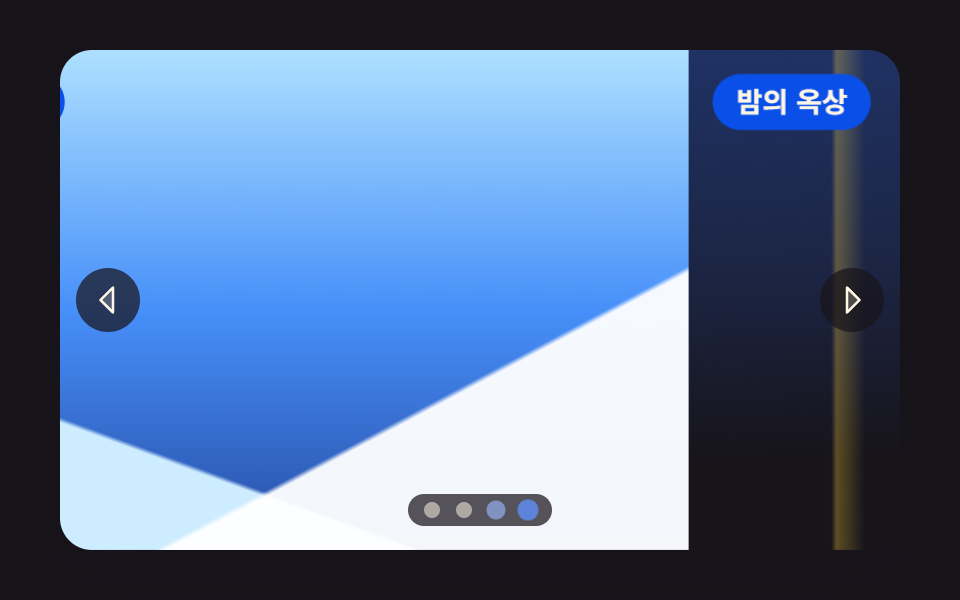 01 slider-fullscreen-hero-track
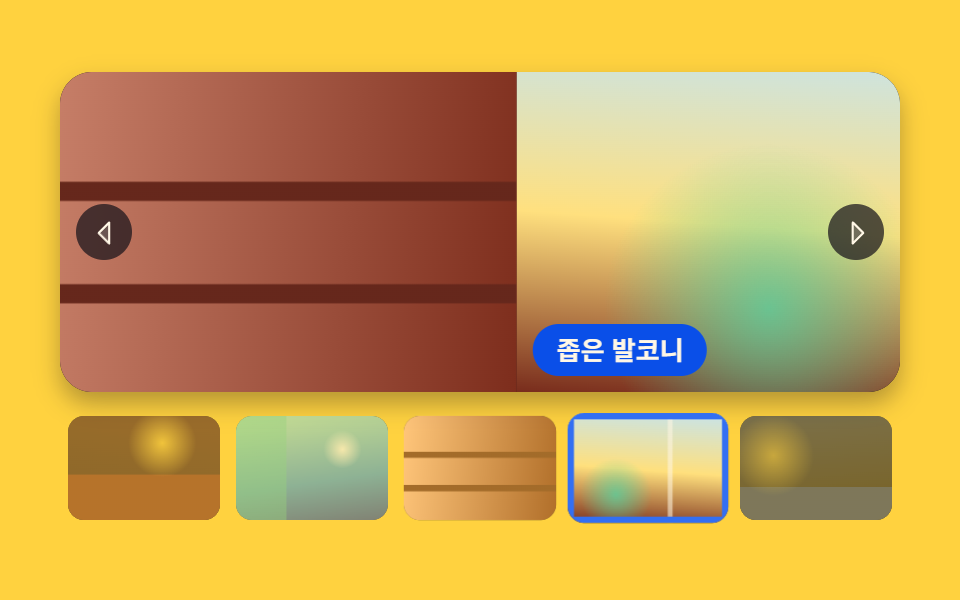 02 slider-thumbnail-strip-sync
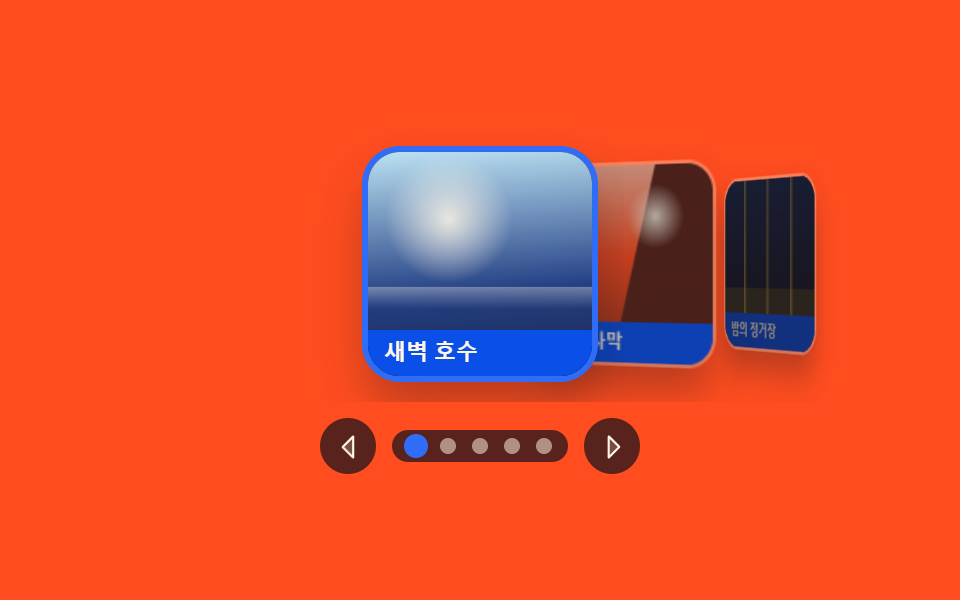 03 slider-coverflow-depth-3d
 04 slider-crossfade-slideshow
 05 slider-vertical-wheel-steps
 06 slider-autoplay-progress-pause
 07 slider-drag-swipe-inertia
 08 slider-album-grid-lightbox
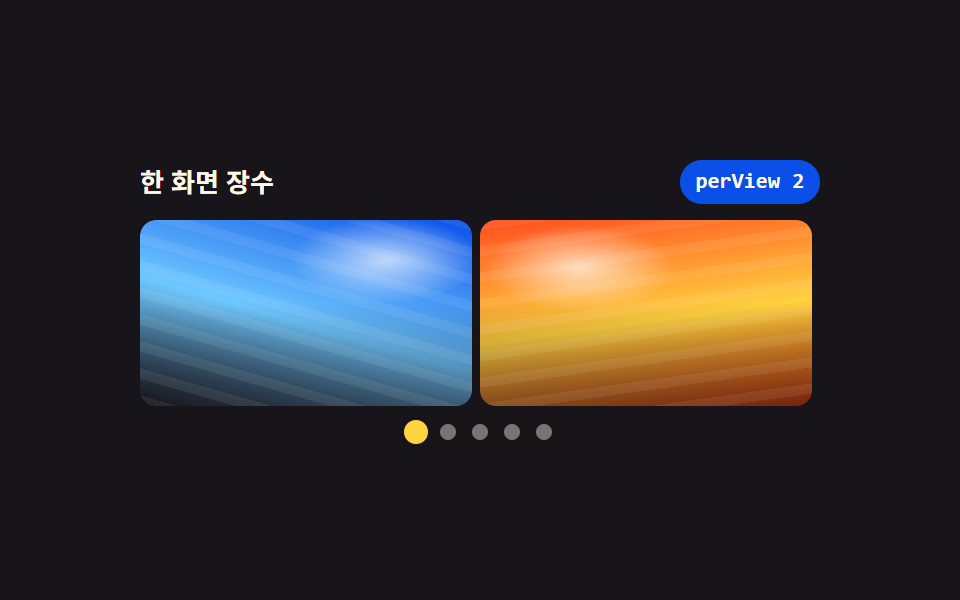 09 slider-responsive-aspect-perview
Auto-plays · click a tile to jump to its section · all nine in one zip
- 01 Full-bleed hero slider
- 02 Slider synced with a thumbnail strip
- 03 Depth slider with the centre card in front
- 04 Stacked crossfade slideshow
- 05 Vertical slider that takes one wheel step at a time
- 06 Autoplay slideshow with a progress bar and a pause button
- 07 Drag slider that decides the rest by release speed
- 08 Lightbox slider opening from an album grid
- 09 Slider that changes how many photos show by width
Two axes set the order: 01 through 04 move toward simpler screen-building values (push → follow → rotate → stack), 05 through 07 widen the input from arrows to the wheel, a timer, and a finger, and 08 and 09 change where the slider itself lives (a dialog window, the viewport width). All nine run on one number: the index. The neighbors on the far side of that axis are CSS Slider Carousel: No JavaScript, which solves the same screen with scroll position, and 9 CSS-Only Carousel Patterns, which spin with zero lines of JavaScript.
01Full-bleed hero slider
Four photo slots sit in one row on a track that slides past the window one photo at a time — the landing-page hero panel where the arrows, the dots, and the keyboard all watch a single index.
<main class="stage">
<section class="hero is-demo" id="hero" tabindex="0" role="region" aria-roledescription="carousel" aria-label="Travel photo hero slider">
  <div class="hero__view">
    <div class="hero__track" id="track" style="--i:0">
      <article class="hero__slide" aria-roledescription="slide">
        <div class="hero__shot hero__shot--a" role="img" aria-label="A coast road curving along the sea under a sky flooded with sunset"></div>
        <p class="hero__cap">Coast road</p>
      </article>
      <article class="hero__slide" aria-roledescription="slide">
        <div class="hero__shot hero__shot--b" role="img" aria-label="A still lake under low dawn mist with woods on the far shore"></div>
        <p class="hero__cap">Dawn lake</p>
      </article>
      <article class="hero__slide" aria-roledescription="slide">
        <div class="hero__shot hero__shot--c" role="img" aria-label="A snow-covered mountain ridge under a wide, cold sky"></div>
        <p class="hero__cap">Snowy ridge</p>
      </article>
      <article class="hero__slide" aria-roledescription="slide">
        <div class="hero__shot hero__shot--d" role="img" aria-label="Window lights and a far horizon seen from a city rooftop at night"></div>
        <p class="hero__cap">Night rooftop</p>
      </article>
    </div>
  </div>
  <button class="hero__nav hero__nav--prev" id="prev" type="button" aria-label="Previous photo"><svg xmlns="http://www.w3.org/2000/svg" width="1em" height="1em" viewBox="0 0 256 256" aria-hidden="true"><g fill="currentColor"><path d="M160 48v160l-80-80Z" opacity=".2"/><path d="M163.06 40.61a8 8 0 0 0-8.72 1.73l-80 80a8 8 0 0 0 0 11.32l80 80A8 8 0 0 0 168 208V48a8 8 0 0 0-4.94-7.39M152 188.69L91.31 128L152 67.31Z"/></g></svg></button>
  <button class="hero__nav hero__nav--next" id="next" type="button" aria-label="Next photo"><svg xmlns="http://www.w3.org/2000/svg" width="1em" height="1em" viewBox="0 0 256 256" aria-hidden="true"><g fill="currentColor"><path d="m176 128l-80 80V48Z" opacity=".2"/><path d="m181.66 122.34l-80-80A8 8 0 0 0 88 48v160a8 8 0 0 0 13.66 5.66l80-80a8 8 0 0 0 0-11.32M104 188.69V67.31L164.69 128Z"/></g></svg></button>
  <div class="hero__dots" id="dots"></div>
</section>
</main>@use "../../../../site/static/demo-tokens" as *;
// 화면 가득 채우는 히어로 슬라이더.
// 사진 넉 장이 한 줄로 이어 붙은 트랙 하나를 translate3d 로 밀고, 화살표와 점은 같은 인덱스 하나를 본다.
// 옮기는 값은 CSS 변수 --i 뿐이다 — JS 는 숫자만 바꾸고 거리 계산은 calc(-100% * var(--i)) 가 한다.
// 스크롤 컨테이너가 아니다: overflow-x·scroll-snap-type 을 쓰지 않으므로 트랙 폭이 뷰포트를 넘지 않는다.
// 사진 자리는 FLUX 키가 오면 배경만 갈아 끼운다 (run/082/_이미지후보.01.json).
$duration: $dur-enter;
$easing: $ease-out;
$color: $subject-blue;
$panel: $subject-blue-deep; // 크림 글자를 얹는 파란 면 — 5.98:1 (blog-design 대비 표)
$veil: rgba($subject-ink, .72); // 사진 위에 얹는 조작 면. 아이콘·점이 어떤 장면에서도 보이게 한다
$cap-fs: clamp(11px, 3.2vw, 14px);
@include stage($stage-ink);
.hero {
position: relative;
box-sizing: border-box;
width: min(100%, 420px);
height: min(250px, 84vh);
border-radius: $r-card;
overflow: hidden;
background: $subject-ink;
box-shadow: $shadow-raised;
}
.hero:focus-visible { outline: 3px solid $color; outline-offset: 2px; }
// ── 창(고정) 과 트랙(움직임)
.hero__view { position: absolute; inset: 0; overflow: hidden; }
.hero__track {
display: flex;
width: 100%;
height: 100%;
transform: translate3d(calc(-100% * var(--i, 0)), 0, 0);
transition: transform $duration $easing;
will-change: transform;
}
.hero__slide { position: relative; flex: 0 0 100%; height: 100%; }
// ── 사진 자리. 하늘·지평선·빛 세 겹을 겹쳐 장면이 서로 구분되게 한다
.hero__shot { position: absolute; inset: 0; background-repeat: no-repeat; background-size: cover; }
// 해 → 수평선 → 바다 → 도로 띠 순으로 겹친다.
// 해는 반지름을 정한 작은 원이다 — 먼 곳까지 퍼지는 radial 은 gif 로 줄이면 동심원 띠가 남는다 (실측 2026-09-14)
.hero__shot--a {
background-image:
radial-gradient(circle 20px at 68% 30%, rgba($subject-cream, .96) 0 52%, rgba($subject-cream, .20) 80%, rgba($subject-cream, 0) 100%),
linear-gradient(74deg, rgba($subject-cream, 0) 44%, rgba($subject-cream, .26) 47%, rgba($subject-cream, 0) 50%),
linear-gradient(180deg, rgba($subject-cream, 0) 58%, rgba($subject-cream, .30) 59%, rgba($subject-cream, 0) 62%),
linear-gradient(180deg, mix($stage-orange, $subject-cream, 30%) 0%, $stage-orange 36%,
mix($stage-orange, $subject-ink, 46%) 59%, mix($subject-ink, $stage-orange, 74%) 60%,
mix($subject-ink, $stage-orange, 92%) 100%);
}
.hero__shot--b {
background-image:
radial-gradient(circle 16px at 32% 30%, rgba($subject-cream, .92) 0 50%, rgba($subject-cream, .18) 82%, rgba($subject-cream, 0) 100%),
linear-gradient(180deg, rgba($subject-cream, 0) 54%, rgba($subject-cream, .38) 58%, rgba($subject-cream, .10) 66%, rgba($subject-cream, 0) 72%),
linear-gradient(180deg, mix($subject-sky, $subject-cream, 40%) 0%, mix($subject-sky, $subject-cream, 68%) 44%,
mix($subject-blue, $subject-ink, 50%) 58%, mix($subject-ink, $subject-blue, 80%) 100%);
}
// 앞 능선(밝은 눈) · 뒤 능선(그늘) · 하늘 세 겹. 대각선은 아래쪽에서만 올라오게 시작점을 60% 아래로 둔다
.hero__shot--c {
background-image:
linear-gradient(152deg, rgba($stage-paper, 0) 70%, rgba($stage-paper, .95) 70.6%),
linear-gradient(200deg, rgba($stage-paper, 0) 74%, mix($subject-sky, $stage-paper, 34%) 74.6%),
linear-gradient(180deg, mix($subject-sky, $stage-paper, 56%) 0%, mix($subject-sky, $subject-blue, 38%) 52%,
mix($subject-blue, $subject-ink, 62%) 100%);
}
.hero__shot--d {
background-image:
radial-gradient(circle 14px at 78% 20%, rgba($stage-yellow, .90) 0 46%, rgba($stage-yellow, .16) 80%, rgba($stage-yellow, 0) 100%),
linear-gradient(90deg, rgba($stage-yellow, 0) 17%, rgba($stage-yellow, .30) 17.6%, rgba($stage-yellow, 0) 21%,
rgba($stage-yellow, 0) 31%, rgba($stage-yellow, .22) 31.6%, rgba($stage-yellow, 0) 35%,
rgba($stage-yellow, 0) 62%, rgba($stage-yellow, .28) 62.6%, rgba($stage-yellow, 0) 66%),
linear-gradient(178deg, mix($subject-blue, $subject-ink, 34%) 0%, mix($subject-blue, $subject-ink, 18%) 44%,
$subject-ink 78%);
}
// ── 장면 이름. 파란 면 위 크림 글자 (5.98:1)
.hero__cap {
position: absolute;
top: $sp-3;
left: $sp-3;
margin: 0;
padding: $sp-1 $sp-3;
border-radius: $r-pill;
background: $panel;
color: $subject-cream;
font-weight: 700;
font-size: $cap-fs;
line-height: 1.4;
}
// ── 화살표·점. 둘 다 진짜 button 이고 같은 index 를 읽는다
.hero__nav {
position: absolute;
top: 50%;
width: 32px;
height: 32px;
padding: 0;
border: 0;
border-radius: 50%;
display: grid;
place-items: center;
background: $veil;
color: $subject-cream;
font-size: 20px;
cursor: pointer;
transform: translateY(-50%);
transition: transform $dur-quick $easing;
}
.hero__nav--prev { left: $sp-2; }
.hero__nav--next { right: $sp-2; }
.hero__nav:hover { transform: translateY(-50%) scale(1.12); }
.hero__nav:focus-visible { outline: 3px solid $color; outline-offset: 2px; }
.hero__dots {
position: absolute;
left: 50%;
bottom: $sp-3;
display: flex;
gap: $sp-2;
padding: $sp-1 $sp-2;
border-radius: $r-pill;
background: $veil;
transform: translateX(-50%);
}
.hero__dot {
width: 8px;
height: 8px;
padding: 0;
border: 0;
border-radius: 50%;
background: rgba($subject-cream, .52);
cursor: pointer;
transition: transform $dur-quick $easing, background-color $dur-quick $easing;
}
.hero__dot[aria-current="true"] { background: $color; transform: scale(1.5); }
.hero__dot:focus-visible { outline: 2px solid $subject-cream; outline-offset: 2px; }
// ── 좁은 화면: 조작 면을 줄여 사진이 계속 주인공이 되게 한다
@media (max-width: 360px) {
.hero__cap { top: $sp-2; left: $sp-2; padding: 0 $sp-2; }
.hero__nav { width: 26px; height: 26px; font-size: 16px; }
.hero__dots { bottom: $sp-2; gap: $sp-1; }
}
@media (prefers-reduced-motion: reduce) {
.hero__track,
.hero__nav,
.hero__dot { transition-duration: 0s; }
}html, body {
margin: 0;
overflow: hidden;
}
.stage {
box-sizing: border-box;
min-height: 100vh;
display: grid;
place-items: center;
margin: 0;
background: #17141a;
font-family: -apple-system, "Segoe UI", "Noto Sans KR", sans-serif;
padding: clamp(8px, 4vw, 24px);
}
.hero {
position: relative;
box-sizing: border-box;
width: min(100%, 420px);
height: min(250px, 84vh);
border-radius: 16px;
overflow: hidden;
background: #17141a;
box-shadow: 0 14px 24px rgba(23, 20, 26, 0.32);
}
.hero:focus-visible {
outline: 3px solid #2f6df6;
outline-offset: 2px;
}
.hero__view {
position: absolute;
inset: 0;
overflow: hidden;
}
.hero__track {
display: flex;
width: 100%;
height: 100%;
transform: translate3d(calc(-100% * var(--i, 0)), 0, 0);
transition: transform 600ms ease-out;
will-change: transform;
}
.hero__slide {
position: relative;
flex: 0 0 100%;
height: 100%;
}
.hero__shot {
position: absolute;
inset: 0;
background-repeat: no-repeat;
background-size: cover;
}
.hero__shot--a {
background-image: radial-gradient(circle 20px at 68% 30%, rgba(255, 247, 230, 0.96) 0 52%, rgba(255, 247, 230, 0.2) 80%, rgba(255, 247, 230, 0) 100%), linear-gradient(74deg, rgba(255, 247, 230, 0) 44%, rgba(255, 247, 230, 0.26) 47%, rgba(255, 247, 230, 0) 50%), linear-gradient(180deg, rgba(255, 247, 230, 0) 58%, rgba(255, 247, 230, 0.3) 59%, rgba(255, 247, 230, 0) 62%), linear-gradient(180deg, rgb(100%, 76.862745098%, 66.7843137255%) 0%, #ff4d1f 36%, rgb(50.8705882353%, 18.1254901961%, 11.0980392157%) 59%, rgb(32.6745098039%, 13.6549019608%, 10.7058823529%) 60%, rgb(16.2980392157%, 9.631372549%, 10.3529411765%) 100%);
}
.hero__shot--b {
background-image: radial-gradient(circle 16px at 32% 30%, rgba(255, 247, 230, 0.92) 0 50%, rgba(255, 247, 230, 0.18) 82%, rgba(255, 247, 230, 0) 100%), linear-gradient(180deg, rgba(255, 247, 230, 0) 54%, rgba(255, 247, 230, 0.38) 58%, rgba(255, 247, 230, 0.1) 66%, rgba(255, 247, 230, 0) 72%), linear-gradient(180deg, rgb(77.2549019608%, 89.4901960784%, 94.1176470588%) 0%, rgb(61.3333333333%, 84.3294117647%, 96.862745098%) 44%, rgb(13.7254901961%, 25.2941176471%, 53.3333333333%) 58%, rgb(10.9019607843%, 14.8235294118%, 27.4509803922%) 100%);
}
.hero__shot--c {
background-image: linear-gradient(152deg, rgba(255, 255, 255, 0) 70%, rgba(255, 255, 255, 0.95) 70.6%), linear-gradient(200deg, rgba(255, 255, 255, 0) 74%, rgb(80.6666666667%, 92.6666666667%, 100%) 74.6%), linear-gradient(180deg, rgb(68.1568627451%, 87.9215686275%, 100%) 0%, rgb(27.8196078431%, 56.3058823529%, 97.8117647059%) 52%, rgb(14.8549019608%, 29.4823529412%, 63.6862745098%) 100%);
}
.hero__shot--d {
background-image: radial-gradient(circle 14px at 78% 20%, rgba(255, 210, 63, 0.9) 0 46%, rgba(255, 210, 63, 0.16) 80%, rgba(255, 210, 63, 0) 100%), linear-gradient(90deg, rgba(255, 210, 63, 0) 17%, rgba(255, 210, 63, 0.3) 17.6%, rgba(255, 210, 63, 0) 21%, rgba(255, 210, 63, 0) 31%, rgba(255, 210, 63, 0.22) 31.6%, rgba(255, 210, 63, 0) 35%, rgba(255, 210, 63, 0) 62%, rgba(255, 210, 63, 0.28) 62.6%, rgba(255, 210, 63, 0) 66%), linear-gradient(178deg, rgb(12.2196078431%, 19.7098039216%, 39.5294117647%) 0%, rgb(10.7137254902%, 14.1254901961%, 25.7254901961%) 44%, #17141a 78%);
}
.hero__cap {
position: absolute;
top: 12px;
left: 12px;
margin: 0;
padding: 4px 12px;
border-radius: 999px;
background: #0a4fe8;
color: #fff7e6;
font-weight: 700;
font-size: clamp(11px, 3.2vw, 14px);
line-height: 1.4;
}
.hero__nav {
position: absolute;
top: 50%;
width: 32px;
height: 32px;
padding: 0;
border: 0;
border-radius: 50%;
display: grid;
place-items: center;
background: rgba(23, 20, 26, 0.72);
color: #fff7e6;
font-size: 20px;
cursor: pointer;
transform: translateY(-50%);
transition: transform 220ms ease-out;
}
.hero__nav--prev {
left: 8px;
}
.hero__nav--next {
right: 8px;
}
.hero__nav:hover {
transform: translateY(-50%) scale(1.12);
}
.hero__nav:focus-visible {
outline: 3px solid #2f6df6;
outline-offset: 2px;
}
.hero__dots {
position: absolute;
left: 50%;
bottom: 12px;
display: flex;
gap: 8px;
padding: 4px 8px;
border-radius: 999px;
background: rgba(23, 20, 26, 0.72);
transform: translateX(-50%);
}
.hero__dot {
width: 8px;
height: 8px;
padding: 0;
border: 0;
border-radius: 50%;
background: rgba(255, 247, 230, 0.52);
cursor: pointer;
transition: transform 220ms ease-out, background-color 220ms ease-out;
}
.hero__dot[aria-current=true] {
background: #2f6df6;
transform: scale(1.5);
}
.hero__dot:focus-visible {
outline: 2px solid #fff7e6;
outline-offset: 2px;
}
@media (max-width: 360px) {
.hero__cap {
top: 8px;
left: 8px;
padding: 0 8px;
}
.hero__nav {
width: 26px;
height: 26px;
font-size: 16px;
}
.hero__dots {
bottom: 8px;
gap: 4px;
}
}
@media (prefers-reduced-motion: reduce) {
.hero__track,
.hero__nav,
.hero__dot {
transition-duration: 0s;
}
}// 인덱스 하나가 전부다. 트랙의 --i 를 바꾸면 CSS 가 translate3d 로 옮기고,
// 점과 화살표는 같은 index 를 읽는다 (라이브러리 0 · 스크롤 컨테이너 아님).
var hero = document.getElementById('hero');
var track = document.getElementById('track');
var dotsBox = document.getElementById('dots');
var slides = track.querySelectorAll('.hero__slide');
var SLIDE_LABEL = '{n} of {total}';
var DOT_LABEL = 'Show photo {n}';
var total = slides.length;
var index = 0;
var timer = 0;
var dots = [];
function label(form, n) { return form.replace('{n}', n).replace('{total}', total); }
function picker(n) { return function () { stop(); go(n); }; }
function go(n) {
  index = (n + total) % total;
  track.style.setProperty('--i', index);
  for (var k = 0; k < total; k++) {
    slides[k].setAttribute('aria-hidden', k === index ? 'false' : 'true');
    dots[k].setAttribute('aria-current', k === index ? 'true' : 'false');
  }
}
function stop() {
hero.classList.remove('is-demo');
if (timer) { clearInterval(timer); timer = 0; }
}
for (var i = 0; i < total; i++) {
slides[i].setAttribute('aria-label', label(SLIDE_LABEL, i + 1));
var dot = document.createElement('button');
dot.type = 'button';
dot.className = 'hero__dot';
dot.setAttribute('aria-label', label(DOT_LABEL, i + 1));
dot.addEventListener('click', picker(i));
dotsBox.appendChild(dot);
dots.push(dot);
}
document.getElementById('prev').addEventListener('click', function () { stop(); go(index - 1); });
document.getElementById('next').addEventListener('click', function () { stop(); go(index + 1); });
hero.addEventListener('keydown', function (e) {
if (e.key === 'ArrowLeft') { stop(); go(index - 1); }
if (e.key === 'ArrowRight') { stop(); go(index + 1); }
});
hero.addEventListener('pointerdown', stop);
go(0);
// 격자 미리보기: .is-demo 가 붙어 있는 동안만 혼자 넘어간다. 손이 닿으면 stop() 이 뗀다
timer = setInterval(function () { if (hero.classList.contains('is-demo')) { go(index + 1); } }, 560);// HeroTrackSlider — vanilla 판(run/082/demo/01-slider-fullscreen-hero-track/index.html) 의 React 포트.
// 사진 넉 장이 한 줄로 이어 붙은 트랙 하나를 translate3d 로 밀고, 화살표와 점이 같은 인덱스 하나를 본다.
// 옮기는 값은 CSS 변수 --i 뿐이다 — 컴포넌트는 숫자만 바꾸고 거리 계산은 calc(-100% * var(--i)) 가 한다.
import { useEffect, useState } from "react";
import type { CSSProperties } from "react";
import styles from "./HeroTrackSlider.module.scss";
export type HeroTrackSliderProps = {
duration?: number;
easing?: string;
color?: string;
autoplayMs?: number;
};
type Vars = CSSProperties & {
"--i"?: number;
"--duration"?: string;
"--easing"?: string;
"--color"?: string;
};
const REGION_LABEL = "여행 사진 히어로 슬라이더";
const SLIDE_LABEL = "{total}장 중 {n}장";
const DOT_LABEL = "{n}번째 사진 보기";
const PREV_LABEL = "이전 사진";
const NEXT_LABEL = "다음 사진";
type Shot = { key: string; cap: string; alt: string };
const SHOTS: Shot[] = [
{ key: "a", cap: "해안 도로", alt: "노을이 번진 하늘 아래 바다를 끼고 굽어 도는 해안 도로" },
{ key: "b", cap: "새벽 호수", alt: "새벽 물안개가 낮게 깔린 잔잔한 호수와 건너편 숲" },
{ key: "c", cap: "눈 덮인 능선", alt: "눈이 덮인 산등성이와 그 위로 트인 차가운 하늘" },
{ key: "d", cap: "밤의 옥상", alt: "밤의 도시 옥상에서 내려다본 창문 불빛과 먼 지평선" },
];
function label(form: string, n: number, total: number): string {
return form.replace("{n}", String(n)).replace("{total}", String(total));
}
function CaretLeft() {
return (
<svg xmlns="http://www.w3.org/2000/svg" width="1em" height="1em" viewBox="0 0 256 256" aria-hidden="true">
<g fill="currentColor">
<path d="M160 48v160l-80-80Z" opacity=".2" />
<path d="M163.06 40.61a8 8 0 0 0-8.72 1.73l-80 80a8 8 0 0 0 0 11.32l80 80A8 8 0 0 0 168 208V48a8 8 0 0 0-4.94-7.39M152 188.69L91.31 128L152 67.31Z" />
</g>
</svg>
);
}
function CaretRight() {
return (
<svg xmlns="http://www.w3.org/2000/svg" width="1em" height="1em" viewBox="0 0 256 256" aria-hidden="true">
<g fill="currentColor">
<path d="m176 128l-80 80V48Z" opacity=".2" />
<path d="m181.66 122.34l-80-80A8 8 0 0 0 88 48v160a8 8 0 0 0 13.66 5.66l80-80a8 8 0 0 0 0-11.32M104 188.69V67.31L164.69 128Z" />
</g>
</svg>
);
}
export default function HeroTrackSlider(props: HeroTrackSliderProps) {
const duration = props.duration ?? 600;
const easing = props.easing ?? "ease-out";
const color = props.color ?? "#2f6df6";
const autoplayMs = props.autoplayMs ?? 560;
const total = SHOTS.length;
const [index, setIndex] = useState<number>(0);
const [playing, setPlaying] = useState<boolean>(true);
// 격자 미리보기: playing 인 동안만 혼자 넘어간다. 손이 닿으면 stop() 이 끈다
useEffect(() => {
if (!playing) return;
const id = window.setInterval(() => setIndex((prev: number) => (prev + 1) % total), autoplayMs);
return () => window.clearInterval(id);
}, [playing, autoplayMs, total]);
const stop = () => setPlaying(false);
const go = (n: number) => {
stop();
setIndex(((n % total) + total) % total);
};
const vars: Vars = { "--i": index, "--duration": duration + "ms", "--easing": easing, "--color": color };
return (
<main className={styles.stage}>
<section
className={styles.hero}
style={vars}
tabIndex={0}
role="region"
aria-roledescription="carousel"
aria-label={REGION_LABEL}
onPointerDown={stop}
onKeyDown={(e: { key: string }) => {
if (e.key === "ArrowLeft") go(index - 1);
if (e.key === "ArrowRight") go(index + 1);
}}
>
<div className={styles.view}>
<div className={styles.track}>
{SHOTS.map((shot: Shot, i: number) => (
<article
key={shot.key}
className={styles.slide}
aria-roledescription="slide"
aria-label={label(SLIDE_LABEL, i + 1, total)}
aria-hidden={i === index ? "false" : "true"}
>
<div className={styles.shot + " " + styles["shot--" + shot.key]} role="img" aria-label={shot.alt} />
<p className={styles.cap}>{shot.cap}</p>
</article>
))}
</div>
</div>
<button className={styles.nav + " " + styles.navPrev} type="button" aria-label={PREV_LABEL} onClick={() => go(index - 1)}>
<CaretLeft />
</button>
<button className={styles.nav + " " + styles.navNext} type="button" aria-label={NEXT_LABEL} onClick={() => go(index + 1)}>
<CaretRight />
</button>
<div className={styles.dots}>
{SHOTS.map((shot: Shot, i: number) => (
<button
key={shot.key}
className={styles.dot}
type="button"
aria-label={label(DOT_LABEL, i + 1, total)}
aria-current={i === index ? "true" : "false"}
onClick={() => go(i)}
/>
))}
</div>
</section>
</main>
);
}01 · Full-bleed hero slider — Measured area 72.751% · moving frames 20/23Original by GODRICH · SCSS and React ship in the zip · See the password
The move function that only changes the index
function go(n) {
index = (n + total) % total;
track.style.setProperty('--i', index);
for (var k = 0; k < total; k++) {
slides[k].setAttribute('aria-hidden', k === index ? 'false' : 'true');
dots[k].setAttribute('aria-current', k === index ? 'true' : 'false');
}
}
Press the next arrow and the index goes from 0 to 1 while the track travels exactly one slot, from matrix(1, 0, 0, 1, 0, 0) to matrix(1, 0, 0, 1, -420, 0) — press the fourth dot and it jumps three slots at once and stands at -1260.
The track that delegates distance to calc
.hero__track {
  display: flex;
  width: 100%;
  height: 100%;
  transform: translate3d(calc(-100% * var(--i, 0)), 0, 0);
  transition: transform $duration $easing;
  will-change: transform;
}

.hero__slide { position: relative; flex: 0 0 100%; height: 100%; }
Each slide claims flex: 0 0 100% of the window, so when the viewport width changes the multiplication re-reads the new slide width on its own — in the measurement this one moved in 20 of 23 frames (24 captured frames compared in adjacent pairs) with 72.751% cumulative moved area, the second widest of the nine.
02Slider synced with a thumbnail strip
Step the big photo and the thumbnail strip below draws the active cell toward the center; press a thumbnail and the big photo jumps to that slide — a two-way panel for a product detail gallery.
<main class="stage">
<section class="gal is-demo" id="gal" tabindex="0" role="region" aria-roledescription="carousel" aria-label="Room photo slider">
  <div class="gal__main">
    <div class="gal__track" id="track" style="--i:0">
      <article class="gal__slide" aria-roledescription="slide">
        <div class="gal__shot gal__shot--a" role="img" aria-label="A bed by the window with white linens in long morning light"></div>
        <p class="gal__cap">Window bed</p>
      </article>
      <article class="gal__slide" aria-roledescription="slide">
        <div class="gal__shot gal__shot--b" role="img" aria-label="A solid wood desk under a round pool of lamp light"></div>
        <p class="gal__cap">Wood desk</p>
      </article>
      <article class="gal__slide" aria-roledescription="slide">
        <div class="gal__shot gal__shot--c" role="img" aria-label="A bathroom lined with teal tiles and a round mirror"></div>
        <p class="gal__cap">Teal bathroom</p>
      </article>
      <article class="gal__slide" aria-roledescription="slide">
        <div class="gal__shot gal__shot--d" role="img" aria-label="A small kitchen with cups lined up on wooden shelves"></div>
        <p class="gal__cap">Kitchen shelf</p>
      </article>
      <article class="gal__slide" aria-roledescription="slide">
        <div class="gal__shot gal__shot--e" role="img" aria-label="A narrow balcony with potted plants and an alley beyond the railing"></div>
        <p class="gal__cap">Narrow balcony</p>
      </article>
      <article class="gal__slide" aria-roledescription="slide">
        <div class="gal__shot gal__shot--f" role="img" aria-label="A night living room lit only by indirect lamps, with a low sofa"></div>
        <p class="gal__cap">Night living room</p>
      </article>
    </div>
    <button class="gal__nav gal__nav--prev" id="prev" type="button" aria-label="Previous photo"><svg xmlns="http://www.w3.org/2000/svg" width="1em" height="1em" viewBox="0 0 256 256" aria-hidden="true"><g fill="currentColor"><path d="M160 48v160l-80-80Z" opacity=".2"/><path d="M163.06 40.61a8 8 0 0 0-8.72 1.73l-80 80a8 8 0 0 0 0 11.32l80 80A8 8 0 0 0 168 208V48a8 8 0 0 0-4.94-7.39M152 188.69L91.31 128L152 67.31Z"/></g></svg></button>
    <button class="gal__nav gal__nav--next" id="next" type="button" aria-label="Next photo"><svg xmlns="http://www.w3.org/2000/svg" width="1em" height="1em" viewBox="0 0 256 256" aria-hidden="true"><g fill="currentColor"><path d="m176 128l-80 80V48Z" opacity=".2"/><path d="m181.66 122.34l-80-80A8 8 0 0 0 88 48v160a8 8 0 0 0 13.66 5.66l80-80a8 8 0 0 0 0-11.32M104 188.69V67.31L164.69 128Z"/></g></svg></button>
  </div>
  <div class="gal__strip" id="strip" role="group" aria-label="Thumbnail strip">
    <button class="gal__thumb" type="button" aria-selected="false"><span class="gal__thumbArt gal__shot--a" role="img" aria-label="Window bed"></span></button>
    <button class="gal__thumb" type="button" aria-selected="false"><span class="gal__thumbArt gal__shot--b" role="img" aria-label="Wood desk"></span></button>
    <button class="gal__thumb" type="button" aria-selected="false"><span class="gal__thumbArt gal__shot--c" role="img" aria-label="Teal bathroom"></span></button>
    <button class="gal__thumb" type="button" aria-selected="false"><span class="gal__thumbArt gal__shot--d" role="img" aria-label="Kitchen shelf"></span></button>
    <button class="gal__thumb" type="button" aria-selected="false"><span class="gal__thumbArt gal__shot--e" role="img" aria-label="Narrow balcony"></span></button>
    <button class="gal__thumb" type="button" aria-selected="false"><span class="gal__thumbArt gal__shot--f" role="img" aria-label="Night living room"></span></button>
  </div>
</section>
</main>@use "../../../../site/static/demo-tokens" as *;
// 썸네일 줄과 서로 맞추는 슬라이더 — 동기는 양방향이다.
// ① 썸네일 클릭 → 인덱스가 바뀌고 큰 사진 트랙이 translateX 로 그 장까지 밀린다
// ② 큰 사진이 넘어가면 scrollIntoView({inline:'center'}) 가 활성 썸네일을 줄 가운데로 끌어온다
// 큰 사진 쪽은 스크롤 컨테이너가 아니다(인덱스 구동). 가로 스크롤은 썸네일 줄 하나뿐이고,
// 그것도 scrollIntoView 가 움직이는 레일이라 사람이 직접 밀 필요가 없다.
// 사진 자리는 FLUX 키가 오면 배경만 갈아 끼운다 (run/082/_이미지후보.01.json).
$duration: $dur-enter;
$easing: $ease-out;
$color: $subject-blue;
$panel: $subject-blue-deep; // 크림 글자를 얹는 파란 면 — 5.98:1
$veil: rgba($subject-ink, .72); // 사진 위 조작 면
$cap-fs: clamp(11px, 3.2vw, 13px);
@include stage($stage-yellow);
// 무대의 자동 열은 내용의 max-content 로 벌어진다 — 썸네일 줄(496px)이 그대로 열 너비가 되어
// 480px 창에도 가로 스크롤바가 생겼다 (실측 2026-09-14, demo.py 넘침). 열을 minmax(0,1fr) 로 못 박는다
.stage { grid-template-columns: minmax(0, 1fr); }
.gal {
box-sizing: border-box;
display: flex;
flex-direction: column;
gap: $sp-2;
width: min(100%, 420px);
min-width: 0;
justify-self: center;
}
.gal:focus-visible { outline: 3px solid $panel; outline-offset: 3px; }
// ── 큰 사진: 창은 고정, 트랙만 움직인다
.gal__main {
position: relative;
height: clamp(96px, 54vh, 160px);
border-radius: $r-card;
overflow: hidden;
background: $subject-ink;
box-shadow: $shadow-press;
}
.gal__track {
display: flex;
width: 100%;
height: 100%;
transform: translateX(calc(-100% * var(--i, 0)));
transition: transform $duration $easing;
will-change: transform;
}
.gal__slide { position: relative; flex: 0 0 100%; height: 100%; }
// ── 사진 자리. 큰 사진과 썸네일이 같은 배경 클래스를 함께 쓴다
.gal__shot { position: absolute; inset: 0; }
.gal__shot,
.gal__thumbArt { background-repeat: no-repeat; background-size: cover; }
.gal__shot--a {
background-image:
radial-gradient(circle at 24% 22%, rgba($subject-cream, .92), rgba($subject-cream, 0) 34%),
linear-gradient(76deg, rgba($subject-cream, 0) 46%, rgba($stage-paper, .88) 46.6%, rgba($stage-paper, .88) 82%, rgba($subject-cream, 0) 82.6%),
linear-gradient(160deg, mix($stage-yellow, $subject-cream, 46%) 0%, mix($stage-orange, $subject-cream, 26%) 58%, mix($subject-ink, $stage-orange, 62%) 100%);
}
.gal__shot--b {
background-image:
radial-gradient(circle at 62% 26%, rgba($stage-yellow, .86), rgba($stage-yellow, 0) 28%),
linear-gradient(180deg, rgba($subject-ink, 0) 56%, mix($stage-orange, $subject-ink, 46%) 56.6%),
linear-gradient(190deg, mix($subject-ink, $stage-orange, 74%) 0%, mix($subject-ink, $stage-orange, 88%) 100%);
}
.gal__shot--c {
background-image:
radial-gradient(circle at 70% 32%, rgba($stage-paper, .90), rgba($stage-paper, 0) 15%),
linear-gradient(90deg, rgba($subject-mint, .42) 0%, rgba($subject-mint, .42) 33%, rgba($subject-cream, 0) 33.4%, rgba($subject-cream, 0) 34%),
linear-gradient(172deg, mix($subject-mint, $stage-paper, 52%) 0%, mix($subject-mint, $subject-blue, 44%) 62%, mix($subject-blue, $subject-ink, 58%) 100%);
}
.gal__shot--d {
background-image:
linear-gradient(180deg, rgba($subject-ink, 0) 34%, mix($subject-ink, $stage-orange, 66%) 34.6%, mix($subject-ink, $stage-orange, 66%) 40%, rgba($subject-ink, 0) 40.6%,
rgba($subject-ink, 0) 66%, mix($subject-ink, $stage-orange, 66%) 66.6%, mix($subject-ink, $stage-orange, 66%) 72%, rgba($subject-ink, 0) 72.6%),
linear-gradient(96deg, mix($stage-orange, $subject-cream, 34%) 0%, mix($stage-orange, $subject-ink, 44%) 100%);
}
.gal__shot--e {
background-image:
radial-gradient(circle at 30% 74%, rgba($subject-mint, .74), rgba($subject-mint, 0) 26%),
linear-gradient(90deg, rgba($subject-cream, 0) 62%, rgba($subject-cream, .56) 62.6%, rgba($subject-cream, .56) 65%, rgba($subject-cream, 0) 65.6%),
linear-gradient(184deg, mix($subject-sky, $subject-cream, 40%) 0%, mix($stage-yellow, $subject-cream, 62%) 52%, mix($subject-ink, $stage-orange, 58%) 100%);
}
.gal__shot--f {
background-image:
radial-gradient(circle at 22% 38%, rgba($stage-yellow, .58), rgba($stage-yellow, 0) 30%),
linear-gradient(180deg, rgba($subject-ink, 0) 68%, mix($subject-ink, $subject-blue, 62%) 68.6%),
linear-gradient(174deg, mix($subject-blue, $subject-ink, 26%) 0%, $subject-ink 82%);
}
// ── 장면 이름. 파란 면 위 크림 글자 (5.98:1)
.gal__cap {
position: absolute;
left: $sp-2;
bottom: $sp-2;
margin: 0;
padding: $sp-1 $sp-3;
border-radius: $r-pill;
background: $panel;
color: $subject-cream;
font-weight: 700;
font-size: $cap-fs;
line-height: 1.4;
}
// ── 화살표
.gal__nav {
position: absolute;
top: 50%;
width: 28px;
height: 28px;
padding: 0;
border: 0;
border-radius: 50%;
display: grid;
place-items: center;
background: $veil;
color: $subject-cream;
font-size: 17px;
cursor: pointer;
transform: translateY(-50%);
transition: transform $dur-quick $easing;
}
.gal__nav--prev { left: $sp-2; }
.gal__nav--next { right: $sp-2; }
.gal__nav:hover { transform: translateY(-50%) scale(1.12); }
.gal__nav:focus-visible { outline: 3px solid $panel; outline-offset: 2px; }
// ── 썸네일 줄. 여기만 가로로 스크롤되고, 미는 사람은 scrollIntoView 다
.gal__strip {
display: flex;
gap: $sp-2;
padding: $sp-1;
min-width: 0;
overflow-x: auto;
overflow-y: hidden;
scrollbar-width: none;
}
.gal__strip::-webkit-scrollbar { display: none; }
.gal__thumb {
flex: 0 0 auto;
width: clamp(48px, 16vw, 76px);
height: clamp(34px, 11vw, 52px);
padding: 0;
border: 0;
border-radius: $r-sm;
overflow: hidden;
background: $subject-ink;
opacity: .58;
cursor: pointer;
transition: opacity $dur-quick $easing, transform $dur-quick $easing, box-shadow $dur-quick $easing;
}
.gal__thumbArt { display: block; width: 100%; height: 100%; }
.gal__thumb[aria-selected="true"] { opacity: 1; transform: scale(1.06); }
// 활성 테두리는 안쪽 그림자로 그린다 — 바깥 그림자는 줄 끝에서 잘린다
.gal__thumb[aria-selected="true"] .gal__thumbArt { box-shadow: inset 0 0 0 3px $color; }
.gal__thumb:focus-visible { outline: 3px solid $panel; outline-offset: 2px; }
// ── 좁은 화면: 조작 면과 여백을 줄인다
@media (max-width: 360px) {
.gal { gap: $sp-1; }
.gal__cap { left: $sp-1; bottom: $sp-1; padding: 0 $sp-2; }
.gal__nav { width: 24px; height: 24px; font-size: 15px; }
.gal__strip { gap: $sp-1; padding: $sp-1; }
}
@media (prefers-reduced-motion: reduce) {
.gal__track,
.gal__nav,
.gal__thumb { transition-duration: 0s; }
}html, body {
margin: 0;
overflow: hidden;
}
.stage {
box-sizing: border-box;
min-height: 100vh;
display: grid;
place-items: center;
margin: 0;
background: #ffd23f;
font-family: -apple-system, "Segoe UI", "Noto Sans KR", sans-serif;
padding: clamp(8px, 4vw, 24px);
}
.stage {
grid-template-columns: minmax(0, 1fr);
}
.gal {
box-sizing: border-box;
display: flex;
flex-direction: column;
gap: 8px;
width: min(100%, 420px);
min-width: 0;
justify-self: center;
}
.gal:focus-visible {
outline: 3px solid #0a4fe8;
outline-offset: 3px;
}
.gal__main {
position: relative;
height: clamp(96px, 54vh, 160px);
border-radius: 16px;
overflow: hidden;
background: #17141a;
box-shadow: 0 6px 12px rgba(23, 20, 26, 0.32);
}
.gal__track {
display: flex;
width: 100%;
height: 100%;
transform: translateX(calc(-100% * var(--i, 0)));
transition: transform 600ms ease-out;
will-change: transform;
}
.gal__slide {
position: relative;
flex: 0 0 100%;
height: 100%;
}
.gal__shot {
position: absolute;
inset: 0;
}
.gal__shot,
.gal__thumbArt {
background-repeat: no-repeat;
background-size: cover;
}
.gal__shot--a {
background-image: radial-gradient(circle at 24% 22%, rgba(255, 247, 230, 0.92), rgba(255, 247, 230, 0) 34%), linear-gradient(76deg, rgba(255, 247, 230, 0) 46%, rgba(255, 255, 255, 0.88) 46.6%, rgba(255, 255, 255, 0.88) 82%, rgba(255, 247, 230, 0) 82.6%), linear-gradient(160deg, rgb(100%, 90.1882352941%, 60.0705882353%) 0%, rgb(100%, 79.5294117647%, 69.9058823529%) 58%, rgb(43.5921568627%, 16.337254902%, 10.9411764706%) 100%);
}
.gal__shot--b {
background-image: radial-gradient(circle at 62% 26%, rgba(255, 210, 63, 0.86), rgba(255, 210, 63, 0) 28%), linear-gradient(180deg, rgba(23, 20, 26, 0) 56%, rgb(50.8705882353%, 18.1254901961%, 11.0980392157%) 56.6%), linear-gradient(190deg, rgb(32.6745098039%, 13.6549019608%, 10.7058823529%) 0%, rgb(19.937254902%, 10.5254901961%, 10.431372549%) 100%);
}
.gal__shot--c {
background-image: radial-gradient(circle at 70% 32%, rgba(255, 255, 255, 0.9), rgba(255, 255, 255, 0) 15%), linear-gradient(90deg, rgba(76, 212, 166, 0.42) 0%, rgba(76, 212, 166, 0.42) 33%, rgba(255, 247, 230, 0) 33.4%, rgba(255, 247, 230, 0) 34%), linear-gradient(172deg, rgb(63.4980392157%, 91.231372549%, 81.8509803922%) 0%, rgb(23.4352941176%, 60.5176470588%, 82.6666666667%) 62%, rgb(14.4784313725%, 28.0862745098%, 60.2352941176%) 100%);
}
.gal__shot--d {
background-image: linear-gradient(180deg, rgba(23, 20, 26, 0) 34%, rgb(39.9529411765%, 15.4431372549%, 10.862745098%) 34.6%, rgb(39.9529411765%, 15.4431372549%, 10.862745098%) 40%, rgba(23, 20, 26, 0) 40.6%, rgba(23, 20, 26, 0) 66%, rgb(39.9529411765%, 15.4431372549%, 10.862745098%) 66.6%, rgb(39.9529411765%, 15.4431372549%, 10.862745098%) 72%, rgba(23, 20, 26, 0) 72.6%), linear-gradient(96deg, rgb(100%, 74.1960784314%, 63.662745098%) 0%, rgb(49.0509803922%, 17.6784313725%, 11.0588235294%) 100%);
}
.gal__shot--e {
background-image: radial-gradient(circle at 30% 74%, rgba(76, 212, 166, 0.74), rgba(76, 212, 166, 0) 26%), linear-gradient(90deg, rgba(255, 247, 230, 0) 62%, rgba(255, 247, 230, 0.56) 62.6%, rgba(255, 247, 230, 0.56) 65%, rgba(255, 247, 230, 0) 65.6%), linear-gradient(184deg, rgb(77.2549019608%, 89.4901960784%, 94.1176470588%) 0%, rgb(100%, 87.8666666667%, 49.5921568627%) 52%, rgb(47.231372549%, 17.231372549%, 11.0196078431%) 100%);
}
.gal__shot--f {
background-image: radial-gradient(circle at 22% 38%, rgba(255, 210, 63, 0.58), rgba(255, 210, 63, 0) 30%), linear-gradient(180deg, rgba(23, 20, 26, 0) 68%, rgb(12.5960784314%, 21.1058823529%, 42.9803921569%) 68.6%), linear-gradient(174deg, rgb(11.4666666667%, 16.9176470588%, 32.6274509804%) 0%, #17141a 82%);
}
.gal__cap {
position: absolute;
left: 8px;
bottom: 8px;
margin: 0;
padding: 4px 12px;
border-radius: 999px;
background: #0a4fe8;
color: #fff7e6;
font-weight: 700;
font-size: clamp(11px, 3.2vw, 13px);
line-height: 1.4;
}
.gal__nav {
position: absolute;
top: 50%;
width: 28px;
height: 28px;
padding: 0;
border: 0;
border-radius: 50%;
display: grid;
place-items: center;
background: rgba(23, 20, 26, 0.72);
color: #fff7e6;
font-size: 17px;
cursor: pointer;
transform: translateY(-50%);
transition: transform 220ms ease-out;
}
.gal__nav--prev {
left: 8px;
}
.gal__nav--next {
right: 8px;
}
.gal__nav:hover {
transform: translateY(-50%) scale(1.12);
}
.gal__nav:focus-visible {
outline: 3px solid #0a4fe8;
outline-offset: 2px;
}
.gal__strip {
display: flex;
gap: 8px;
padding: 4px;
min-width: 0;
overflow-x: auto;
overflow-y: hidden;
scrollbar-width: none;
}
.gal__strip::-webkit-scrollbar {
display: none;
}
.gal__thumb {
flex: 0 0 auto;
width: clamp(48px, 16vw, 76px);
height: clamp(34px, 11vw, 52px);
padding: 0;
border: 0;
border-radius: 8px;
overflow: hidden;
background: #17141a;
opacity: 0.58;
cursor: pointer;
transition: opacity 220ms ease-out, transform 220ms ease-out, box-shadow 220ms ease-out;
}
.gal__thumbArt {
display: block;
width: 100%;
height: 100%;
}
.gal__thumb[aria-selected=true] {
opacity: 1;
transform: scale(1.06);
}
.gal__thumb[aria-selected=true] .gal__thumbArt {
box-shadow: inset 0 0 0 3px #2f6df6;
}
.gal__thumb:focus-visible {
outline: 3px solid #0a4fe8;
outline-offset: 2px;
}
@media (max-width: 360px) {
.gal {
gap: 4px;
}
.gal__cap {
left: 4px;
bottom: 4px;
padding: 0 8px;
}
.gal__nav {
width: 24px;
height: 24px;
font-size: 15px;
}
.gal__strip {
gap: 4px;
padding: 4px;
}
}
@media (prefers-reduced-motion: reduce) {
.gal__track,
.gal__nav,
.gal__thumb {
transition-duration: 0s;
}
}// 큰 사진과 썸네일 줄이 인덱스 하나를 같이 쓴다.
// 썸네일 클릭 → go(n) 으로 본문이 움직이고, 본문이 움직이면 scrollIntoView 가 활성 칸을 줄 가운데로 끌어온다.
var gal = document.getElementById('gal');
var track = document.getElementById('track');
var strip = document.getElementById('strip');
var slides = track.querySelectorAll('.gal__slide');
var thumbs = strip.querySelectorAll('.gal__thumb');
var SLIDE_LABEL = '{n} of {total}';
var total = slides.length;
var index = 0;
var timer = 0;
var soft = !window.matchMedia('(prefers-reduced-motion: reduce)').matches;
function label(form, n) { return form.replace('{n}', n).replace('{total}', total); }
function picker(n) { return function () { stop(); go(n); }; }
function go(n) {
index = (n + total) % total;
track.style.setProperty('--i', index);
for (var k = 0; k < total; k++) {
slides[k].setAttribute('aria-hidden', k === index ? 'false' : 'true');
thumbs[k].setAttribute('aria-selected', k === index ? 'true' : 'false');
}
// 본문 → 썸네일 방향. block:'nearest' 라 줄만 움직이고 페이지는 그대로 있다
thumbs[index].scrollIntoView({ block: 'nearest', inline: 'center', behavior: soft ? 'smooth' : 'auto' });
}
function stop() {
gal.classList.remove('is-demo');
if (timer) { clearInterval(timer); timer = 0; }
}
for (var i = 0; i < total; i++) {
slides[i].setAttribute('aria-label', label(SLIDE_LABEL, i + 1));
thumbs[i].addEventListener('click', picker(i));
}
document.getElementById('prev').addEventListener('click', function () { stop(); go(index - 1); });
document.getElementById('next').addEventListener('click', function () { stop(); go(index + 1); });
gal.addEventListener('keydown', function (e) {
if (e.key === 'ArrowLeft') { stop(); go(index - 1); }
if (e.key === 'ArrowRight') { stop(); go(index + 1); }
});
gal.addEventListener('pointerdown', stop);
go(0);
// 격자 미리보기: .is-demo 가 붙어 있는 동안만 혼자 넘어간다
timer = setInterval(function () { if (gal.classList.contains('is-demo')) { go(index + 1); } }, 480);// ThumbnailStripSlider — vanilla 판(run/082/demo/02-slider-thumbnail-strip-sync/index.html) 의 React 포트.
// 큰 사진과 썸네일 줄이 인덱스 하나를 같이 쓴다.
// ① 썸네일 클릭 → 인덱스가 바뀌고 트랙이 translateX 로 그 장까지 밀린다
// ② 인덱스가 바뀌면 effect 가 scrollIntoView 로 활성 썸네일을 줄 가운데로 끌어온다
import { useEffect, useRef, useState } from "react";
import type { CSSProperties } from "react";
import styles from "./ThumbnailStripSlider.module.scss";
export type ThumbnailStripSliderProps = {
duration?: number;
easing?: string;
color?: string;
autoplayMs?: number;
};
type Vars = CSSProperties & {
"--i"?: number;
"--duration"?: string;
"--easing"?: string;
"--color"?: string;
};
// useRef<T> 는 T | null 을 돌려준다 — ambient 타입에 맞춰 상자 타입을 따로 둔다
type Box<T> = { current: T | null };
const REGION_LABEL = "객실 사진 슬라이더";
const STRIP_LABEL = "썸네일 줄";
const SLIDE_LABEL = "{total}장 중 {n}장";
const PREV_LABEL = "이전 사진";
const NEXT_LABEL = "다음 사진";
type Shot = { key: string; cap: string; alt: string };
const SHOTS: Shot[] = [
{ key: "a", cap: "창가 침대", alt: "아침 햇빛이 길게 드는 창가 침대와 흰 침구" },
{ key: "b", cap: "원목 책상", alt: "스탠드 불빛이 동그랗게 떨어지는 원목 책상" },
{ key: "c", cap: "청록 욕실", alt: "청록 타일을 두른 욕실과 둥근 거울" },
{ key: "d", cap: "주방 선반", alt: "나무 선반에 컵이 줄지어 놓인 작은 주방" },
{ key: "e", cap: "좁은 발코니", alt: "화분을 둔 좁은 발코니와 난간 너머 골목" },
{ key: "f", cap: "밤의 거실", alt: "간접등만 켠 밤의 거실과 낮은 소파" },
];
function label(form: string, n: number, total: number): string {
return form.replace("{n}", String(n)).replace("{total}", String(total));
}
function CaretLeft() {
return (
<svg xmlns="http://www.w3.org/2000/svg" width="1em" height="1em" viewBox="0 0 256 256" aria-hidden="true">
<g fill="currentColor">
<path d="M160 48v160l-80-80Z" opacity=".2" />
<path d="M163.06 40.61a8 8 0 0 0-8.72 1.73l-80 80a8 8 0 0 0 0 11.32l80 80A8 8 0 0 0 168 208V48a8 8 0 0 0-4.94-7.39M152 188.69L91.31 128L152 67.31Z" />
</g>
</svg>
);
}
function CaretRight() {
return (
<svg xmlns="http://www.w3.org/2000/svg" width="1em" height="1em" viewBox="0 0 256 256" aria-hidden="true">
<g fill="currentColor">
<path d="m176 128l-80 80V48Z" opacity=".2" />
<path d="m181.66 122.34l-80-80A8 8 0 0 0 88 48v160a8 8 0 0 0 13.66 5.66l80-80a8 8 0 0 0 0-11.32M104 188.69V67.31L164.69 128Z" />
</g>
</svg>
);
}
export default function ThumbnailStripSlider(props: ThumbnailStripSliderProps) {
const duration = props.duration ?? 600;
const easing = props.easing ?? "ease-out";
const color = props.color ?? "#2f6df6";
const autoplayMs = props.autoplayMs ?? 480;
const total = SHOTS.length;
const [index, setIndex] = useState<number>(0);
const [playing, setPlaying] = useState<boolean>(true);
const stripRef = useRef<HTMLDivElement>(null) as Box<HTMLDivElement>;
useEffect(() => {
if (!playing) return;
const id = window.setInterval(() => setIndex((prev: number) => (prev + 1) % total), autoplayMs);
return () => window.clearInterval(id);
}, [playing, autoplayMs, total]);
// 본문 → 썸네일 방향. block:'nearest' 라 줄만 움직이고 페이지는 그대로 있다
useEffect(() => {
const strip = stripRef.current;
if (!strip) return;
const active = strip.children[index] as HTMLElement | undefined;
if (!active) return;
const soft = !window.matchMedia("(prefers-reduced-motion: reduce)").matches;
active.scrollIntoView({ block: "nearest", inline: "center", behavior: soft ? "smooth" : "auto" });
}, [index]);
const stop = () => setPlaying(false);
const go = (n: number) => {
stop();
setIndex(((n % total) + total) % total);
};
const vars: Vars = { "--i": index, "--duration": duration + "ms", "--easing": easing, "--color": color };
return (
<main className={styles.stage}>
<section
className={styles.gal}
style={vars}
tabIndex={0}
role="region"
aria-roledescription="carousel"
aria-label={REGION_LABEL}
onPointerDown={stop}
onKeyDown={(e: { key: string }) => {
if (e.key === "ArrowLeft") go(index - 1);
if (e.key === "ArrowRight") go(index + 1);
}}
>
<div className={styles.main}>
<div className={styles.track}>
{SHOTS.map((shot: Shot, i: number) => (
<article
key={shot.key}
className={styles.slide}
aria-roledescription="slide"
aria-label={label(SLIDE_LABEL, i + 1, total)}
aria-hidden={i === index ? "false" : "true"}
>
<div className={styles.shot + " " + styles["shot--" + shot.key]} role="img" aria-label={shot.alt} />
<p className={styles.cap}>{shot.cap}</p>
</article>
))}
</div>
<button className={styles.nav + " " + styles.navPrev} type="button" aria-label={PREV_LABEL} onClick={() => go(index - 1)}>
<CaretLeft />
</button>
<button className={styles.nav + " " + styles.navNext} type="button" aria-label={NEXT_LABEL} onClick={() => go(index + 1)}>
<CaretRight />
</button>
</div>
<div className={styles.strip} ref={stripRef} role="group" aria-label={STRIP_LABEL}>
{SHOTS.map((shot: Shot, i: number) => (
<button
key={shot.key}
className={styles.thumb}
type="button"
aria-selected={i === index ? "true" : "false"}
onClick={() => go(i)}
>
<span className={styles.thumbArt + " " + styles["shot--" + shot.key]} role="img" aria-label={shot.cap} />
</button>
))}
</div>
</section>
</main>
);
}02 · Slider synced with a thumbnail strip — Measured area 62.812% · moving frames 21/23Original by GODRICH · SCSS and React ship in the zip · See the password
The thumbnail sync that runs both ways
function go(n) {
  index = (n + total) % total;
  track.style.setProperty('--i', index);
  for (var k = 0; k < total; k++) {
    slides[k].setAttribute('aria-hidden', k === index ? 'false' : 'true');
    thumbs[k].setAttribute('aria-selected', k === index ? 'true' : 'false');
  }
  // main → thumbnail direction. block:'nearest' keeps the row moving, not the page
  thumbs[index].scrollIntoView({ block: 'nearest', inline: 'center', behavior: soft ? 'smooth' : 'auto' });
}
Press the fifth thumbnail and the big photo's index goes from 0 to 4 while the track pushes out to -1680 and the strip's scrollLeft follows from 0 to 84; step one slot with the arrows instead and the strip's scrollLeft stays at 0.
The one line that stops the stage column from locking
// The stage's auto column opens to the content's max-content — the thumbnail strip (496px) became
// the column width itself and even a 480px window grew a horizontal scrollbar (measured 2026-09-14, demo.py overflow). Pin the column to minmax(0,1fr)
.stage { grid-template-columns: minmax(0, 1fr); }

// ── thumbnail strip. this is the only horizontal scroll, and the pusher is scrollIntoView
.gal__strip {
  display: flex;
  gap: $sp-2;
  padding: $sp-1;
  min-width: 0;
  overflow-x: auto;
  overflow-y: hidden;
  scrollbar-width: none;
}
The strip is the only thing on screen that scrolls horizontally, and what pushes it is not a person but scrollIntoView — so the active cell drifts toward the center without anyone touching it (21 of 23 frames in motion, 62.812% cumulative area).
03Depth slider with the center card in front
The active cover faces the viewer head-on while both neighbors lean back — an album-cover picker whose stage is a 3D space with perspective, where every card carries its own angle and scale.
<main class="stage">
<section class="cf is-demo" id="cf" tabindex="0" role="region" aria-roledescription="carousel" aria-label="Album cover depth slider">
  <div class="cf__box">
    <div class="cf__track" id="track">
      <button class="cf__card" type="button" aria-roledescription="slide">
        <span class="cf__art cf__art--a" role="img" aria-label="A cover of a still lake under low water mist"></span>
        <span class="cf__name">Dawn lake</span>
      </button>
      <button class="cf__card" type="button" aria-roledescription="slide">
        <span class="cf__art cf__art--b" role="img" aria-label="A cover of desert rock glowing red at sunset"></span>
        <span class="cf__name">Red desert</span>
      </button>
      <button class="cf__card" type="button" aria-roledescription="slide">
        <span class="cf__art cf__art--c" role="img" aria-label="A cover of a night train station with lit platforms in a row"></span>
        <span class="cf__name">Night station</span>
      </button>
      <button class="cf__card" type="button" aria-roledescription="slide">
        <span class="cf__art cf__art--d" role="img" aria-label="A cover of wet green hills and low clouds after the rain"></span>
        <span class="cf__name">Green hill</span>
      </button>
      <button class="cf__card" type="button" aria-roledescription="slide">
        <span class="cf__art cf__art--e" role="img" aria-label="A cover of a winter sea with blue ice floating on it"></span>
        <span class="cf__name">Ice sea</span>
      </button>
    </div>
  </div>
  <div class="cf__bar">
    <button class="cf__nav" id="prev" type="button" aria-label="Previous cover"><svg xmlns="http://www.w3.org/2000/svg" width="1em" height="1em" viewBox="0 0 256 256" aria-hidden="true"><g fill="currentColor"><path d="M160 48v160l-80-80Z" opacity=".2"/><path d="M163.06 40.61a8 8 0 0 0-8.72 1.73l-80 80a8 8 0 0 0 0 11.32l80 80A8 8 0 0 0 168 208V48a8 8 0 0 0-4.94-7.39M152 188.69L91.31 128L152 67.31Z"/></g></svg></button>
    <div class="cf__dots" id="dots"></div>
    <button class="cf__nav" id="next" type="button" aria-label="Next cover"><svg xmlns="http://www.w3.org/2000/svg" width="1em" height="1em" viewBox="0 0 256 256" aria-hidden="true"><g fill="currentColor"><path d="m176 128l-80 80V48Z" opacity=".2"/><path d="m181.66 122.34l-80-80A8 8 0 0 0 88 48v160a8 8 0 0 0 13.66 5.66l80-80a8 8 0 0 0 0-11.32M104 188.69V67.31L164.69 128Z"/></g></svg></button>
  </div>
</section>
</main>@use "../../../../site/static/demo-tokens" as *;
// 가운데가 앞으로 나오는 깊이 슬라이더.
// 무대(.cf__box)가 perspective 를 걸고 트랙(.cf__track)이 transform-style: preserve-3d 로 3D 공간을 연다.
// JS 는 카드마다 "활성 장에서 몇 칸 떨어졌는가"(--d) 와 그 절댓값(--ad) 만 얹는다 —
// 옆으로 밀리는 거리·rotateY 각도·뒤로 물러나는 깊이·축소·흐림은 전부 이 두 숫자의 calc() 다.
// 스크롤 위치를 읽지 않는다(scroll-snap 아님). 그래서 화살표·점·카드 클릭이 전부 같은 인덱스를 만진다.
// 표지 자리는 FLUX 키가 오면 배경만 갈아 끼운다 (run/082/_이미지후보.01.json).
$duration: $dur-enter;
$easing: $ease-out;
$color: $subject-blue;
$panel: $subject-blue-deep; // 크림 글자를 얹는 파란 면 — 5.98:1
$veil: rgba($subject-ink, .72); // 주황 무대 위 조작 면
$card-w: clamp(80px, 24vw, 112px);
$step: clamp(48px, 15vw, 72px); // 한 칸 옆으로 밀리는 거리
$name-fs: clamp(9px, 2.4vw, 11px);
@include stage($stage-orange);
.cf {
box-sizing: border-box;
display: flex;
flex-direction: column;
align-items: center;
gap: $sp-2;
width: min(100%, 420px);
}
.cf:focus-visible { outline: 3px solid $subject-ink; outline-offset: 3px; }
// ── 깊이가 생기는 무대. 여기 perspective 가 없으면 rotateY 는 납작한 가로 눌림으로만 보인다
.cf__box {
position: relative;
width: 100%;
height: clamp(96px, 46vh, 140px);
perspective: 900px;
perspective-origin: 50% 50%;
overflow: hidden;
}
.cf__track {
position: absolute;
inset: 0;
transform-style: preserve-3d;
}
// ── 카드 하나. 두 숫자(--d · --ad)만 받아 스스로 자리를 잡는다
.cf__card {
position: absolute;
left: 50%;
top: 50%;
width: $card-w;
height: $card-w;
padding: 0;
border: 0;
border-radius: $r-card;
overflow: hidden;
display: flex;
flex-direction: column;
justify-content: flex-end;
background: $subject-ink;
cursor: pointer;
backface-visibility: hidden;
box-shadow: 0 0 0 2px rgba($subject-cream, .30), $shadow-raised;
// 깊이는 translateZ 가 아니라 rotateY + 축소로 만든다. perspective 를 건 3D 공간 안에서
// translateZ 로 물러난 요소는 Chrome 이 **적중 판정(hit test)에서 빼 버린다** — 화면에는 보이는데
// 클릭이 트랙으로 빠진다 (2026-09-14 실측: elementFromPoint 가 옆 카드 자리에서 .cf__track 을 돌려줬다).
// z 를 0 으로 두면 같은 자리에서 다섯 장이 전부 눌린다.
transform:
translate3d(calc(-50% + var(--d, 0) * #{$step}), -50%, 0)
rotateY(calc(var(--d, 0) * -34deg))
scale(calc(1 - .12 * var(--ad, 0)));
// 두 칸까지는 불투명하게 두고 세 칸째부터 사라진다 — 반투명 카드는 주황 무대가 비쳐 탁해진다 (실측 2026-09-14)
opacity: calc(3 - var(--ad, 0));
transition: transform $duration $easing, opacity $duration $easing;
}
// 멀어질수록 어두워지는 것은 투명도가 아니라 카드 위에 덮는 먹 장막이다
.cf__card::after {
content: "";
position: absolute;
inset: 0;
background: $subject-ink;
opacity: calc(.26 * var(--ad, 0));
pointer-events: none;
transition: opacity $duration $easing;
}
.cf__card[aria-current="true"] { box-shadow: 0 0 0 3px $color, $shadow-raised; }
.cf__card:focus-visible { outline: 3px solid $subject-ink; outline-offset: 3px; }
// ── 표지 그림 자리
.cf__art { position: absolute; inset: 0; background-repeat: no-repeat; background-size: cover; }
.cf__art--a {
background-image:
radial-gradient(circle at 36% 30%, rgba($subject-cream, .84), rgba($subject-cream, 0) 30%),
linear-gradient(180deg, rgba($subject-cream, 0) 60%, rgba($subject-cream, .34) 60.4%, rgba($subject-cream, 0) 70%),
linear-gradient(176deg, mix($subject-sky, $subject-cream, 46%) 0%, mix($subject-blue, $subject-ink, 48%) 62%, mix($subject-ink, $subject-blue, 78%) 100%);
}
.cf__art--b {
background-image:
radial-gradient(circle at 68% 26%, rgba($subject-cream, .88), rgba($subject-cream, 0) 16%),
linear-gradient(104deg, rgba($subject-ink, 0) 54%, mix($subject-ink, $stage-orange, 70%) 54.6%),
linear-gradient(182deg, mix($stage-orange, $subject-cream, 38%) 0%, $stage-orange 46%, mix($stage-orange, $subject-ink, 54%) 100%);
}
.cf__art--c {
background-image:
linear-gradient(90deg, rgba($stage-yellow, 0) 22%, rgba($stage-yellow, .58) 22.6%, rgba($stage-yellow, 0) 26%,
rgba($stage-yellow, 0) 48%, rgba($stage-yellow, .46) 48.6%, rgba($stage-yellow, 0) 52%,
rgba($stage-yellow, 0) 74%, rgba($stage-yellow, .52) 74.6%, rgba($stage-yellow, 0) 78%),
linear-gradient(180deg, rgba($subject-ink, 0) 64%, mix($subject-ink, $stage-yellow, 82%) 64.6%),
linear-gradient(178deg, mix($subject-blue, $subject-ink, 24%) 0%, $subject-ink 84%);
}
.cf__art--d {
background-image:
radial-gradient(circle at 26% 22%, rgba($stage-paper, .72), rgba($stage-paper, 0) 28%),
linear-gradient(86deg, rgba($subject-mint, 0) 44%, mix($subject-mint, $subject-ink, 58%) 44.6%),
linear-gradient(174deg, mix($subject-sky, $subject-cream, 52%) 0%, mix($subject-mint, $stage-paper, 64%) 48%, mix($subject-mint, $subject-ink, 46%) 100%);
}
.cf__art--e {
background-image:
linear-gradient(118deg, rgba($stage-paper, 0) 34%, rgba($stage-paper, .82) 34.6%, rgba($stage-paper, .82) 44%, rgba($stage-paper, 0) 44.6%),
linear-gradient(62deg, rgba($stage-paper, 0) 66%, rgba($stage-paper, .62) 66.6%, rgba($stage-paper, 0) 74%),
linear-gradient(180deg, mix($subject-sky, $stage-paper, 46%) 0%, mix($subject-sky, $subject-blue, 52%) 54%, mix($subject-blue, $subject-ink, 60%) 100%);
}
// ── 표지 제목 띠. 파란 면 위 크림 글자 (5.98:1)
.cf__name {
position: relative;
padding: $sp-1 $sp-2;
background: $panel;
color: $subject-cream;
font-weight: 700;
font-size: $name-fs;
line-height: 1.4;
text-align: left;
white-space: nowrap;
overflow: hidden;
text-overflow: ellipsis;
}
// ── 조작 줄
.cf__bar { display: flex; align-items: center; gap: $sp-2; }
.cf__nav {
width: 28px;
height: 28px;
padding: 0;
border: 0;
border-radius: 50%;
display: grid;
place-items: center;
background: $veil;
color: $subject-cream;
font-size: 17px;
cursor: pointer;
transition: transform $dur-quick $easing;
}
.cf__nav:hover { transform: scale(1.12); }
.cf__nav:focus-visible { outline: 3px solid $subject-ink; outline-offset: 2px; }
.cf__dots {
display: flex;
align-items: center;
gap: $sp-2;
padding: $sp-1 $sp-2;
border-radius: $r-pill;
background: $veil;
}
.cf__dot {
width: 8px;
height: 8px;
padding: 0;
border: 0;
border-radius: 50%;
background: rgba($subject-cream, .52);
cursor: pointer;
transition: transform $dur-quick $easing, background-color $dur-quick $easing;
}
.cf__dot[aria-current="true"] { background: $color; transform: scale(1.5); }
.cf__dot:focus-visible { outline: 2px solid $subject-cream; outline-offset: 2px; }
// ── 좁은 화면: 조작 줄을 한 단계 줄인다
@media (max-width: 360px) {
.cf { gap: $sp-1; }
.cf__nav { width: 24px; height: 24px; font-size: 15px; }
.cf__dots { gap: $sp-1; }
}
@media (prefers-reduced-motion: reduce) {
.cf__card,
.cf__card::after,
.cf__nav,
.cf__dot { transition-duration: 0s; }
}html, body {
margin: 0;
overflow: hidden;
}
.stage {
box-sizing: border-box;
min-height: 100vh;
display: grid;
place-items: center;
margin: 0;
background: #ff4d1f;
font-family: -apple-system, "Segoe UI", "Noto Sans KR", sans-serif;
padding: clamp(8px, 4vw, 24px);
}
.cf {
box-sizing: border-box;
display: flex;
flex-direction: column;
align-items: center;
gap: 8px;
width: min(100%, 420px);
}
.cf:focus-visible {
outline: 3px solid #17141a;
outline-offset: 3px;
}
.cf__box {
position: relative;
width: 100%;
height: clamp(96px, 46vh, 140px);
perspective: 900px;
perspective-origin: 50% 50%;
overflow: hidden;
}
.cf__track {
position: absolute;
inset: 0;
transform-style: preserve-3d;
}
.cf__card {
position: absolute;
left: 50%;
top: 50%;
width: clamp(80px, 24vw, 112px);
height: clamp(80px, 24vw, 112px);
padding: 0;
border: 0;
border-radius: 16px;
overflow: hidden;
display: flex;
flex-direction: column;
justify-content: flex-end;
background: #17141a;
cursor: pointer;
backface-visibility: hidden;
box-shadow: 0 0 0 2px rgba(255, 247, 230, 0.3), 0 14px 24px rgba(23, 20, 26, 0.32);
transform: translate3d(calc(-50% + var(--d, 0) * clamp(48px, 15vw, 72px)), -50%, 0) rotateY(calc(var(--d, 0) * -34deg)) scale(calc(1 - 0.12 * var(--ad, 0)));
opacity: calc(3 - var(--ad, 0));
transition: transform 600ms ease-out, opacity 600ms ease-out;
}
.cf__card::after {
content: "";
position: absolute;
inset: 0;
background: #17141a;
opacity: calc(0.26 * var(--ad, 0));
pointer-events: none;
transition: opacity 600ms ease-out;
}
.cf__card[aria-current=true] {
box-shadow: 0 0 0 3px #2f6df6, 0 14px 24px rgba(23, 20, 26, 0.32);
}
.cf__card:focus-visible {
outline: 3px solid #17141a;
outline-offset: 3px;
}
.cf__art {
position: absolute;
inset: 0;
background-repeat: no-repeat;
background-size: cover;
}
.cf__art--a {
background-image: radial-gradient(circle at 36% 30%, rgba(255, 247, 230, 0.84), rgba(255, 247, 230, 0) 30%), linear-gradient(180deg, rgba(255, 247, 230, 0) 60%, rgba(255, 247, 230, 0.34) 60.4%, rgba(255, 247, 230, 0) 70%), linear-gradient(176deg, rgb(73.8431372549%, 88.3843137255%, 94.7058823529%) 0%, rgb(13.537254902%, 24.5960784314%, 51.6078431373%) 62%, rgb(11.0901960784%, 15.5215686275%, 29.1764705882%) 100%);
}
.cf__art--b {
background-image: radial-gradient(circle at 68% 26%, rgba(255, 247, 230, 0.88), rgba(255, 247, 230, 0) 16%), linear-gradient(104deg, rgba(23, 20, 26, 0) 54%, rgb(36.3137254902%, 14.5490196078%, 10.7843137255%) 54.6%), linear-gradient(182deg, rgb(100%, 71.5294117647%, 60.5411764706%) 0%, #ff4d1f 46%, rgb(58.1490196078%, 19.9137254902%, 11.2549019608%) 100%);
}
.cf__art--c {
background-image: linear-gradient(90deg, rgba(255, 210, 63, 0) 22%, rgba(255, 210, 63, 0.58) 22.6%, rgba(255, 210, 63, 0) 26%, rgba(255, 210, 63, 0) 48%, rgba(255, 210, 63, 0.46) 48.6%, rgba(255, 210, 63, 0) 52%, rgba(255, 210, 63, 0) 74%, rgba(255, 210, 63, 0.52) 74.6%, rgba(255, 210, 63, 0) 78%), linear-gradient(180deg, rgba(23, 20, 26, 0) 64%, rgb(25.3960784314%, 21.2549019608%, 12.8078431373%) 64.6%), linear-gradient(178deg, rgb(11.2784313725%, 16.2196078431%, 30.9019607843%) 0%, #17141a 84%);
}
.cf__art--d {
background-image: radial-gradient(circle at 26% 22%, rgba(255, 255, 255, 0.72), rgba(255, 255, 255, 0) 28%), linear-gradient(86deg, rgba(76, 212, 166, 0) 44%, rgb(21.0745098039%, 51.5137254902%, 42.0392156863%) 44.6%), linear-gradient(174deg, rgb(70.431372549%, 87.2784313725%, 95.2941176471%) 0%, rgb(55.0745098039%, 89.2078431373%, 77.662745098%) 48%, rgb(18.5803921569%, 42.4784313725%, 35.4509803922%) 100%);
}
.cf__art--e {
background-image: linear-gradient(118deg, rgba(255, 255, 255, 0) 34%, rgba(255, 255, 255, 0.82) 34.6%, rgba(255, 255, 255, 0.82) 44%, rgba(255, 255, 255, 0) 44.6%), linear-gradient(62deg, rgba(255, 255, 255, 0) 66%, rgba(255, 255, 255, 0.62) 66.6%, rgba(255, 255, 255, 0) 74%), linear-gradient(180deg, rgb(73.8431372549%, 90.0784313725%, 100%) 0%, rgb(31.2784313725%, 61.3019607843%, 98.3058823529%) 54%, rgb(14.6666666667%, 28.7843137255%, 61.9607843137%) 100%);
}
.cf__name {
position: relative;
padding: 4px 8px;
background: #0a4fe8;
color: #fff7e6;
font-weight: 700;
font-size: clamp(9px, 2.4vw, 11px);
line-height: 1.4;
text-align: left;
white-space: nowrap;
overflow: hidden;
text-overflow: ellipsis;
}
.cf__bar {
display: flex;
align-items: center;
gap: 8px;
}
.cf__nav {
width: 28px;
height: 28px;
padding: 0;
border: 0;
border-radius: 50%;
display: grid;
place-items: center;
background: rgba(23, 20, 26, 0.72);
color: #fff7e6;
font-size: 17px;
cursor: pointer;
transition: transform 220ms ease-out;
}
.cf__nav:hover {
transform: scale(1.12);
}
.cf__nav:focus-visible {
outline: 3px solid #17141a;
outline-offset: 2px;
}
.cf__dots {
display: flex;
align-items: center;
gap: 8px;
padding: 4px 8px;
border-radius: 999px;
background: rgba(23, 20, 26, 0.72);
}
.cf__dot {
width: 8px;
height: 8px;
padding: 0;
border: 0;
border-radius: 50%;
background: rgba(255, 247, 230, 0.52);
cursor: pointer;
transition: transform 220ms ease-out, background-color 220ms ease-out;
}
.cf__dot[aria-current=true] {
background: #2f6df6;
transform: scale(1.5);
}
.cf__dot:focus-visible {
outline: 2px solid #fff7e6;
outline-offset: 2px;
}
@media (max-width: 360px) {
.cf {
gap: 4px;
}
.cf__nav {
width: 24px;
height: 24px;
font-size: 15px;
}
.cf__dots {
gap: 4px;
}
}
@media (prefers-reduced-motion: reduce) {
.cf__card,
.cf__card::after,
.cf__nav,
.cf__dot {
transition-duration: 0s;
}
}// 스크롤 위치가 아니라 "활성 장에서 몇 칸 떨어졌는가" 가 모양을 정한다.
// JS 는 카드마다 거리 d 와 |d| 만 CSS 변수로 얹고, rotateY·translateZ·축소는 CSS 가 계산한다.
var cf = document.getElementById('cf');
var track = document.getElementById('track');
var dotsBox = document.getElementById('dots');
var cards = track.querySelectorAll('.cf__card');
var SLIDE_LABEL = '{n} of {total} · {name}';
var DOT_LABEL = 'Show cover {n}';
var total = cards.length;
var index = 0;
var timer = 0;
var dots = [];
function picker(n) { return function () { stop(); go(n); }; }
function go(n) {
  index = (n + total) % total;
  for (var k = 0; k < total; k++) {
    var d = k - index;
    var far = Math.abs(d);
    cards[k].style.setProperty('--d', d);
    cards[k].style.setProperty('--ad', far);
    cards[k].style.zIndex = String(total - far);
    cards[k].style.pointerEvents = far > 2 ? 'none' : 'auto';
    cards[k].setAttribute('aria-current', d === 0 ? 'true' : 'false');
    dots[k].setAttribute('aria-current', d === 0 ? 'true' : 'false');
  }
}
function stop() {
cf.classList.remove('is-demo');
if (timer) { clearInterval(timer); timer = 0; }
}
for (var i = 0; i < total; i++) {
var name = cards[i].querySelector('.cf__name').textContent;
cards[i].setAttribute('aria-label', SLIDE_LABEL.replace('{n}', i + 1).replace('{total}', total).replace('{name}', name));
cards[i].addEventListener('click', picker(i));
var dot = document.createElement('button');
dot.type = 'button';
dot.className = 'cf__dot';
dot.setAttribute('aria-label', DOT_LABEL.replace('{n}', i + 1));
dot.addEventListener('click', picker(i));
dotsBox.appendChild(dot);
dots.push(dot);
}
document.getElementById('prev').addEventListener('click', function () { stop(); go(index - 1); });
document.getElementById('next').addEventListener('click', function () { stop(); go(index + 1); });
cf.addEventListener('keydown', function (e) {
if (e.key === 'ArrowLeft') { stop(); go(index - 1); }
if (e.key === 'ArrowRight') { stop(); go(index + 1); }
});
cf.addEventListener('pointerdown', stop);
go(0);
// 격자 미리보기: .is-demo 가 붙어 있는 동안만 혼자 넘어간다
timer = setInterval(function () { if (cf.classList.contains('is-demo')) { go(index + 1); } }, 440);// CoverflowDepthSlider — vanilla 판(run/082/demo/03-slider-coverflow-depth-3d/index.html) 의 React 포트.
// 스크롤 위치가 아니라 "활성 장에서 몇 칸 떨어졌는가" 가 모양을 정한다.
// 컴포넌트는 카드마다 거리 d 와 |d| 만 CSS 변수로 얹고, rotateY·translateZ·축소는 CSS 가 계산한다.
import { useEffect, useState } from "react";
import type { CSSProperties } from "react";
import styles from "./CoverflowDepthSlider.module.scss";
export type CoverflowDepthSliderProps = {
duration?: number;
easing?: string;
color?: string;
autoplayMs?: number;
};
type Vars = CSSProperties & {
"--duration"?: string;
"--easing"?: string;
"--color"?: string;
};
type CardVars = CSSProperties & { "--d"?: number; "--ad"?: number };
const REGION_LABEL = "앨범 표지 깊이 슬라이더";
const SLIDE_LABEL = "{total}장 중 {n}장 · {name}";
const DOT_LABEL = "{n}번째 표지 보기";
const PREV_LABEL = "이전 표지";
const NEXT_LABEL = "다음 표지";
type Cover = { key: string; name: string; alt: string };
const COVERS: Cover[] = [
{ key: "a", name: "새벽 호수", alt: "물안개가 낮게 덮인 잔잔한 호수 표지" },
{ key: "b", name: "붉은 사막", alt: "해 질 무렵 붉게 물든 사막 바위 표지" },
{ key: "c", name: "밤의 정거장", alt: "불 켜진 승강장이 늘어선 밤 기차 정거장 표지" },
{ key: "d", name: "초록 언덕", alt: "비가 갠 뒤 젖은 초록 언덕과 낮은 구름 표지" },
{ key: "e", name: "얼음 바다", alt: "푸른 얼음 조각이 떠 있는 겨울 바다 표지" },
];
function CaretLeft() {
return (
<svg xmlns="http://www.w3.org/2000/svg" width="1em" height="1em" viewBox="0 0 256 256" aria-hidden="true">
<g fill="currentColor">
<path d="M160 48v160l-80-80Z" opacity=".2" />
<path d="M163.06 40.61a8 8 0 0 0-8.72 1.73l-80 80a8 8 0 0 0 0 11.32l80 80A8 8 0 0 0 168 208V48a8 8 0 0 0-4.94-7.39M152 188.69L91.31 128L152 67.31Z" />
</g>
</svg>
);
}
function CaretRight() {
return (
<svg xmlns="http://www.w3.org/2000/svg" width="1em" height="1em" viewBox="0 0 256 256" aria-hidden="true">
<g fill="currentColor">
<path d="m176 128l-80 80V48Z" opacity=".2" />
<path d="m181.66 122.34l-80-80A8 8 0 0 0 88 48v160a8 8 0 0 0 13.66 5.66l80-80a8 8 0 0 0 0-11.32M104 188.69V67.31L164.69 128Z" />
</g>
</svg>
);
}
export default function CoverflowDepthSlider(props: CoverflowDepthSliderProps) {
const duration = props.duration ?? 600;
const easing = props.easing ?? "ease-out";
const color = props.color ?? "#2f6df6";
const autoplayMs = props.autoplayMs ?? 440;
const total = COVERS.length;
const [index, setIndex] = useState<number>(0);
const [playing, setPlaying] = useState<boolean>(true);
useEffect(() => {
if (!playing) return;
const id = window.setInterval(() => setIndex((prev: number) => (prev + 1) % total), autoplayMs);
return () => window.clearInterval(id);
}, [playing, autoplayMs, total]);
const stop = () => setPlaying(false);
const go = (n: number) => {
stop();
setIndex(((n % total) + total) % total);
};
const vars: Vars = { "--duration": duration + "ms", "--easing": easing, "--color": color };
return (
<main className={styles.stage}>
<section
className={styles.cf}
style={vars}
tabIndex={0}
role="region"
aria-roledescription="carousel"
aria-label={REGION_LABEL}
onPointerDown={stop}
onKeyDown={(e: { key: string }) => {
if (e.key === "ArrowLeft") go(index - 1);
if (e.key === "ArrowRight") go(index + 1);
}}
>
<div className={styles.box}>
<div className={styles.track}>
{COVERS.map((cover: Cover, i: number) => {
const d = i - index;
const far = Math.abs(d);
const cardVars: CardVars = { "--d": d, "--ad": far, zIndex: total - far, pointerEvents: far > 2 ? "none" : "auto" };
const name = SLIDE_LABEL.replace("{n}", String(i + 1)).replace("{total}", String(total)).replace("{name}", cover.name);
return (
<button
key={cover.key}
className={styles.card}
style={cardVars}
type="button"
aria-roledescription="slide"
aria-label={name}
aria-current={d === 0 ? "true" : "false"}
onClick={() => go(i)}
>
<span className={styles.art + " " + styles["art--" + cover.key]} role="img" aria-label={cover.alt} />
<span className={styles.name}>{cover.name}</span>
</button>
);
})}
</div>
</div>
<div className={styles.bar}>
<button className={styles.nav} type="button" aria-label={PREV_LABEL} onClick={() => go(index - 1)}>
<CaretLeft />
</button>
<div className={styles.dots}>
{COVERS.map((cover: Cover, i: number) => (
<button
key={cover.key}
className={styles.dot}
type="button"
aria-label={DOT_LABEL.replace("{n}", String(i + 1))}
aria-current={i === index ? "true" : "false"}
onClick={() => go(i)}
/>
))}
</div>
<button className={styles.nav} type="button" aria-label={NEXT_LABEL} onClick={() => go(index + 1)}>
<CaretRight />
</button>
</div>
</section>
</main>
);
}03 · Depth slider with the centre card in front — Measured area 33.322% · moving frames 22/23Original by GODRICH · SCSS and React ship in the zip · See the password
The function that counts distance from the active slide
function go(n) {
index = (n + total) % total;
for (var k = 0; k < total; k++) {
var d = k - index;
var far = Math.abs(d);
cards[k].style.setProperty('--d', d);
cards[k].style.setProperty('--ad', far);
cards[k].style.zIndex = String(total - far);
cards[k].style.pointerEvents = far > 2 ? 'none' : 'auto';
cards[k].setAttribute('aria-current', d === 0 ? 'true' : 'false');
dots[k].setAttribute('aria-current', d === 0 ? 'true' : 'false');
}
}
It reads no scroll position, putting just two numbers on each card — the signed distance d and its absolute value --ad — so pressing the card two slots to the right moves the index from 3 to 1 while that card's transform re-seats itself in matrix3d (22 of 23 frames in motion, 33.322% cumulative area).
The perspective stage and the card transform
// ── the stage where depth happens. without this perspective, rotateY reads as a flat horizontal squish only
.cf__box {
  position: relative;
  width: 100%;
  height: clamp(96px, 46vh, 140px);
  perspective: 900px;
  perspective-origin: 50% 50%;
  overflow: hidden;
}
.cf__track {
  position: absolute;
  inset: 0;
  transform-style: preserve-3d;
}
Each card's sidestep, rotation, and shrink all come out of calc() on those two numbers: translate3d multiplies #{$step}, rotateY bends each slot by -34deg, and the darkening with distance comes from an ink veil laid over the card rather than from opacity, so the orange stage never shines through and muddies it.
04Stacked crossfade slideshow
Four slides sit stacked in one cell and nothing moves but opacity, one shot fading up as the other fades down — an image slideshow panel for a section background whose track travels zero distance, so it can't grow a horizontal scrollbar on a narrow screen.
<main class="stage">
<div class="xf is-demo" id="xf">
  <div class="xf__view" id="view" role="region" aria-roledescription="carousel" aria-label="Slideshow with a slowly changing background photo" tabindex="0">
    <div class="xf__shot is-on" role="group" aria-roledescription="slide" aria-label="Slide 1 of 4" aria-hidden="false">
      <span class="xf__photo xf__photo--rain" role="img" aria-label="Sign lights smeared over a wet alley floor after rain"></span>
      <span class="xf__cap">Alley after rain</span>
    </div>
    <div class="xf__shot" role="group" aria-roledescription="slide" aria-label="Slide 2 of 4" aria-hidden="true">
      <span class="xf__photo xf__photo--dusk" role="img" aria-label="An orange sky seen from a rooftop at dusk"></span>
      <span class="xf__cap">Rooftop at dusk</span>
    </div>
    <div class="xf__shot" role="group" aria-roledescription="slide" aria-label="Slide 3 of 4" aria-hidden="true">
      <span class="xf__photo xf__photo--fog" role="img" aria-label="A lake and reed bed under low dawn fog"></span>
      <span class="xf__cap">Misty lake</span>
    </div>
    <div class="xf__shot" role="group" aria-roledescription="slide" aria-label="Slide 4 of 4" aria-hidden="true">
      <span class="xf__photo xf__photo--snow" role="img" aria-label="A yard piled with snow beside a low wall"></span>
      <span class="xf__cap">Snowy yard</span>
    </div>
  </div>
  <div class="xf__bar">
    <button class="xf__nav" type="button" data-step="-1" aria-label="Previous slide"><svg viewBox="0 0 256 256" width="1em" height="1em" aria-hidden="true" focusable="false"><g fill="currentColor"><path d="M160 48v160l-80-80Z" opacity=".2"/><path d="M163.06 40.61a8 8 0 0 0-8.72 1.73l-80 80a8 8 0 0 0 0 11.32l80 80A8 8 0 0 0 168 208V48a8 8 0 0 0-4.94-7.39M152 188.69L91.31 128L152 67.31Z"/></g></svg></button>
    <span class="xf__dots" role="group" aria-label="Choose a slide">
      <button class="xf__dot" type="button" data-go="0" aria-label="Slide 1" aria-current="true"></button>
      <button class="xf__dot" type="button" data-go="1" aria-label="Slide 2" aria-current="false"></button>
      <button class="xf__dot" type="button" data-go="2" aria-label="Slide 3" aria-current="false"></button>
      <button class="xf__dot" type="button" data-go="3" aria-label="Slide 4" aria-current="false"></button>
    </span>
    <button class="xf__nav" type="button" data-step="1" aria-label="Next slide"><svg viewBox="0 0 256 256" width="1em" height="1em" aria-hidden="true" focusable="false"><g fill="currentColor"><path d="m176 128l-80 80V48Z" opacity=".2"/><path d="m181.66 122.34l-80-80A8 8 0 0 0 88 48v160a8 8 0 0 0 13.66 5.66l80-80a8 8 0 0 0 0-11.32M104 188.69V67.31L164.69 128Z"/></g></svg></button>
  </div>
</div>
</main>@use "../../../../site/static/demo-tokens" as *;
// 겹쳐 두고 서로 녹는 페이드 슬라이드쇼.
// 네 장을 같은 격자 칸(1 / 1)에 포개 두고 켜진 장만 opacity 1, 나머지는 0 으로 둔다.
// 트랙이 밀려나는 거리가 0 이라 좁은 화면에서 가로 스크롤이 생길 여지 자체가 없다 —
// 이것이 트랙 이동형(01)과 갈리는 지점이다. 바뀌는 값은 opacity 하나뿐이라
// 합성 단계에서만 처리되고 레이아웃을 다시 계산하지 않는다.
// 화면에서 사라진 장은 aria-hidden="true" 로 접근성 트리에서도 함께 빠진다.
$duration: $dur-enter;
$easing: $ease-out;
$color: $subject-blue-deep;
$line: rgba($subject-ink, .18);
@include stage($stage-paper);
.xf {
display: flex; flex-direction: column; gap: $sp-3;
box-sizing: border-box; width: min(100%, 400px);
}
// ── 포개지는 자리. 한 격자 칸에 네 장이 전부 올라간다
.xf__view {
position: relative; display: grid;
height: clamp(104px, 38vw, 172px);
border-radius: $r-card; overflow: hidden;
background: $subject-ink;
}
.xf__view:focus-visible { outline: 2px solid $color; outline-offset: 2px; }
.xf__shot {
grid-area: 1 / 1; position: relative;
opacity: 0;
transition: opacity $duration $easing;
}
.xf__shot.is-on { opacity: 1; }
// ── 사진 자리 (FLUX 대기 중 — 지금은 토큰 팔레트로 합성한 장면 그라디언트)
.xf__photo { position: absolute; inset: 0; display: block; }
.xf__photo--rain {
background:
linear-gradient(96deg, rgba($stage-yellow, 0) 26%, rgba($stage-yellow, .34) 30%, rgba($stage-yellow, 0) 34%),
linear-gradient(to bottom, rgba($subject-ink, 0) 63%, rgba($subject-ink, .44) 63.6%, rgba($subject-ink, .62)),
radial-gradient(58% 42% at 76% 22%, rgba($subject-cream, .34), rgba($subject-cream, 0) 70%),
linear-gradient(166deg, $subject-blue-deep 6%, $subject-sky 96%);
}
.xf__photo--dusk {
background:
linear-gradient(to bottom, rgba($subject-ink, 0) 68%, rgba($subject-ink, .54) 68.6%, rgba($subject-ink, .72)),
radial-gradient(30% 26% at 70% 30%, rgba($stage-yellow, .88), rgba($stage-yellow, 0) 72%),
linear-gradient(172deg, $stage-orange 10%, $subject-pink 94%);
}
.xf__photo--fog {
background:
linear-gradient(to bottom, rgba($subject-cream, 0) 70%, rgba($subject-cream, .44) 70.6%, rgba($subject-cream, .14)),
linear-gradient(to top, rgba($subject-cream, .46), rgba($subject-cream, 0) 46%),
radial-gradient(70% 30% at 40% 64%, rgba($subject-cream, .40), rgba($subject-cream, 0) 76%),
linear-gradient(158deg, $chart-3 4%, $subject-mint 98%);
}
.xf__photo--snow {
background:
linear-gradient(to bottom, rgba($stage-paper, 0) 58%, rgba($stage-paper, .76) 58.6%, rgba($stage-paper, .92)),
linear-gradient(to bottom, rgba($subject-ink, 0) 52%, rgba($subject-ink, .26) 52.4%, rgba($subject-ink, 0) 58%),
radial-gradient(52% 40% at 26% 24%, rgba($stage-paper, .70), rgba($stage-paper, 0) 74%),
linear-gradient(150deg, $subject-lilac 8%, $subject-cream 96%);
}
.xf__cap {
position: absolute; left: $sp-3; bottom: $sp-3;
padding: $sp-1 $sp-3; border-radius: $r-pill;
background: $color; color: $subject-cream;
font-weight: 700; font-size: clamp(11px, 3vw, 13px); line-height: 1.5;
white-space: nowrap;
}
// ── 조작 줄
.xf__bar { display: flex; align-items: center; justify-content: center; gap: $sp-3; }
.xf__nav {
display: grid; place-items: center;
width: 28px; height: 28px; padding: 0;
border: 1px solid $line; border-radius: $r-pill;
background: $stage-paper; color: $subject-ink;
font-size: 14px; cursor: pointer;
transition: transform $dur-quick $easing;
}
.xf__nav:hover { transform: scale(1.08); }
.xf__nav:active { transform: scale(.94); }
.xf__nav:focus-visible { outline: 2px solid $color; outline-offset: 2px; }
.xf__dots { display: flex; align-items: center; gap: $sp-2; }
.xf__dot {
width: 8px; height: 8px; padding: 0;
border: 0; border-radius: 50%;
background: rgba($subject-ink, .26);
cursor: pointer;
transition: transform $dur-quick $easing, background-color $dur-quick $easing;
}
.xf__dot[aria-current="true"] { background: $color; transform: scale(1.5); }
.xf__dot:focus-visible { outline: 2px solid $color; outline-offset: 2px; }
// ── 좁은 화면: 조작 줄과 사진 높이를 함께 줄인다
@media (max-width: 340px) {
.xf { gap: $sp-2; }
.xf__cap { left: $sp-2; bottom: $sp-2; padding: 0 $sp-2; }
.xf__nav { width: 24px; height: 24px; font-size: 12px; }
}
@media (prefers-reduced-motion: reduce) {
.xf__shot, .xf__nav, .xf__dot { transition: none; }
}html, body {
margin: 0;
overflow: hidden;
}
.stage {
box-sizing: border-box;
min-height: 100vh;
display: grid;
place-items: center;
margin: 0;
background: #ffffff;
font-family: -apple-system, "Segoe UI", "Noto Sans KR", sans-serif;
padding: clamp(8px, 4vw, 24px);
}
.xf {
display: flex;
flex-direction: column;
gap: 12px;
box-sizing: border-box;
width: min(100%, 400px);
}
.xf__view {
position: relative;
display: grid;
height: clamp(104px, 38vw, 172px);
border-radius: 16px;
overflow: hidden;
background: #17141a;
}
.xf__view:focus-visible {
outline: 2px solid #0a4fe8;
outline-offset: 2px;
}
.xf__shot {
grid-area: 1/1;
position: relative;
opacity: 0;
transition: opacity 600ms ease-out;
}
.xf__shot.is-on {
opacity: 1;
}
.xf__photo {
position: absolute;
inset: 0;
display: block;
}
.xf__photo--rain {
background: linear-gradient(96deg, rgba(255, 210, 63, 0) 26%, rgba(255, 210, 63, 0.34) 30%, rgba(255, 210, 63, 0) 34%), linear-gradient(to bottom, rgba(23, 20, 26, 0) 63%, rgba(23, 20, 26, 0.44) 63.6%, rgba(23, 20, 26, 0.62)), radial-gradient(58% 42% at 76% 22%, rgba(255, 247, 230, 0.34), rgba(255, 247, 230, 0) 70%), linear-gradient(166deg, #0a4fe8 6%, #6ec8ff 96%);
}
.xf__photo--dusk {
background: linear-gradient(to bottom, rgba(23, 20, 26, 0) 68%, rgba(23, 20, 26, 0.54) 68.6%, rgba(23, 20, 26, 0.72)), radial-gradient(30% 26% at 70% 30%, rgba(255, 210, 63, 0.88), rgba(255, 210, 63, 0) 72%), linear-gradient(172deg, #ff4d1f 10%, #ff9ebb 94%);
}
.xf__photo--fog {
background: linear-gradient(to bottom, rgba(255, 247, 230, 0) 70%, rgba(255, 247, 230, 0.44) 70.6%, rgba(255, 247, 230, 0.14)), linear-gradient(to top, rgba(255, 247, 230, 0.46), rgba(255, 247, 230, 0) 46%), radial-gradient(70% 30% at 40% 64%, rgba(255, 247, 230, 0.4), rgba(255, 247, 230, 0) 76%), linear-gradient(158deg, #2b9d74 4%, #4cd4a6 98%);
}
.xf__photo--snow {
background: linear-gradient(to bottom, rgba(255, 255, 255, 0) 58%, rgba(255, 255, 255, 0.76) 58.6%, rgba(255, 255, 255, 0.92)), linear-gradient(to bottom, rgba(23, 20, 26, 0) 52%, rgba(23, 20, 26, 0.26) 52.4%, rgba(23, 20, 26, 0) 58%), radial-gradient(52% 40% at 26% 24%, rgba(255, 255, 255, 0.7), rgba(255, 255, 255, 0) 74%), linear-gradient(150deg, #b9a0ff 8%, #fff7e6 96%);
}
.xf__cap {
position: absolute;
left: 12px;
bottom: 12px;
padding: 4px 12px;
border-radius: 999px;
background: #0a4fe8;
color: #fff7e6;
font-weight: 700;
font-size: clamp(11px, 3vw, 13px);
line-height: 1.5;
white-space: nowrap;
}
.xf__bar {
display: flex;
align-items: center;
justify-content: center;
gap: 12px;
}
.xf__nav {
display: grid;
place-items: center;
width: 28px;
height: 28px;
padding: 0;
border: 1px solid rgba(23, 20, 26, 0.18);
border-radius: 999px;
background: #ffffff;
color: #17141a;
font-size: 14px;
cursor: pointer;
transition: transform 220ms ease-out;
}
.xf__nav:hover {
transform: scale(1.08);
}
.xf__nav:active {
transform: scale(0.94);
}
.xf__nav:focus-visible {
outline: 2px solid #0a4fe8;
outline-offset: 2px;
}
.xf__dots {
display: flex;
align-items: center;
gap: 8px;
}
.xf__dot {
width: 8px;
height: 8px;
padding: 0;
border: 0;
border-radius: 50%;
background: rgba(23, 20, 26, 0.26);
cursor: pointer;
transition: transform 220ms ease-out, background-color 220ms ease-out;
}
.xf__dot[aria-current=true] {
background: #0a4fe8;
transform: scale(1.5);
}
.xf__dot:focus-visible {
outline: 2px solid #0a4fe8;
outline-offset: 2px;
}
@media (max-width: 340px) {
.xf {
gap: 8px;
}
.xf__cap {
left: 8px;
bottom: 8px;
padding: 0 8px;
}
.xf__nav {
width: 24px;
height: 24px;
font-size: 12px;
}
}
@media (prefers-reduced-motion: reduce) {
.xf__shot, .xf__nav, .xf__dot {
transition: none;
}
}var root = document.getElementById('xf');
var view = document.getElementById('view');
var shots = Array.prototype.slice.call(root.querySelectorAll('.xf__shot'));
var dots = Array.prototype.slice.call(root.querySelectorAll('.xf__dot'));
var index = 0;
var timer = 0;
// 트랙이 없다. 장은 한자리에 포개져 있고 바뀌는 값은 opacity 하나뿐이라 이동 거리가 0 이다
function show(next) {
index = (next + shots.length) % shots.length;
shots.forEach(function (shot, i) {
var on = i === index;
shot.classList.toggle('is-on', on);
shot.setAttribute('aria-hidden', on ? 'false' : 'true');
});
dots.forEach(function (dot, i) {
dot.setAttribute('aria-current', i === index ? 'true' : 'false');
});
}
function stopPreview() {
root.classList.remove('is-demo');
if (timer) { clearInterval(timer); timer = 0; }
}
root.addEventListener('click', function (e) {
var nav = e.target.closest('[data-step]');
var dot = e.target.closest('[data-go]');
if (!nav && !dot) { return; }
stopPreview();
show(nav ? index + Number(nav.getAttribute('data-step')) : Number(dot.getAttribute('data-go')));
});
view.addEventListener('keydown', function (e) {
if (e.key !== 'ArrowRight' && e.key !== 'ArrowLeft') { return; }
e.preventDefault();
stopPreview();
show(index + (e.key === 'ArrowRight' ? 1 : -1));
});
if (root.classList.contains('is-demo')) {
timer = setInterval(function () { show(index + 1); }, 720);
}// CrossfadeSlideshow — vanilla 판(run/082/demo/04-slider-crossfade-slideshow/index.html) 의 React 포트.
// 네 장을 같은 격자 칸에 포개 두고 켜진 장만 opacity 1 로 둔다. 트랙이 없으니 이동 거리가 0 이다.
// 인덱스 하나를 화살표·점·사진이 함께 보고, 화면에서 사라진 장은 aria-hidden 으로 접근성 트리에서도 빠진다.
import { useEffect, useState } from "react";
import type { CSSProperties } from "react";
import styles from "./CrossfadeSlideshow.module.scss";
export type CrossfadeSlideshowProps = {
duration?: number;
easing?: string;
color?: string;
interval?: number;
autoPlay?: boolean;
};
type Vars = CSSProperties & { "--duration"?: string; "--easing"?: string; "--color"?: string };
type Shot = { tone: string; cap: string; alt: string; slide: string; dot: string };
const REGION = "배경 사진이 천천히 바뀌는 슬라이드쇼";
const DOTS_LABEL = "장 고르기";
const PREV = "이전 장";
const NEXT = "다음 장";
const SHOTS: Shot[] = [
{ tone: "rain", cap: "비 온 뒤 골목", alt: "비 온 뒤 젖은 골목 바닥에 간판 불빛이 번진 풍경", slide: "4장 중 1장", dot: "1번째 장" },
{ tone: "dusk", cap: "해 질 녘 옥상", alt: "해 질 녘 옥상에서 내려다본 주황빛 하늘", slide: "4장 중 2장", dot: "2번째 장" },
{ tone: "fog", cap: "안개 낀 호수", alt: "새벽 안개가 낮게 깔린 호수와 갈대밭", slide: "4장 중 3장", dot: "3번째 장" },
{ tone: "snow", cap: "눈 덮인 마당", alt: "눈이 소복이 쌓인 마당과 낮은 담장", slide: "4장 중 4장", dot: "4번째 장" },
];
export default function CrossfadeSlideshow(props: CrossfadeSlideshowProps) {
const duration = props.duration ?? 600;
const easing = props.easing ?? "ease-out";
const color = props.color ?? "#0a4fe8";
const interval = props.interval ?? 720;
const [index, setIndex] = useState<number>(0);
const [preview, setPreview] = useState<boolean>(props.autoPlay ?? true);
useEffect(() => {
if (!preview) { return; }
const id = window.setInterval(() => {
setIndex((prev: number) => (prev + 1) % SHOTS.length);
}, interval);
return () => window.clearInterval(id);
}, [preview, interval]);
const go = (next: number) => {
setPreview(false);
setIndex((next + SHOTS.length) % SHOTS.length);
};
const vars: Vars = { "--duration": duration + "ms", "--easing": easing, "--color": color };
return (
<main className={styles.stage}>
<div className={styles.root} style={vars}>
<div
className={styles.view}
role="region"
aria-roledescription="carousel"
aria-label={REGION}
tabIndex={0}
onKeyDown={(e: { key: string; preventDefault: () => void }) => {
if (e.key !== "ArrowRight" && e.key !== "ArrowLeft") { return; }
e.preventDefault();
go(index + (e.key === "ArrowRight" ? 1 : -1));
}}
>
{SHOTS.map((shot, i) => (
<div
key={shot.tone}
className={styles.shot + (i === index ? " " + styles.isOn : "")}
role="group"
aria-roledescription="slide"
aria-label={shot.slide}
aria-hidden={i === index ? "false" : "true"}
>
<span className={styles.photo + " " + styles["photo--" + shot.tone]} role="img" aria-label={shot.alt} />
<span className={styles.cap}>{shot.cap}</span>
</div>
))}
</div>
<div className={styles.bar}>
<button className={styles.nav} type="button" aria-label={PREV} onClick={() => go(index - 1)}>
<svg viewBox="0 0 256 256" width="1em" height="1em" aria-hidden="true" focusable="false">
<g fill="currentColor">
<path d="M160 48v160l-80-80Z" opacity=".2" />
<path d="M163.06 40.61a8 8 0 0 0-8.72 1.73l-80 80a8 8 0 0 0 0 11.32l80 80A8 8 0 0 0 168 208V48a8 8 0 0 0-4.94-7.39M152 188.69L91.31 128L152 67.31Z" />
</g>
</svg>
</button>
<span className={styles.dots} role="group" aria-label={DOTS_LABEL}>
{SHOTS.map((shot, i) => (
<button
key={shot.dot}
className={styles.dot}
type="button"
aria-label={shot.dot}
aria-current={i === index ? "true" : "false"}
onClick={() => go(i)}
/>
))}
</span>
<button className={styles.nav} type="button" aria-label={NEXT} onClick={() => go(index + 1)}>
<svg viewBox="0 0 256 256" width="1em" height="1em" aria-hidden="true" focusable="false">
<g fill="currentColor">
<path d="m176 128l-80 80V48Z" opacity=".2" />
<path d="m181.66 122.34l-80-80A8 8 0 0 0 88 48v160a8 8 0 0 0 13.66 5.66l80-80a8 8 0 0 0 0-11.32M104 188.69V67.31L164.69 128Z" />
</g>
</svg>
</button>
</div>
</div>
</main>
);
}04 · Stacked crossfade slideshow — Measured area 48.004% · moving frames 20/23Original by GODRICH · SCSS and React ship in the zip · See the password
The structure that piles everything into one grid cell
.xf__view {
  position: relative; display: grid;
  height: clamp(104px, 38vw, 172px);
  border-radius: $r-card; overflow: hidden;
  background: $subject-ink;
}
.xf__shot {
  grid-area: 1 / 1; position: relative;
  opacity: 0;
  transition: opacity $duration $easing;
}
.xf__shot.is-on { opacity: 1; }
All four shots live in the same grid cell 1 / 1, and the stage's transform stayed exactly none in the measurement — zero travel means no layout recalculation when the slide changes.
The function that swaps scenes on one opacity value
function show(next) {
  index = (next + shots.length) % shots.length;
  shots.forEach(function (shot, i) {
    var on = i === index;
    shot.classList.toggle('is-on', on);
    shot.setAttribute('aria-hidden', on ? 'false' : 'true');
  });
  dots.forEach(function (dot, i) {
    dot.setAttribute('aria-current', i === index ? 'true' : 'false');
  });
}
Press the next arrow and the lit slide's opacity array trades 0,1,0,0 for 0,0,1,0, pressing the first dot returns it to slide 0, and a shot that leaves the screen leaves the accessibility tree at the same moment (20 of 23 frames in motion, 48.004% cumulative area).
05Vertical slider that takes one wheel step at a time
The track moves only up and down, and one flick of the wheel advances exactly one slide — a tall photo-strip panel whose window is set to overflow hidden and is not a scroll container.
<main class="stage">
<div class="vw is-demo" id="vw">
  <div class="vw__row">
    <div class="vw__view" id="view" role="region" aria-roledescription="carousel" aria-orientation="vertical" aria-label="Vertical slider that pages one photo per wheel spin" tabindex="0">
      <div class="vw__track" id="track">
        <div class="vw__shot" role="group" aria-roledescription="slide" aria-label="Slide 1 of 4">
          <span class="vw__photo vw__photo--stair" role="img" aria-label="A narrow stairway climbing between worn walls"></span>
          <span class="vw__cap">Old stairway</span>
        </div>
        <div class="vw__shot" role="group" aria-roledescription="slide" aria-label="Slide 2 of 4">
          <span class="vw__photo vw__photo--curtain" role="img" aria-label="A thin curtain hanging in morning light by the window"></span>
          <span class="vw__cap">Window curtain</span>
        </div>
        <div class="vw__shot" role="group" aria-roledescription="slide" aria-label="Slide 3 of 4">
          <span class="vw__photo vw__photo--sign" role="img" aria-label="Rows of sign lights on a rainy night street"></span>
          <span class="vw__cap">Night street signs</span>
        </div>
        <div class="vw__shot" role="group" aria-roledescription="slide" aria-label="Slide 4 of 4">
          <span class="vw__photo vw__photo--path" role="img" aria-label="A narrow forest path between tall trees"></span>
          <span class="vw__cap">Forest path</span>
        </div>
      </div>
    </div>
    <span class="vw__steps" role="group" aria-label="Choose a slide">
      <button class="vw__step" type="button" data-go="0" aria-label="Slide 1" aria-current="true"></button>
      <button class="vw__step" type="button" data-go="1" aria-label="Slide 2" aria-current="false"></button>
      <button class="vw__step" type="button" data-go="2" aria-label="Slide 3" aria-current="false"></button>
      <button class="vw__step" type="button" data-go="3" aria-label="Slide 4" aria-current="false"></button>
    </span>
  </div>
  <div class="vw__bar">
    <button class="vw__nav" type="button" data-step="-1" aria-label="Previous slide"><svg viewBox="0 0 256 256" width="1em" height="1em" aria-hidden="true" focusable="false"><g fill="currentColor"><path d="M208,160H48l80-80Z" opacity="0.2"/><path d="M213.66,154.34l-80-80a8,8,0,0,0-11.32,0l-80,80A8,8,0,0,0,48,168H208a8,8,0,0,0,5.66-13.66ZM67.31,152,128,91.31,188.69,152Z"/></g></svg></button>
    <button class="vw__nav" type="button" data-step="1" aria-label="Next slide"><svg viewBox="0 0 256 256" width="1em" height="1em" aria-hidden="true" focusable="false"><g fill="currentColor"><path d="M208,96l-80,80L48,96Z" opacity="0.2"/><path d="M215.39,92.94A8,8,0,0,0,208,88H48a8,8,0,0,0-5.66,13.66l80,80a8,8,0,0,0,11.32,0l80-80A8,8,0,0,0,215.39,92.94ZM128,164.69,67.31,104H188.69Z"/></g></svg></button>
    <span class="vw__hint">One wheel spin moves exactly one photo</span>
  </div>
</div>
</main>@use "../../../../site/static/demo-tokens" as *;
// 휠을 한 칸씩 받는 세로 슬라이더.
// 스크롤 컨테이너가 아니다 — overflow 는 hidden 이고 scroll-snap 도 쓰지 않는다.
// 위치를 정하는 값은 트랙의 `--i` 하나이고, 화면은 translateY 로만 움직인다.
// 슬라이드가 flex-basis 100% 라서 트랙 높이 = 무대 높이이고,
// translateY(-100%) 한 번이 정확히 한 장이다 (트랙 전체 높이를 기준으로 잡으면 네 장이 한 번에 지나간다).
// 한 번 굴릴 때 수십 개가 이어서 오는 wheel 이벤트는 JS 의 잠금 시간(420ms)이 삼킨다.
$duration: $dur-base;
$easing: $ease-spring;
$color: $subject-blue;
$cap-face: $subject-blue-deep; // 크림 글자를 얹는 파란 면 (blog-design 대비표)
$dim: rgba($subject-cream, .78);
@include stage($stage-ink);
.vw {
display: flex; flex-direction: column; gap: $sp-2;
box-sizing: border-box; width: min(100%, 400px);
}
.vw__row { display: flex; align-items: stretch; gap: $sp-3; }
// ── 창. 넘치는 장은 잘라 두고 스크롤은 만들지 않는다
.vw__view {
position: relative; flex: 1 1 auto; min-width: 0;
height: clamp(96px, 34vw, 156px);
border-radius: $r-card; overflow: hidden;
background: $tick-panel;
overscroll-behavior: contain; touch-action: pan-x;
}
.vw__view:focus-visible { outline: 2px solid $color; outline-offset: 2px; }
.vw__track {
--i: 0;
display: flex; flex-direction: column; height: 100%;
transform: translateY(calc(var(--i) * -100%));
transition: transform $duration $easing;
will-change: transform;
}
.vw__shot { position: relative; flex: 0 0 100%; }
// ── 사진 자리 (FLUX 대기 중 — 지금은 토큰 팔레트로 합성한 장면 그라디언트)
.vw__photo { position: absolute; inset: 0; display: block; }
.vw__photo--stair {
background:
repeating-linear-gradient(196deg, rgba($subject-ink, .30) 0 10px, rgba($subject-ink, 0) 10px 26px),
linear-gradient(160deg, $subject-lilac 4%, $subject-blue-deep 98%);
}
.vw__photo--curtain {
background:
repeating-linear-gradient(92deg, rgba($stage-paper, .26) 0 6px, rgba($stage-paper, 0) 6px 22px),
radial-gradient(44% 48% at 22% 20%, rgba($stage-yellow, .74), rgba($stage-yellow, 0) 72%),
linear-gradient(168deg, $subject-cream 6%, $subject-pink 96%);
}
.vw__photo--sign {
background:
radial-gradient(26% 22% at 74% 34%, rgba($stage-orange, .86), rgba($stage-orange, 0) 74%),
radial-gradient(22% 20% at 28% 62%, rgba($subject-sky, .80), rgba($subject-sky, 0) 76%),
linear-gradient(176deg, $tick-panel 8%, $subject-blue-deep 98%);
}
.vw__photo--path {
background:
linear-gradient(to right, rgba($subject-ink, .44) 0 30%, rgba($subject-ink, 0) 44%, rgba($subject-ink, 0) 56%, rgba($subject-ink, .44) 70% 100%),
radial-gradient(18% 62% at 50% 96%, rgba($subject-cream, .62), rgba($subject-cream, 0) 74%),
radial-gradient(40% 34% at 52% 18%, rgba($stage-yellow, .60), rgba($stage-yellow, 0) 76%),
linear-gradient(164deg, $chart-3 6%, $subject-mint 98%);
}
.vw__cap {
position: absolute; left: $sp-3; bottom: $sp-3;
padding: $sp-1 $sp-3; border-radius: $r-pill;
background: $cap-face; color: $subject-cream;
font-weight: 700; font-size: clamp(11px, 3vw, 13px); line-height: 1.5;
white-space: nowrap;
}
// ── 오른쪽 계단 표시. 세로 슬라이더라 점도 세로로 선다
.vw__steps {
display: flex; flex-direction: column; justify-content: center; gap: $sp-2;
flex: 0 0 auto;
}
.vw__step {
width: 8px; height: 8px; padding: 0;
border: 0; border-radius: $r-pill;
background: rgba($subject-cream, .34);
cursor: pointer;
transition: transform $dur-quick $easing, background-color $dur-quick $easing;
}
.vw__step[aria-current="true"] { background: $color; transform: scaleY(2.2); }
.vw__step:focus-visible { outline: 2px solid $color; outline-offset: 2px; }
// ── 조작 줄
.vw__bar { display: flex; align-items: center; gap: $sp-2; }
.vw__nav {
display: grid; place-items: center;
width: 28px; height: 28px; padding: 0;
border: 1px solid rgba($subject-cream, .28); border-radius: $r-pill;
background: $tick-panel; color: $subject-cream;
font-size: 14px; cursor: pointer;
transition: transform $dur-quick $easing;
}
.vw__nav:hover { transform: scale(1.08); }
.vw__nav:active { transform: scale(.94); }
.vw__nav:focus-visible { outline: 2px solid $color; outline-offset: 2px; }
.vw__hint {
flex: 1 1 auto; min-width: 0;
color: $dim;
font-weight: 500; font-size: clamp(10px, 2.6vw, 12px); line-height: 1.4;
}
// ── 좁은 화면: 안내문을 접고 사진만 남긴다
@media (max-width: 340px) {
.vw__row { gap: $sp-2; }
.vw__cap { left: $sp-2; bottom: $sp-2; padding: 0 $sp-2; }
.vw__nav { width: 24px; height: 24px; font-size: 12px; }
.vw__hint { display: none; }
}
@media (prefers-reduced-motion: reduce) {
.vw__track, .vw__nav, .vw__step { transition: none; }
}html, body {
margin: 0;
overflow: hidden;
}
.stage {
box-sizing: border-box;
min-height: 100vh;
display: grid;
place-items: center;
margin: 0;
background: #17141a;
font-family: -apple-system, "Segoe UI", "Noto Sans KR", sans-serif;
padding: clamp(8px, 4vw, 24px);
}
.vw {
display: flex;
flex-direction: column;
gap: 8px;
box-sizing: border-box;
width: min(100%, 400px);
}
.vw__row {
display: flex;
align-items: stretch;
gap: 12px;
}
.vw__view {
position: relative;
flex: 1 1 auto;
min-width: 0;
height: clamp(96px, 34vw, 156px);
border-radius: 16px;
overflow: hidden;
background: #231f28;
overscroll-behavior: contain;
touch-action: pan-x;
}
.vw__view:focus-visible {
outline: 2px solid #2f6df6;
outline-offset: 2px;
}
.vw__track {
--i: 0;
display: flex;
flex-direction: column;
height: 100%;
transform: translateY(calc(var(--i) * -100%));
transition: transform 300ms cubic-bezier(0.2, 0.8, 0.2, 1);
will-change: transform;
}
.vw__shot {
position: relative;
flex: 0 0 100%;
}
.vw__photo {
position: absolute;
inset: 0;
display: block;
}
.vw__photo--stair {
background: repeating-linear-gradient(196deg, rgba(23, 20, 26, 0.3) 0 10px, rgba(23, 20, 26, 0) 10px 26px), linear-gradient(160deg, #b9a0ff 4%, #0a4fe8 98%);
}
.vw__photo--curtain {
background: repeating-linear-gradient(92deg, rgba(255, 255, 255, 0.26) 0 6px, rgba(255, 255, 255, 0) 6px 22px), radial-gradient(44% 48% at 22% 20%, rgba(255, 210, 63, 0.74), rgba(255, 210, 63, 0) 72%), linear-gradient(168deg, #fff7e6 6%, #ff9ebb 96%);
}
.vw__photo--sign {
background: radial-gradient(26% 22% at 74% 34%, rgba(255, 77, 31, 0.86), rgba(255, 77, 31, 0) 74%), radial-gradient(22% 20% at 28% 62%, rgba(110, 200, 255, 0.8), rgba(110, 200, 255, 0) 76%), linear-gradient(176deg, #231f28 8%, #0a4fe8 98%);
}
.vw__photo--path {
background: linear-gradient(to right, rgba(23, 20, 26, 0.44) 0 30%, rgba(23, 20, 26, 0) 44%, rgba(23, 20, 26, 0) 56%, rgba(23, 20, 26, 0.44) 70% 100%), radial-gradient(18% 62% at 50% 96%, rgba(255, 247, 230, 0.62), rgba(255, 247, 230, 0) 74%), radial-gradient(40% 34% at 52% 18%, rgba(255, 210, 63, 0.6), rgba(255, 210, 63, 0) 76%), linear-gradient(164deg, #2b9d74 6%, #4cd4a6 98%);
}
.vw__cap {
position: absolute;
left: 12px;
bottom: 12px;
padding: 4px 12px;
border-radius: 999px;
background: #0a4fe8;
color: #fff7e6;
font-weight: 700;
font-size: clamp(11px, 3vw, 13px);
line-height: 1.5;
white-space: nowrap;
}
.vw__steps {
display: flex;
flex-direction: column;
justify-content: center;
gap: 8px;
flex: 0 0 auto;
}
.vw__step {
width: 8px;
height: 8px;
padding: 0;
border: 0;
border-radius: 999px;
background: rgba(255, 247, 230, 0.34);
cursor: pointer;
transition: transform 220ms cubic-bezier(0.2, 0.8, 0.2, 1), background-color 220ms cubic-bezier(0.2, 0.8, 0.2, 1);
}
.vw__step[aria-current=true] {
background: #2f6df6;
transform: scaleY(2.2);
}
.vw__step:focus-visible {
outline: 2px solid #2f6df6;
outline-offset: 2px;
}
.vw__bar {
display: flex;
align-items: center;
gap: 8px;
}
.vw__nav {
display: grid;
place-items: center;
width: 28px;
height: 28px;
padding: 0;
border: 1px solid rgba(255, 247, 230, 0.28);
border-radius: 999px;
background: #231f28;
color: #fff7e6;
font-size: 14px;
cursor: pointer;
transition: transform 220ms cubic-bezier(0.2, 0.8, 0.2, 1);
}
.vw__nav:hover {
transform: scale(1.08);
}
.vw__nav:active {
transform: scale(0.94);
}
.vw__nav:focus-visible {
outline: 2px solid #2f6df6;
outline-offset: 2px;
}
.vw__hint {
flex: 1 1 auto;
min-width: 0;
color: rgba(255, 247, 230, 0.78);
font-weight: 500;
font-size: clamp(10px, 2.6vw, 12px);
line-height: 1.4;
}
@media (max-width: 340px) {
.vw__row {
gap: 8px;
}
.vw__cap {
left: 8px;
bottom: 8px;
padding: 0 8px;
}
.vw__nav {
width: 24px;
height: 24px;
font-size: 12px;
}
.vw__hint {
display: none;
}
}
@media (prefers-reduced-motion: reduce) {
.vw__track, .vw__nav, .vw__step {
transition: none;
}
}var root = document.getElementById('vw');
var view = document.getElementById('view');
var track = document.getElementById('track');
var shots = Array.prototype.slice.call(root.querySelectorAll('.vw__shot'));
var steps = Array.prototype.slice.call(root.querySelectorAll('.vw__step'));
var LOCK = 420;
var index = 0;
var locked = false;
var timer = 0;
// 트랙 높이는 무대 높이와 같다. 슬라이드가 각각 flex-basis 100% 라서
// translateY(-100%) 한 번이 정확히 한 장이다 — 트랙 전체 높이로 계산하지 않는다
function show(next) {
index = (next + shots.length) % shots.length;
track.style.setProperty('--i', index);
steps.forEach(function (step, i) {
step.setAttribute('aria-current', i === index ? 'true' : 'false');
});
}
function stopPreview() {
root.classList.remove('is-demo');
if (timer) { clearInterval(timer); timer = 0; }
}
// 잠금 시간 동안 뒤따라 오는 wheel 이벤트를 삼킨다. 관성 스크롤은 한 번 굴려도
// 수십 개가 이어서 날아오므로, 이 문이 없으면 한 번에 끝까지 지나간다
view.addEventListener('wheel', function (e) {
e.preventDefault();
if (locked) { return; }
locked = true;
setTimeout(function () { locked = false; }, LOCK);
stopPreview();
show(index + (e.deltaY > 0 ? 1 : -1));
}, { passive: false });
root.addEventListener('click', function (e) {
var nav = e.target.closest('[data-step]');
var step = e.target.closest('[data-go]');
if (!nav && !step) { return; }
stopPreview();
show(nav ? index + Number(nav.getAttribute('data-step')) : Number(step.getAttribute('data-go')));
});
view.addEventListener('keydown', function (e) {
if (e.key !== 'ArrowDown' && e.key !== 'ArrowUp') { return; }
e.preventDefault();
stopPreview();
show(index + (e.key === 'ArrowDown' ? 1 : -1));
});
if (root.classList.contains('is-demo')) {
timer = setInterval(function () { show(index + 1); }, 620);
}// VerticalWheelSlider — vanilla 판(run/082/demo/05-slider-vertical-wheel-steps/index.html) 의 React 포트.
// 스크롤 컨테이너가 아니다. 위치를 정하는 값은 트랙의 `--i` 하나이고 화면은 translateY 로만 움직인다.
// 한 번 굴릴 때 수십 개가 이어서 오는 wheel 이벤트는 잠금 시간(LOCK)이 삼킨다 — vanilla 와 같은 값이다.
import { useEffect, useRef, useState } from "react";
import type { CSSProperties } from "react";
import styles from "./VerticalWheelSlider.module.scss";
export type VerticalWheelSliderProps = {
duration?: number;
easing?: string;
color?: string;
lock?: number;
interval?: number;
autoPlay?: boolean;
};
type Vars = CSSProperties & { "--duration"?: string; "--easing"?: string; "--color"?: string };
type TrackVars = CSSProperties & { "--i"?: number };
type Box<T> = { current: T | null };
type Shot = { tone: string; cap: string; alt: string; slide: string; step: string };
const REGION = "휠로 한 장씩 넘기는 세로 슬라이더";
const HINT = "휠을 한 번 굴리면 한 장만 넘어갑니다";
const STEPS_LABEL = "장 고르기";
const PREV = "이전 장";
const NEXT = "다음 장";
const SHOTS: Shot[] = [
{ tone: "stair", cap: "오래된 계단", alt: "낡은 벽 사이로 층층이 이어진 좁은 계단", slide: "4장 중 1장", step: "1번째 장" },
{ tone: "curtain", cap: "창가 커튼", alt: "아침 햇살이 비치는 창가에 드리운 얇은 커튼", slide: "4장 중 2장", step: "2번째 장" },
{ tone: "sign", cap: "밤거리 간판", alt: "비 내린 밤거리에 줄지어 켜진 간판 불빛", slide: "4장 중 3장", step: "3번째 장" },
{ tone: "path", cap: "숲속 오솔길", alt: "키 큰 나무 사이로 난 좁은 숲속 오솔길", slide: "4장 중 4장", step: "4번째 장" },
];
export default function VerticalWheelSlider(props: VerticalWheelSliderProps) {
const duration = props.duration ?? 300;
const easing = props.easing ?? "cubic-bezier(.2, .8, .2, 1)";
const color = props.color ?? "#2f6df6";
const lock = props.lock ?? 420;
const interval = props.interval ?? 620;
const [index, setIndex] = useState<number>(0);
const [preview, setPreview] = useState<boolean>(props.autoPlay ?? true);
const lockedRef = useRef<boolean>(false) as Box<boolean>;
const viewRef = useRef<HTMLDivElement>(null) as Box<HTMLDivElement>;
useEffect(() => {
if (!preview) { return; }
const id = window.setInterval(() => {
setIndex((prev: number) => (prev + 1) % SHOTS.length);
}, interval);
return () => window.clearInterval(id);
}, [preview, interval]);
const go = (next: number) => {
setPreview(false);
setIndex((next + SHOTS.length) % SHOTS.length);
};
// React 의 onWheel 은 passive 라 preventDefault 가 통하지 않는다 — 창에 직접 건다
useEffect(() => {
const view = viewRef.current;
if (!view) { return; }
const onWheel = (e: WheelEvent) => {
e.preventDefault();
if (lockedRef.current) { return; }
lockedRef.current = true;
window.setTimeout(() => { lockedRef.current = false; }, lock);
setPreview(false);
setIndex((prev: number) => (prev + (e.deltaY > 0 ? 1 : -1) + SHOTS.length) % SHOTS.length);
};
view.addEventListener("wheel", onWheel, { passive: false });
return () => view.removeEventListener("wheel", onWheel);
}, [lock]);
const vars: Vars ={ "--duration": duration + "ms", "--easing": easing, "--color": color };
const trackVars: TrackVars = { "--i": index };
return (
<main className={styles.stage}>
<div className={styles.root} style={vars}>
<div className={styles.row}>
<div
className={styles.view}
ref={viewRef}
role="region"
aria-roledescription="carousel"
aria-orientation="vertical"
aria-label={REGION}
tabIndex={0}
onKeyDown={(e: { key: string; preventDefault: () => void }) => {
if (e.key !== "ArrowDown" && e.key !== "ArrowUp") { return; }
e.preventDefault();
go(index + (e.key === "ArrowDown" ? 1 : -1));
}}
>
<div className={styles.track} style={trackVars}>
{SHOTS.map((shot) => (
<div key={shot.tone} className={styles.shot} role="group" aria-roledescription="slide" aria-label={shot.slide}>
<span className={styles.photo + " " + styles["photo--" + shot.tone]} role="img" aria-label={shot.alt} />
<span className={styles.cap}>{shot.cap}</span>
</div>
))}
</div>
</div>
<span className={styles.steps} role="group" aria-label={STEPS_LABEL}>
{SHOTS.map((shot, i) => (
<button
key={shot.step}
className={styles.step}
type="button"
aria-label={shot.step}
aria-current={i === index ? "true" : "false"}
onClick={() => go(i)}
/>
))}
</span>
</div>
<div className={styles.bar}>
<button className={styles.nav} type="button" aria-label={PREV} onClick={() => go(index - 1)}>
<svg viewBox="0 0 256 256" width="1em" height="1em" aria-hidden="true" focusable="false">
<g fill="currentColor">
<path d="M208,160H48l80-80Z" opacity="0.2" />
<path d="M213.66,154.34l-80-80a8,8,0,0,0-11.32,0l-80,80A8,8,0,0,0,48,168H208a8,8,0,0,0,5.66-13.66ZM67.31,152,128,91.31,188.69,152Z" />
</g>
</svg>
</button>
<button className={styles.nav} type="button" aria-label={NEXT} onClick={() => go(index + 1)}>
<svg viewBox="0 0 256 256" width="1em" height="1em" aria-hidden="true" focusable="false">
<g fill="currentColor">
<path d="M208,96l-80,80L48,96Z" opacity="0.2" />
<path d="M215.39,92.94A8,8,0,0,0,208,88H48a8,8,0,0,0-5.66,13.66l80,80a8,8,0,0,0,11.32,0l80-80A8,8,0,0,0,215.39,92.94ZM128,164.69,67.31,104H188.69Z" />
</g>
</svg>
</button>
<span className={styles.hint}>{HINT}</span>
</div>
</div>
</main>
);
}05 · Vertical slider that takes one wheel step at a time — Measured area 41.397% · moving frames 14/23Original by GODRICH · SCSS and React ship in the zip · See the password
The wheel lock that accepts a single step
// During the lock window, every wheel event that follows is swallowed. Inertial scrolling fires
// dozens of them in a row after one flick, and without this gate a single flick runs to the end
view.addEventListener('wheel', function (e) {
  e.preventDefault();
  if (locked) { return; }
  locked = true;
  setTimeout(function () { locked = false; }, LOCK);
  stopPreview();
  show(index + (e.deltaY > 0 ? 1 : -1));
}, { passive: false });
The lock window is 420ms (LOCK), and in the measurement a second wheel event that arrived inside the lock was swallowed while the active index moved a single step, from 1 to 2; the window's overflowY stayed hidden, so the slider never mixes with the page scroll.
The track that only shakes vertically
.vw__track {
  --i: 0;
  display: flex; flex-direction: column; height: 100%;
  transform: translateY(calc(var(--i) * -100%));
  transition: transform $duration $easing;
  will-change: transform;
}
.vw__shot { position: relative; flex: 0 0 100%; }
Each slot takes flex: 0 0 100%, so a slot is exactly as tall as the stage and one translateY(-100%) is exactly one slide — measure that percentage against the whole four-slide run instead and all four fly past at once (14 of 23 frames in motion, 41.397% cumulative area).
06Autoplay slideshow with a progress bar and a pause button
A shrinking bar shows the time left, and one pause button stops the timer — an in-store display panel that holds each slide for 1200ms.
<main class="stage">
<div class="ap" id="ap">
  <div class="ap__view" id="view" role="region" aria-roledescription="carousel" aria-label="In-store info autoplay slideshow" tabindex="0">
    <div class="ap__track" id="track">
      <div class="ap__shot" role="group" aria-roledescription="slide" aria-label="Slide 1 of 4">
        <span class="ap__photo ap__photo--bread" role="img" aria-label="Loaves fresh from the oven lined up on a shelf"></span>
        <span class="ap__cap">Fresh bread</span>
      </div>
      <div class="ap__shot" role="group" aria-roledescription="slide" aria-label="Slide 2 of 4">
        <span class="ap__photo ap__photo--window" role="img" aria-label="A sunlit window seat with a wooden table"></span>
        <span class="ap__cap">Window seat</span>
      </div>
      <div class="ap__shot" role="group" aria-roledescription="slide" aria-label="Slide 3 of 4">
        <span class="ap__photo ap__photo--drink" role="img" aria-label="Two summer drinks with ice and fruit"></span>
        <span class="ap__cap">Summer drinks</span>
      </div>
      <div class="ap__shot" role="group" aria-roledescription="slide" aria-label="Slide 4 of 4">
        <span class="ap__photo ap__photo--plant" role="img" aria-label="Green potted plants lined up by the shop door"></span>
        <span class="ap__cap">Pots by the door</span>
      </div>
    </div>
  </div>
  <div class="ap__bar">
    <button class="ap__toggle" type="button" id="toggle" aria-label="Pause autoplay">
      <span class="ap__ico ap__ico--pause"><svg viewBox="0 0 256 256" width="1em" height="1em" aria-hidden="true" focusable="false"><path d="M200,32H160a16,16,0,0,0-16,16V208a16,16,0,0,0,16,16h40a16,16,0,0,0,16-16V48A16,16,0,0,0,200,32Zm0,176H160V48h40ZM96,32H56A16,16,0,0,0,40,48V208a16,16,0,0,0,16,16H96a16,16,0,0,0,16-16V48A16,16,0,0,0,96,32Zm0,176H56V48H96Z" fill="currentColor"/></svg></span>
      <span class="ap__ico ap__ico--play"><svg viewBox="0 0 256 256" width="1em" height="1em" aria-hidden="true" focusable="false"><path d="M232.4,114.49,88.32,26.35a16,16,0,0,0-16.2-.3A15.86,15.86,0,0,0,64,39.87V216.13A15.94,15.94,0,0,0,80,232a16.07,16.07,0,0,0,8.36-2.35L232.4,141.51a15.81,15.81,0,0,0,0-27ZM80,215.94V40l143.83,88Z" fill="currentColor"/></svg></span>
    </button>
    <span class="ap__meter"><span class="ap__fill" id="fill"></span></span>
    <span class="ap__count" id="count" aria-hidden="true">1 / 4</span>
  </div>
  <span class="ap__dots" role="group" aria-label="Choose a slide">
    <button class="ap__dot" type="button" data-go="0" aria-label="Slide 1" aria-current="true"></button>
    <button class="ap__dot" type="button" data-go="1" aria-label="Slide 2" aria-current="false"></button>
    <button class="ap__dot" type="button" data-go="2" aria-label="Slide 3" aria-current="false"></button>
    <button class="ap__dot" type="button" data-go="3" aria-label="Slide 4" aria-current="false"></button>
  </span>
</div>
</main>@use "../../../../site/static/demo-tokens" as *;
// 진행 막대와 멈춤 단추가 있는 자동 슬라이드쇼.
// 타이머는 JS 하나뿐이고 화면의 두 가지(장 넘김·남은 시간)가 그 타이머 하나를 함께 본다.
// 남은 시간은 막대의 scaleX 로만 그린다 — width 를 줄이면 매 프레임 레이아웃을 다시 재고,
// transform-origin: left 가 없으면 막대가 가운데에서 양쪽으로 빨려 들어간다.
// 멈춤 단추와 visibilitychange 가 같은 타이머를 세우므로 탭을 떠나면 사진이 혼자 넘어가지 않는다.
$duration: $dur-quick;
$easing: $ease-spring;
$color: $subject-blue-deep;
$line: rgba($subject-ink, .22);
@include stage($stage-yellow);
.ap {
display: flex; flex-direction: column; gap: $sp-2;
box-sizing: border-box; width: min(100%, 400px);
}
.ap__view {
position: relative;
height: clamp(92px, 32vw, 148px);
border-radius: $r-card; overflow: hidden;
background: $subject-ink;
}
.ap__view:focus-visible { outline: 2px solid $color; outline-offset: 2px; }
.ap__track {
--i: 0;
display: flex; height: 100%;
transform: translateX(calc(var(--i) * -100%));
transition: transform $duration $easing;
will-change: transform;
}
.ap__shot { position: relative; flex: 0 0 100%; }
// ── 사진 자리 (FLUX 대기 중 — 지금은 토큰 팔레트로 합성한 장면 그라디언트)
.ap__photo { position: absolute; inset: 0; display: block; }
.ap__photo--bread {
background:
linear-gradient(to bottom, rgba($subject-ink, 0) 64%, rgba($subject-ink, .50) 64.6%, rgba($subject-ink, .66)),
repeating-linear-gradient(94deg, rgba($stage-yellow, .30) 0 14px, rgba($stage-yellow, 0) 14px 42px),
radial-gradient(34% 30% at 68% 30%, rgba($stage-yellow, .82), rgba($stage-yellow, 0) 74%),
linear-gradient(162deg, $subject-orange-deep 4%, $stage-orange 98%);
}
.ap__photo--window {
background:
linear-gradient(112deg, rgba($stage-paper, .62) 0 18%, rgba($stage-paper, 0) 46%),
radial-gradient(40% 36% at 30% 22%, rgba($stage-yellow, .70), rgba($stage-yellow, 0) 76%),
linear-gradient(158deg, $subject-cream 6%, $subject-lilac 98%);
}
.ap__photo--drink {
background:
radial-gradient(24% 30% at 38% 54%, rgba($stage-paper, .58), rgba($stage-paper, 0) 74%),
radial-gradient(24% 30% at 62% 44%, rgba($stage-paper, .48), rgba($stage-paper, 0) 74%),
linear-gradient(170deg, $subject-sky 4%, $chart-3 98%);
}
.ap__photo--plant {
background:
linear-gradient(to top, rgba($subject-ink, .40), rgba($subject-ink, 0) 48%),
radial-gradient(30% 44% at 24% 66%, rgba($subject-mint, .78), rgba($subject-mint, 0) 76%),
linear-gradient(166deg, $chart-3 8%, $subject-mint 96%);
}
.ap__cap {
position: absolute; left: $sp-3; bottom: $sp-3;
padding: $sp-1 $sp-3; border-radius: $r-pill;
background: $color; color: $subject-cream;
font-weight: 700; font-size: clamp(11px, 3vw, 13px); line-height: 1.5;
white-space: nowrap;
}
// ── 남은 시간 줄
.ap__bar { display: flex; align-items: center; gap: $sp-2; }
.ap__toggle {
display: grid; place-items: center;
width: 28px; height: 28px; padding: 0;
border: 1px solid $line; border-radius: $r-pill;
background: $stage-paper; color: $subject-ink;
font-size: 13px; cursor: pointer;
transition: transform $duration $easing;
}
.ap__toggle:hover { transform: scale(1.08); }
.ap__toggle:active { transform: scale(.94); }
.ap__toggle:focus-visible { outline: 2px solid $color; outline-offset: 2px; }
.ap__ico { display: grid; place-items: center; }
.ap__ico--play { display: none; }
.ap.is-paused .ap__ico--pause { display: none; }
.ap.is-paused .ap__ico--play { display: grid; }
.ap__meter {
flex: 1 1 auto; min-width: 0;
height: 6px; border-radius: $r-pill; overflow: hidden;
background: rgba($subject-ink, .22);
}
.ap__fill {
--p: 1;
display: block; width: 100%; height: 100%;
border-radius: $r-pill;
background: $color;
transform: scaleX(var(--p));
transform-origin: left;
}
.ap__count {
flex: 0 0 auto;
color: $subject-ink;
font-weight: 700; font-size: clamp(10px, 2.6vw, 12px); line-height: 1.4;
font-variant-numeric: tabular-nums;
}
.ap__dots { display: flex; align-items: center; justify-content: center; gap: $sp-2; }
.ap__dot {
width: 8px; height: 8px; padding: 0;
border: 0; border-radius: 50%;
background: rgba($subject-ink, .30);
cursor: pointer;
transition: transform $duration $easing, background-color $duration $easing;
}
.ap__dot[aria-current="true"] { background: $color; transform: scale(1.5); }
.ap__dot:focus-visible { outline: 2px solid $color; outline-offset: 2px; }
// ── 좁은 화면: 남은 시간 줄만 남기고 나머지를 줄인다
@media (max-width: 340px) {
.ap__cap { left: $sp-2; bottom: $sp-2; padding: 0 $sp-2; }
.ap__toggle { width: 24px; height: 24px; font-size: 11px; }
.ap__count { display: none; }
}
@media (prefers-reduced-motion: reduce) {
.ap__track, .ap__toggle, .ap__dot { transition: none; }
}html, body {
margin: 0;
overflow: hidden;
}
.stage {
box-sizing: border-box;
min-height: 100vh;
display: grid;
place-items: center;
margin: 0;
background: #ffd23f;
font-family: -apple-system, "Segoe UI", "Noto Sans KR", sans-serif;
padding: clamp(8px, 4vw, 24px);
}
.ap {
display: flex;
flex-direction: column;
gap: 8px;
box-sizing: border-box;
width: min(100%, 400px);
}
.ap__view {
position: relative;
height: clamp(92px, 32vw, 148px);
border-radius: 16px;
overflow: hidden;
background: #17141a;
}
.ap__view:focus-visible {
outline: 2px solid #0a4fe8;
outline-offset: 2px;
}
.ap__track {
--i: 0;
display: flex;
height: 100%;
transform: translateX(calc(var(--i) * -100%));
transition: transform 220ms cubic-bezier(0.2, 0.8, 0.2, 1);
will-change: transform;
}
.ap__shot {
position: relative;
flex: 0 0 100%;
}
.ap__photo {
position: absolute;
inset: 0;
display: block;
}
.ap__photo--bread {
background: linear-gradient(to bottom, rgba(23, 20, 26, 0) 64%, rgba(23, 20, 26, 0.5) 64.6%, rgba(23, 20, 26, 0.66)), repeating-linear-gradient(94deg, rgba(255, 210, 63, 0.3) 0 14px, rgba(255, 210, 63, 0) 14px 42px), radial-gradient(34% 30% at 68% 30%, rgba(255, 210, 63, 0.82), rgba(255, 210, 63, 0) 74%), linear-gradient(162deg, #c93000 4%, #ff4d1f 98%);
}
.ap__photo--window {
background: linear-gradient(112deg, rgba(255, 255, 255, 0.62) 0 18%, rgba(255, 255, 255, 0) 46%), radial-gradient(40% 36% at 30% 22%, rgba(255, 210, 63, 0.7), rgba(255, 210, 63, 0) 76%), linear-gradient(158deg, #fff7e6 6%, #b9a0ff 98%);
}
.ap__photo--drink {
background: radial-gradient(24% 30% at 38% 54%, rgba(255, 255, 255, 0.58), rgba(255, 255, 255, 0) 74%), radial-gradient(24% 30% at 62% 44%, rgba(255, 255, 255, 0.48), rgba(255, 255, 255, 0) 74%), linear-gradient(170deg, #6ec8ff 4%, #2b9d74 98%);
}
.ap__photo--plant {
background: linear-gradient(to top, rgba(23, 20, 26, 0.4), rgba(23, 20, 26, 0) 48%), radial-gradient(30% 44% at 24% 66%, rgba(76, 212, 166, 0.78), rgba(76, 212, 166, 0) 76%), linear-gradient(166deg, #2b9d74 8%, #4cd4a6 96%);
}
.ap__cap {
position: absolute;
left: 12px;
bottom: 12px;
padding: 4px 12px;
border-radius: 999px;
background: #0a4fe8;
color: #fff7e6;
font-weight: 700;
font-size: clamp(11px, 3vw, 13px);
line-height: 1.5;
white-space: nowrap;
}
.ap__bar {
display: flex;
align-items: center;
gap: 8px;
}
.ap__toggle {
display: grid;
place-items: center;
width: 28px;
height: 28px;
padding: 0;
border: 1px solid rgba(23, 20, 26, 0.22);
border-radius: 999px;
background: #ffffff;
color: #17141a;
font-size: 13px;
cursor: pointer;
transition: transform 220ms cubic-bezier(0.2, 0.8, 0.2, 1);
}
.ap__toggle:hover {
transform: scale(1.08);
}
.ap__toggle:active {
transform: scale(0.94);
}
.ap__toggle:focus-visible {
outline: 2px solid #0a4fe8;
outline-offset: 2px;
}
.ap__ico {
display: grid;
place-items: center;
}
.ap__ico--play {
display: none;
}
.ap.is-paused .ap__ico--pause {
display: none;
}
.ap.is-paused .ap__ico--play {
display: grid;
}
.ap__meter {
flex: 1 1 auto;
min-width: 0;
height: 6px;
border-radius: 999px;
overflow: hidden;
background: rgba(23, 20, 26, 0.22);
}
.ap__fill {
--p: 1;
display: block;
width: 100%;
height: 100%;
border-radius: 999px;
background: #0a4fe8;
transform: scaleX(var(--p));
transform-origin: left;
}
.ap__count {
flex: 0 0 auto;
color: #17141a;
font-weight: 700;
font-size: clamp(10px, 2.6vw, 12px);
line-height: 1.4;
font-variant-numeric: tabular-nums;
}
.ap__dots {
display: flex;
align-items: center;
justify-content: center;
gap: 8px;
}
.ap__dot {
width: 8px;
height: 8px;
padding: 0;
border: 0;
border-radius: 50%;
background: rgba(23, 20, 26, 0.3);
cursor: pointer;
transition: transform 220ms cubic-bezier(0.2, 0.8, 0.2, 1), background-color 220ms cubic-bezier(0.2, 0.8, 0.2, 1);
}
.ap__dot[aria-current=true] {
background: #0a4fe8;
transform: scale(1.5);
}
.ap__dot:focus-visible {
outline: 2px solid #0a4fe8;
outline-offset: 2px;
}
@media (max-width: 340px) {
.ap__cap {
left: 8px;
bottom: 8px;
padding: 0 8px;
}
.ap__toggle {
width: 24px;
height: 24px;
font-size: 11px;
}
.ap__count {
display: none;
}
}
@media (prefers-reduced-motion: reduce) {
.ap__track, .ap__toggle, .ap__dot {
transition: none;
}
}var root = document.getElementById('ap');
var track = document.getElementById('track');
var fill = document.getElementById('fill');
var toggle = document.getElementById('toggle');
var count = document.getElementById('count');
var dots = Array.prototype.slice.call(root.querySelectorAll('.ap__dot'));
var PAUSE_LABEL = 'Pause autoplay';
var PLAY_LABEL = 'Start autoplay';
var HOLD = 1200;
var reduce = window.matchMedia('(prefers-reduced-motion: reduce)').matches;
var index = 0, playing = false, wanted = !reduce, startAt = 0, remain = HOLD, raf = 0;
function show(next) {
index = (next + dots.length) % dots.length;
track.style.setProperty('--i', index);
count.textContent = (index + 1) + ' / ' + dots.length;
dots.forEach(function (dot, i) { dot.setAttribute('aria-current', i === index ? 'true' : 'false'); });
}
// 남은 시간은 막대 하나의 scaleX 로만 나타난다 — 폭을 줄이면 매 프레임 레이아웃을 다시 잰다
function frame(now) {
  var passed = Math.min(1, (now - startAt) / HOLD);
  fill.style.setProperty('--p', (1 - passed).toFixed(3));
  if (passed >= 1) { startAt = now; show(index + 1); }
  raf = requestAnimationFrame(frame);
}
function play() {
  if (playing) { return; }
  playing = true;
  startAt = performance.now() - (HOLD - remain);
  root.classList.remove('is-paused');
  toggle.setAttribute('aria-label', PAUSE_LABEL);
  raf = requestAnimationFrame(frame);
}
function pause() {
if (!playing) { return; }
playing = false;
remain = Math.max(0, HOLD - (performance.now() - startAt));
cancelAnimationFrame(raf);
root.classList.add('is-paused');
toggle.setAttribute('aria-label', PLAY_LABEL);
}
toggle.addEventListener('click', function () {
wanted = !wanted;
if (wanted) { remain = HOLD; play(); } else { pause(); }
});
root.addEventListener('click', function (e) {
var dot = e.target.closest('[data-go]');
if (!dot) { return; }
show(Number(dot.getAttribute('data-go')));
remain = HOLD;
startAt = performance.now();
fill.style.setProperty('--p', '1');
});
// 탭을 떠나 있는 동안 사진이 혼자 넘어가면 돌아왔을 때 어디였는지 알 수 없다
document.addEventListener('visibilitychange', function () {
if (document.hidden) { pause(); } else if (wanted) { play(); }
});
// 움직임을 줄이라는 설정이면 자동재생을 아예 시작하지 않는다 (WCAG 2.2.2)
if (wanted) { play(); } else {
root.classList.add('is-paused');
toggle.setAttribute('aria-label', PLAY_LABEL);
}// AutoplayProgressSlider — vanilla 판(run/082/demo/06-slider-autoplay-progress-pause/index.html) 의 React 포트.
// 타이머는 하나뿐이고 장 넘김과 남은 시간 막대가 그 타이머를 함께 본다.
// 멈춤 단추와 visibilitychange 가 같은 타이머를 세우고, 움직임을 줄이라는 설정이면
// 자동재생을 아예 시작하지 않는다 (WCAG 2.2.2) — vanilla 와 같은 규칙이다.
import { useEffect, useRef, useState } from "react";
import type { CSSProperties } from "react";
import styles from "./AutoplayProgressSlider.module.scss";
export type AutoplayProgressSliderProps = {
duration?: number;
easing?: string;
color?: string;
hold?: number;
};
type Vars = CSSProperties & { "--duration"?: string; "--easing"?: string; "--color"?: string };
type TrackVars = CSSProperties & { "--i"?: number };
type FillVars = CSSProperties & { "--p"?: number };
type Box<T> = { current: T | null };
type Shot = { tone: string; cap: string; alt: string; slide: string; dot: string };
const REGION = "매장 안내 자동 슬라이드쇼";
const PAUSE_LABEL = "자동재생 멈춤";
const PLAY_LABEL = "자동재생 시작";
const DOTS_LABEL = "장 고르기";
const SHOTS: Shot[] = [
{ tone: "bread", cap: "갓 구운 빵", alt: "오븐에서 막 꺼낸 빵이 진열대에 놓인 장면", slide: "4장 중 1장", dot: "1번째 장" },
{ tone: "window", cap: "창가 자리", alt: "햇살이 드는 창가 자리와 나무 탁자", slide: "4장 중 2장", dot: "2번째 장" },
{ tone: "drink", cap: "여름 음료", alt: "얼음과 과일을 담은 여름 음료 두 잔", slide: "4장 중 3장", dot: "3번째 장" },
{ tone: "plant", cap: "문 앞 화분", alt: "가게 문 앞에 나란히 놓인 초록 화분들", slide: "4장 중 4장", dot: "4번째 장" },
];
export default function AutoplayProgressSlider(props: AutoplayProgressSliderProps) {
const duration = props.duration ?? 220;
const easing = props.easing ?? "cubic-bezier(.2, .8, .2, 1)";
const color = props.color ?? "#0a4fe8";
const hold = props.hold ?? 1200;
const reduce = typeof window === "undefined" ? false : window.matchMedia("(prefers-reduced-motion: reduce)").matches;
const [index, setIndex] = useState<number>(0);
const [playing, setPlaying] = useState<boolean>(!reduce);
const [left, setLeft] = useState<number>(1);
const startRef = useRef<number>(0) as Box<number>;
const leftRef = useRef<number>(1) as Box<number>;
// 남은 비율 하나를 rAF 가 계속 고쳐 쓰고, 0 이 되는 순간 다음 장으로 넘긴다
useEffect(() => {
if (!playing) { return; }
const total = hold * (leftRef.current ?? 1);
startRef.current = performance.now();
let raf = 0;
const frame = (now: number) => {
const passed = Math.min(1, (now - (startRef.current ?? now)) / total);
const rest = 1 - passed;
leftRef.current = rest;
setLeft(rest);
if (passed >= 1) {
leftRef.current = 1;
setIndex((prev: number) => (prev + 1) % SHOTS.length);
startRef.current = now;
}
raf = requestAnimationFrame(frame);
};
raf = requestAnimationFrame(frame);
return () => cancelAnimationFrame(raf);
}, [playing, hold, index]);
// 탭을 떠나 있는 동안 사진이 혼자 넘어가면 돌아왔을 때 어디였는지 알 수 없다
useEffect(() => {
const onVisibility = () => {
if (document.hidden) { setPlaying(false); } else if (!reduce) { setPlaying(true); }
};
document.addEventListener("visibilitychange", onVisibility);
return () => document.removeEventListener("visibilitychange", onVisibility);
}, [reduce]);
const jump = (next: number) => {
leftRef.current = 1;
setLeft(1);
setIndex((next + SHOTS.length) % SHOTS.length);
};
const vars: Vars = { "--duration": duration + "ms", "--easing": easing, "--color": color };
const trackVars: TrackVars = { "--i": index };
const fillVars: FillVars = { "--p": left };
return (
<main className={styles.stage}>
<div className={styles.root + (playing ? "" : " " + styles.isPaused)} style={vars}>
<div className={styles.view} role="region" aria-roledescription="carousel" aria-label={REGION} tabIndex={0}>
<div className={styles.track} style={trackVars}>
{SHOTS.map((shot) => (
<div key={shot.tone} className={styles.shot} role="group" aria-roledescription="slide" aria-label={shot.slide}>
<span className={styles.photo + " " + styles["photo--" + shot.tone]} role="img" aria-label={shot.alt} />
<span className={styles.cap}>{shot.cap}</span>
</div>
))}
</div>
</div>
<div className={styles.bar}>
<button
className={styles.toggle}
type="button"
aria-label={playing ? PAUSE_LABEL : PLAY_LABEL}
onClick={() => {
if (playing) { setPlaying(false); } else { leftRef.current = 1; setLeft(1); setPlaying(true); }
}}
>
<span className={styles.ico + " " + styles["ico--pause"]}>
<svg viewBox="0 0 256 256" width="1em" height="1em" aria-hidden="true" focusable="false">
<path d="M200,32H160a16,16,0,0,0-16,16V208a16,16,0,0,0,16,16h40a16,16,0,0,0,16-16V48A16,16,0,0,0,200,32Zm0,176H160V48h40ZM96,32H56A16,16,0,0,0,40,48V208a16,16,0,0,0,16,16H96a16,16,0,0,0,16-16V48A16,16,0,0,0,96,32Zm0,176H56V48H96Z" fill="currentColor" />
</svg>
</span>
<span className={styles.ico + " " + styles["ico--play"]}>
<svg viewBox="0 0 256 256" width="1em" height="1em" aria-hidden="true" focusable="false">
<path d="M232.4,114.49,88.32,26.35a16,16,0,0,0-16.2-.3A15.86,15.86,0,0,0,64,39.87V216.13A15.94,15.94,0,0,0,80,232a16.07,16.07,0,0,0,8.36-2.35L232.4,141.51a15.81,15.81,0,0,0,0-27ZM80,215.94V40l143.83,88Z" fill="currentColor" />
</svg>
</span>
</button>
<span className={styles.meter}>
<span className={styles.fill} style={fillVars} />
</span>
<span className={styles.count} aria-hidden="true">{index + 1} / {SHOTS.length}</span>
</div>
<span className={styles.dots} role="group" aria-label={DOTS_LABEL}>
{SHOTS.map((shot, i) => (
<button
key={shot.dot}
className={styles.dot}
type="button"
aria-label={shot.dot}
aria-current={i === index ? "true" : "false"}
onClick={() => jump(i)}
/>
))}
</span>
</div>
</main>
);
}06 · Autoplay slideshow with a progress bar and a pause button — Measured area 42.569% · moving frames 23/23Original by GODRICH · SCSS and React ship in the zip · See the password
The frame that draws remaining time as scaleX
function frame(now) {
var passed = Math.min(1, (now - startAt) / HOLD);
fill.style.setProperty('--p', (1 - passed).toFixed(3));
if (passed >= 1) { startAt = now; show(index + 1); }
raf = requestAnimationFrame(frame);
}
function play() {
if (playing) { return; }
playing = true;
startAt = performance.now() - (HOLD - remain);
root.classList.remove('is-paused');
toggle.setAttribute('aria-label', PAUSE_LABEL);
raf = requestAnimationFrame(frame);
}
The bar shrinks with scaleX alone rather than width, so no layout is redone per frame — though without transform-origin: left it drains from the center toward both edges — and 1.6 seconds after the pause button was pressed, the bar's matrix(0.139, 0, 0, 1, 0, 0) and the track's -400 position had not moved at all.
The timer that stops when the tab is left
// If slides turn by themselves while the tab is away, there is no telling where you are on return
document.addEventListener('visibilitychange', function () {
  if (document.hidden) { pause(); } else if (wanted) { play(); }
});
// When the system asks for less motion, autoplay never starts at all (WCAG 2.2.2)
if (wanted) { play(); } else {
  root.classList.add('is-paused');
  toggle.setAttribute('aria-label', PLAY_LABEL);
}
The pause button and visibilitychange tend the same timer, so no slide turns by itself while the tab is away, and under a reduced-motion setting autoplay never begins — the button label swaps between the two states, and the slider stays on the first slide (23 of 23 frames in motion, 42.569% cumulative area).
07Drag slider that decides the rest by release speed
While the finger is down the track follows it exactly, and the speed at the moment of release decides between the next slide and springing home — the mobile photo-swiping panel.
<main class="stage">
<section class="dg is-demo" id="dg" role="region" aria-roledescription="carousel" aria-label="Photo slider you page by dragging" tabindex="0">
  <header class="dg__bar">
    <span class="dg__title">Drag to page</span>
    <span class="dg__speed" id="speed">0.00 px/ms</span>
  </header>
  <div class="dg__frame" id="frame">
    <div class="dg__track" id="track">
      <article class="dg__slide" role="group" aria-roledescription="slide" aria-label="Slide 1 of 4">
        <span class="dg__ph dg__ph--a" role="img" aria-label="Containers at a dawn harbour"></span>
        <span class="dg__cap" aria-hidden="true">Containers at a dawn harbour</span>
      </article>
      <article class="dg__slide" role="group" aria-roledescription="slide" aria-label="Slide 2 of 4">
        <span class="dg__ph dg__ph--e" role="img" aria-label="Pool ripples at midday"></span>
        <span class="dg__cap" aria-hidden="true">Pool ripples at midday</span>
      </article>
      <article class="dg__slide" role="group" aria-roledescription="slide" aria-label="Slide 3 of 4">
        <span class="dg__ph dg__ph--c" role="img" aria-label="A city alley after the rain"></span>
        <span class="dg__cap" aria-hidden="true">A city alley after the rain</span>
      </article>
      <article class="dg__slide" role="group" aria-roledescription="slide" aria-label="Slide 4 of 4">
        <span class="dg__ph dg__ph--d" role="img" aria-label="A snow-covered birch forest"></span>
        <span class="dg__cap" aria-hidden="true">A snow-covered birch forest</span>
      </article>
    </div>
  </div>
  <nav class="dg__dots" aria-label="Choose a photo">
    <button class="dg__dot" type="button" aria-current="true" aria-label="Show photo 1"></button>
    <button class="dg__dot" type="button" aria-current="false" aria-label="Show photo 2"></button>
    <button class="dg__dot" type="button" aria-current="false" aria-label="Show photo 3"></button>
    <button class="dg__dot" type="button" aria-current="false" aria-label="Show photo 4"></button>
  </nav>
</section>
</main>@use "../../../../site/static/demo-tokens" as *;
// 손을 뗀 속도로 남은 거리를 정하는 드래그 슬라이더.
// 트랙은 슬라이드를 한 줄로 이어 붙이고 translate3d 로만 움직인다 — 끄는 동안에는 JS 가
// transition 을 꺼서 손가락 위치가 곧 트랙 위치가 되고, 놓는 순간 다시 켜서 남은 거리를 잇는다.
// touch-action: pan-y 를 트랙에 걸어야 가로로 끌 때도 페이지 세로 스크롤이 살아 있다.
// 사진 자리는 FLUX 이미지가 들어올 자리다 (run/082/_이미지후보.07.json) — 지금은 토큰 그라디언트 합성.
$duration: $dur-enter;
$easing: $ease-spring;
$color: $subject-blue-deep;
@include stage($stage-orange);
// 장면 하나 = 빛 + 아래로 깔리는 그늘 + 결 + 바탕 네 겹. 색만 바꿔 장면을 가른다
@mixin scene($top, $mid, $low, $angle, $sunx, $suny) {
background:
radial-gradient(40% 32% at $sunx $suny, rgba(255, 255, 255, .68), rgba(255, 255, 255, 0) 72%),
repeating-linear-gradient($angle, rgba(255, 255, 255, .07) 0 5px, rgba(255, 255, 255, 0) 5px 13px),
linear-gradient(180deg, rgba(255, 255, 255, 0) 44%, rgba($stage-ink, .46) 100%),
linear-gradient($angle, $top 0%, $mid 54%, $low 100%);
}
.dg {
box-sizing: border-box;
display: flex; flex-direction: column; gap: $sp-2;
width: min(100%, 320px);
}
.dg:focus-visible { outline: 2px solid $subject-ink; outline-offset: 4px; border-radius: $r-card; }
.dg__bar { display: flex; align-items: center; gap: $sp-2; }
.dg__title {
flex: 1 1 auto; color: $subject-ink;
font-weight: 700; font-size: 13px; line-height: 1.3;
}
.dg__speed {
flex: 0 0 auto; padding: $sp-1 $sp-2; border-radius: $r-pill;
background: $stage-ink; color: $subject-cream;
font-family: ui-monospace, SFMono-Regular, Consolas, monospace;
font-weight: 700; font-size: 11px; line-height: 1.3;
}
.dg__frame {
overflow: hidden; border-radius: $r-card;
box-shadow: $shadow-raised;
}
.dg__track {
display: flex;
touch-action: pan-y; // 가로는 우리가 받고 세로 스크롤은 브라우저에 남긴다
cursor: grab;
transform: translate3d(0, 0, 0); // JS 가 처음 놓는 값과 같은 항등 변환 — 첫 칠에 헛 transition 이 안 생긴다
transition: transform $duration $easing;
will-change: transform;
}
.dg__track:active { cursor: grabbing; }
.dg__slide { position: relative; flex: 0 0 100%; }
.dg__ph {
display: block; width: 100%; aspect-ratio: 16 / 9;
-webkit-user-drag: none; user-select: none;
}
.dg__ph--a { @include scene($subject-blue-deep, $subject-sky, $stage-ink, 196deg, 74%, 22%); }
// 무대가 주황이라 주황 계열 장면(사막 노을)은 07 에 쓰지 않는다 — 사진과 무대가 붙어 보인다
.dg__ph--e { @include scene($subject-mint, $subject-sky, $chart-1, 160deg, 66%, 34%); }
.dg__ph--c { @include scene($stage-ink, $subject-blue-light, $tick-panel, 208deg, 58%, 18%); }
.dg__ph--d { @include scene($subject-sky, $subject-cream, $chart-3, 184deg, 44%, 30%); }
.dg__cap {
position: absolute; left: $sp-2; bottom: $sp-2;
max-width: calc(100% - #{$sp-4});
padding: $sp-1 $sp-2; border-radius: $r-sm;
background: $color; color: $subject-cream;
font-weight: 700; font-size: 11px; line-height: 1.3;
white-space: nowrap; overflow: hidden; text-overflow: ellipsis;
}
.dg__dots { display: flex; justify-content: center; gap: $sp-2; }
.dg__dot {
flex: 0 0 auto; width: 8px; height: 8px; padding: 0;
border: 0; border-radius: 50%; background: rgba($subject-ink, .42);
cursor: pointer; transform-origin: 50% 50%;
transition: transform $dur-quick $easing, background $dur-quick $easing;
}
.dg__dot[aria-current="true"] { background: $subject-ink; transform: scale(1.5); }
.dg__dot:focus-visible { outline: 2px solid $subject-ink; outline-offset: 3px; }
// 좁은 화면 — 프레임을 좁혀 16:9 사진 높이를 무대 안에 넣는다 (320×200 에서 세로 넘침 0)
@media (max-width: 340px) {
.dg { width: min(100%, 216px); gap: $sp-1; }
.dg__title { font-size: 11px; }
.dg__speed { font-size: 10px; padding: 0 $sp-1; }
.dg__cap { font-size: 10px; left: $sp-1; bottom: $sp-1; }
.dg__dots { gap: $sp-1; }
}
@media (prefers-reduced-motion: reduce) {
.dg__track, .dg__dot { transition: none !important; }
}html, body {
margin: 0;
overflow: hidden;
}
.stage {
box-sizing: border-box;
min-height: 100vh;
display: grid;
place-items: center;
margin: 0;
background: #ff4d1f;
font-family: -apple-system, "Segoe UI", "Noto Sans KR", sans-serif;
padding: clamp(8px, 4vw, 24px);
}
.dg {
box-sizing: border-box;
display: flex;
flex-direction: column;
gap: 8px;
width: min(100%, 320px);
}
.dg:focus-visible {
outline: 2px solid #17141a;
outline-offset: 4px;
border-radius: 16px;
}
.dg__bar {
display: flex;
align-items: center;
gap: 8px;
}
.dg__title {
flex: 1 1 auto;
color: #17141a;
font-weight: 700;
font-size: 13px;
line-height: 1.3;
}
.dg__speed {
flex: 0 0 auto;
padding: 4px 8px;
border-radius: 999px;
background: #17141a;
color: #fff7e6;
font-family: ui-monospace, SFMono-Regular, Consolas, monospace;
font-weight: 700;
font-size: 11px;
line-height: 1.3;
}
.dg__frame {
overflow: hidden;
border-radius: 16px;
box-shadow: 0 14px 24px rgba(23, 20, 26, 0.32);
}
.dg__track {
display: flex;
touch-action: pan-y;
cursor: grab;
transform: translate3d(0, 0, 0);
transition: transform 600ms cubic-bezier(0.2, 0.8, 0.2, 1);
will-change: transform;
}
.dg__track:active {
cursor: grabbing;
}
.dg__slide {
position: relative;
flex: 0 0 100%;
}
.dg__ph {
display: block;
width: 100%;
aspect-ratio: 16/9;
-webkit-user-drag: none;
user-select: none;
}
.dg__ph--a {
background: radial-gradient(40% 32% at 74% 22%, rgba(255, 255, 255, 0.68), rgba(255, 255, 255, 0) 72%), repeating-linear-gradient(196deg, rgba(255, 255, 255, 0.07) 0 5px, rgba(255, 255, 255, 0) 5px 13px), linear-gradient(180deg, rgba(255, 255, 255, 0) 44%, rgba(23, 20, 26, 0.46) 100%), linear-gradient(196deg, #0a4fe8 0%, #6ec8ff 54%, #17141a 100%);
}
.dg__ph--e {
background: radial-gradient(40% 32% at 66% 34%, rgba(255, 255, 255, 0.68), rgba(255, 255, 255, 0) 72%), repeating-linear-gradient(160deg, rgba(255, 255, 255, 0.07) 0 5px, rgba(255, 255, 255, 0) 5px 13px), linear-gradient(180deg, rgba(255, 255, 255, 0) 44%, rgba(23, 20, 26, 0.46) 100%), linear-gradient(160deg, #4cd4a6 0%, #6ec8ff 54%, #2f6df6 100%);
}
.dg__ph--c {
background: radial-gradient(40% 32% at 58% 18%, rgba(255, 255, 255, 0.68), rgba(255, 255, 255, 0) 72%), repeating-linear-gradient(208deg, rgba(255, 255, 255, 0.07) 0 5px, rgba(255, 255, 255, 0) 5px 13px), linear-gradient(180deg, rgba(255, 255, 255, 0) 44%, rgba(23, 20, 26, 0.46) 100%), linear-gradient(208deg, #17141a 0%, #5b8cf8 54%, #231f28 100%);
}
.dg__ph--d {
background: radial-gradient(40% 32% at 44% 30%, rgba(255, 255, 255, 0.68), rgba(255, 255, 255, 0) 72%), repeating-linear-gradient(184deg, rgba(255, 255, 255, 0.07) 0 5px, rgba(255, 255, 255, 0) 5px 13px), linear-gradient(180deg, rgba(255, 255, 255, 0) 44%, rgba(23, 20, 26, 0.46) 100%), linear-gradient(184deg, #6ec8ff 0%, #fff7e6 54%, #2b9d74 100%);
}
.dg__cap {
position: absolute;
left: 8px;
bottom: 8px;
max-width: calc(100% - 16px);
padding: 4px 8px;
border-radius: 8px;
background: #0a4fe8;
color: #fff7e6;
font-weight: 700;
font-size: 11px;
line-height: 1.3;
white-space: nowrap;
overflow: hidden;
text-overflow: ellipsis;
}
.dg__dots {
display: flex;
justify-content: center;
gap: 8px;
}
.dg__dot {
flex: 0 0 auto;
width: 8px;
height: 8px;
padding: 0;
border: 0;
border-radius: 50%;
background: rgba(23, 20, 26, 0.42);
cursor: pointer;
transform-origin: 50% 50%;
transition: transform 220ms cubic-bezier(0.2, 0.8, 0.2, 1), background 220ms cubic-bezier(0.2, 0.8, 0.2, 1);
}
.dg__dot[aria-current=true] {
background: #17141a;
transform: scale(1.5);
}
.dg__dot:focus-visible {
outline: 2px solid #17141a;
outline-offset: 3px;
}
@media (max-width: 340px) {
.dg {
width: min(100%, 216px);
gap: 4px;
}
.dg__title {
font-size: 11px;
}
.dg__speed {
font-size: 10px;
padding: 0 4px;
}
.dg__cap {
font-size: 10px;
left: 4px;
bottom: 4px;
}
.dg__dots {
gap: 4px;
}
}
@media (prefers-reduced-motion: reduce) {
.dg__track, .dg__dot {
transition: none !important;
}
}var root = document.getElementById('dg');
var frame = document.getElementById('frame');
var track = document.getElementById('track');
var speed = document.getElementById('speed');
var slides = [].slice.call(track.children);
var dots = [].slice.call(document.querySelectorAll('.dg__dot'));
var index = 0, dragging = false, startX = 0, lastX = 0, lastT = 0, velocity = 0, width = 0, timer = 0;
function measure() { width = frame.clientWidth; }
// 한 칸 = 프레임 폭. 끄는 동안은 transition 을 꺼서 손가락이 곧 트랙 위치가 된다
function place(offset, animate) {
track.style.transition = animate ? '' : 'none';
track.style.transform = 'translate3d(' + (offset - index * width) + 'px, 0, 0)';
}
function show(next, animate) {
index = Math.max(0, Math.min(slides.length - 1, next));
place(0, animate);
dots.forEach(function (dot, i) { dot.setAttribute('aria-current', i === index ? 'true' : 'false'); });
}
function stopDemo() { root.classList.remove('is-demo'); clearInterval(timer); }
function onDown(e) {
  stopDemo(); measure();
  dragging = true; startX = e.clientX; lastX = e.clientX; lastT = e.timeStamp; velocity = 0;
  track.setPointerCapture(e.pointerId);
}
function onMove(e) {
  if (!dragging) { return; }
  var dt = e.timeStamp - lastT;
  if (dt > 0) { velocity = (e.clientX - lastX) / dt; }
  lastX = e.clientX; lastT = e.timeStamp;
  speed.textContent = Math.abs(velocity).toFixed(2) + ' px/ms';
  place(e.clientX - startX, false);
}
// 놓는 순간의 속도(px/ms)가 먼저고, 느리게 끌었을 땐 이동 거리(28%)가 두 번째 기준이다
function onUp(e) {
if (!dragging) { return; }
dragging = false;
if (track.hasPointerCapture(e.pointerId)) { track.releasePointerCapture(e.pointerId); }
var moved = e.clientX - startX;
var carry = Math.abs(velocity) > 0.4 || Math.abs(moved) > width * 0.28;
show(index + (carry && moved < 0 ? 1 : 0) - (carry && moved > 0 ? 1 : 0), true);
}
track.addEventListener('pointerdown', onDown);
track.addEventListener('pointermove', onMove);
track.addEventListener('pointerup', onUp); track.addEventListener('pointercancel', onUp);
dots.forEach(function (dot, i) { dot.addEventListener('click', function () { stopDemo(); measure(); show(i, true); }); });
root.addEventListener('keydown', function (e) {
if (e.key !== 'ArrowRight' && e.key !== 'ArrowLeft') { return; }
stopDemo(); measure(); show(index + (e.key === 'ArrowRight' ? 1 : -1), true);
});
window.addEventListener('resize', function () { measure(); place(0, false); });
measure(); show(0, false);
if (root.classList.contains('is-demo')) {
timer = setInterval(function () {
measure();
var last = index === slides.length - 1;
speed.textContent = (last ? 0.52 : 0.84).toFixed(2) + ' px/ms';
place(last ? 64 : -64, true);
setTimeout(function () { show(last ? 0 : index + 1, true); }, 180);
}, 760);
}// DragInertiaSlider — vanilla 판(run/082/demo/07-slider-drag-swipe-inertia/index.html) 의 React 포트.
// pointerdown 부터의 이동량이 트랙을 그대로 따라오고, setPointerCapture 로 포인터를 붙잡아 둔 채
// 놓는 순간의 속도(px/ms)와 이동 거리가 다음 장으로 넘길지 제자리로 돌릴지를 정한다.
// 판정 기준(0.4 px/ms · 폭의 28%)과 미리보기 주기(760ms · 180ms)는 vanilla 와 같은 값이다.
import { useEffect, useRef, useState } from "react";
import type { CSSProperties, PointerEvent } from "react";
import styles from "./DragInertiaSlider.module.scss";
export type DragInertiaSliderProps = {
duration?: number;
easing?: string;
color?: string;
};
type Vars = CSSProperties & { "--duration"?: string; "--easing"?: string; "--color"?: string };
// useRef<T> 는 T | null 을 돌려준다 — ambient 타입에 맞춰 상자 타입을 따로 둔다
type Box<T> = { current: T | null };
type DragState = { on: boolean; startX: number; lastX: number; lastT: number; velocity: number; width: number };
const REGION_LABEL = "드래그로 넘기는 사진 슬라이더";
const TITLE = "끌어서 넘기기";
const DOTS_LABEL = "사진 고르기";
const PHOTOS = [
{ tone: "a", alt: "새벽 부두의 컨테이너", slide: "4장 중 1장", dot: "1번째 사진 보기" },
{ tone: "e", alt: "한낮의 수영장 물결", slide: "4장 중 2장", dot: "2번째 사진 보기" },
{ tone: "c", alt: "비 온 뒤 도심 골목", slide: "4장 중 3장", dot: "3번째 사진 보기" },
{ tone: "d", alt: "눈 덮인 자작나무 숲", slide: "4장 중 4장", dot: "4번째 사진 보기" },
];
export default function DragInertiaSlider(props: DragInertiaSliderProps) {
const duration = props.duration ?? 600;
const easing = props.easing ?? "cubic-bezier(.2, .8, .2, 1)";
const color = props.color ?? "#0a4fe8";
const [index, setIndex] = useState<number>(0);
const [offset, setOffset] = useState<number>(0);
const [animate, setAnimate] = useState<boolean>(true);
const [speed, setSpeed] = useState<string>("0.00");
const [preview, setPreview] = useState<boolean>(true);
const [width, setWidth] = useState<number>(0);
const frameRef = useRef<HTMLDivElement>(null) as Box<HTMLDivElement>;
const indexRef = useRef<number>(0) as Box<number>;
const dragRef = useRef<DragState>({ on: false, startX: 0, lastX: 0, lastT: 0, velocity: 0, width: 0 }) as Box<DragState>;
useEffect(() => {
indexRef.current = index;
}, [index]);
useEffect(() => {
const measure = () => {
const frame = frameRef.current;
if (frame) {
setWidth(frame.clientWidth);
}
};
measure();
window.addEventListener("resize", measure);
return () => {
window.removeEventListener("resize", measure);
};
}, []);
// 미리보기 — 한 번 끌었다 놓는 손짓을 흉내 낸다. 먼저 64px 당기고 180ms 뒤에 남은 거리를 잇는다
useEffect(() => {
if (!preview) {
return;
}
const id = window.setInterval(() => {
const at = indexRef.current ?? 0;
const last = at === PHOTOS.length - 1;
setSpeed(last ? "0.52" : "0.84");
setAnimate(true);
setOffset(last ? 64 : -64);
window.setTimeout(() => {
setOffset(0);
setIndex(last ? 0 : at + 1);
}, 180);
}, 760);
return () => {
window.clearInterval(id);
};
}, [preview]);
const go = (next: number) => {
setAnimate(true);
setOffset(0);
setIndex(Math.max(0, Math.min(PHOTOS.length - 1, next)));
};
const onPointerDown = (e: PointerEvent<HTMLDivElement>) => {
const frame = frameRef.current;
const drag = dragRef.current;
if (!frame || !drag) {
return;
}
setPreview(false);
setAnimate(false);
setWidth(frame.clientWidth);
drag.on = true;
drag.startX = e.clientX;
drag.lastX = e.clientX;
drag.lastT = e.timeStamp;
drag.velocity = 0;
drag.width = frame.clientWidth;
e.currentTarget.setPointerCapture(e.pointerId);
};
const onPointerMove = (e: PointerEvent<HTMLDivElement>) => {
const drag = dragRef.current;
if (!drag || !drag.on) {
return;
}
const dt = e.timeStamp - drag.lastT;
if (dt > 0) {
drag.velocity = (e.clientX - drag.lastX) / dt;
}
drag.lastX = e.clientX;
drag.lastT = e.timeStamp;
setSpeed(Math.abs(drag.velocity).toFixed(2));
setOffset(e.clientX - drag.startX);
};
// 놓는 순간의 속도가 먼저고, 느리게 끌었을 땐 이동 거리(28%)가 두 번째 기준이다
const onPointerUp = (e: PointerEvent<HTMLDivElement>) => {
const drag = dragRef.current;
if (!drag || !drag.on) {
return;
}
drag.on = false;
if (e.currentTarget.hasPointerCapture(e.pointerId)) {
e.currentTarget.releasePointerCapture(e.pointerId);
}
const moved = e.clientX - drag.startX;
const carry = Math.abs(drag.velocity) > 0.4 || Math.abs(moved) > drag.width * 0.28;
go((indexRef.current ?? 0) + (carry && moved < 0 ? 1 : 0) - (carry && moved > 0 ? 1 : 0));
};
const vars: Vars = { "--duration": duration + "ms", "--easing": easing, "--color": color };
const shift = offset - index * width;
return (
<main className={styles.stage}>
<section
className={styles.root}
style={vars}
role="region"
aria-roledescription="carousel"
aria-label={REGION_LABEL}
tabIndex={0}
onKeyDown={(e: { key: string }) => {
if (e.key !== "ArrowRight" && e.key !== "ArrowLeft") {
return;
}
setPreview(false);
go(index + (e.key === "ArrowRight" ? 1 : -1));
}}
>
<header className={styles.bar}>
<span className={styles.title}>{TITLE}</span>
<span className={styles.speed}>{speed} px/ms</span>
</header>
<div className={styles.frame} ref={frameRef}>
<div
className={styles.track}
style={{ transform: "translate3d(" + shift + "px, 0, 0)", transition: animate ? "" : "none" }}
onPointerDown={onPointerDown}
onPointerMove={onPointerMove}
onPointerUp={onPointerUp}
onPointerCancel={onPointerUp}
>
{PHOTOS.map((photo) => (
<article
className={styles.slide}
key={photo.tone}
role="group"
aria-roledescription="slide"
aria-label={photo.slide}
>
<span className={styles.ph + " " + styles["ph--" + photo.tone]} role="img" aria-label={photo.alt} />
<span className={styles.cap} aria-hidden="true">{photo.alt}</span>
</article>
))}
</div>
</div>
<nav className={styles.dots} aria-label={DOTS_LABEL}>
{PHOTOS.map((photo, i) => (
<button
className={styles.dot}
key={photo.tone}
type="button"
aria-current={i === index ? "true" : "false"}
aria-label={photo.dot}
onClick={() => {
setPreview(false);
go(i);
}}
/>
))}
</nav>
</section>
</main>
);
}07 · Drag slider that decides the rest by release speed — Measured area 40.266% · moving frames 19/23Original by GODRICH · SCSS and React ship in the zip · See the password
The finger position is the track position
function onDown(e) {
stopDemo(); measure();
dragging = true; startX = e.clientX; lastX = e.clientX; lastT = e.timeStamp; velocity = 0;
track.setPointerCapture(e.pointerId);
}
function onMove(e) {
if (!dragging) { return; }
var dt = e.timeStamp - lastT;
if (dt > 0) { velocity = (e.clientX - lastX) / dt; }
lastX = e.clientX; lastT = e.timeStamp;
speed.textContent = Math.abs(velocity).toFixed(2) + ' px/ms';
place(e.clientX - startX, false);
}
During the drag the transition is off, so the finger coordinate is the track coordinate; setPointerCapture keeps the coordinates coming even after the finger leaves the cell, and touch-action: pan-y hands horizontal drags to the slider while vertical scrolling stays with the browser (measured touch_action value pan-y).
The verdict from release-moment speed
// Release-moment speed (px/ms) comes first; a slow long drag falls through to distance (28%) as the second test
function onUp(e) {
  if (!dragging) { return; }
  dragging = false;
  if (track.hasPointerCapture(e.pointerId)) { track.releasePointerCapture(e.pointerId); }
  var moved = e.clientX - startX;
  var carry = Math.abs(velocity) > 0.4 || Math.abs(moved) > width * 0.28;
  show(index + (carry && moved < 0 ? 1 : 0) - (carry && moved > 0 ? 1 : 0), true);
}
A fast swipe reaches the next slide from a 70px drag at 1.04 px/ms; a slow, short pull of 40px at 0.07 px/ms misses both tests and springs home; a slow, long drag of 200px is too slow for the speed test but still clears the distance test, so it settles on the next slide at matrix(1, 0, 0, 1, -640, 0) (19 of 23 frames in motion, 40.266% cumulative area).
08Lightbox slider opening from an album grid
A grid cell opens a dialog with showModal, and inside that window the photo becomes a slider again — an event album panel where you page through the rest of the shots without closing the window.
<main class="stage">
<section class="ab is-demo" id="ab">
  <header class="ab__bar">
    <span class="ab__title">Album grid</span>
    <span class="ab__hint">Page on without closing the window</span>
  </header>
  <ul class="ab__grid" id="grid">
    <li class="ab__cell"><button class="ab__btn" type="button" aria-label="Enlarge: containers at a dawn harbour"><span class="ab__ph ab__ph--a" role="img" aria-label="Containers at a dawn harbour"></span></button></li>
    <li class="ab__cell"><button class="ab__btn" type="button" aria-label="Enlarge: a desert ridge at sunset"><span class="ab__ph ab__ph--b" role="img" aria-label="A desert ridge at sunset"></span></button></li>
    <li class="ab__cell"><button class="ab__btn" type="button" aria-label="Enlarge: a city alley after the rain"><span class="ab__ph ab__ph--c" role="img" aria-label="A city alley after the rain"></span></button></li>
    <li class="ab__cell"><button class="ab__btn" type="button" aria-label="Enlarge: a snow-covered birch forest"><span class="ab__ph ab__ph--d" role="img" aria-label="A snow-covered birch forest"></span></button></li>
    <li class="ab__cell"><button class="ab__btn" type="button" aria-label="Enlarge: pool ripples at midday"><span class="ab__ph ab__ph--e" role="img" aria-label="Pool ripples at midday"></span></button></li>
    <li class="ab__cell"><button class="ab__btn" type="button" aria-label="Enlarge: window lights on a night train"><span class="ab__ph ab__ph--f" role="img" aria-label="Window lights on a night train"></span></button></li>
  </ul>
</section>
<dialog class="lb" id="lb" aria-label="View photo large">
  <div class="lb__box" role="region" aria-roledescription="carousel" aria-label="Lightbox photo slider">
    <div class="lb__frame">
      <div class="lb__track" id="lbtrack">
        <span class="lb__slide" role="group" aria-roledescription="slide" aria-label="Slide 1 of 6"><span class="ab__ph ab__ph--a" role="img" aria-label="Containers at a dawn harbour"></span></span>
        <span class="lb__slide" role="group" aria-roledescription="slide" aria-label="Slide 2 of 6"><span class="ab__ph ab__ph--b" role="img" aria-label="A desert ridge at sunset"></span></span>
        <span class="lb__slide" role="group" aria-roledescription="slide" aria-label="Slide 3 of 6"><span class="ab__ph ab__ph--c" role="img" aria-label="A city alley after the rain"></span></span>
        <span class="lb__slide" role="group" aria-roledescription="slide" aria-label="Slide 4 of 6"><span class="ab__ph ab__ph--d" role="img" aria-label="A snow-covered birch forest"></span></span>
        <span class="lb__slide" role="group" aria-roledescription="slide" aria-label="Slide 5 of 6"><span class="ab__ph ab__ph--e" role="img" aria-label="Pool ripples at midday"></span></span>
        <span class="lb__slide" role="group" aria-roledescription="slide" aria-label="Slide 6 of 6"><span class="ab__ph ab__ph--f" role="img" aria-label="Window lights on a night train"></span></span>
      </div>
    </div>
    <div class="lb__bar">
      <button class="lb__nav" id="prev" type="button" aria-label="Previous photo"><svg xmlns="http://www.w3.org/2000/svg" width="1em" height="1em" viewBox="0 0 256 256" aria-hidden="true"><g fill="currentColor"><path d="M160 48v160l-80-80Z" opacity=".2"/><path d="M163.06 40.61a8 8 0 0 0-8.72 1.73l-80 80a8 8 0 0 0 0 11.32l80 80A8 8 0 0 0 168 208V48a8 8 0 0 0-4.94-7.39M152 188.69L91.31 128L152 67.31Z"/></g></svg></button>
      <span class="lb__count" id="count">1 / 6</span>
      <button class="lb__nav" id="next" type="button" aria-label="Next photo"><svg xmlns="http://www.w3.org/2000/svg" width="1em" height="1em" viewBox="0 0 256 256" aria-hidden="true"><g fill="currentColor"><path d="m176 128l-80 80V48Z" opacity=".2"/><path d="m181.66 122.34l-80-80A8 8 0 0 0 88 48v160a8 8 0 0 0 13.66 5.66l80-80a8 8 0 0 0 0-11.32M104 188.69V67.31L164.69 128Z"/></g></svg></button>
      <button class="lb__close" id="close" type="button" aria-label="Close"><svg xmlns="http://www.w3.org/2000/svg" width="1em" height="1em" viewBox="0 0 256 256" aria-hidden="true"><g fill="currentColor"><path d="M216 56v144a16 16 0 0 1-16 16H56a16 16 0 0 1-16-16V56a16 16 0 0 1 16-16h144a16 16 0 0 1 16 16" opacity=".2"/><path d="M205.66 194.34a8 8 0 0 1-11.32 11.32L128 139.31l-66.34 66.35a8 8 0 0 1-11.32-11.32L116.69 128L50.34 61.66a8 8 0 0 1 11.32-11.32L128 116.69l66.34-66.35a8 8 0 0 1 11.32 11.32L139.31 128Z"/></g></svg></button>
    </div>
  </div>
</dialog>
</main>@use "../../../../site/static/demo-tokens" as *;
// 앨범 격자에서 열리는 라이트박스 슬라이더.
// 위는 grid-template-columns 로 짠 앨범 격자, 칸은 진짜 <button> 이다.
// 누르면 dialog.showModal() 로 창이 뜨고 **그 안이 다시 인덱스 슬라이더**라 창을 닫지 않고 좌우로 넘긴다.
// 창은 position: fixed 인 top layer 라 무대의 스크롤 높이에 더해지지 않는다 — 그래도 폭·높이를 직접 묶어 둔다.
// 사진 자리는 FLUX 이미지가 들어올 자리다 (run/082/_이미지후보.07.json) — 지금은 토큰 그라디언트 합성.
$duration: $dur-base;
$easing: $ease-spring;
$color: $subject-blue-deep;
@include stage($stage-paper);
@mixin scene($top, $mid, $low, $angle, $sunx, $suny) {
background:
radial-gradient(40% 32% at $sunx $suny, rgba(255, 255, 255, .68), rgba(255, 255, 255, 0) 72%),
repeating-linear-gradient($angle, rgba(255, 255, 255, .07) 0 5px, rgba(255, 255, 255, 0) 5px 13px),
linear-gradient(180deg, rgba(255, 255, 255, 0) 44%, rgba($stage-ink, .46) 100%),
linear-gradient($angle, $top 0%, $mid 54%, $low 100%);
}
.ab {
box-sizing: border-box;
display: flex; flex-direction: column; gap: $sp-2;
width: min(100%, 360px);
}
.ab__bar { display: flex; align-items: baseline; gap: $sp-2; }
.ab__title { flex: 0 0 auto; color: $subject-ink; font-weight: 700; font-size: 13px; line-height: 1.3; }
.ab__hint { flex: 1 1 auto; color: rgba($subject-ink, .72); font-weight: 500; font-size: 11px; line-height: 1.3; }
// 앨범 격자 — 세 칸 고정, 칸 비율은 4:3
.ab__grid {
display: grid; grid-template-columns: repeat(3, 1fr); gap: $sp-2;
margin: 0; padding: 0; list-style: none;
}
.ab__cell { display: block; }
.ab__btn {
display: block; box-sizing: border-box; width: 100%; aspect-ratio: 4 / 3;
margin: 0; padding: 0; border: 0; border-radius: $r-sm; overflow: hidden;
background: none; cursor: pointer;
transform-origin: 50% 50%;
transition: transform $duration $easing, box-shadow $duration $easing;
}
.ab__btn:hover, .ab__btn:focus-visible { transform: scale(1.06); box-shadow: $shadow-press; }
.ab__btn:focus-visible { outline: 2px solid $color; outline-offset: 2px; }
.ab__ph { display: block; width: 100%; height: 100%; }
.ab__ph--a { @include scene($subject-blue-deep, $subject-sky, $stage-ink, 196deg, 74%, 22%); }
.ab__ph--b { @include scene($stage-orange, $stage-yellow, $subject-orange-deep, 172deg, 30%, 26%); }
.ab__ph--c { @include scene($stage-ink, $subject-blue-light, $tick-panel, 208deg, 58%, 18%); }
.ab__ph--d { @include scene($subject-sky, $subject-cream, $chart-3, 184deg, 44%, 30%); }
.ab__ph--e { @include scene($subject-mint, $subject-sky, $chart-1, 160deg, 66%, 34%); }
.ab__ph--f { @include scene($tick-panel, $subject-lilac, $stage-ink, 214deg, 36%, 20%); }
// 라이트박스 — dialog 기본 여백·테두리를 걷어내고 크기를 직접 묶는다
.lb {
box-sizing: border-box; width: min(88%, 300px); max-width: 88%;
margin: auto; padding: $sp-2; border: 0; border-radius: $r-card;
background: $stage-ink; color: $subject-cream;
box-shadow: $shadow-raised;
}
.lb::backdrop { background: rgba($stage-ink, .72); }
.lb__box { display: flex; flex-direction: column; gap: $sp-2; }
.lb__frame { overflow: hidden; border-radius: $r-sm; }
.lb__track {
display: flex;
transform: translateX(0); // JS 가 처음 놓는 값과 같은 항등 변환 — 첫 칠에 헛 transition 이 안 생긴다
transition: transform $duration $easing;
will-change: transform;
}
.lb__slide { display: block; flex: 0 0 100%; aspect-ratio: 16 / 9; }
.lb__bar { display: flex; align-items: center; gap: $sp-2; }
.lb__nav, .lb__close {
display: grid; place-items: center;
box-sizing: border-box; width: 24px; height: 24px;
margin: 0; padding: 0; border: 0; border-radius: $r-sm;
background: rgba(255, 255, 255, .16); color: $subject-cream;
font-size: 15px; cursor: pointer;
transition: transform $dur-quick $easing, background $dur-quick $easing;
transform-origin: 50% 50%;
}
.lb__nav:hover, .lb__close:hover { background: $color; transform: scale(1.1); }
.lb__nav:focus-visible, .lb__close:focus-visible { outline: 2px solid $subject-cream; outline-offset: 2px; }
.lb__close { margin-left: auto; }
.lb__count {
flex: 0 0 auto; color: $subject-cream;
font-family: ui-monospace, SFMono-Regular, Consolas, monospace;
font-weight: 700; font-size: 12px; line-height: 1.3;
}
// 좁은 화면 — 격자와 창을 함께 줄여 320×200 에서 넘침 0
@media (max-width: 340px) {
.ab { width: min(100%, 240px); gap: $sp-1; }
.ab__grid { gap: $sp-1; }
.ab__title { font-size: 11px; }
.ab__hint { font-size: 10px; }
.lb { width: min(88%, 220px); padding: $sp-1; }
.lb__box { gap: $sp-1; }
.lb__nav, .lb__close { width: 20px; height: 20px; font-size: 13px; }
.lb__count { font-size: 11px; }
}
@media (prefers-reduced-motion: reduce) {
.lb__track, .ab__btn, .lb__nav, .lb__close { transition: none !important; }
}html, body {
margin: 0;
overflow: hidden;
}
.stage {
box-sizing: border-box;
min-height: 100vh;
display: grid;
place-items: center;
margin: 0;
background: #ffffff;
font-family: -apple-system, "Segoe UI", "Noto Sans KR", sans-serif;
padding: clamp(8px, 4vw, 24px);
}
.ab {
box-sizing: border-box;
display: flex;
flex-direction: column;
gap: 8px;
width: min(100%, 360px);
}
.ab__bar {
display: flex;
align-items: baseline;
gap: 8px;
}
.ab__title {
flex: 0 0 auto;
color: #17141a;
font-weight: 700;
font-size: 13px;
line-height: 1.3;
}
.ab__hint {
flex: 1 1 auto;
color: rgba(23, 20, 26, 0.72);
font-weight: 500;
font-size: 11px;
line-height: 1.3;
}
.ab__grid {
display: grid;
grid-template-columns: repeat(3, 1fr);
gap: 8px;
margin: 0;
padding: 0;
list-style: none;
}
.ab__cell {
display: block;
}
.ab__btn {
display: block;
box-sizing: border-box;
width: 100%;
aspect-ratio: 4/3;
margin: 0;
padding: 0;
border: 0;
border-radius: 8px;
overflow: hidden;
background: none;
cursor: pointer;
transform-origin: 50% 50%;
transition: transform 300ms cubic-bezier(0.2, 0.8, 0.2, 1), box-shadow 300ms cubic-bezier(0.2, 0.8, 0.2, 1);
}
.ab__btn:hover, .ab__btn:focus-visible {
transform: scale(1.06);
box-shadow: 0 6px 12px rgba(23, 20, 26, 0.32);
}
.ab__btn:focus-visible {
outline: 2px solid #0a4fe8;
outline-offset: 2px;
}
.ab__ph {
display: block;
width: 100%;
height: 100%;
}
.ab__ph--a {
background: radial-gradient(40% 32% at 74% 22%, rgba(255, 255, 255, 0.68), rgba(255, 255, 255, 0) 72%), repeating-linear-gradient(196deg, rgba(255, 255, 255, 0.07) 0 5px, rgba(255, 255, 255, 0) 5px 13px), linear-gradient(180deg, rgba(255, 255, 255, 0) 44%, rgba(23, 20, 26, 0.46) 100%), linear-gradient(196deg, #0a4fe8 0%, #6ec8ff 54%, #17141a 100%);
}
.ab__ph--b {
background: radial-gradient(40% 32% at 30% 26%, rgba(255, 255, 255, 0.68), rgba(255, 255, 255, 0) 72%), repeating-linear-gradient(172deg, rgba(255, 255, 255, 0.07) 0 5px, rgba(255, 255, 255, 0) 5px 13px), linear-gradient(180deg, rgba(255, 255, 255, 0) 44%, rgba(23, 20, 26, 0.46) 100%), linear-gradient(172deg, #ff4d1f 0%, #ffd23f 54%, #c93000 100%);
}
.ab__ph--c {
background: radial-gradient(40% 32% at 58% 18%, rgba(255, 255, 255, 0.68), rgba(255, 255, 255, 0) 72%), repeating-linear-gradient(208deg, rgba(255, 255, 255, 0.07) 0 5px, rgba(255, 255, 255, 0) 5px 13px), linear-gradient(180deg, rgba(255, 255, 255, 0) 44%, rgba(23, 20, 26, 0.46) 100%), linear-gradient(208deg, #17141a 0%, #5b8cf8 54%, #231f28 100%);
}
.ab__ph--d {
background: radial-gradient(40% 32% at 44% 30%, rgba(255, 255, 255, 0.68), rgba(255, 255, 255, 0) 72%), repeating-linear-gradient(184deg, rgba(255, 255, 255, 0.07) 0 5px, rgba(255, 255, 255, 0) 5px 13px), linear-gradient(180deg, rgba(255, 255, 255, 0) 44%, rgba(23, 20, 26, 0.46) 100%), linear-gradient(184deg, #6ec8ff 0%, #fff7e6 54%, #2b9d74 100%);
}
.ab__ph--e {
background: radial-gradient(40% 32% at 66% 34%, rgba(255, 255, 255, 0.68), rgba(255, 255, 255, 0) 72%), repeating-linear-gradient(160deg, rgba(255, 255, 255, 0.07) 0 5px, rgba(255, 255, 255, 0) 5px 13px), linear-gradient(180deg, rgba(255, 255, 255, 0) 44%, rgba(23, 20, 26, 0.46) 100%), linear-gradient(160deg, #4cd4a6 0%, #6ec8ff 54%, #2f6df6 100%);
}
.ab__ph--f {
background: radial-gradient(40% 32% at 36% 20%, rgba(255, 255, 255, 0.68), rgba(255, 255, 255, 0) 72%), repeating-linear-gradient(214deg, rgba(255, 255, 255, 0.07) 0 5px, rgba(255, 255, 255, 0) 5px 13px), linear-gradient(180deg, rgba(255, 255, 255, 0) 44%, rgba(23, 20, 26, 0.46) 100%), linear-gradient(214deg, #231f28 0%, #b9a0ff 54%, #17141a 100%);
}
.lb {
box-sizing: border-box;
width: min(88%, 300px);
max-width: 88%;
margin: auto;
padding: 8px;
border: 0;
border-radius: 16px;
background: #17141a;
color: #fff7e6;
box-shadow: 0 14px 24px rgba(23, 20, 26, 0.32);
}
.lb::backdrop {
background: rgba(23, 20, 26, 0.72);
}
.lb__box {
display: flex;
flex-direction: column;
gap: 8px;
}
.lb__frame {
overflow: hidden;
border-radius: 8px;
}
.lb__track {
display: flex;
transform: translateX(0);
transition: transform 300ms cubic-bezier(0.2, 0.8, 0.2, 1);
will-change: transform;
}
.lb__slide {
display: block;
flex: 0 0 100%;
aspect-ratio: 16/9;
}
.lb__bar {
display: flex;
align-items: center;
gap: 8px;
}
.lb__nav, .lb__close {
display: grid;
place-items: center;
box-sizing: border-box;
width: 24px;
height: 24px;
margin: 0;
padding: 0;
border: 0;
border-radius: 8px;
background: rgba(255, 255, 255, 0.16);
color: #fff7e6;
font-size: 15px;
cursor: pointer;
transition: transform 220ms cubic-bezier(0.2, 0.8, 0.2, 1), background 220ms cubic-bezier(0.2, 0.8, 0.2, 1);
transform-origin: 50% 50%;
}
.lb__nav:hover, .lb__close:hover {
background: #0a4fe8;
transform: scale(1.1);
}
.lb__nav:focus-visible, .lb__close:focus-visible {
outline: 2px solid #fff7e6;
outline-offset: 2px;
}
.lb__close {
margin-left: auto;
}
.lb__count {
flex: 0 0 auto;
color: #fff7e6;
font-family: ui-monospace, SFMono-Regular, Consolas, monospace;
font-weight: 700;
font-size: 12px;
line-height: 1.3;
}
@media (max-width: 340px) {
.ab {
width: min(100%, 240px);
gap: 4px;
}
.ab__grid {
gap: 4px;
}
.ab__title {
font-size: 11px;
}
.ab__hint {
font-size: 10px;
}
.lb {
width: min(88%, 220px);
padding: 4px;
}
.lb__box {
gap: 4px;
}
.lb__nav, .lb__close {
width: 20px;
height: 20px;
font-size: 13px;
}
.lb__count {
font-size: 11px;
}
}
@media (prefers-reduced-motion: reduce) {
.lb__track, .ab__btn, .lb__nav, .lb__close {
transition: none !important;
}
}var ab = document.getElementById('ab');
var lb = document.getElementById('lb');
var lbtrack = document.getElementById('lbtrack');
var count = document.getElementById('count');
var cells = [].slice.call(document.querySelectorAll('.ab__btn'));
var total = lbtrack.children.length;
var index = 0, opener = null, timer = 0;
function show(next) {
index = (next + total) % total;
lbtrack.style.transform = 'translateX(' + (-index * 100) + '%)';
count.textContent = (index + 1) + ' / ' + total;
[].slice.call(lbtrack.children).forEach(function (slide, i) {
slide.setAttribute('aria-hidden', i === index ? 'false' : 'true');
});
}
// 격자 칸이 dialog 를 연다. 열린 뒤에도 창은 그대로 두고 트랙만 움직이는 것이 이 항목의 축이다
function open(at, from) {
opener = from || cells[at];
show(at);
if (!lb.open) { lb.showModal(); }
}
function stopDemo() { ab.classList.remove('is-demo'); clearInterval(timer); }
cells.forEach(function (cell, i) {
cell.addEventListener('click', function () { stopDemo(); open(i, cell); });
});
document.getElementById('prev').addEventListener('click', function () { stopDemo(); show(index - 1); });
document.getElementById('next').addEventListener('click', function () { stopDemo(); show(index + 1); });
document.getElementById('close').addEventListener('click', function () { stopDemo(); lb.close(); });
lb.addEventListener('keydown', function (e) {
if (e.key !== 'ArrowRight' && e.key !== 'ArrowLeft') { return; }
e.preventDefault(); stopDemo(); show(index + (e.key === 'ArrowRight' ? 1 : -1));
});
// Esc 로 닫아도 close 이벤트는 온다 — 초점은 항상 눌렀던 격자 칸으로 돌아간다
lb.addEventListener('close', function () {
if (opener) { opener.focus({ preventScroll: true }); }
});
show(0);
if (ab.classList.contains('is-demo')) {
timer = setInterval(function () {
if (!lb.open) { open(0, cells[0]); }
else if (index < total - 1) { show(index + 1); }
else { lb.close(); }
}, 460);
}// AlbumGridLightbox — vanilla 판(run/082/demo/08-slider-album-grid-lightbox/index.html) 의 React 포트.
// grid-template-columns 로 짠 앨범 격자의 칸은 진짜 button 이고, 누르면 dialog.showModal() 로 창이 열린다.
// 창 안은 다시 인덱스 슬라이더라 닫지 않고 좌우로 다음 장을 본다. Esc 로 닫히고, 닫히면 눌렀던 칸으로 초점이 돌아간다.
import { useEffect, useRef, useState } from "react";
import type { CSSProperties } from "react";
import styles from "./AlbumGridLightbox.module.scss";
export type AlbumGridLightboxProps = {
duration?: number;
easing?: string;
color?: string;
};
type Vars = CSSProperties & { "--duration"?: string; "--easing"?: string; "--color"?: string };
// useRef<T> 는 T | null 을 돌려준다 — ambient 타입에 맞춰 상자 타입을 따로 둔다
type Box<T> = { current: T | null };
const TITLE = "앨범 격자";
const HINT = "창을 닫지 않고 넘깁니다";
const DIALOG_LABEL = "사진 크게 보기";
const CAROUSEL_LABEL = "라이트박스 사진 슬라이더";
const PREV_LABEL = "이전 사진";
const NEXT_LABEL = "다음 사진";
const CLOSE_LABEL = "닫기";
const PHOTOS = [
{ tone: "a", alt: "새벽 부두의 컨테이너", open: "새벽 부두의 컨테이너 크게 보기", slide: "6장 중 1장" },
{ tone: "b", alt: "노을 진 사막 능선", open: "노을 진 사막 능선 크게 보기", slide: "6장 중 2장" },
{ tone: "c", alt: "비 온 뒤 도심 골목", open: "비 온 뒤 도심 골목 크게 보기", slide: "6장 중 3장" },
{ tone: "d", alt: "눈 덮인 자작나무 숲", open: "눈 덮인 자작나무 숲 크게 보기", slide: "6장 중 4장" },
{ tone: "e", alt: "한낮의 수영장 물결", open: "한낮의 수영장 물결 크게 보기", slide: "6장 중 5장" },
{ tone: "f", alt: "밤 열차의 창가 불빛", open: "밤 열차의 창가 불빛 크게 보기", slide: "6장 중 6장" },
];
// Phosphor Duotone (MIT) — 인라인이라 런타임 외부 요청이 없다
const CaretLeft = () => (
<svg xmlns="http://www.w3.org/2000/svg" width="1em" height="1em" viewBox="0 0 256 256" aria-hidden="true">
<g fill="currentColor">
<path d="M160 48v160l-80-80Z" opacity=".2" />
<path d="M163.06 40.61a8 8 0 0 0-8.72 1.73l-80 80a8 8 0 0 0 0 11.32l80 80A8 8 0 0 0 168 208V48a8 8 0 0 0-4.94-7.39M152 188.69L91.31 128L152 67.31Z" />
</g>
</svg>
);
const CaretRight = () => (
<svg xmlns="http://www.w3.org/2000/svg" width="1em" height="1em" viewBox="0 0 256 256" aria-hidden="true">
<g fill="currentColor">
<path d="m176 128l-80 80V48Z" opacity=".2" />
<path d="m181.66 122.34l-80-80A8 8 0 0 0 88 48v160a8 8 0 0 0 13.66 5.66l80-80a8 8 0 0 0 0-11.32M104 188.69V67.31L164.69 128Z" />
</g>
</svg>
);
const CloseMark = () => (
<svg xmlns="http://www.w3.org/2000/svg" width="1em" height="1em" viewBox="0 0 256 256" aria-hidden="true">
<g fill="currentColor">
<path d="M216 56v144a16 16 0 0 1-16 16H56a16 16 0 0 1-16-16V56a16 16 0 0 1 16-16h144a16 16 0 0 1 16 16" opacity=".2" />
<path d="M205.66 194.34a8 8 0 0 1-11.32 11.32L128 139.31l-66.34 66.35a8 8 0 0 1-11.32-11.32L116.69 128L50.34 61.66a8 8 0 0 1 11.32-11.32L128 116.69l66.34-66.35a8 8 0 0 1 11.32 11.32L139.31 128Z" />
</g>
</svg>
);
export default function AlbumGridLightbox(props: AlbumGridLightboxProps) {
const duration = props.duration ?? 300;
const easing = props.easing ?? "cubic-bezier(.2, .8, .2, 1)";
const color = props.color ?? "#0a4fe8";
const [index, setIndex] = useState<number>(0);
const [preview, setPreview] = useState<boolean>(true);
const dialogRef = useRef<HTMLDialogElement>(null) as Box<HTMLDialogElement>;
const openerRef = useRef<HTMLButtonElement>(null) as Box<HTMLButtonElement>;
const indexRef = useRef<number>(0) as Box<number>;
useEffect(() => {
indexRef.current = index;
}, [index]);
const show = (next: number) => {
setIndex((next + PHOTOS.length) % PHOTOS.length);
};
const open = (at: number, from: HTMLButtonElement | null) => {
openerRef.current = from;
setIndex(at);
const dialog = dialogRef.current;
if (dialog && !dialog.open) {
dialog.showModal();
}
};
const close = () => {
const dialog = dialogRef.current;
if (dialog && dialog.open) {
dialog.close();
}
};
// Esc 로 닫아도 close 이벤트는 온다 — 초점은 항상 눌렀던 격자 칸으로 돌아간다
useEffect(() => {
const dialog = dialogRef.current;
if (!dialog) {
return;
}
const onClose = () => {
const opener = openerRef.current;
if (opener) {
opener.focus({ preventScroll: true });
}
};
dialog.addEventListener("close", onClose);
return () => {
dialog.removeEventListener("close", onClose);
};
}, []);
// 미리보기 — 창을 열고, 열린 채로 끝까지 넘기고, 닫는다
useEffect(() => {
if (!preview) {
return;
}
const id = window.setInterval(() => {
const dialog = dialogRef.current;
const at = indexRef.current ?? 0;
if (!dialog) {
return;
}
if (!dialog.open) {
setIndex(0);
dialog.showModal();
} else if (at < PHOTOS.length - 1) {
setIndex(at + 1);
} else {
dialog.close();
}
}, 460);
return () => {
window.clearInterval(id);
};
}, [preview]);
const vars: Vars = { "--duration": duration + "ms", "--easing": easing, "--color": color };
return (
<main className={styles.stage} style={vars}>
<section className={styles.root}>
<header className={styles.bar}>
<span className={styles.title}>{TITLE}</span>
<span className={styles.hint}>{HINT}</span>
</header>
<ul className={styles.grid}>
{PHOTOS.map((photo, i) => (
<li className={styles.cell} key={photo.tone}>
<button
className={styles.btn}
type="button"
aria-label={photo.open}
onClick={(e: { currentTarget: HTMLButtonElement }) => {
setPreview(false);
open(i, e.currentTarget);
}}
>
<span className={styles.ph + " " + styles["ph--" + photo.tone]} role="img" aria-label={photo.alt} />
</button>
</li>
))}
</ul>
</section>
<dialog
className={styles.lb}
ref={dialogRef}
aria-label={DIALOG_LABEL}
onKeyDown={(e: { key: string; preventDefault: () => void }) => {
if (e.key !== "ArrowRight" && e.key !== "ArrowLeft") {
return;
}
e.preventDefault();
setPreview(false);
show(index + (e.key === "ArrowRight" ? 1 : -1));
}}
>
<div className={styles.box} role="region" aria-roledescription="carousel" aria-label={CAROUSEL_LABEL}>
<div className={styles.frame}>
<div className={styles.track} style={{ transform: "translateX(" + -index * 100 + "%)" }}>
{PHOTOS.map((photo, i) => (
<span
className={styles.slide}
key={photo.tone}
role="group"
aria-roledescription="slide"
aria-label={photo.slide}
aria-hidden={i === index ? "false" : "true"}
>
<span className={styles.ph + " " + styles["ph--" + photo.tone]} role="img" aria-label={photo.alt} />
</span>
))}
</div>
</div>
<div className={styles.lbbar}>
<button
className={styles.nav}
type="button"
aria-label={PREV_LABEL}
onClick={() => {
setPreview(false);
show(index - 1);
}}
>
<CaretLeft />
</button>
<span className={styles.count}>{index + 1} / {PHOTOS.length}</span>
<button
className={styles.nav}
type="button"
aria-label={NEXT_LABEL}
onClick={() => {
setPreview(false);
show(index + 1);
}}
>
<CaretRight />
</button>
<button
className={styles.close}
type="button"
aria-label={CLOSE_LABEL}
onClick={() => {
setPreview(false);
close();
}}
>
<CloseMark />
</button>
</div>
</div>
</dialog>
</main>
);
}08 · Lightbox slider opening from an album grid — Measured area 99.915% · moving frames 18/23Original by GODRICH · SCSS and React ship in the zip · See the password
The grid cell opens the window, and focus comes home
// A grid cell opens the dialog. The window stays put after opening — only the track moves, which is this item's axis
function open(at, from) {
  opener = from || cells[at];
  show(at);
  if (!lb.open) { lb.showModal(); }
}
function stopDemo() { ab.classList.remove('is-demo'); clearInterval(timer); }
cells.forEach(function (cell, i) {
  cell.addEventListener('click', function () { stopDemo(); open(i, cell); });
});
Press the third cell and the window opens with the counter starting at 3 / 6 and the track standing at -568; close it with Esc and focus returns to the pressed grid cell — the measurement watched it land back on the "Enlarge: a city alley after the rain" button.
The track that runs inside the window
function show(next) {
  index = (next + total) % total;
  lbtrack.style.transform = 'translateX(' + (-index * 100) + '%)';
  count.textContent = (index + 1) + ' / ' + total;
  [].slice.call(lbtrack.children).forEach(function (slide, i) {
    slide.setAttribute('aria-hidden', i === index ? 'false' : 'true');
  });
}
The window is a real dialog on the top layer, so it adds nothing to the stage's scroll height — the next button takes the counter to 4 / 6 and the arrow keys to 5 / 6 while the window stays open the whole time (18 of 23 frames in motion, 99.915% cumulative area — the widest of the nine).
09Slider that changes how many photos show by width
matchMedia reads the width and fixes how many slides fill a screen — 1, 2, or 3 — a related-products row panel whose photo slots are pinned by aspect-ratio, so the height is always computed from the width instead of from the image.
<main class="stage">
<section class="rp is-demo" id="rp" role="region" aria-roledescription="carousel" aria-label="Photo slider that changes its count by width" tabindex="0">
  <header class="rp__bar">
    <span class="rp__title">Photos per view</span>
    <span class="rp__chip" id="chip">perView 2</span>
  </header>
  <div class="rp__frame" id="frame">
    <ul class="rp__track" id="track">
      <li class="rp__slide" role="group" aria-roledescription="slide" aria-label="Slide 1 of 6"><span class="rp__ph rp__ph--a" role="img" aria-label="Containers at a dawn harbour"></span></li>
      <li class="rp__slide" role="group" aria-roledescription="slide" aria-label="Slide 2 of 6"><span class="rp__ph rp__ph--b" role="img" aria-label="A desert ridge at sunset"></span></li>
      <li class="rp__slide" role="group" aria-roledescription="slide" aria-label="Slide 3 of 6"><span class="rp__ph rp__ph--c" role="img" aria-label="A city alley after the rain"></span></li>
      <li class="rp__slide" role="group" aria-roledescription="slide" aria-label="Slide 4 of 6"><span class="rp__ph rp__ph--d" role="img" aria-label="A snow-covered birch forest"></span></li>
      <li class="rp__slide" role="group" aria-roledescription="slide" aria-label="Slide 5 of 6"><span class="rp__ph rp__ph--e" role="img" aria-label="Pool ripples at midday"></span></li>
      <li class="rp__slide" role="group" aria-roledescription="slide" aria-label="Slide 6 of 6"><span class="rp__ph rp__ph--f" role="img" aria-label="Window lights on a night train"></span></li>
    </ul>
  </div>
  <nav class="rp__dots" aria-label="Choose a section">
    <button class="rp__dot" type="button" aria-current="true" aria-label="Show section 1"></button>
    <button class="rp__dot" type="button" aria-current="false" aria-label="Show section 2"></button>
    <button class="rp__dot" type="button" aria-current="false" aria-label="Show section 3"></button>
    <button class="rp__dot" type="button" aria-current="false" aria-label="Show section 4"></button>
    <button class="rp__dot" type="button" aria-current="false" aria-label="Show section 5"></button>
    <button class="rp__dot" type="button" aria-current="false" aria-label="Show section 6"></button>
  </nav>
</section>
</main>@use "../../../../site/static/demo-tokens" as *;
// 폭에 따라 한 화면 장수(perView)가 바뀌는 슬라이더.
// 장수는 matchMedia 가 정해 `--per` 로 내려보내고, 슬라이드 폭은 flex-basis: calc(100% / var(--per)) 하나로 따라간다.
// 사진은 aspect-ratio 로 비율이 묶여 있어 1장에서 3장으로 바뀌어도 트랙 높이가 튀지 않는다.
// 한 칸 이동량도 100% 가 아니라 100% / per 이다 — 장수가 바뀌면 걸음 폭도 같이 바뀐다.
// 사진 자리는 FLUX 이미지가 들어올 자리다 (run/082/_이미지후보.07.json) — 지금은 토큰 그라디언트 합성.
$duration: $dur-base;
$easing: $ease-spring;
$color: $subject-blue-deep;
@include stage($stage-ink);
@mixin scene($top, $mid, $low, $angle, $sunx, $suny) {
background:
radial-gradient(40% 32% at $sunx $suny, rgba(255, 255, 255, .68), rgba(255, 255, 255, 0) 72%),
repeating-linear-gradient($angle, rgba(255, 255, 255, .07) 0 5px, rgba(255, 255, 255, 0) 5px 13px),
linear-gradient(180deg, rgba(255, 255, 255, 0) 44%, rgba($stage-ink, .46) 100%),
linear-gradient($angle, $top 0%, $mid 54%, $low 100%);
}
.rp {
box-sizing: border-box;
display: flex; flex-direction: column; gap: $sp-2;
width: min(100%, 340px);
--per: 1;
}
.rp:focus-visible { outline: 2px solid $subject-blue-light; outline-offset: 4px; border-radius: $r-card; }
.rp__bar { display: flex; align-items: center; gap: $sp-2; }
.rp__title { flex: 1 1 auto; color: $subject-cream; font-weight: 700; font-size: 13px; line-height: 1.3; }
.rp__chip {
flex: 0 0 auto; padding: $sp-1 $sp-2; border-radius: $r-pill;
background: $color; color: $subject-cream;
font-family: ui-monospace, SFMono-Regular, Consolas, monospace;
font-weight: 700; font-size: 11px; line-height: 1.3;
}
.rp__frame { overflow: hidden; border-radius: $r-sm; }
.rp__track {
display: flex; margin: 0; padding: 0; list-style: none;
transform: translate3d(0, 0, 0); // JS 가 처음 놓는 값과 같은 항등 변환 — 첫 칠에 헛 transition 이 안 생긴다
transition: transform $duration $easing;
will-change: transform;
}
// 폭의 유일한 출처는 --per 하나다. 간격은 gap 이 아니라 슬라이드 안쪽 여백으로 — flex-basis 계산이 흔들리지 않는다
.rp__slide {
box-sizing: border-box;
flex-grow: 0; flex-shrink: 0;
flex-basis: calc(100% / var(--per));
padding-right: $sp-1;
}
.rp__ph {
display: block; width: 100%; aspect-ratio: 16 / 9;
border-radius: $r-sm;
}
.rp__ph--a { @include scene($subject-blue-deep, $subject-sky, $stage-ink, 196deg, 74%, 22%); }
.rp__ph--b { @include scene($stage-orange, $stage-yellow, $subject-orange-deep, 172deg, 30%, 26%); }
.rp__ph--c { @include scene($stage-ink, $subject-blue-light, $tick-panel, 208deg, 58%, 18%); }
.rp__ph--d { @include scene($subject-sky, $subject-cream, $chart-3, 184deg, 44%, 30%); }
.rp__ph--e { @include scene($subject-mint, $subject-sky, $chart-1, 160deg, 66%, 34%); }
.rp__ph--f { @include scene($tick-panel, $subject-lilac, $stage-ink, 214deg, 36%, 20%); }
.rp__dots { display: flex; justify-content: center; gap: $sp-2; }
.rp__dot {
flex: 0 0 auto; width: 8px; height: 8px; margin: 0; padding: 0;
border: 0; border-radius: 50%; background: rgba($subject-cream, .42);
cursor: pointer; transform-origin: 50% 50%;
transition: transform $dur-quick $easing, background $dur-quick $easing;
}
.rp__dot[aria-current="true"] { background: $stage-yellow; transform: scale(1.5); }
.rp__dot:focus-visible { outline: 2px solid $subject-cream; outline-offset: 3px; }
.rp__dot[hidden] { display: none; }
// 좁은 화면 — perView 1 이 되는 구간. 트랙 폭을 줄여 16:9 사진이 320×200 무대에 들어온다
@media (max-width: 340px) {
.rp { width: min(100%, 228px); gap: $sp-1; }
.rp__title { font-size: 11px; }
.rp__chip { font-size: 10px; padding: 0 $sp-1; }
.rp__dots { gap: $sp-1; }
}
@media (prefers-reduced-motion: reduce) {
.rp__track, .rp__dot { transition: none !important; }
}html, body {
margin: 0;
overflow: hidden;
}
.stage {
box-sizing: border-box;
min-height: 100vh;
display: grid;
place-items: center;
margin: 0;
background: #17141a;
font-family: -apple-system, "Segoe UI", "Noto Sans KR", sans-serif;
padding: clamp(8px, 4vw, 24px);
}
.rp {
box-sizing: border-box;
display: flex;
flex-direction: column;
gap: 8px;
width: min(100%, 340px);
--per: 1;
}
.rp:focus-visible {
outline: 2px solid #5b8cf8;
outline-offset: 4px;
border-radius: 16px;
}
.rp__bar {
display: flex;
align-items: center;
gap: 8px;
}
.rp__title {
flex: 1 1 auto;
color: #fff7e6;
font-weight: 700;
font-size: 13px;
line-height: 1.3;
}
.rp__chip {
flex: 0 0 auto;
padding: 4px 8px;
border-radius: 999px;
background: #0a4fe8;
color: #fff7e6;
font-family: ui-monospace, SFMono-Regular, Consolas, monospace;
font-weight: 700;
font-size: 11px;
line-height: 1.3;
}
.rp__frame {
overflow: hidden;
border-radius: 8px;
}
.rp__track {
display: flex;
margin: 0;
padding: 0;
list-style: none;
transform: translate3d(0, 0, 0);
transition: transform 300ms cubic-bezier(0.2, 0.8, 0.2, 1);
will-change: transform;
}
.rp__slide {
box-sizing: border-box;
flex-grow: 0;
flex-shrink: 0;
flex-basis: calc(100% / var(--per));
padding-right: 4px;
}
.rp__ph {
display: block;
width: 100%;
aspect-ratio: 16/9;
border-radius: 8px;
}
.rp__ph--a {
background: radial-gradient(40% 32% at 74% 22%, rgba(255, 255, 255, 0.68), rgba(255, 255, 255, 0) 72%), repeating-linear-gradient(196deg, rgba(255, 255, 255, 0.07) 0 5px, rgba(255, 255, 255, 0) 5px 13px), linear-gradient(180deg, rgba(255, 255, 255, 0) 44%, rgba(23, 20, 26, 0.46) 100%), linear-gradient(196deg, #0a4fe8 0%, #6ec8ff 54%, #17141a 100%);
}
.rp__ph--b {
background: radial-gradient(40% 32% at 30% 26%, rgba(255, 255, 255, 0.68), rgba(255, 255, 255, 0) 72%), repeating-linear-gradient(172deg, rgba(255, 255, 255, 0.07) 0 5px, rgba(255, 255, 255, 0) 5px 13px), linear-gradient(180deg, rgba(255, 255, 255, 0) 44%, rgba(23, 20, 26, 0.46) 100%), linear-gradient(172deg, #ff4d1f 0%, #ffd23f 54%, #c93000 100%);
}
.rp__ph--c {
background: radial-gradient(40% 32% at 58% 18%, rgba(255, 255, 255, 0.68), rgba(255, 255, 255, 0) 72%), repeating-linear-gradient(208deg, rgba(255, 255, 255, 0.07) 0 5px, rgba(255, 255, 255, 0) 5px 13px), linear-gradient(180deg, rgba(255, 255, 255, 0) 44%, rgba(23, 20, 26, 0.46) 100%), linear-gradient(208deg, #17141a 0%, #5b8cf8 54%, #231f28 100%);
}
.rp__ph--d {
background: radial-gradient(40% 32% at 44% 30%, rgba(255, 255, 255, 0.68), rgba(255, 255, 255, 0) 72%), repeating-linear-gradient(184deg, rgba(255, 255, 255, 0.07) 0 5px, rgba(255, 255, 255, 0) 5px 13px), linear-gradient(180deg, rgba(255, 255, 255, 0) 44%, rgba(23, 20, 26, 0.46) 100%), linear-gradient(184deg, #6ec8ff 0%, #fff7e6 54%, #2b9d74 100%);
}
.rp__ph--e {
background: radial-gradient(40% 32% at 66% 34%, rgba(255, 255, 255, 0.68), rgba(255, 255, 255, 0) 72%), repeating-linear-gradient(160deg, rgba(255, 255, 255, 0.07) 0 5px, rgba(255, 255, 255, 0) 5px 13px), linear-gradient(180deg, rgba(255, 255, 255, 0) 44%, rgba(23, 20, 26, 0.46) 100%), linear-gradient(160deg, #4cd4a6 0%, #6ec8ff 54%, #2f6df6 100%);
}
.rp__ph--f {
background: radial-gradient(40% 32% at 36% 20%, rgba(255, 255, 255, 0.68), rgba(255, 255, 255, 0) 72%), repeating-linear-gradient(214deg, rgba(255, 255, 255, 0.07) 0 5px, rgba(255, 255, 255, 0) 5px 13px), linear-gradient(180deg, rgba(255, 255, 255, 0) 44%, rgba(23, 20, 26, 0.46) 100%), linear-gradient(214deg, #231f28 0%, #b9a0ff 54%, #17141a 100%);
}
.rp__dots {
display: flex;
justify-content: center;
gap: 8px;
}
.rp__dot {
flex: 0 0 auto;
width: 8px;
height: 8px;
margin: 0;
padding: 0;
border: 0;
border-radius: 50%;
background: rgba(255, 247, 230, 0.42);
cursor: pointer;
transform-origin: 50% 50%;
transition: transform 220ms cubic-bezier(0.2, 0.8, 0.2, 1), background 220ms cubic-bezier(0.2, 0.8, 0.2, 1);
}
.rp__dot[aria-current=true] {
background: #ffd23f;
transform: scale(1.5);
}
.rp__dot:focus-visible {
outline: 2px solid #fff7e6;
outline-offset: 3px;
}
.rp__dot[hidden] {
display: none;
}
@media (max-width: 340px) {
.rp {
width: min(100%, 228px);
gap: 4px;
}
.rp__title {
font-size: 11px;
}
.rp__chip {
font-size: 10px;
padding: 0 4px;
}
.rp__dots {
gap: 4px;
}
}
@media (prefers-reduced-motion: reduce) {
.rp__track, .rp__dot {
transition: none !important;
}
}var root = document.getElementById('rp');
var track = document.getElementById('track');
var chip = document.getElementById('chip');
var dots = [].slice.call(document.querySelectorAll('.rp__dot'));
var total = track.children.length;
var index = 0, per = 1, timer = 0;
// 폭은 matchMedia 가 읽는다. resize 마다 재는 것과 달리 경계를 넘을 때만 한 번 불린다
var wide = window.matchMedia('(min-width: 640px)');
var mid = window.matchMedia('(min-width: 420px)');
function maxIndex() { return Math.max(0, total - per); }
function paint() {
root.style.setProperty('--per', per);
chip.textContent = 'perView ' + per;
index = Math.min(index, maxIndex());
track.style.transform = 'translate3d(' + (-index * (100 / per)) + '%, 0, 0)';
dots.forEach(function (dot, i) {
dot.hidden = i > maxIndex();
dot.setAttribute('aria-current', i === index ? 'true' : 'false');
});
[].slice.call(track.children).forEach(function (slide, i) {
slide.setAttribute('aria-hidden', (i >= index && i < index + per) ? 'false' : 'true');
});
}
function measure() {
per = wide.matches ? 3 : (mid.matches ? 2 : 1);
paint();
}
function show(next) { index = Math.max(0, Math.min(maxIndex(), next)); paint(); }
function stopDemo() { root.classList.remove('is-demo'); clearInterval(timer); }
wide.addEventListener('change', measure);
mid.addEventListener('change', measure);
dots.forEach(function (dot, i) { dot.addEventListener('click', function () { stopDemo(); show(i); }); });
root.addEventListener('keydown', function (e) {
if (e.key !== 'ArrowRight' && e.key !== 'ArrowLeft') { return; }
stopDemo(); show(index + (e.key === 'ArrowRight' ? 1 : -1));
});
measure();
if (root.classList.contains('is-demo')) {
timer = setInterval(function () {
show(index >= maxIndex() ? 0 : index + 1);
}, 620);
}// ResponsivePerViewSlider — vanilla 판(run/082/demo/09-slider-responsive-aspect-perview/index.html) 의 React 포트.
// matchMedia 가 폭을 읽어 한 화면 장수(perView)를 1·2·3 으로 정하고, 그 값을 --per 로 내려보낸다.
// 슬라이드 폭은 flex-basis: calc(100% / var(--per)) 하나로 따라가고, 사진은 aspect-ratio 로 높이가 묶여 있다.
// 한 걸음 이동량도 100% 가 아니라 100% / per 이다 — 장수가 바뀌면 걸음 폭도 같이 바뀐다.
import { useEffect, useRef, useState } from "react";
import type { CSSProperties } from "react";
import styles from "./ResponsivePerViewSlider.module.scss";
export type ResponsivePerViewSliderProps = {
duration?: number;
easing?: string;
color?: string;
};
type Vars = CSSProperties & { "--duration"?: string; "--easing"?: string; "--color"?: string; "--per"?: number };
// useRef<T> 는 T | null 을 돌려준다 — ambient 타입에 맞춰 상자 타입을 따로 둔다
type Box<T> = { current: T | null };
const REGION_LABEL = "폭에 따라 장수가 바뀌는 사진 슬라이더";
const TITLE = "한 화면 장수";
const DOTS_LABEL = "구간 고르기";
const PHOTOS = [
{ tone: "a", alt: "새벽 부두의 컨테이너", slide: "6장 중 1장", dot: "1번째 구간 보기" },
{ tone: "b", alt: "노을 진 사막 능선", slide: "6장 중 2장", dot: "2번째 구간 보기" },
{ tone: "c", alt: "비 온 뒤 도심 골목", slide: "6장 중 3장", dot: "3번째 구간 보기" },
{ tone: "d", alt: "눈 덮인 자작나무 숲", slide: "6장 중 4장", dot: "4번째 구간 보기" },
{ tone: "e", alt: "한낮의 수영장 물결", slide: "6장 중 5장", dot: "5번째 구간 보기" },
{ tone: "f", alt: "밤 열차의 창가 불빛", slide: "6장 중 6장", dot: "6번째 구간 보기" },
];
const WIDE = "(min-width: 640px)";
const MID = "(min-width: 420px)";
export default function ResponsivePerViewSlider(props: ResponsivePerViewSliderProps) {
const duration = props.duration ?? 300;
const easing = props.easing ?? "cubic-bezier(.2, .8, .2, 1)";
const color = props.color ?? "#0a4fe8";
const [per, setPer] = useState<number>(1);
const [index, setIndex] = useState<number>(0);
const [preview, setPreview] = useState<boolean>(true);
const perRef = useRef<number>(1) as Box<number>;
const indexRef = useRef<number>(0) as Box<number>;
useEffect(() => {
perRef.current = per;
indexRef.current = index;
}, [per, index]);
// 폭은 matchMedia 가 읽는다. resize 마다 재는 것과 달리 경계를 넘을 때만 한 번 불린다
useEffect(() => {
const wide = window.matchMedia(WIDE);
const mid = window.matchMedia(MID);
const measure = () => {
setPer(wide.matches ? 3 : (mid.matches ? 2 : 1));
};
measure();
wide.addEventListener("change", measure);
mid.addEventListener("change", measure);
return () => {
wide.removeEventListener("change", measure);
mid.removeEventListener("change", measure);
};
}, []);
const maxIndex = Math.max(0, PHOTOS.length - per);
useEffect(() => {
setIndex((prev) => Math.min(prev, Math.max(0, PHOTOS.length - per)));
}, [per]);
useEffect(() => {
if (!preview) {
return;
}
const id = window.setInterval(() => {
const at = indexRef.current ?? 0;
const top = Math.max(0, PHOTOS.length - (perRef.current ?? 1));
setIndex(at >= top ? 0 : at + 1);
}, 620);
return () => {
window.clearInterval(id);
};
}, [preview]);
const go = (next: number) => {
setIndex(Math.max(0, Math.min(maxIndex, next)));
};
const vars: Vars = { "--duration": duration + "ms", "--easing": easing, "--color": color, "--per": per };
return (
<main className={styles.stage}>
<section
className={styles.root}
style={vars}
role="region"
aria-roledescription="carousel"
aria-label={REGION_LABEL}
tabIndex={0}
onKeyDown={(e: { key: string }) => {
if (e.key !== "ArrowRight" && e.key !== "ArrowLeft") {
return;
}
setPreview(false);
go(index + (e.key === "ArrowRight" ? 1 : -1));
}}
>
<header className={styles.bar}>
<span className={styles.title}>{TITLE}</span>
<span className={styles.chip}>perView {per}</span>
</header>
<div className={styles.frame}>
<ul
className={styles.track}
style={{ transform: "translate3d(" + -index * (100 / per) + "%, 0, 0)" }}
>
{PHOTOS.map((photo, i) => (
<li
className={styles.slide}
key={photo.tone}
role="group"
aria-roledescription="slide"
aria-label={photo.slide}
aria-hidden={i >= index && i < index + per ? "false" : "true"}
>
<span className={styles.ph + " " + styles["ph--" + photo.tone]} role="img" aria-label={photo.alt} />
</li>
))}
</ul>
</div>
<nav className={styles.dots} aria-label={DOTS_LABEL}>
{PHOTOS.map((photo, i) => (
<button
className={styles.dot}
key={photo.tone}
type="button"
hidden={i > maxIndex}
aria-current={i === index ? "true" : "false"}
aria-label={photo.dot}
onClick={() => {
setPreview(false);
go(i);
}}
/>
))}
</nav>
</section>
</main>
);
}09 · Slider that changes how many photos show by width — Measured area 22.367% · moving frames 14/23Original by GODRICH · SCSS and React ship in the zip · See the password
The matchMedia that watches the width boundary, and the repaint
// Width is read by matchMedia. Unlike re-measuring on every resize, it fires once when a boundary is crossed
var wide = window.matchMedia('(min-width: 640px)');
var mid = window.matchMedia('(min-width: 420px)');
function maxIndex() { return Math.max(0, total - per); }
function paint() {
  root.style.setProperty('--per', per);
  chip.textContent = 'perView ' + per;
  index = Math.min(index, maxIndex());
  track.style.transform = 'translate3d(' + (-index * (100 / per)) + '%, 0, 0)';
  dots.forEach(function (dot, i) {
    dot.hidden = i > maxIndex();
    dot.setAttribute('aria-current', i === index ? 'true' : 'false');
  });
}
function measure() {
  per = wide.matches ? 3 : (mid.matches ? 2 : 1);
  paint();
}
The repaint sets --per and the chip text together, clamps the index inside the new maximum (which also thins the dot count), and only the two matchMedia queries re-read the width at the 640px and 420px boundaries — in the measurement flex-basis read 100% at a 320px viewport, 50% at 480px, and 33.3333% at 900px.
--per, the single source of width
// --per is the single source of width. The gap lives as inner padding on the slide, not as gap — the flex-basis math never wobbles
.rp__slide {
  box-sizing: border-box;
  flex-grow: 0; flex-shrink: 0;
  flex-basis: calc(100% / var(--per));
  padding-right: $sp-1;
}
.rp__ph {
  display: block; width: 100%; aspect-ratio: 16 / 9;
  border-radius: $r-sm;
}
Because one --per fixes the cell width, the one-step travel (100% / per) changes with it, and the photo slots hold aspect-ratio 16 / 9 at all three widths, so the measured track height followed the width in proportion (14 of 23 frames in motion, 22.367% cumulative area).
How much of a css image slider animation do you write yourself?
The answer first: up to the code that guards one state number. Unfold all nine scripts and you get an index wrapped in modulo, arrows, dots, keyboard, and pointer events wired to that number, plus three exceptions — the wheel lock in 05, the timer stop in 06, and the release-speed arithmetic in 07. That is the whole of it. Distance, color, and pairing are computed by CSS calc() and variables, so the image slider html structure ends at one window, one track, and a pair of control buttons. The line you should not cross is just as clear: hand-rolling inertia physics or rebuilding virtual scroll only breeds bugs, and 07 shows the honest ceiling — a speed threshold of 0.4 px/ms plus a distance threshold of 28% settles the verdict. Autoplay belongs with a pause button and tab-visibility detection, which is what WCAG 2.2.2 asks for. Open the downloaded folder and all nine sit there exactly as shown.
Where it breaks — the pitfalls
All three of these were hit for real while building the set.
Depth through translateZ leaks clicks to the track
The first cut of 03 pushed the receding cards back with translateZ. An element pushed away by translateZ inside a perspective space drops out of Chrome's hit testing — visible on screen, yet the press landed on the track, not the card, and elementFromPoint over the neighboring card answered .cf__track. Only after depth was rebuilt on rotateY and scale could a distant card be pressed and called to the center, and the interaction measurement then watched a click on the card two slots to the right move the index from 3 to 1.
The thumbnail strip widened the stage column on its own
The strip in 02 carries content wider than the screen, and the stage's auto column followed the content width, so the demo window grew a horizontal scrollbar. Pinning the column to minmax(0, 1fr) removed it — now the horizontal scroll lives only inside the strip (press the fifth thumbnail and the strip's scrollLeft moves from 0 to 84).
One wheel flick sent all four slides past at once
When 05 first ran, a single wheel flick sent dozens of wheel events in a row from inertial scrolling, and the unlocked build took every one of them as a step and ran to the end. After the 420ms gate went up, the measurement watched the second event inside the lock get swallowed and the track come down only one slide height, from matrix(1, 0, 0, 1, 0, -156) to -312.
The password for the nine demo zip files is 7up3thqw, and unpacking it lays out each item's original index.html and style.scss in full.
Three variations and accessibility
Swapping three values changes the impression of all nine at once.
| name | changed value | feel |
|---|---|---|
| duration | $dur-enter 520ms → 260ms |
a slide settles in half the time, so the next one is already standing the moment the finger leaves |
| easing | $ease-out → $ease-spring |
one extra push-and-return on landing makes the photo feel like it has weight |
| color | $subject-blue → $stage-orange |
active dots, the progress bar, and thumbnail borders all shift at once, turning the same layout warm |
Accessibility comes from the document structure. All nine are named regions with aria-roledescription="carousel"; only the visible slide keeps aria-hidden="false", dots announce their place with aria-current, and thumbnails with aria-selected. Arrow keys move one slide in eight of the nine — 06, which runs on autoplay alone, is the exception, and 05 listens for the up and down keys — and in 08 the measurement confirmed focus returning to the pressed grid cell after Esc closes the window. Under prefers-reduced-motion: reduce the transition time drops to zero and 06 never starts autoplay — it stays on the first slide. Text contrast was measured from rendered pixels: cream on the blue panel #0a4fe8 at 5.98:1, the slide counter in 06 at 12.63:1 over #ffd23f, and the 05 hint line at 10.65:1 over #17141a — all 15 text samples across the nine screens passed AA.
Next door, Before/After Image Slider pushes a boundary line with the same pointer events, 3D Cube Carousel spends perspective at a different angle, and CSS Image Gallery Effects and Portfolio Gallery UI Patterns handle the photo slot from the grid side. The reference docs are MDN translate3d, MDN Pointer events, MDN dialog, the WAI carousel pattern, and MDN prefers-reduced-motion.
FAQ
Will the image slider html css code run if I paste all of it into another page
Yes. Each demo's script looks only at its own element ids and carries no outside dependencies, so copying the markup and the styles together starts it as is. To put several on one page, rename the ids per item so they don't collide.
How do I put real photos into the slots
The slots are scene gradients built from the token palette. Drop a photo URL into the background-image that holds the gradient, or turn the role="img" element into an <img> — the track's distance math runs on slide-width percentages, so nothing needs to change when the photos do.
On mobile, does dragging sideways drag the page too
No — the track in 07 carries touch-action: pan-y, so horizontal drags go to the slider and vertical scrolling stays with the browser (measured touch_action value pan-y). setPointerCapture holds the coordinates even after the finger leaves the cell, up to the moment of release, so the verdict is always made from that moment's speed.
You might also like
 GalleriesPortfolio Gallery HTML CSS: 9 UI Patterns
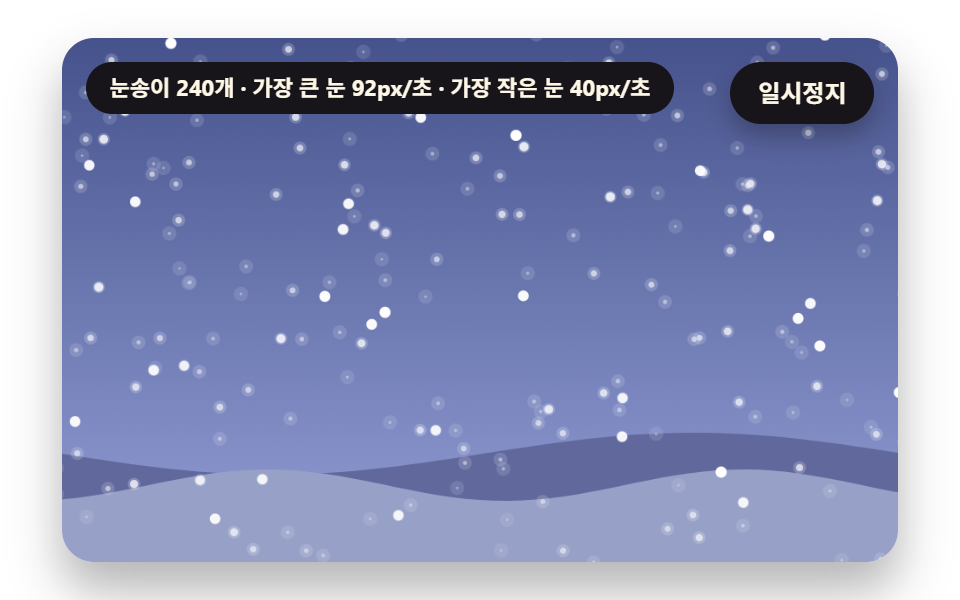 GalleriesSnow Animation CSS: 9 Snowfall Scenes in Canvas
 Galleries9 Before After Slider UIs — Drag to Compare
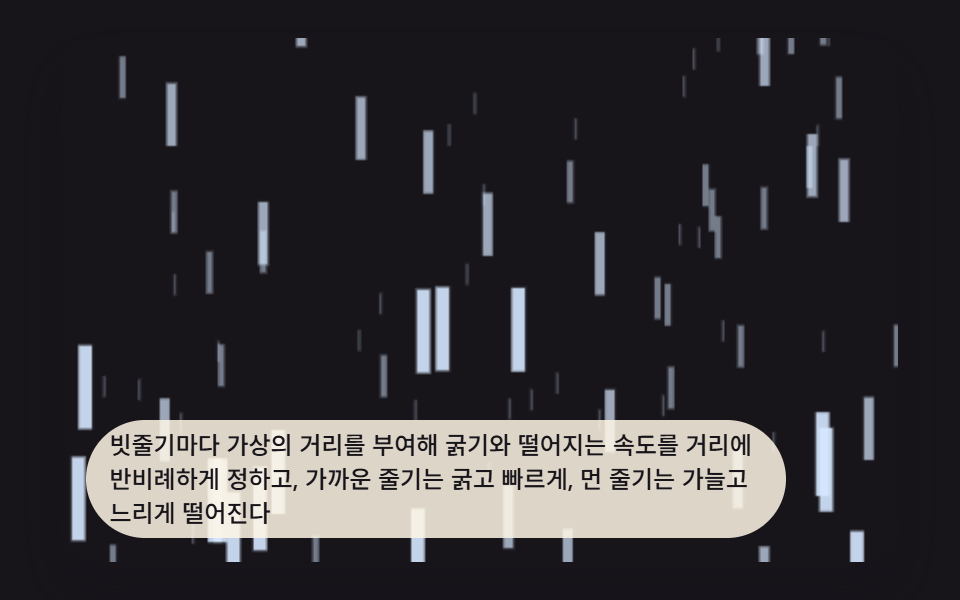 Galleries9 CSS Rain Animation Layers for a Storm Window
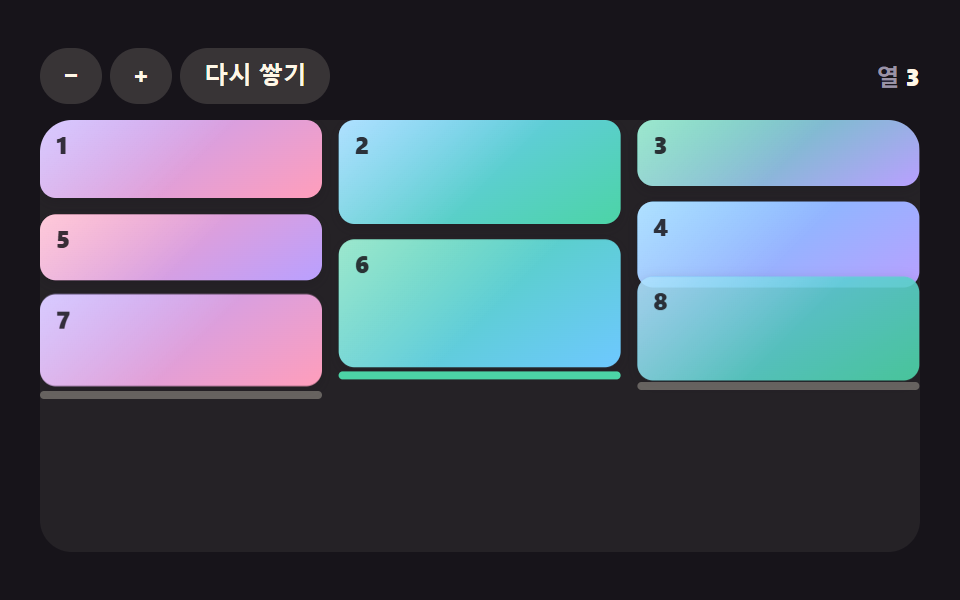 GalleriesCSS Masonry Layout: 9 Ways to Pack Uneven Cards
 GalleriesWatercolor Effect CSS: 9 Bleeding Paint Scenes
 Galleries9 CSS Image Gallery Grid Effects
 Galleries9 Image Zoom Viewer Interactions — No Photo Files
 Creative UIAudio Visualizer JavaScript: 9 Parts, No Library
 Creative UICSS Background Pattern Generator: 9 Seeded Scenes