HTML CSS JS mini games: 9 copy-paste mini apps
HTML CSS JS mini games are small browser toys and work tools built from plain markup.
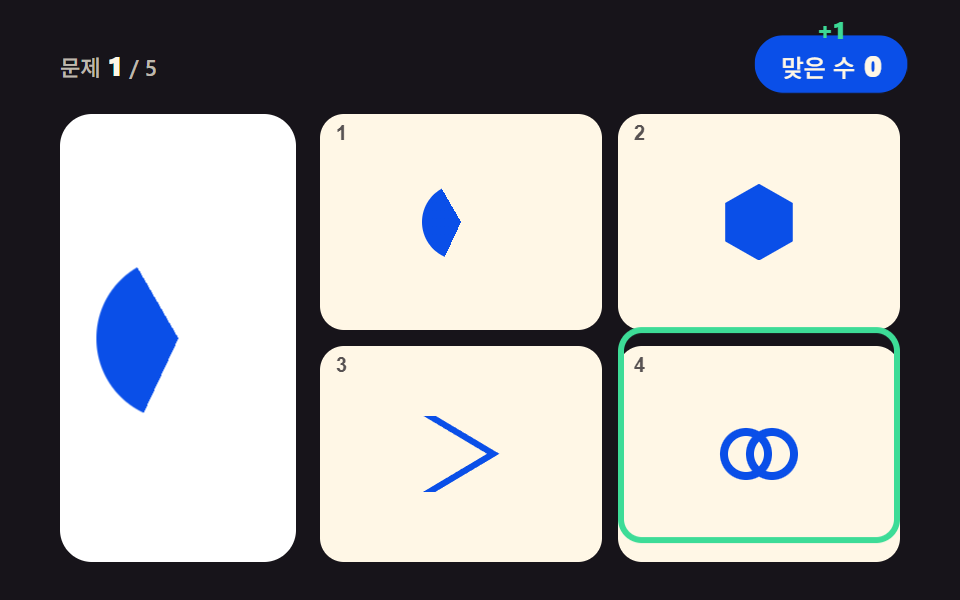 01 logo-match-puzzle
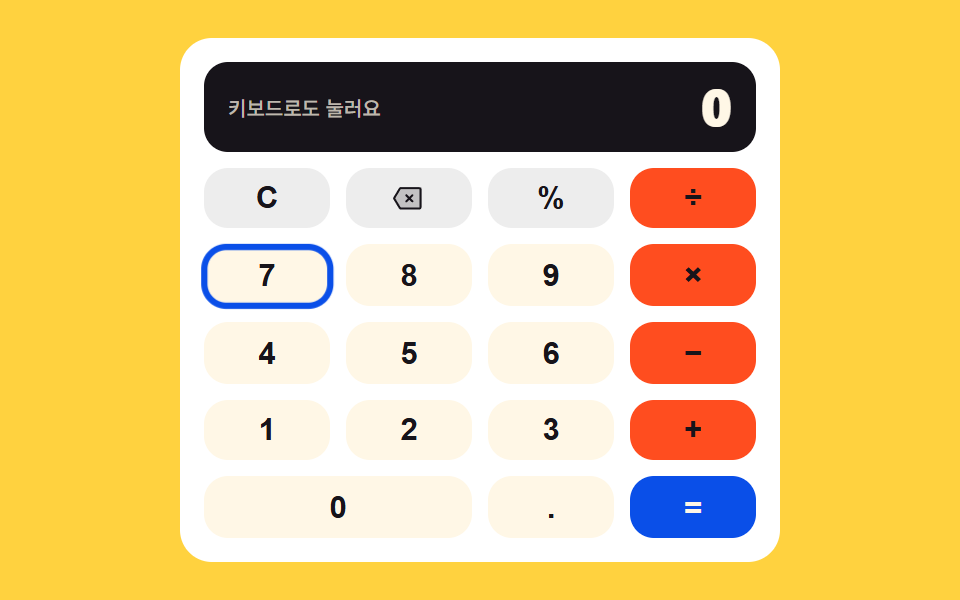 02 keypad-calculator
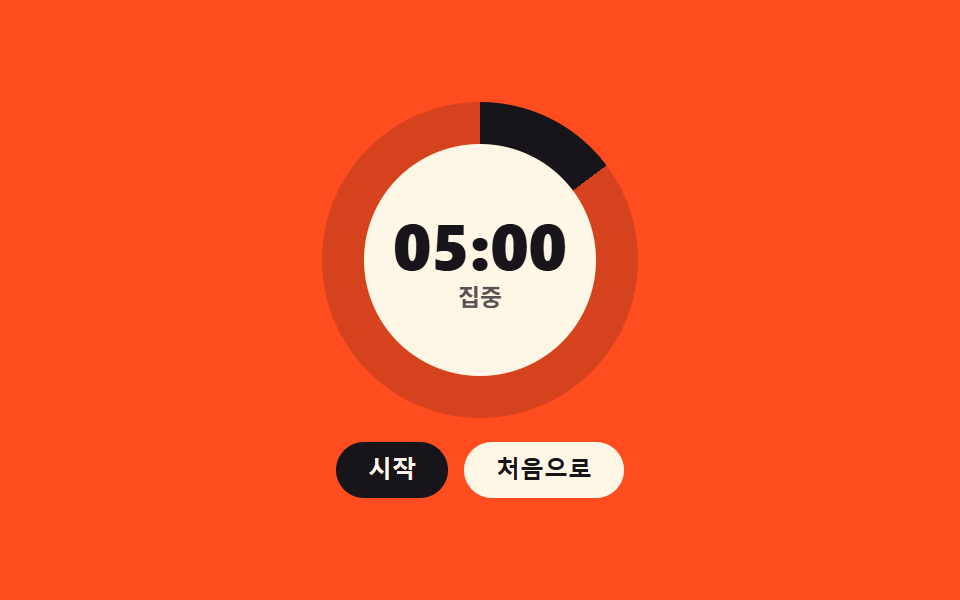 03 pomodoro-ring-timer
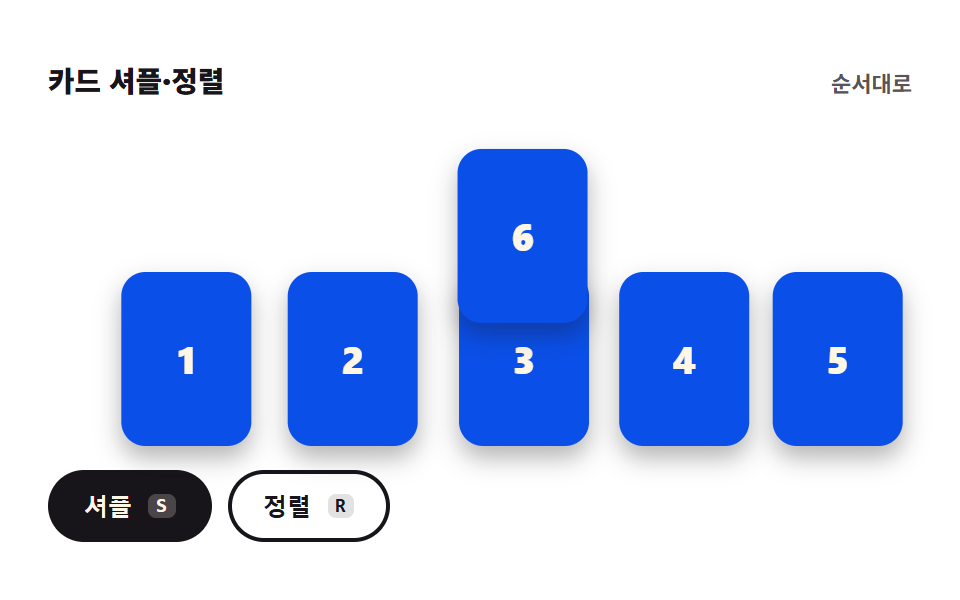 04 card-shuffle-sort
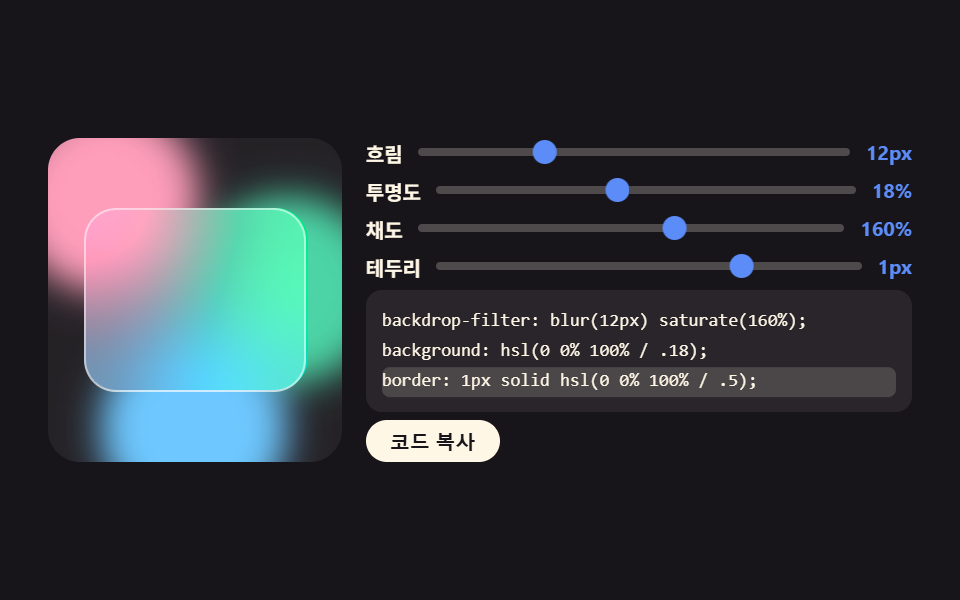 05 glass-effect-generator
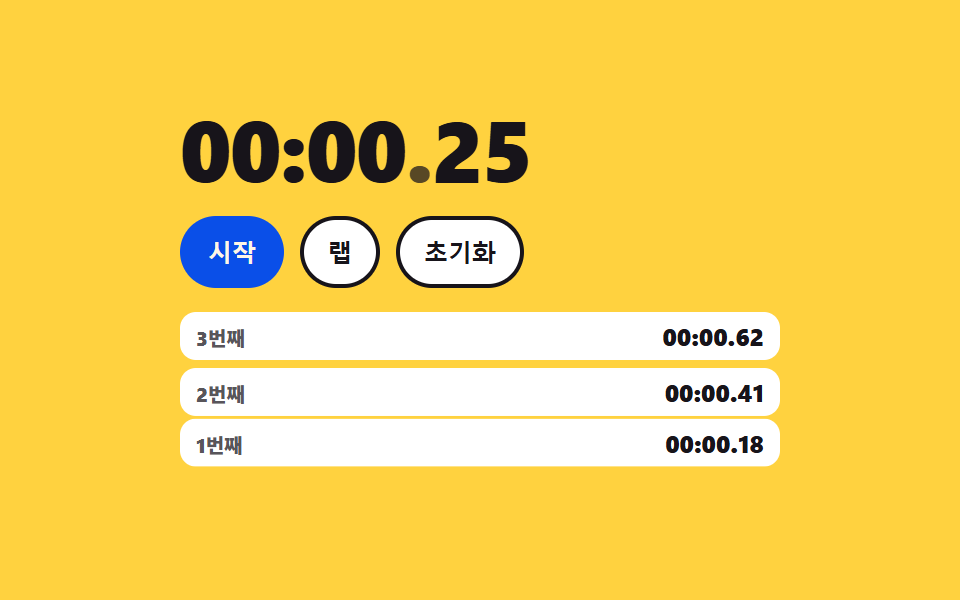 06 stopwatch-laps
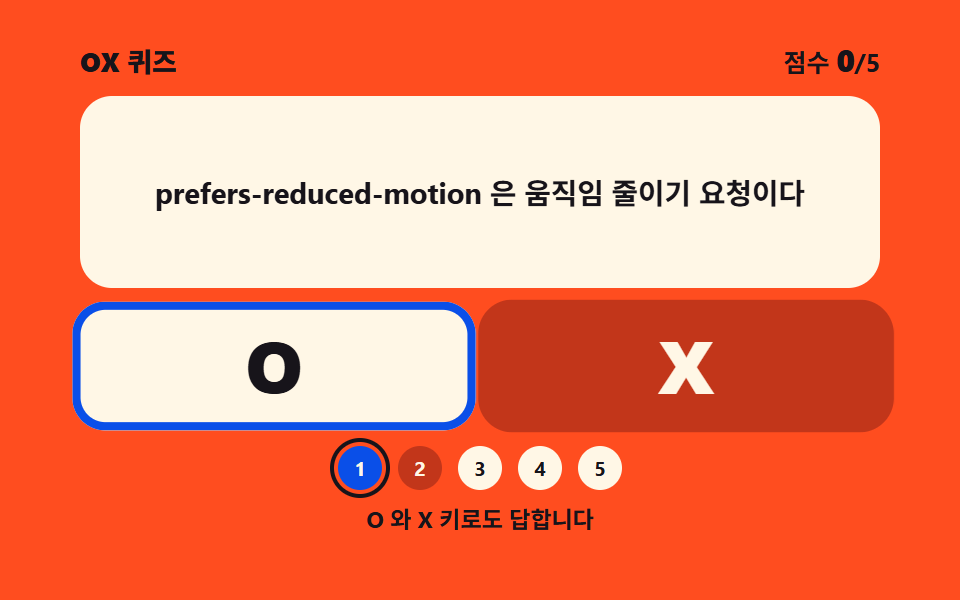 07 ox-quiz-panel
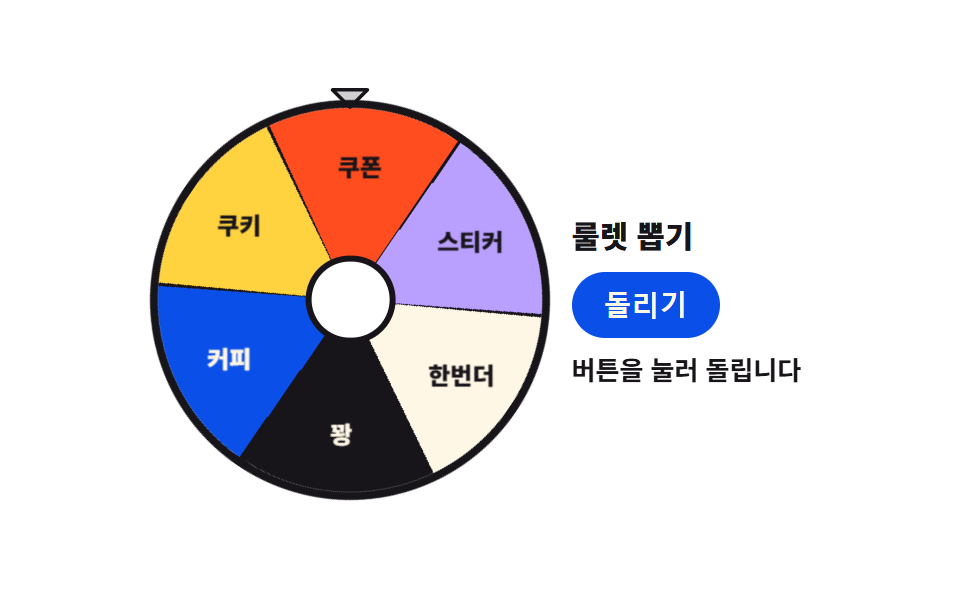 08 conic-roulette-spin
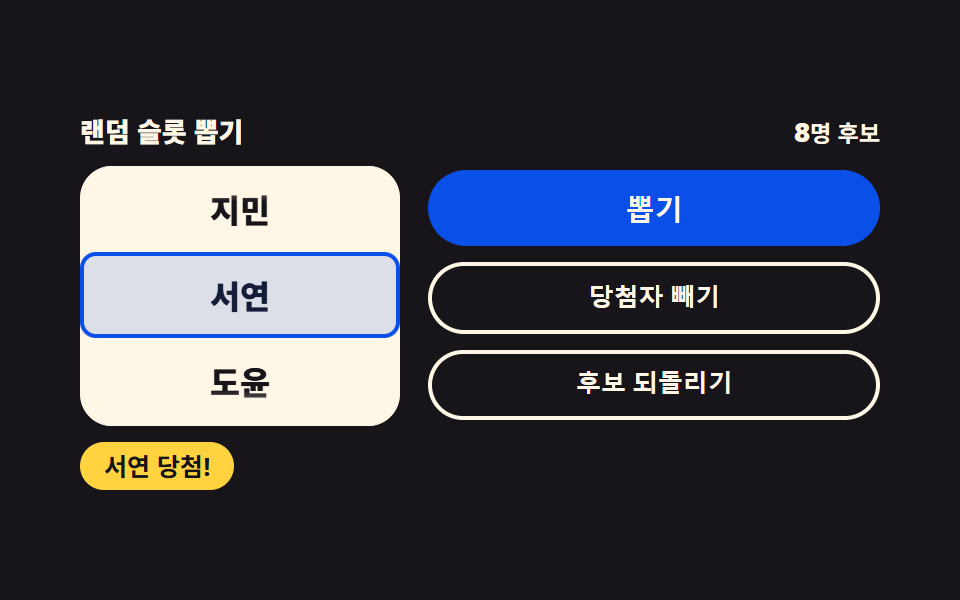 09 random-slot-picker
Auto-plays · click a tile to jump to its section · all nine in one zip
- 01 Logo match puzzle
- 02 Keypad calculator
- 03 Pomodoro ring timer
- 04 Card shuffle and sort
- 05 Glass effect generator
- 06 Lap stopwatch
- 07 OX quiz panel
- 08 Conic roulette spin
- 09 Random slot picker
The order is not a popularity ranking; it follows how much work each screen asks of the person in front of it. Picking one shape out of four (01) is the lightest, then typing digits into a value (02), letting the page watch the clock for you (03), shaking six cards out of their seats (04), pulling design values out of sliders (05), timing down to a hundredth and keeping the record (06), judging a single sentence true or false (07), and the last two decide an outcome on your behalf (08, 09). Item 05, which spits out values and code together, belongs to the same family as the 9 interactive CSS generators, and 03 carves its disc with the same angle trick the circular progress bar roundup used, turned toward a timer. Each item is one folder holding html, css and js, and none of them asks for a build tool.
01Logo match puzzle
A quiz board that shows a geometric mark on a display card and asks you to pick the same shape from four options — a natural ice-breaker for the first screen of an event page or a learning quiz.
<main class="stage">
<div class="lp is-demo" id="lp">
  <header class="lp__bar">
    <p class="lp__q"><span class="lp__qLabel">Question</span><b class="lp__qNum" id="lpQNum">1</b><span class="lp__qOf">/ 5</span></p>
    <div class="lp__scoreWrap">
      <p class="lp__score" id="lpScore" aria-live="polite"><span class="lp__scoreLabel">Score</span><b class="lp__scoreNum" id="lpScoreNum">0</b></p>
      <span class="lp__plus" aria-hidden="true">+1</span>
    </div>
  </header>
  <div class="lp__body">
    <div class="lp__card">
      <span class="lp__mark lp__mark--big lp__mark--cut1" id="lpTarget" data-shape="hex" aria-hidden="true"></span>
      <span class="lp__mark lp__mark--big lp__mark--cut2" data-shape="wedge" aria-hidden="true"></span>
      <span class="lp__mark lp__mark--big lp__mark--cut3" data-shape="ring" aria-hidden="true"></span>
    </div>
    <div class="lp__tiles" id="lpTiles">
      <button class="lp__tile" type="button" aria-label="Option 1" aria-keyshortcuts="1"><span class="lp__mark" data-shape="wedge" aria-hidden="true"></span><span class="lp__key" aria-hidden="true">1</span></button>
      <button class="lp__tile" type="button" aria-label="Option 2" aria-keyshortcuts="2"><span class="lp__mark" data-shape="hex" aria-hidden="true"></span><span class="lp__key" aria-hidden="true">2</span></button>
      <button class="lp__tile" type="button" aria-label="Option 3" aria-keyshortcuts="3"><span class="lp__mark" data-shape="chevron" aria-hidden="true"></span><span class="lp__key" aria-hidden="true">3</span></button>
      <button class="lp__tile" type="button" aria-label="Option 4" aria-keyshortcuts="4"><span class="lp__mark" data-shape="ring" aria-hidden="true"></span><span class="lp__key" aria-hidden="true">4</span></button>
      <span class="lp__ring" aria-hidden="true"></span>
    </div>
  </div>
  <p class="lp__done" id="lpDone" role="status" hidden><b class="lp__doneMsg" id="lpDoneMsg">{n} of 5 correct</b><button class="lp__again" type="button" id="lpAgain">New round</button></p>
</div>
</main>@use "../../../../site/static/demo-tokens" as *;
// 로고 퍼즐 맞추기 — 진열 카드의 기하 마크와 같은 모양을 보기 넷에서 고른다.
// 마크는 전부 CSS 도형이다: clip-path polygon(육각·마름모·삼각·갈매기) · conic-gradient 부채꼴 · 링 두 개 겹침.
// 실제 브랜드 로고는 쓰지 않는다(상표). 정적 상태는 1번 문제가 그려진 완결된 판이고,
// 격자 미리보기(.is-demo)는 그 위에 하이라이트 링 순회 · 진열 마크 컷 교체 · 점수 칩 팝만 덧씌운다.
$duration: $dur-loop;
$easing: $ease-pop;
$color: $subject-blue-deep;
@include stage($stage-ink);
.lp { position: relative; display: flex; flex-direction: column; gap: $sp-3; width: 100%; max-width: 420px; height: 100%; }
.lp__bar { display: flex; align-items: center; justify-content: space-between; gap: $sp-2; }
.lp__q { display: inline-flex; align-items: baseline; gap: $sp-1; margin: 0; }
.lp__qLabel, .lp__qOf { font-weight: 500; font-size: clamp(9px, 2.3vw, 11px); color: rgba($subject-cream, .72); }
.lp__qNum { font-weight: 800; font-size: clamp(11px, 2.8vw, 14px); color: $subject-cream; }
.lp__scoreWrap { position: relative; display: inline-flex; }
.lp__score {
display: inline-flex; align-items: baseline; gap: $sp-1; margin: 0;
padding: $sp-1 $sp-3; border-radius: $r-pill;
background-color: $color; color: $subject-cream; // 진파랑 면 위 크림 글자
}
.lp__scoreLabel { font-weight: 500; font-size: clamp(9px, 2.3vw, 11px); }
.lp__scoreNum { font-weight: 800; font-size: clamp(11px, 2.8vw, 14px); }
.lp__plus {
position: absolute; top: 0; left: 50%; opacity: 0;
font-weight: 800; font-size: clamp(10px, 2.6vw, 12px); color: $tick-up; // 잉크 무대 위 상승색
}
.lp__body { flex: 1 1 auto; min-height: 0; display: grid; grid-template-columns: minmax(0, 118px) minmax(0, 1fr); gap: $sp-3; }
.lp__card {
position: relative; display: grid; place-items: center;
border-radius: $r-card; background-color: $stage-paper; color: $color;
}
.lp__tiles {
position: relative; display: grid;
grid-template-columns: repeat(2, 1fr); grid-template-rows: repeat(2, 1fr);
gap: $sp-2;
--lp-space: #{$sp-2};
}
.lp__tile {
position: relative; display: grid; place-items: center; width: 100%; height: 100%; padding: 0;
border: 0; border-radius: $r-control; background-color: $subject-cream; color: $color; cursor: pointer;
}
.lp__tile:focus-visible { outline: 2px solid $tick-up; outline-offset: 2px; }
.lp__key {
position: absolute; top: $sp-1; left: $sp-2;
font-weight: 700; font-size: clamp(8px, 2.2vw, 10px); color: rgba($subject-ink, .72); // 크림 면 위 흐린 잉크
}
.lp__tile.is-correct { box-shadow: 0 0 0 3px $tick-up; }
.lp__tile.is-wrong { box-shadow: 0 0 0 3px $tick-down; }
// ── 기하 마크 ────────────────────────────────────────────────
.lp__mark { display: block; width: clamp(28px, 8vw, 44px); height: clamp(28px, 8vw, 44px); background-color: currentColor; }
.lp__mark--big { width: clamp(56px, 17vw, 82px); height: clamp(56px, 17vw, 82px); }
.lp__mark[data-shape="hex"] { clip-path: polygon(50% 0, 94% 25%, 94% 75%, 50% 100%, 6% 75%, 6% 25%); }
.lp__mark[data-shape="diamond"] { clip-path: polygon(50% 2%, 98% 50%, 50% 98%, 2% 50%); }
.lp__mark[data-shape="tri"] { clip-path: polygon(50% 4%, 96% 92%, 4% 92%); }
.lp__mark[data-shape="chevron"] { clip-path: polygon(16% 0, 100% 50%, 16% 100%, 0 100%, 84% 50%, 0 0); }
.lp__mark[data-shape="wedge"] {
  background-color: transparent; border-radius: 50%;
  background-image: conic-gradient(from 205deg, currentColor 0deg 125deg, transparent 125deg 360deg);
}
.lp__mark[data-shape="ring"] { position: relative; background-color: transparent; }
.lp__mark[data-shape="ring"]::before,
.lp__mark[data-shape="ring"]::after {
content: ""; position: absolute; top: 50%; width: 68%; height: 68%; margin-top: -34%;
border-radius: 50%; box-shadow: inset 0 0 0 4px currentColor;
}
.lp__mark[data-shape="ring"]::before { left: 0; }
.lp__mark[data-shape="ring"]::after { right: 0; }
// ── 결과 ────────────────────────────────────────────────────
.lp__done {
position: absolute; inset: 0; z-index: 6; margin: 0;
display: flex; flex-direction: column; align-items: center; justify-content: center; gap: $sp-3;
background-color: rgba($subject-ink, .78);
}
.lp__done[hidden] { display: none; }
.lp__doneMsg {
padding: $sp-2 $sp-4; border-radius: $r-pill;
background-color: $color; color: $subject-cream;
font-weight: 800; font-size: clamp(11px, 2.8vw, 14px);
}
.lp__again {
padding: $sp-2 $sp-4; border: 0; border-radius: $r-pill;
background-color: $subject-cream; color: $subject-ink;
font-weight: 700; font-size: clamp(10px, 2.6vw, 12px); cursor: pointer;
}
.lp__again:focus-visible { outline: 2px solid $tick-up; outline-offset: 2px; }
// ── 격자 미리보기 ────────────────────────────────────────────
// 진열 마크 세 장을 겹쳐 두고 steps(1, end) 로 컷 교체한다 — 크로스페이드는 유령 프레임이 된다(237 교훈).
.lp__mark--cut2, .lp__mark--cut3 { display: none; position: absolute; top: 50%; left: 50%; transform: translate(-50%, -50%); }
.lp.is-demo .lp__mark--cut2, .lp.is-demo .lp__mark--cut3 { display: block; }
.lp.is-demo .lp__mark--cut1 { animation-name: lpCut1; }
.lp.is-demo .lp__mark--cut2 { animation-name: lpCut2; }
.lp.is-demo .lp__mark--cut3 { animation-name: lpCut3; }
.lp.is-demo .lp__mark--cut1,
.lp.is-demo .lp__mark--cut2,
.lp.is-demo .lp__mark--cut3 {
animation-duration: $duration; animation-timing-function: steps(1, end);
animation-iteration-count: infinite; animation-fill-mode: backwards;
}
@keyframes lpCut1 { 0% { opacity: 1; } 30% { opacity: 0; } 60% { opacity: 0; } 88% { opacity: 1; } 100% { opacity: 1; } }
@keyframes lpCut2 { 0% { opacity: 0; } 30% { opacity: 1; } 60% { opacity: 0; } 100% { opacity: 0; } }
@keyframes lpCut3 { 0% { opacity: 0; } 60% { opacity: 1; } 88% { opacity: 0; } 100% { opacity: 0; } }
// 하이라이트 링 — 보기 타일 넷을 순회한다. 이동 거리는 자기 폭(= 타일 폭) 100% + 격자 간격
.lp__ring {
display: none; position: absolute; top: 0; left: 0;
width: calc(50% - var(--lp-space) / 2); height: calc(50% - var(--lp-space) / 2);
box-sizing: border-box; border: 3px solid $tick-up; border-radius: $r-control; pointer-events: none;
}
.lp.is-demo .lp__ring {
display: block;
animation-name: lpRingHop; animation-duration: $duration; animation-timing-function: $easing;
animation-iteration-count: infinite;
}
@keyframes lpRingHop {
0%, 8% { transform: translate(0, 0); }
22%, 30% { transform: translate(calc(100% + var(--lp-space)), 0); }
44%, 52% { transform: translate(calc(100% + var(--lp-space)), calc(100% + var(--lp-space))); }
66%, 74% { transform: translate(0, calc(100% + var(--lp-space))); }
88%, 100% { transform: translate(0, 0); }
}
// 점수 칩 팝 — 자기 중심에서 커진다
.lp.is-demo .lp__score {
animation-name: lpChipPop; animation-duration: $duration; animation-timing-function: $easing;
animation-iteration-count: infinite;
}
@keyframes lpChipPop {
0%, 26% { transform: scale(1); }
33% { transform: scale(1.14); }
42%, 56% { transform: scale(1); }
63% { transform: scale(1.14); }
72%, 100% { transform: scale(1); }
}
.lp.is-demo .lp__plus {
animation-name: lpPlusRise; animation-duration: $duration; animation-timing-function: $ease-out;
animation-iteration-count: infinite;
}
@keyframes lpPlusRise {
0%, 28% { opacity: 0; transform: translate(-50%, 0); }
34% { opacity: 1; transform: translate(-50%, -13px); }
46% { opacity: 0; transform: translate(-50%, -22px); }
58% { opacity: 0; transform: translate(-50%, 0); }
64% { opacity: 1; transform: translate(-50%, -13px); }
76%, 100% { opacity: 0; transform: translate(-50%, -22px); }
}
@media (max-width: 340px) {
.lp { gap: $sp-1; }
.lp__body { grid-template-columns: minmax(0, 84px) minmax(0, 1fr); gap: $sp-1; }
.lp__tiles { gap: $sp-1; --lp-space: #{$sp-1}; }
.lp__score { padding: 0 $sp-2; }
.lp__done { gap: $sp-2; }
.lp__doneMsg, .lp__again { padding: $sp-1 $sp-3; }
}
@media (prefers-reduced-motion: reduce) {
.lp.is-demo .lp__mark--cut1,
.lp.is-demo .lp__mark--cut2,
.lp.is-demo .lp__mark--cut3,
.lp.is-demo .lp__ring,
.lp.is-demo .lp__score,
.lp.is-demo .lp__plus { animation: none !important; }
.lp.is-demo .lp__mark--cut2,
.lp.is-demo .lp__mark--cut3 { display: none !important; }
}html, body {
margin: 0;
overflow: hidden;
}
.stage {
box-sizing: border-box;
min-height: 100vh;
display: grid;
place-items: center;
margin: 0;
background: #17141a;
font-family: -apple-system, "Segoe UI", "Noto Sans KR", sans-serif;
padding: clamp(8px, 4vw, 24px);
}
.lp {
position: relative;
display: flex;
flex-direction: column;
gap: 12px;
width: 100%;
max-width: 420px;
height: 100%;
}
.lp__bar {
display: flex;
align-items: center;
justify-content: space-between;
gap: 8px;
}
.lp__q {
display: inline-flex;
align-items: baseline;
gap: 4px;
margin: 0;
}
.lp__qLabel, .lp__qOf {
font-weight: 500;
font-size: clamp(9px, 2.3vw, 11px);
color: rgba(255, 247, 230, 0.72);
}
.lp__qNum {
font-weight: 800;
font-size: clamp(11px, 2.8vw, 14px);
color: #fff7e6;
}
.lp__scoreWrap {
position: relative;
display: inline-flex;
}
.lp__score {
display: inline-flex;
align-items: baseline;
gap: 4px;
margin: 0;
padding: 4px 12px;
border-radius: 999px;
background-color: #0a4fe8;
color: #fff7e6;
}
.lp__scoreLabel {
font-weight: 500;
font-size: clamp(9px, 2.3vw, 11px);
}
.lp__scoreNum {
font-weight: 800;
font-size: clamp(11px, 2.8vw, 14px);
}
.lp__plus {
position: absolute;
top: 0;
left: 50%;
opacity: 0;
font-weight: 800;
font-size: clamp(10px, 2.6vw, 12px);
color: #3ddc97;
}
.lp__body {
flex: 1 1 auto;
min-height: 0;
display: grid;
grid-template-columns: minmax(0, 118px) minmax(0, 1fr);
gap: 12px;
}
.lp__card {
position: relative;
display: grid;
place-items: center;
border-radius: 16px;
background-color: #ffffff;
color: #0a4fe8;
}
.lp__tiles {
position: relative;
display: grid;
grid-template-columns: repeat(2, 1fr);
grid-template-rows: repeat(2, 1fr);
gap: 8px;
--lp-space: 8px;
}
.lp__tile {
position: relative;
display: grid;
place-items: center;
width: 100%;
height: 100%;
padding: 0;
border: 0;
border-radius: 12px;
background-color: #fff7e6;
color: #0a4fe8;
cursor: pointer;
}
.lp__tile:focus-visible {
outline: 2px solid #3ddc97;
outline-offset: 2px;
}
.lp__key {
position: absolute;
top: 4px;
left: 8px;
font-weight: 700;
font-size: clamp(8px, 2.2vw, 10px);
color: rgba(23, 20, 26, 0.72);
}
.lp__tile.is-correct {
box-shadow: 0 0 0 3px #3ddc97;
}
.lp__tile.is-wrong {
box-shadow: 0 0 0 3px #ff7a5e;
}
.lp__mark {
display: block;
width: clamp(28px, 8vw, 44px);
height: clamp(28px, 8vw, 44px);
background-color: currentColor;
}
.lp__mark--big {
width: clamp(56px, 17vw, 82px);
height: clamp(56px, 17vw, 82px);
}
.lp__mark[data-shape=hex] {
clip-path: polygon(50% 0, 94% 25%, 94% 75%, 50% 100%, 6% 75%, 6% 25%);
}
.lp__mark[data-shape=diamond] {
clip-path: polygon(50% 2%, 98% 50%, 50% 98%, 2% 50%);
}
.lp__mark[data-shape=tri] {
clip-path: polygon(50% 4%, 96% 92%, 4% 92%);
}
.lp__mark[data-shape=chevron] {
clip-path: polygon(16% 0, 100% 50%, 16% 100%, 0 100%, 84% 50%, 0 0);
}
.lp__mark[data-shape=wedge] {
background-color: transparent;
border-radius: 50%;
background-image: conic-gradient(from 205deg, currentColor 0deg 125deg, transparent 125deg 360deg);
}
.lp__mark[data-shape=ring] {
position: relative;
background-color: transparent;
}
.lp__mark[data-shape=ring]::before,
.lp__mark[data-shape=ring]::after {
content: "";
position: absolute;
top: 50%;
width: 68%;
height: 68%;
margin-top: -34%;
border-radius: 50%;
box-shadow: inset 0 0 0 4px currentColor;
}
.lp__mark[data-shape=ring]::before {
left: 0;
}
.lp__mark[data-shape=ring]::after {
right: 0;
}
.lp__done {
position: absolute;
inset: 0;
z-index: 6;
margin: 0;
display: flex;
flex-direction: column;
align-items: center;
justify-content: center;
gap: 12px;
background-color: rgba(23, 20, 26, 0.78);
}
.lp__done[hidden] {
display: none;
}
.lp__doneMsg {
padding: 8px 16px;
border-radius: 999px;
background-color: #0a4fe8;
color: #fff7e6;
font-weight: 800;
font-size: clamp(11px, 2.8vw, 14px);
}
.lp__again {
padding: 8px 16px;
border: 0;
border-radius: 999px;
background-color: #fff7e6;
color: #17141a;
font-weight: 700;
font-size: clamp(10px, 2.6vw, 12px);
cursor: pointer;
}
.lp__again:focus-visible {
outline: 2px solid #3ddc97;
outline-offset: 2px;
}
.lp__mark--cut2, .lp__mark--cut3 {
display: none;
position: absolute;
top: 50%;
left: 50%;
transform: translate(-50%, -50%);
}
.lp.is-demo .lp__mark--cut2, .lp.is-demo .lp__mark--cut3 {
display: block;
}
.lp.is-demo .lp__mark--cut1 {
animation-name: lpCut1;
}
.lp.is-demo .lp__mark--cut2 {
animation-name: lpCut2;
}
.lp.is-demo .lp__mark--cut3 {
animation-name: lpCut3;
}
.lp.is-demo .lp__mark--cut1,
.lp.is-demo .lp__mark--cut2,
.lp.is-demo .lp__mark--cut3 {
animation-duration: 2s;
animation-timing-function: steps(1, end);
animation-iteration-count: infinite;
animation-fill-mode: backwards;
}
@keyframes lpCut1 {
0% {
opacity: 1;
}
30% {
opacity: 0;
}
60% {
opacity: 0;
}
88% {
opacity: 1;
}
100% {
opacity: 1;
}
}
@keyframes lpCut2 {
0% {
opacity: 0;
}
30% {
opacity: 1;
}
60% {
opacity: 0;
}
100% {
opacity: 0;
}
}
@keyframes lpCut3 {
0% {
opacity: 0;
}
60% {
opacity: 1;
}
88% {
opacity: 0;
}
100% {
opacity: 0;
}
}
.lp__ring {
display: none;
position: absolute;
top: 0;
left: 0;
width: calc(50% - var(--lp-space) / 2);
height: calc(50% - var(--lp-space) / 2);
box-sizing: border-box;
border: 3px solid #3ddc97;
border-radius: 12px;
pointer-events: none;
}
.lp.is-demo .lp__ring {
display: block;
animation-name: lpRingHop;
animation-duration: 2s;
animation-timing-function: cubic-bezier(0.2, 1.4, 0.4, 1);
animation-iteration-count: infinite;
}
@keyframes lpRingHop {
0%, 8% {
transform: translate(0, 0);
}
22%, 30% {
transform: translate(calc(100% + var(--lp-space)), 0);
}
44%, 52% {
transform: translate(calc(100% + var(--lp-space)), calc(100% + var(--lp-space)));
}
66%, 74% {
transform: translate(0, calc(100% + var(--lp-space)));
}
88%, 100% {
transform: translate(0, 0);
}
}
.lp.is-demo .lp__score {
animation-name: lpChipPop;
animation-duration: 2s;
animation-timing-function: cubic-bezier(0.2, 1.4, 0.4, 1);
animation-iteration-count: infinite;
}
@keyframes lpChipPop {
0%, 26% {
transform: scale(1);
}
33% {
transform: scale(1.14);
}
42%, 56% {
transform: scale(1);
}
63% {
transform: scale(1.14);
}
72%, 100% {
transform: scale(1);
}
}
.lp.is-demo .lp__plus {
animation-name: lpPlusRise;
animation-duration: 2s;
animation-timing-function: ease-out;
animation-iteration-count: infinite;
}
@keyframes lpPlusRise {
0%, 28% {
opacity: 0;
transform: translate(-50%, 0);
}
34% {
opacity: 1;
transform: translate(-50%, -13px);
}
46% {
opacity: 0;
transform: translate(-50%, -22px);
}
58% {
opacity: 0;
transform: translate(-50%, 0);
}
64% {
opacity: 1;
transform: translate(-50%, -13px);
}
76%, 100% {
opacity: 0;
transform: translate(-50%, -22px);
}
}
@media (max-width: 340px) {
.lp {
gap: 4px;
}
.lp__body {
grid-template-columns: minmax(0, 84px) minmax(0, 1fr);
gap: 4px;
}
.lp__tiles {
gap: 4px;
--lp-space: 4px;
}
.lp__score {
padding: 0 8px;
}
.lp__done {
gap: 8px;
}
.lp__doneMsg, .lp__again {
padding: 4px 12px;
}
}
@media (prefers-reduced-motion: reduce) {
.lp.is-demo .lp__mark--cut1,
.lp.is-demo .lp__mark--cut2,
.lp.is-demo .lp__mark--cut3,
.lp.is-demo .lp__ring,
.lp.is-demo .lp__score,
.lp.is-demo .lp__plus {
animation: none !important;
}
.lp.is-demo .lp__mark--cut2,
.lp.is-demo .lp__mark--cut3 {
display: none !important;
}
}// 로고 퍼즐 — 진열 카드의 기하 마크와 같은 모양을 보기 넷에서 고른다.
// 마크는 전부 CSS 도형(clip-path polygon · conic-gradient 부채꼴 · 링 겹침)이라 이미지가 0이다.
// 맞으면 초록 테두리와 Score, 틀리면 빨간 테두리와 정답 공개. 0.8초 뒤 다음 Question.
(function () {
var NEXT_MS = 800;
var DONE_TEXT = '{n} of 5 correct';
var QUESTIONS = [
{ answer: 'hex', tiles: ['wedge', 'hex', 'chevron', 'ring'] },
{ answer: 'chevron', tiles: ['chevron', 'diamond', 'ring', 'tri'] },
{ answer: 'wedge', tiles: ['tri', 'ring', 'wedge', 'hex'] },
{ answer: 'diamond', tiles: ['hex', 'chevron', 'tri', 'diamond'] },
{ answer: 'ring', tiles: ['diamond', 'wedge', 'ring', 'chevron'] }
];
var root = document.getElementById('lp');
var target = document.getElementById('lpTarget');
var qNumEl = document.getElementById('lpQNum');
var scoreEl = document.getElementById('lpScoreNum');
var doneEl = document.getElementById('lpDone');
var doneMsgEl = document.getElementById('lpDoneMsg');
var tiles = [].slice.call(document.querySelectorAll('.lp__tile'));
var qIndex = 0, score = 0, lock = false;
function render() {
var q = QUESTIONS[qIndex];
target.setAttribute('data-shape', q.answer);
qNumEl.textContent = String(qIndex + 1);
for (var i = 0; i < tiles.length; i++) {
tiles[i].classList.remove('is-correct', 'is-wrong');
tiles[i].firstElementChild.setAttribute('data-shape', q.tiles[i]);
}
}
function next() {
lock = false;
if (qIndex + 1 >= QUESTIONS.length) {
doneMsgEl.textContent = DONE_TEXT.replace('{n}', String(score));
doneEl.hidden = false;
return;
}
qIndex++;
render();
}
  function pick(i) {
    if (lock || !doneEl.hidden) { return; }
    lock = true;
    root.classList.remove('is-demo');
    var answer = QUESTIONS[qIndex].answer;
    var ok = tiles[i].firstElementChild.getAttribute('data-shape') === answer;
    tiles[i].classList.add(ok ? 'is-correct' : 'is-wrong');
    if (ok) { score++; scoreEl.textContent = String(score); }
    else {
      for (var k = 0; k < tiles.length; k++) {
        if (tiles[k].firstElementChild.getAttribute('data-shape') === answer) { tiles[k].classList.add('is-correct'); }
      }
    }
    window.setTimeout(next, NEXT_MS);
  }
for (var t = 0; t < tiles.length; t++) {
(function (i) { tiles[i].addEventListener('click', function () { pick(i); }); })(t);
}
document.addEventListener('keydown', function (e) {
var n = '1234'.indexOf(e.key);
if (n >= 0) { e.preventDefault(); pick(n); }
});
document.getElementById('lpAgain').addEventListener('click', function () {
qIndex = 0; score = 0; lock = false;
scoreEl.textContent = '0';
doneEl.hidden = true;
render();
});
render();
})();// LogoMatchPuzzle — vanilla 판(run/080/demo/01-logo-match-puzzle/index.html) 의 React 포트.
// 진열 카드의 기하 마크와 같은 모양을 보기 넷에서 고른다. 마크는 전부 CSS 도형이라 이미지가 0이다.
// 상태는 훅이 들고(문제 번호·점수·고른 칸·끝남), 도형과 연출은 CSS 가 그린다.
import { useEffect, useRef, useState } from "react";
import type { CSSProperties } from "react";
import styles from "./LogoMatchPuzzle.module.scss";
export type LogoMatchPuzzleProps = {
duration?: number;
easing?: string;
accentColor?: string;
};
type Vars = CSSProperties & { "--duration"?: string; "--easing"?: string; "--color"?: string };
type ShapeKey = "hex" | "wedge" | "chevron" | "ring" | "diamond" | "tri";
type Question = { answer: ShapeKey; tiles: ShapeKey[] };
type KeyEvt = { key: string; preventDefault(): void };
type TimerBox = { current: number }; // ambient 의 useRef 는 T|null 을 돌려주므로 단언용
const NEXT_MS = 800;
const Q_LABEL = "문제";
const Q_OF = "/ 5";
const SCORE_LABEL = "맞은 수";
const TILE_LABEL = "보기 {n}";
const AGAIN_LABEL = "새 문제";
const DONE_TEXT = "5문제 중 {n}개 정답";
const QUESTIONS: Question[] = [
{ answer: "hex", tiles: ["wedge", "hex", "chevron", "ring"] },
{ answer: "chevron", tiles: ["chevron", "diamond", "ring", "tri"] },
{ answer: "wedge", tiles: ["tri", "ring", "wedge", "hex"] },
{ answer: "diamond", tiles: ["hex", "chevron", "tri", "diamond"] },
{ answer: "ring", tiles: ["diamond", "wedge", "ring", "chevron"] },
];
export default function LogoMatchPuzzle({
duration = 2000,
easing = "cubic-bezier(.2, 1.4, .4, 1)",
accentColor = "#0a4fe8",
}: LogoMatchPuzzleProps) {
const [qIndex, setQIndex] = useState(0);
const [score, setScore] = useState(0);
const [picked, setPicked] = useState(-1);
const [done, setDone] = useState(false);
const [demo, setDemo] = useState(true);
const timer = useRef<number>(0) as TimerBox;
const question = QUESTIONS[qIndex];
function pick(i: number) {
if (picked >= 0 || done) { return; }
setDemo(false);
setPicked(i);
if (question.tiles[i] === question.answer) { setScore((s) => s + 1); }
timer.current = window.setTimeout(() => {
setPicked(-1);
if (qIndex + 1 >= QUESTIONS.length) { setDone(true); }
else { setQIndex((n) => n + 1); }
}, NEXT_MS);
}
function again() {
setQIndex(0);
setScore(0);
setPicked(-1);
setDone(false);
}
useEffect(() => {
const onKey = (e: KeyEvt) => {
const n = "1234".indexOf(e.key);
if (n >= 0) { e.preventDefault(); pick(n); }
};
window.addEventListener("keydown", onKey);
return () => window.removeEventListener("keydown", onKey);
});
useEffect(() => () => window.clearTimeout(timer.current), []);
const vars: Vars = { "--duration": `${duration}ms`, "--easing": easing, "--color": accentColor };
const rootCls = [styles.root, demo ? styles.isDemo : ""].filter(Boolean).join(" ");
function tileCls(i: number) {
if (picked < 0) { return styles.tile; }
const isAnswer = question.tiles[i] === question.answer;
if (isAnswer) { return `${styles.tile} ${styles.isCorrect}`; }
return i === picked ? `${styles.tile} ${styles.isWrong}` : styles.tile;
}
return (
<main className={styles.stage}>
<div className={rootCls} style={vars}>
<header className={styles.bar}>
<p className={styles.q}>
<span className={styles.qLabel}>{Q_LABEL}</span>
<b className={styles.qNum}>{qIndex + 1}</b>
<span className={styles.qOf}>{Q_OF}</span>
</p>
<div className={styles.scoreWrap}>
<p className={styles.score} aria-live="polite">
<span className={styles.scoreLabel}>{SCORE_LABEL}</span>
<b className={styles.scoreNum}>{score}</b>
</p>
<span className={styles.plus} aria-hidden="true">+1</span>
</div>
</header>
<div className={styles.body}>
<div className={styles.card}>
<span className={`${styles.mark} ${styles.markBig} ${styles.cut1}`} data-shape={question.answer} aria-hidden="true" />
<span className={`${styles.mark} ${styles.markBig} ${styles.cut2}`} data-shape="wedge" aria-hidden="true" />
<span className={`${styles.mark} ${styles.markBig} ${styles.cut3}`} data-shape="ring" aria-hidden="true" />
</div>
<div className={styles.tiles}>
{question.tiles.map((shape, i) => (
<button
key={`${qIndex}-${i}`}
className={tileCls(i)}
type="button"
aria-label={TILE_LABEL.replace("{n}", String(i + 1))}
aria-keyshortcuts={String(i + 1)}
onClick={() => pick(i)}
>
<span className={styles.mark} data-shape={shape} aria-hidden="true" />
<span className={styles.tileKey} aria-hidden="true">{i + 1}</span>
</button>
))}
<span className={styles.ring} aria-hidden="true" />
</div>
</div>
{done ? (
<p className={styles.done} role="status">
<b className={styles.doneMsg}>{DONE_TEXT.replace("{n}", String(score))}</b>
<button className={styles.again} type="button" onClick={again}>{AGAIN_LABEL}</button>
</p>
) : null}
</div>
</main>
);
}01 · Logo match puzzle — Measured area 17.351% · moving frames 19/23Original by GODRICH · SCSS and React ship in the zip · See the password
The six marks are CSS shapes, not image files
.lp__mark[data-shape="hex"] { clip-path: polygon(50% 0, 94% 25%, 94% 75%, 50% 100%, 6% 75%, 6% 25%); }
.lp__mark[data-shape="diamond"] { clip-path: polygon(50% 2%, 98% 50%, 50% 98%, 2% 50%); }
.lp__mark[data-shape="tri"] { clip-path: polygon(50% 4%, 96% 92%, 4% 92%); }
.lp__mark[data-shape="chevron"] { clip-path: polygon(16% 0, 100% 50%, 16% 100%, 0 100%, 84% 50%, 0 0); }
.lp__mark[data-shape="wedge"] {
background-color: transparent; border-radius: 50%;
background-image: conic-gradient(from 205deg, currentColor 0deg 125deg, transparent 125deg 360deg);
}
Hexagon, diamond, triangle and chevron come from clip-path coordinates and the wedge is one conic-gradient line, so the item loads zero images, and 19 of the 23 frame-to-frame comparisons in the grid preview showed movement.
A wrong pick lights the right tile instead
function pick(i) {
if (lock || !doneEl.hidden) { return; }
lock = true;
root.classList.remove('is-demo');
var answer = QUESTIONS[qIndex].answer;
var ok = tiles[i].firstElementChild.getAttribute('data-shape') === answer;
tiles[i].classList.add(ok ? 'is-correct' : 'is-wrong');
if (ok) { score++; scoreEl.textContent = String(score); }
else {
for (var k = 0; k < tiles.length; k++) {
if (tiles[k].firstElementChild.getAttribute('data-shape') === answer) { tiles[k].classList.add('is-correct'); }
}
}
window.setTimeout(next, NEXT_MS);
}
A correct pick adds is-correct to the tile you chose, while a wrong one adds is-wrong and then finds the tile holding the answer shape and lights that one too; either way the board waits 0.8s before moving to the next question.
02Keypad calculator
An arithmetic keypad where keyboard digits, operators, Enter and Backspace work exactly as printed — the base shape of a calculator for screens that tally quotes or add up order counts.
<main class="stage">
<div class="kc is-demo" id="kc">
  <div class="kc__out">
    <span class="kc__hint" id="kcHint">Keyboard works too</span>
    <b class="kc__val kc__val--cut1" id="kcOut">0</b>
    <b class="kc__val kc__val--cut2" aria-hidden="true">7</b>
    <b class="kc__val kc__val--cut3" aria-hidden="true">8</b>
    <b class="kc__val kc__val--cut4" aria-hidden="true">56</b>
  </div>
  <div class="kc__pad" id="kcPad">
    <button class="kc__key kc__key--fn" type="button" data-k="clear" aria-label="Clear all" aria-keyshortcuts="Escape">C</button>
    <button class="kc__key kc__key--fn" type="button" data-k="back" aria-label="Delete one digit" aria-keyshortcuts="Backspace"><svg class="kc__ic" viewBox="0 0 256 256" aria-hidden="true" focusable="false"><g fill="currentColor"><path d="M224 56v144a8 8 0 0 1-8 8H68.53a8 8 0 0 1-6.86-3.88L16 128l45.67-76.12A8 8 0 0 1 68.53 48H216a8 8 0 0 1 8 8" opacity=".2"/><path d="M216 40H68.53a16.08 16.08 0 0 0-13.72 7.77L9.14 123.88a8 8 0 0 0 0 8.24l45.67 76.11A16.08 16.08 0 0 0 68.53 216H216a16 16 0 0 0 16-16V56a16 16 0 0 0-16-16M61.67 204.12l6.86-4.12ZM216 200H68.53l-43.2-72l43.2-72H216Zm-109.66-53.66L124.69 128l-18.35-18.34a8 8 0 0 1 11.32-11.32L136 116.69l18.34-18.35a8 8 0 0 1 11.32 11.32L147.31 128l18.35 18.34a8 8 0 0 1-11.32 11.32L136 139.31l-18.34 18.35a8 8 0 0 1-11.32-11.32"/></g></svg></button>
    <button class="kc__key kc__key--fn" type="button" data-k="pct" aria-keyshortcuts="%">%</button>
    <button class="kc__key kc__key--op" type="button" data-k="/" aria-label="Divide" aria-keyshortcuts="/">÷</button>
    <button class="kc__key" type="button" data-k="7" aria-keyshortcuts="7">7</button>
    <button class="kc__key" type="button" data-k="8" aria-keyshortcuts="8">8</button>
    <button class="kc__key" type="button" data-k="9" aria-keyshortcuts="9">9</button>
    <button class="kc__key kc__key--op" type="button" data-k="*" aria-label="Multiply" aria-keyshortcuts="*">×</button>
    <button class="kc__key" type="button" data-k="4" aria-keyshortcuts="4">4</button>
    <button class="kc__key" type="button" data-k="5" aria-keyshortcuts="5">5</button>
    <button class="kc__key" type="button" data-k="6" aria-keyshortcuts="6">6</button>
    <button class="kc__key kc__key--op" type="button" data-k="-" aria-label="Subtract" aria-keyshortcuts="-">−</button>
    <button class="kc__key" type="button" data-k="1" aria-keyshortcuts="1">1</button>
    <button class="kc__key" type="button" data-k="2" aria-keyshortcuts="2">2</button>
    <button class="kc__key" type="button" data-k="3" aria-keyshortcuts="3">3</button>
    <button class="kc__key kc__key--op" type="button" data-k="+" aria-label="Add" aria-keyshortcuts="+">+</button>
    <button class="kc__key" type="button" data-k="0" aria-keyshortcuts="0">0</button>
    <button class="kc__key" type="button" data-k="." aria-label="Decimal point" aria-keyshortcuts=".">.</button>
    <button class="kc__key kc__key--eq" type="button" data-k="=" aria-label="Equals" aria-keyshortcuts="Enter">=</button>
    <span class="kc__ghost" aria-hidden="true"></span>
  </div>
</div>
</main>@use "../../../../site/static/demo-tokens" as *;
// 키패드 계산기 — 표시줄 + 4×5 키패드. 키 자리는 grid-template-areas 한 장으로 정하고
// 키마다 data-k 로 area 이름을 받아 간다(0 키만 두 칸을 먹는다).
// 표시줄 숫자는 font-variant-numeric: tabular-nums 라 자릿수가 바뀌어도 폭이 안 흔들린다.
// 정적 상태는 0 이 찍힌 완결된 계산기이고, 격자 미리보기(.is-demo)는 그 위에
// 키 하이라이트 이동 + 표시줄 숫자 컷 교체(0 → 7 → 8 → 56)만 덧씌운다.
$duration: $dur-loop;
$easing: $ease-spring;
$color: $subject-blue-deep;
$hop: calc(100% + var(--kc-space)); // 한 칸 이동 = 자기 폭(=키 폭) 100% + 격자 간격
@include stage($stage-yellow);
.kc {
display: flex; flex-direction: column; gap: $sp-2;
width: 100%; max-width: 300px; height: 100%;
padding: $sp-3; box-sizing: border-box;
border-radius: $r-card; background-color: $stage-paper;
}
.kc__out {
position: relative; display: flex; align-items: center; justify-content: space-between; gap: $sp-2;
padding: $sp-2 $sp-3; border-radius: $r-control;
background-color: $subject-ink;
}
.kc__hint { font-weight: 500; font-size: clamp(8px, 2.2vw, 10px); color: rgba($subject-cream, .72); } // 잉크 면 위 흐린 크림
.kc__val {
font-weight: 800; font-size: clamp(18px, 5.5vw, 26px); line-height: 1.1; color: $subject-cream;
font-variant-numeric: tabular-nums;
}
.kc__pad {
  position: relative; flex: 1 1 auto; min-height: 0;
  display: grid;
  grid-template-columns: repeat(4, 1fr);
  grid-template-rows: repeat(5, 1fr);
  grid-template-areas:
    "clear back pct div"
    "n7 n8 n9 mul"
    "n4 n5 n6 sub"
    "n1 n2 n3 add"
    "n0 n0 dot eq";
  gap: $sp-2;
  --kc-space: #{$sp-2};
}
.kc__key {
display: grid; place-items: center; width: 100%; height: 100%; padding: 0;
border: 0; border-radius: $r-control; cursor: pointer;
background-color: $subject-cream; color: $subject-ink;
font-weight: 700; font-size: clamp(12px, 3.2vw, 16px); line-height: 1;
user-select: none; -webkit-user-select: none;
}
.kc__key:focus-visible { outline: 2px solid $color; outline-offset: 2px; }
.kc__key:active { transform: scale(.96); }
.kc__ic { width: clamp(12px, 3.4vw, 17px); height: clamp(12px, 3.4vw, 17px); }
.kc__key--fn { background-color: rgba($subject-ink, .08); color: $subject-ink; } // 흰 카드 위 연회색 면
.kc__key--op { background-color: $stage-orange; color: $subject-ink; } // 주황 면 위 잉크 글자
.kc__key--eq { background-color: $color; color: $subject-cream; } // 진파랑 면 위 크림 글자
.kc__key[data-k="clear"] { grid-area: clear; }
.kc__key[data-k="back"] { grid-area: back; }
.kc__key[data-k="pct"] { grid-area: pct; }
.kc__key[data-k="/"] { grid-area: div; }
.kc__key[data-k="7"] { grid-area: n7; }
.kc__key[data-k="8"] { grid-area: n8; }
.kc__key[data-k="9"] { grid-area: n9; }
.kc__key[data-k="*"] { grid-area: mul; }
.kc__key[data-k="4"] { grid-area: n4; }
.kc__key[data-k="5"] { grid-area: n5; }
.kc__key[data-k="6"] { grid-area: n6; }
.kc__key[data-k="-"] { grid-area: sub; }
.kc__key[data-k="1"] { grid-area: n1; }
.kc__key[data-k="2"] { grid-area: n2; }
.kc__key[data-k="3"] { grid-area: n3; }
.kc__key[data-k="+"] { grid-area: add; }
.kc__key[data-k="0"] { grid-area: n0; }
.kc__key[data-k="."] { grid-area: dot; }
.kc__key[data-k="="] { grid-area: eq; }
// ── 격자 미리보기 ────────────────────────────────────────────
// 표시줄 숫자 넉 장을 오른쪽에 겹쳐 두고 steps(1, end) 로 컷 교체한다 — 크로스페이드는 유령 프레임이 된다.
.kc__val--cut2, .kc__val--cut3, .kc__val--cut4 {
display: none; position: absolute; right: $sp-3; top: 50%; transform: translateY(-50%);
}
.kc.is-demo .kc__val--cut2,
.kc.is-demo .kc__val--cut3,
.kc.is-demo .kc__val--cut4 { display: block; }
.kc.is-demo .kc__val--cut1 { animation-name: kcCut1; }
.kc.is-demo .kc__val--cut2 { animation-name: kcCut2; }
.kc.is-demo .kc__val--cut3 { animation-name: kcCut3; }
.kc.is-demo .kc__val--cut4 { animation-name: kcCut4; }
.kc.is-demo .kc__val {
animation-duration: $duration; animation-timing-function: steps(1, end);
animation-iteration-count: infinite; animation-fill-mode: backwards;
}
@keyframes kcCut1 { 0% { opacity: 1; } 28% { opacity: 0; } 82% { opacity: 1; } 100% { opacity: 1; } }
@keyframes kcCut2 { 0% { opacity: 0; } 28% { opacity: 1; } 50% { opacity: 0; } 100% { opacity: 0; } }
@keyframes kcCut3 { 0% { opacity: 0; } 50% { opacity: 1; } 72% { opacity: 0; } 100% { opacity: 0; } }
@keyframes kcCut4 { 0% { opacity: 0; } 72% { opacity: 1; } 82% { opacity: 0; } 100% { opacity: 0; } }
// 키 하이라이트 — 7 → × → 8 → = 자리를 돈다. 자기 크기가 곧 키 한 칸이라 이동은 100% 배수로 적는다
.kc__ghost {
display: none; position: absolute; top: 0; left: 0;
width: calc((100% - var(--kc-space) * 3) / 4);
height: calc((100% - var(--kc-space) * 4) / 5);
box-sizing: border-box; border: 3px solid $color; border-radius: $r-control; pointer-events: none;
}
.kc.is-demo .kc__ghost {
display: block;
animation-name: kcHop; animation-duration: $duration; animation-timing-function: $easing;
animation-iteration-count: infinite;
}
@keyframes kcHop {
0% { transform: translate(0, #{$hop}) scale(1.05); }
6%, 14% { transform: translate(0, #{$hop}) scale(1); }
20% { transform: translate(calc(#{$hop} * 3), #{$hop}) scale(1.05); }
26%, 34% { transform: translate(calc(#{$hop} * 3), #{$hop}) scale(1); }
40% { transform: translate(#{$hop}, #{$hop}) scale(1.05); }
46%, 54% { transform: translate(#{$hop}, #{$hop}) scale(1); }
60% { transform: translate(calc(#{$hop} * 3), calc(#{$hop} * 4)) scale(1.05); }
66%, 82% { transform: translate(calc(#{$hop} * 3), calc(#{$hop} * 4)) scale(1); }
88% { transform: translate(0, #{$hop}) scale(1.05); }
94%, 100% { transform: translate(0, #{$hop}) scale(1); }
}
@media (max-width: 340px) {
.kc { gap: $sp-1; padding: $sp-2; }
.kc__out { padding: $sp-1 $sp-2; }
.kc__pad { gap: $sp-1; --kc-space: #{$sp-1}; }
.kc__val--cut2, .kc__val--cut3, .kc__val--cut4 { right: $sp-2; }
}
@media (prefers-reduced-motion: reduce) {
.kc__key:active { transform: none !important; }
.kc.is-demo .kc__val,
.kc.is-demo .kc__ghost { animation: none !important; }
.kc.is-demo .kc__val--cut2,
.kc.is-demo .kc__val--cut3,
.kc.is-demo .kc__val--cut4 { display: none !important; }
}html, body {
margin: 0;
overflow: hidden;
}
.stage {
box-sizing: border-box;
min-height: 100vh;
display: grid;
place-items: center;
margin: 0;
background: #ffd23f;
font-family: -apple-system, "Segoe UI", "Noto Sans KR", sans-serif;
padding: clamp(8px, 4vw, 24px);
}
.kc {
display: flex;
flex-direction: column;
gap: 8px;
width: 100%;
max-width: 300px;
height: 100%;
padding: 12px;
box-sizing: border-box;
border-radius: 16px;
background-color: #ffffff;
}
.kc__out {
position: relative;
display: flex;
align-items: center;
justify-content: space-between;
gap: 8px;
padding: 8px 12px;
border-radius: 12px;
background-color: #17141a;
}
.kc__hint {
font-weight: 500;
font-size: clamp(8px, 2.2vw, 10px);
color: rgba(255, 247, 230, 0.72);
}
.kc__val {
font-weight: 800;
font-size: clamp(18px, 5.5vw, 26px);
line-height: 1.1;
color: #fff7e6;
font-variant-numeric: tabular-nums;
}
.kc__pad {
position: relative;
flex: 1 1 auto;
min-height: 0;
display: grid;
grid-template-columns: repeat(4, 1fr);
grid-template-rows: repeat(5, 1fr);
grid-template-areas: "clear back pct div" "n7 n8 n9 mul" "n4 n5 n6 sub" "n1 n2 n3 add" "n0 n0 dot eq";
gap: 8px;
--kc-space: 8px;
}
.kc__key {
display: grid;
place-items: center;
width: 100%;
height: 100%;
padding: 0;
border: 0;
border-radius: 12px;
cursor: pointer;
background-color: #fff7e6;
color: #17141a;
font-weight: 700;
font-size: clamp(12px, 3.2vw, 16px);
line-height: 1;
user-select: none;
-webkit-user-select: none;
}
.kc__key:focus-visible {
outline: 2px solid #0a4fe8;
outline-offset: 2px;
}
.kc__key:active {
transform: scale(0.96);
}
.kc__ic {
width: clamp(12px, 3.4vw, 17px);
height: clamp(12px, 3.4vw, 17px);
}
.kc__key--fn {
background-color: rgba(23, 20, 26, 0.08);
color: #17141a;
}
.kc__key--op {
background-color: #ff4d1f;
color: #17141a;
}
.kc__key--eq {
background-color: #0a4fe8;
color: #fff7e6;
}
.kc__key[data-k=clear] {
grid-area: clear;
}
.kc__key[data-k=back] {
grid-area: back;
}
.kc__key[data-k=pct] {
grid-area: pct;
}
.kc__key[data-k="/"] {
grid-area: div;
}
.kc__key[data-k="7"] {
grid-area: n7;
}
.kc__key[data-k="8"] {
grid-area: n8;
}
.kc__key[data-k="9"] {
grid-area: n9;
}
.kc__key[data-k="*"] {
grid-area: mul;
}
.kc__key[data-k="4"] {
grid-area: n4;
}
.kc__key[data-k="5"] {
grid-area: n5;
}
.kc__key[data-k="6"] {
grid-area: n6;
}
.kc__key[data-k="-"] {
grid-area: sub;
}
.kc__key[data-k="1"] {
grid-area: n1;
}
.kc__key[data-k="2"] {
grid-area: n2;
}
.kc__key[data-k="3"] {
grid-area: n3;
}
.kc__key[data-k="+"] {
grid-area: add;
}
.kc__key[data-k="0"] {
grid-area: n0;
}
.kc__key[data-k="."] {
grid-area: dot;
}
.kc__key[data-k="="] {
grid-area: eq;
}
.kc__val--cut2, .kc__val--cut3, .kc__val--cut4 {
display: none;
position: absolute;
right: 12px;
top: 50%;
transform: translateY(-50%);
}
.kc.is-demo .kc__val--cut2,
.kc.is-demo .kc__val--cut3,
.kc.is-demo .kc__val--cut4 {
display: block;
}
.kc.is-demo .kc__val--cut1 {
animation-name: kcCut1;
}
.kc.is-demo .kc__val--cut2 {
animation-name: kcCut2;
}
.kc.is-demo .kc__val--cut3 {
animation-name: kcCut3;
}
.kc.is-demo .kc__val--cut4 {
animation-name: kcCut4;
}
.kc.is-demo .kc__val {
animation-duration: 2s;
animation-timing-function: steps(1, end);
animation-iteration-count: infinite;
animation-fill-mode: backwards;
}
@keyframes kcCut1 {
0% {
opacity: 1;
}
28% {
opacity: 0;
}
82% {
opacity: 1;
}
100% {
opacity: 1;
}
}
@keyframes kcCut2 {
0% {
opacity: 0;
}
28% {
opacity: 1;
}
50% {
opacity: 0;
}
100% {
opacity: 0;
}
}
@keyframes kcCut3 {
0% {
opacity: 0;
}
50% {
opacity: 1;
}
72% {
opacity: 0;
}
100% {
opacity: 0;
}
}
@keyframes kcCut4 {
0% {
opacity: 0;
}
72% {
opacity: 1;
}
82% {
opacity: 0;
}
100% {
opacity: 0;
}
}
.kc__ghost {
display: none;
position: absolute;
top: 0;
left: 0;
width: calc((100% - var(--kc-space) * 3) / 4);
height: calc((100% - var(--kc-space) * 4) / 5);
box-sizing: border-box;
border: 3px solid #0a4fe8;
border-radius: 12px;
pointer-events: none;
}
.kc.is-demo .kc__ghost {
display: block;
animation-name: kcHop;
animation-duration: 2s;
animation-timing-function: cubic-bezier(0.2, 0.8, 0.2, 1);
animation-iteration-count: infinite;
}
@keyframes kcHop {
0% {
transform: translate(0, calc(100% + var(--kc-space))) scale(1.05);
}
6%, 14% {
transform: translate(0, calc(100% + var(--kc-space))) scale(1);
}
20% {
transform: translate(calc(calc(100% + var(--kc-space)) * 3), calc(100% + var(--kc-space))) scale(1.05);
}
26%, 34% {
transform: translate(calc(calc(100% + var(--kc-space)) * 3), calc(100% + var(--kc-space))) scale(1);
}
40% {
transform: translate(calc(100% + var(--kc-space)), calc(100% + var(--kc-space))) scale(1.05);
}
46%, 54% {
transform: translate(calc(100% + var(--kc-space)), calc(100% + var(--kc-space))) scale(1);
}
60% {
transform: translate(calc(calc(100% + var(--kc-space)) * 3), calc(calc(100% + var(--kc-space)) * 4)) scale(1.05);
}
66%, 82% {
transform: translate(calc(calc(100% + var(--kc-space)) * 3), calc(calc(100% + var(--kc-space)) * 4)) scale(1);
}
88% {
transform: translate(0, calc(100% + var(--kc-space))) scale(1.05);
}
94%, 100% {
transform: translate(0, calc(100% + var(--kc-space))) scale(1);
}
}
@media (max-width: 340px) {
.kc {
gap: 4px;
padding: 8px;
}
.kc__out {
padding: 4px 8px;
}
.kc__pad {
gap: 4px;
--kc-space: 4px;
}
.kc__val--cut2, .kc__val--cut3, .kc__val--cut4 {
right: 8px;
}
}
@media (prefers-reduced-motion: reduce) {
.kc__key:active {
transform: none !important;
}
.kc.is-demo .kc__val,
.kc.is-demo .kc__ghost {
animation: none !important;
}
.kc.is-demo .kc__val--cut2,
.kc.is-demo .kc__val--cut3,
.kc.is-demo .kc__val--cut4 {
display: none !important;
}
}// 키패드 계산기 — 표시줄 하나와 4×5 키패드(grid-template-areas).
// 상태는 넷이다: acc(왼쪽 값) · op(대기 중인 연산자) · fresh(다음 숫자가 새 입력인가) · shown(표시 문자열).
// 연산자를 잇달아 누르면 마지막 것만 남고, 0 으로 나누면 안내 문구를 띄운 뒤 처음 상태로 돌아간다.
(function () {
var ERR = 'Error';
var ERR_WHY = 'Cannot divide by zero';
var HINT = 'Keyboard works too';
var root = document.getElementById('kc');
var pad = document.getElementById('kcPad');
var out = document.getElementById('kcOut');
var hint = document.getElementById('kcHint');
var acc = null, op = null, fresh = true, shown = '0';
function show(v) { shown = v; out.textContent = v; }
function fmt(n) { return String(Math.round(n * 1e10) / 1e10); }
function calc(a, b, o) {
if (o === '+') { return a + b; }
if (o === '-') { return a - b; }
if (o === '*') { return a * b; }
return b === 0 ? null : a / b;
}
// 표시줄은 짧은 'Error' 만, 이유는 작은 힌트 줄에 — 26px 자리에 문장을 넣으면 패널을 넘친다
function fail() { acc = null; op = null; fresh = true; shown = '0'; out.textContent = ERR; hint.textContent = ERR_WHY; }
function digit(d) {
if (fresh) { show(d === '.' ? '0.' : d); fresh = false; return; }
if (d === '.' && shown.indexOf('.') >= 0) { return; }
show(shown === '0' && d !== '.' ? d : shown + d);
}
  function operator(o) {
    var v = Number(shown);
    if (op !== null && !fresh) {
      var r = calc(acc, v, op);
      if (r === null) { fail(); return; }
      acc = r; show(fmt(r));
    } else { acc = v; }
    op = o; fresh = true;
  }
function equals() {
if (op === null) { fresh = true; return; }
var r = calc(acc, Number(shown), op);
if (r === null) { fail(); return; }
acc = r; op = null; fresh = true; show(fmt(r));
}
function back() {
var s = shown.slice(0, -1);
show(s === '' || s === '-' ? '0' : s);
if (s === '' || s === '-') { fresh = true; }
}
function press(k) {
root.classList.remove('is-demo');
hint.textContent = HINT;
if ('0123456789.'.indexOf(k) >= 0) { digit(k); }
else if ('+-*/'.indexOf(k) >= 0) { operator(k); }
else if (k === '=') { equals(); }
else if (k === 'back') { back(); }
else if (k === 'pct') { show(fmt(Number(shown) / 100)); fresh = true; }
else { acc = null; op = null; fresh = true; show('0'); }
}
pad.addEventListener('click', function (e) {
var btn = e.target.closest ? e.target.closest('.kc__key') : null;
if (btn) { press(btn.getAttribute('data-k')); }
});
document.addEventListener('keydown', function (e) {
var k = e.key;
if (k === 'Enter' || k === '=') { k = '='; }
else if (k === 'Backspace') { k = 'back'; }
else if (k === 'Escape') { k = 'clear'; }
else if (k === '%') { k = 'pct'; }
else if ('0123456789.+-*/'.indexOf(k) < 0 || k === '') { return; }
e.preventDefault();
press(k);
});
})();// KeypadCalculator — vanilla 판(run/080/demo/02-keypad-calculator/index.html) 의 React 포트.
// 표시줄 하나와 4×5 키패드(grid-template-areas). 계산 상태는 넷이다:
// acc(왼쪽 값) · op(대기 중인 연산자) · fresh(다음 숫자가 새 입력인가) · shown(표시 문자열).
// 상태 넷은 렌더마다 살아 있어야 해서 ref 한 통에 넣고, 화면에 나가는 shown 만 useState 로 둔다.
import { useEffect, useRef, useState } from "react";
import type { CSSProperties } from "react";
import styles from "./KeypadCalculator.module.scss";
export type KeypadCalculatorProps = {
duration?: number;
easing?: string;
accentColor?: string;
};
type Vars = CSSProperties & { "--duration"?: string; "--easing"?: string; "--color"?: string };
type KeyEvt = { key: string; preventDefault(): void };
type Machine = { acc: number; op: string; fresh: boolean; shown: string };
type MachineBox = { current: Machine }; // ambient 의 useRef 는 T|null 을 돌려주므로 단언용
type KeyDef = { k: string; label: string; kind: string; aria: string; shortcut: string };
const ERR = "오류";
const ERR_WHY = "0 으로는 못 나눠요";
const HINT = "키보드로도 눌러요";
const CLEAR_LABEL = "전체 지우기";
const BACK_LABEL = "한 글자 지우기";
const DIV_LABEL = "나누기";
const MUL_LABEL = "곱하기";
const SUB_LABEL = "빼기";
const ADD_LABEL = "더하기";
const DOT_LABEL = "소수점";
const EQ_LABEL = "계산";
// Phosphor Duotone backspace — [20% 채움 경로, 본 경로]
const BACK_PATHS: [string, string] = [
"M224 56v144a8 8 0 0 1-8 8H68.53a8 8 0 0 1-6.86-3.88L16 128l45.67-76.12A8 8 0 0 1 68.53 48H216a8 8 0 0 1 8 8",
"M216 40H68.53a16.08 16.08 0 0 0-13.72 7.77L9.14 123.88a8 8 0 0 0 0 8.24l45.67 76.11A16.08 16.08 0 0 0 68.53 216H216a16 16 0 0 0 16-16V56a16 16 0 0 0-16-16M61.67 204.12l6.86-4.12ZM216 200H68.53l-43.2-72l43.2-72H216Zm-109.66-53.66L124.69 128l-18.35-18.34a8 8 0 0 1 11.32-11.32L136 116.69l18.34-18.35a8 8 0 0 1 11.32 11.32L147.31 128l18.35 18.34a8 8 0 0 1-11.32 11.32L136 139.31l-18.34 18.35a8 8 0 0 1-11.32-11.32",
];
const KEYS: KeyDef[] = [
{ k: "clear", label: "C", kind: "fn", aria: CLEAR_LABEL, shortcut: "Escape" },
{ k: "back", label: "", kind: "fn", aria: BACK_LABEL, shortcut: "Backspace" },
{ k: "pct", label: "%", kind: "fn", aria: "", shortcut: "%" },
{ k: "/", label: "÷", kind: "op", aria: DIV_LABEL, shortcut: "/" },
{ k: "7", label: "7", kind: "", aria: "", shortcut: "7" },
{ k: "8", label: "8", kind: "", aria: "", shortcut: "8" },
{ k: "9", label: "9", kind: "", aria: "", shortcut: "9" },
{ k: "*", label: "×", kind: "op", aria: MUL_LABEL, shortcut: "*" },
{ k: "4", label: "4", kind: "", aria: "", shortcut: "4" },
{ k: "5", label: "5", kind: "", aria: "", shortcut: "5" },
{ k: "6", label: "6", kind: "", aria: "", shortcut: "6" },
{ k: "-", label: "−", kind: "op", aria: SUB_LABEL, shortcut: "-" },
{ k: "1", label: "1", kind: "", aria: "", shortcut: "1" },
{ k: "2", label: "2", kind: "", aria: "", shortcut: "2" },
{ k: "3", label: "3", kind: "", aria: "", shortcut: "3" },
{ k: "+", label: "+", kind: "op", aria: ADD_LABEL, shortcut: "+" },
{ k: "0", label: "0", kind: "", aria: "", shortcut: "0" },
{ k: ".", label: ".", kind: "", aria: DOT_LABEL, shortcut: "." },
{ k: "=", label: "=", kind: "eq", aria: EQ_LABEL, shortcut: "Enter" },
];
function calc(a: number, b: number, o: string): number | null {
if (o === "+") { return a + b; }
if (o === "-") { return a - b; }
if (o === "*") { return a * b; }
return b === 0 ? null : a / b;
}
function fmt(n: number): string {
return String(Math.round(n * 1e10) / 1e10);
}
export default function KeypadCalculator({
duration = 2000,
easing = "cubic-bezier(.2, .8, .2, 1)",
accentColor = "#0a4fe8",
}: KeypadCalculatorProps) {
const [shown, setShown] = useState("0");
const [demo, setDemo] = useState(true);
const [hint, setHint] = useState(HINT);
const box = useRef<Machine>({ acc: 0, op: "", fresh: true, shown: "0" }) as MachineBox;
function show(v: string) {
box.current.shown = v;
setShown(v);
}
// 표시줄은 짧은 '오류' 만, 이유는 작은 힌트 줄에 — 26px 자리에 문장을 넣으면 패널을 넘친다
function fail() {
box.current = { acc: 0, op: "", fresh: true, shown: "0" };
setShown(ERR);
setHint(ERR_WHY);
}
function digit(d: string) {
const m = box.current;
if (m.fresh) { m.fresh = false; show(d === "." ? "0." : d); return; }
if (d === "." && m.shown.indexOf(".") >= 0) { return; }
show(m.shown === "0" && d !== "." ? d : m.shown + d);
}
function operator(o: string) {
const m = box.current;
const v = Number(m.shown);
if (m.op !== "" && !m.fresh) {
const r = calc(m.acc, v, m.op);
if (r === null) { fail(); return; }
m.acc = r;
show(fmt(r));
} else { m.acc = v; }
m.op = o;
m.fresh = true;
}
function equals() {
const m = box.current;
if (m.op === "") { m.fresh = true; return; }
const r = calc(m.acc, Number(m.shown), m.op);
if (r === null) { fail(); return; }
m.acc = r;
m.op = "";
m.fresh = true;
show(fmt(r));
}
function back() {
const m = box.current;
const s = m.shown.slice(0, -1);
if (s === "" || s === "-") { m.fresh = true; show("0"); return; }
show(s);
}
function press(k: string) {
setDemo(false);
setHint(HINT);
const m = box.current;
if ("0123456789.".indexOf(k) >= 0) { digit(k); }
else if ("+-*/".indexOf(k) >= 0) { operator(k); }
else if (k === "=") { equals(); }
else if (k === "back") { back(); }
else if (k === "pct") { m.fresh = true; show(fmt(Number(m.shown) / 100)); }
else { box.current = { acc: 0, op: "", fresh: true, shown: "0" }; show("0"); }
}
useEffect(() => {
const onKey = (e: KeyEvt) => {
let k = e.key;
if (k === "Enter" || k === "=") { k = "="; }
else if (k === "Backspace") { k = "back"; }
else if (k === "Escape") { k = "clear"; }
else if (k === "%") { k = "pct"; }
else if (k === "" || "0123456789.+-*/".indexOf(k) < 0) { return; }
e.preventDefault();
press(k);
};
window.addEventListener("keydown", onKey);
return () => window.removeEventListener("keydown", onKey);
}, []);
const vars: Vars = { "--duration": `${duration}ms`, "--easing": easing, "--color": accentColor };
const rootCls = [styles.root, demo ? styles.isDemo : ""].filter(Boolean).join(" ");
const kindCls: { [k: string]: string } = { fn: styles.keyFn, op: styles.keyOp, eq: styles.keyEq };
return (
<main className={styles.stage}>
<div className={rootCls} style={vars}>
<div className={styles.out}>
<span className={styles.hint}>{hint}</span>
<b className={`${styles.val} ${styles.cut1}`}>{shown}</b>
<b className={`${styles.val} ${styles.cut2}`} aria-hidden="true">7</b>
<b className={`${styles.val} ${styles.cut3}`} aria-hidden="true">8</b>
<b className={`${styles.val} ${styles.cut4}`} aria-hidden="true">56</b>
</div>
<div className={styles.pad}>
{KEYS.map((def) => (
<button
key={def.k}
className={[styles.key, kindCls[def.kind] || ""].filter(Boolean).join(" ")}
type="button"
data-k={def.k}
aria-label={def.aria || undefined}
aria-keyshortcuts={def.shortcut}
onClick={() => press(def.k)}
>
{def.k === "back" ? (
<svg className={styles.ic} viewBox="0 0 256 256" aria-hidden="true" focusable="false">
<g fill="currentColor">
<path d={BACK_PATHS[0]} opacity=".2" />
<path d={BACK_PATHS[1]} />
</g>
</svg>
) : def.label}
</button>
))}
<span className={styles.ghost} aria-hidden="true" />
</div>
</div>
</main>
);
}02 · Keypad calculator — Measured area 3.732% · moving frames 17/23Original by GODRICH · SCSS and React ship in the zip · See the password
Twenty keys placed by one area map
.kc__pad {
position: relative; flex: 1 1 auto; min-height: 0;
display: grid;
grid-template-columns: repeat(4, 1fr);
grid-template-rows: repeat(5, 1fr);
grid-template-areas:
"clear back pct div"
"n7 n8 n9 mul"
"n4 n5 n6 sub"
"n1 n2 n3 add"
"n0 n0 dot eq";
gap: $sp-2;
--kc-space: #{$sp-2};
}
The 4×5 grid draws its area map first and each key claims its seat with grid-area, so the layout where only the 0 key spans two cells falls out with no coordinate math.
Chained operators keep only the last one
function operator(o) {
var v = Number(shown);
if (op !== null && !fresh) {
var r = calc(acc, v, op);
if (r === null) { fail(); return; }
acc = r; show(fmt(r));
} else { acc = v; }
op = o; fresh = true;
}
When an operator is already waiting and a new number has arrived, it calculates first and stacks the result into the accumulator; otherwise it simply stores the new value, so pressing × after + keeps only the later operator.
03Pomodoro ring timer
A pomodoro timer html css js build that survives a refresh — 25 minutes of focus and a 5-minute break turning on one ring, ready for a personal work timer or a class progress board.
<main class="stage">
<div class="pt is-demo" id="pt">
  <div class="pt__ring" id="ptRing" role="progressbar" aria-valuemin="0" aria-valuemax="100" aria-valuenow="100" aria-label="Time left">
    <span class="pt__disc" id="ptDisc" aria-hidden="true"></span>
    <span class="pt__hole">
      <span class="pt__timeWrap">
        <b class="pt__time pt__time--cut1" id="ptTime">25:00</b>
        <b class="pt__time pt__time--cut2" aria-hidden="true">12:30</b>
        <b class="pt__time pt__time--cut3" aria-hidden="true">05:00</b>
      </span>
      <span class="pt__phaseWrap">
        <span class="pt__phase pt__phase--cut1" id="ptPhase">Focus</span>
        <span class="pt__phase pt__phase--cut2" aria-hidden="true">Break</span>
      </span>
    </span>
  </div>
  <div class="pt__ctrls">
    <button class="pt__btn pt__btn--go" type="button" id="ptPlay">Start</button>
    <button class="pt__btn" type="button" id="ptReset">Reset</button>
  </div>
</div>
</main>
@use "../../../../site/static/demo-tokens" as *;
// 포모도로 링 타이머 — 원판은 conic-gradient 한 장이고 각도만 커스텀 속성 --pt-angle 로 깎는다.
// @property 로 <angle> 등록을 해야 키프레임 사이가 보간된다(등록이 없으면 컷으로 튄다).
// --pt-angle 은 inherits: false 라 **원판 자신**에게 걸어야 한다 (262-08 교훈).
// 정지·재생은 animation-play-state 하나로 한다 — JS 는 시각을 다시 계산하지 않고 남은 초와 글자만 맡는다.
// 정적 상태(사람이 안 만진 첫 화면)는 원판이 가득 찬 25:00 이고, 격자 미리보기(.is-demo)는
// 그 위에 차고 비우는 루프 · 시간 컷 교체 · 페이즈 라벨 교체만 덧씌운다.
$duration: $dur-loop;
$easing: $ease-out;
$color: $subject-ink;
@include stage($stage-orange);
@property --pt-angle {
syntax: "<angle>";
inherits: false;
initial-value: 360deg;
}
.pt { display: flex; flex-direction: column; align-items: center; justify-content: center; gap: $sp-3; width: 100%; height: 100%; }
.pt__ring { position: relative; width: clamp(120px, 34vw, 158px); height: clamp(120px, 34vw, 158px); }
.pt__disc {
position: absolute; inset: 0; border-radius: 50%;
--pt-angle: 360deg;
--pt-fill: #{$color};
background-image: conic-gradient(var(--pt-fill) 0deg var(--pt-angle), rgba($subject-ink, .18) var(--pt-angle) 360deg);
animation-name: ptDrain;
animation-duration: 25s; // JS 가 페이즈 길이 ÷ SPEED 로 다시 넣는다
animation-timing-function: linear; // 진짜 타이머는 등속이어야 한다
animation-iteration-count: 1;
animation-fill-mode: both;
animation-play-state: paused;
}
.pt.is-running .pt__disc { animation-play-state: running; }
.pt.is-break .pt__disc { --pt-fill: #{$subject-blue-deep}; }
@keyframes ptDrain {
from { --pt-angle: 360deg; }
to { --pt-angle: 0deg; }
}
.pt__hole {
position: absolute; inset: 13%; border-radius: 50%;
background-color: $subject-cream;
display: grid; place-items: center; align-content: center;
}
.pt__timeWrap, .pt__phaseWrap { position: relative; display: grid; place-items: center; }
.pt__time {
font-weight: 800; font-size: clamp(24px, 7.2vw, 32px); line-height: 1.1; color: $subject-ink;
font-variant-numeric: tabular-nums;
}
.pt__phase { font-weight: 700; font-size: clamp(9px, 2.6vw, 12px); color: rgba($subject-ink, .72); } // 크림 면 위 흐린 잉크
.pt__ctrls { display: flex; gap: $sp-2; }
.pt__btn {
padding: $sp-2 $sp-4; border: 0; border-radius: $r-pill; cursor: pointer;
background-color: $subject-cream; color: $subject-ink; // 크림 면 위 잉크 글자
font-weight: 700; font-size: clamp(10px, 2.6vw, 12px); line-height: 1;
}
.pt__btn--go { background-color: $subject-ink; color: $subject-cream; } // 잉크 면 위 크림 글자
.pt__btn:focus-visible { outline: 2px solid $subject-ink; outline-offset: 2px; }
// ── 격자 미리보기 ────────────────────────────────────────────
// 시간·페이즈는 겹쳐 둔 장을 steps(1, end) 로 컷 교체한다 — 크로스페이드는 유령 프레임이 된다(237 교훈).
.pt__time--cut2, .pt__time--cut3, .pt__phase--cut2 { display: none; position: absolute; inset: 0; place-items: center; }
.pt.is-demo .pt__time--cut2,
.pt.is-demo .pt__time--cut3,
.pt.is-demo .pt__phase--cut2 { display: grid; }
.pt.is-demo .pt__time--cut1 { animation-name: ptCut1; }
.pt.is-demo .pt__time--cut2 { animation-name: ptCut2; }
.pt.is-demo .pt__time--cut3 { animation-name: ptCut3; }
.pt.is-demo .pt__phase--cut1 { animation-name: ptPhase1; }
.pt.is-demo .pt__phase--cut2 { animation-name: ptPhase2; }
.pt.is-demo .pt__time,
.pt.is-demo .pt__phase {
animation-duration: $duration; animation-timing-function: steps(1, end);
animation-iteration-count: infinite; animation-fill-mode: backwards;
}
@keyframes ptCut1 { 0% { opacity: 1; } 18% { opacity: 0; } 88% { opacity: 1; } 100% { opacity: 1; } }
@keyframes ptCut2 { 0% { opacity: 0; } 18% { opacity: 1; } 34% { opacity: 0; } 100% { opacity: 0; } }
@keyframes ptCut3 { 0% { opacity: 0; } 34% { opacity: 1; } 88% { opacity: 0; } 100% { opacity: 0; } }
@keyframes ptPhase1 { 0% { opacity: 1; } 50% { opacity: 0; } 88% { opacity: 1; } 100% { opacity: 1; } }
@keyframes ptPhase2 { 0% { opacity: 0; } 50% { opacity: 1; } 88% { opacity: 0; } 100% { opacity: 0; } }
// 원판 루프 — 집중 구간에 비고 쉼 구간에 다시 찬다. 복귀는 88% 안에 끝난다(뒤 프레임이 안 찍힌다)
.pt.is-demo .pt__disc {
animation-name: ptLoop;
animation-duration: $duration;
animation-timing-function: $easing;
animation-iteration-count: infinite;
animation-fill-mode: none;
animation-delay: 0s;
animation-play-state: running;
}
@keyframes ptLoop {
0% { --pt-angle: 360deg; animation-timing-function: linear; } // 줄어드는 구간은 진짜 타이머처럼 등속
44% { --pt-angle: 0deg; animation-timing-function: linear; }
50% { --pt-angle: 0deg; animation-timing-function: $easing; } // 다시 차는 구간만 이징
88%, 100% { --pt-angle: 360deg; }
}
@media (max-width: 340px) {
.pt { gap: $sp-2; }
.pt__btn { padding: $sp-1 $sp-3; }
.pt__ctrls { gap: $sp-1; }
}
@media (prefers-reduced-motion: reduce) {
.pt__disc { animation: none !important; }
.pt.is-demo .pt__disc,
.pt.is-demo .pt__time,
.pt.is-demo .pt__phase { animation: none !important; }
.pt.is-demo .pt__time--cut2,
.pt.is-demo .pt__time--cut3,
.pt.is-demo .pt__phase--cut2 { display: none !important; }
}html, body {
margin: 0;
overflow: hidden;
}
.stage {
box-sizing: border-box;
min-height: 100vh;
display: grid;
place-items: center;
margin: 0;
background: #ff4d1f;
font-family: -apple-system, "Segoe UI", "Noto Sans KR", sans-serif;
padding: clamp(8px, 4vw, 24px);
}
@property --pt-angle {
syntax: "<angle>";
inherits: false;
initial-value: 360deg;
}
.pt {
display: flex;
flex-direction: column;
align-items: center;
justify-content: center;
gap: 12px;
width: 100%;
height: 100%;
}
.pt__ring {
position: relative;
width: clamp(120px, 34vw, 158px);
height: clamp(120px, 34vw, 158px);
}
.pt__disc {
position: absolute;
inset: 0;
border-radius: 50%;
--pt-angle: 360deg;
--pt-fill: #17141a;
background-image: conic-gradient(var(--pt-fill) 0deg var(--pt-angle), rgba(23, 20, 26, 0.18) var(--pt-angle) 360deg);
animation-name: ptDrain;
animation-duration: 25s;
animation-timing-function: linear;
animation-iteration-count: 1;
animation-fill-mode: both;
animation-play-state: paused;
}
.pt.is-running .pt__disc {
animation-play-state: running;
}
.pt.is-break .pt__disc {
--pt-fill: #0a4fe8;
}
@keyframes ptDrain {
from {
--pt-angle: 360deg;
}
to {
--pt-angle: 0deg;
}
}
.pt__hole {
position: absolute;
inset: 13%;
border-radius: 50%;
background-color: #fff7e6;
display: grid;
place-items: center;
align-content: center;
}
.pt__timeWrap, .pt__phaseWrap {
position: relative;
display: grid;
place-items: center;
}
.pt__time {
font-weight: 800;
font-size: clamp(24px, 7.2vw, 32px);
line-height: 1.1;
color: #17141a;
font-variant-numeric: tabular-nums;
}
.pt__phase {
font-weight: 700;
font-size: clamp(9px, 2.6vw, 12px);
color: rgba(23, 20, 26, 0.72);
}
.pt__ctrls {
display: flex;
gap: 8px;
}
.pt__btn {
padding: 8px 16px;
border: 0;
border-radius: 999px;
cursor: pointer;
background-color: #fff7e6;
color: #17141a;
font-weight: 700;
font-size: clamp(10px, 2.6vw, 12px);
line-height: 1;
}
.pt__btn--go {
background-color: #17141a;
color: #fff7e6;
}
.pt__btn:focus-visible {
outline: 2px solid #17141a;
outline-offset: 2px;
}
.pt__time--cut2, .pt__time--cut3, .pt__phase--cut2 {
display: none;
position: absolute;
inset: 0;
place-items: center;
}
.pt.is-demo .pt__time--cut2,
.pt.is-demo .pt__time--cut3,
.pt.is-demo .pt__phase--cut2 {
display: grid;
}
.pt.is-demo .pt__time--cut1 {
animation-name: ptCut1;
}
.pt.is-demo .pt__time--cut2 {
animation-name: ptCut2;
}
.pt.is-demo .pt__time--cut3 {
animation-name: ptCut3;
}
.pt.is-demo .pt__phase--cut1 {
animation-name: ptPhase1;
}
.pt.is-demo .pt__phase--cut2 {
animation-name: ptPhase2;
}
.pt.is-demo .pt__time,
.pt.is-demo .pt__phase {
animation-duration: 2s;
animation-timing-function: steps(1, end);
animation-iteration-count: infinite;
animation-fill-mode: backwards;
}
@keyframes ptCut1 {
0% {
opacity: 1;
}
18% {
opacity: 0;
}
88% {
opacity: 1;
}
100% {
opacity: 1;
}
}
@keyframes ptCut2 {
0% {
opacity: 0;
}
18% {
opacity: 1;
}
34% {
opacity: 0;
}
100% {
opacity: 0;
}
}
@keyframes ptCut3 {
0% {
opacity: 0;
}
34% {
opacity: 1;
}
88% {
opacity: 0;
}
100% {
opacity: 0;
}
}
@keyframes ptPhase1 {
0% {
opacity: 1;
}
50% {
opacity: 0;
}
88% {
opacity: 1;
}
100% {
opacity: 1;
}
}
@keyframes ptPhase2 {
0% {
opacity: 0;
}
50% {
opacity: 1;
}
88% {
opacity: 0;
}
100% {
opacity: 0;
}
}
.pt.is-demo .pt__disc {
animation-name: ptLoop;
animation-duration: 2s;
animation-timing-function: ease-out;
animation-iteration-count: infinite;
animation-fill-mode: none;
animation-delay: 0s;
animation-play-state: running;
}
@keyframes ptLoop {
0% {
--pt-angle: 360deg;
animation-timing-function: linear;
}
44% {
--pt-angle: 0deg;
animation-timing-function: linear;
}
50% {
--pt-angle: 0deg;
animation-timing-function: ease-out;
}
88%, 100% {
--pt-angle: 360deg;
}
}
@media (max-width: 340px) {
.pt {
gap: 8px;
}
.pt__btn {
padding: 4px 12px;
}
.pt__ctrls {
gap: 4px;
}
}
@media (prefers-reduced-motion: reduce) {
.pt__disc {
animation: none !important;
}
.pt.is-demo .pt__disc,
.pt.is-demo .pt__time,
.pt.is-demo .pt__phase {
animation: none !important;
}
.pt.is-demo .pt__time--cut2,
.pt.is-demo .pt__time--cut3,
.pt.is-demo .pt__phase--cut2 {
display: none !important;
}
}// 포모도로 링 타이머 — Focus 25분 · Break 5분.
// 원판은 CSS 애니메이션(ptDrain)이 각도 변수 --pt-angle 을 360deg 에서 0deg 로 깎아 그린다.
// Stop·재생은 animation-play-state 로만 한다 — JS 는 남은 초와 화면 글자·aria-valuenow 만 맡는다.
// SPEED 는 데모용 빠른 모드다: 1 초에 60 초씩 줄어 25분이 25초에 끝난다. 실제 서비스에선 1 로 둔다.
// 화면 라벨은 늘 25:00 스케일 그대로다.
(function () {
var KEY = 'pomodoro080';
var SPEED = 60;
var FOCUS = 1500, BREAK = 300;
var START = 'Start', PAUSE = 'Pause';
var PHASE_FOCUS = 'Focus', PHASE_BREAK = 'Break';
var root = document.getElementById('pt');
var disc = document.getElementById('ptDisc');
var ring = document.getElementById('ptRing');
var timeEl = document.getElementById('ptTime');
var phaseEl = document.getElementById('ptPhase');
var playBtn = document.getElementById('ptPlay');
var phase = 'focus', left = FOCUS, running = false, last = 0, tick = 0;
function total() { return phase === 'focus' ? FOCUS : BREAK; }
function mmss(s) {
var m = Math.floor(s / 60), r = Math.floor(s % 60);
return (m < 10 ? '0' : '') + m + ':' + (r < 10 ? '0' : '') + r;
}
function save() {
try { window.localStorage.setItem(KEY, JSON.stringify({ phase: phase, left: left, running: running })); }
catch (e) { /* 저장소가 막힌 창은 건너뛴다 */ }
}
function paint() {
timeEl.textContent = mmss(left);
phaseEl.textContent = phase === 'focus' ? PHASE_FOCUS : PHASE_BREAK;
playBtn.textContent = running ? PAUSE : START;
ring.setAttribute('aria-valuenow', String(Math.round(left / total() * 100)));
root.classList.toggle('is-running', running);
root.classList.toggle('is-break', phase === 'break');
}
function syncDisc() {
disc.style.animationDuration = (total() / SPEED) + 's';
disc.style.animationDelay = '-' + ((total() - left) / SPEED) + 's';
disc.style.animationName = 'none';
void disc.offsetHeight;
disc.style.animationName = '';
}
function step() {
var now = Date.now();
left = Math.max(0, left - (now - last) / 1000 * SPEED);
last = now;
if (left <= 0) {
phase = phase === 'focus' ? 'break' : 'focus';
left = total();
syncDisc();
}
paint(); save();
}
function run(on) {
running = on;
window.clearInterval(tick);
if (on) { last = Date.now(); tick = window.setInterval(step, 200); }
paint(); save();
}
playBtn.addEventListener('click', function () { root.classList.remove('is-demo'); syncDisc(); run(!running); });
document.getElementById('ptReset').addEventListener('click', function () {
root.classList.remove('is-demo');
phase = 'focus'; left = FOCUS;
run(false); syncDisc();
});
try {
var saved = JSON.parse(window.localStorage.getItem(KEY) || 'null');
if (saved && typeof saved.left === 'number') {
root.classList.remove('is-demo');
phase = saved.phase === 'break' ? 'break' : 'focus';
left = Math.min(Math.max(saved.left, 0), total());
syncDisc();
run(!!saved.running);
}
} catch (e) { /* 깨진 값은 무시하고 처음 상태로 */ }
paint();
})();// PomodoroRingTimer — vanilla 판(run/080/demo/03-pomodoro-ring-timer/index.html) 의 React 포트.
// 원판은 CSS 애니메이션(ptDrain)이 각도 변수 --pt-angle 을 깎아 그리고, 정지·재생은
// animation-play-state 하나로 한다. React 는 남은 초와 글자·aria-valuenow 만 맡는다.
// SPEED 는 데모용 빠른 모드다: 1 초에 60 초씩 줄어 25분이 25초에 끝난다. 실제 서비스에선 1 로 둔다.
// 화면 라벨은 늘 25:00 스케일 그대로다.
import { useEffect, useRef, useState } from "react";
import type { CSSProperties } from "react";
import styles from "./PomodoroRingTimer.module.scss";
export type PomodoroRingTimerProps = {
duration?: number;
easing?: string;
accentColor?: string;
};
type Vars = CSSProperties & { "--duration"?: string; "--easing"?: string; "--color"?: string };
type Phase = "focus" | "break";
type Clock = { left: number; last: number; timer: number };
type ClockBox = { current: Clock }; // ambient 의 useRef 는 T|null 을 돌려주므로 단언용
type DiscBox = { current: { style: { [k: string]: string }; offsetHeight: number } | null };
const KEY = "pomodoro080";
const SPEED = 60;
const FOCUS = 1500;
const BREAK = 300;
const START = "시작";
const PAUSE = "일시정지";
const RESET_LABEL = "처음으로";
const PHASE_FOCUS = "집중";
const PHASE_BREAK = "쉼";
const RING_LABEL = "남은 시간";
function mmss(s: number): string {
const m = Math.floor(s / 60);
const r = Math.floor(s % 60);
return (m < 10 ? "0" : "") + m + ":" + (r < 10 ? "0" : "") + r;
}
export default function PomodoroRingTimer({
duration = 2000,
easing = "ease-out",
accentColor = "#17141a",
}: PomodoroRingTimerProps) {
const [phase, setPhase] = useState<Phase>("focus");
const [left, setLeft] = useState(FOCUS);
const [running, setRunning] = useState(false);
const [demo, setDemo] = useState(true);
const clock = useRef<Clock>({ left: FOCUS, last: 0, timer: 0 }) as ClockBox;
const disc = useRef<{ style: { [k: string]: string }; offsetHeight: number } | null>(null) as DiscBox;
const total = phase === "focus" ? FOCUS : BREAK;
function syncDisc(phaseTotal: number, rest: number) {
const el = disc.current;
if (!el) { return; }
el.style.animationDuration = phaseTotal / SPEED + "s";
el.style.animationDelay = "-" + (phaseTotal - rest) / SPEED + "s";
el.style.animationName = "none";
void el.offsetHeight;
el.style.animationName = "";
}
function save(p: Phase, rest: number, on: boolean) {
try { window.localStorage.setItem(KEY, JSON.stringify({ phase: p, left: rest, running: on })); }
catch (e) { /* 저장소가 막힌 창은 건너뛴다 */ }
}
// 흐르는 시간은 벽시계로 잰다 — 탭이 멈춰도 다음 틱에서 한 번에 따라잡는다
useEffect(() => {
if (!running) { return; }
clock.current.last = Date.now();
clock.current.timer = window.setInterval(() => {
const now = Date.now();
const c = clock.current;
c.left = Math.max(0, c.left - ((now - c.last) / 1000) * SPEED);
c.last = now;
if (c.left <= 0) {
setPhase((p) => {
const next: Phase = p === "focus" ? "break" : "focus";
c.left = next === "focus" ? FOCUS : BREAK;
syncDisc(c.left, c.left);
return next;
});
}
setLeft(c.left);
}, 200);
return () => window.clearInterval(clock.current.timer);
}, [running]);
useEffect(() => { save(phase, left, running); }, [phase, left, running]);
// 첫 렌더에서 저장된 상태를 되살린다
useEffect(() => {
try {
const saved = JSON.parse(window.localStorage.getItem(KEY) || "null");
if (saved && typeof saved.left === "number") {
const p: Phase = saved.phase === "break" ? "break" : "focus";
const cap = p === "focus" ? FOCUS : BREAK;
const rest = Math.min(Math.max(saved.left, 0), cap);
clock.current.left = rest;
setDemo(false);
setPhase(p);
setLeft(rest);
syncDisc(cap, rest);
setRunning(!!saved.running);
}
} catch (e) { /* 깨진 값은 무시하고 처음 상태로 */ }
}, []);
function toggle() {
setDemo(false);
syncDisc(total, clock.current.left);
setRunning((on) => !on);
}
function reset() {
setDemo(false);
setRunning(false);
clock.current.left = FOCUS;
setPhase("focus");
setLeft(FOCUS);
syncDisc(FOCUS, FOCUS);
}
const vars: Vars = { "--duration": `${duration}ms`, "--easing": easing, "--color": accentColor };
const rootCls = [
styles.root,
demo ? styles.isDemo : "",
running ? styles.isRunning : "",
phase === "break" ? styles.isBreak : "",
].filter(Boolean).join(" ");
return (
<main className={styles.stage}>
<div className={rootCls} style={vars}>
<div
className={styles.ring}
role="progressbar"
aria-valuemin={0}
aria-valuemax={100}
aria-valuenow={Math.round((left / total) * 100)}
aria-label={RING_LABEL}
>
<span className={styles.disc} ref={disc} aria-hidden="true" />
<span className={styles.hole}>
<span className={styles.timeWrap}>
<b className={`${styles.time} ${styles.cut1}`}>{mmss(left)}</b>
<b className={`${styles.time} ${styles.cut2}`} aria-hidden="true">12:30</b>
<b className={`${styles.time} ${styles.cut3}`} aria-hidden="true">05:00</b>
</span>
<span className={styles.phaseWrap}>
<span className={`${styles.phase} ${styles.phase1}`}>{phase === "focus" ? PHASE_FOCUS : PHASE_BREAK}</span>
<span className={`${styles.phase} ${styles.phase2}`} aria-hidden="true">{PHASE_BREAK}</span>
</span>
</span>
</div>
<div className={styles.ctrls}>
<button className={`${styles.btn} ${styles.btnGo}`} type="button" onClick={toggle}>
{running ? PAUSE : START}
</button>
<button className={styles.btn} type="button" onClick={reset}>{RESET_LABEL}</button>
</div>
</div>
</main>
);
}03 · Pomodoro ring timer — Measured area 7.381% · moving frames 22/23Original by GODRICH · SCSS and React ship in the zip · See the password
One angle variable empties the disc
.pt__disc {
  position: absolute; inset: 0; border-radius: 50%;
  --pt-angle: 360deg;
  --pt-fill: #{$color};
  background-image: conic-gradient(var(--pt-fill) 0deg var(--pt-angle), rgba($subject-ink, .18) var(--pt-angle) 360deg);
  animation-name: ptDrain;
  animation-duration: 25s;                // JS rewrites this as phase length / SPEED
  animation-timing-function: linear;      // a real timer must run at constant speed
  animation-iteration-count: 1;
  animation-fill-mode: both;
  animation-play-state: paused;
}
.pt.is-running .pt__disc { animation-play-state: running; }
.pt.is-break .pt__disc { --pt-fill: #{$subject-blue-deep}; }
@keyframes ptDrain {
  from { --pt-angle: 360deg; }
  to { --pt-angle: 0deg; }
}
Because --pt-angle is registered with @property as an <angle>, the stretch between keyframes interpolates and pausing or resuming is one animation-play-state line, so JS never recomputes the clock face; the demo runs with SPEED = 60, which burns a minute of the timer every real second and ends the 25-minute phase in 25 seconds, so set that constant back to 1 for real use, and the left-over seconds it stores come back through the Web Storage API below.
Left-over time that survives a refresh
  try {
    var saved = JSON.parse(window.localStorage.getItem(KEY) || 'null');
    if (saved && typeof saved.left === 'number') {
      root.classList.remove('is-demo');
      phase = saved.phase === 'break' ? 'break' : 'focus';
      left = Math.min(Math.max(saved.left, 0), total());
      syncDisc();
      run(!!saved.running);
    }
  } catch (e) { /* ignore a broken value and start fresh */ }
The remaining seconds and the current phase come back when the window reopens, and a corrupt stored value quietly resets the timer to its first state.
04Card shuffle and sort
A display rail of six number cards that trade seats in place when you press shuffle and walk back into order when you press sort — for drawing turn order or shaking up team assignments.
<main class="stage">
<section class="cs is-demo" id="cs">
  <header class="cs__bar">
    <p class="cs__title">Card shuffle and sort</p>
    <p class="cs__state" id="csState" role="status">In order</p>
  </header>
  <div class="cs__rail" id="csRail" role="list">
    <span class="cs__card" role="listitem" data-value="1">1</span>
    <span class="cs__card" role="listitem" data-value="2">2</span>
    <span class="cs__card" role="listitem" data-value="3">3</span>
    <span class="cs__card" role="listitem" data-value="4">4</span>
    <span class="cs__card" role="listitem" data-value="5">5</span>
    <span class="cs__card" role="listitem" data-value="6">6</span>
  </div>
  <div class="cs__acts">
    <button class="cs__btn" id="csShuffle" type="button" aria-keyshortcuts="S">Shuffle<kbd class="cs__kbd">S</kbd></button>
    <button class="cs__btn cs__btn--ghost" id="csSort" type="button" aria-keyshortcuts="R">Sort<kbd class="cs__kbd">R</kbd></button>
  </div>
</section>
</main>
@use "../../../../site/static/demo-tokens" as *;
// 카드 셔플·정렬 — 카드 6장은 rail 안에 절대배치되고 자리는 슬롯 번호(--slot)로만 정해진다.
// 한 칸의 폭은 카드 자신의 폭 + 사이 간격이므로 --step 은 100% + 간격 이다(translate 의 % 는 자기 폭 기준).
// 정적 표시: nth-child 가 슬롯 0~5 를 그대로 주므로 JS 없이도 한 줄로 깔린다. JS 는 그 위에 인라인 --slot 을 얹는다.
// .is-demo 미리보기: 카드마다 두 슬롯(--slot ↔ --slotAlt)을 위상만 다르게 왕복한다.
$duration: $dur-loop;
$easing: $ease-spring;
$color: $subject-blue-deep;
@include stage($stage-paper);
.cs { display: flex; flex-direction: column; gap: $sp-3; width: 100%; max-width: 432px; }
.cs__bar { display: flex; align-items: baseline; justify-content: space-between; gap: $sp-2; }
.cs__title { margin: 0; font-weight: 800; font-size: clamp(12px, 3vw, 15px); color: $subject-ink; }
// 흐린 글자는 알파 .72 하한 — 페이퍼 면 위 7.27:1
.cs__state { margin: 0; font-weight: 700; font-size: clamp(9px, 2.4vw, 11px); color: rgba($subject-ink, .72); }
// rail 은 카드보다 1.85배 높다 — 한 장이 줄 위로 떠서 지나갈 자리(--lift)를 rail 안에 두기 위해서다.
// 무대 밖으로 띄우면 320px 에서 잘린다
.cs__rail { position: relative; width: 100%; height: clamp(104px, 33.5vw, 161px); }
.cs__card {
position: absolute; left: 0; bottom: 0;
width: calc((100% - #{$sp-2} * 5) / 6); aspect-ratio: 3 / 4;
--step: calc(100% + #{$sp-2});
--slot: 0;
--slotAlt: 0;
--lift: 0%;
translate: calc(var(--step) * var(--slot)) 0;
transition: translate $dur-enter $easing;
display: grid; place-items: center;
border-radius: $r-control;
background-color: $color; color: $subject-cream; // 진파랑 면 + 크림 글자 5.98:1
box-shadow: $shadow-press;
font-weight: 800; font-size: clamp(14px, 4vw, 22px);
user-select: none;
}
// 카드는 진열물이라 포인터를 받지 않는다 — 조작은 아래 두 버튼이 한다
.cs__card { pointer-events: none; }
// 미리보기는 **줄 전체가 한 칸씩 미는 회전**이다 — 다섯 장이 같은 방향으로 같이 움직이니 서로 겹칠 일이 없고,
// 맨 끝 한 장만 줄 위로 떠서(--lift) 맨 앞자리로 건너간다. 어느 프레임에서도 여섯 장이 다 보인다.
// 시작 시각을 뒤 카드일수록 이르게 둬 간격이 벌어지는 쪽으로만 어긋난다(붙는 쪽으로 어긋나면 닿는다).
.cs__card:nth-child(1) { --slot: 0; --slotAlt: 1; animation-delay: 160ms; }
.cs__card:nth-child(2) { --slot: 1; --slotAlt: 2; animation-delay: 120ms; }
.cs__card:nth-child(3) { --slot: 2; --slotAlt: 3; animation-delay: 80ms; }
.cs__card:nth-child(4) { --slot: 3; --slotAlt: 4; animation-delay: 40ms; }
.cs__card:nth-child(5) { --slot: 4; --slotAlt: 5; animation-delay: 0ms; }
// 건너가는 한 장은 **맨 마지막에 내려앉는다** — 앞자리 카드가 비켜난 뒤라야 두 장이 포개지지 않는다
.cs__card:nth-child(6) { --slot: 5; --slotAlt: 0; --lift: -80%; z-index: 3; animation-delay: 400ms; }
.cs__acts { display: flex; gap: $sp-2; }
.cs__btn {
display: inline-flex; align-items: center; gap: $sp-2;
padding: $sp-2 $sp-4;
border: 2px solid $subject-ink; border-radius: $r-pill;
background-color: $subject-ink; color: $subject-cream;
font-weight: 700; font-size: clamp(10px, 2.6vw, 12px);
cursor: pointer;
}
.cs__btn--ghost { background-color: $stage-paper; color: $subject-ink; }
.cs__btn:focus-visible { outline: 2px solid $color; outline-offset: 2px; }
.cs__kbd {
padding: 0 $sp-1; border-radius: $r-xs;
background-color: rgba($subject-cream, .22); color: inherit;
font-weight: 700; font-size: clamp(8px, 2.2vw, 10px);
}
.cs__btn--ghost .cs__kbd { background-color: rgba($subject-ink, .12); }
// 자리를 옮기는 동안은 버튼이 포인터를 안 받는다 — 연타로 transition 이 겹치는 것을 막는다
.cs.is-moving .cs__btn { pointer-events: none; }
// ── 격자 미리보기 ─────────────────────────────────────────────
// 사람이 버튼을 누르면 .is-demo 가 떨어지고 인라인 --slot 이 그대로 화면이 된다
.cs.is-demo .cs__card {
animation-name: csSwap;
animation-duration: $duration;
animation-timing-function: $easing;
animation-iteration-count: infinite;
animation-fill-mode: both;
}
@keyframes csSwap {
0%, 6% { translate: calc(var(--step) * var(--slot)) 0%; }
26% { translate: calc(var(--step) * (var(--slot) + var(--slotAlt)) / 2) var(--lift); }
46%, 54% { translate: calc(var(--step) * var(--slotAlt)) 0%; }
74% { translate: calc(var(--step) * (var(--slot) + var(--slotAlt)) / 2) var(--lift); }
94%, 100% { translate: calc(var(--step) * var(--slot)) 0%; }
}
@media (max-width: 340px) {
.cs { gap: $sp-2; }
.cs__acts { gap: $sp-1; }
.cs__btn { padding: $sp-1 $sp-2; }
}
// reduce 에서는 자리 이동을 즉시 끝낸다 — 카드는 순서만 바뀌고 미끄러지지 않는다
@media (prefers-reduced-motion: reduce) {
.cs__card { transition: none !important; }
.cs.is-demo .cs__card { animation: none !important; }
}html, body {
margin: 0;
overflow: hidden;
}
.stage {
box-sizing: border-box;
min-height: 100vh;
display: grid;
place-items: center;
margin: 0;
background: #ffffff;
font-family: -apple-system, "Segoe UI", "Noto Sans KR", sans-serif;
padding: clamp(8px, 4vw, 24px);
}
.cs {
display: flex;
flex-direction: column;
gap: 12px;
width: 100%;
max-width: 432px;
}
.cs__bar {
display: flex;
align-items: baseline;
justify-content: space-between;
gap: 8px;
}
.cs__title {
margin: 0;
font-weight: 800;
font-size: clamp(12px, 3vw, 15px);
color: #17141a;
}
.cs__state {
margin: 0;
font-weight: 700;
font-size: clamp(9px, 2.4vw, 11px);
color: rgba(23, 20, 26, 0.72);
}
.cs__rail {
position: relative;
width: 100%;
height: clamp(104px, 33.5vw, 161px);
}
.cs__card {
position: absolute;
left: 0;
bottom: 0;
width: calc((100% - 8px * 5) / 6);
aspect-ratio: 3/4;
--step: calc(100% + 8px);
--slot: 0;
--slotAlt: 0;
--lift: 0%;
translate: calc(var(--step) * var(--slot)) 0;
transition: translate 600ms cubic-bezier(0.2, 0.8, 0.2, 1);
display: grid;
place-items: center;
border-radius: 12px;
background-color: #0a4fe8;
color: #fff7e6;
box-shadow: 0 6px 12px rgba(23, 20, 26, 0.32);
font-weight: 800;
font-size: clamp(14px, 4vw, 22px);
user-select: none;
}
.cs__card {
pointer-events: none;
}
.cs__card:nth-child(1) {
--slot: 0;
--slotAlt: 1;
animation-delay: 160ms;
}
.cs__card:nth-child(2) {
--slot: 1;
--slotAlt: 2;
animation-delay: 120ms;
}
.cs__card:nth-child(3) {
--slot: 2;
--slotAlt: 3;
animation-delay: 80ms;
}
.cs__card:nth-child(4) {
--slot: 3;
--slotAlt: 4;
animation-delay: 40ms;
}
.cs__card:nth-child(5) {
--slot: 4;
--slotAlt: 5;
animation-delay: 0ms;
}
.cs__card:nth-child(6) {
--slot: 5;
--slotAlt: 0;
--lift: -80%;
z-index: 3;
animation-delay: 400ms;
}
.cs__acts {
display: flex;
gap: 8px;
}
.cs__btn {
display: inline-flex;
align-items: center;
gap: 8px;
padding: 8px 16px;
border: 2px solid #17141a;
border-radius: 999px;
background-color: #17141a;
color: #fff7e6;
font-weight: 700;
font-size: clamp(10px, 2.6vw, 12px);
cursor: pointer;
}
.cs__btn--ghost {
background-color: #ffffff;
color: #17141a;
}
.cs__btn:focus-visible {
outline: 2px solid #0a4fe8;
outline-offset: 2px;
}
.cs__kbd {
padding: 0 4px;
border-radius: 4px;
background-color: rgba(255, 247, 230, 0.22);
color: inherit;
font-weight: 700;
font-size: clamp(8px, 2.2vw, 10px);
}
.cs__btn--ghost .cs__kbd {
background-color: rgba(23, 20, 26, 0.12);
}
.cs.is-moving .cs__btn {
pointer-events: none;
}
.cs.is-demo .cs__card {
animation-name: csSwap;
animation-duration: 2s;
animation-timing-function: cubic-bezier(0.2, 0.8, 0.2, 1);
animation-iteration-count: infinite;
animation-fill-mode: both;
}
@keyframes csSwap {
0%, 6% {
translate: calc(var(--step) * var(--slot)) 0%;
}
26% {
translate: calc(var(--step) * (var(--slot) + var(--slotAlt)) / 2) var(--lift);
}
46%, 54% {
translate: calc(var(--step) * var(--slotAlt)) 0%;
}
74% {
translate: calc(var(--step) * (var(--slot) + var(--slotAlt)) / 2) var(--lift);
}
94%, 100% {
translate: calc(var(--step) * var(--slot)) 0%;
}
}
@media (max-width: 340px) {
.cs {
gap: 8px;
}
.cs__acts {
gap: 4px;
}
.cs__btn {
padding: 4px 8px;
}
}
@media (prefers-reduced-motion: reduce) {
.cs__card {
transition: none !important;
}
.cs.is-demo .cs__card {
animation: none !important;
}
}// Card shuffle and sort — 카드의 DOM 순서는 절대 안 바뀐다. 바뀌는 건 슬롯 번호(--slot) 하나뿐이고
// 그 값이 translate 로 풀려 transition 이 자리를 이어 준다(FLIP 방식).
// 이동하는 동안 .is-moving 이 버튼의 pointer-events 를 꺼 연타를 막는다.
(function () {
var MOVE_MS = 600;
var SORTED = 'In order';
var SHUFFLED = 'Shuffled';
var root = document.getElementById('cs');
var rail = document.getElementById('csRail');
var stateEl = document.getElementById('csState');
var cards = [].slice.call(rail.querySelectorAll('.cs__card'));
var slots = cards.map(function (card, i) { return i; }); // slots[카드 순서] = 슬롯 번호
var moving = false, timer = 0;
function paint() {
for (var i = 0; i < cards.length; i++) {
cards[i].style.setProperty('--slot', String(slots[i]));
cards[i].setAttribute('data-slot', String(slots[i]));
}
}
function lock() {
moving = true;
root.classList.add('is-moving');
window.clearTimeout(timer);
timer = window.setTimeout(function () { moving = false; root.classList.remove('is-moving'); }, MOVE_MS);
}
function shuffle() {
if (moving) { return; }
root.classList.remove('is-demo');
var before = slots.join('');
for (var i = slots.length - 1; i > 0; i--) { // Fisher-Yates
var j = Math.floor(Math.random() * (i + 1));
var t = slots[i]; slots[i] = slots[j]; slots[j] = t;
}
if (slots.join('') === before) { var h = slots[0]; slots[0] = slots[5]; slots[5] = h; }
paint(); lock();
stateEl.textContent = SHUFFLED;
}
function sortBack() {
if (moving) { return; }
root.classList.remove('is-demo');
for (var i = 0; i < slots.length; i++) { slots[i] = i; }
paint(); lock();
stateEl.textContent = SORTED;
}
document.getElementById('csShuffle').addEventListener('click', shuffle);
document.getElementById('csSort').addEventListener('click', sortBack);
document.addEventListener('keydown', function (e) {
var k = (e.key || '').toLowerCase();
if (k === 's') { e.preventDefault(); shuffle(); }
if (k === 'r') { e.preventDefault(); sortBack(); }
});
paint();
})();// CardShuffleSort — vanilla 판(run/080/demo/04-card-shuffle-sort/index.html) 의 React 포트.
// 카드의 렌더 순서는 고정이고 상태로 드는 것은 슬롯 번호 배열 하나뿐이다.
// 슬롯 번호가 인라인 --slot 으로 내려가 CSS 가 translate 로 풀고 transition 이 자리를 이어 준다(FLIP 방식).
import { useEffect, useRef, useState } from "react";
import type { CSSProperties } from "react";
import styles from "./CardShuffleSort.module.scss";
export type CardShuffleSortProps = {
duration?: number;
easing?: string;
accentColor?: string;
};
type Vars = CSSProperties & { "--duration"?: string; "--easing"?: string; "--color"?: string };
type SlotVars = CSSProperties & { "--slot"?: string };
type KeyEvt = { key: string; preventDefault(): void };
type TimerBox = { current: number };
const MOVE_MS = 600;
const VALUES = [1, 2, 3, 4, 5, 6];
const TITLE = "카드 셔플·정렬";
const SORTED = "순서대로";
const SHUFFLED = "뒤섞임";
const SHUFFLE_LABEL = "셔플";
const SORT_LABEL = "정렬";
function shuffled(prev: number[]): number[] {
const next = prev.slice();
for (let i = next.length - 1; i > 0; i--) { // Fisher-Yates
const j = Math.floor(Math.random() * (i + 1));
const t = next[i]; next[i] = next[j]; next[j] = t;
}
if (next.join("") === prev.join("")) {
const h = next[0]; next[0] = next[5]; next[5] = h;
}
return next;
}
export default function CardShuffleSort({
duration = 2000,
easing = "cubic-bezier(.2, .8, .2, 1)",
accentColor = "#0a4fe8",
}: CardShuffleSortProps) {
const [slots, setSlots] = useState<number[]>([0, 1, 2, 3, 4, 5]);
const [state, setState] = useState<string>(SORTED);
const [demo, setDemo] = useState(true);
const [moving, setMoving] = useState(false);
const movingRef = useRef(false) as { current: boolean };
const timerRef = useRef(0) as TimerBox;
const vars: Vars = { "--duration": `${duration}ms`, "--easing": easing, "--color": accentColor };
useEffect(() => {
return () => { window.clearTimeout(timerRef.current); };
}, []);
function lock() {
movingRef.current = true;
setMoving(true);
window.clearTimeout(timerRef.current);
timerRef.current = window.setTimeout(() => { movingRef.current = false; setMoving(false); }, MOVE_MS);
}
function onShuffle() {
if (movingRef.current) { return; }
setDemo(false);
setSlots((prev) => shuffled(prev));
setState(SHUFFLED);
lock();
}
function onSort() {
if (movingRef.current) { return; }
setDemo(false);
setSlots([0, 1, 2, 3, 4, 5]);
setState(SORTED);
lock();
}
useEffect(() => {
function onKey(e: KeyEvt) {
const k = (e.key || "").toLowerCase();
if (k === "s") { e.preventDefault(); onShuffle(); }
if (k === "r") { e.preventDefault(); onSort(); }
}
window.addEventListener("keydown", onKey);
return () => { window.removeEventListener("keydown", onKey); };
});
const cls = [styles.root, demo ? styles.isDemo : "", moving ? styles.isMoving : ""].filter(Boolean).join(" ");
return (
<main className={styles.stage}>
<section className={cls} style={vars}>
<header className={styles.bar}>
<p className={styles.title}>{TITLE}</p>
<p className={styles.state} role="status">{state}</p>
</header>
<div className={styles.rail} role="list">
{VALUES.map((v, i) => {
const slotVars: SlotVars = { "--slot": String(slots[i]) };
return (
<span
key={v}
className={styles.card}
role="listitem"
data-value={v}
data-slot={slots[i]}
style={slotVars}
>
{v}
</span>
);
})}
</div>
<div className={styles.acts}>
<button className={styles.btn} type="button" aria-keyshortcuts="S" onClick={onShuffle}>
{SHUFFLE_LABEL}<kbd className={styles.kbd}>S</kbd>
</button>
<button className={`${styles.btn} ${styles.btnGhost}`} type="button" aria-keyshortcuts="R" onClick={onSort}>
{SORT_LABEL}<kbd className={styles.kbd}>R</kbd>
</button>
</div>
</section>
</main>
);
}04 · Card shuffle and sort — Measured area 38.397% · moving frames 22/23Original by GODRICH · SCSS and React ship in the zip · See the password
The DOM order of the cards never changes
.cs__card {
  position: absolute; left: 0; bottom: 0;
  width: calc((100% - #{$sp-2} * 5) / 6); aspect-ratio: 3 / 4;
  --step: calc(100% + #{$sp-2});
  --slot: 0;
  --slotAlt: 0;
  --lift: 0%;
  translate: calc(var(--step) * var(--slot)) 0;
  transition: translate $dur-enter $easing;
  display: grid; place-items: center;
  border-radius: $r-control;
  background-color: $color; color: $subject-cream;   // deep-blue face + cream text 5.98:1
  box-shadow: $shadow-press;
  font-weight: 800; font-size: clamp(14px, 4vw, 22px);
  user-select: none;
}
One slot number --slot decides the seat and one step equals the card's own width plus the gap, so whenever the numbers change, transition carries the card across the distance.
Buttons lock while the cards move
  function shuffle() {
    if (moving) { return; }
    root.classList.remove('is-demo');
    var before = slots.join('');
    for (var i = slots.length - 1; i > 0; i--) {            // Fisher-Yates
      var j = Math.floor(Math.random() * (i + 1));
      var t = slots[i]; slots[i] = slots[j]; slots[j] = t;
    }
    if (slots.join('') === before) { var h = slots[0]; slots[0] = slots[5]; slots[5] = h; }
    paint(); lock();
    stateEl.textContent = SHUFFLED;
  }
The slots go through a Fisher-Yates shuffle, and when the result equals the previous order the two ends swap once more so the order always changes; for the 0.6s of motion .is-moving turns off pointer events on the buttons, so rapid clicks cannot tangle the seats, and sort walks every card back to its starting seat through the same transition.
05Glass effect generator
A tool whose blur, opacity, saturation and border sliders move the preview card and the code lines underneath at the same time — for pinning glass card values without writing CSS by hand.
<main class="stage">
<section class="gg is-demo" id="gg">
  <div class="gg__scene">
    <span class="gg__blob gg__blob--a" aria-hidden="true"></span>
    <span class="gg__blob gg__blob--b" aria-hidden="true"></span>
    <span class="gg__blob gg__blob--c" aria-hidden="true"></span>
    <div class="gg__glass" id="ggGlass" aria-hidden="true"></div>
  </div>
  <div class="gg__panel">
    <label class="gg__row">
      <span class="gg__name">Blur</span>
      <span class="gg__track">
        <input class="gg__range" id="ggBlur" type="range" min="0" max="24" step="1" value="12" aria-label="Blur">
        <span class="gg__ghost gg__ghost--a" aria-hidden="true"><span class="gg__dot"></span></span>
      </span>
      <output class="gg__val" id="ggBlurOut">12px</output>
    </label>
    <label class="gg__row">
      <span class="gg__name">Opacity</span>
      <span class="gg__track">
        <input class="gg__range" id="ggOpacity" type="range" min="4" max="48" step="1" value="18" aria-label="Opacity">
        <span class="gg__ghost gg__ghost--b" aria-hidden="true"><span class="gg__dot"></span></span>
      </span>
      <output class="gg__val" id="ggOpacityOut">18%</output>
    </label>
    <label class="gg__row">
      <span class="gg__name">Saturation</span>
      <span class="gg__track">
        <input class="gg__range" id="ggSaturate" type="range" min="100" max="260" step="10" value="160" aria-label="Saturation">
        <span class="gg__ghost gg__ghost--c" aria-hidden="true"><span class="gg__dot"></span></span>
      </span>
      <output class="gg__val" id="ggSaturateOut">160%</output>
    </label>
    <label class="gg__row">
      <span class="gg__name">Border</span>
      <span class="gg__track">
        <input class="gg__range" id="ggBorder" type="range" min="0" max="4" step="1" value="1" aria-label="Border">
        <span class="gg__ghost gg__ghost--d" aria-hidden="true"><span class="gg__dot"></span></span>
      </span>
      <output class="gg__val" id="ggBorderOut">1px</output>
    </label>
    <pre class="gg__code"><span class="gg__mark" aria-hidden="true"></span><code class="gg__line" id="ggLine1">backdrop-filter: blur(12px) saturate(160%);</code><code class="gg__line" id="ggLine2">background: hsl(0 0% 100% / .18);</code><code class="gg__line" id="ggLine3">border: 1px solid hsl(0 0% 100% / .5);</code></pre>
    <div class="gg__foot">
      <button class="gg__copy" id="ggCopy" type="button">Copy code</button>
      <span class="gg__toast" id="ggToast" role="status" hidden>Copied</span>
    </div>
  </div>
</section>
</main>@use "../../../../site/static/demo-tokens" as *;
// 글래스 효과 제너레이터 — 왼쪽은 색 반점 위에 얹힌 글래스 카드(backdrop-filter), 오른쪽은 그 값을 만드는 도구다.
// 정적 표시: 카드의 값은 JS 가 인라인 스타일로 써 넣고 코드 줄도 같은 함수가 만든다.
// .is-demo 미리보기: 썸 자리 대역(고스트)이 미끄러지고, 카드의 글래스 값은 steps 컷으로 세 단계를 돌며,
// 코드 줄 하이라이트가 한 줄씩 내려간다. 사람이 슬라이더를 만지면 .is-demo 가 떨어져 인라인 값이 화면이 된다.
$duration: $dur-loop;
$easing: $ease-out;
$color: $subject-blue-light;
@include stage($stage-ink);
.gg {
display: grid; grid-template-columns: clamp(96px, 34%, 150px) minmax(0, 1fr);
gap: $sp-3; width: 100%; max-width: 432px;
}
.gg__scene { position: relative; overflow: hidden; border-radius: $r-card; background-color: rgba($subject-cream, .06); min-height: 120px; }
// 반점을 너무 흐리면 그 위 카드의 backdrop-filter 가 한 일이 안 보인다 — 반점은 덜 흐리게 둔다
.gg__blob { position: absolute; width: 64%; aspect-ratio: 1; border-radius: 50%; filter: blur(9px); }
.gg__blob--a { left: -12%; top: -10%; background-color: $subject-pink; }
.gg__blob--b { right: -14%; top: 18%; background-color: $subject-mint; }
.gg__blob--c { left: 18%; bottom: -18%; background-color: $subject-sky; }
.gg__glass {
position: absolute; inset: 22% 12%;
border-radius: $r-card;
border-style: solid; border-width: 1px; border-color: hsl(0 0% 100% / .5);
background-color: hsl(0 0% 100% / .18);
backdrop-filter: blur(12px) saturate(160%);
-webkit-backdrop-filter: blur(12px) saturate(160%);
}
.gg__panel { display: flex; flex-direction: column; gap: $sp-1; min-width: 0; }
.gg__row { display: grid; grid-template-columns: auto minmax(0, 1fr) auto; align-items: center; gap: $sp-2; }
.gg__name { font-weight: 700; font-size: clamp(8px, 2.2vw, 10px); color: $subject-cream; white-space: nowrap; }
.gg__val { font-weight: 700; font-size: clamp(8px, 2.2vw, 10px); color: $color; white-space: nowrap; }
.gg__track { position: relative; display: flex; align-items: center; height: 14px; min-width: 0; }
.gg__range {
-webkit-appearance: none; appearance: none;
width: 100%; height: 4px; margin: 0;
border-radius: $r-pill;
background-color: rgba($subject-cream, .24);
cursor: pointer;
}
.gg__range::-webkit-slider-thumb {
-webkit-appearance: none; appearance: none;
width: 12px; height: 12px; border: 0; border-radius: 50%;
background-color: $color; cursor: pointer;
}
.gg__range:focus-visible { outline: 2px solid $color; outline-offset: 3px; }
// 미리보기 전용 썸 대역 — 정적 경로에서는 아예 없고, .is-demo 동안에만 진짜 썸 대신 이것이 미끄러진다
.gg__ghost { display: none; position: absolute; left: 0; right: 0; top: 0; bottom: 0; }
.gg__dot { position: absolute; left: 0; top: 50%; width: 12px; height: 12px; border-radius: 50%; background-color: $color; translate: -50% -50%; }
.gg__code {
position: relative; overflow: hidden; margin: 0;
padding: $sp-2; border-radius: $r-sm;
background-color: rgba($subject-cream, .08);
font-family: ui-monospace, "Consolas", "Courier New", monospace;
font-size: clamp(6px, 1.9vw, 9px);
}
.gg__line { display: block; line-height: 1.7; color: $subject-cream; white-space: pre; }
.gg__mark {
position: absolute; left: $sp-2; right: $sp-2; top: $sp-2;
height: 1.7em; border-radius: $r-xs;
background-color: rgba($subject-cream, .16);
opacity: 0;
}
.gg__foot { display: flex; align-items: center; gap: $sp-2; }
.gg__copy {
padding: $sp-1 $sp-3; border: 0; border-radius: $r-pill;
background-color: $subject-cream; color: $subject-ink;
font-weight: 700; font-size: clamp(8px, 2.2vw, 10px); cursor: pointer;
}
.gg__copy:focus-visible { outline: 2px solid $color; outline-offset: 2px; }
.gg__toast { font-weight: 700; font-size: clamp(8px, 2.2vw, 10px); color: $color; }
.gg__toast[hidden] { display: none; }
// ── 격자 미리보기 ─────────────────────────────────────────────
.gg.is-demo .gg__range::-webkit-slider-thumb { visibility: hidden; }
.gg.is-demo .gg__ghost {
display: block;
animation-name: ggSlide;
animation-duration: $duration;
animation-timing-function: $easing;
animation-iteration-count: infinite;
animation-fill-mode: both;
}
.gg__ghost--a { animation-delay: 0ms; }
.gg__ghost--b { animation-delay: 160ms; }
.gg__ghost--c { animation-delay: 320ms; }
.gg__ghost--d { animation-delay: 480ms; }
@keyframes ggSlide {
0%, 8% { translate: 14% 0; }
42%, 50% { translate: 72% 0; }
88%, 100% { translate: 14% 0; }
}
// 글래스 값은 세 단계를 컷으로 돈다 — 중간값을 보이면 슬라이더가 아니라 안개처럼 보인다
.gg.is-demo .gg__glass {
animation-name: ggGlass;
animation-duration: $duration;
animation-timing-function: steps(1, end);
animation-iteration-count: infinite;
}
@keyframes ggGlass {
0% { backdrop-filter: blur(3px) saturate(110%); background-color: hsl(0 0% 100% / .08); }
34% { backdrop-filter: blur(12px) saturate(170%); background-color: hsl(0 0% 100% / .2); }
67% { backdrop-filter: blur(22px) saturate(240%); background-color: hsl(0 0% 100% / .34); }
100% { backdrop-filter: blur(3px) saturate(110%); background-color: hsl(0 0% 100% / .08); }
}
// 코드 줄 하이라이트도 같은 박자로 한 줄씩 내려간다(100% = 자기 높이 = 한 줄)
.gg.is-demo .gg__mark {
opacity: 1;
animation-name: ggMark;
animation-duration: $duration;
animation-timing-function: steps(1, end);
animation-iteration-count: infinite;
}
@keyframes ggMark {
0% { translate: 0 0; }
34% { translate: 0 100%; }
67% { translate: 0 200%; }
100% { translate: 0 0; }
}
@media (max-width: 340px) {
.gg { gap: $sp-2; }
.gg__row { gap: $sp-1; }
.gg__track { height: 12px; }
}
// reduce 에서는 미리보기 연출을 세우고 값만 보인다
@media (prefers-reduced-motion: reduce) {
.gg.is-demo .gg__ghost,
.gg.is-demo .gg__glass,
.gg.is-demo .gg__mark { animation: none !important; }
}html, body {
margin: 0;
overflow: hidden;
}
.stage {
box-sizing: border-box;
min-height: 100vh;
display: grid;
place-items: center;
margin: 0;
background: #17141a;
font-family: -apple-system, "Segoe UI", "Noto Sans KR", sans-serif;
padding: clamp(8px, 4vw, 24px);
}
.gg {
display: grid;
grid-template-columns: clamp(96px, 34%, 150px) minmax(0, 1fr);
gap: 12px;
width: 100%;
max-width: 432px;
}
.gg__scene {
position: relative;
overflow: hidden;
border-radius: 16px;
background-color: rgba(255, 247, 230, 0.06);
min-height: 120px;
}
.gg__blob {
position: absolute;
width: 64%;
aspect-ratio: 1;
border-radius: 50%;
filter: blur(9px);
}
.gg__blob--a {
left: -12%;
top: -10%;
background-color: #ff9ebb;
}
.gg__blob--b {
right: -14%;
top: 18%;
background-color: #4cd4a6;
}
.gg__blob--c {
left: 18%;
bottom: -18%;
background-color: #6ec8ff;
}
.gg__glass {
position: absolute;
inset: 22% 12%;
border-radius: 16px;
border-style: solid;
border-width: 1px;
border-color: hsla(0, 0%, 100%, 0.5);
background-color: hsla(0, 0%, 100%, 0.18);
backdrop-filter: blur(12px) saturate(160%);
-webkit-backdrop-filter: blur(12px) saturate(160%);
}
.gg__panel {
display: flex;
flex-direction: column;
gap: 4px;
min-width: 0;
}
.gg__row {
display: grid;
grid-template-columns: auto minmax(0, 1fr) auto;
align-items: center;
gap: 8px;
}
.gg__name {
font-weight: 700;
font-size: clamp(8px, 2.2vw, 10px);
color: #fff7e6;
white-space: nowrap;
}
.gg__val {
font-weight: 700;
font-size: clamp(8px, 2.2vw, 10px);
color: #5b8cf8;
white-space: nowrap;
}
.gg__track {
position: relative;
display: flex;
align-items: center;
height: 14px;
min-width: 0;
}
.gg__range {
-webkit-appearance: none;
appearance: none;
width: 100%;
height: 4px;
margin: 0;
border-radius: 999px;
background-color: rgba(255, 247, 230, 0.24);
cursor: pointer;
}
.gg__range::-webkit-slider-thumb {
-webkit-appearance: none;
appearance: none;
width: 12px;
height: 12px;
border: 0;
border-radius: 50%;
background-color: #5b8cf8;
cursor: pointer;
}
.gg__range:focus-visible {
outline: 2px solid #5b8cf8;
outline-offset: 3px;
}
.gg__ghost {
display: none;
position: absolute;
left: 0;
right: 0;
top: 0;
bottom: 0;
}
.gg__dot {
position: absolute;
left: 0;
top: 50%;
width: 12px;
height: 12px;
border-radius: 50%;
background-color: #5b8cf8;
translate: -50% -50%;
}
.gg__code {
position: relative;
overflow: hidden;
margin: 0;
padding: 8px;
border-radius: 8px;
background-color: rgba(255, 247, 230, 0.08);
font-family: ui-monospace, "Consolas", "Courier New", monospace;
font-size: clamp(6px, 1.9vw, 9px);
}
.gg__line {
display: block;
line-height: 1.7;
color: #fff7e6;
white-space: pre;
}
.gg__mark {
position: absolute;
left: 8px;
right: 8px;
top: 8px;
height: 1.7em;
border-radius: 4px;
background-color: rgba(255, 247, 230, 0.16);
opacity: 0;
}
.gg__foot {
display: flex;
align-items: center;
gap: 8px;
}
.gg__copy {
padding: 4px 12px;
border: 0;
border-radius: 999px;
background-color: #fff7e6;
color: #17141a;
font-weight: 700;
font-size: clamp(8px, 2.2vw, 10px);
cursor: pointer;
}
.gg__copy:focus-visible {
outline: 2px solid #5b8cf8;
outline-offset: 2px;
}
.gg__toast {
font-weight: 700;
font-size: clamp(8px, 2.2vw, 10px);
color: #5b8cf8;
}
.gg__toast[hidden] {
display: none;
}
.gg.is-demo .gg__range::-webkit-slider-thumb {
visibility: hidden;
}
.gg.is-demo .gg__ghost {
display: block;
animation-name: ggSlide;
animation-duration: 2s;
animation-timing-function: ease-out;
animation-iteration-count: infinite;
animation-fill-mode: both;
}
.gg__ghost--a {
animation-delay: 0ms;
}
.gg__ghost--b {
animation-delay: 160ms;
}
.gg__ghost--c {
animation-delay: 320ms;
}
.gg__ghost--d {
animation-delay: 480ms;
}
@keyframes ggSlide {
0%, 8% {
translate: 14% 0;
}
42%, 50% {
translate: 72% 0;
}
88%, 100% {
translate: 14% 0;
}
}
.gg.is-demo .gg__glass {
animation-name: ggGlass;
animation-duration: 2s;
animation-timing-function: steps(1, end);
animation-iteration-count: infinite;
}
@keyframes ggGlass {
0% {
backdrop-filter: blur(3px) saturate(110%);
background-color: hsla(0, 0%, 100%, 0.08);
}
34% {
backdrop-filter: blur(12px) saturate(170%);
background-color: hsla(0, 0%, 100%, 0.2);
}
67% {
backdrop-filter: blur(22px) saturate(240%);
background-color: hsla(0, 0%, 100%, 0.34);
}
100% {
backdrop-filter: blur(3px) saturate(110%);
background-color: hsla(0, 0%, 100%, 0.08);
}
}
.gg.is-demo .gg__mark {
opacity: 1;
animation-name: ggMark;
animation-duration: 2s;
animation-timing-function: steps(1, end);
animation-iteration-count: infinite;
}
@keyframes ggMark {
0% {
translate: 0 0;
}
34% {
translate: 0 100%;
}
67% {
translate: 0 200%;
}
100% {
translate: 0 0;
}
}
@media (max-width: 340px) {
.gg {
gap: 8px;
}
.gg__row {
gap: 4px;
}
.gg__track {
height: 12px;
}
}
@media (prefers-reduced-motion: reduce) {
.gg.is-demo .gg__ghost,
.gg.is-demo .gg__glass,
.gg.is-demo .gg__mark {
animation: none !important;
}
}// 글래스 효과 제너레이터 — 슬라이더 네 개가 미리보기 카드의 인라인 스타일과 아래 코드 줄을 한 번에 갱신한다.
// 값 하나가 두 곳(화면·코드)에 쓰이므로 만드는 곳은 한 함수뿐이다.
(function () {
var COPIED = 'Copied';
var root = document.getElementById('gg');
var glass = document.getElementById('ggGlass');
var toast = document.getElementById('ggToast');
var ranges = { blur: document.getElementById('ggBlur'), opacity: document.getElementById('ggOpacity'),
saturate: document.getElementById('ggSaturate'), border: document.getElementById('ggBorder') };
var outs = { blur: document.getElementById('ggBlurOut'), opacity: document.getElementById('ggOpacityOut'),
saturate: document.getElementById('ggSaturateOut'), border: document.getElementById('ggBorderOut') };
var lines = [document.getElementById('ggLine1'), document.getElementById('ggLine2'), document.getElementById('ggLine3')];
var toastTimer = 0;
function alpha() {
return String(Math.round(Number(ranges.opacity.value)) / 100).replace('0.', '.');
}
  function code() {
    return [
      'backdrop-filter: blur(' + ranges.blur.value + 'px) saturate(' + ranges.saturate.value + '%);',
      'background: hsl(0 0% 100% / ' + alpha() + ');',
      'border: ' + ranges.border.value + 'px solid hsl(0 0% 100% / .5);'
    ];
  }
  function render() {
    var rows = code();
    glass.style.backdropFilter = 'blur(' + ranges.blur.value + 'px) saturate(' + ranges.saturate.value + '%)';
    glass.style.backgroundColor = 'hsl(0 0% 100% / ' + alpha() + ')';
    glass.style.borderWidth = ranges.border.value + 'px';
    outs.blur.textContent = ranges.blur.value + 'px';
    outs.opacity.textContent = ranges.opacity.value + '%';
    outs.saturate.textContent = ranges.saturate.value + '%';
    outs.border.textContent = ranges.border.value + 'px';
    for (var i = 0; i < lines.length; i++) { lines[i].textContent = rows[i]; }
  }
for (var key in ranges) {
ranges[key].addEventListener('input', function () { root.classList.remove('is-demo'); render(); });
}
document.getElementById('ggCopy').addEventListener('click', function () {
root.classList.remove('is-demo');
var text = code().join('\n');
var done = function () {
toast.textContent = COPIED;
toast.hidden = false;
window.clearTimeout(toastTimer);
toastTimer = window.setTimeout(function () { toast.hidden = true; }, 1600);
};
if (navigator.clipboard && navigator.clipboard.writeText) {
navigator.clipboard.writeText(text).then(done, done);
} else { done(); }
});
render();
})();// GlassEffectGenerator — vanilla 판(run/080/demo/05-glass-effect-generator/index.html) 의 React 포트.
// 값 네 개(흐림·투명도·채도·테두리)가 한 상태 객체에 있고, 미리보기 스타일과 코드 세 줄은
// 그 상태에서 **같은 함수로** 파생된다. 두 곳을 따로 만들면 언젠가 서로 다른 값을 말한다.
import { useEffect, useRef, useState } from "react";
import type { CSSProperties } from "react";
import styles from "./GlassEffectGenerator.module.scss";
export type GlassEffectGeneratorProps = {
duration?: number;
easing?: string;
accentColor?: string;
};
type Vars = CSSProperties & { "--duration"?: string; "--easing"?: string; "--color"?: string };
type RangeEvt = { target: { value: string } };
type TimerBox = { current: number };
type Knobs = { blur: number; opacity: number; saturate: number; border: number };
const COPIED = "복사했어요";
const COPY_LABEL = "코드 복사";
const NAMES = { blur: "흐림", opacity: "투명도", saturate: "채도", border: "테두리" };
function alphaText(opacity: number): string {
return String(Math.round(opacity) / 100).replace("0.", ".");
}
function codeLines(k: Knobs): string[] {
return [
`backdrop-filter: blur(${k.blur}px) saturate(${k.saturate}%);`,
`background: hsl(0 0% 100% / ${alphaText(k.opacity)});`,
`border: ${k.border}px solid hsl(0 0% 100% / .5);`,
];
}
export default function GlassEffectGenerator({
duration = 2000,
easing = "ease-out",
accentColor = "#5b8cf8",
}: GlassEffectGeneratorProps) {
const [knobs, setKnobs] = useState<Knobs>({ blur: 12, opacity: 18, saturate: 160, border: 1 });
const [demo, setDemo] = useState(true);
const [copied, setCopied] = useState(false);
const timerRef = useRef(0) as TimerBox;
const vars: Vars = { "--duration": `${duration}ms`, "--easing": easing, "--color": accentColor };
const lines = codeLines(knobs);
const glass: CSSProperties = {
backdropFilter: `blur(${knobs.blur}px) saturate(${knobs.saturate}%)`,
WebkitBackdropFilter: `blur(${knobs.blur}px) saturate(${knobs.saturate}%)`,
backgroundColor: `hsl(0 0% 100% / ${alphaText(knobs.opacity)})`,
borderWidth: `${knobs.border}px`,
};
useEffect(() => {
return () => { window.clearTimeout(timerRef.current); };
}, []);
function onKnob(key: keyof Knobs) {
return (e: RangeEvt) => {
const v = Number(e.target.value);
setDemo(false);
setKnobs((prev) => ({ ...prev, [key]: v }));
};
}
function onCopy() {
setDemo(false);
const text = lines.join("\n");
const done = () => {
setCopied(true);
window.clearTimeout(timerRef.current);
timerRef.current = window.setTimeout(() => setCopied(false), 1600);
};
if (navigator.clipboard && navigator.clipboard.writeText) {
navigator.clipboard.writeText(text).then(done, done);
} else { done(); }
}
const rows: { key: keyof Knobs; min: number; max: number; step: number; unit: string; ghost: string }[] = [
{ key: "blur", min: 0, max: 24, step: 1, unit: "px", ghost: styles.ghostA },
{ key: "opacity", min: 4, max: 48, step: 1, unit: "%", ghost: styles.ghostB },
{ key: "saturate", min: 100, max: 260, step: 10, unit: "%", ghost: styles.ghostC },
{ key: "border", min: 0, max: 4, step: 1, unit: "px", ghost: styles.ghostD },
];
const cls = [styles.root, demo ? styles.isDemo : ""].filter(Boolean).join(" ");
return (
<main className={styles.stage}>
<section className={cls} style={vars}>
<div className={styles.scene}>
<span className={`${styles.blob} ${styles.blobA}`} aria-hidden="true" />
<span className={`${styles.blob} ${styles.blobB}`} aria-hidden="true" />
<span className={`${styles.blob} ${styles.blobC}`} aria-hidden="true" />
<div className={styles.glass} style={glass} aria-hidden="true" />
</div>
<div className={styles.panel}>
{rows.map((r) => (
<label className={styles.row} key={r.key}>
<span className={styles.name}>{NAMES[r.key]}</span>
<span className={styles.track}>
<input
className={styles.range}
type="range"
min={r.min}
max={r.max}
step={r.step}
value={knobs[r.key]}
aria-label={NAMES[r.key]}
onChange={onKnob(r.key)}
/>
<span className={`${styles.ghost} ${r.ghost}`} aria-hidden="true">
<span className={styles.dot} />
</span>
</span>
<output className={styles.val}>{knobs[r.key]}{r.unit}</output>
</label>
))}
<pre className={styles.code}>
<span className={styles.mark} aria-hidden="true" />
{lines.map((line) => (<code className={styles.line} key={line.slice(0, 12)}>{line}</code>))}
</pre>
<div className={styles.foot}>
<button className={styles.copy} type="button" onClick={onCopy}>{COPY_LABEL}</button>
{copied ? <span className={styles.toast} role="status">{COPIED}</span> : null}
</div>
</div>
</section>
</main>
);
}05 · Glass effect generator — Measured area 17.794% · moving frames 22/23Original by GODRICH · SCSS and React ship in the zip · See the password
One function is the only place values are made
function code() {
return [
'backdrop-filter: blur(' + ranges.blur.value + 'px) saturate(' + ranges.saturate.value + '%);',
'background: hsl(0 0% 100% / ' + alpha() + ');',
'border: ' + ranges.border.value + 'px solid hsl(0 0% 100% / .5);'
];
}
function render() {
var rows = code();
glass.style.backdropFilter = 'blur(' + ranges.blur.value + 'px) saturate(' + ranges.saturate.value + '%)';
glass.style.backgroundColor = 'hsl(0 0% 100% / ' + alpha() + ')';
glass.style.borderWidth = ranges.border.value + 'px';
outs.blur.textContent = ranges.blur.value + 'px';
outs.opacity.textContent = ranges.opacity.value + '%';
outs.saturate.textContent = ranges.saturate.value + '%';
outs.border.textContent = ranges.border.value + 'px';
for (var i = 0; i < lines.length; i++) { lines[i].textContent = rows[i]; }
}
The three lines code() returns are written into the card's inline style and into the code box in the same pass, so the value you copy and the card you look at can never disagree.
backdrop-filter needs a sharp backdrop behind it
.gg__scene { position: relative; overflow: hidden; border-radius: $r-card; background-color: rgba($subject-cream, .06); min-height: 120px; }
// over-blur the blobs and the card's backdrop-filter has nothing left to show — keep them less blurred
.gg__blob { position: absolute; width: 64%; aspect-ratio: 1; border-radius: 50%; filter: blur(9px); }
.gg__blob--a { left: -12%; top: -10%; background-color: $subject-pink; }
.gg__blob--b { right: -14%; top: 18%; background-color: $subject-mint; }
.gg__blob--c { left: 18%; bottom: -18%; background-color: $subject-sky; }
.gg__glass {
  position: absolute; inset: 22% 12%;
  border-radius: $r-card;
  border-style: solid; border-width: 1px; border-color: hsl(0 0% 100% / .5);
  background-color: hsl(0 0% 100% / .18);
  backdrop-filter: blur(12px) saturate(160%);
  -webkit-backdrop-filter: blur(12px) saturate(160%);
}
The color blobs behind the card sit at only 9px of blur for exactly this reason: blur the background too far in advance and the work that backdrop-filter does disappears from the screen.
06Lap stopwatch
A stopwatch that runs in hundredths — space starts and stops it, the L key stamps a lap — for workout logs or timing talks at a seminar.
<main class="stage">
<section class="sw is-demo" id="sw">
  <p class="sw__time" id="swTime" role="timer" aria-live="off">
    <span class="sw__main" id="swMain">00:00</span><span class="sw__sep">.</span><span class="sw__cs" id="swCs">00<span class="sw__reels" aria-hidden="true"><span class="sw__reel"><span class="sw__reelInner">0<br>1<br>2<br>3<br>4<br>5<br>6<br>7<br>8<br>9<br>0</span></span><span class="sw__reel sw__reel--fast"><span class="sw__reelInner">0<br>1<br>2<br>3<br>4<br>5<br>6<br>7<br>8<br>9<br>0<br>1<br>2<br>3<br>4<br>5<br>6<br>7<br>8<br>9<br>0</span></span></span></span>
  </p>
  <div class="sw__acts">
    <button class="sw__btn" id="swToggle" type="button" aria-keyshortcuts="Space">Start</button>
    <button class="sw__btn sw__btn--ghost" id="swLap" type="button" aria-keyshortcuts="L">Lap</button>
    <button class="sw__btn sw__btn--ghost" id="swReset" type="button" aria-keyshortcuts="R">Reset</button>
  </div>
  <div class="sw__lapBox">
    <ul class="sw__laps" id="swLaps"></ul>
    <ul class="sw__laps sw__laps--ghost" aria-hidden="true">
      <li class="sw__lap sw__lap--g1"><b class="sw__lapNo">Lap 3</b><span class="sw__lapAt">00:00.62</span></li>
      <li class="sw__lap sw__lap--g2"><b class="sw__lapNo">Lap 2</b><span class="sw__lapAt">00:00.41</span></li>
      <li class="sw__lap sw__lap--g3"><b class="sw__lapNo">Lap 1</b><span class="sw__lapAt">00:00.18</span></li>
    </ul>
  </div>
</section>
</main>
@use "../../../../site/static/demo-tokens" as *;
// 랩 스톱워치 — 큰 표시줄은 고정폭 숫자(font-variant-numeric: tabular-nums)라 자릿수가 바뀌어도 안 흔들린다.
// 정적 표시: 시간과 랩 목록은 JS 가 글자로 찍는다(새로고침 뒤에도 localStorage 에서 되살아난다).
// .is-demo 미리보기: 0.01초 자리 두 칸을 세로 릴로 덮어 steps 로 숫자를 갈아 끼우고,
// 랩 목록 자리에는 대역 행 세 줄이 차례로 미끄러져 들어온다. 사람이 버튼을 누르면 둘 다 사라진다.
$duration: $dur-loop;
$easing: $ease-spring;
$color: $subject-blue-deep;
@include stage($stage-yellow);
.sw { display: flex; flex-direction: column; gap: $sp-3; width: 100%; max-width: 300px; }
.sw__time {
  margin: 0;
  font-weight: 800; font-size: clamp(28px, 9vw, 44px); line-height: 1;
  font-variant-numeric: tabular-nums;
  color: $subject-ink;
  letter-spacing: -.02em;
}
.sw__sep { color: rgba($subject-ink, .72); }
.sw__cs { position: relative; display: inline-block; }
// 미리보기 전용 숫자 릴 — 정적 경로에는 아예 없다(display:none). 켜질 때만 진짜 숫자를 덮는다
.sw__reels { display: none; position: absolute; left: 0; right: 0; top: 0; bottom: 0; color: $subject-ink; }
.sw__reel { flex: 1 1 0; overflow: hidden; height: 1em; line-height: 1; text-align: center; }
.sw__reelInner { display: block; line-height: 1; }
.sw__acts { display: flex; gap: $sp-2; }
.sw__btn {
padding: $sp-2 $sp-3;
border: 2px solid $color; border-radius: $r-pill;
background-color: $color; color: $subject-cream; // 진파랑 면 + 크림 글자 5.98:1
font-weight: 700; font-size: clamp(10px, 2.6vw, 12px);
cursor: pointer;
}
.sw__btn--ghost { border-color: $subject-ink; background-color: $stage-paper; color: $subject-ink; }
.sw__btn:focus-visible { outline: 2px solid $subject-ink; outline-offset: 2px; }
.sw__lapBox { position: relative; min-height: clamp(56px, 22vw, 92px); }
.sw__laps { list-style: none; margin: 0; padding: 0; display: flex; flex-direction: column; gap: $sp-1; }
.sw__lap {
display: flex; align-items: baseline; justify-content: space-between; gap: $sp-2;
padding: $sp-1 $sp-2; border-radius: $r-sm;
background-color: $stage-paper;
}
.sw__lapNo { font-weight: 800; font-size: clamp(8px, 2.2vw, 10px); color: rgba($subject-ink, .72); }
.sw__lapAt {
font-weight: 800; font-size: clamp(10px, 2.6vw, 12px);
font-variant-numeric: tabular-nums; color: $subject-ink;
}
// 새로 찍힌 랩만 한 번 미끄러져 들어온다 — 목록을 다시 그리지 않고 맨 앞에 끼워 넣기 때문이다
.sw__lap.is-new {
animation-name: swLapIn;
animation-duration: $dur-enter;
animation-timing-function: $easing;
animation-iteration-count: 1;
}
@keyframes swLapIn {
from { opacity: 0; translate: 0 -70%; }
to { opacity: 1; translate: 0 0; }
}
// ── 격자 미리보기 ─────────────────────────────────────────────
.sw__laps--ghost { display: none; position: absolute; left: 0; right: 0; top: 0; }
.sw.is-demo .sw__laps--ghost { display: flex; }
.sw.is-demo .sw__laps:not(.sw__laps--ghost) { visibility: hidden; }
.sw.is-demo .sw__cs { color: transparent; } // 진짜 숫자는 자리만 지키고 릴이 대신 보인다
.sw.is-demo .sw__reels { display: flex; }
.sw.is-demo .sw__reelInner {
animation-duration: $duration;
animation-iteration-count: infinite;
animation-fill-mode: both;
}
.sw.is-demo .sw__reel .sw__reelInner {
animation-name: swReelSlow;
animation-timing-function: steps(10, end); // 0 부터 9 까지 열 칸을 컷으로
}
.sw.is-demo .sw__reel--fast .sw__reelInner {
animation-name: swReelFast;
animation-timing-function: steps(20, end); // 0.01초 자리는 두 바퀴를 돈다
}
@keyframes swReelSlow {
from { translate: 0 0; }
to { translate: 0 -10em; }
}
@keyframes swReelFast {
from { translate: 0 0; }
to { translate: 0 -20em; }
}
.sw__lap--g1 { animation-delay: 0ms; }
.sw__lap--g2 { animation-delay: 200ms; }
.sw__lap--g3 { animation-delay: 400ms; }
// 미끄러짐과 나타남을 **두 애니메이션으로 나눈다** — 나타남은 steps 컷이라 반투명 프레임이 아예 없다
// (여닫이 페이드 중간 프레임이 poster 로 뽑히는 함정. 미끄러짐만 이징으로 보인다)
.sw.is-demo .sw__laps--ghost .sw__lap {
animation-name: swGhostSlide, swGhostShow;
animation-duration: $duration, $duration;
animation-timing-function: $easing, steps(1, end);
animation-iteration-count: infinite, infinite;
animation-fill-mode: both, both;
}
@keyframes swGhostSlide {
0% { translate: 0 -70%; }
16%, 86% { translate: 0 0; }
87%, 100% { translate: 0 -70%; }
}
@keyframes swGhostShow {
0% { opacity: 0; }
3%, 86% { opacity: 1; }
87%, 100% { opacity: 0; }
}
@media (max-width: 340px) {
.sw { gap: $sp-2; }
.sw__acts { gap: $sp-1; }
.sw__btn { padding: $sp-1 $sp-2; }
}
// reduce 에서는 릴과 미끄러짐을 끈다 — 숫자는 그대로 찍히고 랩 행은 제자리에 바로 나타난다
@media (prefers-reduced-motion: reduce) {
.sw__lap.is-new { animation: none !important; }
.sw.is-demo .sw__reelInner,
.sw.is-demo .sw__laps--ghost .sw__lap { animation: none !important; }
}html, body {
margin: 0;
overflow: hidden;
}
.stage {
box-sizing: border-box;
min-height: 100vh;
display: grid;
place-items: center;
margin: 0;
background: #ffd23f;
font-family: -apple-system, "Segoe UI", "Noto Sans KR", sans-serif;
padding: clamp(8px, 4vw, 24px);
}
.sw {
display: flex;
flex-direction: column;
gap: 12px;
width: 100%;
max-width: 300px;
}
.sw__time {
margin: 0;
font-weight: 800;
font-size: clamp(28px, 9vw, 44px);
line-height: 1;
font-variant-numeric: tabular-nums;
color: #17141a;
letter-spacing: -0.02em;
}
.sw__sep {
color: rgba(23, 20, 26, 0.72);
}
.sw__cs {
position: relative;
display: inline-block;
}
.sw__reels {
display: none;
position: absolute;
left: 0;
right: 0;
top: 0;
bottom: 0;
color: #17141a;
}
.sw__reel {
flex: 1 1 0;
overflow: hidden;
height: 1em;
line-height: 1;
text-align: center;
}
.sw__reelInner {
display: block;
line-height: 1;
}
.sw__acts {
display: flex;
gap: 8px;
}
.sw__btn {
padding: 8px 12px;
border: 2px solid #0a4fe8;
border-radius: 999px;
background-color: #0a4fe8;
color: #fff7e6;
font-weight: 700;
font-size: clamp(10px, 2.6vw, 12px);
cursor: pointer;
}
.sw__btn--ghost {
border-color: #17141a;
background-color: #ffffff;
color: #17141a;
}
.sw__btn:focus-visible {
outline: 2px solid #17141a;
outline-offset: 2px;
}
.sw__lapBox {
position: relative;
min-height: clamp(56px, 22vw, 92px);
}
.sw__laps {
list-style: none;
margin: 0;
padding: 0;
display: flex;
flex-direction: column;
gap: 4px;
}
.sw__lap {
display: flex;
align-items: baseline;
justify-content: space-between;
gap: 8px;
padding: 4px 8px;
border-radius: 8px;
background-color: #ffffff;
}
.sw__lapNo {
font-weight: 800;
font-size: clamp(8px, 2.2vw, 10px);
color: rgba(23, 20, 26, 0.72);
}
.sw__lapAt {
font-weight: 800;
font-size: clamp(10px, 2.6vw, 12px);
font-variant-numeric: tabular-nums;
color: #17141a;
}
.sw__lap.is-new {
animation-name: swLapIn;
animation-duration: 600ms;
animation-timing-function: cubic-bezier(0.2, 0.8, 0.2, 1);
animation-iteration-count: 1;
}
@keyframes swLapIn {
from {
opacity: 0;
translate: 0 -70%;
}
to {
opacity: 1;
translate: 0 0;
}
}
.sw__laps--ghost {
display: none;
position: absolute;
left: 0;
right: 0;
top: 0;
}
.sw.is-demo .sw__laps--ghost {
display: flex;
}
.sw.is-demo .sw__laps:not(.sw__laps--ghost) {
visibility: hidden;
}
.sw.is-demo .sw__cs {
color: transparent;
}
.sw.is-demo .sw__reels {
display: flex;
}
.sw.is-demo .sw__reelInner {
animation-duration: 2s;
animation-iteration-count: infinite;
animation-fill-mode: both;
}
.sw.is-demo .sw__reel .sw__reelInner {
animation-name: swReelSlow;
animation-timing-function: steps(10, end);
}
.sw.is-demo .sw__reel--fast .sw__reelInner {
animation-name: swReelFast;
animation-timing-function: steps(20, end);
}
@keyframes swReelSlow {
from {
translate: 0 0;
}
to {
translate: 0 -10em;
}
}
@keyframes swReelFast {
from {
translate: 0 0;
}
to {
translate: 0 -20em;
}
}
.sw__lap--g1 {
animation-delay: 0ms;
}
.sw__lap--g2 {
animation-delay: 200ms;
}
.sw__lap--g3 {
animation-delay: 400ms;
}
.sw.is-demo .sw__laps--ghost .sw__lap {
animation-name: swGhostSlide, swGhostShow;
animation-duration: 2s, 2s;
animation-timing-function: cubic-bezier(0.2, 0.8, 0.2, 1), steps(1, end);
animation-iteration-count: infinite, infinite;
animation-fill-mode: both, both;
}
@keyframes swGhostSlide {
0% {
translate: 0 -70%;
}
16%, 86% {
translate: 0 0;
}
87%, 100% {
translate: 0 -70%;
}
}
@keyframes swGhostShow {
0% {
opacity: 0;
}
3%, 86% {
opacity: 1;
}
87%, 100% {
opacity: 0;
}
}
@media (max-width: 340px) {
.sw {
gap: 8px;
}
.sw__acts {
gap: 4px;
}
.sw__btn {
padding: 4px 8px;
}
}
@media (prefers-reduced-motion: reduce) {
.sw__lap.is-new {
animation: none !important;
}
.sw.is-demo .sw__reelInner,
.sw.is-demo .sw__laps--ghost .sw__lap {
animation: none !important;
}
}// Lap 스톱워치 — 시계는 requestAnimationFrame 한 줄기로만 흐르고, 화면 글자는 그 값을 0.01초로 잘라 찍는다.
// 경과시간과 Lap 배열은 키 하나(p080-06-stopwatch)에 JSON 으로 묶어 저장해 새로고침 뒤에도 이어진다.
(function () {
var KEY = 'p080-06-stopwatch';
var START = 'Start';
var STOP = 'Stop';
var LAP_NO = 'Lap {n}';
var MAX = 4;
var root = document.getElementById('sw');
var mainEl = document.getElementById('swMain');
var csEl = document.getElementById('swCs');
var listEl = document.getElementById('swLaps');
var toggleEl = document.getElementById('swToggle');
var running = false, elapsed = 0, startAt = 0, base = 0, count = 0, laps = [];
function pad(n) { return (n < 10 ? '0' : '') + n; }
function fmt(ms) {
return pad(Math.floor(ms / 60000)) + ':' + pad(Math.floor(ms / 1000) % 60) + '.' + pad(Math.floor(ms / 10) % 100);
}
function save() {
try { window.localStorage.setItem(KEY, JSON.stringify({ elapsed: Math.round(elapsed), count: count, laps: laps })); } catch (e) { /* 저장소가 막힌 창은 건너뛴다 */ }
}
function load() {
try {
var raw = JSON.parse(window.localStorage.getItem(KEY) || '{}');
elapsed = Number(raw.elapsed) || 0;
laps = [].concat(raw.laps || []).slice(0, MAX);
count = Number(raw.count) || laps.length;
} catch (e) { elapsed = 0; laps = []; count = 0; }
}
function row(item, fresh) {
var li = document.createElement('li');
li.className = 'sw__lap' + (fresh ? ' is-new' : '');
var no = document.createElement('b');
no.className = 'sw__lapNo';
no.textContent = LAP_NO.replace('{n}', String(item.n));
var t = document.createElement('span');
t.className = 'sw__lapAt';
t.textContent = item.at;
li.appendChild(no); li.appendChild(t);
return li;
}
function paint() {
var text = fmt(elapsed);
mainEl.textContent = text.slice(0, 5);
csEl.firstChild.nodeValue = text.slice(6);
toggleEl.textContent = running ? STOP : START;
}
  function tick() {
    if (!running) { return; }
    elapsed = base + (Date.now() - startAt);
    paint();
    window.requestAnimationFrame(tick);
  }
  function toggle() {
    root.classList.remove('is-demo');
    running = !running;
    if (running) { base = elapsed; startAt = Date.now(); window.requestAnimationFrame(tick); } else { save(); }
    paint();
  }
  function lap() {
    root.classList.remove('is-demo');
    count++;
    laps.unshift({ n: count, at: fmt(elapsed) });
    laps = laps.slice(0, MAX);
    listEl.insertBefore(row(laps[0], true), listEl.firstChild);
    while (listEl.children.length > MAX) { listEl.removeChild(listEl.lastChild); }
    save();
  }
function reset() {
root.classList.remove('is-demo');
running = false; elapsed = 0; base = 0; count = 0; laps = [];
listEl.textContent = '';
save(); paint();
}
toggleEl.addEventListener('click', toggle);
document.getElementById('swLap').addEventListener('click', lap);
document.getElementById('swReset').addEventListener('click', reset);
document.addEventListener('keydown', function (e) {
var k = (e.key || '').toLowerCase();
if (e.key === ' ' || e.key === 'Spacebar') { e.preventDefault(); toggle(); }
if (k === 'l') { e.preventDefault(); lap(); }
if (k === 'r') { e.preventDefault(); reset(); }
});
load();
for (var i = laps.length - 1; i >= 0; i--) { listEl.insertBefore(row(laps[i], false), listEl.firstChild); }
paint();
})();// StopwatchLaps — vanilla 판(run/080/demo/06-stopwatch-laps/index.html) 의 React 포트.
// 시계는 requestAnimationFrame 한 줄기, 화면 글자는 그 값을 0.01초로 자른 것.
// 경과시간·랩·랩 번호는 키 하나(p080-06-stopwatch)에 JSON 으로 묶어 저장한다.
import { useEffect, useRef, useState } from "react";
import type { CSSProperties } from "react";
import styles from "./StopwatchLaps.module.scss";
export type StopwatchLapsProps = {
duration?: number;
easing?: string;
accentColor?: string;
};
type Vars = CSSProperties & { "--duration"?: string; "--easing"?: string; "--color"?: string };
type KeyEvt = { key: string; preventDefault(): void };
type NumBox = { current: number };
type Lap = { n: number; at: string };
const KEY = "p080-06-stopwatch";
const START = "시작";
const STOP = "정지";
const LAP = "랩";
const RESET = "초기화";
const LAP_NO = "{n}번째";
const MAX = 4;
const SLOW_REEL = "01234567890";
const FAST_REEL = "012345678901234567890";
function pad(n: number): string { return (n < 10 ? "0" : "") + n; }
function fmt(ms: number): string {
return pad(Math.floor(ms / 60000)) + ":" + pad(Math.floor(ms / 1000) % 60) + "." + pad(Math.floor(ms / 10) % 100);
}
export default function StopwatchLaps({
duration = 2000,
easing = "cubic-bezier(.2, .8, .2, 1)",
accentColor = "#0a4fe8",
}: StopwatchLapsProps) {
const [elapsed, setElapsed] = useState(0);
const [laps, setLaps] = useState<Lap[]>([]);
const [count, setCount] = useState(0);
const [running, setRunning] = useState(false);
const [fresh, setFresh] = useState(0);
const [demo, setDemo] = useState(true);
const baseRef = useRef(0) as NumBox;
const startRef = useRef(0) as NumBox;
const rafRef = useRef(0) as NumBox;
const vars: Vars = { "--duration": `${duration}ms`, "--easing": easing, "--color": accentColor };
const text = fmt(elapsed);
function save(ms: number, list: Lap[], no: number) {
try {
window.localStorage.setItem(KEY, JSON.stringify({ elapsed: Math.round(ms), count: no, laps: list }));
} catch (e) { /* 저장소가 막힌 창은 건너뛴다 */ }
}
useEffect(() => {
try {
const raw = JSON.parse(window.localStorage.getItem(KEY) || "{}");
const list: Lap[] = ([] as Lap[]).concat(raw.laps || []).slice(0, MAX);
setElapsed(Number(raw.elapsed) || 0);
setLaps(list);
setCount(Number(raw.count) || list.length);
} catch (e) { /* 못 읽으면 0 부터 */ }
}, []);
useEffect(() => {
if (!running) { return; }
let alive = true;
const step = () => {
if (!alive) { return; }
setElapsed(baseRef.current + (Date.now() - startRef.current));
rafRef.current = window.requestAnimationFrame(step);
};
rafRef.current = window.requestAnimationFrame(step);
return () => { alive = false; window.cancelAnimationFrame(rafRef.current); };
}, [running]);
function onToggle() {
setDemo(false);
if (running) { setRunning(false); save(elapsed, laps, count); return; }
baseRef.current = elapsed;
startRef.current = Date.now();
setRunning(true);
}
function onLap() {
setDemo(false);
const no = count + 1;
const list = ([{ n: no, at: fmt(elapsed) }] as Lap[]).concat(laps).slice(0, MAX);
setCount(no); setLaps(list); setFresh(no);
save(elapsed, list, no);
}
function onReset() {
setDemo(false);
baseRef.current = 0;
setRunning(false); setElapsed(0); setLaps([]); setCount(0); setFresh(0);
save(0, [], 0);
}
useEffect(() => {
function onKey(e: KeyEvt) {
const k = (e.key || "").toLowerCase();
if (e.key === " " || e.key === "Spacebar") { e.preventDefault(); onToggle(); }
if (k === "l") { e.preventDefault(); onLap(); }
if (k === "r") { e.preventDefault(); onReset(); }
}
window.addEventListener("keydown", onKey);
return () => { window.removeEventListener("keydown", onKey); };
});
const cls = [styles.root, demo ? styles.isDemo : ""].filter(Boolean).join(" ");
const ghost: Lap[] = [{ n: 3, at: "00:00.62" }, { n: 2, at: "00:00.41" }, { n: 1, at: "00:00.18" }];
const ghostCls = [styles.g1, styles.g2, styles.g3];
return (
<main className={styles.stage}>
<section className={cls} style={vars}>
<p className={styles.time} role="timer" aria-live="off">
<span className={styles.main}>{text.slice(0, 5)}</span>
<span className={styles.sep}>.</span>
<span className={styles.cs}>
{text.slice(6)}
<span className={styles.reels} aria-hidden="true">
<span className={styles.reel}>
<span className={styles.reelInner}>
{SLOW_REEL.split("").map((d, i) => (<span className={styles.reelDigit} key={i}>{d}</span>))}
</span>
</span>
<span className={`${styles.reel} ${styles.reelFast}`}>
<span className={styles.reelInner}>
{FAST_REEL.split("").map((d, i) => (<span className={styles.reelDigit} key={i}>{d}</span>))}
</span>
</span>
</span>
</span>
</p>
<div className={styles.acts}>
<button className={styles.btn} type="button" aria-keyshortcuts="Space" onClick={onToggle}>
{running ? STOP : START}
</button>
<button className={`${styles.btn} ${styles.btnGhost}`} type="button" aria-keyshortcuts="L" onClick={onLap}>{LAP}</button>
<button className={`${styles.btn} ${styles.btnGhost}`} type="button" aria-keyshortcuts="R" onClick={onReset}>{RESET}</button>
</div>
<div className={styles.lapBox}>
<ul className={styles.laps}>
{laps.map((l) => (
<li className={[styles.lap, l.n === fresh ? styles.isNew : ""].filter(Boolean).join(" ")} key={l.n}>
<b className={styles.lapNo}>{LAP_NO.replace("{n}", String(l.n))}</b>
<span className={styles.lapAt}>{l.at}</span>
</li>
))}
</ul>
<ul className={`${styles.laps} ${styles.lapsGhost}`} aria-hidden="true">
{ghost.map((l, i) => (
<li className={`${styles.lap} ${ghostCls[i]}`} key={l.n}>
<b className={styles.lapNo}>{LAP_NO.replace("{n}", String(l.n))}</b>
<span className={styles.lapAt}>{l.at}</span>
</li>
))}
</ul>
</div>
</section>
</main>
);
}06 · Lap stopwatch — Measured area 20.363% · moving frames 21/23Original by GODRICH · SCSS and React ship in the zip · See the password
Digits that change without jittering
.sw__time {
margin: 0;
font-weight: 800; font-size: clamp(28px, 9vw, 44px); line-height: 1;
font-variant-numeric: tabular-nums;
color: $subject-ink;
letter-spacing: -.02em;
}
.sw__sep { color: rgba($subject-ink, .72); }
.sw__cs { position: relative; display: inline-block; }
font-variant-numeric: tabular-nums pins every digit to one width, so the moment 09 rolls over into 10 the seconds column does not slide sideways.
One clock stream, one lap row at a time
function tick() {
if (!running) { return; }
elapsed = base + (Date.now() - startAt);
paint();
window.requestAnimationFrame(tick);
}
function toggle() {
root.classList.remove('is-demo');
running = !running;
if (running) { base = elapsed; startAt = Date.now(); window.requestAnimationFrame(tick); } else { save(); }
paint();
}
function lap() {
root.classList.remove('is-demo');
count++;
laps.unshift({ n: count, at: fmt(elapsed) });
laps = laps.slice(0, MAX);
listEl.insertBefore(row(laps[0], true), listEl.firstChild);
while (listEl.children.length > MAX) { listEl.removeChild(listEl.lastChild); }
save();
}
requestAnimationFrame reprints the elapsed time in step with the display's refresh rate, and a lap inserts one row at the top of the list instead of redrawing it — only the arriving row slides in.
07OX quiz panel
One statement at a time, answered with the O/X buttons or the O and X keys — a hit lights blue, a miss lights red — for live-session quizzes and lecture slides.
<main class="stage">
<div class="ox is-demo" id="ox">
  <header class="ox__bar">
    <p class="ox__title">OX quiz</p>
    <p class="ox__score"><span class="ox__scoreLabel">Score</span> <b class="ox__scoreNum" id="oxScore">0</b><span class="ox__scoreMax">/5</span></p>
  </header>

  <div class="ox__card">
    <p class="ox__q" id="oxQ">CSS transform forces a layout recalculation</p>
    <p class="ox__q ox__q--ghost" aria-hidden="true">prefers-reduced-motion is a request for less motion</p>
  </div>

  <div class="ox__btns">
    <button class="ox__btn ox__btn--o" id="oxO" type="button" aria-pressed="false" aria-label="True">O</button>
    <button class="ox__btn ox__btn--x" id="oxX" type="button" aria-pressed="false" aria-label="False">X</button>
  </div>

  <ol class="ox__dots" id="oxDots">
    <li class="ox__dot is-now"></li>
    <li class="ox__dot"></li>
    <li class="ox__dot"></li>
    <li class="ox__dot"></li>
    <li class="ox__dot"></li>
  </ol>

  <p class="ox__msg" id="oxMsg" role="status">The O and X keys work too</p>
</div>
</main>@use "../../../../site/static/demo-tokens" as *;
// OX 퀴즈 패널 — 문장 카드 하나, 커다란 O·X 버튼 둘, 진행 점 다섯.
// 진행 점의 번호는 counter-increment 가 세고 JS 는 색만 바꾼다.
// 정답 면은 $subject-blue-deep + 크림 글자(5.98:1), 오답 면은 $error + 크림 글자(5.13:1) —
// 주황 무대 위 글자는 전부 $subject-ink(5.50:1) 다.
// 미리보기(.is-demo)는 실제 버튼 위에 덧씌운 연출이 아니라 같은 요소의 애니메이션이다:
// 색 교체는 steps(1, end) 컷, 크기 팝은 이징 — 둘을 한 요소에 두 애니메이션으로 나눠 건다.
$duration: $dur-loop;
$easing: $ease-pop;
$color: $subject-blue-deep;
@include stage($stage-orange);
.ox {
display: flex; flex-direction: column; gap: $sp-2;
width: 100%; max-width: 400px; height: 100%; max-height: 100%;
}
.ox__bar { display: flex; align-items: baseline; justify-content: space-between; gap: $sp-2; }
.ox__title { margin: 0; font-weight: 800; font-size: clamp(11px, 2.8vw, 14px); color: $subject-ink; }
.ox__score { margin: 0; font-weight: 700; font-size: clamp(10px, 2.6vw, 13px); color: $subject-ink; }
.ox__scoreLabel { font-weight: 700; }
.ox__scoreNum { font-weight: 800; font-size: clamp(12px, 3.2vw, 16px); color: $subject-ink; }
.ox__scoreMax { font-weight: 700; }
// 문장 카드 — 두 문장이 같은 격자 칸에 겹쳐 있고 미리보기가 컷으로 갈아 끼운다
.ox__card {
display: grid; place-items: center;
min-height: clamp(44px, 16vw, 84px);
padding: clamp(8px, 2vw, 16px);
border-radius: $r-card;
background-color: $subject-cream;
}
.ox__q {
grid-area: 1 / 1; margin: 0; text-align: center;
font-weight: 700; font-size: clamp(11px, 3vw, 15px); line-height: 1.4;
color: $subject-ink;
}
.ox__q--ghost { opacity: 0; }
.ox__btns { display: grid; grid-template-columns: repeat(2, 1fr); gap: $sp-3; }
.ox__btn {
height: clamp(40px, 13vw, 64px);
padding: 0; border: 0; border-radius: $r-card;
background-color: $subject-cream; color: $subject-ink;
font-weight: 800; font-size: clamp(20px, 7vw, 34px); line-height: 1;
cursor: pointer;
transition: background-color $dur-quick $ease-out, color $dur-quick $ease-out, transform $dur-quick $easing;
}
.ox__btn:focus-visible { outline: 2px solid $subject-ink; outline-offset: 2px; }
.ox__btn.is-hit { background-color: $color; color: $subject-cream; }
.ox__btn.is-miss { background-color: $error; color: $subject-cream; }
.ox__btn.is-hint { box-shadow: inset 0 0 0 4px $color; }
.ox__dots {
display: flex; justify-content: center; gap: $sp-2;
margin: 0; padding: 0; list-style: none;
counter-reset: oxStep;
}
.ox__dot {
counter-increment: oxStep;
display: grid; place-items: center;
width: clamp(16px, 5vw, 22px); aspect-ratio: 1;
border-radius: 50%;
background-color: $subject-cream; color: $subject-ink;
font-weight: 700; font-size: clamp(8px, 2.2vw, 10px); line-height: 1;
}
.ox__dot::before { content: counter(oxStep); }
.ox__dot.is-now { outline: 2px solid $subject-ink; outline-offset: 2px; }
.ox__dot.is-hit { background-color: $color; color: $subject-cream; }
.ox__dot.is-miss { background-color: $error; color: $subject-cream; }
.ox__msg {
margin: 0; min-height: clamp(12px, 4vw, 16px); text-align: center;
font-weight: 700; font-size: clamp(9px, 2.4vw, 12px); line-height: 1.3;
color: $subject-ink;
}
// ── 미리보기 루프 ───────────────────────────────────────────
// 0~46% 첫 문장에 X(정답) · 46~88% 둘째 문장에 X(오답, O 쪽에 힌트 테두리)
.ox.is-demo .ox__btn {
animation-duration: $duration, $duration;
animation-iteration-count: infinite, infinite;
animation-fill-mode: backwards, backwards;
}
.ox.is-demo .ox__btn--x {
animation-name: oxPopX, oxTintX;
animation-timing-function: $easing, steps(1, end);
}
.ox.is-demo .ox__btn--o {
animation-name: oxPopO, oxTintO;
animation-timing-function: $easing, steps(1, end);
}
.ox.is-demo .ox__q {
animation-name: oxCardA; animation-duration: $duration;
animation-timing-function: steps(1, end); animation-iteration-count: infinite;
}
.ox.is-demo .ox__q--ghost { animation-name: oxCardB; }
.ox.is-demo .ox__dot:nth-child(1) {
animation-name: oxDot1; animation-duration: $duration;
animation-timing-function: steps(1, end); animation-iteration-count: infinite;
}
.ox.is-demo .ox__dot:nth-child(2) {
animation-name: oxDot2; animation-duration: $duration;
animation-timing-function: steps(1, end); animation-iteration-count: infinite;
}
@keyframes oxPopX {
0%, 8% { transform: scale(1); }
14% { transform: scale(1.07); }
30% { transform: scale(1.07); }
38%, 58% { transform: scale(1); }
64% { transform: scale(1.07); }
80% { transform: scale(1.07); }
88%, 100% { transform: scale(1); }
}
@keyframes oxTintX {
0% { background-color: $subject-cream; color: $subject-ink; }
12% { background-color: $color; color: $subject-cream; }
36% { background-color: $subject-cream; color: $subject-ink; }
62% { background-color: $error; color: $subject-cream; }
86% { background-color: $subject-cream; color: $subject-ink; }
100% { background-color: $subject-cream; color: $subject-ink; }
}
@keyframes oxPopO {
0%, 60% { transform: scale(1); }
68% { transform: scale(1.04); }
82% { transform: scale(1.04); }
88%, 100% { transform: scale(1); }
}
@keyframes oxTintO {
0% { box-shadow: inset 0 0 0 0 $color; }
62% { box-shadow: inset 0 0 0 4px $color; }
86% { box-shadow: inset 0 0 0 0 $color; }
100% { box-shadow: inset 0 0 0 0 $color; }
}
@keyframes oxCardA {
0% { opacity: 1; }
46% { opacity: 0; }
88% { opacity: 1; }
100% { opacity: 1; }
}
@keyframes oxCardB {
0% { opacity: 0; }
46% { opacity: 1; }
88% { opacity: 0; }
100% { opacity: 0; }
}
@keyframes oxDot1 {
0% { background-color: $subject-cream; color: $subject-ink; }
12% { background-color: $color; color: $subject-cream; }
86% { background-color: $color; color: $subject-cream; }
88% { background-color: $subject-cream; color: $subject-ink; }
100% { background-color: $subject-cream; color: $subject-ink; }
}
@keyframes oxDot2 {
0% { background-color: $subject-cream; color: $subject-ink; }
62% { background-color: $error; color: $subject-cream; }
86% { background-color: $error; color: $subject-cream; }
88% { background-color: $subject-cream; color: $subject-ink; }
100% { background-color: $subject-cream; color: $subject-ink; }
}
@media (max-width: 340px) {
.ox { gap: $sp-1; }
.ox__btns { gap: $sp-2; }
.ox__dots { gap: $sp-1; }
.ox__card { padding: $sp-2; }
}
@media (prefers-reduced-motion: reduce) {
.ox__btn { transition: none !important; }
.ox.is-demo .ox__btn,
.ox.is-demo .ox__q,
.ox.is-demo .ox__dot { animation: none !important; }
.ox.is-demo .ox__q--ghost { opacity: 0 !important; }
}html, body {
margin: 0;
overflow: hidden;
}
.stage {
box-sizing: border-box;
min-height: 100vh;
display: grid;
place-items: center;
margin: 0;
background: #ff4d1f;
font-family: -apple-system, "Segoe UI", "Noto Sans KR", sans-serif;
padding: clamp(8px, 4vw, 24px);
}
.ox {
display: flex;
flex-direction: column;
gap: 8px;
width: 100%;
max-width: 400px;
height: 100%;
max-height: 100%;
}
.ox__bar {
display: flex;
align-items: baseline;
justify-content: space-between;
gap: 8px;
}
.ox__title {
margin: 0;
font-weight: 800;
font-size: clamp(11px, 2.8vw, 14px);
color: #17141a;
}
.ox__score {
margin: 0;
font-weight: 700;
font-size: clamp(10px, 2.6vw, 13px);
color: #17141a;
}
.ox__scoreLabel {
font-weight: 700;
}
.ox__scoreNum {
font-weight: 800;
font-size: clamp(12px, 3.2vw, 16px);
color: #17141a;
}
.ox__scoreMax {
font-weight: 700;
}
.ox__card {
display: grid;
place-items: center;
min-height: clamp(44px, 16vw, 84px);
padding: clamp(8px, 2vw, 16px);
border-radius: 16px;
background-color: #fff7e6;
}
.ox__q {
grid-area: 1/1;
margin: 0;
text-align: center;
font-weight: 700;
font-size: clamp(11px, 3vw, 15px);
line-height: 1.4;
color: #17141a;
}
.ox__q--ghost {
opacity: 0;
}
.ox__btns {
display: grid;
grid-template-columns: repeat(2, 1fr);
gap: 12px;
}
.ox__btn {
height: clamp(40px, 13vw, 64px);
padding: 0;
border: 0;
border-radius: 16px;
background-color: #fff7e6;
color: #17141a;
font-weight: 800;
font-size: clamp(20px, 7vw, 34px);
line-height: 1;
cursor: pointer;
transition: background-color 220ms ease-out, color 220ms ease-out, transform 220ms cubic-bezier(0.2, 1.4, 0.4, 1);
}
.ox__btn:focus-visible {
outline: 2px solid #17141a;
outline-offset: 2px;
}
.ox__btn.is-hit {
background-color: #0a4fe8;
color: #fff7e6;
}
.ox__btn.is-miss {
background-color: #c2361a;
color: #fff7e6;
}
.ox__btn.is-hint {
box-shadow: inset 0 0 0 4px #0a4fe8;
}
.ox__dots {
display: flex;
justify-content: center;
gap: 8px;
margin: 0;
padding: 0;
list-style: none;
counter-reset: oxStep;
}
.ox__dot {
counter-increment: oxStep;
display: grid;
place-items: center;
width: clamp(16px, 5vw, 22px);
aspect-ratio: 1;
border-radius: 50%;
background-color: #fff7e6;
color: #17141a;
font-weight: 700;
font-size: clamp(8px, 2.2vw, 10px);
line-height: 1;
}
.ox__dot::before {
content: counter(oxStep);
}
.ox__dot.is-now {
outline: 2px solid #17141a;
outline-offset: 2px;
}
.ox__dot.is-hit {
background-color: #0a4fe8;
color: #fff7e6;
}
.ox__dot.is-miss {
background-color: #c2361a;
color: #fff7e6;
}
.ox__msg {
margin: 0;
min-height: clamp(12px, 4vw, 16px);
text-align: center;
font-weight: 700;
font-size: clamp(9px, 2.4vw, 12px);
line-height: 1.3;
color: #17141a;
}
.ox.is-demo .ox__btn {
animation-duration: 2s, 2s;
animation-iteration-count: infinite, infinite;
animation-fill-mode: backwards, backwards;
}
.ox.is-demo .ox__btn--x {
animation-name: oxPopX, oxTintX;
animation-timing-function: cubic-bezier(0.2, 1.4, 0.4, 1), steps(1, end);
}
.ox.is-demo .ox__btn--o {
animation-name: oxPopO, oxTintO;
animation-timing-function: cubic-bezier(0.2, 1.4, 0.4, 1), steps(1, end);
}
.ox.is-demo .ox__q {
animation-name: oxCardA;
animation-duration: 2s;
animation-timing-function: steps(1, end);
animation-iteration-count: infinite;
}
.ox.is-demo .ox__q--ghost {
animation-name: oxCardB;
}
.ox.is-demo .ox__dot:nth-child(1) {
animation-name: oxDot1;
animation-duration: 2s;
animation-timing-function: steps(1, end);
animation-iteration-count: infinite;
}
.ox.is-demo .ox__dot:nth-child(2) {
animation-name: oxDot2;
animation-duration: 2s;
animation-timing-function: steps(1, end);
animation-iteration-count: infinite;
}
@keyframes oxPopX {
0%, 8% {
transform: scale(1);
}
14% {
transform: scale(1.07);
}
30% {
transform: scale(1.07);
}
38%, 58% {
transform: scale(1);
}
64% {
transform: scale(1.07);
}
80% {
transform: scale(1.07);
}
88%, 100% {
transform: scale(1);
}
}
@keyframes oxTintX {
0% {
background-color: #fff7e6;
color: #17141a;
}
12% {
background-color: #0a4fe8;
color: #fff7e6;
}
36% {
background-color: #fff7e6;
color: #17141a;
}
62% {
background-color: #c2361a;
color: #fff7e6;
}
86% {
background-color: #fff7e6;
color: #17141a;
}
100% {
background-color: #fff7e6;
color: #17141a;
}
}
@keyframes oxPopO {
0%, 60% {
transform: scale(1);
}
68% {
transform: scale(1.04);
}
82% {
transform: scale(1.04);
}
88%, 100% {
transform: scale(1);
}
}
@keyframes oxTintO {
0% {
box-shadow: inset 0 0 0 0 #0a4fe8;
}
62% {
box-shadow: inset 0 0 0 4px #0a4fe8;
}
86% {
box-shadow: inset 0 0 0 0 #0a4fe8;
}
100% {
box-shadow: inset 0 0 0 0 #0a4fe8;
}
}
@keyframes oxCardA {
0% {
opacity: 1;
}
46% {
opacity: 0;
}
88% {
opacity: 1;
}
100% {
opacity: 1;
}
}
@keyframes oxCardB {
0% {
opacity: 0;
}
46% {
opacity: 1;
}
88% {
opacity: 0;
}
100% {
opacity: 0;
}
}
@keyframes oxDot1 {
0% {
background-color: #fff7e6;
color: #17141a;
}
12% {
background-color: #0a4fe8;
color: #fff7e6;
}
86% {
background-color: #0a4fe8;
color: #fff7e6;
}
88% {
background-color: #fff7e6;
color: #17141a;
}
100% {
background-color: #fff7e6;
color: #17141a;
}
}
@keyframes oxDot2 {
0% {
background-color: #fff7e6;
color: #17141a;
}
62% {
background-color: #c2361a;
color: #fff7e6;
}
86% {
background-color: #c2361a;
color: #fff7e6;
}
88% {
background-color: #fff7e6;
color: #17141a;
}
100% {
background-color: #fff7e6;
color: #17141a;
}
}
@media (max-width: 340px) {
.ox {
gap: 4px;
}
.ox__btns {
gap: 8px;
}
.ox__dots {
gap: 4px;
}
.ox__card {
padding: 8px;
}
}
@media (prefers-reduced-motion: reduce) {
.ox__btn {
transition: none !important;
}
.ox.is-demo .ox__btn,
.ox.is-demo .ox__q,
.ox.is-demo .ox__dot {
animation: none !important;
}
.ox.is-demo .ox__q--ghost {
opacity: 0 !important;
}
}// OX quiz — 문장 5개를 O/X 로 판정한다. 정답이면 고른 쪽이 파란 면, 오답이면 붉은 면이 되고
// 오답일 때는 정답 쪽에 옅은 힌트 테두리가 함께 켜진다. 900ms 뒤 다음 문장으로 넘어간다.
// 진행 점의 번호는 CSS counter-increment 가 세므로 JS 는 색만 바꾼다.
(function () {
var QUESTIONS = [
{ t: 'CSS transform forces a layout recalculation', a: 'X' },
{ t: 'prefers-reduced-motion is a request for less motion', a: 'O' },
{ t: 'z-index does nothing while position is static', a: 'O' },
{ t: 'gap cannot be used in a flex layout', a: 'X' },
{ t: 'aria-pressed reports a pressed state', a: 'O' }
];
var HIT = 'Correct!';
var MISS = 'Not quite';
var DONE = 'Done! {n} of 5 correct';
var HELP = 'The O and X keys work too';
var root = document.getElementById('ox');
var qEl = document.getElementById('oxQ');
var oBtn = document.getElementById('oxO');
var xBtn = document.getElementById('oxX');
var msgEl = document.getElementById('oxMsg');
var scoreEl = document.getElementById('oxScore');
var dots = [].slice.call(document.querySelectorAll('.ox__dot'));
var step = 0, score = 0, lock = false;
function paint() {
qEl.textContent = QUESTIONS[step].t;
for (var i = 0; i < dots.length; i++) { dots[i].classList.toggle('is-now', i === step); }
}
function reset() {
step = 0; score = 0; lock = false;
scoreEl.textContent = '0';
msgEl.textContent = HELP;
for (var i = 0; i < dots.length; i++) { dots[i].className = 'ox__dot'; }
paint();
}
function clearBtns() {
oBtn.className = 'ox__btn ox__btn--o';
xBtn.className = 'ox__btn ox__btn--x';
oBtn.setAttribute('aria-pressed', 'false');
xBtn.setAttribute('aria-pressed', 'false');
}
  function pick(v) {
    if (lock) { return; }
    root.classList.remove('is-demo');
    if (step >= QUESTIONS.length) { reset(); return; }
    lock = true;
    var ok = QUESTIONS[step].a === v;
    var picked = v === 'O' ? oBtn : xBtn;
    var right = QUESTIONS[step].a === 'O' ? oBtn : xBtn;
    picked.setAttribute('aria-pressed', 'true');
    picked.classList.add(ok ? 'is-hit' : 'is-miss');
    if (!ok) { right.classList.add('is-hint'); }
    if (ok) { score++; scoreEl.textContent = String(score); }
    dots[step].classList.add(ok ? 'is-hit' : 'is-miss');
    msgEl.textContent = ok ? HIT : MISS;
window.setTimeout(function () {
clearBtns();
step++;
lock = false;
if (step >= QUESTIONS.length) {
msgEl.textContent = DONE.replace('{n}', String(score));
return;
}
msgEl.textContent = HELP;
paint();
}, 900);
}
oBtn.addEventListener('click', function () { pick('O'); });
xBtn.addEventListener('click', function () { pick('X'); });
document.addEventListener('keydown', function (e) {
var k = String(e.key).toLowerCase();
if (k !== 'o' && k !== 'x') { return; }
e.preventDefault();
pick(k === 'o' ? 'O' : 'X');
});
paint();
})();// OxQuizPanel — vanilla 판(run/080/demo/07-ox-quiz-panel/index.html) 의 React 포트.
// 문장 5개를 O/X 로 판정한다. 정답이면 고른 쪽이 파란 면, 오답이면 붉은 면 + 정답 쪽 힌트 테두리.
// 900ms 뒤 다음 문장으로 넘어가고, 다 풀면 한 번 더 누를 때 처음으로 돌아간다.
// 진행 점의 번호는 CSS counter-increment 가 세므로 컴포넌트는 색만 바꾼다.
import { useEffect, useRef, useState } from "react";
import type { CSSProperties } from "react";
import styles from "./OxQuizPanel.module.scss";
export type OxQuizPanelProps = {
duration?: number;
easing?: string;
accentColor?: string;
};
type Vars = CSSProperties & { "--duration"?: string; "--easing"?: string; "--color"?: string };
type Side = "O" | "X";
type Mark = "hit" | "miss" | null;
type KeyEvt = { key: string; preventDefault(): void }; // React 제네릭 대신 로컬 타입
type TimerBox = { current: number[] }; // ambient 의 useRef 는 T|null 을 돌려준다
const QUESTIONS: { t: string; a: Side }[] = [
{ t: "CSS 의 transform 은 레이아웃을 다시 계산한다", a: "X" },
{ t: "prefers-reduced-motion 은 움직임 줄이기 요청이다", a: "O" },
{ t: "z-index 는 position 이 static 이면 듣지 않는다", a: "O" },
{ t: "gap 은 flex 에서는 쓸 수 없다", a: "X" },
{ t: "aria-pressed 는 눌림 상태를 알려 주는 속성이다", a: "O" },
];
const TITLE = "OX 퀴즈";
const SCORE_LABEL = "점수";
const O_LABEL = "맞다";
const X_LABEL = "아니다";
const GHOST_Q = "prefers-reduced-motion 은 움직임 줄이기 요청이다";
const HIT = "정답!";
const MISS = "아쉬워요";
const DONE = "끝! 5문제 중 {n}개 정답";
const HELP = "O 와 X 키로도 답합니다";
export default function OxQuizPanel({
duration = 2000,
easing = "cubic-bezier(.2, 1.4, .4, 1)",
accentColor = "#0a4fe8",
}: OxQuizPanelProps) {
const [step, setStep] = useState(0);
const [score, setScore] = useState(0);
const [picked, setPicked] = useState<Side | null>(null);
const [ok, setOk] = useState(false);
const [marks, setMarks] = useState<Mark[]>([null, null, null, null, null]);
const [msg, setMsg] = useState(HELP);
const [demo, setDemo] = useState(true);
const lockRef = useRef(false);
const timersRef = useRef<number[]>([]) as TimerBox;
const vars: Vars = { "--duration": `${duration}ms`, "--easing": easing, "--color": accentColor };
useEffect(() => {
return () => { timersRef.current.forEach((t) => window.clearTimeout(t)); };
}, []);
function pick(v: Side) {
if (lockRef.current) { return; }
setDemo(false);
if (step >= QUESTIONS.length) {
setStep(0); setScore(0); setPicked(null); setMsg(HELP);
setMarks([null, null, null, null, null]);
return;
}
lockRef.current = true;
const hit = QUESTIONS[step].a === v;
setPicked(v);
setOk(hit);
setMsg(hit ? HIT : MISS);
if (hit) { setScore(score + 1); }
setMarks((prev) => prev.map((m, i) => (i === step ? (hit ? "hit" : "miss") : m)));
timersRef.current.push(window.setTimeout(() => {
const next = step + 1;
setPicked(null);
setStep(next);
lockRef.current = false;
setMsg(next >= QUESTIONS.length
? DONE.replace("{n}", String(hit ? score + 1 : score))
: HELP);
}, 900));
}
useEffect(() => {
const onKey = (e: KeyEvt) => {
const k = String(e.key).toLowerCase();
if (k !== "o" && k !== "x") { return; }
e.preventDefault();
pick(k === "o" ? "O" : "X");
};
document.addEventListener("keydown", onKey as unknown as EventListener);
return () => { document.removeEventListener("keydown", onKey as unknown as EventListener); };
});
const answer: Side | null = step < QUESTIONS.length ? QUESTIONS[step].a : null;
const btnCls = (side: Side): string => [
styles.btn,
side === "O" ? styles.btnO : styles.btnX,
picked === side ? (ok ? styles.isHit : styles.isMiss) : "",
picked && !ok && answer === side ? styles.isHint : "",
].filter(Boolean).join(" ");
const dotCls = (i: number): string => [
styles.dot,
i === step ? styles.isNow : "",
marks[i] === "hit" ? styles.isHit : "",
marks[i] === "miss" ? styles.isMiss : "",
].filter(Boolean).join(" ");
return (
<main className={styles.stage}>
<div className={[styles.root, demo ? styles.isDemo : ""].filter(Boolean).join(" ")} style={vars}>
<header className={styles.bar}>
<p className={styles.title}>{TITLE}</p>
<p className={styles.score}>
<span className={styles.scoreLabel}>{SCORE_LABEL}</span>{" "}
<b className={styles.scoreNum}>{score}</b><span className={styles.scoreMax}>/5</span>
</p>
</header>
<div className={styles.card}>
<p className={styles.q}>{step < QUESTIONS.length ? QUESTIONS[step].t : QUESTIONS[0].t}</p>
<p className={`${styles.q} ${styles.qGhost}`} aria-hidden="true">{GHOST_Q}</p>
</div>
<div className={styles.btns}>
<button className={btnCls("O")} type="button" aria-pressed={picked === "O" ? "true" : "false"}
aria-label={O_LABEL} onClick={() => pick("O")}>O</button>
<button className={btnCls("X")} type="button" aria-pressed={picked === "X" ? "true" : "false"}
aria-label={X_LABEL} onClick={() => pick("X")}>X</button>
</div>
<ol className={styles.dots}>
{marks.map((m, i) => (<li key={i} className={dotCls(i)} />))}
</ol>
<p className={styles.msg} role="status">{msg}</p>
</div>
</main>
);
}07 · OX quiz panel — Measured area 14.505% · moving frames 15/23Original by GODRICH · SCSS and React ship in the zip · See the password
Only a miss adds a hint outline to the right button
function pick(v) {
if (lock) { return; }
root.classList.remove('is-demo');
if (step >= QUESTIONS.length) { reset(); return; }
lock = true;
var ok = QUESTIONS[step].a === v;
var picked = v === 'O' ? oBtn : xBtn;
var right = QUESTIONS[step].a === 'O' ? oBtn : xBtn;
picked.setAttribute('aria-pressed', 'true');
picked.classList.add(ok ? 'is-hit' : 'is-miss');
if (!ok) { right.classList.add('is-hint'); }
if (ok) { score++; scoreEl.textContent = String(score); }
dots[step].classList.add(ok ? 'is-hit' : 'is-miss');
msgEl.textContent = ok ? HIT : MISS;
The pressed button gets aria-pressed and a fill color that matches the verdict, and only on a miss does the correct button gain an inner outline; because the color changes land as hard cuts, 15 of the 23 comparisons showed movement.
CSS counts the progress dots
.ox__dots {
  display: flex; justify-content: center; gap: $sp-2;
  margin: 0; padding: 0; list-style: none;
  counter-reset: oxStep;
}
.ox__dot {
  counter-increment: oxStep;
  display: grid; place-items: center;
  width: clamp(16px, 5vw, 22px); aspect-ratio: 1;
  border-radius: 50%;
  background-color: $subject-cream; color: $subject-ink;
  font-weight: 700; font-size: clamp(8px, 2.2vw, 10px); line-height: 1;
}
.ox__dot::before { content: counter(oxStep); }
.ox__dot.is-now { outline: 2px solid $subject-ink; outline-offset: 2px; }
.ox__dot.is-hit { background-color: $color; color: $subject-cream; }
.ox__dot.is-miss { background-color: $error; color: $subject-cream; }
A counter started with counter-reset advances once per dot and numbers them 1 through 5, so JS touches only the colors and leaves the digits alone.
08Conic roulette spin
A six-slice wheel that slows through a long tail and calls out the wedge the pointer stops on — for prize drawings at events and picking presentation order.
<main class="stage">
<div class="rl is-demo" id="rl">
  <div class="rl__wheel">
    <div class="rl__disc" id="rlDisc">
      <span class="rl__label rl__label--1"><span class="rl__labelText">Coffee</span></span>
      <span class="rl__label rl__label--2"><span class="rl__labelText">Cookie</span></span>
      <span class="rl__label rl__label--3"><span class="rl__labelText">Coupon</span></span>
      <span class="rl__label rl__label--4"><span class="rl__labelText">Sticker</span></span>
      <span class="rl__label rl__label--5"><span class="rl__labelText">Again</span></span>
      <span class="rl__label rl__label--6"><span class="rl__labelText">Miss</span></span>
    </div>
    <span class="rl__hub" aria-hidden="true"></span>
    <span class="rl__pointer" aria-hidden="true">
      <svg viewBox="0 0 256 256" focusable="false"><g fill="currentColor"><path d="m208 96l-80 80l-80-80Z" opacity=".2"/><path d="M215.39 92.94A8 8 0 0 0 208 88H48a8 8 0 0 0-5.66 13.66l80 80a8 8 0 0 0 11.32 0l80-80a8 8 0 0 0 1.73-8.72M128 164.69L67.31 104h121.38Z"/></g></svg>
    </span>
  </div>

  <div class="rl__side">
    <p class="rl__title">Roulette draw</p>
    <button class="rl__spin" id="rlSpin" type="button">Spin</button>
    <div class="rl__out">
      <p class="rl__result" id="rlResult" aria-live="polite">Press the button to spin</p>
      <p class="rl__ghost rl__ghost--b" aria-hidden="true">You got Coffee!</p>
    </div>
  </div>
</div>
</main>@use "../../../../site/static/demo-tokens" as *;
// 룰렛 뽑기 — 원판은 conic-gradient 한 줄, 경계선도 같은 그라디언트 안의 1deg 하드 스톱이다.
// 실제 회전은 transform + transition-timing-function(긴 꼬리) 이고, 격자 미리보기(.is-demo)만
// 2초에 정확히 한 바퀴 도는 keyframes 다 — demo.py 는 CSS 시계로 재므로 transition 은 못 잡는다.
// 글자 대비: 파란 칸은 크림(5.98:1), 옐로·주황·라일락·크림 칸은 잉크(5.50~17.11:1), 먹 칸은 크림(17.11:1).
$duration: $dur-loop;
$easing: $ease-out;
$color: $subject-blue-deep;
// 토큰 이징은 전부 짧은 여운이라 룰렛의 긴 감속 꼬리가 없다 — 이 항목 전용으로 하나 더 둔다
$spin-ease: cubic-bezier(.12, .72, .12, 1);
@include stage($stage-paper);
.rl {
--spin: 0deg; // JS 가 목표 각도를 여기에 쓴다 — 원판은 +, 라벨 글자는 - 로 같은 값을 쓴다
display: flex; align-items: center; justify-content: center; gap: clamp(8px, 3vw, 20px);
width: 100%; max-width: 380px; height: 100%; max-height: 100%;
}
.rl__wheel { position: relative; flex: 0 0 auto; width: clamp(112px, 40vw, 192px); aspect-ratio: 1; }
.rl__disc {
// 라벨 자리 상자는 원판 크기 그대로를 칸 각도로 돌린 것이라 회전 경계 상자가 원판보다 크다 —
// 그 넘침이 body.scrollHeight 로 전파돼 320px BD9 가 깨졌다(207px 실측). 원 안으로 잘라 막는다
position: absolute; inset: 0; border-radius: 50%; overflow: hidden;
box-shadow: 0 0 0 4px $subject-ink;
// 6칸 + 칸 경계 1deg 잉크 선. 하드 스톱이라 색이 섞이지 않는다
background-image: conic-gradient(
$subject-ink 0deg 1deg, $subject-blue-deep 1deg 60deg,
$subject-ink 60deg 61deg, $stage-yellow 61deg 120deg,
$subject-ink 120deg 121deg, $stage-orange 121deg 180deg,
$subject-ink 180deg 181deg, $subject-lilac 181deg 240deg,
$subject-ink 240deg 241deg, $subject-cream 241deg 300deg,
$subject-ink 300deg 301deg, $subject-ink 301deg 360deg
);
transform: rotate(var(--spin));
transition-property: transform;
transition-duration: 2400ms;
transition-timing-function: $spin-ease;
}
// 라벨 자리는 원판 크기의 상자를 칸 한가운데 각도(--a)로 돌려 위쪽에 붙인다 (px 오프셋이 없어 크기를 따라간다).
// 글자는 그 안에서 --a 와 --spin 을 모두 되돌려 **언제나 수평**이다 — 부채꼴을 따라 눕히면
// 아래쪽 칸 글자가 거꾸로 서서 목록 썸네일·OG 에서 읽히지 않는다 (poster 육안 검사 2026-09-14).
.rl__label {
position: absolute; inset: 0;
display: flex; justify-content: center; align-items: flex-start;
padding-top: 12%; // 글자가 회전해도 테두리·이웃 칸에 닿지 않는 반지름
transform: rotate(var(--a));
font-weight: 800; font-size: clamp(9px, 2.6vw, 12px); line-height: 1;
}
.rl__labelText {
display: block; white-space: nowrap;
transform: rotate(calc(var(--a) * -1 - var(--spin)));
transition-property: transform;
transition-duration: 2400ms;
transition-timing-function: $spin-ease;
}
.rl__label--1 { --a: 30deg; color: $subject-cream; }
.rl__label--2 { --a: 90deg; color: $subject-ink; }
.rl__label--3 { --a: 150deg; color: $subject-ink; }
.rl__label--4 { --a: 210deg; color: $subject-ink; }
.rl__label--5 { --a: 270deg; color: $subject-ink; }
.rl__label--6 { --a: 330deg; color: $subject-cream; }
// 글자가 앉은 면색을 글자 요소에 명시한다. 칸 색은 conic-gradient 라 요소의 background-color 가 아니고,
// 대비 스캐너는 조상의 background-color 를 거슬러 합성하므로 무대 흰색으로 잘못 읽는다(크림 글자 1.07:1 오판).
// 색이 칸과 같아 화면은 그대로고, 어느 면 위의 글자인지가 소스와 실측표에 남는다.
.rl__label--1 .rl__labelText { background-color: $subject-blue-deep; } // 크림 글자 5.98:1
.rl__label--2 .rl__labelText { background-color: $stage-yellow; } // 잉크 글자 12.63:1
.rl__label--3 .rl__labelText { background-color: $stage-orange; } // 잉크 글자 5.50:1
.rl__label--4 .rl__labelText { background-color: $subject-lilac; } // 잉크 글자 8.29:1
.rl__label--5 .rl__labelText { background-color: $subject-cream; } // 잉크 글자 17.11:1
.rl__label--6 .rl__labelText { background-color: $subject-ink; } // 크림 글자 17.11:1
.rl__hub {
position: absolute; left: 50%; top: 50%; z-index: 2;
width: 20%; aspect-ratio: 1; border-radius: 50%;
transform: translate(-50%, -50%);
background-color: $stage-paper;
box-shadow: 0 0 0 3px $subject-ink;
}
// 화살표는 원판 **밖**(무대 바탕 위)에 세워 끝만 테두리에 닿게 한다 —
// 원판 위에 얹으면 멈춘 칸이 먹·파랑일 때 잉크 화살표가 그 칸에 묻혀 안 보인다 (정적 스냅샷 실측)
.rl__pointer {
position: absolute; left: 50%; top: 0; z-index: 3;
width: clamp(20px, 6vw, 28px); aspect-ratio: 1;
transform: translate(-50%, -70%);
color: $subject-ink;
}
.rl__pointer svg { display: block; width: 100%; height: 100%; }
// 조작부는 내용 폭만 차지하고 무대 한가운데에 원판과 함께 묶여 선다 (오른쪽 빈 공간 방지)
.rl__side { flex: 0 1 auto; min-width: 0; display: flex; flex-direction: column; gap: $sp-2; }
.rl__title { margin: 0; font-weight: 800; font-size: clamp(12px, 3.2vw, 16px); color: $subject-ink; }
.rl__spin {
align-self: flex-start;
padding: clamp(8px, 2vw, 12px) $sp-4;
border: 0; border-radius: $r-pill;
background-color: $color; color: $subject-cream;
font-weight: 800; font-size: clamp(11px, 3vw, 14px); line-height: 1;
cursor: pointer;
transition: transform $dur-quick $easing;
}
.rl__spin:focus-visible { outline: 2px solid $subject-ink; outline-offset: 2px; }
.rl__spin:active { transform: scale(.96); }
.rl__spin[disabled] { cursor: default; opacity: .82; }
.rl__out { display: grid; }
.rl__result, .rl__ghost {
grid-area: 1 / 1; margin: 0;
font-weight: 700; font-size: clamp(10px, 2.8vw, 13px); line-height: 1.3;
color: $subject-ink;
}
.rl__ghost { opacity: 0; }
// ── 격자 미리보기 ───────────────────────────────────────────
// 원판은 2초에 한 바퀴 돌고 라벨 글자는 같은 이징으로 되돌아 돌아 수평을 지킨다.
// 상태 줄은 대기 문장 → 결과 컷 교체 — 멈춰 보이는 정지 프레임에 「돌리는 중」이 찍히지 않게 한다.
.rl.is-demo .rl__disc {
animation-name: rlTurn; animation-duration: $duration;
animation-timing-function: ease-in-out; animation-iteration-count: infinite;
}
.rl.is-demo .rl__labelText {
animation-name: rlLabelHold; animation-duration: $duration;
animation-timing-function: ease-in-out; animation-iteration-count: infinite;
}
.rl.is-demo .rl__result {
animation-name: rlOutOff; animation-duration: $duration;
animation-timing-function: steps(1, end); animation-iteration-count: infinite;
}
.rl.is-demo .rl__ghost--b {
animation-name: rlGhostB; animation-duration: $duration;
animation-timing-function: steps(1, end); animation-iteration-count: infinite;
}
// 0~60% 에 한 바퀴를 돌고 60% 뒤에는 **멈춰 선다** — 결과를 발표하는 구간에 원판이 계속 돌면
// 정지 프레임(poster·썸네일)에서 화살표가 가리키는 칸과 발표 문구가 어긋난다.
// 360deg 로 멈추므로 화살표는 다시 첫 칸(커피) 위다 — 미리보기 결과 문구가 그 칸과 같다.
@keyframes rlTurn {
0% { transform: rotate(0deg); }
60% { transform: rotate(360deg); }
100% { transform: rotate(360deg); }
}
@keyframes rlLabelHold {
0% { transform: rotate(calc(var(--a) * -1)); }
60% { transform: rotate(calc(var(--a) * -1 - 360deg)); }
100% { transform: rotate(calc(var(--a) * -1 - 360deg)); }
}
@keyframes rlOutOff {
0% { opacity: 1; }
60% { opacity: 0; }
88% { opacity: 1; }
100% { opacity: 1; }
}
@keyframes rlGhostB {
0% { opacity: 0; }
60% { opacity: 1; }
88% { opacity: 0; }
100% { opacity: 0; }
}
@media (max-width: 340px) {
.rl { gap: $sp-2; }
.rl__side { gap: $sp-1; }
.rl__spin { padding: $sp-2 $sp-3; }
}
@media (prefers-reduced-motion: reduce) {
.rl__disc { transition: none !important; }
.rl__labelText { transition: none !important; }
.rl__spin { transition: none !important; }
.rl.is-demo .rl__disc,
.rl.is-demo .rl__labelText,
.rl.is-demo .rl__result,
.rl.is-demo .rl__ghost { animation: none !important; }
.rl.is-demo .rl__ghost { opacity: 0 !important; }
.rl.is-demo .rl__result { opacity: 1 !important; }
}html, body {
margin: 0;
overflow: hidden;
}
.stage {
box-sizing: border-box;
min-height: 100vh;
display: grid;
place-items: center;
margin: 0;
background: #ffffff;
font-family: -apple-system, "Segoe UI", "Noto Sans KR", sans-serif;
padding: clamp(8px, 4vw, 24px);
}
.rl {
--spin: 0deg;
display: flex;
align-items: center;
justify-content: center;
gap: clamp(8px, 3vw, 20px);
width: 100%;
max-width: 380px;
height: 100%;
max-height: 100%;
}
.rl__wheel {
position: relative;
flex: 0 0 auto;
width: clamp(112px, 40vw, 192px);
aspect-ratio: 1;
}
.rl__disc {
position: absolute;
inset: 0;
border-radius: 50%;
overflow: hidden;
box-shadow: 0 0 0 4px #17141a;
background-image: conic-gradient(#17141a 0deg 1deg, #0a4fe8 1deg 60deg, #17141a 60deg 61deg, #ffd23f 61deg 120deg, #17141a 120deg 121deg, #ff4d1f 121deg 180deg, #17141a 180deg 181deg, #b9a0ff 181deg 240deg, #17141a 240deg 241deg, #fff7e6 241deg 300deg, #17141a 300deg 301deg, #17141a 301deg 360deg);
transform: rotate(var(--spin));
transition-property: transform;
transition-duration: 2400ms;
transition-timing-function: cubic-bezier(0.12, 0.72, 0.12, 1);
}
.rl__label {
position: absolute;
inset: 0;
display: flex;
justify-content: center;
align-items: flex-start;
padding-top: 12%;
transform: rotate(var(--a));
font-weight: 800;
font-size: clamp(9px, 2.6vw, 12px);
line-height: 1;
}
.rl__labelText {
display: block;
white-space: nowrap;
transform: rotate(calc(var(--a) * -1 - var(--spin)));
transition-property: transform;
transition-duration: 2400ms;
transition-timing-function: cubic-bezier(0.12, 0.72, 0.12, 1);
}
.rl__label--1 {
--a: 30deg;
color: #fff7e6;
}
.rl__label--2 {
--a: 90deg;
color: #17141a;
}
.rl__label--3 {
--a: 150deg;
color: #17141a;
}
.rl__label--4 {
--a: 210deg;
color: #17141a;
}
.rl__label--5 {
--a: 270deg;
color: #17141a;
}
.rl__label--6 {
--a: 330deg;
color: #fff7e6;
}
.rl__label--1 .rl__labelText {
background-color: #0a4fe8;
}
.rl__label--2 .rl__labelText {
background-color: #ffd23f;
}
.rl__label--3 .rl__labelText {
background-color: #ff4d1f;
}
.rl__label--4 .rl__labelText {
background-color: #b9a0ff;
}
.rl__label--5 .rl__labelText {
background-color: #fff7e6;
}
.rl__label--6 .rl__labelText {
background-color: #17141a;
}
.rl__hub {
position: absolute;
left: 50%;
top: 50%;
z-index: 2;
width: 20%;
aspect-ratio: 1;
border-radius: 50%;
transform: translate(-50%, -50%);
background-color: #ffffff;
box-shadow: 0 0 0 3px #17141a;
}
.rl__pointer {
position: absolute;
left: 50%;
top: 0;
z-index: 3;
width: clamp(20px, 6vw, 28px);
aspect-ratio: 1;
transform: translate(-50%, -70%);
color: #17141a;
}
.rl__pointer svg {
display: block;
width: 100%;
height: 100%;
}
.rl__side {
flex: 0 1 auto;
min-width: 0;
display: flex;
flex-direction: column;
gap: 8px;
}
.rl__title {
margin: 0;
font-weight: 800;
font-size: clamp(12px, 3.2vw, 16px);
color: #17141a;
}
.rl__spin {
align-self: flex-start;
padding: clamp(8px, 2vw, 12px) 16px;
border: 0;
border-radius: 999px;
background-color: #0a4fe8;
color: #fff7e6;
font-weight: 800;
font-size: clamp(11px, 3vw, 14px);
line-height: 1;
cursor: pointer;
transition: transform 220ms ease-out;
}
.rl__spin:focus-visible {
outline: 2px solid #17141a;
outline-offset: 2px;
}
.rl__spin:active {
transform: scale(0.96);
}
.rl__spin[disabled] {
cursor: default;
opacity: 0.82;
}
.rl__out {
display: grid;
}
.rl__result, .rl__ghost {
grid-area: 1/1;
margin: 0;
font-weight: 700;
font-size: clamp(10px, 2.8vw, 13px);
line-height: 1.3;
color: #17141a;
}
.rl__ghost {
opacity: 0;
}
.rl.is-demo .rl__disc {
animation-name: rlTurn;
animation-duration: 2s;
animation-timing-function: ease-in-out;
animation-iteration-count: infinite;
}
.rl.is-demo .rl__labelText {
animation-name: rlLabelHold;
animation-duration: 2s;
animation-timing-function: ease-in-out;
animation-iteration-count: infinite;
}
.rl.is-demo .rl__result {
animation-name: rlOutOff;
animation-duration: 2s;
animation-timing-function: steps(1, end);
animation-iteration-count: infinite;
}
.rl.is-demo .rl__ghost--b {
animation-name: rlGhostB;
animation-duration: 2s;
animation-timing-function: steps(1, end);
animation-iteration-count: infinite;
}
@keyframes rlTurn {
0% {
transform: rotate(0deg);
}
60% {
transform: rotate(360deg);
}
100% {
transform: rotate(360deg);
}
}
@keyframes rlLabelHold {
0% {
transform: rotate(calc(var(--a) * -1));
}
60% {
transform: rotate(calc(var(--a) * -1 - 360deg));
}
100% {
transform: rotate(calc(var(--a) * -1 - 360deg));
}
}
@keyframes rlOutOff {
0% {
opacity: 1;
}
60% {
opacity: 0;
}
88% {
opacity: 1;
}
100% {
opacity: 1;
}
}
@keyframes rlGhostB {
0% {
opacity: 0;
}
60% {
opacity: 1;
}
88% {
opacity: 0;
}
100% {
opacity: 0;
}
}
@media (max-width: 340px) {
.rl {
gap: 8px;
}
.rl__side {
gap: 4px;
}
.rl__spin {
padding: 8px 12px;
}
}
@media (prefers-reduced-motion: reduce) {
.rl__disc {
transition: none !important;
}
.rl__labelText {
transition: none !important;
}
.rl__spin {
transition: none !important;
}
.rl.is-demo .rl__disc,
.rl.is-demo .rl__labelText,
.rl.is-demo .rl__result,
.rl.is-demo .rl__ghost {
animation: none !important;
}
.rl.is-demo .rl__ghost {
opacity: 0 !important;
}
.rl.is-demo .rl__result {
opacity: 1 !important;
}
}// 룰렛 — 원판은 conic-gradient 하나로 그리고 회전은 transform: rotate 한 줄이다.
// 감속은 CSS transition-timing-function 이 맡고 JS 는 목표 각도(--spin)만 정한다.
// --spin 하나로 원판은 그만큼 돌고 라벨 글자는 그만큼 되돌아 돌아 언제나 수평으로 읽힌다.
// 각도 규약: conic-gradient 는 위(12시)가 0deg 이고 시계 방향으로 큰다. 화살표도 위에 있으므로
// 원판을 A 만큼 돌리면 화살표가 가리키는 칸의 원래 각도는 (-A) 를 360 으로 나눈 나머지다.
(function () {
var PRIZES = ['Coffee', 'Cookie', 'Coupon', 'Sticker', 'Again', 'Miss'];
var RESULT = 'You got {n}!';
var SPINNING = 'Spinning';
var SLICE = 360 / PRIZES.length;
var root = document.getElementById('rl');
var disc = document.getElementById('rlDisc');
var btn = document.getElementById('rlSpin');
var out = document.getElementById('rlResult');
var angle = 0, busy = false;
function spin() {
if (busy) { return; }
root.classList.remove('is-demo');
busy = true;
btn.disabled = true;
out.textContent = SPINNING;
var turns = 5 + Math.floor(Math.random() * 4); // 5~8 바퀴
var idx = Math.floor(Math.random() * PRIZES.length); // 멈출 칸
var target = (360 - (idx * SLICE + SLICE / 2) + 360) % 360; // 그 칸의 한가운데가 위로 오는 각도
angle += turns * 360 + ((target - (angle % 360)) + 360) % 360;
root.style.setProperty('--spin', angle + 'deg');
}
disc.addEventListener('transitionend', function (e) {
// 라벨 글자도 같은 transition 을 쓰므로 버블링으로 올라온 것은 거른다
if (e.target !== disc || e.propertyName !== 'transform') { return; }
var at = ((-angle % 360) + 360) % 360;
var i = Math.floor(at / SLICE) % PRIZES.length;
out.textContent = RESULT.replace('{n}', PRIZES[i]);
busy = false;
btn.disabled = false;
});
btn.addEventListener('click', spin);
})();// ConicRouletteSpin — vanilla 판(run/080/demo/08-conic-roulette-spin/index.html) 의 React 포트.
// 원판은 conic-gradient 하나, 회전은 transform: rotate 하나, 감속은 CSS transition-timing-function 이 맡는다.
// --spin 하나로 원판은 그만큼 돌고 라벨 글자는 그만큼 되돌아 돌아 언제나 수평으로 읽힌다.
// 각도 규약: conic-gradient 도 화살표도 위(12시)가 0deg 이고 시계 방향으로 큰다.
// 원판을 A 만큼 돌리면 화살표가 가리키는 칸의 원래 각도는 (-A) 를 360 으로 나눈 나머지다.
import { useRef, useState } from "react";
import type { CSSProperties } from "react";
import styles from "./ConicRouletteSpin.module.scss";
export type ConicRouletteSpinProps = {
duration?: number;
easing?: string;
accentColor?: string;
};
type Vars = CSSProperties & {
"--duration"?: string; "--easing"?: string; "--color"?: string; "--spin"?: string;
};
// React 제네릭 대신 로컬 타입 — 라벨 글자도 같은 transition 을 쓰므로 target 으로 걸러야 한다
type TransEvt = { propertyName: string; target: unknown; currentTarget: unknown };
const PRIZES = ["커피", "쿠키", "쿠폰", "스티커", "한번더", "꽝"];
const TITLE = "룰렛 뽑기";
const SPIN_LABEL = "돌리기";
const HELP = "버튼을 눌러 돌립니다";
const SPINNING = "돌리는 중";
const RESULT = "{n} 나왔어요!";
const GHOST_WIN = "커피 나왔어요!";
const SLICE = 360 / PRIZES.length;
const LABEL_CLASS = ["label1", "label2", "label3", "label4", "label5", "label6"];
export default function ConicRouletteSpin({
duration = 2000,
easing = "ease-out",
accentColor = "#0a4fe8",
}: ConicRouletteSpinProps) {
const [angle, setAngle] = useState(0);
const [busy, setBusy] = useState(false);
const [msg, setMsg] = useState(HELP);
const [demo, setDemo] = useState(true);
const busyRef = useRef(false);
const vars: Vars = {
"--duration": `${duration}ms`, "--easing": easing,
"--color": accentColor, "--spin": `${angle}deg`,
};
function spin() {
if (busyRef.current) { return; }
busyRef.current = true;
setDemo(false);
setBusy(true);
setMsg(SPINNING);
const turns = 5 + Math.floor(Math.random() * 4); // 5~8 바퀴
const idx = Math.floor(Math.random() * PRIZES.length); // 멈출 칸
const target = (360 - (idx * SLICE + SLICE / 2) + 360) % 360; // 그 칸의 한가운데가 위로 오는 각도
setAngle(angle + turns * 360 + (((target - (angle % 360)) + 360) % 360));
}
function onEnd(e: TransEvt) {
if (e.target !== e.currentTarget || e.propertyName !== "transform") { return; }
const at = ((-angle % 360) + 360) % 360;
const i = Math.floor(at / SLICE) % PRIZES.length;
setMsg(RESULT.replace("{n}", PRIZES[i]));
busyRef.current = false;
setBusy(false);
}
return (
<main className={styles.stage}>
<div className={[styles.root, demo ? styles.isDemo : ""].filter(Boolean).join(" ")} style={vars}>
<div className={styles.wheel}>
<div className={styles.disc} onTransitionEnd={onEnd}>
{PRIZES.map((name, i) => (
<span key={name} className={`${styles.label} ${styles[LABEL_CLASS[i]]}`}>
<span className={styles.labelText}>{name}</span>
</span>
))}
</div>
<span className={styles.hub} aria-hidden="true" />
<span className={styles.pointer} aria-hidden="true">
<svg viewBox="0 0 256 256" focusable="false">
<g fill="currentColor">
<path d="m208 96l-80 80l-80-80Z" opacity=".2" />
<path d="M215.39 92.94A8 8 0 0 0 208 88H48a8 8 0 0 0-5.66 13.66l80 80a8 8 0 0 0 11.32 0l80-80a8 8 0 0 0 1.73-8.72M128 164.69L67.31 104h121.38Z" />
</g>
</svg>
</span>
</div>
<div className={styles.side}>
<p className={styles.title}>{TITLE}</p>
<button className={styles.spin} type="button" disabled={busy} onClick={spin}>{SPIN_LABEL}</button>
<div className={styles.out}>
<p className={styles.result} aria-live="polite">{msg}</p>
<p className={`${styles.ghost} ${styles.ghostB}`} aria-hidden="true">{GHOST_WIN}</p>
</div>
</div>
</div>
</main>
);
}08 · Conic roulette spin — Measured area 21.038% · moving frames 16/23Original by GODRICH · SCSS and React ship in the zip · See the password
The disc is one conic-gradient
.rl__disc {
  // The label seat is a disc-sized box rotated by the slice angle, so its rotated bounds outgrow the disc —
  // that overflow reached body.scrollHeight and broke 320px BD9 (207px measured); clip inside the circle
  position: absolute; inset: 0; border-radius: 50%; overflow: hidden;
  box-shadow: 0 0 0 4px $subject-ink;
  // 6 slices + 1deg ink boundary lines. Hard stops, so the colors never blend
  background-image: conic-gradient(
    $subject-ink 0deg 1deg,     $subject-blue-deep 1deg 60deg,
    $subject-ink 60deg 61deg,   $stage-yellow 61deg 120deg,
    $subject-ink 120deg 121deg, $stage-orange 121deg 180deg,
    $subject-ink 180deg 181deg, $subject-lilac 181deg 240deg,
    $subject-ink 240deg 241deg, $subject-cream 241deg 300deg,
    $subject-ink 300deg 301deg, $subject-ink 301deg 360deg
  );
  transform: rotate(var(--spin));
  transition-property: transform;
  transition-duration: 2400ms;
  transition-timing-function: $spin-ease;
}
Slice colors and the 1-degree ink boundaries are drawn together as conic-gradient hard stops, and the long tail of the spin comes from the dedicated curve sitting in transition-timing-function.
Pick the slice first, then build the angle
  function spin() {
    if (busy) { return; }
    root.classList.remove('is-demo');
    busy = true;
    btn.disabled = true;
    out.textContent = SPINNING;
    var turns = 5 + Math.floor(Math.random() * 4);                       // 5-8 turns
    var idx = Math.floor(Math.random() * PRIZES.length);                 // the slice to stop on
    var target = (360 - (idx * SLICE + SLICE / 2) + 360) % 360;          // angle putting that slice's center at 12 o'clock
    angle += turns * 360 + ((target - (angle % 360)) + 360) % 360;
    root.style.setProperty('--spin', angle + 'deg');
  }
The slice is drawn first, then the angle that brings its center to 12 o'clock is computed and five to eight full turns are stacked on top, so the outcome is decided before the wheel moves and the screen only follows the number.
09Random slot picker
A picker whose name reel streams past and stops on the winner in the center band, with eight names included as the default list — for comment-event drawings and choosing who presents.
<main class="stage">
<div class="sl is-demo" id="sl">
  <header class="sl__bar">
    <p class="sl__title">Random slot picker</p>
    <p class="sl__count"><b class="sl__countNum" id="slCount">8</b><span class="sl__countLabel"> candidates</span></p>
  </header>

  <div class="sl__body">
    <div class="sl__window">
      <div class="sl__track" id="slTrack"></div>
      <span class="sl__frame" aria-hidden="true"></span>
    </div>
    <div class="sl__side">
      <button class="sl__btn sl__btn--go" id="slGo" type="button">Draw</button>
      <button class="sl__btn" id="slDrop" type="button">Remove winner</button>
      <button class="sl__btn" id="slReset" type="button">Restore list</button>
    </div>
  </div>

  <div class="sl__out">
    <p class="sl__banner" id="slBanner" aria-live="polite">Press Draw to start</p>
    <p class="sl__ghost sl__ghost--a" aria-hidden="true">Spinning</p>
    <p class="sl__ghost sl__ghost--b" aria-hidden="true">Seoyeon wins!</p>
  </div>
</div>
</main>@use "../../../../site/static/demo-tokens" as *;
// 랜덤 슬롯 뽑기 — 세 칸짜리 창(overflow: hidden) 안에서 이름 트랙이 칸 단위로 움직인다.
// 칸 높이는 --row 하나로 잡고 창 높이·강조 틀·미리보기 이동거리가 전부 그 값을 쓴다.
// 미리보기 루프는 후보 수(--rows)만큼 정확히 올라가므로 한 바퀴 뒤 이음새가 튀지 않는다.
// 실제 뽑기는 JS 가 transform 을 걸고 transition 이 감속한다 — CSS 시계로 재는 격자 미리보기와는 별개 경로다.
// 글자 대비: 먹 무대 위 글자는 크림(17.11:1), 크림 창 안 이름은 잉크(17.11:1), 노란 배너 위는 잉크(12.63:1).
$duration: $dur-loop;
$easing: $ease-out;
$color: $subject-blue-deep;
// 토큰 이징에는 슬롯이 필요한 긴 감속 꼬리가 없다 — 이 항목 전용으로 하나 더 둔다
$reel-ease: cubic-bezier(.1, .7, .1, 1);
@include stage($stage-ink);
.sl {
--row: clamp(24px, 9vw, 44px);
--rows: 8;
display: flex; flex-direction: column; gap: $sp-2;
width: 100%; max-width: 400px; max-height: 100%;
}
.sl__bar { display: flex; align-items: baseline; justify-content: space-between; gap: $sp-2; }
.sl__title { margin: 0; font-weight: 800; font-size: clamp(11px, 2.8vw, 15px); color: $subject-cream; }
.sl__count { margin: 0; font-weight: 700; font-size: clamp(9px, 2.4vw, 12px); color: $subject-cream; }
.sl__countNum { font-weight: 800; font-size: clamp(11px, 2.8vw, 14px); color: $subject-cream; }
.sl__countLabel { font-weight: 700; }
.sl__body { display: flex; align-items: center; gap: clamp(8px, 3vw, 16px); }
.sl__window {
position: relative; flex: 0 0 auto;
width: clamp(104px, 34vw, 160px); height: calc(var(--row) * 3); // 창 높이는 칸 높이의 정수배
overflow: hidden; border-radius: $r-card;
background-color: $subject-cream;
}
// 실제 뽑기(감속 중)에는 칸이 창 경계에 걸린다 — 위아래를 크림으로 흐려 글자가 잘린 채 끝나지 않게
.sl__window::before,
.sl__window::after {
content: ""; position: absolute; left: 0; right: 0; z-index: 1;
height: 14%; pointer-events: none;
}
.sl__window::before { top: 0; background-image: linear-gradient($subject-cream, rgba($subject-cream, 0)); }
.sl__window::after { bottom: 0; background-image: linear-gradient(rgba($subject-cream, 0), $subject-cream); }
.sl__track {
display: flex; flex-direction: column;
transition-property: transform;
transition-duration: 2200ms;
transition-timing-function: $reel-ease;
}
.sl__item {
display: grid; place-items: center;
height: var(--row);
font-weight: 800; font-size: clamp(12px, 3.4vw, 18px); line-height: 1;
color: $subject-ink;
}
// 당첨 자리는 **가운데 밴드 하나**로 표시한다 — 선 두 줄은 어느 칸이 당첨인지 모호했다 (poster 육안 검사 2026-09-14).
// 테두리는 inset box-shadow 라 box-sizing 과 무관하게 칸 높이를 어긋나게 하지 않는다
.sl__frame {
position: absolute; left: 0; right: 0; top: var(--row); height: var(--row); z-index: 2;
box-sizing: border-box; border-radius: $r-sm;
background-color: rgba($subject-blue-deep, .14);
box-shadow: inset 0 0 0 2px $color;
pointer-events: none;
}
.sl__side { flex: 1 1 auto; min-width: 0; display: flex; flex-direction: column; gap: $sp-2; }
.sl__btn {
padding: clamp(8px, 2vw, 12px) $sp-3;
border: 2px solid $subject-cream; border-radius: $r-pill;
background: none; color: $subject-cream;
font-weight: 700; font-size: clamp(10px, 2.6vw, 13px); line-height: 1;
cursor: pointer;
transition: transform $dur-quick $easing;
}
.sl__btn:focus-visible { outline: 2px solid $subject-cream; outline-offset: 2px; }
.sl__btn:active { transform: scale(.97); }
.sl__btn--go {
border-color: $color;
background-color: $color; color: $subject-cream;
font-weight: 800; font-size: clamp(11px, 3vw, 15px);
}
.sl__btn[disabled] { cursor: default; opacity: .82; }
.sl__out { display: grid; }
.sl__banner, .sl__ghost {
grid-area: 1 / 1; justify-self: start; margin: 0;
padding: $sp-1 $sp-3; border-radius: $r-pill;
font-weight: 700; font-size: clamp(10px, 2.6vw, 13px); line-height: 1.3;
color: $subject-cream;
}
.sl__banner.is-win { background-color: $stage-yellow; color: $subject-ink; }
.sl__ghost { opacity: 0; }
.sl__ghost--b { background-color: $stage-yellow; color: $subject-ink; }
// ── 격자 미리보기 ───────────────────────────────────────────
// 트랙이 2초에 정확히 후보 수만큼(= 한 벌) 올라간다 — 벌이 넷이라 이음새가 안 보인다.
// 칸 수만큼의 steps 로 끊어 올리므로 **모든 프레임에서 칸이 창에 딱 맞는다** — 글자가 잘린 채 찍히지 않는다
.sl.is-demo .sl__track {
animation-name: slRoll; animation-duration: $duration;
animation-timing-function: steps(var(--rows), end); animation-iteration-count: infinite;
}
.sl.is-demo .sl__banner {
animation-name: slBannerOff; animation-duration: $duration;
animation-timing-function: steps(1, end); animation-iteration-count: infinite;
}
.sl.is-demo .sl__ghost--a {
animation-name: slGhostA; animation-duration: $duration;
animation-timing-function: steps(1, end); animation-iteration-count: infinite;
}
.sl.is-demo .sl__ghost--b {
animation-name: slGhostB; animation-duration: $duration;
animation-timing-function: steps(1, end); animation-iteration-count: infinite;
}
// 0~62% 에 한 벌을 올리고 62% 뒤에는 **멈춰 선다** — 발표 구간에 릴이 계속 돌면
// 정지 프레임(poster·썸네일)에서 가운데 칸과 발표 이름이 어긋난다.
// 한 벌(= --rows 칸)을 올려 멈추므로 가운데 칸은 다시 목록 두 번째(서연)다
@keyframes slRoll {
0% { transform: translateY(0); }
62% { transform: translateY(calc(var(--row) * var(--rows) * -1)); }
100% { transform: translateY(calc(var(--row) * var(--rows) * -1)); }
}
@keyframes slBannerOff {
0% { opacity: 0; }
88% { opacity: 1; }
100% { opacity: 1; }
}
@keyframes slGhostA {
0% { opacity: 1; }
62% { opacity: 0; }
100% { opacity: 0; }
}
@keyframes slGhostB {
0% { opacity: 0; }
62% { opacity: 1; }
88% { opacity: 0; }
100% { opacity: 0; }
}
@media (max-width: 340px) {
.sl { gap: $sp-1; }
.sl__side { gap: $sp-1; }
.sl__btn { padding: $sp-2; }
}
@media (prefers-reduced-motion: reduce) {
.sl__track { transition: none !important; }
.sl__btn { transition: none !important; }
.sl.is-demo .sl__track,
.sl.is-demo .sl__banner,
.sl.is-demo .sl__ghost { animation: none !important; }
.sl.is-demo .sl__ghost { opacity: 0 !important; }
.sl.is-demo .sl__banner { opacity: 1 !important; }
}html, body {
margin: 0;
overflow: hidden;
}
.stage {
box-sizing: border-box;
min-height: 100vh;
display: grid;
place-items: center;
margin: 0;
background: #17141a;
font-family: -apple-system, "Segoe UI", "Noto Sans KR", sans-serif;
padding: clamp(8px, 4vw, 24px);
}
.sl {
--row: clamp(24px, 9vw, 44px);
--rows: 8;
display: flex;
flex-direction: column;
gap: 8px;
width: 100%;
max-width: 400px;
max-height: 100%;
}
.sl__bar {
display: flex;
align-items: baseline;
justify-content: space-between;
gap: 8px;
}
.sl__title {
margin: 0;
font-weight: 800;
font-size: clamp(11px, 2.8vw, 15px);
color: #fff7e6;
}
.sl__count {
margin: 0;
font-weight: 700;
font-size: clamp(9px, 2.4vw, 12px);
color: #fff7e6;
}
.sl__countNum {
font-weight: 800;
font-size: clamp(11px, 2.8vw, 14px);
color: #fff7e6;
}
.sl__countLabel {
font-weight: 700;
}
.sl__body {
display: flex;
align-items: center;
gap: clamp(8px, 3vw, 16px);
}
.sl__window {
position: relative;
flex: 0 0 auto;
width: clamp(104px, 34vw, 160px);
height: calc(var(--row) * 3);
overflow: hidden;
border-radius: 16px;
background-color: #fff7e6;
}
.sl__window::before,
.sl__window::after {
content: "";
position: absolute;
left: 0;
right: 0;
z-index: 1;
height: 14%;
pointer-events: none;
}
.sl__window::before {
top: 0;
background-image: linear-gradient(#fff7e6, rgba(255, 247, 230, 0));
}
.sl__window::after {
bottom: 0;
background-image: linear-gradient(rgba(255, 247, 230, 0), #fff7e6);
}
.sl__track {
display: flex;
flex-direction: column;
transition-property: transform;
transition-duration: 2200ms;
transition-timing-function: cubic-bezier(0.1, 0.7, 0.1, 1);
}
.sl__item {
display: grid;
place-items: center;
height: var(--row);
font-weight: 800;
font-size: clamp(12px, 3.4vw, 18px);
line-height: 1;
color: #17141a;
}
.sl__frame {
position: absolute;
left: 0;
right: 0;
top: var(--row);
height: var(--row);
z-index: 2;
box-sizing: border-box;
border-radius: 8px;
background-color: rgba(10, 79, 232, 0.14);
box-shadow: inset 0 0 0 2px #0a4fe8;
pointer-events: none;
}
.sl__side {
flex: 1 1 auto;
min-width: 0;
display: flex;
flex-direction: column;
gap: 8px;
}
.sl__btn {
padding: clamp(8px, 2vw, 12px) 12px;
border: 2px solid #fff7e6;
border-radius: 999px;
background: none;
color: #fff7e6;
font-weight: 700;
font-size: clamp(10px, 2.6vw, 13px);
line-height: 1;
cursor: pointer;
transition: transform 220ms ease-out;
}
.sl__btn:focus-visible {
outline: 2px solid #fff7e6;
outline-offset: 2px;
}
.sl__btn:active {
transform: scale(0.97);
}
.sl__btn--go {
border-color: #0a4fe8;
background-color: #0a4fe8;
color: #fff7e6;
font-weight: 800;
font-size: clamp(11px, 3vw, 15px);
}
.sl__btn[disabled] {
cursor: default;
opacity: 0.82;
}
.sl__out {
display: grid;
}
.sl__banner, .sl__ghost {
grid-area: 1/1;
justify-self: start;
margin: 0;
padding: 4px 12px;
border-radius: 999px;
font-weight: 700;
font-size: clamp(10px, 2.6vw, 13px);
line-height: 1.3;
color: #fff7e6;
}
.sl__banner.is-win {
background-color: #ffd23f;
color: #17141a;
}
.sl__ghost {
opacity: 0;
}
.sl__ghost--b {
background-color: #ffd23f;
color: #17141a;
}
.sl.is-demo .sl__track {
animation-name: slRoll;
animation-duration: 2s;
animation-timing-function: steps(var(--rows), end);
animation-iteration-count: infinite;
}
.sl.is-demo .sl__banner {
animation-name: slBannerOff;
animation-duration: 2s;
animation-timing-function: steps(1, end);
animation-iteration-count: infinite;
}
.sl.is-demo .sl__ghost--a {
animation-name: slGhostA;
animation-duration: 2s;
animation-timing-function: steps(1, end);
animation-iteration-count: infinite;
}
.sl.is-demo .sl__ghost--b {
animation-name: slGhostB;
animation-duration: 2s;
animation-timing-function: steps(1, end);
animation-iteration-count: infinite;
}
@keyframes slRoll {
0% {
transform: translateY(0);
}
62% {
transform: translateY(calc(var(--row) * var(--rows) * -1));
}
100% {
transform: translateY(calc(var(--row) * var(--rows) * -1));
}
}
@keyframes slBannerOff {
0% {
opacity: 0;
}
88% {
opacity: 1;
}
100% {
opacity: 1;
}
}
@keyframes slGhostA {
0% {
opacity: 1;
}
62% {
opacity: 0;
}
100% {
opacity: 0;
}
}
@keyframes slGhostB {
0% {
opacity: 0;
}
62% {
opacity: 1;
}
88% {
opacity: 0;
}
100% {
opacity: 0;
}
}
@media (max-width: 340px) {
.sl {
gap: 4px;
}
.sl__side {
gap: 4px;
}
.sl__btn {
padding: 8px;
}
}
@media (prefers-reduced-motion: reduce) {
.sl__track {
transition: none !important;
}
.sl__btn {
transition: none !important;
}
.sl.is-demo .sl__track,
.sl.is-demo .sl__banner,
.sl.is-demo .sl__ghost {
animation: none !important;
}
.sl.is-demo .sl__ghost {
opacity: 0 !important;
}
.sl.is-demo .sl__banner {
opacity: 1 !important;
}
}// 랜덤 슬롯 — 후보 이름을 네 벌 이어 붙인 세로 트랙을 칸 단위로 밀어 올린다.
// 창은 세 칸이고 가운데 칸이 당첨 자리다. 감속은 CSS transition 이 맡고 JS 는 목표 칸만 정한다.
// 멈춘 뒤 offset 을 후보 수로 나눈 나머지로 되돌려 놓아 트랙이 끝으로 밀려나지 않게 한다.
// 후보 목록은 localStorage 키 하나(p080-09)에 JSON 으로 넣는다.
(function () {
var KEY = 'p080-09';
var BASE = ['Jimin', 'Seoyeon', 'Doyun', 'Haeun', 'Minjun', 'Sua', 'Yejun', 'Yuna'];
var WIN = '{n} wins!';
var SPINNING = 'Spinning';
var HELP = 'Press Draw to start';
var root = document.getElementById('sl');
var track = document.getElementById('slTrack');
var countEl = document.getElementById('slCount');
var banner = document.getElementById('slBanner');
var goBtn = document.getElementById('slGo');
var dropBtn = document.getElementById('slDrop');
var resetBtn = document.getElementById('slReset');
var list, offset = 0, busy = false, winner = '';
function load() {
try {
var raw = JSON.parse(window.localStorage.getItem(KEY) || 'null');
if (raw && raw.names && raw.names.length > 1) { return raw.names.slice(); }
} catch (e) { /* 저장소가 막힌 창은 기본 후보로 */ }
return BASE.slice();
}
function save() {
try { window.localStorage.setItem(KEY, JSON.stringify({ names: list })); } catch (e) { /* 건너뛴다 */ }
}
function put(o) { track.style.transform = 'translateY(calc(var(--row) * ' + (-o) + '))'; }
function build() {
track.textContent = '';
for (var c = 0; c < 4; c++) {
for (var i = 0; i < list.length; i++) {
var el = document.createElement('div');
el.className = 'sl__item';
el.textContent = list[i];
track.appendChild(el);
}
}
root.style.setProperty('--rows', String(list.length));
countEl.textContent = String(list.length);
offset = 0;
put(0);
}
function idle() {
banner.textContent = HELP;
banner.classList.remove('is-win');
winner = '';
}
function spin() {
if (busy || list.length < 2) { return; }
root.classList.remove('is-demo');
busy = true;
goBtn.disabled = true;
banner.textContent = SPINNING;
banner.classList.remove('is-win');
offset += list.length + Math.floor(Math.random() * list.length);
put(offset);
}
track.addEventListener('transitionend', function (e) {
if (e.propertyName !== 'transform') { return; }
offset = offset % list.length;
winner = list[(offset + 1) % list.length];
track.style.transitionProperty = 'none';
put(offset);
void track.offsetHeight; // 리플로를 한 번 강제해 되돌림이 애니메이션되지 않게
track.style.transitionProperty = 'transform';
banner.textContent = WIN.replace('{n}', winner);
banner.classList.add('is-win');
busy = false;
goBtn.disabled = false;
});
goBtn.addEventListener('click', spin);
dropBtn.addEventListener('click', function () {
root.classList.remove('is-demo');
var i = list.indexOf(winner);
if (busy || i < 0 || list.length < 3) { return; }
list.splice(i, 1);
save();
build();
idle();
});
resetBtn.addEventListener('click', function () {
root.classList.remove('is-demo');
if (busy) { return; }
list = BASE.slice();
save();
build();
idle();
});
list = load();
build();
})();// RandomSlotPicker — vanilla 판(run/080/demo/09-random-slot-picker/index.html) 의 React 포트.
// 후보 이름을 네 벌 이어 붙인 세로 트랙을 칸 단위로 밀어 올린다. 창은 세 칸이고 가운데가 당첨 자리다.
// 멈춘 뒤 offset 을 후보 수로 나눈 나머지로 되돌리는데, 그 한 번만 transition 을 끊어야 한다 —
// vanilla 는 리플로를 강제했고 여기서는 noTrans 를 한 프레임만 켠다(같은 결과, React 방식).
// 후보 목록은 localStorage 키 하나(p080-09)에 JSON 으로 넣는다.
import { useEffect, useRef, useState } from "react";
import type { CSSProperties } from "react";
import styles from "./RandomSlotPicker.module.scss";
export type RandomSlotPickerProps = {
duration?: number;
easing?: string;
accentColor?: string;
};
type Vars = CSSProperties & {
"--duration"?: string; "--easing"?: string; "--color"?: string; "--rows"?: string;
};
type TransEvt = { propertyName: string }; // React 제네릭 대신 로컬 타입
const KEY = "p080-09";
const BASE = ["지민", "서연", "도윤", "하은", "민준", "수아", "예준", "유나"];
const TITLE = "랜덤 슬롯 뽑기";
const COUNT_LABEL = "명 후보";
const GO_LABEL = "뽑기";
const DROP_LABEL = "당첨자 빼기";
const RESET_LABEL = "후보 되돌리기";
const WIN = "{n} 당첨!";
const SPINNING = "돌리는 중";
const HELP = "뽑기를 누르면 시작합니다";
const GHOST_WIN = "서연 당첨!";
const COPIES = 4;
function loadNames(): string[] {
try {
const raw = JSON.parse(window.localStorage.getItem(KEY) || "null");
if (raw && raw.names && raw.names.length > 1) { return raw.names.slice(); }
} catch (e) { /* 저장소가 막힌 창은 기본 후보로 */ }
return BASE.slice();
}
function saveNames(names: string[]) {
try { window.localStorage.setItem(KEY, JSON.stringify({ names: names })); } catch (e) { /* 건너뛴다 */ }
}
export default function RandomSlotPicker({
duration = 2000,
easing = "ease-out",
accentColor = "#0a4fe8",
}: RandomSlotPickerProps) {
const [list, setList] = useState<string[]>(BASE);
const [offset, setOffset] = useState(0);
const [noTrans, setNoTrans] = useState(false);
const [busy, setBusy] = useState(false);
const [msg, setMsg] = useState(HELP);
const [winner, setWinner] = useState("");
const [demo, setDemo] = useState(true);
const busyRef = useRef(false);
const vars: Vars = {
"--duration": `${duration}ms`, "--easing": easing,
"--color": accentColor, "--rows": String(list.length),
};
useEffect(() => { setList(loadNames()); }, []);
useEffect(() => {
if (!noTrans) { return; }
const id = window.requestAnimationFrame(() => setNoTrans(false));
return () => { window.cancelAnimationFrame(id); };
}, [noTrans]);
function spin() {
if (busyRef.current || list.length < 2) { return; }
busyRef.current = true;
setDemo(false);
setBusy(true);
setMsg(SPINNING);
setWinner("");
setOffset(offset + list.length + Math.floor(Math.random() * list.length));
}
function onEnd(e: TransEvt) {
if (e.propertyName !== "transform") { return; }
const norm = offset % list.length;
const name = list[(norm + 1) % list.length];
setNoTrans(true);
setOffset(norm);
setWinner(name);
setMsg(WIN.replace("{n}", name));
busyRef.current = false;
setBusy(false);
}
function drop() {
setDemo(false);
const i = list.indexOf(winner);
if (busyRef.current || i < 0 || list.length < 3) { return; }
const next = list.filter((_, k) => k !== i);
saveNames(next);
setNoTrans(true);
setList(next);
setOffset(0);
setWinner("");
setMsg(HELP);
}
function reset() {
setDemo(false);
if (busyRef.current) { return; }
saveNames(BASE);
setNoTrans(true);
setList(BASE.slice());
setOffset(0);
setWinner("");
setMsg(HELP);
}
const rows: string[] = [];
for (let c = 0; c < COPIES; c++) { list.forEach((n) => rows.push(n)); }
return (
<main className={styles.stage}>
<div className={[styles.root, demo ? styles.isDemo : ""].filter(Boolean).join(" ")} style={vars}>
<header className={styles.bar}>
<p className={styles.title}>{TITLE}</p>
<p className={styles.count}>
<b className={styles.countNum}>{list.length}</b>
<span className={styles.countLabel}>{COUNT_LABEL}</span>
</p>
</header>
<div className={styles.body}>
<div className={styles.window}>
<div
className={[styles.track, noTrans ? styles.noTrans : ""].filter(Boolean).join(" ")}
style={{ transform: `translateY(calc(var(--row) * ${-offset}))` }}
onTransitionEnd={onEnd}
>
{rows.map((n, i) => (<div key={i} className={styles.item}>{n}</div>))}
</div>
<span className={styles.frame} aria-hidden="true" />
</div>
<div className={styles.side}>
<button className={`${styles.btn} ${styles.btnGo}`} type="button" disabled={busy} onClick={spin}>{GO_LABEL}</button>
<button className={styles.btn} type="button" onClick={drop}>{DROP_LABEL}</button>
<button className={styles.btn} type="button" onClick={reset}>{RESET_LABEL}</button>
</div>
</div>
<div className={styles.out}>
<p className={[styles.banner, winner ? styles.isWin : ""].filter(Boolean).join(" ")} aria-live="polite">{msg}</p>
<p className={`${styles.ghost} ${styles.ghostA}`} aria-hidden="true">{SPINNING}</p>
<p className={`${styles.ghost} ${styles.ghostB}`} aria-hidden="true">{GHOST_WIN}</p>
</div>
</div>
</main>
);
}09 · Random slot picker — Measured area 2.549% · moving frames 9/23Original by GODRICH · SCSS and React ship in the zip · See the password
The window height is a whole multiple of row height
.sl__window {
  position: relative; flex: 0 0 auto;
  width: clamp(104px, 34vw, 160px); height: calc(var(--row) * 3);   // window height is a whole multiple of row height
  overflow: hidden; border-radius: $r-card;
  background-color: $subject-cream;
}
// During a real draw the row can straddle the window border — fade top and bottom to cream so no name ends half-clipped
.sl__window::before,
.sl__window::after {
  content: ""; position: absolute; left: 0; right: 0; z-index: 1;
  height: 14%; pointer-events: none;
}
.sl__window::before { top: 0; background-image: linear-gradient($subject-cream, rgba($subject-cream, 0)); }
.sl__window::after { bottom: 0; background-image: linear-gradient(rgba($subject-cream, 0), $subject-cream); }
One row height --row sets the window height, the highlight band and the travel distance together, while the gradients at the top and bottom cover names that straddle the border.
The stop position rewinds by remainder
  track.addEventListener('transitionend', function (e) {
    if (e.propertyName !== 'transform') { return; }
    offset = offset % list.length;
    winner = list[(offset + 1) % list.length];
    track.style.transitionProperty = 'none';
    put(offset);
    void track.offsetHeight;                    // force one reflow so the rewind does not animate
    track.style.transitionProperty = 'transform';
    banner.textContent = WIN.replace('{n}', winner);
    banner.classList.add('is-win');
    busy = false;
    goBtn.disabled = false;
  });
After the stop, the position rewinds by the remainder over the candidate count with one forced reflow in between, so the track never runs off the end and the rewind never shows, and the four stacked copies of the list keep the seam out of sight.
Where do css mini games like these fit on a real page?
The files run as-is the moment you open them, but dropping one onto your own page comes down to three known edits. The first is data: the five questions in 01, the five statements in 07 and the eight names in 09 sit in plain constants at the top of their files, so swapping the array is the whole job, and since 01 walks its QUESTIONS array in fixed order, its New question button starts the same five over instead of drawing at random. The second is the storage key — 03, 06 and 09 write under pomodoro080, p080-06-stopwatch and p080-09, and putting two of them on one page means splitting the key names so they stop overwriting each other's records. The third is the is-demo class: it exists only to drive the preview loop in the grid, the script strips it the first time a person touches the item, and you can leave it out entirely when embedding for real. And if what you actually came for is arithmetic, most javascript calculator code copy and paste snippets stop at the four operations, while 02 already ships the keypad layout, the fixed-width digits and the full keyboard wiring, so the paste is the entire feature.
Where it breaks — pitfalls
In the grid the nine run as CSS clocks and under a human hand they run through JS, but what actually stood in the way of this piece was neither of those — it was rotation and integers. Every item below is a thing that broke on screen during measurement and was then fixed in the source you see above, not a hypothetical warning.
Spun labels stand upside down and their box outgrows the disc
08 first rotated each label as a whole, by the slice angle. The upper slices read fine, but the labels of the lower slices stood upside down and went unreadable in the list thumbnail. Splitting the label's seat box from its text box and giving the text rotate(calc(var(--a) * -1 - var(--spin))) keeps every label horizontal at any angle. In the same item the rotated label boxes grew past the disc and pushed body.scrollHeight 207px over the limit at a 320px width — a check of element rects never caught it — until overflow: hidden on the disc clipped everything back inside the circle. The pointer went through a decision of its own: it stands outside the disc, on the stage background, with only its tip reaching the border, because an ink arrow resting on the disc disappears whenever the wheel stops on the ink or deep-blue slice.
A reel that misses the integer grid clips names
The reel of 09 started with a window height that did not divide evenly into row heights, so every stopped frame caught a name half-clipped at the top and bottom. Switching the climb to steps(var(--rows), end), one whole row at a time, made every frame land on a whole row inside the window, and the password that opens the archive holding all nine is eu89k2wk. The cumulative area of 2.55% in this item is the smallest of the nine precisely because the reel advances in cuts.
Swapping seats in place stacks the cards
The cards of 04 overlapped mid-flight in the first cut, and in the poster frame one card sat completely hidden behind another. Reworking the preview into a rotation where the whole row advances one seat together and only the last card lifts over the top to cross to the front keeps all six cards visible in every frame. The rail itself is 1.85 times taller than a card so that the one crossing card lifts and travels inside the stage rather than being clipped at the 320px edge, and the crossing card is also the last to land, dropping into a seat only after the front card has vacated it. Because six cards travel as a group, its cumulative area of 38.40% is the largest of the nine.
Three tweaks and accessibility
Three values are all it takes to change the character of all nine at once.
| Name | Changed value | Feel |
|---|---|---|
| duration | $dur-loop 2s → 1s |
shuffle, roulette and reel run twice as fast |
| easing | $ease-out → $ease-pop |
cards and chips bounce one more time |
| color | $subject-blue → $stage-yellow |
the blue lead turns yellow and the stage brightens |
Keys come ahead of the mouse here. Item 01 answers on the number keys 1 to 4, 02 takes digits and operators with Enter, Backspace and Escape, 04 listens for S and R, 06 for the space bar with L and R, and 07 reads the O and X keys directly; which key a button answers to is written on the button itself in aria-keyshortcuts. Building the on-screen keycap row and help sheet is its own job, collected in 9 keyboard shortcut UI patterns. Scores and result lines are announced through aria-live and role="status", and the disc of 03 reports the remaining share as a number in aria-valuenow on a role="progressbar" element, where it starts at 100 and moves down as the ring drains. Under prefers-reduced-motion: reduce all nine stop their grid preview loops and the slide of the cards, the reel and the roulette disc ends instantly, leaving only the result screens, while the disc of 03 is not carved at all and the remaining time counts down in digits alone. Text contrast was re-measured on rendered pixels at 52 spots across the nine screens, with zero failures under AA.
FAQ
Do css mini games like these need a canvas
All nine are drawn entirely with DOM elements and CSS, and a canvas never appears. Canvas earns its keep on screens that must repaint pixels every frame, while screens with a fixed count of cells, cards and discs get more out of the DOM in accessibility and in clean copy-paste. The progress dots of 07 even count themselves with a CSS counter, so the numbers you see are typeset, not scripted.
Can these go straight into a Tistory or WordPress post
Pasting an item's html, css and js verbatim usually just works, but some post editors strip style or script blocks, so wrapping the item in an iframe is the safer route. Class names carry a two-letter prefix per item, so they do not collide with the CSS of your blog skin. The nine also hold up at a 320px width — every item was re-measured there with zero overflow — so a phone-width embed will not break your layout.
How do I clear the saved times or candidate lists
Items 03, 06 and 09 keep their values in the browser's localStorage, so deleting the matching key returns that item to its first state. The Restore list button inside 09 does the same job on screen, and the Reset button of 06 empties the clock and the laps together. Removing the drawn winner in 09 shrinks the candidate count on screen and the shorter list is what gets saved, so the pool keeps shrinking across rounds of a drawing until you restore it.
You might also like
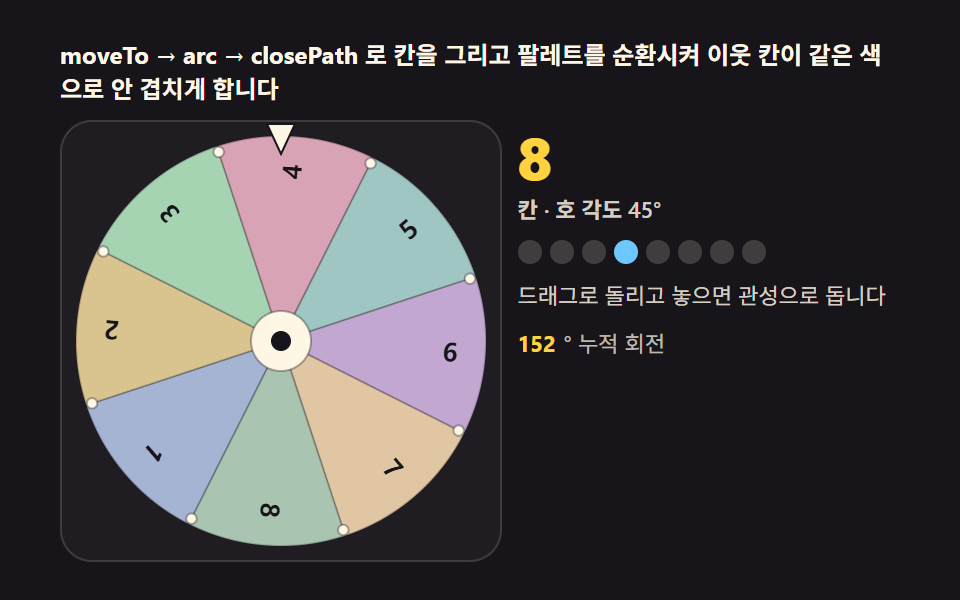 gameSpin Wheel: 9 Canvas Roulettes, Flick to Stop
 game9 CSS Game Demos — Mini Games in HTML & CSS
 gameTetris JavaScript: Build It in 9 Canvas Steps
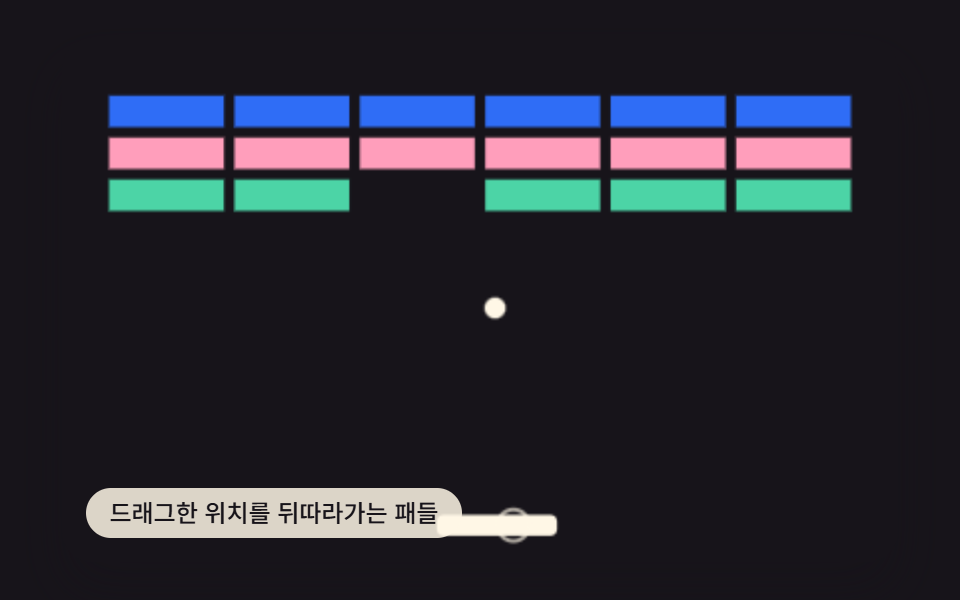 gameBrick Breaker Game JavaScript — 9 Physics Patterns
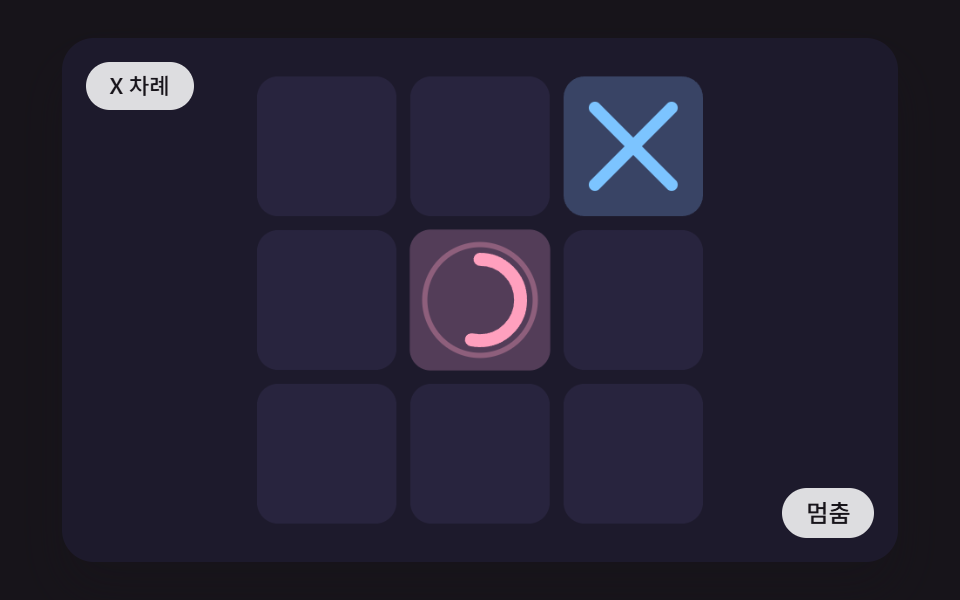 gameCSS Tic Tac Toe: 9 Boards That Count Ahead
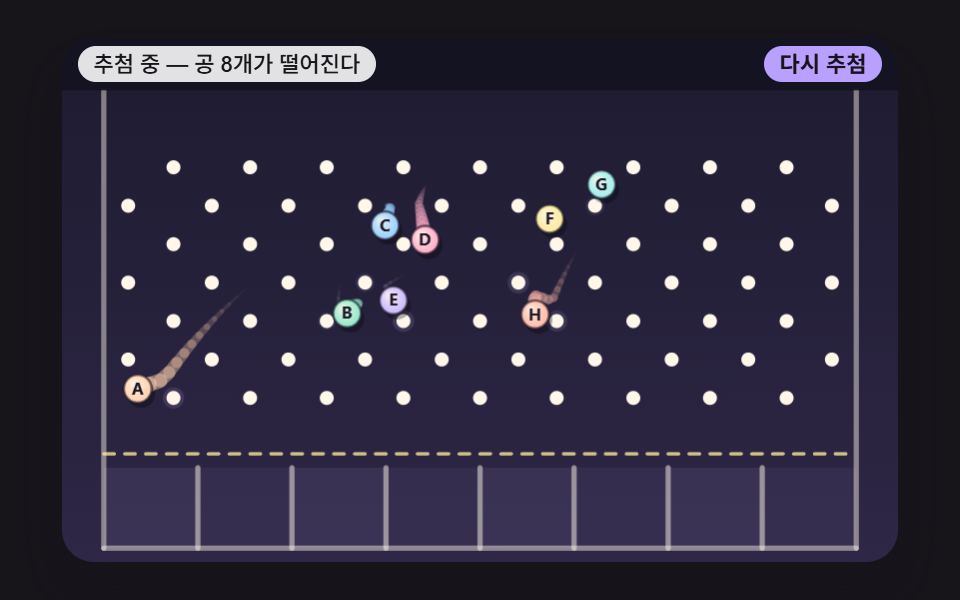 gameJavaScript Pinball Game: 9 Physics Scenes
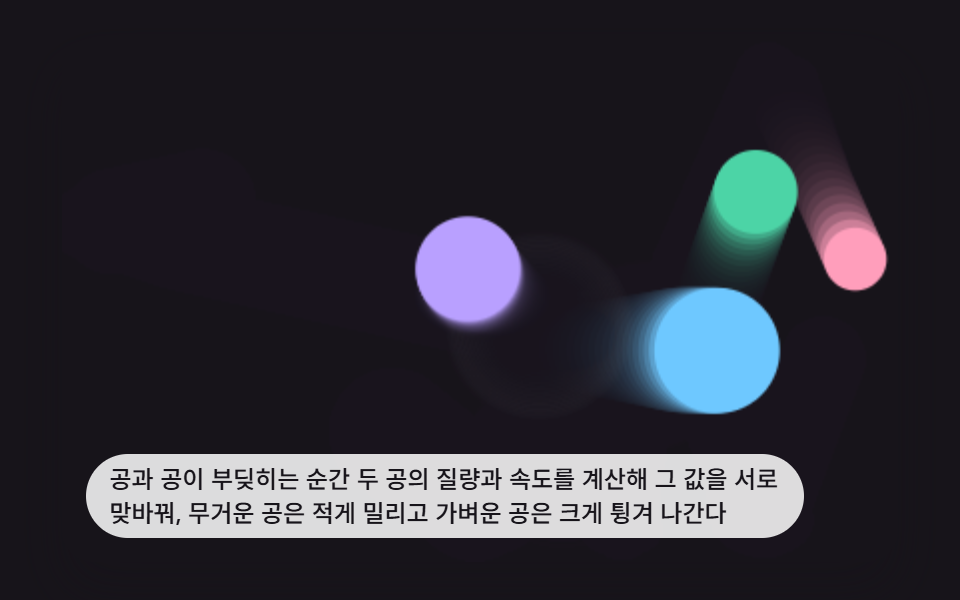 game9 Bouncing Ball Animation Patterns With Physics
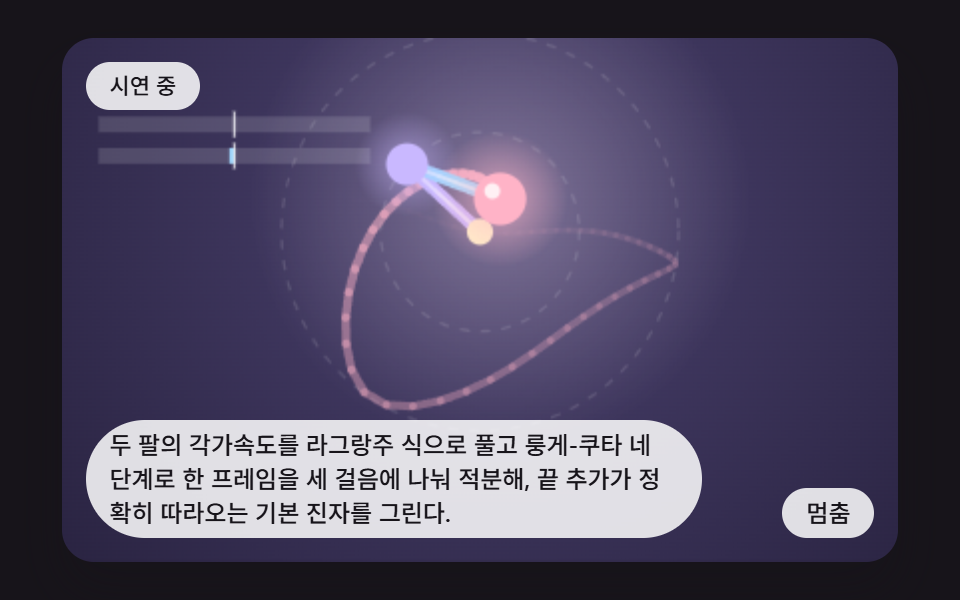 gameDouble Pendulum Simulation: 9 Chaos Scenes
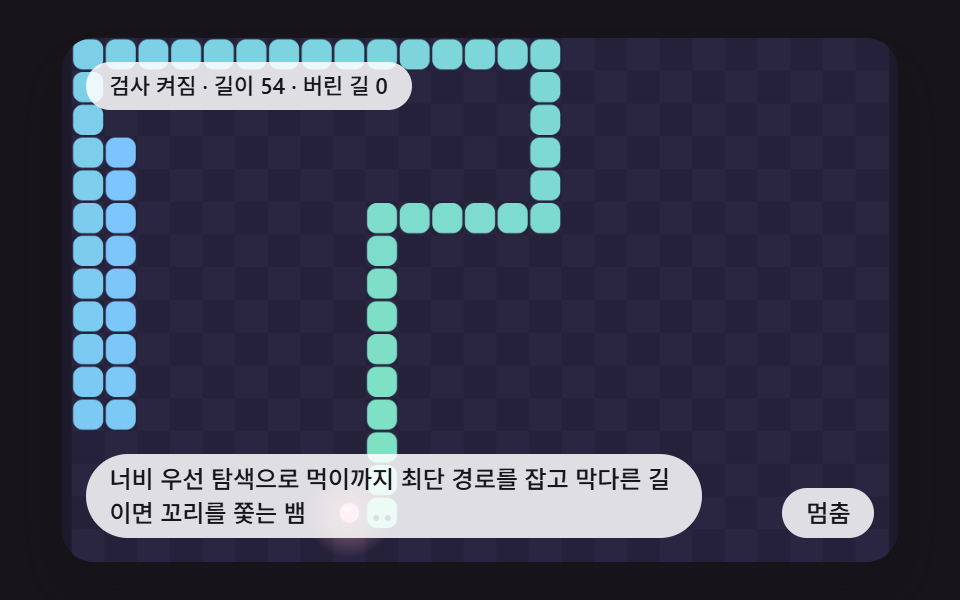 gameCSS Snake Game: 9 Boards That Find Their Own Path
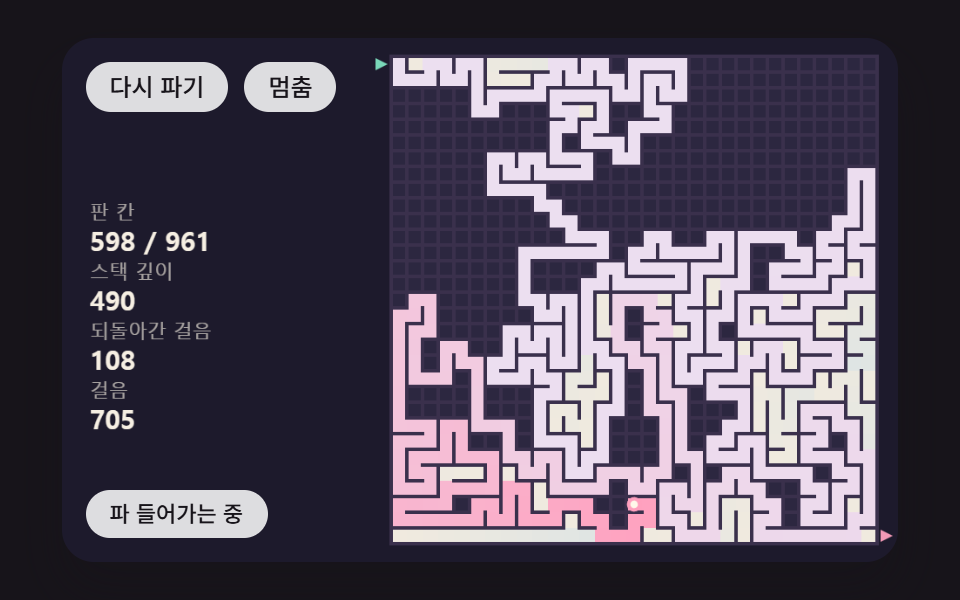 gameMaze Generator: 9 Carve-and-Solve Scenes