9 CSS Game Demos — Mini Games in HTML & CSS
A css game runs its rules and its screen on nothing but selectors, keyframes, and transform.
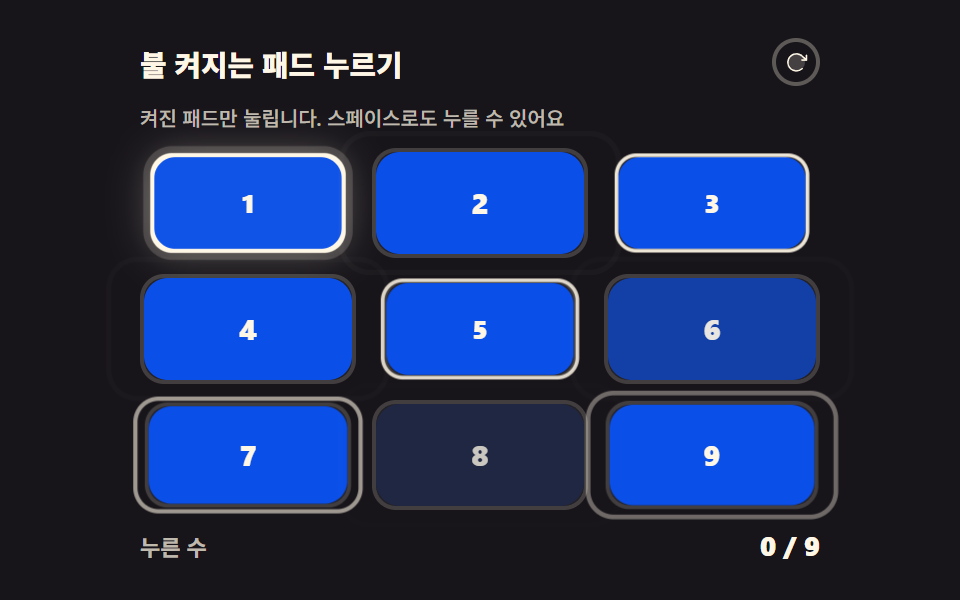 01 lit-reaction-pad
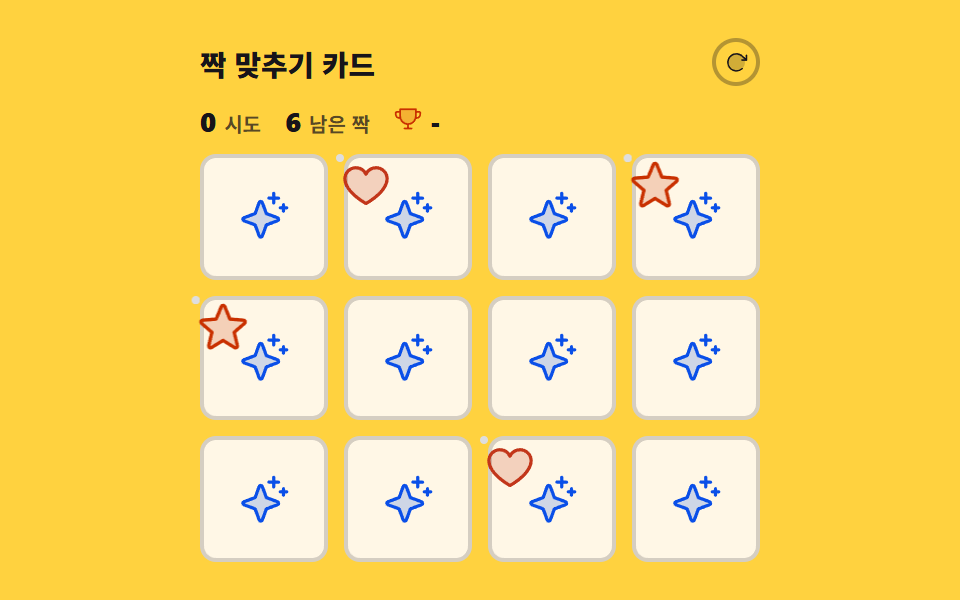 02 memory-pair-flip
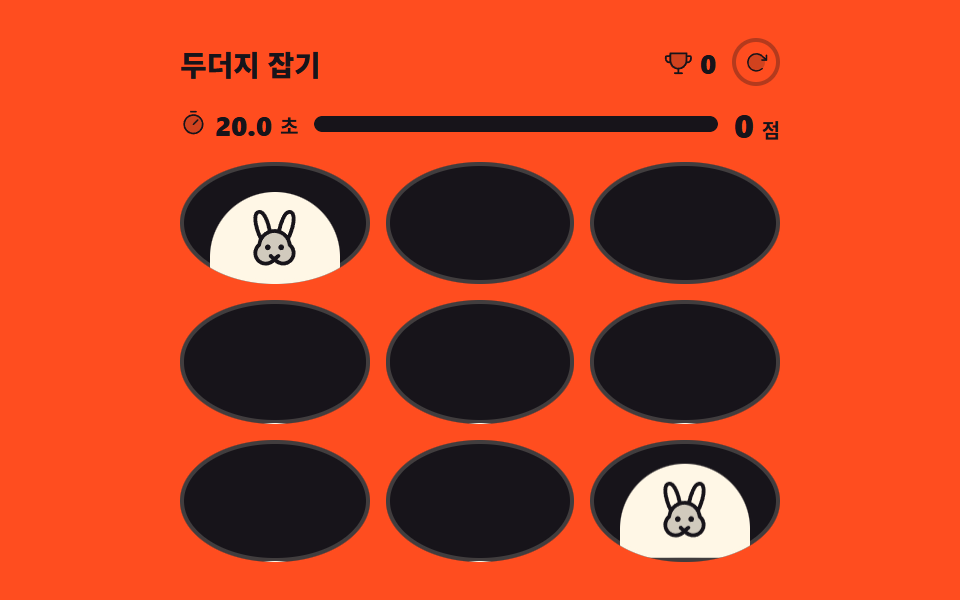 03 mole-whack-timer
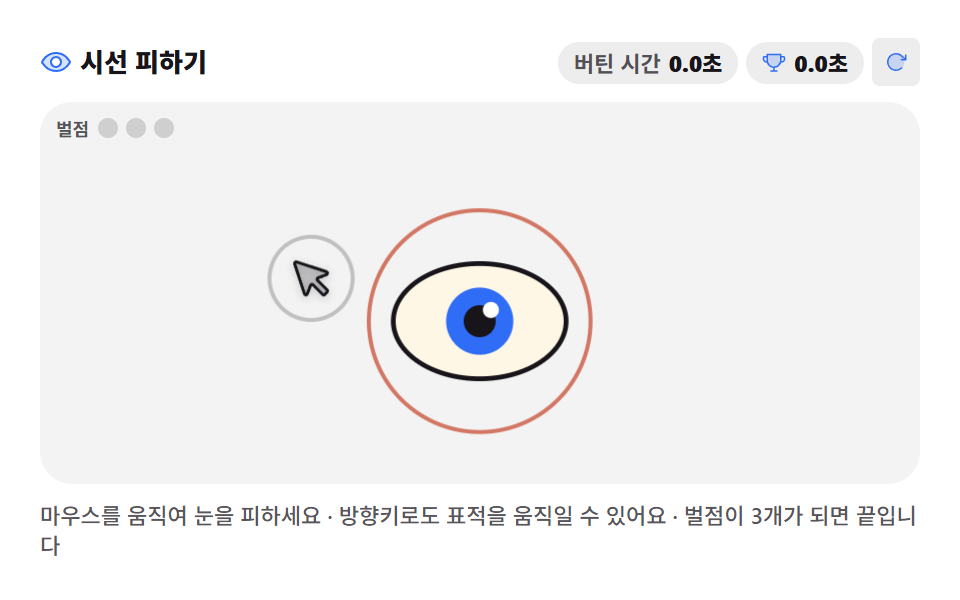 04 gaze-dodge-eye
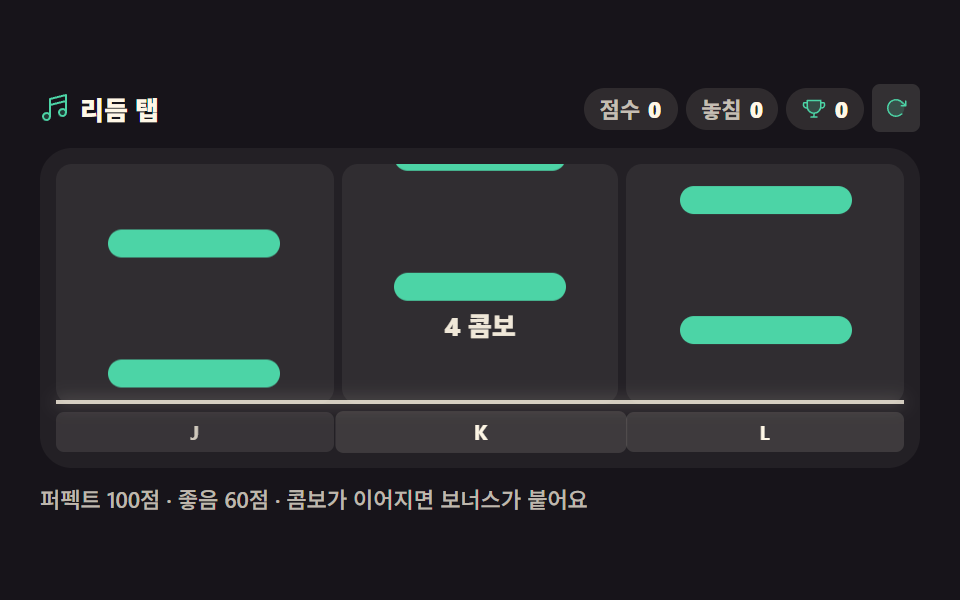 05 rhythm-tap-lane
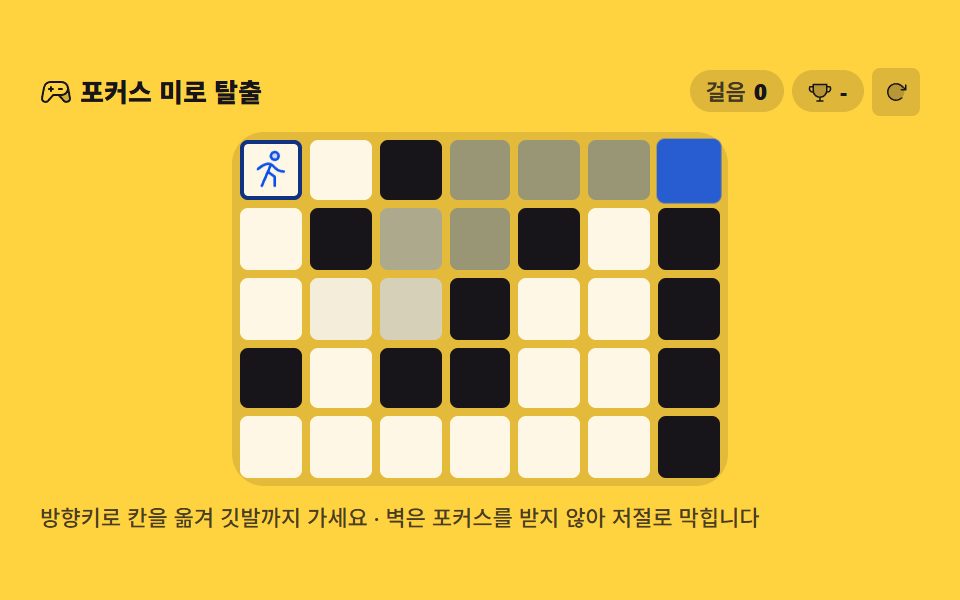 06 focus-maze-escape
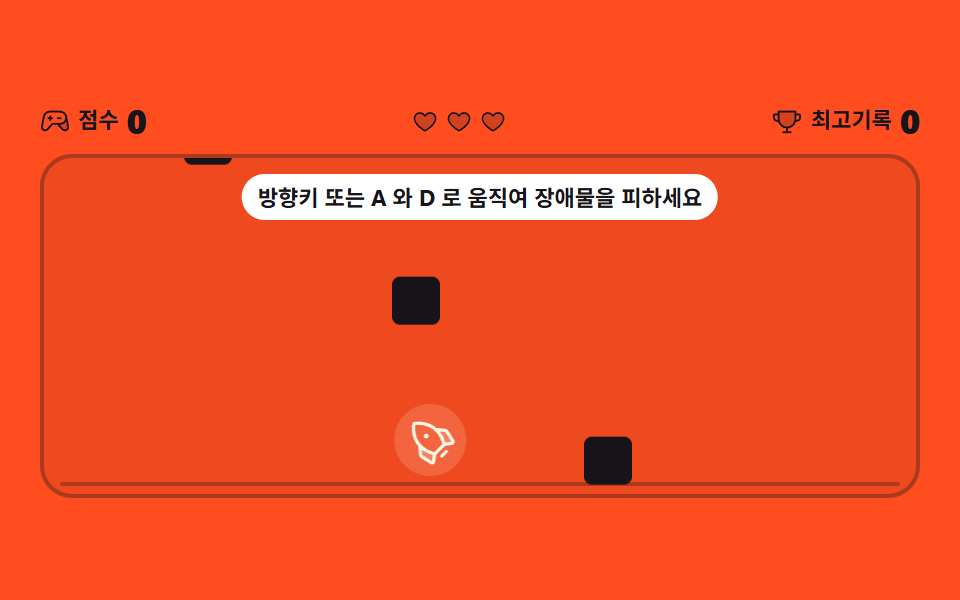 07 dodge-falling-run
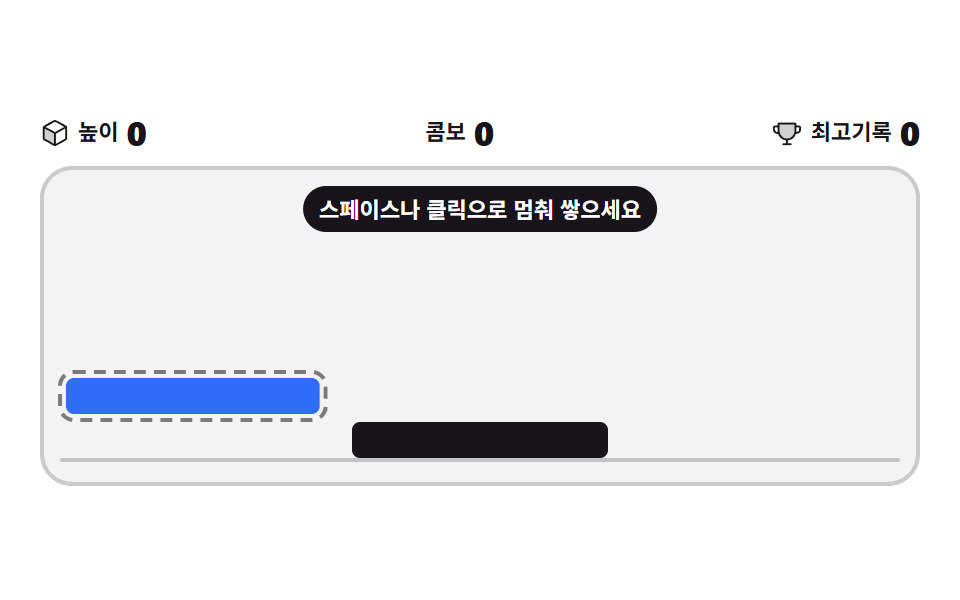 08 stack-tower-timing
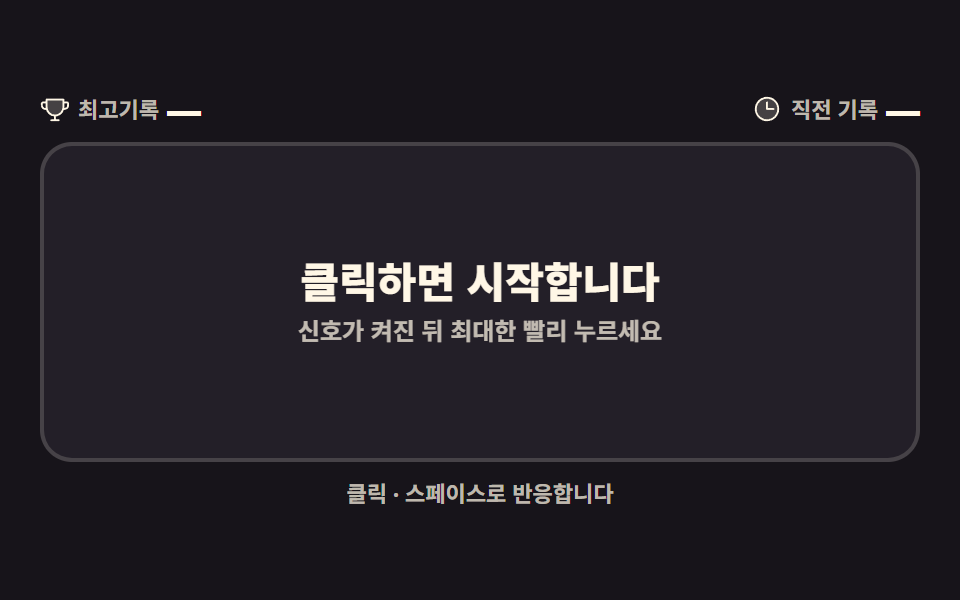 09 reaction-time-signal
Auto-plays · click a tile to jump to its section · all nine in one zip
- 01 Lit-pad tapper
- 02 Memory pair cards
- 03 Whack-a-mole
- 04 Gaze dodge
- 05 Rhythm tap
- 06 Focus maze escape
- 07 Falling dodge
- 08 Stack tower timing
- 09 Reaction time test
The order is not by popularity; it follows who holds the verdict. In the first three, the judging sits almost entirely in CSS (01 a selector chain, 02 a flip transition, 03 a rise transition); in the middle three, JavaScript reads coordinates and focus while CSS paints them (04 cursor chase, 05 an animation clock, 06 focus movement); and in the last three, JavaScript counts frames and timestamps on its own (07 falling dodge, 08 a stopped shuttle, 09 elapsed milliseconds). A search for css only games usually lands on something shaped like 01, where one sibling combinator carries the entire sequence, while by 09 the work has turned into millisecond arithmetic. If it's the card flip itself you're after, 9 CSS Card Flip Animations sits next door; for scenes that lean toward the cursor, there is 3D Hover Effect CSS: 9 Pointer-Following Scenes, and for the key caps themselves, Keyboard Shortcuts UI Design: 9 Working Parts.
01Lit-pad tapper
Only the pad that's lit right now can be pressed, and each press hands the light to the next one, which turns the board into a thirty-second pastime in place of a spinner or eye candy on a 404 page.
<main class="stage">
<div class="rp is-demo" id="rp">
  <header class="rp__bar">
    <p class="rp__title">Lit-pad tapper</p>
    <button class="rp__restart" id="rpRestart" type="button" aria-label="Restart">
      <svg viewBox="0 0 256 256" aria-hidden="true" focusable="false"><g fill="currentColor"><path d="M216 128a88 88 0 1 1-88-88a88 88 0 0 1 88 88" opacity=".2"/><path d="M240 56v48a8 8 0 0 1-8 8h-48a8 8 0 0 1 0-16h27.4l-26.59-24.36l-.25-.24a80 80 0 1 0-1.67 114.78a8 8 0 0 1 11 11.63A95.44 95.44 0 0 1 128 224h-1.32a96 96 0 1 1 69.07-164L224 85.8V56a8 8 0 1 1 16 0"/></g></svg>
    </button>
  </header>
  <p class="rp__hint">Only the lit pad presses. Space works too</p>
  <div class="rp__board" id="rpBoard">
    <input class="rp__check" type="checkbox" id="rpP1" aria-label="Pad 1">
    <input class="rp__check" type="checkbox" id="rpP2" aria-label="Pad 2">
    <input class="rp__check" type="checkbox" id="rpP3" aria-label="Pad 3">
    <input class="rp__check" type="checkbox" id="rpP4" aria-label="Pad 4">
    <input class="rp__check" type="checkbox" id="rpP5" aria-label="Pad 5">
    <input class="rp__check" type="checkbox" id="rpP6" aria-label="Pad 6">
    <input class="rp__check" type="checkbox" id="rpP7" aria-label="Pad 7">
    <input class="rp__check" type="checkbox" id="rpP8" aria-label="Pad 8">
    <input class="rp__check" type="checkbox" id="rpP9" aria-label="Pad 9">
    <div class="rp__grid">
      <label class="rp__pad" for="rpP1" style="--i: 0"><span class="rp__no">1</span></label>
      <label class="rp__pad" for="rpP2" style="--i: 1"><span class="rp__no">2</span></label>
      <label class="rp__pad" for="rpP3" style="--i: 2"><span class="rp__no">3</span></label>
      <label class="rp__pad" for="rpP4" style="--i: 3"><span class="rp__no">4</span></label>
      <label class="rp__pad" for="rpP5" style="--i: 4"><span class="rp__no">5</span></label>
      <label class="rp__pad" for="rpP6" style="--i: 5"><span class="rp__no">6</span></label>
      <label class="rp__pad" for="rpP7" style="--i: 6"><span class="rp__no">7</span></label>
      <label class="rp__pad" for="rpP8" style="--i: 7"><span class="rp__no">8</span></label>
      <label class="rp__pad" for="rpP9" style="--i: 8"><span class="rp__no">9</span></label>
    </div>
    <p class="rp__done" role="status"><b>All 9 pads cleared!</b></p>
  </div>
  <p class="rp__tally"><span class="rp__tallyLabel">Pressed</span> <b class="rp__count"></b></p>
</div>
</main>@use "../../../../site/static/demo-tokens" as *;
// 불 켜지는 패드 누르기 — 순수 CSS 게임. input[type=checkbox] 를 형제 결합자(~)로 연결해
// "바로 앞 패드가 :checked 일 때만 다음 패드에 불이 켜진다"는 연쇄를 만든다.
// 점수는 체크된 input 이 counter-increment 하고 아랫줄 .rp__count::after 가 content: counter() 로 읽는다.
// 9번째까지 체크됐다는 건 연쇄 위에서 1번부터 8번까지 전부 눌렸다는 뜻이므로, 완료 판정도 #rpP9:checked 하나로 충분하다.
// 격자 미리보기(.is-demo)는 9개 패드가 순서대로 눌리는 연출을 프리뷰 레이어(::before 리플 + ::after 채움)로 보여 준다.
$duration: $dur-loop;
$easing: $ease-spring;
$color: $subject-blue-deep;
@include stage($stage-ink);
.rp {
display: flex; flex-direction: column; gap: $sp-2;
width: 100%; max-width: 340px; height: 100%;
counter-reset: rpTaps;
}
.rp__bar { display: flex; align-items: center; justify-content: space-between; gap: $sp-2; }
.rp__title { margin: 0; font-weight: 800; font-size: clamp(12px, 3vw, 15px); color: $subject-cream; }
.rp__restart {
display: grid; place-items: center; width: clamp(24px, 5vw, 28px); aspect-ratio: 1; padding: 0;
border: 2px solid rgba($subject-cream, .3); border-radius: $r-control;
background: none; color: $subject-cream; cursor: pointer;
}
.rp__restart svg { width: 62%; height: 62%; }
.rp__restart:focus-visible { outline: 2px solid $subject-cream; outline-offset: 2px; }
.rp__hint { margin: 0; font-weight: 500; font-size: clamp(8px, 2.2vw, 10px); color: rgba($subject-cream, .72); }
.rp__board { position: relative; flex: 1 1 auto; min-height: 0; display: flex; }
// 체크박스는 화면에 그리지 않지만 카운터와 키보드 초점을 위해서 상자를 유지한다(display:none 은 카운터를 끊는다)
.rp__check { position: absolute; width: 1px; height: 1px; margin: -1px; opacity: 0; pointer-events: none; }
.rp__check:checked { counter-increment: rpTaps; }
.rp__grid { flex: 1 1 auto; display: grid; grid-template: repeat(3, 1fr) / repeat(3, 1fr); gap: $sp-2; }
.rp__pad {
position: relative; display: grid; place-items: center;
border-radius: $r-control; border: 2px solid rgba($subject-cream, .14);
background-color: rgba($subject-cream, .05);
pointer-events: none; cursor: default;
transition: background-color $dur-quick $ease-out, border-color $dur-quick $ease-out,
box-shadow $dur-quick $ease-out, transform $dur-quick $ease-pop;
}
.rp__no { position: relative; z-index: 1; font-weight: 800; font-size: clamp(11px, 3vw, 16px); color: rgba($subject-cream, .72); }
// 프리뷰 채움(::after)과 리플 고리(::before) — .is-demo 연출에서만 움직인다
.rp__pad::after { content: ""; position: absolute; inset: 0; z-index: 0; border-radius: inherit; background-color: $color; opacity: 0; }
.rp__pad::before { content: ""; position: absolute; inset: -2px; z-index: 2; border: 2px solid $subject-cream; border-radius: inherit; opacity: 0; }
// ── 연쇄 규칙 ───────────────────────────────────────────────
// 꺼진(아직 못 누른) 패드는 pointer-events:none 이라 클릭이 닿지 않고, 켜진 패드만 auto 로 살아난다
#rpP1:not(:checked) ~ .rp__grid .rp__pad:nth-child(1),
#rpP1:checked ~ .rp__grid .rp__pad:nth-child(2),
#rpP2:checked ~ .rp__grid .rp__pad:nth-child(3),
#rpP3:checked ~ .rp__grid .rp__pad:nth-child(4),
#rpP4:checked ~ .rp__grid .rp__pad:nth-child(5),
#rpP5:checked ~ .rp__grid .rp__pad:nth-child(6),
#rpP6:checked ~ .rp__grid .rp__pad:nth-child(7),
#rpP7:checked ~ .rp__grid .rp__pad:nth-child(8),
#rpP8:checked ~ .rp__grid .rp__pad:nth-child(9) {
pointer-events: auto; cursor: pointer;
background-color: $subject-cream; border-color: $subject-cream;
box-shadow: 0 0 0 4px rgba($subject-cream, .16), 0 0 22px rgba($subject-cream, .3);
.rp__no { color: $subject-ink; }
}
// 누른 패드는 색이 바뀌어 남는다 — 연쇄가 순서를 보장하므로 반칙 클릭은 애초에 불가능하다
#rpP1:checked ~ .rp__grid .rp__pad:nth-child(1),
#rpP2:checked ~ .rp__grid .rp__pad:nth-child(2),
#rpP3:checked ~ .rp__grid .rp__pad:nth-child(3),
#rpP4:checked ~ .rp__grid .rp__pad:nth-child(4),
#rpP5:checked ~ .rp__grid .rp__pad:nth-child(5),
#rpP6:checked ~ .rp__grid .rp__pad:nth-child(6),
#rpP7:checked ~ .rp__grid .rp__pad:nth-child(7),
#rpP8:checked ~ .rp__grid .rp__pad:nth-child(8),
#rpP9:checked ~ .rp__grid .rp__pad:nth-child(9) {
background-color: $color; border-color: $color; box-shadow: none;
.rp__no { color: $subject-cream; }
}
// 키보드 초점도 켜진 패드에만 보인다 — 초점 자체는 JS 가 켜진 패드로 옮긴다
#rpP1:focus-visible ~ .rp__grid .rp__pad:nth-child(1),
#rpP2:focus-visible ~ .rp__grid .rp__pad:nth-child(2),
#rpP3:focus-visible ~ .rp__grid .rp__pad:nth-child(3),
#rpP4:focus-visible ~ .rp__grid .rp__pad:nth-child(4),
#rpP5:focus-visible ~ .rp__grid .rp__pad:nth-child(5),
#rpP6:focus-visible ~ .rp__grid .rp__pad:nth-child(6),
#rpP7:focus-visible ~ .rp__grid .rp__pad:nth-child(7),
#rpP8:focus-visible ~ .rp__grid .rp__pad:nth-child(8),
#rpP9:focus-visible ~ .rp__grid .rp__pad:nth-child(9) {
outline: 2px solid $subject-cream; outline-offset: 2px;
}
.rp__pad:active { transform: scale(.93); }
// 완료 — #rpP9 가 체크됐다면 1부터 8까지 전부 지나온 상태다
.rp__done { position: absolute; inset: 0; z-index: 3; display: none; place-items: center; margin: 0; }
#rpP9:checked ~ .rp__done { display: grid; }
.rp__done b {
display: inline-block; padding: $sp-2 $sp-4; border-radius: $r-pill;
background-color: $subject-cream; color: $subject-ink;
font-weight: 800; font-size: clamp(11px, 2.8vw, 14px); box-shadow: $shadow-press;
animation-name: rpDoneIn; animation-duration: $dur-enter; animation-timing-function: $easing;
animation-iteration-count: 1; animation-fill-mode: both;
}
@keyframes rpDoneIn {
from { opacity: 0; transform: scale(.8); }
to { opacity: 1; transform: scale(1); }
}
.rp__tally { display: flex; align-items: baseline; justify-content: space-between; gap: $sp-2; margin: 0; }
.rp__tallyLabel { font-weight: 700; font-size: clamp(9px, 2.4vw, 11px); color: rgba($subject-cream, .72); }
.rp__count { font-weight: 800; font-size: clamp(11px, 2.8vw, 14px); color: $subject-cream; }
.rp__count::after { content: counter(rpTaps) " / 9"; }
// ── 격자 미리보기 ───────────────────────────────────────────────
// 9개 패드가 2초 안에 순서대로 눌린다 — 눌림(scale)·채움(opacity)·리플 고리(scale+fade)를 같은 지연으로 묶는다
.rp.is-demo .rp__pad,
.rp.is-demo .rp__pad::after,
.rp.is-demo .rp__pad::before,
.rp.is-demo .rp__no {
animation-duration: 380ms; animation-timing-function: $easing;
animation-iteration-count: infinite; animation-fill-mode: backwards;
animation-delay: calc(var(--i) * 180ms);
}
.rp.is-demo .rp__pad { animation-name: rpPress; }
.rp.is-demo .rp__pad::after { animation-name: rpFill; }
.rp.is-demo .rp__pad::before { animation-name: rpRipple; }
.rp.is-demo .rp__no { animation-name: rpNo; }
@keyframes rpPress {
0% { transform: scale(1); }
28% { transform: scale(.9); }
58% { transform: scale(1); }
100% { transform: scale(1); }
}
@keyframes rpFill {
0% { opacity: 0; }
26% { opacity: 1; }
78% { opacity: 1; }
100% { opacity: 0; }
}
@keyframes rpRipple {
0% { transform: scale(1); opacity: 0; }
26% { opacity: .9; transform: scale(1); }
100% { transform: scale(1.32); opacity: 0; }
}
@keyframes rpNo {
0% { color: rgba($subject-cream, .72); }
26% { color: $subject-cream; }
78% { color: $subject-cream; }
100% { color: rgba($subject-cream, .72); }
}
@media (max-width: 340px) {
.rp { gap: $sp-1; }
.rp__grid { gap: $sp-1; }
}
// reduce 에서는 연출을 끄고 현재 상태 한 장만 보여 준다 — 눌림 반응(transition)은 남긴다
@media (prefers-reduced-motion: reduce) {
.rp.is-demo .rp__pad,
.rp.is-demo .rp__pad::before,
.rp.is-demo .rp__pad::after,
.rp.is-demo .rp__no { animation: none !important; }
.rp__done b { animation: none !important; }
.rp__pad { transition: none !important; }
}html, body {
margin: 0;
overflow: hidden;
}
.stage {
box-sizing: border-box;
min-height: 100vh;
display: grid;
place-items: center;
margin: 0;
background: #17141a;
font-family: -apple-system, "Segoe UI", "Noto Sans KR", sans-serif;
padding: clamp(8px, 4vw, 24px);
}
.rp {
display: flex;
flex-direction: column;
gap: 8px;
width: 100%;
max-width: 340px;
height: 100%;
counter-reset: rpTaps;
}
.rp__bar {
display: flex;
align-items: center;
justify-content: space-between;
gap: 8px;
}
.rp__title {
margin: 0;
font-weight: 800;
font-size: clamp(12px, 3vw, 15px);
color: #fff7e6;
}
.rp__restart {
display: grid;
place-items: center;
width: clamp(24px, 5vw, 28px);
aspect-ratio: 1;
padding: 0;
border: 2px solid rgba(255, 247, 230, 0.3);
border-radius: 12px;
background: none;
color: #fff7e6;
cursor: pointer;
}
.rp__restart svg {
width: 62%;
height: 62%;
}
.rp__restart:focus-visible {
outline: 2px solid #fff7e6;
outline-offset: 2px;
}
.rp__hint {
margin: 0;
font-weight: 500;
font-size: clamp(8px, 2.2vw, 10px);
color: rgba(255, 247, 230, 0.72);
}
.rp__board {
position: relative;
flex: 1 1 auto;
min-height: 0;
display: flex;
}
.rp__check {
position: absolute;
width: 1px;
height: 1px;
margin: -1px;
opacity: 0;
pointer-events: none;
}
.rp__check:checked {
counter-increment: rpTaps;
}
.rp__grid {
flex: 1 1 auto;
display: grid;
grid-template: repeat(3, 1fr)/repeat(3, 1fr);
gap: 8px;
}
.rp__pad {
position: relative;
display: grid;
place-items: center;
border-radius: 12px;
border: 2px solid rgba(255, 247, 230, 0.14);
background-color: rgba(255, 247, 230, 0.05);
pointer-events: none;
cursor: default;
transition: background-color 220ms ease-out, border-color 220ms ease-out, box-shadow 220ms ease-out, transform 220ms cubic-bezier(0.2, 1.4, 0.4, 1);
}
.rp__no {
position: relative;
z-index: 1;
font-weight: 800;
font-size: clamp(11px, 3vw, 16px);
color: rgba(255, 247, 230, 0.72);
}
.rp__pad::after {
content: "";
position: absolute;
inset: 0;
z-index: 0;
border-radius: inherit;
background-color: #0a4fe8;
opacity: 0;
}
.rp__pad::before {
content: "";
position: absolute;
inset: -2px;
z-index: 2;
border: 2px solid #fff7e6;
border-radius: inherit;
opacity: 0;
}
#rpP1:not(:checked) ~ .rp__grid .rp__pad:nth-child(1),
#rpP1:checked ~ .rp__grid .rp__pad:nth-child(2),
#rpP2:checked ~ .rp__grid .rp__pad:nth-child(3),
#rpP3:checked ~ .rp__grid .rp__pad:nth-child(4),
#rpP4:checked ~ .rp__grid .rp__pad:nth-child(5),
#rpP5:checked ~ .rp__grid .rp__pad:nth-child(6),
#rpP6:checked ~ .rp__grid .rp__pad:nth-child(7),
#rpP7:checked ~ .rp__grid .rp__pad:nth-child(8),
#rpP8:checked ~ .rp__grid .rp__pad:nth-child(9) {
pointer-events: auto;
cursor: pointer;
background-color: #fff7e6;
border-color: #fff7e6;
box-shadow: 0 0 0 4px rgba(255, 247, 230, 0.16), 0 0 22px rgba(255, 247, 230, 0.3);
}
#rpP1:not(:checked) ~ .rp__grid .rp__pad:nth-child(1) .rp__no,
#rpP1:checked ~ .rp__grid .rp__pad:nth-child(2) .rp__no,
#rpP2:checked ~ .rp__grid .rp__pad:nth-child(3) .rp__no,
#rpP3:checked ~ .rp__grid .rp__pad:nth-child(4) .rp__no,
#rpP4:checked ~ .rp__grid .rp__pad:nth-child(5) .rp__no,
#rpP5:checked ~ .rp__grid .rp__pad:nth-child(6) .rp__no,
#rpP6:checked ~ .rp__grid .rp__pad:nth-child(7) .rp__no,
#rpP7:checked ~ .rp__grid .rp__pad:nth-child(8) .rp__no,
#rpP8:checked ~ .rp__grid .rp__pad:nth-child(9) .rp__no {
color: #17141a;
}
#rpP1:checked ~ .rp__grid .rp__pad:nth-child(1),
#rpP2:checked ~ .rp__grid .rp__pad:nth-child(2),
#rpP3:checked ~ .rp__grid .rp__pad:nth-child(3),
#rpP4:checked ~ .rp__grid .rp__pad:nth-child(4),
#rpP5:checked ~ .rp__grid .rp__pad:nth-child(5),
#rpP6:checked ~ .rp__grid .rp__pad:nth-child(6),
#rpP7:checked ~ .rp__grid .rp__pad:nth-child(7),
#rpP8:checked ~ .rp__grid .rp__pad:nth-child(8),
#rpP9:checked ~ .rp__grid .rp__pad:nth-child(9) {
background-color: #0a4fe8;
border-color: #0a4fe8;
box-shadow: none;
}
#rpP1:checked ~ .rp__grid .rp__pad:nth-child(1) .rp__no,
#rpP2:checked ~ .rp__grid .rp__pad:nth-child(2) .rp__no,
#rpP3:checked ~ .rp__grid .rp__pad:nth-child(3) .rp__no,
#rpP4:checked ~ .rp__grid .rp__pad:nth-child(4) .rp__no,
#rpP5:checked ~ .rp__grid .rp__pad:nth-child(5) .rp__no,
#rpP6:checked ~ .rp__grid .rp__pad:nth-child(6) .rp__no,
#rpP7:checked ~ .rp__grid .rp__pad:nth-child(7) .rp__no,
#rpP8:checked ~ .rp__grid .rp__pad:nth-child(8) .rp__no,
#rpP9:checked ~ .rp__grid .rp__pad:nth-child(9) .rp__no {
color: #fff7e6;
}
#rpP1:focus-visible ~ .rp__grid .rp__pad:nth-child(1),
#rpP2:focus-visible ~ .rp__grid .rp__pad:nth-child(2),
#rpP3:focus-visible ~ .rp__grid .rp__pad:nth-child(3),
#rpP4:focus-visible ~ .rp__grid .rp__pad:nth-child(4),
#rpP5:focus-visible ~ .rp__grid .rp__pad:nth-child(5),
#rpP6:focus-visible ~ .rp__grid .rp__pad:nth-child(6),
#rpP7:focus-visible ~ .rp__grid .rp__pad:nth-child(7),
#rpP8:focus-visible ~ .rp__grid .rp__pad:nth-child(8),
#rpP9:focus-visible ~ .rp__grid .rp__pad:nth-child(9) {
outline: 2px solid #fff7e6;
outline-offset: 2px;
}
.rp__pad:active {
transform: scale(0.93);
}
.rp__done {
position: absolute;
inset: 0;
z-index: 3;
display: none;
place-items: center;
margin: 0;
}
#rpP9:checked ~ .rp__done {
display: grid;
}
.rp__done b {
display: inline-block;
padding: 8px 16px;
border-radius: 999px;
background-color: #fff7e6;
color: #17141a;
font-weight: 800;
font-size: clamp(11px, 2.8vw, 14px);
box-shadow: 0 6px 12px rgba(23, 20, 26, 0.32);
animation-name: rpDoneIn;
animation-duration: 600ms;
animation-timing-function: cubic-bezier(0.2, 0.8, 0.2, 1);
animation-iteration-count: 1;
animation-fill-mode: both;
}
@keyframes rpDoneIn {
from {
opacity: 0;
transform: scale(0.8);
}
to {
opacity: 1;
transform: scale(1);
}
}
.rp__tally {
display: flex;
align-items: baseline;
justify-content: space-between;
gap: 8px;
margin: 0;
}
.rp__tallyLabel {
font-weight: 700;
font-size: clamp(9px, 2.4vw, 11px);
color: rgba(255, 247, 230, 0.72);
}
.rp__count {
font-weight: 800;
font-size: clamp(11px, 2.8vw, 14px);
color: #fff7e6;
}
.rp__count::after {
content: counter(rpTaps) " / 9";
}
.rp.is-demo .rp__pad,
.rp.is-demo .rp__pad::after,
.rp.is-demo .rp__pad::before,
.rp.is-demo .rp__no {
animation-duration: 380ms;
animation-timing-function: cubic-bezier(0.2, 0.8, 0.2, 1);
animation-iteration-count: infinite;
animation-fill-mode: backwards;
animation-delay: calc(var(--i) * 180ms);
}
.rp.is-demo .rp__pad {
animation-name: rpPress;
}
.rp.is-demo .rp__pad::after {
animation-name: rpFill;
}
.rp.is-demo .rp__pad::before {
animation-name: rpRipple;
}
.rp.is-demo .rp__no {
animation-name: rpNo;
}
@keyframes rpPress {
0% {
transform: scale(1);
}
28% {
transform: scale(0.9);
}
58% {
transform: scale(1);
}
100% {
transform: scale(1);
}
}
@keyframes rpFill {
0% {
opacity: 0;
}
26% {
opacity: 1;
}
78% {
opacity: 1;
}
100% {
opacity: 0;
}
}
@keyframes rpRipple {
0% {
transform: scale(1);
opacity: 0;
}
26% {
opacity: 0.9;
transform: scale(1);
}
100% {
transform: scale(1.32);
opacity: 0;
}
}
@keyframes rpNo {
0% {
color: rgba(255, 247, 230, 0.72);
}
26% {
color: #fff7e6;
}
78% {
color: #fff7e6;
}
100% {
color: rgba(255, 247, 230, 0.72);
}
}
@media (max-width: 340px) {
.rp {
gap: 4px;
}
.rp__grid {
gap: 4px;
}
}
@media (prefers-reduced-motion: reduce) {
.rp.is-demo .rp__pad,
.rp.is-demo .rp__pad::before,
.rp.is-demo .rp__pad::after,
.rp.is-demo .rp__no {
animation: none !important;
}
.rp__done b {
animation: none !important;
}
.rp__pad {
transition: none !important;
}
}// 게임 판정 자체는 전부 CSS(:checked 연쇄 + counter)다. JS 는 두 가지 보조만 한다 —
// 재시작(체크 해제)과 키보드 초점이 켜진 패드를 따라가는 일.
(function () {
var root = document.getElementById('rp');
var checks = [].slice.call(document.querySelectorAll('.rp__check'));
var count = checks.length;
function litIndex() {
for (var i = 0; i < count; i++) { if (!checks[i].checked) { return i; } }
return -1;
}
function sync(focusLit) {
var k = litIndex();
for (var i = 0; i < count; i++) { checks[i].tabIndex = (k === i || k < 0) ? 0 : -1; }
if (focusLit && k >= 0) { checks[k].focus({ preventScroll: true }); }
}
root.addEventListener('change', function () {
root.classList.remove('is-demo');
sync(true);
});
document.getElementById('rpRestart').addEventListener('click', function () {
for (var i = 0; i < count; i++) { checks[i].checked = false; }
root.classList.remove('is-demo');
sync(true);
});
sync(false);
})();// LitReactionPad — vanilla 판(run/301/demo/01-lit-reaction-pad/index.html) 의 React 포트.
// 게임 판정은 전부 CSS(:checked 연쇄 + counter)다. React 는 상태(체크 9개)를 들고 있고
// 재시작과 키보드 초점(켜진 패드로 이동)만 담당한다.
import { useState } from "react";
import type { CSSProperties } from "react";
import styles from "./LitReactionPad.module.scss";
export type LitReactionPadProps = {
duration?: number;
easing?: string;
accentColor?: string;
};
type Vars = CSSProperties & { "--duration"?: string; "--easing"?: string; "--color"?: string };
type PadVars = CSSProperties & { "--i"?: string };
const TOTAL = 9;
const TITLE = "불 켜지는 패드 누르기";
const HINT = "켜진 패드만 눌립니다. 스페이스로도 누를 수 있어요";
const RESTART_LABEL = "다시 시작";
const PAD_LABEL = "{n}번 패드";
const DONE_TEXT = "9개 패드 클리어!";
const TALLY_LABEL = "누른 수";
function RestartIcon() {
return (
<svg viewBox="0 0 256 256" aria-hidden="true" focusable="false">
<g fill="currentColor">
<path d="M216 128a88 88 0 1 1-88-88a88 88 0 0 1 88 88" opacity=".2" />
<path d="M240 56v48a8 8 0 0 1-8 8h-48a8 8 0 0 1 0-16h27.4l-26.59-24.36l-.25-.24a80 80 0 1 0-1.67 114.78a8 8 0 0 1 11 11.63A95.44 95.44 0 0 1 128 224h-1.32a96 96 0 1 1 69.07-164L224 85.8V56a8 8 0 1 1 16 0" />
</g>
</svg>
);
}
export default function LitReactionPad({
duration = 2000,
easing = "cubic-bezier(.2, .8, .2, 1)",
accentColor = "#0a4fe8",
}: LitReactionPadProps) {
const [checks, setChecks] = useState<boolean[]>(Array(TOTAL).fill(false));
const [demo, setDemo] = useState(true);
const vars: Vars = { "--duration": `${duration}ms`, "--easing": easing, "--color": accentColor };
const litIndex = checks.findIndex((v) => !v);
function toggle(i: number) {
setDemo(false);
setChecks((prev) => prev.map((v, k) => (k === i ? !v : v)));
}
function restart() {
setDemo(false);
setChecks(Array(TOTAL).fill(false));
}
function padVars(i: number): PadVars {
return { "--i": String(i) };
}
function padLabel(i: number): string {
return PAD_LABEL.replace("{n}", String(i + 1));
}
const cls = [styles.root, demo ? styles.isDemo : ""].filter(Boolean).join(" ");
return (
<main className={styles.stage}>
<div className={cls} style={vars}>
<header className={styles.bar}>
<p className={styles.title}>{TITLE}</p>
<button className={styles.restart} type="button" aria-label={RESTART_LABEL} onClick={restart}>
<RestartIcon />
</button>
</header>
<p className={styles.hint}>{HINT}</p>
<div className={styles.board}>
{checks.map((v, i) => (
<input
key={i}
className={styles.check}
type="checkbox"
id={`rpP${i + 1}`}
aria-label={padLabel(i)}
checked={v}
tabIndex={litIndex === i || litIndex < 0 ? 0 : -1}
onChange={() => toggle(i)}
/>
))}
<div className={styles.grid}>
{checks.map((v, i) => (
<label key={i} className={styles.pad} htmlFor={`rpP${i + 1}`} style={padVars(i)}>
<span className={styles.no}>{i + 1}</span>
</label>
))}
</div>
<p className={styles.done} role="status">
<b>{DONE_TEXT}</b>
</p>
</div>
<p className={styles.tally}>
<span className={styles.tallyLabel}>{TALLY_LABEL}</span> <b className={styles.count}></b>
</p>
</div>
</main>
);
}01 · Lit-pad tapper — Measured area 47.79% · moving frames 23/23Original by GODRICH · SCSS and React ship in the zip · See the password
Order lock built from sibling combinators
// A dark pad (not reachable yet) has pointer-events:none so the click never lands; only the lit pad comes back to auto
#rpP1:not(:checked) ~ .rp__grid .rp__pad:nth-child(1),
#rpP1:checked ~ .rp__grid .rp__pad:nth-child(2),
#rpP2:checked ~ .rp__grid .rp__pad:nth-child(3),
#rpP3:checked ~ .rp__grid .rp__pad:nth-child(4),
#rpP4:checked ~ .rp__grid .rp__pad:nth-child(5),
#rpP5:checked ~ .rp__grid .rp__pad:nth-child(6),
#rpP6:checked ~ .rp__grid .rp__pad:nth-child(7),
#rpP7:checked ~ .rp__grid .rp__pad:nth-child(8),
#rpP8:checked ~ .rp__grid .rp__pad:nth-child(9) {
  pointer-events: auto; cursor: pointer;
  background-color: $subject-cream; border-color: $subject-cream;
  box-shadow: 0 0 0 4px rgba($subject-cream, .16), 0 0 22px rgba($subject-cream, .3);
  .rp__no { color: $subject-ink; }
}
A pad only lights up once the one before it is :checked, so a press out of turn is stopped by structure rather than by a rule, and the whole verdict rests on the single pseudo-class described on MDN's :checked page.
The score is kept by a CSS counter
.rp {
  display: flex; flex-direction: column; gap: $sp-2;
  width: 100%; max-width: 340px; height: 100%;
  counter-reset: rpTaps;
}
// The checkbox is never painted, but the box stays for the counter and for keyboard focus (display:none would break the counter)
.rp__check { position: absolute; width: 1px; height: 1px; margin: -1px; opacity: 0; pointer-events: none; }
.rp__check:checked { counter-increment: rpTaps; }
.rp__count::after { content: counter(rpTaps) " / 9"; }
// Cleared — if #rpP9 is checked, every pad from 1 through 8 has already been passed
.rp__done { position: absolute; inset: 0; z-index: 3; display: none; place-items: center; margin: 0; }
#rpP9:checked ~ .rp__done { display: grid; }
Not one line of JavaScript tallies the score here, and with 36 animations layered on it, this board measures 47.79% cumulative area and 23/23 frames in motion, the densest movement of the nine.
02Memory pair cards
Two revealed cards stay face up when they match and turn back over when they do not, which makes it a time-killer and, with quiz questions printed on the faces, a learning deck.
<main class="stage">
<div class="mm is-demo" id="mm">
  <header class="mm__bar">
    <p class="mm__title">Memory pair cards</p>
    <button class="mm__restart" id="mmRestart" type="button" aria-label="Reshuffle">
      <svg viewBox="0 0 256 256" aria-hidden="true" focusable="false"><g fill="currentColor"><path d="M216 128a88 88 0 1 1-88-88a88 88 0 0 1 88 88" opacity=".2"/><path d="M240 56v48a8 8 0 0 1-8 8h-48a8 8 0 0 1 0-16h27.4l-26.59-24.36l-.25-.24a80 80 0 1 0-1.67 114.78a8 8 0 0 1 11 11.63A95.44 95.44 0 0 1 128 224h-1.32a96 96 0 1 1 69.07-164L224 85.8V56a8 8 0 1 1 16 0"/></g></svg>
    </button>
  </header>
  <div class="mm__stats">
    <span class="mm__stat"><b class="mm__num" id="mmTries">0</b><span class="mm__label">Tries</span></span>
    <span class="mm__stat"><b class="mm__num" id="mmPairs">6</b><span class="mm__label">Pairs left</span></span>
    <span class="mm__stat mm__stat--best" aria-label="Best score">
      <svg class="mm__trophy" viewBox="0 0 256 256" aria-hidden="true" focusable="false"><g fill="currentColor"><path d="M200 48v63.1c0 39.7-31.75 72.6-71.45 72.9A72 72 0 0 1 56 112V48Z" opacity=".2"/><path d="M232 64h-24V48a8 8 0 0 0-8-8H56a8 8 0 0 0-8 8v16H24A16 16 0 0 0 8 80v16a40 40 0 0 0 40 40h3.65A80.13 80.13 0 0 0 120 191.61V216H96a8 8 0 0 0 0 16h64a8 8 0 0 0 0-16h-24v-24.42c31.94-3.23 58.44-25.64 68.08-55.58H208a40 40 0 0 0 40-40V80a16 16 0 0 0-16-16M48 120a24 24 0 0 1-24-24V80h24v32q0 4 .39 8Zm144-8.9c0 35.52-29 64.64-64 64.9a64 64 0 0 1-64-64V56h128ZM232 96a24 24 0 0 1-24 24h-.5a82 82 0 0 0 .5-8.9V80h24Z"/></g></svg>
      <b class="mm__num" id="mmBest">-</b>
    </span>
  </div>
  <div class="mm__grid" id="mmGrid">
    <button class="mm__card" type="button" data-face="star" aria-label="Card 1" aria-pressed="false">
      <span class="mm__inner">
        <span class="mm__face mm__face--back"><svg viewBox="0 0 256 256" aria-hidden="true" focusable="false"><g fill="currentColor"><path d="m194.82 151.43l-55.09 20.3l-20.3 55.09a7.92 7.92 0 0 1-14.86 0l-20.3-55.09l-55.09-20.3a7.92 7.92 0 0 1 0-14.86l55.09-20.3l20.3-55.09a7.92 7.92 0 0 1 14.86 0l20.3 55.09l55.09 20.3a7.92 7.92 0 0 1 0 14.86" opacity=".2"/><path d="M197.58 129.06L146 110l-19-51.62a15.92 15.92 0 0 0-29.88 0L78 110l-51.62 19a15.92 15.92 0 0 0 0 29.88L78 178l19 51.62a15.92 15.92 0 0 0 29.88 0L146 178l51.62-19a15.92 15.92 0 0 0 0-29.88ZM137 164.22a8 8 0 0 0-4.74 4.74L112 223.85L91.78 169a8 8 0 0 0-4.78-4.78L32.15 144L87 123.78a8 8 0 0 0 4.78-4.78L112 64.15L132.22 119a8 8 0 0 0 4.74 4.74L191.85 144ZM144 40a8 8 0 0 1 8-8h16V16a8 8 0 0 1 16 0v16h16a8 8 0 0 1 0 16h-16v16a8 8 0 0 1-16 0V48h-16a8 8 0 0 1-8-8m104 48a8 8 0 0 1-8 8h-8v8a8 8 0 0 1-16 0v-8h-8a8 8 0 0 1 0-16h8v-8a8 8 0 0 1 16 0v8h8a8 8 0 0 1 8 8"/></g></svg></span>
        <span class="mm__face mm__face--front"><svg viewBox="0 0 256 256" aria-hidden="true" focusable="false"><g fill="currentColor"><path d="m229.06 108.79l-48.7 42l14.88 62.79a8.4 8.4 0 0 1-12.52 9.17L128 189.09l-54.72 33.65a8.4 8.4 0 0 1-12.52-9.17l14.88-62.79l-48.7-42A8.46 8.46 0 0 1 31.73 94l63.91-5.2l24.62-59.6a8.36 8.36 0 0 1 15.48 0l24.62 59.6l63.91 5.2a8.46 8.46 0 0 1 4.79 14.79" opacity=".2"/><path d="M239.18 97.26A16.38 16.38 0 0 0 224.92 86l-59-4.76l-22.78-55.09a16.36 16.36 0 0 0-30.27 0L90.11 81.23L31.08 86a16.46 16.46 0 0 0-9.37 28.86l45 38.83L53 211.75a16.38 16.38 0 0 0 24.5 17.82l50.5-31.08l50.53 31.08A16.4 16.4 0 0 0 203 211.75l-13.76-58.07l45-38.83a16.43 16.43 0 0 0 4.94-17.59m-15.34 5.47l-48.7 42a8 8 0 0 0-2.56 7.91l14.88 62.8a.37.37 0 0 1-.17.48c-.18.14-.23.11-.38 0l-54.72-33.65a8 8 0 0 0-8.38 0l-54.72 33.67c-.15.09-.19.12-.38 0a.37.37 0 0 1-.17-.48l14.88-62.8a8 8 0 0 0-2.56-7.91l-48.7-42c-.12-.1-.23-.19-.13-.5s.18-.27.33-.29l63.92-5.16a8 8 0 0 0 6.72-4.94l24.62-59.61c.08-.17.11-.25.35-.25s.27.08.35.25L153 91.86a8 8 0 0 0 6.75 4.92l63.92 5.16c.15 0 .24 0 .33.29s0 .4-.16.5"/></g></svg></span>
      </span>
    </button>
    <button class="mm__card" type="button" data-face="heart" aria-label="Card 2" aria-pressed="false">
      <span class="mm__inner">
        <span class="mm__face mm__face--back"><svg viewBox="0 0 256 256" aria-hidden="true" focusable="false"><g fill="currentColor"><path d="m194.82 151.43l-55.09 20.3l-20.3 55.09a7.92 7.92 0 0 1-14.86 0l-20.3-55.09l-55.09-20.3a7.92 7.92 0 0 1 0-14.86l55.09-20.3l20.3-55.09a7.92 7.92 0 0 1 14.86 0l20.3 55.09l55.09 20.3a7.92 7.92 0 0 1 0 14.86" opacity=".2"/><path d="M197.58 129.06L146 110l-19-51.62a15.92 15.92 0 0 0-29.88 0L78 110l-51.62 19a15.92 15.92 0 0 0 0 29.88L78 178l19 51.62a15.92 15.92 0 0 0 29.88 0L146 178l51.62-19a15.92 15.92 0 0 0 0-29.88ZM137 164.22a8 8 0 0 0-4.74 4.74L112 223.85L91.78 169a8 8 0 0 0-4.78-4.78L32.15 144L87 123.78a8 8 0 0 0 4.78-4.78L112 64.15L132.22 119a8 8 0 0 0 4.74 4.74L191.85 144ZM144 40a8 8 0 0 1 8-8h16V16a8 8 0 0 1 16 0v16h16a8 8 0 0 1 0 16h-16v16a8 8 0 0 1-16 0V48h-16a8 8 0 0 1-8-8m104 48a8 8 0 0 1-8 8h-8v8a8 8 0 0 1-16 0v-8h-8a8 8 0 0 1 0-16h8v-8a8 8 0 0 1 16 0v8h8a8 8 0 0 1 8 8"/></g></svg></span>
        <span class="mm__face mm__face--front"><svg viewBox="0 0 256 256" aria-hidden="true" focusable="false"><g fill="currentColor"><path d="M232 102c0 66-104 122-104 122S24 168 24 102a54 54 0 0 1 54-54c22.59 0 41.94 12.31 50 32c8.06-19.69 27.41-32 50-32a54 54 0 0 1 54 54" opacity=".2"/><path d="M178 40c-20.65 0-38.73 8.88-50 23.89C116.73 48.88 98.65 40 78 40a62.07 62.07 0 0 0-62 62c0 70 103.79 126.66 108.21 129a8 8 0 0 0 7.58 0C136.21 228.66 240 172 240 102a62.07 62.07 0 0 0-62-62m-50 174.8c-18.26-10.64-96-59.11-96-112.8a46.06 46.06 0 0 1 46-46c19.45 0 35.78 10.36 42.6 27a8 8 0 0 0 14.8 0c6.82-16.67 23.15-27 42.6-27a46.06 46.06 0 0 1 46 46c0 53.61-77.76 102.15-96 112.8"/></g></svg></span>
      </span>
    </button>
    <button class="mm__card" type="button" data-face="moon" aria-label="Card 3" aria-pressed="false">
      <span class="mm__inner">
        <span class="mm__face mm__face--back"><svg viewBox="0 0 256 256" aria-hidden="true" focusable="false"><g fill="currentColor"><path d="m194.82 151.43l-55.09 20.3l-20.3 55.09a7.92 7.92 0 0 1-14.86 0l-20.3-55.09l-55.09-20.3a7.92 7.92 0 0 1 0-14.86l55.09-20.3l20.3-55.09a7.92 7.92 0 0 1 14.86 0l20.3 55.09l55.09 20.3a7.92 7.92 0 0 1 0 14.86" opacity=".2"/><path d="M197.58 129.06L146 110l-19-51.62a15.92 15.92 0 0 0-29.88 0L78 110l-51.62 19a15.92 15.92 0 0 0 0 29.88L78 178l19 51.62a15.92 15.92 0 0 0 29.88 0L146 178l51.62-19a15.92 15.92 0 0 0 0-29.88ZM137 164.22a8 8 0 0 0-4.74 4.74L112 223.85L91.78 169a8 8 0 0 0-4.78-4.78L32.15 144L87 123.78a8 8 0 0 0 4.78-4.78L112 64.15L132.22 119a8 8 0 0 0 4.74 4.74L191.85 144ZM144 40a8 8 0 0 1 8-8h16V16a8 8 0 0 1 16 0v16h16a8 8 0 0 1 0 16h-16v16a8 8 0 0 1-16 0V48h-16a8 8 0 0 1-8-8m104 48a8 8 0 0 1-8 8h-8v8a8 8 0 0 1-16 0v-8h-8a8 8 0 0 1 0-16h8v-8a8 8 0 0 1 16 0v8h8a8 8 0 0 1 8 8"/></g></svg></span>
        <span class="mm__face mm__face--front"><svg viewBox="0 0 256 256" aria-hidden="true" focusable="false"><g fill="currentColor"><path d="M227.89 147.89A96 96 0 1 1 108.11 28.11a96.09 96.09 0 0 0 119.78 119.78" opacity=".2"/><path d="M233.54 142.23a8 8 0 0 0-8-2a88.08 88.08 0 0 1-109.8-109.8a8 8 0 0 0-10-10a104.84 104.84 0 0 0-52.91 37A104 104 0 0 0 136 224a103.1 103.1 0 0 0 62.52-20.88a104.84 104.84 0 0 0 37-52.91a8 8 0 0 0-1.98-7.98m-44.64 48.11A88 88 0 0 1 65.66 67.11a89 89 0 0 1 31.4-26A106 106 0 0 0 96 56a104.11 104.11 0 0 0 104 104a106 106 0 0 0 14.92-1.06a89 89 0 0 1-26.02 31.4"/></g></svg></span>
      </span>
    </button>
    <button class="mm__card" type="button" data-face="rocket" aria-label="Card 4" aria-pressed="false">
      <span class="mm__inner">
        <span class="mm__face mm__face--back"><svg viewBox="0 0 256 256" aria-hidden="true" focusable="false"><g fill="currentColor"><path d="m194.82 151.43l-55.09 20.3l-20.3 55.09a7.92 7.92 0 0 1-14.86 0l-20.3-55.09l-55.09-20.3a7.92 7.92 0 0 1 0-14.86l55.09-20.3l20.3-55.09a7.92 7.92 0 0 1 14.86 0l20.3 55.09l55.09 20.3a7.92 7.92 0 0 1 0 14.86" opacity=".2"/><path d="M197.58 129.06L146 110l-19-51.62a15.92 15.92 0 0 0-29.88 0L78 110l-51.62 19a15.92 15.92 0 0 0 0 29.88L78 178l19 51.62a15.92 15.92 0 0 0 29.88 0L146 178l51.62-19a15.92 15.92 0 0 0 0-29.88ZM137 164.22a8 8 0 0 0-4.74 4.74L112 223.85L91.78 169a8 8 0 0 0-4.78-4.78L32.15 144L87 123.78a8 8 0 0 0 4.78-4.78L112 64.15L132.22 119a8 8 0 0 0 4.74 4.74L191.85 144ZM144 40a8 8 0 0 1 8-8h16V16a8 8 0 0 1 16 0v16h16a8 8 0 0 1 0 16h-16v16a8 8 0 0 1-16 0V48h-16a8 8 0 0 1-8-8m104 48a8 8 0 0 1-8 8h-8v8a8 8 0 0 1-16 0v-8h-8a8 8 0 0 1 0-16h8v-8a8 8 0 0 1 16 0v8h8a8 8 0 0 1 8 8"/></g></svg></span>
        <span class="mm__face mm__face--front"><svg viewBox="0 0 256 256" aria-hidden="true" focusable="false"><g fill="currentColor"><path d="m94.81 192l-29.45 22.24a8 8 0 0 1-12.81-4.51L40.19 154.1a8 8 0 0 1 1.66-6.86l30.31-36.33C71 134.25 76.7 161.43 94.81 192m119.34-44.76l-30.31-36.33c1.21 23.34-4.54 50.52-22.65 81.09l29.45 22.24a8 8 0 0 0 12.81-4.51l12.36-55.63a8 8 0 0 0-1.66-6.86" opacity=".2"/><path d="M152 224a8 8 0 0 1-8 8h-32a8 8 0 0 1 0-16h32a8 8 0 0 1 8 8m-24-112a12 12 0 1 0-12-12a12 12 0 0 0 12 12m95.62 43.83l-12.36 55.63a16 16 0 0 1-25.51 9.11L158.51 200h-61l-27.26 20.57a16 16 0 0 1-25.51-9.11l-12.36-55.63a16.09 16.09 0 0 1 3.32-13.71l28.56-34.26a123 123 0 0 1 8.57-36.67c12.9-32.34 36-52.63 45.37-59.85a16 16 0 0 1 19.6 0c9.34 7.22 32.47 27.51 45.37 59.85a123 123 0 0 1 8.57 36.67l28.56 34.26a16.09 16.09 0 0 1 3.32 13.71M99.43 184h57.14c21.12-37.54 25.07-73.48 11.74-106.88C156.55 47.64 134.49 29 128 24c-6.51 5-28.57 23.64-40.33 53.12c-13.31 33.4-9.36 69.34 11.76 106.88m-15 5.85q-16.15-29.35-19.6-57.69L48 152.36L60.36 208l.18-.13ZM208 152.36l-16.83-20.2q-3.42 28.28-19.56 57.69l23.85 18l.18.13Z"/></g></svg></span>
      </span>
    </button>
    <button class="mm__card" type="button" data-face="lightning" aria-label="Card 5" aria-pressed="false">
      <span class="mm__inner">
        <span class="mm__face mm__face--back"><svg viewBox="0 0 256 256" aria-hidden="true" focusable="false"><g fill="currentColor"><path d="m194.82 151.43l-55.09 20.3l-20.3 55.09a7.92 7.92 0 0 1-14.86 0l-20.3-55.09l-55.09-20.3a7.92 7.92 0 0 1 0-14.86l55.09-20.3l20.3-55.09a7.92 7.92 0 0 1 14.86 0l20.3 55.09l55.09 20.3a7.92 7.92 0 0 1 0 14.86" opacity=".2"/><path d="M197.58 129.06L146 110l-19-51.62a15.92 15.92 0 0 0-29.88 0L78 110l-51.62 19a15.92 15.92 0 0 0 0 29.88L78 178l19 51.62a15.92 15.92 0 0 0 29.88 0L146 178l51.62-19a15.92 15.92 0 0 0 0-29.88ZM137 164.22a8 8 0 0 0-4.74 4.74L112 223.85L91.78 169a8 8 0 0 0-4.78-4.78L32.15 144L87 123.78a8 8 0 0 0 4.78-4.78L112 64.15L132.22 119a8 8 0 0 0 4.74 4.74L191.85 144ZM144 40a8 8 0 0 1 8-8h16V16a8 8 0 0 1 16 0v16h16a8 8 0 0 1 0 16h-16v16a8 8 0 0 1-16 0V48h-16a8 8 0 0 1-8-8m104 48a8 8 0 0 1-8 8h-8v8a8 8 0 0 1-16 0v-8h-8a8 8 0 0 1 0-16h8v-8a8 8 0 0 1 16 0v8h8a8 8 0 0 1 8 8"/></g></svg></span>
        <span class="mm__face mm__face--front"><svg viewBox="0 0 256 256" aria-hidden="true" focusable="false"><g fill="currentColor"><path d="m96 240l16-80l-64-24L160 16l-16 80l64 24Z" opacity=".2"/><path d="M215.79 118.17a8 8 0 0 0-5-5.66L153.18 90.9l14.66-73.33a8 8 0 0 0-13.69-7l-112 120a8 8 0 0 0 3 13l57.63 21.61l-14.62 73.25a8 8 0 0 0 13.69 7l112-120a8 8 0 0 0 1.94-7.26M109.37 214l10.47-52.38a8 8 0 0 0-5-9.06L62 132.71l84.62-90.66l-10.46 52.38a8 8 0 0 0 5 9.06l52.8 19.8Z"/></g></svg></span>
      </span>
    </button>
    <button class="mm__card" type="button" data-face="flower" aria-label="Card 6" aria-pressed="false">
      <span class="mm__inner">
        <span class="mm__face mm__face--back"><svg viewBox="0 0 256 256" aria-hidden="true" focusable="false"><g fill="currentColor"><path d="m194.82 151.43l-55.09 20.3l-20.3 55.09a7.92 7.92 0 0 1-14.86 0l-20.3-55.09l-55.09-20.3a7.92 7.92 0 0 1 0-14.86l55.09-20.3l20.3-55.09a7.92 7.92 0 0 1 14.86 0l20.3 55.09l55.09 20.3a7.92 7.92 0 0 1 0 14.86" opacity=".2"/><path d="M197.58 129.06L146 110l-19-51.62a15.92 15.92 0 0 0-29.88 0L78 110l-51.62 19a15.92 15.92 0 0 0 0 29.88L78 178l19 51.62a15.92 15.92 0 0 0 29.88 0L146 178l51.62-19a15.92 15.92 0 0 0 0-29.88ZM137 164.22a8 8 0 0 0-4.74 4.74L112 223.85L91.78 169a8 8 0 0 0-4.78-4.78L32.15 144L87 123.78a8 8 0 0 0 4.78-4.78L112 64.15L132.22 119a8 8 0 0 0 4.74 4.74L191.85 144ZM144 40a8 8 0 0 1 8-8h16V16a8 8 0 0 1 16 0v16h16a8 8 0 0 1 0 16h-16v16a8 8 0 0 1-16 0V48h-16a8 8 0 0 1-8-8m104 48a8 8 0 0 1-8 8h-8v8a8 8 0 0 1-16 0v-8h-8a8 8 0 0 1 0-16h8v-8a8 8 0 0 1 16 0v8h8a8 8 0 0 1 8 8"/></g></svg></span>
        <span class="mm__face mm__face--front"><svg viewBox="0 0 256 256" aria-hidden="true" focusable="false"><g fill="currentColor"><path d="M206.35 136.29c-8.87-5.13-24.46-7.38-39.4-8.29c14.94-.91 30.53-3.16 39.4-8.29a32 32 0 1 0-32-55.42c-8.87 5.12-18.61 17.48-26.87 30C154.17 80.87 160 66.25 160 56a32 32 0 0 0-64 0c0 10.25 5.83 24.87 12.52 38.26c-8.26-12.49-18-24.85-26.87-30a32 32 0 1 0-32 55.42c8.87 5.13 24.46 7.38 39.4 8.29c-14.94.91-30.53 3.16-39.4 8.29a32 32 0 1 0 32 55.42c8.87-5.12 18.61-17.48 26.87-30C101.83 175.13 96 189.75 96 200a32 32 0 0 0 64 0c0-10.25-5.83-24.87-12.52-38.26c8.26 12.49 18 24.85 26.87 30a32 32 0 1 0 32-55.42ZM155.71 144a32 32 0 1 1 4.29-16a31.74 31.74 0 0 1-4.29 16" opacity=".2"/><path d="M210.35 129.36c-.81-.47-1.7-.92-2.62-1.36c.92-.44 1.81-.89 2.62-1.36a40 40 0 1 0-40-69.28c-.81.47-1.65 1-2.48 1.59c.08-1 .13-2 .13-3a40 40 0 0 0-80 0c0 .94 0 1.94.13 3c-.83-.57-1.67-1.12-2.48-1.59a40 40 0 1 0-40 69.28c.81.47 1.7.92 2.62 1.36c-.92.44-1.81.89-2.62 1.36a40 40 0 1 0 40 69.28c.81-.47 1.65-1 2.48-1.59c-.08 1-.13 1.94-.13 2.95a40 40 0 0 0 80 0c0-.94-.05-1.94-.13-2.95c.83.57 1.67 1.12 2.48 1.59a39.8 39.8 0 0 0 19.94 5.36a40.4 40.4 0 0 0 10.42-1.38a40 40 0 0 0 9.64-73.28ZM104 128a24 24 0 1 1 24 24a24 24 0 0 1-24-24m74.35-56.79a24 24 0 1 1 24 41.57c-6.27 3.63-18.61 6.13-35.16 7.19a40 40 0 0 0-12.66-21.87c9.2-13.82 17.55-23.26 23.82-26.89M128 32a24 24 0 0 1 24 24c0 7.24-4 19.19-11.36 34.06a39.8 39.8 0 0 0-25.28 0C108.36 75.19 104 63.24 104 56a24 24 0 0 1 24-24M44.86 80a24 24 0 0 1 32.79-8.79c6.27 3.63 14.62 13.07 23.82 26.89A40 40 0 0 0 88.81 120c-16.55-1.06-28.89-3.56-35.16-7.18A24 24 0 0 1 44.86 80m32.79 104.79a24 24 0 1 1-24-41.57c6.27-3.63 14.62-6.13 35.16-7.19a40 40 0 0 0 12.66 21.87c-9.2 13.82-17.55 23.26-23.82 26.89M128 224a24 24 0 0 1-24-24c0-7.24 4-19.19 11.36-34.06a39.8 39.8 0 0 0 25.28 0C148.36 180.81 152 192.76 152 200a24 24 0 0 1-24 24m83.14-48a24 24 0 0 1-32.79 8.79c-6.27-3.63-14.62-13.07-23.82-26.89a40 40 0 0 0 12.66-21.9c16.55 1.06 28.89 3.56 35.16 7.18a24 24 0 0 1 8.79 32.82"/></g></svg></span>
      </span>
    </button>
    <button class="mm__card" type="button" data-face="star" aria-label="Card 7" aria-pressed="false">
      <span class="mm__inner">
        <span class="mm__face mm__face--back"><svg viewBox="0 0 256 256" aria-hidden="true" focusable="false"><g fill="currentColor"><path d="m194.82 151.43l-55.09 20.3l-20.3 55.09a7.92 7.92 0 0 1-14.86 0l-20.3-55.09l-55.09-20.3a7.92 7.92 0 0 1 0-14.86l55.09-20.3l20.3-55.09a7.92 7.92 0 0 1 14.86 0l20.3 55.09l55.09 20.3a7.92 7.92 0 0 1 0 14.86" opacity=".2"/><path d="M197.58 129.06L146 110l-19-51.62a15.92 15.92 0 0 0-29.88 0L78 110l-51.62 19a15.92 15.92 0 0 0 0 29.88L78 178l19 51.62a15.92 15.92 0 0 0 29.88 0L146 178l51.62-19a15.92 15.92 0 0 0 0-29.88ZM137 164.22a8 8 0 0 0-4.74 4.74L112 223.85L91.78 169a8 8 0 0 0-4.78-4.78L32.15 144L87 123.78a8 8 0 0 0 4.78-4.78L112 64.15L132.22 119a8 8 0 0 0 4.74 4.74L191.85 144ZM144 40a8 8 0 0 1 8-8h16V16a8 8 0 0 1 16 0v16h16a8 8 0 0 1 0 16h-16v16a8 8 0 0 1-16 0V48h-16a8 8 0 0 1-8-8m104 48a8 8 0 0 1-8 8h-8v8a8 8 0 0 1-16 0v-8h-8a8 8 0 0 1 0-16h8v-8a8 8 0 0 1 16 0v8h8a8 8 0 0 1 8 8"/></g></svg></span>
        <span class="mm__face mm__face--front"><svg viewBox="0 0 256 256" aria-hidden="true" focusable="false"><g fill="currentColor"><path d="m229.06 108.79l-48.7 42l14.88 62.79a8.4 8.4 0 0 1-12.52 9.17L128 189.09l-54.72 33.65a8.4 8.4 0 0 1-12.52-9.17l14.88-62.79l-48.7-42A8.46 8.46 0 0 1 31.73 94l63.91-5.2l24.62-59.6a8.36 8.36 0 0 1 15.48 0l24.62 59.6l63.91 5.2a8.46 8.46 0 0 1 4.79 14.79" opacity=".2"/><path d="M239.18 97.26A16.38 16.38 0 0 0 224.92 86l-59-4.76l-22.78-55.09a16.36 16.36 0 0 0-30.27 0L90.11 81.23L31.08 86a16.46 16.46 0 0 0-9.37 28.86l45 38.83L53 211.75a16.38 16.38 0 0 0 24.5 17.82l50.5-31.08l50.53 31.08A16.4 16.4 0 0 0 203 211.75l-13.76-58.07l45-38.83a16.43 16.43 0 0 0 4.94-17.59m-15.34 5.47l-48.7 42a8 8 0 0 0-2.56 7.91l14.88 62.8a.37.37 0 0 1-.17.48c-.18.14-.23.11-.38 0l-54.72-33.65a8 8 0 0 0-8.38 0l-54.72 33.67c-.15.09-.19.12-.38 0a.37.37 0 0 1-.17-.48l14.88-62.8a8 8 0 0 0-2.56-7.91l-48.7-42c-.12-.1-.23-.19-.13-.5s.18-.27.33-.29l63.92-5.16a8 8 0 0 0 6.72-4.94l24.62-59.61c.08-.17.11-.25.35-.25s.27.08.35.25L153 91.86a8 8 0 0 0 6.75 4.92l63.92 5.16c.15 0 .24 0 .33.29s0 .4-.16.5"/></g></svg></span>
      </span>
    </button>
    <button class="mm__card" type="button" data-face="heart" aria-label="Card 8" aria-pressed="false">
      <span class="mm__inner">
        <span class="mm__face mm__face--back"><svg viewBox="0 0 256 256" aria-hidden="true" focusable="false"><g fill="currentColor"><path d="m194.82 151.43l-55.09 20.3l-20.3 55.09a7.92 7.92 0 0 1-14.86 0l-20.3-55.09l-55.09-20.3a7.92 7.92 0 0 1 0-14.86l55.09-20.3l20.3-55.09a7.92 7.92 0 0 1 14.86 0l20.3 55.09l55.09 20.3a7.92 7.92 0 0 1 0 14.86" opacity=".2"/><path d="M197.58 129.06L146 110l-19-51.62a15.92 15.92 0 0 0-29.88 0L78 110l-51.62 19a15.92 15.92 0 0 0 0 29.88L78 178l19 51.62a15.92 15.92 0 0 0 29.88 0L146 178l51.62-19a15.92 15.92 0 0 0 0-29.88ZM137 164.22a8 8 0 0 0-4.74 4.74L112 223.85L91.78 169a8 8 0 0 0-4.78-4.78L32.15 144L87 123.78a8 8 0 0 0 4.78-4.78L112 64.15L132.22 119a8 8 0 0 0 4.74 4.74L191.85 144ZM144 40a8 8 0 0 1 8-8h16V16a8 8 0 0 1 16 0v16h16a8 8 0 0 1 0 16h-16v16a8 8 0 0 1-16 0V48h-16a8 8 0 0 1-8-8m104 48a8 8 0 0 1-8 8h-8v8a8 8 0 0 1-16 0v-8h-8a8 8 0 0 1 0-16h8v-8a8 8 0 0 1 16 0v8h8a8 8 0 0 1 8 8"/></g></svg></span>
        <span class="mm__face mm__face--front"><svg viewBox="0 0 256 256" aria-hidden="true" focusable="false"><g fill="currentColor"><path d="M232 102c0 66-104 122-104 122S24 168 24 102a54 54 0 0 1 54-54c22.59 0 41.94 12.31 50 32c8.06-19.69 27.41-32 50-32a54 54 0 0 1 54 54" opacity=".2"/><path d="M178 40c-20.65 0-38.73 8.88-50 23.89C116.73 48.88 98.65 40 78 40a62.07 62.07 0 0 0-62 62c0 70 103.79 126.66 108.21 129a8 8 0 0 0 7.58 0C136.21 228.66 240 172 240 102a62.07 62.07 0 0 0-62-62m-50 174.8c-18.26-10.64-96-59.11-96-112.8a46.06 46.06 0 0 1 46-46c19.45 0 35.78 10.36 42.6 27a8 8 0 0 0 14.8 0c6.82-16.67 23.15-27 42.6-27a46.06 46.06 0 0 1 46 46c0 53.61-77.76 102.15-96 112.8"/></g></svg></span>
      </span>
    </button>
    <button class="mm__card" type="button" data-face="moon" aria-label="Card 9" aria-pressed="false">
      <span class="mm__inner">
        <span class="mm__face mm__face--back"><svg viewBox="0 0 256 256" aria-hidden="true" focusable="false"><g fill="currentColor"><path d="m194.82 151.43l-55.09 20.3l-20.3 55.09a7.92 7.92 0 0 1-14.86 0l-20.3-55.09l-55.09-20.3a7.92 7.92 0 0 1 0-14.86l55.09-20.3l20.3-55.09a7.92 7.92 0 0 1 14.86 0l20.3 55.09l55.09 20.3a7.92 7.92 0 0 1 0 14.86" opacity=".2"/><path d="M197.58 129.06L146 110l-19-51.62a15.92 15.92 0 0 0-29.88 0L78 110l-51.62 19a15.92 15.92 0 0 0 0 29.88L78 178l19 51.62a15.92 15.92 0 0 0 29.88 0L146 178l51.62-19a15.92 15.92 0 0 0 0-29.88ZM137 164.22a8 8 0 0 0-4.74 4.74L112 223.85L91.78 169a8 8 0 0 0-4.78-4.78L32.15 144L87 123.78a8 8 0 0 0 4.78-4.78L112 64.15L132.22 119a8 8 0 0 0 4.74 4.74L191.85 144ZM144 40a8 8 0 0 1 8-8h16V16a8 8 0 0 1 16 0v16h16a8 8 0 0 1 0 16h-16v16a8 8 0 0 1-16 0V48h-16a8 8 0 0 1-8-8m104 48a8 8 0 0 1-8 8h-8v8a8 8 0 0 1-16 0v-8h-8a8 8 0 0 1 0-16h8v-8a8 8 0 0 1 16 0v8h8a8 8 0 0 1 8 8"/></g></svg></span>
        <span class="mm__face mm__face--front"><svg viewBox="0 0 256 256" aria-hidden="true" focusable="false"><g fill="currentColor"><path d="M227.89 147.89A96 96 0 1 1 108.11 28.11a96.09 96.09 0 0 0 119.78 119.78" opacity=".2"/><path d="M233.54 142.23a8 8 0 0 0-8-2a88.08 88.08 0 0 1-109.8-109.8a8 8 0 0 0-10-10a104.84 104.84 0 0 0-52.91 37A104 104 0 0 0 136 224a103.1 103.1 0 0 0 62.52-20.88a104.84 104.84 0 0 0 37-52.91a8 8 0 0 0-1.98-7.98m-44.64 48.11A88 88 0 0 1 65.66 67.11a89 89 0 0 1 31.4-26A106 106 0 0 0 96 56a104.11 104.11 0 0 0 104 104a106 106 0 0 0 14.92-1.06a89 89 0 0 1-26.02 31.4"/></g></svg></span>
      </span>
    </button>
    <button class="mm__card" type="button" data-face="rocket" aria-label="Card 10" aria-pressed="false">
      <span class="mm__inner">
        <span class="mm__face mm__face--back"><svg viewBox="0 0 256 256" aria-hidden="true" focusable="false"><g fill="currentColor"><path d="m194.82 151.43l-55.09 20.3l-20.3 55.09a7.92 7.92 0 0 1-14.86 0l-20.3-55.09l-55.09-20.3a7.92 7.92 0 0 1 0-14.86l55.09-20.3l20.3-55.09a7.92 7.92 0 0 1 14.86 0l20.3 55.09l55.09 20.3a7.92 7.92 0 0 1 0 14.86" opacity=".2"/><path d="M197.58 129.06L146 110l-19-51.62a15.92 15.92 0 0 0-29.88 0L78 110l-51.62 19a15.92 15.92 0 0 0 0 29.88L78 178l19 51.62a15.92 15.92 0 0 0 29.88 0L146 178l51.62-19a15.92 15.92 0 0 0 0-29.88ZM137 164.22a8 8 0 0 0-4.74 4.74L112 223.85L91.78 169a8 8 0 0 0-4.78-4.78L32.15 144L87 123.78a8 8 0 0 0 4.78-4.78L112 64.15L132.22 119a8 8 0 0 0 4.74 4.74L191.85 144ZM144 40a8 8 0 0 1 8-8h16V16a8 8 0 0 1 16 0v16h16a8 8 0 0 1 0 16h-16v16a8 8 0 0 1-16 0V48h-16a8 8 0 0 1-8-8m104 48a8 8 0 0 1-8 8h-8v8a8 8 0 0 1-16 0v-8h-8a8 8 0 0 1 0-16h8v-8a8 8 0 0 1 16 0v8h8a8 8 0 0 1 8 8"/></g></svg></span>
        <span class="mm__face mm__face--front"><svg viewBox="0 0 256 256" aria-hidden="true" focusable="false"><g fill="currentColor"><path d="m94.81 192l-29.45 22.24a8 8 0 0 1-12.81-4.51L40.19 154.1a8 8 0 0 1 1.66-6.86l30.31-36.33C71 134.25 76.7 161.43 94.81 192m119.34-44.76l-30.31-36.33c1.21 23.34-4.54 50.52-22.65 81.09l29.45 22.24a8 8 0 0 0 12.81-4.51l12.36-55.63a8 8 0 0 0-1.66-6.86" opacity=".2"/><path d="M152 224a8 8 0 0 1-8 8h-32a8 8 0 0 1 0-16h32a8 8 0 0 1 8 8m-24-112a12 12 0 1 0-12-12a12 12 0 0 0 12 12m95.62 43.83l-12.36 55.63a16 16 0 0 1-25.51 9.11L158.51 200h-61l-27.26 20.57a16 16 0 0 1-25.51-9.11l-12.36-55.63a16.09 16.09 0 0 1 3.32-13.71l28.56-34.26a123 123 0 0 1 8.57-36.67c12.9-32.34 36-52.63 45.37-59.85a16 16 0 0 1 19.6 0c9.34 7.22 32.47 27.51 45.37 59.85a123 123 0 0 1 8.57 36.67l28.56 34.26a16.09 16.09 0 0 1 3.32 13.71M99.43 184h57.14c21.12-37.54 25.07-73.48 11.74-106.88C156.55 47.64 134.49 29 128 24c-6.51 5-28.57 23.64-40.33 53.12c-13.31 33.4-9.36 69.34 11.76 106.88m-15 5.85q-16.15-29.35-19.6-57.69L48 152.36L60.36 208l.18-.13ZM208 152.36l-16.83-20.2q-3.42 28.28-19.56 57.69l23.85 18l.18.13Z"/></g></svg></span>
      </span>
    </button>
    <button class="mm__card" type="button" data-face="lightning" aria-label="Card 11" aria-pressed="false">
      <span class="mm__inner">
        <span class="mm__face mm__face--back"><svg viewBox="0 0 256 256" aria-hidden="true" focusable="false"><g fill="currentColor"><path d="m194.82 151.43l-55.09 20.3l-20.3 55.09a7.92 7.92 0 0 1-14.86 0l-20.3-55.09l-55.09-20.3a7.92 7.92 0 0 1 0-14.86l55.09-20.3l20.3-55.09a7.92 7.92 0 0 1 14.86 0l20.3 55.09l55.09 20.3a7.92 7.92 0 0 1 0 14.86" opacity=".2"/><path d="M197.58 129.06L146 110l-19-51.62a15.92 15.92 0 0 0-29.88 0L78 110l-51.62 19a15.92 15.92 0 0 0 0 29.88L78 178l19 51.62a15.92 15.92 0 0 0 29.88 0L146 178l51.62-19a15.92 15.92 0 0 0 0-29.88ZM137 164.22a8 8 0 0 0-4.74 4.74L112 223.85L91.78 169a8 8 0 0 0-4.78-4.78L32.15 144L87 123.78a8 8 0 0 0 4.78-4.78L112 64.15L132.22 119a8 8 0 0 0 4.74 4.74L191.85 144ZM144 40a8 8 0 0 1 8-8h16V16a8 8 0 0 1 16 0v16h16a8 8 0 0 1 0 16h-16v16a8 8 0 0 1-16 0V48h-16a8 8 0 0 1-8-8m104 48a8 8 0 0 1-8 8h-8v8a8 8 0 0 1-16 0v-8h-8a8 8 0 0 1 0-16h8v-8a8 8 0 0 1 16 0v8h8a8 8 0 0 1 8 8"/></g></svg></span>
        <span class="mm__face mm__face--front"><svg viewBox="0 0 256 256" aria-hidden="true" focusable="false"><g fill="currentColor"><path d="m96 240l16-80l-64-24L160 16l-16 80l64 24Z" opacity=".2"/><path d="M215.79 118.17a8 8 0 0 0-5-5.66L153.18 90.9l14.66-73.33a8 8 0 0 0-13.69-7l-112 120a8 8 0 0 0 3 13l57.63 21.61l-14.62 73.25a8 8 0 0 0 13.69 7l112-120a8 8 0 0 0 1.94-7.26M109.37 214l10.47-52.38a8 8 0 0 0-5-9.06L62 132.71l84.62-90.66l-10.46 52.38a8 8 0 0 0 5 9.06l52.8 19.8Z"/></g></svg></span>
      </span>
    </button>
    <button class="mm__card" type="button" data-face="flower" aria-label="Card 12" aria-pressed="false">
      <span class="mm__inner">
        <span class="mm__face mm__face--back"><svg viewBox="0 0 256 256" aria-hidden="true" focusable="false"><g fill="currentColor"><path d="m194.82 151.43l-55.09 20.3l-20.3 55.09a7.92 7.92 0 0 1-14.86 0l-20.3-55.09l-55.09-20.3a7.92 7.92 0 0 1 0-14.86l55.09-20.3l20.3-55.09a7.92 7.92 0 0 1 14.86 0l20.3 55.09l55.09 20.3a7.92 7.92 0 0 1 0 14.86" opacity=".2"/><path d="M197.58 129.06L146 110l-19-51.62a15.92 15.92 0 0 0-29.88 0L78 110l-51.62 19a15.92 15.92 0 0 0 0 29.88L78 178l19 51.62a15.92 15.92 0 0 0 29.88 0L146 178l51.62-19a15.92 15.92 0 0 0 0-29.88ZM137 164.22a8 8 0 0 0-4.74 4.74L112 223.85L91.78 169a8 8 0 0 0-4.78-4.78L32.15 144L87 123.78a8 8 0 0 0 4.78-4.78L112 64.15L132.22 119a8 8 0 0 0 4.74 4.74L191.85 144ZM144 40a8 8 0 0 1 8-8h16V16a8 8 0 0 1 16 0v16h16a8 8 0 0 1 0 16h-16v16a8 8 0 0 1-16 0V48h-16a8 8 0 0 1-8-8m104 48a8 8 0 0 1-8 8h-8v8a8 8 0 0 1-16 0v-8h-8a8 8 0 0 1 0-16h8v-8a8 8 0 0 1 16 0v8h8a8 8 0 0 1 8 8"/></g></svg></span>
        <span class="mm__face mm__face--front"><svg viewBox="0 0 256 256" aria-hidden="true" focusable="false"><g fill="currentColor"><path d="M206.35 136.29c-8.87-5.13-24.46-7.38-39.4-8.29c14.94-.91 30.53-3.16 39.4-8.29a32 32 0 1 0-32-55.42c-8.87 5.12-18.61 17.48-26.87 30C154.17 80.87 160 66.25 160 56a32 32 0 0 0-64 0c0 10.25 5.83 24.87 12.52 38.26c-8.26-12.49-18-24.85-26.87-30a32 32 0 1 0-32 55.42c8.87 5.13 24.46 7.38 39.4 8.29c-14.94.91-30.53 3.16-39.4 8.29a32 32 0 1 0 32 55.42c8.87-5.12 18.61-17.48 26.87-30C101.83 175.13 96 189.75 96 200a32 32 0 0 0 64 0c0-10.25-5.83-24.87-12.52-38.26c8.26 12.49 18 24.85 26.87 30a32 32 0 1 0 32-55.42ZM155.71 144a32 32 0 1 1 4.29-16a31.74 31.74 0 0 1-4.29 16" opacity=".2"/><path d="M210.35 129.36c-.81-.47-1.7-.92-2.62-1.36c.92-.44 1.81-.89 2.62-1.36a40 40 0 1 0-40-69.28c-.81.47-1.65 1-2.48 1.59c.08-1 .13-2 .13-3a40 40 0 0 0-80 0c0 .94 0 1.94.13 3c-.83-.57-1.67-1.12-2.48-1.59a40 40 0 1 0-40 69.28c.81.47 1.7.92 2.62 1.36c-.92.44-1.81.89-2.62 1.36a40 40 0 1 0 40 69.28c.81-.47 1.65-1 2.48-1.59c-.08 1-.13 1.94-.13 2.95a40 40 0 0 0 80 0c0-.94-.05-1.94-.13-2.95c.83.57 1.67 1.12 2.48 1.59a39.8 39.8 0 0 0 19.94 5.36a40.4 40.4 0 0 0 10.42-1.38a40 40 0 0 0 9.64-73.28ZM104 128a24 24 0 1 1 24 24a24 24 0 0 1-24-24m74.35-56.79a24 24 0 1 1 24 41.57c-6.27 3.63-18.61 6.13-35.16 7.19a40 40 0 0 0-12.66-21.87c9.2-13.82 17.55-23.26 23.82-26.89M128 32a24 24 0 0 1 24 24c0 7.24-4 19.19-11.36 34.06a39.8 39.8 0 0 0-25.28 0C108.36 75.19 104 63.24 104 56a24 24 0 0 1 24-24M44.86 80a24 24 0 0 1 32.79-8.79c6.27 3.63 14.62 13.07 23.82 26.89A40 40 0 0 0 88.81 120c-16.55-1.06-28.89-3.56-35.16-7.18A24 24 0 0 1 44.86 80m32.79 104.79a24 24 0 1 1-24-41.57c6.27-3.63 14.62-6.13 35.16-7.19a40 40 0 0 0 12.66 21.87c-9.2 13.82-17.55 23.26-23.82 26.89M128 224a24 24 0 0 1-24-24c0-7.24 4-19.19 11.36-34.06a39.8 39.8 0 0 0 25.28 0C148.36 180.81 152 192.76 152 200a24 24 0 0 1-24 24m83.14-48a24 24 0 0 1-32.79 8.79c-6.27-3.63-14.62-13.07-23.82-26.89a40 40 0 0 0 12.66-21.9c16.55 1.06 28.89 3.56 35.16 7.18a24 24 0 0 1 8.79 32.82"/></g></svg></span>
      </span>
    </button>
    <span class="mm__ghost mm__ghost--a" aria-hidden="true"><span class="mm__ghostInner"><span class="mm__face mm__face--back"><svg viewBox="0 0 256 256" aria-hidden="true" focusable="false"><g fill="currentColor"><path d="m194.82 151.43l-55.09 20.3l-20.3 55.09a7.92 7.92 0 0 1-14.86 0l-20.3-55.09l-55.09-20.3a7.92 7.92 0 0 1 0-14.86l55.09-20.3l20.3-55.09a7.92 7.92 0 0 1 14.86 0l20.3 55.09l55.09 20.3a7.92 7.92 0 0 1 0 14.86" opacity=".2"/><path d="M197.58 129.06L146 110l-19-51.62a15.92 15.92 0 0 0-29.88 0L78 110l-51.62 19a15.92 15.92 0 0 0 0 29.88L78 178l19 51.62a15.92 15.92 0 0 0 29.88 0L146 178l51.62-19a15.92 15.92 0 0 0 0-29.88ZM137 164.22a8 8 0 0 0-4.74 4.74L112 223.85L91.78 169a8 8 0 0 0-4.78-4.78L32.15 144L87 123.78a8 8 0 0 0 4.78-4.78L112 64.15L132.22 119a8 8 0 0 0 4.74 4.74L191.85 144ZM144 40a8 8 0 0 1 8-8h16V16a8 8 0 0 1 16 0v16h16a8 8 0 0 1 0 16h-16v16a8 8 0 0 1-16 0V48h-16a8 8 0 0 1-8-8m104 48a8 8 0 0 1-8 8h-8v8a8 8 0 0 1-16 0v-8h-8a8 8 0 0 1 0-16h8v-8a8 8 0 0 1 16 0v8h8a8 8 0 0 1 8 8"/></g></svg></span><span class="mm__face mm__face--front"><svg viewBox="0 0 256 256" aria-hidden="true" focusable="false"><g fill="currentColor"><path d="M232 102c0 66-104 122-104 122S24 168 24 102a54 54 0 0 1 54-54c22.59 0 41.94 12.31 50 32c8.06-19.69 27.41-32 50-32a54 54 0 0 1 54 54" opacity=".2"/><path d="M178 40c-20.65 0-38.73 8.88-50 23.89C116.73 48.88 98.65 40 78 40a62.07 62.07 0 0 0-62 62c0 70 103.79 126.66 108.21 129a8 8 0 0 0 7.58 0C136.21 228.66 240 172 240 102a62.07 62.07 0 0 0-62-62m-50 174.8c-18.26-10.64-96-59.11-96-112.8a46.06 46.06 0 0 1 46-46c19.45 0 35.78 10.36 42.6 27a8 8 0 0 0 14.8 0c6.82-16.67 23.15-27 42.6-27a46.06 46.06 0 0 1 46 46c0 53.61-77.76 102.15-96 112.8"/></g></svg></span></span></span>
    <span class="mm__ghost mm__ghost--b" aria-hidden="true"><span class="mm__ghostInner"><span class="mm__face mm__face--back"><svg viewBox="0 0 256 256" aria-hidden="true" focusable="false"><g fill="currentColor"><path d="m194.82 151.43l-55.09 20.3l-20.3 55.09a7.92 7.92 0 0 1-14.86 0l-20.3-55.09l-55.09-20.3a7.92 7.92 0 0 1 0-14.86l55.09-20.3l20.3-55.09a7.92 7.92 0 0 1 14.86 0l20.3 55.09l55.09 20.3a7.92 7.92 0 0 1 0 14.86" opacity=".2"/><path d="M197.58 129.06L146 110l-19-51.62a15.92 15.92 0 0 0-29.88 0L78 110l-51.62 19a15.92 15.92 0 0 0 0 29.88L78 178l19 51.62a15.92 15.92 0 0 0 29.88 0L146 178l51.62-19a15.92 15.92 0 0 0 0-29.88ZM137 164.22a8 8 0 0 0-4.74 4.74L112 223.85L91.78 169a8 8 0 0 0-4.78-4.78L32.15 144L87 123.78a8 8 0 0 0 4.78-4.78L112 64.15L132.22 119a8 8 0 0 0 4.74 4.74L191.85 144ZM144 40a8 8 0 0 1 8-8h16V16a8 8 0 0 1 16 0v16h16a8 8 0 0 1 0 16h-16v16a8 8 0 0 1-16 0V48h-16a8 8 0 0 1-8-8m104 48a8 8 0 0 1-8 8h-8v8a8 8 0 0 1-16 0v-8h-8a8 8 0 0 1 0-16h8v-8a8 8 0 0 1 16 0v8h8a8 8 0 0 1 8 8"/></g></svg></span><span class="mm__face mm__face--front"><svg viewBox="0 0 256 256" aria-hidden="true" focusable="false"><g fill="currentColor"><path d="M232 102c0 66-104 122-104 122S24 168 24 102a54 54 0 0 1 54-54c22.59 0 41.94 12.31 50 32c8.06-19.69 27.41-32 50-32a54 54 0 0 1 54 54" opacity=".2"/><path d="M178 40c-20.65 0-38.73 8.88-50 23.89C116.73 48.88 98.65 40 78 40a62.07 62.07 0 0 0-62 62c0 70 103.79 126.66 108.21 129a8 8 0 0 0 7.58 0C136.21 228.66 240 172 240 102a62.07 62.07 0 0 0-62-62m-50 174.8c-18.26-10.64-96-59.11-96-112.8a46.06 46.06 0 0 1 46-46c19.45 0 35.78 10.36 42.6 27a8 8 0 0 0 14.8 0c6.82-16.67 23.15-27 42.6-27a46.06 46.06 0 0 1 46 46c0 53.61-77.76 102.15-96 112.8"/></g></svg></span></span></span>
    <span class="mm__ghost mm__ghost--c" aria-hidden="true"><span class="mm__ghostInner"><span class="mm__face mm__face--back"><svg viewBox="0 0 256 256" aria-hidden="true" focusable="false"><g fill="currentColor"><path d="m194.82 151.43l-55.09 20.3l-20.3 55.09a7.92 7.92 0 0 1-14.86 0l-20.3-55.09l-55.09-20.3a7.92 7.92 0 0 1 0-14.86l55.09-20.3l20.3-55.09a7.92 7.92 0 0 1 14.86 0l20.3 55.09l55.09 20.3a7.92 7.92 0 0 1 0 14.86" opacity=".2"/><path d="M197.58 129.06L146 110l-19-51.62a15.92 15.92 0 0 0-29.88 0L78 110l-51.62 19a15.92 15.92 0 0 0 0 29.88L78 178l19 51.62a15.92 15.92 0 0 0 29.88 0L146 178l51.62-19a15.92 15.92 0 0 0 0-29.88ZM137 164.22a8 8 0 0 0-4.74 4.74L112 223.85L91.78 169a8 8 0 0 0-4.78-4.78L32.15 144L87 123.78a8 8 0 0 0 4.78-4.78L112 64.15L132.22 119a8 8 0 0 0 4.74 4.74L191.85 144ZM144 40a8 8 0 0 1 8-8h16V16a8 8 0 0 1 16 0v16h16a8 8 0 0 1 0 16h-16v16a8 8 0 0 1-16 0V48h-16a8 8 0 0 1-8-8m104 48a8 8 0 0 1-8 8h-8v8a8 8 0 0 1-16 0v-8h-8a8 8 0 0 1 0-16h8v-8a8 8 0 0 1 16 0v8h8a8 8 0 0 1 8 8"/></g></svg></span><span class="mm__face mm__face--front"><svg viewBox="0 0 256 256" aria-hidden="true" focusable="false"><g fill="currentColor"><path d="m229.06 108.79l-48.7 42l14.88 62.79a8.4 8.4 0 0 1-12.52 9.17L128 189.09l-54.72 33.65a8.4 8.4 0 0 1-12.52-9.17l14.88-62.79l-48.7-42A8.46 8.46 0 0 1 31.73 94l63.91-5.2l24.62-59.6a8.36 8.36 0 0 1 15.48 0l24.62 59.6l63.91 5.2a8.46 8.46 0 0 1 4.79 14.79" opacity=".2"/><path d="M239.18 97.26A16.38 16.38 0 0 0 224.92 86l-59-4.76l-22.78-55.09a16.36 16.36 0 0 0-30.27 0L90.11 81.23L31.08 86a16.46 16.46 0 0 0-9.37 28.86l45 38.83L53 211.75a16.38 16.38 0 0 0 24.5 17.82l50.5-31.08l50.53 31.08A16.4 16.4 0 0 0 203 211.75l-13.76-58.07l45-38.83a16.43 16.43 0 0 0 4.94-17.59m-15.34 5.47l-48.7 42a8 8 0 0 0-2.56 7.91l14.88 62.8a.37.37 0 0 1-.17.48c-.18.14-.23.11-.38 0l-54.72-33.65a8 8 0 0 0-8.38 0l-54.72 33.67c-.15.09-.19.12-.38 0a.37.37 0 0 1-.17-.48l14.88-62.8a8 8 0 0 0-2.56-7.91l-48.7-42c-.12-.1-.23-.19-.13-.5s.18-.27.33-.29l63.92-5.16a8 8 0 0 0 6.72-4.94l24.62-59.61c.08-.17.11-.25.35-.25s.27.08.35.25L153 91.86a8 8 0 0 0 6.75 4.92l63.92 5.16c.15 0 .24 0 .33.29s0 .4-.16.5"/></g></svg></span></span></span>
    <span class="mm__ghost mm__ghost--d" aria-hidden="true"><span class="mm__ghostInner"><span class="mm__face mm__face--back"><svg viewBox="0 0 256 256" aria-hidden="true" focusable="false"><g fill="currentColor"><path d="m194.82 151.43l-55.09 20.3l-20.3 55.09a7.92 7.92 0 0 1-14.86 0l-20.3-55.09l-55.09-20.3a7.92 7.92 0 0 1 0-14.86l55.09-20.3l20.3-55.09a7.92 7.92 0 0 1 14.86 0l20.3 55.09l55.09 20.3a7.92 7.92 0 0 1 0 14.86" opacity=".2"/><path d="M197.58 129.06L146 110l-19-51.62a15.92 15.92 0 0 0-29.88 0L78 110l-51.62 19a15.92 15.92 0 0 0 0 29.88L78 178l19 51.62a15.92 15.92 0 0 0 29.88 0L146 178l51.62-19a15.92 15.92 0 0 0 0-29.88ZM137 164.22a8 8 0 0 0-4.74 4.74L112 223.85L91.78 169a8 8 0 0 0-4.78-4.78L32.15 144L87 123.78a8 8 0 0 0 4.78-4.78L112 64.15L132.22 119a8 8 0 0 0 4.74 4.74L191.85 144ZM144 40a8 8 0 0 1 8-8h16V16a8 8 0 0 1 16 0v16h16a8 8 0 0 1 0 16h-16v16a8 8 0 0 1-16 0V48h-16a8 8 0 0 1-8-8m104 48a8 8 0 0 1-8 8h-8v8a8 8 0 0 1-16 0v-8h-8a8 8 0 0 1 0-16h8v-8a8 8 0 0 1 16 0v8h8a8 8 0 0 1 8 8"/></g></svg></span><span class="mm__face mm__face--front"><svg viewBox="0 0 256 256" aria-hidden="true" focusable="false"><g fill="currentColor"><path d="m229.06 108.79l-48.7 42l14.88 62.79a8.4 8.4 0 0 1-12.52 9.17L128 189.09l-54.72 33.65a8.4 8.4 0 0 1-12.52-9.17l14.88-62.79l-48.7-42A8.46 8.46 0 0 1 31.73 94l63.91-5.2l24.62-59.6a8.36 8.36 0 0 1 15.48 0l24.62 59.6l63.91 5.2a8.46 8.46 0 0 1 4.79 14.79" opacity=".2"/><path d="M239.18 97.26A16.38 16.38 0 0 0 224.92 86l-59-4.76l-22.78-55.09a16.36 16.36 0 0 0-30.27 0L90.11 81.23L31.08 86a16.46 16.46 0 0 0-9.37 28.86l45 38.83L53 211.75a16.38 16.38 0 0 0 24.5 17.82l50.5-31.08l50.53 31.08A16.4 16.4 0 0 0 203 211.75l-13.76-58.07l45-38.83a16.43 16.43 0 0 0 4.94-17.59m-15.34 5.47l-48.7 42a8 8 0 0 0-2.56 7.91l14.88 62.8a.37.37 0 0 1-.17.48c-.18.14-.23.11-.38 0l-54.72-33.65a8 8 0 0 0-8.38 0l-54.72 33.67c-.15.09-.19.12-.38 0a.37.37 0 0 1-.17-.48l14.88-62.8a8 8 0 0 0-2.56-7.91l-48.7-42c-.12-.1-.23-.19-.13-.5s.18-.27.33-.29l63.92-5.16a8 8 0 0 0 6.72-4.94l24.62-59.61c.08-.17.11-.25.35-.25s.27.08.35.25L153 91.86a8 8 0 0 0 6.75 4.92l63.92 5.16c.15 0 .24 0 .33.29s0 .4-.16.5"/></g></svg></span></span></span>
    <p class="mm__clear" id="mmClear" role="status" hidden><b id="mmClearMsg">Clear! {n} tries · {t}s</b></p>
  </div>
</div>
</main>@use "../../../../site/static/demo-tokens" as *;
// 짝 맞추기 카드 — 4×3 12장(6쌍). 카드는 <button> 이라 탭+엔터로 뒤집힌다.
// 뒤집기: .mm__inner 에 transform-style:preserve-3d 와 rotateY(180deg) 전환, 앞뒷면은 backface-visibility:hidden.
// 정적 상태(사람이 안 만진 첫 화면)는 뒷면 12장이 깔린 완결된판 — 격자 미리보기(.is-demo)는
// 실제 카드 위에 겹쳐 둔 고스트 카드 4장이 순서대로 뒤집히며 짝이 맞아 하이라이트되는 연출만 보여 준다.
// 3D 플립의 90도 모서리뷰가 poster 를 잡는 문제(252-07) 때문에 미리보기 회전은 steps(1,end) 컷 — 실제 클릭은 부드러운 transition 그대로.
$duration: $dur-loop;
$easing: $ease-spring;
$color: $subject-blue-deep;
@include stage($stage-yellow);
.mm { display: flex; flex-direction: column; gap: $sp-2; width: 100%; max-width: 280px; height: 100%; }
.mm__bar { display: flex; align-items: center; justify-content: space-between; gap: $sp-2; }
.mm__title { margin: 0; font-weight: 800; font-size: clamp(12px, 3vw, 15px); color: $subject-ink; }
.mm__restart {
display: grid; place-items: center; width: clamp(24px, 5vw, 28px); aspect-ratio: 1; padding: 0;
border: 2px solid rgba($subject-ink, .32); border-radius: $r-control;
background: none; color: $subject-ink; cursor: pointer;
}
.mm__restart svg { width: 62%; height: 62%; }
.mm__restart:focus-visible { outline: 2px solid $subject-ink; outline-offset: 2px; }
.mm__stats { display: flex; align-items: baseline; gap: $sp-3; }
.mm__stat { display: inline-flex; align-items: baseline; gap: $sp-1; }
.mm__num { font-weight: 800; font-size: clamp(11px, 2.8vw, 14px); color: $subject-ink; }
.mm__label { font-weight: 700; font-size: clamp(8px, 2.2vw, 10px); color: rgba($subject-ink, .72); }
.mm__trophy { width: clamp(12px, 3vw, 14px); height: clamp(12px, 3vw, 14px); color: $subject-orange-deep; }
.mm__grid { position: relative; flex: 1 1 auto; min-height: 0; display: grid; grid-template: repeat(3, 1fr) / repeat(4, 1fr); gap: $sp-2; }
.mm__card { position: relative; width: 100%; height: 100%; padding: 0; border: 0; background: none; cursor: pointer; }
.mm__card:focus-visible { outline: 2px solid $subject-ink; outline-offset: 2px; }
.mm__inner {
  position: absolute; inset: 0;
  transform-style: preserve-3d;
  transition: transform $dur-base $easing;
}
.mm__card.is-open .mm__inner,
.mm__card.is-matched .mm__inner { transform: rotateY(180deg); }

.mm__face {
  position: absolute; inset: 0;
  backface-visibility: hidden;
  -webkit-backface-visibility: hidden;
  display: grid; place-items: center;
  border-radius: $r-sm;
}
.mm__face svg { width: clamp(18px, 6vw, 26px); height: clamp(18px, 6vw, 26px); }
.mm__face--back {
background-color: $subject-cream;
border: 2px solid rgba($subject-ink, .18);
color: $color; // 뒷면 반짝임 문양은 진파랑
}
.mm__face--front {
background-color: $stage-paper;
border: 2px solid rgba($subject-ink, .14);
transform: rotateY(180deg);
}
// 앞면 아이콘 색 — 노랑 무대 위 흰 카드 면에 AA 를 넘기는 넉 색만
.mm__card[data-face="star"] .mm__face--front,
.mm__card[data-face="lightning"] .mm__face--front { color: $subject-orange-deep; }
.mm__card[data-face="heart"] .mm__face--front { color: $error; }
.mm__card[data-face="moon"] .mm__face--front,
.mm__card[data-face="flower"] .mm__face--front { color: $subject-blue-deep; }
.mm__card[data-face="rocket"] .mm__face--front { color: $subject-ink; }
// 매치된 짝은 테두리와 광택으로 남는다 — 팝 애니메이션은 자기 중심에서
.mm__card.is-matched { animation-name: mmPop; animation-duration: 420ms; animation-timing-function: $easing; animation-iteration-count: 1; }
.mm__card.is-matched .mm__face--front { border-color: $color; box-shadow: 0 0 0 3px rgba($color, .22); }
@keyframes mmPop {
0% { transform: scale(1); }
45% { transform: scale(1.09); }
100% { transform: scale(1); }
}
// 클리어 오버레이 — [hidden] 과 display 를 함께 쓰면 [hidden] 이 지는 것을 막는다
.mm__clear { position: absolute; inset: 0; z-index: 6; display: grid; place-items: center; margin: 0; background-color: rgba($subject-ink, .55); border-radius: $r-sm; }
.mm__clear[hidden] { display: none; }
.mm__clear b {
display: inline-block; padding: $sp-2 $sp-4; border-radius: $r-pill;
background-color: $color; color: $subject-cream;
font-weight: 800; font-size: clamp(10px, 2.6vw, 13px);
animation-name: mmClearIn; animation-duration: $dur-enter; animation-timing-function: $easing;
animation-iteration-count: 1; animation-fill-mode: both;
}
@keyframes mmClearIn {
from { opacity: 0; transform: scale(.82); }
to { opacity: 1; transform: scale(1); }
}
// ── 격자 미리보기 고스트 카드 ─────────────────────────────────
// 실제 패 위에 같은 크기로 겹쳐 둔 연출용 카드. 짝(하트 2장 · 별 2장)이 순서대로 뒤집혀 하이라이트된다.
// 사람이 손을 대면 .is-demo 가 떨어져 사라진다.
.mm__ghost { display: none; position: absolute; z-index: 4; pointer-events: none; }
.mm.is-demo .mm__ghost { display: block; }
.mm__ghost--a { grid-area: 1 / 2; }
.mm__ghost--b { grid-area: 3 / 3; }
.mm__ghost--c { grid-area: 1 / 4; }
.mm__ghost--d { grid-area: 2 / 1; }
.mm__ghostInner {
position: absolute; inset: 0;
transform-style: preserve-3d;
animation-name: mmGhostFlip;
animation-duration: $duration;
animation-timing-function: steps(1, end); // 모서리뷰 유령 프레임 방지 — 뒤집기는 컷으로
animation-iteration-count: infinite;
animation-fill-mode: backwards;
}
.mm__ghost--a .mm__ghostInner { animation-delay: 100ms; }
.mm__ghost--b .mm__ghostInner { animation-delay: 340ms; }
.mm__ghost--c .mm__ghostInner { animation-delay: 1100ms; }
.mm__ghost--d .mm__ghostInner { animation-delay: 1340ms; }
.mm__ghost--a .mm__face--front,
.mm__ghost--b .mm__face--front { color: $error; } // 하트 짝
.mm__ghost--c .mm__face--front,
.mm__ghost--d .mm__face--front { color: $subject-orange-deep; } // 별 짝
// 하이라이트 펄스 — 짝을 이루는 두 장이 같은 순간에 뛴다(래퍼와 이너가 요소가 달라 transform 이 충돌하지 않는다)
.mm__ghost--a, .mm__ghost--b {
animation-name: mmGhostPulse1; animation-duration: $duration; animation-timing-function: $easing; animation-iteration-count: infinite;
}
.mm__ghost--c, .mm__ghost--d {
animation-name: mmGhostPulse2; animation-duration: $duration; animation-timing-function: $easing; animation-iteration-count: infinite;
}
@keyframes mmGhostFlip {
0% { transform: rotateY(0deg); }
3% { transform: rotateY(180deg); }
90% { transform: rotateY(180deg); }
94% { transform: rotateY(0deg); }
100% { transform: rotateY(0deg); }
}
@keyframes mmGhostPulse1 {
0%, 27% { transform: scale(1); }
38% { transform: scale(1.1); }
51%, 100% { transform: scale(1); }
}
@keyframes mmGhostPulse2 {
0%, 78% { transform: scale(1); }
86% { transform: scale(1.1); }
97%, 100% { transform: scale(1); }
}
@media (max-width: 340px) {
.mm { gap: $sp-1; }
.mm__grid { gap: $sp-1; }
.mm__stats { gap: $sp-2; }
}
// reduce 에서는 뒤집기·펄스를 끈다 — 카드는 즉시 뒤집히고 매치 표시는 정적 테두리로만
@media (prefers-reduced-motion: reduce) {
.mm__inner { transition: none !important; }
.mm__card.is-matched { animation: none !important; }
.mm__clear b { animation: none !important; }
.mm.is-demo .mm__ghost,
.mm.is-demo .mm__ghostInner { animation: none !important; }
}html, body {
margin: 0;
overflow: hidden;
}
.stage {
box-sizing: border-box;
min-height: 100vh;
display: grid;
place-items: center;
margin: 0;
background: #ffd23f;
font-family: -apple-system, "Segoe UI", "Noto Sans KR", sans-serif;
padding: clamp(8px, 4vw, 24px);
}
.mm {
display: flex;
flex-direction: column;
gap: 8px;
width: 100%;
max-width: 280px;
height: 100%;
}
.mm__bar {
display: flex;
align-items: center;
justify-content: space-between;
gap: 8px;
}
.mm__title {
margin: 0;
font-weight: 800;
font-size: clamp(12px, 3vw, 15px);
color: #17141a;
}
.mm__restart {
display: grid;
place-items: center;
width: clamp(24px, 5vw, 28px);
aspect-ratio: 1;
padding: 0;
border: 2px solid rgba(23, 20, 26, 0.32);
border-radius: 12px;
background: none;
color: #17141a;
cursor: pointer;
}
.mm__restart svg {
width: 62%;
height: 62%;
}
.mm__restart:focus-visible {
outline: 2px solid #17141a;
outline-offset: 2px;
}
.mm__stats {
display: flex;
align-items: baseline;
gap: 12px;
}
.mm__stat {
display: inline-flex;
align-items: baseline;
gap: 4px;
}
.mm__num {
font-weight: 800;
font-size: clamp(11px, 2.8vw, 14px);
color: #17141a;
}
.mm__label {
font-weight: 700;
font-size: clamp(8px, 2.2vw, 10px);
color: rgba(23, 20, 26, 0.72);
}
.mm__trophy {
width: clamp(12px, 3vw, 14px);
height: clamp(12px, 3vw, 14px);
color: #c93000;
}
.mm__grid {
position: relative;
flex: 1 1 auto;
min-height: 0;
display: grid;
grid-template: repeat(3, 1fr)/repeat(4, 1fr);
gap: 8px;
}
.mm__card {
position: relative;
width: 100%;
height: 100%;
padding: 0;
border: 0;
background: none;
cursor: pointer;
}
.mm__card:focus-visible {
outline: 2px solid #17141a;
outline-offset: 2px;
}
.mm__inner {
position: absolute;
inset: 0;
transform-style: preserve-3d;
transition: transform 300ms cubic-bezier(0.2, 0.8, 0.2, 1);
}
.mm__card.is-open .mm__inner,
.mm__card.is-matched .mm__inner {
transform: rotateY(180deg);
}
.mm__face {
position: absolute;
inset: 0;
backface-visibility: hidden;
-webkit-backface-visibility: hidden;
display: grid;
place-items: center;
border-radius: 8px;
}
.mm__face svg {
width: clamp(18px, 6vw, 26px);
height: clamp(18px, 6vw, 26px);
}
.mm__face--back {
background-color: #fff7e6;
border: 2px solid rgba(23, 20, 26, 0.18);
color: #0a4fe8;
}
.mm__face--front {
background-color: #ffffff;
border: 2px solid rgba(23, 20, 26, 0.14);
transform: rotateY(180deg);
}
.mm__card[data-face=star] .mm__face--front,
.mm__card[data-face=lightning] .mm__face--front {
color: #c93000;
}
.mm__card[data-face=heart] .mm__face--front {
color: #c2361a;
}
.mm__card[data-face=moon] .mm__face--front,
.mm__card[data-face=flower] .mm__face--front {
color: #0a4fe8;
}
.mm__card[data-face=rocket] .mm__face--front {
color: #17141a;
}
.mm__card.is-matched {
animation-name: mmPop;
animation-duration: 420ms;
animation-timing-function: cubic-bezier(0.2, 0.8, 0.2, 1);
animation-iteration-count: 1;
}
.mm__card.is-matched .mm__face--front {
border-color: #0a4fe8;
box-shadow: 0 0 0 3px rgba(10, 79, 232, 0.22);
}
@keyframes mmPop {
0% {
transform: scale(1);
}
45% {
transform: scale(1.09);
}
100% {
transform: scale(1);
}
}
.mm__clear {
position: absolute;
inset: 0;
z-index: 6;
display: grid;
place-items: center;
margin: 0;
background-color: rgba(23, 20, 26, 0.55);
border-radius: 8px;
}
.mm__clear[hidden] {
display: none;
}
.mm__clear b {
display: inline-block;
padding: 8px 16px;
border-radius: 999px;
background-color: #0a4fe8;
color: #fff7e6;
font-weight: 800;
font-size: clamp(10px, 2.6vw, 13px);
animation-name: mmClearIn;
animation-duration: 600ms;
animation-timing-function: cubic-bezier(0.2, 0.8, 0.2, 1);
animation-iteration-count: 1;
animation-fill-mode: both;
}
@keyframes mmClearIn {
from {
opacity: 0;
transform: scale(0.82);
}
to {
opacity: 1;
transform: scale(1);
}
}
.mm__ghost {
display: none;
position: absolute;
z-index: 4;
pointer-events: none;
}
.mm.is-demo .mm__ghost {
display: block;
}
.mm__ghost--a {
grid-area: 1/2;
}
.mm__ghost--b {
grid-area: 3/3;
}
.mm__ghost--c {
grid-area: 1/4;
}
.mm__ghost--d {
grid-area: 2/1;
}
.mm__ghostInner {
position: absolute;
inset: 0;
transform-style: preserve-3d;
animation-name: mmGhostFlip;
animation-duration: 2s;
animation-timing-function: steps(1, end);
animation-iteration-count: infinite;
animation-fill-mode: backwards;
}
.mm__ghost--a .mm__ghostInner {
animation-delay: 100ms;
}
.mm__ghost--b .mm__ghostInner {
animation-delay: 340ms;
}
.mm__ghost--c .mm__ghostInner {
animation-delay: 1100ms;
}
.mm__ghost--d .mm__ghostInner {
animation-delay: 1340ms;
}
.mm__ghost--a .mm__face--front,
.mm__ghost--b .mm__face--front {
color: #c2361a;
}
.mm__ghost--c .mm__face--front,
.mm__ghost--d .mm__face--front {
color: #c93000;
}
.mm__ghost--a, .mm__ghost--b {
animation-name: mmGhostPulse1;
animation-duration: 2s;
animation-timing-function: cubic-bezier(0.2, 0.8, 0.2, 1);
animation-iteration-count: infinite;
}
.mm__ghost--c, .mm__ghost--d {
animation-name: mmGhostPulse2;
animation-duration: 2s;
animation-timing-function: cubic-bezier(0.2, 0.8, 0.2, 1);
animation-iteration-count: infinite;
}
@keyframes mmGhostFlip {
0% {
transform: rotateY(0deg);
}
3% {
transform: rotateY(180deg);
}
90% {
transform: rotateY(180deg);
}
94% {
transform: rotateY(0deg);
}
100% {
transform: rotateY(0deg);
}
}
@keyframes mmGhostPulse1 {
0%, 27% {
transform: scale(1);
}
38% {
transform: scale(1.1);
}
51%, 100% {
transform: scale(1);
}
}
@keyframes mmGhostPulse2 {
0%, 78% {
transform: scale(1);
}
86% {
transform: scale(1.1);
}
97%, 100% {
transform: scale(1);
}
}
@media (max-width: 340px) {
.mm {
gap: 4px;
}
.mm__grid {
gap: 4px;
}
.mm__stats {
gap: 8px;
}
}
@media (prefers-reduced-motion: reduce) {
.mm__inner {
transition: none !important;
}
.mm__card.is-matched {
animation: none !important;
}
.mm__clear b {
animation: none !important;
}
.mm.is-demo .mm__ghost,
.mm.is-demo .mm__ghostInner {
animation: none !important;
}
}// 짝 맞추기 — 카드 12장(6쌍)은 HTML 에 정적으로 있고 JS 가 불러오자마자 자리를 섞는다.
// 상태기계: 첫 장 오픈 → 둘째 장 오픈 → 같으면 매치 고정, 다르면 700ms 뒤 복귀.
// 최고 기록은 최소 Tries 수(p301-02-best)다.
(function () {
var KEY = 'p301-02-best';
var CLEAR_TEXT = 'Clear! {n} tries · {t}s';
var NEW_BEST = 'New best!';
var root = document.getElementById('mm');
var grid = document.getElementById('mmGrid');
var triesEl = document.getElementById('mmTries');
var pairsEl = document.getElementById('mmPairs');
var bestEl = document.getElementById('mmBest');
var clearEl = document.getElementById('mmClear');
var clearMsgEl = document.getElementById('mmClearMsg');
var first = null, lock = false, tries = 0, left = 6, startAt = 0;
function loadBest() {
try { return Number(window.localStorage.getItem(KEY)) || 0; } catch (e) { return 0; }
}
function saveBest(v) {
try { window.localStorage.setItem(KEY, String(v)); } catch (e) { /* 저장소가 막힌 창은 건너뛴다 */ }
}
var best = loadBest();
if (best) { bestEl.textContent = String(best); }
function shuffle() {
var cards = [].slice.call(grid.querySelectorAll('.mm__card'));
for (var i = cards.length - 1; i > 0; i--) {
var j = Math.floor(Math.random() * (i + 1));
var t = cards[i]; cards[i] = cards[j]; cards[j] = t;
}
for (var k = 0; k < cards.length; k++) { grid.appendChild(cards[k]); }
}
function reset() {
first = null; lock = false; tries = 0; left = 6; startAt = 0;
triesEl.textContent = '0';
pairsEl.textContent = '6';
clearEl.hidden = true;
var cards = grid.querySelectorAll('.mm__card');
for (var i = 0; i < cards.length; i++) {
cards[i].classList.remove('is-open', 'is-matched');
cards[i].disabled = false;
cards[i].setAttribute('aria-pressed', 'false');
}
shuffle();
}
function finish() {
var t = Math.round((Date.now() - startAt) / 100) / 10; // s 단위 한 자리
var msg = CLEAR_TEXT.replace('{n}', String(tries)).replace('{t}', String(t));
if (!best || tries < best) {
best = tries; saveBest(best); bestEl.textContent = String(best);
msg = msg + ' ' + NEW_BEST;
}
clearMsgEl.textContent = msg;
clearEl.hidden = false;
}
grid.addEventListener('click', function (e) {
var btn = e.target.closest ? e.target.closest('.mm__card') : null;
if (!btn || btn.disabled || lock || btn.classList.contains('is-open')) { return; }
root.classList.remove('is-demo');
if (!startAt) { startAt = Date.now(); }
btn.classList.add('is-open');
btn.setAttribute('aria-pressed', 'true');
if (!first) { first = btn; return; }
var a = first; first = null; lock = true;
tries++; triesEl.textContent = String(tries);
if (a.getAttribute('data-face') === btn.getAttribute('data-face')) {
  setTimeout(function () {
    a.classList.add('is-matched'); btn.classList.add('is-matched');
    a.disabled = true; btn.disabled = true;
    left--; pairsEl.textContent = String(left);
    lock = false;
    if (left === 0) { finish(); }
  }, 350);
} else {
  setTimeout(function () {
    a.classList.remove('is-open'); btn.classList.remove('is-open');
    a.setAttribute('aria-pressed', 'false'); btn.setAttribute('aria-pressed', 'false');
    lock = false;
  }, 700);
}
});
document.getElementById('mmRestart').addEventListener('click', function () {
root.classList.remove('is-demo');
reset();
});
shuffle();
})();// MemoryPairFlip — vanilla 판(run/301/demo/02-memory-pair-flip/index.html) 의 React 포트.
// 카드 12장(6쌍)을 상태로 들고 섞고, 두 장 오픈 → 같으면 매치 고정, 다르면 700ms 뒤 복귀.
// 뒤집기는 CSS(rotateY + preserve-3d + backface-visibility)가 하고 React 는 상태만 바꾼다.
// 최고 기록은 최소 시도 수(p301-02-best).
import { useEffect, useRef, useState } from "react";
import type { CSSProperties } from "react";
import styles from "./MemoryPairFlip.module.scss";
export type MemoryPairFlipProps = {
duration?: number;
easing?: string;
accentColor?: string;
};
type Vars = CSSProperties & { "--duration"?: string; "--easing"?: string; "--color"?: string };
type FaceKey = "star" | "heart" | "moon" | "rocket" | "lightning" | "flower";
type TimerBox = { current: number[] }; // ambient 의 useRef 는 T|null 을 돌려주므로 단언용
const KEY = "p301-02-best";
const TOTAL = 12;
const TITLE = "짝 맞추기 카드";
const RESTART_LABEL = "다시 섞기";
const TRIES_LABEL = "시도";
const PAIRS_LABEL = "남은 짝";
const BEST_LABEL = "최고 기록";
const CARD_LABEL = "{n}번 카드";
const CLEAR_TEXT = "클리어! 시도 {n}회 · {t}초";
const NEW_BEST = "최고 기록 갱신!";
// Phosphor Duotone(무료 아이콘 세트) 경로 — [20% 채움 경로, 본 경로]
const BACK_PATHS: [string, string] = [
"m194.82 151.43l-55.09 20.3l-20.3 55.09a7.92 7.92 0 0 1-14.86 0l-20.3-55.09l-55.09-20.3a7.92 7.92 0 0 1 0-14.86l55.09-20.3l20.3-55.09a7.92 7.92 0 0 1 14.86 0l20.3 55.09l55.09 20.3a7.92 7.92 0 0 1 0 14.86",
"M197.58 129.06L146 110l-19-51.62a15.92 15.92 0 0 0-29.88 0L78 110l-51.62 19a15.92 15.92 0 0 0 0 29.88L78 178l19 51.62a15.92 15.92 0 0 0 29.88 0L146 178l51.62-19a15.92 15.92 0 0 0 0-29.88ZM137 164.22a8 8 0 0 0-4.74 4.74L112 223.85L91.78 169a8 8 0 0 0-4.78-4.78L32.15 144L87 123.78a8 8 0 0 0 4.78-4.78L112 64.15L132.22 119a8 8 0 0 0 4.74 4.74L191.85 144ZM144 40a8 8 0 0 1 8-8h16V16a8 8 0 0 1 16 0v16h16a8 8 0 0 1 0 16h-16v16a8 8 0 0 1-16 0V48h-16a8 8 0 0 1-8-8m104 48a8 8 0 0 1-8 8h-8v8a8 8 0 0 1-16 0v-8h-8a8 8 0 0 1 0-16h8v-8a8 8 0 0 1 16 0v8h8a8 8 0 0 1 8 8",
];
const FACE_PATHS: Record<FaceKey, [string, string]> = {
star: [
"m229.06 108.79l-48.7 42l14.88 62.79a8.4 8.4 0 0 1-12.52 9.17L128 189.09l-54.72 33.65a8.4 8.4 0 0 1-12.52-9.17l14.88-62.79l-48.7-42A8.46 8.46 0 0 1 31.73 94l63.91-5.2l24.62-59.6a8.36 8.36 0 0 1 15.48 0l24.62 59.6l63.91 5.2a8.46 8.46 0 0 1 4.79 14.79",
"M239.18 97.26A16.38 16.38 0 0 0 224.92 86l-59-4.76l-22.78-55.09a16.36 16.36 0 0 0-30.27 0L90.11 81.23L31.08 86a16.46 16.46 0 0 0-9.37 28.86l45 38.83L53 211.75a16.38 16.38 0 0 0 24.5 17.82l50.5-31.08l50.53 31.08A16.4 16.4 0 0 0 203 211.75l-13.76-58.07l45-38.83a16.43 16.43 0 0 0 4.94-17.59m-15.34 5.47l-48.7 42a8 8 0 0 0-2.56 7.91l14.88 62.8a.37.37 0 0 1-.17.48c-.18.14-.23.11-.38 0l-54.72-33.65a8 8 0 0 0-8.38 0l-54.72 33.67c-.15.09-.19.12-.38 0a.37.37 0 0 1-.17-.48l14.88-62.8a8 8 0 0 0-2.56-7.91l-48.7-42c-.12-.1-.23-.19-.13-.5s.18-.27.33-.29l63.92-5.16a8 8 0 0 0 6.72-4.94l24.62-59.61c.08-.17.11-.25.35-.25s.27.08.35.25L153 91.86a8 8 0 0 0 6.75 4.92l63.92 5.16c.15 0 .24 0 .33.29s0 .4-.16.5",
],
heart: [
"M232 102c0 66-104 122-104 122S24 168 24 102a54 54 0 0 1 54-54c22.59 0 41.94 12.31 50 32c8.06-19.69 27.41-32 50-32a54 54 0 0 1 54 54",
"M178 40c-20.65 0-38.73 8.88-50 23.89C116.73 48.88 98.65 40 78 40a62.07 62.07 0 0 0-62 62c0 70 103.79 126.66 108.21 129a8 8 0 0 0 7.58 0C136.21 228.66 240 172 240 102a62.07 62.07 0 0 0-62-62m-50 174.8c-18.26-10.64-96-59.11-96-112.8a46.06 46.06 0 0 1 46-46c19.45 0 35.78 10.36 42.6 27a8 8 0 0 0 14.8 0c6.82-16.67 23.15-27 42.6-27a46.06 46.06 0 0 1 46 46c0 53.61-77.76 102.15-96 112.8",
],
moon: [
"M227.89 147.89A96 96 0 1 1 108.11 28.11a96.09 96.09 0 0 0 119.78 119.78",
"M233.54 142.23a8 8 0 0 0-8-2a88.08 88.08 0 0 1-109.8-109.8a8 8 0 0 0-10-10a104.84 104.84 0 0 0-52.91 37A104 104 0 0 0 136 224a103.1 103.1 0 0 0 62.52-20.88a104.84 104.84 0 0 0 37-52.91a8 8 0 0 0-1.98-7.98m-44.64 48.11A88 88 0 0 1 65.66 67.11a89 89 0 0 1 31.4-26A106 106 0 0 0 96 56a104.11 104.11 0 0 0 104 104a106 106 0 0 0 14.92-1.06a89 89 0 0 1-26.02 31.4",
],
rocket: [
"m94.81 192l-29.45 22.24a8 8 0 0 1-12.81-4.51L40.19 154.1a8 8 0 0 1 1.66-6.86l30.31-36.33C71 134.25 76.7 161.43 94.81 192m119.34-44.76l-30.31-36.33c1.21 23.34-4.54 50.52-22.65 81.09l29.45 22.24a8 8 0 0 0 12.81-4.51l12.36-55.63a8 8 0 0 0-1.66-6.86",
"M152 224a8 8 0 0 1-8 8h-32a8 8 0 0 1 0-16h32a8 8 0 0 1 8 8m-24-112a12 12 0 1 0-12-12a12 12 0 0 0 12 12m95.62 43.83l-12.36 55.63a16 16 0 0 1-25.51 9.11L158.51 200h-61l-27.26 20.57a16 16 0 0 1-25.51-9.11l-12.36-55.63a16.09 16.09 0 0 1 3.32-13.71l28.56-34.26a123 123 0 0 1 8.57-36.67c12.9-32.34 36-52.63 45.37-59.85a16 16 0 0 1 19.6 0c9.34 7.22 32.47 27.51 45.37 59.85a123 123 0 0 1 8.57 36.67l28.56 34.26a16.09 16.09 0 0 1 3.32 13.71M99.43 184h57.14c21.12-37.54 25.07-73.48 11.74-106.88C156.55 47.64 134.49 29 128 24c-6.51 5-28.57 23.64-40.33 53.12c-13.31 33.4-9.36 69.34 11.76 106.88m-15 5.85q-16.15-29.35-19.6-57.69L48 152.36L60.36 208l.18-.13ZM208 152.36l-16.83-20.2q-3.42 28.28-19.56 57.69l23.85 18l.18.13Z",
],
lightning: [
"m96 240l16-80l-64-24L160 16l-16 80l64 24Z",
"M215.79 118.17a8 8 0 0 0-5-5.66L153.18 90.9l14.66-73.33a8 8 0 0 0-13.69-7l-112 120a8 8 0 0 0 3 13l57.63 21.61l-14.62 73.25a8 8 0 0 0 13.69 7l112-120a8 8 0 0 0 1.94-7.26M109.37 214l10.47-52.38a8 8 0 0 0-5-9.06L62 132.71l84.62-90.66l-10.46 52.38a8 8 0 0 0 5 9.06l52.8 19.8Z",
],
flower: [
"M206.35 136.29c-8.87-5.13-24.46-7.38-39.4-8.29c14.94-.91 30.53-3.16 39.4-8.29a32 32 0 1 0-32-55.42c-8.87 5.12-18.61 17.48-26.87 30C154.17 80.87 160 66.25 160 56a32 32 0 0 0-64 0c0 10.25 5.83 24.87 12.52 38.26c-8.26-12.49-18-24.85-26.87-30a32 32 0 1 0-32 55.42c8.87 5.13 24.46 7.38 39.4 8.29c-14.94.91-30.53 3.16-39.4 8.29a32 32 0 1 0 32 55.42c8.87-5.12 18.61-17.48 26.87-30C101.83 175.13 96 189.75 96 200a32 32 0 0 0 64 0c0-10.25-5.83-24.87-12.52-38.26c8.26 12.49 18 24.85 26.87 30a32 32 0 1 0 32-55.42ZM155.71 144a32 32 0 1 1 4.29-16a31.74 31.74 0 0 1-4.29 16",
"M210.35 129.36c-.81-.47-1.7-.92-2.62-1.36c.92-.44 1.81-.89 2.62-1.36a40 40 0 1 0-40-69.28c-.81.47-1.65 1-2.48 1.59c.08-1 .13-2 .13-3a40 40 0 0 0-80 0c0 .94 0 1.94.13 3c-.83-.57-1.67-1.12-2.48-1.59a40 40 0 1 0-40 69.28c.81.47 1.7.92 2.62 1.36c-.92.44-1.81.89-2.62 1.36a40 40 0 1 0 40 69.28c.81-.47 1.65-1 2.48-1.59c-.08 1-.13 1.94-.13 2.95a40 40 0 0 0 80 0c0-.94-.05-1.94-.13-2.95c.83.57 1.67 1.12 2.48 1.59a39.8 39.8 0 0 0 19.94 5.36a40.4 40.4 0 0 0 10.42-1.38a40 40 0 0 0 9.64-73.28ZM104 128a24 24 0 1 1 24 24a24 24 0 0 1-24-24m74.35-56.79a24 24 0 1 1 24 41.57c-6.27 3.63-18.61 6.13-35.16 7.19a40 40 0 0 0-12.66-21.87c9.2-13.82 17.55-23.26 23.82-26.89M128 32a24 24 0 0 1 24 24c0 7.24-4 19.19-11.36 34.06a39.8 39.8 0 0 0-25.28 0C108.36 75.19 104 63.24 104 56a24 24 0 0 1 24-24M44.86 80a24 24 0 0 1 32.79-8.79c6.27 3.63 14.62 13.07 23.82 26.89A40 40 0 0 0 88.81 120c-16.55-1.06-28.89-3.56-35.16-7.18A24 24 0 0 1 44.86 80m32.79 104.79a24 24 0 1 1-24-41.57c6.27-3.63 14.62-6.13 35.16-7.19a40 40 0 0 0 12.66 21.87c-9.2 13.82-17.55 23.26-23.82 26.89M128 224a24 24 0 0 1-24-24c0-7.24 4-19.19 11.36-34.06a39.8 39.8 0 0 0 25.28 0C148.36 180.81 152 192.76 152 200a24 24 0 0 1-24 24m83.14-48a24 24 0 0 1-32.79 8.79c-6.27-3.63-14.62-13.07-23.82-26.89a40 40 0 0 0 12.66-21.9c16.55 1.06 28.89 3.56 35.16 7.18a24 24 0 0 1 8.79 32.82",
],
};
function DuotoneIcon({ paths }: { paths: [string, string] }) {
return (
<svg viewBox="0 0 256 256" aria-hidden="true" focusable="false">
<g fill="currentColor">
<path d={paths[0]} opacity=".2" />
<path d={paths[1]} />
</g>
</svg>
);
}
function shuffled(): FaceKey[] {
const deck: FaceKey[] = ["star", "heart", "moon", "rocket", "lightning", "flower", "star", "heart", "moon", "rocket", "lightning", "flower"];
for (let i = deck.length - 1; i > 0; i--) {
const j = Math.floor(Math.random() * (i + 1));
const t = deck[i]; deck[i] = deck[j]; deck[j] = t;
}
return deck;
}
export default function MemoryPairFlip({
duration = 2000,
easing = "cubic-bezier(.2, .8, .2, 1)",
accentColor = "#0a4fe8",
}: MemoryPairFlipProps) {
const [deck, setDeck] = useState<FaceKey[]>(shuffled);
const [open, setOpen] = useState<number[]>([]);
const [matched, setMatched] = useState<boolean[]>(Array(TOTAL).fill(false));
const [tries, setTries] = useState(0);
const [best, setBest] = useState(0);
const [demo, setDemo] = useState(true);
const [clearText, setClearText] = useState<string | null>(null);
const lockRef = useRef(false);
const startRef = useRef(0);
const timersRef = useRef<number[]>([]) as TimerBox;
const vars: Vars = { "--duration": `${duration}ms`, "--easing": easing, "--color": accentColor };
useEffect(() => {
try {
const v = Number(window.localStorage.getItem(KEY)) || 0;
if (v) { setBest(v); }
} catch (e) { /* 저장소가 막힌 창은 기본값 그대로 */ }
return () => { timersRef.current.forEach((t) => window.clearTimeout(t)); };
}, []);
// 전부 맞추면 클리어 문구와 최고 기록을 확정한다
useEffect(() => {
if (!matched.length || !matched.every(Boolean)) { return; }
const t = Math.round((Date.now() - (startRef.current || Date.now())) / 100) / 10;
let msg = CLEAR_TEXT.replace("{n}", String(tries)).replace("{t}", String(t));
if (!best || tries < best) {
setBest(tries);
try { window.localStorage.setItem(KEY, String(tries)); } catch (e) { /* 저장 건너뛰기 */ }
msg = msg + " " + NEW_BEST;
}
setClearText(msg);
}, [matched]);
function onCard(i: number) {
if (lockRef.current || matched[i] || open.indexOf(i) >= 0 || clearText) { return; }
setDemo(false);
if (!startRef.current) { startRef.current = Date.now(); }
if (open.length === 0) { setOpen([i]); return; }
const a = open[0];
setOpen([a, i]);
setTries(tries + 1);
lockRef.current = true;
if (deck[a] === deck[i]) {
timersRef.current.push(window.setTimeout(() => {
setMatched((prev) => prev.map((v, k) => (k === a || k === i ? true : v)));
setOpen([]);
lockRef.current = false;
}, 350));
} else {
timersRef.current.push(window.setTimeout(() => {
setOpen([]);
lockRef.current = false;
}, 700));
}
}
function restart() {
timersRef.current.forEach((t) => window.clearTimeout(t));
timersRef.current = [];
lockRef.current = false; startRef.current = 0;
setDemo(false);
setDeck(shuffled());
setOpen([]);
setMatched(Array(TOTAL).fill(false));
setTries(0);
setClearText(null);
}
const left = matched.filter((v) => !v).length / 2;
const cls = [styles.root, demo ? styles.isDemo : ""].filter(Boolean).join(" ");
const cardCls = (i: number): string =>
[styles.card, open.indexOf(i) >= 0 ? styles.isOpen : "", matched[i] ? styles.isMatched : ""]
.filter(Boolean).join(" ");
return (
<main className={styles.stage}>
<div className={cls} style={vars}>
<header className={styles.bar}>
<p className={styles.title}>{TITLE}</p>
<button className={styles.restart} type="button" aria-label={RESTART_LABEL} onClick={restart}>
<svg viewBox="0 0 256 256" aria-hidden="true" focusable="false">
<g fill="currentColor">
<path d="M216 128a88 88 0 1 1-88-88a88 88 0 0 1 88 88" opacity=".2" />
<path d="M240 56v48a8 8 0 0 1-8 8h-48a8 8 0 0 1 0-16h27.4l-26.59-24.36l-.25-.24a80 80 0 1 0-1.67 114.78a8 8 0 0 1 11 11.63A95.44 95.44 0 0 1 128 224h-1.32a96 96 0 1 1 69.07-164L224 85.8V56a8 8 0 1 1 16 0" />
</g>
</svg>
</button>
</header>
<div className={styles.stats}>
<span className={styles.stat}><b className={styles.num}>{tries}</b><span className={styles.label}>{TRIES_LABEL}</span></span>
<span className={styles.stat}><b className={styles.num}>{left}</b><span className={styles.label}>{PAIRS_LABEL}</span></span>
<span className={styles.statBest} aria-label={BEST_LABEL}>
<svg className={styles.trophy} viewBox="0 0 256 256" aria-hidden="true" focusable="false">
<g fill="currentColor">
<path d="M200 48v63.1c0 39.7-31.75 72.6-71.45 72.9A72 72 0 0 1 56 112V48Z" opacity=".2" />
<path d="M232 64h-24V48a8 8 0 0 0-8-8H56a8 8 0 0 0-8 8v16H24A16 16 0 0 0 8 80v16a40 40 0 0 0 40 40h3.65A80.13 80.13 0 0 0 120 191.61V216H96a8 8 0 0 0 0 16h64a8 8 0 0 0 0-16h-24v-24.42c31.94-3.23 58.44-25.64 68.08-55.58H208a40 40 0 0 0 40-40V80a16 16 0 0 0-16-16M48 120a24 24 0 0 1-24-24V80h24v32q0 4 .39 8Zm144-8.9c0 35.52-29 64.64-64 64.9a64 64 0 0 1-64-64V56h128ZM232 96a24 24 0 0 1-24 24h-.5a82 82 0 0 0 .5-8.9V80h24Z" />
</g>
</svg>
<b className={styles.num}>{best || "-"}</b>
</span>
</div>
<div className={styles.grid}>
{deck.map((face, i) => (
<button
key={i}
className={cardCls(i)}
type="button"
data-face={face}
aria-label={CARD_LABEL.replace("{n}", String(i + 1))}
aria-pressed={open.indexOf(i) >= 0 || matched[i] ? "true" : "false"}
disabled={matched[i]}
onClick={() => onCard(i)}
>
<span className={styles.inner}>
<span className={styles.faceBack}><DuotoneIcon paths={BACK_PATHS} /></span>
<span className={styles.faceFront} data-face={face}><DuotoneIcon paths={FACE_PATHS[face]} /></span>
</span>
</button>
))}
<span className={`${styles.ghost} ${styles.ghostA}`} aria-hidden="true">
<span className={styles.ghostInner}>
<span className={styles.faceBack}><DuotoneIcon paths={BACK_PATHS} /></span>
<span className={styles.faceFront}><DuotoneIcon paths={FACE_PATHS.heart} /></span>
</span>
</span>
<span className={`${styles.ghost} ${styles.ghostB}`} aria-hidden="true">
<span className={styles.ghostInner}>
<span className={styles.faceBack}><DuotoneIcon paths={BACK_PATHS} /></span>
<span className={styles.faceFront}><DuotoneIcon paths={FACE_PATHS.heart} /></span>
</span>
</span>
<span className={`${styles.ghost} ${styles.ghostC}`} aria-hidden="true">
<span className={styles.ghostInner}>
<span className={styles.faceBack}><DuotoneIcon paths={BACK_PATHS} /></span>
<span className={styles.faceFront}><DuotoneIcon paths={FACE_PATHS.star} /></span>
</span>
</span>
<span className={`${styles.ghost} ${styles.ghostD}`} aria-hidden="true">
<span className={styles.ghostInner}>
<span className={styles.faceBack}><DuotoneIcon paths={BACK_PATHS} /></span>
<span className={styles.faceFront}><DuotoneIcon paths={FACE_PATHS.star} /></span>
</span>
</span>
<p className={styles.clear} role="status" hidden={clearText === null}>
<b>{clearText || CLEAR_TEXT}</b>
</p>
</div>
</div>
</main>
);
}02 · Memory pair cards — Measured area 1.367% · moving frames 16/23Original by GODRICH · SCSS and React ship in the zip · See the password
Two faces stacked inside one box
.mm__inner {
position: absolute; inset: 0;
transform-style: preserve-3d;
transition: transform $dur-base $easing;
}
.mm__card.is-open .mm__inner,
.mm__card.is-matched .mm__inner { transform: rotateY(180deg); }
.mm__face {
position: absolute; inset: 0;
backface-visibility: hidden;
-webkit-backface-visibility: hidden;
display: grid; place-items: center;
border-radius: $r-sm;
}
Front and back occupy the same coordinates, with backface-visibility: hidden erasing whichever one has turned away, so the only job left for JavaScript is adding and removing a class.
Matched cards hold, mismatched return after 700ms
if (a.getAttribute('data-face') === btn.getAttribute('data-face')) {
setTimeout(function () {
a.classList.add('is-matched'); btn.classList.add('is-matched');
a.disabled = true; btn.disabled = true;
left--; pairsEl.textContent = String(left);
lock = false;
if (left === 0) { finish(); }
}, 350);
} else {
setTimeout(function () {
a.classList.remove('is-open'); btn.classList.remove('is-open');
a.setAttribute('aria-pressed', 'false'); btn.setAttribute('aria-pressed', 'false');
lock = false;
}, 700);
}
A lock flag swallows the third click while two cards are open, and because the preview flip is a cut rather than a rotation, this board records 1.367% cumulative area, the lowest figure of the nine.
03Whack-a-mole
A mole rises from a random hole in the 3×3 grid and only scores while it's up, which suits an event page that wants a substitute for a prize wheel or a section built to catch a child's eye.
<main class="stage">
<div class="wg is-demo" id="wg">
  <header class="wg__bar">
    <p class="wg__title">Whack-a-mole</p>
    <span class="wg__best" aria-label="Best score">
      <svg class="wg__trophy" viewBox="0 0 256 256" aria-hidden="true" focusable="false"><g fill="currentColor"><path d="M200 48v63.1c0 39.7-31.75 72.6-71.45 72.9A72 72 0 0 1 56 112V48Z" opacity=".2"/><path d="M232 64h-24V48a8 8 0 0 0-8-8H56a8 8 0 0 0-8 8v16H24A16 16 0 0 0 8 80v16a40 40 0 0 0 40 40h3.65A80.13 80.13 0 0 0 120 191.61V216H96a8 8 0 0 0 0 16h64a8 8 0 0 0 0-16h-24v-24.42c31.94-3.23 58.44-25.64 68.08-55.58H208a40 40 0 0 0 40-40V80a16 16 0 0 0-16-16M48 120a24 24 0 0 1-24-24V80h24v32q0 4 .39 8Zm144-8.9c0 35.52-29 64.64-64 64.9a64 64 0 0 1-64-64V56h128ZM232 96a24 24 0 0 1-24 24h-.5a82 82 0 0 0 .5-8.9V80h24Z"/></g></svg>
      <b class="wg__num" id="wgBest">0</b>
    </span>
    <button class="wg__restart" id="wgRestart" type="button" aria-label="Restart">
      <svg viewBox="0 0 256 256" aria-hidden="true" focusable="false"><g fill="currentColor"><path d="M216 128a88 88 0 1 1-88-88a88 88 0 0 1 88 88" opacity=".2"/><path d="M240 56v48a8 8 0 0 1-8 8h-48a8 8 0 0 1 0-16h27.4l-26.59-24.36l-.25-.24a80 80 0 1 0-1.67 114.78a8 8 0 0 1 11 11.63A95.44 95.44 0 0 1 128 224h-1.32a96 96 0 1 1 69.07-164L224 85.8V56a8 8 0 1 1 16 0"/></g></svg>
    </button>
  </header>
  <div class="wg__meter">
    <span class="wg__clock">
      <svg class="wg__timer" viewBox="0 0 256 256" aria-hidden="true" focusable="false"><g fill="currentColor"><path d="M216 136a88 88 0 1 1-88-88a88 88 0 0 1 88 88" opacity=".2"/><path d="M128 40a96 96 0 1 0 96 96a96.11 96.11 0 0 0-96-96m0 176a80 80 0 1 1 80-80a80.09 80.09 0 0 1-80 80m45.66-125.66a8 8 0 0 1 0 11.32l-40 40a8 8 0 0 1-11.32-11.32l40-40a8 8 0 0 1 11.32 0M96 16a8 8 0 0 1 8-8h48a8 8 0 0 1 0 16h-48a8 8 0 0 1-8-8"/></g></svg>
      <b class="wg__num" id="wgClock">20.0</b><span class="wg__unit">s</span>
    </span>
    <span class="wg__track"><span class="wg__fill" id="wgFill"></span></span>
    <span class="wg__score"><b class="wg__num wg__num--score" id="wgScore">0</b><span class="wg__unit">pts</span></span>
  </div>
  <div class="wg__field" id="wgField">
    <button class="wg__hole" type="button" aria-label="Hole 1" style="--i: 0">
      <span class="wg__window"><span class="wg__mole"><svg viewBox="0 0 256 256" aria-hidden="true" focusable="false"><g fill="currentColor"><path d="M208 188a44 44 0 0 1-80 25.3a44 44 0 1 1-63.71-59.48a64 64 0 0 1 127.42 0A43.9 43.9 0 0 1 208 188" opacity=".2"/><path d="M112 164a12 12 0 1 1-12-12a12 12 0 0 1 12 12m44-12a12 12 0 1 0 12 12a12 12 0 0 0-12-12m60 36a52 52 0 0 1-88 37.52a52 52 0 1 1-71.28-75.72A71.6 71.6 0 0 1 63 129C44 91.1 32.53 40.76 45.64 19.08A22 22 0 0 1 65.06 8c14.12 0 26 11.89 36.44 36.36c6.22 14.62 10.85 31.32 14 44.74a71.8 71.8 0 0 1 25 0c3.13-13.42 7.76-30.12 14-44.74C164.9 19.89 176.82 8 190.94 8a22 22 0 0 1 19.42 11.08C223.47 40.76 212 91.1 193 129a71.6 71.6 0 0 1 6.26 20.76A51.77 51.77 0 0 1 216 188m-60.11-94.37a71.7 71.7 0 0 1 26.88 19.64a218.5 218.5 0 0 0 14.83-46.19c3.49-18.13 3.15-33-.93-39.72a6 6 0 0 0-5.73-3.36c-6.61 0-14.52 9.7-21.72 26.62c-5.93 13.94-10.35 30.12-13.33 43.01m-82.66 19.64a71.7 71.7 0 0 1 26.88-19.64c-3-12.89-7.4-29.07-13.33-43C79.58 33.7 71.67 24 65.06 24a6 6 0 0 0-5.73 3.36C55.25 34.1 54.91 49 58.4 67.08a218.5 218.5 0 0 0 14.83 46.19M200 188a35.87 35.87 0 0 0-13.34-28a8 8 0 0 1-2.92-5.45a56 56 0 0 0-111.48 0a8 8 0 0 1-2.92 5.45a36 36 0 1 0 47.28 54.21l-9.74-8.09a8 8 0 1 1 10.24-12.3L128 202.9l10.88-9.05a8 8 0 1 1 10.24 12.3l-9.74 8.09A36 36 0 0 0 200 188"/></g></svg></span></span>
      <span class="wg__rim" aria-hidden="true"></span>
      <span class="wg__flash" aria-hidden="true"></span>
    </button>
    <button class="wg__hole" type="button" aria-label="Hole 2" style="--i: 1">
      <span class="wg__window"><span class="wg__mole"><svg viewBox="0 0 256 256" aria-hidden="true" focusable="false"><g fill="currentColor"><path d="M208 188a44 44 0 0 1-80 25.3a44 44 0 1 1-63.71-59.48a64 64 0 0 1 127.42 0A43.9 43.9 0 0 1 208 188" opacity=".2"/><path d="M112 164a12 12 0 1 1-12-12a12 12 0 0 1 12 12m44-12a12 12 0 1 0 12 12a12 12 0 0 0-12-12m60 36a52 52 0 0 1-88 37.52a52 52 0 1 1-71.28-75.72A71.6 71.6 0 0 1 63 129C44 91.1 32.53 40.76 45.64 19.08A22 22 0 0 1 65.06 8c14.12 0 26 11.89 36.44 36.36c6.22 14.62 10.85 31.32 14 44.74a71.8 71.8 0 0 1 25 0c3.13-13.42 7.76-30.12 14-44.74C164.9 19.89 176.82 8 190.94 8a22 22 0 0 1 19.42 11.08C223.47 40.76 212 91.1 193 129a71.6 71.6 0 0 1 6.26 20.76A51.77 51.77 0 0 1 216 188m-60.11-94.37a71.7 71.7 0 0 1 26.88 19.64a218.5 218.5 0 0 0 14.83-46.19c3.49-18.13 3.15-33-.93-39.72a6 6 0 0 0-5.73-3.36c-6.61 0-14.52 9.7-21.72 26.62c-5.93 13.94-10.35 30.12-13.33 43.01m-82.66 19.64a71.7 71.7 0 0 1 26.88-19.64c-3-12.89-7.4-29.07-13.33-43C79.58 33.7 71.67 24 65.06 24a6 6 0 0 0-5.73 3.36C55.25 34.1 54.91 49 58.4 67.08a218.5 218.5 0 0 0 14.83 46.19M200 188a35.87 35.87 0 0 0-13.34-28a8 8 0 0 1-2.92-5.45a56 56 0 0 0-111.48 0a8 8 0 0 1-2.92 5.45a36 36 0 1 0 47.28 54.21l-9.74-8.09a8 8 0 1 1 10.24-12.3L128 202.9l10.88-9.05a8 8 0 1 1 10.24 12.3l-9.74 8.09A36 36 0 0 0 200 188"/></g></svg></span></span>
      <span class="wg__rim" aria-hidden="true"></span>
      <span class="wg__flash" aria-hidden="true"></span>
    </button>
    <button class="wg__hole" type="button" aria-label="Hole 3" style="--i: 2">
      <span class="wg__window"><span class="wg__mole"><svg viewBox="0 0 256 256" aria-hidden="true" focusable="false"><g fill="currentColor"><path d="M208 188a44 44 0 0 1-80 25.3a44 44 0 1 1-63.71-59.48a64 64 0 0 1 127.42 0A43.9 43.9 0 0 1 208 188" opacity=".2"/><path d="M112 164a12 12 0 1 1-12-12a12 12 0 0 1 12 12m44-12a12 12 0 1 0 12 12a12 12 0 0 0-12-12m60 36a52 52 0 0 1-88 37.52a52 52 0 1 1-71.28-75.72A71.6 71.6 0 0 1 63 129C44 91.1 32.53 40.76 45.64 19.08A22 22 0 0 1 65.06 8c14.12 0 26 11.89 36.44 36.36c6.22 14.62 10.85 31.32 14 44.74a71.8 71.8 0 0 1 25 0c3.13-13.42 7.76-30.12 14-44.74C164.9 19.89 176.82 8 190.94 8a22 22 0 0 1 19.42 11.08C223.47 40.76 212 91.1 193 129a71.6 71.6 0 0 1 6.26 20.76A51.77 51.77 0 0 1 216 188m-60.11-94.37a71.7 71.7 0 0 1 26.88 19.64a218.5 218.5 0 0 0 14.83-46.19c3.49-18.13 3.15-33-.93-39.72a6 6 0 0 0-5.73-3.36c-6.61 0-14.52 9.7-21.72 26.62c-5.93 13.94-10.35 30.12-13.33 43.01m-82.66 19.64a71.7 71.7 0 0 1 26.88-19.64c-3-12.89-7.4-29.07-13.33-43C79.58 33.7 71.67 24 65.06 24a6 6 0 0 0-5.73 3.36C55.25 34.1 54.91 49 58.4 67.08a218.5 218.5 0 0 0 14.83 46.19M200 188a35.87 35.87 0 0 0-13.34-28a8 8 0 0 1-2.92-5.45a56 56 0 0 0-111.48 0a8 8 0 0 1-2.92 5.45a36 36 0 1 0 47.28 54.21l-9.74-8.09a8 8 0 1 1 10.24-12.3L128 202.9l10.88-9.05a8 8 0 1 1 10.24 12.3l-9.74 8.09A36 36 0 0 0 200 188"/></g></svg></span></span>
      <span class="wg__rim" aria-hidden="true"></span>
      <span class="wg__flash" aria-hidden="true"></span>
    </button>
    <button class="wg__hole" type="button" aria-label="Hole 4" style="--i: 3">
      <span class="wg__window"><span class="wg__mole"><svg viewBox="0 0 256 256" aria-hidden="true" focusable="false"><g fill="currentColor"><path d="M208 188a44 44 0 0 1-80 25.3a44 44 0 1 1-63.71-59.48a64 64 0 0 1 127.42 0A43.9 43.9 0 0 1 208 188" opacity=".2"/><path d="M112 164a12 12 0 1 1-12-12a12 12 0 0 1 12 12m44-12a12 12 0 1 0 12 12a12 12 0 0 0-12-12m60 36a52 52 0 0 1-88 37.52a52 52 0 1 1-71.28-75.72A71.6 71.6 0 0 1 63 129C44 91.1 32.53 40.76 45.64 19.08A22 22 0 0 1 65.06 8c14.12 0 26 11.89 36.44 36.36c6.22 14.62 10.85 31.32 14 44.74a71.8 71.8 0 0 1 25 0c3.13-13.42 7.76-30.12 14-44.74C164.9 19.89 176.82 8 190.94 8a22 22 0 0 1 19.42 11.08C223.47 40.76 212 91.1 193 129a71.6 71.6 0 0 1 6.26 20.76A51.77 51.77 0 0 1 216 188m-60.11-94.37a71.7 71.7 0 0 1 26.88 19.64a218.5 218.5 0 0 0 14.83-46.19c3.49-18.13 3.15-33-.93-39.72a6 6 0 0 0-5.73-3.36c-6.61 0-14.52 9.7-21.72 26.62c-5.93 13.94-10.35 30.12-13.33 43.01m-82.66 19.64a71.7 71.7 0 0 1 26.88-19.64c-3-12.89-7.4-29.07-13.33-43C79.58 33.7 71.67 24 65.06 24a6 6 0 0 0-5.73 3.36C55.25 34.1 54.91 49 58.4 67.08a218.5 218.5 0 0 0 14.83 46.19M200 188a35.87 35.87 0 0 0-13.34-28a8 8 0 0 1-2.92-5.45a56 56 0 0 0-111.48 0a8 8 0 0 1-2.92 5.45a36 36 0 1 0 47.28 54.21l-9.74-8.09a8 8 0 1 1 10.24-12.3L128 202.9l10.88-9.05a8 8 0 1 1 10.24 12.3l-9.74 8.09A36 36 0 0 0 200 188"/></g></svg></span></span>
      <span class="wg__rim" aria-hidden="true"></span>
      <span class="wg__flash" aria-hidden="true"></span>
    </button>
    <button class="wg__hole" type="button" aria-label="Hole 5" style="--i: 4">
      <span class="wg__window"><span class="wg__mole"><svg viewBox="0 0 256 256" aria-hidden="true" focusable="false"><g fill="currentColor"><path d="M208 188a44 44 0 0 1-80 25.3a44 44 0 1 1-63.71-59.48a64 64 0 0 1 127.42 0A43.9 43.9 0 0 1 208 188" opacity=".2"/><path d="M112 164a12 12 0 1 1-12-12a12 12 0 0 1 12 12m44-12a12 12 0 1 0 12 12a12 12 0 0 0-12-12m60 36a52 52 0 0 1-88 37.52a52 52 0 1 1-71.28-75.72A71.6 71.6 0 0 1 63 129C44 91.1 32.53 40.76 45.64 19.08A22 22 0 0 1 65.06 8c14.12 0 26 11.89 36.44 36.36c6.22 14.62 10.85 31.32 14 44.74a71.8 71.8 0 0 1 25 0c3.13-13.42 7.76-30.12 14-44.74C164.9 19.89 176.82 8 190.94 8a22 22 0 0 1 19.42 11.08C223.47 40.76 212 91.1 193 129a71.6 71.6 0 0 1 6.26 20.76A51.77 51.77 0 0 1 216 188m-60.11-94.37a71.7 71.7 0 0 1 26.88 19.64a218.5 218.5 0 0 0 14.83-46.19c3.49-18.13 3.15-33-.93-39.72a6 6 0 0 0-5.73-3.36c-6.61 0-14.52 9.7-21.72 26.62c-5.93 13.94-10.35 30.12-13.33 43.01m-82.66 19.64a71.7 71.7 0 0 1 26.88-19.64c-3-12.89-7.4-29.07-13.33-43C79.58 33.7 71.67 24 65.06 24a6 6 0 0 0-5.73 3.36C55.25 34.1 54.91 49 58.4 67.08a218.5 218.5 0 0 0 14.83 46.19M200 188a35.87 35.87 0 0 0-13.34-28a8 8 0 0 1-2.92-5.45a56 56 0 0 0-111.48 0a8 8 0 0 1-2.92 5.45a36 36 0 1 0 47.28 54.21l-9.74-8.09a8 8 0 1 1 10.24-12.3L128 202.9l10.88-9.05a8 8 0 1 1 10.24 12.3l-9.74 8.09A36 36 0 0 0 200 188"/></g></svg></span></span>
      <span class="wg__rim" aria-hidden="true"></span>
      <span class="wg__flash" aria-hidden="true"></span>
    </button>
    <button class="wg__hole" type="button" aria-label="Hole 6" style="--i: 5">
      <span class="wg__window"><span class="wg__mole"><svg viewBox="0 0 256 256" aria-hidden="true" focusable="false"><g fill="currentColor"><path d="M208 188a44 44 0 0 1-80 25.3a44 44 0 1 1-63.71-59.48a64 64 0 0 1 127.42 0A43.9 43.9 0 0 1 208 188" opacity=".2"/><path d="M112 164a12 12 0 1 1-12-12a12 12 0 0 1 12 12m44-12a12 12 0 1 0 12 12a12 12 0 0 0-12-12m60 36a52 52 0 0 1-88 37.52a52 52 0 1 1-71.28-75.72A71.6 71.6 0 0 1 63 129C44 91.1 32.53 40.76 45.64 19.08A22 22 0 0 1 65.06 8c14.12 0 26 11.89 36.44 36.36c6.22 14.62 10.85 31.32 14 44.74a71.8 71.8 0 0 1 25 0c3.13-13.42 7.76-30.12 14-44.74C164.9 19.89 176.82 8 190.94 8a22 22 0 0 1 19.42 11.08C223.47 40.76 212 91.1 193 129a71.6 71.6 0 0 1 6.26 20.76A51.77 51.77 0 0 1 216 188m-60.11-94.37a71.7 71.7 0 0 1 26.88 19.64a218.5 218.5 0 0 0 14.83-46.19c3.49-18.13 3.15-33-.93-39.72a6 6 0 0 0-5.73-3.36c-6.61 0-14.52 9.7-21.72 26.62c-5.93 13.94-10.35 30.12-13.33 43.01m-82.66 19.64a71.7 71.7 0 0 1 26.88-19.64c-3-12.89-7.4-29.07-13.33-43C79.58 33.7 71.67 24 65.06 24a6 6 0 0 0-5.73 3.36C55.25 34.1 54.91 49 58.4 67.08a218.5 218.5 0 0 0 14.83 46.19M200 188a35.87 35.87 0 0 0-13.34-28a8 8 0 0 1-2.92-5.45a56 56 0 0 0-111.48 0a8 8 0 0 1-2.92 5.45a36 36 0 1 0 47.28 54.21l-9.74-8.09a8 8 0 1 1 10.24-12.3L128 202.9l10.88-9.05a8 8 0 1 1 10.24 12.3l-9.74 8.09A36 36 0 0 0 200 188"/></g></svg></span></span>
      <span class="wg__rim" aria-hidden="true"></span>
      <span class="wg__flash" aria-hidden="true"></span>
    </button>
    <button class="wg__hole" type="button" aria-label="Hole 7" style="--i: 6">
      <span class="wg__window"><span class="wg__mole"><svg viewBox="0 0 256 256" aria-hidden="true" focusable="false"><g fill="currentColor"><path d="M208 188a44 44 0 0 1-80 25.3a44 44 0 1 1-63.71-59.48a64 64 0 0 1 127.42 0A43.9 43.9 0 0 1 208 188" opacity=".2"/><path d="M112 164a12 12 0 1 1-12-12a12 12 0 0 1 12 12m44-12a12 12 0 1 0 12 12a12 12 0 0 0-12-12m60 36a52 52 0 0 1-88 37.52a52 52 0 1 1-71.28-75.72A71.6 71.6 0 0 1 63 129C44 91.1 32.53 40.76 45.64 19.08A22 22 0 0 1 65.06 8c14.12 0 26 11.89 36.44 36.36c6.22 14.62 10.85 31.32 14 44.74a71.8 71.8 0 0 1 25 0c3.13-13.42 7.76-30.12 14-44.74C164.9 19.89 176.82 8 190.94 8a22 22 0 0 1 19.42 11.08C223.47 40.76 212 91.1 193 129a71.6 71.6 0 0 1 6.26 20.76A51.77 51.77 0 0 1 216 188m-60.11-94.37a71.7 71.7 0 0 1 26.88 19.64a218.5 218.5 0 0 0 14.83-46.19c3.49-18.13 3.15-33-.93-39.72a6 6 0 0 0-5.73-3.36c-6.61 0-14.52 9.7-21.72 26.62c-5.93 13.94-10.35 30.12-13.33 43.01m-82.66 19.64a71.7 71.7 0 0 1 26.88-19.64c-3-12.89-7.4-29.07-13.33-43C79.58 33.7 71.67 24 65.06 24a6 6 0 0 0-5.73 3.36C55.25 34.1 54.91 49 58.4 67.08a218.5 218.5 0 0 0 14.83 46.19M200 188a35.87 35.87 0 0 0-13.34-28a8 8 0 0 1-2.92-5.45a56 56 0 0 0-111.48 0a8 8 0 0 1-2.92 5.45a36 36 0 1 0 47.28 54.21l-9.74-8.09a8 8 0 1 1 10.24-12.3L128 202.9l10.88-9.05a8 8 0 1 1 10.24 12.3l-9.74 8.09A36 36 0 0 0 200 188"/></g></svg></span></span>
      <span class="wg__rim" aria-hidden="true"></span>
      <span class="wg__flash" aria-hidden="true"></span>
    </button>
    <button class="wg__hole" type="button" aria-label="Hole 8" style="--i: 7">
      <span class="wg__window"><span class="wg__mole"><svg viewBox="0 0 256 256" aria-hidden="true" focusable="false"><g fill="currentColor"><path d="M208 188a44 44 0 0 1-80 25.3a44 44 0 1 1-63.71-59.48a64 64 0 0 1 127.42 0A43.9 43.9 0 0 1 208 188" opacity=".2"/><path d="M112 164a12 12 0 1 1-12-12a12 12 0 0 1 12 12m44-12a12 12 0 1 0 12 12a12 12 0 0 0-12-12m60 36a52 52 0 0 1-88 37.52a52 52 0 1 1-71.28-75.72A71.6 71.6 0 0 1 63 129C44 91.1 32.53 40.76 45.64 19.08A22 22 0 0 1 65.06 8c14.12 0 26 11.89 36.44 36.36c6.22 14.62 10.85 31.32 14 44.74a71.8 71.8 0 0 1 25 0c3.13-13.42 7.76-30.12 14-44.74C164.9 19.89 176.82 8 190.94 8a22 22 0 0 1 19.42 11.08C223.47 40.76 212 91.1 193 129a71.6 71.6 0 0 1 6.26 20.76A51.77 51.77 0 0 1 216 188m-60.11-94.37a71.7 71.7 0 0 1 26.88 19.64a218.5 218.5 0 0 0 14.83-46.19c3.49-18.13 3.15-33-.93-39.72a6 6 0 0 0-5.73-3.36c-6.61 0-14.52 9.7-21.72 26.62c-5.93 13.94-10.35 30.12-13.33 43.01m-82.66 19.64a71.7 71.7 0 0 1 26.88-19.64c-3-12.89-7.4-29.07-13.33-43C79.58 33.7 71.67 24 65.06 24a6 6 0 0 0-5.73 3.36C55.25 34.1 54.91 49 58.4 67.08a218.5 218.5 0 0 0 14.83 46.19M200 188a35.87 35.87 0 0 0-13.34-28a8 8 0 0 1-2.92-5.45a56 56 0 0 0-111.48 0a8 8 0 0 1-2.92 5.45a36 36 0 1 0 47.28 54.21l-9.74-8.09a8 8 0 1 1 10.24-12.3L128 202.9l10.88-9.05a8 8 0 1 1 10.24 12.3l-9.74 8.09A36 36 0 0 0 200 188"/></g></svg></span></span>
      <span class="wg__rim" aria-hidden="true"></span>
      <span class="wg__flash" aria-hidden="true"></span>
    </button>
    <button class="wg__hole" type="button" aria-label="Hole 9" style="--i: 8">
      <span class="wg__window"><span class="wg__mole"><svg viewBox="0 0 256 256" aria-hidden="true" focusable="false"><g fill="currentColor"><path d="M208 188a44 44 0 0 1-80 25.3a44 44 0 1 1-63.71-59.48a64 64 0 0 1 127.42 0A43.9 43.9 0 0 1 208 188" opacity=".2"/><path d="M112 164a12 12 0 1 1-12-12a12 12 0 0 1 12 12m44-12a12 12 0 1 0 12 12a12 12 0 0 0-12-12m60 36a52 52 0 0 1-88 37.52a52 52 0 1 1-71.28-75.72A71.6 71.6 0 0 1 63 129C44 91.1 32.53 40.76 45.64 19.08A22 22 0 0 1 65.06 8c14.12 0 26 11.89 36.44 36.36c6.22 14.62 10.85 31.32 14 44.74a71.8 71.8 0 0 1 25 0c3.13-13.42 7.76-30.12 14-44.74C164.9 19.89 176.82 8 190.94 8a22 22 0 0 1 19.42 11.08C223.47 40.76 212 91.1 193 129a71.6 71.6 0 0 1 6.26 20.76A51.77 51.77 0 0 1 216 188m-60.11-94.37a71.7 71.7 0 0 1 26.88 19.64a218.5 218.5 0 0 0 14.83-46.19c3.49-18.13 3.15-33-.93-39.72a6 6 0 0 0-5.73-3.36c-6.61 0-14.52 9.7-21.72 26.62c-5.93 13.94-10.35 30.12-13.33 43.01m-82.66 19.64a71.7 71.7 0 0 1 26.88-19.64c-3-12.89-7.4-29.07-13.33-43C79.58 33.7 71.67 24 65.06 24a6 6 0 0 0-5.73 3.36C55.25 34.1 54.91 49 58.4 67.08a218.5 218.5 0 0 0 14.83 46.19M200 188a35.87 35.87 0 0 0-13.34-28a8 8 0 0 1-2.92-5.45a56 56 0 0 0-111.48 0a8 8 0 0 1-2.92 5.45a36 36 0 1 0 47.28 54.21l-9.74-8.09a8 8 0 1 1 10.24-12.3L128 202.9l10.88-9.05a8 8 0 1 1 10.24 12.3l-9.74 8.09A36 36 0 0 0 200 188"/></g></svg></span></span>
      <span class="wg__rim" aria-hidden="true"></span>
      <span class="wg__flash" aria-hidden="true"></span>
    </button>
    <div class="wg__veil" id="wgVeil">
      <p class="wg__veilMsg" id="wgVeilMsg" role="status" hidden><b id="wgEndMsg">Time up! Score {n} · Best {b}</b></p>
      <button class="wg__start" id="wgStart" type="button">Start</button>
    </div>
  </div>
</div>
</main>@use "../../../../site/static/demo-tokens" as *;
// 두더지 잡기 — 3×3 구멍에서 두더지가 무작위로 솟았다 들어간다.
// 실사용 경로: JS 가 구멍에 .is-up 을 붙였다 떼고, 솟고 들어가는 움직임은 transition 이 그린다.
// 격자 미리보기(.is-demo): 같은 움직임을 @keyframes 로 그리되 구멍마다 음수 animation-delay 를 달아
// 위상만 어긋뜨린다. 주기가 전부 2초라 gif 가 한 바퀴에서 매끈하게 이어진다(271 계열 함정 회피).
// 실사용 코드와 미리보기 코드가 갈라져 있는 것은 의도다 — 252-07 과 같은 계열.
// 무대가 주황이라 무대 위 글자는 전부 $subject-ink 다(5.50:1). 크림 글자는 3.11:1 로 AA 미달이라 쓰지 않고,
// 알파를 씌운 잉크(.72)도 주황 위에서는 3.77:1 이라 못 쓴다 — 보조 글자는 굵기·크기로만 낮춘다.
$duration: $dur-loop;
$easing: $ease-pop;
$color: $subject-cream;
@include stage($stage-orange);
// 구멍에는 글자가 없어 내용 높이가 0 이다 — 칸을 세로로 채우지 않으면 1fr 행이 통째로 접힌다
.stage { align-items: stretch; }
.wg {
display: flex; flex-direction: column; gap: $sp-2;
width: 100%; max-width: 300px; height: 100%;
}
// ── 머리줄 ───────────────────────────────────────────────
.wg__bar { display: flex; align-items: center; gap: $sp-2; }
.wg__title { flex: 1 1 auto; margin: 0; font-weight: 800; font-size: clamp(12px, 3vw, 15px); color: $subject-ink; }
.wg__best { display: inline-flex; align-items: center; gap: $sp-1; color: $subject-ink; }
.wg__trophy { width: clamp(12px, 3vw, 15px); height: clamp(12px, 3vw, 15px); }
.wg__restart {
display: grid; place-items: center; width: clamp(22px, 5vw, 28px); aspect-ratio: 1; padding: 0;
border: 2px solid rgba($subject-ink, .32); border-radius: $r-control;
background: none; color: $subject-ink; cursor: pointer;
}
.wg__restart svg { width: 62%; height: 62%; }
.wg__restart:focus-visible { outline: 2px solid $subject-ink; outline-offset: 2px; }
// ── 시계·점수줄 ───────────────────────────────────────────
.wg__meter { display: flex; align-items: center; gap: $sp-2; }
.wg__clock { display: inline-flex; align-items: center; gap: $sp-1; color: $subject-ink; }
.wg__timer { width: clamp(11px, 2.8vw, 14px); height: clamp(11px, 2.8vw, 14px); }
.wg__num { font-weight: 800; font-size: clamp(11px, 2.8vw, 14px); color: $subject-ink; font-variant-numeric: tabular-nums; }
.wg__num--score { font-size: clamp(13px, 3.4vw, 17px); }
.wg__unit { font-weight: 700; font-size: clamp(8px, 2.2vw, 10px); color: $subject-ink; }
.wg__score { display: inline-flex; align-items: baseline; gap: $sp-1; }
.wg__track {
flex: 1 1 auto; display: block; height: 8px; overflow: hidden;
border-radius: $r-pill; background-color: rgba($subject-ink, .24);
}
// 채움 막대는 시작 변에서 줄어든다 — 그래서 origin 이 중심이 아니다(blog-demo 규칙 8 의 "붙는 지점" 쪽)
.wg__fill {
display: block; width: 100%; height: 100%; border-radius: inherit;
background-color: $subject-ink; transform-origin: left center; transform: scaleX(1);
}
// ── 구멍판 ───────────────────────────────────────────────
.wg__field {
position: relative; flex: 1 1 auto; min-height: 0;
display: grid; grid-template: repeat(3, 1fr) / repeat(3, 1fr); gap: $sp-2;
}
.wg__hole {
position: relative; display: block; width: 100%; height: 100%; padding: 0;
border: 0; border-radius: 50%; background: none; cursor: pointer;
}
.wg__hole:focus-visible { outline: 2px solid $subject-ink; outline-offset: 2px; }
// 구멍 안쪽 — 여기서만 잘린다. 두더지는 이 상자 아래에 숨어 있다가 올라온다
.wg__window {
position: absolute; inset: 0; display: block; overflow: hidden;
border-radius: inherit; background-color: $subject-ink;
}
// 구멍 테두리(입구 턱) — 클릭을 가로채지 않는다
.wg__rim {
position: absolute; inset: 0; display: block; pointer-events: none;
border: 2px solid rgba($subject-cream, .18); border-radius: inherit;
}
// 두더지 몸통은 CSS(알약 반쪽)이고 얼굴만 Phosphor Duotone 아이콘이다
.wg__mole {
position: absolute; left: 16%; right: 16%; bottom: 0; height: 76%;
display: grid; place-items: center;
border-radius: $r-pill $r-pill 0 0;
background-color: $color; color: $subject-ink;
transform: translateY(100%);
transition: transform $dur-quick $easing;
}
.wg__mole svg { width: 66%; height: 66%; }
.wg__hole.is-up .wg__mole { transform: translateY(0); }
// 명중 플래시 — 구멍 전체를 한 번 밝히고 퍼지며 사라진다(자기 중심에서 커진다)
.wg__flash {
position: absolute; inset: 0; display: block; pointer-events: none;
border-radius: inherit; background-color: $subject-cream; opacity: 0;
}
.wg__hole.is-hit .wg__flash {
animation-name: wgFlashHit; animation-duration: 380ms; animation-timing-function: $ease-out;
animation-iteration-count: 1; animation-fill-mode: both;
}
@keyframes wgFlashHit {
from { opacity: .8; transform: scale(1); }
to { opacity: 0; transform: scale(1.22); }
}
// ── 시작·결과 덮개 ────────────────────────────────────────
.wg__veil {
position: absolute; inset: 0; z-index: 3; padding: $sp-2;
display: grid; place-items: center; align-content: center; gap: $sp-2;
border-radius: $r-card; background-color: rgba($subject-ink, .72);
}
.wg__veil[hidden] { display: none; }
.wg__veilMsg {
margin: 0; text-align: center;
font-weight: 800; font-size: clamp(10px, 2.6vw, 13px); color: $subject-cream;
}
.wg__veilMsg[hidden] { display: none; }
.wg__start {
padding: $sp-2 $sp-5; border: 0; border-radius: $r-pill;
background-color: $subject-cream; color: $subject-ink;
font-weight: 800; font-size: clamp(11px, 2.8vw, 14px); cursor: pointer;
box-shadow: $shadow-press; transition: transform $dur-instant $ease-out;
}
.wg__start:active { transform: scale(.94); }
.wg__start:focus-visible { outline: 2px solid $subject-cream; outline-offset: 2px; }
// ── 격자 미리보기 ─────────────────────────────────────────
// 구멍 아홉에 -220ms 씩 어긋난 지연을 주면 두더지가 읽는 순서대로 물결처럼 솟는다.
// 지연이 음수라 첫 프레임부터 이미 여럿이 올라와 있다 — 격자 썸네일이 빈 화면으로 시작하지 않는다.
.wg.is-demo .wg__veil { opacity: 0; }
.wg.is-demo .wg__mole,
.wg.is-demo .wg__flash {
animation-duration: $duration; animation-timing-function: $easing;
animation-iteration-count: infinite; animation-fill-mode: both;
animation-delay: calc(var(--i) * -220ms);
}
.wg.is-demo .wg__mole { animation-name: wgMoleRise; transition: none; }
.wg.is-demo .wg__flash { animation-name: wgHitLoop; }
@keyframes wgMoleRise {
0% { transform: translateY(100%); }
8% { transform: translateY(0); }
20% { transform: translateY(0); }
30% { transform: translateY(100%); }
100% { transform: translateY(100%); }
}
@keyframes wgHitLoop {
0% { opacity: 0; transform: scale(.92); }
17% { opacity: 0; transform: scale(.92); }
21% { opacity: .8; transform: scale(1); }
34% { opacity: 0; transform: scale(1.18); }
100% { opacity: 0; transform: scale(1.18); }
}
@media (max-width: 340px) {
.wg { gap: $sp-1; }
.wg__field { gap: $sp-1; }
.wg__veil { padding: $sp-1; }
.wg__track { height: 4px; }
}
// reduce 에서는 솟는 연출을 끄고 두더지를 올라온 채로 세워 둔다 — 무엇을 잡는 게임인지는 그대로 보인다.
// .is-demo 가 붙은 규칙(0,3,0)을 이기려면 !important 가 필요하다(260 실측)
@media (prefers-reduced-motion: reduce) {
.wg.is-demo .wg__mole { animation: none !important; transform: translateY(0) !important; }
.wg.is-demo .wg__flash { animation: none !important; opacity: 0 !important; }
.wg__hole.is-hit .wg__flash { animation: none !important; }
.wg__mole { transition: none !important; }
.wg__start { transition: none !important; }
}html, body {
margin: 0;
overflow: hidden;
}
.stage {
box-sizing: border-box;
min-height: 100vh;
display: grid;
place-items: center;
margin: 0;
background: #ff4d1f;
font-family: -apple-system, "Segoe UI", "Noto Sans KR", sans-serif;
padding: clamp(8px, 4vw, 24px);
}
.stage {
align-items: stretch;
}
.wg {
display: flex;
flex-direction: column;
gap: 8px;
width: 100%;
max-width: 300px;
height: 100%;
}
.wg__bar {
display: flex;
align-items: center;
gap: 8px;
}
.wg__title {
flex: 1 1 auto;
margin: 0;
font-weight: 800;
font-size: clamp(12px, 3vw, 15px);
color: #17141a;
}
.wg__best {
display: inline-flex;
align-items: center;
gap: 4px;
color: #17141a;
}
.wg__trophy {
width: clamp(12px, 3vw, 15px);
height: clamp(12px, 3vw, 15px);
}
.wg__restart {
display: grid;
place-items: center;
width: clamp(22px, 5vw, 28px);
aspect-ratio: 1;
padding: 0;
border: 2px solid rgba(23, 20, 26, 0.32);
border-radius: 12px;
background: none;
color: #17141a;
cursor: pointer;
}
.wg__restart svg {
width: 62%;
height: 62%;
}
.wg__restart:focus-visible {
outline: 2px solid #17141a;
outline-offset: 2px;
}
.wg__meter {
display: flex;
align-items: center;
gap: 8px;
}
.wg__clock {
display: inline-flex;
align-items: center;
gap: 4px;
color: #17141a;
}
.wg__timer {
width: clamp(11px, 2.8vw, 14px);
height: clamp(11px, 2.8vw, 14px);
}
.wg__num {
font-weight: 800;
font-size: clamp(11px, 2.8vw, 14px);
color: #17141a;
font-variant-numeric: tabular-nums;
}
.wg__num--score {
font-size: clamp(13px, 3.4vw, 17px);
}
.wg__unit {
font-weight: 700;
font-size: clamp(8px, 2.2vw, 10px);
color: #17141a;
}
.wg__score {
display: inline-flex;
align-items: baseline;
gap: 4px;
}
.wg__track {
flex: 1 1 auto;
display: block;
height: 8px;
overflow: hidden;
border-radius: 999px;
background-color: rgba(23, 20, 26, 0.24);
}
.wg__fill {
display: block;
width: 100%;
height: 100%;
border-radius: inherit;
background-color: #17141a;
transform-origin: left center;
transform: scaleX(1);
}
.wg__field {
position: relative;
flex: 1 1 auto;
min-height: 0;
display: grid;
grid-template: repeat(3, 1fr)/repeat(3, 1fr);
gap: 8px;
}
.wg__hole {
position: relative;
display: block;
width: 100%;
height: 100%;
padding: 0;
border: 0;
border-radius: 50%;
background: none;
cursor: pointer;
}
.wg__hole:focus-visible {
outline: 2px solid #17141a;
outline-offset: 2px;
}
.wg__window {
position: absolute;
inset: 0;
display: block;
overflow: hidden;
border-radius: inherit;
background-color: #17141a;
}
.wg__rim {
position: absolute;
inset: 0;
display: block;
pointer-events: none;
border: 2px solid rgba(255, 247, 230, 0.18);
border-radius: inherit;
}
.wg__mole {
position: absolute;
left: 16%;
right: 16%;
bottom: 0;
height: 76%;
display: grid;
place-items: center;
border-radius: 999px 999px 0 0;
background-color: #fff7e6;
color: #17141a;
transform: translateY(100%);
transition: transform 220ms cubic-bezier(0.2, 1.4, 0.4, 1);
}
.wg__mole svg {
width: 66%;
height: 66%;
}
.wg__hole.is-up .wg__mole {
transform: translateY(0);
}
.wg__flash {
position: absolute;
inset: 0;
display: block;
pointer-events: none;
border-radius: inherit;
background-color: #fff7e6;
opacity: 0;
}
.wg__hole.is-hit .wg__flash {
animation-name: wgFlashHit;
animation-duration: 380ms;
animation-timing-function: ease-out;
animation-iteration-count: 1;
animation-fill-mode: both;
}
@keyframes wgFlashHit {
from {
opacity: 0.8;
transform: scale(1);
}
to {
opacity: 0;
transform: scale(1.22);
}
}
.wg__veil {
position: absolute;
inset: 0;
z-index: 3;
padding: 8px;
display: grid;
place-items: center;
align-content: center;
gap: 8px;
border-radius: 16px;
background-color: rgba(23, 20, 26, 0.72);
}
.wg__veil[hidden] {
display: none;
}
.wg__veilMsg {
margin: 0;
text-align: center;
font-weight: 800;
font-size: clamp(10px, 2.6vw, 13px);
color: #fff7e6;
}
.wg__veilMsg[hidden] {
display: none;
}
.wg__start {
padding: 8px 20px;
border: 0;
border-radius: 999px;
background-color: #fff7e6;
color: #17141a;
font-weight: 800;
font-size: clamp(11px, 2.8vw, 14px);
cursor: pointer;
box-shadow: 0 6px 12px rgba(23, 20, 26, 0.32);
transition: transform 140ms ease-out;
}
.wg__start:active {
transform: scale(0.94);
}
.wg__start:focus-visible {
outline: 2px solid #fff7e6;
outline-offset: 2px;
}
.wg.is-demo .wg__veil {
opacity: 0;
}
.wg.is-demo .wg__mole,
.wg.is-demo .wg__flash {
animation-duration: 2s;
animation-timing-function: cubic-bezier(0.2, 1.4, 0.4, 1);
animation-iteration-count: infinite;
animation-fill-mode: both;
animation-delay: calc(var(--i) * -220ms);
}
.wg.is-demo .wg__mole {
animation-name: wgMoleRise;
transition: none;
}
.wg.is-demo .wg__flash {
animation-name: wgHitLoop;
}
@keyframes wgMoleRise {
0% {
transform: translateY(100%);
}
8% {
transform: translateY(0);
}
20% {
transform: translateY(0);
}
30% {
transform: translateY(100%);
}
100% {
transform: translateY(100%);
}
}
@keyframes wgHitLoop {
0% {
opacity: 0;
transform: scale(0.92);
}
17% {
opacity: 0;
transform: scale(0.92);
}
21% {
opacity: 0.8;
transform: scale(1);
}
34% {
opacity: 0;
transform: scale(1.18);
}
100% {
opacity: 0;
transform: scale(1.18);
}
}
@media (max-width: 340px) {
.wg {
gap: 4px;
}
.wg__field {
gap: 4px;
}
.wg__veil {
padding: 4px;
}
.wg__track {
height: 4px;
}
}
@media (prefers-reduced-motion: reduce) {
.wg.is-demo .wg__mole {
animation: none !important;
transform: translateY(0) !important;
}
.wg.is-demo .wg__flash {
animation: none !important;
opacity: 0 !important;
}
.wg__hole.is-hit .wg__flash {
animation: none !important;
}
.wg__mole {
transition: none !important;
}
.wg__start {
transition: none !important;
}
}// Whack-a-mole — 3×3 구멍에 무작위로(700~1000ms 간격) 두더지가 솟고, 솟아 있는 동안 pointerdown 하면 Score.
// 제한 시간 20s. 놓쳐도 감점은 없다. 최고 점수는 p301-03-best.
// 실제 솟기·들기는 transition(부드럽게), 격자 미리보기(.is-demo)만 @keyframes — 두 코드가 갈라진다(252-07 계열).
(function () {
var KEY = 'p301-03-best';
var TIME = 20000; // 제한 시간 20s (ms)
var UP_MS = 850; // 두더지가 올라와 있는 시간 (ms)
var END_TEXT = 'Time up! Score {n} · Best {b}';
var AGAIN = 'Again';
var START = 'Start';
var root = document.getElementById('wg');
var field = document.getElementById('wgField');
var holes = [].slice.call(field.querySelectorAll('.wg__hole'));
var scoreEl = document.getElementById('wgScore');
var clockEl = document.getElementById('wgClock');
var fillEl = document.getElementById('wgFill');
var bestEl = document.getElementById('wgBest');
var veil = document.getElementById('wgVeil');
var veilMsg = document.getElementById('wgVeilMsg');
var endMsg = document.getElementById('wgEndMsg');
var startBtn = document.getElementById('wgStart');
var playing = false, score = 0, endAt = 0, upIndex = -1, lastHole = -1;
var tickId = 0, spawnId = 0, downId = 0;
function loadBest() {
try { return Number(window.localStorage.getItem(KEY)) || 0; } catch (e) { return 0; }
}
var best = loadBest();
bestEl.textContent = String(best);
function paintTime(ms) {
clockEl.textContent = (ms / 1000).toFixed(1);
fillEl.style.transform = 'scaleX(' + (ms / TIME) + ')'; // 채움 막대 — Start 변 기준
}
function sink() {
clearTimeout(downId); downId = 0;
if (upIndex >= 0) { holes[upIndex].classList.remove('is-up'); upIndex = -1; }
}
function spawn() {
if (!playing) { return; }
sink();
var i = lastHole;
while (i === lastHole) { i = Math.floor(Math.random() * holes.length); } // 같은 구멍 연속 스폰은 피한다
lastHole = i; upIndex = i;
holes[i].classList.add('is-up');
downId = setTimeout(sink, UP_MS);
spawnId = setTimeout(spawn, 700 + Math.random() * 300);
}
function stopTimers() {
clearInterval(tickId); clearTimeout(spawnId); clearTimeout(downId);
tickId = 0; spawnId = 0; downId = 0;
}
function hit(btn) {
if (!playing) { return; }
var i = holes.indexOf(btn);
if (i !== upIndex) { return; } // 안 올라와 있는 구멍 — 중복·빈 클릭 방지
upIndex = -1; clearTimeout(downId); downId = 0;
score++; scoreEl.textContent = String(score);
btn.classList.remove('is-up');
btn.classList.add('is-hit');
setTimeout(function () { btn.classList.remove('is-hit'); }, 380);
}
function tick() {
var left = endAt - Date.now();
if (left <= 0) { finish(); return; }
paintTime(left);
}
function finish() {
playing = false; stopTimers(); sink();
paintTime(0);
if (score > best) {
best = score;
try { window.localStorage.setItem(KEY, String(best)); } catch (e) { /* 저장 건너뛰기 */ }
bestEl.textContent = String(best);
}
endMsg.textContent = END_TEXT.replace('{n}', String(score)).replace('{b}', String(best));
veilMsg.hidden = false;
startBtn.textContent = AGAIN;
veil.hidden = false;
startBtn.focus({ preventScroll: true }); // iframe 안에서 부모 스크롤 방지
}
function start() {
root.classList.remove('is-demo');
playing = true; score = 0; lastHole = -1;
scoreEl.textContent = '0';
veil.hidden = true; veilMsg.hidden = true;
endAt = Date.now() + TIME;
paintTime(TIME);
tickId = setInterval(tick, 100);
spawnId = setTimeout(spawn, 350);
}
field.addEventListener('pointerdown', function (e) {
root.classList.remove('is-demo');
var btn = e.target.closest ? e.target.closest('.wg__hole') : null;
if (btn) { hit(btn); }
});
field.addEventListener('keydown', function (e) {
if (e.key !== 'Enter' && e.key !== ' ') { return; }
var btn = e.target.closest ? e.target.closest('.wg__hole') : null;
if (btn) { e.preventDefault(); hit(btn); }
});
startBtn.addEventListener('click', start);
document.getElementById('wgRestart').addEventListener('click', function () {
root.classList.remove('is-demo');
playing = false; stopTimers(); sink();
score = 0; scoreEl.textContent = '0';
paintTime(TIME);
startBtn.textContent = START;
veilMsg.hidden = true;
veil.hidden = false;
});
paintTime(TIME);
})();// MoleWhackTimer — vanilla 판(run/301/demo/03-mole-whack-timer/index.html) 의 React 포트.
// 3×3 구멍에 무작위로(700~1000ms 간격) 두더지가 솟고, 솟아 있는 동안 pointerdown 하면 점수.
// 제한 시간 20초. 최고 점수는 p301-03-best.
// 솟고 들어가는 움직임은 CSS(transition / .is-demo 에서는 @keyframes)가 그리고 React 는 상태만 바꾼다.
import { useEffect, useRef, useState } from "react";
import type { CSSProperties } from "react";
import styles from "./MoleWhackTimer.module.scss";
export type MoleWhackTimerProps = {
duration?: number;
easing?: string;
accentColor?: string;
};
type Vars = CSSProperties & { "--duration"?: string; "--easing"?: string; "--color"?: string };
type TimerBox = { current: number }; // ambient 의 useRef 는 T|null 을 돌려주므로 단언용
type HitBox = { current: number[] };
// ambient.d.ts 가 React 이벤트 제네릭을 안 주므로 로컬 타입로 쓴다(237 계열)
type PointerEvt = { target: { closest: (s: string) => HTMLElement | null } };
type KeyEvt = { key: string; preventDefault(): void; target: { closest: (s: string) => HTMLElement | null } };
const KEY = "p301-03-best";
const TIME = 20000; // 제한 시간 20초 (ms)
const UP_MS = 850; // 두더지가 올라와 있는 시간 (ms)
const HOLES = 9;
const TITLE = "두더지 잡기";
const BEST_LABEL = "최고 기록";
const RESTART_LABEL = "다시 시작";
const HOLE_LABEL = "{n}번 구멍";
const UNIT_SEC = "초";
const UNIT_PTS = "점";
const END_TEXT = "게임 끝! 점수 {n} · 최고 {b}";
const START = "시작";
const AGAIN = "다시";
// Phosphor Duotone(무료 아이콘 세트) 경로 — [20% 채움 경로, 본 경로]
const MOLE_PATHS: [string, string] = [
"M208 188a44 44 0 0 1-80 25.3a44 44 0 1 1-63.71-59.48a64 64 0 0 1 127.42 0A43.9 43.9 0 0 1 208 188",
"M112 164a12 12 0 1 1-12-12a12 12 0 0 1 12 12m44-12a12 12 0 1 0 12 12a12 12 0 0 0-12-12m60 36a52 52 0 0 1-88 37.52a52 52 0 1 1-71.28-75.72A71.6 71.6 0 0 1 63 129C44 91.1 32.53 40.76 45.64 19.08A22 22 0 0 1 65.06 8c14.12 0 26 11.89 36.44 36.36c6.22 14.62 10.85 31.32 14 44.74a71.8 71.8 0 0 1 25 0c3.13-13.42 7.76-30.12 14-44.74C164.9 19.89 176.82 8 190.94 8a22 22 0 0 1 19.42 11.08C223.47 40.76 212 91.1 193 129a71.6 71.6 0 0 1 6.26 20.76A51.77 51.77 0 0 1 216 188m-60.11-94.37a71.7 71.7 0 0 1 26.88 19.64a218.5 218.5 0 0 0 14.83-46.19c3.49-18.13 3.15-33-.93-39.72a6 6 0 0 0-5.73-3.36c-6.61 0-14.52 9.7-21.72 26.62c-5.93 13.94-10.35 30.12-13.33 43.01m-82.66 19.64a71.7 71.7 0 0 1 26.88-19.64c-3-12.89-7.4-29.07-13.33-43C79.58 33.7 71.67 24 65.06 24a6 6 0 0 0-5.73 3.36C55.25 34.1 54.91 49 58.4 67.08a218.5 218.5 0 0 0 14.83 46.19M200 188a35.87 35.87 0 0 0-13.34-28a8 8 0 0 1-2.92-5.45a56 56 0 0 0-111.48 0a8 8 0 0 1-2.92 5.45a36 36 0 1 0 47.28 54.21l-9.74-8.09a8 8 0 1 1 10.24-12.3L128 202.9l10.88-9.05a8 8 0 1 1 10.24 12.3l-9.74 8.09A36 36 0 0 0 200 188",
];
const TROPHY_PATHS: [string, string] = [
"M200 48v63.1c0 39.7-31.75 72.6-71.45 72.9A72 72 0 0 1 56 112V48Z",
"M232 64h-24V48a8 8 0 0 0-8-8H56a8 8 0 0 0-8 8v16H24A16 16 0 0 0 8 80v16a40 40 0 0 0 40 40h3.65A80.13 80.13 0 0 0 120 191.61V216H96a8 8 0 0 0 0 16h64a8 8 0 0 0 0-16h-24v-24.42c31.94-3.23 58.44-25.64 68.08-55.58H208a40 40 0 0 0 40-40V80a16 16 0 0 0-16-16M48 120a24 24 0 0 1-24-24V80h24v32q0 4 .39 8Zm144-8.9c0 35.52-29 64.64-64 64.9a64 64 0 0 1-64-64V56h128ZM232 96a24 24 0 0 1-24 24h-.5a82 82 0 0 0 .5-8.9V80h24Z",
];
const RESTART_PATHS: [string, string] = [
"M216 128a88 88 0 1 1-88-88a88 88 0 0 1 88 88",
"M240 56v48a8 8 0 0 1-8 8h-48a8 8 0 0 1 0-16h27.4l-26.59-24.36l-.25-.24a80 80 0 1 0-1.67 114.78a8 8 0 0 1 11 11.63A95.44 95.44 0 0 1 128 224h-1.32a96 96 0 1 1 69.07-164L224 85.8V56a8 8 0 1 1 16 0",
];
const TIMER_PATHS: [string, string] = [
"M216 136a88 88 0 1 1-88-88a88 88 0 0 1 88 88",
"M128 40a96 96 0 1 0 96 96a96.11 96.11 0 0 0-96-96m0 176a80 80 0 1 1 80-80a80.09 80.09 0 0 1-80 80m45.66-125.66a8 8 0 0 1 0 11.32l-40 40a8 8 0 0 1-11.32-11.32l40-40a8 8 0 0 1 11.32 0M96 16a8 8 0 0 1 8-8h48a8 8 0 0 1 0 16h-48a8 8 0 0 1-8-8",
];
function DuotoneIcon({ paths }: { paths: [string, string] }) {
return (
<svg viewBox="0 0 256 256" aria-hidden="true" focusable="false">
<g fill="currentColor">
<path d={paths[0]} opacity=".2" />
<path d={paths[1]} />
</g>
</svg>
);
}
export default function MoleWhackTimer({
duration = 2000,
easing = "cubic-bezier(.2, 1.4, .4, 1)",
accentColor = "#fff7e6",
}: MoleWhackTimerProps) {
const [playing, setPlaying] = useState(false);
const [score, setScore] = useState(0);
const [up, setUp] = useState(-1);
const [hitIndex, setHitIndex] = useState(-1);
const [best, setBest] = useState(0);
const [demo, setDemo] = useState(true);
const [left, setLeft] = useState(TIME);
const [endText, setEndText] = useState<string | null>(null);
const [again, setAgain] = useState(false);
const playingRef = useRef(false) as { current: boolean };
const upRef = useRef(-1) as TimerBox;
const lastHoleRef = useRef(-1) as TimerBox;
const scoreRef = useRef(0) as TimerBox;
const endAtRef = useRef(0) as TimerBox;
const bestRef = useRef(0) as TimerBox;
const tickRef = useRef(0) as TimerBox;
const spawnRef = useRef(0) as TimerBox;
const downRef = useRef(0) as TimerBox;
const hitTimersRef = useRef<number[]>([]) as HitBox;
const startBtnRef = useRef<HTMLButtonElement | null>(null);
const vars: Vars = { "--duration": `${duration}ms`, "--easing": easing, "--color": accentColor };
useEffect(() => {
try {
const v = Number(window.localStorage.getItem(KEY)) || 0;
if (v) { bestRef.current = v; setBest(v); }
} catch (e) { /* 저장소가 막힌 창은 기본값 그대로 */ }
return () => { clearAll(); };
}, []);
function clearAll() {
window.clearInterval(tickRef.current);
window.clearTimeout(spawnRef.current);
window.clearTimeout(downRef.current);
hitTimersRef.current.forEach((t) => window.clearTimeout(t));
tickRef.current = 0; spawnRef.current = 0; downRef.current = 0;
hitTimersRef.current = [];
}
function sink() {
if (downRef.current) { window.clearTimeout(downRef.current); downRef.current = 0; }
if (upRef.current >= 0) { upRef.current = -1; setUp(-1); }
}
function spawn() {
if (!playingRef.current) { return; }
sink();
let i = lastHoleRef.current;
while (i === lastHoleRef.current) { i = Math.floor(Math.random() * HOLES); } // 같은 구멍 연속 스폰은 피한다
lastHoleRef.current = i; upRef.current = i; setUp(i);
downRef.current = window.setTimeout(sink, UP_MS);
spawnRef.current = window.setTimeout(spawn, 700 + Math.random() * 300);
}
function tick() {
const remain = endAtRef.current - Date.now();
if (remain <= 0) { finish(); return; }
setLeft(remain);
}
function finish() {
playingRef.current = false;
clearAll(); sink();
setLeft(0);
const s = scoreRef.current;
let b = bestRef.current;
if (s > b) {
b = s; bestRef.current = b; setBest(b);
try { window.localStorage.setItem(KEY, String(b)); } catch (e) { /* 저장 건너뛰기 */ }
}
setEndText(END_TEXT.replace("{n}", String(s)).replace("{b}", String(b)));
setAgain(true);
setPlaying(false);
if (startBtnRef.current) { startBtnRef.current.focus({ preventScroll: true }); } // iframe 안에서 부모 스크롤 방지
}
function start() {
setDemo(false);
playingRef.current = true; scoreRef.current = 0; lastHoleRef.current = -1;
setScore(0); setLeft(TIME); setEndText(null); setPlaying(true);
endAtRef.current = Date.now() + TIME;
tickRef.current = window.setInterval(tick, 100);
spawnRef.current = window.setTimeout(spawn, 350);
}
function hit(i: number) {
if (!playingRef.current || i !== upRef.current) { return; } // 안 올라와 있는 구멍 — 중복·빈 클릭 방지
upRef.current = -1;
if (downRef.current) { window.clearTimeout(downRef.current); downRef.current = 0; }
scoreRef.current += 1; setScore(scoreRef.current);
setUp(-1); setHitIndex(i);
hitTimersRef.current.push(window.setTimeout(() => setHitIndex(-1), 380));
}
function reset() {
setDemo(false);
playingRef.current = false;
clearAll(); sink();
scoreRef.current = 0; setScore(0); setLeft(TIME);
setEndText(null); setAgain(false); setPlaying(false);
}
function onFieldPointerDown(e: PointerEvt) {
setDemo(false);
const btn = e.target.closest ? e.target.closest("button") : null;
if (btn) { hit(Number(btn.getAttribute("data-i"))); }
}
function onFieldKeyDown(e: KeyEvt) {
if (e.key !== "Enter" && e.key !== " ") { return; }
const btn = e.target.closest ? e.target.closest("button") : null;
if (btn) { e.preventDefault(); hit(Number(btn.getAttribute("data-i"))); }
}
const rootCls = [styles.root, demo ? styles.isDemo : ""].filter(Boolean).join(" ");
const holeCls = (i: number) => (
[styles.hole, up === i ? styles.isUp : "", hitIndex === i ? styles.isHit : ""].filter(Boolean).join(" ")
);
return (
<main className={styles.stage}>
<div className={rootCls} style={vars}>
<header className={styles.bar}>
<p className={styles.title}>{TITLE}</p>
<span className={styles.best} aria-label={BEST_LABEL}>
<svg className={styles.trophy} viewBox="0 0 256 256" aria-hidden="true" focusable="false">
<g fill="currentColor"><path d={TROPHY_PATHS[0]} opacity=".2" /><path d={TROPHY_PATHS[1]} /></g>
</svg>
<b className={styles.num}>{best}</b>
</span>
<button className={styles.restart} type="button" aria-label={RESTART_LABEL} onClick={reset}>
<svg viewBox="0 0 256 256" aria-hidden="true" focusable="false">
<g fill="currentColor"><path d={RESTART_PATHS[0]} opacity=".2" /><path d={RESTART_PATHS[1]} /></g>
</svg>
</button>
</header>
<div className={styles.meter}>
<span className={styles.clock}>
<svg className={styles.timer} viewBox="0 0 256 256" aria-hidden="true" focusable="false">
<g fill="currentColor"><path d={TIMER_PATHS[0]} opacity=".2" /><path d={TIMER_PATHS[1]} /></g>
</svg>
<b className={styles.num}>{(left / 1000).toFixed(1)}</b><span className={styles.unit}>{UNIT_SEC}</span>
</span>
<span className={styles.track}>
<span className={styles.fill} style={{ transform: `scaleX(${left / TIME})` }}></span>
</span>
<span className={styles.score}>
<b className={[styles.num, styles.numScore].join(" ")}>{score}</b><span className={styles.unit}>{UNIT_PTS}</span>
</span>
</div>
<div className={styles.field} onPointerDown={onFieldPointerDown} onKeyDown={onFieldKeyDown}>
{Array.from({ length: HOLES }, (_, i) => (
<button className={holeCls(i)} type="button" key={i} data-i={i}
aria-label={HOLE_LABEL.replace("{n}", String(i + 1))} style={{ "--i": i } as Vars}>
<span className={styles.window}>
<span className={styles.mole}><DuotoneIcon paths={MOLE_PATHS} /></span>
</span>
<span className={styles.rim} aria-hidden="true"></span>
<span className={styles.flash} aria-hidden="true"></span>
</button>
))}
{!playing && (
<div className={styles.veil}>
{endText && <p className={styles.veilMsg} role="status"><b>{endText}</b></p>}
<button className={styles.start} type="button" ref={startBtnRef} onClick={start}>
{again ? AGAIN : START}
</button>
</div>
)}
</div>
</div>
</main>
);
}03 · Whack-a-mole — Measured area 33.16% · moving frames 23/23Original by GODRICH · SCSS and React ship in the zip · See the password
Rising and sinking is a single transition
// The mole's body is CSS (half a pill) and only the face is a Phosphor Duotone icon
.wg__mole {
  position: absolute; left: 16%; right: 16%; bottom: 0; height: 76%;
  display: grid; place-items: center;
  border-radius: $r-pill $r-pill 0 0;
  background-color: $color; color: $subject-ink;
  transform: translateY(100%);
  transition: transform $dur-quick $easing;
}
.wg__mole svg { width: 66%; height: 66%; }
.wg__hole.is-up .wg__mole { transform: translateY(0); }
@keyframes wgMoleRise {
  0%   { transform: translateY(100%); }
  8%   { transform: translateY(0); }
  20%  { transform: translateY(0); }
  30%  { transform: translateY(100%); }
  100% { transform: translateY(100%); }
}
The real game adds and removes .is-up and lets transition draw it, while the grid preview rebuilds the same movement in @keyframes, and a negative delay on each hole staggers the phases so the 18 animations line up smoothly inside one loop.
No hole twice in a row
function spawn() {
  if (!playing) { return; }
  sink();
  var i = lastHole;
  while (i === lastHole) { i = Math.floor(Math.random() * holes.length); }   // never spawn in the same hole twice in a row
  lastHole = i; upIndex = i;
  holes[i].classList.add('is-up');
  downId = setTimeout(sink, UP_MS);
  spawnId = setTimeout(spawn, 700 + Math.random() * 300);
}
A mole drops back on its own after 850ms, and the next one arrives 700 to 1000ms later so two are never standing at the same time, which lands the board at 33.16% cumulative area with an average intensity of 129.4, the third loudest of the set.
04Gaze dodge
The eye on screen keeps chasing the cursor and stacks a penalty whenever it settles on you, which makes it a decent way to teach pointer events or to fill a cursor-interaction slot in a portfolio piece.
<svg width="0" height="0" style="position:absolute" aria-hidden="true">
  <defs>
    <symbol id="gde-eye-ico" viewBox="0 0 256 256" fill="currentColor"><g><path d="M128 56c-80 0-112 72-112 72s32 72 112 72s112-72 112-72s-32-72-112-72m0 112a40 40 0 1 1 40-40a40 40 0 0 1-40 40" opacity=".2"/><path d="M247.31 124.76c-.35-.79-8.82-19.58-27.65-38.41C194.57 61.26 162.88 48 128 48S61.43 61.26 36.34 86.35C17.51 105.18 9 124 8.69 124.76a8 8 0 0 0 0 6.5c.35.79 8.82 19.57 27.65 38.4C61.43 194.74 93.12 208 128 208s66.57-13.26 91.66-38.34c18.83-18.83 27.3-37.61 27.65-38.4a8 8 0 0 0 0-6.5M128 192c-30.78 0-57.67-11.19-79.93-33.25A133.5 133.5 0 0 1 25 128a133.3 133.3 0 0 1 23.07-30.75C70.33 75.19 97.22 64 128 64s57.67 11.19 79.93 33.25A133.5 133.5 0 0 1 231.05 128c-7.21 13.46-38.62 64-103.05 64m0-112a48 48 0 1 0 48 48a48.05 48.05 0 0 0-48-48m0 80a32 32 0 1 1 32-32a32 32 0 0 1-32 32"/></g></symbol>
    <symbol id="gde-cursor-ico" viewBox="0 0 256 256" fill="currentColor"><g><path d="M213.66 201L201 213.66a8 8 0 0 1-11.31 0l-51.31-51.31a8 8 0 0 0-13 2.46l-17.82 46.41a8 8 0 0 1-14.85-.71L40.41 50.44a8 8 0 0 1 10-10l160.1 52.24a8 8 0 0 1 .71 14.85l-46.41 17.82a8 8 0 0 0-2.46 13l51.31 51.31a8 8 0 0 1 0 11.34" opacity=".2"/><path d="M168 132.69L214.08 115l.33-.13a16 16 0 0 0-1.41-29.8L52.92 32.8A15.95 15.95 0 0 0 32.8 52.92L85.07 213a15.82 15.82 0 0 0 14.41 11h.78a15.84 15.84 0 0 0 14.61-9.59l.13-.33L132.69 168L184 219.31a16 16 0 0 0 22.63 0l12.68-12.68a16 16 0 0 0 0-22.63ZM195.31 208L144 156.69a16 16 0 0 0-26 4.93c0 .11-.09.22-.13.32l-17.65 46L48 48l159.85 52.2l-45.95 17.64l-.32.13a16 16 0 0 0-4.93 26L208 195.31Z"/></g></symbol>
    <symbol id="gde-trophy-ico" viewBox="0 0 256 256" fill="currentColor"><g><path d="M200 48v63.1c0 39.7-31.75 72.6-71.45 72.9A72 72 0 0 1 56 112V48Z" opacity=".2"/><path d="M232 64h-24V48a8 8 0 0 0-8-8H56a8 8 0 0 0-8 8v16H24A16 16 0 0 0 8 80v16a40 40 0 0 0 40 40h3.65A80.13 80.13 0 0 0 120 191.61V216H96a8 8 0 0 0 0 16h64a8 8 0 0 0 0-16h-24v-24.42c31.94-3.23 58.44-25.64 68.08-55.58H208a40 40 0 0 0 40-40V80a16 16 0 0 0-16-16M48 120a24 24 0 0 1-24-24V80h24v32q0 4 .39 8Zm144-8.9c0 35.52-29 64.64-64 64.9a64 64 0 0 1-64-64V56h128ZM232 96a24 24 0 0 1-24 24h-.5a82 82 0 0 0 .5-8.9V80h24Z"/></g></symbol>
    <symbol id="gde-restart-ico" viewBox="0 0 256 256" fill="currentColor"><g><path d="M216 128a88 88 0 1 1-88-88a88 88 0 0 1 88 88" opacity=".2"/><path d="M240 56v48a8 8 0 0 1-8 8h-48a8 8 0 0 1 0-16h27.4l-26.59-24.36l-.25-.24a80 80 0 1 0-1.67 114.78a8 8 0 0 1 11 11.63A95.44 95.44 0 0 1 128 224h-1.32a96 96 0 1 1 69.07-164L224 85.8V56a8 8 0 1 1 16 0"/></g></symbol>
  </defs>
</svg>
<main class="stage">
<div class="gde is-demo" id="gde">
  <header class="gde__bar">
    <p class="gde__title">
      <svg class="gde__ico" aria-hidden="true"><use href="#gde-eye-ico"/></svg>
      <span>Gaze dodge</span>
    </p>
    <p class="gde__pill"><span class="gde__label">Survived</span><b class="gde__num" id="scoreNum">0.0s</b></p>
    <p class="gde__pill gde__pill--best">
      <svg class="gde__ico gde__ico--sm" aria-hidden="true"><use href="#gde-trophy-ico"/></svg>
      <b class="gde__num" id="bestNum">0.0s</b>
    </p>
    <button class="gde__btn" id="restartBtn" type="button" aria-label="Restart">
      <svg class="gde__ico gde__ico--sm" aria-hidden="true"><use href="#gde-restart-ico"/></svg>
    </button>
  </header>

  <div class="gde__arena" id="arena">
    <p class="gde__dotsWrap"><span class="gde__dotsLabel">Penalty</span><span class="gde__dots"><i class="gde__dot" id="dot0"></i><i class="gde__dot" id="dot1"></i><i class="gde__dot" id="dot2"></i></span></p>
    <p class="gde__warn" id="warn">The eye is close</p>

    <div class="gde__eyeWrap" id="eyeWrap">
      <span class="gde__ring" aria-hidden="true"></span>
      <svg class="gde__eye" viewBox="0 0 120 120" aria-hidden="true">
        <ellipse class="gde__ball" cx="60" cy="60" rx="54" ry="36"></ellipse>
        <circle class="gde__iris" cx="60" cy="60" r="21"></circle>
        <circle class="gde__pupil" cx="60" cy="60" r="10"></circle>
        <circle class="gde__glint" cx="67" cy="53" r="5"></circle>
      </svg>
    </div>

    <div class="gde__targetWrap" id="targetWrap">
      <span class="gde__halo" aria-hidden="true"></span>
      <svg class="gde__cursor" aria-hidden="true"><use href="#gde-cursor-ico"/></svg>
    </div>

    <div class="gde__over" id="over" hidden>
      <div class="gde__overPanel">
        <p class="gde__overTitle">Caught by the eye</p>
        <p class="gde__overLine" id="overLine">Survived 0.0s</p>
        <button class="gde__again" id="againBtn" type="button">
          <svg class="gde__ico gde__ico--sm" aria-hidden="true"><use href="#gde-restart-ico"/></svg>
          <span>Restart</span>
        </button>
      </div>
    </div>
  </div>

  <p class="gde__hint">Move the mouse to dodge the eye · Arrow keys move the target too · Three penalties end the run</p>
</div>
</main>@use "../../../../site/static/demo-tokens" as *;
// 시선 피하기 — 눈은 pointermove 로 옮겨진 표적을 rAF 보간(lerp)으로 쫓고, 움직임은 전부 translate3d 다.
// 표적과 눈 중심의 거리를 getBoundingClientRect 로 잰 뒤 임계 안에 들어오면 벌점이 오른다(3개면 패배).
// 격자 미리보기(.is-demo)는 눈과 표적이 각자의 경로를 도는 CSS 키프레임이다 — 손이 닿으면 뗀다.
$duration: $dur-loop;
$easing: $ease-out;
$color: $subject-blue;
@include stage($stage-paper);
.gde {
display: flex; flex-direction: column; gap: $sp-2;
width: 100%; max-width: 440px;
height: calc(100vh - clamp(16px, 8vw, 48px));
}
// ── 스코어보드 ──────────────────────────────────────────────
.gde__bar { display: flex; align-items: center; gap: $sp-1; flex-wrap: nowrap; }
.gde__title {
display: flex; align-items: center; gap: $sp-1; margin: 0; margin-right: auto;
font-weight: 800; font-size: clamp(11px, 2.8vw, 13px); line-height: 1.2; color: $subject-ink;
}
.gde__ico { width: 16px; height: 16px; flex: 0 0 auto; color: $color; }
.gde__ico--sm { width: 12px; height: 12px; }
.gde__pill {
display: flex; align-items: center; gap: $sp-1; margin: 0;
border-radius: $r-pill; padding: $sp-1 $sp-2; background: rgba($subject-ink, .08);
font-weight: 700; font-size: clamp(9px, 2.4vw, 11px); line-height: 1.2; color: $subject-ink;
white-space: nowrap;
}
.gde__label { font-weight: 600; color: rgba($subject-ink, .72); }
.gde__num { font-weight: 800; }
.gde__btn {
display: grid; place-items: center; width: 24px; height: 24px; flex: 0 0 auto;
border: 0; border-radius: $r-xs; padding: 0; background: rgba($subject-ink, .08); cursor: pointer;
color: $subject-ink;
}
.gde__btn:hover { background: rgba($subject-ink, .16); }
.gde__btn:focus-visible { outline: 2px solid $color; outline-offset: 0; }
// ── 놀이판 ──────────────────────────────────────────────────
.gde__arena {
position: relative; flex: 1 1 auto; min-height: 0;
border-radius: $r-card; background: rgba($subject-ink, .05); overflow: hidden;
cursor: none;
}
.gde__eyeWrap, .gde__targetWrap { position: absolute; left: 0; top: 0; will-change: transform; }
.gde__eye { display: block; width: clamp(64px, 20vw, 96px); height: auto; }
.gde__ball { fill: $subject-cream; stroke: $subject-ink; stroke-width: 3; }
.gde__iris { fill: $color; }
.gde__pupil { fill: $subject-ink; }
.gde__glint { fill: $stage-paper; }
// 눈이 가까워지면 눈알 테두리가 오류색으로 변한다 — 움직임 없이 색만으로 경고를 준다
.gde.is-near .gde__ball { stroke: $error; }
// 위험 링 — 눈을 감싸는 테두리. 겹친 순간을 알린다
.gde__ring {
position: absolute; inset: -8px; border: 2px solid $error; border-radius: 50%;
opacity: 0; transform: scale(.9);
}
.gde.is-near .gde__ring { opacity: .9; }
.gde__cursor { display: block; width: 24px; height: 24px; color: $subject-ink;
filter: drop-shadow(0 1px 2px rgba($subject-ink, .25)); }
// 표적 둘레 링 — 커서(24px) 밖으로 10px 씩 번져 44px 이 된다. inset 은 간격이 아니라 위치 오프셋이다
.gde__halo {
position: absolute; inset: -10px;
border: 2px solid rgba($subject-ink, .35); border-radius: 50%; opacity: 0;
}
// ── 벌점 · 경고 ─────────────────────────────────────────────
.gde__dotsWrap { position: absolute; left: $sp-2; top: $sp-2; margin: 0; display: flex; align-items: center; gap: $sp-1; }
.gde__dotsLabel { font-weight: 700; font-size: 9px; line-height: 1; color: rgba($subject-ink, .72); }
.gde__dots { display: flex; gap: $sp-1; }
.gde__dot {
width: 10px; height: 10px; border-radius: 50%; background: rgba($subject-ink, .16);
transition: background-color $dur-quick $easing, transform $dur-quick $ease-pop;
}
.gde__dot.is-hit { background: $error; transform: scale(1.15); }
.gde__warn {
position: absolute; left: 50%; top: $sp-2; transform: translate(-50%, -4px); margin: 0;
border-radius: $r-pill; padding: $sp-1 $sp-2; background: $error; color: $stage-paper;
font-weight: 800; font-size: clamp(9px, 2.4vw, 11px); line-height: 1.2;
opacity: 0; transition: opacity $dur-quick $easing, transform $dur-quick $easing;
pointer-events: none;
}
.gde.is-near .gde__warn { opacity: 1; transform: translate(-50%, 0); }
// ── 패배 화면 ───────────────────────────────────────────────
// display 를 직접 주는 규칙은 hidden 속성(UA display:none)을 이겨버린다 — 덮개가 사라지지 않는다
.gde [hidden] { display: none !important; }
.gde__over {
position: absolute; inset: 0; display: grid; place-items: center;
background: rgba($subject-ink, .55);
}
.gde__overPanel {
display: flex; flex-direction: column; align-items: center; gap: $sp-2;
border-radius: $r-card; padding: $sp-4; background: $stage-paper; box-shadow: $shadow-raised;
}
.gde__overTitle { margin: 0; font-weight: 800; font-size: clamp(13px, 3.4vw, 16px); line-height: 1.2; color: $subject-ink; }
.gde__overLine { margin: 0; font-weight: 600; font-size: clamp(10px, 2.6vw, 12px); line-height: 1.4; color: rgba($subject-ink, .72); }
.gde__again {
display: inline-flex; align-items: center; gap: $sp-1;
border: 0; border-radius: $r-control; padding: $sp-1 $sp-3; background: $subject-blue-deep;
color: $subject-cream; font-family: inherit; font-weight: 700; font-size: clamp(10px, 2.6vw, 12px);
line-height: 1.4; cursor: pointer;
}
.gde__again:hover { background: $subject-blue; }
.gde__again:focus-visible { outline: 2px solid $subject-blue-deep; outline-offset: 2px; }
.gde__hint {
margin: 0; font-weight: 500; font-size: clamp(9px, 2.4vw, 11px); line-height: 1.4;
color: rgba($subject-ink, .72);
}
// ── 격자 미리보기 — 눈과 표적이 무대를 배회한다 ──────────────
// 놀이판(432x196 기준) 안의 경로. 좁은 화면에서는 아래 미디어 블록이 좁은 경로로 갈아끼운다.
.gde.is-demo .gde__targetWrap {
animation-name: gdeTarget; animation-duration: $duration; animation-timing-function: $easing;
animation-iteration-count: infinite;
}
@keyframes gdeTarget {
0% { transform: translate3d(338px, 138px, 0); }
22% { transform: translate3d(188px, 32px, 0); }
45% { transform: translate3d(48px, 128px, 0); }
68% { transform: translate3d(238px, 78px, 0); }
88% { transform: translate3d(373px, 48px, 0); }
100% { transform: translate3d(338px, 138px, 0); }
}
.gde.is-demo .gde__eyeWrap {
animation-name: gdeEye; animation-duration: $duration; animation-timing-function: $easing;
animation-iteration-count: infinite;
}
@keyframes gdeEye {
0% { transform: translate3d(252px, 122px, 0); }
25% { transform: translate3d(207px, 72px, 0); }
50% { transform: translate3d(72px, 32px, 0); }
72% { transform: translate3d(47px, 102px, 0); }
100% { transform: translate3d(252px, 122px, 0); }
}
// 미리보기에서는 표적 주위 링이 느리게 번지고 경고 칩이 숨 쉰다
.gde.is-demo .gde__halo {
animation-name: gdeHalo; animation-duration: $duration; animation-timing-function: $easing;
animation-iteration-count: infinite;
}
@keyframes gdeHalo {
0%, 100% { opacity: 0; transform: scale(.7); }
45% { opacity: .8; transform: scale(1.05); }
}
.gde.is-demo .gde__warn {
animation-name: gdeWarnBlink; animation-duration: $duration; animation-timing-function: steps(1, end);
animation-iteration-count: infinite;
}
@keyframes gdeWarnBlink {
0%, 100% { opacity: 0; }
48% { opacity: 1; }
}
.gde.is-demo .gde__ring {
animation-name: gdeRingPulse; animation-duration: $duration; animation-timing-function: $easing;
animation-iteration-count: infinite;
}
@keyframes gdeRingPulse {
0%, 100% { opacity: 0; transform: scale(.9); }
50% { opacity: .85; transform: scale(1.04); }
}
@media (max-width: 340px) {
// 좁은 놀이판(294x121 기준) 경로 — 같은 동선을 축소해 옮긴다
.gde.is-demo .gde__targetWrap { animation-name: gdeTargetN; }
.gde.is-demo .gde__eyeWrap { animation-name: gdeEyeN; }
}
@keyframes gdeTargetN {
0% { transform: translate3d(226px, 81px, 0); }
22% { transform: translate3d(124px, 15px, 0); }
45% { transform: translate3d(29px, 75px, 0); }
68% { transform: translate3d(158px, 44px, 0); }
88% { transform: translate3d(248px, 25px, 0); }
100% { transform: translate3d(226px, 81px, 0); }
}
@keyframes gdeEyeN {
0% { transform: translate3d(172px, 73px, 0); }
25% { transform: translate3d(141px, 42px, 0); }
50% { transform: translate3d(49px, 17px, 0); }
72% { transform: translate3d(32px, 61px, 0); }
100% { transform: translate3d(172px, 73px, 0); }
}
// reduce 에서는 배회 연출을 끈다. 눈은 보간 없이 즉시 따라오고(JS 가 계수를 1로 올린다)
// 벌점·경고는 색과 칩으로만 보여 움직임을 대신한다.
@media (prefers-reduced-motion: reduce) {
.gde.is-demo .gde__targetWrap,
.gde.is-demo .gde__eyeWrap,
.gde.is-demo .gde__halo,
.gde.is-demo .gde__warn,
.gde.is-demo .gde__ring { animation: none !important; }
.gde__dot, .gde__warn { transition: none !important; }
}html, body {
margin: 0;
overflow: hidden;
}
.stage {
box-sizing: border-box;
min-height: 100vh;
display: grid;
place-items: center;
margin: 0;
background: #ffffff;
font-family: -apple-system, "Segoe UI", "Noto Sans KR", sans-serif;
padding: clamp(8px, 4vw, 24px);
}
.gde {
display: flex;
flex-direction: column;
gap: 8px;
width: 100%;
max-width: 440px;
height: calc(100vh - clamp(16px, 8vw, 48px));
}
.gde__bar {
display: flex;
align-items: center;
gap: 4px;
flex-wrap: nowrap;
}
.gde__title {
display: flex;
align-items: center;
gap: 4px;
margin: 0;
margin-right: auto;
font-weight: 800;
font-size: clamp(11px, 2.8vw, 13px);
line-height: 1.2;
color: #17141a;
}
.gde__ico {
width: 16px;
height: 16px;
flex: 0 0 auto;
color: #2f6df6;
}
.gde__ico--sm {
width: 12px;
height: 12px;
}
.gde__pill {
display: flex;
align-items: center;
gap: 4px;
margin: 0;
border-radius: 999px;
padding: 4px 8px;
background: rgba(23, 20, 26, 0.08);
font-weight: 700;
font-size: clamp(9px, 2.4vw, 11px);
line-height: 1.2;
color: #17141a;
white-space: nowrap;
}
.gde__label {
font-weight: 600;
color: rgba(23, 20, 26, 0.72);
}
.gde__num {
font-weight: 800;
}
.gde__btn {
display: grid;
place-items: center;
width: 24px;
height: 24px;
flex: 0 0 auto;
border: 0;
border-radius: 4px;
padding: 0;
background: rgba(23, 20, 26, 0.08);
cursor: pointer;
color: #17141a;
}
.gde__btn:hover {
background: rgba(23, 20, 26, 0.16);
}
.gde__btn:focus-visible {
outline: 2px solid #2f6df6;
outline-offset: 0;
}
.gde__arena {
position: relative;
flex: 1 1 auto;
min-height: 0;
border-radius: 16px;
background: rgba(23, 20, 26, 0.05);
overflow: hidden;
cursor: none;
}
.gde__eyeWrap, .gde__targetWrap {
position: absolute;
left: 0;
top: 0;
will-change: transform;
}
.gde__eye {
display: block;
width: clamp(64px, 20vw, 96px);
height: auto;
}
.gde__ball {
fill: #fff7e6;
stroke: #17141a;
stroke-width: 3;
}
.gde__iris {
fill: #2f6df6;
}
.gde__pupil {
fill: #17141a;
}
.gde__glint {
fill: #ffffff;
}
.gde.is-near .gde__ball {
stroke: #c2361a;
}
.gde__ring {
position: absolute;
inset: -8px;
border: 2px solid #c2361a;
border-radius: 50%;
opacity: 0;
transform: scale(0.9);
}
.gde.is-near .gde__ring {
opacity: 0.9;
}
.gde__cursor {
display: block;
width: 24px;
height: 24px;
color: #17141a;
filter: drop-shadow(0 1px 2px rgba(23, 20, 26, 0.25));
}
.gde__halo {
position: absolute;
inset: -10px;
border: 2px solid rgba(23, 20, 26, 0.35);
border-radius: 50%;
opacity: 0;
}
.gde__dotsWrap {
position: absolute;
left: 8px;
top: 8px;
margin: 0;
display: flex;
align-items: center;
gap: 4px;
}
.gde__dotsLabel {
font-weight: 700;
font-size: 9px;
line-height: 1;
color: rgba(23, 20, 26, 0.72);
}
.gde__dots {
display: flex;
gap: 4px;
}
.gde__dot {
width: 10px;
height: 10px;
border-radius: 50%;
background: rgba(23, 20, 26, 0.16);
transition: background-color 220ms ease-out, transform 220ms cubic-bezier(0.2, 1.4, 0.4, 1);
}
.gde__dot.is-hit {
background: #c2361a;
transform: scale(1.15);
}
.gde__warn {
position: absolute;
left: 50%;
top: 8px;
transform: translate(-50%, -4px);
margin: 0;
border-radius: 999px;
padding: 4px 8px;
background: #c2361a;
color: #ffffff;
font-weight: 800;
font-size: clamp(9px, 2.4vw, 11px);
line-height: 1.2;
opacity: 0;
transition: opacity 220ms ease-out, transform 220ms ease-out;
pointer-events: none;
}
.gde.is-near .gde__warn {
opacity: 1;
transform: translate(-50%, 0);
}
.gde [hidden] {
display: none !important;
}
.gde__over {
position: absolute;
inset: 0;
display: grid;
place-items: center;
background: rgba(23, 20, 26, 0.55);
}
.gde__overPanel {
display: flex;
flex-direction: column;
align-items: center;
gap: 8px;
border-radius: 16px;
padding: 16px;
background: #ffffff;
box-shadow: 0 14px 24px rgba(23, 20, 26, 0.32);
}
.gde__overTitle {
margin: 0;
font-weight: 800;
font-size: clamp(13px, 3.4vw, 16px);
line-height: 1.2;
color: #17141a;
}
.gde__overLine {
margin: 0;
font-weight: 600;
font-size: clamp(10px, 2.6vw, 12px);
line-height: 1.4;
color: rgba(23, 20, 26, 0.72);
}
.gde__again {
display: inline-flex;
align-items: center;
gap: 4px;
border: 0;
border-radius: 12px;
padding: 4px 12px;
background: #0a4fe8;
color: #fff7e6;
font-family: inherit;
font-weight: 700;
font-size: clamp(10px, 2.6vw, 12px);
line-height: 1.4;
cursor: pointer;
}
.gde__again:hover {
background: #2f6df6;
}
.gde__again:focus-visible {
outline: 2px solid #0a4fe8;
outline-offset: 2px;
}
.gde__hint {
margin: 0;
font-weight: 500;
font-size: clamp(9px, 2.4vw, 11px);
line-height: 1.4;
color: rgba(23, 20, 26, 0.72);
}
.gde.is-demo .gde__targetWrap {
animation-name: gdeTarget;
animation-duration: 2s;
animation-timing-function: ease-out;
animation-iteration-count: infinite;
}
@keyframes gdeTarget {
0% {
transform: translate3d(338px, 138px, 0);
}
22% {
transform: translate3d(188px, 32px, 0);
}
45% {
transform: translate3d(48px, 128px, 0);
}
68% {
transform: translate3d(238px, 78px, 0);
}
88% {
transform: translate3d(373px, 48px, 0);
}
100% {
transform: translate3d(338px, 138px, 0);
}
}
.gde.is-demo .gde__eyeWrap {
animation-name: gdeEye;
animation-duration: 2s;
animation-timing-function: ease-out;
animation-iteration-count: infinite;
}
@keyframes gdeEye {
0% {
transform: translate3d(252px, 122px, 0);
}
25% {
transform: translate3d(207px, 72px, 0);
}
50% {
transform: translate3d(72px, 32px, 0);
}
72% {
transform: translate3d(47px, 102px, 0);
}
100% {
transform: translate3d(252px, 122px, 0);
}
}
.gde.is-demo .gde__halo {
animation-name: gdeHalo;
animation-duration: 2s;
animation-timing-function: ease-out;
animation-iteration-count: infinite;
}
@keyframes gdeHalo {
0%, 100% {
opacity: 0;
transform: scale(0.7);
}
45% {
opacity: 0.8;
transform: scale(1.05);
}
}
.gde.is-demo .gde__warn {
animation-name: gdeWarnBlink;
animation-duration: 2s;
animation-timing-function: steps(1, end);
animation-iteration-count: infinite;
}
@keyframes gdeWarnBlink {
0%, 100% {
opacity: 0;
}
48% {
opacity: 1;
}
}
.gde.is-demo .gde__ring {
animation-name: gdeRingPulse;
animation-duration: 2s;
animation-timing-function: ease-out;
animation-iteration-count: infinite;
}
@keyframes gdeRingPulse {
0%, 100% {
opacity: 0;
transform: scale(0.9);
}
50% {
opacity: 0.85;
transform: scale(1.04);
}
}
@media (max-width: 340px) {
.gde.is-demo .gde__targetWrap {
animation-name: gdeTargetN;
}
.gde.is-demo .gde__eyeWrap {
animation-name: gdeEyeN;
}
}
@keyframes gdeTargetN {
0% {
transform: translate3d(226px, 81px, 0);
}
22% {
transform: translate3d(124px, 15px, 0);
}
45% {
transform: translate3d(29px, 75px, 0);
}
68% {
transform: translate3d(158px, 44px, 0);
}
88% {
transform: translate3d(248px, 25px, 0);
}
100% {
transform: translate3d(226px, 81px, 0);
}
}
@keyframes gdeEyeN {
0% {
transform: translate3d(172px, 73px, 0);
}
25% {
transform: translate3d(141px, 42px, 0);
}
50% {
transform: translate3d(49px, 17px, 0);
}
72% {
transform: translate3d(32px, 61px, 0);
}
100% {
transform: translate3d(172px, 73px, 0);
}
}
@media (prefers-reduced-motion: reduce) {
.gde.is-demo .gde__targetWrap,
.gde.is-demo .gde__eyeWrap,
.gde.is-demo .gde__halo,
.gde.is-demo .gde__warn,
.gde.is-demo .gde__ring {
animation: none !important;
}
.gde__dot, .gde__warn {
transition: none !important;
}
}var BEST_KEY = 'p301-04-best';
var TIME_FMT = '{s}s';
var CAUGHT_LINE = 'Survived {s}s';
var WARN_TEXT = 'The eye is close';
// 눈이 표적을 쫓는 보간 계수 — 프레임당 0.055 로 부드럽게 따라온다 (너무 빠르면 피할 수 없다)
// reduce 에서는 보간을 1로 올려 눈이 즉시 따라오게 한다 (transition 을 쓰지 않는 이유와 같다)
var REDUCE = window.matchMedia('(prefers-reduced-motion: reduce)').matches;
var LERP = REDUCE ? 1 : 0.055;
// 눈 중심과 표적 중심이 이 거리(px) 안이면 위험 — 벌점이 쌓인다
var DANGER_DIST = 60;
// 위험 상태가 이 시간(ms) 만큼 이어지면 Penalty 1개
var DANGER_MS = 450;
var KEY_STEP = 26;
var root = document.getElementById('gde');
var arena = document.getElementById('arena');
var eyeWrap = document.getElementById('eyeWrap');
var targetWrap = document.getElementById('targetWrap');
var scoreNum = document.getElementById('scoreNum');
var bestNum = document.getElementById('bestNum');
var warn = document.getElementById('warn');
var over = document.getElementById('over');
var overLine = document.getElementById('overLine');
var dots = [document.getElementById('dot0'), document.getElementById('dot1'), document.getElementById('dot2')];
var running = false;
var dead = false;
var startT = 0;
var lastNow = 0;
var penalty = 0;
var dangerAcc = 0;
var eyePos = { x: 0, y: 0 };
var targetPos = { x: 0, y: 0 };
var best = 0;
function fmtTime(sec) { return TIME_FMT.replace('{s}', sec.toFixed(1)); }
function loadBest() {
try { best = Number(window.localStorage.getItem(BEST_KEY)) || 0; } catch (e) { best = 0; }
bestNum.textContent = fmtTime(best);
}
function saveBest(sec) {
if (sec <= best) { return; }
best = sec;
try { window.localStorage.setItem(BEST_KEY, String(best)); } catch (e) { /* 저장이 막힌 창에서는 넘어간다 */ }
bestNum.textContent = fmtTime(best);
}
function arenaRect() { return arena.getBoundingClientRect(); }
function placeTarget(x, y) {
var r = arenaRect();
targetPos.x = Math.max(8, Math.min(r.width - 8, x));
targetPos.y = Math.max(8, Math.min(r.height - 8, y));
}
function centerOf(el) {
var r = el.getBoundingClientRect();
var a = arenaRect();
return { x: r.left - a.left + r.width / 2, y: r.top - a.top + r.height / 2 };
}
// 눈과 표적은 translate3d 로만 움직인다 — left/top 을 바꾸면 매 프레임 배치이 Again 계산된다
function paint() {
eyeWrap.style.transform = 'translate3d(' + (eyePos.x - eyeWrap.offsetWidth / 2) + 'px,' + (eyePos.y - eyeWrap.offsetHeight / 2) + 'px,0)';
targetWrap.style.transform = 'translate3d(' + (targetPos.x - targetWrap.offsetWidth / 2) + 'px,' + (targetPos.y - targetWrap.offsetHeight / 2) + 'px,0)';
}
function resetGame(keepInput) {
running = false;
dead = false;
penalty = 0;
dangerAcc = 0;
for (var i = 0; i < dots.length; i++) { dots[i].className = 'gde__dot'; }
root.classList.remove('is-danger');
over.hidden = true;
scoreNum.textContent = fmtTime(0);
var r = arenaRect();
eyePos = { x: r.width / 2, y: r.height / 2 };
if (!keepInput) { placeTarget(r.width * 0.74, r.height * 0.5); }
paint();
}
function begin() {
if (running || dead) { return; }
root.classList.remove('is-demo');
// 미리보기 키프레임이 그려 놓은 자리에서 시작한다 — 중앙으로 튀지 않게 현재 위치를 읽어 온다
eyePos = centerOf(eyeWrap);
penalty = 0;
dangerAcc = 0;
over.hidden = true;
for (var i = 0; i < dots.length; i++) { dots[i].className = 'gde__dot'; }
running = true;
startT = performance.now();
lastNow = startT;
}
function addPenalty() {
penalty += 1;
if (dots[penalty - 1]) { dots[penalty - 1].className = 'gde__dot is-hit'; }
if (penalty >= 3) { endGame(); }
}
function endGame() {
running = false;
dead = true;
var sec = (performance.now() - startT) / 1000;
scoreNum.textContent = fmtTime(sec);
overLine.textContent = CAUGHT_LINE.replace('{s}', sec.toFixed(1));
over.hidden = false;
saveBest(sec);
}
function tick(now) {
var dt = now - lastNow;
lastNow = now;
var demo = root.classList.contains('is-demo');
if (!demo) {
// lerp 추적 — 눈은 표적을 향해 매 프레임 조금씩 다가온다
eyePos.x += (targetPos.x - eyePos.x) * LERP;
eyePos.y += (targetPos.y - eyePos.y) * LERP;
paint();
var ex = eyePos.x, ey = eyePos.y;
var near = Math.hypot(targetPos.x - ex, targetPos.y - ey) < DANGER_DIST;
root.classList.toggle('is-near', near);
if (running) {
var sec = (now - startT) / 1000;
scoreNum.textContent = fmtTime(sec);
if (near) {
dangerAcc += dt;
if (dangerAcc >= DANGER_MS) { dangerAcc = 0; addPenalty(); }
} else {
dangerAcc = Math.max(0, dangerAcc - dt * 2);
}
}
}
window.requestAnimationFrame(tick);
}
arena.addEventListener('pointermove', function (e) {
var r = arenaRect();
placeTarget(e.clientX - r.left, e.clientY - r.top);
begin();
});
window.addEventListener('keydown', function (e) {
var k = e.key;
var dx = 0, dy = 0;
if (k === 'ArrowLeft') { dx = -KEY_STEP; }
else if (k === 'ArrowRight') { dx = KEY_STEP; }
else if (k === 'ArrowUp') { dy = -KEY_STEP; }
else if (k === 'ArrowDown') { dy = KEY_STEP; }
else { return; }
e.preventDefault();
if (!running) { begin(); }
placeTarget(targetPos.x + dx, targetPos.y + dy);
});
document.getElementById('restartBtn').addEventListener('click', function () { root.classList.remove('is-demo'); resetGame(false); });
document.getElementById('againBtn').addEventListener('click', function () { resetGame(false); });
warn.textContent = WARN_TEXT;
loadBest();
resetGame(false);
window.requestAnimationFrame(tick);// GazeDodgeEye — vanilla 판(run/301/demo/04-gaze-dodge-eye) 의 React 포트.
// 눈은 pointermove 로 옮겨진 표적을 rAF 보간(lerp)으로 쫓고 움직임은 전부 translate3d 다.
// 게임 상태는 60fps 루프 안에서만 바뀌므로 useRef 하나에 묶고, 화면 전환(미리보기·벌점·패배)만 state 로 렌더한다.
// duration·easing·accentColor 는 props → CSS 변수로 들어온다.
import { useEffect, useRef, useState } from "react";
import type { CSSProperties } from "react";
import styles from "./GazeDodgeEye.module.scss";
export type GazeDodgeEyeProps = {
duration?: string;
easing?: string;
accentColor?: string;
};
type Vars = CSSProperties & { "--duration"?: string; "--easing"?: string; "--color"?: string };
type PointerEvt = { clientX: number; clientY: number };
type KeyEvt = { key: string; preventDefault(): void };
type Box<T> = { current: T };
type GameState = {
running: boolean; dead: boolean; startT: number; lastNow: number;
penalty: number; dangerAcc: number; best: number; near: boolean;
eye: { x: number; y: number }; target: { x: number; y: number };
};
const BEST_KEY = "p301-04-best";
const TIME_FMT = "{s}초";
const CAUGHT_LINE = "버틴 시간 {s}초";
const WARN_TEXT = "눈이 가깝다";
const HINT_TEXT = "마우스를 움직여 눈을 피하세요 · 방향키로도 표적을 움직일 수 있어요 · 벌점이 3개가 되면 끝입니다";
const AGAIN_LABEL = "다시 시작";
const TITLE_TEXT = "시선 피하기";
const SURVIVED_LABEL = "버틴 시간";
const PENALTY_LABEL = "벌점";
const CAUGHT_TITLE = "눈에게 잡혔다";
// 눈 추적 보간 계수 — 프레임당 0.055. reduce 에서는 1로 올려 즉시 따라오게 한다
const LERP = 0.055;
const DANGER_DIST = 60;
const DANGER_MS = 450;
const KEY_STEP = 26;
function fmtTime(sec: number): string {
return TIME_FMT.replace("{s}", sec.toFixed(1));
}
export default function GazeDodgeEye({ duration, easing, accentColor }: GazeDodgeEyeProps) {
const [isDemo, setIsDemo] = useState(true);
const [pen, setPen] = useState(0);
const [overOpen, setOverOpen] = useState(false);
const [overLine, setOverLine] = useState(CAUGHT_LINE.replace("{s}", "0.0"));
const [bestText, setBestText] = useState(fmtTime(0));
const [near, setNear] = useState(false);
const arenaRef = useRef<HTMLDivElement | null>(null) as Box<HTMLDivElement | null>;
const eyeRef = useRef<HTMLDivElement | null>(null) as Box<HTMLDivElement | null>;
const targetRef = useRef<HTMLDivElement | null>(null) as Box<HTMLDivElement | null>;
const scoreRef = useRef<HTMLSpanElement | null>(null) as Box<HTMLSpanElement | null>;
// rAF 루프 안에서 isDemo state 를 읽기 위한 거울과, 바깥 재시작 버튼이 부를 초기화 구멍
const isDemoRef = useRef(true) as Box<boolean>;
const api = useRef<{ reset(): void }>({ reset() { /* effect 가 들어오기 전의 호출은 무시한다 */ } }) as Box<{ reset(): void }>;
const g = useRef({
running: false, dead: false, startT: 0, lastNow: 0,
penalty: 0, dangerAcc: 0, best: 0, near: false,
eye: { x: 0, y: 0 }, target: { x: 0, y: 0 },
}) as Box<GameState>;
useEffect(() => { isDemoRef.current = isDemo; }, [isDemo]);
useEffect(() => {
const reduce = window.matchMedia("(prefers-reduced-motion: reduce)").matches;
const lerp = reduce ? 1 : LERP;
const st = g.current;
try { st.best = Number(window.localStorage.getItem(BEST_KEY)) || 0; } catch (e) { st.best = 0; }
setBestText(fmtTime(st.best));
const arena = arenaRef.current;
const eyeWrap = eyeRef.current;
const targetWrap = targetRef.current;
if (!arena || !eyeWrap || !targetWrap) { return; }
const arenaRect = () => arena.getBoundingClientRect();
const placeTarget = (x: number, y: number) => {
const r = arenaRect();
st.target.x = Math.max(8, Math.min(r.width - 8, x));
st.target.y = Math.max(8, Math.min(r.height - 8, y));
};
const centerOf = (el: HTMLElement) => {
const r = el.getBoundingClientRect();
const a = arenaRect();
return { x: r.left - a.left + r.width / 2, y: r.top - a.top + r.height / 2 };
};
// 눈과 표적은 translate3d 로만 움직인다 — left/top 을 바꾸면 매 프레임 배치가 다시 계산된다
const paint = () => {
eyeWrap.style.transform =
"translate3d(" + (st.eye.x - eyeWrap.offsetWidth / 2) + "px," + (st.eye.y - eyeWrap.offsetHeight / 2) + "px,0)";
targetWrap.style.transform =
"translate3d(" + (st.target.x - targetWrap.offsetWidth / 2) + "px," + (st.target.y - targetWrap.offsetHeight / 2) + "px,0)";
};
const saveBest = (sec: number) => {
if (sec <= st.best) { return; }
st.best = sec;
try { window.localStorage.setItem(BEST_KEY, String(st.best)); } catch (e) { /* 저장이 막힌 창에서는 넘어간다 */ }
setBestText(fmtTime(st.best));
};
const endGame = () => {
st.running = false;
st.dead = true;
const sec = (performance.now() - st.startT) / 1000;
if (scoreRef.current) { scoreRef.current.textContent = fmtTime(sec); }
setOverLine(CAUGHT_LINE.replace("{s}", sec.toFixed(1)));
setOverOpen(true);
saveBest(sec);
};
const addPenalty = () => {
st.penalty += 1;
setPen(st.penalty);
if (st.penalty >= 3) { endGame(); }
};
const begin = () => {
if (st.running || st.dead) { return; }
setIsDemo(false);
// 미리보기 키프레임이 그려 놓은 자리에서 시작한다 — 중앙으로 튀지 않게 현재 위치를 읽어 온다
st.eye = centerOf(eyeWrap);
st.penalty = 0;
st.dangerAcc = 0;
setPen(0);
setOverOpen(false);
st.running = true;
st.startT = performance.now();
st.lastNow = st.startT;
};
const resetGame = () => {
st.running = false;
st.dead = false;
st.penalty = 0;
st.dangerAcc = 0;
setPen(0);
setOverOpen(false);
if (scoreRef.current) { scoreRef.current.textContent = fmtTime(0); }
const r = arenaRect();
st.eye = { x: r.width / 2, y: r.height / 2 };
placeTarget(r.width * 0.74, r.height * 0.5);
paint();
};
api.current.reset = resetGame;
let raf = 0;
const tick = (now: number) => {
const dt = now - st.lastNow;
st.lastNow = now;
if (!isDemoRef.current) {
st.eye.x += (st.target.x - st.eye.x) * lerp;
st.eye.y += (st.target.y - st.eye.y) * lerp;
paint();
const isNear = Math.hypot(st.target.x - st.eye.x, st.target.y - st.eye.y) < DANGER_DIST;
if (isNear !== st.near) { st.near = isNear; setNear(isNear); }
if (st.running) {
const sec = (now - st.startT) / 1000;
if (scoreRef.current) { scoreRef.current.textContent = fmtTime(sec); }
if (isNear) {
st.dangerAcc += dt;
if (st.dangerAcc >= DANGER_MS) { st.dangerAcc = 0; addPenalty(); }
} else {
st.dangerAcc = Math.max(0, st.dangerAcc - dt * 2);
}
}
}
raf = window.requestAnimationFrame(tick);
};
const onMove = (e: PointerEvt) => {
const r = arenaRect();
placeTarget(e.clientX - r.left, e.clientY - r.top);
begin();
};
const onKey = (e: KeyEvt) => {
let dx = 0, dy = 0;
if (e.key === "ArrowLeft") { dx = -KEY_STEP; }
else if (e.key === "ArrowRight") { dx = KEY_STEP; }
else if (e.key === "ArrowUp") { dy = -KEY_STEP; }
else if (e.key === "ArrowDown") { dy = KEY_STEP; }
else { return; }
e.preventDefault();
begin();
placeTarget(st.target.x + dx, st.target.y + dy);
};
resetGame();
raf = window.requestAnimationFrame(tick);
arena.addEventListener("pointermove", onMove);
window.addEventListener("keydown", onKey);
return () => {
window.cancelAnimationFrame(raf);
arena.removeEventListener("pointermove", onMove);
window.removeEventListener("keydown", onKey);
};
}, []);
const vars: Vars = {};
if (duration) { vars["--duration"] = duration; }
if (easing) { vars["--easing"] = easing; }
if (accentColor) { vars["--color"] = accentColor; }
const rootCls = [styles.root, isDemo ? styles.isDemo : "", near ? styles.isNear : ""].filter(Boolean).join(" ");
return (
<div className={rootCls} style={vars}>
<header className={styles.bar}>
<p className={styles.title}>
<svg className={styles.ico} viewBox="0 0 256 256" fill="currentColor" aria-hidden="true">
<path d="M128 56c-80 0-112 72-112 72s32 72 112 72s112-72 112-72s-32-72-112-72m0 112a40 40 0 1 1 40-40a40 40 0 0 1-40 40" opacity=".2" />
<path d="M247.31 124.76c-.35-.79-8.82-19.58-27.65-38.41C194.57 61.26 162.88 48 128 48S61.43 61.26 36.34 86.35C17.51 105.18 9 124 8.69 124.76a8 8 0 0 0 0 6.5c.35.79 8.82 19.57 27.65 38.4C61.43 194.74 93.12 208 128 208s66.57-13.26 91.66-38.34c18.83-18.83 27.3-37.61 27.65-38.4a8 8 0 0 0 0-6.5M128 192c-30.78 0-57.67-11.19-79.93-33.25A133.5 133.5 0 0 1 25 128a133.3 133.3 0 0 1 23.07-30.75C70.33 75.19 97.22 64 128 64s57.67 11.19 79.93 33.25A133.5 133.5 0 0 1 231.05 128c-7.21 13.46-38.62 64-103.05 64m0-112a48 48 0 1 0 48 48a48.05 48.05 0 0 0-48-48m0 80a32 32 0 1 1 32-32a32 32 0 0 1-32 32" />
</svg>
<span>{TITLE_TEXT}</span>
</p>
<p className={styles.pill}>
<span className={styles.label}>{SURVIVED_LABEL}</span>
<b className={styles.num} ref={scoreRef}>{fmtTime(0)}</b>
</p>
<p className={styles.pill}>
<svg className={styles.icoSm} viewBox="0 0 256 256" fill="currentColor" aria-hidden="true">
<path d="M200 48v63.1c0 39.7-31.75 72.6-71.45 72.9A72 72 0 0 1 56 112V48Z" opacity=".2" />
<path d="M232 64h-24V48a8 8 0 0 0-8-8H56a8 8 0 0 0-8 8v16H24A16 16 0 0 0 8 80v16a40 40 0 0 0 40 40h3.65A80.13 80.13 0 0 0 120 191.61V216H96a8 8 0 0 0 0 16h64a8 8 0 0 0 0-16h-24v-24.42c31.94-3.23 58.44-25.64 68.08-55.58H208a40 40 0 0 0 40-40V80a16 16 0 0 0-16-16M48 120a24 24 0 0 1-24-24V80h24v32q0 4 .39 8Zm144-8.9c0 35.52-29 64.64-64 64.9a64 64 0 0 1-64-64V56h128ZM232 96a24 24 0 0 1-24 24h-.5a82 82 0 0 0 .5-8.9V80h24Z" />
</svg>
<b className={styles.num}>{bestText}</b>
</p>
<button
className={styles.btn}
type="button"
aria-label={AGAIN_LABEL}
onClick={() => { setIsDemo(false); api.current.reset(); }}
>
<svg className={styles.icoSm} viewBox="0 0 256 256" fill="currentColor" aria-hidden="true">
<path d="M216 128a88 88 0 1 1-88-88a88 88 0 0 1 88 88" opacity=".2" />
<path d="M240 56v48a8 8 0 0 1-8 8h-48a8 8 0 0 1 0-16h27.4l-26.59-24.36l-.25-.24a80 80 0 1 0-1.67 114.78a8 8 0 0 1 11 11.63A95.44 95.44 0 0 1 128 224h-1.32a96 96 0 1 1 69.07-164L224 85.8V56a8 8 0 1 1 16 0" />
</svg>
</button>
</header>
<div className={styles.arena} ref={arenaRef}>
<p className={styles.dotsWrap}>
<span className={styles.dotsLabel}>{PENALTY_LABEL}</span>
<span className={styles.dots}>
<i className={pen > 0 ? styles.dotHit : styles.dot} />
<i className={pen > 1 ? styles.dotHit : styles.dot} />
<i className={pen > 2 ? styles.dotHit : styles.dot} />
</span>
</p>
<p className={styles.warn}>{WARN_TEXT}</p>
<div className={styles.eyeWrap} ref={eyeRef}>
<span className={styles.ring} aria-hidden="true" />
<svg className={styles.eye} viewBox="0 0 120 120" aria-hidden="true">
<ellipse className={styles.ball} cx="60" cy="60" rx="54" ry="36" />
<circle className={styles.iris} cx="60" cy="60" r="21" />
<circle className={styles.pupil} cx="60" cy="60" r="10" />
<circle className={styles.glint} cx="67" cy="53" r="5" />
</svg>
</div>
<div className={styles.targetWrap} ref={targetRef}>
<span className={styles.halo} aria-hidden="true" />
<svg className={styles.cursor} viewBox="0 0 256 256" fill="currentColor" aria-hidden="true">
<path d="M213.66 201L201 213.66a8 8 0 0 1-11.31 0l-51.31-51.31a8 8 0 0 0-13 2.46l-17.82 46.41a8 8 0 0 1-14.85-.71L40.41 50.44a8 8 0 0 1 10-10l160.1 52.24a8 8 0 0 1 .71 14.85l-46.41 17.82a8 8 0 0 0-2.46 13l51.31 51.31a8 8 0 0 1 0 11.34" opacity=".2" />
<path d="M168 132.69L214.08 115l.33-.13a16 16 0 0 0-1.41-29.8L52.92 32.8A15.95 15.95 0 0 0 32.8 52.92L85.07 213a15.82 15.82 0 0 0 14.41 11h.78a15.84 15.84 0 0 0 14.61-9.59l.13-.33L132.69 168L184 219.31a16 16 0 0 0 22.63 0l12.68-12.68a16 16 0 0 0 0-22.63ZM195.31 208L144 156.69a16 16 0 0 0-26 4.93c0 .11-.09.22-.13.32l-17.65 46L48 48l159.85 52.2l-45.95 17.64l-.32.13a16 16 0 0 0-4.93 26L208 195.31Z" />
</svg>
</div>
<div className={styles.over} hidden={!overOpen}>
<div className={styles.overPanel}>
<p className={styles.overTitle}>{CAUGHT_TITLE}</p>
<p className={styles.overLine}>{overLine}</p>
<button
className={styles.again}
type="button"
onClick={() => { api.current.reset(); }}
>
<svg className={styles.icoSm} viewBox="0 0 256 256" fill="currentColor" aria-hidden="true">
<path d="M216 128a88 88 0 1 1-88-88a88 88 0 0 1 88 88" opacity=".2" />
<path d="M240 56v48a8 8 0 0 1-8 8h-48a8 8 0 0 1 0-16h27.4l-26.59-24.36l-.25-.24a80 80 0 1 0-1.67 114.78a8 8 0 0 1 11 11.63A95.44 95.44 0 0 1 128 224h-1.32a96 96 0 1 1 69.07-164L224 85.8V56a8 8 0 1 1 16 0" />
</svg>
<span>{AGAIN_LABEL}</span>
</button>
</div>
</div>
</div>
<p className={styles.hint}>{HINT_TEXT}</p>
</div>
);
}04 · Gaze dodge — Measured area 27.768% · moving frames 23/23Original by GODRICH · SCSS and React ship in the zip · See the password
Coordinates zeroed at the playfield corner
function arenaRect() { return arena.getBoundingClientRect(); }
function placeTarget(x, y) {
  var r = arenaRect();
  targetPos.x = Math.max(8, Math.min(r.width - 8, x));
  targetPos.y = Math.max(8, Math.min(r.height - 8, y));
}
function centerOf(el) {
  var r = el.getBoundingClientRect();
  var a = arenaRect();
  return { x: r.left - a.left + r.width / 2, y: r.top - a.top + r.height / 2 };
}
function paint() {
  eyeWrap.style.transform = 'translate3d(' + (eyePos.x - eyeWrap.offsetWidth / 2) + 'px,' + (eyePos.y - eyeWrap.offsetHeight / 2) + 'px,0)';
  targetWrap.style.transform = 'translate3d(' + (targetPos.x - targetWrap.offsetWidth / 2) + 'px,' + (targetPos.y - targetWrap.offsetHeight / 2) + 'px,0)';
}
getBoundingClientRect shifts window coordinates onto the playfield once, and from then on two translate3d lines do all the placement, so left and top are never touched again.
An eye that closes 5.5% of the gap every frame
function tick(now) {
  var dt = now - lastNow;
  lastNow = now;
  var demo = root.classList.contains('is-demo');
  if (!demo) {
    // lerp chase — the eye closes part of the gap toward the target on every frame
    eyePos.x += (targetPos.x - eyePos.x) * LERP;
    eyePos.y += (targetPos.y - eyePos.y) * LERP;
    paint();
    var ex = eyePos.x, ey = eyePos.y;
    var near = Math.hypot(targetPos.x - ex, targetPos.y - ey) < DANGER_DIST;
    root.classList.toggle('is-near', near);
    if (running) {
      var sec = (now - startT) / 1000;
      scoreNum.textContent = fmtTime(sec);
      if (near) {
        dangerAcc += dt;
        if (dangerAcc >= DANGER_MS) { dangerAcc = 0; addPenalty(); }
      } else {
        dangerAcc = Math.max(0, dangerAcc - dt * 2);
      }
    }
  }
  window.requestAnimationFrame(tick);
}
Taking only LERP of the remaining distance means the eye never quite arrives yet never stops closing in, and a penalty costs 450ms spent inside 60px while the gauge drains at twice that speed once you're clear.
05Rhythm tap
Notes drop down three lanes, and J, K, and L are struck as each one crosses the judgment line — enough for keyboard practice or finger play on a waiting screen.
<svg width="0" height="0" style="position:absolute" aria-hidden="true">
  <defs>
    <symbol id="rtl-note-ico" viewBox="0 0 256 256" fill="currentColor"><g><path d="M208 164a28 28 0 1 1-28-28a28 28 0 0 1 28 28m-156 4a28 28 0 1 0 28 28a28 28 0 0 0-28-28" opacity=".2"/><path d="M212.92 17.69a8 8 0 0 0-6.86-1.45l-128 32A8 8 0 0 0 72 56v110.08A36 36 0 1 0 88 196v-85.75l112-28v51.83A36 36 0 1 0 216 164V24a8 8 0 0 0-3.08-6.31M52 216a20 20 0 1 1 20-20a20 20 0 0 1-20 20M88 93.75v-31.5l112-28v31.5ZM180 184a20 20 0 1 1 20-20a20 20 0 0 1-20 20"/></g></symbol>
    <symbol id="rtl-trophy-ico" viewBox="0 0 256 256" fill="currentColor"><g><path d="M200 48v63.1c0 39.7-31.75 72.6-71.45 72.9A72 72 0 0 1 56 112V48Z" opacity=".2"/><path d="M232 64h-24V48a8 8 0 0 0-8-8H56a8 8 0 0 0-8 8v16H24A16 16 0 0 0 8 80v16a40 40 0 0 0 40 40h3.65A80.13 80.13 0 0 0 120 191.61V216H96a8 8 0 0 0 0 16h64a8 8 0 0 0 0-16h-24v-24.42c31.94-3.23 58.44-25.64 68.08-55.58H208a40 40 0 0 0 40-40V80a16 16 0 0 0-16-16M48 120a24 24 0 0 1-24-24V80h24v32q0 4 .39 8Zm144-8.9c0 35.52-29 64.64-64 64.9a64 64 0 0 1-64-64V56h128ZM232 96a24 24 0 0 1-24 24h-.5a82 82 0 0 0 .5-8.9V80h24Z"/></g></symbol>
    <symbol id="rtl-restart-ico" viewBox="0 0 256 256" fill="currentColor"><g><path d="M216 128a88 88 0 1 1-88-88a88 88 0 0 1 88 88" opacity=".2"/><path d="M240 56v48a8 8 0 0 1-8 8h-48a8 8 0 0 1 0-16h27.4l-26.59-24.36l-.25-.24a80 80 0 1 0-1.67 114.78a8 8 0 0 1 11 11.63A95.44 95.44 0 0 1 128 224h-1.32a96 96 0 1 1 69.07-164L224 85.8V56a8 8 0 1 1 16 0"/></g></symbol>
  </defs>
</svg>
<main class="stage">
<div class="rtl is-demo" id="rtl">
  <header class="rtl__bar">
    <p class="rtl__title">
      <svg class="rtl__ico" aria-hidden="true"><use href="#rtl-note-ico"/></svg>
      <span>Rhythm tap</span>
    </p>
    <p class="rtl__pill"><span class="rtl__label">Score</span><b class="rtl__num" id="scoreNum">0</b></p>
    <p class="rtl__pill"><span class="rtl__label">Miss</span><b class="rtl__num" id="missNum">0</b></p>
    <p class="rtl__pill rtl__pill--best">
      <svg class="rtl__ico rtl__ico--sm" aria-hidden="true"><use href="#rtl-trophy-ico"/></svg>
      <b class="rtl__num" id="bestNum">0</b>
    </p>
    <button class="rtl__btn" id="restartBtn" type="button" aria-label="Restart">
      <svg class="rtl__ico rtl__ico--sm" aria-hidden="true"><use href="#rtl-restart-ico"/></svg>
    </button>
  </header>

  <div class="rtl__board" id="board" aria-label="Rhythm tap board">
    <div class="rtl__lane" data-lane="0" style="--k:0">
      <div class="rtl__well" id="well0">
        <span class="rtl__pv" style="--d:0ms"></span>
        <span class="rtl__pv" style="--d:-1000ms"></span>
      </div>
      <span class="rtl__key">J</span>
    </div>
    <div class="rtl__lane" data-lane="1" style="--k:1">
      <div class="rtl__well" id="well1">
        <span class="rtl__pv" style="--d:-333ms"></span>
        <span class="rtl__pv" style="--d:-1333ms"></span>
      </div>
      <span class="rtl__key">K</span>
    </div>
    <div class="rtl__lane" data-lane="2" style="--k:2">
      <div class="rtl__well" id="well2">
        <span class="rtl__pv" style="--d:-666ms"></span>
        <span class="rtl__pv" style="--d:-1666ms"></span>
      </div>
      <span class="rtl__key">L</span>
    </div>

    <span class="rtl__line" aria-hidden="true"></span>
    <p class="rtl__combo" id="combo" hidden>0 combo</p>
    <p class="rtl__verdict" id="verdict" aria-live="polite"></p>

    <div class="rtl__start" id="startOver">
      <p class="rtl__startTitle">Catch the notes with J K L</p>
      <p class="rtl__startSub">1 2 3 work too · A note touching the judgment line is a PERFECT</p>
    </div>

    <div class="rtl__result" id="resultOver" hidden>
      <p class="rtl__resultTitle">Song over!</p>
      <p class="rtl__resultLine" id="resultLine">Score 0 · Max combo 0 · Miss 0</p>
      <button class="rtl__again" id="againBtn" type="button">
        <svg class="rtl__ico rtl__ico--sm" aria-hidden="true"><use href="#rtl-restart-ico"/></svg>
        <span>Restart</span>
      </button>
    </div>
  </div>

  <p class="rtl__hint">PERFECT 100 · GOOD 60 · Keeping a combo adds a bonus</p>
</div>
</main>@use "../../../../site/static/demo-tokens" as *;
// 리듬 탭 — 세 레인으로 노트가 translateY 로 낙하하고, 키(J·K·L / 1·2·3)를 누른 순간
// 노트 애니메이션의 시계(getAnimations 의 localTime)와 도착 시점(duration)의 차이로 판정이 갈린다.
// 명중한 노트는 animation-play-state: paused 로 그 자리에 멈춰 튀어오르고, 놓친 노트는 스르르 사라진다.
// 격자 미리보기(.is-demo)는 미리 떨어뜨려 둔 노트와 판정 글자가 도는 연출이다 — 실제 채점은 .is-demo 없이만.
$duration: $dur-loop;
$easing: $ease-pop;
$color: $subject-mint;
// 낙하 거리 — 판정선은 우물 아랫변. 노트는 정확히 애니메이션 끝(100%)에서 판정선 중앙에 온다
$wellH: clamp(64px, 40vh, 140px);
@include stage($stage-ink);
.rtl {
display: flex; flex-direction: column; justify-content: center; gap: $sp-2;
width: 100%; max-width: 440px;
height: calc(100vh - clamp(16px, 8vw, 48px));
}
// ── 스코어보드 ──────────────────────────────────────────────
.rtl__bar { display: flex; align-items: center; gap: $sp-1; flex-wrap: nowrap; }
.rtl__title {
display: flex; align-items: center; gap: $sp-1; margin: 0; margin-right: auto;
font-weight: 800; font-size: clamp(11px, 2.8vw, 13px); line-height: 1.2; color: $subject-cream;
}
.rtl__ico { width: 16px; height: 16px; flex: 0 0 auto; color: $color; }
.rtl__ico--sm { width: 12px; height: 12px; }
.rtl__pill {
display: flex; align-items: center; gap: $sp-1; margin: 0;
border-radius: $r-pill; padding: $sp-1 $sp-2; background: rgba($subject-cream, .1);
font-weight: 700; font-size: clamp(9px, 2.4vw, 11px); line-height: 1.2; color: $subject-cream;
white-space: nowrap;
}
.rtl__label { font-weight: 600; color: rgba($subject-cream, .72); }
.rtl__num { font-weight: 800; }
.rtl__btn {
display: grid; place-items: center; width: 24px; height: 24px; flex: 0 0 auto;
border: 0; border-radius: $r-xs; padding: 0; background: rgba($subject-cream, .12); cursor: pointer;
color: $subject-cream;
}
.rtl__btn:hover { background: rgba($subject-cream, .2); }
.rtl__btn:focus-visible { outline: 2px solid $color; outline-offset: 0; }
// ── 놀이판 ──────────────────────────────────────────────────
.rtl__board {
position: relative; display: flex; gap: $sp-1;
border-radius: $r-card; padding: $sp-2; background: rgba($subject-cream, .05); overflow: hidden;
}
.rtl__lane { flex: 1 1 0; display: flex; flex-direction: column; gap: $sp-1; min-width: 0; }
.rtl__well {
position: relative; height: $wellH; overflow: hidden;
border-radius: $r-sm; background: rgba($subject-cream, .06);
--fall-h: calc(#{$wellH} - 6px);
}
.rtl__key {
display: grid; place-items: center; height: 20px;
border-radius: $r-xs; background: rgba($subject-cream, .12);
font-weight: 700; font-size: 10px; line-height: 1; color: $subject-cream;
}
// 판정선 — 우물 아랫변(칸 여백 8px + 키칩 20px + 간격 4px)에 정확히 닿는다
.rtl__line {
position: absolute; left: $sp-2; right: $sp-2; bottom: 32px; height: 2px;
background: rgba($subject-cream, .8); box-shadow: 0 0 8px rgba($subject-cream, .4);
}
// ── 노트 ────────────────────────────────────────────────────
// 노트 몸통은 ::before 다 — 낙하(transform)와 명중 팝(transform)이 서로를 덮어쓰지 않게 분리했다
.rtl__note, .rtl__pv {
position: absolute; left: 50%; top: 0; width: 62%; height: 14px; margin-left: -31%;
}
.rtl__note::before, .rtl__pv::before {
content: ""; position: absolute; inset: 0; border-radius: $r-pill; background: $color;
}
.rtl__note {
animation-name: rtlFall; animation-duration: $duration; animation-timing-function: linear;
animation-iteration-count: 1; animation-fill-mode: both;
}
// 명중 — 낙하를 그 자리에 멈추고(판정 순간의 위치) 알맹이가 자기 중심에서 튀어오른다
.rtl__note.is-hit { animation-play-state: paused; }
.rtl__note.is-hit::before {
animation-name: rtlPop; animation-duration: 240ms; animation-timing-function: $easing;
animation-iteration-count: 1; animation-fill-mode: forwards;
}
// 놓침 — 낙하는 계속 두고 알맹이만 스르르 사라진다
.rtl__note.is-miss::before {
animation-name: rtlFade; animation-duration: 320ms; animation-timing-function: $easing;
animation-iteration-count: 1; animation-fill-mode: forwards;
}
// reduce 점등형 — 애니메이션이 없을 때 due 순간에 판정선으로 바로 옮겨 점등한다
.rtl__note.is-due { transform: translateY(var(--fall-h)); }
@keyframes rtlFall {
from { transform: translateY(-16px); }
to { transform: translateY(var(--fall-h)); }
}
@keyframes rtlPop {
from { transform: scale(1); opacity: 1; }
to { transform: scale(1.8); opacity: 0; }
}
@keyframes rtlFade {
from { transform: translateY(0); opacity: 1; }
to { transform: translateY(8px); opacity: .15; }
}
// ── 판정 글자 · 콤보 ────────────────────────────────────────
.rtl__verdict {
position: absolute; left: 0; right: 0; bottom: 40px; margin: 0; text-align: center;
font-weight: 800; font-size: clamp(12px, 3.2vw, 15px); line-height: 1.2; letter-spacing: .04em;
opacity: 0; pointer-events: none;
}
.rtl__verdict.is-perfect { color: $subject-mint; }
.rtl__verdict.is-good { color: $subject-blue-light; }
.rtl__verdict.is-miss { color: $error-soft; }
.rtl__verdict.is-show {
animation-name: rtlVerdict; animation-duration: 900ms; animation-timing-function: $easing;
animation-iteration-count: 1; animation-fill-mode: forwards;
}
@keyframes rtlVerdict {
0% { opacity: 0; transform: translateY(6px) scale(.9); }
12% { opacity: 1; transform: translateY(0) scale(1); }
70% { opacity: 1; transform: translateY(0) scale(1); }
100% { opacity: 0; transform: translateY(0) scale(1); }
}
.rtl__combo {
position: absolute; left: 0; right: 0; bottom: 64px; margin: 0; text-align: center;
font-weight: 800; font-size: clamp(10px, 2.8vw, 13px); line-height: 1.2; color: $subject-cream;
opacity: .92; pointer-events: none;
}
.rtl__combo.is-bump {
animation-name: rtlBump; animation-duration: 300ms; animation-timing-function: $easing;
animation-iteration-count: 1;
}
@keyframes rtlBump {
0% { transform: scale(1); }
40% { transform: scale(1.18); }
100% { transform: scale(1); }
}
// ── 시작 · 결과 덮개 ────────────────────────────────────────
// display 를 직접 주는 규칙은 hidden 속성(UA display:none)을 이겨버린다 — 덮개가 사라지지 않는다
.rtl [hidden] { display: none !important; }
.rtl__start, .rtl__result {
position: absolute; inset: 0; display: grid; place-content: center; gap: $sp-2;
background: rgba($stage-ink, .8); text-align: center; padding: $sp-3;
}
.rtl__startTitle, .rtl__resultTitle {
margin: 0; font-weight: 800; font-size: clamp(13px, 3.4vw, 16px); line-height: 1.3; color: $subject-cream;
}
.rtl__startSub {
margin: 0; font-weight: 500; font-size: clamp(9px, 2.4vw, 11px); line-height: 1.5; color: rgba($subject-cream, .72);
}
.rtl__resultLine {
margin: 0; font-weight: 600; font-size: clamp(10px, 2.6vw, 12px); line-height: 1.5; color: rgba($subject-cream, .72);
}
.rtl__again {
justify-self: center; display: inline-flex; align-items: center; gap: $sp-1;
border: 0; border-radius: $r-control; padding: $sp-1 $sp-3; background: $subject-blue-deep;
color: $subject-cream; font-family: inherit; font-weight: 700; font-size: clamp(10px, 2.6vw, 12px);
line-height: 1.4; cursor: pointer;
}
.rtl__again:hover { background: $subject-blue; }
.rtl__again:focus-visible { outline: 2px solid $subject-blue-light; outline-offset: 2px; }
.rtl__hint {
margin: 0; font-weight: 500; font-size: clamp(9px, 2.4vw, 11px); line-height: 1.4;
color: rgba($subject-cream, .72);
}
// ── 격자 미리보기 ───────────────────────────────────────────
// 미리 떨어지는 노트 6개(레인마다 2개, 지연을 흩뿌려 두었다)와 키칩 순차 점멸이 돈다
.rtl__pv {
animation-name: rtlFall; animation-duration: $duration; animation-timing-function: linear;
animation-iteration-count: infinite; animation-fill-mode: backwards;
animation-delay: var(--d);
}
.rtl:not(.is-demo) .rtl__pv { display: none; }
.rtl.is-demo .rtl__start { display: none; }
.rtl.is-demo .rtl__key {
animation-name: rtlKeyPulse; animation-duration: $duration; animation-timing-function: $easing;
animation-iteration-count: infinite;
animation-delay: calc(var(--k) * 666ms);
}
@keyframes rtlKeyPulse {
0%, 100% { opacity: .78; transform: scale(1); }
15% { opacity: 1; transform: scale(1.05); }
30% { opacity: .78; transform: scale(1); }
}
@media (max-width: 340px) {
.rtl__well { height: 64px; --fall-h: 58px; }
.rtl__combo { bottom: 56px; }
}
// reduce — 노트는 낙하 대신 due 순간 판정선에 점등하고(is-due), 판정은 글자로만 나간다
@media (prefers-reduced-motion: reduce) {
.rtl__note, .rtl__pv, .rtl__key { animation: none !important; }
.rtl__note.is-hit::before, .rtl__note.is-miss::before { animation: none !important; }
.rtl__pv { display: none !important; }
.rtl__note { opacity: 0; }
.rtl__note.is-due, .rtl__note.is-hit, .rtl__note.is-miss { opacity: 1; }
.rtl__verdict.is-show { animation: none !important; opacity: 1 !important; }
.rtl__combo.is-bump { animation: none !important; }
}html, body {
margin: 0;
overflow: hidden;
}
.stage {
box-sizing: border-box;
min-height: 100vh;
display: grid;
place-items: center;
margin: 0;
background: #17141a;
font-family: -apple-system, "Segoe UI", "Noto Sans KR", sans-serif;
padding: clamp(8px, 4vw, 24px);
}
.rtl {
display: flex;
flex-direction: column;
justify-content: center;
gap: 8px;
width: 100%;
max-width: 440px;
height: calc(100vh - clamp(16px, 8vw, 48px));
}
.rtl__bar {
display: flex;
align-items: center;
gap: 4px;
flex-wrap: nowrap;
}
.rtl__title {
display: flex;
align-items: center;
gap: 4px;
margin: 0;
margin-right: auto;
font-weight: 800;
font-size: clamp(11px, 2.8vw, 13px);
line-height: 1.2;
color: #fff7e6;
}
.rtl__ico {
width: 16px;
height: 16px;
flex: 0 0 auto;
color: #4cd4a6;
}
.rtl__ico--sm {
width: 12px;
height: 12px;
}
.rtl__pill {
display: flex;
align-items: center;
gap: 4px;
margin: 0;
border-radius: 999px;
padding: 4px 8px;
background: rgba(255, 247, 230, 0.1);
font-weight: 700;
font-size: clamp(9px, 2.4vw, 11px);
line-height: 1.2;
color: #fff7e6;
white-space: nowrap;
}
.rtl__label {
font-weight: 600;
color: rgba(255, 247, 230, 0.72);
}
.rtl__num {
font-weight: 800;
}
.rtl__btn {
display: grid;
place-items: center;
width: 24px;
height: 24px;
flex: 0 0 auto;
border: 0;
border-radius: 4px;
padding: 0;
background: rgba(255, 247, 230, 0.12);
cursor: pointer;
color: #fff7e6;
}
.rtl__btn:hover {
background: rgba(255, 247, 230, 0.2);
}
.rtl__btn:focus-visible {
outline: 2px solid #4cd4a6;
outline-offset: 0;
}
.rtl__board {
position: relative;
display: flex;
gap: 4px;
border-radius: 16px;
padding: 8px;
background: rgba(255, 247, 230, 0.05);
overflow: hidden;
}
.rtl__lane {
flex: 1 1 0;
display: flex;
flex-direction: column;
gap: 4px;
min-width: 0;
}
.rtl__well {
position: relative;
height: clamp(64px, 40vh, 140px);
overflow: hidden;
border-radius: 8px;
background: rgba(255, 247, 230, 0.06);
--fall-h: calc(clamp(64px, 40vh, 140px) - 6px);
}
.rtl__key {
display: grid;
place-items: center;
height: 20px;
border-radius: 4px;
background: rgba(255, 247, 230, 0.12);
font-weight: 700;
font-size: 10px;
line-height: 1;
color: #fff7e6;
}
.rtl__line {
position: absolute;
left: 8px;
right: 8px;
bottom: 32px;
height: 2px;
background: rgba(255, 247, 230, 0.8);
box-shadow: 0 0 8px rgba(255, 247, 230, 0.4);
}
.rtl__note, .rtl__pv {
position: absolute;
left: 50%;
top: 0;
width: 62%;
height: 14px;
margin-left: -31%;
}
.rtl__note::before, .rtl__pv::before {
content: "";
position: absolute;
inset: 0;
border-radius: 999px;
background: #4cd4a6;
}
.rtl__note {
animation-name: rtlFall;
animation-duration: 2s;
animation-timing-function: linear;
animation-iteration-count: 1;
animation-fill-mode: both;
}
.rtl__note.is-hit {
animation-play-state: paused;
}
.rtl__note.is-hit::before {
animation-name: rtlPop;
animation-duration: 240ms;
animation-timing-function: cubic-bezier(0.2, 1.4, 0.4, 1);
animation-iteration-count: 1;
animation-fill-mode: forwards;
}
.rtl__note.is-miss::before {
animation-name: rtlFade;
animation-duration: 320ms;
animation-timing-function: cubic-bezier(0.2, 1.4, 0.4, 1);
animation-iteration-count: 1;
animation-fill-mode: forwards;
}
.rtl__note.is-due {
transform: translateY(var(--fall-h));
}
@keyframes rtlFall {
from {
transform: translateY(-16px);
}
to {
transform: translateY(var(--fall-h));
}
}
@keyframes rtlPop {
from {
transform: scale(1);
opacity: 1;
}
to {
transform: scale(1.8);
opacity: 0;
}
}
@keyframes rtlFade {
from {
transform: translateY(0);
opacity: 1;
}
to {
transform: translateY(8px);
opacity: 0.15;
}
}
.rtl__verdict {
position: absolute;
left: 0;
right: 0;
bottom: 40px;
margin: 0;
text-align: center;
font-weight: 800;
font-size: clamp(12px, 3.2vw, 15px);
line-height: 1.2;
letter-spacing: 0.04em;
opacity: 0;
pointer-events: none;
}
.rtl__verdict.is-perfect {
color: #4cd4a6;
}
.rtl__verdict.is-good {
color: #5b8cf8;
}
.rtl__verdict.is-miss {
color: #ffe0d8;
}
.rtl__verdict.is-show {
animation-name: rtlVerdict;
animation-duration: 900ms;
animation-timing-function: cubic-bezier(0.2, 1.4, 0.4, 1);
animation-iteration-count: 1;
animation-fill-mode: forwards;
}
@keyframes rtlVerdict {
0% {
opacity: 0;
transform: translateY(6px) scale(0.9);
}
12% {
opacity: 1;
transform: translateY(0) scale(1);
}
70% {
opacity: 1;
transform: translateY(0) scale(1);
}
100% {
opacity: 0;
transform: translateY(0) scale(1);
}
}
.rtl__combo {
position: absolute;
left: 0;
right: 0;
bottom: 64px;
margin: 0;
text-align: center;
font-weight: 800;
font-size: clamp(10px, 2.8vw, 13px);
line-height: 1.2;
color: #fff7e6;
opacity: 0.92;
pointer-events: none;
}
.rtl__combo.is-bump {
animation-name: rtlBump;
animation-duration: 300ms;
animation-timing-function: cubic-bezier(0.2, 1.4, 0.4, 1);
animation-iteration-count: 1;
}
@keyframes rtlBump {
0% {
transform: scale(1);
}
40% {
transform: scale(1.18);
}
100% {
transform: scale(1);
}
}
.rtl [hidden] {
display: none !important;
}
.rtl__start, .rtl__result {
position: absolute;
inset: 0;
display: grid;
place-content: center;
gap: 8px;
background: rgba(23, 20, 26, 0.8);
text-align: center;
padding: 12px;
}
.rtl__startTitle, .rtl__resultTitle {
margin: 0;
font-weight: 800;
font-size: clamp(13px, 3.4vw, 16px);
line-height: 1.3;
color: #fff7e6;
}
.rtl__startSub {
margin: 0;
font-weight: 500;
font-size: clamp(9px, 2.4vw, 11px);
line-height: 1.5;
color: rgba(255, 247, 230, 0.72);
}
.rtl__resultLine {
margin: 0;
font-weight: 600;
font-size: clamp(10px, 2.6vw, 12px);
line-height: 1.5;
color: rgba(255, 247, 230, 0.72);
}
.rtl__again {
justify-self: center;
display: inline-flex;
align-items: center;
gap: 4px;
border: 0;
border-radius: 12px;
padding: 4px 12px;
background: #0a4fe8;
color: #fff7e6;
font-family: inherit;
font-weight: 700;
font-size: clamp(10px, 2.6vw, 12px);
line-height: 1.4;
cursor: pointer;
}
.rtl__again:hover {
background: #2f6df6;
}
.rtl__again:focus-visible {
outline: 2px solid #5b8cf8;
outline-offset: 2px;
}
.rtl__hint {
margin: 0;
font-weight: 500;
font-size: clamp(9px, 2.4vw, 11px);
line-height: 1.4;
color: rgba(255, 247, 230, 0.72);
}
.rtl__pv {
animation-name: rtlFall;
animation-duration: 2s;
animation-timing-function: linear;
animation-iteration-count: infinite;
animation-fill-mode: backwards;
animation-delay: var(--d);
}
.rtl:not(.is-demo) .rtl__pv {
display: none;
}
.rtl.is-demo .rtl__start {
display: none;
}
.rtl.is-demo .rtl__key {
animation-name: rtlKeyPulse;
animation-duration: 2s;
animation-timing-function: cubic-bezier(0.2, 1.4, 0.4, 1);
animation-iteration-count: infinite;
animation-delay: calc(var(--k) * 666ms);
}
@keyframes rtlKeyPulse {
0%, 100% {
opacity: 0.78;
transform: scale(1);
}
15% {
opacity: 1;
transform: scale(1.05);
}
30% {
opacity: 0.78;
transform: scale(1);
}
}
@media (max-width: 340px) {
.rtl__well {
height: 64px;
--fall-h: 58px;
}
.rtl__combo {
bottom: 56px;
}
}
@media (prefers-reduced-motion: reduce) {
.rtl__note, .rtl__pv, .rtl__key {
animation: none !important;
}
.rtl__note.is-hit::before, .rtl__note.is-miss::before {
animation: none !important;
}
.rtl__pv {
display: none !important;
}
.rtl__note {
opacity: 0;
}
.rtl__note.is-due, .rtl__note.is-hit, .rtl__note.is-miss {
opacity: 1;
}
.rtl__verdict.is-show {
animation: none !important;
opacity: 1 !important;
}
.rtl__combo.is-bump {
animation: none !important;
}
}var BEST_KEY = 'p301-05-best';
var VERDICT_PERFECT = 'PERFECT';
var VERDICT_GOOD = 'GOOD';
var VERDICT_MISS = 'Miss';
var COMBO_FMT = '{n} combo';
var RESULT_FMT = 'Score {s} · Max combo {c} · Miss {m}';
var REDUCE = window.matchMedia('(prefers-reduced-motion: reduce)').matches;
// 곡 스케줄 — [박수, 레인]. 박 하나는 480ms, 첫 노트는 5박(2400ms) 뒤에 판정선에 닿는다
var BEAT = 480;
var SONG = [[5,0],[6,1],[7,2],[9,1],[10,0],[12,2],[13,1],[14,0],[16,2],[17,1],[18,2],[20,0],[21,1],[22,2],[24,1],[25,0],[27,2],[28,1]];
// 판정 창(ms) — 노트 애니메이션의 시계(currentTime)와 도착 시점(duration)의 차이로 갈린다
var WIN_PERFECT = 115, WIN_GOOD = 240, WIN_MISS = 400;
var KEY_LANE = { j: 0, k: 1, l: 2, '1': 0, '2': 1, '3': 2 };
var root = document.getElementById('rtl');
var wells = [document.getElementById('well0'), document.getElementById('well1'), document.getElementById('well2')];
var scoreNum = document.getElementById('scoreNum');
var missNum = document.getElementById('missNum');
var bestNum = document.getElementById('bestNum');
var verdictEl = document.getElementById('verdict');
var comboEl = document.getElementById('combo');
var startOver = document.getElementById('startOver');
var resultOver = document.getElementById('resultOver');
var resultLine = document.getElementById('resultLine');
var st = { playing: false, notes: [], score: 0, combo: 0, maxCombo: 0, miss: 0,
fallMs: 2000, t0: 0, raf: 0, best: 0, demoTimer: 0 };
function loadBest() {
try { st.best = Number(window.localStorage.getItem(BEST_KEY)) || 0; } catch (e) { st.best = 0; }
bestNum.textContent = String(st.best);
}
function saveBest() {
if (st.score <= st.best) { return; }
st.best = st.score;
try { window.localStorage.setItem(BEST_KEY, String(st.best)); } catch (e) { /* 저장이 막힌 창에서는 넘어간다 */ }
bestNum.textContent = String(st.best);
}
// 노트를 만들어 레인에 붙인다 — 낙하 CSS 애니메이션의 지연을 스케줄로 쓴다
function makeNote(tDue, lane) {
var n = document.createElement('span');
n.className = 'rtl__note';
n.setAttribute('data-lane', String(lane));
n.setAttribute('data-due', String(tDue));
wells[lane].appendChild(n);
return n;
}
// 노트의 낙하 애니메이션 — getAnimations 로 직접 잡는다 (애니메이션 시계가 곧 판정 기준이다)
function fallAnim(note) {
var anims = note.getAnimations();
for (var i = 0; i < anims.length; i++) {
if (anims[i].animationName === 'rtlFall') { return anims[i]; }
}
return anims[0] || null;
}
// 곡 시작부터 흐른 시각을 그 노트의 낙하 시간으로 환산한 벽시계 값
function wallNow(note) {
return (performance.now() - st.t0) - Number(note.getAttribute('data-due')) + st.fallMs;
}
// 판정에 쓰는 시각 — 노트가 실제로 그려진 위치가 곧 판정 기준이므로 낙하 애니메이션의
// 시계(currentTime 에서 delay 를 뺀 값 = 낙하가 시작된 뒤 흐른 시간)를 읽는다.
// 낙하가 끝난 애니메이션은 currentTime 이 끝점에 고정되므로(판정 창을 지나친 노트)
// 그때부터는 벽시계로 넘어간다 — 그래야 놓친 노트가 제때 정리된다.
function noteNow(note) {
if (REDUCE) { return wallNow(note); }
var a = fallAnim(note);
if (a && a.effect && a.playState !== 'finished') {
var ct = a.effect.getComputedTiming();
var delay = a.effect.getTiming().delay || 0;
if (ct.localTime != null) { return ct.localTime - delay; }
}
return wallNow(note);
}
function showVerdict(kind) {
var txt = kind === 'perfect' ? VERDICT_PERFECT : (kind === 'good' ? VERDICT_GOOD : VERDICT_MISS);
verdictEl.textContent = txt;
verdictEl.className = 'rtl__verdict is-' + kind;
// 애니메이션이 Again 켜지게 한 프레임 비운 뒤 킨다 — 같은 판정이 연달아 나와도 점등이 보인다
void verdictEl.offsetWidth;
verdictEl.classList.add('is-show');
}
function paintCombo() {
if (st.combo >= 2) {
comboEl.hidden = false;
comboEl.textContent = COMBO_FMT.replace('{n}', String(st.combo));
comboEl.classList.remove('is-bump');
void comboEl.offsetWidth;
comboEl.classList.add('is-bump');
} else {
comboEl.hidden = true;
}
}
function judgeHit(note, kind) {
note.classList.add(kind === 'miss' ? 'is-miss' : 'is-hit');
note.setAttribute('data-judged', '1');
if (kind === 'perfect') { st.combo += 1; st.score += 100 + st.combo * 5; }
else if (kind === 'good') { st.combo += 1; st.score += 60 + st.combo * 5; }
else { st.combo = 0; st.miss += 1; }
if (st.combo > st.maxCombo) { st.maxCombo = st.combo; }
scoreNum.textContent = String(st.score);
missNum.textContent = String(st.miss);
paintCombo();
showVerdict(kind);
window.setTimeout(function () { if (note.parentNode) { note.parentNode.removeChild(note); } }, 320);
}
function pressLane(lane) {
if (!st.playing) { start(); return; }
var best = null, bestDiff = Infinity;
for (var i = 0; i < st.notes.length; i++) {
var n = st.notes[i];
if (n.getAttribute('data-judged') || Number(n.getAttribute('data-lane')) !== lane) { continue; }
var diff = Math.abs(noteNow(n) - st.fallMs);
if (diff < bestDiff) { bestDiff = diff; best = n; }
}
if (!best || bestDiff > WIN_MISS) { return; }
if (bestDiff <= WIN_PERFECT) { judgeHit(best, 'perfect'); }
else if (bestDiff <= WIN_GOOD) { judgeHit(best, 'good'); }
else { judgeHit(best, 'miss'); }
}
// 놓친 노트(판정 창을 지나친 노트)를 치우고 곡이 끝났는지 본다
function tick() {
if (!st.playing) { return; }
var remain = 0;
for (var i = 0; i < st.notes.length; i++) {
var n = st.notes[i];
if (!n.getAttribute('data-judged')) {
remain += 1;
var cur = noteNow(n);
if (REDUCE && !n.classList.contains('is-due') && Math.abs(cur - st.fallMs) <= WIN_MISS) {
n.classList.add('is-due');
}
if (cur > st.fallMs + WIN_MISS) { judgeHit(n, 'miss'); remain -= 1; }
}
}
var lastDue = SONG[SONG.length - 1][0] * BEAT;
if (remain === 0 && performance.now() - st.t0 > lastDue + 900) { finish(); return; }
st.raf = window.requestAnimationFrame(tick);
}
function start() {
root.classList.remove('is-demo');
window.clearInterval(st.demoTimer);
clearNotes();
st.score = 0; st.combo = 0; st.maxCombo = 0; st.miss = 0;
scoreNum.textContent = '0'; missNum.textContent = '0';
comboEl.hidden = true; verdictEl.textContent = ''; verdictEl.className = 'rtl__verdict';
startOver.hidden = true; resultOver.hidden = true;
// 낙하 시간을 먼저 잰다 — 노트 지연(스케줄)이 이 값으로 계산된다
var probe = makeNote(0, 0);
void probe.offsetWidth;
var pa = fallAnim(probe);
st.fallMs = (pa && pa.effect && pa.effect.getTiming().duration) || 2000;
st.notes = [probe];
probe.setAttribute('data-due', String(SONG[0][0] * BEAT));
probe.style.animationDelay = String(SONG[0][0] * BEAT - st.fallMs) + 'ms';
for (var i = 1; i < SONG.length; i++) {
var tDue = SONG[i][0] * BEAT;
var n = makeNote(tDue, SONG[i][1]);
n.style.animationDelay = String(tDue - st.fallMs) + 'ms';
st.notes.push(n);
}
st.t0 = performance.now();
st.playing = true;
st.raf = window.requestAnimationFrame(tick);
}
function clearNotes() {
for (var i = 0; i < st.notes.length; i++) {
if (st.notes[i].parentNode) { st.notes[i].parentNode.removeChild(st.notes[i]); }
}
st.notes = [];
}
function finish() {
st.playing = false;
window.cancelAnimationFrame(st.raf);
saveBest();
resultLine.textContent = RESULT_FMT.replace('{s}', String(st.score)).replace('{c}', String(st.maxCombo)).replace('{m}', String(st.miss));
resultOver.hidden = false;
}
function toReady() {
st.playing = false;
window.cancelAnimationFrame(st.raf);
root.classList.remove('is-demo');
window.clearInterval(st.demoTimer);
clearNotes();
st.score = 0; st.combo = 0; st.maxCombo = 0; st.miss = 0;
scoreNum.textContent = '0'; missNum.textContent = '0';
comboEl.hidden = true; verdictEl.textContent = ''; verdictEl.className = 'rtl__verdict';
resultOver.hidden = true;
startOver.hidden = false;
}
window.addEventListener('keydown', function (e) {
var lane = KEY_LANE[e.key.toLowerCase()];
if (lane === undefined) { return; }
if (e.repeat) { return; }
pressLane(lane);
});
document.getElementById('board').addEventListener('click', function () {
if (!st.playing && startOver.hidden === false) { start(); }
});
document.getElementById('againBtn').addEventListener('click', function () { start(); });
document.getElementById('restartBtn').addEventListener('click', function () { toReady(); });
// 격자 미리보기 — 판정 글자와 콤보가 숨 쉬는 연출만 담당한다 (채점은 .is-demo 없이만)
function demoCycle() {
var kinds = ['perfect', 'good', 'perfect', 'miss'];
var combos = [4, 9, 16, 7];
var i = 0;
function step() {
// .is-demo 가 떼어지면(사람이 시작하면) 이 연출도 스스로 멈추고 남긴 글자를 치운다
if (!root.classList.contains('is-demo')) {
window.clearInterval(st.demoTimer);
if (!st.playing) { verdictEl.textContent = ''; verdictEl.className = 'rtl__verdict'; comboEl.hidden = true; }
return;
}
var k = kinds[i % 4];
verdictEl.textContent = k === 'perfect' ? VERDICT_PERFECT : (k === 'good' ? VERDICT_GOOD : VERDICT_MISS);
verdictEl.className = 'rtl__verdict is-show is-' + k;
comboEl.hidden = false;
comboEl.textContent = COMBO_FMT.replace('{n}', String(combos[i % 4]));
i += 1;
}
step();
st.demoTimer = window.setInterval(step, 700);
}
loadBest();
if (root.classList.contains('is-demo')) { demoCycle(); }// RhythmTapLane — vanilla 판(run/301/demo/05-rhythm-tap-lane) 의 React 포트.
// 노트는 CSS 애니메이션(translateY)으로 낙하하고, 키를 누른 순간 그 노트 애니메이션의 시계를
// getAnimations 로 읽어 판정한다. 명중한 노트는 animation-play-state: paused 로 제자리에 멈춘다.
// 노트 목록은 렌더 대상이라 state 로, 프레임마다 바뀌는 게임 시계는 ref 로 나눠 들었다.
// duration·easing·accentColor 는 props → CSS 변수로 들어온다.
import { useEffect, useRef, useState } from "react";
import type { CSSProperties } from "react";
import styles from "./RhythmTapLane.module.scss";
export type RhythmTapLaneProps = {
duration?: string;
easing?: string;
accentColor?: string;
};
type Vars = CSSProperties & { "--duration"?: string; "--easing"?: string; "--color"?: string };
type KeyEvt = { key: string; repeat: boolean };
type Box<T> = { current: T };
type Verdict = "perfect" | "good" | "miss";
type Note = { id: number; lane: number; due: number; judged: Verdict | null; due2: boolean };
type Phase = "demo" | "ready" | "play" | "done";
const BEST_KEY = "p301-05-best";
const VERDICT_PERFECT = "퍼펙트";
const VERDICT_GOOD = "좋음";
const VERDICT_MISS = "놓침";
const COMBO_FMT = "{n} 콤보";
const RESULT_FMT = "점수 {s} · 최대 콤보 {c} · 놓침 {m}";
const TITLE_TEXT = "리듬 탭";
const BOARD_LABEL = "리듬 탭 놀이판";
const SCORE_LABEL = "점수";
const MISS_LABEL = "놓침";
const AGAIN_LABEL = "다시 시작";
const DONE_TITLE = "곡 끝!";
const START_TITLE = "J K L 키로 노트를 받아요";
const START_SUB = "1 2 3 으로도 받을 수 있어요 · 판정선에 노트가 닿는 순간이 퍼펙트입니다";
const HINT_TEXT = "퍼펙트 100점 · 좋음 60점 · 콤보가 이어지면 보너스가 붙어요";
// 곡 스케줄 — [박수, 레인]. 박 하나는 480ms, 첫 노트는 5박(2400ms) 뒤에 판정선에 닿는다
const BEAT = 480;
const SONG: number[][] = [[5, 0], [6, 1], [7, 2], [9, 1], [10, 0], [12, 2], [13, 1], [14, 0], [16, 2],
[17, 1], [18, 2], [20, 0], [21, 1], [22, 2], [24, 1], [25, 0], [27, 2], [28, 1]];
// 판정 창(ms) — 노트 애니메이션의 시계와 도착 시점(duration)의 차이로 갈린다
const WIN_PERFECT = 115, WIN_GOOD = 240, WIN_MISS = 400;
const KEY_LANE: { [k: string]: number } = { j: 0, k: 1, l: 2, "1": 0, "2": 1, "3": 2 };
const LANE_KEYS = ["J", "K", "L"];
// 미리보기 노트 — 레인마다 2개, 지연을 흩뿌려 둔다
const PREVIEW: number[][] = [[0, 0], [0, -1000], [1, -333], [1, -1333], [2, -666], [2, -1666]];
function verdictText(v: Verdict): string {
return v === "perfect" ? VERDICT_PERFECT : (v === "good" ? VERDICT_GOOD : VERDICT_MISS);
}
export default function RhythmTapLane({ duration, easing, accentColor }: RhythmTapLaneProps) {
const [phase, setPhase] = useState<Phase>("demo");
const [notes, setNotes] = useState<Note[]>([]);
const [score, setScore] = useState(0);
const [miss, setMiss] = useState(0);
const [combo, setCombo] = useState(0);
const [maxCombo, setMaxCombo] = useState(0);
const [best, setBest] = useState(0);
const [verdict, setVerdict] = useState<{ v: Verdict; n: number } | null>(null);
const [demoVerdict, setDemoVerdict] = useState<{ v: Verdict; combo: number }>({ v: "perfect", combo: 4 });
const wellRefs = useRef<(HTMLDivElement | null)[]>([null, null, null]) as Box<(HTMLDivElement | null)[]>;
const g = useRef({ t0: 0, fallMs: 2000, raf: 0, seq: 0, phase: "demo" as Phase, reduce: false }) as
Box<{ t0: number; fallMs: number; raf: number; seq: number; phase: Phase; reduce: boolean }>;
const notesRef = useRef<Note[]>([]) as Box<Note[]>;
const api = useRef<{ start(): void; ready(): void }>({ start() { /* 마운트 전 호출은 무시한다 */ }, ready() { /* 같다 */ } }) as
Box<{ start(): void; ready(): void }>;
useEffect(() => { notesRef.current = notes; }, [notes]);
useEffect(() => { g.current.phase = phase; }, [phase]);
useEffect(() => {
const st = g.current;
st.reduce = window.matchMedia("(prefers-reduced-motion: reduce)").matches;
try { setBest(Number(window.localStorage.getItem(BEST_KEY)) || 0); } catch (e) { setBest(0); }
}, []);
// 노트 DOM 의 낙하 애니메이션 — getAnimations 로 직접 잡는다 (애니메이션 시계가 곧 판정 기준이다)
const fallAnim = (el: Element): Animation | null => {
const list = el.getAnimations();
for (let i = 0; i < list.length; i++) {
const a = list[i] as Animation & { animationName?: string };
if (a.animationName === "rtlFall") { return a; }
}
return list[0] || null;
};
const wallNow = (n: Note): number => (performance.now() - g.current.t0) - n.due + g.current.fallMs;
// 판정에 쓰는 시각 — 낙하가 끝난 애니메이션은 currentTime 이 끝점에 고정되므로 그때부터 벽시계로 넘어간다
const noteNow = (n: Note): number => {
if (g.current.reduce) { return wallNow(n); }
const el = document.getElementById("rtl-note-" + n.id);
if (!el) { return wallNow(n); }
const a = fallAnim(el);
if (a && a.effect && a.playState !== "finished") {
const ct = a.effect.getComputedTiming();
const delay = (a.effect.getTiming().delay as number) || 0;
if (ct.localTime != null) { return (ct.localTime as number) - delay; }
}
return wallNow(n);
};
const judge = (id: number, v: Verdict) => {
setNotes((prev) => prev.map((n) => (n.id === id ? { ...n, judged: v } : n)));
if (v === "miss") {
setCombo(0);
setMiss((m) => m + 1);
} else {
setCombo((c) => {
const next = c + 1;
setMaxCombo((mx) => (next > mx ? next : mx));
setScore((s) => s + (v === "perfect" ? 100 : 60) + next * 5);
return next;
});
}
g.current.seq += 1;
setVerdict({ v, n: g.current.seq });
window.setTimeout(() => { setNotes((prev) => prev.filter((n) => n.id !== id)); }, 320);
};
const pressLane = (lane: number) => {
if (g.current.phase !== "play") {
if (g.current.phase === "demo" || g.current.phase === "ready") { api.current.start(); }
return;
}
let target: Note | null = null;
let bestDiff = Infinity;
for (const n of notesRef.current) {
if (n.judged || n.lane !== lane) { continue; }
const diff = Math.abs(noteNow(n) - g.current.fallMs);
if (diff < bestDiff) { bestDiff = diff; target = n; }
}
if (!target || bestDiff > WIN_MISS) { return; }
judge(target.id, bestDiff <= WIN_PERFECT ? "perfect" : (bestDiff <= WIN_GOOD ? "good" : "miss"));
};
useEffect(() => {
const onKey = (e: KeyEvt) => {
if (e.repeat) { return; }
const lane = KEY_LANE[e.key.toLowerCase()];
if (lane === undefined) { return; }
pressLane(lane);
};
const handler = onKey as unknown as (e: Event) => void;
window.addEventListener("keydown", handler);
return () => { window.removeEventListener("keydown", handler); };
}, []);
// 곡 시작 — 낙하 시간을 먼저 재고 스케줄을 animation-delay 로 심는다
const start = () => {
const st = g.current;
setPhase("play");
st.phase = "play";
setScore(0); setMiss(0); setCombo(0); setMaxCombo(0); setVerdict(null);
const list: Note[] = SONG.map((row, i) => ({ id: i + 1, lane: row[1], due: row[0] * BEAT, judged: null, due2: false }));
setNotes(list);
notesRef.current = list;
st.t0 = performance.now();
// duration 은 CSS 가 정한다 — 첫 노트가 붙은 뒤 한 프레임 안에 읽어 스케줄 계산에 쓴다
window.requestAnimationFrame(() => {
const el = document.getElementById("rtl-note-1");
const a = el ? fallAnim(el) : null;
const d = a && a.effect ? (a.effect.getTiming().duration as number) : 2000;
st.fallMs = typeof d === "number" && d > 0 ? d : 2000;
});
};
const ready = () => {
setPhase("ready");
g.current.phase = "ready";
setNotes([]); notesRef.current = [];
setScore(0); setMiss(0); setCombo(0); setMaxCombo(0); setVerdict(null);
};
api.current.start = start;
api.current.ready = ready;
// 놓친 노트를 치우고 곡이 끝났는지 본다
useEffect(() => {
if (phase !== "play") { return; }
const st = g.current;
let raf = 0;
const tick = () => {
let remain = 0;
for (const n of notesRef.current) {
if (n.judged) { continue; }
remain += 1;
const cur = noteNow(n);
if (st.reduce && !n.due2 && Math.abs(cur - st.fallMs) <= WIN_MISS) {
setNotes((prev) => prev.map((x) => (x.id === n.id ? { ...x, due2: true } : x)));
}
if (cur > st.fallMs + WIN_MISS) { judge(n.id, "miss"); remain -= 1; }
}
const lastDue = SONG[SONG.length - 1][0] * BEAT;
if (remain === 0 && performance.now() - st.t0 > lastDue + 900) {
setPhase("done");
st.phase = "done";
return;
}
raf = window.requestAnimationFrame(tick);
};
raf = window.requestAnimationFrame(tick);
return () => { window.cancelAnimationFrame(raf); };
}, [phase]);
// 최고 점수는 곡이 끝난 순간에만 갱신한다
useEffect(() => {
if (phase !== "done" || score <= best) { return; }
setBest(score);
try { window.localStorage.setItem(BEST_KEY, String(score)); } catch (e) { /* 저장이 막힌 창에서는 넘어간다 */ }
}, [phase]);
// 미리보기 — 판정 글자와 콤보가 도는 연출만 담당한다 (채점은 미리보기를 뗀 뒤에만)
useEffect(() => {
if (phase !== "demo") { return; }
const kinds: Verdict[] = ["perfect", "good", "perfect", "miss"];
const combos = [4, 9, 16, 7];
let i = 0;
const id = window.setInterval(() => {
i += 1;
setDemoVerdict({ v: kinds[i % 4], combo: combos[i % 4] });
}, 700);
return () => { window.clearInterval(id); };
}, [phase]);
const vars: Vars = {};
if (duration) { vars["--duration"] = duration; }
if (easing) { vars["--easing"] = easing; }
if (accentColor) { vars["--color"] = accentColor; }
const isDemo = phase === "demo";
const shownVerdict: Verdict | null = isDemo ? demoVerdict.v : (verdict ? verdict.v : null);
const vCls = shownVerdict === "perfect" ? styles.vPerfect : (shownVerdict === "good" ? styles.vGood : styles.vMiss);
const comboShown = isDemo ? demoVerdict.combo : combo;
return (
<div className={[styles.root, isDemo ? styles.isDemo : ""].filter(Boolean).join(" ")} style={vars}>
<header className={styles.bar}>
<p className={styles.title}>
<svg className={styles.ico} viewBox="0 0 256 256" fill="currentColor" aria-hidden="true">
<path d="M208 164a28 28 0 1 1-28-28a28 28 0 0 1 28 28m-156 4a28 28 0 1 0 28 28a28 28 0 0 0-28-28" opacity=".2" />
<path d="M212.92 17.69a8 8 0 0 0-6.86-1.45l-128 32A8 8 0 0 0 72 56v110.08A36 36 0 1 0 88 196v-85.75l112-28v51.83A36 36 0 1 0 216 164V24a8 8 0 0 0-3.08-6.31M52 216a20 20 0 1 1 20-20a20 20 0 0 1-20 20M88 93.75v-31.5l112-28v31.5ZM180 184a20 20 0 1 1 20-20a20 20 0 0 1-20 20" />
</svg>
<span>{TITLE_TEXT}</span>
</p>
<p className={styles.pill}><span className={styles.label}>{SCORE_LABEL}</span><b className={styles.num}>{score}</b></p>
<p className={styles.pill}><span className={styles.label}>{MISS_LABEL}</span><b className={styles.num}>{miss}</b></p>
<p className={styles.pill}>
<svg className={styles.icoSm} viewBox="0 0 256 256" fill="currentColor" aria-hidden="true">
<path d="M200 48v63.1c0 39.7-31.75 72.6-71.45 72.9A72 72 0 0 1 56 112V48Z" opacity=".2" />
<path d="M232 64h-24V48a8 8 0 0 0-8-8H56a8 8 0 0 0-8 8v16H24A16 16 0 0 0 8 80v16a40 40 0 0 0 40 40h3.65A80.13 80.13 0 0 0 120 191.61V216H96a8 8 0 0 0 0 16h64a8 8 0 0 0 0-16h-24v-24.42c31.94-3.23 58.44-25.64 68.08-55.58H208a40 40 0 0 0 40-40V80a16 16 0 0 0-16-16M48 120a24 24 0 0 1-24-24V80h24v32q0 4 .39 8Zm144-8.9c0 35.52-29 64.64-64 64.9a64 64 0 0 1-64-64V56h128ZM232 96a24 24 0 0 1-24 24h-.5a82 82 0 0 0 .5-8.9V80h24Z" />
</svg>
<b className={styles.num}>{best}</b>
</p>
<button className={styles.btn} type="button" aria-label={AGAIN_LABEL} onClick={ready}>
<svg className={styles.icoSm} viewBox="0 0 256 256" fill="currentColor" aria-hidden="true">
<path d="M216 128a88 88 0 1 1-88-88a88 88 0 0 1 88 88" opacity=".2" />
<path d="M240 56v48a8 8 0 0 1-8 8h-48a8 8 0 0 1 0-16h27.4l-26.59-24.36l-.25-.24a80 80 0 1 0-1.67 114.78a8 8 0 0 1 11 11.63A95.44 95.44 0 0 1 128 224h-1.32a96 96 0 1 1 69.07-164L224 85.8V56a8 8 0 1 1 16 0" />
</svg>
</button>
</header>
<div className={styles.board} aria-label={BOARD_LABEL} onClick={() => { if (phase === "ready") { start(); } }}>
{[0, 1, 2].map((lane) => (
<div className={styles.lane} key={lane} style={{ "--k": lane } as CSSProperties}>
<div className={styles.well} ref={(el: HTMLDivElement | null) => { wellRefs.current[lane] = el; }}>
{isDemo && PREVIEW.filter((row) => row[0] === lane).map((row, i) => (
<span className={styles.pv} key={i} style={{ "--d": row[1] + "ms" } as CSSProperties} />
))}
{notes.filter((n) => n.lane === lane).map((n) => (
<span
key={n.id}
id={"rtl-note-" + n.id}
className={[styles.note,
n.judged === "miss" ? styles.noteMiss : "",
n.judged && n.judged !== "miss" ? styles.noteHit : "",
n.due2 ? styles.noteDue : ""].filter(Boolean).join(" ")}
style={{ animationDelay: (n.due - g.current.fallMs) + "ms" }}
/>
))}
</div>
<span className={styles.key}>{LANE_KEYS[lane]}</span>
</div>
))}
<span className={styles.line} aria-hidden="true" />
<p className={[styles.combo, isDemo ? styles.comboBump : ""].filter(Boolean).join(" ")} hidden={comboShown < 2}>
{COMBO_FMT.replace("{n}", String(comboShown))}
</p>
<p
className={[styles.verdict, vCls, shownVerdict ? styles.vShow : ""].filter(Boolean).join(" ")}
key={isDemo ? "demo-" + demoVerdict.combo : "hit-" + (verdict ? verdict.n : 0)}
aria-live="polite"
>
{shownVerdict ? verdictText(shownVerdict) : ""}
</p>
<div className={styles.cover} hidden={phase !== "ready"}>
<p className={styles.coverTitle}>{START_TITLE}</p>
<p className={styles.coverSub}>{START_SUB}</p>
</div>
<div className={styles.cover} hidden={phase !== "done"}>
<p className={styles.coverTitle}>{DONE_TITLE}</p>
<p className={styles.resultLine}>
{RESULT_FMT.replace("{s}", String(score)).replace("{c}", String(maxCombo)).replace("{m}", String(miss))}
</p>
<button className={styles.again} type="button" onClick={start}>
<svg className={styles.icoSm} viewBox="0 0 256 256" fill="currentColor" aria-hidden="true">
<path d="M216 128a88 88 0 1 1-88-88a88 88 0 0 1 88 88" opacity=".2" />
<path d="M240 56v48a8 8 0 0 1-8 8h-48a8 8 0 0 1 0-16h27.4l-26.59-24.36l-.25-.24a80 80 0 1 0-1.67 114.78a8 8 0 0 1 11 11.63A95.44 95.44 0 0 1 128 224h-1.32a96 96 0 1 1 69.07-164L224 85.8V56a8 8 0 1 1 16 0" />
</svg>
<span>{AGAIN_LABEL}</span>
</button>
</div>
</div>
<p className={styles.hint}>{HINT_TEXT}</p>
</div>
);
}05 · Rhythm tap — Measured area 22.402% · moving frames 23/23Original by GODRICH · SCSS and React ship in the zip · See the password
The judging clock belongs to the animation
// Wall-clock value: time elapsed since the song started, converted into this note's own fall time
function wallNow(note) {
  return (performance.now() - st.t0) - Number(note.getAttribute('data-due')) + st.fallMs;
}
// The clock used for judging — a note is judged where it is actually drawn, so read the fall
// animation's own clock (currentTime minus delay = time elapsed since the fall began).
function noteNow(note) {
  if (REDUCE) { return wallNow(note); }
  var a = fallAnim(note);
  if (a && a.effect && a.playState !== 'finished') {
    var ct = a.effect.getComputedTiming();
    var delay = a.effect.getTiming().delay || 0;
    if (ct.localTime != null) { return ct.localTime - delay; }
  }
  return wallNow(note);
}
Grading against a wall clock drifts away from the drawn position on a browser that's running late, so the localTime of the falling animation, picked up through getAnimations, becomes the reference: the spot a note was painted is the spot that scores.
A hit note freezes where it was struck
.rtl__note {
  animation-name: rtlFall; animation-duration: $duration; animation-timing-function: linear;
  animation-iteration-count: 1; animation-fill-mode: both;
}
// Hit — freeze the fall in place (the position at the moment of judging) while the core pops from its own center
.rtl__note.is-hit { animation-play-state: paused; }
.rtl__note.is-hit::before {
  animation-name: rtlPop; animation-duration: 240ms; animation-timing-function: $easing;
  animation-iteration-count: 1; animation-fill-mode: forwards;
}
@keyframes rtlFall {
  from { transform: translateY(-16px); }
  to   { transform: translateY(var(--fall-h)); }
}
As MDN's animation-play-state page puts it, paused freezes progress rather than discarding it, so the note sticks at the height where it was hit, while the window splits at 115ms for a perfect and 240ms for a good.
06Focus maze escape
Arrow keys walk a cell toward the exit, and walls stop you because they never accept focus in the first place, which makes it a keyboard-accessibility demo or an onboarding piece that teaches focus traversal.
<svg width="0" height="0" style="position:absolute" aria-hidden="true">
  <defs>
    <symbol id="fme-pad-ico" viewBox="0 0 256 256" fill="currentColor"><g><path d="M216.86 207.57a28 28 0 0 1-24.66-7.77L150.09 152H172a51.94 51.94 0 0 0 51.2-61l16.36 84.17a28 28 0 0 1-22.7 32.4" opacity=".2"/><path d="M176 112h-24a8 8 0 0 1 0-16h24a8 8 0 0 1 0 16m-72-16h-8v-8a8 8 0 0 0-16 0v8h-8a8 8 0 0 0 0 16h8v8a8 8 0 0 0 16 0v-8h8a8 8 0 0 0 0-16m137.48 104.65a36 36 0 0 1-54.94 4.81c-.12-.12-.24-.24-.35-.37L146.48 160h-37l-39.67 45.09l-.35.37A36.08 36.08 0 0 1 44 216a36 36 0 0 1-35.44-42.25a.7.7 0 0 1 0-.14l16.37-84.09A59.88 59.88 0 0 1 83.89 40H172a60.08 60.08 0 0 1 59 49.25v.18l16.37 84.17a.7.7 0 0 1 0 .14a35.74 35.74 0 0 1-5.89 26.91M172 144a44 44 0 0 0 0-88H83.89a43.9 43.9 0 0 0-43.21 36.37v.13L24.3 176.59A20 20 0 0 0 58 194.3l41.92-47.59a8 8 0 0 1 6-2.71Zm59.7 32.59l-8.74-45A60 60 0 0 1 172 160h-4.2l30.2 34.31a20.09 20.09 0 0 0 17.46 5.39a20 20 0 0 0 16.23-23.11Z"/></g></symbol>
    <symbol id="fme-flag-ico" viewBox="0 0 256 256" fill="currentColor"><g><path d="M224 56v60c-19.89 17.23-38.23 18.39-56 13.48v-60c17.76 4.91 36.11 3.75 56-13.48m-120 46.52v-60C86.24 37.61 67.89 38.77 48 56v60c19.89-17.22 38.23-18.39 56-13.48v60c21.62 6 42.38 21 64 27v-60c-21.62-6-42.38-21-64-27" opacity=".2"/><path d="M227.32 48.75a8 8 0 0 0-8.56 1.25c-28 24.22-51.72 12.48-79.21-1.13C111.07 34.76 78.78 18.79 42.76 50A8 8 0 0 0 40 56v168a8 8 0 0 0 16 0v-44.23c26.79-21.16 49.87-9.75 76.45 3.41c28.49 14.09 60.77 30.06 96.79-1.13a8 8 0 0 0 2.76-6V56a8 8 0 0 0-4.68-7.25M216 71.6v40.65c-14 11.06-27 13.22-40 10.88V79.34a60.05 60.05 0 0 0 40-7.74m-56 3.76v43c-6.66-2.67-13.43-6-20.45-9.48c-8.82-4.37-18-8.91-27.55-12.18v-43c6.66 2.66 13.43 6 20.45 9.48c8.82 4.37 18.01 8.91 27.55 12.18M96 48.91v43.78a60.06 60.06 0 0 0-40 7.75V59.78c14-11.06 27-13.21 40-10.87M86.58 152A60.06 60.06 0 0 0 56 160.43v-40.65c14-11.06 27-13.22 40-10.88v43.8a65.6 65.6 0 0 0-9.42-.7m25.42 4.67v-43c6.66 2.66 13.43 6 20.45 9.48c8.82 4.37 18 8.9 27.55 12.17v43c-6.66-2.67-13.43-6-20.45-9.48c-8.82-4.37-18.01-8.9-27.55-12.17m64 26.45v-43.8a65.6 65.6 0 0 0 9.42.72a60.1 60.1 0 0 0 30.58-8.47v40.68c-14 11.06-27 13.21-40 10.87"/></g></symbol>
    <symbol id="fme-trophy-ico" viewBox="0 0 256 256" fill="currentColor"><g><path d="M200 48v63.1c0 39.7-31.75 72.6-71.45 72.9A72 72 0 0 1 56 112V48Z" opacity=".2"/><path d="M232 64h-24V48a8 8 0 0 0-8-8H56a8 8 0 0 0-8 8v16H24A16 16 0 0 0 8 80v16a40 40 0 0 0 40 40h3.65A80.13 80.13 0 0 0 120 191.61V216H96a8 8 0 0 0 0 16h64a8 8 0 0 0 0-16h-24v-24.42c31.94-3.23 58.44-25.64 68.08-55.58H208a40 40 0 0 0 40-40V80a16 16 0 0 0-16-16M48 120a24 24 0 0 1-24-24V80h24v32q0 4 .39 8Zm144-8.9c0 35.52-29 64.64-64 64.9a64 64 0 0 1-64-64V56h128ZM232 96a24 24 0 0 1-24 24h-.5a82 82 0 0 0 .5-8.9V80h24Z"/></g></symbol>
    <symbol id="fme-restart-ico" viewBox="0 0 256 256" fill="currentColor"><g><path d="M216 128a88 88 0 1 1-88-88a88 88 0 0 1 88 88" opacity=".2"/><path d="M240 56v48a8 8 0 0 1-8 8h-48a8 8 0 0 1 0-16h27.4l-26.59-24.36l-.25-.24a80 80 0 1 0-1.67 114.78a8 8 0 0 1 11 11.63A95.44 95.44 0 0 1 128 224h-1.32a96 96 0 1 1 69.07-164L224 85.8V56a8 8 0 1 1 16 0"/></g></symbol>
    <symbol id="fme-char-ico" viewBox="0 0 256 256" fill="currentColor"><g><path d="M176 48a24 24 0 1 1-24-24a24 24 0 0 1 24 24" opacity=".2"/><path d="M152 80a32 32 0 1 0-32-32a32 32 0 0 0 32 32m0-48a16 16 0 1 1-16 16a16 16 0 0 1 16-16m64 112a8 8 0 0 1-8 8c-35.31 0-52.95-17.81-67.12-32.12c-2.74-2.77-5.36-5.4-8-7.84l-13.43 30.88l37.2 26.57A8 8 0 0 1 160 176v56a8 8 0 0 1-16 0v-51.88l-31.07-22.2l-33.59 77.27A8 8 0 0 1 72 240a7.8 7.8 0 0 1-3.19-.67a8 8 0 0 1-4.15-10.52l54.08-124.37c-9.31-1.65-20.92 1.2-34.7 8.58a164 164 0 0 0-30.57 21.77a8 8 0 0 1-10.95-11.66c2.5-2.35 61.69-57.22 98.72-25.08c3.83 3.32 7.48 7 11 10.58C166.19 122.7 179.36 136 208 136a8 8 0 0 1 8 8"/></g></symbol>
  </defs>
</svg>
<main class="stage">
<div class="fme is-demo" id="fme">
  <header class="fme__bar">
    <p class="fme__title">
      <svg class="fme__ico" aria-hidden="true"><use href="#fme-pad-ico"/></svg>
      <span>Focus maze escape</span>
    </p>
    <p class="fme__pill"><span class="fme__label">Steps</span><b class="fme__num" id="stepNum">0</b></p>
    <p class="fme__pill fme__pill--best">
      <svg class="fme__ico fme__ico--sm" aria-hidden="true"><use href="#fme-trophy-ico"/></svg>
      <b class="fme__num" id="bestNum">-</b>
    </p>
    <button class="fme__btn" id="restartBtn" type="button" aria-label="Restart">
      <svg class="fme__ico fme__ico--sm" aria-hidden="true"><use href="#fme-restart-ico"/></svg>
    </button>
  </header>

  <div class="fme__mazeWrap">
    <div class="fme__maze" id="maze" role="group" aria-label="7×5 maze. Move with the arrow keys"></div>

    <div class="fme__done" id="done" hidden>
      <div class="fme__donePanel">
        <p class="fme__doneTitle">
          <svg class="fme__ico fme__ico--sm" aria-hidden="true"><use href="#fme-flag-ico"/></svg>
          <span>Escaped!</span>
        </p>
        <p class="fme__doneLine" id="doneLine">0 steps</p>
        <button class="fme__again" id="againBtn" type="button">
          <svg class="fme__ico fme__ico--sm" aria-hidden="true"><use href="#fme-restart-ico"/></svg>
          <span>Restart</span>
        </button>
      </div>
    </div>
  </div>

  <p class="fme__hint">Use the arrow keys to reach the flag · Walls take no focus, so they block on their own</p>
</div>
</main>@use "../../../../site/static/demo-tokens" as *;
// 포커스 미로 탈출 — 7×5 칸을 grid-template-areas 로 배치한다. 통로는 button, 벽은 div 라
// 벽이 포커스를 못 받는 것이 곧 "막힌다" 는 규칙이다(막는 코드를 따로 쓰지 않는다).
// keydown 이 인접 통로 칸으로 focus({preventScroll:true}) 를 옮기고, 캐릭터는 :focus 인 칸에 나타난다.
// 미리보기(.is-demo)는 타이머가 정답 경로로 포커스를 옮겨 캐릭터가 미로를 걷는 연출이다.
$duration: $dur-quick;
$easing: $ease-pop;
$color: $subject-blue-deep;
@include stage($stage-yellow);
.fme {
display: flex; flex-direction: column; gap: $sp-2;
width: 100%; max-width: 440px;
}
// ── 스코어보드 ──────────────────────────────────────────────
.fme__bar { display: flex; align-items: center; gap: $sp-1; flex-wrap: nowrap; }
.fme__title {
display: flex; align-items: center; gap: $sp-1; margin: 0; margin-right: auto;
font-weight: 800; font-size: clamp(11px, 2.8vw, 13px); line-height: 1.2; color: $subject-ink;
}
.fme__ico { width: 16px; height: 16px; flex: 0 0 auto; color: $subject-ink; }
.fme__ico--sm { width: 12px; height: 12px; }
.fme__pill {
display: flex; align-items: center; gap: $sp-1; margin: 0;
border-radius: $r-pill; padding: $sp-1 $sp-2; background: rgba($subject-ink, .14);
font-weight: 700; font-size: clamp(9px, 2.4vw, 11px); line-height: 1.2; color: $subject-ink;
white-space: nowrap;
}
.fme__label { font-weight: 600; color: rgba($subject-ink, .78); }
.fme__num { font-weight: 800; }
.fme__btn {
display: grid; place-items: center; width: 24px; height: 24px; flex: 0 0 auto;
border: 0; border-radius: $r-xs; padding: 0; background: rgba($subject-ink, .14); cursor: pointer;
color: $subject-ink;
}
.fme__btn:hover { background: rgba($subject-ink, .24); }
.fme__btn:focus-visible { outline: 2px solid $subject-ink; outline-offset: 0; }
// ── 미로 ────────────────────────────────────────────────────
.fme__mazeWrap { position: relative; }
// 7열 5행 — 칸 이름은 index.html 의 MAZE 표와 같은 좌표계다(c<열>r<행>)
// 칸은 고정 폭 격자다 — 1fr 로 늘리면 5행 높이가 무대(300px)를 넘는다
.fme__maze {
display: grid; gap: $sp-1; justify-content: center;
grid-template-columns: repeat(7, clamp(22px, 6.4vw, 32px));
grid-template-areas:
"c0r0 c1r0 c2r0 c3r0 c4r0 c5r0 c6r0"
"c0r1 c1r1 c2r1 c3r1 c4r1 c5r1 c6r1"
"c0r2 c1r2 c2r2 c3r2 c4r2 c5r2 c6r2"
"c0r3 c1r3 c2r3 c3r3 c4r3 c5r3 c6r3"
"c0r4 c1r4 c2r4 c3r4 c4r4 c5r4 c6r4";
border-radius: $r-card; padding: $sp-1; background: rgba($subject-ink, .12);
justify-self: center;
}
.fme__cell, .fme__wall {
aspect-ratio: 1 / 1; min-width: 0; border-radius: $r-xs;
}
.fme__wall { background: $subject-ink; }
.fme__cell {
display: grid; place-items: center; width: 100%;
border: 0; padding: 0; background: $subject-cream; cursor: pointer; color: $color;
}
.fme__cell.is-start { background: rgba($subject-cream, .6); }
// 출구는 깃발 자리 — 잉크 글자를 얹지 않으니 파란 면을 그대로 쓴다
.fme__cell.is-goal { background: $color; }
// 키보드로 짚은 칸만 테두리가 선다 — 마우스 클릭으로는 뜨지 않는다
.fme__cell:focus-visible { outline: 2px solid $subject-ink; outline-offset: -2px; }
// 캐릭터 — 포커스를 받은 칸에서만 보인다. 벽은 button 이 아니라 포커스를 못 받으므로 갈 수 없다
.fme__char { width: 68%; height: 68%; opacity: 0; transform: scale(.6); color: $color; }
.fme__cell:focus .fme__char {
opacity: 1; transform: scale(1);
transition: opacity $duration $easing, transform $duration $easing;
}
.fme__cell.is-goal:focus .fme__char { color: $subject-cream; }
// 발자국 자국 — 포커스 칸 뒤로 은은한 원이 남아 지금 어디에 서 있는지 한눈에 보인다
.fme__cell::after {
content: ""; position: absolute; width: 100%; height: 100%; border-radius: $r-xs;
box-shadow: inset 0 0 0 2px rgba($color, .5); opacity: 0;
}
.fme__cell { position: relative; }
.fme__cell:focus::after { opacity: 1; }
// ── 완료 덮개 ───────────────────────────────────────────────
// display 를 직접 주는 규칙은 hidden 속성(UA display:none)을 이겨버린다 — 덮개가 사라지지 않는다
.fme [hidden] { display: none !important; }
.fme__done { position: absolute; inset: 0; display: grid; place-items: center; background: rgba($subject-ink, .55); }
.fme__donePanel {
display: flex; flex-direction: column; align-items: center; gap: $sp-2;
border-radius: $r-card; padding: $sp-4; background: $stage-paper; box-shadow: $shadow-raised;
}
.fme__doneTitle {
display: flex; align-items: center; gap: $sp-1; margin: 0;
font-weight: 800; font-size: clamp(13px, 3.4vw, 16px); line-height: 1.2; color: $subject-ink;
}
.fme__doneLine { margin: 0; font-weight: 600; font-size: clamp(10px, 2.6vw, 12px); line-height: 1.4; color: rgba($subject-ink, .78); }
.fme__again {
display: inline-flex; align-items: center; gap: $sp-1;
border: 0; border-radius: $r-control; padding: $sp-1 $sp-3; background: $color;
color: $subject-cream; font-family: inherit; font-weight: 700; font-size: clamp(10px, 2.6vw, 12px);
line-height: 1.4; cursor: pointer;
}
.fme__again:hover { background: $subject-blue; }
.fme__again:focus-visible { outline: 2px solid $subject-ink; outline-offset: 2px; }
.fme__hint {
margin: 0; font-weight: 500; font-size: clamp(9px, 2.4vw, 11px); line-height: 1.4;
color: rgba($subject-ink, .78);
}
// ── 격자 미리보기 ───────────────────────────────────────────
// 걷는 연출은 JS 타이머가 포커스를 옮겨 만든다(스크롤 없이 — preventScroll).
// CSS 는 그 위에 걸음 박자를 얹는다: 포커스 칸의 캐릭터가 발을 구른다.
.fme.is-demo .fme__cell:focus .fme__char {
animation-name: fmeStep; animation-duration: $dur-base; animation-timing-function: $easing;
animation-iteration-count: infinite;
}
@keyframes fmeStep {
0%, 100% { transform: scale(1) translateY(0); }
40% { transform: scale(1.08) translateY(-2px); }
}
// 정답 길이 출발에서 출구까지 차례로 밝아진다 — 걷는 캐릭터가 어디로 가는지가 한눈에 읽힌다.
// 지연이 걸린 루프라 fill-mode: backwards 가 필수다 (없으면 첫 프레임에 전부 켜진 상태로 번쩍한다).
.fme.is-demo .fme__cell.is-path {
animation-name: fmePath; animation-duration: $dur-loop; animation-timing-function: $ease-out;
animation-iteration-count: infinite; animation-fill-mode: backwards;
animation-delay: calc(var(--i) * 120ms);
}
@keyframes fmePath {
0% { background-color: $subject-cream; }
10% { background-color: rgba($color, .34); }
55% { background-color: rgba($color, .34); }
75% { background-color: $subject-cream; }
100% { background-color: $subject-cream; }
}
// 출구 깃발 칸은 미리보기 동안 숨을 쉬어 "여기가 목적지" 를 알린다
.fme.is-demo .fme__cell.is-goal {
animation-name: fmeGoal; animation-duration: $dur-loop; animation-timing-function: $ease-out;
animation-iteration-count: infinite;
}
@keyframes fmeGoal {
0%, 100% { opacity: 1; transform: scale(1); }
50% { opacity: .82; transform: scale(1.06); }
}
// 폰 폭에서는 칸을 16px 로 줄여 5행 + 스코어보드 + 안내가 200px 안에 들어오게 한다
@media (max-width: 340px) {
.fme { gap: $sp-1; }
.fme__maze { grid-template-columns: repeat(7, 16px); }
.fme__donePanel { padding: $sp-2; }
}
// reduce — 걸음 박자와 깃발 숨쉬기를 끄고 캐릭터를 상시(전환 없이) 보이게 둔다
@media (prefers-reduced-motion: reduce) {
.fme.is-demo .fme__cell:focus .fme__char,
.fme.is-demo .fme__cell.is-path,
.fme.is-demo .fme__cell.is-goal { animation: none !important; }
.fme__cell:focus .fme__char { transition: none !important; opacity: 1 !important; transform: none !important; }
}html, body {
margin: 0;
overflow: hidden;
}
.stage {
box-sizing: border-box;
min-height: 100vh;
display: grid;
place-items: center;
margin: 0;
background: #ffd23f;
font-family: -apple-system, "Segoe UI", "Noto Sans KR", sans-serif;
padding: clamp(8px, 4vw, 24px);
}
.fme {
display: flex;
flex-direction: column;
gap: 8px;
width: 100%;
max-width: 440px;
}
.fme__bar {
display: flex;
align-items: center;
gap: 4px;
flex-wrap: nowrap;
}
.fme__title {
display: flex;
align-items: center;
gap: 4px;
margin: 0;
margin-right: auto;
font-weight: 800;
font-size: clamp(11px, 2.8vw, 13px);
line-height: 1.2;
color: #17141a;
}
.fme__ico {
width: 16px;
height: 16px;
flex: 0 0 auto;
color: #17141a;
}
.fme__ico--sm {
width: 12px;
height: 12px;
}
.fme__pill {
display: flex;
align-items: center;
gap: 4px;
margin: 0;
border-radius: 999px;
padding: 4px 8px;
background: rgba(23, 20, 26, 0.14);
font-weight: 700;
font-size: clamp(9px, 2.4vw, 11px);
line-height: 1.2;
color: #17141a;
white-space: nowrap;
}
.fme__label {
font-weight: 600;
color: rgba(23, 20, 26, 0.78);
}
.fme__num {
font-weight: 800;
}
.fme__btn {
display: grid;
place-items: center;
width: 24px;
height: 24px;
flex: 0 0 auto;
border: 0;
border-radius: 4px;
padding: 0;
background: rgba(23, 20, 26, 0.14);
cursor: pointer;
color: #17141a;
}
.fme__btn:hover {
background: rgba(23, 20, 26, 0.24);
}
.fme__btn:focus-visible {
outline: 2px solid #17141a;
outline-offset: 0;
}
.fme__mazeWrap {
position: relative;
}
.fme__maze {
display: grid;
gap: 4px;
justify-content: center;
grid-template-columns: repeat(7, clamp(22px, 6.4vw, 32px));
grid-template-areas: "c0r0 c1r0 c2r0 c3r0 c4r0 c5r0 c6r0" "c0r1 c1r1 c2r1 c3r1 c4r1 c5r1 c6r1" "c0r2 c1r2 c2r2 c3r2 c4r2 c5r2 c6r2" "c0r3 c1r3 c2r3 c3r3 c4r3 c5r3 c6r3" "c0r4 c1r4 c2r4 c3r4 c4r4 c5r4 c6r4";
border-radius: 16px;
padding: 4px;
background: rgba(23, 20, 26, 0.12);
justify-self: center;
}
.fme__cell, .fme__wall {
aspect-ratio: 1/1;
min-width: 0;
border-radius: 4px;
}
.fme__wall {
background: #17141a;
}
.fme__cell {
display: grid;
place-items: center;
width: 100%;
border: 0;
padding: 0;
background: #fff7e6;
cursor: pointer;
color: #0a4fe8;
}
.fme__cell.is-start {
background: rgba(255, 247, 230, 0.6);
}
.fme__cell.is-goal {
background: #0a4fe8;
}
.fme__cell:focus-visible {
outline: 2px solid #17141a;
outline-offset: -2px;
}
.fme__char {
width: 68%;
height: 68%;
opacity: 0;
transform: scale(0.6);
color: #0a4fe8;
}
.fme__cell:focus .fme__char {
opacity: 1;
transform: scale(1);
transition: opacity 220ms cubic-bezier(0.2, 1.4, 0.4, 1), transform 220ms cubic-bezier(0.2, 1.4, 0.4, 1);
}
.fme__cell.is-goal:focus .fme__char {
color: #fff7e6;
}
.fme__cell::after {
content: "";
position: absolute;
width: 100%;
height: 100%;
border-radius: 4px;
box-shadow: inset 0 0 0 2px rgba(10, 79, 232, 0.5);
opacity: 0;
}
.fme__cell {
position: relative;
}
.fme__cell:focus::after {
opacity: 1;
}
.fme [hidden] {
display: none !important;
}
.fme__done {
position: absolute;
inset: 0;
display: grid;
place-items: center;
background: rgba(23, 20, 26, 0.55);
}
.fme__donePanel {
display: flex;
flex-direction: column;
align-items: center;
gap: 8px;
border-radius: 16px;
padding: 16px;
background: #ffffff;
box-shadow: 0 14px 24px rgba(23, 20, 26, 0.32);
}
.fme__doneTitle {
display: flex;
align-items: center;
gap: 4px;
margin: 0;
font-weight: 800;
font-size: clamp(13px, 3.4vw, 16px);
line-height: 1.2;
color: #17141a;
}
.fme__doneLine {
margin: 0;
font-weight: 600;
font-size: clamp(10px, 2.6vw, 12px);
line-height: 1.4;
color: rgba(23, 20, 26, 0.78);
}
.fme__again {
display: inline-flex;
align-items: center;
gap: 4px;
border: 0;
border-radius: 12px;
padding: 4px 12px;
background: #0a4fe8;
color: #fff7e6;
font-family: inherit;
font-weight: 700;
font-size: clamp(10px, 2.6vw, 12px);
line-height: 1.4;
cursor: pointer;
}
.fme__again:hover {
background: #2f6df6;
}
.fme__again:focus-visible {
outline: 2px solid #17141a;
outline-offset: 2px;
}
.fme__hint {
margin: 0;
font-weight: 500;
font-size: clamp(9px, 2.4vw, 11px);
line-height: 1.4;
color: rgba(23, 20, 26, 0.78);
}
.fme.is-demo .fme__cell:focus .fme__char {
animation-name: fmeStep;
animation-duration: 300ms;
animation-timing-function: cubic-bezier(0.2, 1.4, 0.4, 1);
animation-iteration-count: infinite;
}
@keyframes fmeStep {
0%, 100% {
transform: scale(1) translateY(0);
}
40% {
transform: scale(1.08) translateY(-2px);
}
}
.fme.is-demo .fme__cell.is-path {
animation-name: fmePath;
animation-duration: 2s;
animation-timing-function: ease-out;
animation-iteration-count: infinite;
animation-fill-mode: backwards;
animation-delay: calc(var(--i) * 120ms);
}
@keyframes fmePath {
0% {
background-color: #fff7e6;
}
10% {
background-color: rgba(10, 79, 232, 0.34);
}
55% {
background-color: rgba(10, 79, 232, 0.34);
}
75% {
background-color: #fff7e6;
}
100% {
background-color: #fff7e6;
}
}
.fme.is-demo .fme__cell.is-goal {
animation-name: fmeGoal;
animation-duration: 2s;
animation-timing-function: ease-out;
animation-iteration-count: infinite;
}
@keyframes fmeGoal {
0%, 100% {
opacity: 1;
transform: scale(1);
}
50% {
opacity: 0.82;
transform: scale(1.06);
}
}
@media (max-width: 340px) {
.fme {
gap: 4px;
}
.fme__maze {
grid-template-columns: repeat(7, 16px);
}
.fme__donePanel {
padding: 8px;
}
}
@media (prefers-reduced-motion: reduce) {
.fme.is-demo .fme__cell:focus .fme__char,
.fme.is-demo .fme__cell.is-path,
.fme.is-demo .fme__cell.is-goal {
animation: none !important;
}
.fme__cell:focus .fme__char {
transition: none !important;
opacity: 1 !important;
transform: none !important;
}
}var BEST_KEY = 'p301-06-best';
var STEP_FMT = '{n} steps';
var CELL_LABEL = 'Path, column {c} row {r}';
var START_LABEL = 'Start cell';
var GOAL_LABEL = 'Exit cell';
// 7×5 미로 — . 은 통로, # 은 벽, S 는 출발, G 는 출구.
// grid-template-areas 문자와 같은 배치다 (아래 style.scss 의 격자 이름이 이 표를 따른다).
var MAZE = [
'S.#...G',
'.#..#.#',
'...#..#',
'#.##..#',
'......#'
];
var COLS = 7, ROWS = 5;
// 미리보기가 걷는 경로 — 출발에서 출구까지의 최단 정답 한 벌 [열, 행] (10 steps, run/301/_probe/maze_path.py 로 구했다)
var DEMO_PATH = [[0,0],[0,1],[0,2],[1,2],[2,2],[2,1],[3,1],[3,0],[4,0],[5,0],[6,0]];
var root = document.getElementById('fme');
var maze = document.getElementById('maze');
var stepNum = document.getElementById('stepNum');
var bestNum = document.getElementById('bestNum');
var doneBox = document.getElementById('done');
var doneLine = document.getElementById('doneLine');
var cells = {};
var steps = 0;
var best = 0;
var cleared = false;
var demoTimer = 0;
var demoIdx = 0;
function key(c, r) { return c + ',' + r; }
function at(c, r) { return (MAZE[r] || '')[c] || '#'; }
function isOpen(c, r) { return c >= 0 && c < COLS && r >= 0 && r < ROWS && at(c, r) !== '#'; }
function loadBest() {
try { best = Number(window.localStorage.getItem(BEST_KEY)) || 0; } catch (e) { best = 0; }
bestNum.textContent = best ? STEP_FMT.replace('{n}', String(best)) : '-';
}
function saveBest(n) {
if (best && n >= best) { return; }
best = n;
try { window.localStorage.setItem(BEST_KEY, String(best)); } catch (e) { /* 저장이 막힌 창에서는 넘어간다 */ }
bestNum.textContent = STEP_FMT.replace('{n}', String(best));
}
function build() {
for (var r = 0; r < ROWS; r++) {
for (var c = 0; c < COLS; c++) {
var ch = at(c, r);
var el;
if (ch === '#') {
// 벽은 div 라 포커스를 못 받는다 — 막히는 일이 규칙이 아니라 구조로 정해진다
el = document.createElement('div');
el.className = 'fme__wall';
el.setAttribute('aria-hidden', 'true');
} else {
el = document.createElement('button');
el.type = 'button';
el.className = 'fme__cell' + (ch === 'S' ? ' is-start' : '') + (ch === 'G' ? ' is-goal' : '');
el.setAttribute('data-c', String(c));
el.setAttribute('data-r', String(r));
var label = CELL_LABEL.replace('{c}', String(c + 1)).replace('{r}', String(r + 1));
if (ch === 'S') { label = START_LABEL; }
if (ch === 'G') { label = GOAL_LABEL; }
el.setAttribute('aria-label', label);
// 캐릭터는 칸마다 하나씩 숨어 있다가 그 칸이 :focus 가 되면 나타난다 — 그리는 주체는 CSS 다
el.innerHTML = '<svg class="fme__char" aria-hidden="true"><use href="#fme-char-ico"/></svg>';
cells[key(c, r)] = el;
}
el.style.gridArea = 'c' + c + 'r' + r;
maze.appendChild(el);
}
}
// 미리보기에서 정답 길이 순서대로 밝아지도록 경로 칸에 차례 번호를 심는다
for (var i = 0; i < DEMO_PATH.length; i++) {
var pc = cells[key(DEMO_PATH[i][0], DEMO_PATH[i][1])];
if (pc) { pc.classList.add('is-path'); pc.style.setProperty('--i', String(i)); }
}
}
// 스크립트가 옮기는 포커스인지 사람이 짚은 포커스인지 가르는 표식 — 미리보기가 자기 포커스에 스스로 멈추면 안 된다
var autoFocus = false;
function focusCell(c, r) {
var el = cells[key(c, r)];
if (!el) { return false; }
autoFocus = true;
// iframe 안에서 무가드 focus 는 부모 페이지를 끌어당긴다 — 언제나 preventScroll
el.focus({ preventScroll: true });
autoFocus = false;
return true;
}
function currentCell() {
var a = document.activeElement;
if (a && a.className && String(a.className).indexOf('fme__cell') >= 0) {
return [Number(a.getAttribute('data-c')), Number(a.getAttribute('data-r'))];
}
return null;
}
function reach(c, r) {
if (at(c, r) !== 'G' || cleared) { return; }
cleared = true;
doneLine.textContent = STEP_FMT.replace('{n}', String(steps));
doneBox.hidden = false;
saveBest(steps);
}
function move(dc, dr) {
var cur = currentCell();
if (!cur) { focusCell(0, 0); return; }
var nc = cur[0] + dc, nr = cur[1] + dr;
if (!isOpen(nc, nr)) { return; }
if (!focusCell(nc, nr)) { return; }
steps += 1;
stepNum.textContent = String(steps);
reach(nc, nr);
}
function reset() {
stopDemo();
cleared = false;
steps = 0;
stepNum.textContent = '0';
doneBox.hidden = true;
focusCell(0, 0);
}
function stopDemo() {
root.classList.remove('is-demo');
window.clearInterval(demoTimer);
demoTimer = 0;
}
window.addEventListener('keydown', function (e) {
var dc = 0, dr = 0;
if (e.key === 'ArrowLeft') { dc = -1; }
else if (e.key === 'ArrowRight') { dc = 1; }
else if (e.key === 'ArrowUp') { dr = -1; }
else if (e.key === 'ArrowDown') { dr = 1; }
else { return; }
e.preventDefault();
if (root.classList.contains('is-demo')) { stopDemo(); reset(); return; }
move(dc, dr);
});
maze.addEventListener('pointerdown', function () { if (root.classList.contains('is-demo')) { stopDemo(); reset(); } });
// 사람이 탭으로 미로에 들어오면 미리보기를 접는다 (스크립트가 옮긴 포커스는 그대로 둔다)
maze.addEventListener('focusin', function () {
if (!autoFocus && root.classList.contains('is-demo')) { stopDemo(); reset(); }
});
document.getElementById('restartBtn').addEventListener('click', function () { reset(); });
document.getElementById('againBtn').addEventListener('click', function () { reset(); });
// 미리보기 — 타이머가 정답 경로를 따라 포커스를 옮겨 캐릭터가 미로를 걷는다.
// 스크롤은 preventScroll 로 막고, 사람이 키를 누르거나 칸을 누르면 바로 멈춘다.
function startDemo() {
demoIdx = 0;
demoTimer = window.setInterval(function () {
if (!root.classList.contains('is-demo')) { window.clearInterval(demoTimer); return; }
var p = DEMO_PATH[demoIdx % DEMO_PATH.length];
focusCell(p[0], p[1]);
demoIdx += 1;
}, 133);
}
loadBest();
build();
focusCell(0, 0);
if (root.classList.contains('is-demo')) { startDemo(); }// FocusMazeEscape — vanilla 판(run/301/demo/06-focus-maze-escape) 의 React 포트.
// 통로 칸은 button, 벽은 div — 벽이 포커스를 못 받는 것이 곧 "막힌다" 는 규칙이다.
// keydown 이 인접 통로 칸으로 focus({preventScroll:true}) 를 옮기고 캐릭터는 :focus 칸에 나타난다.
// duration·easing·accentColor 는 props → CSS 변수로 들어온다.
import { useEffect, useRef, useState } from "react";
import type { CSSProperties } from "react";
import styles from "./FocusMazeEscape.module.scss";
export type FocusMazeEscapeProps = {
duration?: string;
easing?: string;
accentColor?: string;
};
type Vars = CSSProperties & { "--duration"?: string; "--easing"?: string; "--color"?: string };
type KeyEvt = { key: string; preventDefault(): void };
type Box<T> = { current: T };
const BEST_KEY = "p301-06-best";
const STEP_FMT = "{n} 걸음";
const CELL_LABEL = "{c}열 {r}행 통로";
const START_LABEL = "출발 칸";
const GOAL_LABEL = "출구 칸";
const TITLE_TEXT = "포커스 미로 탈출";
const MAZE_LABEL = "7×5 미로. 방향키로 움직이세요";
const STEPS_LABEL = "걸음";
const AGAIN_LABEL = "다시 시작";
const DONE_TITLE = "탈출!";
const HINT_TEXT = "방향키로 칸을 옮겨 깃발까지 가세요 · 벽은 포커스를 받지 않아 저절로 막힙니다";
// 7×5 미로 — . 은 통로, # 은 벽, S 는 출발, G 는 출구.
// grid-template-areas 문자(module.scss)와 같은 배치다.
const MAZE: string[] = [
"S.#...G",
".#..#.#",
"...#..#",
"#.##..#",
"......#",
];
const COLS = 7, ROWS = 5;
// 미리보기가 걷는 경로 — 출발에서 출구까지의 최단 정답 한 벌 [열, 행] (10 걸음)
const DEMO_PATH: number[][] = [[0, 0], [0, 1], [0, 2], [1, 2], [2, 2], [2, 1], [3, 1], [3, 0], [4, 0], [5, 0], [6, 0]];
function at(c: number, r: number): string { return (MAZE[r] || "")[c] || "#"; }
function isOpen(c: number, r: number): boolean {
return c >= 0 && c < COLS && r >= 0 && r < ROWS && at(c, r) !== "#";
}
function cellKey(c: number, r: number): string { return "fme-cell-" + c + "-" + r; }
export default function FocusMazeEscape({ duration, easing, accentColor }: FocusMazeEscapeProps) {
const [isDemo, setIsDemo] = useState(true);
const [steps, setSteps] = useState(0);
const [best, setBest] = useState(0);
const [cleared, setCleared] = useState(false);
const [demoIdx, setDemoIdx] = useState(0);
const g = useRef({ steps: 0, cleared: false, best: 0, demoIdx: 0, autoFocus: false }) as
Box<{ steps: number; cleared: boolean; best: number; demoIdx: number; autoFocus: boolean }>;
useEffect(() => {
try { g.current.best = Number(window.localStorage.getItem(BEST_KEY)) || 0; setBest(g.current.best); }
catch (e) { g.current.best = 0; setBest(0); }
// 시작 칸에 캐릭터를 올려 둔다 — 사람이 탭으로 들어와도 첫 칸이 이미 살아 있다
window.requestAnimationFrame(() => { focusCell(0, 0); });
}, []);
const focusCell = (c: number, r: number): boolean => {
const el = document.getElementById(cellKey(c, r));
if (!el) { return false; }
g.current.autoFocus = true;
// iframe 안에서 무가드 focus 는 부모 페이지를 끌어당긴다 — 언제나 preventScroll
el.focus({ preventScroll: true });
g.current.autoFocus = false;
return true;
};
const currentCell = (): number[] | null => {
const a = document.activeElement as HTMLElement | null;
if (a && a.hasAttribute("data-c")) {
return [Number(a.getAttribute("data-c")), Number(a.getAttribute("data-r"))];
}
return null;
};
const saveBest = (n: number) => {
if (g.current.best && n >= g.current.best) { return; }
g.current.best = n;
setBest(n);
try { window.localStorage.setItem(BEST_KEY, String(n)); } catch (e) { /* 저장이 막힌 창에서는 넘어간다 */ }
};
const reach = (c: number, r: number) => {
if (at(c, r) !== "G" || g.current.cleared) { return; }
g.current.cleared = true;
setCleared(true);
saveBest(g.current.steps);
};
const move = (dc: number, dr: number) => {
const cur = currentCell();
if (!cur) { focusCell(0, 0); return; }
const nc = cur[0] + dc, nr = cur[1] + dr;
if (!isOpen(nc, nr) || !focusCell(nc, nr)) { return; }
g.current.steps += 1;
setSteps(g.current.steps);
reach(nc, nr);
};
const reset = () => {
setIsDemo(false);
g.current.cleared = false;
g.current.steps = 0;
setCleared(false);
setSteps(0);
focusCell(0, 0);
};
useEffect(() => {
const onKey = (e: KeyEvt) => {
let dc = 0, dr = 0;
if (e.key === "ArrowLeft") { dc = -1; }
else if (e.key === "ArrowRight") { dc = 1; }
else if (e.key === "ArrowUp") { dr = -1; }
else if (e.key === "ArrowDown") { dr = 1; }
else { return; }
e.preventDefault();
if (g.current.autoFocus) { return; }
if (isDemoRef.current) { reset(); return; }
move(dc, dr);
};
const handler = onKey as unknown as (e: Event) => void;
window.addEventListener("keydown", handler);
return () => { window.removeEventListener("keydown", handler); };
}, []);
const isDemoRef = useRef(true) as Box<boolean>;
useEffect(() => { isDemoRef.current = isDemo; }, [isDemo]);
// 미리보기 — 타이머가 정답 경로를 따라 포커스를 옮겨 캐릭터가 미로를 걷는다.
// 사람이 키를 누르거나 칸을 누르면 reset() 이 미리보기를 뗀다.
useEffect(() => {
if (!isDemo) { return; }
const id = window.setInterval(() => {
const p = DEMO_PATH[g.current.demoIdx % DEMO_PATH.length];
g.current.demoIdx += 1;
focusCell(p[0], p[1]);
setDemoIdx(g.current.demoIdx);
}, 133);
return () => { window.clearInterval(id); };
}, [isDemo]);
// 사람이 탭으로 미로에 들어오면 미리보기를 접는다 (스크립트가 옮긴 포커스는 그대로 둔다)
const onFocusIn = () => {
if (!g.current.autoFocus && isDemoRef.current) { reset(); }
};
const vars: Vars = {};
if (duration) { vars["--duration"] = duration; }
if (easing) { vars["--easing"] = easing; }
if (accentColor) { vars["--color"] = accentColor; }
const grid: { c: number; r: number; ch: string }[] = [];
for (let r = 0; r < ROWS; r++) {
for (let c = 0; c < COLS; c++) { grid.push({ c, r, ch: at(c, r) }); }
}
const pathIdx = (c: number, r: number): number => {
for (let i = 0; i < DEMO_PATH.length; i++) {
if (DEMO_PATH[i][0] === c && DEMO_PATH[i][1] === r) { return i; }
}
return -1;
};
return (
<div className={[styles.root, isDemo ? styles.isDemo : ""].filter(Boolean).join(" ")} style={vars}>
<header className={styles.bar}>
<p className={styles.title}>
<svg className={styles.ico} viewBox="0 0 256 256" fill="currentColor" aria-hidden="true">
<path d="M216.86 207.57a28 28 0 0 1-24.66-7.77L150.09 152H172a51.94 51.94 0 0 0 51.2-61l16.36 84.17a28 28 0 0 1-22.7 32.4" opacity=".2" />
<path d="M176 112h-24a8 8 0 0 1 0-16h24a8 8 0 0 1 0 16m-72-16h-8v-8a8 8 0 0 0-16 0v8h-8a8 8 0 0 0 0 16h8v8a8 8 0 0 0 16 0v-8h8a8 8 0 0 0 0-16m137.48 104.65a36 36 0 0 1-54.94 4.81c-.12-.12-.24-.24-.35-.37L146.48 160h-37l-39.67 45.09l-.35.37A36.08 36.08 0 0 1 44 216a36 36 0 0 1-35.44-42.25a.7.7 0 0 1 0-.14l16.37-84.09A59.88 59.88 0 0 1 83.89 40H172a60.08 60.08 0 0 1 59 49.25v.18l16.37 84.17a.7.7 0 0 1 0 .14a35.74 35.74 0 0 1-5.89 26.91M172 144a44 44 0 0 0 0-88H83.89a43.9 43.9 0 0 0-43.21 36.37v.13L24.3 176.59A20 20 0 0 0 58 194.3l41.92-47.59a8 8 0 0 1 6-2.71Zm59.7 32.59l-8.74-45A60 60 0 0 1 172 160h-4.2l30.2 34.31a20.09 20.09 0 0 0 17.46 5.39a20 20 0 0 0 16.23-23.11Z" />
</svg>
<span>{TITLE_TEXT}</span>
</p>
<p className={styles.pill}><span className={styles.label}>{STEPS_LABEL}</span><b className={styles.num}>{steps}</b></p>
<p className={styles.pill}>
<svg className={styles.icoSm} viewBox="0 0 256 256" fill="currentColor" aria-hidden="true">
<path d="M200 48v63.1c0 39.7-31.75 72.6-71.45 72.9A72 72 0 0 1 56 112V48Z" opacity=".2" />
<path d="M232 64h-24V48a8 8 0 0 0-8-8H56a8 8 0 0 0-8 8v16H24A16 16 0 0 0 8 80v16a40 40 0 0 0 40 40h3.65A80.13 80.13 0 0 0 120 191.61V216H96a8 8 0 0 0 0 16h64a8 8 0 0 0 0-16h-24v-24.42c31.94-3.23 58.44-25.64 68.08-55.58H208a40 40 0 0 0 40-40V80a16 16 0 0 0-16-16M48 120a24 24 0 0 1-24-24V80h24v32q0 4 .39 8Zm144-8.9c0 35.52-29 64.64-64 64.9a64 64 0 0 1-64-64V56h128ZM232 96a24 24 0 0 1-24 24h-.5a82 82 0 0 0 .5-8.9V80h24Z" />
</svg>
<b className={styles.num}>{best ? STEP_FMT.replace("{n}", String(best)) : "-"}</b>
</p>
<button className={styles.btn} type="button" aria-label={AGAIN_LABEL} onClick={reset}>
<svg className={styles.icoSm} viewBox="0 0 256 256" fill="currentColor" aria-hidden="true">
<path d="M216 128a88 88 0 1 1-88-88a88 88 0 0 1 88 88" opacity=".2" />
<path d="M240 56v48a8 8 0 0 1-8 8h-48a8 8 0 0 1 0-16h27.4l-26.59-24.36l-.25-.24a80 80 0 1 0-1.67 114.78a8 8 0 0 1 11 11.63A95.44 95.44 0 0 1 128 224h-1.32a96 96 0 1 1 69.07-164L224 85.8V56a8 8 0 1 1 16 0" />
</svg>
</button>
</header>
<div className={styles.mazeWrap}>
<div className={styles.maze} role="group" aria-label={MAZE_LABEL} onFocus={onFocusIn}
onPointerDown={() => { if (isDemoRef.current) { reset(); } }}>
{grid.map(({ c, r, ch }) => {
const area = { gridArea: "c" + c + "r" + r } as CSSProperties;
if (ch === "#") {
return <div className={styles.wall} key={c + "-" + r} aria-hidden="true" style={area} />;
}
const pi = pathIdx(c, r);
const cls = [styles.cell,
ch === "S" ? styles.start : "",
ch === "G" ? styles.goal : "",
isDemo && pi >= 0 ? styles.path : ""].filter(Boolean).join(" ");
const label = ch === "S" ? START_LABEL : (ch === "G" ? GOAL_LABEL : CELL_LABEL.replace("{c}", String(c + 1)).replace("{r}", String(r + 1)));
const style: CSSProperties = pi >= 0 ? Object.assign({}, area, { "--i": pi } as CSSProperties) : area;
return (
<button key={c + "-" + r} id={cellKey(c, r)} type="button" className={cls}
aria-label={label} data-c={c} data-r={r} style={style}>
<svg className={styles.char} viewBox="0 0 256 256" fill="currentColor" aria-hidden="true">
<path d="M176 48a24 24 0 1 1-24-24a24 24 0 0 1 24 24" opacity=".2" />
<path d="M152 80a32 32 0 1 0-32-32a32 32 0 0 0 32 32m0-48a16 16 0 1 1-16 16a16 16 0 0 1 16-16m64 112a8 8 0 0 1-8 8c-35.31 0-52.95-17.81-67.12-32.12c-2.74-2.77-5.36-5.4-8-7.84l-13.43 30.88l37.2 26.57A8 8 0 0 1 160 176v56a8 8 0 0 1-16 0v-51.88l-31.07-22.2l-33.59 77.27A8 8 0 0 1 72 240a7.8 7.8 0 0 1-3.19-.67a8 8 0 0 1-4.15-10.52l54.08-124.37c-9.31-1.65-20.92 1.2-34.7 8.58a164 164 0 0 0-30.57 21.77a8 8 0 0 1-10.95-11.66c2.5-2.35 61.69-57.22 98.72-25.08c3.83 3.32 7.48 7 11 10.58C166.19 122.7 179.36 136 208 136a8 8 0 0 1 8 8" />
</svg>
</button>
);
})}
</div>
<div className={styles.done} hidden={!cleared}>
<div className={styles.donePanel}>
<p className={styles.doneTitle}>
<svg className={styles.icoSm} viewBox="0 0 256 256" fill="currentColor" aria-hidden="true">
<path d="M224 56v60c-19.89 17.23-38.23 18.39-56 13.48v-60c17.76 4.91 36.11 3.75 56-13.48m-120 46.52v-60C86.24 37.61 67.89 38.77 48 56v60c19.89-17.22 38.23-18.39 56-13.48v60c21.62 6 42.38 21 64 27v-60c-21.62-6-42.38-21-64-27" opacity=".2" />
<path d="M227.32 48.75a8 8 0 0 0-8.56 1.25c-28 24.22-51.72 12.48-79.21-1.13C111.07 34.76 78.78 18.79 42.76 50A8 8 0 0 0 40 56v168a8 8 0 0 0 16 0v-44.23c26.79-21.16 49.87-9.75 76.45 3.41c28.49 14.09 60.77 30.06 96.79-1.13a8 8 0 0 0 2.76-6V56a8 8 0 0 0-4.68-7.25M216 71.6v40.65c-14 11.06-27 13.22-40 10.88V79.34a60.05 60.05 0 0 0 40-7.74m-56 3.76v43c-6.66-2.67-13.43-6-20.45-9.48c-8.82-4.37-18-8.91-27.55-12.18v-43c6.66 2.66 13.43 6 20.45 9.48c8.82 4.37 18.01 8.91 27.55 12.18M96 48.91v43.78a60.06 60.06 0 0 0-40 7.75V59.78c14-11.06 27-13.21 40-10.87M86.58 152A60.06 60.06 0 0 0 56 160.43v-40.65c14-11.06 27-13.22 40-10.88v43.8a65.6 65.6 0 0 0-9.42-.7m25.42 4.67v-43c6.66 2.66 13.43 6 20.45 9.48c8.82 4.37 18 8.9 27.55 12.17v43c-6.66-2.67-13.43-6-20.45-9.48c-8.82-4.37-18.01-8.9-27.55-12.17m64 26.45v-43.8a65.6 65.6 0 0 0 9.42.72a60.1 60.1 0 0 0 30.58-8.47v40.68c-14 11.06-27 13.21-40 10.87" />
</svg>
<span>{DONE_TITLE}</span>
</p>
<p className={styles.doneLine}>{STEP_FMT.replace("{n}", String(steps))}</p>
<button className={styles.again} type="button" onClick={reset}>
<svg className={styles.icoSm} viewBox="0 0 256 256" fill="currentColor" aria-hidden="true">
<path d="M216 128a88 88 0 1 1-88-88a88 88 0 0 1 88 88" opacity=".2" />
<path d="M240 56v48a8 8 0 0 1-8 8h-48a8 8 0 0 1 0-16h27.4l-26.59-24.36l-.25-.24a80 80 0 1 0-1.67 114.78a8 8 0 0 1 11 11.63A95.44 95.44 0 0 1 128 224h-1.32a96 96 0 1 1 69.07-164L224 85.8V56a8 8 0 1 1 16 0" />
</svg>
<span>{AGAIN_LABEL}</span>
</button>
</div>
</div>
</div>
<p className={styles.hint}>{HINT_TEXT}</p>
</div>
);
}06 · Focus maze escape — Measured area 7.31% · moving frames 23/23Original by GODRICH · SCSS and React ship in the zip · See the password
The maze is five lines of text
// 7×5 maze — . is a path, # is a wall, S is the start, G is the exit.
// Same layout as the grid-template-areas strings (the cell names in style.scss below follow this table).
var MAZE = [
  'S.#...G',
  '.#..#.#',
  '...#..#',
  '#.##..#',
  '......#'
];
var COLS = 7, ROWS = 5;
function at(c, r) { return (MAZE[r] || '')[c] || '#'; }
function isOpen(c, r) { return c >= 0 && c < COLS && r >= 0 && r < ROWS && at(c, r) !== '#'; }
Paths are button elements and walls are plain divs, so the rule that walls block never has to be written anywhere, and reshaping the maze means editing these five strings and nothing else.
The character is drawn by the focus selector
.fme__maze {
  display: grid; gap: $sp-1; justify-content: center;
  grid-template-columns: repeat(7, clamp(22px, 6.4vw, 32px));
  grid-template-areas:
    "c0r0 c1r0 c2r0 c3r0 c4r0 c5r0 c6r0"
    "c0r1 c1r1 c2r1 c3r1 c4r1 c5r1 c6r1"
    "c0r2 c1r2 c2r2 c3r2 c4r2 c5r2 c6r2"
    "c0r3 c1r3 c2r3 c3r3 c4r3 c5r3 c6r3"
    "c0r4 c1r4 c2r4 c3r4 c4r4 c5r4 c6r4";
  border-radius: $r-card; padding: $sp-1; background: rgba($subject-ink, .12);
  justify-self: center;
}
// Character — visible only in the cell that holds focus. Walls are not buttons, so they take no focus and cannot be entered
.fme__char { width: 68%; height: 68%; opacity: 0; transform: scale(.6); color: $color; }
.fme__cell:focus .fme__char {
  opacity: 1; transform: scale(1);
  transition: opacity $duration $easing, transform $duration $easing;
}
.fme__cell:focus-visible { outline: 2px solid $subject-ink; outline-offset: -2px; }
A character hidden inside every cell shows up only in the focused one, so the single thing JavaScript moves is focus, and keeping :focus-visible separate means the outline appears only when the keyboard put it there.
07Falling dodge
Steering the rocket along the floor past falling obstacles ends after three hits, which fits a play corner on an event landing page or a UI that sells reaction speed.
<svg width="0" height="0" style="position:absolute" aria-hidden="true">
  <defs>
    <symbol id="ico-game" viewBox="0 0 256 256" fill="currentColor"><g><path d="M216.86 207.57a28 28 0 0 1-24.66-7.77L150.09 152H172a51.94 51.94 0 0 0 51.2-61l16.36 84.17a28 28 0 0 1-22.7 32.4" opacity=".2"/><path d="M176 112h-24a8 8 0 0 1 0-16h24a8 8 0 0 1 0 16m-72-16h-8v-8a8 8 0 0 0-16 0v8h-8a8 8 0 0 0 0 16h8v8a8 8 0 0 0 16 0v-8h8a8 8 0 0 0 0-16m137.48 104.65a36 36 0 0 1-54.94 4.81c-.12-.12-.24-.24-.35-.37L146.48 160h-37l-39.67 45.09l-.35.37A36.08 36.08 0 0 1 44 216a36 36 0 0 1-35.44-42.25a.7.7 0 0 1 0-.14l16.37-84.09A59.88 59.88 0 0 1 83.89 40H172a60.08 60.08 0 0 1 59 49.25v.18l16.37 84.17a.7.7 0 0 1 0 .14a35.74 35.74 0 0 1-5.89 26.91M172 144a44 44 0 0 0 0-88H83.89a43.9 43.9 0 0 0-43.21 36.37v.13L24.3 176.59A20 20 0 0 0 58 194.3l41.92-47.59a8 8 0 0 1 6-2.71Zm59.7 32.59l-8.74-45A60 60 0 0 1 172 160h-4.2l30.2 34.31a20.09 20.09 0 0 0 17.46 5.39a20 20 0 0 0 16.23-23.11Z"/></g></symbol>
    <symbol id="ico-trophy" viewBox="0 0 256 256" fill="currentColor"><g><path d="M200 48v63.1c0 39.7-31.75 72.6-71.45 72.9A72 72 0 0 1 56 112V48Z" opacity=".2"/><path d="M232 64h-24V48a8 8 0 0 0-8-8H56a8 8 0 0 0-8 8v16H24A16 16 0 0 0 8 80v16a40 40 0 0 0 40 40h3.65A80.13 80.13 0 0 0 120 191.61V216H96a8 8 0 0 0 0 16h64a8 8 0 0 0 0-16h-24v-24.42c31.94-3.23 58.44-25.64 68.08-55.58H208a40 40 0 0 0 40-40V80a16 16 0 0 0-16-16M48 120a24 24 0 0 1-24-24V80h24v32q0 4 .39 8Zm144-8.9c0 35.52-29 64.64-64 64.9a64 64 0 0 1-64-64V56h128ZM232 96a24 24 0 0 1-24 24h-.5a82 82 0 0 0 .5-8.9V80h24Z"/></g></symbol>
    <symbol id="ico-restart" viewBox="0 0 256 256" fill="currentColor"><g><path d="M216 128a88 88 0 1 1-88-88a88 88 0 0 1 88 88" opacity=".2"/><path d="M240 56v48a8 8 0 0 1-8 8h-48a8 8 0 0 1 0-16h27.4l-26.59-24.36l-.25-.24a80 80 0 1 0-1.67 114.78a8 8 0 0 1 11 11.63A95.44 95.44 0 0 1 128 224h-1.32a96 96 0 1 1 69.07-164L224 85.8V56a8 8 0 1 1 16 0"/></g></symbol>
    <symbol id="ico-heart" viewBox="0 0 256 256" fill="currentColor"><g><path d="M232 102c0 66-104 122-104 122S24 168 24 102a54 54 0 0 1 54-54c22.59 0 41.94 12.31 50 32c8.06-19.69 27.41-32 50-32a54 54 0 0 1 54 54" opacity=".2"/><path d="M178 40c-20.65 0-38.73 8.88-50 23.89C116.73 48.88 98.65 40 78 40a62.07 62.07 0 0 0-62 62c0 70 103.79 126.66 108.21 129a8 8 0 0 0 7.58 0C136.21 228.66 240 172 240 102a62.07 62.07 0 0 0-62-62m-50 174.8c-18.26-10.64-96-59.11-96-112.8a46.06 46.06 0 0 1 46-46c19.45 0 35.78 10.36 42.6 27a8 8 0 0 0 14.8 0c6.82-16.67 23.15-27 42.6-27a46.06 46.06 0 0 1 46 46c0 53.61-77.76 102.15-96 112.8"/></g></symbol>
    <symbol id="ico-rocket" viewBox="0 0 256 256" fill="currentColor"><g><path d="m94.81 192l-29.45 22.24a8 8 0 0 1-12.81-4.51L40.19 154.1a8 8 0 0 1 1.66-6.86l30.31-36.33C71 134.25 76.7 161.43 94.81 192m119.34-44.76l-30.31-36.33c1.21 23.34-4.54 50.52-22.65 81.09l29.45 22.24a8 8 0 0 0 12.81-4.51l12.36-55.63a8 8 0 0 0-1.66-6.86" opacity=".2"/><path d="M152 224a8 8 0 0 1-8 8h-32a8 8 0 0 1 0-16h32a8 8 0 0 1 8 8m-24-112a12 12 0 1 0-12-12a12 12 0 0 0 12 12m95.62 43.83l-12.36 55.63a16 16 0 0 1-25.51 9.11L158.51 200h-61l-27.26 20.57a16 16 0 0 1-25.51-9.11l-12.36-55.63a16.09 16.09 0 0 1 3.32-13.71l28.56-34.26a123 123 0 0 1 8.57-36.67c12.9-32.34 36-52.63 45.37-59.85a16 16 0 0 1 19.6 0c9.34 7.22 32.47 27.51 45.37 59.85a123 123 0 0 1 8.57 36.67l28.56 34.26a16.09 16.09 0 0 1 3.32 13.71M99.43 184h57.14c21.12-37.54 25.07-73.48 11.74-106.88C156.55 47.64 134.49 29 128 24c-6.51 5-28.57 23.64-40.33 53.12c-13.31 33.4-9.36 69.34 11.76 106.88m-15 5.85q-16.15-29.35-19.6-57.69L48 152.36L60.36 208l.18-.13ZM208 152.36l-16.83-20.2q-3.42 28.28-19.56 57.69l23.85 18l.18.13Z"/></g></symbol>
  </defs>
</svg>
<main class="stage">
<div class="df is-demo" id="df">
  <header class="df__hud">
    <p class="df__stat">
      <svg class="df__ico" aria-hidden="true"><use href="#ico-game"/></svg>
      <span class="df__label">Score</span><b class="df__num" id="dfScore" aria-live="polite">0</b>
    </p>
    <p class="df__lives" id="dfLives" aria-label="Lives left: 3">
      <i class="df__life is-on"><svg aria-hidden="true"><use href="#ico-heart"/></svg></i>
      <i class="df__life is-on"><svg aria-hidden="true"><use href="#ico-heart"/></svg></i>
      <i class="df__life is-on"><svg aria-hidden="true"><use href="#ico-heart"/></svg></i>
    </p>
    <p class="df__stat">
      <svg class="df__ico" aria-hidden="true"><use href="#ico-trophy"/></svg>
      <span class="df__label">Best</span><b class="df__num" id="dfBest">0</b>
    </p>
  </header>
  <div class="df__field" id="dfField" tabindex="0" role="application" aria-label="Falling obstacle dodge playfield">
    <i class="df__rock df__rock--demo" style="--x0: 16%; --y0: 22%; --d0: 0ms"></i>
    <i class="df__rock df__rock--demo" style="--x0: 40%; --y0: 34%; --d0: -500ms"></i>
    <i class="df__rock df__rock--demo" style="--x0: 62%; --y0: 58%; --d0: -1000ms"></i>
    <i class="df__rock df__rock--demo" style="--x0: 84%; --y0: 70%; --d0: -1500ms"></i>
    <span class="df__player" id="dfPlayer">
      <svg class="df__rocket" aria-hidden="true"><use href="#ico-rocket"/></svg>
    </span>
    <p class="df__hint" id="dfHint">Use arrow keys or A and D to dodge the obstacles</p>
    <div class="df__over" id="dfOver" hidden>
      <div class="df__overPanel">
        <p class="df__overTitle">Game over</p>
        <p class="df__overScore"><b id="dfOverScore">Dodged 0</b></p>
        <button class="df__restart" id="dfRestart" type="button">
          <svg class="df__ico" aria-hidden="true"><use href="#ico-restart"/></svg><span>Restart</span>
        </button>
      </div>
    </div>
  </div>
</div>
</main>@use "../../../../site/static/demo-tokens" as *;
// 떨어지는 것 피하기 — 바닥의 로켓을 좌우(방향키 · A/D · 포인터)로 움직여 낙하 장애물을 피한다.
// 장애물 낙하는 CSS animation(transform: translateY), 로켓 이동은 requestAnimationFrame 의
// transform: translateX, 충돌은 getBoundingClientRect 겹침 검사. 목숨은 3, 점수는 피한 장애물 수.
// .is-demo 는 사람이 조작하기 전의 미리보기(장애물 낙하 + 로켓 회피 스윙)를 CSS keyframes 로만
// 재생하고 손이 닿는 순간 JS 가 .is-demo 를 뗀다. 미리보기를 뗀 정적 화면도 완결된 상태다.
$duration: $dur-loop;
$easing: $ease-out;
$color: $subject-ink;
@include stage($stage-orange);
// 주황 무대 위 글자는 전부 잉크 — 크림 글자는 3.11:1 로 AA 미달이다 (blog-design 대비 표)
.df { display: flex; flex-direction: column; gap: $sp-2; width: 100%; max-width: 440px; }
.df__hud { display: flex; align-items: center; justify-content: space-between; gap: $sp-2; }
.df__hud > p { display: flex; align-items: center; gap: $sp-1; margin: 0; }
.df__ico { width: 15px; height: 15px; flex: 0 0 auto; color: $color; }
.df__label { font-weight: 700; font-size: clamp(9px, 2.4vw, 11px); line-height: 1.4; color: $color; }
.df__num {
font-weight: 800; font-size: clamp(13px, 3.6vw, 17px); line-height: 1;
color: $color; font-variant-numeric: tabular-nums;
}
.df__lives { display: flex; align-items: center; gap: $sp-1; }
.df__life {
width: 13px; height: 13px; color: $color; opacity: .18;
transition: opacity $dur-quick $ease-out;
}
.df__life svg { display: block; width: 100%; height: 100%; }
.df__life.is-on { opacity: 1; }
.df__field {
position: relative; overflow: hidden; // 낙하 장애물이 문서 scrollHeight 를 늘리지 않게 가둔다 (BD9)
height: clamp(96px, 56vh, 188px);
border: 2px solid rgba($color, .30);
border-radius: $r-card;
background: rgba($color, .07);
touch-action: none;
cursor: pointer;
}
.df__field:focus-visible { outline: 2px solid $color; outline-offset: 2px; }
// 바닥선 — 로켓이 서는 지면
.df__field::after {
content: ""; position: absolute; left: $sp-2; right: $sp-2; bottom: $sp-1; height: 2px;
border-radius: $r-pill; background: rgba($color, .30);
}
.df__player {
position: absolute; left: 0; bottom: 9px;
width: 36px; height: 36px;
display: grid; place-items: center;
background: rgba($subject-cream, .16);
border-radius: 50%;
will-change: transform;
}
.df__rocket { width: 26px; height: 26px; color: $subject-cream; transform: rotate(-45deg); }
.df__rock {
position: absolute; top: -34px;
width: 24px; height: 24px;
border-radius: $r-xs;
background: $color;
will-change: transform;
animation-name: dfFall;
animation-duration: var(--t, 1200ms);
animation-timing-function: linear;
animation-fill-mode: forwards;
}
@keyframes dfFall {
from { transform: translateY(0); }
to { transform: translateY(340px); }
}
.df__player.is-hit {
animation-name: dfHit;
animation-duration: 160ms;
animation-iteration-count: 4;
animation-timing-function: $ease-out;
}
@keyframes dfHit {
0%, 100% { opacity: 1; }
50% { opacity: .12; }
}
.df__hint {
position: absolute; left: 50%; top: $sp-2; transform: translateX(-50%);
margin: 0; padding: $sp-1 $sp-2;
border-radius: $r-pill;
background: $stage-paper; color: $color;
font-weight: 700; font-size: clamp(9px, 2.4vw, 11px); line-height: 1.4;
white-space: nowrap;
}
.df__hint[hidden] { display: none; }
.df__over {
position: absolute; inset: 0;
display: grid; place-items: center;
background: rgba($stage-ink, .60);
}
.df__over[hidden] { display: none; }
.df__overPanel {
display: grid; justify-items: center; gap: $sp-2;
padding: $sp-4 $sp-5;
border-radius: $r-card;
background: $subject-cream;
box-shadow: $shadow-raised;
}
.df__overTitle {
margin: 0; font-weight: 800; font-size: clamp(14px, 4vw, 18px); line-height: 1.2; color: $subject-ink;
}
.df__overScore {
margin: 0;
font-weight: 800; font-size: clamp(15px, 4.4vw, 20px); line-height: 1.2;
color: $subject-orange-deep; // 크림 면 위 주황 글자는 진한 계열토큰만 통과 (5.04:1)
}
.df__restart {
display: inline-flex; align-items: center; gap: $sp-1;
border: 0; border-radius: $r-pill;
padding: $sp-1 $sp-3;
background: $subject-blue-deep; color: $subject-cream; // 파란 면에 크림 글자는 deep 토큰 (5.98:1)
cursor: pointer;
font-family: inherit; font-weight: 800; font-size: clamp(10px, 2.6vw, 12px); line-height: 1.6;
transition: transform $dur-quick $ease-pop;
}
.df__restart .df__ico { color: $subject-cream; }
.df__restart:hover { transform: translateY(-2px) scale(1.04); }
.df__restart:active { transform: translateY(0) scale(.97); }
.df__restart:focus-visible { outline: 2px solid $subject-ink; outline-offset: 2px; }
// ── 미리보기(.is-demo): 장애물 낙하 + 로켓 회피 스윙 ──────────────
// 장애물 네 개는 서로 다른 위상(음수 delay)으로 떨어져 2초 내내 움직임이 고루 분포한다.
.df.is-demo .df__rock--demo {
left: var(--x0, 20%);
animation-name: dfFallDemo;
animation-duration: $duration;
animation-timing-function: linear;
animation-iteration-count: infinite;
animation-delay: var(--d0, 0ms);
animation-fill-mode: both;
}
@keyframes dfFallDemo {
from { transform: translateY(0); }
to { transform: translateY(320px); }
}
.df.is-demo .df__player {
animation-name: dfSway;
animation-duration: $duration;
animation-timing-function: $easing;
animation-iteration-count: infinite;
}
// --cx 는 JS 가 놓는 로켓 중심 위치. 장애물을 옆으로 비껴가는 회피 동작으로 보인다.
@keyframes dfSway {
0% { transform: translateX(var(--cx, 150px)); }
24% { transform: translateX(calc(var(--cx, 150px) - 92px)); }
52% { transform: translateX(calc(var(--cx, 150px) + 12px)); }
78% { transform: translateX(calc(var(--cx, 150px) + 86px)); }
100% { transform: translateX(var(--cx, 150px)); }
}
@media (max-width: 340px) {
.df { gap: $sp-1; }
.df__field { height: clamp(88px, 48vh, 140px); }
.df__player { width: 30px; height: 30px; }
.df__rocket { width: 22px; height: 22px; }
.df__rock { width: 20px; height: 20px; }
.df__overPanel { padding: $sp-2 $sp-3; gap: $sp-1; }
}
// reduce 에서는 연속 모션을 끈다 — 미리보기 장애물은 제자리에 점등식으로 보이고,
// 실제 게임의 낙하는 8단계 점등식(steps)으로 떨어진다. 피격 깜빡임도 끄고 반투명 고정으로 알린다.
@media (prefers-reduced-motion: reduce) {
.df.is-demo .df__rock--demo { animation: none !important; top: var(--y0, 40%) !important; }
.df.is-demo .df__player { animation: none !important; }
.df__rock { animation-timing-function: steps(8, end) !important; }
.df__player.is-hit { animation: none !important; opacity: .35 !important; }
.df__life, .df__restart { transition: none !important; }
}html, body {
margin: 0;
overflow: hidden;
}
.stage {
box-sizing: border-box;
min-height: 100vh;
display: grid;
place-items: center;
margin: 0;
background: #ff4d1f;
font-family: -apple-system, "Segoe UI", "Noto Sans KR", sans-serif;
padding: clamp(8px, 4vw, 24px);
}
.df {
display: flex;
flex-direction: column;
gap: 8px;
width: 100%;
max-width: 440px;
}
.df__hud {
display: flex;
align-items: center;
justify-content: space-between;
gap: 8px;
}
.df__hud > p {
display: flex;
align-items: center;
gap: 4px;
margin: 0;
}
.df__ico {
width: 15px;
height: 15px;
flex: 0 0 auto;
color: #17141a;
}
.df__label {
font-weight: 700;
font-size: clamp(9px, 2.4vw, 11px);
line-height: 1.4;
color: #17141a;
}
.df__num {
font-weight: 800;
font-size: clamp(13px, 3.6vw, 17px);
line-height: 1;
color: #17141a;
font-variant-numeric: tabular-nums;
}
.df__lives {
display: flex;
align-items: center;
gap: 4px;
}
.df__life {
width: 13px;
height: 13px;
color: #17141a;
opacity: 0.18;
transition: opacity 220ms ease-out;
}
.df__life svg {
display: block;
width: 100%;
height: 100%;
}
.df__life.is-on {
opacity: 1;
}
.df__field {
position: relative;
overflow: hidden;
height: clamp(96px, 56vh, 188px);
border: 2px solid rgba(23, 20, 26, 0.3);
border-radius: 16px;
background: rgba(23, 20, 26, 0.07);
touch-action: none;
cursor: pointer;
}
.df__field:focus-visible {
outline: 2px solid #17141a;
outline-offset: 2px;
}
.df__field::after {
content: "";
position: absolute;
left: 8px;
right: 8px;
bottom: 4px;
height: 2px;
border-radius: 999px;
background: rgba(23, 20, 26, 0.3);
}
.df__player {
position: absolute;
left: 0;
bottom: 9px;
width: 36px;
height: 36px;
display: grid;
place-items: center;
background: rgba(255, 247, 230, 0.16);
border-radius: 50%;
will-change: transform;
}
.df__rocket {
width: 26px;
height: 26px;
color: #fff7e6;
transform: rotate(-45deg);
}
.df__rock {
position: absolute;
top: -34px;
width: 24px;
height: 24px;
border-radius: 4px;
background: #17141a;
will-change: transform;
animation-name: dfFall;
animation-duration: var(--t, 1200ms);
animation-timing-function: linear;
animation-fill-mode: forwards;
}
@keyframes dfFall {
from {
transform: translateY(0);
}
to {
transform: translateY(340px);
}
}
.df__player.is-hit {
animation-name: dfHit;
animation-duration: 160ms;
animation-iteration-count: 4;
animation-timing-function: ease-out;
}
@keyframes dfHit {
0%, 100% {
opacity: 1;
}
50% {
opacity: 0.12;
}
}
.df__hint {
position: absolute;
left: 50%;
top: 8px;
transform: translateX(-50%);
margin: 0;
padding: 4px 8px;
border-radius: 999px;
background: #ffffff;
color: #17141a;
font-weight: 700;
font-size: clamp(9px, 2.4vw, 11px);
line-height: 1.4;
white-space: nowrap;
}
.df__hint[hidden] {
display: none;
}
.df__over {
position: absolute;
inset: 0;
display: grid;
place-items: center;
background: rgba(23, 20, 26, 0.6);
}
.df__over[hidden] {
display: none;
}
.df__overPanel {
display: grid;
justify-items: center;
gap: 8px;
padding: 16px 20px;
border-radius: 16px;
background: #fff7e6;
box-shadow: 0 14px 24px rgba(23, 20, 26, 0.32);
}
.df__overTitle {
margin: 0;
font-weight: 800;
font-size: clamp(14px, 4vw, 18px);
line-height: 1.2;
color: #17141a;
}
.df__overScore {
margin: 0;
font-weight: 800;
font-size: clamp(15px, 4.4vw, 20px);
line-height: 1.2;
color: #c93000;
}
.df__restart {
display: inline-flex;
align-items: center;
gap: 4px;
border: 0;
border-radius: 999px;
padding: 4px 12px;
background: #0a4fe8;
color: #fff7e6;
cursor: pointer;
font-family: inherit;
font-weight: 800;
font-size: clamp(10px, 2.6vw, 12px);
line-height: 1.6;
transition: transform 220ms cubic-bezier(0.2, 1.4, 0.4, 1);
}
.df__restart .df__ico {
color: #fff7e6;
}
.df__restart:hover {
transform: translateY(-2px) scale(1.04);
}
.df__restart:active {
transform: translateY(0) scale(0.97);
}
.df__restart:focus-visible {
outline: 2px solid #17141a;
outline-offset: 2px;
}
.df.is-demo .df__rock--demo {
left: var(--x0, 20%);
animation-name: dfFallDemo;
animation-duration: 2s;
animation-timing-function: linear;
animation-iteration-count: infinite;
animation-delay: var(--d0, 0ms);
animation-fill-mode: both;
}
@keyframes dfFallDemo {
from {
transform: translateY(0);
}
to {
transform: translateY(320px);
}
}
.df.is-demo .df__player {
animation-name: dfSway;
animation-duration: 2s;
animation-timing-function: ease-out;
animation-iteration-count: infinite;
}
@keyframes dfSway {
0% {
transform: translateX(var(--cx, 150px));
}
24% {
transform: translateX(calc(var(--cx, 150px) - 92px));
}
52% {
transform: translateX(calc(var(--cx, 150px) + 12px));
}
78% {
transform: translateX(calc(var(--cx, 150px) + 86px));
}
100% {
transform: translateX(var(--cx, 150px));
}
}
@media (max-width: 340px) {
.df {
gap: 4px;
}
.df__field {
height: clamp(88px, 48vh, 140px);
}
.df__player {
width: 30px;
height: 30px;
}
.df__rocket {
width: 22px;
height: 22px;
}
.df__rock {
width: 20px;
height: 20px;
}
.df__overPanel {
padding: 8px 12px;
gap: 4px;
}
}
@media (prefers-reduced-motion: reduce) {
.df.is-demo .df__rock--demo {
animation: none !important;
top: var(--y0, 40%) !important;
}
.df.is-demo .df__player {
animation: none !important;
}
.df__rock {
animation-timing-function: steps(8, end) !important;
}
.df__player.is-hit {
animation: none !important;
opacity: 0.35 !important;
}
.df__life, .df__restart {
transition: none !important;
}
}// 떨어지는 것 피하기 — 장애물 낙하는 CSS animation(transform: translateY),
// 로켓 이동은 requestAnimationFrame 의 transform: translateX,
// 충돌은 getBoundingClientRect 겹침 검사. 목숨 3, 점수는 피한 장애물 수.
var BEST_KEY = 'p301-07-best';
var OVER_SCORE_TEXT = 'Dodged {n}';
var LIVES_ARIA = 'Lives left: {n}';
var root = document.getElementById('df');
var field = document.getElementById('dfField');
var player = document.getElementById('dfPlayer');
var scoreEl = document.getElementById('dfScore');
var bestEl = document.getElementById('dfBest');
var livesWrap = document.getElementById('dfLives');
var hintEl = document.getElementById('dfHint');
var overEl = document.getElementById('dfOver');
var overScoreEl = document.getElementById('dfOverScore');
var restartBtn = document.getElementById('dfRestart');
var PLAYER_SPEED = 250; // 초당 픽셀
var START_LIVES = 3;
var running = false;
var lives = START_LIVES;
var score = 0;
var best = loadBest();
var px = 0; // 로켓 왼쪽 끝 위치
var pointerX = null; // 포인터 조작의 목표 x
var keys = { left: false, right: false };
var rocks = [];
var spawnTimer = 0;
var invulnUntil = 0;
var rafId = 0;
var lastT = 0;
function loadBest() {
try { return Number(localStorage.getItem(BEST_KEY)) || 0; } catch (e) { return 0; }
}
function saveBest(n) {
try { localStorage.setItem(BEST_KEY, String(n)); } catch (e) { /* 시크릿 창에서는 저장만 건너뛴다 */ }
}
function clampPx(v) {
var w = field.clientWidth - player.offsetWidth;
return Math.max(0, Math.min(w, v));
}
function centerPx() {
return Math.max(0, (field.clientWidth - player.offsetWidth) / 2);
}
function paintLives() {
var hearts = livesWrap.children;
for (var i = 0; i < hearts.length; i++) { hearts[i].classList.toggle('is-on', i < lives); }
livesWrap.setAttribute('aria-label', LIVES_ARIA.replace('{n}', String(lives)));
}
function paintHud() {
scoreEl.textContent = String(score);
bestEl.textContent = String(best);
}
function placePlayer() {
px = clampPx(px);
player.style.transform = 'translateX(' + Math.round(px) + 'px)';
}
function spawnRock() {
if (!running) { return; }
var rock = document.createElement('i');
rock.className = 'df__rock';
var size = 20 + Math.floor(Math.random() * 11);
rock.style.width = size + 'px';
rock.style.height = size + 'px';
rock.style.left = (4 + Math.random() * 84) + '%';
rock.style.setProperty('--t', Math.max(820, 1500 - score * 14) + 'ms');
rock.addEventListener('animationend', function () { dodge(rock); });
field.appendChild(rock);
rocks.push(rock);
spawnTimer = setTimeout(spawnRock, Math.max(320, 720 - score * 9));
}
function dodge(rock) {
rock.remove();
var i = rocks.indexOf(rock);
if (i >= 0) { rocks.splice(i, 1); }
if (!running) { return; }
score += 1;
if (score > best) { best = score; saveBest(best); }
paintHud();
}
function hitRock(rock) {
rock.remove();
var i = rocks.indexOf(rock);
if (i >= 0) { rocks.splice(i, 1); }
lives -= 1;
paintLives();
invulnUntil = performance.now() + 900;
player.classList.remove('is-hit');
void player.offsetWidth; // 피격 깜빡임 애니메이션을 처음부터 Again 트는 재정렬 트릭
player.classList.add('is-hit');
if (lives <= 0) { gameOver(); }
}
function rectsOverlap(a, b) {
return a.left < b.right - 2 && a.right > b.left + 2 && a.top < b.bottom - 4 && a.bottom > b.top + 4;
}
function tick(now) {
  if (!running) { return; }
  var dt = Math.min(64, now - lastT) / 1000;
  lastT = now;
  var dir = (keys.right ? 1 : 0) - (keys.left ? 1 : 0);
  if (dir !== 0) {
    pointerX = null;
    px += dir * PLAYER_SPEED * dt;
  } else if (pointerX !== null) {
    var d = pointerX - px;
    var step = PLAYER_SPEED * dt;
    px += Math.abs(d) <= step ? d : Math.sign(d) * step;
  }
  placePlayer();
  if (now >= invulnUntil) {
    var pr = player.getBoundingClientRect();
    var hit = { left: pr.left + 5, right: pr.right - 5, top: pr.top + 6, bottom: pr.bottom - 4 };
    for (var i = rocks.length - 1; i >= 0; i--) {
      if (rectsOverlap(hit, rocks[i].getBoundingClientRect())) { hitRock(rocks[i]); break; }
    }
  }
  rafId = requestAnimationFrame(tick);
}
function startRun() {
if (running) { return; }
running = true;
root.classList.remove('is-demo');
var demoRocks = field.querySelectorAll('.df__rock--demo');
for (var i = 0; i < demoRocks.length; i++) { demoRocks[i].remove(); }
hintEl.hidden = true;
overEl.hidden = true;
lastT = performance.now();
rafId = requestAnimationFrame(tick);
spawnTimer = setTimeout(spawnRock, 350);
field.focus({ preventScroll: true });
}
function gameOver() {
running = false;
clearTimeout(spawnTimer);
cancelAnimationFrame(rafId);
for (var i = 0; i < rocks.length; i++) { rocks[i].remove(); }
rocks = [];
saveBest(best);
overScoreEl.textContent = OVER_SCORE_TEXT.replace('{n}', String(score));
overEl.hidden = false;
restartBtn.focus({ preventScroll: true });
}
restartBtn.addEventListener('click', function () {
lives = START_LIVES;
score = 0;
paintLives();
paintHud();
px = centerPx();
placePlayer();
startRun();
});
window.addEventListener('keydown', function (e) {
var k = e.key;
if (k === 'ArrowLeft' || k === 'a' || k === 'A') {
keys.left = true;
e.preventDefault();
} else if (k === 'ArrowRight' || k === 'd' || k === 'D') {
keys.right = true;
e.preventDefault();
} else {
return;
}
if (!running && overEl.hidden) { startRun(); }
});
window.addEventListener('keyup', function (e) {
var k = e.key;
if (k === 'ArrowLeft' || k === 'a' || k === 'A') { keys.left = false; }
else if (k === 'ArrowRight' || k === 'd' || k === 'D') { keys.right = false; }
});
function pointerTarget(e) {
var r = field.getBoundingClientRect();
pointerX = clampPx(e.clientX - r.left - player.offsetWidth / 2);
}
field.addEventListener('pointerdown', function (e) {
if (!overEl.hidden || running) { return; }
startRun();
pointerTarget(e);
});
field.addEventListener('pointermove', function (e) {
if (!running) { return; }
pointerTarget(e);
});
window.addEventListener('resize', function () {
px = clampPx(px);
placePlayer();
});
paintLives();
paintHud();
px = centerPx();
placePlayer();
player.style.setProperty('--cx', Math.round(centerPx()) + 'px');// DodgeFallingRun — vanilla 판(run/301/demo/07-dodge-falling-run/index.html) 의 React 포트.
// 장애물 낙하는 CSS animation(translateY), 로켓 이동은 requestAnimationFrame 의 translateX,
// 충돌은 getBoundingClientRect 겹침 검사. 값·규칙은 vanilla 와 같다.
import { useEffect, useRef, useState } from "react";
import type { PointerEvent as ReactPointerEvent } from "react";
import styles from "./DodgeFallingRun.module.scss";
export type DodgeFallingRunProps = {
duration?: number;
easing?: string;
accentColor?: string;
};
type Rock = { id: number; leftPct: number; size: number; fallMs: number };
type Vars = { [k: string]: string | undefined };
// ambient.d.ts 의 useRef 는 { current: T | null } 을 돌려주므로 값 보관용 참조는 null 없는 상자로 단언한다
type Box<T> = { current: T };
const BEST_KEY = "p301-07-best";
const OVER_SCORE_TEXT = "{n}개 피했습니다";
const LIVES_ARIA = "남은 목숨 {n}";
const HINT = "방향키 또는 A 와 D 로 움직여 장애물을 피하세요";
const FIELD_ARIA = "떨어지는 장애물 피하기 놀이판";
const LABEL_SCORE = "점수";
const LABEL_BEST = "최고기록";
const OVER_TITLE = "게임 끝";
const RESTART = "다시 시작";
const PLAYER_SPEED = 250; // 초당 픽셀
const START_LIVES = 3;
function loadBest(): number {
try { return Number(window.localStorage.getItem(BEST_KEY)) || 0; } catch (e) { return 0; }
}
function saveBest(n: number) {
try { window.localStorage.setItem(BEST_KEY, String(n)); } catch (e) { /* 시크릿 창에서는 저장만 건너뛴다 */ }
}
export default function DodgeFallingRun({
duration = 2000,
easing = "ease-out",
accentColor = "#17141a",
}: DodgeFallingRunProps) {
const rootRef = useRef<HTMLDivElement | null>(null);
const fieldRef = useRef<HTMLDivElement | null>(null);
const playerRef = useRef<HTMLSpanElement | null>(null);
const restartRef = useRef<HTMLButtonElement | null>(null);
const keys = useRef({ left: false, right: false }) as Box<{ left: boolean; right: boolean }>;
const pointerX = useRef(null) as Box<number | null>;
const px = useRef(0) as Box<number>;
const invulnUntil = useRef(0) as Box<number>;
const rockId = useRef(0) as Box<number>;
const g = useRef({ score: 0, best: 0, lives: START_LIVES, running: false, over: false }) as Box<{
score: number; best: number; lives: number; running: boolean; over: boolean;
}>;
const [rocks, setRocks] = useState<Rock[]>([]);
const [score, setScore] = useState(0);
const [best, setBest] = useState(0);
const [lives, setLives] = useState(START_LIVES);
const [running, setRunning] = useState(false);
const [over, setOver] = useState(false);
const [demo, setDemo] = useState(true);
const vars: Vars = { "--duration": `${duration}ms`, "--easing": easing, "--accent": accentColor };
const demoVars = (x0: string, y0: string, d0: string): Vars => ({ "--x0": x0, "--y0": y0, "--d0": d0 });
function place() {
const field = fieldRef.current, player = playerRef.current;
if (!field || !player) { return; }
const w = field.clientWidth - player.offsetWidth;
px.current = Math.max(0, Math.min(w, px.current));
player.style.transform = "translateX(" + Math.round(px.current) + "px)";
}
function setPointerFrom(e: ReactPointerEvent<HTMLDivElement>) {
const field = fieldRef.current, player = playerRef.current;
if (!field || !player) { return; }
const r = field.getBoundingClientRect();
const w = field.clientWidth - player.offsetWidth;
pointerX.current = Math.max(0, Math.min(w, e.clientX - r.left - player.offsetWidth / 2));
}
function removeRock(id: number) {
setRocks(rs => rs.filter(r => r.id !== id));
}
function dodge(id: number) {
removeRock(id);
if (!g.current.running) { return; }
g.current.score += 1;
setScore(g.current.score);
if (g.current.score > g.current.best) {
g.current.best = g.current.score;
setBest(g.current.best);
saveBest(g.current.best);
}
}
function damage(now: number) {
g.current.lives -= 1;
setLives(g.current.lives);
invulnUntil.current = now + 900;
const player = playerRef.current;
if (player) {
player.classList.remove("is-hit");
void player.offsetWidth; // 피격 깜빡임 애니메이션을 처음부터 다시 트는 재정렬 트릭
player.classList.add("is-hit");
}
if (g.current.lives <= 0) { endGame(); }
}
function endGame() {
g.current.running = false;
g.current.over = true;
setRunning(false);
setRocks([]);
saveBest(g.current.best);
setOver(true);
}
function startRun() {
if (g.current.running) { return; }
g.current.running = true;
g.current.over = false;
setDemo(false);
setOver(false);
setRunning(true);
const field = fieldRef.current;
if (field) { field.focus({ preventScroll: true }); }
}
function restart() {
g.current.score = 0;
g.current.lives = START_LIVES;
setScore(0);
setLives(START_LIVES);
const field = fieldRef.current;
if (field) { px.current = Math.max(0, (field.clientWidth - 36) / 2); }
place();
startRun();
}
// 최초 배치 + 키보드·리사이즈
useEffect(() => {
g.current.best = loadBest();
setBest(g.current.best);
const field = fieldRef.current, player = playerRef.current;
if (field && player) {
px.current = Math.max(0, (field.clientWidth - player.offsetWidth) / 2);
place();
player.style.setProperty("--cx", Math.round(px.current) + "px");
}
const down = (e: KeyboardEvent) => {
const k = e.key;
if (k === "ArrowLeft" || k === "a" || k === "A") { keys.current.left = true; e.preventDefault(); }
else if (k === "ArrowRight" || k === "d" || k === "D") { keys.current.right = true; e.preventDefault(); }
else { return; }
if (!g.current.running && !g.current.over) { startRun(); }
};
const up = (e: KeyboardEvent) => {
const k = e.key;
if (k === "ArrowLeft" || k === "a" || k === "A") { keys.current.left = false; }
else if (k === "ArrowRight" || k === "d" || k === "D") { keys.current.right = false; }
};
const onResize = () => place();
window.addEventListener("keydown", down);
window.addEventListener("keyup", up);
window.addEventListener("resize", onResize);
return () => {
window.removeEventListener("keydown", down);
window.removeEventListener("keyup", up);
window.removeEventListener("resize", onResize);
};
// eslint-disable-next-line react-hooks/exhaustive-deps
}, []);
// 장애물 스폰 (점수가 오를수록 촘촘하게)
useEffect(() => {
if (!running) { return; }
let alive = true;
let t = 0;
const spawn = () => {
if (!alive) { return; }
const id = rockId.current + 1;
rockId.current = id;
const size = 20 + Math.floor(Math.random() * 11);
const fallMs = Math.max(820, 1500 - g.current.score * 14);
setRocks(rs => [...rs, { id, leftPct: 4 + Math.random() * 84, size, fallMs }]);
t = window.setTimeout(spawn, Math.max(320, 720 - g.current.score * 9));
};
t = window.setTimeout(spawn, 350);
return () => { alive = false; window.clearTimeout(t); };
}, [running]);
// 이동 + 충돌 검사 루프
useEffect(() => {
if (!running) { return; }
let raf = 0;
let last = performance.now();
const overlap = (a: DOMRect, b: DOMRect) =>
a.left < b.right - 2 && a.right > b.left + 2 && a.top < b.bottom - 4 && a.bottom > b.top + 4;
const tick = (now: number) => {
const dt = Math.min(64, now - last) / 1000;
last = now;
const field = fieldRef.current, player = playerRef.current;
if (!field || !player) { return; }
const dir = (keys.current.right ? 1 : 0) - (keys.current.left ? 1 : 0);
if (dir !== 0) {
pointerX.current = null;
px.current += dir * PLAYER_SPEED * dt;
} else if (pointerX.current !== null) {
const d = pointerX.current - px.current;
const step = PLAYER_SPEED * dt;
px.current += Math.abs(d) <= step ? d : Math.sign(d) * step;
}
place();
if (now >= invulnUntil.current) {
const pr = player.getBoundingClientRect();
const hit = new DOMRect(pr.left + 5, pr.top + 6, pr.width - 10, pr.height - 10);
const els = field.querySelectorAll("[data-rock]");
for (let i = 0; i < els.length; i++) {
const el = els[i];
if (overlap(hit, el.getBoundingClientRect())) {
const id = Number(el.getAttribute("data-rock"));
removeRock(id);
damage(now);
break;
}
}
}
raf = requestAnimationFrame(tick);
};
raf = requestAnimationFrame(tick);
return () => cancelAnimationFrame(raf);
// eslint-disable-next-line react-hooks/exhaustive-deps
}, [running]);
// 게임 끝 오버레이가 열리면 다시 시작 버튼으로 포커스를 옮긴다
useEffect(() => {
if (over && restartRef.current) { restartRef.current.focus({ preventScroll: true }); }
}, [over]);
function onFieldPointerDown(e: ReactPointerEvent<HTMLDivElement>) {
if (!g.current.running && !g.current.over) { startRun(); setPointerFrom(e); }
}
function onFieldPointerMove(e: ReactPointerEvent<HTMLDivElement>) {
if (g.current.running) { setPointerFrom(e); }
}
const rootCls = [styles.root, demo ? styles.isDemo : ""].filter(Boolean).join(" ");
const rockVars = (r: Rock): Vars => ({ "--t": `${r.fallMs}ms` });
const hearts = [0, 1, 2];
return (
<main className={styles.stage}>
<svg width="0" height="0" style={{ position: "absolute" }} aria-hidden="true">
<defs>
<symbol id="ico-game" viewBox="0 0 256 256" fill="currentColor"><g><path d="M216.86 207.57a28 28 0 0 1-24.66-7.77L150.09 152H172a51.94 51.94 0 0 0 51.2-61l16.36 84.17a28 28 0 0 1-22.7 32.4" opacity=".2"/><path d="M176 112h-24a8 8 0 0 1 0-16h24a8 8 0 0 1 0 16m-72-16h-8v-8a8 8 0 0 0-16 0v8h-8a8 8 0 0 0 0 16h8v8a8 8 0 0 0 16 0v-8h8a8 8 0 0 0 0-16m137.48 104.65a36 36 0 0 1-54.94 4.81c-.12-.12-.24-.24-.35-.37L146.48 160h-37l-39.67 45.09l-.35.37A36.08 36.08 0 0 1 44 216a36 36 0 0 1-35.44-42.25a.7.7 0 0 1 0-.14l16.37-84.09A59.88 59.88 0 0 1 83.89 40H172a60.08 60.08 0 0 1 59 49.25v.18l16.37 84.17a.7.7 0 0 1 0 .14a35.74 35.74 0 0 1-5.89 26.91M172 144a44 44 0 0 0 0-88H83.89a43.9 43.9 0 0 0-43.21 36.37v.13L24.3 176.59A20 20 0 0 0 58 194.3l41.92-47.59a8 8 0 0 1 6-2.71Zm59.7 32.59l-8.74-45A60 60 0 0 1 172 160h-4.2l30.2 34.31a20.09 20.09 0 0 0 17.46 5.39a20 20 0 0 0 16.23-23.11Z"/></g></symbol>
<symbol id="ico-trophy" viewBox="0 0 256 256" fill="currentColor"><g><path d="M200 48v63.1c0 39.7-31.75 72.6-71.45 72.9A72 72 0 0 1 56 112V48Z" opacity=".2"/><path d="M232 64h-24V48a8 8 0 0 0-8-8H56a8 8 0 0 0-8 8v16H24A16 16 0 0 0 8 80v16a40 40 0 0 0 40 40h3.65A80.13 80.13 0 0 0 120 191.61V216H96a8 8 0 0 0 0 16h64a8 8 0 0 0 0-16h-24v-24.42c31.94-3.23 58.44-25.64 68.08-55.58H208a40 40 0 0 0 40-40V80a16 16 0 0 0-16-16M48 120a24 24 0 0 1-24-24V80h24v32q0 4 .39 8Zm144-8.9c0 35.52-29 64.64-64 64.9a64 64 0 0 1-64-64V56h128ZM232 96a24 24 0 0 1-24 24h-.5a82 82 0 0 0 .5-8.9V80h24Z"/></g></symbol>
<symbol id="ico-restart" viewBox="0 0 256 256" fill="currentColor"><g><path d="M216 128a88 88 0 1 1-88-88a88 88 0 0 1 88 88" opacity=".2"/><path d="M240 56v48a8 8 0 0 1-8 8h-48a8 8 0 0 1 0-16h27.4l-26.59-24.36l-.25-.24a80 80 0 1 0-1.67 114.78a8 8 0 0 1 11 11.63A95.44 95.44 0 0 1 128 224h-1.32a96 96 0 1 1 69.07-164L224 85.8V56a8 8 0 1 1 16 0"/></g></symbol>
<symbol id="ico-heart" viewBox="0 0 256 256" fill="currentColor"><g><path d="M232 102c0 66-104 122-104 122S24 168 24 102a54 54 0 0 1 54-54c22.59 0 41.94 12.31 50 32c8.06-19.69 27.41-32 50-32a54 54 0 0 1 54 54" opacity=".2"/><path d="M178 40c-20.65 0-38.73 8.88-50 23.89C116.73 48.88 98.65 40 78 40a62.07 62.07 0 0 0-62 62c0 70 103.79 126.66 108.21 129a8 8 0 0 0 7.58 0C136.21 228.66 240 172 240 102a62.07 62.07 0 0 0-62-62m-50 174.8c-18.26-10.64-96-59.11-96-112.8a46.06 46.06 0 0 1 46-46c19.45 0 35.78 10.36 42.6 27a8 8 0 0 0 14.8 0c6.82-16.67 23.15-27 42.6-27a46.06 46.06 0 0 1 46 46c0 53.61-77.76 102.15-96 112.8"/></g></symbol>
<symbol id="ico-rocket" viewBox="0 0 256 256" fill="currentColor"><g><path d="m94.81 192l-29.45 22.24a8 8 0 0 1-12.81-4.51L40.19 154.1a8 8 0 0 1 1.66-6.86l30.31-36.33C71 134.25 76.7 161.43 94.81 192m119.34-44.76l-30.31-36.33c1.21 23.34-4.54 50.52-22.65 81.09l29.45 22.24a8 8 0 0 0 12.81-4.51l12.36-55.63a8 8 0 0 0-1.66-6.86" opacity=".2"/><path d="M152 224a8 8 0 0 1-8 8h-32a8 8 0 0 1 0-16h32a8 8 0 0 1 8 8m-24-112a12 12 0 1 0-12-12a12 12 0 0 0 12 12m95.62 43.83l-12.36 55.63a16 16 0 0 1-25.51 9.11L158.51 200h-61l-27.26 20.57a16 16 0 0 1-25.51-9.11l-12.36-55.63a16.09 16.09 0 0 1 3.32-13.71l28.56-34.26a123 123 0 0 1 8.57-36.67c12.9-32.34 36-52.63 45.37-59.85a16 16 0 0 1 19.6 0c9.34 7.22 32.47 27.51 45.37 59.85a123 123 0 0 1 8.57 36.67l28.56 34.26a16.09 16.09 0 0 1 3.32 13.71M99.43 184h57.14c21.12-37.54 25.07-73.48 11.74-106.88C156.55 47.64 134.49 29 128 24c-6.51 5-28.57 23.64-40.33 53.12c-13.31 33.4-9.36 69.34 11.76 106.88m-15 5.85q-16.15-29.35-19.6-57.69L48 152.36L60.36 208l.18-.13ZM208 152.36l-16.83-20.2q-3.42 28.28-19.56 57.69l23.85 18l.18.13Z"/></g></symbol>
</defs>
</svg>
<div className={rootCls} style={vars}>
<header className={styles.hud}>
<p className={styles.stat}>
<svg className={styles.ico} aria-hidden="true"><use href="#ico-game" /></svg>
<span className={styles.label}>{LABEL_SCORE}</span>
<b className={styles.num} aria-live="polite">{score}</b>
</p>
<p className={styles.livesBox} aria-label={LIVES_ARIA.replace("{n}", String(lives))}>
{hearts.map(i => (
<i key={i} className={[styles.life, i < lives ? styles.lifeOn : ""].filter(Boolean).join(" ")}>
<svg aria-hidden="true"><use href="#ico-heart" /></svg>
</i>
))}
</p>
<p className={styles.stat}>
<svg className={styles.ico} aria-hidden="true"><use href="#ico-trophy" /></svg>
<span className={styles.label}>{LABEL_BEST}</span>
<b className={styles.num}>{best}</b>
</p>
</header>
<div
className={styles.field}
ref={fieldRef}
tabIndex={0}
role="application"
aria-label={FIELD_ARIA}
onPointerDown={onFieldPointerDown}
onPointerMove={onFieldPointerMove}
>
{demo && (
<>
<i className={styles.rockDemo} style={demoVars("16%", "22%", "0ms")} />
<i className={styles.rockDemo} style={demoVars("40%", "34%", "-500ms")} />
<i className={styles.rockDemo} style={demoVars("62%", "58%", "-1000ms")} />
<i className={styles.rockDemo} style={demoVars("84%", "70%", "-1500ms")} />
</>
)}
{rocks.map(r => (
<i
key={r.id}
className={styles.rock}
data-rock={r.id}
style={{ left: `${r.leftPct}%`, width: r.size, height: r.size, ...rockVars(r) }}
onAnimationEnd={() => dodge(r.id)}
/>
))}
<span className={styles.player} ref={playerRef}>
<svg className={styles.rocket} aria-hidden="true"><use href="#ico-rocket" /></svg>
</span>
{!running && !over && <p className={styles.hint}>{HINT}</p>}
{over && (
<div className={styles.over}>
<div className={styles.overPanel}>
<p className={styles.overTitle}>{OVER_TITLE}</p>
<p className={styles.overScore}>{OVER_SCORE_TEXT.replace("{n}", String(score))}</p>
<button className={styles.restart} ref={restartRef} type="button" onClick={restart}>
<svg className={styles.ico} aria-hidden="true"><use href="#ico-restart" /></svg>
<span>{RESTART}</span>
</button>
</div>
</div>
)}
</div>
</div>
</main>
);
}07 · Falling dodge — Measured area 14.249% · moving frames 23/23Original by GODRICH · SCSS and React ship in the zip · See the password
Movement per frame, falling left to CSS
function tick(now) {
if (!running) { return; }
var dt = Math.min(64, now - lastT) / 1000;
lastT = now;
var dir = (keys.right ? 1 : 0) - (keys.left ? 1 : 0);
if (dir !== 0) {
pointerX = null;
px += dir * PLAYER_SPEED * dt;
} else if (pointerX !== null) {
var d = pointerX - px;
var step = PLAYER_SPEED * dt;
px += Math.abs(d) <= step ? d : Math.sign(d) * step;
}
placePlayer();
if (now >= invulnUntil) {
var pr = player.getBoundingClientRect();
var hit = { left: pr.left + 5, right: pr.right - 5, top: pr.top + 6, bottom: pr.bottom - 4 };
for (var i = rocks.length - 1; i >= 0; i--) {
if (rectsOverlap(hit, rocks[i].getBoundingClientRect())) { hitRock(rocks[i]); break; }
}
}
rafId = requestAnimationFrame(tick);
}
Only the rocket travels under requestAnimationFrame while @keyframes dfFall carries the obstacles, so even with ten rocks in the air JavaScript has one coordinate to track, and clamping any frame longer than 64ms keeps the rocket from teleporting when the tab wakes back up.
A hitbox smaller than the visible box
function rectsOverlap(a, b) {
  return a.left < b.right - 2 && a.right > b.left + 2 && a.top < b.bottom - 4 && a.bottom > b.top + 4;
}
function hitRock(rock) {
  rock.remove();
  var i = rocks.indexOf(rock);
  if (i >= 0) { rocks.splice(i, 1); }
  lives -= 1;
  paintLives();
  invulnUntil = performance.now() + 900;
  player.classList.remove('is-hit');
  void player.offsetWidth; // reflow trick that replays the hit-flash animation from the start
  player.classList.add('is-hit');
  if (lives <= 0) { gameOver(); }
}
Pulling the four sides 2 to 6px inward is what removes the complaint that a near miss counted as a hit, and the 900ms of invulnerability afterwards stops one rock from taking a second life.
08Stack tower timing
A block sliding back and forth is stopped to stack it, and whatever hangs over the edge gets trimmed away, which is the shape of a timing-led promotion or a competitive scoreboard on a waiting screen.
<svg width="0" height="0" style="position:absolute" aria-hidden="true">
  <defs>
    <symbol id="ico-cube" viewBox="0 0 256 256" fill="currentColor"><g><path d="M128 129.09V232a8 8 0 0 1-3.84-1l-88-48.16a8 8 0 0 1-4.16-7V80.2a8 8 0 0 1 .7-3.27Z" opacity=".2"/><path d="m223.68 66.15l-88-48.15a15.88 15.88 0 0 0-15.36 0l-88 48.17a16 16 0 0 0-8.32 14v95.64a16 16 0 0 0 8.32 14l88 48.17a15.88 15.88 0 0 0 15.36 0l88-48.17a16 16 0 0 0 8.32-14V80.18a16 16 0 0 0-8.32-14.03M128 32l80.34 44L128 120L47.66 76ZM40 90l80 43.78v85.79l-80-43.75Zm96 129.57v-85.75L216 90v85.78Z"/></g></symbol>
    <symbol id="ico-trophy" viewBox="0 0 256 256" fill="currentColor"><g><path d="M200 48v63.1c0 39.7-31.75 72.6-71.45 72.9A72 72 0 0 1 56 112V48Z" opacity=".2"/><path d="M232 64h-24V48a8 8 0 0 0-8-8H56a8 8 0 0 0-8 8v16H24A16 16 0 0 0 8 80v16a40 40 0 0 0 40 40h3.65A80.13 80.13 0 0 0 120 191.61V216H96a8 8 0 0 0 0 16h64a8 8 0 0 0 0-16h-24v-24.42c31.94-3.23 58.44-25.64 68.08-55.58H208a40 40 0 0 0 40-40V80a16 16 0 0 0-16-16M48 120a24 24 0 0 1-24-24V80h24v32q0 4 .39 8Zm144-8.9c0 35.52-29 64.64-64 64.9a64 64 0 0 1-64-64V56h128ZM232 96a24 24 0 0 1-24 24h-.5a82 82 0 0 0 .5-8.9V80h24Z"/></g></symbol>
    <symbol id="ico-restart" viewBox="0 0 256 256" fill="currentColor"><g><path d="M216 128a88 88 0 1 1-88-88a88 88 0 0 1 88 88" opacity=".2"/><path d="M240 56v48a8 8 0 0 1-8 8h-48a8 8 0 0 1 0-16h27.4l-26.59-24.36l-.25-.24a80 80 0 1 0-1.67 114.78a8 8 0 0 1 11 11.63A95.44 95.44 0 0 1 128 224h-1.32a96 96 0 1 1 69.07-164L224 85.8V56a8 8 0 1 1 16 0"/></g></symbol>
  </defs>
</svg>
<main class="stage">
<div class="st is-demo" id="st">
  <header class="st__hud">
    <p class="st__stat">
      <svg class="st__ico" aria-hidden="true"><use href="#ico-cube"/></svg>
      <span class="st__label">Height</span><b class="st__num" id="stHeight" aria-live="polite">0</b>
    </p>
    <p class="st__stat">
      <span class="st__label">Combo</span><b class="st__num" id="stCombo">0</b>
    </p>
    <p class="st__stat">
      <svg class="st__ico" aria-hidden="true"><use href="#ico-trophy"/></svg>
      <span class="st__label">Best</span><b class="st__num" id="stBest">0</b>
    </p>
  </header>
  <div class="st__field" id="stField" tabindex="0" role="application" aria-label="Stack tower playfield. Stop the moving block with space or a click to stack it">
    <div class="st__tower" id="stTower">
      <div class="st__row st__row--base" id="stBase"></div>
      <div class="st__mover" id="stMover"></div>
      <i class="st__chip" id="stChip" aria-hidden="true"></i>
      <p class="st__flash" id="stFlash">Perfect!</p>
    </div>
    <p class="st__hint" id="stHint">Press space or click to stop and stack</p>
    <div class="st__over" id="stOver" hidden>
      <div class="st__overPanel">
        <p class="st__overTitle">Game over</p>
        <p class="st__overScore"><b id="stOverHeight">Stacked 0 floors</b></p>
        <button class="st__restart" id="stRestart" type="button">
          <svg class="st__ico" aria-hidden="true"><use href="#ico-restart"/></svg><span>Restart</span>
        </button>
      </div>
    </div>
  </div>
</div>
</main>@use "../../../../site/static/demo-tokens" as *;
// 탑 쌓기 타이밍 — 좌우로 왕복하는 블록을 멈춰 쌓는다. 블록은 원소 하나를 transform: scaleX 로
// 줄여 폭을 표현한다(레이아웃 재계산 없음). 삐져나온 조각은 잘려 transition 으로 낙하하고, 4px 이내
// 일치는 콤보와 폭 원상복구 보너스. .is-demo 미리보기는 왕복 → 정지 → 잘린 조각 낙하 한 바퀴를
// CSS keyframes 로 재생한다. 미리보기를 뗀 정적 화면(기준 블록 + 대기 블록)도 완결된 상태다.
$duration: $dur-loop;
$easing: $ease-out;
$color: $subject-blue;
@include stage($stage-paper);
// 흰 무대 위 글자는 잉크 (blog-design 대비 표)
.st { display: flex; flex-direction: column; gap: $sp-2; width: 100%; max-width: 440px; }
.st__hud { display: flex; align-items: center; justify-content: space-between; gap: $sp-2; }
.st__hud > p { display: flex; align-items: center; gap: $sp-1; margin: 0; }
.st__ico { width: 15px; height: 15px; flex: 0 0 auto; color: $subject-ink; }
.st__label { font-weight: 700; font-size: clamp(9px, 2.4vw, 11px); line-height: 1.4; color: $subject-ink; }
.st__num {
font-weight: 800; font-size: clamp(13px, 3.6vw, 17px); line-height: 1;
color: $subject-ink; font-variant-numeric: tabular-nums;
}
.st__field {
position: relative; overflow: hidden;
height: clamp(104px, 52vh, 180px);
border: 2px solid rgba($subject-ink, .18);
border-radius: $r-card;
background: rgba($subject-ink, .05);
touch-action: manipulation;
cursor: pointer;
}
.st__field:focus-visible { outline: 2px solid $color; outline-offset: 2px; }
// 바닥선 — 탑이 서는 지면
.st__field::after {
content: ""; position: absolute; left: $sp-2; right: $sp-2; bottom: 10px; height: 2px;
border-radius: $r-pill; background: rgba($subject-ink, .22);
}
.st__tower { position: absolute; left: 50%; bottom: 12px; will-change: transform; }
// 칸·움직이는 블록·잘린 조각은 같은 규격: left -64px (기준 블록 128px 를 탑 중심에 정렬) +
// translateX(--lx) + scaleX(--sx). lx 는 기준 블록 왼쪽을 0 으로 둔 오프셋(JS BASE_W·HALF 참조).
.st__row, .st__mover, .st__chip {
position: absolute; left: -64px; bottom: var(--by, 0px);
width: 128px; height: 18px;
border-radius: $r-xs;
transform: translateX(var(--lx, 0px)) scaleX(var(--sx, 1));
transform-origin: left center; // 왼쪽 변을 기준으로 폭이 줄어든다 — 쌓임 정렬의 기준 변
will-change: transform;
}
.st__row { background: $color; }
.st__row--base { background: $subject-ink; }
.st__row.is-new {
animation-name: stLand;
animation-duration: 180ms;
animation-timing-function: $ease-pop;
}
@keyframes stLand {
0% { transform: translateX(var(--lx, 0px)) scaleX(var(--sx, 1)) scaleY(1.35); }
100% { transform: translateX(var(--lx, 0px)) scaleX(var(--sx, 1)) scaleY(1); }
}
.st__mover {
background: $color;
outline: 2px dashed rgba($subject-ink, .55);
outline-offset: 2px;
}
.st__mover[hidden] { display: none; }
.st__chip { background: rgba($subject-ink, .30); opacity: 0; pointer-events: none; }
// 잘린 조각의 낙하 — keyframes 대신 transition: 시작 상태(.is-drop)와 끝 상태(.is-fall)
// 사이를 브라우저가 보간한다. 이 데모의 세 번째 칩. reduce 에서는 즉시 사라진다.
.st__chip.is-drop {
opacity: 1;
transition: transform 620ms $ease-out, opacity 200ms linear 420ms;
}
.st__chip.is-fall {
transform: translateX(var(--lx, 128px)) scaleX(var(--sx, 0.344)) translateY(150px) rotate(28deg);
opacity: 0;
}
.st__flash {
position: absolute; left: 50%; bottom: var(--fy, 44px);
transform: translateX(-50%) translateY(10px) scale(.6);
margin: 0; padding: $sp-1 $sp-2;
border-radius: $r-pill;
background: $subject-blue-deep; color: $subject-cream; // 파란 면에 크림 글자는 deep 토큰 (5.98:1)
font-weight: 800; font-size: clamp(10px, 2.6vw, 12px); line-height: 1.4;
white-space: nowrap; opacity: 0; pointer-events: none;
}
.st__flash.is-show {
animation-name: stFlashPop;
animation-duration: 640ms;
animation-timing-function: $ease-pop;
animation-fill-mode: forwards;
}
@keyframes stFlashPop {
0% { opacity: 0; transform: translateX(-50%) translateY(10px) scale(.6); }
30% { opacity: 1; transform: translateX(-50%) translateY(0) scale(1.05); }
70% { opacity: 1; transform: translateX(-50%) translateY(0) scale(1); }
100% { opacity: 0; transform: translateX(-50%) translateY(-8px) scale(1); }
}
.st__hint {
position: absolute; left: 50%; top: $sp-2; transform: translateX(-50%);
margin: 0; padding: $sp-1 $sp-2;
border-radius: $r-pill;
background: $subject-ink; color: $stage-paper;
font-weight: 700; font-size: clamp(9px, 2.4vw, 11px); line-height: 1.4;
white-space: nowrap;
}
.st__hint[hidden] { display: none; }
.st__over {
position: absolute; inset: 0;
display: grid; place-items: center;
background: rgba($stage-ink, .55);
}
.st__over[hidden] { display: none; }
.st__overPanel {
display: grid; justify-items: center; gap: $sp-2;
padding: $sp-4 $sp-5;
border-radius: $r-card;
background: $subject-cream;
box-shadow: $shadow-raised;
}
.st__overTitle {
margin: 0; font-weight: 800; font-size: clamp(14px, 4vw, 18px); line-height: 1.2; color: $subject-ink;
}
.st__overScore {
margin: 0;
font-weight: 800; font-size: clamp(15px, 4.4vw, 20px); line-height: 1.2;
color: $subject-orange-deep; // 크림 면 위 주황 글자는 진한 계열토큰만 통과 (5.04:1)
}
.st__restart {
display: inline-flex; align-items: center; gap: $sp-1;
border: 0; border-radius: $r-pill;
padding: $sp-1 $sp-3;
background: $subject-blue-deep; color: $subject-cream;
cursor: pointer;
font-family: inherit; font-weight: 800; font-size: clamp(10px, 2.6vw, 12px); line-height: 1.6;
transition: transform $dur-quick $ease-pop;
}
.st__restart .st__ico { color: $subject-cream; }
.st__restart:hover { transform: translateY(-2px) scale(1.04); }
.st__restart:active { transform: translateY(0) scale(.97); }
.st__restart:focus-visible { outline: 2px solid $subject-ink; outline-offset: 2px; }
// ── 미리보기(.is-demo): 왕복 → 정지 → 잘린 조각 낙하 한 바퀴 ───────
// 실제 왕복 범위(꼭대기 칸 lx -w-MARGIN 부터 +t.w+MARGIN, 첫 칸 기준 -148~148px)를 그대로
// 재현한다. 정지는 오른쪽으로 삐져나온 채(translateX 44px) — 겹친 84px(.656) 만 남고
// 잘린 44px(.344) 는 조각이 되어 떨어진다. 복귀 컷은 90% 안에서 끝난다.
.st.is-demo .st__mover {
animation-name: stSlide;
animation-duration: $duration;
animation-timing-function: $easing;
animation-iteration-count: infinite;
}
@keyframes stSlide {
0% { transform: translateX(-148px) scaleX(1); }
32% { transform: translateX(44px) scaleX(1); }
38% { transform: translateX(44px) scaleX(.656); } // 멈춰 적척 — 겹친 폭만 남는다
84% { transform: translateX(44px) scaleX(.656); }
88% { transform: translateX(-148px) scaleX(1); } // 컷 복귀 (루프 시작값, 90% 안)
100% { transform: translateX(-148px) scaleX(1); }
}
// 잘린 조각: 정지 컷(38% = 760ms) 순간에 같은 자리에서 떨어지기 시작한다.
.st.is-demo .st__chip {
bottom: 22px; // 미리보기에서는 첫 칸 높이에서 떨어지는 것으로 보인다
animation-name: stChipDemoFall;
animation-duration: $duration;
animation-timing-function: $ease-out;
animation-iteration-count: infinite;
animation-delay: 760ms;
}
@keyframes stChipDemoFall {
0% { transform: translateX(var(--lx, 128px)) scaleX(var(--sx, .344)) translateY(0) rotate(0deg); opacity: 1; }
26% { transform: translateX(var(--lx, 128px)) scaleX(var(--sx, .344)) translateY(150px) rotate(28deg); opacity: 1; }
27% { transform: translateX(var(--lx, 128px)) scaleX(var(--sx, .344)) translateY(150px) rotate(28deg); opacity: 0; }
100% { transform: translateX(var(--lx, 128px)) scaleX(var(--sx, .344)) translateY(150px) rotate(28deg); opacity: 0; }
}
@media (max-width: 340px) {
.st { gap: $sp-1; }
.st__field { height: clamp(96px, 46vh, 140px); }
.st__row, .st__mover, .st__chip { height: 16px; }
.st__overPanel { padding: $sp-2 $sp-3; gap: $sp-1; }
}
// reduce 에서는 왕복·낙하·팝 연출을 끈다. 실제 게임은 JS 가 왕복 대신 매번 무작위 위치로
// 놓고 쌓임을 즉시 적용한다(index.html 참조). 잘린 조각도 transition 없이 즉시 사라진다.
@media (prefers-reduced-motion: reduce) {
.st.is-demo .st__mover, .st.is-demo .st__chip { animation: none !important; }
.st__row.is-new { animation: none !important; }
.st__chip.is-drop { transition: none !important; opacity: 0 !important; }
.st__flash.is-show { animation: none !important; opacity: 1 !important; }
.st__restart { transition: none !important; }
}html, body {
margin: 0;
overflow: hidden;
}
.stage {
box-sizing: border-box;
min-height: 100vh;
display: grid;
place-items: center;
margin: 0;
background: #ffffff;
font-family: -apple-system, "Segoe UI", "Noto Sans KR", sans-serif;
padding: clamp(8px, 4vw, 24px);
}
.st {
display: flex;
flex-direction: column;
gap: 8px;
width: 100%;
max-width: 440px;
}
.st__hud {
display: flex;
align-items: center;
justify-content: space-between;
gap: 8px;
}
.st__hud > p {
display: flex;
align-items: center;
gap: 4px;
margin: 0;
}
.st__ico {
width: 15px;
height: 15px;
flex: 0 0 auto;
color: #17141a;
}
.st__label {
font-weight: 700;
font-size: clamp(9px, 2.4vw, 11px);
line-height: 1.4;
color: #17141a;
}
.st__num {
font-weight: 800;
font-size: clamp(13px, 3.6vw, 17px);
line-height: 1;
color: #17141a;
font-variant-numeric: tabular-nums;
}
.st__field {
position: relative;
overflow: hidden;
height: clamp(104px, 52vh, 180px);
border: 2px solid rgba(23, 20, 26, 0.18);
border-radius: 16px;
background: rgba(23, 20, 26, 0.05);
touch-action: manipulation;
cursor: pointer;
}
.st__field:focus-visible {
outline: 2px solid #2f6df6;
outline-offset: 2px;
}
.st__field::after {
content: "";
position: absolute;
left: 8px;
right: 8px;
bottom: 10px;
height: 2px;
border-radius: 999px;
background: rgba(23, 20, 26, 0.22);
}
.st__tower {
position: absolute;
left: 50%;
bottom: 12px;
will-change: transform;
}
.st__row, .st__mover, .st__chip {
position: absolute;
left: -64px;
bottom: var(--by, 0px);
width: 128px;
height: 18px;
border-radius: 4px;
transform: translateX(var(--lx, 0px)) scaleX(var(--sx, 1));
transform-origin: left center;
will-change: transform;
}
.st__row {
background: #2f6df6;
}
.st__row--base {
background: #17141a;
}
.st__row.is-new {
animation-name: stLand;
animation-duration: 180ms;
animation-timing-function: cubic-bezier(0.2, 1.4, 0.4, 1);
}
@keyframes stLand {
0% {
transform: translateX(var(--lx, 0px)) scaleX(var(--sx, 1)) scaleY(1.35);
}
100% {
transform: translateX(var(--lx, 0px)) scaleX(var(--sx, 1)) scaleY(1);
}
}
.st__mover {
background: #2f6df6;
outline: 2px dashed rgba(23, 20, 26, 0.55);
outline-offset: 2px;
}
.st__mover[hidden] {
display: none;
}
.st__chip {
background: rgba(23, 20, 26, 0.3);
opacity: 0;
pointer-events: none;
}
.st__chip.is-drop {
opacity: 1;
transition: transform 620ms ease-out, opacity 200ms linear 420ms;
}
.st__chip.is-fall {
transform: translateX(var(--lx, 128px)) scaleX(var(--sx, 0.344)) translateY(150px) rotate(28deg);
opacity: 0;
}
.st__flash {
position: absolute;
left: 50%;
bottom: var(--fy, 44px);
transform: translateX(-50%) translateY(10px) scale(0.6);
margin: 0;
padding: 4px 8px;
border-radius: 999px;
background: #0a4fe8;
color: #fff7e6;
font-weight: 800;
font-size: clamp(10px, 2.6vw, 12px);
line-height: 1.4;
white-space: nowrap;
opacity: 0;
pointer-events: none;
}
.st__flash.is-show {
animation-name: stFlashPop;
animation-duration: 640ms;
animation-timing-function: cubic-bezier(0.2, 1.4, 0.4, 1);
animation-fill-mode: forwards;
}
@keyframes stFlashPop {
0% {
opacity: 0;
transform: translateX(-50%) translateY(10px) scale(0.6);
}
30% {
opacity: 1;
transform: translateX(-50%) translateY(0) scale(1.05);
}
70% {
opacity: 1;
transform: translateX(-50%) translateY(0) scale(1);
}
100% {
opacity: 0;
transform: translateX(-50%) translateY(-8px) scale(1);
}
}
.st__hint {
position: absolute;
left: 50%;
top: 8px;
transform: translateX(-50%);
margin: 0;
padding: 4px 8px;
border-radius: 999px;
background: #17141a;
color: #ffffff;
font-weight: 700;
font-size: clamp(9px, 2.4vw, 11px);
line-height: 1.4;
white-space: nowrap;
}
.st__hint[hidden] {
display: none;
}
.st__over {
position: absolute;
inset: 0;
display: grid;
place-items: center;
background: rgba(23, 20, 26, 0.55);
}
.st__over[hidden] {
display: none;
}
.st__overPanel {
display: grid;
justify-items: center;
gap: 8px;
padding: 16px 20px;
border-radius: 16px;
background: #fff7e6;
box-shadow: 0 14px 24px rgba(23, 20, 26, 0.32);
}
.st__overTitle {
margin: 0;
font-weight: 800;
font-size: clamp(14px, 4vw, 18px);
line-height: 1.2;
color: #17141a;
}
.st__overScore {
margin: 0;
font-weight: 800;
font-size: clamp(15px, 4.4vw, 20px);
line-height: 1.2;
color: #c93000;
}
.st__restart {
display: inline-flex;
align-items: center;
gap: 4px;
border: 0;
border-radius: 999px;
padding: 4px 12px;
background: #0a4fe8;
color: #fff7e6;
cursor: pointer;
font-family: inherit;
font-weight: 800;
font-size: clamp(10px, 2.6vw, 12px);
line-height: 1.6;
transition: transform 220ms cubic-bezier(0.2, 1.4, 0.4, 1);
}
.st__restart .st__ico {
color: #fff7e6;
}
.st__restart:hover {
transform: translateY(-2px) scale(1.04);
}
.st__restart:active {
transform: translateY(0) scale(0.97);
}
.st__restart:focus-visible {
outline: 2px solid #17141a;
outline-offset: 2px;
}
.st.is-demo .st__mover {
animation-name: stSlide;
animation-duration: 2s;
animation-timing-function: ease-out;
animation-iteration-count: infinite;
}
@keyframes stSlide {
0% {
transform: translateX(-148px) scaleX(1);
}
32% {
transform: translateX(44px) scaleX(1);
}
38% {
transform: translateX(44px) scaleX(0.656);
}
84% {
transform: translateX(44px) scaleX(0.656);
}
88% {
transform: translateX(-148px) scaleX(1);
}
100% {
transform: translateX(-148px) scaleX(1);
}
}
.st.is-demo .st__chip {
bottom: 22px;
animation-name: stChipDemoFall;
animation-duration: 2s;
animation-timing-function: ease-out;
animation-iteration-count: infinite;
animation-delay: 760ms;
}
@keyframes stChipDemoFall {
0% {
transform: translateX(var(--lx, 128px)) scaleX(var(--sx, 0.344)) translateY(0) rotate(0deg);
opacity: 1;
}
26% {
transform: translateX(var(--lx, 128px)) scaleX(var(--sx, 0.344)) translateY(150px) rotate(28deg);
opacity: 1;
}
27% {
transform: translateX(var(--lx, 128px)) scaleX(var(--sx, 0.344)) translateY(150px) rotate(28deg);
opacity: 0;
}
100% {
transform: translateX(var(--lx, 128px)) scaleX(var(--sx, 0.344)) translateY(150px) rotate(28deg);
opacity: 0;
}
}
@media (max-width: 340px) {
.st {
gap: 4px;
}
.st__field {
height: clamp(96px, 46vh, 140px);
}
.st__row, .st__mover, .st__chip {
height: 16px;
}
.st__overPanel {
padding: 8px 12px;
gap: 4px;
}
}
@media (prefers-reduced-motion: reduce) {
.st.is-demo .st__mover, .st.is-demo .st__chip {
animation: none !important;
}
.st__row.is-new {
animation: none !important;
}
.st__chip.is-drop {
transition: none !important;
opacity: 0 !important;
}
.st__flash.is-show {
animation: none !important;
opacity: 1 !important;
}
.st__restart {
transition: none !important;
}
}// 탑 쌓기 타이밍 — 좌우로 왕복하는 블록(requestAnimationFrame)을 스페이스·클릭으로 멈춰 쌓는다.
// 아래 칸과 겹친 폭만 남고 삐져나온 부분은 잘려 떨어진다. 블록 폭은 원소 하나를 scaleX 로
// 줄여 표현한다(변하는 건 transform 뿐). 4px 이내 일치는 Combo + 폭 원상복구 보너스.
// 쌓인 높이가 Score, 한 번도 안 겹치면 판이 끝난다.
var BEST_KEY = 'p301-08-best';
var OVER_HEIGHT_TEXT = 'Stacked {n} floors';
var PERFECT_PX = 4;
var BASE_W = 128; // 기준 블록 폭 (CSS .st__row width 와 같은 값)
var HALF = BASE_W / 2; // lx(왼쪽 오프셋)와 시각 좌표(탑 중심 0)를 잇는 보정값
var STRIDE = 22; // 칸 한 단의 세로 간격 (Height 18 + 틈 4)
var MARGIN = 20; // 꼭대기 칸 양옆으로 완전히 벗어나는 여유 — 이 구간에서 놓으면 미스
var root = document.getElementById('st');
var field = document.getElementById('stField');
var tower = document.getElementById('stTower');
var moverEl = document.getElementById('stMover');
var chipEl = document.getElementById('stChip');
var flashEl = document.getElementById('stFlash');
var heightEl = document.getElementById('stHeight');
var comboEl = document.getElementById('stCombo');
var bestEl = document.getElementById('stBest');
var hintEl = document.getElementById('stHint');
var overEl = document.getElementById('stOver');
var overHeightEl = document.getElementById('stOverHeight');
var restartBtn = document.getElementById('stRestart');
var reduce = window.matchMedia('(prefers-reduced-motion: reduce)').matches;
var rows = [{ lx: 0, w: BASE_W }]; // lx: 기준 블록 왼쪽을 0 으로 둔 상대 오프셋
var mover = { lx: -36, w: BASE_W, dir: 1, speed: 170 };
var combo = 0;
var height = 0;
var best = loadBest();
var running = false;
var rafId = 0;
var lastT = 0;
var chipTimer = 0;
function loadBest() {
try { return Number(localStorage.getItem(BEST_KEY)) || 0; } catch (e) { return 0; }
}
function saveBest(n) {
try { localStorage.setItem(BEST_KEY, String(n)); } catch (e) { /* 시크릿 창에서는 저장만 건너뛴다 */ }
}
// 왕복 범위는 꼭대기 칸 기준으로 양쪽 대칭: 상자가 꼭대기 칸과 MARGIN px 만큼 완전히 어긋난 양끝까지
// 왕복한다(시각 좌표로 왼쪽 끝 t.lx-HALF-w-MARGIN, 오른쪽 끝 t.lx-HALF+t.w+MARGIN). 그래서 첫 칸(완전 폭)도
// 양끝에서 겹침이 0 이 되고, 좌우 미스 구간의 폭은 언제나 MARGIN 으로 같다.
function minLx() { var t = topRow(); return t.lx - mover.w - MARGIN; }
function maxLx() { var t = topRow(); return t.lx + t.w + MARGIN; }
// window.top 은 브라우저가 못 바꾸는 전역 이름이라 top 이라고 지으면 스크립트 전체가 죽는다 — topRow 로
function topRow() { return rows[rows.length - 1]; }
function paintHud() {
heightEl.textContent = String(height);
comboEl.textContent = String(combo);
bestEl.textContent = String(best);
}
function setGeom(el, lx, w, by) {
el.style.setProperty('--lx', lx + 'px');
el.style.setProperty('--sx', String(w / BASE_W));
el.style.setProperty('--by', by + 'px');
}
function paintMover() { setGeom(moverEl, mover.lx, mover.w, rows.length * STRIDE); }
function addRowEl(row) {
var el = document.createElement('div');
el.className = 'st__row is-new';
setGeom(el, row.lx, row.w, (rows.length - 1) * STRIDE);
el.addEventListener('animationend', function () { el.classList.remove('is-new'); });
tower.appendChild(el);
}
function camera() {
// 탑 꼭대기가 놀이판 안에 보이게 탑 전체를 transform 으로 내린다 (레이아웃 재계산 없음)
var need = (rows.length - 1) * STRIDE + 18 + 64;
var shift = Math.max(0, need - field.clientHeight);
tower.style.transform = 'translateY(' + Math.round(shift) + 'px)';
}
function dropChip(lx, w, by) {
setGeom(chipEl, lx, w, by);
// 잘린 조각은 transition 으로 제자리에서 떨어진다: Start 상태(is-drop)를 화면에 확정한 뒤
// 끝 상태(is-fall)를 얹으면 브라우저가 그 사이를 보간한다. reduce 에서는 transition 이 꺼져 즉시 사라진다.
chipEl.classList.remove('is-drop', 'is-fall');
void chipEl.offsetWidth; // transition 을 첫 프레임부터 트는 재정렬 트릭
chipEl.classList.add('is-drop');
void chipEl.offsetWidth;
chipEl.classList.add('is-fall');
clearTimeout(chipTimer);
chipTimer = setTimeout(function () { chipEl.classList.remove('is-drop', 'is-fall'); }, 720);
}
function showFlash() {
flashEl.style.setProperty('--fy', (rows.length * STRIDE + 6) + 'px');
flashEl.classList.remove('is-show');
void flashEl.offsetWidth;
flashEl.classList.add('is-show');
flashEl.addEventListener('animationend', function once() {
flashEl.classList.remove('is-show');
flashEl.removeEventListener('animationend', once);
});
}
function nextMover() {
var t = topRow();
mover.w = t.w;
mover.speed = Math.min(330, 170 + rows.length * 9);
mover.dir = rows.length % 2 === 0 ? 1 : -1;
mover.lx = mover.dir === 1 ? minLx() : maxLx();
paintMover();
}
function place() {
var t = topRow();
var tl = t.lx - HALF, tr = tl + t.w;
var ml = mover.lx - HALF, mr = ml + mover.w;
var ovL = Math.max(ml, tl), ovR = Math.min(mr, tr);
var ovW = ovR - ovL;
if (ovW <= 0) { missPlace(ml, mr); return; }
if (Math.abs(ml - tl) <= PERFECT_PX && Math.abs(mr - tr) <= PERFECT_PX) {
combo += 1;
// 완벽 일치 보너스: 폭을 기준 폭까지 되살리되, 칸은 기준 블록 범위 안에 머문다.
var c = t.lx - HALF + t.w / 2; // 꼭대기 칸 중심(시각 좌표)
var lo = Math.max(c - HALF, -HALF);
var hi = Math.min(c + HALF, HALF);
rows.push({ lx: Math.round(lo + HALF), w: Math.round(hi - lo) });
showFlash();
} else {
combo = 0;
rows.push({ lx: ovL + HALF, w: ovW });
if (ml < ovL) { dropChip(ml + HALF, ovL - ml, (rows.length - 1) * STRIDE); }
else if (mr > ovR) { dropChip(ovR + HALF, mr - ovR, (rows.length - 1) * STRIDE); }
}
addRowEl(rows[rows.length - 1]);
height = rows.length - 1;
if (height > best) { best = height; saveBest(best); }
paintHud();
camera();
nextMover();
}
function missPlace(ml, mr) {
dropChip(ml + HALF, mr - ml, rows.length * STRIDE);
running = false;
cancelAnimationFrame(rafId);
moverEl.hidden = true;
hintEl.hidden = true;
saveBest(best);
overHeightEl.textContent = OVER_HEIGHT_TEXT.replace('{n}', String(height));
overEl.hidden = false;
restartBtn.focus({ preventScroll: true });
}
function tick(now) {
if (!running) { return; }
var dt = Math.min(64, now - lastT) / 1000;
lastT = now;
mover.lx += mover.dir * mover.speed * dt;
if (mover.lx >= maxLx()) { mover.lx = maxLx(); mover.dir = -1; }
if (mover.lx <= minLx()) { mover.lx = minLx(); mover.dir = 1; }
paintMover();
rafId = requestAnimationFrame(tick);
}
function startRun() {
if (running) { return; }
running = true;
root.classList.remove('is-demo');
hintEl.hidden = true;
overEl.hidden = true;
moverEl.hidden = false;
nextMover();
if (!reduce) {
lastT = performance.now();
rafId = requestAnimationFrame(tick);
}
field.focus({ preventScroll: true });
}
function act() {
if (!running) { startRun(); return; }
if (reduce) {
// 왕복 대신 놓을 자리를 입력마다 무작위로 정한다(reduced-motion) — 다만 겹침이 절반 이상
// 보장되는 안쪽 범위만 쓴다. 실수로 판이 바로 끝나지 않게 하는 완화다.
var t = topRow();
mover.lx = t.lx + (Math.random() - 0.5) * t.w;
paintMover();
}
place();
}
restartBtn.addEventListener('click', function () {
var list = tower.querySelectorAll('.st__row');
for (var i = 0; i < list.length; i++) {
if (list[i].id !== 'stBase') { list[i].remove(); }
}
chipEl.classList.remove('is-drop', 'is-fall');
clearTimeout(chipTimer);
rows = [{ lx: 0, w: BASE_W }];
combo = 0;
height = 0;
paintHud();
tower.style.transform = 'translateY(0px)';
startRun();
});
window.addEventListener('keydown', function (e) {
if (e.key !== ' ' && e.code !== 'Space') { return; }
if (e.target === restartBtn) { return; } // 버튼 포커스 중에는 기본 클릭에 맡긴다
if (!overEl.hidden) { return; }
e.preventDefault();
act();
});
field.addEventListener('pointerdown', function (e) {
if (!overEl.hidden || overEl.contains(e.target)) { return; }
act();
});
paintHud();
paintMover();
camera();// StackTowerTiming — vanilla 판(run/301/demo/08-stack-tower-timing/index.html) 의 React 포트.
// 좌우 왕복은 requestAnimationFrame, 블록 폭은 transform: scaleX, 잘린 조각의 낙하는 transition.
// 왕복 범위는 꼭대기 칸 기준 양쪽 대칭(칸과 MARGIN px 만큼 완전히 어긋난 양끝) — 값·규칙은 vanilla 와 같다.
import { useEffect, useRef, useState } from "react";
import styles from "./StackTowerTiming.module.scss";
export type StackTowerTimingProps = {
duration?: number;
easing?: string;
accentColor?: string;
};
type Row = { id: number; lx: number; w: number };
type Chip = { id: number; lx: number; w: number; by: number };
type Vars = { [k: string]: string | undefined };
// ambient.d.ts 의 useRef 는 { current: T | null } 을 돌려주므로 값 보관용 참조는 null 없는 상자로 단언한다
type Box<T> = { current: T };
const BEST_KEY = "p301-08-best";
const OVER_HEIGHT_TEXT = "{n}단 쌓았습니다";
const PERFECT_TEXT = "완벽!";
const FIELD_ARIA = "탑 쌓기 놀이판. 스페이스나 클릭으로 움직이는 블록을 멈춰 쌓습니다";
const HINT = "스페이스나 클릭으로 멈춰 쌓으세요";
const LABEL_HEIGHT = "높이";
const LABEL_COMBO = "콤보";
const LABEL_BEST = "최고기록";
const OVER_TITLE = "게임 끝";
const RESTART = "다시 시작";
const BASE_W = 128; // 기준 블록 폭
const HALF = BASE_W / 2; // lx(왼쪽 오프셋)와 시각 좌표(탑 중심 0)를 잇는 보정값
const STRIDE = 22; // 칸 한 단의 세로 간격 (높이 18 + 틈 4)
const MARGIN = 20; // 꼭대기 칸 양옆으로 완전히 벗어나는 여유 — 이 구간에서 놓으면 미스
const PERFECT_PX = 4;
function loadBest(): number {
try { return Number(window.localStorage.getItem(BEST_KEY)) || 0; } catch (e) { return 0; }
}
function saveBest(n: number) {
try { window.localStorage.setItem(BEST_KEY, String(n)); } catch (e) { /* 시크릿 창에서는 저장만 건너뛴다 */ }
}
export default function StackTowerTiming({
duration = 2000,
easing = "ease-out",
accentColor = "#2f6df6",
}: StackTowerTimingProps) {
const fieldRef = useRef<HTMLDivElement | null>(null);
const towerRef = useRef<HTMLDivElement | null>(null);
const moverRef = useRef<HTMLDivElement | null>(null);
const restartRef = useRef<HTMLButtonElement | null>(null);
const rowsRef = useRef([{ id: 0, lx: 0, w: BASE_W }]) as Box<Row[]>;
const moverRef2 = useRef({ lx: -36, w: BASE_W, dir: 1, speed: 170 }) as Box<{ lx: number; w: number; dir: number; speed: number }>;
const rowId = useRef(0) as Box<number>;
const g = useRef({ combo: 0, height: 0, best: 0, running: false, over: false }) as Box<{
combo: number; height: number; best: number; running: boolean; over: boolean;
}>;
const [rows, setRows] = useState<Row[]>([{ id: 0, lx: 0, w: BASE_W }]);
const [height, setHeight] = useState(0);
const [combo, setCombo] = useState(0);
const [best, setBest] = useState(0);
const [over, setOver] = useState(false);
const [running, setRunning] = useState(false);
const [demo, setDemo] = useState(true);
const [chip, setChip] = useState<Chip | null>(null);
const [chipFall, setChipFall] = useState(false);
const [flashId, setFlashId] = useState(0);
const reduce =
typeof window !== "undefined" && window.matchMedia("(prefers-reduced-motion: reduce)").matches;
const vars: Vars = { "--duration": `${duration}ms`, "--easing": easing, "--accent": accentColor };
function topRow(): Row {
return rowsRef.current[rowsRef.current.length - 1];
}
function minLx(): number { return topRow().lx - moverRef2.current.w - MARGIN; }
function maxLx(): number { return topRow().lx + topRow().w + MARGIN; }
function paintMover() {
const el = moverRef.current;
if (!el) { return; }
el.style.setProperty("--lx", moverRef2.current.lx + "px");
el.style.setProperty("--sx", String(moverRef2.current.w / BASE_W));
el.style.setProperty("--by", rowsRef.current.length * STRIDE + "px");
}
function dropChip(lx: number, w: number, by: number) {
setChipFall(false);
setChip({ id: chip ? chip.id + 1 : 1, lx, w, by });
}
function camera() {
const field = fieldRef.current, tower = towerRef.current;
if (!field || !tower) { return; }
const need = (rowsRef.current.length - 1) * STRIDE + 18 + 64;
const shift = Math.max(0, need - field.clientHeight);
tower.style.transform = "translateY(" + Math.round(shift) + "px)";
}
function nextMover() {
const t = topRow();
const m = moverRef2.current;
m.w = t.w;
m.speed = Math.min(330, 170 + rowsRef.current.length * 9);
m.dir = rowsRef.current.length % 2 === 0 ? 1 : -1;
m.lx = m.dir === 1 ? minLx() : maxLx();
paintMover();
}
function endGame() {
g.current.running = false;
g.current.over = true;
setRunning(false);
setOver(true);
saveBest(g.current.best);
}
function place() {
const t = topRow();
const tl = t.lx - HALF, tr = tl + t.w;
const m = moverRef2.current;
const ml = m.lx - HALF, mr = ml + m.w;
const ovL = Math.max(ml, tl), ovR = Math.min(mr, tr);
const ovW = ovR - ovL;
if (ovW <= 0) { dropChip(ml + HALF, mr - ml, rowsRef.current.length * STRIDE); endGame(); return; }
let row: Row;
if (Math.abs(ml - tl) <= PERFECT_PX && Math.abs(mr - tr) <= PERFECT_PX) {
g.current.combo += 1;
setCombo(g.current.combo);
// 완벽 일치 보너스: 폭을 기준 폭까지 되살리되 칸은 기준 블록 범위 안에 머문다.
const c = t.lx - HALF + t.w / 2;
const lo = Math.max(c - HALF, -HALF);
const hi = Math.min(c + HALF, HALF);
row = { id: ++rowId.current, lx: Math.round(lo + HALF), w: Math.round(hi - lo) };
setFlashId(f => f + 1);
} else {
g.current.combo = 0;
setCombo(0);
row = { id: ++rowId.current, lx: ovL + HALF, w: ovW };
if (ml < ovL) { dropChip(ml + HALF, ovL - ml, rowsRef.current.length * STRIDE); }
else if (mr > ovR) { dropChip(ovR + HALF, mr - ovR, rowsRef.current.length * STRIDE); }
}
rowsRef.current = [...rowsRef.current, row];
setRows(rowsRef.current);
g.current.height = rowsRef.current.length - 1;
setHeight(g.current.height);
if (g.current.height > g.current.best) {
g.current.best = g.current.height;
setBest(g.current.best);
saveBest(g.current.best);
}
camera();
nextMover();
}
function startRun() {
if (g.current.running) { return; }
g.current.running = true;
g.current.over = false;
setDemo(false);
setOver(false);
setRunning(true);
nextMover();
const field = fieldRef.current;
if (field) { field.focus({ preventScroll: true }); }
}
function act() {
if (!g.current.running) { startRun(); return; }
if (reduce) {
// 왕복 대신 놓을 자리를 입력마다 무작위로 정한다(reduced-motion) — 겹침 절반 이상 보장 범위
const t = topRow();
moverRef2.current.lx = t.lx + (Math.random() - 0.5) * t.w;
paintMover();
}
place();
}
function restart() {
rowsRef.current = [{ id: 0, lx: 0, w: BASE_W }];
setRows(rowsRef.current);
g.current.combo = 0;
g.current.height = 0;
setCombo(0);
setHeight(0);
setChip(null);
setChipFall(false);
const tower = towerRef.current;
if (tower) { tower.style.transform = "translateY(0px)"; }
startRun();
}
// 최초 배치 + 키보드
useEffect(() => {
g.current.best = loadBest();
setBest(g.current.best);
paintMover();
camera();
const down = (e: KeyboardEvent) => {
if (e.key !== " " && e.code !== "Space") { return; }
if (document.activeElement === restartRef.current) { return; } // 버튼 포커스 중에는 기본 클릭에 맡긴다
if (g.current.over) { return; }
e.preventDefault();
act();
};
window.addEventListener("keydown", down);
return () => window.removeEventListener("keydown", down);
// eslint-disable-next-line react-hooks/exhaustive-deps
}, []);
// 왕복 루프 (reduced-motion 에서는 돌지 않는다)
useEffect(() => {
if (!running || reduce) { return; }
let raf = 0;
let last = performance.now();
const tick = (now: number) => {
const m = moverRef2.current;
const dt = Math.min(64, now - last) / 1000;
last = now;
m.lx += m.dir * m.speed * dt;
if (m.lx >= maxLx()) { m.lx = maxLx(); m.dir = -1; }
if (m.lx <= minLx()) { m.lx = minLx(); m.dir = 1; }
paintMover();
raf = requestAnimationFrame(tick);
};
raf = requestAnimationFrame(tick);
return () => cancelAnimationFrame(raf);
// eslint-disable-next-line react-hooks/exhaustive-deps
}, [running, reduce]);
// 잘린 조각: 시작 상태가 화면에 확정된 뒤 끝 상태를 얹어 transition 으로 낙하시킨다
useEffect(() => {
if (!chip) { return; }
let raf2 = 0;
const raf1 = requestAnimationFrame(() => {
raf2 = requestAnimationFrame(() => setChipFall(true));
});
const t = window.setTimeout(() => { setChip(null); setChipFall(false); }, 720);
return () => { cancelAnimationFrame(raf1); cancelAnimationFrame(raf2); window.clearTimeout(t); };
// eslint-disable-next-line react-hooks/exhaustive-deps
}, [chip ? chip.id : 0]);
// 게임 끝 오버레이가 열리면 다시 시작 버튼으로 포커스를 옮긴다
useEffect(() => {
if (over && restartRef.current) { restartRef.current.focus({ preventScroll: true }); }
}, [over]);
const rootCls = [styles.root, demo ? styles.isDemo : ""].filter(Boolean).join(" ");
const chipCls = [styles.chip, chip ? styles.chipDrop : "", chipFall ? styles.chipFall : ""]
.filter(Boolean).join(" ");
const chipVars: Vars = chip
? { "--lx": `${chip.lx}px`, "--sx": String(chip.w / BASE_W), "--by": `${chip.by}px` }
: {};
const rowVars = (r: Row, i: number): Vars => ({
"--lx": `${r.lx}px`, "--sx": String(r.w / BASE_W),
"--by": `${i * STRIDE}px`,
});
function onFieldPointerDown() {
if (g.current.over) { return; }
act();
}
return (
<main className={styles.stage}>
<svg width="0" height="0" style={{ position: "absolute" }} aria-hidden="true">
<defs>
<symbol id="ico-cube" viewBox="0 0 256 256" fill="currentColor"><g><path d="M128 129.09V232a8 8 0 0 1-3.84-1l-88-48.16a8 8 0 0 1-4.16-7V80.2a8 8 0 0 1 .7-3.27Z" opacity=".2"/><path d="m223.68 66.15l-88-48.15a15.88 15.88 0 0 0-15.36 0l-88 48.17a16 16 0 0 0-8.32 14v95.64a16 16 0 0 0 8.32 14l88 48.17a15.88 15.88 0 0 0 15.36 0l88-48.17a16 16 0 0 0 8.32-14V80.18a16 16 0 0 0-8.32-14.03M128 32l80.34 44L128 120L47.66 76ZM40 90l80 43.78v85.79l-80-43.75Zm96 129.57v-85.75L216 90v85.78Z"/></g></symbol>
<symbol id="ico-trophy" viewBox="0 0 256 256" fill="currentColor"><g><path d="M200 48v63.1c0 39.7-31.75 72.6-71.45 72.9A72 72 0 0 1 56 112V48Z" opacity=".2"/><path d="M232 64h-24V48a8 8 0 0 0-8-8H56a8 8 0 0 0-8 8v16H24A16 16 0 0 0 8 80v16a40 40 0 0 0 40 40h3.65A80.13 80.13 0 0 0 120 191.61V216H96a8 8 0 0 0 0 16h64a8 8 0 0 0 0-16h-24v-24.42c31.94-3.23 58.44-25.64 68.08-55.58H208a40 40 0 0 0 40-40V80a16 16 0 0 0-16-16M48 120a24 24 0 0 1-24-24V80h24v32q0 4 .39 8Zm144-8.9c0 35.52-29 64.64-64 64.9a64 64 0 0 1-64-64V56h128ZM232 96a24 24 0 0 1-24 24h-.5a82 82 0 0 0 .5-8.9V80h24Z"/></g></symbol>
<symbol id="ico-restart" viewBox="0 0 256 256" fill="currentColor"><g><path d="M216 128a88 88 0 1 1-88-88a88 88 0 0 1 88 88" opacity=".2"/><path d="M240 56v48a8 8 0 0 1-8 8h-48a8 8 0 0 1 0-16h27.4l-26.59-24.36l-.25-.24a80 80 0 1 0-1.67 114.78a8 8 0 0 1 11 11.63A95.44 95.44 0 0 1 128 224h-1.32a96 96 0 1 1 69.07-164L224 85.8V56a8 8 0 1 1 16 0"/></g></symbol>
</defs>
</svg>
<div className={rootCls} style={vars}>
<header className={styles.hud}>
<p className={styles.stat}>
<svg className={styles.ico} aria-hidden="true"><use href="#ico-cube" /></svg>
<span className={styles.label}>{LABEL_HEIGHT}</span>
<b className={styles.num} aria-live="polite">{height}</b>
</p>
<p className={styles.stat}>
<span className={styles.label}>{LABEL_COMBO}</span>
<b className={styles.num}>{combo}</b>
</p>
<p className={styles.stat}>
<svg className={styles.ico} aria-hidden="true"><use href="#ico-trophy" /></svg>
<span className={styles.label}>{LABEL_BEST}</span>
<b className={styles.num}>{best}</b>
</p>
</header>
<div
className={styles.field}
ref={fieldRef}
tabIndex={0}
role="application"
aria-label={FIELD_ARIA}
onPointerDown={onFieldPointerDown}
>
<div className={styles.tower} ref={towerRef}>
{rows.map((r, i) => (
<div
key={r.id}
className={[styles.row, r.id === 0 ? styles.rowBase : styles.rowNew].filter(Boolean).join(" ")}
style={rowVars(r, i)}
/>
))}
<div
className={[styles.mover, over ? styles.moverHidden : ""].filter(Boolean).join(" ")}
ref={moverRef}
/>
<i className={chipCls} style={chipVars} aria-hidden="true" />
<p key={flashId} className={[styles.flash, flashId ? styles.flashShow : ""].filter(Boolean).join(" ")}>
{PERFECT_TEXT}
</p>
</div>
{!running && !over && <p className={styles.hint}>{HINT}</p>}
{over && (
<div className={styles.over}>
<div className={styles.overPanel}>
<p className={styles.overTitle}>{OVER_TITLE}</p>
<p className={styles.overScore}>{OVER_HEIGHT_TEXT.replace("{n}", String(height))}</p>
<button className={styles.restart} ref={restartRef} type="button" onClick={restart}>
<svg className={styles.ico} aria-hidden="true"><use href="#ico-restart" /></svg>
<span>{RESTART}</span>
</button>
</div>
</div>
)}
</div>
</div>
</main>
);
}08 · Stack tower timing — Measured area 5.453% · moving frames 13/23Original by GODRICH · SCSS and React ship in the zip · See the password
Shrinking a width without changing the width
.st__tower { position: absolute; left: 50%; bottom: 12px; will-change: transform; }
// Floors, the moving block and the trimmed scrap share one spec: left -64px (centres the 128px base block on the tower) +
// translateX(--lx) + scaleX(--sx). lx is an offset with the base block's left edge at 0 (see BASE_W and HALF in the JS).
.st__row, .st__mover, .st__chip {
  position: absolute; left: -64px; bottom: var(--by, 0px);
  width: 128px; height: 18px;
  border-radius: $r-xs;
  transform: translateX(var(--lx, 0px)) scaleX(var(--sx, 1));
  transform-origin: left center; // the width shrinks from the left edge — the reference edge for stack alignment
  will-change: transform;
}
Trimming with width forces layout to be recomputed on every floor while scaleX changes only what's painted, which is how the board carrying the fewest animations of the nine — two of them — still reports 13/23 frames in motion.
Three values keep only the overlap
function setGeom(el, lx, w, by) {
  el.style.setProperty('--lx', lx + 'px');
  el.style.setProperty('--sx', String(w / BASE_W));
  el.style.setProperty('--by', by + 'px');
}
function paintMover() { setGeom(moverEl, mover.lx, mover.w, rows.length * STRIDE); }
function addRowEl(row) {
  var el = document.createElement('div');
  el.className = 'st__row is-new';
  setGeom(el, row.lx, row.w, (rows.length - 1) * STRIDE);
  el.addEventListener('animationend', function () { el.classList.remove('is-new'); });
  tower.appendChild(el);
}
Horizontal offset, horizontal scale, and floor height travel as three custom properties so a fresh floor and a trimmed scrap draw by the same rule, and landing within 4px on both edges earns a bonus that restores the full 128px base width.
09Reaction time test
Pressing the instant the signal lights measures how long that took, which is team-page fun or the raw material for a reaction-speed benchmark.
<svg width="0" height="0" style="position:absolute" aria-hidden="true">
  <defs>
    <symbol id="ico-lightning" viewBox="0 0 256 256" fill="currentColor"><g><path d="m96 240l16-80l-64-24L160 16l-16 80l64 24Z" opacity=".2"/><path d="M215.79 118.17a8 8 0 0 0-5-5.66L153.18 90.9l14.66-73.33a8 8 0 0 0-13.69-7l-112 120a8 8 0 0 0 3 13l57.63 21.61l-14.62 73.25a8 8 0 0 0 13.69 7l112-120a8 8 0 0 0 1.94-7.26M109.37 214l10.47-52.38a8 8 0 0 0-5-9.06L62 132.71l84.62-90.66l-10.46 52.38a8 8 0 0 0 5 9.06l52.8 19.8Z"/></g></symbol>
    <symbol id="ico-clock" viewBox="0 0 256 256" fill="currentColor"><g><path d="M224 128a96 96 0 1 1-96-96a96 96 0 0 1 96 96" opacity=".2"/><path d="M128 24a104 104 0 1 0 104 104A104.11 104.11 0 0 0 128 24m0 192a88 88 0 1 1 88-88a88.1 88.1 0 0 1-88 88m64-88a8 8 0 0 1-8 8h-56a8 8 0 0 1-8-8V72a8 8 0 0 1 16 0v48h48a8 8 0 0 1 8 8"/></g></symbol>
    <symbol id="ico-trophy" viewBox="0 0 256 256" fill="currentColor"><g><path d="M200 48v63.1c0 39.7-31.75 72.6-71.45 72.9A72 72 0 0 1 56 112V48Z" opacity=".2"/><path d="M232 64h-24V48a8 8 0 0 0-8-8H56a8 8 0 0 0-8 8v16H24A16 16 0 0 0 8 80v16a40 40 0 0 0 40 40h3.65A80.13 80.13 0 0 0 120 191.61V216H96a8 8 0 0 0 0 16h64a8 8 0 0 0 0-16h-24v-24.42c31.94-3.23 58.44-25.64 68.08-55.58H208a40 40 0 0 0 40-40V80a16 16 0 0 0-16-16M48 120a24 24 0 0 1-24-24V80h24v32q0 4 .39 8Zm144-8.9c0 35.52-29 64.64-64 64.9a64 64 0 0 1-64-64V56h128ZM232 96a24 24 0 0 1-24 24h-.5a82 82 0 0 0 .5-8.9V80h24Z"/></g></symbol>
    <symbol id="ico-warning" viewBox="0 0 256 256" fill="currentColor"><g><path d="M215.46 216H40.54c-12.62 0-20.54-13.21-14.41-23.91l87.46-151.87c6.3-11 22.52-11 28.82 0l87.46 151.87c6.13 10.7-1.79 23.91-14.41 23.91" opacity=".2"/><path d="M236.8 188.09L149.35 36.22a24.76 24.76 0 0 0-42.7 0L19.2 188.09a23.51 23.51 0 0 0 0 23.72A24.35 24.35 0 0 0 40.55 224h174.9a24.35 24.35 0 0 0 21.33-12.19a23.51 23.51 0 0 0 .02-23.72m-13.87 15.71a8.5 8.5 0 0 1-7.48 4.2H40.55a8.5 8.5 0 0 1-7.48-4.2a7.59 7.59 0 0 1 0-7.72l87.45-151.87a8.75 8.75 0 0 1 15 0l87.45 151.87a7.59 7.59 0 0 1-.04 7.72M120 144v-40a8 8 0 0 1 16 0v40a8 8 0 0 1-16 0m20 36a12 12 0 1 1-12-12a12 12 0 0 1 12 12"/></g></symbol>
    <symbol id="ico-restart" viewBox="0 0 256 256" fill="currentColor"><g><path d="M216 128a88 88 0 1 1-88-88a88 88 0 0 1 88 88" opacity=".2"/><path d="M240 56v48a8 8 0 0 1-8 8h-48a8 8 0 0 1 0-16h27.4l-26.59-24.36l-.25-.24a80 80 0 1 0-1.67 114.78a8 8 0 0 1 11 11.63A95.44 95.44 0 0 1 128 224h-1.32a96 96 0 1 1 69.07-164L224 85.8V56a8 8 0 1 1 16 0"/></g></symbol>
  </defs>
</svg>
<main class="stage">
<div class="rt is-demo is-idle" id="rt">
  <header class="rt__hud">
    <p class="rt__stat">
      <svg class="rt__ico" aria-hidden="true"><use href="#ico-trophy"/></svg>
      <span class="rt__label">Best</span><b class="rt__num" id="rtBest" aria-live="polite">—</b>
    </p>
    <p class="rt__stat">
      <svg class="rt__ico" aria-hidden="true"><use href="#ico-clock"/></svg>
      <span class="rt__label">Last</span><b class="rt__num" id="rtLast">—</b>
    </p>
  </header>
  <div class="rt__panel" id="rtPanel" tabindex="0" role="application" aria-label="Reaction time playfield. Press as fast as you can with a click or space when the signal lights up">
    <p class="rt__face rt__face--wait">
      <span class="rt__waitTitle" id="rtWaitTitle">Click to start</span>
      <span class="rt__waitSub" id="rtWaitSub">Press as fast as you can once the signal lights up</span>
    </p>
    <p class="rt__face rt__face--go">
      <svg class="rt__goIco" aria-hidden="true"><use href="#ico-lightning"/></svg>
      <span class="rt__goTitle">Press now!</span>
    </p>
    <p class="rt__face rt__face--result">
      <b class="rt__ms" id="rtMs">{n}ms</b>
      <span class="rt__grade rt__grade--s3" id="rtGrade">Average</span>
      <button class="rt__restart" type="button">
        <svg class="rt__ico" aria-hidden="true"><use href="#ico-restart"/></svg><span>Restart</span>
      </button>
    </p>
    <p class="rt__face rt__face--penalty">
      <svg class="rt__penIco" aria-hidden="true"><use href="#ico-warning"/></svg>
      <span class="rt__penTitle">Too soon!</span>
      <span class="rt__penSub">Press after the signal lights up</span>
      <button class="rt__restart" type="button">
        <svg class="rt__ico" aria-hidden="true"><use href="#ico-restart"/></svg><span>Restart</span>
      </button>
    </p>
    <p class="rt__demoMs" id="rtDemoMs" aria-hidden="true"></p>
  </div>
  <p class="rt__hint">Respond with a click or space</p>
</div>
</main>@use "../../../../site/static/demo-tokens" as *;
// 반응속도 재기 — 패널 하나가 대기(무작위 1.5~4초) → 신호(크림 면 전환, transition) → 결과(ms) 를 돈다.
// 신호가 켜진 순간부터 첫 클릭·Space 까지 performance.now() 로 잰다. 신호 전 입력은 성급 클릭 벌점.
// 상태 전환은 classList 로 상태 클래스를 갈아 끼우고, 패널 배경색만 transition 이 부드럽게 잇는다.
// .is-demo 미리보기는 대기 → 신호 컷(steps) → 가짜 ms 카운트업(@property 정수 + counter) 한 바퀴를
// 2초 주기로 돈다. 상태 교체에 반투명 크로스페이드는 쓰지 않는다(237·252 함정).
$duration: $dur-loop;
$easing: $ease-out;
$color: $subject-cream;
// 미리보기 카운트업용 등록 정수 — CSS 만으로 ms 숫자를 센다(286 선례)
@property --dms {
syntax: "<integer>";
inherits: false;
initial-value: 0;
}
@include stage($stage-ink);
// 먹 무대 위 글자는 크림 (blog-design 대비 표)
.rt { display: flex; flex-direction: column; gap: $sp-2; width: 100%; max-width: 440px; }
.rt__hud { display: flex; align-items: center; justify-content: space-between; gap: $sp-2; }
.rt__hud > p { display: flex; align-items: center; gap: $sp-1; margin: 0; }
.rt__ico { width: 15px; height: 15px; flex: 0 0 auto; color: $subject-cream; }
.rt__label { font-weight: 700; font-size: clamp(9px, 2.4vw, 11px); line-height: 1.4; color: rgba($subject-cream, .72); }
.rt__num {
font-weight: 800; font-size: clamp(13px, 3.6vw, 17px); line-height: 1;
color: $subject-cream; font-variant-numeric: tabular-nums;
}
// ── 신호 패널 ─────────────────────────────────────────────
.rt__panel {
position: relative; overflow: hidden;
height: clamp(104px, 52vh, 180px);
border: 2px solid rgba($subject-cream, .16);
border-radius: $r-card;
background: $tick-panel;
// 상태별 배경 전환 — 대비가 큰 색끼리 transition 하나로 잇는다(신호만이 연출이다)
transition: background-color $dur-quick $easing;
touch-action: manipulation;
cursor: pointer;
}
.rt__panel:focus-visible { outline: 2px solid $color; outline-offset: 2px; }
.rt.is-signal .rt__panel { background: $color; }
.rt.is-penalty .rt__panel { background: $error-soft; }
// 네 얼굴(대기·신호·결과·벌점)은 같은 자리에 겹쳐 두고 상태 클래스로 보인다
.rt__face {
position: absolute; inset: 0;
display: grid; place-content: center; justify-items: center; gap: $sp-1;
padding: $sp-2;
text-align: center;
opacity: 0; pointer-events: none;
}
.rt.is-idle .rt__face--wait,
.rt.is-armed .rt__face--wait,
.rt.is-signal .rt__face--go,
.rt.is-result .rt__face--result,
.rt.is-penalty .rt__face--penalty { opacity: 1; }
.rt__waitTitle, .rt__goTitle, .rt__penTitle {
margin: 0; font-weight: 800; line-height: 1.2;
font-size: clamp(15px, 4.4vw, 21px);
}
.rt__waitSub, .rt__penSub {
margin: 0; font-weight: 700; line-height: 1.4;
font-size: clamp(10px, 2.6vw, 12px); color: rgba($subject-cream, .72);
}
.rt__face--wait, .rt__face--result { color: $subject-cream; } // 어두운 패널 위 크림 (15.2:1)
.rt__face--go { color: $subject-ink; } // 크림 면 위 잉크 (17.1:1)
.rt__face--penalty { color: $subject-ink; } // 연살구 면 위 잉크 (14.7:1)
.rt__goIco { width: 22px; height: 22px; color: $subject-ink; }
.rt__penIco { width: 22px; height: 22px; color: $error; } // 아이콘(비문자) — 3:1 UI 기준 통과
// 결과 얼굴 — '{n}ms' 큰 숫자 + 평가 라벨
.rt__ms {
margin: 0; font-weight: 800; line-height: 1;
font-size: clamp(30px, 9vw, 44px);
font-variant-numeric: tabular-nums;
}
// 다시 시작 버튼 — 결과·벌점 얼굴에 하나씩. 얼굴은 pointer-events:none 이라 버튼만 되살린다
.rt__restart {
display: inline-flex; align-items: center; gap: $sp-1;
border: 0; border-radius: $r-pill;
padding: $sp-1 $sp-3;
background: $subject-blue-deep; color: $subject-cream;
cursor: pointer; pointer-events: auto;
font-family: inherit; font-weight: 800; font-size: clamp(10px, 2.6vw, 12px); line-height: 1.6;
transition: transform $dur-quick $ease-pop;
}
.rt__restart .rt__ico { color: $subject-cream; }
.rt__restart:hover { transform: translateY(-2px) scale(1.04); }
.rt__restart:active { transform: translateY(0) scale(.97); }
.rt__restart:focus-visible { outline: 2px solid $subject-cream; outline-offset: 2px; }
// 보이지 않는 얼굴의 버튼은 탭 순서에서도 빠진다
.rt__face { visibility: hidden; }
.rt.is-idle .rt__face--wait,
.rt.is-armed .rt__face--wait,
.rt.is-signal .rt__face--go,
.rt.is-result .rt__face--result,
.rt.is-penalty .rt__face--penalty { visibility: visible; }
.rt.is-demo .rt__face { visibility: visible; }
.rt__grade {
margin: 0; font-weight: 800; font-size: clamp(11px, 3vw, 14px); line-height: 1.4;
}
.rt__grade--s1 { color: $tick-up; } // 매우 빠름 — 패널 위 9.15:1
.rt__grade--s2 { color: $tick-up; } // 빠름
.rt__grade--s3 { color: $subject-cream; } // 보통 — 15.2:1
.rt__grade--s4 { color: $tick-down; } // 느림 — 패널 위 6.31:1
.rt__hint {
margin: 0; text-align: center;
font-weight: 700; font-size: clamp(9px, 2.4vw, 11px); line-height: 1.4;
color: rgba($subject-cream, .72);
}
// ── 미리보기(.is-demo): 대기 → 신호 컷 → 가짜 ms 카운트업 한 바퀴 ───────
// 배경·얼굴 교체는 steps(1, end) 컷 — 반투명 유령 프레임을 만들지 않는다. 카운트업은
// 등록 정수 --dms 를 0 에서 300 까지 세고 counter 로 화면에 찍는다. 복귀 컷은 90% 안(86%).
.rt.is-demo .rt__panel {
animation-name: rtPanelCut;
animation-duration: $duration;
animation-timing-function: steps(1, end);
animation-iteration-count: infinite;
}
@keyframes rtPanelCut {
0% { background-color: $tick-panel; }
32% { background-color: $color; } // 신호 컷
86% { background-color: $tick-panel; } // 복귀 컷 (90% 안)
100% { background-color: $tick-panel; }
}
.rt.is-demo .rt__face { animation-name: rtFaceCut; animation-duration: $duration; animation-timing-function: steps(1, end); animation-iteration-count: infinite; }
.rt.is-demo .rt__face--go { animation-name: rtFaceGoCut; }
.rt.is-demo .rt__face--result,
.rt.is-demo .rt__face--penalty { animation-name: none; opacity: 0; }
@keyframes rtFaceCut {
0% { opacity: 1; }
32% { opacity: 0; }
86% { opacity: 1; }
100% { opacity: 1; }
}
@keyframes rtFaceGoCut {
0% { opacity: 0; }
32% { opacity: 1; }
86% { opacity: 0; }
100% { opacity: 0; }
}
// 카운트업 숫자 — 미리보기에서만 보이는 가짜 ms. 신호 컷(32%)과 함께 올라 84% 에서 멈춘 뒤 복귀 컷에서 사라진다.
.rt__demoMs {
position: absolute; inset: 0;
display: grid; place-content: center; justify-items: center;
color: $subject-ink; // 크림 면 위 잉크
font-weight: 800; line-height: 1;
font-size: clamp(30px, 9vw, 44px);
font-variant-numeric: tabular-nums;
pointer-events: none;
opacity: 0;
counter-reset: dms var(--dms);
}
.rt__demoMs::after { content: counter(dms) "ms"; }
.rt.is-demo .rt__demoMs {
animation-name: rtFaceGoCut, rtCount;
animation-duration: $duration, $duration;
animation-timing-function: steps(1, end), linear;
animation-iteration-count: infinite, infinite;
}
@keyframes rtCount {
0%, 32% { --dms: 0; }
84%, 100% { --dms: 300; }
}
// ── 인계 정비(2026-09-13) ───────────────────────────────────────────
// 1) 벌점 얼굴의 보조 글자가 공용 규칙의 크림(.72)을 물려받아 연살구 면 위에서 약 1.1:1 로
// 사실상 안 보였다 — 잉크 계열로 갈아 연살구(#ffe0d8) 위 6.5:1 (알파 하한 .72 준수).
.rt__penSub { color: rgba($subject-ink, .72); }
// 2) 미리보기에서 신호 얼굴(문구)과 카운트업 숫자가 같은 자리에 겹쳐 보였다 —
// 문구(32~52%) → 숫자 카운트업(52~84%) 순으로 이어지게 갈라 잡는다.
.rt.is-demo .rt__face--go { animation-name: rtGoTitleCut; }
@keyframes rtGoTitleCut {
0%, 32% { opacity: 0; }
35%, 49% { opacity: 1; }
52%, 100% { opacity: 0; }
}
.rt.is-demo .rt__demoMs { animation-name: rtDemoMsShow, rtCount; }
@keyframes rtDemoMsShow {
0%, 51% { opacity: 0; }
54%, 84% { opacity: 1; }
87%, 100% { opacity: 0; }
}
@media (max-width: 340px) {
.rt { gap: $sp-1; }
.rt__panel { height: clamp(96px, 46vh, 140px); }
.rt__ms { font-size: clamp(26px, 8vw, 34px); }
.rt__demoMs { font-size: clamp(26px, 8vw, 34px); }
}
// reduce 에서는 색 전환 transition 과 미리보기 연출을 끈다. 게임 자체는 즉시 전환으로 그대로
// 동작한다(index.html 참조 — 재는 건 performance.now() 라 연출과 무관하다).
@media (prefers-reduced-motion: reduce) {
.rt__panel, .rt__restart { transition: none !important; }
.rt.is-demo .rt__panel,
.rt.is-demo .rt__face,
.rt.is-demo .rt__demoMs { animation: none !important; }
.rt.is-demo .rt__demoMs { opacity: 0 !important; }
}@property --dms {
syntax: "<integer>";
inherits: false;
initial-value: 0;
}
html, body {
margin: 0;
overflow: hidden;
}
.stage {
box-sizing: border-box;
min-height: 100vh;
display: grid;
place-items: center;
margin: 0;
background: #17141a;
font-family: -apple-system, "Segoe UI", "Noto Sans KR", sans-serif;
padding: clamp(8px, 4vw, 24px);
}
.rt {
display: flex;
flex-direction: column;
gap: 8px;
width: 100%;
max-width: 440px;
}
.rt__hud {
display: flex;
align-items: center;
justify-content: space-between;
gap: 8px;
}
.rt__hud > p {
display: flex;
align-items: center;
gap: 4px;
margin: 0;
}
.rt__ico {
width: 15px;
height: 15px;
flex: 0 0 auto;
color: #fff7e6;
}
.rt__label {
font-weight: 700;
font-size: clamp(9px, 2.4vw, 11px);
line-height: 1.4;
color: rgba(255, 247, 230, 0.72);
}
.rt__num {
font-weight: 800;
font-size: clamp(13px, 3.6vw, 17px);
line-height: 1;
color: #fff7e6;
font-variant-numeric: tabular-nums;
}
.rt__panel {
position: relative;
overflow: hidden;
height: clamp(104px, 52vh, 180px);
border: 2px solid rgba(255, 247, 230, 0.16);
border-radius: 16px;
background: #231f28;
transition: background-color 220ms ease-out;
touch-action: manipulation;
cursor: pointer;
}
.rt__panel:focus-visible {
outline: 2px solid #fff7e6;
outline-offset: 2px;
}
.rt.is-signal .rt__panel {
background: #fff7e6;
}
.rt.is-penalty .rt__panel {
background: #ffe0d8;
}
.rt__face {
position: absolute;
inset: 0;
display: grid;
place-content: center;
justify-items: center;
gap: 4px;
padding: 8px;
text-align: center;
opacity: 0;
pointer-events: none;
}
.rt.is-idle .rt__face--wait,
.rt.is-armed .rt__face--wait,
.rt.is-signal .rt__face--go,
.rt.is-result .rt__face--result,
.rt.is-penalty .rt__face--penalty {
opacity: 1;
}
.rt__waitTitle, .rt__goTitle, .rt__penTitle {
margin: 0;
font-weight: 800;
line-height: 1.2;
font-size: clamp(15px, 4.4vw, 21px);
}
.rt__waitSub, .rt__penSub {
margin: 0;
font-weight: 700;
line-height: 1.4;
font-size: clamp(10px, 2.6vw, 12px);
color: rgba(255, 247, 230, 0.72);
}
.rt__face--wait, .rt__face--result {
color: #fff7e6;
}
.rt__face--go {
color: #17141a;
}
.rt__face--penalty {
color: #17141a;
}
.rt__goIco {
width: 22px;
height: 22px;
color: #17141a;
}
.rt__penIco {
width: 22px;
height: 22px;
color: #c2361a;
}
.rt__ms {
margin: 0;
font-weight: 800;
line-height: 1;
font-size: clamp(30px, 9vw, 44px);
font-variant-numeric: tabular-nums;
}
.rt__restart {
display: inline-flex;
align-items: center;
gap: 4px;
border: 0;
border-radius: 999px;
padding: 4px 12px;
background: #0a4fe8;
color: #fff7e6;
cursor: pointer;
pointer-events: auto;
font-family: inherit;
font-weight: 800;
font-size: clamp(10px, 2.6vw, 12px);
line-height: 1.6;
transition: transform 220ms cubic-bezier(0.2, 1.4, 0.4, 1);
}
.rt__restart .rt__ico {
color: #fff7e6;
}
.rt__restart:hover {
transform: translateY(-2px) scale(1.04);
}
.rt__restart:active {
transform: translateY(0) scale(0.97);
}
.rt__restart:focus-visible {
outline: 2px solid #fff7e6;
outline-offset: 2px;
}
.rt__face {
visibility: hidden;
}
.rt.is-idle .rt__face--wait,
.rt.is-armed .rt__face--wait,
.rt.is-signal .rt__face--go,
.rt.is-result .rt__face--result,
.rt.is-penalty .rt__face--penalty {
visibility: visible;
}
.rt.is-demo .rt__face {
visibility: visible;
}
.rt__grade {
margin: 0;
font-weight: 800;
font-size: clamp(11px, 3vw, 14px);
line-height: 1.4;
}
.rt__grade--s1 {
color: #3ddc97;
}
.rt__grade--s2 {
color: #3ddc97;
}
.rt__grade--s3 {
color: #fff7e6;
}
.rt__grade--s4 {
color: #ff7a5e;
}
.rt__hint {
margin: 0;
text-align: center;
font-weight: 700;
font-size: clamp(9px, 2.4vw, 11px);
line-height: 1.4;
color: rgba(255, 247, 230, 0.72);
}
.rt.is-demo .rt__panel {
animation-name: rtPanelCut;
animation-duration: 2s;
animation-timing-function: steps(1, end);
animation-iteration-count: infinite;
}
@keyframes rtPanelCut {
0% {
background-color: #231f28;
}
32% {
background-color: #fff7e6;
}
86% {
background-color: #231f28;
}
100% {
background-color: #231f28;
}
}
.rt.is-demo .rt__face {
animation-name: rtFaceCut;
animation-duration: 2s;
animation-timing-function: steps(1, end);
animation-iteration-count: infinite;
}
.rt.is-demo .rt__face--go {
animation-name: rtFaceGoCut;
}
.rt.is-demo .rt__face--result,
.rt.is-demo .rt__face--penalty {
animation-name: none;
opacity: 0;
}
@keyframes rtFaceCut {
0% {
opacity: 1;
}
32% {
opacity: 0;
}
86% {
opacity: 1;
}
100% {
opacity: 1;
}
}
@keyframes rtFaceGoCut {
0% {
opacity: 0;
}
32% {
opacity: 1;
}
86% {
opacity: 0;
}
100% {
opacity: 0;
}
}
.rt__demoMs {
position: absolute;
inset: 0;
display: grid;
place-content: center;
justify-items: center;
color: #17141a;
font-weight: 800;
line-height: 1;
font-size: clamp(30px, 9vw, 44px);
font-variant-numeric: tabular-nums;
pointer-events: none;
opacity: 0;
counter-reset: dms var(--dms);
}
.rt__demoMs::after {
content: counter(dms) "ms";
}
.rt.is-demo .rt__demoMs {
animation-name: rtFaceGoCut, rtCount;
animation-duration: 2s, 2s;
animation-timing-function: steps(1, end), linear;
animation-iteration-count: infinite, infinite;
}
@keyframes rtCount {
0%, 32% {
--dms: 0;
}
84%, 100% {
--dms: 300;
}
}
.rt__penSub {
color: rgba(23, 20, 26, 0.72);
}
.rt.is-demo .rt__face--go {
animation-name: rtGoTitleCut;
}
@keyframes rtGoTitleCut {
0%, 32% {
opacity: 0;
}
35%, 49% {
opacity: 1;
}
52%, 100% {
opacity: 0;
}
}
.rt.is-demo .rt__demoMs {
animation-name: rtDemoMsShow, rtCount;
}
@keyframes rtDemoMsShow {
0%, 51% {
opacity: 0;
}
54%, 84% {
opacity: 1;
}
87%, 100% {
opacity: 0;
}
}
@media (max-width: 340px) {
.rt {
gap: 4px;
}
.rt__panel {
height: clamp(96px, 46vh, 140px);
}
.rt__ms {
font-size: clamp(26px, 8vw, 34px);
}
.rt__demoMs {
font-size: clamp(26px, 8vw, 34px);
}
}
@media (prefers-reduced-motion: reduce) {
.rt__panel, .rt__restart {
transition: none !important;
}
.rt.is-demo .rt__panel,
.rt.is-demo .rt__face,
.rt.is-demo .rt__demoMs {
animation: none !important;
}
.rt.is-demo .rt__demoMs {
opacity: 0 !important;
}
}// 반응속도 재기 — 대기(무작위 1.5~4s) → 신호(크림 면, transition) → 결과(ms) 상태 머신.
// 상태 전환은 classList 로 상태 클래스를 갈아 끼운다(is-idle/is-armed/is-signal/is-result/is-penalty).
// 신호가 켜진 순간(signalAt)부터 첫 클릭·Space 까지 performance.now() 로 잰다.
// 신호 전 입력은 성급 클릭 — 대기 타이머를 끄고 Penalty 문구로 판을 초기화한다.
var BEST_KEY = 'p301-09-best';
var MS_TEXT = '{n}ms';
var IDLE_TITLE = 'Click to start';
var IDLE_SUB = 'Press as fast as you can once the signal lights up';
var ARM_TITLE = 'Wait for the signal';
var ARM_SUB = 'Press the moment it lights up';
var NO_RECORD = '—';
// 평가 라벨 4단계 — 문구는 문구_09.json 이 로케일마다 바꾼다
var GRADES = [
{ max: 200, cls: 'rt__grade--s1', label: 'Very fast' },
{ max: 260, cls: 'rt__grade--s2', label: 'Fast' },
{ max: 350, cls: 'rt__grade--s3', label: 'Average' },
{ max: Infinity, cls: 'rt__grade--s4', label: 'Slow' }
];
var WAIT_MIN = 1500; // 대기 최소 ms
var WAIT_RANGE = 2500; // 대기 폭 ms (1.5~4s)
var root = document.getElementById('rt');
var panel = document.getElementById('rtPanel');
var waitTitleEl = document.getElementById('rtWaitTitle');
var waitSubEl = document.getElementById('rtWaitSub');
var msEl = document.getElementById('rtMs');
var gradeEl = document.getElementById('rtGrade');
var bestEl = document.getElementById('rtBest');
var lastEl = document.getElementById('rtLast');
// 결과 얼굴과 Penalty 얼굴에 같은 버튼이 하나씩 — 둘 다 처음 화면으로 되돌린다
var restartBtns = document.querySelectorAll('.rt__restart');
var state = 'idle';
var armTimer = 0;
var signalAt = 0;
var best = loadBest();
var last = null;
function loadBest() {
try {
var v = Number(localStorage.getItem(BEST_KEY));
return v > 0 ? v : null; // 최고기록은 최소 ms — 0 이하는 기록이 아니다
} catch (e) { return null; }
}
function saveBest() {
try { localStorage.setItem(BEST_KEY, String(best)); } catch (e) { /* 시크릿 창에서는 저장만 건너뛴다 */ }
}
function setState(next) {
state = next;
var map = { idle: 'is-idle', armed: 'is-armed', signal: 'is-signal', result: 'is-result', penalty: 'is-penalty' };
root.classList.remove('is-idle', 'is-armed', 'is-signal', 'is-result', 'is-penalty');
root.classList.add(map[next]);
}
function paintHud() {
bestEl.textContent = best === null ? NO_RECORD : best + 'ms';
lastEl.textContent = last === null ? NO_RECORD : last + 'ms';
}
function arm() {
root.classList.remove('is-demo'); // 격자 미리보기 연출을 떼고 실제 게임으로
waitTitleEl.textContent = ARM_TITLE;
waitSubEl.textContent = ARM_SUB;
setState('armed');
clearTimeout(armTimer);
armTimer = setTimeout(fire, WAIT_MIN + Math.random() * WAIT_RANGE);
}
function fire() {
signalAt = performance.now();
setState('signal');
}
function gradeFor(ms) {
for (var i = 0; i < GRADES.length; i++) { if (ms <= GRADES[i].max) { return GRADES[i]; } }
return GRADES[GRADES.length - 1];
}
function settle() {
var ms = Math.round(performance.now() - signalAt);
last = ms;
if (best === null || ms < best) { best = ms; saveBest(); }
var g = gradeFor(ms);
msEl.textContent = MS_TEXT.replace('{n}', String(ms));
gradeEl.textContent = g.label;
gradeEl.className = 'rt__grade ' + g.cls;
setState('result');
paintHud();
}
function penalize() {
clearTimeout(armTimer); // 판 초기화 — 걸려 있던 대기 타이머를 끈다
setState('penalty');
}
function act() {
if (state === 'armed') { penalize(); return; }
if (state === 'signal') { settle(); return; }
arm(); // idle · result · penalty 에서는 다음 판 Start
}
function isRestart(el) {
while (el && el !== panel) {
if (el.classList && el.classList.contains('rt__restart')) { return true; }
el = el.parentNode;
}
return false;
}
function resetIdle() {
clearTimeout(armTimer); // 판 초기화 — 걸려 있던 대기 타이머를 끄고 처음 화면으로
waitTitleEl.textContent = IDLE_TITLE;
waitSubEl.textContent = IDLE_SUB;
setState('idle');
paintHud();
}
panel.addEventListener('pointerdown', function (e) {
if (isRestart(e.target)) { return; } // 버튼 위 누름은 버튼의 click 에 맡긴다
act();
});
window.addEventListener('keydown', function (e) {
if (e.repeat) { return; } // 키 자동 반복으로 대기가 계속 새로 시작되지 않게 한다
if (e.key !== ' ' && e.code !== 'Space') { return; }
if (isRestart(e.target)) { return; } // 버튼 포커스 중에는 기본 클릭에 맡긴다
e.preventDefault();
act();
});
for (var bi = 0; bi < restartBtns.length; bi++) {
restartBtns[bi].addEventListener('click', function () { resetIdle(); });
}
setState('idle');
paintHud();// ReactionTimeSignal — vanilla 판(run/301/demo/09-reaction-time-signal/index.html) 의 React 포트.
// 대기(무작위 1.5~4초) → 신호(크림 면, transition) → 결과(ms) 상태 머신. 재는 건 performance.now().
// 상태 전환은 상태 클래스(isIdle/isArmed/isSignal/isResult/isPenalty) 갈아 끼우기로 화면에 반영한다.
import { useEffect, useRef, useState } from "react";
import styles from "./ReactionTimeSignal.module.scss";
export type ReactionTimeSignalProps = {
duration?: number;
easing?: string;
accentColor?: string;
};
type Grade = { max: number; cls: string; label: string };
type Vars = { [k: string]: string | undefined };
// ambient.d.ts 의 useRef 는 { current: T | null } 을 돌려주므로 값 보관용 참조는 null 없는 상자로 단언한다
type Box<T> = { current: T };
const BEST_KEY = "p301-09-best";
const MS_TEXT = "{n}ms";
const IDLE_TITLE = "클릭하면 시작합니다";
const IDLE_SUB = "신호가 켜진 뒤 최대한 빨리 누르세요";
const ARM_TITLE = "신호를 기다리세요";
const ARM_SUB = "켜지면 바로 누르세요";
const GO_TITLE = "지금 누르세요!";
const PEN_TITLE = "너무 성급해요!";
const PEN_SUB = "신호가 켜진 뒤에 누르세요";
const LABEL_BEST = "최고기록";
const LABEL_LAST = "직전 기록";
const NO_RECORD = "—";
const RESTART = "다시 시작";
const HINT = "클릭 · 스페이스로 반응합니다";
const FIELD_ARIA = "반응속도 놀이판. 신호가 켜지면 클릭이나 스페이스로 최대한 빨리 누릅니다";
// 평가 라벨 4단계
const GRADES: Grade[] = [
{ max: 200, cls: "s1", label: "매우 빠름" },
{ max: 260, cls: "s2", label: "빠름" },
{ max: 350, cls: "s3", label: "보통" },
{ max: Infinity, cls: "s4", label: "느림" }
];
const GRADE_CLS: { [k: string]: string } = {
s1: "gradeS1", s2: "gradeS2", s3: "gradeS3", s4: "gradeS4"
};
const WAIT_MIN = 1500; // 대기 최소 ms
const WAIT_RANGE = 2500; // 대기 폭 ms (1.5~4초)
type Phase = "idle" | "armed" | "signal" | "result" | "penalty";
function loadBest(): number | null {
try {
const v = Number(window.localStorage.getItem(BEST_KEY));
return v > 0 ? v : null; // 최고기록은 최소 ms — 0 이하는 기록이 아니다
} catch (e) { return null; }
}
export default function ReactionTimeSignal({
duration = 2000,
easing = "ease-out",
accentColor = "#fff7e6",
}: ReactionTimeSignalProps) {
const st = useRef({ state: "idle" as Phase, best: null as number | null, last: null as number | null, signalAt: 0 }) as Box<{
state: Phase; best: number | null; last: number | null; signalAt: number;
}>;
const armTimer = useRef(0) as Box<number>;
const restartRef = useRef<HTMLButtonElement | null>(null); // 결과 얼굴의 버튼
const penRestartRef = useRef<HTMLButtonElement | null>(null); // 벌점 얼굴의 버튼
const [phase, setPhase] = useState<Phase>("idle");
const [best, setBest] = useState<number | null>(null);
const [last, setLast] = useState<number | null>(null);
const [demo, setDemo] = useState(true);
const vars: Vars = { "--duration": `${duration}ms`, "--easing": easing, "--accent": accentColor };
function saveBest() {
try { window.localStorage.setItem(BEST_KEY, String(st.current.best)); } catch (e) { /* 시크릿 창에서는 저장만 건너뛴다 */ }
}
function go(next: Phase) {
st.current.state = next;
setPhase(next);
}
function arm() {
setDemo(false); // 격자 미리보기 연출을 떼고 실제 게임으로
window.clearTimeout(armTimer.current);
go("armed");
armTimer.current = window.setTimeout(() => {
st.current.signalAt = performance.now();
go("signal");
}, WAIT_MIN + Math.random() * WAIT_RANGE);
}
function settle() {
const ms = Math.round(performance.now() - st.current.signalAt);
st.current.last = ms;
setLast(ms);
if (st.current.best === null || ms < st.current.best) {
st.current.best = ms;
setBest(ms);
saveBest();
}
go("result");
}
function act() {
if (st.current.state === "armed") {
window.clearTimeout(armTimer.current); // 판 초기화 — 걸려 있던 대기 타이머를 끈다
go("penalty");
return;
}
if (st.current.state === "signal") { settle(); return; }
arm(); // idle · result · penalty 에서는 다음 판 시작
}
function restart() {
window.clearTimeout(armTimer.current); // 판 초기화 — 걸려 있던 대기 타이머를 끄고 처음 화면으로
go("idle");
}
// 최초 배치 + 키보드 + 언마운트 정리
useEffect(() => {
st.current.best = loadBest();
setBest(st.current.best);
const down = (e: KeyboardEvent) => {
if (e.repeat) { return; } // 키 자동 반복으로 대기가 계속 새로 시작되지 않게 한다
if (e.key !== " " && e.code !== "Space") { return; }
const ae = document.activeElement;
if (ae === restartRef.current || ae === penRestartRef.current) { return; } // 버튼 포커스 중에는 기본 클릭에 맡긴다
e.preventDefault();
act();
};
window.addEventListener("keydown", down);
return () => {
window.removeEventListener("keydown", down);
window.clearTimeout(armTimer.current);
};
// eslint-disable-next-line react-hooks/exhaustive-deps
}, []);
const stateCls: { [k in Phase]: string } = {
idle: styles.isIdle, armed: styles.isArmed, signal: styles.isSignal, result: styles.isResult, penalty: styles.isPenalty
};
const rootCls = [styles.root, demo ? styles.isDemo : "", stateCls[phase]].filter(Boolean).join(" ");
const grade = last === null ? GRADES[2] : GRADES.find(g => last <= g.max) || GRADES[GRADES.length - 1];
const gradeCls = [styles.grade, styles[GRADE_CLS[grade.cls]]].filter(Boolean).join(" ");
return (
<main className={styles.stage}>
<svg width="0" height="0" style={{ position: "absolute" }} aria-hidden="true">
<defs>
<symbol id="ico-lightning" viewBox="0 0 256 256" fill="currentColor"><g><path d="m96 240l16-80l-64-24L160 16l-16 80l64 24Z" opacity=".2"/><path d="M215.79 118.17a8 8 0 0 0-5-5.66L153.18 90.9l14.66-73.33a8 8 0 0 0-13.69-7l-112 120a8 8 0 0 0 3 13l57.63 21.61l-14.62 73.25a8 8 0 0 0 13.69 7l112-120a8 8 0 0 0 1.94-7.26M109.37 214l10.47-52.38a8 8 0 0 0-5-9.06L62 132.71l84.62-90.66l-10.46 52.38a8 8 0 0 0 5 9.06l52.8 19.8Z"/></g></symbol>
<symbol id="ico-clock" viewBox="0 0 256 256" fill="currentColor"><g><path d="M224 128a96 96 0 1 1-96-96a96 96 0 0 1 96 96" opacity=".2"/><path d="M128 24a104 104 0 1 0 104 104A104.11 104.11 0 0 0 128 24m0 192a88 88 0 1 1 88-88a88.1 88.1 0 0 1-88 88m64-88a8 8 0 0 1-8 8h-56a8 8 0 0 1-8-8V72a8 8 0 0 1 16 0v48h48a8 8 0 0 1 8 8"/></g></symbol>
<symbol id="ico-trophy" viewBox="0 0 256 256" fill="currentColor"><g><path d="M200 48v63.1c0 39.7-31.75 72.6-71.45 72.9A72 72 0 0 1 56 112V48Z" opacity=".2"/><path d="M232 64h-24V48a8 8 0 0 0-8-8H56a8 8 0 0 0-8 8v16H24A16 16 0 0 0 8 80v16a40 40 0 0 0 40 40h3.65A80.13 80.13 0 0 0 120 191.61V216H96a8 8 0 0 0 0 16h64a8 8 0 0 0 0-16h-24v-24.42c31.94-3.23 58.44-25.64 68.08-55.58H208a40 40 0 0 0 40-40V80a16 16 0 0 0-16-16M48 120a24 24 0 0 1-24-24V80h24v32q0 4 .39 8Zm144-8.9c0 35.52-29 64.64-64 64.9a64 64 0 0 1-64-64V56h128ZM232 96a24 24 0 0 1-24 24h-.5a82 82 0 0 0 .5-8.9V80h24Z"/></g></symbol>
<symbol id="ico-warning" viewBox="0 0 256 256" fill="currentColor"><g><path d="M215.46 216H40.54c-12.62 0-20.54-13.21-14.41-23.91l87.46-151.87c6.3-11 22.52-11 28.82 0l87.46 151.87c6.13 10.7-1.79 23.91-14.41 23.91" opacity=".2"/><path d="M236.8 188.09L149.35 36.22a24.76 24.76 0 0 0-42.7 0L19.2 188.09a23.51 23.51 0 0 0 0 23.72A24.35 24.35 0 0 0 40.55 224h174.9a24.35 24.35 0 0 0 21.33-12.19a23.51 23.51 0 0 0 .02-23.72m-13.87 15.71a8.5 8.5 0 0 1-7.48 4.2H40.55a8.5 8.5 0 0 1-7.48-4.2a7.59 7.59 0 0 1 0-7.72l87.45-151.87a8.75 8.75 0 0 1 15 0l87.45 151.87a7.59 7.59 0 0 1-.04 7.72M120 144v-40a8 8 0 0 1 16 0v40a8 8 0 0 1-16 0m20 36a12 12 0 1 1-12-12a12 12 0 0 1 12 12"/></g></symbol>
<symbol id="ico-restart" viewBox="0 0 256 256" fill="currentColor"><g><path d="M216 128a88 88 0 1 1-88-88a88 88 0 0 1 88 88" opacity=".2"/><path d="M240 56v48a8 8 0 0 1-8 8h-48a8 8 0 0 1 0-16h27.4l-26.59-24.36l-.25-.24a80 80 0 1 0-1.67 114.78a8 8 0 0 1 11 11.63A95.44 95.44 0 0 1 128 224h-1.32a96 96 0 1 1 69.07-164L224 85.8V56a8 8 0 1 1 16 0"/></g></symbol>
</defs>
</svg>
<div className={rootCls} style={vars}>
<header className={styles.hud}>
<p className={styles.stat}>
<svg className={styles.ico} aria-hidden="true"><use href="#ico-trophy" /></svg>
<span className={styles.label}>{LABEL_BEST}</span>
<b className={styles.num} aria-live="polite">{best === null ? NO_RECORD : `${best}ms`}</b>
</p>
<p className={styles.stat}>
<svg className={styles.ico} aria-hidden="true"><use href="#ico-clock" /></svg>
<span className={styles.label}>{LABEL_LAST}</span>
<b className={styles.num}>{last === null ? NO_RECORD : `${last}ms`}</b>
</p>
</header>
<div
className={styles.panel}
tabIndex={0}
role="application"
aria-label={FIELD_ARIA}
onPointerDown={() => act()}
>
<p className={[styles.face, styles.faceWait].join(" ")}>
<span className={styles.waitTitle}>{phase === "idle" ? IDLE_TITLE : ARM_TITLE}</span>
<span className={styles.waitSub}>{phase === "idle" ? IDLE_SUB : ARM_SUB}</span>
</p>
<p className={[styles.face, styles.faceGo].join(" ")}>
<svg className={styles.goIco} aria-hidden="true"><use href="#ico-lightning" /></svg>
<span className={styles.goTitle}>{GO_TITLE}</span>
</p>
<p className={[styles.face, styles.faceResult].join(" ")}>
<b className={styles.ms}>{MS_TEXT.replace("{n}", String(last === null ? 0 : last))}</b>
<span className={gradeCls}>{grade.label}</span>
<button className={styles.restart} ref={restartRef} type="button" onClick={restart}>
<svg className={styles.ico} aria-hidden="true"><use href="#ico-restart" /></svg>
<span>{RESTART}</span>
</button>
</p>
<p className={[styles.face, styles.facePenalty].join(" ")}>
<svg className={styles.penIco} aria-hidden="true"><use href="#ico-warning" /></svg>
<span className={styles.penTitle}>{PEN_TITLE}</span>
<span className={styles.penSub}>{PEN_SUB}</span>
<button className={styles.restart} ref={penRestartRef} type="button" onClick={restart}>
<svg className={styles.ico} aria-hidden="true"><use href="#ico-restart" /></svg>
<span>{RESTART}</span>
</button>
</p>
<p className={styles.demoMs} aria-hidden="true" />
</div>
<p className={styles.hint}>{HINT}</p>
</div>
</main>
);
}09 · Reaction time test — Measured area 48.163% · moving frames 11/23Original by GODRICH · SCSS and React ship in the zip · See the password
The state machine between waiting and the signal
function arm() {
  root.classList.remove('is-demo'); // drop the grid preview staging and switch to the real game
  waitTitleEl.textContent = ARM_TITLE;
  waitSubEl.textContent = ARM_SUB;
  setState('armed');
  clearTimeout(armTimer);
  armTimer = setTimeout(fire, WAIT_MIN + Math.random() * WAIT_RANGE);
}
function fire() {
  signalAt = performance.now();
  setState('signal');
}
function act() {
  if (state === 'armed') { penalize(); return; }
  if (state === 'signal') { settle(); return; }
  arm(); // from idle, result or penalty, start the next round
}
The wait is a random 1.5 to 4 seconds so nobody can memorize it, and the same input becomes a penalty, a measurement, or the start of the next round depending on the state, which removes any need for separate buttons.
Four faces stacked on one spot
.rt__panel {
  position: relative; overflow: hidden;
  height: clamp(104px, 52vh, 180px);
  border: 2px solid rgba($subject-cream, .16);
  border-radius: $r-card;
  background: $tick-panel;
  // Background swap per state — two high-contrast colors joined by one transition (the signal is the only effect)
  transition: background-color $dur-quick $easing;
  touch-action: manipulation;
  cursor: pointer;
}
.rt.is-signal .rt__panel { background: $color; }
.rt.is-penalty .rt__panel { background: $error-soft; }
.rt.is-idle .rt__face--wait,
.rt.is-armed .rt__face--wait,
.rt.is-signal .rt__face--go,
.rt.is-result .rt__face--result,
.rt.is-penalty .rt__face--penalty { opacity: 1; }
The whole panel changes color in one go, which gives it the largest peak area of the nine at 48.045%, and because the only moving instant is the signal itself, its motion count is the lowest at 11/23 frames.
Where can you run css game code like this unchanged?
The nine share exactly three values and keep everything else local to the item, which draws a sharp line between what you may edit and what has to be left alone.
Values that carry all nine at once
| name | changed value | feel |
|---|---|---|
| duration | $dur-loop 2s → 1s |
falling notes and blinking moles run twice as fast, so judging gets harder |
| easing | $ease-out → $ease-pop |
moles and pads bounce one extra time, which pins down the moment of a hit |
| color | $subject-blue → $stage-orange |
the calm playfield turns festive and drops easily onto an event page |
Values that only work as a pair
Most css mini games break at a seam like this rather than in the animation: the maze table in 06 lives in the same coordinate system as the cell names in grid-template-areas, so stretching one side alone puts walls in the wrong places, and both have to grow together. In 08 the trimmed width is only correct while BASE_W in the JavaScript and width: 128px on .st__row hold the same number, and in 05 a beat is 480ms with judgment windows of 115, 240, and 400ms stacked on top of it, so shrinking the beat means shrinking the windows too.
Where it breaks — pitfalls
Once all nine were finished, the places that had broken were not the animations but the input and the timers.
A held key swallows an entire round
Hold a key down and the browser repeats keydown on its own. In 05 the next note in the same lane was judged along with the first and the combo climbed by itself; in 09 the repeat arrived while the round was still armed, and the too-soon penalty printed over and over. Both handlers now open with if (e.repeat) { return; } so only the first press a human actually made gets through. The password for the nine zip files is cj2ffvjv, and opening them shows that one line sitting at the top of the keydown handler in 05 and 09 exactly as written here.
A wait timer left running fires after the penalty
Pressing before the signal in 09 is a penalty, but if the arming timer set earlier is still alive, the signal lights up while the penalty screen is still showing. That's why both penalize() and resetIdle() begin with clearTimeout(armTimer).
One function named top kills the whole script
Naming the function that returns the top floor in 08 top stopped the board from drawing at all. window.top is a global name the browser reserves, so a function declaration sharing it is ignored outright and every call after that collapses. Renaming it topRow was the entire fix.
Preview code and real code drift apart
What runs in the grid thumbnail is @keyframes that only play while .is-demo is attached, while movement after a human touches it is mostly transition. The preview flip in 02 was cut with steps(1, end) to keep a mid-rotation edge-on view out of the poster frame, and the price of that cut is the 1.367% cumulative area on that board. One path can be dead while the measurement still passes, so all nine were pressed by hand with .is-demo removed.
Accessibility
The standard for this set is that reduced motion never takes the game itself away.
What reduced-motion turns off and what it keeps
WCAG 2.2.2 Pause, Stop, Hide asks for self-starting motion to stop, not for function to be removed. So under prefers-reduced-motion: reduce, all nine drop the grid preview loop and their transitions while the judging keeps running. 04 raises its interpolation factor to 1 so the eye arrives instantly; 05 lights notes in place at the judgment line; the fall in 07 becomes a stepped steps(8, end) move; and 08 picks a landing spot inside the safe range on each input instead of shuttling.
Where the keyboard and assistive tech get in
Every board has a restart control, 01 moves focus onto the lit pad so the space bar alone can finish a run, and 06 moves focus between path cells with the arrow keys. The playfields in 07, 08, and 09 carry role="application" with a describing label so a screen reader hands the arrow keys to the game, the maze in 06 is a role="group", the result lines in 01, 02, and 03 are role="status", and the verdict text in 05 announces through aria-live="polite".
FAQ
Which one to open first if you want css games to learn from
01 is the shallowest. Read a sibling combinator and counter-increment and you understand it up to the scoreboard, since JavaScript only handles the restart and the focus move — which puts selector study and game building in one file. 05, 08, and 09 carry millisecond arithmetic and are better saved for a second sitting.
Can a game whose logic is pure CSS ship in a real product
Yes, when the score never has to be rolled back and the state only travels one way. 01 is that case: the checkbox state is the progress, a refresh resets it, and nothing needs to reach a server. The moment a leaderboard or anti-cheating enters the picture, JavaScript has to hold the state instead.
Do all nine work on mobile touch
The tapping boards — 01, 02, 03, 07, 08, and 09 — work as they are on touch. 04 needs a pointer to be dragged, so arrow-key control was added alongside it, while 05 and 06 are built on key input and feel right with a physical keyboard. The panel in 09 sets touch-action: manipulation so repeated taps never turn into a zoom.
You might also like
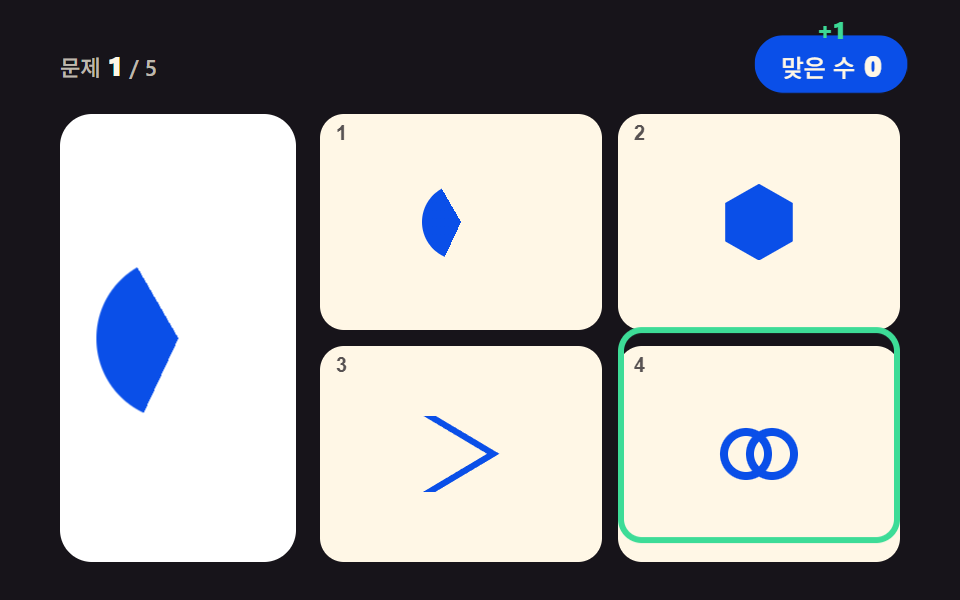 gameHTML CSS JS mini games: 9 copy-paste mini apps
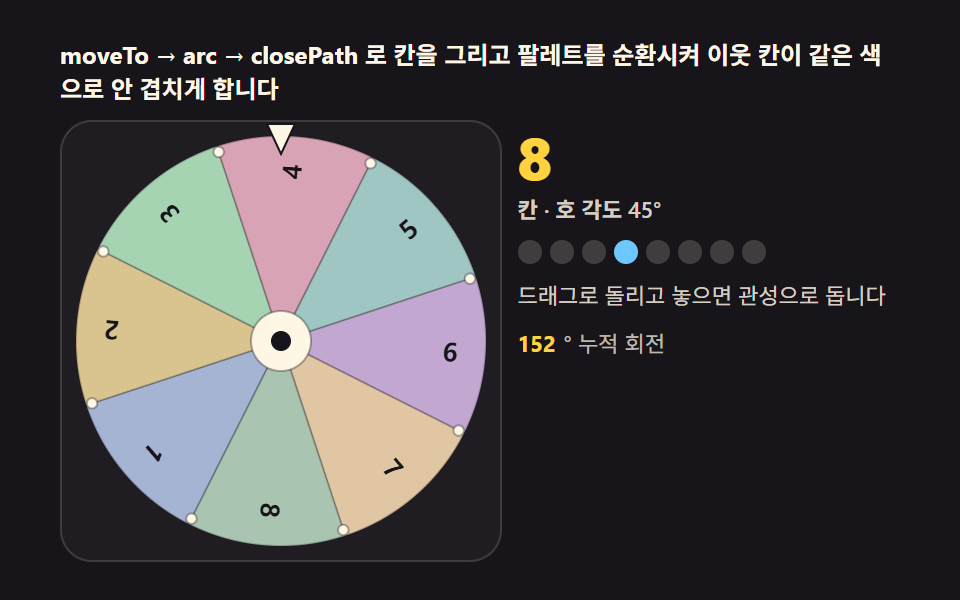 gameSpin Wheel: 9 Canvas Roulettes, Flick to Stop
 gameBrick Breaker Game JavaScript — 9 Physics Patterns
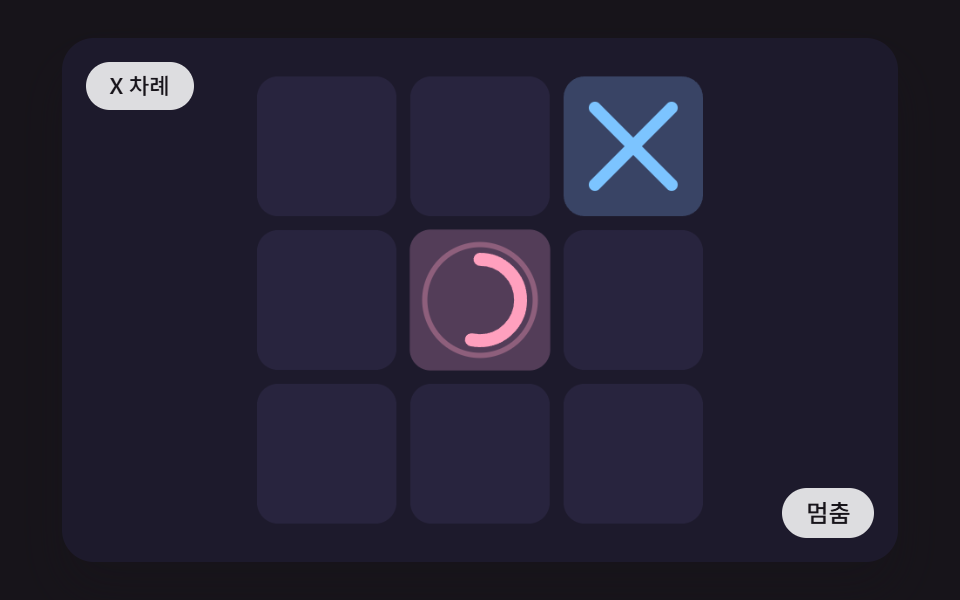 gameCSS Tic Tac Toe: 9 Boards That Count Ahead
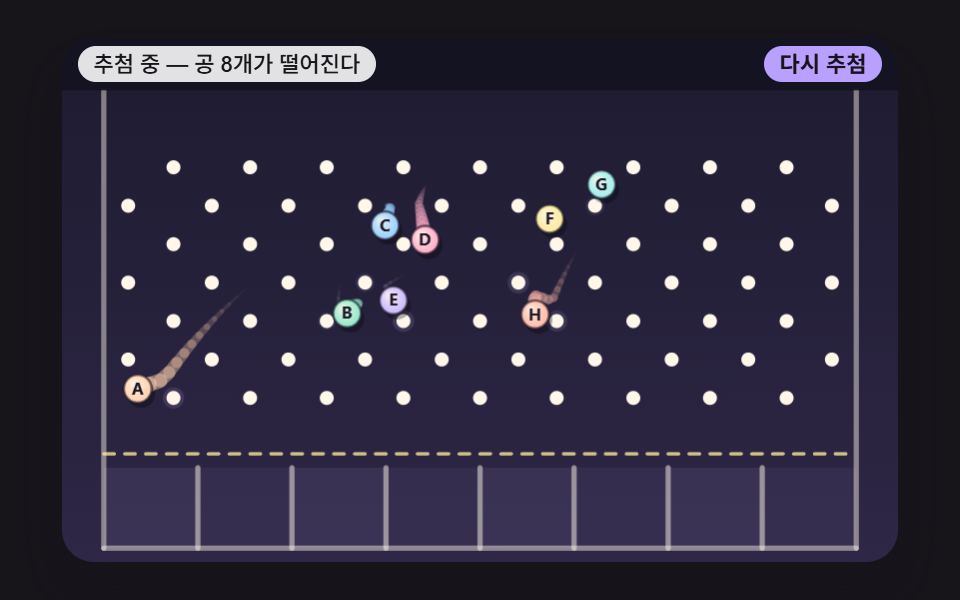 gameJavaScript Pinball Game: 9 Physics Scenes
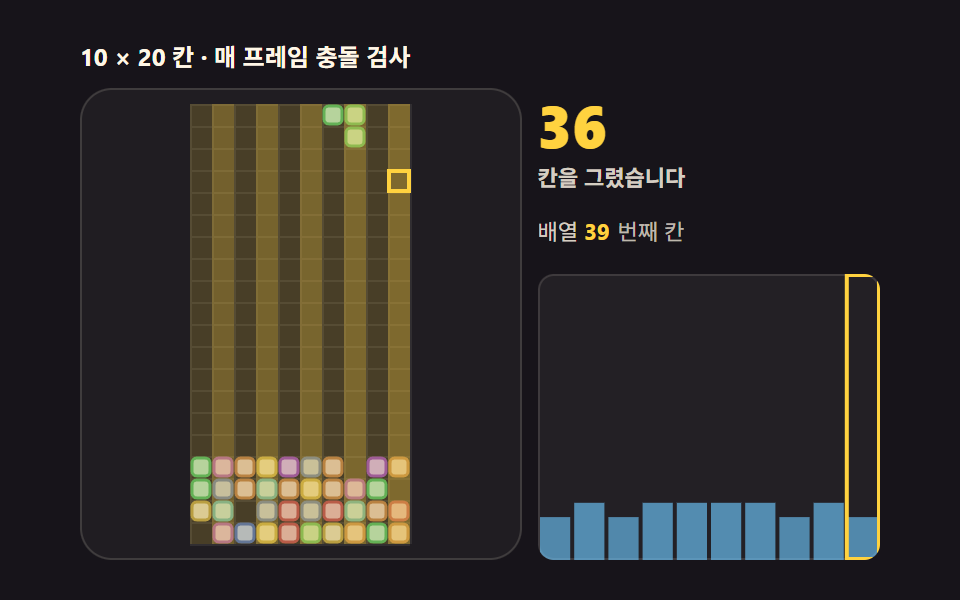 gameTetris JavaScript: Build It in 9 Canvas Steps
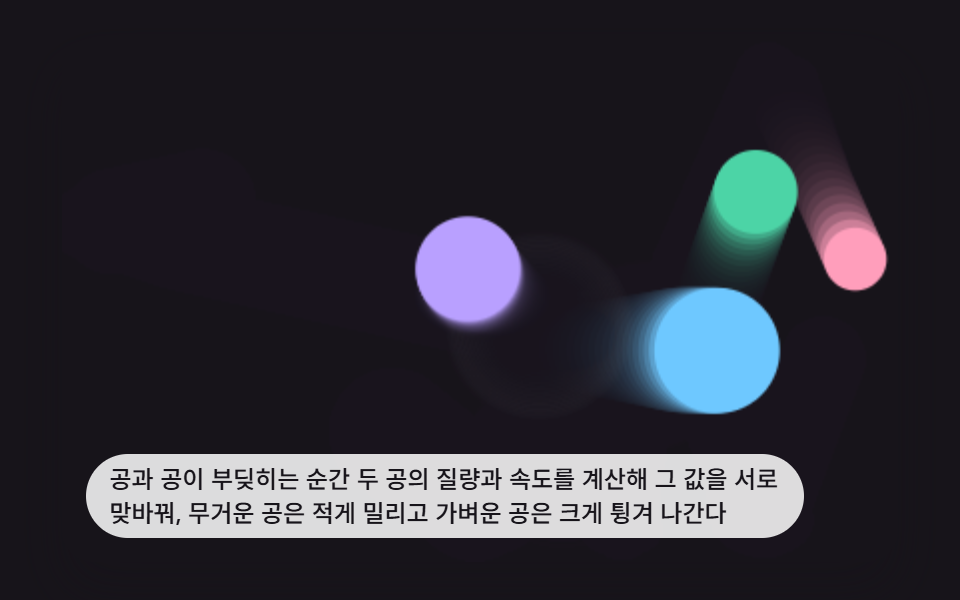 game9 Bouncing Ball Animation Patterns With Physics
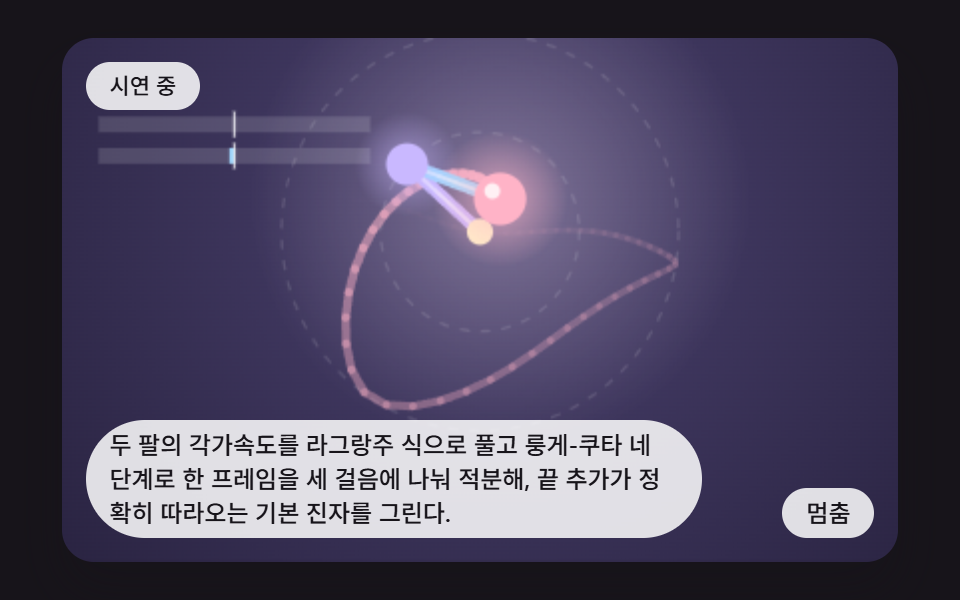 gameDouble Pendulum Simulation: 9 Chaos Scenes
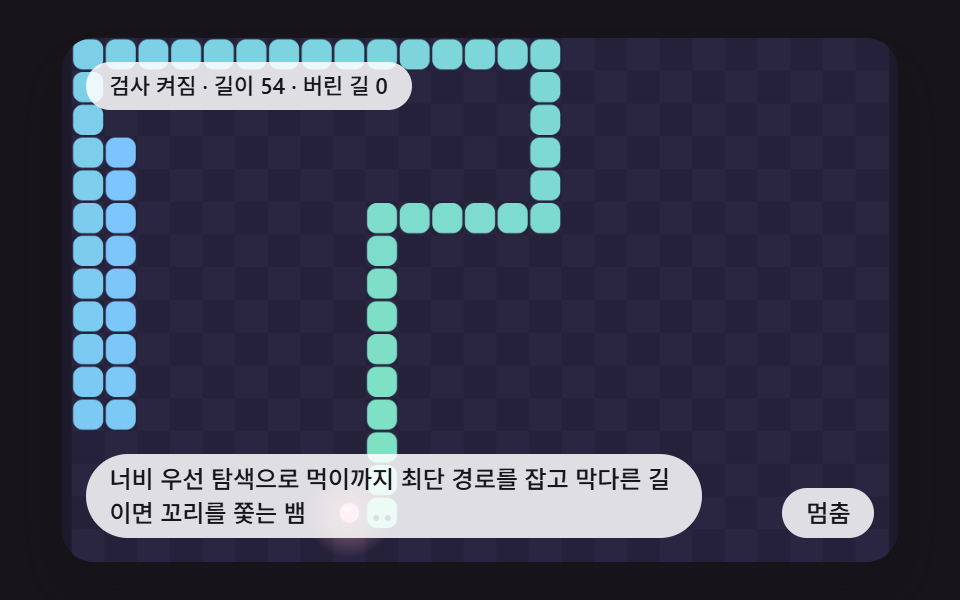 gameCSS Snake Game: 9 Boards That Find Their Own Path
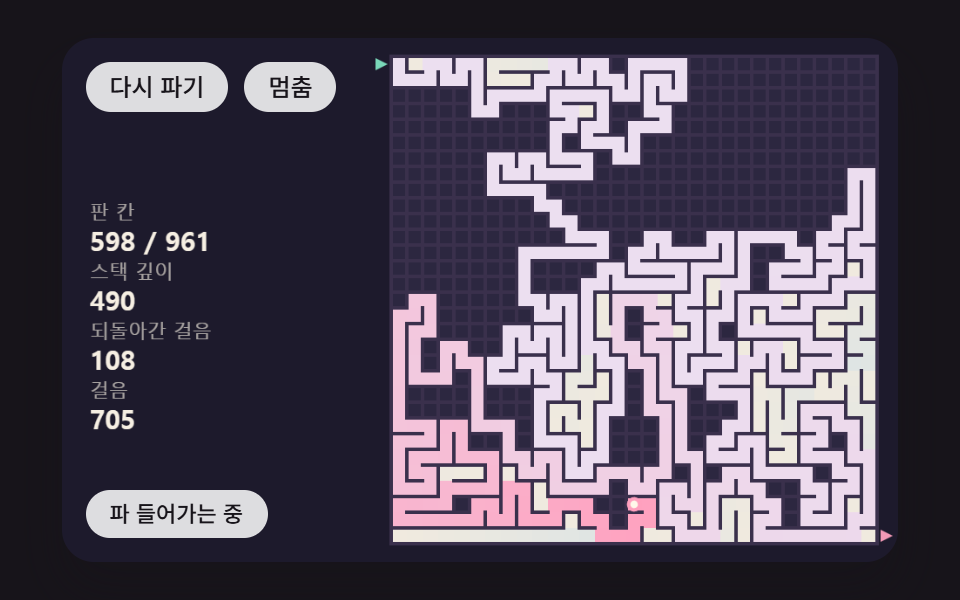 gameMaze Generator: 9 Carve-and-Solve Scenes