9 Team Page Design Patterns (Copy-Paste)
Nine team-page sections that compute their layout: columns balance by headcount, bios get read-more only past overflow, and a logo strip drifts at one speed no
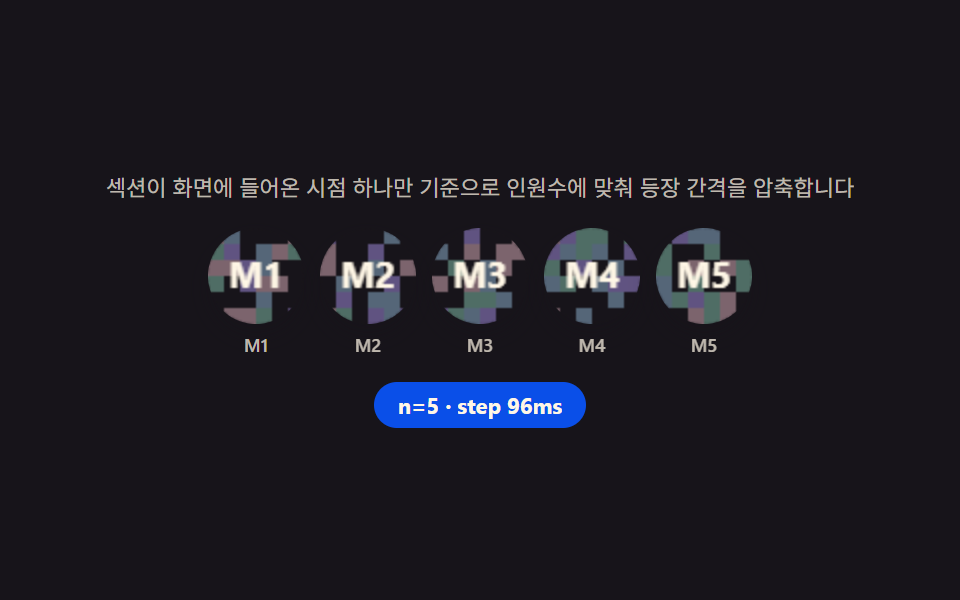 01 team-hero
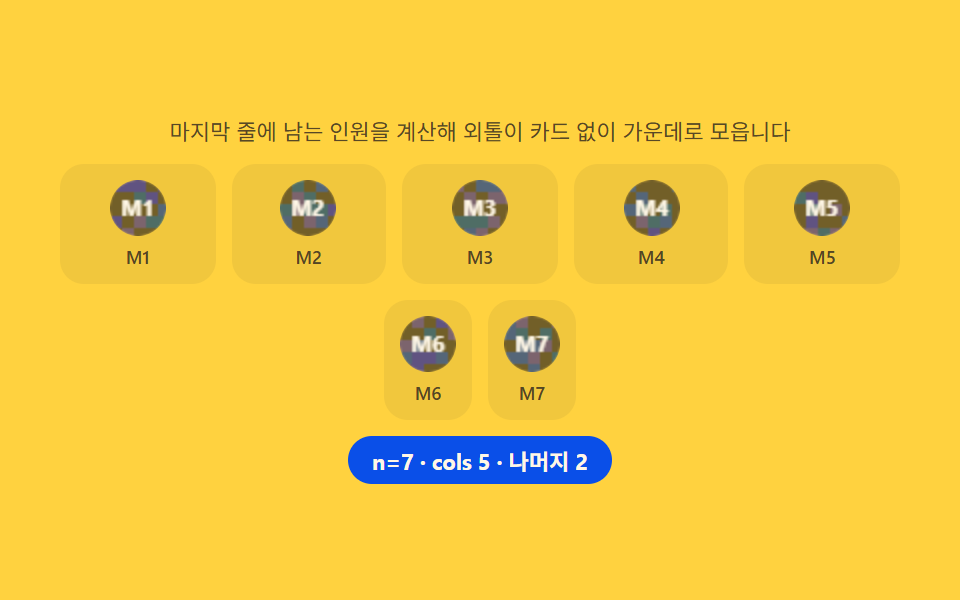 02 team-member-grid
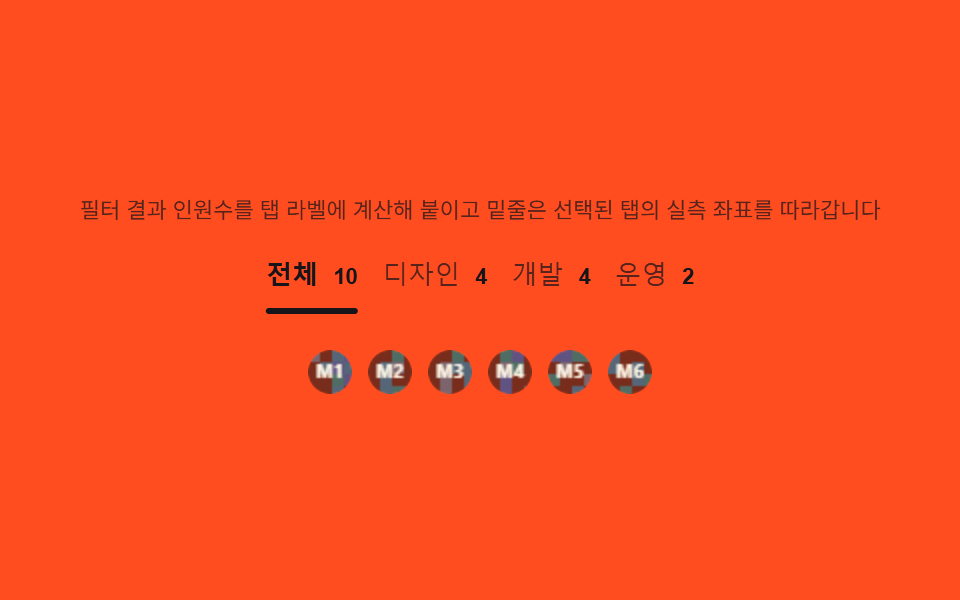 03 team-role-tabs
 04 team-profile-detail
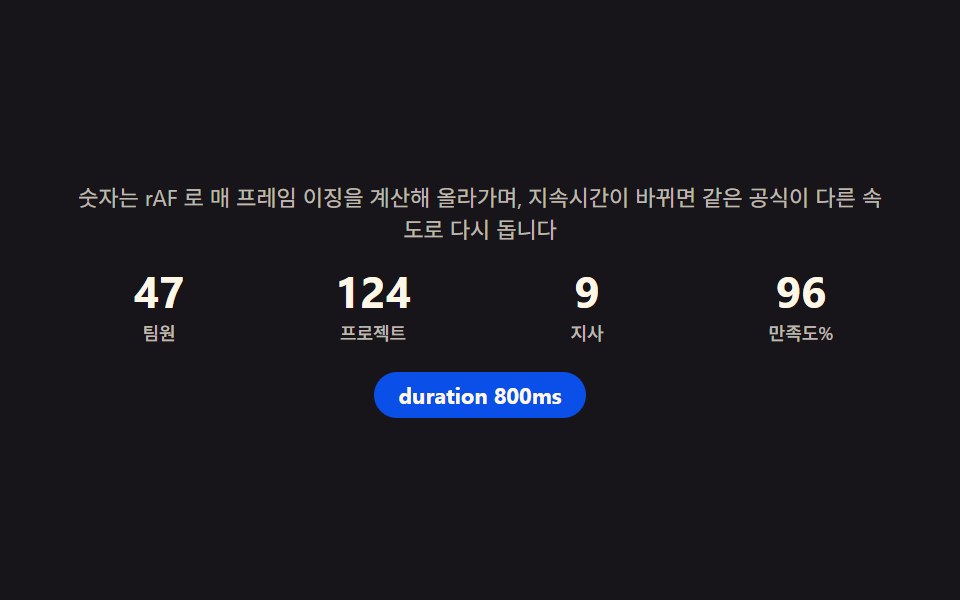 05 team-stat-row
 06 team-partner-bar
 07 team-testimonial
 08 team-apply-cta
 09 team-footer
Auto-plays · click a tile to jump to its section · all nine in one zip
- 01 Team hero — a photo row whose entrance delay is computed from headcount
- 02 Member grid — computing the last row's count to avoid an orphan card
- 03 Role tabs — a switch that computes the filtered count into its own label
- 04 Profile detail — a card that measures bio height to decide whether read-more even appears
- 05 Team stat row — a count-up that runs elapsed-time ratio through an easing function
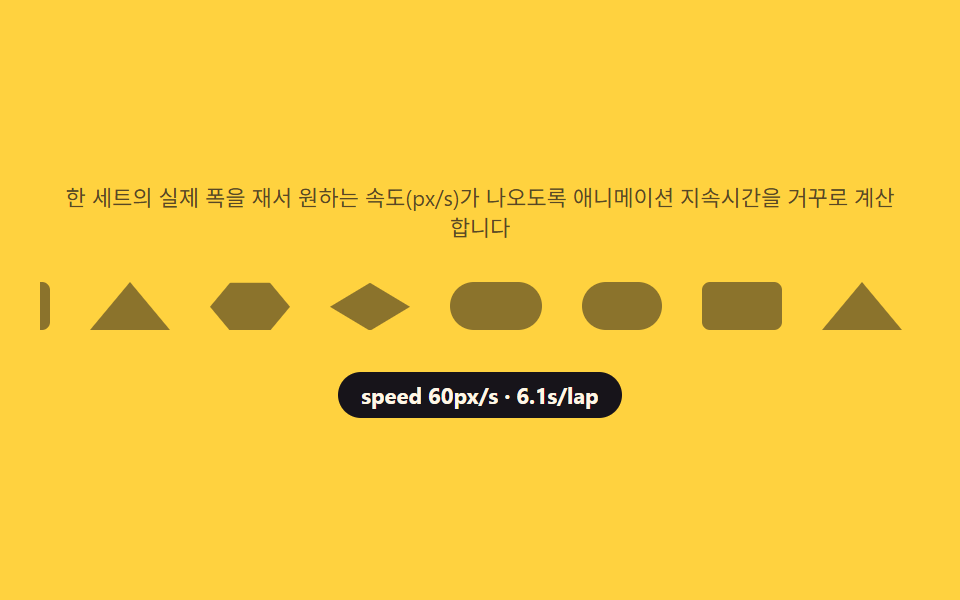
- 06 Partner logo bar — a scroll that reverse-computes its speed from the measured track width
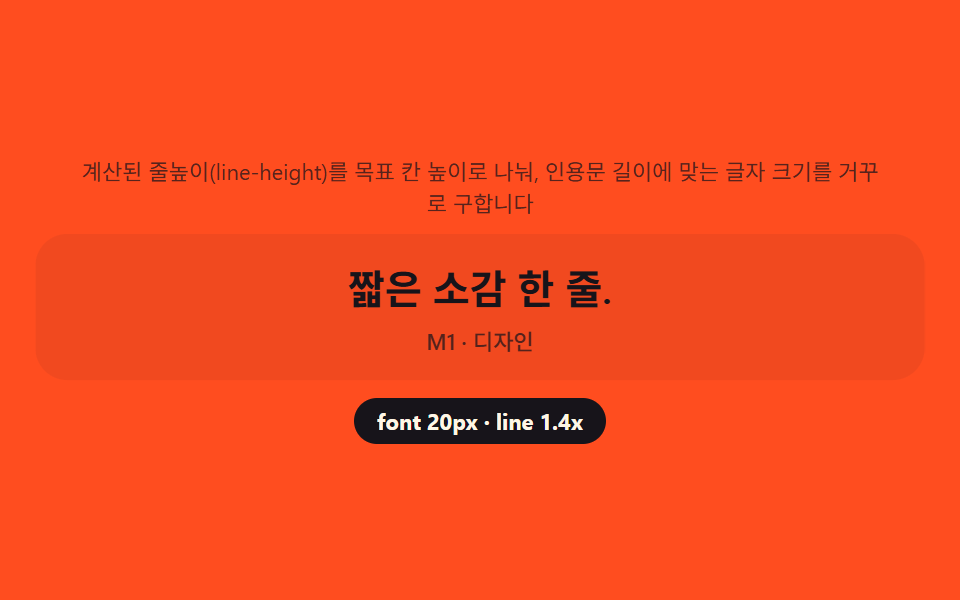
- 07 Team quote card — reverse-computing line count to size the quote itself
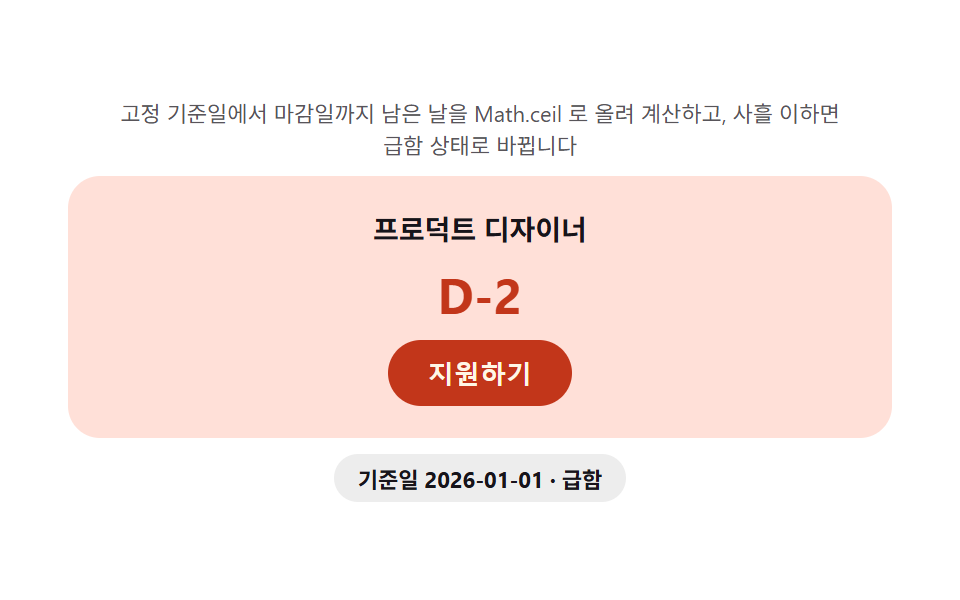
- 08 Apply CTA — a badge that computes days left until deadline on every load
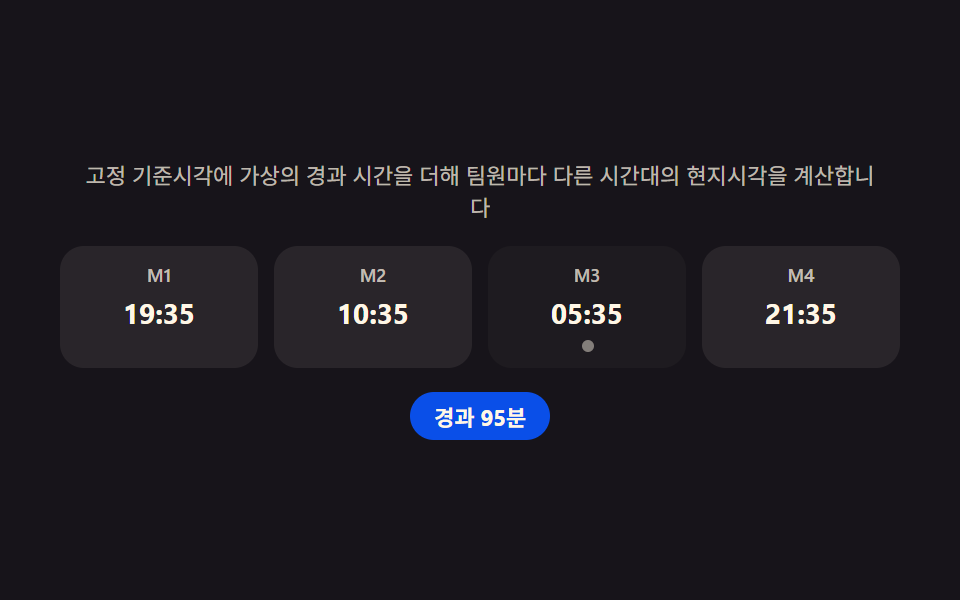
- 09 Team footer — a row computing each member's local time from their time zone
Every section below replays a fixed scenario off a seeded generator and a frozen clock, never Math.random() or the real current time, so the same headcount, the same bio length, and the same local-time offset land in the same place on every load. A real interaction — a resize, a tab click, a hover on the bio card — stops that replay immediately and hands control to whoever is looking at the page; prefers-reduced-motion keeps every one of those calculations running while only dropping the transition that would otherwise animate the result into view.
Anatomy of a team page — what nine sections compute
Nothing here decides its layout by eyeballing a fixed number of columns or a fixed line count. Three small computations repeat across the nine sections in different shapes, and once you can name them, every item below reads as a variation on the same three ideas.
Why the entrance budget divides by headcount, not multiplies by index
A hero row that multiplies each photo's index by a fixed delay keeps growing its own total reveal time as the team grows; dividing a fixed budget by the current headcount instead keeps the whole stagger finished inside the same window whether four people or twelve are listed.
Why a grid remainder decides which row gets centered
Taking the headcount modulo the column count tells a grid exactly how many cards land in the last row before that row ever renders, and only a remainder of one or two is worth centering — a full last row needs no special case at all.
One filtered count feeds two places at once
Filtering the member array by a role value produces both the visible list for a tab and the live number printed on that tab's own label, so the count in the label can never drift out of sync with what actually renders underneath it.
Code per section
Paste any item's prompt from the zip into an AI coding tool and it rebuilds the same section — the block under each item below is trimmed straight out of that item's index.html, the same file the password-protected download ships alongside a matching React version.
01Team hero — a photo row whose entrance delay is computed from headcount
Why the delay step divides the same 480ms budget by headcount instead of scaling with it
An IntersectionObserver marks the single instant the section enters view, and only then does dividing a fixed entrance budget by the current headcount produce the per-photo delay step used below.
<main class="stage">
<section class="hero" id="hero">
  <p class="hero__hint" id="heroHint">The stagger interval compresses to fit the headcount, using only the moment the section enters the viewport as its reference.</p>
  <div class="hero__row" id="heroRow" aria-label="Team photo row" role="list">
    <div class="hero__avatar" role="listitem"><canvas class="hero__cv" width="48" height="48" aria-hidden="true"></canvas><span class="hero__tag">M1</span></div>
    <div class="hero__avatar" role="listitem"><canvas class="hero__cv" width="48" height="48" aria-hidden="true"></canvas><span class="hero__tag">M2</span></div>
    <div class="hero__avatar" role="listitem"><canvas class="hero__cv" width="48" height="48" aria-hidden="true"></canvas><span class="hero__tag">M3</span></div>
    <div class="hero__avatar" role="listitem"><canvas class="hero__cv" width="48" height="48" aria-hidden="true"></canvas><span class="hero__tag">M4</span></div>
    <div class="hero__avatar" role="listitem"><canvas class="hero__cv" width="48" height="48" aria-hidden="true"></canvas><span class="hero__tag">M5</span></div>
    <div class="hero__avatar" role="listitem"><canvas class="hero__cv" width="48" height="48" aria-hidden="true"></canvas><span class="hero__tag">M6</span></div>
    <div class="hero__avatar" role="listitem"><canvas class="hero__cv" width="48" height="48" aria-hidden="true"></canvas><span class="hero__tag">M7</span></div>
  </div>
  <p class="hero__meta"><span class="hero__chip" id="heroChip">n=5 · step 96ms</span></p>
</section>
</main>
@use "../../../../site/static/demo-tokens" as *;
$duration: $dur-enter; // 600ms — 등장 트랜지션
$easing: $ease-spring;
$color: $subject-blue-deep;
@include stage($stage-ink);
.hero {
width: 100%;
max-width: 420px;
display: flex;
flex-direction: column;
gap: $sp-3;
align-items: center;
text-align: center;
}
.hero__hint {
margin: 0;
padding: 0 $sp-2;
font-weight: 400;
font-size: 11px;
line-height: 1.4;
color: rgba($subject-cream, .72);
}
.hero__row {
display: flex;
flex-wrap: wrap;
justify-content: center;
gap: $sp-2;
width: 100%;
}
.hero__avatar {
display: flex;
flex-direction: column;
align-items: center;
gap: $sp-1;
opacity: 0;
transform: translateY($sp-4);
transition: opacity $dur-quick $ease-out, transform $duration $easing;
transition-delay: var(--delay, 0ms);
}
.hero__row.is-in .hero__avatar {
opacity: 1;
transform: translateY(0);
}
.hero__cv {
display: block;
width: 48px;
height: 48px;
border-radius: $r-pill;
box-shadow: $shadow-press;
}
.hero__tag {
font-weight: 500;
font-size: 9px;
color: rgba($subject-cream, .72);
}
.hero__meta {
margin: 0;
}
.hero__chip {
display: inline-flex;
padding: $sp-1 $sp-3;
border-radius: $r-pill;
background: $color;
color: $subject-cream;
font-weight: 700;
font-size: 11px;
}
@media (max-width: 340px) {
.hero { max-width: 300px; gap: $sp-2; }
.hero__hint { font-size: 9px; }
.hero__row { gap: $sp-1; }
.hero__cv { width: 36px; height: 36px; }
.hero__tag { font-size: 8px; }
.hero__chip { font-size: 10px; padding: $sp-1 $sp-2; }
}
@media (prefers-reduced-motion: reduce) {
.hero__avatar {
transition: none;
opacity: 1;
transform: none;
}
}html, body {
margin: 0;
overflow: hidden;
}
.stage {
box-sizing: border-box;
min-height: 100vh;
display: grid;
place-items: center;
margin: 0;
background: #17141a;
font-family: -apple-system, "Segoe UI", "Noto Sans KR", sans-serif;
padding: clamp(8px, 4vw, 24px);
}
.hero {
width: 100%;
max-width: 420px;
display: flex;
flex-direction: column;
gap: 12px;
align-items: center;
text-align: center;
}
.hero__hint {
margin: 0;
padding: 0 8px;
font-weight: 400;
font-size: 11px;
line-height: 1.4;
color: rgba(255, 247, 230, 0.72);
}
.hero__row {
display: flex;
flex-wrap: wrap;
justify-content: center;
gap: 8px;
width: 100%;
}
.hero__avatar {
display: flex;
flex-direction: column;
align-items: center;
gap: 4px;
opacity: 0;
transform: translateY(16px);
transition: opacity 220ms ease-out, transform 600ms cubic-bezier(0.2, 0.8, 0.2, 1);
transition-delay: var(--delay, 0ms);
}
.hero__row.is-in .hero__avatar {
opacity: 1;
transform: translateY(0);
}
.hero__cv {
display: block;
width: 48px;
height: 48px;
border-radius: 999px;
box-shadow: 0 6px 12px rgba(23, 20, 26, 0.32);
}
.hero__tag {
font-weight: 500;
font-size: 9px;
color: rgba(255, 247, 230, 0.72);
}
.hero__meta {
margin: 0;
}
.hero__chip {
display: inline-flex;
padding: 4px 12px;
border-radius: 999px;
background: #0a4fe8;
color: #fff7e6;
font-weight: 700;
font-size: 11px;
}
@media (max-width: 340px) {
.hero {
max-width: 300px;
gap: 8px;
}
.hero__hint {
font-size: 9px;
}
.hero__row {
gap: 4px;
}
.hero__cv {
width: 36px;
height: 36px;
}
.hero__tag {
font-size: 8px;
}
.hero__chip {
font-size: 10px;
padding: 4px 8px;
}
}
@media (prefers-reduced-motion: reduce) {
.hero__avatar {
transition: none;
opacity: 1;
transform: none;
}
}// 팀 히어로(01) — IntersectionObserver 로 섹션이 화면에 들어온 시점 하나만 기준을 잡고,
// 등장 예산(ENTRANCE_MS)을 그 순간의 인원수로 나눠 인덱스마다 곱하는 간격(step)을 매번 계산한다.
// 인원이 늘어도 등장 예산은 고정이라 총 등장 시간이 무한히 늘지 않는다(계산 한 겹).
// 자동 시연은 인원수를 5·7·4·6 으로 순환시켜 매번 다시 계산되는 것을 보여준다.
(function () {
var hero = document.getElementById('hero');
var row = document.getElementById('heroRow');
var chip = document.getElementById('heroChip');
if (!hero || !row || !chip) return;
var avatars = Array.prototype.slice.call(row.querySelectorAll('.hero__avatar'));
var reduce = window.matchMedia('(prefers-reduced-motion: reduce)').matches;
function mulberry32(a) {
return function () {
a |= 0; a = a + 0x6D2B79F5 | 0;
var t = Math.imul(a ^ a >>> 15, 1 | a);
t = t + Math.imul(t ^ t >>> 7, 61 | t) ^ t;
return ((t ^ t >>> 14) >>> 0) / 4294967296;
};
}
var HEXES = ['#9fc9ec', '#93d9c0', '#b9a0ff', '#f6c6d3'];
function drawAvatar(cv, seed, label) {
var ctx = cv.getContext('2d');
if (!ctx) return;
var rnd = mulberry32(seed);
var s = cv.width;
ctx.clearRect(0, 0, s, s);
ctx.save();
ctx.beginPath(); ctx.arc(s / 2, s / 2, s / 2, 0, Math.PI * 2); ctx.clip();
var cell = 8;
for (var y = 0; y < s; y += cell) {
for (var x = 0; x < s; x += cell) {
var v = rnd();
ctx.fillStyle = v > .5 ? HEXES[Math.floor(rnd() * HEXES.length)] : 'rgba(23,20,26,.10)';
ctx.fillRect(x, y, cell, cell);
}
}
ctx.restore();
ctx.fillStyle = 'rgba(23,20,26,.55)';
ctx.beginPath(); ctx.arc(s / 2, s / 2, s / 2, 0, Math.PI * 2); ctx.fill();
ctx.fillStyle = '#fff7e6';
ctx.font = '700 ' + Math.round(s * .38) + 'px -apple-system, "Segoe UI", sans-serif';
ctx.textAlign = 'center'; ctx.textBaseline = 'middle';
ctx.fillText(label, s / 2, s / 2 + 1);
}
avatars.forEach(function (el, i) {
var cv = el.querySelector('.hero__cv');
if (cv) drawAvatar(cv, 31 + i * 17, 'M' + (i + 1));
});
var ENTRANCE_MS = 480; // 등장 예산 — 인원수와 무관하게 고정
var counts = [5, 7, 4, 6];
var idx = 0;
// 등장 간격 계산 — 예산을 이번 인원수로 나눈 몫이 step, 인덱스를 인원수로 나눈 나머지로
// 매 순환마다 압축 폭을 다시 맞춘다(headcount 가 바뀌어도 같은 공식 재사용)
function layout(count) {
var step = ENTRANCE_MS / count;
avatars.forEach(function (el, i) {
var visible = i < count;
el.style.display = visible ? '' : 'none';
if (visible) el.style.setProperty('--delay', ((i % count) * step).toFixed(1) + 'ms');
});
chip.textContent = 'n=' + count + ' · step ' + Math.round(step) + 'ms';
row.classList.remove('is-in');
void row.offsetWidth; // 강제 리플로우 — 트랜지션 재시작
row.classList.add('is-in');
}
var fired = false;
var io = new IntersectionObserver(function (entries) {
entries.forEach(function (e) {
if (e.isIntersecting && !fired) { fired = true; layout(counts[0]); }
});
}, { threshold: .3 });
io.observe(hero);
if (reduce) {
layout(counts[0]);
} else {
layout(counts[0]);
setInterval(function () {
idx = (idx + 1) % counts.length;
layout(counts[idx]);
}, 650);
}
})();// TeamHero — vanilla 판(run/338/demo/01-team-hero/index.html) 의 React 포트.
// IntersectionObserver 로 섹션이 화면에 들어온 시점 하나만 기준을 잡고, 등장 예산(ENTRANCE_MS)을
// 그 순간의 인원수로 나눠 인덱스마다 곱하는 간격(step)을 매번 계산한다(계산 한 겹). 자동 시연은
// 인원수를 5·7·4·6 으로 순환시켜 매번 다시 계산되는 것을 보여준다.
import { useEffect, useRef } from "react";
import styles from "./TeamHero.module.scss";
export type TeamHeroProps = {
duration?: string;
easing?: string;
color?: string;
};
const HINT = "섹션이 화면에 들어온 시점 하나만 기준으로 인원수에 맞춰 등장 간격을 압축합니다";
const ROW_LABEL = "팀원 사진 줄";
function mulberry32(a: number): () => number {
return function (): number {
a |= 0; a = a + 0x6d2b79f5 | 0;
let t = Math.imul(a ^ (a >>> 15), 1 | a);
t = (t + Math.imul(t ^ (t >>> 7), 61 | t)) ^ t;
return ((t ^ (t >>> 14)) >>> 0) / 4294967296;
};
}
const HEXES = ["#9fc9ec", "#93d9c0", "#b9a0ff", "#f6c6d3"];
const ENTRANCE_MS = 480;
const COUNTS = [5, 7, 4, 6];
const MEMBER_MAX = 7;
function drawAvatar(cv: HTMLCanvasElement, seed: number, label: string): void {
const ctx = cv.getContext("2d");
if (!ctx) return;
const rnd = mulberry32(seed);
const s = cv.width;
ctx.clearRect(0, 0, s, s);
ctx.save();
ctx.beginPath();
ctx.arc(s / 2, s / 2, s / 2, 0, Math.PI * 2);
ctx.clip();
const cell = 8;
for (let y = 0; y < s; y += cell) {
for (let x = 0; x < s; x += cell) {
const v = rnd();
ctx.fillStyle = v > 0.5 ? HEXES[Math.floor(rnd() * HEXES.length)] : "rgba(23,20,26,.10)";
ctx.fillRect(x, y, cell, cell);
}
}
ctx.restore();
ctx.fillStyle = "rgba(23,20,26,.55)";
ctx.beginPath();
ctx.arc(s / 2, s / 2, s / 2, 0, Math.PI * 2);
ctx.fill();
ctx.fillStyle = "#fff7e6";
ctx.font = "700 " + Math.round(s * 0.38) + 'px -apple-system, "Segoe UI", sans-serif';
ctx.textAlign = "center";
ctx.textBaseline = "middle";
ctx.fillText(label, s / 2, s / 2 + 1);
}
export default function TeamHero({
duration = "600ms",
easing = "cubic-bezier(.2,.8,.2,1)",
color = "#0a4fe8"
}: TeamHeroProps) {
const heroRef = useRef<HTMLElement | null>(null);
const rowRef = useRef<HTMLDivElement | null>(null);
const chipRef = useRef<HTMLSpanElement | null>(null);
useEffect(() => {
const hero = heroRef.current;
const row = rowRef.current;
const chip = chipRef.current;
if (!hero || !row || !chip) return;
const avatars = Array.prototype.slice.call(row.querySelectorAll("." + styles.avatar)) as HTMLElement[];
const reduce = window.matchMedia("(prefers-reduced-motion: reduce)").matches;
avatars.forEach((el, i) => {
const cv = el.querySelector("." + styles.cv) as HTMLCanvasElement | null;
if (cv) drawAvatar(cv, 31 + i * 17, "M" + (i + 1));
});
function layout(count: number): void {
const step = ENTRANCE_MS / count;
avatars.forEach((el, i) => {
const visible = i < count;
el.style.display = visible ? "" : "none";
if (visible) el.style.setProperty("--delay", ((i % count) * step).toFixed(1) + "ms");
});
chip!.textContent = "n=" + count + " · step " + Math.round(step) + "ms";
row!.classList.remove(styles.rowIn);
void row!.offsetWidth;
row!.classList.add(styles.rowIn);
}
let fired = false;
const io = new IntersectionObserver((entries) => {
entries.forEach((e) => {
if (e.isIntersecting && !fired) { fired = true; layout(COUNTS[0]); }
});
}, { threshold: 0.3 });
io.observe(hero);
let idx = 0;
let timer = 0;
if (reduce) {
layout(COUNTS[0]);
} else {
layout(COUNTS[0]);
timer = window.setInterval(() => {
idx = (idx + 1) % COUNTS.length;
layout(COUNTS[idx]);
}, 650);
}
return () => {
io.disconnect();
if (timer) window.clearInterval(timer);
};
// eslint-disable-next-line react-hooks/exhaustive-deps
}, []);
const members = Array.from({ length: MEMBER_MAX }, (_, i) => i);
return (
<main className={styles.stage}>
<section className={styles.hero} ref={heroRef}>
<p className={styles.hint}>{HINT}</p>
<div className={styles.row} ref={rowRef} role="list" aria-label={ROW_LABEL}>
{members.map((i) => (
<div className={styles.avatar} role="listitem" key={i}>
<canvas className={styles.cv} width={48} height={48} aria-hidden="true" />
<span className={styles.tag}>{"M" + (i + 1)}</span>
</div>
))}
</div>
<p className={styles.meta}>
<span className={styles.chip} ref={chipRef} style={{ background: color }}>n=5 · step 96ms</span>
</p>
</section>
</main>
);
}01 · Team hero — a photo row whose entrance delay is computed from headcount — Measured area 11.245% · moving frames 12/23Original by GODRICH · SCSS and React ship in the zip · See the password
What the numbers say
Cumulative area lands at 11.24% (max frame 8.51%, mean intensity 54.2) across 12 of 23 frame-to-frame comparisons as the scripted scenario cycles four headcounts.
var ENTRANCE_MS = 480;   // entrance budget — fixed no matter the headcount
var counts = [5, 7, 4, 6];
var idx = 0;

// step math — dividing the budget by this round's headcount gives step,
// and index modulo headcount recompresses the spacing every cycle
// (the same formula gets reused whenever headcount changes)
function layout(count) {
  var step = ENTRANCE_MS / count;
  avatars.forEach(function (el, i) {
    var visible = i < count;
    el.style.display = visible ? '' : 'none';
    if (visible) el.style.setProperty('--delay', ((i % count) * step).toFixed(1) + 'ms');
  });
  chip.textContent = 'n=' + count + ' · step ' + Math.round(step) + 'ms';
  row.classList.remove('is-in');
  void row.offsetWidth;   // forced reflow — restarts the transition
  row.classList.add('is-in');
}
02Member grid — computing the last row's count to avoid an orphan card
Why the remainder only breaks into its own row at one or two members
A ResizeObserver floor-divides the measured container width by a minimum card width to get the column count, and headcount modulo that column count decides how many cards spill into the final row before a --cols shrink ever centers it.
<main class="stage">
<section class="grid" id="grid">
  <p class="grid__hint" id="gridHint">It calculates the leftover members on the last row and centers them so no card is left stranded alone.</p>
  <div class="grid__head" id="gridHead" role="list" aria-label="Team member list"></div>
  <div class="grid__tail" id="gridTail" role="list" aria-label="Last row"></div>
  <p class="grid__meta"><span class="grid__chip" id="gridChip">n=8 · cols 4 · remainder 0</span></p>
</section>
</main>
@use "../../../../site/static/demo-tokens" as *;
$duration: $dur-base; // 300ms — 카드 팝인
$easing: $ease-pop;
$color: $subject-blue-deep;
@include stage($stage-yellow);
.grid {
width: 100%;
max-width: 420px;
display: flex;
flex-direction: column;
gap: $sp-2;
align-items: center;
text-align: center;
}
.grid__hint {
margin: 0;
padding: 0 $sp-2;
font-weight: 400;
font-size: 11px;
line-height: 1.4;
color: rgba($subject-ink, .72);
}
.grid__head {
display: grid;
grid-template-columns: repeat(var(--cols, 4), 1fr);
gap: $sp-2;
width: 100%;
}
.grid__tail {
display: flex;
justify-content: center;
gap: $sp-2;
width: 100%;
}
.grid__card {
display: flex;
flex-direction: column;
align-items: center;
gap: $sp-1;
padding: $sp-2;
border-radius: $r-control;
background: rgba($subject-ink, .06);
opacity: 0;
transform: scale(.8);
transition: opacity $dur-quick $ease-out, transform $duration $easing;
}
.grid.is-in .grid__card {
opacity: 1;
transform: scale(1);
}
.grid__cv {
display: block;
width: 28px;
height: 28px;
border-radius: $r-pill;
}
.grid__tag {
font-weight: 500;
font-size: 9px;
color: rgba($subject-ink, .72);
}
.grid__meta { margin: 0; }
.grid__chip {
display: inline-flex;
padding: $sp-1 $sp-3;
border-radius: $r-pill;
background: $color;
color: $subject-cream;
font-weight: 700;
font-size: 11px;
}
@media (max-width: 340px) {
.grid { max-width: 300px; gap: $sp-1; }
.grid__hint { font-size: 8px; line-height: 1.3; }
.grid__head, .grid__tail { gap: $sp-1; }
.grid__card { padding: 0; gap: 0; }
.grid__cv { width: 18px; height: 18px; }
.grid__tag { font-size: 7px; }
.grid__chip { font-size: 9px; padding: 0 $sp-2; }
}
@media (prefers-reduced-motion: reduce) {
.grid__card {
transition: none;
opacity: 1;
transform: none;
}
}html, body {
margin: 0;
overflow: hidden;
}
.stage {
box-sizing: border-box;
min-height: 100vh;
display: grid;
place-items: center;
margin: 0;
background: #ffd23f;
font-family: -apple-system, "Segoe UI", "Noto Sans KR", sans-serif;
padding: clamp(8px, 4vw, 24px);
}
.grid {
width: 100%;
max-width: 420px;
display: flex;
flex-direction: column;
gap: 8px;
align-items: center;
text-align: center;
}
.grid__hint {
margin: 0;
padding: 0 8px;
font-weight: 400;
font-size: 11px;
line-height: 1.4;
color: rgba(23, 20, 26, 0.72);
}
.grid__head {
display: grid;
grid-template-columns: repeat(var(--cols, 4), 1fr);
gap: 8px;
width: 100%;
}
.grid__tail {
display: flex;
justify-content: center;
gap: 8px;
width: 100%;
}
.grid__card {
display: flex;
flex-direction: column;
align-items: center;
gap: 4px;
padding: 8px;
border-radius: 12px;
background: rgba(23, 20, 26, 0.06);
opacity: 0;
transform: scale(0.8);
transition: opacity 220ms ease-out, transform 300ms cubic-bezier(0.2, 1.4, 0.4, 1);
}
.grid.is-in .grid__card {
opacity: 1;
transform: scale(1);
}
.grid__cv {
display: block;
width: 28px;
height: 28px;
border-radius: 999px;
}
.grid__tag {
font-weight: 500;
font-size: 9px;
color: rgba(23, 20, 26, 0.72);
}
.grid__meta {
margin: 0;
}
.grid__chip {
display: inline-flex;
padding: 4px 12px;
border-radius: 999px;
background: #0a4fe8;
color: #fff7e6;
font-weight: 700;
font-size: 11px;
}
@media (max-width: 340px) {
.grid {
max-width: 300px;
gap: 4px;
}
.grid__hint {
font-size: 8px;
line-height: 1.3;
}
.grid__head, .grid__tail {
gap: 4px;
}
.grid__card {
padding: 0;
gap: 0;
}
.grid__cv {
width: 18px;
height: 18px;
}
.grid__tag {
font-size: 7px;
}
.grid__chip {
font-size: 9px;
padding: 0 8px;
}
}
@media (prefers-reduced-motion: reduce) {
.grid__card {
transition: none;
opacity: 1;
transform: none;
}
}// Members 그리드(02) — 인원수를 열 수로 나눈 나머지로 마지막 줄에 몇 명이 남는지 계산하고,
// 나머지가 1~2명일 때만 그 인원을 별도 flex 줄로 떼어 가운데로 모은다. ResizeObserver 로
// 컨테이너 폭이 바뀌어 열 수 자체가 바뀔 때도 같은 계산을 다시 돌린다(계산 한 겹).
(function () {
var grid = document.getElementById('grid');
var head = document.getElementById('gridHead');
var tail = document.getElementById('gridTail');
var chip = document.getElementById('gridChip');
if (!grid || !head || !tail || !chip) return;
var reduce = window.matchMedia('(prefers-reduced-motion: reduce)').matches;
function mulberry32(a) {
return function () {
a |= 0; a = a + 0x6D2B79F5 | 0;
var t = Math.imul(a ^ a >>> 15, 1 | a);
t = t + Math.imul(t ^ t >>> 7, 61 | t) ^ t;
return ((t ^ t >>> 14) >>> 0) / 4294967296;
};
}
var HEXES = ['#9fc9ec', '#93d9c0', '#b9a0ff', '#f6c6d3'];
function drawAvatar(cv, seed, label) {
var ctx = cv.getContext('2d');
if (!ctx) return;
var rnd = mulberry32(seed);
var s = cv.width;
ctx.clearRect(0, 0, s, s);
ctx.save();
ctx.beginPath(); ctx.arc(s / 2, s / 2, s / 2, 0, Math.PI * 2); ctx.clip();
var cell = 6;
for (var y = 0; y < s; y += cell) {
for (var x = 0; x < s; x += cell) {
var v = rnd();
ctx.fillStyle = v > .5 ? HEXES[Math.floor(rnd() * HEXES.length)] : 'rgba(23,20,26,.08)';
ctx.fillRect(x, y, cell, cell);
}
}
ctx.restore();
ctx.fillStyle = 'rgba(23,20,26,.55)';
ctx.beginPath(); ctx.arc(s / 2, s / 2, s / 2, 0, Math.PI * 2); ctx.fill();
ctx.fillStyle = '#fff7e6';
ctx.font = '700 ' + Math.round(s * .4) + 'px -apple-system, "Segoe UI", sans-serif';
ctx.textAlign = 'center'; ctx.textBaseline = 'middle';
ctx.fillText(label, s / 2, s / 2 + 1);
}
function card(i) {
var el = document.createElement('div');
el.className = 'grid__card';
el.setAttribute('role', 'listitem');
var cv = document.createElement('canvas');
cv.className = 'grid__cv'; cv.width = 28; cv.height = 28;
cv.setAttribute('aria-hidden', 'true');
var tag = document.createElement('span');
tag.className = 'grid__tag';
tag.textContent = 'M' + (i + 1);
el.appendChild(cv); el.appendChild(tag);
drawAvatar(cv, 11 + i * 13, 'M' + (i + 1));
return el;
}
var cols = 4; // 기본값 — ResizeObserver 가 실측 폭으로 다시 계산한다
var MIN_CARD = 76;
function computeCols(width) {
var c = Math.floor(width / MIN_CARD);
return Math.max(2, Math.min(5, c || 4));
}
function layout(count) {
var remainder = count % cols;
var tailCount = (remainder === 1 || remainder === 2) ? remainder : 0;
var headCount = count - tailCount;
head.style.setProperty('--cols', String(cols));
head.innerHTML = '';
tail.innerHTML = '';
for (var i = 0; i < headCount; i++) head.appendChild(card(i));
for (var j = 0; j < tailCount; j++) tail.appendChild(card(headCount + j));
tail.style.display = tailCount > 0 ? 'flex' : 'none';
chip.textContent = 'n=' + count + ' · cols ' + cols + ' · remainder ' + tailCount;
grid.classList.remove('is-in');
void grid.offsetWidth;
grid.classList.add('is-in');
}
var ro = new ResizeObserver(function (entries) {
var w = entries[0] ? entries[0].contentRect.width : grid.clientWidth;
var next = computeCols(w);
if (next !== cols) { cols = next; layout(counts[idx]); }
});
ro.observe(grid);
var counts = [7, 8, 9, 10];
var idx = 0;
layout(counts[0]);
if (!reduce) {
setInterval(function () {
idx = (idx + 1) % counts.length;
layout(counts[idx]);
}, 700);
}
})();// TeamMemberGrid — vanilla 판(run/338/demo/02-team-member-grid/index.html) 의 React 포트.
// 인원수를 열 수로 나눈 나머지로 마지막 줄에 몇 명이 남는지 계산하고, 나머지가 1~2명일 때만
// 그 인원을 별도 flex 줄로 떼어 가운데로 모은다. ResizeObserver 로 컨테이너 폭이 바뀌어 열 수
// 자체가 바뀔 때도 같은 계산을 다시 돌린다(계산 한 겹).
import { useEffect, useRef } from "react";
import styles from "./TeamMemberGrid.module.scss";
export type TeamMemberGridProps = {
duration?: string;
easing?: string;
color?: string;
};
const HINT = "마지막 줄에 남는 인원을 계산해 외톨이 카드 없이 가운데로 모읍니다";
const HEAD_LABEL = "팀원 목록";
const TAIL_LABEL = "마지막 줄";
function mulberry32(a: number): () => number {
return function (): number {
a |= 0; a = a + 0x6d2b79f5 | 0;
let t = Math.imul(a ^ (a >>> 15), 1 | a);
t = (t + Math.imul(t ^ (t >>> 7), 61 | t)) ^ t;
return ((t ^ (t >>> 14)) >>> 0) / 4294967296;
};
}
const HEXES = ["#9fc9ec", "#93d9c0", "#b9a0ff", "#f6c6d3"];
const COUNTS = [7, 8, 9, 10];
const MIN_CARD = 76;
function drawAvatar(cv: HTMLCanvasElement, seed: number, label: string): void {
const ctx = cv.getContext("2d");
if (!ctx) return;
const rnd = mulberry32(seed);
const s = cv.width;
ctx.clearRect(0, 0, s, s);
ctx.save();
ctx.beginPath();
ctx.arc(s / 2, s / 2, s / 2, 0, Math.PI * 2);
ctx.clip();
const cell = 6;
for (let y = 0; y < s; y += cell) {
for (let x = 0; x < s; x += cell) {
const v = rnd();
ctx.fillStyle = v > 0.5 ? HEXES[Math.floor(rnd() * HEXES.length)] : "rgba(23,20,26,.08)";
ctx.fillRect(x, y, cell, cell);
}
}
ctx.restore();
ctx.fillStyle = "rgba(23,20,26,.55)";
ctx.beginPath();
ctx.arc(s / 2, s / 2, s / 2, 0, Math.PI * 2);
ctx.fill();
ctx.fillStyle = "#fff7e6";
ctx.font = "700 " + Math.round(s * 0.4) + 'px -apple-system, "Segoe UI", sans-serif';
ctx.textAlign = "center";
ctx.textBaseline = "middle";
ctx.fillText(label, s / 2, s / 2 + 1);
}
function computeCols(width: number): number {
const c = Math.floor(width / MIN_CARD);
return Math.max(2, Math.min(5, c || 4));
}
function makeCard(i: number): HTMLDivElement {
const el = document.createElement("div");
el.className = styles.card;
el.setAttribute("role", "listitem");
const cv = document.createElement("canvas");
cv.className = styles.cv;
cv.width = 28;
cv.height = 28;
cv.setAttribute("aria-hidden", "true");
const tag = document.createElement("span");
tag.className = styles.tag;
tag.textContent = "M" + (i + 1);
el.appendChild(cv);
el.appendChild(tag);
drawAvatar(cv, 11 + i * 13, "M" + (i + 1));
return el;
}
export default function TeamMemberGrid({
duration = "300ms",
easing = "cubic-bezier(.2,1.4,.4,1)",
color = "#0a4fe8"
}: TeamMemberGridProps) {
const gridRef = useRef<HTMLElement | null>(null);
const headRef = useRef<HTMLDivElement | null>(null);
const tailRef = useRef<HTMLDivElement | null>(null);
const chipRef = useRef<HTMLSpanElement | null>(null);
useEffect(() => {
const grid = gridRef.current;
const head = headRef.current;
const tail = tailRef.current;
const chip = chipRef.current;
if (!grid || !head || !tail || !chip) return;
const reduce = window.matchMedia("(prefers-reduced-motion: reduce)").matches;
let cols = 4;
let idx = 0;
function layout(count: number): void {
const remainder = count % cols;
const tailCount = remainder === 1 || remainder === 2 ? remainder : 0;
const headCount = count - tailCount;
head!.style.setProperty("--cols", String(cols));
head!.innerHTML = "";
tail!.innerHTML = "";
for (let i = 0; i < headCount; i++) head!.appendChild(makeCard(i));
for (let j = 0; j < tailCount; j++) tail!.appendChild(makeCard(headCount + j));
tail!.style.display = tailCount > 0 ? "flex" : "none";
chip!.textContent = "n=" + count + " · cols " + cols + " · 나머지 " + tailCount;
grid!.classList.remove(styles.gridIn);
void grid!.offsetWidth;
grid!.classList.add(styles.gridIn);
}
const ro = new ResizeObserver((entries) => {
const w = entries[0] ? entries[0].contentRect.width : grid!.clientWidth;
const next = computeCols(w);
if (next !== cols) { cols = next; layout(COUNTS[idx]); }
});
ro.observe(grid);
layout(COUNTS[0]);
let timer = 0;
if (!reduce) {
timer = window.setInterval(() => {
idx = (idx + 1) % COUNTS.length;
layout(COUNTS[idx]);
}, 700);
}
return () => {
ro.disconnect();
if (timer) window.clearInterval(timer);
};
// eslint-disable-next-line react-hooks/exhaustive-deps
}, []);
return (
<main className={styles.stage}>
<section className={styles.grid} ref={gridRef}>
<p className={styles.hint}>{HINT}</p>
<div className={styles.head} ref={headRef} role="list" aria-label={HEAD_LABEL} />
<div className={styles.tail} ref={tailRef} role="list" aria-label={TAIL_LABEL} />
<p className={styles.meta}>
<span className={styles.chip} ref={chipRef} style={{ background: color }}>n=8 · cols 4 · 나머지 0</span>
</p>
</section>
</main>
);
}02 · Member grid — computing the last row's count to avoid an orphan card — Measured area 29.079% · moving frames 8/23Original by GODRICH · SCSS and React ship in the zip · See the password
What the numbers say
Cumulative area comes out second-widest of the nine at 29.08% (max frame 11.50%), the lowest mean intensity of the set at 53.6, over 8 of 23 frames as the scenario cycles four headcounts against the same column math.
var cols = 4;   // default — ResizeObserver recomputes this from the measured width
var MIN_CARD = 76;

function computeCols(width) {
  var c = Math.floor(width / MIN_CARD);
  return Math.max(2, Math.min(5, c || 4));
}

function layout(count) {
  var remainder = count % cols;
  var tailCount = (remainder === 1 || remainder === 2) ? remainder : 0;
  var headCount = count - tailCount;
  head.style.setProperty('--cols', String(cols));
  head.innerHTML = '';
  tail.innerHTML = '';
  for (var i = 0; i < headCount; i++) head.appendChild(card(i));
  for (var j = 0; j < tailCount; j++) tail.appendChild(card(headCount + j));
  tail.style.display = tailCount > 0 ? 'flex' : 'none';
  chip.textContent = 'n=' + count + ' · cols ' + cols + ' · remainder ' + tailCount;
  grid.classList.remove('is-in');
  void grid.offsetWidth;
  grid.classList.add('is-in');
}
03Role tabs — a switch that computes the filtered count into its own label
Why the tab count is recomputed by filtering, not stored on each member
Filtering the roster array by a role value on every render is what keeps a label like "Design (4)" honest, and the same selected tab's getBoundingClientRect supplies the coordinates the underline below reads directly.
<main class="stage">
<section class="tabs" id="tabsWrap">
  <p class="tabs__hint" id="tabsHint">The filtered headcount is calculated and appended to each tab label, and the underline follows the selected tab's measured position.</p>
  <div class="tabs__bar" id="tabsBar" role="tablist" aria-label="Role filter">
    <button class="tabs__tab" id="tab-all" role="tab" aria-selected="true" type="button">All <span class="tabs__count" id="cnt-all">10</span></button>
    <button class="tabs__tab" id="tab-design" role="tab" aria-selected="false" type="button">Design <span class="tabs__count" id="cnt-design">4</span></button>
    <button class="tabs__tab" id="tab-dev" role="tab" aria-selected="false" type="button">Dev <span class="tabs__count" id="cnt-dev">4</span></button>
    <button class="tabs__tab" id="tab-ops" role="tab" aria-selected="false" type="button">Ops <span class="tabs__count" id="cnt-ops">2</span></button>
    <span class="tabs__indicator" id="tabsIndicator" aria-hidden="true"></span>
  </div>
  <div class="tabs__panel" id="tabsPanel" role="list" aria-label="Filter results"></div>
</section>
</main>
@use "../../../../site/static/demo-tokens" as *;
$duration: $dur-quick; // 220ms — 인디케이터 이동
$easing: $ease-out;
$color: $subject-ink;
@include stage($stage-orange);
.tabs {
width: 100%;
max-width: 420px;
display: flex;
flex-direction: column;
gap: $sp-3;
align-items: center;
text-align: center;
}
.tabs__hint {
margin: 0;
padding: 0 $sp-2;
font-weight: 400;
font-size: 11px;
line-height: 1.4;
color: rgba($subject-ink, .72);
}
.tabs__bar {
position: relative;
display: flex;
gap: $sp-3;
width: 100%;
justify-content: center;
padding-bottom: $sp-2;
}
.tabs__tab {
flex: 0 0 auto;
appearance: none;
border: 0;
background: none;
padding: $sp-1 0;
font-weight: 500;
font-size: 13px;
color: rgba($subject-ink, .72);
cursor: pointer;
}
.tabs__tab[aria-selected="true"] {
color: $subject-ink;
font-weight: 700;
}
.tabs__count {
display: inline-block;
margin-left: $sp-1;
font-weight: 700;
font-size: 11px;
color: $subject-ink;
}
.tabs__indicator {
position: absolute;
left: 0;
bottom: 0;
height: 3px;
width: var(--iw, 0px);
border-radius: $r-pill;
background: $color;
transform: translateX(var(--ix, 0px));
transition: transform $duration $easing, width $duration $easing;
}
.tabs__panel {
display: flex;
gap: $sp-2;
justify-content: center;
min-height: 34px;
}
.tabs__chip {
display: flex;
align-items: center;
justify-content: center;
opacity: 0;
transform: scale(.8);
transition: opacity $dur-quick $ease-out, transform $duration $ease-pop;
}
.tabs__panel.is-in .tabs__chip {
opacity: 1;
transform: scale(1);
}
.tabs__cv {
display: block;
width: 22px;
height: 22px;
border-radius: $r-pill;
}
@media (max-width: 340px) {
.tabs { max-width: 300px; gap: $sp-2; }
.tabs__hint { font-size: 9px; }
.tabs__bar { gap: $sp-2; }
.tabs__tab { font-size: 11px; }
.tabs__cv { width: 18px; height: 18px; }
}
@media (prefers-reduced-motion: reduce) {
.tabs__indicator,
.tabs__chip {
transition: none;
}
.tabs__chip {
opacity: 1;
transform: none;
}
}html, body {
margin: 0;
overflow: hidden;
}
.stage {
box-sizing: border-box;
min-height: 100vh;
display: grid;
place-items: center;
margin: 0;
background: #ff4d1f;
font-family: -apple-system, "Segoe UI", "Noto Sans KR", sans-serif;
padding: clamp(8px, 4vw, 24px);
}
.tabs {
width: 100%;
max-width: 420px;
display: flex;
flex-direction: column;
gap: 12px;
align-items: center;
text-align: center;
}
.tabs__hint {
margin: 0;
padding: 0 8px;
font-weight: 400;
font-size: 11px;
line-height: 1.4;
color: rgba(23, 20, 26, 0.72);
}
.tabs__bar {
position: relative;
display: flex;
gap: 12px;
width: 100%;
justify-content: center;
padding-bottom: 8px;
}
.tabs__tab {
flex: 0 0 auto;
appearance: none;
border: 0;
background: none;
padding: 4px 0;
font-weight: 500;
font-size: 13px;
color: rgba(23, 20, 26, 0.72);
cursor: pointer;
}
.tabs__tab[aria-selected=true] {
color: #17141a;
font-weight: 700;
}
.tabs__count {
display: inline-block;
margin-left: 4px;
font-weight: 700;
font-size: 11px;
color: #17141a;
}
.tabs__indicator {
position: absolute;
left: 0;
bottom: 0;
height: 3px;
width: var(--iw, 0px);
border-radius: 999px;
background: #17141a;
transform: translateX(var(--ix, 0px));
transition: transform 220ms ease-out, width 220ms ease-out;
}
.tabs__panel {
display: flex;
gap: 8px;
justify-content: center;
min-height: 34px;
}
.tabs__chip {
display: flex;
align-items: center;
justify-content: center;
opacity: 0;
transform: scale(0.8);
transition: opacity 220ms ease-out, transform 220ms cubic-bezier(0.2, 1.4, 0.4, 1);
}
.tabs__panel.is-in .tabs__chip {
opacity: 1;
transform: scale(1);
}
.tabs__cv {
display: block;
width: 22px;
height: 22px;
border-radius: 999px;
}
@media (max-width: 340px) {
.tabs {
max-width: 300px;
gap: 8px;
}
.tabs__hint {
font-size: 9px;
}
.tabs__bar {
gap: 8px;
}
.tabs__tab {
font-size: 11px;
}
.tabs__cv {
width: 18px;
height: 18px;
}
}
@media (prefers-reduced-motion: reduce) {
.tabs__indicator,
.tabs__chip {
transition: none;
}
.tabs__chip {
opacity: 1;
transform: none;
}
}// 역할 탭(03) — Members 배열을 role 값으로 filter 해 탭 라벨의 인원수를 계산하고, 선택된 탭의
// getBoundingClientRect 로 좌표·너비를 읽어 밑줄 인디케이터의 translateX·width 를 맞춘다(계산 한 겹).
(function () {
var wrap = document.getElementById('tabsWrap');
var bar = document.getElementById('tabsBar');
var indicator = document.getElementById('tabsIndicator');
var panel = document.getElementById('tabsPanel');
if (!wrap || !bar || !indicator || !panel) return;
var tabs = Array.prototype.slice.call(bar.querySelectorAll('.tabs__tab'));
var reduce = window.matchMedia('(prefers-reduced-motion: reduce)').matches;
var ROLES = ['design', 'design', 'design', 'design', 'dev', 'dev', 'dev', 'dev', 'ops', 'ops'];
var members = ROLES.map(function (role, i) { return { id: i, role: role }; });
var KEYS = ['all', 'design', 'dev', 'ops'];
function mulberry32(a) {
return function () {
a |= 0; a = a + 0x6D2B79F5 | 0;
var t = Math.imul(a ^ a >>> 15, 1 | a);
t = t + Math.imul(t ^ t >>> 7, 61 | t) ^ t;
return ((t ^ t >>> 14) >>> 0) / 4294967296;
};
}
var HEXES = ['#9fc9ec', '#93d9c0', '#b9a0ff', '#f6c6d3'];
function drawAvatar(cv, seed, label) {
var ctx = cv.getContext('2d');
if (!ctx) return;
var rnd = mulberry32(seed);
var s = cv.width;
ctx.save();
ctx.beginPath(); ctx.arc(s / 2, s / 2, s / 2, 0, Math.PI * 2); ctx.clip();
var cell = 6;
for (var y = 0; y < s; y += cell) {
for (var x = 0; x < s; x += cell) {
var v = rnd();
ctx.fillStyle = v > .5 ? HEXES[Math.floor(rnd() * HEXES.length)] : 'rgba(23,20,26,.08)';
ctx.fillRect(x, y, cell, cell);
}
}
ctx.restore();
ctx.fillStyle = 'rgba(23,20,26,.55)';
ctx.beginPath(); ctx.arc(s / 2, s / 2, s / 2, 0, Math.PI * 2); ctx.fill();
ctx.fillStyle = '#fff7e6';
ctx.font = '700 ' + Math.round(s * .4) + 'px -apple-system, "Segoe UI", sans-serif';
ctx.textAlign = 'center'; ctx.textBaseline = 'middle';
ctx.fillText(label, s / 2, s / 2 + 1);
}
// 인원수 계산 — role 값으로 filter 한 배열의 길이를 각 탭 라벨에 붙인다
KEYS.forEach(function (key) {
var span = document.getElementById('cnt-' + key);
if (!span) return;
var n = key === 'all' ? members.length : members.filter(function (m) { return m.role === key; }).length;
span.textContent = String(n);
});
function moveIndicator(tab) {
var barRect = bar.getBoundingClientRect();
var tabRect = tab.getBoundingClientRect();
var ix = tabRect.left - barRect.left;
var iw = tabRect.width;
indicator.style.setProperty('--ix', ix.toFixed(1) + 'px');
indicator.style.setProperty('--iw', iw.toFixed(1) + 'px');
}
function renderPanel(key) {
var list = key === 'all' ? members : members.filter(function (m) { return m.role === key; });
panel.innerHTML = '';
list.slice(0, 6).forEach(function (m) {
var chip = document.createElement('div');
chip.className = 'tabs__chip';
chip.setAttribute('role', 'listitem');
var cv = document.createElement('canvas');
cv.width = 22; cv.height = 22; cv.className = 'tabs__cv';
cv.setAttribute('aria-hidden', 'true');
chip.appendChild(cv);
panel.appendChild(chip);
drawAvatar(cv, 5 + m.id * 9, 'M' + (m.id + 1));
});
panel.classList.remove('is-in');
void panel.offsetWidth;
panel.classList.add('is-in');
}
function selectTab(key) {
var target = document.getElementById('tab-' + key);
if (!target) return;
tabs.forEach(function (t) { t.setAttribute('aria-selected', t === target ? 'true' : 'false'); });
moveIndicator(target);
renderPanel(key);
}
tabs.forEach(function (t) {
t.addEventListener('click', function () {
var key = t.id.replace('tab-', '');
idx = KEYS.indexOf(key);
selectTab(key);
});
});
var idx = 0;
selectTab(KEYS[0]);
window.addEventListener('resize', function () { selectTab(KEYS[idx]); });
if (!reduce) {
setInterval(function () {
idx = (idx + 1) % KEYS.length;
selectTab(KEYS[idx]);
}, 340);
}
})();// TeamRoleTabs — vanilla 판(run/338/demo/03-team-role-tabs/index.html) 의 React 포트.
// 팀원 배열을 role 값으로 filter 해 탭 라벨의 인원수를 계산하고, 선택된 탭의 getBoundingClientRect
// 로 좌표·너비를 읽어 밑줄 인디케이터의 translateX·width 를 맞춘다(계산 한 겹).
import { useEffect, useRef } from "react";
import styles from "./TeamRoleTabs.module.scss";
export type TeamRoleTabsProps = {
duration?: string;
easing?: string;
color?: string;
};
const HINT = "필터 결과 인원수를 탭 라벨에 계산해 붙이고 밑줄은 선택된 탭의 실측 좌표를 따라갑니다";
const BAR_LABEL = "역할 필터";
const PANEL_LABEL = "필터 결과";
type Role = "all" | "design" | "dev" | "ops";
type Member = { id: number; role: "design" | "dev" | "ops" };
const TAB_TEXT: { key: Role; label: string }[] = [
{ key: "all", label: "전체" },
{ key: "design", label: "디자인" },
{ key: "dev", label: "개발" },
{ key: "ops", label: "운영" }
];
const ROLES: Member["role"][] = ["design", "design", "design", "design", "dev", "dev", "dev", "dev", "ops", "ops"];
const MEMBERS: Member[] = ROLES.map((role, i) => ({ id: i, role }));
const KEYS: Role[] = ["all", "design", "dev", "ops"];
function mulberry32(a: number): () => number {
return function (): number {
a |= 0; a = a + 0x6d2b79f5 | 0;
let t = Math.imul(a ^ (a >>> 15), 1 | a);
t = (t + Math.imul(t ^ (t >>> 7), 61 | t)) ^ t;
return ((t ^ (t >>> 14)) >>> 0) / 4294967296;
};
}
const HEXES = ["#9fc9ec", "#93d9c0", "#b9a0ff", "#f6c6d3"];
function drawAvatar(cv: HTMLCanvasElement, seed: number, label: string): void {
const ctx = cv.getContext("2d");
if (!ctx) return;
const rnd = mulberry32(seed);
const s = cv.width;
ctx.save();
ctx.beginPath();
ctx.arc(s / 2, s / 2, s / 2, 0, Math.PI * 2);
ctx.clip();
const cell = 6;
for (let y = 0; y < s; y += cell) {
for (let x = 0; x < s; x += cell) {
const v = rnd();
ctx.fillStyle = v > 0.5 ? HEXES[Math.floor(rnd() * HEXES.length)] : "rgba(23,20,26,.08)";
ctx.fillRect(x, y, cell, cell);
}
}
ctx.restore();
ctx.fillStyle = "rgba(23,20,26,.55)";
ctx.beginPath();
ctx.arc(s / 2, s / 2, s / 2, 0, Math.PI * 2);
ctx.fill();
ctx.fillStyle = "#fff7e6";
ctx.font = "700 " + Math.round(s * 0.4) + 'px -apple-system, "Segoe UI", sans-serif';
ctx.textAlign = "center";
ctx.textBaseline = "middle";
ctx.fillText(label, s / 2, s / 2 + 1);
}
function countFor(key: Role): number {
return key === "all" ? MEMBERS.length : MEMBERS.filter((m) => m.role === key).length;
}
export default function TeamRoleTabs({
duration = "220ms",
easing = "ease-out",
color = "#17141a"
}: TeamRoleTabsProps) {
const barRef = useRef<HTMLDivElement | null>(null);
const indicatorRef = useRef<HTMLSpanElement | null>(null);
const panelRef = useRef<HTMLDivElement | null>(null);
useEffect(() => {
const bar = barRef.current;
const indicator = indicatorRef.current;
const panel = panelRef.current;
if (!bar || !indicator || !panel) return;
const tabs = Array.prototype.slice.call(bar.querySelectorAll("." + styles.tab)) as HTMLButtonElement[];
const reduce = window.matchMedia("(prefers-reduced-motion: reduce)").matches;
function moveIndicator(tab: HTMLElement): void {
const barRect = bar!.getBoundingClientRect();
const tabRect = tab.getBoundingClientRect();
const ix = tabRect.left - barRect.left;
const iw = tabRect.width;
indicator!.style.setProperty("--ix", ix.toFixed(1) + "px");
indicator!.style.setProperty("--iw", iw.toFixed(1) + "px");
}
function renderPanel(key: Role): void {
const list = key === "all" ? MEMBERS : MEMBERS.filter((m) => m.role === key);
panel!.innerHTML = "";
list.slice(0, 6).forEach((m) => {
const chip = document.createElement("div");
chip.className = styles.chip;
chip.setAttribute("role", "listitem");
const cv = document.createElement("canvas");
cv.width = 22; cv.height = 22; cv.className = styles.cv;
cv.setAttribute("aria-hidden", "true");
chip.appendChild(cv);
panel!.appendChild(chip);
drawAvatar(cv, 5 + m.id * 9, "M" + (m.id + 1));
});
panel!.classList.remove(styles.panelIn);
void panel!.offsetWidth;
panel!.classList.add(styles.panelIn);
}
function selectTab(key: Role): void {
const target = bar!.querySelector('[data-key="' + key + '"]') as HTMLElement | null;
if (!target) return;
tabs.forEach((t) => t.setAttribute("aria-selected", t === target ? "true" : "false"));
moveIndicator(target);
renderPanel(key);
}
let idx = 0;
tabs.forEach((t) => {
t.addEventListener("click", () => {
const key = t.getAttribute("data-key") as Role;
idx = KEYS.indexOf(key);
selectTab(key);
});
});
selectTab(KEYS[0]);
const onResize = (): void => selectTab(KEYS[idx]);
window.addEventListener("resize", onResize);
let timer = 0;
if (!reduce) {
timer = window.setInterval(() => {
idx = (idx + 1) % KEYS.length;
selectTab(KEYS[idx]);
}, 340);
}
return () => {
window.removeEventListener("resize", onResize);
if (timer) window.clearInterval(timer);
};
// eslint-disable-next-line react-hooks/exhaustive-deps
}, []);
return (
<main className={styles.stage}>
<section className={styles.tabs}>
<p className={styles.hint}>{HINT}</p>
<div className={styles.bar} ref={barRef} role="tablist" aria-label={BAR_LABEL}>
{TAB_TEXT.map((t, i) => (
<button
key={t.key}
className={styles.tab}
data-key={t.key}
role="tab"
aria-selected={i === 0 ? "true" : "false"}
type="button"
>
{t.label + " "}
<span className={styles.count}>{countFor(t.key)}</span>
</button>
))}
<span className={styles.indicator} ref={indicatorRef} aria-hidden="true" />
</div>
<div className={styles.panel} ref={panelRef} role="list" aria-label={PANEL_LABEL} />
</section>
</main>
);
}03 · Role tabs — a switch that computes the filtered count into its own label — Measured area 2.572% · moving frames 7/23Original by GODRICH · SCSS and React ship in the zip · See the password
What the numbers say
Cumulative area sits low at 2.57% (max frame 1.79%) but mean intensity is the second-highest of the nine at 117.4, moving on 7 of 23 frames as the underline snaps between tabs of unequal width.
// count math — the length of the array filtered by role gets attached to each tab label
KEYS.forEach(function (key) {
  var span = document.getElementById('cnt-' + key);
  if (!span) return;
  var n = key === 'all' ? members.length : members.filter(function (m) { return m.role === key; }).length;
  span.textContent = String(n);
});

function moveIndicator(tab) {
  var barRect = bar.getBoundingClientRect();
  var tabRect = tab.getBoundingClientRect();
  var ix = tabRect.left - barRect.left;
  var iw = tabRect.width;
  indicator.style.setProperty('--ix', ix.toFixed(1) + 'px');
  indicator.style.setProperty('--iw', iw.toFixed(1) + 'px');
}
04Profile detail — a card that measures bio height to decide whether read-more even appears
Why the height comparison runs twice, clamped then unclamped
Comparing the bio's line-clamped scrollHeight against its released scrollHeight before anything renders is what decides whether a read-more button shows up at all — a bio short enough to fit never gets one.
<main class="stage">
<section class="detail" id="detail">
  <p class="detail__hint" id="detailHint">It measures the bio's actual line count by height and only shows the More button when there are more lines than the fixed clamp.</p>
  <div class="detail__card">
    <canvas class="detail__cv" width="40" height="40" aria-hidden="true"></canvas>
    <div class="detail__body">
      <p class="detail__bio" id="detailBio">A one-line bio goes here. The second line continues on. This is a bio that runs long through a third line. The fourth line gets clipped and hidden.</p>
      <button class="detail__more" id="detailMore" type="button" aria-expanded="false">More</button>
    </div>
  </div>
  <p class="detail__meta"><span class="detail__chip" id="detailChip">clamp 3 lines · waiting for measurement</span></p>
</section>
</main>
@use "../../../../site/static/demo-tokens" as *;
$duration: $dur-base; // 300ms — 더보기 펼침
$easing: $ease-out;
$color: $subject-blue-deep;
@include stage($stage-paper);
.detail {
width: 100%;
max-width: 420px;
display: flex;
flex-direction: column;
gap: $sp-2;
align-items: center;
text-align: center;
}
.detail__hint {
margin: 0;
padding: 0 $sp-2;
font-weight: 400;
font-size: 11px;
line-height: 1.4;
color: rgba($subject-ink, .72);
}
.detail__card {
display: flex;
gap: $sp-2;
width: 100%;
padding: $sp-3;
border-radius: $r-card;
background: rgba($subject-ink, .04);
text-align: left;
transition: background $duration $easing;
}
.detail__card.is-alt {
background: rgba($subject-blue-deep, .12);
}
.detail__cv {
flex: 0 0 auto;
display: block;
width: 40px;
height: 40px;
border-radius: $r-pill;
}
.detail__body {
flex: 1 1 auto;
min-width: 0;
display: flex;
flex-direction: column;
gap: $sp-1;
}
.detail__bio {
margin: 0;
font-size: 12px;
line-height: 1.6;
color: $subject-ink;
}
.detail__bio.is-clamped {
display: -webkit-box;
-webkit-box-orient: vertical;
-webkit-line-clamp: var(--clamp, 3);
overflow: hidden;
}
.detail__bio.is-open.is-clamped {
-webkit-line-clamp: unset;
overflow: visible;
}
.detail__more {
align-self: flex-start;
appearance: none;
border: 0;
background: none;
padding: 0;
font-weight: 700;
font-size: 11px;
color: $color;
cursor: pointer;
opacity: 1;
transition: opacity $dur-quick $ease-out;
}
.detail__meta { margin: 0; }
.detail__chip {
display: inline-flex;
padding: $sp-1 $sp-3;
border-radius: $r-pill;
background: $color;
color: $subject-cream;
font-weight: 700;
font-size: 11px;
}
@media (max-width: 340px) {
.detail { max-width: 300px; gap: $sp-1; }
.detail__hint { font-size: 9px; }
.detail__card { padding: $sp-2; gap: $sp-1; }
.detail__cv { width: 32px; height: 32px; }
.detail__bio { font-size: 11px; }
.detail__chip { font-size: 10px; padding: $sp-1 $sp-2; }
}
@media (prefers-reduced-motion: reduce) {
.detail__card,
.detail__more {
transition: none;
}
}html, body {
margin: 0;
overflow: hidden;
}
.stage {
box-sizing: border-box;
min-height: 100vh;
display: grid;
place-items: center;
margin: 0;
background: #ffffff;
font-family: -apple-system, "Segoe UI", "Noto Sans KR", sans-serif;
padding: clamp(8px, 4vw, 24px);
}
.detail {
width: 100%;
max-width: 420px;
display: flex;
flex-direction: column;
gap: 8px;
align-items: center;
text-align: center;
}
.detail__hint {
margin: 0;
padding: 0 8px;
font-weight: 400;
font-size: 11px;
line-height: 1.4;
color: rgba(23, 20, 26, 0.72);
}
.detail__card {
display: flex;
gap: 8px;
width: 100%;
padding: 12px;
border-radius: 16px;
background: rgba(23, 20, 26, 0.04);
text-align: left;
transition: background 300ms ease-out;
}
.detail__card.is-alt {
background: rgba(10, 79, 232, 0.12);
}
.detail__cv {
flex: 0 0 auto;
display: block;
width: 40px;
height: 40px;
border-radius: 999px;
}
.detail__body {
flex: 1 1 auto;
min-width: 0;
display: flex;
flex-direction: column;
gap: 4px;
}
.detail__bio {
margin: 0;
font-size: 12px;
line-height: 1.6;
color: #17141a;
}
.detail__bio.is-clamped {
display: -webkit-box;
-webkit-box-orient: vertical;
-webkit-line-clamp: var(--clamp, 3);
overflow: hidden;
}
.detail__bio.is-open.is-clamped {
-webkit-line-clamp: unset;
overflow: visible;
}
.detail__more {
align-self: flex-start;
appearance: none;
border: 0;
background: none;
padding: 0;
font-weight: 700;
font-size: 11px;
color: #0a4fe8;
cursor: pointer;
opacity: 1;
transition: opacity 220ms ease-out;
}
.detail__meta {
margin: 0;
}
.detail__chip {
display: inline-flex;
padding: 4px 12px;
border-radius: 999px;
background: #0a4fe8;
color: #fff7e6;
font-weight: 700;
font-size: 11px;
}
@media (max-width: 340px) {
.detail {
max-width: 300px;
gap: 4px;
}
.detail__hint {
font-size: 9px;
}
.detail__card {
padding: 8px;
gap: 4px;
}
.detail__cv {
width: 32px;
height: 32px;
}
.detail__bio {
font-size: 11px;
}
.detail__chip {
font-size: 10px;
padding: 4px 8px;
}
}
@media (prefers-reduced-motion: reduce) {
.detail__card,
.detail__more {
transition: none;
}
}// 프로필 More(04) — bio 문단에 clamp(고정 줄 수)를 건 상태의 scrollHeight 와, clamp 을 풀었을 때의
// scrollHeight 를 한 프레임 안에서 비교해 실제로 넘치는 경우에만 More 버튼을 켠다(계산 한 겹).
// 넘치지 않으면 버튼을 아예 감춘다 — 항상 보이는 장식 버튼이 아니다.
(function () {
var wrap = document.getElementById('detail');
var bio = document.getElementById('detailBio');
var more = document.getElementById('detailMore');
var chip = document.getElementById('detailChip');
var cv = document.querySelector('.detail__cv');
if (!wrap || !bio || !more || !chip || !cv) return;
var reduce = window.matchMedia('(prefers-reduced-motion: reduce)').matches;
function mulberry32(a) {
return function () {
a |= 0; a = a + 0x6D2B79F5 | 0;
var t = Math.imul(a ^ a >>> 15, 1 | a);
t = t + Math.imul(t ^ t >>> 7, 61 | t) ^ t;
return ((t ^ t >>> 14) >>> 0) / 4294967296;
};
}
var HEXES = ['#9fc9ec', '#93d9c0', '#b9a0ff', '#f6c6d3'];
(function drawAvatar() {
var ctx = cv.getContext('2d');
if (!ctx) return;
var rnd = mulberry32(41);
var s = cv.width;
ctx.save();
ctx.beginPath(); ctx.arc(s / 2, s / 2, s / 2, 0, Math.PI * 2); ctx.clip();
var cell = 7;
for (var y = 0; y < s; y += cell) {
for (var x = 0; x < s; x += cell) {
var v = rnd();
ctx.fillStyle = v > .5 ? HEXES[Math.floor(rnd() * HEXES.length)] : 'rgba(23,20,26,.08)';
ctx.fillRect(x, y, cell, cell);
}
}
ctx.restore();
ctx.fillStyle = 'rgba(23,20,26,.55)';
ctx.beginPath(); ctx.arc(s / 2, s / 2, s / 2, 0, Math.PI * 2); ctx.fill();
ctx.fillStyle = '#fff7e6';
ctx.font = '700 ' + Math.round(s * .4) + 'px -apple-system, "Segoe UI", sans-serif';
ctx.textAlign = 'center'; ctx.textBaseline = 'middle';
ctx.fillText('M1', s / 2, s / 2 + 1);
})();
var card = wrap.querySelector('.detail__card');
var LINES = [3, 2]; // 변형 04: clamp 줄 수 3 → 2
var lineIdx = 0;
function measure(lineClamp) {
bio.style.setProperty('--clamp', String(lineClamp));
bio.classList.add('is-clamped');
var clampedHeight = bio.scrollHeight;
bio.classList.remove('is-clamped');
var fullHeight = bio.scrollHeight;
bio.classList.add('is-clamped');
return fullHeight > clampedHeight + 1;
}
function apply(lineClamp) {
var overflow = measure(lineClamp);
more.style.display = overflow ? '' : 'none';
more.setAttribute('aria-expanded', 'false');
bio.classList.remove('is-open');
chip.textContent = 'clamp ' + lineClamp + 'lines · ' + (overflow ? 'overflow O' : 'overflow X');
if (card) card.classList.toggle('is-alt');
}
more.addEventListener('click', function () {
var open = bio.classList.toggle('is-open');
more.setAttribute('aria-expanded', open ? 'true' : 'false');
more.textContent = open ? 'Less' : 'More';
});
apply(LINES[0]);
if (!reduce) {
setInterval(function () {
lineIdx = (lineIdx + 1) % LINES.length;
apply(LINES[lineIdx]);
}, 320);
}
})();// TeamProfileDetail — vanilla 판(run/338/demo/04-team-profile-detail/index.html) 의 React 포트.
// 소개글의 clamp 전·후 scrollHeight 를 재서 실제로 넘치는 줄만 더보기 버튼을 보이고,
// clamp 줄 수가 바뀌면 그 계산을 다시 돈다(계산 한 겹).
import { useEffect, useRef } from "react";
import styles from "./TeamProfileDetail.module.scss";
export type TeamProfileDetailProps = {
duration?: string;
easing?: string;
color?: string;
};
const HINT = "소개글 실제 줄 수를 세로 높이로 재서, 정해 둔 줄 수보다 더 있을 때만 더보기 버튼을 보여줍니다";
const BIO_TEXT =
"한 줄 소개 텍스트가 여기에 들어갑니다. 두 번째 줄도 이어집니다. 세 번째 줄까지 길게 이어지는 소개 문구입니다. 네 번째 줄은 잘려서 숨겨집니다.";
const MORE_TEXT = "더보기";
const LESS_TEXT = "접기";
const LINES = [3, 2];
function mulberry32(a: number): () => number {
return function (): number {
a |= 0; a = a + 0x6d2b79f5 | 0;
let t = Math.imul(a ^ (a >>> 15), 1 | a);
t = (t + Math.imul(t ^ (t >>> 7), 61 | t)) ^ t;
return ((t ^ (t >>> 14)) >>> 0) / 4294967296;
};
}
const HEXES = ["#9fc9ec", "#93d9c0", "#b9a0ff", "#f6c6d3"];
function drawAvatar(cv: HTMLCanvasElement, seed: number, label: string): void {
const ctx = cv.getContext("2d");
if (!ctx) return;
const rnd = mulberry32(seed);
const s = cv.width;
ctx.save();
ctx.beginPath();
ctx.arc(s / 2, s / 2, s / 2, 0, Math.PI * 2);
ctx.clip();
const cell = 7;
for (let y = 0; y < s; y += cell) {
for (let x = 0; x < s; x += cell) {
const v = rnd();
ctx.fillStyle = v > 0.5 ? HEXES[Math.floor(rnd() * HEXES.length)] : "rgba(23,20,26,.08)";
ctx.fillRect(x, y, cell, cell);
}
}
ctx.restore();
ctx.fillStyle = "rgba(23,20,26,.55)";
ctx.beginPath();
ctx.arc(s / 2, s / 2, s / 2, 0, Math.PI * 2);
ctx.fill();
ctx.fillStyle = "#fff7e6";
ctx.font = "700 " + Math.round(s * 0.4) + 'px -apple-system, "Segoe UI", sans-serif';
ctx.textAlign = "center";
ctx.textBaseline = "middle";
ctx.fillText(label, s / 2, s / 2 + 1);
}
export default function TeamProfileDetail({
duration = "300ms",
easing = "ease-out",
color = "#0a4fe8"
}: TeamProfileDetailProps) {
const cardRef = useRef<HTMLDivElement | null>(null);
const cvRef = useRef<HTMLCanvasElement | null>(null);
const bioRef = useRef<HTMLParagraphElement | null>(null);
const moreRef = useRef<HTMLButtonElement | null>(null);
const chipRef = useRef<HTMLSpanElement | null>(null);
useEffect(() => {
const card = cardRef.current;
const cv = cvRef.current;
const bio = bioRef.current;
const more = moreRef.current;
const chip = chipRef.current;
if (!card || !cv || !bio || !more || !chip) return;
const reduce = window.matchMedia("(prefers-reduced-motion: reduce)").matches;
drawAvatar(cv, 41, "M1");
function measure(lineClamp: number): boolean {
bio!.style.setProperty("--clamp", String(lineClamp));
bio!.classList.add(styles.isClamped);
const clampedHeight = bio!.scrollHeight;
bio!.classList.remove(styles.isClamped);
const fullHeight = bio!.scrollHeight;
bio!.classList.add(styles.isClamped);
return fullHeight > clampedHeight + 1;
}
let isOpen = false;
function apply(lineClamp: number): void {
const overflow = measure(lineClamp);
isOpen = false;
bio!.classList.remove(styles.isOpen);
more!.setAttribute("aria-expanded", "false");
more!.textContent = MORE_TEXT;
more!.style.display = overflow ? "" : "none";
chip!.textContent = "clamp " + lineClamp + "줄 · " + (overflow ? "넘침 O" : "넘침 X");
card!.classList.toggle(styles.isAlt);
}
function onMoreClick(): void {
isOpen = !isOpen;
bio!.classList.toggle(styles.isOpen, isOpen);
more!.setAttribute("aria-expanded", isOpen ? "true" : "false");
more!.textContent = isOpen ? LESS_TEXT : MORE_TEXT;
}
more.addEventListener("click", onMoreClick);
let idx = 0;
apply(LINES[0]);
let timer = 0;
if (!reduce) {
timer = window.setInterval(() => {
idx = (idx + 1) % LINES.length;
apply(LINES[idx]);
}, 320);
}
return () => {
more!.removeEventListener("click", onMoreClick);
if (timer) window.clearInterval(timer);
};
// eslint-disable-next-line react-hooks/exhaustive-deps
}, []);
return (
<main className={styles.stage}>
<section className={styles.detail}>
<p className={styles.hint}>{HINT}</p>
<div className={styles.card} ref={cardRef}>
<canvas className={styles.cv} ref={cvRef} width={40} height={40} aria-hidden="true" />
<div className={styles.body}>
<p className={styles.bio} ref={bioRef}>{BIO_TEXT}</p>
<button className={styles.more} ref={moreRef} type="button" aria-expanded="false">
{MORE_TEXT}
</button>
</div>
</div>
<p className={styles.meta}>
<span className={styles.chip} ref={chipRef} style={{ color }}>clamp 3줄 · 실측 대기</span>
</p>
</section>
</main>
);
}04 · Profile detail — a card that measures bio height to decide whether read-more even appears — Measured area 17.345% · moving frames 6/23Original by GODRICH · SCSS and React ship in the zip · See the password
What the numbers say
Cumulative area and max frame area land on the same figure, 17.34%, meaning nearly the whole visible change happens inside a single frame, over just 6 of 23 comparisons — the lowest frame count tied with item 07.
var card = wrap.querySelector('.detail__card');
var LINES = [3, 2];   // variant 04: clamp lines 3 to 2
var lineIdx = 0;

function measure(lineClamp) {
  bio.style.setProperty('--clamp', String(lineClamp));
  bio.classList.add('is-clamped');
  var clampedHeight = bio.scrollHeight;
  bio.classList.remove('is-clamped');
  var fullHeight = bio.scrollHeight;
  bio.classList.add('is-clamped');
  return fullHeight > clampedHeight + 1;
}

function apply(lineClamp) {
  var overflow = measure(lineClamp);
  more.style.display = overflow ? '' : 'none';
  more.setAttribute('aria-expanded', 'false');
  bio.classList.remove('is-open');
  chip.textContent = 'clamp ' + lineClamp + ' lines · ' + (overflow ? 'overflow O' : 'overflow X');
  if (card) card.classList.toggle('is-alt');
}
05Team stat row — a count-up that runs elapsed-time ratio through an easing function
Why the eased ratio, not the raw elapsed time, drives each digit
Every requestAnimationFrame tick divides how much time has passed by a fixed duration into a 0-to-1 ratio, and running that ratio through an easing curve before multiplying it by the target number is what keeps the climb from feeling linear and mechanical.
<main class="stage">
<section class="stat" id="stat">
  <p class="stat__hint" id="statHint">The numbers count up by calculating easing every frame with rAF, and when the duration changes, the same formula runs again at a different speed.</p>
  <div class="stat__row" id="statRow" role="list" aria-label="Team metrics">
    <div class="stat__cell" role="listitem"><span class="stat__num" id="stat-0" data-target="48">0</span><span class="stat__label">Members</span></div>
    <div class="stat__cell" role="listitem"><span class="stat__num" id="stat-1" data-target="126">0</span><span class="stat__label">Projects</span></div>
    <div class="stat__cell" role="listitem"><span class="stat__num" id="stat-2" data-target="9">0</span><span class="stat__label">Offices</span></div>
    <div class="stat__cell" role="listitem"><span class="stat__num" id="stat-3" data-target="97">0</span><span class="stat__label">Satisfaction%</span></div>
  </div>
  <p class="stat__meta"><span class="stat__chip" id="statChip">duration 1600ms</span></p>
</section>
</main>
@use "../../../../site/static/demo-tokens" as *;
$duration: $dur-enter; // 600ms 대역 — 표시 값은 JS 상수 1600ms/800ms 가 실제 지속시간
$easing: $ease-out;
$color: $subject-blue-deep;
@include stage($stage-ink);
.stat {
width: 100%;
max-width: 420px;
display: flex;
flex-direction: column;
gap: $sp-3;
align-items: center;
text-align: center;
}
.stat__hint {
margin: 0;
padding: 0 $sp-2;
font-weight: 400;
font-size: 11px;
line-height: 1.4;
color: rgba($subject-cream, .72);
}
.stat__row {
display: grid;
grid-template-columns: repeat(4, 1fr);
gap: $sp-2;
width: 100%;
}
.stat__cell {
display: flex;
flex-direction: column;
gap: $sp-1;
align-items: center;
}
.stat__num {
font-weight: 700;
font-size: 22px;
line-height: 1;
color: $subject-cream;
font-variant-numeric: tabular-nums;
}
.stat__label {
font-weight: 500;
font-size: 9px;
color: rgba($subject-cream, .72);
}
.stat__meta { margin: 0; }
.stat__chip {
display: inline-flex;
padding: $sp-1 $sp-3;
border-radius: $r-pill;
background: $color;
color: $subject-cream;
font-weight: 700;
font-size: 11px;
}
@media (max-width: 340px) {
.stat { max-width: 300px; gap: $sp-2; }
.stat__hint { font-size: 9px; }
.stat__row { gap: $sp-1; }
.stat__num { font-size: 18px; }
.stat__label { font-size: 8px; }
.stat__chip { font-size: 10px; padding: $sp-1 $sp-2; }
}
@media (prefers-reduced-motion: reduce) {
.stat__num {
transition: none;
}
}html, body {
margin: 0;
overflow: hidden;
}
.stage {
box-sizing: border-box;
min-height: 100vh;
display: grid;
place-items: center;
margin: 0;
background: #17141a;
font-family: -apple-system, "Segoe UI", "Noto Sans KR", sans-serif;
padding: clamp(8px, 4vw, 24px);
}
.stat {
width: 100%;
max-width: 420px;
display: flex;
flex-direction: column;
gap: 12px;
align-items: center;
text-align: center;
}
.stat__hint {
margin: 0;
padding: 0 8px;
font-weight: 400;
font-size: 11px;
line-height: 1.4;
color: rgba(255, 247, 230, 0.72);
}
.stat__row {
display: grid;
grid-template-columns: repeat(4, 1fr);
gap: 8px;
width: 100%;
}
.stat__cell {
display: flex;
flex-direction: column;
gap: 4px;
align-items: center;
}
.stat__num {
font-weight: 700;
font-size: 22px;
line-height: 1;
color: #fff7e6;
font-variant-numeric: tabular-nums;
}
.stat__label {
font-weight: 500;
font-size: 9px;
color: rgba(255, 247, 230, 0.72);
}
.stat__meta {
margin: 0;
}
.stat__chip {
display: inline-flex;
padding: 4px 12px;
border-radius: 999px;
background: #0a4fe8;
color: #fff7e6;
font-weight: 700;
font-size: 11px;
}
@media (max-width: 340px) {
.stat {
max-width: 300px;
gap: 8px;
}
.stat__hint {
font-size: 9px;
}
.stat__row {
gap: 4px;
}
.stat__num {
font-size: 18px;
}
.stat__label {
font-size: 8px;
}
.stat__chip {
font-size: 10px;
padding: 4px 8px;
}
}
@media (prefers-reduced-motion: reduce) {
.stat__num {
transition: none;
}
}// 팀 스탯 카운트업(05) — 목표값까지 매 rAF 프레임마다 진행률(t)에 easeOutCubic 을 적용해
// 그 순간의 표시값을 계산한다(계산 한 겹). duration 변형(1600ms↔800ms)은 같은 공식의
// 입력 하나만 바뀌는 것을 보여주려고 자동 시연에서 번갈아 돈다.
(function () {
var row = document.getElementById('statRow');
var chip = document.getElementById('statChip');
if (!row || !chip) return;
var nums = Array.prototype.slice.call(row.querySelectorAll('.stat__num'));
var reduce = window.matchMedia('(prefers-reduced-motion: reduce)').matches;
var DEFAULT_MS = 1600; // 기본 지속시간
var DURATIONS = [1600, 800];
var durIdx = 0;
var raf = null;
function easeOutCubic(t) { return 1 - Math.pow(1 - t, 3); }

function runOnce(ms) {
  if (raf !== null) cancelAnimationFrame(raf);
  var start = performance.now();
  var targets = nums.map(function (el) { return parseInt(el.getAttribute('data-target'), 10) || 0; });
  function step(now) {
    var t = Math.min(1, (now - start) / ms);
    var eased = easeOutCubic(t);
    nums.forEach(function (el, i) {
      el.textContent = String(Math.round(targets[i] * eased));
    });
    if (t < 1) {
      raf = requestAnimationFrame(step);
    } else {
      raf = null;
    }
  }
  nums.forEach(function (el) { el.textContent = '0'; });
  raf = requestAnimationFrame(step);
}
function cycle() {
var ms = DURATIONS[durIdx];
chip.textContent = 'duration ' + ms + 'ms';
runOnce(ms);
}
cycle();
if (!reduce) {
setInterval(function () {
durIdx = (durIdx + 1) % DURATIONS.length;
cycle();
}, 1100);
}
})();// TeamStatRow — vanilla 판(run/338/demo/05-team-stat-row/index.html) 의 React 포트.
// 숫자를 rAF 로 매 프레임 이징을 계산해 올리며, 지속시간이 바뀌면 같은 공식이 다른
// 속도로 다시 돈다(계산 한 겹).
import { useEffect, useRef } from "react";
import styles from "./TeamStatRow.module.scss";
export type TeamStatRowProps = {
duration?: string;
easing?: string;
color?: string;
};
const HINT = "숫자는 rAF 로 매 프레임 이징을 계산해 올라가며, 지속시간이 바뀌면 같은 공식이 다른 속도로 다시 돕니다";
const LIST_LABEL = "팀 지표";
type Stat = { target: number; label: string };
const STATS: Stat[] = [
{ target: 48, label: "팀원" },
{ target: 126, label: "프로젝트" },
{ target: 9, label: "지사" },
{ target: 97, label: "만족도%" }
];
const DURATIONS = [1600, 800];
function easeOutCubic(t: number): number {
return 1 - Math.pow(1 - t, 3);
}
type Box<T> = { current: T };
export default function TeamStatRow({
duration = "600ms",
easing = "ease-out",
color = "#0a4fe8"
}: TeamStatRowProps) {
const rowRef = useRef<HTMLDivElement | null>(null);
const chipRef = useRef<HTMLSpanElement | null>(null);
const rafRef = useRef(0) as Box<number>;
useEffect(() => {
const row = rowRef.current;
const chip = chipRef.current;
if (!row || !chip) return;
const nums = Array.prototype.slice.call(row.querySelectorAll("." + styles.num)) as HTMLElement[];
const reduce = window.matchMedia("(prefers-reduced-motion: reduce)").matches;
function runOnce(ms: number): void {
if (rafRef.current) cancelAnimationFrame(rafRef.current);
const start = performance.now();
const targets = nums.map((el, i) => STATS[i] ? STATS[i].target : 0);
function step(now: number): void {
const t = Math.min(1, (now - start) / ms);
const eased = easeOutCubic(t);
nums.forEach((el, i) => {
el.textContent = String(Math.round(targets[i] * eased));
});
if (t < 1) {
rafRef.current = requestAnimationFrame(step);
}
}
rafRef.current = requestAnimationFrame(step);
}
let idx = 0;
function cycle(ms: number): void {
chip!.textContent = "duration " + ms + "ms";
runOnce(ms);
}
cycle(DURATIONS[0]);
let timer = 0;
if (!reduce) {
timer = window.setInterval(() => {
idx = (idx + 1) % DURATIONS.length;
cycle(DURATIONS[idx]);
}, 1100);
}
return () => {
if (rafRef.current) cancelAnimationFrame(rafRef.current);
if (timer) window.clearInterval(timer);
};
// eslint-disable-next-line react-hooks/exhaustive-deps
}, []);
return (
<main className={styles.stage}>
<section className={styles.stat}>
<p className={styles.hint}>{HINT}</p>
<div className={styles.row} ref={rowRef} role="list" aria-label={LIST_LABEL}>
{STATS.map((s, i) => (
<div className={styles.cell} role="listitem" key={i}>
<span className={styles.num}>0</span>
<span className={styles.label}>{s.label}</span>
</div>
))}
</div>
<p className={styles.meta}>
<span className={styles.chip} ref={chipRef} style={{ color }}>duration 1600ms</span>
</p>
</section>
</main>
);
}05 · Team stat row — a count-up that runs elapsed-time ratio through an easing function — Measured area 1.517% · moving frames 20/23Original by GODRICH · SCSS and React ship in the zip · See the password
What the numbers say
Mean intensity peaks highest of the nine at 160.4 with zero declared CSS animations at all — every one of the 20 moving frames out of 23 is a plain text redraw computed frame by frame.
function easeOutCubic(t) { return 1 - Math.pow(1 - t, 3); }
function runOnce(ms) {
if (raf !== null) cancelAnimationFrame(raf);
var start = performance.now();
var targets = nums.map(function (el) { return parseInt(el.getAttribute('data-target'), 10) || 0; });
function step(now) {
var t = Math.min(1, (now - start) / ms);
var eased = easeOutCubic(t);
nums.forEach(function (el, i) {
el.textContent = String(Math.round(targets[i] * eased));
});
if (t < 1) {
raf = requestAnimationFrame(step);
} else {
raf = null;
}
}
nums.forEach(function (el) { el.textContent = '0'; });
raf = requestAnimationFrame(step);
}
06Partner logo bar — a scroll that reverse-computes its speed from the measured track width
Why the duration is solved backward from a fixed pixel speed instead of set directly
Measuring one logo set's own rendered width and dividing a target pixels-per-second speed into it is what produces the exact animation-duration that set needs, so the felt speed stays identical however many logos are in the row.
<main class="stage">
<section class="bar" id="bar">
  <p class="bar__hint" id="barHint">It measures one set's actual width and works backward to calculate the animation duration needed to hit the target speed (px/s).</p>
  <div class="bar__viewport">
    <div class="bar__track" id="barTrack">
      <div class="bar__set" id="barSetA"></div>
      <div class="bar__set" id="barSetB" aria-hidden="true"></div>
    </div>
  </div>
  <p class="bar__meta"><span class="bar__chip" id="barChip">speed 60px/s</span></p>
</section>
</main>
@use "../../../../site/static/demo-tokens" as *;
$duration: $dur-loop; // 실제 지속시간은 JS 가 --dur 로 거꾸로 계산해 덮어쓴다
$easing: linear;
$color: $subject-ink;
@include stage($stage-yellow);
.bar {
width: 100%;
max-width: 440px;
display: flex;
flex-direction: column;
gap: $sp-3;
align-items: center;
text-align: center;
}
.bar__hint {
margin: 0;
padding: 0 $sp-2;
font-weight: 400;
font-size: 11px;
line-height: 1.4;
color: rgba($subject-ink, .72);
}
.bar__viewport {
width: 100%;
overflow: hidden;
padding: $sp-2 0;
}
.bar__track {
display: flex;
width: max-content;
animation-name: bar-scroll;
animation-duration: var(--dur, 8s);
animation-timing-function: $easing;
animation-iteration-count: infinite;
}
.bar__set {
display: flex;
flex: 0 0 auto;
}
.bar__logo {
flex: 0 0 auto;
display: inline-block;
width: 40px;
height: 24px;
margin-right: $sp-5;
background: rgba($subject-ink, .5);
}
.bar__logo--circle { border-radius: $r-pill; }
.bar__logo--square { border-radius: $r-xs; }
.bar__logo--triangle {
width: 0;
height: 0;
border-left: 20px solid transparent;
border-right: 20px solid transparent;
border-bottom: 24px solid rgba($subject-ink, .5);
background: none;
}
.bar__logo--hexagon {
clip-path: polygon(25% 0%, 75% 0%, 100% 50%, 75% 100%, 25% 100%, 0% 50%);
}
.bar__logo--diamond {
clip-path: polygon(50% 0%, 100% 50%, 50% 100%, 0% 50%);
}
.bar__logo--pill {
border-radius: $r-pill;
width: 46px;
}
@keyframes bar-scroll {
from { transform: translateX(0); }
to { transform: translateX(-50%); }
}
.bar__meta { margin: 0; }
.bar__chip {
display: inline-flex;
padding: $sp-1 $sp-3;
border-radius: $r-pill;
background: $color;
color: $subject-cream;
font-weight: 700;
font-size: 11px;
}
@media (max-width: 340px) {
.bar { max-width: 300px; gap: $sp-2; }
.bar__hint { font-size: 9px; }
.bar__logo { width: 32px; height: 20px; margin-right: $sp-4; }
.bar__logo--triangle { border-left-width: 16px; border-right-width: 16px; border-bottom-width: 20px; }
.bar__chip { font-size: 10px; padding: $sp-1 $sp-2; }
}
@media (prefers-reduced-motion: reduce) {
.bar__track {
animation-play-state: paused;
}
}html, body {
margin: 0;
overflow: hidden;
}
.stage {
box-sizing: border-box;
min-height: 100vh;
display: grid;
place-items: center;
margin: 0;
background: #ffd23f;
font-family: -apple-system, "Segoe UI", "Noto Sans KR", sans-serif;
padding: clamp(8px, 4vw, 24px);
}
.bar {
width: 100%;
max-width: 440px;
display: flex;
flex-direction: column;
gap: 12px;
align-items: center;
text-align: center;
}
.bar__hint {
margin: 0;
padding: 0 8px;
font-weight: 400;
font-size: 11px;
line-height: 1.4;
color: rgba(23, 20, 26, 0.72);
}
.bar__viewport {
width: 100%;
overflow: hidden;
padding: 8px 0;
}
.bar__track {
display: flex;
width: max-content;
animation-name: bar-scroll;
animation-duration: var(--dur, 8s);
animation-timing-function: linear;
animation-iteration-count: infinite;
}
.bar__set {
display: flex;
flex: 0 0 auto;
}
.bar__logo {
flex: 0 0 auto;
display: inline-block;
width: 40px;
height: 24px;
margin-right: 20px;
background: rgba(23, 20, 26, 0.5);
}
.bar__logo--circle {
border-radius: 999px;
}
.bar__logo--square {
border-radius: 4px;
}
.bar__logo--triangle {
width: 0;
height: 0;
border-left: 20px solid transparent;
border-right: 20px solid transparent;
border-bottom: 24px solid rgba(23, 20, 26, 0.5);
background: none;
}
.bar__logo--hexagon {
clip-path: polygon(25% 0%, 75% 0%, 100% 50%, 75% 100%, 25% 100%, 0% 50%);
}
.bar__logo--diamond {
clip-path: polygon(50% 0%, 100% 50%, 50% 100%, 0% 50%);
}
.bar__logo--pill {
border-radius: 999px;
width: 46px;
}
@keyframes bar-scroll {
from {
transform: translateX(0);
}
to {
transform: translateX(-50%);
}
}
.bar__meta {
margin: 0;
}
.bar__chip {
display: inline-flex;
padding: 4px 12px;
border-radius: 999px;
background: #17141a;
color: #fff7e6;
font-weight: 700;
font-size: 11px;
}
@media (max-width: 340px) {
.bar {
max-width: 300px;
gap: 8px;
}
.bar__hint {
font-size: 9px;
}
.bar__logo {
width: 32px;
height: 20px;
margin-right: 16px;
}
.bar__logo--triangle {
border-left-width: 16px;
border-right-width: 16px;
border-bottom-width: 20px;
}
.bar__chip {
font-size: 10px;
padding: 4px 8px;
}
}
@media (prefers-reduced-motion: reduce) {
.bar__track {
animation-play-state: paused;
}
}// 파트너 로고 바(06) — 로고 세트 하나의 실측 폭(scrollWidth)을 원하는 속도(px/s)로 나눠
// 애니메이션 지속시간을 거꾸로 계산한다(계산 한 겹). 세트를 그대로 복제해 이어붙이므로
// translateX(-50%) 가 정확히 세트 하나 폭만큼만 움직인다 — 트랙에는 flex gap 을 쓰지 않고
// 로고마다 margin-right 로 간격을 준다(BD15).
(function () {
var track = document.getElementById('barTrack');
var setA = document.getElementById('barSetA');
var setB = document.getElementById('barSetB');
var chip = document.getElementById('barChip');
if (!track || !setA || !setB || !chip) return;
var reduce = window.matchMedia('(prefers-reduced-motion: reduce)').matches;
function mulberry32(a) {
return function () {
a |= 0; a = a + 0x6D2B79F5 | 0;
var t = Math.imul(a ^ a >>> 15, 1 | a);
t = t + Math.imul(t ^ t >>> 7, 61 | t) ^ t;
return ((t ^ t >>> 14) >>> 0) / 4294967296;
};
}
var rnd = mulberry32(77);
var SHAPES = ['circle', 'square', 'triangle', 'hexagon', 'diamond', 'pill'];
function shapeEl(i) {
var wrap = document.createElement('span');
wrap.className = 'bar__logo bar__logo--' + SHAPES[i % SHAPES.length];
wrap.setAttribute('role', 'img');
wrap.setAttribute('aria-label', 'Partner P' + (i + 1));
return wrap;
}
var COUNT = 6;
for (var i = 0; i < COUNT; i++) { setA.appendChild(shapeEl(i)); }
for (var j = 0; j < COUNT; j++) { setB.appendChild(shapeEl(j)); }
void rnd(); // 시드 고정 사용 표시 — 순서를 흔들 필요가 없어 소비만 한다
var SPEEDS = [60, 30]; // 변형 06: px/s
var speedIdx = 0;
function apply(speed) {
var setWidth = setA.getBoundingClientRect().width;
if (setWidth <= 0) return;
var durationS = setWidth / speed;
track.style.setProperty('--dur', durationS.toFixed(2) + 's');
chip.textContent = 'speed ' + speed + 'px/s · ' + durationS.toFixed(1) + 's/lap';
}
apply(SPEEDS[0]);
window.addEventListener('resize', function () { apply(SPEEDS[speedIdx]); });
if (!reduce) {
setInterval(function () {
speedIdx = (speedIdx + 1) % SPEEDS.length;
apply(SPEEDS[speedIdx]);
}, 2400);
}
})();// TeamPartnerBar — vanilla 판(run/338/demo/06-team-partner-bar/index.html) 의 React 포트.
// 한 세트의 실제 폭을 재서 원하는 속도(px/s)가 나오도록 애니메이션 지속시간을 거꾸로
// 계산한다(계산 한 겹).
import { useEffect, useRef } from "react";
import styles from "./TeamPartnerBar.module.scss";
export type TeamPartnerBarProps = {
duration?: string;
easing?: string;
color?: string;
};
const HINT = "한 세트의 실제 폭을 재서 원하는 속도(px/s)가 나오도록 애니메이션 지속시간을 거꾸로 계산합니다";
function mulberry32(a: number): () => number {
return function (): number {
a |= 0; a = a + 0x6d2b79f5 | 0;
let t = Math.imul(a ^ (a >>> 15), 1 | a);
t = (t + Math.imul(t ^ (t >>> 7), 61 | t)) ^ t;
return ((t ^ (t >>> 14)) >>> 0) / 4294967296;
};
}
const SHAPES = ["circle", "square", "triangle", "hexagon", "diamond", "pill"];
const COUNT = 6;
const SPEEDS = [60, 30];
const SHAPE_CLASS: { [k: string]: string } = {
circle: styles.logoCircle,
square: styles.logoSquare,
triangle: styles.logoTriangle,
hexagon: styles.logoHexagon,
diamond: styles.logoDiamond,
pill: styles.logoPill
};
function ShapeSet({ idPrefix }: { idPrefix: string }) {
const items = Array.from({ length: COUNT }, (_, i) => i);
return (
<>
{items.map((i) => {
const shape = SHAPES[i % SHAPES.length];
return (
<span
key={idPrefix + i}
className={styles.logo + " " + SHAPE_CLASS[shape]}
role="img"
aria-label={"파트너 P" + (i + 1)}
/>
);
})}
</>
);
}
export default function TeamPartnerBar({
duration = "2s",
easing = "linear",
color = "#17141a"
}: TeamPartnerBarProps) {
const trackRef = useRef<HTMLDivElement | null>(null);
const setARef = useRef<HTMLDivElement | null>(null);
const chipRef = useRef<HTMLSpanElement | null>(null);
useEffect(() => {
const track = trackRef.current;
const setA = setARef.current;
const chip = chipRef.current;
if (!track || !setA || !chip) return;
const reduce = window.matchMedia("(prefers-reduced-motion: reduce)").matches;
const rnd = mulberry32(77);
void rnd();
function apply(speed: number): void {
const setWidth = setA!.getBoundingClientRect().width;
if (setWidth <= 0) return;
const durationS = setWidth / speed;
track!.style.setProperty("--dur", durationS + "s");
chip!.textContent = "speed " + speed + "px/s · " + durationS.toFixed(1) + "s/lap";
}
let idx = 0;
apply(SPEEDS[0]);
const onResize = (): void => apply(SPEEDS[idx]);
window.addEventListener("resize", onResize);
let timer = 0;
if (!reduce) {
timer = window.setInterval(() => {
idx = (idx + 1) % SPEEDS.length;
apply(SPEEDS[idx]);
}, 2400);
}
return () => {
window.removeEventListener("resize", onResize);
if (timer) window.clearInterval(timer);
};
// eslint-disable-next-line react-hooks/exhaustive-deps
}, []);
return (
<main className={styles.stage}>
<section className={styles.bar}>
<p className={styles.hint}>{HINT}</p>
<div className={styles.viewport}>
<div className={styles.track} ref={trackRef}>
<div className={styles.set} ref={setARef}>
<ShapeSet idPrefix="a" />
</div>
<div className={styles.set} aria-hidden="true">
<ShapeSet idPrefix="b" />
</div>
</div>
</div>
<p className={styles.meta}>
<span className={styles.chip} ref={chipRef} style={{ color }}>speed 60px/s</span>
</p>
</section>
</main>
);
}06 · Partner logo bar — a scroll that reverse-computes its speed from the measured track width — Measured area 7.333% · moving frames 23/23Original by GODRICH · SCSS and React ship in the zip · See the password
What the numbers say
Item 06 is the only one of the nine moving on all 23 of 23 frame-to-frame comparisons, despite a modest cumulative area of 7.33% (max frame 1.46%) — a slow, continuous drift rather than a sudden change.
var SPEEDS = [60, 30];   // variant 06: px/s
var speedIdx = 0;

function apply(speed) {
  var setWidth = setA.getBoundingClientRect().width;
  if (setWidth <= 0) return;
  var durationS = setWidth / speed;
  track.style.setProperty('--dur', durationS.toFixed(2) + 's');
  chip.textContent = 'speed ' + speed + 'px/s · ' + durationS.toFixed(1) + 's/lap';
}
07Team quote card — reverse-computing line count to size the quote itself
Why the font size is solved backward from a fixed row height instead of picked by length
Dividing a quote's scrollHeight by the line-height read through getComputedStyle gives the actual rendered line count, and only then can a target row height divided by that count decide how large the font is allowed to be.
<main class="stage">
<section class="quote" id="quote">
  <p class="quote__hint" id="quoteHint">It divides the target box height by the computed line-height to work backward to a font size that fits the quote's length.</p>
  <blockquote class="quote__box" id="quoteBox">
    <p class="quote__text" id="quoteText"></p>
    <footer class="quote__who" id="quoteWho"></footer>
  </blockquote>
  <p class="quote__meta"><span class="quote__chip" id="quoteChip">font 16px</span></p>
</section>
</main>
@use "../../../../site/static/demo-tokens" as *;
$duration: $dur-enter; // 600ms — 교체 등장
$easing: $ease-pop;
$color: $subject-ink;
@include stage($stage-orange);
.quote {
width: 100%;
max-width: 420px;
display: flex;
flex-direction: column;
gap: $sp-2;
align-items: center;
text-align: center;
}
.quote__hint {
margin: 0;
padding: 0 $sp-2;
font-weight: 400;
font-size: 11px;
line-height: 1.4;
color: rgba($subject-ink, .72);
}
.quote__box {
width: 100%;
margin: 0;
padding: $sp-3;
border-radius: $r-card;
background: rgba($subject-ink, .06);
opacity: .4;
transform: scale(.97);
transition: opacity $duration $easing, transform $duration $easing;
}
.quote__box.is-swap {
opacity: 1;
transform: scale(1);
}
.quote__text {
margin: 0 0 $sp-1;
font-weight: 600;
line-height: 1.45;
color: $subject-ink;
}
.quote__who {
font-weight: 500;
font-size: 11px;
color: rgba($subject-ink, .72);
}
.quote__meta { margin: 0; }
.quote__chip {
display: inline-flex;
padding: $sp-1 $sp-3;
border-radius: $r-pill;
background: $color;
color: $subject-cream;
font-weight: 700;
font-size: 11px;
}
@media (max-width: 340px) {
.quote { max-width: 300px; gap: $sp-1; }
.quote__hint { font-size: 9px; }
.quote__box { padding: $sp-2; }
.quote__who { font-size: 10px; }
.quote__chip { font-size: 10px; padding: $sp-1 $sp-2; }
}
@media (prefers-reduced-motion: reduce) {
.quote__box {
transition: none;
opacity: 1;
transform: none;
}
}html, body {
margin: 0;
overflow: hidden;
}
.stage {
box-sizing: border-box;
min-height: 100vh;
display: grid;
place-items: center;
margin: 0;
background: #ff4d1f;
font-family: -apple-system, "Segoe UI", "Noto Sans KR", sans-serif;
padding: clamp(8px, 4vw, 24px);
}
.quote {
width: 100%;
max-width: 420px;
display: flex;
flex-direction: column;
gap: 8px;
align-items: center;
text-align: center;
}
.quote__hint {
margin: 0;
padding: 0 8px;
font-weight: 400;
font-size: 11px;
line-height: 1.4;
color: rgba(23, 20, 26, 0.72);
}
.quote__box {
width: 100%;
margin: 0;
padding: 12px;
border-radius: 16px;
background: rgba(23, 20, 26, 0.06);
opacity: 0.4;
transform: scale(0.97);
transition: opacity 600ms cubic-bezier(0.2, 1.4, 0.4, 1), transform 600ms cubic-bezier(0.2, 1.4, 0.4, 1);
}
.quote__box.is-swap {
opacity: 1;
transform: scale(1);
}
.quote__text {
margin: 0 0 4px;
font-weight: 600;
line-height: 1.45;
color: #17141a;
}
.quote__who {
font-weight: 500;
font-size: 11px;
color: rgba(23, 20, 26, 0.72);
}
.quote__meta {
margin: 0;
}
.quote__chip {
display: inline-flex;
padding: 4px 12px;
border-radius: 999px;
background: #17141a;
color: #fff7e6;
font-weight: 700;
font-size: 11px;
}
@media (max-width: 340px) {
.quote {
max-width: 300px;
gap: 4px;
}
.quote__hint {
font-size: 9px;
}
.quote__box {
padding: 8px;
}
.quote__who {
font-size: 10px;
}
.quote__chip {
font-size: 10px;
padding: 4px 8px;
}
}
@media (prefers-reduced-motion: reduce) {
.quote__box {
transition: none;
opacity: 1;
transform: none;
}
}// 팀 인용문 카드(07) — getComputedStyle 로 읽은 line-height(배수)와 목표 칸 높이(TARGET_H)를
// 이용해 "글자크기 × line-height ≤ TARGET_H" 를 만족하는 최대 글자크기를 거꾸로 계산한다
// (계산 한 겹). 문구가 바뀔 때 opacity 크로스페이드로 겹쳐 보이지 않도록 steps(1,end) 로
// 한 프레임에 통째로 컷 교체한다.
(function () {
var box = document.getElementById('quoteBox');
var textEl = document.getElementById('quoteText');
var whoEl = document.getElementById('quoteWho');
var chip = document.getElementById('quoteChip');
if (!box || !textEl || !whoEl || !chip) return;
var reduce = window.matchMedia('(prefers-reduced-motion: reduce)').matches;
var QUOTES = [
{ text: 'One short line of feedback.', who: 'M1 · Design' },
{ text: 'While building the team page, what I cared about most was speed and a sense of trust.', who: 'M2 · Dev' },
{ text: 'So-so.', who: 'M3 · Ops' }
];
var idx = 0;
var TARGET_H = 64; // 칸 높이 목표(px) — 이 안에 인용문이 들어가야 한다
var MIN_FONT = 12;
var MAX_FONT = 20;
function lineHeightRatio() {
var cs = getComputedStyle(textEl);
var lh = parseFloat(cs.lineHeight);
var fs = parseFloat(cs.fontSize) || 16;
if (!lh || isNaN(lh)) return 1.4;
return lh / fs;
}
function fitFontSize(length) {
var ratio = lineHeightRatio();
var estLines = length > 40 ? 3 : length > 18 ? 2 : 1;
var maxByHeight = TARGET_H / (estLines * ratio);
var size = Math.max(MIN_FONT, Math.min(MAX_FONT, Math.floor(maxByHeight)));
return size;
}
function show(i) {
var q = QUOTES[i];
var size = fitFontSize(q.text.length);
textEl.style.fontSize = size + 'px';
textEl.textContent = q.text;
whoEl.textContent = q.who;
chip.textContent = 'font ' + size + 'px · line ' + lineHeightRatio().toFixed(1) + 'x';
box.classList.remove('is-swap');
void box.offsetWidth;
box.classList.add('is-swap');
}
show(idx);
if (!reduce) {
setInterval(function () {
idx = (idx + 1) % QUOTES.length;
show(idx);
}, 420);
}
})();// TeamTestimonial — vanilla 판(run/338/demo/07-team-testimonial/index.html) 의 React 포트.
// 계산된 줄높이(line-height)를 목표 칸 높이로 나눠, 인용문 길이에 맞는 글자 크기를
// 거꾸로 구한다(계산 한 겹).
import { useEffect, useRef } from "react";
import styles from "./TeamTestimonial.module.scss";
export type TeamTestimonialProps = {
duration?: string;
easing?: string;
color?: string;
};
const HINT = "계산된 줄높이(line-height)를 목표 칸 높이로 나눠, 인용문 길이에 맞는 글자 크기를 거꾸로 구합니다";
type Quote = { text: string; who: string };
const QUOTES: Quote[] = [
{ text: "짧은 소감 한 줄.", who: "M1 · 디자인" },
{ text: "팀 소개 페이지를 만들면서 가장 신경 쓴 건 속도와 신뢰감이었어요.", who: "M2 · 개발" },
{ text: "보통.", who: "M3 · 운영" }
];
const TARGET_H = 64;
const MIN_FONT = 12;
const MAX_FONT = 20;
function lineHeightRatio(textEl: HTMLElement): number {
const cs = window.getComputedStyle(textEl);
const fontSize = parseFloat(cs.fontSize) || 16;
const lineHeight = parseFloat(cs.lineHeight);
if (!lineHeight || Number.isNaN(lineHeight)) return 1.4;
return lineHeight / fontSize;
}
export default function TeamTestimonial({
duration = "600ms",
easing = "cubic-bezier(.2,1.4,.4,1)",
color = "#17141a"
}: TeamTestimonialProps) {
const boxRef = useRef<HTMLQuoteElement | null>(null);
const textRef = useRef<HTMLParagraphElement | null>(null);
const whoRef = useRef<HTMLElement | null>(null);
const chipRef = useRef<HTMLSpanElement | null>(null);
useEffect(() => {
const box = boxRef.current;
const textEl = textRef.current;
const whoEl = whoRef.current;
const chip = chipRef.current;
if (!box || !textEl || !whoEl || !chip) return;
const reduce = window.matchMedia("(prefers-reduced-motion: reduce)").matches;
function fitFontSize(length: number): number {
const estLines = length > 40 ? 3 : length > 18 ? 2 : 1;
const ratio = lineHeightRatio(textEl!);
const maxByHeight = TARGET_H / (estLines * ratio);
return Math.max(MIN_FONT, Math.min(MAX_FONT, Math.floor(maxByHeight)));
}
function show(i: number): void {
const q = QUOTES[i];
const size = fitFontSize(q.text.length);
textEl!.style.fontSize = size + "px";
textEl!.textContent = q.text;
whoEl!.textContent = q.who;
chip!.textContent = "font " + size + "px · line " + lineHeightRatio(textEl!).toFixed(1) + "x";
box!.classList.remove(styles.isSwap);
void box!.offsetWidth;
box!.classList.add(styles.isSwap);
}
let idx = 0;
show(0);
let timer = 0;
if (!reduce) {
timer = window.setInterval(() => {
idx = (idx + 1) % QUOTES.length;
show(idx);
}, 420);
}
return () => {
if (timer) window.clearInterval(timer);
};
// eslint-disable-next-line react-hooks/exhaustive-deps
}, []);
return (
<main className={styles.stage}>
<section className={styles.quote}>
<p className={styles.hint}>{HINT}</p>
<blockquote className={styles.box} ref={boxRef}>
<p className={styles.text} ref={textRef} />
<footer className={styles.who} ref={whoRef} />
</blockquote>
<p className={styles.meta}>
<span className={styles.chip} ref={chipRef} style={{ color }}>font 16px</span>
</p>
</section>
</main>
);
}07 · Team quote card — reverse-computing line count to size the quote itself — Measured area 19.911% · moving frames 6/23Original by GODRICH · SCSS and React ship in the zip · See the password
What the numbers say
Cumulative area 19.91% sits close to its own max frame area of 18.25%, mean intensity 69.0, over the same low 6-of-23 frame count as item 04 — most of the visible change lands in one swap.
var TARGET_H = 64;   // target row height (px) — the quote has to fit inside this
var MIN_FONT = 12;
var MAX_FONT = 20;

function lineHeightRatio() {
  var cs = getComputedStyle(textEl);
  var lh = parseFloat(cs.lineHeight);
  var fs = parseFloat(cs.fontSize) || 16;
  if (!lh || isNaN(lh)) return 1.4;
  return lh / fs;
}

function fitFontSize(length) {
  var ratio = lineHeightRatio();
  var estLines = length > 40 ? 3 : length > 18 ? 2 : 1;
  var maxByHeight = TARGET_H / (estLines * ratio);
  var size = Math.max(MIN_FONT, Math.min(MAX_FONT, Math.floor(maxByHeight)));
  return size;
}
08Apply CTA — a badge that computes days left until deadline on every load
Why the countdown is computed from a fixed epoch, never from the visitor's clock
Subtracting a fixed reference instant from a role's deadline and dividing that gap by a day's worth of milliseconds, rounded up, is what the badge's D-day number actually is — never the visitor's own clock, or the same deadline would show a different number to every reader.
<main class="stage">
<section class="cta" id="cta">
  <p class="cta__hint" id="ctaHint">It rounds up with Math.ceil to calculate the days remaining from a fixed reference date to the deadline, switching to an urgent state at three days or fewer.</p>
  <div class="cta__card">
    <p class="cta__role" id="ctaRole">Frontend Engineer</p>
    <p class="cta__days" id="ctaDays" aria-live="polite">D-12</p>
    <button class="cta__btn" id="ctaBtn" type="button">Apply</button>
  </div>
  <p class="cta__meta"><span class="cta__chip" id="ctaChip">Reference date 2026-01-01</span></p>
</section>
</main>
@use "../../../../site/static/demo-tokens" as *;
$duration: $dur-base; // 300ms — 급함 상태 전환
$easing: $ease-out;
$color: $subject-blue-deep;
@include stage($stage-paper);
.cta {
width: 100%;
max-width: 380px;
display: flex;
flex-direction: column;
gap: $sp-2;
align-items: center;
text-align: center;
}
.cta__hint {
margin: 0;
padding: 0 $sp-2;
font-weight: 400;
font-size: 11px;
line-height: 1.4;
color: rgba($subject-ink, .72);
}
.cta__card {
width: 100%;
display: flex;
flex-direction: column;
gap: $sp-2;
align-items: center;
padding: $sp-4;
border-radius: $r-card;
background: rgba($subject-ink, .04);
transition: background $duration $easing;
}
.cta__card.is-urgent {
background: $error-soft;
}
.cta__role {
margin: 0;
font-weight: 600;
font-size: 14px;
color: $subject-ink;
}
.cta__days {
margin: 0;
font-weight: 700;
font-size: 22px;
color: $color;
transition: color $duration $easing, transform $duration $ease-pop;
}
.cta__card.is-urgent .cta__days {
color: $error;
transform: scale(1.12);
}
.cta__btn {
appearance: none;
border: 0;
padding: $sp-2 $sp-5;
border-radius: $r-pill;
background: $color;
color: $subject-cream;
font-weight: 700;
font-size: 13px;
cursor: pointer;
transition: background $duration $easing;
}
.cta__card.is-urgent .cta__btn {
background: $error;
}
.cta__meta { margin: 0; }
.cta__chip {
display: inline-flex;
padding: $sp-1 $sp-3;
border-radius: $r-pill;
background: rgba($subject-ink, .08);
color: $subject-ink;
font-weight: 700;
font-size: 11px;
}
@media (max-width: 340px) {
.cta { max-width: 280px; gap: $sp-1; }
.cta__hint { font-size: 9px; }
.cta__card { padding: $sp-2; gap: $sp-1; }
.cta__days { font-size: 18px; }
.cta__btn { padding: $sp-1 $sp-4; font-size: 12px; }
}
@media (prefers-reduced-motion: reduce) {
.cta__card,
.cta__days,
.cta__btn {
transition: none;
}
}html, body {
margin: 0;
overflow: hidden;
}
.stage {
box-sizing: border-box;
min-height: 100vh;
display: grid;
place-items: center;
margin: 0;
background: #ffffff;
font-family: -apple-system, "Segoe UI", "Noto Sans KR", sans-serif;
padding: clamp(8px, 4vw, 24px);
}
.cta {
width: 100%;
max-width: 380px;
display: flex;
flex-direction: column;
gap: 8px;
align-items: center;
text-align: center;
}
.cta__hint {
margin: 0;
padding: 0 8px;
font-weight: 400;
font-size: 11px;
line-height: 1.4;
color: rgba(23, 20, 26, 0.72);
}
.cta__card {
width: 100%;
display: flex;
flex-direction: column;
gap: 8px;
align-items: center;
padding: 16px;
border-radius: 16px;
background: rgba(23, 20, 26, 0.04);
transition: background 300ms ease-out;
}
.cta__card.is-urgent {
background: #ffe0d8;
}
.cta__role {
margin: 0;
font-weight: 600;
font-size: 14px;
color: #17141a;
}
.cta__days {
margin: 0;
font-weight: 700;
font-size: 22px;
color: #0a4fe8;
transition: color 300ms ease-out, transform 300ms cubic-bezier(0.2, 1.4, 0.4, 1);
}
.cta__card.is-urgent .cta__days {
color: #c2361a;
transform: scale(1.12);
}
.cta__btn {
appearance: none;
border: 0;
padding: 8px 20px;
border-radius: 999px;
background: #0a4fe8;
color: #fff7e6;
font-weight: 700;
font-size: 13px;
cursor: pointer;
transition: background 300ms ease-out;
}
.cta__card.is-urgent .cta__btn {
background: #c2361a;
}
.cta__meta {
margin: 0;
}
.cta__chip {
display: inline-flex;
padding: 4px 12px;
border-radius: 999px;
background: rgba(23, 20, 26, 0.08);
color: #17141a;
font-weight: 700;
font-size: 11px;
}
@media (max-width: 340px) {
.cta {
max-width: 280px;
gap: 4px;
}
.cta__hint {
font-size: 9px;
}
.cta__card {
padding: 8px;
gap: 4px;
}
.cta__days {
font-size: 18px;
}
.cta__btn {
padding: 4px 16px;
font-size: 12px;
}
}
@media (prefers-reduced-motion: reduce) {
.cta__card,
.cta__days,
.cta__btn {
transition: none;
}
}// 지원 마감 CTA(08) — 고정 기준시각(EPOCH, 캡처 재현성을 위해 실제 Date.now() 를 쓰지 않는다)
// 에서 마감일까지 남은 밀리초를 하루(86,400,000ms)로 나눠 Math.ceil 로 올린 값을 D-day 로
// 표시한다(계산 한 겹). 남은 일수가 URGENT_DAYS 이하로 좁혀지면 Urgent 상태(error 색)로 바뀐다.
(function () {
var role = document.getElementById('ctaRole');
var daysEl = document.getElementById('ctaDays');
var btn = document.getElementById('ctaBtn');
var chip = document.getElementById('ctaChip');
var card = document.querySelector('.cta__card');
if (!role || !daysEl || !btn || !chip || !card) return;
var reduce = window.matchMedia('(prefers-reduced-motion: reduce)').matches;
var EPOCH = new Date('2026-01-01T00:00:00Z').getTime(); // 고정 기준시각
var DAY_MS = 86400000;
var URGENT_DAYS = 3;
var ROLES = [
{ name: 'Frontend Engineer', deadline: '2026-01-13T00:00:00Z' },
{ name: 'Product Designer', deadline: '2026-01-03T00:00:00Z' },
{ name: 'Backend Engineer', deadline: '2026-01-21T00:00:00Z' }
];
var idx = 0;
function daysLeft(deadlineIso) {
var deadline = new Date(deadlineIso).getTime();
return Math.ceil((deadline - EPOCH) / DAY_MS);
}
function apply(i) {
var r = ROLES[i];
var d = daysLeft(r.deadline);
role.textContent = r.name;
daysEl.textContent = 'D-' + d;
var urgent = d <= URGENT_DAYS;
card.classList.toggle('is-urgent', urgent);
chip.textContent = 'Reference date 2026-01-01 · ' + (urgent ? 'Urgent' : 'Relaxed');
}
apply(idx);
if (!reduce) {
setInterval(function () {
idx = (idx + 1) % ROLES.length;
apply(idx);
}, 700);
}
})();// TeamApplyCta — vanilla 판(run/338/demo/08-team-apply-cta/index.html) 의 React 포트.
// 고정 기준일에서 마감일까지 남은 날을 Math.ceil 로 올려 계산하고, 사흘 이하면
// 급함 상태로 바뀐다(계산 한 겹).
import { useEffect, useRef } from "react";
import styles from "./TeamApplyCta.module.scss";
export type TeamApplyCtaProps = {
duration?: string;
easing?: string;
color?: string;
};
const HINT = "고정 기준일에서 마감일까지 남은 날을 Math.ceil 로 올려 계산하고, 사흘 이하면 급함 상태로 바뀝니다";
const APPLY_LABEL = "지원하기";
const EPOCH = new Date("2026-01-01T00:00:00Z").getTime();
const DAY_MS = 86400000;
const URGENT_DAYS = 3;
type Role = { name: string; deadline: string };
const ROLES: Role[] = [
{ name: "프론트엔드 엔지니어", deadline: "2026-01-13T00:00:00Z" },
{ name: "프로덕트 디자이너", deadline: "2026-01-03T00:00:00Z" },
{ name: "백엔드 엔지니어", deadline: "2026-01-21T00:00:00Z" }
];
function daysLeft(deadlineIso: string): number {
const deadline = new Date(deadlineIso).getTime();
return Math.ceil((deadline - EPOCH) / DAY_MS);
}
export default function TeamApplyCta({
duration = "300ms",
easing = "ease-out",
color = "#0a4fe8"
}: TeamApplyCtaProps) {
const cardRef = useRef<HTMLDivElement | null>(null);
const roleRef = useRef<HTMLParagraphElement | null>(null);
const daysRef = useRef<HTMLParagraphElement | null>(null);
const chipRef = useRef<HTMLSpanElement | null>(null);
useEffect(() => {
const card = cardRef.current;
const roleEl = roleRef.current;
const daysEl = daysRef.current;
const chip = chipRef.current;
if (!card || !roleEl || !daysEl || !chip) return;
const reduce = window.matchMedia("(prefers-reduced-motion: reduce)").matches;
function apply(i: number): void {
const r = ROLES[i];
const d = daysLeft(r.deadline);
roleEl!.textContent = r.name;
daysEl!.textContent = "D-" + d;
const urgent = d <= URGENT_DAYS;
card!.classList.toggle(styles.isUrgent, urgent);
chip!.textContent = "기준일 2026-01-01 · " + (urgent ? "급함" : "여유");
}
let idx = 0;
apply(0);
let timer = 0;
if (!reduce) {
timer = window.setInterval(() => {
idx = (idx + 1) % ROLES.length;
apply(idx);
}, 700);
}
return () => {
if (timer) window.clearInterval(timer);
};
// eslint-disable-next-line react-hooks/exhaustive-deps
}, []);
return (
<main className={styles.stage}>
<section className={styles.cta}>
<p className={styles.hint}>{HINT}</p>
<div className={styles.card} ref={cardRef}>
<p className={styles.role} ref={roleRef}>프론트엔드 엔지니어</p>
<p className={styles.days} ref={daysRef} aria-live="polite">D-12</p>
<button className={styles.btn} type="button" style={{ background: color }}>
{APPLY_LABEL}
</button>
</div>
<p className={styles.meta}>
<span className={styles.chip} ref={chipRef}>기준일 2026-01-01</span>
</p>
</section>
</main>
);
}08 · Apply CTA — a badge that computes days left until deadline on every load — Measured area 37.419% · moving frames 10/23Original by GODRICH · SCSS and React ship in the zip · See the password
What the numbers say
Cumulative area is the widest of the nine at 37.42%, matching its own max frame area of 36.84% almost exactly — the whole badge swap lands inside a single frame, over 10 of 23 comparisons, with zero declared CSS animations.
var EPOCH = new Date('2026-01-01T00:00:00Z').getTime();   // fixed reference instant
var DAY_MS = 86400000;
var URGENT_DAYS = 3;

var ROLES = [
  { name: 'Frontend Engineer', deadline: '2026-01-13T00:00:00Z' },
  { name: 'Product Designer', deadline: '2026-01-03T00:00:00Z' },
  { name: 'Backend Engineer', deadline: '2026-01-21T00:00:00Z' }
];
var idx = 0;

function daysLeft(deadlineIso) {
  var deadline = new Date(deadlineIso).getTime();
  return Math.ceil((deadline - EPOCH) / DAY_MS);
}

function apply(i) {
  var r = ROLES[i];
  var d = daysLeft(r.deadline);
  role.textContent = r.name;
  daysEl.textContent = 'D-' + d;
  var urgent = d <= URGENT_DAYS;
  card.classList.toggle('is-urgent', urgent);
  chip.textContent = 'baseline 2026-01-01 · ' + (urgent ? 'Urgent' : 'Relaxed');
}
09Team footer — a row computing each member's local time from their time zone
Why Intl.DateTimeFormat decides quiet hours, not a stored UTC offset
Feeding each member's stored IANA time zone string into Intl.DateTimeFormat's timeZone option computes that member's own local hour directly from a single simulated instant, and only that computed hour decides whether a quiet marker gets layered on.
<main class="stage">
<section class="foot" id="foot">
  <p class="foot__hint" id="footHint">It adds a simulated elapsed time to a fixed reference moment to calculate each member's local time across different time zones.</p>
  <div class="foot__row" id="footRow" role="list" aria-label="Team member local time"></div>
  <p class="foot__meta"><span class="foot__chip" id="footChip">Reference 2026-01-01 09:00 UTC</span></p>
</section>
</main>
@use "../../../../site/static/demo-tokens" as *;
$duration: $dur-base; // 300ms — 조용 상태 전환
$easing: $ease-out;
$color: $subject-blue-deep;
@include stage($stage-ink);
.foot {
width: 100%;
max-width: 420px;
display: flex;
flex-direction: column;
gap: $sp-3;
align-items: center;
text-align: center;
}
.foot__hint {
margin: 0;
padding: 0 $sp-2;
font-weight: 400;
font-size: 11px;
line-height: 1.4;
color: rgba($subject-cream, .72);
}
.foot__row {
display: grid;
grid-template-columns: repeat(4, 1fr);
gap: $sp-2;
width: 100%;
}
.foot__cell {
display: flex;
flex-direction: column;
align-items: center;
gap: $sp-1;
padding: $sp-2;
border-radius: $r-control;
background: rgba($subject-cream, .08);
transition: background $duration $easing;
}
.foot__cell.is-quiet {
background: rgba($subject-cream, .03);
}
.foot__tag {
font-weight: 500;
font-size: 9px;
color: rgba($subject-cream, .72);
}
.foot__time {
font-weight: 700;
font-size: 14px;
color: $subject-cream;
font-variant-numeric: tabular-nums;
}
.foot__dot {
display: block;
width: 6px;
height: 6px;
border-radius: $r-pill;
background: $color;
opacity: 0;
transition: opacity $duration $easing;
}
.foot__cell.is-quiet .foot__dot {
opacity: 1;
background: rgba($subject-cream, .45);
}
.foot__meta { margin: 0; }
.foot__chip {
display: inline-flex;
padding: $sp-1 $sp-3;
border-radius: $r-pill;
background: $color;
color: $subject-cream;
font-weight: 700;
font-size: 11px;
}
@media (max-width: 340px) {
.foot { max-width: 300px; gap: $sp-2; }
.foot__hint { font-size: 9px; }
.foot__row { gap: $sp-1; }
.foot__time { font-size: 12px; }
.foot__chip { font-size: 10px; padding: $sp-1 $sp-2; }
}
@media (prefers-reduced-motion: reduce) {
.foot__cell,
.foot__dot {
transition: none;
}
}html, body {
margin: 0;
overflow: hidden;
}
.stage {
box-sizing: border-box;
min-height: 100vh;
display: grid;
place-items: center;
margin: 0;
background: #17141a;
font-family: -apple-system, "Segoe UI", "Noto Sans KR", sans-serif;
padding: clamp(8px, 4vw, 24px);
}
.foot {
width: 100%;
max-width: 420px;
display: flex;
flex-direction: column;
gap: 12px;
align-items: center;
text-align: center;
}
.foot__hint {
margin: 0;
padding: 0 8px;
font-weight: 400;
font-size: 11px;
line-height: 1.4;
color: rgba(255, 247, 230, 0.72);
}
.foot__row {
display: grid;
grid-template-columns: repeat(4, 1fr);
gap: 8px;
width: 100%;
}
.foot__cell {
display: flex;
flex-direction: column;
align-items: center;
gap: 4px;
padding: 8px;
border-radius: 12px;
background: rgba(255, 247, 230, 0.08);
transition: background 300ms ease-out;
}
.foot__cell.is-quiet {
background: rgba(255, 247, 230, 0.03);
}
.foot__tag {
font-weight: 500;
font-size: 9px;
color: rgba(255, 247, 230, 0.72);
}
.foot__time {
font-weight: 700;
font-size: 14px;
color: #fff7e6;
font-variant-numeric: tabular-nums;
}
.foot__dot {
display: block;
width: 6px;
height: 6px;
border-radius: 999px;
background: #0a4fe8;
opacity: 0;
transition: opacity 300ms ease-out;
}
.foot__cell.is-quiet .foot__dot {
opacity: 1;
background: rgba(255, 247, 230, 0.45);
}
.foot__meta {
margin: 0;
}
.foot__chip {
display: inline-flex;
padding: 4px 12px;
border-radius: 999px;
background: #0a4fe8;
color: #fff7e6;
font-weight: 700;
font-size: 11px;
}
@media (max-width: 340px) {
.foot {
max-width: 300px;
gap: 8px;
}
.foot__hint {
font-size: 9px;
}
.foot__row {
gap: 4px;
}
.foot__time {
font-size: 12px;
}
.foot__chip {
font-size: 10px;
padding: 4px 8px;
}
}
@media (prefers-reduced-motion: reduce) {
.foot__cell,
.foot__dot {
transition: none;
}
}// Team member local time 푸터(09) — 고정 기준시각(EPOCH)에 가상의 경과시간을 더한 시각 하나를
// Intl.DateTimeFormat 으로 팀원마다 다른 timeZone 에 맞춰 다시 읽는다(계산 한 겹).
// 그 시각의 시(hour) 가 야간대(22~6시)에 들면 조용 표시를 켠다. 실제 Date.now() 는
// 캡처 재현성을 위해 쓰지 않는다.
(function () {
var row = document.getElementById('footRow');
var chip = document.getElementById('footChip');
if (!row || !chip) return;
var reduce = window.matchMedia('(prefers-reduced-motion: reduce)').matches;
var EPOCH = new Date('2026-01-01T09:00:00Z').getTime(); // 고정 기준시각
var STEP_MIN = 95; // 가상 elapsed — 매 tick 마다 이만큼 시계를 돌린다
var MEMBERS = [
{ tag: 'M1', zone: 'Asia/Seoul' },
{ tag: 'M2', zone: 'Europe/London' },
{ tag: 'M3', zone: 'America/New_York' },
{ tag: 'M4', zone: 'Australia/Sydney' }
];
MEMBERS.forEach(function (m) {
var cell = document.createElement('div');
cell.className = 'foot__cell';
cell.setAttribute('role', 'listitem');
var tag = document.createElement('span');
tag.className = 'foot__tag';
tag.textContent = m.tag;
var time = document.createElement('time');
time.className = 'foot__time';
var dot = document.createElement('span');
dot.className = 'foot__dot';
dot.setAttribute('aria-hidden', 'true');
cell.appendChild(tag);
cell.appendChild(time);
cell.appendChild(dot);
row.appendChild(cell);
m.cell = cell;
m.timeEl = time;
});
function hourIn(zone, date) {
  var s = new Intl.DateTimeFormat('en-GB', { timeZone: zone, hour: 'numeric', hourCycle: 'h23' }).format(date);
  return parseInt(s, 10);
}

var elapsedMin = 0;

function render() {
  var now = new Date(EPOCH + elapsedMin * 60000);
  MEMBERS.forEach(function (m) {
    var label = new Intl.DateTimeFormat('en-GB', { timeZone: m.zone, hour: '2-digit', minute: '2-digit', hourCycle: 'h23' }).format(now);
    m.timeEl.textContent = label;
    m.timeEl.setAttribute('datetime', now.toISOString());
    var hour = hourIn(m.zone, now);
    var quiet = hour < 7 || hour >= 22;
    m.cell.classList.toggle('is-quiet', quiet);
  });
  chip.textContent = 'elapsed ' + elapsedMin + ' min';
}
render();
if (!reduce) {
setInterval(function () {
elapsedMin += STEP_MIN;
render();
}, 550);
}
})();// TeamFooter — vanilla 판(run/338/demo/09-team-footer/index.html) 의 React 포트.
// 고정 기준시각에 가상의 경과 시간을 더해 팀원마다 다른 시간대의 현지시각을
// 계산한다(계산 한 겹).
import { useEffect, useRef } from "react";
import styles from "./TeamFooter.module.scss";
export type TeamFooterProps = {
duration?: string;
easing?: string;
color?: string;
};
const HINT = "고정 기준시각에 가상의 경과 시간을 더해 팀원마다 다른 시간대의 현지시각을 계산합니다";
const ROW_LABEL = "팀원 현지시각";
const EPOCH = new Date("2026-01-01T09:00:00Z").getTime();
const STEP_MIN = 95;
type Member = { tag: string; zone: string };
const MEMBERS: Member[] = [
{ tag: "M1", zone: "Asia/Seoul" },
{ tag: "M2", zone: "Europe/London" },
{ tag: "M3", zone: "America/New_York" },
{ tag: "M4", zone: "Australia/Sydney" }
];
function hourIn(zone: string, date: Date): number {
const fmt = new Intl.DateTimeFormat("en-GB", { timeZone: zone, hour: "numeric", hourCycle: "h23" });
return parseInt(fmt.format(date), 10) || 0;
}
export default function TeamFooter({
duration = "300ms",
easing = "ease-out",
color = "#0a4fe8"
}: TeamFooterProps) {
const rowRef = useRef<HTMLDivElement | null>(null);
const chipRef = useRef<HTMLSpanElement | null>(null);
useEffect(() => {
const row = rowRef.current;
const chip = chipRef.current;
if (!row || !chip) return;
const reduce = window.matchMedia("(prefers-reduced-motion: reduce)").matches;
const cells = Array.prototype.slice.call(row.querySelectorAll("." + styles.cell)) as HTMLElement[];
const timeEls = Array.prototype.slice.call(row.querySelectorAll("." + styles.time)) as HTMLElement[];
let elapsedMin = 0;
function render(): void {
const now = new Date(EPOCH + elapsedMin * 60000);
MEMBERS.forEach((m, i) => {
const fmt = new Intl.DateTimeFormat("en-GB", {
timeZone: m.zone,
hour: "2-digit",
minute: "2-digit",
hourCycle: "h23"
});
const label = fmt.format(now);
const timeEl = timeEls[i];
const cell = cells[i];
if (!timeEl || !cell) return;
timeEl.textContent = label;
timeEl.setAttribute("datetime", now.toISOString());
const hour = hourIn(m.zone, now);
const quiet = hour < 7 || hour >= 22;
cell.classList.toggle(styles.isQuiet, quiet);
});
chip!.textContent = "경과 " + elapsedMin + "분";
}
render();
let timer = 0;
if (!reduce) {
timer = window.setInterval(() => {
elapsedMin += STEP_MIN;
render();
}, 550);
}
return () => {
if (timer) window.clearInterval(timer);
};
// eslint-disable-next-line react-hooks/exhaustive-deps
}, []);
return (
<main className={styles.stage}>
<section className={styles.foot}>
<p className={styles.hint}>{HINT}</p>
<div className={styles.row} ref={rowRef} role="list" aria-label={ROW_LABEL}>
{MEMBERS.map((m) => (
<div className={styles.cell} role="listitem" key={m.tag}>
<span className={styles.tag}>{m.tag}</span>
<time className={styles.time}>09:00</time>
<span className={styles.dot} aria-hidden="true" />
</div>
))}
</div>
<p className={styles.meta}>
<span className={styles.chip} ref={chipRef} style={{ color }}>경과 0분</span>
</p>
</section>
</main>
);
}09 · Team footer — a row computing each member's local time from their time zone — Measured area 1.403% · moving frames 8/23Original by GODRICH · SCSS and React ship in the zip · See the password
What the numbers say
Cumulative area is the smallest of the nine at 1.40% (max frame 0.95%), over 8 of 23 frames with zero declared CSS animations — every member row is a plain text swap, not a transition.
function hourIn(zone, date) {
var s = new Intl.DateTimeFormat('en-GB', { timeZone: zone, hour: 'numeric', hourCycle: 'h23' }).format(date);
return parseInt(s, 10);
}
var elapsedMin = 0;
function render() {
var now = new Date(EPOCH + elapsedMin * 60000);
MEMBERS.forEach(function (m) {
var label = new Intl.DateTimeFormat('en-GB', { timeZone: m.zone, hour: '2-digit', minute: '2-digit', hourCycle: 'h23' }).format(now);
m.timeEl.textContent = label;
m.timeEl.setAttribute('datetime', now.toISOString());
var hour = hourIn(m.zone, now);
var quiet = hour < 7 || hour >= 22;
m.cell.classList.toggle('is-quiet', quiet);
});
chip.textContent = 'elapsed ' + elapsedMin + ' min';
}
Where data reshapes layout — headcount, text length, time zones
None of these nine team page design templates has a fixed pixel layout waiting for content to fill it; the content itself decides the numbers a stylesheet ends up reading.
Why item 02's --cols only shrinks a tail row for a remainder of one or two
A remainder of zero already fills every column evenly, and a remainder of three or more on a five-column grid still reads as a normal row — only one or two leftover cards look sparse enough to be worth centering with a shrunk --cols, which is exactly why the check exists as a narrow band, not a blanket rule for any leftover count.
Why item 09 never calls Date.now()
A footer built from the visitor's own clock would show a different set of local times on every load, which breaks the whole point of a reproducible team page design examples set meant to be screenshotted and verified against fixed numbers — item 09 instead advances a simulated clock from a frozen epoch by a fixed number of minutes per tick.
Where these nine actually get used
A team roster under a job posting, the people section of an about page, and the member list on an agency's portfolio page are the three screens that reach for this set most often. Item 02's member grid fits a hiring page where headcount keeps changing, and item 04's profile detail fits an about page where each teammate's bio should expand on demand.
For a distributed team spread across time zones, item 09's footer tells visitors whether now is even a reasonable time to reach out. All three screens share one thing: the headcount isn't fixed, so a layout that never hardcodes the card count fits them without extra work.
Where it breaks — odd headcounts, long bios, the time zone API
A computed layer only pays off if the edge cases that feed it are handled on purpose, not by accident.
Why an odd headcount without the remainder math strands a card
Render a five-person team on a grid that only ever assumes an even split and the fifth card either overflows into a half-empty row or gets silently dropped by a naive nth-child rule — item 02's remainder check exists specifically so an odd headcount never produces either failure.
Why item 04's 1px tolerance matters more than it looks
Comparing scrollHeight values without a small tolerance can flag a bio as overflowing purely from a sub-pixel rounding difference between the clamped and unclamped measurement, which is why the real check is fullHeight > clampedHeight + 1 rather than a bare inequality — the full working comparison, not just this rounded-down summary, sits behind ucthsz2g in the zip linked from this post.
Why Intl.DateTimeFormat's timeZone beats a manual UTC offset
Hand-rolling each member's local hour from a stored UTC offset silently breaks the moment daylight saving shifts that region's clock, while Intl.DateTimeFormat's timeZone option reads the browser's own maintained rules and needs no manual correction at all.
Slow the count-up and the logo scroll, and accessibility comes along
| Variant | What changes | What it trades off |
|---|---|---|
| Stat count-up duration | Item 05's duration from 1600 to 800 (ms) | 1600ms keeps the climbing digits easy to follow but feels dragged out to a fast scroller; 800ms feels immediate, but a large target number blurs past too fast to read mid-count |
| Partner logo drift speed | Item 06's speed from 60 to 30 (px/s) | 60px/s reads as a light sweep across the logos, easy to miss any single one; 30px/s lets each logo register, at the cost of the whole strip feeling sluggish |
| Bio read-more clamp | Item 04's line count from 3 to 2 | Three lines carries enough bio context that fewer visitors bother clicking read-more, but the card runs tall; two lines keeps every card the same height, at the cost of a read-more button on almost every card |
What reduced motion turns off, item by item
prefers-reduced-motion: reduce removes travel, not computation, across all nine: item 01's stagger and item 02's grid re-flow both jump straight to their end state while the headcount math and remainder math underneath still run in full. Item 05's digits stop climbing frame by frame and simply show the target number, but the target itself is still read from the same array; item 09's quiet-hour marker keeps recomputing on every simulated tick even though the interval driving the tick itself is what a reduced-motion build would slow down first.
Three questions that keep coming up once this ships
Is a team page design examples set like this free to reuse commercially?
Yes — every section here is vanilla HTML, CSS, and JavaScript with no library, no framework, and no external CDN call anywhere, so nothing about reusing the code depends on a license from a third party.
Why does the member grid sometimes leave one card looking alone on the last row?
Only because the remainder math described above hasn't run yet on that build — once headcount modulo column count is checked and a remainder of one or two shrinks that row's --cols, an odd headcount never strands a single card again.
Does turning on reduced motion break the apply-deadline countdown badge?
No — the D-day subtraction against the fixed epoch keeps running exactly the same either way; reduced motion only removes the badge's color-flip transition, not the days-left number itself.
Sources: MDN — Auto-placement in grid layout · MDN — Element.scrollHeight · MDN — Intl.DateTimeFormat · MDN — prefers-reduced-motion
The same overflow-before-render idea behind item 04 shows up again in a profile card design set that runs its own flip and tilt math before deciding what to show on the back face, and the remainder logic item 02 leans on to avoid an orphan card echoes the same kind of guard rail as a dropzone that sizes its own preview from a measured aspect ratio rather than a fixed thumbnail box — both compute a number first and let the layout follow it, not the other way around.
You might also like
 Landing sections9 Pricing Page Design Sections (Copy-Paste)
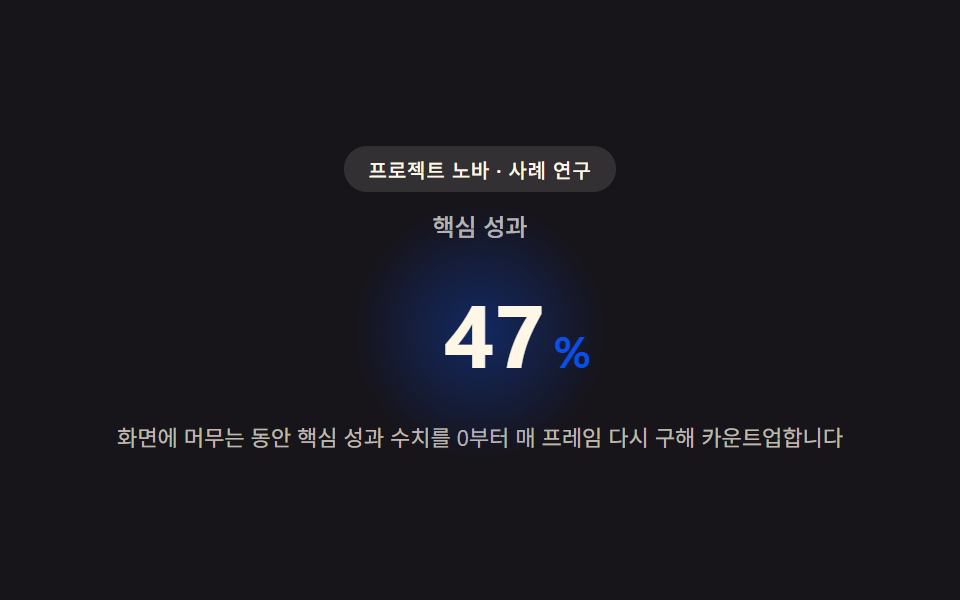 Landing sections9 Case Study Page Design Sections (Copy-Paste)
 Landing sectionsHero Section Design Examples: 9 Patterns
 Landing sectionsPricing Table Design: 9 Live Interactions
 Landing sectionsCoupon Design: 9 CSS Coupons, Stamp to Spin
 Landing sectionsCSS Card Design Examples — 9 Content Card Types
 Landing sections9 Profile Card Design Styles, Copy-Paste Ready
 Landing sectionsLanding Page Conversion: 9 Sections That Convert
 Landing sectionsWebsite Footer Design: 9 Copy-Paste Patterns
 Landing sectionsHero Section Design: 9 Patterns, No JS Libraries