로딩페이지 디자인 9종 — 복붙하는 예쁜 CSS 로딩 화면
로딩페이지 디자인은 서비스가 켜지는 첫 순간에 사용자에게 "기다리고 있네"라고 말해주는 화면입니다. 기본 스피너 하나로도 되지만, 파스텔 링이나 차오르는 물처럼 예쁜 로딩 화면은 복붙 몇 줄로 사이트 인상을 바꿔 놓습니다.
 01 loading-screen-candy-ring
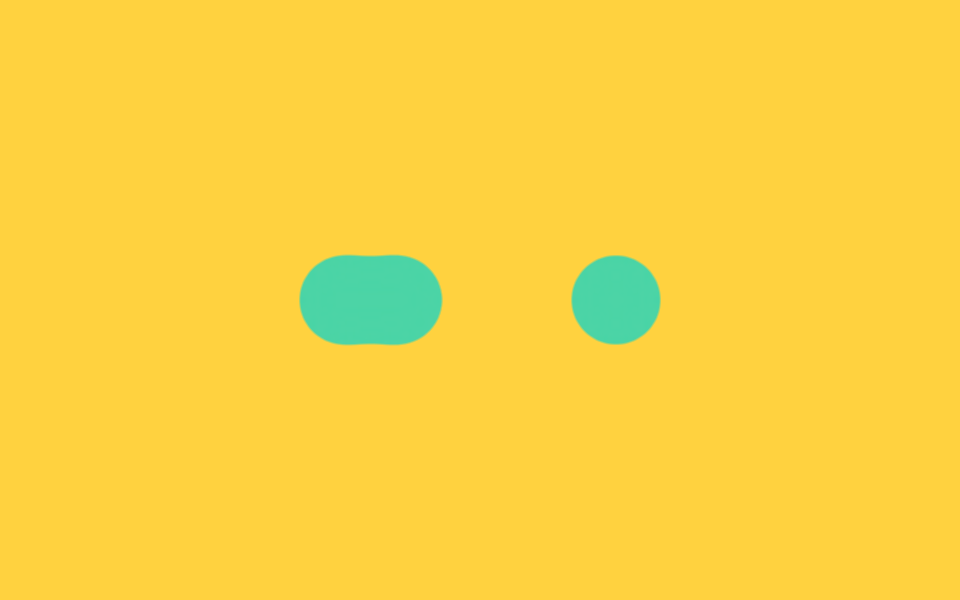 02 loading-screen-gooey-dots
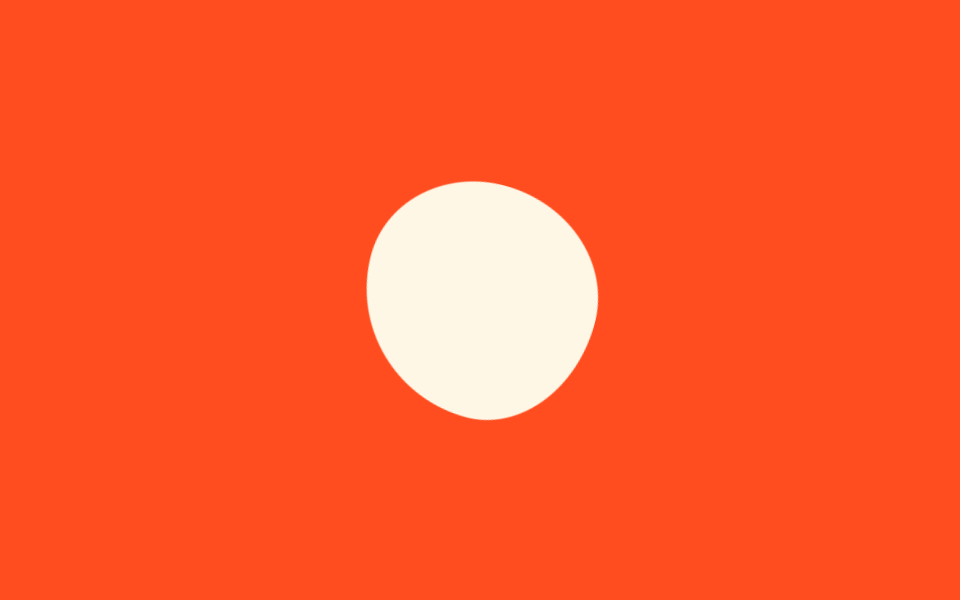 03 loading-screen-blob-morph
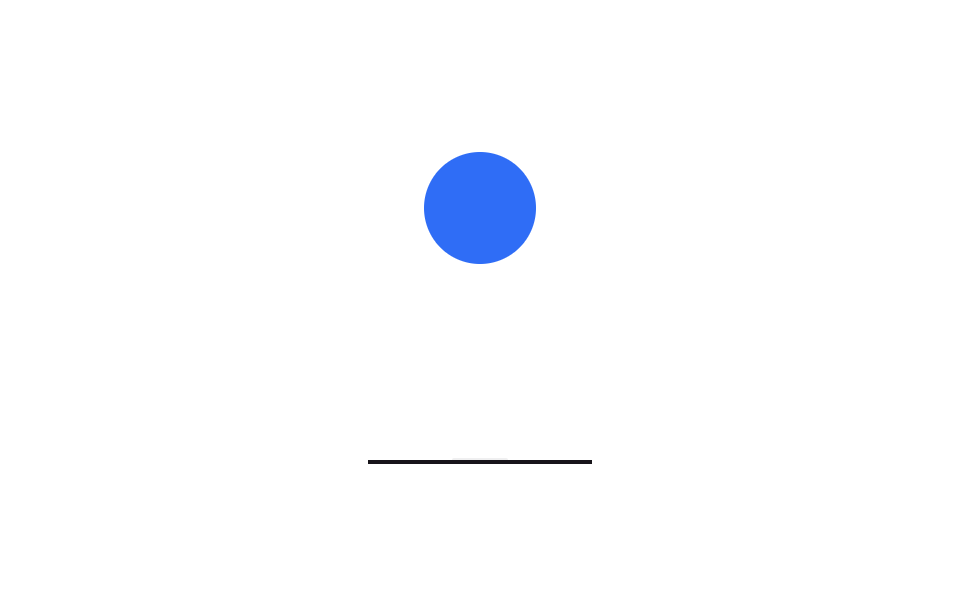 04 loading-screen-squish-ball
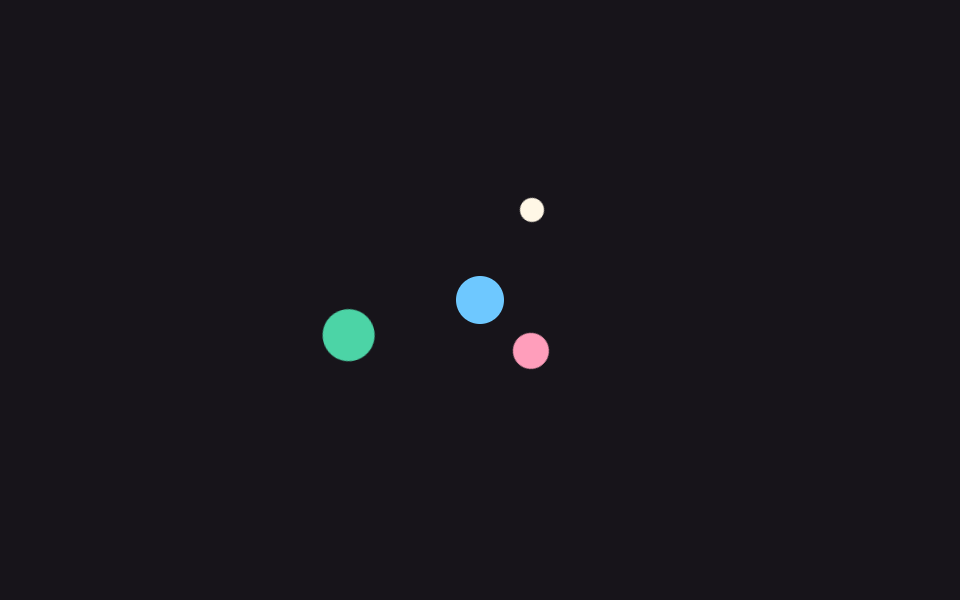 05 loading-screen-orbit-dots
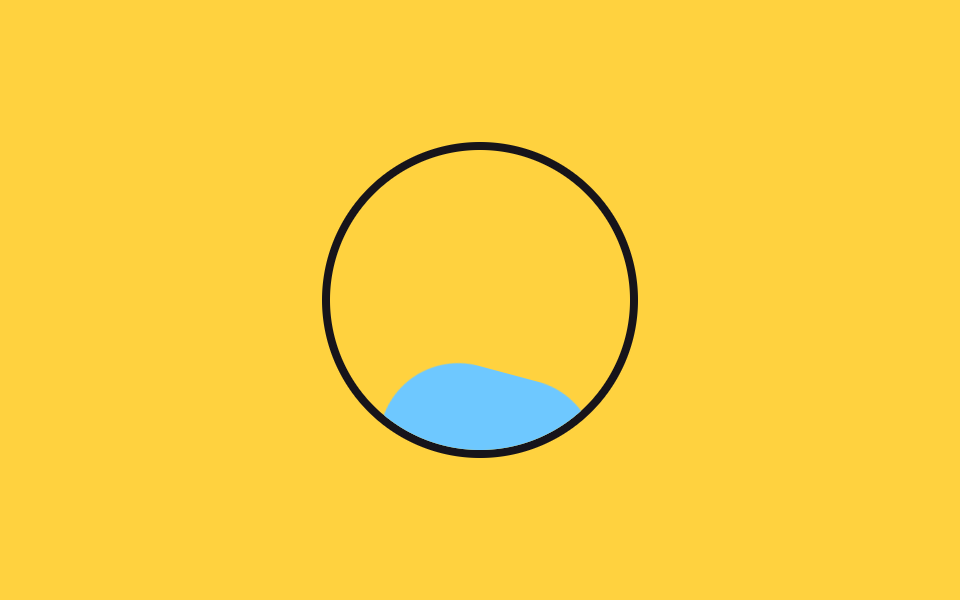 06 loading-screen-liquid-fill
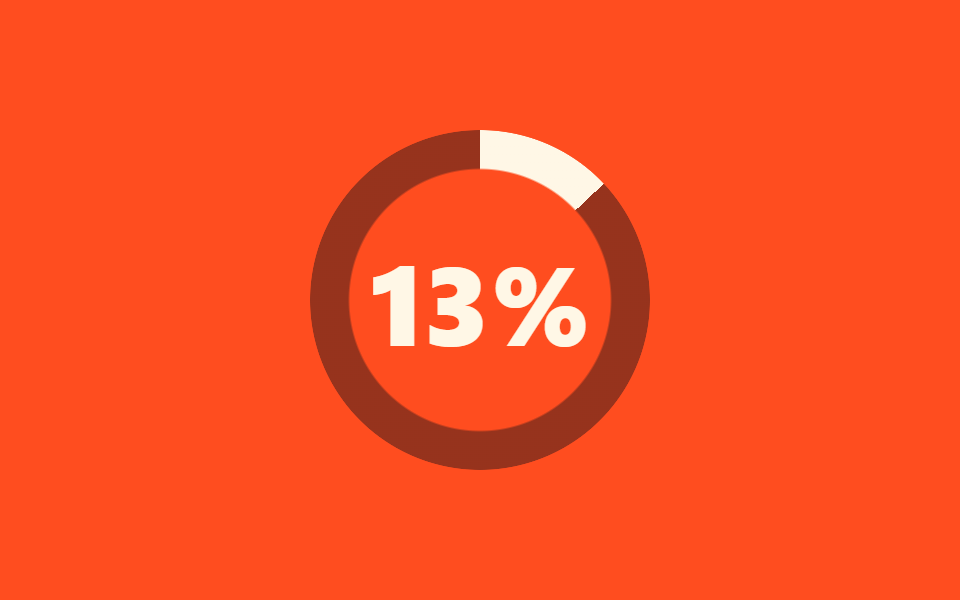 07 loading-screen-count-up
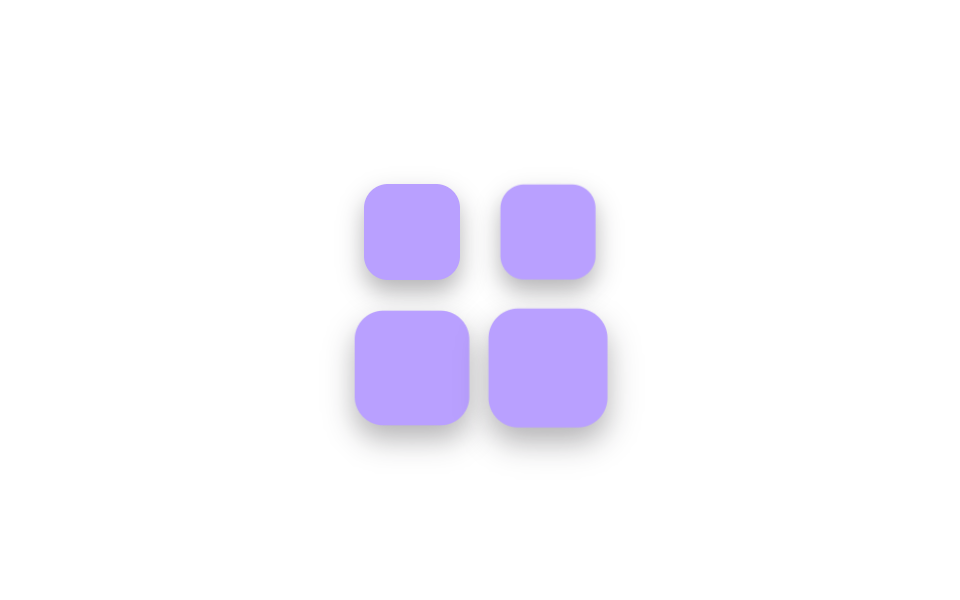 08 loading-screen-cube-stack
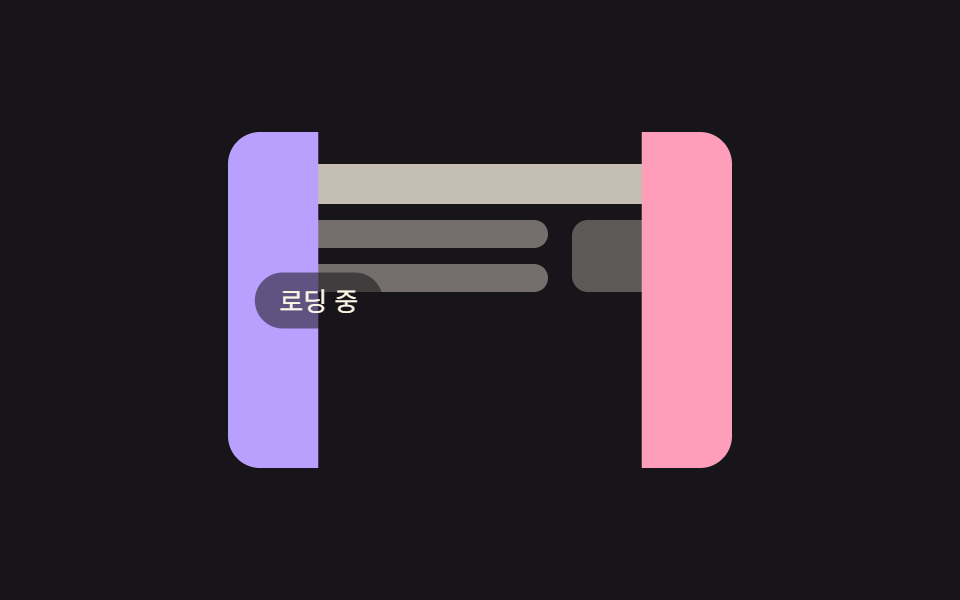 09 loading-screen-curtain-reveal
자동 재생 · 눌러서 해당 항목으로 · 전부 한 zip
아홉 개는 인기순이 아니라 로딩 화면 디자인을 고르는 순서로 놓았습니다. 가장 무난한 첫 선택인 캔디 링(01)과 익숙한 점 세 개(02)를 지나 개성이 들어가는 블롭(03)과 공(04)으로 넘어가고, 정교한 궤도(05)와 차오르는 물(06)로 기다림에 의미를 붙입니다. 숫자 카운트(07)와 쌓이는 큐브(08)로 진행을 알려주다가, 로딩이 끝나는 순간을 연출하는 커튼(09)으로 마무리합니다. 기다림의 상대가 사람이 아니라 채팅 창이면 AI 채팅 CSS 로딩 9종이 그 자리를 맡고, 화면이 아예 다음 페이지로 넘어가는 사이라면 페이지 로딩 애니메이션 9종이 맞는 옷이다.
01캔디 링 회전
css 로딩 스피너에서 무엇이 보이나
파스텔 세 색을 섞은 conic-gradient 링을 mask 로 도넛 모양으로 깎아 1초에 한 바퀴 돌립니다. 바깥 래퍼가 2초 주기로 1.12배까지 숨을 쉬어, 돌기만 하는 링보다 훨씬 살아 있습니다.
<main class="stage">
  <div class="cr-wrap is-demo" aria-hidden="true">
    <div class="cr-ring"></div>
  </div>
</main>
@use "../../../../site/static/demo-tokens" as *;
// ── 변수 3개 ──────────────────────────────────────────
$duration: 1s; // 링 한 바퀴
$easing: $ease-out;
$color: $subject-pink;
@include stage($stage-ink);
// 실사용: 로딩 시작하면 JS 가 .is-loading 을 붙인다
.cr-wrap {
width: 148px;
height: 148px;
display: grid;
place-items: center;
}
.cr-ring {
width: 148px;
height: 148px;
border-radius: 50%;
background: conic-gradient(from 0deg, $color, $subject-lilac, $subject-sky, $color);
mask: radial-gradient(farthest-side, #0000 calc(100% - 22px), #000 calc(100% - 21px));
}
.cr-wrap.is-loading,
.cr-wrap.is-demo {
.cr-ring { animation: cr-spin $duration linear infinite; }
animation: cr-breathe 2s $easing infinite;
}
@keyframes cr-spin {
to { transform: rotate(360deg); }
}
@keyframes cr-breathe {
0%, 100% { transform: scale(1); }
50% { transform: scale(1.12); }
}
@media (prefers-reduced-motion: reduce) {
.cr-wrap.is-loading,
.cr-wrap.is-demo {
animation: none !important;
.cr-ring { animation: none !important; }
}
}
// 320px 폭 스테이지에서 1.12배 breathe 가 패딩 여유를 거의 다 먹어 타이밍에 따라 세로 넘침이 났다
// (실측 2026-09-11: 148px 링 기준 여유 8.64px 뿐이라 렌더 타이밍마다 폰넘침 O/X 가 갈림) — 좁은 화면에서 링 자체를 줄여 여유를 키운다
@media (max-width: 340px), (max-height: 220px) {
.cr-wrap, .cr-ring { width: 116px; height: 116px; }
}html, body {
margin: 0;
overflow: hidden;
}
.stage {
box-sizing: border-box;
min-height: 100vh;
display: grid;
place-items: center;
margin: 0;
background: #17141a;
font-family: -apple-system, "Segoe UI", "Noto Sans KR", sans-serif;
padding: clamp(8px, 4vw, 24px);
}
.cr-wrap {
width: 148px;
height: 148px;
display: grid;
place-items: center;
}
.cr-ring {
width: 148px;
height: 148px;
border-radius: 50%;
background: conic-gradient(from 0deg, #ff9ebb, #b9a0ff, #6ec8ff, #ff9ebb);
mask: radial-gradient(farthest-side, rgba(0, 0, 0, 0) calc(100% - 22px), #000 calc(100% - 21px));
}
.cr-wrap.is-loading .cr-ring,
.cr-wrap.is-demo .cr-ring {
animation: cr-spin 1s linear infinite;
}
.cr-wrap.is-loading,
.cr-wrap.is-demo {
animation: cr-breathe 2s ease-out infinite;
}
@keyframes cr-spin {
to {
transform: rotate(360deg);
}
}
@keyframes cr-breathe {
0%, 100% {
transform: scale(1);
}
50% {
transform: scale(1.12);
}
}
@media (prefers-reduced-motion: reduce) {
.cr-wrap.is-loading,
.cr-wrap.is-demo {
animation: none !important;
}
.cr-wrap.is-loading .cr-ring,
.cr-wrap.is-demo .cr-ring {
animation: none !important;
}
}
@media (max-width: 340px), (max-height: 220px) {
.cr-wrap, .cr-ring {
width: 116px;
height: 116px;
}
}import { CSSProperties } from "react";
import styles from "./CandyRing.module.scss";
type Vars = CSSProperties & {
"--duration"?: string;
"--easing"?: string;
"--color"?: string;
};
export interface CandyRingProps {
duration?: string;
easing?: string;
color?: string;
}
export default function CandyRing({
duration = "1s",
easing = "ease-out",
color = "#ff9ebb",
}: CandyRingProps) {
const style: Vars = {
"--duration": duration,
"--easing": easing,
"--color": color,
};
return (
<div className={`${styles.wrap} ${styles.demo}`} style={style} aria-hidden="true">
<div className={styles.ring} />
</div>
);
}01 · 캔디 링 회전 — 측정 누적면적 9.335% · 움직인 프레임 23/23GODRICH 원작 · zip 에 SCSS·React 포함 · 비밀번호 보기
코드에서 볼 곳
어두운 첫 화면에서 사탕처럼 눈에 띄어 다크 테마 서비스의 대표 로딩으로 좋습니다.
.cr-ring {
  width: 148px;
  height: 148px;
  border-radius: 50%;
  background: conic-gradient(from 0deg, $color, $subject-lilac, $subject-sky, $color);
  mask: radial-gradient(farthest-side, #0000 calc(100% - 22px), #000 calc(100% - 21px));
}
.cr-wrap.is-demo {
  .cr-ring { animation: cr-spin $duration linear infinite; }
  animation: cr-breathe 2s $easing infinite;
}
@keyframes cr-spin { to { transform: rotate(360deg); } }
@keyframes cr-breathe {
  0%, 100% { transform: scale(1); }
  50% { transform: scale(1.12); }
}
02끈적한 점 3개
화면에서 일어나는 일
가운데 점 하나만 좌우로 오가며 양옆에 가만히 있는 점에 닿을 때마다 늘어붙었다 떨어집니다. 처음엔 blur 와 contrast 필터 조합으로 만들었는데 노란 배경에서 점 둘레에 붉은 테두리가 남아서, 색 채널이 아니라 알파(불투명도)만 증폭하는 SVG feColorMatrix 방식으로 갈아탔습니다.
<main class="stage">
  <!-- gooey: 색이 아니라 알파(불투명도)를 증폭해 끈적이는 이음새를 만든다 -->
  <svg width="0" height="0" style="position:absolute" aria-hidden="true">
    <defs>
      <filter id="goo-filter">
        <feGaussianBlur in="SourceGraphic" stdDeviation="8" result="blur"/>
        <feColorMatrix in="blur" mode="matrix"
          values="1 0 0 0 0  0 1 0 0 0  0 0 1 0 0  0 0 0 18 -7"/>
      </filter>
    </defs>
  </svg>
  <div class="goo is-demo" aria-hidden="true">
    <span class="goo-dot gd-a"></span>
    <span class="goo-dot gd-b"></span>
    <span class="goo-dot gd-c"></span>
  </div>
</main>
@use "../../../../site/static/demo-tokens" as *;
// ── 변수 3개 ──────────────────────────────────────────
$duration: 2s;
$easing: $ease-spring;
$color: $subject-mint;
@include stage($stage-yellow);
// gooey 필터: SVG feGaussianBlur 로 번지게 한 뒤 feColorMatrix 로
// 알파(불투명도)만 증폭해 경계를 다시 세운다. 색 채널은 건드리지 않아
// blur+contrast 조합이 노란 배경에서 만드는 붉은 테두리가 생기지 않는다.
.goo {
position: relative;
display: flex;
align-items: center;
padding: $sp-6 $sp-8;
filter: url(#goo-filter);
}
.goo-dot {
width: 44px;
height: 44px;
border-radius: 50%;
background: $color;
margin-right: $sp-6;
}
.goo-dot:last-child { margin-right: 0; }
// 실사용: 로딩 중에만 .is-loading — 가운데 점이 좌우 끝점을 차례로 찾아간다
.goo.is-loading .gd-b,
.goo.is-demo .gd-b {
animation: goo-slide $duration $easing infinite;
}
@keyframes goo-slide {
0%, 50%, 100% { transform: translateX(0); }
25% { transform: translateX(-68px); }
75% { transform: translateX(68px); }
}
@media (prefers-reduced-motion: reduce) {
.goo.is-loading .gd-b,
.goo.is-demo .gd-b {
animation: none !important;
transform: none !important;
}
.goo { filter: none; }
}html, body {
margin: 0;
overflow: hidden;
}
.stage {
box-sizing: border-box;
min-height: 100vh;
display: grid;
place-items: center;
margin: 0;
background: #ffd23f;
font-family: -apple-system, "Segoe UI", "Noto Sans KR", sans-serif;
padding: clamp(8px, 4vw, 24px);
}
.goo {
position: relative;
display: flex;
align-items: center;
padding: 24px 32px;
filter: url(#goo-filter);
}
.goo-dot {
width: 44px;
height: 44px;
border-radius: 50%;
background: #4cd4a6;
margin-right: 24px;
}
.goo-dot:last-child {
margin-right: 0;
}
.goo.is-loading .gd-b,
.goo.is-demo .gd-b {
animation: goo-slide 2s cubic-bezier(0.2, 0.8, 0.2, 1) infinite;
}
@keyframes goo-slide {
0%, 50%, 100% {
transform: translateX(0);
}
25% {
transform: translateX(-68px);
}
75% {
transform: translateX(68px);
}
}
@media (prefers-reduced-motion: reduce) {
.goo.is-loading .gd-b,
.goo.is-demo .gd-b {
animation: none !important;
transform: none !important;
}
.goo {
filter: none;
}
}import { CSSProperties } from "react";
import styles from "./GooeyDots.module.scss";
type Vars = CSSProperties & {
"--duration"?: string;
"--easing"?: string;
"--color"?: string;
};
export interface GooeyDotsProps {
duration?: string;
easing?: string;
color?: string;
/** 페이지에 필터가 여러 개면 겹치지 않게 다른 id 를 준다 */
filterId?: string;
}
export default function GooeyDots({
duration = "2s",
easing = "cubic-bezier(.2, .8, .2, 1)",
color = "#4cd4a6",
filterId = "goo-loader",
}: GooeyDotsProps) {
const style: Vars = {
"--duration": duration,
"--easing": easing,
"--color": color,
};
return (
<>
<svg width="0" height="0" style={{ position: "absolute" }} aria-hidden="true">
<defs>
<filter id={filterId}>
<feGaussianBlur in="SourceGraphic" stdDeviation="8" result="blur" />
<feColorMatrix
in="blur"
mode="matrix"
values="1 0 0 0 0 0 1 0 0 0 0 0 1 0 0 0 0 0 18 -7"
/>
</filter>
</defs>
</svg>
<div
className={styles.goo}
style={{ ...style, filter: `url(#${filterId})` }}
aria-hidden="true"
>
<span className={styles.dot} />
<span className={`${styles.dot} ${styles.dotB}`} />
<span className={styles.dot} />
</div>
</>
);
}02 · 끈적한 점 3개 — 측정 누적면적 3.392% · 움직인 프레임 23/23GODRICH 원작 · zip 에 SCSS·React 포함 · 비밀번호 보기
코드 읽는 법
필터 종류만 바꿨을 뿐인데 테두리 흔적이 사라졌습니다.
<svg width="0" height="0" style="position:absolute">
  <defs>
    <filter id="goo-filter">
      <feGaussianBlur in="SourceGraphic" stdDeviation="8" result="blur"/>
      <feColorMatrix in="blur" mode="matrix"
        values="1 0 0 0 0  0 1 0 0 0  0 0 1 0 0  0 0 0 18 -7"/>
    </filter>
  </defs>
</svg>
<div class="goo">
  <span class="goo-dot"></span>
  <span class="goo-dot gd-b"></span>
  <span class="goo-dot"></span>
</div>
.goo {
  display: flex;
  align-items: center;
  padding: $sp-6 $sp-8;
  filter: url(#goo-filter);
}
.gd-b { animation: goo-slide 2s $ease-spring infinite; }
@keyframes goo-slide {
  0%, 50%, 100% { transform: translateX(0); }
  25% { transform: translateX(-68px); }
  75% { transform: translateX(68px); }
}
03형태 바꾸는 블롭
어떤 움직임인가
border-radius 여덟 값을 순서대로 바꾸면서 90도씩 회전해, 방석 같은 형태가 쉼 없이 꿈틀댄다. 반경 값 네 쌍이 한 바퀴(2초)에 정확히 제자리로 돌아오므로 루프 이음새가 안 보인다.
<main class="stage">
  <div class="mb-blob is-demo" aria-hidden="true"></div>
</main>
@use "../../../../site/static/demo-tokens" as *;
// ── 변수 3개 ──────────────────────────────────────────
$duration: 2s;
$easing: linear;
$color: $subject-cream;
@include stage($stage-orange);
// 실사용: 로딩 중에만 .is-loading
.mb-blob {
width: 112px;
height: 112px;
border-radius: 58% 42% 43% 57% / 45% 58% 42% 55%; // 정지 모양도 블롭
background: $color;
}
.mb-blob.is-loading,
.mb-blob.is-demo {
// 반경 여덟 값이 순서를 바꾸며 모양을 바꾸고, 회전이 붙어 한 바퀴에 정확히 돌아온다
animation: mb-morph $duration $easing infinite;
}
@keyframes mb-morph {
0% {
border-radius: 58% 42% 43% 57% / 45% 58% 42% 55%;
transform: rotate(0deg) scale(1);
}
25% {
border-radius: 45% 55% 60% 40% / 52% 42% 58% 48%;
transform: rotate(90deg) scale(1.06);
}
50% {
border-radius: 57% 43% 40% 60% / 55% 47% 53% 45%;
transform: rotate(180deg) scale(0.96);
}
75% {
border-radius: 42% 58% 57% 43% / 48% 55% 45% 52%;
transform: rotate(270deg) scale(1.04);
}
100% {
border-radius: 58% 42% 43% 57% / 45% 58% 42% 55%;
transform: rotate(360deg) scale(1);
}
}
@media (prefers-reduced-motion: reduce) {
.mb-blob.is-loading,
.mb-blob.is-demo {
animation: none !important;
transform: none !important;
}
}html, body {
margin: 0;
overflow: hidden;
}
.stage {
box-sizing: border-box;
min-height: 100vh;
display: grid;
place-items: center;
margin: 0;
background: #ff4d1f;
font-family: -apple-system, "Segoe UI", "Noto Sans KR", sans-serif;
padding: clamp(8px, 4vw, 24px);
}
.mb-blob {
width: 112px;
height: 112px;
border-radius: 58% 42% 43% 57%/45% 58% 42% 55%;
background: #fff7e6;
}
.mb-blob.is-loading,
.mb-blob.is-demo {
animation: mb-morph 2s linear infinite;
}
@keyframes mb-morph {
0% {
border-radius: 58% 42% 43% 57%/45% 58% 42% 55%;
transform: rotate(0deg) scale(1);
}
25% {
border-radius: 45% 55% 60% 40%/52% 42% 58% 48%;
transform: rotate(90deg) scale(1.06);
}
50% {
border-radius: 57% 43% 40% 60%/55% 47% 53% 45%;
transform: rotate(180deg) scale(0.96);
}
75% {
border-radius: 42% 58% 57% 43%/48% 55% 45% 52%;
transform: rotate(270deg) scale(1.04);
}
100% {
border-radius: 58% 42% 43% 57%/45% 58% 42% 55%;
transform: rotate(360deg) scale(1);
}
}
@media (prefers-reduced-motion: reduce) {
.mb-blob.is-loading,
.mb-blob.is-demo {
animation: none !important;
transform: none !important;
}
}import { CSSProperties } from "react";
import styles from "./MorphingBlob.module.scss";
type Vars = CSSProperties & {
"--duration"?: string;
"--easing"?: string;
"--color"?: string;
};
export interface MorphingBlobProps {
duration?: string;
easing?: string;
color?: string;
}
export default function MorphingBlob({
duration = "2s",
easing = "linear",
color = "#fff7e6",
}: MorphingBlobProps) {
const style: Vars = {
"--duration": duration,
"--easing": easing,
"--color": color,
};
return <div className={styles.blob} style={style} aria-hidden="true" />;
}03 · 형태 바꾸는 블롭 — 측정 누적면적 2.206% · 움직인 프레임 23/23GODRICH 원작 · zip 에 SCSS·React 포함 · 비밀번호 보기
어디를 바꾸면 되나
정지 상태에서도 블롭 모양이 남게 기본 반경을 따로 뒀다.
.mb-blob {
  width: 112px;
  height: 112px;
  border-radius: 58% 42% 43% 57% / 45% 58% 42% 55%;
  background: $color;
}
.mb-blob.is-demo { animation: mb-morph $duration linear infinite; }
@keyframes mb-morph {
  0%   { border-radius: 58% 42% 43% 57% / 45% 58% 42% 55%; transform: rotate(0deg) scale(1); }
  25%  { border-radius: 45% 55% 60% 40% / 52% 42% 58% 48%; transform: rotate(90deg) scale(1.06); }
  50%  { border-radius: 57% 43% 40% 60% / 55% 47% 53% 45%; transform: rotate(180deg) scale(.96); }
  75%  { border-radius: 42% 58% 57% 43% / 48% 55% 45% 52%; transform: rotate(270deg) scale(1.04); }
  100% { border-radius: 58% 42% 43% 57% / 45% 58% 42% 55%; transform: rotate(360deg) scale(1); }
}
04쿵 찍는 공
무엇이 보이나
공이 떨어져 바닥에 닿는 순간 가로로 퍼지며 납작해지고(.55배), 한 박자 쉬었다가 탄성으로 되튕는다. transform-origin 을 바닥 중앙에 두어 찍히는 순간 공의 아랫면이 바닥에 붙어 있고, 그림자는 공이 높을 때 작고 옅어졌다가 착지 때 커진다.
<main class="stage">
  <div class="sq-scene is-demo" aria-hidden="true">
    <div class="sq-ball"></div>
    <div class="sq-shadow"></div>
    <div class="sq-floor"></div>
  </div>
</main>
@use "../../../../site/static/demo-tokens" as *;
// ── 변수 3개 ──────────────────────────────────────────
$duration: 1s;
$easing: cubic-bezier(.45, 0, .8, .6); // 떨어질 때: 점점 빨라지는 중력
$color: $subject-blue;
@include stage($stage-paper);
// 실사용: 로딩 중에만 .is-loading
.sq-scene {
position: relative;
width: 112px;
height: 164px;
}
.sq-ball {
position: absolute;
left: 50%;
bottom: 2px; // 바닥선(2px) 위에 정확히 얹힌다
width: 56px;
height: 56px;
margin-left: -28px;
border-radius: 50%;
background: $color;
transform-origin: 50% 100%; // 바닥에 닿은 채로 찍히게
}
.sq-shadow {
position: absolute;
left: 50%;
bottom: 0;
width: 56px;
height: $sp-1;
margin-left: -28px;
border-radius: $r-pill;
background: rgba(23, 20, 26, .22);
}
.sq-floor {
position: absolute;
left: 0;
bottom: 0;
width: 100%;
height: 2px;
background: $subject-ink;
}
.sq-scene.is-loading .sq-ball,
.sq-scene.is-demo .sq-ball {
animation: sq-bounce $duration $easing infinite;
}
.sq-scene.is-loading .sq-shadow,
.sq-scene.is-demo .sq-shadow {
animation: sq-shadow-pulse $duration $easing infinite;
}
@keyframes sq-bounce {
0% { transform: translateY(-98px) scale(1, 1); }
55% { transform: translateY(0) scale(1, 1); } // 바닥 도착
68% { transform: translateY(0) scale(1.28, .55); } // 쿵 — 찍힘
80% { transform: translateY(0) scale(.92, 1.08); } // 되튕기며 복원
100% { transform: translateY(-98px) scale(1, 1); }
}
@keyframes sq-shadow-pulse {
0%, 100% { transform: scale(.5); opacity: .3; }
55%, 80% { transform: scale(1.05); opacity: .75; }
}
@media (prefers-reduced-motion: reduce) {
.sq-scene.is-loading .sq-ball,
.sq-scene.is-demo .sq-ball {
animation: none !important;
transform: translateY(-40px) !important; // 정지해도 공중에 떠 있는 모양
}
.sq-scene.is-loading .sq-shadow,
.sq-scene.is-demo .sq-shadow {
animation: none !important;
opacity: .5 !important;
transform: scale(.8) !important;
}
}html, body {
margin: 0;
overflow: hidden;
}
.stage {
box-sizing: border-box;
min-height: 100vh;
display: grid;
place-items: center;
margin: 0;
background: #ffffff;
font-family: -apple-system, "Segoe UI", "Noto Sans KR", sans-serif;
padding: clamp(8px, 4vw, 24px);
}
.sq-scene {
position: relative;
width: 112px;
height: 164px;
}
.sq-ball {
position: absolute;
left: 50%;
bottom: 2px;
width: 56px;
height: 56px;
margin-left: -28px;
border-radius: 50%;
background: #2f6df6;
transform-origin: 50% 100%;
}
.sq-shadow {
position: absolute;
left: 50%;
bottom: 0;
width: 56px;
height: 4px;
margin-left: -28px;
border-radius: 999px;
background: rgba(23, 20, 26, 0.22);
}
.sq-floor {
position: absolute;
left: 0;
bottom: 0;
width: 100%;
height: 2px;
background: #17141a;
}
.sq-scene.is-loading .sq-ball,
.sq-scene.is-demo .sq-ball {
animation: sq-bounce 1s cubic-bezier(0.45, 0, 0.8, 0.6) infinite;
}
.sq-scene.is-loading .sq-shadow,
.sq-scene.is-demo .sq-shadow {
animation: sq-shadow-pulse 1s cubic-bezier(0.45, 0, 0.8, 0.6) infinite;
}
@keyframes sq-bounce {
0% {
transform: translateY(-98px) scale(1, 1);
}
55% {
transform: translateY(0) scale(1, 1);
}
68% {
transform: translateY(0) scale(1.28, 0.55);
}
80% {
transform: translateY(0) scale(0.92, 1.08);
}
100% {
transform: translateY(-98px) scale(1, 1);
}
}
@keyframes sq-shadow-pulse {
0%, 100% {
transform: scale(0.5);
opacity: 0.3;
}
55%, 80% {
transform: scale(1.05);
opacity: 0.75;
}
}
@media (prefers-reduced-motion: reduce) {
.sq-scene.is-loading .sq-ball,
.sq-scene.is-demo .sq-ball {
animation: none !important;
transform: translateY(-40px) !important;
}
.sq-scene.is-loading .sq-shadow,
.sq-scene.is-demo .sq-shadow {
animation: none !important;
opacity: 0.5 !important;
transform: scale(0.8) !important;
}
}import { CSSProperties } from "react";
import styles from "./SquishBall.module.scss";
type Vars = CSSProperties & {
"--duration"?: string;
"--easing"?: string;
"--color"?: string;
};
export interface SquishBallProps {
duration?: string;
easing?: string;
color?: string;
}
export default function SquishBall({
duration = "1s",
easing = "cubic-bezier(.45, 0, .8, .6)",
color = "#2f6df6",
}: SquishBallProps) {
const style: Vars = {
"--duration": duration,
"--easing": easing,
"--color": color,
};
return (
<div className={styles.scene} style={style} aria-hidden="true">
<div className={styles.ball} />
<div className={styles.shadow} />
<div className={styles.floor} />
</div>
);
}04 · 쿵 찍는 공 — 측정 누적면적 5.947% · 움직인 프레임 23/23GODRICH 원작 · zip 에 SCSS·React 포함 · 비밀번호 보기
코드에서 볼 곳
떨어지는 구간엔 가속되는 cubic-bezier(.45, 0, .8, .6) 를 써서 중력감을 냈다.
.sq-ball {
  position: absolute;
  left: 50%;
  bottom: 2px;
  width: 56px;
  height: 56px;
  margin-left: -28px;
  border-radius: 50%;
  background: $color;
  transform-origin: 50% 100%;
}
.sq-ball.is-demo { animation: sq-bounce 1s cubic-bezier(.45, 0, .8, .6) infinite; }
@keyframes sq-bounce {
  0%   { transform: translateY(-98px) scale(1, 1); }
  55%  { transform: translateY(0) scale(1, 1); }
  68%  { transform: translateY(0) scale(1.28, .55); }
  80%  { transform: translateY(0) scale(.92, 1.08); }
  100% { transform: translateY(-98px) scale(1, 1); }
}
05궤도 도는 점들
화면에서 일어나는 일
크기가 다른 점 세 개가 같은 중심을 두고 반지름 36·52·68px 궤도를 각자 돈다. 작은 점일수록 각속도가 빨라(1초 vs 2초) 행성이 도는 듯한 깊이가 생기고, 세 점은 120도씩 어긋난 위상에서 출발해 한 곳에 뭉치지 않는다.
<main class="stage">
  <div class="ob-system is-demo" aria-hidden="true">
    <span class="ob-core"></span>
    <span class="ob-dot od-s"></span>
    <span class="ob-dot od-m"></span>
    <span class="ob-dot od-l"></span>
  </div>
</main>
@use "../../../../site/static/demo-tokens" as *;
// ── 변수 3개 ──────────────────────────────────────────
$duration: 2s; // 바깥 두 점의 한 바퀴 (안쪽 작은 점은 절반)
$easing: linear;
$color: $subject-cream;
@include stage($stage-ink);
// 실사용: 로딩 중에만 .is-loading
// 각 점은 자기 transform-origin 을 계통 중심에 두고 제자리에서 공전한다.
// 회전하는 컨다란 팔 박스를 쓰면 정사각형이 45도에 경계 상자가 루트2배로
// 커져 320px 폰 화면에서 세로 넘침을 일으킨다 (219 실측).
.ob-system {
position: relative;
width: 168px;
height: 168px;
}
.ob-core {
position: absolute;
left: 50%;
top: 50%;
width: 24px;
height: 24px;
margin: -12px 0 0 -12px;
border-radius: 50%;
background: $subject-sky;
}
.ob-dot {
position: absolute;
border-radius: 50%;
}
// 작은 점: 안쪽 궤도(반지름 52), 빠르게
.od-s {
top: 26px; // 84 - 52 - 6
left: calc(50% - 6px);
width: 12px;
height: 12px;
background: $color;
transform-origin: 50% 58px; // 점 중심에서 계통 중심까지 52 + 자기 반지름 6
}
// 중간 점: 가장 안쪽 궤도(반지름 36)
.od-m {
top: 39px; // 84 - 36 - 9
left: calc(50% - 9px);
width: 18px;
height: 18px;
background: $subject-pink;
transform-origin: 50% 45px; // 규칙8: 계통 중심 공전 축
}
// 큰 점: 바깥 궤도(반지름 68), 느리게
.od-l {
top: 3px; // 84 - 68 - 13
left: calc(50% - 13px);
width: 26px;
height: 26px;
background: $subject-mint;
transform-origin: 50% 81px; // 규칙8: 계통 중심 공전 축
}
// 세 점은 같은 방향, 서로 120도씩 어긋난 위상에서 출발한다
.ob-system.is-loading .od-s,
.ob-system.is-demo .od-s { animation: ob-spin-a ($duration / 2) $easing infinite; }
.ob-system.is-loading .od-m,
.ob-system.is-demo .od-m { animation: ob-spin-b $duration $easing infinite; }
.ob-system.is-loading .od-l,
.ob-system.is-demo .od-l { animation: ob-spin-c $duration $easing infinite; }
@keyframes ob-spin-a {
from { transform: rotate(0deg); }
to { transform: rotate(360deg); }
}
@keyframes ob-spin-b {
from { transform: rotate(120deg); }
to { transform: rotate(480deg); }
}
@keyframes ob-spin-c {
from { transform: rotate(240deg); }
to { transform: rotate(600deg); }
}
@media (prefers-reduced-motion: reduce) {
.ob-system.is-loading .od-s,
.ob-system.is-loading .od-m,
.ob-system.is-loading .od-l,
.ob-system.is-demo .od-s,
.ob-system.is-demo .od-m,
.ob-system.is-demo .od-l {
animation: none !important;
transform: none !important;
}
}html, body {
margin: 0;
overflow: hidden;
}
.stage {
box-sizing: border-box;
min-height: 100vh;
display: grid;
place-items: center;
margin: 0;
background: #17141a;
font-family: -apple-system, "Segoe UI", "Noto Sans KR", sans-serif;
padding: clamp(8px, 4vw, 24px);
}
.ob-system {
position: relative;
width: 168px;
height: 168px;
}
.ob-core {
position: absolute;
left: 50%;
top: 50%;
width: 24px;
height: 24px;
margin: -12px 0 0 -12px;
border-radius: 50%;
background: #6ec8ff;
}
.ob-dot {
position: absolute;
border-radius: 50%;
}
.od-s {
top: 26px;
left: calc(50% - 6px);
width: 12px;
height: 12px;
background: #fff7e6;
transform-origin: 50% 58px;
}
.od-m {
top: 39px;
left: calc(50% - 9px);
width: 18px;
height: 18px;
background: #ff9ebb;
transform-origin: 50% 45px;
}
.od-l {
top: 3px;
left: calc(50% - 13px);
width: 26px;
height: 26px;
background: #4cd4a6;
transform-origin: 50% 81px;
}
.ob-system.is-loading .od-s,
.ob-system.is-demo .od-s {
animation: ob-spin-a 1s linear infinite;
}
.ob-system.is-loading .od-m,
.ob-system.is-demo .od-m {
animation: ob-spin-b 2s linear infinite;
}
.ob-system.is-loading .od-l,
.ob-system.is-demo .od-l {
animation: ob-spin-c 2s linear infinite;
}
@keyframes ob-spin-a {
from {
transform: rotate(0deg);
}
to {
transform: rotate(360deg);
}
}
@keyframes ob-spin-b {
from {
transform: rotate(120deg);
}
to {
transform: rotate(480deg);
}
}
@keyframes ob-spin-c {
from {
transform: rotate(240deg);
}
to {
transform: rotate(600deg);
}
}
@media (prefers-reduced-motion: reduce) {
.ob-system.is-loading .od-s,
.ob-system.is-loading .od-m,
.ob-system.is-loading .od-l,
.ob-system.is-demo .od-s,
.ob-system.is-demo .od-m,
.ob-system.is-demo .od-l {
animation: none !important;
transform: none !important;
}
}import { CSSProperties } from "react";
import styles from "./OrbitDots.module.scss";
type Vars = CSSProperties & {
"--duration"?: string;
"--easing"?: string;
"--color"?: string;
};
export interface OrbitDotsProps {
duration?: string;
easing?: string;
color?: string;
}
export default function OrbitDots({
duration = "2s",
easing = "linear",
color = "#fff7e6",
}: OrbitDotsProps) {
const style: Vars = {
"--duration": duration,
"--easing": easing,
"--color": color,
};
return (
<div className={styles.system} style={style} aria-hidden="true">
<span className={styles.core} />
<span className={`${styles.dot} ${styles.dotS}`} />
<span className={`${styles.dot} ${styles.dotM}`} />
<span className={`${styles.dot} ${styles.dotL}`} />
</div>
);
}05 · 궤도 도는 점들 — 측정 누적면적 11.261% · 움직인 프레임 23/23GODRICH 원작 · zip 에 SCSS·React 포함 · 비밀번호 보기
코드 읽는 법
회전시키는 대상은 커다란 팔 박스가 아니라 점 각각이다 — 이유는 아래 함정에서.
.od-s {                       // 작은 점: 반지름 52
  top: 26px;
  left: calc(50% - 6px);
  width: 12px;
  height: 12px;
  transform-origin: 50% 58px; // 점에서 계통 중심까지 거리
  animation: ob-spin-a 1s linear infinite;
}
@keyframes ob-spin-a {
  from { transform: rotate(0deg); }
  to   { transform: rotate(360deg); }
}
06차오르는 물 원
어떤 움직임인가
둥근 테두리 원 안에 물이 차오르되, 수면은 둥근 사각형(반경 36%)을 회전시켜 만든다. 상승은 translate 속성으로만 움직여 회전(transform)과 충돌하지 않게 분리했고, 사각형의 모서리가 쓸 때마다 잔물결이 진다.
<main class="stage">
  <div class="lq-tube is-demo" aria-hidden="true">
    <div class="lq-water"></div>
  </div>
</main>
@use "../../../../site/static/demo-tokens" as *;
// ── 변수 3개 ──────────────────────────────────────────
$duration: 2s;
$easing: $ease-spring;
$color: $subject-sky;
@include stage($stage-yellow);
// 실사용: 로딩 중에만 .is-loading
.lq-tube {
position: relative;
width: 150px;
height: 150px;
border: 4px solid $subject-ink;
border-radius: 50%;
overflow: hidden; // 원 밖의 물은 잘린다
}
.lq-water {
position: absolute;
top: 100%;
left: calc(50% - 55px);
width: 110px;
height: 110px;
border-radius: 36%;
background: $color;
}
.lq-tube.is-loading .lq-water,
.lq-tube.is-demo .lq-water {
// 두 동작의 조합: 사각형의 회전(물결 윗면) + translateY 상승
animation: lq-wave 2s linear infinite,
lq-rise $duration $easing infinite;
}
@keyframes lq-wave {
from { transform: rotate(0deg); }
to { transform: rotate(360deg); }
}
@keyframes lq-rise {
0% { translate: 0 0; }
50% { translate: 0 -60px; }
100% { translate: 0 0; }
}
@media (prefers-reduced-motion: reduce) {
.lq-tube.is-loading .lq-water,
.lq-tube.is-demo .lq-water {
animation: none !important;
translate: 0 -30px !important; // 절반쯤 찬 물에 수면이 기울어진 정지 모양
transform: rotate(12deg) !important;
}
}html, body {
margin: 0;
overflow: hidden;
}
.stage {
box-sizing: border-box;
min-height: 100vh;
display: grid;
place-items: center;
margin: 0;
background: #ffd23f;
font-family: -apple-system, "Segoe UI", "Noto Sans KR", sans-serif;
padding: clamp(8px, 4vw, 24px);
}
.lq-tube {
position: relative;
width: 150px;
height: 150px;
border: 4px solid #17141a;
border-radius: 50%;
overflow: hidden;
}
.lq-water {
position: absolute;
top: 100%;
left: calc(50% - 55px);
width: 110px;
height: 110px;
border-radius: 36%;
background: #6ec8ff;
}
.lq-tube.is-loading .lq-water,
.lq-tube.is-demo .lq-water {
animation: lq-wave 2s linear infinite, lq-rise 2s cubic-bezier(0.2, 0.8, 0.2, 1) infinite;
}
@keyframes lq-wave {
from {
transform: rotate(0deg);
}
to {
transform: rotate(360deg);
}
}
@keyframes lq-rise {
0% {
translate: 0 0;
}
50% {
translate: 0 -60px;
}
100% {
translate: 0 0;
}
}
@media (prefers-reduced-motion: reduce) {
.lq-tube.is-loading .lq-water,
.lq-tube.is-demo .lq-water {
animation: none !important;
translate: 0 -30px !important;
transform: rotate(12deg) !important;
}
}import { CSSProperties } from "react";
import styles from "./LiquidFill.module.scss";
type Vars = CSSProperties & {
"--duration"?: string;
"--easing"?: string;
"--color"?: string;
};
export interface LiquidFillProps {
duration?: string;
easing?: string;
color?: string;
/** 원 테두리 색 */
frameColor?: string;
}
export default function LiquidFill({
duration = "2s",
easing = "cubic-bezier(.2, .8, .2, 1)",
color = "#6ec8ff",
frameColor = "#17141a",
}: LiquidFillProps) {
const style: Vars = {
"--duration": duration,
"--easing": easing,
"--color": color,
"--frame-color": frameColor,
} as Vars & { "--frame-color"?: string };
return (
<div className={styles.tube} style={style} aria-hidden="true">
<div className={styles.water} />
</div>
);
}06 · 차오르는 물 원 — 측정 누적면적 3.84% · 움직인 프레임 23/23GODRICH 원작 · zip 에 SCSS·React 포함 · 비밀번호 보기
어디를 바꾸면 되나
올라갔다 내려오는 2초 루프라 기다림이 길어도 지루하지 않다.
.lq-tube {
  position: relative;
  width: 150px;
  height: 150px;
  border: 4px solid $subject-ink;
  border-radius: 50%;
  overflow: hidden;
}
.lq-water {
  position: absolute;
  top: 100%;
  left: calc(50% - 55px);
  width: 110px;
  height: 110px;
  border-radius: 36%;
  background: $color;
  animation: lq-wave 2s linear infinite, lq-rise $duration $ease-spring infinite;
}
@keyframes lq-wave { from { transform: rotate(0deg); } to { transform: rotate(360deg); } }
@keyframes lq-rise {
  0%   { translate: 0 0; }
  50%  { translate: 0 -60px; }
  100% { translate: 0 0; }
}
07숫자 카운트 로딩
무엇이 보이나
자바스크립트 없이 @property 로 등록한 정수 변수 --n 이 0에서 100까지 올라가고 counter() 로 화면에 찍힌다. 같은 변수를 읽는 얇은 conic-gradient 링이 정확히 같은 속도로 차올라 숫자와 게이지가 어긋나지 않는다.
<main class="stage">
  <div class="cu-box is-demo" role="status">
    <span class="cu-sr-only">로딩 중</span>
    <div class="cu-ring" aria-hidden="true"></div>
    <span class="cu-num" aria-hidden="true"></span>
  </div>
</main>
@use "../../../../site/static/demo-tokens" as *;
// ── 변수 3개 ──────────────────────────────────────────
$duration: 2s;
$easing: linear;
$color: $subject-cream;
@include stage($stage-orange);
// 숫자 변수를 등록해야 애니메이션과 counter() 로 쓸 수 있다 (JS 없음)
@property --n {
syntax: "<integer>";
inherits: true;
initial-value: 0;
}
.cu-box {
position: relative;
width: 170px;
height: 170px;
display: grid;
place-items: center;
--n: 0;
}
.cu-sr-only {
position: absolute;
width: 1px;
height: 1px;
overflow: hidden;
clip-path: inset(50%);
white-space: nowrap;
}
.cu-ring {
position: absolute;
inset: 0;
border-radius: 50%;
background: conic-gradient($color calc(var(--n) * 1%), rgba(23, 20, 26, .45) 0);
mask: radial-gradient(farthest-side, #0000 calc(100% - 20px), #000 calc(100% - 19px));
}
.cu-num {
font-family: -apple-system, "Segoe UI", "Noto Sans KR", sans-serif;
font-size: 56px;
font-weight: 800;
line-height: 1;
color: $color;
counter-reset: n var(--n);
}
.cu-num::after {
content: counter(n) "%";
}
// 실사용: 로딩 중에만 .is-loading — 숫자와 링이 같은 변수를 읽어 정확히 맞물린다
.cu-box.is-loading,
.cu-box.is-demo {
animation: cu-count $duration $easing infinite;
}
@keyframes cu-count {
from { --n: 0; }
to { --n: 100; }
}
@media (prefers-reduced-motion: reduce) {
.cu-box.is-loading,
.cu-box.is-demo {
animation: none !important;
--n: 100 !important; // 100% 에 멈춘 모양
}
}html, body {
margin: 0;
overflow: hidden;
}
.stage {
box-sizing: border-box;
min-height: 100vh;
display: grid;
place-items: center;
margin: 0;
background: #ff4d1f;
font-family: -apple-system, "Segoe UI", "Noto Sans KR", sans-serif;
padding: clamp(8px, 4vw, 24px);
}
@property --n {
syntax: "<integer>";
inherits: true;
initial-value: 0;
}
.cu-box {
position: relative;
width: 170px;
height: 170px;
display: grid;
place-items: center;
--n: 0;
}
.cu-sr-only {
position: absolute;
width: 1px;
height: 1px;
overflow: hidden;
clip-path: inset(50%);
white-space: nowrap;
}
.cu-ring {
position: absolute;
inset: 0;
border-radius: 50%;
background: conic-gradient(#fff7e6 calc(var(--n) * 1%), rgba(23, 20, 26, 0.45) 0);
mask: radial-gradient(farthest-side, rgba(0, 0, 0, 0) calc(100% - 20px), #000 calc(100% - 19px));
}
.cu-num {
font-family: -apple-system, "Segoe UI", "Noto Sans KR", sans-serif;
font-size: 56px;
font-weight: 800;
line-height: 1;
color: #fff7e6;
counter-reset: n var(--n);
}
.cu-num::after {
content: counter(n) "%";
}
.cu-box.is-loading,
.cu-box.is-demo {
animation: cu-count 2s linear infinite;
}
@keyframes cu-count {
from {
--n: 0;
}
to {
--n: 100;
}
}
@media (prefers-reduced-motion: reduce) {
.cu-box.is-loading,
.cu-box.is-demo {
animation: none !important;
--n: 100 !important;
}
}import { CSSProperties } from "react";
import styles from "./CountUpNumber.module.scss";
type Vars = CSSProperties & {
"--duration"?: string;
"--easing"?: string;
"--color"?: string;
};
export interface CountUpNumberProps {
duration?: string;
easing?: string;
color?: string;
/** 화면에 표시할 짧은 안내 문구 (스크린리더용) */
label?: string;
}
export default function CountUpNumber({
duration = "2s",
easing = "linear",
color = "#fff7e6",
label = "Loading",
}: CountUpNumberProps) {
const style: Vars = {
"--duration": duration,
"--easing": easing,
"--color": color,
};
return (
<div className={styles.box} style={style} role="status">
<span className={styles.srOnly}>{label}</span>
<div className={styles.ring} aria-hidden="true" />
<span className={styles.num} aria-hidden="true" />
</div>
);
}07 · 숫자 카운트 로딩 — 측정 누적면적 9.245% · 움직인 프레임 23/23GODRICH 원작 · zip 에 SCSS·React 포함 · 비밀번호 보기
코드에서 볼 곳
화면에 보이는 숫자 자체는 장식이라 aria-hidden 으로 숨기고, 대신 눈에 안 보이는 문구에 role="status" 를 달아 보조기기가 그 문구로 진행 상황을 읽게 했다.
@property --n {
  syntax: "<integer>";
  inherits: true;
  initial-value: 0;
}
.cu-num {
  counter-reset: n var(--n);
}
.cu-num::after { content: counter(n) "%"; }
.cu-box.is-demo { animation: cu-count $duration linear infinite; }
@keyframes cu-count {
  from { --n: 0; }
  to   { --n: 100; }
}
08쌓이는 큐브
화면에서 일어나는 일
정사각 네 개가 왼쪽 위부터 오른쪽 아래까지(그리드 순서대로) 120ms 간격으로 튀어올라 자리를 잡고, 한 박자 뒤 네 칸이 같은 타이밍에 쿵 내려앉는다. 등장 애니메이션(안쪽 큐브의 scale)과 착지 애니메이션(바깥 셀의 translateY)을 요소 두 겹으로 나눠 transform 이 서로 덮어쓰지 않게 했다.
<main class="stage">
  <div class="cs-grid is-demo" aria-hidden="true">
    <span class="cs-cell"><span class="cs-cube"></span></span>
    <span class="cs-cell"><span class="cs-cube"></span></span>
    <span class="cs-cell"><span class="cs-cube"></span></span>
    <span class="cs-cell"><span class="cs-cube"></span></span>
  </div>
</main>
@use "../../../../site/static/demo-tokens" as *;
// ── 변수 3개 ──────────────────────────────────────────
$duration: 2s;
$easing: $ease-pop;
$color: $subject-lilac;
@include stage($stage-paper);
.cs-grid {
display: grid;
grid-template-columns: repeat(2, 56px);
grid-auto-rows: 56px;
gap: $sp-3;
}
.cs-cell {
display: grid;
place-items: center;
}
// 실사용: 로딩 중에만 .is-loading — 등장(안쪽 큐브 scale)은 하나씩,
// 착지(바깥 셀 translate)는 전부 같은 박자에
.cs-cube {
width: 48px;
height: 48px;
border-radius: $r-control;
background: $color;
box-shadow: $shadow-press;
}
.is-loading .cs-cell,
.is-demo .cs-cell {
animation: cs-settle $duration $easing infinite;
}
.is-loading .cs-cube,
.is-demo .cs-cube {
animation: cs-pop $duration $easing infinite backwards;
}
.is-loading .cs-cell:nth-child(1) .cs-cube,
.is-demo .cs-cell:nth-child(1) .cs-cube { animation-delay: 0s; }
.is-loading .cs-cell:nth-child(2) .cs-cube,
.is-demo .cs-cell:nth-child(2) .cs-cube { animation-delay: 120ms; }
.is-loading .cs-cell:nth-child(3) .cs-cube,
.is-demo .cs-cell:nth-child(3) .cs-cube { animation-delay: 240ms; }
.is-loading .cs-cell:nth-child(4) .cs-cube,
.is-demo .cs-cell:nth-child(4) .cs-cube { animation-delay: 360ms; }
@keyframes cs-pop {
0% { transform: scale(0); opacity: 0; }
16% { transform: scale(1.18); opacity: 1; }
22%, 68% { transform: scale(1); opacity: 1; }
90%, 100% { transform: scale(0); opacity: 0; }
}
@keyframes cs-settle {
0%, 60% { transform: translateY(0); }
70% { transform: translateY(8px); }
80%, 100% { transform: translateY(0); }
}
@media (prefers-reduced-motion: reduce) {
.is-loading .cs-cell,
.is-loading .cs-cube,
.is-demo .cs-cell,
.is-demo .cs-cube {
animation: none !important;
transform: none !important;
opacity: 1 !important;
}
}html, body {
margin: 0;
overflow: hidden;
}
.stage {
box-sizing: border-box;
min-height: 100vh;
display: grid;
place-items: center;
margin: 0;
background: #ffffff;
font-family: -apple-system, "Segoe UI", "Noto Sans KR", sans-serif;
padding: clamp(8px, 4vw, 24px);
}
.cs-grid {
display: grid;
grid-template-columns: repeat(2, 56px);
grid-auto-rows: 56px;
gap: 12px;
}
.cs-cell {
display: grid;
place-items: center;
}
.cs-cube {
width: 48px;
height: 48px;
border-radius: 12px;
background: #b9a0ff;
box-shadow: 0 6px 12px rgba(23, 20, 26, 0.32);
}
.is-loading .cs-cell,
.is-demo .cs-cell {
animation: cs-settle 2s cubic-bezier(0.2, 1.4, 0.4, 1) infinite;
}
.is-loading .cs-cube,
.is-demo .cs-cube {
animation: cs-pop 2s cubic-bezier(0.2, 1.4, 0.4, 1) infinite backwards;
}
.is-loading .cs-cell:nth-child(1) .cs-cube,
.is-demo .cs-cell:nth-child(1) .cs-cube {
animation-delay: 0s;
}
.is-loading .cs-cell:nth-child(2) .cs-cube,
.is-demo .cs-cell:nth-child(2) .cs-cube {
animation-delay: 120ms;
}
.is-loading .cs-cell:nth-child(3) .cs-cube,
.is-demo .cs-cell:nth-child(3) .cs-cube {
animation-delay: 240ms;
}
.is-loading .cs-cell:nth-child(4) .cs-cube,
.is-demo .cs-cell:nth-child(4) .cs-cube {
animation-delay: 360ms;
}
@keyframes cs-pop {
0% {
transform: scale(0);
opacity: 0;
}
16% {
transform: scale(1.18);
opacity: 1;
}
22%, 68% {
transform: scale(1);
opacity: 1;
}
90%, 100% {
transform: scale(0);
opacity: 0;
}
}
@keyframes cs-settle {
0%, 60% {
transform: translateY(0);
}
70% {
transform: translateY(8px);
}
80%, 100% {
transform: translateY(0);
}
}
@media (prefers-reduced-motion: reduce) {
.is-loading .cs-cell,
.is-loading .cs-cube,
.is-demo .cs-cell,
.is-demo .cs-cube {
animation: none !important;
transform: none !important;
opacity: 1 !important;
}
}import { CSSProperties } from "react";
import styles from "./CubeStack.module.scss";
type Vars = CSSProperties & {
"--duration"?: string;
"--easing"?: string;
"--color"?: string;
};
export interface CubeStackProps {
duration?: string;
easing?: string;
color?: string;
}
export default function CubeStack({
duration = "2s",
easing = "cubic-bezier(.2, 1.4, .4, 1)",
color = "#b9a0ff",
}: CubeStackProps) {
const style: Vars = {
"--duration": duration,
"--easing": easing,
"--color": color,
};
return (
<div className={styles.grid} style={style} aria-hidden="true">
{[0, 1, 2, 3].map((i) => (
<span key={i} className={`${styles.cell} ${styles["d" + i]}`}>
<span className={styles.cube} />
</span>
))}
</div>
);
}08 · 쌓이는 큐브 — 측정 누적면적 13.051% · 움직인 프레임 18/23GODRICH 원작 · zip 에 SCSS·React 포함 · 비밀번호 보기
코드 읽는 법
모듈을 하나씩 불러오는 화면의 리듬 그대로다.
.cs-cell { animation: cs-settle $duration $ease-pop infinite; }
.cs-cube  { animation: cs-pop $duration $ease-pop infinite backwards; }
.cs-cell:nth-child(2) .cs-cube { animation-delay: 120ms; }
.cs-cell:nth-child(3) .cs-cube { animation-delay: 240ms; }
.cs-cell:nth-child(4) .cs-cube { animation-delay: 360ms; }
@keyframes cs-pop {
  0%       { transform: scale(0); opacity: 0; }
  16%      { transform: scale(1.18); opacity: 1; }
  22%, 68% { transform: scale(1); opacity: 1; }
  90%, 100% { transform: scale(0); opacity: 0; }
}
@keyframes cs-settle {
  0%, 60%  { transform: translateY(0); }
  70%      { transform: translateY(8px); }
  80%, 100% { transform: translateY(0); }
}
09커튼 열고 닫기
어떤 움직임인가
로딩이 끝나는 순간을 연출하는 마무리다. 좌우 커튼 두 장이 바깥으로 밀리며 뒤에 숨겨둔 콘텐츠 자리(제목줄·본문줄·썸네일)를 드러내고, 잠시 열린 채로 있다가 다시 닫혀 처음으로 돌아간다.
<main class="stage">
  <div class="ct-scene is-demo">
    <div class="ct-content" aria-hidden="true">
      <span class="ct-bar ct-bar-title"></span>
      <span class="ct-bar"></span>
      <span class="ct-bar"></span>
      <span class="ct-thumb"></span>
    </div>
    <div class="ct-panel ct-left" aria-hidden="true"><span class="ct-label">로딩 중</span></div>
    <div class="ct-panel ct-right" aria-hidden="true"></div>
  </div>
</main>
@use "../../../../site/static/demo-tokens" as *;
// ── 변수 3개 ──────────────────────────────────────────
$duration: 2s;
$easing: $ease-spring;
$color: $subject-lilac;
@include stage($stage-ink);
// 실사용: 로딩 중에만 .is-loading — 끝나면 클래스를 떼고 커튼을 연 채로 둔다
.ct-scene {
position: relative;
width: 252px;
height: 168px;
border-radius: $r-card;
overflow: hidden;
}
.ct-content {
position: absolute;
inset: 0;
display: grid;
grid-template-columns: 1fr 64px;
grid-template-rows: auto auto auto 1fr;
gap: $sp-2 $sp-3;
padding: $sp-4;
}
.ct-bar {
height: 14px;
border-radius: $r-pill;
background: rgba(255, 247, 230, .4);
}
.ct-bar-title {
height: 20px;
grid-column: 1 / -1;
background: rgba(255, 247, 230, .75);
}
.ct-thumb {
grid-row: 2 / 4;
grid-column: 2;
border-radius: $r-sm;
background: rgba(255, 247, 230, .3);
}
.ct-panel {
position: absolute;
top: 0;
bottom: 0;
width: 50.5%; // 살짝 겹쳐 틈이 안 보이게
}
.ct-left { left: 0; background: $color; }
.ct-right { right: 0; background: $subject-pink; }
.ct-label {
position: absolute;
top: 50%;
left: 100%;
transform: translate(-50%, -50%);
padding: $sp-1 $sp-3;
border-radius: $r-pill;
background: rgba(23, 20, 26, .55);
font-family: -apple-system, "Segoe UI", "Noto Sans KR", sans-serif;
font-size: 13px;
line-height: 1.5;
color: $subject-cream;
white-space: nowrap;
}
.is-loading .ct-left,
.is-demo .ct-left { animation: ct-open-left $duration $easing infinite; }
.is-loading .ct-right,
.is-demo .ct-right { animation: ct-open-right $duration $easing infinite; }
@keyframes ct-open-left {
0%, 12% { transform: translateX(0); }
38%, 72% { transform: translateX(-101%); }
94%, 100% { transform: translateX(0); }
}
@keyframes ct-open-right {
0%, 12% { transform: translateX(0); }
38%, 72% { transform: translateX(101%); }
94%, 100% { transform: translateX(0); }
}
@media (prefers-reduced-motion: reduce) {
.is-loading .ct-left,
.is-demo .ct-left {
animation: none !important;
transform: translateX(-101%) !important; // 열린 채로 멈춘다
}
.is-loading .ct-right,
.is-demo .ct-right {
animation: none !important;
transform: translateX(101%) !important;
}
}html, body {
margin: 0;
overflow: hidden;
}
.stage {
box-sizing: border-box;
min-height: 100vh;
display: grid;
place-items: center;
margin: 0;
background: #17141a;
font-family: -apple-system, "Segoe UI", "Noto Sans KR", sans-serif;
padding: clamp(8px, 4vw, 24px);
}
.ct-scene {
position: relative;
width: 252px;
height: 168px;
border-radius: 16px;
overflow: hidden;
}
.ct-content {
position: absolute;
inset: 0;
display: grid;
grid-template-columns: 1fr 64px;
grid-template-rows: auto auto auto 1fr;
gap: 8px 12px;
padding: 16px;
}
.ct-bar {
height: 14px;
border-radius: 999px;
background: rgba(255, 247, 230, 0.4);
}
.ct-bar-title {
height: 20px;
grid-column: 1/-1;
background: rgba(255, 247, 230, 0.75);
}
.ct-thumb {
grid-row: 2/4;
grid-column: 2;
border-radius: 8px;
background: rgba(255, 247, 230, 0.3);
}
.ct-panel {
position: absolute;
top: 0;
bottom: 0;
width: 50.5%;
}
.ct-left {
left: 0;
background: #b9a0ff;
}
.ct-right {
right: 0;
background: #ff9ebb;
}
.ct-label {
position: absolute;
top: 50%;
left: 100%;
transform: translate(-50%, -50%);
padding: 4px 12px;
border-radius: 999px;
background: rgba(23, 20, 26, 0.55);
font-family: -apple-system, "Segoe UI", "Noto Sans KR", sans-serif;
font-size: 13px;
line-height: 1.5;
color: #fff7e6;
white-space: nowrap;
}
.is-loading .ct-left,
.is-demo .ct-left {
animation: ct-open-left 2s cubic-bezier(0.2, 0.8, 0.2, 1) infinite;
}
.is-loading .ct-right,
.is-demo .ct-right {
animation: ct-open-right 2s cubic-bezier(0.2, 0.8, 0.2, 1) infinite;
}
@keyframes ct-open-left {
0%, 12% {
transform: translateX(0);
}
38%, 72% {
transform: translateX(-101%);
}
94%, 100% {
transform: translateX(0);
}
}
@keyframes ct-open-right {
0%, 12% {
transform: translateX(0);
}
38%, 72% {
transform: translateX(101%);
}
94%, 100% {
transform: translateX(0);
}
}
@media (prefers-reduced-motion: reduce) {
.is-loading .ct-left,
.is-demo .ct-left {
animation: none !important;
transform: translateX(-101%) !important;
}
.is-loading .ct-right,
.is-demo .ct-right {
animation: none !important;
transform: translateX(101%) !important;
}
}import { CSSProperties } from "react";
import styles from "./CurtainReveal.module.scss";
type Vars = CSSProperties & {
"--duration"?: string;
"--easing"?: string;
"--color"?: string;
};
export interface CurtainRevealProps {
duration?: string;
easing?: string;
color?: string;
/** 반대쪽 커튼 색 */
altColor?: string;
/** 커튼 위 알약 문구 */
label?: string;
}
export default function CurtainReveal({
duration = "2s",
easing = "cubic-bezier(.2, .8, .2, 1)",
color = "#b9a0ff",
altColor = "#ff9ebb",
label = "Loading",
}: CurtainRevealProps) {
const style: Vars & { "--alt-color"?: string } = {
"--duration": duration,
"--easing": easing,
"--color": color,
"--alt-color": altColor,
};
return (
<div className={styles.scene} style={style}>
<div className={styles.content} aria-hidden="true">
<span className={`${styles.bar} ${styles.barTitle}`} />
<span className={styles.bar} />
<span className={styles.bar} />
<span className={styles.thumb} />
</div>
<div className={styles.left} aria-hidden="true">
<span className={styles.label}>{label}</span>
</div>
<div className={styles.right} aria-hidden="true" />
</div>
);
}09 · 커튼 열고 닫기 — 측정 누적면적 29.278% · 움직인 프레임 13/23GODRICH 원작 · zip 에 SCSS·React 포함 · 비밀번호 보기
어디를 바꾸면 되나
실서비스에서는 로딩이 끝나는 시점에 커튼을 열고 클래스를 떼어 그대로 두면 페이지 전환 커버가 된다.
.ct-left  { left: 0;  background: $color; }
.ct-right { right: 0; background: $subject-pink; }
.ct-scene.is-demo .ct-left  { animation: ct-open-left $duration $ease-spring infinite; }
.ct-scene.is-demo .ct-right { animation: ct-open-right $duration $ease-spring infinite; }
@keyframes ct-open-left {
  0%, 12%   { transform: translateX(0); }
  38%, 72%  { transform: translateX(-101%); }
  94%, 100% { transform: translateX(0); }
}
@keyframes ct-open-right {
  0%, 12%   { transform: translateX(0); }
  38%, 72%  { transform: translateX(101%); }
  94%, 100% { transform: translateX(0); }
}
어디서 깨지는가 — 회전하는 박스는 폰 화면을 넘친다
05번을 처음엔 점을 담은 커다란 사각 팔을 통째로 회전시키는 흔한 방식으로 만들었다. 데스크톱에선 멀쩡했는데 320px 폰 폭 검사에서 세로 넘침이 잡혔다 — 눈으로 보이는 점은 작은데, 168px 정사각형이 45도로 돌아가는 순간 경계 상자가 대각선 길이만큼(약 237px)로 커지고, 스크롤 높이 계산은 그 커진 상자를 그대로 세기 때문이다. 실측해보니 body 의 스크롤 높이가 화면 200px 인데 218px 로 잡혔다. overflow: hidden 이든 clip 이든 이 계산을 막지 못한다. 해결은 회전 대상을 줄이는 것이다 — 점 하나가 자기 transform-origin 을 계통 중심에 두고 제자리에서 공전하게 하면, 경계 상자는 점이 지나는 원(지름 138px) 안에만 머문다. 회전 요소가 하나 더 있는 01번 링은 원형이라 회전해도 경계 상자가 그대로인 것과 대비된다. 기다림이 위에 걸린 메뉴 쪽에서 벌어지는 조합은 메가 메뉴 UI 9종이 다룬다. 압축 파일을 풀 때 묻는 비밀번호는 3eqz6dw4 이고, 입력하면 아홉 개 폴더가 그대로 열린다. 02번도 비슷하게 처음 설계를 버렸다 — blur+contrast 필터는 노란 배경 위에서 점 가장자리를 붉게 물들였고, 알파만 증폭하는 SVG 행렬 필터로 바꾸니 흔적 없이 깨끗해졌다.
접근성
아홉 개 전부 prefers-reduced-motion: reduce 에서 애니메이션이 꺼진다. 그냥 사라지는 게 아니라 각자 쓸 모양을 남긴다 — 03번은 블롭 형태, 07번은 100% 찬 링과 숫자, 09번은 열린 커튼, 04번은 공중에 뜬 공이다. 로딩 표시는 장식이므로 07번을 빼고 전부 aria-hidden="true" 로 보조기기에서 숨겼고, 07번은 반대로 role="status" 와 "로딩 중" 문구를 넣어 진행 상황이 읽히게 했다. 무한 반복 애니메이션이라 WCAG 2.2.2 의 일시정지 기준 과 만나면 — 실서비스에서는 로딩이 끝나면 반드시 화면에서 치우는 조건이 붙어야 안전하다. 이 설정은 운영체제의 움직임 줄이기 옵션과 연동되며 자세한 값은 MDN 문서 에 정리돼 있다.
FAQ
로딩페이지 만들기를 CSS만으로 할 수 있나요?
네, 이 9개는 전부 자바스크립트 0줄로 만들었다. 07번 숫자 카운트조차 @property 로 변수를 등록해 CSS 문법 안에서 돈다. 실서비스에 붙일 때만 로딩 시작·끝에 .is-loading 클래스를 붙이고 떼는 자바스크립트 한 줄이 필요하다. 기본 스피너 모음은 로딩 스피너 CSS 9종 에, 스켈레톤 화면은 스켈레톤 로딩 UI 9종 에 따로 있다. 기다림이 버튼 안에서만 일어나는 형태는 css 버튼 디자인 9종의 09번이 보여 준다.
색을 우리 브랜드 색으로 바꾸고 싶어요.
각 데모의 SCSS 맨 위 변수 3개($duration · $easing · $color) 중 $color 하나만 바꾸면 된다. 01번 캔디 링은 두 보조 색($subject-lilac, $subject-sky)이 그라디언트에 같이 들어가니 그 두 값도 함께 바꾼다. React 버전은 props 로 같은 값을 넘긴다.
실제 로딩 시간을 모르는데 퍼센트 숫자를 보여도 되나요?
모르면 가짜 퍼센트는 보여주지 않는 게 낫다 — 숫자가 90에서 멈춰 있으면 사용자는 늦어진다고 느낀다. 그럴 땐 01·02·03번처럼 끝나는 시점이 없는 인디케이터를 쓰고, 07번은 진행률을 실제로 알 수 있을 때(파일 업로드처럼)만 쓴다. 끝나는 순간의 연출만 필요하면 09번 커튼이 맞다.
이런 글이랑 어울려요
 로딩스켈레톤 UI CSS 9종 — 복붙하면 되는 로딩 화면
 로딩CSS 로딩 스피너 9종 — div 하나로 끝나는
 로딩원형 프로그레스바 CSS 9종 — 값만 바꾸면 되는
 로딩AI 채팅 CSS 로딩 애니메이션 9종
 로딩css 인트로 애니메이션 9종 — 인트로 만들기 핵심
 로딩당겨서 새로고침 9종 — 당긴 거리 값이 새로고침을 만드는 방식
 로딩다운로드 진행 상황 표시 9종 — 값이 퍼센트 단위로 갱신되는 아홉 가지 방식
 로딩게이지 바 9종 — 게임처럼 채워지는 아홉 가지 방식
 로딩로딩 스켈레톤 ui 9종 — 차트가 계산으로 완성되는 순간까지
 로딩css 로딩바 애니메이션 9가지 — 3D 계산형 로더