CSS 로딩 스피너 9종 — div 하나로 끝나는
CSS 로딩 스피너는 서버 응답을 기다리는 동안 화면이 멈추지 않았다는 걸 보여주는 작은 반복 애니메이션으로, 이 글은 자바스크립트 없이 CSS만으로 돌아가는 아홉 가지 방식을 모았습니다. 아홉 개 중 세 개는 흔한 갤러리에서 잘 안 보이는 조합입니다.
 01 loading-spinner-ring-basic
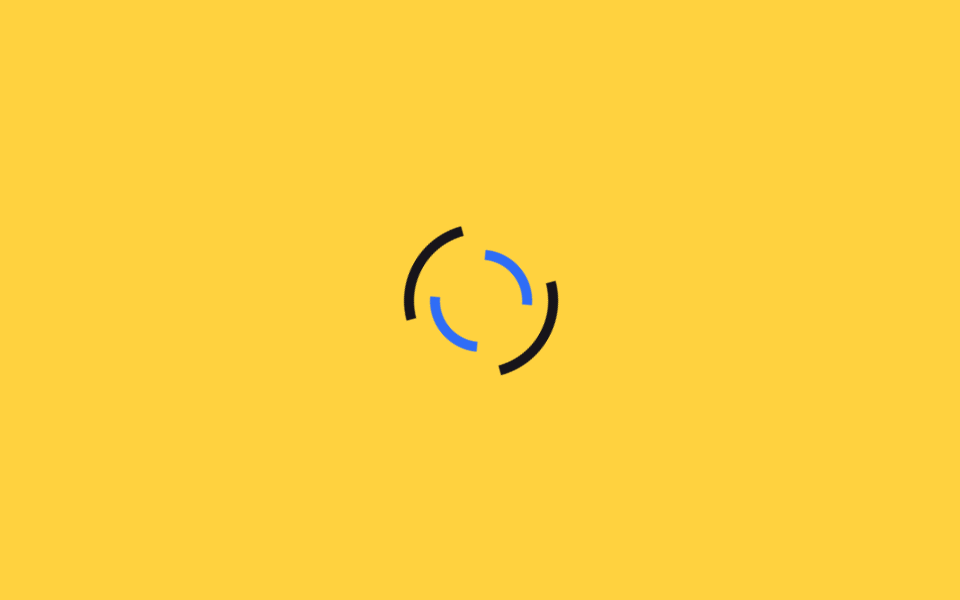 02 loading-spinner-dual-ring
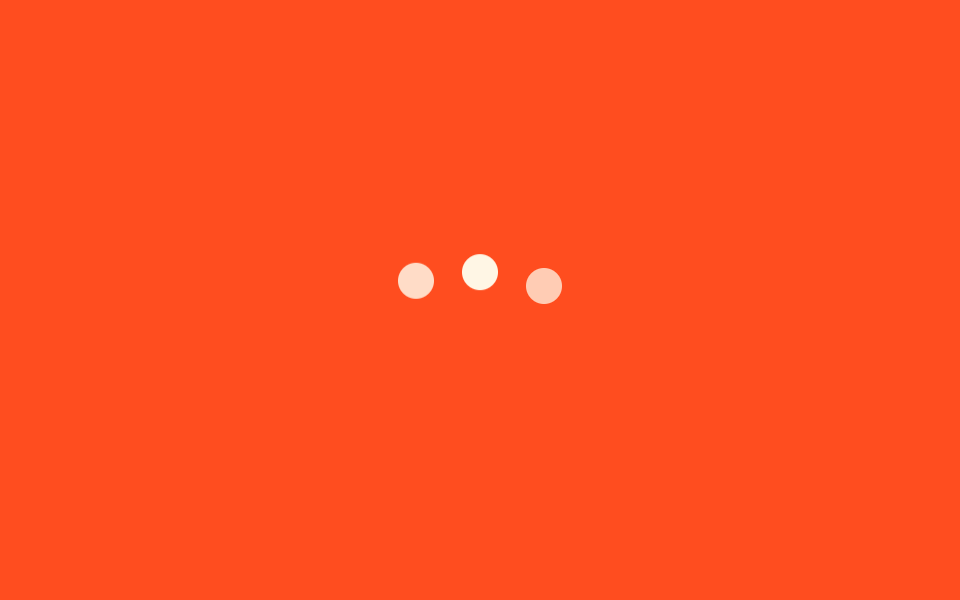 03 loading-spinner-dots-bounce
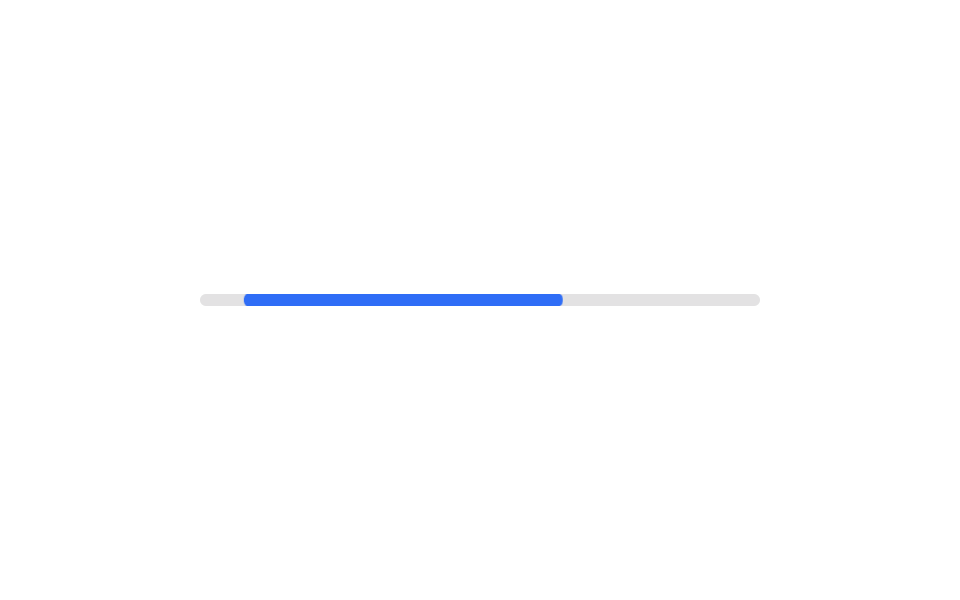 04 loading-spinner-bar-indeterminate
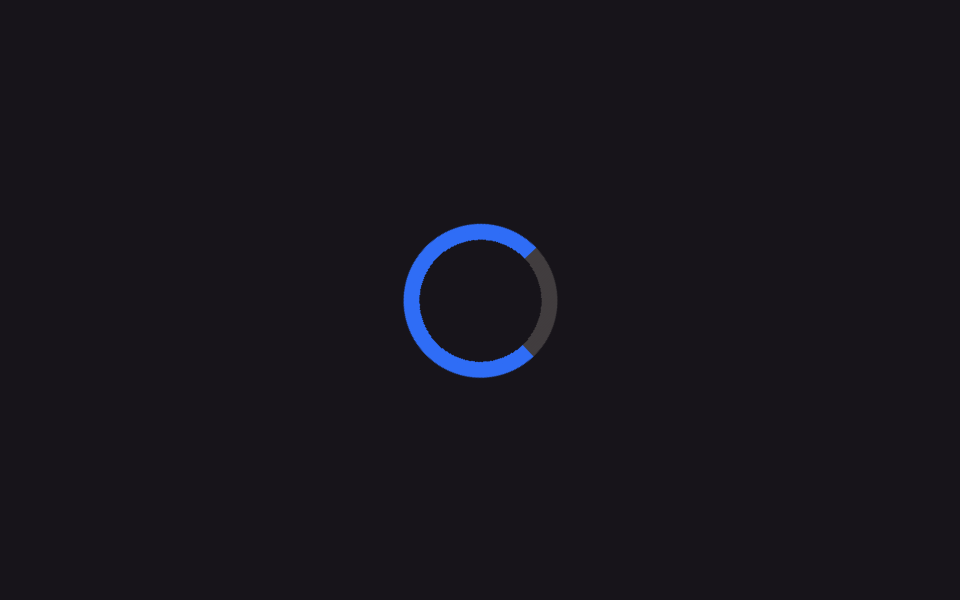 05 loading-spinner-conic-sweep
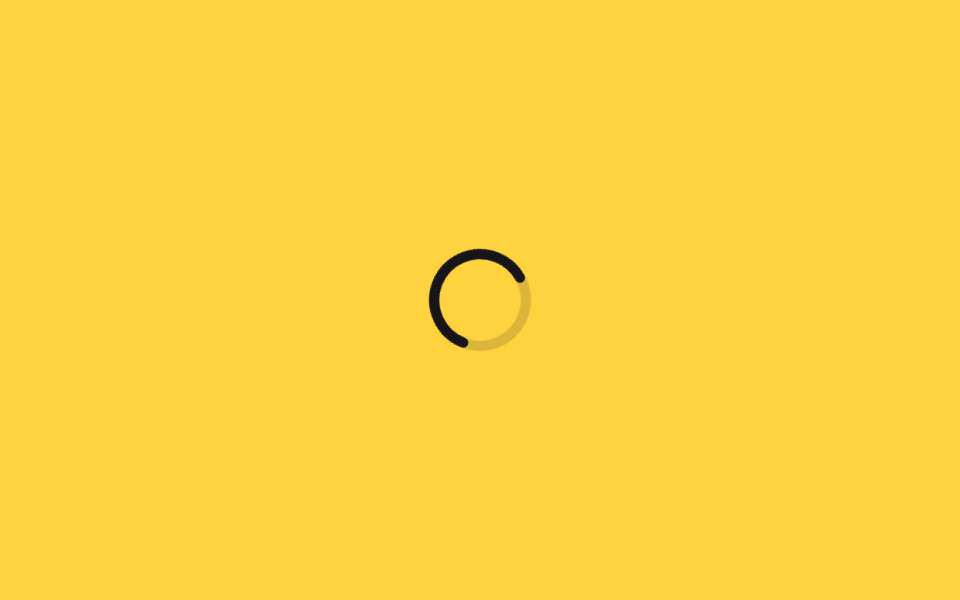 06 loading-spinner-dash-svg-circle
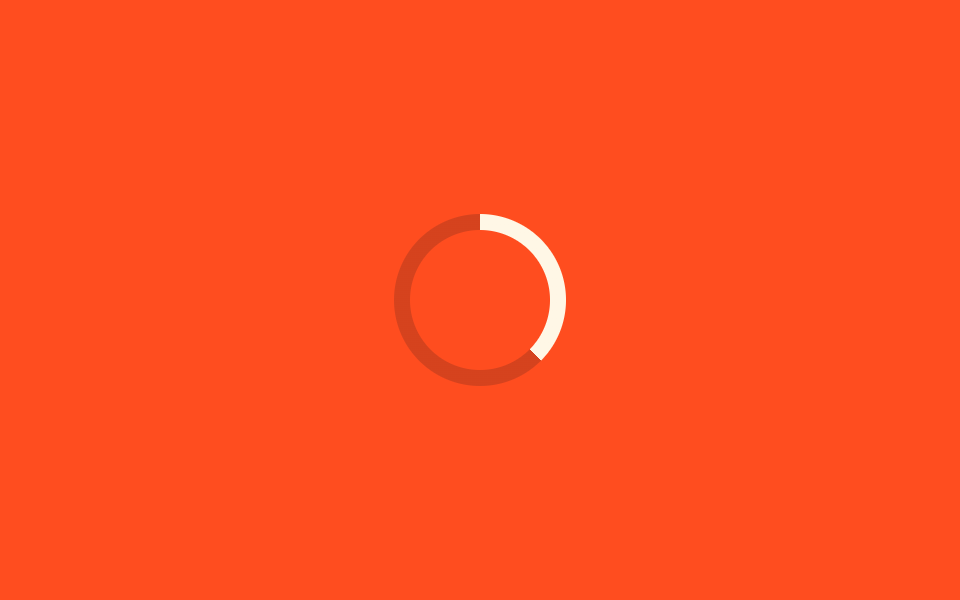 07 loading-spinner-property-progress-ring
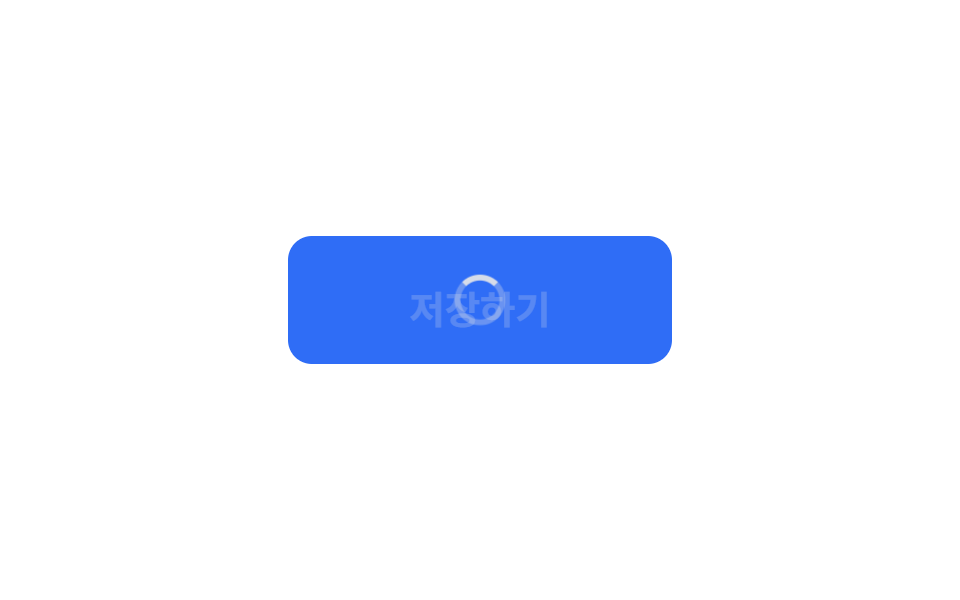 08 loading-spinner-button-inline-spinner
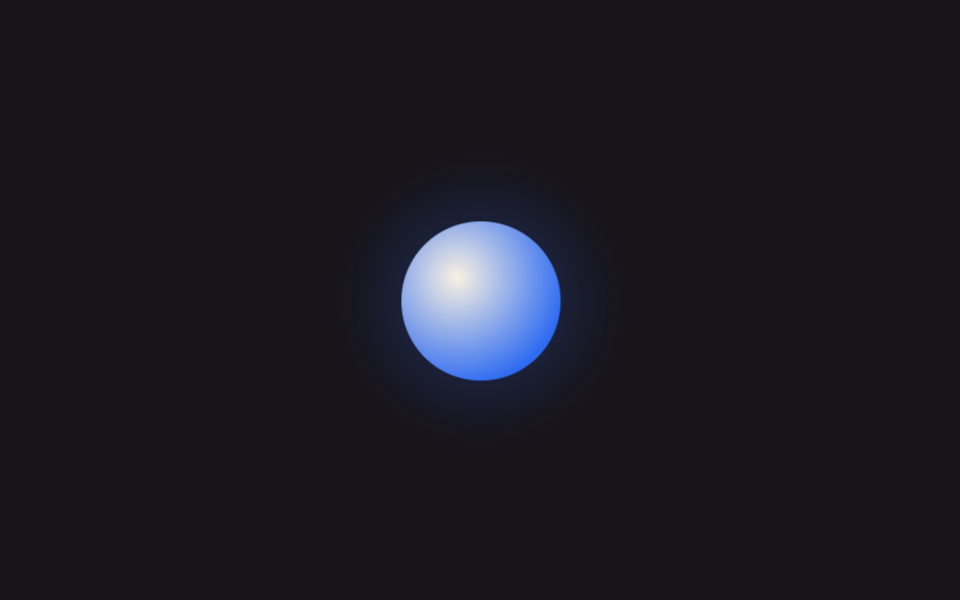 09 loading-spinner-ai-pulse-orb
자동 재생 · 눌러서 해당 항목으로 · 전부 한 zip
- 01 기본 링 스피너
- 02 이중 역회전 링
- 03 3점 바운스
- 04 무한 바
- 05 conic-gradient 스윕
- 06 stroke-dashoffset 원형
- 07 @property 퍼센트 링
- 08 버튼 안 로딩 상태
- 09 AI 앱형 펄스 오브
아홉 개는 인기 순위가 아니라 로딩 스피너가 화면에서 맞닥뜨리는 순서로 놓았습니다. 아무 문맥 없이 도는 기본형(01~03), 다음으로 진행 상황을 실제로 보여주는 것(04~07), 마지막으로 특정 자리에 박아 쓰는 것(08~09) 순입니다. 항목마다 필요한 조각만 실었고, 완결본은 zip 안에 통째로 들어 있습니다. 기다림이 길어 자리의 생김새를 먼저 그려야 한다면 스켈레톤 UI CSS 9종이 그 역할이고, 얼마나 찼는지를 알려야 한다면 원형 프로그레스바 CSS로 넘어갑니다.
01기본 링 스피너
어떤 움직임인가
원 하나의 테두리 중 위쪽만 진하게 칠하고 계속 돌리면 가장 기본적인 스피너가 됩니다.
<main class="stage">
  <div class="spinner" role="status" aria-label="로딩 중"></div>
</main>
@use "../../../../site/static/demo-tokens" as *;
$duration: 1s; // 한 바퀴 도는 시간
$easing: linear; // 등속
$color: $subject-blue; // 진한 구간 색
@include stage($stage-ink);
.spinner {
width: clamp(48px, 14vw, 72px);
height: clamp(48px, 14vw, 72px);
border-radius: 50%;
border: 6px solid rgba($subject-cream, .22);
border-top-color: $color; // 위쪽 한 변만 진하게
animation: spin $duration $easing infinite;
}
@keyframes spin {
to { transform: rotate(360deg); }
}
@media (prefers-reduced-motion: reduce) {
.spinner { animation: none; border-top-color: rgba($subject-cream, .22); }
}html, body {
margin: 0;
overflow: hidden;
}
.stage {
box-sizing: border-box;
min-height: 100vh;
display: grid;
place-items: center;
margin: 0;
background: #17141a;
font-family: -apple-system, "Segoe UI", "Noto Sans KR", sans-serif;
padding: clamp(8px, 4vw, 24px);
}
.spinner {
width: clamp(48px, 14vw, 72px);
height: clamp(48px, 14vw, 72px);
border-radius: 50%;
border: 6px solid rgba(255, 247, 230, 0.22);
border-top-color: #2f6df6;
animation: spin 1s linear infinite;
}
@keyframes spin {
to {
transform: rotate(360deg);
}
}
@media (prefers-reduced-motion: reduce) {
.spinner {
animation: none;
border-top-color: rgba(255, 247, 230, 0.22);
}
}import type { CSSProperties } from "react";
import styles from "./RingSpinner.module.scss";
export type RingSpinnerProps = {
/** 스피너 지름 (기본 56px) */
size?: number;
/** 한 바퀴 도는 시간 (기본 1000ms) */
duration?: number;
/** 진한 구간 색 */
color?: string;
/** 접근성 라벨 */
label?: string;
};
type Vars = CSSProperties & { "--size"?: string; "--duration"?: string; "--color"?: string };
export default function RingSpinner({
size = 56,
duration = 1000,
color = "#2f6df6",
label = "Loading",
}: RingSpinnerProps) {
const vars: Vars = {
"--size": `${size}px`,
"--duration": `${duration}ms`,
"--color": color,
};
return <div className={styles.spinner} style={vars} role="status" aria-label={label} />;
}01 · 기본 링 스피너 — 측정 누적면적 1.248% · 움직인 프레임 23/23GODRICH 원작 · zip 에 SCSS·React 포함 · 비밀번호 보기
로딩스피너 css는 언제 쓰나
페이지 전체 로딩이나 버튼을 누른 뒤의 대기 화면처럼 오래 봐도 부담 없어야 하는 자리에 씁니다.
.spinner {
  width: 56px;
  height: 56px;
  border-radius: 50%;
  border: 6px solid rgba($cream, .22);
  border-top-color: $color;
  animation: spin $duration linear infinite;
}
@keyframes spin {
  to { transform: rotate(360deg); }
}
02이중 역회전 링
무엇이 보이나
안쪽 링과 바깥 링이 서로 반대 방향으로 돌면서 입체감을 만듭니다.
<main class="stage">
  <div class="spinner" role="status" aria-label="불러오는 중">
    <span class="spinner__ring spinner__ring--outer" aria-hidden="true"></span>
    <span class="spinner__ring spinner__ring--inner" aria-hidden="true"></span>
  </div>
</main>
@use "../../../../site/static/demo-tokens" as *;
$duration-outer: 1.2s; // 바깥 링 한 바퀴
$duration-inner: .9s; // 안쪽 링 한 바퀴 (역방향)
$color: $subject-ink; // 바깥 링 색
@include stage($stage-yellow);
.spinner {
position: relative;
width: clamp(56px, 16vw, 84px);
height: clamp(56px, 16vw, 84px);
}
.spinner__ring {
position: absolute;
inset: 0;
border-radius: 50%;
border: 5px solid transparent;
}
.spinner__ring--outer {
border-top-color: $color;
border-bottom-color: $color;
animation: spin $duration-outer linear infinite;
}
.spinner__ring--inner {
inset: 13px;
border-left-color: $subject-blue;
border-right-color: $subject-blue;
animation: spin-rev $duration-inner linear infinite;
}
@keyframes spin {
to { transform: rotate(360deg); }
}
@keyframes spin-rev {
to { transform: rotate(-360deg); }
}
@media (prefers-reduced-motion: reduce) {
.spinner__ring--outer, .spinner__ring--inner { animation: none; }
}html, body {
margin: 0;
overflow: hidden;
}
.stage {
box-sizing: border-box;
min-height: 100vh;
display: grid;
place-items: center;
margin: 0;
background: #ffd23f;
font-family: -apple-system, "Segoe UI", "Noto Sans KR", sans-serif;
padding: clamp(8px, 4vw, 24px);
}
.spinner {
position: relative;
width: clamp(56px, 16vw, 84px);
height: clamp(56px, 16vw, 84px);
}
.spinner__ring {
position: absolute;
inset: 0;
border-radius: 50%;
border: 5px solid transparent;
}
.spinner__ring--outer {
border-top-color: #17141a;
border-bottom-color: #17141a;
animation: spin 1.2s linear infinite;
}
.spinner__ring--inner {
inset: 13px;
border-left-color: #2f6df6;
border-right-color: #2f6df6;
animation: spin-rev 0.9s linear infinite;
}
@keyframes spin {
to {
transform: rotate(360deg);
}
}
@keyframes spin-rev {
to {
transform: rotate(-360deg);
}
}
@media (prefers-reduced-motion: reduce) {
.spinner__ring--outer, .spinner__ring--inner {
animation: none;
}
}import type { CSSProperties } from "react";
import styles from "./DualRingSpinner.module.scss";
export type DualRingSpinnerProps = {
/** 스피너 지름 (기본 68px) */
size?: number;
/** 바깥 링 한 바퀴 시간 (기본 1200ms) */
durationOuter?: number;
/** 안쪽 링 한 바퀴 시간, 역방향 (기본 900ms) */
durationInner?: number;
/** 바깥 링 색 */
color?: string;
/** 안쪽 링 색 */
accent?: string;
label?: string;
};
type Vars = CSSProperties & {
"--size"?: string;
"--duration-outer"?: string;
"--duration-inner"?: string;
"--color"?: string;
"--accent"?: string;
};
export default function DualRingSpinner({
size = 68,
durationOuter = 1200,
durationInner = 900,
color = "#17141a",
accent = "#2f6df6",
label = "Loading",
}: DualRingSpinnerProps) {
const vars: Vars = {
"--size": `${size}px`,
"--duration-outer": `${durationOuter}ms`,
"--duration-inner": `${durationInner}ms`,
"--color": color,
"--accent": accent,
};
return (
<div className={styles.spinner} style={vars} role="status" aria-label={label}>
<span className={styles.outer} aria-hidden="true" />
<span className={styles.inner} aria-hidden="true" />
</div>
);
}02 · 이중 역회전 링 — 측정 누적면적 1.833% · 움직인 프레임 23/23GODRICH 원작 · zip 에 SCSS·React 포함 · 비밀번호 보기
어디에 쓰나
모달 로딩이나 데이터를 불러오는 대시보드 카드처럼 스피너 하나로는 밋밋한 자리에 씁니다.
.ring--outer {
  border-top-color: $color;
  border-bottom-color: $color;
  animation: spin $duration-outer linear infinite;
}
.ring--inner {
  inset: 13px;
  border-left-color: $accent;
  border-right-color: $accent;
  animation: spin-rev $duration-inner linear infinite;
}
@keyframes spin { to { transform: rotate(360deg); } }
@keyframes spin-rev { to { transform: rotate(-360deg); } }
033점 바운스
화면에서 일어나는 일
점 세 개가 시차를 두고 튀어 오르며 뭔가 입력되거나 계산되는 중임을 보여줍니다.
<main class="stage">
  <div class="dots" role="status" aria-label="입력 중">
    <span aria-hidden="true"></span>
    <span aria-hidden="true"></span>
    <span aria-hidden="true"></span>
  </div>
</main>
@use "../../../../site/static/demo-tokens" as *;
$duration: .9s; // 점 하나의 바운스 주기
$delay: .16s; // 점 사이 시차
$color: $subject-cream; // 점 색
@include stage($stage-orange);
.dots {
display: flex;
gap: clamp(8px, 3vw, 14px);
}
.dots span {
width: clamp(12px, 4vw, 18px);
height: clamp(12px, 4vw, 18px);
border-radius: 50%;
background: $color;
animation: bounce $duration ease-in-out infinite;
}
.dots span:nth-child(2) { animation-delay: $delay; }
.dots span:nth-child(3) { animation-delay: $delay * 2; }
@keyframes bounce {
0%, 80%, 100% { transform: translateY(0); opacity: .5; }
40% { transform: translateY(-14px); opacity: 1; }
}
@media (prefers-reduced-motion: reduce) {
.dots span { animation: none; opacity: .85; }
}html, body {
margin: 0;
overflow: hidden;
}
.stage {
box-sizing: border-box;
min-height: 100vh;
display: grid;
place-items: center;
margin: 0;
background: #ff4d1f;
font-family: -apple-system, "Segoe UI", "Noto Sans KR", sans-serif;
padding: clamp(8px, 4vw, 24px);
}
.dots {
display: flex;
gap: clamp(8px, 3vw, 14px);
}
.dots span {
width: clamp(12px, 4vw, 18px);
height: clamp(12px, 4vw, 18px);
border-radius: 50%;
background: #fff7e6;
animation: bounce 0.9s ease-in-out infinite;
}
.dots span:nth-child(2) {
animation-delay: 0.16s;
}
.dots span:nth-child(3) {
animation-delay: 0.32s;
}
@keyframes bounce {
0%, 80%, 100% {
transform: translateY(0);
opacity: 0.5;
}
40% {
transform: translateY(-14px);
opacity: 1;
}
}
@media (prefers-reduced-motion: reduce) {
.dots span {
animation: none;
opacity: 0.85;
}
}import type { CSSProperties } from "react";
import styles from "./DotsBounce.module.scss";
export type DotsBounceProps = {
/** 점 하나의 바운스 주기 (기본 900ms) */
duration?: number;
/** 점 사이 시차 (기본 160ms) */
delay?: number;
/** 점 색 */
color?: string;
label?: string;
};
type Vars = CSSProperties & { "--duration"?: string; "--delay"?: string; "--color"?: string };
export default function DotsBounce({
duration = 900,
delay = 160,
color = "#fff7e6",
label = "Typing",
}: DotsBounceProps) {
const vars: Vars = {
"--duration": `${duration}ms`,
"--delay": `${delay}ms`,
"--color": color,
};
return (
<div className={styles.dots} style={vars} role="status" aria-label={label}>
<span aria-hidden="true" />
<span aria-hidden="true" />
<span aria-hidden="true" />
</div>
);
}03 · 3점 바운스 — 측정 누적면적 1.1% · 움직인 프레임 23/23GODRICH 원작 · zip 에 SCSS·React 포함 · 비밀번호 보기
쓰는 자리
채팅창 입력 대기나 검색 자동완성처럼 짧게 걸리는 대기에 씁니다.
.dots span {
  width: 14px;
  height: 14px;
  border-radius: 50%;
  background: $color;
  animation: bounce $duration ease-in-out infinite;
}
.dots span:nth-child(2) { animation-delay: $delay; }
.dots span:nth-child(3) { animation-delay: $delay * 2; }
@keyframes bounce {
  0%, 80%, 100% { transform: translateY(0); opacity: .5; }
  40%           { transform: translateY(-14px); opacity: 1; }
}
04무한 바
어떤 움직임인가
목표 퍼센트를 모를 때는 짧은 막대가 트랙 안을 오가는 것만으로 충분합니다.
<main class="stage">
  <div class="bar" role="progressbar" aria-label="처리 중">
    <span class="bar__fill" aria-hidden="true"></span>
  </div>
</main>
@use "../../../../site/static/demo-tokens" as *;
$duration: 1.5s; // 막대가 한 번 오가는 시간
$easing: ease-in-out;
$color: $subject-blue; // 막대 색
@include stage($stage-paper);
.bar {
position: relative;
width: clamp(180px, 60vw, 280px);
height: 6px;
border-radius: 999px;
background: rgba($subject-ink, .12);
overflow: hidden;
}
.bar__fill {
position: absolute;
inset: 0;
border-radius: inherit;
background: $color;
transform-origin: left center; // width 대신 transform 으로만 움직인다
animation: sweep $duration $easing infinite;
}
@keyframes sweep {
0% { transform: translateX(-100%) scaleX(.3); }
50% { transform: translateX(20%) scaleX(.6); }
100% { transform: translateX(100%) scaleX(.3); }
}
@media (prefers-reduced-motion: reduce) {
.bar__fill { animation: none; transform: translateX(0) scaleX(.55); opacity: .7; }
}html, body {
margin: 0;
overflow: hidden;
}
.stage {
box-sizing: border-box;
min-height: 100vh;
display: grid;
place-items: center;
margin: 0;
background: #ffffff;
font-family: -apple-system, "Segoe UI", "Noto Sans KR", sans-serif;
padding: clamp(8px, 4vw, 24px);
}
.bar {
position: relative;
width: clamp(180px, 60vw, 280px);
height: 6px;
border-radius: 999px;
background: rgba(23, 20, 26, 0.12);
overflow: hidden;
}
.bar__fill {
position: absolute;
inset: 0;
border-radius: inherit;
background: #2f6df6;
transform-origin: left center;
animation: sweep 1.5s ease-in-out infinite;
}
@keyframes sweep {
0% {
transform: translateX(-100%) scaleX(0.3);
}
50% {
transform: translateX(20%) scaleX(0.6);
}
100% {
transform: translateX(100%) scaleX(0.3);
}
}
@media (prefers-reduced-motion: reduce) {
.bar__fill {
animation: none;
transform: translateX(0) scaleX(0.55);
opacity: 0.7;
}
}import type { CSSProperties } from "react";
import styles from "./IndeterminateBar.module.scss";
export type IndeterminateBarProps = {
/** 막대가 한 번 오가는 시간 (기본 1500ms) */
duration?: number;
/** 막대 색 */
color?: string;
/** 트랙 너비 */
width?: number;
label?: string;
};
type Vars = CSSProperties & { "--duration"?: string; "--color"?: string; "--width"?: string };
export default function IndeterminateBar({
duration = 1500,
color = "#2f6df6",
width = 220,
label = "Processing",
}: IndeterminateBarProps) {
const vars: Vars = {
"--duration": `${duration}ms`,
"--color": color,
"--width": `${width}px`,
};
return (
<div className={styles.bar} style={vars} role="progressbar" aria-label={label}>
<span className={styles.fill} aria-hidden="true" />
</div>
);
}04 · 무한 바 — 측정 누적면적 1.164% · 움직인 프레임 15/23GODRICH 원작 · zip 에 SCSS·React 포함 · 비밀번호 보기
언제 쓰나
width 대신 transform으로만 움직이면 레이아웃을 다시 계산하지 않아 더 매끄럽습니다.
.bar__fill {
  position: absolute;
  inset: 0;
  background: $color;
  transform-origin: left center;
  animation: sweep $duration ease-in-out infinite;
}
@keyframes sweep {
  0%   { transform: translateX(-100%) scaleX(.3); }
  50%  { transform: translateX(20%) scaleX(.6); }
  100% { transform: translateX(100%) scaleX(.3); }
}
05conic-gradient 스윕
무엇이 보이나
conic-gradient 하나가 배경 이미지 없이 돌아가면 부드럽게 옅어지는 링을 만들 수 있습니다.
<main class="stage">
  <div class="spinner" role="status" aria-label="로딩 중"></div>
</main>
@use "../../../../site/static/demo-tokens" as *;
$duration: 1.1s; // 한 바퀴 도는 시간
$easing: linear;
$color: $subject-blue; // 그라디언트 진한 구간
@include stage($stage-ink);
.spinner {
width: clamp(56px, 16vw, 84px);
height: clamp(56px, 16vw, 84px);
border-radius: 50%;
background: conic-gradient($color 0deg 270deg, rgba($subject-cream, .18) 270deg 360deg);
// 가운데를 뚫어 링으로 보이게 한다 — 그라디언트 자체는 그대로 두고 통째로 돌린다
-webkit-mask: radial-gradient(farthest-side, transparent calc(100% - 8px), #000 calc(100% - 8px));
mask: radial-gradient(farthest-side, transparent calc(100% - 8px), #000 calc(100% - 8px));
animation: spin $duration $easing infinite;
}
@keyframes spin {
to { transform: rotate(360deg); }
}
@media (prefers-reduced-motion: reduce) {
.spinner { animation: none; }
}html, body {
margin: 0;
overflow: hidden;
}
.stage {
box-sizing: border-box;
min-height: 100vh;
display: grid;
place-items: center;
margin: 0;
background: #17141a;
font-family: -apple-system, "Segoe UI", "Noto Sans KR", sans-serif;
padding: clamp(8px, 4vw, 24px);
}
.spinner {
width: clamp(56px, 16vw, 84px);
height: clamp(56px, 16vw, 84px);
border-radius: 50%;
background: conic-gradient(#2f6df6 0deg 270deg, rgba(255, 247, 230, 0.18) 270deg 360deg);
-webkit-mask: radial-gradient(farthest-side, transparent calc(100% - 8px), #000 calc(100% - 8px));
mask: radial-gradient(farthest-side, transparent calc(100% - 8px), #000 calc(100% - 8px));
animation: spin 1.1s linear infinite;
}
@keyframes spin {
to {
transform: rotate(360deg);
}
}
@media (prefers-reduced-motion: reduce) {
.spinner {
animation: none;
}
}import type { CSSProperties } from "react";
import styles from "./ConicSweepSpinner.module.scss";
export type ConicSweepSpinnerProps = {
/** 스피너 지름 (기본 68px) */
size?: number;
/** 한 바퀴 도는 시간 (기본 1100ms) */
duration?: number;
/** 그라디언트 진한 구간 색 */
color?: string;
label?: string;
};
type Vars = CSSProperties & { "--size"?: string; "--duration"?: string; "--color"?: string };
export default function ConicSweepSpinner({
size = 68,
duration = 1100,
color = "#2f6df6",
label = "Loading",
}: ConicSweepSpinnerProps) {
const vars: Vars = {
"--size": `${size}px`,
"--duration": `${duration}ms`,
"--color": color,
};
return <div className={styles.spinner} style={vars} role="status" aria-label={label} />;
}05 · conic-gradient 스윕 — 측정 누적면적 1.473% · 움직인 프레임 23/23GODRICH 원작 · zip 에 SCSS·React 포함 · 비밀번호 보기
어디에 쓰나
브랜드 컬러를 그대로 스피너에 쓰고 싶을 때, 특히 결제 대기 화면에 어울립니다.
.spinner {
  border-radius: 50%;
  background: conic-gradient($color 0deg 270deg, rgba($cream, .18) 270deg 360deg);
  mask: radial-gradient(farthest-side, transparent calc(100% - 8px), #000 calc(100% - 8px));
  animation: spin $duration linear infinite;
}
@keyframes spin {
  to { transform: rotate(360deg); }
}
06stroke-dashoffset 원형
화면에서 일어나는 일
SVG 원 하나의 stroke-dasharray와 dashoffset만 바꾸면 궤적이 늘었다 줄었다 하는 느낌을 낼 수 있습니다.
<main class="stage">
  <svg class="spinner" viewBox="0 0 44 44" width="56" height="56" role="status" aria-label="불러오는 중">
    <circle class="spinner__track" cx="22" cy="22" r="18" fill="none" stroke-width="4"></circle>
    <circle class="spinner__arc" cx="22" cy="22" r="18" fill="none" stroke-width="4"></circle>
  </svg>
</main>
@use "../../../../site/static/demo-tokens" as *;
$duration-spin: 1.4s; // svg 전체가 도는 시간
$duration-dash: 1.4s; // 궤적이 늘었다 줄었다 하는 시간
$color: $subject-ink; // 궤적 색
@include stage($stage-yellow);
.spinner {
animation: spin $duration-spin linear infinite;
transform-origin: center;
}
.spinner__track {
stroke: rgba($subject-ink, .15);
}
.spinner__arc {
stroke: $color;
stroke-linecap: round;
stroke-dasharray: 113; // 2 * π * 18 ≈ 113
stroke-dashoffset: 90;
animation: dash $duration-dash ease-in-out infinite;
}
@keyframes spin {
to { transform: rotate(360deg); }
}
@keyframes dash {
0% { stroke-dashoffset: 100; }
50% { stroke-dashoffset: 20; }
100% { stroke-dashoffset: 100; }
}
@media (prefers-reduced-motion: reduce) {
.spinner { animation: none; }
.spinner__arc { animation: none; stroke-dashoffset: 60; }
}html, body {
margin: 0;
overflow: hidden;
}
.stage {
box-sizing: border-box;
min-height: 100vh;
display: grid;
place-items: center;
margin: 0;
background: #ffd23f;
font-family: -apple-system, "Segoe UI", "Noto Sans KR", sans-serif;
padding: clamp(8px, 4vw, 24px);
}
.spinner {
animation: spin 1.4s linear infinite;
transform-origin: center;
}
.spinner__track {
stroke: rgba(23, 20, 26, 0.15);
}
.spinner__arc {
stroke: #17141a;
stroke-linecap: round;
stroke-dasharray: 113;
stroke-dashoffset: 90;
animation: dash 1.4s ease-in-out infinite;
}
@keyframes spin {
to {
transform: rotate(360deg);
}
}
@keyframes dash {
0% {
stroke-dashoffset: 100;
}
50% {
stroke-dashoffset: 20;
}
100% {
stroke-dashoffset: 100;
}
}
@media (prefers-reduced-motion: reduce) {
.spinner {
animation: none;
}
.spinner__arc {
animation: none;
stroke-dashoffset: 60;
}
}import type { CSSProperties } from "react";
import styles from "./DashCircleSpinner.module.scss";
export type DashCircleSpinnerProps = {
/** svg 전체가 도는 시간 (기본 1400ms) */
durationSpin?: number;
/** 궤적이 늘었다 줄었다 하는 시간 (기본 1400ms) */
durationDash?: number;
/** 궤적 색 */
color?: string;
label?: string;
};
type Vars = CSSProperties & { "--duration-spin"?: string; "--duration-dash"?: string; "--color"?: string };
export default function DashCircleSpinner({
durationSpin = 1400,
durationDash = 1400,
color = "#17141a",
label = "Loading",
}: DashCircleSpinnerProps) {
const vars: Vars = {
"--duration-spin": `${durationSpin}ms`,
"--duration-dash": `${durationDash}ms`,
"--color": color,
};
return (
<svg
className={styles.spinner}
style={vars}
viewBox="0 0 44 44"
width="56"
height="56"
role="status"
aria-label={label}
>
<circle className={styles.track} cx="22" cy="22" r="18" fill="none" strokeWidth="4" />
<circle className={styles.arc} cx="22" cy="22" r="18" fill="none" strokeWidth="4" />
</svg>
);
}06 · stroke-dashoffset 원형 — 측정 누적면적 0.706% · 움직인 프레임 23/23GODRICH 원작 · zip 에 SCSS·React 포함 · 비밀번호 보기
쓰는 자리
SVG 전체를 같이 돌리면 방향까지 살아 있는 스피너가 됩니다.
.arc {
  stroke: $color;
  stroke-linecap: round;
  stroke-dasharray: 113;
  stroke-dashoffset: 90;
  animation: dash $duration-dash ease-in-out infinite;
}
.spinner { animation: spin $duration-spin linear infinite; }
@keyframes dash {
  0%   { stroke-dashoffset: 100; }
  50%  { stroke-dashoffset: 20; }
  100% { stroke-dashoffset: 100; }
}
@keyframes spin { to { transform: rotate(360deg); } }
07@property 퍼센트 링
어떤 움직임인가
@property로 등록한 숫자 커스텀 속성은 CSS만으로 0에서 100까지 애니메이션됩니다.
<main class="stage">
  <div class="ring" role="progressbar" aria-valuemin="0" aria-valuemax="100" aria-label="진행률"></div>
</main>
@use "../../../../site/static/demo-tokens" as *;
$duration: 1.8s; // 0 → 100 → 0 한 사이클
$easing: ease-in-out;
$color: $subject-cream; // 채워지는 색
@include stage($stage-orange);
@property --percent {
syntax: "<number>";
inherits: false;
initial-value: 0;
}
.ring {
--percent: 0;
position: relative;
width: clamp(64px, 18vw, 96px);
height: clamp(64px, 18vw, 96px);
border-radius: 50%;
background: conic-gradient($color calc(var(--percent) * 1%), rgba($subject-ink, .18) 0);
animation: fill $duration $easing infinite;
}
.ring::before {
content: "";
position: absolute;
inset: 8px;
border-radius: 50%;
background: $stage-orange; // 안쪽을 뚫어 링으로 보이게
}
@keyframes fill {
0% { --percent: 0; }
50% { --percent: 100; }
100% { --percent: 0; }
}
@media (prefers-reduced-motion: reduce) {
.ring { animation: none; --percent: 62; }
}html, body {
margin: 0;
overflow: hidden;
}
.stage {
box-sizing: border-box;
min-height: 100vh;
display: grid;
place-items: center;
margin: 0;
background: #ff4d1f;
font-family: -apple-system, "Segoe UI", "Noto Sans KR", sans-serif;
padding: clamp(8px, 4vw, 24px);
}
@property --percent {
syntax: "<number>";
inherits: false;
initial-value: 0;
}
.ring {
--percent: 0;
position: relative;
width: clamp(64px, 18vw, 96px);
height: clamp(64px, 18vw, 96px);
border-radius: 50%;
background: conic-gradient(#fff7e6 calc(var(--percent) * 1%), rgba(23, 20, 26, 0.18) 0);
animation: fill 1.8s ease-in-out infinite;
}
.ring::before {
content: "";
position: absolute;
inset: 8px;
border-radius: 50%;
background: #ff4d1f;
}
@keyframes fill {
0% {
--percent: 0;
}
50% {
--percent: 100;
}
100% {
--percent: 0;
}
}
@media (prefers-reduced-motion: reduce) {
.ring {
animation: none;
--percent: 62;
}
}import type { CSSProperties } from "react";
import styles from "./PropertyProgressRing.module.scss";
export type PropertyProgressRingProps = {
/** 스피너 지름 (기본 80px) */
size?: number;
/** 0 → 100 → 0 한 사이클 시간 (기본 1800ms) */
duration?: number;
/** 채워지는 색 */
color?: string;
label?: string;
};
type Vars = CSSProperties & { "--size"?: string; "--duration"?: string; "--color"?: string };
export default function PropertyProgressRing({
size = 80,
duration = 1800,
color = "#fff7e6",
label = "Progress",
}: PropertyProgressRingProps) {
const vars: Vars = {
"--size": `${size}px`,
"--duration": `${duration}ms`,
"--color": color,
};
return (
<div
className={styles.ring}
style={vars}
role="progressbar"
aria-valuemin={0}
aria-valuemax={100}
aria-label={label}
/>
);
}07 · @property 퍼센트 링 — 측정 누적면적 1.508% · 움직인 프레임 23/23GODRICH 원작 · zip 에 SCSS·React 포함 · 비밀번호 보기
언제 쓰나
실제 업로드 진행률처럼 값이 있는 상황에서 링을 자동으로 채우는 데 씁니다.
@property --percent {
  syntax: "<number>";
  inherits: false;
  initial-value: 0;
}
.ring {
  background: conic-gradient($color calc(var(--percent) * 1%), rgba($ink, .18) 0);
  animation: fill $duration ease-in-out infinite;
}
@keyframes fill {
  0%   { --percent: 0; }
  50%  { --percent: 100; }
  100% { --percent: 0; }
}
08버튼 안 로딩 상태
무엇이 보이나
버튼을 누르면 글자가 사라지고 그 자리에 작은 스피너가 나타나 처리 중임을 보여줍니다.
<main class="stage">
  <button class="btn is-demo" type="button">
    <span class="btn__label">저장하기</span>
    <span class="btn__spin" aria-hidden="true"></span>
  </button>
</main>
@use "../../../../site/static/demo-tokens" as *;
$duration: $dur-quick; // 글자 ↔ 스피너 교체
$spin: .8s; // 스피너 한 바퀴
$color: $subject-blue; // 버튼 색
@include stage($stage-paper);
.btn {
position: relative;
display: grid;
place-items: center;
min-width: clamp(150px, 40vw, 200px); // 폭을 고정해 글자가 사라져도 안 줄어든다
border: 0;
border-radius: $r-control;
padding: clamp(14px, 4vw, 22px) clamp(24px, 6vw, 40px);
font-weight: 700;
font-size: clamp(15px, 4vw, 20px);
line-height: 1;
font-family: inherit;
color: $subject-cream;
background: $color;
cursor: pointer;
&__label, &__spin { grid-area: 1 / 1; transition: opacity $duration, transform $duration; }
&__spin {
width: 20px;
height: 20px;
border-radius: 50%;
border: 3px solid rgba($subject-cream, .35);
border-top-color: $subject-cream;
opacity: 0;
transform: scale(.6);
animation: spin $spin linear infinite;
}
&.is-loading &__label { opacity: 0; transform: translateY(6px); }
&.is-loading &__spin { opacity: 1; transform: scale(1); }
// 데모: 2초 주기로 스스로 눌린 것처럼 반복한다
&.is-demo &__label { animation: label-loop $dur-loop ease infinite; }
&.is-demo &__spin { animation: spin $spin linear infinite, spin-loop $dur-loop ease infinite; }
}
@keyframes spin { to { transform: rotate(360deg); } }
@keyframes label-loop {
0%, 30% { opacity: 1; transform: none; }
45%, 80% { opacity: 0; transform: translateY(6px); }
95%, 100% { opacity: 1; transform: none; }
}
@keyframes spin-loop {
0%, 30% { opacity: 0; }
45%, 80% { opacity: 1; }
95%, 100% { opacity: 0; }
}
@media (prefers-reduced-motion: reduce) {
.btn__label, .btn__spin { transition: none; animation: none !important; }
.btn.is-loading .btn__spin { opacity: 1; transform: none; border-top-color: rgba($subject-cream, .35); }
}html, body {
margin: 0;
overflow: hidden;
}
.stage {
box-sizing: border-box;
min-height: 100vh;
display: grid;
place-items: center;
margin: 0;
background: #ffffff;
font-family: -apple-system, "Segoe UI", "Noto Sans KR", sans-serif;
padding: clamp(8px, 4vw, 24px);
}
.btn {
position: relative;
display: grid;
place-items: center;
min-width: clamp(150px, 40vw, 200px);
border: 0;
border-radius: 12px;
padding: clamp(14px, 4vw, 22px) clamp(24px, 6vw, 40px);
font-weight: 700;
font-size: clamp(15px, 4vw, 20px);
line-height: 1;
font-family: inherit;
color: #fff7e6;
background: #2f6df6;
cursor: pointer;
}
.btn__label, .btn__spin {
grid-area: 1/1;
transition: opacity 220ms, transform 220ms;
}
.btn__spin {
width: 20px;
height: 20px;
border-radius: 50%;
border: 3px solid rgba(255, 247, 230, 0.35);
border-top-color: #fff7e6;
opacity: 0;
transform: scale(0.6);
animation: spin 0.8s linear infinite;
}
.btn.is-loading .btn__label {
opacity: 0;
transform: translateY(6px);
}
.btn.is-loading .btn__spin {
opacity: 1;
transform: scale(1);
}
.btn.is-demo .btn__label {
animation: label-loop 2s ease infinite;
}
.btn.is-demo .btn__spin {
animation: spin 0.8s linear infinite, spin-loop 2s ease infinite;
}
@keyframes spin {
to {
transform: rotate(360deg);
}
}
@keyframes label-loop {
0%, 30% {
opacity: 1;
transform: none;
}
45%, 80% {
opacity: 0;
transform: translateY(6px);
}
95%, 100% {
opacity: 1;
transform: none;
}
}
@keyframes spin-loop {
0%, 30% {
opacity: 0;
}
45%, 80% {
opacity: 1;
}
95%, 100% {
opacity: 0;
}
}
@media (prefers-reduced-motion: reduce) {
.btn__label, .btn__spin {
transition: none;
animation: none !important;
}
.btn.is-loading .btn__spin {
opacity: 1;
transform: none;
border-top-color: rgba(255, 247, 230, 0.35);
}
}// 실제로는 fetch 시작 시 is-loading 을 붙이고 응답이 오면 뗀다. 데모는 2초 주기로 스스로 반복한다.
var b = document.querySelector('.btn');
b.addEventListener('pointerdown', function () {
b.classList.remove('is-demo');
b.classList.add('is-loading');
b.disabled = true;
setTimeout(function () {
b.classList.remove('is-loading');
b.disabled = false;
}, 900);
});import { useCallback, useState } from "react";
import type { CSSProperties, MouseEvent, ReactNode } from "react";
import styles from "./InlineSpinnerButton.module.scss";
export type InlineSpinnerButtonProps = {
children: ReactNode;
/** 글자 ↔ 스피너 교체 시간 (기본 220ms) */
duration?: number;
/** 스피너 한 바퀴 시간 (기본 800ms) */
spin?: number;
/** 버튼 색 */
color?: string;
/** 로딩을 유지할 시간 (기본 900ms, 실제로는 fetch 응답 시점) */
loadingMs?: number;
onClick?: (e: MouseEvent<HTMLButtonElement>) => void;
type?: "button" | "submit";
};
type Vars = CSSProperties & { "--duration"?: string; "--spin"?: string; "--color"?: string };
export default function InlineSpinnerButton({
children,
duration = 220,
spin = 800,
color = "#2f6df6",
loadingMs = 900,
onClick,
type = "button",
}: InlineSpinnerButtonProps) {
const [loading, setLoading] = useState(false);
const handle = useCallback(
(e: MouseEvent<HTMLButtonElement>) => {
setLoading(true);
onClick?.(e);
window.setTimeout(() => setLoading(false), loadingMs);
},
[onClick, loadingMs]
);
const vars: Vars = {
"--duration": `${duration}ms`,
"--spin": `${spin}ms`,
"--color": color,
};
return (
<button
type={type}
className={styles.btn}
style={vars}
disabled={loading}
onClick={handle}
>
<span className={styles.label} data-hidden={loading}>{children}</span>
<span className={styles.spinner} data-visible={loading} aria-hidden="true" />
</button>
);
}08 · 버튼 안 로딩 상태 — 측정 누적면적 0.899% · 움직인 프레임 15/23GODRICH 원작 · zip 에 SCSS·React 포함 · 비밀번호 보기
어디에 쓰나
저장 버튼이나 결제 버튼처럼 중복 클릭을 막아야 하는 자리에 필수입니다.
.btn__label, .btn__spin {
  grid-area: 1 / 1;
  transition: opacity $duration, transform $duration;
}
.btn__spin {
  opacity: 0;
  transform: scale(.6);
  animation: spin $spin linear infinite;
}
.btn.is-loading .btn__label { opacity: 0; transform: translateY(6px); }
.btn.is-loading .btn__spin  { opacity: 1; transform: scale(1); }
@keyframes spin { to { transform: rotate(360deg); } }
09AI 앱형 펄스 오브
화면에서 일어나는 일
부드러운 그라디언트 구체 뒤에 더 크고 흐린 후광을 겹쳐 두고 둘을 다른 타이밍으로 오르내리게 하면 숨 쉬는 느낌이 납니다.
<main class="stage">
  <div class="orb" role="status" aria-label="응답 준비 중"></div>
</main>
@use "../../../../site/static/demo-tokens" as *;
$duration: $dur-loop; // 펄스 한 사이클 (2초)
$easing: ease-in-out;
$color: $subject-blue; // 구체 안쪽 색
@include stage($stage-ink);
.orb {
position: relative;
width: clamp(56px, 16vw, 84px);
height: clamp(56px, 16vw, 84px);
}
.orb::before {
content: "";
position: absolute;
inset: -30%;
border-radius: 50%;
background: radial-gradient(circle, rgba($color, .55), transparent 70%);
filter: blur(6px);
animation: glow $duration $easing infinite;
}
.orb::after {
content: "";
position: absolute;
inset: 0;
border-radius: 50%;
background: radial-gradient(circle at 35% 35%, $subject-cream, $color 75%);
animation: core $duration $easing infinite;
}
@keyframes core {
0%, 100% { transform: scale(.88); opacity: .88; }
50% { transform: scale(1.08); opacity: 1; }
}
@keyframes glow {
0%, 100% { transform: scale(.8); opacity: .35; }
50% { transform: scale(1.25); opacity: .65; }
}
@media (prefers-reduced-motion: reduce) {
.orb::before, .orb::after { animation: none; transform: scale(1); opacity: .75; }
}html, body {
margin: 0;
overflow: hidden;
}
.stage {
box-sizing: border-box;
min-height: 100vh;
display: grid;
place-items: center;
margin: 0;
background: #17141a;
font-family: -apple-system, "Segoe UI", "Noto Sans KR", sans-serif;
padding: clamp(8px, 4vw, 24px);
}
.orb {
position: relative;
width: clamp(56px, 16vw, 84px);
height: clamp(56px, 16vw, 84px);
}
.orb::before {
content: "";
position: absolute;
inset: -30%;
border-radius: 50%;
background: radial-gradient(circle, rgba(47, 109, 246, 0.55), transparent 70%);
filter: blur(6px);
animation: glow 2s ease-in-out infinite;
}
.orb::after {
content: "";
position: absolute;
inset: 0;
border-radius: 50%;
background: radial-gradient(circle at 35% 35%, #fff7e6, #2f6df6 75%);
animation: core 2s ease-in-out infinite;
}
@keyframes core {
0%, 100% {
transform: scale(0.88);
opacity: 0.88;
}
50% {
transform: scale(1.08);
opacity: 1;
}
}
@keyframes glow {
0%, 100% {
transform: scale(0.8);
opacity: 0.35;
}
50% {
transform: scale(1.25);
opacity: 0.65;
}
}
@media (prefers-reduced-motion: reduce) {
.orb::before, .orb::after {
animation: none;
transform: scale(1);
opacity: 0.75;
}
}import type { CSSProperties } from "react";
import styles from "./PulseOrb.module.scss";
export type PulseOrbProps = {
/** 오브 지름 (기본 68px) */
size?: number;
/** 펄스 한 사이클 시간 (기본 2000ms) */
duration?: number;
/** 구체 안쪽 색 */
color?: string;
label?: string;
};
type Vars = CSSProperties & { "--size"?: string; "--duration"?: string; "--color"?: string };
export default function PulseOrb({
size = 68,
duration = 2000,
color = "#2f6df6",
label = "Preparing a response",
}: PulseOrbProps) {
const vars: Vars = {
"--size": `${size}px`,
"--duration": `${duration}ms`,
"--color": color,
};
return <div className={styles.orb} style={vars} role="status" aria-label={label} />;
}09 · AI 앱형 펄스 오브 — 측정 누적면적 8.89% · 움직인 프레임 23/23GODRICH 원작 · zip 에 SCSS·React 포함 · 비밀번호 보기
쓰는 자리
AI 챗봇이 응답을 준비 중이거나 음성 비서가 듣는 중임을 알릴 때 씁니다.
.orb::before {
  background: radial-gradient(circle, rgba($color, .55), transparent 70%);
  filter: blur(6px);
  animation: glow $duration ease-in-out infinite;
}
.orb::after {
  background: radial-gradient(circle at 35% 35%, $cream, $color 75%);
  animation: core $duration ease-in-out infinite;
}
@keyframes core { 0%, 100% { transform: scale(.88); opacity: .88; } 50% { transform: scale(1.08); opacity: 1; } }
@keyframes glow { 0%, 100% { transform: scale(.8); opacity: .35; } 50% { transform: scale(1.25); opacity: .65; } }
어디서 깨지는가 — 함정 하나
mask 와 -webkit-mask
아홉 개 중 05 conic-gradient 스윕만 유독 손이 많이 갔습니다. 그라디언트 자체는 고정해 두고 요소를 통째로 돌리는 방식이라 링 모양을 내려면 mask로 가운데를 뚫어야 하는데, MDN mask 문서를 보면 이 속성은 사파리에서 오래도록 -webkit-mask 접두어 없이는 조용히 무시됐습니다. 접두어를 빼고 렌더링했더니 링이 아니라 꽉 찬 원반이 나왔고, 두 줄을 나란히 넣고 나서야 사파리에서도 같은 링이 보였습니다. 실제로 지원 여부가 바뀌었는지는 프로젝트에 쓰기 전에 caniuse.com에서 다시 확인하는 편이 안전합니다. 이렇게 접두어까지 확인을 마친 아홉 개 파일의 압축 비밀번호는 이 문단 중간의 qda5pgmf 이며, 계속 읽지 않아도 아래에서 zip으로 바로 받을 수 있습니다. 08의 버튼 로딩이 끝난 뒤 일이 잘 됐다는 걸 한 줄로 알리려면 웹 토스트 알림 CSS가 짝이 되고, 기다림이 화면 하나를 통째로 덮는 규모면 페이지 로딩 애니메이션 쪽이 그 무게를 다룹니다.
접근성
동작 줄이기를 켰을 때
기기의 동작 줄이기 설정을 켜 둔 사람에게는 아홉 개 스피너 전부에 prefers-reduced-motion: reduce 블록이 따로 적용됩니다. 회전이나 펄스 같은 반복 동작만 멈추고, 로딩 중이라는 사실 자체는 role="status"와 aria-label로 스크린 리더에 계속 전달됩니다. 04 무한 바와 07 퍼센트 링은 애니메이션이 멈춰도 진행 중인 상태가 화면에 절반쯤 채워진 모습으로 남도록 고정값을 정해 뒀습니다. prefers-reduced-motion의 문법과 지원 범위는 MDN 문서에서 확인할 수 있습니다.
@media (prefers-reduced-motion: reduce) {
  .spinner, .ring--outer, .ring--inner, .dots span, .bar__fill, .arc, .orb::before, .orb::after {
    animation: none !important;
  }
}
다른 css 로딩 애니메이션과 스켈레톤 주제는 CSS 애니메이션 카테고리에서 더 볼 수 있고, 이 사이트를 운영하는 이유는 소개 페이지에 적혀 있습니다.
FAQ
CSS 로딩 스피너에 꼭 SVG가 필요합니까?
아니요. 01 기본 링부터 05 conic-gradient 스윕까지는 순수 CSS 도형만으로 만들었습니다. SVG는 06 stroke-dashoffset 원형처럼 궤적 자체를 그려야 할 때만 필요합니다.
스피너와 css 로딩바 애니메이션 색은 브랜드 컬러로 바꿔도 됩니까?
네, 아홉 개 전부 $color 변수 하나만 바꾸면 됩니다. 다만 배경과 대비가 약하면 04 무한 바처럼 얇은 형태는 잘 안 보이니 대비를 먼저 확인하십시오.
@property는 어느 브라우저에서 지원됩니까?
이 글을 쓰는 시점 기준 대부분의 최신 브라우저가 지원하지만, 실제 프로젝트에 쓰기 전에 caniuse.com에서 최신 지원표를 확인하고 폴백이 필요한지 판단하십시오.
이런 글이랑 어울려요
 로딩스켈레톤 UI CSS 9종 — 복붙하면 되는 로딩 화면
 로딩원형 프로그레스바 CSS 9종 — 값만 바꾸면 되는
 로딩AI 채팅 CSS 로딩 애니메이션 9종
 로딩로딩페이지 디자인 9종 — 복붙하는 예쁜 CSS 로딩 화면
 로딩당겨서 새로고침 9종 — 당긴 거리 값이 새로고침을 만드는 방식
 로딩다운로드 진행 상황 표시 9종 — 값이 퍼센트 단위로 갱신되는 아홉 가지 방식
 로딩게이지 바 9종 — 게임처럼 채워지는 아홉 가지 방식
 로딩로딩 스켈레톤 ui 9종 — 차트가 계산으로 완성되는 순간까지
 로딩css 로딩바 애니메이션 9가지 — 3D 계산형 로더
 로딩페이지 로딩 애니메이션 9종 — 화면이 바뀌는 동안