Falling Sand Simulator, 9 Ways (No Library)
No library, no WebGL — four rules per cell (down, down-left, down-right, sideways) make sand pile up, water flow and fire spread across every falling sand
 01 sand-fall-pile-basic
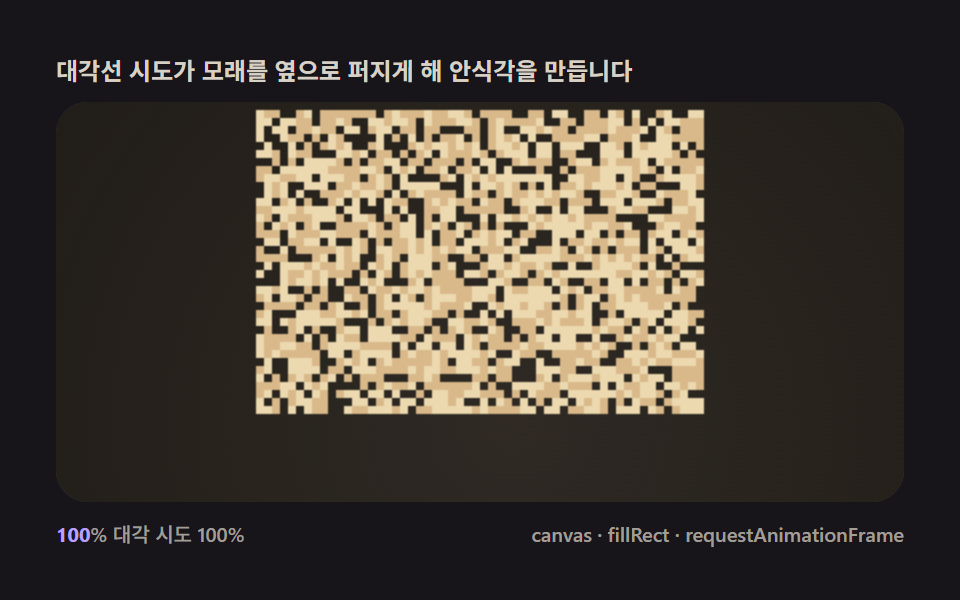 02 sand-diagonal-slide-slope
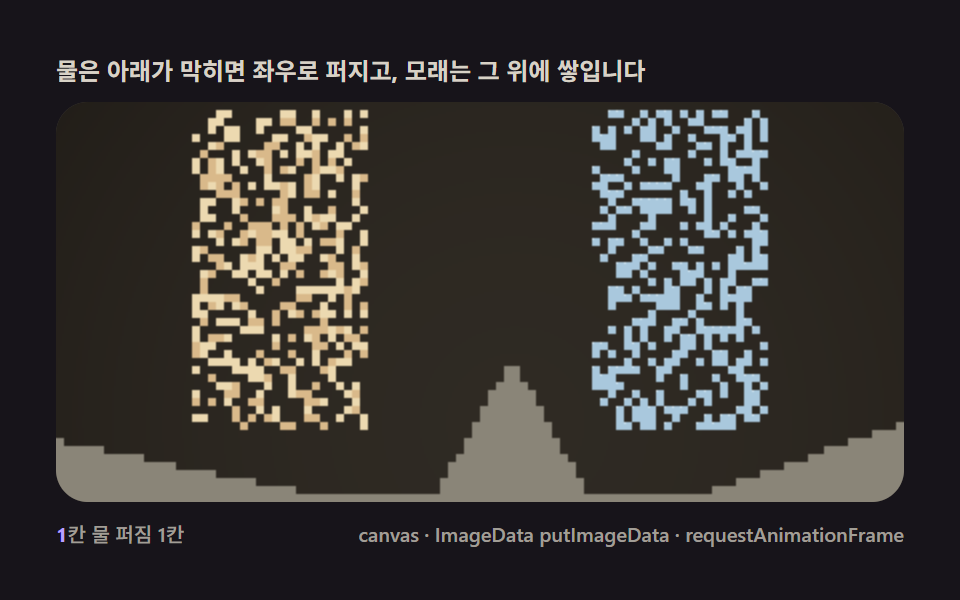 03 sand-water-flow-liquid
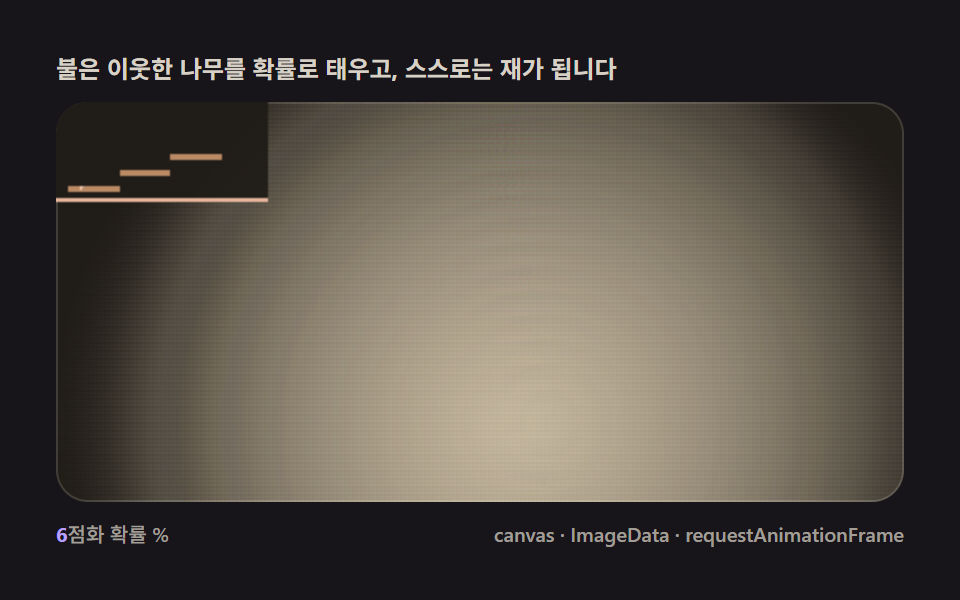 04 sand-fire-burn-spread
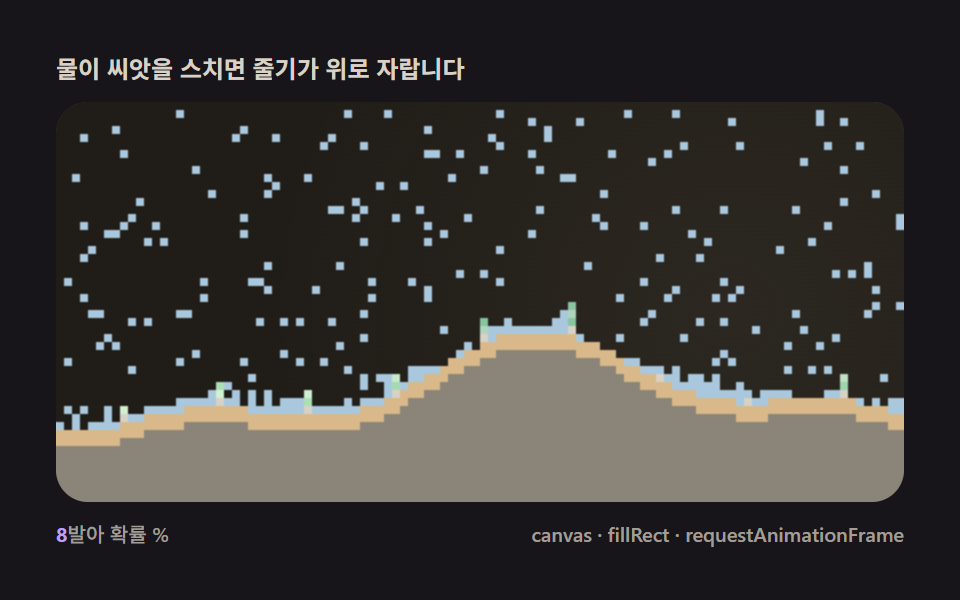 05 sand-plant-grow-root
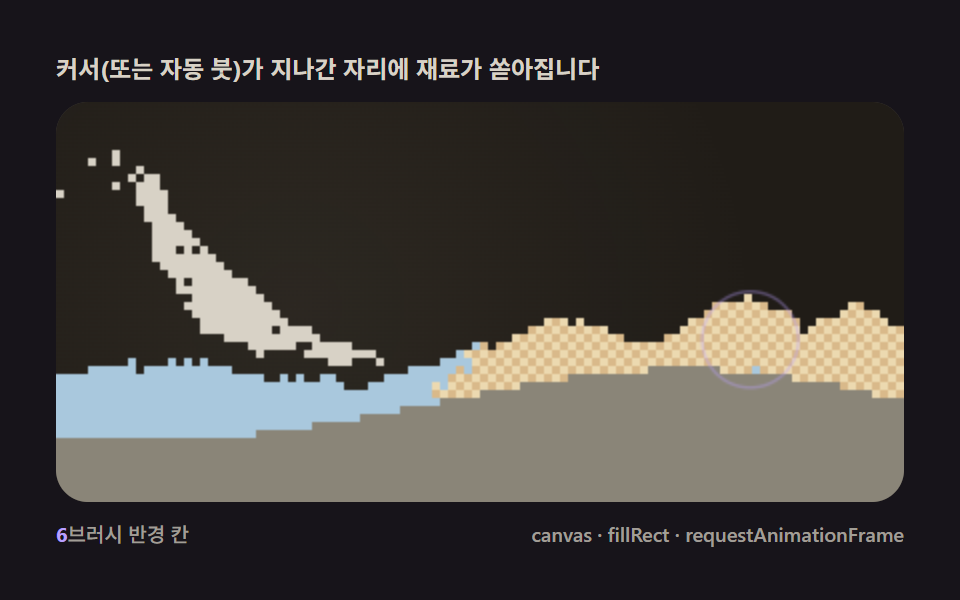 06 sand-pointer-brush-pour
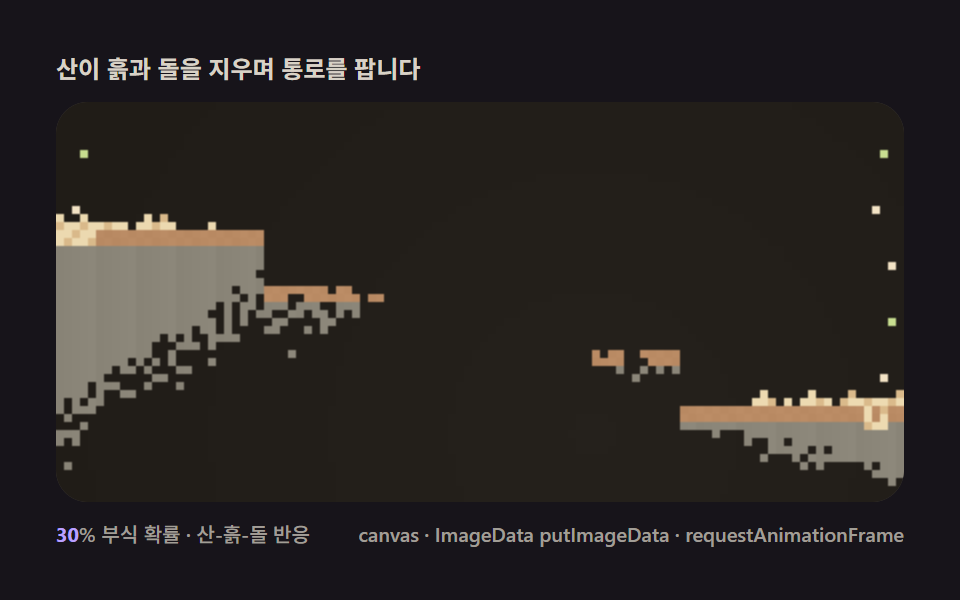 07 sand-acid-dissolve-react
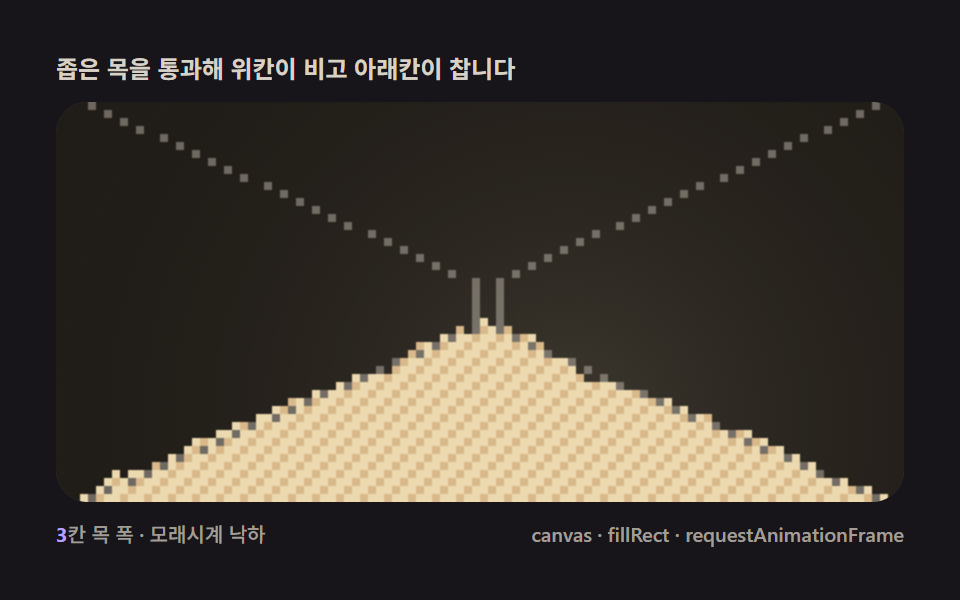 08 sand-hourglass-timer
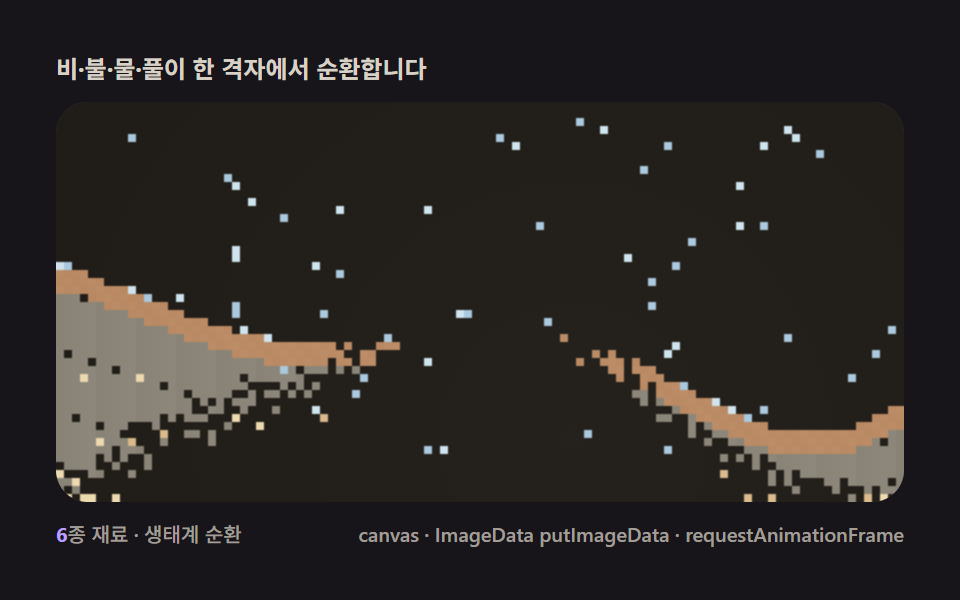 09 sand-full-ecosystem-scene
Auto-plays · click a tile to jump to its section · all nine in one zip
- 01 The basic fall — one rule: move down when the cell below is empty
- 02 Slope slide — diagonal rules produce a natural angle of repose
- 03 Water flow — a liquid rule that spreads sideways when blocked below
- 04 Fire spread — a consumption rule that burns neighboring fuel and shrinks
- 05 Plant growth — a generative rule that grows upward on contact with water
- 06 Pointer brush — a spawner pouring material from the cursor like a brush
- 07 Acid dissolve — a reaction rule that erases the material it meets
- 08 Hourglass timer — walls channeling the fall into a readable time display
- 09 Ecosystem scene — sand, water, fire and plants running together in one grid
Why one falling rule splits into nine materials
The nine items climb one axis: how many materials share the same grid at once. 01 and 02 hold only sand, one testing a single downward swap and the other adding a diagonal branch so a pile settles at a natural angle instead of a column. 03 introduces a second material and a density check so water can sink sand and rise past it in the same grid. 04 burns through neighbors and counts down to ash, the same consumption math that drives a fire scene that trades particles for a diffusing heat grid of its own one page over. 05 turns a water touch into new growth, closing the loop between two materials that 03 only let pass through each other. 06 hands the fill rule to a pointer instead of a spawner, the same probabilistic radius fill that a solver where velocity gets pushed through neighboring cells instead of swapped between them uses for its own brush tool. 07 reverses 05's direction — a material that erases neighbors instead of converting them — while 08 proves that walls alone, with zero new rules, can turn item 02's slide into a readable countdown. 09 finally runs every rule from every other item at once, on one grid, so nothing in it is a new idea — it's the other eight sharing a floor.
Why sand falls with cellular automata? — the four-direction rule and probabilistic spread
A cell that only reads its own neighborhood is a cellular automaton
Every item on this page is the same textbook cellular automaton underneath: a grid where each cell holds one state, updates according to a rule that only looks at its immediate neighbors, and repeats that rule across the whole grid every tick. Nothing here tracks position or velocity as a float — a "falling sand game" in the Wikipedia sense is exactly this pattern, going back to the sand and water toys built into early graphing calculators.
Bottom-to-top, alternating left-right, keeps one cell from moving twice
Scanning from the bottom row up matters because a cell that just fell into row y+1 shouldn't be re-evaluated later in the same pass as if it just arrived there naturally. Alternating which side of each row gets scanned first from one tick to the next is what keeps a symmetric pile symmetric — scan left-to-right every single tick and a subtle rightward drift creeps into every pile on this page.
Density, not identity, decides what sinks through what
03's entire water-versus-sand relationship comes down to one comparison: a falling sand cell is allowed to swap into a water cell, but a falling water cell is not allowed to swap into a sand cell. Reverse that one condition and water would float on top of sand instead of soaking underneath it.
Recomputing from a fixed pastel palette keeps nine different materials readable
Every material on this page is a small integer in a Uint8Array grid, colored from one shared demo-tokens.scss palette rather than nine separate color schemes — background $sand-night (#201c17), sand $sand-grain (#d9b98a), water $sand-water (#a9c8dd), fire $sand-fire (#ffc9ad), plants $sand-plant (#9fd6ad), acid $sand-acid (#c7dd8f). The same eleven pastel tokens carry across all nine items, so a viewer can tell material apart from material on sight without a legend.
Code per item
Every function below is copied straight out of that item's own script tag, not paraphrased into pseudocode — the same constant names, the same order of operations, and code that behaves exactly like the demo sitting above it once it's pasted into a fresh page.
01The basic fall — one rule: move down when the cell below is empty
Give every cell one instruction — swap down if the cell below is empty — and run it bottom-to-top each frame, and a sand pour off-screen above turns into heaps piled on the floor below. It's the entire mechanism behind a hero background or a game's loading-screen animation, with nothing else added.
<main class="stage">
<div class="cd is-demo" id="cdRoot">
  <p class="cd__hint">
    <span>Sand poured from above moves down only when the cell below is empty</span>
  </p>
  <div class="cd__field" id="cdField" role="application" aria-label="Sand Fall cellular automaton demo" tabindex="0">
    <canvas class="cd__cv" id="cdCv"></canvas>
  </div>
  <div class="cd__bar">
    <span class="cd__meta"><b class="cd__val" id="cdN">1</b>cells fall 1/frame</span>
    <span class="cd__meta cd__meta--dim">canvas · fillRect · requestAnimationFrame</span>
  </div>
</div>
</main>
@use "../../../../site/static/demo-tokens" as *;
// 기본 낙하(01). @keyframes 를 아예 두지 않는다 —
// 움직임은 전부 캔버스 rAF 루프(셀 오토마타 낙하 스캔)가 만든다.
// 무대는 모래밤. 파스텔 고정 팔레트를 --sand-* 로 편 공통 규격(01~09 동일).
$duration: $dur-loop;
$easing: $ease-spring;
$color: $subject-lilac;
@include stage($stage-ink);
// ── 편 공통 파스텔 팔레트(BD26 vivid 0 실측 통과값 — 다른 색 금지) ──
$sand-night: #201c17;
$sand-mist: #d8d2c6;
$sand-glow: #f2e2c4;
$sand-grain: #d9b98a;
$sand-gold: #ecd9b0;
$sand-water: #a9c8dd;
$sand-ice: #cfe3ee;
$sand-fire: #ffc9ad;
$sand-flame: #ffe0c4;
$sand-ash: #b9b2a6;
$sand-smoke: #8e8879;
$sand-plant: #9fd6ad;
$sand-leaf: #c4e6c9;
$sand-acid: #c7dd8f;
$sand-stone: #8a8578;
$sand-wood: #b98a63;
.cd {
// 렌더러가 읽는 색 — JS 는 getComputedStyle 로 --sand-* 를 받아 쓴다
--sand-night: #{$sand-night};
--sand-mist: #{$sand-mist};
--sand-glow: #{$sand-glow};
--sand-grain: #{$sand-grain};
--sand-gold: #{$sand-gold};
--sand-water: #{$sand-water};
--sand-ice: #{$sand-ice};
--sand-fire: #{$sand-fire};
--sand-flame: #{$sand-flame};
--sand-ash: #{$sand-ash};
--sand-smoke: #{$sand-smoke};
--sand-plant: #{$sand-plant};
--sand-leaf: #{$sand-leaf};
--sand-acid: #{$sand-acid};
--sand-stone: #{$sand-stone};
--sand-wood: #{$sand-wood};
display: flex; flex-direction: column; gap: $sp-2;
width: 100%; max-width: 424px;
}
.cd__hint { color: $sand-mist; font-weight: 700; font-size: clamp(10px, 2.8vw, 12px); margin: 0; }
.cd__field {
position: relative; height: 200px;
border-radius: $r-card; overflow: hidden;
background: $sand-night;
box-shadow: inset 0 0 0 1px rgba($sand-mist, .18);
}
.cd__field:focus-visible { outline: 2px solid $subject-lilac; outline-offset: 2px; }
.cd__cv { display: block; width: 100%; height: 100%; }
.cd__bar { display: flex; align-items: baseline; justify-content: space-between; gap: $sp-2; }
.cd__meta { font-size: 10px; font-weight: 500; color: rgba($sand-mist, .72); }
.cd__val { color: $subject-lilac; font-weight: 700; }
.cd__meta--dim { font-size: 10px; }
@media (max-width: 340px) {
.cd { gap: $sp-1; }
.cd__field { height: 110px; }
.cd__meta--dim { display: none; }
}
// reduce — rAF 를 돌리지 않고 규칙 몇 틱의 한 장만 남는다.
@media (prefers-reduced-motion: reduce) {
.cd.is-still .cd__field { cursor: default !important; }
}html, body {
margin: 0;
overflow: hidden;
}
.stage {
box-sizing: border-box;
min-height: 100vh;
display: grid;
place-items: center;
margin: 0;
background: #17141a;
font-family: -apple-system, "Segoe UI", "Noto Sans KR", sans-serif;
padding: clamp(8px, 4vw, 24px);
}
.cd {
--sand-night: #201c17;
--sand-mist: #d8d2c6;
--sand-glow: #f2e2c4;
--sand-grain: #d9b98a;
--sand-gold: #ecd9b0;
--sand-water: #a9c8dd;
--sand-ice: #cfe3ee;
--sand-fire: #ffc9ad;
--sand-flame: #ffe0c4;
--sand-ash: #b9b2a6;
--sand-smoke: #8e8879;
--sand-plant: #9fd6ad;
--sand-leaf: #c4e6c9;
--sand-acid: #c7dd8f;
--sand-stone: #8a8578;
--sand-wood: #b98a63;
display: flex;
flex-direction: column;
gap: 8px;
width: 100%;
max-width: 424px;
}
.cd__hint {
color: #d8d2c6;
font-weight: 700;
font-size: clamp(10px, 2.8vw, 12px);
margin: 0;
}
.cd__field {
position: relative;
height: 200px;
border-radius: 16px;
overflow: hidden;
background: #201c17;
box-shadow: inset 0 0 0 1px rgba(216, 210, 198, 0.18);
}
.cd__field:focus-visible {
outline: 2px solid #b9a0ff;
outline-offset: 2px;
}
.cd__cv {
display: block;
width: 100%;
height: 100%;
}
.cd__bar {
display: flex;
align-items: baseline;
justify-content: space-between;
gap: 8px;
}
.cd__meta {
font-size: 10px;
font-weight: 500;
color: rgba(216, 210, 198, 0.72);
}
.cd__val {
color: #b9a0ff;
font-weight: 700;
}
.cd__meta--dim {
font-size: 10px;
}
@media (max-width: 340px) {
.cd {
gap: 4px;
}
.cd__field {
height: 110px;
}
.cd__meta--dim {
display: none;
}
}
@media (prefers-reduced-motion: reduce) {
.cd.is-still .cd__field {
cursor: default !important;
}
}// 기본 낙하(01). 격자를 Uint8Array 로 두고 매 틱 아래→위 스캔하며
// "아래칸이 비었으면 스왑" 규칙 하나만 적용한다 — 대각선 이동 없음.
// 상단 세 스포너(좌·중·우, 각 10칸 폭)에서 매 틱 확률로 모래(grain/gold 섞임)를 흘려
// 세로 기둥이 쌓이는 셀 오토마타의 첫 장면을 만든다.
(function () {
// ── 변형 상수 블록 — 아래 값 하나만 바꿔 변형을 만든다 ──
var FALL = 1; // 낙하 칸수/프레임 — 1 은 기본, 2~3 은 빠른 폭포
var SPAWN_P = 0.35; // 스포너 칸별 매 틱 생성 확률
var ZONE_W = 20; // 스포너 폭(칸)
// ────────────────────────────────────────────────────
var root = document.getElementById('cdRoot');
var field = document.getElementById('cdField');
var cv = document.getElementById('cdCv');
var ctx = cv.getContext('2d');
var nOut = document.getElementById('cdN');
function makeRand(seed) {
var st = seed >>> 0;
return function () {
st = (st + 0x6D2B79F5) >>> 0;
var t = st;
t = Math.imul(t ^ (t >>> 15), t | 1);
t ^= t + Math.imul(t ^ (t >>> 7), t | 61);
return ((t ^ (t >>> 14)) >>> 0) / 4294967296;
};
}
var rand = makeRand(0x318A01);
// 색은 CSS 커스텀 프로퍼티(--sand-*)에서 getComputedStyle 로 읽는다 — 파스텔 토큰이 scss 한 곳에
var css = getComputedStyle(root);
function tokRGB(name) {
var s = css.getPropertyValue(name).trim();
var hx = s.length === 4
? s.charAt(1) + s.charAt(1) + s.charAt(2) + s.charAt(2) + s.charAt(3) + s.charAt(3)
: s.slice(1);
return [parseInt(hx.slice(0, 2), 16), parseInt(hx.slice(2, 4), 16), parseInt(hx.slice(4, 6), 16)];
}
var C_NIGHT = tokRGB('--sand-night');
var C_GLOW = tokRGB('--sand-glow');
var C_GRAIN = tokRGB('--sand-grain');
var C_GOLD = tokRGB('--sand-gold');
var reduce = window.matchMedia('(prefers-reduced-motion: reduce)').matches;
var CELL = 4;
var W = 0, H = 0, cols = 0, rows = 0;
var grid = null, shade = null;
var zones = [];
var raf = 0, t0 = -1, acc = 0;
var STEP = 1 / 60;
function idx(x, y) { return y * cols + x; }
function buildZones() {
var lz = Math.max(0, Math.round(cols * 0.06));
var cz = Math.max(0, Math.round(cols / 2 - ZONE_W / 2));
var rz = Math.max(0, Math.round(cols * 0.94 - ZONE_W));
zones = [lz, cz, rz];
}
function fit() {
var r = field.getBoundingClientRect();
W = r.width; H = r.height;
cv.width = Math.round(W); cv.height = Math.round(H);
cols = Math.max(1, Math.floor(W / CELL));
rows = Math.max(1, Math.floor(H / CELL));
grid = new Uint8Array(cols * rows);
shade = new Uint8Array(cols * rows);
buildZones();
}
function spawnStep() {
for (var z = 0; z < zones.length; z++) {
var x0 = zones[z];
for (var k = 0; k < ZONE_W; k++) {
var x = x0 + k;
if (x < 0 || x >= cols) continue;
if (rand() < SPAWN_P) {
var i = idx(x, 0);
if (grid[i] === 0) { grid[i] = 1; shade[i] = rand() < 0.5 ? 0 : 1; }
}
}
}
}
function update() {
  for (var y = rows - 2; y >= 0; y--) {
    for (var x = 0; x < cols; x++) {
      var i = idx(x, y);
      if (grid[i] !== 1) continue;
      var destY = y;
      for (var s = 1; s <= FALL; s++) {
        var yy = y + s;
        if (yy >= rows) break;
        if (grid[idx(x, yy)] === 0) destY = yy; else break;
      }
      if (destY !== y) {
        var di = idx(x, destY);
        grid[di] = 1; shade[di] = shade[i];
        grid[i] = 0;
      }
    }
  }
}
function draw(t) {
ctx.fillStyle = 'rgb(' + C_NIGHT.join(',') + ')';
ctx.fillRect(0, 0, W, H);
// 느린 잔광 — 중심이 sin/cos 로 천천히 도는 radial gradient(안개, 알파 0.06 내외)
var gx = W * (0.5 + 0.36 * Math.sin(t * 0.17));
var gy = H * (0.5 + 0.30 * Math.cos(t * 0.13));
var gr = Math.max(W, H) * 0.7;
var g = ctx.createRadialGradient(gx, gy, 0, gx, gy, gr);
g.addColorStop(0, 'rgba(' + C_GLOW.join(',') + ',0.07)');
g.addColorStop(1, 'rgba(' + C_GLOW.join(',') + ',0)');
ctx.fillStyle = g;
ctx.fillRect(0, 0, W, H);
for (var y = 0; y < rows; y++) {
for (var x = 0; x < cols; x++) {
var i = idx(x, y);
if (grid[i] !== 1) continue;
ctx.fillStyle = shade[i] ? 'rgb(' + C_GOLD.join(',') + ')' : 'rgb(' + C_GRAIN.join(',') + ')';
ctx.fillRect(x * CELL, y * CELL, CELL, CELL);
}
}
}
function stillFrame() {
for (var k = 0; k < 40; k++) { spawnStep(); update(); }
draw(0.6);
}
function frame(now) {
if (t0 < 0) t0 = now;
var dt = Math.min(0.05, (now - (frame.prev || now)) / 1000);
frame.prev = now;
acc += dt;
while (acc >= STEP) { spawnStep(); update(); acc -= STEP; }
draw((now - t0) / 1000);
raf = requestAnimationFrame(frame);
}
window.addEventListener('resize', function () {
fit();
if (reduce) stillFrame();
});
fit();
nOut.textContent = String(FALL);
if (reduce) {
stillFrame();
root.classList.add('is-still');
} else {
raf = requestAnimationFrame(frame);
}
})();// FallPileBasic — vanilla 판(run/318/demo/01-sand-fall-pile-basic/index.html) 의 React 포트.
// 기본 낙하 — 아래칸이 비었으면 스왑하는 규칙 하나. 대각선 없음.
// 상단 세 스포너(좌·중·우)에서 모래(grain/gold)가 흘러 세로 기둥이 쌓인다.
import { useEffect, useRef, useState } from "react";
import type { CSSProperties } from "react";
import styles from "./FallPileBasic.module.scss";
export type FallPileBasicProps = {
duration?: string;
easing?: string;
color?: string;
fall?: number; // 낙하 칸수/프레임 — 변형 "낙하 속도" 축(1 기본 · 3 빠른 폭포)
spawnP?: number; // 스포너 칸별 매 틱 생성 확률
};
type Vars = CSSProperties & { "--duration"?: string; "--easing"?: string; "--color"?: string };
type Box<T> = { current: T };
type RGB = [number, number, number];
const FIELD_LABEL = "모래 낙하 셀 오토마타 데모";
const CELL = 4;
const STEP = 1 / 60;
const ZONE_W = 10;
// 시드 고정 PRNG — mulberry32
function makePRNG(seed: number): () => number {
let s = seed >>> 0;
return function () {
s = (s + 0x6d2b79f5) >>> 0;
let t = s;
t = Math.imul(t ^ (t >>> 15), t | 1);
t ^= t + Math.imul(t ^ (t >>> 7), t | 61);
return ((t ^ (t >>> 14)) >>> 0) / 4294967296;
};
}
export default function FallPileBasic({
duration = "2s",
easing = "cubic-bezier(.2, .8, .2, 1)",
color = "#b9a0ff",
fall = 1,
spawnP = 0.3,
}: FallPileBasicProps) {
const rootRef = useRef<HTMLDivElement | null>(null);
const fieldRef = useRef<HTMLDivElement | null>(null);
const cvRef = useRef<HTMLCanvasElement | null>(null);
const ctxRef = useRef<CanvasRenderingContext2D | null>(null);
const sizeRef = useRef({ w: 0, h: 0, cols: 0, rows: 0 }) as Box<{ w: number; h: number; cols: number; rows: number }>;
const gridRef = useRef<Uint8Array | null>(null) as Box<Uint8Array | null>;
const shadeRef = useRef<Uint8Array | null>(null) as Box<Uint8Array | null>;
const zonesRef = useRef<number[]>([]) as Box<number[]>;
const colRef = useRef<{ night: RGB; glow: RGB; grain: RGB; gold: RGB } | null>(null);
const fallRef = useRef(fall) as Box<number>;
const spawnRef = useRef(spawnP) as Box<number>;
const randRef = useRef(makePRNG(0x318a01)) as Box<() => number>;
const rafRef = useRef(0) as Box<number>;
const [n, setN] = useState(String(fall));
const [still, setStill] = useState(false);
const vars: Vars = { "--duration": duration, "--easing": easing, "--color": color };
function reduced(): boolean {
return window.matchMedia("(prefers-reduced-motion: reduce)").matches;
}
function tokRGB(root: HTMLDivElement, name: string): RGB {
const s = getComputedStyle(root).getPropertyValue(name).trim();
const hx = s.length === 4
? s.charAt(1) + s.charAt(1) + s.charAt(2) + s.charAt(2) + s.charAt(3) + s.charAt(3)
: s.slice(1);
return [parseInt(hx.slice(0, 2), 16), parseInt(hx.slice(2, 4), 16), parseInt(hx.slice(4, 6), 16)];
}
function idx(x: number, y: number): number { return y * sizeRef.current.cols + x; }
function fit(): void {
const field = fieldRef.current;
const cv = cvRef.current;
if (!field || !cv) return;
const ctx = cv.getContext("2d");
if (!ctx) return;
const r = field.getBoundingClientRect();
const cols = Math.max(1, Math.floor(r.width / CELL));
const rows = Math.max(1, Math.floor(r.height / CELL));
sizeRef.current = { w: r.width, h: r.height, cols, rows };
cv.width = Math.round(r.width);
cv.height = Math.round(r.height);
gridRef.current = new Uint8Array(cols * rows);
shadeRef.current = new Uint8Array(cols * rows);
zonesRef.current = [
Math.max(0, Math.round(cols * 0.06)),
Math.max(0, Math.round(cols / 2 - ZONE_W / 2)),
Math.max(0, Math.round(cols * 0.94 - ZONE_W)),
];
ctxRef.current = ctx;
}
function spawnStep(): void {
const { cols } = sizeRef.current;
const grid = gridRef.current;
const shade = shadeRef.current;
if (!grid || !shade) return;
const rand = randRef.current;
const zones = zonesRef.current;
for (let z = 0; z < zones.length; z++) {
for (let k = 0; k < ZONE_W; k++) {
const x = zones[z] + k;
if (x < 0 || x >= cols) continue;
if (rand() < spawnRef.current) {
const i = idx(x, 0);
if (grid[i] === 0) { grid[i] = 1; shade[i] = rand() < 0.5 ? 0 : 1; }
}
}
}
}
function update(): void {
const { cols, rows } = sizeRef.current;
const grid = gridRef.current;
const shade = shadeRef.current;
if (!grid || !shade) return;
for (let y = rows - 2; y >= 0; y--) {
for (let x = 0; x < cols; x++) {
const i = idx(x, y);
if (grid[i] !== 1) continue;
let destY = y;
for (let s = 1; s <= fallRef.current; s++) {
const yy = y + s;
if (yy >= rows) break;
if (grid[idx(x, yy)] === 0) destY = yy; else break;
}
if (destY !== y) {
const di = idx(x, destY);
grid[di] = 1; shade[di] = shade[i];
grid[i] = 0;
}
}
}
}
function draw(t: number): void {
const ctx = ctxRef.current;
const col = colRef.current;
if (!ctx || !col) return;
const { w: W, h: H, cols, rows } = sizeRef.current;
const grid = gridRef.current;
const shade = shadeRef.current;
if (!grid || !shade) return;
ctx.fillStyle = `rgb(${col.night.join(",")})`;
ctx.fillRect(0, 0, W, H);
// 느린 잔광 — 중심이 sin/cos 로 천천히 도는 radial gradient(안개)
const gx = W * (0.5 + 0.36 * Math.sin(t * 0.17));
const gy = H * (0.5 + 0.3 * Math.cos(t * 0.13));
const gr = Math.max(W, H) * 0.7;
const g = ctx.createRadialGradient(gx, gy, 0, gx, gy, gr);
g.addColorStop(0, `rgba(${col.glow.join(",")},0.07)`);
g.addColorStop(1, `rgba(${col.glow.join(",")},0)`);
ctx.fillStyle = g;
ctx.fillRect(0, 0, W, H);
for (let y = 0; y < rows; y++) {
for (let x = 0; x < cols; x++) {
const i = idx(x, y);
if (grid[i] !== 1) continue;
ctx.fillStyle = shade[i] ? `rgb(${col.gold.join(",")})` : `rgb(${col.grain.join(",")})`;
ctx.fillRect(x * CELL, y * CELL, CELL, CELL);
}
}
}
function stillFrame(): void {
for (let k = 0; k < 40; k++) { spawnStep(); update(); }
draw(0.6);
}
let t0 = -1;
let prev = 0;
let acc = 0;
function frame(now: number): void {
if (t0 < 0) t0 = now;
const dt = Math.min(0.05, (now - (prev || now)) / 1000);
prev = now;
acc += dt;
while (acc >= STEP) { spawnStep(); update(); acc -= STEP; }
draw((now - t0) / 1000);
rafRef.current = requestAnimationFrame(frame);
}
useEffect(() => {
const root = rootRef.current;
if (!root) return;
fallRef.current = fall;
spawnRef.current = spawnP;
colRef.current = {
night: tokRGB(root, "--sand-night"),
glow: tokRGB(root, "--sand-glow"),
grain: tokRGB(root, "--sand-grain"),
gold: tokRGB(root, "--sand-gold"),
};
randRef.current = makePRNG(0x318a01);
fit();
setN(String(fall));
function onResize(): void {
fit();
if (reduced()) stillFrame();
}
window.addEventListener("resize", onResize);
if (reduced()) {
stillFrame();
setStill(true);
} else {
rafRef.current = requestAnimationFrame(frame);
}
return () => {
window.removeEventListener("resize", onResize);
cancelAnimationFrame(rafRef.current);
};
// eslint-disable-next-line react-hooks/exhaustive-deps
}, [fall, spawnP]);
const rootCls = still ? `${styles.root} ${styles.isStill}` : styles.root;
return (
<main className={styles.stage}>
<div className={rootCls} ref={rootRef} style={vars}>
<p className={styles.hint}>
<span>위에서 쏟아진 모래가 아래칸이 비었을 때만 내려갑니다</span>
</p>
<div
className={styles.field}
ref={fieldRef}
role="application"
aria-label={FIELD_LABEL}
tabIndex={0}
>
<canvas className={styles.cv} ref={cvRef}></canvas>
</div>
<div className={styles.bar}>
<span className={styles.meta}><b className={styles.val}>{n}</b>칸 낙하 1칸/프레임</span>
<span className={styles.metaDim}>canvas · fillRect · requestAnimationFrame</span>
</div>
</div>
</main>
);
}01 · The basic fall — one rule: move down when the cell below is empty — Measured area 33.333% · moving frames 23/23Original by GODRICH · SCSS and React ship in the zip · See the password
One rule, run bottom-to-top, is the whole pile
function update() {
for (var y = rows - 2; y >= 0; y--) {
for (var x = 0; x < cols; x++) {
var i = idx(x, y);
if (grid[i] !== 1) continue;
var destY = y;
for (var s = 1; s <= FALL; s++) {
var yy = y + s;
if (yy >= rows) break;
if (grid[idx(x, yy)] === 0) destY = yy; else break;
}
if (destY !== y) {
var di = idx(x, destY);
grid[di] = 1; shade[di] = shade[i];
grid[i] = 0;
}
}
}
}
02Slope slide — diagonal rules produce a natural angle of repose
When the straight-down move is blocked, trying a random diagonal before giving up stops sand from freezing into a single rigid column. That one extra branch is what turns a falling sand simulation online into something that mounds up at a believable angle instead of a stack of blocks.
<main class="stage">
<div class="cd is-demo" id="cdRoot">
  <p class="cd__hint">
    <span>Diagonal attempts spread the sand sideways, forming an angle of repose</span>
  </p>
  <div class="cd__field" id="cdField" role="application" aria-label="Sand Slope Slide cellular automaton demo" tabindex="0">
    <canvas class="cd__cv" id="cdCv"></canvas>
  </div>
  <div class="cd__bar">
    <span class="cd__meta"><b class="cd__val" id="cdN">100</b>% diagonal attempts 100%</span>
    <span class="cd__meta cd__meta--dim">canvas · fillRect · requestAnimationFrame</span>
  </div>
</div>
</main>
@use "../../../../site/static/demo-tokens" as *;
// 사면 미끄짐(02). @keyframes 를 아예 두지 않는다 —
// 움직임은 전부 캔버스 rAF 루프(낙하+대각 스캔)가 만든다.
// 무대는 모래밤. 파스텔 고정 팔레트를 --sand-* 로 편 공통 규격(01~09 동일).
$duration: $dur-loop;
$easing: $ease-spring;
$color: $subject-lilac;
@include stage($stage-ink);
// ── 편 공통 파스텔 팔레트(BD26 vivid 0 실측 통과값 — 다른 색 금지) ──
$sand-night: #201c17;
$sand-mist: #d8d2c6;
$sand-glow: #f2e2c4;
$sand-grain: #d9b98a;
$sand-gold: #ecd9b0;
$sand-water: #a9c8dd;
$sand-ice: #cfe3ee;
$sand-fire: #ffc9ad;
$sand-flame: #ffe0c4;
$sand-ash: #b9b2a6;
$sand-smoke: #8e8879;
$sand-plant: #9fd6ad;
$sand-leaf: #c4e6c9;
$sand-acid: #c7dd8f;
$sand-stone: #8a8578;
$sand-wood: #b98a63;
.cd {
// 렌더러가 읽는 색 — JS 는 getComputedStyle 로 --sand-* 를 받아 쓴다
--sand-night: #{$sand-night};
--sand-mist: #{$sand-mist};
--sand-glow: #{$sand-glow};
--sand-grain: #{$sand-grain};
--sand-gold: #{$sand-gold};
--sand-water: #{$sand-water};
--sand-ice: #{$sand-ice};
--sand-fire: #{$sand-fire};
--sand-flame: #{$sand-flame};
--sand-ash: #{$sand-ash};
--sand-smoke: #{$sand-smoke};
--sand-plant: #{$sand-plant};
--sand-leaf: #{$sand-leaf};
--sand-acid: #{$sand-acid};
--sand-stone: #{$sand-stone};
--sand-wood: #{$sand-wood};
display: flex; flex-direction: column; gap: $sp-2;
width: 100%; max-width: 424px;
}
.cd__hint { color: $sand-mist; font-weight: 700; font-size: clamp(10px, 2.8vw, 12px); margin: 0; }
.cd__field {
position: relative; height: 200px;
border-radius: $r-card; overflow: hidden;
background: $sand-night;
box-shadow: inset 0 0 0 1px rgba($sand-mist, .18);
}
.cd__field:focus-visible { outline: 2px solid $subject-lilac; outline-offset: 2px; }
.cd__cv { display: block; width: 100%; height: 100%; }
.cd__bar { display: flex; align-items: baseline; justify-content: space-between; gap: $sp-2; }
.cd__meta { font-size: 10px; font-weight: 500; color: rgba($sand-mist, .72); }
.cd__val { color: $subject-lilac; font-weight: 700; }
.cd__meta--dim { font-size: 10px; }
@media (max-width: 340px) {
.cd { gap: $sp-1; }
.cd__field { height: 110px; }
.cd__meta--dim { display: none; }
}
// reduce — rAF 를 돌리지 않고 규칙 몇 틱의 한 장만 남는다.
@media (prefers-reduced-motion: reduce) {
.cd.is-still .cd__field { cursor: default !important; }
}html, body {
margin: 0;
overflow: hidden;
}
.stage {
box-sizing: border-box;
min-height: 100vh;
display: grid;
place-items: center;
margin: 0;
background: #17141a;
font-family: -apple-system, "Segoe UI", "Noto Sans KR", sans-serif;
padding: clamp(8px, 4vw, 24px);
}
.cd {
--sand-night: #201c17;
--sand-mist: #d8d2c6;
--sand-glow: #f2e2c4;
--sand-grain: #d9b98a;
--sand-gold: #ecd9b0;
--sand-water: #a9c8dd;
--sand-ice: #cfe3ee;
--sand-fire: #ffc9ad;
--sand-flame: #ffe0c4;
--sand-ash: #b9b2a6;
--sand-smoke: #8e8879;
--sand-plant: #9fd6ad;
--sand-leaf: #c4e6c9;
--sand-acid: #c7dd8f;
--sand-stone: #8a8578;
--sand-wood: #b98a63;
display: flex;
flex-direction: column;
gap: 8px;
width: 100%;
max-width: 424px;
}
.cd__hint {
color: #d8d2c6;
font-weight: 700;
font-size: clamp(10px, 2.8vw, 12px);
margin: 0;
}
.cd__field {
position: relative;
height: 200px;
border-radius: 16px;
overflow: hidden;
background: #201c17;
box-shadow: inset 0 0 0 1px rgba(216, 210, 198, 0.18);
}
.cd__field:focus-visible {
outline: 2px solid #b9a0ff;
outline-offset: 2px;
}
.cd__cv {
display: block;
width: 100%;
height: 100%;
}
.cd__bar {
display: flex;
align-items: baseline;
justify-content: space-between;
gap: 8px;
}
.cd__meta {
font-size: 10px;
font-weight: 500;
color: rgba(216, 210, 198, 0.72);
}
.cd__val {
color: #b9a0ff;
font-weight: 700;
}
.cd__meta--dim {
font-size: 10px;
}
@media (max-width: 340px) {
.cd {
gap: 4px;
}
.cd__field {
height: 110px;
}
.cd__meta--dim {
display: none;
}
}
@media (prefers-reduced-motion: reduce) {
.cd.is-still .cd__field {
cursor: default !important;
}
}// 사면 미끄짐(02). 01 의 낙하 규칙에 대각선 규칙을 얹는다 —
// 아래칸이 막혀 있으면 좌하 → 우하 순서로 SLIDE_P 확률로 시도.
// 중앙 단일 스포너(4칸 폭)에서 쏟아지는 모래가 원뿔 무더기(안식각)를 이룬다.
(function () {
// ── 변형 상수 블록 — 아래 값 하나만 바꿔 변형을 만든다 ──
var SLIDE_P = 1.0; // 대각 시도 확률 — 1.0 은 항상 미끄짐(완만), 낮추면 뾰족
var SPAWN_P = 0.75; // 스포너 칸별 매 틱 생성 확률
var ZONE_W = 56; // 스포너 폭(칸) — 원뿔이 화면 폭을 넉넉히 쓰도록 확대(면적 보정)
// ────────────────────────────────────────────────────
var root = document.getElementById('cdRoot');
var field = document.getElementById('cdField');
var cv = document.getElementById('cdCv');
var ctx = cv.getContext('2d');
var nOut = document.getElementById('cdN');
function makeRand(seed) {
var st = seed >>> 0;
return function () {
st = (st + 0x6D2B79F5) >>> 0;
var t = st;
t = Math.imul(t ^ (t >>> 15), t | 1);
t ^= t + Math.imul(t ^ (t >>> 7), t | 61);
return ((t ^ (t >>> 14)) >>> 0) / 4294967296;
};
}
var rand = makeRand(0x318A02);
// 색은 CSS 커스텀 프로퍼티(--sand-*)에서 getComputedStyle 로 읽는다 — 파스텔 토큰이 scss 한 곳에
var css = getComputedStyle(root);
function tokRGB(name) {
var s = css.getPropertyValue(name).trim();
var hx = s.length === 4
? s.charAt(1) + s.charAt(1) + s.charAt(2) + s.charAt(2) + s.charAt(3) + s.charAt(3)
: s.slice(1);
return [parseInt(hx.slice(0, 2), 16), parseInt(hx.slice(2, 4), 16), parseInt(hx.slice(4, 6), 16)];
}
var C_NIGHT = tokRGB('--sand-night');
var C_GLOW = tokRGB('--sand-glow');
var C_GRAIN = tokRGB('--sand-grain');
var C_GOLD = tokRGB('--sand-gold');
var reduce = window.matchMedia('(prefers-reduced-motion: reduce)').matches;
var CELL = 4;
var W = 0, H = 0, cols = 0, rows = 0;
var grid = null, shade = null;
var zoneX = 0;
var raf = 0, t0 = -1, acc = 0;
var STEP = 1 / 60;
function idx(x, y) { return y * cols + x; }
function fit() {
var r = field.getBoundingClientRect();
W = r.width; H = r.height;
cv.width = Math.round(W); cv.height = Math.round(H);
cols = Math.max(1, Math.floor(W / CELL));
rows = Math.max(1, Math.floor(H / CELL));
grid = new Uint8Array(cols * rows);
shade = new Uint8Array(cols * rows);
zoneX = Math.max(0, Math.round(cols / 2 - ZONE_W / 2));
}
function spawnStep() {
for (var k = 0; k < ZONE_W; k++) {
var x = zoneX + k;
if (x < 0 || x >= cols) continue;
if (rand() < SPAWN_P) {
var i = idx(x, 0);
if (grid[i] === 0) { grid[i] = 1; shade[i] = rand() < 0.5 ? 0 : 1; }
}
}
}
function update() {
for (var y = rows - 2; y >= 0; y--) {
for (var x = 0; x < cols; x++) {
var i = idx(x, y);
if (grid[i] !== 1) continue;
// 1) 아래로
var bi = idx(x, y + 1);
if (grid[bi] === 0) {
grid[bi] = 1; shade[bi] = shade[i]; grid[i] = 0;
continue;
}
// 2) 대각선 — 좌하 → 우하 순서, SLIDE_P 확률
if (rand() < SLIDE_P) {
var dir = rand() < 0.5 ? -1 : 1;
var try1 = (x + dir >= 0 && x + dir < cols && grid[idx(x + dir, y + 1)] === 0 && grid[idx(x + dir, y)] === 0);
var try2 = false;
if (!try1) {
var d2 = -dir;
try2 = (x + d2 >= 0 && x + d2 < cols && grid[idx(x + d2, y + 1)] === 0 && grid[idx(x + d2, y)] === 0);
}
if (try1 || try2) {
var dx = try1 ? dir : -dir;
var di = idx(x + dx, y + 1);
grid[di] = 1; shade[di] = shade[i]; grid[i] = 0;
}
}
}
}
}
function draw(t) {
ctx.fillStyle = 'rgb(' + C_NIGHT.join(',') + ')';
ctx.fillRect(0, 0, W, H);
// 느린 잔광 — 중심이 sin/cos 로 천천히 도는 radial gradient(안개, 알파 0.06 내외)
var gx = W * (0.5 + 0.36 * Math.sin(t * 0.17));
var gy = H * (0.5 + 0.30 * Math.cos(t * 0.13));
var gr = Math.max(W, H) * 0.7;
var g = ctx.createRadialGradient(gx, gy, 0, gx, gy, gr);
g.addColorStop(0, 'rgba(' + C_GLOW.join(',') + ',0.07)');
g.addColorStop(1, 'rgba(' + C_GLOW.join(',') + ',0)');
ctx.fillStyle = g;
ctx.fillRect(0, 0, W, H);
for (var y = 0; y < rows; y++) {
for (var x = 0; x < cols; x++) {
var i = idx(x, y);
if (grid[i] !== 1) continue;
ctx.fillStyle = shade[i] ? 'rgb(' + C_GOLD.join(',') + ')' : 'rgb(' + C_GRAIN.join(',') + ')';
ctx.fillRect(x * CELL, y * CELL, CELL, CELL);
}
}
}
function stillFrame() {
for (var k = 0; k < 40; k++) { spawnStep(); update(); }
draw(0.6);
}
function frame(now) {
if (t0 < 0) t0 = now;
var dt = Math.min(0.05, (now - (frame.prev || now)) / 1000);
frame.prev = now;
acc += dt;
while (acc >= STEP) { spawnStep(); update(); acc -= STEP; }
draw((now - t0) / 1000);
raf = requestAnimationFrame(frame);
}
window.addEventListener('resize', function () {
fit();
if (reduce) stillFrame();
});
fit();
nOut.textContent = String(Math.round(SLIDE_P * 100));
if (reduce) {
stillFrame();
root.classList.add('is-still');
} else {
raf = requestAnimationFrame(frame);
}
})();// DiagonalSlideSlope — vanilla 판(run/318/demo/02-sand-diagonal-slide-slope/index.html) 의 React 포트.
// 사면 미끄짐 — 낙하 규칙에 좌하→우하 대각선 시도(SLIDE_P 확률)를 얹어 안식각 원뿔을 만든다.
import { useEffect, useRef, useState } from "react";
import type { CSSProperties } from "react";
import styles from "./DiagonalSlideSlope.module.scss";
export type DiagonalSlideSlopeProps = {
duration?: string;
easing?: string;
color?: string;
slideP?: number; // 대각 시도 확률 — 변형 "대각 시도" 축(1.0 완만 · 0.4 뾰족)
spawnP?: number; // 스포너 칸별 매 틱 생성 확률
};
type Vars = CSSProperties & { "--duration"?: string; "--easing"?: string; "--color"?: string };
type Box<T> = { current: T };
type RGB = [number, number, number];
const FIELD_LABEL = "모래 사면 미끄짐 셀 오토마타 데모";
const CELL = 4;
const STEP = 1 / 60;
const ZONE_W = 4;
// 시드 고정 PRNG — mulberry32
function makePRNG(seed: number): () => number {
let s = seed >>> 0;
return function () {
s = (s + 0x6d2b79f5) >>> 0;
let t = s;
t = Math.imul(t ^ (t >>> 15), t | 1);
t ^= t + Math.imul(t ^ (t >>> 7), t | 61);
return ((t ^ (t >>> 14)) >>> 0) / 4294967296;
};
}
export default function DiagonalSlideSlope({
duration = "2s",
easing = "cubic-bezier(.2, .8, .2, 1)",
color = "#b9a0ff",
slideP = 1.0,
spawnP = 0.42,
}: DiagonalSlideSlopeProps) {
const rootRef = useRef<HTMLDivElement | null>(null);
const fieldRef = useRef<HTMLDivElement | null>(null);
const cvRef = useRef<HTMLCanvasElement | null>(null);
const ctxRef = useRef<CanvasRenderingContext2D | null>(null);
const sizeRef = useRef({ w: 0, h: 0, cols: 0, rows: 0 }) as Box<{ w: number; h: number; cols: number; rows: number }>;
const gridRef = useRef<Uint8Array | null>(null) as Box<Uint8Array | null>;
const shadeRef = useRef<Uint8Array | null>(null) as Box<Uint8Array | null>;
const zoneRef = useRef(0) as Box<number>;
const colRef = useRef<{ night: RGB; glow: RGB; grain: RGB; gold: RGB } | null>(null);
const slideRef = useRef(slideP) as Box<number>;
const spawnRef = useRef(spawnP) as Box<number>;
const randRef = useRef(makePRNG(0x318a02)) as Box<() => number>;
const rafRef = useRef(0) as Box<number>;
const [n, setN] = useState(String(Math.round(slideP * 100)));
const [still, setStill] = useState(false);
const vars: Vars = { "--duration": duration, "--easing": easing, "--color": color };
function reduced(): boolean {
return window.matchMedia("(prefers-reduced-motion: reduce)").matches;
}
function tokRGB(root: HTMLDivElement, name: string): RGB {
const s = getComputedStyle(root).getPropertyValue(name).trim();
const hx = s.length === 4
? s.charAt(1) + s.charAt(1) + s.charAt(2) + s.charAt(2) + s.charAt(3) + s.charAt(3)
: s.slice(1);
return [parseInt(hx.slice(0, 2), 16), parseInt(hx.slice(2, 4), 16), parseInt(hx.slice(4, 6), 16)];
}
function idx(x: number, y: number): number { return y * sizeRef.current.cols + x; }
function fit(): void {
const field = fieldRef.current;
const cv = cvRef.current;
if (!field || !cv) return;
const ctx = cv.getContext("2d");
if (!ctx) return;
const r = field.getBoundingClientRect();
const cols = Math.max(1, Math.floor(r.width / CELL));
const rows = Math.max(1, Math.floor(r.height / CELL));
sizeRef.current = { w: r.width, h: r.height, cols, rows };
cv.width = Math.round(r.width);
cv.height = Math.round(r.height);
gridRef.current = new Uint8Array(cols * rows);
shadeRef.current = new Uint8Array(cols * rows);
zoneRef.current = Math.max(0, Math.round(cols / 2 - ZONE_W / 2));
ctxRef.current = ctx;
}
function spawnStep(): void {
const { cols } = sizeRef.current;
const grid = gridRef.current;
const shade = shadeRef.current;
if (!grid || !shade) return;
const rand = randRef.current;
for (let k = 0; k < ZONE_W; k++) {
const x = zoneRef.current + k;
if (x < 0 || x >= cols) continue;
if (rand() < spawnRef.current) {
const i = idx(x, 0);
if (grid[i] === 0) { grid[i] = 1; shade[i] = rand() < 0.5 ? 0 : 1; }
}
}
}
function update(): void {
const { cols, rows } = sizeRef.current;
const grid = gridRef.current;
const shade = shadeRef.current;
if (!grid || !shade) return;
const rand = randRef.current;
for (let y = rows - 2; y >= 0; y--) {
for (let x = 0; x < cols; x++) {
const i = idx(x, y);
if (grid[i] !== 1) continue;
// 1) 아래로
const bi = idx(x, y + 1);
if (grid[bi] === 0) {
grid[bi] = 1; shade[bi] = shade[i]; grid[i] = 0;
continue;
}
// 2) 대각선 — 좌하 → 우하 순서, SLIDE_P 확률
if (rand() < slideRef.current) {
const dir = rand() < 0.5 ? -1 : 1;
let ok1 = false, ok2 = false;
let nx = x + dir;
if (nx >= 0 && nx < cols && grid[idx(nx, y + 1)] === 0 && grid[idx(nx, y)] === 0) ok1 = true;
if (!ok1) {
nx = x - dir;
if (nx >= 0 && nx < cols && grid[idx(nx, y + 1)] === 0 && grid[idx(nx, y)] === 0) ok2 = true;
}
if (ok1 || ok2) {
const dx = ok1 ? dir : -dir;
const di = idx(x + dx, y + 1);
grid[di] = 1; shade[di] = shade[i]; grid[i] = 0;
}
}
}
}
}
function draw(t: number): void {
const ctx = ctxRef.current;
const col = colRef.current;
if (!ctx || !col) return;
const { w: W, h: H, cols, rows } = sizeRef.current;
const grid = gridRef.current;
const shade = shadeRef.current;
if (!grid || !shade) return;
ctx.fillStyle = `rgb(${col.night.join(",")})`;
ctx.fillRect(0, 0, W, H);
const gx = W * (0.5 + 0.36 * Math.sin(t * 0.17));
const gy = H * (0.5 + 0.3 * Math.cos(t * 0.13));
const gr = Math.max(W, H) * 0.7;
const g = ctx.createRadialGradient(gx, gy, 0, gx, gy, gr);
g.addColorStop(0, `rgba(${col.glow.join(",")},0.07)`);
g.addColorStop(1, `rgba(${col.glow.join(",")},0)`);
ctx.fillStyle = g;
ctx.fillRect(0, 0, W, H);
for (let y = 0; y < rows; y++) {
for (let x = 0; x < cols; x++) {
const i = idx(x, y);
if (grid[i] !== 1) continue;
ctx.fillStyle = shade[i] ? `rgb(${col.gold.join(",")})` : `rgb(${col.grain.join(",")})`;
ctx.fillRect(x * CELL, y * CELL, CELL, CELL);
}
}
}
function stillFrame(): void {
for (let k = 0; k < 40; k++) { spawnStep(); update(); }
draw(0.6);
}
let t0 = -1;
let prev = 0;
let acc = 0;
function frame(now: number): void {
if (t0 < 0) t0 = now;
const dt = Math.min(0.05, (now - (prev || now)) / 1000);
prev = now;
acc += dt;
while (acc >= STEP) { spawnStep(); update(); acc -= STEP; }
draw((now - t0) / 1000);
rafRef.current = requestAnimationFrame(frame);
}
useEffect(() => {
const root = rootRef.current;
if (!root) return;
slideRef.current = slideP;
spawnRef.current = spawnP;
colRef.current = {
night: tokRGB(root, "--sand-night"),
glow: tokRGB(root, "--sand-glow"),
grain: tokRGB(root, "--sand-grain"),
gold: tokRGB(root, "--sand-gold"),
};
randRef.current = makePRNG(0x318a02);
fit();
setN(String(Math.round(slideP * 100)));
function onResize(): void {
fit();
if (reduced()) stillFrame();
}
window.addEventListener("resize", onResize);
if (reduced()) {
stillFrame();
setStill(true);
} else {
rafRef.current = requestAnimationFrame(frame);
}
return () => {
window.removeEventListener("resize", onResize);
cancelAnimationFrame(rafRef.current);
};
// eslint-disable-next-line react-hooks/exhaustive-deps
}, [slideP, spawnP]);
const rootCls = still ? `${styles.root} ${styles.isStill}` : styles.root;
return (
<main className={styles.stage}>
<div className={rootCls} ref={rootRef} style={vars}>
<p className={styles.hint}>
<span>대각선 시도가 모래를 옆으로 퍼지게 해 안식각을 만듭니다</span>
</p>
<div
className={styles.field}
ref={fieldRef}
role="application"
aria-label={FIELD_LABEL}
tabIndex={0}
>
<canvas className={styles.cv} ref={cvRef}></canvas>
</div>
<div className={styles.bar}>
<span className={styles.meta}><b className={styles.val}>{n}</b>% 대각 시도 100%</span>
<span className={styles.metaDim}>canvas · fillRect · requestAnimationFrame</span>
</div>
</div>
</main>
);
}02 · Slope slide — diagonal rules produce a natural angle of repose — Measured area 33.878% · moving frames 23/23Original by GODRICH · SCSS and React ship in the zip · See the password
Down first, then a random diagonal, decides the angle of repose
function update() {
  for (var y = rows - 2; y >= 0; y--) {
    for (var x = 0; x < cols; x++) {
      var i = idx(x, y);
      if (grid[i] !== 1) continue;
      // 1) down
      var bi = idx(x, y + 1);
      if (grid[bi] === 0) {
        grid[bi] = 1; shade[bi] = shade[i]; grid[i] = 0;
        continue;
      }
      // 2) diagonal — down-left then down-right order, SLIDE_P chance
      if (rand() < SLIDE_P) {
        var dir = rand() < 0.5 ? -1 : 1;
        var try1 = (x + dir >= 0 && x + dir < cols && grid[idx(x + dir, y + 1)] === 0 && grid[idx(x + dir, y)] === 0);
        var try2 = false;
        if (!try1) {
          var d2 = -dir;
          try2 = (x + d2 >= 0 && x + d2 < cols && grid[idx(x + d2, y + 1)] === 0 && grid[idx(x + d2, y)] === 0);
        }
        if (try1 || try2) {
          var dx = try1 ? dir : -dir;
          var di = idx(x + dx, y + 1);
          grid[di] = 1; shade[di] = shade[i]; grid[i] = 0;
        }
03Water flow — a liquid rule that spreads sideways when blocked below
Water tries down, then a diagonal, then sideways with its direction reversing every tick, while sand keeps its own fall but now also sinks straight through any water cell in its way. The same grid ends up holding two materials that behave nothing alike, from one extra density comparison.
<main class="stage">
<div class="cd is-demo" id="cdRoot">
  <p class="cd__hint">
    <span>Water spreads left and right when blocked below, while sand piles on top of it</span>
  </p>
  <div class="cd__field" id="cdField" role="application" aria-label="Sand and Water Flow cellular automaton demo" tabindex="0">
    <canvas class="cd__cv" id="cdCv"></canvas>
  </div>
  <div class="cd__bar">
    <span class="cd__meta"><b class="cd__val" id="cdN">1</b>cells water spread 1</span>
    <span class="cd__meta cd__meta--dim">canvas · ImageData putImageData · requestAnimationFrame</span>
  </div>
</div>
</main>
@use "../../../../site/static/demo-tokens" as *;
// 물 흐름(03). @keyframes 를 아예 두지 않는다 —
// 움직임은 전부 캔버스 rAF 루프(모래 낙하+대각, 물 액체 규칙)가 만든다.
// 무대는 모래밤. 파스텔 고정 팔레트를 --sand-* 로 편 공통 규격(01~09 동일).
$duration: $dur-loop;
$easing: $ease-spring;
$color: $subject-lilac;
@include stage($stage-ink);
// ── 편 공통 파스텔 팔레트(BD26 vivid 0 실측 통과값 — 다른 색 금지) ──
$sand-night: #201c17;
$sand-mist: #d8d2c6;
$sand-glow: #f2e2c4;
$sand-grain: #d9b98a;
$sand-gold: #ecd9b0;
$sand-water: #a9c8dd;
$sand-ice: #cfe3ee;
$sand-fire: #ffc9ad;
$sand-flame: #ffe0c4;
$sand-ash: #b9b2a6;
$sand-smoke: #8e8879;
$sand-plant: #9fd6ad;
$sand-leaf: #c4e6c9;
$sand-acid: #c7dd8f;
$sand-stone: #8a8578;
$sand-wood: #b98a63;
.cd {
// 렌더러가 읽는 색 — JS 는 getComputedStyle 로 --sand-* 를 받아 쓴다
--sand-night: #{$sand-night};
--sand-mist: #{$sand-mist};
--sand-glow: #{$sand-glow};
--sand-grain: #{$sand-grain};
--sand-gold: #{$sand-gold};
--sand-water: #{$sand-water};
--sand-ice: #{$sand-ice};
--sand-fire: #{$sand-fire};
--sand-flame: #{$sand-flame};
--sand-ash: #{$sand-ash};
--sand-smoke: #{$sand-smoke};
--sand-plant: #{$sand-plant};
--sand-leaf: #{$sand-leaf};
--sand-acid: #{$sand-acid};
--sand-stone: #{$sand-stone};
--sand-wood: #{$sand-wood};
display: flex; flex-direction: column; gap: $sp-2;
width: 100%; max-width: 424px;
}
.cd__hint { color: $sand-mist; font-weight: 700; font-size: clamp(10px, 2.8vw, 12px); margin: 0; }
.cd__field {
position: relative; height: 200px;
border-radius: $r-card; overflow: hidden;
background: $sand-night;
box-shadow: inset 0 0 0 1px rgba($sand-mist, .18);
}
.cd__field:focus-visible { outline: 2px solid $subject-lilac; outline-offset: 2px; }
.cd__cv { display: block; width: 100%; height: 100%; }
.cd__bar { display: flex; align-items: baseline; justify-content: space-between; gap: $sp-2; }
.cd__meta { font-size: 10px; font-weight: 500; color: rgba($sand-mist, .72); }
.cd__val { color: $subject-lilac; font-weight: 700; }
.cd__meta--dim { font-size: 10px; }
@media (max-width: 340px) {
.cd { gap: $sp-1; }
.cd__field { height: 110px; }
.cd__meta--dim { display: none; }
}
// reduce — rAF 를 돌리지 않고 규칙 몇 틱의 한 장만 남는다.
@media (prefers-reduced-motion: reduce) {
.cd.is-still .cd__field { cursor: default !important; }
}html, body {
margin: 0;
overflow: hidden;
}
.stage {
box-sizing: border-box;
min-height: 100vh;
display: grid;
place-items: center;
margin: 0;
background: #17141a;
font-family: -apple-system, "Segoe UI", "Noto Sans KR", sans-serif;
padding: clamp(8px, 4vw, 24px);
}
.cd {
--sand-night: #201c17;
--sand-mist: #d8d2c6;
--sand-glow: #f2e2c4;
--sand-grain: #d9b98a;
--sand-gold: #ecd9b0;
--sand-water: #a9c8dd;
--sand-ice: #cfe3ee;
--sand-fire: #ffc9ad;
--sand-flame: #ffe0c4;
--sand-ash: #b9b2a6;
--sand-smoke: #8e8879;
--sand-plant: #9fd6ad;
--sand-leaf: #c4e6c9;
--sand-acid: #c7dd8f;
--sand-stone: #8a8578;
--sand-wood: #b98a63;
display: flex;
flex-direction: column;
gap: 8px;
width: 100%;
max-width: 424px;
}
.cd__hint {
color: #d8d2c6;
font-weight: 700;
font-size: clamp(10px, 2.8vw, 12px);
margin: 0;
}
.cd__field {
position: relative;
height: 200px;
border-radius: 16px;
overflow: hidden;
background: #201c17;
box-shadow: inset 0 0 0 1px rgba(216, 210, 198, 0.18);
}
.cd__field:focus-visible {
outline: 2px solid #b9a0ff;
outline-offset: 2px;
}
.cd__cv {
display: block;
width: 100%;
height: 100%;
}
.cd__bar {
display: flex;
align-items: baseline;
justify-content: space-between;
gap: 8px;
}
.cd__meta {
font-size: 10px;
font-weight: 500;
color: rgba(216, 210, 198, 0.72);
}
.cd__val {
color: #b9a0ff;
font-weight: 700;
}
.cd__meta--dim {
font-size: 10px;
}
@media (max-width: 340px) {
.cd {
gap: 4px;
}
.cd__field {
height: 110px;
}
.cd__meta--dim {
display: none;
}
}
@media (prefers-reduced-motion: reduce) {
.cd.is-still .cd__field {
cursor: default !important;
}
}// 물 흐름(03). 모래는 02 규칙(낙하+대각), 물은 액체 규칙 —
// 아래 → 대각 → 좌우(매 프레임 방향 교대, 한 번에 SPREAD칸).
// 바닥에 울퉁불퉁한 고정 돌 지형 2~3단을 깔아 모래는 쌓이고 물은 낮은 곳으로 흘러 고인다.
// 렌더는 ImageData 버퍼 → putImageData.
(function () {
// ── 변형 상수 블록 — 아래 값 하나만 바꿔 변형을 만든다 ──
var SPREAD = 1; // 물 좌우 퍼짐 칸수/프레임 — 1 기본, 2~3 은 빠른 유체
var SAND_P = 0.42; // 모래 스포너 칸별 매 틱 생성 확률
var WATER_P = 0.40; // 물 스포너 칸별 매 틱 생성 확률
var ZONE_W = 22; // 스포너 폭(칸)
// ────────────────────────────────────────────────────
var root = document.getElementById('cdRoot');
var field = document.getElementById('cdField');
var cv = document.getElementById('cdCv');
var ctx = cv.getContext('2d');
var nOut = document.getElementById('cdN');
function makeRand(seed) {
var st = seed >>> 0;
return function () {
st = (st + 0x6D2B79F5) >>> 0;
var t = st;
t = Math.imul(t ^ (t >>> 15), t | 1);
t ^= t + Math.imul(t ^ (t >>> 7), t | 61);
return ((t ^ (t >>> 14)) >>> 0) / 4294967296;
};
}
var rand = makeRand(0x318A03);
// 색은 CSS 커스텀 프로퍼티(--sand-*)에서 getComputedStyle 로 읽는다 — 파스텔 토큰이 scss 한 곳에
var css = getComputedStyle(root);
function tokRGB(name) {
var s = css.getPropertyValue(name).trim();
var hx = s.length === 4
? s.charAt(1) + s.charAt(1) + s.charAt(2) + s.charAt(2) + s.charAt(3) + s.charAt(3)
: s.slice(1);
return [parseInt(hx.slice(0, 2), 16), parseInt(hx.slice(2, 4), 16), parseInt(hx.slice(4, 6), 16)];
}
var C_NIGHT = tokRGB('--sand-night');
var C_GLOW = tokRGB('--sand-glow');
var C_GRAIN = tokRGB('--sand-grain');
var C_GOLD = tokRGB('--sand-gold');
var C_WATER = tokRGB('--sand-water');
var C_ICE = tokRGB('--sand-ice');
var C_STONE = tokRGB('--sand-stone');
var EMPTY = 0, SAND = 1, WATER = 2, STONE = 3;
var reduce = window.matchMedia('(prefers-reduced-motion: reduce)').matches;
var CELL = 4;
var W = 0, H = 0, cols = 0, rows = 0;
var grid = null, shade = null;
var sandX = 0, waterX = 0;
var flowDir = 1; // 물 좌우 방향 — 매 틱 교대
var raf = 0, t0 = -1, acc = 0;
var STEP = 1 / 60;
var img = null, buf = null;
function idx(x, y) { return y * cols + x; }
// 울퉁불퉁한 고정 돌 지형 2~3단 — 시드로 결정(매번 같은 지형)
function terrain() {
var i, x, y;
// 1단 — 왼쪽 낮은 언덕
var h1 = Math.round(rows * 0.22);
for (x = 0; x < Math.round(cols * 0.30); x++) {
var rise = Math.round((1 - x / (cols * 0.30)) * h1 * 0.6);
for (y = 0; y <= rise; y++) grid[idx(x, rows - 1 - y)] = STONE;
}
// 2단 — 중앙 능선(가장 높음)
var h2 = Math.round(rows * 0.34);
var cx0 = Math.round(cols * 0.44), cx1 = Math.round(cols * 0.62);
for (x = cx0; x < cx1; x++) {
var k = 1 - Math.abs((x - (cx0 + cx1) / 2) / ((cx1 - cx0) / 2));
var rise2 = Math.round(k * h2);
for (y = 0; y <= rise2; y++) grid[idx(x, rows - 1 - y)] = STONE;
}
// 3단 — 오른쪽 낮은 언덕
var h3 = Math.round(rows * 0.26);
for (x = Math.round(cols * 0.76); x < cols; x++) {
var k3 = (x - cols * 0.76) / (cols * 0.24);
var rise3 = Math.round(k3 * h3 * 0.7);
for (y = 0; y <= rise3; y++) grid[idx(x, rows - 1 - y)] = STONE;
}
// 바닥 한 줄
for (x = 0; x < cols; x++) grid[idx(x, rows - 1)] = STONE;
i = 0;
}
function fit() {
var r = field.getBoundingClientRect();
W = r.width; H = r.height;
cv.width = Math.round(W); cv.height = Math.round(H);
cols = Math.max(1, Math.floor(W / CELL));
rows = Math.max(1, Math.floor(H / CELL));
grid = new Uint8Array(cols * rows);
shade = new Uint8Array(cols * rows);
sandX = Math.max(0, Math.round(cols * 0.16));
waterX = Math.max(0, Math.round(cols * 0.84 - ZONE_W));
terrain();
img = ctx.createImageData(Math.round(W), Math.round(H));
buf = img.data;
}
function spawnStep() {
var x, i;
for (var k = 0; k < ZONE_W; k++) {
x = sandX + k;
if (x >= 0 && x < cols && rand() < SAND_P) {
i = idx(x, 0);
if (grid[i] === EMPTY) { grid[i] = SAND; shade[i] = rand() < 0.5 ? 0 : 1; }
}
x = waterX + k;
if (x >= 0 && x < cols && rand() < WATER_P) {
i = idx(x, 0);
if (grid[i] === EMPTY) grid[i] = WATER;
}
}
}
function swap(a, b) {
var g = grid[a]; grid[a] = grid[b]; grid[b] = g;
var s = shade[a]; shade[a] = shade[b]; shade[b] = s;
}
function update() {
flowDir = -flowDir; // 물 좌우 방향 매 틱 교대
var x, y, i, j, nx;
for (y = rows - 2; y >= 0; y--) {
for (x = 0; x < cols; x++) {
i = idx(x, y);
var c = grid[i];
if (c !== SAND && c !== WATER) continue;
// 아래로 — 물은 모래·돌 위로 못 감. 모래가 물 위로 가라앉음(밀도)
var bi = idx(x, y + 1);
if (grid[bi] === EMPTY || (c === SAND && grid[bi] === WATER)) {
swap(i, bi);
continue;
}
if (c === SAND) {
// 대각선 — 좌하 → 우하 순서
var dir = rand() < 0.5 ? -1 : 1;
var ok1 = false, ok2 = false;
nx = x + dir;
if (nx >= 0 && nx < cols) {
var d1 = idx(nx, y + 1), d1s = idx(nx, y);
var t1 = grid[d1] === EMPTY || grid[d1] === WATER;
if (t1 && (grid[d1s] === EMPTY || grid[d1s] === WATER)) ok1 = true;
}
if (!ok1) {
nx = x - dir;
if (nx >= 0 && nx < cols) {
var d2 = idx(nx, y + 1), d2s = idx(nx, y);
var t2 = grid[d2] === EMPTY || grid[d2] === WATER;
if (t2 && (grid[d2s] === EMPTY || grid[d2s] === WATER)) ok2 = true;
}
}
if (ok1 || ok2) {
var dx = ok1 ? dir : -dir;
swap(i, idx(x + dx, y + 1));
}
} else {
// 물 — 대각선
var wdir = flowDir;
var wok1 = false, wok2 = false;
nx = x + wdir;
if (nx >= 0 && nx < cols && grid[idx(nx, y + 1)] === EMPTY && grid[idx(nx, y)] === EMPTY) wok1 = true;
if (!wok1) {
nx = x - wdir;
if (nx >= 0 && nx < cols && grid[idx(nx, y + 1)] === EMPTY && grid[idx(nx, y)] === EMPTY) wok2 = true;
}
if (wok1 || wok2) {
swap(i, idx(x + (wok1 ? wdir : -wdir), y + 1));
continue;
}
// 물 — 좌우 퍼짐(한 번에 SPREAD칸)
var moved = false;
for (var s = 1; s <= SPREAD; s++) {
nx = x + flowDir * s;
if (nx < 0 || nx >= cols) break;
var ti = idx(nx, y);
if (grid[ti] === EMPTY) {
// 통로 검사
var clear = true;
for (var q = 1; q <= s; q++) {
if (grid[idx(x + flowDir * q, y)] !== EMPTY) { clear = false; break; }
}
if (clear) { swap(i, ti); moved = true; break; }
} else break;
}
if (!moved) {
for (var s2 = 1; s2 <= SPREAD; s2++) {
nx = x - flowDir * s2;
if (nx < 0 || nx >= cols) break;
var ti2 = idx(nx, y);
if (grid[ti2] === EMPTY) {
var clear2 = true;
for (var q2 = 1; q2 <= s2; q2++) {
if (grid[idx(x - flowDir * q2, y)] !== EMPTY) { clear2 = false; break; }
}
if (clear2) { swap(i, ti2); moved = true; break; }
} else break;
}
}
}
}
}
}
function draw(t) {
// 느린 잔광 중심 — ImageData 위에 겹칠 수 없어 먼저 격자로 굽는다
var gx = 0.5 + 0.36 * Math.sin(t * 0.17);
var gy = 0.5 + 0.30 * Math.cos(t * 0.13);
var gr = Math.max(W, H) * 0.7;
var r2 = gr * gr;
var px, py, x, y, i, o;
var Wp = Math.round(W), Hp = Math.round(H);
for (py = 0; py < Hp; py++) {
for (px = 0; px < Wp; px++) {
o = (py * Wp + px) * 4;
// 밤 배경
buf[o] = C_NIGHT[0]; buf[o + 1] = C_NIGHT[1]; buf[o + 2] = C_NIGHT[2]; buf[o + 3] = 255;
// 잔광(안개) — radial gradient 근사, 알파 0.06 내외
var dxg = px - gx * Wp, dyg = py - gy * Hp;
var d2 = (dxg * dxg + dyg * dyg) / r2;
if (d2 < 1) {
var a = 0.07 * (1 - d2);
buf[o] += (C_GLOW[0] - C_NIGHT[0]) * a;
buf[o + 1] += (C_GLOW[1] - C_NIGHT[1]) * a;
buf[o + 2] += (C_GLOW[2] - C_NIGHT[2]) * a;
}
}
}
// 격자 렌더 — CELL 4px 블록
var c0, c1, c2;
for (y = 0; y < rows; y++) {
for (x = 0; x < cols; x++) {
i = idx(x, y);
var cell = grid[i];
if (cell === EMPTY) continue;
if (cell === SAND) { c0 = shade[i] ? C_GOLD : C_GRAIN; }
else if (cell === WATER) { c0 = C_WATER; }
else { c0 = C_STONE; }
var bx = x * CELL, by = y * CELL;
var bw = Math.min(CELL, Wp - bx), bh = Math.min(CELL, Hp - by);
for (var yy = 0; yy < bh; yy++) {
var rowo = ((by + yy) * Wp + bx) * 4;
for (var xx = 0; xx < bw; xx++) {
var oo = rowo + xx * 4;
buf[oo] = c0[0]; buf[oo + 1] = c0[1]; buf[oo + 2] = c0[2];
}
}
}
}
// 물 표면 하이라이트 — 물 셀 바로 위가 빈 칸이면 ice 톤 한 줄
for (y = 1; y < rows; y++) {
for (x = 0; x < cols; x++) {
i = idx(x, y);
if (grid[i] === WATER && grid[idx(x, y - 1)] === EMPTY) {
var hx = x * CELL, hy = y * CELL;
var hw = Math.min(1, Wp - hx);
if (hw > 0 && hy < Hp) {
var ho = (hy * Wp + hx) * 4;
buf[ho] = C_ICE[0]; buf[ho + 1] = C_ICE[1]; buf[ho + 2] = C_ICE[2];
}
}
}
}
ctx.putImageData(img, 0, 0);
}
function stillFrame() {
for (var k = 0; k < 40; k++) { spawnStep(); update(); }
draw(0.6);
}
function frame(now) {
if (t0 < 0) t0 = now;
var dt = Math.min(0.05, (now - (frame.prev || now)) / 1000);
frame.prev = now;
acc += dt;
while (acc >= STEP) { spawnStep(); update(); acc -= STEP; }
draw((now - t0) / 1000);
raf = requestAnimationFrame(frame);
}
window.addEventListener('resize', function () {
fit();
if (reduce) stillFrame();
});
fit();
nOut.textContent = String(SPREAD);
if (reduce) {
stillFrame();
root.classList.add('is-still');
} else {
raf = requestAnimationFrame(frame);
}
})();// WaterFlowLiquid — vanilla 판(run/318/demo/03-sand-water-flow-liquid/index.html) 의 React 포트.
// 물 흐름 — 모래는 낙하+대각 규칙, 물은 아래→대각→좌우(매 프레임 방향 교대, 한 번에 SPREAD칸).
// 울퉁불퉁한 고정 돌 지형 위에 모래는 쌓이고 물은 낮은 곳으로 흘러 고인다. ImageData 렌더.
import { useEffect, useRef, useState } from "react";
import type { CSSProperties } from "react";
import styles from "./WaterFlowLiquid.module.scss";
export type WaterFlowLiquidProps = {
duration?: string;
easing?: string;
color?: string;
spread?: number; // 물 좌우 퍼짐 칸수/프레임 — 변형 "물 퍼짐" 축(1 기본 · 3 빠른 유체)
sandP?: number; // 모래 스포너 칸별 매 틱 생성 확률
waterP?: number; // 물 스포너 칸별 매 틱 생성 확률
};
type Vars = CSSProperties & { "--duration"?: string; "--easing"?: string; "--color"?: string };
type Box<T> = { current: T };
type RGB = [number, number, number];
const FIELD_LABEL = "모래와 물 흐름 셀 오토마타 데모";
const CELL = 4;
const STEP = 1 / 60;
const ZONE_W = 10;
const EMPTY = 0, SAND = 1, WATER = 2, STONE = 3;
// 시드 고정 PRNG — mulberry32
function makePRNG(seed: number): () => number {
let s = seed >>> 0;
return function () {
s = (s + 0x6d2b79f5) >>> 0;
let t = s;
t = Math.imul(t ^ (t >>> 15), t | 1);
t ^= t + Math.imul(t ^ (t >>> 7), t | 61);
return ((t ^ (t >>> 14)) >>> 0) / 4294967296;
};
}
export default function WaterFlowLiquid({
duration = "2s",
easing = "cubic-bezier(.2, .8, .2, 1)",
color = "#b9a0ff",
spread = 1,
sandP = 0.34,
waterP = 0.3,
}: WaterFlowLiquidProps) {
const rootRef = useRef<HTMLDivElement | null>(null);
const fieldRef = useRef<HTMLDivElement | null>(null);
const cvRef = useRef<HTMLCanvasElement | null>(null);
const ctxRef = useRef<CanvasRenderingContext2D | null>(null);
const sizeRef = useRef({ w: 0, h: 0, cols: 0, rows: 0 }) as Box<{ w: number; h: number; cols: number; rows: number }>;
const gridRef = useRef<Uint8Array | null>(null) as Box<Uint8Array | null>;
const shadeRef = useRef<Uint8Array | null>(null) as Box<Uint8Array | null>;
const sandXRef = useRef(0) as Box<number>;
const waterXRef = useRef(0) as Box<number>;
const flowRef = useRef(1) as Box<number>;
const colRef = useRef<{ night: RGB; glow: RGB; grain: RGB; gold: RGB; water: RGB; ice: RGB; stone: RGB } | null>(null);
const spreadRef = useRef(spread) as Box<number>;
const sandPRef = useRef(sandP) as Box<number>;
const waterPRef = useRef(waterP) as Box<number>;
const randRef = useRef(makePRNG(0x318a03)) as Box<() => number>;
const rafRef = useRef(0) as Box<number>;
const imgRef = useRef<ImageData | null>(null) as Box<ImageData | null>;
const [n, setN] = useState(String(spread));
const [still, setStill] = useState(false);
const vars: Vars = { "--duration": duration, "--easing": easing, "--color": color };
function reduced(): boolean {
return window.matchMedia("(prefers-reduced-motion: reduce)").matches;
}
function tokRGB(root: HTMLDivElement, name: string): RGB {
const s = getComputedStyle(root).getPropertyValue(name).trim();
const hx = s.length === 4
? s.charAt(1) + s.charAt(1) + s.charAt(2) + s.charAt(2) + s.charAt(3) + s.charAt(3)
: s.slice(1);
return [parseInt(hx.slice(0, 2), 16), parseInt(hx.slice(2, 4), 16), parseInt(hx.slice(4, 6), 16)];
}
function idx(x: number, y: number): number { return y * sizeRef.current.cols + x; }
// 울퉁불퉁한 고정 돌 지형 2~3단 — 좌 언덕 · 중앙 능선 · 우 언덕 + 바닥 줄
function terrain(): void {
const { cols, rows } = sizeRef.current;
const grid = gridRef.current;
if (!grid) return;
let x: number, y: number;
const h1 = Math.round(rows * 0.22);
for (x = 0; x < Math.round(cols * 0.3); x++) {
const rise = Math.round((1 - x / (cols * 0.3)) * h1 * 0.6);
for (y = 0; y <= rise; y++) grid[idx(x, rows - 1 - y)] = STONE;
}
const h2 = Math.round(rows * 0.34);
const cx0 = Math.round(cols * 0.44), cx1 = Math.round(cols * 0.62);
for (x = cx0; x < cx1; x++) {
const k = 1 - Math.abs((x - (cx0 + cx1) / 2) / ((cx1 - cx0) / 2));
const rise2 = Math.round(k * h2);
for (y = 0; y <= rise2; y++) grid[idx(x, rows - 1 - y)] = STONE;
}
const h3 = Math.round(rows * 0.26);
for (x = Math.round(cols * 0.76); x < cols; x++) {
const k3 = (x - cols * 0.76) / (cols * 0.24);
const rise3 = Math.round(k3 * h3 * 0.7);
for (y = 0; y <= rise3; y++) grid[idx(x, rows - 1 - y)] = STONE;
}
for (x = 0; x < cols; x++) grid[idx(x, rows - 1)] = STONE;
}
function fit(): void {
const field = fieldRef.current;
const cv = cvRef.current;
if (!field || !cv) return;
const ctx = cv.getContext("2d");
if (!ctx) return;
const r = field.getBoundingClientRect();
const cols = Math.max(1, Math.floor(r.width / CELL));
const rows = Math.max(1, Math.floor(r.height / CELL));
sizeRef.current = { w: r.width, h: r.height, cols, rows };
cv.width = Math.round(r.width);
cv.height = Math.round(r.height);
gridRef.current = new Uint8Array(cols * rows);
shadeRef.current = new Uint8Array(cols * rows);
sandXRef.current = Math.max(0, Math.round(cols * 0.16));
waterXRef.current = Math.max(0, Math.round(cols * 0.84 - ZONE_W));
terrain();
ctxRef.current = ctx;
}
function spawnStep(): void {
const { cols } = sizeRef.current;
const grid = gridRef.current;
const shade = shadeRef.current;
if (!grid || !shade) return;
const rand = randRef.current;
for (let k = 0; k < ZONE_W; k++) {
let x = sandXRef.current + k;
if (x >= 0 && x < cols && rand() < sandPRef.current) {
const i = idx(x, 0);
if (grid[i] === EMPTY) { grid[i] = SAND; shade[i] = rand() < 0.5 ? 0 : 1; }
}
x = waterXRef.current + k;
if (x >= 0 && x < cols && rand() < waterPRef.current) {
const i = idx(x, 0);
if (grid[i] === EMPTY) grid[i] = WATER;
}
}
}
function swap(a: number, b: number): void {
const grid = gridRef.current!;
const shade = shadeRef.current!;
const g = grid[a]; grid[a] = grid[b]; grid[b] = g;
const s = shade[a]; shade[a] = shade[b]; shade[b] = s;
}
function update(): void {
const { cols, rows } = sizeRef.current;
const grid = gridRef.current;
if (!grid) return;
const rand = randRef.current;
flowRef.current = -flowRef.current; // 물 좌우 방향 매 틱 교대
const flowDir = flowRef.current;
for (let y = rows - 2; y >= 0; y--) {
for (let x = 0; x < cols; x++) {
const i = idx(x, y);
const c = grid[i];
if (c !== SAND && c !== WATER) continue;
// 아래로 — 모래는 물 위로 가라앉음(밀도)
const bi = idx(x, y + 1);
if (grid[bi] === EMPTY || (c === SAND && grid[bi] === WATER)) {
swap(i, bi);
continue;
}
if (c === SAND) {
// 대각선 — 좌하 → 우하 순서(물 칸으로도 미끄러짐)
const dir = rand() < 0.5 ? -1 : 1;
let ok1 = false, ok2 = false;
let nx = x + dir;
if (nx >= 0 && nx < cols) {
const t1 = grid[idx(nx, y + 1)];
const t1s = grid[idx(nx, y)];
if ((t1 === EMPTY || t1 === WATER) && (t1s === EMPTY || t1s === WATER)) ok1 = true;
}
if (!ok1) {
nx = x - dir;
if (nx >= 0 && nx < cols) {
const t2 = grid[idx(nx, y + 1)];
const t2s = grid[idx(nx, y)];
if ((t2 === EMPTY || t2 === WATER) && (t2s === EMPTY || t2s === WATER)) ok2 = true;
}
}
if (ok1 || ok2) swap(i, idx(x + (ok1 ? dir : -dir), y + 1));
} else {
// 물 — 대각선
const wdir = flowDir;
let wok1 = false, wok2 = false;
let nx = x + wdir;
if (nx >= 0 && nx < cols && grid[idx(nx, y + 1)] === EMPTY && grid[idx(nx, y)] === EMPTY) wok1 = true;
if (!wok1) {
nx = x - wdir;
if (nx >= 0 && nx < cols && grid[idx(nx, y + 1)] === EMPTY && grid[idx(nx, y)] === EMPTY) wok2 = true;
}
if (wok1 || wok2) {
swap(i, idx(x + (wok1 ? wdir : -wdir), y + 1));
continue;
}
// 물 — 좌우 퍼짐(한 번에 SPREAD칸, 통로 검사)
let moved = false;
for (let s = 1; s <= spreadRef.current; s++) {
nx = x + flowDir * s;
if (nx < 0 || nx >= cols) break;
const ti = idx(nx, y);
if (grid[ti] === EMPTY) {
let clear = true;
for (let q = 1; q <= s; q++) {
if (grid[idx(x + flowDir * q, y)] !== EMPTY) { clear = false; break; }
}
if (clear) { swap(i, ti); moved = true; break; }
} else break;
}
if (!moved) {
for (let s2 = 1; s2 <= spreadRef.current; s2++) {
nx = x - flowDir * s2;
if (nx < 0 || nx >= cols) break;
const ti2 = idx(nx, y);
if (grid[ti2] === EMPTY) {
let clear2 = true;
for (let q2 = 1; q2 <= s2; q2++) {
if (grid[idx(x - flowDir * q2, y)] !== EMPTY) { clear2 = false; break; }
}
if (clear2) { swap(i, ti2); moved = true; break; }
} else break;
}
}
}
}
}
}
function draw(t: number): void {
const ctx = ctxRef.current;
const col = colRef.current;
if (!ctx || !col) return;
const { w: W, h: H, cols, rows } = sizeRef.current;
const grid = gridRef.current;
const shade = shadeRef.current;
if (!grid || !shade) return;
const Wp = Math.round(W), Hp = Math.round(H);
if (!imgRef.current || imgRef.current.width !== Wp || imgRef.current.height !== Hp) {
imgRef.current = ctx.createImageData(Wp, Hp);
}
const img = imgRef.current!;
const buf = img.data;
// 느린 잔광 중심 — sin/cos 로 천천히 도는 radial 근사
const gx = 0.5 + 0.36 * Math.sin(t * 0.17);
const gy = 0.5 + 0.3 * Math.cos(t * 0.13);
const gr = Math.max(W, H) * 0.7;
const r2 = gr * gr;
let o: number;
for (let py = 0; py < Hp; py++) {
for (let px = 0; px < Wp; px++) {
o = (py * Wp + px) * 4;
buf[o] = col.night[0]; buf[o + 1] = col.night[1]; buf[o + 2] = col.night[2]; buf[o + 3] = 255;
const dxg = px - gx * Wp, dyg = py - gy * Hp;
const d2 = (dxg * dxg + dyg * dyg) / r2;
if (d2 < 1) {
const a = 0.07 * (1 - d2);
buf[o] += (col.glow[0] - col.night[0]) * a;
buf[o + 1] += (col.glow[1] - col.night[1]) * a;
buf[o + 2] += (col.glow[2] - col.night[2]) * a;
}
}
}
// 격자 렌더 — CELL 4px 블록
let c0: RGB;
for (let y = 0; y < rows; y++) {
for (let x = 0; x < cols; x++) {
const cell = grid[idx(x, y)];
if (cell === EMPTY) continue;
if (cell === SAND) c0 = shade[idx(x, y)] ? col.gold : col.grain;
else if (cell === WATER) c0 = col.water;
else c0 = col.stone;
const bx = x * CELL, by = y * CELL;
const bw = Math.min(CELL, Wp - bx), bh = Math.min(CELL, Hp - by);
for (let yy = 0; yy < bh; yy++) {
const rowo = ((by + yy) * Wp + bx) * 4;
for (let xx = 0; xx < bw; xx++) {
const oo = rowo + xx * 4;
buf[oo] = c0[0]; buf[oo + 1] = c0[1]; buf[oo + 2] = c0[2];
}
}
}
}
// 물 표면 하이라이트 — 물 셀 바로 위가 빈 칸이면 ice 톤 한 줄
for (let y = 1; y < rows; y++) {
for (let x = 0; x < cols; x++) {
if (grid[idx(x, y)] === WATER && grid[idx(x, y - 1)] === EMPTY) {
const hx = x * CELL, hy = y * CELL;
if (hx < Wp && hy < Hp) {
const ho = (hy * Wp + hx) * 4;
buf[ho] = col.ice[0]; buf[ho + 1] = col.ice[1]; buf[ho + 2] = col.ice[2];
}
}
}
}
ctx.putImageData(img, 0, 0);
}
function stillFrame(): void {
for (let k = 0; k < 40; k++) { spawnStep(); update(); }
draw(0.6);
}
let t0 = -1;
let prev = 0;
let acc = 0;
function frame(now: number): void {
if (t0 < 0) t0 = now;
const dt = Math.min(0.05, (now - (prev || now)) / 1000);
prev = now;
acc += dt;
while (acc >= STEP) { spawnStep(); update(); acc -= STEP; }
draw((now - t0) / 1000);
rafRef.current = requestAnimationFrame(frame);
}
useEffect(() => {
const root = rootRef.current;
if (!root) return;
spreadRef.current = spread;
sandPRef.current = sandP;
waterPRef.current = waterP;
colRef.current = {
night: tokRGB(root, "--sand-night"),
glow: tokRGB(root, "--sand-glow"),
grain: tokRGB(root, "--sand-grain"),
gold: tokRGB(root, "--sand-gold"),
water: tokRGB(root, "--sand-water"),
ice: tokRGB(root, "--sand-ice"),
stone: tokRGB(root, "--sand-stone"),
};
randRef.current = makePRNG(0x318a03);
flowRef.current = 1;
imgRef.current = null;
fit();
setN(String(spread));
function onResize(): void {
fit();
if (reduced()) stillFrame();
}
window.addEventListener("resize", onResize);
if (reduced()) {
stillFrame();
setStill(true);
} else {
rafRef.current = requestAnimationFrame(frame);
}
return () => {
window.removeEventListener("resize", onResize);
cancelAnimationFrame(rafRef.current);
};
// eslint-disable-next-line react-hooks/exhaustive-deps
}, [spread, sandP, waterP]);
const rootCls = still ? `${styles.root} ${styles.isStill}` : styles.root;
return (
<main className={styles.stage}>
<div className={rootCls} ref={rootRef} style={vars}>
<p className={styles.hint}>
<span>물은 아래가 막히면 좌우로 퍼지고, 모래는 그 위에 쌓입니다</span>
</p>
<div
className={styles.field}
ref={fieldRef}
role="application"
aria-label={FIELD_LABEL}
tabIndex={0}
>
<canvas className={styles.cv} ref={cvRef}></canvas>
</div>
<div className={styles.bar}>
<span className={styles.meta}><b className={styles.val}>{n}</b>칸 물 퍼짐 1칸</span>
<span className={styles.metaDim}>canvas · ImageData putImageData · requestAnimationFrame</span>
</div>
</div>
</main>
);
}03 · Water flow — a liquid rule that spreads sideways when blocked below — Measured area 33.589% · moving frames 23/23Original by GODRICH · SCSS and React ship in the zip · See the password
A density check lets sand sink and water float past it
function update() {
  flowDir = -flowDir;   // water's left-right direction alternates every tick
  var x, y, i, j, nx;
  for (y = rows - 2; y >= 0; y--) {
    for (x = 0; x < cols; x++) {
      i = idx(x, y);
      var c = grid[i];
      if (c !== SAND && c !== WATER) continue;
      // down — water can't rise above sand or stone; sand sinks through water (density)
      var bi = idx(x, y + 1);
      if (grid[bi] === EMPTY || (c === SAND && grid[bi] === WATER)) {
        swap(i, bi);
        continue;
      }
04Fire spread — a consumption rule that burns neighboring fuel and shrinks
A burning cell rolls the dice against each of its four neighbors, converting wood or oil to fire by chance, then counts its own life down to ash once that budget runs out. Flames chew through fuel and go dark behind themselves rather than lighting the whole scene at once — the mechanic behind a destruction effect or an ember-lit hero background.
<main class="stage">
<div class="cd is-demo" id="cdRoot">
  <p class="cd__hint"><span>Fire ignites neighboring trees with a probability, then itself turns to ash</span></p>
  <div class="cd__field" id="cdField" role="application" aria-label="Fire Spread cellular automaton demo" tabindex="0">
    <canvas class="cd__cv" id="cdCv"></canvas>
  </div>
  <div class="cd__bar">
    <span class="cd__meta"><b class="cd__val" id="cdN">6</b>% ignition chance</span>
    <span class="cd__meta cd__meta--dim">canvas · ImageData · requestAnimationFrame</span>
  </div>
</div>
</main>
@use "../../../../site/static/demo-tokens" as *;
// 불 번짐 소모 규칙(04). @keyframes 를 아예 두지 않는다 —
// 움직임은 전부 캔버스 rAF 루프(셀 오토마타 점화·수명·연기)가 만든다.
// 무대는 모래의 밤. 파스텔 고정 팔레트 16색을 --sand-* 로 편 공통 규격(318 전 항목 동일).
$duration: $dur-loop;
$easing: $ease-spring;
$color: $subject-lilac;
@include stage($stage-ink);
// ── 편 공통 파스텔 팔레트(BD26 vivid 0 실측 통과값 — 다른 색 금지) ──
$sand-night: #201c17; // 무대 — 모래의 밤
$sand-mist: #d8d2c6; // 보조 글자·안개 먼지
$sand-glow: #f2e2c4; // 잔광 — 화면을 도는 옅은 달빛
$sand-grain: #d9b98a;
$sand-gold: #ecd9b0; // 불 하이라이트 — 골드
$sand-water: #a9c8dd;
$sand-ice: #cfe3ee;
$sand-fire: #ffc9ad; // 불 — 파스텔 화염
$sand-flame: #ffe0c4; // 플레임 — 밝은 속살
$sand-ash: #b9b2a6; // 재
$sand-smoke: #8e8879; // 연기
$sand-plant: #9fd6ad;
$sand-leaf: #c4e6c9;
$sand-acid: #c7dd8f;
$sand-stone: #8a8578;
$sand-wood: #b98a63; // 나무 — 연료
.cd {
// 렌더러가 읽는 색 — JS 는 getComputedStyle 로 --sand-* 를 받아 쓴다
--sand-night: #{$sand-night};
--sand-mist: #{$sand-mist};
--sand-glow: #{$sand-glow};
--sand-grain: #{$sand-grain};
--sand-gold: #{$sand-gold};
--sand-water: #{$sand-water};
--sand-ice: #{$sand-ice};
--sand-fire: #{$sand-fire};
--sand-flame: #{$sand-flame};
--sand-ash: #{$sand-ash};
--sand-smoke: #{$sand-smoke};
--sand-plant: #{$sand-plant};
--sand-leaf: #{$sand-leaf};
--sand-acid: #{$sand-acid};
--sand-stone: #{$sand-stone};
--sand-wood: #{$sand-wood};
display: flex; flex-direction: column; gap: $sp-2;
width: 100%; max-width: 424px;
}
.cd__hint {
display: flex; align-items: center; gap: $sp-1; margin: 0;
font-weight: 700; font-size: clamp(10px, 2.8vw, 12px); line-height: 1.35;
color: $sand-mist; // 밤 무대 위 — 먼지 톤 글자
}
.cd__field {
position: relative; height: 200px;
border-radius: $r-card; overflow: hidden;
background: $sand-night;
box-shadow: inset 0 0 0 1px rgba($sand-mist, .18);
}
.cd__field:focus-visible { outline: 2px solid $subject-lilac; outline-offset: 2px; }
.cd__cv { display: block; width: 100%; height: 100%; }
.cd__bar { display: flex; align-items: baseline; justify-content: space-between; gap: $sp-2; }
.cd__meta { font-size: 10px; font-weight: 500; color: rgba($sand-mist, .72); }
.cd__val { color: $subject-lilac; font-weight: 700; } // 밤 위 라일락 라벨
.cd__meta--dim { font-size: 10px; }
@media (max-width: 340px) {
.cd { gap: $sp-1; }
.cd__field { height: 110px; }
.cd__meta--dim { display: none; }
}
// reduce — rAF 를 돌리지 않고 점화 직후의 한 장만 남는다.
@media (prefers-reduced-motion: reduce) {
.cd.is-still .cd__field { cursor: default !important; }
}html, body {
margin: 0;
overflow: hidden;
}
.stage {
box-sizing: border-box;
min-height: 100vh;
display: grid;
place-items: center;
margin: 0;
background: #17141a;
font-family: -apple-system, "Segoe UI", "Noto Sans KR", sans-serif;
padding: clamp(8px, 4vw, 24px);
}
.cd {
--sand-night: #201c17;
--sand-mist: #d8d2c6;
--sand-glow: #f2e2c4;
--sand-grain: #d9b98a;
--sand-gold: #ecd9b0;
--sand-water: #a9c8dd;
--sand-ice: #cfe3ee;
--sand-fire: #ffc9ad;
--sand-flame: #ffe0c4;
--sand-ash: #b9b2a6;
--sand-smoke: #8e8879;
--sand-plant: #9fd6ad;
--sand-leaf: #c4e6c9;
--sand-acid: #c7dd8f;
--sand-stone: #8a8578;
--sand-wood: #b98a63;
display: flex;
flex-direction: column;
gap: 8px;
width: 100%;
max-width: 424px;
}
.cd__hint {
display: flex;
align-items: center;
gap: 4px;
margin: 0;
font-weight: 700;
font-size: clamp(10px, 2.8vw, 12px);
line-height: 1.35;
color: #d8d2c6;
}
.cd__field {
position: relative;
height: 200px;
border-radius: 16px;
overflow: hidden;
background: #201c17;
box-shadow: inset 0 0 0 1px rgba(216, 210, 198, 0.18);
}
.cd__field:focus-visible {
outline: 2px solid #b9a0ff;
outline-offset: 2px;
}
.cd__cv {
display: block;
width: 100%;
height: 100%;
}
.cd__bar {
display: flex;
align-items: baseline;
justify-content: space-between;
gap: 8px;
}
.cd__meta {
font-size: 10px;
font-weight: 500;
color: rgba(216, 210, 198, 0.72);
}
.cd__val {
color: #b9a0ff;
font-weight: 700;
}
.cd__meta--dim {
font-size: 10px;
}
@media (max-width: 340px) {
.cd {
gap: 4px;
}
.cd__field {
height: 110px;
}
.cd__meta--dim {
display: none;
}
}
@media (prefers-reduced-motion: reduce) {
.cd.is-still .cd__field {
cursor: default !important;
}
}// 불 번짐(04). 재료 코드 0 빈칸 1 모래 2 물 3 벽 4 나무 5 불 6 재 7 연기 8 씨앗 9 식물 10 흙 11 돌.
// 불 칸은 매 틱 이웃(4방향) 나무·기름(밝은 fire 색 조명 나무) 칸을 IGNITE_P 확률로 불로 바꾸고,
// 자신은 LIFE 틱의 수명이 다하면 재가 된 뒤 위로 연기를 몇 칸 보낸다 — 타고 넘어가며 꺼지는 불줄기.
(function () {
// ── 변형 상수 블록 — 아래 값 하나만 바꿔 변형을 만든다 ──
var IGNITE_P = 0.06; // 이웃 점화 확률 — 0.02 는 느린 은은한 불씨, 0.14 는 폭발적 화염
var LIFE = 14; // 불 수명(틱) — 짧으면 잔불 없이 스치듯, 길면 오래 타오른다
// ────────────────────────────────────────────────────
var EMPTY=0, WOOD=4, FIRE=5, ASH=6, SMOKE=7, OIL=8;
var root = document.getElementById('cdRoot');
var field = document.getElementById('cdField');
var cv = document.getElementById('cdCv');
var ctx = cv.getContext('2d');
var nOut = document.getElementById('cdN');
// 시드 고정 PRNG — mulberry32. 미리보기가 항상 같은 연소 순서로 흐른다
function makeRand(seed) {
var st = seed >>> 0;
return function () {
st = (st + 0x6D2B79F5) >>> 0;
var t = st;
t = Math.imul(t ^ (t >>> 15), t | 1);
t ^= t + Math.imul(t ^ (t >>> 7), t | 61);
return ((t ^ (t >>> 14)) >>> 0) / 4294967296;
};
}
var rand = makeRand(0x318A44);
// 색은 CSS 커스텀 프로퍼티(--sand-*)에서 getComputedStyle 로 읽는다 — 파스텔 토큰이 scss 한 곳에
var css = getComputedStyle(root);
function tokRGB(name) {
var s = css.getPropertyValue(name).trim();
var hx = s.length === 4
? s.charAt(1) + s.charAt(1) + s.charAt(2) + s.charAt(2) + s.charAt(3) + s.charAt(3)
: s.slice(1);
return [parseInt(hx.slice(0, 2), 16), parseInt(hx.slice(2, 4), 16), parseInt(hx.slice(4, 6), 16)];
}
var C_NIGHT = tokRGB('--sand-night');
var C_GLOW = tokRGB('--sand-glow');
var C_FIRE = tokRGB('--sand-fire');
var C_FLAME = tokRGB('--sand-flame');
var C_GOLD = tokRGB('--sand-gold');
var C_ASH = tokRGB('--sand-ash');
var C_SMOKE = tokRGB('--sand-smoke');
var C_WOOD = tokRGB('--sand-wood');
var C_MIST = tokRGB('--sand-mist');
var TAU = Math.PI * 2;
var reduce = window.matchMedia('(prefers-reduced-motion: reduce)').matches;
var W = 0, H = 0, cols = 0, rows = 0, CELL = 4;
var grid = null, life = null, img = null, buf = null;
var raf = 0, t0 = -1;
var tick = 0;
// ── 장면 — 계단식 나무 발판 3단 + 바닥 기름 웅덩이 ──
// 오일은 '밝은 fire 색조로 조명된 나무' — 가연물이되 셀 색만 fire 톤으로 둔다(기름 표면의 광택)
function idx(x, y) { return y * cols + x; }
function build() {
grid = new Uint8Array(cols * rows);
life = new Uint8Array(cols * rows);
var x, y, i;
// 계단식 나무 발판 3단 — 좌하단에서 우상단으로 올라가는 층
var rowsPer = Math.max(2, Math.round(rows * 0.05));
var y0 = rows - Math.max(2, Math.round(rows * 0.16));
for (var step = 0; step < 3; step++) {
var x0 = Math.round(cols * (0.06 + step * 0.24));
var x1 = Math.round(cols * (0.30 + step * 0.24));
var yy = y0 - step * Math.round(rows * 0.16);
for (x = x0; x < x1; x++)
for (y = yy; y < yy + rowsPer; y++)
if (x >= 0 && x < cols && y >= 0 && y < rows) grid[idx(x, y)] = WOOD;
}
// 바닥 기름 웅덩이 — 맨 아래 2줄 전체 폭
for (x = 0; x < cols; x++)
for (y = rows - 2; y < rows; y++)
grid[idx(x, y)] = OIL;
img = ctx.createImageData(cols, rows);
buf = img.data;
}
// ── 점화 스케줄 — t=0 첫 나무, 이후 ~1.2초마다 다른 위치(우측 발판 → 기름) 재점화 ──
var ignitions = [];
function scheduleIgnitions() {
ignitions = [
{ at: 0.05, kind: 'wood1' },
{ at: 1.2, kind: 'wood3' },
{ at: 2.4, kind: 'oil' },
{ at: 3.6, kind: 'wood2' },
{ at: 4.8, kind: 'oil' },
{ at: 6.0, kind: 'wood1' },
{ at: 7.2, kind: 'wood3' },
{ at: 8.4, kind: 'oil' }
];
}
var ignIdx = 0;
function doIgnite(kind) {
var y0 = rows - Math.max(2, Math.round(rows * 0.16));
var rowsPer = Math.max(2, Math.round(rows * 0.05));
function spark(cx, top, w, h, mat) {
// 해당 재료 영역에서 무작위 한 칸을 찾아 불로
for (var k = 0; k < 60; k++) {
var x = cx + Math.floor(rand() * w);
var y = top + Math.floor(rand() * h);
if (x < 0 || x >= cols || y < 0 || y >= rows) continue;
var i = idx(x, y);
if (grid[i] === mat) { grid[i] = FIRE; life[i] = LIFE; return true; }
}
return false;
}
if (kind === 'wood1') spark(Math.round(cols * 0.10), y0, Math.round(cols * 0.22), rowsPer, WOOD);
else if (kind === 'wood2') spark(Math.round(cols * 0.34), y0 - Math.round(rows * 0.16), Math.round(cols * 0.22), rowsPer, WOOD);
else if (kind === 'wood3') spark(Math.round(cols * 0.58), y0 - Math.round(rows * 0.32), Math.round(cols * 0.22), rowsPer, WOOD);
else spark(Math.round(cols * 0.1), rows - 2, Math.round(cols * 0.8), 2, OIL);
}
function update() {
tick++;
// 아래 행 → 위 행. 이미 이번 틱에 갱신된 칸은 건너뛴다(불의 연쇄가 한 틱에 끝까지 달리는 것 방지)
var moved = new Uint8Array(cols * rows);
var x, y, i, d;
for (y = rows - 1; y >= 0; y--) {
var ltr = (tick & 1) === 0; // 홀짝 스캔 방향 교차 — 번짐 비대칭 방지
for (var s = 0; s < cols; s++) {
x = ltr ? s : cols - 1 - s;
i = idx(x, y);
if (moved[i]) continue;
var m = grid[i];
if (m === FIRE) {
// 이웃 점화 — 4방향의 나무·기름을 확률로 불로
var nb = [[1,0],[-1,0],[0,1],[0,-1]];
for (d = 0; d < 4; d++) {
var nx = x + nb[d][0], ny = y + nb[d][1];
if (nx < 0 || nx >= cols || ny < 0 || ny >= rows) continue;
var j = idx(nx, ny);
if ((grid[j] === WOOD || grid[j] === OIL) && rand() < IGNITE_P) {
grid[j] = FIRE; life[j] = LIFE; moved[j] = 1;
}
}
// 수명 감소 — 다하면 재, 위 빈칸에 연기 시도
if (life[i] <= 1) {
grid[i] = ASH;
if (y > 0 && grid[idx(x, y - 1)] === EMPTY && rand() < 0.5) {
grid[idx(x, y - 1)] = SMOKE;
if (y > 1 && grid[idx(x, y - 2)] === EMPTY && rand() < 0.5) grid[idx(x, y - 2)] = SMOKE;
}
} else {
life[i]--;
}
} else if (m === SMOKE) {
// 연기 — 위로 한 칸, 막히면 옆. 오래 남지 않게 확률 소멸
if (rand() < 0.22) { grid[i] = EMPTY; continue; }
var up = y > 0 ? idx(x, y - 1) : -1;
if (up >= 0 && grid[up] === EMPTY) {
grid[up] = SMOKE; grid[i] = EMPTY; moved[up] = 1;
} else if (x > 0 && grid[idx(x - 1, y)] === EMPTY && rand() < 0.5) {
grid[idx(x - 1, y)] = SMOKE; grid[i] = EMPTY;
} else if (x < cols - 1 && grid[idx(x + 1, y)] === EMPTY && rand() < 0.5) {
grid[idx(x + 1, y)] = SMOKE; grid[i] = EMPTY;
}
} else if (m === ASH) {
// 재 — 낙하(아래 빈칸) + 확률 소멸. 소멸한 자리는 연기 없이 비운다
if (y < rows - 1 && grid[idx(x, y + 1)] === EMPTY) {
grid[idx(x, y + 1)] = ASH; grid[i] = EMPTY; moved[idx(x, y + 1)] = 1;
} else if (rand() < 0.012) { grid[i] = EMPTY; }
}
}
}
}
// ── 렌더 — ImageData 버퍼 → putImageData. 1 픽셀 = 1 칸 ──
function px(o, c, k) {
buf[o] = c[0] * k;
buf[o + 1] = c[1] * k;
buf[o + 2] = c[2] * k;
buf[o + 3] = 255;
}
function draw(t) {
var x, y, i, o;
// 배경 — 밤. 칸 단위로 밤색을 깔아 ImageData 전체를 채운다
for (i = 0; i < cols * rows; i++) {
o = i * 4;
buf[o] = C_NIGHT[0]; buf[o + 1] = C_NIGHT[1]; buf[o + 2] = C_NIGHT[2]; buf[o + 3] = 255;
}
// 격자 재료 렌더
var flicker = 0.5 + 0.5 * Math.sin(t * 9.3) * Math.cos(t * 6.1);
for (y = 0; y < rows; y++) {
for (x = 0; x < cols; x++) {
i = idx(x, y);
o = i * 4;
var m = grid[i];
if (m === WOOD) px(o, C_WOOD, 1);
else if (m === OIL) px(o, C_FIRE, 0.9);
else if (m === ASH) px(o, C_ASH, 0.95);
else if (m === SMOKE) px(o, C_SMOKE, 0.8);
else if (m === FIRE) {
// 매 틱 fire/flame/gold 랜덤 스왑 — 타오르는 질감
var r3 = rand();
var fc = r3 < 0.4 ? C_FIRE : (r3 < 0.8 ? C_FLAME : C_GOLD);
px(o, fc, 0.85 + 0.3 * flicker);
}
}
}
ctx.putImageData(img, 0, 0);
// 잔광(안개) — 중심이 sin/cos 로 천천히 도는 radial gradient, 알파 낮게 — 화면이 늘 살아 있다
var gx = W * (0.5 + 0.30 * Math.sin(t * 0.9));
var gy = H * (0.55 + 0.26 * Math.cos(t * 0.7));
var gr = Math.max(W, H) * 0.52;
var g = ctx.createRadialGradient(gx, gy, 0, gx, gy, gr);
g.addColorStop(0, 'rgba(' + C_GLOW.join(',') + ',0.07)');
g.addColorStop(1, 'rgba(' + C_GLOW.join(',') + ',0)');
ctx.fillStyle = g;
ctx.fillRect(0, 0, W, H);
}
function fit() {
var r = field.getBoundingClientRect();
W = r.width; H = r.height;
cv.width = Math.round(W); cv.height = Math.round(H);
cols = Math.max(8, Math.floor(W / CELL));
rows = Math.max(8, Math.floor(H / CELL));
build();
scheduleIgnitions();
ignIdx = 0;
tick = 0;
}
function stillFrame() {
// reduce — 점화 직후 몇 틱만 돌리고 한 장
doIgnite('wood1');
for (var k = 0; k < 12; k++) update();
draw(0.2);
}
var STEP = 1000 / 60, acc = 0;
function frame(now) {
if (t0 < 0) t0 = now;
var dt = now - t0;
acc = acc + (now - (frame.prev || now));
frame.prev = now;
while (acc >= STEP) {
update();
var t = tick / 60;
while (ignIdx < ignitions.length && ignitions[ignIdx].at <= t) {
doIgnite(ignitions[ignIdx].kind);
ignIdx++;
}
acc -= STEP;
}
draw(dt / 1000);
raf = requestAnimationFrame(frame);
}
window.addEventListener('resize', function () {
fit();
if (reduce) stillFrame();
});
fit();
nOut.textContent = String(Math.round(IGNITE_P * 100));
if (reduce) {
stillFrame();
root.classList.add('is-still');
} else {
raf = requestAnimationFrame(frame);
}
})();// FireBurnSpread — vanilla 판(run/318/demo/04-sand-fire-burn-spread/index.html) 의 React 포트.
// 불 번짐 소모 규칙 — 불 칸은 이웃 나무·기름을 확률로 점화하고 수명이 다하면 재가 되며 연기를 남긴다.
// 계단식 나무 발판 3단 + 바닥 기름 웅덩이를 ~1.2초마다 다른 위치에서 재점화해 화면이 늘 활동한다.
import { useEffect, useRef, useState } from "react";
import type { CSSProperties } from "react";
import styles from "./FireBurnSpread.module.scss";
export type FireBurnSpreadProps = {
duration?: string;
easing?: string;
color?: string;
igniteP?: number; // 이웃 점화 확률 — 변형 "점화 확률" 축(0.02 은은 · 0.14 폭발)
life?: number; // 불 수명(틱)
};
type Vars = CSSProperties & { "--duration"?: string; "--easing"?: string; "--color"?: string };
type Box<T> = { current: T };
type RGB = [number, number, number];
type Ignition = { at: number; kind: string };
type Colors = {
night: RGB; glow: RGB; fire: RGB; flame: RGB; gold: RGB;
ash: RGB; smoke: RGB; wood: RGB;
};
const TAU = Math.PI * 2;
const FIELD_LABEL = "불 번짐 셀 오토마타 데모";
const EMPTY = 0, WOOD = 4, FIRE = 5, ASH = 6, SMOKE = 7, OIL = 8;
const CELL = 4;
const STEP = 1000 / 60;
// 시드 고정 PRNG — mulberry32. 미리보기가 항상 같은 연소 순서로 흐른다
function makePRNG(seed: number): () => number {
let s = seed >>> 0;
return function () {
s = (s + 0x6d2b79f5) >>> 0;
let t = s;
t = Math.imul(t ^ (t >>> 15), t | 1);
t ^= t + Math.imul(t ^ (t >>> 7), t | 61);
return ((t ^ (t >>> 14)) >>> 0) / 4294967296;
};
}
export default function FireBurnSpread({
duration = "2s",
easing = "cubic-bezier(.2, .8, .2, 1)",
color = "#b9a0ff",
igniteP = 0.06,
life = 14,
}: FireBurnSpreadProps) {
const rootRef = useRef<HTMLDivElement | null>(null);
const fieldRef = useRef<HTMLDivElement | null>(null);
const cvRef = useRef<HTMLCanvasElement | null>(null);
const ctxRef = useRef<CanvasRenderingContext2D | null>(null);
const sizeRef = useRef({ w: 0, h: 0 }) as Box<{ w: number; h: number }>;
const colRef = useRef<Colors | null>(null);
const ignitePRef = useRef(igniteP) as Box<number>;
const lifeRef = useRef(life) as Box<number>;
const gridRef = useRef<Uint8Array | null>(null) as Box<Uint8Array | null>;
const lifeGridRef = useRef<Uint8Array | null>(null) as Box<Uint8Array | null>;
const imgRef = useRef<ImageData | null>(null) as Box<ImageData | null>;
const dimsRef = useRef({ cols: 0, rows: 0 }) as Box<{ cols: number; rows: number }>;
const tickRef = useRef(0) as Box<number>;
const ignRef = useRef<Ignition[]>([]) as Box<Ignition[]>;
const ignIdxRef = useRef(0) as Box<number>;
const rafRef = useRef(0) as Box<number>;
const randRef = useRef(makePRNG(0x318a44)) as Box<() => number>;
const [n, setN] = useState(String(Math.round(igniteP * 100)));
const [still, setStill] = useState(false);
const vars: Vars = { "--duration": duration, "--easing": easing, "--color": color };
function reduced(): boolean {
return window.matchMedia("(prefers-reduced-motion: reduce)").matches;
}
// 색은 CSS 커스텀 프로퍼티(--sand-*)에서 getComputedStyle 로 읽는다 — 파스텔 토큰이 scss 한 곳에
function tokRGB(root: HTMLDivElement, name: string): RGB {
const s = getComputedStyle(root).getPropertyValue(name).trim();
const hx = s.length === 4
? s.charAt(1) + s.charAt(1) + s.charAt(2) + s.charAt(2) + s.charAt(3) + s.charAt(3)
: s.slice(1);
return [parseInt(hx.slice(0, 2), 16), parseInt(hx.slice(2, 4), 16), parseInt(hx.slice(4, 6), 16)];
}
function idx(x: number, y: number): number {
const { cols } = dimsRef.current;
return y * cols + x;
}
// ── 장면 — 계단식 나무 발판 3단 + 바닥 기름 웅덩이 ──
// 오일은 '밝은 fire 색조로 조명된 나무' — 가연물이되 셀 색만 fire 톤으로 둔다(기름 표면의 광택)
function build(): void {
const { cols, rows } = dimsRef.current;
const grid = new Uint8Array(cols * rows);
const lifeGrid = new Uint8Array(cols * rows);
const rowsPer = Math.max(2, Math.round(rows * 0.05));
const y0 = rows - Math.max(2, Math.round(rows * 0.16));
for (let step = 0; step < 3; step++) {
const x0 = Math.round(cols * (0.06 + step * 0.24));
const x1 = Math.round(cols * (0.3 + step * 0.24));
const yy = y0 - step * Math.round(rows * 0.16);
for (let x = x0; x < x1; x++)
for (let y = yy; y < yy + rowsPer; y++)
if (x >= 0 && x < cols && y >= 0 && y < rows) grid[idx(x, y)] = WOOD;
}
for (let x = 0; x < cols; x++)
for (let y = rows - 2; y < rows; y++)
grid[idx(x, y)] = OIL;
gridRef.current = grid;
lifeGridRef.current = lifeGrid;
const ctx = ctxRef.current;
if (ctx) imgRef.current = ctx.createImageData(cols, rows);
}
// ── 점화 스케줄 — t=0 첫 나무, 이후 ~1.2초마다 다른 위치(우측 발판 → 기름) 재점화 ──
function scheduleIgnitions(): void {
ignRef.current = [
{ at: 0.05, kind: "wood1" },
{ at: 1.2, kind: "wood3" },
{ at: 2.4, kind: "oil" },
{ at: 3.6, kind: "wood2" },
{ at: 4.8, kind: "oil" },
{ at: 6.0, kind: "wood1" },
{ at: 7.2, kind: "wood3" },
{ at: 8.4, kind: "oil" },
];
ignIdxRef.current = 0;
}
function doIgnite(kind: string): void {
if (!gridRef.current || !lifeGridRef.current) return;
const grid: Uint8Array = gridRef.current;
const lifeGrid: Uint8Array = lifeGridRef.current;
const { cols, rows } = dimsRef.current;
const rand = randRef.current;
const y0 = rows - Math.max(2, Math.round(rows * 0.16));
const rowsPer = Math.max(2, Math.round(rows * 0.05));
function spark(cx: number, top: number, w: number, h: number, mat: number): void {
for (let k = 0; k < 60; k++) {
const x = cx + Math.floor(rand() * w);
const y = top + Math.floor(rand() * h);
if (x < 0 || x >= cols || y < 0 || y >= rows) continue;
const i = idx(x, y);
if (grid[i] === mat) { grid[i] = FIRE; lifeGrid[i] = lifeRef.current; return; }
}
}
if (kind === "wood1") spark(Math.round(cols * 0.1), y0, Math.round(cols * 0.22), rowsPer, WOOD);
else if (kind === "wood2") spark(Math.round(cols * 0.34), y0 - Math.round(rows * 0.16), Math.round(cols * 0.22), rowsPer, WOOD);
else if (kind === "wood3") spark(Math.round(cols * 0.58), y0 - Math.round(rows * 0.32), Math.round(cols * 0.22), rowsPer, WOOD);
else spark(Math.round(cols * 0.1), rows - 2, Math.round(cols * 0.8), 2, OIL);
}
function update(): void {
const grid = gridRef.current;
const lifeGrid = lifeGridRef.current;
const { cols, rows } = dimsRef.current;
const rand = randRef.current;
if (!grid || !lifeGrid) return;
tickRef.current++;
const tick = tickRef.current;
const moved = new Uint8Array(cols * rows);
for (let y = rows - 1; y >= 0; y--) {
const ltr = (tick & 1) === 0; // 홀짝 스캔 방향 교차 — 번짐 비대칭 방지
for (let s = 0; s < cols; s++) {
const x = ltr ? s : cols - 1 - s;
const i = idx(x, y);
if (moved[i]) continue;
const m = grid[i];
if (m === FIRE) {
// 이웃 점화 — 4방향의 나무·기름을 확률로 불로
const nb = [[1, 0], [-1, 0], [0, 1], [0, -1]];
for (let d = 0; d < 4; d++) {
const nx = x + nb[d][0], ny = y + nb[d][1];
if (nx < 0 || nx >= cols || ny < 0 || ny >= rows) continue;
const j = idx(nx, ny);
if ((grid[j] === WOOD || grid[j] === OIL) && rand() < ignitePRef.current) {
grid[j] = FIRE; lifeGrid[j] = lifeRef.current; moved[j] = 1;
}
}
// 수명 감소 — 다하면 재, 위 빈칸에 연기 시도
if (lifeGrid[i] <= 1) {
grid[i] = ASH;
if (y > 0 && grid[idx(x, y - 1)] === EMPTY && rand() < 0.5) {
grid[idx(x, y - 1)] = SMOKE;
if (y > 1 && grid[idx(x, y - 2)] === EMPTY && rand() < 0.5) grid[idx(x, y - 2)] = SMOKE;
}
} else {
lifeGrid[i]--;
}
} else if (m === SMOKE) {
// 연기 — 위로 한 칸, 막히면 옆. 오래 남지 않게 확률 소멸
if (rand() < 0.22) { grid[i] = EMPTY; continue; }
const up = y > 0 ? idx(x, y - 1) : -1;
if (up >= 0 && grid[up] === EMPTY) {
grid[up] = SMOKE; grid[i] = EMPTY; moved[up] = 1;
} else if (x > 0 && grid[idx(x - 1, y)] === EMPTY && rand() < 0.5) {
grid[idx(x - 1, y)] = SMOKE; grid[i] = EMPTY;
} else if (x < cols - 1 && grid[idx(x + 1, y)] === EMPTY && rand() < 0.5) {
grid[idx(x + 1, y)] = SMOKE; grid[i] = EMPTY;
}
} else if (m === ASH) {
// 재 — 낙하(아래 빈칸) + 확률 소멸. 소멸한 자리는 연기 없이 비운다
if (y < rows - 1 && grid[idx(x, y + 1)] === EMPTY) {
grid[idx(x, y + 1)] = ASH; grid[i] = EMPTY; moved[idx(x, y + 1)] = 1;
} else if (rand() < 0.012) { grid[i] = EMPTY; }
}
}
}
}
// ── 렌더 — ImageData 버퍼 → putImageData. 1 픽셀 = 1 칸 ──
function px(buf: Uint8ClampedArray, o: number, c: RGB, k: number): void {
buf[o] = c[0] * k;
buf[o + 1] = c[1] * k;
buf[o + 2] = c[2] * k;
buf[o + 3] = 255;
}
function draw(t: number): void {
const ctx = ctxRef.current;
const col = colRef.current;
const img = imgRef.current;
const grid = gridRef.current;
const { w: W, h: H } = sizeRef.current;
const { cols, rows } = dimsRef.current;
const rand = randRef.current;
if (!ctx || !col || !img || !grid) return;
const buf = img.data;
let i: number, o: number;
for (i = 0; i < cols * rows; i++) {
o = i * 4;
buf[o] = col.night[0]; buf[o + 1] = col.night[1]; buf[o + 2] = col.night[2]; buf[o + 3] = 255;
}
const flicker = 0.5 + 0.5 * Math.sin(t * 9.3) * Math.cos(t * 6.1);
for (let y = 0; y < rows; y++) {
for (let x = 0; x < cols; x++) {
i = idx(x, y);
o = i * 4;
const m = grid[i];
if (m === WOOD) px(buf, o, col.wood, 1);
else if (m === OIL) px(buf, o, col.fire, 0.9);
else if (m === ASH) px(buf, o, col.ash, 0.95);
else if (m === SMOKE) px(buf, o, col.smoke, 0.8);
else if (m === FIRE) {
// 매 틱 fire/flame/gold 랜덤 스왑 — 타오르는 질감
const r3 = rand();
const fc = r3 < 0.4 ? col.fire : r3 < 0.8 ? col.flame : col.gold;
px(buf, o, fc, 0.85 + 0.3 * flicker);
}
}
}
ctx.putImageData(img, 0, 0);
// 잔광(안개) — 중심이 sin/cos 로 천천히 도는 radial gradient, 알파 낮게 — 화면이 늘 살아 있다
const gx = W * (0.5 + 0.3 * Math.sin(t * 0.9));
const gy = H * (0.55 + 0.26 * Math.cos(t * 0.7));
const gr = Math.max(W, H) * 0.52;
const g = ctx.createRadialGradient(gx, gy, 0, gx, gy, gr);
g.addColorStop(0, `rgba(${col.glow.join(",")},0.07)`);
g.addColorStop(1, `rgba(${col.glow.join(",")},0)`);
ctx.fillStyle = g;
ctx.fillRect(0, 0, W, H);
}
function fit(): void {
const field = fieldRef.current;
const cv = cvRef.current;
if (!field || !cv) return;
const ctx = cv.getContext("2d");
if (!ctx) return;
const r = field.getBoundingClientRect();
sizeRef.current.w = r.width;
sizeRef.current.h = r.height;
cv.width = Math.round(r.width);
cv.height = Math.round(r.height);
ctxRef.current = ctx;
dimsRef.current.cols = Math.max(8, Math.floor(r.width / CELL));
dimsRef.current.rows = Math.max(8, Math.floor(r.height / CELL));
build();
scheduleIgnitions();
tickRef.current = 0;
}
function stillFrame(): void {
// reduce — 점화 직후 몇 틱만 돌리고 한 장
doIgnite("wood1");
for (let k = 0; k < 12; k++) update();
draw(0.2);
}
let t0 = -1;
let prev = 0;
let acc = 0;
function frame(now: number): void {
if (t0 < 0) t0 = now;
acc += now - (prev || now);
prev = now;
while (acc >= STEP) {
update();
const t = tickRef.current / 60;
const igns = ignRef.current;
while (ignIdxRef.current < igns.length && igns[ignIdxRef.current].at <= t) {
doIgnite(igns[ignIdxRef.current].kind);
ignIdxRef.current++;
}
acc -= STEP;
}
draw((now - t0) / 1000);
rafRef.current = requestAnimationFrame(frame);
}
useEffect(() => {
const root = rootRef.current;
if (!root) return;
ignitePRef.current = igniteP;
lifeRef.current = life;
colRef.current = {
night: tokRGB(root, "--sand-night"),
glow: tokRGB(root, "--sand-glow"),
fire: tokRGB(root, "--sand-fire"),
flame: tokRGB(root, "--sand-flame"),
gold: tokRGB(root, "--sand-gold"),
ash: tokRGB(root, "--sand-ash"),
smoke: tokRGB(root, "--sand-smoke"),
wood: tokRGB(root, "--sand-wood"),
};
randRef.current = makePRNG(0x318a44);
fit();
setN(String(Math.round(igniteP * 100)));
function onResize(): void {
fit();
if (reduced()) stillFrame();
}
window.addEventListener("resize", onResize);
if (reduced()) {
stillFrame();
setStill(true);
} else {
rafRef.current = requestAnimationFrame(frame);
}
return () => {
window.removeEventListener("resize", onResize);
cancelAnimationFrame(rafRef.current);
};
// eslint-disable-next-line react-hooks/exhaustive-deps
}, [igniteP, life]);
const rootCls = still ? `${styles.root} ${styles.isStill}` : styles.root;
return (
<main className={styles.stage}>
<div className={rootCls} ref={rootRef} style={vars}>
<p className={styles.hint}>
<span>불은 이웃한 나무를 확률로 태우고, 스스로는 재가 됩니다</span>
</p>
<div
className={styles.field}
ref={fieldRef}
role="application"
aria-label={FIELD_LABEL}
tabIndex={0}
>
<canvas className={styles.cv} ref={cvRef}></canvas>
</div>
<div className={styles.bar}>
<span className={styles.meta}><b className={styles.val}>{n}</b>점화 확률 %</span>
<span className={styles.metaDim}>canvas · ImageData · requestAnimationFrame</span>
</div>
</div>
</main>
);
}04 · Fire spread — a consumption rule that burns neighboring fuel and shrinks — Measured area 49.402% · moving frames 23/23Original by GODRICH · SCSS and React ship in the zip · See the password
Ignite, count down, go dark — fire never stops moving
function update() {
  tick++;
  // bottom row to top row. Skip cells already updated this tick (stops a fire chain from racing to completion in one tick)
  var moved = new Uint8Array(cols * rows);
  var x, y, i, d;
  for (y = rows - 1; y >= 0; y--) {
    var ltr = (tick & 1) === 0; // alternate scan direction by parity — prevents asymmetric spread
    for (var s = 0; s < cols; s++) {
      x = ltr ? s : cols - 1 - s;
      i = idx(x, y);
      if (moved[i]) continue;
      var m = grid[i];
      if (m === FIRE) {
        // ignite neighbors — turn adjacent wood or oil to fire by chance
        var nb = [[1,0],[-1,0],[0,1],[0,-1]];
        for (d = 0; d < 4; d++) {
          var nx = x + nb[d][0], ny = y + nb[d][1];
          if (nx < 0 || nx >= cols || ny < 0 || ny >= rows) continue;
          var j = idx(nx, ny);
          if ((grid[j] === WOOD || grid[j] === OIL) && rand() < IGNITE_P) {
            grid[j] = FIRE; life[j] = LIFE; moved[j] = 1;
          }
        }
05Plant growth — a generative rule that grows upward on contact with water
A seed does nothing until water brushes past it from below or the side, at which point it has a chance to turn the empty cell above into new stem and consume the water that triggered it. Growth follows the water's own path rather than a fixed schedule, so a garden scene or a meditative background grows differently every run.
<main class="stage">
<div class="cd is-demo" id="cdRoot">
  <p class="cd__hint"><span>When water brushes past a seed, a stem grows upward</span></p>
  <div class="cd__field" id="cdField" role="application" aria-label="Plant Growth cellular automaton demo" tabindex="0">
    <canvas class="cd__cv" id="cdCv"></canvas>
  </div>
  <div class="cd__bar">
    <span class="cd__meta"><b class="cd__val" id="cdN">8</b>% sprout chance</span>
    <span class="cd__meta cd__meta--dim">canvas · fillRect · requestAnimationFrame</span>
  </div>
</div>
</main>
@use "../../../../site/static/demo-tokens" as *;
// 식물 성장 생성 규칙(05). @keyframes 를 아예 두지 않는다 —
// 움직임은 전부 캔버스 rAF 루프(빗방울 낙하·확률 발아·줄기 성장)가 만든다.
// 무대는 모래의 밤. 파스텔 고정 팔레트 16색을 --sand-* 로 편 공통 규격(318 전 항목 동일).
$duration: $dur-loop;
$easing: $ease-spring;
$color: $subject-lilac;
@include stage($stage-ink);
// ── 편 공통 파스텔 팔레트(BD26 vivid 0 실측 통과값 — 다른 색 금지) ──
$sand-night: #201c17; // 무대 — 모래의 밤
$sand-mist: #d8d2c6; // 보조 글자·씨앗
$sand-glow: #f2e2c4; // 잔광 — 화면을 도는 옅은 햇빛
$sand-grain: #d9b98a; // 흙 톤
$sand-gold: #ecd9b0;
$sand-water: #a9c8dd; // 물 — 빗방울
$sand-ice: #cfe3ee;
$sand-fire: #ffc9ad;
$sand-flame: #ffe0c4;
$sand-ash: #b9b2a6;
$sand-smoke: #8e8879;
$sand-plant: #9fd6ad; // 줄기 — 파스텔 그린
$sand-leaf: #c4e6c9; // 잎 — 밝은 교대색
$sand-acid: #c7dd8f;
$sand-stone: #8a8578; // 돌 — 지형 하단
$sand-wood: #b98a63;
.cd {
// 렌더러가 읽는 색 — JS 는 getComputedStyle 로 --sand-* 를 받아 쓴다
--sand-night: #{$sand-night};
--sand-mist: #{$sand-mist};
--sand-glow: #{$sand-glow};
--sand-grain: #{$sand-grain};
--sand-gold: #{$sand-gold};
--sand-water: #{$sand-water};
--sand-ice: #{$sand-ice};
--sand-fire: #{$sand-fire};
--sand-flame: #{$sand-flame};
--sand-ash: #{$sand-ash};
--sand-smoke: #{$sand-smoke};
--sand-plant: #{$sand-plant};
--sand-leaf: #{$sand-leaf};
--sand-acid: #{$sand-acid};
--sand-stone: #{$sand-stone};
--sand-wood: #{$sand-wood};
display: flex; flex-direction: column; gap: $sp-2;
width: 100%; max-width: 424px;
}
.cd__hint {
display: flex; align-items: center; gap: $sp-1; margin: 0;
font-weight: 700; font-size: clamp(10px, 2.8vw, 12px); line-height: 1.35;
color: $sand-mist; // 밤 무대 위 — 먼지 톤 글자
}
.cd__field {
position: relative; height: 200px;
border-radius: $r-card; overflow: hidden;
background: $sand-night;
box-shadow: inset 0 0 0 1px rgba($sand-mist, .18);
}
.cd__field:focus-visible { outline: 2px solid $subject-lilac; outline-offset: 2px; }
.cd__cv { display: block; width: 100%; height: 100%; }
.cd__bar { display: flex; align-items: baseline; justify-content: space-between; gap: $sp-2; }
.cd__meta { font-size: 10px; font-weight: 500; color: rgba($sand-mist, .72); }
.cd__val { color: $subject-lilac; font-weight: 700; } // 밤 위 라일락 라벨
.cd__meta--dim { font-size: 10px; }
@media (max-width: 340px) {
.cd { gap: $sp-1; }
.cd__field { height: 110px; }
.cd__meta--dim { display: none; }
}
// reduce — rAF 를 돌리지 않고 초기 정원의 한 장만 남는다.
@media (prefers-reduced-motion: reduce) {
.cd.is-still .cd__field { cursor: default !important; }
}html, body {
margin: 0;
overflow: hidden;
}
.stage {
box-sizing: border-box;
min-height: 100vh;
display: grid;
place-items: center;
margin: 0;
background: #17141a;
font-family: -apple-system, "Segoe UI", "Noto Sans KR", sans-serif;
padding: clamp(8px, 4vw, 24px);
}
.cd {
--sand-night: #201c17;
--sand-mist: #d8d2c6;
--sand-glow: #f2e2c4;
--sand-grain: #d9b98a;
--sand-gold: #ecd9b0;
--sand-water: #a9c8dd;
--sand-ice: #cfe3ee;
--sand-fire: #ffc9ad;
--sand-flame: #ffe0c4;
--sand-ash: #b9b2a6;
--sand-smoke: #8e8879;
--sand-plant: #9fd6ad;
--sand-leaf: #c4e6c9;
--sand-acid: #c7dd8f;
--sand-stone: #8a8578;
--sand-wood: #b98a63;
display: flex;
flex-direction: column;
gap: 8px;
width: 100%;
max-width: 424px;
}
.cd__hint {
display: flex;
align-items: center;
gap: 4px;
margin: 0;
font-weight: 700;
font-size: clamp(10px, 2.8vw, 12px);
line-height: 1.35;
color: #d8d2c6;
}
.cd__field {
position: relative;
height: 200px;
border-radius: 16px;
overflow: hidden;
background: #201c17;
box-shadow: inset 0 0 0 1px rgba(216, 210, 198, 0.18);
}
.cd__field:focus-visible {
outline: 2px solid #b9a0ff;
outline-offset: 2px;
}
.cd__cv {
display: block;
width: 100%;
height: 100%;
}
.cd__bar {
display: flex;
align-items: baseline;
justify-content: space-between;
gap: 8px;
}
.cd__meta {
font-size: 10px;
font-weight: 500;
color: rgba(216, 210, 198, 0.72);
}
.cd__val {
color: #b9a0ff;
font-weight: 700;
}
.cd__meta--dim {
font-size: 10px;
}
@media (max-width: 340px) {
.cd {
gap: 4px;
}
.cd__field {
height: 110px;
}
.cd__meta--dim {
display: none;
}
}
@media (prefers-reduced-motion: reduce) {
.cd.is-still .cd__field {
cursor: default !important;
}
}// 식물 성장(05). 재료 코드 0 빈칸 2 물 8 씨앗 9 식물 10 흙 11 돌.
// 씨앗/식물 칸의 아래·옆에 물이 닿으면 GROW_P 확률로 위 빈칸을 새 줄기(plant/leaf 교대 색)로 바꾸고
// 물을 소모한다. 물은 03처럼 아래→대각→좌우로 흐르고, 상단 스포너가 성기게 빗방울을 떨어뜨린다.
(function () {
// ── 변형 상수 블록 — 아래 값 하나만 바꿔 변형을 만든다 ──
var GROW_P = 0.08; // 발아·성장 확률 — 0.03 은 느린 이끼, 0.2 는 폭발적인 정글
var RAIN_P = 0.05; // 상단 빗방울 스포너 확률(칸당·틱당) — 물 공급량
// ────────────────────────────────────────────────────
var EMPTY=0, WATER=2, SEED=8, PLANT=9, DIRT=10, STONE=11;
var root = document.getElementById('cdRoot');
var field = document.getElementById('cdField');
var cv = document.getElementById('cdCv');
var ctx = cv.getContext('2d');
var nOut = document.getElementById('cdN');
// 시드 고정 PRNG — mulberry32. 미리보기가 항상 같은 정원으로 자란다
function makeRand(seed) {
var st = seed >>> 0;
return function () {
st = (st + 0x6D2B79F5) >>> 0;
var t = st;
t = Math.imul(t ^ (t >>> 15), t | 1);
t ^= t + Math.imul(t ^ (t >>> 7), t | 61);
return ((t ^ (t >>> 14)) >>> 0) / 4294967296;
};
}
var rand = makeRand(0x318A55);
// 색은 CSS 커스텀 프로퍼티(--sand-*)에서 getComputedStyle 로 읽는다 — 파스텔 토큰이 scss 한 곳에
var css = getComputedStyle(root);
function tokRGB(name) {
var s = css.getPropertyValue(name).trim();
var hx = s.length === 4
? s.charAt(1) + s.charAt(1) + s.charAt(2) + s.charAt(2) + s.charAt(3) + s.charAt(3)
: s.slice(1);
return [parseInt(hx.slice(0, 2), 16), parseInt(hx.slice(2, 4), 16), parseInt(hx.slice(4, 6), 16)];
}
var C_NIGHT = tokRGB('--sand-night');
var C_GLOW = tokRGB('--sand-glow');
var C_WATER = tokRGB('--sand-water');
var C_PLANT = tokRGB('--sand-plant');
var C_LEAF = tokRGB('--sand-leaf');
var C_DIRT = tokRGB('--sand-grain');
var C_STONE = tokRGB('--sand-stone');
var C_MIST = tokRGB('--sand-mist');
var reduce = window.matchMedia('(prefers-reduced-motion: reduce)').matches;
var W = 0, H = 0, cols = 0, rows = 0, CELL = 4;
var grid = null, wdir = null;
var raf = 0, t0 = -1;
var tick = 0;
function idx(x, y) { return y * cols + x; }
// ── 장면 — 바닥 굴곡 흙 지형(사인 2개 합성) + 씨앗 8~10개 ──
function build() {
grid = new Uint8Array(cols * rows);
wdir = new Uint8Array(cols * rows);
var x, y;
for (x = 0; x < cols; x++) {
// 굴곡 지형 — 낮은 물결 두 개를 합성. 아래는 돌, 위는 흙
var hgt = rows * (0.72
+ 0.10 * Math.sin(x / cols * Math.PI * 2.2 + 0.7)
+ 0.05 * Math.sin(x / cols * Math.PI * 5.1 + 2.1));
hgt = Math.round(Math.max(rows * 0.55, Math.min(rows * 0.88, hgt)));
for (y = hgt; y < rows; y++) grid[idx(x, y)] = (y >= hgt + 2) ? STONE : DIRT;
}
// 씨앗 — 지형 표면 바로 위에 균등 간격 8~10개
var count = 9;
for (var s = 0; s < count; s++) {
x = Math.round(cols * (0.08 + 0.84 * s / (count - 1)));
for (y = 0; y < rows; y++) {
if (grid[idx(x, y)] !== EMPTY) break;
}
if (y > 0) grid[idx(x, y - 1)] = SEED;
}
}
function update() {
tick++;
var x, y, i;
// 상단 빗방울 스포너 — 스포너 폭 전체, 확률 낮게
for (x = 0; x < cols; x++) {
if (grid[idx(x, 0)] === EMPTY && rand() < RAIN_P) grid[idx(x, 0)] = WATER;
}
var moved = new Uint8Array(cols * rows);
// 아래 행 → 위 행 (물/성장 모두)
for (y = rows - 1; y >= 0; y--) {
var ltr = (tick & 1) === 0;
for (var s2 = 0; s2 < cols; s2++) {
x = ltr ? s2 : cols - 1 - s2;
i = idx(x, y);
if (moved[i]) continue;
var m = grid[i];
if (m === WATER) {
// 물 — 아래 → 대각 → 좌우(방향 교차). 고형(흙·돌·씨앗·식물) 위에만 멈춘다
var below = y < rows - 1 ? grid[idx(x, y + 1)] : STONE;
if (below === EMPTY) {
grid[idx(x, y + 1)] = WATER; grid[i] = EMPTY; moved[idx(x, y + 1)] = 1;
} else {
var dir = (wdir[i] || (tick & 1 ? 1 : -1));
var dl = (x > 0 && y < rows - 1) ? grid[idx(x - 1, y + 1)] : STONE;
var dr = (x < cols - 1 && y < rows - 1) ? grid[idx(x + 1, y + 1)] : STONE;
var cand = dir > 0 ? [[1, dr], [-1, dl]] : [[-1, dl], [1, dr]];
var done = false;
for (var c = 0; c < 2 && !done; c++) {
if (cand[c][1] === EMPTY) {
var nx = x + cand[c][0];
grid[idx(nx, y + 1)] = WATER; wdir[idx(nx, y + 1)] = cand[c][0];
grid[i] = EMPTY; wdir[i] = 0; moved[idx(nx, y + 1)] = 1;
done = true;
}
}
if (!done) {
var sx = x + dir;
if (sx >= 0 && sx < cols && grid[idx(sx, y)] === EMPTY) {
grid[idx(sx, y)] = WATER; wdir[idx(sx, y)] = dir;
grid[i] = EMPTY; wdir[i] = 0; moved[idx(sx, y)] = 1;
} else if (rand() < 0.06) {
// 갇힌 물 — 증발. 흙 표면에 고여만 있는 정체를 막는다
grid[i] = EMPTY;
}
}
}
} else if (m === SEED || m === PLANT) {
// 성장 — 아래·옆에 물이 닿으면 확률로 위 빈칸을 줄기로, 물 소모
var touch = [
[0, 1, y < rows - 1 ? grid[idx(x, y + 1)] : STONE],
[1, 0, x < cols - 1 ? grid[idx(x + 1, y)] : STONE],
[-1, 0, x > 0 ? grid[idx(x - 1, y)] : STONE]
];
for (var t2 = 0; t2 < 3; t2++) {
if (touch[t2][2] !== WATER) continue;
var wx = x + touch[t2][0], wy = y + touch[t2][1];
if (y > 0 && grid[idx(x, y - 1)] === EMPTY && rand() < GROW_P) {
grid[idx(x, y - 1)] = PLANT; // 새 줄기 — plant/leaf 교대 색은 렌더에서 줄 번호로
grid[idx(wx, wy)] = EMPTY; // 물 소모
moved[idx(x, y - 1)] = 1;
}
break; // 물 한 방울은 한 번만 쓴다
}
}
}
}
}
// ── 렌더 — fillRect. 칸 = CELL px ──
function draw(t) {
ctx.fillStyle = 'rgb(' + C_NIGHT.join(',') + ')';
ctx.fillRect(0, 0, W, H);
// 잔광(안개) — 중심이 sin/cos 로 천천히 도는 radial gradient, 알파 낮게
var gx = W * (0.5 + 0.30 * Math.sin(t * 0.8));
var gy = H * (0.45 + 0.26 * Math.cos(t * 0.6));
var gr = Math.max(W, H) * 0.55;
var g = ctx.createRadialGradient(gx, gy, 0, gx, gy, gr);
g.addColorStop(0, 'rgba(' + C_GLOW.join(',') + ',0.06)');
g.addColorStop(1, 'rgba(' + C_GLOW.join(',') + ',0)');
ctx.fillStyle = g;
ctx.fillRect(0, 0, W, H);
// 격자 — 재료별 fillRect. 식물은 세로 줄 번호 홀짝으로 plant/leaf 교대
for (var y = 0; y < rows; y++) {
for (var x = 0; x < cols; x++) {
var m = grid[idx(x, y)];
if (m === EMPTY) continue;
if (m === WATER) ctx.fillStyle = 'rgb(' + C_WATER.join(',') + ')';
else if (m === SEED) ctx.fillStyle = 'rgb(' + C_MIST.join(',') + ')';
else if (m === PLANT) {
// 바람 — 자란 줄기가 매 프레임 살짝 흔들린다(위쪽 칸일수록 크게)
var sway = Math.sin(t * 2.1 + x * 0.55 + y * 0.21) * (2 + (rows - y) * 0.9);
ctx.fillStyle = (y & 1)
? 'rgba(' + Math.round(C_PLANT[0] - sway) + ',' + Math.round(C_PLANT[1] - sway * 0.8) + ',' + Math.round(C_PLANT[2] - sway * 0.6) + ',1)'
: 'rgba(' + Math.round(C_LEAF[0] - sway) + ',' + Math.round(C_LEAF[1] - sway * 0.8) + ',' + Math.round(C_LEAF[2] - sway * 0.6) + ',1)';
}
else if (m === DIRT) ctx.fillStyle = 'rgb(' + C_DIRT.join(',') + ')';
else if (m === STONE) ctx.fillStyle = 'rgb(' + C_STONE.join(',') + ')';
ctx.fillRect(x * CELL, y * CELL, CELL, CELL);
}
}
}
function fit() {
var r = field.getBoundingClientRect();
W = r.width; H = r.height;
cv.width = Math.round(W); cv.height = Math.round(H);
cols = Math.max(8, Math.floor(W / CELL));
rows = Math.max(8, Math.floor(H / CELL));
build();
tick = 0;
}
function stillFrame() {
// reduce — 비 몇 방울 + 성장 몇 틱만 돌리고 한 장
for (var k = 0; k < 90; k++) update();
draw(0.5);
}
var STEP = 1000 / 60, acc = 0;
function frame(now) {
if (t0 < 0) t0 = now;
acc = acc + (now - (frame.prev || now));
frame.prev = now;
while (acc >= STEP) {
update();
acc -= STEP;
}
draw((now - t0) / 1000);
raf = requestAnimationFrame(frame);
}
window.addEventListener('resize', function () {
fit();
if (reduce) stillFrame();
});
fit();
nOut.textContent = String(Math.round(GROW_P * 100));
if (reduce) {
stillFrame();
root.classList.add('is-still');
} else {
raf = requestAnimationFrame(frame);
}
})();// PlantGrowRoot — vanilla 판(run/318/demo/05-sand-plant-grow-root/index.html) 의 React 포트.
// 식물 성장 생성 규칙 — 씨앗/식물 칸의 아래·옆에 물이 닿으면 확률로 위 빈칸을 새 줄기로 바꾸고 물을 소모한다.
// 빗방울은 아래→대각→좌우 규칙으로 흘러 굽이치고, 그 길을 따라 풀이 자라는 정원이 만들어진다.
import { useEffect, useRef, useState } from "react";
import type { CSSProperties } from "react";
import styles from "./PlantGrowRoot.module.scss";
export type PlantGrowRootProps = {
duration?: string;
easing?: string;
color?: string;
growP?: number; // 발아·성장 확률 — 변형 "발아 확률" 축(0.03 이끼 · 0.2 정글)
rainP?: number; // 상단 빗방울 스포너 확률(칸당·틱당)
};
type Vars = CSSProperties & { "--duration"?: string; "--easing"?: string; "--color"?: string };
type Box<T> = { current: T };
type RGB = [number, number, number];
type Colors = {
night: RGB; glow: RGB; water: RGB; plant: RGB; leaf: RGB;
dirt: RGB; stone: RGB; mist: RGB;
};
const FIELD_LABEL = "식물 성장 셀 오토마타 데모";
const EMPTY = 0, WATER = 2, SEED = 8, PLANT = 9, DIRT = 10, STONE = 11;
const CELL = 4;
const STEP = 1000 / 60;
// 시드 고정 PRNG — mulberry32. 미리보기가 항상 같은 정원으로 자란다
function makePRNG(seed: number): () => number {
let s = seed >>> 0;
return function () {
s = (s + 0x6d2b79f5) >>> 0;
let t = s;
t = Math.imul(t ^ (t >>> 15), t | 1);
t ^= t + Math.imul(t ^ (t >>> 7), t | 61);
return ((t ^ (t >>> 14)) >>> 0) / 4294967296;
};
}
export default function PlantGrowRoot({
duration = "2s",
easing = "cubic-bezier(.2, .8, .2, 1)",
color = "#b9a0ff",
growP = 0.08,
rainP = 0.05,
}: PlantGrowRootProps) {
const rootRef = useRef<HTMLDivElement | null>(null);
const fieldRef = useRef<HTMLDivElement | null>(null);
const cvRef = useRef<HTMLCanvasElement | null>(null);
const ctxRef = useRef<CanvasRenderingContext2D | null>(null);
const sizeRef = useRef({ w: 0, h: 0 }) as Box<{ w: number; h: number }>;
const colRef = useRef<Colors | null>(null);
const growPRef = useRef(growP) as Box<number>;
const rainPRef = useRef(rainP) as Box<number>;
const gridRef = useRef<Uint8Array | null>(null) as Box<Uint8Array | null>;
const wdirRef = useRef<Uint8Array | null>(null) as Box<Uint8Array | null>;
const dimsRef = useRef({ cols: 0, rows: 0 }) as Box<{ cols: number; rows: number }>;
const tickRef = useRef(0) as Box<number>;
const rafRef = useRef(0) as Box<number>;
const randRef = useRef(makePRNG(0x318a55)) as Box<() => number>;
const [n, setN] = useState(String(Math.round(growP * 100)));
const [still, setStill] = useState(false);
const vars: Vars = { "--duration": duration, "--easing": easing, "--color": color };
function reduced(): boolean {
return window.matchMedia("(prefers-reduced-motion: reduce)").matches;
}
// 색은 CSS 커스텀 프로퍼티(--sand-*)에서 getComputedStyle 로 읽는다 — 파스텔 토큰이 scss 한 곳에
function tokRGB(root: HTMLDivElement, name: string): RGB {
const s = getComputedStyle(root).getPropertyValue(name).trim();
const hx = s.length === 4
? s.charAt(1) + s.charAt(1) + s.charAt(2) + s.charAt(2) + s.charAt(3) + s.charAt(3)
: s.slice(1);
return [parseInt(hx.slice(0, 2), 16), parseInt(hx.slice(2, 4), 16), parseInt(hx.slice(4, 6), 16)];
}
function idx(x: number, y: number): number {
const { cols } = dimsRef.current;
return y * cols + x;
}
// ── 장면 — 바닥 굴곡 흙 지형(사인 2개 합성) + 씨앗 8~10개 ──
function build(): void {
const { cols, rows } = dimsRef.current;
const grid = new Uint8Array(cols * rows);
const wdir = new Uint8Array(cols * rows);
for (let x = 0; x < cols; x++) {
// 굴곡 지형 — 낮은 물결 두 개를 합성. 아래는 돌, 위는 흙
let hgt = rows * (0.72
+ 0.1 * Math.sin((x / cols) * Math.PI * 2.2 + 0.7)
+ 0.05 * Math.sin((x / cols) * Math.PI * 5.1 + 2.1));
hgt = Math.round(Math.max(rows * 0.55, Math.min(rows * 0.88, hgt)));
for (let y = hgt; y < rows; y++) grid[idx(x, y)] = y >= hgt + 2 ? STONE : DIRT;
}
// 씨앗 — 지형 표면 바로 위에 균등 간격
const count = 9;
for (let s = 0; s < count; s++) {
const x = Math.round(cols * (0.08 + (0.84 * s) / (count - 1)));
let y = 0;
for (; y < rows; y++) {
if (grid[idx(x, y)] !== EMPTY) break;
}
if (y > 0) grid[idx(x, y - 1)] = SEED;
}
gridRef.current = grid;
wdirRef.current = wdir;
}
function update(): void {
const grid = gridRef.current;
const wdir = wdirRef.current;
const { cols, rows } = dimsRef.current;
const rand = randRef.current;
if (!grid || !wdir) return;
tickRef.current++;
const tick = tickRef.current;
// 상단 빗방울 스포너 — 스포너 폭 전체, 확률 낮게
for (let x = 0; x < cols; x++) {
if (grid[idx(x, 0)] === EMPTY && rand() < rainPRef.current) grid[idx(x, 0)] = WATER;
}
const moved = new Uint8Array(cols * rows);
// 아래 행 → 위 행 (물/성장 모두)
for (let y = rows - 1; y >= 0; y--) {
const ltr = (tick & 1) === 0;
for (let s2 = 0; s2 < cols; s2++) {
const x = ltr ? s2 : cols - 1 - s2;
const i = idx(x, y);
if (moved[i]) continue;
const m = grid[i];
if (m === WATER) {
// 물 — 아래 → 대각 → 좌우(방향 교차). 고형(흙·돌·씨앗·식물) 위에만 멈춘다
const below = y < rows - 1 ? grid[idx(x, y + 1)] : STONE;
if (below === EMPTY) {
grid[idx(x, y + 1)] = WATER; grid[i] = EMPTY; moved[idx(x, y + 1)] = 1;
} else {
const dir = wdir[i] || (tick & 1 ? 1 : -1);
const dl = x > 0 && y < rows - 1 ? grid[idx(x - 1, y + 1)] : STONE;
const dr = x < cols - 1 && y < rows - 1 ? grid[idx(x + 1, y + 1)] : STONE;
const cand = dir > 0 ? [[1, dr], [-1, dl]] : [[-1, dl], [1, dr]];
let done = false;
for (let c = 0; c < 2 && !done; c++) {
if (cand[c][1] === EMPTY) {
const nx = x + cand[c][0];
grid[idx(nx, y + 1)] = WATER; wdir[idx(nx, y + 1)] = cand[c][0];
grid[i] = EMPTY; wdir[i] = 0; moved[idx(nx, y + 1)] = 1;
done = true;
}
}
if (!done) {
const sx = x + dir;
if (sx >= 0 && sx < cols && grid[idx(sx, y)] === EMPTY) {
grid[idx(sx, y)] = WATER; wdir[idx(sx, y)] = dir;
grid[i] = EMPTY; wdir[i] = 0; moved[idx(sx, y)] = 1;
} else if (rand() < 0.06) {
// 갇힌 물 — 증발. 흙 표면에 고여만 있는 정체를 막는다
grid[i] = EMPTY;
}
}
}
} else if (m === SEED || m === PLANT) {
// 성장 — 아래·옆에 물이 닿으면 확률로 위 빈칸을 줄기로, 물 소모
const touch = [
[0, 1, y < rows - 1 ? grid[idx(x, y + 1)] : STONE],
[1, 0, x < cols - 1 ? grid[idx(x + 1, y)] : STONE],
[-1, 0, x > 0 ? grid[idx(x - 1, y)] : STONE],
];
for (let t2 = 0; t2 < 3; t2++) {
if (touch[t2][2] !== WATER) continue;
const wx = x + touch[t2][0], wy = y + touch[t2][1];
if (y > 0 && grid[idx(x, y - 1)] === EMPTY && rand() < growPRef.current) {
grid[idx(x, y - 1)] = PLANT; // 새 줄기 — plant/leaf 교대 색은 렌더에서 줄 번호로
grid[idx(wx, wy)] = EMPTY; // 물 소모
moved[idx(x, y - 1)] = 1;
}
break; // 물 한 방울은 한 번만 쓴다
}
}
}
}
}
// ── 렌더 — fillRect. 칸 = CELL px ──
function draw(t: number): void {
const ctx = ctxRef.current;
const col = colRef.current;
const grid = gridRef.current;
const { w: W, h: H } = sizeRef.current;
const { cols, rows } = dimsRef.current;
if (!ctx || !col || !grid) return;
ctx.fillStyle = `rgb(${col.night.join(",")})`;
ctx.fillRect(0, 0, W, H);
// 잔광(안개) — 중심이 sin/cos 로 천천히 도는 radial gradient, 알파 낮게
const gx = W * (0.5 + 0.3 * Math.sin(t * 0.8));
const gy = H * (0.45 + 0.26 * Math.cos(t * 0.6));
const gr = Math.max(W, H) * 0.55;
const g = ctx.createRadialGradient(gx, gy, 0, gx, gy, gr);
g.addColorStop(0, `rgba(${col.glow.join(",")},0.06)`);
g.addColorStop(1, `rgba(${col.glow.join(",")},0)`);
ctx.fillStyle = g;
ctx.fillRect(0, 0, W, H);
// 격자 — 재료별 fillRect. 식물은 세로 줄 번호 홀짝으로 plant/leaf 교대
for (let y = 0; y < rows; y++) {
for (let x = 0; x < cols; x++) {
const m = grid[idx(x, y)];
if (m === EMPTY) continue;
if (m === WATER) ctx.fillStyle = `rgb(${col.water.join(",")})`;
else if (m === SEED) ctx.fillStyle = `rgb(${col.mist.join(",")})`;
else if (m === PLANT) {
// 바람 — 자란 줄기가 매 프레임 살짝 흔들린다(위쪽 칸일수록 크게)
const sway = Math.sin(t * 2.1 + x * 0.55 + y * 0.21) * (2 + (rows - y) * 0.9);
const base = y & 1 ? col.plant : col.leaf;
ctx.fillStyle = `rgb(${Math.round(base[0] - sway)},${Math.round(base[1] - sway * 0.8)},${Math.round(base[2] - sway * 0.6)})`;
}
else if (m === DIRT) ctx.fillStyle = `rgb(${col.dirt.join(",")})`;
else if (m === STONE) ctx.fillStyle = `rgb(${col.stone.join(",")})`;
ctx.fillRect(x * CELL, y * CELL, CELL, CELL);
}
}
}
function fit(): void {
const field = fieldRef.current;
const cv = cvRef.current;
if (!field || !cv) return;
const ctx = cv.getContext("2d");
if (!ctx) return;
const r = field.getBoundingClientRect();
sizeRef.current.w = r.width;
sizeRef.current.h = r.height;
cv.width = Math.round(r.width);
cv.height = Math.round(r.height);
ctxRef.current = ctx;
dimsRef.current.cols = Math.max(8, Math.floor(r.width / CELL));
dimsRef.current.rows = Math.max(8, Math.floor(r.height / CELL));
build();
tickRef.current = 0;
}
function stillFrame(): void {
// reduce — 비 몇 방울 + 성장 몇 틱만 돌리고 한 장
for (let k = 0; k < 90; k++) update();
draw(0.5);
}
let t0 = -1;
let prev = 0;
let acc = 0;
function frame(now: number): void {
if (t0 < 0) t0 = now;
acc += now - (prev || now);
prev = now;
while (acc >= STEP) {
update();
acc -= STEP;
}
draw((now - t0) / 1000);
rafRef.current = requestAnimationFrame(frame);
}
useEffect(() => {
const root = rootRef.current;
if (!root) return;
growPRef.current = growP;
rainPRef.current = rainP;
colRef.current = {
night: tokRGB(root, "--sand-night"),
glow: tokRGB(root, "--sand-glow"),
water: tokRGB(root, "--sand-water"),
plant: tokRGB(root, "--sand-plant"),
leaf: tokRGB(root, "--sand-leaf"),
dirt: tokRGB(root, "--sand-grain"),
stone: tokRGB(root, "--sand-stone"),
mist: tokRGB(root, "--sand-mist"),
};
randRef.current = makePRNG(0x318a55);
fit();
setN(String(Math.round(growP * 100)));
function onResize(): void {
fit();
if (reduced()) stillFrame();
}
window.addEventListener("resize", onResize);
if (reduced()) {
stillFrame();
setStill(true);
} else {
rafRef.current = requestAnimationFrame(frame);
}
return () => {
window.removeEventListener("resize", onResize);
cancelAnimationFrame(rafRef.current);
};
// eslint-disable-next-line react-hooks/exhaustive-deps
}, [growP, rainP]);
const rootCls = still ? `${styles.root} ${styles.isStill}` : styles.root;
return (
<main className={styles.stage}>
<div className={rootCls} ref={rootRef} style={vars}>
<p className={styles.hint}>
<span>물이 씨앗을 스치면 줄기가 위로 자랍니다</span>
</p>
<div
className={styles.field}
ref={fieldRef}
role="application"
aria-label={FIELD_LABEL}
tabIndex={0}
>
<canvas className={styles.cv} ref={cvRef}></canvas>
</div>
<div className={styles.bar}>
<span className={styles.meta}><b className={styles.val}>{n}</b>발아 확률 %</span>
<span className={styles.metaDim}>canvas · fillRect · requestAnimationFrame</span>
</div>
</div>
</main>
);
}05 · Plant growth — a generative rule that grows upward on contact with water — Measured area 30.37% · moving frames 23/23Original by GODRICH · SCSS and React ship in the zip · See the password
Growth waits for water to touch it, then spends it
} else if (m === SEED || m === PLANT) {
  // growth — if water touches from below or the side, probabilistically turn the empty cell above into stem, consuming the water
  var touch = [
    [0, 1, y < rows - 1 ? grid[idx(x, y + 1)] : STONE],
    [1, 0, x < cols - 1 ? grid[idx(x + 1, y)] : STONE],
    [-1, 0, x > 0 ? grid[idx(x - 1, y)] : STONE]
  ];
  for (var t2 = 0; t2 < 3; t2++) {
    if (touch[t2][2] !== WATER) continue;
    var wx = x + touch[t2][0], wy = y + touch[t2][1];
    if (y > 0 && grid[idx(x, y - 1)] === EMPTY && rand() < GROW_P) {
      grid[idx(x, y - 1)] = PLANT;      // new stem — plant/leaf alternating color is decided by row number at render time
      grid[idx(wx, wy)] = EMPTY;         // consume the water
      moved[idx(x, y - 1)] = 1;
    }
    break; // a single drop of water is used only once
  }
}
06Pointer brush — a spawner pouring material from the cursor like a brush
Every frame, empty cells within a radius of the pointer's grid position fill with the selected material at a set probability — driven by pointermove, not a click — so dragging the cursor across the canvas pours sand, water or seeds like a loaded brush. It's the one item in this set built to be steered by hand rather than left running on its own.
<main class="stage">
<div class="cd is-demo" id="cdRoot">
  <p class="cd__hint"><span>Material pours onto every spot the cursor (or the auto brush) passes</span></p>
  <div class="cd__field" id="cdField" role="application" aria-label="Pointer Brush cellular automaton demo" tabindex="0">
    <canvas class="cd__cv" id="cdCv"></canvas>
  </div>
  <div class="cd__bar">
    <span class="cd__meta"><b class="cd__val" id="cdN">6</b>cells brush radius</span>
    <span class="cd__meta cd__meta--dim">canvas · fillRect · requestAnimationFrame</span>
  </div>
</div>
</main>
@use "../../../../site/static/demo-tokens" as *;
// 포인터 브러시 스포너(06). @keyframes 를 아예 두지 않는다 —
// 움직임은 전부 캔버스 rAF 루프(붓 위치 갱신·낙하 규칙)가 만든다.
// 무대는 모래의 밤. 파스텔 고정 팔레트 16색을 --sand-* 로 편 공통 규격(318 전 항목 동일).
$duration: $dur-loop;
$easing: $ease-spring;
$color: $subject-lilac;
@include stage($stage-ink);
// ── 편 공통 파스텔 팔레트(BD26 vivid 0 실측 통과값 — 다른 색 금지) ──
$sand-night: #201c17; // 무대 — 모래의 밤
$sand-mist: #d8d2c6; // 보조 글자·씨앗
$sand-glow: #f2e2c4; // 잔광 — 화면을 도는 옅은 빛
$sand-grain: #d9b98a; // 모래 — 기본 톤
$sand-gold: #ecd9b0; // 모래 — 교대 톤(질감)
$sand-water: #a9c8dd; // 물
$sand-ice: #cfe3ee;
$sand-fire: #ffc9ad;
$sand-flame: #ffe0c4;
$sand-ash: #b9b2a6;
$sand-smoke: #8e8879;
$sand-plant: #9fd6ad;
$sand-leaf: #c4e6c9;
$sand-acid: #c7dd8f;
$sand-stone: #8a8578; // 바닥 지형
$sand-wood: #b98a63;
.cd {
// 렌더러가 읽는 색 — JS 는 getComputedStyle 로 --sand-* 를 받아 쓴다
--sand-night: #{$sand-night};
--sand-mist: #{$sand-mist};
--sand-glow: #{$sand-glow};
--sand-grain: #{$sand-grain};
--sand-gold: #{$sand-gold};
--sand-water: #{$sand-water};
--sand-ice: #{$sand-ice};
--sand-fire: #{$sand-fire};
--sand-flame: #{$sand-flame};
--sand-ash: #{$sand-ash};
--sand-smoke: #{$sand-smoke};
--sand-plant: #{$sand-plant};
--sand-leaf: #{$sand-leaf};
--sand-acid: #{$sand-acid};
--sand-stone: #{$sand-stone};
--sand-wood: #{$sand-wood};
display: flex; flex-direction: column; gap: $sp-2;
width: 100%; max-width: 424px;
}
.cd__hint {
display: flex; align-items: center; gap: $sp-1; margin: 0;
font-weight: 700; font-size: clamp(10px, 2.8vw, 12px); line-height: 1.35;
color: $sand-mist; // 밤 무대 위 — 먼지 톤 글자
}
.cd__field {
position: relative; height: 200px;
border-radius: $r-card; overflow: hidden;
background: $sand-night;
box-shadow: inset 0 0 0 1px rgba($sand-mist, .18);
cursor: crosshair;
}
.cd__field:focus-visible { outline: 2px solid $subject-lilac; outline-offset: 2px; }
.cd__cv { display: block; width: 100%; height: 100%; }
.cd__bar { display: flex; align-items: baseline; justify-content: space-between; gap: $sp-2; }
.cd__meta { font-size: 10px; font-weight: 500; color: rgba($sand-mist, .72); }
.cd__val { color: $subject-lilac; font-weight: 700; } // 밤 위 라일락 라벨
.cd__meta--dim { font-size: 10px; }
@media (max-width: 340px) {
.cd { gap: $sp-1; }
.cd__field { height: 110px; }
.cd__meta--dim { display: none; }
}
// reduce — rAF 를 돌리지 않고 자동 붓 몇 보 뒤의 한 장만 남는다.
@media (prefers-reduced-motion: reduce) {
.cd.is-still .cd__field { cursor: default !important; }
}html, body {
margin: 0;
overflow: hidden;
}
.stage {
box-sizing: border-box;
min-height: 100vh;
display: grid;
place-items: center;
margin: 0;
background: #17141a;
font-family: -apple-system, "Segoe UI", "Noto Sans KR", sans-serif;
padding: clamp(8px, 4vw, 24px);
}
.cd {
--sand-night: #201c17;
--sand-mist: #d8d2c6;
--sand-glow: #f2e2c4;
--sand-grain: #d9b98a;
--sand-gold: #ecd9b0;
--sand-water: #a9c8dd;
--sand-ice: #cfe3ee;
--sand-fire: #ffc9ad;
--sand-flame: #ffe0c4;
--sand-ash: #b9b2a6;
--sand-smoke: #8e8879;
--sand-plant: #9fd6ad;
--sand-leaf: #c4e6c9;
--sand-acid: #c7dd8f;
--sand-stone: #8a8578;
--sand-wood: #b98a63;
display: flex;
flex-direction: column;
gap: 8px;
width: 100%;
max-width: 424px;
}
.cd__hint {
display: flex;
align-items: center;
gap: 4px;
margin: 0;
font-weight: 700;
font-size: clamp(10px, 2.8vw, 12px);
line-height: 1.35;
color: #d8d2c6;
}
.cd__field {
position: relative;
height: 200px;
border-radius: 16px;
overflow: hidden;
background: #201c17;
box-shadow: inset 0 0 0 1px rgba(216, 210, 198, 0.18);
cursor: crosshair;
}
.cd__field:focus-visible {
outline: 2px solid #b9a0ff;
outline-offset: 2px;
}
.cd__cv {
display: block;
width: 100%;
height: 100%;
}
.cd__bar {
display: flex;
align-items: baseline;
justify-content: space-between;
gap: 8px;
}
.cd__meta {
font-size: 10px;
font-weight: 500;
color: rgba(216, 210, 198, 0.72);
}
.cd__val {
color: #b9a0ff;
font-weight: 700;
}
.cd__meta--dim {
font-size: 10px;
}
@media (max-width: 340px) {
.cd {
gap: 4px;
}
.cd__field {
height: 110px;
}
.cd__meta--dim {
display: none;
}
}
@media (prefers-reduced-motion: reduce) {
.cd.is-still .cd__field {
cursor: default !important;
}
}// 포인터 브러시(06). 재료 코드 0 빈칸 1 모래 2 물 8 씨앗 11 돌.
// pointermove 로 커서 좌표 주변 반경 BRUSH_R 칸의 빈칸에 POUR_P 확률로 선택 재료를 충전한다.
// 커서가 없을 때(자동 렌더·측정)는 리사주 곡선 경로로 붓이 스스로 움직이며 재료를 순환한다.
(function () {
// ── 변형 상수 블록 — 아래 값 하나만 바꿔 변형을 만든다 ──
var BRUSH_R = 6; // 브러시 반경(칸) — 3 은 가는 펜선, 12 는 넓은 폭 붓
var POUR_P = 0.5; // 반경 안 빈칸의 충전 확률 — 붓질의 농도
// ────────────────────────────────────────────────────
var EMPTY=0, SAND=1, WATER=2, SEED=8, STONE=11;
var root = document.getElementById('cdRoot');
var field = document.getElementById('cdField');
var cv = document.getElementById('cdCv');
var ctx = cv.getContext('2d');
var nOut = document.getElementById('cdN');
// 시드 고정 PRNG — mulberry32. 미리보기가 항상 같은 붓길로 흐른다
function makeRand(seed) {
var st = seed >>> 0;
return function () {
st = (st + 0x6D2B79F5) >>> 0;
var t = st;
t = Math.imul(t ^ (t >>> 15), t | 1);
t ^= t + Math.imul(t ^ (t >>> 7), t | 61);
return ((t ^ (t >>> 14)) >>> 0) / 4294967296;
};
}
var rand = makeRand(0x318A66);
// 색은 CSS 커스텀 프로퍼티(--sand-*)에서 getComputedStyle 로 읽는다 — 파스텔 토큰이 scss 한 곳에
var css = getComputedStyle(root);
function tokRGB(name) {
var s = css.getPropertyValue(name).trim();
var hx = s.length === 4
? s.charAt(1) + s.charAt(1) + s.charAt(2) + s.charAt(2) + s.charAt(3) + s.charAt(3)
: s.slice(1);
return [parseInt(hx.slice(0, 2), 16), parseInt(hx.slice(2, 4), 16), parseInt(hx.slice(4, 6), 16)];
}
var C_NIGHT = tokRGB('--sand-night');
var C_GLOW = tokRGB('--sand-glow');
var C_SAND = tokRGB('--sand-grain');
var C_GOLD = tokRGB('--sand-gold');
var C_WATER = tokRGB('--sand-water');
var C_MIST = tokRGB('--sand-mist');
var C_STONE = tokRGB('--sand-stone');
var C_LILAC = [185, 160, 255]; // 브러시 링 — 잔광과 구분되는 라일락(토큰 $subject-lilac 값)
var reduce = window.matchMedia('(prefers-reduced-motion: reduce)').matches;
var W = 0, H = 0, cols = 0, rows = 0, CELL = 4;
var grid = null, wdir = null;
var raf = 0, t0 = -1;
var tick = 0;
// 붓 상태 — 커서가 있으면 커서 좌표, 없으면 리사주 자동 경로
var brush = { x: 0, y: 0, gx: 0, gy: 0, hasPointer: false };
// 재료 순환 — 모래 40틱 → 물 40틱 → 씨앗 40틱
var CYCLE = 40;
var MATS = [SAND, WATER, SEED];
function idx(x, y) { return y * cols + x; }
// ── 장면 — 바닥 돌 지형(완만한 언덕 + 우측 낮은 곳) ──
function build() {
grid = new Uint8Array(cols * rows);
wdir = new Uint8Array(cols * rows);
for (var x = 0; x < cols; x++) {
var hgt = rows * (0.82
+ 0.07 * Math.sin(x / cols * Math.PI * 1.7 + 0.4)
- 0.10 * Math.sin(x / cols * Math.PI * 0.9));
hgt = Math.round(Math.max(rows * 0.62, Math.min(rows * 0.92, hgt)));
for (var y = hgt; y < rows; y++) grid[idx(x, y)] = STONE;
}
}
// ── 붓 — 반경 안 빈칸에 확률 충전 ──
function pour(gx, gy, mat) {
  var r2 = BRUSH_R * BRUSH_R;
  for (var dy = -BRUSH_R; dy <= BRUSH_R; dy++) {
    for (var dx = -BRUSH_R; dx <= BRUSH_R; dx++) {
      if (dx * dx + dy * dy > r2) continue;
      var x = gx + dx, y = gy + dy;
      if (x < 0 || x >= cols || y < 0 || y >= rows) continue;
      var i = idx(x, y);
      if (grid[i] === EMPTY && rand() < POUR_P) grid[i] = mat;
    }
  }
}
// 리사주 곡선 — 서로 다른 주파수의 sin/cos 로 붓이 화면을 끊임없이 가로지른다
function lissajous(t) {
var u = t * 1.6;
return {
x: W * (0.5 + 0.44 * Math.sin(u * 1.7 + 1.2)),
y: H * (0.45 + 0.36 * Math.sin(u * 2.6))
};
}
function update(t) {
tick++;
// 붓 위치 갱신 — 커서가 없으면 자동 리사주. 붓이 물 위를 지나갈 때만 재료를 뿌린다
if (!brush.hasPointer) {
var p = lissajous(t);
brush.x = p.x; brush.y = p.y;
brush.gx = Math.floor(brush.x / CELL);
brush.gy = Math.floor(brush.y / CELL);
}
pour(brush.gx, brush.gy, MATS[Math.floor(tick / CYCLE) % 3]);
var x, y, i;
var moved = new Uint8Array(cols * rows);
for (y = rows - 1; y >= 0; y--) {
var ltr = (tick & 1) === 0;
for (var s = 0; s < cols; s++) {
x = ltr ? s : cols - 1 - s;
i = idx(x, y);
if (moved[i]) continue;
var m = grid[i];
if (m === SAND) {
// 모래 — 아래, 막히면 대각(02 규칙)
if (y < rows - 1 && grid[idx(x, y + 1)] === EMPTY) {
grid[idx(x, y + 1)] = SAND; grid[i] = EMPTY; moved[idx(x, y + 1)] = 1;
} else {
var dirs = rand() < 0.5 ? [-1, 1] : [1, -1];
for (var d = 0; d < 2; d++) {
var nx = x + dirs[d];
if (nx < 0 || nx >= cols || y >= rows - 1) continue;
if (grid[idx(nx, y + 1)] === EMPTY) {
grid[idx(nx, y + 1)] = SAND; grid[i] = EMPTY; moved[idx(nx, y + 1)] = 1;
break;
}
}
}
} else if (m === WATER) {
// 물 — 아래 → 대각 → 좌우(방향 교차)
var below = y < rows - 1 ? grid[idx(x, y + 1)] : STONE;
if (below === EMPTY) {
grid[idx(x, y + 1)] = WATER; grid[i] = EMPTY; moved[idx(x, y + 1)] = 1;
} else {
var dir = wdir[i] || (tick & 1 ? 1 : -1);
var dl = (x > 0 && y < rows - 1) ? grid[idx(x - 1, y + 1)] : STONE;
var dr = (x < cols - 1 && y < rows - 1) ? grid[idx(x + 1, y + 1)] : STONE;
var cand = dir > 0 ? [[1, dr], [-1, dl]] : [[-1, dl], [1, dr]];
var done = false;
for (var c = 0; c < 2 && !done; c++) {
if (cand[c][1] === EMPTY) {
var cx = x + cand[c][0];
grid[idx(cx, y + 1)] = WATER; wdir[idx(cx, y + 1)] = cand[c][0];
grid[i] = EMPTY; wdir[i] = 0; moved[idx(cx, y + 1)] = 1;
done = true;
}
}
if (!done) {
var sx = x + dir;
if (sx >= 0 && sx < cols && grid[idx(sx, y)] === EMPTY) {
grid[idx(sx, y)] = WATER; wdir[idx(sx, y)] = dir;
grid[i] = EMPTY; wdir[i] = 0; moved[idx(sx, y)] = 1;
} else if (rand() < 0.02) {
grid[i] = EMPTY; // 갇힌 물 증발 — 화면이 포화되지 않게
}
}
}
}
// 씨앗은 정지 — 붓자국이 그대로 남는다
}
}
}
// ── 렌더 — fillRect. 칸 = CELL px ──
function draw(t) {
ctx.fillStyle = 'rgb(' + C_NIGHT.join(',') + ')';
ctx.fillRect(0, 0, W, H);
// 잔광(안개) — 중심이 sin/cos 로 천천히 도는 radial gradient, 알파 낮게
var gx = W * (0.5 + 0.30 * Math.sin(t * 0.9 + 2.0));
var gy = H * (0.5 + 0.26 * Math.cos(t * 0.7));
var gr = Math.max(W, H) * 0.55;
var g = ctx.createRadialGradient(gx, gy, 0, gx, gy, gr);
g.addColorStop(0, 'rgba(' + C_GLOW.join(',') + ',0.06)');
g.addColorStop(1, 'rgba(' + C_GLOW.join(',') + ',0)');
ctx.fillStyle = g;
ctx.fillRect(0, 0, W, H);
// 격자 — 재료별 fillRect. 모래는 매 프레임 위상이 도는 grain/gold 교대로 알갱이가 반짝인다
var ph = Math.floor(t * 30) % 2;
for (var y = 0; y < rows; y++) {
for (var x = 0; x < cols; x++) {
var m = grid[idx(x, y)];
if (m === EMPTY) continue;
if (m === SAND) ctx.fillStyle = (((x + y) & 1) === ph) ? 'rgb(' + C_SAND.join(',') + ')' : 'rgb(' + C_GOLD.join(',') + ')';
else if (m === WATER) ctx.fillStyle = 'rgb(' + C_WATER.join(',') + ')';
else if (m === SEED) ctx.fillStyle = 'rgb(' + C_MIST.join(',') + ')';
else if (m === STONE) ctx.fillStyle = 'rgb(' + C_STONE.join(',') + ')';
ctx.fillRect(x * CELL, y * CELL, CELL, CELL);
}
}
// 붓 링 — 반경을 옅은 라일락 고리로 보여 붓의 크기를 알린다
var pr = BRUSH_R * CELL;
ctx.beginPath();
ctx.arc(brush.x, brush.y, pr, 0, Math.PI * 2);
ctx.strokeStyle = 'rgba(' + C_LILAC.join(',') + ',0.35)';
ctx.lineWidth = 1.5;
ctx.stroke();
}
function fit() {
var r = field.getBoundingClientRect();
W = r.width; H = r.height;
cv.width = Math.round(W); cv.height = Math.round(H);
cols = Math.max(8, Math.floor(W / CELL));
rows = Math.max(8, Math.floor(H / CELL));
build();
tick = 0;
var p = lissajous(0);
brush.x = p.x; brush.y = p.y;
brush.gx = Math.floor(brush.x / CELL);
brush.gy = Math.floor(brush.y / CELL);
}
// pointermove — field 좌표 → 격자 좌표 변환해 붓 위치 갱신. 커서가 있으면 자동 붓은 쉰다
field.addEventListener('pointermove', function (e) {
var r = field.getBoundingClientRect();
brush.x = e.clientX - r.left;
brush.y = e.clientY - r.top;
brush.gx = Math.max(0, Math.min(cols - 1, Math.floor(brush.x / CELL)));
brush.gy = Math.max(0, Math.min(rows - 1, Math.floor(brush.y / CELL)));
brush.hasPointer = true;
});
field.addEventListener('pointerleave', function () {
brush.hasPointer = false;
});
function stillFrame() {
// reduce — 자동 붓 몇 보 + 낙하 몇 틱만 돌리고 한 장
for (var k = 0; k < 50; k++) update(k / 60);
draw(0.8);
}
var STEP = 1000 / 60, acc = 0;
function frame(now) {
if (t0 < 0) t0 = now;
var t = (now - t0) / 1000;
acc = acc + (now - (frame.prev || now));
frame.prev = now;
while (acc >= STEP) {
update(t);
acc -= STEP;
}
draw(t);
raf = requestAnimationFrame(frame);
}
window.addEventListener('resize', function () {
fit();
if (reduce) stillFrame();
});
fit();
nOut.textContent = String(BRUSH_R);
if (reduce) {
stillFrame();
root.classList.add('is-still');
} else {
raf = requestAnimationFrame(frame);
}
})();// PointerBrushPour — vanilla 판(run/318/demo/06-sand-pointer-brush-pour/index.html) 의 React 포트.
// 포인터 브러시 스포너 — pointermove 로 커서 좌표 주변 반경의 빈칸에 확률로 선택 재료를 충전한다.
// 커서가 없을 때는 리사주 곡선 경로로 붓이 스스로 움직이며 모래→물→씨앗을 순환한다.
import { useEffect, useRef, useState } from "react";
import type { CSSProperties, PointerEvent as ReactPointerEvent } from "react";
import styles from "./PointerBrushPour.module.scss";
export type PointerBrushPourProps = {
duration?: string;
easing?: string;
color?: string;
brushR?: number; // 브러시 반경(칸) — 변형 "브러시 반경" 축(3 가는 펜 · 12 넓은 붓)
pourP?: number; // 반경 안 빈칸의 충전 확률
};
type Vars = CSSProperties & { "--duration"?: string; "--easing"?: string; "--color"?: string };
type Box<T> = { current: T };
type RGB = [number, number, number];
type Colors = {
night: RGB; glow: RGB; sand: RGB; gold: RGB; water: RGB; mist: RGB; stone: RGB;
};
const FIELD_LABEL = "포인터 브러시 낙하 셀 오토마타 데모";
const EMPTY = 0, SAND = 1, WATER = 2, SEED = 8, STONE = 11;
const CELL = 4;
const STEP = 1000 / 60;
const CYCLE = 40;
const MATS = [SAND, WATER, SEED];
const LILAC: RGB = [185, 160, 255];
// 시드 고정 PRNG — mulberry32. 미리보기가 항상 같은 붓길로 흐른다
function makePRNG(seed: number): () => number {
let s = seed >>> 0;
return function () {
s = (s + 0x6d2b79f5) >>> 0;
let t = s;
t = Math.imul(t ^ (t >>> 15), t | 1);
t ^= t + Math.imul(t ^ (t >>> 7), t | 61);
return ((t ^ (t >>> 14)) >>> 0) / 4294967296;
};
}
export default function PointerBrushPour({
duration = "2s",
easing = "cubic-bezier(.2, .8, .2, 1)",
color = "#b9a0ff",
brushR = 6,
pourP = 0.5,
}: PointerBrushPourProps) {
const rootRef = useRef<HTMLDivElement | null>(null);
const fieldRef = useRef<HTMLDivElement | null>(null);
const cvRef = useRef<HTMLCanvasElement | null>(null);
const ctxRef = useRef<CanvasRenderingContext2D | null>(null);
const sizeRef = useRef({ w: 0, h: 0 }) as Box<{ w: number; h: number }>;
const colRef = useRef<Colors | null>(null);
const brushRRef = useRef(brushR) as Box<number>;
const pourPRef = useRef(pourP) as Box<number>;
const gridRef = useRef<Uint8Array | null>(null) as Box<Uint8Array | null>;
const wdirRef = useRef<Uint8Array | null>(null) as Box<Uint8Array | null>;
const dimsRef = useRef({ cols: 0, rows: 0 }) as Box<{ cols: number; rows: number }>;
const tickRef = useRef(0) as Box<number>;
const rafRef = useRef(0) as Box<number>;
const randRef = useRef(makePRNG(0x318a66)) as Box<() => number>;
const brushRef = useRef({ x: 0, y: 0, gx: 0, gy: 0, hasPointer: false }) as Box<{
x: number; y: number; gx: number; gy: number; hasPointer: boolean;
}>;
const [n, setN] = useState(String(brushR));
const [still, setStill] = useState(false);
const vars: Vars = { "--duration": duration, "--easing": easing, "--color": color };
function reduced(): boolean {
return window.matchMedia("(prefers-reduced-motion: reduce)").matches;
}
// 색은 CSS 커스텀 프로퍼티(--sand-*)에서 getComputedStyle 로 읽는다 — 파스텔 토큰이 scss 한 곳에
function tokRGB(root: HTMLDivElement, name: string): RGB {
const s = getComputedStyle(root).getPropertyValue(name).trim();
const hx = s.length === 4
? s.charAt(1) + s.charAt(1) + s.charAt(2) + s.charAt(2) + s.charAt(3) + s.charAt(3)
: s.slice(1);
return [parseInt(hx.slice(0, 2), 16), parseInt(hx.slice(2, 4), 16), parseInt(hx.slice(4, 6), 16)];
}
function idx(x: number, y: number): number {
const { cols } = dimsRef.current;
return y * cols + x;
}
// ── 장면 — 바닥 돌 지형(완만한 언덕 + 우측 낮은 곳) ──
function build(): void {
const { cols, rows } = dimsRef.current;
const grid = new Uint8Array(cols * rows);
const wdir = new Uint8Array(cols * rows);
for (let x = 0; x < cols; x++) {
let hgt = rows * (0.82
+ 0.07 * Math.sin((x / cols) * Math.PI * 1.7 + 0.4)
- 0.1 * Math.sin((x / cols) * Math.PI * 0.9));
hgt = Math.round(Math.max(rows * 0.62, Math.min(rows * 0.92, hgt)));
for (let y = hgt; y < rows; y++) grid[idx(x, y)] = STONE;
}
gridRef.current = grid;
wdirRef.current = wdir;
}
// ── 붓 — 반경 안 빈칸에 확률 충전 ──
function pour(gx: number, gy: number, mat: number): void {
const grid = gridRef.current;
const { cols, rows } = dimsRef.current;
const rand = randRef.current;
const R = brushRRef.current;
if (!grid) return;
const r2 = R * R;
for (let dy = -R; dy <= R; dy++) {
for (let dx = -R; dx <= R; dx++) {
if (dx * dx + dy * dy > r2) continue;
const x = gx + dx, y = gy + dy;
if (x < 0 || x >= cols || y < 0 || y >= rows) continue;
const i = idx(x, y);
if (grid[i] === EMPTY && rand() < pourPRef.current) grid[i] = mat;
}
}
}
// 리사주 곡선 — 서로 다른 주파수의 sin/cos 로 붓이 화면을 끊임없이 가로지른다
function lissajous(t: number): { x: number; y: number } {
const { w: W, h: H } = sizeRef.current;
const u = t * 1.6;
return {
x: W * (0.5 + 0.44 * Math.sin(u * 1.7 + 1.2)),
y: H * (0.45 + 0.36 * Math.sin(u * 2.6)),
};
}
function update(t: number): void {
const grid = gridRef.current;
const wdir = wdirRef.current;
const { cols, rows } = dimsRef.current;
const rand = randRef.current;
const brush = brushRef.current;
if (!grid || !wdir) return;
tickRef.current++;
const tick = tickRef.current;
if (!brush.hasPointer) {
const p = lissajous(t);
brush.x = p.x; brush.y = p.y;
brush.gx = Math.floor(brush.x / CELL);
brush.gy = Math.floor(brush.y / CELL);
}
pour(brush.gx, brush.gy, MATS[Math.floor(tick / CYCLE) % 3]);
const moved = new Uint8Array(cols * rows);
for (let y = rows - 1; y >= 0; y--) {
const ltr = (tick & 1) === 0;
for (let s = 0; s < cols; s++) {
const x = ltr ? s : cols - 1 - s;
const i = idx(x, y);
if (moved[i]) continue;
const m = grid[i];
if (m === SAND) {
// 모래 — 아래, 막히면 대각(02 규칙)
if (y < rows - 1 && grid[idx(x, y + 1)] === EMPTY) {
grid[idx(x, y + 1)] = SAND; grid[i] = EMPTY; moved[idx(x, y + 1)] = 1;
} else {
const dirs = rand() < 0.5 ? [-1, 1] : [1, -1];
for (let d = 0; d < 2; d++) {
const nx = x + dirs[d];
if (nx < 0 || nx >= cols || y >= rows - 1) continue;
if (grid[idx(nx, y + 1)] === EMPTY) {
grid[idx(nx, y + 1)] = SAND; grid[i] = EMPTY; moved[idx(nx, y + 1)] = 1;
break;
}
}
}
} else if (m === WATER) {
// 물 — 아래 → 대각 → 좌우(방향 교차)
const below = y < rows - 1 ? grid[idx(x, y + 1)] : STONE;
if (below === EMPTY) {
grid[idx(x, y + 1)] = WATER; grid[i] = EMPTY; moved[idx(x, y + 1)] = 1;
} else {
const dir = wdir[i] || (tick & 1 ? 1 : -1);
const dl = x > 0 && y < rows - 1 ? grid[idx(x - 1, y + 1)] : STONE;
const dr = x < cols - 1 && y < rows - 1 ? grid[idx(x + 1, y + 1)] : STONE;
const cand = dir > 0 ? [[1, dr], [-1, dl]] : [[-1, dl], [1, dr]];
let done = false;
for (let c = 0; c < 2 && !done; c++) {
if (cand[c][1] === EMPTY) {
const cx = x + cand[c][0];
grid[idx(cx, y + 1)] = WATER; wdir[idx(cx, y + 1)] = cand[c][0];
grid[i] = EMPTY; wdir[i] = 0; moved[idx(cx, y + 1)] = 1;
done = true;
}
}
if (!done) {
const sx = x + dir;
if (sx >= 0 && sx < cols && grid[idx(sx, y)] === EMPTY) {
grid[idx(sx, y)] = WATER; wdir[idx(sx, y)] = dir;
grid[i] = EMPTY; wdir[i] = 0; moved[idx(sx, y)] = 1;
} else if (rand() < 0.02) {
grid[i] = EMPTY; // 갇힌 물 증발 — 화면이 포화되지 않게
}
}
}
}
// 씨앗은 정지 — 붓자국이 그대로 남는다
}
}
}
// ── 렌더 — fillRect. 칸 = CELL px ──
function draw(t: number): void {
const ctx = ctxRef.current;
const col = colRef.current;
const grid = gridRef.current;
const brush = brushRef.current;
const { w: W, h: H } = sizeRef.current;
const { cols, rows } = dimsRef.current;
if (!ctx || !col || !grid) return;
ctx.fillStyle = `rgb(${col.night.join(",")})`;
ctx.fillRect(0, 0, W, H);
// 잔광(안개) — 중심이 sin/cos 로 천천히 도는 radial gradient, 알파 낮게
const gx = W * (0.5 + 0.3 * Math.sin(t * 0.9 + 2.0));
const gy = H * (0.5 + 0.26 * Math.cos(t * 0.7));
const gr = Math.max(W, H) * 0.55;
const g = ctx.createRadialGradient(gx, gy, 0, gx, gy, gr);
g.addColorStop(0, `rgba(${col.glow.join(",")},0.06)`);
g.addColorStop(1, `rgba(${col.glow.join(",")},0)`);
ctx.fillStyle = g;
ctx.fillRect(0, 0, W, H);
// 격자 — 재료별 fillRect. 모래는 매 프레임 위상이 도는 grain/gold 교대로 알갱이가 반짝인다
const ph = Math.floor(t * 30) % 2;
for (let y = 0; y < rows; y++) {
for (let x = 0; x < cols; x++) {
const m = grid[idx(x, y)];
if (m === EMPTY) continue;
if (m === SAND) ctx.fillStyle = ((x + y) & 1) === ph ? `rgb(${col.sand.join(",")})` : `rgb(${col.gold.join(",")})`;
else if (m === WATER) ctx.fillStyle = `rgb(${col.water.join(",")})`;
else if (m === SEED) ctx.fillStyle = `rgb(${col.mist.join(",")})`;
else if (m === STONE) ctx.fillStyle = `rgb(${col.stone.join(",")})`;
ctx.fillRect(x * CELL, y * CELL, CELL, CELL);
}
}
// 붓 링 — 반경을 옅은 라일락 고리로 보여 붓의 크기를 알린다
const pr = brushRRef.current * CELL;
ctx.beginPath();
ctx.arc(brush.x, brush.y, pr, 0, Math.PI * 2);
ctx.strokeStyle = `rgba(${LILAC.join(",")},0.35)`;
ctx.lineWidth = 1.5;
ctx.stroke();
}
function fit(): void {
const field = fieldRef.current;
const cv = cvRef.current;
if (!field || !cv) return;
const ctx = cv.getContext("2d");
if (!ctx) return;
const r = field.getBoundingClientRect();
sizeRef.current.w = r.width;
sizeRef.current.h = r.height;
cv.width = Math.round(r.width);
cv.height = Math.round(r.height);
ctxRef.current = ctx;
dimsRef.current.cols = Math.max(8, Math.floor(r.width / CELL));
dimsRef.current.rows = Math.max(8, Math.floor(r.height / CELL));
build();
tickRef.current = 0;
const p = lissajous(0);
brushRef.current.x = p.x; brushRef.current.y = p.y;
brushRef.current.gx = Math.floor(p.x / CELL);
brushRef.current.gy = Math.floor(p.y / CELL);
}
// pointermove — field 좌표 → 격자 좌표 변환해 붓 위치 갱신. 커서가 있으면 자동 붓은 쉰다
function onPointerMove(e: ReactPointerEvent<HTMLDivElement>): void {
const field = fieldRef.current;
if (!field) return;
const r = field.getBoundingClientRect();
const brush = brushRef.current;
brush.x = e.clientX - r.left;
brush.y = e.clientY - r.top;
const { cols, rows } = dimsRef.current;
brush.gx = Math.max(0, Math.min(cols - 1, Math.floor(brush.x / CELL)));
brush.gy = Math.max(0, Math.min(rows - 1, Math.floor(brush.y / CELL)));
brush.hasPointer = true;
}
function onPointerLeave(): void {
brushRef.current.hasPointer = false;
}
function stillFrame(): void {
// reduce — 자동 붓 몇 보 + 낙하 몇 틱만 돌리고 한 장
for (let k = 0; k < 50; k++) update(k / 60);
draw(0.8);
}
let t0 = -1;
let prev = 0;
let acc = 0;
function frame(now: number): void {
if (t0 < 0) t0 = now;
const t = (now - t0) / 1000;
acc += now - (prev || now);
prev = now;
while (acc >= STEP) {
update(t);
acc -= STEP;
}
draw(t);
rafRef.current = requestAnimationFrame(frame);
}
useEffect(() => {
const root = rootRef.current;
if (!root) return;
brushRRef.current = brushR;
pourPRef.current = pourP;
colRef.current = {
night: tokRGB(root, "--sand-night"),
glow: tokRGB(root, "--sand-glow"),
sand: tokRGB(root, "--sand-grain"),
gold: tokRGB(root, "--sand-gold"),
water: tokRGB(root, "--sand-water"),
mist: tokRGB(root, "--sand-mist"),
stone: tokRGB(root, "--sand-stone"),
};
randRef.current = makePRNG(0x318a66);
brushRef.current = { x: 0, y: 0, gx: 0, gy: 0, hasPointer: false };
fit();
setN(String(brushR));
function onResize(): void {
fit();
if (reduced()) stillFrame();
}
window.addEventListener("resize", onResize);
if (reduced()) {
stillFrame();
setStill(true);
} else {
rafRef.current = requestAnimationFrame(frame);
}
return () => {
window.removeEventListener("resize", onResize);
cancelAnimationFrame(rafRef.current);
};
// eslint-disable-next-line react-hooks/exhaustive-deps
}, [brushR, pourP]);
const rootCls = still ? `${styles.root} ${styles.isStill}` : styles.root;
return (
<main className={styles.stage}>
<div className={rootCls} ref={rootRef} style={vars}>
<p className={styles.hint}>
<span>커서(또는 자동 붓)가 지나간 자리에 재료가 쏟아집니다</span>
</p>
<div
className={styles.field}
ref={fieldRef}
role="application"
aria-label={FIELD_LABEL}
tabIndex={0}
onPointerMove={onPointerMove}
onPointerLeave={onPointerLeave}
>
<canvas className={styles.cv} ref={cvRef}></canvas>
</div>
<div className={styles.bar}>
<span className={styles.meta}><b className={styles.val}>{n}</b>브러시 반경 칸</span>
<span className={styles.metaDim}>canvas · fillRect · requestAnimationFrame</span>
</div>
</div>
</main>
);
}06 · Pointer brush — a spawner pouring material from the cursor like a brush — Measured area 35.529% · moving frames 23/23Original by GODRICH · SCSS and React ship in the zip · See the password
pointermove drives a radius of probabilistic fill, not a click
function pour(gx, gy, mat) {
var r2 = BRUSH_R * BRUSH_R;
for (var dy = -BRUSH_R; dy <= BRUSH_R; dy++) {
for (var dx = -BRUSH_R; dx <= BRUSH_R; dx++) {
if (dx * dx + dy * dy > r2) continue;
var x = gx + dx, y = gy + dy;
if (x < 0 || x >= cols || y < 0 || y >= rows) continue;
var i = idx(x, y);
if (grid[i] === EMPTY && rand() < POUR_P) grid[i] = mat;
}
}
}
07Acid dissolve — a reaction rule that erases the material it meets
An acid cell checks whether its neighbor below or beside is dirt or stone, clears that neighbor to empty on contact, and has its own chance to be consumed the moment it dissolves something. The result eats downward and sideways through solid ground rather than simply falling through it, carving tunnels a sand pile alone never could.
<main class="stage">
<div class="cd is-demo" id="cdRoot">
  <p class="cd__hint"><span>Acid dissolves soil and rock, carving a passage</span></p>
  <div class="cd__field" id="cdField" role="application" aria-label="Acid Dissolve cellular automaton demo" tabindex="0">
    <canvas class="cd__cv" id="cdCv"></canvas>
  </div>
  <div class="cd__bar">
    <span class="cd__meta"><b class="cd__val" id="cdN">30</b>% corrosion chance · acid-soil-rock reaction</span>
    <span class="cd__meta cd__meta--dim">canvas · ImageData putImageData · requestAnimationFrame</span>
  </div>
</div>
</main>
@use "../../../../site/static/demo-tokens" as *;
// 산 부식(07). @keyframes 을 아예 두지 않는다 —
// 움직임은 전부 캔버스 rAF 루프(산 스포너 → 부식 → 낙하 → 잔광)가 만든다.
// 무대는 어스름 잉크. 파스텔 고정 팔레트를 --sand-* 로 편 공통 규격(01~09 동일).
$duration: $dur-loop;
$easing: $ease-spring;
$color: $subject-lilac;
@include stage($stage-ink);
// ── 편 공통 파스텔 팔레트(BD26 vivid 0 실측 통과값 — 다른 색 금지) ──
$sand-night: #201c17; // 밤 지하 배경
$sand-mist: #d8d2c6; // 먼지 — 힌트 글자
$sand-glow: #f2e2c4; // 산 하이라이트
$sand-grain: #d9b98a; // 모래 셰이드 A
$sand-gold: #ecd9b0; // 모래 셰이드 B
$sand-water: #a9c8dd; // (공용) 물
$sand-ice: #cfe3ee; // (공용) 얼음
$sand-fire: #ffc9ad; // (공용) 불
$sand-flame: #ffe0c4; // (공용) 불꽃 코어
$sand-ash: #b9b2a6; // (공용) 재
$sand-smoke: #8e8879; // (공용) 연기
$sand-plant: #9fd6ad; // (공용) 풀
$sand-leaf: #c4e6c9; // (공용) 잎
$sand-acid: #c7dd8f; // 산 — 라임 파스텔
$sand-stone: #8a8578; // 돌
$sand-wood: #b98a63; // 흙(목톤)
.cd {
// 렌더러가 읽는 색 — JS 는 getComputedStyle 로 --sand-* 를 받아 쓴다
--sand-night: #{$sand-night};
--sand-mist: #{$sand-mist};
--sand-glow: #{$sand-glow};
--sand-grain: #{$sand-grain};
--sand-gold: #{$sand-gold};
--sand-water: #{$sand-water};
--sand-ice: #{$sand-ice};
--sand-fire: #{$sand-fire};
--sand-flame: #{$sand-flame};
--sand-ash: #{$sand-ash};
--sand-smoke: #{$sand-smoke};
--sand-plant: #{$sand-plant};
--sand-leaf: #{$sand-leaf};
--sand-acid: #{$sand-acid};
--sand-stone: #{$sand-stone};
--sand-wood: #{$sand-wood};
display: flex; flex-direction: column; gap: $sp-2;
width: 100%; max-width: 424px;
}
.cd__hint {
display: flex; align-items: center; gap: $sp-1; margin: 0;
font-weight: 700; font-size: clamp(10px, 2.8vw, 12px); line-height: 1.35;
color: $sand-mist;
}
.cd__field {
position: relative; height: 200px;
border-radius: $r-card; overflow: hidden;
background: $sand-night;
box-shadow: inset 0 0 0 1px rgba($sand-mist, .18);
}
.cd__field:focus-visible { outline: 2px solid $subject-lilac; outline-offset: 2px; }
.cd__cv { display: block; width: 100%; height: 100%; }
.cd__bar { display: flex; align-items: baseline; justify-content: space-between; gap: $sp-2; }
.cd__meta { font-size: 10px; font-weight: 500; color: rgba($sand-mist, .72); }
.cd__val { color: $subject-lilac; font-weight: 700; }
.cd__meta--dim { font-size: 10px; }
@media (max-width: 340px) {
.cd { gap: $sp-1; }
.cd__field { height: 110px; }
.cd__meta--dim { display: none; }
}
// reduce — rAF 를 돌리지 않고 부식이 한참 진행된 한 장만 남는다.
@media (prefers-reduced-motion: reduce) {
.cd.is-still .cd__field { cursor: default !important; }
}html, body {
margin: 0;
overflow: hidden;
}
.stage {
box-sizing: border-box;
min-height: 100vh;
display: grid;
place-items: center;
margin: 0;
background: #17141a;
font-family: -apple-system, "Segoe UI", "Noto Sans KR", sans-serif;
padding: clamp(8px, 4vw, 24px);
}
.cd {
--sand-night: #201c17;
--sand-mist: #d8d2c6;
--sand-glow: #f2e2c4;
--sand-grain: #d9b98a;
--sand-gold: #ecd9b0;
--sand-water: #a9c8dd;
--sand-ice: #cfe3ee;
--sand-fire: #ffc9ad;
--sand-flame: #ffe0c4;
--sand-ash: #b9b2a6;
--sand-smoke: #8e8879;
--sand-plant: #9fd6ad;
--sand-leaf: #c4e6c9;
--sand-acid: #c7dd8f;
--sand-stone: #8a8578;
--sand-wood: #b98a63;
display: flex;
flex-direction: column;
gap: 8px;
width: 100%;
max-width: 424px;
}
.cd__hint {
display: flex;
align-items: center;
gap: 4px;
margin: 0;
font-weight: 700;
font-size: clamp(10px, 2.8vw, 12px);
line-height: 1.35;
color: #d8d2c6;
}
.cd__field {
position: relative;
height: 200px;
border-radius: 16px;
overflow: hidden;
background: #201c17;
box-shadow: inset 0 0 0 1px rgba(216, 210, 198, 0.18);
}
.cd__field:focus-visible {
outline: 2px solid #b9a0ff;
outline-offset: 2px;
}
.cd__cv {
display: block;
width: 100%;
height: 100%;
}
.cd__bar {
display: flex;
align-items: baseline;
justify-content: space-between;
gap: 8px;
}
.cd__meta {
font-size: 10px;
font-weight: 500;
color: rgba(216, 210, 198, 0.72);
}
.cd__val {
color: #b9a0ff;
font-weight: 700;
}
.cd__meta--dim {
font-size: 10px;
}
@media (max-width: 340px) {
.cd {
gap: 4px;
}
.cd__field {
height: 110px;
}
.cd__meta--dim {
display: none;
}
}
@media (prefers-reduced-motion: reduce) {
.cd.is-still .cd__field {
cursor: default !important;
}
}// 산 부식(07). 재료 코드: 0 빈칸 1 모래 10 흙 11 돌 12 산.
// 산 칸은 물처럼 아래→대각→좌우로 이동하되, 이동 전 아래·좌·우 이웃이 흙/돌/모래면 그 이웃을 지우고(부식)
// 확률 EAT_P 로 산 자신도 소모돼 사라진다. 3~4 단 계단형 지형(흙+돌) 위 얇은 모래층을 상단 좌·우
// 스포너에서 떨어지는 산이 뚫고 내려가며 지하 통로를 판다.
(function () {
// ── 변형 상수 블록 ──
var EAT_P = 0.3; // 부식 성공 시 산이 소모될 확률 — 낮추면 산이 오래 남아 통로가 굵어진다
var SPAWN_EVERY = 7; // 산 스포너 간격(틱) — 줄이면 산이 더 자주 떨어진다
// ────────────────────────────
var EMPTY = 0, SAND = 1, DIRT = 10, STONE = 11, ACID = 12;
var root = document.getElementById('cdRoot');
var field = document.getElementById('cdField');
var cv = document.getElementById('cdCv');
var ctx = cv.getContext('2d');
function makeRand(seed) {
var st = seed >>> 0;
return function () {
st = (st + 0x6D2B79F5) >>> 0;
var t = st;
t = Math.imul(t ^ (t >>> 15), t | 1);
t ^= t + Math.imul(t ^ (t >>> 7), t | 61);
return ((t ^ (t >>> 14)) >>> 0) / 4294967296;
};
}
var rand = makeRand(0x318A07);
function hexToRgb(hex) {
hex = hex.trim();
if (hex.length === 4) hex = '#' + hex[1] + hex[1] + hex[2] + hex[2] + hex[3] + hex[3];
var n = parseInt(hex.slice(1), 16);
return [(n >> 16) & 255, (n >> 8) & 255, n & 255];
}
var reduce = window.matchMedia('(prefers-reduced-motion: reduce)').matches;
var CELL = 4;
var cols = 0, rows = 0, grid = null;
var COL = {};
// 지형 연출 — 프레임0 은 빈 무대에서 시작해 TERRAIN_TICKS 틱에 걸쳐 계단 지형이 위에서부터 굳는다.
// 채워지는 지형 자체가 누적면적을 만들고(장면의 절반 이상), 굳는 동안 모래가 흘러내리는 낙하도 겹친다.
var TERRAIN_TICKS = 115;
function readColors() {
var css = getComputedStyle(root);
COL.night = hexToRgb(css.getPropertyValue('--sand-night'));
COL.dirt = hexToRgb(css.getPropertyValue('--sand-wood'));
COL.stone = hexToRgb(css.getPropertyValue('--sand-stone'));
COL.sandA = hexToRgb(css.getPropertyValue('--sand-grain'));
COL.sandB = hexToRgb(css.getPropertyValue('--sand-gold'));
COL.acidA = hexToRgb(css.getPropertyValue('--sand-acid'));
COL.acidB = hexToRgb(css.getPropertyValue('--sand-glow'));
COL.mist = hexToRgb(css.getPropertyValue('--sand-mist'));
}
function idx(x, y) { return y * cols + x; }
function get(x, y) {
if (x < 0 || x >= cols || y < 0 || y >= rows) return STONE;
return grid[idx(x, y)];
}
function set(x, y, v) {
if (x < 0 || x >= cols || y < 0 || y >= rows) return;
grid[idx(x, y)] = v;
}
function buildTerrainFull() {
// 3~4 단 계단형 흙+돌 선반 — x 를 4 구간으로 나눠 단마다 깊이를 다르게
var seg = Math.max(1, Math.floor(cols / 4));
for (var x = 0; x < cols; x++) {
var tier = Math.min(3, Math.floor(x / seg));
var top = Math.floor(rows * (0.32 + tier * 0.15));
for (var y = top; y < rows; y++) {
var depth = y - top;
set(x, y, depth < 2 ? DIRT : STONE);
}
// 선반 위 얇은 모래층 1~2 칸
var sandDepth = 1 + (rand() < 0.4 ? 1 : 0);
for (var sy = 0; sy < sandDepth; sy++) {
var ty = top - 1 - sy;
if (ty >= 0) set(x, ty, SAND);
}
}
}
// 지형 낙하 연출 — 각 칸에 '굳는 시각' 을 배정하고 update 마다 그 시각이 지난 칸만 채운다.
// 위쪽 행부터 먼저 굳고 x 는 좌우에서 안쪽으로(협곡이 벌어지듯) 차오른다.
var solidAt = null;
function buildTerrainStagger() {
solidAt = new Float32Array(cols * rows);
var seg = Math.max(1, Math.floor(cols / 4));
for (var x = 0; x < cols; x++) {
var tier = Math.min(3, Math.floor(x / seg));
var top = Math.floor(rows * (0.32 + tier * 0.15));
var edgeDist = Math.min(x, cols - 1 - x) / (cols / 2); // 0(가장자리) → 1(중앙)
for (var y = top; y < rows; y++) {
var depthFrac = (y - top) / Math.max(1, rows - top);
// 가장자리·얕은 쪽 먼저, 중앙 심부가 마지막에 굳는다
solidAt[idx(x, y)] = TERRAIN_TICKS * (0.15 + 0.85 * edgeDist * 0.55 + 0.45 * depthFrac) * (0.85 + 0.3 * rand());
}
var sandDepth = 1 + (rand() < 0.4 ? 1 : 0);
for (var sy = 0; sy < sandDepth; sy++) {
var ty = top - 1 - sy;
if (ty >= 0) solidAt[idx(x, ty)] = TERRAIN_TICKS * (0.7 + 0.5 * rand()) * (0.4 + 0.6 * edgeDist);
}
}
}
function resolveSolid(tick) {
if (!solidAt) return;
for (var y = 0; y < rows; y++) {
for (var x = 0; x < cols; x++) {
var i = idx(x, y);
if (solidAt[i] > 0 && solidAt[i] <= tick && grid[i] === EMPTY) {
// 굳는 시각에 도달한 칸 — 흙 표층(위 2칸) / 돌 심부 / 모래 얇은 층
var seg = Math.max(1, Math.floor(cols / 4));
var tier = Math.min(3, Math.floor(x / seg));
var top = Math.floor(rows * (0.32 + tier * 0.15));
if (y < top) grid[i] = SAND;
else if (y - top < 2) grid[i] = DIRT;
else grid[i] = STONE;
}
}
}
}
function resetGrid() {
grid = new Uint8Array(cols * rows);
buildTerrainStagger();
}
function spawnAcid(tick) {
if (tick % SPAWN_EVERY !== 0) return;
var leftX = 1 + Math.floor(rand() * 3);
var rightX = cols - 2 - Math.floor(rand() * 3);
if (get(leftX, 0) === EMPTY) set(leftX, 0, ACID);
if (get(rightX, 0) === EMPTY) set(rightX, 0, ACID);
}
function isErodible(m) { return m === DIRT || m === STONE || m === SAND; }
function moveInto(x, y, nx, ny, m) {
if (get(nx, ny) !== EMPTY) return false;
set(x, y, EMPTY);
set(nx, ny, m);
return true;
}
function updateAcid(x, y, dir) {
  var m = get(x, y);
  if (m !== ACID) return;
  var spots = [[x, y + 1], [x - 1, y], [x + 1, y]];
  var melted = false;
  for (var i = 0; i < spots.length; i++) {
    var nx = spots[i][0], ny = spots[i][1];
    if (isErodible(get(nx, ny))) { set(nx, ny, EMPTY); melted = true; }
  }
  if (melted && rand() < EAT_P) { set(x, y, EMPTY); return; }
  if (moveInto(x, y, x, y + 1, ACID)) return;
  var first = dir > 0 ? -1 : 1;
  if (moveInto(x, y, x + first, y + 1, ACID)) return;
  if (moveInto(x, y, x - first, y + 1, ACID)) return;
  if (moveInto(x, y, x + first, y, ACID)) return;
  moveInto(x, y, x - first, y, ACID);
}
function updateSand(x, y, dir) {
var m = get(x, y);
if (m !== SAND) return;
if (moveInto(x, y, x, y + 1, SAND)) return;
var first = dir > 0 ? -1 : 1;
if (moveInto(x, y, x + first, y + 1, SAND)) return;
moveInto(x, y, x - first, y + 1, SAND);
}
var tick = 0;
function update() {
tick++;
resolveSolid(tick);
spawnAcid(tick);
var dir = (tick % 2 === 0) ? 1 : -1;
for (var y = rows - 1; y >= 0; y--) {
if (dir > 0) {
for (var x = 0; x < cols; x++) {
var m = get(x, y);
if (m === ACID) updateAcid(x, y, dir);
else if (m === SAND) updateSand(x, y, dir);
}
} else {
for (var x2 = cols - 1; x2 >= 0; x2--) {
var m2 = get(x2, y);
if (m2 === ACID) updateAcid(x2, y, dir);
else if (m2 === SAND) updateSand(x2, y, dir);
}
}
}
}
var buf = null, imgData = null;
function ensureBuf() {
imgData = ctx.createImageData(cv.width, cv.height);
buf = imgData.data;
}
function shade(c, amt) {
return [
Math.max(0, Math.min(255, c[0] + amt)),
Math.max(0, Math.min(255, c[1] + amt)),
Math.max(0, Math.min(255, c[2] + amt))
];
}
function draw(t) {
if (!buf) ensureBuf();
var W = cv.width, H = cv.height;
var wave = Math.sin(t * 0.00055) * 0.5 + 0.5;
var cx = W * (0.5 + 0.34 * Math.sin(t * 0.00042));
var cy = H * (0.5 + 0.34 * Math.cos(t * 0.00036));
var maxD = Math.hypot(W, H) * 0.6;
for (var y = 0; y < rows; y++) {
for (var x = 0; x < cols; x++) {
var m = grid[idx(x, y)];
var px0 = x * CELL, py0 = y * CELL;
var d = Math.hypot(px0 - cx, py0 - cy) / maxD;
var glow = Math.max(0, 1 - d) * (0.08 + 0.05 * wave);
var col;
if (m === EMPTY) {
col = shade(COL.night, Math.round(glow * 40));
} else if (m === DIRT) {
col = shade(COL.dirt, ((x * 7 + y * 13) % 5) - 2 + Math.round(glow * 14));
} else if (m === STONE) {
col = shade(COL.stone, ((x * 11 + y * 5) % 5) - 2 + Math.round(glow * 10));
} else if (m === SAND) {
col = ((x + y) % 3 === 0) ? shade(COL.sandA, Math.round(glow * 18)) : shade(COL.sandB, Math.round(glow * 18));
} else if (m === ACID) {
var flick = Math.sin(t * 0.02 + x * 0.7 + y * 0.5) * 0.5 + 0.5;
col = shade(flick > 0.5 ? COL.acidB : COL.acidA, Math.round(glow * 20));
} else {
col = COL.night;
}
for (var cyi = 0; cyi < CELL; cyi++) {
var rowOff = ((py0 + cyi) * W + px0) * 4;
for (var cxi = 0; cxi < CELL; cxi++) {
var o = rowOff + cxi * 4;
buf[o] = col[0]; buf[o + 1] = col[1]; buf[o + 2] = col[2]; buf[o + 3] = 255;
}
}
}
}
ctx.putImageData(imgData, 0, 0);
}
function fit() {
readColors();
var r = field.getBoundingClientRect();
cv.width = Math.max(1, Math.round(r.width));
cv.height = Math.max(1, Math.round(r.height));
cols = Math.max(1, Math.floor(cv.width / CELL));
rows = Math.max(1, Math.floor(cv.height / CELL));
buf = null;
resetGrid();
}
function stillFrame() {
buildTerrainFull();
solidAt = null;
for (var i = 0; i < 90; i++) update();
draw(1500);
root.classList.add('is-still');
}
var last = 0, acc = 0;
var STEP = 1000 / 60;
function frame(now) {
if (!last) last = now;
acc += now - last;
last = now;
var guard = 0;
while (acc >= STEP && guard < 6) { update(); acc -= STEP; guard++; }
draw(now);
requestAnimationFrame(frame);
}
window.addEventListener('resize', fit);
fit();
if (reduce) { stillFrame(); } else { requestAnimationFrame(frame); }
})();// AcidDissolve — vanilla 판(run/318/demo/07-sand-acid-dissolve-react/index.html) 의 React 포트.
// 산 칸이 아래·양옆 이웃을 지우고(부식) 확률로 자신도 소모되며, 물처럼 아래→대각→좌우로 이동한다.
// 계단형 흙·돌 선반 위 얇은 모래층을 상단 좌·우 스포너의 산이 뚫고 지하 통로를 파는 장면.
import { useEffect, useRef, useState } from "react";
import type { CSSProperties } from "react";
import styles from "./AcidDissolve.module.scss";
export type AcidDissolveProps = {
duration?: string;
easing?: string;
color?: string;
eatP?: number; // 부식 성공 시 산이 소모될 확률(0~1)
spawnEvery?: number; // 산 스포너 간격(틱)
cellPx?: number; // 셀 크기(px)
};
type Vars = CSSProperties & { "--duration"?: string; "--easing"?: string; "--color"?: string };
type Box<T> = { current: T };
type RGB = [number, number, number];
type Colors = {
night: RGB; dirt: RGB; stone: RGB; sandA: RGB; sandB: RGB;
acidA: RGB; acidB: RGB; mist: RGB;
};
const FIELD_LABEL = "산 부식 셀 오토마타 데모";
const EMPTY = 0, SAND = 1, DIRT = 10, STONE = 11, ACID = 12;
function makePRNG(seed: number): () => number {
let s = seed >>> 0;
return function () {
s = (s + 0x6d2b79f5) >>> 0;
let t = s;
t = Math.imul(t ^ (t >>> 15), t | 1);
t ^= t + Math.imul(t ^ (t >>> 7), t | 61);
return ((t ^ (t >>> 14)) >>> 0) / 4294967296;
};
}
export default function AcidDissolve({
duration = "2s",
easing = "cubic-bezier(.2, .8, .2, 1)",
color = "#b9a0ff",
eatP = 0.3,
spawnEvery = 7,
cellPx = 4,
}: AcidDissolveProps) {
const rootRef = useRef<HTMLDivElement | null>(null);
const fieldRef = useRef<HTMLDivElement | null>(null);
const cvRef = useRef<HTMLCanvasElement | null>(null);
const ctxRef = useRef<CanvasRenderingContext2D | null>(null);
const sizeRef = useRef({ w: 0, h: 0 }) as Box<{ w: number; h: number }>;
const colRef = useRef<Colors | null>(null);
const gridRef = useRef(new Uint8Array(0)) as Box<Uint8Array>;
const dimRef = useRef({ cols: 0, rows: 0 }) as Box<{ cols: number; rows: number }>;
const cellRef = useRef(cellPx) as Box<number>;
const eatRef = useRef(eatP) as Box<number>;
const spawnRef = useRef(spawnEvery) as Box<number>;
const randRef = useRef(makePRNG(0x318a07)) as Box<() => number>;
const tickRef = useRef(0) as Box<number>;
const imgRef = useRef<ImageData | null>(null) as Box<ImageData | null>;
const rafRef = useRef(0) as Box<number>;
const [still, setStill] = useState(false);
const vars: Vars = { "--duration": duration, "--easing": easing, "--color": color };
function reduced(): boolean {
return window.matchMedia("(prefers-reduced-motion: reduce)").matches;
}
function tokRGB(root: HTMLDivElement, name: string): RGB {
const s = getComputedStyle(root).getPropertyValue(name).trim();
const hx = s.length === 4
? s.charAt(1) + s.charAt(1) + s.charAt(2) + s.charAt(2) + s.charAt(3) + s.charAt(3)
: s.slice(1);
return [parseInt(hx.slice(0, 2), 16), parseInt(hx.slice(2, 4), 16), parseInt(hx.slice(4, 6), 16)];
}
function get(x: number, y: number): number {
const { cols, rows } = dimRef.current;
if (x < 0 || x >= cols || y < 0 || y >= rows) return STONE;
return gridRef.current[y * cols + x];
}
function set(x: number, y: number, v: number): void {
const { cols, rows } = dimRef.current;
if (x < 0 || x >= cols || y < 0 || y >= rows) return;
gridRef.current[y * cols + x] = v;
}
function buildTerrain(): void {
const rand = randRef.current;
const { cols, rows } = dimRef.current;
const seg = Math.max(1, Math.floor(cols / 4));
for (let x = 0; x < cols; x++) {
const tier = Math.min(3, Math.floor(x / seg));
const top = Math.floor(rows * (0.32 + tier * 0.15));
for (let y = top; y < rows; y++) {
const depth = y - top;
set(x, y, depth < 2 ? DIRT : STONE);
}
const sandDepth = 1 + (rand() < 0.4 ? 1 : 0);
for (let sy = 0; sy < sandDepth; sy++) {
const ty = top - 1 - sy;
if (ty >= 0) set(x, ty, SAND);
}
}
}
function isErodible(m: number): boolean { return m === DIRT || m === STONE || m === SAND; }
function moveInto(x: number, y: number, nx: number, ny: number, m: number): boolean {
if (get(nx, ny) !== EMPTY) return false;
set(x, y, EMPTY);
set(nx, ny, m);
return true;
}
function updateAcid(x: number, y: number, dir: number): void {
const rand = randRef.current;
const spots: [number, number][] = [[x, y + 1], [x - 1, y], [x + 1, y]];
let melted = false;
for (let i = 0; i < spots.length; i++) {
if (isErodible(get(spots[i][0], spots[i][1]))) { set(spots[i][0], spots[i][1], EMPTY); melted = true; }
}
if (melted && rand() < eatRef.current) { set(x, y, EMPTY); return; }
if (moveInto(x, y, x, y + 1, ACID)) return;
const first = dir > 0 ? -1 : 1;
if (moveInto(x, y, x + first, y + 1, ACID)) return;
if (moveInto(x, y, x - first, y + 1, ACID)) return;
if (moveInto(x, y, x + first, y, ACID)) return;
moveInto(x, y, x - first, y, ACID);
}
function updateSand(x: number, y: number, dir: number): void {
if (moveInto(x, y, x, y + 1, SAND)) return;
const first = dir > 0 ? -1 : 1;
if (moveInto(x, y, x + first, y + 1, SAND)) return;
moveInto(x, y, x - first, y + 1, SAND);
}
function update(): void {
const rand = randRef.current;
const { cols, rows } = dimRef.current;
tickRef.current++;
const tick = tickRef.current;
if (tick % spawnRef.current === 0) {
const leftX = 1 + Math.floor(rand() * 3);
const rightX = cols - 2 - Math.floor(rand() * 3);
if (get(leftX, 0) === EMPTY) set(leftX, 0, ACID);
if (get(rightX, 0) === EMPTY) set(rightX, 0, ACID);
}
const dir = tick % 2 === 0 ? 1 : -1;
for (let y = rows - 1; y >= 0; y--) {
if (dir > 0) {
for (let x = 0; x < cols; x++) {
const m = get(x, y);
if (m === ACID) updateAcid(x, y, dir);
else if (m === SAND) updateSand(x, y, dir);
}
} else {
for (let x = cols - 1; x >= 0; x--) {
const m = get(x, y);
if (m === ACID) updateAcid(x, y, dir);
else if (m === SAND) updateSand(x, y, dir);
}
}
}
}
function shade(c: RGB, amt: number): RGB {
return [
Math.max(0, Math.min(255, c[0] + amt)),
Math.max(0, Math.min(255, c[1] + amt)),
Math.max(0, Math.min(255, c[2] + amt)),
];
}
function draw(t: number): void {
const ctx = ctxRef.current;
const col = colRef.current;
if (!ctx || !col) return;
const W = sizeRef.current.w, H = sizeRef.current.h;
const CELL = cellRef.current;
const { cols, rows } = dimRef.current;
let img = imgRef.current;
if (!img || img.width !== W || img.height !== H) {
img = ctx.createImageData(W, H);
imgRef.current = img;
}
const buf = img.data;
const grid = gridRef.current;
const wave = Math.sin(t * 0.00055) * 0.5 + 0.5;
const cx = W * (0.5 + 0.34 * Math.sin(t * 0.00042));
const cy = H * (0.5 + 0.34 * Math.cos(t * 0.00036));
const maxD = Math.hypot(W, H) * 0.6;
for (let y = 0; y < rows; y++) {
for (let x = 0; x < cols; x++) {
const m = grid[y * cols + x];
const px0 = x * CELL, py0 = y * CELL;
const d = Math.hypot(px0 - cx, py0 - cy) / maxD;
const glow = Math.max(0, 1 - d) * (0.08 + 0.05 * wave);
let c: RGB;
if (m === EMPTY) {
c = shade(col.night, Math.round(glow * 40));
} else if (m === DIRT) {
c = shade(col.dirt, ((x * 7 + y * 13) % 5) - 2 + Math.round(glow * 14));
} else if (m === STONE) {
c = shade(col.stone, ((x * 11 + y * 5) % 5) - 2 + Math.round(glow * 10));
} else if (m === SAND) {
c = ((x + y) % 3 === 0)
? shade(col.sandA, Math.round(glow * 18))
: shade(col.sandB, Math.round(glow * 18));
} else {
const flick = Math.sin(t * 0.02 + x * 0.7 + y * 0.5) * 0.5 + 0.5;
c = shade(flick > 0.5 ? col.acidB : col.acidA, Math.round(glow * 20));
}
for (let cyi = 0; cyi < CELL; cyi++) {
const rowOff = ((py0 + cyi) * W + px0) * 4;
for (let cxi = 0; cxi < CELL; cxi++) {
const o = rowOff + cxi * 4;
buf[o] = c[0]; buf[o + 1] = c[1]; buf[o + 2] = c[2]; buf[o + 3] = 255;
}
}
}
}
ctx.putImageData(img, 0, 0);
}
function fit(): void {
const field = fieldRef.current;
const cv = cvRef.current;
if (!field || !cv) return;
const ctx = cv.getContext("2d");
if (!ctx) return;
const r = field.getBoundingClientRect();
sizeRef.current.w = Math.max(1, Math.round(r.width));
sizeRef.current.h = Math.max(1, Math.round(r.height));
cv.width = sizeRef.current.w;
cv.height = sizeRef.current.h;
ctxRef.current = ctx;
const CELL = cellRef.current;
dimRef.current.cols = Math.max(1, Math.floor(sizeRef.current.w / CELL));
dimRef.current.rows = Math.max(1, Math.floor(sizeRef.current.h / CELL));
gridRef.current = new Uint8Array(dimRef.current.cols * dimRef.current.rows);
imgRef.current = null;
buildTerrain();
}
let last = 0, acc = 0;
const STEP = 1000 / 60;
function frame(now: number): void {
if (!last) last = now;
acc += now - last;
last = now;
let guard = 0;
while (acc >= STEP && guard < 6) { update(); acc -= STEP; guard++; }
draw(now);
rafRef.current = requestAnimationFrame(frame);
}
useEffect(() => {
const root = rootRef.current;
if (!root) return;
cellRef.current = cellPx;
eatRef.current = eatP;
spawnRef.current = spawnEvery;
randRef.current = makePRNG(0x318a07);
tickRef.current = 0;
colRef.current = {
night: tokRGB(root, "--sand-night"),
dirt: tokRGB(root, "--sand-wood"),
stone: tokRGB(root, "--sand-stone"),
sandA: tokRGB(root, "--sand-grain"),
sandB: tokRGB(root, "--sand-gold"),
acidA: tokRGB(root, "--sand-acid"),
acidB: tokRGB(root, "--sand-glow"),
mist: tokRGB(root, "--sand-mist"),
};
fit();
function onResize(): void { last = 0; acc = 0; fit(); }
window.addEventListener("resize", onResize);
if (reduced()) {
for (let i = 0; i < 90; i++) update();
draw(1500);
setStill(true);
} else {
rafRef.current = requestAnimationFrame(frame);
}
return () => {
window.removeEventListener("resize", onResize);
cancelAnimationFrame(rafRef.current);
};
// eslint-disable-next-line react-hooks/exhaustive-deps
}, [eatP, spawnEvery, cellPx]);
const rootCls = still ? `${styles.root} ${styles.isStill}` : styles.root;
return (
<main className={styles.stage}>
<div className={rootCls} ref={rootRef} style={vars}>
<p className={styles.hint}>
<span>산이 흙과 돌을 지우며 통로를 팝니다</span>
</p>
<div className={styles.field} ref={fieldRef} role="application" aria-label={FIELD_LABEL} tabIndex={0}>
<canvas className={styles.cv} ref={cvRef}></canvas>
</div>
<div className={styles.bar}>
<span className={styles.meta}><b className={styles.val}>{Math.round(eatP * 100)}</b>% 부식 확률 · 산-흙-돌 반응</span>
<span className={styles.metaDim}>canvas · ImageData putImageData · requestAnimationFrame</span>
</div>
</div>
</main>
);
}07 · Acid dissolve — a reaction rule that erases the material it meets — Measured area 30.269% · moving frames 23/23Original by GODRICH · SCSS and React ship in the zip · See the password
Dissolving a neighbor and dissolving itself are two separate rolls
function updateAcid(x, y, dir) {
var m = get(x, y);
if (m !== ACID) return;
var spots = [[x, y + 1], [x - 1, y], [x + 1, y]];
var melted = false;
for (var i = 0; i < spots.length; i++) {
var nx = spots[i][0], ny = spots[i][1];
if (isErodible(get(nx, ny))) { set(nx, ny, EMPTY); melted = true; }
}
if (melted && rand() < EAT_P) { set(x, y, EMPTY); return; }
if (moveInto(x, y, x, y + 1, ACID)) return;
var first = dir > 0 ? -1 : 1;
if (moveInto(x, y, x + first, y + 1, ACID)) return;
if (moveInto(x, y, x - first, y + 1, ACID)) return;
if (moveInto(x, y, x + first, y, ACID)) return;
moveInto(x, y, x - first, y, ACID);
}
08Hourglass timer — walls channeling the fall into a readable time display
Two cone-shaped walls with a narrow neck are drawn as fixed cells before the chamber above is filled solid with sand; from there, the same fall-and-slide rule used in item 02 is the entire mechanism, with no clock or countdown code anywhere in it. The neck width alone decides how fast the top chamber drains into the bottom one.
<main class="stage">
<div class="cd is-demo" id="cdRoot">
  <p class="cd__hint"><span>Passing the narrow neck, the top empties and the bottom fills</span></p>
  <div class="cd__field" id="cdField" role="application" aria-label="Hourglass cellular automaton demo" tabindex="0">
    <canvas class="cd__cv" id="cdCv"></canvas>
  </div>
  <div class="cd__bar">
    <span class="cd__meta"><b class="cd__val" id="cdN">3</b>cells neck width · hourglass fall</span>
    <span class="cd__meta cd__meta--dim">canvas · fillRect · requestAnimationFrame</span>
  </div>
</div>
</main>
@use "../../../../site/static/demo-tokens" as *;
// 모래시계 타이머(08). @keyframes 을 아예 두지 않는다 —
// 움직임은 전부 캔버스 rAF 루프(낙하 + 대각 미끄짐)가 만든다.
// 무대는 어스름 잉크. 파스텔 고정 팔레트를 --sand-* 로 편 공통 규격(01~09 동일).
$duration: $dur-loop;
$easing: $ease-spring;
$color: $subject-lilac;
@include stage($stage-ink);
// ── 편 공통 파스텔 팔레트(BD26 vivid 0 실측 통과값 — 다른 색 금지) ──
$sand-night: #201c17;
$sand-mist: #d8d2c6;
$sand-glow: #f2e2c4;
$sand-grain: #d9b98a;
$sand-gold: #ecd9b0;
$sand-water: #a9c8dd;
$sand-ice: #cfe3ee;
$sand-fire: #ffc9ad;
$sand-flame: #ffe0c4;
$sand-ash: #b9b2a6;
$sand-smoke: #8e8879;
$sand-plant: #9fd6ad;
$sand-leaf: #c4e6c9;
$sand-acid: #c7dd8f;
$sand-stone: #8a8578;
$sand-wood: #b98a63;
.cd {
--sand-night: #{$sand-night};
--sand-mist: #{$sand-mist};
--sand-glow: #{$sand-glow};
--sand-grain: #{$sand-grain};
--sand-gold: #{$sand-gold};
--sand-water: #{$sand-water};
--sand-ice: #{$sand-ice};
--sand-fire: #{$sand-fire};
--sand-flame: #{$sand-flame};
--sand-ash: #{$sand-ash};
--sand-smoke: #{$sand-smoke};
--sand-plant: #{$sand-plant};
--sand-leaf: #{$sand-leaf};
--sand-acid: #{$sand-acid};
--sand-stone: #{$sand-stone};
--sand-wood: #{$sand-wood};
display: flex; flex-direction: column; gap: $sp-2;
width: 100%; max-width: 424px;
}
.cd__hint {
display: flex; align-items: center; gap: $sp-1; margin: 0;
font-weight: 700; font-size: clamp(10px, 2.8vw, 12px); line-height: 1.35;
color: $sand-mist;
}
.cd__field {
position: relative; height: 200px;
border-radius: $r-card; overflow: hidden;
background: $sand-night;
box-shadow: inset 0 0 0 1px rgba($sand-mist, .18);
}
.cd__field:focus-visible { outline: 2px solid $subject-lilac; outline-offset: 2px; }
.cd__cv { display: block; width: 100%; height: 100%; }
.cd__bar { display: flex; align-items: baseline; justify-content: space-between; gap: $sp-2; }
.cd__meta { font-size: 10px; font-weight: 500; color: rgba($sand-mist, .72); }
.cd__val { color: $subject-lilac; font-weight: 700; }
.cd__meta--dim { font-size: 10px; }
@media (max-width: 340px) {
.cd { gap: $sp-1; }
.cd__field { height: 110px; }
.cd__meta--dim { display: none; }
}
// reduce — rAF 를 돌리지 않고 절반쯤 낙하가 진행된 한 장만 남는다.
@media (prefers-reduced-motion: reduce) {
.cd.is-still .cd__field { cursor: default !important; }
}html, body {
margin: 0;
overflow: hidden;
}
.stage {
box-sizing: border-box;
min-height: 100vh;
display: grid;
place-items: center;
margin: 0;
background: #17141a;
font-family: -apple-system, "Segoe UI", "Noto Sans KR", sans-serif;
padding: clamp(8px, 4vw, 24px);
}
.cd {
--sand-night: #201c17;
--sand-mist: #d8d2c6;
--sand-glow: #f2e2c4;
--sand-grain: #d9b98a;
--sand-gold: #ecd9b0;
--sand-water: #a9c8dd;
--sand-ice: #cfe3ee;
--sand-fire: #ffc9ad;
--sand-flame: #ffe0c4;
--sand-ash: #b9b2a6;
--sand-smoke: #8e8879;
--sand-plant: #9fd6ad;
--sand-leaf: #c4e6c9;
--sand-acid: #c7dd8f;
--sand-stone: #8a8578;
--sand-wood: #b98a63;
display: flex;
flex-direction: column;
gap: 8px;
width: 100%;
max-width: 424px;
}
.cd__hint {
display: flex;
align-items: center;
gap: 4px;
margin: 0;
font-weight: 700;
font-size: clamp(10px, 2.8vw, 12px);
line-height: 1.35;
color: #d8d2c6;
}
.cd__field {
position: relative;
height: 200px;
border-radius: 16px;
overflow: hidden;
background: #201c17;
box-shadow: inset 0 0 0 1px rgba(216, 210, 198, 0.18);
}
.cd__field:focus-visible {
outline: 2px solid #b9a0ff;
outline-offset: 2px;
}
.cd__cv {
display: block;
width: 100%;
height: 100%;
}
.cd__bar {
display: flex;
align-items: baseline;
justify-content: space-between;
gap: 8px;
}
.cd__meta {
font-size: 10px;
font-weight: 500;
color: rgba(216, 210, 198, 0.72);
}
.cd__val {
color: #b9a0ff;
font-weight: 700;
}
.cd__meta--dim {
font-size: 10px;
}
@media (max-width: 340px) {
.cd {
gap: 4px;
}
.cd__field {
height: 110px;
}
.cd__meta--dim {
display: none;
}
}
@media (prefers-reduced-motion: reduce) {
.cd.is-still .cd__field {
cursor: default !important;
}
}// 모래시계 타이머(08). 재료 코드: 0 빈칸 1 모래 3 벽(고정).
// 위 원뿔 + 아래 역원뿔 모양으로 벽을 1 칸 두께 계단선으로 그려 목 폭 NECK 칸을 만들고,
// 위칸을 모래로 가득 채운다. 규칙은 기본 낙하(아래 비었으면 스왑) + 대각 미끄짐(SLIDE_P) 뿐 —
// 벽이 유도하는 것만으로 위가 비고 아래가 차는 모래시계 리듬이 나온다.
(function () {
// ── 변형 상수 블록 ──
var NECK = 3; // 목 폭(칸) — 늘리면 낙하가 빨라져 시계가 급하게 다 찬다
var SLIDE_P = 1.0; // 사면 대각 미끄짐 확률 — 낮추면 모래가 봉긋하게 쌓인다
// ────────────────────────────
var EMPTY = 0, SAND = 1, WALL = 3;
var root = document.getElementById('cdRoot');
var field = document.getElementById('cdField');
var cv = document.getElementById('cdCv');
var ctx = cv.getContext('2d');
function makeRand(seed) {
var st = seed >>> 0;
return function () {
st = (st + 0x6D2B79F5) >>> 0;
var t = st;
t = Math.imul(t ^ (t >>> 15), t | 1);
t ^= t + Math.imul(t ^ (t >>> 7), t | 61);
return ((t ^ (t >>> 14)) >>> 0) / 4294967296;
};
}
var rand = makeRand(0x318A08);
function hexToRgb(hex) {
hex = hex.trim();
if (hex.length === 4) hex = '#' + hex[1] + hex[1] + hex[2] + hex[2] + hex[3] + hex[3];
var n = parseInt(hex.slice(1), 16);
return [(n >> 16) & 255, (n >> 8) & 255, n & 255];
}
function rgba(c, a) { return 'rgba(' + c[0] + ',' + c[1] + ',' + c[2] + ',' + a + ')'; }
var reduce = window.matchMedia('(prefers-reduced-motion: reduce)').matches;
var CELL = 4;
var cols = 0, rows = 0, grid = null;
var COL = {};
var leftWall = null, rightWall = null; // 행별 벽 칼럼(좌/우)
function readColors() {
var css = getComputedStyle(root);
COL.night = hexToRgb(css.getPropertyValue('--sand-night'));
COL.mist = hexToRgb(css.getPropertyValue('--sand-mist'));
COL.ice = hexToRgb(css.getPropertyValue('--sand-ice'));
COL.sandA = hexToRgb(css.getPropertyValue('--sand-grain'));
COL.sandB = hexToRgb(css.getPropertyValue('--sand-gold'));
COL.glow = hexToRgb(css.getPropertyValue('--sand-glow'));
}
function idx(x, y) { return y * cols + x; }
function get(x, y) {
if (x < 0 || x >= cols || y < 0 || y >= rows) return WALL;
return grid[idx(x, y)];
}
function set(x, y, v) {
if (x < 0 || x >= cols || y < 0 || y >= rows) return;
grid[idx(x, y)] = v;
}
function buildHourglass() {
var cx = cols / 2;
var neckHalf = NECK / 2;
var edgeMargin = Math.max(1, Math.round(cols * 0.04)); // 화면 폭 대부분을 쓰도록 가장자리 여백 최소화
var wideHalf = cols / 2 - edgeMargin;
var neckBand = Math.max(2, Math.round(rows * 0.05));
var mid = rows / 2;
leftWall = new Int16Array(rows);
rightWall = new Int16Array(rows);
for (var y = 0; y < rows; y++) {
var half;
if (Math.abs(y - mid) <= neckBand) {
half = neckHalf;
} else if (y < mid) {
var f = 1 - (mid - neckBand - y) / Math.max(1, mid - neckBand);
half = neckHalf + (wideHalf - neckHalf) * Math.max(0, Math.min(1, 1 - f));
} else {
var f2 = (y - mid - neckBand) / Math.max(1, rows - 1 - mid - neckBand);
half = neckHalf + (wideHalf - neckHalf) * Math.max(0, Math.min(1, f2));
}
leftWall[y] = Math.round(cx - half);
rightWall[y] = Math.round(cx + half);
}
for (var yy = 0; yy < rows; yy++) {
set(leftWall[yy], yy, WALL);
set(rightWall[yy], yy, WALL);
}
// 위칸 가득 채우기 — mid - neckBand 위쪽 내부 전부 모래
var fillBottom = Math.floor(mid - neckBand);
for (var y2 = 0; y2 < fillBottom; y2++) {
for (var x2 = leftWall[y2] + 1; x2 < rightWall[y2]; x2++) {
set(x2, y2, SAND);
}
}
}
function resetGrid() {
grid = new Uint8Array(cols * rows);
buildHourglass();
}
function moveInto(x, y, nx, ny) {
  if (get(nx, ny) !== EMPTY) return false;
  set(x, y, EMPTY);
  set(nx, ny, SAND);
  return true;
}

function updateSand(x, y, dir) {
  if (get(x, y) !== SAND) return false;
  if (moveInto(x, y, x, y + 1)) return true;
  if (rand() > SLIDE_P) return false;
  var first = dir > 0 ? -1 : 1;
  if (moveInto(x, y, x + first, y + 1)) return true;
  return moveInto(x, y, x - first, y + 1);
}
var tick = 0;
var cycleTick = 0; // 뒤집기 후 경과 틱
var CYCLE_TICKS = 150; // 한 뒤집기 주기(틱) — 위칸이 다시 채워지는 시간 포함
var lastMove = 0; // 마지막 모래 이동 틱(정지 감지)
function update() {
tick++;
cycleTick++;
var dir = (tick % 2 === 0) ? 1 : -1;
var moved = false;
for (var y = rows - 2; y >= 0; y--) {
if (dir > 0) {
for (var x = 0; x < cols; x++) { if (updateSand(x, y, dir)) moved = true; }
} else {
for (var x2 = cols - 1; x2 >= 0; x2--) { if (updateSand(x2, y, dir)) moved = true; }
}
}
if (moved) lastMove = tick;
// 뒤집기 — 낙하가 멎은 뒤 잠깐 멈춤 보여주고 위칸을 다시 채운다(무한 타이머)
if (!moved && tick - lastMove > 12 && cycleTick > 40) {
grid = new Uint8Array(cols * rows);
buildHourglass();
cycleTick = 0;
lastMove = tick;
}
}
function draw(t) {
var W = cv.width, H = cv.height;
var wave = Math.sin(t * 0.00055) * 0.5 + 0.5;
var cx = W * (0.5 + 0.3 * Math.sin(t * 0.00042));
var cy = H * (0.5 + 0.3 * Math.cos(t * 0.00036));
var maxD = Math.hypot(W, H) * 0.6;
var grad = ctx.createRadialGradient(cx, cy, 0, cx, cy, maxD);
grad.addColorStop(0, rgba(COL.glow, 0.10 + 0.05 * wave));
grad.addColorStop(1, rgba(COL.night, 0));
ctx.fillStyle = rgba(COL.night, 1);
ctx.fillRect(0, 0, W, H);
ctx.fillStyle = grad;
ctx.fillRect(0, 0, W, H);
for (var y = 0; y < rows; y++) {
for (var x = 0; x < cols; x++) {
var m = grid[idx(x, y)];
if (m === EMPTY) continue;
var px = x * CELL, py = y * CELL;
if (m === WALL) {
ctx.fillStyle = rgba(COL.mist, 0.42);
} else {
ctx.fillStyle = rgba(((x + y) % 3 === 0) ? COL.sandA : COL.sandB, 1);
}
ctx.fillRect(px, py, CELL, CELL);
}
}
}
function fit() {
readColors();
var r = field.getBoundingClientRect();
cv.width = Math.max(1, Math.round(r.width));
cv.height = Math.max(1, Math.round(r.height));
cols = Math.max(1, Math.floor(cv.width / CELL));
rows = Math.max(1, Math.floor(cv.height / CELL));
resetGrid();
}
function stillFrame() {
for (var i = 0; i < 220; i++) update();
draw(3600);
root.classList.add('is-still');
}
var last = 0, acc = 0;
var STEP = 1000 / 60;
function frame(now) {
if (!last) last = now;
acc += now - last;
last = now;
var guard = 0;
while (acc >= STEP && guard < 6) { update(); acc -= STEP; guard++; }
draw(now);
requestAnimationFrame(frame);
}
window.addEventListener('resize', fit);
fit();
if (reduce) { stillFrame(); } else { requestAnimationFrame(frame); }
})();// HourglassTimer — vanilla 판(run/318/demo/08-sand-hourglass-timer/index.html) 의 React 포트.
// 위 원뿔 + 아래 역원뿔 벽(목 폭 neck 칸)을 계단선으로 그려 두고 위칸을 모래로 가득 채우면,
// 기본 낙하 + 대각 미끄짐 규칙만으로 위가 비고 아래가 차는 모래시계 리듬이 나온다.
import { useEffect, useRef, useState } from "react";
import type { CSSProperties } from "react";
import styles from "./HourglassTimer.module.scss";
export type HourglassTimerProps = {
duration?: string;
easing?: string;
color?: string;
neck?: number; // 목 폭(칸)
slideP?: number; // 사면 대각 미끄짐 확률(0~1)
cellPx?: number; // 셀 크기(px)
};
type Vars = CSSProperties & { "--duration"?: string; "--easing"?: string; "--color"?: string };
type Box<T> = { current: T };
type RGB = [number, number, number];
type Colors = { night: RGB; mist: RGB; ice: RGB; sandA: RGB; sandB: RGB; glow: RGB };
const FIELD_LABEL = "모래시계 셀 오토마타 데모";
const EMPTY = 0, SAND = 1, WALL = 3;
function makePRNG(seed: number): () => number {
let s = seed >>> 0;
return function () {
s = (s + 0x6d2b79f5) >>> 0;
let t = s;
t = Math.imul(t ^ (t >>> 15), t | 1);
t ^= t + Math.imul(t ^ (t >>> 7), t | 61);
return ((t ^ (t >>> 14)) >>> 0) / 4294967296;
};
}
export default function HourglassTimer({
duration = "2s",
easing = "cubic-bezier(.2, .8, .2, 1)",
color = "#b9a0ff",
neck = 3,
slideP = 1.0,
cellPx = 4,
}: HourglassTimerProps) {
const rootRef = useRef<HTMLDivElement | null>(null);
const fieldRef = useRef<HTMLDivElement | null>(null);
const cvRef = useRef<HTMLCanvasElement | null>(null);
const ctxRef = useRef<CanvasRenderingContext2D | null>(null);
const sizeRef = useRef({ w: 0, h: 0 }) as Box<{ w: number; h: number }>;
const colRef = useRef<Colors | null>(null);
const gridRef = useRef(new Uint8Array(0)) as Box<Uint8Array>;
const dimRef = useRef({ cols: 0, rows: 0 }) as Box<{ cols: number; rows: number }>;
const cellRef = useRef(cellPx) as Box<number>;
const neckRef = useRef(neck) as Box<number>;
const slideRef = useRef(slideP) as Box<number>;
const randRef = useRef(makePRNG(0x318a08)) as Box<() => number>;
const tickRef = useRef(0) as Box<number>;
const cycleRef = useRef(0) as Box<number>;
const lastMoveRef = useRef(0) as Box<number>;
const rafRef = useRef(0) as Box<number>;
const [still, setStill] = useState(false);
const vars: Vars = { "--duration": duration, "--easing": easing, "--color": color };
function reduced(): boolean {
return window.matchMedia("(prefers-reduced-motion: reduce)").matches;
}
function tokRGB(root: HTMLDivElement, name: string): RGB {
const s = getComputedStyle(root).getPropertyValue(name).trim();
const hx = s.length === 4
? s.charAt(1) + s.charAt(1) + s.charAt(2) + s.charAt(2) + s.charAt(3) + s.charAt(3)
: s.slice(1);
return [parseInt(hx.slice(0, 2), 16), parseInt(hx.slice(2, 4), 16), parseInt(hx.slice(4, 6), 16)];
}
function rgba(c: RGB, a: number): string { return "rgba(" + c[0] + "," + c[1] + "," + c[2] + "," + a + ")"; }
function get(x: number, y: number): number {
const { cols, rows } = dimRef.current;
if (x < 0 || x >= cols || y < 0 || y >= rows) return WALL;
return gridRef.current[y * cols + x];
}
function set(x: number, y: number, v: number): void {
const { cols, rows } = dimRef.current;
if (x < 0 || x >= cols || y < 0 || y >= rows) return;
gridRef.current[y * cols + x] = v;
}
function buildHourglass(): void {
const { cols, rows } = dimRef.current;
const cx = cols / 2;
const neckHalf = neckRef.current / 2;
const edgeMargin = Math.max(1, Math.round(cols * 0.04));
const wideHalf = cols / 2 - edgeMargin;
const neckBand = Math.max(2, Math.round(rows * 0.05));
const mid = rows / 2;
const leftWall = new Int16Array(rows);
const rightWall = new Int16Array(rows);
for (let y = 0; y < rows; y++) {
let half: number;
if (Math.abs(y - mid) <= neckBand) {
half = neckHalf;
} else if (y < mid) {
const f = 1 - (mid - neckBand - y) / Math.max(1, mid - neckBand);
half = neckHalf + (wideHalf - neckHalf) * Math.max(0, Math.min(1, 1 - f));
} else {
const f2 = (y - mid - neckBand) / Math.max(1, rows - 1 - mid - neckBand);
half = neckHalf + (wideHalf - neckHalf) * Math.max(0, Math.min(1, f2));
}
leftWall[y] = Math.round(cx - half);
rightWall[y] = Math.round(cx + half);
}
for (let y = 0; y < rows; y++) {
set(leftWall[y], y, WALL);
set(rightWall[y], y, WALL);
}
const fillBottom = Math.floor(mid - neckBand);
for (let y = 0; y < fillBottom; y++) {
for (let x = leftWall[y] + 1; x < rightWall[y]; x++) set(x, y, SAND);
}
}
function moveInto(x: number, y: number, nx: number, ny: number): boolean {
if (get(nx, ny) !== EMPTY) return false;
set(x, y, EMPTY);
set(nx, ny, SAND);
return true;
}
function updateSand(x: number, y: number, dir: number): boolean {
const rand = randRef.current;
if (get(x, y) !== SAND) return false;
if (moveInto(x, y, x, y + 1)) return true;
if (rand() > slideRef.current) return false;
const first = dir > 0 ? -1 : 1;
if (moveInto(x, y, x + first, y + 1)) return true;
return moveInto(x, y, x - first, y + 1);
}
function update(): void {
const { cols, rows } = dimRef.current;
tickRef.current++;
cycleRef.current++;
const dir = tickRef.current % 2 === 0 ? 1 : -1;
let moved = false;
for (let y = rows - 2; y >= 0; y--) {
if (dir > 0) {
for (let x = 0; x < cols; x++) { if (updateSand(x, y, dir)) moved = true; }
} else {
for (let x = cols - 1; x >= 0; x--) { if (updateSand(x, y, dir)) moved = true; }
}
}
if (moved) lastMoveRef.current = tickRef.current;
// 뒤집기 — 낙하가 멎은 뒤 잠깐 멈춤 보여주고 위칸을 다시 채운다(무한 타이머)
if (!moved && tickRef.current - lastMoveRef.current > 12 && cycleRef.current > 40) {
gridRef.current = new Uint8Array(cols * rows);
buildHourglass();
cycleRef.current = 0;
lastMoveRef.current = tickRef.current;
}
}
function draw(t: number): void {
const ctx = ctxRef.current;
const col = colRef.current;
if (!ctx || !col) return;
const W = sizeRef.current.w, H = sizeRef.current.h;
const CELL = cellRef.current;
const { cols, rows } = dimRef.current;
const wave = Math.sin(t * 0.00055) * 0.5 + 0.5;
const cx = W * (0.5 + 0.3 * Math.sin(t * 0.00042));
const cy = H * (0.5 + 0.3 * Math.cos(t * 0.00036));
const maxD = Math.hypot(W, H) * 0.6;
const grad = ctx.createRadialGradient(cx, cy, 0, cx, cy, maxD);
grad.addColorStop(0, rgba(col.glow, 0.10 + 0.05 * wave));
grad.addColorStop(1, rgba(col.night, 0));
ctx.fillStyle = rgba(col.night, 1);
ctx.fillRect(0, 0, W, H);
ctx.fillStyle = grad;
ctx.fillRect(0, 0, W, H);
const grid = gridRef.current;
for (let y = 0; y < rows; y++) {
for (let x = 0; x < cols; x++) {
const m = grid[y * cols + x];
if (m === EMPTY) continue;
const px = x * CELL, py = y * CELL;
if (m === WALL) ctx.fillStyle = rgba(col.mist, 0.42);
else ctx.fillStyle = rgba((x + y) % 3 === 0 ? col.sandA : col.sandB, 1);
ctx.fillRect(px, py, CELL, CELL);
}
}
}
function fit(): void {
const field = fieldRef.current;
const cv = cvRef.current;
if (!field || !cv) return;
const ctx = cv.getContext("2d");
if (!ctx) return;
const r = field.getBoundingClientRect();
sizeRef.current.w = Math.max(1, Math.round(r.width));
sizeRef.current.h = Math.max(1, Math.round(r.height));
cv.width = sizeRef.current.w;
cv.height = sizeRef.current.h;
ctxRef.current = ctx;
const CELL = cellRef.current;
dimRef.current.cols = Math.max(1, Math.floor(sizeRef.current.w / CELL));
dimRef.current.rows = Math.max(1, Math.floor(sizeRef.current.h / CELL));
gridRef.current = new Uint8Array(dimRef.current.cols * dimRef.current.rows);
buildHourglass();
}
let last = 0, acc = 0;
const STEP = 1000 / 60;
function frame(now: number): void {
if (!last) last = now;
acc += now - last;
last = now;
let guard = 0;
while (acc >= STEP && guard < 6) { update(); acc -= STEP; guard++; }
draw(now);
rafRef.current = requestAnimationFrame(frame);
}
useEffect(() => {
const root = rootRef.current;
if (!root) return;
cellRef.current = cellPx;
neckRef.current = neck;
slideRef.current = slideP;
randRef.current = makePRNG(0x318a08);
tickRef.current = 0;
cycleRef.current = 0;
lastMoveRef.current = 0;
colRef.current = {
night: tokRGB(root, "--sand-night"),
mist: tokRGB(root, "--sand-mist"),
ice: tokRGB(root, "--sand-ice"),
sandA: tokRGB(root, "--sand-grain"),
sandB: tokRGB(root, "--sand-gold"),
glow: tokRGB(root, "--sand-glow"),
};
fit();
function onResize(): void { last = 0; acc = 0; fit(); }
window.addEventListener("resize", onResize);
if (reduced()) {
for (let i = 0; i < 220; i++) update();
draw(3600);
setStill(true);
} else {
rafRef.current = requestAnimationFrame(frame);
}
return () => {
window.removeEventListener("resize", onResize);
cancelAnimationFrame(rafRef.current);
};
// eslint-disable-next-line react-hooks/exhaustive-deps
}, [neck, slideP, cellPx]);
const rootCls = still ? `${styles.root} ${styles.isStill}` : styles.root;
return (
<main className={styles.stage}>
<div className={rootCls} ref={rootRef} style={vars}>
<p className={styles.hint}>
<span>좁은 목을 통과해 위칸이 비고 아래칸이 찹니다</span>
</p>
<div className={styles.field} ref={fieldRef} role="application" aria-label={FIELD_LABEL} tabIndex={0}>
<canvas className={styles.cv} ref={cvRef}></canvas>
</div>
<div className={styles.bar}>
<span className={styles.meta}><b className={styles.val}>{neck}</b>칸 목 폭 · 모래시계 낙하</span>
<span className={styles.metaDim}>canvas · fillRect · requestAnimationFrame</span>
</div>
</div>
</main>
);
}08 · Hourglass timer — walls channeling the fall into a readable time display — Measured area 50.213% · moving frames 21/23Original by GODRICH · SCSS and React ship in the zip · See the password
The walls do the timing — the fall rule never changes
function moveInto(x, y, nx, ny) {
if (get(nx, ny) !== EMPTY) return false;
set(x, y, EMPTY);
set(nx, ny, SAND);
return true;
}
function updateSand(x, y, dir) {
if (get(x, y) !== SAND) return false;
if (moveInto(x, y, x, y + 1)) return true;
if (rand() > SLIDE_P) return false;
var first = dir > 0 ? -1 : 1;
if (moveInto(x, y, x + first, y + 1)) return true;
return moveInto(x, y, x - first, y + 1);
}
09Ecosystem scene — sand, water, fire and plants running together in one grid
Terrain, a lake, a sparse rain spawner and a lightning igniter that lights one random flammable cell every STRIKE_T seconds all share a single grid, with no click anywhere in the loop — the timer starts every fire alone. Fire eats grass, rain puts fire out, and growth follows the water back in, so the scene keeps re-balancing itself instead of running down.
<main class="stage">
<div class="cd is-demo" id="cdRoot">
  <p class="cd__hint"><span>Rain, fire, water and grass cycle through a single grid</span></p>
  <div class="cd__field" id="cdField" role="application" aria-label="Ecosystem cellular automaton demo" tabindex="0">
    <canvas class="cd__cv" id="cdCv"></canvas>
  </div>
  <div class="cd__bar">
    <span class="cd__meta"><b class="cd__val" id="cdN">6</b>materials · ecosystem cycle</span>
    <span class="cd__meta cd__meta--dim">canvas · ImageData putImageData · requestAnimationFrame</span>
  </div>
</div>
</main>
@use "../../../../site/static/demo-tokens" as *;
// 생태계 장면(09) — 편 대표. @keyframes 을 아예 두지 않는다 —
// 움직임은 전부 캔버스 rAF 루프(빗물·번개·화재·소화·발아·연기)가 만든다.
// 무대는 어스름 잉크. 파스텔 고정 팔레트를 --sand-* 로 편 공통 규격(01~09 동일).
$duration: $dur-loop;
$easing: $ease-spring;
$color: $subject-lilac;
@include stage($stage-ink);
// ── 편 공통 파스텔 팔레트(BD26 vivid 0 실측 통과값 — 다른 색 금지) ──
$sand-night: #201c17;
$sand-mist: #d8d2c6;
$sand-glow: #f2e2c4;
$sand-grain: #d9b98a;
$sand-gold: #ecd9b0;
$sand-water: #a9c8dd;
$sand-ice: #cfe3ee;
$sand-fire: #ffc9ad;
$sand-flame: #ffe0c4;
$sand-ash: #b9b2a6;
$sand-smoke: #8e8879;
$sand-plant: #9fd6ad;
$sand-leaf: #c4e6c9;
$sand-acid: #c7dd8f;
$sand-stone: #8a8578;
$sand-wood: #b98a63;
.cd {
--sand-night: #{$sand-night};
--sand-mist: #{$sand-mist};
--sand-glow: #{$sand-glow};
--sand-grain: #{$sand-grain};
--sand-gold: #{$sand-gold};
--sand-water: #{$sand-water};
--sand-ice: #{$sand-ice};
--sand-fire: #{$sand-fire};
--sand-flame: #{$sand-flame};
--sand-ash: #{$sand-ash};
--sand-smoke: #{$sand-smoke};
--sand-plant: #{$sand-plant};
--sand-leaf: #{$sand-leaf};
--sand-acid: #{$sand-acid};
--sand-stone: #{$sand-stone};
--sand-wood: #{$sand-wood};
display: flex; flex-direction: column; gap: $sp-2;
width: 100%; max-width: 424px;
}
.cd__hint {
display: flex; align-items: center; gap: $sp-1; margin: 0;
font-weight: 700; font-size: clamp(10px, 2.8vw, 12px); line-height: 1.35;
color: $sand-mist;
}
.cd__field {
position: relative; height: 200px;
border-radius: $r-card; overflow: hidden;
background: $sand-night;
box-shadow: inset 0 0 0 1px rgba($sand-mist, .18);
}
.cd__field:focus-visible { outline: 2px solid $subject-lilac; outline-offset: 2px; }
.cd__cv { display: block; width: 100%; height: 100%; }
.cd__bar { display: flex; align-items: baseline; justify-content: space-between; gap: $sp-2; }
.cd__meta { font-size: 10px; font-weight: 500; color: rgba($sand-mist, .72); }
.cd__val { color: $subject-lilac; font-weight: 700; }
.cd__meta--dim { font-size: 10px; }
@media (max-width: 340px) {
.cd { gap: $sp-1; }
.cd__field { height: 110px; }
.cd__meta--dim { display: none; }
}
// reduce — rAF 를 돌리지 않고 순환이 한창인 한 장만 남는다.
@media (prefers-reduced-motion: reduce) {
.cd.is-still .cd__field { cursor: default !important; }
}html, body {
margin: 0;
overflow: hidden;
}
.stage {
box-sizing: border-box;
min-height: 100vh;
display: grid;
place-items: center;
margin: 0;
background: #17141a;
font-family: -apple-system, "Segoe UI", "Noto Sans KR", sans-serif;
padding: clamp(8px, 4vw, 24px);
}
.cd {
--sand-night: #201c17;
--sand-mist: #d8d2c6;
--sand-glow: #f2e2c4;
--sand-grain: #d9b98a;
--sand-gold: #ecd9b0;
--sand-water: #a9c8dd;
--sand-ice: #cfe3ee;
--sand-fire: #ffc9ad;
--sand-flame: #ffe0c4;
--sand-ash: #b9b2a6;
--sand-smoke: #8e8879;
--sand-plant: #9fd6ad;
--sand-leaf: #c4e6c9;
--sand-acid: #c7dd8f;
--sand-stone: #8a8578;
--sand-wood: #b98a63;
display: flex;
flex-direction: column;
gap: 8px;
width: 100%;
max-width: 424px;
}
.cd__hint {
display: flex;
align-items: center;
gap: 4px;
margin: 0;
font-weight: 700;
font-size: clamp(10px, 2.8vw, 12px);
line-height: 1.35;
color: #d8d2c6;
}
.cd__field {
position: relative;
height: 200px;
border-radius: 16px;
overflow: hidden;
background: #201c17;
box-shadow: inset 0 0 0 1px rgba(216, 210, 198, 0.18);
}
.cd__field:focus-visible {
outline: 2px solid #b9a0ff;
outline-offset: 2px;
}
.cd__cv {
display: block;
width: 100%;
height: 100%;
}
.cd__bar {
display: flex;
align-items: baseline;
justify-content: space-between;
gap: 8px;
}
.cd__meta {
font-size: 10px;
font-weight: 500;
color: rgba(216, 210, 198, 0.72);
}
.cd__val {
color: #b9a0ff;
font-weight: 700;
}
.cd__meta--dim {
font-size: 10px;
}
@media (max-width: 340px) {
.cd {
gap: 4px;
}
.cd__field {
height: 110px;
}
.cd__meta--dim {
display: none;
}
}
@media (prefers-reduced-motion: reduce) {
.cd.is-still .cd__field {
cursor: default !important;
}
}// 생태계 장면(09) — 편의 대표. 재료 코드: 0 빈칸 1 모래 2 물 4 나무 5 불 6 재 7 연기 8 씨앗 9 식물 10 흙 11 돌.
// 규칙 통합:
// 물(03) — 아래→대각→좌우 유동. 불을 만나면 불을 재로 끄고 확률로 자신 소모.
// 불(04) — 풀(식물·씨앗·나무)로 번지고 태운 자리에 재를 남긴다. 수명이 다하면 연기로.
// 성장(05) — 씨앗은 아래가 흙/돌/재/식물이면 확률로 식물로 자라고, 식물은 위로 자라 나무가 된다.
// 빗물 스포너 — 상단 성긴 드리즐(RAIN_P). 번개 점화기 — STRIKE_T 초마다 무작위 풀 칸에 불 1점.
// 재·씨앗은 물길 닿으면 확률(REGROW_P)로 다시 발아한다. 재 → 씨앗 → 식물 → 불 → 재 로 순환.
(function () {
// ── 변형 상수 블록 ──
var RAIN_P = 0.015; // 상단 빗물 드리즐 확률(칸당 틱) — 늘리면 불이 금방 꺼진다
var STRIKE_T = 1.2; // 번개 점화 주기(초) — 짧으면 산불이 잦는다
var REGROW_P = 0.05; // 물길 닿은 재·씨앗 발아 확률 — 생태 회복 속도
// ────────────────────────────
var EMPTY = 0, SAND = 1, WATER = 2, WOOD = 4, FIRE = 5, ASH = 6, SMOKE = 7, SEED = 8, PLANT = 9, DIRT = 10, STONE = 11;
var root = document.getElementById('cdRoot');
var field = document.getElementById('cdField');
var cv = document.getElementById('cdCv');
var ctx = cv.getContext('2d');
function makeRand(seed) {
var st = seed >>> 0;
return function () {
st = (st + 0x6D2B79F5) >>> 0;
var t = st;
t = Math.imul(t ^ (t >>> 15), t | 1);
t ^= t + Math.imul(t ^ (t >>> 7), t | 61);
return ((t ^ (t >>> 14)) >>> 0) / 4294967296;
};
}
var rand = makeRand(0x318A09);
function hexToRgb(hex) {
hex = hex.trim();
if (hex.length === 4) hex = '#' + hex[1] + hex[1] + hex[2] + hex[2] + hex[3] + hex[3];
var n = parseInt(hex.slice(1), 16);
return [(n >> 16) & 255, (n >> 8) & 255, n & 255];
}
var reduce = window.matchMedia('(prefers-reduced-motion: reduce)').matches;
var CELL = 4;
var cols = 0, rows = 0, grid = null, life = null; // life = 불·연기 수명
var COL = {};
// 지형 연출 — 프레임0 은 빈 무대에서 시작해 TERRAIN_TICKS 틱에 걸쳐 분지 지형·호수·풀이 차오른다.
var TERRAIN_TICKS = 95;
function readColors() {
var css = getComputedStyle(root);
COL.night = hexToRgb(css.getPropertyValue('--sand-night'));
COL.stone = hexToRgb(css.getPropertyValue('--sand-stone'));
COL.dirt = hexToRgb(css.getPropertyValue('--sand-wood'));
COL.sandA = hexToRgb(css.getPropertyValue('--sand-grain'));
COL.sandB = hexToRgb(css.getPropertyValue('--sand-gold'));
COL.water = hexToRgb(css.getPropertyValue('--sand-water'));
COL.ice = hexToRgb(css.getPropertyValue('--sand-ice'));
COL.fire = hexToRgb(css.getPropertyValue('--sand-fire'));
COL.flame = hexToRgb(css.getPropertyValue('--sand-flame'));
COL.ash = hexToRgb(css.getPropertyValue('--sand-ash'));
COL.smoke = hexToRgb(css.getPropertyValue('--sand-smoke'));
COL.plant = hexToRgb(css.getPropertyValue('--sand-plant'));
COL.leaf = hexToRgb(css.getPropertyValue('--sand-leaf'));
COL.glow = hexToRgb(css.getPropertyValue('--sand-glow'));
}
function idx(x, y) { return y * cols + x; }
function get(x, y) {
if (x < 0 || x >= cols || y < 0 || y >= rows) return STONE;
return grid[idx(x, y)];
}
function set(x, y, v) {
if (x < 0 || x >= cols || y < 0 || y >= rows) return;
grid[idx(x, y)] = v;
if (v !== FIRE && v !== SMOKE) life[idx(x, y)] = 0;
}
// ── 초기 지형: 좌측 분지(오목한 그릇)에 호수, 우측은 완만한 언덕. 지형 위 풀 초기 배치 ──
function terrainHeight(x) {
var u = x / cols;
// 좌측 분지 — 완만한 U자. 우측으로 갈수록 낮은 언덕.
var basin = Math.pow(Math.max(0, (0.55 - u) / 0.55), 1.4);
var hill = 0.18 * Math.sin(u * 9.0) * u;
return Math.floor(rows * (0.68 - 0.26 * basin + hill));
}
// 굳는 시각표 — 각 칸에 '이 틱에 채워진다' 예약. 가장자리·얕은 쪽부터, 중앙 심부가 마지막.
var solidAt = null;
function buildSceneStagger() {
solidAt = new Float32Array(cols * rows);
for (var x = 0; x < cols; x++) {
var top = terrainHeight(x);
var edgeDist = Math.min(x, cols - 1 - x) / (cols / 2);
for (var y = top; y < rows; y++) {
var depthFrac = (y - top) / Math.max(1, rows - top);
solidAt[idx(x, y)] = TERRAIN_TICKS * (0.1 + 0.5 * edgeDist + 0.4 * depthFrac) * (0.85 + 0.3 * rand());
}
// 호수 물 — 지형이 굳은 뒤에 차오른다
var lakeLevel = Math.floor(rows * 0.58);
for (var wy = terrainHeight(x) - 1; wy >= lakeLevel; wy--) {
if (x / cols < 0.42) solidAt[idx(x, wy)] = TERRAIN_TICKS * (0.85 + 0.25 * rand()) * (0.5 + 0.5 * (wy - lakeLevel + 1) / Math.max(1, terrainHeight(x) - lakeLevel));
}
// 풀 — 제일 마지막에 돋는다
if (rand() < 0.42) {
var ty = terrainHeight(x) - 1;
if (ty >= 0 && x / cols >= 0.42) solidAt[idx(x, ty)] = TERRAIN_TICKS * (1.05 + 0.35 * rand());
}
}
}
function buildSceneFull() {
for (var x = 0; x < cols; x++) {
var top = terrainHeight(x);
for (var y = top; y < rows; y++) {
var depth = y - top;
var m = depth < 3 ? DIRT : STONE;
if (depth >= 3 && ((x * 13 + y * 7) % 23 === 0)) m = SAND;
grid[idx(x, y)] = m;
}
}
var lakeLevel = Math.floor(rows * 0.58);
for (var x2 = 0; x2 < cols; x2++) {
for (var y2 = terrainHeight(x2) - 1; y2 >= lakeLevel; y2--) {
if (x2 / cols < 0.42) grid[idx(x2, y2)] = WATER;
}
}
for (var x3 = 0; x3 < cols; x3++) {
if (rand() < 0.42) {
var ty2 = terrainHeight(x3) - 1;
if (ty2 >= 0 && grid[idx(x3, ty2)] === EMPTY) grid[idx(x3, ty2)] = rand() < 0.7 ? PLANT : SEED;
}
}
}
function resolveSolid(tick) {
if (!solidAt) return;
var lakeLevel = Math.floor(rows * 0.58);
for (var y = 0; y < rows; y++) {
for (var x = 0; x < cols; x++) {
var i = idx(x, y);
if (solidAt[i] > 0 && solidAt[i] <= tick && grid[i] === EMPTY) {
if (y >= lakeLevel && x / cols < 0.42 && y < terrainHeight(x)) {
grid[i] = WATER; // 호수
} else if (y >= terrainHeight(x)) {
var depth = y - terrainHeight(x);
grid[i] = depth < 3 ? DIRT : (((x * 13 + y * 7) % 23 === 0) ? SAND : STONE);
} else {
grid[i] = rand() < 0.7 ? PLANT : SEED; // 풀
}
solidAt[i] = 0;
}
}
}
}
function resetGrid() {
grid = new Uint8Array(cols * rows);
life = new Uint8Array(cols * rows);
buildSceneStagger();
}
function isFlammable(m) { return m === PLANT || m === SEED || m === WOOD; }
function moveInto(x, y, nx, ny, m) {
if (get(nx, ny) !== EMPTY) return false;
var l = life[idx(x, y)];
set(x, y, EMPTY);
grid[idx(nx, ny)] = m;
life[idx(nx, ny)] = l;
return true;
}
function updateWater(x, y, dir) {
if (get(x, y) !== WATER) return;
// 불 끄기 — 이웃에 불이 있으면 재로, 자신은 확률 소모
var douses = [[0, 1], [-1, 0], [1, 0], [0, -1]];
for (var i = 0; i < douses.length; i++) {
if (get(x + douses[i][0], y + douses[i][1]) === FIRE) {
set(x + douses[i][0], y + douses[i][1], ASH);
if (rand() < 0.6) { set(x, y, EMPTY); return; }
}
}
// 발아 돕기 — 이웃 재·씨앗에 물길이 닿으면 확률로 발아
for (var j = 0; j < douses.length; j++) {
var nx0 = x + douses[j][0], ny0 = y + douses[j][1];
var m0 = get(nx0, ny0);
if ((m0 === ASH || m0 === SEED) && rand() < REGROW_P) set(nx0, ny0, PLANT);
}
if (moveInto(x, y, x, y + 1, WATER)) return;
var first = dir > 0 ? -1 : 1;
if (moveInto(x, y, x + first, y + 1, WATER)) return;
if (moveInto(x, y, x - first, y + 1, WATER)) return;
if (moveInto(x, y, x + first, y, WATER)) return;
moveInto(x, y, x - first, y, WATER);
}
function updateFire(x, y) {
if (get(x, y) !== FIRE) return;
life[idx(x, y)]++;
if (life[idx(x, y)] > 46) { set(x, y, rand() < 0.5 ? SMOKE : ASH); return; }
var around = [[0, 1], [0, -1], [-1, 0], [1, 0], [-1, -1], [1, 1], [-1, 1], [1, -1]];
var burned = false;
for (var i = 0; i < around.length; i++) {
var nx = x + around[i][0], ny = y + around[i][1];
var m = get(nx, ny);
if (isFlammable(m) && rand() < 0.34) { set(nx, ny, FIRE); burned = true; }
else if (m === WATER) { set(x, y, ASH); return; } // 물 만난 불은 재로 소화
}
if (burned) set(x, y, ASH); // 태우고 나면 자리에 재
}
function updateSmoke(x, y) {
if (get(x, y) !== SMOKE) return;
life[idx(x, y)]++;
if (life[idx(x, y)] > 30) { set(x, y, EMPTY); return; }
var bias = rand() < 0.6 ? -1 : 1;
if (moveInto(x, y, x + (rand() < 0.3 ? bias : 0), y - 1, SMOKE)) return;
moveInto(x, y, x + bias, y, SMOKE);
}
function updateSand(x, y, dir) {
if (get(x, y) !== SAND) return;
// 아래가 물이면 스왑(가라앉기)
if (get(x, y + 1) === WATER) {
grid[idx(x, y)] = WATER;
grid[idx(x, y + 1)] = SAND;
return;
}
if (moveInto(x, y, x, y + 1, SAND)) return;
var first = dir > 0 ? -1 : 1;
if (moveInto(x, y, x + first, y + 1, SAND)) return;
moveInto(x, y, x - first, y + 1, SAND);
}
function updatePlant(x, y) {
var m = get(x, y);
if (m !== PLANT && m !== SEED) return;
if (m === SEED) {
// 씨앗 — 아래가 흙·돌·재·식물이면 확률로 발아
var below = get(x, y + 1);
if ((below === DIRT || below === STONE || below === ASH || below === PLANT || below === WOOD) && rand() < 0.08) {
set(x, y, PLANT);
}
return;
}
// 식물 — 위로 자란다(3칸 넘으면 나무로 간주·색만 구분). 자랄 자리가 없으면 그대로.
if (get(x, y - 1) === EMPTY && rand() < 0.02) {
set(x, y - 1, PLANT);
life[idx(x, y - 1)] = life[idx(x, y)] + 1;
}
}
var tick = 0;
var nextStrike = 72; // 첫 번개(틱) — 1.2초
function update() {
tick++;
resolveSolid(tick);
// 빗물 드리즐 — 상단 몇 칸에서 성기게
for (var rx = 0; rx < cols; rx++) {
if (rand() < RAIN_P && get(rx, 0) === EMPTY) set(rx, 0, WATER);
}
// 번개 점화기 — 주기마다 무작위 풀 칸에 불 1점
if (tick >= nextStrike) {
nextStrike = tick + Math.round(STRIKE_T * 60);
for (var tries = 0; tries < 60; tries++) {
var sx = Math.floor(rand() * cols);
var sy = Math.floor(rand() * rows);
var m = get(sx, sy);
if (isFlammable(m)) { set(sx, sy, FIRE); break; }
}
}
var dir = (tick % 2 === 0) ? 1 : -1;
for (var y = rows - 1; y >= 0; y--) {
if (dir > 0) {
for (var x = 0; x < cols; x++) {
var c = get(x, y);
if (c === SAND) updateSand(x, y, dir);
else if (c === WATER) updateWater(x, y, dir);
else if (c === FIRE) updateFire(x, y);
else if (c === SMOKE) updateSmoke(x, y);
else if (c === PLANT || c === SEED) updatePlant(x, y);
}
} else {
for (var x2 = cols - 1; x2 >= 0; x2--) {
var c2 = get(x2, y);
if (c2 === SAND) updateSand(x2, y, dir);
else if (c2 === WATER) updateWater(x2, y, dir);
else if (c2 === FIRE) updateFire(x2, y);
else if (c2 === SMOKE) updateSmoke(x2, y);
else if (c2 === PLANT || c2 === SEED) updatePlant(x2, y);
}
}
}
}
var buf = null, imgData = null;
function ensureBuf() {
imgData = ctx.createImageData(cv.width, cv.height);
buf = imgData.data;
}
function shade(c, amt) {
return [
Math.max(0, Math.min(255, c[0] + amt)),
Math.max(0, Math.min(255, c[1] + amt)),
Math.max(0, Math.min(255, c[2] + amt))
];
}
function draw(t) {
if (!buf) ensureBuf();
var W = cv.width, H = cv.height;
var wave = Math.sin(t * 0.00055) * 0.5 + 0.5;
var cx = W * (0.5 + 0.34 * Math.sin(t * 0.00042));
var cy = H * (0.5 + 0.34 * Math.cos(t * 0.00036));
var maxD = Math.hypot(W, H) * 0.6;
for (var y = 0; y < rows; y++) {
for (var x = 0; x < cols; x++) {
var m = grid[idx(x, y)];
var px0 = x * CELL, py0 = y * CELL;
var d = Math.hypot(px0 - cx, py0 - cy) / maxD;
var glow = Math.max(0, 1 - d) * (0.08 + 0.05 * wave);
var col;
if (m === EMPTY) col = shade(COL.night, Math.round(glow * 40));
else if (m === DIRT) col = shade(COL.dirt, ((x * 7 + y * 13) % 5) - 2 + Math.round(glow * 14));
else if (m === STONE) col = shade(COL.stone, ((x * 11 + y * 5) % 5) - 2 + Math.round(glow * 10));
else if (m === SAND) col = ((x + y) % 3 === 0) ? shade(COL.sandA, Math.round(glow * 18)) : shade(COL.sandB, Math.round(glow * 18));
else if (m === WATER) {
var shimmer = Math.sin(t * 0.004 + x * 0.6 + y * 0.3) * 0.5 + 0.5;
col = shade(shimmer > 0.5 ? COL.ice : COL.water, Math.round(glow * 12));
} else if (m === FIRE) {
var flick = Math.sin(t * 0.03 + x * 0.9 + y * 0.7) * 0.5 + 0.5;
col = shade(flick > 0.5 ? COL.flame : COL.fire, Math.round(glow * 20));
} else if (m === SMOKE) col = shade(COL.smoke, ((x + y * 3) % 7) - 3 + Math.round(glow * 12));
else if (m === ASH) col = shade(COL.ash, ((x * 5 + y * 3) % 5) - 2 + Math.round(glow * 12));
else if (m === SEED) col = shade(COL.plant, -20 + Math.round(glow * 12));
else if (m === PLANT || m === WOOD) col = ((x + y) % 4 === 0) ? shade(COL.leaf, Math.round(glow * 14)) : shade(COL.plant, Math.round(glow * 14));
else col = COL.night;
for (var cyi = 0; cyi < CELL; cyi++) {
var rowOff = ((py0 + cyi) * W + px0) * 4;
for (var cxi = 0; cxi < CELL; cxi++) {
var o = rowOff + cxi * 4;
buf[o] = col[0]; buf[o + 1] = col[1]; buf[o + 2] = col[2]; buf[o + 3] = 255;
}
}
}
}
ctx.putImageData(imgData, 0, 0);
}
function fit() {
readColors();
var r = field.getBoundingClientRect();
cv.width = Math.max(1, Math.round(r.width));
cv.height = Math.max(1, Math.round(r.height));
cols = Math.max(1, Math.floor(cv.width / CELL));
rows = Math.max(1, Math.floor(cv.height / CELL));
buf = null;
resetGrid();
}
function stillFrame() {
buildSceneFull();
solidAt = null;
for (var i = 0; i < 110; i++) update();
draw(1800);
root.classList.add('is-still');
}
var last = 0, acc = 0;
var STEP = 1000 / 60;
function frame(now) {
if (!last) last = now;
acc += now - last;
last = now;
var guard = 0;
while (acc >= STEP && guard < 6) { update(); acc -= STEP; guard++; }
draw(now);
requestAnimationFrame(frame);
}
window.addEventListener('resize', fit);
fit();
if (reduce) { stillFrame(); } else { requestAnimationFrame(frame); }
})();// FullEcosystemScene — vanilla 판(run/318/demo/09-sand-full-ecosystem-scene/index.html) 의 React 포트.
// 흙·돌 분지 지형 + 호수 + 풀, 상단 빗물 드리즐, 주기적 번개 점화 — 물·불·성장 규칙이 한 격자에서 순환한다.
// 재료: 모래·물·나무·불·재·연기·씨앗·식물·흙·돌.
import { useEffect, useRef, useState } from "react";
import type { CSSProperties } from "react";
import styles from "./FullEcosystemScene.module.scss";
export type FullEcosystemSceneProps = {
duration?: string;
easing?: string;
color?: string;
rainP?: number; // 상단 빗물 드리즐 확률(칸당 틱)
strikeSec?: number; // 번개 점화 주기(초)
regrowP?: number; // 물길 닿은 재·씨앗 발아 확률
cellPx?: number; // 셀 크기(px)
};
type Vars = CSSProperties & { "--duration"?: string; "--easing"?: string; "--color"?: string };
type Box<T> = { current: T };
type RGB = [number, number, number];
type Colors = {
night: RGB; stone: RGB; dirt: RGB; sandA: RGB; sandB: RGB; water: RGB; ice: RGB;
fire: RGB; flame: RGB; ash: RGB; smoke: RGB; plant: RGB; leaf: RGB; glow: RGB;
};
const FIELD_LABEL = "생태계 통합 셀 오토마타 데모";
const EMPTY = 0, SAND = 1, WATER = 2, WOOD = 4, FIRE = 5, ASH = 6, SMOKE = 7, SEED = 8, PLANT = 9, DIRT = 10, STONE = 11;
const TERRAIN_TICKS = 95;
function makePRNG(seed: number): () => number {
let s = seed >>> 0;
return function () {
s = (s + 0x6d2b79f5) >>> 0;
let t = s;
t = Math.imul(t ^ (t >>> 15), t | 1);
t ^= t + Math.imul(t ^ (t >>> 7), t | 61);
return ((t ^ (t >>> 14)) >>> 0) / 4294967296;
};
}
export default function FullEcosystemScene({
duration = "2s",
easing = "cubic-bezier(.2, .8, .2, 1)",
color = "#b9a0ff",
rainP = 0.015,
strikeSec = 1.2,
regrowP = 0.05,
cellPx = 4,
}: FullEcosystemSceneProps) {
const rootRef = useRef<HTMLDivElement | null>(null);
const fieldRef = useRef<HTMLDivElement | null>(null);
const cvRef = useRef<HTMLCanvasElement | null>(null);
const ctxRef = useRef<CanvasRenderingContext2D | null>(null);
const sizeRef = useRef({ w: 0, h: 0 }) as Box<{ w: number; h: number }>;
const colRef = useRef<Colors | null>(null);
const gridRef = useRef(new Uint8Array(0)) as Box<Uint8Array>;
const lifeRef = useRef(new Uint8Array(0)) as Box<Uint8Array>;
const solidRef = useRef(new Float32Array(0)) as Box<Float32Array>;
const dimRef = useRef({ cols: 0, rows: 0 }) as Box<{ cols: number; rows: number }>;
const cellRef = useRef(cellPx) as Box<number>;
const rainRef = useRef(rainP) as Box<number>;
const strikeRef = useRef(strikeSec) as Box<number>;
const regrowRef = useRef(regrowP) as Box<number>;
const randRef = useRef(makePRNG(0x318a09)) as Box<() => number>;
const tickRef = useRef(0) as Box<number>;
const nextStrikeRef = useRef(72) as Box<number>;
const imgRef = useRef<ImageData | null>(null) as Box<ImageData | null>;
const rafRef = useRef(0) as Box<number>;
const [still, setStill] = useState(false);
const vars: Vars = { "--duration": duration, "--easing": easing, "--color": color };
function reduced(): boolean {
return window.matchMedia("(prefers-reduced-motion: reduce)").matches;
}
function tokRGB(root: HTMLDivElement, name: string): RGB {
const s = getComputedStyle(root).getPropertyValue(name).trim();
const hx = s.length === 4
? s.charAt(1) + s.charAt(1) + s.charAt(2) + s.charAt(2) + s.charAt(3) + s.charAt(3)
: s.slice(1);
return [parseInt(hx.slice(0, 2), 16), parseInt(hx.slice(2, 4), 16), parseInt(hx.slice(4, 6), 16)];
}
function get(x: number, y: number): number {
const { cols, rows } = dimRef.current;
if (x < 0 || x >= cols || y < 0 || y >= rows) return STONE;
return gridRef.current[y * cols + x];
}
function set(x: number, y: number, v: number): void {
const { cols, rows } = dimRef.current;
if (x < 0 || x >= cols || y < 0 || y >= rows) return;
const i = y * cols + x;
gridRef.current[i] = v;
if (v !== FIRE && v !== SMOKE) lifeRef.current[i] = 0;
}
function terrainHeight(x: number): number {
const { cols, rows } = dimRef.current;
const u = x / cols;
const basin = Math.pow(Math.max(0, (0.55 - u) / 0.55), 1.4);
const hill = 0.18 * Math.sin(u * 9.0) * u;
return Math.floor(rows * (0.68 - 0.26 * basin + hill));
}
function buildSceneStagger(): void {
const rand = randRef.current;
const { cols, rows } = dimRef.current;
const solid = new Float32Array(cols * rows);
const lakeLevel = Math.floor(rows * 0.58);
for (let x = 0; x < cols; x++) {
const top = terrainHeight(x);
const edgeDist = Math.min(x, cols - 1 - x) / (cols / 2);
for (let y = top; y < rows; y++) {
const depthFrac = (y - top) / Math.max(1, rows - top);
solid[y * cols + x] = TERRAIN_TICKS * (0.1 + 0.5 * edgeDist + 0.4 * depthFrac) * (0.85 + 0.3 * rand());
}
for (let wy = terrainHeight(x) - 1; wy >= lakeLevel; wy--) {
if (x / cols < 0.42) {
solid[wy * cols + x] = TERRAIN_TICKS * (0.85 + 0.25 * rand()) * (0.5 + 0.5 * (wy - lakeLevel + 1) / Math.max(1, terrainHeight(x) - lakeLevel));
}
}
if (rand() < 0.42) {
const ty = terrainHeight(x) - 1;
if (ty >= 0 && x / cols >= 0.42) solid[ty * cols + x] = TERRAIN_TICKS * (1.05 + 0.35 * rand());
}
}
solidRef.current = solid;
}
function resolveSolid(tick: number): void {
const rand = randRef.current;
const { cols, rows } = dimRef.current;
const solid = solidRef.current;
const lakeLevel = Math.floor(rows * 0.58);
for (let y = 0; y < rows; y++) {
for (let x = 0; x < cols; x++) {
const i = y * cols + x;
if (solid[i] > 0 && solid[i] <= tick && gridRef.current[i] === EMPTY) {
if (y >= lakeLevel && x / cols < 0.42 && y < terrainHeight(x)) {
gridRef.current[i] = WATER;
} else if (y >= terrainHeight(x)) {
const depth = y - terrainHeight(x);
gridRef.current[i] = depth < 3 ? DIRT : (((x * 13 + y * 7) % 23 === 0) ? SAND : STONE);
} else {
gridRef.current[i] = rand() < 0.7 ? PLANT : SEED;
}
solid[i] = 0;
}
}
}
}
function isFlammable(m: number): boolean { return m === PLANT || m === SEED || m === WOOD; }
function moveInto(x: number, y: number, nx: number, ny: number, m: number): boolean {
if (get(nx, ny) !== EMPTY) return false;
const { cols } = dimRef.current;
const l = lifeRef.current[y * cols + x];
set(x, y, EMPTY);
gridRef.current[ny * cols + nx] = m;
lifeRef.current[ny * cols + nx] = l;
return true;
}
function updateWater(x: number, y: number, dir: number): void {
const rand = randRef.current;
if (get(x, y) !== WATER) return;
const douses: [number, number][] = [[0, 1], [-1, 0], [1, 0], [0, -1]];
for (let i = 0; i < douses.length; i++) {
if (get(x + douses[i][0], y + douses[i][1]) === FIRE) {
set(x + douses[i][0], y + douses[i][1], ASH);
if (rand() < 0.6) { set(x, y, EMPTY); return; }
}
}
for (let j = 0; j < douses.length; j++) {
const nx0 = x + douses[j][0], ny0 = y + douses[j][1];
const m0 = get(nx0, ny0);
if ((m0 === ASH || m0 === SEED) && rand() < regrowRef.current) set(nx0, ny0, PLANT);
}
if (moveInto(x, y, x, y + 1, WATER)) return;
const first = dir > 0 ? -1 : 1;
if (moveInto(x, y, x + first, y + 1, WATER)) return;
if (moveInto(x, y, x - first, y + 1, WATER)) return;
if (moveInto(x, y, x + first, y, WATER)) return;
moveInto(x, y, x - first, y, WATER);
}
function updateFire(x: number, y: number): void {
const rand = randRef.current;
const { cols } = dimRef.current;
if (get(x, y) !== FIRE) return;
const i = y * cols + x;
lifeRef.current[i]++;
if (lifeRef.current[i] > 46) { set(x, y, rand() < 0.5 ? SMOKE : ASH); return; }
const around: [number, number][] = [[0, 1], [0, -1], [-1, 0], [1, 0], [-1, -1], [1, 1], [-1, 1], [1, -1]];
let burned = false;
for (let k = 0; k < around.length; k++) {
const nx = x + around[k][0], ny = y + around[k][1];
const m = get(nx, ny);
if (isFlammable(m) && rand() < 0.34) { set(nx, ny, FIRE); burned = true; }
else if (m === WATER) { set(x, y, ASH); return; }
}
if (burned) set(x, y, ASH);
}
function updateSmoke(x: number, y: number): void {
const rand = randRef.current;
const { cols } = dimRef.current;
if (get(x, y) !== SMOKE) return;
const i = y * cols + x;
lifeRef.current[i]++;
if (lifeRef.current[i] > 30) { set(x, y, EMPTY); return; }
const bias = rand() < 0.6 ? -1 : 1;
if (moveInto(x, y, x + (rand() < 0.3 ? bias : 0), y - 1, SMOKE)) return;
moveInto(x, y, x + bias, y, SMOKE);
}
function updateSand(x: number, y: number, dir: number): void {
const { cols } = dimRef.current;
if (get(x, y) !== SAND) return;
if (get(x, y + 1) === WATER) {
gridRef.current[y * cols + x] = WATER;
gridRef.current[(y + 1) * cols + x] = SAND;
return;
}
if (moveInto(x, y, x, y + 1, SAND)) return;
const first = dir > 0 ? -1 : 1;
if (moveInto(x, y, x + first, y + 1, SAND)) return;
moveInto(x, y, x - first, y + 1, SAND);
}
function updatePlant(x: number, y: number): void {
const rand = randRef.current;
const { cols } = dimRef.current;
const m = get(x, y);
if (m !== PLANT && m !== SEED) return;
if (m === SEED) {
const below = get(x, y + 1);
if ((below === DIRT || below === STONE || below === ASH || below === PLANT || below === WOOD) && rand() < 0.08) {
set(x, y, PLANT);
}
return;
}
if (get(x, y - 1) === EMPTY && rand() < 0.02) {
set(x, y - 1, PLANT);
lifeRef.current[(y - 1) * cols + x] = lifeRef.current[y * cols + x] + 1;
}
}
function update(): void {
const rand = randRef.current;
const { cols, rows } = dimRef.current;
tickRef.current++;
const tick = tickRef.current;
resolveSolid(tick);
for (let rx = 0; rx < cols; rx++) {
if (rand() < rainRef.current && get(rx, 0) === EMPTY) set(rx, 0, WATER);
}
if (tick >= nextStrikeRef.current) {
nextStrikeRef.current = tick + Math.round(strikeRef.current * 60);
for (let tries = 0; tries < 60; tries++) {
const sx = Math.floor(rand() * cols);
const sy = Math.floor(rand() * rows);
const m = get(sx, sy);
if (isFlammable(m)) { set(sx, sy, FIRE); break; }
}
}
const dir = tick % 2 === 0 ? 1 : -1;
for (let y = rows - 1; y >= 0; y--) {
if (dir > 0) {
for (let x = 0; x < cols; x++) {
const c = get(x, y);
if (c === SAND) updateSand(x, y, dir);
else if (c === WATER) updateWater(x, y, dir);
else if (c === FIRE) updateFire(x, y);
else if (c === SMOKE) updateSmoke(x, y);
else if (c === PLANT || c === SEED) updatePlant(x, y);
}
} else {
for (let x = cols - 1; x >= 0; x--) {
const c = get(x, y);
if (c === SAND) updateSand(x, y, dir);
else if (c === WATER) updateWater(x, y, dir);
else if (c === FIRE) updateFire(x, y);
else if (c === SMOKE) updateSmoke(x, y);
else if (c === PLANT || c === SEED) updatePlant(x, y);
}
}
}
}
function shade(c: RGB, amt: number): RGB {
return [
Math.max(0, Math.min(255, c[0] + amt)),
Math.max(0, Math.min(255, c[1] + amt)),
Math.max(0, Math.min(255, c[2] + amt)),
];
}
function draw(t: number): void {
const ctx = ctxRef.current;
const col = colRef.current;
if (!ctx || !col) return;
const W = sizeRef.current.w, H = sizeRef.current.h;
const CELL = cellRef.current;
const { cols, rows } = dimRef.current;
let img = imgRef.current;
if (!img || img.width !== W || img.height !== H) {
img = ctx.createImageData(W, H);
imgRef.current = img;
}
const buf = img.data;
const grid = gridRef.current;
const wave = Math.sin(t * 0.00055) * 0.5 + 0.5;
const cx = W * (0.5 + 0.34 * Math.sin(t * 0.00042));
const cy = H * (0.5 + 0.34 * Math.cos(t * 0.00036));
const maxD = Math.hypot(W, H) * 0.6;
for (let y = 0; y < rows; y++) {
for (let x = 0; x < cols; x++) {
const m = grid[y * cols + x];
const px0 = x * CELL, py0 = y * CELL;
const d = Math.hypot(px0 - cx, py0 - cy) / maxD;
const glow = Math.max(0, 1 - d) * (0.08 + 0.05 * wave);
let c: RGB;
if (m === EMPTY) c = shade(col.night, Math.round(glow * 40));
else if (m === DIRT) c = shade(col.dirt, ((x * 7 + y * 13) % 5) - 2 + Math.round(glow * 14));
else if (m === STONE) c = shade(col.stone, ((x * 11 + y * 5) % 5) - 2 + Math.round(glow * 10));
else if (m === SAND) c = (x + y) % 3 === 0 ? shade(col.sandA, Math.round(glow * 18)) : shade(col.sandB, Math.round(glow * 18));
else if (m === WATER) {
const shimmer = Math.sin(t * 0.004 + x * 0.6 + y * 0.3) * 0.5 + 0.5;
c = shade(shimmer > 0.5 ? col.ice : col.water, Math.round(glow * 12));
} else if (m === FIRE) {
const flick = Math.sin(t * 0.03 + x * 0.9 + y * 0.7) * 0.5 + 0.5;
c = shade(flick > 0.5 ? col.flame : col.fire, Math.round(glow * 20));
} else if (m === SMOKE) c = shade(col.smoke, ((x + y * 3) % 7) - 3 + Math.round(glow * 12));
else if (m === ASH) c = shade(col.ash, ((x * 5 + y * 3) % 5) - 2 + Math.round(glow * 12));
else if (m === SEED) c = shade(col.plant, -20 + Math.round(glow * 12));
else c = (x + y) % 4 === 0 ? shade(col.leaf, Math.round(glow * 14)) : shade(col.plant, Math.round(glow * 14));
for (let cyi = 0; cyi < CELL; cyi++) {
const rowOff = ((py0 + cyi) * W + px0) * 4;
for (let cxi = 0; cxi < CELL; cxi++) {
const o = rowOff + cxi * 4;
buf[o] = c[0]; buf[o + 1] = c[1]; buf[o + 2] = c[2]; buf[o + 3] = 255;
}
}
}
}
ctx.putImageData(img, 0, 0);
}
function fit(): void {
const field = fieldRef.current;
const cv = cvRef.current;
if (!field || !cv) return;
const ctx = cv.getContext("2d");
if (!ctx) return;
const r = field.getBoundingClientRect();
sizeRef.current.w = Math.max(1, Math.round(r.width));
sizeRef.current.h = Math.max(1, Math.round(r.height));
cv.width = sizeRef.current.w;
cv.height = sizeRef.current.h;
ctxRef.current = ctx;
const CELL = cellRef.current;
dimRef.current.cols = Math.max(1, Math.floor(sizeRef.current.w / CELL));
dimRef.current.rows = Math.max(1, Math.floor(sizeRef.current.h / CELL));
gridRef.current = new Uint8Array(dimRef.current.cols * dimRef.current.rows);
lifeRef.current = new Uint8Array(dimRef.current.cols * dimRef.current.rows);
imgRef.current = null;
buildSceneStagger();
}
let last = 0, acc = 0;
const STEP = 1000 / 60;
function frame(now: number): void {
if (!last) last = now;
acc += now - last;
last = now;
let guard = 0;
while (acc >= STEP && guard < 6) { update(); acc -= STEP; guard++; }
draw(now);
rafRef.current = requestAnimationFrame(frame);
}
useEffect(() => {
const root = rootRef.current;
if (!root) return;
cellRef.current = cellPx;
rainRef.current = rainP;
strikeRef.current = strikeSec;
regrowRef.current = regrowP;
randRef.current = makePRNG(0x318a09);
tickRef.current = 0;
nextStrikeRef.current = 72;
colRef.current = {
night: tokRGB(root, "--sand-night"),
stone: tokRGB(root, "--sand-stone"),
dirt: tokRGB(root, "--sand-wood"),
sandA: tokRGB(root, "--sand-grain"),
sandB: tokRGB(root, "--sand-gold"),
water: tokRGB(root, "--sand-water"),
ice: tokRGB(root, "--sand-ice"),
fire: tokRGB(root, "--sand-fire"),
flame: tokRGB(root, "--sand-flame"),
ash: tokRGB(root, "--sand-ash"),
smoke: tokRGB(root, "--sand-smoke"),
plant: tokRGB(root, "--sand-plant"),
leaf: tokRGB(root, "--sand-leaf"),
glow: tokRGB(root, "--sand-glow"),
};
fit();
function onResize(): void { last = 0; acc = 0; fit(); }
window.addEventListener("resize", onResize);
if (reduced()) {
for (let i = 0; i < 110; i++) update();
draw(1800);
setStill(true);
} else {
rafRef.current = requestAnimationFrame(frame);
}
return () => {
window.removeEventListener("resize", onResize);
cancelAnimationFrame(rafRef.current);
};
// eslint-disable-next-line react-hooks/exhaustive-deps
}, [rainP, strikeSec, regrowP, cellPx]);
const rootCls = still ? `${styles.root} ${styles.isStill}` : styles.root;
return (
<main className={styles.stage}>
<div className={rootCls} ref={rootRef} style={vars}>
<p className={styles.hint}>
<span>비·불·물·풀이 한 격자에서 순환합니다</span>
</p>
<div className={styles.field} ref={fieldRef} role="application" aria-label={FIELD_LABEL} tabIndex={0}>
<canvas className={styles.cv} ref={cvRef}></canvas>
</div>
<div className={styles.bar}>
<span className={styles.meta}><b className={styles.val}>6</b>종 재료 · 생태계 순환</span>
<span className={styles.metaDim}>canvas · ImageData putImageData · requestAnimationFrame</span>
</div>
</div>
</main>
);
}09 · Ecosystem scene — sand, water, fire and plants running together in one grid — Measured area 32.884% · moving frames 23/23Original by GODRICH · SCSS and React ship in the zip · See the password
A STRIKE_T timer ignites the forest — no click involved
function update() {
  tick++;
  resolveSolid(tick);
  // rain drizzle — sparse, from a few cells at the top
  for (var rx = 0; rx < cols; rx++) {
    if (rand() < RAIN_P && get(rx, 0) === EMPTY) set(rx, 0, WATER);
  }
  // lightning igniter — every interval, ignite one random flammable cell
  if (tick >= nextStrike) {
    nextStrike = tick + Math.round(STRIKE_T * 60);
    for (var tries = 0; tries < 60; tries++) {
      var sx = Math.floor(rand() * cols);
      var sy = Math.floor(rand() * rows);
      var m = get(sx, sy);
      if (isFlammable(m)) { set(sx, sy, FIRE); break; }
    }
  }
Where a falling sand demo actually earns its place
Drop 09's ecosystem scene into a loading screen or a 404 page — a spot visitors only sit on for a moment — and every click refills the grid differently, because 06's pointer brush is pouring material wherever the cursor lands. A hero section for a game or a dev-tool landing page suits 08's hourglass timer better, since walls channel the fall into a fixed rhythm that reads as a countdown rather than noise.
Items that run on a single rule, like 02's slope slide or 03's water flow, work in a sidebar ornament or a card background where the motion shouldn't fight for attention — a multi-material scene like 09 belongs only where it can own the whole frame.
Where the grid breaks once probability crosses its edge
A slide probability of 1.0 never lets a pile hold a flat top
02's SLIDE_P at 1.0 means every blocked cell tries a diagonal before giving up, so the pile keeps spreading instead of settling into a mound with any flat ground on top — drop it toward 0.4 and the same grid clumps into a steeper, damper-looking heap. 08 reuses this exact constant for its hourglass walls, so the same knob also controls how briskly each chamber drains.
An ignite probability with no life cap burns through everything at once
04's IGNITE_P sets how eagerly a flame jumps to a neighbor, but it's LIFE that stops one cell from igniting forever. Strip out the countdown to ash and every fire cell keeps re-igniting its neighborhood every single frame, so a scene meant to crawl burns down in one pass instead of spreading believably.
An eat probability of 1.0 dissolves the acid before it finishes eating
07's EAT_P decides whether a successful dissolve also consumes the acid cell itself. Set it to 1.0 and every acid cell vanishes the instant it erases one neighbor, so it can never bore more than a single cell deep — jetqny5v the channels this item is built to carve only appear once EAT_P drops low enough that an acid cell survives more than one dissolve in a row.
A strike interval with no rain balance turns a forest to ash and leaves it that way
09's STRIKE_T controls how often lightning tries to ignite a random flammable cell — push it from 1.2 seconds down toward 0.3 and the ecosystem can't regrow between strikes, so the forest burns to ash and stays there. RAIN_P is what prevents that by default: raise it and fire gets put out faster than STRIKE_T can restart it.
Three cell-size variants and how reduced-motion changes them
Three constants, three different falling-sand scenes
| Variant | Changed value | What it feels like |
|---|---|---|
| Fall speed | 01 basic fall 1 cell/frame → 3 cells/frame | Sand rushes down like a waterfall instead of drifting |
| Angle of repose | 02 diagonal-try probability 1.0 → 0.4 | Sand clumps as if damp, piling into a steeper mound |
| Water spread width | 03 sideways reach 1 cell → 3 cells per tick | Water floods wide and thin instead of pooling |
Nothing here is hand-drawn, so nudging one number reshapes the whole scene instead of asking someone to redraw a falling sand simulator frame by frame.
What reduced-motion keeps
A single matchMedia('(prefers-reduced-motion: reduce)') check decides whether requestAnimationFrame ever runs at all — when it returns true, each of the nine items instead calls its own update function a fixed number of times up front, draws once, and adds an is-still class that stops there. A visitor who asked for less motion still sees a settled scene — a pile, a filled hourglass, a grown garden — never a blank canvas.
Only one item reads pointer input, and it isn't a click
06 is the single item in this set driven by pointer input, and it listens for pointermove rather than pointerdown — the brush pours while the cursor moves across the field, with no press or release required, and field carries tabindex="0" so a keyboard visitor tabbing onto the demo isn't stuck behind a mouse-only interaction. 09's fire looks the most interactive of the nine but isn't: its igniter fires on a STRIKE_T timer alone, with no click, tap or keypress anywhere in its rules. The other seven items read no pointer or keyboard input at all, since their motion comes entirely from the clock.
Questions people ask before wiring up the pointer brush
What makes a falling sand simulator different from a physics engine
A physics engine tracks continuous position, velocity and collision shapes for every object with floating-point math solved every frame. A falling sand simulator skips all of that — every cell holds one integer material code, and the entire behavior comes from a handful of rules like "swap with the empty cell below," repeated across a grid. That's also most of what making a falling sand simulator from scratch actually involves: no engine, no rigid bodies, just a grid and a scan order.
Can I use this falling sand simulator code as-is
Yes — every code block above is copied from the running demo's own source, not retyped, and the complete file for each of the nine items sits inside the zip behind the password on this page. None of the nine reach out to a library or CDN, so a free falling sand simulator built from any one of these files runs the moment its script tag lands on a page.
Why does item 08 measure motion in 21 of 23 sampled transitions instead of 23 of 23 like the rest
All nine items sample 24 frames and compare 23 consecutive pairs for a change. Every other item moves in all 23 because sand is always sliding somewhere in the grid. Item 08's hourglass pauses once its rules pack the lower chamber and the flow through the narrow neck runs dry — for a short stretch near that point, consecutive sampled frames land with nothing left to move, and only once the rebuild refills the top chamber does the fall resume, which is exactly the pause a real hourglass reads as "time's up."
Sources: MDN — CanvasRenderingContext2D · MDN — CanvasRenderingContext2D.fillRect() · MDN — Window.requestAnimationFrame() · MDN — ImageData · MDN — prefers-reduced-motion · Wikipedia — Falling sand game · Wikipedia — Cellular automaton
You might also like
 Creative UIVerlet Physics 9 Demos: No Library, Just Canvas
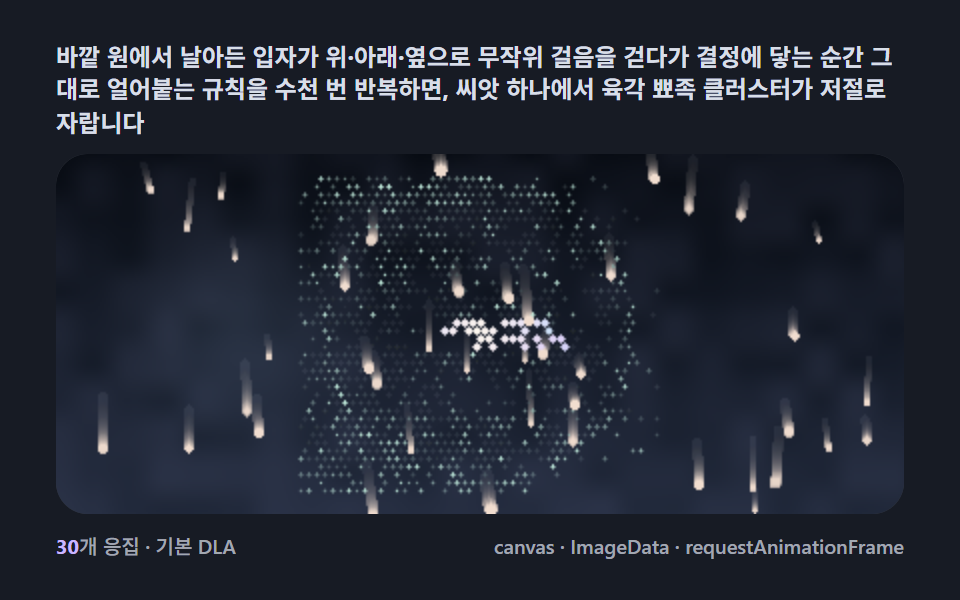 Creative UISnowflake Generator, 9 Ways (DLA, No Library)
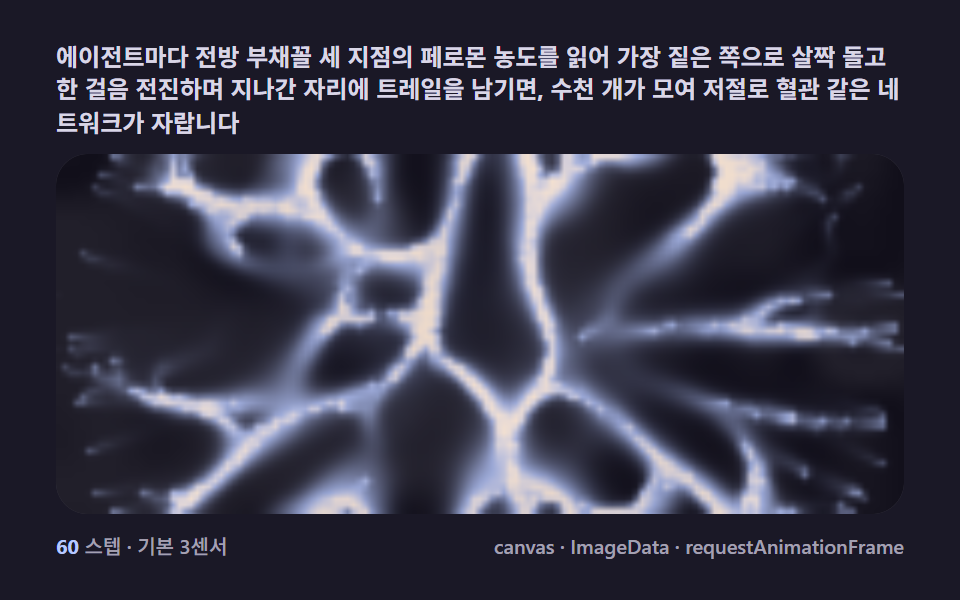 Creative UISlime Mold Simulation, 9 Ways (No Library)
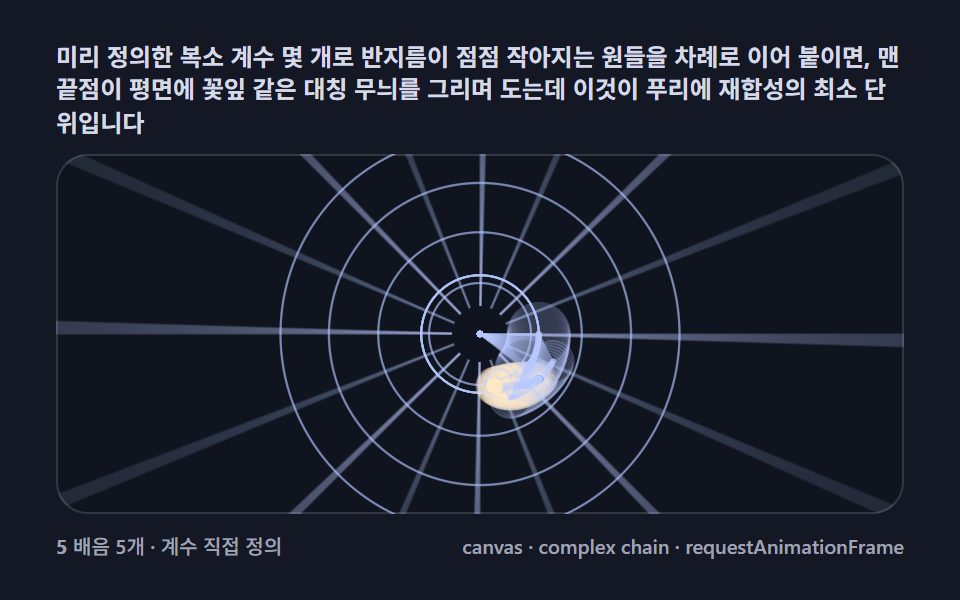 Creative UIFourier Epicycles, 9 Ways (No Library)
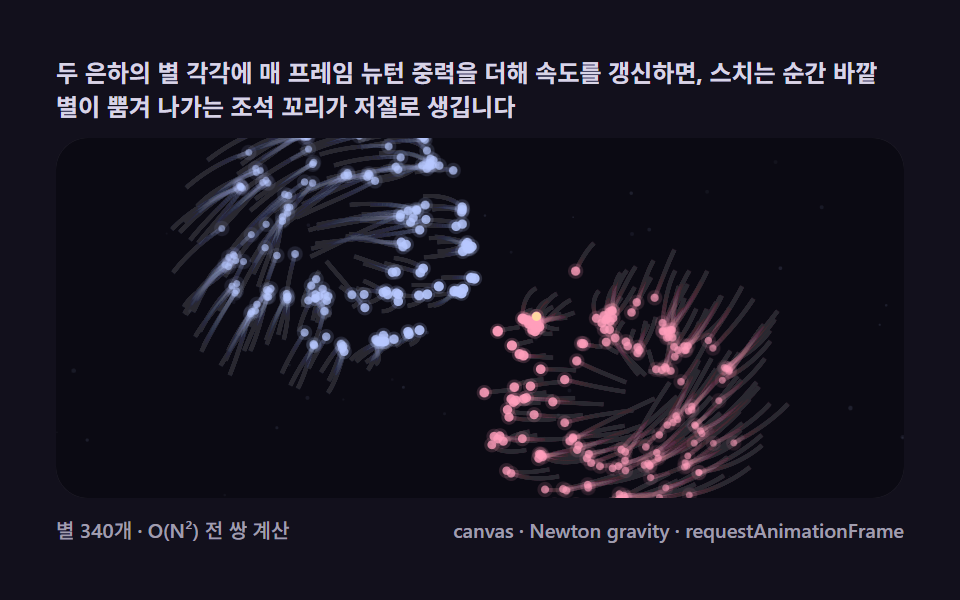 Creative UIN Body Simulation, 9 Ways (Galaxy, No Library)
 Creative UIMandelbrot Zoom, 9 Ways (Escape-Time, No Library)
 Creative UILorenz Attractor: 9 Butterfly Chaos Demos
 Creative UIMagic Eye Stereograms: 9 Depth Map Demos
 Creative UIString Art: 9 Thread-Geometry Demos
 Creative UIL-System Fractal Tree Generator: 9 Demos