css スクロール アニメーション 9選 — 区間値で切り替える
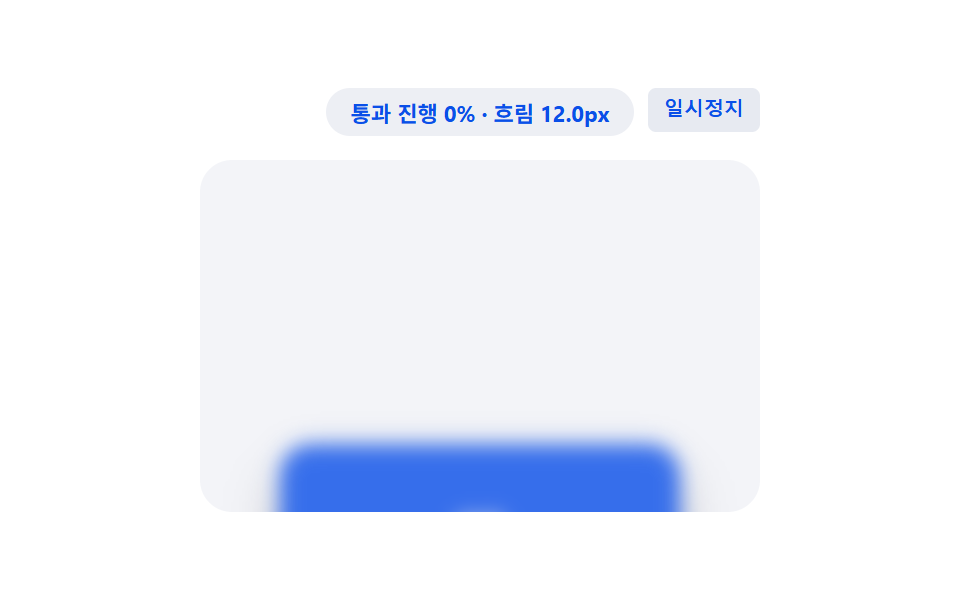
css スクロール アニメーション の9パターンです。画面を下げるとカードが一枚ぼやけたまま浮かび、通り過ぎるうちに次第にはっきりしてくる。そのぼかしの度合いはスクロール位置ではなく、その要素が画面を通過する区間の値ひとつで決まる。
 01 scroll-view-timeline-fade-scale-card
 02 scroll-view-timeline-clip-path-reveal
 03 scroll-view-timeline-mask-wipe-image
 04 scroll-view-timeline-blur-focus-stack
 05 scroll-view-timeline-rotate-3d-flip
 06 scroll-view-timeline-skew-shear-panel
 07 scroll-view-timeline-color-morph-badge
 08 scroll-view-timeline-shadow-lift-depth
 09 scroll-view-timeline-letter-spacing-stretch
自動再生 · タイルを押すとその項目へ · すべて1つのzip
- 01 区間値に合わせて大きく鮮明になるカード
- 02 境界値が移動して現れるサムネイル
- 03 斜めの境界値が通り過ぎる背景画像
- 04 区間値に沿ってピントが外れたり合ったりするカード
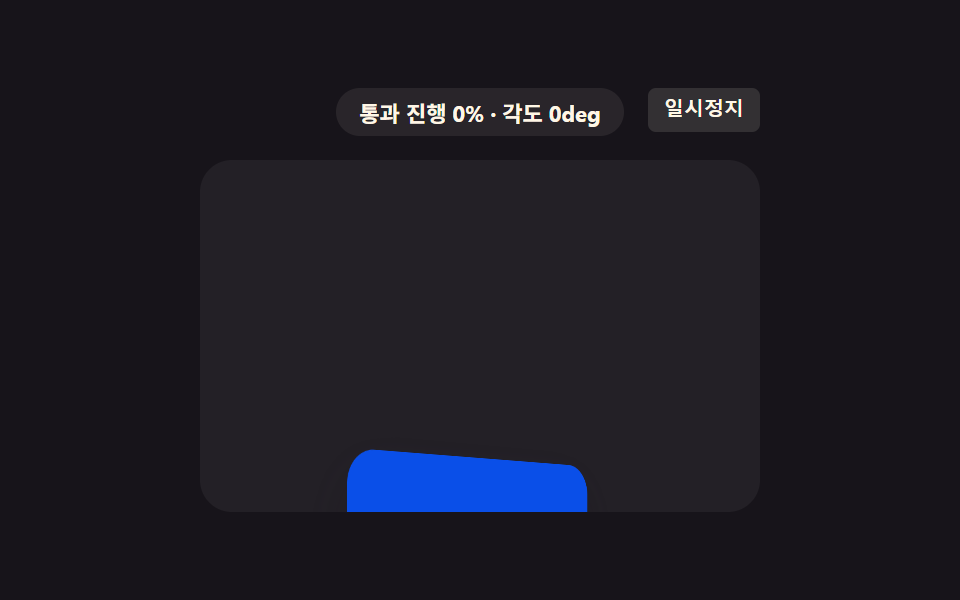
- 05 区間値が角度値に変わる3Dカード
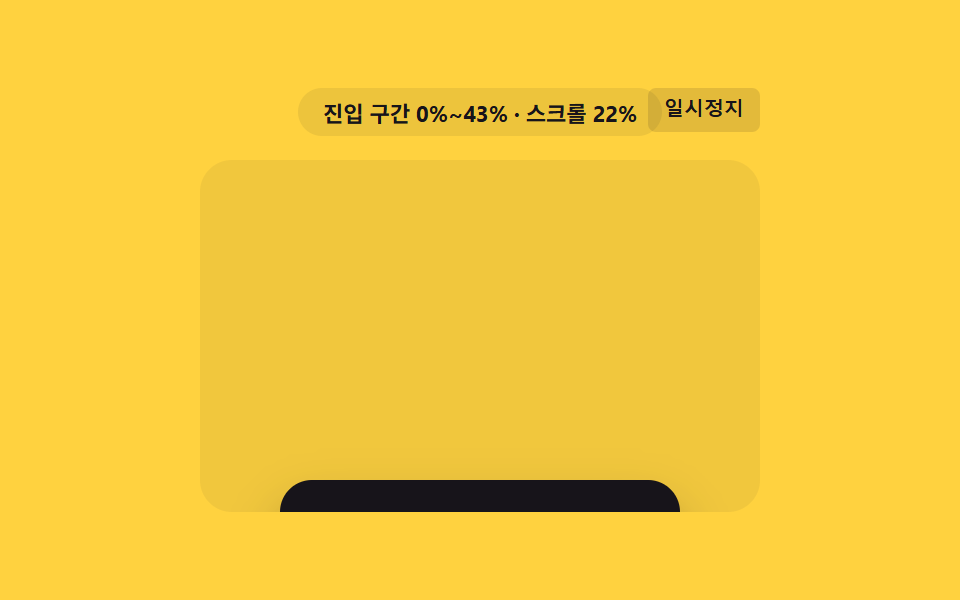
- 06 傾き値が終わりで解ける パネル
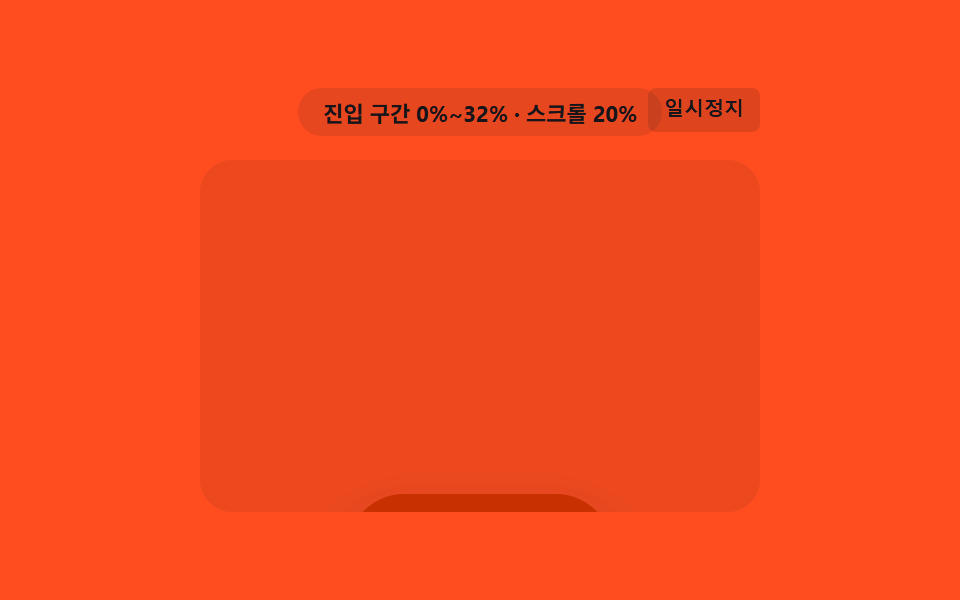
- 07 区間値が色の補間地点になるバッジ
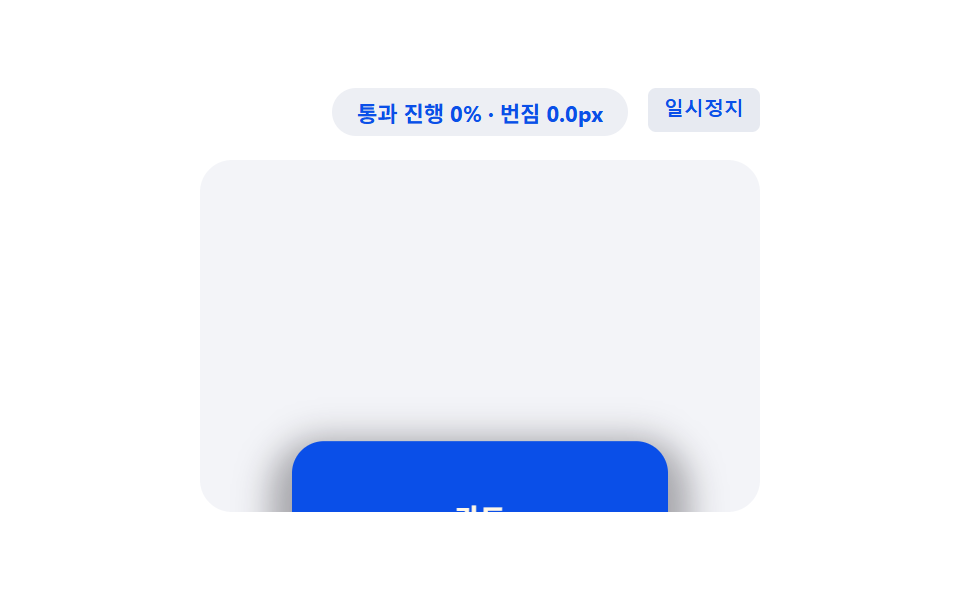
- 08 区間値の分だけ浮き上がる影のカード
- 09 区間値が文字間隔値として広がる見出し
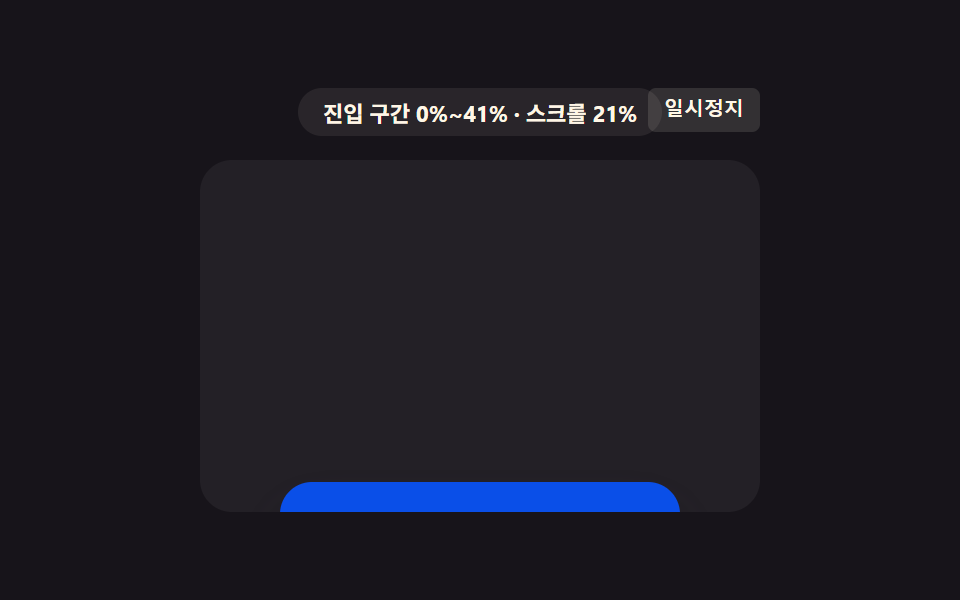
01区間値に合わせて大きく鮮明になるカード
カードが画面に入る区間の値が0から1に満ちる間、不透明度の値と大きさの値が共に増え、次第に鮮明に大きく現れます。LPの機能カードがスクロールで視界に入るたびに整っていくような使い方です。
<main class="stage">
<div class="fsc is-demo" id="fscRoot">
  <div class="fsc__badge" id="fscBadge">進入区間 0%~0%</div>
  <button class="fsc__ctrl" id="fscCtrl" type="button">一時停止</button>
  <div class="fsc__view" id="fscView">
    <div class="fsc__track" id="fscTrack">
      <div class="fsc__spacer fsc__spacer--top"></div>
      <div class="fsc__card" id="fscCard">
        <span class="fsc__label">機能カード</span>
      </div>
      <div class="fsc__spacer fsc__spacer--bottom"></div>
    </div>
  </div>
</div>
</main>
@use "../../../../site/static/demo-tokens" as *;
// 핵심: animation-timeline: view() + animation-range: entry 로 카드가 뷰에 들어오는
// 진입 구간 값(0~1)에 투명도·크기를 직접 묶는다. 미지원 환경은 IntersectionObserver
// 교차 비율을 같은 값으로 대신 계산해 동일한 결과를 그린다.
$duration: $dur-loop;
$easing: linear;
$color: $subject-blue-deep;
@include stage($stage-ink);
.fsc {
position: relative;
width: min(100%, 280px);
display: flex;
flex-direction: column;
align-items: center;
gap: $sp-3;
}
.fsc__badge {
padding: $sp-1 $sp-3;
border-radius: $r-pill;
background: rgba(255, 247, 230, .08);
color: $subject-cream;
font-weight: 700;
font-size: 11px;
font-variant-numeric: tabular-nums;
}
.fsc__ctrl {
position: absolute;
top: 0;
right: 0;
border: 0;
border-radius: $r-xs;
padding: $sp-1 $sp-2;
background: rgba(255, 247, 230, .12);
color: $subject-cream;
font-weight: 600;
font-size: 10px;
line-height: 1.4;
cursor: pointer;
}
.fsc__ctrl:focus-visible { outline: 2px solid $subject-blue-light; outline-offset: 2px; }
.fsc__view {
box-sizing: border-box;
width: 100%;
height: 176px;
overflow-y: auto;
overflow-x: hidden;
border-radius: $r-card;
background: rgba(255, 255, 255, .05);
scrollbar-width: thin;
}
.fsc__track {
display: flex;
flex-direction: column;
align-items: center;
}
.fsc__spacer--top { height: 190px; flex: 0 0 auto; }
.fsc__spacer--bottom { height: 40px; flex: 0 0 auto; }
.fsc__card {
flex: 0 0 auto;
box-sizing: border-box;
width: 200px;
height: 72px;
display: grid;
place-items: center;
border-radius: $r-card;
background: $color;
box-shadow: $shadow-raised;
opacity: 0;
transform-origin: center;
transform: scale(var(--fade-scale-start, .8));
}
.fsc__label {
color: $subject-cream;
font-weight: 700;
font-size: 14px;
}
// 네이티브: animation-timeline: view() + animation-range: entry 가 진입 구간 값을
// 직접 투명도·크기에 묶는다.
.supports-vt .fsc__card {
  animation-name: fscEnter;
  animation-duration: 1s;
  animation-timing-function: linear;
  animation-fill-mode: both;
  animation-timeline: view();
  animation-range: entry;
}
@keyframes fscEnter {
  0%   { opacity: 0; transform: scale(var(--fade-scale-start, .8)); }
  100% { opacity: 1; transform: scale(1); }
}
@media (max-width: 340px) {
.fsc { gap: $sp-2; }
.fsc__view { height: 130px; }
.fsc__spacer--top { height: 130px; }
.fsc__spacer--bottom { height: 26px; }
.fsc__card { width: 168px; height: 56px; }
}
@media (prefers-reduced-motion: reduce) {
.fsc__card { animation: none !important; opacity: 1 !important; transform: scale(1) !important; }
}html, body {
margin: 0;
overflow: hidden;
}
.stage {
box-sizing: border-box;
min-height: 100vh;
display: grid;
place-items: center;
margin: 0;
background: #17141a;
font-family: -apple-system, "Segoe UI", "Noto Sans KR", sans-serif;
padding: clamp(8px, 4vw, 24px);
}
.fsc {
position: relative;
width: min(100%, 280px);
display: flex;
flex-direction: column;
align-items: center;
gap: 12px;
}
.fsc__badge {
padding: 4px 12px;
border-radius: 999px;
background: rgba(255, 247, 230, 0.08);
color: #fff7e6;
font-weight: 700;
font-size: 11px;
font-variant-numeric: tabular-nums;
}
.fsc__ctrl {
position: absolute;
top: 0;
right: 0;
border: 0;
border-radius: 4px;
padding: 4px 8px;
background: rgba(255, 247, 230, 0.12);
color: #fff7e6;
font-weight: 600;
font-size: 10px;
line-height: 1.4;
cursor: pointer;
}
.fsc__ctrl:focus-visible {
outline: 2px solid #5b8cf8;
outline-offset: 2px;
}
.fsc__view {
box-sizing: border-box;
width: 100%;
height: 176px;
overflow-y: auto;
overflow-x: hidden;
border-radius: 16px;
background: rgba(255, 255, 255, 0.05);
scrollbar-width: thin;
}
.fsc__track {
display: flex;
flex-direction: column;
align-items: center;
}
.fsc__spacer--top {
height: 190px;
flex: 0 0 auto;
}
.fsc__spacer--bottom {
height: 40px;
flex: 0 0 auto;
}
.fsc__card {
flex: 0 0 auto;
box-sizing: border-box;
width: 200px;
height: 72px;
display: grid;
place-items: center;
border-radius: 16px;
background: #0a4fe8;
box-shadow: 0 14px 24px rgba(23, 20, 26, 0.32);
opacity: 0;
transform-origin: center;
transform: scale(var(--fade-scale-start, 0.8));
}
.fsc__label {
color: #fff7e6;
font-weight: 700;
font-size: 14px;
}
.supports-vt .fsc__card {
animation-name: fscEnter;
animation-duration: 1s;
animation-timing-function: linear;
animation-fill-mode: both;
animation-timeline: view();
animation-range: entry;
}
@keyframes fscEnter {
0% {
opacity: 0;
transform: scale(var(--fade-scale-start, 0.8));
}
100% {
opacity: 1;
transform: scale(1);
}
}
@media (max-width: 340px) {
.fsc {
gap: 8px;
}
.fsc__view {
height: 130px;
}
.fsc__spacer--top {
height: 130px;
}
.fsc__spacer--bottom {
height: 26px;
}
.fsc__card {
width: 168px;
height: 56px;
}
}
@media (prefers-reduced-motion: reduce) {
.fsc__card {
animation: none !important;
opacity: 1 !important;
transform: scale(1) !important;
}
}(function () {
// VIEWTL_FADE_SCALE_START — 변형 1: 0.8 → 0.6 로 낮추면 카드가 더 작게 쭈그러든 채 시작해 등장이 강조된다.
var VIEWTL_FADE_SCALE_START = 0.8;
document.documentElement.style.setProperty('--fade-scale-start', String(VIEWTL_FADE_SCALE_START));
var supportsVt = CSS.supports('animation-timeline: view()');
var root = document.getElementById('fscRoot');
var view = document.getElementById('fscView');
var card = document.getElementById('fscCard');
var badge = document.getElementById('fscBadge');
var ctrl = document.getElementById('fscCtrl');
root.classList.add(supportsVt ? 'supports-vt' : 'no-vt');
// 계산 한 겹: 요소 높이·뷰포트 높이에서 진입 구간(시작~끝 %) 값을 구해 배지에 표시한다.
function entryRangePct() {
var elH = card.offsetHeight;
var viewH = view.clientHeight;
return Math.round(Math.min(100, (elH / viewH) * 100));
}
var rangeEnd = entryRangePct();
var rangeText = '進入区間 0%~' + rangeEnd + '%';
function render(ratio) {
if (!supportsVt) {
var start = VIEWTL_FADE_SCALE_START;
var scale = start + (1 - start) * ratio;
card.style.opacity = String(ratio);
card.style.transform = 'scale(' + scale.toFixed(3) + ')';
}
badge.textContent = rangeText + ' · 進行 ' + Math.round(ratio * 100) + '%';
}
var lastRatio = 0;
if (!supportsVt) {
var STEPS = [];
for (var s = 0; s <= 50; s += 1) { STEPS.push(s / 50); }
var io = new IntersectionObserver(function (entries) {
entries.forEach(function (entry) {
lastRatio = entry.intersectionRatio;
render(lastRatio);
});
}, { root: view, threshold: STEPS });
io.observe(card);
} else {
badge.textContent = rangeText;
}
view.addEventListener('scroll', function () {
if (supportsVt) {
var max = view.scrollHeight - view.clientHeight;
var p = max > 0 ? Math.min(1, Math.max(0, view.scrollTop / max)) : 0;
badge.textContent = rangeText + ' · スクロール ' + Math.round(p * 100) + '%';
}
}, { passive: true });
// 자동 시연: rAF 로 프레임을 누적해 컨테이너를 왕복 스크롤한다 (실시간 setInterval 이 아니라 프레임 누적).
var playing = true;
var frame = 0;
var PERIOD = 66;
function tick() {
if (playing) {
frame += 1;
var max = view.scrollHeight - view.clientHeight;
var t = frame % (PERIOD * 2);
var f = t < PERIOD ? (t / PERIOD) : ((PERIOD * 2 - t) / PERIOD);
view.scrollTop = f * max;
}
requestAnimationFrame(tick);
}
requestAnimationFrame(tick);
function stopAuto() {
if (root.classList.contains('is-demo')) { root.classList.remove('is-demo'); }
playing = false;
ctrl.textContent = '再生';
}
view.addEventListener('wheel', stopAuto, { passive: true });
view.addEventListener('touchstart', stopAuto, { passive: true });
ctrl.addEventListener('click', function () {
playing = !playing;
ctrl.textContent = playing ? '一時停止' : '再生';
if (playing) { root.classList.add('is-demo'); }
});
ctrl.addEventListener('keydown', function (e) {
if (e.key === 'r' || e.key === 'R') {
frame = 0;
view.scrollTop = 0;
lastRatio = 0;
render(0);
playing = true;
root.classList.add('is-demo');
ctrl.textContent = '一時停止';
}
});
window.addEventListener('resize', function () {
rangeEnd = entryRangePct();
rangeText = '進入区間 0%~' + rangeEnd + '%';
});
var reduce = window.matchMedia('(prefers-reduced-motion: reduce)').matches;
if (reduce) {
playing = false;
root.classList.remove('is-demo');
lastRatio = 1;
render(1);
card.style.opacity = '1';
card.style.transform = 'scale(1)';
badge.textContent = rangeText + ' · 最終状態';
}
})();import { useEffect, useRef, useState } from "react";
import styles from "./FadeScaleCard.module.scss";
// 핵심: animation-timeline: view() + animation-range: entry 로 진입 구간 값(0~1)에
// 투명도·크기를 직접 묶는다. 미지원 환경은 IntersectionObserver 교차 비율로 같은 값을
// 계산한다. VIEWTL_FADE_SCALE_START — 변형 1: 0.8 → 0.6 로 낮추면 등장이 더 강조된다.
const VIEWTL_FADE_SCALE_START = 0.8;
export default function FadeScaleCard() {
const rootRef = useRef<HTMLDivElement>(null);
const viewRef = useRef<HTMLDivElement>(null);
const cardRef = useRef<HTMLDivElement>(null);
const [badge, setBadge] = useState("진입 구간 0%~0%");
const [demo, setDemo] = useState(true);
const [supportsVt, setSupportsVt] = useState(false);
useEffect(() => {
const view = viewRef.current;
const card = cardRef.current;
const root = rootRef.current;
if (!view || !card || !root) { return; }
card.style.setProperty("--fade-scale-start", String(VIEWTL_FADE_SCALE_START));
const vt = CSS.supports("animation-timeline: view()");
setSupportsVt(vt);
function entryRangePct() {
const elH = card!.offsetHeight;
const viewH = view!.clientHeight;
return Math.round(Math.min(100, (elH / viewH) * 100));
}
let rangeEnd = entryRangePct();
let rangeText = "진입 구간 0%~" + rangeEnd + "%";
function render(ratio: number) {
if (!vt) {
const start = VIEWTL_FADE_SCALE_START;
const scale = start + (1 - start) * ratio;
card!.style.opacity = String(ratio);
card!.style.transform = "scale(" + scale.toFixed(3) + ")";
}
setBadge(rangeText + " · 진행 " + Math.round(ratio * 100) + "%");
}
let io: IntersectionObserver | null = null;
if (!vt) {
const STEPS: number[] = [];
for (let s = 0; s <= 50; s += 1) { STEPS.push(s / 50); }
io = new IntersectionObserver((entries) => {
entries.forEach((entry) => { render(entry.intersectionRatio); });
}, { root: view, threshold: STEPS });
io.observe(card);
} else {
setBadge(rangeText);
}
function onScroll() {
if (vt) {
const max = view!.scrollHeight - view!.clientHeight;
const p = max > 0 ? Math.min(1, Math.max(0, view!.scrollTop / max)) : 0;
setBadge(rangeText + " · 스크롤 " + Math.round(p * 100) + "%");
}
}
view.addEventListener("scroll", onScroll, { passive: true });
let playing = true;
let frame = 0;
const PERIOD = 66;
let rafId = 0;
function tick() {
if (playing) {
frame += 1;
const max = view!.scrollHeight - view!.clientHeight;
const t = frame % (PERIOD * 2);
const f = t < PERIOD ? (t / PERIOD) : ((PERIOD * 2 - t) / PERIOD);
view!.scrollTop = f * max;
}
rafId = requestAnimationFrame(tick);
}
rafId = requestAnimationFrame(tick);
function stopAuto() {
setDemo(false);
playing = false;
}
view.addEventListener("wheel", stopAuto, { passive: true });
view.addEventListener("touchstart", stopAuto, { passive: true });
function onClick() {
playing = !playing;
setDemo(playing);
}
function onKeyDown(e: KeyboardEvent) {
if (e.key === "r" || e.key === "R") {
frame = 0;
view!.scrollTop = 0;
render(0);
playing = true;
setDemo(true);
}
}
root.addEventListener("keydown", onKeyDown);
function onResize() {
rangeEnd = entryRangePct();
rangeText = "진입 구간 0%~" + rangeEnd + "%";
}
window.addEventListener("resize", onResize);
const reduce = window.matchMedia("(prefers-reduced-motion: reduce)").matches;
if (reduce) {
playing = false;
setDemo(false);
render(1);
card.style.opacity = "1";
card.style.transform = "scale(1)";
setBadge(rangeText + " · 최종 상태");
}
const ctrl = root.querySelector("button");
ctrl?.addEventListener("click", onClick);
return () => {
cancelAnimationFrame(rafId);
io?.disconnect();
view.removeEventListener("scroll", onScroll);
view.removeEventListener("wheel", stopAuto);
view.removeEventListener("touchstart", stopAuto);
root.removeEventListener("keydown", onKeyDown);
window.removeEventListener("resize", onResize);
ctrl?.removeEventListener("click", onClick);
};
// eslint-disable-next-line react-hooks/exhaustive-deps
}, []);
return (
<main className={styles.stage}>
<div ref={rootRef} className={`${styles.fsc} ${demo ? styles["is-demo"] : ""} ${supportsVt ? styles["supports-vt"] : styles["no-vt"]}`}>
<div className={styles["fsc__badge"]}>{badge}</div>
<button className={styles["fsc__ctrl"]} type="button">{demo ? "일시정지" : "재생"}</button>
<div ref={viewRef} className={styles["fsc__view"]}>
<div className={styles["fsc__track"]}>
<div className={`${styles["fsc__spacer"]} ${styles["fsc__spacer--top"]}`} />
<div ref={cardRef} className={styles["fsc__card"]}>
<span className={styles["fsc__label"]}>기능 카드</span>
</div>
<div className={`${styles["fsc__spacer"]} ${styles["fsc__spacer--bottom"]}`} />
</div>
</div>
</div>
</main>
);
}01 · 区間値に合わせて大きく鮮明になるカード — 計測 累積面積 16.106% · 動いたフレーム 23/23GODRICH オリジナル · SCSS と React は zip に同梱 · パスワードを見る
.supports-vt .fsc__card {
animation-name: fscEnter;
animation-duration: 1s;
animation-timing-function: linear;
animation-fill-mode: both;
animation-timeline: view();
animation-range: entry;
}
@keyframes fscEnter {
0% { opacity: 0; transform: scale(var(--fade-scale-start, .8)); }
100% { opacity: 1; transform: scale(1); }
}
計算を担う値は --fade-scale-start ひとつです。キーフレームはこの値から 1 へ補間するだけなので、不透明度と大きさが別々のタイマーでずれることなく、同じ区間値に揃って従います。
測定値: 累積面積は画面の16.1%、強度平均138.8、動いたフレームは23/23です。
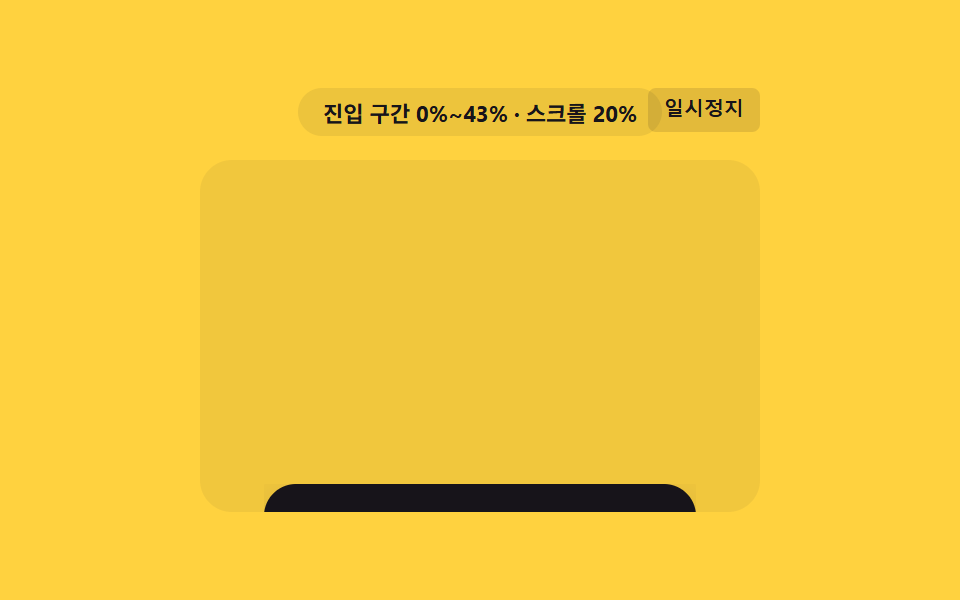
02境界値が移動して現れるサムネイル
区間の値が満ちる間、clip-path: inset() の境界値が一方の端からもう一方の端まで動き、画像を少しずつ現します。ポートフォリオのサムネイルが画面中央に来た頃にちょうど見え終わる使い方です。
<main class="stage">
<div class="cpr is-demo" id="cprRoot">
  <div class="cpr__badge" id="cprBadge">進入区間 0%~0%</div>
  <button class="cpr__ctrl" id="cprCtrl" type="button">一時停止</button>
  <div class="cpr__view" id="cprView">
    <div class="cpr__track" id="cprTrack">
      <div class="cpr__spacer cpr__spacer--top"></div>
      <div class="cpr__panel" id="cprPanel">
        <span class="cpr__label">プロジェクト</span>
      </div>
      <div class="cpr__spacer cpr__spacer--bottom"></div>
    </div>
  </div>
</div>
</main>
@use "../../../../site/static/demo-tokens" as *;
// 핵심: animation-timeline: view() + animation-range: entry 로 clip-path 의 가려진
// 폭을 진입 구간 값(0~1)에 직접 묶어 커튼처럼 걷어낸다. 미지원 환경은 교차 비율을
// 같은 공식으로 계산해 동일한 inset() 값을 적용한다.
$duration: $dur-loop;
$easing: linear;
$color: $subject-ink;
@include stage($stage-yellow);
.cpr {
position: relative;
width: min(100%, 280px);
display: flex;
flex-direction: column;
align-items: center;
gap: $sp-3;
}
.cpr__badge {
padding: $sp-1 $sp-3;
border-radius: $r-pill;
background: rgba(23, 20, 26, .08);
color: $subject-ink;
font-weight: 700;
font-size: 11px;
font-variant-numeric: tabular-nums;
}
.cpr__ctrl {
position: absolute;
top: 0;
right: 0;
border: 0;
border-radius: $r-xs;
padding: $sp-1 $sp-2;
background: rgba(23, 20, 26, .12);
color: $subject-ink;
font-weight: 600;
font-size: 10px;
line-height: 1.4;
cursor: pointer;
}
.cpr__ctrl:focus-visible { outline: 2px solid $subject-ink; outline-offset: 2px; }
.cpr__view {
box-sizing: border-box;
width: 100%;
height: 176px;
overflow-y: auto;
overflow-x: hidden;
border-radius: $r-card;
background: rgba(23, 20, 26, .06);
scrollbar-width: thin;
}
.cpr__track {
display: flex;
flex-direction: column;
align-items: center;
}
.cpr__spacer--top { height: 190px; flex: 0 0 auto; }
.cpr__spacer--bottom { height: 40px; flex: 0 0 auto; }
.cpr__panel {
flex: 0 0 auto;
box-sizing: border-box;
width: 216px;
height: 76px;
display: grid;
place-items: center;
border-radius: $r-card;
background: $color;
box-shadow: $shadow-raised;
clip-path: inset(0 100% 0 0);
}
.cpr__label {
color: $subject-cream;
font-weight: 700;
font-size: 14px;
}
.supports-vt .cpr__panel {
  animation-name: cprReveal;
  animation-duration: 1s;
  animation-timing-function: linear;
  animation-fill-mode: both;
  animation-timeline: view();
  animation-range: entry;
}
@keyframes cprReveal {
  0%   { clip-path: inset(0 100% 0 0); }
  100% { clip-path: inset(0 0% 0 0); }
}
@media (max-width: 340px) {
.cpr { gap: $sp-2; }
.cpr__view { height: 130px; }
.cpr__spacer--top { height: 130px; }
.cpr__spacer--bottom { height: 26px; }
.cpr__panel { width: 176px; height: 60px; }
}
@media (prefers-reduced-motion: reduce) {
.cpr__panel { animation: none !important; clip-path: inset(0 0% 0 0) !important; }
}html, body {
margin: 0;
overflow: hidden;
}
.stage {
box-sizing: border-box;
min-height: 100vh;
display: grid;
place-items: center;
margin: 0;
background: #ffd23f;
font-family: -apple-system, "Segoe UI", "Noto Sans KR", sans-serif;
padding: clamp(8px, 4vw, 24px);
}
.cpr {
position: relative;
width: min(100%, 280px);
display: flex;
flex-direction: column;
align-items: center;
gap: 12px;
}
.cpr__badge {
padding: 4px 12px;
border-radius: 999px;
background: rgba(23, 20, 26, 0.08);
color: #17141a;
font-weight: 700;
font-size: 11px;
font-variant-numeric: tabular-nums;
}
.cpr__ctrl {
position: absolute;
top: 0;
right: 0;
border: 0;
border-radius: 4px;
padding: 4px 8px;
background: rgba(23, 20, 26, 0.12);
color: #17141a;
font-weight: 600;
font-size: 10px;
line-height: 1.4;
cursor: pointer;
}
.cpr__ctrl:focus-visible {
outline: 2px solid #17141a;
outline-offset: 2px;
}
.cpr__view {
box-sizing: border-box;
width: 100%;
height: 176px;
overflow-y: auto;
overflow-x: hidden;
border-radius: 16px;
background: rgba(23, 20, 26, 0.06);
scrollbar-width: thin;
}
.cpr__track {
display: flex;
flex-direction: column;
align-items: center;
}
.cpr__spacer--top {
height: 190px;
flex: 0 0 auto;
}
.cpr__spacer--bottom {
height: 40px;
flex: 0 0 auto;
}
.cpr__panel {
flex: 0 0 auto;
box-sizing: border-box;
width: 216px;
height: 76px;
display: grid;
place-items: center;
border-radius: 16px;
background: #17141a;
box-shadow: 0 14px 24px rgba(23, 20, 26, 0.32);
clip-path: inset(0 100% 0 0);
}
.cpr__label {
color: #fff7e6;
font-weight: 700;
font-size: 14px;
}
.supports-vt .cpr__panel {
animation-name: cprReveal;
animation-duration: 1s;
animation-timing-function: linear;
animation-fill-mode: both;
animation-timeline: view();
animation-range: entry;
}
@keyframes cprReveal {
0% {
clip-path: inset(0 100% 0 0);
}
100% {
clip-path: inset(0 0% 0 0);
}
}
@media (max-width: 340px) {
.cpr {
gap: 8px;
}
.cpr__view {
height: 130px;
}
.cpr__spacer--top {
height: 130px;
}
.cpr__spacer--bottom {
height: 26px;
}
.cpr__panel {
width: 176px;
height: 60px;
}
}
@media (prefers-reduced-motion: reduce) {
.cpr__panel {
animation: none !important;
clip-path: inset(0 0% 0 0) !important;
}
}(function () {
var supportsVt = CSS.supports('animation-timeline: view()');
var root = document.getElementById('cprRoot');
var view = document.getElementById('cprView');
var panel = document.getElementById('cprPanel');
var badge = document.getElementById('cprBadge');
var ctrl = document.getElementById('cprCtrl');
root.classList.add(supportsVt ? 'supports-vt' : 'no-vt');
// 계산 한 겹: 요소 높이·뷰포트 높이에서 진입 구간(시작~끝 %) 값을 구해 배지에 표시한다.
function entryRangePct() {
var elH = panel.offsetHeight;
var viewH = view.clientHeight;
return Math.round(Math.min(100, (elH / viewH) * 100));
}
var rangeEnd = entryRangePct();
var rangeText = '進入区間 0%~' + rangeEnd + '%';
function render(ratio) {
if (!supportsVt) {
var hide = (1 - ratio) * 100;
panel.style.clipPath = 'inset(0 ' + hide.toFixed(1) + '% 0 0)';
}
badge.textContent = rangeText + ' · 進行 ' + Math.round(ratio * 100) + '%';
}
var lastRatio = 0;
if (!supportsVt) {
var STEPS = [];
for (var s = 0; s <= 50; s += 1) { STEPS.push(s / 50); }
var io = new IntersectionObserver(function (entries) {
entries.forEach(function (entry) {
lastRatio = entry.intersectionRatio;
render(lastRatio);
});
}, { root: view, threshold: STEPS });
io.observe(panel);
} else {
badge.textContent = rangeText;
}
view.addEventListener('scroll', function () {
if (supportsVt) {
var max = view.scrollHeight - view.clientHeight;
var p = max > 0 ? Math.min(1, Math.max(0, view.scrollTop / max)) : 0;
badge.textContent = rangeText + ' · スクロール ' + Math.round(p * 100) + '%';
}
}, { passive: true });
// 자동 시연: rAF 로 프레임을 누적해 컨테이너를 왕복 스크롤한다.
var playing = true;
var frame = 0;
var PERIOD = 66;
function tick() {
if (playing) {
frame += 1;
var max = view.scrollHeight - view.clientHeight;
var t = frame % (PERIOD * 2);
var f = t < PERIOD ? (t / PERIOD) : ((PERIOD * 2 - t) / PERIOD);
view.scrollTop = f * max;
}
requestAnimationFrame(tick);
}
requestAnimationFrame(tick);
function stopAuto() {
if (root.classList.contains('is-demo')) { root.classList.remove('is-demo'); }
playing = false;
ctrl.textContent = '再生';
}
view.addEventListener('wheel', stopAuto, { passive: true });
view.addEventListener('touchstart', stopAuto, { passive: true });
ctrl.addEventListener('click', function () {
playing = !playing;
ctrl.textContent = playing ? '一時停止' : '再生';
if (playing) { root.classList.add('is-demo'); }
});
ctrl.addEventListener('keydown', function (e) {
if (e.key === 'r' || e.key === 'R') {
frame = 0;
view.scrollTop = 0;
lastRatio = 0;
render(0);
playing = true;
root.classList.add('is-demo');
ctrl.textContent = '一時停止';
}
});
window.addEventListener('resize', function () {
rangeEnd = entryRangePct();
rangeText = '進入区間 0%~' + rangeEnd + '%';
});
var reduce = window.matchMedia('(prefers-reduced-motion: reduce)').matches;
if (reduce) {
playing = false;
root.classList.remove('is-demo');
lastRatio = 1;
render(1);
panel.style.clipPath = 'inset(0 0% 0 0)';
badge.textContent = rangeText + ' · 最終状態';
}
})();import { useEffect, useRef, useState } from "react";
import styles from "./ClipPathReveal.module.scss";
// 핵심: animation-timeline: view() + animation-range: entry 로 clip-path 의 가려진
// 폭을 진입 구간 값(0~1)에 직접 묶어 커튼처럼 걷어낸다. 미지원 환경은 교차 비율로
// 같은 공식을 계산해 동일한 inset() 값을 적용한다.
export default function ClipPathReveal() {
const rootRef = useRef<HTMLDivElement>(null);
const viewRef = useRef<HTMLDivElement>(null);
const panelRef = useRef<HTMLDivElement>(null);
const [badge, setBadge] = useState("진입 구간 0%~0%");
const [demo, setDemo] = useState(true);
const [supportsVt, setSupportsVt] = useState(false);
useEffect(() => {
const view = viewRef.current;
const panel = panelRef.current;
const root = rootRef.current;
if (!view || !panel || !root) { return; }
const vt = CSS.supports("animation-timeline: view()");
setSupportsVt(vt);
function entryRangePct() {
const elH = panel!.offsetHeight;
const viewH = view!.clientHeight;
return Math.round(Math.min(100, (elH / viewH) * 100));
}
let rangeEnd = entryRangePct();
let rangeText = "진입 구간 0%~" + rangeEnd + "%";
function render(ratio: number) {
if (!vt) {
const hide = (1 - ratio) * 100;
panel!.style.clipPath = "inset(0 " + hide.toFixed(1) + "% 0 0)";
}
setBadge(rangeText + " · 진행 " + Math.round(ratio * 100) + "%");
}
let io: IntersectionObserver | null = null;
if (!vt) {
const STEPS: number[] = [];
for (let s = 0; s <= 50; s += 1) { STEPS.push(s / 50); }
io = new IntersectionObserver((entries) => {
entries.forEach((entry) => { render(entry.intersectionRatio); });
}, { root: view, threshold: STEPS });
io.observe(panel);
} else {
setBadge(rangeText);
}
function onScroll() {
if (vt) {
const max = view!.scrollHeight - view!.clientHeight;
const p = max > 0 ? Math.min(1, Math.max(0, view!.scrollTop / max)) : 0;
setBadge(rangeText + " · 스크롤 " + Math.round(p * 100) + "%");
}
}
view.addEventListener("scroll", onScroll, { passive: true });
let playing = true;
let frame = 0;
const PERIOD = 66;
let rafId = 0;
function tick() {
if (playing) {
frame += 1;
const max = view!.scrollHeight - view!.clientHeight;
const t = frame % (PERIOD * 2);
const f = t < PERIOD ? (t / PERIOD) : ((PERIOD * 2 - t) / PERIOD);
view!.scrollTop = f * max;
}
rafId = requestAnimationFrame(tick);
}
rafId = requestAnimationFrame(tick);
function stopAuto() {
setDemo(false);
playing = false;
}
view.addEventListener("wheel", stopAuto, { passive: true });
view.addEventListener("touchstart", stopAuto, { passive: true });
function onClick() {
playing = !playing;
setDemo(playing);
}
function onKeyDown(e: KeyboardEvent) {
if (e.key === "r" || e.key === "R") {
frame = 0;
view!.scrollTop = 0;
render(0);
playing = true;
setDemo(true);
}
}
root.addEventListener("keydown", onKeyDown);
function onResize() {
rangeEnd = entryRangePct();
rangeText = "진입 구간 0%~" + rangeEnd + "%";
}
window.addEventListener("resize", onResize);
const reduce = window.matchMedia("(prefers-reduced-motion: reduce)").matches;
if (reduce) {
playing = false;
setDemo(false);
render(1);
panel.style.clipPath = "inset(0 0% 0 0)";
setBadge(rangeText + " · 최종 상태");
}
const ctrl = root.querySelector("button");
ctrl?.addEventListener("click", onClick);
return () => {
cancelAnimationFrame(rafId);
io?.disconnect();
view.removeEventListener("scroll", onScroll);
view.removeEventListener("wheel", stopAuto);
view.removeEventListener("touchstart", stopAuto);
root.removeEventListener("keydown", onKeyDown);
window.removeEventListener("resize", onResize);
ctrl?.removeEventListener("click", onClick);
};
// eslint-disable-next-line react-hooks/exhaustive-deps
}, []);
return (
<main className={styles.stage}>
<div ref={rootRef} className={`${styles.cpr} ${demo ? styles["is-demo"] : ""} ${supportsVt ? styles["supports-vt"] : styles["no-vt"]}`}>
<div className={styles["cpr__badge"]}>{badge}</div>
<button className={styles["cpr__ctrl"]} type="button">{demo ? "일시정지" : "재생"}</button>
<div ref={viewRef} className={styles["cpr__view"]}>
<div className={styles["cpr__track"]}>
<div className={`${styles["cpr__spacer"]} ${styles["cpr__spacer--top"]}`} />
<div ref={panelRef} className={styles["cpr__panel"]}>
<span className={styles["cpr__label"]}>프로젝트</span>
</div>
<div className={`${styles["cpr__spacer"]} ${styles["cpr__spacer--bottom"]}`} />
</div>
</div>
</div>
</main>
);
}02 · 境界値が移動して現れるサムネイル — 計測 累積面積 17.112% · 動いたフレーム 23/23GODRICH オリジナル · SCSS と React は zip に同梱 · パスワードを見る
.supports-vt .cpr__panel {
animation-name: cprReveal;
animation-duration: 1s;
animation-timing-function: linear;
animation-fill-mode: both;
animation-timeline: view();
animation-range: entry;
}
@keyframes cprReveal {
0% { clip-path: inset(0 100% 0 0); }
100% { clip-path: inset(0 0% 0 0); }
}
右側の inset の値が 100%(全部隠れた状態)から 0% まで数を減らしていくだけの計算です。本来なら不透明度に使う区間値を、ここでは箱の中の距離として読み替えています。
測定値: 累積面積は画面の17.1%、強度平均196.9、動いたフレームは23/23です。
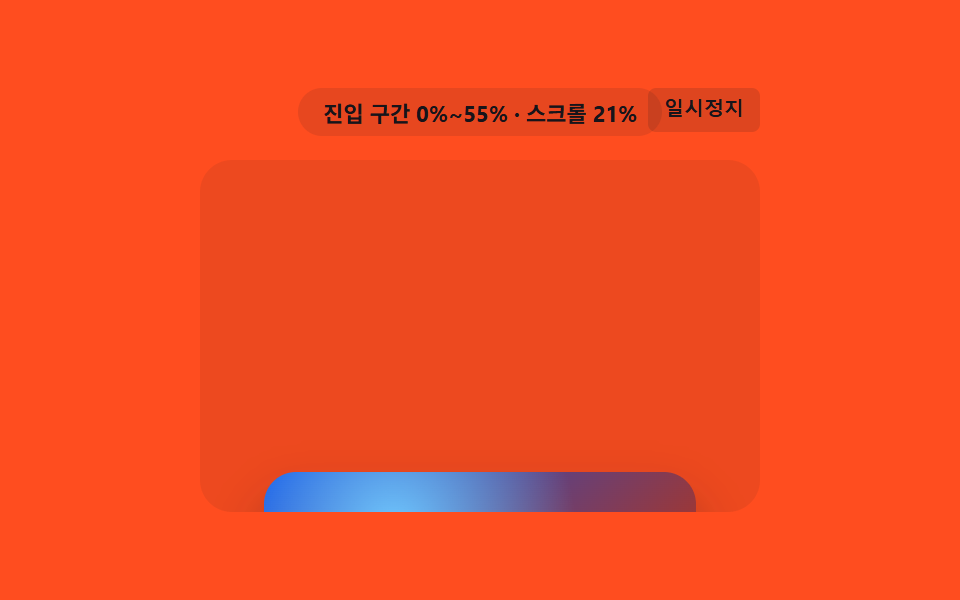
03斜めの境界値が通り過ぎる背景画像
区間の値に沿って、登録済みのカスタムプロパティが斜め135度の境界を画像の上で動かし、カーテンをめくるように背景画像を現します。
<main class="stage">
<div class="mwi is-demo" id="mwiRoot">
  <div class="mwi__badge" id="mwiBadge">進入区間 0%~0%</div>
  <button class="mwi__ctrl" id="mwiCtrl" type="button">一時停止</button>
  <div class="mwi__view" id="mwiView">
    <div class="mwi__track" id="mwiTrack">
      <div class="mwi__spacer mwi__spacer--top"></div>
      <div class="mwi__frame" id="mwiFrame">
        <div class="mwi__pic" id="mwiPic"></div>
      </div>
      <div class="mwi__spacer mwi__spacer--bottom"></div>
    </div>
  </div>
</div>
</main>
@use "../../../../site/static/demo-tokens" as *;
// 핵심: animation-timeline: view() + animation-range: entry 로 등록 커스텀 프로퍼티
// --wipe(퍼센트)를 진입 구간 값에 직접 묶고, mask-image 그라디언트 경계를 그 값으로
// 계산해 번지듯 드러낸다. 미지원 환경은 교차 비율로 같은 그라디언트를 계산해 그린다.
@property --wipe {
  syntax: "<percentage>";
  inherits: true;
  initial-value: 0%;
}
$duration: $dur-loop;
$easing: linear;
$color: $subject-orange-deep;
@include stage($stage-orange);
.mwi {
position: relative;
width: min(100%, 280px);
display: flex;
flex-direction: column;
align-items: center;
gap: $sp-3;
}
.mwi__badge {
padding: $sp-1 $sp-3;
border-radius: $r-pill;
background: rgba(23, 20, 26, .10);
color: $subject-ink;
font-weight: 700;
font-size: 11px;
font-variant-numeric: tabular-nums;
}
.mwi__ctrl {
position: absolute;
top: 0;
right: 0;
border: 0;
border-radius: $r-xs;
padding: $sp-1 $sp-2;
background: rgba(23, 20, 26, .14);
color: $subject-ink;
font-weight: 600;
font-size: 10px;
line-height: 1.4;
cursor: pointer;
}
.mwi__ctrl:focus-visible { outline: 2px solid $subject-ink; outline-offset: 2px; }
.mwi__view {
box-sizing: border-box;
width: 100%;
height: 176px;
overflow-y: auto;
overflow-x: hidden;
border-radius: $r-card;
background: rgba(23, 20, 26, .08);
scrollbar-width: thin;
}
.mwi__track {
display: flex;
flex-direction: column;
align-items: center;
}
.mwi__spacer--top { height: 190px; flex: 0 0 auto; }
.mwi__spacer--bottom { height: 40px; flex: 0 0 auto; }
.mwi__frame {
flex: 0 0 auto;
box-sizing: border-box;
width: 216px;
height: 96px;
border-radius: $r-card;
overflow: hidden;
box-shadow: $shadow-raised;
}
.mwi__pic {
width: 100%;
height: 100%;
background:
radial-gradient(circle at 30% 30%, $subject-sky 0%, transparent 55%),
linear-gradient(135deg, $subject-blue-deep, $color);
-webkit-mask-image: linear-gradient(135deg, #000 calc(var(--wipe) - 12%), transparent var(--wipe));
mask-image: linear-gradient(135deg, #000 calc(var(--wipe) - 12%), transparent var(--wipe));
}
.supports-vt .mwi__pic {
  animation-name: mwiWipe;
  animation-duration: 1s;
  animation-timing-function: linear;
  animation-fill-mode: both;
  animation-timeline: view();
  animation-range: entry;
}
@keyframes mwiWipe {
  0%   { --wipe: 0%; }
  100% { --wipe: 100%; }
}
@media (max-width: 340px) {
.mwi { gap: $sp-2; }
.mwi__view { height: 130px; }
.mwi__spacer--top { height: 130px; }
.mwi__spacer--bottom { height: 26px; }
.mwi__frame { width: 176px; height: 80px; }
}
@media (prefers-reduced-motion: reduce) {
.mwi__pic {
animation: none !important;
-webkit-mask-image: none !important;
mask-image: none !important;
}
}@property --wipe {
syntax: "<percentage>";
inherits: true;
initial-value: 0%;
}
html, body {
margin: 0;
overflow: hidden;
}
.stage {
box-sizing: border-box;
min-height: 100vh;
display: grid;
place-items: center;
margin: 0;
background: #ff4d1f;
font-family: -apple-system, "Segoe UI", "Noto Sans KR", sans-serif;
padding: clamp(8px, 4vw, 24px);
}
.mwi {
position: relative;
width: min(100%, 280px);
display: flex;
flex-direction: column;
align-items: center;
gap: 12px;
}
.mwi__badge {
padding: 4px 12px;
border-radius: 999px;
background: rgba(23, 20, 26, 0.1);
color: #17141a;
font-weight: 700;
font-size: 11px;
font-variant-numeric: tabular-nums;
}
.mwi__ctrl {
position: absolute;
top: 0;
right: 0;
border: 0;
border-radius: 4px;
padding: 4px 8px;
background: rgba(23, 20, 26, 0.14);
color: #17141a;
font-weight: 600;
font-size: 10px;
line-height: 1.4;
cursor: pointer;
}
.mwi__ctrl:focus-visible {
outline: 2px solid #17141a;
outline-offset: 2px;
}
.mwi__view {
box-sizing: border-box;
width: 100%;
height: 176px;
overflow-y: auto;
overflow-x: hidden;
border-radius: 16px;
background: rgba(23, 20, 26, 0.08);
scrollbar-width: thin;
}
.mwi__track {
display: flex;
flex-direction: column;
align-items: center;
}
.mwi__spacer--top {
height: 190px;
flex: 0 0 auto;
}
.mwi__spacer--bottom {
height: 40px;
flex: 0 0 auto;
}
.mwi__frame {
flex: 0 0 auto;
box-sizing: border-box;
width: 216px;
height: 96px;
border-radius: 16px;
overflow: hidden;
box-shadow: 0 14px 24px rgba(23, 20, 26, 0.32);
}
.mwi__pic {
width: 100%;
height: 100%;
background: radial-gradient(circle at 30% 30%, #6ec8ff 0%, transparent 55%), linear-gradient(135deg, #0a4fe8, #c93000);
-webkit-mask-image: linear-gradient(135deg, #000 calc(var(--wipe) - 12%), transparent var(--wipe));
mask-image: linear-gradient(135deg, #000 calc(var(--wipe) - 12%), transparent var(--wipe));
}
.supports-vt .mwi__pic {
animation-name: mwiWipe;
animation-duration: 1s;
animation-timing-function: linear;
animation-fill-mode: both;
animation-timeline: view();
animation-range: entry;
}
@keyframes mwiWipe {
0% {
--wipe: 0%;
}
100% {
--wipe: 100%;
}
}
@media (max-width: 340px) {
.mwi {
gap: 8px;
}
.mwi__view {
height: 130px;
}
.mwi__spacer--top {
height: 130px;
}
.mwi__spacer--bottom {
height: 26px;
}
.mwi__frame {
width: 176px;
height: 80px;
}
}
@media (prefers-reduced-motion: reduce) {
.mwi__pic {
animation: none !important;
-webkit-mask-image: none !important;
mask-image: none !important;
}
}(function () {
var supportsVt = CSS.supports('animation-timeline: view()');
var root = document.getElementById('mwiRoot');
var view = document.getElementById('mwiView');
var frame = document.getElementById('mwiFrame');
var pic = document.getElementById('mwiPic');
var badge = document.getElementById('mwiBadge');
var ctrl = document.getElementById('mwiCtrl');
root.classList.add(supportsVt ? 'supports-vt' : 'no-vt');
// 계산 한 겹: 요소 높이·뷰포트 높이에서 진입 구간(시작~끝 %) 값을 구해 배지에 표시한다.
function entryRangePct() {
var elH = frame.offsetHeight;
var viewH = view.clientHeight;
return Math.round(Math.min(100, (elH / viewH) * 100));
}
var rangeEnd = entryRangePct();
var rangeText = '進入区間 0%~' + rangeEnd + '%';
function render(ratio) {
if (!supportsVt) {
var edge = Math.max(0, ratio * 100 - 12);
var full = ratio * 100;
var grad = 'linear-gradient(135deg, #000 ' + edge.toFixed(1) + '%, transparent ' + full.toFixed(1) + '%)';
pic.style.maskImage = grad;
pic.style.webkitMaskImage = grad;
}
badge.textContent = rangeText + ' · 進行 ' + Math.round(ratio * 100) + '%';
}
var lastRatio = 0;
if (!supportsVt) {
var STEPS = [];
for (var s = 0; s <= 50; s += 1) { STEPS.push(s / 50); }
var io = new IntersectionObserver(function (entries) {
entries.forEach(function (entry) {
lastRatio = entry.intersectionRatio;
render(lastRatio);
});
}, { root: view, threshold: STEPS });
io.observe(frame);
} else {
badge.textContent = rangeText;
}
view.addEventListener('scroll', function () {
if (supportsVt) {
var max = view.scrollHeight - view.clientHeight;
var p = max > 0 ? Math.min(1, Math.max(0, view.scrollTop / max)) : 0;
badge.textContent = rangeText + ' · スクロール ' + Math.round(p * 100) + '%';
}
}, { passive: true });
// 자동 시연: rAF 로 프레임을 누적해 컨테이너를 왕복 스크롤한다.
var playing = true;
var frameN = 0;
var PERIOD = 66;
function tick() {
if (playing) {
frameN += 1;
var max = view.scrollHeight - view.clientHeight;
var t = frameN % (PERIOD * 2);
var f = t < PERIOD ? (t / PERIOD) : ((PERIOD * 2 - t) / PERIOD);
view.scrollTop = f * max;
}
requestAnimationFrame(tick);
}
requestAnimationFrame(tick);
function stopAuto() {
if (root.classList.contains('is-demo')) { root.classList.remove('is-demo'); }
playing = false;
ctrl.textContent = '再生';
}
view.addEventListener('wheel', stopAuto, { passive: true });
view.addEventListener('touchstart', stopAuto, { passive: true });
ctrl.addEventListener('click', function () {
playing = !playing;
ctrl.textContent = playing ? '一時停止' : '再生';
if (playing) { root.classList.add('is-demo'); }
});
ctrl.addEventListener('keydown', function (e) {
if (e.key === 'r' || e.key === 'R') {
frameN = 0;
view.scrollTop = 0;
lastRatio = 0;
render(0);
playing = true;
root.classList.add('is-demo');
ctrl.textContent = '一時停止';
}
});
window.addEventListener('resize', function () {
rangeEnd = entryRangePct();
rangeText = '進入区間 0%~' + rangeEnd + '%';
});
var reduce = window.matchMedia('(prefers-reduced-motion: reduce)').matches;
if (reduce) {
playing = false;
root.classList.remove('is-demo');
lastRatio = 1;
render(1);
pic.style.maskImage = 'none';
pic.style.webkitMaskImage = 'none';
badge.textContent = rangeText + ' · 最終状態';
}
})();import { useEffect, useRef, useState } from "react";
import styles from "./MaskWipeImage.module.scss";
// 핵심: animation-timeline: view() + animation-range: entry 로 등록 커스텀 프로퍼티
// --wipe(퍼센트)를 진입 구간 값에 직접 묶고, mask-image 그라디언트 경계를 그 값으로
// 계산해 대각선으로 번지듯 드러낸다. 미지원 환경은 교차 비율로 같은 그라디언트를 계산한다.
export default function MaskWipeImage() {
const rootRef = useRef<HTMLDivElement>(null);
const viewRef = useRef<HTMLDivElement>(null);
const frameRef = useRef<HTMLDivElement>(null);
const picRef = useRef<HTMLDivElement>(null);
const [badge, setBadge] = useState("진입 구간 0%~0%");
const [demo, setDemo] = useState(true);
const [supportsVt, setSupportsVt] = useState(false);
useEffect(() => {
const view = viewRef.current;
const frame = frameRef.current;
const pic = picRef.current;
const root = rootRef.current;
if (!view || !frame || !pic || !root) { return; }
const vt = CSS.supports("animation-timeline: view()");
setSupportsVt(vt);
function entryRangePct() {
const elH = frame!.offsetHeight;
const viewH = view!.clientHeight;
return Math.round(Math.min(100, (elH / viewH) * 100));
}
let rangeEnd = entryRangePct();
let rangeText = "진입 구간 0%~" + rangeEnd + "%";
function render(ratio: number) {
if (!vt) {
const edge = Math.max(0, ratio * 100 - 12);
const full = ratio * 100;
const grad = "linear-gradient(135deg, #000 " + edge.toFixed(1) + "%, transparent " + full.toFixed(1) + "%)";
pic!.style.maskImage = grad;
pic!.style.webkitMaskImage = grad;
}
setBadge(rangeText + " · 진행 " + Math.round(ratio * 100) + "%");
}
let io: IntersectionObserver | null = null;
if (!vt) {
const STEPS: number[] = [];
for (let s = 0; s <= 50; s += 1) { STEPS.push(s / 50); }
io = new IntersectionObserver((entries) => {
entries.forEach((entry) => { render(entry.intersectionRatio); });
}, { root: view, threshold: STEPS });
io.observe(frame);
} else {
setBadge(rangeText);
}
function onScroll() {
if (vt) {
const max = view!.scrollHeight - view!.clientHeight;
const p = max > 0 ? Math.min(1, Math.max(0, view!.scrollTop / max)) : 0;
setBadge(rangeText + " · 스크롤 " + Math.round(p * 100) + "%");
}
}
view.addEventListener("scroll", onScroll, { passive: true });
let playing = true;
let frameN = 0;
const PERIOD = 66;
let rafId = 0;
function tick() {
if (playing) {
frameN += 1;
const max = view!.scrollHeight - view!.clientHeight;
const t = frameN % (PERIOD * 2);
const f = t < PERIOD ? (t / PERIOD) : ((PERIOD * 2 - t) / PERIOD);
view!.scrollTop = f * max;
}
rafId = requestAnimationFrame(tick);
}
rafId = requestAnimationFrame(tick);
function stopAuto() {
setDemo(false);
playing = false;
}
view.addEventListener("wheel", stopAuto, { passive: true });
view.addEventListener("touchstart", stopAuto, { passive: true });
function onClick() {
playing = !playing;
setDemo(playing);
}
function onKeyDown(e: KeyboardEvent) {
if (e.key === "r" || e.key === "R") {
frameN = 0;
view!.scrollTop = 0;
render(0);
playing = true;
setDemo(true);
}
}
root.addEventListener("keydown", onKeyDown);
function onResize() {
rangeEnd = entryRangePct();
rangeText = "진입 구간 0%~" + rangeEnd + "%";
}
window.addEventListener("resize", onResize);
const reduce = window.matchMedia("(prefers-reduced-motion: reduce)").matches;
if (reduce) {
playing = false;
setDemo(false);
render(1);
pic.style.maskImage = "none";
pic.style.webkitMaskImage = "none";
setBadge(rangeText + " · 최종 상태");
}
const ctrl = root.querySelector("button");
ctrl?.addEventListener("click", onClick);
return () => {
cancelAnimationFrame(rafId);
io?.disconnect();
view.removeEventListener("scroll", onScroll);
view.removeEventListener("wheel", stopAuto);
view.removeEventListener("touchstart", stopAuto);
root.removeEventListener("keydown", onKeyDown);
window.removeEventListener("resize", onResize);
ctrl?.removeEventListener("click", onClick);
};
// eslint-disable-next-line react-hooks/exhaustive-deps
}, []);
return (
<main className={styles.stage}>
<div ref={rootRef} className={`${styles.mwi} ${demo ? styles["is-demo"] : ""} ${supportsVt ? styles["supports-vt"] : styles["no-vt"]}`}>
<div className={styles["mwi__badge"]}>{badge}</div>
<button className={styles["mwi__ctrl"]} type="button">{demo ? "일시정지" : "재생"}</button>
<div ref={viewRef} className={styles["mwi__view"]}>
<div className={styles["mwi__track"]}>
<div className={`${styles["mwi__spacer"]} ${styles["mwi__spacer--top"]}`} />
<div ref={frameRef} className={styles["mwi__frame"]}>
<div ref={picRef} className={styles["mwi__pic"]} />
</div>
<div className={`${styles["mwi__spacer"]} ${styles["mwi__spacer--bottom"]}`} />
</div>
</div>
</div>
</main>
);
}03 · 斜めの境界値が通り過ぎる背景画像 — 計測 累積面積 21.765% · 動いたフレーム 23/23GODRICH オリジナル · SCSS と React は zip に同梱 · パスワードを見る
@property --wipe {
syntax: "<percentage>";
inherits: true;
initial-value: 0%;
}
.supports-vt .mwi__pic {
animation-name: mwiWipe;
animation-duration: 1s;
animation-timing-function: linear;
animation-fill-mode: both;
animation-timeline: view();
animation-range: entry;
}
@keyframes mwiWipe {
0% { --wipe: 0%; }
100% { --wipe: 100%; }
}
--wipe は @property で <percentage> として登録されているからこそ滑らかに補間でき、mask-image のグラデーションはこの一つの値を二回読んで(境界線そのものと、その12ポイント手前)硬い線ではなく柔らかいにじみを作ります。
測定値: 累積面積は画面の21.8%、強度平均76.3、動いたフレームは23/23です。
04区間値に沿ってピントが外れたり合ったりするカード
要素が画面を通過する区間の値に応じてぼかしの値が大きくなったり小さくなったりを繰り返し、入るときと出るときそれぞれピントが外れたり合ったりします。プロダクト紹介カードが画面中央を通る瞬間だけくっきり見える使い方です。
<main class="stage">
<div class="bfs is-demo" id="bfsRoot">
  <div class="bfs__badge" id="bfsBadge">通過区間 0%~100%</div>
  <button class="bfs__ctrl" id="bfsCtrl" type="button">一時停止</button>
  <div class="bfs__view" id="bfsView">
    <div class="bfs__track" id="bfsTrack">
      <div class="bfs__spacer bfs__spacer--top"></div>
      <div class="bfs__card" id="bfsCard">
        <span class="bfs__label">製品</span>
      </div>
      <div class="bfs__spacer bfs__spacer--bottom"></div>
    </div>
  </div>
</div>
</main>
@use "../../../../site/static/demo-tokens" as *;
// 핵심: animation-timeline: view() + animation-range: cover 로 요소가 뷰포트를
// 통과하는 전체 구간 값(0~1)에 흐림 정도를 묶는다 — 시작·끝에서 흐리고 중간에서
// 또렷해진다(초점이 풀렸다 맞는다). 미지원 환경은 스크롤 위치로 같은 통과 진행 값을
// 직접 계산해 동일한 흐림 값을 그린다.
$duration: $dur-loop;
$easing: linear;
$color: $subject-blue-deep;
@include stage($stage-paper);
.bfs {
position: relative;
width: min(100%, 280px);
display: flex;
flex-direction: column;
align-items: center;
gap: $sp-3;
}
.bfs__badge {
padding: $sp-1 $sp-3;
border-radius: $r-pill;
background: rgba(20, 45, 120, .08);
color: $subject-blue-deep;
font-weight: 700;
font-size: 11px;
font-variant-numeric: tabular-nums;
}
.bfs__ctrl {
position: absolute;
top: 0;
right: 0;
border: 0;
border-radius: $r-xs;
padding: $sp-1 $sp-2;
background: rgba(20, 45, 120, .10);
color: $subject-blue-deep;
font-weight: 600;
font-size: 10px;
line-height: 1.4;
cursor: pointer;
}
.bfs__ctrl:focus-visible { outline: 2px solid $subject-blue-deep; outline-offset: 2px; }
.bfs__view {
box-sizing: border-box;
width: 100%;
height: 176px;
overflow-y: auto;
overflow-x: hidden;
border-radius: $r-card;
background: rgba(20, 45, 120, .05);
scrollbar-width: thin;
}
.bfs__track {
display: flex;
flex-direction: column;
align-items: center;
}
.bfs__spacer--top { height: 200px; flex: 0 0 auto; }
.bfs__spacer--bottom { height: 200px; flex: 0 0 auto; }
.bfs__card {
flex: 0 0 auto;
box-sizing: border-box;
width: 200px;
height: 84px;
display: grid;
place-items: center;
border-radius: $r-card;
background: $color;
box-shadow: $shadow-raised;
filter: blur(var(--blur-max, 12px));
}
.bfs__label {
color: $subject-cream;
font-weight: 700;
font-size: 14px;
}
.supports-vt .bfs__card {
  animation-name: bfsFocus;
  animation-duration: 1s;
  animation-timing-function: linear;
  animation-fill-mode: both;
  animation-timeline: view();
  animation-range: cover;
}
@keyframes bfsFocus {
  0%   { filter: blur(var(--blur-max, 12px)); opacity: .55; }
  50%  { filter: blur(0px); opacity: 1; }
  100% { filter: blur(var(--blur-max, 12px)); opacity: .55; }
}
@media (max-width: 340px) {
.bfs { gap: $sp-2; }
.bfs__view { height: 130px; }
.bfs__spacer--top { height: 150px; }
.bfs__spacer--bottom { height: 150px; }
.bfs__card { width: 168px; height: 68px; }
}
@media (prefers-reduced-motion: reduce) {
.bfs__card { animation: none !important; filter: blur(0px) !important; opacity: 1 !important; }
}html, body {
margin: 0;
overflow: hidden;
}
.stage {
box-sizing: border-box;
min-height: 100vh;
display: grid;
place-items: center;
margin: 0;
background: #ffffff;
font-family: -apple-system, "Segoe UI", "Noto Sans KR", sans-serif;
padding: clamp(8px, 4vw, 24px);
}
.bfs {
position: relative;
width: min(100%, 280px);
display: flex;
flex-direction: column;
align-items: center;
gap: 12px;
}
.bfs__badge {
padding: 4px 12px;
border-radius: 999px;
background: rgba(20, 45, 120, 0.08);
color: #0a4fe8;
font-weight: 700;
font-size: 11px;
font-variant-numeric: tabular-nums;
}
.bfs__ctrl {
position: absolute;
top: 0;
right: 0;
border: 0;
border-radius: 4px;
padding: 4px 8px;
background: rgba(20, 45, 120, 0.1);
color: #0a4fe8;
font-weight: 600;
font-size: 10px;
line-height: 1.4;
cursor: pointer;
}
.bfs__ctrl:focus-visible {
outline: 2px solid #0a4fe8;
outline-offset: 2px;
}
.bfs__view {
box-sizing: border-box;
width: 100%;
height: 176px;
overflow-y: auto;
overflow-x: hidden;
border-radius: 16px;
background: rgba(20, 45, 120, 0.05);
scrollbar-width: thin;
}
.bfs__track {
display: flex;
flex-direction: column;
align-items: center;
}
.bfs__spacer--top {
height: 200px;
flex: 0 0 auto;
}
.bfs__spacer--bottom {
height: 200px;
flex: 0 0 auto;
}
.bfs__card {
flex: 0 0 auto;
box-sizing: border-box;
width: 200px;
height: 84px;
display: grid;
place-items: center;
border-radius: 16px;
background: #0a4fe8;
box-shadow: 0 14px 24px rgba(23, 20, 26, 0.32);
filter: blur(var(--blur-max, 12px));
}
.bfs__label {
color: #fff7e6;
font-weight: 700;
font-size: 14px;
}
.supports-vt .bfs__card {
animation-name: bfsFocus;
animation-duration: 1s;
animation-timing-function: linear;
animation-fill-mode: both;
animation-timeline: view();
animation-range: cover;
}
@keyframes bfsFocus {
0% {
filter: blur(var(--blur-max, 12px));
opacity: 0.55;
}
50% {
filter: blur(0px);
opacity: 1;
}
100% {
filter: blur(var(--blur-max, 12px));
opacity: 0.55;
}
}
@media (max-width: 340px) {
.bfs {
gap: 8px;
}
.bfs__view {
height: 130px;
}
.bfs__spacer--top {
height: 150px;
}
.bfs__spacer--bottom {
height: 150px;
}
.bfs__card {
width: 168px;
height: 68px;
}
}
@media (prefers-reduced-motion: reduce) {
.bfs__card {
animation: none !important;
filter: blur(0px) !important;
opacity: 1 !important;
}
}(function () {
// VIEWTL_BLUR_MAX_PX — 변형 2: 12 → 24 로 늘리면 들어오고 나갈 때 초점이 풀리는 정도가 더 뚜렷해진다.
var VIEWTL_BLUR_MAX_PX = 12;
document.documentElement.style.setProperty('--blur-max', VIEWTL_BLUR_MAX_PX + 'px');
var supportsVt = CSS.supports('animation-timeline: view()');
var root = document.getElementById('bfsRoot');
var view = document.getElementById('bfsView');
var card = document.getElementById('bfsCard');
var badge = document.getElementById('bfsBadge');
var ctrl = document.getElementById('bfsCtrl');
root.classList.add(supportsVt ? 'supports-vt' : 'no-vt');
// 계산 한 겹: 요소가 뷰포트를 완전히 통과하는 구간(cover) 진행 값을 요소 높이·뷰포트
// 높이·스크롤 위치로 직접 계산한다 (교차 비율이 아니라 통과 위치 값).
function coverProgress() {
var elTop = card.offsetTop;
var elH = card.offsetHeight;
var viewH = view.clientHeight;
var raw = (view.scrollTop - elTop + viewH) / (elH + viewH);
return Math.min(1, Math.max(0, raw));
}
function render(cov) {
var hump = 1 - Math.abs(cov * 2 - 1);
var blurPx = VIEWTL_BLUR_MAX_PX * (1 - hump);
if (!supportsVt) {
card.style.filter = 'blur(' + blurPx.toFixed(1) + 'px)';
card.style.opacity = String(0.55 + 0.45 * hump);
}
badge.textContent = '通過進行 ' + Math.round(cov * 100) + '% · ぼかし ' + blurPx.toFixed(1) + 'px';
}
view.addEventListener('scroll', function () {
render(coverProgress());
}, { passive: true });
render(coverProgress());
// 자동 시연: rAF 로 프레임을 누적해 컨테이너를 왕복 스크롤한다.
var playing = true;
var frame = 0;
var PERIOD = 80;
function tick() {
if (playing) {
frame += 1;
var max = view.scrollHeight - view.clientHeight;
var t = frame % (PERIOD * 2);
var f = t < PERIOD ? (t / PERIOD) : ((PERIOD * 2 - t) / PERIOD);
view.scrollTop = f * max;
render(coverProgress());
}
requestAnimationFrame(tick);
}
requestAnimationFrame(tick);
function stopAuto() {
if (root.classList.contains('is-demo')) { root.classList.remove('is-demo'); }
playing = false;
ctrl.textContent = '再生';
}
view.addEventListener('wheel', stopAuto, { passive: true });
view.addEventListener('touchstart', stopAuto, { passive: true });
ctrl.addEventListener('click', function () {
playing = !playing;
ctrl.textContent = playing ? '一時停止' : '再生';
if (playing) { root.classList.add('is-demo'); }
render(coverProgress());
});
ctrl.addEventListener('keydown', function (e) {
if (e.key === 'r' || e.key === 'R') {
frame = 0;
view.scrollTop = 0;
playing = true;
root.classList.add('is-demo');
ctrl.textContent = '一時停止';
render(coverProgress());
}
});
window.addEventListener('resize', function () {
render(coverProgress());
});
var reduce = window.matchMedia('(prefers-reduced-motion: reduce)').matches;
if (reduce) {
playing = false;
root.classList.remove('is-demo');
card.style.filter = 'blur(0px)';
card.style.opacity = '1';
badge.textContent = '通過進行 50% · ぼかし 0.0px';
}
})();import { useEffect, useRef, useState } from "react";
import styles from "./BlurFocusStack.module.scss";
// 핵심: animation-timeline: view() + animation-range: cover 로 요소가 뷰포트를
// 통과하는 전체 구간 값(0~1)에 흐림 정도를 묶는다 — 시작·끝에서 흐리고 중간에서
// 또렷해진다. 미지원 환경은 스크롤 위치로 같은 통과 진행 값을 직접 계산한다.
// VIEWTL_BLUR_MAX_PX — 변형 2: 12 → 24 로 늘리면 흐려지는 정도가 더 뚜렷해진다.
const VIEWTL_BLUR_MAX_PX = 12;
export default function BlurFocusStack() {
const rootRef = useRef<HTMLDivElement>(null);
const viewRef = useRef<HTMLDivElement>(null);
const cardRef = useRef<HTMLDivElement>(null);
const [badge, setBadge] = useState("통과 구간 0%~100%");
const [demo, setDemo] = useState(true);
const [supportsVt, setSupportsVt] = useState(false);
useEffect(() => {
const view = viewRef.current;
const card = cardRef.current;
const root = rootRef.current;
if (!view || !card || !root) { return; }
card.style.setProperty("--blur-max", VIEWTL_BLUR_MAX_PX + "px");
const vt = CSS.supports("animation-timeline: view()");
setSupportsVt(vt);
function coverProgress() {
const elTop = card!.offsetTop;
const elH = card!.offsetHeight;
const viewH = view!.clientHeight;
const raw = (view!.scrollTop - elTop + viewH) / (elH + viewH);
return Math.min(1, Math.max(0, raw));
}
function render(cov: number) {
const hump = 1 - Math.abs(cov * 2 - 1);
const blurPx = VIEWTL_BLUR_MAX_PX * (1 - hump);
if (!vt) {
card!.style.filter = "blur(" + blurPx.toFixed(1) + "px)";
card!.style.opacity = String(0.55 + 0.45 * hump);
}
setBadge("통과 진행 " + Math.round(cov * 100) + "% · 흐림 " + blurPx.toFixed(1) + "px");
}
function onScroll() { render(coverProgress()); }
view.addEventListener("scroll", onScroll, { passive: true });
render(coverProgress());
let playing = true;
let frame = 0;
const PERIOD = 80;
let rafId = 0;
function tick() {
if (playing) {
frame += 1;
const max = view!.scrollHeight - view!.clientHeight;
const t = frame % (PERIOD * 2);
const f = t < PERIOD ? (t / PERIOD) : ((PERIOD * 2 - t) / PERIOD);
view!.scrollTop = f * max;
render(coverProgress());
}
rafId = requestAnimationFrame(tick);
}
rafId = requestAnimationFrame(tick);
function stopAuto() {
setDemo(false);
playing = false;
}
view.addEventListener("wheel", stopAuto, { passive: true });
view.addEventListener("touchstart", stopAuto, { passive: true });
function onClick() {
playing = !playing;
setDemo(playing);
render(coverProgress());
}
function onKeyDown(e: KeyboardEvent) {
if (e.key === "r" || e.key === "R") {
frame = 0;
view!.scrollTop = 0;
playing = true;
setDemo(true);
render(coverProgress());
}
}
root.addEventListener("keydown", onKeyDown);
function onResize() { render(coverProgress()); }
window.addEventListener("resize", onResize);
const reduce = window.matchMedia("(prefers-reduced-motion: reduce)").matches;
if (reduce) {
playing = false;
setDemo(false);
card.style.filter = "blur(0px)";
card.style.opacity = "1";
setBadge("통과 진행 50% · 흐림 0.0px");
}
const ctrl = root.querySelector("button");
ctrl?.addEventListener("click", onClick);
return () => {
cancelAnimationFrame(rafId);
view.removeEventListener("scroll", onScroll);
view.removeEventListener("wheel", stopAuto);
view.removeEventListener("touchstart", stopAuto);
root.removeEventListener("keydown", onKeyDown);
window.removeEventListener("resize", onResize);
ctrl?.removeEventListener("click", onClick);
};
// eslint-disable-next-line react-hooks/exhaustive-deps
}, []);
return (
<main className={styles.stage}>
<div ref={rootRef} className={`${styles.bfs} ${demo ? styles["is-demo"] : ""} ${supportsVt ? styles["supports-vt"] : styles["no-vt"]}`}>
<div className={styles["bfs__badge"]}>{badge}</div>
<button className={styles["bfs__ctrl"]} type="button">{demo ? "일시정지" : "재생"}</button>
<div ref={viewRef} className={styles["bfs__view"]}>
<div className={styles["bfs__track"]}>
<div className={`${styles["bfs__spacer"]} ${styles["bfs__spacer--top"]}`} />
<div ref={cardRef} className={styles["bfs__card"]}>
<span className={styles["bfs__label"]}>제품</span>
</div>
<div className={`${styles["bfs__spacer"]} ${styles["bfs__spacer--bottom"]}`} />
</div>
</div>
</div>
</main>
);
}04 · 区間値に沿ってピントが外れたり合ったりするカード — 計測 累積面積 28.216% · 動いたフレーム 23/23GODRICH オリジナル · SCSS と React は zip に同梱 · パスワードを見る
.supports-vt .bfs__card {
animation-name: bfsFocus;
animation-duration: 1s;
animation-timing-function: linear;
animation-fill-mode: both;
animation-timeline: view();
animation-range: cover;
}
@keyframes bfsFocus {
0% { filter: blur(var(--blur-max, 12px)); opacity: .55; }
50% { filter: blur(0px); opacity: 1; }
100% { filter: blur(var(--blur-max, 12px)); opacity: .55; }
}
計算の核は50%のキーフレームで、cover は通過全体を0から1で測るので、フォールバックのスクリプト側も hump = 1 - |cov * 2 - 1| という三角形の式で同じ山を再現しています。中央に近いほどぼかしが浅く、両端に近いほど --blur-max に近づきます。
測定値: 累積面積は画面の28.2%、強度平均62.5、動いたフレームは23/23です。
05区間値が角度値に変わる3Dカード
同じ区間の値を角度の値に変えてカードを立体的に裏返し、区間が中間を過ぎるとカードの裏面が現れます。サービスカードが読み進めると詳細面に裏返る使い方です。
<main class="stage">
<div class="r3f is-demo" id="r3fRoot">
  <div class="r3f__badge" id="r3fBadge">通過区間 0%~100%</div>
  <button class="r3f__ctrl" id="r3fCtrl" type="button">一時停止</button>
  <div class="r3f__view" id="r3fView">
    <div class="r3f__track" id="r3fTrack">
      <div class="r3f__spacer r3f__spacer--top"></div>
      <div class="r3f__flip">
        <div class="r3f__inner" id="r3fInner">
          <div class="r3f__face r3f__face--front">サービス</div>
          <div class="r3f__face r3f__face--back">詳細</div>
        </div>
      </div>
      <div class="r3f__spacer r3f__spacer--bottom"></div>
    </div>
  </div>
</div>
</main>
@use "../../../../site/static/demo-tokens" as *;
// 핵심: animation-timeline: view() + animation-range: cover 로 요소가 뷰포트를
// 통과하는 전체 구간 값(0~1)을 그대로 각도 값(0~180deg)으로 바꿔 카드를 입체적으로
// 뒤집는다. 미지원 환경은 스크롤 위치로 같은 통과 진행 값을 계산해 같은 각도를 적용한다.
$duration: $dur-loop;
$easing: linear;
$color: $subject-blue-deep;
@include stage($stage-ink);
.r3f {
position: relative;
width: min(100%, 280px);
display: flex;
flex-direction: column;
align-items: center;
gap: $sp-3;
}
.r3f__badge {
padding: $sp-1 $sp-3;
border-radius: $r-pill;
background: rgba(255, 247, 230, .08);
color: $subject-cream;
font-weight: 700;
font-size: 11px;
font-variant-numeric: tabular-nums;
}
.r3f__ctrl {
position: absolute;
top: 0;
right: 0;
border: 0;
border-radius: $r-xs;
padding: $sp-1 $sp-2;
background: rgba(255, 247, 230, .12);
color: $subject-cream;
font-weight: 600;
font-size: 10px;
line-height: 1.4;
cursor: pointer;
}
.r3f__ctrl:focus-visible { outline: 2px solid $subject-blue-light; outline-offset: 2px; }
.r3f__view {
box-sizing: border-box;
width: 100%;
height: 176px;
overflow-y: auto;
overflow-x: hidden;
border-radius: $r-card;
background: rgba(255, 255, 255, .05);
scrollbar-width: thin;
}
.r3f__track {
display: flex;
flex-direction: column;
align-items: center;
}
.r3f__spacer--top { height: 200px; flex: 0 0 auto; }
.r3f__spacer--bottom { height: 200px; flex: 0 0 auto; }
.r3f__flip {
flex: 0 0 auto;
width: 168px;
height: 88px;
perspective: 560px;
}
.r3f__inner {
position: relative;
width: 100%;
height: 100%;
transform-style: preserve-3d;
transform: rotateY(0deg);
}
.r3f__face {
position: absolute;
inset: 0;
display: grid;
place-items: center;
border-radius: $r-card;
box-shadow: $shadow-raised;
backface-visibility: hidden;
color: $subject-cream;
font-weight: 700;
font-size: 14px;
}
.r3f__face--front { background: $color; }
.r3f__face--back { background: $subject-orange-deep; transform: rotateY(180deg); }
.supports-vt .r3f__inner {
  animation-name: r3fFlip;
  animation-duration: 1s;
  animation-timing-function: linear;
  animation-fill-mode: both;
  animation-timeline: view();
  animation-range: cover;
}
@keyframes r3fFlip {
  0%   { transform: rotateY(0deg); }
  100% { transform: rotateY(180deg); }
}
@media (max-width: 340px) {
.r3f { gap: $sp-2; }
.r3f__view { height: 130px; }
.r3f__spacer--top { height: 150px; }
.r3f__spacer--bottom { height: 150px; }
.r3f__flip { width: 140px; height: 72px; }
}
@media (prefers-reduced-motion: reduce) {
.r3f__inner { animation: none !important; transform: rotateY(0deg) !important; }
}html, body {
margin: 0;
overflow: hidden;
}
.stage {
box-sizing: border-box;
min-height: 100vh;
display: grid;
place-items: center;
margin: 0;
background: #17141a;
font-family: -apple-system, "Segoe UI", "Noto Sans KR", sans-serif;
padding: clamp(8px, 4vw, 24px);
}
.r3f {
position: relative;
width: min(100%, 280px);
display: flex;
flex-direction: column;
align-items: center;
gap: 12px;
}
.r3f__badge {
padding: 4px 12px;
border-radius: 999px;
background: rgba(255, 247, 230, 0.08);
color: #fff7e6;
font-weight: 700;
font-size: 11px;
font-variant-numeric: tabular-nums;
}
.r3f__ctrl {
position: absolute;
top: 0;
right: 0;
border: 0;
border-radius: 4px;
padding: 4px 8px;
background: rgba(255, 247, 230, 0.12);
color: #fff7e6;
font-weight: 600;
font-size: 10px;
line-height: 1.4;
cursor: pointer;
}
.r3f__ctrl:focus-visible {
outline: 2px solid #5b8cf8;
outline-offset: 2px;
}
.r3f__view {
box-sizing: border-box;
width: 100%;
height: 176px;
overflow-y: auto;
overflow-x: hidden;
border-radius: 16px;
background: rgba(255, 255, 255, 0.05);
scrollbar-width: thin;
}
.r3f__track {
display: flex;
flex-direction: column;
align-items: center;
}
.r3f__spacer--top {
height: 200px;
flex: 0 0 auto;
}
.r3f__spacer--bottom {
height: 200px;
flex: 0 0 auto;
}
.r3f__flip {
flex: 0 0 auto;
width: 168px;
height: 88px;
perspective: 560px;
}
.r3f__inner {
position: relative;
width: 100%;
height: 100%;
transform-style: preserve-3d;
transform: rotateY(0deg);
}
.r3f__face {
position: absolute;
inset: 0;
display: grid;
place-items: center;
border-radius: 16px;
box-shadow: 0 14px 24px rgba(23, 20, 26, 0.32);
backface-visibility: hidden;
color: #fff7e6;
font-weight: 700;
font-size: 14px;
}
.r3f__face--front {
background: #0a4fe8;
}
.r3f__face--back {
background: #c93000;
transform: rotateY(180deg);
}
.supports-vt .r3f__inner {
animation-name: r3fFlip;
animation-duration: 1s;
animation-timing-function: linear;
animation-fill-mode: both;
animation-timeline: view();
animation-range: cover;
}
@keyframes r3fFlip {
0% {
transform: rotateY(0deg);
}
100% {
transform: rotateY(180deg);
}
}
@media (max-width: 340px) {
.r3f {
gap: 8px;
}
.r3f__view {
height: 130px;
}
.r3f__spacer--top {
height: 150px;
}
.r3f__spacer--bottom {
height: 150px;
}
.r3f__flip {
width: 140px;
height: 72px;
}
}
@media (prefers-reduced-motion: reduce) {
.r3f__inner {
animation: none !important;
transform: rotateY(0deg) !important;
}
}(function () {
var supportsVt = CSS.supports('animation-timeline: view()');
var root = document.getElementById('r3fRoot');
var view = document.getElementById('r3fView');
var inner = document.getElementById('r3fInner');
var badge = document.getElementById('r3fBadge');
var ctrl = document.getElementById('r3fCtrl');
root.classList.add(supportsVt ? 'supports-vt' : 'no-vt');
// 계산 한 겹: 요소가 뷰포트를 통과하는 구간(cover) 진행 값을 요소 높이·뷰포트
// 높이·스크롤 위치로 계산해, 같은 값을 각도 값으로 바꾼다.
function coverProgress() {
var elTop = inner.parentElement.offsetTop;
var elH = inner.parentElement.offsetHeight;
var viewH = view.clientHeight;
var raw = (view.scrollTop - elTop + viewH) / (elH + viewH);
return Math.min(1, Math.max(0, raw));
}
function render(cov) {
var angle = cov * 180;
if (!supportsVt) {
inner.style.transform = 'rotateY(' + angle.toFixed(1) + 'deg)';
}
badge.textContent = '通過進行 ' + Math.round(cov * 100) + '% · 角度 ' + Math.round(angle) + 'deg';
}
view.addEventListener('scroll', function () {
render(coverProgress());
}, { passive: true });
render(coverProgress());
// 자동 시연: rAF 로 프레임을 누적해 컨테이너를 왕복 스크롤한다.
var playing = true;
var frame = 0;
var PERIOD = 80;
function tick() {
if (playing) {
frame += 1;
var max = view.scrollHeight - view.clientHeight;
var t = frame % (PERIOD * 2);
var f = t < PERIOD ? (t / PERIOD) : ((PERIOD * 2 - t) / PERIOD);
view.scrollTop = f * max;
render(coverProgress());
}
requestAnimationFrame(tick);
}
requestAnimationFrame(tick);
function stopAuto() {
if (root.classList.contains('is-demo')) { root.classList.remove('is-demo'); }
playing = false;
ctrl.textContent = '再生';
}
view.addEventListener('wheel', stopAuto, { passive: true });
view.addEventListener('touchstart', stopAuto, { passive: true });
ctrl.addEventListener('click', function () {
playing = !playing;
ctrl.textContent = playing ? '一時停止' : '再生';
if (playing) { root.classList.add('is-demo'); }
render(coverProgress());
});
ctrl.addEventListener('keydown', function (e) {
if (e.key === 'r' || e.key === 'R') {
frame = 0;
view.scrollTop = 0;
playing = true;
root.classList.add('is-demo');
ctrl.textContent = '一時停止';
render(coverProgress());
}
});
window.addEventListener('resize', function () {
render(coverProgress());
});
var reduce = window.matchMedia('(prefers-reduced-motion: reduce)').matches;
if (reduce) {
playing = false;
root.classList.remove('is-demo');
inner.style.transform = 'rotateY(0deg)';
badge.textContent = '通過進行 0% · 角度 0deg';
}
})();import { useEffect, useRef, useState } from "react";
import styles from "./Rotate3dFlip.module.scss";
// 핵심: animation-timeline: view() + animation-range: cover 로 요소가 뷰포트를
// 통과하는 전체 구간 값(0~1)을 그대로 각도 값(0~180deg)으로 바꿔 카드를 입체적으로
// 뒤집는다. 미지원 환경은 스크롤 위치로 같은 통과 진행 값을 계산해 같은 각도를 적용한다.
export default function Rotate3dFlip() {
const rootRef = useRef<HTMLDivElement>(null);
const viewRef = useRef<HTMLDivElement>(null);
const flipRef = useRef<HTMLDivElement>(null);
const innerRef = useRef<HTMLDivElement>(null);
const [badge, setBadge] = useState("통과 구간 0%~100%");
const [demo, setDemo] = useState(true);
const [supportsVt, setSupportsVt] = useState(false);
useEffect(() => {
const view = viewRef.current;
const flip = flipRef.current;
const inner = innerRef.current;
const root = rootRef.current;
if (!view || !flip || !inner || !root) { return; }
const vt = CSS.supports("animation-timeline: view()");
setSupportsVt(vt);
function coverProgress() {
const elTop = flip!.offsetTop;
const elH = flip!.offsetHeight;
const viewH = view!.clientHeight;
const raw = (view!.scrollTop - elTop + viewH) / (elH + viewH);
return Math.min(1, Math.max(0, raw));
}
function render(cov: number) {
const angle = cov * 180;
if (!vt) {
inner!.style.transform = "rotateY(" + angle.toFixed(1) + "deg)";
}
setBadge("통과 진행 " + Math.round(cov * 100) + "% · 각도 " + Math.round(angle) + "deg");
}
function onScroll() { render(coverProgress()); }
view.addEventListener("scroll", onScroll, { passive: true });
render(coverProgress());
let playing = true;
let frame = 0;
const PERIOD = 80;
let rafId = 0;
function tick() {
if (playing) {
frame += 1;
const max = view!.scrollHeight - view!.clientHeight;
const t = frame % (PERIOD * 2);
const f = t < PERIOD ? (t / PERIOD) : ((PERIOD * 2 - t) / PERIOD);
view!.scrollTop = f * max;
render(coverProgress());
}
rafId = requestAnimationFrame(tick);
}
rafId = requestAnimationFrame(tick);
function stopAuto() {
setDemo(false);
playing = false;
}
view.addEventListener("wheel", stopAuto, { passive: true });
view.addEventListener("touchstart", stopAuto, { passive: true });
function onClick() {
playing = !playing;
setDemo(playing);
render(coverProgress());
}
function onKeyDown(e: KeyboardEvent) {
if (e.key === "r" || e.key === "R") {
frame = 0;
view!.scrollTop = 0;
playing = true;
setDemo(true);
render(coverProgress());
}
}
root.addEventListener("keydown", onKeyDown);
function onResize() { render(coverProgress()); }
window.addEventListener("resize", onResize);
const reduce = window.matchMedia("(prefers-reduced-motion: reduce)").matches;
if (reduce) {
playing = false;
setDemo(false);
inner.style.transform = "rotateY(0deg)";
setBadge("통과 진행 0% · 각도 0deg");
}
const ctrl = root.querySelector("button");
ctrl?.addEventListener("click", onClick);
return () => {
cancelAnimationFrame(rafId);
view.removeEventListener("scroll", onScroll);
view.removeEventListener("wheel", stopAuto);
view.removeEventListener("touchstart", stopAuto);
root.removeEventListener("keydown", onKeyDown);
window.removeEventListener("resize", onResize);
ctrl?.removeEventListener("click", onClick);
};
// eslint-disable-next-line react-hooks/exhaustive-deps
}, []);
return (
<main className={styles.stage}>
<div ref={rootRef} className={`${styles.r3f} ${demo ? styles["is-demo"] : ""} ${supportsVt ? styles["supports-vt"] : styles["no-vt"]}`}>
<div className={styles["r3f__badge"]}>{badge}</div>
<button className={styles["r3f__ctrl"]} type="button">{demo ? "일시정지" : "재생"}</button>
<div ref={viewRef} className={styles["r3f__view"]}>
<div className={styles["r3f__track"]}>
<div className={`${styles["r3f__spacer"]} ${styles["r3f__spacer--top"]}`} />
<div ref={flipRef} className={styles["r3f__flip"]}>
<div ref={innerRef} className={styles["r3f__inner"]}>
<div className={`${styles["r3f__face"]} ${styles["r3f__face--front"]}`}>서비스</div>
<div className={`${styles["r3f__face"]} ${styles["r3f__face--back"]}`}>자세히</div>
</div>
</div>
<div className={`${styles["r3f__spacer"]} ${styles["r3f__spacer--bottom"]}`} />
</div>
</div>
</div>
</main>
);
}05 · 区間値が角度値に変わる3Dカード — 計測 累積面積 17.417% · 動いたフレーム 23/23GODRICH オリジナル · SCSS と React は zip に同梱 · パスワードを見る
.supports-vt .r3f__inner {
animation-name: r3fFlip;
animation-duration: 1s;
animation-timing-function: linear;
animation-fill-mode: both;
animation-timeline: view();
animation-range: cover;
}
@keyframes r3fFlip {
0% { transform: rotateY(0deg); }
100% { transform: rotateY(180deg); }
}
裏返る合図が別にあるわけではなく、rotateY が0から1の区間値をそのまま 180deg 倍しているだけなので、角度が 90deg を超える区間値0.5の瞬間に backface-visibility: hidden が裏面を見せます。
測定値: 累積面積は画面の17.4%、強度平均161.7、動いたフレームは23/23です。
06傾き値が終わりで解けるパネル
区間の値が開始点に近いほどパネルの傾き値は大きく残り、値が終わりに達した瞬間、傾き値が0に解けてまっすぐ整列します。料金表パネルが視界に入りきると同時にまっすぐ整う使い方です。
<main class="stage">
<div class="ssp is-demo" id="sspRoot">
  <div class="ssp__badge" id="sspBadge">進入区間 0%~0%</div>
  <button class="ssp__ctrl" id="sspCtrl" type="button">一時停止</button>
  <div class="ssp__view" id="sspView">
    <div class="ssp__track" id="sspTrack">
      <div class="ssp__spacer ssp__spacer--top"></div>
      <div class="ssp__panel" id="sspPanel">
        <span class="ssp__label">料金プラン</span>
      </div>
      <div class="ssp__spacer ssp__spacer--bottom"></div>
    </div>
  </div>
</div>
</main>
@use "../../../../site/static/demo-tokens" as *;
// 핵심: animation-timeline: view() + animation-range: entry 로 기울기 값을 진입
// 구간 값(0~1)에 직접 묶는다 — 시작 지점에 가까울수록 기울어져 있다가 구간 값이
// 끝에 닿는 순간 0으로 풀린다. 미지원 환경은 교차 비율로 같은 기울기 값을 계산한다.
$duration: $dur-loop;
$easing: linear;
$color: $subject-ink;
@include stage($stage-yellow);
.ssp {
position: relative;
width: min(100%, 280px);
display: flex;
flex-direction: column;
align-items: center;
gap: $sp-3;
}
.ssp__badge {
padding: $sp-1 $sp-3;
border-radius: $r-pill;
background: rgba(23, 20, 26, .08);
color: $subject-ink;
font-weight: 700;
font-size: 11px;
font-variant-numeric: tabular-nums;
}
.ssp__ctrl {
position: absolute;
top: 0;
right: 0;
border: 0;
border-radius: $r-xs;
padding: $sp-1 $sp-2;
background: rgba(23, 20, 26, .12);
color: $subject-ink;
font-weight: 600;
font-size: 10px;
line-height: 1.4;
cursor: pointer;
}
.ssp__ctrl:focus-visible { outline: 2px solid $subject-ink; outline-offset: 2px; }
.ssp__view {
box-sizing: border-box;
width: 100%;
height: 176px;
overflow-y: auto;
overflow-x: hidden;
border-radius: $r-card;
background: rgba(23, 20, 26, .06);
scrollbar-width: thin;
}
.ssp__track {
display: flex;
flex-direction: column;
align-items: center;
}
.ssp__spacer--top { height: 190px; flex: 0 0 auto; }
.ssp__spacer--bottom { height: 40px; flex: 0 0 auto; }
.ssp__panel {
flex: 0 0 auto;
box-sizing: border-box;
width: 200px;
height: 76px;
display: grid;
place-items: center;
border-radius: $r-card;
background: $color;
box-shadow: $shadow-raised;
transform: skewX(-18deg);
}
.ssp__label {
color: $subject-cream;
font-weight: 700;
font-size: 14px;
display: inline-block;
transform: skewX(18deg);
}
.supports-vt .ssp__panel {
  animation-name: sspShear;
  animation-duration: 1s;
  animation-timing-function: linear;
  animation-fill-mode: both;
  animation-timeline: view();
  animation-range: entry;
}
@keyframes sspShear {
  0%   { transform: skewX(-18deg); }
  100% { transform: skewX(0deg); }
}
@media (max-width: 340px) {
.ssp { gap: $sp-2; }
.ssp__view { height: 130px; }
.ssp__spacer--top { height: 130px; }
.ssp__spacer--bottom { height: 26px; }
.ssp__panel { width: 168px; height: 60px; }
}
@media (prefers-reduced-motion: reduce) {
.ssp__panel { animation: none !important; transform: skewX(0deg) !important; }
}html, body {
margin: 0;
overflow: hidden;
}
.stage {
box-sizing: border-box;
min-height: 100vh;
display: grid;
place-items: center;
margin: 0;
background: #ffd23f;
font-family: -apple-system, "Segoe UI", "Noto Sans KR", sans-serif;
padding: clamp(8px, 4vw, 24px);
}
.ssp {
position: relative;
width: min(100%, 280px);
display: flex;
flex-direction: column;
align-items: center;
gap: 12px;
}
.ssp__badge {
padding: 4px 12px;
border-radius: 999px;
background: rgba(23, 20, 26, 0.08);
color: #17141a;
font-weight: 700;
font-size: 11px;
font-variant-numeric: tabular-nums;
}
.ssp__ctrl {
position: absolute;
top: 0;
right: 0;
border: 0;
border-radius: 4px;
padding: 4px 8px;
background: rgba(23, 20, 26, 0.12);
color: #17141a;
font-weight: 600;
font-size: 10px;
line-height: 1.4;
cursor: pointer;
}
.ssp__ctrl:focus-visible {
outline: 2px solid #17141a;
outline-offset: 2px;
}
.ssp__view {
box-sizing: border-box;
width: 100%;
height: 176px;
overflow-y: auto;
overflow-x: hidden;
border-radius: 16px;
background: rgba(23, 20, 26, 0.06);
scrollbar-width: thin;
}
.ssp__track {
display: flex;
flex-direction: column;
align-items: center;
}
.ssp__spacer--top {
height: 190px;
flex: 0 0 auto;
}
.ssp__spacer--bottom {
height: 40px;
flex: 0 0 auto;
}
.ssp__panel {
flex: 0 0 auto;
box-sizing: border-box;
width: 200px;
height: 76px;
display: grid;
place-items: center;
border-radius: 16px;
background: #17141a;
box-shadow: 0 14px 24px rgba(23, 20, 26, 0.32);
transform: skewX(-18deg);
}
.ssp__label {
color: #fff7e6;
font-weight: 700;
font-size: 14px;
display: inline-block;
transform: skewX(18deg);
}
.supports-vt .ssp__panel {
animation-name: sspShear;
animation-duration: 1s;
animation-timing-function: linear;
animation-fill-mode: both;
animation-timeline: view();
animation-range: entry;
}
@keyframes sspShear {
0% {
transform: skewX(-18deg);
}
100% {
transform: skewX(0deg);
}
}
@media (max-width: 340px) {
.ssp {
gap: 8px;
}
.ssp__view {
height: 130px;
}
.ssp__spacer--top {
height: 130px;
}
.ssp__spacer--bottom {
height: 26px;
}
.ssp__panel {
width: 168px;
height: 60px;
}
}
@media (prefers-reduced-motion: reduce) {
.ssp__panel {
animation: none !important;
transform: skewX(0deg) !important;
}
}(function () {
var supportsVt = CSS.supports('animation-timeline: view()');
var root = document.getElementById('sspRoot');
var view = document.getElementById('sspView');
var panel = document.getElementById('sspPanel');
var badge = document.getElementById('sspBadge');
var ctrl = document.getElementById('sspCtrl');
root.classList.add(supportsVt ? 'supports-vt' : 'no-vt');
// 계산 한 겹: 요소 높이·뷰포트 높이에서 진입 구간(시작~끝 %) 값을 구해 배지에 표시한다.
function entryRangePct() {
var elH = panel.offsetHeight;
var viewH = view.clientHeight;
return Math.round(Math.min(100, (elH / viewH) * 100));
}
var rangeEnd = entryRangePct();
var rangeText = '進入区間 0%~' + rangeEnd + '%';
var SKEW_START = -18;
function render(ratio) {
if (!supportsVt) {
var skew = SKEW_START * (1 - ratio);
panel.style.transform = 'skewX(' + skew.toFixed(1) + 'deg)';
}
badge.textContent = rangeText + ' · 進行 ' + Math.round(ratio * 100) + '%';
}
var lastRatio = 0;
if (!supportsVt) {
var STEPS = [];
for (var s = 0; s <= 50; s += 1) { STEPS.push(s / 50); }
var io = new IntersectionObserver(function (entries) {
entries.forEach(function (entry) {
lastRatio = entry.intersectionRatio;
render(lastRatio);
});
}, { root: view, threshold: STEPS });
io.observe(panel);
} else {
badge.textContent = rangeText;
}
view.addEventListener('scroll', function () {
if (supportsVt) {
var max = view.scrollHeight - view.clientHeight;
var p = max > 0 ? Math.min(1, Math.max(0, view.scrollTop / max)) : 0;
badge.textContent = rangeText + ' · スクロール ' + Math.round(p * 100) + '%';
}
}, { passive: true });
var playing = true;
var frame = 0;
var PERIOD = 66;
function tick() {
if (playing) {
frame += 1;
var max = view.scrollHeight - view.clientHeight;
var t = frame % (PERIOD * 2);
var f = t < PERIOD ? (t / PERIOD) : ((PERIOD * 2 - t) / PERIOD);
view.scrollTop = f * max;
}
requestAnimationFrame(tick);
}
requestAnimationFrame(tick);
function stopAuto() {
if (root.classList.contains('is-demo')) { root.classList.remove('is-demo'); }
playing = false;
ctrl.textContent = '再生';
}
view.addEventListener('wheel', stopAuto, { passive: true });
view.addEventListener('touchstart', stopAuto, { passive: true });
ctrl.addEventListener('click', function () {
playing = !playing;
ctrl.textContent = playing ? '一時停止' : '再生';
if (playing) { root.classList.add('is-demo'); }
});
ctrl.addEventListener('keydown', function (e) {
if (e.key === 'r' || e.key === 'R') {
frame = 0;
view.scrollTop = 0;
lastRatio = 0;
render(0);
playing = true;
root.classList.add('is-demo');
ctrl.textContent = '一時停止';
}
});
window.addEventListener('resize', function () {
rangeEnd = entryRangePct();
rangeText = '進入区間 0%~' + rangeEnd + '%';
});
var reduce = window.matchMedia('(prefers-reduced-motion: reduce)').matches;
if (reduce) {
playing = false;
root.classList.remove('is-demo');
lastRatio = 1;
render(1);
panel.style.transform = 'skewX(0deg)';
badge.textContent = rangeText + ' · 最終状態';
}
})();import { useEffect, useRef, useState } from "react";
import styles from "./SkewShearPanel.module.scss";
// 핵심: animation-timeline: view() + animation-range: entry 로 기울기 값을 진입
// 구간 값(0~1)에 직접 묶는다 — 시작 지점에 가까울수록 기울어져 있다가 구간 값이
// 끝에 닿는 순간 0으로 풀린다. 미지원 환경은 교차 비율로 같은 기울기 값을 계산한다.
const SKEW_START = -18;
export default function SkewShearPanel() {
const rootRef = useRef<HTMLDivElement>(null);
const viewRef = useRef<HTMLDivElement>(null);
const panelRef = useRef<HTMLDivElement>(null);
const [badge, setBadge] = useState("진입 구간 0%~0%");
const [demo, setDemo] = useState(true);
const [supportsVt, setSupportsVt] = useState(false);
useEffect(() => {
const view = viewRef.current;
const panel = panelRef.current;
const root = rootRef.current;
if (!view || !panel || !root) { return; }
const vt = CSS.supports("animation-timeline: view()");
setSupportsVt(vt);
function entryRangePct() {
const elH = panel!.offsetHeight;
const viewH = view!.clientHeight;
return Math.round(Math.min(100, (elH / viewH) * 100));
}
let rangeEnd = entryRangePct();
let rangeText = "진입 구간 0%~" + rangeEnd + "%";
function render(ratio: number) {
if (!vt) {
const skew = SKEW_START * (1 - ratio);
panel!.style.transform = "skewX(" + skew.toFixed(1) + "deg)";
}
setBadge(rangeText + " · 진행 " + Math.round(ratio * 100) + "%");
}
let io: IntersectionObserver | null = null;
if (!vt) {
const STEPS: number[] = [];
for (let s = 0; s <= 50; s += 1) { STEPS.push(s / 50); }
io = new IntersectionObserver((entries) => {
entries.forEach((entry) => { render(entry.intersectionRatio); });
}, { root: view, threshold: STEPS });
io.observe(panel);
} else {
setBadge(rangeText);
}
function onScroll() {
if (vt) {
const max = view!.scrollHeight - view!.clientHeight;
const p = max > 0 ? Math.min(1, Math.max(0, view!.scrollTop / max)) : 0;
setBadge(rangeText + " · 스크롤 " + Math.round(p * 100) + "%");
}
}
view.addEventListener("scroll", onScroll, { passive: true });
let playing = true;
let frame = 0;
const PERIOD = 66;
let rafId = 0;
function tick() {
if (playing) {
frame += 1;
const max = view!.scrollHeight - view!.clientHeight;
const t = frame % (PERIOD * 2);
const f = t < PERIOD ? (t / PERIOD) : ((PERIOD * 2 - t) / PERIOD);
view!.scrollTop = f * max;
}
rafId = requestAnimationFrame(tick);
}
rafId = requestAnimationFrame(tick);
function stopAuto() {
setDemo(false);
playing = false;
}
view.addEventListener("wheel", stopAuto, { passive: true });
view.addEventListener("touchstart", stopAuto, { passive: true });
function onClick() {
playing = !playing;
setDemo(playing);
}
function onKeyDown(e: KeyboardEvent) {
if (e.key === "r" || e.key === "R") {
frame = 0;
view!.scrollTop = 0;
render(0);
playing = true;
setDemo(true);
}
}
root.addEventListener("keydown", onKeyDown);
function onResize() {
rangeEnd = entryRangePct();
rangeText = "진입 구간 0%~" + rangeEnd + "%";
}
window.addEventListener("resize", onResize);
const reduce = window.matchMedia("(prefers-reduced-motion: reduce)").matches;
if (reduce) {
playing = false;
setDemo(false);
render(1);
panel.style.transform = "skewX(0deg)";
setBadge(rangeText + " · 최종 상태");
}
const ctrl = root.querySelector("button");
ctrl?.addEventListener("click", onClick);
return () => {
cancelAnimationFrame(rafId);
io?.disconnect();
view.removeEventListener("scroll", onScroll);
view.removeEventListener("wheel", stopAuto);
view.removeEventListener("touchstart", stopAuto);
root.removeEventListener("keydown", onKeyDown);
window.removeEventListener("resize", onResize);
ctrl?.removeEventListener("click", onClick);
};
// eslint-disable-next-line react-hooks/exhaustive-deps
}, []);
return (
<main className={styles.stage}>
<div ref={rootRef} className={`${styles.ssp} ${demo ? styles["is-demo"] : ""} ${supportsVt ? styles["supports-vt"] : styles["no-vt"]}`}>
<div className={styles["ssp__badge"]}>{badge}</div>
<button className={styles["ssp__ctrl"]} type="button">{demo ? "일시정지" : "재생"}</button>
<div ref={viewRef} className={styles["ssp__view"]}>
<div className={styles["ssp__track"]}>
<div className={`${styles["ssp__spacer"]} ${styles["ssp__spacer--top"]}`} />
<div ref={panelRef} className={styles["ssp__panel"]}>
<span className={styles["ssp__label"]}>요금제</span>
</div>
<div className={`${styles["ssp__spacer"]} ${styles["ssp__spacer--bottom"]}`} />
</div>
</div>
</div>
</main>
);
}06 · 傾き値が終わりで解ける パネル — 計測 累積面積 17.512% · 動いたフレーム 23/23GODRICH オリジナル · SCSS と React は zip に同梱 · パスワードを見る
.supports-vt .ssp__panel {
animation-name: sspShear;
animation-duration: 1s;
animation-timing-function: linear;
animation-fill-mode: both;
animation-timeline: view();
animation-range: entry;
}
@keyframes sspShear {
0% { transform: skewX(-18deg); }
100% { transform: skewX(0deg); }
}
計算は skewX の角度ひとつが -18deg から 0deg まで、進入区間の値をそのままなぞるだけです。値がひとつしかないので、パネルが表示のきっかけと違う理由で途中で止まったまま見えることがありません。
測定値: 累積面積は画面の17.5%、強度平均147.1、動いたフレームは23/23です。
07区間値が色の補間地点になるバッジ
区間の値を色の値の補間地点として使い、バッジの色が一方から他方へゆっくり移り変わります。新着バッジが所定の位置に落ち着く頃に色も変わり終わる使い方です。
<main class="stage">
<div class="cmb is-demo" id="cmbRoot">
  <div class="cmb__badge" id="cmbBadge">進入区間 0%~0%</div>
  <button class="cmb__ctrl" id="cmbCtrl" type="button">一時停止</button>
  <div class="cmb__view" id="cmbView">
    <div class="cmb__track" id="cmbTrack">
      <div class="cmb__spacer cmb__spacer--top"></div>
      <div class="cmb__pill" id="cmbPill">
        <span class="cmb__label">新規</span>
      </div>
      <div class="cmb__spacer cmb__spacer--bottom"></div>
    </div>
  </div>
</div>
</main>
@use "../../../../site/static/demo-tokens" as *;
// 핵심: animation-timeline: view() + animation-range: entry 로 배지 배경색을 진입
// 구간 값(0~1)을 보간 지점 삼아 한 색에서 다른 색으로 옮긴다. 미지원 환경은 교차
// 비율을 같은 보간 지점으로 써서 RGB 값을 직접 계산한다.
$duration: $dur-loop;
$easing: linear;
$color: $subject-blue-deep;
@include stage($stage-orange);
.cmb {
position: relative;
width: min(100%, 280px);
display: flex;
flex-direction: column;
align-items: center;
gap: $sp-3;
}
.cmb__badge {
padding: $sp-1 $sp-3;
border-radius: $r-pill;
background: rgba(23, 20, 26, .10);
color: $subject-ink;
font-weight: 700;
font-size: 11px;
font-variant-numeric: tabular-nums;
}
.cmb__ctrl {
position: absolute;
top: 0;
right: 0;
border: 0;
border-radius: $r-xs;
padding: $sp-1 $sp-2;
background: rgba(23, 20, 26, .14);
color: $subject-ink;
font-weight: 600;
font-size: 10px;
line-height: 1.4;
cursor: pointer;
}
.cmb__ctrl:focus-visible { outline: 2px solid $subject-ink; outline-offset: 2px; }
.cmb__view {
box-sizing: border-box;
width: 100%;
height: 176px;
overflow-y: auto;
overflow-x: hidden;
border-radius: $r-card;
background: rgba(23, 20, 26, .08);
scrollbar-width: thin;
}
.cmb__track {
display: flex;
flex-direction: column;
align-items: center;
}
.cmb__spacer--top { height: 190px; flex: 0 0 auto; }
.cmb__spacer--bottom { height: 40px; flex: 0 0 auto; }
.cmb__pill {
flex: 0 0 auto;
box-sizing: border-box;
width: 132px;
height: 56px;
display: grid;
place-items: center;
border-radius: $r-pill;
background: $color;
box-shadow: $shadow-raised;
}
.cmb__label {
color: $subject-cream;
font-weight: 700;
font-size: 14px;
}
.supports-vt .cmb__pill {
  animation-name: cmbMorph;
  animation-duration: 1s;
  animation-timing-function: linear;
  animation-fill-mode: both;
  animation-timeline: view();
  animation-range: entry;
}
@keyframes cmbMorph {
  0%   { background-color: $subject-blue-deep; }
  100% { background-color: $subject-orange-deep; }
}
@media (max-width: 340px) {
.cmb { gap: $sp-2; }
.cmb__view { height: 130px; }
.cmb__spacer--top { height: 130px; }
.cmb__spacer--bottom { height: 26px; }
.cmb__pill { width: 112px; height: 48px; }
}
@media (prefers-reduced-motion: reduce) {
.cmb__pill { animation: none !important; background-color: $subject-orange-deep !important; }
}html, body {
margin: 0;
overflow: hidden;
}
.stage {
box-sizing: border-box;
min-height: 100vh;
display: grid;
place-items: center;
margin: 0;
background: #ff4d1f;
font-family: -apple-system, "Segoe UI", "Noto Sans KR", sans-serif;
padding: clamp(8px, 4vw, 24px);
}
.cmb {
position: relative;
width: min(100%, 280px);
display: flex;
flex-direction: column;
align-items: center;
gap: 12px;
}
.cmb__badge {
padding: 4px 12px;
border-radius: 999px;
background: rgba(23, 20, 26, 0.1);
color: #17141a;
font-weight: 700;
font-size: 11px;
font-variant-numeric: tabular-nums;
}
.cmb__ctrl {
position: absolute;
top: 0;
right: 0;
border: 0;
border-radius: 4px;
padding: 4px 8px;
background: rgba(23, 20, 26, 0.14);
color: #17141a;
font-weight: 600;
font-size: 10px;
line-height: 1.4;
cursor: pointer;
}
.cmb__ctrl:focus-visible {
outline: 2px solid #17141a;
outline-offset: 2px;
}
.cmb__view {
box-sizing: border-box;
width: 100%;
height: 176px;
overflow-y: auto;
overflow-x: hidden;
border-radius: 16px;
background: rgba(23, 20, 26, 0.08);
scrollbar-width: thin;
}
.cmb__track {
display: flex;
flex-direction: column;
align-items: center;
}
.cmb__spacer--top {
height: 190px;
flex: 0 0 auto;
}
.cmb__spacer--bottom {
height: 40px;
flex: 0 0 auto;
}
.cmb__pill {
flex: 0 0 auto;
box-sizing: border-box;
width: 132px;
height: 56px;
display: grid;
place-items: center;
border-radius: 999px;
background: #0a4fe8;
box-shadow: 0 14px 24px rgba(23, 20, 26, 0.32);
}
.cmb__label {
color: #fff7e6;
font-weight: 700;
font-size: 14px;
}
.supports-vt .cmb__pill {
animation-name: cmbMorph;
animation-duration: 1s;
animation-timing-function: linear;
animation-fill-mode: both;
animation-timeline: view();
animation-range: entry;
}
@keyframes cmbMorph {
0% {
background-color: #0a4fe8;
}
100% {
background-color: #c93000;
}
}
@media (max-width: 340px) {
.cmb {
gap: 8px;
}
.cmb__view {
height: 130px;
}
.cmb__spacer--top {
height: 130px;
}
.cmb__spacer--bottom {
height: 26px;
}
.cmb__pill {
width: 112px;
height: 48px;
}
}
@media (prefers-reduced-motion: reduce) {
.cmb__pill {
animation: none !important;
background-color: #c93000 !important;
}
}(function () {
var supportsVt = CSS.supports('animation-timeline: view()');
var root = document.getElementById('cmbRoot');
var view = document.getElementById('cmbView');
var pill = document.getElementById('cmbPill');
var badge = document.getElementById('cmbBadge');
var ctrl = document.getElementById('cmbCtrl');
root.classList.add(supportsVt ? 'supports-vt' : 'no-vt');
// 색상 보간 지점의 양 끝 값(RGB) — CSS 토큰의 실제 값을 그대로 옮겨 왔다.
var COLOR_FROM = [10, 79, 232];
var COLOR_TO = [201, 48, 0];
// 계산 한 겹: 요소 높이·뷰포트 높이에서 진입 구간(시작~끝 %) 값을 구해 배지에 표시한다.
function entryRangePct() {
var elH = pill.offsetHeight;
var viewH = view.clientHeight;
return Math.round(Math.min(100, (elH / viewH) * 100));
}
var rangeEnd = entryRangePct();
var rangeText = '進入区間 0%~' + rangeEnd + '%';
function lerp(a, b, t) { return Math.round(a + (b - a) * t); }
function render(ratio) {
if (!supportsVt) {
var r = lerp(COLOR_FROM[0], COLOR_TO[0], ratio);
var g = lerp(COLOR_FROM[1], COLOR_TO[1], ratio);
var b = lerp(COLOR_FROM[2], COLOR_TO[2], ratio);
pill.style.backgroundColor = 'rgb(' + r + ', ' + g + ', ' + b + ')';
}
badge.textContent = rangeText + ' · 進行 ' + Math.round(ratio * 100) + '%';
}
var lastRatio = 0;
if (!supportsVt) {
var STEPS = [];
for (var s = 0; s <= 50; s += 1) { STEPS.push(s / 50); }
var io = new IntersectionObserver(function (entries) {
entries.forEach(function (entry) {
lastRatio = entry.intersectionRatio;
render(lastRatio);
});
}, { root: view, threshold: STEPS });
io.observe(pill);
} else {
badge.textContent = rangeText;
}
view.addEventListener('scroll', function () {
if (supportsVt) {
var max = view.scrollHeight - view.clientHeight;
var p = max > 0 ? Math.min(1, Math.max(0, view.scrollTop / max)) : 0;
badge.textContent = rangeText + ' · スクロール ' + Math.round(p * 100) + '%';
}
}, { passive: true });
var playing = true;
var frame = 0;
var PERIOD = 66;
function tick() {
if (playing) {
frame += 1;
var max = view.scrollHeight - view.clientHeight;
var t = frame % (PERIOD * 2);
var f = t < PERIOD ? (t / PERIOD) : ((PERIOD * 2 - t) / PERIOD);
view.scrollTop = f * max;
}
requestAnimationFrame(tick);
}
requestAnimationFrame(tick);
function stopAuto() {
if (root.classList.contains('is-demo')) { root.classList.remove('is-demo'); }
playing = false;
ctrl.textContent = '再生';
}
view.addEventListener('wheel', stopAuto, { passive: true });
view.addEventListener('touchstart', stopAuto, { passive: true });
ctrl.addEventListener('click', function () {
playing = !playing;
ctrl.textContent = playing ? '一時停止' : '再生';
if (playing) { root.classList.add('is-demo'); }
});
ctrl.addEventListener('keydown', function (e) {
if (e.key === 'r' || e.key === 'R') {
frame = 0;
view.scrollTop = 0;
lastRatio = 0;
render(0);
playing = true;
root.classList.add('is-demo');
ctrl.textContent = '一時停止';
}
});
window.addEventListener('resize', function () {
rangeEnd = entryRangePct();
rangeText = '進入区間 0%~' + rangeEnd + '%';
});
var reduce = window.matchMedia('(prefers-reduced-motion: reduce)').matches;
if (reduce) {
playing = false;
root.classList.remove('is-demo');
lastRatio = 1;
render(1);
pill.style.backgroundColor = 'rgb(201, 48, 0)';
badge.textContent = rangeText + ' · 最終状態';
}
})();import { useEffect, useRef, useState } from "react";
import styles from "./ColorMorphBadge.module.scss";
// 핵심: animation-timeline: view() + animation-range: entry 로 배지 배경색을 진입
// 구간 값(0~1)을 보간 지점 삼아 한 색에서 다른 색으로 옮긴다. 미지원 환경은 교차
// 비율을 같은 보간 지점으로 써서 RGB 값을 직접 계산한다.
const COLOR_FROM = [10, 79, 232];
const COLOR_TO = [201, 48, 0];
function lerp(a: number, b: number, t: number) { return Math.round(a + (b - a) * t); }
export default function ColorMorphBadge() {
const rootRef = useRef<HTMLDivElement>(null);
const viewRef = useRef<HTMLDivElement>(null);
const pillRef = useRef<HTMLDivElement>(null);
const [badge, setBadge] = useState("진입 구간 0%~0%");
const [demo, setDemo] = useState(true);
const [supportsVt, setSupportsVt] = useState(false);
useEffect(() => {
const view = viewRef.current;
const pill = pillRef.current;
const root = rootRef.current;
if (!view || !pill || !root) { return; }
const vt = CSS.supports("animation-timeline: view()");
setSupportsVt(vt);
function entryRangePct() {
const elH = pill!.offsetHeight;
const viewH = view!.clientHeight;
return Math.round(Math.min(100, (elH / viewH) * 100));
}
let rangeEnd = entryRangePct();
let rangeText = "진입 구간 0%~" + rangeEnd + "%";
function render(ratio: number) {
if (!vt) {
const r = lerp(COLOR_FROM[0], COLOR_TO[0], ratio);
const g = lerp(COLOR_FROM[1], COLOR_TO[1], ratio);
const b = lerp(COLOR_FROM[2], COLOR_TO[2], ratio);
pill!.style.backgroundColor = "rgb(" + r + ", " + g + ", " + b + ")";
}
setBadge(rangeText + " · 진행 " + Math.round(ratio * 100) + "%");
}
let io: IntersectionObserver | null = null;
if (!vt) {
const STEPS: number[] = [];
for (let s = 0; s <= 50; s += 1) { STEPS.push(s / 50); }
io = new IntersectionObserver((entries) => {
entries.forEach((entry) => { render(entry.intersectionRatio); });
}, { root: view, threshold: STEPS });
io.observe(pill);
} else {
setBadge(rangeText);
}
function onScroll() {
if (vt) {
const max = view!.scrollHeight - view!.clientHeight;
const p = max > 0 ? Math.min(1, Math.max(0, view!.scrollTop / max)) : 0;
setBadge(rangeText + " · 스크롤 " + Math.round(p * 100) + "%");
}
}
view.addEventListener("scroll", onScroll, { passive: true });
let playing = true;
let frame = 0;
const PERIOD = 66;
let rafId = 0;
function tick() {
if (playing) {
frame += 1;
const max = view!.scrollHeight - view!.clientHeight;
const t = frame % (PERIOD * 2);
const f = t < PERIOD ? (t / PERIOD) : ((PERIOD * 2 - t) / PERIOD);
view!.scrollTop = f * max;
}
rafId = requestAnimationFrame(tick);
}
rafId = requestAnimationFrame(tick);
function stopAuto() {
setDemo(false);
playing = false;
}
view.addEventListener("wheel", stopAuto, { passive: true });
view.addEventListener("touchstart", stopAuto, { passive: true });
function onClick() {
playing = !playing;
setDemo(playing);
}
function onKeyDown(e: KeyboardEvent) {
if (e.key === "r" || e.key === "R") {
frame = 0;
view!.scrollTop = 0;
render(0);
playing = true;
setDemo(true);
}
}
root.addEventListener("keydown", onKeyDown);
function onResize() {
rangeEnd = entryRangePct();
rangeText = "진입 구간 0%~" + rangeEnd + "%";
}
window.addEventListener("resize", onResize);
const reduce = window.matchMedia("(prefers-reduced-motion: reduce)").matches;
if (reduce) {
playing = false;
setDemo(false);
render(1);
pill.style.backgroundColor = "rgb(201, 48, 0)";
setBadge(rangeText + " · 최종 상태");
}
const ctrl = root.querySelector("button");
ctrl?.addEventListener("click", onClick);
return () => {
cancelAnimationFrame(rafId);
io?.disconnect();
view.removeEventListener("scroll", onScroll);
view.removeEventListener("wheel", stopAuto);
view.removeEventListener("touchstart", stopAuto);
root.removeEventListener("keydown", onKeyDown);
window.removeEventListener("resize", onResize);
ctrl?.removeEventListener("click", onClick);
};
// eslint-disable-next-line react-hooks/exhaustive-deps
}, []);
return (
<main className={styles.stage}>
<div ref={rootRef} className={`${styles.cmb} ${demo ? styles["is-demo"] : ""} ${supportsVt ? styles["supports-vt"] : styles["no-vt"]}`}>
<div className={styles["cmb__badge"]}>{badge}</div>
<button className={styles["cmb__ctrl"]} type="button">{demo ? "일시정지" : "재생"}</button>
<div ref={viewRef} className={styles["cmb__view"]}>
<div className={styles["cmb__track"]}>
<div className={`${styles["cmb__spacer"]} ${styles["cmb__spacer--top"]}`} />
<div ref={pillRef} className={styles["cmb__pill"]}>
<span className={styles["cmb__label"]}>신규</span>
</div>
<div className={`${styles["cmb__spacer"]} ${styles["cmb__spacer--bottom"]}`} />
</div>
</div>
</div>
</main>
);
}07 · 区間値が色の補間地点になるバッジ — 計測 累積面積 10.083% · 動いたフレーム 23/23GODRICH オリジナル · SCSS と React は zip に同梱 · パスワードを見る
.supports-vt .cmb__pill {
animation-name: cmbMorph;
animation-duration: 1s;
animation-timing-function: linear;
animation-fill-mode: both;
animation-timeline: view();
animation-range: entry;
}
@keyframes cmbMorph {
0% { background-color: $subject-blue-deep; }
100% { background-color: $subject-orange-deep; }
}
background-color は区間の値を二つの色の間の位置としてそのまま受け取るだけで mix() もカスタムプロパティも挟まっておらず、9種の中でこの項目の強度平均が最も低いのも色だけの変化は形や位置の変化より動くピクセルが少ないからです。
測定値: 累積面積は画面の10.1%、強度平均58.5、動いたフレームは23/23です。
08区間値の分だけ浮き上がる影のカード
区間の値が大きくなるほど影の広がり距離値とぼかし値が共に増え、カードが画面から次第に浮き上がって見えます。カードリストの各行が視界を通るたびにわずかに持ち上がる使い方です。
<main class="stage">
<div class="sld is-demo" id="sldRoot">
  <div class="sld__badge" id="sldBadge">通過区間 0%~100%</div>
  <button class="sld__ctrl" id="sldCtrl" type="button">一時停止</button>
  <div class="sld__view" id="sldView">
    <div class="sld__track" id="sldTrack">
      <div class="sld__spacer sld__spacer--top"></div>
      <div class="sld__card" id="sldCard">
        <span class="sld__label">カード</span>
      </div>
      <div class="sld__spacer sld__spacer--bottom"></div>
    </div>
  </div>
</div>
</main>
@use "../../../../site/static/demo-tokens" as *;
// 핵심: animation-timeline: view() + animation-range: cover 로 요소가 뷰포트를
// 통과하는 전체 구간 값(0~1)에 그림자 번짐 거리·흐림 값과 들어올림 정도를 함께
// 묶는다. 미지원 환경은 스크롤 위치로 같은 통과 진행 값을 계산해 같은 그림자를 그린다.
$duration: $dur-loop;
$easing: linear;
$color: $subject-blue-deep;
@include stage($stage-paper);
.sld {
position: relative;
width: min(100%, 280px);
display: flex;
flex-direction: column;
align-items: center;
gap: $sp-3;
}
.sld__badge {
padding: $sp-1 $sp-3;
border-radius: $r-pill;
background: rgba(20, 45, 120, .08);
color: $subject-blue-deep;
font-weight: 700;
font-size: 11px;
font-variant-numeric: tabular-nums;
}
.sld__ctrl {
position: absolute;
top: 0;
right: 0;
border: 0;
border-radius: $r-xs;
padding: $sp-1 $sp-2;
background: rgba(20, 45, 120, .10);
color: $subject-blue-deep;
font-weight: 600;
font-size: 10px;
line-height: 1.4;
cursor: pointer;
}
.sld__ctrl:focus-visible { outline: 2px solid $subject-blue-deep; outline-offset: 2px; }
.sld__view {
box-sizing: border-box;
width: 100%;
height: 176px;
overflow-y: auto;
overflow-x: hidden;
border-radius: $r-card;
background: rgba(20, 45, 120, .05);
scrollbar-width: thin;
}
.sld__track {
display: flex;
flex-direction: column;
align-items: center;
}
.sld__spacer--top { height: 200px; flex: 0 0 auto; }
.sld__spacer--bottom { height: 200px; flex: 0 0 auto; }
.sld__card {
flex: 0 0 auto;
box-sizing: border-box;
width: 188px;
height: 76px;
display: grid;
place-items: center;
border-radius: $r-card;
background: $color;
box-shadow: 0 6px 10px 0px rgba(23, 20, 26, .35);
transform: translateY(0px);
}
.sld__label {
color: $subject-cream;
font-weight: 700;
font-size: 14px;
}
.supports-vt .sld__card {
  animation-name: sldLift;
  animation-duration: 1s;
  animation-timing-function: linear;
  animation-fill-mode: both;
  animation-timeline: view();
  animation-range: cover;
}
@keyframes sldLift {
  0%   { box-shadow: 0 6px 10px 0px rgba(23, 20, 26, .35); transform: translateY(0px); }
  100% {
    box-shadow: 0 calc(6px + var(--shadow-spread, 24px) * .3) calc(10px + var(--shadow-spread, 24px) * .6) var(--shadow-spread, 24px) rgba(23, 20, 26, .35);
    transform: translateY(-14px);
  }
}
@media (max-width: 340px) {
.sld { gap: $sp-2; }
.sld__view { height: 130px; }
.sld__spacer--top { height: 150px; }
.sld__spacer--bottom { height: 150px; }
.sld__card { width: 160px; height: 64px; }
}
@media (prefers-reduced-motion: reduce) {
.sld__card {
animation: none !important;
box-shadow: 0 calc(6px + var(--shadow-spread, 24px) * .3) calc(10px + var(--shadow-spread, 24px) * .6) var(--shadow-spread, 24px) rgba(23, 20, 26, .35) !important;
transform: translateY(-14px) !important;
}
}html, body {
margin: 0;
overflow: hidden;
}
.stage {
box-sizing: border-box;
min-height: 100vh;
display: grid;
place-items: center;
margin: 0;
background: #ffffff;
font-family: -apple-system, "Segoe UI", "Noto Sans KR", sans-serif;
padding: clamp(8px, 4vw, 24px);
}
.sld {
position: relative;
width: min(100%, 280px);
display: flex;
flex-direction: column;
align-items: center;
gap: 12px;
}
.sld__badge {
padding: 4px 12px;
border-radius: 999px;
background: rgba(20, 45, 120, 0.08);
color: #0a4fe8;
font-weight: 700;
font-size: 11px;
font-variant-numeric: tabular-nums;
}
.sld__ctrl {
position: absolute;
top: 0;
right: 0;
border: 0;
border-radius: 4px;
padding: 4px 8px;
background: rgba(20, 45, 120, 0.1);
color: #0a4fe8;
font-weight: 600;
font-size: 10px;
line-height: 1.4;
cursor: pointer;
}
.sld__ctrl:focus-visible {
outline: 2px solid #0a4fe8;
outline-offset: 2px;
}
.sld__view {
box-sizing: border-box;
width: 100%;
height: 176px;
overflow-y: auto;
overflow-x: hidden;
border-radius: 16px;
background: rgba(20, 45, 120, 0.05);
scrollbar-width: thin;
}
.sld__track {
display: flex;
flex-direction: column;
align-items: center;
}
.sld__spacer--top {
height: 200px;
flex: 0 0 auto;
}
.sld__spacer--bottom {
height: 200px;
flex: 0 0 auto;
}
.sld__card {
flex: 0 0 auto;
box-sizing: border-box;
width: 188px;
height: 76px;
display: grid;
place-items: center;
border-radius: 16px;
background: #0a4fe8;
box-shadow: 0 6px 10px 0px rgba(23, 20, 26, 0.35);
transform: translateY(0px);
}
.sld__label {
color: #fff7e6;
font-weight: 700;
font-size: 14px;
}
.supports-vt .sld__card {
animation-name: sldLift;
animation-duration: 1s;
animation-timing-function: linear;
animation-fill-mode: both;
animation-timeline: view();
animation-range: cover;
}
@keyframes sldLift {
0% {
box-shadow: 0 6px 10px 0px rgba(23, 20, 26, 0.35);
transform: translateY(0px);
}
100% {
box-shadow: 0 calc(6px + var(--shadow-spread, 24px) * 0.3) calc(10px + var(--shadow-spread, 24px) * 0.6) var(--shadow-spread, 24px) rgba(23, 20, 26, 0.35);
transform: translateY(-14px);
}
}
@media (max-width: 340px) {
.sld {
gap: 8px;
}
.sld__view {
height: 130px;
}
.sld__spacer--top {
height: 150px;
}
.sld__spacer--bottom {
height: 150px;
}
.sld__card {
width: 160px;
height: 64px;
}
}
@media (prefers-reduced-motion: reduce) {
.sld__card {
animation: none !important;
box-shadow: 0 calc(6px + var(--shadow-spread, 24px) * 0.3) calc(10px + var(--shadow-spread, 24px) * 0.6) var(--shadow-spread, 24px) rgba(23, 20, 26, 0.35) !important;
transform: translateY(-14px) !important;
}
}(function () {
// VIEWTL_SHADOW_SPREAD_PX — 변형 3: 24 → 48 로 늘리면 그림자가 멀리 번져 카드가 훨씬 높이 떠 보인다.
var VIEWTL_SHADOW_SPREAD_PX = 24;
document.documentElement.style.setProperty('--shadow-spread', VIEWTL_SHADOW_SPREAD_PX + 'px');
var supportsVt = CSS.supports('animation-timeline: view()');
var root = document.getElementById('sldRoot');
var view = document.getElementById('sldView');
var card = document.getElementById('sldCard');
var badge = document.getElementById('sldBadge');
var ctrl = document.getElementById('sldCtrl');
root.classList.add(supportsVt ? 'supports-vt' : 'no-vt');
// 계산 한 겹: 요소가 뷰포트를 통과하는 구간(cover) 진행 값을 요소 높이·뷰포트
// 높이·스크롤 위치로 직접 계산한다.
function coverProgress() {
var elTop = card.offsetTop;
var elH = card.offsetHeight;
var viewH = view.clientHeight;
var raw = (view.scrollTop - elTop + viewH) / (elH + viewH);
return Math.min(1, Math.max(0, raw));
}
function render(cov) {
var spread = VIEWTL_SHADOW_SPREAD_PX * cov;
if (!supportsVt) {
var y = (6 + spread * 0.3).toFixed(1);
var blur = (10 + spread * 0.6).toFixed(1);
card.style.boxShadow = '0 ' + y + 'px ' + blur + 'px ' + spread.toFixed(1) + 'px rgba(23, 20, 26, .35)';
card.style.transform = 'translateY(' + (-14 * cov).toFixed(1) + 'px)';
}
badge.textContent = '通過進行 ' + Math.round(cov * 100) + '% · にじみ ' + spread.toFixed(1) + 'px';
}
view.addEventListener('scroll', function () {
render(coverProgress());
}, { passive: true });
render(coverProgress());
var playing = true;
var frame = 0;
var PERIOD = 80;
function tick() {
if (playing) {
frame += 1;
var max = view.scrollHeight - view.clientHeight;
var t = frame % (PERIOD * 2);
var f = t < PERIOD ? (t / PERIOD) : ((PERIOD * 2 - t) / PERIOD);
view.scrollTop = f * max;
render(coverProgress());
}
requestAnimationFrame(tick);
}
requestAnimationFrame(tick);
function stopAuto() {
if (root.classList.contains('is-demo')) { root.classList.remove('is-demo'); }
playing = false;
ctrl.textContent = '再生';
}
view.addEventListener('wheel', stopAuto, { passive: true });
view.addEventListener('touchstart', stopAuto, { passive: true });
ctrl.addEventListener('click', function () {
playing = !playing;
ctrl.textContent = playing ? '一時停止' : '再生';
if (playing) { root.classList.add('is-demo'); }
render(coverProgress());
});
ctrl.addEventListener('keydown', function (e) {
if (e.key === 'r' || e.key === 'R') {
frame = 0;
view.scrollTop = 0;
playing = true;
root.classList.add('is-demo');
ctrl.textContent = '一時停止';
render(coverProgress());
}
});
window.addEventListener('resize', function () {
render(coverProgress());
});
var reduce = window.matchMedia('(prefers-reduced-motion: reduce)').matches;
if (reduce) {
playing = false;
root.classList.remove('is-demo');
render(1);
badge.textContent = '通過進行 100% · にじみ ' + VIEWTL_SHADOW_SPREAD_PX.toFixed(1) + 'px';
}
})();import { useEffect, useRef, useState } from "react";
import styles from "./ShadowLiftDepth.module.scss";
// 핵심: animation-timeline: view() + animation-range: cover 로 요소가 뷰포트를
// 통과하는 전체 구간 값(0~1)에 그림자 번짐 거리·흐림 값과 들어올림 정도를 함께
// 묶는다. 미지원 환경은 스크롤 위치로 같은 통과 진행 값을 계산해 같은 그림자를 그린다.
// VIEWTL_SHADOW_SPREAD_PX — 변형 3: 24 → 48 로 늘리면 그림자가 더 멀리 번져 보인다.
const VIEWTL_SHADOW_SPREAD_PX = 24;
export default function ShadowLiftDepth() {
const rootRef = useRef<HTMLDivElement>(null);
const viewRef = useRef<HTMLDivElement>(null);
const cardRef = useRef<HTMLDivElement>(null);
const [badge, setBadge] = useState("통과 구간 0%~100%");
const [demo, setDemo] = useState(true);
const [supportsVt, setSupportsVt] = useState(false);
useEffect(() => {
const view = viewRef.current;
const card = cardRef.current;
const root = rootRef.current;
if (!view || !card || !root) { return; }
card.style.setProperty("--shadow-spread", VIEWTL_SHADOW_SPREAD_PX + "px");
const vt = CSS.supports("animation-timeline: view()");
setSupportsVt(vt);
function coverProgress() {
const elTop = card!.offsetTop;
const elH = card!.offsetHeight;
const viewH = view!.clientHeight;
const raw = (view!.scrollTop - elTop + viewH) / (elH + viewH);
return Math.min(1, Math.max(0, raw));
}
function render(cov: number) {
const spread = VIEWTL_SHADOW_SPREAD_PX * cov;
if (!vt) {
const y = (6 + spread * 0.3).toFixed(1);
const blur = (10 + spread * 0.6).toFixed(1);
card!.style.boxShadow = "0 " + y + "px " + blur + "px " + spread.toFixed(1) + "px rgba(23, 20, 26, .35)";
card!.style.transform = "translateY(" + (-14 * cov).toFixed(1) + "px)";
}
setBadge("통과 진행 " + Math.round(cov * 100) + "% · 번짐 " + spread.toFixed(1) + "px");
}
function onScroll() { render(coverProgress()); }
view.addEventListener("scroll", onScroll, { passive: true });
render(coverProgress());
let playing = true;
let frame = 0;
const PERIOD = 80;
let rafId = 0;
function tick() {
if (playing) {
frame += 1;
const max = view!.scrollHeight - view!.clientHeight;
const t = frame % (PERIOD * 2);
const f = t < PERIOD ? (t / PERIOD) : ((PERIOD * 2 - t) / PERIOD);
view!.scrollTop = f * max;
render(coverProgress());
}
rafId = requestAnimationFrame(tick);
}
rafId = requestAnimationFrame(tick);
function stopAuto() {
setDemo(false);
playing = false;
}
view.addEventListener("wheel", stopAuto, { passive: true });
view.addEventListener("touchstart", stopAuto, { passive: true });
function onClick() {
playing = !playing;
setDemo(playing);
render(coverProgress());
}
function onKeyDown(e: KeyboardEvent) {
if (e.key === "r" || e.key === "R") {
frame = 0;
view!.scrollTop = 0;
playing = true;
setDemo(true);
render(coverProgress());
}
}
root.addEventListener("keydown", onKeyDown);
function onResize() { render(coverProgress()); }
window.addEventListener("resize", onResize);
const reduce = window.matchMedia("(prefers-reduced-motion: reduce)").matches;
if (reduce) {
playing = false;
setDemo(false);
render(1);
setBadge("통과 진행 100% · 번짐 " + VIEWTL_SHADOW_SPREAD_PX.toFixed(1) + "px");
}
const ctrl = root.querySelector("button");
ctrl?.addEventListener("click", onClick);
return () => {
cancelAnimationFrame(rafId);
view.removeEventListener("scroll", onScroll);
view.removeEventListener("wheel", stopAuto);
view.removeEventListener("touchstart", stopAuto);
root.removeEventListener("keydown", onKeyDown);
window.removeEventListener("resize", onResize);
ctrl?.removeEventListener("click", onClick);
};
// eslint-disable-next-line react-hooks/exhaustive-deps
}, []);
return (
<main className={styles.stage}>
<div ref={rootRef} className={`${styles.sld} ${demo ? styles["is-demo"] : ""} ${supportsVt ? styles["supports-vt"] : styles["no-vt"]}`}>
<div className={styles["sld__badge"]}>{badge}</div>
<button className={styles["sld__ctrl"]} type="button">{demo ? "일시정지" : "재생"}</button>
<div ref={viewRef} className={styles["sld__view"]}>
<div className={styles["sld__track"]}>
<div className={`${styles["sld__spacer"]} ${styles["sld__spacer--top"]}`} />
<div ref={cardRef} className={styles["sld__card"]}>
<span className={styles["sld__label"]}>카드</span>
</div>
<div className={`${styles["sld__spacer"]} ${styles["sld__spacer--bottom"]}`} />
</div>
</div>
</div>
</main>
);
}08 · 区間値の分だけ浮き上がる影のカード — 計測 累積面積 28.618% · 動いたフレーム 23/23GODRICH オリジナル · SCSS と React は zip に同梱 · パスワードを見る
.supports-vt .sld__card {
animation-name: sldLift;
animation-duration: 1s;
animation-timing-function: linear;
animation-fill-mode: both;
animation-timeline: view();
animation-range: cover;
}
@keyframes sldLift {
0% { box-shadow: 0 6px 10px 0px rgba(23, 20, 26, .35); transform: translateY(0px); }
100% {
box-shadow: 0 calc(6px + var(--shadow-spread, 24px) * .3) calc(10px + var(--shadow-spread, 24px) * .6) var(--shadow-spread, 24px) rgba(23, 20, 26, .35);
transform: translateY(-14px);
}
}
--shadow-spread という一つの値が三つの数字を同時に動かします。縦方向のずれはその30%分、ぼかし半径は60%分、box-shadow の第四値(にじみ幅そのもの)はその全部です。ひとつの値が「どれだけ持ち上がったか」を語っていて、ばらばらの三つの調整ではありません。
測定値: 累積面積は画面の28.6%、強度平均93.9、動いたフレームは23/23です。
09区間値が文字間隔値として広がる見出し
区間の値を文字間隔の値に変え、見出しは狭く詰まった状態から値が満ちるほど文字の間隔が広がっていきます。セクションタイトルが視界に入りきると同時に広がり終わる使い方です。
<main class="stage">
<div class="lss is-demo" id="lssRoot">
  <div class="lss__badge" id="lssBadge">進入区間 0%~0%</div>
  <button class="lss__ctrl" id="lssCtrl" type="button">一時停止</button>
  <div class="lss__view" id="lssView">
    <div class="lss__track" id="lssTrack">
      <div class="lss__spacer lss__spacer--top"></div>
      <h2 class="lss__title" id="lssTitle">セクションタイトル</h2>
      <div class="lss__spacer lss__spacer--bottom"></div>
    </div>
  </div>
</div>
</main>
@use "../../../../site/static/demo-tokens" as *;
// 핵심: animation-timeline: view() + animation-range: entry 로 글자 사이 간격 값을
// 진입 구간 값(0~1)에 직접 묶는다 — 좁게 뭉쳐 있다가 값이 채워질수록 넓게 벌어진다.
// 미지원 환경은 교차 비율로 같은 글자 간격 값을 계산한다.
$duration: $dur-loop;
$easing: linear;
$color: $subject-cream;
@include stage($stage-ink);
.lss {
position: relative;
width: min(100%, 280px);
display: flex;
flex-direction: column;
align-items: center;
gap: $sp-3;
}
.lss__badge {
padding: $sp-1 $sp-3;
border-radius: $r-pill;
background: rgba(255, 247, 230, .08);
color: $subject-cream;
font-weight: 700;
font-size: 11px;
font-variant-numeric: tabular-nums;
}
.lss__ctrl {
position: absolute;
top: 0;
right: 0;
border: 0;
border-radius: $r-xs;
padding: $sp-1 $sp-2;
background: rgba(255, 247, 230, .12);
color: $subject-cream;
font-weight: 600;
font-size: 10px;
line-height: 1.4;
cursor: pointer;
}
.lss__ctrl:focus-visible { outline: 2px solid $subject-blue-light; outline-offset: 2px; }
.lss__view {
box-sizing: border-box;
width: 100%;
height: 176px;
overflow-y: auto;
overflow-x: hidden;
border-radius: $r-card;
background: rgba(255, 255, 255, .05);
scrollbar-width: thin;
}
.lss__track {
display: flex;
flex-direction: column;
align-items: center;
}
.lss__spacer--top { height: 190px; flex: 0 0 auto; }
.lss__spacer--bottom { height: 40px; flex: 0 0 auto; }
.lss__title {
flex: 0 0 auto;
margin: 0;
color: $color;
font-weight: 800;
font-size: 22px;
line-height: 1.3;
letter-spacing: -0.04em;
opacity: .35;
}
.supports-vt .lss__title {
  animation-name: lssStretch;
  animation-duration: 1s;
  animation-timing-function: linear;
  animation-fill-mode: both;
  animation-timeline: view();
  animation-range: entry;
}
@keyframes lssStretch {
  0%   { letter-spacing: -0.04em; opacity: .35; }
  100% { letter-spacing: 0.4em; opacity: 1; }
}
@media (max-width: 340px) {
.lss { gap: $sp-2; }
.lss__view { height: 130px; }
.lss__spacer--top { height: 130px; }
.lss__spacer--bottom { height: 26px; }
.lss__title { font-size: 18px; }
}
@media (prefers-reduced-motion: reduce) {
.lss__title { animation: none !important; letter-spacing: 0.4em !important; opacity: 1 !important; }
}html, body {
margin: 0;
overflow: hidden;
}
.stage {
box-sizing: border-box;
min-height: 100vh;
display: grid;
place-items: center;
margin: 0;
background: #17141a;
font-family: -apple-system, "Segoe UI", "Noto Sans KR", sans-serif;
padding: clamp(8px, 4vw, 24px);
}
.lss {
position: relative;
width: min(100%, 280px);
display: flex;
flex-direction: column;
align-items: center;
gap: 12px;
}
.lss__badge {
padding: 4px 12px;
border-radius: 999px;
background: rgba(255, 247, 230, 0.08);
color: #fff7e6;
font-weight: 700;
font-size: 11px;
font-variant-numeric: tabular-nums;
}
.lss__ctrl {
position: absolute;
top: 0;
right: 0;
border: 0;
border-radius: 4px;
padding: 4px 8px;
background: rgba(255, 247, 230, 0.12);
color: #fff7e6;
font-weight: 600;
font-size: 10px;
line-height: 1.4;
cursor: pointer;
}
.lss__ctrl:focus-visible {
outline: 2px solid #5b8cf8;
outline-offset: 2px;
}
.lss__view {
box-sizing: border-box;
width: 100%;
height: 176px;
overflow-y: auto;
overflow-x: hidden;
border-radius: 16px;
background: rgba(255, 255, 255, 0.05);
scrollbar-width: thin;
}
.lss__track {
display: flex;
flex-direction: column;
align-items: center;
}
.lss__spacer--top {
height: 190px;
flex: 0 0 auto;
}
.lss__spacer--bottom {
height: 40px;
flex: 0 0 auto;
}
.lss__title {
flex: 0 0 auto;
margin: 0;
color: #fff7e6;
font-weight: 800;
font-size: 22px;
line-height: 1.3;
letter-spacing: -0.04em;
opacity: 0.35;
}
.supports-vt .lss__title {
animation-name: lssStretch;
animation-duration: 1s;
animation-timing-function: linear;
animation-fill-mode: both;
animation-timeline: view();
animation-range: entry;
}
@keyframes lssStretch {
0% {
letter-spacing: -0.04em;
opacity: 0.35;
}
100% {
letter-spacing: 0.4em;
opacity: 1;
}
}
@media (max-width: 340px) {
.lss {
gap: 8px;
}
.lss__view {
height: 130px;
}
.lss__spacer--top {
height: 130px;
}
.lss__spacer--bottom {
height: 26px;
}
.lss__title {
font-size: 18px;
}
}
@media (prefers-reduced-motion: reduce) {
.lss__title {
animation: none !important;
letter-spacing: 0.4em !important;
opacity: 1 !important;
}
}(function () {
var supportsVt = CSS.supports('animation-timeline: view()');
var root = document.getElementById('lssRoot');
var view = document.getElementById('lssView');
var title = document.getElementById('lssTitle');
var badge = document.getElementById('lssBadge');
var ctrl = document.getElementById('lssCtrl');
root.classList.add(supportsVt ? 'supports-vt' : 'no-vt');
var SPACING_START = -0.04;
var SPACING_END = 0.4;
// 계산 한 겹: 요소 높이·뷰포트 높이에서 진입 구간(시작~끝 %) 값을 구해 배지에 표시한다.
function entryRangePct() {
var elH = title.offsetHeight;
var viewH = view.clientHeight;
return Math.round(Math.min(100, (elH / viewH) * 100));
}
var rangeEnd = entryRangePct();
var rangeText = '進入区間 0%~' + rangeEnd + '%';
function render(ratio) {
if (!supportsVt) {
var spacing = SPACING_START + (SPACING_END - SPACING_START) * ratio;
title.style.letterSpacing = spacing.toFixed(3) + 'em';
title.style.opacity = String(0.35 + 0.65 * ratio);
}
badge.textContent = rangeText + ' · 進行 ' + Math.round(ratio * 100) + '%';
}
var lastRatio = 0;
if (!supportsVt) {
var STEPS = [];
for (var s = 0; s <= 50; s += 1) { STEPS.push(s / 50); }
var io = new IntersectionObserver(function (entries) {
entries.forEach(function (entry) {
lastRatio = entry.intersectionRatio;
render(lastRatio);
});
}, { root: view, threshold: STEPS });
io.observe(title);
} else {
badge.textContent = rangeText;
}
view.addEventListener('scroll', function () {
if (supportsVt) {
var max = view.scrollHeight - view.clientHeight;
var p = max > 0 ? Math.min(1, Math.max(0, view.scrollTop / max)) : 0;
badge.textContent = rangeText + ' · スクロール ' + Math.round(p * 100) + '%';
}
}, { passive: true });
var playing = true;
var frame = 0;
var PERIOD = 66;
function tick() {
if (playing) {
frame += 1;
var max = view.scrollHeight - view.clientHeight;
var t = frame % (PERIOD * 2);
var f = t < PERIOD ? (t / PERIOD) : ((PERIOD * 2 - t) / PERIOD);
view.scrollTop = f * max;
}
requestAnimationFrame(tick);
}
requestAnimationFrame(tick);
function stopAuto() {
if (root.classList.contains('is-demo')) { root.classList.remove('is-demo'); }
playing = false;
ctrl.textContent = '再生';
}
view.addEventListener('wheel', stopAuto, { passive: true });
view.addEventListener('touchstart', stopAuto, { passive: true });
ctrl.addEventListener('click', function () {
playing = !playing;
ctrl.textContent = playing ? '一時停止' : '再生';
if (playing) { root.classList.add('is-demo'); }
});
ctrl.addEventListener('keydown', function (e) {
if (e.key === 'r' || e.key === 'R') {
frame = 0;
view.scrollTop = 0;
lastRatio = 0;
render(0);
playing = true;
root.classList.add('is-demo');
ctrl.textContent = '一時停止';
}
});
window.addEventListener('resize', function () {
rangeEnd = entryRangePct();
rangeText = '進入区間 0%~' + rangeEnd + '%';
});
var reduce = window.matchMedia('(prefers-reduced-motion: reduce)').matches;
if (reduce) {
playing = false;
root.classList.remove('is-demo');
lastRatio = 1;
render(1);
title.style.letterSpacing = SPACING_END.toFixed(3) + 'em';
title.style.opacity = '1';
badge.textContent = rangeText + ' · 最終状態';
}
})();import { useEffect, useRef, useState } from "react";
import styles from "./LetterSpacingStretch.module.scss";
// 핵심: animation-timeline: view() + animation-range: entry 로 글자 사이 간격 값을
// 진입 구간 값(0~1)에 직접 묶는다 — 좁게 뭉쳐 있다가 값이 채워질수록 넓게 벌어지며
// 함께 밝아진다. 미지원 환경은 교차 비율로 같은 글자 간격·투명도 값을 계산한다.
const SPACING_START = -0.04;
const SPACING_END = 0.4;
export default function LetterSpacingStretch() {
const rootRef = useRef<HTMLDivElement>(null);
const viewRef = useRef<HTMLDivElement>(null);
const titleRef = useRef<HTMLHeadingElement>(null);
const [badge, setBadge] = useState("진입 구간 0%~0%");
const [demo, setDemo] = useState(true);
const [supportsVt, setSupportsVt] = useState(false);
useEffect(() => {
const view = viewRef.current;
const title = titleRef.current;
const root = rootRef.current;
if (!view || !title || !root) { return; }
const vt = CSS.supports("animation-timeline: view()");
setSupportsVt(vt);
function entryRangePct() {
const elH = title!.offsetHeight;
const viewH = view!.clientHeight;
return Math.round(Math.min(100, (elH / viewH) * 100));
}
let rangeEnd = entryRangePct();
let rangeText = "진입 구간 0%~" + rangeEnd + "%";
function render(ratio: number) {
if (!vt) {
const spacing = SPACING_START + (SPACING_END - SPACING_START) * ratio;
title!.style.letterSpacing = spacing.toFixed(3) + "em";
title!.style.opacity = String(0.35 + 0.65 * ratio);
}
setBadge(rangeText + " · 진행 " + Math.round(ratio * 100) + "%");
}
let io: IntersectionObserver | null = null;
if (!vt) {
const STEPS: number[] = [];
for (let s = 0; s <= 50; s += 1) { STEPS.push(s / 50); }
io = new IntersectionObserver((entries) => {
entries.forEach((entry) => { render(entry.intersectionRatio); });
}, { root: view, threshold: STEPS });
io.observe(title);
} else {
setBadge(rangeText);
}
function onScroll() {
if (vt) {
const max = view!.scrollHeight - view!.clientHeight;
const p = max > 0 ? Math.min(1, Math.max(0, view!.scrollTop / max)) : 0;
setBadge(rangeText + " · 스크롤 " + Math.round(p * 100) + "%");
}
}
view.addEventListener("scroll", onScroll, { passive: true });
let playing = true;
let frame = 0;
const PERIOD = 66;
let rafId = 0;
function tick() {
if (playing) {
frame += 1;
const max = view!.scrollHeight - view!.clientHeight;
const t = frame % (PERIOD * 2);
const f = t < PERIOD ? (t / PERIOD) : ((PERIOD * 2 - t) / PERIOD);
view!.scrollTop = f * max;
}
rafId = requestAnimationFrame(tick);
}
rafId = requestAnimationFrame(tick);
function stopAuto() {
setDemo(false);
playing = false;
}
view.addEventListener("wheel", stopAuto, { passive: true });
view.addEventListener("touchstart", stopAuto, { passive: true });
function onClick() {
playing = !playing;
setDemo(playing);
}
function onKeyDown(e: KeyboardEvent) {
if (e.key === "r" || e.key === "R") {
frame = 0;
view!.scrollTop = 0;
render(0);
playing = true;
setDemo(true);
}
}
root.addEventListener("keydown", onKeyDown);
function onResize() {
rangeEnd = entryRangePct();
rangeText = "진입 구간 0%~" + rangeEnd + "%";
}
window.addEventListener("resize", onResize);
const reduce = window.matchMedia("(prefers-reduced-motion: reduce)").matches;
if (reduce) {
playing = false;
setDemo(false);
render(1);
title.style.letterSpacing = SPACING_END.toFixed(3) + "em";
title.style.opacity = "1";
setBadge(rangeText + " · 최종 상태");
}
const ctrl = root.querySelector("button");
ctrl?.addEventListener("click", onClick);
return () => {
cancelAnimationFrame(rafId);
io?.disconnect();
view.removeEventListener("scroll", onScroll);
view.removeEventListener("wheel", stopAuto);
view.removeEventListener("touchstart", stopAuto);
root.removeEventListener("keydown", onKeyDown);
window.removeEventListener("resize", onResize);
ctrl?.removeEventListener("click", onClick);
};
// eslint-disable-next-line react-hooks/exhaustive-deps
}, []);
return (
<main className={styles.stage}>
<div ref={rootRef} className={`${styles.lss} ${demo ? styles["is-demo"] : ""} ${supportsVt ? styles["supports-vt"] : styles["no-vt"]}`}>
<div className={styles["lss__badge"]}>{badge}</div>
<button className={styles["lss__ctrl"]} type="button">{demo ? "일시정지" : "재생"}</button>
<div ref={viewRef} className={styles["lss__view"]}>
<div className={styles["lss__track"]}>
<div className={`${styles["lss__spacer"]} ${styles["lss__spacer--top"]}`} />
<h2 ref={titleRef} className={styles["lss__title"]}>섹션 타이틀</h2>
<div className={`${styles["lss__spacer"]} ${styles["lss__spacer--bottom"]}`} />
</div>
</div>
</div>
</main>
);
}09 · 区間値が文字間隔値として広がる見出し — 計測 累積面積 4.267% · 動いたフレーム 23/23GODRICH オリジナル · SCSS と React は zip に同梱 · パスワードを見る
.supports-vt .lss__title {
animation-name: lssStretch;
animation-duration: 1s;
animation-timing-function: linear;
animation-fill-mode: both;
animation-timeline: view();
animation-range: entry;
}
@keyframes lssStretch {
0% { letter-spacing: -0.04em; opacity: .35; }
100% { letter-spacing: 0.4em; opacity: 1; }
}
letter-spacing は -0.04em から 0.4em まで、幅にして 0.44em を同じ0から1の区間値の上で動かします。不透明度も .35 から 1 まで同じ値に従うので、文字を広げるだけのこの項目が9種の中で最も面積が小さい測定結果になっています。
測定値: 累積面積は画面の4.3%、強度平均136.4、動いたフレームは23/23です。
実際にどの画面で使うかを説明します
機能カードの並ぶセクションなら1番がそのまま収まります。訪問者がスクロールするたびにカードが育っていくので、JavaScriptを一行も書かずにページへ緩急がつきます。料金表やサービス紹介は5番・6番・8番を組み合わせる場面が多く、裏返るカード・まっすぐ整うパネル・少し持ち上がる行が同時に動くことで「ここに収まりつつある」というひとつの印象になります。セクション見出しや新着バッジには7番と9番が向いています。9種の中でも動くピクセルが特に少ないので、すでに重い演出が別にあるページでも足しやすい軽さです。
動かせる3つの値と変わる見え方をまとめます
| 定数 | 変更 | 変わること |
|---|---|---|
VIEWTL_FADE_SCALE_START |
0.8 → 0.6 | 01番のカードがより小さく縮んだ状態から始まり、成長幅が広がって登場が強調されます |
VIEWTL_BLUR_MAX_PX |
12 → 24 | 04番のぼかしが強くなり、画面への出入り時のピント切り替えがはっきり見えます |
VIEWTL_SHADOW_SPREAD_PX |
24 → 48 | 08番の影が遠くまで広がり、カードがずっと高く浮き上がったように見えます |
ネイティブ対応がない環境でどこが壊れるか
どの項目も読み込み時に一度だけ CSS.supports('animation-timeline: view()') を確認し、supports-vt か no-vt のクラスを先に付けます。対応がない環境では51段階のしきい値を持つ IntersectionObserver と scroll リスナーが同じ比率を手計算で肩代わりします。壊れやすいのはここで、01番のスケール式、04番の三角形の hump、08番の影の伸び幅、そして各項目の VIEWTL_* 定数はすべてCSSのカスタムプロパティ側とJS変数側の両方に同じ値を書いておく必要があり、片方だけ編集して食い違っても警告は出ません。低スペック端末ではこのフォールバック経路の方が重くなります — 本来ならコンポジタが無償で処理するはずの区間値の計算を、毎フレームの scroll リスナーと51段階の IntersectionObserver が肩代わりするためです。「スクロール アニメーション css のみ」で探しているなら、このフォールバックが効いている状態でも見た目はCSSだけの版とほぼ揃います。zipを開くにはこのすぐ下にある yagmcszp が要ります — ないと解凍できません。
モーション低減設定がアクセシビリティ面で消すものを説明します
prefers-reduced-motion: reduce は9種すべての animation-name を外し、各要素を最終状態にそのまま固定します。01番のカードは最初から等倍で不透明、06番のパネルは最初から傾きなし、07番のバッジは最初から変化後の色です。reduced-motion を求めた人は区間値が途中を通過する様子を一切見ず、両端の状態だけを見ることになります。
| 項目 | reduced-motionで消えるもの |
|---|---|
| 01 | 拡大と不透明度の変化 — 最初から等倍・不透明 |
| 04 | ピントのぼけ山 — 常にくっきり表示 |
| 05 | 3D裏返り — 常に表面のみ表示 |
| 08 | 影の浮き上がり — 静止時の影のまま |
値がどう場面を作るかを説明します
animation-timeline: view() が出す値は常に0から1です。animation-range: entry はそれを進入の間だけに絞り、要素の先端が見え始めた瞬間を0、完全に画面へ入り切った瞬間を1にします。01・02・03・06・07・09番はこの一方通行の値を使っています。animation-range: cover は通過全体、つまり最初に触れた瞬間を0、最後の1ピクセルが去る瞬間を1にするので、04・05・08番のように値が一度上がってまた下がる動きを作れます。scrollTop を直接読んでいる項目はひとつもなく、ブラウザがフレームを描くたびにこの値を計算し直しているだけです。
css スクロール 駆動 アニメーション をもっと見るには
【コピペOK】スクロール アニメーション CSS のみ 9選 はこの9つが土台にしている @scroll-timeline と animation-timeline の全体像を扱っていて、こちらのように毎回ひとつの区間値へ絞り込んではいません。スクロール トリガー アニメーション 9選 — GSAPなしのバニラJSで は同じ「スクロールで何かが起きる」を丸ごとJavaScript側で解いていて、animation-timeline: view() が使えない環境でこの9つが落ちる先そのものです。スクロール 慣性 css 9選 — 値が自ら収まっていく9つの計算パターン は位置ではなくスクロールが止まった後に残る勢いという別の値を扱っていて、そちらのカードはこの04番がとっくにピントを結び終えた後もまだ動き続けます。仕様そのものはMDNの animation-range に、entry と cover の両方の値がここまで展開されるところまで載っています。
9つの区間値が実際にどれだけ動いたか — フレーム実測
| 項目 | 累積面積 | 強度平均 | 動いたフレーム |
|---|---|---|---|
| 01 区間値に合わせて大きく鮮明になるカード | 16.1% | 138.8 | 23/23 |
| 02 境界値が移動して現れるサムネイル | 17.1% | 196.9 | 23/23 |
| 03 斜めの境界値が通り過ぎる背景画像 | 21.8% | 76.3 | 23/23 |
| 04 区間値に沿ってピントが外れたり合ったりするカード | 28.2% | 62.5 | 23/23 |
| 05 区間値が角度値に変わる3Dカード | 17.4% | 161.7 | 23/23 |
| 06 傾き値が終わりで解ける パネル | 17.5% | 147.1 | 23/23 |
| 07 区間値が色の補間地点になるバッジ | 10.1% | 58.5 | 23/23 |
| 08 区間値の分だけ浮き上がる影のカード | 28.6% | 93.9 | 23/23 |
| 09 区間値が文字間隔値として広がる見出し | 4.3% | 136.4 | 23/23 |
解凍する前によくある質問に答えます
animation-range を動かすのにJavaScriptは必要ですか?
いいえ、上の9つのキーフレームが変えている値はすべて animation-timeline: view() に対応していればCSSだけで動きます。各デモのJavaScriptは対応がない環境で同じ値を手計算するためと、画面の進行バッジを表示するためだけに存在します。
「css アニメーション フェードイン スクロール」で探していても、この9つのどれかは使えますか?
使えます。01番と03番はどちらも入場時にフェードしながら現れる系統なので、フェードイン狙いの検索にもそのまま当てはまります。9つとも index.html とスタイルシートが単体で完結しているので、zipから一つだけ取り出して別のページに貼っても動きます。
entryの06番とcoverの04番で値の動き方が違って見えるのはなぜですか?
entry は要素が入ってくる間しか測らないので値は一度だけ増えて止まりますが、cover は通過全体を測るので一度上がってまた下がります。違いはこのキーワードの意味だけで、コードの書き方自体は同じです。
こんな記事もどうぞ
 スクロール【コピペOK】スクロール アニメーション CSS のみ 9選
 スクロールCSS 無限ループ マーキー9選 — CSSだけ・JS不要
 スクロール【コピペOK】プログレスバー css アニメーション 9選
 スクロールcss 画像スライダー9選 — コピペで使えるカルーセル
 スクロール【コピペOK】タイムライン デザイン css 9選
 スクロールcss カルーセル スライダーの作り方9選 — コピペでOK
 スクロールスクロール アニメーション CSSで作る9種 — コピペでApple風
 スクロールCSS パララックス スクロール 9選 — CSSだけ・JS不要
 スクロールCSS 固定ヘッダー 9選 — CSSだけ・JS不要
 スクロールCSS アニメーション 順番に表示 9選 — コピペで動く