9 YouTube Embed Code UI Patterns (Copy-Paste)
Nine embed UIs: a frame's height recomputes from its width, a lite facade times itself into a full frame after a delay, and a social badge count ticks up
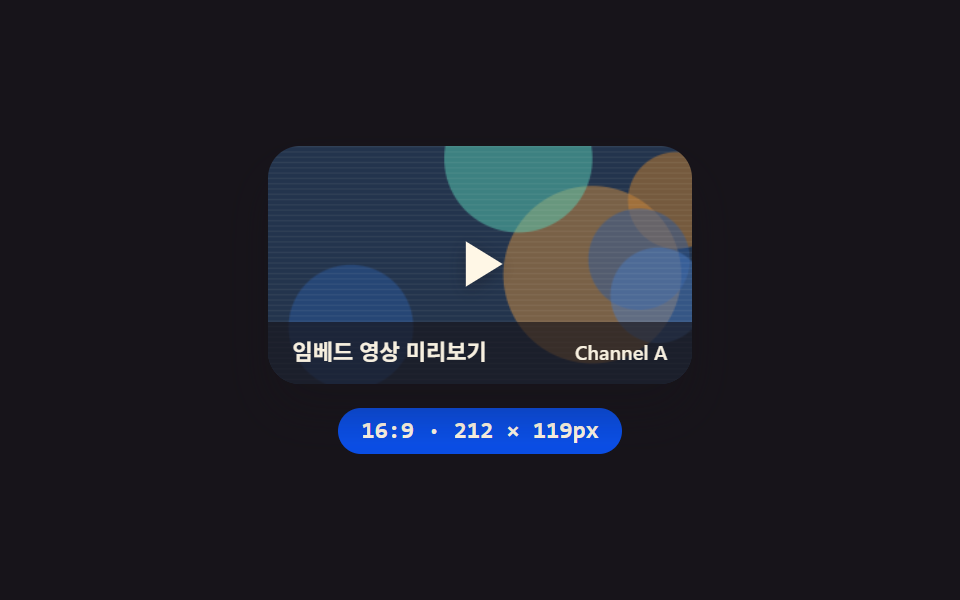 01 embed-youtube-responsive
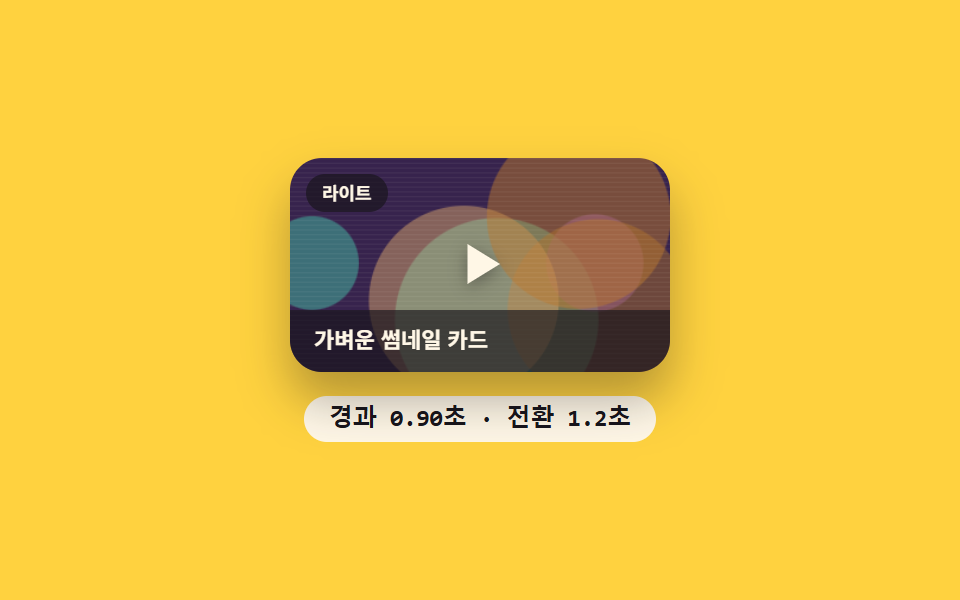 02 embed-youtube-lite-facade
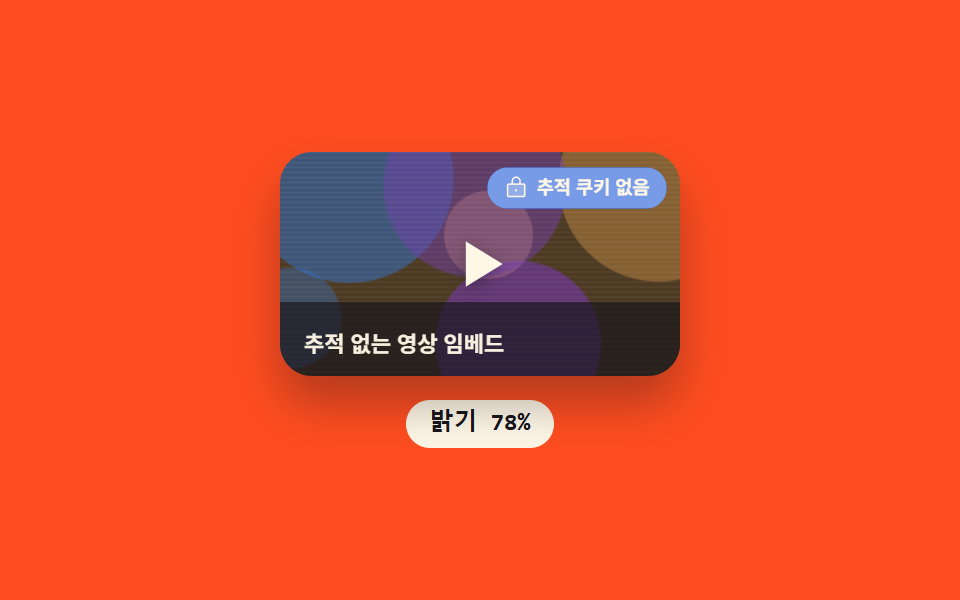 03 embed-youtube-nocookie
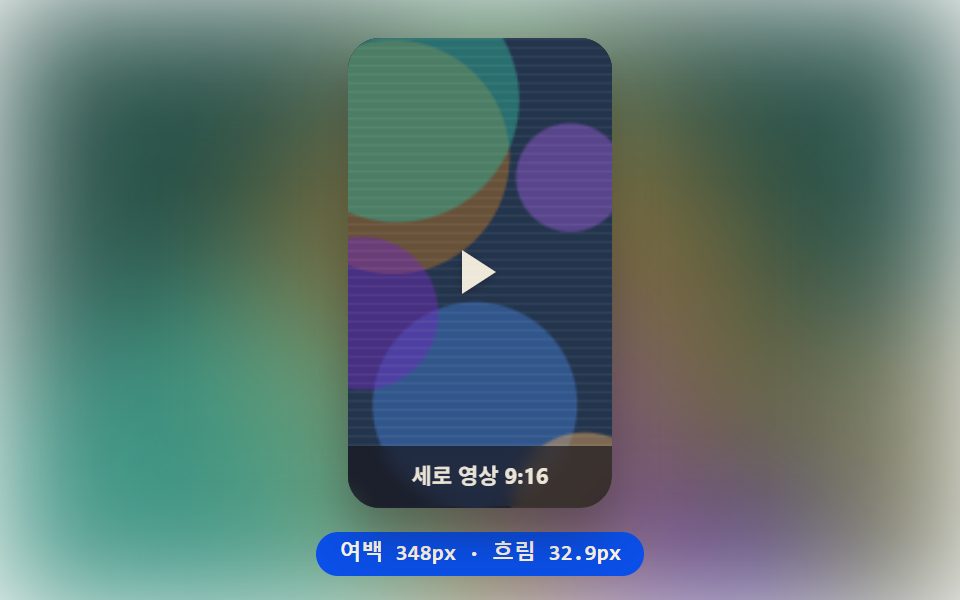 04 embed-shorts-vertical
 05 embed-tiktok
 06 embed-instagram
 07 embed-x-post
 08 embed-lazy-click-to-load
 09 embed-consent-placeholder
Auto-plays · click a tile to jump to its section · all nine in one zip
- 01 YouTube responsive embed — a video frame that recomputes its ratio from the available width
- 02 YouTube lite facade — an embed that switches to a full frame once elapsed time crosses a set point
- 03 YouTube privacy-enhanced embed — a badge that recomputes its brightness on a cycle to pulse
- 04 Vertical shorts embed — a frame that recomputes background blur from the leftover width
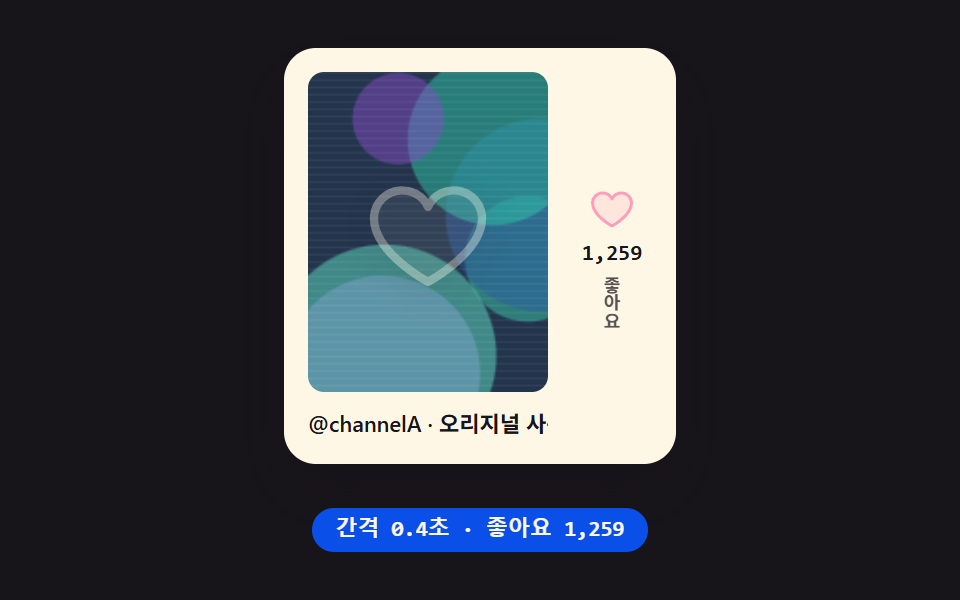
- 05 TikTok embed mock — a card that recomputes its like count from elapsed time
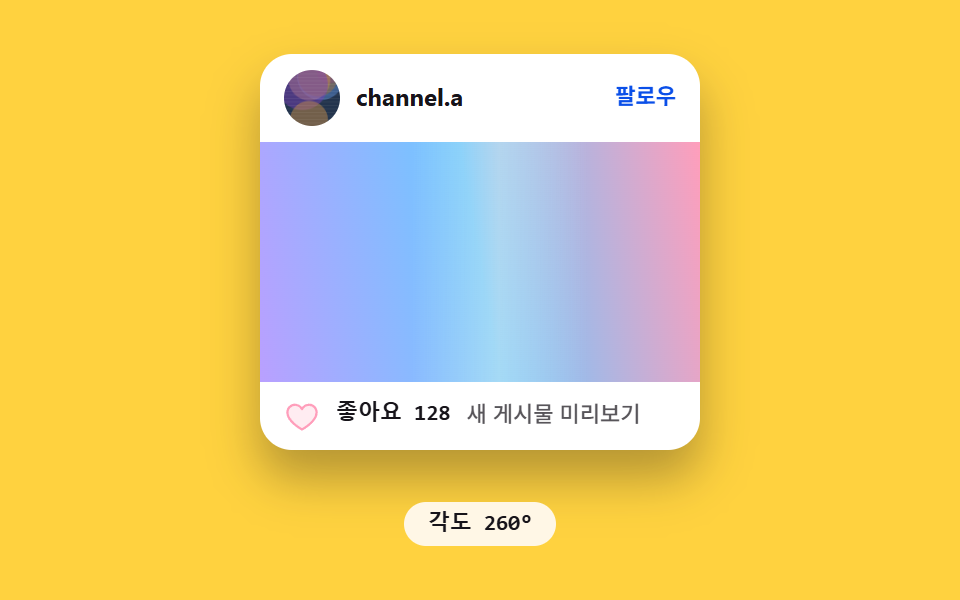
- 06 Instagram post embed card — a loading gradient whose angle keeps being recomputed
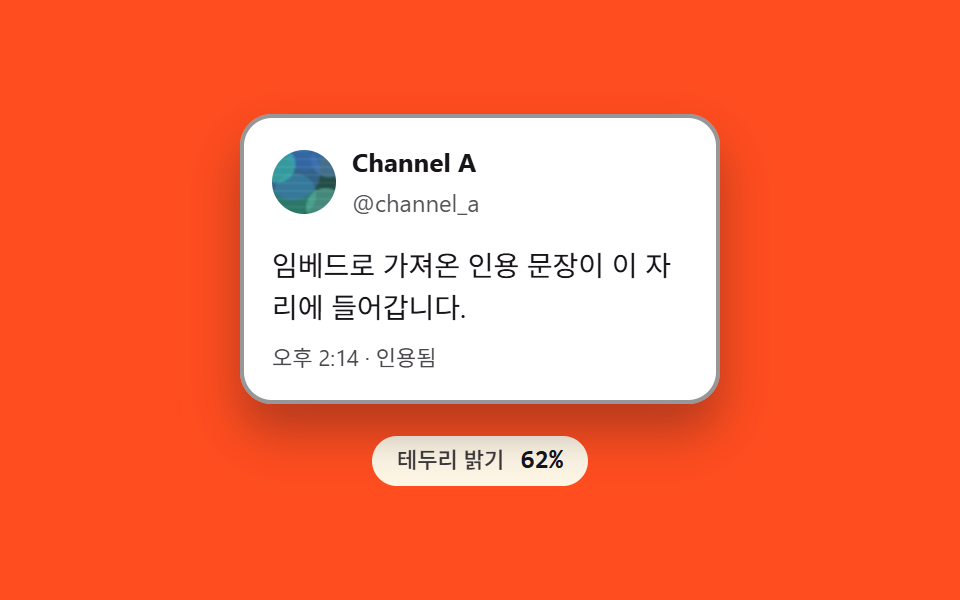
- 07 X post embed frame — a card whose border brightness is recomputed on a cycle to glow
- 08 Click-to-load embed — a placeholder that recomputes the size delta to grow smoothly
- 09 Consent-gated embed placeholder — a card that folds by a height computed from its notice text
None of these nine screens makes a real network call — every video and profile image is a fixed-seed canvas thumbnail behind a placeholder channel name, and items 01 through 07 run purely on requestAnimationFrame cycling on a fixed period with zero click, drag, or pointer listeners attached. Only two carry a real listener: item 08 responds to a click or an Enter/Space keypress, and item 09 responds to a click, and in both cases the listener only flips the state early — the same fixed-cycle computation plays out from that moment onward, and an elapsed-time fallback flips it on its own when nobody clicks. Where a name below sounds like a specific platform, it's a descriptive stand-in for a familiar embed convention, not a claim about that platform's actual widget.
Anatomy of an embed UI — what nine screens compute
None of these nine screens leaves a size, a state, or a color sitting on the page unexamined. The same handful of arithmetic moves — a ratio, an elapsed-time threshold, a brightness value — keeps resurfacing under a different name, and once that's visible, all nine read as one idea wearing nine costumes.
Why a frame's height comes from its current width instead of a fixed number
Item 01 recomputes the video frame's height from whatever width it currently holds via aspect-ratio, and item 04 spends that same width-driven math on the leftover space beside a vertical frame instead of the frame itself — one multiplies a ratio, the other subtracts a width, but neither hard-codes a height.
Why three screens time their own state change instead of waiting on a network event
Item 02 flips from a lightweight thumbnail to a full frame the instant elapsed time crosses a threshold with nobody watching a real network request, and items 08 and 09 run the same kind of elapsed-time interpolation into a height once their state flips — a real click or keypress flips it early, and a fallback timer flips it on its own if nobody clicks, so the difference is only who starts the clock.
Why a badge, a border, and a like count all reuse the same cyclic recompute
Items 03 and 07 recompute a brightness value on a short sine cycle and feed it straight into an opacity and a scale or a custom property, while item 05 uses the same elapsed-time input to step a counter upward at a fixed interval instead of oscillating it — one clock, three different readouts, the same trick a hand-rolled social media embed code snippet reaches for whenever a badge needs to feel alive without polling anything.
Code per screen
Every block below is pasted straight out of that item's own index.html, not retyped from memory, and the zip's matching prompt fragment reconstructs the same file when handed to an AI coding tool.
01YouTube responsive embed — a video frame that recomputes its ratio from the available width
Whenever the card's width changes, the frame's height is recomputed from that width, so the video frame's aspect ratio stays exactly the same no matter how the screen size shifts. It suits video-tutorial slots inside blog posts and intro-video sections on responsive landing pages.
<main class="stage">
<section class="panel">
  <div class="frame" id="frame">
    <canvas class="thumb" id="thumb" width="320" height="180" aria-hidden="true"></canvas>
    <div class="playBtn" role="button" aria-label="Play">
      <svg class="playIcon" viewBox="0 0 24 24" aria-hidden="true"><polygon points="7,4 20,12 7,20"></polygon></svg>
    </div>
    <div class="scrim">
      <span class="scrimTitle">Embedded video preview</span>
      <span class="scrimChannel">Channel A</span>
    </div>
  </div>
  <div class="readout" id="readout">16:9 · 200 × 113px</div>
</section>
</main>
@use "../../../../site/static/demo-tokens" as *;
@include stage($stage-ink);
.panel {
display: flex;
flex-direction: column;
align-items: center;
gap: $sp-3;
}
.frame {
position: relative;
width: 200px;
aspect-ratio: 16 / 9;
border-radius: $r-card;
overflow: hidden;
box-shadow: $shadow-raised;
}
.thumb {
position: absolute;
inset: 0;
width: 100%;
height: 100%;
display: block;
}
.playBtn {
position: absolute;
inset: 0;
display: grid;
place-items: center;
}
.playIcon {
width: 34px;
height: 34px;
filter: drop-shadow(0 2px 4px rgba(23, 20, 26, .4));
polygon {
fill: $subject-cream;
}
}
.scrim {
position: absolute;
inset: auto 0 0 0;
display: flex;
align-items: center;
justify-content: space-between;
gap: $sp-2;
padding: $sp-2 $sp-3;
background: rgba(23, 20, 26, .66);
}
.scrimTitle,
.scrimChannel {
font-family: -apple-system, "Segoe UI", "Noto Sans KR", sans-serif;
color: $subject-cream;
opacity: .96;
}
.scrimTitle {
font-weight: 600;
font-size: 11px;
line-height: 1.3;
}
.scrimChannel {
font-weight: 500;
font-size: 10px;
line-height: 1.3;
}
.readout {
display: inline-flex;
align-items: center;
padding: $sp-1 $sp-3;
border-radius: $r-pill;
background: $subject-blue-deep;
color: $subject-cream;
font-family: "Space Mono", ui-monospace, monospace;
font-weight: 700;
font-size: 12px;
line-height: 1.3;
}
@media (max-width: 340px) {
.frame { width: 140px; }
.playIcon { width: 24px; height: 24px; }
.scrimTitle { font-size: 10px; }
.scrimChannel { font-size: 9px; }
.readout { font-size: 11px; }
}
@media (prefers-reduced-motion: reduce) {
.frame { transition: none; }
}html, body {
margin: 0;
overflow: hidden;
}
.stage {
box-sizing: border-box;
min-height: 100vh;
display: grid;
place-items: center;
margin: 0;
background: #17141a;
font-family: -apple-system, "Segoe UI", "Noto Sans KR", sans-serif;
padding: clamp(8px, 4vw, 24px);
}
.panel {
display: flex;
flex-direction: column;
align-items: center;
gap: 12px;
}
.frame {
position: relative;
width: 200px;
aspect-ratio: 16/9;
border-radius: 16px;
overflow: hidden;
box-shadow: 0 14px 24px rgba(23, 20, 26, 0.32);
}
.thumb {
position: absolute;
inset: 0;
width: 100%;
height: 100%;
display: block;
}
.playBtn {
position: absolute;
inset: 0;
display: grid;
place-items: center;
}
.playIcon {
width: 34px;
height: 34px;
filter: drop-shadow(0 2px 4px rgba(23, 20, 26, 0.4));
}
.playIcon polygon {
fill: #fff7e6;
}
.scrim {
position: absolute;
inset: auto 0 0 0;
display: flex;
align-items: center;
justify-content: space-between;
gap: 8px;
padding: 8px 12px;
background: rgba(23, 20, 26, 0.66);
}
.scrimTitle,
.scrimChannel {
font-family: -apple-system, "Segoe UI", "Noto Sans KR", sans-serif;
color: #fff7e6;
opacity: 0.96;
}
.scrimTitle {
font-weight: 600;
font-size: 11px;
line-height: 1.3;
}
.scrimChannel {
font-weight: 500;
font-size: 10px;
line-height: 1.3;
}
.readout {
display: inline-flex;
align-items: center;
padding: 4px 12px;
border-radius: 999px;
background: #0a4fe8;
color: #fff7e6;
font-family: "Space Mono", ui-monospace, monospace;
font-weight: 700;
font-size: 12px;
line-height: 1.3;
}
@media (max-width: 340px) {
.frame {
width: 140px;
}
.playIcon {
width: 24px;
height: 24px;
}
.scrimTitle {
font-size: 10px;
}
.scrimChannel {
font-size: 9px;
}
.readout {
font-size: 11px;
}
}
@media (prefers-reduced-motion: reduce) {
.frame {
transition: none;
}
}// 반응형 영상 프레임(01) — 폭을 sin 파형으로 바꾸면 aspect-ratio 가 세로를 다시 계산하고,
// 그 실측 높이를 매 프레임 getBoundingClientRect 로 읽어 리드아웃에 반영한다.
// 계산 겹: 폭 → 비율 재계산 → 실측 읽기 (transform·opacity 만 쓰는 원칙의 의도적 예외).
// 실키·실서버 요청 없음 — 폭 궤적은 고정 시나리오로 자동 재생한다.
(function () {
function mulberry32(seed) {
var a = seed >>> 0;
return function () {
a |= 0; a = (a + 0x6D2B79F5) | 0;
var t = Math.imul(a ^ (a >>> 15), 1 | a);
t = (t + Math.imul(t ^ (t >>> 7), 61 | t)) ^ t;
return ((t ^ (t >>> 14)) >>> 0) / 4294967296;
};
}
function drawSeedThumb(canvas, seed) {
var ctx = canvas.getContext('2d');
if (!ctx) return;
var rnd = mulberry32(seed);
var w = canvas.width, h = canvas.height;
var hues = [216, 32, 268, 168];
ctx.fillStyle = 'hsl(' + hues[Math.floor(rnd() * hues.length)] + ', 38%, 22%)';
ctx.fillRect(0, 0, w, h);
for (var i = 0; i < 6; i++) {
var cx = rnd() * w, cy = rnd() * h, r = (0.18 + rnd() * 0.3) * Math.min(w, h);
ctx.fillStyle = 'hsla(' + hues[Math.floor(rnd() * hues.length)] + ', ' + (44 + rnd() * 22).toFixed(1) + '%, ' + (38 + rnd() * 26).toFixed(1) + '%, .5)';
ctx.beginPath(); ctx.arc(cx, cy, r, 0, Math.PI * 2); ctx.fill();
}
ctx.fillStyle = 'rgba(255, 247, 230, .06)';
for (var j = 0; j < h; j += 4) ctx.fillRect(0, j, w, 1);
}
var frameEl = document.getElementById('frame');
var thumbEl = document.getElementById('thumb');
var readoutEl = document.getElementById('readout');
if (!frameEl || !thumbEl || !readoutEl) return;
drawSeedThumb(thumbEl, 101);
var reduce = window.matchMedia('(prefers-reduced-motion: reduce)').matches;
var narrow = window.matchMedia('(max-width: 340px)').matches;
var CYCLE_MS = 2000;
var BASE = narrow ? 140 : 200;
var RANGE = narrow ? 36 : 56;
  function apply(t) {
    var w = BASE + RANGE * Math.sin(2 * Math.PI * t / CYCLE_MS);
    frameEl.style.width = w.toFixed(1) + 'px';
    var rect = frameEl.getBoundingClientRect();
    readoutEl.textContent = '16:9 · ' + Math.round(w) + ' × ' + Math.round(rect.height) + 'px';
  }

  apply(0);

  if (reduce) return;

  var start = null;
  function loop(ts) {
    if (start === null) start = ts;
    var t = (ts - start) % CYCLE_MS;
    apply(t);
    requestAnimationFrame(loop);
  }
  requestAnimationFrame(loop);
})();import { useEffect, useRef } from "react";
import styles from "./EmbedYoutubeResponsive.module.scss";
// 반응형 영상 프레임 — 폭을 sin 파형으로 바꾸면 aspect-ratio 가 세로를 다시 계산하고,
// 그 실측 높이를 매 프레임 getBoundingClientRect 로 읽어 리드아웃에 반영한다.
// 계산 겹: 폭 → 비율 재계산 → 실측 읽기. 실키·실서버 요청 없음.
const CYCLE_MS = 2000;
function mulberry32(seed: number) {
let a = seed >>> 0;
return function () {
a |= 0; a = (a + 0x6D2B79F5) | 0;
let t = Math.imul(a ^ (a >>> 15), 1 | a);
t = (t + Math.imul(t ^ (t >>> 7), 61 | t)) ^ t;
return ((t ^ (t >>> 14)) >>> 0) / 4294967296;
};
}
function drawSeedThumb(canvas: HTMLCanvasElement, seed: number) {
const ctx = canvas.getContext("2d");
if (!ctx) return;
const rnd = mulberry32(seed);
const w = canvas.width, h = canvas.height;
const hues = [216, 32, 268, 168];
ctx.fillStyle = "hsl(" + hues[Math.floor(rnd() * hues.length)] + ", 38%, 22%)";
ctx.fillRect(0, 0, w, h);
for (let i = 0; i < 6; i++) {
const cx = rnd() * w, cy = rnd() * h, r = (0.18 + rnd() * 0.3) * Math.min(w, h);
ctx.fillStyle = "hsla(" + hues[Math.floor(rnd() * hues.length)] + ", " + (44 + rnd() * 22).toFixed(1) + "%, " + (38 + rnd() * 26).toFixed(1) + "%, .5)";
ctx.beginPath(); ctx.arc(cx, cy, r, 0, Math.PI * 2); ctx.fill();
}
ctx.fillStyle = "rgba(255, 247, 230, .06)";
for (let j = 0; j < h; j += 4) ctx.fillRect(0, j, w, 1);
}
export default function EmbedYoutubeResponsive() {
const frameRef = useRef<HTMLDivElement>(null);
const thumbRef = useRef<HTMLCanvasElement>(null);
const readoutRef = useRef<HTMLDivElement>(null);
useEffect(() => {
const frame = frameRef.current;
const thumb = thumbRef.current;
const readout = readoutRef.current;
if (!frame || !thumb || !readout) return;
drawSeedThumb(thumb, 101);
const reduce = window.matchMedia("(prefers-reduced-motion: reduce)").matches;
const narrow = window.matchMedia("(max-width: 340px)").matches;
const BASE = narrow ? 140 : 200;
const RANGE = narrow ? 36 : 56;
function apply(t: number) {
const w = BASE + RANGE * Math.sin((2 * Math.PI * t) / CYCLE_MS);
frame!.style.width = w.toFixed(1) + "px";
const rect = frame!.getBoundingClientRect();
readout!.textContent = "16:9 · " + Math.round(w) + " × " + Math.round(rect.height) + "px";
}
apply(0);
if (reduce) return;
let start: number | null = null;
let raf = 0;
function loop(ts: number) {
if (start === null) start = ts;
const t = (ts - start) % CYCLE_MS;
apply(t);
raf = requestAnimationFrame(loop);
}
raf = requestAnimationFrame(loop);
return () => cancelAnimationFrame(raf);
}, []);
return (
<div className={styles.stage}>
<section className={styles.panel}>
<div className={styles.frame} ref={frameRef}>
<canvas className={styles.thumb} ref={thumbRef} width={320} height={180} aria-hidden="true" />
<div className={styles.playBtn} role="button" aria-label="재생">
<svg className={styles.playIcon} viewBox="0 0 24 24" aria-hidden="true">
<polygon points="7,4 20,12 7,20" />
</svg>
</div>
<div className={styles.scrim}>
<span className={styles.scrimTitle}>임베드 영상 미리보기</span>
<span className={styles.scrimChannel}>Channel A</span>
</div>
</div>
<div className={styles.readout} ref={readoutRef}>16:9 · 200 × 113px</div>
</section>
</div>
);
}01 · YouTube responsive embed — a video frame that recomputes its ratio from the available width — Measured area 26.864% · moving frames 23/23Original by GODRICH · SCSS and React ship in the zip · See the password
What the numbers say
Cumulative area is 26.864% (max frame 9.654%, mean intensity 84.4) across all 23 of 23 frame deltas — the frame's width already spans most of the card, so a sine-driven resize registers as real pixel movement on almost every tick rather than needing extra travel to show up.
function apply(t) {
var w = BASE + RANGE * Math.sin(2 * Math.PI * t / CYCLE_MS);
frameEl.style.width = w.toFixed(1) + 'px';
var rect = frameEl.getBoundingClientRect();
readoutEl.textContent = '16:9 · ' + Math.round(w) + ' × ' + Math.round(rect.height) + 'px';
}
apply(0);
if (reduce) return;
var start = null;
function loop(ts) {
if (start === null) start = ts;
var t = (ts - start) % CYCLE_MS;
apply(t);
requestAnimationFrame(loop);
}
requestAnimationFrame(loop);
02YouTube lite facade — an embed that switches to a full frame once elapsed time crosses a set point
The time elapsed since the card appeared is continuously recomputed, and the instant it crosses a set threshold, the lightweight thumbnail-only card switches itself into the look of a real playback frame. That switch lands at FACADE_DELAY (1200ms) into each two-second loop.
<main class="stage">
<section class="panel">
  <div class="card" id="card" data-state="lite">
    <div class="thumbWrap">
      <canvas class="thumb" id="thumb" width="320" height="180" aria-hidden="true"></canvas>
      <div class="playBtn" role="button" aria-label="Play">
        <svg class="playIcon" viewBox="0 0 24 24" aria-hidden="true"><polygon points="7,4 20,12 7,20"></polygon></svg>
      </div>
      <span class="badgeLite">Lite</span>
      <span class="cardTitleLite">Lightweight thumbnail card</span>
      <div class="frameTop">
        <span class="frameTopTitle">Ready to play</span>
      </div>
      <div class="frameBottom">
        <div class="progressTrack">
          <div class="progressFill" id="progressFill"></div>
        </div>
        <span class="timeLabel" id="timeLabel">0:00 / 0:12</span>
      </div>
    </div>
  </div>
  <div class="readout" id="readout" aria-live="polite">Elapsed 0.00s · switch 1.2s</div>
</section>
</main>
@use "../../../../site/static/demo-tokens" as *;
@include stage($stage-yellow);
.panel {
display: flex;
flex-direction: column;
align-items: center;
gap: $sp-3;
}
.card {
position: relative;
}
.thumbWrap {
position: relative;
width: 190px;
aspect-ratio: 16 / 9;
border-radius: $r-card;
overflow: hidden;
box-shadow: $shadow-raised;
}
.thumb {
position: absolute;
inset: 0;
width: 100%;
height: 100%;
display: block;
}
.playBtn {
position: absolute;
inset: 0;
display: grid;
place-items: center;
transition: opacity $dur-quick $ease-out;
}
.playIcon {
width: 30px;
height: 30px;
filter: drop-shadow(0 2px 4px rgba(23, 20, 26, .4));
polygon {
fill: $subject-cream;
}
}
.badgeLite {
position: absolute;
top: $sp-2;
left: $sp-2;
padding: $sp-1 $sp-2;
border-radius: $r-pill;
background: rgba(23, 20, 26, .66);
color: $subject-cream;
font-family: -apple-system, "Segoe UI", "Noto Sans KR", sans-serif;
font-weight: 600;
font-size: 9px;
line-height: 1.3;
transition: opacity $dur-quick $ease-out;
}
.cardTitleLite {
position: absolute;
inset: auto 0 0 0;
padding: $sp-2 $sp-3;
background: rgba(23, 20, 26, .66);
color: $subject-cream;
font-family: -apple-system, "Segoe UI", "Noto Sans KR", sans-serif;
font-weight: 600;
font-size: 11px;
line-height: 1.3;
transition: opacity $dur-quick $ease-out;
}
.frameTop {
position: absolute;
inset: 0 0 auto 0;
padding: $sp-2 $sp-3;
background: rgba(23, 20, 26, .66);
opacity: 0;
transition: opacity $dur-quick $ease-out;
}
.frameTopTitle {
font-family: -apple-system, "Segoe UI", "Noto Sans KR", sans-serif;
font-weight: 600;
font-size: 11px;
line-height: 1.3;
color: $subject-cream;
opacity: .96;
}
.frameBottom {
position: absolute;
inset: auto 0 0 0;
display: flex;
align-items: center;
gap: $sp-2;
padding: $sp-2 $sp-3;
background: rgba(23, 20, 26, .66);
opacity: 0;
transition: opacity $dur-quick $ease-out;
}
.progressTrack {
flex: 1 1 auto;
height: 4px;
border-radius: $r-xs;
background: rgba($subject-cream, .3);
overflow: hidden;
}
.progressFill {
width: 100%;
height: 100%;
transform-origin: left center;
transform: scaleX(0);
background: $subject-cream;
}
.timeLabel {
flex: 0 0 auto;
font-family: "Space Mono", ui-monospace, monospace;
font-weight: 700;
font-size: 9px;
line-height: 1.3;
color: $subject-cream;
opacity: .96;
}
.card[data-state='frame'] .badgeLite,
.card[data-state='frame'] .cardTitleLite,
.card[data-state='frame'] .playBtn {
opacity: 0;
}
.card[data-state='frame'] .frameTop,
.card[data-state='frame'] .frameBottom {
opacity: 1;
}
.readout {
display: inline-flex;
align-items: center;
padding: $sp-1 $sp-3;
border-radius: $r-pill;
background: $subject-cream;
color: $subject-ink;
font-family: "Space Mono", ui-monospace, monospace;
font-weight: 700;
font-size: 12px;
line-height: 1.3;
}
@media (max-width: 340px) {
.thumbWrap { width: 138px; }
.playIcon { width: 22px; height: 22px; }
.badgeLite { font-size: 8px; }
.cardTitleLite { font-size: 10px; }
.frameTopTitle { font-size: 10px; }
.timeLabel { font-size: 8px; }
.readout { font-size: 11px; }
}
@media (prefers-reduced-motion: reduce) {
.playBtn,
.badgeLite,
.cardTitleLite,
.frameTop,
.frameBottom {
transition: none;
}
}html, body {
margin: 0;
overflow: hidden;
}
.stage {
box-sizing: border-box;
min-height: 100vh;
display: grid;
place-items: center;
margin: 0;
background: #ffd23f;
font-family: -apple-system, "Segoe UI", "Noto Sans KR", sans-serif;
padding: clamp(8px, 4vw, 24px);
}
.panel {
display: flex;
flex-direction: column;
align-items: center;
gap: 12px;
}
.card {
position: relative;
}
.thumbWrap {
position: relative;
width: 190px;
aspect-ratio: 16/9;
border-radius: 16px;
overflow: hidden;
box-shadow: 0 14px 24px rgba(23, 20, 26, 0.32);
}
.thumb {
position: absolute;
inset: 0;
width: 100%;
height: 100%;
display: block;
}
.playBtn {
position: absolute;
inset: 0;
display: grid;
place-items: center;
transition: opacity 220ms ease-out;
}
.playIcon {
width: 30px;
height: 30px;
filter: drop-shadow(0 2px 4px rgba(23, 20, 26, 0.4));
}
.playIcon polygon {
fill: #fff7e6;
}
.badgeLite {
position: absolute;
top: 8px;
left: 8px;
padding: 4px 8px;
border-radius: 999px;
background: rgba(23, 20, 26, 0.66);
color: #fff7e6;
font-family: -apple-system, "Segoe UI", "Noto Sans KR", sans-serif;
font-weight: 600;
font-size: 9px;
line-height: 1.3;
transition: opacity 220ms ease-out;
}
.cardTitleLite {
position: absolute;
inset: auto 0 0 0;
padding: 8px 12px;
background: rgba(23, 20, 26, 0.66);
color: #fff7e6;
font-family: -apple-system, "Segoe UI", "Noto Sans KR", sans-serif;
font-weight: 600;
font-size: 11px;
line-height: 1.3;
transition: opacity 220ms ease-out;
}
.frameTop {
position: absolute;
inset: 0 0 auto 0;
padding: 8px 12px;
background: rgba(23, 20, 26, 0.66);
opacity: 0;
transition: opacity 220ms ease-out;
}
.frameTopTitle {
font-family: -apple-system, "Segoe UI", "Noto Sans KR", sans-serif;
font-weight: 600;
font-size: 11px;
line-height: 1.3;
color: #fff7e6;
opacity: 0.96;
}
.frameBottom {
position: absolute;
inset: auto 0 0 0;
display: flex;
align-items: center;
gap: 8px;
padding: 8px 12px;
background: rgba(23, 20, 26, 0.66);
opacity: 0;
transition: opacity 220ms ease-out;
}
.progressTrack {
flex: 1 1 auto;
height: 4px;
border-radius: 4px;
background: rgba(255, 247, 230, 0.3);
overflow: hidden;
}
.progressFill {
width: 100%;
height: 100%;
transform-origin: left center;
transform: scaleX(0);
background: #fff7e6;
}
.timeLabel {
flex: 0 0 auto;
font-family: "Space Mono", ui-monospace, monospace;
font-weight: 700;
font-size: 9px;
line-height: 1.3;
color: #fff7e6;
opacity: 0.96;
}
.card[data-state=frame] .badgeLite,
.card[data-state=frame] .cardTitleLite,
.card[data-state=frame] .playBtn {
opacity: 0;
}
.card[data-state=frame] .frameTop,
.card[data-state=frame] .frameBottom {
opacity: 1;
}
.readout {
display: inline-flex;
align-items: center;
padding: 4px 12px;
border-radius: 999px;
background: #fff7e6;
color: #17141a;
font-family: "Space Mono", ui-monospace, monospace;
font-weight: 700;
font-size: 12px;
line-height: 1.3;
}
@media (max-width: 340px) {
.thumbWrap {
width: 138px;
}
.playIcon {
width: 22px;
height: 22px;
}
.badgeLite {
font-size: 8px;
}
.cardTitleLite {
font-size: 10px;
}
.frameTopTitle {
font-size: 10px;
}
.timeLabel {
font-size: 8px;
}
.readout {
font-size: 11px;
}
}
@media (prefers-reduced-motion: reduce) {
.playBtn,
.badgeLite,
.cardTitleLite,
.frameTop,
.frameBottom {
transition: none;
}
}// 가벼운 파사드 임베드(02) — Elapsed 시간이 임계값(FACADE_DELAY)을 넘는 순간
// data-state 를 'lite' → 'frame' 으로 바꾸는 상태 머신. 실키·실서버 요청 없음.
(function () {
function mulberry32(seed) {
var a = seed >>> 0;
return function () {
a |= 0; a = (a + 0x6D2B79F5) | 0;
var t = Math.imul(a ^ (a >>> 15), 1 | a);
t = (t + Math.imul(t ^ (t >>> 7), 61 | t)) ^ t;
return ((t ^ (t >>> 14)) >>> 0) / 4294967296;
};
}
function drawSeedThumb(canvas, seed) {
var ctx = canvas.getContext('2d');
if (!ctx) return;
var rnd = mulberry32(seed);
var w = canvas.width, h = canvas.height;
var hues = [216, 32, 268, 168];
ctx.fillStyle = 'hsl(' + hues[Math.floor(rnd() * hues.length)] + ', 38%, 22%)';
ctx.fillRect(0, 0, w, h);
for (var i = 0; i < 6; i++) {
var cx = rnd() * w, cy = rnd() * h, r = (0.18 + rnd() * 0.3) * Math.min(w, h);
ctx.fillStyle = 'hsla(' + hues[Math.floor(rnd() * hues.length)] + ', ' + (44 + rnd() * 22).toFixed(1) + '%, ' + (38 + rnd() * 26).toFixed(1) + '%, .5)';
ctx.beginPath(); ctx.arc(cx, cy, r, 0, Math.PI * 2); ctx.fill();
}
ctx.fillStyle = 'rgba(255, 247, 230, .06)';
for (var j = 0; j < h; j += 4) ctx.fillRect(0, j, w, 1);
}
var cardEl = document.getElementById('card');
var thumbEl = document.getElementById('thumb');
var progressFillEl = document.getElementById('progressFill');
var timeLabelEl = document.getElementById('timeLabel');
var readoutEl = document.getElementById('readout');
if (!cardEl || !thumbEl || !progressFillEl || !timeLabelEl || !readoutEl) return;
drawSeedThumb(thumbEl, 102);
var reduce = window.matchMedia('(prefers-reduced-motion: reduce)').matches;
var CYCLE_MS = 2000;
var FACADE_DELAY = 1200;
var TOTAL_SEC = 12;
var transitionSec = (FACADE_DELAY / 1000).toFixed(1);
  function apply(t) {
    var isFrame = t >= FACADE_DELAY;
    cardEl.dataset.state = isFrame ? 'frame' : 'lite';
    var progress = isFrame ? (t - FACADE_DELAY) / (CYCLE_MS - FACADE_DELAY) : 0;
    progressFillEl.style.transform = 'scaleX(' + progress.toFixed(4) + ')';
    var sec = Math.floor(progress * TOTAL_SEC);
    timeLabelEl.textContent = '0:' + String(sec).padStart(2, '0') + ' / 0:12';
    readoutEl.textContent = 'Elapsed ' + (t / 1000).toFixed(2) + 's · switch ' + transitionSec + 's';
  }

  apply(0);
  if (reduce) return;

  var start = null;
  function loop(ts) {
    if (start === null) start = ts;
    var t = (ts - start) % CYCLE_MS;
    apply(t);
    requestAnimationFrame(loop);
  }
  requestAnimationFrame(loop);
})();import { useEffect, useRef } from "react";
import styles from "./EmbedYoutubeLiteFacade.module.scss";
// 가벼운 파사드 임베드 — 경과 시간이 임계값(FACADE_DELAY)을 넘는 순간
// data-state 를 'lite' → 'frame' 으로 바꾸는 상태 머신. 실키·실서버 요청 없음.
const CYCLE_MS = 2000;
const FACADE_DELAY = 1200;
const TOTAL_SEC = 12;
function mulberry32(seed: number) {
let a = seed >>> 0;
return function () {
a |= 0; a = (a + 0x6D2B79F5) | 0;
let t = Math.imul(a ^ (a >>> 15), 1 | a);
t = (t + Math.imul(t ^ (t >>> 7), 61 | t)) ^ t;
return ((t ^ (t >>> 14)) >>> 0) / 4294967296;
};
}
function drawSeedThumb(canvas: HTMLCanvasElement, seed: number) {
const ctx = canvas.getContext("2d");
if (!ctx) return;
const rnd = mulberry32(seed);
const w = canvas.width, h = canvas.height;
const hues = [216, 32, 268, 168];
ctx.fillStyle = "hsl(" + hues[Math.floor(rnd() * hues.length)] + ", 38%, 22%)";
ctx.fillRect(0, 0, w, h);
for (let i = 0; i < 6; i++) {
const cx = rnd() * w, cy = rnd() * h, r = (0.18 + rnd() * 0.3) * Math.min(w, h);
ctx.fillStyle = "hsla(" + hues[Math.floor(rnd() * hues.length)] + ", " + (44 + rnd() * 22).toFixed(1) + "%, " + (38 + rnd() * 26).toFixed(1) + "%, .5)";
ctx.beginPath(); ctx.arc(cx, cy, r, 0, Math.PI * 2); ctx.fill();
}
ctx.fillStyle = "rgba(255, 247, 230, .06)";
for (let j = 0; j < h; j += 4) ctx.fillRect(0, j, w, 1);
}
export default function EmbedYoutubeLiteFacade() {
const cardRef = useRef<HTMLDivElement>(null);
const thumbRef = useRef<HTMLCanvasElement>(null);
const progressFillRef = useRef<HTMLDivElement>(null);
const timeLabelRef = useRef<HTMLSpanElement>(null);
const readoutRef = useRef<HTMLDivElement>(null);
useEffect(() => {
const card = cardRef.current;
const thumb = thumbRef.current;
const progressFill = progressFillRef.current;
const timeLabel = timeLabelRef.current;
const readout = readoutRef.current;
if (!card || !thumb || !progressFill || !timeLabel || !readout) return;
drawSeedThumb(thumb, 102);
const reduce = window.matchMedia("(prefers-reduced-motion: reduce)").matches;
const transitionSec = (FACADE_DELAY / 1000).toFixed(1);
function apply(t: number) {
const isFrame = t >= FACADE_DELAY;
card!.dataset.state = isFrame ? "frame" : "lite";
const progress = isFrame ? (t - FACADE_DELAY) / (CYCLE_MS - FACADE_DELAY) : 0;
progressFill!.style.transform = "scaleX(" + progress.toFixed(4) + ")";
const sec = Math.floor(progress * TOTAL_SEC);
timeLabel!.textContent = "0:" + String(sec).padStart(2, "0") + " / 0:12";
readout!.textContent = "경과 " + (t / 1000).toFixed(2) + "초 · 전환 " + transitionSec + "초";
}
apply(0);
if (reduce) return;
let start: number | null = null;
let raf = 0;
function loop(ts: number) {
if (start === null) start = ts;
const t = (ts - start) % CYCLE_MS;
apply(t);
raf = requestAnimationFrame(loop);
}
raf = requestAnimationFrame(loop);
return () => cancelAnimationFrame(raf);
}, []);
return (
<div className={styles.stage}>
<section className={styles.panel}>
<div className={styles.card} ref={cardRef} data-state="lite">
<div className={styles.thumbWrap}>
<canvas className={styles.thumb} ref={thumbRef} width={320} height={180} aria-hidden="true" />
<div className={styles.playBtn} role="button" aria-label="재생">
<svg className={styles.playIcon} viewBox="0 0 24 24" aria-hidden="true">
<polygon points="7,4 20,12 7,20" />
</svg>
</div>
<span className={styles.badgeLite}>라이트</span>
<span className={styles.cardTitleLite}>가벼운 썸네일 카드</span>
<div className={styles.frameTop}>
<span className={styles.frameTopTitle}>재생 준비 완료</span>
</div>
<div className={styles.frameBottom}>
<div className={styles.progressTrack}>
<div className={styles.progressFill} ref={progressFillRef} />
</div>
<span className={styles.timeLabel} ref={timeLabelRef}>0:00 / 0:12</span>
</div>
</div>
</div>
<div className={styles.readout} ref={readoutRef} aria-live="polite">경과 0.00초 · 전환 1.2초</div>
</section>
</div>
);
}02 · YouTube lite facade — an embed that switches to a full frame once elapsed time crosses a set point — Measured area 7.068% · moving frames 23/23Original by GODRICH · SCSS and React ship in the zip · See the password
What the numbers say
Cumulative area is 7.068% (max frame 6.903%, mean intensity 100.6) over 23 of 23 frame deltas — a comparatively high average intensity next to a small cumulative area matches one abrupt frame swap rather than a spread-out animation.
function apply(t) {
var isFrame = t >= FACADE_DELAY;
cardEl.dataset.state = isFrame ? 'frame' : 'lite';
var progress = isFrame ? (t - FACADE_DELAY) / (CYCLE_MS - FACADE_DELAY) : 0;
progressFillEl.style.transform = 'scaleX(' + progress.toFixed(4) + ')';
var sec = Math.floor(progress * TOTAL_SEC);
timeLabelEl.textContent = '0:' + String(sec).padStart(2, '0') + ' / 0:12';
readoutEl.textContent = 'Elapsed ' + (t / 1000).toFixed(2) + 's · switch ' + transitionSec + 's';
}
apply(0);
if (reduce) return;
var start = null;
function loop(ts) {
if (start === null) start = ts;
var t = (ts - start) % CYCLE_MS;
apply(t);
requestAnimationFrame(loop);
}
requestAnimationFrame(loop);
03YouTube privacy-enhanced embed — a badge that recomputes its brightness on a cycle to pulse
The lock badge in the frame's corner has its brightness value recomputed on a steady cycle, and as that value rises and falls the badge pulses gently to signal a tracking-cookie-free embed. The pulse itself runs on its own 700ms period nested inside the wider 2000ms loop.
<main class="stage">
<section class="panel">
  <div class="frame" id="frame">
    <canvas class="thumb" id="thumb" width="320" height="180" aria-hidden="true"></canvas>
    <div class="playBtn" role="button" aria-label="Play">
      <svg class="playIcon" viewBox="0 0 24 24" aria-hidden="true"><polygon points="7,4 20,12 7,20"></polygon></svg>
    </div>
    <div class="badge" id="badge">
      <div class="badgeGlow" id="badgeGlow"></div>
      <span class="badgeIcon" aria-hidden="true"><svg xmlns="http://www.w3.org/2000/svg" viewBox="0 0 256 256"><g><path d="M216 96v112a8 8 0 0 1-8 8H48a8 8 0 0 1-8-8V96a8 8 0 0 1 8-8h160a8 8 0 0 1 8 8" opacity=".2"/><path d="M208 80h-32V56a48 48 0 0 0-96 0v24H48a16 16 0 0 0-16 16v112a16 16 0 0 0 16 16h160a16 16 0 0 0 16-16V96a16 16 0 0 0-16-16M96 56a32 32 0 0 1 64 0v24H96Zm112 152H48V96h160zm-68-56a12 12 0 1 1-12-12a12 12 0 0 1 12 12"/></g></svg></span>
      <span class="badgeLabel">No tracking cookies</span>
    </div>
    <div class="scrim">
      <span class="scrimTitle">Tracking-free video embed</span>
    </div>
  </div>
  <div class="readout" id="readout" aria-live="polite">Brightness 50%</div>
</section>
</main>
@use "../../../../site/static/demo-tokens" as *;
@include stage($stage-orange);
.panel {
display: flex;
flex-direction: column;
align-items: center;
gap: $sp-3;
}
.frame {
position: relative;
width: 200px;
aspect-ratio: 16 / 9;
border-radius: $r-card;
overflow: hidden;
box-shadow: $shadow-raised;
}
.thumb {
position: absolute;
inset: 0;
width: 100%;
height: 100%;
display: block;
}
.playBtn {
position: absolute;
inset: 0;
display: grid;
place-items: center;
}
.playIcon {
width: 34px;
height: 34px;
filter: drop-shadow(0 2px 4px rgba(23, 20, 26, .4));
polygon {
fill: $subject-cream;
}
}
.badge {
position: absolute;
top: $sp-2;
right: $sp-2;
display: inline-flex;
align-items: center;
gap: $sp-1;
padding: $sp-1 $sp-2;
border-radius: $r-pill;
background: $subject-blue-deep;
overflow: hidden;
}
.badgeGlow {
position: absolute;
inset: 0;
background: $subject-cream;
opacity: .1;
pointer-events: none;
}
.badgeIcon {
position: relative;
display: block;
width: 12px;
height: 12px;
svg {
display: block;
width: 100%;
height: 100%;
}
path {
fill: $subject-cream;
}
}
.badgeLabel {
position: relative;
font-family: -apple-system, "Segoe UI", "Noto Sans KR", sans-serif;
font-weight: 600;
font-size: 9px;
line-height: 1.3;
color: $subject-cream;
}
.scrim {
position: absolute;
inset: auto 0 0 0;
padding: $sp-2 $sp-3;
background: rgba(23, 20, 26, .66);
}
.scrimTitle {
font-family: -apple-system, "Segoe UI", "Noto Sans KR", sans-serif;
font-weight: 600;
font-size: 11px;
line-height: 1.3;
color: $subject-cream;
opacity: .96;
}
.readout {
display: inline-flex;
align-items: center;
padding: $sp-1 $sp-3;
border-radius: $r-pill;
background: $subject-cream;
color: $subject-ink;
font-family: "Space Mono", ui-monospace, monospace;
font-weight: 700;
font-size: 12px;
line-height: 1.3;
}
@media (max-width: 340px) {
.frame { width: 140px; }
.playIcon { width: 24px; height: 24px; }
.badgeIcon { width: 10px; height: 10px; }
.badgeLabel { font-size: 8px; }
.scrimTitle { font-size: 10px; }
.readout { font-size: 11px; }
}
@media (prefers-reduced-motion: reduce) {
.badge { transition: none; }
}html, body {
margin: 0;
overflow: hidden;
}
.stage {
box-sizing: border-box;
min-height: 100vh;
display: grid;
place-items: center;
margin: 0;
background: #ff4d1f;
font-family: -apple-system, "Segoe UI", "Noto Sans KR", sans-serif;
padding: clamp(8px, 4vw, 24px);
}
.panel {
display: flex;
flex-direction: column;
align-items: center;
gap: 12px;
}
.frame {
position: relative;
width: 200px;
aspect-ratio: 16/9;
border-radius: 16px;
overflow: hidden;
box-shadow: 0 14px 24px rgba(23, 20, 26, 0.32);
}
.thumb {
position: absolute;
inset: 0;
width: 100%;
height: 100%;
display: block;
}
.playBtn {
position: absolute;
inset: 0;
display: grid;
place-items: center;
}
.playIcon {
width: 34px;
height: 34px;
filter: drop-shadow(0 2px 4px rgba(23, 20, 26, 0.4));
}
.playIcon polygon {
fill: #fff7e6;
}
.badge {
position: absolute;
top: 8px;
right: 8px;
display: inline-flex;
align-items: center;
gap: 4px;
padding: 4px 8px;
border-radius: 999px;
background: #0a4fe8;
overflow: hidden;
}
.badgeGlow {
position: absolute;
inset: 0;
background: #fff7e6;
opacity: 0.1;
pointer-events: none;
}
.badgeIcon {
position: relative;
display: block;
width: 12px;
height: 12px;
}
.badgeIcon svg {
display: block;
width: 100%;
height: 100%;
}
.badgeIcon path {
fill: #fff7e6;
}
.badgeLabel {
position: relative;
font-family: -apple-system, "Segoe UI", "Noto Sans KR", sans-serif;
font-weight: 600;
font-size: 9px;
line-height: 1.3;
color: #fff7e6;
}
.scrim {
position: absolute;
inset: auto 0 0 0;
padding: 8px 12px;
background: rgba(23, 20, 26, 0.66);
}
.scrimTitle {
font-family: -apple-system, "Segoe UI", "Noto Sans KR", sans-serif;
font-weight: 600;
font-size: 11px;
line-height: 1.3;
color: #fff7e6;
opacity: 0.96;
}
.readout {
display: inline-flex;
align-items: center;
padding: 4px 12px;
border-radius: 999px;
background: #fff7e6;
color: #17141a;
font-family: "Space Mono", ui-monospace, monospace;
font-weight: 700;
font-size: 12px;
line-height: 1.3;
}
@media (max-width: 340px) {
.frame {
width: 140px;
}
.playIcon {
width: 24px;
height: 24px;
}
.badgeIcon {
width: 10px;
height: 10px;
}
.badgeLabel {
font-size: 8px;
}
.scrimTitle {
font-size: 10px;
}
.readout {
font-size: 11px;
}
}
@media (prefers-reduced-motion: reduce) {
.badge {
transition: none;
}
}// 추적 없는 임베드(03) — 배지 광택은 매 프레임 sin 파형(pulse)을 다시 계산해
// 광택 레이어 불투명도와 배지 자체 스케일(자기 중심 기준)에 함께 반영한다.
// 계산 겹: 700ms 위상의 pulse 재계산 → 광택·스케일 동시 반영. 실키·실서버 요청 없음.
(function () {
function mulberry32(seed) {
var a = seed >>> 0;
return function () {
a |= 0; a = (a + 0x6D2B79F5) | 0;
var t = Math.imul(a ^ (a >>> 15), 1 | a);
t = (t + Math.imul(t ^ (t >>> 7), 61 | t)) ^ t;
return ((t ^ (t >>> 14)) >>> 0) / 4294967296;
};
}
function drawSeedThumb(canvas, seed) {
var ctx = canvas.getContext('2d');
if (!ctx) return;
var rnd = mulberry32(seed);
var w = canvas.width, h = canvas.height;
var hues = [216, 32, 268, 168];
ctx.fillStyle = 'hsl(' + hues[Math.floor(rnd() * hues.length)] + ', 38%, 22%)';
ctx.fillRect(0, 0, w, h);
for (var i = 0; i < 6; i++) {
var cx = rnd() * w, cy = rnd() * h, r = (0.18 + rnd() * 0.3) * Math.min(w, h);
ctx.fillStyle = 'hsla(' + hues[Math.floor(rnd() * hues.length)] + ', ' + (44 + rnd() * 22).toFixed(1) + '%, ' + (38 + rnd() * 26).toFixed(1) + '%, .5)';
ctx.beginPath(); ctx.arc(cx, cy, r, 0, Math.PI * 2); ctx.fill();
}
ctx.fillStyle = 'rgba(255, 247, 230, .06)';
for (var j = 0; j < h; j += 4) ctx.fillRect(0, j, w, 1);
}
var thumbEl = document.getElementById('thumb');
var badgeEl = document.getElementById('badge');
var badgeGlowEl = document.getElementById('badgeGlow');
var readoutEl = document.getElementById('readout');
if (!thumbEl || !badgeEl || !badgeGlowEl || !readoutEl) return;
drawSeedThumb(thumbEl, 103);
var reduce = window.matchMedia('(prefers-reduced-motion: reduce)').matches;
var CYCLE_MS = 2000;
  function apply(t) {
    var pulse = 0.5 + 0.5 * Math.sin(2 * Math.PI * t / 700);
    badgeGlowEl.style.opacity = (0.1 + 0.45 * pulse).toFixed(3);
    badgeEl.style.transform = 'scale(' + (1 + 0.04 * pulse).toFixed(4) + ')';
    readoutEl.textContent = 'Brightness ' + Math.round(pulse * 100) + '%';
  }

  apply(0);
  if (reduce) return;

  var start = null;
  function loop(ts) {
    if (start === null) start = ts;
    var t = (ts - start) % CYCLE_MS;
    apply(t);
    requestAnimationFrame(loop);
  }
  requestAnimationFrame(loop);
})();import { useEffect, useRef } from "react";
import styles from "./EmbedYoutubeNocookie.module.scss";
// 추적 없는 임베드 — 배지 광택은 매 프레임 sin 파형(pulse)을 다시 계산해
// 광택 레이어 불투명도와 배지 자체 스케일(자기 중심 기준)에 함께 반영한다.
// 계산 겹: 700ms 위상의 pulse 재계산 → 광택·스케일 동시 반영. 실키·실서버 요청 없음.
const CYCLE_MS = 2000;
function mulberry32(seed: number) {
let a = seed >>> 0;
return function () {
a |= 0; a = (a + 0x6D2B79F5) | 0;
let t = Math.imul(a ^ (a >>> 15), 1 | a);
t = (t + Math.imul(t ^ (t >>> 7), 61 | t)) ^ t;
return ((t ^ (t >>> 14)) >>> 0) / 4294967296;
};
}
function drawSeedThumb(canvas: HTMLCanvasElement, seed: number) {
const ctx = canvas.getContext("2d");
if (!ctx) return;
const rnd = mulberry32(seed);
const w = canvas.width, h = canvas.height;
const hues = [216, 32, 268, 168];
ctx.fillStyle = "hsl(" + hues[Math.floor(rnd() * hues.length)] + ", 38%, 22%)";
ctx.fillRect(0, 0, w, h);
for (let i = 0; i < 6; i++) {
const cx = rnd() * w, cy = rnd() * h, r = (0.18 + rnd() * 0.3) * Math.min(w, h);
ctx.fillStyle = "hsla(" + hues[Math.floor(rnd() * hues.length)] + ", " + (44 + rnd() * 22).toFixed(1) + "%, " + (38 + rnd() * 26).toFixed(1) + "%, .5)";
ctx.beginPath(); ctx.arc(cx, cy, r, 0, Math.PI * 2); ctx.fill();
}
ctx.fillStyle = "rgba(255, 247, 230, .06)";
for (let j = 0; j < h; j += 4) ctx.fillRect(0, j, w, 1);
}
export default function EmbedYoutubeNocookie() {
const thumbRef = useRef<HTMLCanvasElement>(null);
const badgeRef = useRef<HTMLDivElement>(null);
const badgeGlowRef = useRef<HTMLDivElement>(null);
const readoutRef = useRef<HTMLDivElement>(null);
useEffect(() => {
const thumb = thumbRef.current;
const badge = badgeRef.current;
const badgeGlow = badgeGlowRef.current;
const readout = readoutRef.current;
if (!thumb || !badge || !badgeGlow || !readout) return;
drawSeedThumb(thumb, 103);
const reduce = window.matchMedia("(prefers-reduced-motion: reduce)").matches;
function apply(t: number) {
const pulse = 0.5 + 0.5 * Math.sin((2 * Math.PI * t) / 700);
badgeGlow!.style.opacity = (0.1 + 0.45 * pulse).toFixed(3);
badge!.style.transform = "scale(" + (1 + 0.04 * pulse).toFixed(4) + ")";
readout!.textContent = "밝기 " + Math.round(pulse * 100) + "%";
}
apply(0);
if (reduce) return;
let start: number | null = null;
let raf = 0;
function loop(ts: number) {
if (start === null) start = ts;
const t = (ts - start) % CYCLE_MS;
apply(t);
raf = requestAnimationFrame(loop);
}
raf = requestAnimationFrame(loop);
return () => cancelAnimationFrame(raf);
}, []);
return (
<div className={styles.stage}>
<section className={styles.panel}>
<div className={styles.frame}>
<canvas className={styles.thumb} ref={thumbRef} width={320} height={180} aria-hidden="true" />
<div className={styles.playBtn} role="button" aria-label="재생">
<svg className={styles.playIcon} viewBox="0 0 24 24" aria-hidden="true">
<polygon points="7,4 20,12 7,20" />
</svg>
</div>
<div className={styles.badge} ref={badgeRef}>
<div className={styles.badgeGlow} ref={badgeGlowRef} />
<span className={styles.badgeIcon} aria-hidden="true">
<svg xmlns="http://www.w3.org/2000/svg" viewBox="0 0 256 256">
<g>
<path d="M216 96v112a8 8 0 0 1-8 8H48a8 8 0 0 1-8-8V96a8 8 0 0 1 8-8h160a8 8 0 0 1 8 8" opacity=".2" />
<path d="M208 80h-32V56a48 48 0 0 0-96 0v24H48a16 16 0 0 0-16 16v112a16 16 0 0 0 16 16h160a16 16 0 0 0 16-16V96a16 16 0 0 0-16-16M96 56a32 32 0 0 1 64 0v24H96Zm112 152H48V96h160zm-68-56a12 12 0 1 1-12-12a12 12 0 0 1 12 12" />
</g>
</svg>
</span>
<span className={styles.badgeLabel}>추적 쿠키 없음</span>
</div>
<div className={styles.scrim}>
<span className={styles.scrimTitle}>추적 없는 영상 임베드</span>
</div>
</div>
<div className={styles.readout} ref={readoutRef} aria-live="polite">밝기 50%</div>
</section>
</div>
);
}03 · YouTube privacy-enhanced embed — a badge that recomputes its brightness on a cycle to pulse — Measured area 1.876% · moving frames 23/23Original by GODRICH · SCSS and React ship in the zip · See the password
What the numbers say
Cumulative area is 1.876% (max frame 1.603%, mean intensity 59.5) over 23 of 23 frame deltas — the lowest cumulative area of the nine alongside item 07, which tracks: a badge pulse only ever moves a small glow and a few percent of scale, so its on-screen footprint stays genuinely small even while the underlying value swings through a full cycle.
function apply(t) {
var pulse = 0.5 + 0.5 * Math.sin(2 * Math.PI * t / 700);
badgeGlowEl.style.opacity = (0.1 + 0.45 * pulse).toFixed(3);
badgeEl.style.transform = 'scale(' + (1 + 0.04 * pulse).toFixed(4) + ')';
readoutEl.textContent = 'Brightness ' + Math.round(pulse * 100) + '%';
}
apply(0);
if (reduce) return;
var start = null;
function loop(ts) {
if (start === null) start = ts;
var t = (ts - start) % CYCLE_MS;
apply(t);
requestAnimationFrame(loop);
}
requestAnimationFrame(loop);
04Vertical shorts embed — a frame that recomputes background blur from the leftover width
The leftover space is computed by subtracting the vertical frame's width from the screen width, and the wider that leftover gets, the stronger the side-background blur is recomputed to be. This suits mobile clip-listing pages and intro sections for shorts-style landing pages.
<main class="stage">
<canvas class="bg" id="bg" width="480" height="300" aria-hidden="true"></canvas>
<section class="panel">
  <div class="frameWrap">
    <div class="frame" id="frame">
      <canvas class="thumb" id="thumb" width="120" height="213"></canvas>
      <div class="playBtn" role="button" aria-label="Play">
        <span class="playShape" aria-hidden="true"></span>
      </div>
      <div class="captionBar">
        <span class="captionText">Vertical video 9:16</span>
      </div>
    </div>
  </div>
  <div class="readout" id="readout">Margin 148px · blur 17px</div>
</section>
</main>
@use "../../../../site/static/demo-tokens" as *;
// 세로형 임베드 프레임 — 프레임 폭 애니메이션은 JS 계산 겹(leftover → blur)의 재료라 rule1 예외.
// CSS keyframes 는 두지 않는다 — 전부 rAF 실시간 루프.
@include stage($stage-paper);
.stage {
position: relative;
overflow: hidden;
}
.bg {
position: absolute;
inset: 0;
width: 100%;
height: 100%;
z-index: 0;
will-change: filter;
}
.panel {
position: relative;
z-index: 1;
display: flex;
flex-direction: column;
align-items: center;
gap: $sp-3;
}
.frameWrap {
display: grid;
place-items: center;
--base-fw: 118;
--amp-fw: 16;
}
.frame {
position: relative;
aspect-ratio: 9 / 16;
border-radius: $r-card;
overflow: hidden;
background: $stage-ink;
box-shadow: $shadow-raised;
}
.thumb {
position: absolute;
inset: 0;
width: 100%;
height: 100%;
object-fit: cover;
display: block;
}
.playBtn {
position: absolute;
inset: 0;
display: grid;
place-items: center;
}
.playShape {
width: 0;
height: 0;
border-style: solid;
border-width: 11px 0 11px 17px;
border-color: transparent transparent transparent $subject-cream;
filter: drop-shadow(0 1px 2px rgba(23, 20, 26, .4));
opacity: .92;
}
.captionBar {
position: absolute;
inset-inline: 0;
bottom: 0;
display: flex;
align-items: center;
justify-content: center;
padding: $sp-2 $sp-1;
background: rgba(23, 20, 26, .66);
backdrop-filter: blur(4px);
}
.captionText {
font-family: -apple-system, "Segoe UI", "Noto Sans KR", sans-serif;
font-weight: 700;
font-size: 11px;
line-height: 1.3;
color: $subject-cream;
opacity: .9;
}
.readout {
display: inline-flex;
align-items: center;
padding: $sp-1 $sp-3;
border-radius: $r-pill;
background: $subject-blue-deep;
font-family: "Space Mono", ui-monospace, monospace;
font-weight: 700;
font-size: 11px;
line-height: 1.3;
color: $subject-cream;
}
@media (max-width: 340px) {
.frameWrap { --base-fw: 62; --amp-fw: 10; }
.panel { gap: $sp-1; }
.captionText { font-size: 10px; }
.readout { font-size: 10px; padding: $sp-1 $sp-2; }
}
@media (prefers-reduced-motion: reduce) {
.bg { filter: blur(8px); }
}html, body {
margin: 0;
overflow: hidden;
}
.stage {
box-sizing: border-box;
min-height: 100vh;
display: grid;
place-items: center;
margin: 0;
background: #ffffff;
font-family: -apple-system, "Segoe UI", "Noto Sans KR", sans-serif;
padding: clamp(8px, 4vw, 24px);
}
.stage {
position: relative;
overflow: hidden;
}
.bg {
position: absolute;
inset: 0;
width: 100%;
height: 100%;
z-index: 0;
will-change: filter;
}
.panel {
position: relative;
z-index: 1;
display: flex;
flex-direction: column;
align-items: center;
gap: 12px;
}
.frameWrap {
display: grid;
place-items: center;
--base-fw: 118;
--amp-fw: 16;
}
.frame {
position: relative;
aspect-ratio: 9/16;
border-radius: 16px;
overflow: hidden;
background: #17141a;
box-shadow: 0 14px 24px rgba(23, 20, 26, 0.32);
}
.thumb {
position: absolute;
inset: 0;
width: 100%;
height: 100%;
object-fit: cover;
display: block;
}
.playBtn {
position: absolute;
inset: 0;
display: grid;
place-items: center;
}
.playShape {
width: 0;
height: 0;
border-style: solid;
border-width: 11px 0 11px 17px;
border-color: transparent transparent transparent #fff7e6;
filter: drop-shadow(0 1px 2px rgba(23, 20, 26, 0.4));
opacity: 0.92;
}
.captionBar {
position: absolute;
inset-inline: 0;
bottom: 0;
display: flex;
align-items: center;
justify-content: center;
padding: 8px 4px;
background: rgba(23, 20, 26, 0.66);
backdrop-filter: blur(4px);
}
.captionText {
font-family: -apple-system, "Segoe UI", "Noto Sans KR", sans-serif;
font-weight: 700;
font-size: 11px;
line-height: 1.3;
color: #fff7e6;
opacity: 0.9;
}
.readout {
display: inline-flex;
align-items: center;
padding: 4px 12px;
border-radius: 999px;
background: #0a4fe8;
font-family: "Space Mono", ui-monospace, monospace;
font-weight: 700;
font-size: 11px;
line-height: 1.3;
color: #fff7e6;
}
@media (max-width: 340px) {
.frameWrap {
--base-fw: 62;
--amp-fw: 10;
}
.panel {
gap: 4px;
}
.captionText {
font-size: 10px;
}
.readout {
font-size: 10px;
padding: 4px 8px;
}
}
@media (prefers-reduced-motion: reduce) {
.bg {
filter: blur(8px);
}
}// 세로형 임베드 프레임(04) — 프레임 폭이 숨쉬듯 늘고 줄면, 남는 스테이지 폭만큼
// 뒤 배경이 흐려진다(초점이 앞으로 온 느낌). 실키·실서버 요청 없음 — 자동 Play 시나리오.
(function () {
function mulberry32(seed) {
var a = seed >>> 0;
return function () {
a |= 0; a = (a + 0x6D2B79F5) | 0;
var t = Math.imul(a ^ (a >>> 15), 1 | a);
t = (t + Math.imul(t ^ (t >>> 7), 61 | t)) ^ t;
return ((t ^ (t >>> 14)) >>> 0) / 4294967296;
};
}
function drawSeedThumb(canvas, seed) {
var ctx = canvas.getContext('2d');
if (!ctx) return;
var rnd = mulberry32(seed);
var w = canvas.width, h = canvas.height;
var hues = [216, 32, 268, 168];
ctx.fillStyle = 'hsl(' + hues[Math.floor(rnd() * hues.length)] + ', 38%, 22%)';
ctx.fillRect(0, 0, w, h);
for (var i = 0; i < 6; i++) {
var cx = rnd() * w, cy = rnd() * h, r = (0.18 + rnd() * 0.3) * Math.min(w, h);
ctx.fillStyle = 'hsla(' + hues[Math.floor(rnd() * hues.length)] + ', ' + (44 + rnd() * 22).toFixed(1) + '%, ' + (38 + rnd() * 26).toFixed(1) + '%, .5)';
ctx.beginPath(); ctx.arc(cx, cy, r, 0, Math.PI * 2); ctx.fill();
}
ctx.fillStyle = 'rgba(255, 247, 230, .06)';
for (var j = 0; j < h; j += 4) ctx.fillRect(0, j, w, 1);
}
var stageEl = document.querySelector('.stage');
var bgEl = document.getElementById('bg');
var thumbEl = document.getElementById('thumb');
var frameEl = document.getElementById('frame');
var readoutEl = document.getElementById('readout');
if (!stageEl || !bgEl || !thumbEl || !frameEl || !readoutEl) return;
var reduce = window.matchMedia('(prefers-reduced-motion: reduce)').matches;
drawSeedThumb(bgEl, 104);
drawSeedThumb(thumbEl, 140);
var CYCLE_MS = 2000;
var BG_BLUR_PX = 8;
// 폭 밑값·진폭은 scss 커스텀 프로퍼티에서 프레임마다 다시 읽는다 — 320px 미디어쿼리가 값을 낮추는데
// 시작 폭에서 한 번만 캡처하면 뷰포트가 줄어도 큰 값이 남아 BD9 가 깨진다(04 실측 2026-09-19: 134×238px → 289px).
var frameWrapEl = frameEl.parentElement;
function apply(t) {
var frameWrapStyle = getComputedStyle(frameWrapEl);
var BASE_FW = parseFloat(frameWrapStyle.getPropertyValue('--base-fw')) || 118;
var AMP_FW = parseFloat(frameWrapStyle.getPropertyValue('--amp-fw')) || 16;
var fw = BASE_FW + AMP_FW * Math.sin(2 * Math.PI * t / CYCLE_MS);
frameEl.style.width = fw.toFixed(1) + 'px';
// 계산 겹: 남는 스테이지 폭 → 배경 흐림 강도. 프레임이 커질수록 뒤 배경은 덜 흐리다.
var leftover = stageEl.clientWidth - frameEl.getBoundingClientRect().width;
var blur = BG_BLUR_PX + leftover / 14;
bgEl.style.filter = 'blur(' + blur.toFixed(1) + 'px)';
readoutEl.textContent = 'Margin ' + Math.round(leftover) + 'px · blur ' + blur.toFixed(1) + 'px';
}
if (reduce) {
apply(0);
return;
}
var start = null;
function loop(ts) {
if (start === null) start = ts;
var t = (ts - start) % CYCLE_MS;
apply(t);
requestAnimationFrame(loop);
}
requestAnimationFrame(loop);
})();import { useEffect, useRef } from "react";
import styles from "./EmbedShortsVertical.module.scss";
// 세로형 임베드 프레임 — 프레임 폭이 숨쉬듯 늘고 줄면, 남는 스테이지 폭만큼
// 뒤 배경이 흐려진다(초점이 앞으로 온 느낌). 실키·실서버 요청 없음.
const CYCLE_MS = 2000;
const BG_BLUR_PX = 8;
function mulberry32(seed: number) {
let a = seed >>> 0;
return function () {
a |= 0;
a = (a + 0x6d2b79f5) | 0;
let t = Math.imul(a ^ (a >>> 15), 1 | a);
t = (t + Math.imul(t ^ (t >>> 7), 61 | t)) ^ t;
return ((t ^ (t >>> 14)) >>> 0) / 4294967296;
};
}
function drawSeedThumb(canvas: HTMLCanvasElement, seed: number) {
const ctx = canvas.getContext("2d");
if (!ctx) return;
const rnd = mulberry32(seed);
const w = canvas.width;
const h = canvas.height;
const hues = [216, 32, 268, 168];
ctx.fillStyle = "hsl(" + hues[Math.floor(rnd() * hues.length)] + ", 38%, 22%)";
ctx.fillRect(0, 0, w, h);
for (let i = 0; i < 6; i++) {
const cx = rnd() * w;
const cy = rnd() * h;
const r = (0.18 + rnd() * 0.3) * Math.min(w, h);
ctx.fillStyle =
"hsla(" + hues[Math.floor(rnd() * hues.length)] + ", " + (44 + rnd() * 22).toFixed(1) + "%, " + (38 + rnd() * 26).toFixed(1) + "%, .5)";
ctx.beginPath();
ctx.arc(cx, cy, r, 0, Math.PI * 2);
ctx.fill();
}
ctx.fillStyle = "rgba(255, 247, 230, .06)";
for (let j = 0; j < h; j += 4) ctx.fillRect(0, j, w, 1);
}
export default function EmbedShortsVertical() {
const stageRef = useRef<HTMLDivElement>(null);
const bgRef = useRef<HTMLCanvasElement>(null);
const thumbRef = useRef<HTMLCanvasElement>(null);
const frameWrapRef = useRef<HTMLDivElement>(null);
const frameRef = useRef<HTMLDivElement>(null);
const readoutRef = useRef<HTMLDivElement>(null);
useEffect(() => {
const stageEl = stageRef.current;
const bgEl = bgRef.current;
const thumbEl = thumbRef.current;
const frameWrapEl = frameWrapRef.current;
const frameEl = frameRef.current;
const readoutEl = readoutRef.current;
if (!stageEl || !bgEl || !thumbEl || !frameWrapEl || !frameEl || !readoutEl) return;
const reduce = window.matchMedia("(prefers-reduced-motion: reduce)").matches;
drawSeedThumb(bgEl, 104);
drawSeedThumb(thumbEl, 140);
function apply(t: number) {
// 폭 밑값·진폭은 매 프레임 다시 읽는다 — 320px 미디어쿼리가 낮춘 값을 시작 폭 캡처로 놓치면 BD9 가 깨진다.
const frameWrapStyle = getComputedStyle(frameWrapEl!);
const baseFw = parseFloat(frameWrapStyle.getPropertyValue("--base-fw")) || 118;
const ampFw = parseFloat(frameWrapStyle.getPropertyValue("--amp-fw")) || 16;
const fw = baseFw + ampFw * Math.sin((2 * Math.PI * t) / CYCLE_MS);
frameEl!.style.width = fw.toFixed(1) + "px";
// 계산 겹: 남는 스테이지 폭 → 배경 흐림 강도.
const leftover = stageEl!.clientWidth - frameEl!.getBoundingClientRect().width;
const blur = BG_BLUR_PX + leftover / 14;
bgEl!.style.filter = "blur(" + blur.toFixed(1) + "px)";
readoutEl!.textContent = "여백 " + Math.round(leftover) + "px · 흐림 " + blur.toFixed(1) + "px";
}
if (reduce) {
apply(0);
return;
}
let start: number | null = null;
let raf = 0;
function loop(ts: number) {
if (start === null) start = ts;
const t = (ts - start) % CYCLE_MS;
apply(t);
raf = requestAnimationFrame(loop);
}
raf = requestAnimationFrame(loop);
return () => cancelAnimationFrame(raf);
}, []);
return (
<div className={styles.stage} ref={stageRef}>
<canvas className={styles.bg} ref={bgRef} width={480} height={300} aria-hidden="true" />
<section className={styles.panel}>
<div className={styles.frameWrap} ref={frameWrapRef}>
<div className={styles.frame} ref={frameRef}>
<canvas className={styles.thumb} ref={thumbRef} width={120} height={213} />
<div className={styles.playBtn} role="button" aria-label="재생">
<span className={styles.playShape} aria-hidden="true" />
</div>
<div className={styles.captionBar}>
<span className={styles.captionText}>세로 영상 9:16</span>
</div>
</div>
</div>
<div className={styles.readout} ref={readoutRef}>
여백 148px · 흐림 17px
</div>
</section>
</div>
);
}04 · Vertical shorts embed — a frame that recomputes background blur from the leftover width — Measured area 25.935% · moving frames 23/23Original by GODRICH · SCSS and React ship in the zip · See the password
What the numbers say
Cumulative area is 25.935% (max frame 13.017%, mean intensity 82.9) over 23 of 23 frame deltas — close to item 01's footprint, since the frame's own width rides the same kind of sine wave underneath the leftover-to-blur layer stacked on top of it.
  function apply(t) {
    var frameWrapStyle = getComputedStyle(frameWrapEl);
    var BASE_FW = parseFloat(frameWrapStyle.getPropertyValue('--base-fw')) || 118;
    var AMP_FW = parseFloat(frameWrapStyle.getPropertyValue('--amp-fw')) || 16;
    var fw = BASE_FW + AMP_FW * Math.sin(2 * Math.PI * t / CYCLE_MS);
    frameEl.style.width = fw.toFixed(1) + 'px';
    // computed layer: leftover stage width -> background blur strength. The bigger the frame grows, the less blurred the background behind it gets.
    var leftover = stageEl.clientWidth - frameEl.getBoundingClientRect().width;
    var blur = BG_BLUR_PX + leftover / 14;
    bgEl.style.filter = 'blur(' + blur.toFixed(1) + 'px)';
    readoutEl.textContent = 'Margin ' + Math.round(leftover) + 'px · blur ' + blur.toFixed(1) + 'px';
  }
05TikTok embed mock — a card that recomputes its like count from elapsed time
The time since the card appeared is measured at fixed intervals, and at each interval the like count is recomputed by adding a small increment, giving the vertical video mock a sense of life. It fits influencer profile pages and curated content listings.
<main class="stage">
<div class="card">
  <div class="left">
    <div class="thumbWrap" id="thumbWrap">
      <canvas class="thumb" id="thumb" width="132" height="176"></canvas>
      <div class="flash" id="flash" aria-hidden="true"></div>
      <div class="burst" id="burst" aria-hidden="true">
        <svg class="burstIcon" viewBox="0 0 256 256"><g fill="currentColor">
          <path d="M232 102c0 66-104 122-104 122S24 168 24 102a54 54 0 0 1 54-54c22.59 0 41.94 12.31 50 32c8.06-19.69 27.41-32 50-32a54 54 0 0 1 54 54" opacity=".2"/>
          <path d="M178 40c-20.65 0-38.73 8.88-50 23.89C116.73 48.88 98.65 40 78 40a62.07 62.07 0 0 0-62 62c0 70 103.79 126.66 108.21 129a8 8 0 0 0 7.58 0C136.21 228.66 240 172 240 102a62.07 62.07 0 0 0-62-62m-50 174.8c-18.26-10.64-96-59.11-96-112.8a46.06 46.06 0 0 1 46-46c19.45 0 35.78 10.36 42.6 27a8 8 0 0 0 14.8 0c6.82-16.67 23.15-27 42.6-27a46.06 46.06 0 0 1 46 46c0 53.61-77.76 102.15-96 112.8"/>
        </g></svg>
      </div>
    </div>
    <p class="caption">@channelA · original sound</p>
  </div>
  <div class="rail">
    <div class="heartWrap" id="heartWrap">
      <svg class="heartIcon" viewBox="0 0 256 256" aria-hidden="true"><g fill="currentColor">
        <path d="M232 102c0 66-104 122-104 122S24 168 24 102a54 54 0 0 1 54-54c22.59 0 41.94 12.31 50 32c8.06-19.69 27.41-32 50-32a54 54 0 0 1 54 54" opacity=".2"/>
        <path d="M178 40c-20.65 0-38.73 8.88-50 23.89C116.73 48.88 98.65 40 78 40a62.07 62.07 0 0 0-62 62c0 70 103.79 126.66 108.21 129a8 8 0 0 0 7.58 0C136.21 228.66 240 172 240 102a62.07 62.07 0 0 0-62-62m-50 174.8c-18.26-10.64-96-59.11-96-112.8a46.06 46.06 0 0 1 46-46c19.45 0 35.78 10.36 42.6 27a8 8 0 0 0 14.8 0c6.82-16.67 23.15-27 42.6-27a46.06 46.06 0 0 1 46 46c0 53.61-77.76 102.15-96 112.8"/>
      </g></svg>
    </div>
    <span class="likeCount" id="likeCount">1,247</span>
    <span class="railLabel">Likes</span>
  </div>
</div>
<div class="readout" id="readout">Interval 0.4s · likes 1,247</div>
</main>@use "../../../../site/static/demo-tokens" as *;
// 세로형 카드 임베드 — 좋아요 계단 카운터(계산 겹)와 하트 팝은 JS 계산 겹의 재료.
// CSS keyframes 는 두지 않는다 — 전부 rAF 실시간 루프.
@include stage($stage-ink);
.stage {
overflow: hidden;
}
.card {
display: flex;
align-items: stretch;
gap: $sp-3;
padding: $sp-3;
border-radius: $r-card;
background: $subject-cream;
box-shadow: $shadow-raised;
--thumb-w: 120px;
}
.left {
display: flex;
flex-direction: column;
gap: $sp-2;
min-width: 0;
width: var(--thumb-w, 120px);
flex-shrink: 0;
}
.thumbWrap {
position: relative;
width: var(--thumb-w, 120px);
aspect-ratio: 3 / 4;
border-radius: $r-sm;
overflow: hidden;
}
.thumb {
display: block;
width: 100%;
height: 100%;
object-fit: cover;
}
.flash {
position: absolute;
inset: 0;
background: $subject-cream;
opacity: 0;
pointer-events: none;
}
.burst {
position: absolute;
top: 50%;
left: 50%;
width: 46px;
height: 46px;
color: $subject-cream;
opacity: 0;
pointer-events: none;
}
.burstIcon {
width: 100%;
height: 100%;
display: block;
filter: drop-shadow(0 2px 6px rgba(23, 20, 26, .5));
}
.caption {
margin: 0;
font-family: -apple-system, "Segoe UI", "Noto Sans KR", sans-serif;
font-weight: 600;
font-size: 11px;
line-height: 1.4;
color: $subject-ink;
overflow: hidden;
text-overflow: clip;
white-space: nowrap;
}
.rail {
display: flex;
flex-direction: column;
align-items: center;
justify-content: center;
gap: $sp-1;
width: 40px;
flex-shrink: 0;
}
.heartWrap {
width: 24px;
height: 24px;
display: block;
}
.heartIcon {
width: 100%;
height: 100%;
display: block;
}
.heartIcon path {
fill: $subject-pink;
}
.likeCount {
font-family: "Space Mono", ui-monospace, monospace;
font-weight: 700;
font-size: 11px;
line-height: 1.2;
color: $subject-ink;
}
.railLabel {
writing-mode: vertical-rl;
font-family: -apple-system, "Segoe UI", "Noto Sans KR", sans-serif;
font-weight: 600;
font-size: 9px;
line-height: 1;
color: $subject-ink;
opacity: .72;
}
.readout {
position: relative;
margin-top: $sp-3;
display: inline-flex;
align-items: center;
padding: $sp-1 $sp-3;
border-radius: $r-pill;
background: $subject-blue-deep;
font-family: "Space Mono", ui-monospace, monospace;
font-weight: 700;
font-size: 11px;
line-height: 1.3;
color: $subject-cream;
}
@media (max-width: 340px) {
.card {
padding: $sp-2;
gap: $sp-2;
--thumb-w: 56px;
}
.rail {
width: 30px;
}
.heartWrap {
width: 20px;
height: 20px;
}
.caption {
font-size: 10px;
}
.likeCount {
font-size: 10px;
}
.railLabel {
font-size: 8px;
}
.readout {
font-size: 10px;
padding: $sp-1 $sp-2;
margin-top: $sp-2;
}
}
@media (prefers-reduced-motion: reduce) {
.burst,
.flash {
opacity: 0;
}
}html, body {
margin: 0;
overflow: hidden;
}
.stage {
box-sizing: border-box;
min-height: 100vh;
display: grid;
place-items: center;
margin: 0;
background: #17141a;
font-family: -apple-system, "Segoe UI", "Noto Sans KR", sans-serif;
padding: clamp(8px, 4vw, 24px);
}
.stage {
overflow: hidden;
}
.card {
display: flex;
align-items: stretch;
gap: 12px;
padding: 12px;
border-radius: 16px;
background: #fff7e6;
box-shadow: 0 14px 24px rgba(23, 20, 26, 0.32);
--thumb-w: 120px;
}
.left {
display: flex;
flex-direction: column;
gap: 8px;
min-width: 0;
width: var(--thumb-w, 120px);
flex-shrink: 0;
}
.thumbWrap {
position: relative;
width: var(--thumb-w, 120px);
aspect-ratio: 3/4;
border-radius: 8px;
overflow: hidden;
}
.thumb {
display: block;
width: 100%;
height: 100%;
object-fit: cover;
}
.flash {
position: absolute;
inset: 0;
background: #fff7e6;
opacity: 0;
pointer-events: none;
}
.burst {
position: absolute;
top: 50%;
left: 50%;
width: 46px;
height: 46px;
color: #fff7e6;
opacity: 0;
pointer-events: none;
}
.burstIcon {
width: 100%;
height: 100%;
display: block;
filter: drop-shadow(0 2px 6px rgba(23, 20, 26, 0.5));
}
.caption {
margin: 0;
font-family: -apple-system, "Segoe UI", "Noto Sans KR", sans-serif;
font-weight: 600;
font-size: 11px;
line-height: 1.4;
color: #17141a;
overflow: hidden;
text-overflow: clip;
white-space: nowrap;
}
.rail {
display: flex;
flex-direction: column;
align-items: center;
justify-content: center;
gap: 4px;
width: 40px;
flex-shrink: 0;
}
.heartWrap {
width: 24px;
height: 24px;
display: block;
}
.heartIcon {
width: 100%;
height: 100%;
display: block;
}
.heartIcon path {
fill: #ff9ebb;
}
.likeCount {
font-family: "Space Mono", ui-monospace, monospace;
font-weight: 700;
font-size: 11px;
line-height: 1.2;
color: #17141a;
}
.railLabel {
writing-mode: vertical-rl;
font-family: -apple-system, "Segoe UI", "Noto Sans KR", sans-serif;
font-weight: 600;
font-size: 9px;
line-height: 1;
color: #17141a;
opacity: 0.72;
}
.readout {
position: relative;
margin-top: 12px;
display: inline-flex;
align-items: center;
padding: 4px 12px;
border-radius: 999px;
background: #0a4fe8;
font-family: "Space Mono", ui-monospace, monospace;
font-weight: 700;
font-size: 11px;
line-height: 1.3;
color: #fff7e6;
}
@media (max-width: 340px) {
.card {
padding: 8px;
gap: 8px;
--thumb-w: 56px;
}
.rail {
width: 30px;
}
.heartWrap {
width: 20px;
height: 20px;
}
.caption {
font-size: 10px;
}
.likeCount {
font-size: 10px;
}
.railLabel {
font-size: 8px;
}
.readout {
font-size: 10px;
padding: 4px 8px;
margin-top: 8px;
}
}
@media (prefers-reduced-motion: reduce) {
.burst,
.flash {
opacity: 0;
}
}// 세로형 카드 임베드(05) — 좋아요는 상수 간격마다 계단으로 오르고, 오른 순간 하트가 튕긴다.
// 엄지가 두 번 두드릴 때 나오는 큰 하트도 같은 간격으로 썸네일 위에서 커지며 사라진다.
// 실키·실서버 요청 없음 — 좌표·수치는 고정 시나리오로 자동 재생한다.
(function () {
function mulberry32(seed) {
var a = seed >>> 0;
return function () {
a |= 0; a = (a + 0x6D2B79F5) | 0;
var t = Math.imul(a ^ (a >>> 15), 1 | a);
t = (t + Math.imul(t ^ (t >>> 7), 61 | t)) ^ t;
return ((t ^ (t >>> 14)) >>> 0) / 4294967296;
};
}
function drawSeedThumb(canvas, seed) {
var ctx = canvas.getContext('2d');
if (!ctx) return;
var rnd = mulberry32(seed);
var w = canvas.width, h = canvas.height;
var hues = [216, 32, 268, 168];
ctx.fillStyle = 'hsl(' + hues[Math.floor(rnd() * hues.length)] + ', 38%, 22%)';
ctx.fillRect(0, 0, w, h);
for (var i = 0; i < 6; i++) {
var cx = rnd() * w, cy = rnd() * h, r = (0.18 + rnd() * 0.3) * Math.min(w, h);
ctx.fillStyle = 'hsla(' + hues[Math.floor(rnd() * hues.length)] + ', ' + (44 + rnd() * 22).toFixed(1) + '%, ' + (38 + rnd() * 26).toFixed(1) + '%, .5)';
ctx.beginPath(); ctx.arc(cx, cy, r, 0, Math.PI * 2); ctx.fill();
}
ctx.fillStyle = 'rgba(255, 247, 230, .06)';
for (var j = 0; j < h; j += 4) ctx.fillRect(0, j, w, 1);
}
var thumbEl = document.getElementById('thumb');
var flashEl = document.getElementById('flash');
var burstEl = document.getElementById('burst');
var heartWrapEl = document.getElementById('heartWrap');
var likeCountEl = document.getElementById('likeCount');
var readoutEl = document.getElementById('readout');
if (!thumbEl || !flashEl || !burstEl || !heartWrapEl || !likeCountEl || !readoutEl) return;
var reduce = window.matchMedia('(prefers-reduced-motion: reduce)').matches;
drawSeedThumb(thumbEl, 105);
var CYCLE_MS = 2000;
var LIKE_INTERVAL = 400;
var LIKE_STEP = 3;
var LIKE_BASE = 1247;
function apply(t) {
// 계산 겹: 간격마다 Likes 수를 다시 계산 — 트윈이 아니라 계단식 카운터
var likes = LIKE_BASE + Math.floor(t / LIKE_INTERVAL) * LIKE_STEP;
var since = t % LIKE_INTERVAL;
var pop = since < 180 ? 1 + 0.28 * (1 - since / 180) : 1;
heartWrapEl.style.transform = 'scale(' + pop.toFixed(3) + ')';
likeCountEl.textContent = likes.toLocaleString('en-US');
readoutEl.textContent = 'Interval ' + (LIKE_INTERVAL / 1000).toFixed(1) + 's · likes ' + likes.toLocaleString('en-US');
// 두 번 두드림 하트 — 같은 간격에서 0→1로 커지며 옅어진다(썸네일 위 큰 겹)
var prog = since / LIKE_INTERVAL;
var burstScale = 0.3 + prog * 2.3;
var burstOpacity = Math.max(0, 0.85 * (1 - prog * 1.15));
burstEl.style.transform = 'translate(-50%, -50%) scale(' + burstScale.toFixed(3) + ')';
burstEl.style.opacity = burstOpacity.toFixed(3);
// 좋아요가 오르는 순간 썸네일 전체가 짧게 밝아진다(플래시) — 하트 겹과 같은 since 를 공유
var flashOpacity = since < 160 ? 0.4 * (1 - since / 160) : 0;
flashEl.style.opacity = flashOpacity.toFixed(3);
}
if (reduce) {
apply(0);
return;
}
var start = null;
function loop(ts) {
if (start === null) start = ts;
var t = (ts - start) % CYCLE_MS;
apply(t);
requestAnimationFrame(loop);
}
requestAnimationFrame(loop);
})();import { useEffect, useRef } from "react";
import styles from "./EmbedTiktok.module.scss";
// 세로형 카드 임베드 — 좋아요는 상수 간격마다 계단으로 오르고, 오른 순간 하트가 튕긴다.
// 두 번 두드림 하트도 같은 간격으로 썸네일 위에서 커지며 사라진다. 실키·실서버 요청 없음.
const CYCLE_MS = 2000;
const LIKE_INTERVAL = 400;
const LIKE_STEP = 3;
const LIKE_BASE = 1247;
function mulberry32(seed: number) {
let a = seed >>> 0;
return function () {
a |= 0;
a = (a + 0x6d2b79f5) | 0;
let t = Math.imul(a ^ (a >>> 15), 1 | a);
t = (t + Math.imul(t ^ (t >>> 7), 61 | t)) ^ t;
return ((t ^ (t >>> 14)) >>> 0) / 4294967296;
};
}
function drawSeedThumb(canvas: HTMLCanvasElement, seed: number) {
const ctx = canvas.getContext("2d");
if (!ctx) return;
const rnd = mulberry32(seed);
const w = canvas.width;
const h = canvas.height;
const hues = [216, 32, 268, 168];
ctx.fillStyle = "hsl(" + hues[Math.floor(rnd() * hues.length)] + ", 38%, 22%)";
ctx.fillRect(0, 0, w, h);
for (let i = 0; i < 6; i++) {
const cx = rnd() * w;
const cy = rnd() * h;
const r = (0.18 + rnd() * 0.3) * Math.min(w, h);
ctx.fillStyle =
"hsla(" + hues[Math.floor(rnd() * hues.length)] + ", " + (44 + rnd() * 22).toFixed(1) + "%, " + (38 + rnd() * 26).toFixed(1) + "%, .5)";
ctx.beginPath();
ctx.arc(cx, cy, r, 0, Math.PI * 2);
ctx.fill();
}
ctx.fillStyle = "rgba(255, 247, 230, .06)";
for (let j = 0; j < h; j += 4) ctx.fillRect(0, j, w, 1);
}
export default function EmbedTiktok() {
const thumbRef = useRef<HTMLCanvasElement>(null);
const flashRef = useRef<HTMLDivElement>(null);
const burstRef = useRef<HTMLDivElement>(null);
const heartWrapRef = useRef<HTMLDivElement>(null);
const likeCountRef = useRef<HTMLSpanElement>(null);
const readoutRef = useRef<HTMLDivElement>(null);
useEffect(() => {
const thumbEl = thumbRef.current;
const flashEl = flashRef.current;
const burstEl = burstRef.current;
const heartWrapEl = heartWrapRef.current;
const likeCountEl = likeCountRef.current;
const readoutEl = readoutRef.current;
if (!thumbEl || !flashEl || !burstEl || !heartWrapEl || !likeCountEl || !readoutEl) return;
const reduce = window.matchMedia("(prefers-reduced-motion: reduce)").matches;
drawSeedThumb(thumbEl, 105);
function apply(t: number) {
// 계산 겹: 간격마다 좋아요 수를 다시 계산 — 트윈이 아니라 계단식 카운터
const likes = LIKE_BASE + Math.floor(t / LIKE_INTERVAL) * LIKE_STEP;
const since = t % LIKE_INTERVAL;
const pop = since < 180 ? 1 + 0.28 * (1 - since / 180) : 1;
heartWrapEl!.style.transform = "scale(" + pop.toFixed(3) + ")";
likeCountEl!.textContent = likes.toLocaleString("en-US");
readoutEl!.textContent = "간격 " + (LIKE_INTERVAL / 1000).toFixed(1) + "초 · 좋아요 " + likes.toLocaleString("en-US");
// 두 번 두드림 하트 — 같은 간격에서 0→1로 커지며 옅어진다(썸네일 위 큰 겹)
const prog = since / LIKE_INTERVAL;
const burstScale = 0.3 + prog * 2.3;
const burstOpacity = Math.max(0, 0.85 * (1 - prog * 1.15));
burstEl!.style.transform = "translate(-50%, -50%) scale(" + burstScale.toFixed(3) + ")";
burstEl!.style.opacity = burstOpacity.toFixed(3);
// 좋아요가 오르는 순간 썸네일 전체가 짧게 밝아진다(플래시) — 하트 겹과 같은 since 를 공유
const flashOpacity = since < 160 ? 0.4 * (1 - since / 160) : 0;
flashEl!.style.opacity = flashOpacity.toFixed(3);
}
if (reduce) {
apply(0);
return;
}
let start: number | null = null;
let raf = 0;
function loop(ts: number) {
if (start === null) start = ts;
const t = (ts - start) % CYCLE_MS;
apply(t);
raf = requestAnimationFrame(loop);
}
raf = requestAnimationFrame(loop);
return () => cancelAnimationFrame(raf);
}, []);
return (
<div className={styles.stage}>
<div className={styles.card}>
<div className={styles.left}>
<div className={styles.thumbWrap}>
<canvas className={styles.thumb} ref={thumbRef} width={132} height={176} />
<div className={styles.flash} ref={flashRef} aria-hidden="true" />
<div className={styles.burst} ref={burstRef} aria-hidden="true">
<svg className={styles.burstIcon} viewBox="0 0 256 256">
<g fill="currentColor">
<path
d="M232 102c0 66-104 122-104 122S24 168 24 102a54 54 0 0 1 54-54c22.59 0 41.94 12.31 50 32c8.06-19.69 27.41-32 50-32a54 54 0 0 1 54 54"
opacity=".2"
/>
<path d="M178 40c-20.65 0-38.73 8.88-50 23.89C116.73 48.88 98.65 40 78 40a62.07 62.07 0 0 0-62 62c0 70 103.79 126.66 108.21 129a8 8 0 0 0 7.58 0C136.21 228.66 240 172 240 102a62.07 62.07 0 0 0-62-62m-50 174.8c-18.26-10.64-96-59.11-96-112.8a46.06 46.06 0 0 1 46-46c19.45 0 35.78 10.36 42.6 27a8 8 0 0 0 14.8 0c6.82-16.67 23.15-27 42.6-27a46.06 46.06 0 0 1 46 46c0 53.61-77.76 102.15-96 112.8" />
</g>
</svg>
</div>
</div>
<p className={styles.caption}>@channelA · 오리지널 사운드</p>
</div>
<div className={styles.rail}>
<div className={styles.heartWrap} ref={heartWrapRef}>
<svg className={styles.heartIcon} viewBox="0 0 256 256" aria-hidden="true">
<g fill="currentColor">
<path
d="M232 102c0 66-104 122-104 122S24 168 24 102a54 54 0 0 1 54-54c22.59 0 41.94 12.31 50 32c8.06-19.69 27.41-32 50-32a54 54 0 0 1 54 54"
opacity=".2"
/>
<path d="M178 40c-20.65 0-38.73 8.88-50 23.89C116.73 48.88 98.65 40 78 40a62.07 62.07 0 0 0-62 62c0 70 103.79 126.66 108.21 129a8 8 0 0 0 7.58 0C136.21 228.66 240 172 240 102a62.07 62.07 0 0 0-62-62m-50 174.8c-18.26-10.64-96-59.11-96-112.8a46.06 46.06 0 0 1 46-46c19.45 0 35.78 10.36 42.6 27a8 8 0 0 0 14.8 0c6.82-16.67 23.15-27 42.6-27a46.06 46.06 0 0 1 46 46c0 53.61-77.76 102.15-96 112.8" />
</g>
</svg>
</div>
<span className={styles.likeCount} ref={likeCountRef}>
1,247
</span>
<span className={styles.railLabel}>좋아요</span>
</div>
</div>
<div className={styles.readout} ref={readoutRef}>
간격 0.4초 · 좋아요 1,247
</div>
</div>
);
}05 · TikTok embed mock — a card that recomputes its like count from elapsed time — Measured area 13.598% · moving frames 23/23Original by GODRICH · SCSS and React ship in the zip · See the password
What the numbers say
Cumulative area is 13.598% (max frame 13.557%, mean intensity 42.6) over 23 of 23 frame deltas — the max-frame figure sits almost equal to the cumulative total, meaning nearly all of this item's visible motion is concentrated in the single frame where the heart-burst overlay peaks.
  var CYCLE_MS = 2000;
  var LIKE_INTERVAL = 400;
  var LIKE_STEP = 3;
  var LIKE_BASE = 1247;

  function apply(t) {
    // computed layer: recompute the like count every interval -- a stepped counter, not a tween
    var likes = LIKE_BASE + Math.floor(t / LIKE_INTERVAL) * LIKE_STEP;
    var since = t % LIKE_INTERVAL;
    var pop = since < 180 ? 1 + 0.28 * (1 - since / 180) : 1;
    heartWrapEl.style.transform = 'scale(' + pop.toFixed(3) + ')';
    likeCountEl.textContent = likes.toLocaleString('en-US');
    readoutEl.textContent = 'Interval ' + (LIKE_INTERVAL / 1000).toFixed(1) + 's · likes ' + likes.toLocaleString('en-US');

    // double-tap heart -- grows from 0 to 1 and fades within the same interval (a big overlay on the thumbnail)
    var prog = since / LIKE_INTERVAL;
    var burstScale = 0.3 + prog * 2.3;
    var burstOpacity = Math.max(0, 0.85 * (1 - prog * 1.15));
    burstEl.style.transform = 'translate(-50%, -50%) scale(' + burstScale.toFixed(3) + ')';
    burstEl.style.opacity = burstOpacity.toFixed(3);

    // the instant the like count rises, the whole thumbnail briefly brightens (a flash) -- sharing the same `since` as the heart layer
    var flashOpacity = since < 160 ? 0.4 * (1 - since / 160) : 0;
    flashEl.style.opacity = flashOpacity.toFixed(3);
  }
06Instagram post embed card — a loading gradient whose angle keeps being recomputed
The gradient angle inside the image slot is continuously recomputed over time, producing a smooth flowing motion that reads like the image hasn't finished loading yet. It works well in brand gallery sections and testimonial-collection pages.
<main class="stage">
<div class="card">
  <div class="topBar">
    <canvas class="avatar" id="avatar" width="64" height="64"></canvas>
    <span class="handle">channel.a</span>
    <span class="follow">Follow</span>
  </div>
  <div class="slot" id="slot">
    <div class="shimmer" id="shimmer" aria-hidden="true"></div>
  </div>
  <div class="bottomRow">
    <svg class="heartIcon" viewBox="0 0 256 256" aria-hidden="true"><g fill="currentColor">
      <path d="M232 102c0 66-104 122-104 122S24 168 24 102a54 54 0 0 1 54-54c22.59 0 41.94 12.31 50 32c8.06-19.69 27.41-32 50-32a54 54 0 0 1 54 54" opacity=".2"/>
      <path d="M178 40c-20.65 0-38.73 8.88-50 23.89C116.73 48.88 98.65 40 78 40a62.07 62.07 0 0 0-62 62c0 70 103.79 126.66 108.21 129a8 8 0 0 0 7.58 0C136.21 228.66 240 172 240 102a62.07 62.07 0 0 0-62-62m-50 174.8c-18.26-10.64-96-59.11-96-112.8a46.06 46.06 0 0 1 46-46c19.45 0 35.78 10.36 42.6 27a8 8 0 0 0 14.8 0c6.82-16.67 23.15-27 42.6-27a46.06 46.06 0 0 1 46 46c0 53.61-77.76 102.15-96 112.8"/>
    </g></svg>
    <span class="likeLabel">128 likes</span>
    <span class="caption">New post preview</span>
  </div>
</div>
<div class="readout" id="readout">Angle 214°</div>
</main>
@use "../../../../site/static/demo-tokens" as *;
// 사각 카드 임베드 — 그라디언트 회전각(계산 겹)과 shimmer 이동이 JS 계산 겹의 재료.
// CSS keyframes 는 두지 않는다 — 전부 rAF 실시간 루프.
@include stage($stage-yellow);
.stage {
overflow: hidden;
}
.card {
display: flex;
flex-direction: column;
width: 220px;
border-radius: $r-card;
background: $stage-paper;
box-shadow: $shadow-raised;
overflow: hidden;
}
.topBar {
display: flex;
align-items: center;
gap: $sp-2;
padding: $sp-2 $sp-3;
}
.avatar {
display: block;
width: 28px;
height: 28px;
border-radius: 50%;
flex-shrink: 0;
}
.handle {
font-family: -apple-system, "Segoe UI", "Noto Sans KR", sans-serif;
font-weight: 700;
font-size: 12px;
line-height: 1.3;
color: $subject-ink;
flex: 1;
min-width: 0;
overflow: hidden;
text-overflow: clip;
white-space: nowrap;
}
.follow {
font-family: -apple-system, "Segoe UI", "Noto Sans KR", sans-serif;
font-weight: 700;
font-size: 11px;
line-height: 1.3;
color: $subject-blue-deep;
flex-shrink: 0;
}
.slot {
position: relative;
height: 120px;
overflow: hidden;
--spin: 0deg;
background: linear-gradient(var(--spin), $subject-pink, $subject-sky, $subject-lilac);
}
.shimmer {
position: absolute;
top: 0;
bottom: 0;
left: 0;
width: 40%;
background: linear-gradient(
90deg,
rgba(255, 247, 230, 0) 0%,
rgba(255, 247, 230, .38) 50%,
rgba(255, 247, 230, 0) 100%
);
pointer-events: none;
}
.bottomRow {
display: flex;
align-items: center;
gap: $sp-2;
padding: $sp-2 $sp-3;
}
.heartIcon {
width: 18px;
height: 18px;
display: block;
flex-shrink: 0;
}
.heartIcon path {
fill: $subject-pink;
}
.likeLabel {
font-family: "Space Mono", ui-monospace, monospace;
font-weight: 700;
font-size: 11px;
line-height: 1.3;
color: $subject-ink;
flex-shrink: 0;
}
.caption {
font-family: -apple-system, "Segoe UI", "Noto Sans KR", sans-serif;
font-weight: 500;
font-size: 11px;
line-height: 1.3;
color: $subject-ink;
opacity: .72;
overflow: hidden;
text-overflow: clip;
white-space: nowrap;
min-width: 0;
}
.readout {
margin-top: $sp-3;
display: inline-flex;
align-items: center;
padding: $sp-1 $sp-3;
border-radius: $r-pill;
background: $subject-cream;
font-family: "Space Mono", ui-monospace, monospace;
font-weight: 700;
font-size: 11px;
line-height: 1.3;
color: $subject-ink;
}
@media (max-width: 340px) {
.card {
width: 156px;
}
.slot {
height: 64px;
}
.topBar {
padding: $sp-1 $sp-2;
}
.avatar {
width: 22px;
height: 22px;
}
.bottomRow {
padding: $sp-1 $sp-2;
}
.handle {
font-size: 11px;
}
.caption {
font-size: 10px;
}
.readout {
font-size: 10px;
padding: $sp-1 $sp-2;
margin-top: $sp-2;
}
}
@media (prefers-reduced-motion: reduce) {
.shimmer {
opacity: 0;
}
}html, body {
margin: 0;
overflow: hidden;
}
.stage {
box-sizing: border-box;
min-height: 100vh;
display: grid;
place-items: center;
margin: 0;
background: #ffd23f;
font-family: -apple-system, "Segoe UI", "Noto Sans KR", sans-serif;
padding: clamp(8px, 4vw, 24px);
}
.stage {
overflow: hidden;
}
.card {
display: flex;
flex-direction: column;
width: 220px;
border-radius: 16px;
background: #ffffff;
box-shadow: 0 14px 24px rgba(23, 20, 26, 0.32);
overflow: hidden;
}
.topBar {
display: flex;
align-items: center;
gap: 8px;
padding: 8px 12px;
}
.avatar {
display: block;
width: 28px;
height: 28px;
border-radius: 50%;
flex-shrink: 0;
}
.handle {
font-family: -apple-system, "Segoe UI", "Noto Sans KR", sans-serif;
font-weight: 700;
font-size: 12px;
line-height: 1.3;
color: #17141a;
flex: 1;
min-width: 0;
overflow: hidden;
text-overflow: clip;
white-space: nowrap;
}
.follow {
font-family: -apple-system, "Segoe UI", "Noto Sans KR", sans-serif;
font-weight: 700;
font-size: 11px;
line-height: 1.3;
color: #0a4fe8;
flex-shrink: 0;
}
.slot {
position: relative;
height: 120px;
overflow: hidden;
--spin: 0deg;
background: linear-gradient(var(--spin), #ff9ebb, #6ec8ff, #b9a0ff);
}
.shimmer {
position: absolute;
top: 0;
bottom: 0;
left: 0;
width: 40%;
background: linear-gradient(90deg, rgba(255, 247, 230, 0) 0%, rgba(255, 247, 230, 0.38) 50%, rgba(255, 247, 230, 0) 100%);
pointer-events: none;
}
.bottomRow {
display: flex;
align-items: center;
gap: 8px;
padding: 8px 12px;
}
.heartIcon {
width: 18px;
height: 18px;
display: block;
flex-shrink: 0;
}
.heartIcon path {
fill: #ff9ebb;
}
.likeLabel {
font-family: "Space Mono", ui-monospace, monospace;
font-weight: 700;
font-size: 11px;
line-height: 1.3;
color: #17141a;
flex-shrink: 0;
}
.caption {
font-family: -apple-system, "Segoe UI", "Noto Sans KR", sans-serif;
font-weight: 500;
font-size: 11px;
line-height: 1.3;
color: #17141a;
opacity: 0.72;
overflow: hidden;
text-overflow: clip;
white-space: nowrap;
min-width: 0;
}
.readout {
margin-top: 12px;
display: inline-flex;
align-items: center;
padding: 4px 12px;
border-radius: 999px;
background: #fff7e6;
font-family: "Space Mono", ui-monospace, monospace;
font-weight: 700;
font-size: 11px;
line-height: 1.3;
color: #17141a;
}
@media (max-width: 340px) {
.card {
width: 156px;
}
.slot {
height: 64px;
}
.topBar {
padding: 4px 8px;
}
.avatar {
width: 22px;
height: 22px;
}
.bottomRow {
padding: 4px 8px;
}
.handle {
font-size: 11px;
}
.caption {
font-size: 10px;
}
.readout {
font-size: 10px;
padding: 4px 8px;
margin-top: 8px;
}
}
@media (prefers-reduced-motion: reduce) {
.shimmer {
opacity: 0;
}
}// 사각 카드 임베드(06) — 이미지 자리는 각도가 도는 그라디언트(계산 겹)로 채우고,
// 그 위를 옅은 띠(shimmer)가 가로질러 로딩 느낌을 더한다. 실키·실서버 요청 없음.
(function () {
function mulberry32(seed) {
var a = seed >>> 0;
return function () {
a |= 0; a = (a + 0x6D2B79F5) | 0;
var t = Math.imul(a ^ (a >>> 15), 1 | a);
t = (t + Math.imul(t ^ (t >>> 7), 61 | t)) ^ t;
return ((t ^ (t >>> 14)) >>> 0) / 4294967296;
};
}
function drawSeedThumb(canvas, seed) {
var ctx = canvas.getContext('2d');
if (!ctx) return;
var rnd = mulberry32(seed);
var w = canvas.width, h = canvas.height;
var hues = [216, 32, 268, 168];
ctx.fillStyle = 'hsl(' + hues[Math.floor(rnd() * hues.length)] + ', 38%, 22%)';
ctx.fillRect(0, 0, w, h);
for (var i = 0; i < 6; i++) {
var cx = rnd() * w, cy = rnd() * h, r = (0.18 + rnd() * 0.3) * Math.min(w, h);
ctx.fillStyle = 'hsla(' + hues[Math.floor(rnd() * hues.length)] + ', ' + (44 + rnd() * 22).toFixed(1) + '%, ' + (38 + rnd() * 26).toFixed(1) + '%, .5)';
ctx.beginPath(); ctx.arc(cx, cy, r, 0, Math.PI * 2); ctx.fill();
}
ctx.fillStyle = 'rgba(255, 247, 230, .06)';
for (var j = 0; j < h; j += 4) ctx.fillRect(0, j, w, 1);
}
var avatarEl = document.getElementById('avatar');
var slotEl = document.getElementById('slot');
var shimmerEl = document.getElementById('shimmer');
var readoutEl = document.getElementById('readout');
if (!avatarEl || !slotEl || !shimmerEl || !readoutEl) return;
var reduce = window.matchMedia('(prefers-reduced-motion: reduce)').matches;
drawSeedThumb(avatarEl, 106);
var CYCLE_MS = 2000;
function apply(t) {
// 계산 겹: Elapsed 시간 비율 → 그라디언트 회전각(0~360도)
var angle = Math.floor((t / CYCLE_MS) * 360);
slotEl.style.setProperty('--spin', angle + 'deg');
var prog = t / CYCLE_MS;
var sweep = -30 + prog * 160;
shimmerEl.style.transform = 'translateX(' + sweep.toFixed(1) + '%)';
readoutEl.textContent = 'Angle ' + angle + '°';
}
if (reduce) {
apply(0);
return;
}
var start = null;
function loop(ts) {
if (start === null) start = ts;
var t = (ts - start) % CYCLE_MS;
apply(t);
requestAnimationFrame(loop);
}
requestAnimationFrame(loop);
})();import { useEffect, useRef } from "react";
import styles from "./EmbedInstagram.module.scss";
// 사각 카드 임베드 — 이미지 자리는 각도가 도는 그라디언트(계산 겹)로 채우고,
// 그 위를 옅은 띠(shimmer)가 가로질러 로딩 느낌을 더한다. 실키·실서버 요청 없음.
const CYCLE_MS = 2000;
function mulberry32(seed: number) {
let a = seed >>> 0;
return function () {
a |= 0;
a = (a + 0x6d2b79f5) | 0;
let t = Math.imul(a ^ (a >>> 15), 1 | a);
t = (t + Math.imul(t ^ (t >>> 7), 61 | t)) ^ t;
return ((t ^ (t >>> 14)) >>> 0) / 4294967296;
};
}
function drawSeedThumb(canvas: HTMLCanvasElement, seed: number) {
const ctx = canvas.getContext("2d");
if (!ctx) return;
const rnd = mulberry32(seed);
const w = canvas.width;
const h = canvas.height;
const hues = [216, 32, 268, 168];
ctx.fillStyle = "hsl(" + hues[Math.floor(rnd() * hues.length)] + ", 38%, 22%)";
ctx.fillRect(0, 0, w, h);
for (let i = 0; i < 6; i++) {
const cx = rnd() * w;
const cy = rnd() * h;
const r = (0.18 + rnd() * 0.3) * Math.min(w, h);
ctx.fillStyle =
"hsla(" + hues[Math.floor(rnd() * hues.length)] + ", " + (44 + rnd() * 22).toFixed(1) + "%, " + (38 + rnd() * 26).toFixed(1) + "%, .5)";
ctx.beginPath();
ctx.arc(cx, cy, r, 0, Math.PI * 2);
ctx.fill();
}
ctx.fillStyle = "rgba(255, 247, 230, .06)";
for (let j = 0; j < h; j += 4) ctx.fillRect(0, j, w, 1);
}
export default function EmbedInstagram() {
const avatarRef = useRef<HTMLCanvasElement>(null);
const slotRef = useRef<HTMLDivElement>(null);
const shimmerRef = useRef<HTMLDivElement>(null);
const readoutRef = useRef<HTMLDivElement>(null);
useEffect(() => {
const avatarEl = avatarRef.current;
const slotEl = slotRef.current;
const shimmerEl = shimmerRef.current;
const readoutEl = readoutRef.current;
if (!avatarEl || !slotEl || !shimmerEl || !readoutEl) return;
const reduce = window.matchMedia("(prefers-reduced-motion: reduce)").matches;
drawSeedThumb(avatarEl, 106);
function apply(t: number) {
// 계산 겹: 경과 시간 비율 → 그라디언트 회전각(0~360도)
const angle = Math.floor((t / CYCLE_MS) * 360);
slotEl!.style.setProperty("--spin", angle + "deg");
const prog = t / CYCLE_MS;
const sweep = -30 + prog * 160;
shimmerEl!.style.transform = "translateX(" + sweep.toFixed(1) + "%)";
readoutEl!.textContent = "각도 " + angle + "°";
}
if (reduce) {
apply(0);
return;
}
let start: number | null = null;
let raf = 0;
function loop(ts: number) {
if (start === null) start = ts;
const t = (ts - start) % CYCLE_MS;
apply(t);
raf = requestAnimationFrame(loop);
}
raf = requestAnimationFrame(loop);
return () => cancelAnimationFrame(raf);
}, []);
return (
<div className={styles.stage}>
<div className={styles.card}>
<div className={styles.topBar}>
<canvas className={styles.avatar} ref={avatarRef} width={64} height={64} />
<span className={styles.handle}>channel.a</span>
<span className={styles.follow}>팔로우</span>
</div>
<div className={styles.slot} ref={slotRef}>
<div className={styles.shimmer} ref={shimmerRef} aria-hidden="true" />
</div>
<div className={styles.bottomRow}>
<svg className={styles.heartIcon} viewBox="0 0 256 256" aria-hidden="true">
<g fill="currentColor">
<path
d="M232 102c0 66-104 122-104 122S24 168 24 102a54 54 0 0 1 54-54c22.59 0 41.94 12.31 50 32c8.06-19.69 27.41-32 50-32a54 54 0 0 1 54 54"
opacity=".2"
/>
<path d="M178 40c-20.65 0-38.73 8.88-50 23.89C116.73 48.88 98.65 40 78 40a62.07 62.07 0 0 0-62 62c0 70 103.79 126.66 108.21 129a8 8 0 0 0 7.58 0C136.21 228.66 240 172 240 102a62.07 62.07 0 0 0-62-62m-50 174.8c-18.26-10.64-96-59.11-96-112.8a46.06 46.06 0 0 1 46-46c19.45 0 35.78 10.36 42.6 27a8 8 0 0 0 14.8 0c6.82-16.67 23.15-27 42.6-27a46.06 46.06 0 0 1 46 46c0 53.61-77.76 102.15-96 112.8" />
</g>
</svg>
<span className={styles.likeLabel}>좋아요 128</span>
<span className={styles.caption}>새 게시물 미리보기</span>
</div>
</div>
<div className={styles.readout} ref={readoutRef}>
각도 214°
</div>
</div>
);
}06 · Instagram post embed card — a loading gradient whose angle keeps being recomputed — Measured area 18.658% · moving frames 23/23Original by GODRICH · SCSS and React ship in the zip · See the password
What the numbers say
Cumulative area is 18.658% (max frame 15.059%, mean intensity 25.4) over 23 of 23 frame deltas — the lowest mean intensity of the nine, because a rotating gradient changes color gradually across a broad slot rather than snapping between sharply different values frame to frame.
  function apply(t) {
    // computed layer: elapsed-time ratio -> gradient rotation angle (0-360deg)
    var angle = Math.floor((t / CYCLE_MS) * 360);
    slotEl.style.setProperty('--spin', angle + 'deg');

    var prog = t / CYCLE_MS;
    var sweep = -30 + prog * 160;
    shimmerEl.style.transform = 'translateX(' + sweep.toFixed(1) + '%)';

    readoutEl.textContent = 'Angle ' + angle + '°';
  }

  if (reduce) {
    apply(0);
    return;
  }

  var start = null;
  function loop(ts) {
    if (start === null) start = ts;
    var t = (ts - start) % CYCLE_MS;
    apply(t);
    requestAnimationFrame(loop);
  }
  requestAnimationFrame(loop);
07X post embed frame — a card whose border brightness is recomputed on a cycle to glow
The card border's brightness value is recomputed on a steady cycle, and as that value rises and falls the border glows faintly and settles, framing the quoted post like a real embed widget. It suits press and social-reaction quote roundups, or quote cards used in place of screenshots.
<main class="stage">
<section class="panel">
  <div class="card" id="card">
    <div class="frameLine" aria-hidden="true"></div>
    <div class="avatarRow">
      <canvas class="avatar" id="avatar" width="32" height="32" aria-hidden="true"></canvas>
      <div class="who">
        <span class="name">Channel A</span>
        <span class="handle">@channel_a</span>
      </div>
    </div>
    <p class="quoteBody">A quoted line pulled in by the embed goes here.</p>
    <p class="meta">2:14 PM · Quoted</p>
  </div>
  <div class="readout" id="readout" aria-live="polite">
    <span class="readoutLabel">Border brightness</span>
    <span class="readoutValue" id="glowValue">50%</span>
  </div>
</section>
</main>
@use "../../../../site/static/demo-tokens" as *;
@include stage($stage-orange);
.panel {
display: flex;
flex-direction: column;
align-items: center;
gap: $sp-4;
}
.card {
position: relative;
box-sizing: border-box;
width: 240px;
padding: $sp-4;
border-radius: $r-card;
background: $stage-paper;
box-shadow: $shadow-raised;
color: $subject-ink;
}
.frameLine {
position: absolute;
inset: 0;
border: 2px solid $subject-ink;
border-radius: $r-card;
// 계산 겹: JS 가 매 프레임 사인파로 다시 구한 --glow 값을 opacity 로 반영해 테두리를 맥동시킨다
opacity: calc(0.14 + 0.5 * var(--glow, 0));
pointer-events: none;
}
.avatarRow {
display: flex;
align-items: center;
gap: $sp-2;
margin-bottom: $sp-3;
}
.avatar {
flex: 0 0 auto;
width: 32px;
height: 32px;
border-radius: $r-pill;
}
.who {
display: flex;
flex-direction: column;
gap: $sp-1;
}
.name {
font-family: -apple-system, "Segoe UI", "Noto Sans KR", sans-serif;
font-weight: 700;
font-size: 13px;
line-height: 1.3;
}
.handle {
font-family: -apple-system, "Segoe UI", "Noto Sans KR", sans-serif;
font-weight: 400;
font-size: 12px;
line-height: 1.3;
opacity: .72;
}
.quoteBody {
margin: 0 0 $sp-2;
font-family: -apple-system, "Segoe UI", "Noto Sans KR", sans-serif;
font-weight: 400;
font-size: 14px;
line-height: 1.5;
}
.meta {
margin: 0;
font-family: -apple-system, "Segoe UI", "Noto Sans KR", sans-serif;
font-weight: 400;
font-size: 11px;
line-height: 1.3;
opacity: .78;
}
.readout {
display: flex;
align-items: center;
gap: $sp-2;
padding: $sp-1 $sp-3;
border-radius: $r-pill;
background: $subject-cream;
color: $subject-ink;
}
.readoutLabel {
font-family: -apple-system, "Segoe UI", "Noto Sans KR", sans-serif;
font-weight: 500;
font-size: 11px;
line-height: 1.3;
opacity: .84;
}
.readoutValue {
font-family: "Space Mono", ui-monospace, monospace;
font-weight: 700;
font-size: 13px;
line-height: 1.3;
}
@media (max-width: 340px) {
.panel { gap: $sp-2; }
.card { width: 200px; padding: $sp-2 $sp-3; }
.avatar { width: 26px; height: 26px; }
.avatarRow { margin-bottom: $sp-2; }
.name { font-size: 12px; }
.handle { font-size: 11px; }
.quoteBody { margin-bottom: $sp-1; font-size: 12px; }
.meta { font-size: 10px; }
.readoutLabel { font-size: 10px; }
.readoutValue { font-size: 11px; }
}
@media (prefers-reduced-motion: reduce) {
.frameLine { opacity: .3; }
}html, body {
margin: 0;
overflow: hidden;
}
.stage {
box-sizing: border-box;
min-height: 100vh;
display: grid;
place-items: center;
margin: 0;
background: #ff4d1f;
font-family: -apple-system, "Segoe UI", "Noto Sans KR", sans-serif;
padding: clamp(8px, 4vw, 24px);
}
.panel {
display: flex;
flex-direction: column;
align-items: center;
gap: 16px;
}
.card {
position: relative;
box-sizing: border-box;
width: 240px;
padding: 16px;
border-radius: 16px;
background: #ffffff;
box-shadow: 0 14px 24px rgba(23, 20, 26, 0.32);
color: #17141a;
}
.frameLine {
position: absolute;
inset: 0;
border: 2px solid #17141a;
border-radius: 16px;
opacity: calc(0.14 + 0.5 * var(--glow, 0));
pointer-events: none;
}
.avatarRow {
display: flex;
align-items: center;
gap: 8px;
margin-bottom: 12px;
}
.avatar {
flex: 0 0 auto;
width: 32px;
height: 32px;
border-radius: 999px;
}
.who {
display: flex;
flex-direction: column;
gap: 4px;
}
.name {
font-family: -apple-system, "Segoe UI", "Noto Sans KR", sans-serif;
font-weight: 700;
font-size: 13px;
line-height: 1.3;
}
.handle {
font-family: -apple-system, "Segoe UI", "Noto Sans KR", sans-serif;
font-weight: 400;
font-size: 12px;
line-height: 1.3;
opacity: 0.72;
}
.quoteBody {
margin: 0 0 8px;
font-family: -apple-system, "Segoe UI", "Noto Sans KR", sans-serif;
font-weight: 400;
font-size: 14px;
line-height: 1.5;
}
.meta {
margin: 0;
font-family: -apple-system, "Segoe UI", "Noto Sans KR", sans-serif;
font-weight: 400;
font-size: 11px;
line-height: 1.3;
opacity: 0.78;
}
.readout {
display: flex;
align-items: center;
gap: 8px;
padding: 4px 12px;
border-radius: 999px;
background: #fff7e6;
color: #17141a;
}
.readoutLabel {
font-family: -apple-system, "Segoe UI", "Noto Sans KR", sans-serif;
font-weight: 500;
font-size: 11px;
line-height: 1.3;
opacity: 0.84;
}
.readoutValue {
font-family: "Space Mono", ui-monospace, monospace;
font-weight: 700;
font-size: 13px;
line-height: 1.3;
}
@media (max-width: 340px) {
.panel {
gap: 8px;
}
.card {
width: 200px;
padding: 8px 12px;
}
.avatar {
width: 26px;
height: 26px;
}
.avatarRow {
margin-bottom: 8px;
}
.name {
font-size: 12px;
}
.handle {
font-size: 11px;
}
.quoteBody {
margin-bottom: 4px;
font-size: 12px;
}
.meta {
font-size: 10px;
}
.readoutLabel {
font-size: 10px;
}
.readoutValue {
font-size: 11px;
}
}
@media (prefers-reduced-motion: reduce) {
.frameLine {
opacity: 0.3;
}
}// 인용 게시물 임베드(07) — 카드 테두리 발광 강도를 매 프레임 사인파로 다시 계산해
// CSS 변수로 주입한다. 실키·실서버 요청 없음, 리스너 없음(자동 재생만).
(function () {
var cardEl = document.getElementById('card');
var avatarEl = document.getElementById('avatar');
var glowValueEl = document.getElementById('glowValue');
if (!cardEl || !avatarEl || !glowValueEl) return;
var reduce = window.matchMedia('(prefers-reduced-motion: reduce)').matches;
var CYCLE_MS = 2000;
var GLOW_MS = 900;
function mulberry32(seed) {
var a = seed >>> 0;
return function () {
a |= 0; a = (a + 0x6D2B79F5) | 0;
var t = Math.imul(a ^ (a >>> 15), 1 | a);
t = (t + Math.imul(t ^ (t >>> 7), 61 | t)) ^ t;
return ((t ^ (t >>> 14)) >>> 0) / 4294967296;
};
}
function drawSeedThumb(canvas, seed) {
var ctx = canvas.getContext('2d');
if (!ctx) return;
var rnd = mulberry32(seed);
var w = canvas.width, h = canvas.height;
var hues = [216, 32, 268, 168];
ctx.fillStyle = 'hsl(' + hues[Math.floor(rnd() * hues.length)] + ', 38%, 22%)';
ctx.fillRect(0, 0, w, h);
for (var i = 0; i < 6; i++) {
var cx = rnd() * w, cy = rnd() * h, r = (0.18 + rnd() * 0.3) * Math.min(w, h);
ctx.fillStyle = 'hsla(' + hues[Math.floor(rnd() * hues.length)] + ', ' + (44 + rnd() * 22).toFixed(1) + '%, ' + (38 + rnd() * 26).toFixed(1) + '%, .5)';
ctx.beginPath(); ctx.arc(cx, cy, r, 0, Math.PI * 2); ctx.fill();
}
ctx.fillStyle = 'rgba(255, 247, 230, .06)';
for (var j = 0; j < h; j += 4) ctx.fillRect(0, j, w, 1);
}
drawSeedThumb(avatarEl, 107);
// 계산 겹: 테두리 밝기를 사인파로 매 프레임 재계산해 --glow 로 주입, opacity 로 맥동시킨다
function apply(t) {
var glow = 0.5 + 0.5 * Math.sin(2 * Math.PI * t / GLOW_MS);
cardEl.style.setProperty('--glow', glow.toFixed(3));
glowValueEl.textContent = Math.round(glow * 100) + '%';
}
if (reduce) {
apply(0);
return;
}
var start = null;
function loop(ts) {
if (start === null) start = ts;
var t = (ts - start) % CYCLE_MS;
apply(t);
requestAnimationFrame(loop);
}
requestAnimationFrame(loop);
})();import { useEffect, useRef } from "react";
import styles from "./EmbedXPost.module.scss";
// 인용 게시물 임베드 — 카드 테두리 발광 강도를 매 프레임 사인파로 다시 계산해
// CSS 변수로 주입한다. 실키·실서버 요청 없음. 리스너 없음(자동 재생만).
const CYCLE_MS = 2000;
const GLOW_MS = 900;
function mulberry32(seed: number) {
let a = seed >>> 0;
return function () {
a |= 0;
a = (a + 0x6d2b79f5) | 0;
let t = Math.imul(a ^ (a >>> 15), 1 | a);
t = (t + Math.imul(t ^ (t >>> 7), 61 | t)) ^ t;
return ((t ^ (t >>> 14)) >>> 0) / 4294967296;
};
}
function drawSeedThumb(canvas: HTMLCanvasElement, seed: number) {
const ctx = canvas.getContext("2d");
if (!ctx) return;
const rnd = mulberry32(seed);
const w = canvas.width;
const h = canvas.height;
const hues = [216, 32, 268, 168];
ctx.fillStyle = "hsl(" + hues[Math.floor(rnd() * hues.length)] + ", 38%, 22%)";
ctx.fillRect(0, 0, w, h);
for (let i = 0; i < 6; i++) {
const cx = rnd() * w;
const cy = rnd() * h;
const r = (0.18 + rnd() * 0.3) * Math.min(w, h);
ctx.fillStyle =
"hsla(" +
hues[Math.floor(rnd() * hues.length)] +
", " +
(44 + rnd() * 22).toFixed(1) +
"%, " +
(38 + rnd() * 26).toFixed(1) +
"%, .5)";
ctx.beginPath();
ctx.arc(cx, cy, r, 0, Math.PI * 2);
ctx.fill();
}
ctx.fillStyle = "rgba(255, 247, 230, .06)";
for (let j = 0; j < h; j += 4) ctx.fillRect(0, j, w, 1);
}
export default function EmbedXPost() {
const cardRef = useRef<HTMLDivElement>(null);
const avatarRef = useRef<HTMLCanvasElement>(null);
const glowValueRef = useRef<HTMLSpanElement>(null);
useEffect(() => {
const card = cardRef.current;
const avatar = avatarRef.current;
const glowValueEl = glowValueRef.current;
if (!card || !avatar || !glowValueEl) return;
const reduce = window.matchMedia("(prefers-reduced-motion: reduce)").matches;
drawSeedThumb(avatar, 107);
function apply(t: number) {
const glow = 0.5 + 0.5 * Math.sin((2 * Math.PI * t) / GLOW_MS);
card!.style.setProperty("--glow", glow.toFixed(3));
glowValueEl!.textContent = Math.round(glow * 100) + "%";
}
if (reduce) {
apply(0);
return;
}
let start: number | null = null;
let raf = 0;
function loop(ts: number) {
if (start === null) start = ts;
const t = (ts - start) % CYCLE_MS;
apply(t);
raf = requestAnimationFrame(loop);
}
raf = requestAnimationFrame(loop);
return () => cancelAnimationFrame(raf);
}, []);
return (
<div className={styles.stage}>
<section className={styles.panel}>
<div className={styles.card} ref={cardRef}>
<div className={styles.frameLine} aria-hidden="true" />
<div className={styles.avatarRow}>
<canvas className={styles.avatar} ref={avatarRef} width={32} height={32} aria-hidden="true" />
<div className={styles.who}>
<span className={styles.name}>Channel A</span>
<span className={styles.handle}>@channel_a</span>
</div>
</div>
<p className={styles.quoteBody}>임베드로 가져온 인용 문장이 이 자리에 들어갑니다.</p>
<p className={styles.meta}>오후 2:14 · 인용됨</p>
</div>
<div className={styles.readout} aria-live="polite">
<span className={styles.readoutLabel}>테두리 밝기</span>
<span className={styles.readoutValue} ref={glowValueRef}>50%</span>
</div>
</section>
</div>
);
}07 · X post embed frame — a card whose border brightness is recomputed on a cycle to glow — Measured area 1.878% · moving frames 23/23Original by GODRICH · SCSS and React ship in the zip · See the password
What the numbers say
Cumulative area is 1.878% (max frame 1.619%, mean intensity 59.4) over 23 of 23 frame deltas — tied with item 03 for the lowest cumulative area of the nine, which is expected rather than a defect: a border-brightness change only ever repaints a thin outline, so its pixel footprint stays small by construction.
  drawSeedThumb(avatarEl, 107);

  // computed layer: recompute border brightness as a sine wave every frame, feed it into --glow, and pulse it via opacity
  function apply(t) {
    var glow = 0.5 + 0.5 * Math.sin(2 * Math.PI * t / GLOW_MS);
    cardEl.style.setProperty('--glow', glow.toFixed(3));
    glowValueEl.textContent = Math.round(glow * 100) + '%';
  }

  if (reduce) {
    apply(0);
    return;
  }

  var start = null;
  function loop(ts) {
    if (start === null) start = ts;
    var t = (ts - start) % CYCLE_MS;
    apply(t);
    requestAnimationFrame(loop);
  }
  requestAnimationFrame(loop);
08Click-to-load embed — a placeholder that recomputes the size delta to grow smoothly
The moment the placeholder is switched to its pressed state, the size difference between the placeholder and the real frame is computed, and the card expands smoothly by that difference into the heavier content slot. It fits long listing pages packed with multiple videos and detail pages that need to save initial load.
<main class="stage">
<section class="panel">
  <div class="card" id="card">
    <div class="placeholder" id="placeholder" role="button" tabindex="0" aria-label="Load play item" aria-pressed="false">
      <span class="playIcon" aria-hidden="true"></span>
      <span class="phLabel">Press to load</span>
      <span class="phSub">Saves about 0.5MB</span>
      <span class="hintArrow" id="hintArrow" aria-hidden="true"></span>
    </div>
    <div class="frame" id="frame" aria-hidden="true">
      <canvas class="frameThumb" id="frameThumb" width="240" height="120"></canvas>
      <div class="frameScrim"></div>
      <div class="frameContent">
        <span class="framePlay" aria-hidden="true"></span>
        <span class="frameLabel">Loaded video frame</span>
      </div>
      <div class="progressTrack">
        <div class="progressBar" id="progressBar"></div>
      </div>
    </div>
  </div>
  <div class="readout" id="readout" aria-live="polite">
    <span class="readoutLabel">Current height</span>
    <span class="readoutValue" id="heightValue">0px</span>
  </div>
</section>
</main>@use "../../../../site/static/demo-tokens" as *;
@include stage($stage-paper);
.panel {
display: flex;
flex-direction: column;
align-items: center;
gap: $sp-3;
}
.card {
position: relative;
box-sizing: border-box;
width: 240px;
overflow: hidden;
border-radius: $r-control;
}
.placeholder {
display: flex;
flex-direction: column;
align-items: center;
gap: $sp-1;
box-sizing: border-box;
width: 100%;
padding: $sp-4 $sp-3;
border-radius: $r-control;
background: $subject-cream;
color: $subject-ink;
cursor: pointer;
}
.playIcon {
width: 0;
height: 0;
margin-bottom: $sp-1;
border-top: 8px solid transparent;
border-bottom: 8px solid transparent;
border-left: 14px solid $subject-ink;
}
.phLabel {
font-family: -apple-system, "Segoe UI", "Noto Sans KR", sans-serif;
font-weight: 600;
font-size: 13px;
line-height: 1.3;
}
.phSub {
font-family: -apple-system, "Segoe UI", "Noto Sans KR", sans-serif;
font-weight: 400;
font-size: 11px;
line-height: 1.3;
opacity: .72;
}
.hintArrow {
width: 0;
height: 0;
margin-top: $sp-1;
border-left: 6px solid transparent;
border-right: 6px solid transparent;
border-top: 8px solid $subject-ink;
opacity: .86;
}
.frame {
position: absolute;
inset: 0;
display: flex;
flex-direction: column;
justify-content: flex-end;
opacity: 0;
border-radius: $r-control;
overflow: hidden;
}
.frameThumb {
position: absolute;
inset: 0;
width: 100%;
height: 100%;
display: block;
}
.frameScrim {
position: absolute;
inset: 0;
background: rgba($stage-ink, .68);
}
.frameContent {
position: absolute;
inset: 0;
display: flex;
flex-direction: column;
align-items: center;
justify-content: center;
gap: $sp-2;
color: $subject-cream;
}
.framePlay {
width: 0;
height: 0;
border-top: 9px solid transparent;
border-bottom: 9px solid transparent;
border-left: 16px solid $subject-cream;
}
.frameLabel {
font-family: -apple-system, "Segoe UI", "Noto Sans KR", sans-serif;
font-weight: 500;
font-size: 12px;
line-height: 1.3;
}
.progressTrack {
position: relative;
width: 100%;
height: 4px;
background: rgba($subject-cream, .24);
}
.progressBar {
height: 100%;
width: 100%;
transform-origin: left center; // 채움 막대가 시작 변에서 자라난다 (BD8 예외 대상)
transform: scaleX(0);
background: $subject-cream;
}
.readout {
display: flex;
align-items: center;
gap: $sp-2;
padding: $sp-1 $sp-3;
border-radius: $r-pill;
background: $subject-blue-deep;
color: $subject-cream;
}
.readoutLabel {
font-family: -apple-system, "Segoe UI", "Noto Sans KR", sans-serif;
font-weight: 500;
font-size: 11px;
line-height: 1.3;
opacity: .84;
}
.readoutValue {
font-family: "Space Mono", ui-monospace, monospace;
font-weight: 700;
font-size: 13px;
line-height: 1.3;
}
@media (max-width: 340px) {
.panel { gap: $sp-2; }
.card { width: 200px; }
.placeholder { padding: $sp-3 $sp-2; }
.phLabel { font-size: 12px; }
.phSub { font-size: 10px; }
.frameLabel { font-size: 11px; }
.readoutLabel { font-size: 10px; }
.readoutValue { font-size: 11px; }
}
@media (prefers-reduced-motion: reduce) {
.hintArrow { opacity: .86; }
}html, body {
margin: 0;
overflow: hidden;
}
.stage {
box-sizing: border-box;
min-height: 100vh;
display: grid;
place-items: center;
margin: 0;
background: #ffffff;
font-family: -apple-system, "Segoe UI", "Noto Sans KR", sans-serif;
padding: clamp(8px, 4vw, 24px);
}
.panel {
display: flex;
flex-direction: column;
align-items: center;
gap: 12px;
}
.card {
position: relative;
box-sizing: border-box;
width: 240px;
overflow: hidden;
border-radius: 12px;
}
.placeholder {
display: flex;
flex-direction: column;
align-items: center;
gap: 4px;
box-sizing: border-box;
width: 100%;
padding: 16px 12px;
border-radius: 12px;
background: #fff7e6;
color: #17141a;
cursor: pointer;
}
.playIcon {
width: 0;
height: 0;
margin-bottom: 4px;
border-top: 8px solid transparent;
border-bottom: 8px solid transparent;
border-left: 14px solid #17141a;
}
.phLabel {
font-family: -apple-system, "Segoe UI", "Noto Sans KR", sans-serif;
font-weight: 600;
font-size: 13px;
line-height: 1.3;
}
.phSub {
font-family: -apple-system, "Segoe UI", "Noto Sans KR", sans-serif;
font-weight: 400;
font-size: 11px;
line-height: 1.3;
opacity: 0.72;
}
.hintArrow {
width: 0;
height: 0;
margin-top: 4px;
border-left: 6px solid transparent;
border-right: 6px solid transparent;
border-top: 8px solid #17141a;
opacity: 0.86;
}
.frame {
position: absolute;
inset: 0;
display: flex;
flex-direction: column;
justify-content: flex-end;
opacity: 0;
border-radius: 12px;
overflow: hidden;
}
.frameThumb {
position: absolute;
inset: 0;
width: 100%;
height: 100%;
display: block;
}
.frameScrim {
position: absolute;
inset: 0;
background: rgba(23, 20, 26, 0.68);
}
.frameContent {
position: absolute;
inset: 0;
display: flex;
flex-direction: column;
align-items: center;
justify-content: center;
gap: 8px;
color: #fff7e6;
}
.framePlay {
width: 0;
height: 0;
border-top: 9px solid transparent;
border-bottom: 9px solid transparent;
border-left: 16px solid #fff7e6;
}
.frameLabel {
font-family: -apple-system, "Segoe UI", "Noto Sans KR", sans-serif;
font-weight: 500;
font-size: 12px;
line-height: 1.3;
}
.progressTrack {
position: relative;
width: 100%;
height: 4px;
background: rgba(255, 247, 230, 0.24);
}
.progressBar {
height: 100%;
width: 100%;
transform-origin: left center;
transform: scaleX(0);
background: #fff7e6;
}
.readout {
display: flex;
align-items: center;
gap: 8px;
padding: 4px 12px;
border-radius: 999px;
background: #0a4fe8;
color: #fff7e6;
}
.readoutLabel {
font-family: -apple-system, "Segoe UI", "Noto Sans KR", sans-serif;
font-weight: 500;
font-size: 11px;
line-height: 1.3;
opacity: 0.84;
}
.readoutValue {
font-family: "Space Mono", ui-monospace, monospace;
font-weight: 700;
font-size: 13px;
line-height: 1.3;
}
@media (max-width: 340px) {
.panel {
gap: 8px;
}
.card {
width: 200px;
}
.placeholder {
padding: 12px 8px;
}
.phLabel {
font-size: 12px;
}
.phSub {
font-size: 10px;
}
.frameLabel {
font-size: 11px;
}
.readoutLabel {
font-size: 10px;
}
.readoutValue {
font-size: 11px;
}
}
@media (prefers-reduced-motion: reduce) {
.hintArrow {
opacity: 0.86;
}
}// 클릭으로 불러오는 지연 임베드(08) — 자리표시를 실측한 높이를 기준으로
// easeOutCubic 보간해 카드 높이를 계산으로 늘린다. 실키·실서버 요청 없음.
// 클릭 시 즉시 펼침(실사용자 리스너 있음).
(function () {
var cardEl = document.getElementById('card');
var placeholderEl = document.getElementById('placeholder');
var frameEl = document.getElementById('frame');
var frameThumbEl = document.getElementById('frameThumb');
var hintArrowEl = document.getElementById('hintArrow');
var progressBarEl = document.getElementById('progressBar');
var heightValueEl = document.getElementById('heightValue');
if (!cardEl || !placeholderEl || !frameEl || !frameThumbEl || !hintArrowEl || !progressBarEl || !heightValueEl) return;
var reduce = window.matchMedia('(prefers-reduced-motion: reduce)').matches;
var NARROW = window.matchMedia('(max-width: 340px)').matches;
var CYCLE_MS = 2000;
var PRESS_AT = 900;
var EXPAND_MS = 500;
var FRAME_H = NARROW ? 128 : 168;
var HINT_MS = 700;
function mulberry32(seed) {
var a = seed >>> 0;
return function () {
a |= 0; a = (a + 0x6D2B79F5) | 0;
var t = Math.imul(a ^ (a >>> 15), 1 | a);
t = (t + Math.imul(t ^ (t >>> 7), 61 | t)) ^ t;
return ((t ^ (t >>> 14)) >>> 0) / 4294967296;
};
}
function drawSeedThumb(canvas, seed) {
var ctx = canvas.getContext('2d');
if (!ctx) return;
var rnd = mulberry32(seed);
var w = canvas.width, h = canvas.height;
var hues = [216, 32, 268, 168];
ctx.fillStyle = 'hsl(' + hues[Math.floor(rnd() * hues.length)] + ', 38%, 22%)';
ctx.fillRect(0, 0, w, h);
for (var i = 0; i < 6; i++) {
var cx = rnd() * w, cy = rnd() * h, r = (0.18 + rnd() * 0.3) * Math.min(w, h);
ctx.fillStyle = 'hsla(' + hues[Math.floor(rnd() * hues.length)] + ', ' + (44 + rnd() * 22).toFixed(1) + '%, ' + (38 + rnd() * 26).toFixed(1) + '%, .5)';
ctx.beginPath(); ctx.arc(cx, cy, r, 0, Math.PI * 2); ctx.fill();
}
ctx.fillStyle = 'rgba(255, 247, 230, .06)';
for (var j = 0; j < h; j += 4) ctx.fillRect(0, j, w, 1);
}
function easeOutCubic(p) { return 1 - Math.pow(1 - p, 3); }
drawSeedThumb(frameThumbEl, 108);
var pressed = false;
var pressTime = null;
var pressAtOverride = false;
var phH = 0;
var prevT = 0;
function enterPressed(t) {
pressed = true;
pressTime = t;
pressAtOverride = false;
phH = placeholderEl.offsetHeight;
placeholderEl.setAttribute('aria-pressed', 'true');
}
placeholderEl.addEventListener('click', function () {
pressAtOverride = true;
});
placeholderEl.addEventListener('keydown', function (e) {
if (e.key === 'Enter' || e.key === ' ') {
e.preventDefault();
pressAtOverride = true;
}
});
function resetToIdle() {
pressed = false;
pressTime = null;
pressAtOverride = false;
phH = 0;
cardEl.style.height = '';
frameEl.style.opacity = '0';
progressBarEl.style.transform = 'scaleX(0)';
placeholderEl.setAttribute('aria-pressed', 'false');
}
// 계산 겹: 자리표시의 실측 height(phH)에서 FRAME_H 까지 easeOutCubic 으로 보간해
// 카드 높이를 계산한다. 절반을 넘으면 실 프레임이 페이드로 등장하고,
// 펼침이 끝난 뒤엔 남은 시간 동안 진행 바가 채워진다.
function apply(t) {
var h;
var hintOpacity = 0.86 + 0.14 * Math.sin(2 * Math.PI * t / HINT_MS);
if (!pressed) {
h = placeholderEl.offsetHeight;
cardEl.style.height = h + 'px';
hintArrowEl.style.opacity = hintOpacity.toFixed(3);
} else {
var elapsed = t - pressTime;
if (elapsed < 0) elapsed += CYCLE_MS;
var delta = FRAME_H - phH;
var p = easeOutCubic(Math.min(1, elapsed / EXPAND_MS));
h = phH + delta * p;
cardEl.style.height = h.toFixed(1) + 'px';
var frameOpacity = p <= 0.55 ? 0 : Math.min(1, (p - 0.55) / 0.45);
frameEl.style.opacity = frameOpacity.toFixed(3);
var sweepSpan = CYCLE_MS - PRESS_AT - EXPAND_MS;
var sweepP = Math.max(0, Math.min(1, (elapsed - EXPAND_MS) / sweepSpan));
progressBarEl.style.transform = 'scaleX(' + sweepP.toFixed(3) + ')';
}
heightValueEl.textContent = 'height ' + Math.round(h) + 'px';
}
if (reduce) {
apply(0);
return;
}
var start = null;
function loop(ts) {
if (start === null) start = ts;
var raw = ts - start;
var t = raw % CYCLE_MS;
if (t < prevT) resetToIdle();
prevT = t;
if (!pressed && (pressAtOverride || t >= PRESS_AT)) enterPressed(t);
apply(t);
requestAnimationFrame(loop);
}
requestAnimationFrame(loop);
})();import { useEffect, useRef } from "react";
import styles from "./EmbedLazyClickToLoad.module.scss";
// 클릭으로 불러오는 지연 임베드 — 자리표시의 실측 높이를 기준으로
// easeOutCubic 보간해 카드 높이를 계산으로 늘린다. 실키·실서버 요청 없음.
// 클릭 시 즉시 펼침(실사용자 리스너 있음).
const CYCLE_MS = 2000;
const PRESS_AT = 900;
const EXPAND_MS = 500;
const HINT_MS = 700;
function mulberry32(seed: number) {
let a = seed >>> 0;
return function () {
a |= 0;
a = (a + 0x6d2b79f5) | 0;
let t = Math.imul(a ^ (a >>> 15), 1 | a);
t = (t + Math.imul(t ^ (t >>> 7), 61 | t)) ^ t;
return ((t ^ (t >>> 14)) >>> 0) / 4294967296;
};
}
function drawSeedThumb(canvas: HTMLCanvasElement, seed: number) {
const ctx = canvas.getContext("2d");
if (!ctx) return;
const rnd = mulberry32(seed);
const w = canvas.width;
const h = canvas.height;
const hues = [216, 32, 268, 168];
ctx.fillStyle = "hsl(" + hues[Math.floor(rnd() * hues.length)] + ", 38%, 22%)";
ctx.fillRect(0, 0, w, h);
for (let i = 0; i < 6; i++) {
const cx = rnd() * w;
const cy = rnd() * h;
const r = (0.18 + rnd() * 0.3) * Math.min(w, h);
ctx.fillStyle =
"hsla(" +
hues[Math.floor(rnd() * hues.length)] +
", " +
(44 + rnd() * 22).toFixed(1) +
"%, " +
(38 + rnd() * 26).toFixed(1) +
"%, .5)";
ctx.beginPath();
ctx.arc(cx, cy, r, 0, Math.PI * 2);
ctx.fill();
}
ctx.fillStyle = "rgba(255, 247, 230, .06)";
for (let j = 0; j < h; j += 4) ctx.fillRect(0, j, w, 1);
}
function easeOutCubic(p: number) {
return 1 - Math.pow(1 - p, 3);
}
export default function EmbedLazyClickToLoad() {
const cardRef = useRef<HTMLDivElement>(null);
const placeholderRef = useRef<HTMLDivElement>(null);
const frameRef = useRef<HTMLDivElement>(null);
const frameThumbRef = useRef<HTMLCanvasElement>(null);
const hintArrowRef = useRef<HTMLSpanElement>(null);
const progressBarRef = useRef<HTMLDivElement>(null);
const heightValueRef = useRef<HTMLSpanElement>(null);
const pressAtOverrideRef = useRef(false);
useEffect(() => {
const card = cardRef.current;
const placeholder = placeholderRef.current;
const frame = frameRef.current;
const frameThumb = frameThumbRef.current;
const hintArrow = hintArrowRef.current;
const progressBar = progressBarRef.current;
const heightValueEl = heightValueRef.current;
if (!card || !placeholder || !frame || !frameThumb || !hintArrow || !progressBar || !heightValueEl) return;
const reduce = window.matchMedia("(prefers-reduced-motion: reduce)").matches;
const narrow = window.matchMedia("(max-width: 340px)").matches;
const FRAME_H = narrow ? 128 : 168;
drawSeedThumb(frameThumb, 108);
let pressed = false;
let pressTime = 0;
let phH = 0;
let prevT = 0;
function enterPressed(t: number) {
pressed = true;
pressTime = t;
pressAtOverrideRef.current = false;
phH = placeholder!.offsetHeight;
placeholder!.setAttribute("aria-pressed", "true");
}
function resetToIdle() {
pressed = false;
phH = 0;
card!.style.height = "";
frame!.style.opacity = "0";
progressBar!.style.transform = "scaleX(0)";
placeholder!.setAttribute("aria-pressed", "false");
}
// 계산 겹: 자리표시의 실측 높이(phH)에서 FRAME_H 까지 easeOutCubic 으로 보간해
// 카드 높이를 계산한다. 절반을 넘으면 실 프레임이 페이드로 등장하고,
// 펼침이 끝난 뒤엔 남은 시간 동안 진행 바가 채워진다.
function apply(t: number) {
let h: number;
const hintOpacity = 0.86 + 0.14 * Math.sin((2 * Math.PI * t) / HINT_MS);
if (!pressed) {
h = placeholder!.offsetHeight;
card!.style.height = h + "px";
hintArrow!.style.opacity = hintOpacity.toFixed(3);
} else {
let elapsed = t - pressTime;
if (elapsed < 0) elapsed += CYCLE_MS;
const delta = FRAME_H - phH;
const p = easeOutCubic(Math.min(1, elapsed / EXPAND_MS));
h = phH + delta * p;
card!.style.height = h.toFixed(1) + "px";
const frameOpacity = p <= 0.55 ? 0 : Math.min(1, (p - 0.55) / 0.45);
frame!.style.opacity = frameOpacity.toFixed(3);
const sweepSpan = CYCLE_MS - PRESS_AT - EXPAND_MS;
const sweepP = Math.max(0, Math.min(1, (elapsed - EXPAND_MS) / sweepSpan));
progressBar!.style.transform = "scaleX(" + sweepP.toFixed(3) + ")";
}
heightValueEl!.textContent = "높이 " + Math.round(h) + "px";
}
if (reduce) {
apply(0);
return;
}
let start: number | null = null;
let raf = 0;
function loop(ts: number) {
if (start === null) start = ts;
const raw = ts - start;
const t = raw % CYCLE_MS;
if (t < prevT) resetToIdle();
prevT = t;
if (!pressed && (pressAtOverrideRef.current || t >= PRESS_AT)) enterPressed(t);
apply(t);
raf = requestAnimationFrame(loop);
}
raf = requestAnimationFrame(loop);
return () => cancelAnimationFrame(raf);
}, []);
function handlePress() {
pressAtOverrideRef.current = true;
}
function handleKeyDown(e: { key: string; preventDefault(): void }) {
if (e.key === "Enter" || e.key === " ") {
e.preventDefault();
pressAtOverrideRef.current = true;
}
}
return (
<div className={styles.stage}>
<section className={styles.panel}>
<div className={styles.card} ref={cardRef}>
<div
className={styles.placeholder}
ref={placeholderRef}
role="button"
tabIndex={0}
aria-label="재생 항목 불러오기"
aria-pressed="false"
onClick={handlePress}
onKeyDown={handleKeyDown}
>
<span className={styles.playIcon} aria-hidden="true" />
<span className={styles.phLabel}>눌러서 불러오기</span>
<span className={styles.phSub}>약 0.5MB 절약</span>
<span className={styles.hintArrow} ref={hintArrowRef} aria-hidden="true" />
</div>
<div className={styles.frame} ref={frameRef} aria-hidden="true">
<canvas className={styles.frameThumb} ref={frameThumbRef} width={240} height={120} />
<div className={styles.frameScrim} />
<div className={styles.frameContent}>
<span className={styles.framePlay} aria-hidden="true" />
<span className={styles.frameLabel}>불러온 영상 프레임</span>
</div>
<div className={styles.progressTrack}>
<div className={styles.progressBar} ref={progressBarRef} />
</div>
</div>
</div>
<div className={styles.readout} aria-live="polite">
<span className={styles.readoutLabel}>현재 높이</span>
<span className={styles.readoutValue} ref={heightValueRef}>0px</span>
</div>
</section>
</div>
);
}08 · Click-to-load embed — a placeholder that recomputes the size delta to grow smoothly — Measured area 31.389% · moving frames 22/23Original by GODRICH · SCSS and React ship in the zip · See the password
What the numbers say
Cumulative area is 31.389% (max frame 30.644%, mean intensity 70.0), moving in 22 of 23 frame deltas — one still frame short of the seven autoplay items: the expand itself fires on the same kind of elapsed-time fallback the autoplay screens use (PRESS_AT at 900ms when no click has landed), and the single still delta falls where the cycle has already wrapped back to idle, the hint arrow's slow sine dipping under the pixel threshold for one frame rather than the screen freezing.
  // computed layer: interpolate from the placeholder's measured height (phH) to FRAME_H with easeOutCubic
  // to compute the card's height. Past the halfway point the real frame fades in,
  // and once the expand finishes, the progress bar fills for the remaining time.
  function apply(t) {
    var h;
    var hintOpacity = 0.86 + 0.14 * Math.sin(2 * Math.PI * t / HINT_MS);
    if (!pressed) {
      h = placeholderEl.offsetHeight;
      cardEl.style.height = h + 'px';
      hintArrowEl.style.opacity = hintOpacity.toFixed(3);
    } else {
      var elapsed = t - pressTime;
      if (elapsed < 0) elapsed += CYCLE_MS;
      var delta = FRAME_H - phH;
      var p = easeOutCubic(Math.min(1, elapsed / EXPAND_MS));
      h = phH + delta * p;
      cardEl.style.height = h.toFixed(1) + 'px';
      var frameOpacity = p <= 0.55 ? 0 : Math.min(1, (p - 0.55) / 0.45);
      frameEl.style.opacity = frameOpacity.toFixed(3);
      var sweepSpan = CYCLE_MS - PRESS_AT - EXPAND_MS;
      var sweepP = Math.max(0, Math.min(1, (elapsed - EXPAND_MS) / sweepSpan));
      progressBarEl.style.transform = 'scaleX(' + sweepP.toFixed(3) + ')';
    }
    heightValueEl.textContent = 'height ' + Math.round(h) + 'px';
  }
09Consent-gated embed placeholder — a card that folds by a height computed from its notice text
The instant consent is marked, the height of the notice block is computed, and the block folds up by that exact height while the frame beneath unfolds by the same amount to reveal itself. It suits embed zones on GDPR-facing landing pages and video/social sections that require cookie-notice consent.
<main class="stage">
<section class="panel">
  <div class="card" id="card">
    <div class="notice" id="notice">
      <div class="noticeHead">
        <span class="statusDot" id="statusDot" aria-hidden="true"></span>
        <span class="noticeLead">This video loads from an external service.</span>
      </div>
      <p class="noticeSub">Once you agree, it loads right here.</p>
      <button type="button" class="consentBtn" id="consentBtn" aria-expanded="true">Agree and load</button>
    </div>
    <div class="frame" id="frame" aria-hidden="true">
      <canvas class="frameThumb" id="frameThumb" width="240" height="80"></canvas>
      <div class="frameScrim"></div>
      <div class="frameContent">
        <span class="framePlay" aria-hidden="true"></span>
        <span class="frameLabel">Video that plays after consent</span>
      </div>
      <div class="progressTrack">
        <div class="progressBar" id="progressBar"></div>
      </div>
    </div>
  </div>
</section>
</main>@use "../../../../site/static/demo-tokens" as *;
@include stage($stage-ink);
.panel {
display: flex;
flex-direction: column;
align-items: center;
}
.card {
box-sizing: border-box;
width: 240px;
padding: $sp-4;
border-radius: $r-card;
background: $subject-cream;
display: flex;
flex-direction: column;
gap: $sp-3;
}
.notice {
overflow: hidden;
display: flex;
flex-direction: column;
gap: $sp-2;
}
.noticeHead {
display: flex;
align-items: center;
gap: $sp-2;
}
.statusDot {
flex: 0 0 auto;
width: 8px;
height: 8px;
border-radius: $r-pill;
background: $subject-mint;
opacity: .86;
}
.noticeLead {
font-family: -apple-system, "Segoe UI", "Noto Sans KR", sans-serif;
font-weight: 600;
font-size: 13px;
line-height: 1.4;
color: $subject-ink;
}
.noticeSub {
margin: 0;
font-family: -apple-system, "Segoe UI", "Noto Sans KR", sans-serif;
font-weight: 400;
font-size: 12px;
line-height: 1.4;
color: $subject-ink;
opacity: .78;
}
.consentBtn {
align-self: flex-start;
border: 0;
padding: $sp-2 $sp-4;
border-radius: $r-sm;
background: $subject-blue-deep;
color: $subject-cream;
font-family: -apple-system, "Segoe UI", "Noto Sans KR", sans-serif;
font-weight: 600;
font-size: 13px;
line-height: 1.3;
cursor: pointer;
}
.frame {
position: relative;
height: 0;
overflow: hidden;
border-radius: $r-sm;
}
.frameThumb {
position: absolute;
inset: 0;
width: 100%;
height: 100%;
display: block;
}
.frameScrim {
position: absolute;
inset: 0;
background: rgba($stage-ink, .68);
}
.frameContent {
position: absolute;
inset: 0;
display: flex;
flex-direction: column;
align-items: center;
justify-content: center;
gap: $sp-2;
color: $subject-cream;
}
.framePlay {
width: 0;
height: 0;
border-top: 8px solid transparent;
border-bottom: 8px solid transparent;
border-left: 14px solid $subject-cream;
}
.frameLabel {
font-family: -apple-system, "Segoe UI", "Noto Sans KR", sans-serif;
font-weight: 500;
font-size: 12px;
line-height: 1.3;
}
.progressTrack {
position: absolute;
left: 0;
right: 0;
bottom: 0;
height: 4px;
background: rgba($subject-cream, .24);
}
.progressBar {
height: 100%;
width: 100%;
transform-origin: left center; // 채움 막대가 시작 변에서 자라난다 (BD8 예외 대상)
transform: scaleX(0);
background: $subject-cream;
}
@media (max-width: 340px) {
.card { width: 200px; padding: $sp-3; }
.noticeLead { font-size: 12px; }
.noticeSub { font-size: 11px; }
.consentBtn { padding: $sp-1 $sp-3; font-size: 12px; }
.frameLabel { font-size: 11px; }
}
@media (prefers-reduced-motion: reduce) {
.statusDot { opacity: .86; }
}html, body {
margin: 0;
overflow: hidden;
}
.stage {
box-sizing: border-box;
min-height: 100vh;
display: grid;
place-items: center;
margin: 0;
background: #17141a;
font-family: -apple-system, "Segoe UI", "Noto Sans KR", sans-serif;
padding: clamp(8px, 4vw, 24px);
}
.panel {
display: flex;
flex-direction: column;
align-items: center;
}
.card {
box-sizing: border-box;
width: 240px;
padding: 16px;
border-radius: 16px;
background: #fff7e6;
display: flex;
flex-direction: column;
gap: 12px;
}
.notice {
overflow: hidden;
display: flex;
flex-direction: column;
gap: 8px;
}
.noticeHead {
display: flex;
align-items: center;
gap: 8px;
}
.statusDot {
flex: 0 0 auto;
width: 8px;
height: 8px;
border-radius: 999px;
background: #4cd4a6;
opacity: 0.86;
}
.noticeLead {
font-family: -apple-system, "Segoe UI", "Noto Sans KR", sans-serif;
font-weight: 600;
font-size: 13px;
line-height: 1.4;
color: #17141a;
}
.noticeSub {
margin: 0;
font-family: -apple-system, "Segoe UI", "Noto Sans KR", sans-serif;
font-weight: 400;
font-size: 12px;
line-height: 1.4;
color: #17141a;
opacity: 0.78;
}
.consentBtn {
align-self: flex-start;
border: 0;
padding: 8px 16px;
border-radius: 8px;
background: #0a4fe8;
color: #fff7e6;
font-family: -apple-system, "Segoe UI", "Noto Sans KR", sans-serif;
font-weight: 600;
font-size: 13px;
line-height: 1.3;
cursor: pointer;
}
.frame {
position: relative;
height: 0;
overflow: hidden;
border-radius: 8px;
}
.frameThumb {
position: absolute;
inset: 0;
width: 100%;
height: 100%;
display: block;
}
.frameScrim {
position: absolute;
inset: 0;
background: rgba(23, 20, 26, 0.68);
}
.frameContent {
position: absolute;
inset: 0;
display: flex;
flex-direction: column;
align-items: center;
justify-content: center;
gap: 8px;
color: #fff7e6;
}
.framePlay {
width: 0;
height: 0;
border-top: 8px solid transparent;
border-bottom: 8px solid transparent;
border-left: 14px solid #fff7e6;
}
.frameLabel {
font-family: -apple-system, "Segoe UI", "Noto Sans KR", sans-serif;
font-weight: 500;
font-size: 12px;
line-height: 1.3;
}
.progressTrack {
position: absolute;
left: 0;
right: 0;
bottom: 0;
height: 4px;
background: rgba(255, 247, 230, 0.24);
}
.progressBar {
height: 100%;
width: 100%;
transform-origin: left center;
transform: scaleX(0);
background: #fff7e6;
}
@media (max-width: 340px) {
.card {
width: 200px;
padding: 12px;
}
.noticeLead {
font-size: 12px;
}
.noticeSub {
font-size: 11px;
}
.consentBtn {
padding: 4px 12px;
font-size: 12px;
}
.frameLabel {
font-size: 11px;
}
}
@media (prefers-reduced-motion: reduce) {
.statusDot {
opacity: 0.86;
}
}// 동의 후 불러오는 임베드(09) — 안내 블록의 실측 높이를 접힘 진행도에 맞춰
// 그대로 프레임 높이로 넘긴다(계산 겹). 실키·실서버 요청 없음.
// 동의 버튼 클릭 시 즉시 전환(실사용자 리스너 있음).
(function () {
var cardEl = document.getElementById('card');
var noticeEl = document.getElementById('notice');
var frameEl = document.getElementById('frame');
var frameThumbEl = document.getElementById('frameThumb');
var statusDotEl = document.getElementById('statusDot');
var consentBtnEl = document.getElementById('consentBtn');
var progressBarEl = document.getElementById('progressBar');
if (!cardEl || !noticeEl || !frameEl || !frameThumbEl || !statusDotEl || !consentBtnEl || !progressBarEl) return;
var reduce = window.matchMedia('(prefers-reduced-motion: reduce)').matches;
var NARROW = window.matchMedia('(max-width: 340px)').matches;
var CYCLE_MS = 2000;
var CONSENT_AT = 700;
var CONSENT_FOLD_MS = 200;
var FRAME_BASE_H = NARROW ? 56 : 96;
var DOT_MS = 700;
function mulberry32(seed) {
var a = seed >>> 0;
return function () {
a |= 0; a = (a + 0x6D2B79F5) | 0;
var t = Math.imul(a ^ (a >>> 15), 1 | a);
t = (t + Math.imul(t ^ (t >>> 7), 61 | t)) ^ t;
return ((t ^ (t >>> 14)) >>> 0) / 4294967296;
};
}
function drawSeedThumb(canvas, seed) {
var ctx = canvas.getContext('2d');
if (!ctx) return;
var rnd = mulberry32(seed);
var w = canvas.width, h = canvas.height;
var hues = [216, 32, 268, 168];
ctx.fillStyle = 'hsl(' + hues[Math.floor(rnd() * hues.length)] + ', 38%, 22%)';
ctx.fillRect(0, 0, w, h);
for (var i = 0; i < 6; i++) {
var cx = rnd() * w, cy = rnd() * h, r = (0.18 + rnd() * 0.3) * Math.min(w, h);
ctx.fillStyle = 'hsla(' + hues[Math.floor(rnd() * hues.length)] + ', ' + (44 + rnd() * 22).toFixed(1) + '%, ' + (38 + rnd() * 26).toFixed(1) + '%, .5)';
ctx.beginPath(); ctx.arc(cx, cy, r, 0, Math.PI * 2); ctx.fill();
}
ctx.fillStyle = 'rgba(255, 247, 230, .06)';
for (var j = 0; j < h; j += 4) ctx.fillRect(0, j, w, 1);
}
function easeOutCubic(p) { return 1 - Math.pow(1 - p, 3); }
drawSeedThumb(frameThumbEl, 109);
var consented = false;
var consentTime = null;
var consentOverride = false;
var noticeH = 0;
var prevT = 0;
function enterConsent(t) {
consented = true;
consentTime = t;
consentOverride = false;
noticeH = noticeEl.offsetHeight;
consentBtnEl.setAttribute('aria-expanded', 'false');
}
consentBtnEl.addEventListener('click', function () {
consentOverride = true;
});
function resetToIdle() {
consented = false;
consentTime = null;
consentOverride = false;
noticeH = 0;
noticeEl.style.height = '';
frameEl.style.height = '0px';
progressBarEl.style.transform = 'scaleX(0)';
consentBtnEl.setAttribute('aria-expanded', 'true');
}
// 계산 겹: 동의 순간 안내 블록의 실측 height(noticeH)를 접힘 진행도(p)에 맞춰
// 그대로 프레임 height 증가분으로 넘긴다 — 안내가 접히는 만큼 프레임이 자란다.
function apply(t) {
var dotOpacity = 0.86 + 0.14 * Math.sin(2 * Math.PI * t / DOT_MS);
if (!consented) {
statusDotEl.style.opacity = dotOpacity.toFixed(3);
return;
}
var elapsed = t - consentTime;
if (elapsed < 0) elapsed += CYCLE_MS;
var p = easeOutCubic(Math.min(1, elapsed / CONSENT_FOLD_MS));
noticeEl.style.height = (noticeH * (1 - p)).toFixed(1) + 'px';
frameEl.style.height = (FRAME_BASE_H + noticeH * p).toFixed(1) + 'px';
var sweepSpan = CYCLE_MS - CONSENT_AT - CONSENT_FOLD_MS;
var sweepP = Math.max(0, Math.min(1, (elapsed - CONSENT_FOLD_MS) / sweepSpan));
progressBarEl.style.transform = 'scaleX(' + sweepP.toFixed(3) + ')';
}
if (reduce) {
apply(0);
return;
}
var start = null;
function loop(ts) {
if (start === null) start = ts;
var raw = ts - start;
var t = raw % CYCLE_MS;
if (t < prevT) resetToIdle();
prevT = t;
if (!consented && (consentOverride || t >= CONSENT_AT)) enterConsent(t);
apply(t);
requestAnimationFrame(loop);
}
requestAnimationFrame(loop);
})();import { useEffect, useRef } from "react";
import styles from "./EmbedConsentPlaceholder.module.scss";
// 동의 후 불러오는 임베드(09) — 안내 블록의 실측 높이를 접힘 진행도에 맞춰
// 그대로 프레임 높이로 넘긴다(계산 겹). 실키·실서버 요청 없음.
// 동의 버튼 클릭 시 즉시 전환(실사용자 리스너 있음).
const CYCLE_MS = 2000;
const CONSENT_AT = 700;
const CONSENT_FOLD_MS = 200;
const DOT_MS = 700;
function mulberry32(seed: number) {
let a = seed >>> 0;
return function () {
a |= 0;
a = (a + 0x6d2b79f5) | 0;
let t = Math.imul(a ^ (a >>> 15), 1 | a);
t = (t + Math.imul(t ^ (t >>> 7), 61 | t)) ^ t;
return ((t ^ (t >>> 14)) >>> 0) / 4294967296;
};
}
function drawSeedThumb(canvas: HTMLCanvasElement, seed: number) {
const ctx = canvas.getContext("2d");
if (!ctx) return;
const rnd = mulberry32(seed);
const w = canvas.width;
const h = canvas.height;
const hues = [216, 32, 268, 168];
ctx.fillStyle = "hsl(" + hues[Math.floor(rnd() * hues.length)] + ", 38%, 22%)";
ctx.fillRect(0, 0, w, h);
for (let i = 0; i < 6; i++) {
const cx = rnd() * w;
const cy = rnd() * h;
const r = (0.18 + rnd() * 0.3) * Math.min(w, h);
ctx.fillStyle =
"hsla(" +
hues[Math.floor(rnd() * hues.length)] +
", " +
(44 + rnd() * 22).toFixed(1) +
"%, " +
(38 + rnd() * 26).toFixed(1) +
"%, .5)";
ctx.beginPath();
ctx.arc(cx, cy, r, 0, Math.PI * 2);
ctx.fill();
}
ctx.fillStyle = "rgba(255, 247, 230, .06)";
for (let j = 0; j < h; j += 4) ctx.fillRect(0, j, w, 1);
}
function easeOutCubic(p: number) {
return 1 - Math.pow(1 - p, 3);
}
export default function EmbedConsentPlaceholder() {
const noticeRef = useRef<HTMLDivElement>(null);
const frameRef = useRef<HTMLDivElement>(null);
const frameThumbRef = useRef<HTMLCanvasElement>(null);
const statusDotRef = useRef<HTMLSpanElement>(null);
const consentBtnRef = useRef<HTMLButtonElement>(null);
const progressBarRef = useRef<HTMLDivElement>(null);
const consentOverrideRef = useRef(false);
useEffect(() => {
const notice = noticeRef.current;
const frame = frameRef.current;
const frameThumb = frameThumbRef.current;
const statusDot = statusDotRef.current;
const consentBtn = consentBtnRef.current;
const progressBar = progressBarRef.current;
if (!notice || !frame || !frameThumb || !statusDot || !consentBtn || !progressBar) return;
const reduce = window.matchMedia("(prefers-reduced-motion: reduce)").matches;
const narrow = window.matchMedia("(max-width: 340px)").matches;
const FRAME_BASE_H = narrow ? 56 : 96;
drawSeedThumb(frameThumb, 109);
let consented = false;
let consentTime = 0;
let noticeH = 0;
let prevT = 0;
function enterConsent(t: number) {
consented = true;
consentTime = t;
consentOverrideRef.current = false;
noticeH = notice!.offsetHeight;
consentBtn!.setAttribute("aria-expanded", "false");
}
function resetToIdle() {
consented = false;
noticeH = 0;
notice!.style.height = "";
frame!.style.height = "0px";
progressBar!.style.transform = "scaleX(0)";
consentBtn!.setAttribute("aria-expanded", "true");
}
// 계산 겹: 동의 순간 안내 블록의 실측 높이(noticeH)를 접힘 진행도(p)에 맞춰
// 그대로 프레임 높이 증가분으로 넘긴다 — 안내가 접히는 만큼 프레임이 자란다.
function apply(t: number) {
const dotOpacity = 0.86 + 0.14 * Math.sin((2 * Math.PI * t) / DOT_MS);
if (!consented) {
statusDot!.style.opacity = dotOpacity.toFixed(3);
return;
}
let elapsed = t - consentTime;
if (elapsed < 0) elapsed += CYCLE_MS;
const p = easeOutCubic(Math.min(1, elapsed / CONSENT_FOLD_MS));
notice!.style.height = (noticeH * (1 - p)).toFixed(1) + "px";
frame!.style.height = (FRAME_BASE_H + noticeH * p).toFixed(1) + "px";
const sweepSpan = CYCLE_MS - CONSENT_AT - CONSENT_FOLD_MS;
const sweepP = Math.max(0, Math.min(1, (elapsed - CONSENT_FOLD_MS) / sweepSpan));
progressBar!.style.transform = "scaleX(" + sweepP.toFixed(3) + ")";
}
if (reduce) {
apply(0);
return;
}
let start: number | null = null;
let raf = 0;
function loop(ts: number) {
if (start === null) start = ts;
const raw = ts - start;
const t = raw % CYCLE_MS;
if (t < prevT) resetToIdle();
prevT = t;
if (!consented && (consentOverrideRef.current || t >= CONSENT_AT)) enterConsent(t);
apply(t);
raf = requestAnimationFrame(loop);
}
raf = requestAnimationFrame(loop);
return () => cancelAnimationFrame(raf);
}, []);
function handleConsent() {
consentOverrideRef.current = true;
}
return (
<div className={styles.stage}>
<section className={styles.panel}>
<div className={styles.card}>
<div className={styles.notice} ref={noticeRef}>
<div className={styles.noticeHead}>
<span className={styles.statusDot} ref={statusDotRef} aria-hidden="true" />
<span className={styles.noticeLead}>이 영상은 외부 서비스에서 불러옵니다.</span>
</div>
<p className={styles.noticeSub}>동의하면 이 자리에 불러옵니다.</p>
<button
type="button"
className={styles.consentBtn}
ref={consentBtnRef}
aria-expanded="true"
onClick={handleConsent}
>
동의하고 불러오기
</button>
</div>
<div className={styles.frame} ref={frameRef} aria-hidden="true">
<canvas className={styles.frameThumb} ref={frameThumbRef} width={240} height={80} />
<div className={styles.frameScrim} />
<div className={styles.frameContent}>
<span className={styles.framePlay} aria-hidden="true" />
<span className={styles.frameLabel}>동의 후 재생되는 영상</span>
</div>
<div className={styles.progressTrack}>
<div className={styles.progressBar} ref={progressBarRef} />
</div>
</div>
</div>
</section>
</div>
);
}09 · Consent-gated embed placeholder — a card that folds by a height computed from its notice text — Measured area 37.148% · moving frames 19/23Original by GODRICH · SCSS and React ship in the zip · See the password
What the numbers say
Cumulative area is 37.148% (max frame 37.081%, mean intensity 128.4) — both the widest and the most intense of the nine — moving in only 19 of 23 frame deltas, the fewest of all nine: the consent state flips on the same elapsed-time fallback (CONSENT_AT at 700ms with no click), and between the fold-and-unfold bursts the only motion left is the status dot's slow sine, whose 0.14-amplitude steps sit under the pixel threshold for four of the 23 deltas, so the quiet stretches are structural rather than a rendering gap.
  // computed layer: at the moment of consent, feed the notice block's measured height (noticeH)
  // straight into the frame's height increase by the fold progress (p) -- the frame grows by exactly as much as the notice folds.
  function apply(t) {
    var dotOpacity = 0.86 + 0.14 * Math.sin(2 * Math.PI * t / DOT_MS);
    if (!consented) {
      statusDotEl.style.opacity = dotOpacity.toFixed(3);
      return;
    }
    var elapsed = t - consentTime;
    if (elapsed < 0) elapsed += CYCLE_MS;
    var p = easeOutCubic(Math.min(1, elapsed / CONSENT_FOLD_MS));
    noticeEl.style.height = (noticeH * (1 - p)).toFixed(1) + 'px';
    frameEl.style.height = (FRAME_BASE_H + noticeH * p).toFixed(1) + 'px';
    var sweepSpan = CYCLE_MS - CONSENT_AT - CONSENT_FOLD_MS;
    var sweepP = Math.max(0, Math.min(1, (elapsed - CONSENT_FOLD_MS) / sweepSpan));
    progressBarEl.style.transform = 'scaleX(' + sweepP.toFixed(3) + ')';
  }
Where this actually gets used — a blog post and a product page
Dropping a single video into the middle of a blog post usually means reaching for item 01's responsive frame, since the column width changes with the reader's screen and the frame has to recompute its own height on every resize rather than assume a fixed one.
A product detail page that sits a vertical clip (item 04) next to a reviews column runs into a different constraint: a gallery on the other side claims part of the row, so the leftover width changes from one screen size to the next, and that leftover is exactly what item 04 turns into its background-blur strength so the frame doesn't look pasted onto empty space.
A team that already shows a cookie-consent banner before anything else loads can wire item 09's pre-consent placeholder straight into that same banner logic, so the real embed never renders until a visitor has actually clicked accept.
What breaks first when the network is slow or consent gets revoked
What a slow network does to the lite-facade transition
Since item 02's switch is driven purely by elapsed time and never by a real load event, a genuinely slow connection wouldn't delay the transition at all — the facade flips to its "loaded" look at exactly FACADE_DELAY regardless of whether a real video behind it has actually arrived, which is the one place this demo's timer and a real loading indicator would visibly disagree.
What happens if item 08's press fires twice before it settles
A second click or Enter/Space while the expand is already interpolating changes nothing — pressAtOverride can't move the state backward, elapsed keeps counting from the original pressTime, and the card finishes the same EXPAND_MS interpolation it would have run from a single press. The pressed state does revert on its own, but only via the clock: resetToIdle runs on every cycle wrap and hands the card back to idle once per CYCLE_MS, never mid-expand.
What reversing item 09's fold after consent would need
The fold itself already reverses every cycle — resetToIdle fires on each wrap and un-consents the card, so the notice returns and the sequence replays — but nothing mid-cycle can trigger it, because resetToIdle is called only by the clock at the wrap and enterConsent blocks any second entry while consented. Keeping the card folded for good would mean skipping that reset; a real "withdraw consent" control that works mid-cycle would need its own reverse interpolation over CONSENT_FOLD_MS rather than reusing apply as written here. The full fold-and-unfold implementation, along with the other eight screens, sits behind phy8esss in the zip linked from this post.
Where values reshape the screen — ratio, elapsed time, brightness
Why item 01's readout has to read the DOM back after writing to it
Because aspect-ratio only computes the height once the browser recalculates layout from a new width, item 01 calls getBoundingClientRect right after setting frameEl.style.width, so the on-screen number matches what the browser actually rendered rather than merely what the script asked for.
Why item 04's blur strength depends on a value it doesn't fully control
The vertical frame's own width moves along a sine wave, but the leftover space it feeds into BG_BLUR_PX also depends on the stage's own width — resize the browser window and the blur recomputes from a different leftover even while the frame's internal animation keeps running unchanged. A youtube video embed squeezed into that same vertical layout inherits this leftover-to-blur trick rather than needing a special case of its own.
Why a like count and a gradient angle can share one clock but not one shape
Item 05 divides elapsed time by LIKE_INTERVAL and floors the result into a step, while item 06 divides the same kind of elapsed time by CYCLE_MS and keeps the fraction whole for a smooth angle — the same clock produces a staircase in one screen and a ramp in the other purely because of where the rounding happens.
Three variants, and why reduced-motion matters here
| Variant | What changes | What it trades off |
|---|---|---|
| Lite-facade transition delay | Item 02's FACADE_DELAY from 1200ms to 3000ms |
At 1200ms the switch from thumbnail to full frame happens so fast the lite-facade effect barely registers; 3000ms keeps the fake-thumbnail state around long enough to read as a slower load |
| Consent overlay fold duration | Item 09's CONSENT_FOLD_MS from 200ms to 500ms |
At 200ms the frame appears the instant the notice vanishes, reading as an abrupt cut; 500ms makes the fold itself visible so the transition feels smooth |
| Vertical frame background blur | Item 04's BG_BLUR_PX from 8px to 24px |
At a weak 8px the side background stays sharp enough that the vertical card looks pasted on top; 24px nearly dissolves the background so the eye lands on the frame naturally |
This zip ships the 1200ms, 200ms, and 8px versions.
What reduced motion turns off, item by item
prefers-reduced-motion: reduce removes travel, not arithmetic, across all nine screens: each file checks window.matchMedia('(prefers-reduced-motion: reduce)') once, calls apply(0) a single time, and skips only the repeating loop — so item 01's width-to-ratio conversion, item 02's elapsed-time state flip, items 03 and 07's brightness pulse, item 04's leftover-to-blur remap, item 05's interval-to-counter step, item 06's angle sweep, and items 08 and 09's size-delta interpolation all still compute and still paint their result once. Browsing a responsive youtube embed codepen collection can't show this part — what a screen keeps recomputing after the first paint, not what the first frame looked like.
Questions people ask before wiring up an embed
Do these embeds load a real YouTube video or social post?
No — every video and profile image across all nine is a fixed-seed canvas thumbnail behind a placeholder channel name, and there is no real <iframe> src, SDK script, or outbound URL anywhere in the source.
Which of the nine respond to an actual click, rather than just autoplaying?
Only item 08 (click or Enter/Space) and item 09 (click) carry a real listener; items 01 through 07 run purely on requestAnimationFrame cycling on a fixed period with zero pointer, drag, or keyboard listeners attached. Items 08 and 09 still autoplay their transition on an elapsed-time fallback when no click arrives — the listener just starts it early.
Is any of this a youtube embed code generator I can paste a real video ID into?
No — none of the nine acts as a youtube embed code generator that outputs a working iframe src; each one reproduces a real embed convention's on-screen computation, such as a recomputed ratio or an elapsed-time switch, with a placeholder scene standing in for a live video ID.
Sources: MDN — aspect-ratio · MDN — prefers-reduced-motion · MDN — iframe loading · MDN — ARIA attributes
Where this set differs from a nine-widget round-up of testimonial, podcast, and newsletter cards is what each one imitates: that post builds standalone content widgets from scratch, while this one recomputes the loading and consent conventions real video and social platforms already ship. The same leftover-to-blur habit item 04 leans on shows up again wherever a drop zone has to make room for a file preview without a fixed layout, just applied to a dropped file's dimensions instead of a screen's width.
You might also like
 Embeds9 Social Share Button Design Embed Widgets
 Embeds9 Custom Video Player CSS Controls, No Video File
 EmbedsTerminal UI Design: 9 Copy-Paste CLI Parts
 Embeds9 Code Block UI Patterns — No Highlighter Library
 Embeds9 Activity Feed UI Widgets — Sidebar-Ready Lists
 EmbedsWeather Widget Design — 9 Widgets, No Library
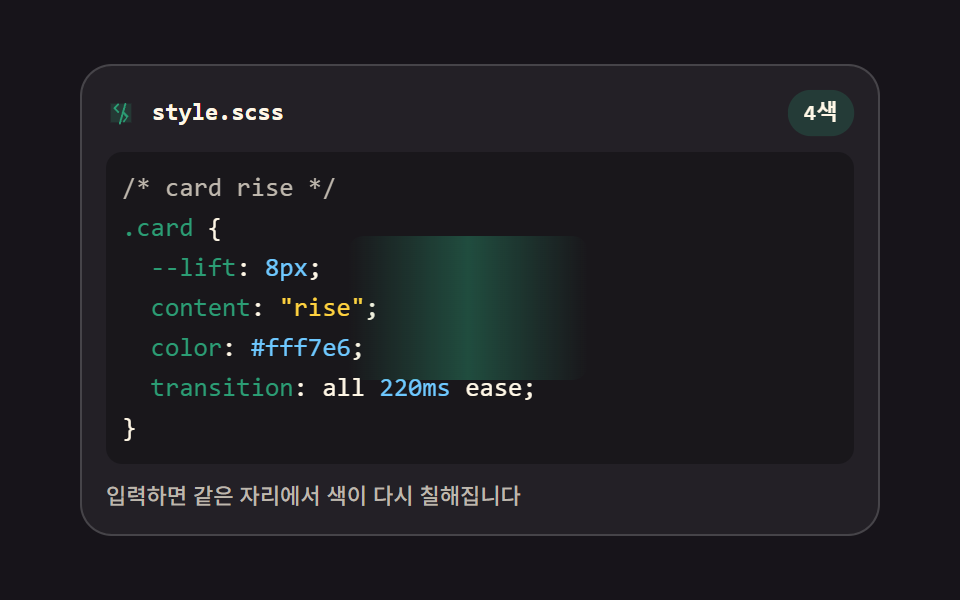 EmbedsCode Editor JavaScript: 9 UI Parts, No Library
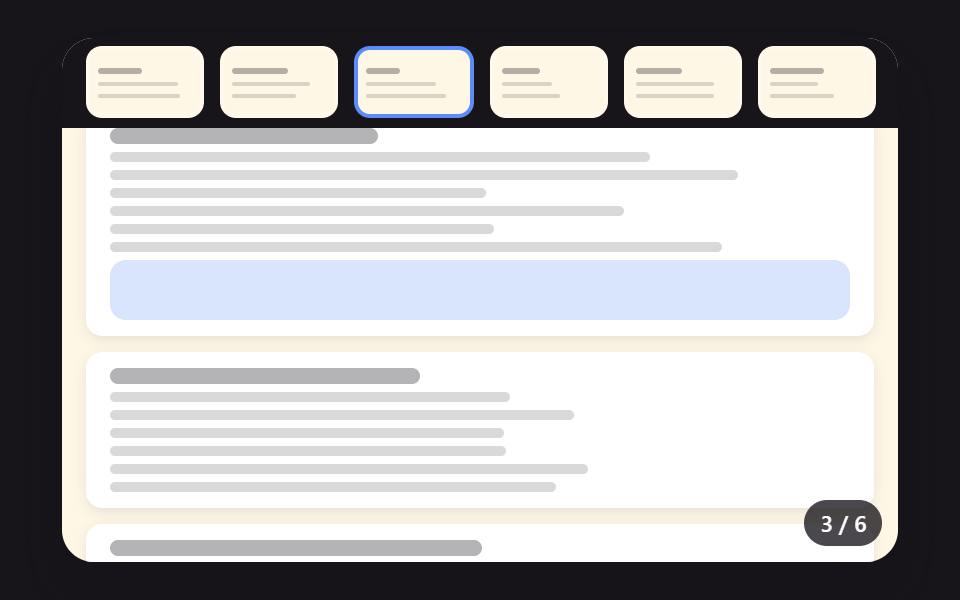 EmbedsPDF Viewer Implementation: 9 UI Patterns
 LoadersBuffering Animation CSS — 9 Loading Patterns
 LoadersLazy Loading Images: 9 CSS Placeholder Patterns