モーダル アニメーション 9種 — ばね・円マスク・画素で開閉
開くときは凝ったモーダルも、閉じるときはたいていただ消えます。ここでは03番がいちばん遠い角まで測った円で窓を開き、05番はマスごとに違うノイズのしきい値を越えた順に画素が現れ、07番は行ごとに幅を狭めて一点へ吸い込まれて閉じます。
九通りに開いて閉じるモーダルの舞台
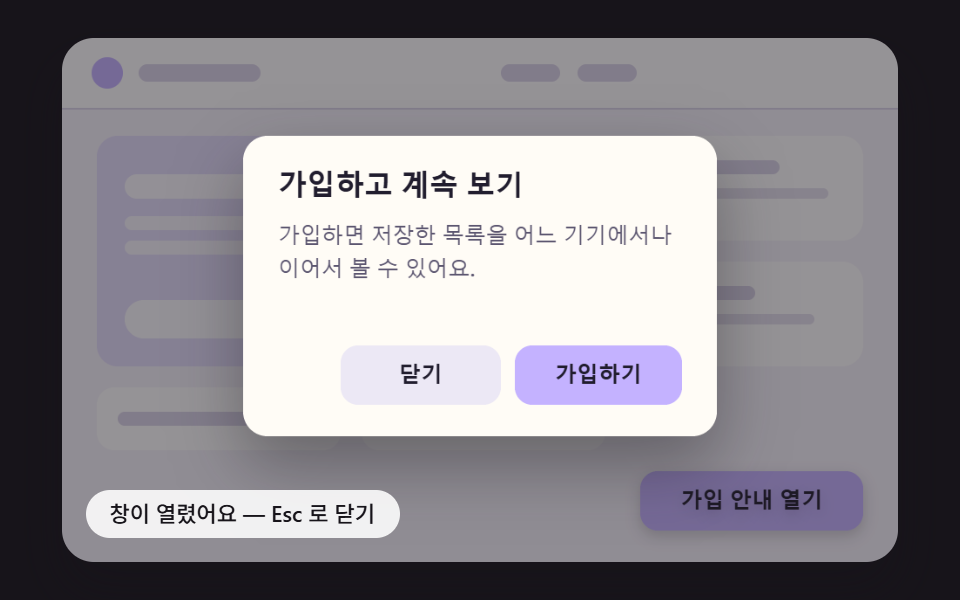 01 modal-anim-spring-pop-shadow-lift
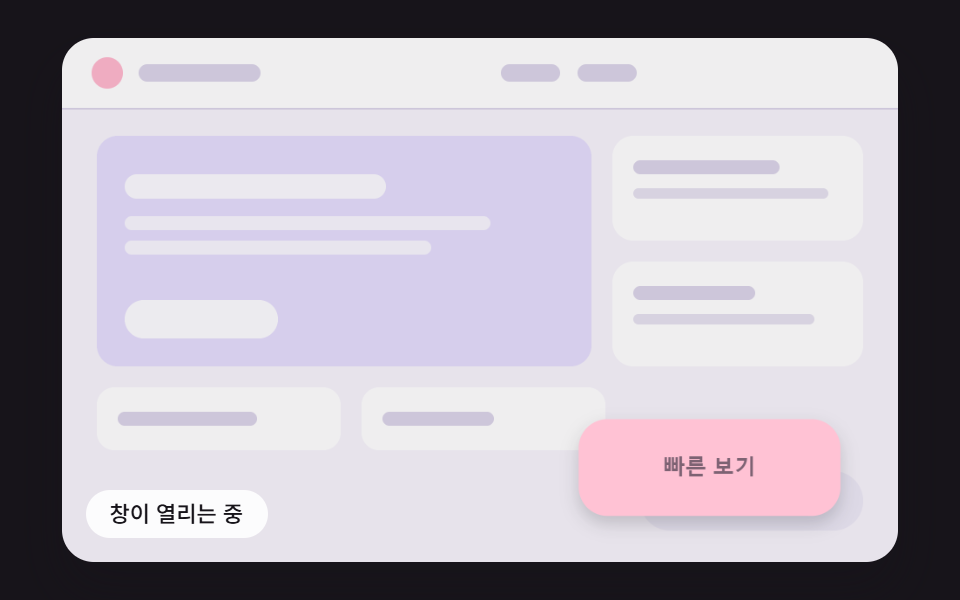 02 modal-anim-grow-from-trigger-rect
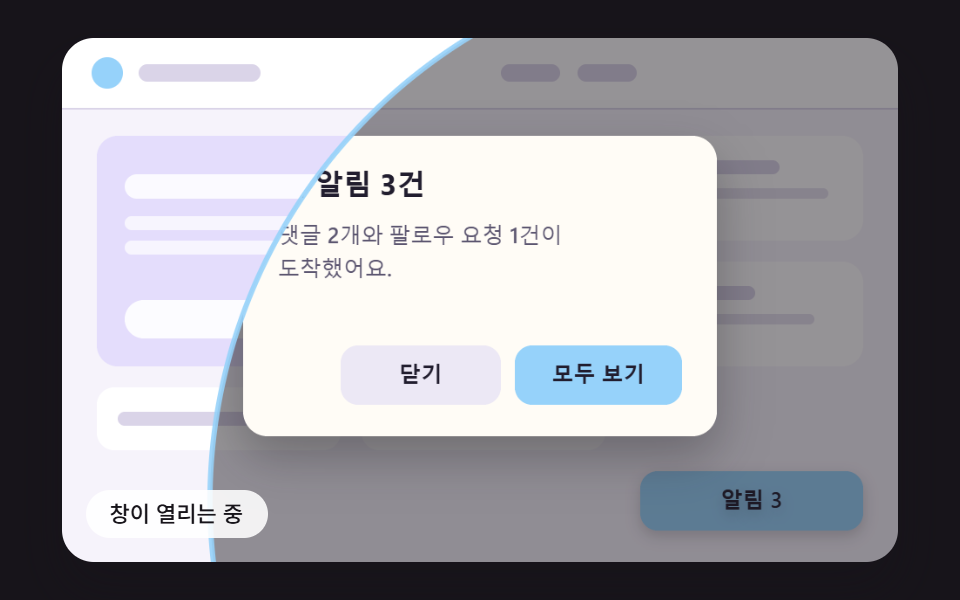 03 modal-anim-iris-circle-farthest-corner
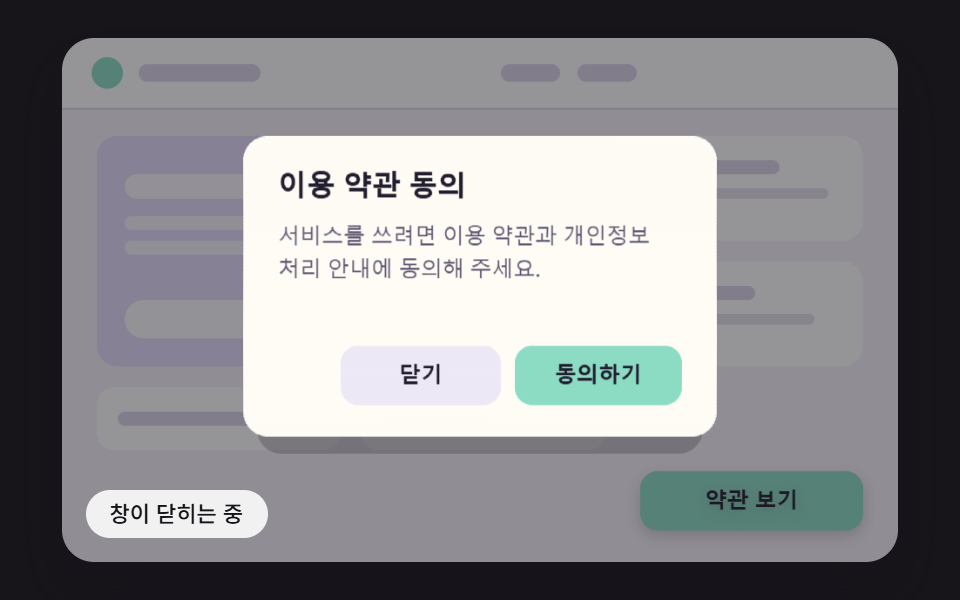 04 modal-anim-paper-fold-unfold-shade
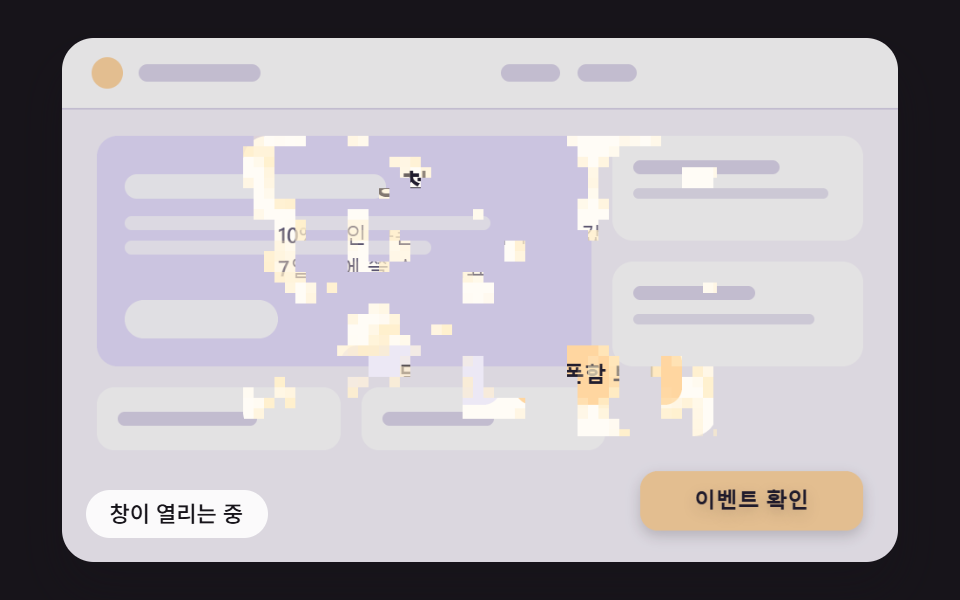 05 modal-anim-pixel-dissolve-noise-threshold
 06 modal-anim-water-ripple-refract-open
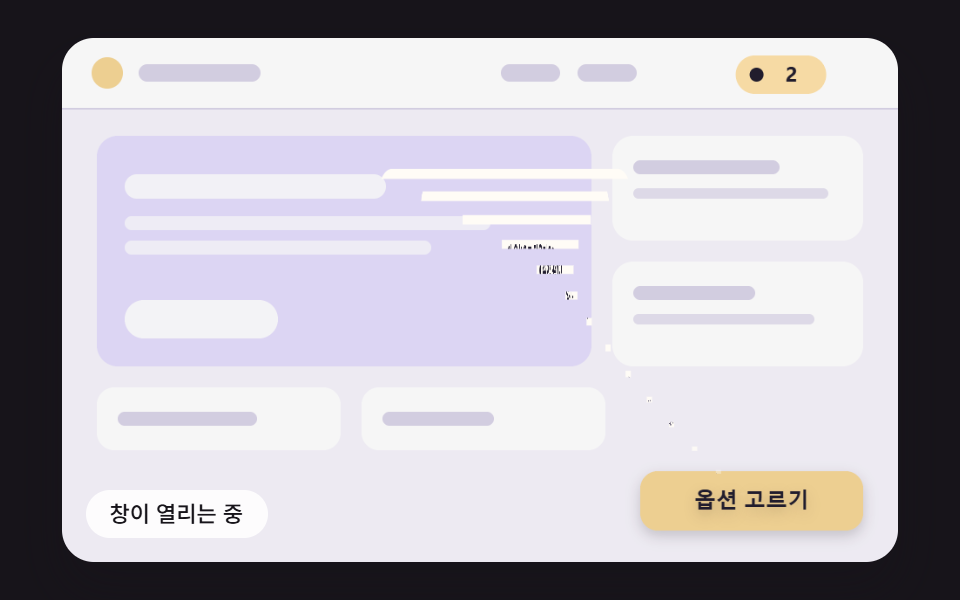 07 modal-anim-funnel-row-shrink-close
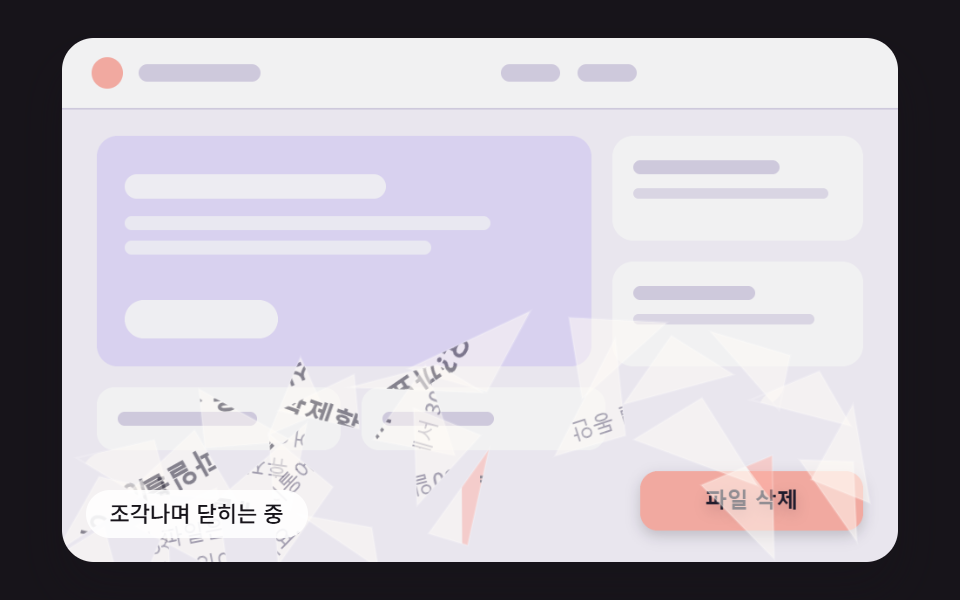 08 modal-anim-glass-shard-fall-close
 09 modal-anim-checkout-confirm-flow-hero
自動再生 · タイルを押すとその項目へ · すべて1つのzip
- 01 ばねで跳ね上がり影が深まるモーダル
- 02 ボタンの位置から育って窓になるモーダル
- 03 いちばん遠い角まで測った円で開くモーダル
- 04 折れた紙が広がるように三枚で開くモーダル
- 05 マスごとに違うノイズのしきい値で画素が現れるモーダル
- 06 波紋が広がり揺らいでいた窓が澄んでいくモーダル
- 07 行ごとに幅を狭めて一点へ吸い込まれる閉じ方
- 08 ガラスのように破片になって落ちる閉じ方
- 09 開いて確認しボタンへ戻って閉じる決済確認モーダル
どのマスも2,400msで一周します。窓は200msで開きはじめ、閉じる側へ移る時刻は項目ごとに決めてあって、01は1,500ms、06は1,850ms、07と08は1,150msです。07は「カートに入れる」、08は「削除」を押した扱いで閉じるのでカートへ吸い込まれたり砕けたりし、09は900msに「確定する」を押した瞬間から押し込み・チェック・縮小が続きます。
モーダル アニメーション 9種 — ばね・ボタン位置から拡大・円マスク・紙折り・画素ディゾルブ・波紋の屈折・漏斗で閉じる・ガラスの破片・決済確認の流れ
01〜06は開き方で、07と08は閉じ方で見せる項目です。09だけは、開いて押して閉じるまでの一周を一枚の窓に詰めました。スタイルシートに@keyframesは一行もなく、requestAnimationFrameが渡す経過時間を16msの固定ティックに区切って、ティックごとにばね・補間・ノイズ・波・破片の物理を解くループが動きを受け持ちます。閉じる動きも開く動きの逆再生ではなく、項目ごとに別の計算です。
描くのはキャンバス、押されるのは透明なDOM
この舞台で目に見える窓・ボタン・見出し・本文の文字は、480×300の場面座標に合わせてキャンバスがティックごとに描いた絵です。操作と読み上げを受け持つのは別の層で、role="dialog"・aria-modal="true"・aria-labelledby・aria-describedbyを持つダイアログ、開くボタン、窓の中の二つのボタンが、color: transparentのDOMとして同じ位置に重なっています。キャンバスにはaria-hidden="true"が付いているので、スクリーンリーダーに届くのはDOMの文字だけです。
窓を切ったり伸ばしたりできるのは、makeSpriteが画面外のキャンバス3枚に窓の絵を先に写しておくからです。背景まで描いた版、背景を抜いた版、確認ボタンを抜いた版があり、効果はその切れ端をdrawImageで描き移します。getImageDataで画素を読む処理は九つのソースに一度も出てきません。ただ、絵の文字とDOMの文字が分かれる作りなので、実際のサービスでは同じ計算をDOMのtransformやclip-pathに渡すほうが扱いやすいと考えられます。この点はよくある質問の節で具体的に見ます。
キャプチャ24枚で測った九つの窓の動き
キャプチャ24枚のあいだにある23回の変化のうち、画面が変わった回数をフレームの列に入れました。
| 窓 | 累積面積 | 動いたフレーム | 強度平均 |
|---|---|---|---|
| 01 ばねで跳ね上がる | 74.8% | 12/23 | 46.8 |
| 02 ボタン位置から拡大 | 75.8% | 13/23 | 55.6 |
| 03 円マスク | 67.1% | 15/23 | 94.2 |
| 04 紙折り | 75.8% | 16/23 | 50.9 |
| 05 画素ディゾルブ | 75.5% | 17/23 | 36.9 |
| 06 波紋の屈折 | 75.9% | 21/23 | 34.4 |
| 07 漏斗で閉じる | 75.9% | 20/23 | 41.4 |
| 08 ガラスの破片 | 75.9% | 17/23 | 45.8 |
| 09 決済確認の流れ | 75.9% | 19/23 | 47.1 |
累積面積が九つとも67〜76%に達しているのは、窓そのものが広く動いたからではありません。窓が開くと背後のページを覆う暗い幕(不透明度は最大0.46)が舞台全体に敷かれては引くので、幕が通った画素がすべて変化として数えられます。03だけが67.1%と低いのは、幕も窓も円の内側にしか塗らない場面だからと考えられます。フレーム数が最少の01(12/23)は、ばねが480msごろに落ち着いてから閉じるまで画面が止まっているためで、06が21/23まで上がったのは波紋が1,504msまで静まりながら画面を揺らし続けるためと考えられます。
会員登録の案内から注文の確定まで、こんな窓に載せる
九つの窓には、それぞれ実際のサービスの一場面を割り当てました。01は会員登録の案内、02は商品一覧のクイックビュー、03は通知バッジから開く通知の詳細、04は利用規約への同意、05はクーポン当選のお知らせ、06は夏の特集のお知らせ、07はオプションを選んでカートに入れる窓、08はファイル削除の確認、09は注文の最終確認です。09の画面には支払い方法も金額も出てこない、架空の注文です。
モーダル 表示 アニメーションを任されると、窓の中身にくらべて、窓が現れて消える瞬間は後回しになりがちです。同じ確認の窓でも、何を確認したかで閉じ方を変えたい場面があります。07は入れた品物がカートへ向かう道を、08は消したファイルが戻らないことを、閉じる動きそのもので伝えます。08を「キャンセル」で閉じたときに砕けないのもそのためです。
01ばねで跳ね上がり影が深まるモーダル
窓は0.55倍の大きさから、剛性150・減衰14のばねを16msごとに積分した値で広がります。減衰比が0.57なので大きさは一度104.1%までふくらんでから戻り、480ms以降は目標の1%以内に収まります。浮き上がりの高さを大きさに比例させ、影のぼかしと下への距離を一緒に変えているため、行き過ぎた瞬間の浮き上がりは28.4pxとSHADOW_LIFT_MAXの26を超え、気軽に誘う会員登録の案内ウィンドウに向いています。
測定値は累積面積74.8%、動いたフレーム12/23、強度平均46.8でした。
<main class="stage">
<div class="md is-demo" id="md">
  <canvas class="md__canvas" data-role="canvas" width="480" height="300" aria-hidden="true"></canvas>
  <button class="md__open" data-role="open" type="button" aria-haspopup="dialog">登録案内を開く</button>
  <div class="md__dialog" data-role="dialog" role="dialog" aria-modal="true" aria-labelledby="md-title-01" aria-describedby="md-body-01" hidden>
    <h2 class="md__title" data-role="title" id="md-title-01">登録して続きを見る</h2>
    <p class="md__body" data-role="body" id="md-body-01">登録すると、保存したリストをどの端末からでも続けて見られます。</p>
    <button class="md__btn" data-role="close" type="button">閉じる</button>
    <button class="md__btn" data-role="confirm" type="button">登録する</button>
  </div>
  <p class="md__status" data-role="status" aria-live="off">ウィンドウを閉じました — ボタンでもう一度開けます</p>
</div>
</main>
@use "../../../../site/static/demo-tokens" as *;
@include stage($stage-ink);
.md {
position: relative;
width: min(92vw, calc(160vh - 12.8vw));
aspect-ratio: 480 / 300;
margin: 0 auto;
border-radius: $r-card;
overflow: hidden;
box-shadow: $shadow-raised;
background: $subject-ink;
}
.md__canvas {
display: block;
width: 100%;
height: 100%;
// 손가락 세로 쓸기는 브라우저에 남겨 페이지 스크롤이 막히지 않게 한다
touch-action: pan-y;
}
// 버튼·대화상자 층 — 글자는 캔버스가 그리고, 이 층은 같은 자리에 겹쳐 화면 낭독기·키보드·클릭을 받는다.
// 자리(left·top·width·height)는 스크립트가 장면 좌표(480x300)를 백분율로 바꿔 넣는다
.md__open,
.md__dialog,
.md__title,
.md__body,
.md__btn {
position: absolute;
box-sizing: border-box;
margin: 0;
padding: 0;
border: 0;
background: transparent;
color: transparent;
font-weight: 600;
font-size: 12px;
line-height: 1.4;
overflow: hidden;
}
.md__open,
.md__btn {
border-radius: $r-control;
font-family: inherit;
cursor: pointer;
transition: outline-color $dur-instant ease-out;
}
.md__title,
.md__body {
pointer-events: none;
}
.md__open:focus-visible,
.md__btn:focus-visible {
outline: 2px solid $subject-ink;
outline-offset: 2px;
}
// 창이 아직 움직이는 동안에는 초점 고리를 감춘다 — 고리는 다 열린 창의 버튼 자리에 맞춰져 있다
.md:not(.md--open) .md__btn:focus-visible {
outline-color: transparent;
}
.md__status {
position: absolute;
left: $sp-3;
bottom: $sp-3;
box-sizing: border-box;
max-width: 62%;
margin: 0;
padding: $sp-1 $sp-3;
border-radius: $r-control;
background: rgba(255, 255, 255, .88);
color: $subject-ink;
font-weight: 500;
font-size: 11px;
line-height: 1.4;
pointer-events: none;
}
@media (max-width: 340px) {
.md__status { font-size: 10px; padding: $sp-1 $sp-2; }
}
// 움직임은 스크립트가 matchMedia 로 끈다(열기·닫기가 그 자리에서 끝난다). CSS 쪽은 초점 고리 전환을 끈다
@media (prefers-reduced-motion: reduce) {
.md__open, .md__btn { transition: none; }
}html, body {
margin: 0;
overflow: hidden;
}
.stage {
box-sizing: border-box;
min-height: 100vh;
display: grid;
place-items: center;
margin: 0;
background: #17141a;
font-family: -apple-system, "Segoe UI", "Noto Sans KR", sans-serif;
padding: clamp(8px, 4vw, 24px);
}
.md {
position: relative;
width: min(92vw, 160vh - 12.8vw);
aspect-ratio: 480/300;
margin: 0 auto;
border-radius: 16px;
overflow: hidden;
box-shadow: 0 14px 24px rgba(23, 20, 26, 0.32);
background: #17141a;
}
.md__canvas {
display: block;
width: 100%;
height: 100%;
touch-action: pan-y;
}
.md__open,
.md__dialog,
.md__title,
.md__body,
.md__btn {
position: absolute;
box-sizing: border-box;
margin: 0;
padding: 0;
border: 0;
background: transparent;
color: transparent;
font-weight: 600;
font-size: 12px;
line-height: 1.4;
overflow: hidden;
}
.md__open,
.md__btn {
border-radius: 12px;
font-family: inherit;
cursor: pointer;
transition: outline-color 140ms ease-out;
}
.md__title,
.md__body {
pointer-events: none;
}
.md__open:focus-visible,
.md__btn:focus-visible {
outline: 2px solid #17141a;
outline-offset: 2px;
}
.md:not(.md--open) .md__btn:focus-visible {
outline-color: transparent;
}
.md__status {
position: absolute;
left: 12px;
bottom: 12px;
box-sizing: border-box;
max-width: 62%;
margin: 0;
padding: 4px 12px;
border-radius: 12px;
background: rgba(255, 255, 255, 0.88);
color: #17141a;
font-weight: 500;
font-size: 11px;
line-height: 1.4;
pointer-events: none;
}
@media (max-width: 340px) {
.md__status {
font-size: 10px;
padding: 4px 8px;
}
}
@media (prefers-reduced-motion: reduce) {
.md__open, .md__btn {
transition: none;
}
}(function () {
const root = document.getElementById("md");
if (!root) return;
const W = 480;
const H = 300;
const FIXED_DT = 16;
const TAU = Math.PI * 2;
// 창과 여는 버튼의 자리 — 장면 좌표(480x300). 화면 위 버튼·대화상자 층도 이 값으로 같은 자리에 맞춘다
const PANEL = { x: 104, y: 56, w: 272, h: 172 };
const OPENER = { x: 332, y: 248, w: 128, h: 34 };
// 창 안의 자리 — 창 왼쪽 위가 원점
const TITLE_BOX = { x: 20, y: 18, w: 232, h: 26 };
const BODY_BOX = { x: 20, y: 52, w: 232, h: 56 };
const CLOSE_BOX = { x: 56, y: 120, w: 92, h: 34 };
const CONFIRM_BOX = { x: 156, y: 120, w: 96, h: 34 };
const PANEL_RADIUS = 14;
const BUTTON_RADIUS = 10;
// 뒤 페이지를 덮는 막의 가장 진한 값
const SCRIM_MAX = 0.46;
// 파스텔 팔레트 — 밝은 페이지 위에 어두운 막이 덮이며 창이 떠오른다. 글자는 진한 먹색으로 명도 차를 둔다
const PAGE_BG = [246, 243, 251];
const PAGE_CARD = [255, 255, 255];
const PAGE_HERO = [228, 221, 252];
const PAGE_LINE = [218, 212, 232];
const PANEL_BG = [255, 252, 246];
const GHOST = [236, 232, 245];
const INK = [33, 29, 46];
const MUTED = [92, 86, 112];
const SCRIM = [23, 20, 26];
const WHITE = [255, 255, 255];
const FONT_FAMILY = '"Segoe UI", "Malgun Gothic", "Hiragino Sans", "Noto Sans KR", sans-serif';
function clamp(v, lo, hi) { return v < lo ? lo : (v > hi ? hi : v); }
function lerp(a, b, k) { return a + (b - a) * k; }
function smooth(x) { const c = clamp(x, 0, 1); return c * c * (3 - 2 * c); }
// 감속 곡선 — 처음 빠르고 끝에 느리다
function easeOutCubic(x) { const c = 1 - clamp(x, 0, 1); return 1 - c * c * c; }
// 가속 곡선 — 처음 느리고 끝에 빠르다
function easeInCubic(x) { const c = clamp(x, 0, 1); return c * c * c; }
function easeInOutCubic(x) {
const c = clamp(x, 0, 1);
return c < 0.5 ? 4 * c * c * c : 1 - Math.pow(-2 * c + 2, 3) / 2;
}
function mix(a, b, k) { return [lerp(a[0], b[0], k), lerp(a[1], b[1], k), lerp(a[2], b[2], k)]; }
function rgba(c, a) {
return 'rgba(' + Math.round(clamp(c[0], 0, 255)) + ',' + Math.round(clamp(c[1], 0, 255)) + ',' + Math.round(clamp(c[2], 0, 255)) + ',' + clamp(a, 0, 1).toFixed(3) + ')';
}
// 시드 고정 난수 — 같은 시드면 같은 배치가 다시 나온다 (32비트 정수 섞기)
function makeRng(seed) {
let s = seed >>> 0;
return function () {
s = (s + 0x6d2b79f5) >>> 0;
let t = s;
t = Math.imul(t ^ (t >>> 15), t | 1);
t ^= t + Math.imul(t ^ (t >>> 7), t | 61);
return ((t ^ (t >>> 14)) >>> 0) / 4294967296;
};
}
// 진행률을 목표(0 또는 1) 쪽으로 dt/길이만큼 옮긴다 — 닫히는 중에 다시 열면 지금 값에서 그대로 되돌아간다
function approach(v, target, dt, ms) {
const s = dt / ms;
return target > v ? Math.min(target, v + s) : Math.max(target, v - s);
}
// 감쇠 스프링 한 스텝 — 가속도 = -강성 x (위치 - 목표) - 감쇠 x 속도. 속도를 먼저 고친 뒤 그 속도로 위치를 옮긴다. dt 는 초
function springStep(s, target, stiffness, damping, dt) {
const a = -stiffness * (s.x - target) - damping * s.v;
s.v += a * dt;
s.x += s.v * dt;
}
function springRest(s, target) { return Math.abs(s.x - target) < 0.002 && Math.abs(s.v) < 0.02; }
function lerpRect(a, b, k) {
return { x: lerp(a.x, b.x, k), y: lerp(a.y, b.y, k), w: lerp(a.w, b.w, k), h: lerp(a.h, b.h, k) };
}
function inside(r, x, y) { return x >= r.x && x <= r.x + r.w && y >= r.y && y <= r.y + r.h; }
// 모서리 둥근 사각형 경로 — 가로 반경 rx 와 세로 반경 ry 를 따로 받는다(늘어난 좌표계에서는 배율로 나눈 반경을 넣어 모서리를 원으로 되돌린다)
function roundRectPath(c, x, y, w, h, rx, ry) {
const ax = Math.max(0, Math.min(rx, w / 2));
const ay = Math.max(0, Math.min(ry, h / 2));
c.beginPath();
c.moveTo(x + ax, y);
c.lineTo(x + w - ax, y);
c.ellipse(x + w - ax, y + ay, ax, ay, 0, -Math.PI / 2, 0);
c.lineTo(x + w, y + h - ay);
c.ellipse(x + w - ax, y + h - ay, ax, ay, 0, 0, Math.PI / 2);
c.lineTo(x + ax, y + h);
c.ellipse(x + ax, y + h - ay, ax, ay, 0, Math.PI / 2, Math.PI);
c.lineTo(x, y + ay);
c.ellipse(x + ax, y + ay, ax, ay, 0, Math.PI, Math.PI * 1.5);
c.closePath();
}
const canvasEl = root.querySelector('[data-role="canvas"]');
const statusEl = root.querySelector('[data-role="status"]');
const openEl = root.querySelector('[data-role="open"]');
const dialogEl = root.querySelector('[data-role="dialog"]');
const titleEl = root.querySelector('[data-role="title"]');
const bodyEl = root.querySelector('[data-role="body"]');
const closeEl = root.querySelector('[data-role="close"]');
const confirmEl = root.querySelector('[data-role="confirm"]');
const ctxRaw = canvasEl ? canvasEl.getContext('2d') : null;
if (!canvasEl || !ctxRaw || !statusEl || !openEl || !dialogEl || !titleEl || !bodyEl || !closeEl || !confirmEl) {
return;
}
const cv = canvasEl;
const ctx = ctxRaw;
const status = statusEl;
const openBtn = openEl;
const dialog = dialogEl;
const titleNode = titleEl;
const bodyNode = bodyEl;
const closeBtn = closeEl;
const confirmBtn = confirmEl;
function textOf(el) { return (el.textContent || '').trim(); }
// 화면에 보이는 글자는 DOM 글자를 캔버스에 그린 것 — 문구를 바꾸면 그림도 같이 바뀐다
const OPEN_LABEL = textOf(openBtn);
const TITLE = textOf(titleNode);
const BODY = textOf(bodyNode);
const CLOSE_LABEL = textOf(closeBtn);
const CONFIRM_LABEL = textOf(confirmBtn);
const reduceQuery = window.matchMedia('(prefers-reduced-motion: reduce)');
// 페이지를 연 채 동작 줄이기 설정을 바꿔도 아래 change 리스너가 이 값을 다시 읽는다
let still = reduceQuery.matches;
// 자동 시연 중인가 — 사람이 처음 만지는 순간 시연을 멈추고 상태 줄을 읽어 주기 시작한다
let demo = root.classList.contains('is-demo');
function wake() {
if (!demo) {
return;
}
demo = false;
root.classList.remove('is-demo');
status.setAttribute('aria-live', 'polite');
}
function say(text) {
if (status.textContent !== text) {
status.textContent = text;
}
}
function fontOf(weight, px) { return weight + ' ' + px.toFixed(1) + 'px ' + FONT_FAMILY; }
// 한 줄에 들어가도록 글자 크기를 줄인다 — 언어마다 글자 길이가 달라도 상자 안에 든다
function fitFont(c, text, weight, px, maxW) {
let size = px;
c.font = fontOf(weight, size);
while (size > 8 && c.measureText(text).width > maxW) {
size -= 0.5;
c.font = fontOf(weight, size);
}
return size;
}
// 줄 나누기 — 폭을 넘으면 마지막 띄어쓰기에서 끊고, 띄어쓰기가 없는 글(일본어)은 그 글자에서 끊는다
function wrapLines(c, text, maxW) {
const out = [];
let line = '';
const chars = Array.from(text);
for (let i = 0; i < chars.length; i += 1) {
const ch = chars[i];
const test = line + ch;
if (line !== '' && c.measureText(test).width > maxW) {
const cut = line.lastIndexOf(' ');
if (cut > 0 && ch !== ' ') {
out.push(line.slice(0, cut));
line = line.slice(cut + 1) + ch;
}
else {
out.push(line);
line = ch === ' ' ? '' : ch;
}
}
else {
line = test;
}
}
if (line !== '') {
out.push(line);
}
return out;
}
function drawButton(c, r, fill, label, alpha) {
if (alpha <= 0.001) {
return;
}
c.save();
c.globalAlpha *= alpha;
roundRectPath(c, r.x, r.y, r.w, r.h, BUTTON_RADIUS, BUTTON_RADIUS);
c.fillStyle = rgba(fill, 1);
c.fill();
fitFont(c, label, 600, 12.5, r.w - 14);
c.fillStyle = rgba(INK, 1);
c.textAlign = 'center';
c.textBaseline = 'middle';
c.fillText(label, r.x + r.w / 2, r.y + r.h / 2 + 0.5);
c.restore();
}
// 창 그림 — 창 하나를 화면 밖 캔버스에 한 번 그려 두고, 효과마다 이 그림을 잘라·늘려·옮겨 그린다
let dpr = 1;
function makeSprite(withBg, withConfirm) {
const sc = document.createElement('canvas');
sc.width = Math.round(PANEL.w * dpr);
sc.height = Math.round(PANEL.h * dpr);
const c = sc.getContext('2d');
if (!c) {
return sc;
}
c.setTransform(dpr, 0, 0, dpr, 0, 0);
if (withBg) {
roundRectPath(c, 0, 0, PANEL.w, PANEL.h, PANEL_RADIUS, PANEL_RADIUS);
c.fillStyle = rgba(PANEL_BG, 1);
c.fill();
}
c.textAlign = 'left';
c.textBaseline = 'top';
fitFont(c, TITLE, 700, 16.5, TITLE_BOX.w);
c.fillStyle = rgba(INK, 1);
c.fillText(TITLE, TITLE_BOX.x, TITLE_BOX.y + 3);
// 본문 — 줄 수가 상자 높이를 넘으면 글자 크기를 반 px 씩 줄인다
let size = 12.5;
let lines = [];
for (; size >= 9; size -= 0.5) {
c.font = fontOf(500, size);
lines = wrapLines(c, BODY, BODY_BOX.w);
if (lines.length * size * 1.5 <= BODY_BOX.h) {
break;
}
}
c.fillStyle = rgba(MUTED, 1);
for (let i = 0; i < lines.length; i += 1) {
c.fillText(lines[i], BODY_BOX.x, BODY_BOX.y + i * size * 1.5);
}
drawButton(c, CLOSE_BOX, GHOST, CLOSE_LABEL, 1);
if (withConfirm) {
drawButton(c, CONFIRM_BOX, ACCENT, CONFIRM_LABEL, 1);
}
return sc;
}
// 배경·글자·두 버튼 / 글자·버튼만(배경 없음) / 배경·글자·閉じる 버튼만(확인 버튼은 효과가 따로 그린다)
let spriteFull = document.createElement('canvas');
let spriteContent = document.createElement('canvas');
let spriteBare = document.createElement('canvas');
function fitCanvas() {
// 배율은 2 에서 자른다 — 배율 3 기기에서 화소가 2.25배로 늘어 프레임마다 일이 그만큼 커지지 않게
dpr = Math.min(window.devicePixelRatio || 1, 2);
cv.width = Math.round(W * dpr);
cv.height = Math.round(H * dpr);
ctx.setTransform(dpr, 0, 0, dpr, 0, 0);
spriteFull = makeSprite(true, true);
spriteContent = makeSprite(false, true);
spriteBare = makeSprite(true, false);
}
// 창 그림의 한 조각을 장면에 옮겨 그린다 — 원본 좌표는 창 기준 px, 그림 배율을 곱해 화소로 바꾼다
function blit(sp, sx, sy, sw, sh, dx, dy, dw, dh) {
if (sw <= 0 || sh <= 0 || dw <= 0 || dh <= 0) {
return;
}
ctx.drawImage(sp, sx * dpr, sy * dpr, sw * dpr, sh * dpr, dx, dy, dw, dh);
}
// 버튼·대화상자 층을 장면 좌표와 같은 자리에 백분율로 놓는다(한 번만 — 크기가 바뀌어도 백분율이라 그대로 맞는다)
function pct(v, of) { return ((v / of) * 100).toFixed(3) + '%'; }
function place(el, r, pw, ph) {
el.style.left = pct(r.x, pw);
el.style.top = pct(r.y, ph);
el.style.width = pct(r.w, pw);
el.style.height = pct(r.h, ph);
}
function placeOverlays() {
place(openBtn, OPENER, W, H);
place(dialog, PANEL, W, H);
place(titleNode, TITLE_BOX, PANEL.w, PANEL.h);
place(bodyNode, BODY_BOX, PANEL.w, PANEL.h);
place(closeBtn, CLOSE_BOX, PANEL.w, PANEL.h);
place(confirmBtn, CONFIRM_BOX, PANEL.w, PANEL.h);
}
function fillRound(x, y, w, h, r, col, a) {
roundRectPath(ctx, x, y, w, h, r, r);
ctx.fillStyle = rgba(col, a);
ctx.fill();
}
// 뒤 페이지 — 머리 띠·큰 카드·작은 카드 몇 장. 글자 대신 막대로 그려 언어와 상관없이 같은 그림이다
function drawPage() {
ctx.fillStyle = rgba(PAGE_BG, 1);
ctx.fillRect(0, 0, W, H);
ctx.fillStyle = rgba(PAGE_CARD, 1);
ctx.fillRect(0, 0, W, 40);
ctx.fillStyle = rgba(PAGE_LINE, 1);
ctx.fillRect(0, 40, W, 1);
ctx.fillStyle = rgba(ACCENT, 1);
ctx.beginPath();
ctx.arc(26, 20, 9, 0, TAU);
ctx.fill();
fillRound(44, 15, 70, 10, 5, PAGE_LINE, 1);
fillRound(252, 15, 34, 10, 5, PAGE_LINE, 1);
fillRound(296, 15, 34, 10, 5, PAGE_LINE, 1);
fillRound(20, 56, 284, 132, 12, PAGE_HERO, 1);
fillRound(36, 78, 150, 14, 7, WHITE, 0.85);
fillRound(36, 102, 210, 8, 4, WHITE, 0.7);
fillRound(36, 116, 176, 8, 4, WHITE, 0.7);
fillRound(36, 150, 88, 22, 11, WHITE, 0.9);
fillRound(316, 56, 144, 60, 12, PAGE_CARD, 1);
fillRound(328, 70, 84, 8, 4, PAGE_LINE, 1);
fillRound(328, 86, 112, 6, 3, PAGE_LINE, 0.7);
fillRound(316, 128, 144, 60, 12, PAGE_CARD, 1);
fillRound(328, 142, 70, 8, 4, PAGE_LINE, 1);
fillRound(328, 158, 104, 6, 3, PAGE_LINE, 0.7);
fillRound(20, 200, 140, 36, 10, PAGE_CARD, 1);
fillRound(172, 200, 140, 36, 10, PAGE_CARD, 1);
fillRound(32, 214, 80, 8, 4, PAGE_LINE, 1);
fillRound(184, 214, 64, 8, 4, PAGE_LINE, 1);
itemPage();
}
function drawOpener(alpha) {
ctx.save();
ctx.shadowColor = rgba(SCRIM, 0.2);
ctx.shadowBlur = 8 * dpr;
ctx.shadowOffsetY = 3 * dpr;
drawButton(ctx, OPENER, ACCENT, OPEN_LABEL, alpha);
ctx.restore();
}
// 뒤를 덮는 막 — a 는 0(없음)에서 1(가장 진함)
function drawScrim(a) {
if (a <= 0.001) {
return;
}
ctx.fillStyle = rgba(SCRIM, SCRIM_MAX * clamp(a, 0, 1));
ctx.fillRect(0, 0, W, H);
}
// 창을 가운데 기준으로 s 배 키워 그린다. lift 는 떠오른 높이(px) — 그림자 번짐과 거리가 이 값 하나로 정해진다
function drawPanelScaled(sp, s, alpha, lift) {
if (alpha <= 0.001 || s <= 0.001) {
return;
}
const cx = PANEL.x + PANEL.w / 2;
const cy = PANEL.y + PANEL.h / 2;
ctx.save();
ctx.globalAlpha = clamp(alpha, 0, 1);
ctx.translate(cx, cy);
ctx.scale(s, s);
// 그림자 값은 변환을 따라가지 않는 화소 단위라 배율(dpr)을 직접 곱한다
ctx.shadowColor = rgba(SCRIM, clamp(0.16 + 0.008 * lift, 0, 0.5));
ctx.shadowBlur = (4 + lift * 1.3) * dpr;
ctx.shadowOffsetY = (2 + lift * 0.55) * dpr;
ctx.drawImage(sp, -PANEL.w / 2, -PANEL.h / 2, PANEL.w, PANEL.h);
ctx.restore();
}
// 열고 닫는 흐름 — closed → opening → open → closing → closed. 효과마다 itemStep 이 「다 끝났다」 를 알려 준다
let phase = 'closed';
let phaseAge = 0;
function setPhase(p) {
phase = p;
phaseAge = 0;
root.classList.toggle('md--open', p === 'open');
}
function shown() { return phase === 'opening' || phase === 'open'; }
// 대화상자 층 보이기 — 창이 떠 있는 동안 여는 버튼은 inert 로 막아 Tab·클릭이 창 뒤로 새지 않게 한다
function showDialog(v) {
dialog.hidden = !v;
if (v) {
openBtn.setAttribute('inert', '');
}
else {
openBtn.removeAttribute('inert');
}
}
function snapTo(open) {
itemSnap(open);
showDialog(open);
setPhase(open ? 'open' : 'closed');
}
function requestOpen(user) {
if (shown()) {
return;
}
showDialog(true);
setPhase('opening');
itemOpen();
// 동작 줄이기 — 움직임 없이 그 자리에서 다 열린 창을 그린다
if (still) {
snapTo(true);
}
if (user) {
(FIRST_FOCUS === 'close' ? closeBtn : confirmBtn).focus({ preventScroll: true });
}
}
function requestClose(user, via) {
if (!shown()) {
return;
}
const hadFocus = dialog.contains(document.activeElement);
showDialog(false);
setPhase('closing');
itemClose(via);
if (still) {
snapTo(false);
}
// 닫으면 초점은 창을 열었던 버튼으로 돌아간다
if (user || hadFocus) {
openBtn.focus({ preventScroll: true });
}
}
const TXT_CLOSED = 'ウィンドウを閉じました — ボタンでもう一度開けます';
const TXT_OPENING = 'ウィンドウが開いています';
const TXT_OPEN = 'ウィンドウが開きました — Escで閉じます';
const TXT_CLOSING = 'ウィンドウが閉じています';
function stateText() {
const s = itemStatus();
if (s !== '') {
return s;
}
if (phase === 'open') {
return TXT_OPEN;
}
if (phase === 'opening') {
return TXT_OPENING;
}
if (phase === 'closing') {
return TXT_CLOSING;
}
return TXT_CLOSED;
}
function render() {
drawPage();
itemDraw();
say(stateText());
}
function tick() {
const done = itemStep(FIXED_DT);
phaseAge += FIXED_DT;
if (phase === 'opening' && done) {
setPhase('open');
}
else if (phase === 'closing' && done) {
setPhase('closed');
}
}
// 시연 — DEMO_LOOP_MS 마다 같은 시간표로 연다(DEMO_OPEN_AT) → 닫는다(DEMO_CLOSE_AT, DEMO_CLOSE_VIA 버튼으로)
let demoCycle = -1;
let demoOpened = false;
let demoClosed = false;
function demoTick(t) {
const cyc = Math.floor(t / DEMO_LOOP_MS);
if (cyc !== demoCycle) {
demoCycle = cyc;
demoOpened = false;
demoClosed = false;
if (phase !== 'closed') {
snapTo(false);
}
}
const lt = t - cyc * DEMO_LOOP_MS;
if (!demoOpened && lt >= DEMO_OPEN_AT) {
demoOpened = true;
requestOpen(false);
}
if (!demoClosed && lt >= DEMO_CLOSE_AT) {
demoClosed = true;
if (DEMO_CLOSE_VIA !== 'confirm' || !itemConfirm()) {
requestClose(false, DEMO_CLOSE_VIA);
}
}
}
// 화면 좌표(CSS px) → 장면 좌표(480x300). 리사이즈 뒤에도 그때그때 현재 크기로 다시 잰다
function toScene(ev) {
const r = cv.getBoundingClientRect();
return [((ev.clientX - r.left) / r.width) * W, ((ev.clientY - r.top) / r.height) * H];
}
// 스프링 강성(1/s²) — 클수록 빨리 튄다
const SPRING_STIFFNESS = 150;
// 스프링 감쇠(1/s) — 작을수록 목표를 더 넘고 오래 출렁인다. 감쇠비 = 감쇠 / (2 x 강성의 제곱근)
const SPRING_DAMPING = 14;
// 창이 목표 크기일 때 떠오른 높이(px) — 그림자 번짐과 거리가 이 높이에 비례한다
const SHADOW_LIFT_MAX = 26;
// 열기 시작 크기 — 목표 크기에 대한 비율
const SCALE_FROM = 0.55;
const ACCENT = [196, 178, 255];
const FIRST_FOCUS = 'confirm';
const DEMO_LOOP_MS = 2400;
const DEMO_OPEN_AT = 200;
const DEMO_CLOSE_AT = 1500;
const DEMO_CLOSE_VIA = 'close';
const pop = { x: 0, v: 0 };
let popTarget = 0;
function itemOpen() { popTarget = 1; }
function itemClose(via) { popTarget = 0; }
function itemSnap(open) {
popTarget = open ? 1 : 0;
pop.x = popTarget;
pop.v = 0;
}
function itemStep(dt) {
springStep(pop, popTarget, SPRING_STIFFNESS, SPRING_DAMPING, dt / 1000);
if (popTarget === 1) {
return springRest(pop, 1);
}
// 닫힐 때는 0 을 처음 지나는 순간 끝낸다 — 시작 크기보다 작아지기 전에 사라진다
if (pop.x <= 0) {
pop.x = 0;
pop.v = 0;
return true;
}
return false;
}
// 크기 — 스프링 값이 1 을 넘으면 목표보다 커진다(넘침)
function popScale() { return SCALE_FROM + (1 - SCALE_FROM) * pop.x; }
// 떠오른 높이 — 크기에 비례한다. 넘친 순간에는 목표 높이보다 더 떠서 그림자가 더 깊고 멀다
function popLift() { return SHADOW_LIFT_MAX * Math.max(0, (popScale() - SCALE_FROM) / (1 - SCALE_FROM)); }
function itemPage() { drawOpener(1); }
function itemDraw() {
if (pop.x <= 0.001) {
return;
}
drawScrim(pop.x);
drawPanelScaled(spriteFull, popScale(), pop.x * 1.8, popLift());
}
function itemConfirm() { return false; }
function itemStatus() { return ''; }
function after() { render(); }
root.addEventListener('pointerdown', function () { wake(); });
openBtn.addEventListener('click', function () { wake(); requestOpen(true); after(); });
closeBtn.addEventListener('click', function () { wake(); requestClose(true, 'close'); after(); });
confirmBtn.addEventListener('click', function () {
wake();
if (still || !itemConfirm()) {
requestClose(true, 'confirm');
}
after();
});
// 창 바깥(막)을 누르면 닫는다
cv.addEventListener('pointerdown', function (ev) {
const p = toScene(ev);
if (shown() && !inside(PANEL, p[0], p[1])) {
requestClose(true, 'backdrop');
after();
}
});
root.addEventListener('keydown', function (ev) {
wake();
if (ev.key === 'Escape') {
if (!shown()) {
return;
}
ev.preventDefault();
requestClose(true, 'esc');
after();
return;
}
// 초점 가두기 — 창이 떠 있는 동안 Tab 은 창 안 두 버튼 사이만 돈다
if (ev.key === 'Tab' && shown()) {
const order = [closeBtn, confirmBtn];
const i = order.indexOf(document.activeElement);
const n = i < 0 ? 0 : (i + (ev.shiftKey ? order.length - 1 : 1)) % order.length;
ev.preventDefault();
order[n].focus({ preventScroll: true });
}
});
function onResize() {
fitCanvas();
render();
}
placeOverlays();
fitCanvas();
window.addEventListener('resize', onResize);
let rafId = 0;
let lastTs = -1;
let acc = 0;
let clock = 0;
function frame(ts) {
if (still) {
rafId = 0;
return;
}
if (lastTs < 0) {
lastTs = ts;
}
// 탭이 숨었다 돌아와도 한 번에 100ms 까지만 따라잡는다 — 순간이동 대신 이어서 움직인다
acc += Math.min(ts - lastTs, 100);
lastTs = ts;
let n = 0;
while (acc >= FIXED_DT && n < 6) {
clock += FIXED_DT;
if (demo) {
demoTick(clock);
}
tick();
acc -= FIXED_DT;
n += 1;
}
render();
rafId = window.requestAnimationFrame(frame);
}
function startLoop() {
if (rafId) {
return;
}
lastTs = -1;
acc = 0;
rafId = window.requestAnimationFrame(frame);
}
// 동작 줄이기 설정이 페이지를 연 채 바뀌면 — 켜지면 루프를 멈추고 지금 가는 쪽의 끝 상태로, 꺼지면 루프를 다시 돈다
function onMotionPref() {
still = reduceQuery.matches;
if (still) {
if (rafId) {
window.cancelAnimationFrame(rafId);
rafId = 0;
}
snapTo(shown());
render();
}
else {
startLoop();
}
}
if (typeof reduceQuery.addEventListener === 'function') {
reduceQuery.addEventListener('change', onMotionPref);
}
if (still) {
// 동작 줄이기 — 시연 대신 다 열린 창을 한 장 그려 둔다. 버튼을 누르면 그 자리에서 열리고 닫힌다
snapTo(true);
render();
}
else {
render();
startLoop();
}
return function () {
window.cancelAnimationFrame(rafId);
window.removeEventListener('resize', onResize);
if (typeof reduceQuery.removeEventListener === 'function') {
reduceQuery.removeEventListener('change', onMotionPref);
}
};
})();// SpringPopShadowLift - vanilla 판(01-modal-anim-spring-pop-shadow-lift) 의 React 포트. 같은 계산을 useEffect 안에서 돌린다.
import { useEffect, useRef } from "react";
import styles from "./SpringPopShadowLift.module.scss";
const cx = (s: string): string => s.split(" ").map((n) => styles[n] ?? n).join(" ");
export default function SpringPopShadowLift() {
const rootRef = useRef<HTMLDivElement | null>(null);
useEffect(() => {
const rootEl = rootRef.current;
if (!rootEl) return;
const root: HTMLElement = rootEl;
type RGB = [number, number, number];
type Pt = [number, number];
type Rect = { x: number; y: number; w: number; h: number };
type Spring = { x: number; v: number };
type Phase = 'closed' | 'opening' | 'open' | 'closing';
const W = 480;
const H = 300;
const FIXED_DT = 16;
const TAU = Math.PI * 2;
// 창과 여는 버튼의 자리 — 장면 좌표(480x300). 화면 위 버튼·대화상자 층도 이 값으로 같은 자리에 맞춘다
const PANEL: Rect = { x: 104, y: 56, w: 272, h: 172 };
const OPENER: Rect = { x: 332, y: 248, w: 128, h: 34 };
// 창 안의 자리 — 창 왼쪽 위가 원점
const TITLE_BOX: Rect = { x: 20, y: 18, w: 232, h: 26 };
const BODY_BOX: Rect = { x: 20, y: 52, w: 232, h: 56 };
const CLOSE_BOX: Rect = { x: 56, y: 120, w: 92, h: 34 };
const CONFIRM_BOX: Rect = { x: 156, y: 120, w: 96, h: 34 };
const PANEL_RADIUS = 14;
const BUTTON_RADIUS = 10;
// 뒤 페이지를 덮는 막의 가장 진한 값
const SCRIM_MAX = 0.46;
// 파스텔 팔레트 — 밝은 페이지 위에 어두운 막이 덮이며 창이 떠오른다. 글자는 진한 먹색으로 명도 차를 둔다
const PAGE_BG: RGB = [246, 243, 251];
const PAGE_CARD: RGB = [255, 255, 255];
const PAGE_HERO: RGB = [228, 221, 252];
const PAGE_LINE: RGB = [218, 212, 232];
const PANEL_BG: RGB = [255, 252, 246];
const GHOST: RGB = [236, 232, 245];
const INK: RGB = [33, 29, 46];
const MUTED: RGB = [92, 86, 112];
const SCRIM: RGB = [23, 20, 26];
const WHITE: RGB = [255, 255, 255];
const FONT_FAMILY = '"Segoe UI", "Malgun Gothic", "Hiragino Sans", "Noto Sans KR", sans-serif';
function clamp(v: number, lo: number, hi: number): number { return v < lo ? lo : (v > hi ? hi : v); }
function lerp(a: number, b: number, k: number): number { return a + (b - a) * k; }
function smooth(x: number): number { const c = clamp(x, 0, 1); return c * c * (3 - 2 * c); }
// 감속 곡선 — 처음 빠르고 끝에 느리다
function easeOutCubic(x: number): number { const c = 1 - clamp(x, 0, 1); return 1 - c * c * c; }
// 가속 곡선 — 처음 느리고 끝에 빠르다
function easeInCubic(x: number): number { const c = clamp(x, 0, 1); return c * c * c; }
function easeInOutCubic(x: number): number {
const c = clamp(x, 0, 1);
return c < 0.5 ? 4 * c * c * c : 1 - Math.pow(-2 * c + 2, 3) / 2;
}
function mix(a: RGB, b: RGB, k: number): RGB { return [lerp(a[0], b[0], k), lerp(a[1], b[1], k), lerp(a[2], b[2], k)]; }
function rgba(c: RGB, a: number): string {
return 'rgba(' + Math.round(clamp(c[0], 0, 255)) + ',' + Math.round(clamp(c[1], 0, 255)) + ',' + Math.round(clamp(c[2], 0, 255)) + ',' + clamp(a, 0, 1).toFixed(3) + ')';
}
// 시드 고정 난수 — 같은 시드면 같은 배치가 다시 나온다 (32비트 정수 섞기)
function makeRng(seed: number): () => number {
let s = seed >>> 0;
return function (): number {
s = (s + 0x6d2b79f5) >>> 0;
let t = s;
t = Math.imul(t ^ (t >>> 15), t | 1);
t ^= t + Math.imul(t ^ (t >>> 7), t | 61);
return ((t ^ (t >>> 14)) >>> 0) / 4294967296;
};
}
// 진행률을 목표(0 또는 1) 쪽으로 dt/길이만큼 옮긴다 — 닫히는 중에 다시 열면 지금 값에서 그대로 되돌아간다
function approach(v: number, target: number, dt: number, ms: number): number {
const s = dt / ms;
return target > v ? Math.min(target, v + s) : Math.max(target, v - s);
}
// 감쇠 스프링 한 스텝 — 가속도 = -강성 x (위치 - 목표) - 감쇠 x 속도. 속도를 먼저 고친 뒤 그 속도로 위치를 옮긴다. dt 는 초
function springStep(s: Spring, target: number, stiffness: number, damping: number, dt: number): void {
const a = -stiffness * (s.x - target) - damping * s.v;
s.v += a * dt;
s.x += s.v * dt;
}
function springRest(s: Spring, target: number): boolean { return Math.abs(s.x - target) < 0.002 && Math.abs(s.v) < 0.02; }
function lerpRect(a: Rect, b: Rect, k: number): Rect {
return { x: lerp(a.x, b.x, k), y: lerp(a.y, b.y, k), w: lerp(a.w, b.w, k), h: lerp(a.h, b.h, k) };
}
function inside(r: Rect, x: number, y: number): boolean { return x >= r.x && x <= r.x + r.w && y >= r.y && y <= r.y + r.h; }
// 모서리 둥근 사각형 경로 — 가로 반경 rx 와 세로 반경 ry 를 따로 받는다(늘어난 좌표계에서는 배율로 나눈 반경을 넣어 모서리를 원으로 되돌린다)
function roundRectPath(c: CanvasRenderingContext2D, x: number, y: number, w: number, h: number, rx: number, ry: number): void {
const ax = Math.max(0, Math.min(rx, w / 2));
const ay = Math.max(0, Math.min(ry, h / 2));
c.beginPath();
c.moveTo(x + ax, y);
c.lineTo(x + w - ax, y);
c.ellipse(x + w - ax, y + ay, ax, ay, 0, -Math.PI / 2, 0);
c.lineTo(x + w, y + h - ay);
c.ellipse(x + w - ax, y + h - ay, ax, ay, 0, 0, Math.PI / 2);
c.lineTo(x + ax, y + h);
c.ellipse(x + ax, y + h - ay, ax, ay, 0, Math.PI / 2, Math.PI);
c.lineTo(x, y + ay);
c.ellipse(x + ax, y + ay, ax, ay, 0, Math.PI, Math.PI * 1.5);
c.closePath();
}
const canvasEl = root.querySelector('[data-role="canvas"]') as HTMLCanvasElement | null;
const statusEl = root.querySelector('[data-role="status"]') as HTMLElement | null;
const openEl = root.querySelector('[data-role="open"]') as HTMLButtonElement | null;
const dialogEl = root.querySelector('[data-role="dialog"]') as HTMLElement | null;
const titleEl = root.querySelector('[data-role="title"]') as HTMLElement | null;
const bodyEl = root.querySelector('[data-role="body"]') as HTMLElement | null;
const closeEl = root.querySelector('[data-role="close"]') as HTMLButtonElement | null;
const confirmEl = root.querySelector('[data-role="confirm"]') as HTMLButtonElement | null;
const ctxRaw = canvasEl ? canvasEl.getContext('2d') : null;
if (!canvasEl || !ctxRaw || !statusEl || !openEl || !dialogEl || !titleEl || !bodyEl || !closeEl || !confirmEl) { return; }
const cv: HTMLCanvasElement = canvasEl;
const ctx: CanvasRenderingContext2D = ctxRaw;
const status: HTMLElement = statusEl;
const openBtn: HTMLButtonElement = openEl;
const dialog: HTMLElement = dialogEl;
const titleNode: HTMLElement = titleEl;
const bodyNode: HTMLElement = bodyEl;
const closeBtn: HTMLButtonElement = closeEl;
const confirmBtn: HTMLButtonElement = confirmEl;
function textOf(el: HTMLElement): string { return (el.textContent || '').trim(); }
// 화면에 보이는 글자는 DOM 글자를 캔버스에 그린 것 — 문구를 바꾸면 그림도 같이 바뀐다
const OPEN_LABEL = textOf(openBtn);
const TITLE = textOf(titleNode);
const BODY = textOf(bodyNode);
const CLOSE_LABEL = textOf(closeBtn);
const CONFIRM_LABEL = textOf(confirmBtn);
const reduceQuery = window.matchMedia('(prefers-reduced-motion: reduce)');
// 페이지를 연 채 동작 줄이기 설정을 바꿔도 아래 change 리스너가 이 값을 다시 읽는다
let still = reduceQuery.matches;
// 자동 시연 중인가 — 사람이 처음 만지는 순간 시연을 멈추고 상태 줄을 읽어 주기 시작한다
let demo = root.classList.contains('is-demo');
function wake(): void {
if (!demo) { return; }
demo = false;
root.classList.remove('is-demo');
status.setAttribute('aria-live', 'polite');
}
function say(text: string): void {
if (status.textContent !== text) { status.textContent = text; }
}
function fontOf(weight: number, px: number): string { return weight + ' ' + px.toFixed(1) + 'px ' + FONT_FAMILY; }
// 한 줄에 들어가도록 글자 크기를 줄인다 — 언어마다 글자 길이가 달라도 상자 안에 든다
function fitFont(c: CanvasRenderingContext2D, text: string, weight: number, px: number, maxW: number): number {
let size = px;
c.font = fontOf(weight, size);
while (size > 8 && c.measureText(text).width > maxW) {
size -= 0.5;
c.font = fontOf(weight, size);
}
return size;
}
// 줄 나누기 — 폭을 넘으면 마지막 띄어쓰기에서 끊고, 띄어쓰기가 없는 글(일본어)은 그 글자에서 끊는다
function wrapLines(c: CanvasRenderingContext2D, text: string, maxW: number): string[] {
const out: string[] = [];
let line = '';
const chars = Array.from(text);
for (let i = 0; i < chars.length; i += 1) {
const ch = chars[i];
const test = line + ch;
if (line !== '' && c.measureText(test).width > maxW) {
const cut = line.lastIndexOf(' ');
if (cut > 0 && ch !== ' ') {
out.push(line.slice(0, cut));
line = line.slice(cut + 1) + ch;
} else {
out.push(line);
line = ch === ' ' ? '' : ch;
}
} else {
line = test;
}
}
if (line !== '') { out.push(line); }
return out;
}
function drawButton(c: CanvasRenderingContext2D, r: Rect, fill: RGB, label: string, alpha: number): void {
if (alpha <= 0.001) { return; }
c.save();
c.globalAlpha *= alpha;
roundRectPath(c, r.x, r.y, r.w, r.h, BUTTON_RADIUS, BUTTON_RADIUS);
c.fillStyle = rgba(fill, 1);
c.fill();
fitFont(c, label, 600, 12.5, r.w - 14);
c.fillStyle = rgba(INK, 1);
c.textAlign = 'center';
c.textBaseline = 'middle';
c.fillText(label, r.x + r.w / 2, r.y + r.h / 2 + 0.5);
c.restore();
}
// 창 그림 — 창 하나를 화면 밖 캔버스에 한 번 그려 두고, 효과마다 이 그림을 잘라·늘려·옮겨 그린다
let dpr = 1;
function makeSprite(withBg: boolean, withConfirm: boolean): HTMLCanvasElement {
const sc = document.createElement('canvas');
sc.width = Math.round(PANEL.w * dpr);
sc.height = Math.round(PANEL.h * dpr);
const c = sc.getContext('2d');
if (!c) { return sc; }
c.setTransform(dpr, 0, 0, dpr, 0, 0);
if (withBg) {
roundRectPath(c, 0, 0, PANEL.w, PANEL.h, PANEL_RADIUS, PANEL_RADIUS);
c.fillStyle = rgba(PANEL_BG, 1);
c.fill();
}
c.textAlign = 'left';
c.textBaseline = 'top';
fitFont(c, TITLE, 700, 16.5, TITLE_BOX.w);
c.fillStyle = rgba(INK, 1);
c.fillText(TITLE, TITLE_BOX.x, TITLE_BOX.y + 3);
// 본문 — 줄 수가 상자 높이를 넘으면 글자 크기를 반 px 씩 줄인다
let size = 12.5;
let lines: string[] = [];
for (; size >= 9; size -= 0.5) {
c.font = fontOf(500, size);
lines = wrapLines(c, BODY, BODY_BOX.w);
if (lines.length * size * 1.5 <= BODY_BOX.h) { break; }
}
c.fillStyle = rgba(MUTED, 1);
for (let i = 0; i < lines.length; i += 1) { c.fillText(lines[i], BODY_BOX.x, BODY_BOX.y + i * size * 1.5); }
drawButton(c, CLOSE_BOX, GHOST, CLOSE_LABEL, 1);
if (withConfirm) { drawButton(c, CONFIRM_BOX, ACCENT, CONFIRM_LABEL, 1); }
return sc;
}
// 배경·글자·두 버튼 / 글자·버튼만(배경 없음) / 배경·글자·닫기 버튼만(확인 버튼은 효과가 따로 그린다)
let spriteFull: HTMLCanvasElement = document.createElement('canvas');
let spriteContent: HTMLCanvasElement = document.createElement('canvas');
let spriteBare: HTMLCanvasElement = document.createElement('canvas');
function fitCanvas(): void {
// 배율은 2 에서 자른다 — 배율 3 기기에서 화소가 2.25배로 늘어 프레임마다 일이 그만큼 커지지 않게
dpr = Math.min(window.devicePixelRatio || 1, 2);
cv.width = Math.round(W * dpr);
cv.height = Math.round(H * dpr);
ctx.setTransform(dpr, 0, 0, dpr, 0, 0);
spriteFull = makeSprite(true, true);
spriteContent = makeSprite(false, true);
spriteBare = makeSprite(true, false);
}
// 창 그림의 한 조각을 장면에 옮겨 그린다 — 원본 좌표는 창 기준 px, 그림 배율을 곱해 화소로 바꾼다
function blit(sp: HTMLCanvasElement, sx: number, sy: number, sw: number, sh: number, dx: number, dy: number, dw: number, dh: number): void {
if (sw <= 0 || sh <= 0 || dw <= 0 || dh <= 0) { return; }
ctx.drawImage(sp, sx * dpr, sy * dpr, sw * dpr, sh * dpr, dx, dy, dw, dh);
}
// 버튼·대화상자 층을 장면 좌표와 같은 자리에 백분율로 놓는다(한 번만 — 크기가 바뀌어도 백분율이라 그대로 맞는다)
function pct(v: number, of: number): string { return ((v / of) * 100).toFixed(3) + '%'; }
function place(el: HTMLElement, r: Rect, pw: number, ph: number): void {
el.style.left = pct(r.x, pw);
el.style.top = pct(r.y, ph);
el.style.width = pct(r.w, pw);
el.style.height = pct(r.h, ph);
}
function placeOverlays(): void {
place(openBtn, OPENER, W, H);
place(dialog, PANEL, W, H);
place(titleNode, TITLE_BOX, PANEL.w, PANEL.h);
place(bodyNode, BODY_BOX, PANEL.w, PANEL.h);
place(closeBtn, CLOSE_BOX, PANEL.w, PANEL.h);
place(confirmBtn, CONFIRM_BOX, PANEL.w, PANEL.h);
}
function fillRound(x: number, y: number, w: number, h: number, r: number, col: RGB, a: number): void {
roundRectPath(ctx, x, y, w, h, r, r);
ctx.fillStyle = rgba(col, a);
ctx.fill();
}
// 뒤 페이지 — 머리 띠·큰 카드·작은 카드 몇 장. 글자 대신 막대로 그려 언어와 상관없이 같은 그림이다
function drawPage(): void {
ctx.fillStyle = rgba(PAGE_BG, 1);
ctx.fillRect(0, 0, W, H);
ctx.fillStyle = rgba(PAGE_CARD, 1);
ctx.fillRect(0, 0, W, 40);
ctx.fillStyle = rgba(PAGE_LINE, 1);
ctx.fillRect(0, 40, W, 1);
ctx.fillStyle = rgba(ACCENT, 1);
ctx.beginPath();
ctx.arc(26, 20, 9, 0, TAU);
ctx.fill();
fillRound(44, 15, 70, 10, 5, PAGE_LINE, 1);
fillRound(252, 15, 34, 10, 5, PAGE_LINE, 1);
fillRound(296, 15, 34, 10, 5, PAGE_LINE, 1);
fillRound(20, 56, 284, 132, 12, PAGE_HERO, 1);
fillRound(36, 78, 150, 14, 7, WHITE, 0.85);
fillRound(36, 102, 210, 8, 4, WHITE, 0.7);
fillRound(36, 116, 176, 8, 4, WHITE, 0.7);
fillRound(36, 150, 88, 22, 11, WHITE, 0.9);
fillRound(316, 56, 144, 60, 12, PAGE_CARD, 1);
fillRound(328, 70, 84, 8, 4, PAGE_LINE, 1);
fillRound(328, 86, 112, 6, 3, PAGE_LINE, 0.7);
fillRound(316, 128, 144, 60, 12, PAGE_CARD, 1);
fillRound(328, 142, 70, 8, 4, PAGE_LINE, 1);
fillRound(328, 158, 104, 6, 3, PAGE_LINE, 0.7);
fillRound(20, 200, 140, 36, 10, PAGE_CARD, 1);
fillRound(172, 200, 140, 36, 10, PAGE_CARD, 1);
fillRound(32, 214, 80, 8, 4, PAGE_LINE, 1);
fillRound(184, 214, 64, 8, 4, PAGE_LINE, 1);
itemPage();
}
function drawOpener(alpha: number): void {
ctx.save();
ctx.shadowColor = rgba(SCRIM, 0.2);
ctx.shadowBlur = 8 * dpr;
ctx.shadowOffsetY = 3 * dpr;
drawButton(ctx, OPENER, ACCENT, OPEN_LABEL, alpha);
ctx.restore();
}
// 뒤를 덮는 막 — a 는 0(없음)에서 1(가장 진함)
function drawScrim(a: number): void {
if (a <= 0.001) { return; }
ctx.fillStyle = rgba(SCRIM, SCRIM_MAX * clamp(a, 0, 1));
ctx.fillRect(0, 0, W, H);
}
// 창을 가운데 기준으로 s 배 키워 그린다. lift 는 떠오른 높이(px) — 그림자 번짐과 거리가 이 값 하나로 정해진다
function drawPanelScaled(sp: HTMLCanvasElement, s: number, alpha: number, lift: number): void {
if (alpha <= 0.001 || s <= 0.001) { return; }
const cx = PANEL.x + PANEL.w / 2;
const cy = PANEL.y + PANEL.h / 2;
ctx.save();
ctx.globalAlpha = clamp(alpha, 0, 1);
ctx.translate(cx, cy);
ctx.scale(s, s);
// 그림자 값은 변환을 따라가지 않는 화소 단위라 배율(dpr)을 직접 곱한다
ctx.shadowColor = rgba(SCRIM, clamp(0.16 + 0.008 * lift, 0, 0.5));
ctx.shadowBlur = (4 + lift * 1.3) * dpr;
ctx.shadowOffsetY = (2 + lift * 0.55) * dpr;
ctx.drawImage(sp, -PANEL.w / 2, -PANEL.h / 2, PANEL.w, PANEL.h);
ctx.restore();
}
// 열고 닫는 흐름 — closed → opening → open → closing → closed. 효과마다 itemStep 이 「다 끝났다」 를 알려 준다
let phase: Phase = 'closed';
let phaseAge = 0;
function setPhase(p: Phase): void {
phase = p;
phaseAge = 0;
root.classList.toggle('md--open', p === 'open');
}
function shown(): boolean { return phase === 'opening' || phase === 'open'; }
// 대화상자 층 보이기 — 창이 떠 있는 동안 여는 버튼은 inert 로 막아 Tab·클릭이 창 뒤로 새지 않게 한다
function showDialog(v: boolean): void {
dialog.hidden = !v;
if (v) { openBtn.setAttribute('inert', ''); } else { openBtn.removeAttribute('inert'); }
}
function snapTo(open: boolean): void {
itemSnap(open);
showDialog(open);
setPhase(open ? 'open' : 'closed');
}
function requestOpen(user: boolean): void {
if (shown()) { return; }
showDialog(true);
setPhase('opening');
itemOpen();
// 동작 줄이기 — 움직임 없이 그 자리에서 다 열린 창을 그린다
if (still) { snapTo(true); }
if (user) { (FIRST_FOCUS === 'close' ? closeBtn : confirmBtn).focus({ preventScroll: true }); }
}
function requestClose(user: boolean, via: string): void {
if (!shown()) { return; }
const hadFocus = dialog.contains(document.activeElement);
showDialog(false);
setPhase('closing');
itemClose(via);
if (still) { snapTo(false); }
// 닫으면 초점은 창을 열었던 버튼으로 돌아간다
if (user || hadFocus) { openBtn.focus({ preventScroll: true }); }
}
const TXT_CLOSED = '창이 닫혔어요 — 버튼으로 다시 열기';
const TXT_OPENING = '창이 열리는 중';
const TXT_OPEN = '창이 열렸어요 — Esc 로 닫기';
const TXT_CLOSING = '창이 닫히는 중';
function stateText(): string {
const s = itemStatus();
if (s !== '') { return s; }
if (phase === 'open') { return TXT_OPEN; }
if (phase === 'opening') { return TXT_OPENING; }
if (phase === 'closing') { return TXT_CLOSING; }
return TXT_CLOSED;
}
function render(): void {
drawPage();
itemDraw();
say(stateText());
}
function tick(): void {
const done = itemStep(FIXED_DT);
phaseAge += FIXED_DT;
if (phase === 'opening' && done) { setPhase('open'); }
else if (phase === 'closing' && done) { setPhase('closed'); }
}
// 시연 — DEMO_LOOP_MS 마다 같은 시간표로 연다(DEMO_OPEN_AT) → 닫는다(DEMO_CLOSE_AT, DEMO_CLOSE_VIA 버튼으로)
let demoCycle = -1;
let demoOpened = false;
let demoClosed = false;
function demoTick(t: number): void {
const cyc = Math.floor(t / DEMO_LOOP_MS);
if (cyc !== demoCycle) {
demoCycle = cyc;
demoOpened = false;
demoClosed = false;
if (phase !== 'closed') { snapTo(false); }
}
const lt = t - cyc * DEMO_LOOP_MS;
if (!demoOpened && lt >= DEMO_OPEN_AT) {
demoOpened = true;
requestOpen(false);
}
if (!demoClosed && lt >= DEMO_CLOSE_AT) {
demoClosed = true;
if (DEMO_CLOSE_VIA !== 'confirm' || !itemConfirm()) { requestClose(false, DEMO_CLOSE_VIA); }
}
}
// 화면 좌표(CSS px) → 장면 좌표(480x300). 리사이즈 뒤에도 그때그때 현재 크기로 다시 잰다
function toScene(ev: PointerEvent): Pt {
const r = cv.getBoundingClientRect();
return [((ev.clientX - r.left) / r.width) * W, ((ev.clientY - r.top) / r.height) * H];
}
// 스프링 강성(1/s²) — 클수록 빨리 튄다
const SPRING_STIFFNESS = 150;
// 스프링 감쇠(1/s) — 작을수록 목표를 더 넘고 오래 출렁인다. 감쇠비 = 감쇠 / (2 x 강성의 제곱근)
const SPRING_DAMPING = 14;
// 창이 목표 크기일 때 떠오른 높이(px) — 그림자 번짐과 거리가 이 높이에 비례한다
const SHADOW_LIFT_MAX = 26;
// 열기 시작 크기 — 목표 크기에 대한 비율
const SCALE_FROM = 0.55;
const ACCENT: RGB = [196, 178, 255];
const FIRST_FOCUS: string = 'confirm';
const DEMO_LOOP_MS = 2400;
const DEMO_OPEN_AT = 200;
const DEMO_CLOSE_AT = 1500;
const DEMO_CLOSE_VIA: string = 'close';
const pop: Spring = { x: 0, v: 0 };
let popTarget = 0;
function itemOpen(): void { popTarget = 1; }
function itemClose(via: string): void { popTarget = 0; }
function itemSnap(open: boolean): void {
popTarget = open ? 1 : 0;
pop.x = popTarget;
pop.v = 0;
}
function itemStep(dt: number): boolean {
springStep(pop, popTarget, SPRING_STIFFNESS, SPRING_DAMPING, dt / 1000);
if (popTarget === 1) { return springRest(pop, 1); }
// 닫힐 때는 0 을 처음 지나는 순간 끝낸다 — 시작 크기보다 작아지기 전에 사라진다
if (pop.x <= 0) {
pop.x = 0;
pop.v = 0;
return true;
}
return false;
}
// 크기 — 스프링 값이 1 을 넘으면 목표보다 커진다(넘침)
function popScale(): number { return SCALE_FROM + (1 - SCALE_FROM) * pop.x; }
// 떠오른 높이 — 크기에 비례한다. 넘친 순간에는 목표 높이보다 더 떠서 그림자가 더 깊고 멀다
function popLift(): number { return SHADOW_LIFT_MAX * Math.max(0, (popScale() - SCALE_FROM) / (1 - SCALE_FROM)); }
function itemPage(): void { drawOpener(1); }
function itemDraw(): void {
if (pop.x <= 0.001) { return; }
drawScrim(pop.x);
drawPanelScaled(spriteFull, popScale(), pop.x * 1.8, popLift());
}
function itemConfirm(): boolean { return false; }
function itemStatus(): string { return ''; }
function after(): void { render(); }
root.addEventListener('pointerdown', function (): void { wake(); });
openBtn.addEventListener('click', function (): void { wake(); requestOpen(true); after(); });
closeBtn.addEventListener('click', function (): void { wake(); requestClose(true, 'close'); after(); });
confirmBtn.addEventListener('click', function (): void {
wake();
if (still || !itemConfirm()) { requestClose(true, 'confirm'); }
after();
});
// 창 바깥(막)을 누르면 닫는다
cv.addEventListener('pointerdown', function (ev: PointerEvent): void {
const p = toScene(ev);
if (shown() && !inside(PANEL, p[0], p[1])) {
requestClose(true, 'backdrop');
after();
}
});
root.addEventListener('keydown', function (ev: KeyboardEvent): void {
wake();
if (ev.key === 'Escape') {
if (!shown()) { return; }
ev.preventDefault();
requestClose(true, 'esc');
after();
return;
}
// 초점 가두기 — 창이 떠 있는 동안 Tab 은 창 안 두 버튼 사이만 돈다
if (ev.key === 'Tab' && shown()) {
const order: HTMLButtonElement[] = [closeBtn, confirmBtn];
const i = order.indexOf(document.activeElement as HTMLButtonElement);
const n = i < 0 ? 0 : (i + (ev.shiftKey ? order.length - 1 : 1)) % order.length;
ev.preventDefault();
order[n].focus({ preventScroll: true });
}
});
function onResize(): void {
fitCanvas();
render();
}
placeOverlays();
fitCanvas();
window.addEventListener('resize', onResize);
let rafId = 0;
let lastTs = -1;
let acc = 0;
let clock = 0;
function frame(ts: number): void {
if (still) { rafId = 0; return; }
if (lastTs < 0) { lastTs = ts; }
// 탭이 숨었다 돌아와도 한 번에 100ms 까지만 따라잡는다 — 순간이동 대신 이어서 움직인다
acc += Math.min(ts - lastTs, 100);
lastTs = ts;
let n = 0;
while (acc >= FIXED_DT && n < 6) {
clock += FIXED_DT;
if (demo) { demoTick(clock); }
tick();
acc -= FIXED_DT;
n += 1;
}
render();
rafId = window.requestAnimationFrame(frame);
}
function startLoop(): void {
if (rafId) { return; }
lastTs = -1;
acc = 0;
rafId = window.requestAnimationFrame(frame);
}
// 동작 줄이기 설정이 페이지를 연 채 바뀌면 — 켜지면 루프를 멈추고 지금 가는 쪽의 끝 상태로, 꺼지면 루프를 다시 돈다
function onMotionPref(): void {
still = reduceQuery.matches;
if (still) {
if (rafId) { window.cancelAnimationFrame(rafId); rafId = 0; }
snapTo(shown());
render();
} else {
startLoop();
}
}
if (typeof reduceQuery.addEventListener === 'function') { reduceQuery.addEventListener('change', onMotionPref); }
if (still) {
// 동작 줄이기 — 시연 대신 다 열린 창을 한 장 그려 둔다. 버튼을 누르면 그 자리에서 열리고 닫힌다
snapTo(true);
render();
} else {
render();
startLoop();
}
return function (): void {
window.cancelAnimationFrame(rafId);
window.removeEventListener('resize', onResize);
if (typeof reduceQuery.removeEventListener === 'function') { reduceQuery.removeEventListener('change', onMotionPref); }
};
}, []);
return (
<div className={cx("md") + " is-demo"} ref={rootRef}>
<canvas className={cx("md__canvas")} data-role="canvas" width={480} height={300} aria-hidden="true"></canvas>
<button className={cx("md__open")} data-role="open" type="button" aria-haspopup="dialog">가입 안내 열기</button>
<div className={cx("md__dialog")} data-role="dialog" role="dialog" aria-modal="true" aria-labelledby="md-title-01" aria-describedby="md-body-01" hidden>
<h2 className={cx("md__title")} data-role="title" id="md-title-01">가입하고 계속 보기</h2>
<p className={cx("md__body")} data-role="body" id="md-body-01">가입하면 저장한 목록을 어느 기기에서나 이어서 볼 수 있어요.</p>
<button className={cx("md__btn")} data-role="close" type="button">닫기</button>
<button className={cx("md__btn")} data-role="confirm" type="button">가입하기</button>
</div>
<p className={cx("md__status")} data-role="status" aria-live="off">창이 닫혔어요 — 버튼으로 다시 열기</p>
</div>
);
}01 · ばねで跳ね上がり影が深まるモーダル — 計測 累積面積 74.769% · 動いたフレーム 12/23GODRICH オリジナル · SCSS と React は zip に同梱 · パスワードを見る
    // 減衰ばねの1ステップ — 加速度 = -剛性 x (位置 - 目標) - 減衰 x 速度。先に速度を直し、その速度で位置を動かす。dt は秒
    function springStep(s, target, stiffness, damping, dt) {
        const a = -stiffness * (s.x - target) - damping * s.v;
        s.v += a * dt;
        s.x += s.v * dt;
    }
    function springRest(s, target) { return Math.abs(s.x - target) < 0.002 && Math.abs(s.v) < 0.02; }
    // 大きさ — ばねの値が 1 を超えると目標より大きくなる(行き過ぎ)
    function popScale() { return SCALE_FROM + (1 - SCALE_FROM) * pop.x; }
    // 浮き上がった高さ — 大きさに比例する。行き過ぎた瞬間は目標の高さよりさらに浮き、影がより深く遠くなる
    function popLift() { return SHADOW_LIFT_MAX * Math.max(0, (popScale() - SCALE_FROM) / (1 - SCALE_FROM)); }
    function itemPage() { drawOpener(1); }
    function itemDraw() {
        if (pop.x <= 0.001) {
            return;
        }
        drawScrim(pop.x);
        drawPanelScaled(spriteFull, popScale(), pop.x * 1.8, popLift());
    }
02ボタンの位置から育って窓になるモーダル
128×34の「クイックビュー」ボタンの矩形から272×172の窓の矩形まで、位置・幅・高さを520msかけて同時に補間します。角の半径は17から14へ縮め、伸びた座標系に合わせて倍率で割った値を渡すので、伸びている途中でも角は丸いままです。中の文字は親の倍率の逆数で描き戻していて、始まった瞬間のその値は横2.125・縦5.059になり、商品一覧で押したボタンがそのままクイックビューへ広がる流れに合います。
この窓は75.8%を覆い、13/23フレームで強度平均55.6でした。
<main class="stage">
<div class="md is-demo" id="md">
  <canvas class="md__canvas" data-role="canvas" width="480" height="300" aria-hidden="true"></canvas>
  <button class="md__open" data-role="open" type="button" aria-haspopup="dialog">クイックビュー</button>
  <div class="md__dialog" data-role="dialog" role="dialog" aria-modal="true" aria-labelledby="md-title-02" aria-describedby="md-body-02" hidden>
    <h2 class="md__title" data-role="title" id="md-title-02">リネンシャツのクイックビュー</h2>
    <p class="md__body" data-role="body" id="md-body-02">3色とSからXLまでのサイズを、このウィンドウですぐに選べます。</p>
    <button class="md__btn" data-role="close" type="button">閉じる</button>
    <button class="md__btn" data-role="confirm" type="button">カートに入れる</button>
  </div>
  <p class="md__status" data-role="status" aria-live="off">ウィンドウを閉じました — ボタンでもう一度開けます</p>
</div>
</main>
@use "../../../../site/static/demo-tokens" as *;
@include stage($stage-ink);
.md {
position: relative;
width: min(92vw, calc(160vh - 12.8vw));
aspect-ratio: 480 / 300;
margin: 0 auto;
border-radius: $r-card;
overflow: hidden;
box-shadow: $shadow-raised;
background: $subject-ink;
}
.md__canvas {
display: block;
width: 100%;
height: 100%;
// 손가락 세로 쓸기는 브라우저에 남겨 페이지 스크롤이 막히지 않게 한다
touch-action: pan-y;
}
// 버튼·대화상자 층 — 글자는 캔버스가 그리고, 이 층은 같은 자리에 겹쳐 화면 낭독기·키보드·클릭을 받는다.
// 자리(left·top·width·height)는 스크립트가 장면 좌표(480x300)를 백분율로 바꿔 넣는다
.md__open,
.md__dialog,
.md__title,
.md__body,
.md__btn {
position: absolute;
box-sizing: border-box;
margin: 0;
padding: 0;
border: 0;
background: transparent;
color: transparent;
font-weight: 600;
font-size: 12px;
line-height: 1.4;
overflow: hidden;
}
.md__open,
.md__btn {
border-radius: $r-control;
font-family: inherit;
cursor: pointer;
transition: outline-color $dur-instant ease-out;
}
.md__title,
.md__body {
pointer-events: none;
}
.md__open:focus-visible,
.md__btn:focus-visible {
outline: 2px solid $subject-ink;
outline-offset: 2px;
}
// 창이 아직 움직이는 동안에는 초점 고리를 감춘다 — 고리는 다 열린 창의 버튼 자리에 맞춰져 있다
.md:not(.md--open) .md__btn:focus-visible {
outline-color: transparent;
}
.md__status {
position: absolute;
left: $sp-3;
bottom: $sp-3;
box-sizing: border-box;
max-width: 62%;
margin: 0;
padding: $sp-1 $sp-3;
border-radius: $r-control;
background: rgba(255, 255, 255, .88);
color: $subject-ink;
font-weight: 500;
font-size: 11px;
line-height: 1.4;
pointer-events: none;
}
@media (max-width: 340px) {
.md__status { font-size: 10px; padding: $sp-1 $sp-2; }
}
// 움직임은 스크립트가 matchMedia 로 끈다(열기·닫기가 그 자리에서 끝난다). CSS 쪽은 초점 고리 전환을 끈다
@media (prefers-reduced-motion: reduce) {
.md__open, .md__btn { transition: none; }
}html, body {
margin: 0;
overflow: hidden;
}
.stage {
box-sizing: border-box;
min-height: 100vh;
display: grid;
place-items: center;
margin: 0;
background: #17141a;
font-family: -apple-system, "Segoe UI", "Noto Sans KR", sans-serif;
padding: clamp(8px, 4vw, 24px);
}
.md {
position: relative;
width: min(92vw, 160vh - 12.8vw);
aspect-ratio: 480/300;
margin: 0 auto;
border-radius: 16px;
overflow: hidden;
box-shadow: 0 14px 24px rgba(23, 20, 26, 0.32);
background: #17141a;
}
.md__canvas {
display: block;
width: 100%;
height: 100%;
touch-action: pan-y;
}
.md__open,
.md__dialog,
.md__title,
.md__body,
.md__btn {
position: absolute;
box-sizing: border-box;
margin: 0;
padding: 0;
border: 0;
background: transparent;
color: transparent;
font-weight: 600;
font-size: 12px;
line-height: 1.4;
overflow: hidden;
}
.md__open,
.md__btn {
border-radius: 12px;
font-family: inherit;
cursor: pointer;
transition: outline-color 140ms ease-out;
}
.md__title,
.md__body {
pointer-events: none;
}
.md__open:focus-visible,
.md__btn:focus-visible {
outline: 2px solid #17141a;
outline-offset: 2px;
}
.md:not(.md--open) .md__btn:focus-visible {
outline-color: transparent;
}
.md__status {
position: absolute;
left: 12px;
bottom: 12px;
box-sizing: border-box;
max-width: 62%;
margin: 0;
padding: 4px 12px;
border-radius: 12px;
background: rgba(255, 255, 255, 0.88);
color: #17141a;
font-weight: 500;
font-size: 11px;
line-height: 1.4;
pointer-events: none;
}
@media (max-width: 340px) {
.md__status {
font-size: 10px;
padding: 4px 8px;
}
}
@media (prefers-reduced-motion: reduce) {
.md__open, .md__btn {
transition: none;
}
}(function () {
const root = document.getElementById("md");
if (!root) return;
const W = 480;
const H = 300;
const FIXED_DT = 16;
const TAU = Math.PI * 2;
// 창과 여는 버튼의 자리 — 장면 좌표(480x300). 화면 위 버튼·대화상자 층도 이 값으로 같은 자리에 맞춘다
const PANEL = { x: 104, y: 56, w: 272, h: 172 };
const OPENER = { x: 332, y: 248, w: 128, h: 34 };
// 창 안의 자리 — 창 왼쪽 위가 원점
const TITLE_BOX = { x: 20, y: 18, w: 232, h: 26 };
const BODY_BOX = { x: 20, y: 52, w: 232, h: 56 };
const CLOSE_BOX = { x: 56, y: 120, w: 92, h: 34 };
const CONFIRM_BOX = { x: 156, y: 120, w: 96, h: 34 };
const PANEL_RADIUS = 14;
const BUTTON_RADIUS = 10;
// 뒤 페이지를 덮는 막의 가장 진한 값
const SCRIM_MAX = 0.46;
// 파스텔 팔레트 — 밝은 페이지 위에 어두운 막이 덮이며 창이 떠오른다. 글자는 진한 먹색으로 명도 차를 둔다
const PAGE_BG = [246, 243, 251];
const PAGE_CARD = [255, 255, 255];
const PAGE_HERO = [228, 221, 252];
const PAGE_LINE = [218, 212, 232];
const PANEL_BG = [255, 252, 246];
const GHOST = [236, 232, 245];
const INK = [33, 29, 46];
const MUTED = [92, 86, 112];
const SCRIM = [23, 20, 26];
const WHITE = [255, 255, 255];
const FONT_FAMILY = '"Segoe UI", "Malgun Gothic", "Hiragino Sans", "Noto Sans KR", sans-serif';
function clamp(v, lo, hi) { return v < lo ? lo : (v > hi ? hi : v); }
function lerp(a, b, k) { return a + (b - a) * k; }
function smooth(x) { const c = clamp(x, 0, 1); return c * c * (3 - 2 * c); }
// 감속 곡선 — 처음 빠르고 끝에 느리다
function easeOutCubic(x) { const c = 1 - clamp(x, 0, 1); return 1 - c * c * c; }
// 가속 곡선 — 처음 느리고 끝에 빠르다
function easeInCubic(x) { const c = clamp(x, 0, 1); return c * c * c; }
function easeInOutCubic(x) {
const c = clamp(x, 0, 1);
return c < 0.5 ? 4 * c * c * c : 1 - Math.pow(-2 * c + 2, 3) / 2;
}
function mix(a, b, k) { return [lerp(a[0], b[0], k), lerp(a[1], b[1], k), lerp(a[2], b[2], k)]; }
function rgba(c, a) {
return 'rgba(' + Math.round(clamp(c[0], 0, 255)) + ',' + Math.round(clamp(c[1], 0, 255)) + ',' + Math.round(clamp(c[2], 0, 255)) + ',' + clamp(a, 0, 1).toFixed(3) + ')';
}
// 시드 고정 난수 — 같은 시드면 같은 배치가 다시 나온다 (32비트 정수 섞기)
function makeRng(seed) {
let s = seed >>> 0;
return function () {
s = (s + 0x6d2b79f5) >>> 0;
let t = s;
t = Math.imul(t ^ (t >>> 15), t | 1);
t ^= t + Math.imul(t ^ (t >>> 7), t | 61);
return ((t ^ (t >>> 14)) >>> 0) / 4294967296;
};
}
// 진행률을 목표(0 또는 1) 쪽으로 dt/길이만큼 옮긴다 — 닫히는 중에 다시 열면 지금 값에서 그대로 되돌아간다
function approach(v, target, dt, ms) {
const s = dt / ms;
return target > v ? Math.min(target, v + s) : Math.max(target, v - s);
}
// 감쇠 스프링 한 스텝 — 가속도 = -강성 x (위치 - 목표) - 감쇠 x 속도. 속도를 먼저 고친 뒤 그 속도로 위치를 옮긴다. dt 는 초
function springStep(s, target, stiffness, damping, dt) {
const a = -stiffness * (s.x - target) - damping * s.v;
s.v += a * dt;
s.x += s.v * dt;
}
function springRest(s, target) { return Math.abs(s.x - target) < 0.002 && Math.abs(s.v) < 0.02; }
function lerpRect(a, b, k) {
return { x: lerp(a.x, b.x, k), y: lerp(a.y, b.y, k), w: lerp(a.w, b.w, k), h: lerp(a.h, b.h, k) };
}
function inside(r, x, y) { return x >= r.x && x <= r.x + r.w && y >= r.y && y <= r.y + r.h; }
// 모서리 둥근 사각형 경로 — 가로 반경 rx 와 세로 반경 ry 를 따로 받는다(늘어난 좌표계에서는 배율로 나눈 반경을 넣어 모서리를 원으로 되돌린다)
function roundRectPath(c, x, y, w, h, rx, ry) {
const ax = Math.max(0, Math.min(rx, w / 2));
const ay = Math.max(0, Math.min(ry, h / 2));
c.beginPath();
c.moveTo(x + ax, y);
c.lineTo(x + w - ax, y);
c.ellipse(x + w - ax, y + ay, ax, ay, 0, -Math.PI / 2, 0);
c.lineTo(x + w, y + h - ay);
c.ellipse(x + w - ax, y + h - ay, ax, ay, 0, 0, Math.PI / 2);
c.lineTo(x + ax, y + h);
c.ellipse(x + ax, y + h - ay, ax, ay, 0, Math.PI / 2, Math.PI);
c.lineTo(x, y + ay);
c.ellipse(x + ax, y + ay, ax, ay, 0, Math.PI, Math.PI * 1.5);
c.closePath();
}
const canvasEl = root.querySelector('[data-role="canvas"]');
const statusEl = root.querySelector('[data-role="status"]');
const openEl = root.querySelector('[data-role="open"]');
const dialogEl = root.querySelector('[data-role="dialog"]');
const titleEl = root.querySelector('[data-role="title"]');
const bodyEl = root.querySelector('[data-role="body"]');
const closeEl = root.querySelector('[data-role="close"]');
const confirmEl = root.querySelector('[data-role="confirm"]');
const ctxRaw = canvasEl ? canvasEl.getContext('2d') : null;
if (!canvasEl || !ctxRaw || !statusEl || !openEl || !dialogEl || !titleEl || !bodyEl || !closeEl || !confirmEl) {
return;
}
const cv = canvasEl;
const ctx = ctxRaw;
const status = statusEl;
const openBtn = openEl;
const dialog = dialogEl;
const titleNode = titleEl;
const bodyNode = bodyEl;
const closeBtn = closeEl;
const confirmBtn = confirmEl;
function textOf(el) { return (el.textContent || '').trim(); }
// 화면에 보이는 글자는 DOM 글자를 캔버스에 그린 것 — 문구를 바꾸면 그림도 같이 바뀐다
const OPEN_LABEL = textOf(openBtn);
const TITLE = textOf(titleNode);
const BODY = textOf(bodyNode);
const CLOSE_LABEL = textOf(closeBtn);
const CONFIRM_LABEL = textOf(confirmBtn);
const reduceQuery = window.matchMedia('(prefers-reduced-motion: reduce)');
// 페이지를 연 채 동작 줄이기 설정을 바꿔도 아래 change 리스너가 이 값을 다시 읽는다
let still = reduceQuery.matches;
// 자동 시연 중인가 — 사람이 처음 만지는 순간 시연을 멈추고 상태 줄을 읽어 주기 시작한다
let demo = root.classList.contains('is-demo');
function wake() {
if (!demo) {
return;
}
demo = false;
root.classList.remove('is-demo');
status.setAttribute('aria-live', 'polite');
}
function say(text) {
if (status.textContent !== text) {
status.textContent = text;
}
}
function fontOf(weight, px) { return weight + ' ' + px.toFixed(1) + 'px ' + FONT_FAMILY; }
// 한 줄에 들어가도록 글자 크기를 줄인다 — 언어마다 글자 길이가 달라도 상자 안에 든다
function fitFont(c, text, weight, px, maxW) {
let size = px;
c.font = fontOf(weight, size);
while (size > 8 && c.measureText(text).width > maxW) {
size -= 0.5;
c.font = fontOf(weight, size);
}
return size;
}
// 줄 나누기 — 폭을 넘으면 마지막 띄어쓰기에서 끊고, 띄어쓰기가 없는 글(일본어)은 그 글자에서 끊는다
function wrapLines(c, text, maxW) {
const out = [];
let line = '';
const chars = Array.from(text);
for (let i = 0; i < chars.length; i += 1) {
const ch = chars[i];
const test = line + ch;
if (line !== '' && c.measureText(test).width > maxW) {
const cut = line.lastIndexOf(' ');
if (cut > 0 && ch !== ' ') {
out.push(line.slice(0, cut));
line = line.slice(cut + 1) + ch;
}
else {
out.push(line);
line = ch === ' ' ? '' : ch;
}
}
else {
line = test;
}
}
if (line !== '') {
out.push(line);
}
return out;
}
function drawButton(c, r, fill, label, alpha) {
if (alpha <= 0.001) {
return;
}
c.save();
c.globalAlpha *= alpha;
roundRectPath(c, r.x, r.y, r.w, r.h, BUTTON_RADIUS, BUTTON_RADIUS);
c.fillStyle = rgba(fill, 1);
c.fill();
fitFont(c, label, 600, 12.5, r.w - 14);
c.fillStyle = rgba(INK, 1);
c.textAlign = 'center';
c.textBaseline = 'middle';
c.fillText(label, r.x + r.w / 2, r.y + r.h / 2 + 0.5);
c.restore();
}
// 창 그림 — 창 하나를 화면 밖 캔버스에 한 번 그려 두고, 효과마다 이 그림을 잘라·늘려·옮겨 그린다
let dpr = 1;
function makeSprite(withBg, withConfirm) {
const sc = document.createElement('canvas');
sc.width = Math.round(PANEL.w * dpr);
sc.height = Math.round(PANEL.h * dpr);
const c = sc.getContext('2d');
if (!c) {
return sc;
}
c.setTransform(dpr, 0, 0, dpr, 0, 0);
if (withBg) {
roundRectPath(c, 0, 0, PANEL.w, PANEL.h, PANEL_RADIUS, PANEL_RADIUS);
c.fillStyle = rgba(PANEL_BG, 1);
c.fill();
}
c.textAlign = 'left';
c.textBaseline = 'top';
fitFont(c, TITLE, 700, 16.5, TITLE_BOX.w);
c.fillStyle = rgba(INK, 1);
c.fillText(TITLE, TITLE_BOX.x, TITLE_BOX.y + 3);
// 본문 — 줄 수가 상자 높이를 넘으면 글자 크기를 반 px 씩 줄인다
let size = 12.5;
let lines = [];
for (; size >= 9; size -= 0.5) {
c.font = fontOf(500, size);
lines = wrapLines(c, BODY, BODY_BOX.w);
if (lines.length * size * 1.5 <= BODY_BOX.h) {
break;
}
}
c.fillStyle = rgba(MUTED, 1);
for (let i = 0; i < lines.length; i += 1) {
c.fillText(lines[i], BODY_BOX.x, BODY_BOX.y + i * size * 1.5);
}
drawButton(c, CLOSE_BOX, GHOST, CLOSE_LABEL, 1);
if (withConfirm) {
drawButton(c, CONFIRM_BOX, ACCENT, CONFIRM_LABEL, 1);
}
return sc;
}
// 배경·글자·두 버튼 / 글자·버튼만(배경 없음) / 배경·글자·閉じる 버튼만(확인 버튼은 효과가 따로 그린다)
let spriteFull = document.createElement('canvas');
let spriteContent = document.createElement('canvas');
let spriteBare = document.createElement('canvas');
function fitCanvas() {
// 배율은 2 에서 자른다 — 배율 3 기기에서 화소가 2.25배로 늘어 프레임마다 일이 그만큼 커지지 않게
dpr = Math.min(window.devicePixelRatio || 1, 2);
cv.width = Math.round(W * dpr);
cv.height = Math.round(H * dpr);
ctx.setTransform(dpr, 0, 0, dpr, 0, 0);
spriteFull = makeSprite(true, true);
spriteContent = makeSprite(false, true);
spriteBare = makeSprite(true, false);
}
// 창 그림의 한 조각을 장면에 옮겨 그린다 — 원본 좌표는 창 기준 px, 그림 배율을 곱해 화소로 바꾼다
function blit(sp, sx, sy, sw, sh, dx, dy, dw, dh) {
if (sw <= 0 || sh <= 0 || dw <= 0 || dh <= 0) {
return;
}
ctx.drawImage(sp, sx * dpr, sy * dpr, sw * dpr, sh * dpr, dx, dy, dw, dh);
}
// 버튼·대화상자 층을 장면 좌표와 같은 자리에 백분율로 놓는다(한 번만 — 크기가 바뀌어도 백분율이라 그대로 맞는다)
function pct(v, of) { return ((v / of) * 100).toFixed(3) + '%'; }
function place(el, r, pw, ph) {
el.style.left = pct(r.x, pw);
el.style.top = pct(r.y, ph);
el.style.width = pct(r.w, pw);
el.style.height = pct(r.h, ph);
}
function placeOverlays() {
place(openBtn, OPENER, W, H);
place(dialog, PANEL, W, H);
place(titleNode, TITLE_BOX, PANEL.w, PANEL.h);
place(bodyNode, BODY_BOX, PANEL.w, PANEL.h);
place(closeBtn, CLOSE_BOX, PANEL.w, PANEL.h);
place(confirmBtn, CONFIRM_BOX, PANEL.w, PANEL.h);
}
function fillRound(x, y, w, h, r, col, a) {
roundRectPath(ctx, x, y, w, h, r, r);
ctx.fillStyle = rgba(col, a);
ctx.fill();
}
// 뒤 페이지 — 머리 띠·큰 카드·작은 카드 몇 장. 글자 대신 막대로 그려 언어와 상관없이 같은 그림이다
function drawPage() {
ctx.fillStyle = rgba(PAGE_BG, 1);
ctx.fillRect(0, 0, W, H);
ctx.fillStyle = rgba(PAGE_CARD, 1);
ctx.fillRect(0, 0, W, 40);
ctx.fillStyle = rgba(PAGE_LINE, 1);
ctx.fillRect(0, 40, W, 1);
ctx.fillStyle = rgba(ACCENT, 1);
ctx.beginPath();
ctx.arc(26, 20, 9, 0, TAU);
ctx.fill();
fillRound(44, 15, 70, 10, 5, PAGE_LINE, 1);
fillRound(252, 15, 34, 10, 5, PAGE_LINE, 1);
fillRound(296, 15, 34, 10, 5, PAGE_LINE, 1);
fillRound(20, 56, 284, 132, 12, PAGE_HERO, 1);
fillRound(36, 78, 150, 14, 7, WHITE, 0.85);
fillRound(36, 102, 210, 8, 4, WHITE, 0.7);
fillRound(36, 116, 176, 8, 4, WHITE, 0.7);
fillRound(36, 150, 88, 22, 11, WHITE, 0.9);
fillRound(316, 56, 144, 60, 12, PAGE_CARD, 1);
fillRound(328, 70, 84, 8, 4, PAGE_LINE, 1);
fillRound(328, 86, 112, 6, 3, PAGE_LINE, 0.7);
fillRound(316, 128, 144, 60, 12, PAGE_CARD, 1);
fillRound(328, 142, 70, 8, 4, PAGE_LINE, 1);
fillRound(328, 158, 104, 6, 3, PAGE_LINE, 0.7);
fillRound(20, 200, 140, 36, 10, PAGE_CARD, 1);
fillRound(172, 200, 140, 36, 10, PAGE_CARD, 1);
fillRound(32, 214, 80, 8, 4, PAGE_LINE, 1);
fillRound(184, 214, 64, 8, 4, PAGE_LINE, 1);
itemPage();
}
function drawOpener(alpha) {
ctx.save();
ctx.shadowColor = rgba(SCRIM, 0.2);
ctx.shadowBlur = 8 * dpr;
ctx.shadowOffsetY = 3 * dpr;
drawButton(ctx, OPENER, ACCENT, OPEN_LABEL, alpha);
ctx.restore();
}
// 뒤를 덮는 막 — a 는 0(없음)에서 1(가장 진함)
function drawScrim(a) {
if (a <= 0.001) {
return;
}
ctx.fillStyle = rgba(SCRIM, SCRIM_MAX * clamp(a, 0, 1));
ctx.fillRect(0, 0, W, H);
}
// 창을 가운데 기준으로 s 배 키워 그린다. lift 는 떠오른 높이(px) — 그림자 번짐과 거리가 이 값 하나로 정해진다
function drawPanelScaled(sp, s, alpha, lift) {
if (alpha <= 0.001 || s <= 0.001) {
return;
}
const cx = PANEL.x + PANEL.w / 2;
const cy = PANEL.y + PANEL.h / 2;
ctx.save();
ctx.globalAlpha = clamp(alpha, 0, 1);
ctx.translate(cx, cy);
ctx.scale(s, s);
// 그림자 값은 변환을 따라가지 않는 화소 단위라 배율(dpr)을 직접 곱한다
ctx.shadowColor = rgba(SCRIM, clamp(0.16 + 0.008 * lift, 0, 0.5));
ctx.shadowBlur = (4 + lift * 1.3) * dpr;
ctx.shadowOffsetY = (2 + lift * 0.55) * dpr;
ctx.drawImage(sp, -PANEL.w / 2, -PANEL.h / 2, PANEL.w, PANEL.h);
ctx.restore();
}
// 열고 닫는 흐름 — closed → opening → open → closing → closed. 효과마다 itemStep 이 「다 끝났다」 를 알려 준다
let phase = 'closed';
let phaseAge = 0;
function setPhase(p) {
phase = p;
phaseAge = 0;
root.classList.toggle('md--open', p === 'open');
}
function shown() { return phase === 'opening' || phase === 'open'; }
// 대화상자 층 보이기 — 창이 떠 있는 동안 여는 버튼은 inert 로 막아 Tab·클릭이 창 뒤로 새지 않게 한다
function showDialog(v) {
dialog.hidden = !v;
if (v) {
openBtn.setAttribute('inert', '');
}
else {
openBtn.removeAttribute('inert');
}
}
function snapTo(open) {
itemSnap(open);
showDialog(open);
setPhase(open ? 'open' : 'closed');
}
function requestOpen(user) {
if (shown()) {
return;
}
showDialog(true);
setPhase('opening');
itemOpen();
// 동작 줄이기 — 움직임 없이 그 자리에서 다 열린 창을 그린다
if (still) {
snapTo(true);
}
if (user) {
(FIRST_FOCUS === 'close' ? closeBtn : confirmBtn).focus({ preventScroll: true });
}
}
function requestClose(user, via) {
if (!shown()) {
return;
}
const hadFocus = dialog.contains(document.activeElement);
showDialog(false);
setPhase('closing');
itemClose(via);
if (still) {
snapTo(false);
}
// 닫으면 초점은 창을 열었던 버튼으로 돌아간다
if (user || hadFocus) {
openBtn.focus({ preventScroll: true });
}
}
const TXT_CLOSED = 'ウィンドウを閉じました — ボタンでもう一度開けます';
const TXT_OPENING = 'ウィンドウが開いています';
const TXT_OPEN = 'ウィンドウが開きました — Escで閉じます';
const TXT_CLOSING = 'ウィンドウが閉じています';
function stateText() {
const s = itemStatus();
if (s !== '') {
return s;
}
if (phase === 'open') {
return TXT_OPEN;
}
if (phase === 'opening') {
return TXT_OPENING;
}
if (phase === 'closing') {
return TXT_CLOSING;
}
return TXT_CLOSED;
}
function render() {
drawPage();
itemDraw();
say(stateText());
}
function tick() {
const done = itemStep(FIXED_DT);
phaseAge += FIXED_DT;
if (phase === 'opening' && done) {
setPhase('open');
}
else if (phase === 'closing' && done) {
setPhase('closed');
}
}
// 시연 — DEMO_LOOP_MS 마다 같은 시간표로 연다(DEMO_OPEN_AT) → 닫는다(DEMO_CLOSE_AT, DEMO_CLOSE_VIA 버튼으로)
let demoCycle = -1;
let demoOpened = false;
let demoClosed = false;
function demoTick(t) {
const cyc = Math.floor(t / DEMO_LOOP_MS);
if (cyc !== demoCycle) {
demoCycle = cyc;
demoOpened = false;
demoClosed = false;
if (phase !== 'closed') {
snapTo(false);
}
}
const lt = t - cyc * DEMO_LOOP_MS;
if (!demoOpened && lt >= DEMO_OPEN_AT) {
demoOpened = true;
requestOpen(false);
}
if (!demoClosed && lt >= DEMO_CLOSE_AT) {
demoClosed = true;
if (DEMO_CLOSE_VIA !== 'confirm' || !itemConfirm()) {
requestClose(false, DEMO_CLOSE_VIA);
}
}
}
// 화면 좌표(CSS px) → 장면 좌표(480x300). 리사이즈 뒤에도 그때그때 현재 크기로 다시 잰다
function toScene(ev) {
const r = cv.getBoundingClientRect();
return [((ev.clientX - r.left) / r.width) * W, ((ev.clientY - r.top) / r.height) * H];
}
// 버튼에서 창까지 자라는 시간(ms) — 닫을 때도 같은 길이로 버튼 자리에 되돌아간다
const GROW_DURATION_MS = 520;
// 처음 모서리 반경(px) — 버튼 높이 34 의 절반이라 알약 모양에서 출발한다
const CORNER_RADIUS_FROM = 17;
// 다 자란 창의 모서리 반경(px)
const CORNER_RADIUS_TO = 14;
const ACCENT = [255, 184, 206];
const FIRST_FOCUS = 'confirm';
const DEMO_LOOP_MS = 2400;
const DEMO_OPEN_AT = 200;
const DEMO_CLOSE_AT = 1400;
const DEMO_CLOSE_VIA = 'close';
let grow = 0;
let growTarget = 0;
function itemOpen() { growTarget = 1; }
function itemClose(via) { growTarget = 0; }
function itemSnap(open) {
growTarget = open ? 1 : 0;
grow = growTarget;
}
function itemStep(dt) {
grow = approach(grow, growTarget, dt, GROW_DURATION_MS);
return grow === growTarget;
}
// 지금 사각형 — 버튼 사각형과 창 사각형의 위치·폭·높이를 같은 진행률로 보간한다
function growRect(e) { return lerpRect(OPENER, PANEL, e); }
function itemPage() {
if (grow <= 0) {
drawOpener(1);
return;
}
// 자리표시 — 버튼이 떠난 자리를 비워 두지 않고 옅은 틀로 남긴다
fillRound(OPENER.x, OPENER.y, OPENER.w, OPENER.h, CORNER_RADIUS_FROM, GHOST, 1);
}
function itemDraw() {
if (grow <= 0) {
return;
}
const e = easeInOutCubic(grow);
drawScrim(e);
const r = growRect(e);
const rad = lerp(CORNER_RADIUS_FROM, CORNER_RADIUS_TO, e);
const sx = r.w / PANEL.w;
const sy = r.h / PANEL.h;
ctx.save();
ctx.translate(r.x, r.y);
// 부모 층 — 창 전체를 sx, sy 로 늘린 좌표계(DOM 이라면 창에 transform: scale(sx, sy) 한 줄)
ctx.scale(sx, sy);
// 반경을 배율로 나눠 넣는다 — 늘어난 뒤에도 모서리가 반경 rad 의 원으로 보인다
roundRectPath(ctx, 0, 0, PANEL.w, PANEL.h, rad / sx, rad / sy);
ctx.shadowColor = rgba(SCRIM, 0.16 + 0.18 * e);
ctx.shadowBlur = (6 + 24 * e) * dpr;
ctx.shadowOffsetY = (3 + 10 * e) * dpr;
ctx.fillStyle = rgba(mix(ACCENT, PANEL_BG, smooth(e * 1.6)), 1);
ctx.fill();
ctx.shadowColor = 'rgba(0,0,0,0)';
ctx.clip();
// 자식 층 — 역비율 1/sx, 1/sy 로 되돌려 안쪽 글자가 늘어나 보이지 않게 한다
ctx.scale(1 / sx, 1 / sy);
ctx.globalAlpha = smooth((e - 0.4) / 0.5);
ctx.drawImage(spriteContent, 0, 0, PANEL.w, PANEL.h);
// 버튼 글자 — 지금 사각형의 가운데에 원래 크기로 두고 앞부분에서 사라진다
ctx.globalAlpha = 1 - smooth(e / 0.35);
if (ctx.globalAlpha > 0.001) {
fitFont(ctx, OPEN_LABEL, 600, 12.5, OPENER.w - 14);
ctx.fillStyle = rgba(INK, 1);
ctx.textAlign = 'center';
ctx.textBaseline = 'middle';
ctx.fillText(OPEN_LABEL, r.w / 2, r.h / 2 + 0.5);
}
ctx.restore();
}
function itemConfirm() { return false; }
function itemStatus() { return ''; }
function after() { render(); }
root.addEventListener('pointerdown', function () { wake(); });
openBtn.addEventListener('click', function () { wake(); requestOpen(true); after(); });
closeBtn.addEventListener('click', function () { wake(); requestClose(true, 'close'); after(); });
confirmBtn.addEventListener('click', function () {
wake();
if (still || !itemConfirm()) {
requestClose(true, 'confirm');
}
after();
});
// 창 바깥(막)을 누르면 닫는다
cv.addEventListener('pointerdown', function (ev) {
const p = toScene(ev);
if (shown() && !inside(PANEL, p[0], p[1])) {
requestClose(true, 'backdrop');
after();
}
});
root.addEventListener('keydown', function (ev) {
wake();
if (ev.key === 'Escape') {
if (!shown()) {
return;
}
ev.preventDefault();
requestClose(true, 'esc');
after();
return;
}
// 초점 가두기 — 창이 떠 있는 동안 Tab 은 창 안 두 버튼 사이만 돈다
if (ev.key === 'Tab' && shown()) {
const order = [closeBtn, confirmBtn];
const i = order.indexOf(document.activeElement);
const n = i < 0 ? 0 : (i + (ev.shiftKey ? order.length - 1 : 1)) % order.length;
ev.preventDefault();
order[n].focus({ preventScroll: true });
}
});
function onResize() {
fitCanvas();
render();
}
placeOverlays();
fitCanvas();
window.addEventListener('resize', onResize);
let rafId = 0;
let lastTs = -1;
let acc = 0;
let clock = 0;
function frame(ts) {
if (still) {
rafId = 0;
return;
}
if (lastTs < 0) {
lastTs = ts;
}
// 탭이 숨었다 돌아와도 한 번에 100ms 까지만 따라잡는다 — 순간이동 대신 이어서 움직인다
acc += Math.min(ts - lastTs, 100);
lastTs = ts;
let n = 0;
while (acc >= FIXED_DT && n < 6) {
clock += FIXED_DT;
if (demo) {
demoTick(clock);
}
tick();
acc -= FIXED_DT;
n += 1;
}
render();
rafId = window.requestAnimationFrame(frame);
}
function startLoop() {
if (rafId) {
return;
}
lastTs = -1;
acc = 0;
rafId = window.requestAnimationFrame(frame);
}
// 동작 줄이기 설정이 페이지를 연 채 바뀌면 — 켜지면 루프를 멈추고 지금 가는 쪽의 끝 상태로, 꺼지면 루프를 다시 돈다
function onMotionPref() {
still = reduceQuery.matches;
if (still) {
if (rafId) {
window.cancelAnimationFrame(rafId);
rafId = 0;
}
snapTo(shown());
render();
}
else {
startLoop();
}
}
if (typeof reduceQuery.addEventListener === 'function') {
reduceQuery.addEventListener('change', onMotionPref);
}
if (still) {
// 동작 줄이기 — 시연 대신 다 열린 창을 한 장 그려 둔다. 버튼을 누르면 그 자리에서 열리고 닫힌다
snapTo(true);
render();
}
else {
render();
startLoop();
}
return function () {
window.cancelAnimationFrame(rafId);
window.removeEventListener('resize', onResize);
if (typeof reduceQuery.removeEventListener === 'function') {
reduceQuery.removeEventListener('change', onMotionPref);
}
};
})();// GrowFromTriggerRect - vanilla 판(02-modal-anim-grow-from-trigger-rect) 의 React 포트. 같은 계산을 useEffect 안에서 돌린다.
import { useEffect, useRef } from "react";
import styles from "./GrowFromTriggerRect.module.scss";
const cx = (s: string): string => s.split(" ").map((n) => styles[n] ?? n).join(" ");
export default function GrowFromTriggerRect() {
const rootRef = useRef<HTMLDivElement | null>(null);
useEffect(() => {
const rootEl = rootRef.current;
if (!rootEl) return;
const root: HTMLElement = rootEl;
type RGB = [number, number, number];
type Pt = [number, number];
type Rect = { x: number; y: number; w: number; h: number };
type Spring = { x: number; v: number };
type Phase = 'closed' | 'opening' | 'open' | 'closing';
const W = 480;
const H = 300;
const FIXED_DT = 16;
const TAU = Math.PI * 2;
// 창과 여는 버튼의 자리 — 장면 좌표(480x300). 화면 위 버튼·대화상자 층도 이 값으로 같은 자리에 맞춘다
const PANEL: Rect = { x: 104, y: 56, w: 272, h: 172 };
const OPENER: Rect = { x: 332, y: 248, w: 128, h: 34 };
// 창 안의 자리 — 창 왼쪽 위가 원점
const TITLE_BOX: Rect = { x: 20, y: 18, w: 232, h: 26 };
const BODY_BOX: Rect = { x: 20, y: 52, w: 232, h: 56 };
const CLOSE_BOX: Rect = { x: 56, y: 120, w: 92, h: 34 };
const CONFIRM_BOX: Rect = { x: 156, y: 120, w: 96, h: 34 };
const PANEL_RADIUS = 14;
const BUTTON_RADIUS = 10;
// 뒤 페이지를 덮는 막의 가장 진한 값
const SCRIM_MAX = 0.46;
// 파스텔 팔레트 — 밝은 페이지 위에 어두운 막이 덮이며 창이 떠오른다. 글자는 진한 먹색으로 명도 차를 둔다
const PAGE_BG: RGB = [246, 243, 251];
const PAGE_CARD: RGB = [255, 255, 255];
const PAGE_HERO: RGB = [228, 221, 252];
const PAGE_LINE: RGB = [218, 212, 232];
const PANEL_BG: RGB = [255, 252, 246];
const GHOST: RGB = [236, 232, 245];
const INK: RGB = [33, 29, 46];
const MUTED: RGB = [92, 86, 112];
const SCRIM: RGB = [23, 20, 26];
const WHITE: RGB = [255, 255, 255];
const FONT_FAMILY = '"Segoe UI", "Malgun Gothic", "Hiragino Sans", "Noto Sans KR", sans-serif';
function clamp(v: number, lo: number, hi: number): number { return v < lo ? lo : (v > hi ? hi : v); }
function lerp(a: number, b: number, k: number): number { return a + (b - a) * k; }
function smooth(x: number): number { const c = clamp(x, 0, 1); return c * c * (3 - 2 * c); }
// 감속 곡선 — 처음 빠르고 끝에 느리다
function easeOutCubic(x: number): number { const c = 1 - clamp(x, 0, 1); return 1 - c * c * c; }
// 가속 곡선 — 처음 느리고 끝에 빠르다
function easeInCubic(x: number): number { const c = clamp(x, 0, 1); return c * c * c; }
function easeInOutCubic(x: number): number {
const c = clamp(x, 0, 1);
return c < 0.5 ? 4 * c * c * c : 1 - Math.pow(-2 * c + 2, 3) / 2;
}
function mix(a: RGB, b: RGB, k: number): RGB { return [lerp(a[0], b[0], k), lerp(a[1], b[1], k), lerp(a[2], b[2], k)]; }
function rgba(c: RGB, a: number): string {
return 'rgba(' + Math.round(clamp(c[0], 0, 255)) + ',' + Math.round(clamp(c[1], 0, 255)) + ',' + Math.round(clamp(c[2], 0, 255)) + ',' + clamp(a, 0, 1).toFixed(3) + ')';
}
// 시드 고정 난수 — 같은 시드면 같은 배치가 다시 나온다 (32비트 정수 섞기)
function makeRng(seed: number): () => number {
let s = seed >>> 0;
return function (): number {
s = (s + 0x6d2b79f5) >>> 0;
let t = s;
t = Math.imul(t ^ (t >>> 15), t | 1);
t ^= t + Math.imul(t ^ (t >>> 7), t | 61);
return ((t ^ (t >>> 14)) >>> 0) / 4294967296;
};
}
// 진행률을 목표(0 또는 1) 쪽으로 dt/길이만큼 옮긴다 — 닫히는 중에 다시 열면 지금 값에서 그대로 되돌아간다
function approach(v: number, target: number, dt: number, ms: number): number {
const s = dt / ms;
return target > v ? Math.min(target, v + s) : Math.max(target, v - s);
}
// 감쇠 스프링 한 스텝 — 가속도 = -강성 x (위치 - 목표) - 감쇠 x 속도. 속도를 먼저 고친 뒤 그 속도로 위치를 옮긴다. dt 는 초
function springStep(s: Spring, target: number, stiffness: number, damping: number, dt: number): void {
const a = -stiffness * (s.x - target) - damping * s.v;
s.v += a * dt;
s.x += s.v * dt;
}
function springRest(s: Spring, target: number): boolean { return Math.abs(s.x - target) < 0.002 && Math.abs(s.v) < 0.02; }
function lerpRect(a: Rect, b: Rect, k: number): Rect {
return { x: lerp(a.x, b.x, k), y: lerp(a.y, b.y, k), w: lerp(a.w, b.w, k), h: lerp(a.h, b.h, k) };
}
function inside(r: Rect, x: number, y: number): boolean { return x >= r.x && x <= r.x + r.w && y >= r.y && y <= r.y + r.h; }
// 모서리 둥근 사각형 경로 — 가로 반경 rx 와 세로 반경 ry 를 따로 받는다(늘어난 좌표계에서는 배율로 나눈 반경을 넣어 모서리를 원으로 되돌린다)
function roundRectPath(c: CanvasRenderingContext2D, x: number, y: number, w: number, h: number, rx: number, ry: number): void {
const ax = Math.max(0, Math.min(rx, w / 2));
const ay = Math.max(0, Math.min(ry, h / 2));
c.beginPath();
c.moveTo(x + ax, y);
c.lineTo(x + w - ax, y);
c.ellipse(x + w - ax, y + ay, ax, ay, 0, -Math.PI / 2, 0);
c.lineTo(x + w, y + h - ay);
c.ellipse(x + w - ax, y + h - ay, ax, ay, 0, 0, Math.PI / 2);
c.lineTo(x + ax, y + h);
c.ellipse(x + ax, y + h - ay, ax, ay, 0, Math.PI / 2, Math.PI);
c.lineTo(x, y + ay);
c.ellipse(x + ax, y + ay, ax, ay, 0, Math.PI, Math.PI * 1.5);
c.closePath();
}
const canvasEl = root.querySelector('[data-role="canvas"]') as HTMLCanvasElement | null;
const statusEl = root.querySelector('[data-role="status"]') as HTMLElement | null;
const openEl = root.querySelector('[data-role="open"]') as HTMLButtonElement | null;
const dialogEl = root.querySelector('[data-role="dialog"]') as HTMLElement | null;
const titleEl = root.querySelector('[data-role="title"]') as HTMLElement | null;
const bodyEl = root.querySelector('[data-role="body"]') as HTMLElement | null;
const closeEl = root.querySelector('[data-role="close"]') as HTMLButtonElement | null;
const confirmEl = root.querySelector('[data-role="confirm"]') as HTMLButtonElement | null;
const ctxRaw = canvasEl ? canvasEl.getContext('2d') : null;
if (!canvasEl || !ctxRaw || !statusEl || !openEl || !dialogEl || !titleEl || !bodyEl || !closeEl || !confirmEl) { return; }
const cv: HTMLCanvasElement = canvasEl;
const ctx: CanvasRenderingContext2D = ctxRaw;
const status: HTMLElement = statusEl;
const openBtn: HTMLButtonElement = openEl;
const dialog: HTMLElement = dialogEl;
const titleNode: HTMLElement = titleEl;
const bodyNode: HTMLElement = bodyEl;
const closeBtn: HTMLButtonElement = closeEl;
const confirmBtn: HTMLButtonElement = confirmEl;
function textOf(el: HTMLElement): string { return (el.textContent || '').trim(); }
// 화면에 보이는 글자는 DOM 글자를 캔버스에 그린 것 — 문구를 바꾸면 그림도 같이 바뀐다
const OPEN_LABEL = textOf(openBtn);
const TITLE = textOf(titleNode);
const BODY = textOf(bodyNode);
const CLOSE_LABEL = textOf(closeBtn);
const CONFIRM_LABEL = textOf(confirmBtn);
const reduceQuery = window.matchMedia('(prefers-reduced-motion: reduce)');
// 페이지를 연 채 동작 줄이기 설정을 바꿔도 아래 change 리스너가 이 값을 다시 읽는다
let still = reduceQuery.matches;
// 자동 시연 중인가 — 사람이 처음 만지는 순간 시연을 멈추고 상태 줄을 읽어 주기 시작한다
let demo = root.classList.contains('is-demo');
function wake(): void {
if (!demo) { return; }
demo = false;
root.classList.remove('is-demo');
status.setAttribute('aria-live', 'polite');
}
function say(text: string): void {
if (status.textContent !== text) { status.textContent = text; }
}
function fontOf(weight: number, px: number): string { return weight + ' ' + px.toFixed(1) + 'px ' + FONT_FAMILY; }
// 한 줄에 들어가도록 글자 크기를 줄인다 — 언어마다 글자 길이가 달라도 상자 안에 든다
function fitFont(c: CanvasRenderingContext2D, text: string, weight: number, px: number, maxW: number): number {
let size = px;
c.font = fontOf(weight, size);
while (size > 8 && c.measureText(text).width > maxW) {
size -= 0.5;
c.font = fontOf(weight, size);
}
return size;
}
// 줄 나누기 — 폭을 넘으면 마지막 띄어쓰기에서 끊고, 띄어쓰기가 없는 글(일본어)은 그 글자에서 끊는다
function wrapLines(c: CanvasRenderingContext2D, text: string, maxW: number): string[] {
const out: string[] = [];
let line = '';
const chars = Array.from(text);
for (let i = 0; i < chars.length; i += 1) {
const ch = chars[i];
const test = line + ch;
if (line !== '' && c.measureText(test).width > maxW) {
const cut = line.lastIndexOf(' ');
if (cut > 0 && ch !== ' ') {
out.push(line.slice(0, cut));
line = line.slice(cut + 1) + ch;
} else {
out.push(line);
line = ch === ' ' ? '' : ch;
}
} else {
line = test;
}
}
if (line !== '') { out.push(line); }
return out;
}
function drawButton(c: CanvasRenderingContext2D, r: Rect, fill: RGB, label: string, alpha: number): void {
if (alpha <= 0.001) { return; }
c.save();
c.globalAlpha *= alpha;
roundRectPath(c, r.x, r.y, r.w, r.h, BUTTON_RADIUS, BUTTON_RADIUS);
c.fillStyle = rgba(fill, 1);
c.fill();
fitFont(c, label, 600, 12.5, r.w - 14);
c.fillStyle = rgba(INK, 1);
c.textAlign = 'center';
c.textBaseline = 'middle';
c.fillText(label, r.x + r.w / 2, r.y + r.h / 2 + 0.5);
c.restore();
}
// 창 그림 — 창 하나를 화면 밖 캔버스에 한 번 그려 두고, 효과마다 이 그림을 잘라·늘려·옮겨 그린다
let dpr = 1;
function makeSprite(withBg: boolean, withConfirm: boolean): HTMLCanvasElement {
const sc = document.createElement('canvas');
sc.width = Math.round(PANEL.w * dpr);
sc.height = Math.round(PANEL.h * dpr);
const c = sc.getContext('2d');
if (!c) { return sc; }
c.setTransform(dpr, 0, 0, dpr, 0, 0);
if (withBg) {
roundRectPath(c, 0, 0, PANEL.w, PANEL.h, PANEL_RADIUS, PANEL_RADIUS);
c.fillStyle = rgba(PANEL_BG, 1);
c.fill();
}
c.textAlign = 'left';
c.textBaseline = 'top';
fitFont(c, TITLE, 700, 16.5, TITLE_BOX.w);
c.fillStyle = rgba(INK, 1);
c.fillText(TITLE, TITLE_BOX.x, TITLE_BOX.y + 3);
// 본문 — 줄 수가 상자 높이를 넘으면 글자 크기를 반 px 씩 줄인다
let size = 12.5;
let lines: string[] = [];
for (; size >= 9; size -= 0.5) {
c.font = fontOf(500, size);
lines = wrapLines(c, BODY, BODY_BOX.w);
if (lines.length * size * 1.5 <= BODY_BOX.h) { break; }
}
c.fillStyle = rgba(MUTED, 1);
for (let i = 0; i < lines.length; i += 1) { c.fillText(lines[i], BODY_BOX.x, BODY_BOX.y + i * size * 1.5); }
drawButton(c, CLOSE_BOX, GHOST, CLOSE_LABEL, 1);
if (withConfirm) { drawButton(c, CONFIRM_BOX, ACCENT, CONFIRM_LABEL, 1); }
return sc;
}
// 배경·글자·두 버튼 / 글자·버튼만(배경 없음) / 배경·글자·닫기 버튼만(확인 버튼은 효과가 따로 그린다)
let spriteFull: HTMLCanvasElement = document.createElement('canvas');
let spriteContent: HTMLCanvasElement = document.createElement('canvas');
let spriteBare: HTMLCanvasElement = document.createElement('canvas');
function fitCanvas(): void {
// 배율은 2 에서 자른다 — 배율 3 기기에서 화소가 2.25배로 늘어 프레임마다 일이 그만큼 커지지 않게
dpr = Math.min(window.devicePixelRatio || 1, 2);
cv.width = Math.round(W * dpr);
cv.height = Math.round(H * dpr);
ctx.setTransform(dpr, 0, 0, dpr, 0, 0);
spriteFull = makeSprite(true, true);
spriteContent = makeSprite(false, true);
spriteBare = makeSprite(true, false);
}
// 창 그림의 한 조각을 장면에 옮겨 그린다 — 원본 좌표는 창 기준 px, 그림 배율을 곱해 화소로 바꾼다
function blit(sp: HTMLCanvasElement, sx: number, sy: number, sw: number, sh: number, dx: number, dy: number, dw: number, dh: number): void {
if (sw <= 0 || sh <= 0 || dw <= 0 || dh <= 0) { return; }
ctx.drawImage(sp, sx * dpr, sy * dpr, sw * dpr, sh * dpr, dx, dy, dw, dh);
}
// 버튼·대화상자 층을 장면 좌표와 같은 자리에 백분율로 놓는다(한 번만 — 크기가 바뀌어도 백분율이라 그대로 맞는다)
function pct(v: number, of: number): string { return ((v / of) * 100).toFixed(3) + '%'; }
function place(el: HTMLElement, r: Rect, pw: number, ph: number): void {
el.style.left = pct(r.x, pw);
el.style.top = pct(r.y, ph);
el.style.width = pct(r.w, pw);
el.style.height = pct(r.h, ph);
}
function placeOverlays(): void {
place(openBtn, OPENER, W, H);
place(dialog, PANEL, W, H);
place(titleNode, TITLE_BOX, PANEL.w, PANEL.h);
place(bodyNode, BODY_BOX, PANEL.w, PANEL.h);
place(closeBtn, CLOSE_BOX, PANEL.w, PANEL.h);
place(confirmBtn, CONFIRM_BOX, PANEL.w, PANEL.h);
}
function fillRound(x: number, y: number, w: number, h: number, r: number, col: RGB, a: number): void {
roundRectPath(ctx, x, y, w, h, r, r);
ctx.fillStyle = rgba(col, a);
ctx.fill();
}
// 뒤 페이지 — 머리 띠·큰 카드·작은 카드 몇 장. 글자 대신 막대로 그려 언어와 상관없이 같은 그림이다
function drawPage(): void {
ctx.fillStyle = rgba(PAGE_BG, 1);
ctx.fillRect(0, 0, W, H);
ctx.fillStyle = rgba(PAGE_CARD, 1);
ctx.fillRect(0, 0, W, 40);
ctx.fillStyle = rgba(PAGE_LINE, 1);
ctx.fillRect(0, 40, W, 1);
ctx.fillStyle = rgba(ACCENT, 1);
ctx.beginPath();
ctx.arc(26, 20, 9, 0, TAU);
ctx.fill();
fillRound(44, 15, 70, 10, 5, PAGE_LINE, 1);
fillRound(252, 15, 34, 10, 5, PAGE_LINE, 1);
fillRound(296, 15, 34, 10, 5, PAGE_LINE, 1);
fillRound(20, 56, 284, 132, 12, PAGE_HERO, 1);
fillRound(36, 78, 150, 14, 7, WHITE, 0.85);
fillRound(36, 102, 210, 8, 4, WHITE, 0.7);
fillRound(36, 116, 176, 8, 4, WHITE, 0.7);
fillRound(36, 150, 88, 22, 11, WHITE, 0.9);
fillRound(316, 56, 144, 60, 12, PAGE_CARD, 1);
fillRound(328, 70, 84, 8, 4, PAGE_LINE, 1);
fillRound(328, 86, 112, 6, 3, PAGE_LINE, 0.7);
fillRound(316, 128, 144, 60, 12, PAGE_CARD, 1);
fillRound(328, 142, 70, 8, 4, PAGE_LINE, 1);
fillRound(328, 158, 104, 6, 3, PAGE_LINE, 0.7);
fillRound(20, 200, 140, 36, 10, PAGE_CARD, 1);
fillRound(172, 200, 140, 36, 10, PAGE_CARD, 1);
fillRound(32, 214, 80, 8, 4, PAGE_LINE, 1);
fillRound(184, 214, 64, 8, 4, PAGE_LINE, 1);
itemPage();
}
function drawOpener(alpha: number): void {
ctx.save();
ctx.shadowColor = rgba(SCRIM, 0.2);
ctx.shadowBlur = 8 * dpr;
ctx.shadowOffsetY = 3 * dpr;
drawButton(ctx, OPENER, ACCENT, OPEN_LABEL, alpha);
ctx.restore();
}
// 뒤를 덮는 막 — a 는 0(없음)에서 1(가장 진함)
function drawScrim(a: number): void {
if (a <= 0.001) { return; }
ctx.fillStyle = rgba(SCRIM, SCRIM_MAX * clamp(a, 0, 1));
ctx.fillRect(0, 0, W, H);
}
// 창을 가운데 기준으로 s 배 키워 그린다. lift 는 떠오른 높이(px) — 그림자 번짐과 거리가 이 값 하나로 정해진다
function drawPanelScaled(sp: HTMLCanvasElement, s: number, alpha: number, lift: number): void {
if (alpha <= 0.001 || s <= 0.001) { return; }
const cx = PANEL.x + PANEL.w / 2;
const cy = PANEL.y + PANEL.h / 2;
ctx.save();
ctx.globalAlpha = clamp(alpha, 0, 1);
ctx.translate(cx, cy);
ctx.scale(s, s);
// 그림자 값은 변환을 따라가지 않는 화소 단위라 배율(dpr)을 직접 곱한다
ctx.shadowColor = rgba(SCRIM, clamp(0.16 + 0.008 * lift, 0, 0.5));
ctx.shadowBlur = (4 + lift * 1.3) * dpr;
ctx.shadowOffsetY = (2 + lift * 0.55) * dpr;
ctx.drawImage(sp, -PANEL.w / 2, -PANEL.h / 2, PANEL.w, PANEL.h);
ctx.restore();
}
// 열고 닫는 흐름 — closed → opening → open → closing → closed. 효과마다 itemStep 이 「다 끝났다」 를 알려 준다
let phase: Phase = 'closed';
let phaseAge = 0;
function setPhase(p: Phase): void {
phase = p;
phaseAge = 0;
root.classList.toggle('md--open', p === 'open');
}
function shown(): boolean { return phase === 'opening' || phase === 'open'; }
// 대화상자 층 보이기 — 창이 떠 있는 동안 여는 버튼은 inert 로 막아 Tab·클릭이 창 뒤로 새지 않게 한다
function showDialog(v: boolean): void {
dialog.hidden = !v;
if (v) { openBtn.setAttribute('inert', ''); } else { openBtn.removeAttribute('inert'); }
}
function snapTo(open: boolean): void {
itemSnap(open);
showDialog(open);
setPhase(open ? 'open' : 'closed');
}
function requestOpen(user: boolean): void {
if (shown()) { return; }
showDialog(true);
setPhase('opening');
itemOpen();
// 동작 줄이기 — 움직임 없이 그 자리에서 다 열린 창을 그린다
if (still) { snapTo(true); }
if (user) { (FIRST_FOCUS === 'close' ? closeBtn : confirmBtn).focus({ preventScroll: true }); }
}
function requestClose(user: boolean, via: string): void {
if (!shown()) { return; }
const hadFocus = dialog.contains(document.activeElement);
showDialog(false);
setPhase('closing');
itemClose(via);
if (still) { snapTo(false); }
// 닫으면 초점은 창을 열었던 버튼으로 돌아간다
if (user || hadFocus) { openBtn.focus({ preventScroll: true }); }
}
const TXT_CLOSED = '창이 닫혔어요 — 버튼으로 다시 열기';
const TXT_OPENING = '창이 열리는 중';
const TXT_OPEN = '창이 열렸어요 — Esc 로 닫기';
const TXT_CLOSING = '창이 닫히는 중';
function stateText(): string {
const s = itemStatus();
if (s !== '') { return s; }
if (phase === 'open') { return TXT_OPEN; }
if (phase === 'opening') { return TXT_OPENING; }
if (phase === 'closing') { return TXT_CLOSING; }
return TXT_CLOSED;
}
function render(): void {
drawPage();
itemDraw();
say(stateText());
}
function tick(): void {
const done = itemStep(FIXED_DT);
phaseAge += FIXED_DT;
if (phase === 'opening' && done) { setPhase('open'); }
else if (phase === 'closing' && done) { setPhase('closed'); }
}
// 시연 — DEMO_LOOP_MS 마다 같은 시간표로 연다(DEMO_OPEN_AT) → 닫는다(DEMO_CLOSE_AT, DEMO_CLOSE_VIA 버튼으로)
let demoCycle = -1;
let demoOpened = false;
let demoClosed = false;
function demoTick(t: number): void {
const cyc = Math.floor(t / DEMO_LOOP_MS);
if (cyc !== demoCycle) {
demoCycle = cyc;
demoOpened = false;
demoClosed = false;
if (phase !== 'closed') { snapTo(false); }
}
const lt = t - cyc * DEMO_LOOP_MS;
if (!demoOpened && lt >= DEMO_OPEN_AT) {
demoOpened = true;
requestOpen(false);
}
if (!demoClosed && lt >= DEMO_CLOSE_AT) {
demoClosed = true;
if (DEMO_CLOSE_VIA !== 'confirm' || !itemConfirm()) { requestClose(false, DEMO_CLOSE_VIA); }
}
}
// 화면 좌표(CSS px) → 장면 좌표(480x300). 리사이즈 뒤에도 그때그때 현재 크기로 다시 잰다
function toScene(ev: PointerEvent): Pt {
const r = cv.getBoundingClientRect();
return [((ev.clientX - r.left) / r.width) * W, ((ev.clientY - r.top) / r.height) * H];
}
// 버튼에서 창까지 자라는 시간(ms) — 닫을 때도 같은 길이로 버튼 자리에 되돌아간다
const GROW_DURATION_MS = 520;
// 처음 모서리 반경(px) — 버튼 높이 34 의 절반이라 알약 모양에서 출발한다
const CORNER_RADIUS_FROM = 17;
// 다 자란 창의 모서리 반경(px)
const CORNER_RADIUS_TO = 14;
const ACCENT: RGB = [255, 184, 206];
const FIRST_FOCUS: string = 'confirm';
const DEMO_LOOP_MS = 2400;
const DEMO_OPEN_AT = 200;
const DEMO_CLOSE_AT = 1400;
const DEMO_CLOSE_VIA: string = 'close';
let grow = 0;
let growTarget = 0;
function itemOpen(): void { growTarget = 1; }
function itemClose(via: string): void { growTarget = 0; }
function itemSnap(open: boolean): void {
growTarget = open ? 1 : 0;
grow = growTarget;
}
function itemStep(dt: number): boolean {
grow = approach(grow, growTarget, dt, GROW_DURATION_MS);
return grow === growTarget;
}
// 지금 사각형 — 버튼 사각형과 창 사각형의 위치·폭·높이를 같은 진행률로 보간한다
function growRect(e: number): Rect { return lerpRect(OPENER, PANEL, e); }
function itemPage(): void {
if (grow <= 0) {
drawOpener(1);
return;
}
// 자리표시 — 버튼이 떠난 자리를 비워 두지 않고 옅은 틀로 남긴다
fillRound(OPENER.x, OPENER.y, OPENER.w, OPENER.h, CORNER_RADIUS_FROM, GHOST, 1);
}
function itemDraw(): void {
if (grow <= 0) { return; }
const e = easeInOutCubic(grow);
drawScrim(e);
const r = growRect(e);
const rad = lerp(CORNER_RADIUS_FROM, CORNER_RADIUS_TO, e);
const sx = r.w / PANEL.w;
const sy = r.h / PANEL.h;
ctx.save();
ctx.translate(r.x, r.y);
// 부모 층 — 창 전체를 sx, sy 로 늘린 좌표계(DOM 이라면 창에 transform: scale(sx, sy) 한 줄)
ctx.scale(sx, sy);
// 반경을 배율로 나눠 넣는다 — 늘어난 뒤에도 모서리가 반경 rad 의 원으로 보인다
roundRectPath(ctx, 0, 0, PANEL.w, PANEL.h, rad / sx, rad / sy);
ctx.shadowColor = rgba(SCRIM, 0.16 + 0.18 * e);
ctx.shadowBlur = (6 + 24 * e) * dpr;
ctx.shadowOffsetY = (3 + 10 * e) * dpr;
ctx.fillStyle = rgba(mix(ACCENT, PANEL_BG, smooth(e * 1.6)), 1);
ctx.fill();
ctx.shadowColor = 'rgba(0,0,0,0)';
ctx.clip();
// 자식 층 — 역비율 1/sx, 1/sy 로 되돌려 안쪽 글자가 늘어나 보이지 않게 한다
ctx.scale(1 / sx, 1 / sy);
ctx.globalAlpha = smooth((e - 0.4) / 0.5);
ctx.drawImage(spriteContent, 0, 0, PANEL.w, PANEL.h);
// 버튼 글자 — 지금 사각형의 가운데에 원래 크기로 두고 앞부분에서 사라진다
ctx.globalAlpha = 1 - smooth(e / 0.35);
if (ctx.globalAlpha > 0.001) {
fitFont(ctx, OPEN_LABEL, 600, 12.5, OPENER.w - 14);
ctx.fillStyle = rgba(INK, 1);
ctx.textAlign = 'center';
ctx.textBaseline = 'middle';
ctx.fillText(OPEN_LABEL, r.w / 2, r.h / 2 + 0.5);
}
ctx.restore();
}
function itemConfirm(): boolean { return false; }
function itemStatus(): string { return ''; }
function after(): void { render(); }
root.addEventListener('pointerdown', function (): void { wake(); });
openBtn.addEventListener('click', function (): void { wake(); requestOpen(true); after(); });
closeBtn.addEventListener('click', function (): void { wake(); requestClose(true, 'close'); after(); });
confirmBtn.addEventListener('click', function (): void {
wake();
if (still || !itemConfirm()) { requestClose(true, 'confirm'); }
after();
});
// 창 바깥(막)을 누르면 닫는다
cv.addEventListener('pointerdown', function (ev: PointerEvent): void {
const p = toScene(ev);
if (shown() && !inside(PANEL, p[0], p[1])) {
requestClose(true, 'backdrop');
after();
}
});
root.addEventListener('keydown', function (ev: KeyboardEvent): void {
wake();
if (ev.key === 'Escape') {
if (!shown()) { return; }
ev.preventDefault();
requestClose(true, 'esc');
after();
return;
}
// 초점 가두기 — 창이 떠 있는 동안 Tab 은 창 안 두 버튼 사이만 돈다
if (ev.key === 'Tab' && shown()) {
const order: HTMLButtonElement[] = [closeBtn, confirmBtn];
const i = order.indexOf(document.activeElement as HTMLButtonElement);
const n = i < 0 ? 0 : (i + (ev.shiftKey ? order.length - 1 : 1)) % order.length;
ev.preventDefault();
order[n].focus({ preventScroll: true });
}
});
function onResize(): void {
fitCanvas();
render();
}
placeOverlays();
fitCanvas();
window.addEventListener('resize', onResize);
let rafId = 0;
let lastTs = -1;
let acc = 0;
let clock = 0;
function frame(ts: number): void {
if (still) { rafId = 0; return; }
if (lastTs < 0) { lastTs = ts; }
// 탭이 숨었다 돌아와도 한 번에 100ms 까지만 따라잡는다 — 순간이동 대신 이어서 움직인다
acc += Math.min(ts - lastTs, 100);
lastTs = ts;
let n = 0;
while (acc >= FIXED_DT && n < 6) {
clock += FIXED_DT;
if (demo) { demoTick(clock); }
tick();
acc -= FIXED_DT;
n += 1;
}
render();
rafId = window.requestAnimationFrame(frame);
}
function startLoop(): void {
if (rafId) { return; }
lastTs = -1;
acc = 0;
rafId = window.requestAnimationFrame(frame);
}
// 동작 줄이기 설정이 페이지를 연 채 바뀌면 — 켜지면 루프를 멈추고 지금 가는 쪽의 끝 상태로, 꺼지면 루프를 다시 돈다
function onMotionPref(): void {
still = reduceQuery.matches;
if (still) {
if (rafId) { window.cancelAnimationFrame(rafId); rafId = 0; }
snapTo(shown());
render();
} else {
startLoop();
}
}
if (typeof reduceQuery.addEventListener === 'function') { reduceQuery.addEventListener('change', onMotionPref); }
if (still) {
// 동작 줄이기 — 시연 대신 다 열린 창을 한 장 그려 둔다. 버튼을 누르면 그 자리에서 열리고 닫힌다
snapTo(true);
render();
} else {
render();
startLoop();
}
return function (): void {
window.cancelAnimationFrame(rafId);
window.removeEventListener('resize', onResize);
if (typeof reduceQuery.removeEventListener === 'function') { reduceQuery.removeEventListener('change', onMotionPref); }
};
}, []);
return (
<div className={cx("md") + " is-demo"} ref={rootRef}>
<canvas className={cx("md__canvas")} data-role="canvas" width={480} height={300} aria-hidden="true"></canvas>
<button className={cx("md__open")} data-role="open" type="button" aria-haspopup="dialog">빠른 보기</button>
<div className={cx("md__dialog")} data-role="dialog" role="dialog" aria-modal="true" aria-labelledby="md-title-02" aria-describedby="md-body-02" hidden>
<h2 className={cx("md__title")} data-role="title" id="md-title-02">린넨 셔츠 빠른 보기</h2>
<p className={cx("md__body")} data-role="body" id="md-body-02">색상 세 가지, 사이즈 S부터 XL까지 이 창에서 바로 고를 수 있어요.</p>
<button className={cx("md__btn")} data-role="close" type="button">닫기</button>
<button className={cx("md__btn")} data-role="confirm" type="button">담기</button>
</div>
<p className={cx("md__status")} data-role="status" aria-live="off">창이 닫혔어요 — 버튼으로 다시 열기</p>
</div>
);
}02 · ボタンの位置から育って窓になるモーダル — 計測 累積面積 75.818% · 動いたフレーム 13/23GODRICH オリジナル · SCSS と React は zip に同梱 · パスワードを見る
    function itemDraw() {
        if (grow <= 0) {
            return;
        }
        const e = easeInOutCubic(grow);
        drawScrim(e);
        const r = growRect(e);
        const rad = lerp(CORNER_RADIUS_FROM, CORNER_RADIUS_TO, e);
        const sx = r.w / PANEL.w;
        const sy = r.h / PANEL.h;
        ctx.save();
        ctx.translate(r.x, r.y);
        // 親の層 — 窓全体を sx, sy で伸ばした座標系(DOM なら窓に transform: scale(sx, sy) の一行)
        ctx.scale(sx, sy);
        // 半径を倍率で割って渡す — 伸びたあとも角が半径 rad の円に見える
        roundRectPath(ctx, 0, 0, PANEL.w, PANEL.h, rad / sx, rad / sy);
        ctx.shadowColor = rgba(SCRIM, 0.16 + 0.18 * e);
        ctx.shadowBlur = (6 + 24 * e) * dpr;
        ctx.shadowOffsetY = (3 + 10 * e) * dpr;
        ctx.fillStyle = rgba(mix(ACCENT, PANEL_BG, smooth(e * 1.6)), 1);
        ctx.fill();
        ctx.shadowColor = 'rgba(0,0,0,0)';
        ctx.clip();
        // 子の層 — 逆比率 1/sx, 1/sy で戻し、中の文字が伸びて見えないようにする
        ctx.scale(1 / sx, 1 / sy);
03いちばん遠い角まで測った円で開くモーダル
円の中心は開くボタンの中央(396, 265)で、舞台の四隅までの距離476.5・278・397.5・91pxのうち最大の左上476.5pxを最後の半径にし、700msのあいだ減速する曲線で広げます。幕と窓は円の内側だけに描かれるので、通知バッジを押した場所から詳細がにじみ出る画面に使いやすく、閉じるときは同じ曲線を逆にたどって終わりほど速くなります。
累積面積は九つで最小の67.1%、強度平均は最大の94.2で、変化したフレームは15/23でした。
<main class="stage">
<div class="md is-demo" id="md">
  <canvas class="md__canvas" data-role="canvas" width="480" height="300" aria-hidden="true"></canvas>
  <button class="md__open" data-role="open" type="button" aria-haspopup="dialog">通知 3</button>
  <div class="md__dialog" data-role="dialog" role="dialog" aria-modal="true" aria-labelledby="md-title-03" aria-describedby="md-body-03" hidden>
    <h2 class="md__title" data-role="title" id="md-title-03">新しい通知 3件</h2>
    <p class="md__body" data-role="body" id="md-body-03">コメント2件とフォローリクエスト1件が届きました。</p>
    <button class="md__btn" data-role="close" type="button">閉じる</button>
    <button class="md__btn" data-role="confirm" type="button">すべて見る</button>
  </div>
  <p class="md__status" data-role="status" aria-live="off">ウィンドウを閉じました — ボタンでもう一度開けます</p>
</div>
</main>
@use "../../../../site/static/demo-tokens" as *;
@include stage($stage-ink);
.md {
position: relative;
width: min(92vw, calc(160vh - 12.8vw));
aspect-ratio: 480 / 300;
margin: 0 auto;
border-radius: $r-card;
overflow: hidden;
box-shadow: $shadow-raised;
background: $subject-ink;
}
.md__canvas {
display: block;
width: 100%;
height: 100%;
// 손가락 세로 쓸기는 브라우저에 남겨 페이지 스크롤이 막히지 않게 한다
touch-action: pan-y;
}
// 버튼·대화상자 층 — 글자는 캔버스가 그리고, 이 층은 같은 자리에 겹쳐 화면 낭독기·키보드·클릭을 받는다.
// 자리(left·top·width·height)는 스크립트가 장면 좌표(480x300)를 백분율로 바꿔 넣는다
.md__open,
.md__dialog,
.md__title,
.md__body,
.md__btn {
position: absolute;
box-sizing: border-box;
margin: 0;
padding: 0;
border: 0;
background: transparent;
color: transparent;
font-weight: 600;
font-size: 12px;
line-height: 1.4;
overflow: hidden;
}
.md__open,
.md__btn {
border-radius: $r-control;
font-family: inherit;
cursor: pointer;
transition: outline-color $dur-instant ease-out;
}
.md__title,
.md__body {
pointer-events: none;
}
.md__open:focus-visible,
.md__btn:focus-visible {
outline: 2px solid $subject-ink;
outline-offset: 2px;
}
// 창이 아직 움직이는 동안에는 초점 고리를 감춘다 — 고리는 다 열린 창의 버튼 자리에 맞춰져 있다
.md:not(.md--open) .md__btn:focus-visible {
outline-color: transparent;
}
.md__status {
position: absolute;
left: $sp-3;
bottom: $sp-3;
box-sizing: border-box;
max-width: 62%;
margin: 0;
padding: $sp-1 $sp-3;
border-radius: $r-control;
background: rgba(255, 255, 255, .88);
color: $subject-ink;
font-weight: 500;
font-size: 11px;
line-height: 1.4;
pointer-events: none;
}
@media (max-width: 340px) {
.md__status { font-size: 10px; padding: $sp-1 $sp-2; }
}
// 움직임은 스크립트가 matchMedia 로 끈다(열기·닫기가 그 자리에서 끝난다). CSS 쪽은 초점 고리 전환을 끈다
@media (prefers-reduced-motion: reduce) {
.md__open, .md__btn { transition: none; }
}html, body {
margin: 0;
overflow: hidden;
}
.stage {
box-sizing: border-box;
min-height: 100vh;
display: grid;
place-items: center;
margin: 0;
background: #17141a;
font-family: -apple-system, "Segoe UI", "Noto Sans KR", sans-serif;
padding: clamp(8px, 4vw, 24px);
}
.md {
position: relative;
width: min(92vw, 160vh - 12.8vw);
aspect-ratio: 480/300;
margin: 0 auto;
border-radius: 16px;
overflow: hidden;
box-shadow: 0 14px 24px rgba(23, 20, 26, 0.32);
background: #17141a;
}
.md__canvas {
display: block;
width: 100%;
height: 100%;
touch-action: pan-y;
}
.md__open,
.md__dialog,
.md__title,
.md__body,
.md__btn {
position: absolute;
box-sizing: border-box;
margin: 0;
padding: 0;
border: 0;
background: transparent;
color: transparent;
font-weight: 600;
font-size: 12px;
line-height: 1.4;
overflow: hidden;
}
.md__open,
.md__btn {
border-radius: 12px;
font-family: inherit;
cursor: pointer;
transition: outline-color 140ms ease-out;
}
.md__title,
.md__body {
pointer-events: none;
}
.md__open:focus-visible,
.md__btn:focus-visible {
outline: 2px solid #17141a;
outline-offset: 2px;
}
.md:not(.md--open) .md__btn:focus-visible {
outline-color: transparent;
}
.md__status {
position: absolute;
left: 12px;
bottom: 12px;
box-sizing: border-box;
max-width: 62%;
margin: 0;
padding: 4px 12px;
border-radius: 12px;
background: rgba(255, 255, 255, 0.88);
color: #17141a;
font-weight: 500;
font-size: 11px;
line-height: 1.4;
pointer-events: none;
}
@media (max-width: 340px) {
.md__status {
font-size: 10px;
padding: 4px 8px;
}
}
@media (prefers-reduced-motion: reduce) {
.md__open, .md__btn {
transition: none;
}
}(function () {
const root = document.getElementById("md");
if (!root) return;
const W = 480;
const H = 300;
const FIXED_DT = 16;
const TAU = Math.PI * 2;
// 창과 여는 버튼의 자리 — 장면 좌표(480x300). 화면 위 버튼·대화상자 층도 이 값으로 같은 자리에 맞춘다
const PANEL = { x: 104, y: 56, w: 272, h: 172 };
const OPENER = { x: 332, y: 248, w: 128, h: 34 };
// 창 안의 자리 — 창 왼쪽 위가 원점
const TITLE_BOX = { x: 20, y: 18, w: 232, h: 26 };
const BODY_BOX = { x: 20, y: 52, w: 232, h: 56 };
const CLOSE_BOX = { x: 56, y: 120, w: 92, h: 34 };
const CONFIRM_BOX = { x: 156, y: 120, w: 96, h: 34 };
const PANEL_RADIUS = 14;
const BUTTON_RADIUS = 10;
// 뒤 페이지를 덮는 막의 가장 진한 값
const SCRIM_MAX = 0.46;
// 파스텔 팔레트 — 밝은 페이지 위에 어두운 막이 덮이며 창이 떠오른다. 글자는 진한 먹색으로 명도 차를 둔다
const PAGE_BG = [246, 243, 251];
const PAGE_CARD = [255, 255, 255];
const PAGE_HERO = [228, 221, 252];
const PAGE_LINE = [218, 212, 232];
const PANEL_BG = [255, 252, 246];
const GHOST = [236, 232, 245];
const INK = [33, 29, 46];
const MUTED = [92, 86, 112];
const SCRIM = [23, 20, 26];
const WHITE = [255, 255, 255];
const FONT_FAMILY = '"Segoe UI", "Malgun Gothic", "Hiragino Sans", "Noto Sans KR", sans-serif';
function clamp(v, lo, hi) { return v < lo ? lo : (v > hi ? hi : v); }
function lerp(a, b, k) { return a + (b - a) * k; }
function smooth(x) { const c = clamp(x, 0, 1); return c * c * (3 - 2 * c); }
// 감속 곡선 — 처음 빠르고 끝에 느리다
function easeOutCubic(x) { const c = 1 - clamp(x, 0, 1); return 1 - c * c * c; }
// 가속 곡선 — 처음 느리고 끝에 빠르다
function easeInCubic(x) { const c = clamp(x, 0, 1); return c * c * c; }
function easeInOutCubic(x) {
const c = clamp(x, 0, 1);
return c < 0.5 ? 4 * c * c * c : 1 - Math.pow(-2 * c + 2, 3) / 2;
}
function mix(a, b, k) { return [lerp(a[0], b[0], k), lerp(a[1], b[1], k), lerp(a[2], b[2], k)]; }
function rgba(c, a) {
return 'rgba(' + Math.round(clamp(c[0], 0, 255)) + ',' + Math.round(clamp(c[1], 0, 255)) + ',' + Math.round(clamp(c[2], 0, 255)) + ',' + clamp(a, 0, 1).toFixed(3) + ')';
}
// 시드 고정 난수 — 같은 시드면 같은 배치가 다시 나온다 (32비트 정수 섞기)
function makeRng(seed) {
let s = seed >>> 0;
return function () {
s = (s + 0x6d2b79f5) >>> 0;
let t = s;
t = Math.imul(t ^ (t >>> 15), t | 1);
t ^= t + Math.imul(t ^ (t >>> 7), t | 61);
return ((t ^ (t >>> 14)) >>> 0) / 4294967296;
};
}
// 진행률을 목표(0 또는 1) 쪽으로 dt/길이만큼 옮긴다 — 닫히는 중에 다시 열면 지금 값에서 그대로 되돌아간다
function approach(v, target, dt, ms) {
const s = dt / ms;
return target > v ? Math.min(target, v + s) : Math.max(target, v - s);
}
// 감쇠 스프링 한 스텝 — 가속도 = -강성 x (위치 - 목표) - 감쇠 x 속도. 속도를 먼저 고친 뒤 그 속도로 위치를 옮긴다. dt 는 초
function springStep(s, target, stiffness, damping, dt) {
const a = -stiffness * (s.x - target) - damping * s.v;
s.v += a * dt;
s.x += s.v * dt;
}
function springRest(s, target) { return Math.abs(s.x - target) < 0.002 && Math.abs(s.v) < 0.02; }
function lerpRect(a, b, k) {
return { x: lerp(a.x, b.x, k), y: lerp(a.y, b.y, k), w: lerp(a.w, b.w, k), h: lerp(a.h, b.h, k) };
}
function inside(r, x, y) { return x >= r.x && x <= r.x + r.w && y >= r.y && y <= r.y + r.h; }
// 모서리 둥근 사각형 경로 — 가로 반경 rx 와 세로 반경 ry 를 따로 받는다(늘어난 좌표계에서는 배율로 나눈 반경을 넣어 모서리를 원으로 되돌린다)
function roundRectPath(c, x, y, w, h, rx, ry) {
const ax = Math.max(0, Math.min(rx, w / 2));
const ay = Math.max(0, Math.min(ry, h / 2));
c.beginPath();
c.moveTo(x + ax, y);
c.lineTo(x + w - ax, y);
c.ellipse(x + w - ax, y + ay, ax, ay, 0, -Math.PI / 2, 0);
c.lineTo(x + w, y + h - ay);
c.ellipse(x + w - ax, y + h - ay, ax, ay, 0, 0, Math.PI / 2);
c.lineTo(x + ax, y + h);
c.ellipse(x + ax, y + h - ay, ax, ay, 0, Math.PI / 2, Math.PI);
c.lineTo(x, y + ay);
c.ellipse(x + ax, y + ay, ax, ay, 0, Math.PI, Math.PI * 1.5);
c.closePath();
}
const canvasEl = root.querySelector('[data-role="canvas"]');
const statusEl = root.querySelector('[data-role="status"]');
const openEl = root.querySelector('[data-role="open"]');
const dialogEl = root.querySelector('[data-role="dialog"]');
const titleEl = root.querySelector('[data-role="title"]');
const bodyEl = root.querySelector('[data-role="body"]');
const closeEl = root.querySelector('[data-role="close"]');
const confirmEl = root.querySelector('[data-role="confirm"]');
const ctxRaw = canvasEl ? canvasEl.getContext('2d') : null;
if (!canvasEl || !ctxRaw || !statusEl || !openEl || !dialogEl || !titleEl || !bodyEl || !closeEl || !confirmEl) {
return;
}
const cv = canvasEl;
const ctx = ctxRaw;
const status = statusEl;
const openBtn = openEl;
const dialog = dialogEl;
const titleNode = titleEl;
const bodyNode = bodyEl;
const closeBtn = closeEl;
const confirmBtn = confirmEl;
function textOf(el) { return (el.textContent || '').trim(); }
// 화면에 보이는 글자는 DOM 글자를 캔버스에 그린 것 — 문구를 바꾸면 그림도 같이 바뀐다
const OPEN_LABEL = textOf(openBtn);
const TITLE = textOf(titleNode);
const BODY = textOf(bodyNode);
const CLOSE_LABEL = textOf(closeBtn);
const CONFIRM_LABEL = textOf(confirmBtn);
const reduceQuery = window.matchMedia('(prefers-reduced-motion: reduce)');
// 페이지를 연 채 동작 줄이기 설정을 바꿔도 아래 change 리스너가 이 값을 다시 읽는다
let still = reduceQuery.matches;
// 자동 시연 중인가 — 사람이 처음 만지는 순간 시연을 멈추고 상태 줄을 읽어 주기 시작한다
let demo = root.classList.contains('is-demo');
function wake() {
if (!demo) {
return;
}
demo = false;
root.classList.remove('is-demo');
status.setAttribute('aria-live', 'polite');
}
function say(text) {
if (status.textContent !== text) {
status.textContent = text;
}
}
function fontOf(weight, px) { return weight + ' ' + px.toFixed(1) + 'px ' + FONT_FAMILY; }
// 한 줄에 들어가도록 글자 크기를 줄인다 — 언어마다 글자 길이가 달라도 상자 안에 든다
function fitFont(c, text, weight, px, maxW) {
let size = px;
c.font = fontOf(weight, size);
while (size > 8 && c.measureText(text).width > maxW) {
size -= 0.5;
c.font = fontOf(weight, size);
}
return size;
}
// 줄 나누기 — 폭을 넘으면 마지막 띄어쓰기에서 끊고, 띄어쓰기가 없는 글(일본어)은 그 글자에서 끊는다
function wrapLines(c, text, maxW) {
const out = [];
let line = '';
const chars = Array.from(text);
for (let i = 0; i < chars.length; i += 1) {
const ch = chars[i];
const test = line + ch;
if (line !== '' && c.measureText(test).width > maxW) {
const cut = line.lastIndexOf(' ');
if (cut > 0 && ch !== ' ') {
out.push(line.slice(0, cut));
line = line.slice(cut + 1) + ch;
}
else {
out.push(line);
line = ch === ' ' ? '' : ch;
}
}
else {
line = test;
}
}
if (line !== '') {
out.push(line);
}
return out;
}
function drawButton(c, r, fill, label, alpha) {
if (alpha <= 0.001) {
return;
}
c.save();
c.globalAlpha *= alpha;
roundRectPath(c, r.x, r.y, r.w, r.h, BUTTON_RADIUS, BUTTON_RADIUS);
c.fillStyle = rgba(fill, 1);
c.fill();
fitFont(c, label, 600, 12.5, r.w - 14);
c.fillStyle = rgba(INK, 1);
c.textAlign = 'center';
c.textBaseline = 'middle';
c.fillText(label, r.x + r.w / 2, r.y + r.h / 2 + 0.5);
c.restore();
}
// 창 그림 — 창 하나를 화면 밖 캔버스에 한 번 그려 두고, 효과마다 이 그림을 잘라·늘려·옮겨 그린다
let dpr = 1;
function makeSprite(withBg, withConfirm) {
const sc = document.createElement('canvas');
sc.width = Math.round(PANEL.w * dpr);
sc.height = Math.round(PANEL.h * dpr);
const c = sc.getContext('2d');
if (!c) {
return sc;
}
c.setTransform(dpr, 0, 0, dpr, 0, 0);
if (withBg) {
roundRectPath(c, 0, 0, PANEL.w, PANEL.h, PANEL_RADIUS, PANEL_RADIUS);
c.fillStyle = rgba(PANEL_BG, 1);
c.fill();
}
c.textAlign = 'left';
c.textBaseline = 'top';
fitFont(c, TITLE, 700, 16.5, TITLE_BOX.w);
c.fillStyle = rgba(INK, 1);
c.fillText(TITLE, TITLE_BOX.x, TITLE_BOX.y + 3);
// 본문 — 줄 수가 상자 높이를 넘으면 글자 크기를 반 px 씩 줄인다
let size = 12.5;
let lines = [];
for (; size >= 9; size -= 0.5) {
c.font = fontOf(500, size);
lines = wrapLines(c, BODY, BODY_BOX.w);
if (lines.length * size * 1.5 <= BODY_BOX.h) {
break;
}
}
c.fillStyle = rgba(MUTED, 1);
for (let i = 0; i < lines.length; i += 1) {
c.fillText(lines[i], BODY_BOX.x, BODY_BOX.y + i * size * 1.5);
}
drawButton(c, CLOSE_BOX, GHOST, CLOSE_LABEL, 1);
if (withConfirm) {
drawButton(c, CONFIRM_BOX, ACCENT, CONFIRM_LABEL, 1);
}
return sc;
}
// 배경·글자·두 버튼 / 글자·버튼만(배경 없음) / 배경·글자·閉じる 버튼만(확인 버튼은 효과가 따로 그린다)
let spriteFull = document.createElement('canvas');
let spriteContent = document.createElement('canvas');
let spriteBare = document.createElement('canvas');
function fitCanvas() {
// 배율은 2 에서 자른다 — 배율 3 기기에서 화소가 2.25배로 늘어 프레임마다 일이 그만큼 커지지 않게
dpr = Math.min(window.devicePixelRatio || 1, 2);
cv.width = Math.round(W * dpr);
cv.height = Math.round(H * dpr);
ctx.setTransform(dpr, 0, 0, dpr, 0, 0);
spriteFull = makeSprite(true, true);
spriteContent = makeSprite(false, true);
spriteBare = makeSprite(true, false);
}
// 창 그림의 한 조각을 장면에 옮겨 그린다 — 원본 좌표는 창 기준 px, 그림 배율을 곱해 화소로 바꾼다
function blit(sp, sx, sy, sw, sh, dx, dy, dw, dh) {
if (sw <= 0 || sh <= 0 || dw <= 0 || dh <= 0) {
return;
}
ctx.drawImage(sp, sx * dpr, sy * dpr, sw * dpr, sh * dpr, dx, dy, dw, dh);
}
// 버튼·대화상자 층을 장면 좌표와 같은 자리에 백분율로 놓는다(한 번만 — 크기가 바뀌어도 백분율이라 그대로 맞는다)
function pct(v, of) { return ((v / of) * 100).toFixed(3) + '%'; }
function place(el, r, pw, ph) {
el.style.left = pct(r.x, pw);
el.style.top = pct(r.y, ph);
el.style.width = pct(r.w, pw);
el.style.height = pct(r.h, ph);
}
function placeOverlays() {
place(openBtn, OPENER, W, H);
place(dialog, PANEL, W, H);
place(titleNode, TITLE_BOX, PANEL.w, PANEL.h);
place(bodyNode, BODY_BOX, PANEL.w, PANEL.h);
place(closeBtn, CLOSE_BOX, PANEL.w, PANEL.h);
place(confirmBtn, CONFIRM_BOX, PANEL.w, PANEL.h);
}
function fillRound(x, y, w, h, r, col, a) {
roundRectPath(ctx, x, y, w, h, r, r);
ctx.fillStyle = rgba(col, a);
ctx.fill();
}
// 뒤 페이지 — 머리 띠·큰 카드·작은 카드 몇 장. 글자 대신 막대로 그려 언어와 상관없이 같은 그림이다
function drawPage() {
ctx.fillStyle = rgba(PAGE_BG, 1);
ctx.fillRect(0, 0, W, H);
ctx.fillStyle = rgba(PAGE_CARD, 1);
ctx.fillRect(0, 0, W, 40);
ctx.fillStyle = rgba(PAGE_LINE, 1);
ctx.fillRect(0, 40, W, 1);
ctx.fillStyle = rgba(ACCENT, 1);
ctx.beginPath();
ctx.arc(26, 20, 9, 0, TAU);
ctx.fill();
fillRound(44, 15, 70, 10, 5, PAGE_LINE, 1);
fillRound(252, 15, 34, 10, 5, PAGE_LINE, 1);
fillRound(296, 15, 34, 10, 5, PAGE_LINE, 1);
fillRound(20, 56, 284, 132, 12, PAGE_HERO, 1);
fillRound(36, 78, 150, 14, 7, WHITE, 0.85);
fillRound(36, 102, 210, 8, 4, WHITE, 0.7);
fillRound(36, 116, 176, 8, 4, WHITE, 0.7);
fillRound(36, 150, 88, 22, 11, WHITE, 0.9);
fillRound(316, 56, 144, 60, 12, PAGE_CARD, 1);
fillRound(328, 70, 84, 8, 4, PAGE_LINE, 1);
fillRound(328, 86, 112, 6, 3, PAGE_LINE, 0.7);
fillRound(316, 128, 144, 60, 12, PAGE_CARD, 1);
fillRound(328, 142, 70, 8, 4, PAGE_LINE, 1);
fillRound(328, 158, 104, 6, 3, PAGE_LINE, 0.7);
fillRound(20, 200, 140, 36, 10, PAGE_CARD, 1);
fillRound(172, 200, 140, 36, 10, PAGE_CARD, 1);
fillRound(32, 214, 80, 8, 4, PAGE_LINE, 1);
fillRound(184, 214, 64, 8, 4, PAGE_LINE, 1);
itemPage();
}
function drawOpener(alpha) {
ctx.save();
ctx.shadowColor = rgba(SCRIM, 0.2);
ctx.shadowBlur = 8 * dpr;
ctx.shadowOffsetY = 3 * dpr;
drawButton(ctx, OPENER, ACCENT, OPEN_LABEL, alpha);
ctx.restore();
}
// 뒤를 덮는 막 — a 는 0(없음)에서 1(가장 진함)
function drawScrim(a) {
if (a <= 0.001) {
return;
}
ctx.fillStyle = rgba(SCRIM, SCRIM_MAX * clamp(a, 0, 1));
ctx.fillRect(0, 0, W, H);
}
// 창을 가운데 기준으로 s 배 키워 그린다. lift 는 떠오른 높이(px) — 그림자 번짐과 거리가 이 값 하나로 정해진다
function drawPanelScaled(sp, s, alpha, lift) {
if (alpha <= 0.001 || s <= 0.001) {
return;
}
const cx = PANEL.x + PANEL.w / 2;
const cy = PANEL.y + PANEL.h / 2;
ctx.save();
ctx.globalAlpha = clamp(alpha, 0, 1);
ctx.translate(cx, cy);
ctx.scale(s, s);
// 그림자 값은 변환을 따라가지 않는 화소 단위라 배율(dpr)을 직접 곱한다
ctx.shadowColor = rgba(SCRIM, clamp(0.16 + 0.008 * lift, 0, 0.5));
ctx.shadowBlur = (4 + lift * 1.3) * dpr;
ctx.shadowOffsetY = (2 + lift * 0.55) * dpr;
ctx.drawImage(sp, -PANEL.w / 2, -PANEL.h / 2, PANEL.w, PANEL.h);
ctx.restore();
}
// 열고 닫는 흐름 — closed → opening → open → closing → closed. 효과마다 itemStep 이 「다 끝났다」 를 알려 준다
let phase = 'closed';
let phaseAge = 0;
function setPhase(p) {
phase = p;
phaseAge = 0;
root.classList.toggle('md--open', p === 'open');
}
function shown() { return phase === 'opening' || phase === 'open'; }
// 대화상자 층 보이기 — 창이 떠 있는 동안 여는 버튼은 inert 로 막아 Tab·클릭이 창 뒤로 새지 않게 한다
function showDialog(v) {
dialog.hidden = !v;
if (v) {
openBtn.setAttribute('inert', '');
}
else {
openBtn.removeAttribute('inert');
}
}
function snapTo(open) {
itemSnap(open);
showDialog(open);
setPhase(open ? 'open' : 'closed');
}
function requestOpen(user) {
if (shown()) {
return;
}
showDialog(true);
setPhase('opening');
itemOpen();
// 동작 줄이기 — 움직임 없이 그 자리에서 다 열린 창을 그린다
if (still) {
snapTo(true);
}
if (user) {
(FIRST_FOCUS === 'close' ? closeBtn : confirmBtn).focus({ preventScroll: true });
}
}
function requestClose(user, via) {
if (!shown()) {
return;
}
const hadFocus = dialog.contains(document.activeElement);
showDialog(false);
setPhase('closing');
itemClose(via);
if (still) {
snapTo(false);
}
// 닫으면 초점은 창을 열었던 버튼으로 돌아간다
if (user || hadFocus) {
openBtn.focus({ preventScroll: true });
}
}
const TXT_CLOSED = 'ウィンドウを閉じました — ボタンでもう一度開けます';
const TXT_OPENING = 'ウィンドウが開いています';
const TXT_OPEN = 'ウィンドウが開きました — Escで閉じます';
const TXT_CLOSING = 'ウィンドウが閉じています';
function stateText() {
const s = itemStatus();
if (s !== '') {
return s;
}
if (phase === 'open') {
return TXT_OPEN;
}
if (phase === 'opening') {
return TXT_OPENING;
}
if (phase === 'closing') {
return TXT_CLOSING;
}
return TXT_CLOSED;
}
function render() {
drawPage();
itemDraw();
say(stateText());
}
function tick() {
const done = itemStep(FIXED_DT);
phaseAge += FIXED_DT;
if (phase === 'opening' && done) {
setPhase('open');
}
else if (phase === 'closing' && done) {
setPhase('closed');
}
}
// 시연 — DEMO_LOOP_MS 마다 같은 시간표로 연다(DEMO_OPEN_AT) → 닫는다(DEMO_CLOSE_AT, DEMO_CLOSE_VIA 버튼으로)
let demoCycle = -1;
let demoOpened = false;
let demoClosed = false;
function demoTick(t) {
const cyc = Math.floor(t / DEMO_LOOP_MS);
if (cyc !== demoCycle) {
demoCycle = cyc;
demoOpened = false;
demoClosed = false;
if (phase !== 'closed') {
snapTo(false);
}
}
const lt = t - cyc * DEMO_LOOP_MS;
if (!demoOpened && lt >= DEMO_OPEN_AT) {
demoOpened = true;
requestOpen(false);
}
if (!demoClosed && lt >= DEMO_CLOSE_AT) {
demoClosed = true;
if (DEMO_CLOSE_VIA !== 'confirm' || !itemConfirm()) {
requestClose(false, DEMO_CLOSE_VIA);
}
}
}
// 화면 좌표(CSS px) → 장면 좌표(480x300). 리사이즈 뒤에도 그때그때 현재 크기로 다시 잰다
function toScene(ev) {
const r = cv.getBoundingClientRect();
return [((ev.clientX - r.left) / r.width) * W, ((ev.clientY - r.top) / r.height) * H];
}
// 원이 퍼지기 시작하는 점 — 무대 폭·높이에 대한 비율. 여는 버튼의 가운데 (332 + 64, 248 + 17)
const IRIS_ORIGIN_X = 0.825;
const IRIS_ORIGIN_Y = 0.8833;
// 다 열리는 시간(ms) — 닫을 때도 같은 길이로 버튼 쪽으로 오므라든다
const IRIS_DURATION_MS = 700;
const ACCENT = [150, 210, 250];
const FIRST_FOCUS = 'confirm';
const DEMO_LOOP_MS = 2400;
const DEMO_OPEN_AT = 200;
const DEMO_CLOSE_AT = 1450;
const DEMO_CLOSE_VIA = 'close';
// 마지막 반경 — 시작점에서 무대 네 모서리까지 거리 가운데 가장 큰 값. 이 반경이면 원이 무대를 빈틈없이 덮는다
function irisMaxRadius(ox, oy) {
const corners = [[0, 0], [W, 0], [0, H], [W, H]];
let m = 0;
for (let i = 0; i < corners.length; i += 1) {
m = Math.max(m, Math.hypot(corners[i][0] - ox, corners[i][1] - oy));
}
return m;
}
const IRIS_X = IRIS_ORIGIN_X * W;
const IRIS_Y = IRIS_ORIGIN_Y * H;
const IRIS_R = irisMaxRadius(IRIS_X, IRIS_Y);
let iris = 0;
let irisTarget = 0;
function itemOpen() { irisTarget = 1; }
function itemClose(via) { irisTarget = 0; }
function itemSnap(open) {
irisTarget = open ? 1 : 0;
iris = irisTarget;
}
function itemStep(dt) {
iris = approach(iris, irisTarget, dt, IRIS_DURATION_MS);
return iris === irisTarget;
}
// 반경 — 감속 곡선(처음 빠르고 끝에 느리게). 닫힐 때는 같은 곡선을 거꾸로 밟아 끝에 빨라지며 버튼으로 빨려 든다
function irisRadius() { return IRIS_R * easeOutCubic(iris); }
function itemPage() { drawOpener(1); }
function itemDraw() {
if (iris <= 0) {
return;
}
const r = irisRadius();
ctx.save();
ctx.beginPath();
ctx.arc(IRIS_X, IRIS_Y, r, 0, TAU);
ctx.clip();
drawScrim(1);
drawPanelScaled(spriteFull, 1, 1, 18);
ctx.restore();
// 원 테두리 — 퍼지는 동안만 버튼 색으로 보이고 다 열리면 사라진다
const edge = 1 - smooth((iris - 0.55) / 0.45);
if (edge > 0.01) {
ctx.strokeStyle = rgba(ACCENT, 0.9 * edge);
ctx.lineWidth = 3;
ctx.beginPath();
ctx.arc(IRIS_X, IRIS_Y, r, 0, TAU);
ctx.stroke();
}
}
function itemConfirm() { return false; }
function itemStatus() { return ''; }
function after() { render(); }
root.addEventListener('pointerdown', function () { wake(); });
openBtn.addEventListener('click', function () { wake(); requestOpen(true); after(); });
closeBtn.addEventListener('click', function () { wake(); requestClose(true, 'close'); after(); });
confirmBtn.addEventListener('click', function () {
wake();
if (still || !itemConfirm()) {
requestClose(true, 'confirm');
}
after();
});
// 창 바깥(막)을 누르면 닫는다
cv.addEventListener('pointerdown', function (ev) {
const p = toScene(ev);
if (shown() && !inside(PANEL, p[0], p[1])) {
requestClose(true, 'backdrop');
after();
}
});
root.addEventListener('keydown', function (ev) {
wake();
if (ev.key === 'Escape') {
if (!shown()) {
return;
}
ev.preventDefault();
requestClose(true, 'esc');
after();
return;
}
// 초점 가두기 — 창이 떠 있는 동안 Tab 은 창 안 두 버튼 사이만 돈다
if (ev.key === 'Tab' && shown()) {
const order = [closeBtn, confirmBtn];
const i = order.indexOf(document.activeElement);
const n = i < 0 ? 0 : (i + (ev.shiftKey ? order.length - 1 : 1)) % order.length;
ev.preventDefault();
order[n].focus({ preventScroll: true });
}
});
function onResize() {
fitCanvas();
render();
}
placeOverlays();
fitCanvas();
window.addEventListener('resize', onResize);
let rafId = 0;
let lastTs = -1;
let acc = 0;
let clock = 0;
function frame(ts) {
if (still) {
rafId = 0;
return;
}
if (lastTs < 0) {
lastTs = ts;
}
// 탭이 숨었다 돌아와도 한 번에 100ms 까지만 따라잡는다 — 순간이동 대신 이어서 움직인다
acc += Math.min(ts - lastTs, 100);
lastTs = ts;
let n = 0;
while (acc >= FIXED_DT && n < 6) {
clock += FIXED_DT;
if (demo) {
demoTick(clock);
}
tick();
acc -= FIXED_DT;
n += 1;
}
render();
rafId = window.requestAnimationFrame(frame);
}
function startLoop() {
if (rafId) {
return;
}
lastTs = -1;
acc = 0;
rafId = window.requestAnimationFrame(frame);
}
// 동작 줄이기 설정이 페이지를 연 채 바뀌면 — 켜지면 루프를 멈추고 지금 가는 쪽의 끝 상태로, 꺼지면 루프를 다시 돈다
function onMotionPref() {
still = reduceQuery.matches;
if (still) {
if (rafId) {
window.cancelAnimationFrame(rafId);
rafId = 0;
}
snapTo(shown());
render();
}
else {
startLoop();
}
}
if (typeof reduceQuery.addEventListener === 'function') {
reduceQuery.addEventListener('change', onMotionPref);
}
if (still) {
// 동작 줄이기 — 시연 대신 다 열린 창을 한 장 그려 둔다. 버튼을 누르면 그 자리에서 열리고 닫힌다
snapTo(true);
render();
}
else {
render();
startLoop();
}
return function () {
window.cancelAnimationFrame(rafId);
window.removeEventListener('resize', onResize);
if (typeof reduceQuery.removeEventListener === 'function') {
reduceQuery.removeEventListener('change', onMotionPref);
}
};
})();// IrisCircleFarthestCorner - vanilla 판(03-modal-anim-iris-circle-farthest-corner) 의 React 포트. 같은 계산을 useEffect 안에서 돌린다.
import { useEffect, useRef } from "react";
import styles from "./IrisCircleFarthestCorner.module.scss";
const cx = (s: string): string => s.split(" ").map((n) => styles[n] ?? n).join(" ");
export default function IrisCircleFarthestCorner() {
const rootRef = useRef<HTMLDivElement | null>(null);
useEffect(() => {
const rootEl = rootRef.current;
if (!rootEl) return;
const root: HTMLElement = rootEl;
type RGB = [number, number, number];
type Pt = [number, number];
type Rect = { x: number; y: number; w: number; h: number };
type Spring = { x: number; v: number };
type Phase = 'closed' | 'opening' | 'open' | 'closing';
const W = 480;
const H = 300;
const FIXED_DT = 16;
const TAU = Math.PI * 2;
// 창과 여는 버튼의 자리 — 장면 좌표(480x300). 화면 위 버튼·대화상자 층도 이 값으로 같은 자리에 맞춘다
const PANEL: Rect = { x: 104, y: 56, w: 272, h: 172 };
const OPENER: Rect = { x: 332, y: 248, w: 128, h: 34 };
// 창 안의 자리 — 창 왼쪽 위가 원점
const TITLE_BOX: Rect = { x: 20, y: 18, w: 232, h: 26 };
const BODY_BOX: Rect = { x: 20, y: 52, w: 232, h: 56 };
const CLOSE_BOX: Rect = { x: 56, y: 120, w: 92, h: 34 };
const CONFIRM_BOX: Rect = { x: 156, y: 120, w: 96, h: 34 };
const PANEL_RADIUS = 14;
const BUTTON_RADIUS = 10;
// 뒤 페이지를 덮는 막의 가장 진한 값
const SCRIM_MAX = 0.46;
// 파스텔 팔레트 — 밝은 페이지 위에 어두운 막이 덮이며 창이 떠오른다. 글자는 진한 먹색으로 명도 차를 둔다
const PAGE_BG: RGB = [246, 243, 251];
const PAGE_CARD: RGB = [255, 255, 255];
const PAGE_HERO: RGB = [228, 221, 252];
const PAGE_LINE: RGB = [218, 212, 232];
const PANEL_BG: RGB = [255, 252, 246];
const GHOST: RGB = [236, 232, 245];
const INK: RGB = [33, 29, 46];
const MUTED: RGB = [92, 86, 112];
const SCRIM: RGB = [23, 20, 26];
const WHITE: RGB = [255, 255, 255];
const FONT_FAMILY = '"Segoe UI", "Malgun Gothic", "Hiragino Sans", "Noto Sans KR", sans-serif';
function clamp(v: number, lo: number, hi: number): number { return v < lo ? lo : (v > hi ? hi : v); }
function lerp(a: number, b: number, k: number): number { return a + (b - a) * k; }
function smooth(x: number): number { const c = clamp(x, 0, 1); return c * c * (3 - 2 * c); }
// 감속 곡선 — 처음 빠르고 끝에 느리다
function easeOutCubic(x: number): number { const c = 1 - clamp(x, 0, 1); return 1 - c * c * c; }
// 가속 곡선 — 처음 느리고 끝에 빠르다
function easeInCubic(x: number): number { const c = clamp(x, 0, 1); return c * c * c; }
function easeInOutCubic(x: number): number {
const c = clamp(x, 0, 1);
return c < 0.5 ? 4 * c * c * c : 1 - Math.pow(-2 * c + 2, 3) / 2;
}
function mix(a: RGB, b: RGB, k: number): RGB { return [lerp(a[0], b[0], k), lerp(a[1], b[1], k), lerp(a[2], b[2], k)]; }
function rgba(c: RGB, a: number): string {
return 'rgba(' + Math.round(clamp(c[0], 0, 255)) + ',' + Math.round(clamp(c[1], 0, 255)) + ',' + Math.round(clamp(c[2], 0, 255)) + ',' + clamp(a, 0, 1).toFixed(3) + ')';
}
// 시드 고정 난수 — 같은 시드면 같은 배치가 다시 나온다 (32비트 정수 섞기)
function makeRng(seed: number): () => number {
let s = seed >>> 0;
return function (): number {
s = (s + 0x6d2b79f5) >>> 0;
let t = s;
t = Math.imul(t ^ (t >>> 15), t | 1);
t ^= t + Math.imul(t ^ (t >>> 7), t | 61);
return ((t ^ (t >>> 14)) >>> 0) / 4294967296;
};
}
// 진행률을 목표(0 또는 1) 쪽으로 dt/길이만큼 옮긴다 — 닫히는 중에 다시 열면 지금 값에서 그대로 되돌아간다
function approach(v: number, target: number, dt: number, ms: number): number {
const s = dt / ms;
return target > v ? Math.min(target, v + s) : Math.max(target, v - s);
}
// 감쇠 스프링 한 스텝 — 가속도 = -강성 x (위치 - 목표) - 감쇠 x 속도. 속도를 먼저 고친 뒤 그 속도로 위치를 옮긴다. dt 는 초
function springStep(s: Spring, target: number, stiffness: number, damping: number, dt: number): void {
const a = -stiffness * (s.x - target) - damping * s.v;
s.v += a * dt;
s.x += s.v * dt;
}
function springRest(s: Spring, target: number): boolean { return Math.abs(s.x - target) < 0.002 && Math.abs(s.v) < 0.02; }
function lerpRect(a: Rect, b: Rect, k: number): Rect {
return { x: lerp(a.x, b.x, k), y: lerp(a.y, b.y, k), w: lerp(a.w, b.w, k), h: lerp(a.h, b.h, k) };
}
function inside(r: Rect, x: number, y: number): boolean { return x >= r.x && x <= r.x + r.w && y >= r.y && y <= r.y + r.h; }
// 모서리 둥근 사각형 경로 — 가로 반경 rx 와 세로 반경 ry 를 따로 받는다(늘어난 좌표계에서는 배율로 나눈 반경을 넣어 모서리를 원으로 되돌린다)
function roundRectPath(c: CanvasRenderingContext2D, x: number, y: number, w: number, h: number, rx: number, ry: number): void {
const ax = Math.max(0, Math.min(rx, w / 2));
const ay = Math.max(0, Math.min(ry, h / 2));
c.beginPath();
c.moveTo(x + ax, y);
c.lineTo(x + w - ax, y);
c.ellipse(x + w - ax, y + ay, ax, ay, 0, -Math.PI / 2, 0);
c.lineTo(x + w, y + h - ay);
c.ellipse(x + w - ax, y + h - ay, ax, ay, 0, 0, Math.PI / 2);
c.lineTo(x + ax, y + h);
c.ellipse(x + ax, y + h - ay, ax, ay, 0, Math.PI / 2, Math.PI);
c.lineTo(x, y + ay);
c.ellipse(x + ax, y + ay, ax, ay, 0, Math.PI, Math.PI * 1.5);
c.closePath();
}
const canvasEl = root.querySelector('[data-role="canvas"]') as HTMLCanvasElement | null;
const statusEl = root.querySelector('[data-role="status"]') as HTMLElement | null;
const openEl = root.querySelector('[data-role="open"]') as HTMLButtonElement | null;
const dialogEl = root.querySelector('[data-role="dialog"]') as HTMLElement | null;
const titleEl = root.querySelector('[data-role="title"]') as HTMLElement | null;
const bodyEl = root.querySelector('[data-role="body"]') as HTMLElement | null;
const closeEl = root.querySelector('[data-role="close"]') as HTMLButtonElement | null;
const confirmEl = root.querySelector('[data-role="confirm"]') as HTMLButtonElement | null;
const ctxRaw = canvasEl ? canvasEl.getContext('2d') : null;
if (!canvasEl || !ctxRaw || !statusEl || !openEl || !dialogEl || !titleEl || !bodyEl || !closeEl || !confirmEl) { return; }
const cv: HTMLCanvasElement = canvasEl;
const ctx: CanvasRenderingContext2D = ctxRaw;
const status: HTMLElement = statusEl;
const openBtn: HTMLButtonElement = openEl;
const dialog: HTMLElement = dialogEl;
const titleNode: HTMLElement = titleEl;
const bodyNode: HTMLElement = bodyEl;
const closeBtn: HTMLButtonElement = closeEl;
const confirmBtn: HTMLButtonElement = confirmEl;
function textOf(el: HTMLElement): string { return (el.textContent || '').trim(); }
// 화면에 보이는 글자는 DOM 글자를 캔버스에 그린 것 — 문구를 바꾸면 그림도 같이 바뀐다
const OPEN_LABEL = textOf(openBtn);
const TITLE = textOf(titleNode);
const BODY = textOf(bodyNode);
const CLOSE_LABEL = textOf(closeBtn);
const CONFIRM_LABEL = textOf(confirmBtn);
const reduceQuery = window.matchMedia('(prefers-reduced-motion: reduce)');
// 페이지를 연 채 동작 줄이기 설정을 바꿔도 아래 change 리스너가 이 값을 다시 읽는다
let still = reduceQuery.matches;
// 자동 시연 중인가 — 사람이 처음 만지는 순간 시연을 멈추고 상태 줄을 읽어 주기 시작한다
let demo = root.classList.contains('is-demo');
function wake(): void {
if (!demo) { return; }
demo = false;
root.classList.remove('is-demo');
status.setAttribute('aria-live', 'polite');
}
function say(text: string): void {
if (status.textContent !== text) { status.textContent = text; }
}
function fontOf(weight: number, px: number): string { return weight + ' ' + px.toFixed(1) + 'px ' + FONT_FAMILY; }
// 한 줄에 들어가도록 글자 크기를 줄인다 — 언어마다 글자 길이가 달라도 상자 안에 든다
function fitFont(c: CanvasRenderingContext2D, text: string, weight: number, px: number, maxW: number): number {
let size = px;
c.font = fontOf(weight, size);
while (size > 8 && c.measureText(text).width > maxW) {
size -= 0.5;
c.font = fontOf(weight, size);
}
return size;
}
// 줄 나누기 — 폭을 넘으면 마지막 띄어쓰기에서 끊고, 띄어쓰기가 없는 글(일본어)은 그 글자에서 끊는다
function wrapLines(c: CanvasRenderingContext2D, text: string, maxW: number): string[] {
const out: string[] = [];
let line = '';
const chars = Array.from(text);
for (let i = 0; i < chars.length; i += 1) {
const ch = chars[i];
const test = line + ch;
if (line !== '' && c.measureText(test).width > maxW) {
const cut = line.lastIndexOf(' ');
if (cut > 0 && ch !== ' ') {
out.push(line.slice(0, cut));
line = line.slice(cut + 1) + ch;
} else {
out.push(line);
line = ch === ' ' ? '' : ch;
}
} else {
line = test;
}
}
if (line !== '') { out.push(line); }
return out;
}
function drawButton(c: CanvasRenderingContext2D, r: Rect, fill: RGB, label: string, alpha: number): void {
if (alpha <= 0.001) { return; }
c.save();
c.globalAlpha *= alpha;
roundRectPath(c, r.x, r.y, r.w, r.h, BUTTON_RADIUS, BUTTON_RADIUS);
c.fillStyle = rgba(fill, 1);
c.fill();
fitFont(c, label, 600, 12.5, r.w - 14);
c.fillStyle = rgba(INK, 1);
c.textAlign = 'center';
c.textBaseline = 'middle';
c.fillText(label, r.x + r.w / 2, r.y + r.h / 2 + 0.5);
c.restore();
}
// 창 그림 — 창 하나를 화면 밖 캔버스에 한 번 그려 두고, 효과마다 이 그림을 잘라·늘려·옮겨 그린다
let dpr = 1;
function makeSprite(withBg: boolean, withConfirm: boolean): HTMLCanvasElement {
const sc = document.createElement('canvas');
sc.width = Math.round(PANEL.w * dpr);
sc.height = Math.round(PANEL.h * dpr);
const c = sc.getContext('2d');
if (!c) { return sc; }
c.setTransform(dpr, 0, 0, dpr, 0, 0);
if (withBg) {
roundRectPath(c, 0, 0, PANEL.w, PANEL.h, PANEL_RADIUS, PANEL_RADIUS);
c.fillStyle = rgba(PANEL_BG, 1);
c.fill();
}
c.textAlign = 'left';
c.textBaseline = 'top';
fitFont(c, TITLE, 700, 16.5, TITLE_BOX.w);
c.fillStyle = rgba(INK, 1);
c.fillText(TITLE, TITLE_BOX.x, TITLE_BOX.y + 3);
// 본문 — 줄 수가 상자 높이를 넘으면 글자 크기를 반 px 씩 줄인다
let size = 12.5;
let lines: string[] = [];
for (; size >= 9; size -= 0.5) {
c.font = fontOf(500, size);
lines = wrapLines(c, BODY, BODY_BOX.w);
if (lines.length * size * 1.5 <= BODY_BOX.h) { break; }
}
c.fillStyle = rgba(MUTED, 1);
for (let i = 0; i < lines.length; i += 1) { c.fillText(lines[i], BODY_BOX.x, BODY_BOX.y + i * size * 1.5); }
drawButton(c, CLOSE_BOX, GHOST, CLOSE_LABEL, 1);
if (withConfirm) { drawButton(c, CONFIRM_BOX, ACCENT, CONFIRM_LABEL, 1); }
return sc;
}
// 배경·글자·두 버튼 / 글자·버튼만(배경 없음) / 배경·글자·닫기 버튼만(확인 버튼은 효과가 따로 그린다)
let spriteFull: HTMLCanvasElement = document.createElement('canvas');
let spriteContent: HTMLCanvasElement = document.createElement('canvas');
let spriteBare: HTMLCanvasElement = document.createElement('canvas');
function fitCanvas(): void {
// 배율은 2 에서 자른다 — 배율 3 기기에서 화소가 2.25배로 늘어 프레임마다 일이 그만큼 커지지 않게
dpr = Math.min(window.devicePixelRatio || 1, 2);
cv.width = Math.round(W * dpr);
cv.height = Math.round(H * dpr);
ctx.setTransform(dpr, 0, 0, dpr, 0, 0);
spriteFull = makeSprite(true, true);
spriteContent = makeSprite(false, true);
spriteBare = makeSprite(true, false);
}
// 창 그림의 한 조각을 장면에 옮겨 그린다 — 원본 좌표는 창 기준 px, 그림 배율을 곱해 화소로 바꾼다
function blit(sp: HTMLCanvasElement, sx: number, sy: number, sw: number, sh: number, dx: number, dy: number, dw: number, dh: number): void {
if (sw <= 0 || sh <= 0 || dw <= 0 || dh <= 0) { return; }
ctx.drawImage(sp, sx * dpr, sy * dpr, sw * dpr, sh * dpr, dx, dy, dw, dh);
}
// 버튼·대화상자 층을 장면 좌표와 같은 자리에 백분율로 놓는다(한 번만 — 크기가 바뀌어도 백분율이라 그대로 맞는다)
function pct(v: number, of: number): string { return ((v / of) * 100).toFixed(3) + '%'; }
function place(el: HTMLElement, r: Rect, pw: number, ph: number): void {
el.style.left = pct(r.x, pw);
el.style.top = pct(r.y, ph);
el.style.width = pct(r.w, pw);
el.style.height = pct(r.h, ph);
}
function placeOverlays(): void {
place(openBtn, OPENER, W, H);
place(dialog, PANEL, W, H);
place(titleNode, TITLE_BOX, PANEL.w, PANEL.h);
place(bodyNode, BODY_BOX, PANEL.w, PANEL.h);
place(closeBtn, CLOSE_BOX, PANEL.w, PANEL.h);
place(confirmBtn, CONFIRM_BOX, PANEL.w, PANEL.h);
}
function fillRound(x: number, y: number, w: number, h: number, r: number, col: RGB, a: number): void {
roundRectPath(ctx, x, y, w, h, r, r);
ctx.fillStyle = rgba(col, a);
ctx.fill();
}
// 뒤 페이지 — 머리 띠·큰 카드·작은 카드 몇 장. 글자 대신 막대로 그려 언어와 상관없이 같은 그림이다
function drawPage(): void {
ctx.fillStyle = rgba(PAGE_BG, 1);
ctx.fillRect(0, 0, W, H);
ctx.fillStyle = rgba(PAGE_CARD, 1);
ctx.fillRect(0, 0, W, 40);
ctx.fillStyle = rgba(PAGE_LINE, 1);
ctx.fillRect(0, 40, W, 1);
ctx.fillStyle = rgba(ACCENT, 1);
ctx.beginPath();
ctx.arc(26, 20, 9, 0, TAU);
ctx.fill();
fillRound(44, 15, 70, 10, 5, PAGE_LINE, 1);
fillRound(252, 15, 34, 10, 5, PAGE_LINE, 1);
fillRound(296, 15, 34, 10, 5, PAGE_LINE, 1);
fillRound(20, 56, 284, 132, 12, PAGE_HERO, 1);
fillRound(36, 78, 150, 14, 7, WHITE, 0.85);
fillRound(36, 102, 210, 8, 4, WHITE, 0.7);
fillRound(36, 116, 176, 8, 4, WHITE, 0.7);
fillRound(36, 150, 88, 22, 11, WHITE, 0.9);
fillRound(316, 56, 144, 60, 12, PAGE_CARD, 1);
fillRound(328, 70, 84, 8, 4, PAGE_LINE, 1);
fillRound(328, 86, 112, 6, 3, PAGE_LINE, 0.7);
fillRound(316, 128, 144, 60, 12, PAGE_CARD, 1);
fillRound(328, 142, 70, 8, 4, PAGE_LINE, 1);
fillRound(328, 158, 104, 6, 3, PAGE_LINE, 0.7);
fillRound(20, 200, 140, 36, 10, PAGE_CARD, 1);
fillRound(172, 200, 140, 36, 10, PAGE_CARD, 1);
fillRound(32, 214, 80, 8, 4, PAGE_LINE, 1);
fillRound(184, 214, 64, 8, 4, PAGE_LINE, 1);
itemPage();
}
function drawOpener(alpha: number): void {
ctx.save();
ctx.shadowColor = rgba(SCRIM, 0.2);
ctx.shadowBlur = 8 * dpr;
ctx.shadowOffsetY = 3 * dpr;
drawButton(ctx, OPENER, ACCENT, OPEN_LABEL, alpha);
ctx.restore();
}
// 뒤를 덮는 막 — a 는 0(없음)에서 1(가장 진함)
function drawScrim(a: number): void {
if (a <= 0.001) { return; }
ctx.fillStyle = rgba(SCRIM, SCRIM_MAX * clamp(a, 0, 1));
ctx.fillRect(0, 0, W, H);
}
// 창을 가운데 기준으로 s 배 키워 그린다. lift 는 떠오른 높이(px) — 그림자 번짐과 거리가 이 값 하나로 정해진다
function drawPanelScaled(sp: HTMLCanvasElement, s: number, alpha: number, lift: number): void {
if (alpha <= 0.001 || s <= 0.001) { return; }
const cx = PANEL.x + PANEL.w / 2;
const cy = PANEL.y + PANEL.h / 2;
ctx.save();
ctx.globalAlpha = clamp(alpha, 0, 1);
ctx.translate(cx, cy);
ctx.scale(s, s);
// 그림자 값은 변환을 따라가지 않는 화소 단위라 배율(dpr)을 직접 곱한다
ctx.shadowColor = rgba(SCRIM, clamp(0.16 + 0.008 * lift, 0, 0.5));
ctx.shadowBlur = (4 + lift * 1.3) * dpr;
ctx.shadowOffsetY = (2 + lift * 0.55) * dpr;
ctx.drawImage(sp, -PANEL.w / 2, -PANEL.h / 2, PANEL.w, PANEL.h);
ctx.restore();
}
// 열고 닫는 흐름 — closed → opening → open → closing → closed. 효과마다 itemStep 이 「다 끝났다」 를 알려 준다
let phase: Phase = 'closed';
let phaseAge = 0;
function setPhase(p: Phase): void {
phase = p;
phaseAge = 0;
root.classList.toggle('md--open', p === 'open');
}
function shown(): boolean { return phase === 'opening' || phase === 'open'; }
// 대화상자 층 보이기 — 창이 떠 있는 동안 여는 버튼은 inert 로 막아 Tab·클릭이 창 뒤로 새지 않게 한다
function showDialog(v: boolean): void {
dialog.hidden = !v;
if (v) { openBtn.setAttribute('inert', ''); } else { openBtn.removeAttribute('inert'); }
}
function snapTo(open: boolean): void {
itemSnap(open);
showDialog(open);
setPhase(open ? 'open' : 'closed');
}
function requestOpen(user: boolean): void {
if (shown()) { return; }
showDialog(true);
setPhase('opening');
itemOpen();
// 동작 줄이기 — 움직임 없이 그 자리에서 다 열린 창을 그린다
if (still) { snapTo(true); }
if (user) { (FIRST_FOCUS === 'close' ? closeBtn : confirmBtn).focus({ preventScroll: true }); }
}
function requestClose(user: boolean, via: string): void {
if (!shown()) { return; }
const hadFocus = dialog.contains(document.activeElement);
showDialog(false);
setPhase('closing');
itemClose(via);
if (still) { snapTo(false); }
// 닫으면 초점은 창을 열었던 버튼으로 돌아간다
if (user || hadFocus) { openBtn.focus({ preventScroll: true }); }
}
const TXT_CLOSED = '창이 닫혔어요 — 버튼으로 다시 열기';
const TXT_OPENING = '창이 열리는 중';
const TXT_OPEN = '창이 열렸어요 — Esc 로 닫기';
const TXT_CLOSING = '창이 닫히는 중';
function stateText(): string {
const s = itemStatus();
if (s !== '') { return s; }
if (phase === 'open') { return TXT_OPEN; }
if (phase === 'opening') { return TXT_OPENING; }
if (phase === 'closing') { return TXT_CLOSING; }
return TXT_CLOSED;
}
function render(): void {
drawPage();
itemDraw();
say(stateText());
}
function tick(): void {
const done = itemStep(FIXED_DT);
phaseAge += FIXED_DT;
if (phase === 'opening' && done) { setPhase('open'); }
else if (phase === 'closing' && done) { setPhase('closed'); }
}
// 시연 — DEMO_LOOP_MS 마다 같은 시간표로 연다(DEMO_OPEN_AT) → 닫는다(DEMO_CLOSE_AT, DEMO_CLOSE_VIA 버튼으로)
let demoCycle = -1;
let demoOpened = false;
let demoClosed = false;
function demoTick(t: number): void {
const cyc = Math.floor(t / DEMO_LOOP_MS);
if (cyc !== demoCycle) {
demoCycle = cyc;
demoOpened = false;
demoClosed = false;
if (phase !== 'closed') { snapTo(false); }
}
const lt = t - cyc * DEMO_LOOP_MS;
if (!demoOpened && lt >= DEMO_OPEN_AT) {
demoOpened = true;
requestOpen(false);
}
if (!demoClosed && lt >= DEMO_CLOSE_AT) {
demoClosed = true;
if (DEMO_CLOSE_VIA !== 'confirm' || !itemConfirm()) { requestClose(false, DEMO_CLOSE_VIA); }
}
}
// 화면 좌표(CSS px) → 장면 좌표(480x300). 리사이즈 뒤에도 그때그때 현재 크기로 다시 잰다
function toScene(ev: PointerEvent): Pt {
const r = cv.getBoundingClientRect();
return [((ev.clientX - r.left) / r.width) * W, ((ev.clientY - r.top) / r.height) * H];
}
// 원이 퍼지기 시작하는 점 — 무대 폭·높이에 대한 비율. 여는 버튼의 가운데 (332 + 64, 248 + 17)
const IRIS_ORIGIN_X = 0.825;
const IRIS_ORIGIN_Y = 0.8833;
// 다 열리는 시간(ms) — 닫을 때도 같은 길이로 버튼 쪽으로 오므라든다
const IRIS_DURATION_MS = 700;
const ACCENT: RGB = [150, 210, 250];
const FIRST_FOCUS: string = 'confirm';
const DEMO_LOOP_MS = 2400;
const DEMO_OPEN_AT = 200;
const DEMO_CLOSE_AT = 1450;
const DEMO_CLOSE_VIA: string = 'close';
// 마지막 반경 — 시작점에서 무대 네 모서리까지 거리 가운데 가장 큰 값. 이 반경이면 원이 무대를 빈틈없이 덮는다
function irisMaxRadius(ox: number, oy: number): number {
const corners: Pt[] = [[0, 0], [W, 0], [0, H], [W, H]];
let m = 0;
for (let i = 0; i < corners.length; i += 1) { m = Math.max(m, Math.hypot(corners[i][0] - ox, corners[i][1] - oy)); }
return m;
}
const IRIS_X = IRIS_ORIGIN_X * W;
const IRIS_Y = IRIS_ORIGIN_Y * H;
const IRIS_R = irisMaxRadius(IRIS_X, IRIS_Y);
let iris = 0;
let irisTarget = 0;
function itemOpen(): void { irisTarget = 1; }
function itemClose(via: string): void { irisTarget = 0; }
function itemSnap(open: boolean): void {
irisTarget = open ? 1 : 0;
iris = irisTarget;
}
function itemStep(dt: number): boolean {
iris = approach(iris, irisTarget, dt, IRIS_DURATION_MS);
return iris === irisTarget;
}
// 반경 — 감속 곡선(처음 빠르고 끝에 느리게). 닫힐 때는 같은 곡선을 거꾸로 밟아 끝에 빨라지며 버튼으로 빨려 든다
function irisRadius(): number { return IRIS_R * easeOutCubic(iris); }
function itemPage(): void { drawOpener(1); }
function itemDraw(): void {
if (iris <= 0) { return; }
const r = irisRadius();
ctx.save();
ctx.beginPath();
ctx.arc(IRIS_X, IRIS_Y, r, 0, TAU);
ctx.clip();
drawScrim(1);
drawPanelScaled(spriteFull, 1, 1, 18);
ctx.restore();
// 원 테두리 — 퍼지는 동안만 버튼 색으로 보이고 다 열리면 사라진다
const edge = 1 - smooth((iris - 0.55) / 0.45);
if (edge > 0.01) {
ctx.strokeStyle = rgba(ACCENT, 0.9 * edge);
ctx.lineWidth = 3;
ctx.beginPath();
ctx.arc(IRIS_X, IRIS_Y, r, 0, TAU);
ctx.stroke();
}
}
function itemConfirm(): boolean { return false; }
function itemStatus(): string { return ''; }
function after(): void { render(); }
root.addEventListener('pointerdown', function (): void { wake(); });
openBtn.addEventListener('click', function (): void { wake(); requestOpen(true); after(); });
closeBtn.addEventListener('click', function (): void { wake(); requestClose(true, 'close'); after(); });
confirmBtn.addEventListener('click', function (): void {
wake();
if (still || !itemConfirm()) { requestClose(true, 'confirm'); }
after();
});
// 창 바깥(막)을 누르면 닫는다
cv.addEventListener('pointerdown', function (ev: PointerEvent): void {
const p = toScene(ev);
if (shown() && !inside(PANEL, p[0], p[1])) {
requestClose(true, 'backdrop');
after();
}
});
root.addEventListener('keydown', function (ev: KeyboardEvent): void {
wake();
if (ev.key === 'Escape') {
if (!shown()) { return; }
ev.preventDefault();
requestClose(true, 'esc');
after();
return;
}
// 초점 가두기 — 창이 떠 있는 동안 Tab 은 창 안 두 버튼 사이만 돈다
if (ev.key === 'Tab' && shown()) {
const order: HTMLButtonElement[] = [closeBtn, confirmBtn];
const i = order.indexOf(document.activeElement as HTMLButtonElement);
const n = i < 0 ? 0 : (i + (ev.shiftKey ? order.length - 1 : 1)) % order.length;
ev.preventDefault();
order[n].focus({ preventScroll: true });
}
});
function onResize(): void {
fitCanvas();
render();
}
placeOverlays();
fitCanvas();
window.addEventListener('resize', onResize);
let rafId = 0;
let lastTs = -1;
let acc = 0;
let clock = 0;
function frame(ts: number): void {
if (still) { rafId = 0; return; }
if (lastTs < 0) { lastTs = ts; }
// 탭이 숨었다 돌아와도 한 번에 100ms 까지만 따라잡는다 — 순간이동 대신 이어서 움직인다
acc += Math.min(ts - lastTs, 100);
lastTs = ts;
let n = 0;
while (acc >= FIXED_DT && n < 6) {
clock += FIXED_DT;
if (demo) { demoTick(clock); }
tick();
acc -= FIXED_DT;
n += 1;
}
render();
rafId = window.requestAnimationFrame(frame);
}
function startLoop(): void {
if (rafId) { return; }
lastTs = -1;
acc = 0;
rafId = window.requestAnimationFrame(frame);
}
// 동작 줄이기 설정이 페이지를 연 채 바뀌면 — 켜지면 루프를 멈추고 지금 가는 쪽의 끝 상태로, 꺼지면 루프를 다시 돈다
function onMotionPref(): void {
still = reduceQuery.matches;
if (still) {
if (rafId) { window.cancelAnimationFrame(rafId); rafId = 0; }
snapTo(shown());
render();
} else {
startLoop();
}
}
if (typeof reduceQuery.addEventListener === 'function') { reduceQuery.addEventListener('change', onMotionPref); }
if (still) {
// 동작 줄이기 — 시연 대신 다 열린 창을 한 장 그려 둔다. 버튼을 누르면 그 자리에서 열리고 닫힌다
snapTo(true);
render();
} else {
render();
startLoop();
}
return function (): void {
window.cancelAnimationFrame(rafId);
window.removeEventListener('resize', onResize);
if (typeof reduceQuery.removeEventListener === 'function') { reduceQuery.removeEventListener('change', onMotionPref); }
};
}, []);
return (
<div className={cx("md") + " is-demo"} ref={rootRef}>
<canvas className={cx("md__canvas")} data-role="canvas" width={480} height={300} aria-hidden="true"></canvas>
<button className={cx("md__open")} data-role="open" type="button" aria-haspopup="dialog">알림 3</button>
<div className={cx("md__dialog")} data-role="dialog" role="dialog" aria-modal="true" aria-labelledby="md-title-03" aria-describedby="md-body-03" hidden>
<h2 className={cx("md__title")} data-role="title" id="md-title-03">새 알림 3건</h2>
<p className={cx("md__body")} data-role="body" id="md-body-03">댓글 2개와 팔로우 요청 1건이 도착했어요.</p>
<button className={cx("md__btn")} data-role="close" type="button">닫기</button>
<button className={cx("md__btn")} data-role="confirm" type="button">모두 보기</button>
</div>
<p className={cx("md__status")} data-role="status" aria-live="off">창이 닫혔어요 — 버튼으로 다시 열기</p>
</div>
);
}03 · いちばん遠い角まで測った円で開くモーダル — 計測 累積面積 67.108% · 動いたフレーム 15/23GODRICH オリジナル · SCSS と React は zip に同梱 · パスワードを見る
    // 最後の半径 — 始点から舞台の四隅までの距離のうち最大の値。この半径なら円が舞台をすき間なく覆う
    function irisMaxRadius(ox, oy) {
        const corners = [[0, 0], [W, 0], [0, H], [W, H]];
        let m = 0;
        for (let i = 0; i < corners.length; i += 1) {
            m = Math.max(m, Math.hypot(corners[i][0] - ox, corners[i][1] - oy));
        }
        return m;
    }
    const IRIS_X = IRIS_ORIGIN_X * W;
    const IRIS_Y = IRIS_ORIGIN_Y * H;
    const IRIS_R = irisMaxRadius(IRIS_X, IRIS_Y);
04折れた紙が広がるように三枚で開くモーダル
窓を高さ57.33pxの板3枚に分け、84°に折れた状態から760msで平らに広げます。板は2pxの帯に切り、帯の奥行きに応じた遠近の倍率(いちばん奥の端で0.901)を掛けて描きます。明るさは板の法線と光の方向がなす角のコサインで決まり、光に背を向けた板が0.42から42°の時点で0.672へ明るくなる間に光の側の板は1.03のハイライトを受けるので、最後まで読んで同意する利用規約の窓のように紙らしさが似合う場所に向いています。
キャプチャでは累積面積75.8%、16/23フレーム、強度平均50.9でした。
<main class="stage">
<div class="md is-demo" id="md">
  <canvas class="md__canvas" data-role="canvas" width="480" height="300" aria-hidden="true"></canvas>
  <button class="md__open" data-role="open" type="button" aria-haspopup="dialog">規約を見る</button>
  <div class="md__dialog" data-role="dialog" role="dialog" aria-modal="true" aria-labelledby="md-title-04" aria-describedby="md-body-04" hidden>
    <h2 class="md__title" data-role="title" id="md-title-04">利用規約への同意</h2>
    <p class="md__body" data-role="body" id="md-body-04">サービスを使うには、利用規約と個人情報の取り扱いに同意してください。</p>
    <button class="md__btn" data-role="close" type="button">閉じる</button>
    <button class="md__btn" data-role="confirm" type="button">同意する</button>
  </div>
  <p class="md__status" data-role="status" aria-live="off">ウィンドウを閉じました — ボタンでもう一度開けます</p>
</div>
</main>
@use "../../../../site/static/demo-tokens" as *;
@include stage($stage-ink);
.md {
position: relative;
width: min(92vw, calc(160vh - 12.8vw));
aspect-ratio: 480 / 300;
margin: 0 auto;
border-radius: $r-card;
overflow: hidden;
box-shadow: $shadow-raised;
background: $subject-ink;
}
.md__canvas {
display: block;
width: 100%;
height: 100%;
// 손가락 세로 쓸기는 브라우저에 남겨 페이지 스크롤이 막히지 않게 한다
touch-action: pan-y;
}
// 버튼·대화상자 층 — 글자는 캔버스가 그리고, 이 층은 같은 자리에 겹쳐 화면 낭독기·키보드·클릭을 받는다.
// 자리(left·top·width·height)는 스크립트가 장면 좌표(480x300)를 백분율로 바꿔 넣는다
.md__open,
.md__dialog,
.md__title,
.md__body,
.md__btn {
position: absolute;
box-sizing: border-box;
margin: 0;
padding: 0;
border: 0;
background: transparent;
color: transparent;
font-weight: 600;
font-size: 12px;
line-height: 1.4;
overflow: hidden;
}
.md__open,
.md__btn {
border-radius: $r-control;
font-family: inherit;
cursor: pointer;
transition: outline-color $dur-instant ease-out;
}
.md__title,
.md__body {
pointer-events: none;
}
.md__open:focus-visible,
.md__btn:focus-visible {
outline: 2px solid $subject-ink;
outline-offset: 2px;
}
// 창이 아직 움직이는 동안에는 초점 고리를 감춘다 — 고리는 다 열린 창의 버튼 자리에 맞춰져 있다
.md:not(.md--open) .md__btn:focus-visible {
outline-color: transparent;
}
.md__status {
position: absolute;
left: $sp-3;
bottom: $sp-3;
box-sizing: border-box;
max-width: 62%;
margin: 0;
padding: $sp-1 $sp-3;
border-radius: $r-control;
background: rgba(255, 255, 255, .88);
color: $subject-ink;
font-weight: 500;
font-size: 11px;
line-height: 1.4;
pointer-events: none;
}
@media (max-width: 340px) {
.md__status { font-size: 10px; padding: $sp-1 $sp-2; }
}
// 움직임은 스크립트가 matchMedia 로 끈다(열기·닫기가 그 자리에서 끝난다). CSS 쪽은 초점 고리 전환을 끈다
@media (prefers-reduced-motion: reduce) {
.md__open, .md__btn { transition: none; }
}html, body {
margin: 0;
overflow: hidden;
}
.stage {
box-sizing: border-box;
min-height: 100vh;
display: grid;
place-items: center;
margin: 0;
background: #17141a;
font-family: -apple-system, "Segoe UI", "Noto Sans KR", sans-serif;
padding: clamp(8px, 4vw, 24px);
}
.md {
position: relative;
width: min(92vw, 160vh - 12.8vw);
aspect-ratio: 480/300;
margin: 0 auto;
border-radius: 16px;
overflow: hidden;
box-shadow: 0 14px 24px rgba(23, 20, 26, 0.32);
background: #17141a;
}
.md__canvas {
display: block;
width: 100%;
height: 100%;
touch-action: pan-y;
}
.md__open,
.md__dialog,
.md__title,
.md__body,
.md__btn {
position: absolute;
box-sizing: border-box;
margin: 0;
padding: 0;
border: 0;
background: transparent;
color: transparent;
font-weight: 600;
font-size: 12px;
line-height: 1.4;
overflow: hidden;
}
.md__open,
.md__btn {
border-radius: 12px;
font-family: inherit;
cursor: pointer;
transition: outline-color 140ms ease-out;
}
.md__title,
.md__body {
pointer-events: none;
}
.md__open:focus-visible,
.md__btn:focus-visible {
outline: 2px solid #17141a;
outline-offset: 2px;
}
.md:not(.md--open) .md__btn:focus-visible {
outline-color: transparent;
}
.md__status {
position: absolute;
left: 12px;
bottom: 12px;
box-sizing: border-box;
max-width: 62%;
margin: 0;
padding: 4px 12px;
border-radius: 12px;
background: rgba(255, 255, 255, 0.88);
color: #17141a;
font-weight: 500;
font-size: 11px;
line-height: 1.4;
pointer-events: none;
}
@media (max-width: 340px) {
.md__status {
font-size: 10px;
padding: 4px 8px;
}
}
@media (prefers-reduced-motion: reduce) {
.md__open, .md__btn {
transition: none;
}
}(function () {
const root = document.getElementById("md");
if (!root) return;
const W = 480;
const H = 300;
const FIXED_DT = 16;
const TAU = Math.PI * 2;
// 창과 여는 버튼의 자리 — 장면 좌표(480x300). 화면 위 버튼·대화상자 층도 이 값으로 같은 자리에 맞춘다
const PANEL = { x: 104, y: 56, w: 272, h: 172 };
const OPENER = { x: 332, y: 248, w: 128, h: 34 };
// 창 안의 자리 — 창 왼쪽 위가 원점
const TITLE_BOX = { x: 20, y: 18, w: 232, h: 26 };
const BODY_BOX = { x: 20, y: 52, w: 232, h: 56 };
const CLOSE_BOX = { x: 56, y: 120, w: 92, h: 34 };
const CONFIRM_BOX = { x: 156, y: 120, w: 96, h: 34 };
const PANEL_RADIUS = 14;
const BUTTON_RADIUS = 10;
// 뒤 페이지를 덮는 막의 가장 진한 값
const SCRIM_MAX = 0.46;
// 파스텔 팔레트 — 밝은 페이지 위에 어두운 막이 덮이며 창이 떠오른다. 글자는 진한 먹색으로 명도 차를 둔다
const PAGE_BG = [246, 243, 251];
const PAGE_CARD = [255, 255, 255];
const PAGE_HERO = [228, 221, 252];
const PAGE_LINE = [218, 212, 232];
const PANEL_BG = [255, 252, 246];
const GHOST = [236, 232, 245];
const INK = [33, 29, 46];
const MUTED = [92, 86, 112];
const SCRIM = [23, 20, 26];
const WHITE = [255, 255, 255];
const FONT_FAMILY = '"Segoe UI", "Malgun Gothic", "Hiragino Sans", "Noto Sans KR", sans-serif';
function clamp(v, lo, hi) { return v < lo ? lo : (v > hi ? hi : v); }
function lerp(a, b, k) { return a + (b - a) * k; }
function smooth(x) { const c = clamp(x, 0, 1); return c * c * (3 - 2 * c); }
// 감속 곡선 — 처음 빠르고 끝에 느리다
function easeOutCubic(x) { const c = 1 - clamp(x, 0, 1); return 1 - c * c * c; }
// 가속 곡선 — 처음 느리고 끝에 빠르다
function easeInCubic(x) { const c = clamp(x, 0, 1); return c * c * c; }
function easeInOutCubic(x) {
const c = clamp(x, 0, 1);
return c < 0.5 ? 4 * c * c * c : 1 - Math.pow(-2 * c + 2, 3) / 2;
}
function mix(a, b, k) { return [lerp(a[0], b[0], k), lerp(a[1], b[1], k), lerp(a[2], b[2], k)]; }
function rgba(c, a) {
return 'rgba(' + Math.round(clamp(c[0], 0, 255)) + ',' + Math.round(clamp(c[1], 0, 255)) + ',' + Math.round(clamp(c[2], 0, 255)) + ',' + clamp(a, 0, 1).toFixed(3) + ')';
}
// 시드 고정 난수 — 같은 시드면 같은 배치가 다시 나온다 (32비트 정수 섞기)
function makeRng(seed) {
let s = seed >>> 0;
return function () {
s = (s + 0x6d2b79f5) >>> 0;
let t = s;
t = Math.imul(t ^ (t >>> 15), t | 1);
t ^= t + Math.imul(t ^ (t >>> 7), t | 61);
return ((t ^ (t >>> 14)) >>> 0) / 4294967296;
};
}
// 진행률을 목표(0 또는 1) 쪽으로 dt/길이만큼 옮긴다 — 닫히는 중에 다시 열면 지금 값에서 그대로 되돌아간다
function approach(v, target, dt, ms) {
const s = dt / ms;
return target > v ? Math.min(target, v + s) : Math.max(target, v - s);
}
// 감쇠 스프링 한 스텝 — 가속도 = -강성 x (위치 - 목표) - 감쇠 x 속도. 속도를 먼저 고친 뒤 그 속도로 위치를 옮긴다. dt 는 초
function springStep(s, target, stiffness, damping, dt) {
const a = -stiffness * (s.x - target) - damping * s.v;
s.v += a * dt;
s.x += s.v * dt;
}
function springRest(s, target) { return Math.abs(s.x - target) < 0.002 && Math.abs(s.v) < 0.02; }
function lerpRect(a, b, k) {
return { x: lerp(a.x, b.x, k), y: lerp(a.y, b.y, k), w: lerp(a.w, b.w, k), h: lerp(a.h, b.h, k) };
}
function inside(r, x, y) { return x >= r.x && x <= r.x + r.w && y >= r.y && y <= r.y + r.h; }
// 모서리 둥근 사각형 경로 — 가로 반경 rx 와 세로 반경 ry 를 따로 받는다(늘어난 좌표계에서는 배율로 나눈 반경을 넣어 모서리를 원으로 되돌린다)
function roundRectPath(c, x, y, w, h, rx, ry) {
const ax = Math.max(0, Math.min(rx, w / 2));
const ay = Math.max(0, Math.min(ry, h / 2));
c.beginPath();
c.moveTo(x + ax, y);
c.lineTo(x + w - ax, y);
c.ellipse(x + w - ax, y + ay, ax, ay, 0, -Math.PI / 2, 0);
c.lineTo(x + w, y + h - ay);
c.ellipse(x + w - ax, y + h - ay, ax, ay, 0, 0, Math.PI / 2);
c.lineTo(x + ax, y + h);
c.ellipse(x + ax, y + h - ay, ax, ay, 0, Math.PI / 2, Math.PI);
c.lineTo(x, y + ay);
c.ellipse(x + ax, y + ay, ax, ay, 0, Math.PI, Math.PI * 1.5);
c.closePath();
}
const canvasEl = root.querySelector('[data-role="canvas"]');
const statusEl = root.querySelector('[data-role="status"]');
const openEl = root.querySelector('[data-role="open"]');
const dialogEl = root.querySelector('[data-role="dialog"]');
const titleEl = root.querySelector('[data-role="title"]');
const bodyEl = root.querySelector('[data-role="body"]');
const closeEl = root.querySelector('[data-role="close"]');
const confirmEl = root.querySelector('[data-role="confirm"]');
const ctxRaw = canvasEl ? canvasEl.getContext('2d') : null;
if (!canvasEl || !ctxRaw || !statusEl || !openEl || !dialogEl || !titleEl || !bodyEl || !closeEl || !confirmEl) {
return;
}
const cv = canvasEl;
const ctx = ctxRaw;
const status = statusEl;
const openBtn = openEl;
const dialog = dialogEl;
const titleNode = titleEl;
const bodyNode = bodyEl;
const closeBtn = closeEl;
const confirmBtn = confirmEl;
function textOf(el) { return (el.textContent || '').trim(); }
// 화면에 보이는 글자는 DOM 글자를 캔버스에 그린 것 — 문구를 바꾸면 그림도 같이 바뀐다
const OPEN_LABEL = textOf(openBtn);
const TITLE = textOf(titleNode);
const BODY = textOf(bodyNode);
const CLOSE_LABEL = textOf(closeBtn);
const CONFIRM_LABEL = textOf(confirmBtn);
const reduceQuery = window.matchMedia('(prefers-reduced-motion: reduce)');
// 페이지를 연 채 동작 줄이기 설정을 바꿔도 아래 change 리스너가 이 값을 다시 읽는다
let still = reduceQuery.matches;
// 자동 시연 중인가 — 사람이 처음 만지는 순간 시연을 멈추고 상태 줄을 읽어 주기 시작한다
let demo = root.classList.contains('is-demo');
function wake() {
if (!demo) {
return;
}
demo = false;
root.classList.remove('is-demo');
status.setAttribute('aria-live', 'polite');
}
function say(text) {
if (status.textContent !== text) {
status.textContent = text;
}
}
function fontOf(weight, px) { return weight + ' ' + px.toFixed(1) + 'px ' + FONT_FAMILY; }
// 한 줄에 들어가도록 글자 크기를 줄인다 — 언어마다 글자 길이가 달라도 상자 안에 든다
function fitFont(c, text, weight, px, maxW) {
let size = px;
c.font = fontOf(weight, size);
while (size > 8 && c.measureText(text).width > maxW) {
size -= 0.5;
c.font = fontOf(weight, size);
}
return size;
}
// 줄 나누기 — 폭을 넘으면 마지막 띄어쓰기에서 끊고, 띄어쓰기가 없는 글(일본어)은 그 글자에서 끊는다
function wrapLines(c, text, maxW) {
const out = [];
let line = '';
const chars = Array.from(text);
for (let i = 0; i < chars.length; i += 1) {
const ch = chars[i];
const test = line + ch;
if (line !== '' && c.measureText(test).width > maxW) {
const cut = line.lastIndexOf(' ');
if (cut > 0 && ch !== ' ') {
out.push(line.slice(0, cut));
line = line.slice(cut + 1) + ch;
}
else {
out.push(line);
line = ch === ' ' ? '' : ch;
}
}
else {
line = test;
}
}
if (line !== '') {
out.push(line);
}
return out;
}
function drawButton(c, r, fill, label, alpha) {
if (alpha <= 0.001) {
return;
}
c.save();
c.globalAlpha *= alpha;
roundRectPath(c, r.x, r.y, r.w, r.h, BUTTON_RADIUS, BUTTON_RADIUS);
c.fillStyle = rgba(fill, 1);
c.fill();
fitFont(c, label, 600, 12.5, r.w - 14);
c.fillStyle = rgba(INK, 1);
c.textAlign = 'center';
c.textBaseline = 'middle';
c.fillText(label, r.x + r.w / 2, r.y + r.h / 2 + 0.5);
c.restore();
}
// 창 그림 — 창 하나를 화면 밖 캔버스에 한 번 그려 두고, 효과마다 이 그림을 잘라·늘려·옮겨 그린다
let dpr = 1;
function makeSprite(withBg, withConfirm) {
const sc = document.createElement('canvas');
sc.width = Math.round(PANEL.w * dpr);
sc.height = Math.round(PANEL.h * dpr);
const c = sc.getContext('2d');
if (!c) {
return sc;
}
c.setTransform(dpr, 0, 0, dpr, 0, 0);
if (withBg) {
roundRectPath(c, 0, 0, PANEL.w, PANEL.h, PANEL_RADIUS, PANEL_RADIUS);
c.fillStyle = rgba(PANEL_BG, 1);
c.fill();
}
c.textAlign = 'left';
c.textBaseline = 'top';
fitFont(c, TITLE, 700, 16.5, TITLE_BOX.w);
c.fillStyle = rgba(INK, 1);
c.fillText(TITLE, TITLE_BOX.x, TITLE_BOX.y + 3);
// 본문 — 줄 수가 상자 높이를 넘으면 글자 크기를 반 px 씩 줄인다
let size = 12.5;
let lines = [];
for (; size >= 9; size -= 0.5) {
c.font = fontOf(500, size);
lines = wrapLines(c, BODY, BODY_BOX.w);
if (lines.length * size * 1.5 <= BODY_BOX.h) {
break;
}
}
c.fillStyle = rgba(MUTED, 1);
for (let i = 0; i < lines.length; i += 1) {
c.fillText(lines[i], BODY_BOX.x, BODY_BOX.y + i * size * 1.5);
}
drawButton(c, CLOSE_BOX, GHOST, CLOSE_LABEL, 1);
if (withConfirm) {
drawButton(c, CONFIRM_BOX, ACCENT, CONFIRM_LABEL, 1);
}
return sc;
}
// 배경·글자·두 버튼 / 글자·버튼만(배경 없음) / 배경·글자·閉じる 버튼만(확인 버튼은 효과가 따로 그린다)
let spriteFull = document.createElement('canvas');
let spriteContent = document.createElement('canvas');
let spriteBare = document.createElement('canvas');
function fitCanvas() {
// 배율은 2 에서 자른다 — 배율 3 기기에서 화소가 2.25배로 늘어 프레임마다 일이 그만큼 커지지 않게
dpr = Math.min(window.devicePixelRatio || 1, 2);
cv.width = Math.round(W * dpr);
cv.height = Math.round(H * dpr);
ctx.setTransform(dpr, 0, 0, dpr, 0, 0);
spriteFull = makeSprite(true, true);
spriteContent = makeSprite(false, true);
spriteBare = makeSprite(true, false);
}
// 창 그림의 한 조각을 장면에 옮겨 그린다 — 원본 좌표는 창 기준 px, 그림 배율을 곱해 화소로 바꾼다
function blit(sp, sx, sy, sw, sh, dx, dy, dw, dh) {
if (sw <= 0 || sh <= 0 || dw <= 0 || dh <= 0) {
return;
}
ctx.drawImage(sp, sx * dpr, sy * dpr, sw * dpr, sh * dpr, dx, dy, dw, dh);
}
// 버튼·대화상자 층을 장면 좌표와 같은 자리에 백분율로 놓는다(한 번만 — 크기가 바뀌어도 백분율이라 그대로 맞는다)
function pct(v, of) { return ((v / of) * 100).toFixed(3) + '%'; }
function place(el, r, pw, ph) {
el.style.left = pct(r.x, pw);
el.style.top = pct(r.y, ph);
el.style.width = pct(r.w, pw);
el.style.height = pct(r.h, ph);
}
function placeOverlays() {
place(openBtn, OPENER, W, H);
place(dialog, PANEL, W, H);
place(titleNode, TITLE_BOX, PANEL.w, PANEL.h);
place(bodyNode, BODY_BOX, PANEL.w, PANEL.h);
place(closeBtn, CLOSE_BOX, PANEL.w, PANEL.h);
place(confirmBtn, CONFIRM_BOX, PANEL.w, PANEL.h);
}
function fillRound(x, y, w, h, r, col, a) {
roundRectPath(ctx, x, y, w, h, r, r);
ctx.fillStyle = rgba(col, a);
ctx.fill();
}
// 뒤 페이지 — 머리 띠·큰 카드·작은 카드 몇 장. 글자 대신 막대로 그려 언어와 상관없이 같은 그림이다
function drawPage() {
ctx.fillStyle = rgba(PAGE_BG, 1);
ctx.fillRect(0, 0, W, H);
ctx.fillStyle = rgba(PAGE_CARD, 1);
ctx.fillRect(0, 0, W, 40);
ctx.fillStyle = rgba(PAGE_LINE, 1);
ctx.fillRect(0, 40, W, 1);
ctx.fillStyle = rgba(ACCENT, 1);
ctx.beginPath();
ctx.arc(26, 20, 9, 0, TAU);
ctx.fill();
fillRound(44, 15, 70, 10, 5, PAGE_LINE, 1);
fillRound(252, 15, 34, 10, 5, PAGE_LINE, 1);
fillRound(296, 15, 34, 10, 5, PAGE_LINE, 1);
fillRound(20, 56, 284, 132, 12, PAGE_HERO, 1);
fillRound(36, 78, 150, 14, 7, WHITE, 0.85);
fillRound(36, 102, 210, 8, 4, WHITE, 0.7);
fillRound(36, 116, 176, 8, 4, WHITE, 0.7);
fillRound(36, 150, 88, 22, 11, WHITE, 0.9);
fillRound(316, 56, 144, 60, 12, PAGE_CARD, 1);
fillRound(328, 70, 84, 8, 4, PAGE_LINE, 1);
fillRound(328, 86, 112, 6, 3, PAGE_LINE, 0.7);
fillRound(316, 128, 144, 60, 12, PAGE_CARD, 1);
fillRound(328, 142, 70, 8, 4, PAGE_LINE, 1);
fillRound(328, 158, 104, 6, 3, PAGE_LINE, 0.7);
fillRound(20, 200, 140, 36, 10, PAGE_CARD, 1);
fillRound(172, 200, 140, 36, 10, PAGE_CARD, 1);
fillRound(32, 214, 80, 8, 4, PAGE_LINE, 1);
fillRound(184, 214, 64, 8, 4, PAGE_LINE, 1);
itemPage();
}
function drawOpener(alpha) {
ctx.save();
ctx.shadowColor = rgba(SCRIM, 0.2);
ctx.shadowBlur = 8 * dpr;
ctx.shadowOffsetY = 3 * dpr;
drawButton(ctx, OPENER, ACCENT, OPEN_LABEL, alpha);
ctx.restore();
}
// 뒤를 덮는 막 — a 는 0(없음)에서 1(가장 진함)
function drawScrim(a) {
if (a <= 0.001) {
return;
}
ctx.fillStyle = rgba(SCRIM, SCRIM_MAX * clamp(a, 0, 1));
ctx.fillRect(0, 0, W, H);
}
// 창을 가운데 기준으로 s 배 키워 그린다. lift 는 떠오른 높이(px) — 그림자 번짐과 거리가 이 값 하나로 정해진다
function drawPanelScaled(sp, s, alpha, lift) {
if (alpha <= 0.001 || s <= 0.001) {
return;
}
const cx = PANEL.x + PANEL.w / 2;
const cy = PANEL.y + PANEL.h / 2;
ctx.save();
ctx.globalAlpha = clamp(alpha, 0, 1);
ctx.translate(cx, cy);
ctx.scale(s, s);
// 그림자 값은 변환을 따라가지 않는 화소 단위라 배율(dpr)을 직접 곱한다
ctx.shadowColor = rgba(SCRIM, clamp(0.16 + 0.008 * lift, 0, 0.5));
ctx.shadowBlur = (4 + lift * 1.3) * dpr;
ctx.shadowOffsetY = (2 + lift * 0.55) * dpr;
ctx.drawImage(sp, -PANEL.w / 2, -PANEL.h / 2, PANEL.w, PANEL.h);
ctx.restore();
}
// 열고 닫는 흐름 — closed → opening → open → closing → closed. 효과마다 itemStep 이 「다 끝났다」 를 알려 준다
let phase = 'closed';
let phaseAge = 0;
function setPhase(p) {
phase = p;
phaseAge = 0;
root.classList.toggle('md--open', p === 'open');
}
function shown() { return phase === 'opening' || phase === 'open'; }
// 대화상자 층 보이기 — 창이 떠 있는 동안 여는 버튼은 inert 로 막아 Tab·클릭이 창 뒤로 새지 않게 한다
function showDialog(v) {
dialog.hidden = !v;
if (v) {
openBtn.setAttribute('inert', '');
}
else {
openBtn.removeAttribute('inert');
}
}
function snapTo(open) {
itemSnap(open);
showDialog(open);
setPhase(open ? 'open' : 'closed');
}
function requestOpen(user) {
if (shown()) {
return;
}
showDialog(true);
setPhase('opening');
itemOpen();
// 동작 줄이기 — 움직임 없이 그 자리에서 다 열린 창을 그린다
if (still) {
snapTo(true);
}
if (user) {
(FIRST_FOCUS === 'close' ? closeBtn : confirmBtn).focus({ preventScroll: true });
}
}
function requestClose(user, via) {
if (!shown()) {
return;
}
const hadFocus = dialog.contains(document.activeElement);
showDialog(false);
setPhase('closing');
itemClose(via);
if (still) {
snapTo(false);
}
// 닫으면 초점은 창을 열었던 버튼으로 돌아간다
if (user || hadFocus) {
openBtn.focus({ preventScroll: true });
}
}
const TXT_CLOSED = 'ウィンドウを閉じました — ボタンでもう一度開けます';
const TXT_OPENING = 'ウィンドウが開いています';
const TXT_OPEN = 'ウィンドウが開きました — Escで閉じます';
const TXT_CLOSING = 'ウィンドウが閉じています';
function stateText() {
const s = itemStatus();
if (s !== '') {
return s;
}
if (phase === 'open') {
return TXT_OPEN;
}
if (phase === 'opening') {
return TXT_OPENING;
}
if (phase === 'closing') {
return TXT_CLOSING;
}
return TXT_CLOSED;
}
function render() {
drawPage();
itemDraw();
say(stateText());
}
function tick() {
const done = itemStep(FIXED_DT);
phaseAge += FIXED_DT;
if (phase === 'opening' && done) {
setPhase('open');
}
else if (phase === 'closing' && done) {
setPhase('closed');
}
}
// 시연 — DEMO_LOOP_MS 마다 같은 시간표로 연다(DEMO_OPEN_AT) → 닫는다(DEMO_CLOSE_AT, DEMO_CLOSE_VIA 버튼으로)
let demoCycle = -1;
let demoOpened = false;
let demoClosed = false;
function demoTick(t) {
const cyc = Math.floor(t / DEMO_LOOP_MS);
if (cyc !== demoCycle) {
demoCycle = cyc;
demoOpened = false;
demoClosed = false;
if (phase !== 'closed') {
snapTo(false);
}
}
const lt = t - cyc * DEMO_LOOP_MS;
if (!demoOpened && lt >= DEMO_OPEN_AT) {
demoOpened = true;
requestOpen(false);
}
if (!demoClosed && lt >= DEMO_CLOSE_AT) {
demoClosed = true;
if (DEMO_CLOSE_VIA !== 'confirm' || !itemConfirm()) {
requestClose(false, DEMO_CLOSE_VIA);
}
}
}
// 화면 좌표(CSS px) → 장면 좌표(480x300). 리사이즈 뒤에도 그때그때 현재 크기로 다시 잰다
function toScene(ev) {
const r = cv.getBoundingClientRect();
return [((ev.clientX - r.left) / r.width) * W, ((ev.clientY - r.top) / r.height) * H];
}
// 창을 가로로 나눈 판 수 — 아코디언처럼 판마다 기우는 방향이 번갈아 바뀐다
const FOLD_PANELS = 3;
// 접힌 상태의 판 각도(도) — 0 이면 평평하게 펴진 창
const FOLD_START_DEG = 84;
// 가장 어두운 판의 밝기 — 빛을 등지고 누운 판이 이 값까지 내려간다
const FOLD_SHADE_MIN = 0.42;
// 다 펴지는 시간(ms)
const FOLD_DURATION_MS = 760;
// 원근 — 눈에서 화면까지 거리(px). 작을수록 멀리 기운 쪽이 더 좁아 보인다
const FOLD_FOCAL = 520;
// 판을 이 높이(px)의 띠로 잘라 띠마다 깊이를 따로 투영한다
const FOLD_SLICE_PX = 2;
// 빛 방향 — 위·앞에서 비춘다 (y 는 아래가 +, z 는 화면 안쪽이 +)
const LIGHT_Y = -0.42;
const LIGHT_Z = -0.91;
const ACCENT = [140, 220, 196];
const FIRST_FOCUS = 'confirm';
const DEMO_LOOP_MS = 2400;
const DEMO_OPEN_AT = 200;
const DEMO_CLOSE_AT = 1450;
const DEMO_CLOSE_VIA = 'close';
let fold = 0;
let foldTarget = 0;
function itemOpen() { foldTarget = 1; }
function itemClose(via) { foldTarget = 0; }
function itemSnap(open) {
foldTarget = open ? 1 : 0;
fold = foldTarget;
}
function itemStep(dt) {
fold = approach(fold, foldTarget, dt, FOLD_DURATION_MS);
return fold === foldTarget;
}
// 지금 판 각도(라디안)
function foldAngle() { return FOLD_START_DEG * (1 - easeInOutCubic(fold)) * Math.PI / 180; }
// 판 밝기 — 판 법선과 빛 방향 사이 각의 코사인. 똑바로 서면 1, 빛을 등지고 누울수록 FOLD_SHADE_MIN 쪽으로 어두워진다.
// 1 을 넘는 몫(빛 쪽으로 기운 판)은 하이라이트로 돌려준다
function foldShade(th, dir) {
const flat = -LIGHT_Z;
const lit = (dir * Math.sin(th) * LIGHT_Y - Math.cos(th) * LIGHT_Z) / flat;
return FOLD_SHADE_MIN + (1 - FOLD_SHADE_MIN) * Math.max(0, lit);
}
function itemPage() { drawOpener(1); }
function itemDraw() {
if (fold <= 0) {
return;
}
drawScrim(easeInOutCubic(fold));
const th = foldAngle();
const ph = PANEL.h / FOLD_PANELS;
const c = Math.cos(th);
const s = Math.sin(th);
const total = ph * c * FOLD_PANELS;
const top = PANEL.y + (PANEL.h - total) / 2;
const cx = PANEL.x + PANEL.w / 2;
const cy = PANEL.y + PANEL.h / 2;
ctx.save();
ctx.globalAlpha = smooth(fold * 4);
// 바닥 그림자 — 펴진 높이만큼 길어진다
ctx.fillStyle = rgba(SCRIM, 0.22);
roundRectPath(ctx, PANEL.x + 8, top + 10, PANEL.w - 16, total, PANEL_RADIUS, PANEL_RADIUS);
ctx.fill();
for (let i = 0; i < FOLD_PANELS; i += 1) {
// 판 위 끝의 깊이 — 짝수 판은 0 에서 안쪽으로, 홀수 판은 안쪽에서 앞으로 나온다
const dir = i % 2 === 0 ? 1 : -1;
const y0 = top + i * ph * c;
const z0 = i % 2 === 0 ? 0 : ph * s;
const shade = foldShade(th, dir);
for (let v = 0; v < ph; v += FOLD_SLICE_PX) {
const v1 = Math.min(ph, v + FOLD_SLICE_PX);
const za = z0 + dir * v * s;
const zb = z0 + dir * v1 * s;
const ka = FOLD_FOCAL / (FOLD_FOCAL + za);
const kb = FOLD_FOCAL / (FOLD_FOCAL + zb);
// 투영 — 무대 가운데(cx, cy)를 기준으로 깊이만큼 줄인다
const ya = cy + (y0 + v * c - cy) * ka;
const yb = cy + (y0 + v1 * c - cy) * kb;
const k = (ka + kb) / 2;
const w = PANEL.w * k;
const hh = Math.max(0.6, yb - ya + 0.4);
blit(spriteFull, 0, i * ph + v, PANEL.w, v1 - v, cx - w / 2, ya, w, hh);
if (shade < 0.995) {
ctx.fillStyle = rgba(SCRIM, (1 - shade) * 0.9);
ctx.fillRect(cx - w / 2, ya, w, hh);
}
else if (shade > 1.005) {
ctx.fillStyle = rgba(WHITE, (shade - 1) * 0.8);
ctx.fillRect(cx - w / 2, ya, w, hh);
}
}
}
ctx.restore();
}
function itemConfirm() { return false; }
function itemStatus() { return ''; }
function after() { render(); }
root.addEventListener('pointerdown', function () { wake(); });
openBtn.addEventListener('click', function () { wake(); requestOpen(true); after(); });
closeBtn.addEventListener('click', function () { wake(); requestClose(true, 'close'); after(); });
confirmBtn.addEventListener('click', function () {
wake();
if (still || !itemConfirm()) {
requestClose(true, 'confirm');
}
after();
});
// 창 바깥(막)을 누르면 닫는다
cv.addEventListener('pointerdown', function (ev) {
const p = toScene(ev);
if (shown() && !inside(PANEL, p[0], p[1])) {
requestClose(true, 'backdrop');
after();
}
});
root.addEventListener('keydown', function (ev) {
wake();
if (ev.key === 'Escape') {
if (!shown()) {
return;
}
ev.preventDefault();
requestClose(true, 'esc');
after();
return;
}
// 초점 가두기 — 창이 떠 있는 동안 Tab 은 창 안 두 버튼 사이만 돈다
if (ev.key === 'Tab' && shown()) {
const order = [closeBtn, confirmBtn];
const i = order.indexOf(document.activeElement);
const n = i < 0 ? 0 : (i + (ev.shiftKey ? order.length - 1 : 1)) % order.length;
ev.preventDefault();
order[n].focus({ preventScroll: true });
}
});
function onResize() {
fitCanvas();
render();
}
placeOverlays();
fitCanvas();
window.addEventListener('resize', onResize);
let rafId = 0;
let lastTs = -1;
let acc = 0;
let clock = 0;
function frame(ts) {
if (still) {
rafId = 0;
return;
}
if (lastTs < 0) {
lastTs = ts;
}
// 탭이 숨었다 돌아와도 한 번에 100ms 까지만 따라잡는다 — 순간이동 대신 이어서 움직인다
acc += Math.min(ts - lastTs, 100);
lastTs = ts;
let n = 0;
while (acc >= FIXED_DT && n < 6) {
clock += FIXED_DT;
if (demo) {
demoTick(clock);
}
tick();
acc -= FIXED_DT;
n += 1;
}
render();
rafId = window.requestAnimationFrame(frame);
}
function startLoop() {
if (rafId) {
return;
}
lastTs = -1;
acc = 0;
rafId = window.requestAnimationFrame(frame);
}
// 동작 줄이기 설정이 페이지를 연 채 바뀌면 — 켜지면 루프를 멈추고 지금 가는 쪽의 끝 상태로, 꺼지면 루프를 다시 돈다
function onMotionPref() {
still = reduceQuery.matches;
if (still) {
if (rafId) {
window.cancelAnimationFrame(rafId);
rafId = 0;
}
snapTo(shown());
render();
}
else {
startLoop();
}
}
if (typeof reduceQuery.addEventListener === 'function') {
reduceQuery.addEventListener('change', onMotionPref);
}
if (still) {
// 동작 줄이기 — 시연 대신 다 열린 창을 한 장 그려 둔다. 버튼을 누르면 그 자리에서 열리고 닫힌다
snapTo(true);
render();
}
else {
render();
startLoop();
}
return function () {
window.cancelAnimationFrame(rafId);
window.removeEventListener('resize', onResize);
if (typeof reduceQuery.removeEventListener === 'function') {
reduceQuery.removeEventListener('change', onMotionPref);
}
};
})();// PaperFoldUnfoldShade - vanilla 판(04-modal-anim-paper-fold-unfold-shade) 의 React 포트. 같은 계산을 useEffect 안에서 돌린다.
import { useEffect, useRef } from "react";
import styles from "./PaperFoldUnfoldShade.module.scss";
const cx = (s: string): string => s.split(" ").map((n) => styles[n] ?? n).join(" ");
export default function PaperFoldUnfoldShade() {
const rootRef = useRef<HTMLDivElement | null>(null);
useEffect(() => {
const rootEl = rootRef.current;
if (!rootEl) return;
const root: HTMLElement = rootEl;
type RGB = [number, number, number];
type Pt = [number, number];
type Rect = { x: number; y: number; w: number; h: number };
type Spring = { x: number; v: number };
type Phase = 'closed' | 'opening' | 'open' | 'closing';
const W = 480;
const H = 300;
const FIXED_DT = 16;
const TAU = Math.PI * 2;
// 창과 여는 버튼의 자리 — 장면 좌표(480x300). 화면 위 버튼·대화상자 층도 이 값으로 같은 자리에 맞춘다
const PANEL: Rect = { x: 104, y: 56, w: 272, h: 172 };
const OPENER: Rect = { x: 332, y: 248, w: 128, h: 34 };
// 창 안의 자리 — 창 왼쪽 위가 원점
const TITLE_BOX: Rect = { x: 20, y: 18, w: 232, h: 26 };
const BODY_BOX: Rect = { x: 20, y: 52, w: 232, h: 56 };
const CLOSE_BOX: Rect = { x: 56, y: 120, w: 92, h: 34 };
const CONFIRM_BOX: Rect = { x: 156, y: 120, w: 96, h: 34 };
const PANEL_RADIUS = 14;
const BUTTON_RADIUS = 10;
// 뒤 페이지를 덮는 막의 가장 진한 값
const SCRIM_MAX = 0.46;
// 파스텔 팔레트 — 밝은 페이지 위에 어두운 막이 덮이며 창이 떠오른다. 글자는 진한 먹색으로 명도 차를 둔다
const PAGE_BG: RGB = [246, 243, 251];
const PAGE_CARD: RGB = [255, 255, 255];
const PAGE_HERO: RGB = [228, 221, 252];
const PAGE_LINE: RGB = [218, 212, 232];
const PANEL_BG: RGB = [255, 252, 246];
const GHOST: RGB = [236, 232, 245];
const INK: RGB = [33, 29, 46];
const MUTED: RGB = [92, 86, 112];
const SCRIM: RGB = [23, 20, 26];
const WHITE: RGB = [255, 255, 255];
const FONT_FAMILY = '"Segoe UI", "Malgun Gothic", "Hiragino Sans", "Noto Sans KR", sans-serif';
function clamp(v: number, lo: number, hi: number): number { return v < lo ? lo : (v > hi ? hi : v); }
function lerp(a: number, b: number, k: number): number { return a + (b - a) * k; }
function smooth(x: number): number { const c = clamp(x, 0, 1); return c * c * (3 - 2 * c); }
// 감속 곡선 — 처음 빠르고 끝에 느리다
function easeOutCubic(x: number): number { const c = 1 - clamp(x, 0, 1); return 1 - c * c * c; }
// 가속 곡선 — 처음 느리고 끝에 빠르다
function easeInCubic(x: number): number { const c = clamp(x, 0, 1); return c * c * c; }
function easeInOutCubic(x: number): number {
const c = clamp(x, 0, 1);
return c < 0.5 ? 4 * c * c * c : 1 - Math.pow(-2 * c + 2, 3) / 2;
}
function mix(a: RGB, b: RGB, k: number): RGB { return [lerp(a[0], b[0], k), lerp(a[1], b[1], k), lerp(a[2], b[2], k)]; }
function rgba(c: RGB, a: number): string {
return 'rgba(' + Math.round(clamp(c[0], 0, 255)) + ',' + Math.round(clamp(c[1], 0, 255)) + ',' + Math.round(clamp(c[2], 0, 255)) + ',' + clamp(a, 0, 1).toFixed(3) + ')';
}
// 시드 고정 난수 — 같은 시드면 같은 배치가 다시 나온다 (32비트 정수 섞기)
function makeRng(seed: number): () => number {
let s = seed >>> 0;
return function (): number {
s = (s + 0x6d2b79f5) >>> 0;
let t = s;
t = Math.imul(t ^ (t >>> 15), t | 1);
t ^= t + Math.imul(t ^ (t >>> 7), t | 61);
return ((t ^ (t >>> 14)) >>> 0) / 4294967296;
};
}
// 진행률을 목표(0 또는 1) 쪽으로 dt/길이만큼 옮긴다 — 닫히는 중에 다시 열면 지금 값에서 그대로 되돌아간다
function approach(v: number, target: number, dt: number, ms: number): number {
const s = dt / ms;
return target > v ? Math.min(target, v + s) : Math.max(target, v - s);
}
// 감쇠 스프링 한 스텝 — 가속도 = -강성 x (위치 - 목표) - 감쇠 x 속도. 속도를 먼저 고친 뒤 그 속도로 위치를 옮긴다. dt 는 초
function springStep(s: Spring, target: number, stiffness: number, damping: number, dt: number): void {
const a = -stiffness * (s.x - target) - damping * s.v;
s.v += a * dt;
s.x += s.v * dt;
}
function springRest(s: Spring, target: number): boolean { return Math.abs(s.x - target) < 0.002 && Math.abs(s.v) < 0.02; }
function lerpRect(a: Rect, b: Rect, k: number): Rect {
return { x: lerp(a.x, b.x, k), y: lerp(a.y, b.y, k), w: lerp(a.w, b.w, k), h: lerp(a.h, b.h, k) };
}
function inside(r: Rect, x: number, y: number): boolean { return x >= r.x && x <= r.x + r.w && y >= r.y && y <= r.y + r.h; }
// 모서리 둥근 사각형 경로 — 가로 반경 rx 와 세로 반경 ry 를 따로 받는다(늘어난 좌표계에서는 배율로 나눈 반경을 넣어 모서리를 원으로 되돌린다)
function roundRectPath(c: CanvasRenderingContext2D, x: number, y: number, w: number, h: number, rx: number, ry: number): void {
const ax = Math.max(0, Math.min(rx, w / 2));
const ay = Math.max(0, Math.min(ry, h / 2));
c.beginPath();
c.moveTo(x + ax, y);
c.lineTo(x + w - ax, y);
c.ellipse(x + w - ax, y + ay, ax, ay, 0, -Math.PI / 2, 0);
c.lineTo(x + w, y + h - ay);
c.ellipse(x + w - ax, y + h - ay, ax, ay, 0, 0, Math.PI / 2);
c.lineTo(x + ax, y + h);
c.ellipse(x + ax, y + h - ay, ax, ay, 0, Math.PI / 2, Math.PI);
c.lineTo(x, y + ay);
c.ellipse(x + ax, y + ay, ax, ay, 0, Math.PI, Math.PI * 1.5);
c.closePath();
}
const canvasEl = root.querySelector('[data-role="canvas"]') as HTMLCanvasElement | null;
const statusEl = root.querySelector('[data-role="status"]') as HTMLElement | null;
const openEl = root.querySelector('[data-role="open"]') as HTMLButtonElement | null;
const dialogEl = root.querySelector('[data-role="dialog"]') as HTMLElement | null;
const titleEl = root.querySelector('[data-role="title"]') as HTMLElement | null;
const bodyEl = root.querySelector('[data-role="body"]') as HTMLElement | null;
const closeEl = root.querySelector('[data-role="close"]') as HTMLButtonElement | null;
const confirmEl = root.querySelector('[data-role="confirm"]') as HTMLButtonElement | null;
const ctxRaw = canvasEl ? canvasEl.getContext('2d') : null;
if (!canvasEl || !ctxRaw || !statusEl || !openEl || !dialogEl || !titleEl || !bodyEl || !closeEl || !confirmEl) { return; }
const cv: HTMLCanvasElement = canvasEl;
const ctx: CanvasRenderingContext2D = ctxRaw;
const status: HTMLElement = statusEl;
const openBtn: HTMLButtonElement = openEl;
const dialog: HTMLElement = dialogEl;
const titleNode: HTMLElement = titleEl;
const bodyNode: HTMLElement = bodyEl;
const closeBtn: HTMLButtonElement = closeEl;
const confirmBtn: HTMLButtonElement = confirmEl;
function textOf(el: HTMLElement): string { return (el.textContent || '').trim(); }
// 화면에 보이는 글자는 DOM 글자를 캔버스에 그린 것 — 문구를 바꾸면 그림도 같이 바뀐다
const OPEN_LABEL = textOf(openBtn);
const TITLE = textOf(titleNode);
const BODY = textOf(bodyNode);
const CLOSE_LABEL = textOf(closeBtn);
const CONFIRM_LABEL = textOf(confirmBtn);
const reduceQuery = window.matchMedia('(prefers-reduced-motion: reduce)');
// 페이지를 연 채 동작 줄이기 설정을 바꿔도 아래 change 리스너가 이 값을 다시 읽는다
let still = reduceQuery.matches;
// 자동 시연 중인가 — 사람이 처음 만지는 순간 시연을 멈추고 상태 줄을 읽어 주기 시작한다
let demo = root.classList.contains('is-demo');
function wake(): void {
if (!demo) { return; }
demo = false;
root.classList.remove('is-demo');
status.setAttribute('aria-live', 'polite');
}
function say(text: string): void {
if (status.textContent !== text) { status.textContent = text; }
}
function fontOf(weight: number, px: number): string { return weight + ' ' + px.toFixed(1) + 'px ' + FONT_FAMILY; }
// 한 줄에 들어가도록 글자 크기를 줄인다 — 언어마다 글자 길이가 달라도 상자 안에 든다
function fitFont(c: CanvasRenderingContext2D, text: string, weight: number, px: number, maxW: number): number {
let size = px;
c.font = fontOf(weight, size);
while (size > 8 && c.measureText(text).width > maxW) {
size -= 0.5;
c.font = fontOf(weight, size);
}
return size;
}
// 줄 나누기 — 폭을 넘으면 마지막 띄어쓰기에서 끊고, 띄어쓰기가 없는 글(일본어)은 그 글자에서 끊는다
function wrapLines(c: CanvasRenderingContext2D, text: string, maxW: number): string[] {
const out: string[] = [];
let line = '';
const chars = Array.from(text);
for (let i = 0; i < chars.length; i += 1) {
const ch = chars[i];
const test = line + ch;
if (line !== '' && c.measureText(test).width > maxW) {
const cut = line.lastIndexOf(' ');
if (cut > 0 && ch !== ' ') {
out.push(line.slice(0, cut));
line = line.slice(cut + 1) + ch;
} else {
out.push(line);
line = ch === ' ' ? '' : ch;
}
} else {
line = test;
}
}
if (line !== '') { out.push(line); }
return out;
}
function drawButton(c: CanvasRenderingContext2D, r: Rect, fill: RGB, label: string, alpha: number): void {
if (alpha <= 0.001) { return; }
c.save();
c.globalAlpha *= alpha;
roundRectPath(c, r.x, r.y, r.w, r.h, BUTTON_RADIUS, BUTTON_RADIUS);
c.fillStyle = rgba(fill, 1);
c.fill();
fitFont(c, label, 600, 12.5, r.w - 14);
c.fillStyle = rgba(INK, 1);
c.textAlign = 'center';
c.textBaseline = 'middle';
c.fillText(label, r.x + r.w / 2, r.y + r.h / 2 + 0.5);
c.restore();
}
// 창 그림 — 창 하나를 화면 밖 캔버스에 한 번 그려 두고, 효과마다 이 그림을 잘라·늘려·옮겨 그린다
let dpr = 1;
function makeSprite(withBg: boolean, withConfirm: boolean): HTMLCanvasElement {
const sc = document.createElement('canvas');
sc.width = Math.round(PANEL.w * dpr);
sc.height = Math.round(PANEL.h * dpr);
const c = sc.getContext('2d');
if (!c) { return sc; }
c.setTransform(dpr, 0, 0, dpr, 0, 0);
if (withBg) {
roundRectPath(c, 0, 0, PANEL.w, PANEL.h, PANEL_RADIUS, PANEL_RADIUS);
c.fillStyle = rgba(PANEL_BG, 1);
c.fill();
}
c.textAlign = 'left';
c.textBaseline = 'top';
fitFont(c, TITLE, 700, 16.5, TITLE_BOX.w);
c.fillStyle = rgba(INK, 1);
c.fillText(TITLE, TITLE_BOX.x, TITLE_BOX.y + 3);
// 본문 — 줄 수가 상자 높이를 넘으면 글자 크기를 반 px 씩 줄인다
let size = 12.5;
let lines: string[] = [];
for (; size >= 9; size -= 0.5) {
c.font = fontOf(500, size);
lines = wrapLines(c, BODY, BODY_BOX.w);
if (lines.length * size * 1.5 <= BODY_BOX.h) { break; }
}
c.fillStyle = rgba(MUTED, 1);
for (let i = 0; i < lines.length; i += 1) { c.fillText(lines[i], BODY_BOX.x, BODY_BOX.y + i * size * 1.5); }
drawButton(c, CLOSE_BOX, GHOST, CLOSE_LABEL, 1);
if (withConfirm) { drawButton(c, CONFIRM_BOX, ACCENT, CONFIRM_LABEL, 1); }
return sc;
}
// 배경·글자·두 버튼 / 글자·버튼만(배경 없음) / 배경·글자·닫기 버튼만(확인 버튼은 효과가 따로 그린다)
let spriteFull: HTMLCanvasElement = document.createElement('canvas');
let spriteContent: HTMLCanvasElement = document.createElement('canvas');
let spriteBare: HTMLCanvasElement = document.createElement('canvas');
function fitCanvas(): void {
// 배율은 2 에서 자른다 — 배율 3 기기에서 화소가 2.25배로 늘어 프레임마다 일이 그만큼 커지지 않게
dpr = Math.min(window.devicePixelRatio || 1, 2);
cv.width = Math.round(W * dpr);
cv.height = Math.round(H * dpr);
ctx.setTransform(dpr, 0, 0, dpr, 0, 0);
spriteFull = makeSprite(true, true);
spriteContent = makeSprite(false, true);
spriteBare = makeSprite(true, false);
}
// 창 그림의 한 조각을 장면에 옮겨 그린다 — 원본 좌표는 창 기준 px, 그림 배율을 곱해 화소로 바꾼다
function blit(sp: HTMLCanvasElement, sx: number, sy: number, sw: number, sh: number, dx: number, dy: number, dw: number, dh: number): void {
if (sw <= 0 || sh <= 0 || dw <= 0 || dh <= 0) { return; }
ctx.drawImage(sp, sx * dpr, sy * dpr, sw * dpr, sh * dpr, dx, dy, dw, dh);
}
// 버튼·대화상자 층을 장면 좌표와 같은 자리에 백분율로 놓는다(한 번만 — 크기가 바뀌어도 백분율이라 그대로 맞는다)
function pct(v: number, of: number): string { return ((v / of) * 100).toFixed(3) + '%'; }
function place(el: HTMLElement, r: Rect, pw: number, ph: number): void {
el.style.left = pct(r.x, pw);
el.style.top = pct(r.y, ph);
el.style.width = pct(r.w, pw);
el.style.height = pct(r.h, ph);
}
function placeOverlays(): void {
place(openBtn, OPENER, W, H);
place(dialog, PANEL, W, H);
place(titleNode, TITLE_BOX, PANEL.w, PANEL.h);
place(bodyNode, BODY_BOX, PANEL.w, PANEL.h);
place(closeBtn, CLOSE_BOX, PANEL.w, PANEL.h);
place(confirmBtn, CONFIRM_BOX, PANEL.w, PANEL.h);
}
function fillRound(x: number, y: number, w: number, h: number, r: number, col: RGB, a: number): void {
roundRectPath(ctx, x, y, w, h, r, r);
ctx.fillStyle = rgba(col, a);
ctx.fill();
}
// 뒤 페이지 — 머리 띠·큰 카드·작은 카드 몇 장. 글자 대신 막대로 그려 언어와 상관없이 같은 그림이다
function drawPage(): void {
ctx.fillStyle = rgba(PAGE_BG, 1);
ctx.fillRect(0, 0, W, H);
ctx.fillStyle = rgba(PAGE_CARD, 1);
ctx.fillRect(0, 0, W, 40);
ctx.fillStyle = rgba(PAGE_LINE, 1);
ctx.fillRect(0, 40, W, 1);
ctx.fillStyle = rgba(ACCENT, 1);
ctx.beginPath();
ctx.arc(26, 20, 9, 0, TAU);
ctx.fill();
fillRound(44, 15, 70, 10, 5, PAGE_LINE, 1);
fillRound(252, 15, 34, 10, 5, PAGE_LINE, 1);
fillRound(296, 15, 34, 10, 5, PAGE_LINE, 1);
fillRound(20, 56, 284, 132, 12, PAGE_HERO, 1);
fillRound(36, 78, 150, 14, 7, WHITE, 0.85);
fillRound(36, 102, 210, 8, 4, WHITE, 0.7);
fillRound(36, 116, 176, 8, 4, WHITE, 0.7);
fillRound(36, 150, 88, 22, 11, WHITE, 0.9);
fillRound(316, 56, 144, 60, 12, PAGE_CARD, 1);
fillRound(328, 70, 84, 8, 4, PAGE_LINE, 1);
fillRound(328, 86, 112, 6, 3, PAGE_LINE, 0.7);
fillRound(316, 128, 144, 60, 12, PAGE_CARD, 1);
fillRound(328, 142, 70, 8, 4, PAGE_LINE, 1);
fillRound(328, 158, 104, 6, 3, PAGE_LINE, 0.7);
fillRound(20, 200, 140, 36, 10, PAGE_CARD, 1);
fillRound(172, 200, 140, 36, 10, PAGE_CARD, 1);
fillRound(32, 214, 80, 8, 4, PAGE_LINE, 1);
fillRound(184, 214, 64, 8, 4, PAGE_LINE, 1);
itemPage();
}
function drawOpener(alpha: number): void {
ctx.save();
ctx.shadowColor = rgba(SCRIM, 0.2);
ctx.shadowBlur = 8 * dpr;
ctx.shadowOffsetY = 3 * dpr;
drawButton(ctx, OPENER, ACCENT, OPEN_LABEL, alpha);
ctx.restore();
}
// 뒤를 덮는 막 — a 는 0(없음)에서 1(가장 진함)
function drawScrim(a: number): void {
if (a <= 0.001) { return; }
ctx.fillStyle = rgba(SCRIM, SCRIM_MAX * clamp(a, 0, 1));
ctx.fillRect(0, 0, W, H);
}
// 창을 가운데 기준으로 s 배 키워 그린다. lift 는 떠오른 높이(px) — 그림자 번짐과 거리가 이 값 하나로 정해진다
function drawPanelScaled(sp: HTMLCanvasElement, s: number, alpha: number, lift: number): void {
if (alpha <= 0.001 || s <= 0.001) { return; }
const cx = PANEL.x + PANEL.w / 2;
const cy = PANEL.y + PANEL.h / 2;
ctx.save();
ctx.globalAlpha = clamp(alpha, 0, 1);
ctx.translate(cx, cy);
ctx.scale(s, s);
// 그림자 값은 변환을 따라가지 않는 화소 단위라 배율(dpr)을 직접 곱한다
ctx.shadowColor = rgba(SCRIM, clamp(0.16 + 0.008 * lift, 0, 0.5));
ctx.shadowBlur = (4 + lift * 1.3) * dpr;
ctx.shadowOffsetY = (2 + lift * 0.55) * dpr;
ctx.drawImage(sp, -PANEL.w / 2, -PANEL.h / 2, PANEL.w, PANEL.h);
ctx.restore();
}
// 열고 닫는 흐름 — closed → opening → open → closing → closed. 효과마다 itemStep 이 「다 끝났다」 를 알려 준다
let phase: Phase = 'closed';
let phaseAge = 0;
function setPhase(p: Phase): void {
phase = p;
phaseAge = 0;
root.classList.toggle('md--open', p === 'open');
}
function shown(): boolean { return phase === 'opening' || phase === 'open'; }
// 대화상자 층 보이기 — 창이 떠 있는 동안 여는 버튼은 inert 로 막아 Tab·클릭이 창 뒤로 새지 않게 한다
function showDialog(v: boolean): void {
dialog.hidden = !v;
if (v) { openBtn.setAttribute('inert', ''); } else { openBtn.removeAttribute('inert'); }
}
function snapTo(open: boolean): void {
itemSnap(open);
showDialog(open);
setPhase(open ? 'open' : 'closed');
}
function requestOpen(user: boolean): void {
if (shown()) { return; }
showDialog(true);
setPhase('opening');
itemOpen();
// 동작 줄이기 — 움직임 없이 그 자리에서 다 열린 창을 그린다
if (still) { snapTo(true); }
if (user) { (FIRST_FOCUS === 'close' ? closeBtn : confirmBtn).focus({ preventScroll: true }); }
}
function requestClose(user: boolean, via: string): void {
if (!shown()) { return; }
const hadFocus = dialog.contains(document.activeElement);
showDialog(false);
setPhase('closing');
itemClose(via);
if (still) { snapTo(false); }
// 닫으면 초점은 창을 열었던 버튼으로 돌아간다
if (user || hadFocus) { openBtn.focus({ preventScroll: true }); }
}
const TXT_CLOSED = '창이 닫혔어요 — 버튼으로 다시 열기';
const TXT_OPENING = '창이 열리는 중';
const TXT_OPEN = '창이 열렸어요 — Esc 로 닫기';
const TXT_CLOSING = '창이 닫히는 중';
function stateText(): string {
const s = itemStatus();
if (s !== '') { return s; }
if (phase === 'open') { return TXT_OPEN; }
if (phase === 'opening') { return TXT_OPENING; }
if (phase === 'closing') { return TXT_CLOSING; }
return TXT_CLOSED;
}
function render(): void {
drawPage();
itemDraw();
say(stateText());
}
function tick(): void {
const done = itemStep(FIXED_DT);
phaseAge += FIXED_DT;
if (phase === 'opening' && done) { setPhase('open'); }
else if (phase === 'closing' && done) { setPhase('closed'); }
}
// 시연 — DEMO_LOOP_MS 마다 같은 시간표로 연다(DEMO_OPEN_AT) → 닫는다(DEMO_CLOSE_AT, DEMO_CLOSE_VIA 버튼으로)
let demoCycle = -1;
let demoOpened = false;
let demoClosed = false;
function demoTick(t: number): void {
const cyc = Math.floor(t / DEMO_LOOP_MS);
if (cyc !== demoCycle) {
demoCycle = cyc;
demoOpened = false;
demoClosed = false;
if (phase !== 'closed') { snapTo(false); }
}
const lt = t - cyc * DEMO_LOOP_MS;
if (!demoOpened && lt >= DEMO_OPEN_AT) {
demoOpened = true;
requestOpen(false);
}
if (!demoClosed && lt >= DEMO_CLOSE_AT) {
demoClosed = true;
if (DEMO_CLOSE_VIA !== 'confirm' || !itemConfirm()) { requestClose(false, DEMO_CLOSE_VIA); }
}
}
// 화면 좌표(CSS px) → 장면 좌표(480x300). 리사이즈 뒤에도 그때그때 현재 크기로 다시 잰다
function toScene(ev: PointerEvent): Pt {
const r = cv.getBoundingClientRect();
return [((ev.clientX - r.left) / r.width) * W, ((ev.clientY - r.top) / r.height) * H];
}
// 창을 가로로 나눈 판 수 — 아코디언처럼 판마다 기우는 방향이 번갈아 바뀐다
const FOLD_PANELS = 3;
// 접힌 상태의 판 각도(도) — 0 이면 평평하게 펴진 창
const FOLD_START_DEG = 84;
// 가장 어두운 판의 밝기 — 빛을 등지고 누운 판이 이 값까지 내려간다
const FOLD_SHADE_MIN = 0.42;
// 다 펴지는 시간(ms)
const FOLD_DURATION_MS = 760;
// 원근 — 눈에서 화면까지 거리(px). 작을수록 멀리 기운 쪽이 더 좁아 보인다
const FOLD_FOCAL = 520;
// 판을 이 높이(px)의 띠로 잘라 띠마다 깊이를 따로 투영한다
const FOLD_SLICE_PX = 2;
// 빛 방향 — 위·앞에서 비춘다 (y 는 아래가 +, z 는 화면 안쪽이 +)
const LIGHT_Y = -0.42;
const LIGHT_Z = -0.91;
const ACCENT: RGB = [140, 220, 196];
const FIRST_FOCUS: string = 'confirm';
const DEMO_LOOP_MS = 2400;
const DEMO_OPEN_AT = 200;
const DEMO_CLOSE_AT = 1450;
const DEMO_CLOSE_VIA: string = 'close';
let fold = 0;
let foldTarget = 0;
function itemOpen(): void { foldTarget = 1; }
function itemClose(via: string): void { foldTarget = 0; }
function itemSnap(open: boolean): void {
foldTarget = open ? 1 : 0;
fold = foldTarget;
}
function itemStep(dt: number): boolean {
fold = approach(fold, foldTarget, dt, FOLD_DURATION_MS);
return fold === foldTarget;
}
// 지금 판 각도(라디안)
function foldAngle(): number { return FOLD_START_DEG * (1 - easeInOutCubic(fold)) * Math.PI / 180; }
// 판 밝기 — 판 법선과 빛 방향 사이 각의 코사인. 똑바로 서면 1, 빛을 등지고 누울수록 FOLD_SHADE_MIN 쪽으로 어두워진다.
// 1 을 넘는 몫(빛 쪽으로 기운 판)은 하이라이트로 돌려준다
function foldShade(th: number, dir: number): number {
const flat = -LIGHT_Z;
const lit = (dir * Math.sin(th) * LIGHT_Y - Math.cos(th) * LIGHT_Z) / flat;
return FOLD_SHADE_MIN + (1 - FOLD_SHADE_MIN) * Math.max(0, lit);
}
function itemPage(): void { drawOpener(1); }
function itemDraw(): void {
if (fold <= 0) { return; }
drawScrim(easeInOutCubic(fold));
const th = foldAngle();
const ph = PANEL.h / FOLD_PANELS;
const c = Math.cos(th);
const s = Math.sin(th);
const total = ph * c * FOLD_PANELS;
const top = PANEL.y + (PANEL.h - total) / 2;
const cx = PANEL.x + PANEL.w / 2;
const cy = PANEL.y + PANEL.h / 2;
ctx.save();
ctx.globalAlpha = smooth(fold * 4);
// 바닥 그림자 — 펴진 높이만큼 길어진다
ctx.fillStyle = rgba(SCRIM, 0.22);
roundRectPath(ctx, PANEL.x + 8, top + 10, PANEL.w - 16, total, PANEL_RADIUS, PANEL_RADIUS);
ctx.fill();
for (let i = 0; i < FOLD_PANELS; i += 1) {
// 판 위 끝의 깊이 — 짝수 판은 0 에서 안쪽으로, 홀수 판은 안쪽에서 앞으로 나온다
const dir = i % 2 === 0 ? 1 : -1;
const y0 = top + i * ph * c;
const z0 = i % 2 === 0 ? 0 : ph * s;
const shade = foldShade(th, dir);
for (let v = 0; v < ph; v += FOLD_SLICE_PX) {
const v1 = Math.min(ph, v + FOLD_SLICE_PX);
const za = z0 + dir * v * s;
const zb = z0 + dir * v1 * s;
const ka = FOLD_FOCAL / (FOLD_FOCAL + za);
const kb = FOLD_FOCAL / (FOLD_FOCAL + zb);
// 투영 — 무대 가운데(cx, cy)를 기준으로 깊이만큼 줄인다
const ya = cy + (y0 + v * c - cy) * ka;
const yb = cy + (y0 + v1 * c - cy) * kb;
const k = (ka + kb) / 2;
const w = PANEL.w * k;
const hh = Math.max(0.6, yb - ya + 0.4);
blit(spriteFull, 0, i * ph + v, PANEL.w, v1 - v, cx - w / 2, ya, w, hh);
if (shade < 0.995) {
ctx.fillStyle = rgba(SCRIM, (1 - shade) * 0.9);
ctx.fillRect(cx - w / 2, ya, w, hh);
} else if (shade > 1.005) {
ctx.fillStyle = rgba(WHITE, (shade - 1) * 0.8);
ctx.fillRect(cx - w / 2, ya, w, hh);
}
}
}
ctx.restore();
}
function itemConfirm(): boolean { return false; }
function itemStatus(): string { return ''; }
function after(): void { render(); }
root.addEventListener('pointerdown', function (): void { wake(); });
openBtn.addEventListener('click', function (): void { wake(); requestOpen(true); after(); });
closeBtn.addEventListener('click', function (): void { wake(); requestClose(true, 'close'); after(); });
confirmBtn.addEventListener('click', function (): void {
wake();
if (still || !itemConfirm()) { requestClose(true, 'confirm'); }
after();
});
// 창 바깥(막)을 누르면 닫는다
cv.addEventListener('pointerdown', function (ev: PointerEvent): void {
const p = toScene(ev);
if (shown() && !inside(PANEL, p[0], p[1])) {
requestClose(true, 'backdrop');
after();
}
});
root.addEventListener('keydown', function (ev: KeyboardEvent): void {
wake();
if (ev.key === 'Escape') {
if (!shown()) { return; }
ev.preventDefault();
requestClose(true, 'esc');
after();
return;
}
// 초점 가두기 — 창이 떠 있는 동안 Tab 은 창 안 두 버튼 사이만 돈다
if (ev.key === 'Tab' && shown()) {
const order: HTMLButtonElement[] = [closeBtn, confirmBtn];
const i = order.indexOf(document.activeElement as HTMLButtonElement);
const n = i < 0 ? 0 : (i + (ev.shiftKey ? order.length - 1 : 1)) % order.length;
ev.preventDefault();
order[n].focus({ preventScroll: true });
}
});
function onResize(): void {
fitCanvas();
render();
}
placeOverlays();
fitCanvas();
window.addEventListener('resize', onResize);
let rafId = 0;
let lastTs = -1;
let acc = 0;
let clock = 0;
function frame(ts: number): void {
if (still) { rafId = 0; return; }
if (lastTs < 0) { lastTs = ts; }
// 탭이 숨었다 돌아와도 한 번에 100ms 까지만 따라잡는다 — 순간이동 대신 이어서 움직인다
acc += Math.min(ts - lastTs, 100);
lastTs = ts;
let n = 0;
while (acc >= FIXED_DT && n < 6) {
clock += FIXED_DT;
if (demo) { demoTick(clock); }
tick();
acc -= FIXED_DT;
n += 1;
}
render();
rafId = window.requestAnimationFrame(frame);
}
function startLoop(): void {
if (rafId) { return; }
lastTs = -1;
acc = 0;
rafId = window.requestAnimationFrame(frame);
}
// 동작 줄이기 설정이 페이지를 연 채 바뀌면 — 켜지면 루프를 멈추고 지금 가는 쪽의 끝 상태로, 꺼지면 루프를 다시 돈다
function onMotionPref(): void {
still = reduceQuery.matches;
if (still) {
if (rafId) { window.cancelAnimationFrame(rafId); rafId = 0; }
snapTo(shown());
render();
} else {
startLoop();
}
}
if (typeof reduceQuery.addEventListener === 'function') { reduceQuery.addEventListener('change', onMotionPref); }
if (still) {
// 동작 줄이기 — 시연 대신 다 열린 창을 한 장 그려 둔다. 버튼을 누르면 그 자리에서 열리고 닫힌다
snapTo(true);
render();
} else {
render();
startLoop();
}
return function (): void {
window.cancelAnimationFrame(rafId);
window.removeEventListener('resize', onResize);
if (typeof reduceQuery.removeEventListener === 'function') { reduceQuery.removeEventListener('change', onMotionPref); }
};
}, []);
return (
<div className={cx("md") + " is-demo"} ref={rootRef}>
<canvas className={cx("md__canvas")} data-role="canvas" width={480} height={300} aria-hidden="true"></canvas>
<button className={cx("md__open")} data-role="open" type="button" aria-haspopup="dialog">약관 보기</button>
<div className={cx("md__dialog")} data-role="dialog" role="dialog" aria-modal="true" aria-labelledby="md-title-04" aria-describedby="md-body-04" hidden>
<h2 className={cx("md__title")} data-role="title" id="md-title-04">이용 약관 동의</h2>
<p className={cx("md__body")} data-role="body" id="md-body-04">서비스를 쓰려면 이용 약관과 개인정보 처리 안내에 동의해 주세요.</p>
<button className={cx("md__btn")} data-role="close" type="button">닫기</button>
<button className={cx("md__btn")} data-role="confirm" type="button">동의하기</button>
</div>
<p className={cx("md__status")} data-role="status" aria-live="off">창이 닫혔어요 — 버튼으로 다시 열기</p>
</div>
);
}04 · 折れた紙が広がるように三枚で開くモーダル — 計測 累積面積 75.815% · 動いたフレーム 16/23GODRICH オリジナル · SCSS と React は zip に同梱 · パスワードを見る
    // 今の板の角度(ラジアン)
    function foldAngle() { return FOLD_START_DEG * (1 - easeInOutCubic(fold)) * Math.PI / 180; }
    // 板の明るさ — 板の法線と光の方向がなす角のコサイン。まっすぐ立てば 1、光に背を向けて寝るほど FOLD_SHADE_MIN の方へ暗くなる。
    // 1 を超える分(光の側へ傾いた板)はハイライトとして返す
    function foldShade(th, dir) {
        const flat = -LIGHT_Z;
        const lit = (dir * Math.sin(th) * LIGHT_Y - Math.cos(th) * LIGHT_Z) / flat;
        return FOLD_SHADE_MIN + (1 - FOLD_SHADE_MIN) * Math.max(0, lit);
    }
05マスごとに違うノイズのしきい値で画素が現れるモーダル
窓を6pxのマス46×29 = 1,334個に分け、シード4735の値ノイズを二重に重ねてマスごとのしきい値を決めます。しきい値は読み込み時にbuildThresholds()で一度だけ作り、800msの進行率がしきい値を越えたマスだけを窓の絵から切り取って描き、越えたばかりのマスは光の帯の色で塗り重ねます。しきい値の散らばりが均等ではないので進行25%では18.4%しか見えず、50%で66.5%が現れる立ち上がり方は、何が当たったかを少し待たせたいクーポン当選のお知らせに合います。
画面の変化は17/23フレーム、累積面積75.5%、強度平均36.9でした。
<main class="stage">
<div class="md is-demo" id="md">
  <canvas class="md__canvas" data-role="canvas" width="480" height="300" aria-hidden="true"></canvas>
  <button class="md__open" data-role="open" type="button" aria-haspopup="dialog">イベントを確認</button>
  <div class="md__dialog" data-role="dialog" role="dialog" aria-modal="true" aria-labelledby="md-title-05" aria-describedby="md-body-05" hidden>
    <h2 class="md__title" data-role="title" id="md-title-05">クーポンが当たりました</h2>
    <p class="md__body" data-role="body" id="md-body-05">10%オフのクーポンがクーポン箱に入りました。7日以内に使えます。</p>
    <button class="md__btn" data-role="close" type="button">閉じる</button>
    <button class="md__btn" data-role="confirm" type="button">クーポン箱を見る</button>
  </div>
  <p class="md__status" data-role="status" aria-live="off">ウィンドウを閉じました — ボタンでもう一度開けます</p>
</div>
</main>
@use "../../../../site/static/demo-tokens" as *;
@include stage($stage-ink);
.md {
position: relative;
width: min(92vw, calc(160vh - 12.8vw));
aspect-ratio: 480 / 300;
margin: 0 auto;
border-radius: $r-card;
overflow: hidden;
box-shadow: $shadow-raised;
background: $subject-ink;
}
.md__canvas {
display: block;
width: 100%;
height: 100%;
// 손가락 세로 쓸기는 브라우저에 남겨 페이지 스크롤이 막히지 않게 한다
touch-action: pan-y;
}
// 버튼·대화상자 층 — 글자는 캔버스가 그리고, 이 층은 같은 자리에 겹쳐 화면 낭독기·키보드·클릭을 받는다.
// 자리(left·top·width·height)는 스크립트가 장면 좌표(480x300)를 백분율로 바꿔 넣는다
.md__open,
.md__dialog,
.md__title,
.md__body,
.md__btn {
position: absolute;
box-sizing: border-box;
margin: 0;
padding: 0;
border: 0;
background: transparent;
color: transparent;
font-weight: 600;
font-size: 12px;
line-height: 1.4;
overflow: hidden;
}
.md__open,
.md__btn {
border-radius: $r-control;
font-family: inherit;
cursor: pointer;
transition: outline-color $dur-instant ease-out;
}
.md__title,
.md__body {
pointer-events: none;
}
.md__open:focus-visible,
.md__btn:focus-visible {
outline: 2px solid $subject-ink;
outline-offset: 2px;
}
// 창이 아직 움직이는 동안에는 초점 고리를 감춘다 — 고리는 다 열린 창의 버튼 자리에 맞춰져 있다
.md:not(.md--open) .md__btn:focus-visible {
outline-color: transparent;
}
.md__status {
position: absolute;
left: $sp-3;
bottom: $sp-3;
box-sizing: border-box;
max-width: 62%;
margin: 0;
padding: $sp-1 $sp-3;
border-radius: $r-control;
background: rgba(255, 255, 255, .88);
color: $subject-ink;
font-weight: 500;
font-size: 11px;
line-height: 1.4;
pointer-events: none;
}
@media (max-width: 340px) {
.md__status { font-size: 10px; padding: $sp-1 $sp-2; }
}
// 움직임은 스크립트가 matchMedia 로 끈다(열기·닫기가 그 자리에서 끝난다). CSS 쪽은 초점 고리 전환을 끈다
@media (prefers-reduced-motion: reduce) {
.md__open, .md__btn { transition: none; }
}html, body {
margin: 0;
overflow: hidden;
}
.stage {
box-sizing: border-box;
min-height: 100vh;
display: grid;
place-items: center;
margin: 0;
background: #17141a;
font-family: -apple-system, "Segoe UI", "Noto Sans KR", sans-serif;
padding: clamp(8px, 4vw, 24px);
}
.md {
position: relative;
width: min(92vw, 160vh - 12.8vw);
aspect-ratio: 480/300;
margin: 0 auto;
border-radius: 16px;
overflow: hidden;
box-shadow: 0 14px 24px rgba(23, 20, 26, 0.32);
background: #17141a;
}
.md__canvas {
display: block;
width: 100%;
height: 100%;
touch-action: pan-y;
}
.md__open,
.md__dialog,
.md__title,
.md__body,
.md__btn {
position: absolute;
box-sizing: border-box;
margin: 0;
padding: 0;
border: 0;
background: transparent;
color: transparent;
font-weight: 600;
font-size: 12px;
line-height: 1.4;
overflow: hidden;
}
.md__open,
.md__btn {
border-radius: 12px;
font-family: inherit;
cursor: pointer;
transition: outline-color 140ms ease-out;
}
.md__title,
.md__body {
pointer-events: none;
}
.md__open:focus-visible,
.md__btn:focus-visible {
outline: 2px solid #17141a;
outline-offset: 2px;
}
.md:not(.md--open) .md__btn:focus-visible {
outline-color: transparent;
}
.md__status {
position: absolute;
left: 12px;
bottom: 12px;
box-sizing: border-box;
max-width: 62%;
margin: 0;
padding: 4px 12px;
border-radius: 12px;
background: rgba(255, 255, 255, 0.88);
color: #17141a;
font-weight: 500;
font-size: 11px;
line-height: 1.4;
pointer-events: none;
}
@media (max-width: 340px) {
.md__status {
font-size: 10px;
padding: 4px 8px;
}
}
@media (prefers-reduced-motion: reduce) {
.md__open, .md__btn {
transition: none;
}
}(function () {
const root = document.getElementById("md");
if (!root) return;
const W = 480;
const H = 300;
const FIXED_DT = 16;
const TAU = Math.PI * 2;
// 창과 여는 버튼의 자리 — 장면 좌표(480x300). 화면 위 버튼·대화상자 층도 이 값으로 같은 자리에 맞춘다
const PANEL = { x: 104, y: 56, w: 272, h: 172 };
const OPENER = { x: 332, y: 248, w: 128, h: 34 };
// 창 안의 자리 — 창 왼쪽 위가 원점
const TITLE_BOX = { x: 20, y: 18, w: 232, h: 26 };
const BODY_BOX = { x: 20, y: 52, w: 232, h: 56 };
const CLOSE_BOX = { x: 56, y: 120, w: 92, h: 34 };
const CONFIRM_BOX = { x: 156, y: 120, w: 96, h: 34 };
const PANEL_RADIUS = 14;
const BUTTON_RADIUS = 10;
// 뒤 페이지를 덮는 막의 가장 진한 값
const SCRIM_MAX = 0.46;
// 파스텔 팔레트 — 밝은 페이지 위에 어두운 막이 덮이며 창이 떠오른다. 글자는 진한 먹색으로 명도 차를 둔다
const PAGE_BG = [246, 243, 251];
const PAGE_CARD = [255, 255, 255];
const PAGE_HERO = [228, 221, 252];
const PAGE_LINE = [218, 212, 232];
const PANEL_BG = [255, 252, 246];
const GHOST = [236, 232, 245];
const INK = [33, 29, 46];
const MUTED = [92, 86, 112];
const SCRIM = [23, 20, 26];
const WHITE = [255, 255, 255];
const FONT_FAMILY = '"Segoe UI", "Malgun Gothic", "Hiragino Sans", "Noto Sans KR", sans-serif';
function clamp(v, lo, hi) { return v < lo ? lo : (v > hi ? hi : v); }
function lerp(a, b, k) { return a + (b - a) * k; }
function smooth(x) { const c = clamp(x, 0, 1); return c * c * (3 - 2 * c); }
// 감속 곡선 — 처음 빠르고 끝에 느리다
function easeOutCubic(x) { const c = 1 - clamp(x, 0, 1); return 1 - c * c * c; }
// 가속 곡선 — 처음 느리고 끝에 빠르다
function easeInCubic(x) { const c = clamp(x, 0, 1); return c * c * c; }
function easeInOutCubic(x) {
const c = clamp(x, 0, 1);
return c < 0.5 ? 4 * c * c * c : 1 - Math.pow(-2 * c + 2, 3) / 2;
}
function mix(a, b, k) { return [lerp(a[0], b[0], k), lerp(a[1], b[1], k), lerp(a[2], b[2], k)]; }
function rgba(c, a) {
return 'rgba(' + Math.round(clamp(c[0], 0, 255)) + ',' + Math.round(clamp(c[1], 0, 255)) + ',' + Math.round(clamp(c[2], 0, 255)) + ',' + clamp(a, 0, 1).toFixed(3) + ')';
}
// 시드 고정 난수 — 같은 시드면 같은 배치가 다시 나온다 (32비트 정수 섞기)
function makeRng(seed) {
let s = seed >>> 0;
return function () {
s = (s + 0x6d2b79f5) >>> 0;
let t = s;
t = Math.imul(t ^ (t >>> 15), t | 1);
t ^= t + Math.imul(t ^ (t >>> 7), t | 61);
return ((t ^ (t >>> 14)) >>> 0) / 4294967296;
};
}
// 진행률을 목표(0 또는 1) 쪽으로 dt/길이만큼 옮긴다 — 닫히는 중에 다시 열면 지금 값에서 그대로 되돌아간다
function approach(v, target, dt, ms) {
const s = dt / ms;
return target > v ? Math.min(target, v + s) : Math.max(target, v - s);
}
// 감쇠 스프링 한 스텝 — 가속도 = -강성 x (위치 - 목표) - 감쇠 x 속도. 속도를 먼저 고친 뒤 그 속도로 위치를 옮긴다. dt 는 초
function springStep(s, target, stiffness, damping, dt) {
const a = -stiffness * (s.x - target) - damping * s.v;
s.v += a * dt;
s.x += s.v * dt;
}
function springRest(s, target) { return Math.abs(s.x - target) < 0.002 && Math.abs(s.v) < 0.02; }
function lerpRect(a, b, k) {
return { x: lerp(a.x, b.x, k), y: lerp(a.y, b.y, k), w: lerp(a.w, b.w, k), h: lerp(a.h, b.h, k) };
}
function inside(r, x, y) { return x >= r.x && x <= r.x + r.w && y >= r.y && y <= r.y + r.h; }
// 모서리 둥근 사각형 경로 — 가로 반경 rx 와 세로 반경 ry 를 따로 받는다(늘어난 좌표계에서는 배율로 나눈 반경을 넣어 모서리를 원으로 되돌린다)
function roundRectPath(c, x, y, w, h, rx, ry) {
const ax = Math.max(0, Math.min(rx, w / 2));
const ay = Math.max(0, Math.min(ry, h / 2));
c.beginPath();
c.moveTo(x + ax, y);
c.lineTo(x + w - ax, y);
c.ellipse(x + w - ax, y + ay, ax, ay, 0, -Math.PI / 2, 0);
c.lineTo(x + w, y + h - ay);
c.ellipse(x + w - ax, y + h - ay, ax, ay, 0, 0, Math.PI / 2);
c.lineTo(x + ax, y + h);
c.ellipse(x + ax, y + h - ay, ax, ay, 0, Math.PI / 2, Math.PI);
c.lineTo(x, y + ay);
c.ellipse(x + ax, y + ay, ax, ay, 0, Math.PI, Math.PI * 1.5);
c.closePath();
}
const canvasEl = root.querySelector('[data-role="canvas"]');
const statusEl = root.querySelector('[data-role="status"]');
const openEl = root.querySelector('[data-role="open"]');
const dialogEl = root.querySelector('[data-role="dialog"]');
const titleEl = root.querySelector('[data-role="title"]');
const bodyEl = root.querySelector('[data-role="body"]');
const closeEl = root.querySelector('[data-role="close"]');
const confirmEl = root.querySelector('[data-role="confirm"]');
const ctxRaw = canvasEl ? canvasEl.getContext('2d') : null;
if (!canvasEl || !ctxRaw || !statusEl || !openEl || !dialogEl || !titleEl || !bodyEl || !closeEl || !confirmEl) {
return;
}
const cv = canvasEl;
const ctx = ctxRaw;
const status = statusEl;
const openBtn = openEl;
const dialog = dialogEl;
const titleNode = titleEl;
const bodyNode = bodyEl;
const closeBtn = closeEl;
const confirmBtn = confirmEl;
function textOf(el) { return (el.textContent || '').trim(); }
// 화면에 보이는 글자는 DOM 글자를 캔버스에 그린 것 — 문구를 바꾸면 그림도 같이 바뀐다
const OPEN_LABEL = textOf(openBtn);
const TITLE = textOf(titleNode);
const BODY = textOf(bodyNode);
const CLOSE_LABEL = textOf(closeBtn);
const CONFIRM_LABEL = textOf(confirmBtn);
const reduceQuery = window.matchMedia('(prefers-reduced-motion: reduce)');
// 페이지를 연 채 동작 줄이기 설정을 바꿔도 아래 change 리스너가 이 값을 다시 읽는다
let still = reduceQuery.matches;
// 자동 시연 중인가 — 사람이 처음 만지는 순간 시연을 멈추고 상태 줄을 읽어 주기 시작한다
let demo = root.classList.contains('is-demo');
function wake() {
if (!demo) {
return;
}
demo = false;
root.classList.remove('is-demo');
status.setAttribute('aria-live', 'polite');
}
function say(text) {
if (status.textContent !== text) {
status.textContent = text;
}
}
function fontOf(weight, px) { return weight + ' ' + px.toFixed(1) + 'px ' + FONT_FAMILY; }
// 한 줄에 들어가도록 글자 크기를 줄인다 — 언어마다 글자 길이가 달라도 상자 안에 든다
function fitFont(c, text, weight, px, maxW) {
let size = px;
c.font = fontOf(weight, size);
while (size > 8 && c.measureText(text).width > maxW) {
size -= 0.5;
c.font = fontOf(weight, size);
}
return size;
}
// 줄 나누기 — 폭을 넘으면 마지막 띄어쓰기에서 끊고, 띄어쓰기가 없는 글(일본어)은 그 글자에서 끊는다
function wrapLines(c, text, maxW) {
const out = [];
let line = '';
const chars = Array.from(text);
for (let i = 0; i < chars.length; i += 1) {
const ch = chars[i];
const test = line + ch;
if (line !== '' && c.measureText(test).width > maxW) {
const cut = line.lastIndexOf(' ');
if (cut > 0 && ch !== ' ') {
out.push(line.slice(0, cut));
line = line.slice(cut + 1) + ch;
}
else {
out.push(line);
line = ch === ' ' ? '' : ch;
}
}
else {
line = test;
}
}
if (line !== '') {
out.push(line);
}
return out;
}
function drawButton(c, r, fill, label, alpha) {
if (alpha <= 0.001) {
return;
}
c.save();
c.globalAlpha *= alpha;
roundRectPath(c, r.x, r.y, r.w, r.h, BUTTON_RADIUS, BUTTON_RADIUS);
c.fillStyle = rgba(fill, 1);
c.fill();
fitFont(c, label, 600, 12.5, r.w - 14);
c.fillStyle = rgba(INK, 1);
c.textAlign = 'center';
c.textBaseline = 'middle';
c.fillText(label, r.x + r.w / 2, r.y + r.h / 2 + 0.5);
c.restore();
}
// 창 그림 — 창 하나를 화면 밖 캔버스에 한 번 그려 두고, 효과마다 이 그림을 잘라·늘려·옮겨 그린다
let dpr = 1;
function makeSprite(withBg, withConfirm) {
const sc = document.createElement('canvas');
sc.width = Math.round(PANEL.w * dpr);
sc.height = Math.round(PANEL.h * dpr);
const c = sc.getContext('2d');
if (!c) {
return sc;
}
c.setTransform(dpr, 0, 0, dpr, 0, 0);
if (withBg) {
roundRectPath(c, 0, 0, PANEL.w, PANEL.h, PANEL_RADIUS, PANEL_RADIUS);
c.fillStyle = rgba(PANEL_BG, 1);
c.fill();
}
c.textAlign = 'left';
c.textBaseline = 'top';
fitFont(c, TITLE, 700, 16.5, TITLE_BOX.w);
c.fillStyle = rgba(INK, 1);
c.fillText(TITLE, TITLE_BOX.x, TITLE_BOX.y + 3);
// 본문 — 줄 수가 상자 높이를 넘으면 글자 크기를 반 px 씩 줄인다
let size = 12.5;
let lines = [];
for (; size >= 9; size -= 0.5) {
c.font = fontOf(500, size);
lines = wrapLines(c, BODY, BODY_BOX.w);
if (lines.length * size * 1.5 <= BODY_BOX.h) {
break;
}
}
c.fillStyle = rgba(MUTED, 1);
for (let i = 0; i < lines.length; i += 1) {
c.fillText(lines[i], BODY_BOX.x, BODY_BOX.y + i * size * 1.5);
}
drawButton(c, CLOSE_BOX, GHOST, CLOSE_LABEL, 1);
if (withConfirm) {
drawButton(c, CONFIRM_BOX, ACCENT, CONFIRM_LABEL, 1);
}
return sc;
}
// 배경·글자·두 버튼 / 글자·버튼만(배경 없음) / 배경·글자·閉じる 버튼만(확인 버튼은 효과가 따로 그린다)
let spriteFull = document.createElement('canvas');
let spriteContent = document.createElement('canvas');
let spriteBare = document.createElement('canvas');
function fitCanvas() {
// 배율은 2 에서 자른다 — 배율 3 기기에서 화소가 2.25배로 늘어 프레임마다 일이 그만큼 커지지 않게
dpr = Math.min(window.devicePixelRatio || 1, 2);
cv.width = Math.round(W * dpr);
cv.height = Math.round(H * dpr);
ctx.setTransform(dpr, 0, 0, dpr, 0, 0);
spriteFull = makeSprite(true, true);
spriteContent = makeSprite(false, true);
spriteBare = makeSprite(true, false);
}
// 창 그림의 한 조각을 장면에 옮겨 그린다 — 원본 좌표는 창 기준 px, 그림 배율을 곱해 화소로 바꾼다
function blit(sp, sx, sy, sw, sh, dx, dy, dw, dh) {
if (sw <= 0 || sh <= 0 || dw <= 0 || dh <= 0) {
return;
}
ctx.drawImage(sp, sx * dpr, sy * dpr, sw * dpr, sh * dpr, dx, dy, dw, dh);
}
// 버튼·대화상자 층을 장면 좌표와 같은 자리에 백분율로 놓는다(한 번만 — 크기가 바뀌어도 백분율이라 그대로 맞는다)
function pct(v, of) { return ((v / of) * 100).toFixed(3) + '%'; }
function place(el, r, pw, ph) {
el.style.left = pct(r.x, pw);
el.style.top = pct(r.y, ph);
el.style.width = pct(r.w, pw);
el.style.height = pct(r.h, ph);
}
function placeOverlays() {
place(openBtn, OPENER, W, H);
place(dialog, PANEL, W, H);
place(titleNode, TITLE_BOX, PANEL.w, PANEL.h);
place(bodyNode, BODY_BOX, PANEL.w, PANEL.h);
place(closeBtn, CLOSE_BOX, PANEL.w, PANEL.h);
place(confirmBtn, CONFIRM_BOX, PANEL.w, PANEL.h);
}
function fillRound(x, y, w, h, r, col, a) {
roundRectPath(ctx, x, y, w, h, r, r);
ctx.fillStyle = rgba(col, a);
ctx.fill();
}
// 뒤 페이지 — 머리 띠·큰 카드·작은 카드 몇 장. 글자 대신 막대로 그려 언어와 상관없이 같은 그림이다
function drawPage() {
ctx.fillStyle = rgba(PAGE_BG, 1);
ctx.fillRect(0, 0, W, H);
ctx.fillStyle = rgba(PAGE_CARD, 1);
ctx.fillRect(0, 0, W, 40);
ctx.fillStyle = rgba(PAGE_LINE, 1);
ctx.fillRect(0, 40, W, 1);
ctx.fillStyle = rgba(ACCENT, 1);
ctx.beginPath();
ctx.arc(26, 20, 9, 0, TAU);
ctx.fill();
fillRound(44, 15, 70, 10, 5, PAGE_LINE, 1);
fillRound(252, 15, 34, 10, 5, PAGE_LINE, 1);
fillRound(296, 15, 34, 10, 5, PAGE_LINE, 1);
fillRound(20, 56, 284, 132, 12, PAGE_HERO, 1);
fillRound(36, 78, 150, 14, 7, WHITE, 0.85);
fillRound(36, 102, 210, 8, 4, WHITE, 0.7);
fillRound(36, 116, 176, 8, 4, WHITE, 0.7);
fillRound(36, 150, 88, 22, 11, WHITE, 0.9);
fillRound(316, 56, 144, 60, 12, PAGE_CARD, 1);
fillRound(328, 70, 84, 8, 4, PAGE_LINE, 1);
fillRound(328, 86, 112, 6, 3, PAGE_LINE, 0.7);
fillRound(316, 128, 144, 60, 12, PAGE_CARD, 1);
fillRound(328, 142, 70, 8, 4, PAGE_LINE, 1);
fillRound(328, 158, 104, 6, 3, PAGE_LINE, 0.7);
fillRound(20, 200, 140, 36, 10, PAGE_CARD, 1);
fillRound(172, 200, 140, 36, 10, PAGE_CARD, 1);
fillRound(32, 214, 80, 8, 4, PAGE_LINE, 1);
fillRound(184, 214, 64, 8, 4, PAGE_LINE, 1);
itemPage();
}
function drawOpener(alpha) {
ctx.save();
ctx.shadowColor = rgba(SCRIM, 0.2);
ctx.shadowBlur = 8 * dpr;
ctx.shadowOffsetY = 3 * dpr;
drawButton(ctx, OPENER, ACCENT, OPEN_LABEL, alpha);
ctx.restore();
}
// 뒤를 덮는 막 — a 는 0(없음)에서 1(가장 진함)
function drawScrim(a) {
if (a <= 0.001) {
return;
}
ctx.fillStyle = rgba(SCRIM, SCRIM_MAX * clamp(a, 0, 1));
ctx.fillRect(0, 0, W, H);
}
// 창을 가운데 기준으로 s 배 키워 그린다. lift 는 떠오른 높이(px) — 그림자 번짐과 거리가 이 값 하나로 정해진다
function drawPanelScaled(sp, s, alpha, lift) {
if (alpha <= 0.001 || s <= 0.001) {
return;
}
const cx = PANEL.x + PANEL.w / 2;
const cy = PANEL.y + PANEL.h / 2;
ctx.save();
ctx.globalAlpha = clamp(alpha, 0, 1);
ctx.translate(cx, cy);
ctx.scale(s, s);
// 그림자 값은 변환을 따라가지 않는 화소 단위라 배율(dpr)을 직접 곱한다
ctx.shadowColor = rgba(SCRIM, clamp(0.16 + 0.008 * lift, 0, 0.5));
ctx.shadowBlur = (4 + lift * 1.3) * dpr;
ctx.shadowOffsetY = (2 + lift * 0.55) * dpr;
ctx.drawImage(sp, -PANEL.w / 2, -PANEL.h / 2, PANEL.w, PANEL.h);
ctx.restore();
}
// 열고 닫는 흐름 — closed → opening → open → closing → closed. 효과마다 itemStep 이 「다 끝났다」 를 알려 준다
let phase = 'closed';
let phaseAge = 0;
function setPhase(p) {
phase = p;
phaseAge = 0;
root.classList.toggle('md--open', p === 'open');
}
function shown() { return phase === 'opening' || phase === 'open'; }
// 대화상자 층 보이기 — 창이 떠 있는 동안 여는 버튼은 inert 로 막아 Tab·클릭이 창 뒤로 새지 않게 한다
function showDialog(v) {
dialog.hidden = !v;
if (v) {
openBtn.setAttribute('inert', '');
}
else {
openBtn.removeAttribute('inert');
}
}
function snapTo(open) {
itemSnap(open);
showDialog(open);
setPhase(open ? 'open' : 'closed');
}
function requestOpen(user) {
if (shown()) {
return;
}
showDialog(true);
setPhase('opening');
itemOpen();
// 동작 줄이기 — 움직임 없이 그 자리에서 다 열린 창을 그린다
if (still) {
snapTo(true);
}
if (user) {
(FIRST_FOCUS === 'close' ? closeBtn : confirmBtn).focus({ preventScroll: true });
}
}
function requestClose(user, via) {
if (!shown()) {
return;
}
const hadFocus = dialog.contains(document.activeElement);
showDialog(false);
setPhase('closing');
itemClose(via);
if (still) {
snapTo(false);
}
// 닫으면 초점은 창을 열었던 버튼으로 돌아간다
if (user || hadFocus) {
openBtn.focus({ preventScroll: true });
}
}
const TXT_CLOSED = 'ウィンドウを閉じました — ボタンでもう一度開けます';
const TXT_OPENING = 'ウィンドウが開いています';
const TXT_OPEN = 'ウィンドウが開きました — Escで閉じます';
const TXT_CLOSING = 'ウィンドウが閉じています';
function stateText() {
const s = itemStatus();
if (s !== '') {
return s;
}
if (phase === 'open') {
return TXT_OPEN;
}
if (phase === 'opening') {
return TXT_OPENING;
}
if (phase === 'closing') {
return TXT_CLOSING;
}
return TXT_CLOSED;
}
function render() {
drawPage();
itemDraw();
say(stateText());
}
function tick() {
const done = itemStep(FIXED_DT);
phaseAge += FIXED_DT;
if (phase === 'opening' && done) {
setPhase('open');
}
else if (phase === 'closing' && done) {
setPhase('closed');
}
}
// 시연 — DEMO_LOOP_MS 마다 같은 시간표로 연다(DEMO_OPEN_AT) → 닫는다(DEMO_CLOSE_AT, DEMO_CLOSE_VIA 버튼으로)
let demoCycle = -1;
let demoOpened = false;
let demoClosed = false;
function demoTick(t) {
const cyc = Math.floor(t / DEMO_LOOP_MS);
if (cyc !== demoCycle) {
demoCycle = cyc;
demoOpened = false;
demoClosed = false;
if (phase !== 'closed') {
snapTo(false);
}
}
const lt = t - cyc * DEMO_LOOP_MS;
if (!demoOpened && lt >= DEMO_OPEN_AT) {
demoOpened = true;
requestOpen(false);
}
if (!demoClosed && lt >= DEMO_CLOSE_AT) {
demoClosed = true;
if (DEMO_CLOSE_VIA !== 'confirm' || !itemConfirm()) {
requestClose(false, DEMO_CLOSE_VIA);
}
}
}
// 화면 좌표(CSS px) → 장면 좌표(480x300). 리사이즈 뒤에도 그때그때 현재 크기로 다시 잰다
function toScene(ev) {
const r = cv.getBoundingClientRect();
return [((ev.clientX - r.left) / r.width) * W, ((ev.clientY - r.top) / r.height) * H];
}
// 칸 크기(px) — 창을 이 크기의 정사각 칸으로 나눠 칸마다 나타나는 순서를 정한다
const DISSOLVE_CELL_PX = 6;
// 노이즈 주파수(1/px) — 격자 점 간격은 그 역수(약 22px). 작을수록 덩어리가 크다
const NOISE_SCALE = 0.045;
// 다 맺히는 시간(ms) — 닫을 때는 0.8배 길이로 같은 문턱을 거꾸로 지난다
const DISSOLVE_DURATION_MS = 800;
// 문턱을 막 넘은 칸이 빛나는 폭 — 진행률 단위
const DISSOLVE_EDGE = 0.08;
const DISSOLVE_COLS = Math.ceil(PANEL.w / DISSOLVE_CELL_PX);
const DISSOLVE_ROWS = Math.ceil(PANEL.h / DISSOLVE_CELL_PX);
const ACCENT = [255, 214, 160];
const GLOW = [255, 238, 200];
const FIRST_FOCUS = 'confirm';
const DEMO_LOOP_MS = 2400;
const DEMO_OPEN_AT = 200;
const DEMO_CLOSE_AT = 1500;
const DEMO_CLOSE_VIA = 'close';
// 값 노이즈 — 격자 점마다 시드 난수 하나, 그 사이는 부드러운 곡선으로 섞는다
function valueNoise(lattice, lw, x, y) {
const ix = Math.floor(x);
const iy = Math.floor(y);
const fx = smooth(x - ix);
const fy = smooth(y - iy);
const a = lattice[iy * lw + ix];
const b = lattice[iy * lw + ix + 1];
const c = lattice[(iy + 1) * lw + ix];
const d = lattice[(iy + 1) * lw + ix + 1];
return lerp(lerp(a, b, fx), lerp(c, d, fx), fy);
}
// 칸마다 문턱 — 두 겹 노이즈(주파수 x2 는 세기 x0.5)를 더한 뒤 0 에서 (1 - 빛 폭) 사이로 늘린다.
// 그래서 진행률 1 에서는 마지막 칸까지 빛 띠를 지나 창이 맑게 남는다
function buildThresholds() {
const rng = makeRng(4735);
const lw = Math.ceil(PANEL.w * NOISE_SCALE * 2) + 3;
const lh = Math.ceil(PANEL.h * NOISE_SCALE * 2) + 3;
const lattice = [];
for (let i = 0; i < lw * lh; i += 1) {
lattice.push(rng());
}
const raw = [];
let lo = 1e9;
let hi = -1e9;
for (let r = 0; r < DISSOLVE_ROWS; r += 1) {
for (let c = 0; c < DISSOLVE_COLS; c += 1) {
const px = (c + 0.5) * DISSOLVE_CELL_PX;
const py = (r + 0.5) * DISSOLVE_CELL_PX;
const v = valueNoise(lattice, lw, px * NOISE_SCALE, py * NOISE_SCALE)
+ 0.5 * valueNoise(lattice, lw, px * NOISE_SCALE * 2, py * NOISE_SCALE * 2);
raw.push(v);
lo = Math.min(lo, v);
hi = Math.max(hi, v);
}
}
return raw.map(function (v) { return ((v - lo) / Math.max(hi - lo, 1e-6)) * (1 - DISSOLVE_EDGE); });
}
const thresholds = buildThresholds();
let dissolve = 0;
let dissolveTarget = 0;
function itemOpen() { dissolveTarget = 1; }
function itemClose(via) { dissolveTarget = 0; }
function itemSnap(open) {
dissolveTarget = open ? 1 : 0;
dissolve = dissolveTarget;
}
function itemStep(dt) {
dissolve = approach(dissolve, dissolveTarget, dt, dissolveTarget > dissolve ? DISSOLVE_DURATION_MS : DISSOLVE_DURATION_MS * 0.8);
return dissolve === dissolveTarget;
}
function itemPage() { drawOpener(1); }
function itemDraw() {
if (dissolve <= 0) {
return;
}
const p = dissolve;
drawScrim(smooth(p * 1.3));
if (p >= 1) {
drawPanelScaled(spriteFull, 1, 1, 18);
return;
}
// 진행률 p 가 칸의 문턱을 넘은 칸만 그린다 — 막 넘은 칸은 빛 띠 안에서 밝게 덧칠한다
for (let r = 0; r < DISSOLVE_ROWS; r += 1) {
for (let c = 0; c < DISSOLVE_COLS; c += 1) {
const thr = thresholds[r * DISSOLVE_COLS + c];
if (thr >= p) {
continue;
}
const x = c * DISSOLVE_CELL_PX;
const y = r * DISSOLVE_CELL_PX;
const w = Math.min(DISSOLVE_CELL_PX, PANEL.w - x);
const h = Math.min(DISSOLVE_CELL_PX, PANEL.h - y);
blit(spriteFull, x, y, w, h, PANEL.x + x, PANEL.y + y, w, h);
const k = (p - thr) / DISSOLVE_EDGE;
if (k < 1) {
ctx.fillStyle = rgba(GLOW, (1 - k) * 0.9);
ctx.fillRect(PANEL.x + x, PANEL.y + y, w, h);
}
}
}
}
function itemConfirm() { return false; }
function itemStatus() { return ''; }
function after() { render(); }
root.addEventListener('pointerdown', function () { wake(); });
openBtn.addEventListener('click', function () { wake(); requestOpen(true); after(); });
closeBtn.addEventListener('click', function () { wake(); requestClose(true, 'close'); after(); });
confirmBtn.addEventListener('click', function () {
wake();
if (still || !itemConfirm()) {
requestClose(true, 'confirm');
}
after();
});
// 창 바깥(막)을 누르면 닫는다
cv.addEventListener('pointerdown', function (ev) {
const p = toScene(ev);
if (shown() && !inside(PANEL, p[0], p[1])) {
requestClose(true, 'backdrop');
after();
}
});
root.addEventListener('keydown', function (ev) {
wake();
if (ev.key === 'Escape') {
if (!shown()) {
return;
}
ev.preventDefault();
requestClose(true, 'esc');
after();
return;
}
// 초점 가두기 — 창이 떠 있는 동안 Tab 은 창 안 두 버튼 사이만 돈다
if (ev.key === 'Tab' && shown()) {
const order = [closeBtn, confirmBtn];
const i = order.indexOf(document.activeElement);
const n = i < 0 ? 0 : (i + (ev.shiftKey ? order.length - 1 : 1)) % order.length;
ev.preventDefault();
order[n].focus({ preventScroll: true });
}
});
function onResize() {
fitCanvas();
render();
}
placeOverlays();
fitCanvas();
window.addEventListener('resize', onResize);
let rafId = 0;
let lastTs = -1;
let acc = 0;
let clock = 0;
function frame(ts) {
if (still) {
rafId = 0;
return;
}
if (lastTs < 0) {
lastTs = ts;
}
// 탭이 숨었다 돌아와도 한 번에 100ms 까지만 따라잡는다 — 순간이동 대신 이어서 움직인다
acc += Math.min(ts - lastTs, 100);
lastTs = ts;
let n = 0;
while (acc >= FIXED_DT && n < 6) {
clock += FIXED_DT;
if (demo) {
demoTick(clock);
}
tick();
acc -= FIXED_DT;
n += 1;
}
render();
rafId = window.requestAnimationFrame(frame);
}
function startLoop() {
if (rafId) {
return;
}
lastTs = -1;
acc = 0;
rafId = window.requestAnimationFrame(frame);
}
// 동작 줄이기 설정이 페이지를 연 채 바뀌면 — 켜지면 루프를 멈추고 지금 가는 쪽의 끝 상태로, 꺼지면 루프를 다시 돈다
function onMotionPref() {
still = reduceQuery.matches;
if (still) {
if (rafId) {
window.cancelAnimationFrame(rafId);
rafId = 0;
}
snapTo(shown());
render();
}
else {
startLoop();
}
}
if (typeof reduceQuery.addEventListener === 'function') {
reduceQuery.addEventListener('change', onMotionPref);
}
if (still) {
// 동작 줄이기 — 시연 대신 다 열린 창을 한 장 그려 둔다. 버튼을 누르면 그 자리에서 열리고 닫힌다
snapTo(true);
render();
}
else {
render();
startLoop();
}
return function () {
window.cancelAnimationFrame(rafId);
window.removeEventListener('resize', onResize);
if (typeof reduceQuery.removeEventListener === 'function') {
reduceQuery.removeEventListener('change', onMotionPref);
}
};
})();// PixelDissolveNoiseThreshold - vanilla 판(05-modal-anim-pixel-dissolve-noise-threshold) 의 React 포트. 같은 계산을 useEffect 안에서 돌린다.
import { useEffect, useRef } from "react";
import styles from "./PixelDissolveNoiseThreshold.module.scss";
const cx = (s: string): string => s.split(" ").map((n) => styles[n] ?? n).join(" ");
export default function PixelDissolveNoiseThreshold() {
const rootRef = useRef<HTMLDivElement | null>(null);
useEffect(() => {
const rootEl = rootRef.current;
if (!rootEl) return;
const root: HTMLElement = rootEl;
type RGB = [number, number, number];
type Pt = [number, number];
type Rect = { x: number; y: number; w: number; h: number };
type Spring = { x: number; v: number };
type Phase = 'closed' | 'opening' | 'open' | 'closing';
const W = 480;
const H = 300;
const FIXED_DT = 16;
const TAU = Math.PI * 2;
// 창과 여는 버튼의 자리 — 장면 좌표(480x300). 화면 위 버튼·대화상자 층도 이 값으로 같은 자리에 맞춘다
const PANEL: Rect = { x: 104, y: 56, w: 272, h: 172 };
const OPENER: Rect = { x: 332, y: 248, w: 128, h: 34 };
// 창 안의 자리 — 창 왼쪽 위가 원점
const TITLE_BOX: Rect = { x: 20, y: 18, w: 232, h: 26 };
const BODY_BOX: Rect = { x: 20, y: 52, w: 232, h: 56 };
const CLOSE_BOX: Rect = { x: 56, y: 120, w: 92, h: 34 };
const CONFIRM_BOX: Rect = { x: 156, y: 120, w: 96, h: 34 };
const PANEL_RADIUS = 14;
const BUTTON_RADIUS = 10;
// 뒤 페이지를 덮는 막의 가장 진한 값
const SCRIM_MAX = 0.46;
// 파스텔 팔레트 — 밝은 페이지 위에 어두운 막이 덮이며 창이 떠오른다. 글자는 진한 먹색으로 명도 차를 둔다
const PAGE_BG: RGB = [246, 243, 251];
const PAGE_CARD: RGB = [255, 255, 255];
const PAGE_HERO: RGB = [228, 221, 252];
const PAGE_LINE: RGB = [218, 212, 232];
const PANEL_BG: RGB = [255, 252, 246];
const GHOST: RGB = [236, 232, 245];
const INK: RGB = [33, 29, 46];
const MUTED: RGB = [92, 86, 112];
const SCRIM: RGB = [23, 20, 26];
const WHITE: RGB = [255, 255, 255];
const FONT_FAMILY = '"Segoe UI", "Malgun Gothic", "Hiragino Sans", "Noto Sans KR", sans-serif';
function clamp(v: number, lo: number, hi: number): number { return v < lo ? lo : (v > hi ? hi : v); }
function lerp(a: number, b: number, k: number): number { return a + (b - a) * k; }
function smooth(x: number): number { const c = clamp(x, 0, 1); return c * c * (3 - 2 * c); }
// 감속 곡선 — 처음 빠르고 끝에 느리다
function easeOutCubic(x: number): number { const c = 1 - clamp(x, 0, 1); return 1 - c * c * c; }
// 가속 곡선 — 처음 느리고 끝에 빠르다
function easeInCubic(x: number): number { const c = clamp(x, 0, 1); return c * c * c; }
function easeInOutCubic(x: number): number {
const c = clamp(x, 0, 1);
return c < 0.5 ? 4 * c * c * c : 1 - Math.pow(-2 * c + 2, 3) / 2;
}
function mix(a: RGB, b: RGB, k: number): RGB { return [lerp(a[0], b[0], k), lerp(a[1], b[1], k), lerp(a[2], b[2], k)]; }
function rgba(c: RGB, a: number): string {
return 'rgba(' + Math.round(clamp(c[0], 0, 255)) + ',' + Math.round(clamp(c[1], 0, 255)) + ',' + Math.round(clamp(c[2], 0, 255)) + ',' + clamp(a, 0, 1).toFixed(3) + ')';
}
// 시드 고정 난수 — 같은 시드면 같은 배치가 다시 나온다 (32비트 정수 섞기)
function makeRng(seed: number): () => number {
let s = seed >>> 0;
return function (): number {
s = (s + 0x6d2b79f5) >>> 0;
let t = s;
t = Math.imul(t ^ (t >>> 15), t | 1);
t ^= t + Math.imul(t ^ (t >>> 7), t | 61);
return ((t ^ (t >>> 14)) >>> 0) / 4294967296;
};
}
// 진행률을 목표(0 또는 1) 쪽으로 dt/길이만큼 옮긴다 — 닫히는 중에 다시 열면 지금 값에서 그대로 되돌아간다
function approach(v: number, target: number, dt: number, ms: number): number {
const s = dt / ms;
return target > v ? Math.min(target, v + s) : Math.max(target, v - s);
}
// 감쇠 스프링 한 스텝 — 가속도 = -강성 x (위치 - 목표) - 감쇠 x 속도. 속도를 먼저 고친 뒤 그 속도로 위치를 옮긴다. dt 는 초
function springStep(s: Spring, target: number, stiffness: number, damping: number, dt: number): void {
const a = -stiffness * (s.x - target) - damping * s.v;
s.v += a * dt;
s.x += s.v * dt;
}
function springRest(s: Spring, target: number): boolean { return Math.abs(s.x - target) < 0.002 && Math.abs(s.v) < 0.02; }
function lerpRect(a: Rect, b: Rect, k: number): Rect {
return { x: lerp(a.x, b.x, k), y: lerp(a.y, b.y, k), w: lerp(a.w, b.w, k), h: lerp(a.h, b.h, k) };
}
function inside(r: Rect, x: number, y: number): boolean { return x >= r.x && x <= r.x + r.w && y >= r.y && y <= r.y + r.h; }
// 모서리 둥근 사각형 경로 — 가로 반경 rx 와 세로 반경 ry 를 따로 받는다(늘어난 좌표계에서는 배율로 나눈 반경을 넣어 모서리를 원으로 되돌린다)
function roundRectPath(c: CanvasRenderingContext2D, x: number, y: number, w: number, h: number, rx: number, ry: number): void {
const ax = Math.max(0, Math.min(rx, w / 2));
const ay = Math.max(0, Math.min(ry, h / 2));
c.beginPath();
c.moveTo(x + ax, y);
c.lineTo(x + w - ax, y);
c.ellipse(x + w - ax, y + ay, ax, ay, 0, -Math.PI / 2, 0);
c.lineTo(x + w, y + h - ay);
c.ellipse(x + w - ax, y + h - ay, ax, ay, 0, 0, Math.PI / 2);
c.lineTo(x + ax, y + h);
c.ellipse(x + ax, y + h - ay, ax, ay, 0, Math.PI / 2, Math.PI);
c.lineTo(x, y + ay);
c.ellipse(x + ax, y + ay, ax, ay, 0, Math.PI, Math.PI * 1.5);
c.closePath();
}
const canvasEl = root.querySelector('[data-role="canvas"]') as HTMLCanvasElement | null;
const statusEl = root.querySelector('[data-role="status"]') as HTMLElement | null;
const openEl = root.querySelector('[data-role="open"]') as HTMLButtonElement | null;
const dialogEl = root.querySelector('[data-role="dialog"]') as HTMLElement | null;
const titleEl = root.querySelector('[data-role="title"]') as HTMLElement | null;
const bodyEl = root.querySelector('[data-role="body"]') as HTMLElement | null;
const closeEl = root.querySelector('[data-role="close"]') as HTMLButtonElement | null;
const confirmEl = root.querySelector('[data-role="confirm"]') as HTMLButtonElement | null;
const ctxRaw = canvasEl ? canvasEl.getContext('2d') : null;
if (!canvasEl || !ctxRaw || !statusEl || !openEl || !dialogEl || !titleEl || !bodyEl || !closeEl || !confirmEl) { return; }
const cv: HTMLCanvasElement = canvasEl;
const ctx: CanvasRenderingContext2D = ctxRaw;
const status: HTMLElement = statusEl;
const openBtn: HTMLButtonElement = openEl;
const dialog: HTMLElement = dialogEl;
const titleNode: HTMLElement = titleEl;
const bodyNode: HTMLElement = bodyEl;
const closeBtn: HTMLButtonElement = closeEl;
const confirmBtn: HTMLButtonElement = confirmEl;
function textOf(el: HTMLElement): string { return (el.textContent || '').trim(); }
// 화면에 보이는 글자는 DOM 글자를 캔버스에 그린 것 — 문구를 바꾸면 그림도 같이 바뀐다
const OPEN_LABEL = textOf(openBtn);
const TITLE = textOf(titleNode);
const BODY = textOf(bodyNode);
const CLOSE_LABEL = textOf(closeBtn);
const CONFIRM_LABEL = textOf(confirmBtn);
const reduceQuery = window.matchMedia('(prefers-reduced-motion: reduce)');
// 페이지를 연 채 동작 줄이기 설정을 바꿔도 아래 change 리스너가 이 값을 다시 읽는다
let still = reduceQuery.matches;
// 자동 시연 중인가 — 사람이 처음 만지는 순간 시연을 멈추고 상태 줄을 읽어 주기 시작한다
let demo = root.classList.contains('is-demo');
function wake(): void {
if (!demo) { return; }
demo = false;
root.classList.remove('is-demo');
status.setAttribute('aria-live', 'polite');
}
function say(text: string): void {
if (status.textContent !== text) { status.textContent = text; }
}
function fontOf(weight: number, px: number): string { return weight + ' ' + px.toFixed(1) + 'px ' + FONT_FAMILY; }
// 한 줄에 들어가도록 글자 크기를 줄인다 — 언어마다 글자 길이가 달라도 상자 안에 든다
function fitFont(c: CanvasRenderingContext2D, text: string, weight: number, px: number, maxW: number): number {
let size = px;
c.font = fontOf(weight, size);
while (size > 8 && c.measureText(text).width > maxW) {
size -= 0.5;
c.font = fontOf(weight, size);
}
return size;
}
// 줄 나누기 — 폭을 넘으면 마지막 띄어쓰기에서 끊고, 띄어쓰기가 없는 글(일본어)은 그 글자에서 끊는다
function wrapLines(c: CanvasRenderingContext2D, text: string, maxW: number): string[] {
const out: string[] = [];
let line = '';
const chars = Array.from(text);
for (let i = 0; i < chars.length; i += 1) {
const ch = chars[i];
const test = line + ch;
if (line !== '' && c.measureText(test).width > maxW) {
const cut = line.lastIndexOf(' ');
if (cut > 0 && ch !== ' ') {
out.push(line.slice(0, cut));
line = line.slice(cut + 1) + ch;
} else {
out.push(line);
line = ch === ' ' ? '' : ch;
}
} else {
line = test;
}
}
if (line !== '') { out.push(line); }
return out;
}
function drawButton(c: CanvasRenderingContext2D, r: Rect, fill: RGB, label: string, alpha: number): void {
if (alpha <= 0.001) { return; }
c.save();
c.globalAlpha *= alpha;
roundRectPath(c, r.x, r.y, r.w, r.h, BUTTON_RADIUS, BUTTON_RADIUS);
c.fillStyle = rgba(fill, 1);
c.fill();
fitFont(c, label, 600, 12.5, r.w - 14);
c.fillStyle = rgba(INK, 1);
c.textAlign = 'center';
c.textBaseline = 'middle';
c.fillText(label, r.x + r.w / 2, r.y + r.h / 2 + 0.5);
c.restore();
}
// 창 그림 — 창 하나를 화면 밖 캔버스에 한 번 그려 두고, 효과마다 이 그림을 잘라·늘려·옮겨 그린다
let dpr = 1;
function makeSprite(withBg: boolean, withConfirm: boolean): HTMLCanvasElement {
const sc = document.createElement('canvas');
sc.width = Math.round(PANEL.w * dpr);
sc.height = Math.round(PANEL.h * dpr);
const c = sc.getContext('2d');
if (!c) { return sc; }
c.setTransform(dpr, 0, 0, dpr, 0, 0);
if (withBg) {
roundRectPath(c, 0, 0, PANEL.w, PANEL.h, PANEL_RADIUS, PANEL_RADIUS);
c.fillStyle = rgba(PANEL_BG, 1);
c.fill();
}
c.textAlign = 'left';
c.textBaseline = 'top';
fitFont(c, TITLE, 700, 16.5, TITLE_BOX.w);
c.fillStyle = rgba(INK, 1);
c.fillText(TITLE, TITLE_BOX.x, TITLE_BOX.y + 3);
// 본문 — 줄 수가 상자 높이를 넘으면 글자 크기를 반 px 씩 줄인다
let size = 12.5;
let lines: string[] = [];
for (; size >= 9; size -= 0.5) {
c.font = fontOf(500, size);
lines = wrapLines(c, BODY, BODY_BOX.w);
if (lines.length * size * 1.5 <= BODY_BOX.h) { break; }
}
c.fillStyle = rgba(MUTED, 1);
for (let i = 0; i < lines.length; i += 1) { c.fillText(lines[i], BODY_BOX.x, BODY_BOX.y + i * size * 1.5); }
drawButton(c, CLOSE_BOX, GHOST, CLOSE_LABEL, 1);
if (withConfirm) { drawButton(c, CONFIRM_BOX, ACCENT, CONFIRM_LABEL, 1); }
return sc;
}
// 배경·글자·두 버튼 / 글자·버튼만(배경 없음) / 배경·글자·닫기 버튼만(확인 버튼은 효과가 따로 그린다)
let spriteFull: HTMLCanvasElement = document.createElement('canvas');
let spriteContent: HTMLCanvasElement = document.createElement('canvas');
let spriteBare: HTMLCanvasElement = document.createElement('canvas');
function fitCanvas(): void {
// 배율은 2 에서 자른다 — 배율 3 기기에서 화소가 2.25배로 늘어 프레임마다 일이 그만큼 커지지 않게
dpr = Math.min(window.devicePixelRatio || 1, 2);
cv.width = Math.round(W * dpr);
cv.height = Math.round(H * dpr);
ctx.setTransform(dpr, 0, 0, dpr, 0, 0);
spriteFull = makeSprite(true, true);
spriteContent = makeSprite(false, true);
spriteBare = makeSprite(true, false);
}
// 창 그림의 한 조각을 장면에 옮겨 그린다 — 원본 좌표는 창 기준 px, 그림 배율을 곱해 화소로 바꾼다
function blit(sp: HTMLCanvasElement, sx: number, sy: number, sw: number, sh: number, dx: number, dy: number, dw: number, dh: number): void {
if (sw <= 0 || sh <= 0 || dw <= 0 || dh <= 0) { return; }
ctx.drawImage(sp, sx * dpr, sy * dpr, sw * dpr, sh * dpr, dx, dy, dw, dh);
}
// 버튼·대화상자 층을 장면 좌표와 같은 자리에 백분율로 놓는다(한 번만 — 크기가 바뀌어도 백분율이라 그대로 맞는다)
function pct(v: number, of: number): string { return ((v / of) * 100).toFixed(3) + '%'; }
function place(el: HTMLElement, r: Rect, pw: number, ph: number): void {
el.style.left = pct(r.x, pw);
el.style.top = pct(r.y, ph);
el.style.width = pct(r.w, pw);
el.style.height = pct(r.h, ph);
}
function placeOverlays(): void {
place(openBtn, OPENER, W, H);
place(dialog, PANEL, W, H);
place(titleNode, TITLE_BOX, PANEL.w, PANEL.h);
place(bodyNode, BODY_BOX, PANEL.w, PANEL.h);
place(closeBtn, CLOSE_BOX, PANEL.w, PANEL.h);
place(confirmBtn, CONFIRM_BOX, PANEL.w, PANEL.h);
}
function fillRound(x: number, y: number, w: number, h: number, r: number, col: RGB, a: number): void {
roundRectPath(ctx, x, y, w, h, r, r);
ctx.fillStyle = rgba(col, a);
ctx.fill();
}
// 뒤 페이지 — 머리 띠·큰 카드·작은 카드 몇 장. 글자 대신 막대로 그려 언어와 상관없이 같은 그림이다
function drawPage(): void {
ctx.fillStyle = rgba(PAGE_BG, 1);
ctx.fillRect(0, 0, W, H);
ctx.fillStyle = rgba(PAGE_CARD, 1);
ctx.fillRect(0, 0, W, 40);
ctx.fillStyle = rgba(PAGE_LINE, 1);
ctx.fillRect(0, 40, W, 1);
ctx.fillStyle = rgba(ACCENT, 1);
ctx.beginPath();
ctx.arc(26, 20, 9, 0, TAU);
ctx.fill();
fillRound(44, 15, 70, 10, 5, PAGE_LINE, 1);
fillRound(252, 15, 34, 10, 5, PAGE_LINE, 1);
fillRound(296, 15, 34, 10, 5, PAGE_LINE, 1);
fillRound(20, 56, 284, 132, 12, PAGE_HERO, 1);
fillRound(36, 78, 150, 14, 7, WHITE, 0.85);
fillRound(36, 102, 210, 8, 4, WHITE, 0.7);
fillRound(36, 116, 176, 8, 4, WHITE, 0.7);
fillRound(36, 150, 88, 22, 11, WHITE, 0.9);
fillRound(316, 56, 144, 60, 12, PAGE_CARD, 1);
fillRound(328, 70, 84, 8, 4, PAGE_LINE, 1);
fillRound(328, 86, 112, 6, 3, PAGE_LINE, 0.7);
fillRound(316, 128, 144, 60, 12, PAGE_CARD, 1);
fillRound(328, 142, 70, 8, 4, PAGE_LINE, 1);
fillRound(328, 158, 104, 6, 3, PAGE_LINE, 0.7);
fillRound(20, 200, 140, 36, 10, PAGE_CARD, 1);
fillRound(172, 200, 140, 36, 10, PAGE_CARD, 1);
fillRound(32, 214, 80, 8, 4, PAGE_LINE, 1);
fillRound(184, 214, 64, 8, 4, PAGE_LINE, 1);
itemPage();
}
function drawOpener(alpha: number): void {
ctx.save();
ctx.shadowColor = rgba(SCRIM, 0.2);
ctx.shadowBlur = 8 * dpr;
ctx.shadowOffsetY = 3 * dpr;
drawButton(ctx, OPENER, ACCENT, OPEN_LABEL, alpha);
ctx.restore();
}
// 뒤를 덮는 막 — a 는 0(없음)에서 1(가장 진함)
function drawScrim(a: number): void {
if (a <= 0.001) { return; }
ctx.fillStyle = rgba(SCRIM, SCRIM_MAX * clamp(a, 0, 1));
ctx.fillRect(0, 0, W, H);
}
// 창을 가운데 기준으로 s 배 키워 그린다. lift 는 떠오른 높이(px) — 그림자 번짐과 거리가 이 값 하나로 정해진다
function drawPanelScaled(sp: HTMLCanvasElement, s: number, alpha: number, lift: number): void {
if (alpha <= 0.001 || s <= 0.001) { return; }
const cx = PANEL.x + PANEL.w / 2;
const cy = PANEL.y + PANEL.h / 2;
ctx.save();
ctx.globalAlpha = clamp(alpha, 0, 1);
ctx.translate(cx, cy);
ctx.scale(s, s);
// 그림자 값은 변환을 따라가지 않는 화소 단위라 배율(dpr)을 직접 곱한다
ctx.shadowColor = rgba(SCRIM, clamp(0.16 + 0.008 * lift, 0, 0.5));
ctx.shadowBlur = (4 + lift * 1.3) * dpr;
ctx.shadowOffsetY = (2 + lift * 0.55) * dpr;
ctx.drawImage(sp, -PANEL.w / 2, -PANEL.h / 2, PANEL.w, PANEL.h);
ctx.restore();
}
// 열고 닫는 흐름 — closed → opening → open → closing → closed. 효과마다 itemStep 이 「다 끝났다」 를 알려 준다
let phase: Phase = 'closed';
let phaseAge = 0;
function setPhase(p: Phase): void {
phase = p;
phaseAge = 0;
root.classList.toggle('md--open', p === 'open');
}
function shown(): boolean { return phase === 'opening' || phase === 'open'; }
// 대화상자 층 보이기 — 창이 떠 있는 동안 여는 버튼은 inert 로 막아 Tab·클릭이 창 뒤로 새지 않게 한다
function showDialog(v: boolean): void {
dialog.hidden = !v;
if (v) { openBtn.setAttribute('inert', ''); } else { openBtn.removeAttribute('inert'); }
}
function snapTo(open: boolean): void {
itemSnap(open);
showDialog(open);
setPhase(open ? 'open' : 'closed');
}
function requestOpen(user: boolean): void {
if (shown()) { return; }
showDialog(true);
setPhase('opening');
itemOpen();
// 동작 줄이기 — 움직임 없이 그 자리에서 다 열린 창을 그린다
if (still) { snapTo(true); }
if (user) { (FIRST_FOCUS === 'close' ? closeBtn : confirmBtn).focus({ preventScroll: true }); }
}
function requestClose(user: boolean, via: string): void {
if (!shown()) { return; }
const hadFocus = dialog.contains(document.activeElement);
showDialog(false);
setPhase('closing');
itemClose(via);
if (still) { snapTo(false); }
// 닫으면 초점은 창을 열었던 버튼으로 돌아간다
if (user || hadFocus) { openBtn.focus({ preventScroll: true }); }
}
const TXT_CLOSED = '창이 닫혔어요 — 버튼으로 다시 열기';
const TXT_OPENING = '창이 열리는 중';
const TXT_OPEN = '창이 열렸어요 — Esc 로 닫기';
const TXT_CLOSING = '창이 닫히는 중';
function stateText(): string {
const s = itemStatus();
if (s !== '') { return s; }
if (phase === 'open') { return TXT_OPEN; }
if (phase === 'opening') { return TXT_OPENING; }
if (phase === 'closing') { return TXT_CLOSING; }
return TXT_CLOSED;
}
function render(): void {
drawPage();
itemDraw();
say(stateText());
}
function tick(): void {
const done = itemStep(FIXED_DT);
phaseAge += FIXED_DT;
if (phase === 'opening' && done) { setPhase('open'); }
else if (phase === 'closing' && done) { setPhase('closed'); }
}
// 시연 — DEMO_LOOP_MS 마다 같은 시간표로 연다(DEMO_OPEN_AT) → 닫는다(DEMO_CLOSE_AT, DEMO_CLOSE_VIA 버튼으로)
let demoCycle = -1;
let demoOpened = false;
let demoClosed = false;
function demoTick(t: number): void {
const cyc = Math.floor(t / DEMO_LOOP_MS);
if (cyc !== demoCycle) {
demoCycle = cyc;
demoOpened = false;
demoClosed = false;
if (phase !== 'closed') { snapTo(false); }
}
const lt = t - cyc * DEMO_LOOP_MS;
if (!demoOpened && lt >= DEMO_OPEN_AT) {
demoOpened = true;
requestOpen(false);
}
if (!demoClosed && lt >= DEMO_CLOSE_AT) {
demoClosed = true;
if (DEMO_CLOSE_VIA !== 'confirm' || !itemConfirm()) { requestClose(false, DEMO_CLOSE_VIA); }
}
}
// 화면 좌표(CSS px) → 장면 좌표(480x300). 리사이즈 뒤에도 그때그때 현재 크기로 다시 잰다
function toScene(ev: PointerEvent): Pt {
const r = cv.getBoundingClientRect();
return [((ev.clientX - r.left) / r.width) * W, ((ev.clientY - r.top) / r.height) * H];
}
// 칸 크기(px) — 창을 이 크기의 정사각 칸으로 나눠 칸마다 나타나는 순서를 정한다
const DISSOLVE_CELL_PX = 6;
// 노이즈 주파수(1/px) — 격자 점 간격은 그 역수(약 22px). 작을수록 덩어리가 크다
const NOISE_SCALE = 0.045;
// 다 맺히는 시간(ms) — 닫을 때는 0.8배 길이로 같은 문턱을 거꾸로 지난다
const DISSOLVE_DURATION_MS = 800;
// 문턱을 막 넘은 칸이 빛나는 폭 — 진행률 단위
const DISSOLVE_EDGE = 0.08;
const DISSOLVE_COLS = Math.ceil(PANEL.w / DISSOLVE_CELL_PX);
const DISSOLVE_ROWS = Math.ceil(PANEL.h / DISSOLVE_CELL_PX);
const ACCENT: RGB = [255, 214, 160];
const GLOW: RGB = [255, 238, 200];
const FIRST_FOCUS: string = 'confirm';
const DEMO_LOOP_MS = 2400;
const DEMO_OPEN_AT = 200;
const DEMO_CLOSE_AT = 1500;
const DEMO_CLOSE_VIA: string = 'close';
// 값 노이즈 — 격자 점마다 시드 난수 하나, 그 사이는 부드러운 곡선으로 섞는다
function valueNoise(lattice: number[], lw: number, x: number, y: number): number {
const ix = Math.floor(x);
const iy = Math.floor(y);
const fx = smooth(x - ix);
const fy = smooth(y - iy);
const a = lattice[iy * lw + ix];
const b = lattice[iy * lw + ix + 1];
const c = lattice[(iy + 1) * lw + ix];
const d = lattice[(iy + 1) * lw + ix + 1];
return lerp(lerp(a, b, fx), lerp(c, d, fx), fy);
}
// 칸마다 문턱 — 두 겹 노이즈(주파수 x2 는 세기 x0.5)를 더한 뒤 0 에서 (1 - 빛 폭) 사이로 늘린다.
// 그래서 진행률 1 에서는 마지막 칸까지 빛 띠를 지나 창이 맑게 남는다
function buildThresholds(): number[] {
const rng = makeRng(4735);
const lw = Math.ceil(PANEL.w * NOISE_SCALE * 2) + 3;
const lh = Math.ceil(PANEL.h * NOISE_SCALE * 2) + 3;
const lattice: number[] = [];
for (let i = 0; i < lw * lh; i += 1) { lattice.push(rng()); }
const raw: number[] = [];
let lo = 1e9;
let hi = -1e9;
for (let r = 0; r < DISSOLVE_ROWS; r += 1) {
for (let c = 0; c < DISSOLVE_COLS; c += 1) {
const px = (c + 0.5) * DISSOLVE_CELL_PX;
const py = (r + 0.5) * DISSOLVE_CELL_PX;
const v = valueNoise(lattice, lw, px * NOISE_SCALE, py * NOISE_SCALE)
+ 0.5 * valueNoise(lattice, lw, px * NOISE_SCALE * 2, py * NOISE_SCALE * 2);
raw.push(v);
lo = Math.min(lo, v);
hi = Math.max(hi, v);
}
}
return raw.map(function (v: number): number { return ((v - lo) / Math.max(hi - lo, 1e-6)) * (1 - DISSOLVE_EDGE); });
}
const thresholds: number[] = buildThresholds();
let dissolve = 0;
let dissolveTarget = 0;
function itemOpen(): void { dissolveTarget = 1; }
function itemClose(via: string): void { dissolveTarget = 0; }
function itemSnap(open: boolean): void {
dissolveTarget = open ? 1 : 0;
dissolve = dissolveTarget;
}
function itemStep(dt: number): boolean {
dissolve = approach(dissolve, dissolveTarget, dt, dissolveTarget > dissolve ? DISSOLVE_DURATION_MS : DISSOLVE_DURATION_MS * 0.8);
return dissolve === dissolveTarget;
}
function itemPage(): void { drawOpener(1); }
function itemDraw(): void {
if (dissolve <= 0) { return; }
const p = dissolve;
drawScrim(smooth(p * 1.3));
if (p >= 1) {
drawPanelScaled(spriteFull, 1, 1, 18);
return;
}
// 진행률 p 가 칸의 문턱을 넘은 칸만 그린다 — 막 넘은 칸은 빛 띠 안에서 밝게 덧칠한다
for (let r = 0; r < DISSOLVE_ROWS; r += 1) {
for (let c = 0; c < DISSOLVE_COLS; c += 1) {
const thr = thresholds[r * DISSOLVE_COLS + c];
if (thr >= p) { continue; }
const x = c * DISSOLVE_CELL_PX;
const y = r * DISSOLVE_CELL_PX;
const w = Math.min(DISSOLVE_CELL_PX, PANEL.w - x);
const h = Math.min(DISSOLVE_CELL_PX, PANEL.h - y);
blit(spriteFull, x, y, w, h, PANEL.x + x, PANEL.y + y, w, h);
const k = (p - thr) / DISSOLVE_EDGE;
if (k < 1) {
ctx.fillStyle = rgba(GLOW, (1 - k) * 0.9);
ctx.fillRect(PANEL.x + x, PANEL.y + y, w, h);
}
}
}
}
function itemConfirm(): boolean { return false; }
function itemStatus(): string { return ''; }
function after(): void { render(); }
root.addEventListener('pointerdown', function (): void { wake(); });
openBtn.addEventListener('click', function (): void { wake(); requestOpen(true); after(); });
closeBtn.addEventListener('click', function (): void { wake(); requestClose(true, 'close'); after(); });
confirmBtn.addEventListener('click', function (): void {
wake();
if (still || !itemConfirm()) { requestClose(true, 'confirm'); }
after();
});
// 창 바깥(막)을 누르면 닫는다
cv.addEventListener('pointerdown', function (ev: PointerEvent): void {
const p = toScene(ev);
if (shown() && !inside(PANEL, p[0], p[1])) {
requestClose(true, 'backdrop');
after();
}
});
root.addEventListener('keydown', function (ev: KeyboardEvent): void {
wake();
if (ev.key === 'Escape') {
if (!shown()) { return; }
ev.preventDefault();
requestClose(true, 'esc');
after();
return;
}
// 초점 가두기 — 창이 떠 있는 동안 Tab 은 창 안 두 버튼 사이만 돈다
if (ev.key === 'Tab' && shown()) {
const order: HTMLButtonElement[] = [closeBtn, confirmBtn];
const i = order.indexOf(document.activeElement as HTMLButtonElement);
const n = i < 0 ? 0 : (i + (ev.shiftKey ? order.length - 1 : 1)) % order.length;
ev.preventDefault();
order[n].focus({ preventScroll: true });
}
});
function onResize(): void {
fitCanvas();
render();
}
placeOverlays();
fitCanvas();
window.addEventListener('resize', onResize);
let rafId = 0;
let lastTs = -1;
let acc = 0;
let clock = 0;
function frame(ts: number): void {
if (still) { rafId = 0; return; }
if (lastTs < 0) { lastTs = ts; }
// 탭이 숨었다 돌아와도 한 번에 100ms 까지만 따라잡는다 — 순간이동 대신 이어서 움직인다
acc += Math.min(ts - lastTs, 100);
lastTs = ts;
let n = 0;
while (acc >= FIXED_DT && n < 6) {
clock += FIXED_DT;
if (demo) { demoTick(clock); }
tick();
acc -= FIXED_DT;
n += 1;
}
render();
rafId = window.requestAnimationFrame(frame);
}
function startLoop(): void {
if (rafId) { return; }
lastTs = -1;
acc = 0;
rafId = window.requestAnimationFrame(frame);
}
// 동작 줄이기 설정이 페이지를 연 채 바뀌면 — 켜지면 루프를 멈추고 지금 가는 쪽의 끝 상태로, 꺼지면 루프를 다시 돈다
function onMotionPref(): void {
still = reduceQuery.matches;
if (still) {
if (rafId) { window.cancelAnimationFrame(rafId); rafId = 0; }
snapTo(shown());
render();
} else {
startLoop();
}
}
if (typeof reduceQuery.addEventListener === 'function') { reduceQuery.addEventListener('change', onMotionPref); }
if (still) {
// 동작 줄이기 — 시연 대신 다 열린 창을 한 장 그려 둔다. 버튼을 누르면 그 자리에서 열리고 닫힌다
snapTo(true);
render();
} else {
render();
startLoop();
}
return function (): void {
window.cancelAnimationFrame(rafId);
window.removeEventListener('resize', onResize);
if (typeof reduceQuery.removeEventListener === 'function') { reduceQuery.removeEventListener('change', onMotionPref); }
};
}, []);
return (
<div className={cx("md") + " is-demo"} ref={rootRef}>
<canvas className={cx("md__canvas")} data-role="canvas" width={480} height={300} aria-hidden="true"></canvas>
<button className={cx("md__open")} data-role="open" type="button" aria-haspopup="dialog">이벤트 확인</button>
<div className={cx("md__dialog")} data-role="dialog" role="dialog" aria-modal="true" aria-labelledby="md-title-05" aria-describedby="md-body-05" hidden>
<h2 className={cx("md__title")} data-role="title" id="md-title-05">쿠폰에 당첨됐어요</h2>
<p className={cx("md__body")} data-role="body" id="md-body-05">10% 할인 쿠폰이 쿠폰함에 들어갔어요. 7일 안에 쓸 수 있어요.</p>
<button className={cx("md__btn")} data-role="close" type="button">닫기</button>
<button className={cx("md__btn")} data-role="confirm" type="button">쿠폰함 보기</button>
</div>
<p className={cx("md__status")} data-role="status" aria-live="off">창이 닫혔어요 — 버튼으로 다시 열기</p>
</div>
);
}05 · マスごとに違うノイズのしきい値で画素が現れるモーダル — 計測 累積面積 75.538% · 動いたフレーム 17/23GODRICH オリジナル · SCSS と React は zip に同梱 · パスワードを見る
    // マスごとのしきい値 — 二重のノイズ(周波数 x2 は強さ x0.5)を足したあと、0 から (1 - 光の幅) の間に引き伸ばす。
    // そのため進行率 1 では最後のマスまで光の帯を過ぎ、窓がくっきり残る
    function buildThresholds() {
        const rng = makeRng(4735);
        const lw = Math.ceil(PANEL.w * NOISE_SCALE * 2) + 3;
        const lh = Math.ceil(PANEL.h * NOISE_SCALE * 2) + 3;
        const lattice = [];
        for (let i = 0; i < lw * lh; i += 1) {
            lattice.push(rng());
        }
        const raw = [];
        let lo = 1e9;
        let hi = -1e9;
        for (let r = 0; r < DISSOLVE_ROWS; r += 1) {
            for (let c = 0; c < DISSOLVE_COLS; c += 1) {
                const px = (c + 0.5) * DISSOLVE_CELL_PX;
                const py = (r + 0.5) * DISSOLVE_CELL_PX;
                const v = valueNoise(lattice, lw, px * NOISE_SCALE, py * NOISE_SCALE)
                    + 0.5 * valueNoise(lattice, lw, px * NOISE_SCALE * 2, py * NOISE_SCALE * 2);
                raw.push(v);
                lo = Math.min(lo, v);
                hi = Math.max(hi, v);
            }
        }
        return raw.map(function (v) { return ((v - lo) / Math.max(hi - lo, 1e-6)) * (1 - DISSOLVE_EDGE); });
    }
06波紋が広がり揺らいでいた窓が澄んでいくモーダル
4pxのマス68×43の高さの格子で波動方程式を16msごとに解き、中央のしずく一つと小さなしずく二つを広げます。マスごとに高さの傾きへ0.08を掛けた分だけずらした位置から窓の絵を持ってくるのが屈折で、ずれは最大15.0pxです。いちばん高い波がしきい値6を下回る1,504msで開き終わり、状態表示はその手前、開いている途中でrippleAlpha === 1のときだけ「波紋が静まっています」になるので、季節の空気を出したい夏の特集のお知らせに使えます。
九つのうち最も長い21/23フレーム動き、累積面積75.9%、強度平均34.4でした。
<main class="stage">
<div class="md is-demo" id="md">
  <canvas class="md__canvas" data-role="canvas" width="480" height="300" aria-hidden="true"></canvas>
  <button class="md__open" data-role="open" type="button" aria-haspopup="dialog">特集を見る</button>
  <div class="md__dialog" data-role="dialog" role="dialog" aria-modal="true" aria-labelledby="md-title-06" aria-describedby="md-body-06" hidden>
    <h2 class="md__title" data-role="title" id="md-title-06">夏の特集が始まりました</h2>
    <p class="md__body" data-role="body" id="md-body-06">水遊びの用品と夏服を一か所に集めました。</p>
    <button class="md__btn" data-role="close" type="button">閉じる</button>
    <button class="md__btn" data-role="confirm" type="button">見てみる</button>
  </div>
  <p class="md__status" data-role="status" aria-live="off">ウィンドウを閉じました — ボタンでもう一度開けます</p>
</div>
</main>
@use "../../../../site/static/demo-tokens" as *;
@include stage($stage-ink);
.md {
position: relative;
width: min(92vw, calc(160vh - 12.8vw));
aspect-ratio: 480 / 300;
margin: 0 auto;
border-radius: $r-card;
overflow: hidden;
box-shadow: $shadow-raised;
background: $subject-ink;
}
.md__canvas {
display: block;
width: 100%;
height: 100%;
// 손가락 세로 쓸기는 브라우저에 남겨 페이지 스크롤이 막히지 않게 한다
touch-action: pan-y;
}
// 버튼·대화상자 층 — 글자는 캔버스가 그리고, 이 층은 같은 자리에 겹쳐 화면 낭독기·키보드·클릭을 받는다.
// 자리(left·top·width·height)는 스크립트가 장면 좌표(480x300)를 백분율로 바꿔 넣는다
.md__open,
.md__dialog,
.md__title,
.md__body,
.md__btn {
position: absolute;
box-sizing: border-box;
margin: 0;
padding: 0;
border: 0;
background: transparent;
color: transparent;
font-weight: 600;
font-size: 12px;
line-height: 1.4;
overflow: hidden;
}
.md__open,
.md__btn {
border-radius: $r-control;
font-family: inherit;
cursor: pointer;
transition: outline-color $dur-instant ease-out;
}
.md__title,
.md__body {
pointer-events: none;
}
.md__open:focus-visible,
.md__btn:focus-visible {
outline: 2px solid $subject-ink;
outline-offset: 2px;
}
// 창이 아직 움직이는 동안에는 초점 고리를 감춘다 — 고리는 다 열린 창의 버튼 자리에 맞춰져 있다
.md:not(.md--open) .md__btn:focus-visible {
outline-color: transparent;
}
.md__status {
position: absolute;
left: $sp-3;
bottom: $sp-3;
box-sizing: border-box;
max-width: 62%;
margin: 0;
padding: $sp-1 $sp-3;
border-radius: $r-control;
background: rgba(255, 255, 255, .88);
color: $subject-ink;
font-weight: 500;
font-size: 11px;
line-height: 1.4;
pointer-events: none;
}
@media (max-width: 340px) {
.md__status { font-size: 10px; padding: $sp-1 $sp-2; }
}
// 움직임은 스크립트가 matchMedia 로 끈다(열기·닫기가 그 자리에서 끝난다). CSS 쪽은 초점 고리 전환을 끈다
@media (prefers-reduced-motion: reduce) {
.md__open, .md__btn { transition: none; }
}html, body {
margin: 0;
overflow: hidden;
}
.stage {
box-sizing: border-box;
min-height: 100vh;
display: grid;
place-items: center;
margin: 0;
background: #17141a;
font-family: -apple-system, "Segoe UI", "Noto Sans KR", sans-serif;
padding: clamp(8px, 4vw, 24px);
}
.md {
position: relative;
width: min(92vw, 160vh - 12.8vw);
aspect-ratio: 480/300;
margin: 0 auto;
border-radius: 16px;
overflow: hidden;
box-shadow: 0 14px 24px rgba(23, 20, 26, 0.32);
background: #17141a;
}
.md__canvas {
display: block;
width: 100%;
height: 100%;
touch-action: pan-y;
}
.md__open,
.md__dialog,
.md__title,
.md__body,
.md__btn {
position: absolute;
box-sizing: border-box;
margin: 0;
padding: 0;
border: 0;
background: transparent;
color: transparent;
font-weight: 600;
font-size: 12px;
line-height: 1.4;
overflow: hidden;
}
.md__open,
.md__btn {
border-radius: 12px;
font-family: inherit;
cursor: pointer;
transition: outline-color 140ms ease-out;
}
.md__title,
.md__body {
pointer-events: none;
}
.md__open:focus-visible,
.md__btn:focus-visible {
outline: 2px solid #17141a;
outline-offset: 2px;
}
.md:not(.md--open) .md__btn:focus-visible {
outline-color: transparent;
}
.md__status {
position: absolute;
left: 12px;
bottom: 12px;
box-sizing: border-box;
max-width: 62%;
margin: 0;
padding: 4px 12px;
border-radius: 12px;
background: rgba(255, 255, 255, 0.88);
color: #17141a;
font-weight: 500;
font-size: 11px;
line-height: 1.4;
pointer-events: none;
}
@media (max-width: 340px) {
.md__status {
font-size: 10px;
padding: 4px 8px;
}
}
@media (prefers-reduced-motion: reduce) {
.md__open, .md__btn {
transition: none;
}
}(function () {
const root = document.getElementById("md");
if (!root) return;
const W = 480;
const H = 300;
const FIXED_DT = 16;
const TAU = Math.PI * 2;
// 창과 여는 버튼의 자리 — 장면 좌표(480x300). 화면 위 버튼·대화상자 층도 이 값으로 같은 자리에 맞춘다
const PANEL = { x: 104, y: 56, w: 272, h: 172 };
const OPENER = { x: 332, y: 248, w: 128, h: 34 };
// 창 안의 자리 — 창 왼쪽 위가 원점
const TITLE_BOX = { x: 20, y: 18, w: 232, h: 26 };
const BODY_BOX = { x: 20, y: 52, w: 232, h: 56 };
const CLOSE_BOX = { x: 56, y: 120, w: 92, h: 34 };
const CONFIRM_BOX = { x: 156, y: 120, w: 96, h: 34 };
const PANEL_RADIUS = 14;
const BUTTON_RADIUS = 10;
// 뒤 페이지를 덮는 막의 가장 진한 값
const SCRIM_MAX = 0.46;
// 파스텔 팔레트 — 밝은 페이지 위에 어두운 막이 덮이며 창이 떠오른다. 글자는 진한 먹색으로 명도 차를 둔다
const PAGE_BG = [246, 243, 251];
const PAGE_CARD = [255, 255, 255];
const PAGE_HERO = [228, 221, 252];
const PAGE_LINE = [218, 212, 232];
const PANEL_BG = [255, 252, 246];
const GHOST = [236, 232, 245];
const INK = [33, 29, 46];
const MUTED = [92, 86, 112];
const SCRIM = [23, 20, 26];
const WHITE = [255, 255, 255];
const FONT_FAMILY = '"Segoe UI", "Malgun Gothic", "Hiragino Sans", "Noto Sans KR", sans-serif';
function clamp(v, lo, hi) { return v < lo ? lo : (v > hi ? hi : v); }
function lerp(a, b, k) { return a + (b - a) * k; }
function smooth(x) { const c = clamp(x, 0, 1); return c * c * (3 - 2 * c); }
// 감속 곡선 — 처음 빠르고 끝에 느리다
function easeOutCubic(x) { const c = 1 - clamp(x, 0, 1); return 1 - c * c * c; }
// 가속 곡선 — 처음 느리고 끝에 빠르다
function easeInCubic(x) { const c = clamp(x, 0, 1); return c * c * c; }
function easeInOutCubic(x) {
const c = clamp(x, 0, 1);
return c < 0.5 ? 4 * c * c * c : 1 - Math.pow(-2 * c + 2, 3) / 2;
}
function mix(a, b, k) { return [lerp(a[0], b[0], k), lerp(a[1], b[1], k), lerp(a[2], b[2], k)]; }
function rgba(c, a) {
return 'rgba(' + Math.round(clamp(c[0], 0, 255)) + ',' + Math.round(clamp(c[1], 0, 255)) + ',' + Math.round(clamp(c[2], 0, 255)) + ',' + clamp(a, 0, 1).toFixed(3) + ')';
}
// 시드 고정 난수 — 같은 시드면 같은 배치가 다시 나온다 (32비트 정수 섞기)
function makeRng(seed) {
let s = seed >>> 0;
return function () {
s = (s + 0x6d2b79f5) >>> 0;
let t = s;
t = Math.imul(t ^ (t >>> 15), t | 1);
t ^= t + Math.imul(t ^ (t >>> 7), t | 61);
return ((t ^ (t >>> 14)) >>> 0) / 4294967296;
};
}
// 진행률을 목표(0 또는 1) 쪽으로 dt/길이만큼 옮긴다 — 닫히는 중에 다시 열면 지금 값에서 그대로 되돌아간다
function approach(v, target, dt, ms) {
const s = dt / ms;
return target > v ? Math.min(target, v + s) : Math.max(target, v - s);
}
// 감쇠 스프링 한 스텝 — 가속도 = -강성 x (위치 - 목표) - 감쇠 x 속도. 속도를 먼저 고친 뒤 그 속도로 위치를 옮긴다. dt 는 초
function springStep(s, target, stiffness, damping, dt) {
const a = -stiffness * (s.x - target) - damping * s.v;
s.v += a * dt;
s.x += s.v * dt;
}
function springRest(s, target) { return Math.abs(s.x - target) < 0.002 && Math.abs(s.v) < 0.02; }
function lerpRect(a, b, k) {
return { x: lerp(a.x, b.x, k), y: lerp(a.y, b.y, k), w: lerp(a.w, b.w, k), h: lerp(a.h, b.h, k) };
}
function inside(r, x, y) { return x >= r.x && x <= r.x + r.w && y >= r.y && y <= r.y + r.h; }
// 모서리 둥근 사각형 경로 — 가로 반경 rx 와 세로 반경 ry 를 따로 받는다(늘어난 좌표계에서는 배율로 나눈 반경을 넣어 모서리를 원으로 되돌린다)
function roundRectPath(c, x, y, w, h, rx, ry) {
const ax = Math.max(0, Math.min(rx, w / 2));
const ay = Math.max(0, Math.min(ry, h / 2));
c.beginPath();
c.moveTo(x + ax, y);
c.lineTo(x + w - ax, y);
c.ellipse(x + w - ax, y + ay, ax, ay, 0, -Math.PI / 2, 0);
c.lineTo(x + w, y + h - ay);
c.ellipse(x + w - ax, y + h - ay, ax, ay, 0, 0, Math.PI / 2);
c.lineTo(x + ax, y + h);
c.ellipse(x + ax, y + h - ay, ax, ay, 0, Math.PI / 2, Math.PI);
c.lineTo(x, y + ay);
c.ellipse(x + ax, y + ay, ax, ay, 0, Math.PI, Math.PI * 1.5);
c.closePath();
}
const canvasEl = root.querySelector('[data-role="canvas"]');
const statusEl = root.querySelector('[data-role="status"]');
const openEl = root.querySelector('[data-role="open"]');
const dialogEl = root.querySelector('[data-role="dialog"]');
const titleEl = root.querySelector('[data-role="title"]');
const bodyEl = root.querySelector('[data-role="body"]');
const closeEl = root.querySelector('[data-role="close"]');
const confirmEl = root.querySelector('[data-role="confirm"]');
const ctxRaw = canvasEl ? canvasEl.getContext('2d') : null;
if (!canvasEl || !ctxRaw || !statusEl || !openEl || !dialogEl || !titleEl || !bodyEl || !closeEl || !confirmEl) {
return;
}
const cv = canvasEl;
const ctx = ctxRaw;
const status = statusEl;
const openBtn = openEl;
const dialog = dialogEl;
const titleNode = titleEl;
const bodyNode = bodyEl;
const closeBtn = closeEl;
const confirmBtn = confirmEl;
function textOf(el) { return (el.textContent || '').trim(); }
// 화면에 보이는 글자는 DOM 글자를 캔버스에 그린 것 — 문구를 바꾸면 그림도 같이 바뀐다
const OPEN_LABEL = textOf(openBtn);
const TITLE = textOf(titleNode);
const BODY = textOf(bodyNode);
const CLOSE_LABEL = textOf(closeBtn);
const CONFIRM_LABEL = textOf(confirmBtn);
const reduceQuery = window.matchMedia('(prefers-reduced-motion: reduce)');
// 페이지를 연 채 동작 줄이기 설정을 바꿔도 아래 change 리스너가 이 값을 다시 읽는다
let still = reduceQuery.matches;
// 자동 시연 중인가 — 사람이 처음 만지는 순간 시연을 멈추고 상태 줄을 읽어 주기 시작한다
let demo = root.classList.contains('is-demo');
function wake() {
if (!demo) {
return;
}
demo = false;
root.classList.remove('is-demo');
status.setAttribute('aria-live', 'polite');
}
function say(text) {
if (status.textContent !== text) {
status.textContent = text;
}
}
function fontOf(weight, px) { return weight + ' ' + px.toFixed(1) + 'px ' + FONT_FAMILY; }
// 한 줄에 들어가도록 글자 크기를 줄인다 — 언어마다 글자 길이가 달라도 상자 안에 든다
function fitFont(c, text, weight, px, maxW) {
let size = px;
c.font = fontOf(weight, size);
while (size > 8 && c.measureText(text).width > maxW) {
size -= 0.5;
c.font = fontOf(weight, size);
}
return size;
}
// 줄 나누기 — 폭을 넘으면 마지막 띄어쓰기에서 끊고, 띄어쓰기가 없는 글(일본어)은 그 글자에서 끊는다
function wrapLines(c, text, maxW) {
const out = [];
let line = '';
const chars = Array.from(text);
for (let i = 0; i < chars.length; i += 1) {
const ch = chars[i];
const test = line + ch;
if (line !== '' && c.measureText(test).width > maxW) {
const cut = line.lastIndexOf(' ');
if (cut > 0 && ch !== ' ') {
out.push(line.slice(0, cut));
line = line.slice(cut + 1) + ch;
}
else {
out.push(line);
line = ch === ' ' ? '' : ch;
}
}
else {
line = test;
}
}
if (line !== '') {
out.push(line);
}
return out;
}
function drawButton(c, r, fill, label, alpha) {
if (alpha <= 0.001) {
return;
}
c.save();
c.globalAlpha *= alpha;
roundRectPath(c, r.x, r.y, r.w, r.h, BUTTON_RADIUS, BUTTON_RADIUS);
c.fillStyle = rgba(fill, 1);
c.fill();
fitFont(c, label, 600, 12.5, r.w - 14);
c.fillStyle = rgba(INK, 1);
c.textAlign = 'center';
c.textBaseline = 'middle';
c.fillText(label, r.x + r.w / 2, r.y + r.h / 2 + 0.5);
c.restore();
}
// 창 그림 — 창 하나를 화면 밖 캔버스에 한 번 그려 두고, 효과마다 이 그림을 잘라·늘려·옮겨 그린다
let dpr = 1;
function makeSprite(withBg, withConfirm) {
const sc = document.createElement('canvas');
sc.width = Math.round(PANEL.w * dpr);
sc.height = Math.round(PANEL.h * dpr);
const c = sc.getContext('2d');
if (!c) {
return sc;
}
c.setTransform(dpr, 0, 0, dpr, 0, 0);
if (withBg) {
roundRectPath(c, 0, 0, PANEL.w, PANEL.h, PANEL_RADIUS, PANEL_RADIUS);
c.fillStyle = rgba(PANEL_BG, 1);
c.fill();
}
c.textAlign = 'left';
c.textBaseline = 'top';
fitFont(c, TITLE, 700, 16.5, TITLE_BOX.w);
c.fillStyle = rgba(INK, 1);
c.fillText(TITLE, TITLE_BOX.x, TITLE_BOX.y + 3);
// 본문 — 줄 수가 상자 높이를 넘으면 글자 크기를 반 px 씩 줄인다
let size = 12.5;
let lines = [];
for (; size >= 9; size -= 0.5) {
c.font = fontOf(500, size);
lines = wrapLines(c, BODY, BODY_BOX.w);
if (lines.length * size * 1.5 <= BODY_BOX.h) {
break;
}
}
c.fillStyle = rgba(MUTED, 1);
for (let i = 0; i < lines.length; i += 1) {
c.fillText(lines[i], BODY_BOX.x, BODY_BOX.y + i * size * 1.5);
}
drawButton(c, CLOSE_BOX, GHOST, CLOSE_LABEL, 1);
if (withConfirm) {
drawButton(c, CONFIRM_BOX, ACCENT, CONFIRM_LABEL, 1);
}
return sc;
}
// 배경·글자·두 버튼 / 글자·버튼만(배경 없음) / 배경·글자·閉じる 버튼만(확인 버튼은 효과가 따로 그린다)
let spriteFull = document.createElement('canvas');
let spriteContent = document.createElement('canvas');
let spriteBare = document.createElement('canvas');
function fitCanvas() {
// 배율은 2 에서 자른다 — 배율 3 기기에서 화소가 2.25배로 늘어 프레임마다 일이 그만큼 커지지 않게
dpr = Math.min(window.devicePixelRatio || 1, 2);
cv.width = Math.round(W * dpr);
cv.height = Math.round(H * dpr);
ctx.setTransform(dpr, 0, 0, dpr, 0, 0);
spriteFull = makeSprite(true, true);
spriteContent = makeSprite(false, true);
spriteBare = makeSprite(true, false);
}
// 창 그림의 한 조각을 장면에 옮겨 그린다 — 원본 좌표는 창 기준 px, 그림 배율을 곱해 화소로 바꾼다
function blit(sp, sx, sy, sw, sh, dx, dy, dw, dh) {
if (sw <= 0 || sh <= 0 || dw <= 0 || dh <= 0) {
return;
}
ctx.drawImage(sp, sx * dpr, sy * dpr, sw * dpr, sh * dpr, dx, dy, dw, dh);
}
// 버튼·대화상자 층을 장면 좌표와 같은 자리에 백분율로 놓는다(한 번만 — 크기가 바뀌어도 백분율이라 그대로 맞는다)
function pct(v, of) { return ((v / of) * 100).toFixed(3) + '%'; }
function place(el, r, pw, ph) {
el.style.left = pct(r.x, pw);
el.style.top = pct(r.y, ph);
el.style.width = pct(r.w, pw);
el.style.height = pct(r.h, ph);
}
function placeOverlays() {
place(openBtn, OPENER, W, H);
place(dialog, PANEL, W, H);
place(titleNode, TITLE_BOX, PANEL.w, PANEL.h);
place(bodyNode, BODY_BOX, PANEL.w, PANEL.h);
place(closeBtn, CLOSE_BOX, PANEL.w, PANEL.h);
place(confirmBtn, CONFIRM_BOX, PANEL.w, PANEL.h);
}
function fillRound(x, y, w, h, r, col, a) {
roundRectPath(ctx, x, y, w, h, r, r);
ctx.fillStyle = rgba(col, a);
ctx.fill();
}
// 뒤 페이지 — 머리 띠·큰 카드·작은 카드 몇 장. 글자 대신 막대로 그려 언어와 상관없이 같은 그림이다
function drawPage() {
ctx.fillStyle = rgba(PAGE_BG, 1);
ctx.fillRect(0, 0, W, H);
ctx.fillStyle = rgba(PAGE_CARD, 1);
ctx.fillRect(0, 0, W, 40);
ctx.fillStyle = rgba(PAGE_LINE, 1);
ctx.fillRect(0, 40, W, 1);
ctx.fillStyle = rgba(ACCENT, 1);
ctx.beginPath();
ctx.arc(26, 20, 9, 0, TAU);
ctx.fill();
fillRound(44, 15, 70, 10, 5, PAGE_LINE, 1);
fillRound(252, 15, 34, 10, 5, PAGE_LINE, 1);
fillRound(296, 15, 34, 10, 5, PAGE_LINE, 1);
fillRound(20, 56, 284, 132, 12, PAGE_HERO, 1);
fillRound(36, 78, 150, 14, 7, WHITE, 0.85);
fillRound(36, 102, 210, 8, 4, WHITE, 0.7);
fillRound(36, 116, 176, 8, 4, WHITE, 0.7);
fillRound(36, 150, 88, 22, 11, WHITE, 0.9);
fillRound(316, 56, 144, 60, 12, PAGE_CARD, 1);
fillRound(328, 70, 84, 8, 4, PAGE_LINE, 1);
fillRound(328, 86, 112, 6, 3, PAGE_LINE, 0.7);
fillRound(316, 128, 144, 60, 12, PAGE_CARD, 1);
fillRound(328, 142, 70, 8, 4, PAGE_LINE, 1);
fillRound(328, 158, 104, 6, 3, PAGE_LINE, 0.7);
fillRound(20, 200, 140, 36, 10, PAGE_CARD, 1);
fillRound(172, 200, 140, 36, 10, PAGE_CARD, 1);
fillRound(32, 214, 80, 8, 4, PAGE_LINE, 1);
fillRound(184, 214, 64, 8, 4, PAGE_LINE, 1);
itemPage();
}
function drawOpener(alpha) {
ctx.save();
ctx.shadowColor = rgba(SCRIM, 0.2);
ctx.shadowBlur = 8 * dpr;
ctx.shadowOffsetY = 3 * dpr;
drawButton(ctx, OPENER, ACCENT, OPEN_LABEL, alpha);
ctx.restore();
}
// 뒤를 덮는 막 — a 는 0(없음)에서 1(가장 진함)
function drawScrim(a) {
if (a <= 0.001) {
return;
}
ctx.fillStyle = rgba(SCRIM, SCRIM_MAX * clamp(a, 0, 1));
ctx.fillRect(0, 0, W, H);
}
// 창을 가운데 기준으로 s 배 키워 그린다. lift 는 떠오른 높이(px) — 그림자 번짐과 거리가 이 값 하나로 정해진다
function drawPanelScaled(sp, s, alpha, lift) {
if (alpha <= 0.001 || s <= 0.001) {
return;
}
const cx = PANEL.x + PANEL.w / 2;
const cy = PANEL.y + PANEL.h / 2;
ctx.save();
ctx.globalAlpha = clamp(alpha, 0, 1);
ctx.translate(cx, cy);
ctx.scale(s, s);
// 그림자 값은 변환을 따라가지 않는 화소 단위라 배율(dpr)을 직접 곱한다
ctx.shadowColor = rgba(SCRIM, clamp(0.16 + 0.008 * lift, 0, 0.5));
ctx.shadowBlur = (4 + lift * 1.3) * dpr;
ctx.shadowOffsetY = (2 + lift * 0.55) * dpr;
ctx.drawImage(sp, -PANEL.w / 2, -PANEL.h / 2, PANEL.w, PANEL.h);
ctx.restore();
}
// 열고 닫는 흐름 — closed → opening → open → closing → closed. 효과마다 itemStep 이 「다 끝났다」 를 알려 준다
let phase = 'closed';
let phaseAge = 0;
function setPhase(p) {
phase = p;
phaseAge = 0;
root.classList.toggle('md--open', p === 'open');
}
function shown() { return phase === 'opening' || phase === 'open'; }
// 대화상자 층 보이기 — 창이 떠 있는 동안 여는 버튼은 inert 로 막아 Tab·클릭이 창 뒤로 새지 않게 한다
function showDialog(v) {
dialog.hidden = !v;
if (v) {
openBtn.setAttribute('inert', '');
}
else {
openBtn.removeAttribute('inert');
}
}
function snapTo(open) {
itemSnap(open);
showDialog(open);
setPhase(open ? 'open' : 'closed');
}
function requestOpen(user) {
if (shown()) {
return;
}
showDialog(true);
setPhase('opening');
itemOpen();
// 동작 줄이기 — 움직임 없이 그 자리에서 다 열린 창을 그린다
if (still) {
snapTo(true);
}
if (user) {
(FIRST_FOCUS === 'close' ? closeBtn : confirmBtn).focus({ preventScroll: true });
}
}
function requestClose(user, via) {
if (!shown()) {
return;
}
const hadFocus = dialog.contains(document.activeElement);
showDialog(false);
setPhase('closing');
itemClose(via);
if (still) {
snapTo(false);
}
// 닫으면 초점은 창을 열었던 버튼으로 돌아간다
if (user || hadFocus) {
openBtn.focus({ preventScroll: true });
}
}
const TXT_CLOSED = 'ウィンドウを閉じました — ボタンでもう一度開けます';
const TXT_OPENING = 'ウィンドウが開いています';
const TXT_OPEN = 'ウィンドウが開きました — Escで閉じます';
const TXT_CLOSING = 'ウィンドウが閉じています';
function stateText() {
const s = itemStatus();
if (s !== '') {
return s;
}
if (phase === 'open') {
return TXT_OPEN;
}
if (phase === 'opening') {
return TXT_OPENING;
}
if (phase === 'closing') {
return TXT_CLOSING;
}
return TXT_CLOSED;
}
function render() {
drawPage();
itemDraw();
say(stateText());
}
function tick() {
const done = itemStep(FIXED_DT);
phaseAge += FIXED_DT;
if (phase === 'opening' && done) {
setPhase('open');
}
else if (phase === 'closing' && done) {
setPhase('closed');
}
}
// 시연 — DEMO_LOOP_MS 마다 같은 시간표로 연다(DEMO_OPEN_AT) → 닫는다(DEMO_CLOSE_AT, DEMO_CLOSE_VIA 버튼으로)
let demoCycle = -1;
let demoOpened = false;
let demoClosed = false;
function demoTick(t) {
const cyc = Math.floor(t / DEMO_LOOP_MS);
if (cyc !== demoCycle) {
demoCycle = cyc;
demoOpened = false;
demoClosed = false;
if (phase !== 'closed') {
snapTo(false);
}
}
const lt = t - cyc * DEMO_LOOP_MS;
if (!demoOpened && lt >= DEMO_OPEN_AT) {
demoOpened = true;
requestOpen(false);
}
if (!demoClosed && lt >= DEMO_CLOSE_AT) {
demoClosed = true;
if (DEMO_CLOSE_VIA !== 'confirm' || !itemConfirm()) {
requestClose(false, DEMO_CLOSE_VIA);
}
}
}
// 화면 좌표(CSS px) → 장면 좌표(480x300). 리사이즈 뒤에도 그때그때 현재 크기로 다시 잰다
function toScene(ev) {
const r = cv.getBoundingClientRect();
return [((ev.clientX - r.left) / r.width) * W, ((ev.clientY - r.top) / r.height) * H];
}
// 물결 감쇠 — 틱(16ms)마다 높이에 곱하는 값. 1 에 가까울수록 오래 일렁인다
const RIPPLE_DAMPING = 0.95;
// 처음 떨어뜨리는 물방울 높이
const RIPPLE_STRENGTH = 160;
// 굴절 — 높이 기울기 1 당 창 그림을 옮기는 거리(px)
const REFRACT_SCALE = 0.08;
// 높이 격자 칸 크기(px)
const RIPPLE_CELL_PX = 4;
const RIPPLE_COLS = Math.ceil(PANEL.w / RIPPLE_CELL_PX);
const RIPPLE_ROWS = Math.ceil(PANEL.h / RIPPLE_CELL_PX);
// 창이 비치기 시작해 다 보이기까지(ms) · 닫히며 흐려지는 시간(ms)
const RIPPLE_FADE_MS = 260;
const RIPPLE_CLOSE_MS = 420;
// 이 높이 밑으로 잦아들면 「맑아졌다」 고 본다
const RIPPLE_CALM = 6;
const ACCENT = [150, 214, 236];
const FIRST_FOCUS = 'confirm';
const DEMO_LOOP_MS = 2400;
const DEMO_OPEN_AT = 200;
const DEMO_CLOSE_AT = 1850;
const DEMO_CLOSE_VIA = 'close';
const TXT_SETTLING = '波紋が静まっています';
let waveCur = new Float32Array(RIPPLE_COLS * RIPPLE_ROWS);
let wavePrev = new Float32Array(RIPPLE_COLS * RIPPLE_ROWS);
let rippleAlpha = 0;
let rippleTarget = 0;
// 물방울 — (gx, gy) 칸 둘레 반경 r 칸 안에 가운데일수록 높게 높이를 더한다
function dropAt(gx, gy, amp, r) {
for (let y = -r; y <= r; y += 1) {
for (let x = -r; x <= r; x += 1) {
const cx = gx + x;
const cy = gy + y;
const d = Math.hypot(x, y) / (r + 0.5);
if (cx < 1 || cy < 1 || cx >= RIPPLE_COLS - 1 || cy >= RIPPLE_ROWS - 1 || d > 1) {
continue;
}
waveCur[cy * RIPPLE_COLS + cx] += amp * (1 - d * d);
}
}
}
// 파동 방정식 한 스텝 — 다음 높이 = (이웃 넷의 합 / 2 - 이전 높이) x 감쇠. 가장자리 칸은 0 에 묶어 물결이 벽에서 되돌아온다
function waveStep() {
const c = waveCur;
const p = wavePrev;
for (let y = 1; y < RIPPLE_ROWS - 1; y += 1) {
for (let x = 1; x < RIPPLE_COLS - 1; x += 1) {
const i = y * RIPPLE_COLS + x;
p[i] = ((c[i - 1] + c[i + 1] + c[i - RIPPLE_COLS] + c[i + RIPPLE_COLS]) / 2 - p[i]) * RIPPLE_DAMPING;
}
}
waveCur = p;
wavePrev = c;
}
function waveEnergy() {
let m = 0;
for (let i = 0; i < waveCur.length; i += 1) {
m = Math.max(m, Math.abs(waveCur[i]));
}
return m;
}
function clearWaves() {
waveCur.fill(0);
wavePrev.fill(0);
}
function itemOpen() {
rippleTarget = 1;
const rng = makeRng(4736);
dropAt(Math.floor(RIPPLE_COLS / 2), Math.floor(RIPPLE_ROWS / 2), RIPPLE_STRENGTH, 3);
// 작은 물방울 둘 — 자리는 시드 난수로 정해 매번 같다
for (let k = 0; k < 2; k += 1) {
dropAt(4 + Math.floor(rng() * (RIPPLE_COLS - 8)), 4 + Math.floor(rng() * (RIPPLE_ROWS - 8)), RIPPLE_STRENGTH * 0.45, 2);
}
}
function itemClose(via) {
rippleTarget = 0;
dropAt(Math.floor(RIPPLE_COLS / 2), Math.floor(RIPPLE_ROWS / 2), RIPPLE_STRENGTH * 0.6, 2);
}
function itemSnap(open) {
rippleTarget = open ? 1 : 0;
rippleAlpha = rippleTarget;
clearWaves();
}
function itemStep(dt) {
if (rippleAlpha > 0 || rippleTarget > 0) {
waveStep();
}
rippleAlpha = approach(rippleAlpha, rippleTarget, dt, rippleTarget > 0 ? RIPPLE_FADE_MS : RIPPLE_CLOSE_MS);
if (rippleTarget > 0) {
return rippleAlpha === 1 && waveEnergy() < RIPPLE_CALM;
}
if (rippleAlpha === 0) {
clearWaves();
return true;
}
return false;
}
function itemPage() { drawOpener(1); }
function itemDraw() {
if (rippleAlpha <= 0) {
return;
}
drawScrim(smooth(rippleAlpha));
ctx.save();
ctx.globalAlpha = rippleAlpha;
ctx.fillStyle = rgba(SCRIM, 0.22);
roundRectPath(ctx, PANEL.x + 6, PANEL.y + 12, PANEL.w - 12, PANEL.h, PANEL_RADIUS, PANEL_RADIUS);
ctx.fill();
const cs = RIPPLE_CELL_PX;
for (let gy = 0; gy < RIPPLE_ROWS; gy += 1) {
for (let gx = 0; gx < RIPPLE_COLS; gx += 1) {
const i = gy * RIPPLE_COLS + gx;
// 높이 기울기 — 양옆·위아래 칸의 차
const sx = (gx < RIPPLE_COLS - 1 ? waveCur[i + 1] : 0) - (gx > 0 ? waveCur[i - 1] : 0);
const sy = (gy < RIPPLE_ROWS - 1 ? waveCur[i + RIPPLE_COLS] : 0) - (gy > 0 ? waveCur[i - RIPPLE_COLS] : 0);
const x = gx * cs;
const y = gy * cs;
const w = Math.min(cs, PANEL.w - x);
const h = Math.min(cs, PANEL.h - y);
// 굴절 — 기울기만큼 옆 자리의 창 그림을 가져와 그린다
const ox = clamp(x + sx * REFRACT_SCALE, 0, PANEL.w - w);
const oy = clamp(y + sy * REFRACT_SCALE, 0, PANEL.h - h);
blit(spriteFull, ox, oy, w, h, PANEL.x + x, PANEL.y + y, w, h);
// 빛 — 기울기가 왼쪽 위(빛 쪽)를 향하면 밝게, 반대면 어둡게
const light = clamp(-(sx + sy) * 0.006, -0.3, 0.4);
if (light > 0.02) {
ctx.fillStyle = rgba(WHITE, light);
ctx.fillRect(PANEL.x + x, PANEL.y + y, w, h);
}
else if (light < -0.02) {
ctx.fillStyle = rgba(SCRIM, -light);
ctx.fillRect(PANEL.x + x, PANEL.y + y, w, h);
}
}
}
ctx.restore();
}
function itemConfirm() { return false; }
function itemStatus() { return phase === 'opening' && rippleAlpha === 1 ? TXT_SETTLING : ''; }
function after() { render(); }
root.addEventListener('pointerdown', function () { wake(); });
openBtn.addEventListener('click', function () { wake(); requestOpen(true); after(); });
closeBtn.addEventListener('click', function () { wake(); requestClose(true, 'close'); after(); });
confirmBtn.addEventListener('click', function () {
wake();
if (still || !itemConfirm()) {
requestClose(true, 'confirm');
}
after();
});
// 창 바깥(막)을 누르면 닫는다
cv.addEventListener('pointerdown', function (ev) {
const p = toScene(ev);
if (shown() && !inside(PANEL, p[0], p[1])) {
requestClose(true, 'backdrop');
after();
}
});
root.addEventListener('keydown', function (ev) {
wake();
if (ev.key === 'Escape') {
if (!shown()) {
return;
}
ev.preventDefault();
requestClose(true, 'esc');
after();
return;
}
// 초점 가두기 — 창이 떠 있는 동안 Tab 은 창 안 두 버튼 사이만 돈다
if (ev.key === 'Tab' && shown()) {
const order = [closeBtn, confirmBtn];
const i = order.indexOf(document.activeElement);
const n = i < 0 ? 0 : (i + (ev.shiftKey ? order.length - 1 : 1)) % order.length;
ev.preventDefault();
order[n].focus({ preventScroll: true });
}
});
function onResize() {
fitCanvas();
render();
}
placeOverlays();
fitCanvas();
window.addEventListener('resize', onResize);
let rafId = 0;
let lastTs = -1;
let acc = 0;
let clock = 0;
function frame(ts) {
if (still) {
rafId = 0;
return;
}
if (lastTs < 0) {
lastTs = ts;
}
// 탭이 숨었다 돌아와도 한 번에 100ms 까지만 따라잡는다 — 순간이동 대신 이어서 움직인다
acc += Math.min(ts - lastTs, 100);
lastTs = ts;
let n = 0;
while (acc >= FIXED_DT && n < 6) {
clock += FIXED_DT;
if (demo) {
demoTick(clock);
}
tick();
acc -= FIXED_DT;
n += 1;
}
render();
rafId = window.requestAnimationFrame(frame);
}
function startLoop() {
if (rafId) {
return;
}
lastTs = -1;
acc = 0;
rafId = window.requestAnimationFrame(frame);
}
// 동작 줄이기 설정이 페이지를 연 채 바뀌면 — 켜지면 루프를 멈추고 지금 가는 쪽의 끝 상태로, 꺼지면 루프를 다시 돈다
function onMotionPref() {
still = reduceQuery.matches;
if (still) {
if (rafId) {
window.cancelAnimationFrame(rafId);
rafId = 0;
}
snapTo(shown());
render();
}
else {
startLoop();
}
}
if (typeof reduceQuery.addEventListener === 'function') {
reduceQuery.addEventListener('change', onMotionPref);
}
if (still) {
// 동작 줄이기 — 시연 대신 다 열린 창을 한 장 그려 둔다. 버튼을 누르면 그 자리에서 열리고 닫힌다
snapTo(true);
render();
}
else {
render();
startLoop();
}
return function () {
window.cancelAnimationFrame(rafId);
window.removeEventListener('resize', onResize);
if (typeof reduceQuery.removeEventListener === 'function') {
reduceQuery.removeEventListener('change', onMotionPref);
}
};
})();// WaterRippleRefractOpen - vanilla 판(06-modal-anim-water-ripple-refract-open) 의 React 포트. 같은 계산을 useEffect 안에서 돌린다.
import { useEffect, useRef } from "react";
import styles from "./WaterRippleRefractOpen.module.scss";
const cx = (s: string): string => s.split(" ").map((n) => styles[n] ?? n).join(" ");
export default function WaterRippleRefractOpen() {
const rootRef = useRef<HTMLDivElement | null>(null);
useEffect(() => {
const rootEl = rootRef.current;
if (!rootEl) return;
const root: HTMLElement = rootEl;
type RGB = [number, number, number];
type Pt = [number, number];
type Rect = { x: number; y: number; w: number; h: number };
type Spring = { x: number; v: number };
type Phase = 'closed' | 'opening' | 'open' | 'closing';
const W = 480;
const H = 300;
const FIXED_DT = 16;
const TAU = Math.PI * 2;
// 창과 여는 버튼의 자리 — 장면 좌표(480x300). 화면 위 버튼·대화상자 층도 이 값으로 같은 자리에 맞춘다
const PANEL: Rect = { x: 104, y: 56, w: 272, h: 172 };
const OPENER: Rect = { x: 332, y: 248, w: 128, h: 34 };
// 창 안의 자리 — 창 왼쪽 위가 원점
const TITLE_BOX: Rect = { x: 20, y: 18, w: 232, h: 26 };
const BODY_BOX: Rect = { x: 20, y: 52, w: 232, h: 56 };
const CLOSE_BOX: Rect = { x: 56, y: 120, w: 92, h: 34 };
const CONFIRM_BOX: Rect = { x: 156, y: 120, w: 96, h: 34 };
const PANEL_RADIUS = 14;
const BUTTON_RADIUS = 10;
// 뒤 페이지를 덮는 막의 가장 진한 값
const SCRIM_MAX = 0.46;
// 파스텔 팔레트 — 밝은 페이지 위에 어두운 막이 덮이며 창이 떠오른다. 글자는 진한 먹색으로 명도 차를 둔다
const PAGE_BG: RGB = [246, 243, 251];
const PAGE_CARD: RGB = [255, 255, 255];
const PAGE_HERO: RGB = [228, 221, 252];
const PAGE_LINE: RGB = [218, 212, 232];
const PANEL_BG: RGB = [255, 252, 246];
const GHOST: RGB = [236, 232, 245];
const INK: RGB = [33, 29, 46];
const MUTED: RGB = [92, 86, 112];
const SCRIM: RGB = [23, 20, 26];
const WHITE: RGB = [255, 255, 255];
const FONT_FAMILY = '"Segoe UI", "Malgun Gothic", "Hiragino Sans", "Noto Sans KR", sans-serif';
function clamp(v: number, lo: number, hi: number): number { return v < lo ? lo : (v > hi ? hi : v); }
function lerp(a: number, b: number, k: number): number { return a + (b - a) * k; }
function smooth(x: number): number { const c = clamp(x, 0, 1); return c * c * (3 - 2 * c); }
// 감속 곡선 — 처음 빠르고 끝에 느리다
function easeOutCubic(x: number): number { const c = 1 - clamp(x, 0, 1); return 1 - c * c * c; }
// 가속 곡선 — 처음 느리고 끝에 빠르다
function easeInCubic(x: number): number { const c = clamp(x, 0, 1); return c * c * c; }
function easeInOutCubic(x: number): number {
const c = clamp(x, 0, 1);
return c < 0.5 ? 4 * c * c * c : 1 - Math.pow(-2 * c + 2, 3) / 2;
}
function mix(a: RGB, b: RGB, k: number): RGB { return [lerp(a[0], b[0], k), lerp(a[1], b[1], k), lerp(a[2], b[2], k)]; }
function rgba(c: RGB, a: number): string {
return 'rgba(' + Math.round(clamp(c[0], 0, 255)) + ',' + Math.round(clamp(c[1], 0, 255)) + ',' + Math.round(clamp(c[2], 0, 255)) + ',' + clamp(a, 0, 1).toFixed(3) + ')';
}
// 시드 고정 난수 — 같은 시드면 같은 배치가 다시 나온다 (32비트 정수 섞기)
function makeRng(seed: number): () => number {
let s = seed >>> 0;
return function (): number {
s = (s + 0x6d2b79f5) >>> 0;
let t = s;
t = Math.imul(t ^ (t >>> 15), t | 1);
t ^= t + Math.imul(t ^ (t >>> 7), t | 61);
return ((t ^ (t >>> 14)) >>> 0) / 4294967296;
};
}
// 진행률을 목표(0 또는 1) 쪽으로 dt/길이만큼 옮긴다 — 닫히는 중에 다시 열면 지금 값에서 그대로 되돌아간다
function approach(v: number, target: number, dt: number, ms: number): number {
const s = dt / ms;
return target > v ? Math.min(target, v + s) : Math.max(target, v - s);
}
// 감쇠 스프링 한 스텝 — 가속도 = -강성 x (위치 - 목표) - 감쇠 x 속도. 속도를 먼저 고친 뒤 그 속도로 위치를 옮긴다. dt 는 초
function springStep(s: Spring, target: number, stiffness: number, damping: number, dt: number): void {
const a = -stiffness * (s.x - target) - damping * s.v;
s.v += a * dt;
s.x += s.v * dt;
}
function springRest(s: Spring, target: number): boolean { return Math.abs(s.x - target) < 0.002 && Math.abs(s.v) < 0.02; }
function lerpRect(a: Rect, b: Rect, k: number): Rect {
return { x: lerp(a.x, b.x, k), y: lerp(a.y, b.y, k), w: lerp(a.w, b.w, k), h: lerp(a.h, b.h, k) };
}
function inside(r: Rect, x: number, y: number): boolean { return x >= r.x && x <= r.x + r.w && y >= r.y && y <= r.y + r.h; }
// 모서리 둥근 사각형 경로 — 가로 반경 rx 와 세로 반경 ry 를 따로 받는다(늘어난 좌표계에서는 배율로 나눈 반경을 넣어 모서리를 원으로 되돌린다)
function roundRectPath(c: CanvasRenderingContext2D, x: number, y: number, w: number, h: number, rx: number, ry: number): void {
const ax = Math.max(0, Math.min(rx, w / 2));
const ay = Math.max(0, Math.min(ry, h / 2));
c.beginPath();
c.moveTo(x + ax, y);
c.lineTo(x + w - ax, y);
c.ellipse(x + w - ax, y + ay, ax, ay, 0, -Math.PI / 2, 0);
c.lineTo(x + w, y + h - ay);
c.ellipse(x + w - ax, y + h - ay, ax, ay, 0, 0, Math.PI / 2);
c.lineTo(x + ax, y + h);
c.ellipse(x + ax, y + h - ay, ax, ay, 0, Math.PI / 2, Math.PI);
c.lineTo(x, y + ay);
c.ellipse(x + ax, y + ay, ax, ay, 0, Math.PI, Math.PI * 1.5);
c.closePath();
}
const canvasEl = root.querySelector('[data-role="canvas"]') as HTMLCanvasElement | null;
const statusEl = root.querySelector('[data-role="status"]') as HTMLElement | null;
const openEl = root.querySelector('[data-role="open"]') as HTMLButtonElement | null;
const dialogEl = root.querySelector('[data-role="dialog"]') as HTMLElement | null;
const titleEl = root.querySelector('[data-role="title"]') as HTMLElement | null;
const bodyEl = root.querySelector('[data-role="body"]') as HTMLElement | null;
const closeEl = root.querySelector('[data-role="close"]') as HTMLButtonElement | null;
const confirmEl = root.querySelector('[data-role="confirm"]') as HTMLButtonElement | null;
const ctxRaw = canvasEl ? canvasEl.getContext('2d') : null;
if (!canvasEl || !ctxRaw || !statusEl || !openEl || !dialogEl || !titleEl || !bodyEl || !closeEl || !confirmEl) { return; }
const cv: HTMLCanvasElement = canvasEl;
const ctx: CanvasRenderingContext2D = ctxRaw;
const status: HTMLElement = statusEl;
const openBtn: HTMLButtonElement = openEl;
const dialog: HTMLElement = dialogEl;
const titleNode: HTMLElement = titleEl;
const bodyNode: HTMLElement = bodyEl;
const closeBtn: HTMLButtonElement = closeEl;
const confirmBtn: HTMLButtonElement = confirmEl;
function textOf(el: HTMLElement): string { return (el.textContent || '').trim(); }
// 화면에 보이는 글자는 DOM 글자를 캔버스에 그린 것 — 문구를 바꾸면 그림도 같이 바뀐다
const OPEN_LABEL = textOf(openBtn);
const TITLE = textOf(titleNode);
const BODY = textOf(bodyNode);
const CLOSE_LABEL = textOf(closeBtn);
const CONFIRM_LABEL = textOf(confirmBtn);
const reduceQuery = window.matchMedia('(prefers-reduced-motion: reduce)');
// 페이지를 연 채 동작 줄이기 설정을 바꿔도 아래 change 리스너가 이 값을 다시 읽는다
let still = reduceQuery.matches;
// 자동 시연 중인가 — 사람이 처음 만지는 순간 시연을 멈추고 상태 줄을 읽어 주기 시작한다
let demo = root.classList.contains('is-demo');
function wake(): void {
if (!demo) { return; }
demo = false;
root.classList.remove('is-demo');
status.setAttribute('aria-live', 'polite');
}
function say(text: string): void {
if (status.textContent !== text) { status.textContent = text; }
}
function fontOf(weight: number, px: number): string { return weight + ' ' + px.toFixed(1) + 'px ' + FONT_FAMILY; }
// 한 줄에 들어가도록 글자 크기를 줄인다 — 언어마다 글자 길이가 달라도 상자 안에 든다
function fitFont(c: CanvasRenderingContext2D, text: string, weight: number, px: number, maxW: number): number {
let size = px;
c.font = fontOf(weight, size);
while (size > 8 && c.measureText(text).width > maxW) {
size -= 0.5;
c.font = fontOf(weight, size);
}
return size;
}
// 줄 나누기 — 폭을 넘으면 마지막 띄어쓰기에서 끊고, 띄어쓰기가 없는 글(일본어)은 그 글자에서 끊는다
function wrapLines(c: CanvasRenderingContext2D, text: string, maxW: number): string[] {
const out: string[] = [];
let line = '';
const chars = Array.from(text);
for (let i = 0; i < chars.length; i += 1) {
const ch = chars[i];
const test = line + ch;
if (line !== '' && c.measureText(test).width > maxW) {
const cut = line.lastIndexOf(' ');
if (cut > 0 && ch !== ' ') {
out.push(line.slice(0, cut));
line = line.slice(cut + 1) + ch;
} else {
out.push(line);
line = ch === ' ' ? '' : ch;
}
} else {
line = test;
}
}
if (line !== '') { out.push(line); }
return out;
}
function drawButton(c: CanvasRenderingContext2D, r: Rect, fill: RGB, label: string, alpha: number): void {
if (alpha <= 0.001) { return; }
c.save();
c.globalAlpha *= alpha;
roundRectPath(c, r.x, r.y, r.w, r.h, BUTTON_RADIUS, BUTTON_RADIUS);
c.fillStyle = rgba(fill, 1);
c.fill();
fitFont(c, label, 600, 12.5, r.w - 14);
c.fillStyle = rgba(INK, 1);
c.textAlign = 'center';
c.textBaseline = 'middle';
c.fillText(label, r.x + r.w / 2, r.y + r.h / 2 + 0.5);
c.restore();
}
// 창 그림 — 창 하나를 화면 밖 캔버스에 한 번 그려 두고, 효과마다 이 그림을 잘라·늘려·옮겨 그린다
let dpr = 1;
function makeSprite(withBg: boolean, withConfirm: boolean): HTMLCanvasElement {
const sc = document.createElement('canvas');
sc.width = Math.round(PANEL.w * dpr);
sc.height = Math.round(PANEL.h * dpr);
const c = sc.getContext('2d');
if (!c) { return sc; }
c.setTransform(dpr, 0, 0, dpr, 0, 0);
if (withBg) {
roundRectPath(c, 0, 0, PANEL.w, PANEL.h, PANEL_RADIUS, PANEL_RADIUS);
c.fillStyle = rgba(PANEL_BG, 1);
c.fill();
}
c.textAlign = 'left';
c.textBaseline = 'top';
fitFont(c, TITLE, 700, 16.5, TITLE_BOX.w);
c.fillStyle = rgba(INK, 1);
c.fillText(TITLE, TITLE_BOX.x, TITLE_BOX.y + 3);
// 본문 — 줄 수가 상자 높이를 넘으면 글자 크기를 반 px 씩 줄인다
let size = 12.5;
let lines: string[] = [];
for (; size >= 9; size -= 0.5) {
c.font = fontOf(500, size);
lines = wrapLines(c, BODY, BODY_BOX.w);
if (lines.length * size * 1.5 <= BODY_BOX.h) { break; }
}
c.fillStyle = rgba(MUTED, 1);
for (let i = 0; i < lines.length; i += 1) { c.fillText(lines[i], BODY_BOX.x, BODY_BOX.y + i * size * 1.5); }
drawButton(c, CLOSE_BOX, GHOST, CLOSE_LABEL, 1);
if (withConfirm) { drawButton(c, CONFIRM_BOX, ACCENT, CONFIRM_LABEL, 1); }
return sc;
}
// 배경·글자·두 버튼 / 글자·버튼만(배경 없음) / 배경·글자·닫기 버튼만(확인 버튼은 효과가 따로 그린다)
let spriteFull: HTMLCanvasElement = document.createElement('canvas');
let spriteContent: HTMLCanvasElement = document.createElement('canvas');
let spriteBare: HTMLCanvasElement = document.createElement('canvas');
function fitCanvas(): void {
// 배율은 2 에서 자른다 — 배율 3 기기에서 화소가 2.25배로 늘어 프레임마다 일이 그만큼 커지지 않게
dpr = Math.min(window.devicePixelRatio || 1, 2);
cv.width = Math.round(W * dpr);
cv.height = Math.round(H * dpr);
ctx.setTransform(dpr, 0, 0, dpr, 0, 0);
spriteFull = makeSprite(true, true);
spriteContent = makeSprite(false, true);
spriteBare = makeSprite(true, false);
}
// 창 그림의 한 조각을 장면에 옮겨 그린다 — 원본 좌표는 창 기준 px, 그림 배율을 곱해 화소로 바꾼다
function blit(sp: HTMLCanvasElement, sx: number, sy: number, sw: number, sh: number, dx: number, dy: number, dw: number, dh: number): void {
if (sw <= 0 || sh <= 0 || dw <= 0 || dh <= 0) { return; }
ctx.drawImage(sp, sx * dpr, sy * dpr, sw * dpr, sh * dpr, dx, dy, dw, dh);
}
// 버튼·대화상자 층을 장면 좌표와 같은 자리에 백분율로 놓는다(한 번만 — 크기가 바뀌어도 백분율이라 그대로 맞는다)
function pct(v: number, of: number): string { return ((v / of) * 100).toFixed(3) + '%'; }
function place(el: HTMLElement, r: Rect, pw: number, ph: number): void {
el.style.left = pct(r.x, pw);
el.style.top = pct(r.y, ph);
el.style.width = pct(r.w, pw);
el.style.height = pct(r.h, ph);
}
function placeOverlays(): void {
place(openBtn, OPENER, W, H);
place(dialog, PANEL, W, H);
place(titleNode, TITLE_BOX, PANEL.w, PANEL.h);
place(bodyNode, BODY_BOX, PANEL.w, PANEL.h);
place(closeBtn, CLOSE_BOX, PANEL.w, PANEL.h);
place(confirmBtn, CONFIRM_BOX, PANEL.w, PANEL.h);
}
function fillRound(x: number, y: number, w: number, h: number, r: number, col: RGB, a: number): void {
roundRectPath(ctx, x, y, w, h, r, r);
ctx.fillStyle = rgba(col, a);
ctx.fill();
}
// 뒤 페이지 — 머리 띠·큰 카드·작은 카드 몇 장. 글자 대신 막대로 그려 언어와 상관없이 같은 그림이다
function drawPage(): void {
ctx.fillStyle = rgba(PAGE_BG, 1);
ctx.fillRect(0, 0, W, H);
ctx.fillStyle = rgba(PAGE_CARD, 1);
ctx.fillRect(0, 0, W, 40);
ctx.fillStyle = rgba(PAGE_LINE, 1);
ctx.fillRect(0, 40, W, 1);
ctx.fillStyle = rgba(ACCENT, 1);
ctx.beginPath();
ctx.arc(26, 20, 9, 0, TAU);
ctx.fill();
fillRound(44, 15, 70, 10, 5, PAGE_LINE, 1);
fillRound(252, 15, 34, 10, 5, PAGE_LINE, 1);
fillRound(296, 15, 34, 10, 5, PAGE_LINE, 1);
fillRound(20, 56, 284, 132, 12, PAGE_HERO, 1);
fillRound(36, 78, 150, 14, 7, WHITE, 0.85);
fillRound(36, 102, 210, 8, 4, WHITE, 0.7);
fillRound(36, 116, 176, 8, 4, WHITE, 0.7);
fillRound(36, 150, 88, 22, 11, WHITE, 0.9);
fillRound(316, 56, 144, 60, 12, PAGE_CARD, 1);
fillRound(328, 70, 84, 8, 4, PAGE_LINE, 1);
fillRound(328, 86, 112, 6, 3, PAGE_LINE, 0.7);
fillRound(316, 128, 144, 60, 12, PAGE_CARD, 1);
fillRound(328, 142, 70, 8, 4, PAGE_LINE, 1);
fillRound(328, 158, 104, 6, 3, PAGE_LINE, 0.7);
fillRound(20, 200, 140, 36, 10, PAGE_CARD, 1);
fillRound(172, 200, 140, 36, 10, PAGE_CARD, 1);
fillRound(32, 214, 80, 8, 4, PAGE_LINE, 1);
fillRound(184, 214, 64, 8, 4, PAGE_LINE, 1);
itemPage();
}
function drawOpener(alpha: number): void {
ctx.save();
ctx.shadowColor = rgba(SCRIM, 0.2);
ctx.shadowBlur = 8 * dpr;
ctx.shadowOffsetY = 3 * dpr;
drawButton(ctx, OPENER, ACCENT, OPEN_LABEL, alpha);
ctx.restore();
}
// 뒤를 덮는 막 — a 는 0(없음)에서 1(가장 진함)
function drawScrim(a: number): void {
if (a <= 0.001) { return; }
ctx.fillStyle = rgba(SCRIM, SCRIM_MAX * clamp(a, 0, 1));
ctx.fillRect(0, 0, W, H);
}
// 창을 가운데 기준으로 s 배 키워 그린다. lift 는 떠오른 높이(px) — 그림자 번짐과 거리가 이 값 하나로 정해진다
function drawPanelScaled(sp: HTMLCanvasElement, s: number, alpha: number, lift: number): void {
if (alpha <= 0.001 || s <= 0.001) { return; }
const cx = PANEL.x + PANEL.w / 2;
const cy = PANEL.y + PANEL.h / 2;
ctx.save();
ctx.globalAlpha = clamp(alpha, 0, 1);
ctx.translate(cx, cy);
ctx.scale(s, s);
// 그림자 값은 변환을 따라가지 않는 화소 단위라 배율(dpr)을 직접 곱한다
ctx.shadowColor = rgba(SCRIM, clamp(0.16 + 0.008 * lift, 0, 0.5));
ctx.shadowBlur = (4 + lift * 1.3) * dpr;
ctx.shadowOffsetY = (2 + lift * 0.55) * dpr;
ctx.drawImage(sp, -PANEL.w / 2, -PANEL.h / 2, PANEL.w, PANEL.h);
ctx.restore();
}
// 열고 닫는 흐름 — closed → opening → open → closing → closed. 효과마다 itemStep 이 「다 끝났다」 를 알려 준다
let phase: Phase = 'closed';
let phaseAge = 0;
function setPhase(p: Phase): void {
phase = p;
phaseAge = 0;
root.classList.toggle('md--open', p === 'open');
}
function shown(): boolean { return phase === 'opening' || phase === 'open'; }
// 대화상자 층 보이기 — 창이 떠 있는 동안 여는 버튼은 inert 로 막아 Tab·클릭이 창 뒤로 새지 않게 한다
function showDialog(v: boolean): void {
dialog.hidden = !v;
if (v) { openBtn.setAttribute('inert', ''); } else { openBtn.removeAttribute('inert'); }
}
function snapTo(open: boolean): void {
itemSnap(open);
showDialog(open);
setPhase(open ? 'open' : 'closed');
}
function requestOpen(user: boolean): void {
if (shown()) { return; }
showDialog(true);
setPhase('opening');
itemOpen();
// 동작 줄이기 — 움직임 없이 그 자리에서 다 열린 창을 그린다
if (still) { snapTo(true); }
if (user) { (FIRST_FOCUS === 'close' ? closeBtn : confirmBtn).focus({ preventScroll: true }); }
}
function requestClose(user: boolean, via: string): void {
if (!shown()) { return; }
const hadFocus = dialog.contains(document.activeElement);
showDialog(false);
setPhase('closing');
itemClose(via);
if (still) { snapTo(false); }
// 닫으면 초점은 창을 열었던 버튼으로 돌아간다
if (user || hadFocus) { openBtn.focus({ preventScroll: true }); }
}
const TXT_CLOSED = '창이 닫혔어요 — 버튼으로 다시 열기';
const TXT_OPENING = '창이 열리는 중';
const TXT_OPEN = '창이 열렸어요 — Esc 로 닫기';
const TXT_CLOSING = '창이 닫히는 중';
function stateText(): string {
const s = itemStatus();
if (s !== '') { return s; }
if (phase === 'open') { return TXT_OPEN; }
if (phase === 'opening') { return TXT_OPENING; }
if (phase === 'closing') { return TXT_CLOSING; }
return TXT_CLOSED;
}
function render(): void {
drawPage();
itemDraw();
say(stateText());
}
function tick(): void {
const done = itemStep(FIXED_DT);
phaseAge += FIXED_DT;
if (phase === 'opening' && done) { setPhase('open'); }
else if (phase === 'closing' && done) { setPhase('closed'); }
}
// 시연 — DEMO_LOOP_MS 마다 같은 시간표로 연다(DEMO_OPEN_AT) → 닫는다(DEMO_CLOSE_AT, DEMO_CLOSE_VIA 버튼으로)
let demoCycle = -1;
let demoOpened = false;
let demoClosed = false;
function demoTick(t: number): void {
const cyc = Math.floor(t / DEMO_LOOP_MS);
if (cyc !== demoCycle) {
demoCycle = cyc;
demoOpened = false;
demoClosed = false;
if (phase !== 'closed') { snapTo(false); }
}
const lt = t - cyc * DEMO_LOOP_MS;
if (!demoOpened && lt >= DEMO_OPEN_AT) {
demoOpened = true;
requestOpen(false);
}
if (!demoClosed && lt >= DEMO_CLOSE_AT) {
demoClosed = true;
if (DEMO_CLOSE_VIA !== 'confirm' || !itemConfirm()) { requestClose(false, DEMO_CLOSE_VIA); }
}
}
// 화면 좌표(CSS px) → 장면 좌표(480x300). 리사이즈 뒤에도 그때그때 현재 크기로 다시 잰다
function toScene(ev: PointerEvent): Pt {
const r = cv.getBoundingClientRect();
return [((ev.clientX - r.left) / r.width) * W, ((ev.clientY - r.top) / r.height) * H];
}
// 물결 감쇠 — 틱(16ms)마다 높이에 곱하는 값. 1 에 가까울수록 오래 일렁인다
const RIPPLE_DAMPING = 0.95;
// 처음 떨어뜨리는 물방울 높이
const RIPPLE_STRENGTH = 160;
// 굴절 — 높이 기울기 1 당 창 그림을 옮기는 거리(px)
const REFRACT_SCALE = 0.08;
// 높이 격자 칸 크기(px)
const RIPPLE_CELL_PX = 4;
const RIPPLE_COLS = Math.ceil(PANEL.w / RIPPLE_CELL_PX);
const RIPPLE_ROWS = Math.ceil(PANEL.h / RIPPLE_CELL_PX);
// 창이 비치기 시작해 다 보이기까지(ms) · 닫히며 흐려지는 시간(ms)
const RIPPLE_FADE_MS = 260;
const RIPPLE_CLOSE_MS = 420;
// 이 높이 밑으로 잦아들면 「맑아졌다」 고 본다
const RIPPLE_CALM = 6;
const ACCENT: RGB = [150, 214, 236];
const FIRST_FOCUS: string = 'confirm';
const DEMO_LOOP_MS = 2400;
const DEMO_OPEN_AT = 200;
const DEMO_CLOSE_AT = 1850;
const DEMO_CLOSE_VIA: string = 'close';
const TXT_SETTLING = '물결이 잦아드는 중';
let waveCur = new Float32Array(RIPPLE_COLS * RIPPLE_ROWS);
let wavePrev = new Float32Array(RIPPLE_COLS * RIPPLE_ROWS);
let rippleAlpha = 0;
let rippleTarget = 0;
// 물방울 — (gx, gy) 칸 둘레 반경 r 칸 안에 가운데일수록 높게 높이를 더한다
function dropAt(gx: number, gy: number, amp: number, r: number): void {
for (let y = -r; y <= r; y += 1) {
for (let x = -r; x <= r; x += 1) {
const cx = gx + x;
const cy = gy + y;
const d = Math.hypot(x, y) / (r + 0.5);
if (cx < 1 || cy < 1 || cx >= RIPPLE_COLS - 1 || cy >= RIPPLE_ROWS - 1 || d > 1) { continue; }
waveCur[cy * RIPPLE_COLS + cx] += amp * (1 - d * d);
}
}
}
// 파동 방정식 한 스텝 — 다음 높이 = (이웃 넷의 합 / 2 - 이전 높이) x 감쇠. 가장자리 칸은 0 에 묶어 물결이 벽에서 되돌아온다
function waveStep(): void {
const c = waveCur;
const p = wavePrev;
for (let y = 1; y < RIPPLE_ROWS - 1; y += 1) {
for (let x = 1; x < RIPPLE_COLS - 1; x += 1) {
const i = y * RIPPLE_COLS + x;
p[i] = ((c[i - 1] + c[i + 1] + c[i - RIPPLE_COLS] + c[i + RIPPLE_COLS]) / 2 - p[i]) * RIPPLE_DAMPING;
}
}
waveCur = p;
wavePrev = c;
}
function waveEnergy(): number {
let m = 0;
for (let i = 0; i < waveCur.length; i += 1) { m = Math.max(m, Math.abs(waveCur[i])); }
return m;
}
function clearWaves(): void {
waveCur.fill(0);
wavePrev.fill(0);
}
function itemOpen(): void {
rippleTarget = 1;
const rng = makeRng(4736);
dropAt(Math.floor(RIPPLE_COLS / 2), Math.floor(RIPPLE_ROWS / 2), RIPPLE_STRENGTH, 3);
// 작은 물방울 둘 — 자리는 시드 난수로 정해 매번 같다
for (let k = 0; k < 2; k += 1) {
dropAt(4 + Math.floor(rng() * (RIPPLE_COLS - 8)), 4 + Math.floor(rng() * (RIPPLE_ROWS - 8)), RIPPLE_STRENGTH * 0.45, 2);
}
}
function itemClose(via: string): void {
rippleTarget = 0;
dropAt(Math.floor(RIPPLE_COLS / 2), Math.floor(RIPPLE_ROWS / 2), RIPPLE_STRENGTH * 0.6, 2);
}
function itemSnap(open: boolean): void {
rippleTarget = open ? 1 : 0;
rippleAlpha = rippleTarget;
clearWaves();
}
function itemStep(dt: number): boolean {
if (rippleAlpha > 0 || rippleTarget > 0) { waveStep(); }
rippleAlpha = approach(rippleAlpha, rippleTarget, dt, rippleTarget > 0 ? RIPPLE_FADE_MS : RIPPLE_CLOSE_MS);
if (rippleTarget > 0) { return rippleAlpha === 1 && waveEnergy() < RIPPLE_CALM; }
if (rippleAlpha === 0) {
clearWaves();
return true;
}
return false;
}
function itemPage(): void { drawOpener(1); }
function itemDraw(): void {
if (rippleAlpha <= 0) { return; }
drawScrim(smooth(rippleAlpha));
ctx.save();
ctx.globalAlpha = rippleAlpha;
ctx.fillStyle = rgba(SCRIM, 0.22);
roundRectPath(ctx, PANEL.x + 6, PANEL.y + 12, PANEL.w - 12, PANEL.h, PANEL_RADIUS, PANEL_RADIUS);
ctx.fill();
const cs = RIPPLE_CELL_PX;
for (let gy = 0; gy < RIPPLE_ROWS; gy += 1) {
for (let gx = 0; gx < RIPPLE_COLS; gx += 1) {
const i = gy * RIPPLE_COLS + gx;
// 높이 기울기 — 양옆·위아래 칸의 차
const sx = (gx < RIPPLE_COLS - 1 ? waveCur[i + 1] : 0) - (gx > 0 ? waveCur[i - 1] : 0);
const sy = (gy < RIPPLE_ROWS - 1 ? waveCur[i + RIPPLE_COLS] : 0) - (gy > 0 ? waveCur[i - RIPPLE_COLS] : 0);
const x = gx * cs;
const y = gy * cs;
const w = Math.min(cs, PANEL.w - x);
const h = Math.min(cs, PANEL.h - y);
// 굴절 — 기울기만큼 옆 자리의 창 그림을 가져와 그린다
const ox = clamp(x + sx * REFRACT_SCALE, 0, PANEL.w - w);
const oy = clamp(y + sy * REFRACT_SCALE, 0, PANEL.h - h);
blit(spriteFull, ox, oy, w, h, PANEL.x + x, PANEL.y + y, w, h);
// 빛 — 기울기가 왼쪽 위(빛 쪽)를 향하면 밝게, 반대면 어둡게
const light = clamp(-(sx + sy) * 0.006, -0.3, 0.4);
if (light > 0.02) {
ctx.fillStyle = rgba(WHITE, light);
ctx.fillRect(PANEL.x + x, PANEL.y + y, w, h);
} else if (light < -0.02) {
ctx.fillStyle = rgba(SCRIM, -light);
ctx.fillRect(PANEL.x + x, PANEL.y + y, w, h);
}
}
}
ctx.restore();
}
function itemConfirm(): boolean { return false; }
function itemStatus(): string { return phase === 'opening' && rippleAlpha === 1 ? TXT_SETTLING : ''; }
function after(): void { render(); }
root.addEventListener('pointerdown', function (): void { wake(); });
openBtn.addEventListener('click', function (): void { wake(); requestOpen(true); after(); });
closeBtn.addEventListener('click', function (): void { wake(); requestClose(true, 'close'); after(); });
confirmBtn.addEventListener('click', function (): void {
wake();
if (still || !itemConfirm()) { requestClose(true, 'confirm'); }
after();
});
// 창 바깥(막)을 누르면 닫는다
cv.addEventListener('pointerdown', function (ev: PointerEvent): void {
const p = toScene(ev);
if (shown() && !inside(PANEL, p[0], p[1])) {
requestClose(true, 'backdrop');
after();
}
});
root.addEventListener('keydown', function (ev: KeyboardEvent): void {
wake();
if (ev.key === 'Escape') {
if (!shown()) { return; }
ev.preventDefault();
requestClose(true, 'esc');
after();
return;
}
// 초점 가두기 — 창이 떠 있는 동안 Tab 은 창 안 두 버튼 사이만 돈다
if (ev.key === 'Tab' && shown()) {
const order: HTMLButtonElement[] = [closeBtn, confirmBtn];
const i = order.indexOf(document.activeElement as HTMLButtonElement);
const n = i < 0 ? 0 : (i + (ev.shiftKey ? order.length - 1 : 1)) % order.length;
ev.preventDefault();
order[n].focus({ preventScroll: true });
}
});
function onResize(): void {
fitCanvas();
render();
}
placeOverlays();
fitCanvas();
window.addEventListener('resize', onResize);
let rafId = 0;
let lastTs = -1;
let acc = 0;
let clock = 0;
function frame(ts: number): void {
if (still) { rafId = 0; return; }
if (lastTs < 0) { lastTs = ts; }
// 탭이 숨었다 돌아와도 한 번에 100ms 까지만 따라잡는다 — 순간이동 대신 이어서 움직인다
acc += Math.min(ts - lastTs, 100);
lastTs = ts;
let n = 0;
while (acc >= FIXED_DT && n < 6) {
clock += FIXED_DT;
if (demo) { demoTick(clock); }
tick();
acc -= FIXED_DT;
n += 1;
}
render();
rafId = window.requestAnimationFrame(frame);
}
function startLoop(): void {
if (rafId) { return; }
lastTs = -1;
acc = 0;
rafId = window.requestAnimationFrame(frame);
}
// 동작 줄이기 설정이 페이지를 연 채 바뀌면 — 켜지면 루프를 멈추고 지금 가는 쪽의 끝 상태로, 꺼지면 루프를 다시 돈다
function onMotionPref(): void {
still = reduceQuery.matches;
if (still) {
if (rafId) { window.cancelAnimationFrame(rafId); rafId = 0; }
snapTo(shown());
render();
} else {
startLoop();
}
}
if (typeof reduceQuery.addEventListener === 'function') { reduceQuery.addEventListener('change', onMotionPref); }
if (still) {
// 동작 줄이기 — 시연 대신 다 열린 창을 한 장 그려 둔다. 버튼을 누르면 그 자리에서 열리고 닫힌다
snapTo(true);
render();
} else {
render();
startLoop();
}
return function (): void {
window.cancelAnimationFrame(rafId);
window.removeEventListener('resize', onResize);
if (typeof reduceQuery.removeEventListener === 'function') { reduceQuery.removeEventListener('change', onMotionPref); }
};
}, []);
return (
<div className={cx("md") + " is-demo"} ref={rootRef}>
<canvas className={cx("md__canvas")} data-role="canvas" width={480} height={300} aria-hidden="true"></canvas>
<button className={cx("md__open")} data-role="open" type="button" aria-haspopup="dialog">기획전 보기</button>
<div className={cx("md__dialog")} data-role="dialog" role="dialog" aria-modal="true" aria-labelledby="md-title-06" aria-describedby="md-body-06" hidden>
<h2 className={cx("md__title")} data-role="title" id="md-title-06">여름 기획전이 열렸어요</h2>
<p className={cx("md__body")} data-role="body" id="md-body-06">물놀이 용품과 여름 옷을 한곳에 모았어요.</p>
<button className={cx("md__btn")} data-role="close" type="button">닫기</button>
<button className={cx("md__btn")} data-role="confirm" type="button">둘러보기</button>
</div>
<p className={cx("md__status")} data-role="status" aria-live="off">창이 닫혔어요 — 버튼으로 다시 열기</p>
</div>
);
}06 · 波紋が広がり揺らいでいた窓が澄んでいくモーダル — 計測 累積面積 75.897% · 動いたフレーム 21/23GODRICH オリジナル · SCSS と React は zip に同梱 · パスワードを見る
    // 波動方程式の1ステップ — 次の高さ = (隣り四つの和 / 2 - 前の高さ) x 減衰。端のマスは 0 に固定し、波が壁で跳ね返る
    function waveStep() {
        const c = waveCur;
        const p = wavePrev;
        for (let y = 1; y < RIPPLE_ROWS - 1; y += 1) {
            for (let x = 1; x < RIPPLE_COLS - 1; x += 1) {
                const i = y * RIPPLE_COLS + x;
                p[i] = ((c[i - 1] + c[i + 1] + c[i - RIPPLE_COLS] + c[i + RIPPLE_COLS]) / 2 - p[i]) * RIPPLE_DAMPING;
            }
        }
        waveCur = p;
        wavePrev = c;
    }
07行ごとに幅を狭めて一点へ吸い込まれる閉じ方
オプションを選んでカートに入れる窓は、閉じるときに窓の絵を横30行に切り、行ごとに目標点(上にあるカートのバッジ)までの距離に応じて出発を遅らせます。幅は先に狭め、位置と高さは二乗の曲線で遅れて動かすので、カートにいちばん近い最上行が405msで点に集まるころ最下行は495msでやっと動き出し、912msで全部が吸い込まれます。「カートに入れる」で閉じると窓がカートに届いた時点でバッジの数字が1増え(初めは2、99の次は1)、「閉じる」・Esc・幕で閉じると開くボタンの方へ吸い込まれます。
累積面積75.9%、20/23フレーム、強度平均41.4と測れました。
<main class="stage">
<div class="md is-demo" id="md">
  <canvas class="md__canvas" data-role="canvas" width="480" height="300" aria-hidden="true"></canvas>
  <button class="md__open" data-role="open" type="button" aria-haspopup="dialog">オプションを選ぶ</button>
  <div class="md__dialog" data-role="dialog" role="dialog" aria-modal="true" aria-labelledby="md-title-07" aria-describedby="md-body-07" hidden>
    <h2 class="md__title" data-role="title" id="md-title-07">このオプションで入れますか?</h2>
    <p class="md__body" data-role="body" id="md-body-07">ベージュのMサイズを1点、カートに入れます。</p>
    <button class="md__btn" data-role="close" type="button">閉じる</button>
    <button class="md__btn" data-role="confirm" type="button">カートに入れる</button>
  </div>
  <p class="md__status" data-role="status" aria-live="off">ウィンドウを閉じました — ボタンでもう一度開けます</p>
</div>
</main>
@use "../../../../site/static/demo-tokens" as *;
@include stage($stage-ink);
.md {
position: relative;
width: min(92vw, calc(160vh - 12.8vw));
aspect-ratio: 480 / 300;
margin: 0 auto;
border-radius: $r-card;
overflow: hidden;
box-shadow: $shadow-raised;
background: $subject-ink;
}
.md__canvas {
display: block;
width: 100%;
height: 100%;
// 손가락 세로 쓸기는 브라우저에 남겨 페이지 스크롤이 막히지 않게 한다
touch-action: pan-y;
}
// 버튼·대화상자 층 — 글자는 캔버스가 그리고, 이 층은 같은 자리에 겹쳐 화면 낭독기·키보드·클릭을 받는다.
// 자리(left·top·width·height)는 스크립트가 장면 좌표(480x300)를 백분율로 바꿔 넣는다
.md__open,
.md__dialog,
.md__title,
.md__body,
.md__btn {
position: absolute;
box-sizing: border-box;
margin: 0;
padding: 0;
border: 0;
background: transparent;
color: transparent;
font-weight: 600;
font-size: 12px;
line-height: 1.4;
overflow: hidden;
}
.md__open,
.md__btn {
border-radius: $r-control;
font-family: inherit;
cursor: pointer;
transition: outline-color $dur-instant ease-out;
}
.md__title,
.md__body {
pointer-events: none;
}
.md__open:focus-visible,
.md__btn:focus-visible {
outline: 2px solid $subject-ink;
outline-offset: 2px;
}
// 창이 아직 움직이는 동안에는 초점 고리를 감춘다 — 고리는 다 열린 창의 버튼 자리에 맞춰져 있다
.md:not(.md--open) .md__btn:focus-visible {
outline-color: transparent;
}
.md__status {
position: absolute;
left: $sp-3;
bottom: $sp-3;
box-sizing: border-box;
max-width: 62%;
margin: 0;
padding: $sp-1 $sp-3;
border-radius: $r-control;
background: rgba(255, 255, 255, .88);
color: $subject-ink;
font-weight: 500;
font-size: 11px;
line-height: 1.4;
pointer-events: none;
}
@media (max-width: 340px) {
.md__status { font-size: 10px; padding: $sp-1 $sp-2; }
}
// 움직임은 스크립트가 matchMedia 로 끈다(열기·닫기가 그 자리에서 끝난다). CSS 쪽은 초점 고리 전환을 끈다
@media (prefers-reduced-motion: reduce) {
.md__open, .md__btn { transition: none; }
}html, body {
margin: 0;
overflow: hidden;
}
.stage {
box-sizing: border-box;
min-height: 100vh;
display: grid;
place-items: center;
margin: 0;
background: #17141a;
font-family: -apple-system, "Segoe UI", "Noto Sans KR", sans-serif;
padding: clamp(8px, 4vw, 24px);
}
.md {
position: relative;
width: min(92vw, 160vh - 12.8vw);
aspect-ratio: 480/300;
margin: 0 auto;
border-radius: 16px;
overflow: hidden;
box-shadow: 0 14px 24px rgba(23, 20, 26, 0.32);
background: #17141a;
}
.md__canvas {
display: block;
width: 100%;
height: 100%;
touch-action: pan-y;
}
.md__open,
.md__dialog,
.md__title,
.md__body,
.md__btn {
position: absolute;
box-sizing: border-box;
margin: 0;
padding: 0;
border: 0;
background: transparent;
color: transparent;
font-weight: 600;
font-size: 12px;
line-height: 1.4;
overflow: hidden;
}
.md__open,
.md__btn {
border-radius: 12px;
font-family: inherit;
cursor: pointer;
transition: outline-color 140ms ease-out;
}
.md__title,
.md__body {
pointer-events: none;
}
.md__open:focus-visible,
.md__btn:focus-visible {
outline: 2px solid #17141a;
outline-offset: 2px;
}
.md:not(.md--open) .md__btn:focus-visible {
outline-color: transparent;
}
.md__status {
position: absolute;
left: 12px;
bottom: 12px;
box-sizing: border-box;
max-width: 62%;
margin: 0;
padding: 4px 12px;
border-radius: 12px;
background: rgba(255, 255, 255, 0.88);
color: #17141a;
font-weight: 500;
font-size: 11px;
line-height: 1.4;
pointer-events: none;
}
@media (max-width: 340px) {
.md__status {
font-size: 10px;
padding: 4px 8px;
}
}
@media (prefers-reduced-motion: reduce) {
.md__open, .md__btn {
transition: none;
}
}(function () {
const root = document.getElementById("md");
if (!root) return;
const W = 480;
const H = 300;
const FIXED_DT = 16;
const TAU = Math.PI * 2;
// 창과 여는 버튼의 자리 — 장면 좌표(480x300). 화면 위 버튼·대화상자 층도 이 값으로 같은 자리에 맞춘다
const PANEL = { x: 104, y: 56, w: 272, h: 172 };
const OPENER = { x: 332, y: 248, w: 128, h: 34 };
// 창 안의 자리 — 창 왼쪽 위가 원점
const TITLE_BOX = { x: 20, y: 18, w: 232, h: 26 };
const BODY_BOX = { x: 20, y: 52, w: 232, h: 56 };
const CLOSE_BOX = { x: 56, y: 120, w: 92, h: 34 };
const CONFIRM_BOX = { x: 156, y: 120, w: 96, h: 34 };
const PANEL_RADIUS = 14;
const BUTTON_RADIUS = 10;
// 뒤 페이지를 덮는 막의 가장 진한 값
const SCRIM_MAX = 0.46;
// 파스텔 팔레트 — 밝은 페이지 위에 어두운 막이 덮이며 창이 떠오른다. 글자는 진한 먹색으로 명도 차를 둔다
const PAGE_BG = [246, 243, 251];
const PAGE_CARD = [255, 255, 255];
const PAGE_HERO = [228, 221, 252];
const PAGE_LINE = [218, 212, 232];
const PANEL_BG = [255, 252, 246];
const GHOST = [236, 232, 245];
const INK = [33, 29, 46];
const MUTED = [92, 86, 112];
const SCRIM = [23, 20, 26];
const WHITE = [255, 255, 255];
const FONT_FAMILY = '"Segoe UI", "Malgun Gothic", "Hiragino Sans", "Noto Sans KR", sans-serif';
function clamp(v, lo, hi) { return v < lo ? lo : (v > hi ? hi : v); }
function lerp(a, b, k) { return a + (b - a) * k; }
function smooth(x) { const c = clamp(x, 0, 1); return c * c * (3 - 2 * c); }
// 감속 곡선 — 처음 빠르고 끝에 느리다
function easeOutCubic(x) { const c = 1 - clamp(x, 0, 1); return 1 - c * c * c; }
// 가속 곡선 — 처음 느리고 끝에 빠르다
function easeInCubic(x) { const c = clamp(x, 0, 1); return c * c * c; }
function easeInOutCubic(x) {
const c = clamp(x, 0, 1);
return c < 0.5 ? 4 * c * c * c : 1 - Math.pow(-2 * c + 2, 3) / 2;
}
function mix(a, b, k) { return [lerp(a[0], b[0], k), lerp(a[1], b[1], k), lerp(a[2], b[2], k)]; }
function rgba(c, a) {
return 'rgba(' + Math.round(clamp(c[0], 0, 255)) + ',' + Math.round(clamp(c[1], 0, 255)) + ',' + Math.round(clamp(c[2], 0, 255)) + ',' + clamp(a, 0, 1).toFixed(3) + ')';
}
// 시드 고정 난수 — 같은 시드면 같은 배치가 다시 나온다 (32비트 정수 섞기)
function makeRng(seed) {
let s = seed >>> 0;
return function () {
s = (s + 0x6d2b79f5) >>> 0;
let t = s;
t = Math.imul(t ^ (t >>> 15), t | 1);
t ^= t + Math.imul(t ^ (t >>> 7), t | 61);
return ((t ^ (t >>> 14)) >>> 0) / 4294967296;
};
}
// 진행률을 목표(0 또는 1) 쪽으로 dt/길이만큼 옮긴다 — 닫히는 중에 다시 열면 지금 값에서 그대로 되돌아간다
function approach(v, target, dt, ms) {
const s = dt / ms;
return target > v ? Math.min(target, v + s) : Math.max(target, v - s);
}
// 감쇠 스프링 한 스텝 — 가속도 = -강성 x (위치 - 목표) - 감쇠 x 속도. 속도를 먼저 고친 뒤 그 속도로 위치를 옮긴다. dt 는 초
function springStep(s, target, stiffness, damping, dt) {
const a = -stiffness * (s.x - target) - damping * s.v;
s.v += a * dt;
s.x += s.v * dt;
}
function springRest(s, target) { return Math.abs(s.x - target) < 0.002 && Math.abs(s.v) < 0.02; }
function lerpRect(a, b, k) {
return { x: lerp(a.x, b.x, k), y: lerp(a.y, b.y, k), w: lerp(a.w, b.w, k), h: lerp(a.h, b.h, k) };
}
function inside(r, x, y) { return x >= r.x && x <= r.x + r.w && y >= r.y && y <= r.y + r.h; }
// 모서리 둥근 사각형 경로 — 가로 반경 rx 와 세로 반경 ry 를 따로 받는다(늘어난 좌표계에서는 배율로 나눈 반경을 넣어 모서리를 원으로 되돌린다)
function roundRectPath(c, x, y, w, h, rx, ry) {
const ax = Math.max(0, Math.min(rx, w / 2));
const ay = Math.max(0, Math.min(ry, h / 2));
c.beginPath();
c.moveTo(x + ax, y);
c.lineTo(x + w - ax, y);
c.ellipse(x + w - ax, y + ay, ax, ay, 0, -Math.PI / 2, 0);
c.lineTo(x + w, y + h - ay);
c.ellipse(x + w - ax, y + h - ay, ax, ay, 0, 0, Math.PI / 2);
c.lineTo(x + ax, y + h);
c.ellipse(x + ax, y + h - ay, ax, ay, 0, Math.PI / 2, Math.PI);
c.lineTo(x, y + ay);
c.ellipse(x + ax, y + ay, ax, ay, 0, Math.PI, Math.PI * 1.5);
c.closePath();
}
const canvasEl = root.querySelector('[data-role="canvas"]');
const statusEl = root.querySelector('[data-role="status"]');
const openEl = root.querySelector('[data-role="open"]');
const dialogEl = root.querySelector('[data-role="dialog"]');
const titleEl = root.querySelector('[data-role="title"]');
const bodyEl = root.querySelector('[data-role="body"]');
const closeEl = root.querySelector('[data-role="close"]');
const confirmEl = root.querySelector('[data-role="confirm"]');
const ctxRaw = canvasEl ? canvasEl.getContext('2d') : null;
if (!canvasEl || !ctxRaw || !statusEl || !openEl || !dialogEl || !titleEl || !bodyEl || !closeEl || !confirmEl) {
return;
}
const cv = canvasEl;
const ctx = ctxRaw;
const status = statusEl;
const openBtn = openEl;
const dialog = dialogEl;
const titleNode = titleEl;
const bodyNode = bodyEl;
const closeBtn = closeEl;
const confirmBtn = confirmEl;
function textOf(el) { return (el.textContent || '').trim(); }
// 화면에 보이는 글자는 DOM 글자를 캔버스에 그린 것 — 문구를 바꾸면 그림도 같이 바뀐다
const OPEN_LABEL = textOf(openBtn);
const TITLE = textOf(titleNode);
const BODY = textOf(bodyNode);
const CLOSE_LABEL = textOf(closeBtn);
const CONFIRM_LABEL = textOf(confirmBtn);
const reduceQuery = window.matchMedia('(prefers-reduced-motion: reduce)');
// 페이지를 연 채 동작 줄이기 설정을 바꿔도 아래 change 리스너가 이 값을 다시 읽는다
let still = reduceQuery.matches;
// 자동 시연 중인가 — 사람이 처음 만지는 순간 시연을 멈추고 상태 줄을 읽어 주기 시작한다
let demo = root.classList.contains('is-demo');
function wake() {
if (!demo) {
return;
}
demo = false;
root.classList.remove('is-demo');
status.setAttribute('aria-live', 'polite');
}
function say(text) {
if (status.textContent !== text) {
status.textContent = text;
}
}
function fontOf(weight, px) { return weight + ' ' + px.toFixed(1) + 'px ' + FONT_FAMILY; }
// 한 줄에 들어가도록 글자 크기를 줄인다 — 언어마다 글자 길이가 달라도 상자 안에 든다
function fitFont(c, text, weight, px, maxW) {
let size = px;
c.font = fontOf(weight, size);
while (size > 8 && c.measureText(text).width > maxW) {
size -= 0.5;
c.font = fontOf(weight, size);
}
return size;
}
// 줄 나누기 — 폭을 넘으면 마지막 띄어쓰기에서 끊고, 띄어쓰기가 없는 글(일본어)은 그 글자에서 끊는다
function wrapLines(c, text, maxW) {
const out = [];
let line = '';
const chars = Array.from(text);
for (let i = 0; i < chars.length; i += 1) {
const ch = chars[i];
const test = line + ch;
if (line !== '' && c.measureText(test).width > maxW) {
const cut = line.lastIndexOf(' ');
if (cut > 0 && ch !== ' ') {
out.push(line.slice(0, cut));
line = line.slice(cut + 1) + ch;
}
else {
out.push(line);
line = ch === ' ' ? '' : ch;
}
}
else {
line = test;
}
}
if (line !== '') {
out.push(line);
}
return out;
}
function drawButton(c, r, fill, label, alpha) {
if (alpha <= 0.001) {
return;
}
c.save();
c.globalAlpha *= alpha;
roundRectPath(c, r.x, r.y, r.w, r.h, BUTTON_RADIUS, BUTTON_RADIUS);
c.fillStyle = rgba(fill, 1);
c.fill();
fitFont(c, label, 600, 12.5, r.w - 14);
c.fillStyle = rgba(INK, 1);
c.textAlign = 'center';
c.textBaseline = 'middle';
c.fillText(label, r.x + r.w / 2, r.y + r.h / 2 + 0.5);
c.restore();
}
// 창 그림 — 창 하나를 화면 밖 캔버스에 한 번 그려 두고, 효과마다 이 그림을 잘라·늘려·옮겨 그린다
let dpr = 1;
function makeSprite(withBg, withConfirm) {
const sc = document.createElement('canvas');
sc.width = Math.round(PANEL.w * dpr);
sc.height = Math.round(PANEL.h * dpr);
const c = sc.getContext('2d');
if (!c) {
return sc;
}
c.setTransform(dpr, 0, 0, dpr, 0, 0);
if (withBg) {
roundRectPath(c, 0, 0, PANEL.w, PANEL.h, PANEL_RADIUS, PANEL_RADIUS);
c.fillStyle = rgba(PANEL_BG, 1);
c.fill();
}
c.textAlign = 'left';
c.textBaseline = 'top';
fitFont(c, TITLE, 700, 16.5, TITLE_BOX.w);
c.fillStyle = rgba(INK, 1);
c.fillText(TITLE, TITLE_BOX.x, TITLE_BOX.y + 3);
// 본문 — 줄 수가 상자 높이를 넘으면 글자 크기를 반 px 씩 줄인다
let size = 12.5;
let lines = [];
for (; size >= 9; size -= 0.5) {
c.font = fontOf(500, size);
lines = wrapLines(c, BODY, BODY_BOX.w);
if (lines.length * size * 1.5 <= BODY_BOX.h) {
break;
}
}
c.fillStyle = rgba(MUTED, 1);
for (let i = 0; i < lines.length; i += 1) {
c.fillText(lines[i], BODY_BOX.x, BODY_BOX.y + i * size * 1.5);
}
drawButton(c, CLOSE_BOX, GHOST, CLOSE_LABEL, 1);
if (withConfirm) {
drawButton(c, CONFIRM_BOX, ACCENT, CONFIRM_LABEL, 1);
}
return sc;
}
// 배경·글자·두 버튼 / 글자·버튼만(배경 없음) / 배경·글자·閉じる 버튼만(확인 버튼은 효과가 따로 그린다)
let spriteFull = document.createElement('canvas');
let spriteContent = document.createElement('canvas');
let spriteBare = document.createElement('canvas');
function fitCanvas() {
// 배율은 2 에서 자른다 — 배율 3 기기에서 화소가 2.25배로 늘어 프레임마다 일이 그만큼 커지지 않게
dpr = Math.min(window.devicePixelRatio || 1, 2);
cv.width = Math.round(W * dpr);
cv.height = Math.round(H * dpr);
ctx.setTransform(dpr, 0, 0, dpr, 0, 0);
spriteFull = makeSprite(true, true);
spriteContent = makeSprite(false, true);
spriteBare = makeSprite(true, false);
}
// 창 그림의 한 조각을 장면에 옮겨 그린다 — 원본 좌표는 창 기준 px, 그림 배율을 곱해 화소로 바꾼다
function blit(sp, sx, sy, sw, sh, dx, dy, dw, dh) {
if (sw <= 0 || sh <= 0 || dw <= 0 || dh <= 0) {
return;
}
ctx.drawImage(sp, sx * dpr, sy * dpr, sw * dpr, sh * dpr, dx, dy, dw, dh);
}
// 버튼·대화상자 층을 장면 좌표와 같은 자리에 백분율로 놓는다(한 번만 — 크기가 바뀌어도 백분율이라 그대로 맞는다)
function pct(v, of) { return ((v / of) * 100).toFixed(3) + '%'; }
function place(el, r, pw, ph) {
el.style.left = pct(r.x, pw);
el.style.top = pct(r.y, ph);
el.style.width = pct(r.w, pw);
el.style.height = pct(r.h, ph);
}
function placeOverlays() {
place(openBtn, OPENER, W, H);
place(dialog, PANEL, W, H);
place(titleNode, TITLE_BOX, PANEL.w, PANEL.h);
place(bodyNode, BODY_BOX, PANEL.w, PANEL.h);
place(closeBtn, CLOSE_BOX, PANEL.w, PANEL.h);
place(confirmBtn, CONFIRM_BOX, PANEL.w, PANEL.h);
}
function fillRound(x, y, w, h, r, col, a) {
roundRectPath(ctx, x, y, w, h, r, r);
ctx.fillStyle = rgba(col, a);
ctx.fill();
}
// 뒤 페이지 — 머리 띠·큰 카드·작은 카드 몇 장. 글자 대신 막대로 그려 언어와 상관없이 같은 그림이다
function drawPage() {
ctx.fillStyle = rgba(PAGE_BG, 1);
ctx.fillRect(0, 0, W, H);
ctx.fillStyle = rgba(PAGE_CARD, 1);
ctx.fillRect(0, 0, W, 40);
ctx.fillStyle = rgba(PAGE_LINE, 1);
ctx.fillRect(0, 40, W, 1);
ctx.fillStyle = rgba(ACCENT, 1);
ctx.beginPath();
ctx.arc(26, 20, 9, 0, TAU);
ctx.fill();
fillRound(44, 15, 70, 10, 5, PAGE_LINE, 1);
fillRound(252, 15, 34, 10, 5, PAGE_LINE, 1);
fillRound(296, 15, 34, 10, 5, PAGE_LINE, 1);
fillRound(20, 56, 284, 132, 12, PAGE_HERO, 1);
fillRound(36, 78, 150, 14, 7, WHITE, 0.85);
fillRound(36, 102, 210, 8, 4, WHITE, 0.7);
fillRound(36, 116, 176, 8, 4, WHITE, 0.7);
fillRound(36, 150, 88, 22, 11, WHITE, 0.9);
fillRound(316, 56, 144, 60, 12, PAGE_CARD, 1);
fillRound(328, 70, 84, 8, 4, PAGE_LINE, 1);
fillRound(328, 86, 112, 6, 3, PAGE_LINE, 0.7);
fillRound(316, 128, 144, 60, 12, PAGE_CARD, 1);
fillRound(328, 142, 70, 8, 4, PAGE_LINE, 1);
fillRound(328, 158, 104, 6, 3, PAGE_LINE, 0.7);
fillRound(20, 200, 140, 36, 10, PAGE_CARD, 1);
fillRound(172, 200, 140, 36, 10, PAGE_CARD, 1);
fillRound(32, 214, 80, 8, 4, PAGE_LINE, 1);
fillRound(184, 214, 64, 8, 4, PAGE_LINE, 1);
itemPage();
}
function drawOpener(alpha) {
ctx.save();
ctx.shadowColor = rgba(SCRIM, 0.2);
ctx.shadowBlur = 8 * dpr;
ctx.shadowOffsetY = 3 * dpr;
drawButton(ctx, OPENER, ACCENT, OPEN_LABEL, alpha);
ctx.restore();
}
// 뒤를 덮는 막 — a 는 0(없음)에서 1(가장 진함)
function drawScrim(a) {
if (a <= 0.001) {
return;
}
ctx.fillStyle = rgba(SCRIM, SCRIM_MAX * clamp(a, 0, 1));
ctx.fillRect(0, 0, W, H);
}
// 창을 가운데 기준으로 s 배 키워 그린다. lift 는 떠오른 높이(px) — 그림자 번짐과 거리가 이 값 하나로 정해진다
function drawPanelScaled(sp, s, alpha, lift) {
if (alpha <= 0.001 || s <= 0.001) {
return;
}
const cx = PANEL.x + PANEL.w / 2;
const cy = PANEL.y + PANEL.h / 2;
ctx.save();
ctx.globalAlpha = clamp(alpha, 0, 1);
ctx.translate(cx, cy);
ctx.scale(s, s);
// 그림자 값은 변환을 따라가지 않는 화소 단위라 배율(dpr)을 직접 곱한다
ctx.shadowColor = rgba(SCRIM, clamp(0.16 + 0.008 * lift, 0, 0.5));
ctx.shadowBlur = (4 + lift * 1.3) * dpr;
ctx.shadowOffsetY = (2 + lift * 0.55) * dpr;
ctx.drawImage(sp, -PANEL.w / 2, -PANEL.h / 2, PANEL.w, PANEL.h);
ctx.restore();
}
// 열고 닫는 흐름 — closed → opening → open → closing → closed. 효과마다 itemStep 이 「다 끝났다」 를 알려 준다
let phase = 'closed';
let phaseAge = 0;
function setPhase(p) {
phase = p;
phaseAge = 0;
root.classList.toggle('md--open', p === 'open');
}
function shown() { return phase === 'opening' || phase === 'open'; }
// 대화상자 층 보이기 — 창이 떠 있는 동안 여는 버튼은 inert 로 막아 Tab·클릭이 창 뒤로 새지 않게 한다
function showDialog(v) {
dialog.hidden = !v;
if (v) {
openBtn.setAttribute('inert', '');
}
else {
openBtn.removeAttribute('inert');
}
}
function snapTo(open) {
itemSnap(open);
showDialog(open);
setPhase(open ? 'open' : 'closed');
}
function requestOpen(user) {
if (shown()) {
return;
}
showDialog(true);
setPhase('opening');
itemOpen();
// 동작 줄이기 — 움직임 없이 그 자리에서 다 열린 창을 그린다
if (still) {
snapTo(true);
}
if (user) {
(FIRST_FOCUS === 'close' ? closeBtn : confirmBtn).focus({ preventScroll: true });
}
}
function requestClose(user, via) {
if (!shown()) {
return;
}
const hadFocus = dialog.contains(document.activeElement);
showDialog(false);
setPhase('closing');
itemClose(via);
if (still) {
snapTo(false);
}
// 닫으면 초점은 창을 열었던 버튼으로 돌아간다
if (user || hadFocus) {
openBtn.focus({ preventScroll: true });
}
}
const TXT_CLOSED = 'ウィンドウを閉じました — ボタンでもう一度開けます';
const TXT_OPENING = 'ウィンドウが開いています';
const TXT_OPEN = 'ウィンドウが開きました — Escで閉じます';
const TXT_CLOSING = 'ウィンドウが閉じています';
function stateText() {
const s = itemStatus();
if (s !== '') {
return s;
}
if (phase === 'open') {
return TXT_OPEN;
}
if (phase === 'opening') {
return TXT_OPENING;
}
if (phase === 'closing') {
return TXT_CLOSING;
}
return TXT_CLOSED;
}
function render() {
drawPage();
itemDraw();
say(stateText());
}
function tick() {
const done = itemStep(FIXED_DT);
phaseAge += FIXED_DT;
if (phase === 'opening' && done) {
setPhase('open');
}
else if (phase === 'closing' && done) {
setPhase('closed');
}
}
// 시연 — DEMO_LOOP_MS 마다 같은 시간표로 연다(DEMO_OPEN_AT) → 닫는다(DEMO_CLOSE_AT, DEMO_CLOSE_VIA 버튼으로)
let demoCycle = -1;
let demoOpened = false;
let demoClosed = false;
function demoTick(t) {
const cyc = Math.floor(t / DEMO_LOOP_MS);
if (cyc !== demoCycle) {
demoCycle = cyc;
demoOpened = false;
demoClosed = false;
if (phase !== 'closed') {
snapTo(false);
}
}
const lt = t - cyc * DEMO_LOOP_MS;
if (!demoOpened && lt >= DEMO_OPEN_AT) {
demoOpened = true;
requestOpen(false);
}
if (!demoClosed && lt >= DEMO_CLOSE_AT) {
demoClosed = true;
if (DEMO_CLOSE_VIA !== 'confirm' || !itemConfirm()) {
requestClose(false, DEMO_CLOSE_VIA);
}
}
}
// 화면 좌표(CSS px) → 장면 좌표(480x300). 리사이즈 뒤에도 그때그때 현재 크기로 다시 잰다
function toScene(ev) {
const r = cv.getBoundingClientRect();
return [((ev.clientX - r.left) / r.width) * W, ((ev.clientY - r.top) / r.height) * H];
}
// 창을 가로로 자른 줄 수 — 줄마다 다른 빠르기로 좁아진다
const FUNNEL_ROWS = 30;
// 담기로 닫을 때 빨려 드는 점 — 무대 폭에 대한 비율(머리 띠의 장바구니 알약 가운데)
const FUNNEL_TARGET_X = 0.86;
// 닫히는 시간(ms)
const FUNNEL_DURATION_MS = 900;
// 빨려 드는 점의 높이(px)
const FUNNEL_TARGET_Y = 21;
// 목표점에서 가장 먼 줄이 출발을 늦추는 몫 — 진행률 단위
const FUNNEL_LAG = 0.55;
// 열 때 여는 버튼에서 거꾸로 펼쳐지는 시간(ms)
const FUNNEL_OPEN_MS = 560;
const ACCENT = [246, 214, 150];
const CART_FILL = [255, 226, 170];
const FIRST_FOCUS = 'confirm';
const DEMO_LOOP_MS = 2400;
const DEMO_OPEN_AT = 200;
const DEMO_CLOSE_AT = 1150;
const DEMO_CLOSE_VIA = 'confirm';
const TXT_TO_CART = 'カートに入れています';
const TXT_ADDED = 'カートに入れました — ボタンでもう一度開けます';
const CART = { x: FUNNEL_TARGET_X * W - 26, y: FUNNEL_TARGET_Y - 11, w: 52, h: 22 };
// suck — 0 이면 창이 다 펼쳐짐, 1 이면 점 하나로 다 빨려 듦
let suck = 1;
let suckTarget = 1;
let pointX = OPENER.x + OPENER.w / 2;
let pointY = OPENER.y + OPENER.h / 2;
let toCart = false;
let added = false;
let cartCount = 2;
const cartBump = { x: 0, v: 0 };
function setPoint(cart) {
toCart = cart;
pointX = cart ? FUNNEL_TARGET_X * W : OPENER.x + OPENER.w / 2;
pointY = cart ? FUNNEL_TARGET_Y : OPENER.y + OPENER.h / 2;
}
function itemOpen() {
// 다 닫혀 있었으면 여는 버튼에서 펼친다. 장바구니로 빨려 들던 중이면 그 자리에서 거꾸로 돌아 나온다
if (suck >= 1) {
setPoint(false);
}
suckTarget = 0;
added = false;
}
function itemClose(via) {
// カートに入れる 버튼으로 닫으면 장바구니로, 그 밖의 닫기는 여는 버튼으로 빨려 든다
setPoint(via === 'confirm');
suckTarget = 1;
}
function itemSnap(open) {
suckTarget = open ? 0 : 1;
suck = suckTarget;
setPoint(false);
}
function itemStep(dt) {
suck = approach(suck, suckTarget, dt, suckTarget > suck ? FUNNEL_DURATION_MS : FUNNEL_OPEN_MS);
if (suck >= 1 && toCart && !added && phase === 'closing') {
added = true;
cartCount = cartCount >= 99 ? 1 : cartCount + 1;
// 장바구니 알약이 한 번 부풀었다 돌아온다 — 속도를 걷어차 스프링으로 되돌린다
cartBump.v = 9;
}
springStep(cartBump, 0, 420, 15, dt / 1000);
return suck === suckTarget;
}
// 줄 하나의 진행률 — 목표점에서 먼 줄일수록 늦게 출발한다(거리에 비례한 지연). 늦은 만큼 남은 시간에 더 빨리 따라잡는다
function rowProgress(p, dn) { return clamp((p - FUNNEL_LAG * dn) / (1 - FUNNEL_LAG), 0, 1); }
function itemPage() {
drawOpener(1);
const s = 1 + 0.4 * cartBump.x;
ctx.save();
ctx.translate(CART.x + CART.w / 2, CART.y + CART.h / 2);
ctx.scale(s, s);
fillRound(-CART.w / 2, -CART.h / 2, CART.w, CART.h, CART.h / 2, CART_FILL, 1);
ctx.fillStyle = rgba(INK, 1);
ctx.beginPath();
ctx.arc(-CART.w / 2 + 12, 0, 4, 0, TAU);
ctx.fill();
ctx.font = fontOf(700, 12);
ctx.textAlign = 'center';
ctx.textBaseline = 'middle';
ctx.fillText(String(cartCount), 6, 0.5);
ctx.restore();
}
function itemDraw() {
if (suck >= 1) {
return;
}
const p = suck;
drawScrim(1 - smooth(p * 1.2));
const rh = PANEL.h / FUNNEL_ROWS;
const cx0 = PANEL.x + PANEL.w / 2;
const dist = [];
let dmin = 1e9;
let dmax = -1e9;
for (let i = 0; i < FUNNEL_ROWS; i += 1) {
const d = Math.hypot(cx0 - pointX, PANEL.y + (i + 0.5) * rh - pointY);
dist.push(d);
dmin = Math.min(dmin, d);
dmax = Math.max(dmax, d);
}
// 먼 줄부터 그려 목표점에 가까운 줄이 위에 온다
const order = [];
for (let i = 0; i < FUNNEL_ROWS; i += 1) {
order.push(i);
}
order.sort(function (a, b) { return dist[b] - dist[a]; });
for (let n = 0; n < order.length; n += 1) {
const i = order[n];
const dn = (dist[i] - dmin) / Math.max(dmax - dmin, 1);
const q = rowProgress(p, dn);
// 폭은 빨리 좁히고(1.6배 빠르게) 자리는 늦게 옮긴다(제곱) — 먼저 가늘어진 뒤 빨려 든다
const wq = smooth(q * 1.6);
const mq = q * q;
const w = lerp(PANEL.w, 3, wq);
const cx = lerp(cx0, pointX, mq);
const cy = lerp(PANEL.y + (i + 0.5) * rh, pointY, mq);
const h = lerp(rh, rh * 0.2, mq);
ctx.globalAlpha = 1 - smooth((q - 0.85) / 0.15);
blit(spriteFull, 0, i * rh, PANEL.w, rh, cx - w / 2, cy - h / 2, w, h + 0.4);
}
ctx.globalAlpha = 1;
}
function itemConfirm() { return false; }
function itemStatus() {
if (phase === 'closing' && toCart) {
return TXT_TO_CART;
}
if (phase === 'closed' && added) {
return TXT_ADDED;
}
return '';
}
function after() { render(); }
root.addEventListener('pointerdown', function () { wake(); });
openBtn.addEventListener('click', function () { wake(); requestOpen(true); after(); });
closeBtn.addEventListener('click', function () { wake(); requestClose(true, 'close'); after(); });
confirmBtn.addEventListener('click', function () {
wake();
if (still || !itemConfirm()) {
requestClose(true, 'confirm');
}
after();
});
// 창 바깥(막)을 누르면 닫는다
cv.addEventListener('pointerdown', function (ev) {
const p = toScene(ev);
if (shown() && !inside(PANEL, p[0], p[1])) {
requestClose(true, 'backdrop');
after();
}
});
root.addEventListener('keydown', function (ev) {
wake();
if (ev.key === 'Escape') {
if (!shown()) {
return;
}
ev.preventDefault();
requestClose(true, 'esc');
after();
return;
}
// 초점 가두기 — 창이 떠 있는 동안 Tab 은 창 안 두 버튼 사이만 돈다
if (ev.key === 'Tab' && shown()) {
const order = [closeBtn, confirmBtn];
const i = order.indexOf(document.activeElement);
const n = i < 0 ? 0 : (i + (ev.shiftKey ? order.length - 1 : 1)) % order.length;
ev.preventDefault();
order[n].focus({ preventScroll: true });
}
});
function onResize() {
fitCanvas();
render();
}
placeOverlays();
fitCanvas();
window.addEventListener('resize', onResize);
let rafId = 0;
let lastTs = -1;
let acc = 0;
let clock = 0;
function frame(ts) {
if (still) {
rafId = 0;
return;
}
if (lastTs < 0) {
lastTs = ts;
}
// 탭이 숨었다 돌아와도 한 번에 100ms 까지만 따라잡는다 — 순간이동 대신 이어서 움직인다
acc += Math.min(ts - lastTs, 100);
lastTs = ts;
let n = 0;
while (acc >= FIXED_DT && n < 6) {
clock += FIXED_DT;
if (demo) {
demoTick(clock);
}
tick();
acc -= FIXED_DT;
n += 1;
}
render();
rafId = window.requestAnimationFrame(frame);
}
function startLoop() {
if (rafId) {
return;
}
lastTs = -1;
acc = 0;
rafId = window.requestAnimationFrame(frame);
}
// 동작 줄이기 설정이 페이지를 연 채 바뀌면 — 켜지면 루프를 멈추고 지금 가는 쪽의 끝 상태로, 꺼지면 루프를 다시 돈다
function onMotionPref() {
still = reduceQuery.matches;
if (still) {
if (rafId) {
window.cancelAnimationFrame(rafId);
rafId = 0;
}
snapTo(shown());
render();
}
else {
startLoop();
}
}
if (typeof reduceQuery.addEventListener === 'function') {
reduceQuery.addEventListener('change', onMotionPref);
}
if (still) {
// 동작 줄이기 — 시연 대신 다 열린 창을 한 장 그려 둔다. 버튼을 누르면 그 자리에서 열리고 닫힌다
snapTo(true);
render();
}
else {
render();
startLoop();
}
return function () {
window.cancelAnimationFrame(rafId);
window.removeEventListener('resize', onResize);
if (typeof reduceQuery.removeEventListener === 'function') {
reduceQuery.removeEventListener('change', onMotionPref);
}
};
})();// FunnelRowShrinkClose - vanilla 판(07-modal-anim-funnel-row-shrink-close) 의 React 포트. 같은 계산을 useEffect 안에서 돌린다.
import { useEffect, useRef } from "react";
import styles from "./FunnelRowShrinkClose.module.scss";
const cx = (s: string): string => s.split(" ").map((n) => styles[n] ?? n).join(" ");
export default function FunnelRowShrinkClose() {
const rootRef = useRef<HTMLDivElement | null>(null);
useEffect(() => {
const rootEl = rootRef.current;
if (!rootEl) return;
const root: HTMLElement = rootEl;
type RGB = [number, number, number];
type Pt = [number, number];
type Rect = { x: number; y: number; w: number; h: number };
type Spring = { x: number; v: number };
type Phase = 'closed' | 'opening' | 'open' | 'closing';
const W = 480;
const H = 300;
const FIXED_DT = 16;
const TAU = Math.PI * 2;
// 창과 여는 버튼의 자리 — 장면 좌표(480x300). 화면 위 버튼·대화상자 층도 이 값으로 같은 자리에 맞춘다
const PANEL: Rect = { x: 104, y: 56, w: 272, h: 172 };
const OPENER: Rect = { x: 332, y: 248, w: 128, h: 34 };
// 창 안의 자리 — 창 왼쪽 위가 원점
const TITLE_BOX: Rect = { x: 20, y: 18, w: 232, h: 26 };
const BODY_BOX: Rect = { x: 20, y: 52, w: 232, h: 56 };
const CLOSE_BOX: Rect = { x: 56, y: 120, w: 92, h: 34 };
const CONFIRM_BOX: Rect = { x: 156, y: 120, w: 96, h: 34 };
const PANEL_RADIUS = 14;
const BUTTON_RADIUS = 10;
// 뒤 페이지를 덮는 막의 가장 진한 값
const SCRIM_MAX = 0.46;
// 파스텔 팔레트 — 밝은 페이지 위에 어두운 막이 덮이며 창이 떠오른다. 글자는 진한 먹색으로 명도 차를 둔다
const PAGE_BG: RGB = [246, 243, 251];
const PAGE_CARD: RGB = [255, 255, 255];
const PAGE_HERO: RGB = [228, 221, 252];
const PAGE_LINE: RGB = [218, 212, 232];
const PANEL_BG: RGB = [255, 252, 246];
const GHOST: RGB = [236, 232, 245];
const INK: RGB = [33, 29, 46];
const MUTED: RGB = [92, 86, 112];
const SCRIM: RGB = [23, 20, 26];
const WHITE: RGB = [255, 255, 255];
const FONT_FAMILY = '"Segoe UI", "Malgun Gothic", "Hiragino Sans", "Noto Sans KR", sans-serif';
function clamp(v: number, lo: number, hi: number): number { return v < lo ? lo : (v > hi ? hi : v); }
function lerp(a: number, b: number, k: number): number { return a + (b - a) * k; }
function smooth(x: number): number { const c = clamp(x, 0, 1); return c * c * (3 - 2 * c); }
// 감속 곡선 — 처음 빠르고 끝에 느리다
function easeOutCubic(x: number): number { const c = 1 - clamp(x, 0, 1); return 1 - c * c * c; }
// 가속 곡선 — 처음 느리고 끝에 빠르다
function easeInCubic(x: number): number { const c = clamp(x, 0, 1); return c * c * c; }
function easeInOutCubic(x: number): number {
const c = clamp(x, 0, 1);
return c < 0.5 ? 4 * c * c * c : 1 - Math.pow(-2 * c + 2, 3) / 2;
}
function mix(a: RGB, b: RGB, k: number): RGB { return [lerp(a[0], b[0], k), lerp(a[1], b[1], k), lerp(a[2], b[2], k)]; }
function rgba(c: RGB, a: number): string {
return 'rgba(' + Math.round(clamp(c[0], 0, 255)) + ',' + Math.round(clamp(c[1], 0, 255)) + ',' + Math.round(clamp(c[2], 0, 255)) + ',' + clamp(a, 0, 1).toFixed(3) + ')';
}
// 시드 고정 난수 — 같은 시드면 같은 배치가 다시 나온다 (32비트 정수 섞기)
function makeRng(seed: number): () => number {
let s = seed >>> 0;
return function (): number {
s = (s + 0x6d2b79f5) >>> 0;
let t = s;
t = Math.imul(t ^ (t >>> 15), t | 1);
t ^= t + Math.imul(t ^ (t >>> 7), t | 61);
return ((t ^ (t >>> 14)) >>> 0) / 4294967296;
};
}
// 진행률을 목표(0 또는 1) 쪽으로 dt/길이만큼 옮긴다 — 닫히는 중에 다시 열면 지금 값에서 그대로 되돌아간다
function approach(v: number, target: number, dt: number, ms: number): number {
const s = dt / ms;
return target > v ? Math.min(target, v + s) : Math.max(target, v - s);
}
// 감쇠 스프링 한 스텝 — 가속도 = -강성 x (위치 - 목표) - 감쇠 x 속도. 속도를 먼저 고친 뒤 그 속도로 위치를 옮긴다. dt 는 초
function springStep(s: Spring, target: number, stiffness: number, damping: number, dt: number): void {
const a = -stiffness * (s.x - target) - damping * s.v;
s.v += a * dt;
s.x += s.v * dt;
}
function springRest(s: Spring, target: number): boolean { return Math.abs(s.x - target) < 0.002 && Math.abs(s.v) < 0.02; }
function lerpRect(a: Rect, b: Rect, k: number): Rect {
return { x: lerp(a.x, b.x, k), y: lerp(a.y, b.y, k), w: lerp(a.w, b.w, k), h: lerp(a.h, b.h, k) };
}
function inside(r: Rect, x: number, y: number): boolean { return x >= r.x && x <= r.x + r.w && y >= r.y && y <= r.y + r.h; }
// 모서리 둥근 사각형 경로 — 가로 반경 rx 와 세로 반경 ry 를 따로 받는다(늘어난 좌표계에서는 배율로 나눈 반경을 넣어 모서리를 원으로 되돌린다)
function roundRectPath(c: CanvasRenderingContext2D, x: number, y: number, w: number, h: number, rx: number, ry: number): void {
const ax = Math.max(0, Math.min(rx, w / 2));
const ay = Math.max(0, Math.min(ry, h / 2));
c.beginPath();
c.moveTo(x + ax, y);
c.lineTo(x + w - ax, y);
c.ellipse(x + w - ax, y + ay, ax, ay, 0, -Math.PI / 2, 0);
c.lineTo(x + w, y + h - ay);
c.ellipse(x + w - ax, y + h - ay, ax, ay, 0, 0, Math.PI / 2);
c.lineTo(x + ax, y + h);
c.ellipse(x + ax, y + h - ay, ax, ay, 0, Math.PI / 2, Math.PI);
c.lineTo(x, y + ay);
c.ellipse(x + ax, y + ay, ax, ay, 0, Math.PI, Math.PI * 1.5);
c.closePath();
}
const canvasEl = root.querySelector('[data-role="canvas"]') as HTMLCanvasElement | null;
const statusEl = root.querySelector('[data-role="status"]') as HTMLElement | null;
const openEl = root.querySelector('[data-role="open"]') as HTMLButtonElement | null;
const dialogEl = root.querySelector('[data-role="dialog"]') as HTMLElement | null;
const titleEl = root.querySelector('[data-role="title"]') as HTMLElement | null;
const bodyEl = root.querySelector('[data-role="body"]') as HTMLElement | null;
const closeEl = root.querySelector('[data-role="close"]') as HTMLButtonElement | null;
const confirmEl = root.querySelector('[data-role="confirm"]') as HTMLButtonElement | null;
const ctxRaw = canvasEl ? canvasEl.getContext('2d') : null;
if (!canvasEl || !ctxRaw || !statusEl || !openEl || !dialogEl || !titleEl || !bodyEl || !closeEl || !confirmEl) { return; }
const cv: HTMLCanvasElement = canvasEl;
const ctx: CanvasRenderingContext2D = ctxRaw;
const status: HTMLElement = statusEl;
const openBtn: HTMLButtonElement = openEl;
const dialog: HTMLElement = dialogEl;
const titleNode: HTMLElement = titleEl;
const bodyNode: HTMLElement = bodyEl;
const closeBtn: HTMLButtonElement = closeEl;
const confirmBtn: HTMLButtonElement = confirmEl;
function textOf(el: HTMLElement): string { return (el.textContent || '').trim(); }
// 화면에 보이는 글자는 DOM 글자를 캔버스에 그린 것 — 문구를 바꾸면 그림도 같이 바뀐다
const OPEN_LABEL = textOf(openBtn);
const TITLE = textOf(titleNode);
const BODY = textOf(bodyNode);
const CLOSE_LABEL = textOf(closeBtn);
const CONFIRM_LABEL = textOf(confirmBtn);
const reduceQuery = window.matchMedia('(prefers-reduced-motion: reduce)');
// 페이지를 연 채 동작 줄이기 설정을 바꿔도 아래 change 리스너가 이 값을 다시 읽는다
let still = reduceQuery.matches;
// 자동 시연 중인가 — 사람이 처음 만지는 순간 시연을 멈추고 상태 줄을 읽어 주기 시작한다
let demo = root.classList.contains('is-demo');
function wake(): void {
if (!demo) { return; }
demo = false;
root.classList.remove('is-demo');
status.setAttribute('aria-live', 'polite');
}
function say(text: string): void {
if (status.textContent !== text) { status.textContent = text; }
}
function fontOf(weight: number, px: number): string { return weight + ' ' + px.toFixed(1) + 'px ' + FONT_FAMILY; }
// 한 줄에 들어가도록 글자 크기를 줄인다 — 언어마다 글자 길이가 달라도 상자 안에 든다
function fitFont(c: CanvasRenderingContext2D, text: string, weight: number, px: number, maxW: number): number {
let size = px;
c.font = fontOf(weight, size);
while (size > 8 && c.measureText(text).width > maxW) {
size -= 0.5;
c.font = fontOf(weight, size);
}
return size;
}
// 줄 나누기 — 폭을 넘으면 마지막 띄어쓰기에서 끊고, 띄어쓰기가 없는 글(일본어)은 그 글자에서 끊는다
function wrapLines(c: CanvasRenderingContext2D, text: string, maxW: number): string[] {
const out: string[] = [];
let line = '';
const chars = Array.from(text);
for (let i = 0; i < chars.length; i += 1) {
const ch = chars[i];
const test = line + ch;
if (line !== '' && c.measureText(test).width > maxW) {
const cut = line.lastIndexOf(' ');
if (cut > 0 && ch !== ' ') {
out.push(line.slice(0, cut));
line = line.slice(cut + 1) + ch;
} else {
out.push(line);
line = ch === ' ' ? '' : ch;
}
} else {
line = test;
}
}
if (line !== '') { out.push(line); }
return out;
}
function drawButton(c: CanvasRenderingContext2D, r: Rect, fill: RGB, label: string, alpha: number): void {
if (alpha <= 0.001) { return; }
c.save();
c.globalAlpha *= alpha;
roundRectPath(c, r.x, r.y, r.w, r.h, BUTTON_RADIUS, BUTTON_RADIUS);
c.fillStyle = rgba(fill, 1);
c.fill();
fitFont(c, label, 600, 12.5, r.w - 14);
c.fillStyle = rgba(INK, 1);
c.textAlign = 'center';
c.textBaseline = 'middle';
c.fillText(label, r.x + r.w / 2, r.y + r.h / 2 + 0.5);
c.restore();
}
// 창 그림 — 창 하나를 화면 밖 캔버스에 한 번 그려 두고, 효과마다 이 그림을 잘라·늘려·옮겨 그린다
let dpr = 1;
function makeSprite(withBg: boolean, withConfirm: boolean): HTMLCanvasElement {
const sc = document.createElement('canvas');
sc.width = Math.round(PANEL.w * dpr);
sc.height = Math.round(PANEL.h * dpr);
const c = sc.getContext('2d');
if (!c) { return sc; }
c.setTransform(dpr, 0, 0, dpr, 0, 0);
if (withBg) {
roundRectPath(c, 0, 0, PANEL.w, PANEL.h, PANEL_RADIUS, PANEL_RADIUS);
c.fillStyle = rgba(PANEL_BG, 1);
c.fill();
}
c.textAlign = 'left';
c.textBaseline = 'top';
fitFont(c, TITLE, 700, 16.5, TITLE_BOX.w);
c.fillStyle = rgba(INK, 1);
c.fillText(TITLE, TITLE_BOX.x, TITLE_BOX.y + 3);
// 본문 — 줄 수가 상자 높이를 넘으면 글자 크기를 반 px 씩 줄인다
let size = 12.5;
let lines: string[] = [];
for (; size >= 9; size -= 0.5) {
c.font = fontOf(500, size);
lines = wrapLines(c, BODY, BODY_BOX.w);
if (lines.length * size * 1.5 <= BODY_BOX.h) { break; }
}
c.fillStyle = rgba(MUTED, 1);
for (let i = 0; i < lines.length; i += 1) { c.fillText(lines[i], BODY_BOX.x, BODY_BOX.y + i * size * 1.5); }
drawButton(c, CLOSE_BOX, GHOST, CLOSE_LABEL, 1);
if (withConfirm) { drawButton(c, CONFIRM_BOX, ACCENT, CONFIRM_LABEL, 1); }
return sc;
}
// 배경·글자·두 버튼 / 글자·버튼만(배경 없음) / 배경·글자·닫기 버튼만(확인 버튼은 효과가 따로 그린다)
let spriteFull: HTMLCanvasElement = document.createElement('canvas');
let spriteContent: HTMLCanvasElement = document.createElement('canvas');
let spriteBare: HTMLCanvasElement = document.createElement('canvas');
function fitCanvas(): void {
// 배율은 2 에서 자른다 — 배율 3 기기에서 화소가 2.25배로 늘어 프레임마다 일이 그만큼 커지지 않게
dpr = Math.min(window.devicePixelRatio || 1, 2);
cv.width = Math.round(W * dpr);
cv.height = Math.round(H * dpr);
ctx.setTransform(dpr, 0, 0, dpr, 0, 0);
spriteFull = makeSprite(true, true);
spriteContent = makeSprite(false, true);
spriteBare = makeSprite(true, false);
}
// 창 그림의 한 조각을 장면에 옮겨 그린다 — 원본 좌표는 창 기준 px, 그림 배율을 곱해 화소로 바꾼다
function blit(sp: HTMLCanvasElement, sx: number, sy: number, sw: number, sh: number, dx: number, dy: number, dw: number, dh: number): void {
if (sw <= 0 || sh <= 0 || dw <= 0 || dh <= 0) { return; }
ctx.drawImage(sp, sx * dpr, sy * dpr, sw * dpr, sh * dpr, dx, dy, dw, dh);
}
// 버튼·대화상자 층을 장면 좌표와 같은 자리에 백분율로 놓는다(한 번만 — 크기가 바뀌어도 백분율이라 그대로 맞는다)
function pct(v: number, of: number): string { return ((v / of) * 100).toFixed(3) + '%'; }
function place(el: HTMLElement, r: Rect, pw: number, ph: number): void {
el.style.left = pct(r.x, pw);
el.style.top = pct(r.y, ph);
el.style.width = pct(r.w, pw);
el.style.height = pct(r.h, ph);
}
function placeOverlays(): void {
place(openBtn, OPENER, W, H);
place(dialog, PANEL, W, H);
place(titleNode, TITLE_BOX, PANEL.w, PANEL.h);
place(bodyNode, BODY_BOX, PANEL.w, PANEL.h);
place(closeBtn, CLOSE_BOX, PANEL.w, PANEL.h);
place(confirmBtn, CONFIRM_BOX, PANEL.w, PANEL.h);
}
function fillRound(x: number, y: number, w: number, h: number, r: number, col: RGB, a: number): void {
roundRectPath(ctx, x, y, w, h, r, r);
ctx.fillStyle = rgba(col, a);
ctx.fill();
}
// 뒤 페이지 — 머리 띠·큰 카드·작은 카드 몇 장. 글자 대신 막대로 그려 언어와 상관없이 같은 그림이다
function drawPage(): void {
ctx.fillStyle = rgba(PAGE_BG, 1);
ctx.fillRect(0, 0, W, H);
ctx.fillStyle = rgba(PAGE_CARD, 1);
ctx.fillRect(0, 0, W, 40);
ctx.fillStyle = rgba(PAGE_LINE, 1);
ctx.fillRect(0, 40, W, 1);
ctx.fillStyle = rgba(ACCENT, 1);
ctx.beginPath();
ctx.arc(26, 20, 9, 0, TAU);
ctx.fill();
fillRound(44, 15, 70, 10, 5, PAGE_LINE, 1);
fillRound(252, 15, 34, 10, 5, PAGE_LINE, 1);
fillRound(296, 15, 34, 10, 5, PAGE_LINE, 1);
fillRound(20, 56, 284, 132, 12, PAGE_HERO, 1);
fillRound(36, 78, 150, 14, 7, WHITE, 0.85);
fillRound(36, 102, 210, 8, 4, WHITE, 0.7);
fillRound(36, 116, 176, 8, 4, WHITE, 0.7);
fillRound(36, 150, 88, 22, 11, WHITE, 0.9);
fillRound(316, 56, 144, 60, 12, PAGE_CARD, 1);
fillRound(328, 70, 84, 8, 4, PAGE_LINE, 1);
fillRound(328, 86, 112, 6, 3, PAGE_LINE, 0.7);
fillRound(316, 128, 144, 60, 12, PAGE_CARD, 1);
fillRound(328, 142, 70, 8, 4, PAGE_LINE, 1);
fillRound(328, 158, 104, 6, 3, PAGE_LINE, 0.7);
fillRound(20, 200, 140, 36, 10, PAGE_CARD, 1);
fillRound(172, 200, 140, 36, 10, PAGE_CARD, 1);
fillRound(32, 214, 80, 8, 4, PAGE_LINE, 1);
fillRound(184, 214, 64, 8, 4, PAGE_LINE, 1);
itemPage();
}
function drawOpener(alpha: number): void {
ctx.save();
ctx.shadowColor = rgba(SCRIM, 0.2);
ctx.shadowBlur = 8 * dpr;
ctx.shadowOffsetY = 3 * dpr;
drawButton(ctx, OPENER, ACCENT, OPEN_LABEL, alpha);
ctx.restore();
}
// 뒤를 덮는 막 — a 는 0(없음)에서 1(가장 진함)
function drawScrim(a: number): void {
if (a <= 0.001) { return; }
ctx.fillStyle = rgba(SCRIM, SCRIM_MAX * clamp(a, 0, 1));
ctx.fillRect(0, 0, W, H);
}
// 창을 가운데 기준으로 s 배 키워 그린다. lift 는 떠오른 높이(px) — 그림자 번짐과 거리가 이 값 하나로 정해진다
function drawPanelScaled(sp: HTMLCanvasElement, s: number, alpha: number, lift: number): void {
if (alpha <= 0.001 || s <= 0.001) { return; }
const cx = PANEL.x + PANEL.w / 2;
const cy = PANEL.y + PANEL.h / 2;
ctx.save();
ctx.globalAlpha = clamp(alpha, 0, 1);
ctx.translate(cx, cy);
ctx.scale(s, s);
// 그림자 값은 변환을 따라가지 않는 화소 단위라 배율(dpr)을 직접 곱한다
ctx.shadowColor = rgba(SCRIM, clamp(0.16 + 0.008 * lift, 0, 0.5));
ctx.shadowBlur = (4 + lift * 1.3) * dpr;
ctx.shadowOffsetY = (2 + lift * 0.55) * dpr;
ctx.drawImage(sp, -PANEL.w / 2, -PANEL.h / 2, PANEL.w, PANEL.h);
ctx.restore();
}
// 열고 닫는 흐름 — closed → opening → open → closing → closed. 효과마다 itemStep 이 「다 끝났다」 를 알려 준다
let phase: Phase = 'closed';
let phaseAge = 0;
function setPhase(p: Phase): void {
phase = p;
phaseAge = 0;
root.classList.toggle('md--open', p === 'open');
}
function shown(): boolean { return phase === 'opening' || phase === 'open'; }
// 대화상자 층 보이기 — 창이 떠 있는 동안 여는 버튼은 inert 로 막아 Tab·클릭이 창 뒤로 새지 않게 한다
function showDialog(v: boolean): void {
dialog.hidden = !v;
if (v) { openBtn.setAttribute('inert', ''); } else { openBtn.removeAttribute('inert'); }
}
function snapTo(open: boolean): void {
itemSnap(open);
showDialog(open);
setPhase(open ? 'open' : 'closed');
}
function requestOpen(user: boolean): void {
if (shown()) { return; }
showDialog(true);
setPhase('opening');
itemOpen();
// 동작 줄이기 — 움직임 없이 그 자리에서 다 열린 창을 그린다
if (still) { snapTo(true); }
if (user) { (FIRST_FOCUS === 'close' ? closeBtn : confirmBtn).focus({ preventScroll: true }); }
}
function requestClose(user: boolean, via: string): void {
if (!shown()) { return; }
const hadFocus = dialog.contains(document.activeElement);
showDialog(false);
setPhase('closing');
itemClose(via);
if (still) { snapTo(false); }
// 닫으면 초점은 창을 열었던 버튼으로 돌아간다
if (user || hadFocus) { openBtn.focus({ preventScroll: true }); }
}
const TXT_CLOSED = '창이 닫혔어요 — 버튼으로 다시 열기';
const TXT_OPENING = '창이 열리는 중';
const TXT_OPEN = '창이 열렸어요 — Esc 로 닫기';
const TXT_CLOSING = '창이 닫히는 중';
function stateText(): string {
const s = itemStatus();
if (s !== '') { return s; }
if (phase === 'open') { return TXT_OPEN; }
if (phase === 'opening') { return TXT_OPENING; }
if (phase === 'closing') { return TXT_CLOSING; }
return TXT_CLOSED;
}
function render(): void {
drawPage();
itemDraw();
say(stateText());
}
function tick(): void {
const done = itemStep(FIXED_DT);
phaseAge += FIXED_DT;
if (phase === 'opening' && done) { setPhase('open'); }
else if (phase === 'closing' && done) { setPhase('closed'); }
}
// 시연 — DEMO_LOOP_MS 마다 같은 시간표로 연다(DEMO_OPEN_AT) → 닫는다(DEMO_CLOSE_AT, DEMO_CLOSE_VIA 버튼으로)
let demoCycle = -1;
let demoOpened = false;
let demoClosed = false;
function demoTick(t: number): void {
const cyc = Math.floor(t / DEMO_LOOP_MS);
if (cyc !== demoCycle) {
demoCycle = cyc;
demoOpened = false;
demoClosed = false;
if (phase !== 'closed') { snapTo(false); }
}
const lt = t - cyc * DEMO_LOOP_MS;
if (!demoOpened && lt >= DEMO_OPEN_AT) {
demoOpened = true;
requestOpen(false);
}
if (!demoClosed && lt >= DEMO_CLOSE_AT) {
demoClosed = true;
if (DEMO_CLOSE_VIA !== 'confirm' || !itemConfirm()) { requestClose(false, DEMO_CLOSE_VIA); }
}
}
// 화면 좌표(CSS px) → 장면 좌표(480x300). 리사이즈 뒤에도 그때그때 현재 크기로 다시 잰다
function toScene(ev: PointerEvent): Pt {
const r = cv.getBoundingClientRect();
return [((ev.clientX - r.left) / r.width) * W, ((ev.clientY - r.top) / r.height) * H];
}
// 창을 가로로 자른 줄 수 — 줄마다 다른 빠르기로 좁아진다
const FUNNEL_ROWS = 30;
// 담기로 닫을 때 빨려 드는 점 — 무대 폭에 대한 비율(머리 띠의 장바구니 알약 가운데)
const FUNNEL_TARGET_X = 0.86;
// 닫히는 시간(ms)
const FUNNEL_DURATION_MS = 900;
// 빨려 드는 점의 높이(px)
const FUNNEL_TARGET_Y = 21;
// 목표점에서 가장 먼 줄이 출발을 늦추는 몫 — 진행률 단위
const FUNNEL_LAG = 0.55;
// 열 때 여는 버튼에서 거꾸로 펼쳐지는 시간(ms)
const FUNNEL_OPEN_MS = 560;
const ACCENT: RGB = [246, 214, 150];
const CART_FILL: RGB = [255, 226, 170];
const FIRST_FOCUS: string = 'confirm';
const DEMO_LOOP_MS = 2400;
const DEMO_OPEN_AT = 200;
const DEMO_CLOSE_AT = 1150;
const DEMO_CLOSE_VIA: string = 'confirm';
const TXT_TO_CART = '장바구니로 담는 중';
const TXT_ADDED = '장바구니에 담았어요 — 버튼으로 다시 열기';
const CART: Rect = { x: FUNNEL_TARGET_X * W - 26, y: FUNNEL_TARGET_Y - 11, w: 52, h: 22 };
// suck — 0 이면 창이 다 펼쳐짐, 1 이면 점 하나로 다 빨려 듦
let suck = 1;
let suckTarget = 1;
let pointX = OPENER.x + OPENER.w / 2;
let pointY = OPENER.y + OPENER.h / 2;
let toCart = false;
let added = false;
let cartCount = 2;
const cartBump: Spring = { x: 0, v: 0 };
function setPoint(cart: boolean): void {
toCart = cart;
pointX = cart ? FUNNEL_TARGET_X * W : OPENER.x + OPENER.w / 2;
pointY = cart ? FUNNEL_TARGET_Y : OPENER.y + OPENER.h / 2;
}
function itemOpen(): void {
// 다 닫혀 있었으면 여는 버튼에서 펼친다. 장바구니로 빨려 들던 중이면 그 자리에서 거꾸로 돌아 나온다
if (suck >= 1) { setPoint(false); }
suckTarget = 0;
added = false;
}
function itemClose(via: string): void {
// 담기 버튼으로 닫으면 장바구니로, 그 밖의 닫기는 여는 버튼으로 빨려 든다
setPoint(via === 'confirm');
suckTarget = 1;
}
function itemSnap(open: boolean): void {
suckTarget = open ? 0 : 1;
suck = suckTarget;
setPoint(false);
}
function itemStep(dt: number): boolean {
suck = approach(suck, suckTarget, dt, suckTarget > suck ? FUNNEL_DURATION_MS : FUNNEL_OPEN_MS);
if (suck >= 1 && toCart && !added && phase === 'closing') {
added = true;
cartCount = cartCount >= 99 ? 1 : cartCount + 1;
// 장바구니 알약이 한 번 부풀었다 돌아온다 — 속도를 걷어차 스프링으로 되돌린다
cartBump.v = 9;
}
springStep(cartBump, 0, 420, 15, dt / 1000);
return suck === suckTarget;
}
// 줄 하나의 진행률 — 목표점에서 먼 줄일수록 늦게 출발한다(거리에 비례한 지연). 늦은 만큼 남은 시간에 더 빨리 따라잡는다
function rowProgress(p: number, dn: number): number { return clamp((p - FUNNEL_LAG * dn) / (1 - FUNNEL_LAG), 0, 1); }
function itemPage(): void {
drawOpener(1);
const s = 1 + 0.4 * cartBump.x;
ctx.save();
ctx.translate(CART.x + CART.w / 2, CART.y + CART.h / 2);
ctx.scale(s, s);
fillRound(-CART.w / 2, -CART.h / 2, CART.w, CART.h, CART.h / 2, CART_FILL, 1);
ctx.fillStyle = rgba(INK, 1);
ctx.beginPath();
ctx.arc(-CART.w / 2 + 12, 0, 4, 0, TAU);
ctx.fill();
ctx.font = fontOf(700, 12);
ctx.textAlign = 'center';
ctx.textBaseline = 'middle';
ctx.fillText(String(cartCount), 6, 0.5);
ctx.restore();
}
function itemDraw(): void {
if (suck >= 1) { return; }
const p = suck;
drawScrim(1 - smooth(p * 1.2));
const rh = PANEL.h / FUNNEL_ROWS;
const cx0 = PANEL.x + PANEL.w / 2;
const dist: number[] = [];
let dmin = 1e9;
let dmax = -1e9;
for (let i = 0; i < FUNNEL_ROWS; i += 1) {
const d = Math.hypot(cx0 - pointX, PANEL.y + (i + 0.5) * rh - pointY);
dist.push(d);
dmin = Math.min(dmin, d);
dmax = Math.max(dmax, d);
}
// 먼 줄부터 그려 목표점에 가까운 줄이 위에 온다
const order: number[] = [];
for (let i = 0; i < FUNNEL_ROWS; i += 1) { order.push(i); }
order.sort(function (a: number, b: number): number { return dist[b] - dist[a]; });
for (let n = 0; n < order.length; n += 1) {
const i = order[n];
const dn = (dist[i] - dmin) / Math.max(dmax - dmin, 1);
const q = rowProgress(p, dn);
// 폭은 빨리 좁히고(1.6배 빠르게) 자리는 늦게 옮긴다(제곱) — 먼저 가늘어진 뒤 빨려 든다
const wq = smooth(q * 1.6);
const mq = q * q;
const w = lerp(PANEL.w, 3, wq);
const cx = lerp(cx0, pointX, mq);
const cy = lerp(PANEL.y + (i + 0.5) * rh, pointY, mq);
const h = lerp(rh, rh * 0.2, mq);
ctx.globalAlpha = 1 - smooth((q - 0.85) / 0.15);
blit(spriteFull, 0, i * rh, PANEL.w, rh, cx - w / 2, cy - h / 2, w, h + 0.4);
}
ctx.globalAlpha = 1;
}
function itemConfirm(): boolean { return false; }
function itemStatus(): string {
if (phase === 'closing' && toCart) { return TXT_TO_CART; }
if (phase === 'closed' && added) { return TXT_ADDED; }
return '';
}
function after(): void { render(); }
root.addEventListener('pointerdown', function (): void { wake(); });
openBtn.addEventListener('click', function (): void { wake(); requestOpen(true); after(); });
closeBtn.addEventListener('click', function (): void { wake(); requestClose(true, 'close'); after(); });
confirmBtn.addEventListener('click', function (): void {
wake();
if (still || !itemConfirm()) { requestClose(true, 'confirm'); }
after();
});
// 창 바깥(막)을 누르면 닫는다
cv.addEventListener('pointerdown', function (ev: PointerEvent): void {
const p = toScene(ev);
if (shown() && !inside(PANEL, p[0], p[1])) {
requestClose(true, 'backdrop');
after();
}
});
root.addEventListener('keydown', function (ev: KeyboardEvent): void {
wake();
if (ev.key === 'Escape') {
if (!shown()) { return; }
ev.preventDefault();
requestClose(true, 'esc');
after();
return;
}
// 초점 가두기 — 창이 떠 있는 동안 Tab 은 창 안 두 버튼 사이만 돈다
if (ev.key === 'Tab' && shown()) {
const order: HTMLButtonElement[] = [closeBtn, confirmBtn];
const i = order.indexOf(document.activeElement as HTMLButtonElement);
const n = i < 0 ? 0 : (i + (ev.shiftKey ? order.length - 1 : 1)) % order.length;
ev.preventDefault();
order[n].focus({ preventScroll: true });
}
});
function onResize(): void {
fitCanvas();
render();
}
placeOverlays();
fitCanvas();
window.addEventListener('resize', onResize);
let rafId = 0;
let lastTs = -1;
let acc = 0;
let clock = 0;
function frame(ts: number): void {
if (still) { rafId = 0; return; }
if (lastTs < 0) { lastTs = ts; }
// 탭이 숨었다 돌아와도 한 번에 100ms 까지만 따라잡는다 — 순간이동 대신 이어서 움직인다
acc += Math.min(ts - lastTs, 100);
lastTs = ts;
let n = 0;
while (acc >= FIXED_DT && n < 6) {
clock += FIXED_DT;
if (demo) { demoTick(clock); }
tick();
acc -= FIXED_DT;
n += 1;
}
render();
rafId = window.requestAnimationFrame(frame);
}
function startLoop(): void {
if (rafId) { return; }
lastTs = -1;
acc = 0;
rafId = window.requestAnimationFrame(frame);
}
// 동작 줄이기 설정이 페이지를 연 채 바뀌면 — 켜지면 루프를 멈추고 지금 가는 쪽의 끝 상태로, 꺼지면 루프를 다시 돈다
function onMotionPref(): void {
still = reduceQuery.matches;
if (still) {
if (rafId) { window.cancelAnimationFrame(rafId); rafId = 0; }
snapTo(shown());
render();
} else {
startLoop();
}
}
if (typeof reduceQuery.addEventListener === 'function') { reduceQuery.addEventListener('change', onMotionPref); }
if (still) {
// 동작 줄이기 — 시연 대신 다 열린 창을 한 장 그려 둔다. 버튼을 누르면 그 자리에서 열리고 닫힌다
snapTo(true);
render();
} else {
render();
startLoop();
}
return function (): void {
window.cancelAnimationFrame(rafId);
window.removeEventListener('resize', onResize);
if (typeof reduceQuery.removeEventListener === 'function') { reduceQuery.removeEventListener('change', onMotionPref); }
};
}, []);
return (
<div className={cx("md") + " is-demo"} ref={rootRef}>
<canvas className={cx("md__canvas")} data-role="canvas" width={480} height={300} aria-hidden="true"></canvas>
<button className={cx("md__open")} data-role="open" type="button" aria-haspopup="dialog">옵션 고르기</button>
<div className={cx("md__dialog")} data-role="dialog" role="dialog" aria-modal="true" aria-labelledby="md-title-07" aria-describedby="md-body-07" hidden>
<h2 className={cx("md__title")} data-role="title" id="md-title-07">이 옵션으로 담을까요?</h2>
<p className={cx("md__body")} data-role="body" id="md-body-07">베이지, M 사이즈 한 개를 장바구니에 담아요.</p>
<button className={cx("md__btn")} data-role="close" type="button">닫기</button>
<button className={cx("md__btn")} data-role="confirm" type="button">담기</button>
</div>
<p className={cx("md__status")} data-role="status" aria-live="off">창이 닫혔어요 — 버튼으로 다시 열기</p>
</div>
);
}07 · 行ごとに幅を狭めて一点へ吸い込まれる閉じ方 — 計測 累積面積 75.871% · 動いたフレーム 20/23GODRICH オリジナル · SCSS と React は zip に同梱 · パスワードを見る
    // 一行の進行率 — 目標点から遠い行ほど遅れて出発する(距離に比例した遅れ)。遅れた分、残りの時間でより速く追いつく
    function rowProgress(p, dn) { return clamp((p - FUNNEL_LAG * dn) / (1 - FUNNEL_LAG), 0, 1); }
    function itemPage() {
        drawOpener(1);
        const s = 1 + 0.4 * cartBump.x;
        ctx.save();
        ctx.translate(CART.x + CART.w / 2, CART.y + CART.h / 2);
        ctx.scale(s, s);
        fillRound(-CART.w / 2, -CART.h / 2, CART.w, CART.h, CART.h / 2, CART_FILL, 1);
        ctx.fillStyle = rgba(INK, 1);
        ctx.beginPath();
        ctx.arc(-CART.w / 2 + 12, 0, 4, 0, TAU);
        ctx.fill();
        ctx.font = fontOf(700, 12);
        ctx.textAlign = 'center';
        ctx.textBaseline = 'middle';
        ctx.fillText(String(cartCount), 6, 0.5);
        ctx.restore();
    }
        // 遠い行から描き、目標点に近い行が上に来るようにする
        const order = [];
        for (let i = 0; i < FUNNEL_ROWS; i += 1) {
            order.push(i);
        }
        order.sort(function (a, b) { return dist[b] - dist[a]; });
        for (let n = 0; n < order.length; n += 1) {
            const i = order[n];
            const dn = (dist[i] - dmin) / Math.max(dmax - dmin, 1);
            const q = rowProgress(p, dn);
            // 幅は早く狭め(1.6倍速く)、位置は遅く動かす(二乗) — 先に細くなってから吸い込まれる
            const wq = smooth(q * 1.6);
            const mq = q * q;
            const w = lerp(PANEL.w, 3, wq);
            const cx = lerp(cx0, pointX, mq);
            const cy = lerp(PANEL.y + (i + 0.5) * rh, pointY, mq);
            const h = lerp(rh, rh * 0.2, mq);
            ctx.globalAlpha = 1 - smooth((q - 0.85) / 0.15);
            blit(spriteFull, 0, i * rh, PANEL.w, rh, cx - w / 2, cy - h / 2, w, h + 0.4);
        }
        ctx.globalAlpha = 1;
    }
08ガラスのように破片になって落ちる閉じ方
窓の上に7×5の点を敷いてシード4738でマスの±35%以内に揺らし、マスごとに対角線で切って三角形の破片48枚を作ります。割れた中心である削除ボタンの中央から外へ158.6〜237px/sの初速と回転を与えて重力1,400px/s²で落とすので、ひびの120msと落下900msを経た1,024msには48枚とも舞台の下へ抜けます。「キャンセル」・Esc・幕で閉じると割れずにばねで縮むため、ファイル削除の確認のように取り消せない操作にだけ砕ける動きが残ります。
この場面は累積面積75.9%、17/23フレーム、強度平均45.8です。
<main class="stage">
<div class="md is-demo" id="md">
  <canvas class="md__canvas" data-role="canvas" width="480" height="300" aria-hidden="true"></canvas>
  <button class="md__open" data-role="open" type="button" aria-haspopup="dialog">ファイルを削除</button>
  <div class="md__dialog" data-role="dialog" role="dialog" aria-modal="true" aria-labelledby="md-title-08" aria-describedby="md-body-08" hidden>
    <h2 class="md__title" data-role="title" id="md-title-08">このファイルを削除しますか?</h2>
    <p class="md__body" data-role="body" id="md-body-08">削除したファイルは、ゴミ箱から30日間元に戻せます。</p>
    <button class="md__btn" data-role="close" type="button">キャンセル</button>
    <button class="md__btn" data-role="confirm" type="button">削除</button>
  </div>
  <p class="md__status" data-role="status" aria-live="off">ウィンドウを閉じました — ボタンでもう一度開けます</p>
</div>
</main>
@use "../../../../site/static/demo-tokens" as *;
@include stage($stage-ink);
.md {
position: relative;
width: min(92vw, calc(160vh - 12.8vw));
aspect-ratio: 480 / 300;
margin: 0 auto;
border-radius: $r-card;
overflow: hidden;
box-shadow: $shadow-raised;
background: $subject-ink;
}
.md__canvas {
display: block;
width: 100%;
height: 100%;
// 손가락 세로 쓸기는 브라우저에 남겨 페이지 스크롤이 막히지 않게 한다
touch-action: pan-y;
}
// 버튼·대화상자 층 — 글자는 캔버스가 그리고, 이 층은 같은 자리에 겹쳐 화면 낭독기·키보드·클릭을 받는다.
// 자리(left·top·width·height)는 스크립트가 장면 좌표(480x300)를 백분율로 바꿔 넣는다
.md__open,
.md__dialog,
.md__title,
.md__body,
.md__btn {
position: absolute;
box-sizing: border-box;
margin: 0;
padding: 0;
border: 0;
background: transparent;
color: transparent;
font-weight: 600;
font-size: 12px;
line-height: 1.4;
overflow: hidden;
}
.md__open,
.md__btn {
border-radius: $r-control;
font-family: inherit;
cursor: pointer;
transition: outline-color $dur-instant ease-out;
}
.md__title,
.md__body {
pointer-events: none;
}
.md__open:focus-visible,
.md__btn:focus-visible {
outline: 2px solid $subject-ink;
outline-offset: 2px;
}
// 창이 아직 움직이는 동안에는 초점 고리를 감춘다 — 고리는 다 열린 창의 버튼 자리에 맞춰져 있다
.md:not(.md--open) .md__btn:focus-visible {
outline-color: transparent;
}
.md__status {
position: absolute;
left: $sp-3;
bottom: $sp-3;
box-sizing: border-box;
max-width: 62%;
margin: 0;
padding: $sp-1 $sp-3;
border-radius: $r-control;
background: rgba(255, 255, 255, .88);
color: $subject-ink;
font-weight: 500;
font-size: 11px;
line-height: 1.4;
pointer-events: none;
}
@media (max-width: 340px) {
.md__status { font-size: 10px; padding: $sp-1 $sp-2; }
}
// 움직임은 스크립트가 matchMedia 로 끈다(열기·닫기가 그 자리에서 끝난다). CSS 쪽은 초점 고리 전환을 끈다
@media (prefers-reduced-motion: reduce) {
.md__open, .md__btn { transition: none; }
}html, body {
margin: 0;
overflow: hidden;
}
.stage {
box-sizing: border-box;
min-height: 100vh;
display: grid;
place-items: center;
margin: 0;
background: #17141a;
font-family: -apple-system, "Segoe UI", "Noto Sans KR", sans-serif;
padding: clamp(8px, 4vw, 24px);
}
.md {
position: relative;
width: min(92vw, 160vh - 12.8vw);
aspect-ratio: 480/300;
margin: 0 auto;
border-radius: 16px;
overflow: hidden;
box-shadow: 0 14px 24px rgba(23, 20, 26, 0.32);
background: #17141a;
}
.md__canvas {
display: block;
width: 100%;
height: 100%;
touch-action: pan-y;
}
.md__open,
.md__dialog,
.md__title,
.md__body,
.md__btn {
position: absolute;
box-sizing: border-box;
margin: 0;
padding: 0;
border: 0;
background: transparent;
color: transparent;
font-weight: 600;
font-size: 12px;
line-height: 1.4;
overflow: hidden;
}
.md__open,
.md__btn {
border-radius: 12px;
font-family: inherit;
cursor: pointer;
transition: outline-color 140ms ease-out;
}
.md__title,
.md__body {
pointer-events: none;
}
.md__open:focus-visible,
.md__btn:focus-visible {
outline: 2px solid #17141a;
outline-offset: 2px;
}
.md:not(.md--open) .md__btn:focus-visible {
outline-color: transparent;
}
.md__status {
position: absolute;
left: 12px;
bottom: 12px;
box-sizing: border-box;
max-width: 62%;
margin: 0;
padding: 4px 12px;
border-radius: 12px;
background: rgba(255, 255, 255, 0.88);
color: #17141a;
font-weight: 500;
font-size: 11px;
line-height: 1.4;
pointer-events: none;
}
@media (max-width: 340px) {
.md__status {
font-size: 10px;
padding: 4px 8px;
}
}
@media (prefers-reduced-motion: reduce) {
.md__open, .md__btn {
transition: none;
}
}(function () {
const root = document.getElementById("md");
if (!root) return;
const W = 480;
const H = 300;
const FIXED_DT = 16;
const TAU = Math.PI * 2;
// 창과 여는 버튼의 자리 — 장면 좌표(480x300). 화면 위 버튼·대화상자 층도 이 값으로 같은 자리에 맞춘다
const PANEL = { x: 104, y: 56, w: 272, h: 172 };
const OPENER = { x: 332, y: 248, w: 128, h: 34 };
// 창 안의 자리 — 창 왼쪽 위가 원점
const TITLE_BOX = { x: 20, y: 18, w: 232, h: 26 };
const BODY_BOX = { x: 20, y: 52, w: 232, h: 56 };
const CLOSE_BOX = { x: 56, y: 120, w: 92, h: 34 };
const CONFIRM_BOX = { x: 156, y: 120, w: 96, h: 34 };
const PANEL_RADIUS = 14;
const BUTTON_RADIUS = 10;
// 뒤 페이지를 덮는 막의 가장 진한 값
const SCRIM_MAX = 0.46;
// 파스텔 팔레트 — 밝은 페이지 위에 어두운 막이 덮이며 창이 떠오른다. 글자는 진한 먹색으로 명도 차를 둔다
const PAGE_BG = [246, 243, 251];
const PAGE_CARD = [255, 255, 255];
const PAGE_HERO = [228, 221, 252];
const PAGE_LINE = [218, 212, 232];
const PANEL_BG = [255, 252, 246];
const GHOST = [236, 232, 245];
const INK = [33, 29, 46];
const MUTED = [92, 86, 112];
const SCRIM = [23, 20, 26];
const WHITE = [255, 255, 255];
const FONT_FAMILY = '"Segoe UI", "Malgun Gothic", "Hiragino Sans", "Noto Sans KR", sans-serif';
function clamp(v, lo, hi) { return v < lo ? lo : (v > hi ? hi : v); }
function lerp(a, b, k) { return a + (b - a) * k; }
function smooth(x) { const c = clamp(x, 0, 1); return c * c * (3 - 2 * c); }
// 감속 곡선 — 처음 빠르고 끝에 느리다
function easeOutCubic(x) { const c = 1 - clamp(x, 0, 1); return 1 - c * c * c; }
// 가속 곡선 — 처음 느리고 끝에 빠르다
function easeInCubic(x) { const c = clamp(x, 0, 1); return c * c * c; }
function easeInOutCubic(x) {
const c = clamp(x, 0, 1);
return c < 0.5 ? 4 * c * c * c : 1 - Math.pow(-2 * c + 2, 3) / 2;
}
function mix(a, b, k) { return [lerp(a[0], b[0], k), lerp(a[1], b[1], k), lerp(a[2], b[2], k)]; }
function rgba(c, a) {
return 'rgba(' + Math.round(clamp(c[0], 0, 255)) + ',' + Math.round(clamp(c[1], 0, 255)) + ',' + Math.round(clamp(c[2], 0, 255)) + ',' + clamp(a, 0, 1).toFixed(3) + ')';
}
// 시드 고정 난수 — 같은 시드면 같은 배치가 다시 나온다 (32비트 정수 섞기)
function makeRng(seed) {
let s = seed >>> 0;
return function () {
s = (s + 0x6d2b79f5) >>> 0;
let t = s;
t = Math.imul(t ^ (t >>> 15), t | 1);
t ^= t + Math.imul(t ^ (t >>> 7), t | 61);
return ((t ^ (t >>> 14)) >>> 0) / 4294967296;
};
}
// 진행률을 목표(0 또는 1) 쪽으로 dt/길이만큼 옮긴다 — 닫히는 중에 다시 열면 지금 값에서 그대로 되돌아간다
function approach(v, target, dt, ms) {
const s = dt / ms;
return target > v ? Math.min(target, v + s) : Math.max(target, v - s);
}
// 감쇠 스프링 한 스텝 — 가속도 = -강성 x (위치 - 목표) - 감쇠 x 속도. 속도를 먼저 고친 뒤 그 속도로 위치를 옮긴다. dt 는 초
function springStep(s, target, stiffness, damping, dt) {
const a = -stiffness * (s.x - target) - damping * s.v;
s.v += a * dt;
s.x += s.v * dt;
}
function springRest(s, target) { return Math.abs(s.x - target) < 0.002 && Math.abs(s.v) < 0.02; }
function lerpRect(a, b, k) {
return { x: lerp(a.x, b.x, k), y: lerp(a.y, b.y, k), w: lerp(a.w, b.w, k), h: lerp(a.h, b.h, k) };
}
function inside(r, x, y) { return x >= r.x && x <= r.x + r.w && y >= r.y && y <= r.y + r.h; }
// 모서리 둥근 사각형 경로 — 가로 반경 rx 와 세로 반경 ry 를 따로 받는다(늘어난 좌표계에서는 배율로 나눈 반경을 넣어 모서리를 원으로 되돌린다)
function roundRectPath(c, x, y, w, h, rx, ry) {
const ax = Math.max(0, Math.min(rx, w / 2));
const ay = Math.max(0, Math.min(ry, h / 2));
c.beginPath();
c.moveTo(x + ax, y);
c.lineTo(x + w - ax, y);
c.ellipse(x + w - ax, y + ay, ax, ay, 0, -Math.PI / 2, 0);
c.lineTo(x + w, y + h - ay);
c.ellipse(x + w - ax, y + h - ay, ax, ay, 0, 0, Math.PI / 2);
c.lineTo(x + ax, y + h);
c.ellipse(x + ax, y + h - ay, ax, ay, 0, Math.PI / 2, Math.PI);
c.lineTo(x, y + ay);
c.ellipse(x + ax, y + ay, ax, ay, 0, Math.PI, Math.PI * 1.5);
c.closePath();
}
const canvasEl = root.querySelector('[data-role="canvas"]');
const statusEl = root.querySelector('[data-role="status"]');
const openEl = root.querySelector('[data-role="open"]');
const dialogEl = root.querySelector('[data-role="dialog"]');
const titleEl = root.querySelector('[data-role="title"]');
const bodyEl = root.querySelector('[data-role="body"]');
const closeEl = root.querySelector('[data-role="close"]');
const confirmEl = root.querySelector('[data-role="confirm"]');
const ctxRaw = canvasEl ? canvasEl.getContext('2d') : null;
if (!canvasEl || !ctxRaw || !statusEl || !openEl || !dialogEl || !titleEl || !bodyEl || !closeEl || !confirmEl) {
return;
}
const cv = canvasEl;
const ctx = ctxRaw;
const status = statusEl;
const openBtn = openEl;
const dialog = dialogEl;
const titleNode = titleEl;
const bodyNode = bodyEl;
const closeBtn = closeEl;
const confirmBtn = confirmEl;
function textOf(el) { return (el.textContent || '').trim(); }
// 화면에 보이는 글자는 DOM 글자를 캔버스에 그린 것 — 문구를 바꾸면 그림도 같이 바뀐다
const OPEN_LABEL = textOf(openBtn);
const TITLE = textOf(titleNode);
const BODY = textOf(bodyNode);
const CLOSE_LABEL = textOf(closeBtn);
const CONFIRM_LABEL = textOf(confirmBtn);
const reduceQuery = window.matchMedia('(prefers-reduced-motion: reduce)');
// 페이지를 연 채 동작 줄이기 설정을 바꿔도 아래 change 리스너가 이 값을 다시 읽는다
let still = reduceQuery.matches;
// 자동 시연 중인가 — 사람이 처음 만지는 순간 시연을 멈추고 상태 줄을 읽어 주기 시작한다
let demo = root.classList.contains('is-demo');
function wake() {
if (!demo) {
return;
}
demo = false;
root.classList.remove('is-demo');
status.setAttribute('aria-live', 'polite');
}
function say(text) {
if (status.textContent !== text) {
status.textContent = text;
}
}
function fontOf(weight, px) { return weight + ' ' + px.toFixed(1) + 'px ' + FONT_FAMILY; }
// 한 줄에 들어가도록 글자 크기를 줄인다 — 언어마다 글자 길이가 달라도 상자 안에 든다
function fitFont(c, text, weight, px, maxW) {
let size = px;
c.font = fontOf(weight, size);
while (size > 8 && c.measureText(text).width > maxW) {
size -= 0.5;
c.font = fontOf(weight, size);
}
return size;
}
// 줄 나누기 — 폭을 넘으면 마지막 띄어쓰기에서 끊고, 띄어쓰기가 없는 글(일본어)은 그 글자에서 끊는다
function wrapLines(c, text, maxW) {
const out = [];
let line = '';
const chars = Array.from(text);
for (let i = 0; i < chars.length; i += 1) {
const ch = chars[i];
const test = line + ch;
if (line !== '' && c.measureText(test).width > maxW) {
const cut = line.lastIndexOf(' ');
if (cut > 0 && ch !== ' ') {
out.push(line.slice(0, cut));
line = line.slice(cut + 1) + ch;
}
else {
out.push(line);
line = ch === ' ' ? '' : ch;
}
}
else {
line = test;
}
}
if (line !== '') {
out.push(line);
}
return out;
}
function drawButton(c, r, fill, label, alpha) {
if (alpha <= 0.001) {
return;
}
c.save();
c.globalAlpha *= alpha;
roundRectPath(c, r.x, r.y, r.w, r.h, BUTTON_RADIUS, BUTTON_RADIUS);
c.fillStyle = rgba(fill, 1);
c.fill();
fitFont(c, label, 600, 12.5, r.w - 14);
c.fillStyle = rgba(INK, 1);
c.textAlign = 'center';
c.textBaseline = 'middle';
c.fillText(label, r.x + r.w / 2, r.y + r.h / 2 + 0.5);
c.restore();
}
// 창 그림 — 창 하나를 화면 밖 캔버스에 한 번 그려 두고, 효과마다 이 그림을 잘라·늘려·옮겨 그린다
let dpr = 1;
function makeSprite(withBg, withConfirm) {
const sc = document.createElement('canvas');
sc.width = Math.round(PANEL.w * dpr);
sc.height = Math.round(PANEL.h * dpr);
const c = sc.getContext('2d');
if (!c) {
return sc;
}
c.setTransform(dpr, 0, 0, dpr, 0, 0);
if (withBg) {
roundRectPath(c, 0, 0, PANEL.w, PANEL.h, PANEL_RADIUS, PANEL_RADIUS);
c.fillStyle = rgba(PANEL_BG, 1);
c.fill();
}
c.textAlign = 'left';
c.textBaseline = 'top';
fitFont(c, TITLE, 700, 16.5, TITLE_BOX.w);
c.fillStyle = rgba(INK, 1);
c.fillText(TITLE, TITLE_BOX.x, TITLE_BOX.y + 3);
// 본문 — 줄 수가 상자 높이를 넘으면 글자 크기를 반 px 씩 줄인다
let size = 12.5;
let lines = [];
for (; size >= 9; size -= 0.5) {
c.font = fontOf(500, size);
lines = wrapLines(c, BODY, BODY_BOX.w);
if (lines.length * size * 1.5 <= BODY_BOX.h) {
break;
}
}
c.fillStyle = rgba(MUTED, 1);
for (let i = 0; i < lines.length; i += 1) {
c.fillText(lines[i], BODY_BOX.x, BODY_BOX.y + i * size * 1.5);
}
drawButton(c, CLOSE_BOX, GHOST, CLOSE_LABEL, 1);
if (withConfirm) {
drawButton(c, CONFIRM_BOX, ACCENT, CONFIRM_LABEL, 1);
}
return sc;
}
// 배경·글자·두 버튼 / 글자·버튼만(배경 없음) / 배경·글자·閉じる 버튼만(확인 버튼은 효과가 따로 그린다)
let spriteFull = document.createElement('canvas');
let spriteContent = document.createElement('canvas');
let spriteBare = document.createElement('canvas');
function fitCanvas() {
// 배율은 2 에서 자른다 — 배율 3 기기에서 화소가 2.25배로 늘어 프레임마다 일이 그만큼 커지지 않게
dpr = Math.min(window.devicePixelRatio || 1, 2);
cv.width = Math.round(W * dpr);
cv.height = Math.round(H * dpr);
ctx.setTransform(dpr, 0, 0, dpr, 0, 0);
spriteFull = makeSprite(true, true);
spriteContent = makeSprite(false, true);
spriteBare = makeSprite(true, false);
}
// 창 그림의 한 조각을 장면에 옮겨 그린다 — 원본 좌표는 창 기준 px, 그림 배율을 곱해 화소로 바꾼다
function blit(sp, sx, sy, sw, sh, dx, dy, dw, dh) {
if (sw <= 0 || sh <= 0 || dw <= 0 || dh <= 0) {
return;
}
ctx.drawImage(sp, sx * dpr, sy * dpr, sw * dpr, sh * dpr, dx, dy, dw, dh);
}
// 버튼·대화상자 층을 장면 좌표와 같은 자리에 백분율로 놓는다(한 번만 — 크기가 바뀌어도 백분율이라 그대로 맞는다)
function pct(v, of) { return ((v / of) * 100).toFixed(3) + '%'; }
function place(el, r, pw, ph) {
el.style.left = pct(r.x, pw);
el.style.top = pct(r.y, ph);
el.style.width = pct(r.w, pw);
el.style.height = pct(r.h, ph);
}
function placeOverlays() {
place(openBtn, OPENER, W, H);
place(dialog, PANEL, W, H);
place(titleNode, TITLE_BOX, PANEL.w, PANEL.h);
place(bodyNode, BODY_BOX, PANEL.w, PANEL.h);
place(closeBtn, CLOSE_BOX, PANEL.w, PANEL.h);
place(confirmBtn, CONFIRM_BOX, PANEL.w, PANEL.h);
}
function fillRound(x, y, w, h, r, col, a) {
roundRectPath(ctx, x, y, w, h, r, r);
ctx.fillStyle = rgba(col, a);
ctx.fill();
}
// 뒤 페이지 — 머리 띠·큰 카드·작은 카드 몇 장. 글자 대신 막대로 그려 언어와 상관없이 같은 그림이다
function drawPage() {
ctx.fillStyle = rgba(PAGE_BG, 1);
ctx.fillRect(0, 0, W, H);
ctx.fillStyle = rgba(PAGE_CARD, 1);
ctx.fillRect(0, 0, W, 40);
ctx.fillStyle = rgba(PAGE_LINE, 1);
ctx.fillRect(0, 40, W, 1);
ctx.fillStyle = rgba(ACCENT, 1);
ctx.beginPath();
ctx.arc(26, 20, 9, 0, TAU);
ctx.fill();
fillRound(44, 15, 70, 10, 5, PAGE_LINE, 1);
fillRound(252, 15, 34, 10, 5, PAGE_LINE, 1);
fillRound(296, 15, 34, 10, 5, PAGE_LINE, 1);
fillRound(20, 56, 284, 132, 12, PAGE_HERO, 1);
fillRound(36, 78, 150, 14, 7, WHITE, 0.85);
fillRound(36, 102, 210, 8, 4, WHITE, 0.7);
fillRound(36, 116, 176, 8, 4, WHITE, 0.7);
fillRound(36, 150, 88, 22, 11, WHITE, 0.9);
fillRound(316, 56, 144, 60, 12, PAGE_CARD, 1);
fillRound(328, 70, 84, 8, 4, PAGE_LINE, 1);
fillRound(328, 86, 112, 6, 3, PAGE_LINE, 0.7);
fillRound(316, 128, 144, 60, 12, PAGE_CARD, 1);
fillRound(328, 142, 70, 8, 4, PAGE_LINE, 1);
fillRound(328, 158, 104, 6, 3, PAGE_LINE, 0.7);
fillRound(20, 200, 140, 36, 10, PAGE_CARD, 1);
fillRound(172, 200, 140, 36, 10, PAGE_CARD, 1);
fillRound(32, 214, 80, 8, 4, PAGE_LINE, 1);
fillRound(184, 214, 64, 8, 4, PAGE_LINE, 1);
itemPage();
}
function drawOpener(alpha) {
ctx.save();
ctx.shadowColor = rgba(SCRIM, 0.2);
ctx.shadowBlur = 8 * dpr;
ctx.shadowOffsetY = 3 * dpr;
drawButton(ctx, OPENER, ACCENT, OPEN_LABEL, alpha);
ctx.restore();
}
// 뒤를 덮는 막 — a 는 0(없음)에서 1(가장 진함)
function drawScrim(a) {
if (a <= 0.001) {
return;
}
ctx.fillStyle = rgba(SCRIM, SCRIM_MAX * clamp(a, 0, 1));
ctx.fillRect(0, 0, W, H);
}
// 창을 가운데 기준으로 s 배 키워 그린다. lift 는 떠오른 높이(px) — 그림자 번짐과 거리가 이 값 하나로 정해진다
function drawPanelScaled(sp, s, alpha, lift) {
if (alpha <= 0.001 || s <= 0.001) {
return;
}
const cx = PANEL.x + PANEL.w / 2;
const cy = PANEL.y + PANEL.h / 2;
ctx.save();
ctx.globalAlpha = clamp(alpha, 0, 1);
ctx.translate(cx, cy);
ctx.scale(s, s);
// 그림자 값은 변환을 따라가지 않는 화소 단위라 배율(dpr)을 직접 곱한다
ctx.shadowColor = rgba(SCRIM, clamp(0.16 + 0.008 * lift, 0, 0.5));
ctx.shadowBlur = (4 + lift * 1.3) * dpr;
ctx.shadowOffsetY = (2 + lift * 0.55) * dpr;
ctx.drawImage(sp, -PANEL.w / 2, -PANEL.h / 2, PANEL.w, PANEL.h);
ctx.restore();
}
// 열고 닫는 흐름 — closed → opening → open → closing → closed. 효과마다 itemStep 이 「다 끝났다」 를 알려 준다
let phase = 'closed';
let phaseAge = 0;
function setPhase(p) {
phase = p;
phaseAge = 0;
root.classList.toggle('md--open', p === 'open');
}
function shown() { return phase === 'opening' || phase === 'open'; }
// 대화상자 층 보이기 — 창이 떠 있는 동안 여는 버튼은 inert 로 막아 Tab·클릭이 창 뒤로 새지 않게 한다
function showDialog(v) {
dialog.hidden = !v;
if (v) {
openBtn.setAttribute('inert', '');
}
else {
openBtn.removeAttribute('inert');
}
}
function snapTo(open) {
itemSnap(open);
showDialog(open);
setPhase(open ? 'open' : 'closed');
}
function requestOpen(user) {
if (shown()) {
return;
}
showDialog(true);
setPhase('opening');
itemOpen();
// 동작 줄이기 — 움직임 없이 그 자리에서 다 열린 창을 그린다
if (still) {
snapTo(true);
}
if (user) {
(FIRST_FOCUS === 'close' ? closeBtn : confirmBtn).focus({ preventScroll: true });
}
}
function requestClose(user, via) {
if (!shown()) {
return;
}
const hadFocus = dialog.contains(document.activeElement);
showDialog(false);
setPhase('closing');
itemClose(via);
if (still) {
snapTo(false);
}
// 닫으면 초점은 창을 열었던 버튼으로 돌아간다
if (user || hadFocus) {
openBtn.focus({ preventScroll: true });
}
}
const TXT_CLOSED = 'ウィンドウを閉じました — ボタンでもう一度開けます';
const TXT_OPENING = 'ウィンドウが開いています';
const TXT_OPEN = 'ウィンドウが開きました — Escで閉じます';
const TXT_CLOSING = 'ウィンドウが閉じています';
function stateText() {
const s = itemStatus();
if (s !== '') {
return s;
}
if (phase === 'open') {
return TXT_OPEN;
}
if (phase === 'opening') {
return TXT_OPENING;
}
if (phase === 'closing') {
return TXT_CLOSING;
}
return TXT_CLOSED;
}
function render() {
drawPage();
itemDraw();
say(stateText());
}
function tick() {
const done = itemStep(FIXED_DT);
phaseAge += FIXED_DT;
if (phase === 'opening' && done) {
setPhase('open');
}
else if (phase === 'closing' && done) {
setPhase('closed');
}
}
// 시연 — DEMO_LOOP_MS 마다 같은 시간표로 연다(DEMO_OPEN_AT) → 닫는다(DEMO_CLOSE_AT, DEMO_CLOSE_VIA 버튼으로)
let demoCycle = -1;
let demoOpened = false;
let demoClosed = false;
function demoTick(t) {
const cyc = Math.floor(t / DEMO_LOOP_MS);
if (cyc !== demoCycle) {
demoCycle = cyc;
demoOpened = false;
demoClosed = false;
if (phase !== 'closed') {
snapTo(false);
}
}
const lt = t - cyc * DEMO_LOOP_MS;
if (!demoOpened && lt >= DEMO_OPEN_AT) {
demoOpened = true;
requestOpen(false);
}
if (!demoClosed && lt >= DEMO_CLOSE_AT) {
demoClosed = true;
if (DEMO_CLOSE_VIA !== 'confirm' || !itemConfirm()) {
requestClose(false, DEMO_CLOSE_VIA);
}
}
}
// 화면 좌표(CSS px) → 장면 좌표(480x300). 리사이즈 뒤에도 그때그때 현재 크기로 다시 잰다
function toScene(ev) {
const r = cv.getBoundingClientRect();
return [((ev.clientX - r.left) / r.width) * W, ((ev.clientY - r.top) / r.height) * H];
}
// 조각 수 — 창 위에 깐 점 격자의 칸마다 삼각형 둘이라 줄 수 x 열 수 x 2
const SHARD_COUNT = 48;
// 중력(px/s²)
const SHARD_GRAVITY = 1400;
// 조각 회전 속도의 가장 큰 값(rad/s) — 조각마다 시드 난수로 -값에서 +값 사이
const SHARD_SPIN_MAX = 6;
const SHARD_ROWS = 4;
const SHARD_COLS = SHARD_COUNT / (2 * SHARD_ROWS);
// 깨진 중심 바로 옆 조각의 처음 속도(px/s) — 멀수록 절반까지 느려진다
const SHARD_SPEED = 240;
// 깨지기 전에 금이 먼저 번쩍이는 시간(ms) · 조각이 떨어지며 사라지는 시간(ms)
const SHARD_CRACK_MS = 120;
const SHARD_FALL_MS = 900;
// 열기 스프링 — 감쇠비 약 0.69 로 살짝 넘었다 선다
const OPEN_STIFFNESS = 230;
const OPEN_DAMPING = 21;
const ACCENT = [255, 178, 168];
const FIRST_FOCUS = 'close';
const DEMO_LOOP_MS = 2400;
const DEMO_OPEN_AT = 200;
const DEMO_CLOSE_AT = 1150;
const DEMO_CLOSE_VIA = 'confirm';
const TXT_SHATTER = '砕けながら閉じています';
let shards = [];
let breaking = false;
let breakAge = 0;
const pop = { x: 0, v: 0 };
let popTarget = 0;
// 조각 나누기 — 창 위에 (열+1)x(줄+1) 점을 깔고 시드 난수로 흔든 뒤, 칸마다 대각선 하나로 삼각형 둘을 만든다.
// 처음 속도는 깨진 중심(bx, by)에서 무게중심 쪽(바깥) 방향, 가까울수록 빠르다
function buildShards(bx, by) {
const rng = makeRng(4738);
const cw = PANEL.w / SHARD_COLS;
const ch = PANEL.h / SHARD_ROWS;
const px = [];
const py = [];
for (let r = 0; r <= SHARD_ROWS; r += 1) {
for (let c = 0; c <= SHARD_COLS; c += 1) {
let x = c * cw;
let y = r * ch;
if (c > 0 && c < SHARD_COLS) {
x += (rng() - 0.5) * cw * 0.7;
}
if (r > 0 && r < SHARD_ROWS) {
y += (rng() - 0.5) * ch * 0.7;
}
px.push(x);
py.push(y);
}
}
const idx = function (r, c) { return r * (SHARD_COLS + 1) + c; };
const tris = [];
for (let r = 0; r < SHARD_ROWS; r += 1) {
for (let c = 0; c < SHARD_COLS; c += 1) {
const a = idx(r, c);
const b = idx(r, c + 1);
const d = idx(r + 1, c + 1);
const e = idx(r + 1, c);
if (rng() < 0.5) {
tris.push([a, b, d], [a, d, e]);
}
else {
tris.push([a, b, e], [b, d, e]);
}
}
}
const maxD = Math.hypot(PANEL.w, PANEL.h);
shards = tris.map(function (t) {
const gx = (px[t[0]] + px[t[1]] + px[t[2]]) / 3;
const gy = (py[t[0]] + py[t[1]] + py[t[2]]) / 3;
const dx = gx - bx;
const dy = gy - by;
const d = Math.max(Math.hypot(dx, dy), 1);
const speed = SHARD_SPEED * (0.5 + 0.5 * (1 - d / maxD));
return {
pts: [px[t[0]] - gx, py[t[0]] - gy, px[t[1]] - gx, py[t[1]] - gy, px[t[2]] - gx, py[t[2]] - gy],
ox: gx, oy: gy, x: gx, y: gy,
vx: (dx / d) * speed, vy: (dy / d) * speed - 160,
a: 0, w: (rng() * 2 - 1) * SHARD_SPIN_MAX,
};
});
}
function itemOpen() {
if (breaking) {
breaking = false;
pop.x = 0;
pop.v = 0;
}
popTarget = 1;
}
function itemClose(via) {
if (via === 'confirm') {
// 削除 버튼을 눌러 닫으면 그 버튼 가운데에서 깨진다
buildShards(CONFIRM_BOX.x + CONFIRM_BOX.w / 2, CONFIRM_BOX.y + CONFIRM_BOX.h / 2);
breaking = true;
breakAge = 0;
}
else {
popTarget = 0;
}
}
function itemSnap(open) {
breaking = false;
popTarget = open ? 1 : 0;
pop.x = popTarget;
pop.v = 0;
}
function itemStep(dt) {
if (breaking) {
breakAge += dt;
if (breakAge > SHARD_CRACK_MS) {
const s = dt / 1000;
for (let i = 0; i < shards.length; i += 1) {
const sh = shards[i];
sh.vy += SHARD_GRAVITY * s;
sh.x += sh.vx * s;
sh.y += sh.vy * s;
sh.a += sh.w * s;
}
}
if (breakAge >= SHARD_CRACK_MS + SHARD_FALL_MS) {
breaking = false;
pop.x = 0;
pop.v = 0;
popTarget = 0;
return true;
}
return false;
}
springStep(pop, popTarget, OPEN_STIFFNESS, OPEN_DAMPING, dt / 1000);
if (popTarget === 1) {
return springRest(pop, 1);
}
if (pop.x <= 0) {
pop.x = 0;
pop.v = 0;
return true;
}
return false;
}
function shardPath(sh) {
ctx.beginPath();
ctx.moveTo(sh.pts[0], sh.pts[1]);
ctx.lineTo(sh.pts[2], sh.pts[3]);
ctx.lineTo(sh.pts[4], sh.pts[5]);
ctx.closePath();
}
function itemPage() { drawOpener(1); }
function itemDraw() {
if (breaking) {
const f = clamp((breakAge - SHARD_CRACK_MS) / SHARD_FALL_MS, 0, 1);
drawScrim(1 - smooth(f));
// 금 — 깨지기 전 SHARD_CRACK_MS 동안 조각 경계가 밝아지고, 떨어지기 시작하면 조각 테두리 반사로 남는다
const crack = breakAge < SHARD_CRACK_MS ? smooth(breakAge / SHARD_CRACK_MS) : 1 - smooth(f * 1.5) * 0.6;
for (let i = 0; i < shards.length; i += 1) {
const sh = shards[i];
ctx.save();
ctx.globalAlpha = 1 - smooth((f - 0.55) / 0.45);
ctx.translate(PANEL.x + sh.x, PANEL.y + sh.y);
ctx.rotate(sh.a);
shardPath(sh);
ctx.save();
ctx.clip();
ctx.drawImage(spriteFull, -sh.ox, -sh.oy, PANEL.w, PANEL.h);
ctx.restore();
ctx.strokeStyle = rgba(WHITE, 0.85 * crack);
ctx.lineWidth = 1.2;
ctx.stroke();
ctx.restore();
}
return;
}
if (pop.x <= 0.001) {
return;
}
drawScrim(pop.x);
drawPanelScaled(spriteFull, 0.6 + 0.4 * pop.x, pop.x * 1.8, 20 * Math.max(0, pop.x));
}
function itemConfirm() { return false; }
function itemStatus() { return breaking ? TXT_SHATTER : ''; }
function after() { render(); }
root.addEventListener('pointerdown', function () { wake(); });
openBtn.addEventListener('click', function () { wake(); requestOpen(true); after(); });
closeBtn.addEventListener('click', function () { wake(); requestClose(true, 'close'); after(); });
confirmBtn.addEventListener('click', function () {
wake();
if (still || !itemConfirm()) {
requestClose(true, 'confirm');
}
after();
});
// 창 바깥(막)을 누르면 닫는다
cv.addEventListener('pointerdown', function (ev) {
const p = toScene(ev);
if (shown() && !inside(PANEL, p[0], p[1])) {
requestClose(true, 'backdrop');
after();
}
});
root.addEventListener('keydown', function (ev) {
wake();
if (ev.key === 'Escape') {
if (!shown()) {
return;
}
ev.preventDefault();
requestClose(true, 'esc');
after();
return;
}
// 초점 가두기 — 창이 떠 있는 동안 Tab 은 창 안 두 버튼 사이만 돈다
if (ev.key === 'Tab' && shown()) {
const order = [closeBtn, confirmBtn];
const i = order.indexOf(document.activeElement);
const n = i < 0 ? 0 : (i + (ev.shiftKey ? order.length - 1 : 1)) % order.length;
ev.preventDefault();
order[n].focus({ preventScroll: true });
}
});
function onResize() {
fitCanvas();
render();
}
placeOverlays();
fitCanvas();
window.addEventListener('resize', onResize);
let rafId = 0;
let lastTs = -1;
let acc = 0;
let clock = 0;
function frame(ts) {
if (still) {
rafId = 0;
return;
}
if (lastTs < 0) {
lastTs = ts;
}
// 탭이 숨었다 돌아와도 한 번에 100ms 까지만 따라잡는다 — 순간이동 대신 이어서 움직인다
acc += Math.min(ts - lastTs, 100);
lastTs = ts;
let n = 0;
while (acc >= FIXED_DT && n < 6) {
clock += FIXED_DT;
if (demo) {
demoTick(clock);
}
tick();
acc -= FIXED_DT;
n += 1;
}
render();
rafId = window.requestAnimationFrame(frame);
}
function startLoop() {
if (rafId) {
return;
}
lastTs = -1;
acc = 0;
rafId = window.requestAnimationFrame(frame);
}
// 동작 줄이기 설정이 페이지를 연 채 바뀌면 — 켜지면 루프를 멈추고 지금 가는 쪽의 끝 상태로, 꺼지면 루프를 다시 돈다
function onMotionPref() {
still = reduceQuery.matches;
if (still) {
if (rafId) {
window.cancelAnimationFrame(rafId);
rafId = 0;
}
snapTo(shown());
render();
}
else {
startLoop();
}
}
if (typeof reduceQuery.addEventListener === 'function') {
reduceQuery.addEventListener('change', onMotionPref);
}
if (still) {
// 동작 줄이기 — 시연 대신 다 열린 창을 한 장 그려 둔다. 버튼을 누르면 그 자리에서 열리고 닫힌다
snapTo(true);
render();
}
else {
render();
startLoop();
}
return function () {
window.cancelAnimationFrame(rafId);
window.removeEventListener('resize', onResize);
if (typeof reduceQuery.removeEventListener === 'function') {
reduceQuery.removeEventListener('change', onMotionPref);
}
};
})();// GlassShardFallClose - vanilla 판(08-modal-anim-glass-shard-fall-close) 의 React 포트. 같은 계산을 useEffect 안에서 돌린다.
import { useEffect, useRef } from "react";
import styles from "./GlassShardFallClose.module.scss";
const cx = (s: string): string => s.split(" ").map((n) => styles[n] ?? n).join(" ");
export default function GlassShardFallClose() {
const rootRef = useRef<HTMLDivElement | null>(null);
useEffect(() => {
const rootEl = rootRef.current;
if (!rootEl) return;
const root: HTMLElement = rootEl;
type RGB = [number, number, number];
type Pt = [number, number];
type Rect = { x: number; y: number; w: number; h: number };
type Spring = { x: number; v: number };
type Phase = 'closed' | 'opening' | 'open' | 'closing';
const W = 480;
const H = 300;
const FIXED_DT = 16;
const TAU = Math.PI * 2;
// 창과 여는 버튼의 자리 — 장면 좌표(480x300). 화면 위 버튼·대화상자 층도 이 값으로 같은 자리에 맞춘다
const PANEL: Rect = { x: 104, y: 56, w: 272, h: 172 };
const OPENER: Rect = { x: 332, y: 248, w: 128, h: 34 };
// 창 안의 자리 — 창 왼쪽 위가 원점
const TITLE_BOX: Rect = { x: 20, y: 18, w: 232, h: 26 };
const BODY_BOX: Rect = { x: 20, y: 52, w: 232, h: 56 };
const CLOSE_BOX: Rect = { x: 56, y: 120, w: 92, h: 34 };
const CONFIRM_BOX: Rect = { x: 156, y: 120, w: 96, h: 34 };
const PANEL_RADIUS = 14;
const BUTTON_RADIUS = 10;
// 뒤 페이지를 덮는 막의 가장 진한 값
const SCRIM_MAX = 0.46;
// 파스텔 팔레트 — 밝은 페이지 위에 어두운 막이 덮이며 창이 떠오른다. 글자는 진한 먹색으로 명도 차를 둔다
const PAGE_BG: RGB = [246, 243, 251];
const PAGE_CARD: RGB = [255, 255, 255];
const PAGE_HERO: RGB = [228, 221, 252];
const PAGE_LINE: RGB = [218, 212, 232];
const PANEL_BG: RGB = [255, 252, 246];
const GHOST: RGB = [236, 232, 245];
const INK: RGB = [33, 29, 46];
const MUTED: RGB = [92, 86, 112];
const SCRIM: RGB = [23, 20, 26];
const WHITE: RGB = [255, 255, 255];
const FONT_FAMILY = '"Segoe UI", "Malgun Gothic", "Hiragino Sans", "Noto Sans KR", sans-serif';
function clamp(v: number, lo: number, hi: number): number { return v < lo ? lo : (v > hi ? hi : v); }
function lerp(a: number, b: number, k: number): number { return a + (b - a) * k; }
function smooth(x: number): number { const c = clamp(x, 0, 1); return c * c * (3 - 2 * c); }
// 감속 곡선 — 처음 빠르고 끝에 느리다
function easeOutCubic(x: number): number { const c = 1 - clamp(x, 0, 1); return 1 - c * c * c; }
// 가속 곡선 — 처음 느리고 끝에 빠르다
function easeInCubic(x: number): number { const c = clamp(x, 0, 1); return c * c * c; }
function easeInOutCubic(x: number): number {
const c = clamp(x, 0, 1);
return c < 0.5 ? 4 * c * c * c : 1 - Math.pow(-2 * c + 2, 3) / 2;
}
function mix(a: RGB, b: RGB, k: number): RGB { return [lerp(a[0], b[0], k), lerp(a[1], b[1], k), lerp(a[2], b[2], k)]; }
function rgba(c: RGB, a: number): string {
return 'rgba(' + Math.round(clamp(c[0], 0, 255)) + ',' + Math.round(clamp(c[1], 0, 255)) + ',' + Math.round(clamp(c[2], 0, 255)) + ',' + clamp(a, 0, 1).toFixed(3) + ')';
}
// 시드 고정 난수 — 같은 시드면 같은 배치가 다시 나온다 (32비트 정수 섞기)
function makeRng(seed: number): () => number {
let s = seed >>> 0;
return function (): number {
s = (s + 0x6d2b79f5) >>> 0;
let t = s;
t = Math.imul(t ^ (t >>> 15), t | 1);
t ^= t + Math.imul(t ^ (t >>> 7), t | 61);
return ((t ^ (t >>> 14)) >>> 0) / 4294967296;
};
}
// 진행률을 목표(0 또는 1) 쪽으로 dt/길이만큼 옮긴다 — 닫히는 중에 다시 열면 지금 값에서 그대로 되돌아간다
function approach(v: number, target: number, dt: number, ms: number): number {
const s = dt / ms;
return target > v ? Math.min(target, v + s) : Math.max(target, v - s);
}
// 감쇠 스프링 한 스텝 — 가속도 = -강성 x (위치 - 목표) - 감쇠 x 속도. 속도를 먼저 고친 뒤 그 속도로 위치를 옮긴다. dt 는 초
function springStep(s: Spring, target: number, stiffness: number, damping: number, dt: number): void {
const a = -stiffness * (s.x - target) - damping * s.v;
s.v += a * dt;
s.x += s.v * dt;
}
function springRest(s: Spring, target: number): boolean { return Math.abs(s.x - target) < 0.002 && Math.abs(s.v) < 0.02; }
function lerpRect(a: Rect, b: Rect, k: number): Rect {
return { x: lerp(a.x, b.x, k), y: lerp(a.y, b.y, k), w: lerp(a.w, b.w, k), h: lerp(a.h, b.h, k) };
}
function inside(r: Rect, x: number, y: number): boolean { return x >= r.x && x <= r.x + r.w && y >= r.y && y <= r.y + r.h; }
// 모서리 둥근 사각형 경로 — 가로 반경 rx 와 세로 반경 ry 를 따로 받는다(늘어난 좌표계에서는 배율로 나눈 반경을 넣어 모서리를 원으로 되돌린다)
function roundRectPath(c: CanvasRenderingContext2D, x: number, y: number, w: number, h: number, rx: number, ry: number): void {
const ax = Math.max(0, Math.min(rx, w / 2));
const ay = Math.max(0, Math.min(ry, h / 2));
c.beginPath();
c.moveTo(x + ax, y);
c.lineTo(x + w - ax, y);
c.ellipse(x + w - ax, y + ay, ax, ay, 0, -Math.PI / 2, 0);
c.lineTo(x + w, y + h - ay);
c.ellipse(x + w - ax, y + h - ay, ax, ay, 0, 0, Math.PI / 2);
c.lineTo(x + ax, y + h);
c.ellipse(x + ax, y + h - ay, ax, ay, 0, Math.PI / 2, Math.PI);
c.lineTo(x, y + ay);
c.ellipse(x + ax, y + ay, ax, ay, 0, Math.PI, Math.PI * 1.5);
c.closePath();
}
const canvasEl = root.querySelector('[data-role="canvas"]') as HTMLCanvasElement | null;
const statusEl = root.querySelector('[data-role="status"]') as HTMLElement | null;
const openEl = root.querySelector('[data-role="open"]') as HTMLButtonElement | null;
const dialogEl = root.querySelector('[data-role="dialog"]') as HTMLElement | null;
const titleEl = root.querySelector('[data-role="title"]') as HTMLElement | null;
const bodyEl = root.querySelector('[data-role="body"]') as HTMLElement | null;
const closeEl = root.querySelector('[data-role="close"]') as HTMLButtonElement | null;
const confirmEl = root.querySelector('[data-role="confirm"]') as HTMLButtonElement | null;
const ctxRaw = canvasEl ? canvasEl.getContext('2d') : null;
if (!canvasEl || !ctxRaw || !statusEl || !openEl || !dialogEl || !titleEl || !bodyEl || !closeEl || !confirmEl) { return; }
const cv: HTMLCanvasElement = canvasEl;
const ctx: CanvasRenderingContext2D = ctxRaw;
const status: HTMLElement = statusEl;
const openBtn: HTMLButtonElement = openEl;
const dialog: HTMLElement = dialogEl;
const titleNode: HTMLElement = titleEl;
const bodyNode: HTMLElement = bodyEl;
const closeBtn: HTMLButtonElement = closeEl;
const confirmBtn: HTMLButtonElement = confirmEl;
function textOf(el: HTMLElement): string { return (el.textContent || '').trim(); }
// 화면에 보이는 글자는 DOM 글자를 캔버스에 그린 것 — 문구를 바꾸면 그림도 같이 바뀐다
const OPEN_LABEL = textOf(openBtn);
const TITLE = textOf(titleNode);
const BODY = textOf(bodyNode);
const CLOSE_LABEL = textOf(closeBtn);
const CONFIRM_LABEL = textOf(confirmBtn);
const reduceQuery = window.matchMedia('(prefers-reduced-motion: reduce)');
// 페이지를 연 채 동작 줄이기 설정을 바꿔도 아래 change 리스너가 이 값을 다시 읽는다
let still = reduceQuery.matches;
// 자동 시연 중인가 — 사람이 처음 만지는 순간 시연을 멈추고 상태 줄을 읽어 주기 시작한다
let demo = root.classList.contains('is-demo');
function wake(): void {
if (!demo) { return; }
demo = false;
root.classList.remove('is-demo');
status.setAttribute('aria-live', 'polite');
}
function say(text: string): void {
if (status.textContent !== text) { status.textContent = text; }
}
function fontOf(weight: number, px: number): string { return weight + ' ' + px.toFixed(1) + 'px ' + FONT_FAMILY; }
// 한 줄에 들어가도록 글자 크기를 줄인다 — 언어마다 글자 길이가 달라도 상자 안에 든다
function fitFont(c: CanvasRenderingContext2D, text: string, weight: number, px: number, maxW: number): number {
let size = px;
c.font = fontOf(weight, size);
while (size > 8 && c.measureText(text).width > maxW) {
size -= 0.5;
c.font = fontOf(weight, size);
}
return size;
}
// 줄 나누기 — 폭을 넘으면 마지막 띄어쓰기에서 끊고, 띄어쓰기가 없는 글(일본어)은 그 글자에서 끊는다
function wrapLines(c: CanvasRenderingContext2D, text: string, maxW: number): string[] {
const out: string[] = [];
let line = '';
const chars = Array.from(text);
for (let i = 0; i < chars.length; i += 1) {
const ch = chars[i];
const test = line + ch;
if (line !== '' && c.measureText(test).width > maxW) {
const cut = line.lastIndexOf(' ');
if (cut > 0 && ch !== ' ') {
out.push(line.slice(0, cut));
line = line.slice(cut + 1) + ch;
} else {
out.push(line);
line = ch === ' ' ? '' : ch;
}
} else {
line = test;
}
}
if (line !== '') { out.push(line); }
return out;
}
function drawButton(c: CanvasRenderingContext2D, r: Rect, fill: RGB, label: string, alpha: number): void {
if (alpha <= 0.001) { return; }
c.save();
c.globalAlpha *= alpha;
roundRectPath(c, r.x, r.y, r.w, r.h, BUTTON_RADIUS, BUTTON_RADIUS);
c.fillStyle = rgba(fill, 1);
c.fill();
fitFont(c, label, 600, 12.5, r.w - 14);
c.fillStyle = rgba(INK, 1);
c.textAlign = 'center';
c.textBaseline = 'middle';
c.fillText(label, r.x + r.w / 2, r.y + r.h / 2 + 0.5);
c.restore();
}
// 창 그림 — 창 하나를 화면 밖 캔버스에 한 번 그려 두고, 효과마다 이 그림을 잘라·늘려·옮겨 그린다
let dpr = 1;
function makeSprite(withBg: boolean, withConfirm: boolean): HTMLCanvasElement {
const sc = document.createElement('canvas');
sc.width = Math.round(PANEL.w * dpr);
sc.height = Math.round(PANEL.h * dpr);
const c = sc.getContext('2d');
if (!c) { return sc; }
c.setTransform(dpr, 0, 0, dpr, 0, 0);
if (withBg) {
roundRectPath(c, 0, 0, PANEL.w, PANEL.h, PANEL_RADIUS, PANEL_RADIUS);
c.fillStyle = rgba(PANEL_BG, 1);
c.fill();
}
c.textAlign = 'left';
c.textBaseline = 'top';
fitFont(c, TITLE, 700, 16.5, TITLE_BOX.w);
c.fillStyle = rgba(INK, 1);
c.fillText(TITLE, TITLE_BOX.x, TITLE_BOX.y + 3);
// 본문 — 줄 수가 상자 높이를 넘으면 글자 크기를 반 px 씩 줄인다
let size = 12.5;
let lines: string[] = [];
for (; size >= 9; size -= 0.5) {
c.font = fontOf(500, size);
lines = wrapLines(c, BODY, BODY_BOX.w);
if (lines.length * size * 1.5 <= BODY_BOX.h) { break; }
}
c.fillStyle = rgba(MUTED, 1);
for (let i = 0; i < lines.length; i += 1) { c.fillText(lines[i], BODY_BOX.x, BODY_BOX.y + i * size * 1.5); }
drawButton(c, CLOSE_BOX, GHOST, CLOSE_LABEL, 1);
if (withConfirm) { drawButton(c, CONFIRM_BOX, ACCENT, CONFIRM_LABEL, 1); }
return sc;
}
// 배경·글자·두 버튼 / 글자·버튼만(배경 없음) / 배경·글자·닫기 버튼만(확인 버튼은 효과가 따로 그린다)
let spriteFull: HTMLCanvasElement = document.createElement('canvas');
let spriteContent: HTMLCanvasElement = document.createElement('canvas');
let spriteBare: HTMLCanvasElement = document.createElement('canvas');
function fitCanvas(): void {
// 배율은 2 에서 자른다 — 배율 3 기기에서 화소가 2.25배로 늘어 프레임마다 일이 그만큼 커지지 않게
dpr = Math.min(window.devicePixelRatio || 1, 2);
cv.width = Math.round(W * dpr);
cv.height = Math.round(H * dpr);
ctx.setTransform(dpr, 0, 0, dpr, 0, 0);
spriteFull = makeSprite(true, true);
spriteContent = makeSprite(false, true);
spriteBare = makeSprite(true, false);
}
// 창 그림의 한 조각을 장면에 옮겨 그린다 — 원본 좌표는 창 기준 px, 그림 배율을 곱해 화소로 바꾼다
function blit(sp: HTMLCanvasElement, sx: number, sy: number, sw: number, sh: number, dx: number, dy: number, dw: number, dh: number): void {
if (sw <= 0 || sh <= 0 || dw <= 0 || dh <= 0) { return; }
ctx.drawImage(sp, sx * dpr, sy * dpr, sw * dpr, sh * dpr, dx, dy, dw, dh);
}
// 버튼·대화상자 층을 장면 좌표와 같은 자리에 백분율로 놓는다(한 번만 — 크기가 바뀌어도 백분율이라 그대로 맞는다)
function pct(v: number, of: number): string { return ((v / of) * 100).toFixed(3) + '%'; }
function place(el: HTMLElement, r: Rect, pw: number, ph: number): void {
el.style.left = pct(r.x, pw);
el.style.top = pct(r.y, ph);
el.style.width = pct(r.w, pw);
el.style.height = pct(r.h, ph);
}
function placeOverlays(): void {
place(openBtn, OPENER, W, H);
place(dialog, PANEL, W, H);
place(titleNode, TITLE_BOX, PANEL.w, PANEL.h);
place(bodyNode, BODY_BOX, PANEL.w, PANEL.h);
place(closeBtn, CLOSE_BOX, PANEL.w, PANEL.h);
place(confirmBtn, CONFIRM_BOX, PANEL.w, PANEL.h);
}
function fillRound(x: number, y: number, w: number, h: number, r: number, col: RGB, a: number): void {
roundRectPath(ctx, x, y, w, h, r, r);
ctx.fillStyle = rgba(col, a);
ctx.fill();
}
// 뒤 페이지 — 머리 띠·큰 카드·작은 카드 몇 장. 글자 대신 막대로 그려 언어와 상관없이 같은 그림이다
function drawPage(): void {
ctx.fillStyle = rgba(PAGE_BG, 1);
ctx.fillRect(0, 0, W, H);
ctx.fillStyle = rgba(PAGE_CARD, 1);
ctx.fillRect(0, 0, W, 40);
ctx.fillStyle = rgba(PAGE_LINE, 1);
ctx.fillRect(0, 40, W, 1);
ctx.fillStyle = rgba(ACCENT, 1);
ctx.beginPath();
ctx.arc(26, 20, 9, 0, TAU);
ctx.fill();
fillRound(44, 15, 70, 10, 5, PAGE_LINE, 1);
fillRound(252, 15, 34, 10, 5, PAGE_LINE, 1);
fillRound(296, 15, 34, 10, 5, PAGE_LINE, 1);
fillRound(20, 56, 284, 132, 12, PAGE_HERO, 1);
fillRound(36, 78, 150, 14, 7, WHITE, 0.85);
fillRound(36, 102, 210, 8, 4, WHITE, 0.7);
fillRound(36, 116, 176, 8, 4, WHITE, 0.7);
fillRound(36, 150, 88, 22, 11, WHITE, 0.9);
fillRound(316, 56, 144, 60, 12, PAGE_CARD, 1);
fillRound(328, 70, 84, 8, 4, PAGE_LINE, 1);
fillRound(328, 86, 112, 6, 3, PAGE_LINE, 0.7);
fillRound(316, 128, 144, 60, 12, PAGE_CARD, 1);
fillRound(328, 142, 70, 8, 4, PAGE_LINE, 1);
fillRound(328, 158, 104, 6, 3, PAGE_LINE, 0.7);
fillRound(20, 200, 140, 36, 10, PAGE_CARD, 1);
fillRound(172, 200, 140, 36, 10, PAGE_CARD, 1);
fillRound(32, 214, 80, 8, 4, PAGE_LINE, 1);
fillRound(184, 214, 64, 8, 4, PAGE_LINE, 1);
itemPage();
}
function drawOpener(alpha: number): void {
ctx.save();
ctx.shadowColor = rgba(SCRIM, 0.2);
ctx.shadowBlur = 8 * dpr;
ctx.shadowOffsetY = 3 * dpr;
drawButton(ctx, OPENER, ACCENT, OPEN_LABEL, alpha);
ctx.restore();
}
// 뒤를 덮는 막 — a 는 0(없음)에서 1(가장 진함)
function drawScrim(a: number): void {
if (a <= 0.001) { return; }
ctx.fillStyle = rgba(SCRIM, SCRIM_MAX * clamp(a, 0, 1));
ctx.fillRect(0, 0, W, H);
}
// 창을 가운데 기준으로 s 배 키워 그린다. lift 는 떠오른 높이(px) — 그림자 번짐과 거리가 이 값 하나로 정해진다
function drawPanelScaled(sp: HTMLCanvasElement, s: number, alpha: number, lift: number): void {
if (alpha <= 0.001 || s <= 0.001) { return; }
const cx = PANEL.x + PANEL.w / 2;
const cy = PANEL.y + PANEL.h / 2;
ctx.save();
ctx.globalAlpha = clamp(alpha, 0, 1);
ctx.translate(cx, cy);
ctx.scale(s, s);
// 그림자 값은 변환을 따라가지 않는 화소 단위라 배율(dpr)을 직접 곱한다
ctx.shadowColor = rgba(SCRIM, clamp(0.16 + 0.008 * lift, 0, 0.5));
ctx.shadowBlur = (4 + lift * 1.3) * dpr;
ctx.shadowOffsetY = (2 + lift * 0.55) * dpr;
ctx.drawImage(sp, -PANEL.w / 2, -PANEL.h / 2, PANEL.w, PANEL.h);
ctx.restore();
}
// 열고 닫는 흐름 — closed → opening → open → closing → closed. 효과마다 itemStep 이 「다 끝났다」 를 알려 준다
let phase: Phase = 'closed';
let phaseAge = 0;
function setPhase(p: Phase): void {
phase = p;
phaseAge = 0;
root.classList.toggle('md--open', p === 'open');
}
function shown(): boolean { return phase === 'opening' || phase === 'open'; }
// 대화상자 층 보이기 — 창이 떠 있는 동안 여는 버튼은 inert 로 막아 Tab·클릭이 창 뒤로 새지 않게 한다
function showDialog(v: boolean): void {
dialog.hidden = !v;
if (v) { openBtn.setAttribute('inert', ''); } else { openBtn.removeAttribute('inert'); }
}
function snapTo(open: boolean): void {
itemSnap(open);
showDialog(open);
setPhase(open ? 'open' : 'closed');
}
function requestOpen(user: boolean): void {
if (shown()) { return; }
showDialog(true);
setPhase('opening');
itemOpen();
// 동작 줄이기 — 움직임 없이 그 자리에서 다 열린 창을 그린다
if (still) { snapTo(true); }
if (user) { (FIRST_FOCUS === 'close' ? closeBtn : confirmBtn).focus({ preventScroll: true }); }
}
function requestClose(user: boolean, via: string): void {
if (!shown()) { return; }
const hadFocus = dialog.contains(document.activeElement);
showDialog(false);
setPhase('closing');
itemClose(via);
if (still) { snapTo(false); }
// 닫으면 초점은 창을 열었던 버튼으로 돌아간다
if (user || hadFocus) { openBtn.focus({ preventScroll: true }); }
}
const TXT_CLOSED = '창이 닫혔어요 — 버튼으로 다시 열기';
const TXT_OPENING = '창이 열리는 중';
const TXT_OPEN = '창이 열렸어요 — Esc 로 닫기';
const TXT_CLOSING = '창이 닫히는 중';
function stateText(): string {
const s = itemStatus();
if (s !== '') { return s; }
if (phase === 'open') { return TXT_OPEN; }
if (phase === 'opening') { return TXT_OPENING; }
if (phase === 'closing') { return TXT_CLOSING; }
return TXT_CLOSED;
}
function render(): void {
drawPage();
itemDraw();
say(stateText());
}
function tick(): void {
const done = itemStep(FIXED_DT);
phaseAge += FIXED_DT;
if (phase === 'opening' && done) { setPhase('open'); }
else if (phase === 'closing' && done) { setPhase('closed'); }
}
// 시연 — DEMO_LOOP_MS 마다 같은 시간표로 연다(DEMO_OPEN_AT) → 닫는다(DEMO_CLOSE_AT, DEMO_CLOSE_VIA 버튼으로)
let demoCycle = -1;
let demoOpened = false;
let demoClosed = false;
function demoTick(t: number): void {
const cyc = Math.floor(t / DEMO_LOOP_MS);
if (cyc !== demoCycle) {
demoCycle = cyc;
demoOpened = false;
demoClosed = false;
if (phase !== 'closed') { snapTo(false); }
}
const lt = t - cyc * DEMO_LOOP_MS;
if (!demoOpened && lt >= DEMO_OPEN_AT) {
demoOpened = true;
requestOpen(false);
}
if (!demoClosed && lt >= DEMO_CLOSE_AT) {
demoClosed = true;
if (DEMO_CLOSE_VIA !== 'confirm' || !itemConfirm()) { requestClose(false, DEMO_CLOSE_VIA); }
}
}
// 화면 좌표(CSS px) → 장면 좌표(480x300). 리사이즈 뒤에도 그때그때 현재 크기로 다시 잰다
function toScene(ev: PointerEvent): Pt {
const r = cv.getBoundingClientRect();
return [((ev.clientX - r.left) / r.width) * W, ((ev.clientY - r.top) / r.height) * H];
}
// 조각 수 — 창 위에 깐 점 격자의 칸마다 삼각형 둘이라 줄 수 x 열 수 x 2
const SHARD_COUNT = 48;
// 중력(px/s²)
const SHARD_GRAVITY = 1400;
// 조각 회전 속도의 가장 큰 값(rad/s) — 조각마다 시드 난수로 -값에서 +값 사이
const SHARD_SPIN_MAX = 6;
const SHARD_ROWS = 4;
const SHARD_COLS = SHARD_COUNT / (2 * SHARD_ROWS);
// 깨진 중심 바로 옆 조각의 처음 속도(px/s) — 멀수록 절반까지 느려진다
const SHARD_SPEED = 240;
// 깨지기 전에 금이 먼저 번쩍이는 시간(ms) · 조각이 떨어지며 사라지는 시간(ms)
const SHARD_CRACK_MS = 120;
const SHARD_FALL_MS = 900;
// 열기 스프링 — 감쇠비 약 0.69 로 살짝 넘었다 선다
const OPEN_STIFFNESS = 230;
const OPEN_DAMPING = 21;
const ACCENT: RGB = [255, 178, 168];
const FIRST_FOCUS: string = 'close';
const DEMO_LOOP_MS = 2400;
const DEMO_OPEN_AT = 200;
const DEMO_CLOSE_AT = 1150;
const DEMO_CLOSE_VIA: string = 'confirm';
const TXT_SHATTER = '조각나며 닫히는 중';
// 조각 — pts 는 무게중심 기준 꼭짓점 셋, (ox, oy) 는 창 안 처음 무게중심, (x, y) 는 지금 무게중심(창 기준 px)
type Shard = { pts: number[]; ox: number; oy: number; x: number; y: number; vx: number; vy: number; a: number; w: number };
let shards: Shard[] = [];
let breaking = false;
let breakAge = 0;
const pop: Spring = { x: 0, v: 0 };
let popTarget = 0;
// 조각 나누기 — 창 위에 (열+1)x(줄+1) 점을 깔고 시드 난수로 흔든 뒤, 칸마다 대각선 하나로 삼각형 둘을 만든다.
// 처음 속도는 깨진 중심(bx, by)에서 무게중심 쪽(바깥) 방향, 가까울수록 빠르다
function buildShards(bx: number, by: number): void {
const rng = makeRng(4738);
const cw = PANEL.w / SHARD_COLS;
const ch = PANEL.h / SHARD_ROWS;
const px: number[] = [];
const py: number[] = [];
for (let r = 0; r <= SHARD_ROWS; r += 1) {
for (let c = 0; c <= SHARD_COLS; c += 1) {
let x = c * cw;
let y = r * ch;
if (c > 0 && c < SHARD_COLS) { x += (rng() - 0.5) * cw * 0.7; }
if (r > 0 && r < SHARD_ROWS) { y += (rng() - 0.5) * ch * 0.7; }
px.push(x);
py.push(y);
}
}
const idx = function (r: number, c: number): number { return r * (SHARD_COLS + 1) + c; };
const tris: number[][] = [];
for (let r = 0; r < SHARD_ROWS; r += 1) {
for (let c = 0; c < SHARD_COLS; c += 1) {
const a = idx(r, c);
const b = idx(r, c + 1);
const d = idx(r + 1, c + 1);
const e = idx(r + 1, c);
if (rng() < 0.5) { tris.push([a, b, d], [a, d, e]); } else { tris.push([a, b, e], [b, d, e]); }
}
}
const maxD = Math.hypot(PANEL.w, PANEL.h);
shards = tris.map(function (t: number[]): Shard {
const gx = (px[t[0]] + px[t[1]] + px[t[2]]) / 3;
const gy = (py[t[0]] + py[t[1]] + py[t[2]]) / 3;
const dx = gx - bx;
const dy = gy - by;
const d = Math.max(Math.hypot(dx, dy), 1);
const speed = SHARD_SPEED * (0.5 + 0.5 * (1 - d / maxD));
return {
pts: [px[t[0]] - gx, py[t[0]] - gy, px[t[1]] - gx, py[t[1]] - gy, px[t[2]] - gx, py[t[2]] - gy],
ox: gx, oy: gy, x: gx, y: gy,
vx: (dx / d) * speed, vy: (dy / d) * speed - 160,
a: 0, w: (rng() * 2 - 1) * SHARD_SPIN_MAX,
};
});
}
function itemOpen(): void {
if (breaking) {
breaking = false;
pop.x = 0;
pop.v = 0;
}
popTarget = 1;
}
function itemClose(via: string): void {
if (via === 'confirm') {
// 삭제 버튼을 눌러 닫으면 그 버튼 가운데에서 깨진다
buildShards(CONFIRM_BOX.x + CONFIRM_BOX.w / 2, CONFIRM_BOX.y + CONFIRM_BOX.h / 2);
breaking = true;
breakAge = 0;
} else {
popTarget = 0;
}
}
function itemSnap(open: boolean): void {
breaking = false;
popTarget = open ? 1 : 0;
pop.x = popTarget;
pop.v = 0;
}
function itemStep(dt: number): boolean {
if (breaking) {
breakAge += dt;
if (breakAge > SHARD_CRACK_MS) {
const s = dt / 1000;
for (let i = 0; i < shards.length; i += 1) {
const sh = shards[i];
sh.vy += SHARD_GRAVITY * s;
sh.x += sh.vx * s;
sh.y += sh.vy * s;
sh.a += sh.w * s;
}
}
if (breakAge >= SHARD_CRACK_MS + SHARD_FALL_MS) {
breaking = false;
pop.x = 0;
pop.v = 0;
popTarget = 0;
return true;
}
return false;
}
springStep(pop, popTarget, OPEN_STIFFNESS, OPEN_DAMPING, dt / 1000);
if (popTarget === 1) { return springRest(pop, 1); }
if (pop.x <= 0) {
pop.x = 0;
pop.v = 0;
return true;
}
return false;
}
function shardPath(sh: Shard): void {
ctx.beginPath();
ctx.moveTo(sh.pts[0], sh.pts[1]);
ctx.lineTo(sh.pts[2], sh.pts[3]);
ctx.lineTo(sh.pts[4], sh.pts[5]);
ctx.closePath();
}
function itemPage(): void { drawOpener(1); }
function itemDraw(): void {
if (breaking) {
const f = clamp((breakAge - SHARD_CRACK_MS) / SHARD_FALL_MS, 0, 1);
drawScrim(1 - smooth(f));
// 금 — 깨지기 전 SHARD_CRACK_MS 동안 조각 경계가 밝아지고, 떨어지기 시작하면 조각 테두리 반사로 남는다
const crack = breakAge < SHARD_CRACK_MS ? smooth(breakAge / SHARD_CRACK_MS) : 1 - smooth(f * 1.5) * 0.6;
for (let i = 0; i < shards.length; i += 1) {
const sh = shards[i];
ctx.save();
ctx.globalAlpha = 1 - smooth((f - 0.55) / 0.45);
ctx.translate(PANEL.x + sh.x, PANEL.y + sh.y);
ctx.rotate(sh.a);
shardPath(sh);
ctx.save();
ctx.clip();
ctx.drawImage(spriteFull, -sh.ox, -sh.oy, PANEL.w, PANEL.h);
ctx.restore();
ctx.strokeStyle = rgba(WHITE, 0.85 * crack);
ctx.lineWidth = 1.2;
ctx.stroke();
ctx.restore();
}
return;
}
if (pop.x <= 0.001) { return; }
drawScrim(pop.x);
drawPanelScaled(spriteFull, 0.6 + 0.4 * pop.x, pop.x * 1.8, 20 * Math.max(0, pop.x));
}
function itemConfirm(): boolean { return false; }
function itemStatus(): string { return breaking ? TXT_SHATTER : ''; }
function after(): void { render(); }
root.addEventListener('pointerdown', function (): void { wake(); });
openBtn.addEventListener('click', function (): void { wake(); requestOpen(true); after(); });
closeBtn.addEventListener('click', function (): void { wake(); requestClose(true, 'close'); after(); });
confirmBtn.addEventListener('click', function (): void {
wake();
if (still || !itemConfirm()) { requestClose(true, 'confirm'); }
after();
});
// 창 바깥(막)을 누르면 닫는다
cv.addEventListener('pointerdown', function (ev: PointerEvent): void {
const p = toScene(ev);
if (shown() && !inside(PANEL, p[0], p[1])) {
requestClose(true, 'backdrop');
after();
}
});
root.addEventListener('keydown', function (ev: KeyboardEvent): void {
wake();
if (ev.key === 'Escape') {
if (!shown()) { return; }
ev.preventDefault();
requestClose(true, 'esc');
after();
return;
}
// 초점 가두기 — 창이 떠 있는 동안 Tab 은 창 안 두 버튼 사이만 돈다
if (ev.key === 'Tab' && shown()) {
const order: HTMLButtonElement[] = [closeBtn, confirmBtn];
const i = order.indexOf(document.activeElement as HTMLButtonElement);
const n = i < 0 ? 0 : (i + (ev.shiftKey ? order.length - 1 : 1)) % order.length;
ev.preventDefault();
order[n].focus({ preventScroll: true });
}
});
function onResize(): void {
fitCanvas();
render();
}
placeOverlays();
fitCanvas();
window.addEventListener('resize', onResize);
let rafId = 0;
let lastTs = -1;
let acc = 0;
let clock = 0;
function frame(ts: number): void {
if (still) { rafId = 0; return; }
if (lastTs < 0) { lastTs = ts; }
// 탭이 숨었다 돌아와도 한 번에 100ms 까지만 따라잡는다 — 순간이동 대신 이어서 움직인다
acc += Math.min(ts - lastTs, 100);
lastTs = ts;
let n = 0;
while (acc >= FIXED_DT && n < 6) {
clock += FIXED_DT;
if (demo) { demoTick(clock); }
tick();
acc -= FIXED_DT;
n += 1;
}
render();
rafId = window.requestAnimationFrame(frame);
}
function startLoop(): void {
if (rafId) { return; }
lastTs = -1;
acc = 0;
rafId = window.requestAnimationFrame(frame);
}
// 동작 줄이기 설정이 페이지를 연 채 바뀌면 — 켜지면 루프를 멈추고 지금 가는 쪽의 끝 상태로, 꺼지면 루프를 다시 돈다
function onMotionPref(): void {
still = reduceQuery.matches;
if (still) {
if (rafId) { window.cancelAnimationFrame(rafId); rafId = 0; }
snapTo(shown());
render();
} else {
startLoop();
}
}
if (typeof reduceQuery.addEventListener === 'function') { reduceQuery.addEventListener('change', onMotionPref); }
if (still) {
// 동작 줄이기 — 시연 대신 다 열린 창을 한 장 그려 둔다. 버튼을 누르면 그 자리에서 열리고 닫힌다
snapTo(true);
render();
} else {
render();
startLoop();
}
return function (): void {
window.cancelAnimationFrame(rafId);
window.removeEventListener('resize', onResize);
if (typeof reduceQuery.removeEventListener === 'function') { reduceQuery.removeEventListener('change', onMotionPref); }
};
}, []);
return (
<div className={cx("md") + " is-demo"} ref={rootRef}>
<canvas className={cx("md__canvas")} data-role="canvas" width={480} height={300} aria-hidden="true"></canvas>
<button className={cx("md__open")} data-role="open" type="button" aria-haspopup="dialog">파일 삭제</button>
<div className={cx("md__dialog")} data-role="dialog" role="dialog" aria-modal="true" aria-labelledby="md-title-08" aria-describedby="md-body-08" hidden>
<h2 className={cx("md__title")} data-role="title" id="md-title-08">이 파일을 삭제할까요?</h2>
<p className={cx("md__body")} data-role="body" id="md-body-08">삭제한 파일은 휴지통에서 30일 동안 되살릴 수 있어요.</p>
<button className={cx("md__btn")} data-role="close" type="button">취소</button>
<button className={cx("md__btn")} data-role="confirm" type="button">삭제</button>
</div>
<p className={cx("md__status")} data-role="status" aria-live="off">창이 닫혔어요 — 버튼으로 다시 열기</p>
</div>
);
}08 · ガラスのように破片になって落ちる閉じ方 — 計測 累積面積 75.914% · 動いたフレーム 17/23GODRICH オリジナル · SCSS と React は zip に同梱 · パスワードを見る
    // 破片に分ける — 窓の上に (列+1)x(行+1) の点を敷いてシード乱数で揺らしたあと、マスごとに対角線一本で三角形を二つ作る。
    // 最初の速度は割れた中心(bx, by)から重心の方向(外向き)、近いほど速い
    function buildShards(bx, by) {
        const rng = makeRng(4738);
        const cw = PANEL.w / SHARD_COLS;
        const ch = PANEL.h / SHARD_ROWS;
        const px = [];
        const py = [];
        for (let r = 0; r <= SHARD_ROWS; r += 1) {
            for (let c = 0; c <= SHARD_COLS; c += 1) {
                let x = c * cw;
                let y = r * ch;
                if (c > 0 && c < SHARD_COLS) {
                    x += (rng() - 0.5) * cw * 0.7;
                }
                if (r > 0 && r < SHARD_ROWS) {
                    y += (rng() - 0.5) * ch * 0.7;
                }
                px.push(x);
                py.push(y);
            }
        }
        const idx = function (r, c) { return r * (SHARD_COLS + 1) + c; };
        const tris = [];
09開いて確認しボタンへ戻って閉じる決済確認モーダル
注文確定の窓は減衰比0.62のばねで開き、「確定する」を押すと押し込みばねの速度にPRESS_KICKの−10が入って、大きさk = 1 + press.x * PRESS_DEPTHが0.924倍まで沈んでから戻ります。押した瞬間からボタンは384msかけて丸まで細くなり、チェックの線が破線の間隔を縮めて描かれたあと、そのまま約300msとどまります。押してから688msで窓が開くボタンの位置へ縮みはじめ、1,136msで閉じ終わる一周なので注文の最終確認に合い、画面には支払い方法も金額もありません。
75.9%を覆い、19/23フレームで強度平均47.1でした。
<main class="stage">
<div class="md is-demo" id="md">
  <canvas class="md__canvas" data-role="canvas" width="480" height="300" aria-hidden="true"></canvas>
  <button class="md__open" data-role="open" type="button" aria-haspopup="dialog">注文する</button>
  <div class="md__dialog" data-role="dialog" role="dialog" aria-modal="true" aria-labelledby="md-title-09" aria-describedby="md-body-09" hidden>
    <h2 class="md__title" data-role="title" id="md-title-09">注文を確定しますか?</h2>
    <p class="md__body" data-role="body" id="md-body-09">注文内容をもう一度確認しました。確定すると準備を始めます。</p>
    <button class="md__btn" data-role="close" type="button">閉じる</button>
    <button class="md__btn" data-role="confirm" type="button">確定する</button>
  </div>
  <p class="md__status" data-role="status" aria-live="off">ウィンドウを閉じました — ボタンでもう一度開けます</p>
</div>
</main>
@use "../../../../site/static/demo-tokens" as *;
@include stage($stage-ink);
.md {
position: relative;
width: min(92vw, calc(160vh - 12.8vw));
aspect-ratio: 480 / 300;
margin: 0 auto;
border-radius: $r-card;
overflow: hidden;
box-shadow: $shadow-raised;
background: $subject-ink;
}
.md__canvas {
display: block;
width: 100%;
height: 100%;
// 손가락 세로 쓸기는 브라우저에 남겨 페이지 스크롤이 막히지 않게 한다
touch-action: pan-y;
}
// 버튼·대화상자 층 — 글자는 캔버스가 그리고, 이 층은 같은 자리에 겹쳐 화면 낭독기·키보드·클릭을 받는다.
// 자리(left·top·width·height)는 스크립트가 장면 좌표(480x300)를 백분율로 바꿔 넣는다
.md__open,
.md__dialog,
.md__title,
.md__body,
.md__btn {
position: absolute;
box-sizing: border-box;
margin: 0;
padding: 0;
border: 0;
background: transparent;
color: transparent;
font-weight: 600;
font-size: 12px;
line-height: 1.4;
overflow: hidden;
}
.md__open,
.md__btn {
border-radius: $r-control;
font-family: inherit;
cursor: pointer;
transition: outline-color $dur-instant ease-out;
}
.md__title,
.md__body {
pointer-events: none;
}
.md__open:focus-visible,
.md__btn:focus-visible {
outline: 2px solid $subject-ink;
outline-offset: 2px;
}
// 창이 아직 움직이는 동안에는 초점 고리를 감춘다 — 고리는 다 열린 창의 버튼 자리에 맞춰져 있다
.md:not(.md--open) .md__btn:focus-visible {
outline-color: transparent;
}
.md__status {
position: absolute;
left: $sp-3;
bottom: $sp-3;
box-sizing: border-box;
max-width: 62%;
margin: 0;
padding: $sp-1 $sp-3;
border-radius: $r-control;
background: rgba(255, 255, 255, .88);
color: $subject-ink;
font-weight: 500;
font-size: 11px;
line-height: 1.4;
pointer-events: none;
}
@media (max-width: 340px) {
.md__status { font-size: 10px; padding: $sp-1 $sp-2; }
}
// 움직임은 스크립트가 matchMedia 로 끈다(열기·닫기가 그 자리에서 끝난다). CSS 쪽은 초점 고리 전환을 끈다
@media (prefers-reduced-motion: reduce) {
.md__open, .md__btn { transition: none; }
}html, body {
margin: 0;
overflow: hidden;
}
.stage {
box-sizing: border-box;
min-height: 100vh;
display: grid;
place-items: center;
margin: 0;
background: #17141a;
font-family: -apple-system, "Segoe UI", "Noto Sans KR", sans-serif;
padding: clamp(8px, 4vw, 24px);
}
.md {
position: relative;
width: min(92vw, 160vh - 12.8vw);
aspect-ratio: 480/300;
margin: 0 auto;
border-radius: 16px;
overflow: hidden;
box-shadow: 0 14px 24px rgba(23, 20, 26, 0.32);
background: #17141a;
}
.md__canvas {
display: block;
width: 100%;
height: 100%;
touch-action: pan-y;
}
.md__open,
.md__dialog,
.md__title,
.md__body,
.md__btn {
position: absolute;
box-sizing: border-box;
margin: 0;
padding: 0;
border: 0;
background: transparent;
color: transparent;
font-weight: 600;
font-size: 12px;
line-height: 1.4;
overflow: hidden;
}
.md__open,
.md__btn {
border-radius: 12px;
font-family: inherit;
cursor: pointer;
transition: outline-color 140ms ease-out;
}
.md__title,
.md__body {
pointer-events: none;
}
.md__open:focus-visible,
.md__btn:focus-visible {
outline: 2px solid #17141a;
outline-offset: 2px;
}
.md:not(.md--open) .md__btn:focus-visible {
outline-color: transparent;
}
.md__status {
position: absolute;
left: 12px;
bottom: 12px;
box-sizing: border-box;
max-width: 62%;
margin: 0;
padding: 4px 12px;
border-radius: 12px;
background: rgba(255, 255, 255, 0.88);
color: #17141a;
font-weight: 500;
font-size: 11px;
line-height: 1.4;
pointer-events: none;
}
@media (max-width: 340px) {
.md__status {
font-size: 10px;
padding: 4px 8px;
}
}
@media (prefers-reduced-motion: reduce) {
.md__open, .md__btn {
transition: none;
}
}(function () {
const root = document.getElementById("md");
if (!root) return;
const W = 480;
const H = 300;
const FIXED_DT = 16;
const TAU = Math.PI * 2;
// 창과 여는 버튼의 자리 — 장면 좌표(480x300). 화면 위 버튼·대화상자 층도 이 값으로 같은 자리에 맞춘다
const PANEL = { x: 104, y: 56, w: 272, h: 172 };
const OPENER = { x: 332, y: 248, w: 128, h: 34 };
// 창 안의 자리 — 창 왼쪽 위가 원점
const TITLE_BOX = { x: 20, y: 18, w: 232, h: 26 };
const BODY_BOX = { x: 20, y: 52, w: 232, h: 56 };
const CLOSE_BOX = { x: 56, y: 120, w: 92, h: 34 };
const CONFIRM_BOX = { x: 156, y: 120, w: 96, h: 34 };
const PANEL_RADIUS = 14;
const BUTTON_RADIUS = 10;
// 뒤 페이지를 덮는 막의 가장 진한 값
const SCRIM_MAX = 0.46;
// 파스텔 팔레트 — 밝은 페이지 위에 어두운 막이 덮이며 창이 떠오른다. 글자는 진한 먹색으로 명도 차를 둔다
const PAGE_BG = [246, 243, 251];
const PAGE_CARD = [255, 255, 255];
const PAGE_HERO = [228, 221, 252];
const PAGE_LINE = [218, 212, 232];
const PANEL_BG = [255, 252, 246];
const GHOST = [236, 232, 245];
const INK = [33, 29, 46];
const MUTED = [92, 86, 112];
const SCRIM = [23, 20, 26];
const WHITE = [255, 255, 255];
const FONT_FAMILY = '"Segoe UI", "Malgun Gothic", "Hiragino Sans", "Noto Sans KR", sans-serif';
function clamp(v, lo, hi) { return v < lo ? lo : (v > hi ? hi : v); }
function lerp(a, b, k) { return a + (b - a) * k; }
function smooth(x) { const c = clamp(x, 0, 1); return c * c * (3 - 2 * c); }
// 감속 곡선 — 처음 빠르고 끝에 느리다
function easeOutCubic(x) { const c = 1 - clamp(x, 0, 1); return 1 - c * c * c; }
// 가속 곡선 — 처음 느리고 끝에 빠르다
function easeInCubic(x) { const c = clamp(x, 0, 1); return c * c * c; }
function easeInOutCubic(x) {
const c = clamp(x, 0, 1);
return c < 0.5 ? 4 * c * c * c : 1 - Math.pow(-2 * c + 2, 3) / 2;
}
function mix(a, b, k) { return [lerp(a[0], b[0], k), lerp(a[1], b[1], k), lerp(a[2], b[2], k)]; }
function rgba(c, a) {
return 'rgba(' + Math.round(clamp(c[0], 0, 255)) + ',' + Math.round(clamp(c[1], 0, 255)) + ',' + Math.round(clamp(c[2], 0, 255)) + ',' + clamp(a, 0, 1).toFixed(3) + ')';
}
// 시드 고정 난수 — 같은 시드면 같은 배치가 다시 나온다 (32비트 정수 섞기)
function makeRng(seed) {
let s = seed >>> 0;
return function () {
s = (s + 0x6d2b79f5) >>> 0;
let t = s;
t = Math.imul(t ^ (t >>> 15), t | 1);
t ^= t + Math.imul(t ^ (t >>> 7), t | 61);
return ((t ^ (t >>> 14)) >>> 0) / 4294967296;
};
}
// 진행률을 목표(0 또는 1) 쪽으로 dt/길이만큼 옮긴다 — 닫히는 중에 다시 열면 지금 값에서 그대로 되돌아간다
function approach(v, target, dt, ms) {
const s = dt / ms;
return target > v ? Math.min(target, v + s) : Math.max(target, v - s);
}
// 감쇠 스프링 한 스텝 — 가속도 = -강성 x (위치 - 목표) - 감쇠 x 속도. 속도를 먼저 고친 뒤 그 속도로 위치를 옮긴다. dt 는 초
function springStep(s, target, stiffness, damping, dt) {
const a = -stiffness * (s.x - target) - damping * s.v;
s.v += a * dt;
s.x += s.v * dt;
}
function springRest(s, target) { return Math.abs(s.x - target) < 0.002 && Math.abs(s.v) < 0.02; }
function lerpRect(a, b, k) {
return { x: lerp(a.x, b.x, k), y: lerp(a.y, b.y, k), w: lerp(a.w, b.w, k), h: lerp(a.h, b.h, k) };
}
function inside(r, x, y) { return x >= r.x && x <= r.x + r.w && y >= r.y && y <= r.y + r.h; }
// 모서리 둥근 사각형 경로 — 가로 반경 rx 와 세로 반경 ry 를 따로 받는다(늘어난 좌표계에서는 배율로 나눈 반경을 넣어 모서리를 원으로 되돌린다)
function roundRectPath(c, x, y, w, h, rx, ry) {
const ax = Math.max(0, Math.min(rx, w / 2));
const ay = Math.max(0, Math.min(ry, h / 2));
c.beginPath();
c.moveTo(x + ax, y);
c.lineTo(x + w - ax, y);
c.ellipse(x + w - ax, y + ay, ax, ay, 0, -Math.PI / 2, 0);
c.lineTo(x + w, y + h - ay);
c.ellipse(x + w - ax, y + h - ay, ax, ay, 0, 0, Math.PI / 2);
c.lineTo(x + ax, y + h);
c.ellipse(x + ax, y + h - ay, ax, ay, 0, Math.PI / 2, Math.PI);
c.lineTo(x, y + ay);
c.ellipse(x + ax, y + ay, ax, ay, 0, Math.PI, Math.PI * 1.5);
c.closePath();
}
const canvasEl = root.querySelector('[data-role="canvas"]');
const statusEl = root.querySelector('[data-role="status"]');
const openEl = root.querySelector('[data-role="open"]');
const dialogEl = root.querySelector('[data-role="dialog"]');
const titleEl = root.querySelector('[data-role="title"]');
const bodyEl = root.querySelector('[data-role="body"]');
const closeEl = root.querySelector('[data-role="close"]');
const confirmEl = root.querySelector('[data-role="confirm"]');
const ctxRaw = canvasEl ? canvasEl.getContext('2d') : null;
if (!canvasEl || !ctxRaw || !statusEl || !openEl || !dialogEl || !titleEl || !bodyEl || !closeEl || !confirmEl) {
return;
}
const cv = canvasEl;
const ctx = ctxRaw;
const status = statusEl;
const openBtn = openEl;
const dialog = dialogEl;
const titleNode = titleEl;
const bodyNode = bodyEl;
const closeBtn = closeEl;
const confirmBtn = confirmEl;
function textOf(el) { return (el.textContent || '').trim(); }
// 화면에 보이는 글자는 DOM 글자를 캔버스에 그린 것 — 문구를 바꾸면 그림도 같이 바뀐다
const OPEN_LABEL = textOf(openBtn);
const TITLE = textOf(titleNode);
const BODY = textOf(bodyNode);
const CLOSE_LABEL = textOf(closeBtn);
const CONFIRM_LABEL = textOf(confirmBtn);
const reduceQuery = window.matchMedia('(prefers-reduced-motion: reduce)');
// 페이지를 연 채 동작 줄이기 설정을 바꿔도 아래 change 리스너가 이 값을 다시 읽는다
let still = reduceQuery.matches;
// 자동 시연 중인가 — 사람이 처음 만지는 순간 시연을 멈추고 상태 줄을 읽어 주기 시작한다
let demo = root.classList.contains('is-demo');
function wake() {
if (!demo) {
return;
}
demo = false;
root.classList.remove('is-demo');
status.setAttribute('aria-live', 'polite');
}
function say(text) {
if (status.textContent !== text) {
status.textContent = text;
}
}
function fontOf(weight, px) { return weight + ' ' + px.toFixed(1) + 'px ' + FONT_FAMILY; }
// 한 줄에 들어가도록 글자 크기를 줄인다 — 언어마다 글자 길이가 달라도 상자 안에 든다
function fitFont(c, text, weight, px, maxW) {
let size = px;
c.font = fontOf(weight, size);
while (size > 8 && c.measureText(text).width > maxW) {
size -= 0.5;
c.font = fontOf(weight, size);
}
return size;
}
// 줄 나누기 — 폭을 넘으면 마지막 띄어쓰기에서 끊고, 띄어쓰기가 없는 글(일본어)은 그 글자에서 끊는다
function wrapLines(c, text, maxW) {
const out = [];
let line = '';
const chars = Array.from(text);
for (let i = 0; i < chars.length; i += 1) {
const ch = chars[i];
const test = line + ch;
if (line !== '' && c.measureText(test).width > maxW) {
const cut = line.lastIndexOf(' ');
if (cut > 0 && ch !== ' ') {
out.push(line.slice(0, cut));
line = line.slice(cut + 1) + ch;
}
else {
out.push(line);
line = ch === ' ' ? '' : ch;
}
}
else {
line = test;
}
}
if (line !== '') {
out.push(line);
}
return out;
}
function drawButton(c, r, fill, label, alpha) {
if (alpha <= 0.001) {
return;
}
c.save();
c.globalAlpha *= alpha;
roundRectPath(c, r.x, r.y, r.w, r.h, BUTTON_RADIUS, BUTTON_RADIUS);
c.fillStyle = rgba(fill, 1);
c.fill();
fitFont(c, label, 600, 12.5, r.w - 14);
c.fillStyle = rgba(INK, 1);
c.textAlign = 'center';
c.textBaseline = 'middle';
c.fillText(label, r.x + r.w / 2, r.y + r.h / 2 + 0.5);
c.restore();
}
// 창 그림 — 창 하나를 화면 밖 캔버스에 한 번 그려 두고, 효과마다 이 그림을 잘라·늘려·옮겨 그린다
let dpr = 1;
function makeSprite(withBg, withConfirm) {
const sc = document.createElement('canvas');
sc.width = Math.round(PANEL.w * dpr);
sc.height = Math.round(PANEL.h * dpr);
const c = sc.getContext('2d');
if (!c) {
return sc;
}
c.setTransform(dpr, 0, 0, dpr, 0, 0);
if (withBg) {
roundRectPath(c, 0, 0, PANEL.w, PANEL.h, PANEL_RADIUS, PANEL_RADIUS);
c.fillStyle = rgba(PANEL_BG, 1);
c.fill();
}
c.textAlign = 'left';
c.textBaseline = 'top';
fitFont(c, TITLE, 700, 16.5, TITLE_BOX.w);
c.fillStyle = rgba(INK, 1);
c.fillText(TITLE, TITLE_BOX.x, TITLE_BOX.y + 3);
// 본문 — 줄 수가 상자 높이를 넘으면 글자 크기를 반 px 씩 줄인다
let size = 12.5;
let lines = [];
for (; size >= 9; size -= 0.5) {
c.font = fontOf(500, size);
lines = wrapLines(c, BODY, BODY_BOX.w);
if (lines.length * size * 1.5 <= BODY_BOX.h) {
break;
}
}
c.fillStyle = rgba(MUTED, 1);
for (let i = 0; i < lines.length; i += 1) {
c.fillText(lines[i], BODY_BOX.x, BODY_BOX.y + i * size * 1.5);
}
drawButton(c, CLOSE_BOX, GHOST, CLOSE_LABEL, 1);
if (withConfirm) {
drawButton(c, CONFIRM_BOX, ACCENT, CONFIRM_LABEL, 1);
}
return sc;
}
// 배경·글자·두 버튼 / 글자·버튼만(배경 없음) / 배경·글자·閉じる 버튼만(확인 버튼은 효과가 따로 그린다)
let spriteFull = document.createElement('canvas');
let spriteContent = document.createElement('canvas');
let spriteBare = document.createElement('canvas');
function fitCanvas() {
// 배율은 2 에서 자른다 — 배율 3 기기에서 화소가 2.25배로 늘어 프레임마다 일이 그만큼 커지지 않게
dpr = Math.min(window.devicePixelRatio || 1, 2);
cv.width = Math.round(W * dpr);
cv.height = Math.round(H * dpr);
ctx.setTransform(dpr, 0, 0, dpr, 0, 0);
spriteFull = makeSprite(true, true);
spriteContent = makeSprite(false, true);
spriteBare = makeSprite(true, false);
}
// 창 그림의 한 조각을 장면에 옮겨 그린다 — 원본 좌표는 창 기준 px, 그림 배율을 곱해 화소로 바꾼다
function blit(sp, sx, sy, sw, sh, dx, dy, dw, dh) {
if (sw <= 0 || sh <= 0 || dw <= 0 || dh <= 0) {
return;
}
ctx.drawImage(sp, sx * dpr, sy * dpr, sw * dpr, sh * dpr, dx, dy, dw, dh);
}
// 버튼·대화상자 층을 장면 좌표와 같은 자리에 백분율로 놓는다(한 번만 — 크기가 바뀌어도 백분율이라 그대로 맞는다)
function pct(v, of) { return ((v / of) * 100).toFixed(3) + '%'; }
function place(el, r, pw, ph) {
el.style.left = pct(r.x, pw);
el.style.top = pct(r.y, ph);
el.style.width = pct(r.w, pw);
el.style.height = pct(r.h, ph);
}
function placeOverlays() {
place(openBtn, OPENER, W, H);
place(dialog, PANEL, W, H);
place(titleNode, TITLE_BOX, PANEL.w, PANEL.h);
place(bodyNode, BODY_BOX, PANEL.w, PANEL.h);
place(closeBtn, CLOSE_BOX, PANEL.w, PANEL.h);
place(confirmBtn, CONFIRM_BOX, PANEL.w, PANEL.h);
}
function fillRound(x, y, w, h, r, col, a) {
roundRectPath(ctx, x, y, w, h, r, r);
ctx.fillStyle = rgba(col, a);
ctx.fill();
}
// 뒤 페이지 — 머리 띠·큰 카드·작은 카드 몇 장. 글자 대신 막대로 그려 언어와 상관없이 같은 그림이다
function drawPage() {
ctx.fillStyle = rgba(PAGE_BG, 1);
ctx.fillRect(0, 0, W, H);
ctx.fillStyle = rgba(PAGE_CARD, 1);
ctx.fillRect(0, 0, W, 40);
ctx.fillStyle = rgba(PAGE_LINE, 1);
ctx.fillRect(0, 40, W, 1);
ctx.fillStyle = rgba(ACCENT, 1);
ctx.beginPath();
ctx.arc(26, 20, 9, 0, TAU);
ctx.fill();
fillRound(44, 15, 70, 10, 5, PAGE_LINE, 1);
fillRound(252, 15, 34, 10, 5, PAGE_LINE, 1);
fillRound(296, 15, 34, 10, 5, PAGE_LINE, 1);
fillRound(20, 56, 284, 132, 12, PAGE_HERO, 1);
fillRound(36, 78, 150, 14, 7, WHITE, 0.85);
fillRound(36, 102, 210, 8, 4, WHITE, 0.7);
fillRound(36, 116, 176, 8, 4, WHITE, 0.7);
fillRound(36, 150, 88, 22, 11, WHITE, 0.9);
fillRound(316, 56, 144, 60, 12, PAGE_CARD, 1);
fillRound(328, 70, 84, 8, 4, PAGE_LINE, 1);
fillRound(328, 86, 112, 6, 3, PAGE_LINE, 0.7);
fillRound(316, 128, 144, 60, 12, PAGE_CARD, 1);
fillRound(328, 142, 70, 8, 4, PAGE_LINE, 1);
fillRound(328, 158, 104, 6, 3, PAGE_LINE, 0.7);
fillRound(20, 200, 140, 36, 10, PAGE_CARD, 1);
fillRound(172, 200, 140, 36, 10, PAGE_CARD, 1);
fillRound(32, 214, 80, 8, 4, PAGE_LINE, 1);
fillRound(184, 214, 64, 8, 4, PAGE_LINE, 1);
itemPage();
}
function drawOpener(alpha) {
ctx.save();
ctx.shadowColor = rgba(SCRIM, 0.2);
ctx.shadowBlur = 8 * dpr;
ctx.shadowOffsetY = 3 * dpr;
drawButton(ctx, OPENER, ACCENT, OPEN_LABEL, alpha);
ctx.restore();
}
// 뒤를 덮는 막 — a 는 0(없음)에서 1(가장 진함)
function drawScrim(a) {
if (a <= 0.001) {
return;
}
ctx.fillStyle = rgba(SCRIM, SCRIM_MAX * clamp(a, 0, 1));
ctx.fillRect(0, 0, W, H);
}
// 창을 가운데 기준으로 s 배 키워 그린다. lift 는 떠오른 높이(px) — 그림자 번짐과 거리가 이 값 하나로 정해진다
function drawPanelScaled(sp, s, alpha, lift) {
if (alpha <= 0.001 || s <= 0.001) {
return;
}
const cx = PANEL.x + PANEL.w / 2;
const cy = PANEL.y + PANEL.h / 2;
ctx.save();
ctx.globalAlpha = clamp(alpha, 0, 1);
ctx.translate(cx, cy);
ctx.scale(s, s);
// 그림자 값은 변환을 따라가지 않는 화소 단위라 배율(dpr)을 직접 곱한다
ctx.shadowColor = rgba(SCRIM, clamp(0.16 + 0.008 * lift, 0, 0.5));
ctx.shadowBlur = (4 + lift * 1.3) * dpr;
ctx.shadowOffsetY = (2 + lift * 0.55) * dpr;
ctx.drawImage(sp, -PANEL.w / 2, -PANEL.h / 2, PANEL.w, PANEL.h);
ctx.restore();
}
// 열고 닫는 흐름 — closed → opening → open → closing → closed. 효과마다 itemStep 이 「다 끝났다」 를 알려 준다
let phase = 'closed';
let phaseAge = 0;
function setPhase(p) {
phase = p;
phaseAge = 0;
root.classList.toggle('md--open', p === 'open');
}
function shown() { return phase === 'opening' || phase === 'open'; }
// 대화상자 층 보이기 — 창이 떠 있는 동안 여는 버튼은 inert 로 막아 Tab·클릭이 창 뒤로 새지 않게 한다
function showDialog(v) {
dialog.hidden = !v;
if (v) {
openBtn.setAttribute('inert', '');
}
else {
openBtn.removeAttribute('inert');
}
}
function snapTo(open) {
itemSnap(open);
showDialog(open);
setPhase(open ? 'open' : 'closed');
}
function requestOpen(user) {
if (shown()) {
return;
}
showDialog(true);
setPhase('opening');
itemOpen();
// 동작 줄이기 — 움직임 없이 그 자리에서 다 열린 창을 그린다
if (still) {
snapTo(true);
}
if (user) {
(FIRST_FOCUS === 'close' ? closeBtn : confirmBtn).focus({ preventScroll: true });
}
}
function requestClose(user, via) {
if (!shown()) {
return;
}
const hadFocus = dialog.contains(document.activeElement);
showDialog(false);
setPhase('closing');
itemClose(via);
if (still) {
snapTo(false);
}
// 닫으면 초점은 창을 열었던 버튼으로 돌아간다
if (user || hadFocus) {
openBtn.focus({ preventScroll: true });
}
}
const TXT_CLOSED = 'ウィンドウを閉じました — ボタンでもう一度開けます';
const TXT_OPENING = 'ウィンドウが開いています';
const TXT_OPEN = 'ウィンドウが開きました — Escで閉じます';
const TXT_CLOSING = 'ウィンドウが閉じています';
function stateText() {
const s = itemStatus();
if (s !== '') {
return s;
}
if (phase === 'open') {
return TXT_OPEN;
}
if (phase === 'opening') {
return TXT_OPENING;
}
if (phase === 'closing') {
return TXT_CLOSING;
}
return TXT_CLOSED;
}
function render() {
drawPage();
itemDraw();
say(stateText());
}
function tick() {
const done = itemStep(FIXED_DT);
phaseAge += FIXED_DT;
if (phase === 'opening' && done) {
setPhase('open');
}
else if (phase === 'closing' && done) {
setPhase('closed');
}
}
// 시연 — DEMO_LOOP_MS 마다 같은 시간표로 연다(DEMO_OPEN_AT) → 닫는다(DEMO_CLOSE_AT, DEMO_CLOSE_VIA 버튼으로)
let demoCycle = -1;
let demoOpened = false;
let demoClosed = false;
function demoTick(t) {
const cyc = Math.floor(t / DEMO_LOOP_MS);
if (cyc !== demoCycle) {
demoCycle = cyc;
demoOpened = false;
demoClosed = false;
if (phase !== 'closed') {
snapTo(false);
}
}
const lt = t - cyc * DEMO_LOOP_MS;
if (!demoOpened && lt >= DEMO_OPEN_AT) {
demoOpened = true;
requestOpen(false);
}
if (!demoClosed && lt >= DEMO_CLOSE_AT) {
demoClosed = true;
if (DEMO_CLOSE_VIA !== 'confirm' || !itemConfirm()) {
requestClose(false, DEMO_CLOSE_VIA);
}
}
}
// 화면 좌표(CSS px) → 장면 좌표(480x300). 리사이즈 뒤에도 그때그때 현재 크기로 다시 잰다
function toScene(ev) {
const r = cv.getBoundingClientRect();
return [((ev.clientX - r.left) / r.width) * W, ((ev.clientY - r.top) / r.height) * H];
}
// 체크가 그려진 뒤 「確定しました」 를 보여 주며 머무는 시간(ms) — 그 뒤 창이 여는 버튼 자리로 줄어들며 닫힌다
const CONFIRM_HOLD_MS = 300;
// 확정 버튼이 동그라미로 줄며 체크가 그려지는 시간(ms)
const CHECK_MORPH_MS = 380;
// 시연 한 바퀴(ms) — 열림 → 버튼 눌림 → 체크 → 버튼 자리로 닫힘을 같은 시간표로 되풀이한다
const LOOP_MS = 2400;
const DEMO_LOOP_MS = LOOP_MS;
const DEMO_OPEN_AT = 200;
const DEMO_CLOSE_AT = 900;
const DEMO_CLOSE_VIA = 'confirm';
// 열기 스프링 — 감쇠비 약 0.62
const OPEN_STIFFNESS = 210;
const OPEN_DAMPING = 18;
// 눌림 스프링 — 누르는 순간 속도를 걷어차 버튼 크기가 줄었다 넘쳐 돌아온다
const PRESS_STIFFNESS = 900;
const PRESS_DAMPING = 26;
const PRESS_KICK = -10;
// 눌림 깊이 — 눌림 스프링 값 1 당 버튼 크기 변화 비율
const PRESS_DEPTH = 0.6;
// 닫힐 때 창 사각형이 여는 버튼 사각형까지 줄어드는 시간(ms)
const SHRINK_MS = 460;
const ACCENT = [196, 178, 255];
const SUCCESS = [140, 222, 186];
const FIRST_FOCUS = 'confirm';
const TXT_CONFIRMING = '確定しています';
const TXT_CONFIRMED = '確定しました';
let stage = 'idle';
let stageAge = 0;
let confirmByUser = false;
const pop = { x: 0, v: 0 };
let popTarget = 0;
const press = { x: 0, v: 0 };
let shrink = 0;
let shrinking = false;
function itemOpen() {
if (shrinking) {
shrinking = false;
shrink = 0;
pop.x = 0;
pop.v = 0;
}
stage = 'idle';
popTarget = 1;
}
// 어느 버튼으로 닫든 창은 여는 버튼 자리로 줄어든다
function itemClose(via) {
shrinking = true;
shrink = 0;
}
function itemSnap(open) {
stage = 'idle';
shrinking = false;
shrink = 0;
popTarget = open ? 1 : 0;
pop.x = popTarget;
pop.v = 0;
press.x = 0;
press.v = 0;
}
function itemConfirm() {
if (!shown()) {
return false;
}
if (stage === 'idle') {
stage = 'press';
stageAge = 0;
press.v = PRESS_KICK;
confirmByUser = !demo;
}
return true;
}
function itemStep(dt) {
const s = dt / 1000;
springStep(pop, popTarget, OPEN_STIFFNESS, OPEN_DAMPING, s);
springStep(press, 0, PRESS_STIFFNESS, PRESS_DAMPING, s);
if (stage !== 'idle' && !shrinking) {
stageAge += dt;
if (stage === 'press' && stageAge >= CHECK_MORPH_MS) {
stage = 'done';
stageAge = 0;
}
else if (stage === 'done' && stageAge >= CONFIRM_HOLD_MS) {
requestClose(confirmByUser, 'confirm');
}
}
if (shrinking) {
shrink = approach(shrink, 1, dt, SHRINK_MS);
if (shrink >= 1) {
// 버튼 자리에 닿으면 줄어든 창을 지운다 — 그 자리에는 원래 여는 버튼이 그려져 있다
shrinking = false;
shrink = 0;
pop.x = 0;
pop.v = 0;
popTarget = 0;
return true;
}
return false;
}
return springRest(pop, 1);
}
// 모프 진행률 — 0 은 글자 버튼, 1 은 체크가 다 그려진 동그라미
function morph() {
if (stage === 'press') {
return easeInOutCubic(stageAge / CHECK_MORPH_MS);
}
return stage === 'done' ? 1 : 0;
}
// 확정 버튼 — 눌림 스프링으로 크기가, 모프로 폭(동그라미까지)·색·체크 획이 정해진다. 창 기준 좌표
function drawConfirm() {
const m = morph();
const bx = CONFIRM_BOX.x + CONFIRM_BOX.w / 2;
const by = CONFIRM_BOX.y + CONFIRM_BOX.h / 2;
const k = 1 + press.x * PRESS_DEPTH;
const w = lerp(CONFIRM_BOX.w, CONFIRM_BOX.h, m) * k;
const h = CONFIRM_BOX.h * k;
roundRectPath(ctx, bx - w / 2, by - h / 2, w, h, lerp(BUTTON_RADIUS, h / 2, m), lerp(BUTTON_RADIUS, h / 2, m));
ctx.fillStyle = rgba(mix(ACCENT, SUCCESS, m), 1);
ctx.fill();
const la = 1 - smooth(m / 0.4);
if (la > 0.001) {
ctx.save();
ctx.globalAlpha *= la;
ctx.translate(bx, by);
ctx.scale(k, k);
fitFont(ctx, CONFIRM_LABEL, 600, 12.5, CONFIRM_BOX.w - 14);
ctx.fillStyle = rgba(INK, 1);
ctx.textAlign = 'center';
ctx.textBaseline = 'middle';
ctx.fillText(CONFIRM_LABEL, 0, 0.5);
ctx.restore();
}
// 체크 획 — 꺾인 선 두 마디를 획 길이만큼 점선 간격을 주고 그 간격을 줄여 앞에서부터 그려 나간다
const ck = smooth((m - 0.35) / 0.65);
if (ck > 0.001) {
const len = Math.hypot(5, 5) + Math.hypot(10, 11);
ctx.save();
ctx.translate(bx, by);
ctx.strokeStyle = rgba(INK, 1);
ctx.lineWidth = 3;
ctx.lineCap = 'round';
ctx.lineJoin = 'round';
ctx.setLineDash([len, len]);
ctx.lineDashOffset = len * (1 - ck);
ctx.beginPath();
ctx.moveTo(-7, 0);
ctx.lineTo(-2, 5);
ctx.lineTo(8, -6);
ctx.stroke();
ctx.restore();
}
}
function itemPage() { drawOpener(1); }
function itemDraw() {
if (shrinking) {
// 버튼 자리로 닫힘 — 창 사각형을 여는 버튼 사각형까지 가속 곡선으로 보간하고 색도 버튼 색으로 옮긴다
const e = easeInCubic(shrink);
drawScrim(1 - smooth(shrink));
const r = lerpRect(PANEL, OPENER, e);
const rad = lerp(PANEL_RADIUS, BUTTON_RADIUS, e);
ctx.save();
ctx.shadowColor = rgba(SCRIM, 0.3 * (1 - e));
ctx.shadowBlur = 24 * (1 - e) * dpr;
ctx.shadowOffsetY = 10 * (1 - e) * dpr;
roundRectPath(ctx, r.x, r.y, r.w, r.h, rad, rad);
ctx.fillStyle = rgba(mix(PANEL_BG, ACCENT, smooth(e * 1.4)), 1);
ctx.fill();
ctx.restore();
const ca = 1 - smooth(shrink / 0.35);
if (ca > 0.001) {
ctx.save();
ctx.globalAlpha = ca;
roundRectPath(ctx, r.x, r.y, r.w, r.h, rad, rad);
ctx.clip();
ctx.translate(r.x, r.y);
ctx.scale(r.w / PANEL.w, r.h / PANEL.h);
ctx.drawImage(spriteBare, 0, 0, PANEL.w, PANEL.h);
drawConfirm();
ctx.restore();
}
return;
}
if (pop.x <= 0.001) {
return;
}
const sc = 0.6 + 0.4 * pop.x;
drawScrim(pop.x);
drawPanelScaled(spriteBare, sc, pop.x * 1.8, 20 * Math.max(0, pop.x));
ctx.save();
ctx.globalAlpha = clamp(pop.x * 1.8, 0, 1);
ctx.translate(PANEL.x + PANEL.w / 2, PANEL.y + PANEL.h / 2);
ctx.scale(sc, sc);
ctx.translate(-PANEL.w / 2, -PANEL.h / 2);
drawConfirm();
ctx.restore();
}
function itemStatus() {
if (stage === 'press') {
return TXT_CONFIRMING;
}
if (stage === 'done' && (shown() || phase === 'closing')) {
return TXT_CONFIRMED;
}
return '';
}
function after() { render(); }
root.addEventListener('pointerdown', function () { wake(); });
openBtn.addEventListener('click', function () { wake(); requestOpen(true); after(); });
closeBtn.addEventListener('click', function () { wake(); requestClose(true, 'close'); after(); });
confirmBtn.addEventListener('click', function () {
wake();
if (still || !itemConfirm()) {
requestClose(true, 'confirm');
}
after();
});
// 창 바깥(막)을 누르면 닫는다
cv.addEventListener('pointerdown', function (ev) {
const p = toScene(ev);
if (shown() && !inside(PANEL, p[0], p[1])) {
requestClose(true, 'backdrop');
after();
}
});
root.addEventListener('keydown', function (ev) {
wake();
if (ev.key === 'Escape') {
if (!shown()) {
return;
}
ev.preventDefault();
requestClose(true, 'esc');
after();
return;
}
// 초점 가두기 — 창이 떠 있는 동안 Tab 은 창 안 두 버튼 사이만 돈다
if (ev.key === 'Tab' && shown()) {
const order = [closeBtn, confirmBtn];
const i = order.indexOf(document.activeElement);
const n = i < 0 ? 0 : (i + (ev.shiftKey ? order.length - 1 : 1)) % order.length;
ev.preventDefault();
order[n].focus({ preventScroll: true });
}
});
function onResize() {
fitCanvas();
render();
}
placeOverlays();
fitCanvas();
window.addEventListener('resize', onResize);
let rafId = 0;
let lastTs = -1;
let acc = 0;
let clock = 0;
function frame(ts) {
if (still) {
rafId = 0;
return;
}
if (lastTs < 0) {
lastTs = ts;
}
// 탭이 숨었다 돌아와도 한 번에 100ms 까지만 따라잡는다 — 순간이동 대신 이어서 움직인다
acc += Math.min(ts - lastTs, 100);
lastTs = ts;
let n = 0;
while (acc >= FIXED_DT && n < 6) {
clock += FIXED_DT;
if (demo) {
demoTick(clock);
}
tick();
acc -= FIXED_DT;
n += 1;
}
render();
rafId = window.requestAnimationFrame(frame);
}
function startLoop() {
if (rafId) {
return;
}
lastTs = -1;
acc = 0;
rafId = window.requestAnimationFrame(frame);
}
// 동작 줄이기 설정이 페이지를 연 채 바뀌면 — 켜지면 루프를 멈추고 지금 가는 쪽의 끝 상태로, 꺼지면 루프를 다시 돈다
function onMotionPref() {
still = reduceQuery.matches;
if (still) {
if (rafId) {
window.cancelAnimationFrame(rafId);
rafId = 0;
}
snapTo(shown());
render();
}
else {
startLoop();
}
}
if (typeof reduceQuery.addEventListener === 'function') {
reduceQuery.addEventListener('change', onMotionPref);
}
if (still) {
// 동작 줄이기 — 시연 대신 다 열린 창을 한 장 그려 둔다. 버튼을 누르면 그 자리에서 열리고 닫힌다
snapTo(true);
render();
}
else {
render();
startLoop();
}
return function () {
window.cancelAnimationFrame(rafId);
window.removeEventListener('resize', onResize);
if (typeof reduceQuery.removeEventListener === 'function') {
reduceQuery.removeEventListener('change', onMotionPref);
}
};
})();// CheckoutConfirmFlow - vanilla 판(09-modal-anim-checkout-confirm-flow-hero) 의 React 포트. 같은 계산을 useEffect 안에서 돌린다.
import { useEffect, useRef } from "react";
import styles from "./CheckoutConfirmFlow.module.scss";
const cx = (s: string): string => s.split(" ").map((n) => styles[n] ?? n).join(" ");
export default function CheckoutConfirmFlow() {
const rootRef = useRef<HTMLDivElement | null>(null);
useEffect(() => {
const rootEl = rootRef.current;
if (!rootEl) return;
const root: HTMLElement = rootEl;
type RGB = [number, number, number];
type Pt = [number, number];
type Rect = { x: number; y: number; w: number; h: number };
type Spring = { x: number; v: number };
type Phase = 'closed' | 'opening' | 'open' | 'closing';
const W = 480;
const H = 300;
const FIXED_DT = 16;
const TAU = Math.PI * 2;
// 창과 여는 버튼의 자리 — 장면 좌표(480x300). 화면 위 버튼·대화상자 층도 이 값으로 같은 자리에 맞춘다
const PANEL: Rect = { x: 104, y: 56, w: 272, h: 172 };
const OPENER: Rect = { x: 332, y: 248, w: 128, h: 34 };
// 창 안의 자리 — 창 왼쪽 위가 원점
const TITLE_BOX: Rect = { x: 20, y: 18, w: 232, h: 26 };
const BODY_BOX: Rect = { x: 20, y: 52, w: 232, h: 56 };
const CLOSE_BOX: Rect = { x: 56, y: 120, w: 92, h: 34 };
const CONFIRM_BOX: Rect = { x: 156, y: 120, w: 96, h: 34 };
const PANEL_RADIUS = 14;
const BUTTON_RADIUS = 10;
// 뒤 페이지를 덮는 막의 가장 진한 값
const SCRIM_MAX = 0.46;
// 파스텔 팔레트 — 밝은 페이지 위에 어두운 막이 덮이며 창이 떠오른다. 글자는 진한 먹색으로 명도 차를 둔다
const PAGE_BG: RGB = [246, 243, 251];
const PAGE_CARD: RGB = [255, 255, 255];
const PAGE_HERO: RGB = [228, 221, 252];
const PAGE_LINE: RGB = [218, 212, 232];
const PANEL_BG: RGB = [255, 252, 246];
const GHOST: RGB = [236, 232, 245];
const INK: RGB = [33, 29, 46];
const MUTED: RGB = [92, 86, 112];
const SCRIM: RGB = [23, 20, 26];
const WHITE: RGB = [255, 255, 255];
const FONT_FAMILY = '"Segoe UI", "Malgun Gothic", "Hiragino Sans", "Noto Sans KR", sans-serif';
function clamp(v: number, lo: number, hi: number): number { return v < lo ? lo : (v > hi ? hi : v); }
function lerp(a: number, b: number, k: number): number { return a + (b - a) * k; }
function smooth(x: number): number { const c = clamp(x, 0, 1); return c * c * (3 - 2 * c); }
// 감속 곡선 — 처음 빠르고 끝에 느리다
function easeOutCubic(x: number): number { const c = 1 - clamp(x, 0, 1); return 1 - c * c * c; }
// 가속 곡선 — 처음 느리고 끝에 빠르다
function easeInCubic(x: number): number { const c = clamp(x, 0, 1); return c * c * c; }
function easeInOutCubic(x: number): number {
const c = clamp(x, 0, 1);
return c < 0.5 ? 4 * c * c * c : 1 - Math.pow(-2 * c + 2, 3) / 2;
}
function mix(a: RGB, b: RGB, k: number): RGB { return [lerp(a[0], b[0], k), lerp(a[1], b[1], k), lerp(a[2], b[2], k)]; }
function rgba(c: RGB, a: number): string {
return 'rgba(' + Math.round(clamp(c[0], 0, 255)) + ',' + Math.round(clamp(c[1], 0, 255)) + ',' + Math.round(clamp(c[2], 0, 255)) + ',' + clamp(a, 0, 1).toFixed(3) + ')';
}
// 시드 고정 난수 — 같은 시드면 같은 배치가 다시 나온다 (32비트 정수 섞기)
function makeRng(seed: number): () => number {
let s = seed >>> 0;
return function (): number {
s = (s + 0x6d2b79f5) >>> 0;
let t = s;
t = Math.imul(t ^ (t >>> 15), t | 1);
t ^= t + Math.imul(t ^ (t >>> 7), t | 61);
return ((t ^ (t >>> 14)) >>> 0) / 4294967296;
};
}
// 진행률을 목표(0 또는 1) 쪽으로 dt/길이만큼 옮긴다 — 닫히는 중에 다시 열면 지금 값에서 그대로 되돌아간다
function approach(v: number, target: number, dt: number, ms: number): number {
const s = dt / ms;
return target > v ? Math.min(target, v + s) : Math.max(target, v - s);
}
// 감쇠 스프링 한 스텝 — 가속도 = -강성 x (위치 - 목표) - 감쇠 x 속도. 속도를 먼저 고친 뒤 그 속도로 위치를 옮긴다. dt 는 초
function springStep(s: Spring, target: number, stiffness: number, damping: number, dt: number): void {
const a = -stiffness * (s.x - target) - damping * s.v;
s.v += a * dt;
s.x += s.v * dt;
}
function springRest(s: Spring, target: number): boolean { return Math.abs(s.x - target) < 0.002 && Math.abs(s.v) < 0.02; }
function lerpRect(a: Rect, b: Rect, k: number): Rect {
return { x: lerp(a.x, b.x, k), y: lerp(a.y, b.y, k), w: lerp(a.w, b.w, k), h: lerp(a.h, b.h, k) };
}
function inside(r: Rect, x: number, y: number): boolean { return x >= r.x && x <= r.x + r.w && y >= r.y && y <= r.y + r.h; }
// 모서리 둥근 사각형 경로 — 가로 반경 rx 와 세로 반경 ry 를 따로 받는다(늘어난 좌표계에서는 배율로 나눈 반경을 넣어 모서리를 원으로 되돌린다)
function roundRectPath(c: CanvasRenderingContext2D, x: number, y: number, w: number, h: number, rx: number, ry: number): void {
const ax = Math.max(0, Math.min(rx, w / 2));
const ay = Math.max(0, Math.min(ry, h / 2));
c.beginPath();
c.moveTo(x + ax, y);
c.lineTo(x + w - ax, y);
c.ellipse(x + w - ax, y + ay, ax, ay, 0, -Math.PI / 2, 0);
c.lineTo(x + w, y + h - ay);
c.ellipse(x + w - ax, y + h - ay, ax, ay, 0, 0, Math.PI / 2);
c.lineTo(x + ax, y + h);
c.ellipse(x + ax, y + h - ay, ax, ay, 0, Math.PI / 2, Math.PI);
c.lineTo(x, y + ay);
c.ellipse(x + ax, y + ay, ax, ay, 0, Math.PI, Math.PI * 1.5);
c.closePath();
}
const canvasEl = root.querySelector('[data-role="canvas"]') as HTMLCanvasElement | null;
const statusEl = root.querySelector('[data-role="status"]') as HTMLElement | null;
const openEl = root.querySelector('[data-role="open"]') as HTMLButtonElement | null;
const dialogEl = root.querySelector('[data-role="dialog"]') as HTMLElement | null;
const titleEl = root.querySelector('[data-role="title"]') as HTMLElement | null;
const bodyEl = root.querySelector('[data-role="body"]') as HTMLElement | null;
const closeEl = root.querySelector('[data-role="close"]') as HTMLButtonElement | null;
const confirmEl = root.querySelector('[data-role="confirm"]') as HTMLButtonElement | null;
const ctxRaw = canvasEl ? canvasEl.getContext('2d') : null;
if (!canvasEl || !ctxRaw || !statusEl || !openEl || !dialogEl || !titleEl || !bodyEl || !closeEl || !confirmEl) { return; }
const cv: HTMLCanvasElement = canvasEl;
const ctx: CanvasRenderingContext2D = ctxRaw;
const status: HTMLElement = statusEl;
const openBtn: HTMLButtonElement = openEl;
const dialog: HTMLElement = dialogEl;
const titleNode: HTMLElement = titleEl;
const bodyNode: HTMLElement = bodyEl;
const closeBtn: HTMLButtonElement = closeEl;
const confirmBtn: HTMLButtonElement = confirmEl;
function textOf(el: HTMLElement): string { return (el.textContent || '').trim(); }
// 화면에 보이는 글자는 DOM 글자를 캔버스에 그린 것 — 문구를 바꾸면 그림도 같이 바뀐다
const OPEN_LABEL = textOf(openBtn);
const TITLE = textOf(titleNode);
const BODY = textOf(bodyNode);
const CLOSE_LABEL = textOf(closeBtn);
const CONFIRM_LABEL = textOf(confirmBtn);
const reduceQuery = window.matchMedia('(prefers-reduced-motion: reduce)');
// 페이지를 연 채 동작 줄이기 설정을 바꿔도 아래 change 리스너가 이 값을 다시 읽는다
let still = reduceQuery.matches;
// 자동 시연 중인가 — 사람이 처음 만지는 순간 시연을 멈추고 상태 줄을 읽어 주기 시작한다
let demo = root.classList.contains('is-demo');
function wake(): void {
if (!demo) { return; }
demo = false;
root.classList.remove('is-demo');
status.setAttribute('aria-live', 'polite');
}
function say(text: string): void {
if (status.textContent !== text) { status.textContent = text; }
}
function fontOf(weight: number, px: number): string { return weight + ' ' + px.toFixed(1) + 'px ' + FONT_FAMILY; }
// 한 줄에 들어가도록 글자 크기를 줄인다 — 언어마다 글자 길이가 달라도 상자 안에 든다
function fitFont(c: CanvasRenderingContext2D, text: string, weight: number, px: number, maxW: number): number {
let size = px;
c.font = fontOf(weight, size);
while (size > 8 && c.measureText(text).width > maxW) {
size -= 0.5;
c.font = fontOf(weight, size);
}
return size;
}
// 줄 나누기 — 폭을 넘으면 마지막 띄어쓰기에서 끊고, 띄어쓰기가 없는 글(일본어)은 그 글자에서 끊는다
function wrapLines(c: CanvasRenderingContext2D, text: string, maxW: number): string[] {
const out: string[] = [];
let line = '';
const chars = Array.from(text);
for (let i = 0; i < chars.length; i += 1) {
const ch = chars[i];
const test = line + ch;
if (line !== '' && c.measureText(test).width > maxW) {
const cut = line.lastIndexOf(' ');
if (cut > 0 && ch !== ' ') {
out.push(line.slice(0, cut));
line = line.slice(cut + 1) + ch;
} else {
out.push(line);
line = ch === ' ' ? '' : ch;
}
} else {
line = test;
}
}
if (line !== '') { out.push(line); }
return out;
}
function drawButton(c: CanvasRenderingContext2D, r: Rect, fill: RGB, label: string, alpha: number): void {
if (alpha <= 0.001) { return; }
c.save();
c.globalAlpha *= alpha;
roundRectPath(c, r.x, r.y, r.w, r.h, BUTTON_RADIUS, BUTTON_RADIUS);
c.fillStyle = rgba(fill, 1);
c.fill();
fitFont(c, label, 600, 12.5, r.w - 14);
c.fillStyle = rgba(INK, 1);
c.textAlign = 'center';
c.textBaseline = 'middle';
c.fillText(label, r.x + r.w / 2, r.y + r.h / 2 + 0.5);
c.restore();
}
// 창 그림 — 창 하나를 화면 밖 캔버스에 한 번 그려 두고, 효과마다 이 그림을 잘라·늘려·옮겨 그린다
let dpr = 1;
function makeSprite(withBg: boolean, withConfirm: boolean): HTMLCanvasElement {
const sc = document.createElement('canvas');
sc.width = Math.round(PANEL.w * dpr);
sc.height = Math.round(PANEL.h * dpr);
const c = sc.getContext('2d');
if (!c) { return sc; }
c.setTransform(dpr, 0, 0, dpr, 0, 0);
if (withBg) {
roundRectPath(c, 0, 0, PANEL.w, PANEL.h, PANEL_RADIUS, PANEL_RADIUS);
c.fillStyle = rgba(PANEL_BG, 1);
c.fill();
}
c.textAlign = 'left';
c.textBaseline = 'top';
fitFont(c, TITLE, 700, 16.5, TITLE_BOX.w);
c.fillStyle = rgba(INK, 1);
c.fillText(TITLE, TITLE_BOX.x, TITLE_BOX.y + 3);
// 본문 — 줄 수가 상자 높이를 넘으면 글자 크기를 반 px 씩 줄인다
let size = 12.5;
let lines: string[] = [];
for (; size >= 9; size -= 0.5) {
c.font = fontOf(500, size);
lines = wrapLines(c, BODY, BODY_BOX.w);
if (lines.length * size * 1.5 <= BODY_BOX.h) { break; }
}
c.fillStyle = rgba(MUTED, 1);
for (let i = 0; i < lines.length; i += 1) { c.fillText(lines[i], BODY_BOX.x, BODY_BOX.y + i * size * 1.5); }
drawButton(c, CLOSE_BOX, GHOST, CLOSE_LABEL, 1);
if (withConfirm) { drawButton(c, CONFIRM_BOX, ACCENT, CONFIRM_LABEL, 1); }
return sc;
}
// 배경·글자·두 버튼 / 글자·버튼만(배경 없음) / 배경·글자·닫기 버튼만(확인 버튼은 효과가 따로 그린다)
let spriteFull: HTMLCanvasElement = document.createElement('canvas');
let spriteContent: HTMLCanvasElement = document.createElement('canvas');
let spriteBare: HTMLCanvasElement = document.createElement('canvas');
function fitCanvas(): void {
// 배율은 2 에서 자른다 — 배율 3 기기에서 화소가 2.25배로 늘어 프레임마다 일이 그만큼 커지지 않게
dpr = Math.min(window.devicePixelRatio || 1, 2);
cv.width = Math.round(W * dpr);
cv.height = Math.round(H * dpr);
ctx.setTransform(dpr, 0, 0, dpr, 0, 0);
spriteFull = makeSprite(true, true);
spriteContent = makeSprite(false, true);
spriteBare = makeSprite(true, false);
}
// 창 그림의 한 조각을 장면에 옮겨 그린다 — 원본 좌표는 창 기준 px, 그림 배율을 곱해 화소로 바꾼다
function blit(sp: HTMLCanvasElement, sx: number, sy: number, sw: number, sh: number, dx: number, dy: number, dw: number, dh: number): void {
if (sw <= 0 || sh <= 0 || dw <= 0 || dh <= 0) { return; }
ctx.drawImage(sp, sx * dpr, sy * dpr, sw * dpr, sh * dpr, dx, dy, dw, dh);
}
// 버튼·대화상자 층을 장면 좌표와 같은 자리에 백분율로 놓는다(한 번만 — 크기가 바뀌어도 백분율이라 그대로 맞는다)
function pct(v: number, of: number): string { return ((v / of) * 100).toFixed(3) + '%'; }
function place(el: HTMLElement, r: Rect, pw: number, ph: number): void {
el.style.left = pct(r.x, pw);
el.style.top = pct(r.y, ph);
el.style.width = pct(r.w, pw);
el.style.height = pct(r.h, ph);
}
function placeOverlays(): void {
place(openBtn, OPENER, W, H);
place(dialog, PANEL, W, H);
place(titleNode, TITLE_BOX, PANEL.w, PANEL.h);
place(bodyNode, BODY_BOX, PANEL.w, PANEL.h);
place(closeBtn, CLOSE_BOX, PANEL.w, PANEL.h);
place(confirmBtn, CONFIRM_BOX, PANEL.w, PANEL.h);
}
function fillRound(x: number, y: number, w: number, h: number, r: number, col: RGB, a: number): void {
roundRectPath(ctx, x, y, w, h, r, r);
ctx.fillStyle = rgba(col, a);
ctx.fill();
}
// 뒤 페이지 — 머리 띠·큰 카드·작은 카드 몇 장. 글자 대신 막대로 그려 언어와 상관없이 같은 그림이다
function drawPage(): void {
ctx.fillStyle = rgba(PAGE_BG, 1);
ctx.fillRect(0, 0, W, H);
ctx.fillStyle = rgba(PAGE_CARD, 1);
ctx.fillRect(0, 0, W, 40);
ctx.fillStyle = rgba(PAGE_LINE, 1);
ctx.fillRect(0, 40, W, 1);
ctx.fillStyle = rgba(ACCENT, 1);
ctx.beginPath();
ctx.arc(26, 20, 9, 0, TAU);
ctx.fill();
fillRound(44, 15, 70, 10, 5, PAGE_LINE, 1);
fillRound(252, 15, 34, 10, 5, PAGE_LINE, 1);
fillRound(296, 15, 34, 10, 5, PAGE_LINE, 1);
fillRound(20, 56, 284, 132, 12, PAGE_HERO, 1);
fillRound(36, 78, 150, 14, 7, WHITE, 0.85);
fillRound(36, 102, 210, 8, 4, WHITE, 0.7);
fillRound(36, 116, 176, 8, 4, WHITE, 0.7);
fillRound(36, 150, 88, 22, 11, WHITE, 0.9);
fillRound(316, 56, 144, 60, 12, PAGE_CARD, 1);
fillRound(328, 70, 84, 8, 4, PAGE_LINE, 1);
fillRound(328, 86, 112, 6, 3, PAGE_LINE, 0.7);
fillRound(316, 128, 144, 60, 12, PAGE_CARD, 1);
fillRound(328, 142, 70, 8, 4, PAGE_LINE, 1);
fillRound(328, 158, 104, 6, 3, PAGE_LINE, 0.7);
fillRound(20, 200, 140, 36, 10, PAGE_CARD, 1);
fillRound(172, 200, 140, 36, 10, PAGE_CARD, 1);
fillRound(32, 214, 80, 8, 4, PAGE_LINE, 1);
fillRound(184, 214, 64, 8, 4, PAGE_LINE, 1);
itemPage();
}
function drawOpener(alpha: number): void {
ctx.save();
ctx.shadowColor = rgba(SCRIM, 0.2);
ctx.shadowBlur = 8 * dpr;
ctx.shadowOffsetY = 3 * dpr;
drawButton(ctx, OPENER, ACCENT, OPEN_LABEL, alpha);
ctx.restore();
}
// 뒤를 덮는 막 — a 는 0(없음)에서 1(가장 진함)
function drawScrim(a: number): void {
if (a <= 0.001) { return; }
ctx.fillStyle = rgba(SCRIM, SCRIM_MAX * clamp(a, 0, 1));
ctx.fillRect(0, 0, W, H);
}
// 창을 가운데 기준으로 s 배 키워 그린다. lift 는 떠오른 높이(px) — 그림자 번짐과 거리가 이 값 하나로 정해진다
function drawPanelScaled(sp: HTMLCanvasElement, s: number, alpha: number, lift: number): void {
if (alpha <= 0.001 || s <= 0.001) { return; }
const cx = PANEL.x + PANEL.w / 2;
const cy = PANEL.y + PANEL.h / 2;
ctx.save();
ctx.globalAlpha = clamp(alpha, 0, 1);
ctx.translate(cx, cy);
ctx.scale(s, s);
// 그림자 값은 변환을 따라가지 않는 화소 단위라 배율(dpr)을 직접 곱한다
ctx.shadowColor = rgba(SCRIM, clamp(0.16 + 0.008 * lift, 0, 0.5));
ctx.shadowBlur = (4 + lift * 1.3) * dpr;
ctx.shadowOffsetY = (2 + lift * 0.55) * dpr;
ctx.drawImage(sp, -PANEL.w / 2, -PANEL.h / 2, PANEL.w, PANEL.h);
ctx.restore();
}
// 열고 닫는 흐름 — closed → opening → open → closing → closed. 효과마다 itemStep 이 「다 끝났다」 를 알려 준다
let phase: Phase = 'closed';
let phaseAge = 0;
function setPhase(p: Phase): void {
phase = p;
phaseAge = 0;
root.classList.toggle('md--open', p === 'open');
}
function shown(): boolean { return phase === 'opening' || phase === 'open'; }
// 대화상자 층 보이기 — 창이 떠 있는 동안 여는 버튼은 inert 로 막아 Tab·클릭이 창 뒤로 새지 않게 한다
function showDialog(v: boolean): void {
dialog.hidden = !v;
if (v) { openBtn.setAttribute('inert', ''); } else { openBtn.removeAttribute('inert'); }
}
function snapTo(open: boolean): void {
itemSnap(open);
showDialog(open);
setPhase(open ? 'open' : 'closed');
}
function requestOpen(user: boolean): void {
if (shown()) { return; }
showDialog(true);
setPhase('opening');
itemOpen();
// 동작 줄이기 — 움직임 없이 그 자리에서 다 열린 창을 그린다
if (still) { snapTo(true); }
if (user) { (FIRST_FOCUS === 'close' ? closeBtn : confirmBtn).focus({ preventScroll: true }); }
}
function requestClose(user: boolean, via: string): void {
if (!shown()) { return; }
const hadFocus = dialog.contains(document.activeElement);
showDialog(false);
setPhase('closing');
itemClose(via);
if (still) { snapTo(false); }
// 닫으면 초점은 창을 열었던 버튼으로 돌아간다
if (user || hadFocus) { openBtn.focus({ preventScroll: true }); }
}
const TXT_CLOSED = '창이 닫혔어요 — 버튼으로 다시 열기';
const TXT_OPENING = '창이 열리는 중';
const TXT_OPEN = '창이 열렸어요 — Esc 로 닫기';
const TXT_CLOSING = '창이 닫히는 중';
function stateText(): string {
const s = itemStatus();
if (s !== '') { return s; }
if (phase === 'open') { return TXT_OPEN; }
if (phase === 'opening') { return TXT_OPENING; }
if (phase === 'closing') { return TXT_CLOSING; }
return TXT_CLOSED;
}
function render(): void {
drawPage();
itemDraw();
say(stateText());
}
function tick(): void {
const done = itemStep(FIXED_DT);
phaseAge += FIXED_DT;
if (phase === 'opening' && done) { setPhase('open'); }
else if (phase === 'closing' && done) { setPhase('closed'); }
}
// 시연 — DEMO_LOOP_MS 마다 같은 시간표로 연다(DEMO_OPEN_AT) → 닫는다(DEMO_CLOSE_AT, DEMO_CLOSE_VIA 버튼으로)
let demoCycle = -1;
let demoOpened = false;
let demoClosed = false;
function demoTick(t: number): void {
const cyc = Math.floor(t / DEMO_LOOP_MS);
if (cyc !== demoCycle) {
demoCycle = cyc;
demoOpened = false;
demoClosed = false;
if (phase !== 'closed') { snapTo(false); }
}
const lt = t - cyc * DEMO_LOOP_MS;
if (!demoOpened && lt >= DEMO_OPEN_AT) {
demoOpened = true;
requestOpen(false);
}
if (!demoClosed && lt >= DEMO_CLOSE_AT) {
demoClosed = true;
if (DEMO_CLOSE_VIA !== 'confirm' || !itemConfirm()) { requestClose(false, DEMO_CLOSE_VIA); }
}
}
// 화면 좌표(CSS px) → 장면 좌표(480x300). 리사이즈 뒤에도 그때그때 현재 크기로 다시 잰다
function toScene(ev: PointerEvent): Pt {
const r = cv.getBoundingClientRect();
return [((ev.clientX - r.left) / r.width) * W, ((ev.clientY - r.top) / r.height) * H];
}
// 체크가 그려진 뒤 「확정됐어요」 를 보여 주며 머무는 시간(ms) — 그 뒤 창이 여는 버튼 자리로 줄어들며 닫힌다
const CONFIRM_HOLD_MS = 300;
// 확정 버튼이 동그라미로 줄며 체크가 그려지는 시간(ms)
const CHECK_MORPH_MS = 380;
// 시연 한 바퀴(ms) — 열림 → 버튼 눌림 → 체크 → 버튼 자리로 닫힘을 같은 시간표로 되풀이한다
const LOOP_MS = 2400;
const DEMO_LOOP_MS = LOOP_MS;
const DEMO_OPEN_AT = 200;
const DEMO_CLOSE_AT = 900;
const DEMO_CLOSE_VIA: string = 'confirm';
// 열기 스프링 — 감쇠비 약 0.62
const OPEN_STIFFNESS = 210;
const OPEN_DAMPING = 18;
// 눌림 스프링 — 누르는 순간 속도를 걷어차 버튼 크기가 줄었다 넘쳐 돌아온다
const PRESS_STIFFNESS = 900;
const PRESS_DAMPING = 26;
const PRESS_KICK = -10;
// 눌림 깊이 — 눌림 스프링 값 1 당 버튼 크기 변화 비율
const PRESS_DEPTH = 0.6;
// 닫힐 때 창 사각형이 여는 버튼 사각형까지 줄어드는 시간(ms)
const SHRINK_MS = 460;
const ACCENT: RGB = [196, 178, 255];
const SUCCESS: RGB = [140, 222, 186];
const FIRST_FOCUS: string = 'confirm';
const TXT_CONFIRMING = '확정하는 중';
const TXT_CONFIRMED = '확정됐어요';
type Stage = 'idle' | 'press' | 'done';
let stage: Stage = 'idle';
let stageAge = 0;
let confirmByUser = false;
const pop: Spring = { x: 0, v: 0 };
let popTarget = 0;
const press: Spring = { x: 0, v: 0 };
let shrink = 0;
let shrinking = false;
function itemOpen(): void {
if (shrinking) {
shrinking = false;
shrink = 0;
pop.x = 0;
pop.v = 0;
}
stage = 'idle';
popTarget = 1;
}
// 어느 버튼으로 닫든 창은 여는 버튼 자리로 줄어든다
function itemClose(via: string): void {
shrinking = true;
shrink = 0;
}
function itemSnap(open: boolean): void {
stage = 'idle';
shrinking = false;
shrink = 0;
popTarget = open ? 1 : 0;
pop.x = popTarget;
pop.v = 0;
press.x = 0;
press.v = 0;
}
function itemConfirm(): boolean {
if (!shown()) { return false; }
if (stage === 'idle') {
stage = 'press';
stageAge = 0;
press.v = PRESS_KICK;
confirmByUser = !demo;
}
return true;
}
function itemStep(dt: number): boolean {
const s = dt / 1000;
springStep(pop, popTarget, OPEN_STIFFNESS, OPEN_DAMPING, s);
springStep(press, 0, PRESS_STIFFNESS, PRESS_DAMPING, s);
if (stage !== 'idle' && !shrinking) {
stageAge += dt;
if (stage === 'press' && stageAge >= CHECK_MORPH_MS) {
stage = 'done';
stageAge = 0;
} else if (stage === 'done' && stageAge >= CONFIRM_HOLD_MS) {
requestClose(confirmByUser, 'confirm');
}
}
if (shrinking) {
shrink = approach(shrink, 1, dt, SHRINK_MS);
if (shrink >= 1) {
// 버튼 자리에 닿으면 줄어든 창을 지운다 — 그 자리에는 원래 여는 버튼이 그려져 있다
shrinking = false;
shrink = 0;
pop.x = 0;
pop.v = 0;
popTarget = 0;
return true;
}
return false;
}
return springRest(pop, 1);
}
// 모프 진행률 — 0 은 글자 버튼, 1 은 체크가 다 그려진 동그라미
function morph(): number {
if (stage === 'press') { return easeInOutCubic(stageAge / CHECK_MORPH_MS); }
return stage === 'done' ? 1 : 0;
}
// 확정 버튼 — 눌림 스프링으로 크기가, 모프로 폭(동그라미까지)·색·체크 획이 정해진다. 창 기준 좌표
function drawConfirm(): void {
const m = morph();
const bx = CONFIRM_BOX.x + CONFIRM_BOX.w / 2;
const by = CONFIRM_BOX.y + CONFIRM_BOX.h / 2;
const k = 1 + press.x * PRESS_DEPTH;
const w = lerp(CONFIRM_BOX.w, CONFIRM_BOX.h, m) * k;
const h = CONFIRM_BOX.h * k;
roundRectPath(ctx, bx - w / 2, by - h / 2, w, h, lerp(BUTTON_RADIUS, h / 2, m), lerp(BUTTON_RADIUS, h / 2, m));
ctx.fillStyle = rgba(mix(ACCENT, SUCCESS, m), 1);
ctx.fill();
const la = 1 - smooth(m / 0.4);
if (la > 0.001) {
ctx.save();
ctx.globalAlpha *= la;
ctx.translate(bx, by);
ctx.scale(k, k);
fitFont(ctx, CONFIRM_LABEL, 600, 12.5, CONFIRM_BOX.w - 14);
ctx.fillStyle = rgba(INK, 1);
ctx.textAlign = 'center';
ctx.textBaseline = 'middle';
ctx.fillText(CONFIRM_LABEL, 0, 0.5);
ctx.restore();
}
// 체크 획 — 꺾인 선 두 마디를 획 길이만큼 점선 간격을 주고 그 간격을 줄여 앞에서부터 그려 나간다
const ck = smooth((m - 0.35) / 0.65);
if (ck > 0.001) {
const len = Math.hypot(5, 5) + Math.hypot(10, 11);
ctx.save();
ctx.translate(bx, by);
ctx.strokeStyle = rgba(INK, 1);
ctx.lineWidth = 3;
ctx.lineCap = 'round';
ctx.lineJoin = 'round';
ctx.setLineDash([len, len]);
ctx.lineDashOffset = len * (1 - ck);
ctx.beginPath();
ctx.moveTo(-7, 0);
ctx.lineTo(-2, 5);
ctx.lineTo(8, -6);
ctx.stroke();
ctx.restore();
}
}
function itemPage(): void { drawOpener(1); }
function itemDraw(): void {
if (shrinking) {
// 버튼 자리로 닫힘 — 창 사각형을 여는 버튼 사각형까지 가속 곡선으로 보간하고 색도 버튼 색으로 옮긴다
const e = easeInCubic(shrink);
drawScrim(1 - smooth(shrink));
const r = lerpRect(PANEL, OPENER, e);
const rad = lerp(PANEL_RADIUS, BUTTON_RADIUS, e);
ctx.save();
ctx.shadowColor = rgba(SCRIM, 0.3 * (1 - e));
ctx.shadowBlur = 24 * (1 - e) * dpr;
ctx.shadowOffsetY = 10 * (1 - e) * dpr;
roundRectPath(ctx, r.x, r.y, r.w, r.h, rad, rad);
ctx.fillStyle = rgba(mix(PANEL_BG, ACCENT, smooth(e * 1.4)), 1);
ctx.fill();
ctx.restore();
const ca = 1 - smooth(shrink / 0.35);
if (ca > 0.001) {
ctx.save();
ctx.globalAlpha = ca;
roundRectPath(ctx, r.x, r.y, r.w, r.h, rad, rad);
ctx.clip();
ctx.translate(r.x, r.y);
ctx.scale(r.w / PANEL.w, r.h / PANEL.h);
ctx.drawImage(spriteBare, 0, 0, PANEL.w, PANEL.h);
drawConfirm();
ctx.restore();
}
return;
}
if (pop.x <= 0.001) { return; }
const sc = 0.6 + 0.4 * pop.x;
drawScrim(pop.x);
drawPanelScaled(spriteBare, sc, pop.x * 1.8, 20 * Math.max(0, pop.x));
ctx.save();
ctx.globalAlpha = clamp(pop.x * 1.8, 0, 1);
ctx.translate(PANEL.x + PANEL.w / 2, PANEL.y + PANEL.h / 2);
ctx.scale(sc, sc);
ctx.translate(-PANEL.w / 2, -PANEL.h / 2);
drawConfirm();
ctx.restore();
}
function itemStatus(): string {
if (stage === 'press') { return TXT_CONFIRMING; }
if (stage === 'done' && (shown() || phase === 'closing')) { return TXT_CONFIRMED; }
return '';
}
function after(): void { render(); }
root.addEventListener('pointerdown', function (): void { wake(); });
openBtn.addEventListener('click', function (): void { wake(); requestOpen(true); after(); });
closeBtn.addEventListener('click', function (): void { wake(); requestClose(true, 'close'); after(); });
confirmBtn.addEventListener('click', function (): void {
wake();
if (still || !itemConfirm()) { requestClose(true, 'confirm'); }
after();
});
// 창 바깥(막)을 누르면 닫는다
cv.addEventListener('pointerdown', function (ev: PointerEvent): void {
const p = toScene(ev);
if (shown() && !inside(PANEL, p[0], p[1])) {
requestClose(true, 'backdrop');
after();
}
});
root.addEventListener('keydown', function (ev: KeyboardEvent): void {
wake();
if (ev.key === 'Escape') {
if (!shown()) { return; }
ev.preventDefault();
requestClose(true, 'esc');
after();
return;
}
// 초점 가두기 — 창이 떠 있는 동안 Tab 은 창 안 두 버튼 사이만 돈다
if (ev.key === 'Tab' && shown()) {
const order: HTMLButtonElement[] = [closeBtn, confirmBtn];
const i = order.indexOf(document.activeElement as HTMLButtonElement);
const n = i < 0 ? 0 : (i + (ev.shiftKey ? order.length - 1 : 1)) % order.length;
ev.preventDefault();
order[n].focus({ preventScroll: true });
}
});
function onResize(): void {
fitCanvas();
render();
}
placeOverlays();
fitCanvas();
window.addEventListener('resize', onResize);
let rafId = 0;
let lastTs = -1;
let acc = 0;
let clock = 0;
function frame(ts: number): void {
if (still) { rafId = 0; return; }
if (lastTs < 0) { lastTs = ts; }
// 탭이 숨었다 돌아와도 한 번에 100ms 까지만 따라잡는다 — 순간이동 대신 이어서 움직인다
acc += Math.min(ts - lastTs, 100);
lastTs = ts;
let n = 0;
while (acc >= FIXED_DT && n < 6) {
clock += FIXED_DT;
if (demo) { demoTick(clock); }
tick();
acc -= FIXED_DT;
n += 1;
}
render();
rafId = window.requestAnimationFrame(frame);
}
function startLoop(): void {
if (rafId) { return; }
lastTs = -1;
acc = 0;
rafId = window.requestAnimationFrame(frame);
}
// 동작 줄이기 설정이 페이지를 연 채 바뀌면 — 켜지면 루프를 멈추고 지금 가는 쪽의 끝 상태로, 꺼지면 루프를 다시 돈다
function onMotionPref(): void {
still = reduceQuery.matches;
if (still) {
if (rafId) { window.cancelAnimationFrame(rafId); rafId = 0; }
snapTo(shown());
render();
} else {
startLoop();
}
}
if (typeof reduceQuery.addEventListener === 'function') { reduceQuery.addEventListener('change', onMotionPref); }
if (still) {
// 동작 줄이기 — 시연 대신 다 열린 창을 한 장 그려 둔다. 버튼을 누르면 그 자리에서 열리고 닫힌다
snapTo(true);
render();
} else {
render();
startLoop();
}
return function (): void {
window.cancelAnimationFrame(rafId);
window.removeEventListener('resize', onResize);
if (typeof reduceQuery.removeEventListener === 'function') { reduceQuery.removeEventListener('change', onMotionPref); }
};
}, []);
return (
<div className={cx("md") + " is-demo"} ref={rootRef}>
<canvas className={cx("md__canvas")} data-role="canvas" width={480} height={300} aria-hidden="true"></canvas>
<button className={cx("md__open")} data-role="open" type="button" aria-haspopup="dialog">주문하기</button>
<div className={cx("md__dialog")} data-role="dialog" role="dialog" aria-modal="true" aria-labelledby="md-title-09" aria-describedby="md-body-09" hidden>
<h2 className={cx("md__title")} data-role="title" id="md-title-09">주문을 확정할까요?</h2>
<p className={cx("md__body")} data-role="body" id="md-body-09">주문 내용을 한 번 더 확인했어요. 확정하면 준비를 시작해요.</p>
<button className={cx("md__btn")} data-role="close" type="button">닫기</button>
<button className={cx("md__btn")} data-role="confirm" type="button">확정하기</button>
</div>
<p className={cx("md__status")} data-role="status" aria-live="off">창이 닫혔어요 — 버튼으로 다시 열기</p>
</div>
);
}09 · 開いて確認しボタンへ戻って閉じる決済確認モーダル — 計測 累積面積 75.903% · 動いたフレーム 19/23GODRICH オリジナル · SCSS と React は zip に同梱 · パスワードを見る
    // 確定ボタン — 押し込みばねで大きさが、モーフで幅(丸になるまで)・色・チェックの線が決まる。窓基準の座標
    function drawConfirm() {
        const m = morph();
        const bx = CONFIRM_BOX.x + CONFIRM_BOX.w / 2;
        const by = CONFIRM_BOX.y + CONFIRM_BOX.h / 2;
        const k = 1 + press.x * PRESS_DEPTH;
        const w = lerp(CONFIRM_BOX.w, CONFIRM_BOX.h, m) * k;
        const h = CONFIRM_BOX.h * k;
        roundRectPath(ctx, bx - w / 2, by - h / 2, w, h, lerp(BUTTON_RADIUS, h / 2, m), lerp(BUTTON_RADIUS, h / 2, m));
        ctx.fillStyle = rgba(mix(ACCENT, SUCCESS, m), 1);
        ctx.fill();
        const la = 1 - smooth(m / 0.4);
        if (la > 0.001) {
            ctx.save();
            ctx.globalAlpha *= la;
            ctx.translate(bx, by);
            ctx.scale(k, k);
            fitFont(ctx, CONFIRM_LABEL, 600, 12.5, CONFIRM_BOX.w - 14);
            ctx.fillStyle = rgba(INK, 1);
            ctx.textAlign = 'center';
            ctx.textBaseline = 'middle';
            ctx.fillText(CONFIRM_LABEL, 0, 0.5);
            ctx.restore();
        }
        // チェックの線 — 折れ線二区間に線の長さ分の破線間隔を与え、その間隔を縮めて先頭から描いていく
        const ck = smooth((m - 0.35) / 0.65);
        if (ck > 0.001) {
            const len = Math.hypot(5, 5) + Math.hypot(10, 11);
            ctx.save();
            ctx.translate(bx, by);
            ctx.strokeStyle = rgba(INK, 1);
            ctx.lineWidth = 3;
            ctx.lineCap = 'round';
            ctx.lineJoin = 'round';
            ctx.setLineDash([len, len]);
            ctx.lineDashOffset = len * (1 - ck);
            ctx.beginPath();
            ctx.moveTo(-7, 0);
            ctx.lineTo(-2, 5);
            ctx.lineTo(8, -6);
            ctx.stroke();
            ctx.restore();
        }
    }
透明度と大きさだけを変えるモーダルは、なぜどこから来たのかを伝えられないのか?
ポップアップ アニメーション css を書くとき、まず思いつくのは透明度とscaleだけを動かす形です。その基準点は窓の中央にあるので、開くボタンが右下にあっても窓は中央からふくらんで中央へしぼみ、どこを押してこの窓が出たのかを動きが語りません。この舞台も開くボタンは右下(中央が396, 265)、窓は中央(104, 56から272×172)にあります。
そこで02はボタンの矩形から窓を育て、03はボタンの中央から円を広げ、07は閉じるときにカートか開くボタンへ吸い込まれ、09は閉じる窓を開くボタンの位置へ戻します。出発点と到着点を画面の中の実際の物に結びつけておけば、目は説明がなくても窓の出入りを追えます。キーフレームのフェードとスケールで組む形はCSS モーダル アニメーション 9選にまとまっていて、この編はその上に出発点を覚える計算を足した側です。
開いた位置を覚える矩形の補間と、円の半径をいちばん遠い角まで測る計算
ボタンの矩形を窓の矩形へ伸ばしながら文字は戻す02
02のgrowRectはlerpRect(OPENER, PANEL, e)で、開くボタン(332, 248、128×34)と窓(104, 56、272×172)の位置・幅・高さを同じ進行率eで補間します。親の層をctx.scale(sx, sy)で伸ばすと中の文字も一緒に伸びるので、子の層でctx.scale(1 / sx, 1 / sy)を掛けて戻します。始まった瞬間はsx 0.471・sy 0.198で、逆比率は2.125と5.059です。縦に5倍以上戻さないと文字がつぶれて見えるということで、進行50%(e 0.5)になると矩形は(218, 152, 200×103)、逆比率は1.36と1.67まで下がります。DOMで組むなら、窓にtransform: scale(sx, sy)、中身に逆のscaleを当てる二段の形になると考えられます。
いちばん遠い角を測らないと隅が残る03
円の中心(396, 265)から舞台の四隅までは、左上476.5px・右上278px・左下397.5px・右下91pxです。irisMaxRadiusがこの中から最大値を選ぶので、近い角までの距離を半径にしてしまったときのように、円が広がりきっても左上の隅だけ塗り残されることがありません。半径はIRIS_Rに減速曲線easeOutCubicの値を掛けたもので、10%で129.1px、25%で275.5px、50%で416.9px、75%で469px、100%で476.5pxです。
時間の半分で半径はもう87.5%に届き、残りの半分は最後の59.6pxをゆっくり埋めるのに使われます。画像の上に円や帯で絵を見せていく計算は画像 切り替え エフェクト 9種にもっと集めてあります。
窓が画面より大きいとき・スクロール中に開くとき・閉じる途中で開き直すとき — モーダルの遷移が壊れるところ
閉じる途中で開き直すと戻り方が項目ごとに違う
02・03・04・05は進行率が今の値から逆向きに戻り、01と09はばねの目標だけが変わるので、速さを引き継いだまま向きを変えます。07は吸い込まれかけた点から逆に広がって出てきて、08は割れている途中なら大きさ0からばねをやり直し、06はしずくをもう一つ落として波の上に波を重ねます。実演では2,400msの周回が切り替わる瞬間に、まだ閉じきっていない窓をsnapTo(false)で打ち切り、前の周の閉じる動きが次の周の開く動きと混ざらないようにしています。
窓が画面より大きいとき
窓の大きさは場面座標で272×172に固定され、画面が狭くなると舞台全体がaspect-ratio: 480 / 300を保ったまま縮みます。そのためこのデモで窓が画面からはみ出すことはなく、本文が長いときは最大の高さ56pxに収まるまで文字を0.5pxずつ小さくするだけです。長い規約の全文のように窓の中でスクロールさせる内容は扱っていないので、実際のサービスでは窓の中に別のスクロール領域が必要になると考えられます。
スクロール中に開くとき
開くとフォーカスは窓の中のボタンへ、閉じると開くボタンへ移ります。三か所の.focus()呼び出しはどれも{ preventScroll: true }を渡しているので、フォーカスの移動がページをそのボタンの方へ引っぱることはありません。一方で、窓が出ている間に背後のページのスクロールを止めるコードはこのデモにありません。開いた窓の後ろでページが流れるのを防ぐには、文書側にoverflow: hiddenのような固定を別に加える必要があると考えられます。
動いている間は絵と押せる場所がずれる
透明なDOMの層は、開ききった位置に固定されています。02のようにボタンの大きさから育っている途中や、08のように破片が落ちている途中は、絵とクリックを受ける場所が一致しません。開く途中で押すと最終位置を基準に受け取り、フォーカスの輪も開ききった位置に合わせてあるため、.md--openが付くまでは輪を透明にして隠しています。
文言を変えても絵は古い文字のまま
キャンバスはDOMの文字を読んで窓の絵を一度写し、その絵を使い回します。実行中に見出しや本文を書き換えても、大きさが変わってfitCanvasが絵を写し直すまでは画面に古い文言が残ります。このデモはロケールの文言を読み込む前に差し込んでおくことで、この問題を避けています。
波紋と画素は描く回数が多い
06はフレームごとにdrawImageを2,924回呼び、明暗の塗りも最大で同じ回数だけ重ねます。05は最大1,334回、04は87本の帯ごとに絵と陰を、08は破片48枚をそれぞれ切り抜いて描きます。キャンバスの倍率はMath.min(window.devicePixelRatio || 1, 2)で上限を2にしてあるので、倍率3の端末でも画素数は場面の4倍を超えません。開発中の06は減衰をもっと弱くしていたときに波紋が実演の閉じる時刻までに静まらず、今の0.95・しきい値6に変えました。09の押し込みも最初の値では大きさの変化が目に見えなかったため、PRESS_DEPTHを0.6に上げています。
九つのフォルダのvanillaソースと同じ計算を移したReact版もダウンロードできるzipに入っていて、展開するときにhp73ywt5を入れれば、自分のサービスの文言にすぐ差し替えて試せます。
ばねの減衰・ディゾルブのマス目・吸い込みの時間を変えると開閉はどう変わるか
| 名前 | 値 | 感じ |
|---|---|---|
| ばねの減衰を下げる | 01 SPRING_DAMPING 14 → 8 | 14では減衰比0.57で、窓は104.1%まで一度ふくらみ、480msから1%以内にとどまります。8に下げると減衰比0.33になり、114.7%までふくらんで目標の上へ3回はね上がり、1,088msでようやく1%以内に入ります。浮き上がりも34.5pxまで深くなっては浅くなるのを繰り返します。 |
| ディゾルブのマスを大きくする | 05 DISSOLVE_CELL_PX 6 → 16 | 6pxなら46×29 = 1,334マスが細かな砂のように現れ、16pxでは17×11 = 187マスに減って粗いモザイクの欠片がぽんぽんと埋まります。進行50%で現れたマスも66.5%から58.3%に下がります。 |
| 吸い込みの時間を短くする | 07 FUNNEL_DURATION_MS 900 → 500 | 900なら最上行が405msで点に集まり、最下行は495msに動き出すので漏斗の形がはっきり見えます。500では同じ比率が225ms・275msへ詰まって512msで吸い込みきり、行ごとの速さの差が短い時間に集まるぶん、窓が曲がる様子はあまり見えません。 |
表の三つのほかに、03のIRIS_ORIGIN_X・IRIS_ORIGIN_Yを動かすとirisMaxRadiusが新しい中心から四隅を測り直すので、半径を手で直す必要はありません。08のSHARD_COUNTの48とSHARD_ROWSの4はそのまま書いた値で、SHARD_COLSはそこからSHARD_COUNT / (2 * SHARD_ROWS)で計算されて6になります。破片の数を変えるときはSHARD_COUNTとSHARD_ROWSをいっしょに合わせ、列の数が整数になるようSHARD_COUNTをSHARD_ROWSの2倍の倍数にします。
窓が開いたことを伝える — ダイアログの役割と動きを減らすアクセシビリティ
九つの窓はどれも、透明なDOMの層にある<div class="md__dialog">がrole="dialog"とaria-modal="true"を持ち、aria-labelledbyで見出しの<h2>を、aria-describedbyで本文の<p>を指しています。開くボタンにはaria-haspopup="dialog"が付き、閉じている間のダイアログはhiddenなので、空の窓が読み上げられることはありません。
キーボードで開いて閉じ、フォーカスが戻るまで
Escは窓が出ているときだけ閉じる操作として受け取り、窓の外の幕を押しても閉じます。開いたときの最初のフォーカスは確認ボタンですが、08だけは取り消せない削除なので「キャンセル」が先にフォーカスを受けます。窓が出ている間は開くボタンにinertが掛かり、Tabが窓の中の二つのボタンの間だけを回るフォーカスの閉じ込めも入れてあります。閉じたときにフォーカスを開くボタンへ戻す部分は、九つのソースで同じ形です。
    function requestClose(user, via) {
        if (!shown()) {
            return;
        }
        const hadFocus = dialog.contains(document.activeElement);
        showDialog(false);
        setPhase('closing');
        itemClose(via);
        if (still) {
            snapTo(false);
        }
        // 閉じるとフォーカスは窓を開いたボタンへ戻る
        if (user || hadFocus) {
            openBtn.focus({ preventScroll: true });
        }
    }
人が押した閉じる操作か、フォーカスが窓の中にあったときだけフォーカスを動かすので、自動の実演が窓を閉じても見ている場所からフォーカスを奪いません。フォーカスの輪はfocus-visibleの規則で描き、窓が動いている間は透明にしておきます。状態表示はaria-live="off"で実演中は黙っていて、人が最初に操作した瞬間にpoliteへ切り替わり、その後の開閉を知らせます。
動きを減らす設定ではその場で開いて閉じる
prefers-reduced-motionでreduceを選んだ画面では、requestAnimationFrameのループを回しません。最初の画面は開ききった窓一枚で、開くのも閉じるのもsnapToがばねも破片もなしに最後の状態へすぐ描き替えます。09は「確定する」を押すと、押し込みとチェックを飛ばしてそのまま閉じます。九つのソースすべてでmatchMediaのchangeリスナーが設定を見張っていて、ページを開いたまま設定をオンにすると進んでいた向きの最後の姿で止まり、オフに戻すとstartLoop()でループがまた回り始めます。ダイアログの役割とaria-modalの意味はMDN の aria-modal の解説にまとまっています。
モーダル ウィンドウ アニメーションを実際のサービスに載せるときのよくある質問
モーダル ポップアップ 違いは、このデモのどこに表れていますか?
この編では、開いている間に背後のページを操作させない窓をモーダルとして組んでいます。ダイアログにaria-modal="true"を付け、開くボタンにinertを掛け、Tabを窓の中に閉じ込めたうえで、背後の幕を押すと閉じる作りです。背後を触れるまま小さく出る案内であればこうした閉じ込めは要らず、開閉の計算だけをそのまま使えると考えられます。
実際のモーダルもこのデモのようにキャンバスで描くべきですか?
その必要はなく、多くの場合はDOMの文字に同じ計算を載せるほうが向いています。このデモは窓を切り分けて動かす効果を見せるために文字までキャンバスで描いて透明なDOMを重ねましたが、そのせいで動いている間は絵とクリック位置がずれ、文言を変えると絵を写し直す必要があります。01・02・09のばねと矩形の補間はtransformへ、03の円はclip-path の circle()の半径へ計算値を入れればDOMのまま移せるので、キャンバスに残るのは05・06・07・08のように窓の絵をマス・行・破片に分ける効果です。ページどうしをつなぐ切り替えならview transitions api 9パターンが、写真を拡大して見せる窓ならcss ライトボックス 拡大アニメーション 9種まとめが近いです。
09を実際の注文確認の窓にそのまま使えますか?
デモのチェックは、押したあと決まった時間表どおりに描かれるだけで、注文の要求はどこにも送りません。実際のサービスなら、押し込みのばねまではすぐ見せて、チェックのモーフと縮小は注文の応答を受け取ってから始める順番に変えるほうが合っています。そうすれば失敗した注文にチェックが描かれることはなく、チェックを描いている途中でもEscや「閉じる」は効いてすぐ縮小に移ります。
こんな記事もどうぞ
 トランジション【コピペOK】CSS モーダル アニメーション 9選(dialog 対応)
 トランジション絞り込み ui9選 — パネルスライドからチップ削除まで
 トランジションカート ドロワー UIパターン9選 — スプリングからバッジ慣性まで
 トランジションカルーセル スライド 9種 — 慣性ドラッグから3D遠近切替まで
 トランジション画像 切り替え エフェクト 9種 — キャンバスが計算するリビール
 トランジションcss グリッチ エフェクト 9種の切り替え演出
 トランジションcss 区切り線 9パターン — 両端が消えて文字の幅で線が分かれる区切りの場面
 トランジションフリップブック 9種 — めくる速さからオニオンスキンと中間ページまで
 ボタン【コピペOK】CSS ボタン アニメーション 9選(SCSS + React)
 トランジションCSS アコーディオン アニメーション 9選 — JS最小・CSSだけ