9 Ray Marching Scenes in Canvas (No WebGL)
Ray marching finds a surface by advancing a ray step by step along a signed distance function, and every scene below runs on canvas pixel math only, no WebGL,
 01 rm-sphere-soft-shadow
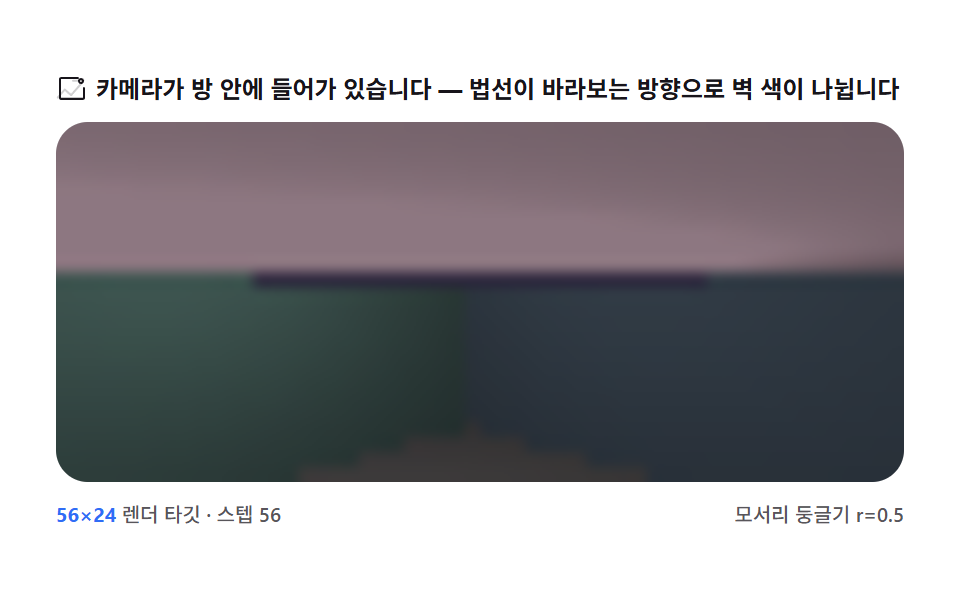 02 rm-box-round-room
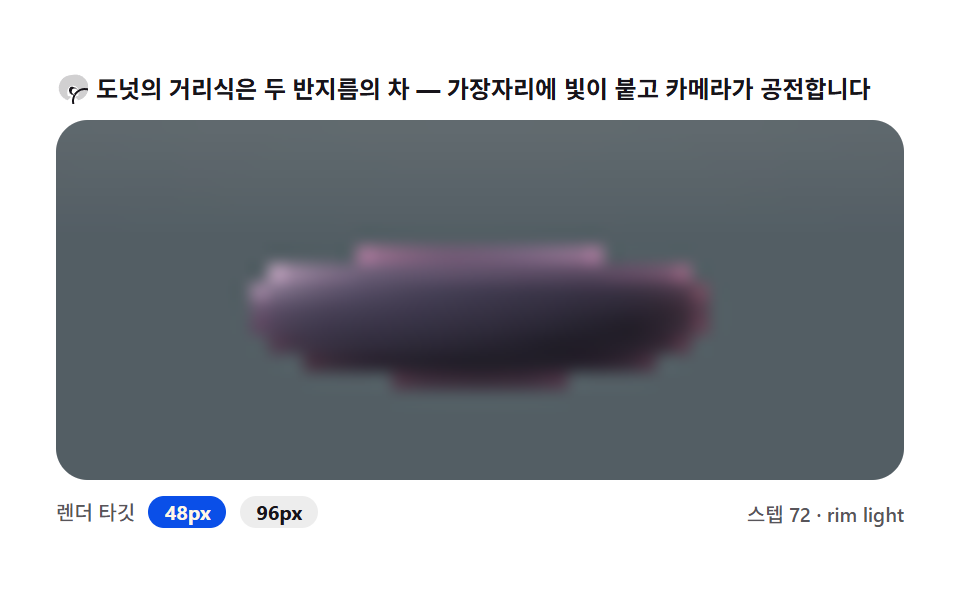 03 rm-torus-glow-ring
 04 rm-fractal-mandelbulb
 05 rm-menger-sponge-city
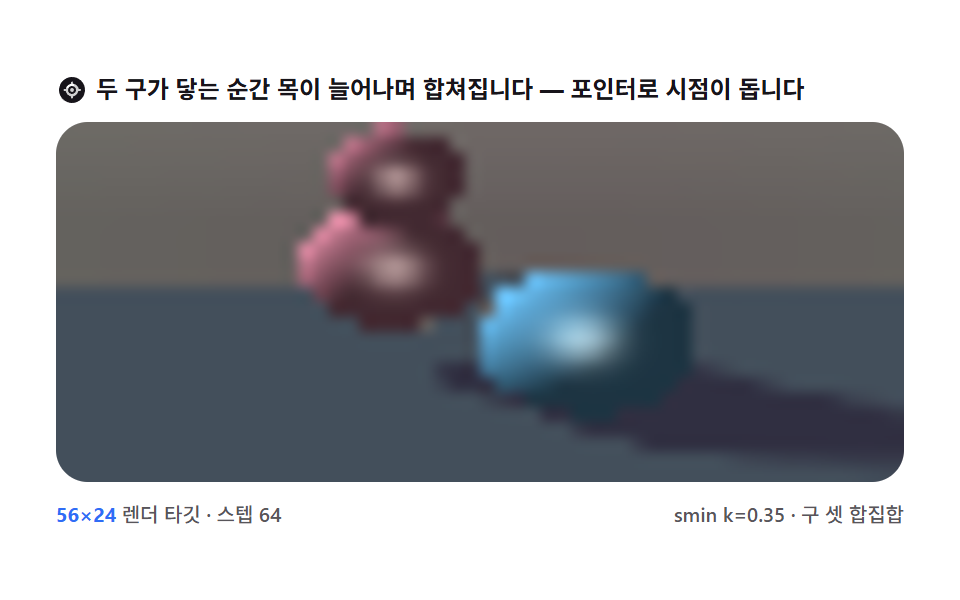 06 rm-blend-metaball-merge
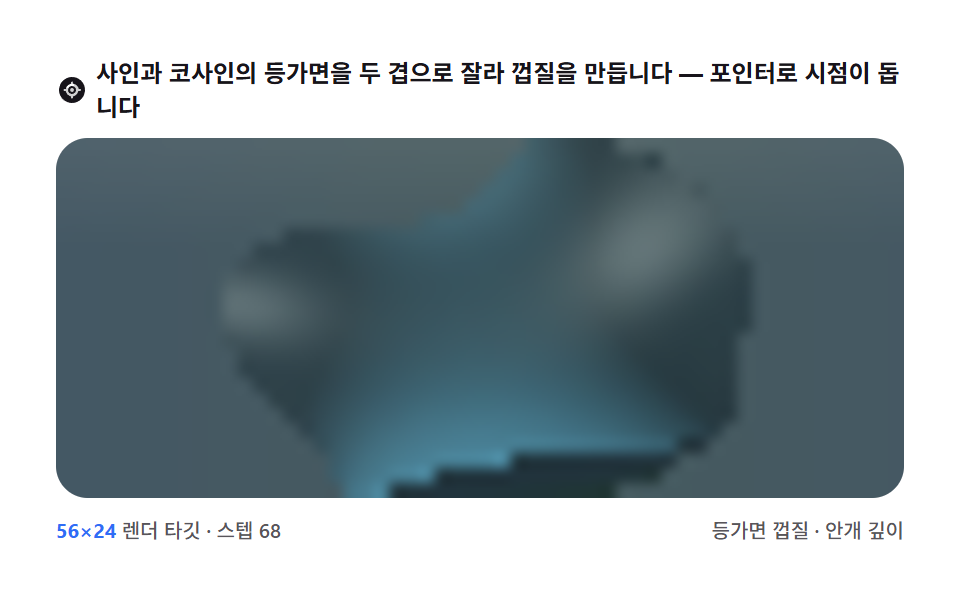 07 rm-gyroid-lattice-shell
 08 rm-fbm-cloud-volume
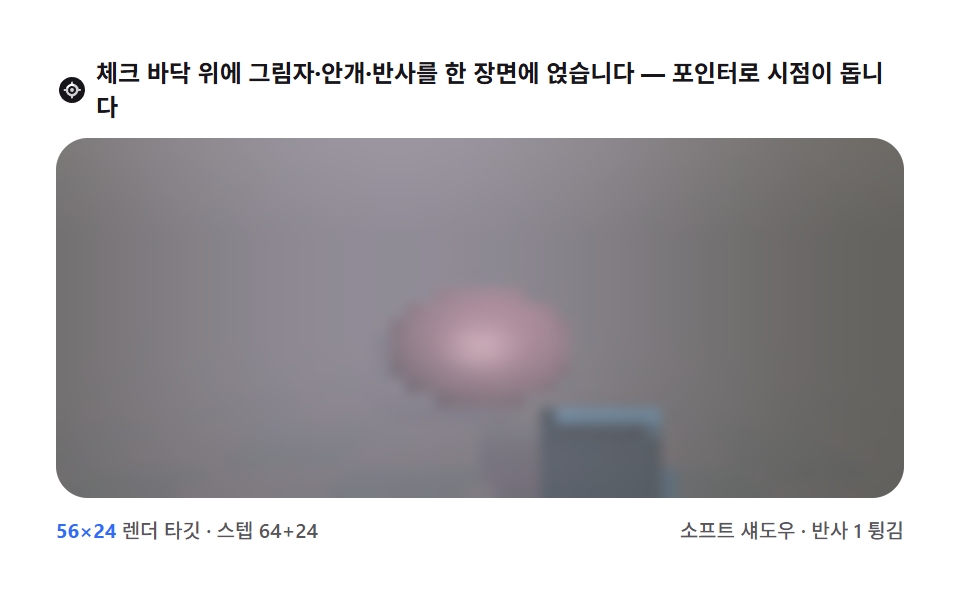 09 rm-chess-relief-reflect
Auto-plays · click a tile to jump to its section · all nine in one zip
- 01 One sphere — the first 3D a minimal marcher makes
- 02 Rounded box room — a scene seen from inside
- 03 Torus ring — the donut distance and rim light
- 04 Mandelbulb — the fractal distance estimation opens
- 05 Menger sponge city — the recursion of regular holes
- 06 Metaball merge — smooth union of blobs
- 07 Gyroid shell — an infinite structure written in trig
- 08 Cloud volume — not a surface but stacking fog
- 09 Checker floor — shadow, fog and reflection in one scene
Why this order
The order follows how much a distance field has to describe before a scene reads as solid: an exact sphere and floor come first (01), then interior framing with rounded walls (02), then a curved hole and a fractal iteration (03–05), then a blended and a patterned surface (06–07), then a non-surface volume (08), and a full scene stacking shadow, fog, and reflection last (09). This whole set marches a ray forward by the current distance-field value — a different technique axis from post 307's pointer-tracked 3D scenes, which project and z-sort polygon vertices with no distance field involved. Two neighbors worth opening alongside this one: the Perlin noise terrain boards sample a height field directly instead of marching toward one, and the reaction-diffusion simulations evolve a 2D grid rather than stepping a ray through 3D space at all.
01One sphere — the first 3D a minimal marcher makes
What you're seeing
Marching a ray from the eye through each pixel along the sphere's signed distance function turns a flat circle into a real sphere lit from one side. It works as a lit hero-background sphere or a 3D intro screen icon.
<main class="stage">
<div class="sm is-demo" id="smRoot">
  <p class="sm__hint">
    <svg class="sm__ico" viewBox="0 0 256 256" aria-hidden="true"><g fill="currentColor"><path d="M128 24a16 16 0 0 1 16 16v8a80.06 80.06 0 0 1 63.94 63.94h8a16 16 0 0 1 0 32h-8A80.06 80.06 0 0 1 144 207.94v8a16 16 0 0 1-32 0v-8A80.06 80.06 0 0 1 48.06 144h-8a16 16 0 0 1 0-32h8A80.06 80.06 0 0 1 112 48.06v-8A16 16 0 0 1 128 24m-16 57.35V96a16 16 0 0 0 32 0V81.35A48.09 48.09 0 0 0 81.35 112H96a16 16 0 0 0 0-32h14.65M174.65 144H160a16 16 0 0 0 0 32h14.65A48.09 48.09 0 0 0 144 174.65V160a16 16 0 0 0-32 0v14.65A48.09 48.09 0 0 0 81.35 144" opacity=".2"/><path d="M232 128a104 104 0 1 1-104-104a104 104 0 0 1 104 104m-32 0a8 8 0 0 0-8-8h-9.34A56.1 56.1 0 0 0 136 77.34V68a8 8 0 0 0-16 0v9.34A56.1 56.1 0 0 0 77.34 120H68a8 8 0 0 0 0 16h9.34A56.1 56.1 0 0 0 120 179.66V188a8 8 0 0 0 16 0v-8.34A56.1 56.1 0 0 0 178.66 136H192a8 8 0 0 0 8-8m-40 0a32 32 0 1 1-32-32a32 32 0 0 1 32 32m-16 0a16 16 0 1 0-16 16a16 16 0 0 0 16-16"/></g></svg>
    <span>Every pixel walks a ray through the distance field to the sphere — the pointer orbits the view</span>
  </p>
  <div class="sm__field" id="smField" role="application" aria-label="Sphere ray marching board" tabindex="0">
    <canvas class="sm__cv" id="smCv"></canvas>
  </div>
  <div class="sm__bar">
    <span class="sm__meta"><b class="sm__val" id="smRes">64×27</b> render target · 64 steps</span>
    <span class="sm__meta sm__meta--dim">shadow ray · Lambert shading</span>
  </div>
</div>
</main>
@use "../../../../site/static/demo-tokens" as *;
// 구 하나 — 최소 레이 마처(01). CSS 애니메이션·@keyframes 를 아예 두지 않는다 —
// 움직임은 전부 캔버스 rAF 루프가 만들므로 렌더러가 실시간 24장을 찍는다.
// 무대는 크림/페이퍼 쪽 밝은 톤(파스텔 라인). 그림자는 라일락 진한 톤, 하이라이트는 크림.
$duration: $dur-loop;
$easing: $ease-spring;
$color: $subject-lilac;
@include stage($stage-paper);
.sm {
// 렌더러가 읽는 색 — JS 는 getComputedStyle 로 --rm-* 를 받아 쓴다
--rm-sphere: #{$subject-lilac}; // 구 본체 — 라일락 파스텔
--rm-hilite: #{$subject-cream}; // 하이라이트·하늘 밝은 끝 — 크림
--rm-floor: #{mix($subject-sky, $stage-paper, 46%)}; // 바닥 — 옅은 하늘색
--rm-shade: #{mix($subject-lilac, $subject-ink, 52%)}; // 그림자 — 라일락 진한 톤
--rm-sky: #{mix($subject-cream, $stage-paper, 62%)}; // 하늘 — 크림에 가까운 페이퍼
display: flex; flex-direction: column; gap: $sp-2;
width: 100%; max-width: 424px;
}
.sm__hint {
display: flex; align-items: center; gap: $sp-1; margin: 0;
font-weight: 700; font-size: clamp(10px, 2.8vw, 12px); line-height: 1.35;
color: $subject-ink;
}
.sm__ico { width: 16px; height: 16px; flex: 0 0 auto; color: $subject-ink; }
.sm__field {
position: relative; height: 180px;
border-radius: $r-card; overflow: hidden;
background: $stage-paper;
box-shadow: inset 0 0 0 1px rgba($subject-ink, .16);
cursor: crosshair; touch-action: none;
}
.sm__field:focus-visible { outline: 2px solid $subject-blue; outline-offset: 2px; }
.sm__cv { display: block; width: 100%; height: 100%; image-rendering: auto; }
.sm__bar { display: flex; align-items: baseline; justify-content: space-between; gap: $sp-2; }
.sm__meta { font-size: 10px; font-weight: 500; color: rgba($subject-ink, .72); }
.sm__val { color: $subject-blue; font-weight: 700; }
.sm__meta--dim { font-size: 10px; }
@media (max-width: 340px) {
.sm { gap: $sp-1; }
.sm__field { height: 100px; }
.sm__meta--dim { display: none; }
}
// reduce — rAF 를 돌리지 않고 한 장만 남는다. 커서 신호만 거둔다.
@media (prefers-reduced-motion: reduce) {
.sm.is-still .sm__field { cursor: default !important; }
}html, body {
margin: 0;
overflow: hidden;
}
.stage {
box-sizing: border-box;
min-height: 100vh;
display: grid;
place-items: center;
margin: 0;
background: #ffffff;
font-family: -apple-system, "Segoe UI", "Noto Sans KR", sans-serif;
padding: clamp(8px, 4vw, 24px);
}
.sm {
--rm-sphere: #b9a0ff;
--rm-hilite: #fff7e6;
--rm-floor: rgb(73.8431372549%, 90.0784313725%, 100%);
--rm-shade: rgb(42.0549019608%, 36.3921568627%, 56.8941176471%);
--rm-sky: rgb(100%, 98.0549019608%, 93.9215686275%);
display: flex;
flex-direction: column;
gap: 8px;
width: 100%;
max-width: 424px;
}
.sm__hint {
display: flex;
align-items: center;
gap: 4px;
margin: 0;
font-weight: 700;
font-size: clamp(10px, 2.8vw, 12px);
line-height: 1.35;
color: #17141a;
}
.sm__ico {
width: 16px;
height: 16px;
flex: 0 0 auto;
color: #17141a;
}
.sm__field {
position: relative;
height: 180px;
border-radius: 16px;
overflow: hidden;
background: #ffffff;
box-shadow: inset 0 0 0 1px rgba(23, 20, 26, 0.16);
cursor: crosshair;
touch-action: none;
}
.sm__field:focus-visible {
outline: 2px solid #2f6df6;
outline-offset: 2px;
}
.sm__cv {
display: block;
width: 100%;
height: 100%;
image-rendering: auto;
}
.sm__bar {
display: flex;
align-items: baseline;
justify-content: space-between;
gap: 8px;
}
.sm__meta {
font-size: 10px;
font-weight: 500;
color: rgba(23, 20, 26, 0.72);
}
.sm__val {
color: #2f6df6;
font-weight: 700;
}
.sm__meta--dim {
font-size: 10px;
}
@media (max-width: 340px) {
.sm {
gap: 4px;
}
.sm__field {
height: 100px;
}
.sm__meta--dim {
display: none;
}
}
@media (prefers-reduced-motion: reduce) {
.sm.is-still .sm__field {
cursor: default !important;
}
}// 구 하나 — 최소 레이 마처(01). 이 march 루프가 아홉 항목의 원형이다.
// 화면 픽셀마다 눈에서 레이를 쏘고, 구의 부호 거리 함수(sdSphere) 가 알려주는
// "그 방향으로 그만큼은 절대 안 부딪힌다" 만큼씩 전진한다. 닿으면 법선으로 조명을 계산.
// WebGL 없이 ImageData 픽셀 계산만으로 3D 가 나온다.
(function () {
// ── 변형 상수 블록 — 아래 값 하나만 바꿔 변형 3종을 만든다 ──
var RT_W = 64; // render target 폭(버퍼 픽셀). 구 씬은 가벼워 64px 도 60fps 가 나온다
var STEPS = 64; // 최대 전진 스텝 수 — 변형 "스텝 수" 축(48 → 96)
var HIT_EPS = 0.005; // 표면 도달 판정 거리(월드 단위)
var LOOP_MS = 2000; // 미리보기 가상 포인터 주기
// ────────────────────────────────────────────────────
var root = document.getElementById('smRoot');
var field = document.getElementById('smField');
var cv = document.getElementById('smCv');
var ctx = cv.getContext('2d');
var resOut = document.getElementById('smRes');
// 색은 CSS 커스텀 프로퍼티(--rm-*)에서 getComputedStyle 로 읽는다 — 파스텔 토큰이 scss 한 곳에
var css = getComputedStyle(root);
function tokRGB(name) {
var s = css.getPropertyValue(name).trim();
if (s.charAt(0) === '#') {
var hx = s.length === 4
? s.charAt(1) + s.charAt(1) + s.charAt(2) + s.charAt(2) + s.charAt(3) + s.charAt(3)
: s.slice(1);
return [parseInt(hx.slice(0, 2), 16), parseInt(hx.slice(2, 4), 16), parseInt(hx.slice(4, 6), 16)];
}
var p = s.replace(/[^\d,.]/g, '').split(',');
return [Number(p[0]) || 0, Number(p[1]) || 0, Number(p[2]) || 0];
}
var C_SPHERE = tokRGB('--rm-sphere');
var C_HILITE = tokRGB('--rm-hilite');
var C_FLOOR = tokRGB('--rm-floor');
var C_SHADE = tokRGB('--rm-shade');
var C_SKY = tokRGB('--rm-sky');
var TAU = Math.PI * 2;
var reduce = window.matchMedia('(prefers-reduced-motion: reduce)').matches;
var W = 0, H = 0;
var buf, bctx, img; // 저해상 render target 버퍼(캔버스와 별개)
var heading = 0.55; // 편요(라디안) — 포인터 좌우
var pitch = 0.27; // 상하각(라디안) — 포인터 상하
var px01 = 0.5, py01 = 0.5;
var manual = false;
var raf = 0, t0 = -1;
// 구 하나의 부호 거리 — p 에서 구 표면까지, 안이면 음수
// 중심 (0,1,0) · 반지름 1
function sdSphere(px, py, pz) {
var dx = px, dy = py - 1.0, dz = pz;
return Math.sqrt(dx * dx + dy * dy + dz * dz) - 1.0;
}
// 바닥 평면 y=0 의 거리
function sdFloor(py) { return py; }
// 장면 거리 = 두 물체 거리의 최소(합집합)
function map(px, py, pz) {
var dS = sdSphere(px, py, pz);
var dF = sdFloor(py);
return dS < dF ? dS : dF;
}
// 거리장의 기울기(전방 차분) = 표면 법선
function normalAt(px, py, pz) {
var e = 0.001;
var nx = map(px + e, py, pz) - map(px - e, py, pz);
var ny = map(px, py + e, pz) - map(px, py - e, pz);
var nz = map(px, py, pz + e) - map(px, py, pz - e);
var l = Math.sqrt(nx * nx + ny * ny + nz * nz) || 1;
return [nx / l, ny / l, nz / l];
}
// 부드러운 그림자 — 바닥 점에서 광원 방향으로 다시 마칭한다.
// 경로가 구 안을 지나면 0, 스치듯 가까우면 클램프 완화로 반그림자가 된다
function softShadow(px, py, pz) {
var lx = -0.5, ly = 0.78, lz = 0.38; // 광원 방향(정규화 상수) — 왼쪽 위
var t = 0.02, res = 1.0;
for (var i = 0; i < 24; i++) {
var d = sdSphere(px + lx * t, py + ly * t, pz + lz * t);
if (d < -0.001) return 0.0;
res = Math.min(res, 10.0 * d / t); // 가장자리가 어금니 곡선처럼 부드럽게 — 계수 10 이 완화 폭
if (res < 0.005 || t > 7.0) break;
t += Math.max(d, 0.02);
}
return res < 0 ? 0 : (res > 1 ? 1 : res);
}
function mix3(c1, c2, t) {
return [c1[0] + (c2[0] - c1[0]) * t, c1[1] + (c2[1] - c1[1]) * t, c1[2] + (c2[2] - c1[2]) * t];
}
function clamp255(v) { return v > 255 ? 255 : (v < 0 ? 0 : v); }
function draw(tSec) {
if (!img) return;
var data = img.data;
var bw = buf.width, bh = buf.height;
// 카메라 — 구 중심(0,1,0) 을 도는 궤도. heading/pitch 를 눈 위치로
var ch = Math.cos(heading), sh = Math.sin(heading);
var cp = Math.cos(pitch), sp = Math.sin(pitch);
var D = 4.2; // 눈-구 거리
var ex = sh * cp * D, ey = 1.0 + sp * D, ez = ch * cp * D;
// 전방(눈→구 중심) · 오른쪽 · 위 — 오른손 기저
var fx = -sh * cp, fy = -sp, fz = -ch * cp;
var rx = -fz, rz = fx; // right = normalize(f × worldUp)
var rl = Math.sqrt(rx * rx + rz * rz) || 1;
rx /= rl; rz /= rl;
var ux = -rz * fy, uy = rz * fx - rx * fz, uz = rx * fy; // up = right × forward
var lx = -0.5, ly = 0.78, lz = 0.38; // 광원 방향
var i = 0;
for (var y = 0; y < bh; y++) {
var vy = (1 - 2 * (y + 0.5) / bh) * 0.5; // -0.5..+0.5 (화면 위가 +)
for (var x = 0; x < bw; x++) {
var vx = (2 * (x + 0.5) / bw - 1) * 0.8; // -0.8..+0.8
// 레이 방향 = 전방 + 화면 오프셋, 정규화
var dx = fx + rx * vx + ux * vy;
var dy = fy + uy * vy;
var dz = fz + rz * vx + uz * vy;
var dl = Math.sqrt(dx * dx + dy * dy + dz * dz);
dx /= dl; dy /= dl; dz /= dl;
// ── march 루프 — 아홉 항목의 원형. 거리만큼 안전하게 전진 ──
var t = 0.0, hit = 0, px = ex, py = ey, pz = ez;
for (var s = 0; s < STEPS; s++) {
var d = map(px, py, pz);
if (d < HIT_EPS) { hit = 1; break; } // 표면 도달
if (t > 12.0) break; // 멀어지면 하늘로 놓아준다
t += d;
px = ex + dx * t; py = ey + dy * t; pz = ez + dz * t;
}
var r, g, b;
if (hit) {
var isFloor = py < 0.5; // 낮게 맞았으면 바닥
var n = normalAt(px, py, pz);
var lam = Math.max(0, n[0] * lx + n[1] * ly + n[2] * lz);
if (isFloor) {
// 바닥 — 그림자 레이로 접시 모양 부드러운 음영
var shd = softShadow(px, py, pz);
var lit = (0.4 + 0.6 * lam) * (0.25 + 0.75 * shd);
r = C_FLOOR[0] * lit + C_SHADE[0] * (1 - lit);
g = C_FLOOR[1] * lit + C_SHADE[1] * (1 - lit);
b = C_FLOOR[2] * lit + C_SHADE[2] * (1 - lit);
} else {
// 구 — 램버트 + 시선-법선 각 하이라이트 근사(가장자리가 살짝 어둡다)
var dif = 0.26 + 0.74 * lam;
var rim = Math.max(0, n[0] * -dx + n[1] * -dy + n[2] * -dz);
var spec = Math.pow(rim, 16) * 0.45;
r = C_SPHERE[0] * dif + C_HILITE[0] * spec;
g = C_SPHERE[1] * dif + C_HILITE[1] * spec;
b = C_SPHERE[2] * dif + C_HILITE[2] * spec;
}
} else {
// 하늘 — 위로 갈수록 살짝 밝아지는 크림
var sky = dy > 0 ? dy : 0;
r = C_SKY[0] + (C_HILITE[0] - C_SKY[0]) * sky * 0.3;
g = C_SKY[1] + (C_HILITE[1] - C_SKY[1]) * sky * 0.3;
b = C_SKY[2] + (C_HILITE[2] - C_SKY[2]) * sky * 0.3;
}
data[i] = clamp255(r);
data[i + 1] = clamp255(g);
data[i + 2] = clamp255(b);
data[i + 3] = 255;
i += 4;
}
}
bctx.putImageData(img, 0, 0);
// 저해상 버퍼를 캔버스 CSS 크기로 부드럽게 확대 — dpr 을 곱하지 않는다(버퍼가 저해상)
ctx.imageSmoothingEnabled = true;
ctx.imageSmoothingQuality = 'high';
ctx.clearRect(0, 0, W, H);
ctx.drawImage(buf, 0, 0, W, H);
}
function fit() {
var r = field.getBoundingClientRect();
W = r.width; H = r.height;
cv.width = Math.round(W); cv.height = Math.round(H);
var bh = Math.max(12, Math.round(RT_W * H / W));
buf = document.createElement('canvas');
buf.width = RT_W; buf.height = bh;
bctx = buf.getContext('2d');
img = bctx.createImageData(RT_W, bh);
resOut.textContent = RT_W + '×' + bh;
}
function aim() {
// 포인터/키 입력 → 목표 각도. heading ±0.95 · pitch 0.13..0.47
return [(px01 - 0.5) * 1.9, 0.3 + (py01 - 0.5) * 0.34];
}
function frame(now) {
if (t0 < 0) t0 = now;
var t = (now - t0) / 1000;
if (!manual) {
// 미리보기 가상 포인터 — 시드 고정 Lissajous(표 밖 자연 경로)
var ph = ((now - t0) % LOOP_MS) / LOOP_MS * TAU;
px01 = 0.5 + 0.4 * Math.sin(ph);
py01 = 0.5 + 0.34 * Math.sin(2 * ph + 0.7);
}
var a = aim();
heading += (a[0] - heading) * 0.1;
pitch += (a[1] - pitch) * 0.1;
draw(t);
raf = requestAnimationFrame(frame);
}
field.addEventListener('pointermove', function (e) {
var r = field.getBoundingClientRect();
px01 = Math.min(1, Math.max(0, (e.clientX - r.left) / r.width));
py01 = Math.min(1, Math.max(0, (e.clientY - r.top) / r.height));
if (!manual) { manual = true; root.classList.remove('is-demo'); }
if (reduce) { var a1 = aim(); heading = a1[0]; pitch = a1[1]; draw(0.6); }
});
field.addEventListener('pointerleave', function () {
if (manual) { px01 = 0.5; py01 = 0.5; }
});
field.addEventListener('keydown', function (e) {
var d = { ArrowLeft: [-0.07, 0], ArrowRight: [0.07, 0], ArrowUp: [0, -0.06], ArrowDown: [0, 0.06] }[e.key];
if (!d) return;
e.preventDefault();
if (!manual) { manual = true; root.classList.remove('is-demo'); }
px01 = Math.max(0, Math.min(1, px01 + d[0]));
py01 = Math.max(0, Math.min(1, py01 + d[1]));
if (reduce) { var a2 = aim(); heading = a2[0]; pitch = a2[1]; draw(0.6); }
});
window.addEventListener('resize', function () { fit(); if (reduce) draw(0.6); });
fit();
if (reduce) {
// reduce — rAF 를 돌리지 않고 그림자가 읽히는 각도의 한 장만 그린다
heading = 0.55; pitch = 0.3;
draw(0.6);
root.classList.add('is-still');
} else {
raf = requestAnimationFrame(frame);
}
})();// SphereSoftShadow — vanilla 판(run/312/demo/01-rm-sphere-soft-shadow/index.html) 의 React 포트.
// 화면 픽셀마다 눈에서 레이를 쏘고, 구의 부호 거리 함수(sdSphere) 가 알려주는
// "그 방향으로 그만큼은 절대 안 부딪힌다" 만큼씩 전진한다. 닿으면 법선으로 조명을 계산.
// WebGL 없이 ImageData 픽셀 계산만으로 3D 가 나온다. 미리보기는 시드 고정 Lissajous 자동 재생.
import { useEffect, useRef, useState } from "react";
import type { CSSProperties } from "react";
import styles from "./SphereSoftShadow.module.scss";
export type SphereSoftShadowProps = {
duration?: string;
easing?: string;
color?: string;
renderWidth?: number; // 렌더 타깃 폭(버퍼 픽셀) — 변형 "해상도" 축
steps?: number; // 최대 전진 스텝 수 — 변형 "스텝 수" 축
};
type Vars = CSSProperties & { "--duration"?: string; "--easing"?: string; "--color"?: string };
// useRef 는 T | null 을 돌려준다. 처음부터 값이 있고 절대 비지 않는 상자는 이렇게 좁혀 쓴다
type Box<T> = { current: T };
// React 의 이벤트 제네릭이 없는 환경이라 필요한 것만 로컬로 선언한다
type PointerEvt = { clientX: number; clientY: number };
type KeyEvt = { key: string; preventDefault(): void };
type RGB = [number, number, number];
type Size = { w: number; h: number };
const TAU = Math.PI * 2;
const FIELD_LABEL = "구 레이 마칭 실험판";
const STILL_T = 0.6; // reduce 에서 그리는 파동 시각 — 그림자가 읽히는 각도의 한 장
// 구 하나의 부호 거리 — p 에서 구 표면까지, 안이면 음수. 중심 (0,1,0) · 반지름 1
function sdSphere(px: number, py: number, pz: number): number {
const dx = px, dy = py - 1.0, dz = pz;
return Math.sqrt(dx * dx + dy * dy + dz * dz) - 1.0;
}
// 바닥 평면 y=0 의 거리
function sdFloor(py: number): number { return py; }
// 장면 거리 = 두 물체 거리의 최소(합집합)
function map(px: number, py: number, pz: number): number {
const dS = sdSphere(px, py, pz);
const dF = sdFloor(py);
return dS < dF ? dS : dF;
}
// 거리장의 기울기(전방 차분) = 표면 법선
function normalAt(px: number, py: number, pz: number): RGB {
const e = 0.001;
const nx = map(px + e, py, pz) - map(px - e, py, pz);
const ny = map(px, py + e, pz) - map(px, py - e, pz);
const nz = map(px, py, pz + e) - map(px, py, pz - e);
const l = Math.sqrt(nx * nx + ny * ny + nz * nz) || 1;
return [nx / l, ny / l, nz / l];
}
// 부드러운 그림자 — 바닥 점에서 광원 방향으로 다시 마칭한다
function softShadow(px: number, py: number, pz: number): number {
const lx = -0.5, ly = 0.78, lz = 0.38; // 광원 방향(정규화 상수) — 왼쪽 위
let t = 0.02, res = 1.0;
for (let i = 0; i < 24; i++) {
const d = sdSphere(px + lx * t, py + ly * t, pz + lz * t);
if (d < -0.001) return 0.0;
res = Math.min(res, 10.0 * d / t); // 계수 10 이 완화 폭 — 가장자리가 부드럽게
if (res < 0.005 || t > 7.0) break;
t += Math.max(d, 0.02);
}
return res < 0 ? 0 : (res > 1 ? 1 : res);
}
function clamp255(v: number): number { return v > 255 ? 255 : (v < 0 ? 0 : v); }
export default function SphereSoftShadow({
duration = "2s",
easing = "cubic-bezier(.2, .8, .2, 1)",
color = "#b9a0ff",
renderWidth = 64,
steps = 64,
}: SphereSoftShadowProps) {
const rootRef = useRef<HTMLDivElement | null>(null);
const fieldRef = useRef<HTMLDivElement | null>(null);
const cvRef = useRef<HTMLCanvasElement | null>(null);
const ctxRef = useRef<CanvasRenderingContext2D | null>(null);
const bufRef = useRef<HTMLCanvasElement | null>(null);
const bctxRef = useRef<CanvasRenderingContext2D | null>(null);
const imgRef = useRef<ImageData | null>(null);
const sizeRef = useRef({ w: 0, h: 0 }) as Box<Size>;
const colRef = useRef<{ sphere: RGB; hilite: RGB; floor: RGB; shade: RGB; sky: RGB } | null>(null);
const rtRef = useRef(renderWidth) as Box<number>; // 렌더 타깃 폭
const stepRef = useRef(steps) as Box<number>; // 최대 스텝 수
const headingRef = useRef(0.55) as Box<number>; // 편요(라디안)
const pitchRef = useRef(0.27) as Box<number>; // 상하각(라디안)
const pxRef = useRef(0.5) as Box<number>;
const pyRef = useRef(0.5) as Box<number>;
const manualRef = useRef(false) as Box<boolean>;
const rafRef = useRef(0) as Box<number>;
const t0Ref = useRef(-1) as Box<number>;
const [res, setRes] = useState("64×27");
const [still, setStill] = useState(false);
const vars: Vars = { "--duration": duration, "--easing": easing, "--color": color };
function reduced(): boolean {
return window.matchMedia("(prefers-reduced-motion: reduce)").matches;
}
// 색은 CSS 커스텀 프로퍼티(--rm-*)에서 getComputedStyle 로 읽는다 — 파스텔 토큰이 scss 한 곳에
function tokRGB(root: HTMLDivElement, name: string): RGB {
const s = getComputedStyle(root).getPropertyValue(name).trim();
if (s.charAt(0) === "#") {
const hx = s.length === 4
? s.charAt(1) + s.charAt(1) + s.charAt(2) + s.charAt(2) + s.charAt(3) + s.charAt(3)
: s.slice(1);
return [parseInt(hx.slice(0, 2), 16), parseInt(hx.slice(2, 4), 16), parseInt(hx.slice(4, 6), 16)];
}
const p = s.replace(/[^\d,.]/g, "").split(",");
return [Number(p[0]) || 0, Number(p[1]) || 0, Number(p[2]) || 0];
}
function fit(): void {
const field = fieldRef.current;
const cv = cvRef.current;
if (!field || !cv) return;
const ctx = cv.getContext("2d");
if (!ctx) return;
const size = sizeRef.current;
const r = field.getBoundingClientRect();
size.w = r.width; size.h = r.height;
// 캔버스는 dpr 을 곱하지 않는다 — 버퍼가 저해상이라 확대가 곧 표시 해상도다
cv.width = Math.round(size.w); cv.height = Math.round(size.h);
ctxRef.current = ctx;
const bh = Math.max(12, Math.round(rtRef.current * size.h / size.w));
const buf = document.createElement("canvas");
buf.width = rtRef.current; buf.height = bh;
const bctx = buf.getContext("2d");
if (!bctx) return;
bufRef.current = buf; bctxRef.current = bctx;
imgRef.current = bctx.createImageData(rtRef.current, bh);
setRes(rtRef.current + "×" + bh);
}
function draw(tSec: number): void {
const img = imgRef.current, bctx = bctxRef.current, buf = bufRef.current, ctx = ctxRef.current;
const col = colRef.current;
if (!img || !bctx || !buf || !ctx || !col) return;
const data = img.data;
const size = sizeRef.current;
const bw = buf.width, bh = buf.height;
const STEPS = stepRef.current, HIT_EPS = 0.005;
// 카메라 — 구 중심(0,1,0) 을 도는 궤도. heading/pitch 를 눈 위치로
const heading = headingRef.current, pitch = pitchRef.current;
const ch = Math.cos(heading), sh = Math.sin(heading);
const cp = Math.cos(pitch), sp = Math.sin(pitch);
const D = 4.2;
const ex = sh * cp * D, ey = 1.0 + sp * D, ez = ch * cp * D;
// 전방(눈→구 중심) · 오른쪽 · 위 — 오른손 기저
const fx = -sh * cp, fy = -sp, fz = -ch * cp;
let rx = -fz, rz = fx; // right = f × worldUp 방향
const rl = Math.sqrt(rx * rx + rz * rz) || 1;
rx /= rl; rz /= rl;
const ux = -rz * fy, uy = rz * fx - rx * fz, uz = rx * fy; // up = right × forward
const lx = -0.5, ly = 0.78, lz = 0.38; // 광원 방향
let i = 0;
for (let y = 0; y < bh; y++) {
const vy = (1 - 2 * (y + 0.5) / bh) * 0.5; // -0.5..+0.5 (화면 위가 +)
for (let x = 0; x < bw; x++) {
const vx = (2 * (x + 0.5) / bw - 1) * 0.8; // -0.8..+0.8
// 레이 방향 = 전방 + 화면 오프셋, 정규화
let dx = fx + rx * vx + ux * vy;
let dy = fy + uy * vy;
let dz = fz + rz * vx + uz * vy;
const dl = Math.sqrt(dx * dx + dy * dy + dz * dz);
dx /= dl; dy /= dl; dz /= dl;
// ── march 루프 — 아홉 항목의 원형. 거리만큼 안전하게 전진 ──
let t = 0.0, hit = 0, px = ex, py = ey, pz = ez;
for (let s = 0; s < STEPS; s++) {
const d = map(px, py, pz);
if (d < HIT_EPS) { hit = 1; break; } // 표면 도달
if (t > 12.0) break; // 멀어지면 하늘로 놓아준다
t += d;
px = ex + dx * t; py = ey + dy * t; pz = ez + dz * t;
}
let r: number, g: number, b: number;
if (hit) {
const isFloor = py < 0.5; // 낮게 맞았으면 바닥
const n = normalAt(px, py, pz);
const lam = Math.max(0, n[0] * lx + n[1] * ly + n[2] * lz);
if (isFloor) {
// 바닥 — 그림자 레이로 접시 모양 부드러운 음영
const shd = softShadow(px, py, pz);
const lit = (0.4 + 0.6 * lam) * (0.25 + 0.75 * shd);
r = col.floor[0] * lit + col.shade[0] * (1 - lit);
g = col.floor[1] * lit + col.shade[1] * (1 - lit);
b = col.floor[2] * lit + col.shade[2] * (1 - lit);
} else {
// 구 — 램버트 + 시선-법선 각 하이라이트 근사(가장자리가 살짝 어둡다)
const dif = 0.26 + 0.74 * lam;
const rim = Math.max(0, n[0] * -dx + n[1] * -dy + n[2] * -dz);
const spec = Math.pow(rim, 16) * 0.45;
r = col.sphere[0] * dif + col.hilite[0] * spec;
g = col.sphere[1] * dif + col.hilite[1] * spec;
b = col.sphere[2] * dif + col.hilite[2] * spec;
}
} else {
// 하늘 — 위로 갈수록 살짝 밝아지는 크림
const sky = dy > 0 ? dy : 0;
r = col.sky[0] + (col.hilite[0] - col.sky[0]) * sky * 0.3;
g = col.sky[1] + (col.hilite[1] - col.sky[1]) * sky * 0.3;
b = col.sky[2] + (col.hilite[2] - col.sky[2]) * sky * 0.3;
}
data[i] = clamp255(r);
data[i + 1] = clamp255(g);
data[i + 2] = clamp255(b);
data[i + 3] = 255;
i += 4;
}
}
bctx.putImageData(img, 0, 0);
// 저해상 버퍼를 캔버스 CSS 크기로 부드럽게 확대
ctx.imageSmoothingEnabled = true;
ctx.imageSmoothingQuality = "high";
ctx.clearRect(0, 0, size.w, size.h);
ctx.drawImage(buf, 0, 0, size.w, size.h);
}
function aim(): [number, number] {
return [(pxRef.current - 0.5) * 1.9, 0.3 + (pyRef.current - 0.5) * 0.34];
}
function frame(now: number): void {
if (t0Ref.current < 0) t0Ref.current = now;
const t = (now - t0Ref.current) / 1000;
if (!manualRef.current) {
// 미리보기 가상 포인터 — 시드 고정 Lissajous(표 밖 자연 경로)
const ph = (((now - t0Ref.current) % 2000) / 2000) * TAU;
pxRef.current = 0.5 + 0.4 * Math.sin(ph);
pyRef.current = 0.5 + 0.34 * Math.sin(2 * ph + 0.7);
}
const a = aim();
headingRef.current += (a[0] - headingRef.current) * 0.1;
pitchRef.current += (a[1] - pitchRef.current) * 0.1;
draw(t);
rafRef.current = requestAnimationFrame(frame);
}
function onPoint(e: PointerEvt): void {
const field = fieldRef.current;
if (!field) return;
const r = field.getBoundingClientRect();
pxRef.current = Math.min(1, Math.max(0, (e.clientX - r.left) / r.width));
pyRef.current = Math.min(1, Math.max(0, (e.clientY - r.top) / r.height));
if (!manualRef.current) manualRef.current = true;
if (reduced()) {
const a = aim();
headingRef.current = a[0]; pitchRef.current = a[1];
draw(STILL_T);
}
}
function onLeave(): void {
if (manualRef.current) { pxRef.current = 0.5; pyRef.current = 0.5; }
}
function onKeyDown(e: KeyEvt): void {
const deltas: Record<string, [number, number]> = {
ArrowLeft: [-0.07, 0], ArrowRight: [0.07, 0], ArrowUp: [0, -0.06], ArrowDown: [0, 0.06],
};
const d = deltas[e.key];
if (!d) return;
e.preventDefault();
if (!manualRef.current) manualRef.current = true;
pxRef.current = Math.max(0, Math.min(1, pxRef.current + d[0]));
pyRef.current = Math.max(0, Math.min(1, pyRef.current + d[1]));
if (reduced()) {
const a = aim();
headingRef.current = a[0]; pitchRef.current = a[1];
draw(STILL_T);
}
}
useEffect(() => {
const root = rootRef.current;
if (!root) return;
rtRef.current = renderWidth;
stepRef.current = steps;
colRef.current = {
sphere: tokRGB(root, "--rm-sphere"),
hilite: tokRGB(root, "--rm-hilite"),
floor: tokRGB(root, "--rm-floor"),
shade: tokRGB(root, "--rm-shade"),
sky: tokRGB(root, "--rm-sky"),
};
fit();
function onResize(): void {
fit();
if (reduced()) draw(STILL_T);
}
window.addEventListener("resize", onResize);
if (reduced()) {
// reduce — rAF 를 돌리지 않고 그림자가 읽히는 각도의 한 장만 그린다
headingRef.current = 0.55; pitchRef.current = 0.3;
draw(STILL_T);
setStill(true);
} else {
rafRef.current = requestAnimationFrame(frame);
}
return () => {
window.removeEventListener("resize", onResize);
cancelAnimationFrame(rafRef.current);
};
// eslint-disable-next-line react-hooks/exhaustive-deps
}, [renderWidth, steps]);
const rootCls = still ? `${styles.root} ${styles.isStill}` : styles.root;
return (
<main className={styles.stage}>
<div className={rootCls} ref={rootRef} style={vars}>
<p className={styles.hint}>
<svg className={styles.ico} viewBox="0 0 256 256" aria-hidden="true"><g fill="currentColor"><path d="M128 24a16 16 0 0 1 16 16v8a80.06 80.06 0 0 1 63.94 63.94h8a16 16 0 0 1 0 32h-8A80.06 80.06 0 0 1 144 207.94v8a16 16 0 0 1-32 0v-8A80.06 80.06 0 0 1 48.06 144h-8a16 16 0 0 1 0-32h8A80.06 80.06 0 0 1 112 48.06v-8A16 16 0 0 1 128 24m-16 57.35V96a16 16 0 0 0 32 0V81.35A48.09 48.09 0 0 0 81.35 112H96a16 16 0 0 0 0-32h14.65M174.65 144H160a16 16 0 0 0 0 32h14.65A48.09 48.09 0 0 0 144 174.65V160a16 16 0 0 0-32 0v14.65A48.09 48.09 0 0 0 81.35 144" opacity=".2"/><path d="M232 128a104 104 0 1 1-104-104a104 104 0 0 1 104 104m-32 0a8 8 0 0 0-8-8h-9.34A56.1 56.1 0 0 0 136 77.34V68a8 8 0 0 0-16 0v9.34A56.1 56.1 0 0 0 77.34 120H68a8 8 0 0 0 0 16h9.34A56.1 56.1 0 0 0 120 179.66V188a8 8 0 0 0 16 0v-8.34A56.1 56.1 0 0 0 178.66 136H192a8 8 0 0 0 8-8m-40 0a32 32 0 1 1-32-32a32 32 0 0 1 32 32m-16 0a16 16 0 1 0-16 16a16 16 0 0 0 16-16"/></g></svg>
<span>픽셀마다 레이가 거리장을 따라 구까지 걸어갑니다 — 포인터로 시점이 돕니다</span>
</p>
<div
className={styles.field}
ref={fieldRef}
role="application"
aria-label={FIELD_LABEL}
tabIndex={0}
onPointerMove={onPoint}
onPointerLeave={onLeave}
onKeyDown={onKeyDown}
>
<canvas className={styles.cv} ref={cvRef}></canvas>
</div>
<div className={styles.bar}>
<span className={styles.meta}><b className={styles.val}>{res}</b> 렌더 타깃 · 스텝 {steps}</span>
<span className={styles.metaDim}>그림자 레이 · 램버트 조명</span>
</div>
</div>
</main>
);
}01 · One sphere — the first 3D a minimal marcher makes — Measured area 13.794% · moving frames 23/23Original by GODRICH · SCSS and React ship in the zip · See the password
Where to look in the code
This scene marched to a cumulative area of 13.794% and an average intensity of 19.1 across the render.
var RT_W = 64;          // render target width (buffer pixels)
var STEPS = 64;         // maximum march steps
var HIT_EPS = 0.005;    // surface-hit distance

function sdSphere(px, py, pz) {
  var dx = px, dy = py - 1.0, dz = pz;
  return Math.sqrt(dx * dx + dy * dy + dz * dz) - 1.0;
}
function sdFloor(py) { return py; }
function map(px, py, pz) {
  var dS = sdSphere(px, py, pz);
  var dF = sdFloor(py);
  return dS < dF ? dS : dF;
}

var t = 0.0, hit = 0, px = ex, py = ey, pz = ez;
for (var s = 0; s < STEPS; s++) {
  var d = map(px, py, pz);
  if (d < HIT_EPS) { hit = 1; break; }
  if (t > 12.0) break;
  t += d;
  px = ex + dx * t; py = ey + dy * t; pz = ez + dz * t;
}
02Rounded box room — a scene seen from inside
What you're seeing
Rounding the box distance and tinting walls by the surface normal gives an interior render, as if the camera stepped inside the room. It suits interior previews or a walkthrough guide for how a product looks from different angles.
<main class="stage">
<div class="br is-demo" id="brRoot">
  <p class="br__hint">
    <svg class="br__ico" viewBox="0 0 256 256" aria-hidden="true"><g fill="currentColor"><path d="M228.92 49.69a8 8 0 0 0-6.86-3.69H136a8 8 0 0 0 0 16h67.89l-83.6 95.47l-45-39.06a8 8 0 0 0-11.19.77l-56 64a8 8 0 1 0 11.9 10.62l50.59-57.87l45.11 39.15a8 8 0 0 0 11-.42l96-109.63a8 8 0 0 0 1.19-8.37Z" opacity=".2"/><path d="M224 104a8 8 0 0 0-8 8v78H40V40h136a8 8 0 0 0 0-16H40a16 16 0 0 0-16 16v152a16 16 0 0 0 16 16h176a16 16 0 0 0 16-16v-80a8 8 0 0 0-8-8m-24-72a24 24 0 1 0 24 24a24 24 0 0 0-24-24m0 32a8 8 0 1 1 8-8a8 8 0 0 1-8 8"/></g></svg>
    <span>The camera is inside the room — the surface normal decides which wall color you see</span>
  </p>
  <div class="br__field" id="brField" role="application" aria-label="Box room interior render board" tabindex="0">
    <canvas class="br__cv" id="brCv"></canvas>
  </div>
  <div class="br__bar">
    <span class="br__meta"><b class="br__val" id="brRes">56×24</b> render target · 56 steps</span>
    <span class="br__meta br__meta--dim">edge rounding r=0.5</span>
  </div>
</div>
</main>
@use "../../../../site/static/demo-tokens" as *;
// 둥근 박스 방(02) — @keyframes 를 아예 두지 않는다(움직임은 rAF 캔버스 루프).
// 무대는 밝은 페이퍼. 실내 벽은 파스텔 민트·하늘·크림 — 어두운 실내 톤 금지(파스텔 라인).
$duration: $dur-loop;
$easing: $ease-spring;
$color: $subject-mint;
@include stage($stage-paper);
.br {
--br-wallA: #{mix($subject-mint, $stage-paper, 52%)}; // 앞뒤 벽 — 민트 파스텔
--br-wallB: #{mix($subject-sky, $stage-paper, 52%)}; // 좌우 옆벽 — 하늘색
--br-floor: #{mix($subject-pink, $stage-paper, 42%)}; // 바닥 — 옅은 핑크
--br-ceil: #{mix($subject-cream, $stage-paper, 82%)}; // 천장 — 크림
--br-hilite: #{$subject-cream}; // 램프 하이라이트
--br-shade: #{mix($subject-lilac, $subject-ink, 58%)}; // 코너 음영 — 라일락 진한 톤
display: flex; flex-direction: column; gap: $sp-2;
width: 100%; max-width: 424px;
}
.br__hint {
display: flex; align-items: center; gap: $sp-1; margin: 0;
font-weight: 700; font-size: clamp(10px, 2.8vw, 12px); line-height: 1.35;
color: $subject-ink;
}
.br__ico { width: 16px; height: 16px; flex: 0 0 auto; color: $subject-ink; }
.br__field {
position: relative; height: 180px;
border-radius: $r-card; overflow: hidden;
background: $stage-paper;
box-shadow: inset 0 0 0 1px rgba($subject-ink, .16);
cursor: crosshair; touch-action: none;
}
.br__field:focus-visible { outline: 2px solid $subject-blue; outline-offset: 2px; }
.br__cv { display: block; width: 100%; height: 100%; }
.br__bar { display: flex; align-items: baseline; justify-content: space-between; gap: $sp-2; }
.br__meta { font-size: 10px; font-weight: 500; color: rgba($subject-ink, .72); }
.br__val { color: $subject-blue; font-weight: 700; }
@media (max-width: 340px) {
.br { gap: $sp-1; }
.br__field { height: 100px; }
.br__meta--dim { display: none; }
}
// reduce — rAF 없이 한 장. 커서 신호만 거둔다.
@media (prefers-reduced-motion: reduce) {
.br.is-still .br__field { cursor: default !important; }
}html, body {
margin: 0;
overflow: hidden;
}
.stage {
box-sizing: border-box;
min-height: 100vh;
display: grid;
place-items: center;
margin: 0;
background: #ffffff;
font-family: -apple-system, "Segoe UI", "Noto Sans KR", sans-serif;
padding: clamp(8px, 4vw, 24px);
}
.br {
--br-wallA: rgb(63.4980392157%, 91.231372549%, 81.8509803922%);
--br-wallB: rgb(70.431372549%, 88.7843137255%, 100%);
--br-floor: rgb(100%, 84.0235294118%, 88.8%);
--br-ceil: rgb(100%, 97.4274509804%, 91.9607843137%);
--br-hilite: #fff7e6;
--br-shade: rgb(45.8666666667%, 39.6862745098%, 62.2823529412%);
display: flex;
flex-direction: column;
gap: 8px;
width: 100%;
max-width: 424px;
}
.br__hint {
display: flex;
align-items: center;
gap: 4px;
margin: 0;
font-weight: 700;
font-size: clamp(10px, 2.8vw, 12px);
line-height: 1.35;
color: #17141a;
}
.br__ico {
width: 16px;
height: 16px;
flex: 0 0 auto;
color: #17141a;
}
.br__field {
position: relative;
height: 180px;
border-radius: 16px;
overflow: hidden;
background: #ffffff;
box-shadow: inset 0 0 0 1px rgba(23, 20, 26, 0.16);
cursor: crosshair;
touch-action: none;
}
.br__field:focus-visible {
outline: 2px solid #2f6df6;
outline-offset: 2px;
}
.br__cv {
display: block;
width: 100%;
height: 100%;
}
.br__bar {
display: flex;
align-items: baseline;
justify-content: space-between;
gap: 8px;
}
.br__meta {
font-size: 10px;
font-weight: 500;
color: rgba(23, 20, 26, 0.72);
}
.br__val {
color: #2f6df6;
font-weight: 700;
}
@media (max-width: 340px) {
.br {
gap: 4px;
}
.br__field {
height: 100px;
}
.br__meta--dim {
display: none;
}
}
@media (prefers-reduced-motion: reduce) {
.br.is-still .br__field {
cursor: default !important;
}
}// 둥근 박스 방(02) — 박스 SDF 에 모서리 둥글기를 더하고, 카메라를 박스 **안쪽**에 둔다.
// 물체를 바라보던 marcher 를 뒤집으면 실내 렌더가 된다: 안쪽에서는 -map() 을 전진하고
// (경계를 향해), 닿은 벽의 법선으로 네 벽의 색을 나눈다. 법선이 카메라를 향하는 축이 곧 벽의 방향.
(function () {
// ── 변형 상수 블록 — 아래 값 하나만 바꿔 변형 3종을 만든다 ──
var RT_W = 56; // render target 폭 — 내부 씬은 면이 커 스텝당 이동이 길어 가볍다
var STEPS = 56; // 최대 전진 스텝 수
var HIT_EPS = 0.01; // 벽 도달 판정 거리(월드 단위)
var ROUND = 0.5; // 모서리 둥글기(sdRoundBox 의 r)
var LOOP_MS = 2000; // 미리보기 가상 포인터 주기
// ────────────────────────────────────────────────────
var root = document.getElementById('brRoot');
var field = document.getElementById('brField');
var cv = document.getElementById('brCv');
var ctx = cv.getContext('2d');
var resOut = document.getElementById('brRes');
var css = getComputedStyle(root);
function tokRGB(name) {
var s = css.getPropertyValue(name).trim();
if (s.charAt(0) === '#') {
var hx = s.length === 4
? s.charAt(1) + s.charAt(1) + s.charAt(2) + s.charAt(2) + s.charAt(3) + s.charAt(3)
: s.slice(1);
return [parseInt(hx.slice(0, 2), 16), parseInt(hx.slice(2, 4), 16), parseInt(hx.slice(4, 6), 16)];
}
var p = s.replace(/[^\d,.]/g, '').split(',');
return [Number(p[0]) || 0, Number(p[1]) || 0, Number(p[2]) || 0];
}
var C_WALL_A = tokRGB('--br-wallA'); // 앞벽(카메라 뒤쪽 축)
var C_WALL_B = tokRGB('--br-wallB'); // 옆벽
var C_FLOOR = tokRGB('--br-floor');
var C_CEIL = tokRGB('--br-ceil');
var C_HILITE = tokRGB('--br-hilite');
var C_SHADE = tokRGB('--br-shade');
var TAU = Math.PI * 2;
var reduce = window.matchMedia('(prefers-reduced-motion: reduce)').matches;
var W = 0, H = 0;
var buf, bctx, img;
var heading = 0.4; // 편요(라디안) — 방 안에서 돌아보는 각
var pitch = 0.08; // 상하각(라디안)
var px01 = 0.5, py01 = 0.5;
var manual = false;
var raf = 0, t0 = -1;
// 실내 거리 — 카메라가 박스 안에 있을 때 둥근 벽까지의 거리.
// 코어(반폭 - 둥글기)의 면까지 여유 거리가 곧 안전 이동 거리다
function distToWall(px, py, pz) {
var hx = 3.0 - ROUND, hy = 1.5 - ROUND, hz = 3.0 - ROUND; // 둥글기를 뺀 코어 반폭
var dx = hx - Math.abs(px), dy = hy - Math.abs(py), dz = hz - Math.abs(pz);
return Math.min(dx, Math.min(dy, dz));
}
// 법선(전방 차분) — 경계 함수의 기울기. 내부에서 바깥을 향한다
function normalAt(px, py, pz) {
var e = 0.002;
var nx = distToWall(px + e, py, pz) - distToWall(px - e, py, pz);
var ny = distToWall(px, py + e, pz) - distToWall(px, py - e, pz);
var nz = distToWall(px, py, pz + e) - distToWall(px, py, pz - e);
var l = Math.sqrt(nx * nx + ny * ny + nz * nz) || 1;
return [nx / l, ny / l, nz / l];
}
function clamp255(v) { return v > 255 ? 255 : (v < 0 ? 0 : v); }
function draw(tSec) {
if (!img) return;
var data = img.data;
var bw = buf.width, bh = buf.height;
// 카메라 — 방 중심 (0, 0.88, 0) 근처에서 제자리 돌기.
// 눈 높이는 코어 반높이(1.5-0.5=1.0) 안쪽이어야 첫 스텝부터 벽에 즉시 닿지 않는다
var EYE_Y = 0.88;
var ch = Math.cos(heading), sh = Math.sin(heading);
var cp = Math.cos(pitch), sp = Math.sin(pitch);
var ex = -sh * 1.1, ey = EYE_Y, ez = -ch * 1.1; // 중심에서 1.1 떨어져 선다
// 시선 전방·오른쪽·위
var fx = sh * cp, fy = sp, fz = ch * cp;
var rx = -fz, rz = fx;
var rl = Math.sqrt(rx * rx + rz * rz) || 1;
rx /= rl; rz /= rl;
var ux = -rz * fy, uy = rz * fx - rx * fz, uz = rx * fy;
// 천장 램프 — 도는 빛 위치. 원운동 반경을 크게 해 벽 밝기 변화가 측정 문턱을 넘게 한다
var lampR = 0.85;
var lampX = Math.cos(tSec * 0.9) * lampR;
var lampZ = Math.sin(tSec * 0.9) * lampR;
var lampY = 1.28;
var i = 0;
for (var y = 0; y < bh; y++) {
var vy = (1 - 2 * (y + 0.5) / bh) * 0.52;
for (var x = 0; x < bw; x++) {
var vx = (2 * (x + 0.5) / bw - 1) * 0.82;
var dx = fx + rx * vx + ux * vy;
var dy = fy + uy * vy;
var dz = fz + rz * vx + uz * vy;
var dl = Math.sqrt(dx * dx + dy * dy + dz * dz);
dx /= dl; dy /= dl; dz /= dl;
// ── march 루프(실내판) — 경계까지의 거리만큼 안쪽에서 전진 ──
var t = 0.06, hit = 0, px = ex, py = ey, pz = ez;
for (var s = 0; s < STEPS; s++) {
px = ex + dx * t; py = ey + dy * t; pz = ez + dz * t;
var d = distToWall(px, py, pz);
if (d < HIT_EPS) { hit = 1; break; } // 벽에 도달
t += d;
if (t > 9.0) break;
}
var r, g, b;
if (hit) {
var n = normalAt(px, py, pz);
// 벽 색 나눔 — 법선의 주축이 어느 벽인지 말해준다
var ax = Math.abs(n[0]), ay = Math.abs(n[1]), az = Math.abs(n[2]);
var base;
if (ay >= ax && ay >= az) {
base = n[1] > 0 ? C_CEIL : C_FLOOR; // 위·아래
} else if (ax >= az) {
base = C_WALL_B; // 좌우 옆벽
} else {
base = C_WALL_A; // 앞뒤 벽
}
// 램프 거리 조명 — 램프에 가까운 벽이 밝다
var ldx = px - lampX, ldy = py - lampY, ldz = pz - lampZ;
var ld = Math.sqrt(ldx * ldx + ldy * ldy + ldz * ldz);
var atten = 2.6 / (0.4 + ld * ld * 0.42);
// 램프를 향하는 법선 성분(란버트 근사) — 전방 차분이라 부호는 벽 바깥쪽
var toLx = -ldx / ld, toLy = -ldy / ld, toLz = -ldz / ld;
var lam = Math.max(0, -(n[0] * toLx + n[1] * toLy + n[2] * toLz));
var lit = 0.3 + Math.min(1.05, atten * (0.35 + 0.65 * lam));
r = base[0] * lit + C_SHADE[0] * 0.14;
g = base[1] * lit + C_SHADE[1] * 0.14;
b = base[2] * lit + C_SHADE[2] * 0.14;
} else {
// 벽을 못 찾은 픽셀은 없어야 하지만, 안전하게 그림자색으로
r = C_SHADE[0]; g = C_SHADE[1]; b = C_SHADE[2];
}
data[i] = clamp255(r);
data[i + 1] = clamp255(g);
data[i + 2] = clamp255(b);
data[i + 3] = 255;
i += 4;
}
}
bctx.putImageData(img, 0, 0);
ctx.imageSmoothingEnabled = true;
ctx.imageSmoothingQuality = 'high';
ctx.clearRect(0, 0, W, H);
ctx.drawImage(buf, 0, 0, W, H);
}
function fit() {
var r = field.getBoundingClientRect();
W = r.width; H = r.height;
cv.width = Math.round(W); cv.height = Math.round(H);
var bh = Math.max(12, Math.round(RT_W * H / W));
buf = document.createElement('canvas');
buf.width = RT_W; buf.height = bh;
bctx = buf.getContext('2d');
img = bctx.createImageData(RT_W, bh);
resOut.textContent = RT_W + '×' + bh;
}
function aim() {
return [(px01 - 0.5) * 2.6, 0.08 + (py01 - 0.5) * 0.5]; // heading ±1.3 · pitch -0.17..0.33
}
function frame(now) {
if (t0 < 0) t0 = now;
var t = (now - t0) / 1000;
if (!manual) {
var ph = ((now - t0) % LOOP_MS) / LOOP_MS * TAU;
px01 = 0.5 + 0.4 * Math.sin(ph);
py01 = 0.5 + 0.34 * Math.sin(2 * ph + 0.7);
}
var a = aim();
heading += (a[0] - heading) * 0.1;
pitch += (a[1] - pitch) * 0.1;
draw(t);
raf = requestAnimationFrame(frame);
}
field.addEventListener('pointermove', function (e) {
var r = field.getBoundingClientRect();
px01 = Math.min(1, Math.max(0, (e.clientX - r.left) / r.width));
py01 = Math.min(1, Math.max(0, (e.clientY - r.top) / r.height));
if (!manual) { manual = true; root.classList.remove('is-demo'); }
if (reduce) { var a1 = aim(); heading = a1[0]; pitch = a1[1]; draw(0.6); }
});
field.addEventListener('pointerleave', function () {
if (manual) { px01 = 0.5; py01 = 0.5; }
});
field.addEventListener('keydown', function (e) {
var d = { ArrowLeft: [-0.07, 0], ArrowRight: [0.07, 0], ArrowUp: [0, -0.06], ArrowDown: [0, 0.06] }[e.key];
if (!d) return;
e.preventDefault();
if (!manual) { manual = true; root.classList.remove('is-demo'); }
px01 = Math.max(0, Math.min(1, px01 + d[0]));
py01 = Math.max(0, Math.min(1, py01 + d[1]));
if (reduce) { var a2 = aim(); heading = a2[0]; pitch = a2[1]; draw(0.6); }
});
window.addEventListener('resize', function () { fit(); if (reduce) draw(0.6); });
fit();
if (reduce) {
// reduce — 코너가 읽히는 각도의 한 장만
heading = 0.78; pitch = 0.1;
draw(0.6);
root.classList.add('is-still');
} else {
raf = requestAnimationFrame(frame);
}
})();// BoxRoundRoom — vanilla 판(run/312/demo/02-rm-box-round-room/index.html) 의 React 포트.
// 박스 SDF 에 모서리 둥글기를 더하고, 카메라를 박스 안쪽에 둔다. 안쪽에서는 경계까지의
// 거리를 전진하고, 닿은 벽의 법선으로 네 벽의 색을 나눈다. 천장 램프가 원운동하며 벽 밝기가 흐른다.
import { useEffect, useRef, useState } from "react";
import type { CSSProperties } from "react";
import styles from "./BoxRoundRoom.module.scss";
export type BoxRoundRoomProps = {
duration?: string;
easing?: string;
color?: string;
renderWidth?: number; // 렌더 타깃 폭(버퍼 픽셀)
};
type Vars = CSSProperties & { "--duration"?: string; "--easing"?: string; "--color"?: string };
type Box<T> = { current: T };
type PointerEvt = { clientX: number; clientY: number };
type KeyEvt = { key: string; preventDefault(): void };
type RGB = [number, number, number];
type Size = { w: number; h: number };
const TAU = Math.PI * 2;
const FIELD_LABEL = "박스 방 실내 렌더 실험판";
const STILL_T = 0.6;
const ROUND = 0.5; // 모서리 둥글기(sdRoundBox 의 r)
const ROOM_HX = 3.0, ROOM_HY = 1.5, ROOM_HZ = 3.0; // 방 반폭
// 실내 거리 — 카메라가 박스 안에 있을 때 둥근 벽까지의 거리.
// 코어(반폭 - 둥글기)의 면까지 여유 거리가 곧 안전 이동 거리다
function distToWall(px: number, py: number, pz: number): number {
const hx = ROOM_HX - ROUND, hy = ROOM_HY - ROUND, hz = ROOM_HZ - ROUND;
const dx = hx - Math.abs(px), dy = hy - Math.abs(py), dz = hz - Math.abs(pz);
return Math.min(dx, Math.min(dy, dz));
}
// 법선(전방 차분) — 경계 함수의 기울기. 내부에서 바깥을 향한다
function normalAt(px: number, py: number, pz: number): RGB {
const e = 0.002;
const nx = distToWall(px + e, py, pz) - distToWall(px - e, py, pz);
const ny = distToWall(px, py + e, pz) - distToWall(px, py - e, pz);
const nz = distToWall(px, py, pz + e) - distToWall(px, py, pz - e);
const l = Math.sqrt(nx * nx + ny * ny + nz * nz) || 1;
return [nx / l, ny / l, nz / l];
}
function clamp255(v: number): number { return v > 255 ? 255 : (v < 0 ? 0 : v); }
export default function BoxRoundRoom({
duration = "2s",
easing = "cubic-bezier(.2, .8, .2, 1)",
color = "#4cd4a6",
renderWidth = 56,
}: BoxRoundRoomProps) {
const rootRef = useRef<HTMLDivElement | null>(null);
const fieldRef = useRef<HTMLDivElement | null>(null);
const cvRef = useRef<HTMLCanvasElement | null>(null);
const ctxRef = useRef<CanvasRenderingContext2D | null>(null);
const bufRef = useRef<HTMLCanvasElement | null>(null);
const bctxRef = useRef<CanvasRenderingContext2D | null>(null);
const imgRef = useRef<ImageData | null>(null);
const sizeRef = useRef({ w: 0, h: 0 }) as Box<Size>;
const colRef = useRef<{ wallA: RGB; wallB: RGB; floor: RGB; ceil: RGB; shade: RGB } | null>(null);
const rtRef = useRef(renderWidth) as Box<number>;
const headingRef = useRef(0.4) as Box<number>;
const pitchRef = useRef(0.08) as Box<number>;
const pxRef = useRef(0.5) as Box<number>;
const pyRef = useRef(0.5) as Box<number>;
const manualRef = useRef(false) as Box<boolean>;
const rafRef = useRef(0) as Box<number>;
const t0Ref = useRef(-1) as Box<number>;
const [res, setRes] = useState("56×24");
const [still, setStill] = useState(false);
const vars: Vars = { "--duration": duration, "--easing": easing, "--color": color };
function reduced(): boolean {
return window.matchMedia("(prefers-reduced-motion: reduce)").matches;
}
function tokRGB(root: HTMLDivElement, name: string): RGB {
const s = getComputedStyle(root).getPropertyValue(name).trim();
if (s.charAt(0) === "#") {
const hx = s.length === 4
? s.charAt(1) + s.charAt(1) + s.charAt(2) + s.charAt(2) + s.charAt(3) + s.charAt(3)
: s.slice(1);
return [parseInt(hx.slice(0, 2), 16), parseInt(hx.slice(2, 4), 16), parseInt(hx.slice(4, 6), 16)];
}
const p = s.replace(/[^\d,.]/g, "").split(",");
return [Number(p[0]) || 0, Number(p[1]) || 0, Number(p[2]) || 0];
}
function fit(): void {
const field = fieldRef.current;
const cv = cvRef.current;
if (!field || !cv) return;
const ctx = cv.getContext("2d");
if (!ctx) return;
const size = sizeRef.current;
const r = field.getBoundingClientRect();
size.w = r.width; size.h = r.height;
cv.width = Math.round(size.w); cv.height = Math.round(size.h);
ctxRef.current = ctx;
const bh = Math.max(12, Math.round(rtRef.current * size.h / size.w));
const buf = document.createElement("canvas");
buf.width = rtRef.current; buf.height = bh;
const bctx = buf.getContext("2d");
if (!bctx) return;
bufRef.current = buf; bctxRef.current = bctx;
imgRef.current = bctx.createImageData(rtRef.current, bh);
setRes(rtRef.current + "×" + bh);
}
function draw(tSec: number): void {
const img = imgRef.current, bctx = bctxRef.current, buf = bufRef.current, ctx = ctxRef.current;
const col = colRef.current;
if (!img || !bctx || !buf || !ctx || !col) return;
const data = img.data;
const size = sizeRef.current;
const bw = buf.width, bh = buf.height;
const STEPS = 56, HIT_EPS = 0.01;
// 카메라 — 방 중심 (0, 0.88, 0) 근처에서 제자리 돌기.
// 눈 높이는 코어 반높이(1.5-0.5=1.0) 안쪽이어야 첫 스텝부터 벽에 즉시 닿지 않는다
const EYE_Y = 0.88;
const heading = headingRef.current, pitch = pitchRef.current;
const ch = Math.cos(heading), sh = Math.sin(heading);
const cp = Math.cos(pitch), sp = Math.sin(pitch);
const ex = -sh * 1.1, ey = EYE_Y, ez = -ch * 1.1;
const fx = sh * cp, fy = sp, fz = ch * cp;
let rx = -fz, rz = fx;
const rl = Math.sqrt(rx * rx + rz * rz) || 1;
rx /= rl; rz /= rl;
const ux = -rz * fy, uy = rz * fx - rx * fz, uz = rx * fy;
// 천장 램프 — 도는 빛 위치. 원운동 반경이 커야 벽 밝기 변화가 눈에 보인다
const lampR = 0.85;
const lampX = Math.cos(tSec * 0.9) * lampR;
const lampZ = Math.sin(tSec * 0.9) * lampR;
const lampY = 1.28;
let i = 0;
for (let y = 0; y < bh; y++) {
const vy = (1 - 2 * (y + 0.5) / bh) * 0.52;
for (let x = 0; x < bw; x++) {
const vx = (2 * (x + 0.5) / bw - 1) * 0.82;
let dx = fx + rx * vx + ux * vy;
let dy = fy + uy * vy;
let dz = fz + rz * vx + uz * vy;
const dl = Math.sqrt(dx * dx + dy * dy + dz * dz);
dx /= dl; dy /= dl; dz /= dl;
// ── march 루프(실내판) — 경계까지의 거리만큼 안쪽에서 전진 ──
let t = 0.06, hit = 0, px = ex, py = ey, pz = ez;
for (let s = 0; s < STEPS; s++) {
px = ex + dx * t; py = ey + dy * t; pz = ez + dz * t;
const d = distToWall(px, py, pz);
if (d < HIT_EPS) { hit = 1; break; } // 벽에 도달
t += d;
if (t > 9.0) break;
}
let r: number, g: number, b: number;
if (hit) {
const n = normalAt(px, py, pz);
// 벽 색 나눔 — 법선의 주축이 어느 벽인지 말해준다
const ax = Math.abs(n[0]), ay = Math.abs(n[1]), az = Math.abs(n[2]);
let base: RGB;
if (ay >= ax && ay >= az) {
base = n[1] > 0 ? col.ceil : col.floor; // 위·아래
} else if (ax >= az) {
base = col.wallB; // 좌우 옆벽
} else {
base = col.wallA; // 앞뒤 벽
}
// 램프 거리 조명 — 램프에 가까운 벽이 밝다
const ldx = px - lampX, ldy = py - lampY, ldz = pz - lampZ;
const ld = Math.sqrt(ldx * ldx + ldy * ldy + ldz * ldz);
const atten = 2.6 / (0.4 + ld * ld * 0.42);
const toLx = -ldx / ld, toLy = -ldy / ld, toLz = -ldz / ld;
const lam = Math.max(0, -(n[0] * toLx + n[1] * toLy + n[2] * toLz));
const lit = 0.3 + Math.min(1.05, atten * (0.35 + 0.65 * lam));
r = base[0] * lit + col.shade[0] * 0.14;
g = base[1] * lit + col.shade[1] * 0.14;
b = base[2] * lit + col.shade[2] * 0.14;
} else {
r = col.shade[0]; g = col.shade[1]; b = col.shade[2];
}
data[i] = clamp255(r);
data[i + 1] = clamp255(g);
data[i + 2] = clamp255(b);
data[i + 3] = 255;
i += 4;
}
}
bctx.putImageData(img, 0, 0);
ctx.imageSmoothingEnabled = true;
ctx.imageSmoothingQuality = "high";
ctx.clearRect(0, 0, size.w, size.h);
ctx.drawImage(buf, 0, 0, size.w, size.h);
}
function aim(): [number, number] {
return [(pxRef.current - 0.5) * 2.6, 0.08 + (pyRef.current - 0.5) * 0.5];
}
function frame(now: number): void {
if (t0Ref.current < 0) t0Ref.current = now;
const t = (now - t0Ref.current) / 1000;
if (!manualRef.current) {
const ph = (((now - t0Ref.current) % 2000) / 2000) * TAU;
pxRef.current = 0.5 + 0.4 * Math.sin(ph);
pyRef.current = 0.5 + 0.34 * Math.sin(2 * ph + 0.7);
}
const a = aim();
headingRef.current += (a[0] - headingRef.current) * 0.1;
pitchRef.current += (a[1] - pitchRef.current) * 0.1;
draw(t);
rafRef.current = requestAnimationFrame(frame);
}
function onPoint(e: PointerEvt): void {
const field = fieldRef.current;
if (!field) return;
const r = field.getBoundingClientRect();
pxRef.current = Math.min(1, Math.max(0, (e.clientX - r.left) / r.width));
pyRef.current = Math.min(1, Math.max(0, (e.clientY - r.top) / r.height));
if (!manualRef.current) manualRef.current = true;
if (reduced()) {
const a = aim();
headingRef.current = a[0]; pitchRef.current = a[1];
draw(STILL_T);
}
}
function onLeave(): void {
if (manualRef.current) { pxRef.current = 0.5; pyRef.current = 0.5; }
}
function onKeyDown(e: KeyEvt): void {
const deltas: Record<string, [number, number]> = {
ArrowLeft: [-0.07, 0], ArrowRight: [0.07, 0], ArrowUp: [0, -0.06], ArrowDown: [0, 0.06],
};
const d = deltas[e.key];
if (!d) return;
e.preventDefault();
if (!manualRef.current) manualRef.current = true;
pxRef.current = Math.max(0, Math.min(1, pxRef.current + d[0]));
pyRef.current = Math.max(0, Math.min(1, pyRef.current + d[1]));
if (reduced()) {
const a = aim();
headingRef.current = a[0]; pitchRef.current = a[1];
draw(STILL_T);
}
}
useEffect(() => {
const root = rootRef.current;
if (!root) return;
rtRef.current = renderWidth;
colRef.current = {
wallA: tokRGB(root, "--br-wallA"),
wallB: tokRGB(root, "--br-wallB"),
floor: tokRGB(root, "--br-floor"),
ceil: tokRGB(root, "--br-ceil"),
shade: tokRGB(root, "--br-shade"),
};
fit();
function onResize(): void {
fit();
if (reduced()) draw(STILL_T);
}
window.addEventListener("resize", onResize);
if (reduced()) {
// reduce — 코너가 읽히는 각도의 한 장만
headingRef.current = 0.78; pitchRef.current = 0.1;
draw(STILL_T);
setStill(true);
} else {
rafRef.current = requestAnimationFrame(frame);
}
return () => {
window.removeEventListener("resize", onResize);
cancelAnimationFrame(rafRef.current);
};
// eslint-disable-next-line react-hooks/exhaustive-deps
}, [renderWidth]);
const rootCls = still ? `${styles.root} ${styles.isStill}` : styles.root;
return (
<main className={styles.stage}>
<div className={rootCls} ref={rootRef} style={vars}>
<p className={styles.hint}>
<svg className={styles.ico} viewBox="0 0 256 256" aria-hidden="true"><g fill="currentColor"><path d="M228.92 49.69a8 8 0 0 0-6.86-3.69H136a8 8 0 0 0 0 16h67.89l-83.6 95.47l-45-39.06a8 8 0 0 0-11.19.77l-56 64a8 8 0 1 0 11.9 10.62l50.59-57.87l45.11 39.15a8 8 0 0 0 11-.42l96-109.63a8 8 0 0 0 1.19-8.37Z" opacity=".2"/><path d="M224 104a8 8 0 0 0-8 8v78H40V40h136a8 8 0 0 0 0-16H40a16 16 0 0 0-16 16v152a16 16 0 0 0 16 16h176a16 16 0 0 0 16-16v-80a8 8 0 0 0-8-8m-24-72a24 24 0 1 0 24 24a24 24 0 0 0-24-24m0 32a8 8 0 1 1 8-8a8 8 0 0 1-8 8"/></g></svg>
<span>카메라가 방 안에 들어가 있습니다 — 법선이 바라보는 방향으로 벽 색이 나뉩니다</span>
</p>
<div
className={styles.field}
ref={fieldRef}
role="application"
aria-label={FIELD_LABEL}
tabIndex={0}
onPointerMove={onPoint}
onPointerLeave={onLeave}
onKeyDown={onKeyDown}
>
<canvas className={styles.cv} ref={cvRef}></canvas>
</div>
<div className={styles.bar}>
<span className={styles.meta}><b className={styles.val}>{res}</b> 렌더 타깃 · 스텝 56</span>
<span className={styles.metaDim}>모서리 둥글기 r=0.5</span>
</div>
</div>
</main>
);
}02 · Rounded box room — a scene seen from inside — Measured area 52.589% · moving frames 23/23Original by GODRICH · SCSS and React ship in the zip · See the password
Where to look in the code
Turning the marcher to face outward from inside a room is a cheap ray marching algorithm variant: this item reached the highest cumulative area of the set at 52.589%, at only RT_W 56 and STEPS 56 — a light budget because the interior faces are large and each step covers a long distance.
var RT_W = 56;          // render target width — long marches per step, kept light
var STEPS = 56;         // maximum march steps
var HIT_EPS = 0.01;     // wall-hit distance
var ROUND = 0.5;        // corner rounding radius

function distToWall(px, py, pz) {
  var hx = 3.0 - ROUND, hy = 1.5 - ROUND, hz = 3.0 - ROUND;
  var dx = hx - Math.abs(px), dy = hy - Math.abs(py), dz = hz - Math.abs(pz);
  return Math.min(dx, Math.min(dy, dz));
}

var t = 0.06, hit = 0, px = ex, py = ey, pz = ez;
for (var s = 0; s < STEPS; s++) {
  px = ex + dx * t; py = ey + dy * t; pz = ez + dz * t;
  var d = distToWall(px, py, pz);
  if (d < HIT_EPS) { hit = 1; break; }
  t += d;
  if (t > 9.0) break;
}
03Torus ring — the donut distance and rim light
What you're seeing
The torus distance is one short formula of two radii, yet marched it yields a holed solid orbiting with the camera — a fit for logo rings or a spinning donut in a loading scene.
<main class="stage">
<div class="tg is-demo" id="tgRoot">
  <p class="tg__hint">
    <svg class="tg__ico" viewBox="0 0 256 256" aria-hidden="true"><g fill="currentColor"><path d="M128 24a104 104 0 0 0-38.6 201.3a8 8 0 0 0 11-6.9a8 8 0 0 1 5.8-6.9c1.7-.5 3.4-.9 5.1-1.4a8 8 0 0 0 5.4-10.2c-.2-.7-.5-1.5-.7-2.2a8 8 0 0 0-9.3-5.1c-1.3.3-2.7.6-4 .8a8 8 0 0 1-8.9-5.2a76.9 76.9 0 0 1-4.5-25.5c0-31.4 21.4-53.7 46.7-53.7s46.7 22.3 46.7 53.7a76.9 76.9 0 0 1-4.5 25.5a8 8 0 0 1-8.9 5.2c-1.3-.2-2.7-.5-4-.8a8 8 0 0 0-9.3 5.1c-.2.7-.5 1.5-.7 2.2a8 8 0 0 0 5.4 10.2c1.7.5 3.4.9 5.1 1.4a8 8 0 0 1 5.8 6.9a8 8 0 0 0 11 6.9A104 104 0 0 0 128 24" opacity=".2"/><path d="M176 156c0 15.5-12.4 23.7-24.4 23.7c-13.4 0-25.9-10.9-25.9-25.3s11.9-23.5 24.5-23.5c16.9 0 25.8 13.6 25.8 25.1m56-28a104 104 0 1 1-104 104a104 104 0 0 1 104-104m0 16a88 88 0 1 0 88 88a88 88 0 0 0-88-88m-56 12c0-17.2-13.5-33.1-33.4-33.1C120.9 106.9 104 124 104 146s15.5 37.7 36.9 37.7c21.4 0 35.1-19.7 35.1-37.7"/></g></svg>
    <span>The donut distance is a difference of two radii — light hugs the edges as the camera orbits</span>
  </p>
  <div class="tg__field" id="tgField" role="application" aria-label="Torus ring render board" tabindex="0">
    <canvas class="tg__cv" id="tgCv"></canvas>
  </div>
  <div class="tg__bar">
    <span class="tg__meta">render target
      <button class="tg__res" id="tgRes48" type="button" aria-pressed="false">48px</button>
      <button class="tg__res is-on" id="tgRes96" type="button" aria-pressed="true">96px</button>
    </span>
    <span class="tg__meta">72 steps · rim light</span>
  </div>
</div>
</main>
@use "../../../../site/static/demo-tokens" as *;
// 토러스 링(03) — @keyframes 를 아예 두지 않는다(움직임은 rAF 캔버스 루프).
// 무대는 밝은 크림 톤. 링은 라일락 파스텔 + rim 빛 핑크 — 어두운 우주 톤 금지(파스텔 라인).
$duration: $dur-loop;
$easing: $ease-spring;
$color: $subject-lilac;
@include stage($stage-paper);
.tg {
--tg-ring: #{mix($subject-lilac, $stage-paper, 72%)}; // 링 본체 — 라일락 진한 파스텔
--tg-rim: #{$subject-pink}; // 가장자리 rim 빛 — 핑크
--tg-hilite: #{$subject-cream}; // 하이라이트·스펙큘 — 크림
--tg-sky: #{mix($subject-sky, $stage-paper, 30%)}; // 하늘 — 옅은 하늘색
display: flex; flex-direction: column; gap: $sp-2;
width: 100%; max-width: 424px;
}
.tg__hint {
display: flex; align-items: center; gap: $sp-1; margin: 0;
font-weight: 700; font-size: clamp(10px, 2.8vw, 12px); line-height: 1.35;
color: $subject-ink;
}
.tg__ico { width: 16px; height: 16px; flex: 0 0 auto; color: $subject-ink; }
.tg__field {
position: relative; height: 180px;
border-radius: $r-card; overflow: hidden;
background: $stage-paper;
box-shadow: inset 0 0 0 1px rgba($subject-ink, .16);
cursor: crosshair; touch-action: none;
}
.tg__field:focus-visible { outline: 2px solid $subject-blue; outline-offset: 2px; }
.tg__cv { display: block; width: 100%; height: 100%; }
.tg__bar { display: flex; align-items: center; justify-content: space-between; gap: $sp-2; }
.tg__meta { font-size: 10px; font-weight: 500; color: rgba($subject-ink, .72); }
.tg__res {
margin: 0 0 0 $sp-1; padding: 0 $sp-2;
border: 0; border-radius: $r-pill;
font-family: inherit; font-weight: 700; font-size: 10px; line-height: 1.6;
color: $subject-ink; background: rgba($subject-ink, .08);
cursor: pointer;
}
.tg__res + .tg__res { margin-left: $sp-1; }
.tg__res.is-on { color: $subject-cream; background: $subject-blue-deep; }
.tg__res:focus-visible { outline: 2px solid $subject-blue; outline-offset: 2px; }
@media (max-width: 340px) {
.tg { gap: $sp-1; }
.tg__field { height: 100px; }
}
// reduce — rAF 없이 한 장. 커서 신호만 거둔다.
@media (prefers-reduced-motion: reduce) {
.tg.is-still .tg__field { cursor: default !important; }
}html, body {
margin: 0;
overflow: hidden;
}
.stage {
box-sizing: border-box;
min-height: 100vh;
display: grid;
place-items: center;
margin: 0;
background: #ffffff;
font-family: -apple-system, "Segoe UI", "Noto Sans KR", sans-serif;
padding: clamp(8px, 4vw, 24px);
}
.tg {
--tg-ring: rgb(80.2352941176%, 73.1764705882%, 100%);
--tg-rim: #ff9ebb;
--tg-hilite: #fff7e6;
--tg-sky: rgb(82.9411764706%, 93.5294117647%, 100%);
display: flex;
flex-direction: column;
gap: 8px;
width: 100%;
max-width: 424px;
}
.tg__hint {
display: flex;
align-items: center;
gap: 4px;
margin: 0;
font-weight: 700;
font-size: clamp(10px, 2.8vw, 12px);
line-height: 1.35;
color: #17141a;
}
.tg__ico {
width: 16px;
height: 16px;
flex: 0 0 auto;
color: #17141a;
}
.tg__field {
position: relative;
height: 180px;
border-radius: 16px;
overflow: hidden;
background: #ffffff;
box-shadow: inset 0 0 0 1px rgba(23, 20, 26, 0.16);
cursor: crosshair;
touch-action: none;
}
.tg__field:focus-visible {
outline: 2px solid #2f6df6;
outline-offset: 2px;
}
.tg__cv {
display: block;
width: 100%;
height: 100%;
}
.tg__bar {
display: flex;
align-items: center;
justify-content: space-between;
gap: 8px;
}
.tg__meta {
font-size: 10px;
font-weight: 500;
color: rgba(23, 20, 26, 0.72);
}
.tg__res {
margin: 0 0 0 4px;
padding: 0 8px;
border: 0;
border-radius: 999px;
font-family: inherit;
font-weight: 700;
font-size: 10px;
line-height: 1.6;
color: #17141a;
background: rgba(23, 20, 26, 0.08);
cursor: pointer;
}
.tg__res + .tg__res {
margin-left: 4px;
}
.tg__res.is-on {
color: #fff7e6;
background: #0a4fe8;
}
.tg__res:focus-visible {
outline: 2px solid #2f6df6;
outline-offset: 2px;
}
@media (max-width: 340px) {
.tg {
gap: 4px;
}
.tg__field {
height: 100px;
}
}
@media (prefers-reduced-motion: reduce) {
.tg.is-still .tg__field {
cursor: default !important;
}
}// 토러스 링(03) — 도넛의 부호 거리는 두 반지름(큰 R·작은 r) 의 길이 차 공식 하나다.
// 가운데 축을 도는 점까지의 거리를 재고 r 을 빼면 구멍이 뚫린 입체가 나온다.
// rim light 근사: 법선과 시선의 내적이 0 에 가까운(가장자리를 스치는) 픽셀에 빛을 얹는다.
// render target 48/96 전환 — 변형 "해상도" 축. 같은 장면의 계산량 차이를 눈으로 본다.
(function () {
// ── 변형 상수 블록 — 아래 값 하나만 바꿔 변형 3종을 만든다 ──
var RT_W = 48; // render target 폭(기본) — 컨트롤로 48/96 전환된다
var STEPS = 72; // 최대 전진 스텝 수 — 구멍 안쪽 골을 파고들 때 스텝이 더 든다
var HIT_EPS = 0.004; // 표면 도달 판정 거리(월드 단위)
var LOOP_MS = 2000; // 미리보기 가상 포인터 주기
// ────────────────────────────────────────────────────
var root = document.getElementById('tgRoot');
var field = document.getElementById('tgField');
var cv = document.getElementById('tgCv');
var ctx = cv.getContext('2d');
var res48 = document.getElementById('tgRes48');
var res96 = document.getElementById('tgRes96');
var css = getComputedStyle(root);
function tokRGB(name) {
var s = css.getPropertyValue(name).trim();
if (s.charAt(0) === '#') {
var hx = s.length === 4
? s.charAt(1) + s.charAt(1) + s.charAt(2) + s.charAt(2) + s.charAt(3) + s.charAt(3)
: s.slice(1);
return [parseInt(hx.slice(0, 2), 16), parseInt(hx.slice(2, 4), 16), parseInt(hx.slice(4, 6), 16)];
}
var p = s.replace(/[^\d,.]/g, '').split(',');
return [Number(p[0]) || 0, Number(p[1]) || 0, Number(p[2]) || 0];
}
var C_RING = tokRGB('--tg-ring');
var C_RIM = tokRGB('--tg-rim');
var C_HILITE = tokRGB('--tg-hilite');
var C_SKY = tokRGB('--tg-sky');
var TAU = Math.PI * 2;
var TOR_R = 1.05, TOR_r = 0.42; // 큰 반지름 R · 튜브 반지름 r
var reduce = window.matchMedia('(prefers-reduced-motion: reduce)').matches;
var W = 0, H = 0;
var rtW = RT_W; // 현재 render target 폭
var buf, bctx, img;
var heading = 0.55;
var pitch = 0.27;
var px01 = 0.5, py01 = 0.5;
var manual = false;
var raf = 0, t0 = -1;
// 도넛(토러스) 거리 — XY 평면에 눕혔다. 두 반지름의 차가 전부다
function sdTorus(px, py, pz) {
var q = Math.sqrt(px * px + pz * pz) - TOR_R; // 가운데 축까지 거리 - R
return Math.sqrt(q * q + py * py) - TOR_r; // 튜브 중심에서 r 만큼 안쪽
}
function map(px, py, pz) { return sdTorus(px, py, pz); }
// 법선(전방 차분)
function normalAt(px, py, pz) {
var e = 0.0015;
var nx = map(px + e, py, pz) - map(px - e, py, pz);
var ny = map(px, py + e, pz) - map(px, py - e, pz);
var nz = map(px, py, pz + e) - map(px, py, pz - e);
var l = Math.sqrt(nx * nx + ny * ny + nz * nz) || 1;
return [nx / l, ny / l, nz / l];
}
function clamp255(v) { return v > 255 ? 255 : (v < 0 ? 0 : v); }
function draw(tSec) {
if (!img) return;
var data = img.data;
var bw = buf.width, bh = buf.height;
// 카메라 공전 — 자동 모드에서 토러스를 돈다
var ch = Math.cos(heading), sh = Math.sin(heading);
var cp = Math.cos(pitch), sp = Math.sin(pitch);
var D = 3.6;
var ex = sh * cp * D, ey = sp * D, ez = ch * cp * D;
var fx = -sh * cp, fy = -sp, fz = -ch * cp;
var rx = -fz, rz = fx;
var rl = Math.sqrt(rx * rx + rz * rz) || 1;
rx /= rl; rz /= rl;
var ux = -rz * fy, uy = rz * fx - rx * fz, uz = rx * fy;
// 광원 방향 — 위·왼쪽 앞
var lx = -0.44, ly = 0.72, lz = 0.54;
// rim 빛 방향 — 뒤·오른쪽 위(가장자리를 스치는 빛)
var rbx = 0.6, rby = 0.28, rbz = -0.75;
var i = 0;
for (var y = 0; y < bh; y++) {
var vy = (1 - 2 * (y + 0.5) / bh) * 0.5;
for (var x = 0; x < bw; x++) {
var vx = (2 * (x + 0.5) / bw - 1) * 0.8;
var dx = fx + rx * vx + ux * vy;
var dy = fy + uy * vy;
var dz = fz + rz * vx + uz * vy;
var dl = Math.sqrt(dx * dx + dy * dy + dz * dz);
dx /= dl; dy /= dl; dz /= dl;
// ── march 루프 — 토러스 표면까지 전진 ──
var t = 0.0, hit = 0, px = ex, py = ey, pz = ez;
for (var s = 0; s < STEPS; s++) {
var d = map(px, py, pz);
if (d < HIT_EPS) { hit = 1; break; }
if (t > 9.0) break;
t += d;
px = ex + dx * t; py = ey + dy * t; pz = ez + dz * t;
}
var r, g, b;
if (hit) {
var n = normalAt(px, py, pz);
var lam = Math.max(0, n[0] * lx + n[1] * ly + n[2] * lz);
// rim — 법선이 시선과 수직에 가까울수록(가장자리) 1 에 가까워진다
var facing = Math.max(0, n[0] * -dx + n[1] * -dy + n[2] * -dz);
var rimK = Math.pow(1 - facing, 2.2);
var rimLit = Math.max(0, n[0] * rbx + n[1] * rby + n[2] * rbz);
var rim = rimK * (0.35 + 0.65 * rimLit);
// 시간 위상 — 링 표면을 도는 옅은 광점(살아 있음 한 겹)
var ang = Math.atan2(pz, px) - tSec * 1.1;
var sweep = 0.5 + 0.5 * Math.cos(ang * 2);
var dif = 0.3 + 0.62 * lam + 0.08 * sweep;
r = C_RING[0] * dif + C_RIM[0] * rim * 0.85 + C_HILITE[0] * Math.pow(lam, 9) * 0.28;
g = C_RING[1] * dif + C_RIM[1] * rim * 0.85 + C_HILITE[1] * Math.pow(lam, 9) * 0.28;
b = C_RING[2] * dif + C_RIM[2] * rim * 0.85 + C_HILITE[2] * Math.pow(lam, 9) * 0.28;
} else {
var sky = dy > 0 ? dy : 0;
r = C_SKY[0] + (C_HILITE[0] - C_SKY[0]) * sky * 0.3;
g = C_SKY[1] + (C_HILITE[1] - C_SKY[1]) * sky * 0.3;
b = C_SKY[2] + (C_HILITE[2] - C_SKY[2]) * sky * 0.3;
}
data[i] = clamp255(r);
data[i + 1] = clamp255(g);
data[i + 2] = clamp255(b);
data[i + 3] = 255;
i += 4;
}
}
bctx.putImageData(img, 0, 0);
ctx.imageSmoothingEnabled = true;
ctx.imageSmoothingQuality = 'high';
ctx.clearRect(0, 0, W, H);
ctx.drawImage(buf, 0, 0, W, H);
}
function fit() {
var r = field.getBoundingClientRect();
W = r.width; H = r.height;
cv.width = Math.round(W); cv.height = Math.round(H);
var bh = Math.max(12, Math.round(rtW * H / W));
buf = document.createElement('canvas');
buf.width = rtW; buf.height = bh;
bctx = buf.getContext('2d');
img = bctx.createImageData(rtW, bh);
}
function setRes(w) {
rtW = w;
var is96 = w >= 96;
res48.classList.toggle('is-on', !is96);
res96.classList.toggle('is-on', is96);
res48.setAttribute('aria-pressed', is96 ? 'false' : 'true');
res96.setAttribute('aria-pressed', is96 ? 'true' : 'false');
fit();
if (reduce) draw(0.6);
}
res48.addEventListener('click', function () { setRes(48); });
res96.addEventListener('click', function () { setRes(96); });
function aim() {
return [(px01 - 0.5) * 2.2, 0.24 + (py01 - 0.5) * 0.42];
}
function frame(now) {
if (t0 < 0) t0 = now;
var t = (now - t0) / 1000;
if (!manual) {
var ph = ((now - t0) % LOOP_MS) / LOOP_MS * TAU;
px01 = 0.5 + 0.4 * Math.sin(ph);
py01 = 0.5 + 0.34 * Math.sin(2 * ph + 0.7);
}
var a = aim();
heading += (a[0] - heading) * 0.1;
pitch += (a[1] - pitch) * 0.1;
draw(t);
raf = requestAnimationFrame(frame);
}
field.addEventListener('pointermove', function (e) {
var r = field.getBoundingClientRect();
px01 = Math.min(1, Math.max(0, (e.clientX - r.left) / r.width));
py01 = Math.min(1, Math.max(0, (e.clientY - r.top) / r.height));
if (!manual) { manual = true; root.classList.remove('is-demo'); }
if (reduce) { var a1 = aim(); heading = a1[0]; pitch = a1[1]; draw(0.6); }
});
field.addEventListener('pointerleave', function () {
if (manual) { px01 = 0.5; py01 = 0.5; }
});
field.addEventListener('keydown', function (e) {
var d = { ArrowLeft: [-0.07, 0], ArrowRight: [0.07, 0], ArrowUp: [0, -0.06], ArrowDown: [0, 0.06] }[e.key];
if (!d) return;
e.preventDefault();
if (!manual) { manual = true; root.classList.remove('is-demo'); }
px01 = Math.max(0, Math.min(1, px01 + d[0]));
py01 = Math.max(0, Math.min(1, py01 + d[1]));
if (reduce) { var a2 = aim(); heading = a2[0]; pitch = a2[1]; draw(0.6); }
});
window.addEventListener('resize', function () { fit(); if (reduce) draw(0.6); });
fit();
// 초기 타깃은 48px — 스펙 기본값. 버튼 표시를 맞춘다
setRes(48);
if (reduce) {
// reduce — rim 이 읽히는 각도의 한 장만
heading = 0.62; pitch = 0.28;
draw(0.6);
root.classList.add('is-still');
} else {
raf = requestAnimationFrame(frame);
}
})();// TorusGlowRing — vanilla 판(run/312/demo/03-rm-torus-glow-ring/index.html) 의 React 포트.
// 도넛의 부호 거리는 두 반지름(큰 R·작은 r) 의 길이 차 공식 하나다. rim light 근사:
// 법선과 시선의 내적이 0 에 가까운(가장자리를 스치는) 픽셀에 빛을 얹는다.
// 렌더 타깃 48/96 전환 — 변형 "해상도" 축. 같은 장면의 계산량 차이를 눈으로 본다.
import { useEffect, useRef, useState } from "react";
import type { CSSProperties } from "react";
import styles from "./TorusGlowRing.module.scss";
export type TorusGlowRingProps = {
duration?: string;
easing?: string;
color?: string;
renderWidth?: number; // 렌더 타깃 폭(버퍼 픽셀) — 48/96 변형 축
};
type Vars = CSSProperties & { "--duration"?: string; "--easing"?: string; "--color"?: string };
type Box<T> = { current: T };
type PointerEvt = { clientX: number; clientY: number };
type KeyEvt = { key: string; preventDefault(): void };
type MouseEvt = { currentTarget: HTMLButtonElement };
type RGB = [number, number, number];
type Size = { w: number; h: number };
const TAU = Math.PI * 2;
const FIELD_LABEL = "토러스 링 렌더 실험판";
const STILL_T = 0.6;
const TOR_R = 1.05, TOR_r = 0.42; // 큰 반지름 R · 튜브 반지름 r
// 도넛(토러스) 거리 — XY 평면에 눕혔다. 두 반지름의 차가 전부다
function sdTorus(px: number, py: number, pz: number): number {
const q = Math.sqrt(px * px + pz * pz) - TOR_R; // 가운데 축까지 거리 - R
return Math.sqrt(q * q + py * py) - TOR_r; // 튜브 중심에서 r 만큼 안쪽
}
function map(px: number, py: number, pz: number): number { return sdTorus(px, py, pz); }
// 법선(전방 차분)
function normalAt(px: number, py: number, pz: number): RGB {
const e = 0.0015;
const nx = map(px + e, py, pz) - map(px - e, py, pz);
const ny = map(px, py + e, pz) - map(px, py - e, pz);
const nz = map(px, py, pz + e) - map(px, py, pz - e);
const l = Math.sqrt(nx * nx + ny * ny + nz * nz) || 1;
return [nx / l, ny / l, nz / l];
}
function clamp255(v: number): number { return v > 255 ? 255 : (v < 0 ? 0 : v); }
export default function TorusGlowRing({
duration = "2s",
easing = "cubic-bezier(.2, .8, .2, 1)",
color = "#b9a0ff",
renderWidth = 48,
}: TorusGlowRingProps) {
const rootRef = useRef<HTMLDivElement | null>(null);
const fieldRef = useRef<HTMLDivElement | null>(null);
const cvRef = useRef<HTMLCanvasElement | null>(null);
const ctxRef = useRef<CanvasRenderingContext2D | null>(null);
const bufRef = useRef<HTMLCanvasElement | null>(null);
const bctxRef = useRef<CanvasRenderingContext2D | null>(null);
const imgRef = useRef<ImageData | null>(null);
const sizeRef = useRef({ w: 0, h: 0 }) as Box<Size>;
const colRef = useRef<{ ring: RGB; rim: RGB; hilite: RGB; sky: RGB } | null>(null);
const rtRef = useRef(renderWidth) as Box<number>;
const headingRef = useRef(0.55) as Box<number>;
const pitchRef = useRef(0.27) as Box<number>;
const pxRef = useRef(0.5) as Box<number>;
const pyRef = useRef(0.5) as Box<number>;
const manualRef = useRef(false) as Box<boolean>;
const rafRef = useRef(0) as Box<number>;
const t0Ref = useRef(-1) as Box<number>;
const [hiRes, setHiRes] = useState(false);
const [still, setStill] = useState(false);
const vars: Vars = { "--duration": duration, "--easing": easing, "--color": color };
function reduced(): boolean {
return window.matchMedia("(prefers-reduced-motion: reduce)").matches;
}
function tokRGB(root: HTMLDivElement, name: string): RGB {
const s = getComputedStyle(root).getPropertyValue(name).trim();
if (s.charAt(0) === "#") {
const hx = s.length === 4
? s.charAt(1) + s.charAt(1) + s.charAt(2) + s.charAt(2) + s.charAt(3) + s.charAt(3)
: s.slice(1);
return [parseInt(hx.slice(0, 2), 16), parseInt(hx.slice(2, 4), 16), parseInt(hx.slice(4, 6), 16)];
}
const p = s.replace(/[^\d,.]/g, "").split(",");
return [Number(p[0]) || 0, Number(p[1]) || 0, Number(p[2]) || 0];
}
function fit(): void {
const field = fieldRef.current;
const cv = cvRef.current;
if (!field || !cv) return;
const ctx = cv.getContext("2d");
if (!ctx) return;
const size = sizeRef.current;
const r = field.getBoundingClientRect();
size.w = r.width; size.h = r.height;
cv.width = Math.round(size.w); cv.height = Math.round(size.h);
ctxRef.current = ctx;
const bh = Math.max(12, Math.round(rtRef.current * size.h / size.w));
const buf = document.createElement("canvas");
buf.width = rtRef.current; buf.height = bh;
const bctx = buf.getContext("2d");
if (!bctx) return;
bufRef.current = buf; bctxRef.current = bctx;
imgRef.current = bctx.createImageData(rtRef.current, bh);
}
function draw(tSec: number): void {
const img = imgRef.current, bctx = bctxRef.current, buf = bufRef.current, ctx = ctxRef.current;
const col = colRef.current;
if (!img || !bctx || !buf || !ctx || !col) return;
const data = img.data;
const size = sizeRef.current;
const bw = buf.width, bh = buf.height;
const STEPS = 72, HIT_EPS = 0.004;
// 카메라 공전 — 자동 모드에서 토러스를 돈다
const heading = headingRef.current, pitch = pitchRef.current;
const ch = Math.cos(heading), sh = Math.sin(heading);
const cp = Math.cos(pitch), sp = Math.sin(pitch);
const D = 3.6;
const ex = sh * cp * D, ey = sp * D, ez = ch * cp * D;
const fx = -sh * cp, fy = -sp, fz = -ch * cp;
let rx = -fz, rz = fx;
const rl = Math.sqrt(rx * rx + rz * rz) || 1;
rx /= rl; rz /= rl;
const ux = -rz * fy, uy = rz * fx - rx * fz, uz = rx * fy;
// 광원 방향 — 위·왼쪽 앞. rim 빛은 뒤·오른쪽 위
const lx = -0.44, ly = 0.72, lz = 0.54;
const rbx = 0.6, rby = 0.28, rbz = -0.75;
let i = 0;
for (let y = 0; y < bh; y++) {
const vy = (1 - 2 * (y + 0.5) / bh) * 0.5;
for (let x = 0; x < bw; x++) {
const vx = (2 * (x + 0.5) / bw - 1) * 0.8;
let dx = fx + rx * vx + ux * vy;
let dy = fy + uy * vy;
let dz = fz + rz * vx + uz * vy;
const dl = Math.sqrt(dx * dx + dy * dy + dz * dz);
dx /= dl; dy /= dl; dz /= dl;
// ── march 루프 — 토러스 표면까지 전진 ──
let t = 0.0, hit = 0, px = ex, py = ey, pz = ez;
for (let s = 0; s < STEPS; s++) {
const d = map(px, py, pz);
if (d < HIT_EPS) { hit = 1; break; }
if (t > 9.0) break;
t += d;
px = ex + dx * t; py = ey + dy * t; pz = ez + dz * t;
}
let r: number, g: number, b: number;
if (hit) {
const n = normalAt(px, py, pz);
const lam = Math.max(0, n[0] * lx + n[1] * ly + n[2] * lz);
// rim — 법선이 시선과 수직에 가까울수록(가장자리) 1 에 가까워진다
const facing = Math.max(0, n[0] * -dx + n[1] * -dy + n[2] * -dz);
const rimK = Math.pow(1 - facing, 2.2);
const rimLit = Math.max(0, n[0] * rbx + n[1] * rby + n[2] * rbz);
const rim = rimK * (0.35 + 0.65 * rimLit);
// 시간 위상 — 링 표면을 도는 옅은 광점(살아 있음 한 겹)
const ang = Math.atan2(pz, px) - tSec * 1.1;
const sweep = 0.5 + 0.5 * Math.cos(ang * 2);
const dif = 0.3 + 0.62 * lam + 0.08 * sweep;
const spec = Math.pow(lam, 9) * 0.28;
r = col.ring[0] * dif + col.rim[0] * rim * 0.85 + col.hilite[0] * spec;
g = col.ring[1] * dif + col.rim[1] * rim * 0.85 + col.hilite[1] * spec;
b = col.ring[2] * dif + col.rim[2] * rim * 0.85 + col.hilite[2] * spec;
} else {
const sky = dy > 0 ? dy : 0;
r = col.sky[0] + (col.hilite[0] - col.sky[0]) * sky * 0.3;
g = col.sky[1] + (col.hilite[1] - col.sky[1]) * sky * 0.3;
b = col.sky[2] + (col.hilite[2] - col.sky[2]) * sky * 0.3;
}
data[i] = clamp255(r);
data[i + 1] = clamp255(g);
data[i + 2] = clamp255(b);
data[i + 3] = 255;
i += 4;
}
}
bctx.putImageData(img, 0, 0);
ctx.imageSmoothingEnabled = true;
ctx.imageSmoothingQuality = "high";
ctx.clearRect(0, 0, size.w, size.h);
ctx.drawImage(buf, 0, 0, size.w, size.h);
}
function aim(): [number, number] {
return [(pxRef.current - 0.5) * 2.2, 0.24 + (pyRef.current - 0.5) * 0.42];
}
function frame(now: number): void {
if (t0Ref.current < 0) t0Ref.current = now;
const t = (now - t0Ref.current) / 1000;
if (!manualRef.current) {
const ph = (((now - t0Ref.current) % 2000) / 2000) * TAU;
pxRef.current = 0.5 + 0.4 * Math.sin(ph);
pyRef.current = 0.5 + 0.34 * Math.sin(2 * ph + 0.7);
}
const a = aim();
headingRef.current += (a[0] - headingRef.current) * 0.1;
pitchRef.current += (a[1] - pitchRef.current) * 0.1;
draw(t);
rafRef.current = requestAnimationFrame(frame);
}
function onPoint(e: PointerEvt): void {
const field = fieldRef.current;
if (!field) return;
const r = field.getBoundingClientRect();
pxRef.current = Math.min(1, Math.max(0, (e.clientX - r.left) / r.width));
pyRef.current = Math.min(1, Math.max(0, (e.clientY - r.top) / r.height));
if (!manualRef.current) manualRef.current = true;
if (reduced()) {
const a = aim();
headingRef.current = a[0]; pitchRef.current = a[1];
draw(STILL_T);
}
}
function onLeave(): void {
if (manualRef.current) { pxRef.current = 0.5; pyRef.current = 0.5; }
}
function onKeyDown(e: KeyEvt): void {
const deltas: Record<string, [number, number]> = {
ArrowLeft: [-0.07, 0], ArrowRight: [0.07, 0], ArrowUp: [0, -0.06], ArrowDown: [0, 0.06],
};
const d = deltas[e.key];
if (!d) return;
e.preventDefault();
if (!manualRef.current) manualRef.current = true;
pxRef.current = Math.max(0, Math.min(1, pxRef.current + d[0]));
pyRef.current = Math.max(0, Math.min(1, pyRef.current + d[1]));
if (reduced()) {
const a = aim();
headingRef.current = a[0]; pitchRef.current = a[1];
draw(STILL_T);
}
}
function onRes(e: MouseEvt): void {
const hi = e.currentTarget.getAttribute("data-hi") === "1";
rtRef.current = hi ? 96 : 48;
setHiRes(hi);
fit();
if (reduced()) draw(STILL_T);
}
useEffect(() => {
const root = rootRef.current;
if (!root) return;
colRef.current = {
ring: tokRGB(root, "--tg-ring"),
rim: tokRGB(root, "--tg-rim"),
hilite: tokRGB(root, "--tg-hilite"),
sky: tokRGB(root, "--tg-sky"),
};
fit();
function onResize(): void {
fit();
if (reduced()) draw(STILL_T);
}
window.addEventListener("resize", onResize);
if (reduced()) {
// reduce — rim 이 읽히는 각도의 한 장만
headingRef.current = 0.62; pitchRef.current = 0.28;
draw(STILL_T);
setStill(true);
} else {
rafRef.current = requestAnimationFrame(frame);
}
return () => {
window.removeEventListener("resize", onResize);
cancelAnimationFrame(rafRef.current);
};
// eslint-disable-next-line react-hooks/exhaustive-deps
}, []);
const rootCls = still ? `${styles.root} ${styles.isStill}` : styles.root;
return (
<main className={styles.stage}>
<div className={rootCls} ref={rootRef} style={vars}>
<p className={styles.hint}>
<svg className={styles.ico} viewBox="0 0 256 256" aria-hidden="true"><g fill="currentColor"><path d="M128 24a104 104 0 0 0-38.6 201.3a8 8 0 0 0 11-6.9a8 8 0 0 1 5.8-6.9c1.7-.5 3.4-.9 5.1-1.4a8 8 0 0 0 5.4-10.2c-.2-.7-.5-1.5-.7-2.2a8 8 0 0 0-9.3-5.1c-1.3.3-2.7.6-4 .8a8 8 0 0 1-8.9-5.2a76.9 76.9 0 0 1-4.5-25.5c0-31.4 21.4-53.7 46.7-53.7s46.7 22.3 46.7 53.7a76.9 76.9 0 0 1-4.5 25.5a8 8 0 0 1-8.9 5.2c-1.3-.2-2.7-.5-4-.8a8 8 0 0 0-9.3 5.1c-.2.7-.5 1.5-.7 2.2a8 8 0 0 0 5.4 10.2c1.7.5 3.4.9 5.1 1.4a8 8 0 0 1 5.8 6.9a8 8 0 0 0 11 6.9A104 104 0 0 0 128 24" opacity=".2"/><path d="M176 156c0 15.5-12.4 23.7-24.4 23.7c-13.4 0-25.9-10.9-25.9-25.3s11.9-23.5 24.5-23.5c16.9 0 25.8 13.6 25.8 25.1m56-28a104 104 0 1 1-104 104a104 104 0 0 1 104-104m0 16a88 88 0 1 0 88 88a88 88 0 0 0-88-88m-56 12c0-17.2-13.5-33.1-33.4-33.1C120.9 106.9 104 124 104 146s15.5 37.7 36.9 37.7c21.4 0 35.1-19.7 35.1-37.7"/></g></svg>
<span>도넛의 거리식은 두 반지름의 차 — 가장자리에 빛이 붙고 카메라가 공전합니다</span>
</p>
<div
className={styles.field}
ref={fieldRef}
role="application"
aria-label={FIELD_LABEL}
tabIndex={0}
onPointerMove={onPoint}
onPointerLeave={onLeave}
onKeyDown={onKeyDown}
>
<canvas className={styles.cv} ref={cvRef}></canvas>
</div>
<div className={styles.bar}>
<span className={styles.meta}>렌더 타깃
<button className={hiRes ? styles.res : styles.resOn} type="button" aria-pressed={!hiRes} data-hi="0" onClick={onRes}>48px</button>
<button className={hiRes ? styles.resOn : styles.res} type="button" aria-pressed={hiRes} data-hi="1" onClick={onRes}>96px</button>
</span>
<span className={styles.meta2}>스텝 72 · rim light</span>
</div>
</div>
</main>
);
}03 · Torus ring — the donut distance and rim light — Measured area 11.927% · moving frames 23/23Original by GODRICH · SCSS and React ship in the zip · See the password
Where to look in the code
The hole needs more steps than the render target implies: this item runs at RT_W 48 with STEPS 72, and it measured the lowest cumulative area of the nine at 11.927% with an average intensity of 22.9.
var RT_W = 48;          // render target width — 48px default, 96px via a control
var STEPS = 72;         // steps outrun resolution — the hole needs extra depth
var TOR_R = 1.05;       // ring radius
var TOR_r = 0.42;       // tube radius

function sdTorus(px, py, pz) {
  var q = Math.sqrt(px * px + pz * pz) - TOR_R;
  return Math.sqrt(q * q + py * py) - TOR_r;
}
function map(px, py, pz) { return sdTorus(px, py, pz); }

var t = 0.0, hit = 0, px = ex, py = ey, pz = ez;
for (var s = 0; s < STEPS; s++) {
  var d = map(px, py, pz);
  if (d < HIT_EPS) { hit = 1; break; }
  t += d;
  px = ex + dx * t; py = ey + dy * t; pz = ez + dz * t;
}
04Mandelbulb — the fractal distance estimation opens
What you're seeing
Lifting the Mandelbrot iteration into 3D with a distance estimator lets ray marching alone compute the wrinkled fractal bulk, pixel by pixel — good as a fractal hero background or a seed for cover art.
<main class="stage">
<div class="mb is-demo" id="mbRoot">
  <p class="mb__hint">
    <svg class="mb__ico" viewBox="0 0 256 256" aria-hidden="true"><g fill="currentColor"><path d="M128 24a16 16 0 0 1 16 16v8a80.06 80.06 0 0 1 63.94 63.94h8a16 16 0 0 1 0 32h-8A80.06 80.06 0 0 1 144 207.94v8a16 16 0 0 1-32 0v-8A80.06 80.06 0 0 1 48.06 144h-8a16 16 0 0 1 0-32h8A80.06 80.06 0 0 1 112 48.06v-8A16 16 0 0 1 128 24m-16 57.35V96a16 16 0 0 0 32 0V81.35A48.09 48.09 0 0 0 81.35 112H96a16 16 0 0 0 0-32h14.65M174.65 144H160a16 16 0 0 0 0 32h14.65A48.09 48.09 0 0 0 144 174.65V160a16 16 0 0 0-32 0v14.65A48.09 48.09 0 0 0 81.35 144" opacity=".2"/><path d="M232 128a104 104 0 1 1-104-104a104 104 0 0 1 104 104m-32 0a8 8 0 0 0-8-8h-9.34A56.1 56.1 0 0 0 136 77.34V68a8 8 0 0 0-16 0v9.34A56.1 56.1 0 0 0 77.34 120H68a8 8 0 0 0 0 16h9.34A56.1 56.1 0 0 0 120 179.66V188a8 8 0 0 0 16 0v-8.34A56.1 56.1 0 0 0 178.66 136H192a8 8 0 0 0 8-8m-40 0a32 32 0 1 1-32-32a32 32 0 0 1 32 32m-16 0a16 16 0 1 0-16 16a16 16 0 0 0 16-16"/></g></svg>
    <span>Every pixel estimates the fractal distance to advance — the pointer orbits the view</span>
  </p>
  <div class="mb__field" id="mbField" role="application" aria-label="Mandelbulb ray marching board" tabindex="0">
    <canvas class="mb__cv" id="mbCv"></canvas>
  </div>
  <div class="mb__bar">
    <span class="mb__meta"><b class="mb__val" id="mbRes">48×30</b> render target · 80 steps</span>
    <span class="mb__meta mb__meta--dim">distance estimator DE · power-8 iteration</span>
  </div>
</div>
</main>
@use "../../../../site/static/demo-tokens" as *;
// 만델벌브(04) — CSS 애니메이션·@keyframes 를 아예 두지 않는다 —
// 움직임은 전부 캔버스 rAF 루프가 만들므로 렌더러가 실시간 24장을 찍는다.
// 무대는 페이퍼 밝은 톤(파스텔 라인). 벌브 몸통은 민트↔라일락 orbit trap 변조,
// 하이라이트는 크림, 크레바스 음영은 라일락 진한 톤.
$duration: $dur-loop;
$easing: $ease-spring;
$color: $subject-mint;
@include stage($stage-paper);
.mb {
// 렌더러가 읽는 색 — JS 는 getComputedStyle 로 --rm-* 를 받아 쓴다
--rm-bulk-a: #{$subject-mint}; // 벌브 밖골 — 상큼 민트
--rm-bulk-b: #{$subject-lilac}; // 벌브 안골(주름 깊은 곳) — 라일락
--rm-hilite: #{$subject-cream}; // 하이라이트·하늘 밝은 끝 — 크림
--rm-shade: #{mix($subject-lilac, $subject-ink, 52%)}; // 크레바스 음영 — 라일락 진한 톤
--rm-sky: #{mix($subject-cream, $stage-paper, 62%)}; // 하늘 — 크림에 가까운 페이퍼
--rm-sky2: #{mix($subject-mint, $stage-paper, 40%)}; // 하늘 파동 — 옅은 민트 (그라데이션이 흐른다)
display: flex; flex-direction: column; gap: $sp-2;
width: 100%; max-width: 424px;
}
.mb__hint {
display: flex; align-items: center; gap: $sp-1; margin: 0;
font-weight: 700; font-size: clamp(10px, 2.8vw, 12px); line-height: 1.35;
color: $subject-ink;
}
.mb__ico { width: 16px; height: 16px; flex: 0 0 auto; color: $subject-ink; }
.mb__field {
position: relative; height: 180px;
border-radius: $r-card; overflow: hidden;
background: $stage-paper;
box-shadow: inset 0 0 0 1px rgba($subject-ink, .16);
cursor: crosshair; touch-action: none;
}
.mb__field:focus-visible { outline: 2px solid $subject-blue; outline-offset: 2px; }
.mb__cv { display: block; width: 100%; height: 100%; image-rendering: auto; }
.mb__bar { display: flex; align-items: baseline; justify-content: space-between; gap: $sp-2; }
.mb__meta { font-size: 10px; font-weight: 500; color: rgba($subject-ink, .72); }
.mb__val { color: $subject-blue; font-weight: 700; }
.mb__meta--dim { font-size: 10px; }
@media (max-width: 340px) {
.mb { gap: $sp-1; }
.mb__field { height: 100px; }
.mb__meta--dim { display: none; }
}
// reduce — rAF 를 돌리지 않고 한 장만 남는다. 커서 신호만 거둔다.
@media (prefers-reduced-motion: reduce) {
.mb.is-still .mb__field { cursor: default !important; }
}html, body {
margin: 0;
overflow: hidden;
}
.stage {
box-sizing: border-box;
min-height: 100vh;
display: grid;
place-items: center;
margin: 0;
background: #ffffff;
font-family: -apple-system, "Segoe UI", "Noto Sans KR", sans-serif;
padding: clamp(8px, 4vw, 24px);
}
.mb {
--rm-bulk-a: #4cd4a6;
--rm-bulk-b: #b9a0ff;
--rm-hilite: #fff7e6;
--rm-shade: rgb(42.0549019608%, 36.3921568627%, 56.8941176471%);
--rm-sky: rgb(100%, 98.0549019608%, 93.9215686275%);
--rm-sky2: rgb(71.9215686275%, 93.2549019608%, 86.0392156863%);
display: flex;
flex-direction: column;
gap: 8px;
width: 100%;
max-width: 424px;
}
.mb__hint {
display: flex;
align-items: center;
gap: 4px;
margin: 0;
font-weight: 700;
font-size: clamp(10px, 2.8vw, 12px);
line-height: 1.35;
color: #17141a;
}
.mb__ico {
width: 16px;
height: 16px;
flex: 0 0 auto;
color: #17141a;
}
.mb__field {
position: relative;
height: 180px;
border-radius: 16px;
overflow: hidden;
background: #ffffff;
box-shadow: inset 0 0 0 1px rgba(23, 20, 26, 0.16);
cursor: crosshair;
touch-action: none;
}
.mb__field:focus-visible {
outline: 2px solid #2f6df6;
outline-offset: 2px;
}
.mb__cv {
display: block;
width: 100%;
height: 100%;
image-rendering: auto;
}
.mb__bar {
display: flex;
align-items: baseline;
justify-content: space-between;
gap: 8px;
}
.mb__meta {
font-size: 10px;
font-weight: 500;
color: rgba(23, 20, 26, 0.72);
}
.mb__val {
color: #2f6df6;
font-weight: 700;
}
.mb__meta--dim {
font-size: 10px;
}
@media (max-width: 340px) {
.mb {
gap: 4px;
}
.mb__field {
height: 100px;
}
.mb__meta--dim {
display: none;
}
}
@media (prefers-reduced-motion: reduce) {
.mb.is-still .mb__field {
cursor: default !important;
}
}// 만델벌브(04) — 만델브로 반복을 3차원으로 올리고 거리 추정식을 붙인 프랙탈.
// 부호 거리 함수를 닫힌 식으로 쓸 수 없는 형태는 "거리 추정치(DE)" 로 대신한다:
// z = z^8 + c 반복을 구면 좌표(pow) 로 돌리고, DE = 0.5·r·log(r)/|dr| 를 돌려받는다.
// 추정치는 실제 거리를 가끔 과대 평가하므로(Lipschitz 위반) 스텝에 0.9 안전 계수가 필수다.
// WebGL 없이 ImageData 픽셀 계산만으로 나온다.
(function () {
// ── 변형 상수 블록 — 아래 값 하나만 바꿔 변형 3종을 만든다 ──
var RT_W = 48; // render target 폭(버퍼 픽셀). 프랙탈은 반복이 무거워 48px 로 예산
var STEPS = 80; // 최대 전진 스텝 수 — 변형 "스텝 수" 축(56 → 96)
var HIT_EPS = 0.004; // 표면 도달 판정 거리(월드 단위)
var LOOP_MS = 2000; // 미리보기 가상 포인터 주기
var POWER = 8; // 만델벌브 거듭제곱(8 이 표준) — 변형 "지수" 축(3·4·8)
var ITER = 6; // 프랙탈 내부 반복 수 — 늘리면 주름이 더 잘다
var SAFETY = 0.9; // DE 안전 계수 — 과대 평가를 눌러 터널링을 막는다
// ────────────────────────────────────────────────────
var root = document.getElementById('mbRoot');
var field = document.getElementById('mbField');
var cv = document.getElementById('mbCv');
var ctx = cv.getContext('2d');
var resOut = document.getElementById('mbRes');
// 색은 CSS 커스텀 프로퍼티(--rm-*)에서 getComputedStyle 로 읽는다 — 파스텔 토큰이 scss 한 곳에
var css = getComputedStyle(root);
function tokRGB(name) {
var s = css.getPropertyValue(name).trim();
if (s.charAt(0) === '#') {
var hx = s.length === 4
? s.charAt(1) + s.charAt(1) + s.charAt(2) + s.charAt(2) + s.charAt(3) + s.charAt(3)
: s.slice(1);
return [parseInt(hx.slice(0, 2), 16), parseInt(hx.slice(2, 4), 16), parseInt(hx.slice(4, 6), 16)];
}
var p = s.replace(/[^\d,.]/g, '').split(',');
return [Number(p[0]) || 0, Number(p[1]) || 0, Number(p[2]) || 0];
}
var C_BULK_A = tokRGB('--rm-bulk-a');
var C_BULK_B = tokRGB('--rm-bulk-b');
var C_HILITE = tokRGB('--rm-hilite');
var C_SHADE = tokRGB('--rm-shade');
var C_SKY = tokRGB('--rm-sky');
var C_SKY2 = tokRGB('--rm-sky2');
var TAU = Math.PI * 2;
var reduce = window.matchMedia('(prefers-reduced-motion: reduce)').matches;
var W = 0, H = 0;
var buf, bctx, img; // 저해상 render target 버퍼(캔버스와 별개)
var heading = 0.55; // 편요(라디안) — 포인터 좌우
var pitch = 0.27; // 상하각(라디안) — 포인터 상하
var px01 = 0.5, py01 = 0.5;
var manual = false;
var raf = 0, t0 = -1;
// 만델벌브 거리 추정 — p 에서 프랙탈 표면까지의 근사 거리.
// 바운딩 구 밖은 싼 구 거리로 대신한다(프랙탈 전체가 반경 ~1.2 안에 든다).
var lastTrap = 0.5; // 직전 map 호출의 orbit trap(최소 r) — 색 변조용
function map(px, py, pz) {
var dx = px, dy = py - 1.15, dz = pz; // 벌브 중심 (0,1.15,0)
var bc = Math.sqrt(dx * dx + dy * dy + dz * dz);
if (bc > 1.5) return bc - 1.25; // 바운딩 — 안쪽은 절대 건드리지 않는다
var zx = dx, zy = dy, zz = dz; // z = c 에서 출발
var dr = 1.0, r = bc, trap = 2.0;
for (var i = 0; i < ITER; i++) {
r = Math.sqrt(zx * zx + zy * zy + zz * zz);
if (r < trap) trap = r;
if (r > 1.6) break; // 탈출 — 이 시점의 추정치를 쓴다
// 구면 좌표로 8제곱 — 세 축이 함께 비틀린다
var theta = Math.acos(zy / r);
var phi = Math.atan2(zx, zz);
var zr = Math.pow(r, POWER);
var drn = Math.pow(r, POWER - 1) * POWER * dr + 1.0;
var t8 = theta * POWER, p8 = phi * POWER;
var st = Math.sin(t8);
zx = zr * st * Math.sin(p8) + dx;
zy = zr * Math.cos(t8) + dy;
zz = zr * st * Math.cos(p8) + dz;
dr = drn;
if (r < 0.01) break; // 원점 근처 수렴 — 이론상 무한 깊이
}
lastTrap = trap;
return 0.5 * Math.log(Math.max(r, 1.0001)) * r / dr; // DE = 0.5·r·log(r)/|dr|
}
// 거리장의 기울기(전방 차분) = 표면 법선
function normalAt(px, py, pz) {
var e = 0.002;
var nx = map(px + e, py, pz) - map(px - e, py, pz);
var ny = map(px, py + e, pz) - map(px, py - e, pz);
var nz = map(px, py, pz + e) - map(px, py, pz - e);
var l = Math.sqrt(nx * nx + ny * ny + nz * nz) || 1;
return [nx / l, ny / l, nz / l];
}
function mix3(c1, c2, t) {
return [c1[0] + (c2[0] - c1[0]) * t, c1[1] + (c2[1] - c1[1]) * t, c1[2] + (c2[2] - c1[2]) * t];
}
function clamp255(v) { return v > 255 ? 255 : (v < 0 ? 0 : v); }
function draw(tSec) {
if (!img) return;
var data = img.data;
var bw = buf.width, bh = buf.height;
// 카메라 — 벌브 중심(0,1.15,0) 을 도는 궤도. heading/pitch 를 눈 위치로
var ch = Math.cos(heading), sh = Math.sin(heading);
var cp = Math.cos(pitch), sp = Math.sin(pitch);
var D = 2.95; // 눈-벌브 거리 — 벌브가 화면을 가득 채운다
var ex = sh * cp * D, ey = 1.15 + sp * D, ez = ch * cp * D;
// 전방(눈→벌브 중심) · 오른쪽 · 위 — 오른손 기저
var fx = -sh * cp, fy = -sp, fz = -ch * cp;
var rx = -fz, rz = fx; // right = normalize(f × worldUp)
var rl = Math.sqrt(rx * rx + rz * rz) || 1;
rx /= rl; rz /= rl;
var ux = -rz * fy, uy = rz * fx - rx * fz, uz = rx * fy; // up = right × forward
// 광원 궤도 — 왼쪽 위를 도는 파스텔 키 라이트. 표면 조명이 프레임마다 흘러간다
var lph = tSec * 0.9 + 2.1;
var lx = -0.44 + 0.3 * Math.cos(lph), ly = 0.72, lz = 0.42 + 0.3 * Math.sin(lph);
var ll = Math.sqrt(lx * lx + ly * ly + lz * lz);
lx /= ll; ly /= ll; lz /= ll;
var i = 0;
for (var y = 0; y < bh; y++) {
var vy = (1 - 2 * (y + 0.5) / bh) * 0.5; // -0.5..+0.5 (화면 위가 +)
for (var x = 0; x < bw; x++) {
var vx = (2 * (x + 0.5) / bw - 1) * 0.92; // -0.92..+0.92 — 넓은 화각, 벌브가 프레임을 채운다
// 레이 방향 = 전방 + 화면 오프셋, 정규화
var dx = fx + rx * vx + ux * vy;
var dy = fy + uy * vy;
var dz = fz + rz * vx + uz * vy;
var dl = Math.sqrt(dx * dx + dy * dy + dz * dz);
dx /= dl; dy /= dl; dz /= dl;
// ── march 루프 — 거리 "추정"이므로 SAFETY 를 곱해 전진한다 ──
var t = 0.0, hit = 0, px = ex, py = ey, pz = ez, steps = 0;
for (var s = 0; s < STEPS; s++) {
var d = map(px, py, pz);
if (d < HIT_EPS) { hit = 1; break; } // 표면 도달
if (t > 8.0) break; // 멀어지면 하늘로 놓아준다
t += d * SAFETY; // 과대 평정분을 깎는 안전 전진
steps = s;
px = ex + dx * t; py = ey + dy * t; pz = ez + dz * t;
}
var r, g, b;
if (hit) {
// orbit trap — 주름 깊이마다 색이 민트↔라일락 로 나뉜다. trap 위상이 천천히 돈다
var trap01 = Math.min(1, Math.max(0, (lastTrap - 0.18 + 0.12 * Math.sin(tSec * 0.6 + px * 2 + pz)) / 1.1));
var base = mix3(C_BULK_A, C_BULK_B, trap01);
var n = normalAt(px, py, pz);
var lam = Math.max(0, n[0] * lx + n[1] * ly + n[2] * lz);
// AO 근사 — 스텝을 많이 쓴 픽셀은 크레바스 안쪽이다
var ao = 1 - (steps / STEPS) * 0.55;
var dif = (0.22 + 0.78 * lam) * ao;
var rim = Math.max(0, n[0] * -dx + n[1] * -dy + n[2] * -dz);
var spec = Math.pow(rim, 14) * 0.4;
r = base[0] * dif + C_HILITE[0] * spec;
g = base[1] * dif + C_HILITE[1] * spec;
b = base[2] * dif + C_HILITE[2] * spec;
} else {
// 하늘 — 벌브 실루엣 뒤 크림↔민트 이중 그라데이션이 프레임마다 흐른다
var sky = dy > 0 ? dy : 0;
var wave = 0.5 + 0.5 * Math.sin(tSec * 1.7 + vx * 4.0);
var gr = 0.5 * wave;
r = C_SKY[0] + (C_HILITE[0] - C_SKY[0]) * sky * 0.3 + (C_SKY2[0] - C_SKY[0]) * gr;
g = C_SKY[1] + (C_HILITE[1] - C_SKY[1]) * sky * 0.3 + (C_SKY2[1] - C_SKY[1]) * gr;
b = C_SKY[2] + (C_HILITE[2] - C_SKY[2]) * sky * 0.3 + (C_SKY2[2] - C_SKY[2]) * gr;
}
data[i] = clamp255(r);
data[i + 1] = clamp255(g);
data[i + 2] = clamp255(b);
data[i + 3] = 255;
i += 4;
}
}
bctx.putImageData(img, 0, 0);
// 저해상 버퍼를 캔버스 CSS 크기로 부드럽게 확대 — dpr 을 곱하지 않는다(버퍼가 저해상)
ctx.imageSmoothingEnabled = true;
ctx.imageSmoothingQuality = 'high';
ctx.clearRect(0, 0, W, H);
ctx.drawImage(buf, 0, 0, W, H);
}
function fit() {
var r = field.getBoundingClientRect();
W = r.width; H = r.height;
cv.width = Math.round(W); cv.height = Math.round(H);
var bh = Math.max(12, Math.round(RT_W * H / W));
buf = document.createElement('canvas');
buf.width = RT_W; buf.height = bh;
bctx = buf.getContext('2d');
img = bctx.createImageData(RT_W, bh);
resOut.textContent = RT_W + '×' + bh;
}
function aim() {
// 포인터/키 입력 → 목표 각도. 프랙탈 뒷면까지 보여주는 넓은 heading ±1.8 · pitch 0.02..0.58
return [(px01 - 0.5) * 3.6, 0.3 + (py01 - 0.5) * 0.56];
}
function frame(now) {
if (t0 < 0) t0 = now;
var t = (now - t0) / 1000;
if (!manual) {
// 미리보기 가상 포인터 — 시드 고정 Lissajous(표 밖 자연 경로). 진폭을 끝까지 쓴다
var ph = ((now - t0) % LOOP_MS) / LOOP_MS * TAU;
px01 = 0.5 + 0.48 * Math.sin(ph);
py01 = 0.5 + 0.42 * Math.sin(2 * ph + 0.7);
}
var a = aim();
heading += (a[0] - heading) * 0.14;
pitch += (a[1] - pitch) * 0.14;
draw(t);
raf = requestAnimationFrame(frame);
}
field.addEventListener('pointermove', function (e) {
var r = field.getBoundingClientRect();
px01 = Math.min(1, Math.max(0, (e.clientX - r.left) / r.width));
py01 = Math.min(1, Math.max(0, (e.clientY - r.top) / r.height));
if (!manual) { manual = true; root.classList.remove('is-demo'); }
if (reduce) { var a1 = aim(); heading = a1[0]; pitch = a1[1]; draw(0.6); }
});
field.addEventListener('pointerleave', function () {
if (manual) { px01 = 0.5; py01 = 0.5; }
});
field.addEventListener('keydown', function (e) {
var d = { ArrowLeft: [-0.07, 0], ArrowRight: [0.07, 0], ArrowUp: [0, -0.06], ArrowDown: [0, 0.06] }[e.key];
if (!d) return;
e.preventDefault();
if (!manual) { manual = true; root.classList.remove('is-demo'); }
px01 = Math.max(0, Math.min(1, px01 + d[0]));
py01 = Math.max(0, Math.min(1, py01 + d[1]));
if (reduce) { var a2 = aim(); heading = a2[0]; pitch = a2[1]; draw(0.6); }
});
window.addEventListener('resize', function () { fit(); if (reduce) draw(0.6); });
fit();
if (reduce) {
// reduce — rAF 를 돌리지 않고 주름이 읽히는 각도의 한 장만 그린다
heading = 0.55; pitch = 0.3;
draw(0.6);
root.classList.add('is-still');
} else {
raf = requestAnimationFrame(frame);
}
})();// FractalMandelbulb — vanilla 판(run/312/demo/04-rm-fractal-mandelbulb/index.html) 의 React 포트.
// 만델브로 반복을 3차원으로 올리고 거리 추정식(DE = 0.5·r·log(r)/|dr|) 을 붙인 프랙탈.
// 추정치는 실제 거리를 가끔 과대 평가하므로(Lipschitz 위반) 스텝에 0.9 안전 계수가 필수다.
// WebGL 없이 ImageData 픽셀 계산만으로 3D 가 나온다. 미리보기는 시드 고정 Lissajous 자동 재생.
import { useEffect, useRef, useState } from "react";
import type { CSSProperties } from "react";
import styles from "./FractalMandelbulb.module.scss";
export type FractalMandelbulbProps = {
duration?: string;
easing?: string;
color?: string;
renderWidth?: number; // 렌더 타깃 폭(버퍼 픽셀) — 변형 "해상도" 축
steps?: number; // 최대 전진 스텝 수 — 변형 "스텝 수" 축
power?: number; // 만델벌브 거듭제곱 — 변형 "지수" 축(3·4·8)
};
type Vars = CSSProperties & { "--duration"?: string; "--easing"?: string; "--color"?: string };
// useRef 는 T | null 을 돌려준다. 처음부터 값이 있고 절대 비지 않는 상자는 이렇게 좁혀 쓴다
type Box<T> = { current: T };
// React 의 이벤트 제네릭이 없는 환경이라 필요한 것만 로컬로 선언한다
type PointerEvt = { clientX: number; clientY: number };
type KeyEvt = { key: string; preventDefault(): void };
type RGB = [number, number, number];
type Size = { w: number; h: number };
const TAU = Math.PI * 2;
const FIELD_LABEL = "만델벌브 레이 마칭 실험판";
const STILL_T = 0.6; // reduce 에서 그리는 시각 — 주름이 읽히는 각도의 한 장
const ITER = 6; // 프랙탈 내부 반복 수 — 늘리면 주름이 더 잘다
const SAFETY = 0.9; // DE 안전 계수 — 과대 평가를 눌러 터널링을 막는다
// 만델벌브 거리 추정 — p 에서 프랙탈 표면까지의 근사 거리.
// 바운딩 구 밖은 싼 구 거리로 대신한다(프랙탈 전체가 반경 ~1.2 안에 든다).
let lastTrap = 0.5; // 직전 map 호출의 orbit trap(최소 r) — 색 변조용
let gPower = 8; // 거듭제곱 — props 로 교체된다
function map(px: number, py: number, pz: number): number {
const dx = px, dy = py - 1.15, dz = pz; // 벌브 중심 (0,1.15,0)
const bc = Math.sqrt(dx * dx + dy * dy + dz * dz);
if (bc > 1.5) return bc - 1.25; // 바운딩 — 안쪽은 절대 건드리지 않는다
let zx = dx, zy = dy, zz = dz; // z = c 에서 출발
let dr = 1.0, r = bc, trap = 2.0;
for (let i = 0; i < ITER; i++) {
r = Math.sqrt(zx * zx + zy * zy + zz * zz);
if (r < trap) trap = r;
if (r > 1.6) break; // 탈출 — 이 시점의 추정치를 쓴다
// 구면 좌표로 거듭제곱 — 세 축이 함께 비틀린다
const theta = Math.acos(zy / r);
const phi = Math.atan2(zx, zz);
const zr = Math.pow(r, gPower);
const drn = Math.pow(r, gPower - 1) * gPower * dr + 1.0;
const t8 = theta * gPower, p8 = phi * gPower;
const st = Math.sin(t8);
zx = zr * st * Math.sin(p8) + dx;
zy = zr * Math.cos(t8) + dy;
zz = zr * st * Math.cos(p8) + dz;
dr = drn;
if (r < 0.01) break; // 원점 근처 수렴 — 이론상 무한 깊이
}
lastTrap = trap;
return 0.5 * Math.log(Math.max(r, 1.0001)) * r / dr; // DE = 0.5·r·log(r)/|dr|
}
// 거리장의 기울기(전방 차분) = 표면 법선
function normalAt(px: number, py: number, pz: number): RGB {
const e = 0.002;
const nx = map(px + e, py, pz) - map(px - e, py, pz);
const ny = map(px, py + e, pz) - map(px, py - e, pz);
const nz = map(px, py, pz + e) - map(px, py, pz - e);
const l = Math.sqrt(nx * nx + ny * ny + nz * nz) || 1;
return [nx / l, ny / l, nz / l];
}
function clamp255(v: number): number { return v > 255 ? 255 : (v < 0 ? 0 : v); }
export default function FractalMandelbulb({
duration = "2s",
easing = "cubic-bezier(.2, .8, .2, 1)",
color = "#4cd4a6",
renderWidth = 48,
steps = 80,
power = 8,
}: FractalMandelbulbProps) {
const rootRef = useRef<HTMLDivElement | null>(null);
const fieldRef = useRef<HTMLDivElement | null>(null);
const cvRef = useRef<HTMLCanvasElement | null>(null);
const ctxRef = useRef<CanvasRenderingContext2D | null>(null);
const bufRef = useRef<HTMLCanvasElement | null>(null);
const bctxRef = useRef<CanvasRenderingContext2D | null>(null);
const imgRef = useRef<ImageData | null>(null);
const sizeRef = useRef({ w: 0, h: 0 }) as Box<Size>;
const colRef = useRef<{ bulkA: RGB; bulkB: RGB; hilite: RGB; shade: RGB; sky: RGB; sky2: RGB } | null>(null);
const rtRef = useRef(renderWidth) as Box<number>; // 렌더 타깃 폭
const stepRef = useRef(steps) as Box<number>; // 최대 스텝 수
const headingRef = useRef(0.55) as Box<number>; // 편요(라디안)
const pitchRef = useRef(0.27) as Box<number>; // 상하각(라디안)
const pxRef = useRef(0.5) as Box<number>;
const pyRef = useRef(0.5) as Box<number>;
const manualRef = useRef(false) as Box<boolean>;
const rafRef = useRef(0) as Box<number>;
const t0Ref = useRef(-1) as Box<number>;
const [res, setRes] = useState("48×30");
const [still, setStill] = useState(false);
const vars: Vars = { "--duration": duration, "--easing": easing, "--color": color };
function reduced(): boolean {
return window.matchMedia("(prefers-reduced-motion: reduce)").matches;
}
// 색은 CSS 커스텀 프로퍼티(--rm-*)에서 getComputedStyle 로 읽는다 — 파스텔 토큰이 scss 한 곳에
function tokRGB(root: HTMLDivElement, name: string): RGB {
const s = getComputedStyle(root).getPropertyValue(name).trim();
if (s.charAt(0) === "#") {
const hx = s.length === 4
? s.charAt(1) + s.charAt(1) + s.charAt(2) + s.charAt(2) + s.charAt(3) + s.charAt(3)
: s.slice(1);
return [parseInt(hx.slice(0, 2), 16), parseInt(hx.slice(2, 4), 16), parseInt(hx.slice(4, 6), 16)];
}
const p = s.replace(/[^\d,.]/g, "").split(",");
return [Number(p[0]) || 0, Number(p[1]) || 0, Number(p[2]) || 0];
}
function fit(): void {
const field = fieldRef.current;
const cv = cvRef.current;
if (!field || !cv) return;
const ctx = cv.getContext("2d");
if (!ctx) return;
const size = sizeRef.current;
const r = field.getBoundingClientRect();
size.w = r.width; size.h = r.height;
// 캔버스는 dpr 을 곱하지 않는다 — 버퍼가 저해상이라 확대가 곧 표시 해상도다
cv.width = Math.round(size.w); cv.height = Math.round(size.h);
ctxRef.current = ctx;
const bh = Math.max(12, Math.round(rtRef.current * size.h / size.w));
const buf = document.createElement("canvas");
buf.width = rtRef.current; buf.height = bh;
const bctx = buf.getContext("2d");
if (!bctx) return;
bufRef.current = buf; bctxRef.current = bctx;
imgRef.current = bctx.createImageData(rtRef.current, bh);
setRes(rtRef.current + "×" + bh);
}
function draw(tSec: number): void {
const img = imgRef.current, bctx = bctxRef.current, buf = bufRef.current, ctx = ctxRef.current;
const col = colRef.current;
if (!img || !bctx || !buf || !ctx || !col) return;
const data = img.data;
const size = sizeRef.current;
const bw = buf.width, bh = buf.height;
const STEPS = stepRef.current, HIT_EPS = 0.004;
// 카메라 — 벌브 중심(0,1.15,0) 을 도는 궤도. heading/pitch 를 눈 위치로
const heading = headingRef.current, pitch = pitchRef.current;
const ch = Math.cos(heading), sh = Math.sin(heading);
const cp = Math.cos(pitch), sp = Math.sin(pitch);
const D = 2.95;
const ex = sh * cp * D, ey = 1.15 + sp * D, ez = ch * cp * D;
// 전방(눈→벌브 중심) · 오른쪽 · 위 — 오른손 기저
const fx = -sh * cp, fy = -sp, fz = -ch * cp;
let rx = -fz, rz = fx; // right = f × worldUp 방향
const rl = Math.sqrt(rx * rx + rz * rz) || 1;
rx /= rl; rz /= rl;
const ux = -rz * fy, uy = rz * fx - rx * fz, uz = rx * fy; // up = right × forward
// 광원 궤도 — 왼쪽 위를 도는 파스텔 키 라이트. 표면 조명이 프레임마다 흘러간다
const lph = tSec * 0.9 + 2.1;
let lx = -0.44 + 0.3 * Math.cos(lph), ly = 0.72, lz = 0.42 + 0.3 * Math.sin(lph);
const ll = Math.sqrt(lx * lx + ly * ly + lz * lz);
lx /= ll; ly /= ll; lz /= ll;
let i = 0;
for (let y = 0; y < bh; y++) {
const vy = (1 - 2 * (y + 0.5) / bh) * 0.5; // -0.5..+0.5 (화면 위가 +)
for (let x = 0; x < bw; x++) {
const vx = (2 * (x + 0.5) / bw - 1) * 0.92; // -0.92..+0.92 — 넓은 화각, 벌브가 프레임을 채운다
// 레이 방향 = 전방 + 화면 오프셋, 정규화
let dx = fx + rx * vx + ux * vy;
let dy = fy + uy * vy;
let dz = fz + rz * vx + uz * vy;
const dl = Math.sqrt(dx * dx + dy * dy + dz * dz);
dx /= dl; dy /= dl; dz /= dl;
// ── march 루프 — 거리 "추정"이므로 SAFETY 를 곱해 전진한다 ──
let t = 0.0, hit = 0, px = ex, py = ey, pz = ez, steps = 0;
for (let s = 0; s < STEPS; s++) {
const d = map(px, py, pz);
if (d < HIT_EPS) { hit = 1; break; } // 표면 도달
if (t > 8.0) break; // 멀어지면 하늘로 놓아준다
t += d * SAFETY; // 과대 평정분을 깎는 안전 전진
steps = s;
px = ex + dx * t; py = ey + dy * t; pz = ez + dz * t;
}
let r: number, g: number, b: number;
if (hit) {
// orbit trap — 주름 깊이마다 색이 민트↔라일락 로 나뉜다. trap 위상이 천천히 돈다
const trap01 = Math.min(1, Math.max(0, (lastTrap - 0.18 + 0.12 * Math.sin(tSec * 0.6 + px * 2 + pz)) / 1.1));
const base0 = col.bulkA[0] + (col.bulkB[0] - col.bulkA[0]) * trap01;
const base1 = col.bulkA[1] + (col.bulkB[1] - col.bulkA[1]) * trap01;
const base2 = col.bulkA[2] + (col.bulkB[2] - col.bulkA[2]) * trap01;
const n = normalAt(px, py, pz);
const lam = Math.max(0, n[0] * lx + n[1] * ly + n[2] * lz);
// AO 근사 — 스텝을 많이 쓴 픽셀은 크레바스 안쪽이다
const ao = 1 - (steps / STEPS) * 0.55;
const dif = (0.22 + 0.78 * lam) * ao;
const rim = Math.max(0, n[0] * -dx + n[1] * -dy + n[2] * -dz);
const spec = Math.pow(rim, 14) * 0.4;
r = base0 * dif + col.hilite[0] * spec;
g = base1 * dif + col.hilite[1] * spec;
b = base2 * dif + col.hilite[2] * spec;
} else {
// 하늘 — 벌브 실루엣 뒤 크림↔민트 이중 그라데이션이 프레임마다 흐른다
const sky = dy > 0 ? dy : 0;
const wave = 0.5 + 0.5 * Math.sin(tSec * 1.7 + vx * 4.0);
const gr = 0.5 * wave;
r = col.sky[0] + (col.hilite[0] - col.sky[0]) * sky * 0.3 + (col.sky2[0] - col.sky[0]) * gr;
g = col.sky[1] + (col.hilite[1] - col.sky[1]) * sky * 0.3 + (col.sky2[1] - col.sky[1]) * gr;
b = col.sky[2] + (col.hilite[2] - col.sky[2]) * sky * 0.3 + (col.sky2[2] - col.sky[2]) * gr;
}
data[i] = clamp255(r);
data[i + 1] = clamp255(g);
data[i + 2] = clamp255(b);
data[i + 3] = 255;
i += 4;
}
}
bctx.putImageData(img, 0, 0);
// 저해상 버퍼를 캔버스 CSS 크기로 부드럽게 확대
ctx.imageSmoothingEnabled = true;
ctx.imageSmoothingQuality = "high";
ctx.clearRect(0, 0, size.w, size.h);
ctx.drawImage(buf, 0, 0, size.w, size.h);
}
function aim(): [number, number] {
return [(pxRef.current - 0.5) * 3.6, 0.3 + (pyRef.current - 0.5) * 0.56];
}
function frame(now: number): void {
if (t0Ref.current < 0) t0Ref.current = now;
const t = (now - t0Ref.current) / 1000;
if (!manualRef.current) {
// 미리보기 가상 포인터 — 시드 고정 Lissajous(표 밖 자연 경로). 진폭을 끝까지 쓴다
const ph = (((now - t0Ref.current) % 2000) / 2000) * TAU;
pxRef.current = 0.5 + 0.48 * Math.sin(ph);
pyRef.current = 0.5 + 0.42 * Math.sin(2 * ph + 0.7);
}
const a = aim();
headingRef.current += (a[0] - headingRef.current) * 0.14;
pitchRef.current += (a[1] - pitchRef.current) * 0.14;
draw(t);
rafRef.current = requestAnimationFrame(frame);
}
function onPoint(e: PointerEvt): void {
const field = fieldRef.current;
if (!field) return;
const r = field.getBoundingClientRect();
pxRef.current = Math.min(1, Math.max(0, (e.clientX - r.left) / r.width));
pyRef.current = Math.min(1, Math.max(0, (e.clientY - r.top) / r.height));
if (!manualRef.current) manualRef.current = true;
if (reduced()) {
const a = aim();
headingRef.current = a[0]; pitchRef.current = a[1];
draw(STILL_T);
}
}
function onLeave(): void {
if (manualRef.current) { pxRef.current = 0.5; pyRef.current = 0.5; }
}
function onKeyDown(e: KeyEvt): void {
const deltas: Record<string, [number, number]> = {
ArrowLeft: [-0.07, 0], ArrowRight: [0.07, 0], ArrowUp: [0, -0.06], ArrowDown: [0, 0.06],
};
const d = deltas[e.key];
if (!d) return;
e.preventDefault();
if (!manualRef.current) manualRef.current = true;
pxRef.current = Math.max(0, Math.min(1, pxRef.current + d[0]));
pyRef.current = Math.max(0, Math.min(1, pyRef.current + d[1]));
if (reduced()) {
const a = aim();
headingRef.current = a[0]; pitchRef.current = a[1];
draw(STILL_T);
}
}
useEffect(() => {
const root = rootRef.current;
if (!root) return;
rtRef.current = renderWidth;
stepRef.current = steps;
gPower = power;
colRef.current = {
bulkA: tokRGB(root, "--rm-bulk-a"),
bulkB: tokRGB(root, "--rm-bulk-b"),
hilite: tokRGB(root, "--rm-hilite"),
shade: tokRGB(root, "--rm-shade"),
sky: tokRGB(root, "--rm-sky"),
sky2: tokRGB(root, "--rm-sky2"),
};
fit();
function onResize(): void {
fit();
if (reduced()) draw(STILL_T);
}
window.addEventListener("resize", onResize);
if (reduced()) {
// reduce — rAF 를 돌리지 않고 주름이 읽히는 각도의 한 장만 그린다
headingRef.current = 0.55; pitchRef.current = 0.3;
draw(STILL_T);
setStill(true);
} else {
rafRef.current = requestAnimationFrame(frame);
}
return () => {
window.removeEventListener("resize", onResize);
cancelAnimationFrame(rafRef.current);
};
// eslint-disable-next-line react-hooks/exhaustive-deps
}, [renderWidth, steps, power]);
const rootCls = still ? `${styles.root} ${styles.isStill}` : styles.root;
return (
<main className={styles.stage}>
<div className={rootCls} ref={rootRef} style={vars}>
<p className={styles.hint}>
<svg className={styles.ico} viewBox="0 0 256 256" aria-hidden="true"><g fill="currentColor"><path d="M128 24a16 16 0 0 1 16 16v8a80.06 80.06 0 0 1 63.94 63.94h8a16 16 0 0 1 0 32h-8A80.06 80.06 0 0 1 144 207.94v8a16 16 0 0 1-32 0v-8A80.06 80.06 0 0 1 48.06 144h-8a16 16 0 0 1 0-32h8A80.06 80.06 0 0 1 112 48.06v-8A16 16 0 0 1 128 24m-16 57.35V96a16 16 0 0 0 32 0V81.35A48.09 48.09 0 0 0 81.35 112H96a16 16 0 0 0 0-32h14.65M174.65 144H160a16 16 0 0 0 0 32h14.65A48.09 48.09 0 0 0 144 174.65V160a16 16 0 0 0-32 0v14.65A48.09 48.09 0 0 0 81.35 144" opacity=".2"/><path d="M232 128a104 104 0 1 1-104-104a104 104 0 0 1 104 104m-32 0a8 8 0 0 0-8-8h-9.34A56.1 56.1 0 0 0 136 77.34V68a8 8 0 0 0-16 0v9.34A56.1 56.1 0 0 0 77.34 120H68a8 8 0 0 0 0 16h9.34A56.1 56.1 0 0 0 120 179.66V188a8 8 0 0 0 16 0v-8.34A56.1 56.1 0 0 0 178.66 136H192a8 8 0 0 0 8-8m-40 0a32 32 0 1 1-32-32a32 32 0 0 1 32 32m-16 0a16 16 0 1 0-16 16a16 16 0 0 0 16-16"/></g></svg>
<span>픽셀마다 프랙탈의 거리를 추정해 전진합니다 — 포인터로 시점이 돕니다</span>
</p>
<div
className={styles.field}
ref={fieldRef}
role="application"
aria-label={FIELD_LABEL}
tabIndex={0}
onPointerMove={onPoint}
onPointerLeave={onLeave}
onKeyDown={onKeyDown}
>
<canvas className={styles.cv} ref={cvRef}></canvas>
</div>
<div className={styles.bar}>
<span className={styles.meta}><b className={styles.val}>{res}</b> 렌더 타깃 · 스텝 {steps}</span>
<span className={styles.metaDim}>거리 추정 DE · {power}제곱 반복</span>
</div>
</div>
</main>
);
}04 · Mandelbulb — the fractal distance estimation opens — Measured area 33.917% · moving frames 23/23Original by GODRICH · SCSS and React ship in the zip · See the password
Where to look in the code
A distance estimate overshoots near sharp fractal detail, so this scene damps every step by SAFETY 0.9 to hold off tunneling; the render still reached 33.917% cumulative area and the highest average intensity of the set at 44.6.
var SAFETY = 0.9;       // DE safety factor — damps overestimation, blocks tunneling
var ITER = 6;            // fractal inner iterations
var POWER = 8;           // Mandelbulb power

function map(px, py, pz) {
  var dx = px, dy = py - 1.15, dz = pz;
  var bc = Math.sqrt(dx * dx + dy * dy + dz * dz);
  if (bc > 1.5) return bc - 1.25;   // bounding sphere — cheap distance outside it

  var zx = dx, zy = dy, zz = dz;
  var dr = 1.0, r = bc;
  for (var i = 0; i < ITER; i++) {
    r = Math.sqrt(zx * zx + zy * zy + zz * zz);
    if (r > 1.6) break;
    var drn = Math.pow(r, POWER - 1) * POWER * dr + 1.0;
    dr = drn;
    if (r < 0.01) break;
  }
  return 0.5 * Math.log(Math.max(r, 1.0001)) * r / dr;
}

// march loop damps every step: t += d * SAFETY
05Menger sponge city — the recursion of regular holes
What you're seeing
Repeating the divide-and-punch rule inside the distance function grows a hole-punched block city that stays crisp even at low render resolution, which reads well as a game background block or a geometric pattern backdrop.
<main class="stage">
<div class="mg is-demo" id="mgRoot">
  <p class="mg__hint">
    <svg class="mg__ico" viewBox="0 0 256 256" aria-hidden="true"><g fill="currentColor"><path d="M128 24a16 16 0 0 1 16 16v8a80.06 80.06 0 0 1 63.94 63.94h8a16 16 0 0 1 0 32h-8A80.06 80.06 0 0 1 144 207.94v8a16 16 0 0 1-32 0v-8A80.06 80.06 0 0 1 48.06 144h-8a16 16 0 0 1 0-32h8A80.06 80.06 0 0 1 112 48.06v-8A16 16 0 0 1 128 24m-16 57.35V96a16 16 0 0 0 32 0V81.35A48.09 48.09 0 0 0 81.35 112H96a16 16 0 0 0 0-32h14.65M174.65 144H160a16 16 0 0 0 0 32h14.65A48.09 48.09 0 0 0 144 174.65V160a16 16 0 0 0-32 0v14.65A48.09 48.09 0 0 0 81.35 144" opacity=".2"/><path d="M232 128a104 104 0 1 1-104-104a104 104 0 0 1 104 104m-32 0a8 8 0 0 0-8-8h-9.34A56.1 56.1 0 0 0 136 77.34V68a8 8 0 0 0-16 0v9.34A56.1 56.1 0 0 0 77.34 120H68a8 8 0 0 0 0 16h9.34A56.1 56.1 0 0 0 120 179.66V188a8 8 0 0 0 16 0v-8.34A56.1 56.1 0 0 0 178.66 136H192a8 8 0 0 0 8-8m-40 0a32 32 0 1 1-32-32a32 32 0 0 1 32 32m-16 0a16 16 0 1 0-16 16a16 16 0 0 0 16-16"/></g></svg>
    <span>The punch-hole rule repeats inside the distance function — the pointer orbits the view</span>
  </p>
  <div class="mg__field" id="mgField" role="application" aria-label="Menger sponge ray marching board" tabindex="0">
    <canvas class="mg__cv" id="mgCv"></canvas>
  </div>
  <div class="mg__bar">
    <span class="mg__meta"><b class="mg__val" id="mgRes">48×30</b> render target · 72 steps</span>
    <span class="mg__meta mg__meta--dim">trisection recursion · 4 levels</span>
  </div>
</div>
</main>
@use "../../../../site/static/demo-tokens" as *;
// 멩거 스펀지 도시(05) — CSS 애니메이션·@keyframes 를 아예 두지 않는다 —
// 움직임은 전부 캔버스 rAF 루프가 만들므로 렌더러가 실시간 24장을 찍는다.
// 무대는 페이퍼 밝은 톤(파스텔 라인). 블록은 하늘색↔라일락 셀 변조,
// 하이라이트는 크림, 구멍 음영은 라일락 진한 톤.
$duration: $dur-loop;
$easing: $ease-spring;
$color: $subject-sky;
@include stage($stage-paper);
.mg {
// 렌더러가 읽는 색 — JS 는 getComputedStyle 로 --rm-* 를 받아 쓴다
--rm-block: #{$subject-sky}; // 코너 블록 — 하늘색 파스텔
--rm-tower: #{$subject-lilac}; // 안쪽 타워 — 라일락 파스텔
--rm-hilite: #{$subject-cream}; // 하이라이트·하늘 밝은 끝 — 크림
--rm-floor: #{mix($subject-sky, $stage-paper, 46%)}; // 바닥 — 옅은 하늘색
--rm-shade: #{mix($subject-lilac, $subject-ink, 52%)}; // 구멍 음영 — 라일락 진한 톤
--rm-sky: #{mix($subject-cream, $stage-paper, 62%)}; // 하늘 — 크림에 가까운 페이퍼
--rm-sky2: #{mix($subject-lilac, $stage-paper, 40%)}; // 하늘 파동 — 옅은 라일락 (그라데이션이 흐른다)
display: flex; flex-direction: column; gap: $sp-2;
width: 100%; max-width: 424px;
}
.mg__hint {
display: flex; align-items: center; gap: $sp-1; margin: 0;
font-weight: 700; font-size: clamp(10px, 2.8vw, 12px); line-height: 1.35;
color: $subject-ink;
}
.mg__ico { width: 16px; height: 16px; flex: 0 0 auto; color: $subject-ink; }
.mg__field {
position: relative; height: 180px;
border-radius: $r-card; overflow: hidden;
background: $stage-paper;
box-shadow: inset 0 0 0 1px rgba($subject-ink, .16);
cursor: crosshair; touch-action: none;
}
.mg__field:focus-visible { outline: 2px solid $subject-blue; outline-offset: 2px; }
.mg__cv { display: block; width: 100%; height: 100%; image-rendering: auto; }
.mg__bar { display: flex; align-items: baseline; justify-content: space-between; gap: $sp-2; }
.mg__meta { font-size: 10px; font-weight: 500; color: rgba($subject-ink, .72); }
.mg__val { color: $subject-blue; font-weight: 700; }
.mg__meta--dim { font-size: 10px; }
@media (max-width: 340px) {
.mg { gap: $sp-1; }
.mg__field { height: 100px; }
.mg__meta--dim { display: none; }
}
// reduce — rAF 를 돌리지 않고 한 장만 남는다. 커서 신호만 거둔다.
@media (prefers-reduced-motion: reduce) {
.mg.is-still .mg__field { cursor: default !important; }
}html, body {
margin: 0;
overflow: hidden;
}
.stage {
box-sizing: border-box;
min-height: 100vh;
display: grid;
place-items: center;
margin: 0;
background: #ffffff;
font-family: -apple-system, "Segoe UI", "Noto Sans KR", sans-serif;
padding: clamp(8px, 4vw, 24px);
}
.mg {
--rm-block: #6ec8ff;
--rm-tower: #b9a0ff;
--rm-hilite: #fff7e6;
--rm-floor: rgb(73.8431372549%, 90.0784313725%, 100%);
--rm-shade: rgb(42.0549019608%, 36.3921568627%, 56.8941176471%);
--rm-sky: rgb(100%, 98.0549019608%, 93.9215686275%);
--rm-sky2: #e3d9ff;
display: flex;
flex-direction: column;
gap: 8px;
width: 100%;
max-width: 424px;
}
.mg__hint {
display: flex;
align-items: center;
gap: 4px;
margin: 0;
font-weight: 700;
font-size: clamp(10px, 2.8vw, 12px);
line-height: 1.35;
color: #17141a;
}
.mg__ico {
width: 16px;
height: 16px;
flex: 0 0 auto;
color: #17141a;
}
.mg__field {
position: relative;
height: 180px;
border-radius: 16px;
overflow: hidden;
background: #ffffff;
box-shadow: inset 0 0 0 1px rgba(23, 20, 26, 0.16);
cursor: crosshair;
touch-action: none;
}
.mg__field:focus-visible {
outline: 2px solid #2f6df6;
outline-offset: 2px;
}
.mg__cv {
display: block;
width: 100%;
height: 100%;
image-rendering: auto;
}
.mg__bar {
display: flex;
align-items: baseline;
justify-content: space-between;
gap: 8px;
}
.mg__meta {
font-size: 10px;
font-weight: 500;
color: rgba(23, 20, 26, 0.72);
}
.mg__val {
color: #2f6df6;
font-weight: 700;
}
.mg__meta--dim {
font-size: 10px;
}
@media (max-width: 340px) {
.mg {
gap: 4px;
}
.mg__field {
height: 100px;
}
.mg__meta--dim {
display: none;
}
}
@media (prefers-reduced-motion: reduce) {
.mg.is-still .mg__field {
cursor: default !important;
}
}// 멩거 스펀지 도시(05) — 정육면체를 3×3×3 으로 나눠 십자 가운데를 뚫는 규칙의 반복.
// 반복문 안에서 p 를 3배 늘리고(스케일 s=3^n) 박스 거리와 구멍 거리를 max 로 쌓는다 —
// subtraction(파기)는 max(박스, -구멍) 로 표현된다. 내적 SDF 는 아니지만 각 단계가
// conservative(실제보다 짧게만 재므로 안전)라 시각적으로 정확한 형태가 나온다.
// WebGL 없이 ImageData 픽셀 계산만으로 나온다.
(function () {
// ── 변형 상수 블록 — 아래 값 하나만 바꿔 변형 3종을 만든다 ──
var RT_W = 48; // render target 폭(버퍼 픽셀). 재귀 map 이 무거워 48px 로 예산
var STEPS = 72; // 최대 전진 스텝 수 — 변형 "스텝 수" 축(56 → 96)
var HIT_EPS = 0.005; // 표면 도달 판정 거리(월드 단위)
var LOOP_MS = 2000; // 미리보기 가상 포인터 주기
var LEVELS = 4; // 재귀 단계 수 — 변형 "단계" 축(2·3·4) — 늘수록 구멍이 잘다
var SAFETY = 0.85; // 근사 SDF 안전 계수 — conservative 라 여유를 둔다
// ────────────────────────────────────────────────────
var root = document.getElementById('mgRoot');
var field = document.getElementById('mgField');
var cv = document.getElementById('mgCv');
var ctx = cv.getContext('2d');
var resOut = document.getElementById('mgRes');
// 색은 CSS 커스텀 프로퍼티(--rm-*)에서 getComputedStyle 로 읽는다 — 파스텔 토큰이 scss 한 곳에
var css = getComputedStyle(root);
function tokRGB(name) {
var s = css.getPropertyValue(name).trim();
if (s.charAt(0) === '#') {
var hx = s.length === 4
? s.charAt(1) + s.charAt(1) + s.charAt(2) + s.charAt(2) + s.charAt(3) + s.charAt(3)
: s.slice(1);
return [parseInt(hx.slice(0, 2), 16), parseInt(hx.slice(2, 4), 16), parseInt(hx.slice(4, 6), 16)];
}
var p = s.replace(/[^\d,.]/g, '').split(',');
return [Number(p[0]) || 0, Number(p[1]) || 0, Number(p[2]) || 0];
}
var C_BLOCK = tokRGB('--rm-block');
var C_TOWER = tokRGB('--rm-tower');
var C_HILITE = tokRGB('--rm-hilite');
var C_FLOOR = tokRGB('--rm-floor');
var C_SHADE = tokRGB('--rm-shade');
var C_SKY = tokRGB('--rm-sky');
var C_SKY2 = tokRGB('--rm-sky2');
var TAU = Math.PI * 2;
var reduce = window.matchMedia('(prefers-reduced-motion: reduce)').matches;
var W = 0, H = 0;
var buf, bctx, img; // 저해상 render target 버퍼(캔버스와 별개)
var heading = 0.55; // 편요(라디안) — 포인터 좌우
var pitch = 0.27; // 상하각(라디안) — 포인터 상하
var px01 = 0.5, py01 = 0.5;
var manual = false;
var raf = 0, t0 = -1;
// 축 정렬 박스 거리 — 중심 원점, 반폭 b. 클램프 방식(안쪽도 대략 거리)
function sdBox(px, py, pz, b) {
var qx = Math.abs(px) - b, qy = Math.abs(py) - b, qz = Math.abs(pz) - b;
var ox = qx > 0 ? qx : 0, oy = qy > 0 ? qy : 0, oz = qz > 0 ? qz : 0;
return Math.sqrt(ox * ox + oy * oy + oz * oz) + Math.max(qx, qy, qz, 0);
}
// 부호 없는 나머지 — JS % 는 음수에 음수를 돌려주므로 직접 만든다
function mod2(v) { var m = v % 2.0; return m < 0 ? m + 2.0 : m; }
var lastCell = 0.5; // 직전 map 호출의 셀 인덱스(3×3 위치 코드) — 색 변조용
// 멩거 스펀지 — 각 단계에서 좌표를 mod 2 로 접고 십자 관의 거리를 max 로 얹는다.
// 반환값은 conservative 근사(실제 거리보다 작거나 같음) — 안전 계수만 있으면 형태가 정확하다
function map(px, py, pz) {
var cy = py - 1.0; // 스펀지 중심 (0,1,0) · 반폭 1
var d = sdBox(px, cy, pz, 1.0);
var s = 1.0;
var cell = 0;
for (var n = 0; n < LEVELS; n++) {
var ax = mod2(px * s) - 1.0;
var ay = mod2(cy * s) - 1.0;
var az = mod2(pz * s) - 1.0;
s *= 3.0;
var rx = Math.abs(1.0 - 3.0 * Math.abs(ax));
var ry = Math.abs(1.0 - 3.0 * Math.abs(ay));
var rz = Math.abs(1.0 - 3.0 * Math.abs(az));
var da = Math.max(rx, ry); // 십자 관의 세 방향 성분
var db = Math.max(ry, rz);
var dc = Math.max(rz, rx);
var c = (Math.min(da, Math.min(db, dc)) - 1.0) / s;
d = Math.max(d, c);
cell = (ax + 1) * 4 + (ay + 1) * 2 + (az + 1); // 0..8 셀 코드 — 색 변조용
}
lastCell = cell;
return d;
}
// 거리장의 기울기(전방 차분) = 표면 법선
function normalAt(px, py, pz) {
var e = 0.002;
var nx = map(px + e, py, pz) - map(px - e, py, pz);
var ny = map(px, py + e, pz) - map(px, py - e, pz);
var nz = map(px, py, pz + e) - map(px, py, pz - e);
var l = Math.sqrt(nx * nx + ny * ny + nz * nz) || 1;
return [nx / l, ny / l, nz / l];
}
function mix3(c1, c2, t) {
return [c1[0] + (c2[0] - c1[0]) * t, c1[1] + (c2[1] - c1[1]) * t, c1[2] + (c2[2] - c1[2]) * t];
}
function clamp255(v) { return v > 255 ? 255 : (v < 0 ? 0 : v); }
function draw(tSec) {
if (!img) return;
var data = img.data;
var bw = buf.width, bh = buf.height;
// 카메라 — 스펀지 중심(0,1,0) 을 도는 궤도. heading/pitch 를 눈 위치로
var ch = Math.cos(heading), sh = Math.sin(heading);
var cp = Math.cos(pitch), sp = Math.sin(pitch);
var D = 4.4; // 눈-스펀지 거리
var ex = sh * cp * D, ey = 1.0 + sp * D, ez = ch * cp * D;
// 전방(눈→스펀지 중심) · 오른쪽 · 위 — 오른손 기저
var fx = -sh * cp, fy = -sp, fz = -ch * cp;
var rx = -fz, rz = fx; // right = normalize(f × worldUp)
var rl = Math.sqrt(rx * rx + rz * rz) || 1;
rx /= rl; rz /= rl;
var ux = -rz * fy, uy = rz * fx - rx * fz, uz = rx * fy; // up = right × forward
// 광원 궤도 — 왼쪽 위를 도는 파스텔 키 라이트. 구멍 속 명암이 프레임마다 흘러간다
var lph = tSec * 0.9 + 2.1;
var lx = -0.44 + 0.3 * Math.cos(lph), ly = 0.72, lz = 0.42 + 0.3 * Math.sin(lph);
var ll = Math.sqrt(lx * lx + ly * ly + lz * lz);
lx /= ll; ly /= ll; lz /= ll;
var i = 0;
for (var y = 0; y < bh; y++) {
var vy = (1 - 2 * (y + 0.5) / bh) * 0.5; // -0.5..+0.5 (화면 위가 +)
for (var x = 0; x < bw; x++) {
var vx = (2 * (x + 0.5) / bw - 1) * 0.8; // -0.8..+0.8
// 레이 방향 = 전방 + 화면 오프셋, 정규화
var dx = fx + rx * vx + ux * vy;
var dy = fy + uy * vy;
var dz = fz + rz * vx + uz * vy;
var dl = Math.sqrt(dx * dx + dy * dy + dz * dz);
dx /= dl; dy /= dl; dz /= dl;
// ── march 루프 — conservative 근사라 SAFETY 를 곱해 전진한다 ──
var t = 0.0, hit = 0, px = ex, py = ey, pz = ez, steps = 0;
for (var s = 0; s < STEPS; s++) {
var d = map(px, py, pz);
if (d < HIT_EPS) { hit = 1; break; } // 표면 도달
if (t > 10.0) break; // 멀어지면 하늘로 놓아준다
t += d * SAFETY;
steps = s;
px = ex + dx * t; py = ey + dy * t; pz = ez + dz * t;
}
var r, g, b;
if (hit) {
var n = normalAt(px, py, pz);
var lam = Math.max(0, n[0] * lx + n[1] * ly + n[2] * lz);
// AO 근사 — 구멍 깊은 픽셀은 스텝을 더 쓴다
var ao = 1 - (steps / STEPS) * 0.5;
// 셀 위치 코드로 두 파스텔 사이를 점프 — 블록마다 색이 나뉜 "도시" 느낌.
// 위상이 천천히 돌아 블록 색 배정이 흘러간다
var cellMix = ((lastCell * 7) % 13 + 1.5 * Math.sin(tSec * 0.8)) / 12;
cellMix = cellMix - Math.floor(cellMix);
var base = mix3(C_BLOCK, C_TOWER, cellMix);
if (py < 0.008) {
// 바닥 평면 히트 — 옅은 하늘색 바닥에 스펀지 접촉 음영
var lit0 = (0.42 + 0.58 * lam) * ao;
r = C_FLOOR[0] * lit0 + C_SHADE[0] * (1 - lit0);
g = C_FLOOR[1] * lit0 + C_SHADE[1] * (1 - lit0);
b = C_FLOOR[2] * lit0 + C_SHADE[2] * (1 - lit0);
} else {
var dif = (0.24 + 0.76 * lam) * ao;
var rim = Math.max(0, n[0] * -dx + n[1] * -dy + n[2] * -dz);
var spec = Math.pow(rim, 12) * 0.35;
r = base[0] * dif + C_HILITE[0] * spec;
g = base[1] * dif + C_HILITE[1] * spec;
b = base[2] * dif + C_HILITE[2] * spec;
}
} else {
// 하늘 — 하늘색↔라일락 파동 그라데이션이 프레임마다 흐른다
var sky = dy > 0 ? dy : 0;
var wave = 0.5 + 0.5 * Math.sin(tSec * 1.4 + vx * 3.0);
var gr = 0.35 * wave;
r = C_SKY[0] + (C_HILITE[0] - C_SKY[0]) * sky * 0.3 + (C_SKY2[0] - C_SKY[0]) * gr;
g = C_SKY[1] + (C_HILITE[1] - C_SKY[1]) * sky * 0.3 + (C_SKY2[1] - C_SKY[1]) * gr;
b = C_SKY[2] + (C_HILITE[2] - C_SKY[2]) * sky * 0.3 + (C_SKY2[2] - C_SKY[2]) * gr;
}
data[i] = clamp255(r);
data[i + 1] = clamp255(g);
data[i + 2] = clamp255(b);
data[i + 3] = 255;
i += 4;
}
}
bctx.putImageData(img, 0, 0);
// 저해상 버퍼를 캔버스 CSS 크기로 부드럽게 확대 — dpr 을 곱하지 않는다(버퍼가 저해상)
ctx.imageSmoothingEnabled = true;
ctx.imageSmoothingQuality = 'high';
ctx.clearRect(0, 0, W, H);
ctx.drawImage(buf, 0, 0, W, H);
}
function fit() {
var r = field.getBoundingClientRect();
W = r.width; H = r.height;
cv.width = Math.round(W); cv.height = Math.round(H);
var bh = Math.max(12, Math.round(RT_W * H / W));
buf = document.createElement('canvas');
buf.width = RT_W; buf.height = bh;
bctx = buf.getContext('2d');
img = bctx.createImageData(RT_W, bh);
resOut.textContent = RT_W + '×' + bh;
}
function aim() {
// 포인터/키 입력 → 목표 각도. 구멍 속까지 들여다보는 heading ±1.8 · pitch 0.05..0.6
return [(px01 - 0.5) * 3.6, 0.32 + (py01 - 0.5) * 0.55];
}
function frame(now) {
if (t0 < 0) t0 = now;
var t = (now - t0) / 1000;
if (!manual) {
// 미리보기 가상 포인터 — 시드 고정 Lissajous(표 밖 자연 경로). 진폭을 끝까지 쓴다
var ph = ((now - t0) % LOOP_MS) / LOOP_MS * TAU;
px01 = 0.5 + 0.48 * Math.sin(ph);
py01 = 0.5 + 0.42 * Math.sin(2 * ph + 0.7);
}
var a = aim();
heading += (a[0] - heading) * 0.14;
pitch += (a[1] - pitch) * 0.14;
draw(t);
raf = requestAnimationFrame(frame);
}
field.addEventListener('pointermove', function (e) {
var r = field.getBoundingClientRect();
px01 = Math.min(1, Math.max(0, (e.clientX - r.left) / r.width));
py01 = Math.min(1, Math.max(0, (e.clientY - r.top) / r.height));
if (!manual) { manual = true; root.classList.remove('is-demo'); }
if (reduce) { var a1 = aim(); heading = a1[0]; pitch = a1[1]; draw(0.6); }
});
field.addEventListener('pointerleave', function () {
if (manual) { px01 = 0.5; py01 = 0.5; }
});
field.addEventListener('keydown', function (e) {
var d = { ArrowLeft: [-0.07, 0], ArrowRight: [0.07, 0], ArrowUp: [0, -0.06], ArrowDown: [0, 0.06] }[e.key];
if (!d) return;
e.preventDefault();
if (!manual) { manual = true; root.classList.remove('is-demo'); }
px01 = Math.max(0, Math.min(1, px01 + d[0]));
py01 = Math.max(0, Math.min(1, py01 + d[1]));
if (reduce) { var a2 = aim(); heading = a2[0]; pitch = a2[1]; draw(0.6); }
});
window.addEventListener('resize', function () { fit(); if (reduce) draw(0.6); });
fit();
if (reduce) {
// reduce — rAF 를 돌리지 않고 구멍이 읽히는 각도의 한 장만 그린다
heading = 0.55; pitch = 0.32;
draw(0.6);
root.classList.add('is-still');
} else {
raf = requestAnimationFrame(frame);
}
})();// MengerSpongeCity — vanilla 판(run/312/demo/05-rm-menger-sponge-city/index.html) 의 React 포트.
// 정육면체를 3×3×3 으로 나눠 십자 가운데를 뚫는 규칙을 거리 함수 안에서 되풀이한다.
// 반환값은 conservative 근사(실제 거리보다 작거나 같음) — 안전 계수만 있으면 형태가 정확하다.
// WebGL 없이 ImageData 픽셀 계산만으로 3D 가 나온다. 미리보기는 시드 고정 Lissajous 자동 재생.
import { useEffect, useRef, useState } from "react";
import type { CSSProperties } from "react";
import styles from "./MengerSpongeCity.module.scss";
export type MengerSpongeCityProps = {
duration?: string;
easing?: string;
color?: string;
renderWidth?: number; // 렌더 타깃 폭(버퍼 픽셀) — 변형 "해상도" 축
steps?: number; // 최대 전진 스텝 수 — 변형 "스텝 수" 축
levels?: number; // 재귀 단계 수 — 변형 "단계" 축(2·3·4)
};
type Vars = CSSProperties & { "--duration"?: string; "--easing"?: string; "--color"?: string };
// useRef 는 T | null 을 돌려준다. 처음부터 값이 있고 절대 비지 않는 상자는 이렇게 좁혀 쓴다
type Box<T> = { current: T };
// React 의 이벤트 제네릭이 없는 환경이라 필요한 것만 로컬로 선언한다
type PointerEvt = { clientX: number; clientY: number };
type KeyEvt = { key: string; preventDefault(): void };
type RGB = [number, number, number];
type Size = { w: number; h: number };
const TAU = Math.PI * 2;
const FIELD_LABEL = "멩거 스펀지 레이 마칭 실험판";
const STILL_T = 0.6; // reduce 에서 그리는 시각 — 구멍이 읽히는 각도의 한 장
const SAFETY = 0.85; // 근사 SDF 안전 계수 — conservative 라 여유를 둔다
let gLevels = 4; // 재귀 단계 수 — props 로 교체된다
// 축 정렬 박스 거리 — 중심 원점, 반폭 b. 클램프 방식(안쪽도 대략 거리)
function sdBox(px: number, py: number, pz: number, b: number): number {
const qx = Math.abs(px) - b, qy = Math.abs(py) - b, qz = Math.abs(pz) - b;
const ox = qx > 0 ? qx : 0, oy = qy > 0 ? qy : 0, oz = qz > 0 ? qz : 0;
return Math.sqrt(ox * ox + oy * oy + oz * oz) + Math.max(qx, qy, qz, 0);
}
// 부호 없는 나머지 — JS % 는 음수에 음수를 돌려주므로 직접 만든다
function mod2(v: number): number { const m = v % 2.0; return m < 0 ? m + 2.0 : m; }
let lastCell = 0.5; // 직전 map 호출의 셀 인덱스 — 색 변조용
// 멩거 스펀지 — 각 단계에서 좌표를 mod 2 로 접고 십자 관의 거리를 max 로 얹는다
function map(px: number, py: number, pz: number): number {
const cy = py - 1.0; // 스펀지 중심 (0,1,0) · 반폭 1
let d = sdBox(px, cy, pz, 1.0);
let s = 1.0;
let cell = 0;
for (let n = 0; n < gLevels; n++) {
const ax = mod2(px * s) - 1.0;
const ay = mod2(cy * s) - 1.0;
const az = mod2(pz * s) - 1.0;
s *= 3.0;
const rx = Math.abs(1.0 - 3.0 * Math.abs(ax));
const ry = Math.abs(1.0 - 3.0 * Math.abs(ay));
const rz = Math.abs(1.0 - 3.0 * Math.abs(az));
const da = Math.max(rx, ry); // 십자 관의 세 방향 성분
const db = Math.max(ry, rz);
const dc = Math.max(rz, rx);
const c = (Math.min(da, Math.min(db, dc)) - 1.0) / s;
d = Math.max(d, c);
cell = (ax + 1) * 4 + (ay + 1) * 2 + (az + 1); // 0..8 셀 코드 — 색 변조용
}
lastCell = cell;
return d;
}
// 거리장의 기울기(전방 차분) = 표면 법선
function normalAt(px: number, py: number, pz: number): RGB {
const e = 0.002;
const nx = map(px + e, py, pz) - map(px - e, py, pz);
const ny = map(px, py + e, pz) - map(px, py - e, pz);
const nz = map(px, py, pz + e) - map(px, py, pz - e);
const l = Math.sqrt(nx * nx + ny * ny + nz * nz) || 1;
return [nx / l, ny / l, nz / l];
}
function clamp255(v: number): number { return v > 255 ? 255 : (v < 0 ? 0 : v); }
export default function MengerSpongeCity({
duration = "2s",
easing = "cubic-bezier(.2, .8, .2, 1)",
color = "#6ec8ff",
renderWidth = 48,
steps = 72,
levels = 4,
}: MengerSpongeCityProps) {
const rootRef = useRef<HTMLDivElement | null>(null);
const fieldRef = useRef<HTMLDivElement | null>(null);
const cvRef = useRef<HTMLCanvasElement | null>(null);
const ctxRef = useRef<CanvasRenderingContext2D | null>(null);
const bufRef = useRef<HTMLCanvasElement | null>(null);
const bctxRef = useRef<CanvasRenderingContext2D | null>(null);
const imgRef = useRef<ImageData | null>(null);
const sizeRef = useRef({ w: 0, h: 0 }) as Box<Size>;
const colRef = useRef<{ block: RGB; tower: RGB; hilite: RGB; floor: RGB; shade: RGB; sky: RGB; sky2: RGB } | null>(null);
const rtRef = useRef(renderWidth) as Box<number>; // 렌더 타깃 폭
const stepRef = useRef(steps) as Box<number>; // 최대 스텝 수
const headingRef = useRef(0.55) as Box<number>; // 편요(라디안)
const pitchRef = useRef(0.27) as Box<number>; // 상하각(라디안)
const pxRef = useRef(0.5) as Box<number>;
const pyRef = useRef(0.5) as Box<number>;
const manualRef = useRef(false) as Box<boolean>;
const rafRef = useRef(0) as Box<number>;
const t0Ref = useRef(-1) as Box<number>;
const [res, setRes] = useState("48×30");
const [still, setStill] = useState(false);
const vars: Vars = { "--duration": duration, "--easing": easing, "--color": color };
function reduced(): boolean {
return window.matchMedia("(prefers-reduced-motion: reduce)").matches;
}
// 색은 CSS 커스텀 프로퍼티(--rm-*)에서 getComputedStyle 로 읽는다 — 파스텔 토큰이 scss 한 곳에
function tokRGB(root: HTMLDivElement, name: string): RGB {
const s = getComputedStyle(root).getPropertyValue(name).trim();
if (s.charAt(0) === "#") {
const hx = s.length === 4
? s.charAt(1) + s.charAt(1) + s.charAt(2) + s.charAt(2) + s.charAt(3) + s.charAt(3)
: s.slice(1);
return [parseInt(hx.slice(0, 2), 16), parseInt(hx.slice(2, 4), 16), parseInt(hx.slice(4, 6), 16)];
}
const p = s.replace(/[^\d,.]/g, "").split(",");
return [Number(p[0]) || 0, Number(p[1]) || 0, Number(p[2]) || 0];
}
function fit(): void {
const field = fieldRef.current;
const cv = cvRef.current;
if (!field || !cv) return;
const ctx = cv.getContext("2d");
if (!ctx) return;
const size = sizeRef.current;
const r = field.getBoundingClientRect();
size.w = r.width; size.h = r.height;
// 캔버스는 dpr 을 곱하지 않는다 — 버퍼가 저해상이라 확대가 곧 표시 해상도다
cv.width = Math.round(size.w); cv.height = Math.round(size.h);
ctxRef.current = ctx;
const bh = Math.max(12, Math.round(rtRef.current * size.h / size.w));
const buf = document.createElement("canvas");
buf.width = rtRef.current; buf.height = bh;
const bctx = buf.getContext("2d");
if (!bctx) return;
bufRef.current = buf; bctxRef.current = bctx;
imgRef.current = bctx.createImageData(rtRef.current, bh);
setRes(rtRef.current + "×" + bh);
}
function draw(tSec: number): void {
const img = imgRef.current, bctx = bctxRef.current, buf = bufRef.current, ctx = ctxRef.current;
const col = colRef.current;
if (!img || !bctx || !buf || !ctx || !col) return;
const data = img.data;
const size = sizeRef.current;
const bw = buf.width, bh = buf.height;
const STEPS = stepRef.current, HIT_EPS = 0.005;
// 카메라 — 스펀지 중심(0,1,0) 을 도는 궤도. heading/pitch 를 눈 위치로
const heading = headingRef.current, pitch = pitchRef.current;
const ch = Math.cos(heading), sh = Math.sin(heading);
const cp = Math.cos(pitch), sp = Math.sin(pitch);
const D = 4.4;
const ex = sh * cp * D, ey = 1.0 + sp * D, ez = ch * cp * D;
// 전방(눈→스펀지 중심) · 오른쪽 · 위 — 오른손 기저
const fx = -sh * cp, fy = -sp, fz = -ch * cp;
let rx = -fz, rz = fx; // right = f × worldUp 방향
const rl = Math.sqrt(rx * rx + rz * rz) || 1;
rx /= rl; rz /= rl;
const ux = -rz * fy, uy = rz * fx - rx * fz, uz = rx * fy; // up = right × forward
// 광원 궤도 — 왼쪽 위를 도는 파스텔 키 라이트. 구멍 속 명암이 프레임마다 흘러간다
const lph = tSec * 0.9 + 2.1;
let lx = -0.44 + 0.3 * Math.cos(lph), ly = 0.72, lz = 0.42 + 0.3 * Math.sin(lph);
const ll = Math.sqrt(lx * lx + ly * ly + lz * lz);
lx /= ll; ly /= ll; lz /= ll;
let i = 0;
for (let y = 0; y < bh; y++) {
const vy = (1 - 2 * (y + 0.5) / bh) * 0.5; // -0.5..+0.5 (화면 위가 +)
for (let x = 0; x < bw; x++) {
const vx = (2 * (x + 0.5) / bw - 1) * 0.8; // -0.8..+0.8
// 레이 방향 = 전방 + 화면 오프셋, 정규화
let dx = fx + rx * vx + ux * vy;
let dy = fy + uy * vy;
let dz = fz + rz * vx + uz * vy;
const dl = Math.sqrt(dx * dx + dy * dy + dz * dz);
dx /= dl; dy /= dl; dz /= dl;
// ── march 루프 — conservative 근사라 SAFETY 를 곱해 전진한다 ──
let t = 0.0, hit = 0, px = ex, py = ey, pz = ez, steps = 0;
for (let s = 0; s < STEPS; s++) {
const d = map(px, py, pz);
if (d < HIT_EPS) { hit = 1; break; } // 표면 도달
if (t > 10.0) break; // 멀어지면 하늘로 놓아준다
t += d * SAFETY;
steps = s;
px = ex + dx * t; py = ey + dy * t; pz = ez + dz * t;
}
let r: number, g: number, b: number;
if (hit) {
const n = normalAt(px, py, pz);
const lam = Math.max(0, n[0] * lx + n[1] * ly + n[2] * lz);
// AO 근사 — 구멍 깊은 픽셀은 스텝을 더 쓴다
const ao = 1 - (steps / STEPS) * 0.5;
// 셀 위치 코드로 두 파스텔 사이를 점프 — 블록마다 색이 나뉜 "도시" 느낌
let cellMix = ((lastCell * 7) % 13 + 1.5 * Math.sin(tSec * 0.8)) / 12;
cellMix = cellMix - Math.floor(cellMix);
const base0 = col.block[0] + (col.tower[0] - col.block[0]) * cellMix;
const base1 = col.block[1] + (col.tower[1] - col.block[1]) * cellMix;
const base2 = col.block[2] + (col.tower[2] - col.block[2]) * cellMix;
if (py < 0.008) {
// 바닥 평면 히트 — 옅은 하늘색 바닥에 스펀지 접촉 음영
const lit0 = (0.42 + 0.58 * lam) * ao;
r = col.floor[0] * lit0 + col.shade[0] * (1 - lit0);
g = col.floor[1] * lit0 + col.shade[1] * (1 - lit0);
b = col.floor[2] * lit0 + col.shade[2] * (1 - lit0);
} else {
const dif = (0.24 + 0.76 * lam) * ao;
const rim = Math.max(0, n[0] * -dx + n[1] * -dy + n[2] * -dz);
const spec = Math.pow(rim, 12) * 0.35;
r = base0 * dif + col.hilite[0] * spec;
g = base1 * dif + col.hilite[1] * spec;
b = base2 * dif + col.hilite[2] * spec;
}
} else {
// 하늘 — 하늘색↔라일락 파동 그라데이션이 프레임마다 흐른다
const sky = dy > 0 ? dy : 0;
const wave = 0.5 + 0.5 * Math.sin(tSec * 1.4 + vx * 3.0);
const gr = 0.35 * wave;
r = col.sky[0] + (col.hilite[0] - col.sky[0]) * sky * 0.3 + (col.sky2[0] - col.sky[0]) * gr;
g = col.sky[1] + (col.hilite[1] - col.sky[1]) * sky * 0.3 + (col.sky2[1] - col.sky[1]) * gr;
b = col.sky[2] + (col.hilite[2] - col.sky[2]) * sky * 0.3 + (col.sky2[2] - col.sky[2]) * gr;
}
data[i] = clamp255(r);
data[i + 1] = clamp255(g);
data[i + 2] = clamp255(b);
data[i + 3] = 255;
i += 4;
}
}
bctx.putImageData(img, 0, 0);
// 저해상 버퍼를 캔버스 CSS 크기로 부드럽게 확대
ctx.imageSmoothingEnabled = true;
ctx.imageSmoothingQuality = "high";
ctx.clearRect(0, 0, size.w, size.h);
ctx.drawImage(buf, 0, 0, size.w, size.h);
}
function aim(): [number, number] {
return [(pxRef.current - 0.5) * 3.6, 0.32 + (pyRef.current - 0.5) * 0.55];
}
function frame(now: number): void {
if (t0Ref.current < 0) t0Ref.current = now;
const t = (now - t0Ref.current) / 1000;
if (!manualRef.current) {
// 미리보기 가상 포인터 — 시드 고정 Lissajous(표 밖 자연 경로). 진폭을 끝까지 쓴다
const ph = (((now - t0Ref.current) % 2000) / 2000) * TAU;
pxRef.current = 0.5 + 0.48 * Math.sin(ph);
pyRef.current = 0.5 + 0.42 * Math.sin(2 * ph + 0.7);
}
const a = aim();
headingRef.current += (a[0] - headingRef.current) * 0.14;
pitchRef.current += (a[1] - pitchRef.current) * 0.14;
draw(t);
rafRef.current = requestAnimationFrame(frame);
}
function onPoint(e: PointerEvt): void {
const field = fieldRef.current;
if (!field) return;
const r = field.getBoundingClientRect();
pxRef.current = Math.min(1, Math.max(0, (e.clientX - r.left) / r.width));
pyRef.current = Math.min(1, Math.max(0, (e.clientY - r.top) / r.height));
if (!manualRef.current) manualRef.current = true;
if (reduced()) {
const a = aim();
headingRef.current = a[0]; pitchRef.current = a[1];
draw(STILL_T);
}
}
function onLeave(): void {
if (manualRef.current) { pxRef.current = 0.5; pyRef.current = 0.5; }
}
function onKeyDown(e: KeyEvt): void {
const deltas: Record<string, [number, number]> = {
ArrowLeft: [-0.07, 0], ArrowRight: [0.07, 0], ArrowUp: [0, -0.06], ArrowDown: [0, 0.06],
};
const d = deltas[e.key];
if (!d) return;
e.preventDefault();
if (!manualRef.current) manualRef.current = true;
pxRef.current = Math.max(0, Math.min(1, pxRef.current + d[0]));
pyRef.current = Math.max(0, Math.min(1, pyRef.current + d[1]));
if (reduced()) {
const a = aim();
headingRef.current = a[0]; pitchRef.current = a[1];
draw(STILL_T);
}
}
useEffect(() => {
const root = rootRef.current;
if (!root) return;
rtRef.current = renderWidth;
stepRef.current = steps;
gLevels = levels;
colRef.current = {
block: tokRGB(root, "--rm-block"),
tower: tokRGB(root, "--rm-tower"),
hilite: tokRGB(root, "--rm-hilite"),
floor: tokRGB(root, "--rm-floor"),
shade: tokRGB(root, "--rm-shade"),
sky: tokRGB(root, "--rm-sky"),
sky2: tokRGB(root, "--rm-sky2"),
};
fit();
function onResize(): void {
fit();
if (reduced()) draw(STILL_T);
}
window.addEventListener("resize", onResize);
if (reduced()) {
// reduce — rAF 를 돌리지 않고 구멍이 읽히는 각도의 한 장만 그린다
headingRef.current = 0.55; pitchRef.current = 0.32;
draw(STILL_T);
setStill(true);
} else {
rafRef.current = requestAnimationFrame(frame);
}
return () => {
window.removeEventListener("resize", onResize);
cancelAnimationFrame(rafRef.current);
};
// eslint-disable-next-line react-hooks/exhaustive-deps
}, [renderWidth, steps, levels]);
const rootCls = still ? `${styles.root} ${styles.isStill}` : styles.root;
return (
<main className={styles.stage}>
<div className={rootCls} ref={rootRef} style={vars}>
<p className={styles.hint}>
<svg className={styles.ico} viewBox="0 0 256 256" aria-hidden="true"><g fill="currentColor"><path d="M128 24a16 16 0 0 1 16 16v8a80.06 80.06 0 0 1 63.94 63.94h8a16 16 0 0 1 0 32h-8A80.06 80.06 0 0 1 144 207.94v8a16 16 0 0 1-32 0v-8A80.06 80.06 0 0 1 48.06 144h-8a16 16 0 0 1 0-32h8A80.06 80.06 0 0 1 112 48.06v-8A16 16 0 0 1 128 24m-16 57.35V96a16 16 0 0 0 32 0V81.35A48.09 48.09 0 0 0 81.35 112H96a16 16 0 0 0 0-32h14.65M174.65 144H160a16 16 0 0 0 0 32h14.65A48.09 48.09 0 0 0 144 174.65V160a16 16 0 0 0-32 0v14.65A48.09 48.09 0 0 0 81.35 144" opacity=".2"/><path d="M232 128a104 104 0 1 1-104-104a104 104 0 0 1 104 104m-32 0a8 8 0 0 0-8-8h-9.34A56.1 56.1 0 0 0 136 77.34V68a8 8 0 0 0-16 0v9.34A56.1 56.1 0 0 0 77.34 120H68a8 8 0 0 0 0 16h9.34A56.1 56.1 0 0 0 120 179.66V188a8 8 0 0 0 16 0v-8.34A56.1 56.1 0 0 0 178.66 136H192a8 8 0 0 0 8-8m-40 0a32 32 0 1 1-32-32a32 32 0 0 1 32 32m-16 0a16 16 0 1 0-16 16a16 16 0 0 0 16-16"/></g></svg>
<span>구멍 뚫기 규칙을 거리 함수 안에서 되풀이합니다 — 포인터로 시점이 돕니다</span>
</p>
<div
className={styles.field}
ref={fieldRef}
role="application"
aria-label={FIELD_LABEL}
tabIndex={0}
onPointerMove={onPoint}
onPointerLeave={onLeave}
onKeyDown={onKeyDown}
>
<canvas className={styles.cv} ref={cvRef}></canvas>
</div>
<div className={styles.bar}>
<span className={styles.meta}><b className={styles.val}>{res}</b> 렌더 타깃 · 스텝 {steps}</span>
<span className={styles.metaDim}>3분할 재귀 · {levels} 단계</span>
</div>
</div>
</main>
);
}05 · Menger sponge city — the recursion of regular holes — Measured area 52.859% · moving frames 23/23Original by GODRICH · SCSS and React ship in the zip · See the password
Where to look in the code
The recursive fold only approximates the true distance, so the march trims each step to SAFETY 0.85 for extra margin — it still tied the set's highest cumulative area at 52.859%, with an average intensity of 51.6.
var LEVELS = 4;          // recursion depth — more levels, finer holes
var SAFETY = 0.85;       // approximate SDF safety factor — conservative, needs margin

function map(px, py, pz) {
  var cy = py - 1.0;
  var d = sdBox(px, cy, pz, 1.0);
  var s = 1.0;
  for (var n = 0; n < LEVELS; n++) {
    var ax = mod2(px * s) - 1.0;
    var ay = mod2(cy * s) - 1.0;
    var az = mod2(pz * s) - 1.0;
    s *= 3.0;
    var rx = Math.abs(1.0 - 3.0 * Math.abs(ax));
    var ry = Math.abs(1.0 - 3.0 * Math.abs(ay));
    var rz = Math.abs(1.0 - 3.0 * Math.abs(az));
    var da = Math.max(rx, ry);
    var db = Math.max(ry, rz);
    var dc = Math.max(rz, rx);
    var c = (Math.min(da, Math.min(db, dc)) - 1.0) / s;
    d = Math.max(d, c);
  }
  return d;   // conservative: never larger than the true distance
}
06Metaball merge — smooth union of blobs
What you're seeing
Blending two sphere distances with a small exponent makes them neck together like water drops as they touch — one smooth-union trick that changes the whole scene, useful for logo animations or organic-shaped badges.
<main class="stage">
<div class="mt is-demo" id="mtRoot">
  <p class="mt__hint">
    <svg class="mt__ico" viewBox="0 0 256 256" aria-hidden="true"><g fill="currentColor"><path d="M128 24a16 16 0 0 1 16 16v8a80.06 80.06 0 0 1 63.94 63.94h8a16 16 0 0 1 0 32h-8A80.06 80.06 0 0 1 144 207.94v8a16 16 0 0 1-32 0v-8A80.06 80.06 0 0 1 48.06 144h-8a16 16 0 0 1 0-32h8A80.06 80.06 0 0 1 112 48.06v-8A16 16 0 0 1 128 24m-16 57.35V96a16 16 0 0 0 32 0V81.35A48.09 48.09 0 0 0 81.35 112H96a16 16 0 0 0 0-32h14.65M174.65 144H160a16 16 0 0 0 0 32h14.65A48.09 48.09 0 0 0 144 174.65V160a16 16 0 0 0-32 0v14.65A48.09 48.09 0 0 0 81.35 144" opacity=".2"/><path d="M232 128a104 104 0 1 1-104-104a104 104 0 0 1 104 104m-32 0a8 8 0 0 0-8-8h-9.34A56.1 56.1 0 0 0 136 77.34V68a8 8 0 0 0-16 0v9.34A56.1 56.1 0 0 0 77.34 120H68a8 8 0 0 0 0 16h9.34A56.1 56.1 0 0 0 120 179.66V188a8 8 0 0 0 16 0v-8.34A56.1 56.1 0 0 0 178.66 136H192a8 8 0 0 0 8-8m-40 0a32 32 0 1 1-32-32a32 32 0 0 1 32 32m-16 0a16 16 0 1 0-16 16a16 16 0 0 0 16-16"/></g></svg>
    <span>The two spheres neck together the moment they touch — the pointer orbits the view</span>
  </p>
  <div class="mt__field" id="mtField" role="application" aria-label="Metaball ray marching board" tabindex="0">
    <canvas class="mt__cv" id="mtCv"></canvas>
  </div>
  <div class="mt__bar">
    <span class="mt__meta"><b class="mt__val" id="mtRes">56×35</b> render target · 64 steps</span>
    <span class="mt__meta mt__meta--dim">smin k=0.35 · union of three spheres</span>
  </div>
</div>
</main>
@use "../../../../site/static/demo-tokens" as *;
// 메타볼 합체(06) — CSS 애니메이션·@keyframes 를 아예 두지 않는다 —
// 움직임은 전부 캔버스 rAF 루프가 만들므로 렌더러가 실시간 24장을 찍는다.
// 무대는 페이퍼 밝은 톤(파스텔 라인). 왼쪽 구는 캔디 핑크·오른쪽 구는 하늘색,
// 목 지점에서 두 색이 자연스럽게 섞인다. 그림자는 라일락 진한 톤.
$duration: $dur-loop;
$easing: $ease-spring;
$color: $subject-pink;
@include stage($stage-paper);
.mt {
// 렌더러가 읽는 색 — JS 는 getComputedStyle 로 --rm-* 를 받아 쓴다
--rm-blob-a: #{$subject-pink}; // 왼쪽 구 — 캔디 핑크 파스텔
--rm-blob-b: #{$subject-sky}; // 오른쪽 구 — 하늘색 파스텔
--rm-hilite: #{$subject-cream}; // 하이라이트·하늘 밝은 끝 — 크림
--rm-floor: #{mix($subject-sky, $stage-paper, 46%)}; // 바닥 — 옅은 하늘색
--rm-shade: #{mix($subject-lilac, $subject-ink, 52%)}; // 그림자 — 라일락 진한 톤
--rm-sky: #{mix($subject-cream, $stage-paper, 62%)}; // 하늘 — 크림에 가까운 페이퍼
--rm-sky2: #{mix($subject-pink, $stage-paper, 40%)}; // 하늘 파동 — 옅은 핑크 (그라데이션이 흐른다)
display: flex; flex-direction: column; gap: $sp-2;
width: 100%; max-width: 424px;
}
.mt__hint {
display: flex; align-items: center; gap: $sp-1; margin: 0;
font-weight: 700; font-size: clamp(10px, 2.8vw, 12px); line-height: 1.35;
color: $subject-ink;
}
.mt__ico { width: 16px; height: 16px; flex: 0 0 auto; color: $subject-ink; }
.mt__field {
position: relative; height: 180px;
border-radius: $r-card; overflow: hidden;
background: $stage-paper;
box-shadow: inset 0 0 0 1px rgba($subject-ink, .16);
cursor: crosshair; touch-action: none;
}
.mt__field:focus-visible { outline: 2px solid $subject-blue; outline-offset: 2px; }
.mt__cv { display: block; width: 100%; height: 100%; image-rendering: auto; }
.mt__bar { display: flex; align-items: baseline; justify-content: space-between; gap: $sp-2; }
.mt__meta { font-size: 10px; font-weight: 500; color: rgba($subject-ink, .72); }
.mt__val { color: $subject-blue; font-weight: 700; }
.mt__meta--dim { font-size: 10px; }
@media (max-width: 340px) {
.mt { gap: $sp-1; }
.mt__field { height: 100px; }
.mt__meta--dim { display: none; }
}
// reduce — rAF 를 돌리지 않고 한 장만 남는다. 커서 신호만 거둔다.
@media (prefers-reduced-motion: reduce) {
.mt.is-still .mt__field { cursor: default !important; }
}html, body {
margin: 0;
overflow: hidden;
}
.stage {
box-sizing: border-box;
min-height: 100vh;
display: grid;
place-items: center;
margin: 0;
background: #ffffff;
font-family: -apple-system, "Segoe UI", "Noto Sans KR", sans-serif;
padding: clamp(8px, 4vw, 24px);
}
.mt {
--rm-blob-a: #ff9ebb;
--rm-blob-b: #6ec8ff;
--rm-hilite: #fff7e6;
--rm-floor: rgb(73.8431372549%, 90.0784313725%, 100%);
--rm-shade: rgb(42.0549019608%, 36.3921568627%, 56.8941176471%);
--rm-sky: rgb(100%, 98.0549019608%, 93.9215686275%);
--rm-sky2: rgb(100%, 84.7843137255%, 89.3333333333%);
display: flex;
flex-direction: column;
gap: 8px;
width: 100%;
max-width: 424px;
}
.mt__hint {
display: flex;
align-items: center;
gap: 4px;
margin: 0;
font-weight: 700;
font-size: clamp(10px, 2.8vw, 12px);
line-height: 1.35;
color: #17141a;
}
.mt__ico {
width: 16px;
height: 16px;
flex: 0 0 auto;
color: #17141a;
}
.mt__field {
position: relative;
height: 180px;
border-radius: 16px;
overflow: hidden;
background: #ffffff;
box-shadow: inset 0 0 0 1px rgba(23, 20, 26, 0.16);
cursor: crosshair;
touch-action: none;
}
.mt__field:focus-visible {
outline: 2px solid #2f6df6;
outline-offset: 2px;
}
.mt__cv {
display: block;
width: 100%;
height: 100%;
image-rendering: auto;
}
.mt__bar {
display: flex;
align-items: baseline;
justify-content: space-between;
gap: 8px;
}
.mt__meta {
font-size: 10px;
font-weight: 500;
color: rgba(23, 20, 26, 0.72);
}
.mt__val {
color: #2f6df6;
font-weight: 700;
}
.mt__meta--dim {
font-size: 10px;
}
@media (max-width: 340px) {
.mt {
gap: 4px;
}
.mt__field {
height: 100px;
}
.mt__meta--dim {
display: none;
}
}
@media (prefers-reduced-motion: reduce) {
.mt.is-still .mt__field {
cursor: default !important;
}
}// 메타볼 합체(06) — smooth min(smin) 으로 구 셋을 하나의 매끈한 덩어리로 합친다.
// 다항식 smin 은 두 거리를 k 반경 안에서 이어 붙인다:
// h = clamp(0.5 + 0.5(d1-d2)/k, 0, 1), mix(d2, d1, h) - k·h(1-h)
// 중심이 시간에 따라 궤도를 돌아 가까워지는 순간 목이 늘어나는 "합체" 가 보인다.
// WebGL 없이 ImageData 픽셀 계산만으로 나온다.
(function () {
// ── 변형 상수 블록 — 아래 값 하나만 바꿔 변형 3종을 만든다 ──
var RT_W = 56; // render target 폭(버퍼 픽셀). smin 장면은 가볍다
var STEPS = 64; // 최대 전진 스텝 수 — 변형 "스텝 수" 축(48 → 96)
var HIT_EPS = 0.005; // 표면 도달 판정 거리(월드 단위)
var LOOP_MS = 2000; // 미리보기 가상 포인터 주기
var K = 0.35; // smin 혼합 반경 — 변형 "목 두께" 축(0.15 · 0.35 · 0.6)
var PERIOD = 3.2; // 메타볼 궤도 주기(초) — 합체-분리 리듬
// ────────────────────────────────────────────────────
var root = document.getElementById('mtRoot');
var field = document.getElementById('mtField');
var cv = document.getElementById('mtCv');
var ctx = cv.getContext('2d');
var resOut = document.getElementById('mtRes');
// 색은 CSS 커스텀 프로퍼티(--rm-*)에서 getComputedStyle 로 읽는다 — 파스텔 토큰이 scss 한 곳에
var css = getComputedStyle(root);
function tokRGB(name) {
var s = css.getPropertyValue(name).trim();
if (s.charAt(0) === '#') {
var hx = s.length === 4
? s.charAt(1) + s.charAt(1) + s.charAt(2) + s.charAt(2) + s.charAt(3) + s.charAt(3)
: s.slice(1);
return [parseInt(hx.slice(0, 2), 16), parseInt(hx.slice(2, 4), 16), parseInt(hx.slice(4, 6), 16)];
}
var p = s.replace(/[^\d,.]/g, '').split(',');
return [Number(p[0]) || 0, Number(p[1]) || 0, Number(p[2]) || 0];
}
var C_BLOB_A = tokRGB('--rm-blob-a');
var C_BLOB_B = tokRGB('--rm-blob-b');
var C_HILITE = tokRGB('--rm-hilite');
var C_FLOOR = tokRGB('--rm-floor');
var C_SHADE = tokRGB('--rm-shade');
var C_SKY = tokRGB('--rm-sky');
var C_SKY2 = tokRGB('--rm-sky2');
var TAU = Math.PI * 2;
var reduce = window.matchMedia('(prefers-reduced-motion: reduce)').matches;
var W = 0, H = 0;
var buf, bctx, img; // 저해상 render target 버퍼(캔버스와 별개)
var heading = 0.55; // 편요(라디안) — 포인터 좌우
var pitch = 0.27; // 상하각(라디안) — 포인터 상하
var px01 = 0.5, py01 = 0.5;
var manual = false;
var raf = 0, t0 = -1;
// 구 하나의 부호 거리 — p 에서 구 표면까지, 안이면 음수
function sdSphere(px, py, pz, cx, cy, cz, rad) {
var dx = px - cx, dy = py - cy, dz = pz - cz;
return Math.sqrt(dx * dx + dy * dy + dz * dz) - rad;
}
// 다항식 smooth min — k 반경 안에서 두 거리를 이어 붙인다(목이 만들어진다)
function smin(a, b, k) {
var h = 0.5 + 0.5 * (b - a) / k;
if (h < 0) h = 0; else if (h > 1) h = 1;
return b + (a - b) * h - k * h * (1 - h);
}
// 이 프레임의 메타볼 중심 셋 — 시간에 따라 모였다 벌어진다
var centers = [0, 0, 0, 0, 0, 0, 0, 0, 0];
function updateBlobs(tSec) {
var ph = tSec / PERIOD * TAU;
var sway = 0.34 + 0.5 * Math.sin(ph); // 0.34..0.84 — 가장 가까울 때 목이 잇는다
var orbit = Math.sin(ph * 0.5);
centers[0] = -sway; // A — 좌우로 모였다 벌어진다
centers[1] = 1.0 + 0.42 * Math.sin(ph * 0.7 + 1.1);
centers[2] = 0.1 * orbit;
centers[3] = sway; // B — A 의 거울
centers[4] = 1.0 - 0.4 * Math.sin(ph * 0.7 + 1.1);
centers[5] = -0.1 * orbit;
centers[6] = 0.15 * Math.sin(ph * 1.3 + 2.0); // C — 작은 구가 위에서 맴돈다
centers[7] = 1.95 + 0.3 * Math.sin(ph * 0.9);
centers[8] = 0.42 + 0.3 * Math.sin(ph * 0.6);
}
var lastMix = 0.5; // 직전 map 호출의 A/B 가중치 — 색 변조용
// 장면 거리 = 구 셋의 smin 합집합(바닥 포함)
function map(px, py, pz) {
var dA = sdSphere(px, py, pz, centers[0], centers[1], centers[2], 0.72);
var dB = sdSphere(px, py, pz, centers[3], centers[4], centers[5], 0.72);
var dC = sdSphere(px, py, pz, centers[6], centers[7], centers[8], 0.42);
lastMix = dA < dB ? 0 : 1; // 어떤 구 쪽 표면인지
var dAB = smin(dA, dB, K);
var dS = smin(dAB, dC, K * 0.8); // 작은 구는 더 가는 목으로 붙는다
var dF = py; // 바닥 평면 y=0
return dS < dF ? dS : dF;
}
// 거리장의 기울기(전방 차분) = 표면 법선
function normalAt(px, py, pz) {
var e = 0.002;
var nx = map(px + e, py, pz) - map(px - e, py, pz);
var ny = map(px, py + e, pz) - map(px, py - e, pz);
var nz = map(px, py, pz + e) - map(px, py, pz - e);
var l = Math.sqrt(nx * nx + ny * ny + nz * nz) || 1;
return [nx / l, ny / l, nz / l];
}
// 부드러운 그림자 — 바닥 점에서 광원 방향으로 다시 마칭한다. 광원은 draw 의 궤도와 같은 위상
function softShadow(px, py, pz, lph) {
var lx = -0.5 + 0.3 * Math.cos(lph), ly = 0.78, lz = 0.38 + 0.3 * Math.sin(lph);
var ll = Math.sqrt(lx * lx + ly * ly + lz * lz);
lx /= ll; ly /= ll; lz /= ll;
var t = 0.02, res = 1.0;
for (var i = 0; i < 24; i++) {
var qx = px + lx * t, qy = py + ly * t, qz = pz + lz * t;
var dA = sdSphere(qx, qy, qz, centers[0], centers[1], centers[2], 0.72);
var dB = sdSphere(qx, qy, qz, centers[3], centers[4], centers[5], 0.72);
var dC = sdSphere(qx, qy, qz, centers[6], centers[7], centers[8], 0.42);
var d = Math.min(dA, Math.min(dB, dC)); // 그림자 레이는 smin 없이 최소만
if (d < -0.001) return 0.0;
res = Math.min(res, 10.0 * d / t);
if (res < 0.005 || t > 7.0) break;
t += Math.max(d, 0.02);
}
return res < 0 ? 0 : (res > 1 ? 1 : res);
}
function mix3(c1, c2, t) {
return [c1[0] + (c2[0] - c1[0]) * t, c1[1] + (c2[1] - c1[1]) * t, c1[2] + (c2[2] - c1[2]) * t];
}
function clamp255(v) { return v > 255 ? 255 : (v < 0 ? 0 : v); }
function draw(tSec) {
if (!img) return;
updateBlobs(tSec);
var data = img.data;
var bw = buf.width, bh = buf.height;
// 카메라 — 장면 중심(0,1,0) 을 도는 궤도. heading/pitch 를 눈 위치로
var ch = Math.cos(heading), sh = Math.sin(heading);
var cp = Math.cos(pitch), sp = Math.sin(pitch);
var D = 4.0; // 눈-중심 거리
var ex = sh * cp * D, ey = 1.0 + sp * D, ez = ch * cp * D;
// 전방(눈→중심) · 오른쪽 · 위 — 오른손 기저
var fx = -sh * cp, fy = -sp, fz = -ch * cp;
var rx = -fz, rz = fx; // right = normalize(f × worldUp)
var rl = Math.sqrt(rx * rx + rz * rz) || 1;
rx /= rl; rz /= rl;
var ux = -rz * fy, uy = rz * fx - rx * fz, uz = rx * fy; // up = right × forward
// 광원 궤도 — 왼쪽 위를 도는 파스텔 키 라이트. 목 하이라이트가 프레임마다 흐른다
var lph = tSec * 0.9 + 2.1;
var lx = -0.5 + 0.3 * Math.cos(lph), ly = 0.78, lz = 0.38 + 0.3 * Math.sin(lph);
var ll = Math.sqrt(lx * lx + ly * ly + lz * lz);
lx /= ll; ly /= ll; lz /= ll;
var i = 0;
for (var y = 0; y < bh; y++) {
var vy = (1 - 2 * (y + 0.5) / bh) * 0.5; // -0.5..+0.5 (화면 위가 +)
for (var x = 0; x < bw; x++) {
var vx = (2 * (x + 0.5) / bw - 1) * 0.8; // -0.8..+0.8
// 레이 방향 = 전방 + 화면 오프셋, 정규화
var dx = fx + rx * vx + ux * vy;
var dy = fy + uy * vy;
var dz = fz + rz * vx + uz * vy;
var dl = Math.sqrt(dx * dx + dy * dy + dz * dz);
dx /= dl; dy /= dl; dz /= dl;
// ── march 루프 — smin 거리도 정확한 SDF 니 그대로 전진한다 ──
var t = 0.0, hit = 0, px = ex, py = ey, pz = ez;
for (var s = 0; s < STEPS; s++) {
var d = map(px, py, pz);
if (d < HIT_EPS) { hit = 1; break; } // 표면 도달
if (t > 12.0) break; // 멀어지면 하늘로 놓아준다
t += d;
px = ex + dx * t; py = ey + dy * t; pz = ez + dz * t;
}
var r, g, b;
if (hit) {
var isFloor = py < 0.02; // 낮게 맞았으면 바닥
var n = normalAt(px, py, pz);
var lam = Math.max(0, n[0] * lx + n[1] * ly + n[2] * lz);
if (isFloor) {
// 바닥 — 그림자 레이로 두 덩어리의 부드러운 접시 음영
var shd = softShadow(px, py, pz, lph);
var lit = (0.4 + 0.6 * lam) * (0.25 + 0.75 * shd);
r = C_FLOOR[0] * lit + C_SHADE[0] * (1 - lit);
g = C_FLOOR[1] * lit + C_SHADE[1] * (1 - lit);
b = C_FLOOR[2] * lit + C_SHADE[2] * (1 - lit);
} else {
// 메타볼 — 왼쪽 핑크·오른쪽 하늘색, 목 지점에서 자연스럽게 섞인다
var base = mix3(C_BLOB_A, C_BLOB_B, lastMix);
var dif = 0.26 + 0.74 * lam;
var rim = Math.max(0, n[0] * -dx + n[1] * -dy + n[2] * -dz);
var spec = Math.pow(rim, 16) * 0.45;
r = base[0] * dif + C_HILITE[0] * spec;
g = base[1] * dif + C_HILITE[1] * spec;
b = base[2] * dif + C_HILITE[2] * spec;
}
} else {
// 하늘 — 핑크↔크림 파동 그라데이션이 프레임마다 흐른다
var sky = dy > 0 ? dy : 0;
var wave = 0.5 + 0.5 * Math.sin(tSec * 1.4 + vx * 3.0);
var gr = 0.35 * wave;
r = C_SKY[0] + (C_HILITE[0] - C_SKY[0]) * sky * 0.3 + (C_SKY2[0] - C_SKY[0]) * gr;
g = C_SKY[1] + (C_HILITE[1] - C_SKY[1]) * sky * 0.3 + (C_SKY2[1] - C_SKY[1]) * gr;
b = C_SKY[2] + (C_HILITE[2] - C_SKY[2]) * sky * 0.3 + (C_SKY2[2] - C_SKY[2]) * gr;
}
data[i] = clamp255(r);
data[i + 1] = clamp255(g);
data[i + 2] = clamp255(b);
data[i + 3] = 255;
i += 4;
}
}
bctx.putImageData(img, 0, 0);
// 저해상 버퍼를 캔버스 CSS 크기로 부드럽게 확대 — dpr 을 곱하지 않는다(버퍼가 저해상)
ctx.imageSmoothingEnabled = true;
ctx.imageSmoothingQuality = 'high';
ctx.clearRect(0, 0, W, H);
ctx.drawImage(buf, 0, 0, W, H);
}
function fit() {
var r = field.getBoundingClientRect();
W = r.width; H = r.height;
cv.width = Math.round(W); cv.height = Math.round(H);
var bh = Math.max(12, Math.round(RT_W * H / W));
buf = document.createElement('canvas');
buf.width = RT_W; buf.height = bh;
bctx = buf.getContext('2d');
img = bctx.createImageData(RT_W, bh);
resOut.textContent = RT_W + '×' + bh;
}
function aim() {
// 포인터/키 입력 → 목표 각도. heading ±1.15 · pitch 0.1..0.5 — 목 순간이 번갈아 보인다
return [(px01 - 0.5) * 2.3, 0.3 + (py01 - 0.5) * 0.4];
}
function frame(now) {
if (t0 < 0) t0 = now;
var t = (now - t0) / 1000;
if (!manual) {
// 미리보기 가상 포인터 — 시드 고정 Lissajous(표 밖 자연 경로). 진폭을 끝까지 쓴다
var ph = ((now - t0) % LOOP_MS) / LOOP_MS * TAU;
px01 = 0.5 + 0.48 * Math.sin(ph);
py01 = 0.5 + 0.42 * Math.sin(2 * ph + 0.7);
}
var a = aim();
heading += (a[0] - heading) * 0.14;
pitch += (a[1] - pitch) * 0.14;
draw(t);
raf = requestAnimationFrame(frame);
}
field.addEventListener('pointermove', function (e) {
var r = field.getBoundingClientRect();
px01 = Math.min(1, Math.max(0, (e.clientX - r.left) / r.width));
py01 = Math.min(1, Math.max(0, (e.clientY - r.top) / r.height));
if (!manual) { manual = true; root.classList.remove('is-demo'); }
if (reduce) { var a1 = aim(); heading = a1[0]; pitch = a1[1]; draw(1.6); }
});
field.addEventListener('pointerleave', function () {
if (manual) { px01 = 0.5; py01 = 0.5; }
});
field.addEventListener('keydown', function (e) {
var d = { ArrowLeft: [-0.07, 0], ArrowRight: [0.07, 0], ArrowUp: [0, -0.06], ArrowDown: [0, 0.06] }[e.key];
if (!d) return;
e.preventDefault();
if (!manual) { manual = true; root.classList.remove('is-demo'); }
px01 = Math.max(0, Math.min(1, px01 + d[0]));
py01 = Math.max(0, Math.min(1, py01 + d[1]));
if (reduce) { var a2 = aim(); heading = a2[0]; pitch = a2[1]; draw(1.6); }
});
window.addEventListener('resize', function () { fit(); if (reduce) draw(1.6); });
fit();
if (reduce) {
// reduce — rAF 를 돌리지 않고 목이 잇는 순간의 한 장만 그린다
heading = 0.55; pitch = 0.3;
draw(1.6);
root.classList.add('is-still');
} else {
raf = requestAnimationFrame(frame);
}
})();// BlendMetaballMerge — vanilla 판(run/312/demo/06-rm-blend-metaball-merge/index.html) 의 React 포트.
// smooth min(smin, 다항식 k) 으로 구 셋을 하나의 매끈한 덩어리로 합친다.
// 중심이 시간에 따라 궤도를 돌아 가까워지는 순간 목이 늘어나는 "합체" 가 보인다.
// WebGL 없이 ImageData 픽셀 계산만으로 3D 가 나온다. 미리보기는 시드 고정 Lissajous 자동 재생.
import { useEffect, useRef, useState } from "react";
import type { CSSProperties } from "react";
import styles from "./BlendMetaballMerge.module.scss";
export type BlendMetaballMergeProps = {
duration?: string;
easing?: string;
color?: string;
renderWidth?: number; // 렌더 타깃 폭(버퍼 픽셀) — 변형 "해상도" 축
steps?: number; // 최대 전진 스텝 수 — 변형 "스텝 수" 축
neck?: number; // smin 혼합 반경 — 변형 "목 두께" 축(0.15 · 0.35 · 0.6)
};
type Vars = CSSProperties & { "--duration"?: string; "--easing"?: string; "--color"?: string };
// useRef 는 T | null 을 돌려준다. 처음부터 값이 있고 절대 비지 않는 상자는 이렇게 좁혀 쓴다
type Box<T> = { current: T };
// React 의 이벤트 제네릭이 없는 환경이라 필요한 것만 로컬로 선언한다
type PointerEvt = { clientX: number; clientY: number };
type KeyEvt = { key: string; preventDefault(): void };
type RGB = [number, number, number];
type Size = { w: number; h: number };
const TAU = Math.PI * 2;
const FIELD_LABEL = "메타볼 레이 마칭 실험판";
const STILL_T = 1.6; // reduce 에서 그리는 시각 — 목이 잇는 순간의 한 장
const PERIOD = 3.2; // 메타볼 궤도 주기(초) — 합체-분리 리듬
let gK = 0.35; // smin 혼합 반경 — props 로 교체된다
// 구 하나의 부호 거리 — p 에서 구 표면까지, 안이면 음수
function sdSphere(px: number, py: number, pz: number, cx: number, cy: number, cz: number, rad: number): number {
const dx = px - cx, dy = py - cy, dz = pz - cz;
return Math.sqrt(dx * dx + dy * dy + dz * dz) - rad;
}
// 다항식 smooth min — k 반경 안에서 두 거리를 이어 붙인다(목이 만들어진다)
function smin(a: number, b: number, k: number): number {
let h = 0.5 + 0.5 * (b - a) / k;
if (h < 0) h = 0; else if (h > 1) h = 1;
return b + (a - b) * h - k * h * (1 - h);
}
// 이 프레임의 메타볼 중심 셋 — 시간에 따라 모였다 벌어진다
const centers = [0, 0, 0, 0, 0, 0, 0, 0, 0];
function updateBlobs(tSec: number): void {
const ph = tSec / PERIOD * TAU;
const sway = 0.34 + 0.5 * Math.sin(ph); // 0.34..0.84 — 가장 가까울 때 목이 잇는다
const orbit = Math.sin(ph * 0.5);
centers[0] = -sway; // A — 좌우로 모였다 벌어진다
centers[1] = 1.0 + 0.42 * Math.sin(ph * 0.7 + 1.1);
centers[2] = 0.1 * orbit;
centers[3] = sway; // B — A 의 거울
centers[4] = 1.0 - 0.4 * Math.sin(ph * 0.7 + 1.1);
centers[5] = -0.1 * orbit;
centers[6] = 0.15 * Math.sin(ph * 1.3 + 2.0); // C — 작은 구가 위에서 맴돈다
centers[7] = 1.95 + 0.3 * Math.sin(ph * 0.9);
centers[8] = 0.42 + 0.3 * Math.sin(ph * 0.6);
}
let lastMix = 0.5; // 직전 map 호출의 A/B 가중치 — 색 변조용
// 장면 거리 = 구 셋의 smin 합집합(바닥 포함)
function map(px: number, py: number, pz: number): number {
const dA = sdSphere(px, py, pz, centers[0], centers[1], centers[2], 0.72);
const dB = sdSphere(px, py, pz, centers[3], centers[4], centers[5], 0.72);
const dC = sdSphere(px, py, pz, centers[6], centers[7], centers[8], 0.42);
lastMix = dA < dB ? 0 : 1; // 어떤 구 쪽 표면인지
const dAB = smin(dA, dB, gK);
const dS = smin(dAB, dC, gK * 0.8); // 작은 구는 더 가는 목으로 붙는다
const dF = py; // 바닥 평면 y=0
return dS < dF ? dS : dF;
}
// 거리장의 기울기(전방 차분) = 표면 법선
function normalAt(px: number, py: number, pz: number): RGB {
const e = 0.002;
const nx = map(px + e, py, pz) - map(px - e, py, pz);
const ny = map(px, py + e, pz) - map(px, py - e, pz);
const nz = map(px, py, pz + e) - map(px, py, pz - e);
const l = Math.sqrt(nx * nx + ny * ny + nz * nz) || 1;
return [nx / l, ny / l, nz / l];
}
// 부드러운 그림자 — 바닥 점에서 광원 방향으로 다시 마칭한다. 광원은 draw 의 궤도와 같은 위상
function softShadow(px: number, py: number, pz: number, lph: number): number {
let lx = -0.5 + 0.3 * Math.cos(lph), ly = 0.78, lz = 0.38 + 0.3 * Math.sin(lph);
const ll = Math.sqrt(lx * lx + ly * ly + lz * lz);
lx /= ll; ly /= ll; lz /= ll;
let t = 0.02, res = 1.0;
for (let i = 0; i < 24; i++) {
const qx = px + lx * t, qy = py + ly * t, qz = pz + lz * t;
const dA = sdSphere(qx, qy, qz, centers[0], centers[1], centers[2], 0.72);
const dB = sdSphere(qx, qy, qz, centers[3], centers[4], centers[5], 0.72);
const dC = sdSphere(qx, qy, qz, centers[6], centers[7], centers[8], 0.42);
const d = Math.min(dA, Math.min(dB, dC)); // 그림자 레이는 smin 없이 최소만
if (d < -0.001) return 0.0;
res = Math.min(res, 10.0 * d / t);
if (res < 0.005 || t > 7.0) break;
t += Math.max(d, 0.02);
}
return res < 0 ? 0 : (res > 1 ? 1 : res);
}
function clamp255(v: number): number { return v > 255 ? 255 : (v < 0 ? 0 : v); }
export default function BlendMetaballMerge({
duration = "2s",
easing = "cubic-bezier(.2, .8, .2, 1)",
color = "#ff9ebb",
renderWidth = 56,
steps = 64,
neck = 0.35,
}: BlendMetaballMergeProps) {
const rootRef = useRef<HTMLDivElement | null>(null);
const fieldRef = useRef<HTMLDivElement | null>(null);
const cvRef = useRef<HTMLCanvasElement | null>(null);
const ctxRef = useRef<CanvasRenderingContext2D | null>(null);
const bufRef = useRef<HTMLCanvasElement | null>(null);
const bctxRef = useRef<CanvasRenderingContext2D | null>(null);
const imgRef = useRef<ImageData | null>(null);
const sizeRef = useRef({ w: 0, h: 0 }) as Box<Size>;
const colRef = useRef<{ blobA: RGB; blobB: RGB; hilite: RGB; floor: RGB; shade: RGB; sky: RGB; sky2: RGB } | null>(null);
const rtRef = useRef(renderWidth) as Box<number>; // 렌더 타깃 폭
const stepRef = useRef(steps) as Box<number>; // 최대 스텝 수
const headingRef = useRef(0.55) as Box<number>; // 편요(라디안)
const pitchRef = useRef(0.27) as Box<number>; // 상하각(라디안)
const pxRef = useRef(0.5) as Box<number>;
const pyRef = useRef(0.5) as Box<number>;
const manualRef = useRef(false) as Box<boolean>;
const rafRef = useRef(0) as Box<number>;
const t0Ref = useRef(-1) as Box<number>;
const [res, setRes] = useState("56×35");
const [still, setStill] = useState(false);
const vars: Vars = { "--duration": duration, "--easing": easing, "--color": color };
function reduced(): boolean {
return window.matchMedia("(prefers-reduced-motion: reduce)").matches;
}
// 색은 CSS 커스텀 프로퍼티(--rm-*)에서 getComputedStyle 로 읽는다 — 파스텔 토큰이 scss 한 곳에
function tokRGB(root: HTMLDivElement, name: string): RGB {
const s = getComputedStyle(root).getPropertyValue(name).trim();
if (s.charAt(0) === "#") {
const hx = s.length === 4
? s.charAt(1) + s.charAt(1) + s.charAt(2) + s.charAt(2) + s.charAt(3) + s.charAt(3)
: s.slice(1);
return [parseInt(hx.slice(0, 2), 16), parseInt(hx.slice(2, 4), 16), parseInt(hx.slice(4, 6), 16)];
}
const p = s.replace(/[^\d,.]/g, "").split(",");
return [Number(p[0]) || 0, Number(p[1]) || 0, Number(p[2]) || 0];
}
function fit(): void {
const field = fieldRef.current;
const cv = cvRef.current;
if (!field || !cv) return;
const ctx = cv.getContext("2d");
if (!ctx) return;
const size = sizeRef.current;
const r = field.getBoundingClientRect();
size.w = r.width; size.h = r.height;
// 캔버스는 dpr 을 곱하지 않는다 — 버퍼가 저해상이라 확대가 곧 표시 해상도다
cv.width = Math.round(size.w); cv.height = Math.round(size.h);
ctxRef.current = ctx;
const bh = Math.max(12, Math.round(rtRef.current * size.h / size.w));
const buf = document.createElement("canvas");
buf.width = rtRef.current; buf.height = bh;
const bctx = buf.getContext("2d");
if (!bctx) return;
bufRef.current = buf; bctxRef.current = bctx;
imgRef.current = bctx.createImageData(rtRef.current, bh);
setRes(rtRef.current + "×" + bh);
}
function draw(tSec: number): void {
const img = imgRef.current, bctx = bctxRef.current, buf = bufRef.current, ctx = ctxRef.current;
const col = colRef.current;
if (!img || !bctx || !buf || !ctx || !col) return;
updateBlobs(tSec);
const data = img.data;
const size = sizeRef.current;
const bw = buf.width, bh = buf.height;
const STEPS = stepRef.current, HIT_EPS = 0.005;
// 카메라 — 장면 중심(0,1,0) 을 도는 궤도. heading/pitch 를 눈 위치로
const heading = headingRef.current, pitch = pitchRef.current;
const ch = Math.cos(heading), sh = Math.sin(heading);
const cp = Math.cos(pitch), sp = Math.sin(pitch);
const D = 4.0;
const ex = sh * cp * D, ey = 1.0 + sp * D, ez = ch * cp * D;
// 전방(눈→중심) · 오른쪽 · 위 — 오른손 기저
const fx = -sh * cp, fy = -sp, fz = -ch * cp;
let rx = -fz, rz = fx; // right = f × worldUp 방향
const rl = Math.sqrt(rx * rx + rz * rz) || 1;
rx /= rl; rz /= rl;
const ux = -rz * fy, uy = rz * fx - rx * fz, uz = rx * fy; // up = right × forward
// 광원 궤도 — 왼쪽 위를 도는 파스텔 키 라이트. 목 하이라이트가 프레임마다 흐른다
const lph = tSec * 0.9 + 2.1;
let lx = -0.5 + 0.3 * Math.cos(lph), ly = 0.78, lz = 0.38 + 0.3 * Math.sin(lph);
const ll = Math.sqrt(lx * lx + ly * ly + lz * lz);
lx /= ll; ly /= ll; lz /= ll;
let i = 0;
for (let y = 0; y < bh; y++) {
const vy = (1 - 2 * (y + 0.5) / bh) * 0.5; // -0.5..+0.5 (화면 위가 +)
for (let x = 0; x < bw; x++) {
const vx = (2 * (x + 0.5) / bw - 1) * 0.8; // -0.8..+0.8
// 레이 방향 = 전방 + 화면 오프셋, 정규화
let dx = fx + rx * vx + ux * vy;
let dy = fy + uy * vy;
let dz = fz + rz * vx + uz * vy;
const dl = Math.sqrt(dx * dx + dy * dy + dz * dz);
dx /= dl; dy /= dl; dz /= dl;
// ── march 루프 — smin 거리도 정확한 SDF 니 그대로 전진한다 ──
let t = 0.0, hit = 0, px = ex, py = ey, pz = ez;
for (let s = 0; s < STEPS; s++) {
const d = map(px, py, pz);
if (d < HIT_EPS) { hit = 1; break; } // 표면 도달
if (t > 12.0) break; // 멀어지면 하늘로 놓아준다
t += d;
px = ex + dx * t; py = ey + dy * t; pz = ez + dz * t;
}
let r: number, g: number, b: number;
if (hit) {
const isFloor = py < 0.02; // 낮게 맞았으면 바닥
const n = normalAt(px, py, pz);
const lam = Math.max(0, n[0] * lx + n[1] * ly + n[2] * lz);
if (isFloor) {
// 바닥 — 그림자 레이로 두 덩어리의 부드러운 접시 음영
const shd = softShadow(px, py, pz, lph);
const lit = (0.4 + 0.6 * lam) * (0.25 + 0.75 * shd);
r = col.floor[0] * lit + col.shade[0] * (1 - lit);
g = col.floor[1] * lit + col.shade[1] * (1 - lit);
b = col.floor[2] * lit + col.shade[2] * (1 - lit);
} else {
// 메타볼 — 왼쪽 핑크·오른쪽 하늘색, 목 지점에서 자연스럽게 섞인다
const base0 = col.blobA[0] + (col.blobB[0] - col.blobA[0]) * lastMix;
const base1 = col.blobA[1] + (col.blobB[1] - col.blobA[1]) * lastMix;
const base2 = col.blobA[2] + (col.blobB[2] - col.blobA[2]) * lastMix;
const dif = 0.26 + 0.74 * lam;
const rim = Math.max(0, n[0] * -dx + n[1] * -dy + n[2] * -dz);
const spec = Math.pow(rim, 16) * 0.45;
r = base0 * dif + col.hilite[0] * spec;
g = base1 * dif + col.hilite[1] * spec;
b = base2 * dif + col.hilite[2] * spec;
}
} else {
// 하늘 — 핑크↔크림 파동 그라데이션이 프레임마다 흐른다
const sky = dy > 0 ? dy : 0;
const wave = 0.5 + 0.5 * Math.sin(tSec * 1.4 + vx * 3.0);
const gr = 0.35 * wave;
r = col.sky[0] + (col.hilite[0] - col.sky[0]) * sky * 0.3 + (col.sky2[0] - col.sky[0]) * gr;
g = col.sky[1] + (col.hilite[1] - col.sky[1]) * sky * 0.3 + (col.sky2[1] - col.sky[1]) * gr;
b = col.sky[2] + (col.hilite[2] - col.sky[2]) * sky * 0.3 + (col.sky2[2] - col.sky[2]) * gr;
}
data[i] = clamp255(r);
data[i + 1] = clamp255(g);
data[i + 2] = clamp255(b);
data[i + 3] = 255;
i += 4;
}
}
bctx.putImageData(img, 0, 0);
// 저해상 버퍼를 캔버스 CSS 크기로 부드럽게 확대
ctx.imageSmoothingEnabled = true;
ctx.imageSmoothingQuality = "high";
ctx.clearRect(0, 0, size.w, size.h);
ctx.drawImage(buf, 0, 0, size.w, size.h);
}
function aim(): [number, number] {
return [(pxRef.current - 0.5) * 2.3, 0.3 + (pyRef.current - 0.5) * 0.4];
}
function frame(now: number): void {
if (t0Ref.current < 0) t0Ref.current = now;
const t = (now - t0Ref.current) / 1000;
if (!manualRef.current) {
// 미리보기 가상 포인터 — 시드 고정 Lissajous(표 밖 자연 경로). 진폭을 끝까지 쓴다
const ph = (((now - t0Ref.current) % 2000) / 2000) * TAU;
pxRef.current = 0.5 + 0.48 * Math.sin(ph);
pyRef.current = 0.5 + 0.42 * Math.sin(2 * ph + 0.7);
}
const a = aim();
headingRef.current += (a[0] - headingRef.current) * 0.14;
pitchRef.current += (a[1] - pitchRef.current) * 0.14;
draw(t);
rafRef.current = requestAnimationFrame(frame);
}
function onPoint(e: PointerEvt): void {
const field = fieldRef.current;
if (!field) return;
const r = field.getBoundingClientRect();
pxRef.current = Math.min(1, Math.max(0, (e.clientX - r.left) / r.width));
pyRef.current = Math.min(1, Math.max(0, (e.clientY - r.top) / r.height));
if (!manualRef.current) manualRef.current = true;
if (reduced()) {
const a = aim();
headingRef.current = a[0]; pitchRef.current = a[1];
draw(STILL_T);
}
}
function onLeave(): void {
if (manualRef.current) { pxRef.current = 0.5; pyRef.current = 0.5; }
}
function onKeyDown(e: KeyEvt): void {
const deltas: Record<string, [number, number]> = {
ArrowLeft: [-0.07, 0], ArrowRight: [0.07, 0], ArrowUp: [0, -0.06], ArrowDown: [0, 0.06],
};
const d = deltas[e.key];
if (!d) return;
e.preventDefault();
if (!manualRef.current) manualRef.current = true;
pxRef.current = Math.max(0, Math.min(1, pxRef.current + d[0]));
pyRef.current = Math.max(0, Math.min(1, pyRef.current + d[1]));
if (reduced()) {
const a = aim();
headingRef.current = a[0]; pitchRef.current = a[1];
draw(STILL_T);
}
}
useEffect(() => {
const root = rootRef.current;
if (!root) return;
rtRef.current = renderWidth;
stepRef.current = steps;
gK = neck;
colRef.current = {
blobA: tokRGB(root, "--rm-blob-a"),
blobB: tokRGB(root, "--rm-blob-b"),
hilite: tokRGB(root, "--rm-hilite"),
floor: tokRGB(root, "--rm-floor"),
shade: tokRGB(root, "--rm-shade"),
sky: tokRGB(root, "--rm-sky"),
sky2: tokRGB(root, "--rm-sky2"),
};
fit();
function onResize(): void {
fit();
if (reduced()) draw(STILL_T);
}
window.addEventListener("resize", onResize);
if (reduced()) {
// reduce — rAF 를 돌리지 않고 목이 잇는 순간의 한 장만 그린다
headingRef.current = 0.55; pitchRef.current = 0.3;
draw(STILL_T);
setStill(true);
} else {
rafRef.current = requestAnimationFrame(frame);
}
return () => {
window.removeEventListener("resize", onResize);
cancelAnimationFrame(rafRef.current);
};
// eslint-disable-next-line react-hooks/exhaustive-deps
}, [renderWidth, steps, neck]);
const rootCls = still ? `${styles.root} ${styles.isStill}` : styles.root;
return (
<main className={styles.stage}>
<div className={rootCls} ref={rootRef} style={vars}>
<p className={styles.hint}>
<svg className={styles.ico} viewBox="0 0 256 256" aria-hidden="true"><g fill="currentColor"><path d="M128 24a16 16 0 0 1 16 16v8a80.06 80.06 0 0 1 63.94 63.94h8a16 16 0 0 1 0 32h-8A80.06 80.06 0 0 1 144 207.94v8a16 16 0 0 1-32 0v-8A80.06 80.06 0 0 1 48.06 144h-8a16 16 0 0 1 0-32h8A80.06 80.06 0 0 1 112 48.06v-8A16 16 0 0 1 128 24m-16 57.35V96a16 16 0 0 0 32 0V81.35A48.09 48.09 0 0 0 81.35 112H96a16 16 0 0 0 0-32h14.65M174.65 144H160a16 16 0 0 0 0 32h14.65A48.09 48.09 0 0 0 144 174.65V160a16 16 0 0 0-32 0v14.65A48.09 48.09 0 0 0 81.35 144" opacity=".2"/><path d="M232 128a104 104 0 1 1-104-104a104 104 0 0 1 104 104m-32 0a8 8 0 0 0-8-8h-9.34A56.1 56.1 0 0 0 136 77.34V68a8 8 0 0 0-16 0v9.34A56.1 56.1 0 0 0 77.34 120H68a8 8 0 0 0 0 16h9.34A56.1 56.1 0 0 0 120 179.66V188a8 8 0 0 0 16 0v-8.34A56.1 56.1 0 0 0 178.66 136H192a8 8 0 0 0 8-8m-40 0a32 32 0 1 1-32-32a32 32 0 0 1 32 32m-16 0a16 16 0 1 0-16 16a16 16 0 0 0 16-16"/></g></svg>
<span>두 구가 닿는 순간 목이 늘어나며 합쳐집니다 — 포인터로 시점이 돕니다</span>
</p>
<div
className={styles.field}
ref={fieldRef}
role="application"
aria-label={FIELD_LABEL}
tabIndex={0}
onPointerMove={onPoint}
onPointerLeave={onLeave}
onKeyDown={onKeyDown}
>
<canvas className={styles.cv} ref={cvRef}></canvas>
</div>
<div className={styles.bar}>
<span className={styles.meta}><b className={styles.val}>{res}</b> 렌더 타깃 · 스텝 {steps}</span>
<span className={styles.metaDim}>smin k={neck} · 구 셋 합집합</span>
</div>
</div>
</main>
);
}06 · Metaball merge — smooth union of blobs — Measured area 32.783% · moving frames 23/23Original by GODRICH · SCSS and React ship in the zip · See the password
Where to look in the code
Because the blend is an exact SDF rather than an estimate, this scene marches directly with no safety damping and still lands mid-pack at 32.783% cumulative area and 35.6 average intensity.
var K = 0.35;   // smin blend radius — how wide the neck grows

function smin(a, b, k) {
  var h = 0.5 + 0.5 * (b - a) / k;
  if (h < 0) h = 0; else if (h > 1) h = 1;
  return b + (a - b) * h - k * h * (1 - h);
}

function map(px, py, pz) {
  var dA = sdSphere(px, py, pz, centers[0], centers[1], centers[2], 0.72);
  var dB = sdSphere(px, py, pz, centers[3], centers[4], centers[5], 0.72);
  var dC = sdSphere(px, py, pz, centers[6], centers[7], centers[8], 0.42);
  var dAB = smin(dA, dB, K);
  var dS = smin(dAB, dC, K * 0.8);   // the small sphere necks in thinner
  var dF = py;
  return dS < dF ? dS : dF;
}
07Gyroid shell — an infinite structure written in trig
What you're seeing
Slicing the gyroid sine-cosine surface between two level sets reveals a rippled print-screen shell wrapped in fogged depth, a fit for texture backdrops or sculptural art scenes.
<main class="stage">
<div class="gy is-demo" id="gyRoot">
  <p class="gy__hint">
    <svg class="gy__ico" viewBox="0 0 256 256" aria-hidden="true"><g fill="currentColor"><path d="M128 24a16 16 0 0 1 16 16v8a80.06 80.06 0 0 1 63.94 63.94h8a16 16 0 0 1 0 32h-8A80.06 80.06 0 0 1 144 207.94v8a16 16 0 0 1-32 0v-8A80.06 80.06 0 0 1 48.06 144h-8a16 16 0 0 1 0-32h8A80.06 80.06 0 0 1 112 48.06v-8A16 16 0 0 1 128 24m-16 57.35V96a16 16 0 0 0 32 0V81.35A48.09 48.09 0 0 0 81.35 112H96a16 16 0 0 0 0-32h14.65M174.65 144H160a16 16 0 0 0 0 32h14.65A48.09 48.09 0 0 0 144 174.65V160a16 16 0 0 0-32 0v14.65A48.09 48.09 0 0 0 81.35 144" opacity=".2"/><path d="M232 128a104 104 0 1 1-104-104a104 104 0 0 1 104 104m-32 0a8 8 0 0 0-8-8h-9.34A56.1 56.1 0 0 0 136 77.34V68a8 8 0 0 0-16 0v9.34A56.1 56.1 0 0 0 77.34 120H68a8 8 0 0 0 0 16h9.34A56.1 56.1 0 0 0 120 179.66V188a8 8 0 0 0 16 0v-8.34A56.1 56.1 0 0 0 178.66 136H192a8 8 0 0 0 8-8m-40 0a32 32 0 1 1-32-32a32 32 0 0 1 32 32m-16 0a16 16 0 1 0-16 16a16 16 0 0 0 16-16"/></g></svg>
    <span>Two level-set sheets of the sine-cosine surface are sliced into a shell — the pointer orbits the view</span>
  </p>
  <div class="gy__field" id="gyField" role="application" aria-label="Gyroid ray marching board" tabindex="0">
    <canvas class="gy__cv" id="gyCv"></canvas>
  </div>
  <div class="gy__bar">
    <span class="gy__meta"><b class="gy__val" id="gyRes">56×35</b> render target · 68 steps</span>
    <span class="gy__meta gy__meta--dim">level-set shell · fogged depth</span>
  </div>
</div>
</main>
@use "../../../../site/static/demo-tokens" as *;
// 자이로이드 껍질(07) — CSS 애니메이션·@keyframes 를 아예 두지 않는다 —
// 움직임은 전부 캔버스 rAF 루프가 만들므로 렌더러가 실시간 24장을 찍는다.
// 무대는 페이퍼 밝은 톤(파스텔 라인). 껍질은 민트↔하늘색 주름 색띠,
// 하이라이트는 크림, 주름 음영은 민트 진한 톤, 안개는 하늘색 계열.
$duration: $dur-loop;
$easing: $ease-spring;
$color: $subject-mint;
@include stage($stage-paper);
.gy {
// 렌더러가 읽는 색 — JS 는 getComputedStyle 로 --rm-* 를 받아 쓴다
--rm-shell: #{$subject-mint}; // 주름 껍질 밝은 면 — 민트 파스텔
--rm-shell2: #{$subject-sky}; // 주름 색띠 반대 끝 — 하늘색 파스텔
--rm-hilite: #{$subject-cream}; // 하이라이트·하늘 밝은 끝 — 크림
--rm-shade: #{mix($subject-mint, $subject-ink, 52%)}; // 주름 음영 — 민트 진한 톤
--rm-sky: #{mix($subject-sky, $stage-paper, 56%)}; // 안개 바탕 — 옅은 하늘색
--rm-sky2: #{mix($subject-mint, $stage-paper, 40%)}; // 하늘 파동 — 옅은 민트 (그라데이션이 흐른다)
display: flex; flex-direction: column; gap: $sp-2;
width: 100%; max-width: 424px;
}
.gy__hint {
display: flex; align-items: center; gap: $sp-1; margin: 0;
font-weight: 700; font-size: clamp(10px, 2.8vw, 12px); line-height: 1.35;
color: $subject-ink;
}
.gy__ico { width: 16px; height: 16px; flex: 0 0 auto; color: $subject-ink; }
.gy__field {
position: relative; height: 180px;
border-radius: $r-card; overflow: hidden;
background: $stage-paper;
box-shadow: inset 0 0 0 1px rgba($subject-ink, .16);
cursor: crosshair; touch-action: none;
}
.gy__field:focus-visible { outline: 2px solid $subject-blue; outline-offset: 2px; }
.gy__cv { display: block; width: 100%; height: 100%; image-rendering: auto; }
.gy__bar { display: flex; align-items: baseline; justify-content: space-between; gap: $sp-2; }
.gy__meta { font-size: 10px; font-weight: 500; color: rgba($subject-ink, .72); }
.gy__val { color: $subject-blue; font-weight: 700; }
.gy__meta--dim { font-size: 10px; }
@media (max-width: 340px) {
.gy { gap: $sp-1; }
.gy__field { height: 100px; }
.gy__meta--dim { display: none; }
}
// reduce — rAF 를 돌리지 않고 한 장만 남는다. 커서 신호만 거둔다.
@media (prefers-reduced-motion: reduce) {
.gy.is-still .gy__field { cursor: default !important; }
}html, body {
margin: 0;
overflow: hidden;
}
.stage {
box-sizing: border-box;
min-height: 100vh;
display: grid;
place-items: center;
margin: 0;
background: #ffffff;
font-family: -apple-system, "Segoe UI", "Noto Sans KR", sans-serif;
padding: clamp(8px, 4vw, 24px);
}
.gy {
--rm-shell: #4cd4a6;
--rm-shell2: #6ec8ff;
--rm-hilite: #fff7e6;
--rm-shade: rgb(19.8274509804%, 46.9960784314%, 38.7450980392%);
--rm-sky: rgb(68.1568627451%, 87.9215686275%, 100%);
--rm-sky2: rgb(71.9215686275%, 93.2549019608%, 86.0392156863%);
display: flex;
flex-direction: column;
gap: 8px;
width: 100%;
max-width: 424px;
}
.gy__hint {
display: flex;
align-items: center;
gap: 4px;
margin: 0;
font-weight: 700;
font-size: clamp(10px, 2.8vw, 12px);
line-height: 1.35;
color: #17141a;
}
.gy__ico {
width: 16px;
height: 16px;
flex: 0 0 auto;
color: #17141a;
}
.gy__field {
position: relative;
height: 180px;
border-radius: 16px;
overflow: hidden;
background: #ffffff;
box-shadow: inset 0 0 0 1px rgba(23, 20, 26, 0.16);
cursor: crosshair;
touch-action: none;
}
.gy__field:focus-visible {
outline: 2px solid #2f6df6;
outline-offset: 2px;
}
.gy__cv {
display: block;
width: 100%;
height: 100%;
image-rendering: auto;
}
.gy__bar {
display: flex;
align-items: baseline;
justify-content: space-between;
gap: 8px;
}
.gy__meta {
font-size: 10px;
font-weight: 500;
color: rgba(23, 20, 26, 0.72);
}
.gy__val {
color: #2f6df6;
font-weight: 700;
}
.gy__meta--dim {
font-size: 10px;
}
@media (max-width: 340px) {
.gy {
gap: 4px;
}
.gy__field {
height: 100px;
}
.gy__meta--dim {
display: none;
}
}
@media (prefers-reduced-motion: reduce) {
.gy.is-still .gy__field {
cursor: default !important;
}
}// 자이로이드 껍질(07) — 정확한 거리 함수가 아니라 밀도 함수로 장면을 적는 방법.
// g = sin(px)cos(py) + sin(py)cos(pz) + sin(pz)cos(px) 는 무한히 주름진 등가면의 가족인데,
// |g| ≈ w 인 두 면 사이를 껍질(SHELL_W)로 자르고 경계 구로 잘라내면 프린트 공판 같은
// 주름 껍질이 나온다. g 는 거리가 아니므로 1/GRAD 로 눌러 conservative 하게 전진하고
// (실제보다 짧게만 재니 형태는 안전), 깊이는 지수 안개로 녹인다.
// WebGL 없이 ImageData 픽셀 계산만으로 나온다.
(function () {
// ── 변형 상수 블록 — 아래 값 하나만 바꿔 변형 3종을 만든다 ──
var RT_W = 56; // render target 폭(버퍼 픽셀). 삼각함수 6개/스텝이라 56px 로 예산
var STEPS = 68; // 최대 전진 스텝 수 — 변형 "스텝 수" 축(48 → 96)
var HIT_EPS = 0.006; // 표면 도달 판정 거리(월드 단위)
var LOOP_MS = 2000; // 미리보기 가상 포인터 주기
var SHELL_W = 0.34; // 등가면 껍질 두께 — 변형 "껍질 두께" 축(0.12 · 0.24 · 0.4)
var SAFETY = 0.5; // 근사 거리 안전 계수 — 그래디언트 크기(~1.8) 역수보다 작게
var DRIFT = 0.16; // 등가면이 흐르는 속도(주파수 공간 이동) — 구름처럼 기어간다
// ────────────────────────────────────────────────────
var root = document.getElementById('gyRoot');
var field = document.getElementById('gyField');
var cv = document.getElementById('gyCv');
var ctx = cv.getContext('2d');
var resOut = document.getElementById('gyRes');
// 색은 CSS 커스텀 프로퍼티(--rm-*)에서 getComputedStyle 로 읽는다 — 파스텔 토큰이 scss 한 곳에
var css = getComputedStyle(root);
function tokRGB(name) {
var s = css.getPropertyValue(name).trim();
if (s.charAt(0) === '#') {
var hx = s.length === 4
? s.charAt(1) + s.charAt(1) + s.charAt(2) + s.charAt(2) + s.charAt(3) + s.charAt(3)
: s.slice(1);
return [parseInt(hx.slice(0, 2), 16), parseInt(hx.slice(2, 4), 16), parseInt(hx.slice(4, 6), 16)];
}
var p = s.replace(/[^\d,.]/g, '').split(',');
return [Number(p[0]) || 0, Number(p[1]) || 0, Number(p[2]) || 0];
}
var C_SHELL = tokRGB('--rm-shell');
var C_SHELL2 = tokRGB('--rm-shell2');
var C_HILITE = tokRGB('--rm-hilite');
var C_SHADE = tokRGB('--rm-shade');
var C_SKY = tokRGB('--rm-sky');
var C_SKY2 = tokRGB('--rm-sky2');
var TAU = Math.PI * 2;
var reduce = window.matchMedia('(prefers-reduced-motion: reduce)').matches;
var W = 0, H = 0;
var buf, bctx, img; // 저해상 render target 버퍼(캔버스와 별개)
var heading = 0.55; // 편요(라디안) — 포인터 좌우
var pitch = 0.27; // 상하각(라디안) — 포인터 상하
var px01 = 0.5, py01 = 0.5;
var manual = false;
var raf = 0, t0 = -1;
// 자이로이드 밀도 — 세 축의 sin·cos 곱의 합. 값이 0 인 면이 무한 주름 등가면
function gyroid(px, py, pz) {
return Math.sin(px) * Math.cos(py) + Math.sin(py) * Math.cos(pz) + Math.sin(pz) * Math.cos(px);
}
var phase = 0.0; // 이 프레임의 등가면 위상 — 시간에 따라 흐른다
var lastBand = 0.5; // 직전 map 호출의 껍질 안쪽 위치(-1..1) — 색 변조용
// 장면 거리 — |g| < w 껍질 ∩ 경계 구(반지름 1.78, 중심 (0,1,0)).
// g 의 그래디언트 크기는 최대 √2 이상이라 1/GRAD 로 눌러 conservative 근사를 만든다
function map(px, py, pz) {
var cy = py - 1.0;
// 등가면 위상 이동 — 좌표를 통째로 흐르게 하면 주름이 기어간다
var g = gyroid(px + phase, cy * 1.0, pz - phase * 0.6);
lastBand = g / 0.5;
var lip = (Math.abs(g) - SHELL_W) / 1.8; // 껍질 두껍게 자르기 — 근사 거리
var dR = Math.sqrt(px * px + cy * cy + pz * pz) - 1.78;
return lip > dR ? lip : dR; // max = 교집합(껍질을 구 안으로 자른다)
}
// 거리장의 기울기(전방 차분) = 표면 법선
function normalAt(px, py, pz) {
var e = 0.002;
var nx = map(px + e, py, pz) - map(px - e, py, pz);
var ny = map(px, py + e, pz) - map(px, py - e, pz);
var nz = map(px, py, pz + e) - map(px, py, pz - e);
var l = Math.sqrt(nx * nx + ny * ny + nz * nz) || 1;
return [nx / l, ny / l, nz / l];
}
function mix3(c1, c2, t) {
return [c1[0] + (c2[0] - c1[0]) * t, c1[1] + (c2[1] - c1[1]) * t, c1[2] + (c2[2] - c1[2]) * t];
}
function clamp255(v) { return v > 255 ? 255 : (v < 0 ? 0 : v); }
function sat01(v) { return v > 1 ? 1 : (v < 0 ? 0 : v); }
function draw(tSec) {
if (!img) return;
phase = tSec * DRIFT;
var data = img.data;
var bw = buf.width, bh = buf.height;
// 카메라 — 껍질 중심(0,1,0) 을 도는 궤도. heading/pitch 를 눈 위치로
var ch = Math.cos(heading), sh = Math.sin(heading);
var cp = Math.cos(pitch), sp = Math.sin(pitch);
var D = 3.7; // 눈-껍질 거리
var ex = sh * cp * D, ey = 1.0 + sp * D, ez = ch * cp * D;
// 전방(눈→중심) · 오른쪽 · 위 — 오른손 기준
var fx = -sh * cp, fy = -sp, fz = -ch * cp;
var rx = -fz, rz = fx; // right = normalize(f × worldUp)
var rl = Math.sqrt(rx * rx + rz * rz) || 1;
rx /= rl; rz /= rl;
var ux = -rz * fy, uy = rz * fx - rx * fz, uz = rx * fy; // up = right × forward
// 광원 궤도 — 왼쪽 위를 도는 파스텔 키 라이트. 주름 사이 명암이 프레임마다 흘러간다
var lph = tSec * 0.9 + 2.1;
var lx = -0.44 + 0.3 * Math.cos(lph), ly = 0.72, lz = 0.42 + 0.3 * Math.sin(lph);
var ll = Math.sqrt(lx * lx + ly * ly + lz * lz);
lx /= ll; ly /= ll; lz /= ll;
var i = 0;
for (var y = 0; y < bh; y++) {
var vy = (1 - 2 * (y + 0.5) / bh) * 0.5; // -0.5..+0.5 (화면 위가 +)
for (var x = 0; x < bw; x++) {
var vx = (2 * (x + 0.5) / bw - 1) * 0.8; // -0.8..+0.8
// 레이 방향 = 전방 + 화면 오프셋, 정규화
var dx = fx + rx * vx + ux * vy;
var dy = fy + uy * vy;
var dz = fz + rz * vx + uz * vy;
var dl = Math.sqrt(dx * dx + dy * dy + dz * dz);
dx /= dl; dy /= dl; dz /= dl;
// ── march 루프 — 근사 거리라 SAFETY 를 곱해 conservative 하게 전진한다 ──
var t = 0.0, hit = 0, px = ex, py = ey, pz = ez, steps = 0;
for (var s = 0; s < STEPS; s++) {
var d = map(px, py, pz);
if (d < HIT_EPS) { hit = 1; break; } // 표면 도달
if (t > 9.0) break; // 멀어지면 안개로 놓아준다
t += d * SAFETY;
steps = s;
px = ex + dx * t; py = ey + dy * t; pz = ez + dz * t;
}
// 하늘 — 하늘색↔민트 파동 그라데이션이 프레임마다 흐른다 (안개색의 바탕)
var sky = dy > 0 ? dy : 0;
var wave = 0.5 + 0.5 * Math.sin(tSec * 1.4 + vx * 3.0);
var gr = 0.35 * wave;
var hr = C_SKY[0] + (C_HILITE[0] - C_SKY[0]) * sky * 0.3 + (C_SKY2[0] - C_SKY[0]) * gr;
var hg = C_SKY[1] + (C_HILITE[1] - C_SKY[1]) * sky * 0.3 + (C_SKY2[1] - C_SKY[1]) * gr;
var hb = C_SKY[2] + (C_HILITE[2] - C_SKY[2]) * sky * 0.3 + (C_SKY2[2] - C_SKY[2]) * gr;
var r, g, b;
if (hit) {
var n = normalAt(px, py, pz);
var lam = Math.max(0, n[0] * lx + n[1] * ly + n[2] * lz);
// AO 근사 — 주름 깊은 픽셀은 스텝을 더 쓴다
var ao = 1 - (steps / STEPS) * 0.5;
// 껍질 안쪽 위치(-1..1)로 두 파스텔 사이를 흐르게 — 주름마다 색띠가 돈다
var bandMix = sat01(0.5 + 0.5 * Math.sin(lastBand * 2.6 + tSec * 0.7));
var base = mix3(C_SHELL, C_SHELL2, bandMix);
var dif = (0.22 + 0.78 * lam) * ao;
var rim = Math.max(0, n[0] * -dx + n[1] * -dy + n[2] * -dz);
var spec = Math.pow(rim, 14) * 0.4;
r = base[0] * dif + C_HILITE[0] * spec;
g = base[1] * dif + C_HILITE[1] * spec;
b = base[2] * dif + C_HILITE[2] * spec;
// 지수 안개 — 멀수록 하늘색에 녹아 깊이를 읽게 한다
var fog = 1.0 - Math.exp(-0.045 * t * t);
r = r + (hr - r) * fog;
g = g + (hg - g) * fog;
b = b + (hb - b) * fog;
} else {
r = hr; g = hg; b = hb;
}
data[i] = clamp255(r);
data[i + 1] = clamp255(g);
data[i + 2] = clamp255(b);
data[i + 3] = 255;
i += 4;
}
}
bctx.putImageData(img, 0, 0);
// 저해상 버퍼를 캔버스 CSS 크기로 부드럽게 확대 — dpr 을 곱하지 않는다(버퍼가 저해상)
ctx.imageSmoothingEnabled = true;
ctx.imageSmoothingQuality = 'high';
ctx.clearRect(0, 0, W, H);
ctx.drawImage(buf, 0, 0, W, H);
}
function fit() {
var r = field.getBoundingClientRect();
W = r.width; H = r.height;
cv.width = Math.round(W); cv.height = Math.round(H);
var bh = Math.max(12, Math.round(RT_W * H / W));
buf = document.createElement('canvas');
buf.width = RT_W; buf.height = bh;
bctx = buf.getContext('2d');
img = bctx.createImageData(RT_W, bh);
resOut.textContent = RT_W + '×' + bh;
}
function aim() {
// 포인터/키 입력 → 목표 각도. 주름 속까지 들여다보는 heading ±1.8 · pitch 0.08..0.56
return [(px01 - 0.5) * 3.6, 0.32 + (py01 - 0.5) * 0.48];
}
function frame(now) {
if (t0 < 0) t0 = now;
var t = (now - t0) / 1000;
if (!manual) {
// 미리보기 가상 포인터 — 시드 고정 Lissajous(표 밖 자연 경로). 진폭을 끝까지 쓴다
var ph = ((now - t0) % LOOP_MS) / LOOP_MS * TAU;
px01 = 0.5 + 0.48 * Math.sin(ph);
py01 = 0.5 + 0.42 * Math.sin(2 * ph + 0.7);
}
var a = aim();
heading += (a[0] - heading) * 0.14;
pitch += (a[1] - pitch) * 0.14;
draw(t);
raf = requestAnimationFrame(frame);
}
field.addEventListener('pointermove', function (e) {
var r = field.getBoundingClientRect();
px01 = Math.min(1, Math.max(0, (e.clientX - r.left) / r.width));
py01 = Math.min(1, Math.max(0, (e.clientY - r.top) / r.height));
if (!manual) { manual = true; root.classList.remove('is-demo'); }
if (reduce) { var a1 = aim(); heading = a1[0]; pitch = a1[1]; draw(0.6); }
});
field.addEventListener('pointerleave', function () {
if (manual) { px01 = 0.5; py01 = 0.5; }
});
field.addEventListener('keydown', function (e) {
var d = { ArrowLeft: [-0.07, 0], ArrowRight: [0.07, 0], ArrowUp: [0, -0.06], ArrowDown: [0, 0.06] }[e.key];
if (!d) return;
e.preventDefault();
if (!manual) { manual = true; root.classList.remove('is-demo'); }
px01 = Math.max(0, Math.min(1, px01 + d[0]));
py01 = Math.max(0, Math.min(1, py01 + d[1]));
if (reduce) { var a2 = aim(); heading = a2[0]; pitch = a2[1]; draw(0.6); }
});
window.addEventListener('resize', function () { fit(); if (reduce) draw(0.6); });
fit();
if (reduce) {
// reduce — rAF 를 돌리지 않고 주름이 읽히는 각도의 한 장만 그린다
heading = 0.55; pitch = 0.32;
draw(0.6);
root.classList.add('is-still');
} else {
raf = requestAnimationFrame(frame);
}
})();// GyroidLatticeShell — vanilla 판(run/312/demo/07-rm-gyroid-lattice-shell/index.html) 의 React 포트.
// g = sin(px)cos(py) + sin(py)cos(pz) + sin(pz)cos(px) 등가면 두 겹 사이를 껍질로 자른다.
// g 는 거리가 아니므로 그래디언트 상한으로 눌러 conservative 하게 전진한다(형태는 안전).
// WebGL 없이 ImageData 픽셀 계산만으로 3D 가 나온다. 미리보기는 시드 고정 Lissajous 자동 재생.
import { useEffect, useRef, useState } from "react";
import type { CSSProperties } from "react";
import styles from "./GyroidLatticeShell.module.scss";
export type GyroidLatticeShellProps = {
duration?: string;
easing?: string;
color?: string;
renderWidth?: number; // 렌더 타깃 폭(버퍼 픽셀) — 변형 "해상도" 축
steps?: number; // 최대 전진 스텝 수 — 변형 "스텝 수" 축
shellWidth?: number; // 등가면 껍질 두께 — 변형 "껍질 두께" 축(0.12 · 0.34 · 0.4)
};
type Vars = CSSProperties & { "--duration"?: string; "--easing"?: string; "--color"?: string };
// useRef 는 T | null 을 돌려준다. 처음부터 값이 있고 절대 비지 않는 상자는 이렇게 좁혀 쓴다
type Box<T> = { current: T };
// React 의 이벤트 제네릭이 없는 환경이라 필요한 것만 로컬로 선언한다
type PointerEvt = { clientX: number; clientY: number };
type KeyEvt = { key: string; preventDefault(): void };
type RGB = [number, number, number];
type Size = { w: number; h: number };
const TAU = Math.PI * 2;
const FIELD_LABEL = "자이로이드 레이 마칭 실험판";
const STILL_T = 0.6; // reduce 에서 그리는 시각 — 주름이 읽히는 각도의 한 장
const SAFETY = 0.5; // 근사 거리 안전 계수 — 그래디언트 크기(~1.8) 역수보다 작게
const GRAD = 1.8; // 자이로이드 그래디언트 크기 상한 — 근사 거리로 누르는 제수
const BOUND_R = 1.78; // 경계 구 반지름 — 껍질을 이 안으로 자른다
const DRIFT = 0.16; // 등가면이 흐르는 속도(주파수 공간 이동)
let gShellW = 0.34; // 껍질 두께 — props 로 교체된다
// 자이로이드 밀도 — 세 축의 sin·cos 곱의 합. 값이 0 인 면이 무한 주름 등가면
function gyroid(px: number, py: number, pz: number): number {
return Math.sin(px) * Math.cos(py) + Math.sin(py) * Math.cos(pz) + Math.sin(pz) * Math.cos(px);
}
let phase = 0.0; // 이 프레임의 등가면 위상 — 시간에 따라 흐른다
let lastBand = 0.5; // 직전 map 호출의 껍질 안쪽 위치(-1..1) — 색 변조용
// 장면 거리 — |g| < w 껍질 ∩ 경계 구(BOUND_R, 중심 (0,1,0)). max = 교집합
function map(px: number, py: number, pz: number): number {
const cy = py - 1.0;
const g = gyroid(px + phase, cy, pz - phase * 0.6);
lastBand = g / 0.5;
const lip = (Math.abs(g) - gShellW) / GRAD;
const dR = Math.sqrt(px * px + cy * cy + pz * pz) - BOUND_R;
return lip > dR ? lip : dR;
}
// 거리장의 기울기(전방 차분) = 표면 법선
function normalAt(px: number, py: number, pz: number): RGB {
const e = 0.002;
const nx = map(px + e, py, pz) - map(px - e, py, pz);
const ny = map(px, py + e, pz) - map(px, py - e, pz);
const nz = map(px, py, pz + e) - map(px, py, pz - e);
const l = Math.sqrt(nx * nx + ny * ny + nz * nz) || 1;
return [nx / l, ny / l, nz / l];
}
function clamp255(v: number): number { return v > 255 ? 255 : (v < 0 ? 0 : v); }
function sat01(v: number): number { return v > 1 ? 1 : (v < 0 ? 0 : v); }
export default function GyroidLatticeShell({
duration = "2s",
easing = "cubic-bezier(.2, .8, .2, 1)",
color = "#4cd4a6",
renderWidth = 56,
steps = 68,
shellWidth = 0.34,
}: GyroidLatticeShellProps) {
const rootRef = useRef<HTMLDivElement | null>(null);
const fieldRef = useRef<HTMLDivElement | null>(null);
const cvRef = useRef<HTMLCanvasElement | null>(null);
const ctxRef = useRef<CanvasRenderingContext2D | null>(null);
const bufRef = useRef<HTMLCanvasElement | null>(null);
const bctxRef = useRef<CanvasRenderingContext2D | null>(null);
const imgRef = useRef<ImageData | null>(null);
const sizeRef = useRef({ w: 0, h: 0 }) as Box<Size>;
const colRef = useRef<{ shell: RGB; shell2: RGB; hilite: RGB; shade: RGB; sky: RGB; sky2: RGB } | null>(null);
const rtRef = useRef(renderWidth) as Box<number>; // 렌더 타깃 폭
const stepRef = useRef(steps) as Box<number>; // 최대 스텝 수
const headingRef = useRef(0.55) as Box<number>; // 편요(라디안)
const pitchRef = useRef(0.27) as Box<number>; // 상하각(라디안)
const pxRef = useRef(0.5) as Box<number>;
const pyRef = useRef(0.5) as Box<number>;
const manualRef = useRef(false) as Box<boolean>;
const rafRef = useRef(0) as Box<number>;
const t0Ref = useRef(-1) as Box<number>;
const [res, setRes] = useState("56×35");
const [still, setStill] = useState(false);
const vars: Vars = { "--duration": duration, "--easing": easing, "--color": color };
function reduced(): boolean {
return window.matchMedia("(prefers-reduced-motion: reduce)").matches;
}
// 색은 CSS 커스텀 프로퍼티(--rm-*)에서 getComputedStyle 로 읽는다 — 파스텔 토큰이 scss 한 곳에
function tokRGB(root: HTMLDivElement, name: string): RGB {
const s = getComputedStyle(root).getPropertyValue(name).trim();
if (s.charAt(0) === "#") {
const hx = s.length === 4
? s.charAt(1) + s.charAt(1) + s.charAt(2) + s.charAt(2) + s.charAt(3) + s.charAt(3)
: s.slice(1);
return [parseInt(hx.slice(0, 2), 16), parseInt(hx.slice(2, 4), 16), parseInt(hx.slice(4, 6), 16)];
}
const p = s.replace(/[^\d,.]/g, "").split(",");
return [Number(p[0]) || 0, Number(p[1]) || 0, Number(p[2]) || 0];
}
function fit(): void {
const field = fieldRef.current;
const cv = cvRef.current;
if (!field || !cv) return;
const ctx = cv.getContext("2d");
if (!ctx) return;
const size = sizeRef.current;
const r = field.getBoundingClientRect();
size.w = r.width; size.h = r.height;
// 캔버스는 dpr 을 곱하지 않는다 — 버퍼가 저해상이라 확대가 곧 표시 해상도다
cv.width = Math.round(size.w); cv.height = Math.round(size.h);
ctxRef.current = ctx;
const bh = Math.max(12, Math.round(rtRef.current * size.h / size.w));
const buf = document.createElement("canvas");
buf.width = rtRef.current; buf.height = bh;
const bctx = buf.getContext("2d");
if (!bctx) return;
bufRef.current = buf; bctxRef.current = bctx;
imgRef.current = bctx.createImageData(rtRef.current, bh);
setRes(rtRef.current + "×" + bh);
}
function draw(tSec: number): void {
const img = imgRef.current, bctx = bctxRef.current, buf = bufRef.current, ctx = ctxRef.current;
const col = colRef.current;
if (!img || !bctx || !buf || !ctx || !col) return;
phase = tSec * DRIFT;
const data = img.data;
const size = sizeRef.current;
const bw = buf.width, bh = buf.height;
const STEPS = stepRef.current, HIT_EPS = 0.006;
// 카메라 — 껍질 중심(0,1,0) 을 도는 궤도. heading/pitch 를 눈 위치로
const heading = headingRef.current, pitch = pitchRef.current;
const ch = Math.cos(heading), sh = Math.sin(heading);
const cp = Math.cos(pitch), sp = Math.sin(pitch);
const D = 3.7;
const ex = sh * cp * D, ey = 1.0 + sp * D, ez = ch * cp * D;
// 전방(눈→껍질 중심) · 오른쪽 · 위 — 오른손 기저
const fx = -sh * cp, fy = -sp, fz = -ch * cp;
let rx = -fz, rz = fx; // right = f × worldUp 방향
const rl = Math.sqrt(rx * rx + rz * rz) || 1;
rx /= rl; rz /= rl;
const ux = -rz * fy, uy = rz * fx - rx * fz, uz = rx * fy; // up = right × forward
// 광원 궤도 — 왼쪽 위를 도는 파스텔 키 라이트. 주름 사이 명암이 프레임마다 흘러간다
const lph = tSec * 0.9 + 2.1;
let lx = -0.44 + 0.3 * Math.cos(lph), ly = 0.72, lz = 0.42 + 0.3 * Math.sin(lph);
const ll = Math.sqrt(lx * lx + ly * ly + lz * lz);
lx /= ll; ly /= ll; lz /= ll;
let i = 0;
for (let y = 0; y < bh; y++) {
const vy = (1 - 2 * (y + 0.5) / bh) * 0.5; // -0.5..+0.5 (화면 위가 +)
for (let x = 0; x < bw; x++) {
const vx = (2 * (x + 0.5) / bw - 1) * 0.8; // -0.8..+0.8
// 레이 방향 = 전방 + 화면 오프셋, 정규화
let dx = fx + rx * vx + ux * vy;
let dy = fy + uy * vy;
let dz = fz + rz * vx + uz * vy;
const dl = Math.sqrt(dx * dx + dy * dy + dz * dz);
dx /= dl; dy /= dl; dz /= dl;
// ── march 루프 — 근사 거리라 SAFETY 를 곱해 conservative 하게 전진한다 ──
let t = 0.0, hit = 0, px = ex, py = ey, pz = ez, steps = 0;
for (let s = 0; s < STEPS; s++) {
const d = map(px, py, pz);
if (d < HIT_EPS) { hit = 1; break; } // 표면 도달
if (t > 9.0) break; // 멀어지면 안개로 놓아준다
t += d * SAFETY;
steps = s;
px = ex + dx * t; py = ey + dy * t; pz = ez + dz * t;
}
// 하늘 — 하늘색↔민트 파동 그라디언셔이 프레임마다 흐른다 (안개색의 바탕)
const sky = dy > 0 ? dy : 0;
const wave = 0.5 + 0.5 * Math.sin(tSec * 1.4 + vx * 3.0);
const gr = 0.35 * wave;
const hr = col.sky[0] + (col.hilite[0] - col.sky[0]) * sky * 0.3 + (col.sky2[0] - col.sky[0]) * gr;
const hg = col.sky[1] + (col.hilite[1] - col.sky[1]) * sky * 0.3 + (col.sky2[1] - col.sky[1]) * gr;
const hb = col.sky[2] + (col.hilite[2] - col.sky[2]) * sky * 0.3 + (col.sky2[2] - col.sky[2]) * gr;
let r: number, g: number, b: number;
if (hit) {
const n = normalAt(px, py, pz);
const lam = Math.max(0, n[0] * lx + n[1] * ly + n[2] * lz);
// AO 근사 — 주름 깊은 픽셀은 스텝을 더 쓴다
const ao = 1 - (steps / STEPS) * 0.5;
// 껍질 안쪽 위치(-1..1)로 두 파스텔 사이를 흐르게 — 주름마다 색띠가 돈다
const bandMix = sat01(0.5 + 0.5 * Math.sin(lastBand * 2.6 + tSec * 0.7));
const b0 = col.shell[0] + (col.shell2[0] - col.shell[0]) * bandMix;
const b1 = col.shell[1] + (col.shell2[1] - col.shell[1]) * bandMix;
const b2 = col.shell[2] + (col.shell2[2] - col.shell[2]) * bandMix;
const dif = (0.22 + 0.78 * lam) * ao;
const rim = Math.max(0, n[0] * -dx + n[1] * -dy + n[2] * -dz);
const spec = Math.pow(rim, 14) * 0.4;
r = b0 * dif + col.hilite[0] * spec;
g = b1 * dif + col.hilite[1] * spec;
b = b2 * dif + col.hilite[2] * spec;
// 지수 안개 — 멀수록 하늘색에 녹아 깊이를 읽게 한다
const fog = 1.0 - Math.exp(-0.045 * t * t);
r = r + (hr - r) * fog;
g = g + (hg - g) * fog;
b = b + (hb - b) * fog;
} else {
r = hr; g = hg; b = hb;
}
data[i] = clamp255(r);
data[i + 1] = clamp255(g);
data[i + 2] = clamp255(b);
data[i + 3] = 255;
i += 4;
}
}
bctx.putImageData(img, 0, 0);
// 저해상 버퍼를 캔버스 CSS 크기로 부드럽게 확대
ctx.imageSmoothingEnabled = true;
ctx.imageSmoothingQuality = "high";
ctx.clearRect(0, 0, size.w, size.h);
ctx.drawImage(buf, 0, 0, size.w, size.h);
}
function aim(): [number, number] {
// 포인터/키 입력 → 목표 각도. 주름 속까지 들여다보는 heading ±1.8 · pitch 0.08..0.56
return [(pxRef.current - 0.5) * 3.6, 0.32 + (pyRef.current - 0.5) * 0.48];
}
function frame(now: number): void {
if (t0Ref.current < 0) t0Ref.current = now;
const t = (now - t0Ref.current) / 1000;
if (!manualRef.current) {
// 미리보기 가상 포인터 — 시드 고정 Lissajous(표 밖 자연 경로). 진폭을 끝까지 쓴다
const ph = (((now - t0Ref.current) % 2000) / 2000) * TAU;
pxRef.current = 0.5 + 0.48 * Math.sin(ph);
pyRef.current = 0.5 + 0.42 * Math.sin(2 * ph + 0.7);
}
const a = aim();
headingRef.current += (a[0] - headingRef.current) * 0.14;
pitchRef.current += (a[1] - pitchRef.current) * 0.14;
draw(t);
rafRef.current = requestAnimationFrame(frame);
}
function onPoint(e: PointerEvt): void {
const field = fieldRef.current;
if (!field) return;
const r = field.getBoundingClientRect();
pxRef.current = Math.min(1, Math.max(0, (e.clientX - r.left) / r.width));
pyRef.current = Math.min(1, Math.max(0, (e.clientY - r.top) / r.height));
if (!manualRef.current) manualRef.current = true;
if (reduced()) {
const a = aim();
headingRef.current = a[0]; pitchRef.current = a[1];
draw(STILL_T);
}
}
function onLeave(): void {
if (manualRef.current) { pxRef.current = 0.5; pyRef.current = 0.5; }
}
function onKeyDown(e: KeyEvt): void {
const deltas: Record<string, [number, number]> = {
ArrowLeft: [-0.07, 0], ArrowRight: [0.07, 0], ArrowUp: [0, -0.06], ArrowDown: [0, 0.06],
};
const d = deltas[e.key];
if (!d) return;
e.preventDefault();
if (!manualRef.current) manualRef.current = true;
pxRef.current = Math.max(0, Math.min(1, pxRef.current + d[0]));
pyRef.current = Math.max(0, Math.min(1, pyRef.current + d[1]));
if (reduced()) {
const a = aim();
headingRef.current = a[0]; pitchRef.current = a[1];
draw(STILL_T);
}
}
useEffect(() => {
const root = rootRef.current;
if (!root) return;
rtRef.current = renderWidth;
stepRef.current = steps;
gShellW = shellWidth;
colRef.current = {
shell: tokRGB(root, "--rm-shell"),
shell2: tokRGB(root, "--rm-shell2"),
hilite: tokRGB(root, "--rm-hilite"),
shade: tokRGB(root, "--rm-shade"),
sky: tokRGB(root, "--rm-sky"),
sky2: tokRGB(root, "--rm-sky2"),
};
fit();
function onResize(): void {
fit();
if (reduced()) draw(STILL_T);
}
window.addEventListener("resize", onResize);
if (reduced()) {
// reduce — rAF 를 돌리지 않고 주름이 읽히는 각도의 한 장만 그린다
headingRef.current = 0.55; pitchRef.current = 0.32;
draw(STILL_T);
setStill(true);
} else {
rafRef.current = requestAnimationFrame(frame);
}
return () => {
window.removeEventListener("resize", onResize);
cancelAnimationFrame(rafRef.current);
};
// eslint-disable-next-line react-hooks/exhaustive-deps
}, [renderWidth, steps, shellWidth]);
const rootCls = still ? `${styles.root} ${styles.isStill}` : styles.root;
return (
<main className={styles.stage}>
<div className={rootCls} ref={rootRef} style={vars}>
<p className={styles.hint}>
<svg className={styles.ico} viewBox="0 0 256 256" aria-hidden="true"><g fill="currentColor"><path d="M128 24a16 16 0 0 1 16 16v8a80.06 80.06 0 0 1 63.94 63.94h8a16 16 0 0 1 0 32h-8A80.06 80.06 0 0 1 144 207.94v8a16 16 0 0 1-32 0v-8A80.06 80.06 0 0 1 48.06 144h-8a16 16 0 0 1 0-32h8A80.06 80.06 0 0 1 112 48.06v-8A16 16 0 0 1 128 24m-16 57.35V96a16 16 0 0 0 32 0V81.35A48.09 48.09 0 0 0 81.35 112H96a16 16 0 0 0 0-32h14.65M174.65 144H160a16 16 0 0 0 0 32h14.65A48.09 48.09 0 0 0 144 174.65V160a16 16 0 0 0-32 0v14.65A48.09 48.09 0 0 0 81.35 144" opacity=".2"/><path d="M232 128a104 104 0 1 1-104-104a104 104 0 0 1 104 104m-32 0a8 8 0 0 0-8-8h-9.34A56.1 56.1 0 0 0 136 77.34V68a8 8 0 0 0-16 0v9.34A56.1 56.1 0 0 0 77.34 120H68a8 8 0 0 0 0 16h9.34A56.1 56.1 0 0 0 120 179.66V188a8 8 0 0 0 16 0v-8.34A56.1 56.1 0 0 0 178.66 136H192a8 8 0 0 0 8-8m-40 0a32 32 0 1 1-32-32a32 32 0 0 1 32 32m-16 0a16 16 0 1 0-16 16a16 16 0 0 0 16-16"/></g></svg>
<span>사인과 코사인의 등가면을 두 겹으로 잘라 껍질을 만듭니다 — 포인터로 시점이 돕니다</span>
</p>
<div
className={styles.field}
ref={fieldRef}
role="application"
aria-label={FIELD_LABEL}
tabIndex={0}
onPointerMove={onPoint}
onPointerLeave={onLeave}
onKeyDown={onKeyDown}
>
<canvas className={styles.cv} ref={cvRef}></canvas>
</div>
<div className={styles.bar}>
<span className={styles.meta}><b className={styles.val}>{res}</b> 렌더 타깃 · 스텝 {steps}</span>
<span className={styles.metaDim}>등가면 껍질 · 안개 깊이</span>
</div>
</div>
</main>
);
}07 · Gyroid shell — an infinite structure written in trig — Measured area 33.915% · moving frames 23/23Original by GODRICH · SCSS and React ship in the zip · See the password
Where to look in the code
The gyroid's gradient can run steeper than the render can trust, so this scene sets SAFETY to 0.5 — smaller than the reciprocal of its roughly 1.8 gradient magnitude — and still measured 33.915% cumulative area at 39.3 average intensity.
var SHELL_W = 0.34;   // level-set shell thickness
var SAFETY = 0.5;     // smaller than 1/gradient (~1.8) to stay conservative

function gyroid(px, py, pz) {
  return Math.sin(px) * Math.cos(py) + Math.sin(py) * Math.cos(pz) + Math.sin(pz) * Math.cos(px);
}

function map(px, py, pz) {
  var cy = py - 1.0;
  var g = gyroid(px + phase, cy, pz - phase * 0.6);
  var lip = (Math.abs(g) - SHELL_W) / 1.8;
  var dR = Math.sqrt(px * px + cy * cy + pz * pz) - 1.78;
  return lip > dR ? lip : dR;   // intersect: clip the shell inside a bounding sphere
}
08Cloud volume — not a surface but stacking fog
What you're seeing
Instead of hunting a hard surface, accumulating noise density along the ray renders cotton-stacked clouds with no sharp boundary, which suits sky backdrops or a dreamy hero scene.
<main class="stage">
<div class="cl is-demo" id="clRoot">
  <p class="cl__hint">
    <svg class="cl__ico" viewBox="0 0 256 256" aria-hidden="true"><g fill="currentColor"><path d="M128 24a16 16 0 0 1 16 16v8a80.06 80.06 0 0 1 63.94 63.94h8a16 16 0 0 1 0 32h-8A80.06 80.06 0 0 1 144 207.94v8a16 16 0 0 1-32 0v-8A80.06 80.06 0 0 1 48.06 144h-8a16 16 0 0 1 0-32h8A80.06 80.06 0 0 1 112 48.06v-8A16 16 0 0 1 128 24m-16 57.35V96a16 16 0 0 0 32 0V81.35A48.09 48.09 0 0 0 81.35 112H96a16 16 0 0 0 0-32h14.65M174.65 144H160a16 16 0 0 0 0 32h14.65A48.09 48.09 0 0 0 144 174.65V160a16 16 0 0 0-32 0v14.65A48.09 48.09 0 0 0 81.35 144" opacity=".2"/><path d="M232 128a104 104 0 1 1-104-104a104 104 0 0 1 104 104m-32 0a8 8 0 0 0-8-8h-9.34A56.1 56.1 0 0 0 136 77.34V68a8 8 0 0 0-16 0v9.34A56.1 56.1 0 0 0 77.34 120H68a8 8 0 0 0 0 16h9.34A56.1 56.1 0 0 0 120 179.66V188a8 8 0 0 0 16 0v-8.34A56.1 56.1 0 0 0 178.66 136H192a8 8 0 0 0 8-8m-40 0a32 32 0 1 1-32-32a32 32 0 0 1 32 32m-16 0a16 16 0 1 0-16 16a16 16 0 0 0 16-16"/></g></svg>
    <span>No surface is hunted — the ray stacks the density it passes through — the pointer orbits the view</span>
  </p>
  <div class="cl__field" id="clField" role="application" aria-label="Cloud volume ray marching board" tabindex="0">
    <canvas class="cl__cv" id="clCv"></canvas>
  </div>
  <div class="cl__bar">
    <span class="cl__meta"><b class="cl__val" id="clRes">52×33</b> render target · 40 steps</span>
    <span class="cl__meta cl__meta--dim">3-octave fbm · volume accumulation</span>
  </div>
</div>
</main>
@use "../../../../site/static/demo-tokens" as *;
// 구름 부피(08) — CSS 애니메이션·@keyframes 를 아예 두지 않는다 —
// 움직임은 전부 캔버스 rAF 루프가 만들므로 렌더러가 실시간 24장을 찍는다.
// 무대는 페이퍼 밝은 톤(파스텔 라인). 구름은 크림 밝은 면·하이라이트는 크림,
// 그늘진 속은 라일락 진한 톤, 하늘은 옅은 크림↔라일락 파동.
$duration: $dur-loop;
$easing: $ease-spring;
$color: $subject-cream;
@include stage($stage-paper);
.cl {
// 렌더러가 읽는 색 — JS 는 getComputedStyle 로 --rm-* 를 받아 쓴다
--rm-cloud: #{$subject-cream}; // 구름 바탕 — 크림 파스텔
--rm-lit: #{mix($subject-cream, $stage-paper, 74%)}; // 빛 받은 가장자리 — 밝은 크림
--rm-shade: #{mix($subject-lilac, $subject-ink, 48%)}; // 그늘진 속 — 라일락 진한 톤
--rm-sky: #{mix($subject-lilac, $stage-paper, 30%)}; // 하늘 — 옅은 라일락
--rm-sky2: #{mix($subject-sky, $stage-paper, 44%)}; // 하늘 파동 — 옅은 하늘색 (그라데이션이 흐른다)
display: flex; flex-direction: column; gap: $sp-2;
width: 100%; max-width: 424px;
}
.cl__hint {
display: flex; align-items: center; gap: $sp-1; margin: 0;
font-weight: 700; font-size: clamp(10px, 2.8vw, 12px); line-height: 1.35;
color: $subject-ink;
}
.cl__ico { width: 16px; height: 16px; flex: 0 0 auto; color: $subject-ink; }
.cl__field {
position: relative; height: 180px;
border-radius: $r-card; overflow: hidden;
background: $stage-paper;
box-shadow: inset 0 0 0 1px rgba($subject-ink, .16);
cursor: crosshair; touch-action: none;
}
.cl__field:focus-visible { outline: 2px solid $subject-blue; outline-offset: 2px; }
.cl__cv { display: block; width: 100%; height: 100%; image-rendering: auto; }
.cl__bar { display: flex; align-items: baseline; justify-content: space-between; gap: $sp-2; }
.cl__meta { font-size: 10px; font-weight: 500; color: rgba($subject-ink, .72); }
.cl__val { color: $subject-blue; font-weight: 700; }
.cl__meta--dim { font-size: 10px; }
@media (max-width: 340px) {
.cl { gap: $sp-1; }
.cl__field { height: 100px; }
.cl__meta--dim { display: none; }
}
// reduce — rAF 를 돌리지 않고 한 장만 남는다. 커서 신호만 거둔다.
@media (prefers-reduced-motion: reduce) {
.cl.is-still .cl__field { cursor: default !important; }
}html, body {
margin: 0;
overflow: hidden;
}
.stage {
box-sizing: border-box;
min-height: 100vh;
display: grid;
place-items: center;
margin: 0;
background: #ffffff;
font-family: -apple-system, "Segoe UI", "Noto Sans KR", sans-serif;
padding: clamp(8px, 4vw, 24px);
}
.cl {
--rm-cloud: #fff7e6;
--rm-lit: rgb(100%, 97.6784313725%, 92.7450980392%);
--rm-shade: rgb(39.5137254902%, 34.1960784314%, 53.3019607843%);
--rm-sky: rgb(91.7647058824%, 88.8235294118%, 100%);
--rm-sky2: rgb(74.9803921569%, 90.5098039216%, 100%);
display: flex;
flex-direction: column;
gap: 8px;
width: 100%;
max-width: 424px;
}
.cl__hint {
display: flex;
align-items: center;
gap: 4px;
margin: 0;
font-weight: 700;
font-size: clamp(10px, 2.8vw, 12px);
line-height: 1.35;
color: #17141a;
}
.cl__ico {
width: 16px;
height: 16px;
flex: 0 0 auto;
color: #17141a;
}
.cl__field {
position: relative;
height: 180px;
border-radius: 16px;
overflow: hidden;
background: #ffffff;
box-shadow: inset 0 0 0 1px rgba(23, 20, 26, 0.16);
cursor: crosshair;
touch-action: none;
}
.cl__field:focus-visible {
outline: 2px solid #2f6df6;
outline-offset: 2px;
}
.cl__cv {
display: block;
width: 100%;
height: 100%;
image-rendering: auto;
}
.cl__bar {
display: flex;
align-items: baseline;
justify-content: space-between;
gap: 8px;
}
.cl__meta {
font-size: 10px;
font-weight: 500;
color: rgba(23, 20, 26, 0.72);
}
.cl__val {
color: #2f6df6;
font-weight: 700;
}
.cl__meta--dim {
font-size: 10px;
}
@media (max-width: 340px) {
.cl {
gap: 4px;
}
.cl__field {
height: 100px;
}
.cl__meta--dim {
display: none;
}
}
@media (prefers-reduced-motion: reduce) {
.cl.is-still .cl__field {
cursor: default !important;
}
}// 구름 부피(08) — 닫힌 표면을 찾지 않는 레이 마칭(volume ray marching).
// 스텝마다 fbm 노이즈 밀도를 샘플해 알파로 누적하고, 앞이 꽉 차면(alpha ≥ 1)
// 걸음을 멈춘다. 밀도가 시간에 흐르므로 구름 형태 자체가 살아 움직인다.
// 값노이즈는 격자 해시 → 부드럽 보간(forner 짝 곡선) 2옥타브 + 위 1옥타브 = 3옥타브.
// WebGL 없이 ImageData 픽셀 계산만으로 나온다.
(function () {
// ── 변형 상수 블록 — 아래 값 하나만 바꿔 변형 3종을 만든다 ──
var RT_W = 52; // render target 폭(버퍼 픽셀). 스텝당 fbm 3옥타브라 52px 로 예산
var STEPS = 40; // 레이 경로 분할 수 — 변형 "스텝 수" 축(28 → 64). 부피는 고정 스텝
var LOOP_MS = 2000; // 미리보기 가상 포인터 주기
var STEP_LEN = 0.16; // 한 스텝이 나아가는 길이(월드 단위) — 두께×해상도를 정한다
var DENSITY = 2.1; // 밀도 배율 — 변형 "구름 농도" 축(1.2 · 2.1 · 3.4)
var DRIFT = 0.09; // 구름이 흐르는 속도 — 형태가 천천히 변한다
// ────────────────────────────────────────────────────
var root = document.getElementById('clRoot');
var field = document.getElementById('clField');
var cv = document.getElementById('clCv');
var ctx = cv.getContext('2d');
var resOut = document.getElementById('clRes');
// 색은 CSS 커스텀 프로퍼티(--rm-*)에서 getComputedStyle 로 읽는다 — 파스텔 토큰이 scss 한 곳에
var css = getComputedStyle(root);
function tokRGB(name) {
var s = css.getPropertyValue(name).trim();
if (s.charAt(0) === '#') {
var hx = s.length === 4
? s.charAt(1) + s.charAt(1) + s.charAt(2) + s.charAt(2) + s.charAt(3) + s.charAt(3)
: s.slice(1);
return [parseInt(hx.slice(0, 2), 16), parseInt(hx.slice(2, 4), 16), parseInt(hx.slice(4, 6), 16)];
}
var p = s.replace(/[^\d,.]/g, '').split(',');
return [Number(p[0]) || 0, Number(p[1]) || 0, Number(p[2]) || 0];
}
var C_CLOUD = tokRGB('--rm-cloud');
var C_LIT = tokRGB('--rm-lit');
var C_SHADE = tokRGB('--rm-shade');
var C_SKY = tokRGB('--rm-sky');
var C_SKY2 = tokRGB('--rm-sky2');
var TAU = Math.PI * 2;
var reduce = window.matchMedia('(prefers-reduced-motion: reduce)').matches;
var W = 0, H = 0;
var buf, bctx, img; // 저해상 render target 버퍼(캔버스와 별개)
var heading = 0.55; // 편요(라디안) — 포인터 좌우
var pitch = 0.27; // 상하각(라디안) — 포인터 상하
var px01 = 0.5, py01 = 0.5;
var manual = false;
var raf = 0, t0 = -1;
// ── 값노이즈(value noise) — 3D 격자 해시 + smoothstep 보간 ──
function hash3(ix, iy, iz) {
var h = ix * 127.1 + iy * 311.7 + iz * 74.7;
h = Math.sin(h) * 43758.5453;
return h - Math.floor(h);
}
function smootherstep(t) { return t * t * t * (t * (t * 6 - 15) + 10); }
function vnoise(px, py, pz) {
var ix = Math.floor(px), iy = Math.floor(py), iz = Math.floor(pz);
var fx = smootherstep(px - ix), fy = smootherstep(py - iy), fz = smootherstep(pz - iz);
var v = 0;
for (var dz = 0; dz <= 1; dz++) {
var wz = dz ? fz : 1 - fz;
for (var dy = 0; dy <= 1; dy++) {
var wy = dy ? fy : 1 - fy;
for (var dx = 0; dx <= 1; dx++) {
var wx = dx ? fx : 1 - fx;
v += hash3(ix + dx, iy + dy, iz + dz) * wx * wy * wz;
}
}
}
return v; // 0..1
}
// fbm 3옥타브 — 굵은 덩어리 + 잔물결. 시간축 drift 로 구름이 기어간다
function fbm(px, py, pz) {
var v = vnoise(px, py, pz) * 0.55;
v += vnoise(px * 2.02 + 5.2, py * 2.02 + 1.3, pz * 2.02 + 9.1) * 0.3;
v += vnoise(px * 4.08 + 1.7, py * 4.08 + 8.4, pz * 4.08 + 3.3) * 0.15;
return v; // 0..1 근처
}
// 구름 밀도 — 높이로 다듬고(위 아래로 흐려진다) fbm 과 곱한다. 구름 밑은 비어 있다
function density(px, py, pz, tSec) {
var cy = py - 1.55; // 구름 층 중심 높이
var hFade = 1.0 - (cy * cy) / 0.85; // 높이 잎(0 이하는 구름 없음)
if (hFade <= 0) return 0;
var n = fbm(px * 0.9 + tSec * DRIFT, cy * 1.5, pz * 0.9 - tSec * DRIFT * 0.7);
var d = (n - 0.44) * hFade * DENSITY; // 문턱 0.44 로 솜뭉치만 남긴다
return d > 0 ? d : 0;
}
function clamp255(v) { return v > 255 ? 255 : (v < 0 ? 0 : v); }
function draw(tSec) {
if (!img) return;
var data = img.data;
var bw = buf.width, bh = buf.height;
// 카메라 — 구름 층 중심(0,1.55,0) 을 도는 궤도. heading/pitch 를 눈 위치로
var ch = Math.cos(heading), sh = Math.sin(heading);
var cp = Math.cos(pitch), sp = Math.sin(pitch);
var D = 4.6; // 눈-구름층 거리
var ex = sh * cp * D, ey = 1.55 + sp * D, ez = ch * cp * D;
// 전방(눈→중심) · 오른쪽 · 위 — 오른손 기준
var fx = -sh * cp, fy = -sp, fz = -ch * cp;
var rx = -fz, rz = fx; // right = normalize(f × worldUp)
var rl = Math.sqrt(rx * rx + rz * rz) || 1;
rx /= rl; rz /= rl;
var ux = -rz * fy, uy = rz * fx - rx * fz, uz = rx * fy; // up = right × forward
// 광원 — 오른쪽 위 파스텔 태양. 구름 가장자리를 두르게 둔다
var lx = 0.42, ly = 0.8, lz = 0.4;
var i = 0;
for (var y = 0; y < bh; y++) {
var vy = (1 - 2 * (y + 0.5) / bh) * 0.5; // -0.5..+0.5 (화면 위가 +)
for (var x = 0; x < bw; x++) {
var vx = (2 * (x + 0.5) / bw - 1) * 0.8; // -0.8..+0.8
// 레이 방향 = 전방 + 화면 오프셋, 정규화
var dx = fx + rx * vx + ux * vy;
var dy = fy + uy * vy;
var dz = fz + rz * vx + uz * vy;
var dl = Math.sqrt(dx * dx + dy * dy + dz * dz);
dx /= dl; dy /= dl; dz /= dl;
// ── 부피 march — 표면 판정 없이 고정 스텝으로 밀도를 누적한다 ──
// front-to-back 합성: col += (1-alpha)·a·src, alpha += (1-alpha)·a
var alpha = 0, cr = 0, cg = 0, cb = 0;
var px = ex, py = ey, pz = ez;
for (var s = 0; s < STEPS; s++) {
var d = density(px, py, pz, tSec);
if (d > 0) {
// 레이 진행 방향이 광원쪽이면 밝게, 반대면 그늘진 속 — 가장자리 빛 근사
var lit = 0.5 + 0.5 * (dx * lx + dy * ly + dz * lz);
lit = 0.3 + 0.7 * lit; // 너무 어두운 속을 막는다
var a = 1 - Math.exp(-d * STEP_LEN); // 이 구간의 불투명도
var wa = a * (1 - alpha); // 앞이 열린 만큼만 기여
cr += wa * (C_LIT[0] + (C_CLOUD[0] - C_LIT[0]) * lit);
cg += wa * (C_LIT[1] + (C_CLOUD[1] - C_LIT[1]) * lit);
cb += wa * (C_LIT[2] + (C_CLOUD[2] - C_LIT[2]) * lit);
// 그늴린 속은 음영 파스텔로 당긴다
var sh = 1 - lit;
cr += wa * (C_SHADE[0] - C_CLOUD[0]) * sh * 0.5;
cg += wa * (C_SHADE[1] - C_CLOUD[1]) * sh * 0.5;
cb += wa * (C_SHADE[2] - C_CLOUD[2]) * sh * 0.5;
alpha += wa;
if (alpha > 0.98) break; // 앞이 꽉 찼다 — 뒤는 안 본다
}
px += dx * STEP_LEN; py += dy * STEP_LEN; pz += dz * STEP_LEN;
}
// 하늘 — 하늘색↔라일락 파동 그라데이션이 프레임마다 흐른다
var sky = dy > 0 ? dy : 0;
var wave = 0.5 + 0.5 * Math.sin(tSec * 1.4 + vx * 3.0);
var gr = 0.35 * wave;
var hr = C_SKY[0] + (C_LIT[0] - C_SKY[0]) * sky * 0.3 + (C_SKY2[0] - C_SKY[0]) * gr;
var hg = C_SKY[1] + (C_LIT[1] - C_SKY[1]) * sky * 0.3 + (C_SKY2[1] - C_SKY[1]) * gr;
var hb = C_SKY[2] + (C_LIT[2] - C_SKY[2]) * sky * 0.3 + (C_SKY2[2] - C_SKY[2]) * gr;
// 구름(누적색) 을 하늘 위에 얹는다 — alpha 가 이미 가중치다
data[i] = clamp255(cr + hr * (1 - alpha));
data[i + 1] = clamp255(cg + hg * (1 - alpha));
data[i + 2] = clamp255(cb + hb * (1 - alpha));
data[i + 3] = 255;
i += 4;
}
}
bctx.putImageData(img, 0, 0);
// 저해상 버퍼를 캔버스 CSS 크기로 부드럽게 확대 — dpr 을 곱하지 않는다(버퍼가 저해상)
ctx.imageSmoothingEnabled = true;
ctx.imageSmoothingQuality = 'high';
ctx.clearRect(0, 0, W, H);
ctx.drawImage(buf, 0, 0, W, H);
}
function fit() {
var r = field.getBoundingClientRect();
W = r.width; H = r.height;
cv.width = Math.round(W); cv.height = Math.round(H);
var bh = Math.max(12, Math.round(RT_W * H / W));
buf = document.createElement('canvas');
buf.width = RT_W; buf.height = bh;
bctx = buf.getContext('2d');
img = bctx.createImageData(RT_W, bh);
resOut.textContent = RT_W + '×' + bh;
}
function aim() {
// 포인터/키 입력 → 목표 각도. 구름층을 굽어보는 heading ±1.8 · pitch 0.06..0.52
return [(px01 - 0.5) * 3.6, 0.3 + (py01 - 0.5) * 0.46];
}
function frame(now) {
if (t0 < 0) t0 = now;
var t = (now - t0) / 1000;
if (!manual) {
// 미리보기 가상 포인터 — 시드 고정 Lissajous(표 밖 자연 경로). 진폭을 끝까지 쓴다
var ph = ((now - t0) % LOOP_MS) / LOOP_MS * TAU;
px01 = 0.5 + 0.48 * Math.sin(ph);
py01 = 0.5 + 0.42 * Math.sin(2 * ph + 0.7);
}
var a = aim();
heading += (a[0] - heading) * 0.14;
pitch += (a[1] - pitch) * 0.14;
draw(t);
raf = requestAnimationFrame(frame);
}
field.addEventListener('pointermove', function (e) {
var r = field.getBoundingClientRect();
px01 = Math.min(1, Math.max(0, (e.clientX - r.left) / r.width));
py01 = Math.min(1, Math.max(0, (e.clientY - r.top) / r.height));
if (!manual) { manual = true; root.classList.remove('is-demo'); }
if (reduce) { var a1 = aim(); heading = a1[0]; pitch = a1[1]; draw(0.6); }
});
field.addEventListener('pointerleave', function () {
if (manual) { px01 = 0.5; py01 = 0.5; }
});
field.addEventListener('keydown', function (e) {
var d = { ArrowLeft: [-0.07, 0], ArrowRight: [0.07, 0], ArrowUp: [0, -0.06], ArrowDown: [0, 0.06] }[e.key];
if (!d) return;
e.preventDefault();
if (!manual) { manual = true; root.classList.remove('is-demo'); }
px01 = Math.max(0, Math.min(1, px01 + d[0]));
py01 = Math.max(0, Math.min(1, py01 + d[1]));
if (reduce) { var a2 = aim(); heading = a2[0]; pitch = a2[1]; draw(0.6); }
});
window.addEventListener('resize', function () { fit(); if (reduce) draw(0.6); });
fit();
if (reduce) {
// reduce — rAF 를 돌리지 않고 구름 층이 읽히는 각도의 한 장만 그린다
heading = 0.55; pitch = 0.3;
draw(0.6);
root.classList.add('is-still');
} else {
raf = requestAnimationFrame(frame);
}
})();// FbmCloudVolume — vanilla 판(run/312/demo/08-rm-fbm-cloud-volume/index.html) 의 React 포트.
// 닫힌 표면을 찾지 않는 부피 레이 마칭 — 스텝마다 fbm 노이즈 밀도를 샘플해 알파로 누적한다.
// 값노이즈는 격자 해시 → smootherstep 보간, 3옥타브. 밀도가 시간에 흐르므로 구름 형태가 살아 움직인다.
// WebGL 없이 ImageData 픽셀 계산만으로 나온다. 미리보기는 시드 고정 Lissajous 자동 재생.
import { useEffect, useRef, useState } from "react";
import type { CSSProperties } from "react";
import styles from "./FbmCloudVolume.module.scss";
export type FbmCloudVolumeProps = {
duration?: string;
easing?: string;
color?: string;
renderWidth?: number; // 렌더 타깃 폭(버퍼 픽셀) — 변형 "해상도" 축
steps?: number; // 레이 경로 분할 수 — 변형 "스텝 수" 축(28 → 64). 부피는 고정 스텝
densityMul?: number; // 구름 농도 배율 — 변형 "구름 농도" 축(1.2 · 2.1 · 3.4)
};
type Vars = CSSProperties & { "--duration"?: string; "--easing"?: string; "--color"?: string };
// useRef 는 T | null 을 돌려준다. 처음부터 값이 있고 절대 비지 않는 상자는 이렇게 좁혀 쓴다
type Box<T> = { current: T };
// React 의 이벤트 제네릭이 없는 환경이라 필요한 것만 로컬로 선언한다
type PointerEvt = { clientX: number; clientY: number };
type KeyEvt = { key: string; preventDefault(): void };
type RGB = [number, number, number];
type Size = { w: number; h: number };
const TAU = Math.PI * 2;
const FIELD_LABEL = "구름 부피 레이 마칭 실험판";
const STILL_T = 0.6; // reduce 에서 그리는 시각 — 구름 층이 읽히는 한 장
const STEP_LEN = 0.16; // 한 스텝이 나아가는 길이(월드 단위) — 두께×해상도를 정한다
const DRIFT = 0.09; // 구름이 흐르는 속도 — 형태가 천천히 변한다
let gDensity = 2.1; // 밀도 배율 — props 로 교체된다
// ── 값노이즈(value noise) — 3D 격자 해시 + smootherstep 보간 ──
function hash3(ix: number, iy: number, iz: number): number {
let h = ix * 127.1 + iy * 311.7 + iz * 74.7;
h = Math.sin(h) * 43758.5453;
return h - Math.floor(h);
}
function smootherstep(t: number): number { return t * t * t * (t * (t * 6 - 15) + 10); }
function vnoise(px: number, py: number, pz: number): number {
const ix = Math.floor(px), iy = Math.floor(py), iz = Math.floor(pz);
const fx = smootherstep(px - ix), fy = smootherstep(py - iy), fz = smootherstep(pz - iz);
let v = 0;
for (let dz = 0; dz <= 1; dz++) {
const wz = dz ? fz : 1 - fz;
for (let dy = 0; dy <= 1; dy++) {
const wy = dy ? fy : 1 - fy;
for (let dx = 0; dx <= 1; dx++) {
const wx = dx ? fx : 1 - fx;
v += hash3(ix + dx, iy + dy, iz + dz) * wx * wy * wz;
}
}
}
return v; // 0..1
}
// fbm 3옥타브 — 굵은 덩어리 + 잔물결. 시간축 drift 로 구름이 기어간다
function fbm(px: number, py: number, pz: number): number {
let v = vnoise(px, py, pz) * 0.55;
v += vnoise(px * 2.02 + 5.2, py * 2.02 + 1.3, pz * 2.02 + 9.1) * 0.3;
v += vnoise(px * 4.08 + 1.7, py * 4.08 + 8.4, pz * 4.08 + 3.3) * 0.15;
return v; // 0..1 근처
}
// 구름 밀도 — 높이로 다듬고(위 아래로 흐려진다) fbm 과 곱한다. 구름 밑은 비어 있다
function density(px: number, py: number, pz: number, tSec: number): number {
const cy = py - 1.55; // 구름 층 중심 높이
const hFade = 1.0 - (cy * cy) / 0.85; // 높이 잎(0 이하는 구름 없음)
if (hFade <= 0) return 0;
const n = fbm(px * 0.9 + tSec * DRIFT, cy * 1.5, pz * 0.9 - tSec * DRIFT * 0.7);
const d = (n - 0.44) * hFade * gDensity; // 문턱 0.44 로 솜뭉치만 남긴다
return d > 0 ? d : 0;
}
function clamp255(v: number): number { return v > 255 ? 255 : (v < 0 ? 0 : v); }
export default function FbmCloudVolume({
duration = "2s",
easing = "cubic-bezier(.2, .8, .2, 1)",
color = "#fff7e6",
renderWidth = 52,
steps = 40,
densityMul = 2.1,
}: FbmCloudVolumeProps) {
const rootRef = useRef<HTMLDivElement | null>(null);
const fieldRef = useRef<HTMLDivElement | null>(null);
const cvRef = useRef<HTMLCanvasElement | null>(null);
const ctxRef = useRef<CanvasRenderingContext2D | null>(null);
const bufRef = useRef<HTMLCanvasElement | null>(null);
const bctxRef = useRef<CanvasRenderingContext2D | null>(null);
const imgRef = useRef<ImageData | null>(null);
const sizeRef = useRef({ w: 0, h: 0 }) as Box<Size>;
const colRef = useRef<{ cloud: RGB; lit: RGB; shade: RGB; sky: RGB; sky2: RGB } | null>(null);
const rtRef = useRef(renderWidth) as Box<number>; // 렌더 타깃 폭
const stepRef = useRef(steps) as Box<number>; // 레이 경로 분할 수
const headingRef = useRef(0.55) as Box<number>; // 편요(라디안)
const pitchRef = useRef(0.27) as Box<number>; // 상하각(라디안)
const pxRef = useRef(0.5) as Box<number>;
const pyRef = useRef(0.5) as Box<number>;
const manualRef = useRef(false) as Box<boolean>;
const rafRef = useRef(0) as Box<number>;
const t0Ref = useRef(-1) as Box<number>;
const [res, setRes] = useState("52×33");
const [still, setStill] = useState(false);
const vars: Vars = { "--duration": duration, "--easing": easing, "--color": color };
function reduced(): boolean {
return window.matchMedia("(prefers-reduced-motion: reduce)").matches;
}
// 색은 CSS 커스텀 프로퍼티(--rm-*)에서 getComputedStyle 로 읽는다 — 파스텔 토큰이 scss 한 곳에
function tokRGB(root: HTMLDivElement, name: string): RGB {
const s = getComputedStyle(root).getPropertyValue(name).trim();
if (s.charAt(0) === "#") {
const hx = s.length === 4
? s.charAt(1) + s.charAt(1) + s.charAt(2) + s.charAt(2) + s.charAt(3) + s.charAt(3)
: s.slice(1);
return [parseInt(hx.slice(0, 2), 16), parseInt(hx.slice(2, 4), 16), parseInt(hx.slice(4, 6), 16)];
}
const p = s.replace(/[^\d,.]/g, "").split(",");
return [Number(p[0]) || 0, Number(p[1]) || 0, Number(p[2]) || 0];
}
function fit(): void {
const field = fieldRef.current;
const cv = cvRef.current;
if (!field || !cv) return;
const ctx = cv.getContext("2d");
if (!ctx) return;
const size = sizeRef.current;
const r = field.getBoundingClientRect();
size.w = r.width; size.h = r.height;
// 캔버스는 dpr 을 곱하지 않는다 — 버퍼가 저해상이라 확대가 곧 표시 해상도다
cv.width = Math.round(size.w); cv.height = Math.round(size.h);
ctxRef.current = ctx;
const bh = Math.max(12, Math.round(rtRef.current * size.h / size.w));
const buf = document.createElement("canvas");
buf.width = rtRef.current; buf.height = bh;
const bctx = buf.getContext("2d");
if (!bctx) return;
bufRef.current = buf; bctxRef.current = bctx;
imgRef.current = bctx.createImageData(rtRef.current, bh);
setRes(rtRef.current + "×" + bh);
}
function draw(tSec: number): void {
const img = imgRef.current, bctx = bctxRef.current, buf = bufRef.current, ctx = ctxRef.current;
const col = colRef.current;
if (!img || !bctx || !buf || !ctx || !col) return;
const data = img.data;
const size = sizeRef.current;
const bw = buf.width, bh = buf.height;
const STEPS = stepRef.current;
// 카메라 — 구름 층 중심(0,1.55,0) 을 도는 궤도. heading/pitch 를 눈 위치로
const heading = headingRef.current, pitch = pitchRef.current;
const ch = Math.cos(heading), sh = Math.sin(heading);
const cp = Math.cos(pitch), sp = Math.sin(pitch);
const D = 4.6; // 눈-구름층 거리
const ex = sh * cp * D, ey = 1.55 + sp * D, ez = ch * cp * D;
// 전방(눈→중심) · 오른쪽 · 위 — 오른손 기저
const fx = -sh * cp, fy = -sp, fz = -ch * cp;
let rx = -fz, rz = fx; // right = f × worldUp 방향
const rl = Math.sqrt(rx * rx + rz * rz) || 1;
rx /= rl; rz /= rl;
const ux = -rz * fy, uy = rz * fx - rx * fz, uz = rx * fy; // up = right × forward
// 광원 — 오른쪽 위 파스텔 태양. 구름 가장자리를 두르게 둔다
const lx = 0.42, ly = 0.8, lz = 0.4;
let i = 0;
for (let y = 0; y < bh; y++) {
const vy = (1 - 2 * (y + 0.5) / bh) * 0.5; // -0.5..+0.5 (화면 위가 +)
for (let x = 0; x < bw; x++) {
const vx = (2 * (x + 0.5) / bw - 1) * 0.8; // -0.8..+0.8
// 레이 방향 = 전방 + 화면 오프셋, 정규화
let dx = fx + rx * vx + ux * vy;
let dy = fy + uy * vy;
let dz = fz + rz * vx + uz * vy;
const dl = Math.sqrt(dx * dx + dy * dy + dz * dz);
dx /= dl; dy /= dl; dz /= dl;
// ── 부피 march — 표면 판정 없이 고정 스텝으로 밀도를 누적한다 ──
// front-to-back 합성: col += (1-alpha)·a·src, alpha += (1-alpha)·a
let alpha = 0, cr = 0, cg = 0, cb = 0;
let px = ex, py = ey, pz = ez;
for (let s = 0; s < STEPS; s++) {
const d = density(px, py, pz, tSec);
if (d > 0) {
// 레이 진행 방향이 광원쪽이면 밝게, 반대면 그늘진 속 — 가장자리 빛 근사
let lit = 0.5 + 0.5 * (dx * lx + dy * ly + dz * lz);
lit = 0.3 + 0.7 * lit; // 너무 어두운 속을 막는다
const a = 1 - Math.exp(-d * STEP_LEN); // 이 구간의 불투명도
const wa = a * (1 - alpha); // 앞이 열린 만큼만 기여
cr += wa * (col.lit[0] + (col.cloud[0] - col.lit[0]) * lit);
cg += wa * (col.lit[1] + (col.cloud[1] - col.lit[1]) * lit);
cb += wa * (col.lit[2] + (col.cloud[2] - col.lit[2]) * lit);
// 그늴린 속은 음영 파스텔로 당긴다
const shd = 1 - lit;
cr += wa * (col.shade[0] - col.cloud[0]) * shd * 0.5;
cg += wa * (col.shade[1] - col.cloud[1]) * shd * 0.5;
cb += wa * (col.shade[2] - col.cloud[2]) * shd * 0.5;
alpha += wa;
if (alpha > 0.98) break; // 앞이 꽉 찼다 — 뒤는 안 본다
}
px += dx * STEP_LEN; py += dy * STEP_LEN; pz += dz * STEP_LEN;
}
// 하늘 — 하늘색↔라일락 파동 그라데이션이 프레임마다 흐른다
const sky = dy > 0 ? dy : 0;
const wave = 0.5 + 0.5 * Math.sin(tSec * 1.4 + vx * 3.0);
const gr = 0.35 * wave;
const hr = col.sky[0] + (col.lit[0] - col.sky[0]) * sky * 0.3 + (col.sky2[0] - col.sky[0]) * gr;
const hg = col.sky[1] + (col.lit[1] - col.sky[1]) * sky * 0.3 + (col.sky2[1] - col.sky[1]) * gr;
const hb = col.sky[2] + (col.lit[2] - col.sky[2]) * sky * 0.3 + (col.sky2[2] - col.sky[2]) * gr;
// 구름(누적색) 을 하늘 위에 얹는다 — alpha 가 이미 가중치다
data[i] = clamp255(cr + hr * (1 - alpha));
data[i + 1] = clamp255(cg + hg * (1 - alpha));
data[i + 2] = clamp255(cb + hb * (1 - alpha));
data[i + 3] = 255;
i += 4;
}
}
bctx.putImageData(img, 0, 0);
// 저해상 버퍼를 캔버스 CSS 크기로 부드럽게 확대
ctx.imageSmoothingEnabled = true;
ctx.imageSmoothingQuality = "high";
ctx.clearRect(0, 0, size.w, size.h);
ctx.drawImage(buf, 0, 0, size.w, size.h);
}
function aim(): [number, number] {
// 포인터/키 입력 → 목표 각도. 구름층을 굽어보는 heading ±1.8 · pitch 0.06..0.52
return [(pxRef.current - 0.5) * 3.6, 0.3 + (pyRef.current - 0.5) * 0.46];
}
function frame(now: number): void {
if (t0Ref.current < 0) t0Ref.current = now;
const t = (now - t0Ref.current) / 1000;
if (!manualRef.current) {
// 미리보기 가상 포인터 — 시드 고정 Lissajous(표 밖 자연 경로). 진폭을 끝까지 쓴다
const ph = (((now - t0Ref.current) % 2000) / 2000) * TAU;
pxRef.current = 0.5 + 0.48 * Math.sin(ph);
pyRef.current = 0.5 + 0.42 * Math.sin(2 * ph + 0.7);
}
const a = aim();
headingRef.current += (a[0] - headingRef.current) * 0.14;
pitchRef.current += (a[1] - pitchRef.current) * 0.14;
draw(t);
rafRef.current = requestAnimationFrame(frame);
}
function onPoint(e: PointerEvt): void {
const field = fieldRef.current;
if (!field) return;
const r = field.getBoundingClientRect();
pxRef.current = Math.min(1, Math.max(0, (e.clientX - r.left) / r.width));
pyRef.current = Math.min(1, Math.max(0, (e.clientY - r.top) / r.height));
if (!manualRef.current) manualRef.current = true;
if (reduced()) {
const a = aim();
headingRef.current = a[0]; pitchRef.current = a[1];
draw(STILL_T);
}
}
function onLeave(): void {
if (manualRef.current) { pxRef.current = 0.5; pyRef.current = 0.5; }
}
function onKeyDown(e: KeyEvt): void {
const deltas: Record<string, [number, number]> = {
ArrowLeft: [-0.07, 0], ArrowRight: [0.07, 0], ArrowUp: [0, -0.06], ArrowDown: [0, 0.06],
};
const d = deltas[e.key];
if (!d) return;
e.preventDefault();
if (!manualRef.current) manualRef.current = true;
pxRef.current = Math.max(0, Math.min(1, pxRef.current + d[0]));
pyRef.current = Math.max(0, Math.min(1, pyRef.current + d[1]));
if (reduced()) {
const a = aim();
headingRef.current = a[0]; pitchRef.current = a[1];
draw(STILL_T);
}
}
useEffect(() => {
const root = rootRef.current;
if (!root) return;
rtRef.current = renderWidth;
stepRef.current = steps;
gDensity = densityMul;
colRef.current = {
cloud: tokRGB(root, "--rm-cloud"),
lit: tokRGB(root, "--rm-lit"),
shade: tokRGB(root, "--rm-shade"),
sky: tokRGB(root, "--rm-sky"),
sky2: tokRGB(root, "--rm-sky2"),
};
fit();
function onResize(): void {
fit();
if (reduced()) draw(STILL_T);
}
window.addEventListener("resize", onResize);
if (reduced()) {
// reduce — rAF 를 돌리지 않고 구름 층이 읽히는 각도의 한 장만 그린다
headingRef.current = 0.55; pitchRef.current = 0.3;
draw(STILL_T);
setStill(true);
} else {
rafRef.current = requestAnimationFrame(frame);
}
return () => {
window.removeEventListener("resize", onResize);
cancelAnimationFrame(rafRef.current);
};
// eslint-disable-next-line react-hooks/exhaustive-deps
}, [renderWidth, steps, densityMul]);
const rootCls = still ? `${styles.root} ${styles.isStill}` : styles.root;
return (
<main className={styles.stage}>
<div className={rootCls} ref={rootRef} style={vars}>
<p className={styles.hint}>
<svg className={styles.ico} viewBox="0 0 256 256" aria-hidden="true"><g fill="currentColor"><path d="M128 24a16 16 0 0 1 16 16v8a80.06 80.06 0 0 1 63.94 63.94h8a16 16 0 0 1 0 32h-8A80.06 80.06 0 0 1 144 207.94v8a16 16 0 0 1-32 0v-8A80.06 80.06 0 0 1 48.06 144h-8a16 16 0 0 1 0-32h8A80.06 80.06 0 0 1 112 48.06v-8A16 16 0 0 1 128 24m-16 57.35V96a16 16 0 0 0 32 0V81.35A48.09 48.09 0 0 0 81.35 112H96a16 16 0 0 0 0-32h14.65M174.65 144H160a16 16 0 0 0 0 32h14.65A48.09 48.09 0 0 0 144 174.65V160a16 16 0 0 0-32 0v14.65A48.09 48.09 0 0 0 81.35 144" opacity=".2"/><path d="M232 128a104 104 0 1 1-104-104a104 104 0 0 1 104 104m-32 0a8 8 0 0 0-8-8h-9.34A56.1 56.1 0 0 1 136 77.34V68a8 8 0 0 0-16 0v9.34A56.1 56.1 0 0 1 77.34 120H68a8 8 0 0 0 0 16h9.34A56.1 56.1 0 0 0 120 179.66V188a8 8 0 0 0 16 0v-8.34A56.1 56.1 0 0 0 178.66 136H192a8 8 0 0 0 8-8m-40 0a32 32 0 1 1-32-32a32 32 0 0 1 32 32m-16 0a16 16 0 1 0-16 16a16 16 0 0 0 16-16"/></g></svg>
<span>표면을 찾지 않고 레이가 지나는 밀도를 쌓습니다 — 포인터로 시점이 돕니다</span>
</p>
<div
className={styles.field}
ref={fieldRef}
role="application"
aria-label={FIELD_LABEL}
tabIndex={0}
onPointerMove={onPoint}
onPointerLeave={onLeave}
onKeyDown={onKeyDown}
>
<canvas className={styles.cv} ref={cvRef}></canvas>
</div>
<div className={styles.bar}>
<span className={styles.meta}><b className={styles.val}>{res}</b> 렌더 타깃 · 스텝 {steps}</span>
<span className={styles.metaDim}>fbm 3옥타브 · 부피 누적</span>
</div>
</div>
</main>
);
}08 · Cloud volume — not a surface but stacking fog — Measured area 45.965% · moving frames 23/23Original by GODRICH · SCSS and React ship in the zip · See the password
Where to look in the code
This item never runs a d < HIT_EPS hit test at all — it takes 40 fixed steps of length 0.16 and accumulates alpha front-to-back, reaching the set's lowest average intensity at 17.3 despite a high 45.965% cumulative area.
var STEPS = 40;        // fixed steps — a volume, no hit test
var STEP_LEN = 0.16;   // world-space length of one step
var DENSITY = 2.1;     // density multiplier

function density(px, py, pz, tSec) {
  var cy = py - 1.55;
  var hFade = 1.0 - (cy * cy) / 0.85;
  if (hFade <= 0) return 0;
  var n = fbm(px * 0.9 + tSec * DRIFT, cy * 1.5, pz * 0.9 - tSec * DRIFT * 0.7);
  var d = (n - 0.44) * hFade * DENSITY;
  return d > 0 ? d : 0;
}

// front-to-back compositing, no surface test:
var alpha = 0, px = ex, py = ey, pz = ez;
for (var s = 0; s < STEPS; s++) {
  var d = density(px, py, pz, tSec);
  if (d > 0) {
    var a = 1 - Math.exp(-d * STEP_LEN);
    alpha += a * (1 - alpha);
  }
  px += dx * STEP_LEN; py += dy * STEP_LEN; pz += dz * STEP_LEN;
}
09Checker floor — shadow, fog and reflection in one scene
What you're seeing
Adding a shadow ray, horizon fog, and a wet-floor reflection approximation on a checker floor turns the parts into one finished 3D scene — a product stage or an interactive art scene.
<main class="stage">
<div class="ck is-demo" id="ckRoot">
  <p class="ck__hint">
    <svg class="ck__ico" viewBox="0 0 256 256" aria-hidden="true"><g fill="currentColor"><path d="M128 24a16 16 0 0 1 16 16v8a80.06 80.06 0 0 1 63.94 63.94h8a16 16 0 0 1 0 32h-8A80.06 80.06 0 0 1 144 207.94v8a16 16 0 0 1-32 0v-8A80.06 80.06 0 0 1 48.06 144h-8a16 16 0 0 1 0-32h8A80.06 80.06 0 0 1 112 48.06v-8A16 16 0 0 1 128 24m-16 57.35V96a16 16 0 0 0 32 0V81.35A48.09 48.09 0 0 0 81.35 112H96a16 16 0 0 0 0-32h14.65M174.65 144H160a16 16 0 0 0 0 32h14.65A48.09 48.09 0 0 0 144 174.65V160a16 16 0 0 0-32 0v14.65A48.09 48.09 0 0 0 81.35 144" opacity=".2"/><path d="M232 128a104 104 0 1 1-104-104a104 104 0 0 1 104 104m-32 0a8 8 0 0 0-8-8h-9.34A56.1 56.1 0 0 0 136 77.34V68a8 8 0 0 0-16 0v9.34A56.1 56.1 0 0 0 77.34 120H68a8 8 0 0 0 0 16h9.34A56.1 56.1 0 0 0 120 179.66V188a8 8 0 0 0 16 0v-8.34A56.1 56.1 0 0 0 178.66 136H192a8 8 0 0 0 8-8m-40 0a32 32 0 1 1-32-32a32 32 0 0 1 32 32m-16 0a16 16 0 1 0-16 16a16 16 0 0 0 16-16"/></g></svg>
    <span>Shadow, fog and reflection land on a checker floor in one scene — the pointer orbits the view</span>
  </p>
  <div class="ck__field" id="ckField" role="application" aria-label="Checker floor lighting ray marching board" tabindex="0">
    <canvas class="ck__cv" id="ckCv"></canvas>
  </div>
  <div class="ck__bar">
    <span class="ck__meta"><b class="ck__val" id="ckRes">56×35</b> render target · 64+24 steps</span>
    <span class="ck__meta ck__meta--dim">soft shadow · one-bounce reflection</span>
  </div>
</div>
</main>
@use "../../../../site/static/demo-tokens" as *;
// 체스판 조명(09) — CSS 애니메이션·@keyframes 를 아예 두지 않는다 —
// 움직임은 전부 캔버스 rAF 루프가 만들므로 렌더러가 실시간 24장을 찍는다.
// 무대는 페이퍼 밝은 톤(파스텔 라인). 타일은 크림↔민트 체크, 구는 핑크,
// 박스는 하늘색, 하이라이트는 크림, 음영은 라일락 진한 톤.
$duration: $dur-loop;
$easing: $ease-spring;
$color: $subject-pink;
@include stage($stage-paper);
.ck {
// 렌더러가 읽는 색 — JS 는 getComputedStyle 로 --rm-* 를 받아 쓴다
--rm-sphere: #{$subject-pink}; // 가운데 구 — 핑크 파스텔
--rm-box: #{$subject-sky}; // 양옆 둥근 박스 — 하늘색 파스텔
--rm-hilite: #{$subject-cream}; // 하이라이트·하늘 밝은 끝 — 크림
--rm-tile-a: #{mix($subject-cream, $stage-paper, 72%)}; // 체크 타일 밝은 칸 — 크림
--rm-tile-b: #{mix($subject-mint, $stage-paper, 44%)}; // 체크 타일 어두운 칸 — 옅은 민트
--rm-shade: #{mix($subject-lilac, $subject-ink, 52%)}; // 그림자 음영 — 라일락 진한 톤
--rm-sky: #{mix($subject-cream, $stage-paper, 62%)}; // 하늘 — 크림에 가까운 페이퍼
--rm-sky2: #{mix($subject-lilac, $stage-paper, 40%)}; // 하늘 파동 — 옅은 라일락 (그라데이션이 흐른다)
display: flex; flex-direction: column; gap: $sp-2;
width: 100%; max-width: 424px;
}
.ck__hint {
display: flex; align-items: center; gap: $sp-1; margin: 0;
font-weight: 700; font-size: clamp(10px, 2.8vw, 12px); line-height: 1.35;
color: $subject-ink;
}
.ck__ico { width: 16px; height: 16px; flex: 0 0 auto; color: $subject-ink; }
.ck__field {
position: relative; height: 180px;
border-radius: $r-card; overflow: hidden;
background: $stage-paper;
box-shadow: inset 0 0 0 1px rgba($subject-ink, .16);
cursor: crosshair; touch-action: none;
}
.ck__field:focus-visible { outline: 2px solid $subject-blue; outline-offset: 2px; }
.ck__cv { display: block; width: 100%; height: 100%; image-rendering: auto; }
.ck__bar { display: flex; align-items: baseline; justify-content: space-between; gap: $sp-2; }
.ck__meta { font-size: 10px; font-weight: 500; color: rgba($subject-ink, .72); }
.ck__val { color: $subject-blue; font-weight: 700; }
.ck__meta--dim { font-size: 10px; }
@media (max-width: 340px) {
.ck { gap: $sp-1; }
.ck__field { height: 100px; }
.ck__meta--dim { display: none; }
}
// reduce — rAF 를 돌리지 않고 한 장만 남는다. 커서 신호만 거둔다.
@media (prefers-reduced-motion: reduce) {
.ck.is-still .ck__field { cursor: default !important; }
}html, body {
margin: 0;
overflow: hidden;
}
.stage {
box-sizing: border-box;
min-height: 100vh;
display: grid;
place-items: center;
margin: 0;
background: #ffffff;
font-family: -apple-system, "Segoe UI", "Noto Sans KR", sans-serif;
padding: clamp(8px, 4vw, 24px);
}
.ck {
--rm-sphere: #ff9ebb;
--rm-box: #6ec8ff;
--rm-hilite: #fff7e6;
--rm-tile-a: rgb(100%, 97.7411764706%, 92.9411764706%);
--rm-tile-b: rgb(69.1137254902%, 92.5803921569%, 84.6431372549%);
--rm-shade: rgb(42.0549019608%, 36.3921568627%, 56.8941176471%);
--rm-sky: rgb(100%, 98.0549019608%, 93.9215686275%);
--rm-sky2: #e3d9ff;
display: flex;
flex-direction: column;
gap: 8px;
width: 100%;
max-width: 424px;
}
.ck__hint {
display: flex;
align-items: center;
gap: 4px;
margin: 0;
font-weight: 700;
font-size: clamp(10px, 2.8vw, 12px);
line-height: 1.35;
color: #17141a;
}
.ck__ico {
width: 16px;
height: 16px;
flex: 0 0 auto;
color: #17141a;
}
.ck__field {
position: relative;
height: 180px;
border-radius: 16px;
overflow: hidden;
background: #ffffff;
box-shadow: inset 0 0 0 1px rgba(23, 20, 26, 0.16);
cursor: crosshair;
touch-action: none;
}
.ck__field:focus-visible {
outline: 2px solid #2f6df6;
outline-offset: 2px;
}
.ck__cv {
display: block;
width: 100%;
height: 100%;
image-rendering: auto;
}
.ck__bar {
display: flex;
align-items: baseline;
justify-content: space-between;
gap: 8px;
}
.ck__meta {
font-size: 10px;
font-weight: 500;
color: rgba(23, 20, 26, 0.72);
}
.ck__val {
color: #2f6df6;
font-weight: 700;
}
.ck__meta--dim {
font-size: 10px;
}
@media (max-width: 340px) {
.ck {
gap: 4px;
}
.ck__field {
height: 100px;
}
.ck__meta--dim {
display: none;
}
}
@media (prefers-reduced-motion: reduce) {
.ck.is-still .ck__field {
cursor: default !important;
}
}// 체스판 조명(09) — 완성형 종합 장면. 지금까지의 부품이 한 화면에서 만난다:
// ① sdFloor(y 평면) + 체크 무늬 색 ② 소프트 섀도우 레이(01 의 softShadow)
// ③ 지평선 지수 안개 ④ 젖은 바닥 반사 근사 — 히트 지점에서 반사 레이 한 번 더
// 짧게(스텝 절반) 마칭해 원색과 섞는다. 두 번째 마칭은 예산 때문에 절반만.
// 오브제 — 가운데 구, 양옆 둥근 박스가 시간에 따라 살짝 떠오른다.
// WebGL 없이 ImageData 픽셀 계산만으로 나온다.
(function () {
// ── 변형 상수 블록 — 아래 값 하나만 바꿔 변형 3종을 만든다 ──
var RT_W = 56; // render target 폭(버퍼 픽셀). 섀도+반사 마칭이 겹쳐 56px 로 예산
var STEPS = 64; // 최대 전진 스텝 수 — 변형 "스텝 수" 축(48 → 96)
var HIT_EPS = 0.005; // 표면 도달 판정 거리(월드 단위)
var LOOP_MS = 2000; // 미리보기 가상 포인터 주기
var SHADOW_STEPS = 24; // 그림자 레이 스텝 — 01 과 같은 값
var REFLECT_STEPS = 32; // 반사 레이 스텝 — 본 마칭의 절반(60fps 예산)
var REFLECT_MIX = 0.38; // 바닥이 반사를 받아들이는 비율 — 변형 "젖음" 축(0 · 0.38 · 0.7)
var FOG_K = 0.075; // 지평선 안개 세기 — exp2 감쇠
// ────────────────────────────────────────────────────
var root = document.getElementById('ckRoot');
var field = document.getElementById('ckField');
var cv = document.getElementById('ckCv');
var ctx = cv.getContext('2d');
var resOut = document.getElementById('ckRes');
// 색은 CSS 커스텀 프로퍼티(--rm-*)에서 getComputedStyle 로 읽는다 — 파스텔 토큰이 scss 한 곳에
var css = getComputedStyle(root);
function tokRGB(name) {
var s = css.getPropertyValue(name).trim();
if (s.charAt(0) === '#') {
var hx = s.length === 4
? s.charAt(1) + s.charAt(1) + s.charAt(2) + s.charAt(2) + s.charAt(3) + s.charAt(3)
: s.slice(1);
return [parseInt(hx.slice(0, 2), 16), parseInt(hx.slice(2, 4), 16), parseInt(hx.slice(4, 6), 16)];
}
var p = s.replace(/[^\d,.]/g, '').split(',');
return [Number(p[0]) || 0, Number(p[1]) || 0, Number(p[2]) || 0];
}
var C_SPHERE = tokRGB('--rm-sphere');
var C_BOX = tokRGB('--rm-box');
var C_HILITE = tokRGB('--rm-hilite');
var C_TILE_A = tokRGB('--rm-tile-a');
var C_TILE_B = tokRGB('--rm-tile-b');
var C_SHADE = tokRGB('--rm-shade');
var C_SKY = tokRGB('--rm-sky');
var C_SKY2 = tokRGB('--rm-sky2');
var TAU = Math.PI * 2;
var reduce = window.matchMedia('(prefers-reduced-motion: reduce)').matches;
var W = 0, H = 0;
var buf, bctx, img; // 저해상 render target 버퍼(캔버스와 별개)
var heading = 0.55; // 편요(라디안) — 포인터 좌우
var pitch = 0.27; // 상하각(라디안) — 포인터 상하
var px01 = 0.5, py01 = 0.5;
var manual = false;
var raf = 0, t0 = -1;
// 구 하나의 부호 거리
function sdSphere(px, py, pz, cx, cy, cz, rad) {
var dx = px - cx, dy = py - cy, dz = pz - cz;
return Math.sqrt(dx * dx + dy * dy + dz * dz) - rad;
}
// 축 정렬 둥근 박스 거리 — 클램프 방식 + 모서리 둥글기 r
function sdRoundBox(px, py, pz, cx, cy, cz, b, r) {
var qx = Math.abs(px - cx) - b, qy = Math.abs(py - cy) - b, qz = Math.abs(pz - cz) - b;
var ox = qx > 0 ? qx : 0, oy = qy > 0 ? qy : 0, oz = qz > 0 ? qz : 0;
return Math.sqrt(ox * ox + oy * oy + oz * oz) + Math.max(qx, qy, qz, 0) - r;
}
var orbY = 0.0; // 이 프레임의 오브제 떠오름 높이 — 시간에 흐른다
var lastObj = 0; // 직전 map 호출 히트 물체(0 바닥 · 1 구 · 2 박스) — 색 선택용
// 장면 거리 = 바닥 평면 + 구 + 둥근 박스의 합집합
function map(px, py, pz) {
var dF = py; // 바닥 y=0
var dS = sdSphere(px, py, pz, 0, 0.86 + orbY, 0, 0.8); // 가운데 구
var dB = sdRoundBox(px, py, pz, -1.5, 0.34 + orbY * 0.7, 0.85, 0.32, 0.14);
var dC = sdRoundBox(px, py, pz, 1.5, 0.34 + orbY * 0.7, -0.85, 0.32, 0.14);
var dObj = dS < dB ? dS : dB;
if (dC < dObj) dObj = dC;
if (dObj < dF) { lastObj = dObj === dS ? 1 : 2; return dObj; }
lastObj = 0;
return dF;
}
// 거리장의 기울기(전방 차분) = 표면 법선
function normalAt(px, py, pz) {
var e = 0.002;
var nx = map(px + e, py, pz) - map(px - e, py, pz);
var ny = map(px, py + e, pz) - map(px, py - e, pz);
var nz = map(px, py, pz + e) - map(px, py, pz - e);
var l = Math.sqrt(nx * nx + ny * ny + nz * nz) || 1;
return [nx / l, ny / l, nz / l];
}
// 부드러운 그림자 — 표면 점에서 광원 방향으로 다시 마칭한다(01 과 같은 구조).
// 스치듯 가까우면 클램프 완화로 반그림자가 된다
function softShadow(px, py, pz, lx, ly, lz) {
var t = 0.02, res = 1.0;
for (var i = 0; i < SHADOW_STEPS; i++) {
var d = map(px + lx * t, py + ly * t, pz + lz * t);
if (d < -0.001) return 0.0;
res = Math.min(res, 10.0 * d / t); // 가장자리가 부드럽게 — 계수 10 이 완화 폭
if (res < 0.005 || t > 7.0) break;
t += Math.max(d, 0.02);
}
return res < 0 ? 0 : (res > 1 ? 1 : res);
}
function mix3(c1, c2, t) {
return [c1[0] + (c2[0] - c1[0]) * t, c1[1] + (c2[1] - c1[1]) * t, c1[2] + (c2[2] - c1[2]) * t];
}
function clamp255(v) { return v > 255 ? 255 : (v < 0 ? 0 : v); }
function mod2(v) { var m = v % 2.0; return m < 0 ? m + 2.0 : m; }
// 표면점 하나의 색 — 본 렌더와 반사 레이가 같은 함수를 쓴다(재귀 대신 1단계)
function shade(px, py, pz, dx, dy, dz, tSec, lx, ly, lz, allowReflect, skyR, skyG, skyB) {
var n = normalAt(px, py, pz);
var lam = Math.max(0, n[0] * lx + n[1] * ly + n[2] * lz);
var r, g, b;
if (lastObj === 0) {
// 체크 바닥 — mod(floor(x)+floor(z), 2) 로 두 타일 색을 나눈다
var tile = mod2(Math.floor(px) + Math.floor(pz));
var baseTile = tile < 1 ? C_TILE_A : C_TILE_B;
var shd = softShadow(px, py, pz, lx, ly, lz);
var lit = (0.42 + 0.58 * lam) * (0.3 + 0.7 * shd);
r = baseTile[0] * lit + C_SHADE[0] * (1 - lit);
g = baseTile[1] * lit + C_SHADE[1] * (1 - lit);
b = baseTile[2] * lit + C_SHADE[2] * (1 - lit);
// 젖은 바닥 반사 — 법선으로 되튕긴 레이를 한 번 더 짧게 마칭해 섞는다
if (allowReflect && n[1] > 0.5) {
var dot = dx * n[0] + dy * n[1] + dz * n[2];
var rx2 = dx - 2 * dot * n[0], ry2 = dy - 2 * dot * n[1], rz2 = dz - 2 * dot * n[2];
var rr = r, rg = g, rb = b;
var t2 = 0.02, hit2 = 0, qx = px, qy = py, qz = pz;
for (var s2 = 0; s2 < REFLECT_STEPS; s2++) {
var d2 = map(qx, qy, qz);
if (d2 < HIT_EPS) { hit2 = 1; break; }
if (t2 > 7.0) break;
t2 += d2;
qx = px + rx2 * t2; qy = py + ry2 * t2; qz = pz + rz2 * t2;
}
if (hit2) {
var rc = shade(qx, qy, qz, rx2, ry2, rz2, tSec, lx, ly, lz, false, skyR, skyG, skyB);
rr = r + (rc[0] - r) * REFLECT_MIX;
rg = g + (rc[1] - g) * REFLECT_MIX;
rb = b + (rc[2] - b) * REFLECT_MIX;
} else {
// 반사 레이가 하늘로 나가면 하늘색을 받아들인다
rr = r + (skyR - r) * REFLECT_MIX * 0.8;
rg = g + (skyG - g) * REFLECT_MIX * 0.8;
rb = b + (skyB - b) * REFLECT_MIX * 0.8;
}
r = rr; g = rg; b = rb;
}
} else {
// 오브제 — 구는 핑크, 박스는 하늘색. rim 하이라이트가 가장자리에 앉는다
var baseObj = lastObj === 1 ? C_SPHERE : C_BOX;
var dif = 0.24 + 0.76 * lam;
var rim = Math.max(0, n[0] * -dx + n[1] * -dy + n[2] * -dz);
var spec = Math.pow(rim, 14) * 0.4;
r = baseObj[0] * dif + C_HILITE[0] * spec;
g = baseObj[1] * dif + C_HILITE[1] * spec;
b = baseObj[2] * dif + C_HILITE[2] * spec;
}
return [r, g, b];
}
function draw(tSec) {
if (!img) return;
orbY = 0.12 + 0.12 * Math.sin(tSec * 1.1); // 오브제가 천천히 떠오른다
var data = img.data;
var bw = buf.width, bh = buf.height;
// 카메라 — 장면 중심(0,0.6,0) 을 도는 궤도. heading/pitch 를 눈 위치로
var ch = Math.cos(heading), sh = Math.sin(heading);
var cp = Math.cos(pitch), sp = Math.sin(pitch);
var D = 4.8; // 눈-장면 거리
var ex = sh * cp * D, ey = 0.9 + sp * D, ez = ch * cp * D;
// 전방(눈→중심) · 오른쪽 · 위 — 오른손 기준
var fx = -sh * cp, fy = -(sp * D - 0.6) / D, fz = -ch * cp;
var fl = Math.sqrt(fx * fx + fy * fy + fz * fz);
fx /= fl; fy /= fl; fz /= fl;
var rx = -fz, rz = fx; // right = normalize(f × worldUp)
var rl = Math.sqrt(rx * rx + rz * rz) || 1;
rx /= rl; rz /= rl;
var ux = -rz * fy, uy = rz * fx - rx * fz, uz = rx * fy; // up = right × forward
// 광원 궤도 — 왼쪽 위를 도는 파스텔 키 라이트. 그림자가 체크 위를 흘러간다
var lph = tSec * 0.8 + 2.1;
var lx = -0.5 + 0.3 * Math.cos(lph), ly = 0.76, lz = 0.4 + 0.3 * Math.sin(lph);
var ll = Math.sqrt(lx * lx + ly * ly + lz * lz);
lx /= ll; ly /= ll; lz /= ll;
var i = 0;
for (var y = 0; y < bh; y++) {
var vy = (1 - 2 * (y + 0.5) / bh) * 0.5; // -0.5..+0.5 (화면 위가 +)
for (var x = 0; x < bw; x++) {
var vx = (2 * (x + 0.5) / bw - 1) * 0.8; // -0.8..+0.8
// 레이 방향 = 전방 + 화면 오프셋, 정규화
var dx = fx + rx * vx + ux * vy;
var dy = fy + uy * vy;
var dz = fz + rz * vx + uz * vy;
var dl = Math.sqrt(dx * dx + dy * dy + dz * dz);
dx /= dl; dy /= dl; dz /= dl;
// ── march 루프 — 거리만큼 안전하게 전진 ──
var t = 0.0, hit = 0, px = ex, py = ey, pz = ez;
for (var s = 0; s < STEPS; s++) {
var d = map(px, py, pz);
if (d < HIT_EPS) { hit = 1; break; } // 표면 도달
if (t > 14.0) break; // 멀어지면 하늘로 놓아준다
t += d;
px = ex + dx * t; py = ey + dy * t; pz = ez + dz * t;
}
// 하늘 — 하늘색↔라일락 파동 그라데이션이 프레임마다 흐른다
var sky = dy > 0 ? dy : 0;
var wave = 0.5 + 0.5 * Math.sin(tSec * 1.4 + vx * 3.0);
var gr = 0.35 * wave;
var hr = C_SKY[0] + (C_HILITE[0] - C_SKY[0]) * sky * 0.3 + (C_SKY2[0] - C_SKY[0]) * gr;
var hg = C_SKY[1] + (C_HILITE[1] - C_SKY[1]) * sky * 0.3 + (C_SKY2[1] - C_SKY[1]) * gr;
var hb = C_SKY[2] + (C_HILITE[2] - C_SKY[2]) * sky * 0.3 + (C_SKY2[2] - C_SKY[2]) * gr;
var r, g, b;
if (hit) {
var c = shade(px, py, pz, dx, dy, dz, tSec, lx, ly, lz, true, hr, hg, hb);
r = c[0]; g = c[1]; b = c[2];
// 지수 안개 — 지평선으로 갈수록 하늘에 녹아든다 (exp2 감쇠)
var fog = 1.0 - Math.exp(-FOG_K * t * t);
r = r + (hr - r) * fog;
g = g + (hg - g) * fog;
b = b + (hb - b) * fog;
} else {
r = hr; g = hg; b = hb;
}
data[i] = clamp255(r);
data[i + 1] = clamp255(g);
data[i + 2] = clamp255(b);
data[i + 3] = 255;
i += 4;
}
}
bctx.putImageData(img, 0, 0);
// 저해상 버퍼를 캔버스 CSS 크기로 부드럽게 확대 — dpr 을 곱하지 않는다(버퍼가 저해상)
ctx.imageSmoothingEnabled = true;
ctx.imageSmoothingQuality = 'high';
ctx.clearRect(0, 0, W, H);
ctx.drawImage(buf, 0, 0, W, H);
}
function fit() {
var r = field.getBoundingClientRect();
W = r.width; H = r.height;
cv.width = Math.round(W); cv.height = Math.round(H);
var bh = Math.max(12, Math.round(RT_W * H / W));
buf = document.createElement('canvas');
buf.width = RT_W; buf.height = bh;
bctx = buf.getContext('2d');
img = bctx.createImageData(RT_W, bh);
resOut.textContent = RT_W + '×' + bh;
}
function aim() {
// 포인터/키 입력 → 목표 각도. 바닥 반사가 보이는 heading ±1.8 · pitch 0.14..0.6
return [(px01 - 0.5) * 3.6, 0.36 + (py01 - 0.5) * 0.46];
}
function frame(now) {
if (t0 < 0) t0 = now;
var t = (now - t0) / 1000;
if (!manual) {
// 미리보기 가상 포인터 — 시드 고정 Lissajous(표 밖 자연 경로). 진폭을 끝까지 쓴다
var ph = ((now - t0) % LOOP_MS) / LOOP_MS * TAU;
px01 = 0.5 + 0.48 * Math.sin(ph);
py01 = 0.5 + 0.42 * Math.sin(2 * ph + 0.7);
}
var a = aim();
heading += (a[0] - heading) * 0.14;
pitch += (a[1] - pitch) * 0.14;
draw(t);
raf = requestAnimationFrame(frame);
}
field.addEventListener('pointermove', function (e) {
var r = field.getBoundingClientRect();
px01 = Math.min(1, Math.max(0, (e.clientX - r.left) / r.width));
py01 = Math.min(1, Math.max(0, (e.clientY - r.top) / r.height));
if (!manual) { manual = true; root.classList.remove('is-demo'); }
if (reduce) { var a1 = aim(); heading = a1[0]; pitch = a1[1]; draw(0.6); }
});
field.addEventListener('pointerleave', function () {
if (manual) { px01 = 0.5; py01 = 0.5; }
});
field.addEventListener('keydown', function (e) {
var d = { ArrowLeft: [-0.07, 0], ArrowRight: [0.07, 0], ArrowUp: [0, -0.06], ArrowDown: [0, 0.06] }[e.key];
if (!d) return;
e.preventDefault();
if (!manual) { manual = true; root.classList.remove('is-demo'); }
px01 = Math.max(0, Math.min(1, px01 + d[0]));
py01 = Math.max(0, Math.min(1, py01 + d[1]));
if (reduce) { var a2 = aim(); heading = a2[0]; pitch = a2[1]; draw(0.6); }
});
window.addEventListener('resize', function () { fit(); if (reduce) draw(0.6); });
fit();
if (reduce) {
// reduce — rAF 를 돌리지 않고 그림자와 반사가 읽히는 각도의 한 장만 그린다
heading = 0.55; pitch = 0.36;
draw(0.6);
root.classList.add('is-still');
} else {
raf = requestAnimationFrame(frame);
}
})();// ChessReliefReflect — vanilla 판(run/312/demo/09-rm-chess-relief-reflect/index.html) 의 React 포트.
// 완성형 종합 장면 — 체크 바닥 + 소프트 섀도우 + 지평선 지수 안개 + 젖은 바닥 반사(1 튕김).
// 오브제(가운데 구·양옆 둥근 박스)가 시간에 따라 살짝 떠오른다.
// WebGL 없이 ImageData 픽셀 계산만으로 나온다. 미리보기는 시드 고정 Lissajous 자동 재생.
import { useEffect, useRef, useState } from "react";
import type { CSSProperties } from "react";
import styles from "./ChessReliefReflect.module.scss";
export type ChessReliefReflectProps = {
duration?: string;
easing?: string;
color?: string;
renderWidth?: number; // 렌더 타깃 폭(버퍼 픽셀) — 변형 "해상도" 축
steps?: number; // 최대 전진 스텝 수 — 변형 "스텝 수" 축(48 → 96)
wetness?: number; // 바닥 반사 비율 — 변형 "젖음" 축(0 · 0.38 · 0.7)
};
type Vars = CSSProperties & { "--duration"?: string; "--easing"?: string; "--color"?: string };
// useRef 는 T | null 을 돌려준다. 처음부터 값이 있고 절대 비지 않는 상자는 이렇게 좁혀 쓴다
type Box<T> = { current: T };
// React 의 이벤트 제네릭이 없는 환경이라 필요한 것만 로컬로 선언한다
type PointerEvt = { clientX: number; clientY: number };
type KeyEvt = { key: string; preventDefault(): void };
type RGB = [number, number, number];
type Size = { w: number; h: number };
const TAU = Math.PI * 2;
const FIELD_LABEL = "체스판 조명 레이 마칭 실험판";
const STILL_T = 0.6; // reduce 에서 그리는 시각 — 그림자와 반사가 읽히는 한 장
const HIT_EPS = 0.005; // 표면 도달 판정 거리(월드 단위)
const SHADOW_STEPS = 24; // 그림자 레이 스텝 — 01 과 같은 값
const REFLECT_STEPS = 32; // 반사 레이 스텝 — 본 마칭의 절반(60fps 예산)
const FOG_K = 0.075; // 지평선 안개 세기 — exp2 감쇠
let gReflectMix = 0.38; // 바닥이 반사를 받아들이는 비율 — props 로 교체된다
// 구 하나의 부호 거리
function sdSphere(px: number, py: number, pz: number, cx: number, cy: number, cz: number, rad: number): number {
const dx = px - cx, dy = py - cy, dz = pz - cz;
return Math.sqrt(dx * dx + dy * dy + dz * dz) - rad;
}
// 축 정렬 둥근 박스 거리 — 클램프 방식 + 모서리 둥글기 r
function sdRoundBox(px: number, py: number, pz: number, cx: number, cy: number, cz: number, b: number, r: number): number {
const qx = Math.abs(px - cx) - b, qy = Math.abs(py - cy) - b, qz = Math.abs(pz - cz) - b;
const ox = qx > 0 ? qx : 0, oy = qy > 0 ? qy : 0, oz = qz > 0 ? qz : 0;
return Math.sqrt(ox * ox + oy * oy + oz * oz) + Math.max(qx, qy, qz, 0) - r;
}
let orbY = 0.0; // 이 프레임의 오브제 떠오름 높이 — 시간에 흐른다
let lastObj = 0; // 직전 map 호출 히트 물체(0 바닥 · 1 구 · 2 박스) — 색 선택용
// 장면 거리 = 바닥 평면 + 구 + 둥근 박스의 합집합
function map(px: number, py: number, pz: number): number {
const dF = py; // 바닥 y=0
const dS = sdSphere(px, py, pz, 0, 0.86 + orbY, 0, 0.8); // 가운데 구
const dB = sdRoundBox(px, py, pz, -1.5, 0.34 + orbY * 0.7, 0.85, 0.32, 0.14);
const dC = sdRoundBox(px, py, pz, 1.5, 0.34 + orbY * 0.7, -0.85, 0.32, 0.14);
let dObj = dS < dB ? dS : dB;
if (dC < dObj) dObj = dC;
if (dObj < dF) { lastObj = dObj === dS ? 1 : 2; return dObj; }
lastObj = 0;
return dF;
}
// 거리장의 기울기(전방 차분) = 표면 법선
function normalAt(px: number, py: number, pz: number): RGB {
const e = 0.002;
const nx = map(px + e, py, pz) - map(px - e, py, pz);
const ny = map(px, py + e, pz) - map(px, py - e, pz);
const nz = map(px, py, pz + e) - map(px, py, pz - e);
const l = Math.sqrt(nx * nx + ny * ny + nz * nz) || 1;
return [nx / l, ny / l, nz / l];
}
// 부드러운 그림자 — 표면 점에서 광원 방향으로 다시 마칭한다(01 과 같은 구조).
// 스치듯 가까우면 클램프 완화로 반그림자가 된다
function softShadow(px: number, py: number, pz: number, lx: number, ly: number, lz: number): number {
let t = 0.02, res = 1.0;
for (let i = 0; i < SHADOW_STEPS; i++) {
const d = map(px + lx * t, py + ly * t, pz + lz * t);
if (d < -0.001) return 0.0;
res = Math.min(res, 10.0 * d / t); // 가장자리가 부드럽게 — 계수 10 이 완화 폭
if (res < 0.005 || t > 7.0) break;
t += Math.max(d, 0.02);
}
return res < 0 ? 0 : (res > 1 ? 1 : res);
}
function clamp255(v: number): number { return v > 255 ? 255 : (v < 0 ? 0 : v); }
function mod2(v: number): number { const m = v % 2.0; return m < 0 ? m + 2.0 : m; }
type Col9 = { sphere: RGB; box: RGB; hilite: RGB; tileA: RGB; tileB: RGB; shade: RGB; sky: RGB; sky2: RGB };
// 표면점 하나의 색 — 본 렌더와 반사 레이가 같은 함수를 쓴다(재귀 대신 1단계)
function shade(col: Col9, px: number, py: number, pz: number, dx: number, dy: number, dz: number, tSec: number, lx: number, ly: number, lz: number, allowReflect: boolean, skyR: number, skyG: number, skyB: number): RGB {
const n = normalAt(px, py, pz);
const lam = Math.max(0, n[0] * lx + n[1] * ly + n[2] * lz);
let r: number, g: number, b: number;
if (lastObj === 0) {
// 체크 바닥 — mod(floor(x)+floor(z), 2) 로 두 타일 색을 나눈다
const tile = mod2(Math.floor(px) + Math.floor(pz));
const baseTile = tile < 1 ? col.tileA : col.tileB;
const shd = softShadow(px, py, pz, lx, ly, lz);
const lit = (0.42 + 0.58 * lam) * (0.3 + 0.7 * shd);
r = baseTile[0] * lit + col.shade[0] * (1 - lit);
g = baseTile[1] * lit + col.shade[1] * (1 - lit);
b = baseTile[2] * lit + col.shade[2] * (1 - lit);
// 젖은 바닥 반사 — 법선으로 되튕긴 레이를 한 번 더 짧게 마칭해 섞는다
if (allowReflect && n[1] > 0.5) {
const dot = dx * n[0] + dy * n[1] + dz * n[2];
const rx2 = dx - 2 * dot * n[0], ry2 = dy - 2 * dot * n[1], rz2 = dz - 2 * dot * n[2];
let rr = r, rg = g, rb = b;
let t2 = 0.02, hit2 = 0, qx = px, qy = py, qz = pz;
for (let s2 = 0; s2 < REFLECT_STEPS; s2++) {
const d2 = map(qx, qy, qz);
if (d2 < HIT_EPS) { hit2 = 1; break; }
if (t2 > 7.0) break;
t2 += d2;
qx = px + rx2 * t2; qy = py + ry2 * t2; qz = pz + rz2 * t2;
}
if (hit2) {
const rc = shade(col, qx, qy, qz, rx2, ry2, rz2, tSec, lx, ly, lz, false, skyR, skyG, skyB);
rr = r + (rc[0] - r) * gReflectMix;
rg = g + (rc[1] - g) * gReflectMix;
rb = b + (rc[2] - b) * gReflectMix;
} else {
// 반사 레이가 하늘로 나가면 하늘색을 받아들인다
rr = r + (skyR - r) * gReflectMix * 0.8;
rg = g + (skyG - g) * gReflectMix * 0.8;
rb = b + (skyB - b) * gReflectMix * 0.8;
}
r = rr; g = rg; b = rb;
}
} else {
// 오브제 — 구는 핑크, 박스는 하늘색. rim 하이라이트가 가장자리에 앉는다
const baseObj = lastObj === 1 ? col.sphere : col.box;
const dif = 0.24 + 0.76 * lam;
const rim = Math.max(0, n[0] * -dx + n[1] * -dy + n[2] * -dz);
const spec = Math.pow(rim, 14) * 0.4;
r = baseObj[0] * dif + col.hilite[0] * spec;
g = baseObj[1] * dif + col.hilite[1] * spec;
b = baseObj[2] * dif + col.hilite[2] * spec;
}
return [r, g, b];
}
export default function ChessReliefReflect({
duration = "2s",
easing = "cubic-bezier(.2, .8, .2, 1)",
color = "#ff9ebb",
renderWidth = 56,
steps = 64,
wetness = 0.38,
}: ChessReliefReflectProps) {
const rootRef = useRef<HTMLDivElement | null>(null);
const fieldRef = useRef<HTMLDivElement | null>(null);
const cvRef = useRef<HTMLCanvasElement | null>(null);
const ctxRef = useRef<CanvasRenderingContext2D | null>(null);
const bufRef = useRef<HTMLCanvasElement | null>(null);
const bctxRef = useRef<CanvasRenderingContext2D | null>(null);
const imgRef = useRef<ImageData | null>(null);
const sizeRef = useRef({ w: 0, h: 0 }) as Box<Size>;
const colRef = useRef<Col9 | null>(null);
const rtRef = useRef(renderWidth) as Box<number>; // 렌더 타깃 폭
const stepRef = useRef(steps) as Box<number>; // 최대 전진 스텝 수
const headingRef = useRef(0.55) as Box<number>; // 편요(라디안)
const pitchRef = useRef(0.27) as Box<number>; // 상하각(라디안)
const pxRef = useRef(0.5) as Box<number>;
const pyRef = useRef(0.5) as Box<number>;
const manualRef = useRef(false) as Box<boolean>;
const rafRef = useRef(0) as Box<number>;
const t0Ref = useRef(-1) as Box<number>;
const [res, setRes] = useState("56×35");
const [still, setStill] = useState(false);
const vars: Vars = { "--duration": duration, "--easing": easing, "--color": color };
function reduced(): boolean {
return window.matchMedia("(prefers-reduced-motion: reduce)").matches;
}
// 색은 CSS 커스텀 프로퍼티(--rm-*)에서 getComputedStyle 로 읽는다 — 파스텔 토큰이 scss 한 곳에
function tokRGB(root: HTMLDivElement, name: string): RGB {
const s = getComputedStyle(root).getPropertyValue(name).trim();
if (s.charAt(0) === "#") {
const hx = s.length === 4
? s.charAt(1) + s.charAt(1) + s.charAt(2) + s.charAt(2) + s.charAt(3) + s.charAt(3)
: s.slice(1);
return [parseInt(hx.slice(0, 2), 16), parseInt(hx.slice(2, 4), 16), parseInt(hx.slice(4, 6), 16)];
}
const p = s.replace(/[^\d,.]/g, "").split(",");
return [Number(p[0]) || 0, Number(p[1]) || 0, Number(p[2]) || 0];
}
function fit(): void {
const field = fieldRef.current;
const cv = cvRef.current;
if (!field || !cv) return;
const ctx = cv.getContext("2d");
if (!ctx) return;
const size = sizeRef.current;
const r = field.getBoundingClientRect();
size.w = r.width; size.h = r.height;
// 캔버스는 dpr 을 곱하지 않는다 — 버퍼가 저해상이라 확대가 곧 표시 해상도다
cv.width = Math.round(size.w); cv.height = Math.round(size.h);
ctxRef.current = ctx;
const bh = Math.max(12, Math.round(rtRef.current * size.h / size.w));
const buf = document.createElement("canvas");
buf.width = rtRef.current; buf.height = bh;
const bctx = buf.getContext("2d");
if (!bctx) return;
bufRef.current = buf; bctxRef.current = bctx;
imgRef.current = bctx.createImageData(rtRef.current, bh);
setRes(rtRef.current + "×" + bh);
}
function draw(tSec: number): void {
const img = imgRef.current, bctx = bctxRef.current, buf = bufRef.current, ctx = ctxRef.current;
const col = colRef.current;
if (!img || !bctx || !buf || !ctx || !col) return;
orbY = 0.12 + 0.12 * Math.sin(tSec * 1.1); // 오브제가 천천히 떠오른다
const data = img.data;
const size = sizeRef.current;
const bw = buf.width, bh = buf.height;
const STEPS = stepRef.current;
// 카메라 — 장면 중심(0,0.6,0) 을 도는 궤도. heading/pitch 를 눈 위치로
const heading = headingRef.current, pitch = pitchRef.current;
const ch = Math.cos(heading), sh = Math.sin(heading);
const cp = Math.cos(pitch), sp = Math.sin(pitch);
const D = 4.8; // 눈-장면 거리
const ex = sh * cp * D, ey = 0.9 + sp * D, ez = ch * cp * D;
// 전방(눈→중심) · 오른쪽 · 위 — 오른손 기저
let fx = -sh * cp, fy = -(sp * D - 0.6) / D, fz = -ch * cp;
const fl = Math.sqrt(fx * fx + fy * fy + fz * fz);
fx /= fl; fy /= fl; fz /= fl;
let rx = -fz, rz = fx; // right = f × worldUp 방향
const rl = Math.sqrt(rx * rx + rz * rz) || 1;
rx /= rl; rz /= rl;
const ux = -rz * fy, uy = rz * fx - rx * fz, uz = rx * fy; // up = right × forward
// 광원 궤도 — 왼쪽 위를 도는 파스텔 키 라이트. 그림자가 체크 위를 흘러간다
const lph = tSec * 0.8 + 2.1;
let lx = -0.5 + 0.3 * Math.cos(lph), ly = 0.76, lz = 0.4 + 0.3 * Math.sin(lph);
const ll = Math.sqrt(lx * lx + ly * ly + lz * lz);
lx /= ll; ly /= ll; lz /= ll;
let i = 0;
for (let y = 0; y < bh; y++) {
const vy = (1 - 2 * (y + 0.5) / bh) * 0.5; // -0.5..+0.5 (화면 위가 +)
for (let x = 0; x < bw; x++) {
const vx = (2 * (x + 0.5) / bw - 1) * 0.8; // -0.8..+0.8
// 레이 방향 = 전방 + 화면 오프셋, 정규화
let dx = fx + rx * vx + ux * vy;
let dy = fy + uy * vy;
let dz = fz + rz * vx + uz * vy;
const dl = Math.sqrt(dx * dx + dy * dy + dz * dz);
dx /= dl; dy /= dl; dz /= dl;
// ── march 루프 — 거리만큼 안전하게 전진 ──
let t = 0.0, hit = 0, px = ex, py = ey, pz = ez;
for (let s = 0; s < STEPS; s++) {
const d = map(px, py, pz);
if (d < HIT_EPS) { hit = 1; break; } // 표면 도달
if (t > 14.0) break; // 멀어지면 하늘로 놓아준다
t += d;
px = ex + dx * t; py = ey + dy * t; pz = ez + dz * t;
}
// 하늘 — 하늘색↔라일락 파동 그라데이션이 프레임마다 흐른다
const sky = dy > 0 ? dy : 0;
const wave = 0.5 + 0.5 * Math.sin(tSec * 1.4 + vx * 3.0);
const gr = 0.35 * wave;
const hr = col.sky[0] + (col.hilite[0] - col.sky[0]) * sky * 0.3 + (col.sky2[0] - col.sky[0]) * gr;
const hg = col.sky[1] + (col.hilite[1] - col.sky[1]) * sky * 0.3 + (col.sky2[1] - col.sky[1]) * gr;
const hb = col.sky[2] + (col.hilite[2] - col.sky[2]) * sky * 0.3 + (col.sky2[2] - col.sky[2]) * gr;
let r: number, g: number, b: number;
if (hit) {
const c = shade(col, px, py, pz, dx, dy, dz, tSec, lx, ly, lz, true, hr, hg, hb);
r = c[0]; g = c[1]; b = c[2];
// 지수 안개 — 지평선으로 갈수록 하늘에 녹아든다 (exp2 감쇠)
const fog = 1.0 - Math.exp(-FOG_K * t * t);
r = r + (hr - r) * fog;
g = g + (hg - g) * fog;
b = b + (hb - b) * fog;
} else {
r = hr; g = hg; b = hb;
}
data[i] = clamp255(r);
data[i + 1] = clamp255(g);
data[i + 2] = clamp255(b);
data[i + 3] = 255;
i += 4;
}
}
bctx.putImageData(img, 0, 0);
// 저해상 버퍼를 캔버스 CSS 크기로 부드럽게 확대
ctx.imageSmoothingEnabled = true;
ctx.imageSmoothingQuality = "high";
ctx.clearRect(0, 0, size.w, size.h);
ctx.drawImage(buf, 0, 0, size.w, size.h);
}
function aim(): [number, number] {
// 포인터/키 입력 → 목표 각도. 바닥 반사가 보이는 heading ±1.8 · pitch 0.14..0.6
return [(pxRef.current - 0.5) * 3.6, 0.36 + (pyRef.current - 0.5) * 0.46];
}
function frame(now: number): void {
if (t0Ref.current < 0) t0Ref.current = now;
const t = (now - t0Ref.current) / 1000;
if (!manualRef.current) {
// 미리보기 가상 포인터 — 시드 고정 Lissajous(표 밖 자연 경로). 진폭을 끝까지 쓴다
const ph = (((now - t0Ref.current) % 2000) / 2000) * TAU;
pxRef.current = 0.5 + 0.48 * Math.sin(ph);
pyRef.current = 0.5 + 0.42 * Math.sin(2 * ph + 0.7);
}
const a = aim();
headingRef.current += (a[0] - headingRef.current) * 0.14;
pitchRef.current += (a[1] - pitchRef.current) * 0.14;
draw(t);
rafRef.current = requestAnimationFrame(frame);
}
function onPoint(e: PointerEvt): void {
const field = fieldRef.current;
if (!field) return;
const r = field.getBoundingClientRect();
pxRef.current = Math.min(1, Math.max(0, (e.clientX - r.left) / r.width));
pyRef.current = Math.min(1, Math.max(0, (e.clientY - r.top) / r.height));
if (!manualRef.current) manualRef.current = true;
if (reduced()) {
const a = aim();
headingRef.current = a[0]; pitchRef.current = a[1];
draw(STILL_T);
}
}
function onLeave(): void {
if (manualRef.current) { pxRef.current = 0.5; pyRef.current = 0.5; }
}
function onKeyDown(e: KeyEvt): void {
const deltas: Record<string, [number, number]> = {
ArrowLeft: [-0.07, 0], ArrowRight: [0.07, 0], ArrowUp: [0, -0.06], ArrowDown: [0, 0.06],
};
const d = deltas[e.key];
if (!d) return;
e.preventDefault();
if (!manualRef.current) manualRef.current = true;
pxRef.current = Math.max(0, Math.min(1, pxRef.current + d[0]));
pyRef.current = Math.max(0, Math.min(1, pyRef.current + d[1]));
if (reduced()) {
const a = aim();
headingRef.current = a[0]; pitchRef.current = a[1];
draw(STILL_T);
}
}
useEffect(() => {
const root = rootRef.current;
if (!root) return;
rtRef.current = renderWidth;
stepRef.current = steps;
gReflectMix = wetness;
colRef.current = {
sphere: tokRGB(root, "--rm-sphere"),
box: tokRGB(root, "--rm-box"),
hilite: tokRGB(root, "--rm-hilite"),
tileA: tokRGB(root, "--rm-tile-a"),
tileB: tokRGB(root, "--rm-tile-b"),
shade: tokRGB(root, "--rm-shade"),
sky: tokRGB(root, "--rm-sky"),
sky2: tokRGB(root, "--rm-sky2"),
};
fit();
function onResize(): void {
fit();
if (reduced()) draw(STILL_T);
}
window.addEventListener("resize", onResize);
if (reduced()) {
// reduce — rAF 를 돌리지 않고 그림자와 반사가 읽히는 각도의 한 장만 그린다
headingRef.current = 0.55; pitchRef.current = 0.36;
draw(STILL_T);
setStill(true);
} else {
rafRef.current = requestAnimationFrame(frame);
}
return () => {
window.removeEventListener("resize", onResize);
cancelAnimationFrame(rafRef.current);
};
// eslint-disable-next-line react-hooks/exhaustive-deps
}, [renderWidth, steps, wetness]);
const rootCls = still ? `${styles.root} ${styles.isStill}` : styles.root;
return (
<main className={styles.stage}>
<div className={rootCls} ref={rootRef} style={vars}>
<p className={styles.hint}>
<svg className={styles.ico} viewBox="0 0 256 256" aria-hidden="true"><g fill="currentColor"><path d="M128 24a16 16 0 0 1 16 16v8a80.06 80.06 0 0 1 63.94 63.94h8a16 16 0 0 1 0 32h-8A80.06 80.06 0 0 1 144 207.94v8a16 16 0 0 1-32 0v-8A80.06 80.06 0 0 1 48.06 144h-8a16 16 0 0 1 0-32h8A80.06 80.06 0 0 1 112 48.06v-8A16 16 0 0 1 128 24m-16 57.35V96a16 16 0 0 0 32 0V81.35A48.09 48.09 0 0 0 81.35 112H96a16 16 0 0 0 0-32h14.65M174.65 144H160a16 16 0 0 0 0 32h14.65A48.09 48.09 0 0 0 144 174.65V160a16 16 0 0 0-32 0v14.65A48.09 48.09 0 0 0 81.35 144" opacity=".2"/><path d="M232 128a104 104 0 1 1-104-104a104 104 0 0 1 104 104m-32 0a8 8 0 0 0-8-8h-9.34A56.1 56.1 0 0 0 136 77.34V68a8 8 0 0 0-16 0v9.34A56.1 56.1 0 0 0 77.34 120H68a8 8 0 0 0 0 16h9.34A56.1 56.1 0 0 0 120 179.66V188a8 8 0 0 0 16 0v-8.34A56.1 56.1 0 0 0 178.66 136H192a8 8 0 0 0 8-8m-40 0a32 32 0 1 1-32-32a32 32 0 0 1 32 32m-16 0a16 16 0 1 0-16 16a16 16 0 0 0 16-16"/></g></svg>
<span>체크 바닥 위에 그림자·안개·반사를 한 장면에 얹습니다 — 포인터로 시점이 돕니다</span>
</p>
<div
className={styles.field}
ref={fieldRef}
role="application"
aria-label={FIELD_LABEL}
tabIndex={0}
onPointerMove={onPoint}
onPointerLeave={onLeave}
onKeyDown={onKeyDown}
>
<canvas className={styles.cv} ref={cvRef}></canvas>
</div>
<div className={styles.bar}>
<span className={styles.meta}><b className={styles.val}>{res}</b> 렌더 타깃 · 스텝 {steps}+24</span>
<span className={styles.metaDim}>소프트 섀도우 · 반사 1 튕김</span>
</div>
</div>
</main>
);
}09 · Checker floor — shadow, fog and reflection in one scene — Measured area 52.859% · moving frames 23/23Original by GODRICH · SCSS and React ship in the zip · See the password
Where to look in the code
The reflection ray runs a second, shorter march (32 steps, half the main budget) toward the mirrored direction, which is how this scene ties 05 and 02 for the highest cumulative area at 52.859% while keeping the lowest max-frame area of the set at 5.162%.
var REFLECT_STEPS = 32;  // reflection ray — half the main march, for frame budget
var REFLECT_MIX = 0.38;  // how much reflection the wet floor takes in
var FOG_K = 0.075;       // horizon fog strength

if (allowReflect && n[1] > 0.5) {
  var dot = dx * n[0] + dy * n[1] + dz * n[2];
  var rx2 = dx - 2 * dot * n[0], ry2 = dy - 2 * dot * n[1], rz2 = dz - 2 * dot * n[2];
  var t2 = 0.02, hit2 = 0, qx = px, qy = py, qz = pz;
  for (var s2 = 0; s2 < REFLECT_STEPS; s2++) {
    var d2 = map(qx, qy, qz);
    if (d2 < HIT_EPS) { hit2 = 1; break; }
    if (t2 > 7.0) break;
    t2 += d2;
    qx = px + rx2 * t2; qy = py + ry2 * t2; qz = pz + rz2 * t2;
  }
}
// exponential horizon fog on the far tail of the same march:
var fog = 1.0 - Math.exp(-FOG_K * t * t);
How does ray marching become 3D? — an eye that walks the distance field
One function, one loop, nine shapes
Every scene above shares the same three-part loop: map() returns the signed distance from a point to the nearest surface, the ray advances by t += d because that distance is always a safe step with no risk of passing through anything closer, and the loop repeats until the distance drops below a hit threshold or the ray gives up as sky. Swap only what map() measures — a sphere, a fractal iteration, a stack of gyroid trig — and the same walking loop turns it into a rendered scene, all 9 items proof that one algorithm covers spheres, fractals, and fog alike.
The surface normal is a gradient, not a stored value
None of these scenes store a normal anywhere; normalAt() samples map() six times around the hit point and takes the forward-difference gradient, because the distance field's slope at a surface always points away from that surface. That gradient is what turns a flat silhouette into something that looks lit — see iq's distance function reference for the primitive formulas items 01–07 build on.
Soft shadows are a second march toward the light
All nine items answer "is this point lit?" by marching again, this time from the surface toward the light source, and clamping the running minimum of k * d / t as the secondary ray goes — a close call near an occluder shrinks that ratio and softens the shadow's edge instead of leaving a hard binary cutoff. It is the same distance-field idea used twice in one frame: once to find the surface, once more to find what falls on it.
Where it breaks — traps in a ray marching shader
Ray tunneling when SAFETY sits too close to 1.0
Items 04, 05 and 07 do not carry an exact SDF — a fractal distance estimator and a recursive box fold both only approximate the true distance, and marching the full estimated step can occasionally step past a thin wall the way a fast car skips a speed bump. Each of those three items multiplies its step by a SAFETY constant below 1.0 (0.9, 0.85 and 0.5 respectively) to hold back from the estimate's worst case; push SAFETY toward 1.0 on any of them and thin fractal spines or gyroid ripples start to flicker through, because the ray took a step longer than the surface it was walking past.
STEPS too low for how deep the scene runs
The interior room (02) and the torus (03) both need more steps than a first guess suggests: 02 marches through a room that is mostly empty air with faraway walls, and 03's hole means a ray entering the donut has to climb out again before it can register as sky. Dropping STEPS below what a scene's own depth requires leaves a visible edge where marching just gave up mid-air — the fix is never a smaller HIT_EPS, it is enough STEPS to let a still-traveling ray actually arrive.
The finished HTML, CSS, and JavaScript for all nine scenes sit in the password archive linked below this article, and the password is x8z9uaga.
Three variants and accessibility
| Knob | Change | What it does |
|---|---|---|
| Step count | 01 sphere scene, max steps 48 to 96 | edge silhouettes thicken and the frame gets heavier |
| Resolution | 03 torus render target, 48px to 96px | the same scene sharpens at four times the compute cost |
| Color | $rm-lilac to $rm-peach | a cold violet light shifts to a warm peach tone |
Step count
Raising item 01's STEPS from 48 to 96 lets the marcher resolve a ray that grazes the sphere's silhouette one or two steps further before it gives up as sky, so the rim reads thicker and cleaner at the direct cost of frame time.
Resolution
Doubling item 03's render target from 48px to 96px quadruples the pixel count the marcher has to fill, sharpening the torus and its rim light while the underlying SDF and step logic never change.
Color
Swapping the $rm-lilac token for $rm-peach at the top of a scene's scss shifts every lit surface in that scene from cool violet to warm peach without touching a single line of the distance math.
What reduced-motion keeps
Every one of the 9 items honors prefers-reduced-motion per the MDN reduced-motion query: the requestAnimationFrame loop never starts, draw() is called exactly once at a fixed camera angle, and a .is-still class marks the frozen frame. The scene stops orbiting; the lit, shadowed surface it was orbiting around stays fully visible.
FAQ
Is ray marching the same as ray tracing?
No. Classic ray tracing intersects a ray with explicit geometry (triangles, spheres as equations) by solving for the exact hit point, while ray marching walks a ray forward in variable-length steps sized by a signed distance function until it gets close enough to call it a hit — it trades an exact solve for a general one that works on any shape you can write a distance function for, fractals included.
Do I need a GPU shader to run a ray marching sdf like this?
No — every scene here computes its distance field on the CPU with plain JavaScript, writes the result into an ImageData buffer, and hands it to the canvas with putImageData driven by requestAnimationFrame. A shadertoy sdf runs the same math per-pixel on a GPU for far higher resolution; this collection stays on a small render target so the CPU keeps up.
Can I paste this ray marching algorithm straight into a project?
Yes — the password archive holds the full HTML, CSS, and JavaScript for all nine scenes, and every file pastes in and runs with no build step and no external library. Colors move through scss token variables at the top of each file, and the step-count and resolution knobs above are plain numbers near the top of the same script.
References: MDN ImageData · MDN putImageData · MDN requestAnimationFrame · MDN prefers-reduced-motion · Inigo Quilez: distance functions
You might also like
 Creative UI3D Globe Website: 9 Canvas Orbit Scenes
 Creative UI9 Metaball Effect Scenes, Marching Squares Canvas
 Creative UICSS Background Pattern Generator: 9 Seeded Scenes
 Creative UICanvas Particle Animation: 9 Engine Patterns
 Creative UIHTML5 Canvas Animation: 9 Warp & Droplet Effects
 Creative UIVerlet Physics 9 Demos: No Library, Just Canvas
 Creative UI9 Text Particle Effect CSS Ideas From Pixels
 Creative UI9 Reaction Diffusion Simulations, No Library
 Creative UI9 Canvas Fire Animation Scenes, No WebGL
 Creative UI9 Canvas Boids Algorithm Flocking Birds Simulation