OTP Input UI: 9 States, Validation Included
An otp input ui is the row of single-digit boxes a signup screen shows for a six-digit code, one character per box.
 01 pin-auto-advance
 02 pin-backspace-prev
 03 pin-paste-full-code
 04 pin-mobile-numeric-keypad
 05 pin-masked-toggle
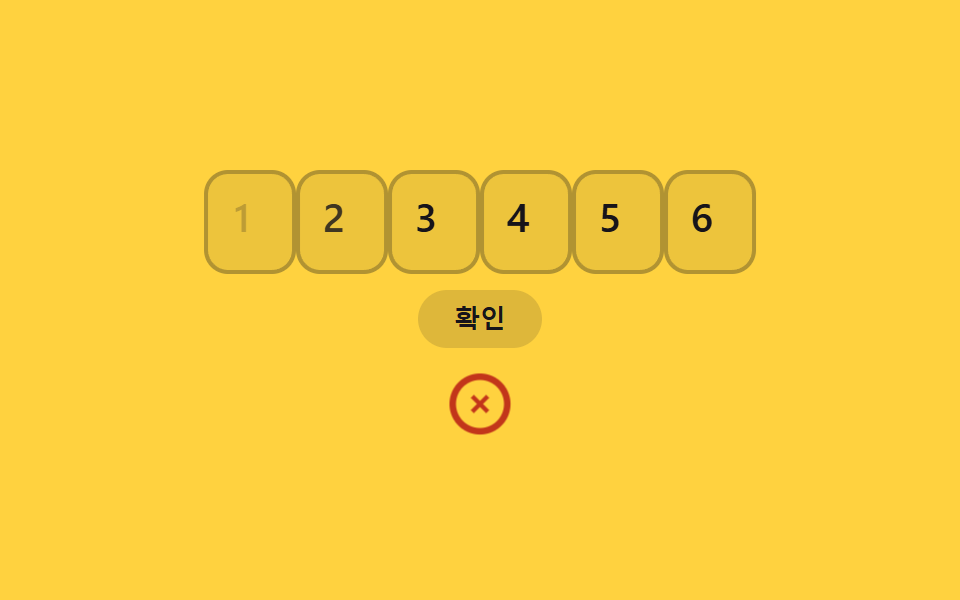 06 pin-error-shake-clear
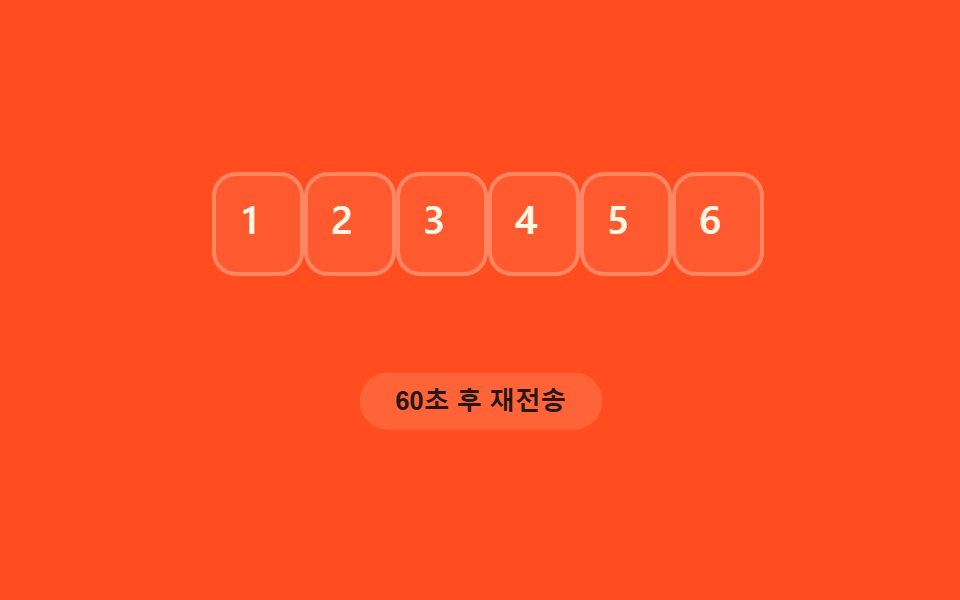 07 pin-resend-timer
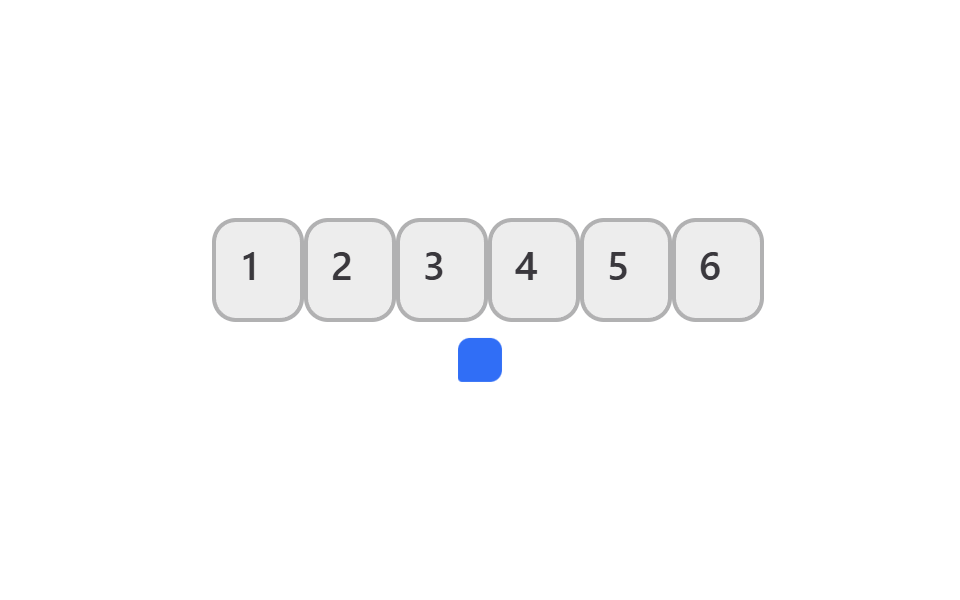 08 pin-autofill-sms-otp
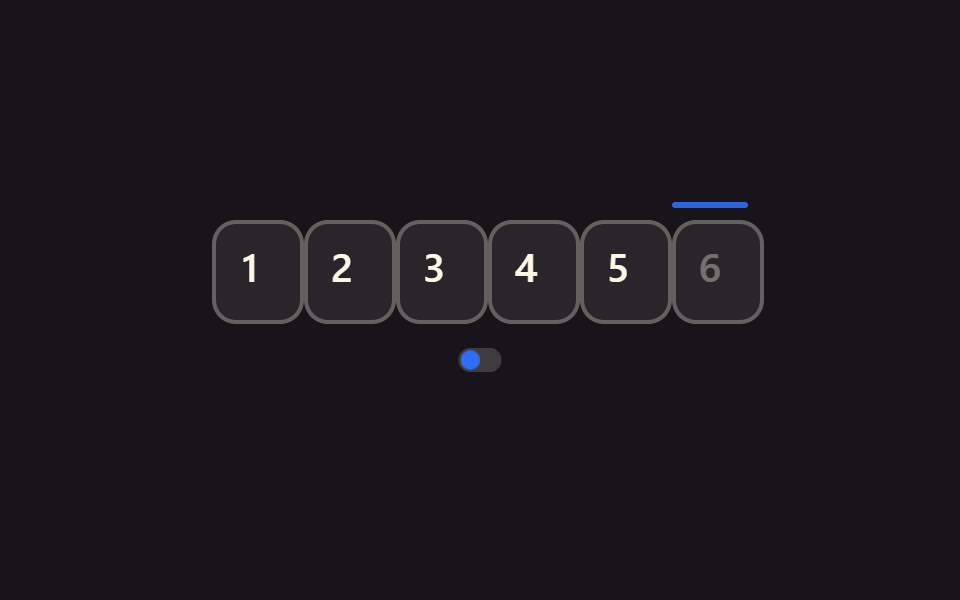 09 pin-reduced-motion-static
Auto-plays · click a tile to jump to its section · all nine in one zip
- 01 Auto-advance to next box
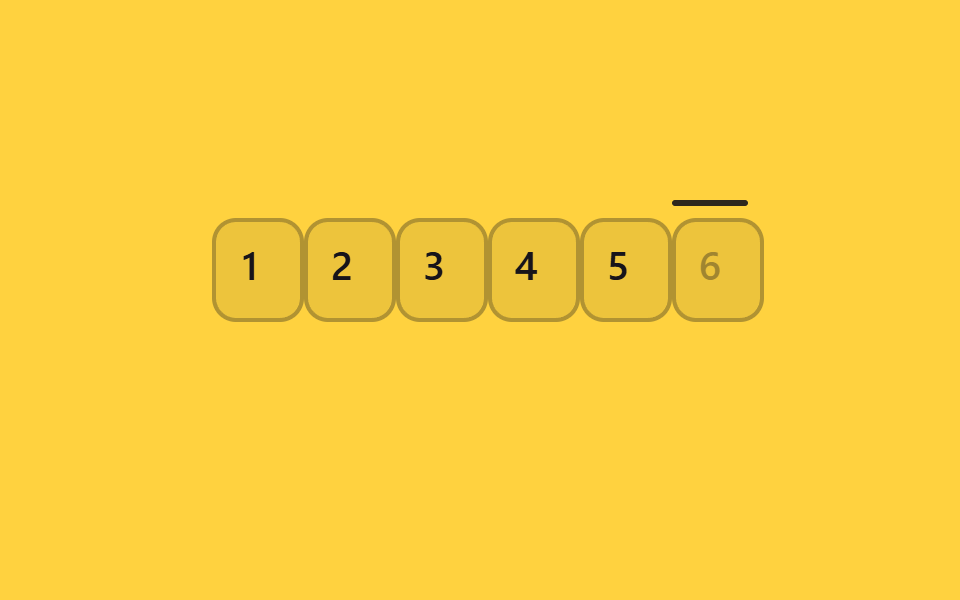
- 02 Backspace focuses previous box
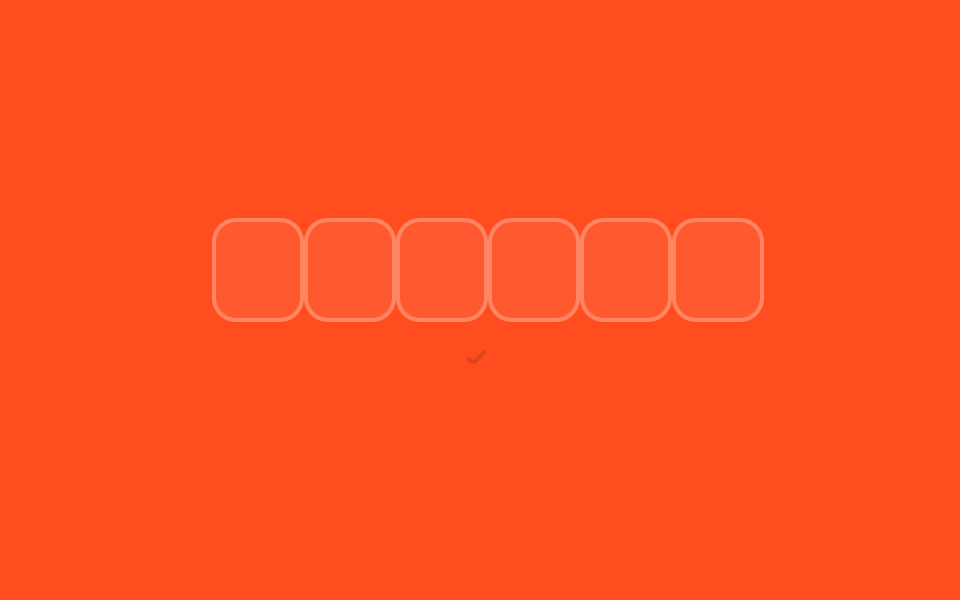
- 03 Paste full code across boxes
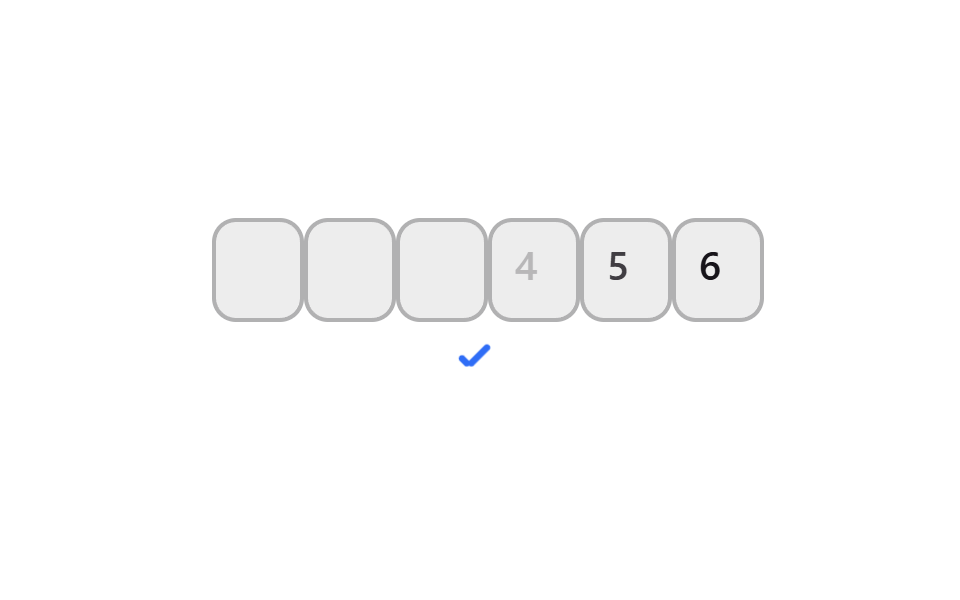
- 04 Force numeric mobile keypad
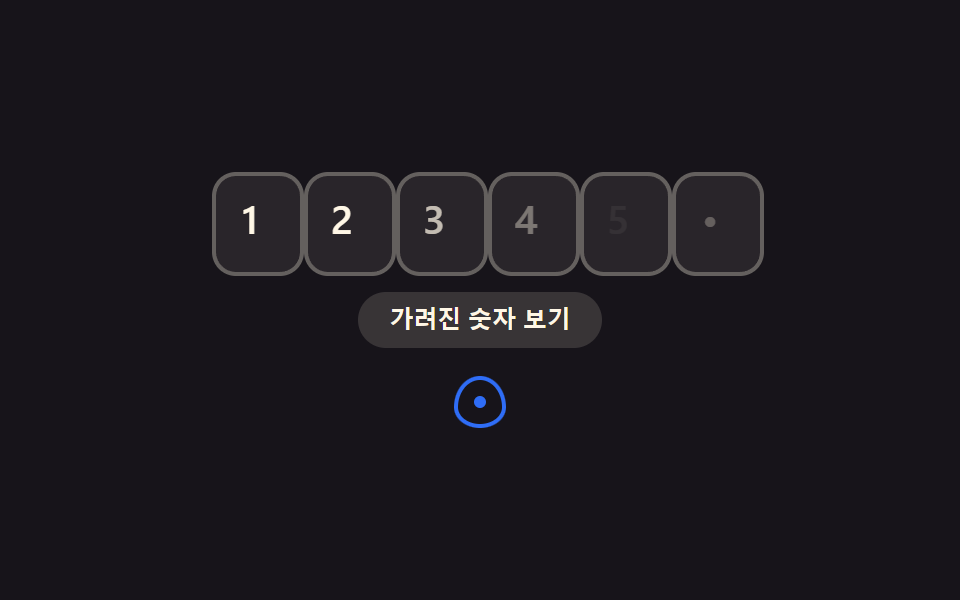
- 05 Masked digit toggle
- 06 Shake and clear on error
- 07 Resend countdown timer
- 08 SMS OTP autofill
- 09 Static focus for reduced motion
The nine below start with the three moves that make six boxes feel like one field: advancing forward, correcting backward, and accepting a full paste in one shot. Items 04 and 05 change what the keyboard and the digits themselves look like. Items 06 and 07 cover the two states a real verification flow can't skip — a wrong code and having to ask for another one. Items 08 and 09 are the idea-form entries, tying the row into what the phone's OS already does with SMS codes and into what a visitor's own reduced-motion setting demands. Watch the grid above cycle through all nine on its own. Each demo below, by contrast, is a live box that genuinely accepts typing, backspacing, and pasting rather than only playing back a loop. To widen the lens from this one widget to the whole form, the CSS input design set lays out the same input panel at large, and picking a place rather than typing a code is what the map UI design patterns handle with a dropped pin.
01Auto-advance to next box
What it does
Typing a digit into any of the six boxes strips it down to a single number, then moves focus to the next box on its own.
<main class="stage">
  <div class="pin is-demo" role="group" aria-label="Verification code">
    <div class="pin__row">
      <span class="pin__box">
        <input class="pin__input" type="text" inputmode="numeric" pattern="[0-9]*" maxlength="1" autocomplete="one-time-code" aria-label="Verification code, digit 1">
        <span class="pin__ghost" aria-hidden="true">1</span>
        <span class="pin__scramble" aria-hidden="true"></span>
      </span>
      <span class="pin__box">
        <input class="pin__input" type="text" inputmode="numeric" pattern="[0-9]*" maxlength="1" autocomplete="one-time-code" aria-label="Verification code, digit 2">
        <span class="pin__ghost" aria-hidden="true">2</span>
        <span class="pin__scramble" aria-hidden="true"></span>
      </span>
      <span class="pin__box">
        <input class="pin__input" type="text" inputmode="numeric" pattern="[0-9]*" maxlength="1" autocomplete="one-time-code" aria-label="Verification code, digit 3">
        <span class="pin__ghost" aria-hidden="true">3</span>
        <span class="pin__scramble" aria-hidden="true"></span>
      </span>
      <span class="pin__box">
        <input class="pin__input" type="text" inputmode="numeric" pattern="[0-9]*" maxlength="1" autocomplete="one-time-code" aria-label="Verification code, digit 4">
        <span class="pin__ghost" aria-hidden="true">4</span>
        <span class="pin__scramble" aria-hidden="true"></span>
      </span>
      <span class="pin__box">
        <input class="pin__input" type="text" inputmode="numeric" pattern="[0-9]*" maxlength="1" autocomplete="one-time-code" aria-label="Verification code, digit 5">
        <span class="pin__ghost" aria-hidden="true">5</span>
        <span class="pin__scramble" aria-hidden="true"></span>
      </span>
      <span class="pin__box">
        <input class="pin__input" type="text" inputmode="numeric" pattern="[0-9]*" maxlength="1" autocomplete="one-time-code" aria-label="Verification code, digit 6">
        <span class="pin__ghost" aria-hidden="true">6</span>
        <span class="pin__scramble" aria-hidden="true"></span>
      </span>
      <span class="pin__caret" aria-hidden="true"></span>
    </div>
    <span class="pin__signal pin__signal--check" aria-hidden="true"></span>
  </div>
</main>@use "../../../../site/static/demo-tokens" as *;
$duration: $dur-quick;
$easing: $ease-spring;
$color: $subject-blue;
$fg: $subject-cream;
@include stage($stage-ink);
.pin {
display: flex;
flex-direction: column;
align-items: center;
gap: 14px;
font-family: -apple-system, "Segoe UI", "Noto Sans KR", sans-serif;
}
.pin__row {
position: relative;
display: flex;
gap: 8px;
}
.pin__box {
position: relative;
width: 38px;
height: 46px;
}
.pin__input {
position: absolute;
inset: 0;
width: 100%;
height: 100%;
border: 2px solid rgba($fg, .28);
border-radius: $r-control;
background: rgba($fg, .08);
color: $fg;
text-align: center;
font-weight: 600; font-size: 20px; line-height: 1;
outline: none;
transition: border-color $duration $easing;
-webkit-tap-highlight-color: transparent;
}
.pin__input:focus { border-color: $color; }
.pin__ghost {
position: absolute;
inset: 0;
display: grid;
place-items: center;
color: $fg;
font-weight: 600; font-size: 20px; line-height: 1;
opacity: 0;
pointer-events: none;
}
// 슬롯머신 스크램블 오버레이: 정착 전까지 실제 입력값 위에 무작위 숫자를 보여준다
.pin__scramble {
position: absolute;
inset: 0;
display: grid;
place-items: center;
color: $color;
font-weight: 600; font-size: 20px; line-height: 1;
font-variant-numeric: tabular-nums;
opacity: 0;
pointer-events: none;
}
.pin__box.is-scrambling .pin__input { color: transparent; }
.pin__box.is-scrambling .pin__scramble { opacity: 1; }
.pin__caret {
position: absolute;
left: 0;
top: -9px;
width: 38px;
height: 3px;
border-radius: $r-pill;
background: $color;
opacity: 0;
}
.pin__signal {
position: relative;
width: 22px;
height: 22px;
opacity: 0;
transform: scale(.6);
}
.pin__signal--check::before,
.pin__signal--check::after {
content: "";
position: absolute;
background: $color;
border-radius: 2px;
}
.pin__signal--check::before { left: 6px; top: 12px; width: 6px; height: 3px; transform: rotate(225deg); transform-origin: left center; } // 같은 꼭짓점(6,12)
.pin__signal--check::after { left: 6px; top: 12px; width: 13px; height: 3px; transform: rotate(-45deg); transform-origin: left center; }
.pin.is-demo .pin__ghost { animation: pin-ghost $dur-loop linear infinite; }
@for $i from 1 through 6 {
.pin.is-demo .pin__box:nth-child(#{$i}) .pin__ghost { animation-delay: #{($i - 1) * 90}ms; }
}
@keyframes pin-ghost {
0%, 100% { opacity: 0; }
7% { opacity: 1; }
68% { opacity: 1; }
76% { opacity: 0; }
}
.pin.is-demo .pin__caret {
animation: pin-caret $dur-loop steps(1) infinite;
}
@keyframes pin-caret {
0% { opacity: .9; transform: translateX(0); }
5% { opacity: .9; transform: translateX(46px); }
9% { opacity: .9; transform: translateX(92px); }
14% { opacity: .9; transform: translateX(138px); }
18% { opacity: .9; transform: translateX(184px); }
23% { opacity: .9; transform: translateX(230px); }
76% { opacity: .9; transform: translateX(230px); }
84%, 100% { opacity: 0; transform: translateX(230px); }
}
.pin.is-demo .pin__signal--check { animation: pin-signal $dur-loop linear infinite; }
@keyframes pin-signal {
0%, 78% { opacity: 0; transform: scale(.6); }
86% { opacity: 1; transform: scale(1.12); }
94%, 100% { opacity: 1; transform: scale(1); }
}
@media (prefers-reduced-motion: reduce) {
.pin__ghost, .pin__ghost--dot, .pin__ghost--digit, .pin__caret, .pin__signal,
.pin__row, .pin__timer-n, .pin__resend, .pin__input {
animation: none !important;
transition: none !important;
}
.pin__scramble { display: none !important; }
.pin__box.is-scrambling .pin__input { color: $fg !important; }
.pin.is-demo .pin__ghost,
.pin.is-demo .pin__ghost--digit { opacity: 1; }
.pin.is-demo .pin__ghost--dot { opacity: 0; }
.pin.is-demo .pin__caret { opacity: .9; transform: translateX(230px); }
.pin.is-demo .pin__signal { opacity: 1; transform: scale(1); }
.pin.is-demo .pin__signal--toggle::before { transform: translateX(16px); }
.pin.is-demo .pin__resend { opacity: 1; transform: scale(1); }
}html, body {
margin: 0;
overflow: hidden;
}
.stage {
box-sizing: border-box;
min-height: 100vh;
display: grid;
place-items: center;
margin: 0;
background: #17141a;
font-family: -apple-system, "Segoe UI", "Noto Sans KR", sans-serif;
padding: clamp(8px, 4vw, 24px);
}
.pin {
display: flex;
flex-direction: column;
align-items: center;
gap: 14px;
font-family: -apple-system, "Segoe UI", "Noto Sans KR", sans-serif;
}
.pin__row {
position: relative;
display: flex;
gap: 8px;
}
.pin__box {
position: relative;
width: 38px;
height: 46px;
}
.pin__input {
position: absolute;
inset: 0;
width: 100%;
height: 100%;
border: 2px solid rgba(255, 247, 230, 0.28);
border-radius: 12px;
background: rgba(255, 247, 230, 0.08);
color: #fff7e6;
text-align: center;
font-weight: 600;
font-size: 20px;
line-height: 1;
outline: none;
transition: border-color 220ms cubic-bezier(0.2, 0.8, 0.2, 1);
-webkit-tap-highlight-color: transparent;
}
.pin__input:focus {
border-color: #2f6df6;
}
.pin__ghost {
position: absolute;
inset: 0;
display: grid;
place-items: center;
color: #fff7e6;
font-weight: 600;
font-size: 20px;
line-height: 1;
opacity: 0;
pointer-events: none;
}
.pin__scramble {
position: absolute;
inset: 0;
display: grid;
place-items: center;
color: #2f6df6;
font-weight: 600;
font-size: 20px;
line-height: 1;
font-variant-numeric: tabular-nums;
opacity: 0;
pointer-events: none;
}
.pin__box.is-scrambling .pin__input {
color: transparent;
}
.pin__box.is-scrambling .pin__scramble {
opacity: 1;
}
.pin__caret {
position: absolute;
left: 0;
top: -9px;
width: 38px;
height: 3px;
border-radius: 999px;
background: #2f6df6;
opacity: 0;
}
.pin__signal {
position: relative;
width: 22px;
height: 22px;
opacity: 0;
transform: scale(0.6);
}
.pin__signal--check::before,
.pin__signal--check::after {
content: "";
position: absolute;
background: #2f6df6;
border-radius: 2px;
}
.pin__signal--check::before {
left: 6px;
top: 12px;
width: 6px;
height: 3px;
transform: rotate(225deg);
transform-origin: left center;
}
.pin__signal--check::after {
left: 6px;
top: 12px;
width: 13px;
height: 3px;
transform: rotate(-45deg);
transform-origin: left center;
}
.pin.is-demo .pin__ghost {
animation: pin-ghost 2s linear infinite;
}
.pin.is-demo .pin__box:nth-child(1) .pin__ghost {
animation-delay: 0ms;
}
.pin.is-demo .pin__box:nth-child(2) .pin__ghost {
animation-delay: 90ms;
}
.pin.is-demo .pin__box:nth-child(3) .pin__ghost {
animation-delay: 180ms;
}
.pin.is-demo .pin__box:nth-child(4) .pin__ghost {
animation-delay: 270ms;
}
.pin.is-demo .pin__box:nth-child(5) .pin__ghost {
animation-delay: 360ms;
}
.pin.is-demo .pin__box:nth-child(6) .pin__ghost {
animation-delay: 450ms;
}
@keyframes pin-ghost {
0%, 100% {
opacity: 0;
}
7% {
opacity: 1;
}
68% {
opacity: 1;
}
76% {
opacity: 0;
}
}
.pin.is-demo .pin__caret {
animation: pin-caret 2s steps(1) infinite;
}
@keyframes pin-caret {
0% {
opacity: 0.9;
transform: translateX(0);
}
5% {
opacity: 0.9;
transform: translateX(46px);
}
9% {
opacity: 0.9;
transform: translateX(92px);
}
14% {
opacity: 0.9;
transform: translateX(138px);
}
18% {
opacity: 0.9;
transform: translateX(184px);
}
23% {
opacity: 0.9;
transform: translateX(230px);
}
76% {
opacity: 0.9;
transform: translateX(230px);
}
84%, 100% {
opacity: 0;
transform: translateX(230px);
}
}
.pin.is-demo .pin__signal--check {
animation: pin-signal 2s linear infinite;
}
@keyframes pin-signal {
0%, 78% {
opacity: 0;
transform: scale(0.6);
}
86% {
opacity: 1;
transform: scale(1.12);
}
94%, 100% {
opacity: 1;
transform: scale(1);
}
}
@media (prefers-reduced-motion: reduce) {
.pin__ghost, .pin__ghost--dot, .pin__ghost--digit, .pin__caret, .pin__signal,
.pin__row, .pin__timer-n, .pin__resend, .pin__input {
animation: none !important;
transition: none !important;
}
.pin__scramble {
display: none !important;
}
.pin__box.is-scrambling .pin__input {
color: #fff7e6 !important;
}
.pin.is-demo .pin__ghost,
.pin.is-demo .pin__ghost--digit {
opacity: 1;
}
.pin.is-demo .pin__ghost--dot {
opacity: 0;
}
.pin.is-demo .pin__caret {
opacity: 0.9;
transform: translateX(230px);
}
.pin.is-demo .pin__signal {
opacity: 1;
transform: scale(1);
}
.pin.is-demo .pin__signal--toggle::before {
transform: translateX(16px);
}
.pin.is-demo .pin__resend {
opacity: 1;
transform: scale(1);
}
}(function () {
var pin = document.querySelector('.pin');
var boxes = [].slice.call(pin.querySelectorAll('.pin__input'));
var reduceMotionQuery = window.matchMedia('(prefers-reduced-motion: reduce)');
function wake() { pin.classList.remove('is-demo'); }
// 슬롯머신 스크램블: 최종 숫자를 바로 보여주지 않고 무작위 숫자가 지나가다 감속하며 정착한다
function cancelScramble(box) {
if (box._scrambleTimer) {
clearTimeout(box._scrambleTimer);
box._scrambleTimer = null;
}
}
function scrambleDigit(box, finalDigit) {
var display = box.querySelector('.pin__scramble');
if (!display) return;
cancelScramble(box);
if (reduceMotionQuery.matches) {
box.classList.remove('is-scrambling');
display.textContent = '';
return;
}
box.classList.add('is-scrambling');
var startedAt = Date.now();
var totalMs = 280; // 스크램블 총 지속시간
var delay = 24; // 초기 간격(빠름)
var growth = 1.35; // 감속 배율
var maxDelay = 200; // 최대 간격(느려짐)
function tick() {
var elapsed = Date.now() - startedAt;
if (elapsed >= totalMs) {
display.textContent = finalDigit;
box._scrambleTimer = setTimeout(function () {
box.classList.remove('is-scrambling');
display.textContent = '';
box._scrambleTimer = null;
}, 70);
return;
}
display.textContent = String(Math.floor(Math.random() * 10));
delay = Math.min(delay * growth, maxDelay);
box._scrambleTimer = setTimeout(tick, delay);
}
tick();
}
boxes.forEach(function (b, i) {
var box = b.closest('.pin__box');
b.addEventListener('focus', wake);
b.addEventListener('input', function () {
b.value = b.value.replace(/[^0-9]/g, '').slice(-1);
if (b.value) {
scrambleDigit(box, b.value);
if (boxes[i + 1]) boxes[i + 1].focus({ preventScroll: true });
} else {
cancelScramble(box);
box.classList.remove('is-scrambling');
var display = box.querySelector('.pin__scramble');
if (display) display.textContent = '';
}
});
b.addEventListener('keydown', function (e) {
if (e.key === 'Backspace' && !b.value && boxes[i - 1]) boxes[i - 1].focus({ preventScroll: true });
});
b.addEventListener('paste', function (e) {
var t = (e.clipboardData || window.clipboardData).getData('text').replace(/[^0-9]/g, '');
if (!t) return;
e.preventDefault();
t.slice(0, 6).split('').forEach(function (ch, k) {
if (boxes[k]) {
boxes[k].value = ch;
scrambleDigit(boxes[k].closest('.pin__box'), ch);
}
});
(boxes[Math.min(t.length, 6) - 1] || boxes[0]).focus({ preventScroll: true });
});
});
})();import { useEffect, useRef, useState } from "react";
import type { CSSProperties } from "react";
import styles from "./PinAutoAdvance.module.scss";
function siblings(el: any): HTMLInputElement[] {
var row = el.closest("[data-pin-row]");
return row ? Array.prototype.slice.call(row.querySelectorAll("input")) : [];
}
export type PinAutoAdvanceProps = {
/** 칸 수 (기본 6) */
length?: number;
/** 6칸이 다 채워지면 호출 */
onComplete?: (code: string) => void;
/** 강조 색 */
color?: string;
className?: string;
};
type Vars = CSSProperties & { "--color"?: string };
// useRef 는 T | null 을 돌려준다. 값이 항상 있는 상자는 이렇게 좁혀 쓴다 (077 관례)
type Box<T> = { current: T };
type TimerMap = Record<number, ReturnType<typeof setTimeout> | null>;
export default function PinAutoAdvance({
length = 6,
onComplete,
color = "#2f6df6",
className = "",
}: PinAutoAdvanceProps) {
const [values, setValues] = useState<string[]>(Array(length).fill(""));
const [scrambleText, setScrambleText] = useState<string[]>(Array(length).fill(""));
const [scrambling, setScrambling] = useState<boolean[]>(Array(length).fill(false));
const scrambleTimers = useRef<TimerMap>({}) as Box<TimerMap>;
const vars: Vars = { "--color": color };
// 슬롯머신 스크램블: 최종 숫자를 바로 보여주지 않고 무작위 숫자가 지나가다 감속하며 정착한다
function cancelScramble(i: number) {
const timer = scrambleTimers.current[i];
if (timer) {
clearTimeout(timer);
scrambleTimers.current[i] = null;
}
}
function setScramblingAt(i: number, on: boolean) {
setScrambling((prev) => {
const next = prev.slice();
next[i] = on;
return next;
});
}
function setScrambleTextAt(i: number, text: string) {
setScrambleText((prev) => {
const next = prev.slice();
next[i] = text;
return next;
});
}
function runScramble(i: number, finalDigit: string) {
cancelScramble(i);
const reduceMotion =
typeof window !== "undefined" &&
window.matchMedia("(prefers-reduced-motion: reduce)").matches;
if (reduceMotion) {
setScramblingAt(i, false);
setScrambleTextAt(i, "");
return;
}
setScramblingAt(i, true);
const startedAt = Date.now();
const totalMs = 280; // 스크램블 총 지속시간
const growth = 1.35; // 감속 배율
const maxDelay = 200; // 최대 간격(느려짐)
let delay = 24; // 초기 간격(빠름)
function tick() {
const elapsed = Date.now() - startedAt;
if (elapsed >= totalMs) {
setScrambleTextAt(i, finalDigit);
scrambleTimers.current[i] = setTimeout(() => {
setScramblingAt(i, false);
setScrambleTextAt(i, "");
scrambleTimers.current[i] = null;
}, 70);
return;
}
setScrambleTextAt(i, String(Math.floor(Math.random() * 10)));
delay = Math.min(delay * growth, maxDelay);
scrambleTimers.current[i] = setTimeout(tick, delay);
}
tick();
}
useEffect(() => {
const timers: TimerMap = scrambleTimers.current;
return () => {
Object.keys(timers).forEach((key) => {
const timer = timers[Number(key)];
if (timer) clearTimeout(timer);
});
};
}, []);
function handleChange(e: any, i: number) {
const el = e.currentTarget;
const v = String(el.value).replace(/[^0-9]/g, "").slice(-1);
const next = values.slice();
next[i] = v;
setValues(next);
if (v) {
runScramble(i, v);
const boxes = siblings(el);
if (boxes[i + 1]) boxes[i + 1].focus({ preventScroll: true });
} else {
cancelScramble(i);
setScramblingAt(i, false);
setScrambleTextAt(i, "");
}
if (next.every(Boolean)) onComplete?.(next.join(""));
}
function handleKeyDown(e: any, i: number) {
if (e.key === "Backspace" && !values[i]) {
const boxes = siblings(e.currentTarget);
if (boxes[i - 1]) boxes[i - 1].focus({ preventScroll: true });
}
}
function handlePaste(e: any) {
const text = String(e.clipboardData.getData("text")).replace(/[^0-9]/g, "").slice(0, length);
if (!text) return;
e.preventDefault();
const next = text.split("");
while (next.length < length) next.push("");
setValues(next);
text.split("").forEach((ch, k) => runScramble(k, ch));
if (text.length === length) onComplete?.(text);
}
return (
<div className={`${styles.pin} ${className}`} style={vars} data-pin-row>
{values.map((v, i) => (
<span
key={i}
className={scrambling[i] ? `${styles.boxWrap} ${styles.isScrambling}` : styles.boxWrap}
>
<input
className={styles.box}
type="text"
inputMode="numeric"
pattern="[0-9]*"
maxLength={1}
autoComplete="one-time-code"
aria-label={`인증번호 ${i + 1}번째 자리`}
value={v}
onChange={(e: any) => handleChange(e, i)}
onKeyDown={(e: any) => handleKeyDown(e, i)}
onPaste={(e: any) => handlePaste(e)}
/>
<span className={styles.scramble} aria-hidden="true">{scrambleText[i]}</span>
</span>
))}
</div>
);
}01 · Auto-advance to next box — Measured area 0.907% · moving frames 14/23Original by GODRICH · SCSS and React ship in the zip · See the password
When an otp input field ui needs auto-advance
A regex on each input event does the sanitizing, and a plain focus() call does the jump. Reach for it in any signup or two-factor screen where the boxes are meant to read as one continuous code, not six separate fields.
boxes.forEach(function (box, i) {
  box.addEventListener('input', function () {
    box.value = box.value.replace(/[^0-9]/g, '').slice(-1);
    if (box.value && boxes[i + 1]) {
      boxes[i + 1].focus({ preventScroll: true });
    }
  });
});
02Backspace focuses previous box
What you see
A backspace on an already-empty box isn't ignored.
<main class="stage">
  <div class="pin is-demo" role="group" aria-label="Verification code">
    <div class="pin__row">
      <span class="pin__box">
        <input class="pin__input" type="text" inputmode="numeric" pattern="[0-9]*" maxlength="1" autocomplete="one-time-code" aria-label="Verification code, digit 1">
        <span class="pin__ghost" aria-hidden="true">1</span>
        <span class="pin__scramble" aria-hidden="true"></span>
      </span>
      <span class="pin__box">
        <input class="pin__input" type="text" inputmode="numeric" pattern="[0-9]*" maxlength="1" autocomplete="one-time-code" aria-label="Verification code, digit 2">
        <span class="pin__ghost" aria-hidden="true">2</span>
        <span class="pin__scramble" aria-hidden="true"></span>
      </span>
      <span class="pin__box">
        <input class="pin__input" type="text" inputmode="numeric" pattern="[0-9]*" maxlength="1" autocomplete="one-time-code" aria-label="Verification code, digit 3">
        <span class="pin__ghost" aria-hidden="true">3</span>
        <span class="pin__scramble" aria-hidden="true"></span>
      </span>
      <span class="pin__box">
        <input class="pin__input" type="text" inputmode="numeric" pattern="[0-9]*" maxlength="1" autocomplete="one-time-code" aria-label="Verification code, digit 4">
        <span class="pin__ghost" aria-hidden="true">4</span>
        <span class="pin__scramble" aria-hidden="true"></span>
      </span>
      <span class="pin__box">
        <input class="pin__input" type="text" inputmode="numeric" pattern="[0-9]*" maxlength="1" autocomplete="one-time-code" aria-label="Verification code, digit 5">
        <span class="pin__ghost" aria-hidden="true">5</span>
        <span class="pin__scramble" aria-hidden="true"></span>
      </span>
      <span class="pin__box">
        <input class="pin__input" type="text" inputmode="numeric" pattern="[0-9]*" maxlength="1" autocomplete="one-time-code" aria-label="Verification code, digit 6">
        <span class="pin__ghost" aria-hidden="true">6</span>
        <span class="pin__scramble" aria-hidden="true"></span>
      </span>
      <span class="pin__caret" aria-hidden="true"></span>
    </div>
    <span class="pin__signal pin__signal--chevron" aria-hidden="true"></span>
  </div>
</main>@use "../../../../site/static/demo-tokens" as *;
$duration: $dur-quick;
$easing: $ease-spring;
$color: $subject-ink;
$fg: $subject-ink;
@include stage($stage-yellow);
.pin {
display: flex;
flex-direction: column;
align-items: center;
gap: 14px;
font-family: -apple-system, "Segoe UI", "Noto Sans KR", sans-serif;
}
.pin__row {
position: relative;
display: flex;
gap: 8px;
}
.pin__box {
position: relative;
width: 38px;
height: 46px;
}
.pin__input {
position: absolute;
inset: 0;
width: 100%;
height: 100%;
border: 2px solid rgba($fg, .28);
border-radius: $r-control;
background: rgba($fg, .08);
color: $fg;
text-align: center;
font-weight: 600; font-size: 20px; line-height: 1;
outline: none;
transition: border-color $duration $easing;
-webkit-tap-highlight-color: transparent;
}
.pin__input:focus { border-color: $color; }
.pin__ghost {
position: absolute;
inset: 0;
display: grid;
place-items: center;
color: $fg;
font-weight: 600; font-size: 20px; line-height: 1;
opacity: 0;
pointer-events: none;
}
// 슬롯머신 스크램블 오버레이: 정착 전까지 실제 입력값 위에 무작위 숫자를 보여준다
.pin__scramble {
position: absolute;
inset: 0;
display: grid;
place-items: center;
color: $color;
font-weight: 600; font-size: 20px; line-height: 1;
font-variant-numeric: tabular-nums;
opacity: 0;
pointer-events: none;
}
.pin__box.is-scrambling .pin__input { color: transparent; }
.pin__box.is-scrambling .pin__scramble { opacity: 1; }
.pin__caret {
position: absolute;
left: 0;
top: -9px;
width: 38px;
height: 3px;
border-radius: $r-pill;
background: $color;
opacity: 0;
}
.pin__signal {
position: relative;
width: 22px;
height: 22px;
opacity: 0;
transform: scale(.6);
}
.pin__signal--chevron::before,
.pin__signal--chevron::after {
content: "";
position: absolute;
left: 7px;
width: 11px;
height: 3px;
background: $color;
border-radius: 2px;
transform-origin: left center; // 규칙8: 셰브론 막대 왼쪽 꼭짓점 회전
}
.pin__signal--chevron::before { top: 10px; transform: rotate(45deg); }
.pin__signal--chevron::after { top: 12px; transform: rotate(-45deg); }
.pin.is-demo .pin__ghost { animation: pin-ghost $dur-loop linear infinite; }
@for $i from 1 through 6 {
.pin.is-demo .pin__box:nth-child(#{$i}) .pin__ghost { animation-delay: #{($i - 1) * 90}ms; }
}
.pin.is-demo .pin__box:nth-child(n + 5) .pin__ghost { animation-name: pin-ghost-erase; }
@keyframes pin-ghost {
0%, 100% { opacity: 0; }
7% { opacity: 1; }
68% { opacity: 1; }
76% { opacity: 0; }
}
@keyframes pin-ghost-erase {
0%, 100% { opacity: 0; }
7% { opacity: 1; }
40% { opacity: 1; }
47% { opacity: 0; }
}
.pin.is-demo .pin__caret {
animation: pin-caret-erase $dur-loop steps(1) infinite;
}
@keyframes pin-caret-erase {
0% { opacity: .9; transform: translateX(0); }
5% { opacity: .9; transform: translateX(46px); }
9% { opacity: .9; transform: translateX(92px); }
14% { opacity: .9; transform: translateX(138px); }
18% { opacity: .9; transform: translateX(184px); }
23% { opacity: .9; transform: translateX(230px); }
40% { opacity: .9; transform: translateX(230px); }
47% { opacity: .9; transform: translateX(184px); }
54% { opacity: .9; transform: translateX(138px); }
76% { opacity: .9; transform: translateX(138px); }
84%, 100% { opacity: 0; transform: translateX(138px); }
}
.pin.is-demo .pin__signal--chevron { animation: pin-signal $dur-loop linear infinite; }
@keyframes pin-signal {
0%, 78% { opacity: 0; transform: scale(.6); }
86% { opacity: 1; transform: scale(1.12); }
94%, 100% { opacity: 1; transform: scale(1); }
}
@media (prefers-reduced-motion: reduce) {
.pin__ghost, .pin__ghost--dot, .pin__ghost--digit, .pin__caret, .pin__signal,
.pin__row, .pin__timer-n, .pin__resend, .pin__input {
animation: none !important;
transition: none !important;
}
.pin__scramble { display: none !important; }
.pin__box.is-scrambling .pin__input { color: $fg !important; }
.pin.is-demo .pin__ghost,
.pin.is-demo .pin__ghost--digit { opacity: 1; }
.pin.is-demo .pin__ghost--dot { opacity: 0; }
.pin.is-demo .pin__caret { opacity: .9; transform: translateX(230px); }
.pin.is-demo .pin__signal { opacity: 1; transform: scale(1); }
.pin.is-demo .pin__signal--toggle::before { transform: translateX(16px); }
.pin.is-demo .pin__resend { opacity: 1; transform: scale(1); }
}html, body {
margin: 0;
overflow: hidden;
}
.stage {
box-sizing: border-box;
min-height: 100vh;
display: grid;
place-items: center;
margin: 0;
background: #ffd23f;
font-family: -apple-system, "Segoe UI", "Noto Sans KR", sans-serif;
padding: clamp(8px, 4vw, 24px);
}
.pin {
display: flex;
flex-direction: column;
align-items: center;
gap: 14px;
font-family: -apple-system, "Segoe UI", "Noto Sans KR", sans-serif;
}
.pin__row {
position: relative;
display: flex;
gap: 8px;
}
.pin__box {
position: relative;
width: 38px;
height: 46px;
}
.pin__input {
position: absolute;
inset: 0;
width: 100%;
height: 100%;
border: 2px solid rgba(23, 20, 26, 0.28);
border-radius: 12px;
background: rgba(23, 20, 26, 0.08);
color: #17141a;
text-align: center;
font-weight: 600;
font-size: 20px;
line-height: 1;
outline: none;
transition: border-color 220ms cubic-bezier(0.2, 0.8, 0.2, 1);
-webkit-tap-highlight-color: transparent;
}
.pin__input:focus {
border-color: #17141a;
}
.pin__ghost {
position: absolute;
inset: 0;
display: grid;
place-items: center;
color: #17141a;
font-weight: 600;
font-size: 20px;
line-height: 1;
opacity: 0;
pointer-events: none;
}
.pin__scramble {
position: absolute;
inset: 0;
display: grid;
place-items: center;
color: #17141a;
font-weight: 600;
font-size: 20px;
line-height: 1;
font-variant-numeric: tabular-nums;
opacity: 0;
pointer-events: none;
}
.pin__box.is-scrambling .pin__input {
color: transparent;
}
.pin__box.is-scrambling .pin__scramble {
opacity: 1;
}
.pin__caret {
position: absolute;
left: 0;
top: -9px;
width: 38px;
height: 3px;
border-radius: 999px;
background: #17141a;
opacity: 0;
}
.pin__signal {
position: relative;
width: 22px;
height: 22px;
opacity: 0;
transform: scale(0.6);
}
.pin__signal--chevron::before,
.pin__signal--chevron::after {
content: "";
position: absolute;
left: 7px;
width: 11px;
height: 3px;
background: #17141a;
border-radius: 2px;
transform-origin: left center;
}
.pin__signal--chevron::before {
top: 10px;
transform: rotate(45deg);
}
.pin__signal--chevron::after {
top: 12px;
transform: rotate(-45deg);
}
.pin.is-demo .pin__ghost {
animation: pin-ghost 2s linear infinite;
}
.pin.is-demo .pin__box:nth-child(1) .pin__ghost {
animation-delay: 0ms;
}
.pin.is-demo .pin__box:nth-child(2) .pin__ghost {
animation-delay: 90ms;
}
.pin.is-demo .pin__box:nth-child(3) .pin__ghost {
animation-delay: 180ms;
}
.pin.is-demo .pin__box:nth-child(4) .pin__ghost {
animation-delay: 270ms;
}
.pin.is-demo .pin__box:nth-child(5) .pin__ghost {
animation-delay: 360ms;
}
.pin.is-demo .pin__box:nth-child(6) .pin__ghost {
animation-delay: 450ms;
}
.pin.is-demo .pin__box:nth-child(n+5) .pin__ghost {
animation-name: pin-ghost-erase;
}
@keyframes pin-ghost {
0%, 100% {
opacity: 0;
}
7% {
opacity: 1;
}
68% {
opacity: 1;
}
76% {
opacity: 0;
}
}
@keyframes pin-ghost-erase {
0%, 100% {
opacity: 0;
}
7% {
opacity: 1;
}
40% {
opacity: 1;
}
47% {
opacity: 0;
}
}
.pin.is-demo .pin__caret {
animation: pin-caret-erase 2s steps(1) infinite;
}
@keyframes pin-caret-erase {
0% {
opacity: 0.9;
transform: translateX(0);
}
5% {
opacity: 0.9;
transform: translateX(46px);
}
9% {
opacity: 0.9;
transform: translateX(92px);
}
14% {
opacity: 0.9;
transform: translateX(138px);
}
18% {
opacity: 0.9;
transform: translateX(184px);
}
23% {
opacity: 0.9;
transform: translateX(230px);
}
40% {
opacity: 0.9;
transform: translateX(230px);
}
47% {
opacity: 0.9;
transform: translateX(184px);
}
54% {
opacity: 0.9;
transform: translateX(138px);
}
76% {
opacity: 0.9;
transform: translateX(138px);
}
84%, 100% {
opacity: 0;
transform: translateX(138px);
}
}
.pin.is-demo .pin__signal--chevron {
animation: pin-signal 2s linear infinite;
}
@keyframes pin-signal {
0%, 78% {
opacity: 0;
transform: scale(0.6);
}
86% {
opacity: 1;
transform: scale(1.12);
}
94%, 100% {
opacity: 1;
transform: scale(1);
}
}
@media (prefers-reduced-motion: reduce) {
.pin__ghost, .pin__ghost--dot, .pin__ghost--digit, .pin__caret, .pin__signal,
.pin__row, .pin__timer-n, .pin__resend, .pin__input {
animation: none !important;
transition: none !important;
}
.pin__scramble {
display: none !important;
}
.pin__box.is-scrambling .pin__input {
color: #17141a !important;
}
.pin.is-demo .pin__ghost,
.pin.is-demo .pin__ghost--digit {
opacity: 1;
}
.pin.is-demo .pin__ghost--dot {
opacity: 0;
}
.pin.is-demo .pin__caret {
opacity: 0.9;
transform: translateX(230px);
}
.pin.is-demo .pin__signal {
opacity: 1;
transform: scale(1);
}
.pin.is-demo .pin__signal--toggle::before {
transform: translateX(16px);
}
.pin.is-demo .pin__resend {
opacity: 1;
transform: scale(1);
}
}(function () {
var pin = document.querySelector('.pin');
var boxes = [].slice.call(pin.querySelectorAll('.pin__input'));
var reduceMotionQuery = window.matchMedia('(prefers-reduced-motion: reduce)');
function wake() { pin.classList.remove('is-demo'); }
// 슬롯머신 스크램블: 최종 숫자를 바로 보여주지 않고 무작위 숫자가 지나가다 감속하며 정착한다
function cancelScramble(box) {
if (box._scrambleTimer) {
clearTimeout(box._scrambleTimer);
box._scrambleTimer = null;
}
}
function scrambleDigit(box, finalDigit) {
var display = box.querySelector('.pin__scramble');
if (!display) return;
cancelScramble(box);
if (reduceMotionQuery.matches) {
box.classList.remove('is-scrambling');
display.textContent = '';
return;
}
box.classList.add('is-scrambling');
var startedAt = Date.now();
var totalMs = 280; // 스크램블 총 지속시간
var delay = 24; // 초기 간격(빠름)
var growth = 1.35; // 감속 배율
var maxDelay = 200; // 최대 간격(느려짐)
function tick() {
var elapsed = Date.now() - startedAt;
if (elapsed >= totalMs) {
display.textContent = finalDigit;
box._scrambleTimer = setTimeout(function () {
box.classList.remove('is-scrambling');
display.textContent = '';
box._scrambleTimer = null;
}, 70);
return;
}
display.textContent = String(Math.floor(Math.random() * 10));
delay = Math.min(delay * growth, maxDelay);
box._scrambleTimer = setTimeout(tick, delay);
}
tick();
}
boxes.forEach(function (b, i) {
var box = b.closest('.pin__box');
b.addEventListener('focus', wake);
b.addEventListener('input', function () {
b.value = b.value.replace(/[^0-9]/g, '').slice(-1);
if (b.value) {
scrambleDigit(box, b.value);
if (boxes[i + 1]) boxes[i + 1].focus({ preventScroll: true });
} else {
cancelScramble(box);
box.classList.remove('is-scrambling');
var display = box.querySelector('.pin__scramble');
if (display) display.textContent = '';
}
});
b.addEventListener('keydown', function (e) {
if (e.key === 'Backspace' && !b.value && boxes[i - 1]) boxes[i - 1].focus({ preventScroll: true });
});
b.addEventListener('paste', function (e) {
var t = (e.clipboardData || window.clipboardData).getData('text').replace(/[^0-9]/g, '');
if (!t) return;
e.preventDefault();
t.slice(0, 6).split('').forEach(function (ch, k) {
if (boxes[k]) {
boxes[k].value = ch;
scrambleDigit(boxes[k].closest('.pin__box'), ch);
}
});
(boxes[Math.min(t.length, 6) - 1] || boxes[0]).focus({ preventScroll: true });
});
});
})();import { useEffect, useRef, useState } from "react";
import type { CSSProperties } from "react";
import styles from "./PinBackspacePrev.module.scss";
function siblings(el: any): HTMLInputElement[] {
var row = el.closest("[data-pin-row]");
return row ? Array.prototype.slice.call(row.querySelectorAll("input")) : [];
}
export type PinBackspacePrevProps = {
/** 칸 수 (기본 6) */
length?: number;
/** 6칸이 다 채워지면 호출 */
onComplete?: (code: string) => void;
/** 강조 색 */
color?: string;
className?: string;
};
type Vars = CSSProperties & { "--color"?: string };
// useRef 는 T | null 을 돌려준다. 값이 항상 있는 상자는 이렇게 좁혀 쓴다 (077 관례)
type Box<T> = { current: T };
type TimerMap = Record<number, ReturnType<typeof setTimeout> | null>;
export default function PinBackspacePrev({
length = 6,
onComplete,
color = "#2f6df6",
className = "",
}: PinBackspacePrevProps) {
const [values, setValues] = useState<string[]>(Array(length).fill(""));
const [scrambleText, setScrambleText] = useState<string[]>(Array(length).fill(""));
const [scrambling, setScrambling] = useState<boolean[]>(Array(length).fill(false));
const scrambleTimers = useRef<TimerMap>({}) as Box<TimerMap>;
const vars: Vars = { "--color": color };
// 슬롯머신 스크램블: 최종 숫자를 바로 보여주지 않고 무작위 숫자가 지나가다 감속하며 정착한다
function cancelScramble(i: number) {
const timer = scrambleTimers.current[i];
if (timer) {
clearTimeout(timer);
scrambleTimers.current[i] = null;
}
}
function setScramblingAt(i: number, on: boolean) {
setScrambling((prev) => {
const next = prev.slice();
next[i] = on;
return next;
});
}
function setScrambleTextAt(i: number, text: string) {
setScrambleText((prev) => {
const next = prev.slice();
next[i] = text;
return next;
});
}
function runScramble(i: number, finalDigit: string) {
cancelScramble(i);
const reduceMotion =
typeof window !== "undefined" &&
window.matchMedia("(prefers-reduced-motion: reduce)").matches;
if (reduceMotion) {
setScramblingAt(i, false);
setScrambleTextAt(i, "");
return;
}
setScramblingAt(i, true);
const startedAt = Date.now();
const totalMs = 280; // 스크램블 총 지속시간
const growth = 1.35; // 감속 배율
const maxDelay = 200; // 최대 간격(느려짐)
let delay = 24; // 초기 간격(빠름)
function tick() {
const elapsed = Date.now() - startedAt;
if (elapsed >= totalMs) {
setScrambleTextAt(i, finalDigit);
scrambleTimers.current[i] = setTimeout(() => {
setScramblingAt(i, false);
setScrambleTextAt(i, "");
scrambleTimers.current[i] = null;
}, 70);
return;
}
setScrambleTextAt(i, String(Math.floor(Math.random() * 10)));
delay = Math.min(delay * growth, maxDelay);
scrambleTimers.current[i] = setTimeout(tick, delay);
}
tick();
}
useEffect(() => {
const timers: TimerMap = scrambleTimers.current;
return () => {
Object.keys(timers).forEach((key) => {
const timer = timers[Number(key)];
if (timer) clearTimeout(timer);
});
};
}, []);
function handleChange(e: any, i: number) {
const el = e.currentTarget;
const v = String(el.value).replace(/[^0-9]/g, "").slice(-1);
const next = values.slice();
next[i] = v;
setValues(next);
if (v) {
runScramble(i, v);
const boxes = siblings(el);
if (boxes[i + 1]) boxes[i + 1].focus({ preventScroll: true });
} else {
cancelScramble(i);
setScramblingAt(i, false);
setScrambleTextAt(i, "");
}
if (next.every(Boolean)) onComplete?.(next.join(""));
}
function handleKeyDown(e: any, i: number) {
if (e.key === "Backspace" && !values[i]) {
const boxes = siblings(e.currentTarget);
if (boxes[i - 1]) boxes[i - 1].focus({ preventScroll: true });
}
}
function handlePaste(e: any) {
const text = String(e.clipboardData.getData("text")).replace(/[^0-9]/g, "").slice(0, length);
if (!text) return;
e.preventDefault();
const next = text.split("");
while (next.length < length) next.push("");
setValues(next);
text.split("").forEach((ch, k) => runScramble(k, ch));
if (text.length === length) onComplete?.(text);
}
return (
<div className={`${styles.pin} ${className}`} style={vars} data-pin-row>
{values.map((v, i) => (
<span
key={i}
className={scrambling[i] ? `${styles.boxWrap} ${styles.isScrambling}` : styles.boxWrap}
>
<input
className={styles.box}
type="text"
inputMode="numeric"
pattern="[0-9]*"
maxLength={1}
autoComplete="one-time-code"
aria-label={`인증번호 ${i + 1}번째 자리`}
value={v}
onChange={(e: any) => handleChange(e, i)}
onKeyDown={(e: any) => handleKeyDown(e, i)}
onPaste={(e: any) => handlePaste(e)}
/>
<span className={styles.scramble} aria-hidden="true">{scrambleText[i]}</span>
</span>
))}
</div>
);
}02 · Backspace focuses previous box — Measured area 0.888% · moving frames 18/23Original by GODRICH · SCSS and React ship in the zip · See the password
Where it fits
It jumps back to the previous box and clears it, so fixing a mistyped digit never strands the cursor on a dead field. The jump only fires when the current box is already empty; otherwise backspace deletes normally.
boxes.forEach(function (box, i) {
  box.addEventListener('keydown', function (e) {
    if (e.key === 'Backspace' && !box.value && boxes[i - 1]) {
      boxes[i - 1].focus({ preventScroll: true });
    }
  });
});
03Paste full code across boxes
The motion
A paste event on any of the six boxes is caught before the browser inserts anything, stripped down to digits, and split one character per box.
<main class="stage">
  <div class="pin is-demo" role="group" aria-label="Verification code">
    <div class="pin__row">
      <span class="pin__box">
        <input class="pin__input" type="text" inputmode="numeric" pattern="[0-9]*" maxlength="1" autocomplete="one-time-code" aria-label="Verification code, digit 1">
        <span class="pin__ghost" aria-hidden="true">1</span>
        <span class="pin__scramble" aria-hidden="true"></span>
      </span>
      <span class="pin__box">
        <input class="pin__input" type="text" inputmode="numeric" pattern="[0-9]*" maxlength="1" autocomplete="one-time-code" aria-label="Verification code, digit 2">
        <span class="pin__ghost" aria-hidden="true">2</span>
        <span class="pin__scramble" aria-hidden="true"></span>
      </span>
      <span class="pin__box">
        <input class="pin__input" type="text" inputmode="numeric" pattern="[0-9]*" maxlength="1" autocomplete="one-time-code" aria-label="Verification code, digit 3">
        <span class="pin__ghost" aria-hidden="true">3</span>
        <span class="pin__scramble" aria-hidden="true"></span>
      </span>
      <span class="pin__box">
        <input class="pin__input" type="text" inputmode="numeric" pattern="[0-9]*" maxlength="1" autocomplete="one-time-code" aria-label="Verification code, digit 4">
        <span class="pin__ghost" aria-hidden="true">4</span>
        <span class="pin__scramble" aria-hidden="true"></span>
      </span>
      <span class="pin__box">
        <input class="pin__input" type="text" inputmode="numeric" pattern="[0-9]*" maxlength="1" autocomplete="one-time-code" aria-label="Verification code, digit 5">
        <span class="pin__ghost" aria-hidden="true">5</span>
        <span class="pin__scramble" aria-hidden="true"></span>
      </span>
      <span class="pin__box">
        <input class="pin__input" type="text" inputmode="numeric" pattern="[0-9]*" maxlength="1" autocomplete="one-time-code" aria-label="Verification code, digit 6">
        <span class="pin__ghost" aria-hidden="true">6</span>
        <span class="pin__scramble" aria-hidden="true"></span>
      </span>
    </div>
    <span class="pin__signal pin__signal--check" aria-hidden="true"></span>
  </div>
</main>@use "../../../../site/static/demo-tokens" as *;
$duration: $dur-quick;
$easing: $ease-spring;
$color: $subject-ink;
$fg: $subject-cream;
@include stage($stage-orange);
.pin {
display: flex;
flex-direction: column;
align-items: center;
gap: 14px;
font-family: -apple-system, "Segoe UI", "Noto Sans KR", sans-serif;
}
.pin__row {
position: relative;
display: flex;
gap: 8px;
}
.pin__box {
position: relative;
width: 38px;
height: 46px;
}
.pin__input {
position: absolute;
inset: 0;
width: 100%;
height: 100%;
border: 2px solid rgba($fg, .28);
border-radius: $r-control;
background: rgba($fg, .08);
color: $fg;
text-align: center;
font-weight: 600; font-size: 20px; line-height: 1;
outline: none;
transition: border-color $duration $easing;
-webkit-tap-highlight-color: transparent;
}
.pin__input:focus { border-color: $color; }
.pin__ghost {
position: absolute;
inset: 0;
display: grid;
place-items: center;
color: $fg;
font-weight: 600; font-size: 20px; line-height: 1;
opacity: 0;
pointer-events: none;
}
// 슬롯머신 스크램블 오버레이: 정착 전까지 실제 입력값 위에 무작위 숫자를 보여준다
.pin__scramble {
position: absolute;
inset: 0;
display: grid;
place-items: center;
color: $color;
font-weight: 600; font-size: 20px; line-height: 1;
font-variant-numeric: tabular-nums;
opacity: 0;
pointer-events: none;
}
.pin__box.is-scrambling .pin__input { color: transparent; }
.pin__box.is-scrambling .pin__scramble { opacity: 1; }
.pin__signal {
position: relative;
width: 22px;
height: 22px;
opacity: 0;
transform: scale(.6);
}
.pin__signal--check::before,
.pin__signal--check::after {
content: "";
position: absolute;
background: $color;
border-radius: 2px;
}
.pin__signal--check::before { left: 6px; top: 12px; width: 6px; height: 3px; transform: rotate(225deg); transform-origin: left center; } // 같은 꼭짓점(6,12)
.pin__signal--check::after { left: 6px; top: 12px; width: 13px; height: 3px; transform: rotate(-45deg); transform-origin: left center; }
.pin.is-demo .pin__ghost { animation: pin-ghost-burst $dur-loop linear infinite; }
@keyframes pin-ghost-burst {
0%, 100% { opacity: 0; }
4% { opacity: 1; }
70% { opacity: 1; }
78% { opacity: 0; }
}
.pin.is-demo .pin__signal--check { animation: pin-signal $dur-loop linear infinite; }
@keyframes pin-signal {
0%, 78% { opacity: 0; transform: scale(.6); }
86% { opacity: 1; transform: scale(1.12); }
94%, 100% { opacity: 1; transform: scale(1); }
}
@media (prefers-reduced-motion: reduce) {
.pin__ghost, .pin__ghost--dot, .pin__ghost--digit, .pin__caret, .pin__signal,
.pin__row, .pin__timer-n, .pin__resend, .pin__input {
animation: none !important;
transition: none !important;
}
.pin__scramble { display: none !important; }
.pin__box.is-scrambling .pin__input { color: $fg !important; }
.pin.is-demo .pin__ghost,
.pin.is-demo .pin__ghost--digit { opacity: 1; }
.pin.is-demo .pin__ghost--dot { opacity: 0; }
.pin.is-demo .pin__caret { opacity: .9; transform: translateX(230px); }
.pin.is-demo .pin__signal { opacity: 1; transform: scale(1); }
.pin.is-demo .pin__signal--toggle::before { transform: translateX(16px); }
.pin.is-demo .pin__resend { opacity: 1; transform: scale(1); }
}html, body {
margin: 0;
overflow: hidden;
}
.stage {
box-sizing: border-box;
min-height: 100vh;
display: grid;
place-items: center;
margin: 0;
background: #ff4d1f;
font-family: -apple-system, "Segoe UI", "Noto Sans KR", sans-serif;
padding: clamp(8px, 4vw, 24px);
}
.pin {
display: flex;
flex-direction: column;
align-items: center;
gap: 14px;
font-family: -apple-system, "Segoe UI", "Noto Sans KR", sans-serif;
}
.pin__row {
position: relative;
display: flex;
gap: 8px;
}
.pin__box {
position: relative;
width: 38px;
height: 46px;
}
.pin__input {
position: absolute;
inset: 0;
width: 100%;
height: 100%;
border: 2px solid rgba(255, 247, 230, 0.28);
border-radius: 12px;
background: rgba(255, 247, 230, 0.08);
color: #fff7e6;
text-align: center;
font-weight: 600;
font-size: 20px;
line-height: 1;
outline: none;
transition: border-color 220ms cubic-bezier(0.2, 0.8, 0.2, 1);
-webkit-tap-highlight-color: transparent;
}
.pin__input:focus {
border-color: #17141a;
}
.pin__ghost {
position: absolute;
inset: 0;
display: grid;
place-items: center;
color: #fff7e6;
font-weight: 600;
font-size: 20px;
line-height: 1;
opacity: 0;
pointer-events: none;
}
.pin__scramble {
position: absolute;
inset: 0;
display: grid;
place-items: center;
color: #17141a;
font-weight: 600;
font-size: 20px;
line-height: 1;
font-variant-numeric: tabular-nums;
opacity: 0;
pointer-events: none;
}
.pin__box.is-scrambling .pin__input {
color: transparent;
}
.pin__box.is-scrambling .pin__scramble {
opacity: 1;
}
.pin__signal {
position: relative;
width: 22px;
height: 22px;
opacity: 0;
transform: scale(0.6);
}
.pin__signal--check::before,
.pin__signal--check::after {
content: "";
position: absolute;
background: #17141a;
border-radius: 2px;
}
.pin__signal--check::before {
left: 6px;
top: 12px;
width: 6px;
height: 3px;
transform: rotate(225deg);
transform-origin: left center;
}
.pin__signal--check::after {
left: 6px;
top: 12px;
width: 13px;
height: 3px;
transform: rotate(-45deg);
transform-origin: left center;
}
.pin.is-demo .pin__ghost {
animation: pin-ghost-burst 2s linear infinite;
}
@keyframes pin-ghost-burst {
0%, 100% {
opacity: 0;
}
4% {
opacity: 1;
}
70% {
opacity: 1;
}
78% {
opacity: 0;
}
}
.pin.is-demo .pin__signal--check {
animation: pin-signal 2s linear infinite;
}
@keyframes pin-signal {
0%, 78% {
opacity: 0;
transform: scale(0.6);
}
86% {
opacity: 1;
transform: scale(1.12);
}
94%, 100% {
opacity: 1;
transform: scale(1);
}
}
@media (prefers-reduced-motion: reduce) {
.pin__ghost, .pin__ghost--dot, .pin__ghost--digit, .pin__caret, .pin__signal,
.pin__row, .pin__timer-n, .pin__resend, .pin__input {
animation: none !important;
transition: none !important;
}
.pin__scramble {
display: none !important;
}
.pin__box.is-scrambling .pin__input {
color: #fff7e6 !important;
}
.pin.is-demo .pin__ghost,
.pin.is-demo .pin__ghost--digit {
opacity: 1;
}
.pin.is-demo .pin__ghost--dot {
opacity: 0;
}
.pin.is-demo .pin__caret {
opacity: 0.9;
transform: translateX(230px);
}
.pin.is-demo .pin__signal {
opacity: 1;
transform: scale(1);
}
.pin.is-demo .pin__signal--toggle::before {
transform: translateX(16px);
}
.pin.is-demo .pin__resend {
opacity: 1;
transform: scale(1);
}
}(function () {
var pin = document.querySelector('.pin');
var boxes = [].slice.call(pin.querySelectorAll('.pin__input'));
var reduceMotionQuery = window.matchMedia('(prefers-reduced-motion: reduce)');
function wake() { pin.classList.remove('is-demo'); }
// 슬롯머신 스크램블: 최종 숫자를 바로 보여주지 않고 무작위 숫자가 지나가다 감속하며 정착한다
function cancelScramble(box) {
if (box._scrambleTimer) {
clearTimeout(box._scrambleTimer);
box._scrambleTimer = null;
}
}
function scrambleDigit(box, finalDigit) {
var display = box.querySelector('.pin__scramble');
if (!display) return;
cancelScramble(box);
if (reduceMotionQuery.matches) {
box.classList.remove('is-scrambling');
display.textContent = '';
return;
}
box.classList.add('is-scrambling');
var startedAt = Date.now();
var totalMs = 280; // 스크램블 총 지속시간
var delay = 24; // 초기 간격(빠름)
var growth = 1.35; // 감속 배율
var maxDelay = 200; // 최대 간격(느려짐)
function tick() {
var elapsed = Date.now() - startedAt;
if (elapsed >= totalMs) {
display.textContent = finalDigit;
box._scrambleTimer = setTimeout(function () {
box.classList.remove('is-scrambling');
display.textContent = '';
box._scrambleTimer = null;
}, 70);
return;
}
display.textContent = String(Math.floor(Math.random() * 10));
delay = Math.min(delay * growth, maxDelay);
box._scrambleTimer = setTimeout(tick, delay);
}
tick();
}
boxes.forEach(function (b, i) {
var box = b.closest('.pin__box');
b.addEventListener('focus', wake);
b.addEventListener('input', function () {
b.value = b.value.replace(/[^0-9]/g, '').slice(-1);
if (b.value) {
scrambleDigit(box, b.value);
if (boxes[i + 1]) boxes[i + 1].focus({ preventScroll: true });
} else {
cancelScramble(box);
box.classList.remove('is-scrambling');
var display = box.querySelector('.pin__scramble');
if (display) display.textContent = '';
}
});
b.addEventListener('keydown', function (e) {
if (e.key === 'Backspace' && !b.value && boxes[i - 1]) boxes[i - 1].focus({ preventScroll: true });
});
b.addEventListener('paste', function (e) {
var t = (e.clipboardData || window.clipboardData).getData('text').replace(/[^0-9]/g, '');
if (!t) return;
e.preventDefault();
t.slice(0, 6).split('').forEach(function (ch, k) {
if (boxes[k]) {
boxes[k].value = ch;
scrambleDigit(boxes[k].closest('.pin__box'), ch);
}
});
(boxes[Math.min(t.length, 6) - 1] || boxes[0]).focus({ preventScroll: true });
});
});
})();import { useEffect, useRef, useState } from "react";
import type { CSSProperties } from "react";
import styles from "./PinPasteFullCode.module.scss";
function siblings(el: any): HTMLInputElement[] {
var row = el.closest("[data-pin-row]");
return row ? Array.prototype.slice.call(row.querySelectorAll("input")) : [];
}
export type PinPasteFullCodeProps = {
/** 칸 수 (기본 6) */
length?: number;
/** 6칸이 다 채워지면 호출 */
onComplete?: (code: string) => void;
/** 강조 색 */
color?: string;
className?: string;
};
type Vars = CSSProperties & { "--color"?: string };
// useRef 는 T | null 을 돌려준다. 값이 항상 있는 상자는 이렇게 좁혀 쓴다 (077 관례)
type Box<T> = { current: T };
type TimerMap = Record<number, ReturnType<typeof setTimeout> | null>;
export default function PinPasteFullCode({
length = 6,
onComplete,
color = "#2f6df6",
className = "",
}: PinPasteFullCodeProps) {
const [values, setValues] = useState<string[]>(Array(length).fill(""));
const [scrambleText, setScrambleText] = useState<string[]>(Array(length).fill(""));
const [scrambling, setScrambling] = useState<boolean[]>(Array(length).fill(false));
const scrambleTimers = useRef<TimerMap>({}) as Box<TimerMap>;
const vars: Vars = { "--color": color };
// 슬롯머신 스크램블: 최종 숫자를 바로 보여주지 않고 무작위 숫자가 지나가다 감속하며 정착한다
function cancelScramble(i: number) {
const timer = scrambleTimers.current[i];
if (timer) {
clearTimeout(timer);
scrambleTimers.current[i] = null;
}
}
function setScramblingAt(i: number, on: boolean) {
setScrambling((prev) => {
const next = prev.slice();
next[i] = on;
return next;
});
}
function setScrambleTextAt(i: number, text: string) {
setScrambleText((prev) => {
const next = prev.slice();
next[i] = text;
return next;
});
}
function runScramble(i: number, finalDigit: string) {
cancelScramble(i);
const reduceMotion =
typeof window !== "undefined" &&
window.matchMedia("(prefers-reduced-motion: reduce)").matches;
if (reduceMotion) {
setScramblingAt(i, false);
setScrambleTextAt(i, "");
return;
}
setScramblingAt(i, true);
const startedAt = Date.now();
const totalMs = 280; // 스크램블 총 지속시간
const growth = 1.35; // 감속 배율
const maxDelay = 200; // 최대 간격(느려짐)
let delay = 24; // 초기 간격(빠름)
function tick() {
const elapsed = Date.now() - startedAt;
if (elapsed >= totalMs) {
setScrambleTextAt(i, finalDigit);
scrambleTimers.current[i] = setTimeout(() => {
setScramblingAt(i, false);
setScrambleTextAt(i, "");
scrambleTimers.current[i] = null;
}, 70);
return;
}
setScrambleTextAt(i, String(Math.floor(Math.random() * 10)));
delay = Math.min(delay * growth, maxDelay);
scrambleTimers.current[i] = setTimeout(tick, delay);
}
tick();
}
useEffect(() => {
const timers: TimerMap = scrambleTimers.current;
return () => {
Object.keys(timers).forEach((key) => {
const timer = timers[Number(key)];
if (timer) clearTimeout(timer);
});
};
}, []);
function handleChange(e: any, i: number) {
const el = e.currentTarget;
const v = String(el.value).replace(/[^0-9]/g, "").slice(-1);
const next = values.slice();
next[i] = v;
setValues(next);
if (v) {
runScramble(i, v);
const boxes = siblings(el);
if (boxes[i + 1]) boxes[i + 1].focus({ preventScroll: true });
} else {
cancelScramble(i);
setScramblingAt(i, false);
setScrambleTextAt(i, "");
}
if (next.every(Boolean)) onComplete?.(next.join(""));
}
function handleKeyDown(e: any, i: number) {
if (e.key === "Backspace" && !values[i]) {
const boxes = siblings(e.currentTarget);
if (boxes[i - 1]) boxes[i - 1].focus({ preventScroll: true });
}
}
function handlePaste(e: any) {
const text = String(e.clipboardData.getData("text")).replace(/[^0-9]/g, "").slice(0, length);
if (!text) return;
e.preventDefault();
const next = text.split("");
while (next.length < length) next.push("");
setValues(next);
text.split("").forEach((ch, k) => runScramble(k, ch));
if (text.length === length) onComplete?.(text);
}
return (
<div className={`${styles.pin} ${className}`} style={vars} data-pin-row>
{values.map((v, i) => (
<span
key={i}
className={scrambling[i] ? `${styles.boxWrap} ${styles.isScrambling}` : styles.boxWrap}
>
<input
className={styles.box}
type="text"
inputMode="numeric"
pattern="[0-9]*"
maxLength={1}
autoComplete="one-time-code"
aria-label={`인증번호 ${i + 1}번째 자리`}
value={v}
onChange={(e: any) => handleChange(e, i)}
onKeyDown={(e: any) => handleKeyDown(e, i)}
onPaste={(e: any) => handlePaste(e)}
/>
<span className={styles.scramble} aria-hidden="true">{scrambleText[i]}</span>
</span>
))}
</div>
);
}03 · Paste full code across boxes — Measured area 0.432% · moving frames 8/23Original by GODRICH · SCSS and React ship in the zip · See the password
Good places for it
That's what turns a code copied out of a mail app into a filled row in one motion. Without it, a single digit would land in a field capped at a maxlength of 1 instead of the whole code.
box.addEventListener('paste', function (e) {
  var text = (e.clipboardData || window.clipboardData)
    .getData('text').replace(/[^0-9]/g, '');
  if (!text) return;
  e.preventDefault();
  text.slice(0, 6).split('').forEach(function (ch, k) {
    if (boxes[k]) boxes[k].value = ch;
  });
  (boxes[Math.min(text.length, 6) - 1] || boxes[0]).focus({ preventScroll: true });
});
04Force numeric mobile keypad
What it does
On a phone, inputmode="numeric" paired with pattern="[0-9]*" opens the number pad instead of the full keyboard, without changing the input's underlying type, which stays text.
<main class="stage">
  <div class="pin is-demo" role="group" aria-label="Verification code">
    <div class="pin__row">
      <span class="pin__box">
        <input class="pin__input" type="text" inputmode="numeric" pattern="[0-9]*" maxlength="1" autocomplete="one-time-code" aria-label="Verification code, digit 1">
        <span class="pin__ghost" aria-hidden="true">1</span>
      </span>
      <span class="pin__box">
        <input class="pin__input" type="text" inputmode="numeric" pattern="[0-9]*" maxlength="1" autocomplete="one-time-code" aria-label="Verification code, digit 2">
        <span class="pin__ghost" aria-hidden="true">2</span>
      </span>
      <span class="pin__box">
        <input class="pin__input" type="text" inputmode="numeric" pattern="[0-9]*" maxlength="1" autocomplete="one-time-code" aria-label="Verification code, digit 3">
        <span class="pin__ghost" aria-hidden="true">3</span>
      </span>
      <span class="pin__box">
        <input class="pin__input" type="text" inputmode="numeric" pattern="[0-9]*" maxlength="1" autocomplete="one-time-code" aria-label="Verification code, digit 4">
        <span class="pin__ghost" aria-hidden="true">4</span>
      </span>
      <span class="pin__box">
        <input class="pin__input" type="text" inputmode="numeric" pattern="[0-9]*" maxlength="1" autocomplete="one-time-code" aria-label="Verification code, digit 5">
        <span class="pin__ghost" aria-hidden="true">5</span>
      </span>
      <span class="pin__box">
        <input class="pin__input" type="text" inputmode="numeric" pattern="[0-9]*" maxlength="1" autocomplete="one-time-code" aria-label="Verification code, digit 6">
        <span class="pin__ghost" aria-hidden="true">6</span>
      </span>
      <span class="pin__caret" aria-hidden="true"></span>
    </div>
    <span class="pin__signal pin__signal--check" aria-hidden="true"></span>
  </div>
</main>@use "../../../../site/static/demo-tokens" as *;
$duration: $dur-quick;
$easing: $ease-spring;
$color: $subject-blue;
$fg: $subject-ink;
@include stage($stage-paper);
.pin {
display: flex;
flex-direction: column;
align-items: center;
gap: 14px;
font-family: -apple-system, "Segoe UI", "Noto Sans KR", sans-serif;
}
.pin__row {
position: relative;
display: flex;
gap: 8px;
}
.pin__box {
position: relative;
width: 38px;
height: 46px;
}
.pin__input {
position: absolute;
inset: 0;
width: 100%;
height: 100%;
border: 2px solid rgba($fg, .28);
border-radius: $r-control;
background: rgba($fg, .08);
color: $fg;
text-align: center;
font-weight: 600; font-size: 20px; line-height: 1;
outline: none;
transition: border-color $duration $easing;
-webkit-tap-highlight-color: transparent;
}
.pin__input:focus { border-color: $color; }
.pin__input.is-scrambling { color: rgba($fg, .55); }
.pin__input.is-settle { animation: pin-settle 180ms $easing; }
@keyframes pin-settle {
0% { transform: scale(1.15); }
100% { transform: scale(1); }
}
.pin__ghost {
position: absolute;
inset: 0;
display: grid;
place-items: center;
color: $fg;
font-weight: 600; font-size: 20px; line-height: 1;
opacity: 0;
pointer-events: none;
}
.pin__caret {
position: absolute;
left: 0;
top: -9px;
width: 38px;
height: 3px;
border-radius: $r-pill;
background: $color;
opacity: 0;
}
.pin__signal {
position: relative;
width: 22px;
height: 22px;
opacity: 0;
transform: scale(.6);
}
.pin__signal--check::before,
.pin__signal--check::after {
content: "";
position: absolute;
background: $color;
border-radius: 2px;
}
.pin__signal--check::before { left: 6px; top: 12px; width: 6px; height: 3px; transform: rotate(225deg); transform-origin: left center; } // 같은 꼭짓점(6,12)
.pin__signal--check::after { left: 6px; top: 12px; width: 13px; height: 3px; transform: rotate(-45deg); transform-origin: left center; }
.pin.is-demo .pin__ghost { animation: pin-ghost $dur-loop linear infinite; }
@for $i from 1 through 6 {
.pin.is-demo .pin__box:nth-child(#{$i}) .pin__ghost { animation-delay: #{($i - 1) * 90}ms; }
}
@keyframes pin-ghost {
0%, 100% { opacity: 0; }
7% { opacity: 1; }
68% { opacity: 1; }
76% { opacity: 0; }
}
.pin.is-demo .pin__caret {
animation: pin-caret $dur-loop steps(1) infinite;
}
@keyframes pin-caret {
0% { opacity: .9; transform: translateX(0); }
5% { opacity: .9; transform: translateX(46px); }
9% { opacity: .9; transform: translateX(92px); }
14% { opacity: .9; transform: translateX(138px); }
18% { opacity: .9; transform: translateX(184px); }
23% { opacity: .9; transform: translateX(230px); }
76% { opacity: .9; transform: translateX(230px); }
84%, 100% { opacity: 0; transform: translateX(230px); }
}
.pin.is-demo .pin__signal--check { animation: pin-signal $dur-loop linear infinite; }
@keyframes pin-signal {
0%, 78% { opacity: 0; transform: scale(.6); }
86% { opacity: 1; transform: scale(1.12); }
94%, 100% { opacity: 1; transform: scale(1); }
}
@media (prefers-reduced-motion: reduce) {
.pin__ghost, .pin__ghost--dot, .pin__ghost--digit, .pin__caret, .pin__signal,
.pin__row, .pin__timer-n, .pin__resend, .pin__input {
animation: none !important;
transition: none !important;
}
.pin.is-demo .pin__ghost,
.pin.is-demo .pin__ghost--digit { opacity: 1; }
.pin.is-demo .pin__ghost--dot { opacity: 0; }
.pin.is-demo .pin__caret { opacity: .9; transform: translateX(230px); }
.pin.is-demo .pin__signal { opacity: 1; transform: scale(1); }
.pin.is-demo .pin__signal--toggle::before { transform: translateX(16px); }
.pin.is-demo .pin__resend { opacity: 1; transform: scale(1); }
}html, body {
margin: 0;
overflow: hidden;
}
.stage {
box-sizing: border-box;
min-height: 100vh;
display: grid;
place-items: center;
margin: 0;
background: #ffffff;
font-family: -apple-system, "Segoe UI", "Noto Sans KR", sans-serif;
padding: clamp(8px, 4vw, 24px);
}
.pin {
display: flex;
flex-direction: column;
align-items: center;
gap: 14px;
font-family: -apple-system, "Segoe UI", "Noto Sans KR", sans-serif;
}
.pin__row {
position: relative;
display: flex;
gap: 8px;
}
.pin__box {
position: relative;
width: 38px;
height: 46px;
}
.pin__input {
position: absolute;
inset: 0;
width: 100%;
height: 100%;
border: 2px solid rgba(23, 20, 26, 0.28);
border-radius: 12px;
background: rgba(23, 20, 26, 0.08);
color: #17141a;
text-align: center;
font-weight: 600;
font-size: 20px;
line-height: 1;
outline: none;
transition: border-color 220ms cubic-bezier(0.2, 0.8, 0.2, 1);
-webkit-tap-highlight-color: transparent;
}
.pin__input:focus {
border-color: #2f6df6;
}
.pin__input.is-scrambling {
color: rgba(23, 20, 26, 0.55);
}
.pin__input.is-settle {
animation: pin-settle 180ms cubic-bezier(0.2, 0.8, 0.2, 1);
}
@keyframes pin-settle {
0% {
transform: scale(1.15);
}
100% {
transform: scale(1);
}
}
.pin__ghost {
position: absolute;
inset: 0;
display: grid;
place-items: center;
color: #17141a;
font-weight: 600;
font-size: 20px;
line-height: 1;
opacity: 0;
pointer-events: none;
}
.pin__caret {
position: absolute;
left: 0;
top: -9px;
width: 38px;
height: 3px;
border-radius: 999px;
background: #2f6df6;
opacity: 0;
}
.pin__signal {
position: relative;
width: 22px;
height: 22px;
opacity: 0;
transform: scale(0.6);
}
.pin__signal--check::before,
.pin__signal--check::after {
content: "";
position: absolute;
background: #2f6df6;
border-radius: 2px;
}
.pin__signal--check::before {
left: 6px;
top: 12px;
width: 6px;
height: 3px;
transform: rotate(225deg);
transform-origin: left center;
}
.pin__signal--check::after {
left: 6px;
top: 12px;
width: 13px;
height: 3px;
transform: rotate(-45deg);
transform-origin: left center;
}
.pin.is-demo .pin__ghost {
animation: pin-ghost 2s linear infinite;
}
.pin.is-demo .pin__box:nth-child(1) .pin__ghost {
animation-delay: 0ms;
}
.pin.is-demo .pin__box:nth-child(2) .pin__ghost {
animation-delay: 90ms;
}
.pin.is-demo .pin__box:nth-child(3) .pin__ghost {
animation-delay: 180ms;
}
.pin.is-demo .pin__box:nth-child(4) .pin__ghost {
animation-delay: 270ms;
}
.pin.is-demo .pin__box:nth-child(5) .pin__ghost {
animation-delay: 360ms;
}
.pin.is-demo .pin__box:nth-child(6) .pin__ghost {
animation-delay: 450ms;
}
@keyframes pin-ghost {
0%, 100% {
opacity: 0;
}
7% {
opacity: 1;
}
68% {
opacity: 1;
}
76% {
opacity: 0;
}
}
.pin.is-demo .pin__caret {
animation: pin-caret 2s steps(1) infinite;
}
@keyframes pin-caret {
0% {
opacity: 0.9;
transform: translateX(0);
}
5% {
opacity: 0.9;
transform: translateX(46px);
}
9% {
opacity: 0.9;
transform: translateX(92px);
}
14% {
opacity: 0.9;
transform: translateX(138px);
}
18% {
opacity: 0.9;
transform: translateX(184px);
}
23% {
opacity: 0.9;
transform: translateX(230px);
}
76% {
opacity: 0.9;
transform: translateX(230px);
}
84%, 100% {
opacity: 0;
transform: translateX(230px);
}
}
.pin.is-demo .pin__signal--check {
animation: pin-signal 2s linear infinite;
}
@keyframes pin-signal {
0%, 78% {
opacity: 0;
transform: scale(0.6);
}
86% {
opacity: 1;
transform: scale(1.12);
}
94%, 100% {
opacity: 1;
transform: scale(1);
}
}
@media (prefers-reduced-motion: reduce) {
.pin__ghost, .pin__ghost--dot, .pin__ghost--digit, .pin__caret, .pin__signal,
.pin__row, .pin__timer-n, .pin__resend, .pin__input {
animation: none !important;
transition: none !important;
}
.pin.is-demo .pin__ghost,
.pin.is-demo .pin__ghost--digit {
opacity: 1;
}
.pin.is-demo .pin__ghost--dot {
opacity: 0;
}
.pin.is-demo .pin__caret {
opacity: 0.9;
transform: translateX(230px);
}
.pin.is-demo .pin__signal {
opacity: 1;
transform: scale(1);
}
.pin.is-demo .pin__signal--toggle::before {
transform: translateX(16px);
}
.pin.is-demo .pin__resend {
opacity: 1;
transform: scale(1);
}
}(function () {
var pin = document.querySelector('.pin');
var boxes = [].slice.call(pin.querySelectorAll('.pin__input'));
var reduceMotion = window.matchMedia && window.matchMedia('(prefers-reduced-motion: reduce)').matches;
function wake() { pin.classList.remove('is-demo'); }
function scrambleToDigit(el, finalDigit, onSettle) {
if (reduceMotion) { el.value = finalDigit; if (onSettle) onSettle(); return; }
el.classList.add('is-scrambling');
var step = 0;
var steps = 7;
var delay = 22;
(function tick() {
if (step >= steps) {
el.value = finalDigit;
el.classList.remove('is-scrambling');
el.classList.add('is-settle');
setTimeout(function () { el.classList.remove('is-settle'); }, 200);
if (onSettle) onSettle();
return;
}
el.value = String(Math.floor(Math.random() * 10));
step++;
delay = Math.round(delay * 1.4);
setTimeout(tick, delay);
})();
}
boxes.forEach(function (b, i) {
b.addEventListener('focus', wake);
b.addEventListener('input', function () {
var digit = b.value.replace(/[^0-9]/g, '').slice(-1);
if (!digit) { b.value = ''; return; }
scrambleToDigit(b, digit, function () {
if (boxes[i + 1]) boxes[i + 1].focus({ preventScroll: true });
});
});
b.addEventListener('keydown', function (e) {
if (e.key === 'Backspace' && !b.value && boxes[i - 1]) boxes[i - 1].focus({ preventScroll: true });
});
b.addEventListener('paste', function (e) {
var t = (e.clipboardData || window.clipboardData).getData('text').replace(/[^0-9]/g, '');
if (!t) return;
e.preventDefault();
t.slice(0, 6).split('').forEach(function (ch, k) { if (boxes[k]) boxes[k].value = ch; });
(boxes[Math.min(t.length, 6) - 1] || boxes[0]).focus({ preventScroll: true });
});
});
})();import { useState, useRef, useEffect } from "react";
import type { CSSProperties } from "react";
import styles from "./PinMobileNumericKeypad.module.scss";
function siblings(el: any): HTMLInputElement[] {
var row = el.closest("[data-pin-row]");
return row ? Array.prototype.slice.call(row.querySelectorAll("input")) : [];
}
export type PinMobileNumericKeypadProps = {
/** 칸 수 (기본 6) */
length?: number;
/** 6칸이 다 채워지면 호출 */
onComplete?: (code: string) => void;
/** 강조 색 */
color?: string;
className?: string;
};
type Vars = CSSProperties & { "--color"?: string };
// useRef 는 T | null 을 돌려준다. 값이 항상 있는 상자는 이렇게 좁혀 쓴다 (077 관례)
type Box<T> = { current: T };
type TimerList = Array<ReturnType<typeof setTimeout> | undefined>;
// useState setter — 스텁 환경에 Dispatch/SetStateAction 이 없어 로컬로 같은 모양을 쓴다
type ListSetter<T> = (v: T[] | ((prev: T[]) => T[])) => void;
export default function PinMobileNumericKeypad({
length = 6,
onComplete,
color = "#2f6df6",
className = "",
}: PinMobileNumericKeypadProps) {
const [values, setValues] = useState<string[]>(Array(length).fill(""));
const [displayValues, setDisplayValues] = useState<string[]>(Array(length).fill(""));
const [animState, setAnimState] = useState<Array<"idle" | "scrambling" | "settle">>(Array(length).fill("idle"));
const vars: Vars = { "--color": color };
const reduceMotionRef = useRef(false) as Box<boolean>;
const timersRef = useRef<TimerList>([]) as Box<TimerList>;
useEffect(() => {
reduceMotionRef.current = typeof window !== "undefined" && !!window.matchMedia
? window.matchMedia("(prefers-reduced-motion: reduce)").matches
: false;
return () => { timersRef.current.forEach((t) => t && clearTimeout(t)); };
}, []);
function updateAt<T>(setter: ListSetter<T>, index: number, val: T) {
setter((prev) => {
const next = prev.slice();
next[index] = val;
return next;
});
}
function scrambleToDigit(index: number, finalDigit: string, onSettle: () => void) {
if (reduceMotionRef.current) {
updateAt(setDisplayValues, index, finalDigit);
onSettle();
return;
}
updateAt(setAnimState, index, "scrambling");
let step = 0;
const steps = 7;
let delay = 22;
const tick = () => {
if (step >= steps) {
updateAt(setDisplayValues, index, finalDigit);
updateAt(setAnimState, index, "settle");
timersRef.current[index] = setTimeout(() => {
updateAt(setAnimState, index, "idle");
}, 200);
onSettle();
return;
}
updateAt(setDisplayValues, index, String(Math.floor(Math.random() * 10)));
step++;
delay = Math.round(delay * 1.4);
timersRef.current[index] = setTimeout(tick, delay);
};
tick();
}
function handleChange(e: any, i: number) {
const el = e.currentTarget;
const v = String(el.value).replace(/[^0-9]/g, "").slice(-1);
if (!v) {
const next = values.slice();
next[i] = "";
setValues(next);
updateAt(setDisplayValues, i, "");
return;
}
const committed = values.slice();
committed[i] = v;
setValues(committed);
scrambleToDigit(i, v, () => {
const boxes = siblings(el);
if (boxes[i + 1]) boxes[i + 1].focus({ preventScroll: true });
if (committed.every(Boolean)) onComplete?.(committed.join(""));
});
}
function handleKeyDown(e: any, i: number) {
if (e.key === "Backspace" && !values[i]) {
const boxes = siblings(e.currentTarget);
if (boxes[i - 1]) boxes[i - 1].focus({ preventScroll: true });
}
}
function handlePaste(e: any) {
const text = String(e.clipboardData.getData("text")).replace(/[^0-9]/g, "").slice(0, length);
if (!text) return;
e.preventDefault();
const next = text.split("");
while (next.length < length) next.push("");
setValues(next);
setDisplayValues(next.slice());
if (text.length === length) onComplete?.(text);
}
return (
<div className={`${styles.pin} ${className}`} style={vars} data-pin-row>
{displayValues.map((v, i) => (
<input
key={i}
className={[
styles.box,
animState[i] === "scrambling" ? styles.scrambling : "",
animState[i] === "settle" ? styles.settle : "",
].join(" ").trim()}
type="text"
inputMode="numeric"
pattern="[0-9]*"
maxLength={1}
autoComplete="one-time-code"
aria-label={`인증번호 ${i + 1}번째 자리`}
value={v}
onChange={(e: any) => handleChange(e, i)}
onKeyDown={(e: any) => handleKeyDown(e, i)}
onPaste={(e: any) => handlePaste(e)}
/>
))}
</div>
);
}04 · Force numeric mobile keypad — Measured area 0.8% · moving frames 14/23Original by GODRICH · SCSS and React ship in the zip · See the password
When to use it
Both attributes matter together — drop the pattern and some browsers fall back to a keyboard with letters one tap away.
<input
  type="text"
  inputmode="numeric"
  pattern="[0-9]*"
  maxlength="1"
  autocomplete="one-time-code"
  aria-label="Verification code, digit 1"
>
05Masked digit toggle
What you see
Tapping the eye button flips every box between type="password" and type="text" at once, turning a row of dots into the digits themselves and back again on a second tap.
<main class="stage">
  <div class="pin is-demo" role="group" aria-label="Verification code">
    <div class="pin__row">
      <span class="pin__box">
        <input class="pin__input" type="text" inputmode="numeric" pattern="[0-9]*" maxlength="1" autocomplete="one-time-code" aria-label="Verification code, digit 1">
        <span class="pin__ghost pin__ghost--dot" aria-hidden="true">•</span><span class="pin__ghost pin__ghost--digit" aria-hidden="true">1</span>
      </span>
      <span class="pin__box">
        <input class="pin__input" type="text" inputmode="numeric" pattern="[0-9]*" maxlength="1" autocomplete="one-time-code" aria-label="Verification code, digit 2">
        <span class="pin__ghost pin__ghost--dot" aria-hidden="true">•</span><span class="pin__ghost pin__ghost--digit" aria-hidden="true">2</span>
      </span>
      <span class="pin__box">
        <input class="pin__input" type="text" inputmode="numeric" pattern="[0-9]*" maxlength="1" autocomplete="one-time-code" aria-label="Verification code, digit 3">
        <span class="pin__ghost pin__ghost--dot" aria-hidden="true">•</span><span class="pin__ghost pin__ghost--digit" aria-hidden="true">3</span>
      </span>
      <span class="pin__box">
        <input class="pin__input" type="text" inputmode="numeric" pattern="[0-9]*" maxlength="1" autocomplete="one-time-code" aria-label="Verification code, digit 4">
        <span class="pin__ghost pin__ghost--dot" aria-hidden="true">•</span><span class="pin__ghost pin__ghost--digit" aria-hidden="true">4</span>
      </span>
      <span class="pin__box">
        <input class="pin__input" type="text" inputmode="numeric" pattern="[0-9]*" maxlength="1" autocomplete="one-time-code" aria-label="Verification code, digit 5">
        <span class="pin__ghost pin__ghost--dot" aria-hidden="true">•</span><span class="pin__ghost pin__ghost--digit" aria-hidden="true">5</span>
      </span>
      <span class="pin__box">
        <input class="pin__input" type="text" inputmode="numeric" pattern="[0-9]*" maxlength="1" autocomplete="one-time-code" aria-label="Verification code, digit 6">
        <span class="pin__ghost pin__ghost--dot" aria-hidden="true">•</span><span class="pin__ghost pin__ghost--digit" aria-hidden="true">6</span>
      </span>

    </div>
    <button type="button" class="pin__mask-toggle" aria-pressed="false">Show digits</button>
    <span class="pin__signal pin__signal--eye" aria-hidden="true"></span>
  </div>
</main>@use "../../../../site/static/demo-tokens" as *;
$duration: $dur-quick;
$easing: $ease-spring;
$color: $subject-blue;
$fg: $subject-cream;
@include stage($stage-ink);
.pin {
display: flex;
flex-direction: column;
align-items: center;
gap: 14px;
font-family: -apple-system, "Segoe UI", "Noto Sans KR", sans-serif;
}
.pin__row {
position: relative;
display: flex;
gap: 8px;
}
.pin__box {
position: relative;
width: 38px;
height: 46px;
}
.pin__input {
position: absolute;
inset: 0;
width: 100%;
height: 100%;
border: 2px solid rgba($fg, .28);
border-radius: $r-control;
background: rgba($fg, .08);
color: $fg;
text-align: center;
font-weight: 600; font-size: 20px; line-height: 1;
outline: none;
transition: border-color $duration $easing;
-webkit-tap-highlight-color: transparent;
}
.pin__input:focus { border-color: $color; }
.pin__input.is-scrambling { color: rgba($fg, .55); }
.pin__input.is-settle { animation: pin-settle 180ms $easing; }
@keyframes pin-settle {
0% { transform: scale(1.15); }
100% { transform: scale(1); }
}
.pin__ghost {
position: absolute;
inset: 0;
display: grid;
place-items: center;
color: $fg;
font-weight: 600; font-size: 20px; line-height: 1;
opacity: 0;
pointer-events: none;
}
.pin__signal {
position: relative;
width: 22px;
height: 22px;
opacity: 0;
transform: scale(.6);
}
.pin__signal--eye {
border: 2px solid $color;
border-radius: 50% / 60% 60% 40% 40%;
}
.pin__signal--eye::before {
content: "";
position: absolute;
left: 50%;
top: 50%;
width: 6px;
height: 6px;
margin: -3px 0 0 -3px;
background: $color;
border-radius: 50%;
}
.pin.is-demo .pin__ghost--dot { animation: pin-ghost-dot $dur-loop linear infinite; }
.pin.is-demo .pin__ghost--digit { animation: pin-ghost-digit $dur-loop linear infinite; }
@for $i from 1 through 6 {
.pin.is-demo .pin__box:nth-child(#{$i}) .pin__ghost--dot,
.pin.is-demo .pin__box:nth-child(#{$i}) .pin__ghost--digit { animation-delay: #{($i - 1) * 40}ms; }
}
@keyframes pin-ghost-dot {
0%, 100% { opacity: 0; }
7% { opacity: 1; }
44% { opacity: 1; }
50% { opacity: 0; }
78% { opacity: 0; }
84% { opacity: 1; }
96% { opacity: 1; }
}
@keyframes pin-ghost-digit {
0%, 50%, 100% { opacity: 0; }
56% { opacity: 1; }
74% { opacity: 1; }
80% { opacity: 0; }
}
.pin.is-demo .pin__signal--eye { animation: pin-eye $dur-loop linear infinite; }
@keyframes pin-eye {
0%, 50%, 100% { opacity: .55; transform: scaleY(1); }
53% { transform: scaleY(.15); }
56%, 78% { opacity: 1; transform: scaleY(1); }
81% { transform: scaleY(.15); }
84% { transform: scaleY(1); }
}
.pin__mask-toggle {
border: 0;
border-radius: $r-pill;
padding: 8px 16px;
font-weight: 600; font-size: 12px; line-height: 1;
background: rgba($fg, .14);
color: $fg;
cursor: pointer;
-webkit-tap-highlight-color: transparent;
}
@media (prefers-reduced-motion: reduce) {
.pin__ghost, .pin__ghost--dot, .pin__ghost--digit, .pin__caret, .pin__signal,
.pin__row, .pin__timer-n, .pin__resend, .pin__input {
animation: none !important;
transition: none !important;
}
.pin.is-demo .pin__ghost,
.pin.is-demo .pin__ghost--digit { opacity: 1; }
.pin.is-demo .pin__ghost--dot { opacity: 0; }
.pin.is-demo .pin__caret { opacity: .9; transform: translateX(230px); }
.pin.is-demo .pin__signal { opacity: 1; transform: scale(1); }
.pin.is-demo .pin__signal--toggle::before { transform: translateX(16px); }
.pin.is-demo .pin__resend { opacity: 1; transform: scale(1); }
}html, body {
margin: 0;
overflow: hidden;
}
.stage {
box-sizing: border-box;
min-height: 100vh;
display: grid;
place-items: center;
margin: 0;
background: #17141a;
font-family: -apple-system, "Segoe UI", "Noto Sans KR", sans-serif;
padding: clamp(8px, 4vw, 24px);
}
.pin {
display: flex;
flex-direction: column;
align-items: center;
gap: 14px;
font-family: -apple-system, "Segoe UI", "Noto Sans KR", sans-serif;
}
.pin__row {
position: relative;
display: flex;
gap: 8px;
}
.pin__box {
position: relative;
width: 38px;
height: 46px;
}
.pin__input {
position: absolute;
inset: 0;
width: 100%;
height: 100%;
border: 2px solid rgba(255, 247, 230, 0.28);
border-radius: 12px;
background: rgba(255, 247, 230, 0.08);
color: #fff7e6;
text-align: center;
font-weight: 600;
font-size: 20px;
line-height: 1;
outline: none;
transition: border-color 220ms cubic-bezier(0.2, 0.8, 0.2, 1);
-webkit-tap-highlight-color: transparent;
}
.pin__input:focus {
border-color: #2f6df6;
}
.pin__input.is-scrambling {
color: rgba(255, 247, 230, 0.55);
}
.pin__input.is-settle {
animation: pin-settle 180ms cubic-bezier(0.2, 0.8, 0.2, 1);
}
@keyframes pin-settle {
0% {
transform: scale(1.15);
}
100% {
transform: scale(1);
}
}
.pin__ghost {
position: absolute;
inset: 0;
display: grid;
place-items: center;
color: #fff7e6;
font-weight: 600;
font-size: 20px;
line-height: 1;
opacity: 0;
pointer-events: none;
}
.pin__signal {
position: relative;
width: 22px;
height: 22px;
opacity: 0;
transform: scale(0.6);
}
.pin__signal--eye {
border: 2px solid #2f6df6;
border-radius: 50%/60% 60% 40% 40%;
}
.pin__signal--eye::before {
content: "";
position: absolute;
left: 50%;
top: 50%;
width: 6px;
height: 6px;
margin: -3px 0 0 -3px;
background: #2f6df6;
border-radius: 50%;
}
.pin.is-demo .pin__ghost--dot {
animation: pin-ghost-dot 2s linear infinite;
}
.pin.is-demo .pin__ghost--digit {
animation: pin-ghost-digit 2s linear infinite;
}
.pin.is-demo .pin__box:nth-child(1) .pin__ghost--dot,
.pin.is-demo .pin__box:nth-child(1) .pin__ghost--digit {
animation-delay: 0ms;
}
.pin.is-demo .pin__box:nth-child(2) .pin__ghost--dot,
.pin.is-demo .pin__box:nth-child(2) .pin__ghost--digit {
animation-delay: 40ms;
}
.pin.is-demo .pin__box:nth-child(3) .pin__ghost--dot,
.pin.is-demo .pin__box:nth-child(3) .pin__ghost--digit {
animation-delay: 80ms;
}
.pin.is-demo .pin__box:nth-child(4) .pin__ghost--dot,
.pin.is-demo .pin__box:nth-child(4) .pin__ghost--digit {
animation-delay: 120ms;
}
.pin.is-demo .pin__box:nth-child(5) .pin__ghost--dot,
.pin.is-demo .pin__box:nth-child(5) .pin__ghost--digit {
animation-delay: 160ms;
}
.pin.is-demo .pin__box:nth-child(6) .pin__ghost--dot,
.pin.is-demo .pin__box:nth-child(6) .pin__ghost--digit {
animation-delay: 200ms;
}
@keyframes pin-ghost-dot {
0%, 100% {
opacity: 0;
}
7% {
opacity: 1;
}
44% {
opacity: 1;
}
50% {
opacity: 0;
}
78% {
opacity: 0;
}
84% {
opacity: 1;
}
96% {
opacity: 1;
}
}
@keyframes pin-ghost-digit {
0%, 50%, 100% {
opacity: 0;
}
56% {
opacity: 1;
}
74% {
opacity: 1;
}
80% {
opacity: 0;
}
}
.pin.is-demo .pin__signal--eye {
animation: pin-eye 2s linear infinite;
}
@keyframes pin-eye {
0%, 50%, 100% {
opacity: 0.55;
transform: scaleY(1);
}
53% {
transform: scaleY(0.15);
}
56%, 78% {
opacity: 1;
transform: scaleY(1);
}
81% {
transform: scaleY(0.15);
}
84% {
transform: scaleY(1);
}
}
.pin__mask-toggle {
border: 0;
border-radius: 999px;
padding: 8px 16px;
font-weight: 600;
font-size: 12px;
line-height: 1;
background: rgba(255, 247, 230, 0.14);
color: #fff7e6;
cursor: pointer;
-webkit-tap-highlight-color: transparent;
}
@media (prefers-reduced-motion: reduce) {
.pin__ghost, .pin__ghost--dot, .pin__ghost--digit, .pin__caret, .pin__signal,
.pin__row, .pin__timer-n, .pin__resend, .pin__input {
animation: none !important;
transition: none !important;
}
.pin.is-demo .pin__ghost,
.pin.is-demo .pin__ghost--digit {
opacity: 1;
}
.pin.is-demo .pin__ghost--dot {
opacity: 0;
}
.pin.is-demo .pin__caret {
opacity: 0.9;
transform: translateX(230px);
}
.pin.is-demo .pin__signal {
opacity: 1;
transform: scale(1);
}
.pin.is-demo .pin__signal--toggle::before {
transform: translateX(16px);
}
.pin.is-demo .pin__resend {
opacity: 1;
transform: scale(1);
}
}(function () {
var pin = document.querySelector('.pin');
var boxes = [].slice.call(pin.querySelectorAll('.pin__input'));
var reduceMotion = window.matchMedia && window.matchMedia('(prefers-reduced-motion: reduce)').matches;
function wake() { pin.classList.remove('is-demo'); }
function scrambleToDigit(el, finalDigit, onSettle) {
if (reduceMotion) { el.value = finalDigit; if (onSettle) onSettle(); return; }
el.classList.add('is-scrambling');
var step = 0;
var steps = 7;
var delay = 22;
(function tick() {
if (step >= steps) {
el.value = finalDigit;
el.classList.remove('is-scrambling');
el.classList.add('is-settle');
setTimeout(function () { el.classList.remove('is-settle'); }, 200);
if (onSettle) onSettle();
return;
}
el.value = String(Math.floor(Math.random() * 10));
step++;
delay = Math.round(delay * 1.4);
setTimeout(tick, delay);
})();
}
boxes.forEach(function (b, i) {
b.addEventListener('focus', wake);
b.addEventListener('input', function () {
var digit = b.value.replace(/[^0-9]/g, '').slice(-1);
if (!digit) { b.value = ''; return; }
scrambleToDigit(b, digit, function () {
if (boxes[i + 1]) boxes[i + 1].focus({ preventScroll: true });
});
});
b.addEventListener('keydown', function (e) {
if (e.key === 'Backspace' && !b.value && boxes[i - 1]) boxes[i - 1].focus({ preventScroll: true });
});
b.addEventListener('paste', function (e) {
var t = (e.clipboardData || window.clipboardData).getData('text').replace(/[^0-9]/g, '');
if (!t) return;
e.preventDefault();
t.slice(0, 6).split('').forEach(function (ch, k) { if (boxes[k]) boxes[k].value = ch; });
(boxes[Math.min(t.length, 6) - 1] || boxes[0]).focus({ preventScroll: true });
});
});
var toggle = pin.querySelector('.pin__mask-toggle');
var masked = true;
toggle.addEventListener('click', function () {
masked = !masked;
boxes.forEach(function (b) { b.type = masked ? 'password' : 'text'; });
toggle.setAttribute('aria-pressed', String(!masked));
toggle.textContent = masked ? 'Show digits' : 'Hide again';
});
})();import { useState, useRef, useEffect } from "react";
import type { CSSProperties } from "react";
import styles from "./PinMaskedToggle.module.scss";
function siblings(el: any): HTMLInputElement[] {
var row = el.closest("[data-pin-row]");
return row ? Array.prototype.slice.call(row.querySelectorAll("input")) : [];
}
export type PinMaskedToggleProps = {
/** 칸 수 (기본 6) */
length?: number;
/** 6칸이 다 채워지면 호출 */
onComplete?: (code: string) => void;
/** 강조 색 */
color?: string;
className?: string;
/** 초기 마스킹 여부 (기본 true) */
masked?: boolean;
};
type Vars = CSSProperties & { "--color"?: string };
// useRef 는 T | null 을 돌려준다. 값이 항상 있는 상자는 이렇게 좁혀 쓴다 (077 관례)
type Box<T> = { current: T };
type TimerList = Array<ReturnType<typeof setTimeout> | undefined>;
// useState setter — 스텁 환경에 Dispatch/SetStateAction 이 없어 로컬로 같은 모양을 쓴다
type ListSetter<T> = (v: T[] | ((prev: T[]) => T[])) => void;
export default function PinMaskedToggle({
length = 6,
onComplete,
color = "#2f6df6",
className = "",
masked: maskedProp = true,
}: PinMaskedToggleProps) {
const [values, setValues] = useState<string[]>(Array(length).fill(""));
const [displayValues, setDisplayValues] = useState<string[]>(Array(length).fill(""));
const [animState, setAnimState] = useState<Array<"idle" | "scrambling" | "settle">>(Array(length).fill("idle"));
const vars: Vars = { "--color": color };
const [masked, setMasked] = useState(maskedProp);
const reduceMotionRef = useRef(false) as Box<boolean>;
const timersRef = useRef<TimerList>([]) as Box<TimerList>;
useEffect(() => {
reduceMotionRef.current = typeof window !== "undefined" && !!window.matchMedia
? window.matchMedia("(prefers-reduced-motion: reduce)").matches
: false;
return () => { timersRef.current.forEach((t) => t && clearTimeout(t)); };
}, []);
function updateAt<T>(setter: ListSetter<T>, index: number, val: T) {
setter((prev) => {
const next = prev.slice();
next[index] = val;
return next;
});
}
// 마스킹(●) 상태에선 실제 문자가 가려지므로 스크램블은 마스킹 해제 시에만 눈에 보인다
function scrambleToDigit(index: number, finalDigit: string, onSettle: () => void) {
if (reduceMotionRef.current) {
updateAt(setDisplayValues, index, finalDigit);
onSettle();
return;
}
updateAt(setAnimState, index, "scrambling");
let step = 0;
const steps = 7;
let delay = 22;
const tick = () => {
if (step >= steps) {
updateAt(setDisplayValues, index, finalDigit);
updateAt(setAnimState, index, "settle");
timersRef.current[index] = setTimeout(() => {
updateAt(setAnimState, index, "idle");
}, 200);
onSettle();
return;
}
updateAt(setDisplayValues, index, String(Math.floor(Math.random() * 10)));
step++;
delay = Math.round(delay * 1.4);
timersRef.current[index] = setTimeout(tick, delay);
};
tick();
}
function handleChange(e: any, i: number) {
const el = e.currentTarget;
const v = String(el.value).replace(/[^0-9]/g, "").slice(-1);
if (!v) {
const next = values.slice();
next[i] = "";
setValues(next);
updateAt(setDisplayValues, i, "");
return;
}
const committed = values.slice();
committed[i] = v;
setValues(committed);
scrambleToDigit(i, v, () => {
const boxes = siblings(el);
if (boxes[i + 1]) boxes[i + 1].focus({ preventScroll: true });
if (committed.every(Boolean)) onComplete?.(committed.join(""));
});
}
function handleKeyDown(e: any, i: number) {
if (e.key === "Backspace" && !values[i]) {
const boxes = siblings(e.currentTarget);
if (boxes[i - 1]) boxes[i - 1].focus({ preventScroll: true });
}
}
function handlePaste(e: any) {
const text = String(e.clipboardData.getData("text")).replace(/[^0-9]/g, "").slice(0, length);
if (!text) return;
e.preventDefault();
const next = text.split("");
while (next.length < length) next.push("");
setValues(next);
setDisplayValues(next.slice());
if (text.length === length) onComplete?.(text);
}
return (
<div className={`${styles.pin} ${className}`} style={vars} data-pin-row>
{displayValues.map((v, i) => (
<input
key={i}
className={[
styles.box,
animState[i] === "scrambling" ? styles.scrambling : "",
animState[i] === "settle" ? styles.settle : "",
].join(" ").trim()}
type={masked ? "password" : "text"}
inputMode="numeric"
pattern="[0-9]*"
maxLength={1}
autoComplete="one-time-code"
aria-label={`인증번호 ${i + 1}번째 자리`}
value={v}
onChange={(e: any) => handleChange(e, i)}
onKeyDown={(e: any) => handleKeyDown(e, i)}
onPaste={(e: any) => handlePaste(e)}
/>
))}
<button
type="button"
className={styles.toggle}
aria-pressed={!masked}
onClick={() => setMasked((m) => !m)}
>
{masked ? "가려진 숫자 보기" : "다시 가리기"}
</button>
</div>
);
}05 · Masked digit toggle — Measured area 0.702% · moving frames 16/23Original by GODRICH · SCSS and React ship in the zip · See the password
Where it fits
It behaves the way a banking app's account PIN field does, where digits stay hidden by default but a viewer can confirm what they actually typed.
var masked = true;
toggle.addEventListener('click', function () {
  masked = !masked;
  boxes.forEach(function (box) {
    box.type = masked ? 'password' : 'text';
  });
  toggle.setAttribute('aria-pressed', String(!masked));
});
06Shake and clear on error
The motion
Clicking confirm compares the six digits against the expected code, and a mismatch adds a class that shakes the row while a status message announces the failure.
<main class="stage">
  <div class="pin is-demo" role="group" aria-label="Verification code">
    <div class="pin__row">
      <span class="pin__box">
        <input class="pin__input" type="text" inputmode="numeric" pattern="[0-9]*" maxlength="1" autocomplete="one-time-code" aria-label="Verification code, digit 1">
        <span class="pin__ghost" aria-hidden="true">1</span>
      </span>
      <span class="pin__box">
        <input class="pin__input" type="text" inputmode="numeric" pattern="[0-9]*" maxlength="1" autocomplete="one-time-code" aria-label="Verification code, digit 2">
        <span class="pin__ghost" aria-hidden="true">2</span>
      </span>
      <span class="pin__box">
        <input class="pin__input" type="text" inputmode="numeric" pattern="[0-9]*" maxlength="1" autocomplete="one-time-code" aria-label="Verification code, digit 3">
        <span class="pin__ghost" aria-hidden="true">3</span>
      </span>
      <span class="pin__box">
        <input class="pin__input" type="text" inputmode="numeric" pattern="[0-9]*" maxlength="1" autocomplete="one-time-code" aria-label="Verification code, digit 4">
        <span class="pin__ghost" aria-hidden="true">4</span>
      </span>
      <span class="pin__box">
        <input class="pin__input" type="text" inputmode="numeric" pattern="[0-9]*" maxlength="1" autocomplete="one-time-code" aria-label="Verification code, digit 5">
        <span class="pin__ghost" aria-hidden="true">5</span>
      </span>
      <span class="pin__box">
        <input class="pin__input" type="text" inputmode="numeric" pattern="[0-9]*" maxlength="1" autocomplete="one-time-code" aria-label="Verification code, digit 6">
        <span class="pin__ghost" aria-hidden="true">6</span>
      </span>

    </div>
    <button type="button" class="pin__confirm">Confirm</button>
    <p class="pin__status" role="status" hidden>That code doesn't match. Try again.</p>
    <span class="pin__signal pin__signal--error" aria-hidden="true"></span>
  </div>
</main>@use "../../../../site/static/demo-tokens" as *;
$duration: $dur-quick;
$easing: $ease-spring;
$color: $error;
$fg: $subject-ink;
@include stage($stage-yellow);
.pin {
display: flex;
flex-direction: column;
align-items: center;
gap: 14px;
font-family: -apple-system, "Segoe UI", "Noto Sans KR", sans-serif;
}
.pin__row {
position: relative;
display: flex;
gap: 8px;
}
.pin__box {
position: relative;
width: 38px;
height: 46px;
}
.pin__input {
position: absolute;
inset: 0;
width: 100%;
height: 100%;
border: 2px solid rgba($fg, .28);
border-radius: $r-control;
background: rgba($fg, .08);
color: $fg;
text-align: center;
font-weight: 600; font-size: 20px; line-height: 1;
outline: none;
transition: border-color $duration $easing;
-webkit-tap-highlight-color: transparent;
}
.pin__input:focus { border-color: $color; }
.pin__input.is-scrambling { color: rgba($fg, .55); }
.pin__input.is-settle { animation: pin-settle 180ms $easing; }
@keyframes pin-settle {
0% { transform: scale(1.15); }
100% { transform: scale(1); }
}
.pin__ghost {
position: absolute;
inset: 0;
display: grid;
place-items: center;
color: $fg;
font-weight: 600; font-size: 20px; line-height: 1;
opacity: 0;
pointer-events: none;
}
.pin__signal {
position: relative;
width: 22px;
height: 22px;
opacity: 0;
transform: scale(.6);
}
.pin__signal--error {
border: 3px solid $color;
border-radius: 50%;
}
.pin__signal--error::before,
.pin__signal--error::after {
content: "";
position: absolute;
left: 50%;
top: 50%;
width: 2px;
height: 10px;
margin: -5px 0 0 -1px;
background: $color;
}
.pin__signal--error::before { transform: rotate(45deg); }
.pin__signal--error::after { transform: rotate(-45deg); }
.pin.is-demo .pin__ghost { animation: pin-ghost-fail $dur-loop linear infinite; }
@for $i from 1 through 6 {
.pin.is-demo .pin__box:nth-child(#{$i}) .pin__ghost { animation-delay: #{($i - 1) * 70}ms; }
}
@keyframes pin-ghost-fail {
0%, 100% { opacity: 0; }
7% { opacity: 1; }
62% { opacity: 1; }
68% { opacity: 0; }
}
.pin.is-demo .pin__row { animation: pin-shake $dur-loop $easing infinite; }
@keyframes pin-shake {
0%, 58%, 100% { transform: translateX(0); }
61% { transform: translateX(-6px); }
64% { transform: translateX(6px); }
67% { transform: translateX(-4px); }
70% { transform: translateX(4px); }
73%, 100% { transform: translateX(0); }
}
.pin__confirm {
border: 0;
border-radius: $r-pill;
padding: 8px 18px;
font-weight: 600; font-size: 13px; line-height: 1;
background: rgba($fg, .14);
color: $fg;
cursor: pointer;
-webkit-tap-highlight-color: transparent;
}
.pin__status {
margin: 0;
color: $color;
font-weight: 600; font-size: 12px; line-height: 1.4;
max-width: 220px;
text-align: center;
}
.pin.is-demo .pin__signal--error { animation: pin-signal-err $dur-loop linear infinite; }
@keyframes pin-signal-err {
0%, 60% { opacity: 0; transform: scale(.6); }
66% { opacity: 1; transform: scale(1.1); }
73%, 84% { opacity: 1; transform: scale(1); }
90%, 100% { opacity: 0; transform: scale(.7); }
}
@media (prefers-reduced-motion: reduce) {
.pin__ghost, .pin__ghost--dot, .pin__ghost--digit, .pin__caret, .pin__signal,
.pin__row, .pin__timer-n, .pin__resend, .pin__input {
animation: none !important;
transition: none !important;
}
.pin.is-demo .pin__ghost,
.pin.is-demo .pin__ghost--digit { opacity: 1; }
.pin.is-demo .pin__ghost--dot { opacity: 0; }
.pin.is-demo .pin__caret { opacity: .9; transform: translateX(230px); }
.pin.is-demo .pin__signal { opacity: 1; transform: scale(1); }
.pin.is-demo .pin__signal--toggle::before { transform: translateX(16px); }
.pin.is-demo .pin__resend { opacity: 1; transform: scale(1); }
}html, body {
margin: 0;
overflow: hidden;
}
.stage {
box-sizing: border-box;
min-height: 100vh;
display: grid;
place-items: center;
margin: 0;
background: #ffd23f;
font-family: -apple-system, "Segoe UI", "Noto Sans KR", sans-serif;
padding: clamp(8px, 4vw, 24px);
}
.pin {
display: flex;
flex-direction: column;
align-items: center;
gap: 14px;
font-family: -apple-system, "Segoe UI", "Noto Sans KR", sans-serif;
}
.pin__row {
position: relative;
display: flex;
gap: 8px;
}
.pin__box {
position: relative;
width: 38px;
height: 46px;
}
.pin__input {
position: absolute;
inset: 0;
width: 100%;
height: 100%;
border: 2px solid rgba(23, 20, 26, 0.28);
border-radius: 12px;
background: rgba(23, 20, 26, 0.08);
color: #17141a;
text-align: center;
font-weight: 600;
font-size: 20px;
line-height: 1;
outline: none;
transition: border-color 220ms cubic-bezier(0.2, 0.8, 0.2, 1);
-webkit-tap-highlight-color: transparent;
}
.pin__input:focus {
border-color: #c2361a;
}
.pin__input.is-scrambling {
color: rgba(23, 20, 26, 0.55);
}
.pin__input.is-settle {
animation: pin-settle 180ms cubic-bezier(0.2, 0.8, 0.2, 1);
}
@keyframes pin-settle {
0% {
transform: scale(1.15);
}
100% {
transform: scale(1);
}
}
.pin__ghost {
position: absolute;
inset: 0;
display: grid;
place-items: center;
color: #17141a;
font-weight: 600;
font-size: 20px;
line-height: 1;
opacity: 0;
pointer-events: none;
}
.pin__signal {
position: relative;
width: 22px;
height: 22px;
opacity: 0;
transform: scale(0.6);
}
.pin__signal--error {
border: 3px solid #c2361a;
border-radius: 50%;
}
.pin__signal--error::before,
.pin__signal--error::after {
content: "";
position: absolute;
left: 50%;
top: 50%;
width: 2px;
height: 10px;
margin: -5px 0 0 -1px;
background: #c2361a;
}
.pin__signal--error::before {
transform: rotate(45deg);
}
.pin__signal--error::after {
transform: rotate(-45deg);
}
.pin.is-demo .pin__ghost {
animation: pin-ghost-fail 2s linear infinite;
}
.pin.is-demo .pin__box:nth-child(1) .pin__ghost {
animation-delay: 0ms;
}
.pin.is-demo .pin__box:nth-child(2) .pin__ghost {
animation-delay: 70ms;
}
.pin.is-demo .pin__box:nth-child(3) .pin__ghost {
animation-delay: 140ms;
}
.pin.is-demo .pin__box:nth-child(4) .pin__ghost {
animation-delay: 210ms;
}
.pin.is-demo .pin__box:nth-child(5) .pin__ghost {
animation-delay: 280ms;
}
.pin.is-demo .pin__box:nth-child(6) .pin__ghost {
animation-delay: 350ms;
}
@keyframes pin-ghost-fail {
0%, 100% {
opacity: 0;
}
7% {
opacity: 1;
}
62% {
opacity: 1;
}
68% {
opacity: 0;
}
}
.pin.is-demo .pin__row {
animation: pin-shake 2s cubic-bezier(0.2, 0.8, 0.2, 1) infinite;
}
@keyframes pin-shake {
0%, 58%, 100% {
transform: translateX(0);
}
61% {
transform: translateX(-6px);
}
64% {
transform: translateX(6px);
}
67% {
transform: translateX(-4px);
}
70% {
transform: translateX(4px);
}
73%, 100% {
transform: translateX(0);
}
}
.pin__confirm {
border: 0;
border-radius: 999px;
padding: 8px 18px;
font-weight: 600;
font-size: 13px;
line-height: 1;
background: rgba(23, 20, 26, 0.14);
color: #17141a;
cursor: pointer;
-webkit-tap-highlight-color: transparent;
}
.pin__status {
margin: 0;
color: #c2361a;
font-weight: 600;
font-size: 12px;
line-height: 1.4;
max-width: 220px;
text-align: center;
}
.pin.is-demo .pin__signal--error {
animation: pin-signal-err 2s linear infinite;
}
@keyframes pin-signal-err {
0%, 60% {
opacity: 0;
transform: scale(0.6);
}
66% {
opacity: 1;
transform: scale(1.1);
}
73%, 84% {
opacity: 1;
transform: scale(1);
}
90%, 100% {
opacity: 0;
transform: scale(0.7);
}
}
@media (prefers-reduced-motion: reduce) {
.pin__ghost, .pin__ghost--dot, .pin__ghost--digit, .pin__caret, .pin__signal,
.pin__row, .pin__timer-n, .pin__resend, .pin__input {
animation: none !important;
transition: none !important;
}
.pin.is-demo .pin__ghost,
.pin.is-demo .pin__ghost--digit {
opacity: 1;
}
.pin.is-demo .pin__ghost--dot {
opacity: 0;
}
.pin.is-demo .pin__caret {
opacity: 0.9;
transform: translateX(230px);
}
.pin.is-demo .pin__signal {
opacity: 1;
transform: scale(1);
}
.pin.is-demo .pin__signal--toggle::before {
transform: translateX(16px);
}
.pin.is-demo .pin__resend {
opacity: 1;
transform: scale(1);
}
}(function () {
var pin = document.querySelector('.pin');
var boxes = [].slice.call(pin.querySelectorAll('.pin__input'));
var reduceMotion = window.matchMedia && window.matchMedia('(prefers-reduced-motion: reduce)').matches;
function wake() { pin.classList.remove('is-demo'); }
function scrambleToDigit(el, finalDigit, onSettle) {
if (reduceMotion) { el.value = finalDigit; if (onSettle) onSettle(); return; }
el.classList.add('is-scrambling');
var step = 0;
var steps = 7;
var delay = 22;
(function tick() {
if (step >= steps) {
el.value = finalDigit;
el.classList.remove('is-scrambling');
el.classList.add('is-settle');
setTimeout(function () { el.classList.remove('is-settle'); }, 200);
if (onSettle) onSettle();
return;
}
el.value = String(Math.floor(Math.random() * 10));
step++;
delay = Math.round(delay * 1.4);
setTimeout(tick, delay);
})();
}
boxes.forEach(function (b, i) {
b.addEventListener('focus', wake);
b.addEventListener('input', function () {
var digit = b.value.replace(/[^0-9]/g, '').slice(-1);
if (!digit) { b.value = ''; return; }
scrambleToDigit(b, digit, function () {
if (boxes[i + 1]) boxes[i + 1].focus({ preventScroll: true });
});
});
b.addEventListener('keydown', function (e) {
if (e.key === 'Backspace' && !b.value && boxes[i - 1]) boxes[i - 1].focus({ preventScroll: true });
});
b.addEventListener('paste', function (e) {
var t = (e.clipboardData || window.clipboardData).getData('text').replace(/[^0-9]/g, '');
if (!t) return;
e.preventDefault();
t.slice(0, 6).split('').forEach(function (ch, k) { if (boxes[k]) boxes[k].value = ch; });
(boxes[Math.min(t.length, 6) - 1] || boxes[0]).focus({ preventScroll: true });
});
});
var confirmBtn = pin.querySelector('.pin__confirm');
var status = pin.querySelector('.pin__status');
boxes.forEach(function (b) {
b.addEventListener('input', function () { status.hidden = true; });
});
confirmBtn.addEventListener('click', function () {
var code = boxes.map(function (b) { return b.value; }).join('');
if (code.length < 6 || code !== '123456') {
pin.classList.add('is-error');
status.hidden = false;
pin.addEventListener('animationend', function clear() {
pin.classList.remove('is-error');
boxes.forEach(function (b) { b.value = ''; });
boxes[0].focus({ preventScroll: true });
pin.removeEventListener('animationend', clear);
});
}
});
})();import { useState, useRef, useEffect } from "react";
import type { CSSProperties } from "react";
import styles from "./PinErrorShakeClear.module.scss";
function siblings(el: any): HTMLInputElement[] {
var row = el.closest("[data-pin-row]");
return row ? Array.prototype.slice.call(row.querySelectorAll("input")) : [];
}
export type PinErrorShakeClearProps = {
/** 칸 수 (기본 6) */
length?: number;
/** 6칸이 다 채워지면 호출 */
onComplete?: (code: string) => void;
/** 강조 색 */
color?: string;
className?: string;
/** 맞춰야 하는 코드 (데모용, 기본 123456) */
expected?: string;
onError?: () => void;
};
type Vars = CSSProperties & { "--color"?: string };
// useRef 는 T | null 을 돌려준다. 값이 항상 있는 상자는 이렇게 좁혀 쓴다 (077 관례)
type Box<T> = { current: T };
type TimerList = Array<ReturnType<typeof setTimeout> | undefined>;
// useState setter — 스텁 환경에 Dispatch/SetStateAction 이 없어 로컬로 같은 모양을 쓴다
type ListSetter<T> = (v: T[] | ((prev: T[]) => T[])) => void;
export default function PinErrorShakeClear({
length = 6,
onComplete,
color = "#2f6df6",
className = "",
expected = "123456",
onError,
}: PinErrorShakeClearProps) {
const [values, setValues] = useState<string[]>(Array(length).fill(""));
const [displayValues, setDisplayValues] = useState<string[]>(Array(length).fill(""));
const [animState, setAnimState] = useState<Array<"idle" | "scrambling" | "settle">>(Array(length).fill("idle"));
const vars: Vars = { "--color": color };
const [shaking, setShaking] = useState(false);
const reduceMotionRef = useRef(false) as Box<boolean>;
const timersRef = useRef<TimerList>([]) as Box<TimerList>;
useEffect(() => {
reduceMotionRef.current = typeof window !== "undefined" && !!window.matchMedia
? window.matchMedia("(prefers-reduced-motion: reduce)").matches
: false;
return () => { timersRef.current.forEach((t) => t && clearTimeout(t)); };
}, []);
function updateAt<T>(setter: ListSetter<T>, index: number, val: T) {
setter((prev) => {
const next = prev.slice();
next[index] = val;
return next;
});
}
function confirm() {
const code = values.join("");
if (code.length < length || code !== expected) {
setShaking(true);
onError?.();
setTimeout(() => {
setShaking(false);
setValues(Array(length).fill(""));
setDisplayValues(Array(length).fill(""));
}, 420);
}
}
// 스크램블은 정상 입력 시 숫자 표시 레이어에만 얹고, 에러·흔들림·클리어 로직은 그대로 둔다
function scrambleToDigit(index: number, finalDigit: string, onSettle: () => void) {
if (reduceMotionRef.current) {
updateAt(setDisplayValues, index, finalDigit);
onSettle();
return;
}
updateAt(setAnimState, index, "scrambling");
let step = 0;
const steps = 7;
let delay = 22;
const tick = () => {
if (step >= steps) {
updateAt(setDisplayValues, index, finalDigit);
updateAt(setAnimState, index, "settle");
timersRef.current[index] = setTimeout(() => {
updateAt(setAnimState, index, "idle");
}, 200);
onSettle();
return;
}
updateAt(setDisplayValues, index, String(Math.floor(Math.random() * 10)));
step++;
delay = Math.round(delay * 1.4);
timersRef.current[index] = setTimeout(tick, delay);
};
tick();
}
function handleChange(e: any, i: number) {
const el = e.currentTarget;
const v = String(el.value).replace(/[^0-9]/g, "").slice(-1);
if (!v) {
const next = values.slice();
next[i] = "";
setValues(next);
updateAt(setDisplayValues, i, "");
return;
}
const committed = values.slice();
committed[i] = v;
setValues(committed);
scrambleToDigit(i, v, () => {
const boxes = siblings(el);
if (boxes[i + 1]) boxes[i + 1].focus({ preventScroll: true });
if (committed.every(Boolean)) onComplete?.(committed.join(""));
});
}
function handleKeyDown(e: any, i: number) {
if (e.key === "Backspace" && !values[i]) {
const boxes = siblings(e.currentTarget);
if (boxes[i - 1]) boxes[i - 1].focus({ preventScroll: true });
}
}
function handlePaste(e: any) {
const text = String(e.clipboardData.getData("text")).replace(/[^0-9]/g, "").slice(0, length);
if (!text) return;
e.preventDefault();
const next = text.split("");
while (next.length < length) next.push("");
setValues(next);
setDisplayValues(next.slice());
if (text.length === length) onComplete?.(text);
}
return (
<div className={`${styles.pin} ${shaking ? styles.shake : ""} ${className}`} style={vars} data-pin-row>
{displayValues.map((v, i) => (
<input
key={i}
className={[
styles.box,
animState[i] === "scrambling" ? styles.scrambling : "",
animState[i] === "settle" ? styles.settle : "",
].join(" ").trim()}
type="text"
inputMode="numeric"
pattern="[0-9]*"
maxLength={1}
autoComplete="one-time-code"
aria-label={`인증번호 ${i + 1}번째 자리`}
value={v}
onChange={(e: any) => handleChange(e, i)}
onKeyDown={(e: any) => handleKeyDown(e, i)}
onPaste={(e: any) => handlePaste(e)}
/>
))}
<button type="button" className={styles.confirm} onClick={confirm}>
확인
</button>
</div>
);
}06 · Shake and clear on error — Measured area 5.167% · moving frames 15/23Original by GODRICH · SCSS and React ship in the zip · See the password
Good places for it
Once that shake animation ends, the boxes clear themselves and focus returns to the first one. The reset only runs after animationend fires, so the shake and the clearing never land on the same frame.
confirmBtn.addEventListener('click', function () {
  var code = boxes.map(function (box) { return box.value; }).join('');
  if (code.length < 6 || code !== '123456') {
    pin.classList.add('is-error');
    pin.addEventListener('animationend', function clear() {
      pin.classList.remove('is-error');
      boxes.forEach(function (box) { box.value = ''; });
      boxes[0].focus({ preventScroll: true });
      pin.removeEventListener('animationend', clear);
    });
  }
});
07Resend countdown timer
What it does
The resend button starts disabled with a 60-second count spelled out in its own label.
<main class="stage">
  <div class="pin is-demo" role="group" aria-label="Verification code">
    <div class="pin__row">
      <span class="pin__box">
        <input class="pin__input" type="text" inputmode="numeric" pattern="[0-9]*" maxlength="1" autocomplete="one-time-code" aria-label="Verification code, digit 1">
        <span class="pin__ghost" aria-hidden="true">1</span>
        <span class="pin__scramble" aria-hidden="true"></span>
      </span>
      <span class="pin__box">
        <input class="pin__input" type="text" inputmode="numeric" pattern="[0-9]*" maxlength="1" autocomplete="one-time-code" aria-label="Verification code, digit 2">
        <span class="pin__ghost" aria-hidden="true">2</span>
        <span class="pin__scramble" aria-hidden="true"></span>
      </span>
      <span class="pin__box">
        <input class="pin__input" type="text" inputmode="numeric" pattern="[0-9]*" maxlength="1" autocomplete="one-time-code" aria-label="Verification code, digit 3">
        <span class="pin__ghost" aria-hidden="true">3</span>
        <span class="pin__scramble" aria-hidden="true"></span>
      </span>
      <span class="pin__box">
        <input class="pin__input" type="text" inputmode="numeric" pattern="[0-9]*" maxlength="1" autocomplete="one-time-code" aria-label="Verification code, digit 4">
        <span class="pin__ghost" aria-hidden="true">4</span>
        <span class="pin__scramble" aria-hidden="true"></span>
      </span>
      <span class="pin__box">
        <input class="pin__input" type="text" inputmode="numeric" pattern="[0-9]*" maxlength="1" autocomplete="one-time-code" aria-label="Verification code, digit 5">
        <span class="pin__ghost" aria-hidden="true">5</span>
        <span class="pin__scramble" aria-hidden="true"></span>
      </span>
      <span class="pin__box">
        <input class="pin__input" type="text" inputmode="numeric" pattern="[0-9]*" maxlength="1" autocomplete="one-time-code" aria-label="Verification code, digit 6">
        <span class="pin__ghost" aria-hidden="true">6</span>
        <span class="pin__scramble" aria-hidden="true"></span>
      </span>

    </div>
    <div class="pin__timer" aria-hidden="true">
      <span class="pin__timer-n">3</span><span class="pin__timer-n">2</span><span class="pin__timer-n">1</span>
    </div>
    <button type="button" class="pin__resend" disabled>Resend in 60s</button>
  </div>
</main>@use "../../../../site/static/demo-tokens" as *;
$duration: $dur-quick;
$easing: $ease-spring;
$color: $subject-ink;
$fg: $subject-cream;
@include stage($stage-orange);
.pin {
display: flex;
flex-direction: column;
align-items: center;
gap: 14px;
font-family: -apple-system, "Segoe UI", "Noto Sans KR", sans-serif;
}
.pin__row {
position: relative;
display: flex;
gap: 8px;
}
.pin__box {
position: relative;
width: 38px;
height: 46px;
}
.pin__input {
position: absolute;
inset: 0;
width: 100%;
height: 100%;
border: 2px solid rgba($fg, .28);
border-radius: $r-control;
background: rgba($fg, .08);
color: $fg;
text-align: center;
font-weight: 600; font-size: 20px; line-height: 1;
outline: none;
transition: border-color $duration $easing;
-webkit-tap-highlight-color: transparent;
}
.pin__input:focus { border-color: $color; }
.pin__ghost {
position: absolute;
inset: 0;
display: grid;
place-items: center;
color: $fg;
font-weight: 600; font-size: 20px; line-height: 1;
opacity: 0;
pointer-events: none;
}
.pin__scramble {
position: absolute;
inset: 0;
display: grid;
place-items: center;
color: $color;
font-weight: 700; font-size: 20px; line-height: 1;
opacity: 0;
pointer-events: none;
}
.pin__box.is-scrambling .pin__input { color: transparent; caret-color: transparent; }
.pin__box.is-scrambling .pin__scramble { opacity: 1; }
.pin.is-demo .pin__ghost { animation: pin-ghost-hold $dur-loop linear infinite; }
@for $i from 1 through 6 {
.pin.is-demo .pin__box:nth-child(#{$i}) .pin__ghost { animation-delay: #{($i - 1) * 60}ms; }
}
@keyframes pin-ghost-hold {
0%, 100% { opacity: 0; }
7% { opacity: 1; }
88% { opacity: 1; }
94% { opacity: 0; }
}
.pin__timer { position: relative; width: 26px; height: 26px; }
.pin__timer-n {
position: absolute;
inset: 0;
display: grid;
place-items: center;
color: $fg;
font-weight: 700; font-size: 16px; line-height: 1;
opacity: 0;
}
.pin.is-demo .pin__timer-n { animation: pin-timer $dur-loop steps(1) infinite; }
.pin.is-demo .pin__timer-n:nth-child(1) { animation-delay: 0ms; }
.pin.is-demo .pin__timer-n:nth-child(2) { animation-delay: 260ms; }
.pin.is-demo .pin__timer-n:nth-child(3) { animation-delay: 520ms; }
@keyframes pin-timer {
0%, 13% { opacity: 1; }
13.1%, 100% { opacity: 0; }
}
.pin__resend {
border: 0;
border-radius: $r-pill;
padding: 8px 18px;
font-weight: 600; font-size: 13px; line-height: 1;
background: rgba($fg, .14);
color: $color;
opacity: .82;
transform: scale(.96);
cursor: pointer;
-webkit-tap-highlight-color: transparent;
}
.pin.is-demo .pin__resend { animation: pin-resend $dur-loop $easing infinite; }
@keyframes pin-resend {
0%, 86% { opacity: .82; transform: scale(.96); }
94%, 100% { opacity: 1; transform: scale(1); }
}
@media (prefers-reduced-motion: reduce) {
.pin__ghost, .pin__ghost--dot, .pin__ghost--digit, .pin__caret, .pin__signal,
.pin__row, .pin__timer-n, .pin__resend, .pin__input, .pin__scramble {
animation: none !important;
transition: none !important;
}
.pin.is-demo .pin__ghost,
.pin.is-demo .pin__ghost--digit { opacity: 1; }
.pin.is-demo .pin__ghost--dot { opacity: 0; }
.pin.is-demo .pin__caret { opacity: .9; transform: translateX(230px); }
.pin.is-demo .pin__signal { opacity: 1; transform: scale(1); }
.pin.is-demo .pin__signal--toggle::before { transform: translateX(16px); }
.pin.is-demo .pin__resend { opacity: 1; transform: scale(1); }
.pin__box.is-scrambling .pin__input { color: $fg; caret-color: auto; }
.pin__box.is-scrambling .pin__scramble { opacity: 0; }
}html, body {
margin: 0;
overflow: hidden;
}
.stage {
box-sizing: border-box;
min-height: 100vh;
display: grid;
place-items: center;
margin: 0;
background: #ff4d1f;
font-family: -apple-system, "Segoe UI", "Noto Sans KR", sans-serif;
padding: clamp(8px, 4vw, 24px);
}
.pin {
display: flex;
flex-direction: column;
align-items: center;
gap: 14px;
font-family: -apple-system, "Segoe UI", "Noto Sans KR", sans-serif;
}
.pin__row {
position: relative;
display: flex;
gap: 8px;
}
.pin__box {
position: relative;
width: 38px;
height: 46px;
}
.pin__input {
position: absolute;
inset: 0;
width: 100%;
height: 100%;
border: 2px solid rgba(255, 247, 230, 0.28);
border-radius: 12px;
background: rgba(255, 247, 230, 0.08);
color: #fff7e6;
text-align: center;
font-weight: 600;
font-size: 20px;
line-height: 1;
outline: none;
transition: border-color 220ms cubic-bezier(0.2, 0.8, 0.2, 1);
-webkit-tap-highlight-color: transparent;
}
.pin__input:focus {
border-color: #17141a;
}
.pin__ghost {
position: absolute;
inset: 0;
display: grid;
place-items: center;
color: #fff7e6;
font-weight: 600;
font-size: 20px;
line-height: 1;
opacity: 0;
pointer-events: none;
}
.pin__scramble {
position: absolute;
inset: 0;
display: grid;
place-items: center;
color: #17141a;
font-weight: 700;
font-size: 20px;
line-height: 1;
opacity: 0;
pointer-events: none;
}
.pin__box.is-scrambling .pin__input {
color: transparent;
caret-color: transparent;
}
.pin__box.is-scrambling .pin__scramble {
opacity: 1;
}
.pin.is-demo .pin__ghost {
animation: pin-ghost-hold 2s linear infinite;
}
.pin.is-demo .pin__box:nth-child(1) .pin__ghost {
animation-delay: 0ms;
}
.pin.is-demo .pin__box:nth-child(2) .pin__ghost {
animation-delay: 60ms;
}
.pin.is-demo .pin__box:nth-child(3) .pin__ghost {
animation-delay: 120ms;
}
.pin.is-demo .pin__box:nth-child(4) .pin__ghost {
animation-delay: 180ms;
}
.pin.is-demo .pin__box:nth-child(5) .pin__ghost {
animation-delay: 240ms;
}
.pin.is-demo .pin__box:nth-child(6) .pin__ghost {
animation-delay: 300ms;
}
@keyframes pin-ghost-hold {
0%, 100% {
opacity: 0;
}
7% {
opacity: 1;
}
88% {
opacity: 1;
}
94% {
opacity: 0;
}
}
.pin__timer {
position: relative;
width: 26px;
height: 26px;
}
.pin__timer-n {
position: absolute;
inset: 0;
display: grid;
place-items: center;
color: #fff7e6;
font-weight: 700;
font-size: 16px;
line-height: 1;
opacity: 0;
}
.pin.is-demo .pin__timer-n {
animation: pin-timer 2s steps(1) infinite;
}
.pin.is-demo .pin__timer-n:nth-child(1) {
animation-delay: 0ms;
}
.pin.is-demo .pin__timer-n:nth-child(2) {
animation-delay: 260ms;
}
.pin.is-demo .pin__timer-n:nth-child(3) {
animation-delay: 520ms;
}
@keyframes pin-timer {
0%, 13% {
opacity: 1;
}
13.1%, 100% {
opacity: 0;
}
}
.pin__resend {
border: 0;
border-radius: 999px;
padding: 8px 18px;
font-weight: 600;
font-size: 13px;
line-height: 1;
background: rgba(255, 247, 230, 0.14);
color: #17141a;
opacity: 0.82;
transform: scale(0.96);
cursor: pointer;
-webkit-tap-highlight-color: transparent;
}
.pin.is-demo .pin__resend {
animation: pin-resend 2s cubic-bezier(0.2, 0.8, 0.2, 1) infinite;
}
@keyframes pin-resend {
0%, 86% {
opacity: 0.82;
transform: scale(0.96);
}
94%, 100% {
opacity: 1;
transform: scale(1);
}
}
@media (prefers-reduced-motion: reduce) {
.pin__ghost, .pin__ghost--dot, .pin__ghost--digit, .pin__caret, .pin__signal,
.pin__row, .pin__timer-n, .pin__resend, .pin__input, .pin__scramble {
animation: none !important;
transition: none !important;
}
.pin.is-demo .pin__ghost,
.pin.is-demo .pin__ghost--digit {
opacity: 1;
}
.pin.is-demo .pin__ghost--dot {
opacity: 0;
}
.pin.is-demo .pin__caret {
opacity: 0.9;
transform: translateX(230px);
}
.pin.is-demo .pin__signal {
opacity: 1;
transform: scale(1);
}
.pin.is-demo .pin__signal--toggle::before {
transform: translateX(16px);
}
.pin.is-demo .pin__resend {
opacity: 1;
transform: scale(1);
}
.pin__box.is-scrambling .pin__input {
color: #fff7e6;
caret-color: auto;
}
.pin__box.is-scrambling .pin__scramble {
opacity: 0;
}
}(function () {
var pin = document.querySelector('.pin');
var boxes = [].slice.call(pin.querySelectorAll('.pin__input'));
var reduceMotionQuery = window.matchMedia('(prefers-reduced-motion: reduce)');
function wake() { pin.classList.remove('is-demo'); }
function scrambleSettle(input, finalDigit, delayStart) {
var boxEl = input.closest('.pin__box');
var scrambleEl = boxEl.querySelector('.pin__scramble');
if (!finalDigit || reduceMotionQuery.matches) {
scrambleEl.textContent = '';
boxEl.classList.remove('is-scrambling');
return;
}
setTimeout(function start() {
boxEl.classList.add('is-scrambling');
var stepsLeft = 9;
var delay = 24;
(function spin() {
if (stepsLeft > 0) {
scrambleEl.textContent = String(Math.floor(Math.random() * 10));
stepsLeft--;
delay = Math.round(delay * 1.34) + 2;
setTimeout(spin, delay);
} else {
scrambleEl.textContent = finalDigit;
setTimeout(function () { boxEl.classList.remove('is-scrambling'); }, 70);
}
})();
}, delayStart || 0);
}
boxes.forEach(function (b, i) {
b.addEventListener('focus', wake);
b.addEventListener('input', function () {
b.value = b.value.replace(/[^0-9]/g, '').slice(-1);
if (b.value) scrambleSettle(b, b.value, 0);
if (b.value && boxes[i + 1]) boxes[i + 1].focus({ preventScroll: true });
});
b.addEventListener('keydown', function (e) {
if (e.key === 'Backspace' && !b.value && boxes[i - 1]) boxes[i - 1].focus({ preventScroll: true });
});
b.addEventListener('paste', function (e) {
var t = (e.clipboardData || window.clipboardData).getData('text').replace(/[^0-9]/g, '');
if (!t) return;
e.preventDefault();
t.slice(0, 6).split('').forEach(function (ch, k) {
if (boxes[k]) { boxes[k].value = ch; scrambleSettle(boxes[k], ch, k * 70); }
});
(boxes[Math.min(t.length, 6) - 1] || boxes[0]).focus({ preventScroll: true });
});
});
var resend = pin.querySelector('.pin__resend');
var left = 60;
function tick() {
resend.textContent = left > 0 ? left + 's until resend' : 'Resend';
resend.disabled = left > 0;
if (left > 0) { left--; setTimeout(tick, 1000); }
}
resend.addEventListener('click', function () { if (!resend.disabled) { left = 60; tick(); } });
})();import { useState, useEffect } from "react";
import type { CSSProperties } from "react";
import styles from "./PinResendTimer.module.scss";
function siblings(el: any): HTMLInputElement[] {
var row = el.closest("[data-pin-row]");
return row ? Array.prototype.slice.call(row.querySelectorAll("input")) : [];
}
export type PinResendTimerProps = {
/** 칸 수 (기본 6) */
length?: number;
/** 6칸이 다 채워지면 호출 */
onComplete?: (code: string) => void;
/** 강조 색 */
color?: string;
className?: string;
/** 재전송까지 대기 시간(초). 기본 60 */
resendSeconds?: number;
onResend?: () => void;
};
type Vars = CSSProperties & { "--color"?: string };
export default function PinResendTimer({
length = 6,
onComplete,
color = "#2f6df6",
className = "",
resendSeconds = 60,
onResend,
}: PinResendTimerProps) {
const [values, setValues] = useState<string[]>(Array(length).fill(""));
const vars: Vars = { "--color": color };
const [left, setLeft] = useState(resendSeconds);
const [scrambling, setScrambling] = useState<boolean[]>(Array(length).fill(false));
const [scrambleDisplay, setScrambleDisplay] = useState<string[]>(Array(length).fill(""));
useEffect(() => {
if (left <= 0) return;
const t = setTimeout(() => setLeft((s) => s - 1), 1000);
return () => clearTimeout(t);
}, [left]);
function runScramble(index: number, finalDigit: string, delayStart = 0) {
const reduced =
typeof window !== "undefined" &&
window.matchMedia &&
window.matchMedia("(prefers-reduced-motion: reduce)").matches;
if (!finalDigit || reduced) return;
window.setTimeout(function start() {
setScrambling((prev) => {
const next = prev.slice();
next[index] = true;
return next;
});
let stepsLeft = 9;
let delay = 24;
(function spin() {
if (stepsLeft > 0) {
const randomDigit = String(Math.floor(Math.random() * 10));
setScrambleDisplay((prev) => {
const next = prev.slice();
next[index] = randomDigit;
return next;
});
stepsLeft--;
delay = Math.round(delay * 1.34) + 2;
window.setTimeout(spin, delay);
} else {
setScrambleDisplay((prev) => {
const next = prev.slice();
next[index] = finalDigit;
return next;
});
window.setTimeout(() => {
setScrambling((prev) => {
const next = prev.slice();
next[index] = false;
return next;
});
}, 70);
}
})();
}, delayStart);
}
function handleChange(e: any, i: number) {
const el = e.currentTarget;
const v = String(el.value).replace(/[^0-9]/g, "").slice(-1);
const next = values.slice();
next[i] = v;
setValues(next);
if (v) {
runScramble(i, v, 0);
const boxes = siblings(el);
if (boxes[i + 1]) boxes[i + 1].focus({ preventScroll: true });
}
if (next.every(Boolean)) onComplete?.(next.join(""));
}
function handleKeyDown(e: any, i: number) {
if (e.key === "Backspace" && !values[i]) {
const boxes = siblings(e.currentTarget);
if (boxes[i - 1]) boxes[i - 1].focus({ preventScroll: true });
}
}
function handlePaste(e: any) {
const text = String(e.clipboardData.getData("text")).replace(/[^0-9]/g, "").slice(0, length);
if (!text) return;
e.preventDefault();
const next = text.split("");
while (next.length < length) next.push("");
setValues(next);
next.forEach((ch, k) => {
if (ch) runScramble(k, ch, k * 70);
});
if (text.length === length) onComplete?.(text);
}
return (
<div className={`${styles.pin} ${className}`} style={vars} data-pin-row>
{values.map((v, i) => (
<span key={i} className={`${styles.boxWrap} ${scrambling[i] ? styles.scrambling : ""}`}>
<input
className={styles.box}
type="text"
inputMode="numeric"
pattern="[0-9]*"
maxLength={1}
autoComplete="one-time-code"
aria-label={`인증번호 ${i + 1}번째 자리`}
value={v}
onChange={(e: any) => handleChange(e, i)}
onKeyDown={(e: any) => handleKeyDown(e, i)}
onPaste={(e: any) => handlePaste(e)}
/>
<span className={styles.scramble} aria-hidden="true">
{scrambling[i] ? scrambleDisplay[i] : ""}
</span>
</span>
))}
<button
type="button"
className={styles.resend}
disabled={left > 0}
onClick={() => {
setLeft(resendSeconds);
onResend?.();
}}
>
{left > 0 ? `${left}초 후 재전송` : "재전송"}
</button>
</div>
);
}07 · Resend countdown timer — Measured area 1.097% · moving frames 11/23Original by GODRICH · SCSS and React ship in the zip · See the password
When to use it
A setTimeout loop then ticks that number down once a second until it hits zero and re-enables the button. Clicking resend while the timer is still running does nothing, because the disabled attribute is what actually blocks the click, not just its faded appearance.
var left = 60;
function tick() {
  resend.textContent = left > 0 ? 'Resend in ' + left + 's' : 'Resend';
  resend.disabled = left > 0;
  if (left > 0) {
    left--;
    setTimeout(tick, 1000);
  }
}
08SMS OTP autofill
What you see
Every one of the six boxes carries autocomplete="one-time-code", not only the first one, because iOS and Android don't know ahead of time which box will be focused once the SMS code becomes available for autofill.
<main class="stage">
  <div class="pin is-demo" role="group" aria-label="Verification code">
    <div class="pin__row">
      <span class="pin__box">
        <input class="pin__input" type="text" inputmode="numeric" pattern="[0-9]*" maxlength="1" autocomplete="one-time-code" aria-label="Verification code, digit 1">
        <span class="pin__ghost" aria-hidden="true">1</span>
        <span class="pin__scramble" aria-hidden="true"></span>
      </span>
      <span class="pin__box">
        <input class="pin__input" type="text" inputmode="numeric" pattern="[0-9]*" maxlength="1" autocomplete="one-time-code" aria-label="Verification code, digit 2">
        <span class="pin__ghost" aria-hidden="true">2</span>
        <span class="pin__scramble" aria-hidden="true"></span>
      </span>
      <span class="pin__box">
        <input class="pin__input" type="text" inputmode="numeric" pattern="[0-9]*" maxlength="1" autocomplete="one-time-code" aria-label="Verification code, digit 3">
        <span class="pin__ghost" aria-hidden="true">3</span>
        <span class="pin__scramble" aria-hidden="true"></span>
      </span>
      <span class="pin__box">
        <input class="pin__input" type="text" inputmode="numeric" pattern="[0-9]*" maxlength="1" autocomplete="one-time-code" aria-label="Verification code, digit 4">
        <span class="pin__ghost" aria-hidden="true">4</span>
        <span class="pin__scramble" aria-hidden="true"></span>
      </span>
      <span class="pin__box">
        <input class="pin__input" type="text" inputmode="numeric" pattern="[0-9]*" maxlength="1" autocomplete="one-time-code" aria-label="Verification code, digit 5">
        <span class="pin__ghost" aria-hidden="true">5</span>
        <span class="pin__scramble" aria-hidden="true"></span>
      </span>
      <span class="pin__box">
        <input class="pin__input" type="text" inputmode="numeric" pattern="[0-9]*" maxlength="1" autocomplete="one-time-code" aria-label="Verification code, digit 6">
        <span class="pin__ghost" aria-hidden="true">6</span>
        <span class="pin__scramble" aria-hidden="true"></span>
      </span>

    </div>
    <span class="pin__signal pin__signal--chip" aria-hidden="true"></span>
  </div>
</main>@use "../../../../site/static/demo-tokens" as *;
$duration: $dur-quick;
$easing: $ease-spring;
$color: $subject-blue;
$fg: $subject-ink;
@include stage($stage-paper);
.pin {
display: flex;
flex-direction: column;
align-items: center;
gap: 14px;
font-family: -apple-system, "Segoe UI", "Noto Sans KR", sans-serif;
}
.pin__row {
position: relative;
display: flex;
gap: 8px;
}
.pin__box {
position: relative;
width: 38px;
height: 46px;
}
.pin__input {
position: absolute;
inset: 0;
width: 100%;
height: 100%;
border: 2px solid rgba($fg, .28);
border-radius: $r-control;
background: rgba($fg, .08);
color: $fg;
text-align: center;
font-weight: 600; font-size: 20px; line-height: 1;
outline: none;
transition: border-color $duration $easing;
-webkit-tap-highlight-color: transparent;
}
.pin__input:focus { border-color: $color; }
.pin__ghost {
position: absolute;
inset: 0;
display: grid;
place-items: center;
color: $fg;
font-weight: 600; font-size: 20px; line-height: 1;
opacity: 0;
pointer-events: none;
}
.pin__signal {
position: relative;
width: 22px;
height: 22px;
opacity: 0;
transform: scale(.6);
}
.pin__signal--chip {
background: $color;
border-radius: 6px 6px 6px 2px;
}
.pin__scramble {
position: absolute;
inset: 0;
display: grid;
place-items: center;
color: $color;
font-weight: 700; font-size: 20px; line-height: 1;
opacity: 0;
pointer-events: none;
}
.pin__box.is-scrambling .pin__input { color: transparent; caret-color: transparent; }
.pin__box.is-scrambling .pin__scramble { opacity: 1; }
.pin.is-demo .pin__ghost { animation: pin-ghost-burstfast $dur-loop linear infinite; }
@keyframes pin-ghost-burstfast {
0%, 100% { opacity: 0; }
10% { opacity: 1; }
48% { opacity: 1; }
62% { opacity: 0; }
}
.pin.is-demo .pin__signal--chip {
animation: pin-chip $dur-loop $easing infinite;
}
@keyframes pin-chip {
0% { opacity: 0; transform: translateY(-10px) scale(.8); }
10% { opacity: 1; transform: translateY(0) scale(1); }
40% { opacity: 1; transform: translateY(0) scale(1); }
58%, 100% { opacity: 0; transform: translateY(-10px) scale(.8); }
}
@media (prefers-reduced-motion: reduce) {
.pin__ghost, .pin__ghost--dot, .pin__ghost--digit, .pin__caret, .pin__signal,
.pin__row, .pin__timer-n, .pin__resend, .pin__input, .pin__scramble {
animation: none !important;
transition: none !important;
}
.pin.is-demo .pin__ghost,
.pin.is-demo .pin__ghost--digit { opacity: 1; }
.pin.is-demo .pin__ghost--dot { opacity: 0; }
.pin.is-demo .pin__caret { opacity: .9; transform: translateX(230px); }
.pin.is-demo .pin__signal { opacity: 1; transform: scale(1); }
.pin.is-demo .pin__signal--toggle::before { transform: translateX(16px); }
.pin.is-demo .pin__resend { opacity: 1; transform: scale(1); }
.pin__box.is-scrambling .pin__input { color: $fg; caret-color: auto; }
.pin__box.is-scrambling .pin__scramble { opacity: 0; }
}html, body {
margin: 0;
overflow: hidden;
}
.stage {
box-sizing: border-box;
min-height: 100vh;
display: grid;
place-items: center;
margin: 0;
background: #ffffff;
font-family: -apple-system, "Segoe UI", "Noto Sans KR", sans-serif;
padding: clamp(8px, 4vw, 24px);
}
.pin {
display: flex;
flex-direction: column;
align-items: center;
gap: 14px;
font-family: -apple-system, "Segoe UI", "Noto Sans KR", sans-serif;
}
.pin__row {
position: relative;
display: flex;
gap: 8px;
}
.pin__box {
position: relative;
width: 38px;
height: 46px;
}
.pin__input {
position: absolute;
inset: 0;
width: 100%;
height: 100%;
border: 2px solid rgba(23, 20, 26, 0.28);
border-radius: 12px;
background: rgba(23, 20, 26, 0.08);
color: #17141a;
text-align: center;
font-weight: 600;
font-size: 20px;
line-height: 1;
outline: none;
transition: border-color 220ms cubic-bezier(0.2, 0.8, 0.2, 1);
-webkit-tap-highlight-color: transparent;
}
.pin__input:focus {
border-color: #2f6df6;
}
.pin__ghost {
position: absolute;
inset: 0;
display: grid;
place-items: center;
color: #17141a;
font-weight: 600;
font-size: 20px;
line-height: 1;
opacity: 0;
pointer-events: none;
}
.pin__signal {
position: relative;
width: 22px;
height: 22px;
opacity: 0;
transform: scale(0.6);
}
.pin__signal--chip {
background: #2f6df6;
border-radius: 6px 6px 6px 2px;
}
.pin__scramble {
position: absolute;
inset: 0;
display: grid;
place-items: center;
color: #2f6df6;
font-weight: 700;
font-size: 20px;
line-height: 1;
opacity: 0;
pointer-events: none;
}
.pin__box.is-scrambling .pin__input {
color: transparent;
caret-color: transparent;
}
.pin__box.is-scrambling .pin__scramble {
opacity: 1;
}
.pin.is-demo .pin__ghost {
animation: pin-ghost-burstfast 2s linear infinite;
}
@keyframes pin-ghost-burstfast {
0%, 100% {
opacity: 0;
}
10% {
opacity: 1;
}
48% {
opacity: 1;
}
62% {
opacity: 0;
}
}
.pin.is-demo .pin__signal--chip {
animation: pin-chip 2s cubic-bezier(0.2, 0.8, 0.2, 1) infinite;
}
@keyframes pin-chip {
0% {
opacity: 0;
transform: translateY(-10px) scale(0.8);
}
10% {
opacity: 1;
transform: translateY(0) scale(1);
}
40% {
opacity: 1;
transform: translateY(0) scale(1);
}
58%, 100% {
opacity: 0;
transform: translateY(-10px) scale(0.8);
}
}
@media (prefers-reduced-motion: reduce) {
.pin__ghost, .pin__ghost--dot, .pin__ghost--digit, .pin__caret, .pin__signal,
.pin__row, .pin__timer-n, .pin__resend, .pin__input, .pin__scramble {
animation: none !important;
transition: none !important;
}
.pin.is-demo .pin__ghost,
.pin.is-demo .pin__ghost--digit {
opacity: 1;
}
.pin.is-demo .pin__ghost--dot {
opacity: 0;
}
.pin.is-demo .pin__caret {
opacity: 0.9;
transform: translateX(230px);
}
.pin.is-demo .pin__signal {
opacity: 1;
transform: scale(1);
}
.pin.is-demo .pin__signal--toggle::before {
transform: translateX(16px);
}
.pin.is-demo .pin__resend {
opacity: 1;
transform: scale(1);
}
.pin__box.is-scrambling .pin__input {
color: #17141a;
caret-color: auto;
}
.pin__box.is-scrambling .pin__scramble {
opacity: 0;
}
}(function () {
var pin = document.querySelector('.pin');
var boxes = [].slice.call(pin.querySelectorAll('.pin__input'));
var reduceMotionQuery = window.matchMedia('(prefers-reduced-motion: reduce)');
function wake() { pin.classList.remove('is-demo'); }
function scrambleSettle(input, finalDigit, delayStart) {
var boxEl = input.closest('.pin__box');
var scrambleEl = boxEl.querySelector('.pin__scramble');
if (!finalDigit || reduceMotionQuery.matches) {
scrambleEl.textContent = '';
boxEl.classList.remove('is-scrambling');
return;
}
setTimeout(function start() {
boxEl.classList.add('is-scrambling');
var stepsLeft = 9;
var delay = 24;
(function spin() {
if (stepsLeft > 0) {
scrambleEl.textContent = String(Math.floor(Math.random() * 10));
stepsLeft--;
delay = Math.round(delay * 1.34) + 2;
setTimeout(spin, delay);
} else {
scrambleEl.textContent = finalDigit;
setTimeout(function () { boxEl.classList.remove('is-scrambling'); }, 70);
}
})();
}, delayStart || 0);
}
boxes.forEach(function (b, i) {
b.addEventListener('focus', wake);
b.addEventListener('input', function () {
b.value = b.value.replace(/[^0-9]/g, '').slice(-1);
if (b.value) scrambleSettle(b, b.value, 0);
if (b.value && boxes[i + 1]) boxes[i + 1].focus({ preventScroll: true });
});
b.addEventListener('keydown', function (e) {
if (e.key === 'Backspace' && !b.value && boxes[i - 1]) boxes[i - 1].focus({ preventScroll: true });
});
b.addEventListener('paste', function (e) {
var t = (e.clipboardData || window.clipboardData).getData('text').replace(/[^0-9]/g, '');
if (!t) return;
e.preventDefault();
t.slice(0, 6).split('').forEach(function (ch, k) {
if (boxes[k]) { boxes[k].value = ch; scrambleSettle(boxes[k], ch, k * 90); }
});
(boxes[Math.min(t.length, 6) - 1] || boxes[0]).focus({ preventScroll: true });
});
});
})();import { useState } from "react";
import type { CSSProperties } from "react";
import styles from "./PinAutofillSmsOtp.module.scss";
function siblings(el: any): HTMLInputElement[] {
var row = el.closest("[data-pin-row]");
return row ? Array.prototype.slice.call(row.querySelectorAll("input")) : [];
}
export type PinAutofillSmsOtpProps = {
/** 칸 수 (기본 6) */
length?: number;
/** 6칸이 다 채워지면 호출 */
onComplete?: (code: string) => void;
/** 강조 색 */
color?: string;
className?: string;
};
type Vars = CSSProperties & { "--color"?: string };
export default function PinAutofillSmsOtp({
length = 6,
onComplete,
color = "#2f6df6",
className = "",
}: PinAutofillSmsOtpProps) {
const [values, setValues] = useState<string[]>(Array(length).fill(""));
const vars: Vars = { "--color": color };
const [scrambling, setScrambling] = useState<boolean[]>(Array(length).fill(false));
const [scrambleDisplay, setScrambleDisplay] = useState<string[]>(Array(length).fill(""));
function runScramble(index: number, finalDigit: string, delayStart = 0) {
const reduced =
typeof window !== "undefined" &&
window.matchMedia &&
window.matchMedia("(prefers-reduced-motion: reduce)").matches;
if (!finalDigit || reduced) return;
window.setTimeout(function start() {
setScrambling((prev) => {
const next = prev.slice();
next[index] = true;
return next;
});
let stepsLeft = 9;
let delay = 24;
(function spin() {
if (stepsLeft > 0) {
const randomDigit = String(Math.floor(Math.random() * 10));
setScrambleDisplay((prev) => {
const next = prev.slice();
next[index] = randomDigit;
return next;
});
stepsLeft--;
delay = Math.round(delay * 1.34) + 2;
window.setTimeout(spin, delay);
} else {
setScrambleDisplay((prev) => {
const next = prev.slice();
next[index] = finalDigit;
return next;
});
window.setTimeout(() => {
setScrambling((prev) => {
const next = prev.slice();
next[index] = false;
return next;
});
}, 70);
}
})();
}, delayStart);
}
function handleChange(e: any, i: number) {
const el = e.currentTarget;
const v = String(el.value).replace(/[^0-9]/g, "").slice(-1);
const next = values.slice();
next[i] = v;
setValues(next);
if (v) {
runScramble(i, v, 0);
const boxes = siblings(el);
if (boxes[i + 1]) boxes[i + 1].focus({ preventScroll: true });
}
if (next.every(Boolean)) onComplete?.(next.join(""));
}
function handleKeyDown(e: any, i: number) {
if (e.key === "Backspace" && !values[i]) {
const boxes = siblings(e.currentTarget);
if (boxes[i - 1]) boxes[i - 1].focus({ preventScroll: true });
}
}
function handlePaste(e: any) {
const text = String(e.clipboardData.getData("text")).replace(/[^0-9]/g, "").slice(0, length);
if (!text) return;
e.preventDefault();
const next = text.split("");
while (next.length < length) next.push("");
setValues(next);
next.forEach((ch, k) => {
if (ch) runScramble(k, ch, k * 90);
});
if (text.length === length) onComplete?.(text);
}
return (
<div className={`${styles.pin} ${className}`} style={vars} data-pin-row>
{values.map((v, i) => (
<span key={i} className={`${styles.boxWrap} ${scrambling[i] ? styles.scrambling : ""}`}>
<input
className={styles.box}
type="text"
inputMode="numeric"
pattern="[0-9]*"
maxLength={1}
autoComplete="one-time-code"
aria-label={`인증번호 ${i + 1}번째 자리`}
value={v}
onChange={(e: any) => handleChange(e, i)}
onKeyDown={(e: any) => handleKeyDown(e, i)}
onPaste={(e: any) => handlePaste(e)}
/>
<span className={styles.scramble} aria-hidden="true">
{scrambling[i] ? scrambleDisplay[i] : ""}
</span>
</span>
))}
</div>
);
}08 · SMS OTP autofill — Measured area 0.749% · moving frames 9/23Original by GODRICH · SCSS and React ship in the zip · See the password
Where it fits
Once the OS drops the code in, it lands through the same input event — or the same paste path used for a manual paste — that already sanitizes and distributes it across the row.
<input maxlength="1" autocomplete="one-time-code">
<input maxlength="1" autocomplete="one-time-code">
<input maxlength="1" autocomplete="one-time-code">
<input maxlength="1" autocomplete="one-time-code">
<input maxlength="1" autocomplete="one-time-code">
<input maxlength="1" autocomplete="one-time-code">
09Static focus for reduced motion
The motion
With prefers-reduced-motion set to reduce, the caret that normally slides across the row and the ghost digits that fade in one at a time both turn off.
<main class="stage">
  <div class="pin is-demo" role="group" aria-label="Verification code">
    <div class="pin__row">
      <span class="pin__box">
        <input class="pin__input" type="text" inputmode="numeric" pattern="[0-9]*" maxlength="1" autocomplete="one-time-code" aria-label="Verification code, digit 1">
        <span class="pin__ghost" aria-hidden="true">1</span>
        <span class="pin__scramble" aria-hidden="true"></span>
      </span>
      <span class="pin__box">
        <input class="pin__input" type="text" inputmode="numeric" pattern="[0-9]*" maxlength="1" autocomplete="one-time-code" aria-label="Verification code, digit 2">
        <span class="pin__ghost" aria-hidden="true">2</span>
        <span class="pin__scramble" aria-hidden="true"></span>
      </span>
      <span class="pin__box">
        <input class="pin__input" type="text" inputmode="numeric" pattern="[0-9]*" maxlength="1" autocomplete="one-time-code" aria-label="Verification code, digit 3">
        <span class="pin__ghost" aria-hidden="true">3</span>
        <span class="pin__scramble" aria-hidden="true"></span>
      </span>
      <span class="pin__box">
        <input class="pin__input" type="text" inputmode="numeric" pattern="[0-9]*" maxlength="1" autocomplete="one-time-code" aria-label="Verification code, digit 4">
        <span class="pin__ghost" aria-hidden="true">4</span>
        <span class="pin__scramble" aria-hidden="true"></span>
      </span>
      <span class="pin__box">
        <input class="pin__input" type="text" inputmode="numeric" pattern="[0-9]*" maxlength="1" autocomplete="one-time-code" aria-label="Verification code, digit 5">
        <span class="pin__ghost" aria-hidden="true">5</span>
        <span class="pin__scramble" aria-hidden="true"></span>
      </span>
      <span class="pin__box">
        <input class="pin__input" type="text" inputmode="numeric" pattern="[0-9]*" maxlength="1" autocomplete="one-time-code" aria-label="Verification code, digit 6">
        <span class="pin__ghost" aria-hidden="true">6</span>
        <span class="pin__scramble" aria-hidden="true"></span>
      </span>
      <span class="pin__caret" aria-hidden="true"></span>
    </div>
    <span class="pin__signal pin__signal--toggle" aria-hidden="true"></span>
  </div>
</main>@use "../../../../site/static/demo-tokens" as *;
$duration: $dur-quick;
$easing: $ease-spring;
$color: $subject-blue;
$fg: $subject-cream;
@include stage($stage-ink);
.pin {
display: flex;
flex-direction: column;
align-items: center;
gap: 14px;
font-family: -apple-system, "Segoe UI", "Noto Sans KR", sans-serif;
}
.pin__row {
position: relative;
display: flex;
gap: 8px;
}
.pin__box {
position: relative;
width: 38px;
height: 46px;
}
.pin__input {
position: absolute;
inset: 0;
width: 100%;
height: 100%;
border: 2px solid rgba($fg, .28);
border-radius: $r-control;
background: rgba($fg, .08);
color: $fg;
text-align: center;
font-weight: 600; font-size: 20px; line-height: 1;
outline: none;
transition: border-color $duration $easing;
-webkit-tap-highlight-color: transparent;
}
.pin__input:focus { border-color: $color; }
.pin__ghost {
position: absolute;
inset: 0;
display: grid;
place-items: center;
color: $fg;
font-weight: 600; font-size: 20px; line-height: 1;
opacity: 0;
pointer-events: none;
}
.pin__caret {
position: absolute;
left: 0;
top: -9px;
width: 38px;
height: 3px;
border-radius: $r-pill;
background: $color;
opacity: 0;
}
.pin__signal {
position: relative;
width: 22px;
height: 22px;
opacity: 0;
transform: scale(.6);
}
.pin__signal--toggle {
width: 36px;
height: 20px;
border-radius: $r-pill;
background: rgba($fg, .18);
opacity: 0;
}
.pin__signal--toggle::before {
content: "";
position: absolute;
top: 2px;
left: 2px;
width: 16px;
height: 16px;
border-radius: 50%;
background: $color;
transform: translateX(0);
}
.pin__scramble {
position: absolute;
inset: 0;
display: grid;
place-items: center;
color: $color;
font-weight: 700; font-size: 20px; line-height: 1;
opacity: 0;
pointer-events: none;
}
.pin__box.is-scrambling .pin__input { color: transparent; caret-color: transparent; }
.pin__box.is-scrambling .pin__scramble { opacity: 1; }
.pin.is-demo .pin__ghost { animation: pin-ghost $dur-loop linear infinite; }
@for $i from 1 through 6 {
.pin.is-demo .pin__box:nth-child(#{$i}) .pin__ghost { animation-delay: #{($i - 1) * 90}ms; }
}
@keyframes pin-ghost {
0%, 100% { opacity: 0; }
7% { opacity: 1; }
68% { opacity: 1; }
76% { opacity: 0; }
}
.pin.is-demo .pin__caret {
animation: pin-caret $dur-loop steps(1) infinite;
}
@keyframes pin-caret {
0% { opacity: .9; transform: translateX(0); }
5% { opacity: .9; transform: translateX(46px); }
9% { opacity: .9; transform: translateX(92px); }
14% { opacity: .9; transform: translateX(138px); }
18% { opacity: .9; transform: translateX(184px); }
23% { opacity: .9; transform: translateX(230px); }
76% { opacity: .9; transform: translateX(230px); }
84%, 100% { opacity: 0; transform: translateX(230px); }
}
.pin.is-demo .pin__signal--toggle {
opacity: 1;
animation: pin-toggle-bg $dur-loop $easing infinite;
}
.pin.is-demo .pin__signal--toggle::before { animation: pin-toggle-knob $dur-loop $easing infinite; }
@keyframes pin-toggle-knob {
0%, 55% { transform: translateX(0); }
75%, 100% { transform: translateX(16px); }
}
@keyframes pin-toggle-bg {
0%, 55% { background: rgba($fg, .18); }
75%, 100% { background: rgba($color, .35); }
}
@media (prefers-reduced-motion: reduce) {
.pin__ghost, .pin__ghost--dot, .pin__ghost--digit, .pin__caret, .pin__signal,
.pin__row, .pin__timer-n, .pin__resend, .pin__input, .pin__scramble {
animation: none !important;
transition: none !important;
}
.pin.is-demo .pin__ghost,
.pin.is-demo .pin__ghost--digit { opacity: 1; }
.pin.is-demo .pin__ghost--dot { opacity: 0; }
.pin.is-demo .pin__caret { opacity: .9; transform: translateX(230px); }
.pin.is-demo .pin__signal { opacity: 1; transform: scale(1); }
.pin.is-demo .pin__signal--toggle::before { transform: translateX(16px); }
.pin.is-demo .pin__resend { opacity: 1; transform: scale(1); }
.pin__box.is-scrambling .pin__input { color: $fg; caret-color: auto; }
.pin__box.is-scrambling .pin__scramble { opacity: 0; }
}html, body {
margin: 0;
overflow: hidden;
}
.stage {
box-sizing: border-box;
min-height: 100vh;
display: grid;
place-items: center;
margin: 0;
background: #17141a;
font-family: -apple-system, "Segoe UI", "Noto Sans KR", sans-serif;
padding: clamp(8px, 4vw, 24px);
}
.pin {
display: flex;
flex-direction: column;
align-items: center;
gap: 14px;
font-family: -apple-system, "Segoe UI", "Noto Sans KR", sans-serif;
}
.pin__row {
position: relative;
display: flex;
gap: 8px;
}
.pin__box {
position: relative;
width: 38px;
height: 46px;
}
.pin__input {
position: absolute;
inset: 0;
width: 100%;
height: 100%;
border: 2px solid rgba(255, 247, 230, 0.28);
border-radius: 12px;
background: rgba(255, 247, 230, 0.08);
color: #fff7e6;
text-align: center;
font-weight: 600;
font-size: 20px;
line-height: 1;
outline: none;
transition: border-color 220ms cubic-bezier(0.2, 0.8, 0.2, 1);
-webkit-tap-highlight-color: transparent;
}
.pin__input:focus {
border-color: #2f6df6;
}
.pin__ghost {
position: absolute;
inset: 0;
display: grid;
place-items: center;
color: #fff7e6;
font-weight: 600;
font-size: 20px;
line-height: 1;
opacity: 0;
pointer-events: none;
}
.pin__caret {
position: absolute;
left: 0;
top: -9px;
width: 38px;
height: 3px;
border-radius: 999px;
background: #2f6df6;
opacity: 0;
}
.pin__signal {
position: relative;
width: 22px;
height: 22px;
opacity: 0;
transform: scale(0.6);
}
.pin__signal--toggle {
width: 36px;
height: 20px;
border-radius: 999px;
background: rgba(255, 247, 230, 0.18);
opacity: 0;
}
.pin__signal--toggle::before {
content: "";
position: absolute;
top: 2px;
left: 2px;
width: 16px;
height: 16px;
border-radius: 50%;
background: #2f6df6;
transform: translateX(0);
}
.pin__scramble {
position: absolute;
inset: 0;
display: grid;
place-items: center;
color: #2f6df6;
font-weight: 700;
font-size: 20px;
line-height: 1;
opacity: 0;
pointer-events: none;
}
.pin__box.is-scrambling .pin__input {
color: transparent;
caret-color: transparent;
}
.pin__box.is-scrambling .pin__scramble {
opacity: 1;
}
.pin.is-demo .pin__ghost {
animation: pin-ghost 2s linear infinite;
}
.pin.is-demo .pin__box:nth-child(1) .pin__ghost {
animation-delay: 0ms;
}
.pin.is-demo .pin__box:nth-child(2) .pin__ghost {
animation-delay: 90ms;
}
.pin.is-demo .pin__box:nth-child(3) .pin__ghost {
animation-delay: 180ms;
}
.pin.is-demo .pin__box:nth-child(4) .pin__ghost {
animation-delay: 270ms;
}
.pin.is-demo .pin__box:nth-child(5) .pin__ghost {
animation-delay: 360ms;
}
.pin.is-demo .pin__box:nth-child(6) .pin__ghost {
animation-delay: 450ms;
}
@keyframes pin-ghost {
0%, 100% {
opacity: 0;
}
7% {
opacity: 1;
}
68% {
opacity: 1;
}
76% {
opacity: 0;
}
}
.pin.is-demo .pin__caret {
animation: pin-caret 2s steps(1) infinite;
}
@keyframes pin-caret {
0% {
opacity: 0.9;
transform: translateX(0);
}
5% {
opacity: 0.9;
transform: translateX(46px);
}
9% {
opacity: 0.9;
transform: translateX(92px);
}
14% {
opacity: 0.9;
transform: translateX(138px);
}
18% {
opacity: 0.9;
transform: translateX(184px);
}
23% {
opacity: 0.9;
transform: translateX(230px);
}
76% {
opacity: 0.9;
transform: translateX(230px);
}
84%, 100% {
opacity: 0;
transform: translateX(230px);
}
}
.pin.is-demo .pin__signal--toggle {
opacity: 1;
animation: pin-toggle-bg 2s cubic-bezier(0.2, 0.8, 0.2, 1) infinite;
}
.pin.is-demo .pin__signal--toggle::before {
animation: pin-toggle-knob 2s cubic-bezier(0.2, 0.8, 0.2, 1) infinite;
}
@keyframes pin-toggle-knob {
0%, 55% {
transform: translateX(0);
}
75%, 100% {
transform: translateX(16px);
}
}
@keyframes pin-toggle-bg {
0%, 55% {
background: rgba(255, 247, 230, 0.18);
}
75%, 100% {
background: rgba(47, 109, 246, 0.35);
}
}
@media (prefers-reduced-motion: reduce) {
.pin__ghost, .pin__ghost--dot, .pin__ghost--digit, .pin__caret, .pin__signal,
.pin__row, .pin__timer-n, .pin__resend, .pin__input, .pin__scramble {
animation: none !important;
transition: none !important;
}
.pin.is-demo .pin__ghost,
.pin.is-demo .pin__ghost--digit {
opacity: 1;
}
.pin.is-demo .pin__ghost--dot {
opacity: 0;
}
.pin.is-demo .pin__caret {
opacity: 0.9;
transform: translateX(230px);
}
.pin.is-demo .pin__signal {
opacity: 1;
transform: scale(1);
}
.pin.is-demo .pin__signal--toggle::before {
transform: translateX(16px);
}
.pin.is-demo .pin__resend {
opacity: 1;
transform: scale(1);
}
.pin__box.is-scrambling .pin__input {
color: #fff7e6;
caret-color: auto;
}
.pin__box.is-scrambling .pin__scramble {
opacity: 0;
}
}(function () {
var pin = document.querySelector('.pin');
var boxes = [].slice.call(pin.querySelectorAll('.pin__input'));
var reduceMotionQuery = window.matchMedia('(prefers-reduced-motion: reduce)');
function wake() { pin.classList.remove('is-demo'); }
function scrambleSettle(input, finalDigit, delayStart) {
var boxEl = input.closest('.pin__box');
var scrambleEl = boxEl.querySelector('.pin__scramble');
if (!finalDigit || reduceMotionQuery.matches) {
scrambleEl.textContent = '';
boxEl.classList.remove('is-scrambling');
return;
}
setTimeout(function start() {
boxEl.classList.add('is-scrambling');
var stepsLeft = 9;
var delay = 24;
(function spin() {
if (stepsLeft > 0) {
scrambleEl.textContent = String(Math.floor(Math.random() * 10));
stepsLeft--;
delay = Math.round(delay * 1.34) + 2;
setTimeout(spin, delay);
} else {
scrambleEl.textContent = finalDigit;
setTimeout(function () { boxEl.classList.remove('is-scrambling'); }, 70);
}
})();
}, delayStart || 0);
}
boxes.forEach(function (b, i) {
b.addEventListener('focus', wake);
b.addEventListener('input', function () {
b.value = b.value.replace(/[^0-9]/g, '').slice(-1);
if (b.value) scrambleSettle(b, b.value, 0);
if (b.value && boxes[i + 1]) boxes[i + 1].focus({ preventScroll: true });
});
b.addEventListener('keydown', function (e) {
if (e.key === 'Backspace' && !b.value && boxes[i - 1]) boxes[i - 1].focus({ preventScroll: true });
});
b.addEventListener('paste', function (e) {
var t = (e.clipboardData || window.clipboardData).getData('text').replace(/[^0-9]/g, '');
if (!t) return;
e.preventDefault();
t.slice(0, 6).split('').forEach(function (ch, k) {
if (boxes[k]) { boxes[k].value = ch; scrambleSettle(boxes[k], ch, k * 70); }
});
(boxes[Math.min(t.length, 6) - 1] || boxes[0]).focus({ preventScroll: true });
});
});
})();import { useState, useEffect } from "react";
import type { CSSProperties } from "react";
import styles from "./PinReducedMotionStatic.module.scss";
function siblings(el: any): HTMLInputElement[] {
var row = el.closest("[data-pin-row]");
return row ? Array.prototype.slice.call(row.querySelectorAll("input")) : [];
}
export type PinReducedMotionStaticProps = {
/** 칸 수 (기본 6) */
length?: number;
/** 6칸이 다 채워지면 호출 */
onComplete?: (code: string) => void;
/** 강조 색 */
color?: string;
className?: string;
/** 시스템 reduced-motion 을 존중할지 (기본 true) */
respectReducedMotion?: boolean;
};
type Vars = CSSProperties & { "--color"?: string };
export default function PinReducedMotionStatic({
length = 6,
onComplete,
color = "#2f6df6",
className = "",
respectReducedMotion = true,
}: PinReducedMotionStaticProps) {
const [values, setValues] = useState<string[]>(Array(length).fill(""));
const vars: Vars = { "--color": color };
const [reduced, setReduced] = useState(false);
const [scrambling, setScrambling] = useState<boolean[]>(Array(length).fill(false));
const [scrambleDisplay, setScrambleDisplay] = useState<string[]>(Array(length).fill(""));
useEffect(() => {
if (!respectReducedMotion) return;
const mq = window.matchMedia("(prefers-reduced-motion: reduce)");
setReduced(mq.matches);
const onChange = () => setReduced(mq.matches);
mq.addEventListener("change", onChange);
return () => mq.removeEventListener("change", onChange);
}, [respectReducedMotion]);
function runScramble(index: number, finalDigit: string, delayStart = 0) {
// 09 핵심: prefers-reduced-motion(또는 respectReducedMotion 무시) 이면 스크램블 없이 즉시 정착
if (!finalDigit || reduced) return;
window.setTimeout(function start() {
setScrambling((prev) => {
const next = prev.slice();
next[index] = true;
return next;
});
let stepsLeft = 9;
let delay = 24;
(function spin() {
if (stepsLeft > 0) {
const randomDigit = String(Math.floor(Math.random() * 10));
setScrambleDisplay((prev) => {
const next = prev.slice();
next[index] = randomDigit;
return next;
});
stepsLeft--;
delay = Math.round(delay * 1.34) + 2;
window.setTimeout(spin, delay);
} else {
setScrambleDisplay((prev) => {
const next = prev.slice();
next[index] = finalDigit;
return next;
});
window.setTimeout(() => {
setScrambling((prev) => {
const next = prev.slice();
next[index] = false;
return next;
});
}, 70);
}
})();
}, delayStart);
}
function handleChange(e: any, i: number) {
const el = e.currentTarget;
const v = String(el.value).replace(/[^0-9]/g, "").slice(-1);
const next = values.slice();
next[i] = v;
setValues(next);
if (v) {
runScramble(i, v, 0);
const boxes = siblings(el);
if (boxes[i + 1]) boxes[i + 1].focus({ preventScroll: true });
}
if (next.every(Boolean)) onComplete?.(next.join(""));
}
function handleKeyDown(e: any, i: number) {
if (e.key === "Backspace" && !values[i]) {
const boxes = siblings(e.currentTarget);
if (boxes[i - 1]) boxes[i - 1].focus({ preventScroll: true });
}
}
function handlePaste(e: any) {
const text = String(e.clipboardData.getData("text")).replace(/[^0-9]/g, "").slice(0, length);
if (!text) return;
e.preventDefault();
const next = text.split("");
while (next.length < length) next.push("");
setValues(next);
next.forEach((ch, k) => {
if (ch) runScramble(k, ch, k * 70);
});
if (text.length === length) onComplete?.(text);
}
return (
<div className={`${styles.pin} ${reduced ? styles.static : ""} ${className}`} style={vars} data-pin-row>
{values.map((v, i) => (
<span key={i} className={`${styles.boxWrap} ${scrambling[i] ? styles.scrambling : ""}`}>
<input
className={styles.box}
type="text"
inputMode="numeric"
pattern="[0-9]*"
maxLength={1}
autoComplete="one-time-code"
aria-label={`인증번호 ${i + 1}번째 자리`}
value={v}
onChange={(e: any) => handleChange(e, i)}
onKeyDown={(e: any) => handleKeyDown(e, i)}
onPaste={(e: any) => handlePaste(e)}
/>
<span className={styles.scramble} aria-hidden="true">
{scrambling[i] ? scrambleDisplay[i] : ""}
</span>
</span>
))}
</div>
);
}09 · Static focus for reduced motion — Measured area 1.001% · moving frames 17/23Original by GODRICH · SCSS and React ship in the zip · See the password
Good places for it
Focus then jumps straight to the next box the instant a digit lands. It's the same auto-advance from Item 01, just stripped of every transition that isn't the focus change itself.
@media (prefers-reduced-motion: reduce) {
  .pin__ghost, .pin__caret, .pin__signal, .pin__row, .pin__input {
    animation: none !important;
    transition: none !important;
  }
  .pin.is-demo .pin__ghost { opacity: 1; }
}
Where it breaks — the traps
Paste and SMS share one path
The two demos that quietly depend on the same handful of lines are Items 03 and 08. Neither a browser's clipboard nor a phone's SMS-reading layer delivers a code as six separate keystrokes; both drop the whole string into whichever single box currently has focus. A plain maxlength of 1 would also clip that string down to its first character. Skip the paste listener on any one of the six boxes — not only the first. Both a manual paste and an OS autofill then degrade to one stray digit sitting in that box while the rest stay empty. Neither iOS nor Android promises which box will be focused when the code arrives. Every fix already sits inside the nine demos above, and the whole set — vanilla markup and React versions alike, with nothing extra to install — is worth pulling from the archive instead of retyping nine event handlers by hand; unzip it with 39kzjrs9 typed exactly as it reads in this sentence, no extra spaces added. Where the input splits into choices rather than digits, the segmented control UI patterns answer the same slot differently.
Accessibility
Reduced motion
None of the nine ignore prefers-reduced-motion, but each drops a different piece of motion rather than freezing solid. Items 01, 02, 04, and 09 lose the sliding caret and the one-by-one ghost fade. The six digits that would normally flash in sequence show up at once instead. Focus then jumps to the next box with no transition at all — exactly what Item 09 exists to demonstrate on its own. Item 05's dot-to-digit blink stops entirely and settles on the plain digit rather than the dot. Item 06 loses its shake, so a wrong code is reported through the status text and a static red icon instead of motion. Item 07's countdown numbers and resend button stop animating in and simply reflect whatever state they're already in. MDN documents prefers-reduced-motion and the operating-system settings that switch it on, and all nine SCSS files share the same media query rather than shipping nine different ones.
More otp enter ui patterns and the rest of the input-pattern collection live under the UI category hub, and what this site actually sells — and doesn't — is explained on the about page.
FAQ
Does autocomplete="one-time-code" work the same in every browser?
Mostly, but not identically. MDN's autocomplete reference documents one-time-code as the token that lets a browser or the OS's SMS-reading layer offer to fill a field with an incoming code. Both Safari on iOS and Chrome on Android honor it, though the autofill UI itself — a QuickType suggestion bar versus a keyboard-adjacent chip — differs between them. Set the attribute on every box in a split layout, not only the first, since neither OS guarantees which box will be focused when the code arrives. When the step before this one asks for an ID photo, the identity verification screen patterns cover that card.
Do I need both inputmode="numeric" and pattern="[0-9]*" on every box?
Yes, for two different reasons. The inputmode="numeric" attribute is what tells a mobile browser to show the number pad instead of the full keyboard. The pattern="[0-9]*" attribute is an older iOS-specific check that Safari still looks for before it commits to that numeric layout. Dropping either one can bring letters back within a tap of the code. Neither attribute changes what actually gets accepted — the input event handler still has to strip non-digits itself.
Does an otp input ui design need a framework or a component library?
No. Each of the nine compiles from plain SCSS variables into ordinary CSS plus a small vanilla script with no build step. Any one of them drops into a static page as is. The zip's react/ folder wraps the same nine behaviors as typed components for a project that already runs React. Each component takes props for the box count, the completion callback, and the accent color in place of hand-edited class names.
You might also like
 InputsRegister Form Design: 9 Keyboard-Friendly Inputs
 Inputs9 Form Validation UI Patterns — As You Type
 InputsPassword Strength Meter UI: 9 Calculation Patterns
 InputsCSS Custom Checkbox: 9 Interaction Patterns
 Inputs9 Tag Input UI Patterns With CSS Chips
 InputsCSS Input Design: 9 Form Widgets You Can Paste In
 Inputs9 Multi Step Form UI Patterns — Branch and Resume
 InputsCheckout Page Design — 9 Cart Patterns, No Library
 InputsAutocomplete Input: 9 Search Dropdowns
 Inputs9 Color Picker Design Patterns (Copy-Paste)