Sorting Algorithm Visualizer: 9 Sort Scenes
Sorting sticks when you watch it move. 04 plants a pivot and sweeps both sides, 07 races four sorts on one array by comparison count, 06 turns scrambled color
Sorting Is Understood Through Motion, Not Values: A Sorting Algorithm Visualizer Starts by Setting Bar Height as the Value and Drawing Each Comparison and Swap One Step at a Time
 01 srt-bubble-bar-swap-trace
 02 srt-insertion-lift-slot
 03 srt-merge-split-weave
 04 srt-quick-pivot-partition-sweep
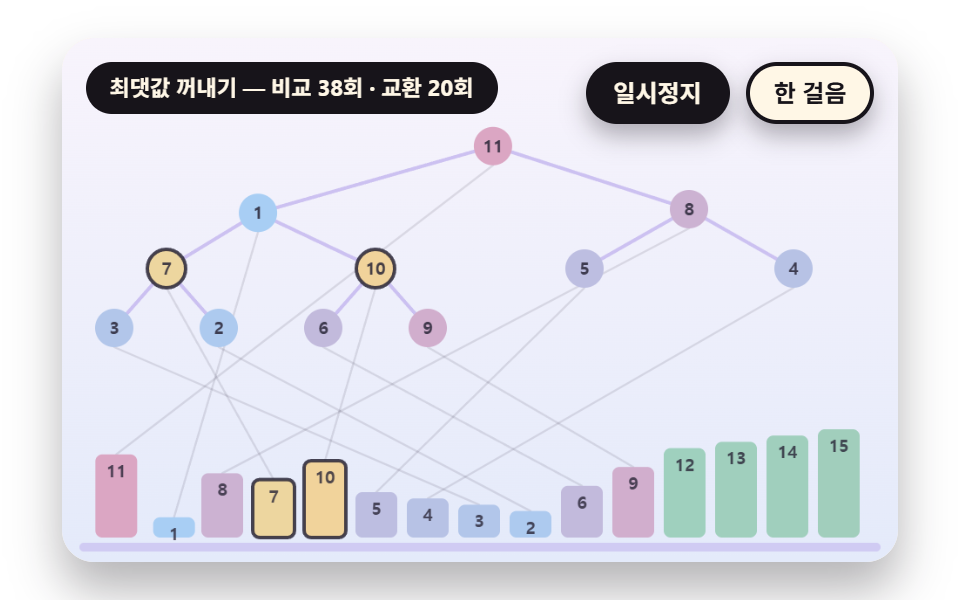 05 srt-heap-tree-sift-down
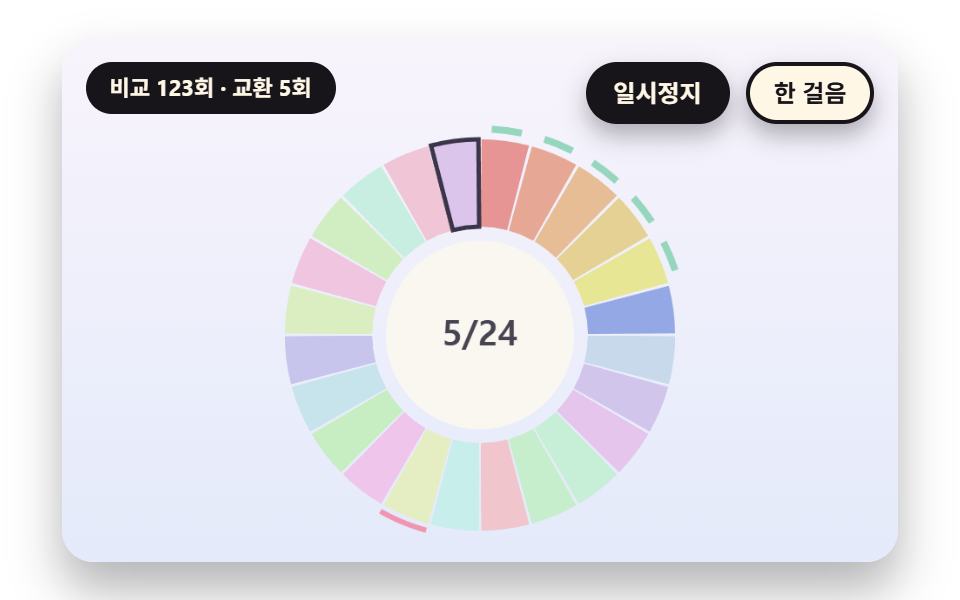 06 srt-hue-circle-color-sort
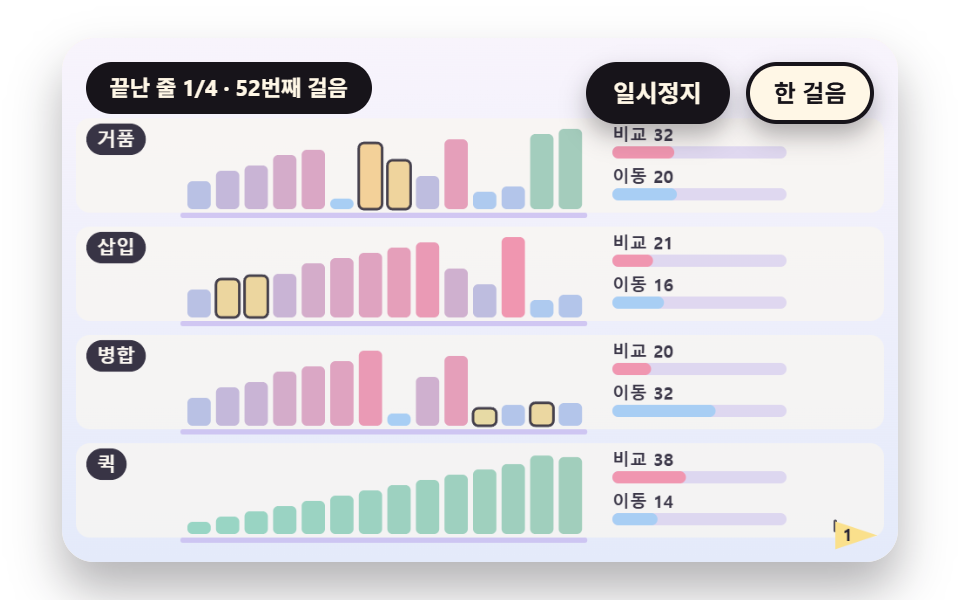 07 srt-compare-count-race-meter
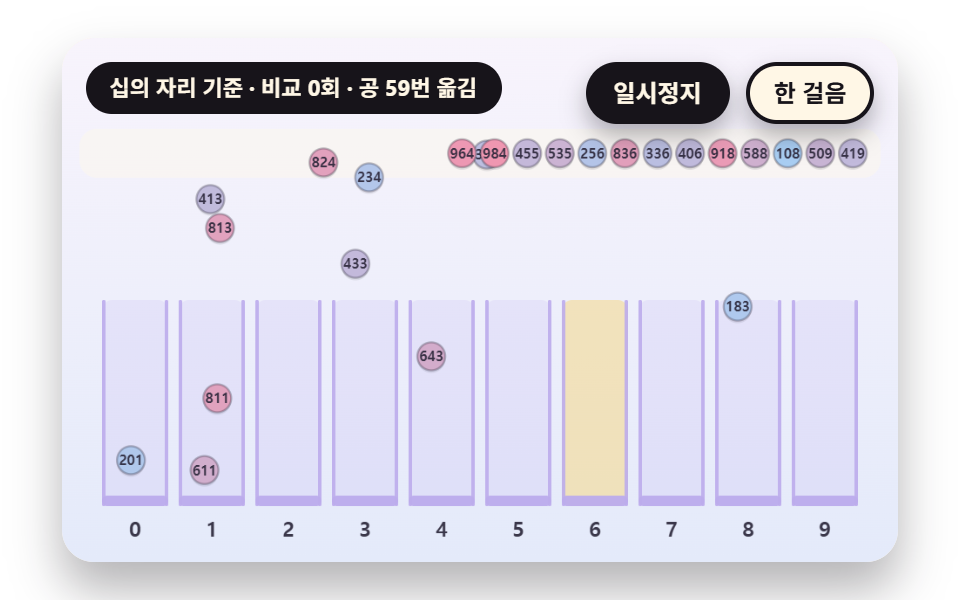 08 srt-radix-bucket-pour
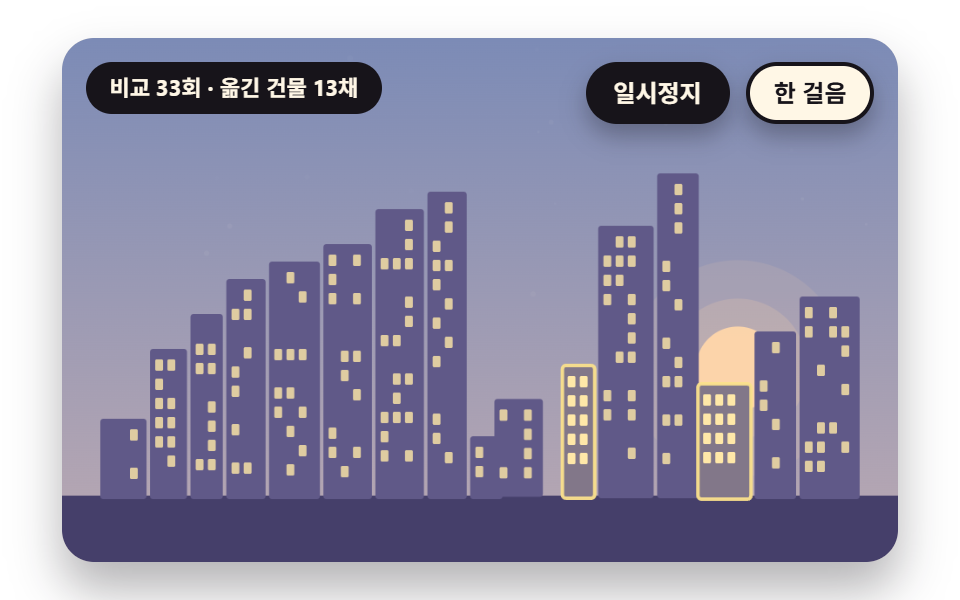 09 srt-hero-skyline-self-sort
Auto-plays · click a tile to jump to its section · all nine in one zip
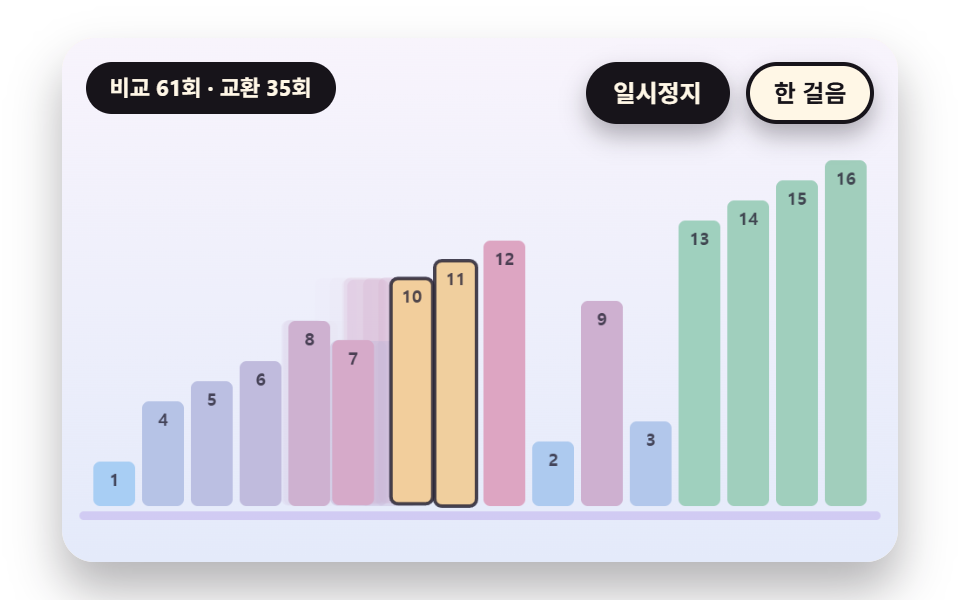
- 01 Bubble Sort Bars That Swap Neighbors and Leave a Trace
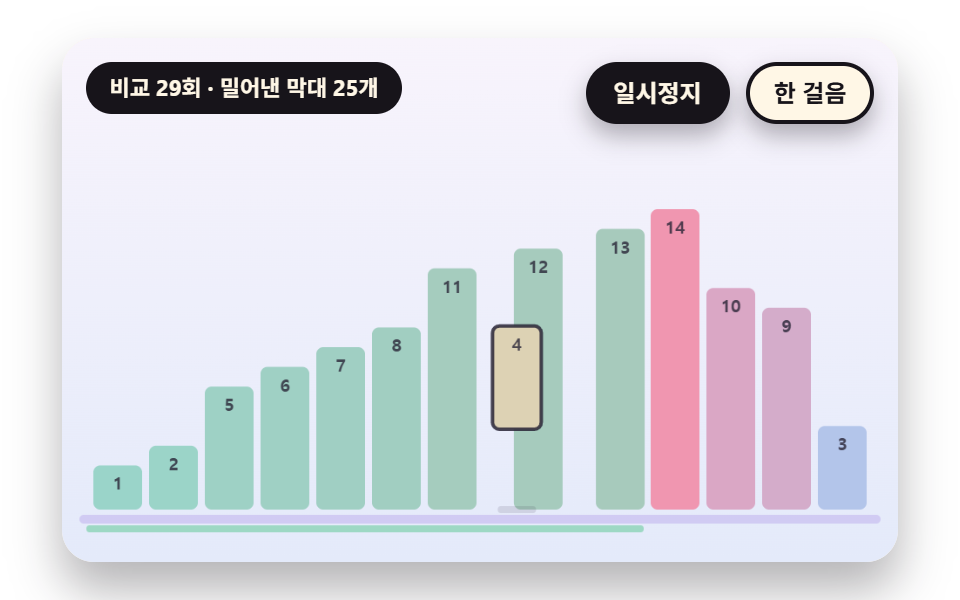
- 02 Insertion Sort That Lifts One Bar and Slots It Into the Gap
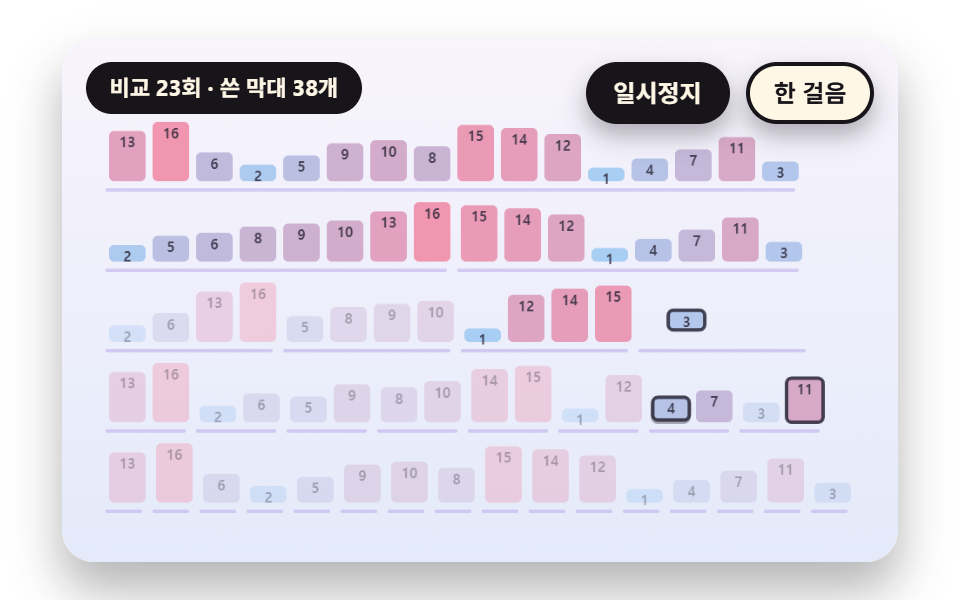
- 03 Merge Sort That Splits in Half and Weaves Two Runs Back Together
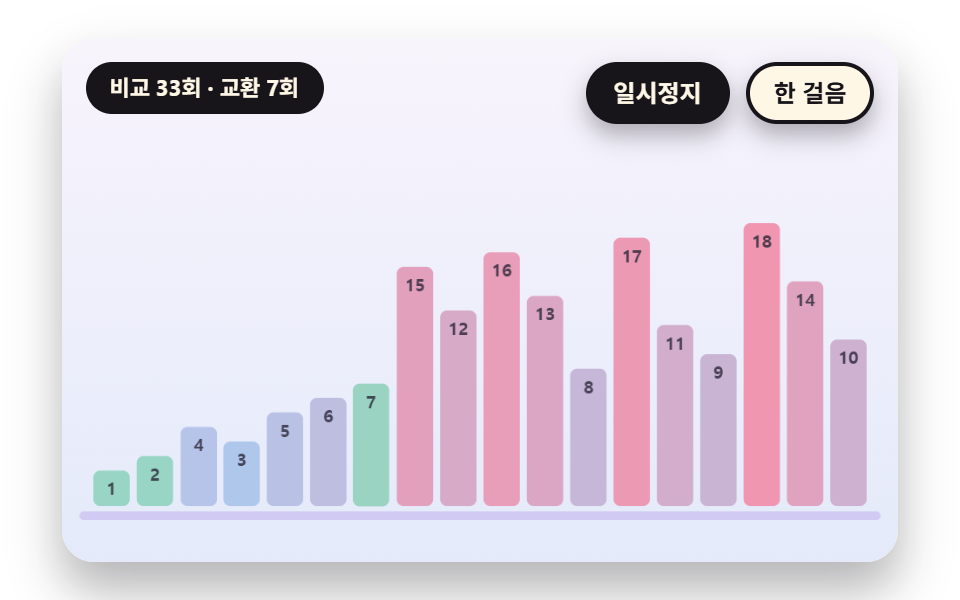
- 04 Quick Sort That Plants a Pivot Bar and Sweeps Both Sides
- 05 Heap Sort That Sifts Big Values Down a Binary Tree
- 06 A Circular Sort That Turns Scrambled Color Slices Into Hue Order
- 07 A Race Meter That Pits Four Sorts on the Same Array by Comparisons and Moves
- 08 Radix Sort That Pours Into Digit Buckets and Gathers Back
- 09 A Hero Where a Jumbled City Skyline Sorts Itself Into a Staircase
All nine scenes follow one rule. The sort really runs once and writes its comparisons, swaps and writes into a step list, and the screen reads that list on a timetable, one step at a time. Bar heights and the counters both come only from steps that were applied, so what you watch is the computed sort and not a staged animation.
Why the sorting side and the drawing side are split
The sorting side is a pure function such as bubbleSteps, mergeSteps or quickSteps that takes an array and returns a step list, and the drawing side only applies what it receives. To change the algorithm you swap the step generator and leave the bar drawing code alone. Scene 07 stacks this structure four times, so four different step lists play on the same array at once.
Reading values from bar height instead of sound
If you searched for a sorting algorithm visualizer project that plays each value as a tone, this one uses no audio. Values reach you through bar height and a sentence under the stage that says what the current step is.
The layer of calculation each scene adds
01 adds a spring swap with a trail, and 02 a low-frequency spring that lags like inertia. 03 flies bars along a curve between layers, and 04 draws a dotted line at the pivot height. 05 shows a tree and a bar row together, 06 turns slices around a ring, and 07 tallies counts for four lanes. 08 adds gravity and a floor bounce, and 09 brightens a sky by progress.
Sorting Algorithm Visualizer JS: 9 Scenes — Bubble Bars That Swap Neighbors, Insertion Into a Gap, Merge That Splits and Weaves, Quick Sort That Plants a Pivot, Heap Sort Sifting Down a Tree, a Circular Hue Sort, a Race Meter for Four Methods, Radix Pouring Into Buckets and a Self-Sorting Skyline
What nine renders measured for area, frames and intensity
| Scene | Area covered | Frames that moved | Mean intensity |
|---|---|---|---|
| 01 Bubble bars | 29.6% | 23/23 | 66.6 |
| 02 Insertion | 25.5% | 23/23 | 65.8 |
| 03 Merge | 10.0% | 23/23 | 84.7 |
| 04 Quick | 22.6% | 22/23 | 52.8 |
| 05 Heap | 11.9% | 22/23 | 60.9 |
| 06 Hue circle | 14.8% | 21/23 | 52.3 |
| 07 Race meter | 12.7% | 23/23 | 76.4 |
| 08 Radix | 28.3% | 23/23 | 60.3 |
| 09 Skyline | 70.8% | 23/23 | 61.2 |
The whole sky and every building change in 09, so it covers the most at 70.8%, while 03 covers the least at 10.0% because only some of the layered rows change at a time. Mean intensity is highest in 03 at 84.7 and lowest in 06 at 52.3, and 04, 05 and 06 show 22, 22 and 21 moving frames out of 23, so a few frames in those three do not change.
01Bubble Sort Bars That Swap Neighbors and Leave a Trace
A learning site's first screen shows this at a glance, with two bars crossing over each other's slots. Only the swap steps (SWP) from bubbleSteps actually change the row array, and the drawn position sx chases the new slot through the spr spring. A bar crossing to the right lifts slightly through lift so it clears the bar coming the other way, and a faint trail stays behind for TRAIL_S.
<main class="stage">
<div class="vj is-demo" id="vj">
  <div class="vj__pad" data-role="pad" tabindex="0" role="application" aria-label="Sorting stage: click it, then press Enter to pause or the right arrow key to advance one step">
    <canvas class="vj__canvas" data-role="canvas" width="480" height="300" role="img" aria-label="A bubble sort on a row of bars of different heights: neighbors are compared from the left and the taller one goes right. Each swapping pair crosses over on a spring, leaving a faint trail where it passed, and bars already in place on the right harden to green"></canvas>
  </div>
  <p class="vj__status" data-role="status" aria-live="off">Sorting demo</p>
  <div class="vj__ctrl">
    <button class="vj__pause" data-role="pause" type="button" aria-pressed="false">Pause</button>
    <button class="vj__step" data-role="step" type="button">Step</button>
  </div>
  <p class="vj__done" data-role="done" role="status" aria-live="polite"></p>
</div>
</main>
@use "../../../../site/static/demo-tokens" as *;
@include stage($stage-paper);
.vj {
position: relative;
width: min(92vw, calc(160vh - 12.8vw));
aspect-ratio: 480 / 300;
margin: 0 auto;
border-radius: $r-card;
overflow: hidden;
box-shadow: $shadow-raised;
background: $subject-cream;
}
// 무대 상자 — 여기서 시작한 터치만 바람 끌기로 읽는다(touch-action: none 은 이 상자에만). 무대 밖 터치는 페이지 스크롤 그대로
.vj__pad {
position: absolute;
inset: 0;
border-radius: inherit;
outline: none;
touch-action: none;
cursor: grab;
}
// 바깥 .vj 가 넘침을 자르므로 포커스 테두리는 안쪽으로 들인다
.vj__pad:focus-visible {
outline: 3px solid $subject-ink;
outline-offset: -3px;
}
.vj__canvas {
position: absolute;
inset: 0;
display: block;
width: 100%;
height: 100%;
}
.vj__ctrl {
position: absolute;
right: $sp-3;
top: $sp-3;
display: flex;
gap: $sp-2;
}
.vj__pause,
.vj__step {
padding: $sp-1 $sp-3;
border: 2px solid $subject-ink;
border-radius: $r-pill;
background: $subject-ink;
color: $subject-cream;
font-family: inherit;
font-weight: 700;
font-size: 12px;
line-height: 1.6;
cursor: pointer;
box-shadow: $shadow-press;
transition: transform $dur-quick $ease-spring;
}
.vj__step {
background: $subject-cream;
color: $subject-ink;
}
// 스크린리더에만 읽히는 완료 알림
.vj__done {
position: absolute;
width: 1px;
height: 1px;
margin: 0;
overflow: hidden;
clip-path: inset(50%);
white-space: nowrap;
}
// 눌린 상태(멈춤) — 바탕과 글자색을 뒤집어 aria-pressed 가 눈에도 보이게
.vj__pause[aria-pressed="true"] {
background: $subject-cream;
color: $subject-ink;
}
.vj__pause:hover,
.vj__step:hover {
transform: translateY(-2px);
}
.vj__pause:active,
.vj__step:active {
transform: translateY(1px);
}
.vj__pause:focus-visible,
.vj__step:focus-visible {
outline: 3px solid $subject-ink;
outline-offset: 3px;
}
// 상태 줄 — 지금 장면의 수치를 글자로. 시연 중에는 aria-live off, 사람이 처음 손대면 polite
.vj__status {
position: absolute;
left: $sp-3;
top: $sp-3;
max-width: calc(100% - 190px);
margin: 0;
padding: $sp-1 $sp-3;
border-radius: $r-pill;
background: $subject-ink;
color: $subject-cream;
font-weight: 700;
font-size: 11px;
line-height: 1.6;
white-space: nowrap;
overflow: hidden;
text-overflow: ellipsis;
pointer-events: none;
}
@media (max-width: 340px) {
.vj__pause,
.vj__step,
.vj__status { font-size: 10px; padding: 0 $sp-2; }
}
// 움직임 줄이기 — 장면은 스크립트가 정지 장면 한 장으로 멈춘다. 버튼도 떠오르지 않게
@media (prefers-reduced-motion: reduce) {
.vj__pause,
.vj__step { transition: none !important; }
.vj__pause:hover,
.vj__pause:active,
.vj__step:hover,
.vj__step:active { transform: none !important; }
}html, body {
margin: 0;
overflow: hidden;
}
.stage {
box-sizing: border-box;
min-height: 100vh;
display: grid;
place-items: center;
margin: 0;
background: #ffffff;
font-family: -apple-system, "Segoe UI", "Noto Sans KR", sans-serif;
padding: clamp(8px, 4vw, 24px);
}
.vj {
position: relative;
width: min(92vw, 160vh - 12.8vw);
aspect-ratio: 480/300;
margin: 0 auto;
border-radius: 16px;
overflow: hidden;
box-shadow: 0 14px 24px rgba(23, 20, 26, 0.32);
background: #fff7e6;
}
.vj__pad {
position: absolute;
inset: 0;
border-radius: inherit;
outline: none;
touch-action: none;
cursor: grab;
}
.vj__pad:focus-visible {
outline: 3px solid #17141a;
outline-offset: -3px;
}
.vj__canvas {
position: absolute;
inset: 0;
display: block;
width: 100%;
height: 100%;
}
.vj__ctrl {
position: absolute;
right: 12px;
top: 12px;
display: flex;
gap: 8px;
}
.vj__pause,
.vj__step {
padding: 4px 12px;
border: 2px solid #17141a;
border-radius: 999px;
background: #17141a;
color: #fff7e6;
font-family: inherit;
font-weight: 700;
font-size: 12px;
line-height: 1.6;
cursor: pointer;
box-shadow: 0 6px 12px rgba(23, 20, 26, 0.32);
transition: transform 220ms cubic-bezier(0.2, 0.8, 0.2, 1);
}
.vj__step {
background: #fff7e6;
color: #17141a;
}
.vj__done {
position: absolute;
width: 1px;
height: 1px;
margin: 0;
overflow: hidden;
clip-path: inset(50%);
white-space: nowrap;
}
.vj__pause[aria-pressed=true] {
background: #fff7e6;
color: #17141a;
}
.vj__pause:hover,
.vj__step:hover {
transform: translateY(-2px);
}
.vj__pause:active,
.vj__step:active {
transform: translateY(1px);
}
.vj__pause:focus-visible,
.vj__step:focus-visible {
outline: 3px solid #17141a;
outline-offset: 3px;
}
.vj__status {
position: absolute;
left: 12px;
top: 12px;
max-width: calc(100% - 190px);
margin: 0;
padding: 4px 12px;
border-radius: 999px;
background: #17141a;
color: #fff7e6;
font-weight: 700;
font-size: 11px;
line-height: 1.6;
white-space: nowrap;
overflow: hidden;
text-overflow: ellipsis;
pointer-events: none;
}
@media (max-width: 340px) {
.vj__pause,
.vj__step,
.vj__status {
font-size: 10px;
padding: 0 8px;
}
}
@media (prefers-reduced-motion: reduce) {
.vj__pause,
.vj__step {
transition: none !important;
}
.vj__pause:hover,
.vj__pause:active,
.vj__step:hover,
.vj__step:active {
transform: none !important;
}
}(function () {
const root = document.getElementById("vj");
if (!root) return;
// 무대 좌표 — 캔버스 안 계산은 늘 480×300. 화면에 보이는 크기와 상관없다
const W = 480;
const H = 300;
const TAU = Math.PI * 2;
function clamp(v, lo, hi) { return v < lo ? lo : (v > hi ? hi : v); }
function lerp(a, b, k) { return a + (b - a) * k; }
function ease(x) { const c = clamp(x, 0, 1); return c * c * (3 - 2 * c); }
// 시드 고정 난수 — 선형 합동 생성기(곱 1664525, 더함 1013904223). 같은 시드면 같은 배열
function seeded(seed) {
let s = (seed >>> 0) || 1;
return function () {
s = (Math.imul(s, 1664525) + 1013904223) >>> 0;
return s / 4294967296;
};
}
// 1 부터 n 까지를 한 번씩 담아 섞는다 — 같은 값이 두 번 나오지 않아 막대 높이가 모두 다르다
function shuffled(n, seed) {
const rng = seeded(seed);
const a = [];
for (let i = 0; i < n; i += 1) {
a.push(i + 1);
}
for (let i = n - 1; i > 0; i -= 1) {
const j = Math.floor(rng() * (i + 1));
const t = a[i];
a[i] = a[j];
a[j] = t;
}
return a;
}
// 파스텔 팔레트 — 바탕은 연한 라벤더 크림, 막대는 하늘색에서 분홍으로 가는 값 그라디언트
const BG_TOP = [248, 244, 252];
const BG_BOT = [228, 234, 250];
const WATER = [168, 206, 244];
const ROSE = [240, 150, 176];
const MINT = [150, 214, 190];
const BUTTER = [250, 224, 140];
const LAV = [188, 172, 236];
const INK = [40, 36, 54];
const PAPER = [250, 246, 240];
const NIGHT_TOP = [38, 44, 86];
const NIGHT_BOT = [78, 88, 140];
const DAWN_TOP = [176, 196, 240];
const DAWN_BOT = [252, 218, 200];
function mix(a, b, k) { return [lerp(a[0], b[0], k), lerp(a[1], b[1], k), lerp(a[2], b[2], k)]; }
function rgba(c, a) {
return 'rgba(' + Math.round(clamp(c[0], 0, 255)) + ',' + Math.round(clamp(c[1], 0, 255)) + ',' + Math.round(clamp(c[2], 0, 255)) + ',' + clamp(a, 0, 1).toFixed(3) + ')';
}
// 값 하나의 색 — 작은 값은 하늘색, 큰 값은 분홍. 정렬이 되면 색이 매끈한 띠가 된다
function barColor(v, n) { return mix(WATER, ROSE, (v - 1) / Math.max(1, n - 1)); }
// 색상환 색 — 색 자체가 값이라 채도를 살린다(파스텔 변환 대상이 아닌 기능색)
function hueColor(h) {
const s = 0.62;
const l = 0.74;
const q = l < 0.5 ? l * (1 + s) : l + s - l * s;
const p = 2 * l - q;
function ch(t) {
let u = t;
if (u < 0) {
u += 1;
}
if (u > 1) {
u -= 1;
}
if (u < 1 / 6) {
return p + (q - p) * 6 * u;
}
if (u < 1 / 2) {
return q;
}
if (u < 2 / 3) {
return p + (q - p) * (2 / 3 - u) * 6;
}
return p;
}
return [ch(h + 1 / 3) * 255, ch(h) * 255, ch(h - 1 / 3) * 255];
}
// ── 걸음 목록 — 정렬을 실제로 돌려 얻은 비교·교환·쓰기 기록. 화면과 계수기는 이 목록에서만 나온다 ──
const CMP = 0;
const SWP = 1;
const SET = 2;
const MOV = 3;
const FIX = 4;
const LIFT = 5;
const SHF = 6;
const DROP = 7;
const PIV = 8;
const SPLIT = 9;
const MRG = 10;
const DRP = 11;
const TAK = 12;
const PASS = 13;
const TICK = 14;
const PHASE = 15;
function mk(k, a, b, i = -1, j = -1, lo = -1, hi = -1, v = 0) {
return { k: k, a: a, b: b, i: i, j: j, lo: lo, hi: hi, v: v };
}
function swapAt(a, i, j) { const t = a[i]; a[i] = a[j]; a[j] = t; }
// 시간을 쓰지 않는 표식 걸음 — 비교도 이동도 아니다
function isMeta(k) { return k === FIX || k === SPLIT || k === MRG || k === PASS || k === PHASE || k === PIV; }
// Bubble — 이웃 둘을 비교해 앞이 크면 맞바꾼다. 한 바퀴마다 가장 큰 값이 끝에 놓인다
function bubbleSteps(v0) {
const a = v0.slice();
const out = [];
let end = a.length - 1;
while (end > 0) {
let swapped = false;
for (let i = 0; i < end; i += 1) {
out.push(mk(CMP, i, i + 1, -1, -1, 0, end));
if (a[i] > a[i + 1]) {
swapAt(a, i, i + 1);
out.push(mk(SWP, i, i + 1, -1, -1, 0, end));
swapped = true;
}
}
out.push(mk(FIX, end, 0));
if (swapped) {
end -= 1;
}
else {
// 한 바퀴 동안 맞바꿈이 없으면 앞쪽도 이미 정렬된 것
for (let k = end - 1; k >= 0; k -= 1) {
out.push(mk(FIX, k, 0));
}
end = 0;
}
}
out.push(mk(FIX, 0, 0));
return out;
}
// Insert — i 번째를 들어 올리고(LIFT), 왼쪽이 더 크면 한 칸씩 오른쪽으로 민 뒤(SHF) 빈 틈에 내린다(DROP)
function insertionSteps(v0) {
const a = v0.slice();
const out = [];
for (let i = 1; i < a.length; i += 1) {
out.push(mk(LIFT, i, 0, -1, -1, 0, i));
const key = a[i];
let j = i;
while (j > 0) {
out.push(mk(CMP, j - 1, i, -1, -1, 0, i));
if (a[j - 1] > key) {
a[j] = a[j - 1];
out.push(mk(SHF, j - 1, j, -1, -1, 0, i));
j -= 1;
}
else {
break;
}
}
a[j] = key;
out.push(mk(DROP, j, 0, -1, -1, 0, i));
}
return out;
}
// Merge — 위에서 반씩 갈라 내려 보내고(SPLIT), 아래에서부터 두 줄의 앞을 비교해 작은 쪽을 위층에 쓴다(SET). i 필드가 층 번호
function mergeSteps(v0) {
const n = v0.length;
const out = [];
function deep(lo, hi, lv) {
if (hi - lo < 2) {
return lv;
}
const mid = (lo + hi) >> 1;
return Math.max(deep(lo, mid, lv + 1), deep(mid, hi, lv + 1));
}
const depth = deep(0, n, 0);
const lv = [];
for (let l = 0; l <= depth; l += 1) {
lv.push(v0.slice());
}
for (let l = 0; l < depth; l += 1) {
out.push(mk(SPLIT, l, 0, l));
}
function sort(lo, hi, l) {
if (hi - lo < 2) {
return;
}
const mid = (lo + hi) >> 1;
sort(lo, mid, l + 1);
sort(mid, hi, l + 1);
out.push(mk(MRG, lo, hi, l, -1, lo, hi));
const src = lv[l + 1];
const dst = lv[l];
let ii = lo;
let jj = mid;
let p = lo;
while (ii < mid && jj < hi) {
out.push(mk(CMP, ii, jj, l, -1, lo, hi));
if (src[ii] <= src[jj]) {
dst[p] = src[ii];
out.push(mk(SET, p, ii, l, -1, lo, hi, src[ii]));
ii += 1;
}
else {
dst[p] = src[jj];
out.push(mk(SET, p, jj, l, -1, lo, hi, src[jj]));
jj += 1;
}
p += 1;
}
while (ii < mid) {
dst[p] = src[ii];
out.push(mk(SET, p, ii, l, -1, lo, hi, src[ii]));
ii += 1;
p += 1;
}
while (jj < hi) {
dst[p] = src[jj];
out.push(mk(SET, p, jj, l, -1, lo, hi, src[jj]));
jj += 1;
p += 1;
}
}
sort(0, n, 0);
return out;
}
// Quick — 구간 맨 앞을 기준으로 세우고(PIV), 왼쪽 포인터는 큰 값을 찾고 오른쪽 포인터는 작은 값을 찾아 맞바꾼다. 만나면 기준을 내려놓는다
function quickSteps(v0) {
const a = v0.slice();
const out = [];
function qs(lo, hi) {
if (lo > hi) {
return;
}
if (lo === hi) {
out.push(mk(FIX, lo, 0, -1, -1, lo, hi));
return;
}
const p = a[lo];
let i = lo + 1;
let j = hi;
out.push(mk(PIV, lo, 0, i, j, lo, hi));
for (;;) {
while (i <= j) {
out.push(mk(CMP, i, lo, i, j, lo, hi));
if (a[i] <= p) {
i += 1;
}
else {
break;
}
}
while (i <= j) {
out.push(mk(CMP, j, lo, i, j, lo, hi));
if (a[j] > p) {
j -= 1;
}
else {
break;
}
}
if (i < j) {
swapAt(a, i, j);
out.push(mk(SWP, i, j, i, j, lo, hi));
i += 1;
j -= 1;
}
else {
break;
}
}
if (j > lo) {
swapAt(a, lo, j);
out.push(mk(SWP, lo, j, j, j, lo, hi));
}
out.push(mk(FIX, j, 0, -1, -1, lo, hi));
qs(lo, j - 1);
qs(j + 1, hi);
}
qs(0, a.length - 1);
return out;
}
// 힙 — 배열을 이진 트리로 읽는다(자식은 2i+1·2i+2). 먼저 힙을 세우고, 최댓값을 맨 끝으로 빼내며 다시 내려 보낸다. hi 필드가 힙 크기
function heapSteps(v0) {
const a = v0.slice();
const out = [];
function sift(start, size) {
let root = start;
for (;;) {
let child = 2 * root + 1;
if (child >= size) {
break;
}
if (child + 1 < size) {
out.push(mk(CMP, child, child + 1, -1, -1, root, size));
if (a[child + 1] > a[child]) {
child += 1;
}
}
out.push(mk(CMP, root, child, -1, -1, root, size));
if (a[root] < a[child]) {
swapAt(a, root, child);
out.push(mk(SWP, root, child, -1, -1, root, size));
root = child;
}
else {
break;
}
}
}
const n = a.length;
for (let s = (n >> 1) - 1; s >= 0; s -= 1) {
sift(s, n);
}
out.push(mk(PHASE, 1, 0));
for (let end = n - 1; end > 0; end -= 1) {
swapAt(a, 0, end);
out.push(mk(SWP, 0, end, -1, -1, 0, end + 1));
out.push(mk(FIX, end, 0));
sift(0, end);
}
out.push(mk(FIX, 0, 0));
return out;
}
// 선택 — 남은 구간에서 가장 작은 값을 찾아(CMP 로 훑는다) 맨 앞과 맞바꾼다. lo 필드가 구간 시작
function selectionSteps(v0) {
const a = v0.slice();
const out = [];
for (let i = 0; i < a.length - 1; i += 1) {
let m = i;
for (let j = i + 1; j < a.length; j += 1) {
out.push(mk(CMP, j, m, -1, -1, i, a.length));
if (a[j] < a[m]) {
m = j;
}
}
if (m !== i) {
swapAt(a, i, m);
out.push(mk(SWP, i, m, -1, -1, i, a.length));
}
out.push(mk(FIX, i, 0));
}
out.push(mk(FIX, a.length - 1, 0));
return out;
}
// 기수 — 자리 숫자(일·십·백)마다 통 열 개에 붓고(DRP) 0번 통부터 차례로 꺼낸다(TAK). 값끼리 비교하지 않는다
function radixSteps(v0, digits) {
let row = v0.slice();
const out = [];
let place = 1;
for (let pass = 0; pass < digits; pass += 1) {
out.push(mk(PASS, pass, 0, pass));
const buckets = [];
for (let d = 0; d < 10; d += 1) {
buckets.push([]);
}
for (let s = 0; s < row.length; s += 1) {
const d = Math.floor(row[s] / place) % 10;
buckets[d].push(row[s]);
out.push(mk(DRP, s, d, pass, -1, -1, -1, row[s]));
}
const next = [];
for (let d = 0; d < 10; d += 1) {
for (const x of buckets[d]) {
out.push(mk(TAK, next.length, d, pass, -1, -1, -1, x));
next.push(x);
}
}
row = next;
place *= 10;
}
return out;
}
// 혼합 — 짧은 구간(RUN 칸)은 삽입으로 정렬하고, 정렬된 구간 둘을 병합으로 합친다. 이동은 MOV(from → to) Step
function hybridSteps(v0, run) {
const a = v0.slice();
const out = [];
const n = a.length;
function move(from, to, lo, hi) {
const x = a.splice(from, 1)[0];
a.splice(to, 0, x);
out.push(mk(MOV, from, to, -1, -1, lo, hi));
}
for (let lo = 0; lo < n; lo += run) {
const hi = Math.min(lo + run, n);
for (let i = lo + 1; i < hi; i += 1) {
let p = i;
while (p > lo) {
out.push(mk(CMP, p - 1, i, -1, -1, lo, hi));
if (a[p - 1] > a[i]) {
p -= 1;
}
else {
break;
}
}
if (p < i) {
move(i, p, lo, hi);
}
}
}
for (let w = run; w < n; w *= 2) {
for (let lo = 0; lo + w < n; lo += 2 * w) {
let mid = lo + w;
const hi = Math.min(lo + 2 * w, n);
let i = lo;
let j = mid;
while (i < mid && j < hi) {
out.push(mk(CMP, i, j, -1, -1, lo, hi));
if (a[i] <= a[j]) {
i += 1;
}
else {
move(j, i, lo, hi);
i += 1;
mid += 1;
j += 1;
}
}
}
}
out.push(mk(FIX, 0, 0));
return out;
}
// 걸음 목록에서 비교 횟수와 이동 횟수(교환·밀기·쓰기) 를 센다
function countOf(steps) {
let c = 0;
let m = 0;
for (const s of steps) {
if (s.k === CMP) {
c += 1;
}
else if (s.k === SWP || s.k === SET || s.k === MOV || s.k === SHF) {
m += 1;
}
}
return { c: c, m: m };
}
function applyLane(L, s) {
if (s.k === SWP) {
swapAt(L.a, s.a, s.b);
}
else if (s.k === SET) {
L.a[s.a] = s.v;
}
else if (s.k === SHF) {
L.a[s.b] = L.a[s.a];
}
else if (s.k === LIFT) {
L.key = L.a[s.a];
}
else if (s.k === DROP) {
L.a[s.a] = L.key;
}
else if (s.k === MOV) {
const x = L.a.splice(s.a, 1)[0];
L.a.splice(s.b, 0, x);
}
}
function isSorted(a) {
for (let i = 1; i < a.length; i += 1) {
if (a[i - 1] > a[i]) {
return false;
}
}
return true;
}
const canvasEl = root.querySelector('[data-role="canvas"]');
const padEl = root.querySelector('[data-role="pad"]');
const pauseEl = root.querySelector('[data-role="pause"]');
const statusEl = root.querySelector('[data-role="status"]');
const stepEl = root.querySelector('[data-role="step"]');
const doneEl = root.querySelector('[data-role="done"]');
const ctxRaw = canvasEl ? canvasEl.getContext('2d') : null;
if (!canvasEl || !ctxRaw || !pauseEl || !padEl || !stepEl || !doneEl) {
return;
}
const cv = canvasEl;
const ctx = ctxRaw;
const pauseBtn = pauseEl;
const stepBtn = stepEl;
const doneP = doneEl;
const pad = padEl;
// 외부 웹폰트는 부르지 않는다 — 기기에 있는 글꼴 목록만
const FONT_STACK = 'system-ui, -apple-system, "Segoe UI", "Noto Sans KR", sans-serif';
let dpr = 1;
function fitCanvas() {
// 배율은 2 에서 자른다 — 배율 3 기기에서 화소가 2.25배로 늘지 않게
dpr = Math.min(window.devicePixelRatio || 1, 2);
cv.width = Math.round(W * dpr);
cv.height = Math.round(H * dpr);
ctx.setTransform(dpr, 0, 0, dpr, 0, 0);
}
function skyFill(top, bot) {
const g = ctx.createLinearGradient(0, 0, 0, H);
g.addColorStop(0, rgba(top, 1));
g.addColorStop(1, rgba(bot, 1));
ctx.fillStyle = g;
ctx.fillRect(0, 0, W, H);
}
function disc(x, y, r, c, a) {
if (r <= 0.2 || a <= 0) {
return;
}
ctx.beginPath();
ctx.arc(x, y, r, 0, TAU);
ctx.fillStyle = rgba(c, a);
ctx.fill();
}
function ring(x, y, r, width, c, a) {
if (r <= 0.2 || a <= 0) {
return;
}
ctx.beginPath();
ctx.arc(x, y, r, 0, TAU);
ctx.lineWidth = width;
ctx.strokeStyle = rgba(c, a);
ctx.stroke();
}
function seg(x1, y1, x2, y2, width, c, a) {
if (a <= 0) {
return;
}
ctx.beginPath();
ctx.moveTo(x1, y1);
ctx.lineTo(x2, y2);
ctx.lineWidth = width;
ctx.lineCap = 'round';
ctx.strokeStyle = rgba(c, a);
ctx.stroke();
}
function box(x, y, w, h, r, c, a) {
if (w <= 0.2 || h <= 0.2 || a <= 0) {
return;
}
ctx.beginPath();
ctx.roundRect(x, y, w, h, Math.max(0, Math.min(r, w / 2, h / 2)));
ctx.fillStyle = rgba(c, a);
ctx.fill();
}
function text(s, x, y, c, a, px, weight, align) {
ctx.font = weight + ' ' + px + 'px ' + FONT_STACK;
ctx.textAlign = align;
ctx.textBaseline = 'middle';
ctx.fillStyle = rgba(c, a);
ctx.fillText(s, x, y);
}
// 글자 이름표 — 바탕 알약 위에 글자
function tag(s, x, y, bg, fg, px, align) {
ctx.font = '700 ' + px + 'px ' + FONT_STACK;
const w = ctx.measureText(s).width + px * 1.1;
const left = align === 'center' ? x - w / 2 : (align === 'right' ? x - w : x);
box(left, y - px * 0.82, w, px * 1.64, px * 0.82, bg, 0.92);
text(s, left + w / 2, y + 0.5, fg, 1, px, 700, 'center');
}
// 장면 시계(초) — 장면 계산이 고치고 화면 쪽이 읽는다
let sceneT = 0;
function newSp(x) { return { x: x, v: 0 }; }
// 목표로 당기는 힘 w²·(목표−x) 와 속도를 깎는 힘 2·z·w·v. 한 프레임을 네 토막으로 적분해 큰 dt 에서도 터지지 않는다
function spr(s, target, dt, w, z) {
const h = dt / 4;
for (let k = 0; k < 4; k += 1) {
s.v += (w * w * (target - s.x) - 2 * z * w * s.v) * h;
s.x += s.v * h;
}
}
// 정렬이 끝난 뒤 완성 장면을 보여 주는 시간(초). 지나면 다음 판이 처음부터 시작
const HOLD_S = 1.6;
// 걸음 재생기 — 걸음 목록 한 줄을 시간표대로 적용한다. 계수기는 적용한 걸음에서만 센다
let steps = [];
let at = 0;
let acc = 0;
let cmpN = 0;
let movN = 0;
let holdT = 0;
let lap = 0;
function countStep(s) {
if (s.k === CMP) {
cmpN += 1;
}
else if (s.k === SWP || s.k === SET || s.k === MOV || s.k === SHF) {
movN += 1;
}
}
function isDone() { return at >= steps.length; }
// 지금 걸음의 진행(0~1) — 걸음이 끝나면 1
function stepFrac() { return at < steps.length ? clamp(acc / stepDur(steps[at]), 0, 1) : 1; }
function runOne() {
const s = steps[at];
countStep(s);
applyOne(s);
at += 1;
}
function runTo(n) {
while (at < n && at < steps.length) {
runOne();
}
}
// 판 시작 — 첫 판(lap 0)은 START_FRAC 만큼 앞의 걸음을 미리 적용해 정렬 중간에서 보여 준다
function begin() {
sceneT = 0;
at = 0;
acc = 0;
cmpN = 0;
movN = 0;
holdT = 0;
build();
if (lap === 0) {
runTo(Math.floor(steps.length * START_FRAC));
}
snap();
}
function advance(dt) {
sceneT += dt;
if (at < steps.length) {
acc += dt;
while (at < steps.length && acc >= stepDur(steps[at])) {
acc -= stepDur(steps[at]);
runOne();
}
}
else {
holdT += dt;
if (holdT >= HOLD_S) {
lap += 1;
begin();
}
}
update(dt);
}
let shownStatus = '';
function pushStatus(s) {
if (!statusEl || s === shownStatus) {
return;
}
shownStatus = s;
statusEl.textContent = s;
}
// ── 01 이웃 막대가 자리를 맞바꾸는 버블 정렬 ───────────────────────────
// 막대 수 — 비교 횟수는 n(n−1)/2 까지, 교환 횟수는 뒤집힌 쌍의 수라 대략 n² 의 4분의 1 로 늘어난다
const BAR_COUNT = 16;
// 맞바꾸는 두 막대가 서로의 자리로 건너가는 시간(ms) — 스프링 고유 진동수와 걸음 길이가 여기서 정해진다
const SWAP_TRAVEL_MS = 160;
// 비교 한 걸음의 길이(ms)
const STEP_MS = 55;
const SEED = 4931;
// 첫 판은 걸음의 이 비율만큼 앞서 시작한다 — 이미 큰 막대들이 오른쪽에 쌓인 장면
const START_FRAC = 0.5;
const SPRING_W = 6 / (SWAP_TRAVEL_MS / 1000);
const SPRING_Z = 0.5;
const BASE_Y = 268;
const TOP_PAD = 70;
const TRAIL_S = 0.32;
let vals = [];
let row = [];
let sx = [];
let lift = [];
let trails = [];
let flash = [];
let fixedPos = [];
let hiA = -1;
let hiB = -1;
let trailClock = 0;
function barW() { return (W - 32) / BAR_COUNT; }
function slotX(p) { return 16 + p * barW(); }
function barH(v) { return 14 + (v / BAR_COUNT) * (BASE_Y - TOP_PAD - 14); }
function build() {
vals = shuffled(BAR_COUNT, SEED + lap * 7);
row = [];
sx = [];
lift = [];
trails = [];
flash = [];
fixedPos = [];
for (let i = 0; i < BAR_COUNT; i += 1) {
row.push(i);
sx.push(newSp(slotX(i)));
lift.push(newSp(0));
trails.push([]);
flash.push(0);
fixedPos.push(false);
}
steps = bubbleSteps(vals);
hiA = -1;
hiB = -1;
}
function stepDur(s) {
if (s.k === SWP) {
return SWAP_TRAVEL_MS / 1000;
}
if (s.k === FIX) {
return 0.03;
}
return STEP_MS / 1000;
}
function applyOne(s) {
if (s.k === CMP) {
hiA = s.a;
hiB = s.b;
}
else if (s.k === SWP) {
swapAt(row, s.a, s.b);
flash[row[s.a]] = 1;
flash[row[s.b]] = 1;
hiA = s.a;
hiB = s.b;
}
else if (s.k === FIX) {
fixedPos[s.a] = true;
}
}
function snap() {
for (let p = 0; p < BAR_COUNT; p += 1) {
const id = row[p];
sx[id].x = slotX(p);
sx[id].v = 0;
lift[id].x = 0;
lift[id].v = 0;
trails[id] = [];
}
}
function update(dt) {
trailClock += dt;
for (let p = 0; p < BAR_COUNT; p += 1) {
const id = row[p];
spr(sx[id], slotX(p), dt, SPRING_W, SPRING_Z);
// 오른쪽으로 건너가는 막대는 살짝 떠올라 건너오는 막대와 겹치지 않는다
const away = slotX(p) - sx[id].x;
spr(lift[id], away > 1 ? -Math.min(14, away * 0.35) : 0, dt, 22, 0.8);
flash[id] = Math.max(0, flash[id] - dt * 2.4);
const tr = trails[id];
for (const t of tr) {
t.age += dt;
}
while (tr.length > 0 && tr[0].age > TRAIL_S) {
tr.shift();
}
if (Math.abs(slotX(p) - sx[id].x) > 2.5 && trailClock > 0.012) {
tr.push({ x: sx[id].x, y: lift[id].x, age: 0 });
}
}
if (trailClock > 0.012) {
trailClock = 0;
}
}
function draw() {
skyFill(BG_TOP, BG_BOT);
box(10, BASE_Y + 3, W - 20, 5, 2.5, LAV, 0.5);
const bw = barW();
const w = bw - 4;
// 잔상 — 지나간 자리에 옅게 남는 같은 높이의 막대
for (let id = 0; id < BAR_COUNT; id += 1) {
const h = barH(vals[id]);
for (const t of trails[id]) {
const a = (1 - t.age / TRAIL_S) * 0.34;
box(t.x + 2, BASE_Y - h + t.y, w, h, 4, barColor(vals[id], BAR_COUNT), a);
}
}
// 건너가는 막대(제자리와 멀수록)를 나중에 그려 위에 놓는다
const order = [];
for (let p = 0; p < BAR_COUNT; p += 1) {
order.push(p);
}
order.sort(function (p, q) {
return Math.abs(slotX(p) - sx[row[p]].x) - Math.abs(slotX(q) - sx[row[q]].x);
});
for (const p of order) {
const id = row[p];
const h = barH(vals[id]);
let c = barColor(vals[id], BAR_COUNT);
if (fixedPos[p]) {
c = mix(c, MINT, 0.88);
}
if (flash[id] > 0) {
c = mix(c, ROSE, flash[id] * 0.55);
}
const x = sx[id].x + 2;
const y = BASE_Y - h + lift[id].x;
const hot = !fixedPos[p] && (p === hiA || p === hiB);
box(x, y, w, h, 4, hot ? mix(c, BUTTER, 0.7) : c, 1);
if (hot) {
ctx.lineWidth = 2;
ctx.strokeStyle = rgba(INK, 0.85);
ctx.beginPath();
ctx.roundRect(x, y, w, h, 4);
ctx.stroke();
}
if (w >= 16) {
text(String(vals[id]), x + w / 2, y + 11, INK, 0.8, 10, 700, 'center');
}
}
}
function statusText() {
if (isDone()) {
return 'Sorted - {c} comparisons - {s} swaps'.replace('{c}', String(cmpN)).replace('{s}', String(movN));
}
return '{c} comparisons - {s} swaps'.replace('{c}', String(cmpN)).replace('{s}', String(movN));
}
let paused = false;
const reduceQuery = window.matchMedia('(prefers-reduced-motion: reduce)');
// 페이지를 연 채 움직임 줄이기 설정을 바꿔도 change 리스너가 다시 읽는다
let still = reduceQuery.matches;
// 자동 시연 표시 — 사람이 처음 손대면 떼고 상태 줄을 polite 로 켠다
let demo = root.classList.contains('is-demo');
const off = new AbortController();
function wake() {
if (!demo) {
return;
}
demo = false;
root.classList.remove('is-demo');
if (statusEl) {
statusEl.setAttribute('aria-live', 'polite');
}
}
// 한 판이 끝났음을 스크린리더에 한 번만 알린다 — 판이 되풀이돼도 다시 읽지 않는다
let doneSaid = false;
function checkDone() {
if (isDone() && !doneSaid) {
doneSaid = true;
doneP.textContent = statusText();
}
}
// 한 프레임에 넘기는 시간 상한(초) — 오래 숨었다 돌아온 첫 프레임도 50ms 까지만 계산에 넣는다
const DT_MAX = 0.05;
// Step 버튼 뒤 스프링이 자리 잡도록 미리 흘려보내는 시간
const SETTLE_FRAMES = 14;
const SETTLE_DT = 0.04;
function showNow() {
draw();
pushStatus(statusText());
checkDone();
}
let rafId = 0;
let lastTs = -1;
function frame(ts) {
if (still || paused) {
rafId = 0;
return;
}
if (lastTs < 0) {
lastTs = ts;
}
const dt = Math.min((ts - lastTs) / 1000, DT_MAX);
lastTs = ts;
if (dt > 0) {
advance(dt);
}
showNow();
rafId = window.requestAnimationFrame(frame);
}
function startLoop() {
if (rafId) {
return;
}
// 멈췄던 사이의 시간을 첫 프레임 dt 로 넘기지 않는다
lastTs = -1;
rafId = window.requestAnimationFrame(frame);
}
function stopLoop() {
if (rafId) {
window.cancelAnimationFrame(rafId);
rafId = 0;
}
}
// 움직임 줄이기 — 루프 없이 정렬이 끝난 막대 한 장
function showRest() {
stopLoop();
lap = 0;
begin();
runTo(steps.length);
snap();
showNow();
}
function play() {
begin();
showNow();
if (!paused) {
startLoop();
}
}
function togglePause() {
paused = !paused;
pauseBtn.setAttribute('aria-pressed', paused ? 'true' : 'false');
wake();
if (paused) {
stopLoop();
}
else if (!still) {
startLoop();
}
}
// Step — 멈춘 채 걸음 목록을 하나만 적용한다. 끝난 판이면 다음 판을 처음부터 연다
function stepOnce() {
wake();
if (!paused) {
paused = true;
pauseBtn.setAttribute('aria-pressed', 'true');
stopLoop();
}
if (isDone()) {
doneSaid = false;
lap += 1;
begin();
}
else {
runOne();
acc = 0;
}
for (let k = 0; k < SETTLE_FRAMES; k += 1) {
update(SETTLE_DT);
}
showNow();
}
pauseBtn.addEventListener('click', togglePause, { signal: off.signal });
stepBtn.addEventListener('click', stepOnce, { signal: off.signal });
// 키보드 — 무대에 포커스가 있을 때만. Enter·Space 는 Pause, 오른쪽 방향키는 Step
pad.addEventListener('keydown', function (e) {
if (e.altKey || e.ctrlKey || e.metaKey) {
return;
}
if (e.key === 'Enter' || e.key === ' ') {
e.preventDefault();
togglePause();
}
else if (e.key === 'ArrowRight') {
e.preventDefault();
stepOnce();
}
}, { signal: off.signal });
// 탭이 숨으면 멈추고, 돌아오면 시계를 다시 맞춰 시작 — 숨은 동안의 몇 초가 한 프레임에 몰리지 않게
document.addEventListener('visibilitychange', function () {
if (document.hidden) {
stopLoop();
}
else if (!paused && !still) {
startLoop();
}
}, { signal: off.signal });
// 설정이 바뀌면 — 켜지면 정렬 끝난 한 장, 꺼지면 다시 움직인다
reduceQuery.addEventListener('change', function () {
still = reduceQuery.matches;
if (still) {
showRest();
}
else {
lap = 0;
play();
}
}, { signal: off.signal });
window.addEventListener('resize', function () {
fitCanvas();
draw();
}, { signal: off.signal });
fitCanvas();
if (still) {
showRest();
}
else {
play();
}
return function () {
stopLoop();
off.abort();
};
})();// BubbleBarSwapTrace - 같은 항목 vanilla index.html 의 React 판. 같은 계산을 useEffect 안에서 돌린다
import { useEffect, useRef } from "react";
import styles from "./BubbleBarSwapTrace.module.scss";
const cx = (s: string): string => s.split(" ").map((n) => styles[n] ?? n).join(" ");
export default function BubbleBarSwapTrace() {
const rootRef = useRef<HTMLDivElement | null>(null);
useEffect(() => {
const rootEl = rootRef.current;
if (!rootEl) return;
const root: HTMLElement = rootEl;
type RGB = [number, number, number];
// 무대 좌표 — 캔버스 안 계산은 늘 480×300. 화면에 보이는 크기와 상관없다
const W = 480;
const H = 300;
const TAU = Math.PI * 2;
function clamp(v: number, lo: number, hi: number): number { return v < lo ? lo : (v > hi ? hi : v); }
function lerp(a: number, b: number, k: number): number { return a + (b - a) * k; }
function ease(x: number): number { const c = clamp(x, 0, 1); return c * c * (3 - 2 * c); }
// 시드 고정 난수 — 선형 합동 생성기(곱 1664525, 더함 1013904223). 같은 시드면 같은 배열
function seeded(seed: number): () => number {
let s = (seed >>> 0) || 1;
return function (): number {
s = (Math.imul(s, 1664525) + 1013904223) >>> 0;
return s / 4294967296;
};
}
// 1 부터 n 까지를 한 번씩 담아 섞는다 — 같은 값이 두 번 나오지 않아 막대 높이가 모두 다르다
function shuffled(n: number, seed: number): number[] {
const rng = seeded(seed);
const a: number[] = [];
for (let i = 0; i < n; i += 1) { a.push(i + 1); }
for (let i = n - 1; i > 0; i -= 1) {
const j = Math.floor(rng() * (i + 1));
const t = a[i]; a[i] = a[j]; a[j] = t;
}
return a;
}
// 파스텔 팔레트 — 바탕은 연한 라벤더 크림, 막대는 하늘색에서 분홍으로 가는 값 그라디언트
const BG_TOP: RGB = [248, 244, 252];
const BG_BOT: RGB = [228, 234, 250];
const WATER: RGB = [168, 206, 244];
const ROSE: RGB = [240, 150, 176];
const MINT: RGB = [150, 214, 190];
const BUTTER: RGB = [250, 224, 140];
const LAV: RGB = [188, 172, 236];
const INK: RGB = [40, 36, 54];
const PAPER: RGB = [250, 246, 240];
const NIGHT_TOP: RGB = [38, 44, 86];
const NIGHT_BOT: RGB = [78, 88, 140];
const DAWN_TOP: RGB = [176, 196, 240];
const DAWN_BOT: RGB = [252, 218, 200];
function mix(a: RGB, b: RGB, k: number): RGB { return [lerp(a[0], b[0], k), lerp(a[1], b[1], k), lerp(a[2], b[2], k)]; }
function rgba(c: RGB, a: number): string {
return 'rgba(' + Math.round(clamp(c[0], 0, 255)) + ',' + Math.round(clamp(c[1], 0, 255)) + ',' + Math.round(clamp(c[2], 0, 255)) + ',' + clamp(a, 0, 1).toFixed(3) + ')';
}
// 값 하나의 색 — 작은 값은 하늘색, 큰 값은 분홍. 정렬이 되면 색이 매끈한 띠가 된다
function barColor(v: number, n: number): RGB { return mix(WATER, ROSE, (v - 1) / Math.max(1, n - 1)); }
// 색상환 색 — 색 자체가 값이라 채도를 살린다(파스텔 변환 대상이 아닌 기능색)
function hueColor(h: number): RGB {
const s = 0.62;
const l = 0.74;
const q = l < 0.5 ? l * (1 + s) : l + s - l * s;
const p = 2 * l - q;
function ch(t: number): number {
let u = t;
if (u < 0) { u += 1; }
if (u > 1) { u -= 1; }
if (u < 1 / 6) { return p + (q - p) * 6 * u; }
if (u < 1 / 2) { return q; }
if (u < 2 / 3) { return p + (q - p) * (2 / 3 - u) * 6; }
return p;
}
return [ch(h + 1 / 3) * 255, ch(h) * 255, ch(h - 1 / 3) * 255];
}
// ── 걸음 목록 — 정렬을 실제로 돌려 얻은 비교·교환·쓰기 기록. 화면과 계수기는 이 목록에서만 나온다 ──
const CMP = 0;
const SWP = 1;
const SET = 2;
const MOV = 3;
const FIX = 4;
const LIFT = 5;
const SHF = 6;
const DROP = 7;
const PIV = 8;
const SPLIT = 9;
const MRG = 10;
const DRP = 11;
const TAK = 12;
const PASS = 13;
const TICK = 14;
const PHASE = 15;
type Step = { k: number; a: number; b: number; i: number; j: number; lo: number; hi: number; v: number };
function mk(k: number, a: number, b: number, i: number = -1, j: number = -1, lo: number = -1, hi: number = -1, v: number = 0): Step {
return { k: k, a: a, b: b, i: i, j: j, lo: lo, hi: hi, v: v };
}
function swapAt(a: number[], i: number, j: number): void { const t = a[i]; a[i] = a[j]; a[j] = t; }
// 시간을 쓰지 않는 표식 걸음 — 비교도 이동도 아니다
function isMeta(k: number): boolean { return k === FIX || k === SPLIT || k === MRG || k === PASS || k === PHASE || k === PIV; }
// 거품 — 이웃 둘을 비교해 앞이 크면 맞바꾼다. 한 바퀴마다 가장 큰 값이 끝에 놓인다
function bubbleSteps(v0: number[]): Step[] {
const a = v0.slice();
const out: Step[] = [];
let end = a.length - 1;
while (end > 0) {
let swapped = false;
for (let i = 0; i < end; i += 1) {
out.push(mk(CMP, i, i + 1, -1, -1, 0, end));
if (a[i] > a[i + 1]) {
swapAt(a, i, i + 1);
out.push(mk(SWP, i, i + 1, -1, -1, 0, end));
swapped = true;
}
}
out.push(mk(FIX, end, 0));
if (swapped) {
end -= 1;
} else {
// 한 바퀴 동안 맞바꿈이 없으면 앞쪽도 이미 정렬된 것
for (let k = end - 1; k >= 0; k -= 1) { out.push(mk(FIX, k, 0)); }
end = 0;
}
}
out.push(mk(FIX, 0, 0));
return out;
}
// 삽입 — i 번째를 들어 올리고(LIFT), 왼쪽이 더 크면 한 칸씩 오른쪽으로 민 뒤(SHF) 빈 틈에 내린다(DROP)
function insertionSteps(v0: number[]): Step[] {
const a = v0.slice();
const out: Step[] = [];
for (let i = 1; i < a.length; i += 1) {
out.push(mk(LIFT, i, 0, -1, -1, 0, i));
const key = a[i];
let j = i;
while (j > 0) {
out.push(mk(CMP, j - 1, i, -1, -1, 0, i));
if (a[j - 1] > key) {
a[j] = a[j - 1];
out.push(mk(SHF, j - 1, j, -1, -1, 0, i));
j -= 1;
} else {
break;
}
}
a[j] = key;
out.push(mk(DROP, j, 0, -1, -1, 0, i));
}
return out;
}
// 병합 — 위에서 반씩 갈라 내려 보내고(SPLIT), 아래에서부터 두 줄의 앞을 비교해 작은 쪽을 위층에 쓴다(SET). i 필드가 층 번호
function mergeSteps(v0: number[]): Step[] {
const n = v0.length;
const out: Step[] = [];
function deep(lo: number, hi: number, lv: number): number {
if (hi - lo < 2) { return lv; }
const mid = (lo + hi) >> 1;
return Math.max(deep(lo, mid, lv + 1), deep(mid, hi, lv + 1));
}
const depth = deep(0, n, 0);
const lv: number[][] = [];
for (let l = 0; l <= depth; l += 1) { lv.push(v0.slice()); }
for (let l = 0; l < depth; l += 1) { out.push(mk(SPLIT, l, 0, l)); }
function sort(lo: number, hi: number, l: number): void {
if (hi - lo < 2) { return; }
const mid = (lo + hi) >> 1;
sort(lo, mid, l + 1);
sort(mid, hi, l + 1);
out.push(mk(MRG, lo, hi, l, -1, lo, hi));
const src = lv[l + 1];
const dst = lv[l];
let ii = lo;
let jj = mid;
let p = lo;
while (ii < mid && jj < hi) {
out.push(mk(CMP, ii, jj, l, -1, lo, hi));
if (src[ii] <= src[jj]) {
dst[p] = src[ii];
out.push(mk(SET, p, ii, l, -1, lo, hi, src[ii]));
ii += 1;
} else {
dst[p] = src[jj];
out.push(mk(SET, p, jj, l, -1, lo, hi, src[jj]));
jj += 1;
}
p += 1;
}
while (ii < mid) { dst[p] = src[ii]; out.push(mk(SET, p, ii, l, -1, lo, hi, src[ii])); ii += 1; p += 1; }
while (jj < hi) { dst[p] = src[jj]; out.push(mk(SET, p, jj, l, -1, lo, hi, src[jj])); jj += 1; p += 1; }
}
sort(0, n, 0);
return out;
}
// 퀵 — 구간 맨 앞을 기준으로 세우고(PIV), 왼쪽 포인터는 큰 값을 찾고 오른쪽 포인터는 작은 값을 찾아 맞바꾼다. 만나면 기준을 내려놓는다
function quickSteps(v0: number[]): Step[] {
const a = v0.slice();
const out: Step[] = [];
function qs(lo: number, hi: number): void {
if (lo > hi) { return; }
if (lo === hi) { out.push(mk(FIX, lo, 0, -1, -1, lo, hi)); return; }
const p = a[lo];
let i = lo + 1;
let j = hi;
out.push(mk(PIV, lo, 0, i, j, lo, hi));
for (;;) {
while (i <= j) {
out.push(mk(CMP, i, lo, i, j, lo, hi));
if (a[i] <= p) { i += 1; } else { break; }
}
while (i <= j) {
out.push(mk(CMP, j, lo, i, j, lo, hi));
if (a[j] > p) { j -= 1; } else { break; }
}
if (i < j) {
swapAt(a, i, j);
out.push(mk(SWP, i, j, i, j, lo, hi));
i += 1;
j -= 1;
} else {
break;
}
}
if (j > lo) {
swapAt(a, lo, j);
out.push(mk(SWP, lo, j, j, j, lo, hi));
}
out.push(mk(FIX, j, 0, -1, -1, lo, hi));
qs(lo, j - 1);
qs(j + 1, hi);
}
qs(0, a.length - 1);
return out;
}
// 힙 — 배열을 이진 트리로 읽는다(자식은 2i+1·2i+2). 먼저 힙을 세우고, 최댓값을 맨 끝으로 빼내며 다시 내려 보낸다. hi 필드가 힙 크기
function heapSteps(v0: number[]): Step[] {
const a = v0.slice();
const out: Step[] = [];
function sift(start: number, size: number): void {
let root = start;
for (;;) {
let child = 2 * root + 1;
if (child >= size) { break; }
if (child + 1 < size) {
out.push(mk(CMP, child, child + 1, -1, -1, root, size));
if (a[child + 1] > a[child]) { child += 1; }
}
out.push(mk(CMP, root, child, -1, -1, root, size));
if (a[root] < a[child]) {
swapAt(a, root, child);
out.push(mk(SWP, root, child, -1, -1, root, size));
root = child;
} else {
break;
}
}
}
const n = a.length;
for (let s = (n >> 1) - 1; s >= 0; s -= 1) { sift(s, n); }
out.push(mk(PHASE, 1, 0));
for (let end = n - 1; end > 0; end -= 1) {
swapAt(a, 0, end);
out.push(mk(SWP, 0, end, -1, -1, 0, end + 1));
out.push(mk(FIX, end, 0));
sift(0, end);
}
out.push(mk(FIX, 0, 0));
return out;
}
// 선택 — 남은 구간에서 가장 작은 값을 찾아(CMP 로 훑는다) 맨 앞과 맞바꾼다. lo 필드가 구간 시작
function selectionSteps(v0: number[]): Step[] {
const a = v0.slice();
const out: Step[] = [];
for (let i = 0; i < a.length - 1; i += 1) {
let m = i;
for (let j = i + 1; j < a.length; j += 1) {
out.push(mk(CMP, j, m, -1, -1, i, a.length));
if (a[j] < a[m]) { m = j; }
}
if (m !== i) {
swapAt(a, i, m);
out.push(mk(SWP, i, m, -1, -1, i, a.length));
}
out.push(mk(FIX, i, 0));
}
out.push(mk(FIX, a.length - 1, 0));
return out;
}
// 기수 — 자리 숫자(일·십·백)마다 통 열 개에 붓고(DRP) 0번 통부터 차례로 꺼낸다(TAK). 값끼리 비교하지 않는다
function radixSteps(v0: number[], digits: number): Step[] {
let row = v0.slice();
const out: Step[] = [];
let place = 1;
for (let pass = 0; pass < digits; pass += 1) {
out.push(mk(PASS, pass, 0, pass));
const buckets: number[][] = [];
for (let d = 0; d < 10; d += 1) { buckets.push([]); }
for (let s = 0; s < row.length; s += 1) {
const d = Math.floor(row[s] / place) % 10;
buckets[d].push(row[s]);
out.push(mk(DRP, s, d, pass, -1, -1, -1, row[s]));
}
const next: number[] = [];
for (let d = 0; d < 10; d += 1) {
for (const x of buckets[d]) {
out.push(mk(TAK, next.length, d, pass, -1, -1, -1, x));
next.push(x);
}
}
row = next;
place *= 10;
}
return out;
}
// 혼합 — 짧은 구간(RUN 칸)은 삽입으로 정렬하고, 정렬된 구간 둘을 병합으로 합친다. 이동은 MOV(from → to) 한 걸음
function hybridSteps(v0: number[], run: number): Step[] {
const a = v0.slice();
const out: Step[] = [];
const n = a.length;
function move(from: number, to: number, lo: number, hi: number): void {
const x = a.splice(from, 1)[0];
a.splice(to, 0, x);
out.push(mk(MOV, from, to, -1, -1, lo, hi));
}
for (let lo = 0; lo < n; lo += run) {
const hi = Math.min(lo + run, n);
for (let i = lo + 1; i < hi; i += 1) {
let p = i;
while (p > lo) {
out.push(mk(CMP, p - 1, i, -1, -1, lo, hi));
if (a[p - 1] > a[i]) { p -= 1; } else { break; }
}
if (p < i) { move(i, p, lo, hi); }
}
}
for (let w = run; w < n; w *= 2) {
for (let lo = 0; lo + w < n; lo += 2 * w) {
let mid = lo + w;
const hi = Math.min(lo + 2 * w, n);
let i = lo;
let j = mid;
while (i < mid && j < hi) {
out.push(mk(CMP, i, j, -1, -1, lo, hi));
if (a[i] <= a[j]) {
i += 1;
} else {
move(j, i, lo, hi);
i += 1;
mid += 1;
j += 1;
}
}
}
}
out.push(mk(FIX, 0, 0));
return out;
}
// 걸음 목록에서 비교 횟수와 이동 횟수(교환·밀기·쓰기) 를 센다
function countOf(steps: Step[]): { c: number; m: number } {
let c = 0;
let m = 0;
for (const s of steps) {
if (s.k === CMP) { c += 1; } else if (s.k === SWP || s.k === SET || s.k === MOV || s.k === SHF) { m += 1; }
}
return { c: c, m: m };
}
// 값 배열 하나에 걸음을 그대로 적용한다 — 같은 걸음 목록이 막대 열을 되살린다
type Lane = { a: number[]; key: number };
function applyLane(L: Lane, s: Step): void {
if (s.k === SWP) { swapAt(L.a, s.a, s.b); } else if (s.k === SET) { L.a[s.a] = s.v; } else if (s.k === SHF) { L.a[s.b] = L.a[s.a]; } else if (s.k === LIFT) { L.key = L.a[s.a]; } else if (s.k === DROP) { L.a[s.a] = L.key; } else if (s.k === MOV) {
const x = L.a.splice(s.a, 1)[0];
L.a.splice(s.b, 0, x);
}
}
function isSorted(a: number[]): boolean {
for (let i = 1; i < a.length; i += 1) { if (a[i - 1] > a[i]) { return false; } }
return true;
}
const canvasEl = root.querySelector('[data-role="canvas"]') as HTMLCanvasElement | null;
const padEl = root.querySelector('[data-role="pad"]') as HTMLElement | null;
const pauseEl = root.querySelector('[data-role="pause"]') as HTMLButtonElement | null;
const statusEl = root.querySelector('[data-role="status"]') as HTMLElement | null;
const stepEl = root.querySelector('[data-role="step"]') as HTMLButtonElement | null;
const doneEl = root.querySelector('[data-role="done"]') as HTMLElement | null;
const ctxRaw = canvasEl ? canvasEl.getContext('2d') : null;
if (!canvasEl || !ctxRaw || !pauseEl || !padEl || !stepEl || !doneEl) { return; }
const cv: HTMLCanvasElement = canvasEl;
const ctx: CanvasRenderingContext2D = ctxRaw;
const pauseBtn: HTMLButtonElement = pauseEl;
const stepBtn: HTMLButtonElement = stepEl;
const doneP: HTMLElement = doneEl;
const pad: HTMLElement = padEl;
// 외부 웹폰트는 부르지 않는다 — 기기에 있는 글꼴 목록만
const FONT_STACK = 'system-ui, -apple-system, "Segoe UI", "Noto Sans KR", sans-serif';
let dpr = 1;
function fitCanvas(): void {
// 배율은 2 에서 자른다 — 배율 3 기기에서 화소가 2.25배로 늘지 않게
dpr = Math.min(window.devicePixelRatio || 1, 2);
cv.width = Math.round(W * dpr);
cv.height = Math.round(H * dpr);
ctx.setTransform(dpr, 0, 0, dpr, 0, 0);
}
function skyFill(top: RGB, bot: RGB): void {
const g = ctx.createLinearGradient(0, 0, 0, H);
g.addColorStop(0, rgba(top, 1));
g.addColorStop(1, rgba(bot, 1));
ctx.fillStyle = g;
ctx.fillRect(0, 0, W, H);
}
function disc(x: number, y: number, r: number, c: RGB, a: number): void {
if (r <= 0.2 || a <= 0) { return; }
ctx.beginPath();
ctx.arc(x, y, r, 0, TAU);
ctx.fillStyle = rgba(c, a);
ctx.fill();
}
function ring(x: number, y: number, r: number, width: number, c: RGB, a: number): void {
if (r <= 0.2 || a <= 0) { return; }
ctx.beginPath();
ctx.arc(x, y, r, 0, TAU);
ctx.lineWidth = width;
ctx.strokeStyle = rgba(c, a);
ctx.stroke();
}
function seg(x1: number, y1: number, x2: number, y2: number, width: number, c: RGB, a: number): void {
if (a <= 0) { return; }
ctx.beginPath();
ctx.moveTo(x1, y1);
ctx.lineTo(x2, y2);
ctx.lineWidth = width;
ctx.lineCap = 'round';
ctx.strokeStyle = rgba(c, a);
ctx.stroke();
}
function box(x: number, y: number, w: number, h: number, r: number, c: RGB, a: number): void {
if (w <= 0.2 || h <= 0.2 || a <= 0) { return; }
ctx.beginPath();
ctx.roundRect(x, y, w, h, Math.max(0, Math.min(r, w / 2, h / 2)));
ctx.fillStyle = rgba(c, a);
ctx.fill();
}
function text(s: string, x: number, y: number, c: RGB, a: number, px: number, weight: number, align: CanvasTextAlign): void {
ctx.font = weight + ' ' + px + 'px ' + FONT_STACK;
ctx.textAlign = align;
ctx.textBaseline = 'middle';
ctx.fillStyle = rgba(c, a);
ctx.fillText(s, x, y);
}
// 글자 이름표 — 바탕 알약 위에 글자
function tag(s: string, x: number, y: number, bg: RGB, fg: RGB, px: number, align: CanvasTextAlign): void {
ctx.font = '700 ' + px + 'px ' + FONT_STACK;
const w = ctx.measureText(s).width + px * 1.1;
const left = align === 'center' ? x - w / 2 : (align === 'right' ? x - w : x);
box(left, y - px * 0.82, w, px * 1.64, px * 0.82, bg, 0.92);
text(s, left + w / 2, y + 0.5, fg, 1, px, 700, 'center');
}
// 장면 시계(초) — 장면 계산이 고치고 화면 쪽이 읽는다
let sceneT = 0;
// 스프링 한 개 — x 는 지금 값, v 는 속도
type Sp = { x: number; v: number };
function newSp(x: number): Sp { return { x: x, v: 0 }; }
// 목표로 당기는 힘 w²·(목표−x) 와 속도를 깎는 힘 2·z·w·v. 한 프레임을 네 토막으로 적분해 큰 dt 에서도 터지지 않는다
function spr(s: Sp, target: number, dt: number, w: number, z: number): void {
const h = dt / 4;
for (let k = 0; k < 4; k += 1) {
s.v += (w * w * (target - s.x) - 2 * z * w * s.v) * h;
s.x += s.v * h;
}
}
// 정렬이 끝난 뒤 완성 장면을 보여 주는 시간(초). 지나면 다음 판이 처음부터 시작
const HOLD_S = 1.6;
// 걸음 재생기 — 걸음 목록 한 줄을 시간표대로 적용한다. 계수기는 적용한 걸음에서만 센다
let steps: Step[] = [];
let at = 0;
let acc = 0;
let cmpN = 0;
let movN = 0;
let holdT = 0;
let lap = 0;
function countStep(s: Step): void {
if (s.k === CMP) { cmpN += 1; } else if (s.k === SWP || s.k === SET || s.k === MOV || s.k === SHF) { movN += 1; }
}
function isDone(): boolean { return at >= steps.length; }
// 지금 걸음의 진행(0~1) — 걸음이 끝나면 1
function stepFrac(): number { return at < steps.length ? clamp(acc / stepDur(steps[at]), 0, 1) : 1; }
function runOne(): void {
const s = steps[at];
countStep(s);
applyOne(s);
at += 1;
}
function runTo(n: number): void {
while (at < n && at < steps.length) { runOne(); }
}
// 판 시작 — 첫 판(lap 0)은 START_FRAC 만큼 앞의 걸음을 미리 적용해 정렬 중간에서 보여 준다
function begin(): void {
sceneT = 0;
at = 0;
acc = 0;
cmpN = 0;
movN = 0;
holdT = 0;
build();
if (lap === 0) { runTo(Math.floor(steps.length * START_FRAC)); }
snap();
}
function advance(dt: number): void {
sceneT += dt;
if (at < steps.length) {
acc += dt;
while (at < steps.length && acc >= stepDur(steps[at])) {
acc -= stepDur(steps[at]);
runOne();
}
} else {
holdT += dt;
if (holdT >= HOLD_S) { lap += 1; begin(); }
}
update(dt);
}
let shownStatus = '';
function pushStatus(s: string): void {
if (!statusEl || s === shownStatus) { return; }
shownStatus = s;
statusEl.textContent = s;
}
// ── 01 이웃 막대가 자리를 맞바꾸는 버블 정렬 ───────────────────────────
// 막대 수 — 비교 횟수는 n(n−1)/2 까지, 교환 횟수는 뒤집힌 쌍의 수라 대략 n² 의 4분의 1 로 늘어난다
const BAR_COUNT = 16;
// 맞바꾸는 두 막대가 서로의 자리로 건너가는 시간(ms) — 스프링 고유 진동수와 걸음 길이가 여기서 정해진다
const SWAP_TRAVEL_MS = 160;
// 비교 한 걸음의 길이(ms)
const STEP_MS = 55;
const SEED = 4931;
// 첫 판은 걸음의 이 비율만큼 앞서 시작한다 — 이미 큰 막대들이 오른쪽에 쌓인 장면
const START_FRAC = 0.5;
const SPRING_W = 6 / (SWAP_TRAVEL_MS / 1000);
const SPRING_Z = 0.5;
const BASE_Y = 268;
const TOP_PAD = 70;
const TRAIL_S = 0.32;
type Trail = { x: number; y: number; age: number };
let vals: number[] = [];
let row: number[] = [];
let sx: Sp[] = [];
let lift: Sp[] = [];
let trails: Trail[][] = [];
let flash: number[] = [];
let fixedPos: boolean[] = [];
let hiA = -1;
let hiB = -1;
let trailClock = 0;
function barW(): number { return (W - 32) / BAR_COUNT; }
function slotX(p: number): number { return 16 + p * barW(); }
function barH(v: number): number { return 14 + (v / BAR_COUNT) * (BASE_Y - TOP_PAD - 14); }
function build(): void {
vals = shuffled(BAR_COUNT, SEED + lap * 7);
row = [];
sx = [];
lift = [];
trails = [];
flash = [];
fixedPos = [];
for (let i = 0; i < BAR_COUNT; i += 1) {
row.push(i);
sx.push(newSp(slotX(i)));
lift.push(newSp(0));
trails.push([]);
flash.push(0);
fixedPos.push(false);
}
steps = bubbleSteps(vals);
hiA = -1;
hiB = -1;
}
function stepDur(s: Step): number {
if (s.k === SWP) { return SWAP_TRAVEL_MS / 1000; }
if (s.k === FIX) { return 0.03; }
return STEP_MS / 1000;
}
function applyOne(s: Step): void {
if (s.k === CMP) {
hiA = s.a;
hiB = s.b;
} else if (s.k === SWP) {
swapAt(row, s.a, s.b);
flash[row[s.a]] = 1;
flash[row[s.b]] = 1;
hiA = s.a;
hiB = s.b;
} else if (s.k === FIX) {
fixedPos[s.a] = true;
}
}
function snap(): void {
for (let p = 0; p < BAR_COUNT; p += 1) {
const id = row[p];
sx[id].x = slotX(p);
sx[id].v = 0;
lift[id].x = 0;
lift[id].v = 0;
trails[id] = [];
}
}
function update(dt: number): void {
trailClock += dt;
for (let p = 0; p < BAR_COUNT; p += 1) {
const id = row[p];
spr(sx[id], slotX(p), dt, SPRING_W, SPRING_Z);
// 오른쪽으로 건너가는 막대는 살짝 떠올라 건너오는 막대와 겹치지 않는다
const away = slotX(p) - sx[id].x;
spr(lift[id], away > 1 ? -Math.min(14, away * 0.35) : 0, dt, 22, 0.8);
flash[id] = Math.max(0, flash[id] - dt * 2.4);
const tr = trails[id];
for (const t of tr) { t.age += dt; }
while (tr.length > 0 && tr[0].age > TRAIL_S) { tr.shift(); }
if (Math.abs(slotX(p) - sx[id].x) > 2.5 && trailClock > 0.012) { tr.push({ x: sx[id].x, y: lift[id].x, age: 0 }); }
}
if (trailClock > 0.012) { trailClock = 0; }
}
function draw(): void {
skyFill(BG_TOP, BG_BOT);
box(10, BASE_Y + 3, W - 20, 5, 2.5, LAV, 0.5);
const bw = barW();
const w = bw - 4;
// 잔상 — 지나간 자리에 옅게 남는 같은 높이의 막대
for (let id = 0; id < BAR_COUNT; id += 1) {
const h = barH(vals[id]);
for (const t of trails[id]) {
const a = (1 - t.age / TRAIL_S) * 0.34;
box(t.x + 2, BASE_Y - h + t.y, w, h, 4, barColor(vals[id], BAR_COUNT), a);
}
}
// 건너가는 막대(제자리와 멀수록)를 나중에 그려 위에 놓는다
const order: number[] = [];
for (let p = 0; p < BAR_COUNT; p += 1) { order.push(p); }
order.sort(function (p: number, q: number): number {
return Math.abs(slotX(p) - sx[row[p]].x) - Math.abs(slotX(q) - sx[row[q]].x);
});
for (const p of order) {
const id = row[p];
const h = barH(vals[id]);
let c = barColor(vals[id], BAR_COUNT);
if (fixedPos[p]) { c = mix(c, MINT, 0.88); }
if (flash[id] > 0) { c = mix(c, ROSE, flash[id] * 0.55); }
const x = sx[id].x + 2;
const y = BASE_Y - h + lift[id].x;
const hot = !fixedPos[p] && (p === hiA || p === hiB);
box(x, y, w, h, 4, hot ? mix(c, BUTTER, 0.7) : c, 1);
if (hot) {
ctx.lineWidth = 2;
ctx.strokeStyle = rgba(INK, 0.85);
ctx.beginPath();
ctx.roundRect(x, y, w, h, 4);
ctx.stroke();
}
if (w >= 16) { text(String(vals[id]), x + w / 2, y + 11, INK, 0.8, 10, 700, 'center'); }
}
}
function statusText(): string {
if (isDone()) { return '정렬 완료 — 비교 {c}회 · 교환 {s}회'.replace('{c}', String(cmpN)).replace('{s}', String(movN)); }
return '비교 {c}회 · 교환 {s}회'.replace('{c}', String(cmpN)).replace('{s}', String(movN));
}
let paused = false;
const reduceQuery = window.matchMedia('(prefers-reduced-motion: reduce)');
// 페이지를 연 채 움직임 줄이기 설정을 바꿔도 change 리스너가 다시 읽는다
let still = reduceQuery.matches;
// 자동 시연 표시 — 사람이 처음 손대면 떼고 상태 줄을 polite 로 켠다
let demo = root.classList.contains('is-demo');
const off = new AbortController();
function wake(): void {
if (!demo) { return; }
demo = false;
root.classList.remove('is-demo');
if (statusEl) { statusEl.setAttribute('aria-live', 'polite'); }
}
// 한 판이 끝났음을 스크린리더에 한 번만 알린다 — 판이 되풀이돼도 다시 읽지 않는다
let doneSaid = false;
function checkDone(): void {
if (isDone() && !doneSaid) {
doneSaid = true;
doneP.textContent = statusText();
}
}
// 한 프레임에 넘기는 시간 상한(초) — 오래 숨었다 돌아온 첫 프레임도 50ms 까지만 계산에 넣는다
const DT_MAX = 0.05;
// 한 걸음 버튼 뒤 스프링이 자리 잡도록 미리 흘려보내는 시간
const SETTLE_FRAMES = 14;
const SETTLE_DT = 0.04;
function showNow(): void {
draw();
pushStatus(statusText());
checkDone();
}
let rafId = 0;
let lastTs = -1;
function frame(ts: number): void {
if (still || paused) { rafId = 0; return; }
if (lastTs < 0) { lastTs = ts; }
const dt = Math.min((ts - lastTs) / 1000, DT_MAX);
lastTs = ts;
if (dt > 0) { advance(dt); }
showNow();
rafId = window.requestAnimationFrame(frame);
}
function startLoop(): void {
if (rafId) { return; }
// 멈췄던 사이의 시간을 첫 프레임 dt 로 넘기지 않는다
lastTs = -1;
rafId = window.requestAnimationFrame(frame);
}
function stopLoop(): void {
if (rafId) { window.cancelAnimationFrame(rafId); rafId = 0; }
}
// 움직임 줄이기 — 루프 없이 정렬이 끝난 막대 한 장
function showRest(): void {
stopLoop();
lap = 0;
begin();
runTo(steps.length);
snap();
showNow();
}
function play(): void {
begin();
showNow();
if (!paused) { startLoop(); }
}
function togglePause(): void {
paused = !paused;
pauseBtn.setAttribute('aria-pressed', paused ? 'true' : 'false');
wake();
if (paused) { stopLoop(); } else if (!still) { startLoop(); }
}
// 한 걸음 — 멈춘 채 걸음 목록을 하나만 적용한다. 끝난 판이면 다음 판을 처음부터 연다
function stepOnce(): void {
wake();
if (!paused) {
paused = true;
pauseBtn.setAttribute('aria-pressed', 'true');
stopLoop();
}
if (isDone()) {
doneSaid = false;
lap += 1;
begin();
} else {
runOne();
acc = 0;
}
for (let k = 0; k < SETTLE_FRAMES; k += 1) { update(SETTLE_DT); }
showNow();
}
pauseBtn.addEventListener('click', togglePause, { signal: off.signal });
stepBtn.addEventListener('click', stepOnce, { signal: off.signal });
// 키보드 — 무대에 포커스가 있을 때만. Enter·Space 는 일시정지, 오른쪽 방향키는 한 걸음
pad.addEventListener('keydown', function (e: KeyboardEvent): void {
if (e.altKey || e.ctrlKey || e.metaKey) { return; }
if (e.key === 'Enter' || e.key === ' ') {
e.preventDefault();
togglePause();
} else if (e.key === 'ArrowRight') {
e.preventDefault();
stepOnce();
}
}, { signal: off.signal });
// 탭이 숨으면 멈추고, 돌아오면 시계를 다시 맞춰 시작 — 숨은 동안의 몇 초가 한 프레임에 몰리지 않게
document.addEventListener('visibilitychange', function (): void {
if (document.hidden) { stopLoop(); } else if (!paused && !still) { startLoop(); }
}, { signal: off.signal });
// 설정이 바뀌면 — 켜지면 정렬 끝난 한 장, 꺼지면 다시 움직인다
reduceQuery.addEventListener('change', function (): void {
still = reduceQuery.matches;
if (still) { showRest(); } else { lap = 0; play(); }
}, { signal: off.signal });
window.addEventListener('resize', function (): void {
fitCanvas();
draw();
}, { signal: off.signal });
fitCanvas();
if (still) { showRest(); } else { play(); }
return function (): void {
stopLoop();
off.abort();
};
}, []);
return (
<div className={cx("vj") + " is-demo"} ref={rootRef}>
<div className={cx("vj__pad")} data-role="pad" tabIndex={0} role="application" aria-label={'정렬 시연 무대 — 누른 뒤 Enter 로 일시정지, 오른쪽 방향키로 한 걸음'}>
<canvas className={cx("vj__canvas")} data-role="canvas" width={480} height={300} role="img" aria-label={'높이가 다른 막대 열을 왼쪽부터 이웃끼리 비교해 큰 쪽을 오른쪽으로 보내는 버블 정렬. 맞바꾸는 두 막대는 스프링으로 서로의 자리를 건너가며 지나간 자리에 옅은 잔상이 남고, 정렬이 끝난 오른쪽 막대는 초록빛으로 굳는다'}></canvas>
</div>
<p className={cx("vj__status")} data-role="status" aria-live="off">{'정렬 시연'}</p>
<div className={cx("vj__ctrl")}>
<button className={cx("vj__pause")} data-role="pause" type="button" aria-pressed="false">{'일시정지'}</button>
<button className={cx("vj__step")} data-role="step" type="button">{'한 걸음'}</button>
</div>
<p className={cx("vj__done")} data-role="done" role="status" aria-live="polite"></p>
</div>
);
}01 · Bubble Sort Bars That Swap Neighbors and Leave a Trace — Measured area 29.642% · moving frames 23/23Original by GODRICH · SCSS and React ship in the zip · See the password
    function update(dt) {
        trailClock += dt;
        for (let p = 0; p < BAR_COUNT; p += 1) {
            const id = row[p];
            spr(sx[id], slotX(p), dt, SPRING_W, SPRING_Z);
            // a bar crossing to the right lifts slightly so it does not overlap the bar crossing back
            const away = slotX(p) - sx[id].x;
            spr(lift[id], away > 1 ? -Math.min(14, away * 0.35) : 0, dt, 22, 0.8);
            flash[id] = Math.max(0, flash[id] - dt * 2.4);
            const tr = trails[id];
            for (const t of tr) {
                t.age += dt;
            }
            while (tr.length > 0 && tr[0].age > TRAIL_S) {
                tr.shift();
            }
            if (Math.abs(slotX(p) - sx[id].x) > 2.5 && trailClock > 0.012) {
                tr.push({ x: sx[id].x, y: lift[id].x, age: 0 });
            }
        }
        if (trailClock > 0.012) {
            trailClock = 0;
        }
    }
02Insertion Sort That Lifts One Bar and Slots It Into the Gap
Card tidying and priority-list reordering screens use this shape. A LIFT step raises one bar by LIFT_H, each larger bar to its left moves one slot in a SHF step, and DROP lowers the bar into the open gap. The shifting bars use the low-frequency SHIFT_W of 19 and trail their slots a little, while the lifted bar uses 34 and follows the gap faster.
<main class="stage">
<div class="vj is-demo" id="vj">
  <div class="vj__pad" data-role="pad" tabindex="0" role="application" aria-label="Sorting stage: click it, then press Enter to pause or the right arrow key to advance one step">
    <canvas class="vj__canvas" data-role="canvas" width="480" height="300" role="img" aria-label="An insertion sort that lifts one bar from right of the sorted run, shifts the larger bars on its left one step right to open a gap, then drops the lifted bar into it. The shifted bars follow on a loose spring, so they lag behind"></canvas>
  </div>
  <p class="vj__status" data-role="status" aria-live="off">Sorting demo</p>
  <div class="vj__ctrl">
    <button class="vj__pause" data-role="pause" type="button" aria-pressed="false">Pause</button>
    <button class="vj__step" data-role="step" type="button">Step</button>
  </div>
  <p class="vj__done" data-role="done" role="status" aria-live="polite"></p>
</div>
</main>
@use "../../../../site/static/demo-tokens" as *;
@include stage($stage-paper);
.vj {
position: relative;
width: min(92vw, calc(160vh - 12.8vw));
aspect-ratio: 480 / 300;
margin: 0 auto;
border-radius: $r-card;
overflow: hidden;
box-shadow: $shadow-raised;
background: $subject-cream;
}
// 무대 상자 — 여기서 시작한 터치만 바람 끌기로 읽는다(touch-action: none 은 이 상자에만). 무대 밖 터치는 페이지 스크롤 그대로
.vj__pad {
position: absolute;
inset: 0;
border-radius: inherit;
outline: none;
touch-action: none;
cursor: grab;
}
// 바깥 .vj 가 넘침을 자르므로 포커스 테두리는 안쪽으로 들인다
.vj__pad:focus-visible {
outline: 3px solid $subject-ink;
outline-offset: -3px;
}
.vj__canvas {
position: absolute;
inset: 0;
display: block;
width: 100%;
height: 100%;
}
.vj__ctrl {
position: absolute;
right: $sp-3;
top: $sp-3;
display: flex;
gap: $sp-2;
}
.vj__pause,
.vj__step {
padding: $sp-1 $sp-3;
border: 2px solid $subject-ink;
border-radius: $r-pill;
background: $subject-ink;
color: $subject-cream;
font-family: inherit;
font-weight: 700;
font-size: 12px;
line-height: 1.6;
cursor: pointer;
box-shadow: $shadow-press;
transition: transform $dur-quick $ease-spring;
}
.vj__step {
background: $subject-cream;
color: $subject-ink;
}
// 스크린리더에만 읽히는 완료 알림
.vj__done {
position: absolute;
width: 1px;
height: 1px;
margin: 0;
overflow: hidden;
clip-path: inset(50%);
white-space: nowrap;
}
// 눌린 상태(멈춤) — 바탕과 글자색을 뒤집어 aria-pressed 가 눈에도 보이게
.vj__pause[aria-pressed="true"] {
background: $subject-cream;
color: $subject-ink;
}
.vj__pause:hover,
.vj__step:hover {
transform: translateY(-2px);
}
.vj__pause:active,
.vj__step:active {
transform: translateY(1px);
}
.vj__pause:focus-visible,
.vj__step:focus-visible {
outline: 3px solid $subject-ink;
outline-offset: 3px;
}
// 상태 줄 — 지금 장면의 수치를 글자로. 시연 중에는 aria-live off, 사람이 처음 손대면 polite
.vj__status {
position: absolute;
left: $sp-3;
top: $sp-3;
max-width: calc(100% - 190px);
margin: 0;
padding: $sp-1 $sp-3;
border-radius: $r-pill;
background: $subject-ink;
color: $subject-cream;
font-weight: 700;
font-size: 11px;
line-height: 1.6;
white-space: nowrap;
overflow: hidden;
text-overflow: ellipsis;
pointer-events: none;
}
@media (max-width: 340px) {
.vj__pause,
.vj__step,
.vj__status { font-size: 10px; padding: 0 $sp-2; }
}
// 움직임 줄이기 — 장면은 스크립트가 정지 장면 한 장으로 멈춘다. 버튼도 떠오르지 않게
@media (prefers-reduced-motion: reduce) {
.vj__pause,
.vj__step { transition: none !important; }
.vj__pause:hover,
.vj__pause:active,
.vj__step:hover,
.vj__step:active { transform: none !important; }
}html, body {
margin: 0;
overflow: hidden;
}
.stage {
box-sizing: border-box;
min-height: 100vh;
display: grid;
place-items: center;
margin: 0;
background: #ffffff;
font-family: -apple-system, "Segoe UI", "Noto Sans KR", sans-serif;
padding: clamp(8px, 4vw, 24px);
}
.vj {
position: relative;
width: min(92vw, 160vh - 12.8vw);
aspect-ratio: 480/300;
margin: 0 auto;
border-radius: 16px;
overflow: hidden;
box-shadow: 0 14px 24px rgba(23, 20, 26, 0.32);
background: #fff7e6;
}
.vj__pad {
position: absolute;
inset: 0;
border-radius: inherit;
outline: none;
touch-action: none;
cursor: grab;
}
.vj__pad:focus-visible {
outline: 3px solid #17141a;
outline-offset: -3px;
}
.vj__canvas {
position: absolute;
inset: 0;
display: block;
width: 100%;
height: 100%;
}
.vj__ctrl {
position: absolute;
right: 12px;
top: 12px;
display: flex;
gap: 8px;
}
.vj__pause,
.vj__step {
padding: 4px 12px;
border: 2px solid #17141a;
border-radius: 999px;
background: #17141a;
color: #fff7e6;
font-family: inherit;
font-weight: 700;
font-size: 12px;
line-height: 1.6;
cursor: pointer;
box-shadow: 0 6px 12px rgba(23, 20, 26, 0.32);
transition: transform 220ms cubic-bezier(0.2, 0.8, 0.2, 1);
}
.vj__step {
background: #fff7e6;
color: #17141a;
}
.vj__done {
position: absolute;
width: 1px;
height: 1px;
margin: 0;
overflow: hidden;
clip-path: inset(50%);
white-space: nowrap;
}
.vj__pause[aria-pressed=true] {
background: #fff7e6;
color: #17141a;
}
.vj__pause:hover,
.vj__step:hover {
transform: translateY(-2px);
}
.vj__pause:active,
.vj__step:active {
transform: translateY(1px);
}
.vj__pause:focus-visible,
.vj__step:focus-visible {
outline: 3px solid #17141a;
outline-offset: 3px;
}
.vj__status {
position: absolute;
left: 12px;
top: 12px;
max-width: calc(100% - 190px);
margin: 0;
padding: 4px 12px;
border-radius: 999px;
background: #17141a;
color: #fff7e6;
font-weight: 700;
font-size: 11px;
line-height: 1.6;
white-space: nowrap;
overflow: hidden;
text-overflow: ellipsis;
pointer-events: none;
}
@media (max-width: 340px) {
.vj__pause,
.vj__step,
.vj__status {
font-size: 10px;
padding: 0 8px;
}
}
@media (prefers-reduced-motion: reduce) {
.vj__pause,
.vj__step {
transition: none !important;
}
.vj__pause:hover,
.vj__pause:active,
.vj__step:hover,
.vj__step:active {
transform: none !important;
}
}(function () {
const root = document.getElementById("vj");
if (!root) return;
// 무대 좌표 — 캔버스 안 계산은 늘 480×300. 화면에 보이는 크기와 상관없다
const W = 480;
const H = 300;
const TAU = Math.PI * 2;
function clamp(v, lo, hi) { return v < lo ? lo : (v > hi ? hi : v); }
function lerp(a, b, k) { return a + (b - a) * k; }
function ease(x) { const c = clamp(x, 0, 1); return c * c * (3 - 2 * c); }
// 시드 고정 난수 — 선형 합동 생성기(곱 1664525, 더함 1013904223). 같은 시드면 같은 배열
function seeded(seed) {
let s = (seed >>> 0) || 1;
return function () {
s = (Math.imul(s, 1664525) + 1013904223) >>> 0;
return s / 4294967296;
};
}
// 1 부터 n 까지를 한 번씩 담아 섞는다 — 같은 값이 두 번 나오지 않아 막대 높이가 모두 다르다
function shuffled(n, seed) {
const rng = seeded(seed);
const a = [];
for (let i = 0; i < n; i += 1) {
a.push(i + 1);
}
for (let i = n - 1; i > 0; i -= 1) {
const j = Math.floor(rng() * (i + 1));
const t = a[i];
a[i] = a[j];
a[j] = t;
}
return a;
}
// 파스텔 팔레트 — 바탕은 연한 라벤더 크림, 막대는 하늘색에서 분홍으로 가는 값 그라디언트
const BG_TOP = [248, 244, 252];
const BG_BOT = [228, 234, 250];
const WATER = [168, 206, 244];
const ROSE = [240, 150, 176];
const MINT = [150, 214, 190];
const BUTTER = [250, 224, 140];
const LAV = [188, 172, 236];
const INK = [40, 36, 54];
const PAPER = [250, 246, 240];
const NIGHT_TOP = [38, 44, 86];
const NIGHT_BOT = [78, 88, 140];
const DAWN_TOP = [176, 196, 240];
const DAWN_BOT = [252, 218, 200];
function mix(a, b, k) { return [lerp(a[0], b[0], k), lerp(a[1], b[1], k), lerp(a[2], b[2], k)]; }
function rgba(c, a) {
return 'rgba(' + Math.round(clamp(c[0], 0, 255)) + ',' + Math.round(clamp(c[1], 0, 255)) + ',' + Math.round(clamp(c[2], 0, 255)) + ',' + clamp(a, 0, 1).toFixed(3) + ')';
}
// 값 하나의 색 — 작은 값은 하늘색, 큰 값은 분홍. 정렬이 되면 색이 매끈한 띠가 된다
function barColor(v, n) { return mix(WATER, ROSE, (v - 1) / Math.max(1, n - 1)); }
// 색상환 색 — 색 자체가 값이라 채도를 살린다(파스텔 변환 대상이 아닌 기능색)
function hueColor(h) {
const s = 0.62;
const l = 0.74;
const q = l < 0.5 ? l * (1 + s) : l + s - l * s;
const p = 2 * l - q;
function ch(t) {
let u = t;
if (u < 0) {
u += 1;
}
if (u > 1) {
u -= 1;
}
if (u < 1 / 6) {
return p + (q - p) * 6 * u;
}
if (u < 1 / 2) {
return q;
}
if (u < 2 / 3) {
return p + (q - p) * (2 / 3 - u) * 6;
}
return p;
}
return [ch(h + 1 / 3) * 255, ch(h) * 255, ch(h - 1 / 3) * 255];
}
// ── 걸음 목록 — 정렬을 실제로 돌려 얻은 비교·교환·쓰기 기록. 화면과 계수기는 이 목록에서만 나온다 ──
const CMP = 0;
const SWP = 1;
const SET = 2;
const MOV = 3;
const FIX = 4;
const LIFT = 5;
const SHF = 6;
const DROP = 7;
const PIV = 8;
const SPLIT = 9;
const MRG = 10;
const DRP = 11;
const TAK = 12;
const PASS = 13;
const TICK = 14;
const PHASE = 15;
function mk(k, a, b, i = -1, j = -1, lo = -1, hi = -1, v = 0) {
return { k: k, a: a, b: b, i: i, j: j, lo: lo, hi: hi, v: v };
}
function swapAt(a, i, j) { const t = a[i]; a[i] = a[j]; a[j] = t; }
// 시간을 쓰지 않는 표식 걸음 — 비교도 이동도 아니다
function isMeta(k) { return k === FIX || k === SPLIT || k === MRG || k === PASS || k === PHASE || k === PIV; }
// Bubble — 이웃 둘을 비교해 앞이 크면 맞바꾼다. 한 바퀴마다 가장 큰 값이 끝에 놓인다
function bubbleSteps(v0) {
const a = v0.slice();
const out = [];
let end = a.length - 1;
while (end > 0) {
let swapped = false;
for (let i = 0; i < end; i += 1) {
out.push(mk(CMP, i, i + 1, -1, -1, 0, end));
if (a[i] > a[i + 1]) {
swapAt(a, i, i + 1);
out.push(mk(SWP, i, i + 1, -1, -1, 0, end));
swapped = true;
}
}
out.push(mk(FIX, end, 0));
if (swapped) {
end -= 1;
}
else {
// 한 바퀴 동안 맞바꿈이 없으면 앞쪽도 이미 정렬된 것
for (let k = end - 1; k >= 0; k -= 1) {
out.push(mk(FIX, k, 0));
}
end = 0;
}
}
out.push(mk(FIX, 0, 0));
return out;
}
// Insert — i 번째를 들어 올리고(LIFT), 왼쪽이 더 크면 한 칸씩 오른쪽으로 민 뒤(SHF) 빈 틈에 내린다(DROP)
function insertionSteps(v0) {
const a = v0.slice();
const out = [];
for (let i = 1; i < a.length; i += 1) {
out.push(mk(LIFT, i, 0, -1, -1, 0, i));
const key = a[i];
let j = i;
while (j > 0) {
out.push(mk(CMP, j - 1, i, -1, -1, 0, i));
if (a[j - 1] > key) {
a[j] = a[j - 1];
out.push(mk(SHF, j - 1, j, -1, -1, 0, i));
j -= 1;
}
else {
break;
}
}
a[j] = key;
out.push(mk(DROP, j, 0, -1, -1, 0, i));
}
return out;
}
// Merge — 위에서 반씩 갈라 내려 보내고(SPLIT), 아래에서부터 두 줄의 앞을 비교해 작은 쪽을 위층에 쓴다(SET). i 필드가 층 번호
function mergeSteps(v0) {
const n = v0.length;
const out = [];
function deep(lo, hi, lv) {
if (hi - lo < 2) {
return lv;
}
const mid = (lo + hi) >> 1;
return Math.max(deep(lo, mid, lv + 1), deep(mid, hi, lv + 1));
}
const depth = deep(0, n, 0);
const lv = [];
for (let l = 0; l <= depth; l += 1) {
lv.push(v0.slice());
}
for (let l = 0; l < depth; l += 1) {
out.push(mk(SPLIT, l, 0, l));
}
function sort(lo, hi, l) {
if (hi - lo < 2) {
return;
}
const mid = (lo + hi) >> 1;
sort(lo, mid, l + 1);
sort(mid, hi, l + 1);
out.push(mk(MRG, lo, hi, l, -1, lo, hi));
const src = lv[l + 1];
const dst = lv[l];
let ii = lo;
let jj = mid;
let p = lo;
while (ii < mid && jj < hi) {
out.push(mk(CMP, ii, jj, l, -1, lo, hi));
if (src[ii] <= src[jj]) {
dst[p] = src[ii];
out.push(mk(SET, p, ii, l, -1, lo, hi, src[ii]));
ii += 1;
}
else {
dst[p] = src[jj];
out.push(mk(SET, p, jj, l, -1, lo, hi, src[jj]));
jj += 1;
}
p += 1;
}
while (ii < mid) {
dst[p] = src[ii];
out.push(mk(SET, p, ii, l, -1, lo, hi, src[ii]));
ii += 1;
p += 1;
}
while (jj < hi) {
dst[p] = src[jj];
out.push(mk(SET, p, jj, l, -1, lo, hi, src[jj]));
jj += 1;
p += 1;
}
}
sort(0, n, 0);
return out;
}
// Quick — 구간 맨 앞을 기준으로 세우고(PIV), 왼쪽 포인터는 큰 값을 찾고 오른쪽 포인터는 작은 값을 찾아 맞바꾼다. 만나면 기준을 내려놓는다
function quickSteps(v0) {
const a = v0.slice();
const out = [];
function qs(lo, hi) {
if (lo > hi) {
return;
}
if (lo === hi) {
out.push(mk(FIX, lo, 0, -1, -1, lo, hi));
return;
}
const p = a[lo];
let i = lo + 1;
let j = hi;
out.push(mk(PIV, lo, 0, i, j, lo, hi));
for (;;) {
while (i <= j) {
out.push(mk(CMP, i, lo, i, j, lo, hi));
if (a[i] <= p) {
i += 1;
}
else {
break;
}
}
while (i <= j) {
out.push(mk(CMP, j, lo, i, j, lo, hi));
if (a[j] > p) {
j -= 1;
}
else {
break;
}
}
if (i < j) {
swapAt(a, i, j);
out.push(mk(SWP, i, j, i, j, lo, hi));
i += 1;
j -= 1;
}
else {
break;
}
}
if (j > lo) {
swapAt(a, lo, j);
out.push(mk(SWP, lo, j, j, j, lo, hi));
}
out.push(mk(FIX, j, 0, -1, -1, lo, hi));
qs(lo, j - 1);
qs(j + 1, hi);
}
qs(0, a.length - 1);
return out;
}
// 힙 — 배열을 이진 트리로 읽는다(자식은 2i+1·2i+2). 먼저 힙을 세우고, 최댓값을 맨 끝으로 빼내며 다시 내려 보낸다. hi 필드가 힙 크기
function heapSteps(v0) {
const a = v0.slice();
const out = [];
function sift(start, size) {
let root = start;
for (;;) {
let child = 2 * root + 1;
if (child >= size) {
break;
}
if (child + 1 < size) {
out.push(mk(CMP, child, child + 1, -1, -1, root, size));
if (a[child + 1] > a[child]) {
child += 1;
}
}
out.push(mk(CMP, root, child, -1, -1, root, size));
if (a[root] < a[child]) {
swapAt(a, root, child);
out.push(mk(SWP, root, child, -1, -1, root, size));
root = child;
}
else {
break;
}
}
}
const n = a.length;
for (let s = (n >> 1) - 1; s >= 0; s -= 1) {
sift(s, n);
}
out.push(mk(PHASE, 1, 0));
for (let end = n - 1; end > 0; end -= 1) {
swapAt(a, 0, end);
out.push(mk(SWP, 0, end, -1, -1, 0, end + 1));
out.push(mk(FIX, end, 0));
sift(0, end);
}
out.push(mk(FIX, 0, 0));
return out;
}
// 선택 — 남은 구간에서 가장 작은 값을 찾아(CMP 로 훑는다) 맨 앞과 맞바꾼다. lo 필드가 구간 시작
function selectionSteps(v0) {
const a = v0.slice();
const out = [];
for (let i = 0; i < a.length - 1; i += 1) {
let m = i;
for (let j = i + 1; j < a.length; j += 1) {
out.push(mk(CMP, j, m, -1, -1, i, a.length));
if (a[j] < a[m]) {
m = j;
}
}
if (m !== i) {
swapAt(a, i, m);
out.push(mk(SWP, i, m, -1, -1, i, a.length));
}
out.push(mk(FIX, i, 0));
}
out.push(mk(FIX, a.length - 1, 0));
return out;
}
// 기수 — 자리 숫자(일·십·백)마다 통 열 개에 붓고(DRP) 0번 통부터 차례로 꺼낸다(TAK). 값끼리 비교하지 않는다
function radixSteps(v0, digits) {
let row = v0.slice();
const out = [];
let place = 1;
for (let pass = 0; pass < digits; pass += 1) {
out.push(mk(PASS, pass, 0, pass));
const buckets = [];
for (let d = 0; d < 10; d += 1) {
buckets.push([]);
}
for (let s = 0; s < row.length; s += 1) {
const d = Math.floor(row[s] / place) % 10;
buckets[d].push(row[s]);
out.push(mk(DRP, s, d, pass, -1, -1, -1, row[s]));
}
const next = [];
for (let d = 0; d < 10; d += 1) {
for (const x of buckets[d]) {
out.push(mk(TAK, next.length, d, pass, -1, -1, -1, x));
next.push(x);
}
}
row = next;
place *= 10;
}
return out;
}
// 혼합 — 짧은 구간(RUN 칸)은 삽입으로 정렬하고, 정렬된 구간 둘을 병합으로 합친다. 이동은 MOV(from → to) Step
function hybridSteps(v0, run) {
const a = v0.slice();
const out = [];
const n = a.length;
function move(from, to, lo, hi) {
const x = a.splice(from, 1)[0];
a.splice(to, 0, x);
out.push(mk(MOV, from, to, -1, -1, lo, hi));
}
for (let lo = 0; lo < n; lo += run) {
const hi = Math.min(lo + run, n);
for (let i = lo + 1; i < hi; i += 1) {
let p = i;
while (p > lo) {
out.push(mk(CMP, p - 1, i, -1, -1, lo, hi));
if (a[p - 1] > a[i]) {
p -= 1;
}
else {
break;
}
}
if (p < i) {
move(i, p, lo, hi);
}
}
}
for (let w = run; w < n; w *= 2) {
for (let lo = 0; lo + w < n; lo += 2 * w) {
let mid = lo + w;
const hi = Math.min(lo + 2 * w, n);
let i = lo;
let j = mid;
while (i < mid && j < hi) {
out.push(mk(CMP, i, j, -1, -1, lo, hi));
if (a[i] <= a[j]) {
i += 1;
}
else {
move(j, i, lo, hi);
i += 1;
mid += 1;
j += 1;
}
}
}
}
out.push(mk(FIX, 0, 0));
return out;
}
// 걸음 목록에서 비교 횟수와 이동 횟수(교환·밀기·쓰기) 를 센다
function countOf(steps) {
let c = 0;
let m = 0;
for (const s of steps) {
if (s.k === CMP) {
c += 1;
}
else if (s.k === SWP || s.k === SET || s.k === MOV || s.k === SHF) {
m += 1;
}
}
return { c: c, m: m };
}
function applyLane(L, s) {
if (s.k === SWP) {
swapAt(L.a, s.a, s.b);
}
else if (s.k === SET) {
L.a[s.a] = s.v;
}
else if (s.k === SHF) {
L.a[s.b] = L.a[s.a];
}
else if (s.k === LIFT) {
L.key = L.a[s.a];
}
else if (s.k === DROP) {
L.a[s.a] = L.key;
}
else if (s.k === MOV) {
const x = L.a.splice(s.a, 1)[0];
L.a.splice(s.b, 0, x);
}
}
function isSorted(a) {
for (let i = 1; i < a.length; i += 1) {
if (a[i - 1] > a[i]) {
return false;
}
}
return true;
}
const canvasEl = root.querySelector('[data-role="canvas"]');
const padEl = root.querySelector('[data-role="pad"]');
const pauseEl = root.querySelector('[data-role="pause"]');
const statusEl = root.querySelector('[data-role="status"]');
const stepEl = root.querySelector('[data-role="step"]');
const doneEl = root.querySelector('[data-role="done"]');
const ctxRaw = canvasEl ? canvasEl.getContext('2d') : null;
if (!canvasEl || !ctxRaw || !pauseEl || !padEl || !stepEl || !doneEl) {
return;
}
const cv = canvasEl;
const ctx = ctxRaw;
const pauseBtn = pauseEl;
const stepBtn = stepEl;
const doneP = doneEl;
const pad = padEl;
// 외부 웹폰트는 부르지 않는다 — 기기에 있는 글꼴 목록만
const FONT_STACK = 'system-ui, -apple-system, "Segoe UI", "Noto Sans KR", sans-serif';
let dpr = 1;
function fitCanvas() {
// 배율은 2 에서 자른다 — 배율 3 기기에서 화소가 2.25배로 늘지 않게
dpr = Math.min(window.devicePixelRatio || 1, 2);
cv.width = Math.round(W * dpr);
cv.height = Math.round(H * dpr);
ctx.setTransform(dpr, 0, 0, dpr, 0, 0);
}
function skyFill(top, bot) {
const g = ctx.createLinearGradient(0, 0, 0, H);
g.addColorStop(0, rgba(top, 1));
g.addColorStop(1, rgba(bot, 1));
ctx.fillStyle = g;
ctx.fillRect(0, 0, W, H);
}
function disc(x, y, r, c, a) {
if (r <= 0.2 || a <= 0) {
return;
}
ctx.beginPath();
ctx.arc(x, y, r, 0, TAU);
ctx.fillStyle = rgba(c, a);
ctx.fill();
}
function ring(x, y, r, width, c, a) {
if (r <= 0.2 || a <= 0) {
return;
}
ctx.beginPath();
ctx.arc(x, y, r, 0, TAU);
ctx.lineWidth = width;
ctx.strokeStyle = rgba(c, a);
ctx.stroke();
}
function seg(x1, y1, x2, y2, width, c, a) {
if (a <= 0) {
return;
}
ctx.beginPath();
ctx.moveTo(x1, y1);
ctx.lineTo(x2, y2);
ctx.lineWidth = width;
ctx.lineCap = 'round';
ctx.strokeStyle = rgba(c, a);
ctx.stroke();
}
function box(x, y, w, h, r, c, a) {
if (w <= 0.2 || h <= 0.2 || a <= 0) {
return;
}
ctx.beginPath();
ctx.roundRect(x, y, w, h, Math.max(0, Math.min(r, w / 2, h / 2)));
ctx.fillStyle = rgba(c, a);
ctx.fill();
}
function text(s, x, y, c, a, px, weight, align) {
ctx.font = weight + ' ' + px + 'px ' + FONT_STACK;
ctx.textAlign = align;
ctx.textBaseline = 'middle';
ctx.fillStyle = rgba(c, a);
ctx.fillText(s, x, y);
}
// 글자 이름표 — 바탕 알약 위에 글자
function tag(s, x, y, bg, fg, px, align) {
ctx.font = '700 ' + px + 'px ' + FONT_STACK;
const w = ctx.measureText(s).width + px * 1.1;
const left = align === 'center' ? x - w / 2 : (align === 'right' ? x - w : x);
box(left, y - px * 0.82, w, px * 1.64, px * 0.82, bg, 0.92);
text(s, left + w / 2, y + 0.5, fg, 1, px, 700, 'center');
}
// 장면 시계(초) — 장면 계산이 고치고 화면 쪽이 읽는다
let sceneT = 0;
function newSp(x) { return { x: x, v: 0 }; }
// 목표로 당기는 힘 w²·(목표−x) 와 속도를 깎는 힘 2·z·w·v. 한 프레임을 네 토막으로 적분해 큰 dt 에서도 터지지 않는다
function spr(s, target, dt, w, z) {
const h = dt / 4;
for (let k = 0; k < 4; k += 1) {
s.v += (w * w * (target - s.x) - 2 * z * w * s.v) * h;
s.x += s.v * h;
}
}
// 정렬이 끝난 뒤 완성 장면을 보여 주는 시간(초). 지나면 다음 판이 처음부터 시작
const HOLD_S = 1.6;
// 걸음 재생기 — 걸음 목록 한 줄을 시간표대로 적용한다. 계수기는 적용한 걸음에서만 센다
let steps = [];
let at = 0;
let acc = 0;
let cmpN = 0;
let movN = 0;
let holdT = 0;
let lap = 0;
function countStep(s) {
if (s.k === CMP) {
cmpN += 1;
}
else if (s.k === SWP || s.k === SET || s.k === MOV || s.k === SHF) {
movN += 1;
}
}
function isDone() { return at >= steps.length; }
// 지금 걸음의 진행(0~1) — 걸음이 끝나면 1
function stepFrac() { return at < steps.length ? clamp(acc / stepDur(steps[at]), 0, 1) : 1; }
function runOne() {
const s = steps[at];
countStep(s);
applyOne(s);
at += 1;
}
function runTo(n) {
while (at < n && at < steps.length) {
runOne();
}
}
// 판 시작 — 첫 판(lap 0)은 START_FRAC 만큼 앞의 걸음을 미리 적용해 정렬 중간에서 보여 준다
function begin() {
sceneT = 0;
at = 0;
acc = 0;
cmpN = 0;
movN = 0;
holdT = 0;
build();
if (lap === 0) {
runTo(Math.floor(steps.length * START_FRAC));
}
snap();
}
function advance(dt) {
sceneT += dt;
if (at < steps.length) {
acc += dt;
while (at < steps.length && acc >= stepDur(steps[at])) {
acc -= stepDur(steps[at]);
runOne();
}
}
else {
holdT += dt;
if (holdT >= HOLD_S) {
lap += 1;
begin();
}
}
update(dt);
}
let shownStatus = '';
function pushStatus(s) {
if (!statusEl || s === shownStatus) {
return;
}
shownStatus = s;
statusEl.textContent = s;
}
// ── 02 한 장을 들어 올려 알맞은 틈에 끼우는 Insert 정렬 ───────────────────────────
const BAR_COUNT = 14;
// 비교 한 걸음의 길이(ms)
const STEP_MS = 65;
// 한 칸 미는 걸음과 들어 올리기·내려 꽂기 걸음의 길이(ms)
const SHIFT_MS = 150;
const LIFT_MS = 220;
// 들어 올리는 높이(px)
const LIFT_H = 46;
const SEED = 4932;
const START_FRAC = 0.5;
// 밀리는 막대의 스프링 — 01 보다 낮은 고유 진동수와 약한 감쇠라 관성으로 조금 늦게 따라오고 넘쳤다 돌아오며 잦아든다
const SHIFT_W = 19;
const SHIFT_Z = 0.42;
const BASE_Y = 270;
const TOP_PAD = 98;
let vals = [];
// 슬롯 p 에 놓인 막대 번호 — 들어 올린 막대의 빈자리는 −1
let row = [];
let sx = [];
let ly = [];
let liftId = -1;
let holeAt = -1;
let runHi = 0;
let cmpPos = -1;
function barW() { return (W - 32) / BAR_COUNT; }
function slotX(p) { return 16 + p * barW(); }
function barH(v) { return 14 + (v / BAR_COUNT) * (BASE_Y - TOP_PAD - 14); }
function build() {
vals = shuffled(BAR_COUNT, SEED + lap * 7);
row = [];
sx = [];
ly = [];
for (let i = 0; i < BAR_COUNT; i += 1) {
row.push(i);
sx.push(newSp(slotX(i)));
ly.push(newSp(0));
}
steps = insertionSteps(vals);
liftId = -1;
holeAt = -1;
runHi = 0;
cmpPos = -1;
}
function stepDur(s) {
if (s.k === SHF) {
return SHIFT_MS / 1000;
}
if (s.k === LIFT || s.k === DROP) {
return LIFT_MS / 1000;
}
return STEP_MS / 1000;
}
function applyOne(s) {
if (s.k === LIFT) {
liftId = row[s.a];
row[s.a] = -1;
holeAt = s.a;
runHi = s.hi;
cmpPos = -1;
}
else if (s.k === CMP) {
cmpPos = s.a;
}
else if (s.k === SHF) {
row[s.b] = row[s.a];
row[s.a] = -1;
holeAt = s.a;
cmpPos = -1;
}
else if (s.k === DROP) {
row[s.a] = liftId;
liftId = -1;
holeAt = -1;
cmpPos = -1;
}
}
function snap() {
for (let p = 0; p < BAR_COUNT; p += 1) {
if (row[p] >= 0) {
sx[row[p]].x = slotX(p);
sx[row[p]].v = 0;
}
}
for (let id = 0; id < BAR_COUNT; id += 1) {
ly[id].x = id === liftId ? -LIFT_H : 0;
ly[id].v = 0;
}
if (liftId >= 0) {
sx[liftId].x = slotX(holeAt);
sx[liftId].v = 0;
}
}
    function update(dt) {
        for (let p = 0; p < BAR_COUNT; p += 1) {
            if (row[p] >= 0) {
                spr(sx[row[p]], slotX(p), dt, SHIFT_W, SHIFT_Z);
            }
        }
        for (let id = 0; id < BAR_COUNT; id += 1) {
            if (id === liftId) {
                spr(sx[id], slotX(holeAt), dt, 34, 0.7);
            }
            spr(ly[id], id === liftId ? -LIFT_H : 0, dt, 30, 0.6);
        }
    }
function draw() {
skyFill(BG_TOP, BG_BOT);
box(10, BASE_Y + 3, W - 20, 5, 2.5, LAV, 0.5);
const w = barW() - 4;
// 정렬된 구간 아래에 옅은 띠
box(slotX(0) - 2, BASE_Y + 9, (runHi + 1) * barW(), 4, 2, MINT, 0.9);
for (let pass = 0; pass < 2; pass += 1) {
for (let id = 0; id < BAR_COUNT; id += 1) {
// 들어 올린 막대는 두 번째 바퀴에 그려 위에 놓는다
if ((id === liftId ? 1 : 0) !== pass) {
continue;
}
let p = row.indexOf(id);
if (p < 0) {
p = holeAt;
}
const h = barH(vals[id]);
let c = barColor(vals[id], BAR_COUNT);
if (p <= runHi && id !== liftId) {
c = mix(c, MINT, 0.8);
}
if (id === liftId) {
c = mix(c, BUTTER, 0.55);
}
if (p === cmpPos && id !== liftId) {
c = mix(c, BUTTER, 0.75);
}
const x = sx[id].x + 2;
const y = BASE_Y - h + ly[id].x;
if (id === liftId) {
box(x + 3, BASE_Y - 2, w - 6, 4, 2, INK, 0.12);
}
box(x, y, w, h, 4, c, 1);
if (id === liftId || p === cmpPos) {
ctx.lineWidth = 2;
ctx.strokeStyle = rgba(INK, 0.85);
ctx.beginPath();
ctx.roundRect(x, y, w, h, 4);
ctx.stroke();
}
text(String(vals[id]), x + w / 2, y + 11, INK, 0.8, 10, 700, 'center');
}
}
}
function statusText() {
if (isDone()) {
return 'Sorted - {c} comparisons - {s} bars shifted'.replace('{c}', String(cmpN)).replace('{s}', String(movN));
}
return '{c} comparisons - {s} bars shifted'.replace('{c}', String(cmpN)).replace('{s}', String(movN));
}
let paused = false;
const reduceQuery = window.matchMedia('(prefers-reduced-motion: reduce)');
// 페이지를 연 채 움직임 줄이기 설정을 바꿔도 change 리스너가 다시 읽는다
let still = reduceQuery.matches;
// 자동 시연 표시 — 사람이 처음 손대면 떼고 상태 줄을 polite 로 켠다
let demo = root.classList.contains('is-demo');
const off = new AbortController();
function wake() {
if (!demo) {
return;
}
demo = false;
root.classList.remove('is-demo');
if (statusEl) {
statusEl.setAttribute('aria-live', 'polite');
}
}
// 한 판이 끝났음을 스크린리더에 한 번만 알린다 — 판이 되풀이돼도 다시 읽지 않는다
let doneSaid = false;
function checkDone() {
if (isDone() && !doneSaid) {
doneSaid = true;
doneP.textContent = statusText();
}
}
// 한 프레임에 넘기는 시간 상한(초) — 오래 숨었다 돌아온 첫 프레임도 50ms 까지만 계산에 넣는다
const DT_MAX = 0.05;
// Step 버튼 뒤 스프링이 자리 잡도록 미리 흘려보내는 시간
const SETTLE_FRAMES = 14;
const SETTLE_DT = 0.04;
function showNow() {
draw();
pushStatus(statusText());
checkDone();
}
let rafId = 0;
let lastTs = -1;
function frame(ts) {
if (still || paused) {
rafId = 0;
return;
}
if (lastTs < 0) {
lastTs = ts;
}
const dt = Math.min((ts - lastTs) / 1000, DT_MAX);
lastTs = ts;
if (dt > 0) {
advance(dt);
}
showNow();
rafId = window.requestAnimationFrame(frame);
}
function startLoop() {
if (rafId) {
return;
}
// 멈췄던 사이의 시간을 첫 프레임 dt 로 넘기지 않는다
lastTs = -1;
rafId = window.requestAnimationFrame(frame);
}
function stopLoop() {
if (rafId) {
window.cancelAnimationFrame(rafId);
rafId = 0;
}
}
// 움직임 줄이기 — 루프 없이 정렬이 끝난 막대 한 장
function showRest() {
stopLoop();
lap = 0;
begin();
runTo(steps.length);
snap();
showNow();
}
function play() {
begin();
showNow();
if (!paused) {
startLoop();
}
}
function togglePause() {
paused = !paused;
pauseBtn.setAttribute('aria-pressed', paused ? 'true' : 'false');
wake();
if (paused) {
stopLoop();
}
else if (!still) {
startLoop();
}
}
// Step — 멈춘 채 걸음 목록을 하나만 적용한다. 끝난 판이면 다음 판을 처음부터 연다
function stepOnce() {
wake();
if (!paused) {
paused = true;
pauseBtn.setAttribute('aria-pressed', 'true');
stopLoop();
}
if (isDone()) {
doneSaid = false;
lap += 1;
begin();
}
else {
runOne();
acc = 0;
}
for (let k = 0; k < SETTLE_FRAMES; k += 1) {
update(SETTLE_DT);
}
showNow();
}
pauseBtn.addEventListener('click', togglePause, { signal: off.signal });
stepBtn.addEventListener('click', stepOnce, { signal: off.signal });
// 키보드 — 무대에 포커스가 있을 때만. Enter·Space 는 Pause, 오른쪽 방향키는 Step
pad.addEventListener('keydown', function (e) {
if (e.altKey || e.ctrlKey || e.metaKey) {
return;
}
if (e.key === 'Enter' || e.key === ' ') {
e.preventDefault();
togglePause();
}
else if (e.key === 'ArrowRight') {
e.preventDefault();
stepOnce();
}
}, { signal: off.signal });
// 탭이 숨으면 멈추고, 돌아오면 시계를 다시 맞춰 시작 — 숨은 동안의 몇 초가 한 프레임에 몰리지 않게
document.addEventListener('visibilitychange', function () {
if (document.hidden) {
stopLoop();
}
else if (!paused && !still) {
startLoop();
}
}, { signal: off.signal });
// 설정이 바뀌면 — 켜지면 정렬 끝난 한 장, 꺼지면 다시 움직인다
reduceQuery.addEventListener('change', function () {
still = reduceQuery.matches;
if (still) {
showRest();
}
else {
lap = 0;
play();
}
}, { signal: off.signal });
window.addEventListener('resize', function () {
fitCanvas();
draw();
}, { signal: off.signal });
fitCanvas();
if (still) {
showRest();
}
else {
play();
}
return function () {
stopLoop();
off.abort();
};
})();// InsertionLiftSlot - 같은 항목 vanilla index.html 의 React 판. 같은 계산을 useEffect 안에서 돌린다
import { useEffect, useRef } from "react";
import styles from "./InsertionLiftSlot.module.scss";
const cx = (s: string): string => s.split(" ").map((n) => styles[n] ?? n).join(" ");
export default function InsertionLiftSlot() {
const rootRef = useRef<HTMLDivElement | null>(null);
useEffect(() => {
const rootEl = rootRef.current;
if (!rootEl) return;
const root: HTMLElement = rootEl;
type RGB = [number, number, number];
// 무대 좌표 — 캔버스 안 계산은 늘 480×300. 화면에 보이는 크기와 상관없다
const W = 480;
const H = 300;
const TAU = Math.PI * 2;
function clamp(v: number, lo: number, hi: number): number { return v < lo ? lo : (v > hi ? hi : v); }
function lerp(a: number, b: number, k: number): number { return a + (b - a) * k; }
function ease(x: number): number { const c = clamp(x, 0, 1); return c * c * (3 - 2 * c); }
// 시드 고정 난수 — 선형 합동 생성기(곱 1664525, 더함 1013904223). 같은 시드면 같은 배열
function seeded(seed: number): () => number {
let s = (seed >>> 0) || 1;
return function (): number {
s = (Math.imul(s, 1664525) + 1013904223) >>> 0;
return s / 4294967296;
};
}
// 1 부터 n 까지를 한 번씩 담아 섞는다 — 같은 값이 두 번 나오지 않아 막대 높이가 모두 다르다
function shuffled(n: number, seed: number): number[] {
const rng = seeded(seed);
const a: number[] = [];
for (let i = 0; i < n; i += 1) { a.push(i + 1); }
for (let i = n - 1; i > 0; i -= 1) {
const j = Math.floor(rng() * (i + 1));
const t = a[i]; a[i] = a[j]; a[j] = t;
}
return a;
}
// 파스텔 팔레트 — 바탕은 연한 라벤더 크림, 막대는 하늘색에서 분홍으로 가는 값 그라디언트
const BG_TOP: RGB = [248, 244, 252];
const BG_BOT: RGB = [228, 234, 250];
const WATER: RGB = [168, 206, 244];
const ROSE: RGB = [240, 150, 176];
const MINT: RGB = [150, 214, 190];
const BUTTER: RGB = [250, 224, 140];
const LAV: RGB = [188, 172, 236];
const INK: RGB = [40, 36, 54];
const PAPER: RGB = [250, 246, 240];
const NIGHT_TOP: RGB = [38, 44, 86];
const NIGHT_BOT: RGB = [78, 88, 140];
const DAWN_TOP: RGB = [176, 196, 240];
const DAWN_BOT: RGB = [252, 218, 200];
function mix(a: RGB, b: RGB, k: number): RGB { return [lerp(a[0], b[0], k), lerp(a[1], b[1], k), lerp(a[2], b[2], k)]; }
function rgba(c: RGB, a: number): string {
return 'rgba(' + Math.round(clamp(c[0], 0, 255)) + ',' + Math.round(clamp(c[1], 0, 255)) + ',' + Math.round(clamp(c[2], 0, 255)) + ',' + clamp(a, 0, 1).toFixed(3) + ')';
}
// 값 하나의 색 — 작은 값은 하늘색, 큰 값은 분홍. 정렬이 되면 색이 매끈한 띠가 된다
function barColor(v: number, n: number): RGB { return mix(WATER, ROSE, (v - 1) / Math.max(1, n - 1)); }
// 색상환 색 — 색 자체가 값이라 채도를 살린다(파스텔 변환 대상이 아닌 기능색)
function hueColor(h: number): RGB {
const s = 0.62;
const l = 0.74;
const q = l < 0.5 ? l * (1 + s) : l + s - l * s;
const p = 2 * l - q;
function ch(t: number): number {
let u = t;
if (u < 0) { u += 1; }
if (u > 1) { u -= 1; }
if (u < 1 / 6) { return p + (q - p) * 6 * u; }
if (u < 1 / 2) { return q; }
if (u < 2 / 3) { return p + (q - p) * (2 / 3 - u) * 6; }
return p;
}
return [ch(h + 1 / 3) * 255, ch(h) * 255, ch(h - 1 / 3) * 255];
}
// ── 걸음 목록 — 정렬을 실제로 돌려 얻은 비교·교환·쓰기 기록. 화면과 계수기는 이 목록에서만 나온다 ──
const CMP = 0;
const SWP = 1;
const SET = 2;
const MOV = 3;
const FIX = 4;
const LIFT = 5;
const SHF = 6;
const DROP = 7;
const PIV = 8;
const SPLIT = 9;
const MRG = 10;
const DRP = 11;
const TAK = 12;
const PASS = 13;
const TICK = 14;
const PHASE = 15;
type Step = { k: number; a: number; b: number; i: number; j: number; lo: number; hi: number; v: number };
function mk(k: number, a: number, b: number, i: number = -1, j: number = -1, lo: number = -1, hi: number = -1, v: number = 0): Step {
return { k: k, a: a, b: b, i: i, j: j, lo: lo, hi: hi, v: v };
}
function swapAt(a: number[], i: number, j: number): void { const t = a[i]; a[i] = a[j]; a[j] = t; }
// 시간을 쓰지 않는 표식 걸음 — 비교도 이동도 아니다
function isMeta(k: number): boolean { return k === FIX || k === SPLIT || k === MRG || k === PASS || k === PHASE || k === PIV; }
// 거품 — 이웃 둘을 비교해 앞이 크면 맞바꾼다. 한 바퀴마다 가장 큰 값이 끝에 놓인다
function bubbleSteps(v0: number[]): Step[] {
const a = v0.slice();
const out: Step[] = [];
let end = a.length - 1;
while (end > 0) {
let swapped = false;
for (let i = 0; i < end; i += 1) {
out.push(mk(CMP, i, i + 1, -1, -1, 0, end));
if (a[i] > a[i + 1]) {
swapAt(a, i, i + 1);
out.push(mk(SWP, i, i + 1, -1, -1, 0, end));
swapped = true;
}
}
out.push(mk(FIX, end, 0));
if (swapped) {
end -= 1;
} else {
// 한 바퀴 동안 맞바꿈이 없으면 앞쪽도 이미 정렬된 것
for (let k = end - 1; k >= 0; k -= 1) { out.push(mk(FIX, k, 0)); }
end = 0;
}
}
out.push(mk(FIX, 0, 0));
return out;
}
// 삽입 — i 번째를 들어 올리고(LIFT), 왼쪽이 더 크면 한 칸씩 오른쪽으로 민 뒤(SHF) 빈 틈에 내린다(DROP)
function insertionSteps(v0: number[]): Step[] {
const a = v0.slice();
const out: Step[] = [];
for (let i = 1; i < a.length; i += 1) {
out.push(mk(LIFT, i, 0, -1, -1, 0, i));
const key = a[i];
let j = i;
while (j > 0) {
out.push(mk(CMP, j - 1, i, -1, -1, 0, i));
if (a[j - 1] > key) {
a[j] = a[j - 1];
out.push(mk(SHF, j - 1, j, -1, -1, 0, i));
j -= 1;
} else {
break;
}
}
a[j] = key;
out.push(mk(DROP, j, 0, -1, -1, 0, i));
}
return out;
}
// 병합 — 위에서 반씩 갈라 내려 보내고(SPLIT), 아래에서부터 두 줄의 앞을 비교해 작은 쪽을 위층에 쓴다(SET). i 필드가 층 번호
function mergeSteps(v0: number[]): Step[] {
const n = v0.length;
const out: Step[] = [];
function deep(lo: number, hi: number, lv: number): number {
if (hi - lo < 2) { return lv; }
const mid = (lo + hi) >> 1;
return Math.max(deep(lo, mid, lv + 1), deep(mid, hi, lv + 1));
}
const depth = deep(0, n, 0);
const lv: number[][] = [];
for (let l = 0; l <= depth; l += 1) { lv.push(v0.slice()); }
for (let l = 0; l < depth; l += 1) { out.push(mk(SPLIT, l, 0, l)); }
function sort(lo: number, hi: number, l: number): void {
if (hi - lo < 2) { return; }
const mid = (lo + hi) >> 1;
sort(lo, mid, l + 1);
sort(mid, hi, l + 1);
out.push(mk(MRG, lo, hi, l, -1, lo, hi));
const src = lv[l + 1];
const dst = lv[l];
let ii = lo;
let jj = mid;
let p = lo;
while (ii < mid && jj < hi) {
out.push(mk(CMP, ii, jj, l, -1, lo, hi));
if (src[ii] <= src[jj]) {
dst[p] = src[ii];
out.push(mk(SET, p, ii, l, -1, lo, hi, src[ii]));
ii += 1;
} else {
dst[p] = src[jj];
out.push(mk(SET, p, jj, l, -1, lo, hi, src[jj]));
jj += 1;
}
p += 1;
}
while (ii < mid) { dst[p] = src[ii]; out.push(mk(SET, p, ii, l, -1, lo, hi, src[ii])); ii += 1; p += 1; }
while (jj < hi) { dst[p] = src[jj]; out.push(mk(SET, p, jj, l, -1, lo, hi, src[jj])); jj += 1; p += 1; }
}
sort(0, n, 0);
return out;
}
// 퀵 — 구간 맨 앞을 기준으로 세우고(PIV), 왼쪽 포인터는 큰 값을 찾고 오른쪽 포인터는 작은 값을 찾아 맞바꾼다. 만나면 기준을 내려놓는다
function quickSteps(v0: number[]): Step[] {
const a = v0.slice();
const out: Step[] = [];
function qs(lo: number, hi: number): void {
if (lo > hi) { return; }
if (lo === hi) { out.push(mk(FIX, lo, 0, -1, -1, lo, hi)); return; }
const p = a[lo];
let i = lo + 1;
let j = hi;
out.push(mk(PIV, lo, 0, i, j, lo, hi));
for (;;) {
while (i <= j) {
out.push(mk(CMP, i, lo, i, j, lo, hi));
if (a[i] <= p) { i += 1; } else { break; }
}
while (i <= j) {
out.push(mk(CMP, j, lo, i, j, lo, hi));
if (a[j] > p) { j -= 1; } else { break; }
}
if (i < j) {
swapAt(a, i, j);
out.push(mk(SWP, i, j, i, j, lo, hi));
i += 1;
j -= 1;
} else {
break;
}
}
if (j > lo) {
swapAt(a, lo, j);
out.push(mk(SWP, lo, j, j, j, lo, hi));
}
out.push(mk(FIX, j, 0, -1, -1, lo, hi));
qs(lo, j - 1);
qs(j + 1, hi);
}
qs(0, a.length - 1);
return out;
}
// 힙 — 배열을 이진 트리로 읽는다(자식은 2i+1·2i+2). 먼저 힙을 세우고, 최댓값을 맨 끝으로 빼내며 다시 내려 보낸다. hi 필드가 힙 크기
function heapSteps(v0: number[]): Step[] {
const a = v0.slice();
const out: Step[] = [];
function sift(start: number, size: number): void {
let root = start;
for (;;) {
let child = 2 * root + 1;
if (child >= size) { break; }
if (child + 1 < size) {
out.push(mk(CMP, child, child + 1, -1, -1, root, size));
if (a[child + 1] > a[child]) { child += 1; }
}
out.push(mk(CMP, root, child, -1, -1, root, size));
if (a[root] < a[child]) {
swapAt(a, root, child);
out.push(mk(SWP, root, child, -1, -1, root, size));
root = child;
} else {
break;
}
}
}
const n = a.length;
for (let s = (n >> 1) - 1; s >= 0; s -= 1) { sift(s, n); }
out.push(mk(PHASE, 1, 0));
for (let end = n - 1; end > 0; end -= 1) {
swapAt(a, 0, end);
out.push(mk(SWP, 0, end, -1, -1, 0, end + 1));
out.push(mk(FIX, end, 0));
sift(0, end);
}
out.push(mk(FIX, 0, 0));
return out;
}
// 선택 — 남은 구간에서 가장 작은 값을 찾아(CMP 로 훑는다) 맨 앞과 맞바꾼다. lo 필드가 구간 시작
function selectionSteps(v0: number[]): Step[] {
const a = v0.slice();
const out: Step[] = [];
for (let i = 0; i < a.length - 1; i += 1) {
let m = i;
for (let j = i + 1; j < a.length; j += 1) {
out.push(mk(CMP, j, m, -1, -1, i, a.length));
if (a[j] < a[m]) { m = j; }
}
if (m !== i) {
swapAt(a, i, m);
out.push(mk(SWP, i, m, -1, -1, i, a.length));
}
out.push(mk(FIX, i, 0));
}
out.push(mk(FIX, a.length - 1, 0));
return out;
}
// 기수 — 자리 숫자(일·십·백)마다 통 열 개에 붓고(DRP) 0번 통부터 차례로 꺼낸다(TAK). 값끼리 비교하지 않는다
function radixSteps(v0: number[], digits: number): Step[] {
let row = v0.slice();
const out: Step[] = [];
let place = 1;
for (let pass = 0; pass < digits; pass += 1) {
out.push(mk(PASS, pass, 0, pass));
const buckets: number[][] = [];
for (let d = 0; d < 10; d += 1) { buckets.push([]); }
for (let s = 0; s < row.length; s += 1) {
const d = Math.floor(row[s] / place) % 10;
buckets[d].push(row[s]);
out.push(mk(DRP, s, d, pass, -1, -1, -1, row[s]));
}
const next: number[] = [];
for (let d = 0; d < 10; d += 1) {
for (const x of buckets[d]) {
out.push(mk(TAK, next.length, d, pass, -1, -1, -1, x));
next.push(x);
}
}
row = next;
place *= 10;
}
return out;
}
// 혼합 — 짧은 구간(RUN 칸)은 삽입으로 정렬하고, 정렬된 구간 둘을 병합으로 합친다. 이동은 MOV(from → to) 한 걸음
function hybridSteps(v0: number[], run: number): Step[] {
const a = v0.slice();
const out: Step[] = [];
const n = a.length;
function move(from: number, to: number, lo: number, hi: number): void {
const x = a.splice(from, 1)[0];
a.splice(to, 0, x);
out.push(mk(MOV, from, to, -1, -1, lo, hi));
}
for (let lo = 0; lo < n; lo += run) {
const hi = Math.min(lo + run, n);
for (let i = lo + 1; i < hi; i += 1) {
let p = i;
while (p > lo) {
out.push(mk(CMP, p - 1, i, -1, -1, lo, hi));
if (a[p - 1] > a[i]) { p -= 1; } else { break; }
}
if (p < i) { move(i, p, lo, hi); }
}
}
for (let w = run; w < n; w *= 2) {
for (let lo = 0; lo + w < n; lo += 2 * w) {
let mid = lo + w;
const hi = Math.min(lo + 2 * w, n);
let i = lo;
let j = mid;
while (i < mid && j < hi) {
out.push(mk(CMP, i, j, -1, -1, lo, hi));
if (a[i] <= a[j]) {
i += 1;
} else {
move(j, i, lo, hi);
i += 1;
mid += 1;
j += 1;
}
}
}
}
out.push(mk(FIX, 0, 0));
return out;
}
// 걸음 목록에서 비교 횟수와 이동 횟수(교환·밀기·쓰기) 를 센다
function countOf(steps: Step[]): { c: number; m: number } {
let c = 0;
let m = 0;
for (const s of steps) {
if (s.k === CMP) { c += 1; } else if (s.k === SWP || s.k === SET || s.k === MOV || s.k === SHF) { m += 1; }
}
return { c: c, m: m };
}
// 값 배열 하나에 걸음을 그대로 적용한다 — 같은 걸음 목록이 막대 열을 되살린다
type Lane = { a: number[]; key: number };
function applyLane(L: Lane, s: Step): void {
if (s.k === SWP) { swapAt(L.a, s.a, s.b); } else if (s.k === SET) { L.a[s.a] = s.v; } else if (s.k === SHF) { L.a[s.b] = L.a[s.a]; } else if (s.k === LIFT) { L.key = L.a[s.a]; } else if (s.k === DROP) { L.a[s.a] = L.key; } else if (s.k === MOV) {
const x = L.a.splice(s.a, 1)[0];
L.a.splice(s.b, 0, x);
}
}
function isSorted(a: number[]): boolean {
for (let i = 1; i < a.length; i += 1) { if (a[i - 1] > a[i]) { return false; } }
return true;
}
const canvasEl = root.querySelector('[data-role="canvas"]') as HTMLCanvasElement | null;
const padEl = root.querySelector('[data-role="pad"]') as HTMLElement | null;
const pauseEl = root.querySelector('[data-role="pause"]') as HTMLButtonElement | null;
const statusEl = root.querySelector('[data-role="status"]') as HTMLElement | null;
const stepEl = root.querySelector('[data-role="step"]') as HTMLButtonElement | null;
const doneEl = root.querySelector('[data-role="done"]') as HTMLElement | null;
const ctxRaw = canvasEl ? canvasEl.getContext('2d') : null;
if (!canvasEl || !ctxRaw || !pauseEl || !padEl || !stepEl || !doneEl) { return; }
const cv: HTMLCanvasElement = canvasEl;
const ctx: CanvasRenderingContext2D = ctxRaw;
const pauseBtn: HTMLButtonElement = pauseEl;
const stepBtn: HTMLButtonElement = stepEl;
const doneP: HTMLElement = doneEl;
const pad: HTMLElement = padEl;
// 외부 웹폰트는 부르지 않는다 — 기기에 있는 글꼴 목록만
const FONT_STACK = 'system-ui, -apple-system, "Segoe UI", "Noto Sans KR", sans-serif';
let dpr = 1;
function fitCanvas(): void {
// 배율은 2 에서 자른다 — 배율 3 기기에서 화소가 2.25배로 늘지 않게
dpr = Math.min(window.devicePixelRatio || 1, 2);
cv.width = Math.round(W * dpr);
cv.height = Math.round(H * dpr);
ctx.setTransform(dpr, 0, 0, dpr, 0, 0);
}
function skyFill(top: RGB, bot: RGB): void {
const g = ctx.createLinearGradient(0, 0, 0, H);
g.addColorStop(0, rgba(top, 1));
g.addColorStop(1, rgba(bot, 1));
ctx.fillStyle = g;
ctx.fillRect(0, 0, W, H);
}
function disc(x: number, y: number, r: number, c: RGB, a: number): void {
if (r <= 0.2 || a <= 0) { return; }
ctx.beginPath();
ctx.arc(x, y, r, 0, TAU);
ctx.fillStyle = rgba(c, a);
ctx.fill();
}
function ring(x: number, y: number, r: number, width: number, c: RGB, a: number): void {
if (r <= 0.2 || a <= 0) { return; }
ctx.beginPath();
ctx.arc(x, y, r, 0, TAU);
ctx.lineWidth = width;
ctx.strokeStyle = rgba(c, a);
ctx.stroke();
}
function seg(x1: number, y1: number, x2: number, y2: number, width: number, c: RGB, a: number): void {
if (a <= 0) { return; }
ctx.beginPath();
ctx.moveTo(x1, y1);
ctx.lineTo(x2, y2);
ctx.lineWidth = width;
ctx.lineCap = 'round';
ctx.strokeStyle = rgba(c, a);
ctx.stroke();
}
function box(x: number, y: number, w: number, h: number, r: number, c: RGB, a: number): void {
if (w <= 0.2 || h <= 0.2 || a <= 0) { return; }
ctx.beginPath();
ctx.roundRect(x, y, w, h, Math.max(0, Math.min(r, w / 2, h / 2)));
ctx.fillStyle = rgba(c, a);
ctx.fill();
}
function text(s: string, x: number, y: number, c: RGB, a: number, px: number, weight: number, align: CanvasTextAlign): void {
ctx.font = weight + ' ' + px + 'px ' + FONT_STACK;
ctx.textAlign = align;
ctx.textBaseline = 'middle';
ctx.fillStyle = rgba(c, a);
ctx.fillText(s, x, y);
}
// 글자 이름표 — 바탕 알약 위에 글자
function tag(s: string, x: number, y: number, bg: RGB, fg: RGB, px: number, align: CanvasTextAlign): void {
ctx.font = '700 ' + px + 'px ' + FONT_STACK;
const w = ctx.measureText(s).width + px * 1.1;
const left = align === 'center' ? x - w / 2 : (align === 'right' ? x - w : x);
box(left, y - px * 0.82, w, px * 1.64, px * 0.82, bg, 0.92);
text(s, left + w / 2, y + 0.5, fg, 1, px, 700, 'center');
}
// 장면 시계(초) — 장면 계산이 고치고 화면 쪽이 읽는다
let sceneT = 0;
// 스프링 한 개 — x 는 지금 값, v 는 속도
type Sp = { x: number; v: number };
function newSp(x: number): Sp { return { x: x, v: 0 }; }
// 목표로 당기는 힘 w²·(목표−x) 와 속도를 깎는 힘 2·z·w·v. 한 프레임을 네 토막으로 적분해 큰 dt 에서도 터지지 않는다
function spr(s: Sp, target: number, dt: number, w: number, z: number): void {
const h = dt / 4;
for (let k = 0; k < 4; k += 1) {
s.v += (w * w * (target - s.x) - 2 * z * w * s.v) * h;
s.x += s.v * h;
}
}
// 정렬이 끝난 뒤 완성 장면을 보여 주는 시간(초). 지나면 다음 판이 처음부터 시작
const HOLD_S = 1.6;
// 걸음 재생기 — 걸음 목록 한 줄을 시간표대로 적용한다. 계수기는 적용한 걸음에서만 센다
let steps: Step[] = [];
let at = 0;
let acc = 0;
let cmpN = 0;
let movN = 0;
let holdT = 0;
let lap = 0;
function countStep(s: Step): void {
if (s.k === CMP) { cmpN += 1; } else if (s.k === SWP || s.k === SET || s.k === MOV || s.k === SHF) { movN += 1; }
}
function isDone(): boolean { return at >= steps.length; }
// 지금 걸음의 진행(0~1) — 걸음이 끝나면 1
function stepFrac(): number { return at < steps.length ? clamp(acc / stepDur(steps[at]), 0, 1) : 1; }
function runOne(): void {
const s = steps[at];
countStep(s);
applyOne(s);
at += 1;
}
function runTo(n: number): void {
while (at < n && at < steps.length) { runOne(); }
}
// 판 시작 — 첫 판(lap 0)은 START_FRAC 만큼 앞의 걸음을 미리 적용해 정렬 중간에서 보여 준다
function begin(): void {
sceneT = 0;
at = 0;
acc = 0;
cmpN = 0;
movN = 0;
holdT = 0;
build();
if (lap === 0) { runTo(Math.floor(steps.length * START_FRAC)); }
snap();
}
function advance(dt: number): void {
sceneT += dt;
if (at < steps.length) {
acc += dt;
while (at < steps.length && acc >= stepDur(steps[at])) {
acc -= stepDur(steps[at]);
runOne();
}
} else {
holdT += dt;
if (holdT >= HOLD_S) { lap += 1; begin(); }
}
update(dt);
}
let shownStatus = '';
function pushStatus(s: string): void {
if (!statusEl || s === shownStatus) { return; }
shownStatus = s;
statusEl.textContent = s;
}
// ── 02 한 장을 들어 올려 알맞은 틈에 끼우는 삽입 정렬 ───────────────────────────
const BAR_COUNT = 14;
// 비교 한 걸음의 길이(ms)
const STEP_MS = 65;
// 한 칸 미는 걸음과 들어 올리기·내려 꽂기 걸음의 길이(ms)
const SHIFT_MS = 150;
const LIFT_MS = 220;
// 들어 올리는 높이(px)
const LIFT_H = 46;
const SEED = 4932;
const START_FRAC = 0.5;
// 밀리는 막대의 스프링 — 01 보다 낮은 고유 진동수와 약한 감쇠라 관성으로 조금 늦게 따라오고 넘쳤다 돌아오며 잦아든다
const SHIFT_W = 19;
const SHIFT_Z = 0.42;
const BASE_Y = 270;
const TOP_PAD = 98;
let vals: number[] = [];
// 슬롯 p 에 놓인 막대 번호 — 들어 올린 막대의 빈자리는 −1
let row: number[] = [];
let sx: Sp[] = [];
let ly: Sp[] = [];
let liftId = -1;
let holeAt = -1;
let runHi = 0;
let cmpPos = -1;
function barW(): number { return (W - 32) / BAR_COUNT; }
function slotX(p: number): number { return 16 + p * barW(); }
function barH(v: number): number { return 14 + (v / BAR_COUNT) * (BASE_Y - TOP_PAD - 14); }
function build(): void {
vals = shuffled(BAR_COUNT, SEED + lap * 7);
row = [];
sx = [];
ly = [];
for (let i = 0; i < BAR_COUNT; i += 1) {
row.push(i);
sx.push(newSp(slotX(i)));
ly.push(newSp(0));
}
steps = insertionSteps(vals);
liftId = -1;
holeAt = -1;
runHi = 0;
cmpPos = -1;
}
function stepDur(s: Step): number {
if (s.k === SHF) { return SHIFT_MS / 1000; }
if (s.k === LIFT || s.k === DROP) { return LIFT_MS / 1000; }
return STEP_MS / 1000;
}
function applyOne(s: Step): void {
if (s.k === LIFT) {
liftId = row[s.a];
row[s.a] = -1;
holeAt = s.a;
runHi = s.hi;
cmpPos = -1;
} else if (s.k === CMP) {
cmpPos = s.a;
} else if (s.k === SHF) {
row[s.b] = row[s.a];
row[s.a] = -1;
holeAt = s.a;
cmpPos = -1;
} else if (s.k === DROP) {
row[s.a] = liftId;
liftId = -1;
holeAt = -1;
cmpPos = -1;
}
}
function snap(): void {
for (let p = 0; p < BAR_COUNT; p += 1) {
if (row[p] >= 0) { sx[row[p]].x = slotX(p); sx[row[p]].v = 0; }
}
for (let id = 0; id < BAR_COUNT; id += 1) {
ly[id].x = id === liftId ? -LIFT_H : 0;
ly[id].v = 0;
}
if (liftId >= 0) { sx[liftId].x = slotX(holeAt); sx[liftId].v = 0; }
}
function update(dt: number): void {
for (let p = 0; p < BAR_COUNT; p += 1) {
if (row[p] >= 0) { spr(sx[row[p]], slotX(p), dt, SHIFT_W, SHIFT_Z); }
}
for (let id = 0; id < BAR_COUNT; id += 1) {
if (id === liftId) { spr(sx[id], slotX(holeAt), dt, 34, 0.7); }
spr(ly[id], id === liftId ? -LIFT_H : 0, dt, 30, 0.6);
}
}
function draw(): void {
skyFill(BG_TOP, BG_BOT);
box(10, BASE_Y + 3, W - 20, 5, 2.5, LAV, 0.5);
const w = barW() - 4;
// 정렬된 구간 아래에 옅은 띠
box(slotX(0) - 2, BASE_Y + 9, (runHi + 1) * barW(), 4, 2, MINT, 0.9);
for (let pass = 0; pass < 2; pass += 1) {
for (let id = 0; id < BAR_COUNT; id += 1) {
// 들어 올린 막대는 두 번째 바퀴에 그려 위에 놓는다
if ((id === liftId ? 1 : 0) !== pass) { continue; }
let p = row.indexOf(id);
if (p < 0) { p = holeAt; }
const h = barH(vals[id]);
let c = barColor(vals[id], BAR_COUNT);
if (p <= runHi && id !== liftId) { c = mix(c, MINT, 0.8); }
if (id === liftId) { c = mix(c, BUTTER, 0.55); }
if (p === cmpPos && id !== liftId) { c = mix(c, BUTTER, 0.75); }
const x = sx[id].x + 2;
const y = BASE_Y - h + ly[id].x;
if (id === liftId) { box(x + 3, BASE_Y - 2, w - 6, 4, 2, INK, 0.12); }
box(x, y, w, h, 4, c, 1);
if (id === liftId || p === cmpPos) {
ctx.lineWidth = 2;
ctx.strokeStyle = rgba(INK, 0.85);
ctx.beginPath();
ctx.roundRect(x, y, w, h, 4);
ctx.stroke();
}
text(String(vals[id]), x + w / 2, y + 11, INK, 0.8, 10, 700, 'center');
}
}
}
function statusText(): string {
if (isDone()) { return '정렬 완료 — 비교 {c}회 · 밀어낸 막대 {s}개'.replace('{c}', String(cmpN)).replace('{s}', String(movN)); }
return '비교 {c}회 · 밀어낸 막대 {s}개'.replace('{c}', String(cmpN)).replace('{s}', String(movN));
}
let paused = false;
const reduceQuery = window.matchMedia('(prefers-reduced-motion: reduce)');
// 페이지를 연 채 움직임 줄이기 설정을 바꿔도 change 리스너가 다시 읽는다
let still = reduceQuery.matches;
// 자동 시연 표시 — 사람이 처음 손대면 떼고 상태 줄을 polite 로 켠다
let demo = root.classList.contains('is-demo');
const off = new AbortController();
function wake(): void {
if (!demo) { return; }
demo = false;
root.classList.remove('is-demo');
if (statusEl) { statusEl.setAttribute('aria-live', 'polite'); }
}
// 한 판이 끝났음을 스크린리더에 한 번만 알린다 — 판이 되풀이돼도 다시 읽지 않는다
let doneSaid = false;
function checkDone(): void {
if (isDone() && !doneSaid) {
doneSaid = true;
doneP.textContent = statusText();
}
}
// 한 프레임에 넘기는 시간 상한(초) — 오래 숨었다 돌아온 첫 프레임도 50ms 까지만 계산에 넣는다
const DT_MAX = 0.05;
// 한 걸음 버튼 뒤 스프링이 자리 잡도록 미리 흘려보내는 시간
const SETTLE_FRAMES = 14;
const SETTLE_DT = 0.04;
function showNow(): void {
draw();
pushStatus(statusText());
checkDone();
}
let rafId = 0;
let lastTs = -1;
function frame(ts: number): void {
if (still || paused) { rafId = 0; return; }
if (lastTs < 0) { lastTs = ts; }
const dt = Math.min((ts - lastTs) / 1000, DT_MAX);
lastTs = ts;
if (dt > 0) { advance(dt); }
showNow();
rafId = window.requestAnimationFrame(frame);
}
function startLoop(): void {
if (rafId) { return; }
// 멈췄던 사이의 시간을 첫 프레임 dt 로 넘기지 않는다
lastTs = -1;
rafId = window.requestAnimationFrame(frame);
}
function stopLoop(): void {
if (rafId) { window.cancelAnimationFrame(rafId); rafId = 0; }
}
// 움직임 줄이기 — 루프 없이 정렬이 끝난 막대 한 장
function showRest(): void {
stopLoop();
lap = 0;
begin();
runTo(steps.length);
snap();
showNow();
}
function play(): void {
begin();
showNow();
if (!paused) { startLoop(); }
}
function togglePause(): void {
paused = !paused;
pauseBtn.setAttribute('aria-pressed', paused ? 'true' : 'false');
wake();
if (paused) { stopLoop(); } else if (!still) { startLoop(); }
}
// 한 걸음 — 멈춘 채 걸음 목록을 하나만 적용한다. 끝난 판이면 다음 판을 처음부터 연다
function stepOnce(): void {
wake();
if (!paused) {
paused = true;
pauseBtn.setAttribute('aria-pressed', 'true');
stopLoop();
}
if (isDone()) {
doneSaid = false;
lap += 1;
begin();
} else {
runOne();
acc = 0;
}
for (let k = 0; k < SETTLE_FRAMES; k += 1) { update(SETTLE_DT); }
showNow();
}
pauseBtn.addEventListener('click', togglePause, { signal: off.signal });
stepBtn.addEventListener('click', stepOnce, { signal: off.signal });
// 키보드 — 무대에 포커스가 있을 때만. Enter·Space 는 일시정지, 오른쪽 방향키는 한 걸음
pad.addEventListener('keydown', function (e: KeyboardEvent): void {
if (e.altKey || e.ctrlKey || e.metaKey) { return; }
if (e.key === 'Enter' || e.key === ' ') {
e.preventDefault();
togglePause();
} else if (e.key === 'ArrowRight') {
e.preventDefault();
stepOnce();
}
}, { signal: off.signal });
// 탭이 숨으면 멈추고, 돌아오면 시계를 다시 맞춰 시작 — 숨은 동안의 몇 초가 한 프레임에 몰리지 않게
document.addEventListener('visibilitychange', function (): void {
if (document.hidden) { stopLoop(); } else if (!paused && !still) { startLoop(); }
}, { signal: off.signal });
// 설정이 바뀌면 — 켜지면 정렬 끝난 한 장, 꺼지면 다시 움직인다
reduceQuery.addEventListener('change', function (): void {
still = reduceQuery.matches;
if (still) { showRest(); } else { lap = 0; play(); }
}, { signal: off.signal });
window.addEventListener('resize', function (): void {
fitCanvas();
draw();
}, { signal: off.signal });
fitCanvas();
if (still) { showRest(); } else { play(); }
return function (): void {
stopLoop();
off.abort();
};
}, []);
return (
<div className={cx("vj") + " is-demo"} ref={rootRef}>
<div className={cx("vj__pad")} data-role="pad" tabIndex={0} role="application" aria-label={'정렬 시연 무대 — 누른 뒤 Enter 로 일시정지, 오른쪽 방향키로 한 걸음'}>
<canvas className={cx("vj__canvas")} data-role="canvas" width={480} height={300} role="img" aria-label={'정렬된 구간 오른쪽의 막대 하나를 위로 들어 올리고, 그보다 큰 왼쪽 막대들을 한 칸씩 오른쪽으로 밀어 틈을 만든 뒤 들어 올린 막대를 그 틈에 내려 꽂는 삽입 정렬. 밀리는 막대는 느슨한 스프링이라 늦게 따라온다'}></canvas>
</div>
<p className={cx("vj__status")} data-role="status" aria-live="off">{'정렬 시연'}</p>
<div className={cx("vj__ctrl")}>
<button className={cx("vj__pause")} data-role="pause" type="button" aria-pressed="false">{'일시정지'}</button>
<button className={cx("vj__step")} data-role="step" type="button">{'한 걸음'}</button>
</div>
<p className={cx("vj__done")} data-role="done" role="status" aria-live="polite"></p>
</div>
);
}02 · Insertion Sort That Lifts One Bar and Slots It Into the Gap — Measured area 25.461% · moving frames 23/23Original by GODRICH · SCSS and React ship in the zip · See the password
function update(dt) {
for (let p = 0; p < BAR_COUNT; p += 1) {
if (row[p] >= 0) {
spr(sx[row[p]], slotX(p), dt, SHIFT_W, SHIFT_Z);
}
}
for (let id = 0; id < BAR_COUNT; id += 1) {
if (id === liftId) {
spr(sx[id], slotX(holeAt), dt, 34, 0.7);
}
spr(ly[id], id === liftId ? -LIFT_H : 0, dt, 30, 0.6);
}
}
03Merge Sort That Splits in Half and Weaves Two Runs Back Together
This fits a feature that merges two lists by date. Four SPLIT steps open the five layers (LEVELS), and when merging, a CMP step compares the fronts of two runs and a SET step writes the smaller bar into the layer above. A written bar flies along a curve for FLY_S, with the curve's control point 26px above the two slots.
<main class="stage">
<div class="vj is-demo" id="vj">
  <div class="vj__pad" data-role="pad" tabindex="0" role="application" aria-label="Sorting stage: click it, then press Enter to pause or the right arrow key to advance one step">
    <canvas class="vj__canvas" data-role="canvas" width="480" height="300" role="img" aria-label="A merge sort that halves the row into five layers going down, then at the bottom compares the front bars of two runs and sends the smaller one first along a curve up to a cell in the layer above, weaving one run"></canvas>
  </div>
  <p class="vj__status" data-role="status" aria-live="off">Sorting demo</p>
  <div class="vj__ctrl">
    <button class="vj__pause" data-role="pause" type="button" aria-pressed="false">Pause</button>
    <button class="vj__step" data-role="step" type="button">Step</button>
  </div>
  <p class="vj__done" data-role="done" role="status" aria-live="polite"></p>
</div>
</main>
@use "../../../../site/static/demo-tokens" as *;
@include stage($stage-paper);
.vj {
position: relative;
width: min(92vw, calc(160vh - 12.8vw));
aspect-ratio: 480 / 300;
margin: 0 auto;
border-radius: $r-card;
overflow: hidden;
box-shadow: $shadow-raised;
background: $subject-cream;
}
// 무대 상자 — 여기서 시작한 터치만 바람 끌기로 읽는다(touch-action: none 은 이 상자에만). 무대 밖 터치는 페이지 스크롤 그대로
.vj__pad {
position: absolute;
inset: 0;
border-radius: inherit;
outline: none;
touch-action: none;
cursor: grab;
}
// 바깥 .vj 가 넘침을 자르므로 포커스 테두리는 안쪽으로 들인다
.vj__pad:focus-visible {
outline: 3px solid $subject-ink;
outline-offset: -3px;
}
.vj__canvas {
position: absolute;
inset: 0;
display: block;
width: 100%;
height: 100%;
}
.vj__ctrl {
position: absolute;
right: $sp-3;
top: $sp-3;
display: flex;
gap: $sp-2;
}
.vj__pause,
.vj__step {
padding: $sp-1 $sp-3;
border: 2px solid $subject-ink;
border-radius: $r-pill;
background: $subject-ink;
color: $subject-cream;
font-family: inherit;
font-weight: 700;
font-size: 12px;
line-height: 1.6;
cursor: pointer;
box-shadow: $shadow-press;
transition: transform $dur-quick $ease-spring;
}
.vj__step {
background: $subject-cream;
color: $subject-ink;
}
// 스크린리더에만 읽히는 완료 알림
.vj__done {
position: absolute;
width: 1px;
height: 1px;
margin: 0;
overflow: hidden;
clip-path: inset(50%);
white-space: nowrap;
}
// 눌린 상태(멈춤) — 바탕과 글자색을 뒤집어 aria-pressed 가 눈에도 보이게
.vj__pause[aria-pressed="true"] {
background: $subject-cream;
color: $subject-ink;
}
.vj__pause:hover,
.vj__step:hover {
transform: translateY(-2px);
}
.vj__pause:active,
.vj__step:active {
transform: translateY(1px);
}
.vj__pause:focus-visible,
.vj__step:focus-visible {
outline: 3px solid $subject-ink;
outline-offset: 3px;
}
// 상태 줄 — 지금 장면의 수치를 글자로. 시연 중에는 aria-live off, 사람이 처음 손대면 polite
.vj__status {
position: absolute;
left: $sp-3;
top: $sp-3;
max-width: calc(100% - 190px);
margin: 0;
padding: $sp-1 $sp-3;
border-radius: $r-pill;
background: $subject-ink;
color: $subject-cream;
font-weight: 700;
font-size: 11px;
line-height: 1.6;
white-space: nowrap;
overflow: hidden;
text-overflow: ellipsis;
pointer-events: none;
}
@media (max-width: 340px) {
.vj__pause,
.vj__step,
.vj__status { font-size: 10px; padding: 0 $sp-2; }
}
// 움직임 줄이기 — 장면은 스크립트가 정지 장면 한 장으로 멈춘다. 버튼도 떠오르지 않게
@media (prefers-reduced-motion: reduce) {
.vj__pause,
.vj__step { transition: none !important; }
.vj__pause:hover,
.vj__pause:active,
.vj__step:hover,
.vj__step:active { transform: none !important; }
}html, body {
margin: 0;
overflow: hidden;
}
.stage {
box-sizing: border-box;
min-height: 100vh;
display: grid;
place-items: center;
margin: 0;
background: #ffffff;
font-family: -apple-system, "Segoe UI", "Noto Sans KR", sans-serif;
padding: clamp(8px, 4vw, 24px);
}
.vj {
position: relative;
width: min(92vw, 160vh - 12.8vw);
aspect-ratio: 480/300;
margin: 0 auto;
border-radius: 16px;
overflow: hidden;
box-shadow: 0 14px 24px rgba(23, 20, 26, 0.32);
background: #fff7e6;
}
.vj__pad {
position: absolute;
inset: 0;
border-radius: inherit;
outline: none;
touch-action: none;
cursor: grab;
}
.vj__pad:focus-visible {
outline: 3px solid #17141a;
outline-offset: -3px;
}
.vj__canvas {
position: absolute;
inset: 0;
display: block;
width: 100%;
height: 100%;
}
.vj__ctrl {
position: absolute;
right: 12px;
top: 12px;
display: flex;
gap: 8px;
}
.vj__pause,
.vj__step {
padding: 4px 12px;
border: 2px solid #17141a;
border-radius: 999px;
background: #17141a;
color: #fff7e6;
font-family: inherit;
font-weight: 700;
font-size: 12px;
line-height: 1.6;
cursor: pointer;
box-shadow: 0 6px 12px rgba(23, 20, 26, 0.32);
transition: transform 220ms cubic-bezier(0.2, 0.8, 0.2, 1);
}
.vj__step {
background: #fff7e6;
color: #17141a;
}
.vj__done {
position: absolute;
width: 1px;
height: 1px;
margin: 0;
overflow: hidden;
clip-path: inset(50%);
white-space: nowrap;
}
.vj__pause[aria-pressed=true] {
background: #fff7e6;
color: #17141a;
}
.vj__pause:hover,
.vj__step:hover {
transform: translateY(-2px);
}
.vj__pause:active,
.vj__step:active {
transform: translateY(1px);
}
.vj__pause:focus-visible,
.vj__step:focus-visible {
outline: 3px solid #17141a;
outline-offset: 3px;
}
.vj__status {
position: absolute;
left: 12px;
top: 12px;
max-width: calc(100% - 190px);
margin: 0;
padding: 4px 12px;
border-radius: 999px;
background: #17141a;
color: #fff7e6;
font-weight: 700;
font-size: 11px;
line-height: 1.6;
white-space: nowrap;
overflow: hidden;
text-overflow: ellipsis;
pointer-events: none;
}
@media (max-width: 340px) {
.vj__pause,
.vj__step,
.vj__status {
font-size: 10px;
padding: 0 8px;
}
}
@media (prefers-reduced-motion: reduce) {
.vj__pause,
.vj__step {
transition: none !important;
}
.vj__pause:hover,
.vj__pause:active,
.vj__step:hover,
.vj__step:active {
transform: none !important;
}
}(function () {
const root = document.getElementById("vj");
if (!root) return;
// 무대 좌표 — 캔버스 안 계산은 늘 480×300. 화면에 보이는 크기와 상관없다
const W = 480;
const H = 300;
const TAU = Math.PI * 2;
function clamp(v, lo, hi) { return v < lo ? lo : (v > hi ? hi : v); }
function lerp(a, b, k) { return a + (b - a) * k; }
function ease(x) { const c = clamp(x, 0, 1); return c * c * (3 - 2 * c); }
// 시드 고정 난수 — 선형 합동 생성기(곱 1664525, 더함 1013904223). 같은 시드면 같은 배열
function seeded(seed) {
let s = (seed >>> 0) || 1;
return function () {
s = (Math.imul(s, 1664525) + 1013904223) >>> 0;
return s / 4294967296;
};
}
// 1 부터 n 까지를 한 번씩 담아 섞는다 — 같은 값이 두 번 나오지 않아 막대 높이가 모두 다르다
function shuffled(n, seed) {
const rng = seeded(seed);
const a = [];
for (let i = 0; i < n; i += 1) {
a.push(i + 1);
}
for (let i = n - 1; i > 0; i -= 1) {
const j = Math.floor(rng() * (i + 1));
const t = a[i];
a[i] = a[j];
a[j] = t;
}
return a;
}
// 파스텔 팔레트 — 바탕은 연한 라벤더 크림, 막대는 하늘색에서 분홍으로 가는 값 그라디언트
const BG_TOP = [248, 244, 252];
const BG_BOT = [228, 234, 250];
const WATER = [168, 206, 244];
const ROSE = [240, 150, 176];
const MINT = [150, 214, 190];
const BUTTER = [250, 224, 140];
const LAV = [188, 172, 236];
const INK = [40, 36, 54];
const PAPER = [250, 246, 240];
const NIGHT_TOP = [38, 44, 86];
const NIGHT_BOT = [78, 88, 140];
const DAWN_TOP = [176, 196, 240];
const DAWN_BOT = [252, 218, 200];
function mix(a, b, k) { return [lerp(a[0], b[0], k), lerp(a[1], b[1], k), lerp(a[2], b[2], k)]; }
function rgba(c, a) {
return 'rgba(' + Math.round(clamp(c[0], 0, 255)) + ',' + Math.round(clamp(c[1], 0, 255)) + ',' + Math.round(clamp(c[2], 0, 255)) + ',' + clamp(a, 0, 1).toFixed(3) + ')';
}
// 값 하나의 색 — 작은 값은 하늘색, 큰 값은 분홍. 정렬이 되면 색이 매끈한 띠가 된다
function barColor(v, n) { return mix(WATER, ROSE, (v - 1) / Math.max(1, n - 1)); }
// 색상환 색 — 색 자체가 값이라 채도를 살린다(파스텔 변환 대상이 아닌 기능색)
function hueColor(h) {
const s = 0.62;
const l = 0.74;
const q = l < 0.5 ? l * (1 + s) : l + s - l * s;
const p = 2 * l - q;
function ch(t) {
let u = t;
if (u < 0) {
u += 1;
}
if (u > 1) {
u -= 1;
}
if (u < 1 / 6) {
return p + (q - p) * 6 * u;
}
if (u < 1 / 2) {
return q;
}
if (u < 2 / 3) {
return p + (q - p) * (2 / 3 - u) * 6;
}
return p;
}
return [ch(h + 1 / 3) * 255, ch(h) * 255, ch(h - 1 / 3) * 255];
}
// ── 걸음 목록 — 정렬을 실제로 돌려 얻은 비교·교환·쓰기 기록. 화면과 계수기는 이 목록에서만 나온다 ──
const CMP = 0;
const SWP = 1;
const SET = 2;
const MOV = 3;
const FIX = 4;
const LIFT = 5;
const SHF = 6;
const DROP = 7;
const PIV = 8;
const SPLIT = 9;
const MRG = 10;
const DRP = 11;
const TAK = 12;
const PASS = 13;
const TICK = 14;
const PHASE = 15;
function mk(k, a, b, i = -1, j = -1, lo = -1, hi = -1, v = 0) {
return { k: k, a: a, b: b, i: i, j: j, lo: lo, hi: hi, v: v };
}
function swapAt(a, i, j) { const t = a[i]; a[i] = a[j]; a[j] = t; }
// 시간을 쓰지 않는 표식 걸음 — 비교도 이동도 아니다
function isMeta(k) { return k === FIX || k === SPLIT || k === MRG || k === PASS || k === PHASE || k === PIV; }
// Bubble — 이웃 둘을 비교해 앞이 크면 맞바꾼다. 한 바퀴마다 가장 큰 값이 끝에 놓인다
function bubbleSteps(v0) {
const a = v0.slice();
const out = [];
let end = a.length - 1;
while (end > 0) {
let swapped = false;
for (let i = 0; i < end; i += 1) {
out.push(mk(CMP, i, i + 1, -1, -1, 0, end));
if (a[i] > a[i + 1]) {
swapAt(a, i, i + 1);
out.push(mk(SWP, i, i + 1, -1, -1, 0, end));
swapped = true;
}
}
out.push(mk(FIX, end, 0));
if (swapped) {
end -= 1;
}
else {
// 한 바퀴 동안 맞바꿈이 없으면 앞쪽도 이미 정렬된 것
for (let k = end - 1; k >= 0; k -= 1) {
out.push(mk(FIX, k, 0));
}
end = 0;
}
}
out.push(mk(FIX, 0, 0));
return out;
}
// Insert — i 번째를 들어 올리고(LIFT), 왼쪽이 더 크면 한 칸씩 오른쪽으로 민 뒤(SHF) 빈 틈에 내린다(DROP)
function insertionSteps(v0) {
const a = v0.slice();
const out = [];
for (let i = 1; i < a.length; i += 1) {
out.push(mk(LIFT, i, 0, -1, -1, 0, i));
const key = a[i];
let j = i;
while (j > 0) {
out.push(mk(CMP, j - 1, i, -1, -1, 0, i));
if (a[j - 1] > key) {
a[j] = a[j - 1];
out.push(mk(SHF, j - 1, j, -1, -1, 0, i));
j -= 1;
}
else {
break;
}
}
a[j] = key;
out.push(mk(DROP, j, 0, -1, -1, 0, i));
}
return out;
}
// Merge — 위에서 반씩 갈라 내려 보내고(SPLIT), 아래에서부터 두 줄의 앞을 비교해 작은 쪽을 위층에 쓴다(SET). i 필드가 층 번호
function mergeSteps(v0) {
const n = v0.length;
const out = [];
function deep(lo, hi, lv) {
if (hi - lo < 2) {
return lv;
}
const mid = (lo + hi) >> 1;
return Math.max(deep(lo, mid, lv + 1), deep(mid, hi, lv + 1));
}
const depth = deep(0, n, 0);
const lv = [];
for (let l = 0; l <= depth; l += 1) {
lv.push(v0.slice());
}
for (let l = 0; l < depth; l += 1) {
out.push(mk(SPLIT, l, 0, l));
}
function sort(lo, hi, l) {
if (hi - lo < 2) {
return;
}
const mid = (lo + hi) >> 1;
sort(lo, mid, l + 1);
sort(mid, hi, l + 1);
out.push(mk(MRG, lo, hi, l, -1, lo, hi));
const src = lv[l + 1];
const dst = lv[l];
let ii = lo;
let jj = mid;
let p = lo;
while (ii < mid && jj < hi) {
out.push(mk(CMP, ii, jj, l, -1, lo, hi));
if (src[ii] <= src[jj]) {
dst[p] = src[ii];
out.push(mk(SET, p, ii, l, -1, lo, hi, src[ii]));
ii += 1;
}
else {
dst[p] = src[jj];
out.push(mk(SET, p, jj, l, -1, lo, hi, src[jj]));
jj += 1;
}
p += 1;
}
while (ii < mid) {
dst[p] = src[ii];
out.push(mk(SET, p, ii, l, -1, lo, hi, src[ii]));
ii += 1;
p += 1;
}
while (jj < hi) {
dst[p] = src[jj];
out.push(mk(SET, p, jj, l, -1, lo, hi, src[jj]));
jj += 1;
p += 1;
}
}
sort(0, n, 0);
return out;
}
// Quick — 구간 맨 앞을 기준으로 세우고(PIV), 왼쪽 포인터는 큰 값을 찾고 오른쪽 포인터는 작은 값을 찾아 맞바꾼다. 만나면 기준을 내려놓는다
function quickSteps(v0) {
const a = v0.slice();
const out = [];
function qs(lo, hi) {
if (lo > hi) {
return;
}
if (lo === hi) {
out.push(mk(FIX, lo, 0, -1, -1, lo, hi));
return;
}
const p = a[lo];
let i = lo + 1;
let j = hi;
out.push(mk(PIV, lo, 0, i, j, lo, hi));
for (;;) {
while (i <= j) {
out.push(mk(CMP, i, lo, i, j, lo, hi));
if (a[i] <= p) {
i += 1;
}
else {
break;
}
}
while (i <= j) {
out.push(mk(CMP, j, lo, i, j, lo, hi));
if (a[j] > p) {
j -= 1;
}
else {
break;
}
}
if (i < j) {
swapAt(a, i, j);
out.push(mk(SWP, i, j, i, j, lo, hi));
i += 1;
j -= 1;
}
else {
break;
}
}
if (j > lo) {
swapAt(a, lo, j);
out.push(mk(SWP, lo, j, j, j, lo, hi));
}
out.push(mk(FIX, j, 0, -1, -1, lo, hi));
qs(lo, j - 1);
qs(j + 1, hi);
}
qs(0, a.length - 1);
return out;
}
// 힙 — 배열을 이진 트리로 읽는다(자식은 2i+1·2i+2). 먼저 힙을 세우고, 최댓값을 맨 끝으로 빼내며 다시 내려 보낸다. hi 필드가 힙 크기
function heapSteps(v0) {
const a = v0.slice();
const out = [];
function sift(start, size) {
let root = start;
for (;;) {
let child = 2 * root + 1;
if (child >= size) {
break;
}
if (child + 1 < size) {
out.push(mk(CMP, child, child + 1, -1, -1, root, size));
if (a[child + 1] > a[child]) {
child += 1;
}
}
out.push(mk(CMP, root, child, -1, -1, root, size));
if (a[root] < a[child]) {
swapAt(a, root, child);
out.push(mk(SWP, root, child, -1, -1, root, size));
root = child;
}
else {
break;
}
}
}
const n = a.length;
for (let s = (n >> 1) - 1; s >= 0; s -= 1) {
sift(s, n);
}
out.push(mk(PHASE, 1, 0));
for (let end = n - 1; end > 0; end -= 1) {
swapAt(a, 0, end);
out.push(mk(SWP, 0, end, -1, -1, 0, end + 1));
out.push(mk(FIX, end, 0));
sift(0, end);
}
out.push(mk(FIX, 0, 0));
return out;
}
// 선택 — 남은 구간에서 가장 작은 값을 찾아(CMP 로 훑는다) 맨 앞과 맞바꾼다. lo 필드가 구간 시작
function selectionSteps(v0) {
const a = v0.slice();
const out = [];
for (let i = 0; i < a.length - 1; i += 1) {
let m = i;
for (let j = i + 1; j < a.length; j += 1) {
out.push(mk(CMP, j, m, -1, -1, i, a.length));
if (a[j] < a[m]) {
m = j;
}
}
if (m !== i) {
swapAt(a, i, m);
out.push(mk(SWP, i, m, -1, -1, i, a.length));
}
out.push(mk(FIX, i, 0));
}
out.push(mk(FIX, a.length - 1, 0));
return out;
}
// 기수 — 자리 숫자(일·십·백)마다 통 열 개에 붓고(DRP) 0번 통부터 차례로 꺼낸다(TAK). 값끼리 비교하지 않는다
function radixSteps(v0, digits) {
let row = v0.slice();
const out = [];
let place = 1;
for (let pass = 0; pass < digits; pass += 1) {
out.push(mk(PASS, pass, 0, pass));
const buckets = [];
for (let d = 0; d < 10; d += 1) {
buckets.push([]);
}
for (let s = 0; s < row.length; s += 1) {
const d = Math.floor(row[s] / place) % 10;
buckets[d].push(row[s]);
out.push(mk(DRP, s, d, pass, -1, -1, -1, row[s]));
}
const next = [];
for (let d = 0; d < 10; d += 1) {
for (const x of buckets[d]) {
out.push(mk(TAK, next.length, d, pass, -1, -1, -1, x));
next.push(x);
}
}
row = next;
place *= 10;
}
return out;
}
// 혼합 — 짧은 구간(RUN 칸)은 삽입으로 정렬하고, 정렬된 구간 둘을 병합으로 합친다. 이동은 MOV(from → to) Step
function hybridSteps(v0, run) {
const a = v0.slice();
const out = [];
const n = a.length;
function move(from, to, lo, hi) {
const x = a.splice(from, 1)[0];
a.splice(to, 0, x);
out.push(mk(MOV, from, to, -1, -1, lo, hi));
}
for (let lo = 0; lo < n; lo += run) {
const hi = Math.min(lo + run, n);
for (let i = lo + 1; i < hi; i += 1) {
let p = i;
while (p > lo) {
out.push(mk(CMP, p - 1, i, -1, -1, lo, hi));
if (a[p - 1] > a[i]) {
p -= 1;
}
else {
break;
}
}
if (p < i) {
move(i, p, lo, hi);
}
}
}
for (let w = run; w < n; w *= 2) {
for (let lo = 0; lo + w < n; lo += 2 * w) {
let mid = lo + w;
const hi = Math.min(lo + 2 * w, n);
let i = lo;
let j = mid;
while (i < mid && j < hi) {
out.push(mk(CMP, i, j, -1, -1, lo, hi));
if (a[i] <= a[j]) {
i += 1;
}
else {
move(j, i, lo, hi);
i += 1;
mid += 1;
j += 1;
}
}
}
}
out.push(mk(FIX, 0, 0));
return out;
}
// 걸음 목록에서 비교 횟수와 이동 횟수(교환·밀기·쓰기) 를 센다
function countOf(steps) {
let c = 0;
let m = 0;
for (const s of steps) {
if (s.k === CMP) {
c += 1;
}
else if (s.k === SWP || s.k === SET || s.k === MOV || s.k === SHF) {
m += 1;
}
}
return { c: c, m: m };
}
function applyLane(L, s) {
if (s.k === SWP) {
swapAt(L.a, s.a, s.b);
}
else if (s.k === SET) {
L.a[s.a] = s.v;
}
else if (s.k === SHF) {
L.a[s.b] = L.a[s.a];
}
else if (s.k === LIFT) {
L.key = L.a[s.a];
}
else if (s.k === DROP) {
L.a[s.a] = L.key;
}
else if (s.k === MOV) {
const x = L.a.splice(s.a, 1)[0];
L.a.splice(s.b, 0, x);
}
}
function isSorted(a) {
for (let i = 1; i < a.length; i += 1) {
if (a[i - 1] > a[i]) {
return false;
}
}
return true;
}
const canvasEl = root.querySelector('[data-role="canvas"]');
const padEl = root.querySelector('[data-role="pad"]');
const pauseEl = root.querySelector('[data-role="pause"]');
const statusEl = root.querySelector('[data-role="status"]');
const stepEl = root.querySelector('[data-role="step"]');
const doneEl = root.querySelector('[data-role="done"]');
const ctxRaw = canvasEl ? canvasEl.getContext('2d') : null;
if (!canvasEl || !ctxRaw || !pauseEl || !padEl || !stepEl || !doneEl) {
return;
}
const cv = canvasEl;
const ctx = ctxRaw;
const pauseBtn = pauseEl;
const stepBtn = stepEl;
const doneP = doneEl;
const pad = padEl;
// 외부 웹폰트는 부르지 않는다 — 기기에 있는 글꼴 목록만
const FONT_STACK = 'system-ui, -apple-system, "Segoe UI", "Noto Sans KR", sans-serif';
let dpr = 1;
function fitCanvas() {
// 배율은 2 에서 자른다 — 배율 3 기기에서 화소가 2.25배로 늘지 않게
dpr = Math.min(window.devicePixelRatio || 1, 2);
cv.width = Math.round(W * dpr);
cv.height = Math.round(H * dpr);
ctx.setTransform(dpr, 0, 0, dpr, 0, 0);
}
function skyFill(top, bot) {
const g = ctx.createLinearGradient(0, 0, 0, H);
g.addColorStop(0, rgba(top, 1));
g.addColorStop(1, rgba(bot, 1));
ctx.fillStyle = g;
ctx.fillRect(0, 0, W, H);
}
function disc(x, y, r, c, a) {
if (r <= 0.2 || a <= 0) {
return;
}
ctx.beginPath();
ctx.arc(x, y, r, 0, TAU);
ctx.fillStyle = rgba(c, a);
ctx.fill();
}
function ring(x, y, r, width, c, a) {
if (r <= 0.2 || a <= 0) {
return;
}
ctx.beginPath();
ctx.arc(x, y, r, 0, TAU);
ctx.lineWidth = width;
ctx.strokeStyle = rgba(c, a);
ctx.stroke();
}
function seg(x1, y1, x2, y2, width, c, a) {
if (a <= 0) {
return;
}
ctx.beginPath();
ctx.moveTo(x1, y1);
ctx.lineTo(x2, y2);
ctx.lineWidth = width;
ctx.lineCap = 'round';
ctx.strokeStyle = rgba(c, a);
ctx.stroke();
}
function box(x, y, w, h, r, c, a) {
if (w <= 0.2 || h <= 0.2 || a <= 0) {
return;
}
ctx.beginPath();
ctx.roundRect(x, y, w, h, Math.max(0, Math.min(r, w / 2, h / 2)));
ctx.fillStyle = rgba(c, a);
ctx.fill();
}
function text(s, x, y, c, a, px, weight, align) {
ctx.font = weight + ' ' + px + 'px ' + FONT_STACK;
ctx.textAlign = align;
ctx.textBaseline = 'middle';
ctx.fillStyle = rgba(c, a);
ctx.fillText(s, x, y);
}
// 글자 이름표 — 바탕 알약 위에 글자
function tag(s, x, y, bg, fg, px, align) {
ctx.font = '700 ' + px + 'px ' + FONT_STACK;
const w = ctx.measureText(s).width + px * 1.1;
const left = align === 'center' ? x - w / 2 : (align === 'right' ? x - w : x);
box(left, y - px * 0.82, w, px * 1.64, px * 0.82, bg, 0.92);
text(s, left + w / 2, y + 0.5, fg, 1, px, 700, 'center');
}
// 장면 시계(초) — 장면 계산이 고치고 화면 쪽이 읽는다
let sceneT = 0;
function newSp(x) { return { x: x, v: 0 }; }
// 목표로 당기는 힘 w²·(목표−x) 와 속도를 깎는 힘 2·z·w·v. 한 프레임을 네 토막으로 적분해 큰 dt 에서도 터지지 않는다
function spr(s, target, dt, w, z) {
const h = dt / 4;
for (let k = 0; k < 4; k += 1) {
s.v += (w * w * (target - s.x) - 2 * z * w * s.v) * h;
s.x += s.v * h;
}
}
// 정렬이 끝난 뒤 완성 장면을 보여 주는 시간(초). 지나면 다음 판이 처음부터 시작
const HOLD_S = 1.6;
// 걸음 재생기 — 걸음 목록 한 줄을 시간표대로 적용한다. 계수기는 적용한 걸음에서만 센다
let steps = [];
let at = 0;
let acc = 0;
let cmpN = 0;
let movN = 0;
let holdT = 0;
let lap = 0;
function countStep(s) {
if (s.k === CMP) {
cmpN += 1;
}
else if (s.k === SWP || s.k === SET || s.k === MOV || s.k === SHF) {
movN += 1;
}
}
function isDone() { return at >= steps.length; }
// 지금 걸음의 진행(0~1) — 걸음이 끝나면 1
function stepFrac() { return at < steps.length ? clamp(acc / stepDur(steps[at]), 0, 1) : 1; }
function runOne() {
const s = steps[at];
countStep(s);
applyOne(s);
at += 1;
}
function runTo(n) {
while (at < n && at < steps.length) {
runOne();
}
}
// 판 시작 — 첫 판(lap 0)은 START_FRAC 만큼 앞의 걸음을 미리 적용해 정렬 중간에서 보여 준다
function begin() {
sceneT = 0;
at = 0;
acc = 0;
cmpN = 0;
movN = 0;
holdT = 0;
build();
if (lap === 0) {
runTo(Math.floor(steps.length * START_FRAC));
}
snap();
}
function advance(dt) {
sceneT += dt;
if (at < steps.length) {
acc += dt;
while (at < steps.length && acc >= stepDur(steps[at])) {
acc -= stepDur(steps[at]);
runOne();
}
}
else {
holdT += dt;
if (holdT >= HOLD_S) {
lap += 1;
begin();
}
}
update(dt);
}
let shownStatus = '';
function pushStatus(s) {
if (!statusEl || s === shownStatus) {
return;
}
shownStatus = s;
statusEl.textContent = s;
}
// ── 03 반으로 갈라 두 줄을 엮어 합치는 Merge 정렬 ───────────────────────────
// 막대 수 — 2 의 거듭제곱(16)이라 다섯 층(16·8·4·2·1 칸 묶음)으로 딱 갈라진다
const BAR_COUNT = 16;
const LEVELS = 5;
// 한 칸을 위층으로 올리는 곡선 비행 시간(초)
const FLY_S = 0.3;
// 걸음 길이(ms) — 비교·쓰기는 짧게, 층을 갈라 내려 보낼 때는 길게
const STEP_MS = 70;
const SET_MS = 110;
const SPLIT_MS = 380;
const SEED = 4933;
const START_FRAC = 0.5;
const STEP_X = 25;
const RUN_GAP = 2;
let vals = [];
let lvv = [];
let used = [];
let pend = [];
let rv = [];
let reveal = [];
let flights = [];
let cmpL = -1;
let cmpA = -1;
let cmpB = -1;
// 층 l 의 기준선 y — 맨 위층이 가장 위
function baseY(l) { return 82 + l * 46; }
// 층 l 의 i 번째 칸 x — 같은 묶음끼리 붙고 묶음 사이에 틈이 있다
function cellX(l, i) {
const size = BAR_COUNT >> l;
return 25 + i * STEP_X + Math.floor(i / size) * RUN_GAP;
}
function barH(v) { return 6 + (v / BAR_COUNT) * 28; }
function build() {
vals = shuffled(BAR_COUNT, SEED + lap * 7);
lvv = [];
used = [];
pend = [];
rv = [];
reveal = [];
for (let l = 0; l < LEVELS; l += 1) {
lvv.push(l === 0 ? vals.slice() : vals.map(function () { return 0; }));
used.push(vals.map(function () { return false; }));
pend.push(vals.map(function () { return false; }));
rv.push(newSp(l === 0 ? 1 : 0));
reveal.push(l === 0);
}
flights = [];
steps = mergeSteps(vals);
cmpL = -1;
cmpA = -1;
cmpB = -1;
}
function stepDur(s) {
if (s.k === SPLIT) {
return SPLIT_MS / 1000;
}
if (s.k === SET) {
return SET_MS / 1000;
}
if (s.k === MRG) {
return 0.1;
}
return STEP_MS / 1000;
}
function applyOne(s) {
if (s.k === SPLIT) {
lvv[s.a + 1] = lvv[s.a].slice();
reveal[s.a + 1] = true;
}
else if (s.k === MRG) {
for (let i = s.lo; i < s.hi; i += 1) {
lvv[s.i][i] = 0;
used[s.i + 1][i] = false;
}
cmpL = -1;
}
else if (s.k === CMP) {
cmpL = s.i + 1;
cmpA = s.a;
cmpB = s.b;
}
else if (s.k === SET) {
lvv[s.i][s.a] = s.v;
used[s.i + 1][s.b] = true;
pend[s.i][s.a] = true;
flights.push({ l: s.i, a: s.a, x0: cellX(s.i + 1, s.b), y0: baseY(s.i + 1), x1: cellX(s.i, s.a), y1: baseY(s.i), v: s.v, t: 0 });
}
}
function snap() {
flights = [];
for (let l = 0; l < LEVELS; l += 1) {
rv[l].x = reveal[l] ? 1 : 0;
rv[l].v = 0;
for (let i = 0; i < BAR_COUNT; i += 1) {
pend[l][i] = false;
}
}
}
function update(dt) {
for (let l = 0; l < LEVELS; l += 1) {
spr(rv[l], reveal[l] ? 1 : 0, dt, 14, 0.85);
}
for (const f of flights) {
f.t += dt / FLY_S;
if (f.t >= 1) {
pend[f.l][f.a] = false;
}
}
flights = flights.filter(function (f) { return f.t < 1; });
}
function drawBar(x, y, v, a, hot) {
const h = barH(v);
box(x, y - h, STEP_X - 4, h, 3, barColor(v, BAR_COUNT), a);
if (hot) {
ctx.lineWidth = 2;
ctx.strokeStyle = rgba(INK, 0.85 * a);
ctx.beginPath();
ctx.roundRect(x, y - h, STEP_X - 4, h, 3);
ctx.stroke();
}
text(String(v), x + (STEP_X - 4) / 2, y - h + 7, INK, 0.8 * a, 8, 700, 'center');
}
function draw() {
skyFill(BG_TOP, BG_BOT);
for (let l = 0; l < LEVELS; l += 1) {
const a = clamp(rv[l].x, 0, 1);
if (a < 0.02) {
continue;
}
const y = baseY(l) + (1 - a) * -16;
const size = BAR_COUNT >> l;
// 묶음마다 기준선 — 지금 층이 몇 칸씩 묶였는지 보인다
for (let r = 0; r < BAR_COUNT; r += size) {
box(cellX(l, r), y + 4, size * STEP_X - 4, 2, 1, LAV, 0.55 * a);
}
for (let i = 0; i < BAR_COUNT; i += 1) {
const v = lvv[l][i];
if (v === 0 || pend[l][i]) {
continue;
}
const hot = l === cmpL && (i === cmpA || i === cmpB);
drawBar(cellX(l, i) + 2, y, v, used[l][i] ? a * 0.4 : a, hot);
}
}
// 날아가는 막대 — 아래층 칸에서 위층 칸으로 위로 볼록한 곡선
for (const f of flights) {
const k = ease(f.t);
const mx = (f.x0 + f.x1) / 2;
const my = Math.min(f.y0, f.y1) - 26;
const x = (1 - k) * (1 - k) * f.x0 + 2 * (1 - k) * k * mx + k * k * f.x1;
const y = (1 - k) * (1 - k) * f.y0 + 2 * (1 - k) * k * my + k * k * f.y1;
drawBar(x + 2, y, f.v, 1, true);
}
}
function statusText() {
if (isDone()) {
return 'Sorted - {c} comparisons - {s} bars written'.replace('{c}', String(cmpN)).replace('{s}', String(movN));
}
return '{c} comparisons - {s} bars written'.replace('{c}', String(cmpN)).replace('{s}', String(movN));
}
let paused = false;
const reduceQuery = window.matchMedia('(prefers-reduced-motion: reduce)');
// 페이지를 연 채 움직임 줄이기 설정을 바꿔도 change 리스너가 다시 읽는다
let still = reduceQuery.matches;
// 자동 시연 표시 — 사람이 처음 손대면 떼고 상태 줄을 polite 로 켠다
let demo = root.classList.contains('is-demo');
const off = new AbortController();
function wake() {
if (!demo) {
return;
}
demo = false;
root.classList.remove('is-demo');
if (statusEl) {
statusEl.setAttribute('aria-live', 'polite');
}
}
// 한 판이 끝났음을 스크린리더에 한 번만 알린다 — 판이 되풀이돼도 다시 읽지 않는다
let doneSaid = false;
function checkDone() {
if (isDone() && !doneSaid) {
doneSaid = true;
doneP.textContent = statusText();
}
}
// 한 프레임에 넘기는 시간 상한(초) — 오래 숨었다 돌아온 첫 프레임도 50ms 까지만 계산에 넣는다
const DT_MAX = 0.05;
// Step 버튼 뒤 스프링이 자리 잡도록 미리 흘려보내는 시간
const SETTLE_FRAMES = 14;
const SETTLE_DT = 0.04;
function showNow() {
draw();
pushStatus(statusText());
checkDone();
}
let rafId = 0;
let lastTs = -1;
function frame(ts) {
if (still || paused) {
rafId = 0;
return;
}
if (lastTs < 0) {
lastTs = ts;
}
const dt = Math.min((ts - lastTs) / 1000, DT_MAX);
lastTs = ts;
if (dt > 0) {
advance(dt);
}
showNow();
rafId = window.requestAnimationFrame(frame);
}
function startLoop() {
if (rafId) {
return;
}
// 멈췄던 사이의 시간을 첫 프레임 dt 로 넘기지 않는다
lastTs = -1;
rafId = window.requestAnimationFrame(frame);
}
function stopLoop() {
if (rafId) {
window.cancelAnimationFrame(rafId);
rafId = 0;
}
}
// 움직임 줄이기 — 루프 없이 정렬이 끝난 막대 한 장
function showRest() {
stopLoop();
lap = 0;
begin();
runTo(steps.length);
snap();
showNow();
}
function play() {
begin();
showNow();
if (!paused) {
startLoop();
}
}
function togglePause() {
paused = !paused;
pauseBtn.setAttribute('aria-pressed', paused ? 'true' : 'false');
wake();
if (paused) {
stopLoop();
}
else if (!still) {
startLoop();
}
}
// Step — 멈춘 채 걸음 목록을 하나만 적용한다. 끝난 판이면 다음 판을 처음부터 연다
function stepOnce() {
wake();
if (!paused) {
paused = true;
pauseBtn.setAttribute('aria-pressed', 'true');
stopLoop();
}
if (isDone()) {
doneSaid = false;
lap += 1;
begin();
}
else {
runOne();
acc = 0;
}
for (let k = 0; k < SETTLE_FRAMES; k += 1) {
update(SETTLE_DT);
}
showNow();
}
pauseBtn.addEventListener('click', togglePause, { signal: off.signal });
stepBtn.addEventListener('click', stepOnce, { signal: off.signal });
// 키보드 — 무대에 포커스가 있을 때만. Enter·Space 는 Pause, 오른쪽 방향키는 Step
pad.addEventListener('keydown', function (e) {
if (e.altKey || e.ctrlKey || e.metaKey) {
return;
}
if (e.key === 'Enter' || e.key === ' ') {
e.preventDefault();
togglePause();
}
else if (e.key === 'ArrowRight') {
e.preventDefault();
stepOnce();
}
}, { signal: off.signal });
// 탭이 숨으면 멈추고, 돌아오면 시계를 다시 맞춰 시작 — 숨은 동안의 몇 초가 한 프레임에 몰리지 않게
document.addEventListener('visibilitychange', function () {
if (document.hidden) {
stopLoop();
}
else if (!paused && !still) {
startLoop();
}
}, { signal: off.signal });
// 설정이 바뀌면 — 켜지면 정렬 끝난 한 장, 꺼지면 다시 움직인다
reduceQuery.addEventListener('change', function () {
still = reduceQuery.matches;
if (still) {
showRest();
}
else {
lap = 0;
play();
}
}, { signal: off.signal });
window.addEventListener('resize', function () {
fitCanvas();
draw();
}, { signal: off.signal });
fitCanvas();
if (still) {
showRest();
}
else {
play();
}
return function () {
stopLoop();
off.abort();
};
})();// MergeSplitWeave - 같은 항목 vanilla index.html 의 React 판. 같은 계산을 useEffect 안에서 돌린다
import { useEffect, useRef } from "react";
import styles from "./MergeSplitWeave.module.scss";
const cx = (s: string): string => s.split(" ").map((n) => styles[n] ?? n).join(" ");
export default function MergeSplitWeave() {
const rootRef = useRef<HTMLDivElement | null>(null);
useEffect(() => {
const rootEl = rootRef.current;
if (!rootEl) return;
const root: HTMLElement = rootEl;
type RGB = [number, number, number];
// 무대 좌표 — 캔버스 안 계산은 늘 480×300. 화면에 보이는 크기와 상관없다
const W = 480;
const H = 300;
const TAU = Math.PI * 2;
function clamp(v: number, lo: number, hi: number): number { return v < lo ? lo : (v > hi ? hi : v); }
function lerp(a: number, b: number, k: number): number { return a + (b - a) * k; }
function ease(x: number): number { const c = clamp(x, 0, 1); return c * c * (3 - 2 * c); }
// 시드 고정 난수 — 선형 합동 생성기(곱 1664525, 더함 1013904223). 같은 시드면 같은 배열
function seeded(seed: number): () => number {
let s = (seed >>> 0) || 1;
return function (): number {
s = (Math.imul(s, 1664525) + 1013904223) >>> 0;
return s / 4294967296;
};
}
// 1 부터 n 까지를 한 번씩 담아 섞는다 — 같은 값이 두 번 나오지 않아 막대 높이가 모두 다르다
function shuffled(n: number, seed: number): number[] {
const rng = seeded(seed);
const a: number[] = [];
for (let i = 0; i < n; i += 1) { a.push(i + 1); }
for (let i = n - 1; i > 0; i -= 1) {
const j = Math.floor(rng() * (i + 1));
const t = a[i]; a[i] = a[j]; a[j] = t;
}
return a;
}
// 파스텔 팔레트 — 바탕은 연한 라벤더 크림, 막대는 하늘색에서 분홍으로 가는 값 그라디언트
const BG_TOP: RGB = [248, 244, 252];
const BG_BOT: RGB = [228, 234, 250];
const WATER: RGB = [168, 206, 244];
const ROSE: RGB = [240, 150, 176];
const MINT: RGB = [150, 214, 190];
const BUTTER: RGB = [250, 224, 140];
const LAV: RGB = [188, 172, 236];
const INK: RGB = [40, 36, 54];
const PAPER: RGB = [250, 246, 240];
const NIGHT_TOP: RGB = [38, 44, 86];
const NIGHT_BOT: RGB = [78, 88, 140];
const DAWN_TOP: RGB = [176, 196, 240];
const DAWN_BOT: RGB = [252, 218, 200];
function mix(a: RGB, b: RGB, k: number): RGB { return [lerp(a[0], b[0], k), lerp(a[1], b[1], k), lerp(a[2], b[2], k)]; }
function rgba(c: RGB, a: number): string {
return 'rgba(' + Math.round(clamp(c[0], 0, 255)) + ',' + Math.round(clamp(c[1], 0, 255)) + ',' + Math.round(clamp(c[2], 0, 255)) + ',' + clamp(a, 0, 1).toFixed(3) + ')';
}
// 값 하나의 색 — 작은 값은 하늘색, 큰 값은 분홍. 정렬이 되면 색이 매끈한 띠가 된다
function barColor(v: number, n: number): RGB { return mix(WATER, ROSE, (v - 1) / Math.max(1, n - 1)); }
// 색상환 색 — 색 자체가 값이라 채도를 살린다(파스텔 변환 대상이 아닌 기능색)
function hueColor(h: number): RGB {
const s = 0.62;
const l = 0.74;
const q = l < 0.5 ? l * (1 + s) : l + s - l * s;
const p = 2 * l - q;
function ch(t: number): number {
let u = t;
if (u < 0) { u += 1; }
if (u > 1) { u -= 1; }
if (u < 1 / 6) { return p + (q - p) * 6 * u; }
if (u < 1 / 2) { return q; }
if (u < 2 / 3) { return p + (q - p) * (2 / 3 - u) * 6; }
return p;
}
return [ch(h + 1 / 3) * 255, ch(h) * 255, ch(h - 1 / 3) * 255];
}
// ── 걸음 목록 — 정렬을 실제로 돌려 얻은 비교·교환·쓰기 기록. 화면과 계수기는 이 목록에서만 나온다 ──
const CMP = 0;
const SWP = 1;
const SET = 2;
const MOV = 3;
const FIX = 4;
const LIFT = 5;
const SHF = 6;
const DROP = 7;
const PIV = 8;
const SPLIT = 9;
const MRG = 10;
const DRP = 11;
const TAK = 12;
const PASS = 13;
const TICK = 14;
const PHASE = 15;
type Step = { k: number; a: number; b: number; i: number; j: number; lo: number; hi: number; v: number };
function mk(k: number, a: number, b: number, i: number = -1, j: number = -1, lo: number = -1, hi: number = -1, v: number = 0): Step {
return { k: k, a: a, b: b, i: i, j: j, lo: lo, hi: hi, v: v };
}
function swapAt(a: number[], i: number, j: number): void { const t = a[i]; a[i] = a[j]; a[j] = t; }
// 시간을 쓰지 않는 표식 걸음 — 비교도 이동도 아니다
function isMeta(k: number): boolean { return k === FIX || k === SPLIT || k === MRG || k === PASS || k === PHASE || k === PIV; }
// 거품 — 이웃 둘을 비교해 앞이 크면 맞바꾼다. 한 바퀴마다 가장 큰 값이 끝에 놓인다
function bubbleSteps(v0: number[]): Step[] {
const a = v0.slice();
const out: Step[] = [];
let end = a.length - 1;
while (end > 0) {
let swapped = false;
for (let i = 0; i < end; i += 1) {
out.push(mk(CMP, i, i + 1, -1, -1, 0, end));
if (a[i] > a[i + 1]) {
swapAt(a, i, i + 1);
out.push(mk(SWP, i, i + 1, -1, -1, 0, end));
swapped = true;
}
}
out.push(mk(FIX, end, 0));
if (swapped) {
end -= 1;
} else {
// 한 바퀴 동안 맞바꿈이 없으면 앞쪽도 이미 정렬된 것
for (let k = end - 1; k >= 0; k -= 1) { out.push(mk(FIX, k, 0)); }
end = 0;
}
}
out.push(mk(FIX, 0, 0));
return out;
}
// 삽입 — i 번째를 들어 올리고(LIFT), 왼쪽이 더 크면 한 칸씩 오른쪽으로 민 뒤(SHF) 빈 틈에 내린다(DROP)
function insertionSteps(v0: number[]): Step[] {
const a = v0.slice();
const out: Step[] = [];
for (let i = 1; i < a.length; i += 1) {
out.push(mk(LIFT, i, 0, -1, -1, 0, i));
const key = a[i];
let j = i;
while (j > 0) {
out.push(mk(CMP, j - 1, i, -1, -1, 0, i));
if (a[j - 1] > key) {
a[j] = a[j - 1];
out.push(mk(SHF, j - 1, j, -1, -1, 0, i));
j -= 1;
} else {
break;
}
}
a[j] = key;
out.push(mk(DROP, j, 0, -1, -1, 0, i));
}
return out;
}
// 병합 — 위에서 반씩 갈라 내려 보내고(SPLIT), 아래에서부터 두 줄의 앞을 비교해 작은 쪽을 위층에 쓴다(SET). i 필드가 층 번호
function mergeSteps(v0: number[]): Step[] {
const n = v0.length;
const out: Step[] = [];
function deep(lo: number, hi: number, lv: number): number {
if (hi - lo < 2) { return lv; }
const mid = (lo + hi) >> 1;
return Math.max(deep(lo, mid, lv + 1), deep(mid, hi, lv + 1));
}
const depth = deep(0, n, 0);
const lv: number[][] = [];
for (let l = 0; l <= depth; l += 1) { lv.push(v0.slice()); }
for (let l = 0; l < depth; l += 1) { out.push(mk(SPLIT, l, 0, l)); }
function sort(lo: number, hi: number, l: number): void {
if (hi - lo < 2) { return; }
const mid = (lo + hi) >> 1;
sort(lo, mid, l + 1);
sort(mid, hi, l + 1);
out.push(mk(MRG, lo, hi, l, -1, lo, hi));
const src = lv[l + 1];
const dst = lv[l];
let ii = lo;
let jj = mid;
let p = lo;
while (ii < mid && jj < hi) {
out.push(mk(CMP, ii, jj, l, -1, lo, hi));
if (src[ii] <= src[jj]) {
dst[p] = src[ii];
out.push(mk(SET, p, ii, l, -1, lo, hi, src[ii]));
ii += 1;
} else {
dst[p] = src[jj];
out.push(mk(SET, p, jj, l, -1, lo, hi, src[jj]));
jj += 1;
}
p += 1;
}
while (ii < mid) { dst[p] = src[ii]; out.push(mk(SET, p, ii, l, -1, lo, hi, src[ii])); ii += 1; p += 1; }
while (jj < hi) { dst[p] = src[jj]; out.push(mk(SET, p, jj, l, -1, lo, hi, src[jj])); jj += 1; p += 1; }
}
sort(0, n, 0);
return out;
}
// 퀵 — 구간 맨 앞을 기준으로 세우고(PIV), 왼쪽 포인터는 큰 값을 찾고 오른쪽 포인터는 작은 값을 찾아 맞바꾼다. 만나면 기준을 내려놓는다
function quickSteps(v0: number[]): Step[] {
const a = v0.slice();
const out: Step[] = [];
function qs(lo: number, hi: number): void {
if (lo > hi) { return; }
if (lo === hi) { out.push(mk(FIX, lo, 0, -1, -1, lo, hi)); return; }
const p = a[lo];
let i = lo + 1;
let j = hi;
out.push(mk(PIV, lo, 0, i, j, lo, hi));
for (;;) {
while (i <= j) {
out.push(mk(CMP, i, lo, i, j, lo, hi));
if (a[i] <= p) { i += 1; } else { break; }
}
while (i <= j) {
out.push(mk(CMP, j, lo, i, j, lo, hi));
if (a[j] > p) { j -= 1; } else { break; }
}
if (i < j) {
swapAt(a, i, j);
out.push(mk(SWP, i, j, i, j, lo, hi));
i += 1;
j -= 1;
} else {
break;
}
}
if (j > lo) {
swapAt(a, lo, j);
out.push(mk(SWP, lo, j, j, j, lo, hi));
}
out.push(mk(FIX, j, 0, -1, -1, lo, hi));
qs(lo, j - 1);
qs(j + 1, hi);
}
qs(0, a.length - 1);
return out;
}
// 힙 — 배열을 이진 트리로 읽는다(자식은 2i+1·2i+2). 먼저 힙을 세우고, 최댓값을 맨 끝으로 빼내며 다시 내려 보낸다. hi 필드가 힙 크기
function heapSteps(v0: number[]): Step[] {
const a = v0.slice();
const out: Step[] = [];
function sift(start: number, size: number): void {
let root = start;
for (;;) {
let child = 2 * root + 1;
if (child >= size) { break; }
if (child + 1 < size) {
out.push(mk(CMP, child, child + 1, -1, -1, root, size));
if (a[child + 1] > a[child]) { child += 1; }
}
out.push(mk(CMP, root, child, -1, -1, root, size));
if (a[root] < a[child]) {
swapAt(a, root, child);
out.push(mk(SWP, root, child, -1, -1, root, size));
root = child;
} else {
break;
}
}
}
const n = a.length;
for (let s = (n >> 1) - 1; s >= 0; s -= 1) { sift(s, n); }
out.push(mk(PHASE, 1, 0));
for (let end = n - 1; end > 0; end -= 1) {
swapAt(a, 0, end);
out.push(mk(SWP, 0, end, -1, -1, 0, end + 1));
out.push(mk(FIX, end, 0));
sift(0, end);
}
out.push(mk(FIX, 0, 0));
return out;
}
// 선택 — 남은 구간에서 가장 작은 값을 찾아(CMP 로 훑는다) 맨 앞과 맞바꾼다. lo 필드가 구간 시작
function selectionSteps(v0: number[]): Step[] {
const a = v0.slice();
const out: Step[] = [];
for (let i = 0; i < a.length - 1; i += 1) {
let m = i;
for (let j = i + 1; j < a.length; j += 1) {
out.push(mk(CMP, j, m, -1, -1, i, a.length));
if (a[j] < a[m]) { m = j; }
}
if (m !== i) {
swapAt(a, i, m);
out.push(mk(SWP, i, m, -1, -1, i, a.length));
}
out.push(mk(FIX, i, 0));
}
out.push(mk(FIX, a.length - 1, 0));
return out;
}
// 기수 — 자리 숫자(일·십·백)마다 통 열 개에 붓고(DRP) 0번 통부터 차례로 꺼낸다(TAK). 값끼리 비교하지 않는다
function radixSteps(v0: number[], digits: number): Step[] {
let row = v0.slice();
const out: Step[] = [];
let place = 1;
for (let pass = 0; pass < digits; pass += 1) {
out.push(mk(PASS, pass, 0, pass));
const buckets: number[][] = [];
for (let d = 0; d < 10; d += 1) { buckets.push([]); }
for (let s = 0; s < row.length; s += 1) {
const d = Math.floor(row[s] / place) % 10;
buckets[d].push(row[s]);
out.push(mk(DRP, s, d, pass, -1, -1, -1, row[s]));
}
const next: number[] = [];
for (let d = 0; d < 10; d += 1) {
for (const x of buckets[d]) {
out.push(mk(TAK, next.length, d, pass, -1, -1, -1, x));
next.push(x);
}
}
row = next;
place *= 10;
}
return out;
}
// 혼합 — 짧은 구간(RUN 칸)은 삽입으로 정렬하고, 정렬된 구간 둘을 병합으로 합친다. 이동은 MOV(from → to) 한 걸음
function hybridSteps(v0: number[], run: number): Step[] {
const a = v0.slice();
const out: Step[] = [];
const n = a.length;
function move(from: number, to: number, lo: number, hi: number): void {
const x = a.splice(from, 1)[0];
a.splice(to, 0, x);
out.push(mk(MOV, from, to, -1, -1, lo, hi));
}
for (let lo = 0; lo < n; lo += run) {
const hi = Math.min(lo + run, n);
for (let i = lo + 1; i < hi; i += 1) {
let p = i;
while (p > lo) {
out.push(mk(CMP, p - 1, i, -1, -1, lo, hi));
if (a[p - 1] > a[i]) { p -= 1; } else { break; }
}
if (p < i) { move(i, p, lo, hi); }
}
}
for (let w = run; w < n; w *= 2) {
for (let lo = 0; lo + w < n; lo += 2 * w) {
let mid = lo + w;
const hi = Math.min(lo + 2 * w, n);
let i = lo;
let j = mid;
while (i < mid && j < hi) {
out.push(mk(CMP, i, j, -1, -1, lo, hi));
if (a[i] <= a[j]) {
i += 1;
} else {
move(j, i, lo, hi);
i += 1;
mid += 1;
j += 1;
}
}
}
}
out.push(mk(FIX, 0, 0));
return out;
}
// 걸음 목록에서 비교 횟수와 이동 횟수(교환·밀기·쓰기) 를 센다
function countOf(steps: Step[]): { c: number; m: number } {
let c = 0;
let m = 0;
for (const s of steps) {
if (s.k === CMP) { c += 1; } else if (s.k === SWP || s.k === SET || s.k === MOV || s.k === SHF) { m += 1; }
}
return { c: c, m: m };
}
// 값 배열 하나에 걸음을 그대로 적용한다 — 같은 걸음 목록이 막대 열을 되살린다
type Lane = { a: number[]; key: number };
function applyLane(L: Lane, s: Step): void {
if (s.k === SWP) { swapAt(L.a, s.a, s.b); } else if (s.k === SET) { L.a[s.a] = s.v; } else if (s.k === SHF) { L.a[s.b] = L.a[s.a]; } else if (s.k === LIFT) { L.key = L.a[s.a]; } else if (s.k === DROP) { L.a[s.a] = L.key; } else if (s.k === MOV) {
const x = L.a.splice(s.a, 1)[0];
L.a.splice(s.b, 0, x);
}
}
function isSorted(a: number[]): boolean {
for (let i = 1; i < a.length; i += 1) { if (a[i - 1] > a[i]) { return false; } }
return true;
}
const canvasEl = root.querySelector('[data-role="canvas"]') as HTMLCanvasElement | null;
const padEl = root.querySelector('[data-role="pad"]') as HTMLElement | null;
const pauseEl = root.querySelector('[data-role="pause"]') as HTMLButtonElement | null;
const statusEl = root.querySelector('[data-role="status"]') as HTMLElement | null;
const stepEl = root.querySelector('[data-role="step"]') as HTMLButtonElement | null;
const doneEl = root.querySelector('[data-role="done"]') as HTMLElement | null;
const ctxRaw = canvasEl ? canvasEl.getContext('2d') : null;
if (!canvasEl || !ctxRaw || !pauseEl || !padEl || !stepEl || !doneEl) { return; }
const cv: HTMLCanvasElement = canvasEl;
const ctx: CanvasRenderingContext2D = ctxRaw;
const pauseBtn: HTMLButtonElement = pauseEl;
const stepBtn: HTMLButtonElement = stepEl;
const doneP: HTMLElement = doneEl;
const pad: HTMLElement = padEl;
// 외부 웹폰트는 부르지 않는다 — 기기에 있는 글꼴 목록만
const FONT_STACK = 'system-ui, -apple-system, "Segoe UI", "Noto Sans KR", sans-serif';
let dpr = 1;
function fitCanvas(): void {
// 배율은 2 에서 자른다 — 배율 3 기기에서 화소가 2.25배로 늘지 않게
dpr = Math.min(window.devicePixelRatio || 1, 2);
cv.width = Math.round(W * dpr);
cv.height = Math.round(H * dpr);
ctx.setTransform(dpr, 0, 0, dpr, 0, 0);
}
function skyFill(top: RGB, bot: RGB): void {
const g = ctx.createLinearGradient(0, 0, 0, H);
g.addColorStop(0, rgba(top, 1));
g.addColorStop(1, rgba(bot, 1));
ctx.fillStyle = g;
ctx.fillRect(0, 0, W, H);
}
function disc(x: number, y: number, r: number, c: RGB, a: number): void {
if (r <= 0.2 || a <= 0) { return; }
ctx.beginPath();
ctx.arc(x, y, r, 0, TAU);
ctx.fillStyle = rgba(c, a);
ctx.fill();
}
function ring(x: number, y: number, r: number, width: number, c: RGB, a: number): void {
if (r <= 0.2 || a <= 0) { return; }
ctx.beginPath();
ctx.arc(x, y, r, 0, TAU);
ctx.lineWidth = width;
ctx.strokeStyle = rgba(c, a);
ctx.stroke();
}
function seg(x1: number, y1: number, x2: number, y2: number, width: number, c: RGB, a: number): void {
if (a <= 0) { return; }
ctx.beginPath();
ctx.moveTo(x1, y1);
ctx.lineTo(x2, y2);
ctx.lineWidth = width;
ctx.lineCap = 'round';
ctx.strokeStyle = rgba(c, a);
ctx.stroke();
}
function box(x: number, y: number, w: number, h: number, r: number, c: RGB, a: number): void {
if (w <= 0.2 || h <= 0.2 || a <= 0) { return; }
ctx.beginPath();
ctx.roundRect(x, y, w, h, Math.max(0, Math.min(r, w / 2, h / 2)));
ctx.fillStyle = rgba(c, a);
ctx.fill();
}
function text(s: string, x: number, y: number, c: RGB, a: number, px: number, weight: number, align: CanvasTextAlign): void {
ctx.font = weight + ' ' + px + 'px ' + FONT_STACK;
ctx.textAlign = align;
ctx.textBaseline = 'middle';
ctx.fillStyle = rgba(c, a);
ctx.fillText(s, x, y);
}
// 글자 이름표 — 바탕 알약 위에 글자
function tag(s: string, x: number, y: number, bg: RGB, fg: RGB, px: number, align: CanvasTextAlign): void {
ctx.font = '700 ' + px + 'px ' + FONT_STACK;
const w = ctx.measureText(s).width + px * 1.1;
const left = align === 'center' ? x - w / 2 : (align === 'right' ? x - w : x);
box(left, y - px * 0.82, w, px * 1.64, px * 0.82, bg, 0.92);
text(s, left + w / 2, y + 0.5, fg, 1, px, 700, 'center');
}
// 장면 시계(초) — 장면 계산이 고치고 화면 쪽이 읽는다
let sceneT = 0;
// 스프링 한 개 — x 는 지금 값, v 는 속도
type Sp = { x: number; v: number };
function newSp(x: number): Sp { return { x: x, v: 0 }; }
// 목표로 당기는 힘 w²·(목표−x) 와 속도를 깎는 힘 2·z·w·v. 한 프레임을 네 토막으로 적분해 큰 dt 에서도 터지지 않는다
function spr(s: Sp, target: number, dt: number, w: number, z: number): void {
const h = dt / 4;
for (let k = 0; k < 4; k += 1) {
s.v += (w * w * (target - s.x) - 2 * z * w * s.v) * h;
s.x += s.v * h;
}
}
// 정렬이 끝난 뒤 완성 장면을 보여 주는 시간(초). 지나면 다음 판이 처음부터 시작
const HOLD_S = 1.6;
// 걸음 재생기 — 걸음 목록 한 줄을 시간표대로 적용한다. 계수기는 적용한 걸음에서만 센다
let steps: Step[] = [];
let at = 0;
let acc = 0;
let cmpN = 0;
let movN = 0;
let holdT = 0;
let lap = 0;
function countStep(s: Step): void {
if (s.k === CMP) { cmpN += 1; } else if (s.k === SWP || s.k === SET || s.k === MOV || s.k === SHF) { movN += 1; }
}
function isDone(): boolean { return at >= steps.length; }
// 지금 걸음의 진행(0~1) — 걸음이 끝나면 1
function stepFrac(): number { return at < steps.length ? clamp(acc / stepDur(steps[at]), 0, 1) : 1; }
function runOne(): void {
const s = steps[at];
countStep(s);
applyOne(s);
at += 1;
}
function runTo(n: number): void {
while (at < n && at < steps.length) { runOne(); }
}
// 판 시작 — 첫 판(lap 0)은 START_FRAC 만큼 앞의 걸음을 미리 적용해 정렬 중간에서 보여 준다
function begin(): void {
sceneT = 0;
at = 0;
acc = 0;
cmpN = 0;
movN = 0;
holdT = 0;
build();
if (lap === 0) { runTo(Math.floor(steps.length * START_FRAC)); }
snap();
}
function advance(dt: number): void {
sceneT += dt;
if (at < steps.length) {
acc += dt;
while (at < steps.length && acc >= stepDur(steps[at])) {
acc -= stepDur(steps[at]);
runOne();
}
} else {
holdT += dt;
if (holdT >= HOLD_S) { lap += 1; begin(); }
}
update(dt);
}
let shownStatus = '';
function pushStatus(s: string): void {
if (!statusEl || s === shownStatus) { return; }
shownStatus = s;
statusEl.textContent = s;
}
// ── 03 반으로 갈라 두 줄을 엮어 합치는 병합 정렬 ───────────────────────────
// 막대 수 — 2 의 거듭제곱(16)이라 다섯 층(16·8·4·2·1 칸 묶음)으로 딱 갈라진다
const BAR_COUNT = 16;
const LEVELS = 5;
// 한 칸을 위층으로 올리는 곡선 비행 시간(초)
const FLY_S = 0.3;
// 걸음 길이(ms) — 비교·쓰기는 짧게, 층을 갈라 내려 보낼 때는 길게
const STEP_MS = 70;
const SET_MS = 110;
const SPLIT_MS = 380;
const SEED = 4933;
const START_FRAC = 0.5;
const STEP_X = 25;
const RUN_GAP = 2;
type Fly = { l: number; a: number; x0: number; y0: number; x1: number; y1: number; v: number; t: number };
let vals: number[] = [];
let lvv: number[][] = [];
let used: boolean[][] = [];
let pend: boolean[][] = [];
let rv: Sp[] = [];
let reveal: boolean[] = [];
let flights: Fly[] = [];
let cmpL = -1;
let cmpA = -1;
let cmpB = -1;
// 층 l 의 기준선 y — 맨 위층이 가장 위
function baseY(l: number): number { return 82 + l * 46; }
// 층 l 의 i 번째 칸 x — 같은 묶음끼리 붙고 묶음 사이에 틈이 있다
function cellX(l: number, i: number): number {
const size = BAR_COUNT >> l;
return 25 + i * STEP_X + Math.floor(i / size) * RUN_GAP;
}
function barH(v: number): number { return 6 + (v / BAR_COUNT) * 28; }
function build(): void {
vals = shuffled(BAR_COUNT, SEED + lap * 7);
lvv = [];
used = [];
pend = [];
rv = [];
reveal = [];
for (let l = 0; l < LEVELS; l += 1) {
lvv.push(l === 0 ? vals.slice() : vals.map(function (): number { return 0; }));
used.push(vals.map(function (): boolean { return false; }));
pend.push(vals.map(function (): boolean { return false; }));
rv.push(newSp(l === 0 ? 1 : 0));
reveal.push(l === 0);
}
flights = [];
steps = mergeSteps(vals);
cmpL = -1;
cmpA = -1;
cmpB = -1;
}
function stepDur(s: Step): number {
if (s.k === SPLIT) { return SPLIT_MS / 1000; }
if (s.k === SET) { return SET_MS / 1000; }
if (s.k === MRG) { return 0.1; }
return STEP_MS / 1000;
}
function applyOne(s: Step): void {
if (s.k === SPLIT) {
lvv[s.a + 1] = lvv[s.a].slice();
reveal[s.a + 1] = true;
} else if (s.k === MRG) {
for (let i = s.lo; i < s.hi; i += 1) {
lvv[s.i][i] = 0;
used[s.i + 1][i] = false;
}
cmpL = -1;
} else if (s.k === CMP) {
cmpL = s.i + 1;
cmpA = s.a;
cmpB = s.b;
} else if (s.k === SET) {
lvv[s.i][s.a] = s.v;
used[s.i + 1][s.b] = true;
pend[s.i][s.a] = true;
flights.push({ l: s.i, a: s.a, x0: cellX(s.i + 1, s.b), y0: baseY(s.i + 1), x1: cellX(s.i, s.a), y1: baseY(s.i), v: s.v, t: 0 });
}
}
function snap(): void {
flights = [];
for (let l = 0; l < LEVELS; l += 1) {
rv[l].x = reveal[l] ? 1 : 0;
rv[l].v = 0;
for (let i = 0; i < BAR_COUNT; i += 1) { pend[l][i] = false; }
}
}
function update(dt: number): void {
for (let l = 0; l < LEVELS; l += 1) { spr(rv[l], reveal[l] ? 1 : 0, dt, 14, 0.85); }
for (const f of flights) {
f.t += dt / FLY_S;
if (f.t >= 1) { pend[f.l][f.a] = false; }
}
flights = flights.filter(function (f: Fly): boolean { return f.t < 1; });
}
function drawBar(x: number, y: number, v: number, a: number, hot: boolean): void {
const h = barH(v);
box(x, y - h, STEP_X - 4, h, 3, barColor(v, BAR_COUNT), a);
if (hot) {
ctx.lineWidth = 2;
ctx.strokeStyle = rgba(INK, 0.85 * a);
ctx.beginPath();
ctx.roundRect(x, y - h, STEP_X - 4, h, 3);
ctx.stroke();
}
text(String(v), x + (STEP_X - 4) / 2, y - h + 7, INK, 0.8 * a, 8, 700, 'center');
}
function draw(): void {
skyFill(BG_TOP, BG_BOT);
for (let l = 0; l < LEVELS; l += 1) {
const a = clamp(rv[l].x, 0, 1);
if (a < 0.02) { continue; }
const y = baseY(l) + (1 - a) * -16;
const size = BAR_COUNT >> l;
// 묶음마다 기준선 — 지금 층이 몇 칸씩 묶였는지 보인다
for (let r = 0; r < BAR_COUNT; r += size) {
box(cellX(l, r), y + 4, size * STEP_X - 4, 2, 1, LAV, 0.55 * a);
}
for (let i = 0; i < BAR_COUNT; i += 1) {
const v = lvv[l][i];
if (v === 0 || pend[l][i]) { continue; }
const hot = l === cmpL && (i === cmpA || i === cmpB);
drawBar(cellX(l, i) + 2, y, v, used[l][i] ? a * 0.4 : a, hot);
}
}
// 날아가는 막대 — 아래층 칸에서 위층 칸으로 위로 볼록한 곡선
for (const f of flights) {
const k = ease(f.t);
const mx = (f.x0 + f.x1) / 2;
const my = Math.min(f.y0, f.y1) - 26;
const x = (1 - k) * (1 - k) * f.x0 + 2 * (1 - k) * k * mx + k * k * f.x1;
const y = (1 - k) * (1 - k) * f.y0 + 2 * (1 - k) * k * my + k * k * f.y1;
drawBar(x + 2, y, f.v, 1, true);
}
}
function statusText(): string {
if (isDone()) { return '정렬 완료 — 비교 {c}회 · 쓴 막대 {s}개'.replace('{c}', String(cmpN)).replace('{s}', String(movN)); }
return '비교 {c}회 · 쓴 막대 {s}개'.replace('{c}', String(cmpN)).replace('{s}', String(movN));
}
let paused = false;
const reduceQuery = window.matchMedia('(prefers-reduced-motion: reduce)');
// 페이지를 연 채 움직임 줄이기 설정을 바꿔도 change 리스너가 다시 읽는다
let still = reduceQuery.matches;
// 자동 시연 표시 — 사람이 처음 손대면 떼고 상태 줄을 polite 로 켠다
let demo = root.classList.contains('is-demo');
const off = new AbortController();
function wake(): void {
if (!demo) { return; }
demo = false;
root.classList.remove('is-demo');
if (statusEl) { statusEl.setAttribute('aria-live', 'polite'); }
}
// 한 판이 끝났음을 스크린리더에 한 번만 알린다 — 판이 되풀이돼도 다시 읽지 않는다
let doneSaid = false;
function checkDone(): void {
if (isDone() && !doneSaid) {
doneSaid = true;
doneP.textContent = statusText();
}
}
// 한 프레임에 넘기는 시간 상한(초) — 오래 숨었다 돌아온 첫 프레임도 50ms 까지만 계산에 넣는다
const DT_MAX = 0.05;
// 한 걸음 버튼 뒤 스프링이 자리 잡도록 미리 흘려보내는 시간
const SETTLE_FRAMES = 14;
const SETTLE_DT = 0.04;
function showNow(): void {
draw();
pushStatus(statusText());
checkDone();
}
let rafId = 0;
let lastTs = -1;
function frame(ts: number): void {
if (still || paused) { rafId = 0; return; }
if (lastTs < 0) { lastTs = ts; }
const dt = Math.min((ts - lastTs) / 1000, DT_MAX);
lastTs = ts;
if (dt > 0) { advance(dt); }
showNow();
rafId = window.requestAnimationFrame(frame);
}
function startLoop(): void {
if (rafId) { return; }
// 멈췄던 사이의 시간을 첫 프레임 dt 로 넘기지 않는다
lastTs = -1;
rafId = window.requestAnimationFrame(frame);
}
function stopLoop(): void {
if (rafId) { window.cancelAnimationFrame(rafId); rafId = 0; }
}
// 움직임 줄이기 — 루프 없이 정렬이 끝난 막대 한 장
function showRest(): void {
stopLoop();
lap = 0;
begin();
runTo(steps.length);
snap();
showNow();
}
function play(): void {
begin();
showNow();
if (!paused) { startLoop(); }
}
function togglePause(): void {
paused = !paused;
pauseBtn.setAttribute('aria-pressed', paused ? 'true' : 'false');
wake();
if (paused) { stopLoop(); } else if (!still) { startLoop(); }
}
// 한 걸음 — 멈춘 채 걸음 목록을 하나만 적용한다. 끝난 판이면 다음 판을 처음부터 연다
function stepOnce(): void {
wake();
if (!paused) {
paused = true;
pauseBtn.setAttribute('aria-pressed', 'true');
stopLoop();
}
if (isDone()) {
doneSaid = false;
lap += 1;
begin();
} else {
runOne();
acc = 0;
}
for (let k = 0; k < SETTLE_FRAMES; k += 1) { update(SETTLE_DT); }
showNow();
}
pauseBtn.addEventListener('click', togglePause, { signal: off.signal });
stepBtn.addEventListener('click', stepOnce, { signal: off.signal });
// 키보드 — 무대에 포커스가 있을 때만. Enter·Space 는 일시정지, 오른쪽 방향키는 한 걸음
pad.addEventListener('keydown', function (e: KeyboardEvent): void {
if (e.altKey || e.ctrlKey || e.metaKey) { return; }
if (e.key === 'Enter' || e.key === ' ') {
e.preventDefault();
togglePause();
} else if (e.key === 'ArrowRight') {
e.preventDefault();
stepOnce();
}
}, { signal: off.signal });
// 탭이 숨으면 멈추고, 돌아오면 시계를 다시 맞춰 시작 — 숨은 동안의 몇 초가 한 프레임에 몰리지 않게
document.addEventListener('visibilitychange', function (): void {
if (document.hidden) { stopLoop(); } else if (!paused && !still) { startLoop(); }
}, { signal: off.signal });
// 설정이 바뀌면 — 켜지면 정렬 끝난 한 장, 꺼지면 다시 움직인다
reduceQuery.addEventListener('change', function (): void {
still = reduceQuery.matches;
if (still) { showRest(); } else { lap = 0; play(); }
}, { signal: off.signal });
window.addEventListener('resize', function (): void {
fitCanvas();
draw();
}, { signal: off.signal });
fitCanvas();
if (still) { showRest(); } else { play(); }
return function (): void {
stopLoop();
off.abort();
};
}, []);
return (
<div className={cx("vj") + " is-demo"} ref={rootRef}>
<div className={cx("vj__pad")} data-role="pad" tabIndex={0} role="application" aria-label={'정렬 시연 무대 — 누른 뒤 Enter 로 일시정지, 오른쪽 방향키로 한 걸음'}>
<canvas className={cx("vj__canvas")} data-role="canvas" width={480} height={300} role="img" aria-label={'막대 열을 반씩 갈라 다섯 층으로 내려 보낸 뒤, 아래층에서 두 줄의 맨 앞 막대를 비교해 작은 쪽부터 곡선을 그리며 위층 칸으로 올려 한 줄로 엮는 병합 정렬'}></canvas>
</div>
<p className={cx("vj__status")} data-role="status" aria-live="off">{'정렬 시연'}</p>
<div className={cx("vj__ctrl")}>
<button className={cx("vj__pause")} data-role="pause" type="button" aria-pressed="false">{'일시정지'}</button>
<button className={cx("vj__step")} data-role="step" type="button">{'한 걸음'}</button>
</div>
<p className={cx("vj__done")} data-role="done" role="status" aria-live="polite"></p>
</div>
);
}03 · Merge Sort That Splits in Half and Weaves Two Runs Back Together — Measured area 10.017% · moving frames 23/23Original by GODRICH · SCSS and React ship in the zip · See the password
        // flying bar — an upward-bulging curve from a lower-layer slot to an upper-layer slot
        for (const f of flights) {
            const k = ease(f.t);
            const mx = (f.x0 + f.x1) / 2;
            const my = Math.min(f.y0, f.y1) - 26;
            const x = (1 - k) * (1 - k) * f.x0 + 2 * (1 - k) * k * mx + k * k * f.x1;
            const y = (1 - k) * (1 - k) * f.y0 + 2 * (1 - k) * k * my + k * k * f.y1;
            drawBar(x + 2, y, f.v, 1, true);
        }
04Quick Sort That Plants a Pivot Bar and Sweeps Both Sides
Use it to explain how search results are split and sorted quickly. In a PIV step the first bar of the range rises by PIVOT_LIFT to become the pivot, two pointers sweep toward each other swapping any out-of-order pair, and the pivot drops where they meet. A dotted line at the pivot's top height spans the range as the mark the pointers compare against.
<main class="stage">
<div class="vj is-demo" id="vj">
  <div class="vj__pad" data-role="pad" tabindex="0" role="application" aria-label="Sorting stage: click it, then press Enter to pause or the right arrow key to advance one step">
    <canvas class="vj__canvas" data-role="canvas" width="480" height="300" role="img" aria-label="A quick sort that raises the first bar of the range as the pivot and draws a dashed line. The left pointer looks for a bar taller than the pivot, the right pointer for a shorter one, they swap and sweep toward each other, and the pivot drops where they meet"></canvas>
  </div>
  <p class="vj__status" data-role="status" aria-live="off">Sorting demo</p>
  <div class="vj__ctrl">
    <button class="vj__pause" data-role="pause" type="button" aria-pressed="false">Pause</button>
    <button class="vj__step" data-role="step" type="button">Step</button>
  </div>
  <p class="vj__done" data-role="done" role="status" aria-live="polite"></p>
</div>
</main>
@use "../../../../site/static/demo-tokens" as *;
@include stage($stage-paper);
.vj {
position: relative;
width: min(92vw, calc(160vh - 12.8vw));
aspect-ratio: 480 / 300;
margin: 0 auto;
border-radius: $r-card;
overflow: hidden;
box-shadow: $shadow-raised;
background: $subject-cream;
}
// 무대 상자 — 여기서 시작한 터치만 바람 끌기로 읽는다(touch-action: none 은 이 상자에만). 무대 밖 터치는 페이지 스크롤 그대로
.vj__pad {
position: absolute;
inset: 0;
border-radius: inherit;
outline: none;
touch-action: none;
cursor: grab;
}
// 바깥 .vj 가 넘침을 자르므로 포커스 테두리는 안쪽으로 들인다
.vj__pad:focus-visible {
outline: 3px solid $subject-ink;
outline-offset: -3px;
}
.vj__canvas {
position: absolute;
inset: 0;
display: block;
width: 100%;
height: 100%;
}
.vj__ctrl {
position: absolute;
right: $sp-3;
top: $sp-3;
display: flex;
gap: $sp-2;
}
.vj__pause,
.vj__step {
padding: $sp-1 $sp-3;
border: 2px solid $subject-ink;
border-radius: $r-pill;
background: $subject-ink;
color: $subject-cream;
font-family: inherit;
font-weight: 700;
font-size: 12px;
line-height: 1.6;
cursor: pointer;
box-shadow: $shadow-press;
transition: transform $dur-quick $ease-spring;
}
.vj__step {
background: $subject-cream;
color: $subject-ink;
}
// 스크린리더에만 읽히는 완료 알림
.vj__done {
position: absolute;
width: 1px;
height: 1px;
margin: 0;
overflow: hidden;
clip-path: inset(50%);
white-space: nowrap;
}
// 눌린 상태(멈춤) — 바탕과 글자색을 뒤집어 aria-pressed 가 눈에도 보이게
.vj__pause[aria-pressed="true"] {
background: $subject-cream;
color: $subject-ink;
}
.vj__pause:hover,
.vj__step:hover {
transform: translateY(-2px);
}
.vj__pause:active,
.vj__step:active {
transform: translateY(1px);
}
.vj__pause:focus-visible,
.vj__step:focus-visible {
outline: 3px solid $subject-ink;
outline-offset: 3px;
}
// 상태 줄 — 지금 장면의 수치를 글자로. 시연 중에는 aria-live off, 사람이 처음 손대면 polite
.vj__status {
position: absolute;
left: $sp-3;
top: $sp-3;
max-width: calc(100% - 190px);
margin: 0;
padding: $sp-1 $sp-3;
border-radius: $r-pill;
background: $subject-ink;
color: $subject-cream;
font-weight: 700;
font-size: 11px;
line-height: 1.6;
white-space: nowrap;
overflow: hidden;
text-overflow: ellipsis;
pointer-events: none;
}
@media (max-width: 340px) {
.vj__pause,
.vj__step,
.vj__status { font-size: 10px; padding: 0 $sp-2; }
}
// 움직임 줄이기 — 장면은 스크립트가 정지 장면 한 장으로 멈춘다. 버튼도 떠오르지 않게
@media (prefers-reduced-motion: reduce) {
.vj__pause,
.vj__step { transition: none !important; }
.vj__pause:hover,
.vj__pause:active,
.vj__step:hover,
.vj__step:active { transform: none !important; }
}html, body {
margin: 0;
overflow: hidden;
}
.stage {
box-sizing: border-box;
min-height: 100vh;
display: grid;
place-items: center;
margin: 0;
background: #ffffff;
font-family: -apple-system, "Segoe UI", "Noto Sans KR", sans-serif;
padding: clamp(8px, 4vw, 24px);
}
.vj {
position: relative;
width: min(92vw, 160vh - 12.8vw);
aspect-ratio: 480/300;
margin: 0 auto;
border-radius: 16px;
overflow: hidden;
box-shadow: 0 14px 24px rgba(23, 20, 26, 0.32);
background: #fff7e6;
}
.vj__pad {
position: absolute;
inset: 0;
border-radius: inherit;
outline: none;
touch-action: none;
cursor: grab;
}
.vj__pad:focus-visible {
outline: 3px solid #17141a;
outline-offset: -3px;
}
.vj__canvas {
position: absolute;
inset: 0;
display: block;
width: 100%;
height: 100%;
}
.vj__ctrl {
position: absolute;
right: 12px;
top: 12px;
display: flex;
gap: 8px;
}
.vj__pause,
.vj__step {
padding: 4px 12px;
border: 2px solid #17141a;
border-radius: 999px;
background: #17141a;
color: #fff7e6;
font-family: inherit;
font-weight: 700;
font-size: 12px;
line-height: 1.6;
cursor: pointer;
box-shadow: 0 6px 12px rgba(23, 20, 26, 0.32);
transition: transform 220ms cubic-bezier(0.2, 0.8, 0.2, 1);
}
.vj__step {
background: #fff7e6;
color: #17141a;
}
.vj__done {
position: absolute;
width: 1px;
height: 1px;
margin: 0;
overflow: hidden;
clip-path: inset(50%);
white-space: nowrap;
}
.vj__pause[aria-pressed=true] {
background: #fff7e6;
color: #17141a;
}
.vj__pause:hover,
.vj__step:hover {
transform: translateY(-2px);
}
.vj__pause:active,
.vj__step:active {
transform: translateY(1px);
}
.vj__pause:focus-visible,
.vj__step:focus-visible {
outline: 3px solid #17141a;
outline-offset: 3px;
}
.vj__status {
position: absolute;
left: 12px;
top: 12px;
max-width: calc(100% - 190px);
margin: 0;
padding: 4px 12px;
border-radius: 999px;
background: #17141a;
color: #fff7e6;
font-weight: 700;
font-size: 11px;
line-height: 1.6;
white-space: nowrap;
overflow: hidden;
text-overflow: ellipsis;
pointer-events: none;
}
@media (max-width: 340px) {
.vj__pause,
.vj__step,
.vj__status {
font-size: 10px;
padding: 0 8px;
}
}
@media (prefers-reduced-motion: reduce) {
.vj__pause,
.vj__step {
transition: none !important;
}
.vj__pause:hover,
.vj__pause:active,
.vj__step:hover,
.vj__step:active {
transform: none !important;
}
}(function () {
const root = document.getElementById("vj");
if (!root) return;
// 무대 좌표 — 캔버스 안 계산은 늘 480×300. 화면에 보이는 크기와 상관없다
const W = 480;
const H = 300;
const TAU = Math.PI * 2;
function clamp(v, lo, hi) { return v < lo ? lo : (v > hi ? hi : v); }
function lerp(a, b, k) { return a + (b - a) * k; }
function ease(x) { const c = clamp(x, 0, 1); return c * c * (3 - 2 * c); }
// 시드 고정 난수 — 선형 합동 생성기(곱 1664525, 더함 1013904223). 같은 시드면 같은 배열
function seeded(seed) {
let s = (seed >>> 0) || 1;
return function () {
s = (Math.imul(s, 1664525) + 1013904223) >>> 0;
return s / 4294967296;
};
}
// 1 부터 n 까지를 한 번씩 담아 섞는다 — 같은 값이 두 번 나오지 않아 막대 높이가 모두 다르다
function shuffled(n, seed) {
const rng = seeded(seed);
const a = [];
for (let i = 0; i < n; i += 1) {
a.push(i + 1);
}
for (let i = n - 1; i > 0; i -= 1) {
const j = Math.floor(rng() * (i + 1));
const t = a[i];
a[i] = a[j];
a[j] = t;
}
return a;
}
// 파스텔 팔레트 — 바탕은 연한 라벤더 크림, 막대는 하늘색에서 분홍으로 가는 값 그라디언트
const BG_TOP = [248, 244, 252];
const BG_BOT = [228, 234, 250];
const WATER = [168, 206, 244];
const ROSE = [240, 150, 176];
const MINT = [150, 214, 190];
const BUTTER = [250, 224, 140];
const LAV = [188, 172, 236];
const INK = [40, 36, 54];
const PAPER = [250, 246, 240];
const NIGHT_TOP = [38, 44, 86];
const NIGHT_BOT = [78, 88, 140];
const DAWN_TOP = [176, 196, 240];
const DAWN_BOT = [252, 218, 200];
function mix(a, b, k) { return [lerp(a[0], b[0], k), lerp(a[1], b[1], k), lerp(a[2], b[2], k)]; }
function rgba(c, a) {
return 'rgba(' + Math.round(clamp(c[0], 0, 255)) + ',' + Math.round(clamp(c[1], 0, 255)) + ',' + Math.round(clamp(c[2], 0, 255)) + ',' + clamp(a, 0, 1).toFixed(3) + ')';
}
// 값 하나의 색 — 작은 값은 하늘색, 큰 값은 분홍. 정렬이 되면 색이 매끈한 띠가 된다
function barColor(v, n) { return mix(WATER, ROSE, (v - 1) / Math.max(1, n - 1)); }
// 색상환 색 — 색 자체가 값이라 채도를 살린다(파스텔 변환 대상이 아닌 기능색)
function hueColor(h) {
const s = 0.62;
const l = 0.74;
const q = l < 0.5 ? l * (1 + s) : l + s - l * s;
const p = 2 * l - q;
function ch(t) {
let u = t;
if (u < 0) {
u += 1;
}
if (u > 1) {
u -= 1;
}
if (u < 1 / 6) {
return p + (q - p) * 6 * u;
}
if (u < 1 / 2) {
return q;
}
if (u < 2 / 3) {
return p + (q - p) * (2 / 3 - u) * 6;
}
return p;
}
return [ch(h + 1 / 3) * 255, ch(h) * 255, ch(h - 1 / 3) * 255];
}
// ── 걸음 목록 — 정렬을 실제로 돌려 얻은 비교·교환·쓰기 기록. 화면과 계수기는 이 목록에서만 나온다 ──
const CMP = 0;
const SWP = 1;
const SET = 2;
const MOV = 3;
const FIX = 4;
const LIFT = 5;
const SHF = 6;
const DROP = 7;
const PIV = 8;
const SPLIT = 9;
const MRG = 10;
const DRP = 11;
const TAK = 12;
const PASS = 13;
const TICK = 14;
const PHASE = 15;
function mk(k, a, b, i = -1, j = -1, lo = -1, hi = -1, v = 0) {
return { k: k, a: a, b: b, i: i, j: j, lo: lo, hi: hi, v: v };
}
function swapAt(a, i, j) { const t = a[i]; a[i] = a[j]; a[j] = t; }
// 시간을 쓰지 않는 표식 걸음 — 비교도 이동도 아니다
function isMeta(k) { return k === FIX || k === SPLIT || k === MRG || k === PASS || k === PHASE || k === PIV; }
// Bubble — 이웃 둘을 비교해 앞이 크면 맞바꾼다. 한 바퀴마다 가장 큰 값이 끝에 놓인다
function bubbleSteps(v0) {
const a = v0.slice();
const out = [];
let end = a.length - 1;
while (end > 0) {
let swapped = false;
for (let i = 0; i < end; i += 1) {
out.push(mk(CMP, i, i + 1, -1, -1, 0, end));
if (a[i] > a[i + 1]) {
swapAt(a, i, i + 1);
out.push(mk(SWP, i, i + 1, -1, -1, 0, end));
swapped = true;
}
}
out.push(mk(FIX, end, 0));
if (swapped) {
end -= 1;
}
else {
// 한 바퀴 동안 맞바꿈이 없으면 앞쪽도 이미 정렬된 것
for (let k = end - 1; k >= 0; k -= 1) {
out.push(mk(FIX, k, 0));
}
end = 0;
}
}
out.push(mk(FIX, 0, 0));
return out;
}
// Insert — i 번째를 들어 올리고(LIFT), 왼쪽이 더 크면 한 칸씩 오른쪽으로 민 뒤(SHF) 빈 틈에 내린다(DROP)
function insertionSteps(v0) {
const a = v0.slice();
const out = [];
for (let i = 1; i < a.length; i += 1) {
out.push(mk(LIFT, i, 0, -1, -1, 0, i));
const key = a[i];
let j = i;
while (j > 0) {
out.push(mk(CMP, j - 1, i, -1, -1, 0, i));
if (a[j - 1] > key) {
a[j] = a[j - 1];
out.push(mk(SHF, j - 1, j, -1, -1, 0, i));
j -= 1;
}
else {
break;
}
}
a[j] = key;
out.push(mk(DROP, j, 0, -1, -1, 0, i));
}
return out;
}
// Merge — 위에서 반씩 갈라 내려 보내고(SPLIT), 아래에서부터 두 줄의 앞을 비교해 작은 쪽을 위층에 쓴다(SET). i 필드가 층 번호
function mergeSteps(v0) {
const n = v0.length;
const out = [];
function deep(lo, hi, lv) {
if (hi - lo < 2) {
return lv;
}
const mid = (lo + hi) >> 1;
return Math.max(deep(lo, mid, lv + 1), deep(mid, hi, lv + 1));
}
const depth = deep(0, n, 0);
const lv = [];
for (let l = 0; l <= depth; l += 1) {
lv.push(v0.slice());
}
for (let l = 0; l < depth; l += 1) {
out.push(mk(SPLIT, l, 0, l));
}
function sort(lo, hi, l) {
if (hi - lo < 2) {
return;
}
const mid = (lo + hi) >> 1;
sort(lo, mid, l + 1);
sort(mid, hi, l + 1);
out.push(mk(MRG, lo, hi, l, -1, lo, hi));
const src = lv[l + 1];
const dst = lv[l];
let ii = lo;
let jj = mid;
let p = lo;
while (ii < mid && jj < hi) {
out.push(mk(CMP, ii, jj, l, -1, lo, hi));
if (src[ii] <= src[jj]) {
dst[p] = src[ii];
out.push(mk(SET, p, ii, l, -1, lo, hi, src[ii]));
ii += 1;
}
else {
dst[p] = src[jj];
out.push(mk(SET, p, jj, l, -1, lo, hi, src[jj]));
jj += 1;
}
p += 1;
}
while (ii < mid) {
dst[p] = src[ii];
out.push(mk(SET, p, ii, l, -1, lo, hi, src[ii]));
ii += 1;
p += 1;
}
while (jj < hi) {
dst[p] = src[jj];
out.push(mk(SET, p, jj, l, -1, lo, hi, src[jj]));
jj += 1;
p += 1;
}
}
sort(0, n, 0);
return out;
}
// Quick — 구간 맨 앞을 기준으로 세우고(PIV), 왼쪽 포인터는 큰 값을 찾고 오른쪽 포인터는 작은 값을 찾아 맞바꾼다. 만나면 기준을 내려놓는다
function quickSteps(v0) {
const a = v0.slice();
const out = [];
function qs(lo, hi) {
if (lo > hi) {
return;
}
if (lo === hi) {
out.push(mk(FIX, lo, 0, -1, -1, lo, hi));
return;
}
const p = a[lo];
let i = lo + 1;
let j = hi;
out.push(mk(PIV, lo, 0, i, j, lo, hi));
for (;;) {
while (i <= j) {
out.push(mk(CMP, i, lo, i, j, lo, hi));
if (a[i] <= p) {
i += 1;
}
else {
break;
}
}
while (i <= j) {
out.push(mk(CMP, j, lo, i, j, lo, hi));
if (a[j] > p) {
j -= 1;
}
else {
break;
}
}
if (i < j) {
swapAt(a, i, j);
out.push(mk(SWP, i, j, i, j, lo, hi));
i += 1;
j -= 1;
}
else {
break;
}
}
if (j > lo) {
swapAt(a, lo, j);
out.push(mk(SWP, lo, j, j, j, lo, hi));
}
out.push(mk(FIX, j, 0, -1, -1, lo, hi));
qs(lo, j - 1);
qs(j + 1, hi);
}
qs(0, a.length - 1);
return out;
}
// 힙 — 배열을 이진 트리로 읽는다(자식은 2i+1·2i+2). 먼저 힙을 세우고, 최댓값을 맨 끝으로 빼내며 다시 내려 보낸다. hi 필드가 힙 크기
function heapSteps(v0) {
const a = v0.slice();
const out = [];
function sift(start, size) {
let root = start;
for (;;) {
let child = 2 * root + 1;
if (child >= size) {
break;
}
if (child + 1 < size) {
out.push(mk(CMP, child, child + 1, -1, -1, root, size));
if (a[child + 1] > a[child]) {
child += 1;
}
}
out.push(mk(CMP, root, child, -1, -1, root, size));
if (a[root] < a[child]) {
swapAt(a, root, child);
out.push(mk(SWP, root, child, -1, -1, root, size));
root = child;
}
else {
break;
}
}
}
const n = a.length;
for (let s = (n >> 1) - 1; s >= 0; s -= 1) {
sift(s, n);
}
out.push(mk(PHASE, 1, 0));
for (let end = n - 1; end > 0; end -= 1) {
swapAt(a, 0, end);
out.push(mk(SWP, 0, end, -1, -1, 0, end + 1));
out.push(mk(FIX, end, 0));
sift(0, end);
}
out.push(mk(FIX, 0, 0));
return out;
}
// 선택 — 남은 구간에서 가장 작은 값을 찾아(CMP 로 훑는다) 맨 앞과 맞바꾼다. lo 필드가 구간 시작
function selectionSteps(v0) {
const a = v0.slice();
const out = [];
for (let i = 0; i < a.length - 1; i += 1) {
let m = i;
for (let j = i + 1; j < a.length; j += 1) {
out.push(mk(CMP, j, m, -1, -1, i, a.length));
if (a[j] < a[m]) {
m = j;
}
}
if (m !== i) {
swapAt(a, i, m);
out.push(mk(SWP, i, m, -1, -1, i, a.length));
}
out.push(mk(FIX, i, 0));
}
out.push(mk(FIX, a.length - 1, 0));
return out;
}
// 기수 — 자리 숫자(일·십·백)마다 통 열 개에 붓고(DRP) 0번 통부터 차례로 꺼낸다(TAK). 값끼리 비교하지 않는다
function radixSteps(v0, digits) {
let row = v0.slice();
const out = [];
let place = 1;
for (let pass = 0; pass < digits; pass += 1) {
out.push(mk(PASS, pass, 0, pass));
const buckets = [];
for (let d = 0; d < 10; d += 1) {
buckets.push([]);
}
for (let s = 0; s < row.length; s += 1) {
const d = Math.floor(row[s] / place) % 10;
buckets[d].push(row[s]);
out.push(mk(DRP, s, d, pass, -1, -1, -1, row[s]));
}
const next = [];
for (let d = 0; d < 10; d += 1) {
for (const x of buckets[d]) {
out.push(mk(TAK, next.length, d, pass, -1, -1, -1, x));
next.push(x);
}
}
row = next;
place *= 10;
}
return out;
}
// 혼합 — 짧은 구간(RUN 칸)은 삽입으로 정렬하고, 정렬된 구간 둘을 병합으로 합친다. 이동은 MOV(from → to) Step
function hybridSteps(v0, run) {
const a = v0.slice();
const out = [];
const n = a.length;
function move(from, to, lo, hi) {
const x = a.splice(from, 1)[0];
a.splice(to, 0, x);
out.push(mk(MOV, from, to, -1, -1, lo, hi));
}
for (let lo = 0; lo < n; lo += run) {
const hi = Math.min(lo + run, n);
for (let i = lo + 1; i < hi; i += 1) {
let p = i;
while (p > lo) {
out.push(mk(CMP, p - 1, i, -1, -1, lo, hi));
if (a[p - 1] > a[i]) {
p -= 1;
}
else {
break;
}
}
if (p < i) {
move(i, p, lo, hi);
}
}
}
for (let w = run; w < n; w *= 2) {
for (let lo = 0; lo + w < n; lo += 2 * w) {
let mid = lo + w;
const hi = Math.min(lo + 2 * w, n);
let i = lo;
let j = mid;
while (i < mid && j < hi) {
out.push(mk(CMP, i, j, -1, -1, lo, hi));
if (a[i] <= a[j]) {
i += 1;
}
else {
move(j, i, lo, hi);
i += 1;
mid += 1;
j += 1;
}
}
}
}
out.push(mk(FIX, 0, 0));
return out;
}
// 걸음 목록에서 비교 횟수와 이동 횟수(교환·밀기·쓰기) 를 센다
function countOf(steps) {
let c = 0;
let m = 0;
for (const s of steps) {
if (s.k === CMP) {
c += 1;
}
else if (s.k === SWP || s.k === SET || s.k === MOV || s.k === SHF) {
m += 1;
}
}
return { c: c, m: m };
}
function applyLane(L, s) {
if (s.k === SWP) {
swapAt(L.a, s.a, s.b);
}
else if (s.k === SET) {
L.a[s.a] = s.v;
}
else if (s.k === SHF) {
L.a[s.b] = L.a[s.a];
}
else if (s.k === LIFT) {
L.key = L.a[s.a];
}
else if (s.k === DROP) {
L.a[s.a] = L.key;
}
else if (s.k === MOV) {
const x = L.a.splice(s.a, 1)[0];
L.a.splice(s.b, 0, x);
}
}
function isSorted(a) {
for (let i = 1; i < a.length; i += 1) {
if (a[i - 1] > a[i]) {
return false;
}
}
return true;
}
const canvasEl = root.querySelector('[data-role="canvas"]');
const padEl = root.querySelector('[data-role="pad"]');
const pauseEl = root.querySelector('[data-role="pause"]');
const statusEl = root.querySelector('[data-role="status"]');
const stepEl = root.querySelector('[data-role="step"]');
const doneEl = root.querySelector('[data-role="done"]');
const ctxRaw = canvasEl ? canvasEl.getContext('2d') : null;
if (!canvasEl || !ctxRaw || !pauseEl || !padEl || !stepEl || !doneEl) {
return;
}
const cv = canvasEl;
const ctx = ctxRaw;
const pauseBtn = pauseEl;
const stepBtn = stepEl;
const doneP = doneEl;
const pad = padEl;
// 외부 웹폰트는 부르지 않는다 — 기기에 있는 글꼴 목록만
const FONT_STACK = 'system-ui, -apple-system, "Segoe UI", "Noto Sans KR", sans-serif';
let dpr = 1;
function fitCanvas() {
// 배율은 2 에서 자른다 — 배율 3 기기에서 화소가 2.25배로 늘지 않게
dpr = Math.min(window.devicePixelRatio || 1, 2);
cv.width = Math.round(W * dpr);
cv.height = Math.round(H * dpr);
ctx.setTransform(dpr, 0, 0, dpr, 0, 0);
}
function skyFill(top, bot) {
const g = ctx.createLinearGradient(0, 0, 0, H);
g.addColorStop(0, rgba(top, 1));
g.addColorStop(1, rgba(bot, 1));
ctx.fillStyle = g;
ctx.fillRect(0, 0, W, H);
}
function disc(x, y, r, c, a) {
if (r <= 0.2 || a <= 0) {
return;
}
ctx.beginPath();
ctx.arc(x, y, r, 0, TAU);
ctx.fillStyle = rgba(c, a);
ctx.fill();
}
function ring(x, y, r, width, c, a) {
if (r <= 0.2 || a <= 0) {
return;
}
ctx.beginPath();
ctx.arc(x, y, r, 0, TAU);
ctx.lineWidth = width;
ctx.strokeStyle = rgba(c, a);
ctx.stroke();
}
function seg(x1, y1, x2, y2, width, c, a) {
if (a <= 0) {
return;
}
ctx.beginPath();
ctx.moveTo(x1, y1);
ctx.lineTo(x2, y2);
ctx.lineWidth = width;
ctx.lineCap = 'round';
ctx.strokeStyle = rgba(c, a);
ctx.stroke();
}
function box(x, y, w, h, r, c, a) {
if (w <= 0.2 || h <= 0.2 || a <= 0) {
return;
}
ctx.beginPath();
ctx.roundRect(x, y, w, h, Math.max(0, Math.min(r, w / 2, h / 2)));
ctx.fillStyle = rgba(c, a);
ctx.fill();
}
function text(s, x, y, c, a, px, weight, align) {
ctx.font = weight + ' ' + px + 'px ' + FONT_STACK;
ctx.textAlign = align;
ctx.textBaseline = 'middle';
ctx.fillStyle = rgba(c, a);
ctx.fillText(s, x, y);
}
// 글자 이름표 — 바탕 알약 위에 글자
function tag(s, x, y, bg, fg, px, align) {
ctx.font = '700 ' + px + 'px ' + FONT_STACK;
const w = ctx.measureText(s).width + px * 1.1;
const left = align === 'center' ? x - w / 2 : (align === 'right' ? x - w : x);
box(left, y - px * 0.82, w, px * 1.64, px * 0.82, bg, 0.92);
text(s, left + w / 2, y + 0.5, fg, 1, px, 700, 'center');
}
// 장면 시계(초) — 장면 계산이 고치고 화면 쪽이 읽는다
let sceneT = 0;
function newSp(x) { return { x: x, v: 0 }; }
// 목표로 당기는 힘 w²·(목표−x) 와 속도를 깎는 힘 2·z·w·v. 한 프레임을 네 토막으로 적분해 큰 dt 에서도 터지지 않는다
function spr(s, target, dt, w, z) {
const h = dt / 4;
for (let k = 0; k < 4; k += 1) {
s.v += (w * w * (target - s.x) - 2 * z * w * s.v) * h;
s.x += s.v * h;
}
}
// 정렬이 끝난 뒤 완성 장면을 보여 주는 시간(초). 지나면 다음 판이 처음부터 시작
const HOLD_S = 1.6;
// 걸음 재생기 — 걸음 목록 한 줄을 시간표대로 적용한다. 계수기는 적용한 걸음에서만 센다
let steps = [];
let at = 0;
let acc = 0;
let cmpN = 0;
let movN = 0;
let holdT = 0;
let lap = 0;
function countStep(s) {
if (s.k === CMP) {
cmpN += 1;
}
else if (s.k === SWP || s.k === SET || s.k === MOV || s.k === SHF) {
movN += 1;
}
}
function isDone() { return at >= steps.length; }
// 지금 걸음의 진행(0~1) — 걸음이 끝나면 1
function stepFrac() { return at < steps.length ? clamp(acc / stepDur(steps[at]), 0, 1) : 1; }
function runOne() {
const s = steps[at];
countStep(s);
applyOne(s);
at += 1;
}
function runTo(n) {
while (at < n && at < steps.length) {
runOne();
}
}
// 판 시작 — 첫 판(lap 0)은 START_FRAC 만큼 앞의 걸음을 미리 적용해 정렬 중간에서 보여 준다
function begin() {
sceneT = 0;
at = 0;
acc = 0;
cmpN = 0;
movN = 0;
holdT = 0;
build();
if (lap === 0) {
runTo(Math.floor(steps.length * START_FRAC));
}
snap();
}
function advance(dt) {
sceneT += dt;
if (at < steps.length) {
acc += dt;
while (at < steps.length && acc >= stepDur(steps[at])) {
acc -= stepDur(steps[at]);
runOne();
}
}
else {
holdT += dt;
if (holdT >= HOLD_S) {
lap += 1;
begin();
}
}
update(dt);
}
let shownStatus = '';
function pushStatus(s) {
if (!statusEl || s === shownStatus) {
return;
}
shownStatus = s;
statusEl.textContent = s;
}
// ── 04 기준 막대를 세우고 양쪽으로 쓸어 나누는 Quick 정렬 ───────────────────────────
const BAR_COUNT = 18;
// 걸음 길이(ms) — 포인터가 한 칸 쓸 때, 맞바꿀 때, 기준을 세울 때, 자리를 확정할 때
const STEP_MS = 75;
const SWAP_MS = 230;
const PIVOT_MS = 320;
const FIX_MS = 140;
// 기준 막대를 들어 올리는 높이(px)
const PIVOT_LIFT = 36;
const SEED = 4934;
const START_FRAC = 0.35;
const SPRING_W = 26;
const SPRING_Z = 0.55;
const BASE_Y = 268;
const TOP_PAD = 106;
let vals = [];
let row = [];
let sx = [];
let ly = [];
let fixedPos = [];
let pivId = -1;
let rangeLo = 0;
let rangeHi = BAR_COUNT - 1;
let ptrL = -1;
let ptrR = -1;
let hot = -1;
function barW() { return (W - 32) / BAR_COUNT; }
function slotX(p) { return 16 + p * barW(); }
function barH(v) { return 12 + (v / BAR_COUNT) * (BASE_Y - TOP_PAD - 12); }
function build() {
vals = shuffled(BAR_COUNT, SEED + lap * 7);
row = [];
sx = [];
ly = [];
fixedPos = [];
for (let i = 0; i < BAR_COUNT; i += 1) {
row.push(i);
sx.push(newSp(slotX(i)));
ly.push(newSp(0));
fixedPos.push(false);
}
steps = quickSteps(vals);
pivId = -1;
rangeLo = 0;
rangeHi = BAR_COUNT - 1;
ptrL = -1;
ptrR = -1;
hot = -1;
}
function stepDur(s) {
if (s.k === SWP) {
return SWAP_MS / 1000;
}
if (s.k === PIV) {
return PIVOT_MS / 1000;
}
if (s.k === FIX) {
return FIX_MS / 1000;
}
return STEP_MS / 1000;
}
function applyOne(s) {
if (s.k === PIV) {
pivId = row[s.a];
rangeLo = s.lo;
rangeHi = s.hi;
ptrL = s.i;
ptrR = s.j;
hot = -1;
}
else if (s.k === CMP) {
rangeLo = s.lo;
rangeHi = s.hi;
ptrL = s.i;
ptrR = s.j;
hot = s.a;
}
else if (s.k === SWP) {
swapAt(row, s.a, s.b);
ptrL = s.i;
ptrR = s.j;
hot = -1;
}
else if (s.k === FIX) {
fixedPos[s.a] = true;
if (row[s.a] === pivId) {
pivId = -1;
}
if (s.lo >= 0 && s.lo === s.hi) {
rangeLo = s.lo;
rangeHi = s.hi;
}
ptrL = -1;
ptrR = -1;
hot = -1;
}
}
function snap() {
for (let p = 0; p < BAR_COUNT; p += 1) {
sx[row[p]].x = slotX(p);
sx[row[p]].v = 0;
}
for (let id = 0; id < BAR_COUNT; id += 1) {
ly[id].x = id === pivId ? -PIVOT_LIFT : 0;
ly[id].v = 0;
}
}
function update(dt) {
for (let p = 0; p < BAR_COUNT; p += 1) {
spr(sx[row[p]], slotX(p), dt, SPRING_W, SPRING_Z);
}
for (let id = 0; id < BAR_COUNT; id += 1) {
spr(ly[id], id === pivId ? -PIVOT_LIFT : 0, dt, 30, 0.65);
}
}
function pointer(p, label, c) {
if (p < 0 || p >= BAR_COUNT) {
return;
}
const cx = slotX(p) + barW() / 2;
ctx.beginPath();
ctx.moveTo(cx, BASE_Y + 9);
ctx.lineTo(cx - 6, BASE_Y + 20);
ctx.lineTo(cx + 6, BASE_Y + 20);
ctx.closePath();
ctx.fillStyle = rgba(c, 1);
ctx.fill();
text(label, cx, BASE_Y + 28, INK, 0.9, 10, 700, 'center');
}
function draw() {
skyFill(BG_TOP, BG_BOT);
box(10, BASE_Y + 3, W - 20, 5, 2.5, LAV, 0.5);
const w = barW() - 4;
// 기준 높이 점선 — 포인터가 이 선과 막대 윗면을 견준다
if (pivId >= 0) {
const py = BASE_Y - barH(vals[pivId]);
ctx.setLineDash([5, 4]);
ctx.lineWidth = 1.5;
ctx.strokeStyle = rgba(INK, 0.5);
ctx.beginPath();
ctx.moveTo(slotX(rangeLo), py);
ctx.lineTo(slotX(rangeHi + 1), py);
ctx.stroke();
ctx.setLineDash([]);
}
for (let id = 0; id < BAR_COUNT; id += 1) {
const p = row.indexOf(id);
const h = barH(vals[id]);
let c = barColor(vals[id], BAR_COUNT);
let a = 1;
if (fixedPos[p]) {
c = mix(c, MINT, 0.88);
}
else {
if (p < rangeLo || p > rangeHi) {
a = 0.42;
}
if (pivId >= 0 && p > rangeLo && p < ptrL) {
c = mix(c, MINT, 0.4);
}
if (pivId >= 0 && p > ptrR && p <= rangeHi) {
c = mix(c, ROSE, 0.4);
}
}
if (id === pivId) {
c = mix(c, BUTTER, 0.65);
}
if (p === hot) {
c = mix(c, BUTTER, 0.75);
}
const x = sx[id].x + 2;
const y = BASE_Y - h + ly[id].x;
box(x, y, w, h, 4, c, a);
if (id === pivId || p === hot) {
ctx.lineWidth = 2;
ctx.strokeStyle = rgba(INK, 0.85);
ctx.beginPath();
ctx.roundRect(x, y, w, h, 4);
ctx.stroke();
}
text(String(vals[id]), x + w / 2, y + 11, INK, 0.8 * a, 10, 700, 'center');
}
if (pivId >= 0) {
pointer(ptrL, 'L', WATER);
pointer(ptrR, 'R', ROSE);
}
}
function statusText() {
if (isDone()) {
return 'Sorted - {c} comparisons - {s} swaps'.replace('{c}', String(cmpN)).replace('{s}', String(movN));
}
return '{c} comparisons - {s} swaps'.replace('{c}', String(cmpN)).replace('{s}', String(movN));
}
let paused = false;
const reduceQuery = window.matchMedia('(prefers-reduced-motion: reduce)');
// 페이지를 연 채 움직임 줄이기 설정을 바꿔도 change 리스너가 다시 읽는다
let still = reduceQuery.matches;
// 자동 시연 표시 — 사람이 처음 손대면 떼고 상태 줄을 polite 로 켠다
let demo = root.classList.contains('is-demo');
const off = new AbortController();
function wake() {
if (!demo) {
return;
}
demo = false;
root.classList.remove('is-demo');
if (statusEl) {
statusEl.setAttribute('aria-live', 'polite');
}
}
// 한 판이 끝났음을 스크린리더에 한 번만 알린다 — 판이 되풀이돼도 다시 읽지 않는다
let doneSaid = false;
function checkDone() {
if (isDone() && !doneSaid) {
doneSaid = true;
doneP.textContent = statusText();
}
}
// 한 프레임에 넘기는 시간 상한(초) — 오래 숨었다 돌아온 첫 프레임도 50ms 까지만 계산에 넣는다
const DT_MAX = 0.05;
// Step 버튼 뒤 스프링이 자리 잡도록 미리 흘려보내는 시간
const SETTLE_FRAMES = 14;
const SETTLE_DT = 0.04;
function showNow() {
draw();
pushStatus(statusText());
checkDone();
}
let rafId = 0;
let lastTs = -1;
function frame(ts) {
if (still || paused) {
rafId = 0;
return;
}
if (lastTs < 0) {
lastTs = ts;
}
const dt = Math.min((ts - lastTs) / 1000, DT_MAX);
lastTs = ts;
if (dt > 0) {
advance(dt);
}
showNow();
rafId = window.requestAnimationFrame(frame);
}
function startLoop() {
if (rafId) {
return;
}
// 멈췄던 사이의 시간을 첫 프레임 dt 로 넘기지 않는다
lastTs = -1;
rafId = window.requestAnimationFrame(frame);
}
function stopLoop() {
if (rafId) {
window.cancelAnimationFrame(rafId);
rafId = 0;
}
}
// 움직임 줄이기 — 루프 없이 정렬이 끝난 막대 한 장
function showRest() {
stopLoop();
lap = 0;
begin();
runTo(steps.length);
snap();
showNow();
}
function play() {
begin();
showNow();
if (!paused) {
startLoop();
}
}
function togglePause() {
paused = !paused;
pauseBtn.setAttribute('aria-pressed', paused ? 'true' : 'false');
wake();
if (paused) {
stopLoop();
}
else if (!still) {
startLoop();
}
}
// Step — 멈춘 채 걸음 목록을 하나만 적용한다. 끝난 판이면 다음 판을 처음부터 연다
function stepOnce() {
wake();
if (!paused) {
paused = true;
pauseBtn.setAttribute('aria-pressed', 'true');
stopLoop();
}
if (isDone()) {
doneSaid = false;
lap += 1;
begin();
}
else {
runOne();
acc = 0;
}
for (let k = 0; k < SETTLE_FRAMES; k += 1) {
update(SETTLE_DT);
}
showNow();
}
pauseBtn.addEventListener('click', togglePause, { signal: off.signal });
stepBtn.addEventListener('click', stepOnce, { signal: off.signal });
// 키보드 — 무대에 포커스가 있을 때만. Enter·Space 는 Pause, 오른쪽 방향키는 Step
pad.addEventListener('keydown', function (e) {
if (e.altKey || e.ctrlKey || e.metaKey) {
return;
}
if (e.key === 'Enter' || e.key === ' ') {
e.preventDefault();
togglePause();
}
else if (e.key === 'ArrowRight') {
e.preventDefault();
stepOnce();
}
}, { signal: off.signal });
// 탭이 숨으면 멈추고, 돌아오면 시계를 다시 맞춰 시작 — 숨은 동안의 몇 초가 한 프레임에 몰리지 않게
document.addEventListener('visibilitychange', function () {
if (document.hidden) {
stopLoop();
}
else if (!paused && !still) {
startLoop();
}
}, { signal: off.signal });
// 설정이 바뀌면 — 켜지면 정렬 끝난 한 장, 꺼지면 다시 움직인다
reduceQuery.addEventListener('change', function () {
still = reduceQuery.matches;
if (still) {
showRest();
}
else {
lap = 0;
play();
}
}, { signal: off.signal });
window.addEventListener('resize', function () {
fitCanvas();
draw();
}, { signal: off.signal });
fitCanvas();
if (still) {
showRest();
}
else {
play();
}
return function () {
stopLoop();
off.abort();
};
})();// QuickPivotPartitionSweep - 같은 항목 vanilla index.html 의 React 판. 같은 계산을 useEffect 안에서 돌린다
import { useEffect, useRef } from "react";
import styles from "./QuickPivotPartitionSweep.module.scss";
const cx = (s: string): string => s.split(" ").map((n) => styles[n] ?? n).join(" ");
export default function QuickPivotPartitionSweep() {
const rootRef = useRef<HTMLDivElement | null>(null);
useEffect(() => {
const rootEl = rootRef.current;
if (!rootEl) return;
const root: HTMLElement = rootEl;
type RGB = [number, number, number];
// 무대 좌표 — 캔버스 안 계산은 늘 480×300. 화면에 보이는 크기와 상관없다
const W = 480;
const H = 300;
const TAU = Math.PI * 2;
function clamp(v: number, lo: number, hi: number): number { return v < lo ? lo : (v > hi ? hi : v); }
function lerp(a: number, b: number, k: number): number { return a + (b - a) * k; }
function ease(x: number): number { const c = clamp(x, 0, 1); return c * c * (3 - 2 * c); }
// 시드 고정 난수 — 선형 합동 생성기(곱 1664525, 더함 1013904223). 같은 시드면 같은 배열
function seeded(seed: number): () => number {
let s = (seed >>> 0) || 1;
return function (): number {
s = (Math.imul(s, 1664525) + 1013904223) >>> 0;
return s / 4294967296;
};
}
// 1 부터 n 까지를 한 번씩 담아 섞는다 — 같은 값이 두 번 나오지 않아 막대 높이가 모두 다르다
function shuffled(n: number, seed: number): number[] {
const rng = seeded(seed);
const a: number[] = [];
for (let i = 0; i < n; i += 1) { a.push(i + 1); }
for (let i = n - 1; i > 0; i -= 1) {
const j = Math.floor(rng() * (i + 1));
const t = a[i]; a[i] = a[j]; a[j] = t;
}
return a;
}
// 파스텔 팔레트 — 바탕은 연한 라벤더 크림, 막대는 하늘색에서 분홍으로 가는 값 그라디언트
const BG_TOP: RGB = [248, 244, 252];
const BG_BOT: RGB = [228, 234, 250];
const WATER: RGB = [168, 206, 244];
const ROSE: RGB = [240, 150, 176];
const MINT: RGB = [150, 214, 190];
const BUTTER: RGB = [250, 224, 140];
const LAV: RGB = [188, 172, 236];
const INK: RGB = [40, 36, 54];
const PAPER: RGB = [250, 246, 240];
const NIGHT_TOP: RGB = [38, 44, 86];
const NIGHT_BOT: RGB = [78, 88, 140];
const DAWN_TOP: RGB = [176, 196, 240];
const DAWN_BOT: RGB = [252, 218, 200];
function mix(a: RGB, b: RGB, k: number): RGB { return [lerp(a[0], b[0], k), lerp(a[1], b[1], k), lerp(a[2], b[2], k)]; }
function rgba(c: RGB, a: number): string {
return 'rgba(' + Math.round(clamp(c[0], 0, 255)) + ',' + Math.round(clamp(c[1], 0, 255)) + ',' + Math.round(clamp(c[2], 0, 255)) + ',' + clamp(a, 0, 1).toFixed(3) + ')';
}
// 값 하나의 색 — 작은 값은 하늘색, 큰 값은 분홍. 정렬이 되면 색이 매끈한 띠가 된다
function barColor(v: number, n: number): RGB { return mix(WATER, ROSE, (v - 1) / Math.max(1, n - 1)); }
// 색상환 색 — 색 자체가 값이라 채도를 살린다(파스텔 변환 대상이 아닌 기능색)
function hueColor(h: number): RGB {
const s = 0.62;
const l = 0.74;
const q = l < 0.5 ? l * (1 + s) : l + s - l * s;
const p = 2 * l - q;
function ch(t: number): number {
let u = t;
if (u < 0) { u += 1; }
if (u > 1) { u -= 1; }
if (u < 1 / 6) { return p + (q - p) * 6 * u; }
if (u < 1 / 2) { return q; }
if (u < 2 / 3) { return p + (q - p) * (2 / 3 - u) * 6; }
return p;
}
return [ch(h + 1 / 3) * 255, ch(h) * 255, ch(h - 1 / 3) * 255];
}
// ── 걸음 목록 — 정렬을 실제로 돌려 얻은 비교·교환·쓰기 기록. 화면과 계수기는 이 목록에서만 나온다 ──
const CMP = 0;
const SWP = 1;
const SET = 2;
const MOV = 3;
const FIX = 4;
const LIFT = 5;
const SHF = 6;
const DROP = 7;
const PIV = 8;
const SPLIT = 9;
const MRG = 10;
const DRP = 11;
const TAK = 12;
const PASS = 13;
const TICK = 14;
const PHASE = 15;
type Step = { k: number; a: number; b: number; i: number; j: number; lo: number; hi: number; v: number };
function mk(k: number, a: number, b: number, i: number = -1, j: number = -1, lo: number = -1, hi: number = -1, v: number = 0): Step {
return { k: k, a: a, b: b, i: i, j: j, lo: lo, hi: hi, v: v };
}
function swapAt(a: number[], i: number, j: number): void { const t = a[i]; a[i] = a[j]; a[j] = t; }
// 시간을 쓰지 않는 표식 걸음 — 비교도 이동도 아니다
function isMeta(k: number): boolean { return k === FIX || k === SPLIT || k === MRG || k === PASS || k === PHASE || k === PIV; }
// 거품 — 이웃 둘을 비교해 앞이 크면 맞바꾼다. 한 바퀴마다 가장 큰 값이 끝에 놓인다
function bubbleSteps(v0: number[]): Step[] {
const a = v0.slice();
const out: Step[] = [];
let end = a.length - 1;
while (end > 0) {
let swapped = false;
for (let i = 0; i < end; i += 1) {
out.push(mk(CMP, i, i + 1, -1, -1, 0, end));
if (a[i] > a[i + 1]) {
swapAt(a, i, i + 1);
out.push(mk(SWP, i, i + 1, -1, -1, 0, end));
swapped = true;
}
}
out.push(mk(FIX, end, 0));
if (swapped) {
end -= 1;
} else {
// 한 바퀴 동안 맞바꿈이 없으면 앞쪽도 이미 정렬된 것
for (let k = end - 1; k >= 0; k -= 1) { out.push(mk(FIX, k, 0)); }
end = 0;
}
}
out.push(mk(FIX, 0, 0));
return out;
}
// 삽입 — i 번째를 들어 올리고(LIFT), 왼쪽이 더 크면 한 칸씩 오른쪽으로 민 뒤(SHF) 빈 틈에 내린다(DROP)
function insertionSteps(v0: number[]): Step[] {
const a = v0.slice();
const out: Step[] = [];
for (let i = 1; i < a.length; i += 1) {
out.push(mk(LIFT, i, 0, -1, -1, 0, i));
const key = a[i];
let j = i;
while (j > 0) {
out.push(mk(CMP, j - 1, i, -1, -1, 0, i));
if (a[j - 1] > key) {
a[j] = a[j - 1];
out.push(mk(SHF, j - 1, j, -1, -1, 0, i));
j -= 1;
} else {
break;
}
}
a[j] = key;
out.push(mk(DROP, j, 0, -1, -1, 0, i));
}
return out;
}
// 병합 — 위에서 반씩 갈라 내려 보내고(SPLIT), 아래에서부터 두 줄의 앞을 비교해 작은 쪽을 위층에 쓴다(SET). i 필드가 층 번호
function mergeSteps(v0: number[]): Step[] {
const n = v0.length;
const out: Step[] = [];
function deep(lo: number, hi: number, lv: number): number {
if (hi - lo < 2) { return lv; }
const mid = (lo + hi) >> 1;
return Math.max(deep(lo, mid, lv + 1), deep(mid, hi, lv + 1));
}
const depth = deep(0, n, 0);
const lv: number[][] = [];
for (let l = 0; l <= depth; l += 1) { lv.push(v0.slice()); }
for (let l = 0; l < depth; l += 1) { out.push(mk(SPLIT, l, 0, l)); }
function sort(lo: number, hi: number, l: number): void {
if (hi - lo < 2) { return; }
const mid = (lo + hi) >> 1;
sort(lo, mid, l + 1);
sort(mid, hi, l + 1);
out.push(mk(MRG, lo, hi, l, -1, lo, hi));
const src = lv[l + 1];
const dst = lv[l];
let ii = lo;
let jj = mid;
let p = lo;
while (ii < mid && jj < hi) {
out.push(mk(CMP, ii, jj, l, -1, lo, hi));
if (src[ii] <= src[jj]) {
dst[p] = src[ii];
out.push(mk(SET, p, ii, l, -1, lo, hi, src[ii]));
ii += 1;
} else {
dst[p] = src[jj];
out.push(mk(SET, p, jj, l, -1, lo, hi, src[jj]));
jj += 1;
}
p += 1;
}
while (ii < mid) { dst[p] = src[ii]; out.push(mk(SET, p, ii, l, -1, lo, hi, src[ii])); ii += 1; p += 1; }
while (jj < hi) { dst[p] = src[jj]; out.push(mk(SET, p, jj, l, -1, lo, hi, src[jj])); jj += 1; p += 1; }
}
sort(0, n, 0);
return out;
}
// 퀵 — 구간 맨 앞을 기준으로 세우고(PIV), 왼쪽 포인터는 큰 값을 찾고 오른쪽 포인터는 작은 값을 찾아 맞바꾼다. 만나면 기준을 내려놓는다
function quickSteps(v0: number[]): Step[] {
const a = v0.slice();
const out: Step[] = [];
function qs(lo: number, hi: number): void {
if (lo > hi) { return; }
if (lo === hi) { out.push(mk(FIX, lo, 0, -1, -1, lo, hi)); return; }
const p = a[lo];
let i = lo + 1;
let j = hi;
out.push(mk(PIV, lo, 0, i, j, lo, hi));
for (;;) {
while (i <= j) {
out.push(mk(CMP, i, lo, i, j, lo, hi));
if (a[i] <= p) { i += 1; } else { break; }
}
while (i <= j) {
out.push(mk(CMP, j, lo, i, j, lo, hi));
if (a[j] > p) { j -= 1; } else { break; }
}
if (i < j) {
swapAt(a, i, j);
out.push(mk(SWP, i, j, i, j, lo, hi));
i += 1;
j -= 1;
} else {
break;
}
}
if (j > lo) {
swapAt(a, lo, j);
out.push(mk(SWP, lo, j, j, j, lo, hi));
}
out.push(mk(FIX, j, 0, -1, -1, lo, hi));
qs(lo, j - 1);
qs(j + 1, hi);
}
qs(0, a.length - 1);
return out;
}
// 힙 — 배열을 이진 트리로 읽는다(자식은 2i+1·2i+2). 먼저 힙을 세우고, 최댓값을 맨 끝으로 빼내며 다시 내려 보낸다. hi 필드가 힙 크기
function heapSteps(v0: number[]): Step[] {
const a = v0.slice();
const out: Step[] = [];
function sift(start: number, size: number): void {
let root = start;
for (;;) {
let child = 2 * root + 1;
if (child >= size) { break; }
if (child + 1 < size) {
out.push(mk(CMP, child, child + 1, -1, -1, root, size));
if (a[child + 1] > a[child]) { child += 1; }
}
out.push(mk(CMP, root, child, -1, -1, root, size));
if (a[root] < a[child]) {
swapAt(a, root, child);
out.push(mk(SWP, root, child, -1, -1, root, size));
root = child;
} else {
break;
}
}
}
const n = a.length;
for (let s = (n >> 1) - 1; s >= 0; s -= 1) { sift(s, n); }
out.push(mk(PHASE, 1, 0));
for (let end = n - 1; end > 0; end -= 1) {
swapAt(a, 0, end);
out.push(mk(SWP, 0, end, -1, -1, 0, end + 1));
out.push(mk(FIX, end, 0));
sift(0, end);
}
out.push(mk(FIX, 0, 0));
return out;
}
// 선택 — 남은 구간에서 가장 작은 값을 찾아(CMP 로 훑는다) 맨 앞과 맞바꾼다. lo 필드가 구간 시작
function selectionSteps(v0: number[]): Step[] {
const a = v0.slice();
const out: Step[] = [];
for (let i = 0; i < a.length - 1; i += 1) {
let m = i;
for (let j = i + 1; j < a.length; j += 1) {
out.push(mk(CMP, j, m, -1, -1, i, a.length));
if (a[j] < a[m]) { m = j; }
}
if (m !== i) {
swapAt(a, i, m);
out.push(mk(SWP, i, m, -1, -1, i, a.length));
}
out.push(mk(FIX, i, 0));
}
out.push(mk(FIX, a.length - 1, 0));
return out;
}
// 기수 — 자리 숫자(일·십·백)마다 통 열 개에 붓고(DRP) 0번 통부터 차례로 꺼낸다(TAK). 값끼리 비교하지 않는다
function radixSteps(v0: number[], digits: number): Step[] {
let row = v0.slice();
const out: Step[] = [];
let place = 1;
for (let pass = 0; pass < digits; pass += 1) {
out.push(mk(PASS, pass, 0, pass));
const buckets: number[][] = [];
for (let d = 0; d < 10; d += 1) { buckets.push([]); }
for (let s = 0; s < row.length; s += 1) {
const d = Math.floor(row[s] / place) % 10;
buckets[d].push(row[s]);
out.push(mk(DRP, s, d, pass, -1, -1, -1, row[s]));
}
const next: number[] = [];
for (let d = 0; d < 10; d += 1) {
for (const x of buckets[d]) {
out.push(mk(TAK, next.length, d, pass, -1, -1, -1, x));
next.push(x);
}
}
row = next;
place *= 10;
}
return out;
}
// 혼합 — 짧은 구간(RUN 칸)은 삽입으로 정렬하고, 정렬된 구간 둘을 병합으로 합친다. 이동은 MOV(from → to) 한 걸음
function hybridSteps(v0: number[], run: number): Step[] {
const a = v0.slice();
const out: Step[] = [];
const n = a.length;
function move(from: number, to: number, lo: number, hi: number): void {
const x = a.splice(from, 1)[0];
a.splice(to, 0, x);
out.push(mk(MOV, from, to, -1, -1, lo, hi));
}
for (let lo = 0; lo < n; lo += run) {
const hi = Math.min(lo + run, n);
for (let i = lo + 1; i < hi; i += 1) {
let p = i;
while (p > lo) {
out.push(mk(CMP, p - 1, i, -1, -1, lo, hi));
if (a[p - 1] > a[i]) { p -= 1; } else { break; }
}
if (p < i) { move(i, p, lo, hi); }
}
}
for (let w = run; w < n; w *= 2) {
for (let lo = 0; lo + w < n; lo += 2 * w) {
let mid = lo + w;
const hi = Math.min(lo + 2 * w, n);
let i = lo;
let j = mid;
while (i < mid && j < hi) {
out.push(mk(CMP, i, j, -1, -1, lo, hi));
if (a[i] <= a[j]) {
i += 1;
} else {
move(j, i, lo, hi);
i += 1;
mid += 1;
j += 1;
}
}
}
}
out.push(mk(FIX, 0, 0));
return out;
}
// 걸음 목록에서 비교 횟수와 이동 횟수(교환·밀기·쓰기) 를 센다
function countOf(steps: Step[]): { c: number; m: number } {
let c = 0;
let m = 0;
for (const s of steps) {
if (s.k === CMP) { c += 1; } else if (s.k === SWP || s.k === SET || s.k === MOV || s.k === SHF) { m += 1; }
}
return { c: c, m: m };
}
// 값 배열 하나에 걸음을 그대로 적용한다 — 같은 걸음 목록이 막대 열을 되살린다
type Lane = { a: number[]; key: number };
function applyLane(L: Lane, s: Step): void {
if (s.k === SWP) { swapAt(L.a, s.a, s.b); } else if (s.k === SET) { L.a[s.a] = s.v; } else if (s.k === SHF) { L.a[s.b] = L.a[s.a]; } else if (s.k === LIFT) { L.key = L.a[s.a]; } else if (s.k === DROP) { L.a[s.a] = L.key; } else if (s.k === MOV) {
const x = L.a.splice(s.a, 1)[0];
L.a.splice(s.b, 0, x);
}
}
function isSorted(a: number[]): boolean {
for (let i = 1; i < a.length; i += 1) { if (a[i - 1] > a[i]) { return false; } }
return true;
}
const canvasEl = root.querySelector('[data-role="canvas"]') as HTMLCanvasElement | null;
const padEl = root.querySelector('[data-role="pad"]') as HTMLElement | null;
const pauseEl = root.querySelector('[data-role="pause"]') as HTMLButtonElement | null;
const statusEl = root.querySelector('[data-role="status"]') as HTMLElement | null;
const stepEl = root.querySelector('[data-role="step"]') as HTMLButtonElement | null;
const doneEl = root.querySelector('[data-role="done"]') as HTMLElement | null;
const ctxRaw = canvasEl ? canvasEl.getContext('2d') : null;
if (!canvasEl || !ctxRaw || !pauseEl || !padEl || !stepEl || !doneEl) { return; }
const cv: HTMLCanvasElement = canvasEl;
const ctx: CanvasRenderingContext2D = ctxRaw;
const pauseBtn: HTMLButtonElement = pauseEl;
const stepBtn: HTMLButtonElement = stepEl;
const doneP: HTMLElement = doneEl;
const pad: HTMLElement = padEl;
// 외부 웹폰트는 부르지 않는다 — 기기에 있는 글꼴 목록만
const FONT_STACK = 'system-ui, -apple-system, "Segoe UI", "Noto Sans KR", sans-serif';
let dpr = 1;
function fitCanvas(): void {
// 배율은 2 에서 자른다 — 배율 3 기기에서 화소가 2.25배로 늘지 않게
dpr = Math.min(window.devicePixelRatio || 1, 2);
cv.width = Math.round(W * dpr);
cv.height = Math.round(H * dpr);
ctx.setTransform(dpr, 0, 0, dpr, 0, 0);
}
function skyFill(top: RGB, bot: RGB): void {
const g = ctx.createLinearGradient(0, 0, 0, H);
g.addColorStop(0, rgba(top, 1));
g.addColorStop(1, rgba(bot, 1));
ctx.fillStyle = g;
ctx.fillRect(0, 0, W, H);
}
function disc(x: number, y: number, r: number, c: RGB, a: number): void {
if (r <= 0.2 || a <= 0) { return; }
ctx.beginPath();
ctx.arc(x, y, r, 0, TAU);
ctx.fillStyle = rgba(c, a);
ctx.fill();
}
function ring(x: number, y: number, r: number, width: number, c: RGB, a: number): void {
if (r <= 0.2 || a <= 0) { return; }
ctx.beginPath();
ctx.arc(x, y, r, 0, TAU);
ctx.lineWidth = width;
ctx.strokeStyle = rgba(c, a);
ctx.stroke();
}
function seg(x1: number, y1: number, x2: number, y2: number, width: number, c: RGB, a: number): void {
if (a <= 0) { return; }
ctx.beginPath();
ctx.moveTo(x1, y1);
ctx.lineTo(x2, y2);
ctx.lineWidth = width;
ctx.lineCap = 'round';
ctx.strokeStyle = rgba(c, a);
ctx.stroke();
}
function box(x: number, y: number, w: number, h: number, r: number, c: RGB, a: number): void {
if (w <= 0.2 || h <= 0.2 || a <= 0) { return; }
ctx.beginPath();
ctx.roundRect(x, y, w, h, Math.max(0, Math.min(r, w / 2, h / 2)));
ctx.fillStyle = rgba(c, a);
ctx.fill();
}
function text(s: string, x: number, y: number, c: RGB, a: number, px: number, weight: number, align: CanvasTextAlign): void {
ctx.font = weight + ' ' + px + 'px ' + FONT_STACK;
ctx.textAlign = align;
ctx.textBaseline = 'middle';
ctx.fillStyle = rgba(c, a);
ctx.fillText(s, x, y);
}
// 글자 이름표 — 바탕 알약 위에 글자
function tag(s: string, x: number, y: number, bg: RGB, fg: RGB, px: number, align: CanvasTextAlign): void {
ctx.font = '700 ' + px + 'px ' + FONT_STACK;
const w = ctx.measureText(s).width + px * 1.1;
const left = align === 'center' ? x - w / 2 : (align === 'right' ? x - w : x);
box(left, y - px * 0.82, w, px * 1.64, px * 0.82, bg, 0.92);
text(s, left + w / 2, y + 0.5, fg, 1, px, 700, 'center');
}
// 장면 시계(초) — 장면 계산이 고치고 화면 쪽이 읽는다
let sceneT = 0;
// 스프링 한 개 — x 는 지금 값, v 는 속도
type Sp = { x: number; v: number };
function newSp(x: number): Sp { return { x: x, v: 0 }; }
// 목표로 당기는 힘 w²·(목표−x) 와 속도를 깎는 힘 2·z·w·v. 한 프레임을 네 토막으로 적분해 큰 dt 에서도 터지지 않는다
function spr(s: Sp, target: number, dt: number, w: number, z: number): void {
const h = dt / 4;
for (let k = 0; k < 4; k += 1) {
s.v += (w * w * (target - s.x) - 2 * z * w * s.v) * h;
s.x += s.v * h;
}
}
// 정렬이 끝난 뒤 완성 장면을 보여 주는 시간(초). 지나면 다음 판이 처음부터 시작
const HOLD_S = 1.6;
// 걸음 재생기 — 걸음 목록 한 줄을 시간표대로 적용한다. 계수기는 적용한 걸음에서만 센다
let steps: Step[] = [];
let at = 0;
let acc = 0;
let cmpN = 0;
let movN = 0;
let holdT = 0;
let lap = 0;
function countStep(s: Step): void {
if (s.k === CMP) { cmpN += 1; } else if (s.k === SWP || s.k === SET || s.k === MOV || s.k === SHF) { movN += 1; }
}
function isDone(): boolean { return at >= steps.length; }
// 지금 걸음의 진행(0~1) — 걸음이 끝나면 1
function stepFrac(): number { return at < steps.length ? clamp(acc / stepDur(steps[at]), 0, 1) : 1; }
function runOne(): void {
const s = steps[at];
countStep(s);
applyOne(s);
at += 1;
}
function runTo(n: number): void {
while (at < n && at < steps.length) { runOne(); }
}
// 판 시작 — 첫 판(lap 0)은 START_FRAC 만큼 앞의 걸음을 미리 적용해 정렬 중간에서 보여 준다
function begin(): void {
sceneT = 0;
at = 0;
acc = 0;
cmpN = 0;
movN = 0;
holdT = 0;
build();
if (lap === 0) { runTo(Math.floor(steps.length * START_FRAC)); }
snap();
}
function advance(dt: number): void {
sceneT += dt;
if (at < steps.length) {
acc += dt;
while (at < steps.length && acc >= stepDur(steps[at])) {
acc -= stepDur(steps[at]);
runOne();
}
} else {
holdT += dt;
if (holdT >= HOLD_S) { lap += 1; begin(); }
}
update(dt);
}
let shownStatus = '';
function pushStatus(s: string): void {
if (!statusEl || s === shownStatus) { return; }
shownStatus = s;
statusEl.textContent = s;
}
// ── 04 기준 막대를 세우고 양쪽으로 쓸어 나누는 퀵 정렬 ───────────────────────────
const BAR_COUNT = 18;
// 걸음 길이(ms) — 포인터가 한 칸 쓸 때, 맞바꿀 때, 기준을 세울 때, 자리를 확정할 때
const STEP_MS = 75;
const SWAP_MS = 230;
const PIVOT_MS = 320;
const FIX_MS = 140;
// 기준 막대를 들어 올리는 높이(px)
const PIVOT_LIFT = 36;
const SEED = 4934;
const START_FRAC = 0.35;
const SPRING_W = 26;
const SPRING_Z = 0.55;
const BASE_Y = 268;
const TOP_PAD = 106;
let vals: number[] = [];
let row: number[] = [];
let sx: Sp[] = [];
let ly: Sp[] = [];
let fixedPos: boolean[] = [];
let pivId = -1;
let rangeLo = 0;
let rangeHi = BAR_COUNT - 1;
let ptrL = -1;
let ptrR = -1;
let hot = -1;
function barW(): number { return (W - 32) / BAR_COUNT; }
function slotX(p: number): number { return 16 + p * barW(); }
function barH(v: number): number { return 12 + (v / BAR_COUNT) * (BASE_Y - TOP_PAD - 12); }
function build(): void {
vals = shuffled(BAR_COUNT, SEED + lap * 7);
row = [];
sx = [];
ly = [];
fixedPos = [];
for (let i = 0; i < BAR_COUNT; i += 1) {
row.push(i);
sx.push(newSp(slotX(i)));
ly.push(newSp(0));
fixedPos.push(false);
}
steps = quickSteps(vals);
pivId = -1;
rangeLo = 0;
rangeHi = BAR_COUNT - 1;
ptrL = -1;
ptrR = -1;
hot = -1;
}
function stepDur(s: Step): number {
if (s.k === SWP) { return SWAP_MS / 1000; }
if (s.k === PIV) { return PIVOT_MS / 1000; }
if (s.k === FIX) { return FIX_MS / 1000; }
return STEP_MS / 1000;
}
function applyOne(s: Step): void {
if (s.k === PIV) {
pivId = row[s.a];
rangeLo = s.lo;
rangeHi = s.hi;
ptrL = s.i;
ptrR = s.j;
hot = -1;
} else if (s.k === CMP) {
rangeLo = s.lo;
rangeHi = s.hi;
ptrL = s.i;
ptrR = s.j;
hot = s.a;
} else if (s.k === SWP) {
swapAt(row, s.a, s.b);
ptrL = s.i;
ptrR = s.j;
hot = -1;
} else if (s.k === FIX) {
fixedPos[s.a] = true;
if (row[s.a] === pivId) { pivId = -1; }
if (s.lo >= 0 && s.lo === s.hi) { rangeLo = s.lo; rangeHi = s.hi; }
ptrL = -1;
ptrR = -1;
hot = -1;
}
}
function snap(): void {
for (let p = 0; p < BAR_COUNT; p += 1) {
sx[row[p]].x = slotX(p);
sx[row[p]].v = 0;
}
for (let id = 0; id < BAR_COUNT; id += 1) {
ly[id].x = id === pivId ? -PIVOT_LIFT : 0;
ly[id].v = 0;
}
}
function update(dt: number): void {
for (let p = 0; p < BAR_COUNT; p += 1) { spr(sx[row[p]], slotX(p), dt, SPRING_W, SPRING_Z); }
for (let id = 0; id < BAR_COUNT; id += 1) { spr(ly[id], id === pivId ? -PIVOT_LIFT : 0, dt, 30, 0.65); }
}
function pointer(p: number, label: string, c: RGB): void {
if (p < 0 || p >= BAR_COUNT) { return; }
const cx = slotX(p) + barW() / 2;
ctx.beginPath();
ctx.moveTo(cx, BASE_Y + 9);
ctx.lineTo(cx - 6, BASE_Y + 20);
ctx.lineTo(cx + 6, BASE_Y + 20);
ctx.closePath();
ctx.fillStyle = rgba(c, 1);
ctx.fill();
text(label, cx, BASE_Y + 28, INK, 0.9, 10, 700, 'center');
}
function draw(): void {
skyFill(BG_TOP, BG_BOT);
box(10, BASE_Y + 3, W - 20, 5, 2.5, LAV, 0.5);
const w = barW() - 4;
// 기준 높이 점선 — 포인터가 이 선과 막대 윗면을 견준다
if (pivId >= 0) {
const py = BASE_Y - barH(vals[pivId]);
ctx.setLineDash([5, 4]);
ctx.lineWidth = 1.5;
ctx.strokeStyle = rgba(INK, 0.5);
ctx.beginPath();
ctx.moveTo(slotX(rangeLo), py);
ctx.lineTo(slotX(rangeHi + 1), py);
ctx.stroke();
ctx.setLineDash([]);
}
for (let id = 0; id < BAR_COUNT; id += 1) {
const p = row.indexOf(id);
const h = barH(vals[id]);
let c = barColor(vals[id], BAR_COUNT);
let a = 1;
if (fixedPos[p]) {
c = mix(c, MINT, 0.88);
} else {
if (p < rangeLo || p > rangeHi) { a = 0.42; }
if (pivId >= 0 && p > rangeLo && p < ptrL) { c = mix(c, MINT, 0.4); }
if (pivId >= 0 && p > ptrR && p <= rangeHi) { c = mix(c, ROSE, 0.4); }
}
if (id === pivId) { c = mix(c, BUTTER, 0.65); }
if (p === hot) { c = mix(c, BUTTER, 0.75); }
const x = sx[id].x + 2;
const y = BASE_Y - h + ly[id].x;
box(x, y, w, h, 4, c, a);
if (id === pivId || p === hot) {
ctx.lineWidth = 2;
ctx.strokeStyle = rgba(INK, 0.85);
ctx.beginPath();
ctx.roundRect(x, y, w, h, 4);
ctx.stroke();
}
text(String(vals[id]), x + w / 2, y + 11, INK, 0.8 * a, 10, 700, 'center');
}
if (pivId >= 0) {
pointer(ptrL, 'L', WATER);
pointer(ptrR, 'R', ROSE);
}
}
function statusText(): string {
if (isDone()) { return '정렬 완료 — 비교 {c}회 · 교환 {s}회'.replace('{c}', String(cmpN)).replace('{s}', String(movN)); }
return '비교 {c}회 · 교환 {s}회'.replace('{c}', String(cmpN)).replace('{s}', String(movN));
}
let paused = false;
const reduceQuery = window.matchMedia('(prefers-reduced-motion: reduce)');
// 페이지를 연 채 움직임 줄이기 설정을 바꿔도 change 리스너가 다시 읽는다
let still = reduceQuery.matches;
// 자동 시연 표시 — 사람이 처음 손대면 떼고 상태 줄을 polite 로 켠다
let demo = root.classList.contains('is-demo');
const off = new AbortController();
function wake(): void {
if (!demo) { return; }
demo = false;
root.classList.remove('is-demo');
if (statusEl) { statusEl.setAttribute('aria-live', 'polite'); }
}
// 한 판이 끝났음을 스크린리더에 한 번만 알린다 — 판이 되풀이돼도 다시 읽지 않는다
let doneSaid = false;
function checkDone(): void {
if (isDone() && !doneSaid) {
doneSaid = true;
doneP.textContent = statusText();
}
}
// 한 프레임에 넘기는 시간 상한(초) — 오래 숨었다 돌아온 첫 프레임도 50ms 까지만 계산에 넣는다
const DT_MAX = 0.05;
// 한 걸음 버튼 뒤 스프링이 자리 잡도록 미리 흘려보내는 시간
const SETTLE_FRAMES = 14;
const SETTLE_DT = 0.04;
function showNow(): void {
draw();
pushStatus(statusText());
checkDone();
}
let rafId = 0;
let lastTs = -1;
function frame(ts: number): void {
if (still || paused) { rafId = 0; return; }
if (lastTs < 0) { lastTs = ts; }
const dt = Math.min((ts - lastTs) / 1000, DT_MAX);
lastTs = ts;
if (dt > 0) { advance(dt); }
showNow();
rafId = window.requestAnimationFrame(frame);
}
function startLoop(): void {
if (rafId) { return; }
// 멈췄던 사이의 시간을 첫 프레임 dt 로 넘기지 않는다
lastTs = -1;
rafId = window.requestAnimationFrame(frame);
}
function stopLoop(): void {
if (rafId) { window.cancelAnimationFrame(rafId); rafId = 0; }
}
// 움직임 줄이기 — 루프 없이 정렬이 끝난 막대 한 장
function showRest(): void {
stopLoop();
lap = 0;
begin();
runTo(steps.length);
snap();
showNow();
}
function play(): void {
begin();
showNow();
if (!paused) { startLoop(); }
}
function togglePause(): void {
paused = !paused;
pauseBtn.setAttribute('aria-pressed', paused ? 'true' : 'false');
wake();
if (paused) { stopLoop(); } else if (!still) { startLoop(); }
}
// 한 걸음 — 멈춘 채 걸음 목록을 하나만 적용한다. 끝난 판이면 다음 판을 처음부터 연다
function stepOnce(): void {
wake();
if (!paused) {
paused = true;
pauseBtn.setAttribute('aria-pressed', 'true');
stopLoop();
}
if (isDone()) {
doneSaid = false;
lap += 1;
begin();
} else {
runOne();
acc = 0;
}
for (let k = 0; k < SETTLE_FRAMES; k += 1) { update(SETTLE_DT); }
showNow();
}
pauseBtn.addEventListener('click', togglePause, { signal: off.signal });
stepBtn.addEventListener('click', stepOnce, { signal: off.signal });
// 키보드 — 무대에 포커스가 있을 때만. Enter·Space 는 일시정지, 오른쪽 방향키는 한 걸음
pad.addEventListener('keydown', function (e: KeyboardEvent): void {
if (e.altKey || e.ctrlKey || e.metaKey) { return; }
if (e.key === 'Enter' || e.key === ' ') {
e.preventDefault();
togglePause();
} else if (e.key === 'ArrowRight') {
e.preventDefault();
stepOnce();
}
}, { signal: off.signal });
// 탭이 숨으면 멈추고, 돌아오면 시계를 다시 맞춰 시작 — 숨은 동안의 몇 초가 한 프레임에 몰리지 않게
document.addEventListener('visibilitychange', function (): void {
if (document.hidden) { stopLoop(); } else if (!paused && !still) { startLoop(); }
}, { signal: off.signal });
// 설정이 바뀌면 — 켜지면 정렬 끝난 한 장, 꺼지면 다시 움직인다
reduceQuery.addEventListener('change', function (): void {
still = reduceQuery.matches;
if (still) { showRest(); } else { lap = 0; play(); }
}, { signal: off.signal });
window.addEventListener('resize', function (): void {
fitCanvas();
draw();
}, { signal: off.signal });
fitCanvas();
if (still) { showRest(); } else { play(); }
return function (): void {
stopLoop();
off.abort();
};
}, []);
return (
<div className={cx("vj") + " is-demo"} ref={rootRef}>
<div className={cx("vj__pad")} data-role="pad" tabIndex={0} role="application" aria-label={'정렬 시연 무대 — 누른 뒤 Enter 로 일시정지, 오른쪽 방향키로 한 걸음'}>
<canvas className={cx("vj__canvas")} data-role="canvas" width={480} height={300} role="img" aria-label={'구간 맨 앞 막대를 기준으로 위로 세워 점선을 긋고, 왼쪽 포인터는 기준보다 큰 막대를 찾고 오른쪽 포인터는 작은 막대를 찾아 맞바꾸며 서로를 향해 쓸어 간 뒤, 만나는 자리에 기준을 내려놓는 퀵 정렬'}></canvas>
</div>
<p className={cx("vj__status")} data-role="status" aria-live="off">{'정렬 시연'}</p>
<div className={cx("vj__ctrl")}>
<button className={cx("vj__pause")} data-role="pause" type="button" aria-pressed="false">{'일시정지'}</button>
<button className={cx("vj__step")} data-role="step" type="button">{'한 걸음'}</button>
</div>
<p className={cx("vj__done")} data-role="done" role="status" aria-live="polite"></p>
</div>
);
}04 · Quick Sort That Plants a Pivot Bar and Sweeps Both Sides — Measured area 22.576% · moving frames 22/23Original by GODRICH · SCSS and React ship in the zip · See the password
        // pivot height dotted line — the pointers compare bar tops against this line
        if (pivId >= 0) {
            const py = BASE_Y - barH(vals[pivId]);
            ctx.setLineDash([5, 4]);
            ctx.lineWidth = 1.5;
            ctx.strokeStyle = rgba(INK, 0.5);
            ctx.beginPath();
            ctx.moveTo(slotX(rangeLo), py);
            ctx.lineTo(slotX(rangeHi + 1), py);
            ctx.stroke();
            ctx.setLineDash([]);
        }
05Heap Sort That Sifts Big Values Down a Binary Tree
This suits an explanation of a scheduler that pops tasks from a priority queue. The same value sits in a tree node and in the bar row with a line tying them together, and three springs per position (tx, ty and bx) chase separately, so the bar moves in the row while its node sinks in the tree. The function treeX divides the width into 2^l equal slots for layer l.
<main class="stage">
<div class="vj is-demo" id="vj">
  <div class="vj__pad" data-role="pad" tabindex="0" role="application" aria-label="Sorting stage: click it, then press Enter to pause or the right arrow key to advance one step">
    <canvas class="vj__canvas" data-role="canvas" width="480" height="300" role="img" aria-label="A heap sort that draws fifteen values as a binary tree on top and a bar row below, joined by lines between the same value. It lifts larger values to parent spots to build the heap, swaps the top maximum with the last bar to pull it out, and sifts the new top down toward the larger child"></canvas>
  </div>
  <p class="vj__status" data-role="status" aria-live="off">Sorting demo</p>
  <div class="vj__ctrl">
    <button class="vj__pause" data-role="pause" type="button" aria-pressed="false">Pause</button>
    <button class="vj__step" data-role="step" type="button">Step</button>
  </div>
  <p class="vj__done" data-role="done" role="status" aria-live="polite"></p>
</div>
</main>
@use "../../../../site/static/demo-tokens" as *;
@include stage($stage-paper);
.vj {
position: relative;
width: min(92vw, calc(160vh - 12.8vw));
aspect-ratio: 480 / 300;
margin: 0 auto;
border-radius: $r-card;
overflow: hidden;
box-shadow: $shadow-raised;
background: $subject-cream;
}
// 무대 상자 — 여기서 시작한 터치만 바람 끌기로 읽는다(touch-action: none 은 이 상자에만). 무대 밖 터치는 페이지 스크롤 그대로
.vj__pad {
position: absolute;
inset: 0;
border-radius: inherit;
outline: none;
touch-action: none;
cursor: grab;
}
// 바깥 .vj 가 넘침을 자르므로 포커스 테두리는 안쪽으로 들인다
.vj__pad:focus-visible {
outline: 3px solid $subject-ink;
outline-offset: -3px;
}
.vj__canvas {
position: absolute;
inset: 0;
display: block;
width: 100%;
height: 100%;
}
.vj__ctrl {
position: absolute;
right: $sp-3;
top: $sp-3;
display: flex;
gap: $sp-2;
}
.vj__pause,
.vj__step {
padding: $sp-1 $sp-3;
border: 2px solid $subject-ink;
border-radius: $r-pill;
background: $subject-ink;
color: $subject-cream;
font-family: inherit;
font-weight: 700;
font-size: 12px;
line-height: 1.6;
cursor: pointer;
box-shadow: $shadow-press;
transition: transform $dur-quick $ease-spring;
}
.vj__step {
background: $subject-cream;
color: $subject-ink;
}
// 스크린리더에만 읽히는 완료 알림
.vj__done {
position: absolute;
width: 1px;
height: 1px;
margin: 0;
overflow: hidden;
clip-path: inset(50%);
white-space: nowrap;
}
// 눌린 상태(멈춤) — 바탕과 글자색을 뒤집어 aria-pressed 가 눈에도 보이게
.vj__pause[aria-pressed="true"] {
background: $subject-cream;
color: $subject-ink;
}
.vj__pause:hover,
.vj__step:hover {
transform: translateY(-2px);
}
.vj__pause:active,
.vj__step:active {
transform: translateY(1px);
}
.vj__pause:focus-visible,
.vj__step:focus-visible {
outline: 3px solid $subject-ink;
outline-offset: 3px;
}
// 상태 줄 — 지금 장면의 수치를 글자로. 시연 중에는 aria-live off, 사람이 처음 손대면 polite
.vj__status {
position: absolute;
left: $sp-3;
top: $sp-3;
max-width: calc(100% - 190px);
margin: 0;
padding: $sp-1 $sp-3;
border-radius: $r-pill;
background: $subject-ink;
color: $subject-cream;
font-weight: 700;
font-size: 11px;
line-height: 1.6;
white-space: nowrap;
overflow: hidden;
text-overflow: ellipsis;
pointer-events: none;
}
@media (max-width: 340px) {
.vj__pause,
.vj__step,
.vj__status { font-size: 10px; padding: 0 $sp-2; }
}
// 움직임 줄이기 — 장면은 스크립트가 정지 장면 한 장으로 멈춘다. 버튼도 떠오르지 않게
@media (prefers-reduced-motion: reduce) {
.vj__pause,
.vj__step { transition: none !important; }
.vj__pause:hover,
.vj__pause:active,
.vj__step:hover,
.vj__step:active { transform: none !important; }
}html, body {
margin: 0;
overflow: hidden;
}
.stage {
box-sizing: border-box;
min-height: 100vh;
display: grid;
place-items: center;
margin: 0;
background: #ffffff;
font-family: -apple-system, "Segoe UI", "Noto Sans KR", sans-serif;
padding: clamp(8px, 4vw, 24px);
}
.vj {
position: relative;
width: min(92vw, 160vh - 12.8vw);
aspect-ratio: 480/300;
margin: 0 auto;
border-radius: 16px;
overflow: hidden;
box-shadow: 0 14px 24px rgba(23, 20, 26, 0.32);
background: #fff7e6;
}
.vj__pad {
position: absolute;
inset: 0;
border-radius: inherit;
outline: none;
touch-action: none;
cursor: grab;
}
.vj__pad:focus-visible {
outline: 3px solid #17141a;
outline-offset: -3px;
}
.vj__canvas {
position: absolute;
inset: 0;
display: block;
width: 100%;
height: 100%;
}
.vj__ctrl {
position: absolute;
right: 12px;
top: 12px;
display: flex;
gap: 8px;
}
.vj__pause,
.vj__step {
padding: 4px 12px;
border: 2px solid #17141a;
border-radius: 999px;
background: #17141a;
color: #fff7e6;
font-family: inherit;
font-weight: 700;
font-size: 12px;
line-height: 1.6;
cursor: pointer;
box-shadow: 0 6px 12px rgba(23, 20, 26, 0.32);
transition: transform 220ms cubic-bezier(0.2, 0.8, 0.2, 1);
}
.vj__step {
background: #fff7e6;
color: #17141a;
}
.vj__done {
position: absolute;
width: 1px;
height: 1px;
margin: 0;
overflow: hidden;
clip-path: inset(50%);
white-space: nowrap;
}
.vj__pause[aria-pressed=true] {
background: #fff7e6;
color: #17141a;
}
.vj__pause:hover,
.vj__step:hover {
transform: translateY(-2px);
}
.vj__pause:active,
.vj__step:active {
transform: translateY(1px);
}
.vj__pause:focus-visible,
.vj__step:focus-visible {
outline: 3px solid #17141a;
outline-offset: 3px;
}
.vj__status {
position: absolute;
left: 12px;
top: 12px;
max-width: calc(100% - 190px);
margin: 0;
padding: 4px 12px;
border-radius: 999px;
background: #17141a;
color: #fff7e6;
font-weight: 700;
font-size: 11px;
line-height: 1.6;
white-space: nowrap;
overflow: hidden;
text-overflow: ellipsis;
pointer-events: none;
}
@media (max-width: 340px) {
.vj__pause,
.vj__step,
.vj__status {
font-size: 10px;
padding: 0 8px;
}
}
@media (prefers-reduced-motion: reduce) {
.vj__pause,
.vj__step {
transition: none !important;
}
.vj__pause:hover,
.vj__pause:active,
.vj__step:hover,
.vj__step:active {
transform: none !important;
}
}(function () {
const root = document.getElementById("vj");
if (!root) return;
// 무대 좌표 — 캔버스 안 계산은 늘 480×300. 화면에 보이는 크기와 상관없다
const W = 480;
const H = 300;
const TAU = Math.PI * 2;
function clamp(v, lo, hi) { return v < lo ? lo : (v > hi ? hi : v); }
function lerp(a, b, k) { return a + (b - a) * k; }
function ease(x) { const c = clamp(x, 0, 1); return c * c * (3 - 2 * c); }
// 시드 고정 난수 — 선형 합동 생성기(곱 1664525, 더함 1013904223). 같은 시드면 같은 배열
function seeded(seed) {
let s = (seed >>> 0) || 1;
return function () {
s = (Math.imul(s, 1664525) + 1013904223) >>> 0;
return s / 4294967296;
};
}
// 1 부터 n 까지를 한 번씩 담아 섞는다 — 같은 값이 두 번 나오지 않아 막대 높이가 모두 다르다
function shuffled(n, seed) {
const rng = seeded(seed);
const a = [];
for (let i = 0; i < n; i += 1) {
a.push(i + 1);
}
for (let i = n - 1; i > 0; i -= 1) {
const j = Math.floor(rng() * (i + 1));
const t = a[i];
a[i] = a[j];
a[j] = t;
}
return a;
}
// 파스텔 팔레트 — 바탕은 연한 라벤더 크림, 막대는 하늘색에서 분홍으로 가는 값 그라디언트
const BG_TOP = [248, 244, 252];
const BG_BOT = [228, 234, 250];
const WATER = [168, 206, 244];
const ROSE = [240, 150, 176];
const MINT = [150, 214, 190];
const BUTTER = [250, 224, 140];
const LAV = [188, 172, 236];
const INK = [40, 36, 54];
const PAPER = [250, 246, 240];
const NIGHT_TOP = [38, 44, 86];
const NIGHT_BOT = [78, 88, 140];
const DAWN_TOP = [176, 196, 240];
const DAWN_BOT = [252, 218, 200];
function mix(a, b, k) { return [lerp(a[0], b[0], k), lerp(a[1], b[1], k), lerp(a[2], b[2], k)]; }
function rgba(c, a) {
return 'rgba(' + Math.round(clamp(c[0], 0, 255)) + ',' + Math.round(clamp(c[1], 0, 255)) + ',' + Math.round(clamp(c[2], 0, 255)) + ',' + clamp(a, 0, 1).toFixed(3) + ')';
}
// 값 하나의 색 — 작은 값은 하늘색, 큰 값은 분홍. 정렬이 되면 색이 매끈한 띠가 된다
function barColor(v, n) { return mix(WATER, ROSE, (v - 1) / Math.max(1, n - 1)); }
// 색상환 색 — 색 자체가 값이라 채도를 살린다(파스텔 변환 대상이 아닌 기능색)
function hueColor(h) {
const s = 0.62;
const l = 0.74;
const q = l < 0.5 ? l * (1 + s) : l + s - l * s;
const p = 2 * l - q;
function ch(t) {
let u = t;
if (u < 0) {
u += 1;
}
if (u > 1) {
u -= 1;
}
if (u < 1 / 6) {
return p + (q - p) * 6 * u;
}
if (u < 1 / 2) {
return q;
}
if (u < 2 / 3) {
return p + (q - p) * (2 / 3 - u) * 6;
}
return p;
}
return [ch(h + 1 / 3) * 255, ch(h) * 255, ch(h - 1 / 3) * 255];
}
// ── 걸음 목록 — 정렬을 실제로 돌려 얻은 비교·교환·쓰기 기록. 화면과 계수기는 이 목록에서만 나온다 ──
const CMP = 0;
const SWP = 1;
const SET = 2;
const MOV = 3;
const FIX = 4;
const LIFT = 5;
const SHF = 6;
const DROP = 7;
const PIV = 8;
const SPLIT = 9;
const MRG = 10;
const DRP = 11;
const TAK = 12;
const PASS = 13;
const TICK = 14;
const PHASE = 15;
function mk(k, a, b, i = -1, j = -1, lo = -1, hi = -1, v = 0) {
return { k: k, a: a, b: b, i: i, j: j, lo: lo, hi: hi, v: v };
}
function swapAt(a, i, j) { const t = a[i]; a[i] = a[j]; a[j] = t; }
// 시간을 쓰지 않는 표식 걸음 — 비교도 이동도 아니다
function isMeta(k) { return k === FIX || k === SPLIT || k === MRG || k === PASS || k === PHASE || k === PIV; }
// Bubble — 이웃 둘을 비교해 앞이 크면 맞바꾼다. 한 바퀴마다 가장 큰 값이 끝에 놓인다
function bubbleSteps(v0) {
const a = v0.slice();
const out = [];
let end = a.length - 1;
while (end > 0) {
let swapped = false;
for (let i = 0; i < end; i += 1) {
out.push(mk(CMP, i, i + 1, -1, -1, 0, end));
if (a[i] > a[i + 1]) {
swapAt(a, i, i + 1);
out.push(mk(SWP, i, i + 1, -1, -1, 0, end));
swapped = true;
}
}
out.push(mk(FIX, end, 0));
if (swapped) {
end -= 1;
}
else {
// 한 바퀴 동안 맞바꿈이 없으면 앞쪽도 이미 정렬된 것
for (let k = end - 1; k >= 0; k -= 1) {
out.push(mk(FIX, k, 0));
}
end = 0;
}
}
out.push(mk(FIX, 0, 0));
return out;
}
// Insert — i 번째를 들어 올리고(LIFT), 왼쪽이 더 크면 한 칸씩 오른쪽으로 민 뒤(SHF) 빈 틈에 내린다(DROP)
function insertionSteps(v0) {
const a = v0.slice();
const out = [];
for (let i = 1; i < a.length; i += 1) {
out.push(mk(LIFT, i, 0, -1, -1, 0, i));
const key = a[i];
let j = i;
while (j > 0) {
out.push(mk(CMP, j - 1, i, -1, -1, 0, i));
if (a[j - 1] > key) {
a[j] = a[j - 1];
out.push(mk(SHF, j - 1, j, -1, -1, 0, i));
j -= 1;
}
else {
break;
}
}
a[j] = key;
out.push(mk(DROP, j, 0, -1, -1, 0, i));
}
return out;
}
// Merge — 위에서 반씩 갈라 내려 보내고(SPLIT), 아래에서부터 두 줄의 앞을 비교해 작은 쪽을 위층에 쓴다(SET). i 필드가 층 번호
function mergeSteps(v0) {
const n = v0.length;
const out = [];
function deep(lo, hi, lv) {
if (hi - lo < 2) {
return lv;
}
const mid = (lo + hi) >> 1;
return Math.max(deep(lo, mid, lv + 1), deep(mid, hi, lv + 1));
}
const depth = deep(0, n, 0);
const lv = [];
for (let l = 0; l <= depth; l += 1) {
lv.push(v0.slice());
}
for (let l = 0; l < depth; l += 1) {
out.push(mk(SPLIT, l, 0, l));
}
function sort(lo, hi, l) {
if (hi - lo < 2) {
return;
}
const mid = (lo + hi) >> 1;
sort(lo, mid, l + 1);
sort(mid, hi, l + 1);
out.push(mk(MRG, lo, hi, l, -1, lo, hi));
const src = lv[l + 1];
const dst = lv[l];
let ii = lo;
let jj = mid;
let p = lo;
while (ii < mid && jj < hi) {
out.push(mk(CMP, ii, jj, l, -1, lo, hi));
if (src[ii] <= src[jj]) {
dst[p] = src[ii];
out.push(mk(SET, p, ii, l, -1, lo, hi, src[ii]));
ii += 1;
}
else {
dst[p] = src[jj];
out.push(mk(SET, p, jj, l, -1, lo, hi, src[jj]));
jj += 1;
}
p += 1;
}
while (ii < mid) {
dst[p] = src[ii];
out.push(mk(SET, p, ii, l, -1, lo, hi, src[ii]));
ii += 1;
p += 1;
}
while (jj < hi) {
dst[p] = src[jj];
out.push(mk(SET, p, jj, l, -1, lo, hi, src[jj]));
jj += 1;
p += 1;
}
}
sort(0, n, 0);
return out;
}
// Quick — 구간 맨 앞을 기준으로 세우고(PIV), 왼쪽 포인터는 큰 값을 찾고 오른쪽 포인터는 작은 값을 찾아 맞바꾼다. 만나면 기준을 내려놓는다
function quickSteps(v0) {
const a = v0.slice();
const out = [];
function qs(lo, hi) {
if (lo > hi) {
return;
}
if (lo === hi) {
out.push(mk(FIX, lo, 0, -1, -1, lo, hi));
return;
}
const p = a[lo];
let i = lo + 1;
let j = hi;
out.push(mk(PIV, lo, 0, i, j, lo, hi));
for (;;) {
while (i <= j) {
out.push(mk(CMP, i, lo, i, j, lo, hi));
if (a[i] <= p) {
i += 1;
}
else {
break;
}
}
while (i <= j) {
out.push(mk(CMP, j, lo, i, j, lo, hi));
if (a[j] > p) {
j -= 1;
}
else {
break;
}
}
if (i < j) {
swapAt(a, i, j);
out.push(mk(SWP, i, j, i, j, lo, hi));
i += 1;
j -= 1;
}
else {
break;
}
}
if (j > lo) {
swapAt(a, lo, j);
out.push(mk(SWP, lo, j, j, j, lo, hi));
}
out.push(mk(FIX, j, 0, -1, -1, lo, hi));
qs(lo, j - 1);
qs(j + 1, hi);
}
qs(0, a.length - 1);
return out;
}
// 힙 — 배열을 이진 트리로 읽는다(자식은 2i+1·2i+2). 먼저 힙을 세우고, 최댓값을 맨 끝으로 빼내며 다시 내려 보낸다. hi 필드가 힙 크기
function heapSteps(v0) {
const a = v0.slice();
const out = [];
function sift(start, size) {
let root = start;
for (;;) {
let child = 2 * root + 1;
if (child >= size) {
break;
}
if (child + 1 < size) {
out.push(mk(CMP, child, child + 1, -1, -1, root, size));
if (a[child + 1] > a[child]) {
child += 1;
}
}
out.push(mk(CMP, root, child, -1, -1, root, size));
if (a[root] < a[child]) {
swapAt(a, root, child);
out.push(mk(SWP, root, child, -1, -1, root, size));
root = child;
}
else {
break;
}
}
}
const n = a.length;
for (let s = (n >> 1) - 1; s >= 0; s -= 1) {
sift(s, n);
}
out.push(mk(PHASE, 1, 0));
for (let end = n - 1; end > 0; end -= 1) {
swapAt(a, 0, end);
out.push(mk(SWP, 0, end, -1, -1, 0, end + 1));
out.push(mk(FIX, end, 0));
sift(0, end);
}
out.push(mk(FIX, 0, 0));
return out;
}
// 선택 — 남은 구간에서 가장 작은 값을 찾아(CMP 로 훑는다) 맨 앞과 맞바꾼다. lo 필드가 구간 시작
function selectionSteps(v0) {
const a = v0.slice();
const out = [];
for (let i = 0; i < a.length - 1; i += 1) {
let m = i;
for (let j = i + 1; j < a.length; j += 1) {
out.push(mk(CMP, j, m, -1, -1, i, a.length));
if (a[j] < a[m]) {
m = j;
}
}
if (m !== i) {
swapAt(a, i, m);
out.push(mk(SWP, i, m, -1, -1, i, a.length));
}
out.push(mk(FIX, i, 0));
}
out.push(mk(FIX, a.length - 1, 0));
return out;
}
// 기수 — 자리 숫자(일·십·백)마다 통 열 개에 붓고(DRP) 0번 통부터 차례로 꺼낸다(TAK). 값끼리 비교하지 않는다
function radixSteps(v0, digits) {
let row = v0.slice();
const out = [];
let place = 1;
for (let pass = 0; pass < digits; pass += 1) {
out.push(mk(PASS, pass, 0, pass));
const buckets = [];
for (let d = 0; d < 10; d += 1) {
buckets.push([]);
}
for (let s = 0; s < row.length; s += 1) {
const d = Math.floor(row[s] / place) % 10;
buckets[d].push(row[s]);
out.push(mk(DRP, s, d, pass, -1, -1, -1, row[s]));
}
const next = [];
for (let d = 0; d < 10; d += 1) {
for (const x of buckets[d]) {
out.push(mk(TAK, next.length, d, pass, -1, -1, -1, x));
next.push(x);
}
}
row = next;
place *= 10;
}
return out;
}
// 혼합 — 짧은 구간(RUN 칸)은 삽입으로 정렬하고, 정렬된 구간 둘을 병합으로 합친다. 이동은 MOV(from → to) Step
function hybridSteps(v0, run) {
const a = v0.slice();
const out = [];
const n = a.length;
function move(from, to, lo, hi) {
const x = a.splice(from, 1)[0];
a.splice(to, 0, x);
out.push(mk(MOV, from, to, -1, -1, lo, hi));
}
for (let lo = 0; lo < n; lo += run) {
const hi = Math.min(lo + run, n);
for (let i = lo + 1; i < hi; i += 1) {
let p = i;
while (p > lo) {
out.push(mk(CMP, p - 1, i, -1, -1, lo, hi));
if (a[p - 1] > a[i]) {
p -= 1;
}
else {
break;
}
}
if (p < i) {
move(i, p, lo, hi);
}
}
}
for (let w = run; w < n; w *= 2) {
for (let lo = 0; lo + w < n; lo += 2 * w) {
let mid = lo + w;
const hi = Math.min(lo + 2 * w, n);
let i = lo;
let j = mid;
while (i < mid && j < hi) {
out.push(mk(CMP, i, j, -1, -1, lo, hi));
if (a[i] <= a[j]) {
i += 1;
}
else {
move(j, i, lo, hi);
i += 1;
mid += 1;
j += 1;
}
}
}
}
out.push(mk(FIX, 0, 0));
return out;
}
// 걸음 목록에서 비교 횟수와 이동 횟수(교환·밀기·쓰기) 를 센다
function countOf(steps) {
let c = 0;
let m = 0;
for (const s of steps) {
if (s.k === CMP) {
c += 1;
}
else if (s.k === SWP || s.k === SET || s.k === MOV || s.k === SHF) {
m += 1;
}
}
return { c: c, m: m };
}
function applyLane(L, s) {
if (s.k === SWP) {
swapAt(L.a, s.a, s.b);
}
else if (s.k === SET) {
L.a[s.a] = s.v;
}
else if (s.k === SHF) {
L.a[s.b] = L.a[s.a];
}
else if (s.k === LIFT) {
L.key = L.a[s.a];
}
else if (s.k === DROP) {
L.a[s.a] = L.key;
}
else if (s.k === MOV) {
const x = L.a.splice(s.a, 1)[0];
L.a.splice(s.b, 0, x);
}
}
function isSorted(a) {
for (let i = 1; i < a.length; i += 1) {
if (a[i - 1] > a[i]) {
return false;
}
}
return true;
}
const canvasEl = root.querySelector('[data-role="canvas"]');
const padEl = root.querySelector('[data-role="pad"]');
const pauseEl = root.querySelector('[data-role="pause"]');
const statusEl = root.querySelector('[data-role="status"]');
const stepEl = root.querySelector('[data-role="step"]');
const doneEl = root.querySelector('[data-role="done"]');
const ctxRaw = canvasEl ? canvasEl.getContext('2d') : null;
if (!canvasEl || !ctxRaw || !pauseEl || !padEl || !stepEl || !doneEl) {
return;
}
const cv = canvasEl;
const ctx = ctxRaw;
const pauseBtn = pauseEl;
const stepBtn = stepEl;
const doneP = doneEl;
const pad = padEl;
// 외부 웹폰트는 부르지 않는다 — 기기에 있는 글꼴 목록만
const FONT_STACK = 'system-ui, -apple-system, "Segoe UI", "Noto Sans KR", sans-serif';
let dpr = 1;
function fitCanvas() {
// 배율은 2 에서 자른다 — 배율 3 기기에서 화소가 2.25배로 늘지 않게
dpr = Math.min(window.devicePixelRatio || 1, 2);
cv.width = Math.round(W * dpr);
cv.height = Math.round(H * dpr);
ctx.setTransform(dpr, 0, 0, dpr, 0, 0);
}
function skyFill(top, bot) {
const g = ctx.createLinearGradient(0, 0, 0, H);
g.addColorStop(0, rgba(top, 1));
g.addColorStop(1, rgba(bot, 1));
ctx.fillStyle = g;
ctx.fillRect(0, 0, W, H);
}
function disc(x, y, r, c, a) {
if (r <= 0.2 || a <= 0) {
return;
}
ctx.beginPath();
ctx.arc(x, y, r, 0, TAU);
ctx.fillStyle = rgba(c, a);
ctx.fill();
}
function ring(x, y, r, width, c, a) {
if (r <= 0.2 || a <= 0) {
return;
}
ctx.beginPath();
ctx.arc(x, y, r, 0, TAU);
ctx.lineWidth = width;
ctx.strokeStyle = rgba(c, a);
ctx.stroke();
}
function seg(x1, y1, x2, y2, width, c, a) {
if (a <= 0) {
return;
}
ctx.beginPath();
ctx.moveTo(x1, y1);
ctx.lineTo(x2, y2);
ctx.lineWidth = width;
ctx.lineCap = 'round';
ctx.strokeStyle = rgba(c, a);
ctx.stroke();
}
function box(x, y, w, h, r, c, a) {
if (w <= 0.2 || h <= 0.2 || a <= 0) {
return;
}
ctx.beginPath();
ctx.roundRect(x, y, w, h, Math.max(0, Math.min(r, w / 2, h / 2)));
ctx.fillStyle = rgba(c, a);
ctx.fill();
}
function text(s, x, y, c, a, px, weight, align) {
ctx.font = weight + ' ' + px + 'px ' + FONT_STACK;
ctx.textAlign = align;
ctx.textBaseline = 'middle';
ctx.fillStyle = rgba(c, a);
ctx.fillText(s, x, y);
}
// 글자 이름표 — 바탕 알약 위에 글자
function tag(s, x, y, bg, fg, px, align) {
ctx.font = '700 ' + px + 'px ' + FONT_STACK;
const w = ctx.measureText(s).width + px * 1.1;
const left = align === 'center' ? x - w / 2 : (align === 'right' ? x - w : x);
box(left, y - px * 0.82, w, px * 1.64, px * 0.82, bg, 0.92);
text(s, left + w / 2, y + 0.5, fg, 1, px, 700, 'center');
}
// 장면 시계(초) — 장면 계산이 고치고 화면 쪽이 읽는다
let sceneT = 0;
function newSp(x) { return { x: x, v: 0 }; }
// 목표로 당기는 힘 w²·(목표−x) 와 속도를 깎는 힘 2·z·w·v. 한 프레임을 네 토막으로 적분해 큰 dt 에서도 터지지 않는다
function spr(s, target, dt, w, z) {
const h = dt / 4;
for (let k = 0; k < 4; k += 1) {
s.v += (w * w * (target - s.x) - 2 * z * w * s.v) * h;
s.x += s.v * h;
}
}
// 정렬이 끝난 뒤 완성 장면을 보여 주는 시간(초). 지나면 다음 판이 처음부터 시작
const HOLD_S = 1.6;
// 걸음 재생기 — 걸음 목록 한 줄을 시간표대로 적용한다. 계수기는 적용한 걸음에서만 센다
let steps = [];
let at = 0;
let acc = 0;
let cmpN = 0;
let movN = 0;
let holdT = 0;
let lap = 0;
function countStep(s) {
if (s.k === CMP) {
cmpN += 1;
}
else if (s.k === SWP || s.k === SET || s.k === MOV || s.k === SHF) {
movN += 1;
}
}
function isDone() { return at >= steps.length; }
// 지금 걸음의 진행(0~1) — 걸음이 끝나면 1
function stepFrac() { return at < steps.length ? clamp(acc / stepDur(steps[at]), 0, 1) : 1; }
function runOne() {
const s = steps[at];
countStep(s);
applyOne(s);
at += 1;
}
function runTo(n) {
while (at < n && at < steps.length) {
runOne();
}
}
// 판 시작 — 첫 판(lap 0)은 START_FRAC 만큼 앞의 걸음을 미리 적용해 정렬 중간에서 보여 준다
function begin() {
sceneT = 0;
at = 0;
acc = 0;
cmpN = 0;
movN = 0;
holdT = 0;
build();
if (lap === 0) {
runTo(Math.floor(steps.length * START_FRAC));
}
snap();
}
function advance(dt) {
sceneT += dt;
if (at < steps.length) {
acc += dt;
while (at < steps.length && acc >= stepDur(steps[at])) {
acc -= stepDur(steps[at]);
runOne();
}
}
else {
holdT += dt;
if (holdT >= HOLD_S) {
lap += 1;
begin();
}
}
update(dt);
}
let shownStatus = '';
function pushStatus(s) {
if (!statusEl || s === shownStatus) {
return;
}
shownStatus = s;
statusEl.textContent = s;
}
// ── 05 이진 트리 위에서 큰 값을 내려 보내는 힙 정렬 ───────────────────────────
// 값 개수 — 15 개면 트리가 꽉 찬 네 층(1·2·4·8 개)
const COUNT = 15;
// 걸음 길이(ms) — 비교, 맞바꿈, 최댓값 확정, 힙을 다 세운 뒤의 쉼
const STEP_MS = 85;
const SWAP_MS = 260;
const FIX_MS = 190;
const PHASE_MS = 380;
const SEED = 4935;
const START_FRAC = 0.45;
const SPRING_W = 24;
const SPRING_Z = 0.6;
const NODE_R = 11;
const BAR_BASE = 286;
let vals = [];
let row = [];
let tx = [];
let ty = [];
let bx = [];
let na = [];
let fixedPos = [];
let phase = 0;
let hotA = -1;
let hotB = -1;
// 위치 p 의 트리 좌표 — 층 l 은 2^l 개 칸으로 폭을 똑같이 나눈다
function treeX(p) {
const l = Math.floor(Math.log2(p + 1));
const k = p + 1 - Math.pow(2, l);
return (W / Math.pow(2, l)) * (k + 0.5);
}
function treeY(p) { return 64 + Math.floor(Math.log2(p + 1)) * 34; }
function barX(p) { return 21 + p * 29.5 + 12; }
function barH(v) { return 8 + (v / COUNT) * 54; }
function build() {
vals = shuffled(COUNT, SEED + lap * 7);
row = [];
tx = [];
ty = [];
bx = [];
na = [];
fixedPos = [];
for (let i = 0; i < COUNT; i += 1) {
row.push(i);
tx.push(newSp(treeX(i)));
ty.push(newSp(treeY(i)));
bx.push(newSp(barX(i)));
na.push(newSp(1));
fixedPos.push(false);
}
steps = heapSteps(vals);
phase = 0;
hotA = -1;
hotB = -1;
}
function stepDur(s) {
if (s.k === SWP) {
return SWAP_MS / 1000;
}
if (s.k === FIX) {
return FIX_MS / 1000;
}
if (s.k === PHASE) {
return PHASE_MS / 1000;
}
return STEP_MS / 1000;
}
function applyOne(s) {
if (s.k === CMP) {
hotA = s.a;
hotB = s.b;
}
else if (s.k === SWP) {
swapAt(row, s.a, s.b);
hotA = s.a;
hotB = s.b;
}
else if (s.k === FIX) {
fixedPos[s.a] = true;
hotA = -1;
hotB = -1;
}
else if (s.k === PHASE) {
phase = s.a;
hotA = -1;
hotB = -1;
}
}
function snap() {
for (let p = 0; p < COUNT; p += 1) {
const id = row[p];
tx[id].x = treeX(p);
tx[id].v = 0;
ty[id].x = treeY(p);
ty[id].v = 0;
bx[id].x = barX(p);
bx[id].v = 0;
na[id].x = fixedPos[p] ? 0 : 1;
na[id].v = 0;
}
}
function update(dt) {
for (let p = 0; p < COUNT; p += 1) {
const id = row[p];
spr(tx[id], treeX(p), dt, SPRING_W, SPRING_Z);
spr(ty[id], treeY(p), dt, SPRING_W, SPRING_Z);
spr(bx[id], barX(p), dt, SPRING_W, SPRING_Z);
spr(na[id], fixedPos[p] ? 0 : 1, dt, 14, 1);
}
}
function draw() {
skyFill(BG_TOP, BG_BOT);
// 부모와 자식을 잇는 가지 — 힙에 남은 위치만
for (let p = 1; p < COUNT; p += 1) {
const q = (p - 1) >> 1;
const a = clamp(Math.min(na[row[p]].x, na[row[q]].x), 0, 1);
if (a < 0.02) {
continue;
}
seg(tx[row[q]].x, ty[row[q]].x, tx[row[p]].x, ty[row[p]].x, 2, LAV, 0.7 * a);
}
// 트리 노드와 같은 값의 막대를 잇는 선
for (let p = 0; p < COUNT; p += 1) {
const id = row[p];
const a = clamp(na[id].x, 0, 1);
if (a < 0.02) {
continue;
}
seg(tx[id].x, ty[id].x + NODE_R, bx[id].x, BAR_BASE - barH(vals[id]), 1.2, INK, 0.12 * a);
}
box(10, BAR_BASE + 3, W - 20, 5, 2.5, LAV, 0.5);
for (let p = 0; p < COUNT; p += 1) {
const id = row[p];
const h = barH(vals[id]);
let c = barColor(vals[id], COUNT);
if (fixedPos[p]) {
c = mix(c, MINT, 0.88);
}
if (p === hotA || p === hotB) {
c = mix(c, BUTTER, 0.75);
}
box(bx[id].x - 12, BAR_BASE - h, 24, h, 4, c, 1);
if (p === hotA || p === hotB) {
ctx.lineWidth = 2;
ctx.strokeStyle = rgba(INK, 0.85);
ctx.beginPath();
ctx.roundRect(bx[id].x - 12, BAR_BASE - h, 24, h, 4);
ctx.stroke();
}
text(String(vals[id]), bx[id].x, BAR_BASE - h + 10, INK, 0.8, 10, 700, 'center');
}
for (let p = 0; p < COUNT; p += 1) {
const id = row[p];
const a = clamp(na[id].x, 0, 1);
if (a < 0.02) {
continue;
}
const hot = p === hotA || p === hotB;
disc(tx[id].x, ty[id].x, NODE_R, hot ? mix(barColor(vals[id], COUNT), BUTTER, 0.75) : barColor(vals[id], COUNT), a);
if (hot) {
ring(tx[id].x, ty[id].x, NODE_R, 2, INK, 0.85 * a);
}
text(String(vals[id]), tx[id].x, ty[id].x + 0.5, INK, 0.85 * a, 10, 700, 'center');
}
}
function statusText() {
if (isDone()) {
return 'Sorted - {c} comparisons - {s} swaps'.replace('{c}', String(cmpN)).replace('{s}', String(movN));
}
return '{p} - {c} comparisons - {s} swaps'.replace('{p}', phase === 0 ? 'Building the heap' : 'Pulling the maximum').replace('{c}', String(cmpN)).replace('{s}', String(movN));
}
let paused = false;
const reduceQuery = window.matchMedia('(prefers-reduced-motion: reduce)');
// 페이지를 연 채 움직임 줄이기 설정을 바꿔도 change 리스너가 다시 읽는다
let still = reduceQuery.matches;
// 자동 시연 표시 — 사람이 처음 손대면 떼고 상태 줄을 polite 로 켠다
let demo = root.classList.contains('is-demo');
const off = new AbortController();
function wake() {
if (!demo) {
return;
}
demo = false;
root.classList.remove('is-demo');
if (statusEl) {
statusEl.setAttribute('aria-live', 'polite');
}
}
// 한 판이 끝났음을 스크린리더에 한 번만 알린다 — 판이 되풀이돼도 다시 읽지 않는다
let doneSaid = false;
function checkDone() {
if (isDone() && !doneSaid) {
doneSaid = true;
doneP.textContent = statusText();
}
}
// 한 프레임에 넘기는 시간 상한(초) — 오래 숨었다 돌아온 첫 프레임도 50ms 까지만 계산에 넣는다
const DT_MAX = 0.05;
// Step 버튼 뒤 스프링이 자리 잡도록 미리 흘려보내는 시간
const SETTLE_FRAMES = 14;
const SETTLE_DT = 0.04;
function showNow() {
draw();
pushStatus(statusText());
checkDone();
}
let rafId = 0;
let lastTs = -1;
function frame(ts) {
if (still || paused) {
rafId = 0;
return;
}
if (lastTs < 0) {
lastTs = ts;
}
const dt = Math.min((ts - lastTs) / 1000, DT_MAX);
lastTs = ts;
if (dt > 0) {
advance(dt);
}
showNow();
rafId = window.requestAnimationFrame(frame);
}
function startLoop() {
if (rafId) {
return;
}
// 멈췄던 사이의 시간을 첫 프레임 dt 로 넘기지 않는다
lastTs = -1;
rafId = window.requestAnimationFrame(frame);
}
function stopLoop() {
if (rafId) {
window.cancelAnimationFrame(rafId);
rafId = 0;
}
}
// 움직임 줄이기 — 루프 없이 정렬이 끝난 막대 한 장
function showRest() {
stopLoop();
lap = 0;
begin();
runTo(steps.length);
snap();
showNow();
}
function play() {
begin();
showNow();
if (!paused) {
startLoop();
}
}
function togglePause() {
paused = !paused;
pauseBtn.setAttribute('aria-pressed', paused ? 'true' : 'false');
wake();
if (paused) {
stopLoop();
}
else if (!still) {
startLoop();
}
}
// Step — 멈춘 채 걸음 목록을 하나만 적용한다. 끝난 판이면 다음 판을 처음부터 연다
function stepOnce() {
wake();
if (!paused) {
paused = true;
pauseBtn.setAttribute('aria-pressed', 'true');
stopLoop();
}
if (isDone()) {
doneSaid = false;
lap += 1;
begin();
}
else {
runOne();
acc = 0;
}
for (let k = 0; k < SETTLE_FRAMES; k += 1) {
update(SETTLE_DT);
}
showNow();
}
pauseBtn.addEventListener('click', togglePause, { signal: off.signal });
stepBtn.addEventListener('click', stepOnce, { signal: off.signal });
// 키보드 — 무대에 포커스가 있을 때만. Enter·Space 는 Pause, 오른쪽 방향키는 Step
pad.addEventListener('keydown', function (e) {
if (e.altKey || e.ctrlKey || e.metaKey) {
return;
}
if (e.key === 'Enter' || e.key === ' ') {
e.preventDefault();
togglePause();
}
else if (e.key === 'ArrowRight') {
e.preventDefault();
stepOnce();
}
}, { signal: off.signal });
// 탭이 숨으면 멈추고, 돌아오면 시계를 다시 맞춰 시작 — 숨은 동안의 몇 초가 한 프레임에 몰리지 않게
document.addEventListener('visibilitychange', function () {
if (document.hidden) {
stopLoop();
}
else if (!paused && !still) {
startLoop();
}
}, { signal: off.signal });
// 설정이 바뀌면 — 켜지면 정렬 끝난 한 장, 꺼지면 다시 움직인다
reduceQuery.addEventListener('change', function () {
still = reduceQuery.matches;
if (still) {
showRest();
}
else {
lap = 0;
play();
}
}, { signal: off.signal });
window.addEventListener('resize', function () {
fitCanvas();
draw();
}, { signal: off.signal });
fitCanvas();
if (still) {
showRest();
}
else {
play();
}
return function () {
stopLoop();
off.abort();
};
})();// HeapTreeSiftDown - 같은 항목 vanilla index.html 의 React 판. 같은 계산을 useEffect 안에서 돌린다
import { useEffect, useRef } from "react";
import styles from "./HeapTreeSiftDown.module.scss";
const cx = (s: string): string => s.split(" ").map((n) => styles[n] ?? n).join(" ");
export default function HeapTreeSiftDown() {
const rootRef = useRef<HTMLDivElement | null>(null);
useEffect(() => {
const rootEl = rootRef.current;
if (!rootEl) return;
const root: HTMLElement = rootEl;
type RGB = [number, number, number];
// 무대 좌표 — 캔버스 안 계산은 늘 480×300. 화면에 보이는 크기와 상관없다
const W = 480;
const H = 300;
const TAU = Math.PI * 2;
function clamp(v: number, lo: number, hi: number): number { return v < lo ? lo : (v > hi ? hi : v); }
function lerp(a: number, b: number, k: number): number { return a + (b - a) * k; }
function ease(x: number): number { const c = clamp(x, 0, 1); return c * c * (3 - 2 * c); }
// 시드 고정 난수 — 선형 합동 생성기(곱 1664525, 더함 1013904223). 같은 시드면 같은 배열
function seeded(seed: number): () => number {
let s = (seed >>> 0) || 1;
return function (): number {
s = (Math.imul(s, 1664525) + 1013904223) >>> 0;
return s / 4294967296;
};
}
// 1 부터 n 까지를 한 번씩 담아 섞는다 — 같은 값이 두 번 나오지 않아 막대 높이가 모두 다르다
function shuffled(n: number, seed: number): number[] {
const rng = seeded(seed);
const a: number[] = [];
for (let i = 0; i < n; i += 1) { a.push(i + 1); }
for (let i = n - 1; i > 0; i -= 1) {
const j = Math.floor(rng() * (i + 1));
const t = a[i]; a[i] = a[j]; a[j] = t;
}
return a;
}
// 파스텔 팔레트 — 바탕은 연한 라벤더 크림, 막대는 하늘색에서 분홍으로 가는 값 그라디언트
const BG_TOP: RGB = [248, 244, 252];
const BG_BOT: RGB = [228, 234, 250];
const WATER: RGB = [168, 206, 244];
const ROSE: RGB = [240, 150, 176];
const MINT: RGB = [150, 214, 190];
const BUTTER: RGB = [250, 224, 140];
const LAV: RGB = [188, 172, 236];
const INK: RGB = [40, 36, 54];
const PAPER: RGB = [250, 246, 240];
const NIGHT_TOP: RGB = [38, 44, 86];
const NIGHT_BOT: RGB = [78, 88, 140];
const DAWN_TOP: RGB = [176, 196, 240];
const DAWN_BOT: RGB = [252, 218, 200];
function mix(a: RGB, b: RGB, k: number): RGB { return [lerp(a[0], b[0], k), lerp(a[1], b[1], k), lerp(a[2], b[2], k)]; }
function rgba(c: RGB, a: number): string {
return 'rgba(' + Math.round(clamp(c[0], 0, 255)) + ',' + Math.round(clamp(c[1], 0, 255)) + ',' + Math.round(clamp(c[2], 0, 255)) + ',' + clamp(a, 0, 1).toFixed(3) + ')';
}
// 값 하나의 색 — 작은 값은 하늘색, 큰 값은 분홍. 정렬이 되면 색이 매끈한 띠가 된다
function barColor(v: number, n: number): RGB { return mix(WATER, ROSE, (v - 1) / Math.max(1, n - 1)); }
// 색상환 색 — 색 자체가 값이라 채도를 살린다(파스텔 변환 대상이 아닌 기능색)
function hueColor(h: number): RGB {
const s = 0.62;
const l = 0.74;
const q = l < 0.5 ? l * (1 + s) : l + s - l * s;
const p = 2 * l - q;
function ch(t: number): number {
let u = t;
if (u < 0) { u += 1; }
if (u > 1) { u -= 1; }
if (u < 1 / 6) { return p + (q - p) * 6 * u; }
if (u < 1 / 2) { return q; }
if (u < 2 / 3) { return p + (q - p) * (2 / 3 - u) * 6; }
return p;
}
return [ch(h + 1 / 3) * 255, ch(h) * 255, ch(h - 1 / 3) * 255];
}
// ── 걸음 목록 — 정렬을 실제로 돌려 얻은 비교·교환·쓰기 기록. 화면과 계수기는 이 목록에서만 나온다 ──
const CMP = 0;
const SWP = 1;
const SET = 2;
const MOV = 3;
const FIX = 4;
const LIFT = 5;
const SHF = 6;
const DROP = 7;
const PIV = 8;
const SPLIT = 9;
const MRG = 10;
const DRP = 11;
const TAK = 12;
const PASS = 13;
const TICK = 14;
const PHASE = 15;
type Step = { k: number; a: number; b: number; i: number; j: number; lo: number; hi: number; v: number };
function mk(k: number, a: number, b: number, i: number = -1, j: number = -1, lo: number = -1, hi: number = -1, v: number = 0): Step {
return { k: k, a: a, b: b, i: i, j: j, lo: lo, hi: hi, v: v };
}
function swapAt(a: number[], i: number, j: number): void { const t = a[i]; a[i] = a[j]; a[j] = t; }
// 시간을 쓰지 않는 표식 걸음 — 비교도 이동도 아니다
function isMeta(k: number): boolean { return k === FIX || k === SPLIT || k === MRG || k === PASS || k === PHASE || k === PIV; }
// 거품 — 이웃 둘을 비교해 앞이 크면 맞바꾼다. 한 바퀴마다 가장 큰 값이 끝에 놓인다
function bubbleSteps(v0: number[]): Step[] {
const a = v0.slice();
const out: Step[] = [];
let end = a.length - 1;
while (end > 0) {
let swapped = false;
for (let i = 0; i < end; i += 1) {
out.push(mk(CMP, i, i + 1, -1, -1, 0, end));
if (a[i] > a[i + 1]) {
swapAt(a, i, i + 1);
out.push(mk(SWP, i, i + 1, -1, -1, 0, end));
swapped = true;
}
}
out.push(mk(FIX, end, 0));
if (swapped) {
end -= 1;
} else {
// 한 바퀴 동안 맞바꿈이 없으면 앞쪽도 이미 정렬된 것
for (let k = end - 1; k >= 0; k -= 1) { out.push(mk(FIX, k, 0)); }
end = 0;
}
}
out.push(mk(FIX, 0, 0));
return out;
}
// 삽입 — i 번째를 들어 올리고(LIFT), 왼쪽이 더 크면 한 칸씩 오른쪽으로 민 뒤(SHF) 빈 틈에 내린다(DROP)
function insertionSteps(v0: number[]): Step[] {
const a = v0.slice();
const out: Step[] = [];
for (let i = 1; i < a.length; i += 1) {
out.push(mk(LIFT, i, 0, -1, -1, 0, i));
const key = a[i];
let j = i;
while (j > 0) {
out.push(mk(CMP, j - 1, i, -1, -1, 0, i));
if (a[j - 1] > key) {
a[j] = a[j - 1];
out.push(mk(SHF, j - 1, j, -1, -1, 0, i));
j -= 1;
} else {
break;
}
}
a[j] = key;
out.push(mk(DROP, j, 0, -1, -1, 0, i));
}
return out;
}
// 병합 — 위에서 반씩 갈라 내려 보내고(SPLIT), 아래에서부터 두 줄의 앞을 비교해 작은 쪽을 위층에 쓴다(SET). i 필드가 층 번호
function mergeSteps(v0: number[]): Step[] {
const n = v0.length;
const out: Step[] = [];
function deep(lo: number, hi: number, lv: number): number {
if (hi - lo < 2) { return lv; }
const mid = (lo + hi) >> 1;
return Math.max(deep(lo, mid, lv + 1), deep(mid, hi, lv + 1));
}
const depth = deep(0, n, 0);
const lv: number[][] = [];
for (let l = 0; l <= depth; l += 1) { lv.push(v0.slice()); }
for (let l = 0; l < depth; l += 1) { out.push(mk(SPLIT, l, 0, l)); }
function sort(lo: number, hi: number, l: number): void {
if (hi - lo < 2) { return; }
const mid = (lo + hi) >> 1;
sort(lo, mid, l + 1);
sort(mid, hi, l + 1);
out.push(mk(MRG, lo, hi, l, -1, lo, hi));
const src = lv[l + 1];
const dst = lv[l];
let ii = lo;
let jj = mid;
let p = lo;
while (ii < mid && jj < hi) {
out.push(mk(CMP, ii, jj, l, -1, lo, hi));
if (src[ii] <= src[jj]) {
dst[p] = src[ii];
out.push(mk(SET, p, ii, l, -1, lo, hi, src[ii]));
ii += 1;
} else {
dst[p] = src[jj];
out.push(mk(SET, p, jj, l, -1, lo, hi, src[jj]));
jj += 1;
}
p += 1;
}
while (ii < mid) { dst[p] = src[ii]; out.push(mk(SET, p, ii, l, -1, lo, hi, src[ii])); ii += 1; p += 1; }
while (jj < hi) { dst[p] = src[jj]; out.push(mk(SET, p, jj, l, -1, lo, hi, src[jj])); jj += 1; p += 1; }
}
sort(0, n, 0);
return out;
}
// 퀵 — 구간 맨 앞을 기준으로 세우고(PIV), 왼쪽 포인터는 큰 값을 찾고 오른쪽 포인터는 작은 값을 찾아 맞바꾼다. 만나면 기준을 내려놓는다
function quickSteps(v0: number[]): Step[] {
const a = v0.slice();
const out: Step[] = [];
function qs(lo: number, hi: number): void {
if (lo > hi) { return; }
if (lo === hi) { out.push(mk(FIX, lo, 0, -1, -1, lo, hi)); return; }
const p = a[lo];
let i = lo + 1;
let j = hi;
out.push(mk(PIV, lo, 0, i, j, lo, hi));
for (;;) {
while (i <= j) {
out.push(mk(CMP, i, lo, i, j, lo, hi));
if (a[i] <= p) { i += 1; } else { break; }
}
while (i <= j) {
out.push(mk(CMP, j, lo, i, j, lo, hi));
if (a[j] > p) { j -= 1; } else { break; }
}
if (i < j) {
swapAt(a, i, j);
out.push(mk(SWP, i, j, i, j, lo, hi));
i += 1;
j -= 1;
} else {
break;
}
}
if (j > lo) {
swapAt(a, lo, j);
out.push(mk(SWP, lo, j, j, j, lo, hi));
}
out.push(mk(FIX, j, 0, -1, -1, lo, hi));
qs(lo, j - 1);
qs(j + 1, hi);
}
qs(0, a.length - 1);
return out;
}
// 힙 — 배열을 이진 트리로 읽는다(자식은 2i+1·2i+2). 먼저 힙을 세우고, 최댓값을 맨 끝으로 빼내며 다시 내려 보낸다. hi 필드가 힙 크기
function heapSteps(v0: number[]): Step[] {
const a = v0.slice();
const out: Step[] = [];
function sift(start: number, size: number): void {
let root = start;
for (;;) {
let child = 2 * root + 1;
if (child >= size) { break; }
if (child + 1 < size) {
out.push(mk(CMP, child, child + 1, -1, -1, root, size));
if (a[child + 1] > a[child]) { child += 1; }
}
out.push(mk(CMP, root, child, -1, -1, root, size));
if (a[root] < a[child]) {
swapAt(a, root, child);
out.push(mk(SWP, root, child, -1, -1, root, size));
root = child;
} else {
break;
}
}
}
const n = a.length;
for (let s = (n >> 1) - 1; s >= 0; s -= 1) { sift(s, n); }
out.push(mk(PHASE, 1, 0));
for (let end = n - 1; end > 0; end -= 1) {
swapAt(a, 0, end);
out.push(mk(SWP, 0, end, -1, -1, 0, end + 1));
out.push(mk(FIX, end, 0));
sift(0, end);
}
out.push(mk(FIX, 0, 0));
return out;
}
// 선택 — 남은 구간에서 가장 작은 값을 찾아(CMP 로 훑는다) 맨 앞과 맞바꾼다. lo 필드가 구간 시작
function selectionSteps(v0: number[]): Step[] {
const a = v0.slice();
const out: Step[] = [];
for (let i = 0; i < a.length - 1; i += 1) {
let m = i;
for (let j = i + 1; j < a.length; j += 1) {
out.push(mk(CMP, j, m, -1, -1, i, a.length));
if (a[j] < a[m]) { m = j; }
}
if (m !== i) {
swapAt(a, i, m);
out.push(mk(SWP, i, m, -1, -1, i, a.length));
}
out.push(mk(FIX, i, 0));
}
out.push(mk(FIX, a.length - 1, 0));
return out;
}
// 기수 — 자리 숫자(일·십·백)마다 통 열 개에 붓고(DRP) 0번 통부터 차례로 꺼낸다(TAK). 값끼리 비교하지 않는다
function radixSteps(v0: number[], digits: number): Step[] {
let row = v0.slice();
const out: Step[] = [];
let place = 1;
for (let pass = 0; pass < digits; pass += 1) {
out.push(mk(PASS, pass, 0, pass));
const buckets: number[][] = [];
for (let d = 0; d < 10; d += 1) { buckets.push([]); }
for (let s = 0; s < row.length; s += 1) {
const d = Math.floor(row[s] / place) % 10;
buckets[d].push(row[s]);
out.push(mk(DRP, s, d, pass, -1, -1, -1, row[s]));
}
const next: number[] = [];
for (let d = 0; d < 10; d += 1) {
for (const x of buckets[d]) {
out.push(mk(TAK, next.length, d, pass, -1, -1, -1, x));
next.push(x);
}
}
row = next;
place *= 10;
}
return out;
}
// 혼합 — 짧은 구간(RUN 칸)은 삽입으로 정렬하고, 정렬된 구간 둘을 병합으로 합친다. 이동은 MOV(from → to) 한 걸음
function hybridSteps(v0: number[], run: number): Step[] {
const a = v0.slice();
const out: Step[] = [];
const n = a.length;
function move(from: number, to: number, lo: number, hi: number): void {
const x = a.splice(from, 1)[0];
a.splice(to, 0, x);
out.push(mk(MOV, from, to, -1, -1, lo, hi));
}
for (let lo = 0; lo < n; lo += run) {
const hi = Math.min(lo + run, n);
for (let i = lo + 1; i < hi; i += 1) {
let p = i;
while (p > lo) {
out.push(mk(CMP, p - 1, i, -1, -1, lo, hi));
if (a[p - 1] > a[i]) { p -= 1; } else { break; }
}
if (p < i) { move(i, p, lo, hi); }
}
}
for (let w = run; w < n; w *= 2) {
for (let lo = 0; lo + w < n; lo += 2 * w) {
let mid = lo + w;
const hi = Math.min(lo + 2 * w, n);
let i = lo;
let j = mid;
while (i < mid && j < hi) {
out.push(mk(CMP, i, j, -1, -1, lo, hi));
if (a[i] <= a[j]) {
i += 1;
} else {
move(j, i, lo, hi);
i += 1;
mid += 1;
j += 1;
}
}
}
}
out.push(mk(FIX, 0, 0));
return out;
}
// 걸음 목록에서 비교 횟수와 이동 횟수(교환·밀기·쓰기) 를 센다
function countOf(steps: Step[]): { c: number; m: number } {
let c = 0;
let m = 0;
for (const s of steps) {
if (s.k === CMP) { c += 1; } else if (s.k === SWP || s.k === SET || s.k === MOV || s.k === SHF) { m += 1; }
}
return { c: c, m: m };
}
// 값 배열 하나에 걸음을 그대로 적용한다 — 같은 걸음 목록이 막대 열을 되살린다
type Lane = { a: number[]; key: number };
function applyLane(L: Lane, s: Step): void {
if (s.k === SWP) { swapAt(L.a, s.a, s.b); } else if (s.k === SET) { L.a[s.a] = s.v; } else if (s.k === SHF) { L.a[s.b] = L.a[s.a]; } else if (s.k === LIFT) { L.key = L.a[s.a]; } else if (s.k === DROP) { L.a[s.a] = L.key; } else if (s.k === MOV) {
const x = L.a.splice(s.a, 1)[0];
L.a.splice(s.b, 0, x);
}
}
function isSorted(a: number[]): boolean {
for (let i = 1; i < a.length; i += 1) { if (a[i - 1] > a[i]) { return false; } }
return true;
}
const canvasEl = root.querySelector('[data-role="canvas"]') as HTMLCanvasElement | null;
const padEl = root.querySelector('[data-role="pad"]') as HTMLElement | null;
const pauseEl = root.querySelector('[data-role="pause"]') as HTMLButtonElement | null;
const statusEl = root.querySelector('[data-role="status"]') as HTMLElement | null;
const stepEl = root.querySelector('[data-role="step"]') as HTMLButtonElement | null;
const doneEl = root.querySelector('[data-role="done"]') as HTMLElement | null;
const ctxRaw = canvasEl ? canvasEl.getContext('2d') : null;
if (!canvasEl || !ctxRaw || !pauseEl || !padEl || !stepEl || !doneEl) { return; }
const cv: HTMLCanvasElement = canvasEl;
const ctx: CanvasRenderingContext2D = ctxRaw;
const pauseBtn: HTMLButtonElement = pauseEl;
const stepBtn: HTMLButtonElement = stepEl;
const doneP: HTMLElement = doneEl;
const pad: HTMLElement = padEl;
// 외부 웹폰트는 부르지 않는다 — 기기에 있는 글꼴 목록만
const FONT_STACK = 'system-ui, -apple-system, "Segoe UI", "Noto Sans KR", sans-serif';
let dpr = 1;
function fitCanvas(): void {
// 배율은 2 에서 자른다 — 배율 3 기기에서 화소가 2.25배로 늘지 않게
dpr = Math.min(window.devicePixelRatio || 1, 2);
cv.width = Math.round(W * dpr);
cv.height = Math.round(H * dpr);
ctx.setTransform(dpr, 0, 0, dpr, 0, 0);
}
function skyFill(top: RGB, bot: RGB): void {
const g = ctx.createLinearGradient(0, 0, 0, H);
g.addColorStop(0, rgba(top, 1));
g.addColorStop(1, rgba(bot, 1));
ctx.fillStyle = g;
ctx.fillRect(0, 0, W, H);
}
function disc(x: number, y: number, r: number, c: RGB, a: number): void {
if (r <= 0.2 || a <= 0) { return; }
ctx.beginPath();
ctx.arc(x, y, r, 0, TAU);
ctx.fillStyle = rgba(c, a);
ctx.fill();
}
function ring(x: number, y: number, r: number, width: number, c: RGB, a: number): void {
if (r <= 0.2 || a <= 0) { return; }
ctx.beginPath();
ctx.arc(x, y, r, 0, TAU);
ctx.lineWidth = width;
ctx.strokeStyle = rgba(c, a);
ctx.stroke();
}
function seg(x1: number, y1: number, x2: number, y2: number, width: number, c: RGB, a: number): void {
if (a <= 0) { return; }
ctx.beginPath();
ctx.moveTo(x1, y1);
ctx.lineTo(x2, y2);
ctx.lineWidth = width;
ctx.lineCap = 'round';
ctx.strokeStyle = rgba(c, a);
ctx.stroke();
}
function box(x: number, y: number, w: number, h: number, r: number, c: RGB, a: number): void {
if (w <= 0.2 || h <= 0.2 || a <= 0) { return; }
ctx.beginPath();
ctx.roundRect(x, y, w, h, Math.max(0, Math.min(r, w / 2, h / 2)));
ctx.fillStyle = rgba(c, a);
ctx.fill();
}
function text(s: string, x: number, y: number, c: RGB, a: number, px: number, weight: number, align: CanvasTextAlign): void {
ctx.font = weight + ' ' + px + 'px ' + FONT_STACK;
ctx.textAlign = align;
ctx.textBaseline = 'middle';
ctx.fillStyle = rgba(c, a);
ctx.fillText(s, x, y);
}
// 글자 이름표 — 바탕 알약 위에 글자
function tag(s: string, x: number, y: number, bg: RGB, fg: RGB, px: number, align: CanvasTextAlign): void {
ctx.font = '700 ' + px + 'px ' + FONT_STACK;
const w = ctx.measureText(s).width + px * 1.1;
const left = align === 'center' ? x - w / 2 : (align === 'right' ? x - w : x);
box(left, y - px * 0.82, w, px * 1.64, px * 0.82, bg, 0.92);
text(s, left + w / 2, y + 0.5, fg, 1, px, 700, 'center');
}
// 장면 시계(초) — 장면 계산이 고치고 화면 쪽이 읽는다
let sceneT = 0;
// 스프링 한 개 — x 는 지금 값, v 는 속도
type Sp = { x: number; v: number };
function newSp(x: number): Sp { return { x: x, v: 0 }; }
// 목표로 당기는 힘 w²·(목표−x) 와 속도를 깎는 힘 2·z·w·v. 한 프레임을 네 토막으로 적분해 큰 dt 에서도 터지지 않는다
function spr(s: Sp, target: number, dt: number, w: number, z: number): void {
const h = dt / 4;
for (let k = 0; k < 4; k += 1) {
s.v += (w * w * (target - s.x) - 2 * z * w * s.v) * h;
s.x += s.v * h;
}
}
// 정렬이 끝난 뒤 완성 장면을 보여 주는 시간(초). 지나면 다음 판이 처음부터 시작
const HOLD_S = 1.6;
// 걸음 재생기 — 걸음 목록 한 줄을 시간표대로 적용한다. 계수기는 적용한 걸음에서만 센다
let steps: Step[] = [];
let at = 0;
let acc = 0;
let cmpN = 0;
let movN = 0;
let holdT = 0;
let lap = 0;
function countStep(s: Step): void {
if (s.k === CMP) { cmpN += 1; } else if (s.k === SWP || s.k === SET || s.k === MOV || s.k === SHF) { movN += 1; }
}
function isDone(): boolean { return at >= steps.length; }
// 지금 걸음의 진행(0~1) — 걸음이 끝나면 1
function stepFrac(): number { return at < steps.length ? clamp(acc / stepDur(steps[at]), 0, 1) : 1; }
function runOne(): void {
const s = steps[at];
countStep(s);
applyOne(s);
at += 1;
}
function runTo(n: number): void {
while (at < n && at < steps.length) { runOne(); }
}
// 판 시작 — 첫 판(lap 0)은 START_FRAC 만큼 앞의 걸음을 미리 적용해 정렬 중간에서 보여 준다
function begin(): void {
sceneT = 0;
at = 0;
acc = 0;
cmpN = 0;
movN = 0;
holdT = 0;
build();
if (lap === 0) { runTo(Math.floor(steps.length * START_FRAC)); }
snap();
}
function advance(dt: number): void {
sceneT += dt;
if (at < steps.length) {
acc += dt;
while (at < steps.length && acc >= stepDur(steps[at])) {
acc -= stepDur(steps[at]);
runOne();
}
} else {
holdT += dt;
if (holdT >= HOLD_S) { lap += 1; begin(); }
}
update(dt);
}
let shownStatus = '';
function pushStatus(s: string): void {
if (!statusEl || s === shownStatus) { return; }
shownStatus = s;
statusEl.textContent = s;
}
// ── 05 이진 트리 위에서 큰 값을 내려 보내는 힙 정렬 ───────────────────────────
// 값 개수 — 15 개면 트리가 꽉 찬 네 층(1·2·4·8 개)
const COUNT = 15;
// 걸음 길이(ms) — 비교, 맞바꿈, 최댓값 확정, 힙을 다 세운 뒤의 쉼
const STEP_MS = 85;
const SWAP_MS = 260;
const FIX_MS = 190;
const PHASE_MS = 380;
const SEED = 4935;
const START_FRAC = 0.45;
const SPRING_W = 24;
const SPRING_Z = 0.6;
const NODE_R = 11;
const BAR_BASE = 286;
let vals: number[] = [];
let row: number[] = [];
let tx: Sp[] = [];
let ty: Sp[] = [];
let bx: Sp[] = [];
let na: Sp[] = [];
let fixedPos: boolean[] = [];
let phase = 0;
let hotA = -1;
let hotB = -1;
// 위치 p 의 트리 좌표 — 층 l 은 2^l 개 칸으로 폭을 똑같이 나눈다
function treeX(p: number): number {
const l = Math.floor(Math.log2(p + 1));
const k = p + 1 - Math.pow(2, l);
return (W / Math.pow(2, l)) * (k + 0.5);
}
function treeY(p: number): number { return 64 + Math.floor(Math.log2(p + 1)) * 34; }
function barX(p: number): number { return 21 + p * 29.5 + 12; }
function barH(v: number): number { return 8 + (v / COUNT) * 54; }
function build(): void {
vals = shuffled(COUNT, SEED + lap * 7);
row = [];
tx = [];
ty = [];
bx = [];
na = [];
fixedPos = [];
for (let i = 0; i < COUNT; i += 1) {
row.push(i);
tx.push(newSp(treeX(i)));
ty.push(newSp(treeY(i)));
bx.push(newSp(barX(i)));
na.push(newSp(1));
fixedPos.push(false);
}
steps = heapSteps(vals);
phase = 0;
hotA = -1;
hotB = -1;
}
function stepDur(s: Step): number {
if (s.k === SWP) { return SWAP_MS / 1000; }
if (s.k === FIX) { return FIX_MS / 1000; }
if (s.k === PHASE) { return PHASE_MS / 1000; }
return STEP_MS / 1000;
}
function applyOne(s: Step): void {
if (s.k === CMP) {
hotA = s.a;
hotB = s.b;
} else if (s.k === SWP) {
swapAt(row, s.a, s.b);
hotA = s.a;
hotB = s.b;
} else if (s.k === FIX) {
fixedPos[s.a] = true;
hotA = -1;
hotB = -1;
} else if (s.k === PHASE) {
phase = s.a;
hotA = -1;
hotB = -1;
}
}
function snap(): void {
for (let p = 0; p < COUNT; p += 1) {
const id = row[p];
tx[id].x = treeX(p); tx[id].v = 0;
ty[id].x = treeY(p); ty[id].v = 0;
bx[id].x = barX(p); bx[id].v = 0;
na[id].x = fixedPos[p] ? 0 : 1; na[id].v = 0;
}
}
function update(dt: number): void {
for (let p = 0; p < COUNT; p += 1) {
const id = row[p];
spr(tx[id], treeX(p), dt, SPRING_W, SPRING_Z);
spr(ty[id], treeY(p), dt, SPRING_W, SPRING_Z);
spr(bx[id], barX(p), dt, SPRING_W, SPRING_Z);
spr(na[id], fixedPos[p] ? 0 : 1, dt, 14, 1);
}
}
function draw(): void {
skyFill(BG_TOP, BG_BOT);
// 부모와 자식을 잇는 가지 — 힙에 남은 위치만
for (let p = 1; p < COUNT; p += 1) {
const q = (p - 1) >> 1;
const a = clamp(Math.min(na[row[p]].x, na[row[q]].x), 0, 1);
if (a < 0.02) { continue; }
seg(tx[row[q]].x, ty[row[q]].x, tx[row[p]].x, ty[row[p]].x, 2, LAV, 0.7 * a);
}
// 트리 노드와 같은 값의 막대를 잇는 선
for (let p = 0; p < COUNT; p += 1) {
const id = row[p];
const a = clamp(na[id].x, 0, 1);
if (a < 0.02) { continue; }
seg(tx[id].x, ty[id].x + NODE_R, bx[id].x, BAR_BASE - barH(vals[id]), 1.2, INK, 0.12 * a);
}
box(10, BAR_BASE + 3, W - 20, 5, 2.5, LAV, 0.5);
for (let p = 0; p < COUNT; p += 1) {
const id = row[p];
const h = barH(vals[id]);
let c = barColor(vals[id], COUNT);
if (fixedPos[p]) { c = mix(c, MINT, 0.88); }
if (p === hotA || p === hotB) { c = mix(c, BUTTER, 0.75); }
box(bx[id].x - 12, BAR_BASE - h, 24, h, 4, c, 1);
if (p === hotA || p === hotB) {
ctx.lineWidth = 2;
ctx.strokeStyle = rgba(INK, 0.85);
ctx.beginPath();
ctx.roundRect(bx[id].x - 12, BAR_BASE - h, 24, h, 4);
ctx.stroke();
}
text(String(vals[id]), bx[id].x, BAR_BASE - h + 10, INK, 0.8, 10, 700, 'center');
}
for (let p = 0; p < COUNT; p += 1) {
const id = row[p];
const a = clamp(na[id].x, 0, 1);
if (a < 0.02) { continue; }
const hot = p === hotA || p === hotB;
disc(tx[id].x, ty[id].x, NODE_R, hot ? mix(barColor(vals[id], COUNT), BUTTER, 0.75) : barColor(vals[id], COUNT), a);
if (hot) { ring(tx[id].x, ty[id].x, NODE_R, 2, INK, 0.85 * a); }
text(String(vals[id]), tx[id].x, ty[id].x + 0.5, INK, 0.85 * a, 10, 700, 'center');
}
}
function statusText(): string {
if (isDone()) { return '정렬 완료 — 비교 {c}회 · 교환 {s}회'.replace('{c}', String(cmpN)).replace('{s}', String(movN)); }
return '{p} — 비교 {c}회 · 교환 {s}회'.replace('{p}', phase === 0 ? '힙 세우기' : '최댓값 꺼내기').replace('{c}', String(cmpN)).replace('{s}', String(movN));
}
let paused = false;
const reduceQuery = window.matchMedia('(prefers-reduced-motion: reduce)');
// 페이지를 연 채 움직임 줄이기 설정을 바꿔도 change 리스너가 다시 읽는다
let still = reduceQuery.matches;
// 자동 시연 표시 — 사람이 처음 손대면 떼고 상태 줄을 polite 로 켠다
let demo = root.classList.contains('is-demo');
const off = new AbortController();
function wake(): void {
if (!demo) { return; }
demo = false;
root.classList.remove('is-demo');
if (statusEl) { statusEl.setAttribute('aria-live', 'polite'); }
}
// 한 판이 끝났음을 스크린리더에 한 번만 알린다 — 판이 되풀이돼도 다시 읽지 않는다
let doneSaid = false;
function checkDone(): void {
if (isDone() && !doneSaid) {
doneSaid = true;
doneP.textContent = statusText();
}
}
// 한 프레임에 넘기는 시간 상한(초) — 오래 숨었다 돌아온 첫 프레임도 50ms 까지만 계산에 넣는다
const DT_MAX = 0.05;
// 한 걸음 버튼 뒤 스프링이 자리 잡도록 미리 흘려보내는 시간
const SETTLE_FRAMES = 14;
const SETTLE_DT = 0.04;
function showNow(): void {
draw();
pushStatus(statusText());
checkDone();
}
let rafId = 0;
let lastTs = -1;
function frame(ts: number): void {
if (still || paused) { rafId = 0; return; }
if (lastTs < 0) { lastTs = ts; }
const dt = Math.min((ts - lastTs) / 1000, DT_MAX);
lastTs = ts;
if (dt > 0) { advance(dt); }
showNow();
rafId = window.requestAnimationFrame(frame);
}
function startLoop(): void {
if (rafId) { return; }
// 멈췄던 사이의 시간을 첫 프레임 dt 로 넘기지 않는다
lastTs = -1;
rafId = window.requestAnimationFrame(frame);
}
function stopLoop(): void {
if (rafId) { window.cancelAnimationFrame(rafId); rafId = 0; }
}
// 움직임 줄이기 — 루프 없이 정렬이 끝난 막대 한 장
function showRest(): void {
stopLoop();
lap = 0;
begin();
runTo(steps.length);
snap();
showNow();
}
function play(): void {
begin();
showNow();
if (!paused) { startLoop(); }
}
function togglePause(): void {
paused = !paused;
pauseBtn.setAttribute('aria-pressed', paused ? 'true' : 'false');
wake();
if (paused) { stopLoop(); } else if (!still) { startLoop(); }
}
// 한 걸음 — 멈춘 채 걸음 목록을 하나만 적용한다. 끝난 판이면 다음 판을 처음부터 연다
function stepOnce(): void {
wake();
if (!paused) {
paused = true;
pauseBtn.setAttribute('aria-pressed', 'true');
stopLoop();
}
if (isDone()) {
doneSaid = false;
lap += 1;
begin();
} else {
runOne();
acc = 0;
}
for (let k = 0; k < SETTLE_FRAMES; k += 1) { update(SETTLE_DT); }
showNow();
}
pauseBtn.addEventListener('click', togglePause, { signal: off.signal });
stepBtn.addEventListener('click', stepOnce, { signal: off.signal });
// 키보드 — 무대에 포커스가 있을 때만. Enter·Space 는 일시정지, 오른쪽 방향키는 한 걸음
pad.addEventListener('keydown', function (e: KeyboardEvent): void {
if (e.altKey || e.ctrlKey || e.metaKey) { return; }
if (e.key === 'Enter' || e.key === ' ') {
e.preventDefault();
togglePause();
} else if (e.key === 'ArrowRight') {
e.preventDefault();
stepOnce();
}
}, { signal: off.signal });
// 탭이 숨으면 멈추고, 돌아오면 시계를 다시 맞춰 시작 — 숨은 동안의 몇 초가 한 프레임에 몰리지 않게
document.addEventListener('visibilitychange', function (): void {
if (document.hidden) { stopLoop(); } else if (!paused && !still) { startLoop(); }
}, { signal: off.signal });
// 설정이 바뀌면 — 켜지면 정렬 끝난 한 장, 꺼지면 다시 움직인다
reduceQuery.addEventListener('change', function (): void {
still = reduceQuery.matches;
if (still) { showRest(); } else { lap = 0; play(); }
}, { signal: off.signal });
window.addEventListener('resize', function (): void {
fitCanvas();
draw();
}, { signal: off.signal });
fitCanvas();
if (still) { showRest(); } else { play(); }
return function (): void {
stopLoop();
off.abort();
};
}, []);
return (
<div className={cx("vj") + " is-demo"} ref={rootRef}>
<div className={cx("vj__pad")} data-role="pad" tabIndex={0} role="application" aria-label={'정렬 시연 무대 — 누른 뒤 Enter 로 일시정지, 오른쪽 방향키로 한 걸음'}>
<canvas className={cx("vj__canvas")} data-role="canvas" width={480} height={300} role="img" aria-label={'열다섯 개 값을 위에는 이진 트리, 아래에는 막대 열로 같이 그리고 같은 값을 선으로 이어, 큰 값을 부모 자리로 올려 힙을 세운 뒤 맨 위 최댓값을 맨 끝 막대와 맞바꿔 빼내고 새 꼭대기를 두 자식 중 큰 쪽으로 내려 보내는 힙 정렬'}></canvas>
</div>
<p className={cx("vj__status")} data-role="status" aria-live="off">{'정렬 시연'}</p>
<div className={cx("vj__ctrl")}>
<button className={cx("vj__pause")} data-role="pause" type="button" aria-pressed="false">{'일시정지'}</button>
<button className={cx("vj__step")} data-role="step" type="button">{'한 걸음'}</button>
</div>
<p className={cx("vj__done")} data-role="done" role="status" aria-live="polite"></p>
</div>
);
}05 · Heap Sort That Sifts Big Values Down a Binary Tree — Measured area 11.944% · moving frames 22/23Original by GODRICH · SCSS and React ship in the zip · See the password
    // tree coordinate of position p — layer l splits the width into 2^l equal slots
    function treeX(p) {
        const l = Math.floor(Math.log2(p + 1));
        const k = p + 1 - Math.pow(2, l);
        return (W / Math.pow(2, l)) * (k + 0.5);
    }
    function treeY(p) { return 64 + Math.floor(Math.log2(p + 1)) * 34; }
    function barX(p) { return 21 + p * 29.5 + 12; }
06A Circular Sort That Turns Scrambled Color Slices Into Hue Order
Color palette sorting tools and background decoration use this ring. Hue values become slices around a circle, and selectionSteps scans the remaining range for its minimum and swaps it into place, with that scan alone making 276 comparisons. A swapping slice is pushed inward by popOf by up to RING_POP of 24px, so it looks out of the ring only while it crosses.
<main class="stage">
<div class="vj is-demo" id="vj">
  <div class="vj__pad" data-role="pad" tabindex="0" role="application" aria-label="Sorting stage: click it, then press Enter to pause or the right arrow key to advance one step">
    <canvas class="vj__canvas" data-role="canvas" width="480" height="300" role="img" aria-label="A selection sort on twenty-four color slices scrambled around a ring: scan for the color that belongs in the first open spot, swap two slices, and the pair pops toward the inside of the ring and crosses to swap places until the ring is a smooth hue order"></canvas>
  </div>
  <p class="vj__status" data-role="status" aria-live="off">Sorting demo</p>
  <div class="vj__ctrl">
    <button class="vj__pause" data-role="pause" type="button" aria-pressed="false">Pause</button>
    <button class="vj__step" data-role="step" type="button">Step</button>
  </div>
  <p class="vj__done" data-role="done" role="status" aria-live="polite"></p>
</div>
</main>
@use "../../../../site/static/demo-tokens" as *;
@include stage($stage-paper);
.vj {
position: relative;
width: min(92vw, calc(160vh - 12.8vw));
aspect-ratio: 480 / 300;
margin: 0 auto;
border-radius: $r-card;
overflow: hidden;
box-shadow: $shadow-raised;
background: $subject-cream;
}
// 무대 상자 — 여기서 시작한 터치만 바람 끌기로 읽는다(touch-action: none 은 이 상자에만). 무대 밖 터치는 페이지 스크롤 그대로
.vj__pad {
position: absolute;
inset: 0;
border-radius: inherit;
outline: none;
touch-action: none;
cursor: grab;
}
// 바깥 .vj 가 넘침을 자르므로 포커스 테두리는 안쪽으로 들인다
.vj__pad:focus-visible {
outline: 3px solid $subject-ink;
outline-offset: -3px;
}
.vj__canvas {
position: absolute;
inset: 0;
display: block;
width: 100%;
height: 100%;
}
.vj__ctrl {
position: absolute;
right: $sp-3;
top: $sp-3;
display: flex;
gap: $sp-2;
}
.vj__pause,
.vj__step {
padding: $sp-1 $sp-3;
border: 2px solid $subject-ink;
border-radius: $r-pill;
background: $subject-ink;
color: $subject-cream;
font-family: inherit;
font-weight: 700;
font-size: 12px;
line-height: 1.6;
cursor: pointer;
box-shadow: $shadow-press;
transition: transform $dur-quick $ease-spring;
}
.vj__step {
background: $subject-cream;
color: $subject-ink;
}
// 스크린리더에만 읽히는 완료 알림
.vj__done {
position: absolute;
width: 1px;
height: 1px;
margin: 0;
overflow: hidden;
clip-path: inset(50%);
white-space: nowrap;
}
// 눌린 상태(멈춤) — 바탕과 글자색을 뒤집어 aria-pressed 가 눈에도 보이게
.vj__pause[aria-pressed="true"] {
background: $subject-cream;
color: $subject-ink;
}
.vj__pause:hover,
.vj__step:hover {
transform: translateY(-2px);
}
.vj__pause:active,
.vj__step:active {
transform: translateY(1px);
}
.vj__pause:focus-visible,
.vj__step:focus-visible {
outline: 3px solid $subject-ink;
outline-offset: 3px;
}
// 상태 줄 — 지금 장면의 수치를 글자로. 시연 중에는 aria-live off, 사람이 처음 손대면 polite
.vj__status {
position: absolute;
left: $sp-3;
top: $sp-3;
max-width: calc(100% - 190px);
margin: 0;
padding: $sp-1 $sp-3;
border-radius: $r-pill;
background: $subject-ink;
color: $subject-cream;
font-weight: 700;
font-size: 11px;
line-height: 1.6;
white-space: nowrap;
overflow: hidden;
text-overflow: ellipsis;
pointer-events: none;
}
@media (max-width: 340px) {
.vj__pause,
.vj__step,
.vj__status { font-size: 10px; padding: 0 $sp-2; }
}
// 움직임 줄이기 — 장면은 스크립트가 정지 장면 한 장으로 멈춘다. 버튼도 떠오르지 않게
@media (prefers-reduced-motion: reduce) {
.vj__pause,
.vj__step { transition: none !important; }
.vj__pause:hover,
.vj__pause:active,
.vj__step:hover,
.vj__step:active { transform: none !important; }
}html, body {
margin: 0;
overflow: hidden;
}
.stage {
box-sizing: border-box;
min-height: 100vh;
display: grid;
place-items: center;
margin: 0;
background: #ffffff;
font-family: -apple-system, "Segoe UI", "Noto Sans KR", sans-serif;
padding: clamp(8px, 4vw, 24px);
}
.vj {
position: relative;
width: min(92vw, 160vh - 12.8vw);
aspect-ratio: 480/300;
margin: 0 auto;
border-radius: 16px;
overflow: hidden;
box-shadow: 0 14px 24px rgba(23, 20, 26, 0.32);
background: #fff7e6;
}
.vj__pad {
position: absolute;
inset: 0;
border-radius: inherit;
outline: none;
touch-action: none;
cursor: grab;
}
.vj__pad:focus-visible {
outline: 3px solid #17141a;
outline-offset: -3px;
}
.vj__canvas {
position: absolute;
inset: 0;
display: block;
width: 100%;
height: 100%;
}
.vj__ctrl {
position: absolute;
right: 12px;
top: 12px;
display: flex;
gap: 8px;
}
.vj__pause,
.vj__step {
padding: 4px 12px;
border: 2px solid #17141a;
border-radius: 999px;
background: #17141a;
color: #fff7e6;
font-family: inherit;
font-weight: 700;
font-size: 12px;
line-height: 1.6;
cursor: pointer;
box-shadow: 0 6px 12px rgba(23, 20, 26, 0.32);
transition: transform 220ms cubic-bezier(0.2, 0.8, 0.2, 1);
}
.vj__step {
background: #fff7e6;
color: #17141a;
}
.vj__done {
position: absolute;
width: 1px;
height: 1px;
margin: 0;
overflow: hidden;
clip-path: inset(50%);
white-space: nowrap;
}
.vj__pause[aria-pressed=true] {
background: #fff7e6;
color: #17141a;
}
.vj__pause:hover,
.vj__step:hover {
transform: translateY(-2px);
}
.vj__pause:active,
.vj__step:active {
transform: translateY(1px);
}
.vj__pause:focus-visible,
.vj__step:focus-visible {
outline: 3px solid #17141a;
outline-offset: 3px;
}
.vj__status {
position: absolute;
left: 12px;
top: 12px;
max-width: calc(100% - 190px);
margin: 0;
padding: 4px 12px;
border-radius: 999px;
background: #17141a;
color: #fff7e6;
font-weight: 700;
font-size: 11px;
line-height: 1.6;
white-space: nowrap;
overflow: hidden;
text-overflow: ellipsis;
pointer-events: none;
}
@media (max-width: 340px) {
.vj__pause,
.vj__step,
.vj__status {
font-size: 10px;
padding: 0 8px;
}
}
@media (prefers-reduced-motion: reduce) {
.vj__pause,
.vj__step {
transition: none !important;
}
.vj__pause:hover,
.vj__pause:active,
.vj__step:hover,
.vj__step:active {
transform: none !important;
}
}(function () {
const root = document.getElementById("vj");
if (!root) return;
// 무대 좌표 — 캔버스 안 계산은 늘 480×300. 화면에 보이는 크기와 상관없다
const W = 480;
const H = 300;
const TAU = Math.PI * 2;
function clamp(v, lo, hi) { return v < lo ? lo : (v > hi ? hi : v); }
function lerp(a, b, k) { return a + (b - a) * k; }
function ease(x) { const c = clamp(x, 0, 1); return c * c * (3 - 2 * c); }
// 시드 고정 난수 — 선형 합동 생성기(곱 1664525, 더함 1013904223). 같은 시드면 같은 배열
function seeded(seed) {
let s = (seed >>> 0) || 1;
return function () {
s = (Math.imul(s, 1664525) + 1013904223) >>> 0;
return s / 4294967296;
};
}
// 1 부터 n 까지를 한 번씩 담아 섞는다 — 같은 값이 두 번 나오지 않아 막대 높이가 모두 다르다
function shuffled(n, seed) {
const rng = seeded(seed);
const a = [];
for (let i = 0; i < n; i += 1) {
a.push(i + 1);
}
for (let i = n - 1; i > 0; i -= 1) {
const j = Math.floor(rng() * (i + 1));
const t = a[i];
a[i] = a[j];
a[j] = t;
}
return a;
}
// 파스텔 팔레트 — 바탕은 연한 라벤더 크림, 막대는 하늘색에서 분홍으로 가는 값 그라디언트
const BG_TOP = [248, 244, 252];
const BG_BOT = [228, 234, 250];
const WATER = [168, 206, 244];
const ROSE = [240, 150, 176];
const MINT = [150, 214, 190];
const BUTTER = [250, 224, 140];
const LAV = [188, 172, 236];
const INK = [40, 36, 54];
const PAPER = [250, 246, 240];
const NIGHT_TOP = [38, 44, 86];
const NIGHT_BOT = [78, 88, 140];
const DAWN_TOP = [176, 196, 240];
const DAWN_BOT = [252, 218, 200];
function mix(a, b, k) { return [lerp(a[0], b[0], k), lerp(a[1], b[1], k), lerp(a[2], b[2], k)]; }
function rgba(c, a) {
return 'rgba(' + Math.round(clamp(c[0], 0, 255)) + ',' + Math.round(clamp(c[1], 0, 255)) + ',' + Math.round(clamp(c[2], 0, 255)) + ',' + clamp(a, 0, 1).toFixed(3) + ')';
}
// 값 하나의 색 — 작은 값은 하늘색, 큰 값은 분홍. 정렬이 되면 색이 매끈한 띠가 된다
function barColor(v, n) { return mix(WATER, ROSE, (v - 1) / Math.max(1, n - 1)); }
// 색상환 색 — 색 자체가 값이라 채도를 살린다(파스텔 변환 대상이 아닌 기능색)
function hueColor(h) {
const s = 0.62;
const l = 0.74;
const q = l < 0.5 ? l * (1 + s) : l + s - l * s;
const p = 2 * l - q;
function ch(t) {
let u = t;
if (u < 0) {
u += 1;
}
if (u > 1) {
u -= 1;
}
if (u < 1 / 6) {
return p + (q - p) * 6 * u;
}
if (u < 1 / 2) {
return q;
}
if (u < 2 / 3) {
return p + (q - p) * (2 / 3 - u) * 6;
}
return p;
}
return [ch(h + 1 / 3) * 255, ch(h) * 255, ch(h - 1 / 3) * 255];
}
// ── 걸음 목록 — 정렬을 실제로 돌려 얻은 비교·교환·쓰기 기록. 화면과 계수기는 이 목록에서만 나온다 ──
const CMP = 0;
const SWP = 1;
const SET = 2;
const MOV = 3;
const FIX = 4;
const LIFT = 5;
const SHF = 6;
const DROP = 7;
const PIV = 8;
const SPLIT = 9;
const MRG = 10;
const DRP = 11;
const TAK = 12;
const PASS = 13;
const TICK = 14;
const PHASE = 15;
function mk(k, a, b, i = -1, j = -1, lo = -1, hi = -1, v = 0) {
return { k: k, a: a, b: b, i: i, j: j, lo: lo, hi: hi, v: v };
}
function swapAt(a, i, j) { const t = a[i]; a[i] = a[j]; a[j] = t; }
// 시간을 쓰지 않는 표식 걸음 — 비교도 이동도 아니다
function isMeta(k) { return k === FIX || k === SPLIT || k === MRG || k === PASS || k === PHASE || k === PIV; }
// Bubble — 이웃 둘을 비교해 앞이 크면 맞바꾼다. 한 바퀴마다 가장 큰 값이 끝에 놓인다
function bubbleSteps(v0) {
const a = v0.slice();
const out = [];
let end = a.length - 1;
while (end > 0) {
let swapped = false;
for (let i = 0; i < end; i += 1) {
out.push(mk(CMP, i, i + 1, -1, -1, 0, end));
if (a[i] > a[i + 1]) {
swapAt(a, i, i + 1);
out.push(mk(SWP, i, i + 1, -1, -1, 0, end));
swapped = true;
}
}
out.push(mk(FIX, end, 0));
if (swapped) {
end -= 1;
}
else {
// 한 바퀴 동안 맞바꿈이 없으면 앞쪽도 이미 정렬된 것
for (let k = end - 1; k >= 0; k -= 1) {
out.push(mk(FIX, k, 0));
}
end = 0;
}
}
out.push(mk(FIX, 0, 0));
return out;
}
// Insert — i 번째를 들어 올리고(LIFT), 왼쪽이 더 크면 한 칸씩 오른쪽으로 민 뒤(SHF) 빈 틈에 내린다(DROP)
function insertionSteps(v0) {
const a = v0.slice();
const out = [];
for (let i = 1; i < a.length; i += 1) {
out.push(mk(LIFT, i, 0, -1, -1, 0, i));
const key = a[i];
let j = i;
while (j > 0) {
out.push(mk(CMP, j - 1, i, -1, -1, 0, i));
if (a[j - 1] > key) {
a[j] = a[j - 1];
out.push(mk(SHF, j - 1, j, -1, -1, 0, i));
j -= 1;
}
else {
break;
}
}
a[j] = key;
out.push(mk(DROP, j, 0, -1, -1, 0, i));
}
return out;
}
// Merge — 위에서 반씩 갈라 내려 보내고(SPLIT), 아래에서부터 두 줄의 앞을 비교해 작은 쪽을 위층에 쓴다(SET). i 필드가 층 번호
function mergeSteps(v0) {
const n = v0.length;
const out = [];
function deep(lo, hi, lv) {
if (hi - lo < 2) {
return lv;
}
const mid = (lo + hi) >> 1;
return Math.max(deep(lo, mid, lv + 1), deep(mid, hi, lv + 1));
}
const depth = deep(0, n, 0);
const lv = [];
for (let l = 0; l <= depth; l += 1) {
lv.push(v0.slice());
}
for (let l = 0; l < depth; l += 1) {
out.push(mk(SPLIT, l, 0, l));
}
function sort(lo, hi, l) {
if (hi - lo < 2) {
return;
}
const mid = (lo + hi) >> 1;
sort(lo, mid, l + 1);
sort(mid, hi, l + 1);
out.push(mk(MRG, lo, hi, l, -1, lo, hi));
const src = lv[l + 1];
const dst = lv[l];
let ii = lo;
let jj = mid;
let p = lo;
while (ii < mid && jj < hi) {
out.push(mk(CMP, ii, jj, l, -1, lo, hi));
if (src[ii] <= src[jj]) {
dst[p] = src[ii];
out.push(mk(SET, p, ii, l, -1, lo, hi, src[ii]));
ii += 1;
}
else {
dst[p] = src[jj];
out.push(mk(SET, p, jj, l, -1, lo, hi, src[jj]));
jj += 1;
}
p += 1;
}
while (ii < mid) {
dst[p] = src[ii];
out.push(mk(SET, p, ii, l, -1, lo, hi, src[ii]));
ii += 1;
p += 1;
}
while (jj < hi) {
dst[p] = src[jj];
out.push(mk(SET, p, jj, l, -1, lo, hi, src[jj]));
jj += 1;
p += 1;
}
}
sort(0, n, 0);
return out;
}
// Quick — 구간 맨 앞을 기준으로 세우고(PIV), 왼쪽 포인터는 큰 값을 찾고 오른쪽 포인터는 작은 값을 찾아 맞바꾼다. 만나면 기준을 내려놓는다
function quickSteps(v0) {
const a = v0.slice();
const out = [];
function qs(lo, hi) {
if (lo > hi) {
return;
}
if (lo === hi) {
out.push(mk(FIX, lo, 0, -1, -1, lo, hi));
return;
}
const p = a[lo];
let i = lo + 1;
let j = hi;
out.push(mk(PIV, lo, 0, i, j, lo, hi));
for (;;) {
while (i <= j) {
out.push(mk(CMP, i, lo, i, j, lo, hi));
if (a[i] <= p) {
i += 1;
}
else {
break;
}
}
while (i <= j) {
out.push(mk(CMP, j, lo, i, j, lo, hi));
if (a[j] > p) {
j -= 1;
}
else {
break;
}
}
if (i < j) {
swapAt(a, i, j);
out.push(mk(SWP, i, j, i, j, lo, hi));
i += 1;
j -= 1;
}
else {
break;
}
}
if (j > lo) {
swapAt(a, lo, j);
out.push(mk(SWP, lo, j, j, j, lo, hi));
}
out.push(mk(FIX, j, 0, -1, -1, lo, hi));
qs(lo, j - 1);
qs(j + 1, hi);
}
qs(0, a.length - 1);
return out;
}
// 힙 — 배열을 이진 트리로 읽는다(자식은 2i+1·2i+2). 먼저 힙을 세우고, 최댓값을 맨 끝으로 빼내며 다시 내려 보낸다. hi 필드가 힙 크기
function heapSteps(v0) {
const a = v0.slice();
const out = [];
function sift(start, size) {
let root = start;
for (;;) {
let child = 2 * root + 1;
if (child >= size) {
break;
}
if (child + 1 < size) {
out.push(mk(CMP, child, child + 1, -1, -1, root, size));
if (a[child + 1] > a[child]) {
child += 1;
}
}
out.push(mk(CMP, root, child, -1, -1, root, size));
if (a[root] < a[child]) {
swapAt(a, root, child);
out.push(mk(SWP, root, child, -1, -1, root, size));
root = child;
}
else {
break;
}
}
}
const n = a.length;
for (let s = (n >> 1) - 1; s >= 0; s -= 1) {
sift(s, n);
}
out.push(mk(PHASE, 1, 0));
for (let end = n - 1; end > 0; end -= 1) {
swapAt(a, 0, end);
out.push(mk(SWP, 0, end, -1, -1, 0, end + 1));
out.push(mk(FIX, end, 0));
sift(0, end);
}
out.push(mk(FIX, 0, 0));
return out;
}
// 선택 — 남은 구간에서 가장 작은 값을 찾아(CMP 로 훑는다) 맨 앞과 맞바꾼다. lo 필드가 구간 시작
function selectionSteps(v0) {
const a = v0.slice();
const out = [];
for (let i = 0; i < a.length - 1; i += 1) {
let m = i;
for (let j = i + 1; j < a.length; j += 1) {
out.push(mk(CMP, j, m, -1, -1, i, a.length));
if (a[j] < a[m]) {
m = j;
}
}
if (m !== i) {
swapAt(a, i, m);
out.push(mk(SWP, i, m, -1, -1, i, a.length));
}
out.push(mk(FIX, i, 0));
}
out.push(mk(FIX, a.length - 1, 0));
return out;
}
// 기수 — 자리 숫자(일·십·백)마다 통 열 개에 붓고(DRP) 0번 통부터 차례로 꺼낸다(TAK). 값끼리 비교하지 않는다
function radixSteps(v0, digits) {
let row = v0.slice();
const out = [];
let place = 1;
for (let pass = 0; pass < digits; pass += 1) {
out.push(mk(PASS, pass, 0, pass));
const buckets = [];
for (let d = 0; d < 10; d += 1) {
buckets.push([]);
}
for (let s = 0; s < row.length; s += 1) {
const d = Math.floor(row[s] / place) % 10;
buckets[d].push(row[s]);
out.push(mk(DRP, s, d, pass, -1, -1, -1, row[s]));
}
const next = [];
for (let d = 0; d < 10; d += 1) {
for (const x of buckets[d]) {
out.push(mk(TAK, next.length, d, pass, -1, -1, -1, x));
next.push(x);
}
}
row = next;
place *= 10;
}
return out;
}
// 혼합 — 짧은 구간(RUN 칸)은 삽입으로 정렬하고, 정렬된 구간 둘을 병합으로 합친다. 이동은 MOV(from → to) Step
function hybridSteps(v0, run) {
const a = v0.slice();
const out = [];
const n = a.length;
function move(from, to, lo, hi) {
const x = a.splice(from, 1)[0];
a.splice(to, 0, x);
out.push(mk(MOV, from, to, -1, -1, lo, hi));
}
for (let lo = 0; lo < n; lo += run) {
const hi = Math.min(lo + run, n);
for (let i = lo + 1; i < hi; i += 1) {
let p = i;
while (p > lo) {
out.push(mk(CMP, p - 1, i, -1, -1, lo, hi));
if (a[p - 1] > a[i]) {
p -= 1;
}
else {
break;
}
}
if (p < i) {
move(i, p, lo, hi);
}
}
}
for (let w = run; w < n; w *= 2) {
for (let lo = 0; lo + w < n; lo += 2 * w) {
let mid = lo + w;
const hi = Math.min(lo + 2 * w, n);
let i = lo;
let j = mid;
while (i < mid && j < hi) {
out.push(mk(CMP, i, j, -1, -1, lo, hi));
if (a[i] <= a[j]) {
i += 1;
}
else {
move(j, i, lo, hi);
i += 1;
mid += 1;
j += 1;
}
}
}
}
out.push(mk(FIX, 0, 0));
return out;
}
// 걸음 목록에서 비교 횟수와 이동 횟수(교환·밀기·쓰기) 를 센다
function countOf(steps) {
let c = 0;
let m = 0;
for (const s of steps) {
if (s.k === CMP) {
c += 1;
}
else if (s.k === SWP || s.k === SET || s.k === MOV || s.k === SHF) {
m += 1;
}
}
return { c: c, m: m };
}
function applyLane(L, s) {
if (s.k === SWP) {
swapAt(L.a, s.a, s.b);
}
else if (s.k === SET) {
L.a[s.a] = s.v;
}
else if (s.k === SHF) {
L.a[s.b] = L.a[s.a];
}
else if (s.k === LIFT) {
L.key = L.a[s.a];
}
else if (s.k === DROP) {
L.a[s.a] = L.key;
}
else if (s.k === MOV) {
const x = L.a.splice(s.a, 1)[0];
L.a.splice(s.b, 0, x);
}
}
function isSorted(a) {
for (let i = 1; i < a.length; i += 1) {
if (a[i - 1] > a[i]) {
return false;
}
}
return true;
}
const canvasEl = root.querySelector('[data-role="canvas"]');
const padEl = root.querySelector('[data-role="pad"]');
const pauseEl = root.querySelector('[data-role="pause"]');
const statusEl = root.querySelector('[data-role="status"]');
const stepEl = root.querySelector('[data-role="step"]');
const doneEl = root.querySelector('[data-role="done"]');
const ctxRaw = canvasEl ? canvasEl.getContext('2d') : null;
if (!canvasEl || !ctxRaw || !pauseEl || !padEl || !stepEl || !doneEl) {
return;
}
const cv = canvasEl;
const ctx = ctxRaw;
const pauseBtn = pauseEl;
const stepBtn = stepEl;
const doneP = doneEl;
const pad = padEl;
// 외부 웹폰트는 부르지 않는다 — 기기에 있는 글꼴 목록만
const FONT_STACK = 'system-ui, -apple-system, "Segoe UI", "Noto Sans KR", sans-serif';
let dpr = 1;
function fitCanvas() {
// 배율은 2 에서 자른다 — 배율 3 기기에서 화소가 2.25배로 늘지 않게
dpr = Math.min(window.devicePixelRatio || 1, 2);
cv.width = Math.round(W * dpr);
cv.height = Math.round(H * dpr);
ctx.setTransform(dpr, 0, 0, dpr, 0, 0);
}
function skyFill(top, bot) {
const g = ctx.createLinearGradient(0, 0, 0, H);
g.addColorStop(0, rgba(top, 1));
g.addColorStop(1, rgba(bot, 1));
ctx.fillStyle = g;
ctx.fillRect(0, 0, W, H);
}
function disc(x, y, r, c, a) {
if (r <= 0.2 || a <= 0) {
return;
}
ctx.beginPath();
ctx.arc(x, y, r, 0, TAU);
ctx.fillStyle = rgba(c, a);
ctx.fill();
}
function ring(x, y, r, width, c, a) {
if (r <= 0.2 || a <= 0) {
return;
}
ctx.beginPath();
ctx.arc(x, y, r, 0, TAU);
ctx.lineWidth = width;
ctx.strokeStyle = rgba(c, a);
ctx.stroke();
}
function seg(x1, y1, x2, y2, width, c, a) {
if (a <= 0) {
return;
}
ctx.beginPath();
ctx.moveTo(x1, y1);
ctx.lineTo(x2, y2);
ctx.lineWidth = width;
ctx.lineCap = 'round';
ctx.strokeStyle = rgba(c, a);
ctx.stroke();
}
function box(x, y, w, h, r, c, a) {
if (w <= 0.2 || h <= 0.2 || a <= 0) {
return;
}
ctx.beginPath();
ctx.roundRect(x, y, w, h, Math.max(0, Math.min(r, w / 2, h / 2)));
ctx.fillStyle = rgba(c, a);
ctx.fill();
}
function text(s, x, y, c, a, px, weight, align) {
ctx.font = weight + ' ' + px + 'px ' + FONT_STACK;
ctx.textAlign = align;
ctx.textBaseline = 'middle';
ctx.fillStyle = rgba(c, a);
ctx.fillText(s, x, y);
}
// 글자 이름표 — 바탕 알약 위에 글자
function tag(s, x, y, bg, fg, px, align) {
ctx.font = '700 ' + px + 'px ' + FONT_STACK;
const w = ctx.measureText(s).width + px * 1.1;
const left = align === 'center' ? x - w / 2 : (align === 'right' ? x - w : x);
box(left, y - px * 0.82, w, px * 1.64, px * 0.82, bg, 0.92);
text(s, left + w / 2, y + 0.5, fg, 1, px, 700, 'center');
}
// 장면 시계(초) — 장면 계산이 고치고 화면 쪽이 읽는다
let sceneT = 0;
function newSp(x) { return { x: x, v: 0 }; }
// 목표로 당기는 힘 w²·(목표−x) 와 속도를 깎는 힘 2·z·w·v. 한 프레임을 네 토막으로 적분해 큰 dt 에서도 터지지 않는다
function spr(s, target, dt, w, z) {
const h = dt / 4;
for (let k = 0; k < 4; k += 1) {
s.v += (w * w * (target - s.x) - 2 * z * w * s.v) * h;
s.x += s.v * h;
}
}
// 정렬이 끝난 뒤 완성 장면을 보여 주는 시간(초). 지나면 다음 판이 처음부터 시작
const HOLD_S = 1.6;
// 걸음 재생기 — 걸음 목록 한 줄을 시간표대로 적용한다. 계수기는 적용한 걸음에서만 센다
let steps = [];
let at = 0;
let acc = 0;
let cmpN = 0;
let movN = 0;
let holdT = 0;
let lap = 0;
function countStep(s) {
if (s.k === CMP) {
cmpN += 1;
}
else if (s.k === SWP || s.k === SET || s.k === MOV || s.k === SHF) {
movN += 1;
}
}
function isDone() { return at >= steps.length; }
// 지금 걸음의 진행(0~1) — 걸음이 끝나면 1
function stepFrac() { return at < steps.length ? clamp(acc / stepDur(steps[at]), 0, 1) : 1; }
function runOne() {
const s = steps[at];
countStep(s);
applyOne(s);
at += 1;
}
function runTo(n) {
while (at < n && at < steps.length) {
runOne();
}
}
// 판 시작 — 첫 판(lap 0)은 START_FRAC 만큼 앞의 걸음을 미리 적용해 정렬 중간에서 보여 준다
function begin() {
sceneT = 0;
at = 0;
acc = 0;
cmpN = 0;
movN = 0;
holdT = 0;
build();
if (lap === 0) {
runTo(Math.floor(steps.length * START_FRAC));
}
snap();
}
function advance(dt) {
sceneT += dt;
if (at < steps.length) {
acc += dt;
while (at < steps.length && acc >= stepDur(steps[at])) {
acc -= stepDur(steps[at]);
runOne();
}
}
else {
holdT += dt;
if (holdT >= HOLD_S) {
lap += 1;
begin();
}
}
update(dt);
}
let shownStatus = '';
function pushStatus(s) {
if (!statusEl || s === shownStatus) {
return;
}
shownStatus = s;
statusEl.textContent = s;
}
// ── 06 뒤섞인 색 조각을 색상환 순서로 돌려 세우는 원형 정렬 ───────────────────────────
// 조각 수 — 360° 를 이 수로 나눠 색상환 한 바퀴를 만든다
const COUNT = 24;
// 걸음 길이(ms) — 훑는 비교는 짧게, 두 조각이 자리를 건너는 맞바꿈은 길게
const SCAN_MS = 18;
const SWAP_MS = 420;
const FIX_MS = 50;
// 맞바꾸는 조각이 고리 안쪽으로 튀어나오는 최대 깊이(px)
const RING_POP = 24;
const SEED = 4936;
const START_FRAC = 0.4;
const SPRING_W = 16;
const SPRING_Z = 0.62;
const CX = 240;
const CY = 170;
const R_OUT = 112;
const R_IN = 62;
let vals = [];
let row = [];
let ang = [];
let fixedPos = [];
let scanAt = -1;
let minAt = -1;
// 이번 훑기가 시작한 구간 앞 — 이 뒤에서 지금 훑는 칸까지 옅게 덮는다
let scanLo = -1;
function slotAngle(p) { return -Math.PI / 2 + (p + 0.5) * (TAU / COUNT); }
function wrapPi(a) {
let d = a;
while (d > Math.PI) {
d -= TAU;
}
while (d < -Math.PI) {
d += TAU;
}
return d;
}
function build() {
vals = shuffled(COUNT, SEED + lap * 7);
row = [];
ang = [];
fixedPos = [];
for (let i = 0; i < COUNT; i += 1) {
row.push(i);
ang.push(newSp(slotAngle(i)));
fixedPos.push(false);
}
steps = selectionSteps(vals);
scanAt = -1;
minAt = -1;
scanLo = -1;
}
function stepDur(s) {
if (s.k === SWP) {
return SWAP_MS / 1000;
}
if (s.k === FIX) {
return FIX_MS / 1000;
}
return SCAN_MS / 1000;
}
function applyOne(s) {
if (s.k === CMP) {
scanAt = s.a;
minAt = s.b;
scanLo = s.lo;
}
else if (s.k === SWP) {
swapAt(row, s.a, s.b);
scanAt = -1;
minAt = -1;
}
else if (s.k === FIX) {
fixedPos[s.a] = true;
scanAt = -1;
minAt = -1;
}
}
function snap() {
for (let p = 0; p < COUNT; p += 1) {
ang[row[p]].x = slotAngle(p);
ang[row[p]].v = 0;
}
}
// 조각이 자기 자리에서 떨어진 각도에 비례해 안쪽으로 들어간다 — 건너가는 동안만 튀어나온 것처럼 보인다
function popOf(id, p) {
return RING_POP * ease(Math.abs(wrapPi(slotAngle(p) - ang[id].x)) / 0.6);
}
function update(dt) {
for (let p = 0; p < COUNT; p += 1) {
const id = row[p];
const target = ang[id].x + wrapPi(slotAngle(p) - ang[id].x);
spr(ang[id], target, dt, SPRING_W, SPRING_Z);
}
}
function sector(a0, a1, ro, ri, c, al) {
ctx.beginPath();
ctx.arc(CX, CY, ro, a0, a1);
ctx.arc(CX, CY, ri, a1, a0, true);
ctx.closePath();
ctx.fillStyle = rgba(c, al);
ctx.fill();
}
function draw() {
skyFill(BG_TOP, BG_BOT);
disc(CX, CY, R_IN - 8, PAPER, 1);
const half = (TAU / COUNT) * 0.47;
// 안쪽으로 들어간 조각을 먼저 그려 제자리 조각 위로 건너가지 않고 아래로 지나가게 한다
const order = [];
for (let p = 0; p < COUNT; p += 1) {
order.push(p);
}
order.sort(function (p, q) { return popOf(row[q], q) - popOf(row[p], p); });
let fixedN = 0;
for (const p of order) {
const id = row[p];
if (fixedPos[p]) {
fixedN += 1;
}
const pop = popOf(id, p);
const a = ang[id].x;
const c = hueColor((vals[id] - 1) / COUNT);
sector(a - half, a + half, R_OUT - pop, R_IN - pop, c, 1);
// 지금 훑는 칸까지 이미 견준 조각은 종이색으로 옅게 덮는다 — 훑기가 한 바퀴 돌 듯 번진다
if (scanAt >= 0 && p > scanLo && p <= scanAt) {
sector(a - half, a + half, R_OUT - pop, R_IN - pop, PAPER, 0.5);
}
if (p === scanAt) {
ctx.lineWidth = 2.5;
ctx.strokeStyle = rgba(INK, 0.9);
ctx.beginPath();
ctx.arc(CX, CY, R_OUT - pop, a - half, a + half);
ctx.arc(CX, CY, R_IN - pop, a + half, a - half, true);
ctx.closePath();
ctx.stroke();
}
if (p === minAt) {
ctx.lineWidth = 3;
ctx.strokeStyle = rgba(ROSE, 1);
ctx.beginPath();
ctx.arc(CX, CY, R_OUT - pop + 4, a - half, a + half);
ctx.stroke();
}
if (fixedPos[p]) {
sector(a - half * 0.6, a + half * 0.6, R_OUT + 8, R_OUT + 4, MINT, 1);
}
}
text(fixedN + '/' + COUNT, CX, CY, INK, 0.85, 20, 700, 'center');
}
function statusText() {
if (isDone()) {
return 'Sorted - {c} comparisons - {s} swaps'.replace('{c}', String(cmpN)).replace('{s}', String(movN));
}
return '{c} comparisons - {s} swaps'.replace('{c}', String(cmpN)).replace('{s}', String(movN));
}
let paused = false;
const reduceQuery = window.matchMedia('(prefers-reduced-motion: reduce)');
// 페이지를 연 채 움직임 줄이기 설정을 바꿔도 change 리스너가 다시 읽는다
let still = reduceQuery.matches;
// 자동 시연 표시 — 사람이 처음 손대면 떼고 상태 줄을 polite 로 켠다
let demo = root.classList.contains('is-demo');
const off = new AbortController();
function wake() {
if (!demo) {
return;
}
demo = false;
root.classList.remove('is-demo');
if (statusEl) {
statusEl.setAttribute('aria-live', 'polite');
}
}
// 한 판이 끝났음을 스크린리더에 한 번만 알린다 — 판이 되풀이돼도 다시 읽지 않는다
let doneSaid = false;
function checkDone() {
if (isDone() && !doneSaid) {
doneSaid = true;
doneP.textContent = statusText();
}
}
// 한 프레임에 넘기는 시간 상한(초) — 오래 숨었다 돌아온 첫 프레임도 50ms 까지만 계산에 넣는다
const DT_MAX = 0.05;
// Step 버튼 뒤 스프링이 자리 잡도록 미리 흘려보내는 시간
const SETTLE_FRAMES = 14;
const SETTLE_DT = 0.04;
function showNow() {
draw();
pushStatus(statusText());
checkDone();
}
let rafId = 0;
let lastTs = -1;
function frame(ts) {
if (still || paused) {
rafId = 0;
return;
}
if (lastTs < 0) {
lastTs = ts;
}
const dt = Math.min((ts - lastTs) / 1000, DT_MAX);
lastTs = ts;
if (dt > 0) {
advance(dt);
}
showNow();
rafId = window.requestAnimationFrame(frame);
}
function startLoop() {
if (rafId) {
return;
}
// 멈췄던 사이의 시간을 첫 프레임 dt 로 넘기지 않는다
lastTs = -1;
rafId = window.requestAnimationFrame(frame);
}
function stopLoop() {
if (rafId) {
window.cancelAnimationFrame(rafId);
rafId = 0;
}
}
// 움직임 줄이기 — 루프 없이 정렬이 끝난 막대 한 장
function showRest() {
stopLoop();
lap = 0;
begin();
runTo(steps.length);
snap();
showNow();
}
function play() {
begin();
showNow();
if (!paused) {
startLoop();
}
}
function togglePause() {
paused = !paused;
pauseBtn.setAttribute('aria-pressed', paused ? 'true' : 'false');
wake();
if (paused) {
stopLoop();
}
else if (!still) {
startLoop();
}
}
// Step — 멈춘 채 걸음 목록을 하나만 적용한다. 끝난 판이면 다음 판을 처음부터 연다
function stepOnce() {
wake();
if (!paused) {
paused = true;
pauseBtn.setAttribute('aria-pressed', 'true');
stopLoop();
}
if (isDone()) {
doneSaid = false;
lap += 1;
begin();
}
else {
runOne();
acc = 0;
}
for (let k = 0; k < SETTLE_FRAMES; k += 1) {
update(SETTLE_DT);
}
showNow();
}
pauseBtn.addEventListener('click', togglePause, { signal: off.signal });
stepBtn.addEventListener('click', stepOnce, { signal: off.signal });
// 키보드 — 무대에 포커스가 있을 때만. Enter·Space 는 Pause, 오른쪽 방향키는 Step
pad.addEventListener('keydown', function (e) {
if (e.altKey || e.ctrlKey || e.metaKey) {
return;
}
if (e.key === 'Enter' || e.key === ' ') {
e.preventDefault();
togglePause();
}
else if (e.key === 'ArrowRight') {
e.preventDefault();
stepOnce();
}
}, { signal: off.signal });
// 탭이 숨으면 멈추고, 돌아오면 시계를 다시 맞춰 시작 — 숨은 동안의 몇 초가 한 프레임에 몰리지 않게
document.addEventListener('visibilitychange', function () {
if (document.hidden) {
stopLoop();
}
else if (!paused && !still) {
startLoop();
}
}, { signal: off.signal });
// 설정이 바뀌면 — 켜지면 정렬 끝난 한 장, 꺼지면 다시 움직인다
reduceQuery.addEventListener('change', function () {
still = reduceQuery.matches;
if (still) {
showRest();
}
else {
lap = 0;
play();
}
}, { signal: off.signal });
window.addEventListener('resize', function () {
fitCanvas();
draw();
}, { signal: off.signal });
fitCanvas();
if (still) {
showRest();
}
else {
play();
}
return function () {
stopLoop();
off.abort();
};
})();// HueCircleColorSort - 같은 항목 vanilla index.html 의 React 판. 같은 계산을 useEffect 안에서 돌린다
import { useEffect, useRef } from "react";
import styles from "./HueCircleColorSort.module.scss";
const cx = (s: string): string => s.split(" ").map((n) => styles[n] ?? n).join(" ");
export default function HueCircleColorSort() {
const rootRef = useRef<HTMLDivElement | null>(null);
useEffect(() => {
const rootEl = rootRef.current;
if (!rootEl) return;
const root: HTMLElement = rootEl;
type RGB = [number, number, number];
// 무대 좌표 — 캔버스 안 계산은 늘 480×300. 화면에 보이는 크기와 상관없다
const W = 480;
const H = 300;
const TAU = Math.PI * 2;
function clamp(v: number, lo: number, hi: number): number { return v < lo ? lo : (v > hi ? hi : v); }
function lerp(a: number, b: number, k: number): number { return a + (b - a) * k; }
function ease(x: number): number { const c = clamp(x, 0, 1); return c * c * (3 - 2 * c); }
// 시드 고정 난수 — 선형 합동 생성기(곱 1664525, 더함 1013904223). 같은 시드면 같은 배열
function seeded(seed: number): () => number {
let s = (seed >>> 0) || 1;
return function (): number {
s = (Math.imul(s, 1664525) + 1013904223) >>> 0;
return s / 4294967296;
};
}
// 1 부터 n 까지를 한 번씩 담아 섞는다 — 같은 값이 두 번 나오지 않아 막대 높이가 모두 다르다
function shuffled(n: number, seed: number): number[] {
const rng = seeded(seed);
const a: number[] = [];
for (let i = 0; i < n; i += 1) { a.push(i + 1); }
for (let i = n - 1; i > 0; i -= 1) {
const j = Math.floor(rng() * (i + 1));
const t = a[i]; a[i] = a[j]; a[j] = t;
}
return a;
}
// 파스텔 팔레트 — 바탕은 연한 라벤더 크림, 막대는 하늘색에서 분홍으로 가는 값 그라디언트
const BG_TOP: RGB = [248, 244, 252];
const BG_BOT: RGB = [228, 234, 250];
const WATER: RGB = [168, 206, 244];
const ROSE: RGB = [240, 150, 176];
const MINT: RGB = [150, 214, 190];
const BUTTER: RGB = [250, 224, 140];
const LAV: RGB = [188, 172, 236];
const INK: RGB = [40, 36, 54];
const PAPER: RGB = [250, 246, 240];
const NIGHT_TOP: RGB = [38, 44, 86];
const NIGHT_BOT: RGB = [78, 88, 140];
const DAWN_TOP: RGB = [176, 196, 240];
const DAWN_BOT: RGB = [252, 218, 200];
function mix(a: RGB, b: RGB, k: number): RGB { return [lerp(a[0], b[0], k), lerp(a[1], b[1], k), lerp(a[2], b[2], k)]; }
function rgba(c: RGB, a: number): string {
return 'rgba(' + Math.round(clamp(c[0], 0, 255)) + ',' + Math.round(clamp(c[1], 0, 255)) + ',' + Math.round(clamp(c[2], 0, 255)) + ',' + clamp(a, 0, 1).toFixed(3) + ')';
}
// 값 하나의 색 — 작은 값은 하늘색, 큰 값은 분홍. 정렬이 되면 색이 매끈한 띠가 된다
function barColor(v: number, n: number): RGB { return mix(WATER, ROSE, (v - 1) / Math.max(1, n - 1)); }
// 색상환 색 — 색 자체가 값이라 채도를 살린다(파스텔 변환 대상이 아닌 기능색)
function hueColor(h: number): RGB {
const s = 0.62;
const l = 0.74;
const q = l < 0.5 ? l * (1 + s) : l + s - l * s;
const p = 2 * l - q;
function ch(t: number): number {
let u = t;
if (u < 0) { u += 1; }
if (u > 1) { u -= 1; }
if (u < 1 / 6) { return p + (q - p) * 6 * u; }
if (u < 1 / 2) { return q; }
if (u < 2 / 3) { return p + (q - p) * (2 / 3 - u) * 6; }
return p;
}
return [ch(h + 1 / 3) * 255, ch(h) * 255, ch(h - 1 / 3) * 255];
}
// ── 걸음 목록 — 정렬을 실제로 돌려 얻은 비교·교환·쓰기 기록. 화면과 계수기는 이 목록에서만 나온다 ──
const CMP = 0;
const SWP = 1;
const SET = 2;
const MOV = 3;
const FIX = 4;
const LIFT = 5;
const SHF = 6;
const DROP = 7;
const PIV = 8;
const SPLIT = 9;
const MRG = 10;
const DRP = 11;
const TAK = 12;
const PASS = 13;
const TICK = 14;
const PHASE = 15;
type Step = { k: number; a: number; b: number; i: number; j: number; lo: number; hi: number; v: number };
function mk(k: number, a: number, b: number, i: number = -1, j: number = -1, lo: number = -1, hi: number = -1, v: number = 0): Step {
return { k: k, a: a, b: b, i: i, j: j, lo: lo, hi: hi, v: v };
}
function swapAt(a: number[], i: number, j: number): void { const t = a[i]; a[i] = a[j]; a[j] = t; }
// 시간을 쓰지 않는 표식 걸음 — 비교도 이동도 아니다
function isMeta(k: number): boolean { return k === FIX || k === SPLIT || k === MRG || k === PASS || k === PHASE || k === PIV; }
// 거품 — 이웃 둘을 비교해 앞이 크면 맞바꾼다. 한 바퀴마다 가장 큰 값이 끝에 놓인다
function bubbleSteps(v0: number[]): Step[] {
const a = v0.slice();
const out: Step[] = [];
let end = a.length - 1;
while (end > 0) {
let swapped = false;
for (let i = 0; i < end; i += 1) {
out.push(mk(CMP, i, i + 1, -1, -1, 0, end));
if (a[i] > a[i + 1]) {
swapAt(a, i, i + 1);
out.push(mk(SWP, i, i + 1, -1, -1, 0, end));
swapped = true;
}
}
out.push(mk(FIX, end, 0));
if (swapped) {
end -= 1;
} else {
// 한 바퀴 동안 맞바꿈이 없으면 앞쪽도 이미 정렬된 것
for (let k = end - 1; k >= 0; k -= 1) { out.push(mk(FIX, k, 0)); }
end = 0;
}
}
out.push(mk(FIX, 0, 0));
return out;
}
// 삽입 — i 번째를 들어 올리고(LIFT), 왼쪽이 더 크면 한 칸씩 오른쪽으로 민 뒤(SHF) 빈 틈에 내린다(DROP)
function insertionSteps(v0: number[]): Step[] {
const a = v0.slice();
const out: Step[] = [];
for (let i = 1; i < a.length; i += 1) {
out.push(mk(LIFT, i, 0, -1, -1, 0, i));
const key = a[i];
let j = i;
while (j > 0) {
out.push(mk(CMP, j - 1, i, -1, -1, 0, i));
if (a[j - 1] > key) {
a[j] = a[j - 1];
out.push(mk(SHF, j - 1, j, -1, -1, 0, i));
j -= 1;
} else {
break;
}
}
a[j] = key;
out.push(mk(DROP, j, 0, -1, -1, 0, i));
}
return out;
}
// 병합 — 위에서 반씩 갈라 내려 보내고(SPLIT), 아래에서부터 두 줄의 앞을 비교해 작은 쪽을 위층에 쓴다(SET). i 필드가 층 번호
function mergeSteps(v0: number[]): Step[] {
const n = v0.length;
const out: Step[] = [];
function deep(lo: number, hi: number, lv: number): number {
if (hi - lo < 2) { return lv; }
const mid = (lo + hi) >> 1;
return Math.max(deep(lo, mid, lv + 1), deep(mid, hi, lv + 1));
}
const depth = deep(0, n, 0);
const lv: number[][] = [];
for (let l = 0; l <= depth; l += 1) { lv.push(v0.slice()); }
for (let l = 0; l < depth; l += 1) { out.push(mk(SPLIT, l, 0, l)); }
function sort(lo: number, hi: number, l: number): void {
if (hi - lo < 2) { return; }
const mid = (lo + hi) >> 1;
sort(lo, mid, l + 1);
sort(mid, hi, l + 1);
out.push(mk(MRG, lo, hi, l, -1, lo, hi));
const src = lv[l + 1];
const dst = lv[l];
let ii = lo;
let jj = mid;
let p = lo;
while (ii < mid && jj < hi) {
out.push(mk(CMP, ii, jj, l, -1, lo, hi));
if (src[ii] <= src[jj]) {
dst[p] = src[ii];
out.push(mk(SET, p, ii, l, -1, lo, hi, src[ii]));
ii += 1;
} else {
dst[p] = src[jj];
out.push(mk(SET, p, jj, l, -1, lo, hi, src[jj]));
jj += 1;
}
p += 1;
}
while (ii < mid) { dst[p] = src[ii]; out.push(mk(SET, p, ii, l, -1, lo, hi, src[ii])); ii += 1; p += 1; }
while (jj < hi) { dst[p] = src[jj]; out.push(mk(SET, p, jj, l, -1, lo, hi, src[jj])); jj += 1; p += 1; }
}
sort(0, n, 0);
return out;
}
// 퀵 — 구간 맨 앞을 기준으로 세우고(PIV), 왼쪽 포인터는 큰 값을 찾고 오른쪽 포인터는 작은 값을 찾아 맞바꾼다. 만나면 기준을 내려놓는다
function quickSteps(v0: number[]): Step[] {
const a = v0.slice();
const out: Step[] = [];
function qs(lo: number, hi: number): void {
if (lo > hi) { return; }
if (lo === hi) { out.push(mk(FIX, lo, 0, -1, -1, lo, hi)); return; }
const p = a[lo];
let i = lo + 1;
let j = hi;
out.push(mk(PIV, lo, 0, i, j, lo, hi));
for (;;) {
while (i <= j) {
out.push(mk(CMP, i, lo, i, j, lo, hi));
if (a[i] <= p) { i += 1; } else { break; }
}
while (i <= j) {
out.push(mk(CMP, j, lo, i, j, lo, hi));
if (a[j] > p) { j -= 1; } else { break; }
}
if (i < j) {
swapAt(a, i, j);
out.push(mk(SWP, i, j, i, j, lo, hi));
i += 1;
j -= 1;
} else {
break;
}
}
if (j > lo) {
swapAt(a, lo, j);
out.push(mk(SWP, lo, j, j, j, lo, hi));
}
out.push(mk(FIX, j, 0, -1, -1, lo, hi));
qs(lo, j - 1);
qs(j + 1, hi);
}
qs(0, a.length - 1);
return out;
}
// 힙 — 배열을 이진 트리로 읽는다(자식은 2i+1·2i+2). 먼저 힙을 세우고, 최댓값을 맨 끝으로 빼내며 다시 내려 보낸다. hi 필드가 힙 크기
function heapSteps(v0: number[]): Step[] {
const a = v0.slice();
const out: Step[] = [];
function sift(start: number, size: number): void {
let root = start;
for (;;) {
let child = 2 * root + 1;
if (child >= size) { break; }
if (child + 1 < size) {
out.push(mk(CMP, child, child + 1, -1, -1, root, size));
if (a[child + 1] > a[child]) { child += 1; }
}
out.push(mk(CMP, root, child, -1, -1, root, size));
if (a[root] < a[child]) {
swapAt(a, root, child);
out.push(mk(SWP, root, child, -1, -1, root, size));
root = child;
} else {
break;
}
}
}
const n = a.length;
for (let s = (n >> 1) - 1; s >= 0; s -= 1) { sift(s, n); }
out.push(mk(PHASE, 1, 0));
for (let end = n - 1; end > 0; end -= 1) {
swapAt(a, 0, end);
out.push(mk(SWP, 0, end, -1, -1, 0, end + 1));
out.push(mk(FIX, end, 0));
sift(0, end);
}
out.push(mk(FIX, 0, 0));
return out;
}
// 선택 — 남은 구간에서 가장 작은 값을 찾아(CMP 로 훑는다) 맨 앞과 맞바꾼다. lo 필드가 구간 시작
function selectionSteps(v0: number[]): Step[] {
const a = v0.slice();
const out: Step[] = [];
for (let i = 0; i < a.length - 1; i += 1) {
let m = i;
for (let j = i + 1; j < a.length; j += 1) {
out.push(mk(CMP, j, m, -1, -1, i, a.length));
if (a[j] < a[m]) { m = j; }
}
if (m !== i) {
swapAt(a, i, m);
out.push(mk(SWP, i, m, -1, -1, i, a.length));
}
out.push(mk(FIX, i, 0));
}
out.push(mk(FIX, a.length - 1, 0));
return out;
}
// 기수 — 자리 숫자(일·십·백)마다 통 열 개에 붓고(DRP) 0번 통부터 차례로 꺼낸다(TAK). 값끼리 비교하지 않는다
function radixSteps(v0: number[], digits: number): Step[] {
let row = v0.slice();
const out: Step[] = [];
let place = 1;
for (let pass = 0; pass < digits; pass += 1) {
out.push(mk(PASS, pass, 0, pass));
const buckets: number[][] = [];
for (let d = 0; d < 10; d += 1) { buckets.push([]); }
for (let s = 0; s < row.length; s += 1) {
const d = Math.floor(row[s] / place) % 10;
buckets[d].push(row[s]);
out.push(mk(DRP, s, d, pass, -1, -1, -1, row[s]));
}
const next: number[] = [];
for (let d = 0; d < 10; d += 1) {
for (const x of buckets[d]) {
out.push(mk(TAK, next.length, d, pass, -1, -1, -1, x));
next.push(x);
}
}
row = next;
place *= 10;
}
return out;
}
// 혼합 — 짧은 구간(RUN 칸)은 삽입으로 정렬하고, 정렬된 구간 둘을 병합으로 합친다. 이동은 MOV(from → to) 한 걸음
function hybridSteps(v0: number[], run: number): Step[] {
const a = v0.slice();
const out: Step[] = [];
const n = a.length;
function move(from: number, to: number, lo: number, hi: number): void {
const x = a.splice(from, 1)[0];
a.splice(to, 0, x);
out.push(mk(MOV, from, to, -1, -1, lo, hi));
}
for (let lo = 0; lo < n; lo += run) {
const hi = Math.min(lo + run, n);
for (let i = lo + 1; i < hi; i += 1) {
let p = i;
while (p > lo) {
out.push(mk(CMP, p - 1, i, -1, -1, lo, hi));
if (a[p - 1] > a[i]) { p -= 1; } else { break; }
}
if (p < i) { move(i, p, lo, hi); }
}
}
for (let w = run; w < n; w *= 2) {
for (let lo = 0; lo + w < n; lo += 2 * w) {
let mid = lo + w;
const hi = Math.min(lo + 2 * w, n);
let i = lo;
let j = mid;
while (i < mid && j < hi) {
out.push(mk(CMP, i, j, -1, -1, lo, hi));
if (a[i] <= a[j]) {
i += 1;
} else {
move(j, i, lo, hi);
i += 1;
mid += 1;
j += 1;
}
}
}
}
out.push(mk(FIX, 0, 0));
return out;
}
// 걸음 목록에서 비교 횟수와 이동 횟수(교환·밀기·쓰기) 를 센다
function countOf(steps: Step[]): { c: number; m: number } {
let c = 0;
let m = 0;
for (const s of steps) {
if (s.k === CMP) { c += 1; } else if (s.k === SWP || s.k === SET || s.k === MOV || s.k === SHF) { m += 1; }
}
return { c: c, m: m };
}
// 값 배열 하나에 걸음을 그대로 적용한다 — 같은 걸음 목록이 막대 열을 되살린다
type Lane = { a: number[]; key: number };
function applyLane(L: Lane, s: Step): void {
if (s.k === SWP) { swapAt(L.a, s.a, s.b); } else if (s.k === SET) { L.a[s.a] = s.v; } else if (s.k === SHF) { L.a[s.b] = L.a[s.a]; } else if (s.k === LIFT) { L.key = L.a[s.a]; } else if (s.k === DROP) { L.a[s.a] = L.key; } else if (s.k === MOV) {
const x = L.a.splice(s.a, 1)[0];
L.a.splice(s.b, 0, x);
}
}
function isSorted(a: number[]): boolean {
for (let i = 1; i < a.length; i += 1) { if (a[i - 1] > a[i]) { return false; } }
return true;
}
const canvasEl = root.querySelector('[data-role="canvas"]') as HTMLCanvasElement | null;
const padEl = root.querySelector('[data-role="pad"]') as HTMLElement | null;
const pauseEl = root.querySelector('[data-role="pause"]') as HTMLButtonElement | null;
const statusEl = root.querySelector('[data-role="status"]') as HTMLElement | null;
const stepEl = root.querySelector('[data-role="step"]') as HTMLButtonElement | null;
const doneEl = root.querySelector('[data-role="done"]') as HTMLElement | null;
const ctxRaw = canvasEl ? canvasEl.getContext('2d') : null;
if (!canvasEl || !ctxRaw || !pauseEl || !padEl || !stepEl || !doneEl) { return; }
const cv: HTMLCanvasElement = canvasEl;
const ctx: CanvasRenderingContext2D = ctxRaw;
const pauseBtn: HTMLButtonElement = pauseEl;
const stepBtn: HTMLButtonElement = stepEl;
const doneP: HTMLElement = doneEl;
const pad: HTMLElement = padEl;
// 외부 웹폰트는 부르지 않는다 — 기기에 있는 글꼴 목록만
const FONT_STACK = 'system-ui, -apple-system, "Segoe UI", "Noto Sans KR", sans-serif';
let dpr = 1;
function fitCanvas(): void {
// 배율은 2 에서 자른다 — 배율 3 기기에서 화소가 2.25배로 늘지 않게
dpr = Math.min(window.devicePixelRatio || 1, 2);
cv.width = Math.round(W * dpr);
cv.height = Math.round(H * dpr);
ctx.setTransform(dpr, 0, 0, dpr, 0, 0);
}
function skyFill(top: RGB, bot: RGB): void {
const g = ctx.createLinearGradient(0, 0, 0, H);
g.addColorStop(0, rgba(top, 1));
g.addColorStop(1, rgba(bot, 1));
ctx.fillStyle = g;
ctx.fillRect(0, 0, W, H);
}
function disc(x: number, y: number, r: number, c: RGB, a: number): void {
if (r <= 0.2 || a <= 0) { return; }
ctx.beginPath();
ctx.arc(x, y, r, 0, TAU);
ctx.fillStyle = rgba(c, a);
ctx.fill();
}
function ring(x: number, y: number, r: number, width: number, c: RGB, a: number): void {
if (r <= 0.2 || a <= 0) { return; }
ctx.beginPath();
ctx.arc(x, y, r, 0, TAU);
ctx.lineWidth = width;
ctx.strokeStyle = rgba(c, a);
ctx.stroke();
}
function seg(x1: number, y1: number, x2: number, y2: number, width: number, c: RGB, a: number): void {
if (a <= 0) { return; }
ctx.beginPath();
ctx.moveTo(x1, y1);
ctx.lineTo(x2, y2);
ctx.lineWidth = width;
ctx.lineCap = 'round';
ctx.strokeStyle = rgba(c, a);
ctx.stroke();
}
function box(x: number, y: number, w: number, h: number, r: number, c: RGB, a: number): void {
if (w <= 0.2 || h <= 0.2 || a <= 0) { return; }
ctx.beginPath();
ctx.roundRect(x, y, w, h, Math.max(0, Math.min(r, w / 2, h / 2)));
ctx.fillStyle = rgba(c, a);
ctx.fill();
}
function text(s: string, x: number, y: number, c: RGB, a: number, px: number, weight: number, align: CanvasTextAlign): void {
ctx.font = weight + ' ' + px + 'px ' + FONT_STACK;
ctx.textAlign = align;
ctx.textBaseline = 'middle';
ctx.fillStyle = rgba(c, a);
ctx.fillText(s, x, y);
}
// 글자 이름표 — 바탕 알약 위에 글자
function tag(s: string, x: number, y: number, bg: RGB, fg: RGB, px: number, align: CanvasTextAlign): void {
ctx.font = '700 ' + px + 'px ' + FONT_STACK;
const w = ctx.measureText(s).width + px * 1.1;
const left = align === 'center' ? x - w / 2 : (align === 'right' ? x - w : x);
box(left, y - px * 0.82, w, px * 1.64, px * 0.82, bg, 0.92);
text(s, left + w / 2, y + 0.5, fg, 1, px, 700, 'center');
}
// 장면 시계(초) — 장면 계산이 고치고 화면 쪽이 읽는다
let sceneT = 0;
// 스프링 한 개 — x 는 지금 값, v 는 속도
type Sp = { x: number; v: number };
function newSp(x: number): Sp { return { x: x, v: 0 }; }
// 목표로 당기는 힘 w²·(목표−x) 와 속도를 깎는 힘 2·z·w·v. 한 프레임을 네 토막으로 적분해 큰 dt 에서도 터지지 않는다
function spr(s: Sp, target: number, dt: number, w: number, z: number): void {
const h = dt / 4;
for (let k = 0; k < 4; k += 1) {
s.v += (w * w * (target - s.x) - 2 * z * w * s.v) * h;
s.x += s.v * h;
}
}
// 정렬이 끝난 뒤 완성 장면을 보여 주는 시간(초). 지나면 다음 판이 처음부터 시작
const HOLD_S = 1.6;
// 걸음 재생기 — 걸음 목록 한 줄을 시간표대로 적용한다. 계수기는 적용한 걸음에서만 센다
let steps: Step[] = [];
let at = 0;
let acc = 0;
let cmpN = 0;
let movN = 0;
let holdT = 0;
let lap = 0;
function countStep(s: Step): void {
if (s.k === CMP) { cmpN += 1; } else if (s.k === SWP || s.k === SET || s.k === MOV || s.k === SHF) { movN += 1; }
}
function isDone(): boolean { return at >= steps.length; }
// 지금 걸음의 진행(0~1) — 걸음이 끝나면 1
function stepFrac(): number { return at < steps.length ? clamp(acc / stepDur(steps[at]), 0, 1) : 1; }
function runOne(): void {
const s = steps[at];
countStep(s);
applyOne(s);
at += 1;
}
function runTo(n: number): void {
while (at < n && at < steps.length) { runOne(); }
}
// 판 시작 — 첫 판(lap 0)은 START_FRAC 만큼 앞의 걸음을 미리 적용해 정렬 중간에서 보여 준다
function begin(): void {
sceneT = 0;
at = 0;
acc = 0;
cmpN = 0;
movN = 0;
holdT = 0;
build();
if (lap === 0) { runTo(Math.floor(steps.length * START_FRAC)); }
snap();
}
function advance(dt: number): void {
sceneT += dt;
if (at < steps.length) {
acc += dt;
while (at < steps.length && acc >= stepDur(steps[at])) {
acc -= stepDur(steps[at]);
runOne();
}
} else {
holdT += dt;
if (holdT >= HOLD_S) { lap += 1; begin(); }
}
update(dt);
}
let shownStatus = '';
function pushStatus(s: string): void {
if (!statusEl || s === shownStatus) { return; }
shownStatus = s;
statusEl.textContent = s;
}
// ── 06 뒤섞인 색 조각을 색상환 순서로 돌려 세우는 원형 정렬 ───────────────────────────
// 조각 수 — 360° 를 이 수로 나눠 색상환 한 바퀴를 만든다
const COUNT = 24;
// 걸음 길이(ms) — 훑는 비교는 짧게, 두 조각이 자리를 건너는 맞바꿈은 길게
const SCAN_MS = 18;
const SWAP_MS = 420;
const FIX_MS = 50;
// 맞바꾸는 조각이 고리 안쪽으로 튀어나오는 최대 깊이(px)
const RING_POP = 24;
const SEED = 4936;
const START_FRAC = 0.4;
const SPRING_W = 16;
const SPRING_Z = 0.62;
const CX = 240;
const CY = 170;
const R_OUT = 112;
const R_IN = 62;
let vals: number[] = [];
let row: number[] = [];
let ang: Sp[] = [];
let fixedPos: boolean[] = [];
let scanAt = -1;
let minAt = -1;
// 이번 훑기가 시작한 구간 앞 — 이 뒤에서 지금 훑는 칸까지 옅게 덮는다
let scanLo = -1;
function slotAngle(p: number): number { return -Math.PI / 2 + (p + 0.5) * (TAU / COUNT); }
function wrapPi(a: number): number {
let d = a;
while (d > Math.PI) { d -= TAU; }
while (d < -Math.PI) { d += TAU; }
return d;
}
function build(): void {
vals = shuffled(COUNT, SEED + lap * 7);
row = [];
ang = [];
fixedPos = [];
for (let i = 0; i < COUNT; i += 1) {
row.push(i);
ang.push(newSp(slotAngle(i)));
fixedPos.push(false);
}
steps = selectionSteps(vals);
scanAt = -1;
minAt = -1;
scanLo = -1;
}
function stepDur(s: Step): number {
if (s.k === SWP) { return SWAP_MS / 1000; }
if (s.k === FIX) { return FIX_MS / 1000; }
return SCAN_MS / 1000;
}
function applyOne(s: Step): void {
if (s.k === CMP) {
scanAt = s.a;
minAt = s.b;
scanLo = s.lo;
} else if (s.k === SWP) {
swapAt(row, s.a, s.b);
scanAt = -1;
minAt = -1;
} else if (s.k === FIX) {
fixedPos[s.a] = true;
scanAt = -1;
minAt = -1;
}
}
function snap(): void {
for (let p = 0; p < COUNT; p += 1) {
ang[row[p]].x = slotAngle(p);
ang[row[p]].v = 0;
}
}
// 조각이 자기 자리에서 떨어진 각도에 비례해 안쪽으로 들어간다 — 건너가는 동안만 튀어나온 것처럼 보인다
function popOf(id: number, p: number): number {
return RING_POP * ease(Math.abs(wrapPi(slotAngle(p) - ang[id].x)) / 0.6);
}
function update(dt: number): void {
for (let p = 0; p < COUNT; p += 1) {
const id = row[p];
const target = ang[id].x + wrapPi(slotAngle(p) - ang[id].x);
spr(ang[id], target, dt, SPRING_W, SPRING_Z);
}
}
function sector(a0: number, a1: number, ro: number, ri: number, c: RGB, al: number): void {
ctx.beginPath();
ctx.arc(CX, CY, ro, a0, a1);
ctx.arc(CX, CY, ri, a1, a0, true);
ctx.closePath();
ctx.fillStyle = rgba(c, al);
ctx.fill();
}
function draw(): void {
skyFill(BG_TOP, BG_BOT);
disc(CX, CY, R_IN - 8, PAPER, 1);
const half = (TAU / COUNT) * 0.47;
// 안쪽으로 들어간 조각을 먼저 그려 제자리 조각 위로 건너가지 않고 아래로 지나가게 한다
const order: number[] = [];
for (let p = 0; p < COUNT; p += 1) { order.push(p); }
order.sort(function (p: number, q: number): number { return popOf(row[q], q) - popOf(row[p], p); });
let fixedN = 0;
for (const p of order) {
const id = row[p];
if (fixedPos[p]) { fixedN += 1; }
const pop = popOf(id, p);
const a = ang[id].x;
const c = hueColor((vals[id] - 1) / COUNT);
sector(a - half, a + half, R_OUT - pop, R_IN - pop, c, 1);
// 지금 훑는 칸까지 이미 견준 조각은 종이색으로 옅게 덮는다 — 훑기가 한 바퀴 돌 듯 번진다
if (scanAt >= 0 && p > scanLo && p <= scanAt) { sector(a - half, a + half, R_OUT - pop, R_IN - pop, PAPER, 0.5); }
if (p === scanAt) {
ctx.lineWidth = 2.5;
ctx.strokeStyle = rgba(INK, 0.9);
ctx.beginPath();
ctx.arc(CX, CY, R_OUT - pop, a - half, a + half);
ctx.arc(CX, CY, R_IN - pop, a + half, a - half, true);
ctx.closePath();
ctx.stroke();
}
if (p === minAt) {
ctx.lineWidth = 3;
ctx.strokeStyle = rgba(ROSE, 1);
ctx.beginPath();
ctx.arc(CX, CY, R_OUT - pop + 4, a - half, a + half);
ctx.stroke();
}
if (fixedPos[p]) { sector(a - half * 0.6, a + half * 0.6, R_OUT + 8, R_OUT + 4, MINT, 1); }
}
text(fixedN + '/' + COUNT, CX, CY, INK, 0.85, 20, 700, 'center');
}
function statusText(): string {
if (isDone()) { return '정렬 완료 — 비교 {c}회 · 교환 {s}회'.replace('{c}', String(cmpN)).replace('{s}', String(movN)); }
return '비교 {c}회 · 교환 {s}회'.replace('{c}', String(cmpN)).replace('{s}', String(movN));
}
let paused = false;
const reduceQuery = window.matchMedia('(prefers-reduced-motion: reduce)');
// 페이지를 연 채 움직임 줄이기 설정을 바꿔도 change 리스너가 다시 읽는다
let still = reduceQuery.matches;
// 자동 시연 표시 — 사람이 처음 손대면 떼고 상태 줄을 polite 로 켠다
let demo = root.classList.contains('is-demo');
const off = new AbortController();
function wake(): void {
if (!demo) { return; }
demo = false;
root.classList.remove('is-demo');
if (statusEl) { statusEl.setAttribute('aria-live', 'polite'); }
}
// 한 판이 끝났음을 스크린리더에 한 번만 알린다 — 판이 되풀이돼도 다시 읽지 않는다
let doneSaid = false;
function checkDone(): void {
if (isDone() && !doneSaid) {
doneSaid = true;
doneP.textContent = statusText();
}
}
// 한 프레임에 넘기는 시간 상한(초) — 오래 숨었다 돌아온 첫 프레임도 50ms 까지만 계산에 넣는다
const DT_MAX = 0.05;
// 한 걸음 버튼 뒤 스프링이 자리 잡도록 미리 흘려보내는 시간
const SETTLE_FRAMES = 14;
const SETTLE_DT = 0.04;
function showNow(): void {
draw();
pushStatus(statusText());
checkDone();
}
let rafId = 0;
let lastTs = -1;
function frame(ts: number): void {
if (still || paused) { rafId = 0; return; }
if (lastTs < 0) { lastTs = ts; }
const dt = Math.min((ts - lastTs) / 1000, DT_MAX);
lastTs = ts;
if (dt > 0) { advance(dt); }
showNow();
rafId = window.requestAnimationFrame(frame);
}
function startLoop(): void {
if (rafId) { return; }
// 멈췄던 사이의 시간을 첫 프레임 dt 로 넘기지 않는다
lastTs = -1;
rafId = window.requestAnimationFrame(frame);
}
function stopLoop(): void {
if (rafId) { window.cancelAnimationFrame(rafId); rafId = 0; }
}
// 움직임 줄이기 — 루프 없이 정렬이 끝난 막대 한 장
function showRest(): void {
stopLoop();
lap = 0;
begin();
runTo(steps.length);
snap();
showNow();
}
function play(): void {
begin();
showNow();
if (!paused) { startLoop(); }
}
function togglePause(): void {
paused = !paused;
pauseBtn.setAttribute('aria-pressed', paused ? 'true' : 'false');
wake();
if (paused) { stopLoop(); } else if (!still) { startLoop(); }
}
// 한 걸음 — 멈춘 채 걸음 목록을 하나만 적용한다. 끝난 판이면 다음 판을 처음부터 연다
function stepOnce(): void {
wake();
if (!paused) {
paused = true;
pauseBtn.setAttribute('aria-pressed', 'true');
stopLoop();
}
if (isDone()) {
doneSaid = false;
lap += 1;
begin();
} else {
runOne();
acc = 0;
}
for (let k = 0; k < SETTLE_FRAMES; k += 1) { update(SETTLE_DT); }
showNow();
}
pauseBtn.addEventListener('click', togglePause, { signal: off.signal });
stepBtn.addEventListener('click', stepOnce, { signal: off.signal });
// 키보드 — 무대에 포커스가 있을 때만. Enter·Space 는 일시정지, 오른쪽 방향키는 한 걸음
pad.addEventListener('keydown', function (e: KeyboardEvent): void {
if (e.altKey || e.ctrlKey || e.metaKey) { return; }
if (e.key === 'Enter' || e.key === ' ') {
e.preventDefault();
togglePause();
} else if (e.key === 'ArrowRight') {
e.preventDefault();
stepOnce();
}
}, { signal: off.signal });
// 탭이 숨으면 멈추고, 돌아오면 시계를 다시 맞춰 시작 — 숨은 동안의 몇 초가 한 프레임에 몰리지 않게
document.addEventListener('visibilitychange', function (): void {
if (document.hidden) { stopLoop(); } else if (!paused && !still) { startLoop(); }
}, { signal: off.signal });
// 설정이 바뀌면 — 켜지면 정렬 끝난 한 장, 꺼지면 다시 움직인다
reduceQuery.addEventListener('change', function (): void {
still = reduceQuery.matches;
if (still) { showRest(); } else { lap = 0; play(); }
}, { signal: off.signal });
window.addEventListener('resize', function (): void {
fitCanvas();
draw();
}, { signal: off.signal });
fitCanvas();
if (still) { showRest(); } else { play(); }
return function (): void {
stopLoop();
off.abort();
};
}, []);
return (
<div className={cx("vj") + " is-demo"} ref={rootRef}>
<div className={cx("vj__pad")} data-role="pad" tabIndex={0} role="application" aria-label={'정렬 시연 무대 — 누른 뒤 Enter 로 일시정지, 오른쪽 방향키로 한 걸음'}>
<canvas className={cx("vj__canvas")} data-role="canvas" width={480} height={300} role="img" aria-label={'스물네 개 색 조각이 둘레에 뒤섞여 있고, 가장 앞쪽 남은 자리에 들어갈 색을 훑어 찾은 뒤 두 조각을 맞바꾸면 조각 둘이 고리 안쪽으로 튀어나와 서로의 자리로 건너가며, 끝에는 색상환 순서의 매끈한 고리가 되는 선택 정렬'}></canvas>
</div>
<p className={cx("vj__status")} data-role="status" aria-live="off">{'정렬 시연'}</p>
<div className={cx("vj__ctrl")}>
<button className={cx("vj__pause")} data-role="pause" type="button" aria-pressed="false">{'일시정지'}</button>
<button className={cx("vj__step")} data-role="step" type="button">{'한 걸음'}</button>
</div>
<p className={cx("vj__done")} data-role="done" role="status" aria-live="polite"></p>
</div>
);
}06 · A Circular Sort That Turns Scrambled Color Slices Into Hue Order — Measured area 14.782% · moving frames 21/23Original by GODRICH · SCSS and React ship in the zip · See the password
    // a slice moves inward in proportion to its angle from its own slot — it looks out of the ring only while it crosses
    function popOf(id, p) {
        return RING_POP * ease(Math.abs(wrapPi(slotAngle(p) - ang[id].x)) / 0.6);
    }
    function update(dt) {
        for (let p = 0; p < COUNT; p += 1) {
            const id = row[p];
            const target = ang[id].x + wrapPi(slotAngle(p) - ang[id].x);
            spr(ang[id], target, dt, SPRING_W, SPRING_Z);
        }
    }
07A Race Meter That Pits Four Sorts on the Same Array by Comparisons and Moves
This is the meter for showing an algorithm choice guide's performance table. The same 14-bar array is copied onto bubble, insertion, merge and quick lanes, each applies one step per STEP_MS at the same time, and each lane raises cnt.c for comparisons and cnt.m for moves. The raising happens in the single laneStep function and only for applied comparison, swap, shift and write steps, while marker steps are skipped with no time.
<main class="stage">
<div class="vj is-demo" id="vj">
  <div class="vj__pad" data-role="pad" tabindex="0" role="application" aria-label="Sorting stage: click it, then press Enter to pause or the right arrow key to advance one step">
    <canvas class="vj__canvas" data-role="canvas" width="480" height="300" role="img" aria-label="A race that copies the same fourteen values into four lanes and runs bubble, insertion, merge and quick sort at the same step interval, raising horizontal meters for each lane comparison and move counts and a finish-order flag on each lane that ends"></canvas>
  </div>
  <p class="vj__status" data-role="status" aria-live="off">Sorting demo</p>
  <div class="vj__ctrl">
    <button class="vj__pause" data-role="pause" type="button" aria-pressed="false">Pause</button>
    <button class="vj__step" data-role="step" type="button">Step</button>
  </div>
  <p class="vj__done" data-role="done" role="status" aria-live="polite"></p>
</div>
</main>
@use "../../../../site/static/demo-tokens" as *;
@include stage($stage-paper);
.vj {
position: relative;
width: min(92vw, calc(160vh - 12.8vw));
aspect-ratio: 480 / 300;
margin: 0 auto;
border-radius: $r-card;
overflow: hidden;
box-shadow: $shadow-raised;
background: $subject-cream;
}
// 무대 상자 — 여기서 시작한 터치만 바람 끌기로 읽는다(touch-action: none 은 이 상자에만). 무대 밖 터치는 페이지 스크롤 그대로
.vj__pad {
position: absolute;
inset: 0;
border-radius: inherit;
outline: none;
touch-action: none;
cursor: grab;
}
// 바깥 .vj 가 넘침을 자르므로 포커스 테두리는 안쪽으로 들인다
.vj__pad:focus-visible {
outline: 3px solid $subject-ink;
outline-offset: -3px;
}
.vj__canvas {
position: absolute;
inset: 0;
display: block;
width: 100%;
height: 100%;
}
.vj__ctrl {
position: absolute;
right: $sp-3;
top: $sp-3;
display: flex;
gap: $sp-2;
}
.vj__pause,
.vj__step {
padding: $sp-1 $sp-3;
border: 2px solid $subject-ink;
border-radius: $r-pill;
background: $subject-ink;
color: $subject-cream;
font-family: inherit;
font-weight: 700;
font-size: 12px;
line-height: 1.6;
cursor: pointer;
box-shadow: $shadow-press;
transition: transform $dur-quick $ease-spring;
}
.vj__step {
background: $subject-cream;
color: $subject-ink;
}
// 스크린리더에만 읽히는 완료 알림
.vj__done {
position: absolute;
width: 1px;
height: 1px;
margin: 0;
overflow: hidden;
clip-path: inset(50%);
white-space: nowrap;
}
// 눌린 상태(멈춤) — 바탕과 글자색을 뒤집어 aria-pressed 가 눈에도 보이게
.vj__pause[aria-pressed="true"] {
background: $subject-cream;
color: $subject-ink;
}
.vj__pause:hover,
.vj__step:hover {
transform: translateY(-2px);
}
.vj__pause:active,
.vj__step:active {
transform: translateY(1px);
}
.vj__pause:focus-visible,
.vj__step:focus-visible {
outline: 3px solid $subject-ink;
outline-offset: 3px;
}
// 상태 줄 — 지금 장면의 수치를 글자로. 시연 중에는 aria-live off, 사람이 처음 손대면 polite
.vj__status {
position: absolute;
left: $sp-3;
top: $sp-3;
max-width: calc(100% - 190px);
margin: 0;
padding: $sp-1 $sp-3;
border-radius: $r-pill;
background: $subject-ink;
color: $subject-cream;
font-weight: 700;
font-size: 11px;
line-height: 1.6;
white-space: nowrap;
overflow: hidden;
text-overflow: ellipsis;
pointer-events: none;
}
@media (max-width: 340px) {
.vj__pause,
.vj__step,
.vj__status { font-size: 10px; padding: 0 $sp-2; }
}
// 움직임 줄이기 — 장면은 스크립트가 정지 장면 한 장으로 멈춘다. 버튼도 떠오르지 않게
@media (prefers-reduced-motion: reduce) {
.vj__pause,
.vj__step { transition: none !important; }
.vj__pause:hover,
.vj__pause:active,
.vj__step:hover,
.vj__step:active { transform: none !important; }
}html, body {
margin: 0;
overflow: hidden;
}
.stage {
box-sizing: border-box;
min-height: 100vh;
display: grid;
place-items: center;
margin: 0;
background: #ffffff;
font-family: -apple-system, "Segoe UI", "Noto Sans KR", sans-serif;
padding: clamp(8px, 4vw, 24px);
}
.vj {
position: relative;
width: min(92vw, 160vh - 12.8vw);
aspect-ratio: 480/300;
margin: 0 auto;
border-radius: 16px;
overflow: hidden;
box-shadow: 0 14px 24px rgba(23, 20, 26, 0.32);
background: #fff7e6;
}
.vj__pad {
position: absolute;
inset: 0;
border-radius: inherit;
outline: none;
touch-action: none;
cursor: grab;
}
.vj__pad:focus-visible {
outline: 3px solid #17141a;
outline-offset: -3px;
}
.vj__canvas {
position: absolute;
inset: 0;
display: block;
width: 100%;
height: 100%;
}
.vj__ctrl {
position: absolute;
right: 12px;
top: 12px;
display: flex;
gap: 8px;
}
.vj__pause,
.vj__step {
padding: 4px 12px;
border: 2px solid #17141a;
border-radius: 999px;
background: #17141a;
color: #fff7e6;
font-family: inherit;
font-weight: 700;
font-size: 12px;
line-height: 1.6;
cursor: pointer;
box-shadow: 0 6px 12px rgba(23, 20, 26, 0.32);
transition: transform 220ms cubic-bezier(0.2, 0.8, 0.2, 1);
}
.vj__step {
background: #fff7e6;
color: #17141a;
}
.vj__done {
position: absolute;
width: 1px;
height: 1px;
margin: 0;
overflow: hidden;
clip-path: inset(50%);
white-space: nowrap;
}
.vj__pause[aria-pressed=true] {
background: #fff7e6;
color: #17141a;
}
.vj__pause:hover,
.vj__step:hover {
transform: translateY(-2px);
}
.vj__pause:active,
.vj__step:active {
transform: translateY(1px);
}
.vj__pause:focus-visible,
.vj__step:focus-visible {
outline: 3px solid #17141a;
outline-offset: 3px;
}
.vj__status {
position: absolute;
left: 12px;
top: 12px;
max-width: calc(100% - 190px);
margin: 0;
padding: 4px 12px;
border-radius: 999px;
background: #17141a;
color: #fff7e6;
font-weight: 700;
font-size: 11px;
line-height: 1.6;
white-space: nowrap;
overflow: hidden;
text-overflow: ellipsis;
pointer-events: none;
}
@media (max-width: 340px) {
.vj__pause,
.vj__step,
.vj__status {
font-size: 10px;
padding: 0 8px;
}
}
@media (prefers-reduced-motion: reduce) {
.vj__pause,
.vj__step {
transition: none !important;
}
.vj__pause:hover,
.vj__pause:active,
.vj__step:hover,
.vj__step:active {
transform: none !important;
}
}(function () {
const root = document.getElementById("vj");
if (!root) return;
// 무대 좌표 — 캔버스 안 계산은 늘 480×300. 화면에 보이는 크기와 상관없다
const W = 480;
const H = 300;
const TAU = Math.PI * 2;
function clamp(v, lo, hi) { return v < lo ? lo : (v > hi ? hi : v); }
function lerp(a, b, k) { return a + (b - a) * k; }
function ease(x) { const c = clamp(x, 0, 1); return c * c * (3 - 2 * c); }
// 시드 고정 난수 — 선형 합동 생성기(곱 1664525, 더함 1013904223). 같은 시드면 같은 배열
function seeded(seed) {
let s = (seed >>> 0) || 1;
return function () {
s = (Math.imul(s, 1664525) + 1013904223) >>> 0;
return s / 4294967296;
};
}
// 1 부터 n 까지를 한 번씩 담아 섞는다 — 같은 값이 두 번 나오지 않아 막대 높이가 모두 다르다
function shuffled(n, seed) {
const rng = seeded(seed);
const a = [];
for (let i = 0; i < n; i += 1) {
a.push(i + 1);
}
for (let i = n - 1; i > 0; i -= 1) {
const j = Math.floor(rng() * (i + 1));
const t = a[i];
a[i] = a[j];
a[j] = t;
}
return a;
}
// 파스텔 팔레트 — 바탕은 연한 라벤더 크림, 막대는 하늘색에서 분홍으로 가는 값 그라디언트
const BG_TOP = [248, 244, 252];
const BG_BOT = [228, 234, 250];
const WATER = [168, 206, 244];
const ROSE = [240, 150, 176];
const MINT = [150, 214, 190];
const BUTTER = [250, 224, 140];
const LAV = [188, 172, 236];
const INK = [40, 36, 54];
const PAPER = [250, 246, 240];
const NIGHT_TOP = [38, 44, 86];
const NIGHT_BOT = [78, 88, 140];
const DAWN_TOP = [176, 196, 240];
const DAWN_BOT = [252, 218, 200];
function mix(a, b, k) { return [lerp(a[0], b[0], k), lerp(a[1], b[1], k), lerp(a[2], b[2], k)]; }
function rgba(c, a) {
return 'rgba(' + Math.round(clamp(c[0], 0, 255)) + ',' + Math.round(clamp(c[1], 0, 255)) + ',' + Math.round(clamp(c[2], 0, 255)) + ',' + clamp(a, 0, 1).toFixed(3) + ')';
}
// 값 하나의 색 — 작은 값은 하늘색, 큰 값은 분홍. 정렬이 되면 색이 매끈한 띠가 된다
function barColor(v, n) { return mix(WATER, ROSE, (v - 1) / Math.max(1, n - 1)); }
// 색상환 색 — 색 자체가 값이라 채도를 살린다(파스텔 변환 대상이 아닌 기능색)
function hueColor(h) {
const s = 0.62;
const l = 0.74;
const q = l < 0.5 ? l * (1 + s) : l + s - l * s;
const p = 2 * l - q;
function ch(t) {
let u = t;
if (u < 0) {
u += 1;
}
if (u > 1) {
u -= 1;
}
if (u < 1 / 6) {
return p + (q - p) * 6 * u;
}
if (u < 1 / 2) {
return q;
}
if (u < 2 / 3) {
return p + (q - p) * (2 / 3 - u) * 6;
}
return p;
}
return [ch(h + 1 / 3) * 255, ch(h) * 255, ch(h - 1 / 3) * 255];
}
// ── 걸음 목록 — 정렬을 실제로 돌려 얻은 비교·교환·쓰기 기록. 화면과 계수기는 이 목록에서만 나온다 ──
const CMP = 0;
const SWP = 1;
const SET = 2;
const MOV = 3;
const FIX = 4;
const LIFT = 5;
const SHF = 6;
const DROP = 7;
const PIV = 8;
const SPLIT = 9;
const MRG = 10;
const DRP = 11;
const TAK = 12;
const PASS = 13;
const TICK = 14;
const PHASE = 15;
function mk(k, a, b, i = -1, j = -1, lo = -1, hi = -1, v = 0) {
return { k: k, a: a, b: b, i: i, j: j, lo: lo, hi: hi, v: v };
}
function swapAt(a, i, j) { const t = a[i]; a[i] = a[j]; a[j] = t; }
// 시간을 쓰지 않는 표식 걸음 — 비교도 이동도 아니다
function isMeta(k) { return k === FIX || k === SPLIT || k === MRG || k === PASS || k === PHASE || k === PIV; }
// Bubble — 이웃 둘을 비교해 앞이 크면 맞바꾼다. 한 바퀴마다 가장 큰 값이 끝에 놓인다
function bubbleSteps(v0) {
const a = v0.slice();
const out = [];
let end = a.length - 1;
while (end > 0) {
let swapped = false;
for (let i = 0; i < end; i += 1) {
out.push(mk(CMP, i, i + 1, -1, -1, 0, end));
if (a[i] > a[i + 1]) {
swapAt(a, i, i + 1);
out.push(mk(SWP, i, i + 1, -1, -1, 0, end));
swapped = true;
}
}
out.push(mk(FIX, end, 0));
if (swapped) {
end -= 1;
}
else {
// 한 바퀴 동안 맞바꿈이 없으면 앞쪽도 이미 정렬된 것
for (let k = end - 1; k >= 0; k -= 1) {
out.push(mk(FIX, k, 0));
}
end = 0;
}
}
out.push(mk(FIX, 0, 0));
return out;
}
// Insert — i 번째를 들어 올리고(LIFT), 왼쪽이 더 크면 한 칸씩 오른쪽으로 민 뒤(SHF) 빈 틈에 내린다(DROP)
function insertionSteps(v0) {
const a = v0.slice();
const out = [];
for (let i = 1; i < a.length; i += 1) {
out.push(mk(LIFT, i, 0, -1, -1, 0, i));
const key = a[i];
let j = i;
while (j > 0) {
out.push(mk(CMP, j - 1, i, -1, -1, 0, i));
if (a[j - 1] > key) {
a[j] = a[j - 1];
out.push(mk(SHF, j - 1, j, -1, -1, 0, i));
j -= 1;
}
else {
break;
}
}
a[j] = key;
out.push(mk(DROP, j, 0, -1, -1, 0, i));
}
return out;
}
// Merge — 위에서 반씩 갈라 내려 보내고(SPLIT), 아래에서부터 두 줄의 앞을 비교해 작은 쪽을 위층에 쓴다(SET). i 필드가 층 번호
function mergeSteps(v0) {
const n = v0.length;
const out = [];
function deep(lo, hi, lv) {
if (hi - lo < 2) {
return lv;
}
const mid = (lo + hi) >> 1;
return Math.max(deep(lo, mid, lv + 1), deep(mid, hi, lv + 1));
}
const depth = deep(0, n, 0);
const lv = [];
for (let l = 0; l <= depth; l += 1) {
lv.push(v0.slice());
}
for (let l = 0; l < depth; l += 1) {
out.push(mk(SPLIT, l, 0, l));
}
function sort(lo, hi, l) {
if (hi - lo < 2) {
return;
}
const mid = (lo + hi) >> 1;
sort(lo, mid, l + 1);
sort(mid, hi, l + 1);
out.push(mk(MRG, lo, hi, l, -1, lo, hi));
const src = lv[l + 1];
const dst = lv[l];
let ii = lo;
let jj = mid;
let p = lo;
while (ii < mid && jj < hi) {
out.push(mk(CMP, ii, jj, l, -1, lo, hi));
if (src[ii] <= src[jj]) {
dst[p] = src[ii];
out.push(mk(SET, p, ii, l, -1, lo, hi, src[ii]));
ii += 1;
}
else {
dst[p] = src[jj];
out.push(mk(SET, p, jj, l, -1, lo, hi, src[jj]));
jj += 1;
}
p += 1;
}
while (ii < mid) {
dst[p] = src[ii];
out.push(mk(SET, p, ii, l, -1, lo, hi, src[ii]));
ii += 1;
p += 1;
}
while (jj < hi) {
dst[p] = src[jj];
out.push(mk(SET, p, jj, l, -1, lo, hi, src[jj]));
jj += 1;
p += 1;
}
}
sort(0, n, 0);
return out;
}
// Quick — 구간 맨 앞을 기준으로 세우고(PIV), 왼쪽 포인터는 큰 값을 찾고 오른쪽 포인터는 작은 값을 찾아 맞바꾼다. 만나면 기준을 내려놓는다
function quickSteps(v0) {
const a = v0.slice();
const out = [];
function qs(lo, hi) {
if (lo > hi) {
return;
}
if (lo === hi) {
out.push(mk(FIX, lo, 0, -1, -1, lo, hi));
return;
}
const p = a[lo];
let i = lo + 1;
let j = hi;
out.push(mk(PIV, lo, 0, i, j, lo, hi));
for (;;) {
while (i <= j) {
out.push(mk(CMP, i, lo, i, j, lo, hi));
if (a[i] <= p) {
i += 1;
}
else {
break;
}
}
while (i <= j) {
out.push(mk(CMP, j, lo, i, j, lo, hi));
if (a[j] > p) {
j -= 1;
}
else {
break;
}
}
if (i < j) {
swapAt(a, i, j);
out.push(mk(SWP, i, j, i, j, lo, hi));
i += 1;
j -= 1;
}
else {
break;
}
}
if (j > lo) {
swapAt(a, lo, j);
out.push(mk(SWP, lo, j, j, j, lo, hi));
}
out.push(mk(FIX, j, 0, -1, -1, lo, hi));
qs(lo, j - 1);
qs(j + 1, hi);
}
qs(0, a.length - 1);
return out;
}
// 힙 — 배열을 이진 트리로 읽는다(자식은 2i+1·2i+2). 먼저 힙을 세우고, 최댓값을 맨 끝으로 빼내며 다시 내려 보낸다. hi 필드가 힙 크기
function heapSteps(v0) {
const a = v0.slice();
const out = [];
function sift(start, size) {
let root = start;
for (;;) {
let child = 2 * root + 1;
if (child >= size) {
break;
}
if (child + 1 < size) {
out.push(mk(CMP, child, child + 1, -1, -1, root, size));
if (a[child + 1] > a[child]) {
child += 1;
}
}
out.push(mk(CMP, root, child, -1, -1, root, size));
if (a[root] < a[child]) {
swapAt(a, root, child);
out.push(mk(SWP, root, child, -1, -1, root, size));
root = child;
}
else {
break;
}
}
}
const n = a.length;
for (let s = (n >> 1) - 1; s >= 0; s -= 1) {
sift(s, n);
}
out.push(mk(PHASE, 1, 0));
for (let end = n - 1; end > 0; end -= 1) {
swapAt(a, 0, end);
out.push(mk(SWP, 0, end, -1, -1, 0, end + 1));
out.push(mk(FIX, end, 0));
sift(0, end);
}
out.push(mk(FIX, 0, 0));
return out;
}
// 선택 — 남은 구간에서 가장 작은 값을 찾아(CMP 로 훑는다) 맨 앞과 맞바꾼다. lo 필드가 구간 시작
function selectionSteps(v0) {
const a = v0.slice();
const out = [];
for (let i = 0; i < a.length - 1; i += 1) {
let m = i;
for (let j = i + 1; j < a.length; j += 1) {
out.push(mk(CMP, j, m, -1, -1, i, a.length));
if (a[j] < a[m]) {
m = j;
}
}
if (m !== i) {
swapAt(a, i, m);
out.push(mk(SWP, i, m, -1, -1, i, a.length));
}
out.push(mk(FIX, i, 0));
}
out.push(mk(FIX, a.length - 1, 0));
return out;
}
// 기수 — 자리 숫자(일·십·백)마다 통 열 개에 붓고(DRP) 0번 통부터 차례로 꺼낸다(TAK). 값끼리 비교하지 않는다
function radixSteps(v0, digits) {
let row = v0.slice();
const out = [];
let place = 1;
for (let pass = 0; pass < digits; pass += 1) {
out.push(mk(PASS, pass, 0, pass));
const buckets = [];
for (let d = 0; d < 10; d += 1) {
buckets.push([]);
}
for (let s = 0; s < row.length; s += 1) {
const d = Math.floor(row[s] / place) % 10;
buckets[d].push(row[s]);
out.push(mk(DRP, s, d, pass, -1, -1, -1, row[s]));
}
const next = [];
for (let d = 0; d < 10; d += 1) {
for (const x of buckets[d]) {
out.push(mk(TAK, next.length, d, pass, -1, -1, -1, x));
next.push(x);
}
}
row = next;
place *= 10;
}
return out;
}
// 혼합 — 짧은 구간(RUN 칸)은 삽입으로 정렬하고, 정렬된 구간 둘을 병합으로 합친다. 이동은 MOV(from → to) Step
function hybridSteps(v0, run) {
const a = v0.slice();
const out = [];
const n = a.length;
function move(from, to, lo, hi) {
const x = a.splice(from, 1)[0];
a.splice(to, 0, x);
out.push(mk(MOV, from, to, -1, -1, lo, hi));
}
for (let lo = 0; lo < n; lo += run) {
const hi = Math.min(lo + run, n);
for (let i = lo + 1; i < hi; i += 1) {
let p = i;
while (p > lo) {
out.push(mk(CMP, p - 1, i, -1, -1, lo, hi));
if (a[p - 1] > a[i]) {
p -= 1;
}
else {
break;
}
}
if (p < i) {
move(i, p, lo, hi);
}
}
}
for (let w = run; w < n; w *= 2) {
for (let lo = 0; lo + w < n; lo += 2 * w) {
let mid = lo + w;
const hi = Math.min(lo + 2 * w, n);
let i = lo;
let j = mid;
while (i < mid && j < hi) {
out.push(mk(CMP, i, j, -1, -1, lo, hi));
if (a[i] <= a[j]) {
i += 1;
}
else {
move(j, i, lo, hi);
i += 1;
mid += 1;
j += 1;
}
}
}
}
out.push(mk(FIX, 0, 0));
return out;
}
// 걸음 목록에서 비교 횟수와 이동 횟수(교환·밀기·쓰기) 를 센다
function countOf(steps) {
let c = 0;
let m = 0;
for (const s of steps) {
if (s.k === CMP) {
c += 1;
}
else if (s.k === SWP || s.k === SET || s.k === MOV || s.k === SHF) {
m += 1;
}
}
return { c: c, m: m };
}
function applyLane(L, s) {
if (s.k === SWP) {
swapAt(L.a, s.a, s.b);
}
else if (s.k === SET) {
L.a[s.a] = s.v;
}
else if (s.k === SHF) {
L.a[s.b] = L.a[s.a];
}
else if (s.k === LIFT) {
L.key = L.a[s.a];
}
else if (s.k === DROP) {
L.a[s.a] = L.key;
}
else if (s.k === MOV) {
const x = L.a.splice(s.a, 1)[0];
L.a.splice(s.b, 0, x);
}
}
function isSorted(a) {
for (let i = 1; i < a.length; i += 1) {
if (a[i - 1] > a[i]) {
return false;
}
}
return true;
}
const canvasEl = root.querySelector('[data-role="canvas"]');
const padEl = root.querySelector('[data-role="pad"]');
const pauseEl = root.querySelector('[data-role="pause"]');
const statusEl = root.querySelector('[data-role="status"]');
const stepEl = root.querySelector('[data-role="step"]');
const doneEl = root.querySelector('[data-role="done"]');
const ctxRaw = canvasEl ? canvasEl.getContext('2d') : null;
if (!canvasEl || !ctxRaw || !pauseEl || !padEl || !stepEl || !doneEl) {
return;
}
const cv = canvasEl;
const ctx = ctxRaw;
const pauseBtn = pauseEl;
const stepBtn = stepEl;
const doneP = doneEl;
const pad = padEl;
// 외부 웹폰트는 부르지 않는다 — 기기에 있는 글꼴 목록만
const FONT_STACK = 'system-ui, -apple-system, "Segoe UI", "Noto Sans KR", sans-serif';
let dpr = 1;
function fitCanvas() {
// 배율은 2 에서 자른다 — 배율 3 기기에서 화소가 2.25배로 늘지 않게
dpr = Math.min(window.devicePixelRatio || 1, 2);
cv.width = Math.round(W * dpr);
cv.height = Math.round(H * dpr);
ctx.setTransform(dpr, 0, 0, dpr, 0, 0);
}
function skyFill(top, bot) {
const g = ctx.createLinearGradient(0, 0, 0, H);
g.addColorStop(0, rgba(top, 1));
g.addColorStop(1, rgba(bot, 1));
ctx.fillStyle = g;
ctx.fillRect(0, 0, W, H);
}
function disc(x, y, r, c, a) {
if (r <= 0.2 || a <= 0) {
return;
}
ctx.beginPath();
ctx.arc(x, y, r, 0, TAU);
ctx.fillStyle = rgba(c, a);
ctx.fill();
}
function ring(x, y, r, width, c, a) {
if (r <= 0.2 || a <= 0) {
return;
}
ctx.beginPath();
ctx.arc(x, y, r, 0, TAU);
ctx.lineWidth = width;
ctx.strokeStyle = rgba(c, a);
ctx.stroke();
}
function seg(x1, y1, x2, y2, width, c, a) {
if (a <= 0) {
return;
}
ctx.beginPath();
ctx.moveTo(x1, y1);
ctx.lineTo(x2, y2);
ctx.lineWidth = width;
ctx.lineCap = 'round';
ctx.strokeStyle = rgba(c, a);
ctx.stroke();
}
function box(x, y, w, h, r, c, a) {
if (w <= 0.2 || h <= 0.2 || a <= 0) {
return;
}
ctx.beginPath();
ctx.roundRect(x, y, w, h, Math.max(0, Math.min(r, w / 2, h / 2)));
ctx.fillStyle = rgba(c, a);
ctx.fill();
}
function text(s, x, y, c, a, px, weight, align) {
ctx.font = weight + ' ' + px + 'px ' + FONT_STACK;
ctx.textAlign = align;
ctx.textBaseline = 'middle';
ctx.fillStyle = rgba(c, a);
ctx.fillText(s, x, y);
}
// 글자 이름표 — 바탕 알약 위에 글자
function tag(s, x, y, bg, fg, px, align) {
ctx.font = '700 ' + px + 'px ' + FONT_STACK;
const w = ctx.measureText(s).width + px * 1.1;
const left = align === 'center' ? x - w / 2 : (align === 'right' ? x - w : x);
box(left, y - px * 0.82, w, px * 1.64, px * 0.82, bg, 0.92);
text(s, left + w / 2, y + 0.5, fg, 1, px, 700, 'center');
}
// 장면 시계(초) — 장면 계산이 고치고 화면 쪽이 읽는다
let sceneT = 0;
function newSp(x) { return { x: x, v: 0 }; }
// 목표로 당기는 힘 w²·(목표−x) 와 속도를 깎는 힘 2·z·w·v. 한 프레임을 네 토막으로 적분해 큰 dt 에서도 터지지 않는다
function spr(s, target, dt, w, z) {
const h = dt / 4;
for (let k = 0; k < 4; k += 1) {
s.v += (w * w * (target - s.x) - 2 * z * w * s.v) * h;
s.x += s.v * h;
}
}
// 정렬이 끝난 뒤 완성 장면을 보여 주는 시간(초). 지나면 다음 판이 처음부터 시작
const HOLD_S = 1.6;
// 걸음 재생기 — 걸음 목록 한 줄을 시간표대로 적용한다. 계수기는 적용한 걸음에서만 센다
let steps = [];
let at = 0;
let acc = 0;
let cmpN = 0;
let movN = 0;
let holdT = 0;
let lap = 0;
function countStep(s) {
if (s.k === CMP) {
cmpN += 1;
}
else if (s.k === SWP || s.k === SET || s.k === MOV || s.k === SHF) {
movN += 1;
}
}
function isDone() { return at >= steps.length; }
// 지금 걸음의 진행(0~1) — 걸음이 끝나면 1
function stepFrac() { return at < steps.length ? clamp(acc / stepDur(steps[at]), 0, 1) : 1; }
function runOne() {
const s = steps[at];
countStep(s);
applyOne(s);
at += 1;
}
function runTo(n) {
while (at < n && at < steps.length) {
runOne();
}
}
// 판 시작 — 첫 판(lap 0)은 START_FRAC 만큼 앞의 걸음을 미리 적용해 정렬 중간에서 보여 준다
function begin() {
sceneT = 0;
at = 0;
acc = 0;
cmpN = 0;
movN = 0;
holdT = 0;
build();
if (lap === 0) {
runTo(Math.floor(steps.length * START_FRAC));
}
snap();
}
function advance(dt) {
sceneT += dt;
if (at < steps.length) {
acc += dt;
while (at < steps.length && acc >= stepDur(steps[at])) {
acc -= stepDur(steps[at]);
runOne();
}
}
else {
holdT += dt;
if (holdT >= HOLD_S) {
lap += 1;
begin();
}
}
update(dt);
}
let shownStatus = '';
function pushStatus(s) {
if (!statusEl || s === shownStatus) {
return;
}
shownStatus = s;
statusEl.textContent = s;
}
// ── 07 같은 배열로 네 알고리즘의 비교·이동 횟수를 겨루는 경주 계량기 ───────────────────────────
// 값 개수 — 네 줄이 같은 열을 복사해 받는다
const COUNT = 14;
// 모든 줄이 한 번에 한 걸음씩 나아가는 간격(ms) — 비교·교환·밀기·쓰기·들어 올리기 하나가 Step
const STEP_MS = 90;
const SEED = 4937;
const START_FRAC = 0.35;
const LANES = 4;
const NAMES = ['Bubble', 'Insert', 'Merge', 'Quick'];
const LANE_TOP = 44;
const LANE_H = 62;
const BAR_X = 72;
const BAR_STEP = 16.4;
const METER_X = 316;
const METER_W = 100;
const FLAG_X = 444;
let laneSteps = [];
let li = [];
let lanes = [];
let cnt = [];
let tot = [];
let hot = [];
let place = [];
let finished = 0;
let hs = [];
let fl = [];
let maxC = 1;
let maxM = 1;
let sortedFx = [];
function barH(v) { return 4 + (v / COUNT) * 42; }
function build() {
const base = shuffled(COUNT, SEED + lap * 7);
laneSteps = [bubbleSteps(base), insertionSteps(base), mergeSteps(base), quickSteps(base)];
li = [];
lanes = [];
cnt = [];
tot = [];
hot = [];
place = [];
hs = [];
fl = [];
sortedFx = [];
let ticks = 0;
maxC = 1;
maxM = 1;
for (let l = 0; l < LANES; l += 1) {
li.push(0);
lanes.push({ a: base.slice(), key: 0 });
cnt.push({ c: 0, m: 0 });
const t = countOf(laneSteps[l]);
tot.push(t);
maxC = Math.max(maxC, t.c);
maxM = Math.max(maxM, t.m);
hot.push([-1, -1]);
place.push(0);
hs.push(base.map(function (v) { return newSp(barH(v)); }));
fl.push(newSp(0));
sortedFx.push(base.map(function () { return false; }));
ticks = Math.max(ticks, laneSteps[l].filter(function (s) { return !isMeta(s.k); }).length);
}
finished = 0;
steps = [];
for (let t = 0; t < ticks; t += 1) {
steps.push(mk(TICK, t, 0));
}
}
function stepDur(_s) { return STEP_MS / 1000; }
// 한 줄의 걸음 하나 — 비교와 이동은 이 줄의 계수기에 더하고, 값 배열에는 같은 걸음을 그대로 적용한다
    function laneStep(l, s) {
        if (s.k === CMP) {
            cnt[l].c += 1;
            hot[l] = [s.a, s.b];
        }
        else if (s.k === SWP || s.k === SET || s.k === MOV || s.k === SHF) {
            cnt[l].m += 1;
            hot[l] = [s.a, s.b];
        }
        else if (s.k === FIX) {
            sortedFx[l][s.a] = true;
        }
        applyLane(lanes[l], s);
    }
function applyOne(_s) {
for (let l = 0; l < LANES; l += 1) {
const list = laneSteps[l];
// 표식 걸음은 시간을 쓰지 않고 지나간다
while (li[l] < list.length && isMeta(list[li[l]].k)) {
laneStep(l, list[li[l]]);
li[l] += 1;
}
if (li[l] < list.length) {
laneStep(l, list[li[l]]);
li[l] += 1;
}
while (li[l] < list.length && isMeta(list[li[l]].k)) {
laneStep(l, list[li[l]]);
li[l] += 1;
}
if (li[l] >= list.length && place[l] === 0) {
finished += 1;
place[l] = finished;
hot[l] = [-1, -1];
}
}
}
function snap() {
for (let l = 0; l < LANES; l += 1) {
for (let i = 0; i < COUNT; i += 1) {
hs[l][i].x = barH(lanes[l].a[i]);
hs[l][i].v = 0;
}
fl[l].x = place[l] > 0 ? 1 : 0;
fl[l].v = 0;
}
}
function update(dt) {
for (let l = 0; l < LANES; l += 1) {
for (let i = 0; i < COUNT; i += 1) {
spr(hs[l][i], barH(lanes[l].a[i]), dt, 30, 0.7);
}
spr(fl[l], place[l] > 0 ? 1 : 0, dt, 16, 0.55);
}
}
function draw() {
skyFill(BG_TOP, BG_BOT);
const flagColors = [BUTTER, MINT, WATER, LAV];
for (let l = 0; l < LANES; l += 1) {
const y0 = LANE_TOP + l * LANE_H;
const base = y0 + 54;
box(8, y0 + 2, W - 16, LANE_H - 8, 8, PAPER, 0.7);
tag(NAMES[l], 14, y0 + 14, INK, PAPER, 11, 'left');
box(BAR_X - 4, base + 2, COUNT * BAR_STEP + 4, 3, 1.5, LAV, 0.6);
for (let i = 0; i < COUNT; i += 1) {
const v = lanes[l].a[i];
const h = Math.max(2, hs[l][i].x);
let c = barColor(v, COUNT);
if (place[l] > 0) {
c = mix(c, MINT, 0.88);
}
else if (sortedFx[l][i]) {
c = mix(c, MINT, 0.85);
}
const isHot = place[l] === 0 && (i === hot[l][0] || i === hot[l][1]);
if (isHot) {
c = mix(c, BUTTER, 0.75);
}
box(BAR_X + i * BAR_STEP, base - h, BAR_STEP - 3, h, 3, c, 1);
if (isHot) {
ctx.lineWidth = 1.5;
ctx.strokeStyle = rgba(INK, 0.85);
ctx.beginPath();
ctx.roundRect(BAR_X + i * BAR_STEP, base - h, BAR_STEP - 3, h, 3);
ctx.stroke();
}
}
// 계량기 둘 — 비교 횟수와 이동 횟수. 가득 찬 길이는 네 줄 중 가장 많은 횟수
text('Cmp {n}'.replace('{n}', String(cnt[l].c)), METER_X, y0 + 12, INK, 0.9, 10, 700, 'left');
box(METER_X, y0 + 18, METER_W, 7, 3.5, LAV, 0.4);
box(METER_X, y0 + 18, Math.max(3, METER_W * cnt[l].c / maxC), 7, 3.5, ROSE, 1);
text('Move {n}'.replace('{n}', String(cnt[l].m)), METER_X, y0 + 36, INK, 0.9, 10, 700, 'left');
box(METER_X, y0 + 42, METER_W, 7, 3.5, LAV, 0.4);
box(METER_X, y0 + 42, Math.max(3, METER_W * cnt[l].m / maxM), 7, 3.5, WATER, 1);
// 결승 깃발 — 끝난 순서가 숫자로 오른다
const rise = clamp(fl[l].x, 0, 1.2);
seg(FLAG_X, y0 + 52, FLAG_X, y0 + 52 - 40 * Math.min(rise, 1), 2, INK, 0.8);
if (place[l] > 0) {
const fy = y0 + 52 - 40 * Math.min(rise, 1);
ctx.beginPath();
ctx.moveTo(FLAG_X, fy);
ctx.lineTo(FLAG_X + 24, fy + 8);
ctx.lineTo(FLAG_X, fy + 16);
ctx.closePath();
ctx.fillStyle = rgba(flagColors[place[l] - 1], 1);
ctx.fill();
text(String(place[l]), FLAG_X + 7, fy + 8.5, INK, 1, 10, 700, 'center');
}
}
}
function statusText() {
if (isDone()) {
return 'Sorted - all four lanes done - step {t}'.replace('{t}', String(at));
}
return '{f}/4 lanes done - step {t}'.replace('{f}', String(finished)).replace('{t}', String(at));
}
let paused = false;
const reduceQuery = window.matchMedia('(prefers-reduced-motion: reduce)');
// 페이지를 연 채 움직임 줄이기 설정을 바꿔도 change 리스너가 다시 읽는다
let still = reduceQuery.matches;
// 자동 시연 표시 — 사람이 처음 손대면 떼고 상태 줄을 polite 로 켠다
let demo = root.classList.contains('is-demo');
const off = new AbortController();
function wake() {
if (!demo) {
return;
}
demo = false;
root.classList.remove('is-demo');
if (statusEl) {
statusEl.setAttribute('aria-live', 'polite');
}
}
// 한 판이 끝났음을 스크린리더에 한 번만 알린다 — 판이 되풀이돼도 다시 읽지 않는다
let doneSaid = false;
function checkDone() {
if (isDone() && !doneSaid) {
doneSaid = true;
doneP.textContent = statusText();
}
}
// 한 프레임에 넘기는 시간 상한(초) — 오래 숨었다 돌아온 첫 프레임도 50ms 까지만 계산에 넣는다
const DT_MAX = 0.05;
// Step 버튼 뒤 스프링이 자리 잡도록 미리 흘려보내는 시간
const SETTLE_FRAMES = 14;
const SETTLE_DT = 0.04;
function showNow() {
draw();
pushStatus(statusText());
checkDone();
}
let rafId = 0;
let lastTs = -1;
function frame(ts) {
if (still || paused) {
rafId = 0;
return;
}
if (lastTs < 0) {
lastTs = ts;
}
const dt = Math.min((ts - lastTs) / 1000, DT_MAX);
lastTs = ts;
if (dt > 0) {
advance(dt);
}
showNow();
rafId = window.requestAnimationFrame(frame);
}
function startLoop() {
if (rafId) {
return;
}
// 멈췄던 사이의 시간을 첫 프레임 dt 로 넘기지 않는다
lastTs = -1;
rafId = window.requestAnimationFrame(frame);
}
function stopLoop() {
if (rafId) {
window.cancelAnimationFrame(rafId);
rafId = 0;
}
}
// 움직임 줄이기 — 루프 없이 정렬이 끝난 막대 한 장
function showRest() {
stopLoop();
lap = 0;
begin();
runTo(steps.length);
snap();
showNow();
}
function play() {
begin();
showNow();
if (!paused) {
startLoop();
}
}
function togglePause() {
paused = !paused;
pauseBtn.setAttribute('aria-pressed', paused ? 'true' : 'false');
wake();
if (paused) {
stopLoop();
}
else if (!still) {
startLoop();
}
}
// Step — 멈춘 채 걸음 목록을 하나만 적용한다. 끝난 판이면 다음 판을 처음부터 연다
function stepOnce() {
wake();
if (!paused) {
paused = true;
pauseBtn.setAttribute('aria-pressed', 'true');
stopLoop();
}
if (isDone()) {
doneSaid = false;
lap += 1;
begin();
}
else {
runOne();
acc = 0;
}
for (let k = 0; k < SETTLE_FRAMES; k += 1) {
update(SETTLE_DT);
}
showNow();
}
pauseBtn.addEventListener('click', togglePause, { signal: off.signal });
stepBtn.addEventListener('click', stepOnce, { signal: off.signal });
// 키보드 — 무대에 포커스가 있을 때만. Enter·Space 는 Pause, 오른쪽 방향키는 Step
pad.addEventListener('keydown', function (e) {
if (e.altKey || e.ctrlKey || e.metaKey) {
return;
}
if (e.key === 'Enter' || e.key === ' ') {
e.preventDefault();
togglePause();
}
else if (e.key === 'ArrowRight') {
e.preventDefault();
stepOnce();
}
}, { signal: off.signal });
// 탭이 숨으면 멈추고, 돌아오면 시계를 다시 맞춰 시작 — 숨은 동안의 몇 초가 한 프레임에 몰리지 않게
document.addEventListener('visibilitychange', function () {
if (document.hidden) {
stopLoop();
}
else if (!paused && !still) {
startLoop();
}
}, { signal: off.signal });
// 설정이 바뀌면 — 켜지면 정렬 끝난 한 장, 꺼지면 다시 움직인다
reduceQuery.addEventListener('change', function () {
still = reduceQuery.matches;
if (still) {
showRest();
}
else {
lap = 0;
play();
}
}, { signal: off.signal });
window.addEventListener('resize', function () {
fitCanvas();
draw();
}, { signal: off.signal });
fitCanvas();
if (still) {
showRest();
}
else {
play();
}
return function () {
stopLoop();
off.abort();
};
})();// CompareCountRaceMeter - 같은 항목 vanilla index.html 의 React 판. 같은 계산을 useEffect 안에서 돌린다
import { useEffect, useRef } from "react";
import styles from "./CompareCountRaceMeter.module.scss";
const cx = (s: string): string => s.split(" ").map((n) => styles[n] ?? n).join(" ");
export default function CompareCountRaceMeter() {
const rootRef = useRef<HTMLDivElement | null>(null);
useEffect(() => {
const rootEl = rootRef.current;
if (!rootEl) return;
const root: HTMLElement = rootEl;
type RGB = [number, number, number];
// 무대 좌표 — 캔버스 안 계산은 늘 480×300. 화면에 보이는 크기와 상관없다
const W = 480;
const H = 300;
const TAU = Math.PI * 2;
function clamp(v: number, lo: number, hi: number): number { return v < lo ? lo : (v > hi ? hi : v); }
function lerp(a: number, b: number, k: number): number { return a + (b - a) * k; }
function ease(x: number): number { const c = clamp(x, 0, 1); return c * c * (3 - 2 * c); }
// 시드 고정 난수 — 선형 합동 생성기(곱 1664525, 더함 1013904223). 같은 시드면 같은 배열
function seeded(seed: number): () => number {
let s = (seed >>> 0) || 1;
return function (): number {
s = (Math.imul(s, 1664525) + 1013904223) >>> 0;
return s / 4294967296;
};
}
// 1 부터 n 까지를 한 번씩 담아 섞는다 — 같은 값이 두 번 나오지 않아 막대 높이가 모두 다르다
function shuffled(n: number, seed: number): number[] {
const rng = seeded(seed);
const a: number[] = [];
for (let i = 0; i < n; i += 1) { a.push(i + 1); }
for (let i = n - 1; i > 0; i -= 1) {
const j = Math.floor(rng() * (i + 1));
const t = a[i]; a[i] = a[j]; a[j] = t;
}
return a;
}
// 파스텔 팔레트 — 바탕은 연한 라벤더 크림, 막대는 하늘색에서 분홍으로 가는 값 그라디언트
const BG_TOP: RGB = [248, 244, 252];
const BG_BOT: RGB = [228, 234, 250];
const WATER: RGB = [168, 206, 244];
const ROSE: RGB = [240, 150, 176];
const MINT: RGB = [150, 214, 190];
const BUTTER: RGB = [250, 224, 140];
const LAV: RGB = [188, 172, 236];
const INK: RGB = [40, 36, 54];
const PAPER: RGB = [250, 246, 240];
const NIGHT_TOP: RGB = [38, 44, 86];
const NIGHT_BOT: RGB = [78, 88, 140];
const DAWN_TOP: RGB = [176, 196, 240];
const DAWN_BOT: RGB = [252, 218, 200];
function mix(a: RGB, b: RGB, k: number): RGB { return [lerp(a[0], b[0], k), lerp(a[1], b[1], k), lerp(a[2], b[2], k)]; }
function rgba(c: RGB, a: number): string {
return 'rgba(' + Math.round(clamp(c[0], 0, 255)) + ',' + Math.round(clamp(c[1], 0, 255)) + ',' + Math.round(clamp(c[2], 0, 255)) + ',' + clamp(a, 0, 1).toFixed(3) + ')';
}
// 값 하나의 색 — 작은 값은 하늘색, 큰 값은 분홍. 정렬이 되면 색이 매끈한 띠가 된다
function barColor(v: number, n: number): RGB { return mix(WATER, ROSE, (v - 1) / Math.max(1, n - 1)); }
// 색상환 색 — 색 자체가 값이라 채도를 살린다(파스텔 변환 대상이 아닌 기능색)
function hueColor(h: number): RGB {
const s = 0.62;
const l = 0.74;
const q = l < 0.5 ? l * (1 + s) : l + s - l * s;
const p = 2 * l - q;
function ch(t: number): number {
let u = t;
if (u < 0) { u += 1; }
if (u > 1) { u -= 1; }
if (u < 1 / 6) { return p + (q - p) * 6 * u; }
if (u < 1 / 2) { return q; }
if (u < 2 / 3) { return p + (q - p) * (2 / 3 - u) * 6; }
return p;
}
return [ch(h + 1 / 3) * 255, ch(h) * 255, ch(h - 1 / 3) * 255];
}
// ── 걸음 목록 — 정렬을 실제로 돌려 얻은 비교·교환·쓰기 기록. 화면과 계수기는 이 목록에서만 나온다 ──
const CMP = 0;
const SWP = 1;
const SET = 2;
const MOV = 3;
const FIX = 4;
const LIFT = 5;
const SHF = 6;
const DROP = 7;
const PIV = 8;
const SPLIT = 9;
const MRG = 10;
const DRP = 11;
const TAK = 12;
const PASS = 13;
const TICK = 14;
const PHASE = 15;
type Step = { k: number; a: number; b: number; i: number; j: number; lo: number; hi: number; v: number };
function mk(k: number, a: number, b: number, i: number = -1, j: number = -1, lo: number = -1, hi: number = -1, v: number = 0): Step {
return { k: k, a: a, b: b, i: i, j: j, lo: lo, hi: hi, v: v };
}
function swapAt(a: number[], i: number, j: number): void { const t = a[i]; a[i] = a[j]; a[j] = t; }
// 시간을 쓰지 않는 표식 걸음 — 비교도 이동도 아니다
function isMeta(k: number): boolean { return k === FIX || k === SPLIT || k === MRG || k === PASS || k === PHASE || k === PIV; }
// 거품 — 이웃 둘을 비교해 앞이 크면 맞바꾼다. 한 바퀴마다 가장 큰 값이 끝에 놓인다
function bubbleSteps(v0: number[]): Step[] {
const a = v0.slice();
const out: Step[] = [];
let end = a.length - 1;
while (end > 0) {
let swapped = false;
for (let i = 0; i < end; i += 1) {
out.push(mk(CMP, i, i + 1, -1, -1, 0, end));
if (a[i] > a[i + 1]) {
swapAt(a, i, i + 1);
out.push(mk(SWP, i, i + 1, -1, -1, 0, end));
swapped = true;
}
}
out.push(mk(FIX, end, 0));
if (swapped) {
end -= 1;
} else {
// 한 바퀴 동안 맞바꿈이 없으면 앞쪽도 이미 정렬된 것
for (let k = end - 1; k >= 0; k -= 1) { out.push(mk(FIX, k, 0)); }
end = 0;
}
}
out.push(mk(FIX, 0, 0));
return out;
}
// 삽입 — i 번째를 들어 올리고(LIFT), 왼쪽이 더 크면 한 칸씩 오른쪽으로 민 뒤(SHF) 빈 틈에 내린다(DROP)
function insertionSteps(v0: number[]): Step[] {
const a = v0.slice();
const out: Step[] = [];
for (let i = 1; i < a.length; i += 1) {
out.push(mk(LIFT, i, 0, -1, -1, 0, i));
const key = a[i];
let j = i;
while (j > 0) {
out.push(mk(CMP, j - 1, i, -1, -1, 0, i));
if (a[j - 1] > key) {
a[j] = a[j - 1];
out.push(mk(SHF, j - 1, j, -1, -1, 0, i));
j -= 1;
} else {
break;
}
}
a[j] = key;
out.push(mk(DROP, j, 0, -1, -1, 0, i));
}
return out;
}
// 병합 — 위에서 반씩 갈라 내려 보내고(SPLIT), 아래에서부터 두 줄의 앞을 비교해 작은 쪽을 위층에 쓴다(SET). i 필드가 층 번호
function mergeSteps(v0: number[]): Step[] {
const n = v0.length;
const out: Step[] = [];
function deep(lo: number, hi: number, lv: number): number {
if (hi - lo < 2) { return lv; }
const mid = (lo + hi) >> 1;
return Math.max(deep(lo, mid, lv + 1), deep(mid, hi, lv + 1));
}
const depth = deep(0, n, 0);
const lv: number[][] = [];
for (let l = 0; l <= depth; l += 1) { lv.push(v0.slice()); }
for (let l = 0; l < depth; l += 1) { out.push(mk(SPLIT, l, 0, l)); }
function sort(lo: number, hi: number, l: number): void {
if (hi - lo < 2) { return; }
const mid = (lo + hi) >> 1;
sort(lo, mid, l + 1);
sort(mid, hi, l + 1);
out.push(mk(MRG, lo, hi, l, -1, lo, hi));
const src = lv[l + 1];
const dst = lv[l];
let ii = lo;
let jj = mid;
let p = lo;
while (ii < mid && jj < hi) {
out.push(mk(CMP, ii, jj, l, -1, lo, hi));
if (src[ii] <= src[jj]) {
dst[p] = src[ii];
out.push(mk(SET, p, ii, l, -1, lo, hi, src[ii]));
ii += 1;
} else {
dst[p] = src[jj];
out.push(mk(SET, p, jj, l, -1, lo, hi, src[jj]));
jj += 1;
}
p += 1;
}
while (ii < mid) { dst[p] = src[ii]; out.push(mk(SET, p, ii, l, -1, lo, hi, src[ii])); ii += 1; p += 1; }
while (jj < hi) { dst[p] = src[jj]; out.push(mk(SET, p, jj, l, -1, lo, hi, src[jj])); jj += 1; p += 1; }
}
sort(0, n, 0);
return out;
}
// 퀵 — 구간 맨 앞을 기준으로 세우고(PIV), 왼쪽 포인터는 큰 값을 찾고 오른쪽 포인터는 작은 값을 찾아 맞바꾼다. 만나면 기준을 내려놓는다
function quickSteps(v0: number[]): Step[] {
const a = v0.slice();
const out: Step[] = [];
function qs(lo: number, hi: number): void {
if (lo > hi) { return; }
if (lo === hi) { out.push(mk(FIX, lo, 0, -1, -1, lo, hi)); return; }
const p = a[lo];
let i = lo + 1;
let j = hi;
out.push(mk(PIV, lo, 0, i, j, lo, hi));
for (;;) {
while (i <= j) {
out.push(mk(CMP, i, lo, i, j, lo, hi));
if (a[i] <= p) { i += 1; } else { break; }
}
while (i <= j) {
out.push(mk(CMP, j, lo, i, j, lo, hi));
if (a[j] > p) { j -= 1; } else { break; }
}
if (i < j) {
swapAt(a, i, j);
out.push(mk(SWP, i, j, i, j, lo, hi));
i += 1;
j -= 1;
} else {
break;
}
}
if (j > lo) {
swapAt(a, lo, j);
out.push(mk(SWP, lo, j, j, j, lo, hi));
}
out.push(mk(FIX, j, 0, -1, -1, lo, hi));
qs(lo, j - 1);
qs(j + 1, hi);
}
qs(0, a.length - 1);
return out;
}
// 힙 — 배열을 이진 트리로 읽는다(자식은 2i+1·2i+2). 먼저 힙을 세우고, 최댓값을 맨 끝으로 빼내며 다시 내려 보낸다. hi 필드가 힙 크기
function heapSteps(v0: number[]): Step[] {
const a = v0.slice();
const out: Step[] = [];
function sift(start: number, size: number): void {
let root = start;
for (;;) {
let child = 2 * root + 1;
if (child >= size) { break; }
if (child + 1 < size) {
out.push(mk(CMP, child, child + 1, -1, -1, root, size));
if (a[child + 1] > a[child]) { child += 1; }
}
out.push(mk(CMP, root, child, -1, -1, root, size));
if (a[root] < a[child]) {
swapAt(a, root, child);
out.push(mk(SWP, root, child, -1, -1, root, size));
root = child;
} else {
break;
}
}
}
const n = a.length;
for (let s = (n >> 1) - 1; s >= 0; s -= 1) { sift(s, n); }
out.push(mk(PHASE, 1, 0));
for (let end = n - 1; end > 0; end -= 1) {
swapAt(a, 0, end);
out.push(mk(SWP, 0, end, -1, -1, 0, end + 1));
out.push(mk(FIX, end, 0));
sift(0, end);
}
out.push(mk(FIX, 0, 0));
return out;
}
// 선택 — 남은 구간에서 가장 작은 값을 찾아(CMP 로 훑는다) 맨 앞과 맞바꾼다. lo 필드가 구간 시작
function selectionSteps(v0: number[]): Step[] {
const a = v0.slice();
const out: Step[] = [];
for (let i = 0; i < a.length - 1; i += 1) {
let m = i;
for (let j = i + 1; j < a.length; j += 1) {
out.push(mk(CMP, j, m, -1, -1, i, a.length));
if (a[j] < a[m]) { m = j; }
}
if (m !== i) {
swapAt(a, i, m);
out.push(mk(SWP, i, m, -1, -1, i, a.length));
}
out.push(mk(FIX, i, 0));
}
out.push(mk(FIX, a.length - 1, 0));
return out;
}
// 기수 — 자리 숫자(일·십·백)마다 통 열 개에 붓고(DRP) 0번 통부터 차례로 꺼낸다(TAK). 값끼리 비교하지 않는다
function radixSteps(v0: number[], digits: number): Step[] {
let row = v0.slice();
const out: Step[] = [];
let place = 1;
for (let pass = 0; pass < digits; pass += 1) {
out.push(mk(PASS, pass, 0, pass));
const buckets: number[][] = [];
for (let d = 0; d < 10; d += 1) { buckets.push([]); }
for (let s = 0; s < row.length; s += 1) {
const d = Math.floor(row[s] / place) % 10;
buckets[d].push(row[s]);
out.push(mk(DRP, s, d, pass, -1, -1, -1, row[s]));
}
const next: number[] = [];
for (let d = 0; d < 10; d += 1) {
for (const x of buckets[d]) {
out.push(mk(TAK, next.length, d, pass, -1, -1, -1, x));
next.push(x);
}
}
row = next;
place *= 10;
}
return out;
}
// 혼합 — 짧은 구간(RUN 칸)은 삽입으로 정렬하고, 정렬된 구간 둘을 병합으로 합친다. 이동은 MOV(from → to) 한 걸음
function hybridSteps(v0: number[], run: number): Step[] {
const a = v0.slice();
const out: Step[] = [];
const n = a.length;
function move(from: number, to: number, lo: number, hi: number): void {
const x = a.splice(from, 1)[0];
a.splice(to, 0, x);
out.push(mk(MOV, from, to, -1, -1, lo, hi));
}
for (let lo = 0; lo < n; lo += run) {
const hi = Math.min(lo + run, n);
for (let i = lo + 1; i < hi; i += 1) {
let p = i;
while (p > lo) {
out.push(mk(CMP, p - 1, i, -1, -1, lo, hi));
if (a[p - 1] > a[i]) { p -= 1; } else { break; }
}
if (p < i) { move(i, p, lo, hi); }
}
}
for (let w = run; w < n; w *= 2) {
for (let lo = 0; lo + w < n; lo += 2 * w) {
let mid = lo + w;
const hi = Math.min(lo + 2 * w, n);
let i = lo;
let j = mid;
while (i < mid && j < hi) {
out.push(mk(CMP, i, j, -1, -1, lo, hi));
if (a[i] <= a[j]) {
i += 1;
} else {
move(j, i, lo, hi);
i += 1;
mid += 1;
j += 1;
}
}
}
}
out.push(mk(FIX, 0, 0));
return out;
}
// 걸음 목록에서 비교 횟수와 이동 횟수(교환·밀기·쓰기) 를 센다
function countOf(steps: Step[]): { c: number; m: number } {
let c = 0;
let m = 0;
for (const s of steps) {
if (s.k === CMP) { c += 1; } else if (s.k === SWP || s.k === SET || s.k === MOV || s.k === SHF) { m += 1; }
}
return { c: c, m: m };
}
// 값 배열 하나에 걸음을 그대로 적용한다 — 같은 걸음 목록이 막대 열을 되살린다
type Lane = { a: number[]; key: number };
function applyLane(L: Lane, s: Step): void {
if (s.k === SWP) { swapAt(L.a, s.a, s.b); } else if (s.k === SET) { L.a[s.a] = s.v; } else if (s.k === SHF) { L.a[s.b] = L.a[s.a]; } else if (s.k === LIFT) { L.key = L.a[s.a]; } else if (s.k === DROP) { L.a[s.a] = L.key; } else if (s.k === MOV) {
const x = L.a.splice(s.a, 1)[0];
L.a.splice(s.b, 0, x);
}
}
function isSorted(a: number[]): boolean {
for (let i = 1; i < a.length; i += 1) { if (a[i - 1] > a[i]) { return false; } }
return true;
}
const canvasEl = root.querySelector('[data-role="canvas"]') as HTMLCanvasElement | null;
const padEl = root.querySelector('[data-role="pad"]') as HTMLElement | null;
const pauseEl = root.querySelector('[data-role="pause"]') as HTMLButtonElement | null;
const statusEl = root.querySelector('[data-role="status"]') as HTMLElement | null;
const stepEl = root.querySelector('[data-role="step"]') as HTMLButtonElement | null;
const doneEl = root.querySelector('[data-role="done"]') as HTMLElement | null;
const ctxRaw = canvasEl ? canvasEl.getContext('2d') : null;
if (!canvasEl || !ctxRaw || !pauseEl || !padEl || !stepEl || !doneEl) { return; }
const cv: HTMLCanvasElement = canvasEl;
const ctx: CanvasRenderingContext2D = ctxRaw;
const pauseBtn: HTMLButtonElement = pauseEl;
const stepBtn: HTMLButtonElement = stepEl;
const doneP: HTMLElement = doneEl;
const pad: HTMLElement = padEl;
// 외부 웹폰트는 부르지 않는다 — 기기에 있는 글꼴 목록만
const FONT_STACK = 'system-ui, -apple-system, "Segoe UI", "Noto Sans KR", sans-serif';
let dpr = 1;
function fitCanvas(): void {
// 배율은 2 에서 자른다 — 배율 3 기기에서 화소가 2.25배로 늘지 않게
dpr = Math.min(window.devicePixelRatio || 1, 2);
cv.width = Math.round(W * dpr);
cv.height = Math.round(H * dpr);
ctx.setTransform(dpr, 0, 0, dpr, 0, 0);
}
function skyFill(top: RGB, bot: RGB): void {
const g = ctx.createLinearGradient(0, 0, 0, H);
g.addColorStop(0, rgba(top, 1));
g.addColorStop(1, rgba(bot, 1));
ctx.fillStyle = g;
ctx.fillRect(0, 0, W, H);
}
function disc(x: number, y: number, r: number, c: RGB, a: number): void {
if (r <= 0.2 || a <= 0) { return; }
ctx.beginPath();
ctx.arc(x, y, r, 0, TAU);
ctx.fillStyle = rgba(c, a);
ctx.fill();
}
function ring(x: number, y: number, r: number, width: number, c: RGB, a: number): void {
if (r <= 0.2 || a <= 0) { return; }
ctx.beginPath();
ctx.arc(x, y, r, 0, TAU);
ctx.lineWidth = width;
ctx.strokeStyle = rgba(c, a);
ctx.stroke();
}
function seg(x1: number, y1: number, x2: number, y2: number, width: number, c: RGB, a: number): void {
if (a <= 0) { return; }
ctx.beginPath();
ctx.moveTo(x1, y1);
ctx.lineTo(x2, y2);
ctx.lineWidth = width;
ctx.lineCap = 'round';
ctx.strokeStyle = rgba(c, a);
ctx.stroke();
}
function box(x: number, y: number, w: number, h: number, r: number, c: RGB, a: number): void {
if (w <= 0.2 || h <= 0.2 || a <= 0) { return; }
ctx.beginPath();
ctx.roundRect(x, y, w, h, Math.max(0, Math.min(r, w / 2, h / 2)));
ctx.fillStyle = rgba(c, a);
ctx.fill();
}
function text(s: string, x: number, y: number, c: RGB, a: number, px: number, weight: number, align: CanvasTextAlign): void {
ctx.font = weight + ' ' + px + 'px ' + FONT_STACK;
ctx.textAlign = align;
ctx.textBaseline = 'middle';
ctx.fillStyle = rgba(c, a);
ctx.fillText(s, x, y);
}
// 글자 이름표 — 바탕 알약 위에 글자
function tag(s: string, x: number, y: number, bg: RGB, fg: RGB, px: number, align: CanvasTextAlign): void {
ctx.font = '700 ' + px + 'px ' + FONT_STACK;
const w = ctx.measureText(s).width + px * 1.1;
const left = align === 'center' ? x - w / 2 : (align === 'right' ? x - w : x);
box(left, y - px * 0.82, w, px * 1.64, px * 0.82, bg, 0.92);
text(s, left + w / 2, y + 0.5, fg, 1, px, 700, 'center');
}
// 장면 시계(초) — 장면 계산이 고치고 화면 쪽이 읽는다
let sceneT = 0;
// 스프링 한 개 — x 는 지금 값, v 는 속도
type Sp = { x: number; v: number };
function newSp(x: number): Sp { return { x: x, v: 0 }; }
// 목표로 당기는 힘 w²·(목표−x) 와 속도를 깎는 힘 2·z·w·v. 한 프레임을 네 토막으로 적분해 큰 dt 에서도 터지지 않는다
function spr(s: Sp, target: number, dt: number, w: number, z: number): void {
const h = dt / 4;
for (let k = 0; k < 4; k += 1) {
s.v += (w * w * (target - s.x) - 2 * z * w * s.v) * h;
s.x += s.v * h;
}
}
// 정렬이 끝난 뒤 완성 장면을 보여 주는 시간(초). 지나면 다음 판이 처음부터 시작
const HOLD_S = 1.6;
// 걸음 재생기 — 걸음 목록 한 줄을 시간표대로 적용한다. 계수기는 적용한 걸음에서만 센다
let steps: Step[] = [];
let at = 0;
let acc = 0;
let cmpN = 0;
let movN = 0;
let holdT = 0;
let lap = 0;
function countStep(s: Step): void {
if (s.k === CMP) { cmpN += 1; } else if (s.k === SWP || s.k === SET || s.k === MOV || s.k === SHF) { movN += 1; }
}
function isDone(): boolean { return at >= steps.length; }
// 지금 걸음의 진행(0~1) — 걸음이 끝나면 1
function stepFrac(): number { return at < steps.length ? clamp(acc / stepDur(steps[at]), 0, 1) : 1; }
function runOne(): void {
const s = steps[at];
countStep(s);
applyOne(s);
at += 1;
}
function runTo(n: number): void {
while (at < n && at < steps.length) { runOne(); }
}
// 판 시작 — 첫 판(lap 0)은 START_FRAC 만큼 앞의 걸음을 미리 적용해 정렬 중간에서 보여 준다
function begin(): void {
sceneT = 0;
at = 0;
acc = 0;
cmpN = 0;
movN = 0;
holdT = 0;
build();
if (lap === 0) { runTo(Math.floor(steps.length * START_FRAC)); }
snap();
}
function advance(dt: number): void {
sceneT += dt;
if (at < steps.length) {
acc += dt;
while (at < steps.length && acc >= stepDur(steps[at])) {
acc -= stepDur(steps[at]);
runOne();
}
} else {
holdT += dt;
if (holdT >= HOLD_S) { lap += 1; begin(); }
}
update(dt);
}
let shownStatus = '';
function pushStatus(s: string): void {
if (!statusEl || s === shownStatus) { return; }
shownStatus = s;
statusEl.textContent = s;
}
// ── 07 같은 배열로 네 알고리즘의 비교·이동 횟수를 겨루는 경주 계량기 ───────────────────────────
// 값 개수 — 네 줄이 같은 열을 복사해 받는다
const COUNT = 14;
// 모든 줄이 한 번에 한 걸음씩 나아가는 간격(ms) — 비교·교환·밀기·쓰기·들어 올리기 하나가 한 걸음
const STEP_MS = 90;
const SEED = 4937;
const START_FRAC = 0.35;
const LANES = 4;
const NAMES = ['거품', '삽입', '병합', '퀵'];
const LANE_TOP = 44;
const LANE_H = 62;
const BAR_X = 72;
const BAR_STEP = 16.4;
const METER_X = 316;
const METER_W = 100;
const FLAG_X = 444;
let laneSteps: Step[][] = [];
let li: number[] = [];
let lanes: Lane[] = [];
let cnt: { c: number; m: number }[] = [];
let tot: { c: number; m: number }[] = [];
let hot: number[][] = [];
let place: number[] = [];
let finished = 0;
let hs: Sp[][] = [];
let fl: Sp[] = [];
let maxC = 1;
let maxM = 1;
let sortedFx: boolean[][] = [];
function barH(v: number): number { return 4 + (v / COUNT) * 42; }
function build(): void {
const base = shuffled(COUNT, SEED + lap * 7);
laneSteps = [bubbleSteps(base), insertionSteps(base), mergeSteps(base), quickSteps(base)];
li = [];
lanes = [];
cnt = [];
tot = [];
hot = [];
place = [];
hs = [];
fl = [];
sortedFx = [];
let ticks = 0;
maxC = 1;
maxM = 1;
for (let l = 0; l < LANES; l += 1) {
li.push(0);
lanes.push({ a: base.slice(), key: 0 });
cnt.push({ c: 0, m: 0 });
const t = countOf(laneSteps[l]);
tot.push(t);
maxC = Math.max(maxC, t.c);
maxM = Math.max(maxM, t.m);
hot.push([-1, -1]);
place.push(0);
hs.push(base.map(function (v: number): Sp { return newSp(barH(v)); }));
fl.push(newSp(0));
sortedFx.push(base.map(function (): boolean { return false; }));
ticks = Math.max(ticks, laneSteps[l].filter(function (s: Step): boolean { return !isMeta(s.k); }).length);
}
finished = 0;
steps = [];
for (let t = 0; t < ticks; t += 1) { steps.push(mk(TICK, t, 0)); }
}
function stepDur(_s: Step): number { return STEP_MS / 1000; }
// 한 줄의 걸음 하나 — 비교와 이동은 이 줄의 계수기에 더하고, 값 배열에는 같은 걸음을 그대로 적용한다
function laneStep(l: number, s: Step): void {
if (s.k === CMP) {
cnt[l].c += 1;
hot[l] = [s.a, s.b];
} else if (s.k === SWP || s.k === SET || s.k === MOV || s.k === SHF) {
cnt[l].m += 1;
hot[l] = [s.a, s.b];
} else if (s.k === FIX) {
sortedFx[l][s.a] = true;
}
applyLane(lanes[l], s);
}
function applyOne(_s: Step): void {
for (let l = 0; l < LANES; l += 1) {
const list = laneSteps[l];
// 표식 걸음은 시간을 쓰지 않고 지나간다
while (li[l] < list.length && isMeta(list[li[l]].k)) { laneStep(l, list[li[l]]); li[l] += 1; }
if (li[l] < list.length) { laneStep(l, list[li[l]]); li[l] += 1; }
while (li[l] < list.length && isMeta(list[li[l]].k)) { laneStep(l, list[li[l]]); li[l] += 1; }
if (li[l] >= list.length && place[l] === 0) {
finished += 1;
place[l] = finished;
hot[l] = [-1, -1];
}
}
}
function snap(): void {
for (let l = 0; l < LANES; l += 1) {
for (let i = 0; i < COUNT; i += 1) {
hs[l][i].x = barH(lanes[l].a[i]);
hs[l][i].v = 0;
}
fl[l].x = place[l] > 0 ? 1 : 0;
fl[l].v = 0;
}
}
function update(dt: number): void {
for (let l = 0; l < LANES; l += 1) {
for (let i = 0; i < COUNT; i += 1) { spr(hs[l][i], barH(lanes[l].a[i]), dt, 30, 0.7); }
spr(fl[l], place[l] > 0 ? 1 : 0, dt, 16, 0.55);
}
}
function draw(): void {
skyFill(BG_TOP, BG_BOT);
const flagColors: RGB[] = [BUTTER, MINT, WATER, LAV];
for (let l = 0; l < LANES; l += 1) {
const y0 = LANE_TOP + l * LANE_H;
const base = y0 + 54;
box(8, y0 + 2, W - 16, LANE_H - 8, 8, PAPER, 0.7);
tag(NAMES[l], 14, y0 + 14, INK, PAPER, 11, 'left');
box(BAR_X - 4, base + 2, COUNT * BAR_STEP + 4, 3, 1.5, LAV, 0.6);
for (let i = 0; i < COUNT; i += 1) {
const v = lanes[l].a[i];
const h = Math.max(2, hs[l][i].x);
let c = barColor(v, COUNT);
if (place[l] > 0) { c = mix(c, MINT, 0.88); } else if (sortedFx[l][i]) { c = mix(c, MINT, 0.85); }
const isHot = place[l] === 0 && (i === hot[l][0] || i === hot[l][1]);
if (isHot) { c = mix(c, BUTTER, 0.75); }
box(BAR_X + i * BAR_STEP, base - h, BAR_STEP - 3, h, 3, c, 1);
if (isHot) {
ctx.lineWidth = 1.5;
ctx.strokeStyle = rgba(INK, 0.85);
ctx.beginPath();
ctx.roundRect(BAR_X + i * BAR_STEP, base - h, BAR_STEP - 3, h, 3);
ctx.stroke();
}
}
// 계량기 둘 — 비교 횟수와 이동 횟수. 가득 찬 길이는 네 줄 중 가장 많은 횟수
text('비교 {n}'.replace('{n}', String(cnt[l].c)), METER_X, y0 + 12, INK, 0.9, 10, 700, 'left');
box(METER_X, y0 + 18, METER_W, 7, 3.5, LAV, 0.4);
box(METER_X, y0 + 18, Math.max(3, METER_W * cnt[l].c / maxC), 7, 3.5, ROSE, 1);
text('이동 {n}'.replace('{n}', String(cnt[l].m)), METER_X, y0 + 36, INK, 0.9, 10, 700, 'left');
box(METER_X, y0 + 42, METER_W, 7, 3.5, LAV, 0.4);
box(METER_X, y0 + 42, Math.max(3, METER_W * cnt[l].m / maxM), 7, 3.5, WATER, 1);
// 결승 깃발 — 끝난 순서가 숫자로 오른다
const rise = clamp(fl[l].x, 0, 1.2);
seg(FLAG_X, y0 + 52, FLAG_X, y0 + 52 - 40 * Math.min(rise, 1), 2, INK, 0.8);
if (place[l] > 0) {
const fy = y0 + 52 - 40 * Math.min(rise, 1);
ctx.beginPath();
ctx.moveTo(FLAG_X, fy);
ctx.lineTo(FLAG_X + 24, fy + 8);
ctx.lineTo(FLAG_X, fy + 16);
ctx.closePath();
ctx.fillStyle = rgba(flagColors[place[l] - 1], 1);
ctx.fill();
text(String(place[l]), FLAG_X + 7, fy + 8.5, INK, 1, 10, 700, 'center');
}
}
}
function statusText(): string {
if (isDone()) { return '정렬 완료 — 네 줄 모두 끝 · 걸음 {t}번'.replace('{t}', String(at)); }
return '끝난 줄 {f}/4 · {t}번째 걸음'.replace('{f}', String(finished)).replace('{t}', String(at));
}
let paused = false;
const reduceQuery = window.matchMedia('(prefers-reduced-motion: reduce)');
// 페이지를 연 채 움직임 줄이기 설정을 바꿔도 change 리스너가 다시 읽는다
let still = reduceQuery.matches;
// 자동 시연 표시 — 사람이 처음 손대면 떼고 상태 줄을 polite 로 켠다
let demo = root.classList.contains('is-demo');
const off = new AbortController();
function wake(): void {
if (!demo) { return; }
demo = false;
root.classList.remove('is-demo');
if (statusEl) { statusEl.setAttribute('aria-live', 'polite'); }
}
// 한 판이 끝났음을 스크린리더에 한 번만 알린다 — 판이 되풀이돼도 다시 읽지 않는다
let doneSaid = false;
function checkDone(): void {
if (isDone() && !doneSaid) {
doneSaid = true;
doneP.textContent = statusText();
}
}
// 한 프레임에 넘기는 시간 상한(초) — 오래 숨었다 돌아온 첫 프레임도 50ms 까지만 계산에 넣는다
const DT_MAX = 0.05;
// 한 걸음 버튼 뒤 스프링이 자리 잡도록 미리 흘려보내는 시간
const SETTLE_FRAMES = 14;
const SETTLE_DT = 0.04;
function showNow(): void {
draw();
pushStatus(statusText());
checkDone();
}
let rafId = 0;
let lastTs = -1;
function frame(ts: number): void {
if (still || paused) { rafId = 0; return; }
if (lastTs < 0) { lastTs = ts; }
const dt = Math.min((ts - lastTs) / 1000, DT_MAX);
lastTs = ts;
if (dt > 0) { advance(dt); }
showNow();
rafId = window.requestAnimationFrame(frame);
}
function startLoop(): void {
if (rafId) { return; }
// 멈췄던 사이의 시간을 첫 프레임 dt 로 넘기지 않는다
lastTs = -1;
rafId = window.requestAnimationFrame(frame);
}
function stopLoop(): void {
if (rafId) { window.cancelAnimationFrame(rafId); rafId = 0; }
}
// 움직임 줄이기 — 루프 없이 정렬이 끝난 막대 한 장
function showRest(): void {
stopLoop();
lap = 0;
begin();
runTo(steps.length);
snap();
showNow();
}
function play(): void {
begin();
showNow();
if (!paused) { startLoop(); }
}
function togglePause(): void {
paused = !paused;
pauseBtn.setAttribute('aria-pressed', paused ? 'true' : 'false');
wake();
if (paused) { stopLoop(); } else if (!still) { startLoop(); }
}
// 한 걸음 — 멈춘 채 걸음 목록을 하나만 적용한다. 끝난 판이면 다음 판을 처음부터 연다
function stepOnce(): void {
wake();
if (!paused) {
paused = true;
pauseBtn.setAttribute('aria-pressed', 'true');
stopLoop();
}
if (isDone()) {
doneSaid = false;
lap += 1;
begin();
} else {
runOne();
acc = 0;
}
for (let k = 0; k < SETTLE_FRAMES; k += 1) { update(SETTLE_DT); }
showNow();
}
pauseBtn.addEventListener('click', togglePause, { signal: off.signal });
stepBtn.addEventListener('click', stepOnce, { signal: off.signal });
// 키보드 — 무대에 포커스가 있을 때만. Enter·Space 는 일시정지, 오른쪽 방향키는 한 걸음
pad.addEventListener('keydown', function (e: KeyboardEvent): void {
if (e.altKey || e.ctrlKey || e.metaKey) { return; }
if (e.key === 'Enter' || e.key === ' ') {
e.preventDefault();
togglePause();
} else if (e.key === 'ArrowRight') {
e.preventDefault();
stepOnce();
}
}, { signal: off.signal });
// 탭이 숨으면 멈추고, 돌아오면 시계를 다시 맞춰 시작 — 숨은 동안의 몇 초가 한 프레임에 몰리지 않게
document.addEventListener('visibilitychange', function (): void {
if (document.hidden) { stopLoop(); } else if (!paused && !still) { startLoop(); }
}, { signal: off.signal });
// 설정이 바뀌면 — 켜지면 정렬 끝난 한 장, 꺼지면 다시 움직인다
reduceQuery.addEventListener('change', function (): void {
still = reduceQuery.matches;
if (still) { showRest(); } else { lap = 0; play(); }
}, { signal: off.signal });
window.addEventListener('resize', function (): void {
fitCanvas();
draw();
}, { signal: off.signal });
fitCanvas();
if (still) { showRest(); } else { play(); }
return function (): void {
stopLoop();
off.abort();
};
}, []);
return (
<div className={cx("vj") + " is-demo"} ref={rootRef}>
<div className={cx("vj__pad")} data-role="pad" tabIndex={0} role="application" aria-label={'정렬 시연 무대 — 누른 뒤 Enter 로 일시정지, 오른쪽 방향키로 한 걸음'}>
<canvas className={cx("vj__canvas")} data-role="canvas" width={480} height={300} role="img" aria-label={'같은 열네 개 값을 네 줄에 복사해 거품·삽입·병합·퀵 정렬을 같은 걸음 간격으로 동시에 돌리고, 줄마다 비교 횟수와 이동 횟수를 가로 계량기로 세우며 끝난 줄에는 도착 순서 깃발이 오르는 경주'}></canvas>
</div>
<p className={cx("vj__status")} data-role="status" aria-live="off">{'정렬 시연'}</p>
<div className={cx("vj__ctrl")}>
<button className={cx("vj__pause")} data-role="pause" type="button" aria-pressed="false">{'일시정지'}</button>
<button className={cx("vj__step")} data-role="step" type="button">{'한 걸음'}</button>
</div>
<p className={cx("vj__done")} data-role="done" role="status" aria-live="polite"></p>
</div>
);
}07 · A Race Meter That Pits Four Sorts on the Same Array by Comparisons and Moves — Measured area 12.707% · moving frames 23/23Original by GODRICH · SCSS and React ship in the zip · See the password
function laneStep(l, s) {
if (s.k === CMP) {
cnt[l].c += 1;
hot[l] = [s.a, s.b];
}
else if (s.k === SWP || s.k === SET || s.k === MOV || s.k === SHF) {
cnt[l].m += 1;
hot[l] = [s.a, s.b];
}
else if (s.k === FIX) {
sortedFx[l][s.a] = true;
}
applyLane(lanes[l], s);
}
08Radix Sort That Pours Into Digit Buckets and Gathers Back
Sorting scenes with digit-structured values such as postal codes or employee numbers fit this one. For each digit, radixSteps pours balls into buckets with DRP and then takes them out from bucket 0 with TAK, so no two values are compared with each other. A falling ball accelerates at GRAVITY 900px/s² and, if it hits the floor above 70px/s, bounces up at BOUNCE 0.38 of its speed.
<main class="stage">
<div class="vj is-demo" id="vj">
  <div class="vj__pad" data-role="pad" tabindex="0" role="application" aria-label="Sorting stage: click it, then press Enter to pause or the right arrow key to advance one step">
    <canvas class="vj__canvas" data-role="canvas" width="480" height="300" role="img" aria-label="A radix sort that drops twenty-four balls bearing three-digit numbers into ten buckets by digit (ones, tens, then hundreds) where gravity and a floor bounce pile them up, then pulls them out from bucket 0 in order into one row again, three times over"></canvas>
  </div>
  <p class="vj__status" data-role="status" aria-live="off">Sorting demo</p>
  <div class="vj__ctrl">
    <button class="vj__pause" data-role="pause" type="button" aria-pressed="false">Pause</button>
    <button class="vj__step" data-role="step" type="button">Step</button>
  </div>
  <p class="vj__done" data-role="done" role="status" aria-live="polite"></p>
</div>
</main>
@use "../../../../site/static/demo-tokens" as *;
@include stage($stage-paper);
.vj {
position: relative;
width: min(92vw, calc(160vh - 12.8vw));
aspect-ratio: 480 / 300;
margin: 0 auto;
border-radius: $r-card;
overflow: hidden;
box-shadow: $shadow-raised;
background: $subject-cream;
}
// 무대 상자 — 여기서 시작한 터치만 바람 끌기로 읽는다(touch-action: none 은 이 상자에만). 무대 밖 터치는 페이지 스크롤 그대로
.vj__pad {
position: absolute;
inset: 0;
border-radius: inherit;
outline: none;
touch-action: none;
cursor: grab;
}
// 바깥 .vj 가 넘침을 자르므로 포커스 테두리는 안쪽으로 들인다
.vj__pad:focus-visible {
outline: 3px solid $subject-ink;
outline-offset: -3px;
}
.vj__canvas {
position: absolute;
inset: 0;
display: block;
width: 100%;
height: 100%;
}
.vj__ctrl {
position: absolute;
right: $sp-3;
top: $sp-3;
display: flex;
gap: $sp-2;
}
.vj__pause,
.vj__step {
padding: $sp-1 $sp-3;
border: 2px solid $subject-ink;
border-radius: $r-pill;
background: $subject-ink;
color: $subject-cream;
font-family: inherit;
font-weight: 700;
font-size: 12px;
line-height: 1.6;
cursor: pointer;
box-shadow: $shadow-press;
transition: transform $dur-quick $ease-spring;
}
.vj__step {
background: $subject-cream;
color: $subject-ink;
}
// 스크린리더에만 읽히는 완료 알림
.vj__done {
position: absolute;
width: 1px;
height: 1px;
margin: 0;
overflow: hidden;
clip-path: inset(50%);
white-space: nowrap;
}
// 눌린 상태(멈춤) — 바탕과 글자색을 뒤집어 aria-pressed 가 눈에도 보이게
.vj__pause[aria-pressed="true"] {
background: $subject-cream;
color: $subject-ink;
}
.vj__pause:hover,
.vj__step:hover {
transform: translateY(-2px);
}
.vj__pause:active,
.vj__step:active {
transform: translateY(1px);
}
.vj__pause:focus-visible,
.vj__step:focus-visible {
outline: 3px solid $subject-ink;
outline-offset: 3px;
}
// 상태 줄 — 지금 장면의 수치를 글자로. 시연 중에는 aria-live off, 사람이 처음 손대면 polite
.vj__status {
position: absolute;
left: $sp-3;
top: $sp-3;
max-width: calc(100% - 190px);
margin: 0;
padding: $sp-1 $sp-3;
border-radius: $r-pill;
background: $subject-ink;
color: $subject-cream;
font-weight: 700;
font-size: 11px;
line-height: 1.6;
white-space: nowrap;
overflow: hidden;
text-overflow: ellipsis;
pointer-events: none;
}
@media (max-width: 340px) {
.vj__pause,
.vj__step,
.vj__status { font-size: 10px; padding: 0 $sp-2; }
}
// 움직임 줄이기 — 장면은 스크립트가 정지 장면 한 장으로 멈춘다. 버튼도 떠오르지 않게
@media (prefers-reduced-motion: reduce) {
.vj__pause,
.vj__step { transition: none !important; }
.vj__pause:hover,
.vj__pause:active,
.vj__step:hover,
.vj__step:active { transform: none !important; }
}html, body {
margin: 0;
overflow: hidden;
}
.stage {
box-sizing: border-box;
min-height: 100vh;
display: grid;
place-items: center;
margin: 0;
background: #ffffff;
font-family: -apple-system, "Segoe UI", "Noto Sans KR", sans-serif;
padding: clamp(8px, 4vw, 24px);
}
.vj {
position: relative;
width: min(92vw, 160vh - 12.8vw);
aspect-ratio: 480/300;
margin: 0 auto;
border-radius: 16px;
overflow: hidden;
box-shadow: 0 14px 24px rgba(23, 20, 26, 0.32);
background: #fff7e6;
}
.vj__pad {
position: absolute;
inset: 0;
border-radius: inherit;
outline: none;
touch-action: none;
cursor: grab;
}
.vj__pad:focus-visible {
outline: 3px solid #17141a;
outline-offset: -3px;
}
.vj__canvas {
position: absolute;
inset: 0;
display: block;
width: 100%;
height: 100%;
}
.vj__ctrl {
position: absolute;
right: 12px;
top: 12px;
display: flex;
gap: 8px;
}
.vj__pause,
.vj__step {
padding: 4px 12px;
border: 2px solid #17141a;
border-radius: 999px;
background: #17141a;
color: #fff7e6;
font-family: inherit;
font-weight: 700;
font-size: 12px;
line-height: 1.6;
cursor: pointer;
box-shadow: 0 6px 12px rgba(23, 20, 26, 0.32);
transition: transform 220ms cubic-bezier(0.2, 0.8, 0.2, 1);
}
.vj__step {
background: #fff7e6;
color: #17141a;
}
.vj__done {
position: absolute;
width: 1px;
height: 1px;
margin: 0;
overflow: hidden;
clip-path: inset(50%);
white-space: nowrap;
}
.vj__pause[aria-pressed=true] {
background: #fff7e6;
color: #17141a;
}
.vj__pause:hover,
.vj__step:hover {
transform: translateY(-2px);
}
.vj__pause:active,
.vj__step:active {
transform: translateY(1px);
}
.vj__pause:focus-visible,
.vj__step:focus-visible {
outline: 3px solid #17141a;
outline-offset: 3px;
}
.vj__status {
position: absolute;
left: 12px;
top: 12px;
max-width: calc(100% - 190px);
margin: 0;
padding: 4px 12px;
border-radius: 999px;
background: #17141a;
color: #fff7e6;
font-weight: 700;
font-size: 11px;
line-height: 1.6;
white-space: nowrap;
overflow: hidden;
text-overflow: ellipsis;
pointer-events: none;
}
@media (max-width: 340px) {
.vj__pause,
.vj__step,
.vj__status {
font-size: 10px;
padding: 0 8px;
}
}
@media (prefers-reduced-motion: reduce) {
.vj__pause,
.vj__step {
transition: none !important;
}
.vj__pause:hover,
.vj__pause:active,
.vj__step:hover,
.vj__step:active {
transform: none !important;
}
}(function () {
const root = document.getElementById("vj");
if (!root) return;
// 무대 좌표 — 캔버스 안 계산은 늘 480×300. 화면에 보이는 크기와 상관없다
const W = 480;
const H = 300;
const TAU = Math.PI * 2;
function clamp(v, lo, hi) { return v < lo ? lo : (v > hi ? hi : v); }
function lerp(a, b, k) { return a + (b - a) * k; }
function ease(x) { const c = clamp(x, 0, 1); return c * c * (3 - 2 * c); }
// 시드 고정 난수 — 선형 합동 생성기(곱 1664525, 더함 1013904223). 같은 시드면 같은 배열
function seeded(seed) {
let s = (seed >>> 0) || 1;
return function () {
s = (Math.imul(s, 1664525) + 1013904223) >>> 0;
return s / 4294967296;
};
}
// 1 부터 n 까지를 한 번씩 담아 섞는다 — 같은 값이 두 번 나오지 않아 막대 높이가 모두 다르다
function shuffled(n, seed) {
const rng = seeded(seed);
const a = [];
for (let i = 0; i < n; i += 1) {
a.push(i + 1);
}
for (let i = n - 1; i > 0; i -= 1) {
const j = Math.floor(rng() * (i + 1));
const t = a[i];
a[i] = a[j];
a[j] = t;
}
return a;
}
// 파스텔 팔레트 — 바탕은 연한 라벤더 크림, 막대는 하늘색에서 분홍으로 가는 값 그라디언트
const BG_TOP = [248, 244, 252];
const BG_BOT = [228, 234, 250];
const WATER = [168, 206, 244];
const ROSE = [240, 150, 176];
const MINT = [150, 214, 190];
const BUTTER = [250, 224, 140];
const LAV = [188, 172, 236];
const INK = [40, 36, 54];
const PAPER = [250, 246, 240];
const NIGHT_TOP = [38, 44, 86];
const NIGHT_BOT = [78, 88, 140];
const DAWN_TOP = [176, 196, 240];
const DAWN_BOT = [252, 218, 200];
function mix(a, b, k) { return [lerp(a[0], b[0], k), lerp(a[1], b[1], k), lerp(a[2], b[2], k)]; }
function rgba(c, a) {
return 'rgba(' + Math.round(clamp(c[0], 0, 255)) + ',' + Math.round(clamp(c[1], 0, 255)) + ',' + Math.round(clamp(c[2], 0, 255)) + ',' + clamp(a, 0, 1).toFixed(3) + ')';
}
// 값 하나의 색 — 작은 값은 하늘색, 큰 값은 분홍. 정렬이 되면 색이 매끈한 띠가 된다
function barColor(v, n) { return mix(WATER, ROSE, (v - 1) / Math.max(1, n - 1)); }
// 색상환 색 — 색 자체가 값이라 채도를 살린다(파스텔 변환 대상이 아닌 기능색)
function hueColor(h) {
const s = 0.62;
const l = 0.74;
const q = l < 0.5 ? l * (1 + s) : l + s - l * s;
const p = 2 * l - q;
function ch(t) {
let u = t;
if (u < 0) {
u += 1;
}
if (u > 1) {
u -= 1;
}
if (u < 1 / 6) {
return p + (q - p) * 6 * u;
}
if (u < 1 / 2) {
return q;
}
if (u < 2 / 3) {
return p + (q - p) * (2 / 3 - u) * 6;
}
return p;
}
return [ch(h + 1 / 3) * 255, ch(h) * 255, ch(h - 1 / 3) * 255];
}
// ── 걸음 목록 — 정렬을 실제로 돌려 얻은 비교·교환·쓰기 기록. 화면과 계수기는 이 목록에서만 나온다 ──
const CMP = 0;
const SWP = 1;
const SET = 2;
const MOV = 3;
const FIX = 4;
const LIFT = 5;
const SHF = 6;
const DROP = 7;
const PIV = 8;
const SPLIT = 9;
const MRG = 10;
const DRP = 11;
const TAK = 12;
const PASS = 13;
const TICK = 14;
const PHASE = 15;
function mk(k, a, b, i = -1, j = -1, lo = -1, hi = -1, v = 0) {
return { k: k, a: a, b: b, i: i, j: j, lo: lo, hi: hi, v: v };
}
function swapAt(a, i, j) { const t = a[i]; a[i] = a[j]; a[j] = t; }
// 시간을 쓰지 않는 표식 걸음 — 비교도 이동도 아니다
function isMeta(k) { return k === FIX || k === SPLIT || k === MRG || k === PASS || k === PHASE || k === PIV; }
// Bubble — 이웃 둘을 비교해 앞이 크면 맞바꾼다. 한 바퀴마다 가장 큰 값이 끝에 놓인다
function bubbleSteps(v0) {
const a = v0.slice();
const out = [];
let end = a.length - 1;
while (end > 0) {
let swapped = false;
for (let i = 0; i < end; i += 1) {
out.push(mk(CMP, i, i + 1, -1, -1, 0, end));
if (a[i] > a[i + 1]) {
swapAt(a, i, i + 1);
out.push(mk(SWP, i, i + 1, -1, -1, 0, end));
swapped = true;
}
}
out.push(mk(FIX, end, 0));
if (swapped) {
end -= 1;
}
else {
// 한 바퀴 동안 맞바꿈이 없으면 앞쪽도 이미 정렬된 것
for (let k = end - 1; k >= 0; k -= 1) {
out.push(mk(FIX, k, 0));
}
end = 0;
}
}
out.push(mk(FIX, 0, 0));
return out;
}
// Insert — i 번째를 들어 올리고(LIFT), 왼쪽이 더 크면 한 칸씩 오른쪽으로 민 뒤(SHF) 빈 틈에 내린다(DROP)
function insertionSteps(v0) {
const a = v0.slice();
const out = [];
for (let i = 1; i < a.length; i += 1) {
out.push(mk(LIFT, i, 0, -1, -1, 0, i));
const key = a[i];
let j = i;
while (j > 0) {
out.push(mk(CMP, j - 1, i, -1, -1, 0, i));
if (a[j - 1] > key) {
a[j] = a[j - 1];
out.push(mk(SHF, j - 1, j, -1, -1, 0, i));
j -= 1;
}
else {
break;
}
}
a[j] = key;
out.push(mk(DROP, j, 0, -1, -1, 0, i));
}
return out;
}
// Merge — 위에서 반씩 갈라 내려 보내고(SPLIT), 아래에서부터 두 줄의 앞을 비교해 작은 쪽을 위층에 쓴다(SET). i 필드가 층 번호
function mergeSteps(v0) {
const n = v0.length;
const out = [];
function deep(lo, hi, lv) {
if (hi - lo < 2) {
return lv;
}
const mid = (lo + hi) >> 1;
return Math.max(deep(lo, mid, lv + 1), deep(mid, hi, lv + 1));
}
const depth = deep(0, n, 0);
const lv = [];
for (let l = 0; l <= depth; l += 1) {
lv.push(v0.slice());
}
for (let l = 0; l < depth; l += 1) {
out.push(mk(SPLIT, l, 0, l));
}
function sort(lo, hi, l) {
if (hi - lo < 2) {
return;
}
const mid = (lo + hi) >> 1;
sort(lo, mid, l + 1);
sort(mid, hi, l + 1);
out.push(mk(MRG, lo, hi, l, -1, lo, hi));
const src = lv[l + 1];
const dst = lv[l];
let ii = lo;
let jj = mid;
let p = lo;
while (ii < mid && jj < hi) {
out.push(mk(CMP, ii, jj, l, -1, lo, hi));
if (src[ii] <= src[jj]) {
dst[p] = src[ii];
out.push(mk(SET, p, ii, l, -1, lo, hi, src[ii]));
ii += 1;
}
else {
dst[p] = src[jj];
out.push(mk(SET, p, jj, l, -1, lo, hi, src[jj]));
jj += 1;
}
p += 1;
}
while (ii < mid) {
dst[p] = src[ii];
out.push(mk(SET, p, ii, l, -1, lo, hi, src[ii]));
ii += 1;
p += 1;
}
while (jj < hi) {
dst[p] = src[jj];
out.push(mk(SET, p, jj, l, -1, lo, hi, src[jj]));
jj += 1;
p += 1;
}
}
sort(0, n, 0);
return out;
}
// Quick — 구간 맨 앞을 기준으로 세우고(PIV), 왼쪽 포인터는 큰 값을 찾고 오른쪽 포인터는 작은 값을 찾아 맞바꾼다. 만나면 기준을 내려놓는다
function quickSteps(v0) {
const a = v0.slice();
const out = [];
function qs(lo, hi) {
if (lo > hi) {
return;
}
if (lo === hi) {
out.push(mk(FIX, lo, 0, -1, -1, lo, hi));
return;
}
const p = a[lo];
let i = lo + 1;
let j = hi;
out.push(mk(PIV, lo, 0, i, j, lo, hi));
for (;;) {
while (i <= j) {
out.push(mk(CMP, i, lo, i, j, lo, hi));
if (a[i] <= p) {
i += 1;
}
else {
break;
}
}
while (i <= j) {
out.push(mk(CMP, j, lo, i, j, lo, hi));
if (a[j] > p) {
j -= 1;
}
else {
break;
}
}
if (i < j) {
swapAt(a, i, j);
out.push(mk(SWP, i, j, i, j, lo, hi));
i += 1;
j -= 1;
}
else {
break;
}
}
if (j > lo) {
swapAt(a, lo, j);
out.push(mk(SWP, lo, j, j, j, lo, hi));
}
out.push(mk(FIX, j, 0, -1, -1, lo, hi));
qs(lo, j - 1);
qs(j + 1, hi);
}
qs(0, a.length - 1);
return out;
}
// 힙 — 배열을 이진 트리로 읽는다(자식은 2i+1·2i+2). 먼저 힙을 세우고, 최댓값을 맨 끝으로 빼내며 다시 내려 보낸다. hi 필드가 힙 크기
function heapSteps(v0) {
const a = v0.slice();
const out = [];
function sift(start, size) {
let root = start;
for (;;) {
let child = 2 * root + 1;
if (child >= size) {
break;
}
if (child + 1 < size) {
out.push(mk(CMP, child, child + 1, -1, -1, root, size));
if (a[child + 1] > a[child]) {
child += 1;
}
}
out.push(mk(CMP, root, child, -1, -1, root, size));
if (a[root] < a[child]) {
swapAt(a, root, child);
out.push(mk(SWP, root, child, -1, -1, root, size));
root = child;
}
else {
break;
}
}
}
const n = a.length;
for (let s = (n >> 1) - 1; s >= 0; s -= 1) {
sift(s, n);
}
out.push(mk(PHASE, 1, 0));
for (let end = n - 1; end > 0; end -= 1) {
swapAt(a, 0, end);
out.push(mk(SWP, 0, end, -1, -1, 0, end + 1));
out.push(mk(FIX, end, 0));
sift(0, end);
}
out.push(mk(FIX, 0, 0));
return out;
}
// 선택 — 남은 구간에서 가장 작은 값을 찾아(CMP 로 훑는다) 맨 앞과 맞바꾼다. lo 필드가 구간 시작
function selectionSteps(v0) {
const a = v0.slice();
const out = [];
for (let i = 0; i < a.length - 1; i += 1) {
let m = i;
for (let j = i + 1; j < a.length; j += 1) {
out.push(mk(CMP, j, m, -1, -1, i, a.length));
if (a[j] < a[m]) {
m = j;
}
}
if (m !== i) {
swapAt(a, i, m);
out.push(mk(SWP, i, m, -1, -1, i, a.length));
}
out.push(mk(FIX, i, 0));
}
out.push(mk(FIX, a.length - 1, 0));
return out;
}
// 기수 — 자리 숫자(일·십·백)마다 통 열 개에 붓고(DRP) 0번 통부터 차례로 꺼낸다(TAK). 값끼리 비교하지 않는다
function radixSteps(v0, digits) {
let row = v0.slice();
const out = [];
let place = 1;
for (let pass = 0; pass < digits; pass += 1) {
out.push(mk(PASS, pass, 0, pass));
const buckets = [];
for (let d = 0; d < 10; d += 1) {
buckets.push([]);
}
for (let s = 0; s < row.length; s += 1) {
const d = Math.floor(row[s] / place) % 10;
buckets[d].push(row[s]);
out.push(mk(DRP, s, d, pass, -1, -1, -1, row[s]));
}
const next = [];
for (let d = 0; d < 10; d += 1) {
for (const x of buckets[d]) {
out.push(mk(TAK, next.length, d, pass, -1, -1, -1, x));
next.push(x);
}
}
row = next;
place *= 10;
}
return out;
}
// 혼합 — 짧은 구간(RUN 칸)은 삽입으로 정렬하고, 정렬된 구간 둘을 병합으로 합친다. 이동은 MOV(from → to) Step
function hybridSteps(v0, run) {
const a = v0.slice();
const out = [];
const n = a.length;
function move(from, to, lo, hi) {
const x = a.splice(from, 1)[0];
a.splice(to, 0, x);
out.push(mk(MOV, from, to, -1, -1, lo, hi));
}
for (let lo = 0; lo < n; lo += run) {
const hi = Math.min(lo + run, n);
for (let i = lo + 1; i < hi; i += 1) {
let p = i;
while (p > lo) {
out.push(mk(CMP, p - 1, i, -1, -1, lo, hi));
if (a[p - 1] > a[i]) {
p -= 1;
}
else {
break;
}
}
if (p < i) {
move(i, p, lo, hi);
}
}
}
for (let w = run; w < n; w *= 2) {
for (let lo = 0; lo + w < n; lo += 2 * w) {
let mid = lo + w;
const hi = Math.min(lo + 2 * w, n);
let i = lo;
let j = mid;
while (i < mid && j < hi) {
out.push(mk(CMP, i, j, -1, -1, lo, hi));
if (a[i] <= a[j]) {
i += 1;
}
else {
move(j, i, lo, hi);
i += 1;
mid += 1;
j += 1;
}
}
}
}
out.push(mk(FIX, 0, 0));
return out;
}
// 걸음 목록에서 비교 횟수와 이동 횟수(교환·밀기·쓰기) 를 센다
function countOf(steps) {
let c = 0;
let m = 0;
for (const s of steps) {
if (s.k === CMP) {
c += 1;
}
else if (s.k === SWP || s.k === SET || s.k === MOV || s.k === SHF) {
m += 1;
}
}
return { c: c, m: m };
}
function applyLane(L, s) {
if (s.k === SWP) {
swapAt(L.a, s.a, s.b);
}
else if (s.k === SET) {
L.a[s.a] = s.v;
}
else if (s.k === SHF) {
L.a[s.b] = L.a[s.a];
}
else if (s.k === LIFT) {
L.key = L.a[s.a];
}
else if (s.k === DROP) {
L.a[s.a] = L.key;
}
else if (s.k === MOV) {
const x = L.a.splice(s.a, 1)[0];
L.a.splice(s.b, 0, x);
}
}
function isSorted(a) {
for (let i = 1; i < a.length; i += 1) {
if (a[i - 1] > a[i]) {
return false;
}
}
return true;
}
const canvasEl = root.querySelector('[data-role="canvas"]');
const padEl = root.querySelector('[data-role="pad"]');
const pauseEl = root.querySelector('[data-role="pause"]');
const statusEl = root.querySelector('[data-role="status"]');
const stepEl = root.querySelector('[data-role="step"]');
const doneEl = root.querySelector('[data-role="done"]');
const ctxRaw = canvasEl ? canvasEl.getContext('2d') : null;
if (!canvasEl || !ctxRaw || !pauseEl || !padEl || !stepEl || !doneEl) {
return;
}
const cv = canvasEl;
const ctx = ctxRaw;
const pauseBtn = pauseEl;
const stepBtn = stepEl;
const doneP = doneEl;
const pad = padEl;
// 외부 웹폰트는 부르지 않는다 — 기기에 있는 글꼴 목록만
const FONT_STACK = 'system-ui, -apple-system, "Segoe UI", "Noto Sans KR", sans-serif';
let dpr = 1;
function fitCanvas() {
// 배율은 2 에서 자른다 — 배율 3 기기에서 화소가 2.25배로 늘지 않게
dpr = Math.min(window.devicePixelRatio || 1, 2);
cv.width = Math.round(W * dpr);
cv.height = Math.round(H * dpr);
ctx.setTransform(dpr, 0, 0, dpr, 0, 0);
}
function skyFill(top, bot) {
const g = ctx.createLinearGradient(0, 0, 0, H);
g.addColorStop(0, rgba(top, 1));
g.addColorStop(1, rgba(bot, 1));
ctx.fillStyle = g;
ctx.fillRect(0, 0, W, H);
}
function disc(x, y, r, c, a) {
if (r <= 0.2 || a <= 0) {
return;
}
ctx.beginPath();
ctx.arc(x, y, r, 0, TAU);
ctx.fillStyle = rgba(c, a);
ctx.fill();
}
function ring(x, y, r, width, c, a) {
if (r <= 0.2 || a <= 0) {
return;
}
ctx.beginPath();
ctx.arc(x, y, r, 0, TAU);
ctx.lineWidth = width;
ctx.strokeStyle = rgba(c, a);
ctx.stroke();
}
function seg(x1, y1, x2, y2, width, c, a) {
if (a <= 0) {
return;
}
ctx.beginPath();
ctx.moveTo(x1, y1);
ctx.lineTo(x2, y2);
ctx.lineWidth = width;
ctx.lineCap = 'round';
ctx.strokeStyle = rgba(c, a);
ctx.stroke();
}
function box(x, y, w, h, r, c, a) {
if (w <= 0.2 || h <= 0.2 || a <= 0) {
return;
}
ctx.beginPath();
ctx.roundRect(x, y, w, h, Math.max(0, Math.min(r, w / 2, h / 2)));
ctx.fillStyle = rgba(c, a);
ctx.fill();
}
function text(s, x, y, c, a, px, weight, align) {
ctx.font = weight + ' ' + px + 'px ' + FONT_STACK;
ctx.textAlign = align;
ctx.textBaseline = 'middle';
ctx.fillStyle = rgba(c, a);
ctx.fillText(s, x, y);
}
// 글자 이름표 — 바탕 알약 위에 글자
function tag(s, x, y, bg, fg, px, align) {
ctx.font = '700 ' + px + 'px ' + FONT_STACK;
const w = ctx.measureText(s).width + px * 1.1;
const left = align === 'center' ? x - w / 2 : (align === 'right' ? x - w : x);
box(left, y - px * 0.82, w, px * 1.64, px * 0.82, bg, 0.92);
text(s, left + w / 2, y + 0.5, fg, 1, px, 700, 'center');
}
// 장면 시계(초) — 장면 계산이 고치고 화면 쪽이 읽는다
let sceneT = 0;
function newSp(x) { return { x: x, v: 0 }; }
// 목표로 당기는 힘 w²·(목표−x) 와 속도를 깎는 힘 2·z·w·v. 한 프레임을 네 토막으로 적분해 큰 dt 에서도 터지지 않는다
function spr(s, target, dt, w, z) {
const h = dt / 4;
for (let k = 0; k < 4; k += 1) {
s.v += (w * w * (target - s.x) - 2 * z * w * s.v) * h;
s.x += s.v * h;
}
}
// 정렬이 끝난 뒤 완성 장면을 보여 주는 시간(초). 지나면 다음 판이 처음부터 시작
const HOLD_S = 1.6;
// 걸음 재생기 — 걸음 목록 한 줄을 시간표대로 적용한다. 계수기는 적용한 걸음에서만 센다
let steps = [];
let at = 0;
let acc = 0;
let cmpN = 0;
let movN = 0;
let holdT = 0;
let lap = 0;
function countStep(s) {
if (s.k === CMP) {
cmpN += 1;
}
else if (s.k === SWP || s.k === SET || s.k === MOV || s.k === SHF) {
movN += 1;
}
}
function isDone() { return at >= steps.length; }
// 지금 걸음의 진행(0~1) — 걸음이 끝나면 1
function stepFrac() { return at < steps.length ? clamp(acc / stepDur(steps[at]), 0, 1) : 1; }
function runOne() {
const s = steps[at];
countStep(s);
applyOne(s);
at += 1;
}
function runTo(n) {
while (at < n && at < steps.length) {
runOne();
}
}
// 판 시작 — 첫 판(lap 0)은 START_FRAC 만큼 앞의 걸음을 미리 적용해 정렬 중간에서 보여 준다
function begin() {
sceneT = 0;
at = 0;
acc = 0;
cmpN = 0;
movN = 0;
holdT = 0;
build();
if (lap === 0) {
runTo(Math.floor(steps.length * START_FRAC));
}
snap();
}
function advance(dt) {
sceneT += dt;
if (at < steps.length) {
acc += dt;
while (at < steps.length && acc >= stepDur(steps[at])) {
acc -= stepDur(steps[at]);
runOne();
}
}
else {
holdT += dt;
if (holdT >= HOLD_S) {
lap += 1;
begin();
}
}
update(dt);
}
let shownStatus = '';
function pushStatus(s) {
if (!statusEl || s === shownStatus) {
return;
}
shownStatus = s;
statusEl.textContent = s;
}
// ── 08 자리 숫자별 통에 붓고 다시 모으는 기수 정렬 ───────────────────────────
// 공 개수 — 세 자리 수(100~999)를 담은 공
const BALLS = 24;
// 자리 숫자 단계 수 — Ones digit, Tens digit, Hundreds digit
const DIGITS = 3;
// 붓거나 꺼내는 한 걸음의 길이(ms)와 자리가 바뀔 때의 쉼(ms)
const MOVE_MS = 65;
const PASS_MS = 480;
// 중력 가속도(px/초²)와 바닥에 튕길 때 남는 속도 비율
const GRAVITY = 900;
const BOUNCE = 0.38;
const SEED = 4938;
const START_FRAC = 0.3;
const BALL_R = 8;
const ROW_Y = 66;
const FLOOR_Y = 262;
const BUCKET_W = 44;
const BUCKET_X = 20;
const PASS_NAMES = ['Ones digit', 'Tens digit', 'Hundreds digit'];
let vals = [];
let balls = [];
let rowIds = [];
let buckets = [];
let pass = 0;
let moves = 0;
let lastBucket = -1;
let glow = 0;
function rowX(s) { return 24 + s * 18.7; }
function bucketCx(d) { return BUCKET_X + d * BUCKET_W + BUCKET_W / 2; }
// 통 안 쌓인 순서(맨 아래가 0)에 따른 공 중심 높이
function restY(idx) { return FLOOR_Y - BALL_R - idx * BALL_R * 1.85; }
function build() {
const rng = seeded(SEED + lap * 7);
vals = [];
while (vals.length < BALLS) {
const v = 100 + Math.floor(rng() * 900);
if (vals.indexOf(v) < 0) {
vals.push(v);
}
}
balls = [];
rowIds = [];
for (let i = 0; i < BALLS; i += 1) {
balls.push({ v: vals[i], x: rowX(i), y: ROW_Y, vy: 0, mode: 0, jx: (rng() - 0.5) * 12 });
rowIds.push(i);
}
buckets = [];
for (let d = 0; d < 10; d += 1) {
buckets.push([]);
}
steps = radixSteps(vals, DIGITS);
pass = 0;
moves = 0;
lastBucket = -1;
glow = 0;
}
function stepDur(s) { return s.k === PASS ? PASS_MS / 1000 : MOVE_MS / 1000; }
function applyOne(s) {
if (s.k === PASS) {
pass = s.a;
}
else if (s.k === DRP) {
const id = rowIds[s.a];
rowIds[s.a] = -1;
buckets[s.b].push(id);
balls[id].mode = 1;
balls[id].vy = 0;
moves += 1;
lastBucket = s.b;
glow = 1;
}
else if (s.k === TAK) {
const id = buckets[s.b].shift();
rowIds[s.a] = id;
balls[id].mode = 3;
moves += 1;
lastBucket = s.b;
glow = 1;
}
}
function snap() {
for (let id = 0; id < BALLS; id += 1) {
const b = balls[id];
b.vy = 0;
const slot = rowIds.indexOf(id);
if (slot >= 0) {
b.mode = 0;
b.x = rowX(slot);
b.y = ROW_Y;
}
else {
for (let d = 0; d < 10; d += 1) {
const idx = buckets[d].indexOf(id);
if (idx >= 0) {
b.mode = 2;
b.x = bucketCx(d) + b.jx;
b.y = restY(idx);
}
}
}
}
}
function update(dt) {
glow = Math.max(0, glow - dt * 3);
for (let id = 0; id < BALLS; id += 1) {
const b = balls[id];
if (b.mode === 0) {
continue;
}
if (b.mode === 3) {
// 통에서 꺼낸 공은 자기 줄 칸으로 날아간다
const slot = rowIds.indexOf(id);
b.x += (rowX(slot) - b.x) * Math.min(1, dt * 11);
b.y += (ROW_Y - b.y) * Math.min(1, dt * 11);
if (Math.abs(rowX(slot) - b.x) < 0.8 && Math.abs(ROW_Y - b.y) < 0.8) {
b.mode = 0;
b.x = rowX(slot);
b.y = ROW_Y;
}
continue;
}
let d = 0;
for (let k = 0; k < 10; k += 1) {
if (buckets[k].indexOf(id) >= 0) {
d = k;
}
}
const ry = restY(buckets[d].indexOf(id));
b.x += (bucketCx(d) + b.jx - b.x) * Math.min(1, dt * 12);
if (b.mode === 2 && b.y < ry - 0.5) {
b.mode = 1;
}
            if (b.mode === 1) {
                b.vy += GRAVITY * dt;
                b.y += b.vy * dt;
                if (b.y >= ry) {
                    b.y = ry;
                    if (b.vy > 70) {
                        b.vy = -b.vy * BOUNCE;
                    }
                    else {
                        b.vy = 0;
                        b.mode = 2;
                    }
                }
            }
}
}
function draw() {
skyFill(BG_TOP, BG_BOT);
box(10, ROW_Y - 14, W - 20, 28, 10, PAPER, 0.75);
for (let d = 0; d < 10; d += 1) {
const x0 = BUCKET_X + d * BUCKET_W;
const hit = d === lastBucket ? glow : 0;
box(x0 + 3, 150, BUCKET_W - 6, FLOOR_Y - 150 + 6, 6, mix(LAV, BUTTER, hit), 0.18 + hit * 0.5);
box(x0 + 3, 150, 2, FLOOR_Y - 150 + 6, 1, LAV, 0.9);
box(x0 + BUCKET_W - 5, 150, 2, FLOOR_Y - 150 + 6, 1, LAV, 0.9);
box(x0 + 3, FLOOR_Y, BUCKET_W - 6, 6, 3, LAV, 0.95);
text(String(d), x0 + BUCKET_W / 2, FLOOR_Y + 20, INK, 0.9, 12, 700, 'center');
}
// 아래에 있는 공부터 그려 위로 쌓인 공이 가리지 않게
const order = [];
for (let id = 0; id < BALLS; id += 1) {
order.push(id);
}
order.sort(function (p, q) { return balls[q].y - balls[p].y; });
for (const id of order) {
const b = balls[id];
disc(b.x, b.y + 1.5, BALL_R, INK, 0.1);
disc(b.x, b.y, BALL_R, barColor(b.v - 99, 900), 1);
ring(b.x, b.y, BALL_R, 1.2, INK, 0.3);
text(String(b.v), b.x, b.y + 0.5, INK, 0.9, 8, 700, 'center');
}
}
function statusText() {
if (isDone()) {
return 'Sorted - 0 comparisons - {n} ball moves'.replace('{n}', String(moves));
}
return 'By {p} - 0 comparisons - {n} ball moves'.replace('{p}', PASS_NAMES[pass]).replace('{n}', String(moves));
}
let paused = false;
const reduceQuery = window.matchMedia('(prefers-reduced-motion: reduce)');
// 페이지를 연 채 움직임 줄이기 설정을 바꿔도 change 리스너가 다시 읽는다
let still = reduceQuery.matches;
// 자동 시연 표시 — 사람이 처음 손대면 떼고 상태 줄을 polite 로 켠다
let demo = root.classList.contains('is-demo');
const off = new AbortController();
function wake() {
if (!demo) {
return;
}
demo = false;
root.classList.remove('is-demo');
if (statusEl) {
statusEl.setAttribute('aria-live', 'polite');
}
}
// 한 판이 끝났음을 스크린리더에 한 번만 알린다 — 판이 되풀이돼도 다시 읽지 않는다
let doneSaid = false;
function checkDone() {
if (isDone() && !doneSaid) {
doneSaid = true;
doneP.textContent = statusText();
}
}
// 한 프레임에 넘기는 시간 상한(초) — 오래 숨었다 돌아온 첫 프레임도 50ms 까지만 계산에 넣는다
const DT_MAX = 0.05;
// Step 버튼 뒤 스프링이 자리 잡도록 미리 흘려보내는 시간
const SETTLE_FRAMES = 14;
const SETTLE_DT = 0.04;
function showNow() {
draw();
pushStatus(statusText());
checkDone();
}
let rafId = 0;
let lastTs = -1;
function frame(ts) {
if (still || paused) {
rafId = 0;
return;
}
if (lastTs < 0) {
lastTs = ts;
}
const dt = Math.min((ts - lastTs) / 1000, DT_MAX);
lastTs = ts;
if (dt > 0) {
advance(dt);
}
showNow();
rafId = window.requestAnimationFrame(frame);
}
function startLoop() {
if (rafId) {
return;
}
// 멈췄던 사이의 시간을 첫 프레임 dt 로 넘기지 않는다
lastTs = -1;
rafId = window.requestAnimationFrame(frame);
}
function stopLoop() {
if (rafId) {
window.cancelAnimationFrame(rafId);
rafId = 0;
}
}
// 움직임 줄이기 — 루프 없이 정렬이 끝난 막대 한 장
function showRest() {
stopLoop();
lap = 0;
begin();
runTo(steps.length);
snap();
showNow();
}
function play() {
begin();
showNow();
if (!paused) {
startLoop();
}
}
function togglePause() {
paused = !paused;
pauseBtn.setAttribute('aria-pressed', paused ? 'true' : 'false');
wake();
if (paused) {
stopLoop();
}
else if (!still) {
startLoop();
}
}
// Step — 멈춘 채 걸음 목록을 하나만 적용한다. 끝난 판이면 다음 판을 처음부터 연다
function stepOnce() {
wake();
if (!paused) {
paused = true;
pauseBtn.setAttribute('aria-pressed', 'true');
stopLoop();
}
if (isDone()) {
doneSaid = false;
lap += 1;
begin();
}
else {
runOne();
acc = 0;
}
for (let k = 0; k < SETTLE_FRAMES; k += 1) {
update(SETTLE_DT);
}
showNow();
}
pauseBtn.addEventListener('click', togglePause, { signal: off.signal });
stepBtn.addEventListener('click', stepOnce, { signal: off.signal });
// 키보드 — 무대에 포커스가 있을 때만. Enter·Space 는 Pause, 오른쪽 방향키는 Step
pad.addEventListener('keydown', function (e) {
if (e.altKey || e.ctrlKey || e.metaKey) {
return;
}
if (e.key === 'Enter' || e.key === ' ') {
e.preventDefault();
togglePause();
}
else if (e.key === 'ArrowRight') {
e.preventDefault();
stepOnce();
}
}, { signal: off.signal });
// 탭이 숨으면 멈추고, 돌아오면 시계를 다시 맞춰 시작 — 숨은 동안의 몇 초가 한 프레임에 몰리지 않게
document.addEventListener('visibilitychange', function () {
if (document.hidden) {
stopLoop();
}
else if (!paused && !still) {
startLoop();
}
}, { signal: off.signal });
// 설정이 바뀌면 — 켜지면 정렬 끝난 한 장, 꺼지면 다시 움직인다
reduceQuery.addEventListener('change', function () {
still = reduceQuery.matches;
if (still) {
showRest();
}
else {
lap = 0;
play();
}
}, { signal: off.signal });
window.addEventListener('resize', function () {
fitCanvas();
draw();
}, { signal: off.signal });
fitCanvas();
if (still) {
showRest();
}
else {
play();
}
return function () {
stopLoop();
off.abort();
};
})();// RadixBucketPour - 같은 항목 vanilla index.html 의 React 판. 같은 계산을 useEffect 안에서 돌린다
import { useEffect, useRef } from "react";
import styles from "./RadixBucketPour.module.scss";
const cx = (s: string): string => s.split(" ").map((n) => styles[n] ?? n).join(" ");
export default function RadixBucketPour() {
const rootRef = useRef<HTMLDivElement | null>(null);
useEffect(() => {
const rootEl = rootRef.current;
if (!rootEl) return;
const root: HTMLElement = rootEl;
type RGB = [number, number, number];
// 무대 좌표 — 캔버스 안 계산은 늘 480×300. 화면에 보이는 크기와 상관없다
const W = 480;
const H = 300;
const TAU = Math.PI * 2;
function clamp(v: number, lo: number, hi: number): number { return v < lo ? lo : (v > hi ? hi : v); }
function lerp(a: number, b: number, k: number): number { return a + (b - a) * k; }
function ease(x: number): number { const c = clamp(x, 0, 1); return c * c * (3 - 2 * c); }
// 시드 고정 난수 — 선형 합동 생성기(곱 1664525, 더함 1013904223). 같은 시드면 같은 배열
function seeded(seed: number): () => number {
let s = (seed >>> 0) || 1;
return function (): number {
s = (Math.imul(s, 1664525) + 1013904223) >>> 0;
return s / 4294967296;
};
}
// 1 부터 n 까지를 한 번씩 담아 섞는다 — 같은 값이 두 번 나오지 않아 막대 높이가 모두 다르다
function shuffled(n: number, seed: number): number[] {
const rng = seeded(seed);
const a: number[] = [];
for (let i = 0; i < n; i += 1) { a.push(i + 1); }
for (let i = n - 1; i > 0; i -= 1) {
const j = Math.floor(rng() * (i + 1));
const t = a[i]; a[i] = a[j]; a[j] = t;
}
return a;
}
// 파스텔 팔레트 — 바탕은 연한 라벤더 크림, 막대는 하늘색에서 분홍으로 가는 값 그라디언트
const BG_TOP: RGB = [248, 244, 252];
const BG_BOT: RGB = [228, 234, 250];
const WATER: RGB = [168, 206, 244];
const ROSE: RGB = [240, 150, 176];
const MINT: RGB = [150, 214, 190];
const BUTTER: RGB = [250, 224, 140];
const LAV: RGB = [188, 172, 236];
const INK: RGB = [40, 36, 54];
const PAPER: RGB = [250, 246, 240];
const NIGHT_TOP: RGB = [38, 44, 86];
const NIGHT_BOT: RGB = [78, 88, 140];
const DAWN_TOP: RGB = [176, 196, 240];
const DAWN_BOT: RGB = [252, 218, 200];
function mix(a: RGB, b: RGB, k: number): RGB { return [lerp(a[0], b[0], k), lerp(a[1], b[1], k), lerp(a[2], b[2], k)]; }
function rgba(c: RGB, a: number): string {
return 'rgba(' + Math.round(clamp(c[0], 0, 255)) + ',' + Math.round(clamp(c[1], 0, 255)) + ',' + Math.round(clamp(c[2], 0, 255)) + ',' + clamp(a, 0, 1).toFixed(3) + ')';
}
// 값 하나의 색 — 작은 값은 하늘색, 큰 값은 분홍. 정렬이 되면 색이 매끈한 띠가 된다
function barColor(v: number, n: number): RGB { return mix(WATER, ROSE, (v - 1) / Math.max(1, n - 1)); }
// 색상환 색 — 색 자체가 값이라 채도를 살린다(파스텔 변환 대상이 아닌 기능색)
function hueColor(h: number): RGB {
const s = 0.62;
const l = 0.74;
const q = l < 0.5 ? l * (1 + s) : l + s - l * s;
const p = 2 * l - q;
function ch(t: number): number {
let u = t;
if (u < 0) { u += 1; }
if (u > 1) { u -= 1; }
if (u < 1 / 6) { return p + (q - p) * 6 * u; }
if (u < 1 / 2) { return q; }
if (u < 2 / 3) { return p + (q - p) * (2 / 3 - u) * 6; }
return p;
}
return [ch(h + 1 / 3) * 255, ch(h) * 255, ch(h - 1 / 3) * 255];
}
// ── 걸음 목록 — 정렬을 실제로 돌려 얻은 비교·교환·쓰기 기록. 화면과 계수기는 이 목록에서만 나온다 ──
const CMP = 0;
const SWP = 1;
const SET = 2;
const MOV = 3;
const FIX = 4;
const LIFT = 5;
const SHF = 6;
const DROP = 7;
const PIV = 8;
const SPLIT = 9;
const MRG = 10;
const DRP = 11;
const TAK = 12;
const PASS = 13;
const TICK = 14;
const PHASE = 15;
type Step = { k: number; a: number; b: number; i: number; j: number; lo: number; hi: number; v: number };
function mk(k: number, a: number, b: number, i: number = -1, j: number = -1, lo: number = -1, hi: number = -1, v: number = 0): Step {
return { k: k, a: a, b: b, i: i, j: j, lo: lo, hi: hi, v: v };
}
function swapAt(a: number[], i: number, j: number): void { const t = a[i]; a[i] = a[j]; a[j] = t; }
// 시간을 쓰지 않는 표식 걸음 — 비교도 이동도 아니다
function isMeta(k: number): boolean { return k === FIX || k === SPLIT || k === MRG || k === PASS || k === PHASE || k === PIV; }
// 거품 — 이웃 둘을 비교해 앞이 크면 맞바꾼다. 한 바퀴마다 가장 큰 값이 끝에 놓인다
function bubbleSteps(v0: number[]): Step[] {
const a = v0.slice();
const out: Step[] = [];
let end = a.length - 1;
while (end > 0) {
let swapped = false;
for (let i = 0; i < end; i += 1) {
out.push(mk(CMP, i, i + 1, -1, -1, 0, end));
if (a[i] > a[i + 1]) {
swapAt(a, i, i + 1);
out.push(mk(SWP, i, i + 1, -1, -1, 0, end));
swapped = true;
}
}
out.push(mk(FIX, end, 0));
if (swapped) {
end -= 1;
} else {
// 한 바퀴 동안 맞바꿈이 없으면 앞쪽도 이미 정렬된 것
for (let k = end - 1; k >= 0; k -= 1) { out.push(mk(FIX, k, 0)); }
end = 0;
}
}
out.push(mk(FIX, 0, 0));
return out;
}
// 삽입 — i 번째를 들어 올리고(LIFT), 왼쪽이 더 크면 한 칸씩 오른쪽으로 민 뒤(SHF) 빈 틈에 내린다(DROP)
function insertionSteps(v0: number[]): Step[] {
const a = v0.slice();
const out: Step[] = [];
for (let i = 1; i < a.length; i += 1) {
out.push(mk(LIFT, i, 0, -1, -1, 0, i));
const key = a[i];
let j = i;
while (j > 0) {
out.push(mk(CMP, j - 1, i, -1, -1, 0, i));
if (a[j - 1] > key) {
a[j] = a[j - 1];
out.push(mk(SHF, j - 1, j, -1, -1, 0, i));
j -= 1;
} else {
break;
}
}
a[j] = key;
out.push(mk(DROP, j, 0, -1, -1, 0, i));
}
return out;
}
// 병합 — 위에서 반씩 갈라 내려 보내고(SPLIT), 아래에서부터 두 줄의 앞을 비교해 작은 쪽을 위층에 쓴다(SET). i 필드가 층 번호
function mergeSteps(v0: number[]): Step[] {
const n = v0.length;
const out: Step[] = [];
function deep(lo: number, hi: number, lv: number): number {
if (hi - lo < 2) { return lv; }
const mid = (lo + hi) >> 1;
return Math.max(deep(lo, mid, lv + 1), deep(mid, hi, lv + 1));
}
const depth = deep(0, n, 0);
const lv: number[][] = [];
for (let l = 0; l <= depth; l += 1) { lv.push(v0.slice()); }
for (let l = 0; l < depth; l += 1) { out.push(mk(SPLIT, l, 0, l)); }
function sort(lo: number, hi: number, l: number): void {
if (hi - lo < 2) { return; }
const mid = (lo + hi) >> 1;
sort(lo, mid, l + 1);
sort(mid, hi, l + 1);
out.push(mk(MRG, lo, hi, l, -1, lo, hi));
const src = lv[l + 1];
const dst = lv[l];
let ii = lo;
let jj = mid;
let p = lo;
while (ii < mid && jj < hi) {
out.push(mk(CMP, ii, jj, l, -1, lo, hi));
if (src[ii] <= src[jj]) {
dst[p] = src[ii];
out.push(mk(SET, p, ii, l, -1, lo, hi, src[ii]));
ii += 1;
} else {
dst[p] = src[jj];
out.push(mk(SET, p, jj, l, -1, lo, hi, src[jj]));
jj += 1;
}
p += 1;
}
while (ii < mid) { dst[p] = src[ii]; out.push(mk(SET, p, ii, l, -1, lo, hi, src[ii])); ii += 1; p += 1; }
while (jj < hi) { dst[p] = src[jj]; out.push(mk(SET, p, jj, l, -1, lo, hi, src[jj])); jj += 1; p += 1; }
}
sort(0, n, 0);
return out;
}
// 퀵 — 구간 맨 앞을 기준으로 세우고(PIV), 왼쪽 포인터는 큰 값을 찾고 오른쪽 포인터는 작은 값을 찾아 맞바꾼다. 만나면 기준을 내려놓는다
function quickSteps(v0: number[]): Step[] {
const a = v0.slice();
const out: Step[] = [];
function qs(lo: number, hi: number): void {
if (lo > hi) { return; }
if (lo === hi) { out.push(mk(FIX, lo, 0, -1, -1, lo, hi)); return; }
const p = a[lo];
let i = lo + 1;
let j = hi;
out.push(mk(PIV, lo, 0, i, j, lo, hi));
for (;;) {
while (i <= j) {
out.push(mk(CMP, i, lo, i, j, lo, hi));
if (a[i] <= p) { i += 1; } else { break; }
}
while (i <= j) {
out.push(mk(CMP, j, lo, i, j, lo, hi));
if (a[j] > p) { j -= 1; } else { break; }
}
if (i < j) {
swapAt(a, i, j);
out.push(mk(SWP, i, j, i, j, lo, hi));
i += 1;
j -= 1;
} else {
break;
}
}
if (j > lo) {
swapAt(a, lo, j);
out.push(mk(SWP, lo, j, j, j, lo, hi));
}
out.push(mk(FIX, j, 0, -1, -1, lo, hi));
qs(lo, j - 1);
qs(j + 1, hi);
}
qs(0, a.length - 1);
return out;
}
// 힙 — 배열을 이진 트리로 읽는다(자식은 2i+1·2i+2). 먼저 힙을 세우고, 최댓값을 맨 끝으로 빼내며 다시 내려 보낸다. hi 필드가 힙 크기
function heapSteps(v0: number[]): Step[] {
const a = v0.slice();
const out: Step[] = [];
function sift(start: number, size: number): void {
let root = start;
for (;;) {
let child = 2 * root + 1;
if (child >= size) { break; }
if (child + 1 < size) {
out.push(mk(CMP, child, child + 1, -1, -1, root, size));
if (a[child + 1] > a[child]) { child += 1; }
}
out.push(mk(CMP, root, child, -1, -1, root, size));
if (a[root] < a[child]) {
swapAt(a, root, child);
out.push(mk(SWP, root, child, -1, -1, root, size));
root = child;
} else {
break;
}
}
}
const n = a.length;
for (let s = (n >> 1) - 1; s >= 0; s -= 1) { sift(s, n); }
out.push(mk(PHASE, 1, 0));
for (let end = n - 1; end > 0; end -= 1) {
swapAt(a, 0, end);
out.push(mk(SWP, 0, end, -1, -1, 0, end + 1));
out.push(mk(FIX, end, 0));
sift(0, end);
}
out.push(mk(FIX, 0, 0));
return out;
}
// 선택 — 남은 구간에서 가장 작은 값을 찾아(CMP 로 훑는다) 맨 앞과 맞바꾼다. lo 필드가 구간 시작
function selectionSteps(v0: number[]): Step[] {
const a = v0.slice();
const out: Step[] = [];
for (let i = 0; i < a.length - 1; i += 1) {
let m = i;
for (let j = i + 1; j < a.length; j += 1) {
out.push(mk(CMP, j, m, -1, -1, i, a.length));
if (a[j] < a[m]) { m = j; }
}
if (m !== i) {
swapAt(a, i, m);
out.push(mk(SWP, i, m, -1, -1, i, a.length));
}
out.push(mk(FIX, i, 0));
}
out.push(mk(FIX, a.length - 1, 0));
return out;
}
// 기수 — 자리 숫자(일·십·백)마다 통 열 개에 붓고(DRP) 0번 통부터 차례로 꺼낸다(TAK). 값끼리 비교하지 않는다
function radixSteps(v0: number[], digits: number): Step[] {
let row = v0.slice();
const out: Step[] = [];
let place = 1;
for (let pass = 0; pass < digits; pass += 1) {
out.push(mk(PASS, pass, 0, pass));
const buckets: number[][] = [];
for (let d = 0; d < 10; d += 1) { buckets.push([]); }
for (let s = 0; s < row.length; s += 1) {
const d = Math.floor(row[s] / place) % 10;
buckets[d].push(row[s]);
out.push(mk(DRP, s, d, pass, -1, -1, -1, row[s]));
}
const next: number[] = [];
for (let d = 0; d < 10; d += 1) {
for (const x of buckets[d]) {
out.push(mk(TAK, next.length, d, pass, -1, -1, -1, x));
next.push(x);
}
}
row = next;
place *= 10;
}
return out;
}
// 혼합 — 짧은 구간(RUN 칸)은 삽입으로 정렬하고, 정렬된 구간 둘을 병합으로 합친다. 이동은 MOV(from → to) 한 걸음
function hybridSteps(v0: number[], run: number): Step[] {
const a = v0.slice();
const out: Step[] = [];
const n = a.length;
function move(from: number, to: number, lo: number, hi: number): void {
const x = a.splice(from, 1)[0];
a.splice(to, 0, x);
out.push(mk(MOV, from, to, -1, -1, lo, hi));
}
for (let lo = 0; lo < n; lo += run) {
const hi = Math.min(lo + run, n);
for (let i = lo + 1; i < hi; i += 1) {
let p = i;
while (p > lo) {
out.push(mk(CMP, p - 1, i, -1, -1, lo, hi));
if (a[p - 1] > a[i]) { p -= 1; } else { break; }
}
if (p < i) { move(i, p, lo, hi); }
}
}
for (let w = run; w < n; w *= 2) {
for (let lo = 0; lo + w < n; lo += 2 * w) {
let mid = lo + w;
const hi = Math.min(lo + 2 * w, n);
let i = lo;
let j = mid;
while (i < mid && j < hi) {
out.push(mk(CMP, i, j, -1, -1, lo, hi));
if (a[i] <= a[j]) {
i += 1;
} else {
move(j, i, lo, hi);
i += 1;
mid += 1;
j += 1;
}
}
}
}
out.push(mk(FIX, 0, 0));
return out;
}
// 걸음 목록에서 비교 횟수와 이동 횟수(교환·밀기·쓰기) 를 센다
function countOf(steps: Step[]): { c: number; m: number } {
let c = 0;
let m = 0;
for (const s of steps) {
if (s.k === CMP) { c += 1; } else if (s.k === SWP || s.k === SET || s.k === MOV || s.k === SHF) { m += 1; }
}
return { c: c, m: m };
}
// 값 배열 하나에 걸음을 그대로 적용한다 — 같은 걸음 목록이 막대 열을 되살린다
type Lane = { a: number[]; key: number };
function applyLane(L: Lane, s: Step): void {
if (s.k === SWP) { swapAt(L.a, s.a, s.b); } else if (s.k === SET) { L.a[s.a] = s.v; } else if (s.k === SHF) { L.a[s.b] = L.a[s.a]; } else if (s.k === LIFT) { L.key = L.a[s.a]; } else if (s.k === DROP) { L.a[s.a] = L.key; } else if (s.k === MOV) {
const x = L.a.splice(s.a, 1)[0];
L.a.splice(s.b, 0, x);
}
}
function isSorted(a: number[]): boolean {
for (let i = 1; i < a.length; i += 1) { if (a[i - 1] > a[i]) { return false; } }
return true;
}
const canvasEl = root.querySelector('[data-role="canvas"]') as HTMLCanvasElement | null;
const padEl = root.querySelector('[data-role="pad"]') as HTMLElement | null;
const pauseEl = root.querySelector('[data-role="pause"]') as HTMLButtonElement | null;
const statusEl = root.querySelector('[data-role="status"]') as HTMLElement | null;
const stepEl = root.querySelector('[data-role="step"]') as HTMLButtonElement | null;
const doneEl = root.querySelector('[data-role="done"]') as HTMLElement | null;
const ctxRaw = canvasEl ? canvasEl.getContext('2d') : null;
if (!canvasEl || !ctxRaw || !pauseEl || !padEl || !stepEl || !doneEl) { return; }
const cv: HTMLCanvasElement = canvasEl;
const ctx: CanvasRenderingContext2D = ctxRaw;
const pauseBtn: HTMLButtonElement = pauseEl;
const stepBtn: HTMLButtonElement = stepEl;
const doneP: HTMLElement = doneEl;
const pad: HTMLElement = padEl;
// 외부 웹폰트는 부르지 않는다 — 기기에 있는 글꼴 목록만
const FONT_STACK = 'system-ui, -apple-system, "Segoe UI", "Noto Sans KR", sans-serif';
let dpr = 1;
function fitCanvas(): void {
// 배율은 2 에서 자른다 — 배율 3 기기에서 화소가 2.25배로 늘지 않게
dpr = Math.min(window.devicePixelRatio || 1, 2);
cv.width = Math.round(W * dpr);
cv.height = Math.round(H * dpr);
ctx.setTransform(dpr, 0, 0, dpr, 0, 0);
}
function skyFill(top: RGB, bot: RGB): void {
const g = ctx.createLinearGradient(0, 0, 0, H);
g.addColorStop(0, rgba(top, 1));
g.addColorStop(1, rgba(bot, 1));
ctx.fillStyle = g;
ctx.fillRect(0, 0, W, H);
}
function disc(x: number, y: number, r: number, c: RGB, a: number): void {
if (r <= 0.2 || a <= 0) { return; }
ctx.beginPath();
ctx.arc(x, y, r, 0, TAU);
ctx.fillStyle = rgba(c, a);
ctx.fill();
}
function ring(x: number, y: number, r: number, width: number, c: RGB, a: number): void {
if (r <= 0.2 || a <= 0) { return; }
ctx.beginPath();
ctx.arc(x, y, r, 0, TAU);
ctx.lineWidth = width;
ctx.strokeStyle = rgba(c, a);
ctx.stroke();
}
function seg(x1: number, y1: number, x2: number, y2: number, width: number, c: RGB, a: number): void {
if (a <= 0) { return; }
ctx.beginPath();
ctx.moveTo(x1, y1);
ctx.lineTo(x2, y2);
ctx.lineWidth = width;
ctx.lineCap = 'round';
ctx.strokeStyle = rgba(c, a);
ctx.stroke();
}
function box(x: number, y: number, w: number, h: number, r: number, c: RGB, a: number): void {
if (w <= 0.2 || h <= 0.2 || a <= 0) { return; }
ctx.beginPath();
ctx.roundRect(x, y, w, h, Math.max(0, Math.min(r, w / 2, h / 2)));
ctx.fillStyle = rgba(c, a);
ctx.fill();
}
function text(s: string, x: number, y: number, c: RGB, a: number, px: number, weight: number, align: CanvasTextAlign): void {
ctx.font = weight + ' ' + px + 'px ' + FONT_STACK;
ctx.textAlign = align;
ctx.textBaseline = 'middle';
ctx.fillStyle = rgba(c, a);
ctx.fillText(s, x, y);
}
// 글자 이름표 — 바탕 알약 위에 글자
function tag(s: string, x: number, y: number, bg: RGB, fg: RGB, px: number, align: CanvasTextAlign): void {
ctx.font = '700 ' + px + 'px ' + FONT_STACK;
const w = ctx.measureText(s).width + px * 1.1;
const left = align === 'center' ? x - w / 2 : (align === 'right' ? x - w : x);
box(left, y - px * 0.82, w, px * 1.64, px * 0.82, bg, 0.92);
text(s, left + w / 2, y + 0.5, fg, 1, px, 700, 'center');
}
// 장면 시계(초) — 장면 계산이 고치고 화면 쪽이 읽는다
let sceneT = 0;
// 스프링 한 개 — x 는 지금 값, v 는 속도
type Sp = { x: number; v: number };
function newSp(x: number): Sp { return { x: x, v: 0 }; }
// 목표로 당기는 힘 w²·(목표−x) 와 속도를 깎는 힘 2·z·w·v. 한 프레임을 네 토막으로 적분해 큰 dt 에서도 터지지 않는다
function spr(s: Sp, target: number, dt: number, w: number, z: number): void {
const h = dt / 4;
for (let k = 0; k < 4; k += 1) {
s.v += (w * w * (target - s.x) - 2 * z * w * s.v) * h;
s.x += s.v * h;
}
}
// 정렬이 끝난 뒤 완성 장면을 보여 주는 시간(초). 지나면 다음 판이 처음부터 시작
const HOLD_S = 1.6;
// 걸음 재생기 — 걸음 목록 한 줄을 시간표대로 적용한다. 계수기는 적용한 걸음에서만 센다
let steps: Step[] = [];
let at = 0;
let acc = 0;
let cmpN = 0;
let movN = 0;
let holdT = 0;
let lap = 0;
function countStep(s: Step): void {
if (s.k === CMP) { cmpN += 1; } else if (s.k === SWP || s.k === SET || s.k === MOV || s.k === SHF) { movN += 1; }
}
function isDone(): boolean { return at >= steps.length; }
// 지금 걸음의 진행(0~1) — 걸음이 끝나면 1
function stepFrac(): number { return at < steps.length ? clamp(acc / stepDur(steps[at]), 0, 1) : 1; }
function runOne(): void {
const s = steps[at];
countStep(s);
applyOne(s);
at += 1;
}
function runTo(n: number): void {
while (at < n && at < steps.length) { runOne(); }
}
// 판 시작 — 첫 판(lap 0)은 START_FRAC 만큼 앞의 걸음을 미리 적용해 정렬 중간에서 보여 준다
function begin(): void {
sceneT = 0;
at = 0;
acc = 0;
cmpN = 0;
movN = 0;
holdT = 0;
build();
if (lap === 0) { runTo(Math.floor(steps.length * START_FRAC)); }
snap();
}
function advance(dt: number): void {
sceneT += dt;
if (at < steps.length) {
acc += dt;
while (at < steps.length && acc >= stepDur(steps[at])) {
acc -= stepDur(steps[at]);
runOne();
}
} else {
holdT += dt;
if (holdT >= HOLD_S) { lap += 1; begin(); }
}
update(dt);
}
let shownStatus = '';
function pushStatus(s: string): void {
if (!statusEl || s === shownStatus) { return; }
shownStatus = s;
statusEl.textContent = s;
}
// ── 08 자리 숫자별 통에 붓고 다시 모으는 기수 정렬 ───────────────────────────
// 공 개수 — 세 자리 수(100~999)를 담은 공
const BALLS = 24;
// 자리 숫자 단계 수 — 일의 자리, 십의 자리, 백의 자리
const DIGITS = 3;
// 붓거나 꺼내는 한 걸음의 길이(ms)와 자리가 바뀔 때의 쉼(ms)
const MOVE_MS = 65;
const PASS_MS = 480;
// 중력 가속도(px/초²)와 바닥에 튕길 때 남는 속도 비율
const GRAVITY = 900;
const BOUNCE = 0.38;
const SEED = 4938;
const START_FRAC = 0.3;
const BALL_R = 8;
const ROW_Y = 66;
const FLOOR_Y = 262;
const BUCKET_W = 44;
const BUCKET_X = 20;
const PASS_NAMES = ['일의 자리', '십의 자리', '백의 자리'];
type Ball = { v: number; x: number; y: number; vy: number; mode: number; jx: number };
let vals: number[] = [];
let balls: Ball[] = [];
let rowIds: number[] = [];
let buckets: number[][] = [];
let pass = 0;
let moves = 0;
let lastBucket = -1;
let glow = 0;
function rowX(s: number): number { return 24 + s * 18.7; }
function bucketCx(d: number): number { return BUCKET_X + d * BUCKET_W + BUCKET_W / 2; }
// 통 안 쌓인 순서(맨 아래가 0)에 따른 공 중심 높이
function restY(idx: number): number { return FLOOR_Y - BALL_R - idx * BALL_R * 1.85; }
function build(): void {
const rng = seeded(SEED + lap * 7);
vals = [];
while (vals.length < BALLS) {
const v = 100 + Math.floor(rng() * 900);
if (vals.indexOf(v) < 0) { vals.push(v); }
}
balls = [];
rowIds = [];
for (let i = 0; i < BALLS; i += 1) {
balls.push({ v: vals[i], x: rowX(i), y: ROW_Y, vy: 0, mode: 0, jx: (rng() - 0.5) * 12 });
rowIds.push(i);
}
buckets = [];
for (let d = 0; d < 10; d += 1) { buckets.push([]); }
steps = radixSteps(vals, DIGITS);
pass = 0;
moves = 0;
lastBucket = -1;
glow = 0;
}
function stepDur(s: Step): number { return s.k === PASS ? PASS_MS / 1000 : MOVE_MS / 1000; }
function applyOne(s: Step): void {
if (s.k === PASS) {
pass = s.a;
} else if (s.k === DRP) {
const id = rowIds[s.a];
rowIds[s.a] = -1;
buckets[s.b].push(id);
balls[id].mode = 1;
balls[id].vy = 0;
moves += 1;
lastBucket = s.b;
glow = 1;
} else if (s.k === TAK) {
const id = buckets[s.b].shift() as number;
rowIds[s.a] = id;
balls[id].mode = 3;
moves += 1;
lastBucket = s.b;
glow = 1;
}
}
function snap(): void {
for (let id = 0; id < BALLS; id += 1) {
const b = balls[id];
b.vy = 0;
const slot = rowIds.indexOf(id);
if (slot >= 0) {
b.mode = 0;
b.x = rowX(slot);
b.y = ROW_Y;
} else {
for (let d = 0; d < 10; d += 1) {
const idx = buckets[d].indexOf(id);
if (idx >= 0) {
b.mode = 2;
b.x = bucketCx(d) + b.jx;
b.y = restY(idx);
}
}
}
}
}
function update(dt: number): void {
glow = Math.max(0, glow - dt * 3);
for (let id = 0; id < BALLS; id += 1) {
const b = balls[id];
if (b.mode === 0) { continue; }
if (b.mode === 3) {
// 통에서 꺼낸 공은 자기 줄 칸으로 날아간다
const slot = rowIds.indexOf(id);
b.x += (rowX(slot) - b.x) * Math.min(1, dt * 11);
b.y += (ROW_Y - b.y) * Math.min(1, dt * 11);
if (Math.abs(rowX(slot) - b.x) < 0.8 && Math.abs(ROW_Y - b.y) < 0.8) { b.mode = 0; b.x = rowX(slot); b.y = ROW_Y; }
continue;
}
let d = 0;
for (let k = 0; k < 10; k += 1) { if (buckets[k].indexOf(id) >= 0) { d = k; } }
const ry = restY(buckets[d].indexOf(id));
b.x += (bucketCx(d) + b.jx - b.x) * Math.min(1, dt * 12);
if (b.mode === 2 && b.y < ry - 0.5) { b.mode = 1; }
if (b.mode === 1) {
b.vy += GRAVITY * dt;
b.y += b.vy * dt;
if (b.y >= ry) {
b.y = ry;
if (b.vy > 70) { b.vy = -b.vy * BOUNCE; } else { b.vy = 0; b.mode = 2; }
}
}
}
}
function draw(): void {
skyFill(BG_TOP, BG_BOT);
box(10, ROW_Y - 14, W - 20, 28, 10, PAPER, 0.75);
for (let d = 0; d < 10; d += 1) {
const x0 = BUCKET_X + d * BUCKET_W;
const hit = d === lastBucket ? glow : 0;
box(x0 + 3, 150, BUCKET_W - 6, FLOOR_Y - 150 + 6, 6, mix(LAV, BUTTER, hit), 0.18 + hit * 0.5);
box(x0 + 3, 150, 2, FLOOR_Y - 150 + 6, 1, LAV, 0.9);
box(x0 + BUCKET_W - 5, 150, 2, FLOOR_Y - 150 + 6, 1, LAV, 0.9);
box(x0 + 3, FLOOR_Y, BUCKET_W - 6, 6, 3, LAV, 0.95);
text(String(d), x0 + BUCKET_W / 2, FLOOR_Y + 20, INK, 0.9, 12, 700, 'center');
}
// 아래에 있는 공부터 그려 위로 쌓인 공이 가리지 않게
const order: number[] = [];
for (let id = 0; id < BALLS; id += 1) { order.push(id); }
order.sort(function (p: number, q: number): number { return balls[q].y - balls[p].y; });
for (const id of order) {
const b = balls[id];
disc(b.x, b.y + 1.5, BALL_R, INK, 0.1);
disc(b.x, b.y, BALL_R, barColor(b.v - 99, 900), 1);
ring(b.x, b.y, BALL_R, 1.2, INK, 0.3);
text(String(b.v), b.x, b.y + 0.5, INK, 0.9, 8, 700, 'center');
}
}
function statusText(): string {
if (isDone()) { return '정렬 완료 — 비교 0회 · 공 {n}번 옮김'.replace('{n}', String(moves)); }
return '{p} 기준 · 비교 0회 · 공 {n}번 옮김'.replace('{p}', PASS_NAMES[pass]).replace('{n}', String(moves));
}
let paused = false;
const reduceQuery = window.matchMedia('(prefers-reduced-motion: reduce)');
// 페이지를 연 채 움직임 줄이기 설정을 바꿔도 change 리스너가 다시 읽는다
let still = reduceQuery.matches;
// 자동 시연 표시 — 사람이 처음 손대면 떼고 상태 줄을 polite 로 켠다
let demo = root.classList.contains('is-demo');
const off = new AbortController();
function wake(): void {
if (!demo) { return; }
demo = false;
root.classList.remove('is-demo');
if (statusEl) { statusEl.setAttribute('aria-live', 'polite'); }
}
// 한 판이 끝났음을 스크린리더에 한 번만 알린다 — 판이 되풀이돼도 다시 읽지 않는다
let doneSaid = false;
function checkDone(): void {
if (isDone() && !doneSaid) {
doneSaid = true;
doneP.textContent = statusText();
}
}
// 한 프레임에 넘기는 시간 상한(초) — 오래 숨었다 돌아온 첫 프레임도 50ms 까지만 계산에 넣는다
const DT_MAX = 0.05;
// 한 걸음 버튼 뒤 스프링이 자리 잡도록 미리 흘려보내는 시간
const SETTLE_FRAMES = 14;
const SETTLE_DT = 0.04;
function showNow(): void {
draw();
pushStatus(statusText());
checkDone();
}
let rafId = 0;
let lastTs = -1;
function frame(ts: number): void {
if (still || paused) { rafId = 0; return; }
if (lastTs < 0) { lastTs = ts; }
const dt = Math.min((ts - lastTs) / 1000, DT_MAX);
lastTs = ts;
if (dt > 0) { advance(dt); }
showNow();
rafId = window.requestAnimationFrame(frame);
}
function startLoop(): void {
if (rafId) { return; }
// 멈췄던 사이의 시간을 첫 프레임 dt 로 넘기지 않는다
lastTs = -1;
rafId = window.requestAnimationFrame(frame);
}
function stopLoop(): void {
if (rafId) { window.cancelAnimationFrame(rafId); rafId = 0; }
}
// 움직임 줄이기 — 루프 없이 정렬이 끝난 막대 한 장
function showRest(): void {
stopLoop();
lap = 0;
begin();
runTo(steps.length);
snap();
showNow();
}
function play(): void {
begin();
showNow();
if (!paused) { startLoop(); }
}
function togglePause(): void {
paused = !paused;
pauseBtn.setAttribute('aria-pressed', paused ? 'true' : 'false');
wake();
if (paused) { stopLoop(); } else if (!still) { startLoop(); }
}
// 한 걸음 — 멈춘 채 걸음 목록을 하나만 적용한다. 끝난 판이면 다음 판을 처음부터 연다
function stepOnce(): void {
wake();
if (!paused) {
paused = true;
pauseBtn.setAttribute('aria-pressed', 'true');
stopLoop();
}
if (isDone()) {
doneSaid = false;
lap += 1;
begin();
} else {
runOne();
acc = 0;
}
for (let k = 0; k < SETTLE_FRAMES; k += 1) { update(SETTLE_DT); }
showNow();
}
pauseBtn.addEventListener('click', togglePause, { signal: off.signal });
stepBtn.addEventListener('click', stepOnce, { signal: off.signal });
// 키보드 — 무대에 포커스가 있을 때만. Enter·Space 는 일시정지, 오른쪽 방향키는 한 걸음
pad.addEventListener('keydown', function (e: KeyboardEvent): void {
if (e.altKey || e.ctrlKey || e.metaKey) { return; }
if (e.key === 'Enter' || e.key === ' ') {
e.preventDefault();
togglePause();
} else if (e.key === 'ArrowRight') {
e.preventDefault();
stepOnce();
}
}, { signal: off.signal });
// 탭이 숨으면 멈추고, 돌아오면 시계를 다시 맞춰 시작 — 숨은 동안의 몇 초가 한 프레임에 몰리지 않게
document.addEventListener('visibilitychange', function (): void {
if (document.hidden) { stopLoop(); } else if (!paused && !still) { startLoop(); }
}, { signal: off.signal });
// 설정이 바뀌면 — 켜지면 정렬 끝난 한 장, 꺼지면 다시 움직인다
reduceQuery.addEventListener('change', function (): void {
still = reduceQuery.matches;
if (still) { showRest(); } else { lap = 0; play(); }
}, { signal: off.signal });
window.addEventListener('resize', function (): void {
fitCanvas();
draw();
}, { signal: off.signal });
fitCanvas();
if (still) { showRest(); } else { play(); }
return function (): void {
stopLoop();
off.abort();
};
}, []);
return (
<div className={cx("vj") + " is-demo"} ref={rootRef}>
<div className={cx("vj__pad")} data-role="pad" tabIndex={0} role="application" aria-label={'정렬 시연 무대 — 누른 뒤 Enter 로 일시정지, 오른쪽 방향키로 한 걸음'}>
<canvas className={cx("vj__canvas")} data-role="canvas" width={480} height={300} role="img" aria-label={'세 자리 수가 적힌 공 스물네 개를 자리 숫자(일의 자리, 십의 자리, 백의 자리)별 열 개의 통에 떨어뜨려 중력과 바닥 튕김으로 쌓고, 0번 통부터 차례로 꺼내 다시 한 줄로 모으는 일을 세 번 되풀이하는 기수 정렬'}></canvas>
</div>
<p className={cx("vj__status")} data-role="status" aria-live="off">{'정렬 시연'}</p>
<div className={cx("vj__ctrl")}>
<button className={cx("vj__pause")} data-role="pause" type="button" aria-pressed="false">{'일시정지'}</button>
<button className={cx("vj__step")} data-role="step" type="button">{'한 걸음'}</button>
</div>
<p className={cx("vj__done")} data-role="done" role="status" aria-live="polite"></p>
</div>
);
}08 · Radix Sort That Pours Into Digit Buckets and Gathers Back — Measured area 28.308% · moving frames 23/23Original by GODRICH · SCSS and React ship in the zip · See the password
if (b.mode === 1) {
b.vy += GRAVITY * dt;
b.y += b.vy * dt;
if (b.y >= ry) {
b.y = ry;
if (b.vy > 70) {
b.vy = -b.vy * BOUNCE;
}
else {
b.vy = 0;
b.mode = 2;
}
}
}
09A Hero Where a Jumbled City Skyline Sorts Itself Into a Staircase
This is a landing-page hero for a developer education service. hybridSteps moves buildings with MOV by insertion inside groups of 4 and by merging between groups, and one value sky holds the progress as at divided by the step count so night color, dawn color, stars and sun follow it. One lap ends when the staircase outline is done with the windows lit.
<main class="stage">
<div class="vj is-demo" id="vj">
  <div class="vj__pad" data-role="pad" tabindex="0" role="application" aria-label="Sorting stage: click it, then press Enter to pause or the right arrow key to advance one step">
    <canvas class="vj__canvas" data-role="canvas" width="480" height="300" role="img" aria-label="A hero scene where a skyline of sixteen buildings of random height and width is lined up by insertion in blocks of four, then merged into a height-ordered staircase outline, windows lit, while the sky brightens to a sunrise color as the sort progresses"></canvas>
  </div>
  <p class="vj__status" data-role="status" aria-live="off">Sorting demo</p>
  <div class="vj__ctrl">
    <button class="vj__pause" data-role="pause" type="button" aria-pressed="false">Pause</button>
    <button class="vj__step" data-role="step" type="button">Step</button>
  </div>
  <p class="vj__done" data-role="done" role="status" aria-live="polite"></p>
</div>
</main>
@use "../../../../site/static/demo-tokens" as *;
@include stage($stage-paper);
.vj {
position: relative;
width: min(92vw, calc(160vh - 12.8vw));
aspect-ratio: 480 / 300;
margin: 0 auto;
border-radius: $r-card;
overflow: hidden;
box-shadow: $shadow-raised;
background: $subject-cream;
}
// 무대 상자 — 여기서 시작한 터치만 바람 끌기로 읽는다(touch-action: none 은 이 상자에만). 무대 밖 터치는 페이지 스크롤 그대로
.vj__pad {
position: absolute;
inset: 0;
border-radius: inherit;
outline: none;
touch-action: none;
cursor: grab;
}
// 바깥 .vj 가 넘침을 자르므로 포커스 테두리는 안쪽으로 들인다
.vj__pad:focus-visible {
outline: 3px solid $subject-ink;
outline-offset: -3px;
}
.vj__canvas {
position: absolute;
inset: 0;
display: block;
width: 100%;
height: 100%;
}
.vj__ctrl {
position: absolute;
right: $sp-3;
top: $sp-3;
display: flex;
gap: $sp-2;
}
.vj__pause,
.vj__step {
padding: $sp-1 $sp-3;
border: 2px solid $subject-ink;
border-radius: $r-pill;
background: $subject-ink;
color: $subject-cream;
font-family: inherit;
font-weight: 700;
font-size: 12px;
line-height: 1.6;
cursor: pointer;
box-shadow: $shadow-press;
transition: transform $dur-quick $ease-spring;
}
.vj__step {
background: $subject-cream;
color: $subject-ink;
}
// 스크린리더에만 읽히는 완료 알림
.vj__done {
position: absolute;
width: 1px;
height: 1px;
margin: 0;
overflow: hidden;
clip-path: inset(50%);
white-space: nowrap;
}
// 눌린 상태(멈춤) — 바탕과 글자색을 뒤집어 aria-pressed 가 눈에도 보이게
.vj__pause[aria-pressed="true"] {
background: $subject-cream;
color: $subject-ink;
}
.vj__pause:hover,
.vj__step:hover {
transform: translateY(-2px);
}
.vj__pause:active,
.vj__step:active {
transform: translateY(1px);
}
.vj__pause:focus-visible,
.vj__step:focus-visible {
outline: 3px solid $subject-ink;
outline-offset: 3px;
}
// 상태 줄 — 지금 장면의 수치를 글자로. 시연 중에는 aria-live off, 사람이 처음 손대면 polite
.vj__status {
position: absolute;
left: $sp-3;
top: $sp-3;
max-width: calc(100% - 190px);
margin: 0;
padding: $sp-1 $sp-3;
border-radius: $r-pill;
background: $subject-ink;
color: $subject-cream;
font-weight: 700;
font-size: 11px;
line-height: 1.6;
white-space: nowrap;
overflow: hidden;
text-overflow: ellipsis;
pointer-events: none;
}
@media (max-width: 340px) {
.vj__pause,
.vj__step,
.vj__status { font-size: 10px; padding: 0 $sp-2; }
}
// 움직임 줄이기 — 장면은 스크립트가 정지 장면 한 장으로 멈춘다. 버튼도 떠오르지 않게
@media (prefers-reduced-motion: reduce) {
.vj__pause,
.vj__step { transition: none !important; }
.vj__pause:hover,
.vj__pause:active,
.vj__step:hover,
.vj__step:active { transform: none !important; }
}html, body {
margin: 0;
overflow: hidden;
}
.stage {
box-sizing: border-box;
min-height: 100vh;
display: grid;
place-items: center;
margin: 0;
background: #ffffff;
font-family: -apple-system, "Segoe UI", "Noto Sans KR", sans-serif;
padding: clamp(8px, 4vw, 24px);
}
.vj {
position: relative;
width: min(92vw, 160vh - 12.8vw);
aspect-ratio: 480/300;
margin: 0 auto;
border-radius: 16px;
overflow: hidden;
box-shadow: 0 14px 24px rgba(23, 20, 26, 0.32);
background: #fff7e6;
}
.vj__pad {
position: absolute;
inset: 0;
border-radius: inherit;
outline: none;
touch-action: none;
cursor: grab;
}
.vj__pad:focus-visible {
outline: 3px solid #17141a;
outline-offset: -3px;
}
.vj__canvas {
position: absolute;
inset: 0;
display: block;
width: 100%;
height: 100%;
}
.vj__ctrl {
position: absolute;
right: 12px;
top: 12px;
display: flex;
gap: 8px;
}
.vj__pause,
.vj__step {
padding: 4px 12px;
border: 2px solid #17141a;
border-radius: 999px;
background: #17141a;
color: #fff7e6;
font-family: inherit;
font-weight: 700;
font-size: 12px;
line-height: 1.6;
cursor: pointer;
box-shadow: 0 6px 12px rgba(23, 20, 26, 0.32);
transition: transform 220ms cubic-bezier(0.2, 0.8, 0.2, 1);
}
.vj__step {
background: #fff7e6;
color: #17141a;
}
.vj__done {
position: absolute;
width: 1px;
height: 1px;
margin: 0;
overflow: hidden;
clip-path: inset(50%);
white-space: nowrap;
}
.vj__pause[aria-pressed=true] {
background: #fff7e6;
color: #17141a;
}
.vj__pause:hover,
.vj__step:hover {
transform: translateY(-2px);
}
.vj__pause:active,
.vj__step:active {
transform: translateY(1px);
}
.vj__pause:focus-visible,
.vj__step:focus-visible {
outline: 3px solid #17141a;
outline-offset: 3px;
}
.vj__status {
position: absolute;
left: 12px;
top: 12px;
max-width: calc(100% - 190px);
margin: 0;
padding: 4px 12px;
border-radius: 999px;
background: #17141a;
color: #fff7e6;
font-weight: 700;
font-size: 11px;
line-height: 1.6;
white-space: nowrap;
overflow: hidden;
text-overflow: ellipsis;
pointer-events: none;
}
@media (max-width: 340px) {
.vj__pause,
.vj__step,
.vj__status {
font-size: 10px;
padding: 0 8px;
}
}
@media (prefers-reduced-motion: reduce) {
.vj__pause,
.vj__step {
transition: none !important;
}
.vj__pause:hover,
.vj__pause:active,
.vj__step:hover,
.vj__step:active {
transform: none !important;
}
}(function () {
const root = document.getElementById("vj");
if (!root) return;
// 무대 좌표 — 캔버스 안 계산은 늘 480×300. 화면에 보이는 크기와 상관없다
const W = 480;
const H = 300;
const TAU = Math.PI * 2;
function clamp(v, lo, hi) { return v < lo ? lo : (v > hi ? hi : v); }
function lerp(a, b, k) { return a + (b - a) * k; }
function ease(x) { const c = clamp(x, 0, 1); return c * c * (3 - 2 * c); }
// 시드 고정 난수 — 선형 합동 생성기(곱 1664525, 더함 1013904223). 같은 시드면 같은 배열
function seeded(seed) {
let s = (seed >>> 0) || 1;
return function () {
s = (Math.imul(s, 1664525) + 1013904223) >>> 0;
return s / 4294967296;
};
}
// 1 부터 n 까지를 한 번씩 담아 섞는다 — 같은 값이 두 번 나오지 않아 막대 높이가 모두 다르다
function shuffled(n, seed) {
const rng = seeded(seed);
const a = [];
for (let i = 0; i < n; i += 1) {
a.push(i + 1);
}
for (let i = n - 1; i > 0; i -= 1) {
const j = Math.floor(rng() * (i + 1));
const t = a[i];
a[i] = a[j];
a[j] = t;
}
return a;
}
// 파스텔 팔레트 — 바탕은 연한 라벤더 크림, 막대는 하늘색에서 분홍으로 가는 값 그라디언트
const BG_TOP = [248, 244, 252];
const BG_BOT = [228, 234, 250];
const WATER = [168, 206, 244];
const ROSE = [240, 150, 176];
const MINT = [150, 214, 190];
const BUTTER = [250, 224, 140];
const LAV = [188, 172, 236];
const INK = [40, 36, 54];
const PAPER = [250, 246, 240];
const NIGHT_TOP = [38, 44, 86];
const NIGHT_BOT = [78, 88, 140];
const DAWN_TOP = [176, 196, 240];
const DAWN_BOT = [252, 218, 200];
function mix(a, b, k) { return [lerp(a[0], b[0], k), lerp(a[1], b[1], k), lerp(a[2], b[2], k)]; }
function rgba(c, a) {
return 'rgba(' + Math.round(clamp(c[0], 0, 255)) + ',' + Math.round(clamp(c[1], 0, 255)) + ',' + Math.round(clamp(c[2], 0, 255)) + ',' + clamp(a, 0, 1).toFixed(3) + ')';
}
// 값 하나의 색 — 작은 값은 하늘색, 큰 값은 분홍. 정렬이 되면 색이 매끈한 띠가 된다
function barColor(v, n) { return mix(WATER, ROSE, (v - 1) / Math.max(1, n - 1)); }
// 색상환 색 — 색 자체가 값이라 채도를 살린다(파스텔 변환 대상이 아닌 기능색)
function hueColor(h) {
const s = 0.62;
const l = 0.74;
const q = l < 0.5 ? l * (1 + s) : l + s - l * s;
const p = 2 * l - q;
function ch(t) {
let u = t;
if (u < 0) {
u += 1;
}
if (u > 1) {
u -= 1;
}
if (u < 1 / 6) {
return p + (q - p) * 6 * u;
}
if (u < 1 / 2) {
return q;
}
if (u < 2 / 3) {
return p + (q - p) * (2 / 3 - u) * 6;
}
return p;
}
return [ch(h + 1 / 3) * 255, ch(h) * 255, ch(h - 1 / 3) * 255];
}
// ── 걸음 목록 — 정렬을 실제로 돌려 얻은 비교·교환·쓰기 기록. 화면과 계수기는 이 목록에서만 나온다 ──
const CMP = 0;
const SWP = 1;
const SET = 2;
const MOV = 3;
const FIX = 4;
const LIFT = 5;
const SHF = 6;
const DROP = 7;
const PIV = 8;
const SPLIT = 9;
const MRG = 10;
const DRP = 11;
const TAK = 12;
const PASS = 13;
const TICK = 14;
const PHASE = 15;
function mk(k, a, b, i = -1, j = -1, lo = -1, hi = -1, v = 0) {
return { k: k, a: a, b: b, i: i, j: j, lo: lo, hi: hi, v: v };
}
function swapAt(a, i, j) { const t = a[i]; a[i] = a[j]; a[j] = t; }
// 시간을 쓰지 않는 표식 걸음 — 비교도 이동도 아니다
function isMeta(k) { return k === FIX || k === SPLIT || k === MRG || k === PASS || k === PHASE || k === PIV; }
// Bubble — 이웃 둘을 비교해 앞이 크면 맞바꾼다. 한 바퀴마다 가장 큰 값이 끝에 놓인다
function bubbleSteps(v0) {
const a = v0.slice();
const out = [];
let end = a.length - 1;
while (end > 0) {
let swapped = false;
for (let i = 0; i < end; i += 1) {
out.push(mk(CMP, i, i + 1, -1, -1, 0, end));
if (a[i] > a[i + 1]) {
swapAt(a, i, i + 1);
out.push(mk(SWP, i, i + 1, -1, -1, 0, end));
swapped = true;
}
}
out.push(mk(FIX, end, 0));
if (swapped) {
end -= 1;
}
else {
// 한 바퀴 동안 맞바꿈이 없으면 앞쪽도 이미 정렬된 것
for (let k = end - 1; k >= 0; k -= 1) {
out.push(mk(FIX, k, 0));
}
end = 0;
}
}
out.push(mk(FIX, 0, 0));
return out;
}
// Insert — i 번째를 들어 올리고(LIFT), 왼쪽이 더 크면 한 칸씩 오른쪽으로 민 뒤(SHF) 빈 틈에 내린다(DROP)
function insertionSteps(v0) {
const a = v0.slice();
const out = [];
for (let i = 1; i < a.length; i += 1) {
out.push(mk(LIFT, i, 0, -1, -1, 0, i));
const key = a[i];
let j = i;
while (j > 0) {
out.push(mk(CMP, j - 1, i, -1, -1, 0, i));
if (a[j - 1] > key) {
a[j] = a[j - 1];
out.push(mk(SHF, j - 1, j, -1, -1, 0, i));
j -= 1;
}
else {
break;
}
}
a[j] = key;
out.push(mk(DROP, j, 0, -1, -1, 0, i));
}
return out;
}
// Merge — 위에서 반씩 갈라 내려 보내고(SPLIT), 아래에서부터 두 줄의 앞을 비교해 작은 쪽을 위층에 쓴다(SET). i 필드가 층 번호
function mergeSteps(v0) {
const n = v0.length;
const out = [];
function deep(lo, hi, lv) {
if (hi - lo < 2) {
return lv;
}
const mid = (lo + hi) >> 1;
return Math.max(deep(lo, mid, lv + 1), deep(mid, hi, lv + 1));
}
const depth = deep(0, n, 0);
const lv = [];
for (let l = 0; l <= depth; l += 1) {
lv.push(v0.slice());
}
for (let l = 0; l < depth; l += 1) {
out.push(mk(SPLIT, l, 0, l));
}
function sort(lo, hi, l) {
if (hi - lo < 2) {
return;
}
const mid = (lo + hi) >> 1;
sort(lo, mid, l + 1);
sort(mid, hi, l + 1);
out.push(mk(MRG, lo, hi, l, -1, lo, hi));
const src = lv[l + 1];
const dst = lv[l];
let ii = lo;
let jj = mid;
let p = lo;
while (ii < mid && jj < hi) {
out.push(mk(CMP, ii, jj, l, -1, lo, hi));
if (src[ii] <= src[jj]) {
dst[p] = src[ii];
out.push(mk(SET, p, ii, l, -1, lo, hi, src[ii]));
ii += 1;
}
else {
dst[p] = src[jj];
out.push(mk(SET, p, jj, l, -1, lo, hi, src[jj]));
jj += 1;
}
p += 1;
}
while (ii < mid) {
dst[p] = src[ii];
out.push(mk(SET, p, ii, l, -1, lo, hi, src[ii]));
ii += 1;
p += 1;
}
while (jj < hi) {
dst[p] = src[jj];
out.push(mk(SET, p, jj, l, -1, lo, hi, src[jj]));
jj += 1;
p += 1;
}
}
sort(0, n, 0);
return out;
}
// Quick — 구간 맨 앞을 기준으로 세우고(PIV), 왼쪽 포인터는 큰 값을 찾고 오른쪽 포인터는 작은 값을 찾아 맞바꾼다. 만나면 기준을 내려놓는다
function quickSteps(v0) {
const a = v0.slice();
const out = [];
function qs(lo, hi) {
if (lo > hi) {
return;
}
if (lo === hi) {
out.push(mk(FIX, lo, 0, -1, -1, lo, hi));
return;
}
const p = a[lo];
let i = lo + 1;
let j = hi;
out.push(mk(PIV, lo, 0, i, j, lo, hi));
for (;;) {
while (i <= j) {
out.push(mk(CMP, i, lo, i, j, lo, hi));
if (a[i] <= p) {
i += 1;
}
else {
break;
}
}
while (i <= j) {
out.push(mk(CMP, j, lo, i, j, lo, hi));
if (a[j] > p) {
j -= 1;
}
else {
break;
}
}
if (i < j) {
swapAt(a, i, j);
out.push(mk(SWP, i, j, i, j, lo, hi));
i += 1;
j -= 1;
}
else {
break;
}
}
if (j > lo) {
swapAt(a, lo, j);
out.push(mk(SWP, lo, j, j, j, lo, hi));
}
out.push(mk(FIX, j, 0, -1, -1, lo, hi));
qs(lo, j - 1);
qs(j + 1, hi);
}
qs(0, a.length - 1);
return out;
}
// 힙 — 배열을 이진 트리로 읽는다(자식은 2i+1·2i+2). 먼저 힙을 세우고, 최댓값을 맨 끝으로 빼내며 다시 내려 보낸다. hi 필드가 힙 크기
function heapSteps(v0) {
const a = v0.slice();
const out = [];
function sift(start, size) {
let root = start;
for (;;) {
let child = 2 * root + 1;
if (child >= size) {
break;
}
if (child + 1 < size) {
out.push(mk(CMP, child, child + 1, -1, -1, root, size));
if (a[child + 1] > a[child]) {
child += 1;
}
}
out.push(mk(CMP, root, child, -1, -1, root, size));
if (a[root] < a[child]) {
swapAt(a, root, child);
out.push(mk(SWP, root, child, -1, -1, root, size));
root = child;
}
else {
break;
}
}
}
const n = a.length;
for (let s = (n >> 1) - 1; s >= 0; s -= 1) {
sift(s, n);
}
out.push(mk(PHASE, 1, 0));
for (let end = n - 1; end > 0; end -= 1) {
swapAt(a, 0, end);
out.push(mk(SWP, 0, end, -1, -1, 0, end + 1));
out.push(mk(FIX, end, 0));
sift(0, end);
}
out.push(mk(FIX, 0, 0));
return out;
}
// 선택 — 남은 구간에서 가장 작은 값을 찾아(CMP 로 훑는다) 맨 앞과 맞바꾼다. lo 필드가 구간 시작
function selectionSteps(v0) {
const a = v0.slice();
const out = [];
for (let i = 0; i < a.length - 1; i += 1) {
let m = i;
for (let j = i + 1; j < a.length; j += 1) {
out.push(mk(CMP, j, m, -1, -1, i, a.length));
if (a[j] < a[m]) {
m = j;
}
}
if (m !== i) {
swapAt(a, i, m);
out.push(mk(SWP, i, m, -1, -1, i, a.length));
}
out.push(mk(FIX, i, 0));
}
out.push(mk(FIX, a.length - 1, 0));
return out;
}
// 기수 — 자리 숫자(일·십·백)마다 통 열 개에 붓고(DRP) 0번 통부터 차례로 꺼낸다(TAK). 값끼리 비교하지 않는다
function radixSteps(v0, digits) {
let row = v0.slice();
const out = [];
let place = 1;
for (let pass = 0; pass < digits; pass += 1) {
out.push(mk(PASS, pass, 0, pass));
const buckets = [];
for (let d = 0; d < 10; d += 1) {
buckets.push([]);
}
for (let s = 0; s < row.length; s += 1) {
const d = Math.floor(row[s] / place) % 10;
buckets[d].push(row[s]);
out.push(mk(DRP, s, d, pass, -1, -1, -1, row[s]));
}
const next = [];
for (let d = 0; d < 10; d += 1) {
for (const x of buckets[d]) {
out.push(mk(TAK, next.length, d, pass, -1, -1, -1, x));
next.push(x);
}
}
row = next;
place *= 10;
}
return out;
}
// 혼합 — 짧은 구간(RUN 칸)은 삽입으로 정렬하고, 정렬된 구간 둘을 병합으로 합친다. 이동은 MOV(from → to) Step
function hybridSteps(v0, run) {
const a = v0.slice();
const out = [];
const n = a.length;
function move(from, to, lo, hi) {
const x = a.splice(from, 1)[0];
a.splice(to, 0, x);
out.push(mk(MOV, from, to, -1, -1, lo, hi));
}
for (let lo = 0; lo < n; lo += run) {
const hi = Math.min(lo + run, n);
for (let i = lo + 1; i < hi; i += 1) {
let p = i;
while (p > lo) {
out.push(mk(CMP, p - 1, i, -1, -1, lo, hi));
if (a[p - 1] > a[i]) {
p -= 1;
}
else {
break;
}
}
if (p < i) {
move(i, p, lo, hi);
}
}
}
for (let w = run; w < n; w *= 2) {
for (let lo = 0; lo + w < n; lo += 2 * w) {
let mid = lo + w;
const hi = Math.min(lo + 2 * w, n);
let i = lo;
let j = mid;
while (i < mid && j < hi) {
out.push(mk(CMP, i, j, -1, -1, lo, hi));
if (a[i] <= a[j]) {
i += 1;
}
else {
move(j, i, lo, hi);
i += 1;
mid += 1;
j += 1;
}
}
}
}
out.push(mk(FIX, 0, 0));
return out;
}
// 걸음 목록에서 비교 횟수와 이동 횟수(교환·밀기·쓰기) 를 센다
function countOf(steps) {
let c = 0;
let m = 0;
for (const s of steps) {
if (s.k === CMP) {
c += 1;
}
else if (s.k === SWP || s.k === SET || s.k === MOV || s.k === SHF) {
m += 1;
}
}
return { c: c, m: m };
}
function applyLane(L, s) {
if (s.k === SWP) {
swapAt(L.a, s.a, s.b);
}
else if (s.k === SET) {
L.a[s.a] = s.v;
}
else if (s.k === SHF) {
L.a[s.b] = L.a[s.a];
}
else if (s.k === LIFT) {
L.key = L.a[s.a];
}
else if (s.k === DROP) {
L.a[s.a] = L.key;
}
else if (s.k === MOV) {
const x = L.a.splice(s.a, 1)[0];
L.a.splice(s.b, 0, x);
}
}
function isSorted(a) {
for (let i = 1; i < a.length; i += 1) {
if (a[i - 1] > a[i]) {
return false;
}
}
return true;
}
const canvasEl = root.querySelector('[data-role="canvas"]');
const padEl = root.querySelector('[data-role="pad"]');
const pauseEl = root.querySelector('[data-role="pause"]');
const statusEl = root.querySelector('[data-role="status"]');
const stepEl = root.querySelector('[data-role="step"]');
const doneEl = root.querySelector('[data-role="done"]');
const ctxRaw = canvasEl ? canvasEl.getContext('2d') : null;
if (!canvasEl || !ctxRaw || !pauseEl || !padEl || !stepEl || !doneEl) {
return;
}
const cv = canvasEl;
const ctx = ctxRaw;
const pauseBtn = pauseEl;
const stepBtn = stepEl;
const doneP = doneEl;
const pad = padEl;
// 외부 웹폰트는 부르지 않는다 — 기기에 있는 글꼴 목록만
const FONT_STACK = 'system-ui, -apple-system, "Segoe UI", "Noto Sans KR", sans-serif';
let dpr = 1;
function fitCanvas() {
// 배율은 2 에서 자른다 — 배율 3 기기에서 화소가 2.25배로 늘지 않게
dpr = Math.min(window.devicePixelRatio || 1, 2);
cv.width = Math.round(W * dpr);
cv.height = Math.round(H * dpr);
ctx.setTransform(dpr, 0, 0, dpr, 0, 0);
}
function skyFill(top, bot) {
const g = ctx.createLinearGradient(0, 0, 0, H);
g.addColorStop(0, rgba(top, 1));
g.addColorStop(1, rgba(bot, 1));
ctx.fillStyle = g;
ctx.fillRect(0, 0, W, H);
}
function disc(x, y, r, c, a) {
if (r <= 0.2 || a <= 0) {
return;
}
ctx.beginPath();
ctx.arc(x, y, r, 0, TAU);
ctx.fillStyle = rgba(c, a);
ctx.fill();
}
function ring(x, y, r, width, c, a) {
if (r <= 0.2 || a <= 0) {
return;
}
ctx.beginPath();
ctx.arc(x, y, r, 0, TAU);
ctx.lineWidth = width;
ctx.strokeStyle = rgba(c, a);
ctx.stroke();
}
function seg(x1, y1, x2, y2, width, c, a) {
if (a <= 0) {
return;
}
ctx.beginPath();
ctx.moveTo(x1, y1);
ctx.lineTo(x2, y2);
ctx.lineWidth = width;
ctx.lineCap = 'round';
ctx.strokeStyle = rgba(c, a);
ctx.stroke();
}
function box(x, y, w, h, r, c, a) {
if (w <= 0.2 || h <= 0.2 || a <= 0) {
return;
}
ctx.beginPath();
ctx.roundRect(x, y, w, h, Math.max(0, Math.min(r, w / 2, h / 2)));
ctx.fillStyle = rgba(c, a);
ctx.fill();
}
function text(s, x, y, c, a, px, weight, align) {
ctx.font = weight + ' ' + px + 'px ' + FONT_STACK;
ctx.textAlign = align;
ctx.textBaseline = 'middle';
ctx.fillStyle = rgba(c, a);
ctx.fillText(s, x, y);
}
// 글자 이름표 — 바탕 알약 위에 글자
function tag(s, x, y, bg, fg, px, align) {
ctx.font = '700 ' + px + 'px ' + FONT_STACK;
const w = ctx.measureText(s).width + px * 1.1;
const left = align === 'center' ? x - w / 2 : (align === 'right' ? x - w : x);
box(left, y - px * 0.82, w, px * 1.64, px * 0.82, bg, 0.92);
text(s, left + w / 2, y + 0.5, fg, 1, px, 700, 'center');
}
// 장면 시계(초) — 장면 계산이 고치고 화면 쪽이 읽는다
let sceneT = 0;
function newSp(x) { return { x: x, v: 0 }; }
// 목표로 당기는 힘 w²·(목표−x) 와 속도를 깎는 힘 2·z·w·v. 한 프레임을 네 토막으로 적분해 큰 dt 에서도 터지지 않는다
function spr(s, target, dt, w, z) {
const h = dt / 4;
for (let k = 0; k < 4; k += 1) {
s.v += (w * w * (target - s.x) - 2 * z * w * s.v) * h;
s.x += s.v * h;
}
}
// 정렬이 끝난 뒤 완성 장면을 보여 주는 시간(초). 지나면 다음 판이 처음부터 시작
const HOLD_S = 1.6;
// 걸음 재생기 — 걸음 목록 한 줄을 시간표대로 적용한다. 계수기는 적용한 걸음에서만 센다
let steps = [];
let at = 0;
let acc = 0;
let cmpN = 0;
let movN = 0;
let holdT = 0;
let lap = 0;
function countStep(s) {
if (s.k === CMP) {
cmpN += 1;
}
else if (s.k === SWP || s.k === SET || s.k === MOV || s.k === SHF) {
movN += 1;
}
}
function isDone() { return at >= steps.length; }
// 지금 걸음의 진행(0~1) — 걸음이 끝나면 1
function stepFrac() { return at < steps.length ? clamp(acc / stepDur(steps[at]), 0, 1) : 1; }
function runOne() {
const s = steps[at];
countStep(s);
applyOne(s);
at += 1;
}
function runTo(n) {
while (at < n && at < steps.length) {
runOne();
}
}
// 판 시작 — 첫 판(lap 0)은 START_FRAC 만큼 앞의 걸음을 미리 적용해 정렬 중간에서 보여 준다
function begin() {
sceneT = 0;
at = 0;
acc = 0;
cmpN = 0;
movN = 0;
holdT = 0;
build();
if (lap === 0) {
runTo(Math.floor(steps.length * START_FRAC));
}
snap();
}
function advance(dt) {
sceneT += dt;
if (at < steps.length) {
acc += dt;
while (at < steps.length && acc >= stepDur(steps[at])) {
acc -= stepDur(steps[at]);
runOne();
}
}
else {
holdT += dt;
if (holdT >= HOLD_S) {
lap += 1;
begin();
}
}
update(dt);
}
let shownStatus = '';
function pushStatus(s) {
if (!statusEl || s === shownStatus) {
return;
}
shownStatus = s;
statusEl.textContent = s;
}
// ── 09 무너진 도시 윤곽이 스스로 정렬돼 계단이 되는 히어로 ───────────────────────────
// 건물 수
const BUILDINGS = 16;
// 처음에 Insert 정렬로 줄 세우는 묶음 크기 — 이 크기로 나눠 삽입한 뒤 묶음끼리 병합으로 합친다
const RUN = 4;
// 비교 Step, 건물 하나가 자리를 옮기는 걸음의 길이(ms)
const STEP_MS = 70;
const MOVE_MS = 260;
const SEED = 4939;
const START_FRAC = 0.45;
const SPRING_W = 22;
const SPRING_Z = 0.6;
const BASE_Y = 262;
const MAX_H = 150;
const MIN_H = 34;
const GAP = 2;
const BODY = [58, 54, 98];
const BODY_DAWN = [158, 148, 198];
const LAMP = [255, 232, 168];
const SUN = [255, 214, 170];
let vals = [];
let widths = [];
let lit = [];
let stars = [];
let row = [];
let sx = [];
let sky = newSp(0);
let hotA = -1;
let hotB = -1;
function build() {
const rng = seeded(SEED + lap * 7);
vals = shuffled(BUILDINGS, SEED + lap * 7);
widths = [];
let sum = 0;
for (let i = 0; i < BUILDINGS; i += 1) {
const w = 14 + Math.floor(rng() * 14);
widths.push(w);
sum += w;
}
// 합이 무대 폭에 딱 맞게 늘이거나 줄인다
const k = (W - 44 - GAP * (BUILDINGS - 1)) / sum;
widths = widths.map(function (w) { return w * k; });
lit = [];
for (let i = 0; i < BUILDINGS; i += 1) {
const cells = [];
for (let c = 0; c < 80; c += 1) {
cells.push(rng());
}
lit.push(cells);
}
stars = [];
for (let i = 0; i < 28; i += 1) {
stars.push([rng() * W, rng() * 150, 0.5 + rng() * 1.2, rng()]);
}
row = [];
sx = [];
for (let i = 0; i < BUILDINGS; i += 1) {
row.push(i);
sx.push(newSp(0));
}
for (let p = 0; p < BUILDINGS; p += 1) {
sx[row[p]].x = slotX(p);
}
steps = hybridSteps(vals, RUN);
sky = newSp(0);
hotA = -1;
hotB = -1;
}
// 위치 p 에 놓인 건물의 왼쪽 x — 앞에 선 건물들의 폭을 모두 더한다
function slotX(p) {
let x = 22;
for (let q = 0; q < p; q += 1) {
x += widths[row[q]] + GAP;
}
return x;
}
function barH(v) { return MIN_H + ((v - 1) / (BUILDINGS - 1)) * MAX_H; }
function stepDur(s) { return s.k === MOV ? MOVE_MS / 1000 : STEP_MS / 1000; }
function applyOne(s) {
if (s.k === CMP) {
hotA = row[s.a];
hotB = row[s.b];
}
else if (s.k === MOV) {
const id = row.splice(s.a, 1)[0];
row.splice(s.b, 0, id);
hotA = id;
hotB = -1;
}
}
function snap() {
for (let p = 0; p < BUILDINGS; p += 1) {
sx[row[p]].x = slotX(p);
sx[row[p]].v = 0;
}
sky.x = at / Math.max(1, steps.length);
sky.v = 0;
}
function update(dt) {
for (let p = 0; p < BUILDINGS; p += 1) {
spr(sx[row[p]], slotX(p), dt, SPRING_W, SPRING_Z);
}
spr(sky, at / Math.max(1, steps.length), dt, 6, 1);
}
function draw() {
const t = ease(clamp(sky.x, 0, 1));
skyFill(mix(NIGHT_TOP, DAWN_TOP, t), mix(NIGHT_BOT, DAWN_BOT, t));
// 별 — 정렬이 진행될수록 사라진다
for (const st of stars) {
const a = clamp(1 - t * 1.5, 0, 1) * (0.5 + 0.5 * Math.sin(sceneT * 1.4 + st[3] * TAU));
disc(st[0], st[1], st[2], PAPER, a * 0.85);
}
// 해 — 진행률 따라 아래에서 올라온다
const sy = lerp(318, 112, t);
disc(388, sy, 62, SUN, 0.18 * t);
disc(388, sy, 40, SUN, 0.3 * t);
disc(388, sy, 24, SUN, 0.95 * Math.min(1, t * 1.6));
box(0, BASE_Y, W, H - BASE_Y, 0, mix([44, 40, 76], [110, 100, 156], t * 0.6), 1);
const body = mix(BODY, BODY_DAWN, t * 0.6);
for (let pass = 0; pass < 2; pass += 1) {
for (let id = 0; id < BUILDINGS; id += 1) {
const moving = Math.abs(slotX(row.indexOf(id)) - sx[id].x);
// 자리를 옮기는 건물은 위로 살짝 떠 이웃 위를 건너간다
const lift = -Math.min(18, moving * 0.2);
if ((moving > 3 ? 1 : 0) !== pass) {
continue;
}
const w = widths[id];
const h = barH(vals[id]);
const x = sx[id].x;
const y = BASE_Y - h + lift;
const isHot = id === hotA || id === hotB;
box(x, y, w, h + 2, 2, isHot ? mix(body, BUTTER, 0.22) : body, 1);
if (isHot) {
ctx.lineWidth = 2;
ctx.strokeStyle = rgba(BUTTER, 0.95);
ctx.beginPath();
ctx.roundRect(x, y, w, h + 2, 2);
ctx.stroke();
}
// 창문 — 창문마다 정해진 난수가 문턱(0.55 에서 하늘이 밝아질수록 0.35 까지 내려감)보다 작으면 켜지고, 비교 중인 건물은 전부 켜진다
const cols = Math.max(1, Math.floor((w - 4) / 7));
const rows = Math.floor((h - 10) / 11);
for (let r = 0; r < rows; r += 1) {
for (let c = 0; c < cols; c += 1) {
const on = isHot || lit[id][(r * 5 + c) % 80] < 0.55 - t * 0.2;
if (!on) {
continue;
}
box(x + 3 + c * 7, y + 6 + r * 11, 4.5, 6.5, 1, LAMP, isHot ? 1 : 0.8);
}
}
}
}
}
function statusText() {
if (isDone()) {
return 'Sorted - {c} comparisons - {s} buildings moved'.replace('{c}', String(cmpN)).replace('{s}', String(movN));
}
return '{c} comparisons - {s} buildings moved'.replace('{c}', String(cmpN)).replace('{s}', String(movN));
}
let paused = false;
const reduceQuery = window.matchMedia('(prefers-reduced-motion: reduce)');
// 페이지를 연 채 움직임 줄이기 설정을 바꿔도 change 리스너가 다시 읽는다
let still = reduceQuery.matches;
// 자동 시연 표시 — 사람이 처음 손대면 떼고 상태 줄을 polite 로 켠다
let demo = root.classList.contains('is-demo');
const off = new AbortController();
function wake() {
if (!demo) {
return;
}
demo = false;
root.classList.remove('is-demo');
if (statusEl) {
statusEl.setAttribute('aria-live', 'polite');
}
}
// 한 판이 끝났음을 스크린리더에 한 번만 알린다 — 판이 되풀이돼도 다시 읽지 않는다
let doneSaid = false;
function checkDone() {
if (isDone() && !doneSaid) {
doneSaid = true;
doneP.textContent = statusText();
}
}
// 한 프레임에 넘기는 시간 상한(초) — 오래 숨었다 돌아온 첫 프레임도 50ms 까지만 계산에 넣는다
const DT_MAX = 0.05;
// Step 버튼 뒤 스프링이 자리 잡도록 미리 흘려보내는 시간
const SETTLE_FRAMES = 14;
const SETTLE_DT = 0.04;
function showNow() {
draw();
pushStatus(statusText());
checkDone();
}
let rafId = 0;
let lastTs = -1;
function frame(ts) {
if (still || paused) {
rafId = 0;
return;
}
if (lastTs < 0) {
lastTs = ts;
}
const dt = Math.min((ts - lastTs) / 1000, DT_MAX);
lastTs = ts;
if (dt > 0) {
advance(dt);
}
showNow();
rafId = window.requestAnimationFrame(frame);
}
function startLoop() {
if (rafId) {
return;
}
// 멈췄던 사이의 시간을 첫 프레임 dt 로 넘기지 않는다
lastTs = -1;
rafId = window.requestAnimationFrame(frame);
}
function stopLoop() {
if (rafId) {
window.cancelAnimationFrame(rafId);
rafId = 0;
}
}
// 움직임 줄이기 — 루프 없이 정렬이 끝난 막대 한 장
function showRest() {
stopLoop();
lap = 0;
begin();
runTo(steps.length);
snap();
showNow();
}
function play() {
begin();
showNow();
if (!paused) {
startLoop();
}
}
function togglePause() {
paused = !paused;
pauseBtn.setAttribute('aria-pressed', paused ? 'true' : 'false');
wake();
if (paused) {
stopLoop();
}
else if (!still) {
startLoop();
}
}
// Step — 멈춘 채 걸음 목록을 하나만 적용한다. 끝난 판이면 다음 판을 처음부터 연다
function stepOnce() {
wake();
if (!paused) {
paused = true;
pauseBtn.setAttribute('aria-pressed', 'true');
stopLoop();
}
if (isDone()) {
doneSaid = false;
lap += 1;
begin();
}
else {
runOne();
acc = 0;
}
for (let k = 0; k < SETTLE_FRAMES; k += 1) {
update(SETTLE_DT);
}
showNow();
}
pauseBtn.addEventListener('click', togglePause, { signal: off.signal });
stepBtn.addEventListener('click', stepOnce, { signal: off.signal });
// 키보드 — 무대에 포커스가 있을 때만. Enter·Space 는 Pause, 오른쪽 방향키는 Step
pad.addEventListener('keydown', function (e) {
if (e.altKey || e.ctrlKey || e.metaKey) {
return;
}
if (e.key === 'Enter' || e.key === ' ') {
e.preventDefault();
togglePause();
}
else if (e.key === 'ArrowRight') {
e.preventDefault();
stepOnce();
}
}, { signal: off.signal });
// 탭이 숨으면 멈추고, 돌아오면 시계를 다시 맞춰 시작 — 숨은 동안의 몇 초가 한 프레임에 몰리지 않게
document.addEventListener('visibilitychange', function () {
if (document.hidden) {
stopLoop();
}
else if (!paused && !still) {
startLoop();
}
}, { signal: off.signal });
// 설정이 바뀌면 — 켜지면 정렬 끝난 한 장, 꺼지면 다시 움직인다
reduceQuery.addEventListener('change', function () {
still = reduceQuery.matches;
if (still) {
showRest();
}
else {
lap = 0;
play();
}
}, { signal: off.signal });
window.addEventListener('resize', function () {
fitCanvas();
draw();
}, { signal: off.signal });
fitCanvas();
if (still) {
showRest();
}
else {
play();
}
return function () {
stopLoop();
off.abort();
};
})();// HeroSkylineSelfSort - 같은 항목 vanilla index.html 의 React 판. 같은 계산을 useEffect 안에서 돌린다
import { useEffect, useRef } from "react";
import styles from "./HeroSkylineSelfSort.module.scss";
const cx = (s: string): string => s.split(" ").map((n) => styles[n] ?? n).join(" ");
export default function HeroSkylineSelfSort() {
const rootRef = useRef<HTMLDivElement | null>(null);
useEffect(() => {
const rootEl = rootRef.current;
if (!rootEl) return;
const root: HTMLElement = rootEl;
type RGB = [number, number, number];
// 무대 좌표 — 캔버스 안 계산은 늘 480×300. 화면에 보이는 크기와 상관없다
const W = 480;
const H = 300;
const TAU = Math.PI * 2;
function clamp(v: number, lo: number, hi: number): number { return v < lo ? lo : (v > hi ? hi : v); }
function lerp(a: number, b: number, k: number): number { return a + (b - a) * k; }
function ease(x: number): number { const c = clamp(x, 0, 1); return c * c * (3 - 2 * c); }
// 시드 고정 난수 — 선형 합동 생성기(곱 1664525, 더함 1013904223). 같은 시드면 같은 배열
function seeded(seed: number): () => number {
let s = (seed >>> 0) || 1;
return function (): number {
s = (Math.imul(s, 1664525) + 1013904223) >>> 0;
return s / 4294967296;
};
}
// 1 부터 n 까지를 한 번씩 담아 섞는다 — 같은 값이 두 번 나오지 않아 막대 높이가 모두 다르다
function shuffled(n: number, seed: number): number[] {
const rng = seeded(seed);
const a: number[] = [];
for (let i = 0; i < n; i += 1) { a.push(i + 1); }
for (let i = n - 1; i > 0; i -= 1) {
const j = Math.floor(rng() * (i + 1));
const t = a[i]; a[i] = a[j]; a[j] = t;
}
return a;
}
// 파스텔 팔레트 — 바탕은 연한 라벤더 크림, 막대는 하늘색에서 분홍으로 가는 값 그라디언트
const BG_TOP: RGB = [248, 244, 252];
const BG_BOT: RGB = [228, 234, 250];
const WATER: RGB = [168, 206, 244];
const ROSE: RGB = [240, 150, 176];
const MINT: RGB = [150, 214, 190];
const BUTTER: RGB = [250, 224, 140];
const LAV: RGB = [188, 172, 236];
const INK: RGB = [40, 36, 54];
const PAPER: RGB = [250, 246, 240];
const NIGHT_TOP: RGB = [38, 44, 86];
const NIGHT_BOT: RGB = [78, 88, 140];
const DAWN_TOP: RGB = [176, 196, 240];
const DAWN_BOT: RGB = [252, 218, 200];
function mix(a: RGB, b: RGB, k: number): RGB { return [lerp(a[0], b[0], k), lerp(a[1], b[1], k), lerp(a[2], b[2], k)]; }
function rgba(c: RGB, a: number): string {
return 'rgba(' + Math.round(clamp(c[0], 0, 255)) + ',' + Math.round(clamp(c[1], 0, 255)) + ',' + Math.round(clamp(c[2], 0, 255)) + ',' + clamp(a, 0, 1).toFixed(3) + ')';
}
// 값 하나의 색 — 작은 값은 하늘색, 큰 값은 분홍. 정렬이 되면 색이 매끈한 띠가 된다
function barColor(v: number, n: number): RGB { return mix(WATER, ROSE, (v - 1) / Math.max(1, n - 1)); }
// 색상환 색 — 색 자체가 값이라 채도를 살린다(파스텔 변환 대상이 아닌 기능색)
function hueColor(h: number): RGB {
const s = 0.62;
const l = 0.74;
const q = l < 0.5 ? l * (1 + s) : l + s - l * s;
const p = 2 * l - q;
function ch(t: number): number {
let u = t;
if (u < 0) { u += 1; }
if (u > 1) { u -= 1; }
if (u < 1 / 6) { return p + (q - p) * 6 * u; }
if (u < 1 / 2) { return q; }
if (u < 2 / 3) { return p + (q - p) * (2 / 3 - u) * 6; }
return p;
}
return [ch(h + 1 / 3) * 255, ch(h) * 255, ch(h - 1 / 3) * 255];
}
// ── 걸음 목록 — 정렬을 실제로 돌려 얻은 비교·교환·쓰기 기록. 화면과 계수기는 이 목록에서만 나온다 ──
const CMP = 0;
const SWP = 1;
const SET = 2;
const MOV = 3;
const FIX = 4;
const LIFT = 5;
const SHF = 6;
const DROP = 7;
const PIV = 8;
const SPLIT = 9;
const MRG = 10;
const DRP = 11;
const TAK = 12;
const PASS = 13;
const TICK = 14;
const PHASE = 15;
type Step = { k: number; a: number; b: number; i: number; j: number; lo: number; hi: number; v: number };
function mk(k: number, a: number, b: number, i: number = -1, j: number = -1, lo: number = -1, hi: number = -1, v: number = 0): Step {
return { k: k, a: a, b: b, i: i, j: j, lo: lo, hi: hi, v: v };
}
function swapAt(a: number[], i: number, j: number): void { const t = a[i]; a[i] = a[j]; a[j] = t; }
// 시간을 쓰지 않는 표식 걸음 — 비교도 이동도 아니다
function isMeta(k: number): boolean { return k === FIX || k === SPLIT || k === MRG || k === PASS || k === PHASE || k === PIV; }
// 거품 — 이웃 둘을 비교해 앞이 크면 맞바꾼다. 한 바퀴마다 가장 큰 값이 끝에 놓인다
function bubbleSteps(v0: number[]): Step[] {
const a = v0.slice();
const out: Step[] = [];
let end = a.length - 1;
while (end > 0) {
let swapped = false;
for (let i = 0; i < end; i += 1) {
out.push(mk(CMP, i, i + 1, -1, -1, 0, end));
if (a[i] > a[i + 1]) {
swapAt(a, i, i + 1);
out.push(mk(SWP, i, i + 1, -1, -1, 0, end));
swapped = true;
}
}
out.push(mk(FIX, end, 0));
if (swapped) {
end -= 1;
} else {
// 한 바퀴 동안 맞바꿈이 없으면 앞쪽도 이미 정렬된 것
for (let k = end - 1; k >= 0; k -= 1) { out.push(mk(FIX, k, 0)); }
end = 0;
}
}
out.push(mk(FIX, 0, 0));
return out;
}
// 삽입 — i 번째를 들어 올리고(LIFT), 왼쪽이 더 크면 한 칸씩 오른쪽으로 민 뒤(SHF) 빈 틈에 내린다(DROP)
function insertionSteps(v0: number[]): Step[] {
const a = v0.slice();
const out: Step[] = [];
for (let i = 1; i < a.length; i += 1) {
out.push(mk(LIFT, i, 0, -1, -1, 0, i));
const key = a[i];
let j = i;
while (j > 0) {
out.push(mk(CMP, j - 1, i, -1, -1, 0, i));
if (a[j - 1] > key) {
a[j] = a[j - 1];
out.push(mk(SHF, j - 1, j, -1, -1, 0, i));
j -= 1;
} else {
break;
}
}
a[j] = key;
out.push(mk(DROP, j, 0, -1, -1, 0, i));
}
return out;
}
// 병합 — 위에서 반씩 갈라 내려 보내고(SPLIT), 아래에서부터 두 줄의 앞을 비교해 작은 쪽을 위층에 쓴다(SET). i 필드가 층 번호
function mergeSteps(v0: number[]): Step[] {
const n = v0.length;
const out: Step[] = [];
function deep(lo: number, hi: number, lv: number): number {
if (hi - lo < 2) { return lv; }
const mid = (lo + hi) >> 1;
return Math.max(deep(lo, mid, lv + 1), deep(mid, hi, lv + 1));
}
const depth = deep(0, n, 0);
const lv: number[][] = [];
for (let l = 0; l <= depth; l += 1) { lv.push(v0.slice()); }
for (let l = 0; l < depth; l += 1) { out.push(mk(SPLIT, l, 0, l)); }
function sort(lo: number, hi: number, l: number): void {
if (hi - lo < 2) { return; }
const mid = (lo + hi) >> 1;
sort(lo, mid, l + 1);
sort(mid, hi, l + 1);
out.push(mk(MRG, lo, hi, l, -1, lo, hi));
const src = lv[l + 1];
const dst = lv[l];
let ii = lo;
let jj = mid;
let p = lo;
while (ii < mid && jj < hi) {
out.push(mk(CMP, ii, jj, l, -1, lo, hi));
if (src[ii] <= src[jj]) {
dst[p] = src[ii];
out.push(mk(SET, p, ii, l, -1, lo, hi, src[ii]));
ii += 1;
} else {
dst[p] = src[jj];
out.push(mk(SET, p, jj, l, -1, lo, hi, src[jj]));
jj += 1;
}
p += 1;
}
while (ii < mid) { dst[p] = src[ii]; out.push(mk(SET, p, ii, l, -1, lo, hi, src[ii])); ii += 1; p += 1; }
while (jj < hi) { dst[p] = src[jj]; out.push(mk(SET, p, jj, l, -1, lo, hi, src[jj])); jj += 1; p += 1; }
}
sort(0, n, 0);
return out;
}
// 퀵 — 구간 맨 앞을 기준으로 세우고(PIV), 왼쪽 포인터는 큰 값을 찾고 오른쪽 포인터는 작은 값을 찾아 맞바꾼다. 만나면 기준을 내려놓는다
function quickSteps(v0: number[]): Step[] {
const a = v0.slice();
const out: Step[] = [];
function qs(lo: number, hi: number): void {
if (lo > hi) { return; }
if (lo === hi) { out.push(mk(FIX, lo, 0, -1, -1, lo, hi)); return; }
const p = a[lo];
let i = lo + 1;
let j = hi;
out.push(mk(PIV, lo, 0, i, j, lo, hi));
for (;;) {
while (i <= j) {
out.push(mk(CMP, i, lo, i, j, lo, hi));
if (a[i] <= p) { i += 1; } else { break; }
}
while (i <= j) {
out.push(mk(CMP, j, lo, i, j, lo, hi));
if (a[j] > p) { j -= 1; } else { break; }
}
if (i < j) {
swapAt(a, i, j);
out.push(mk(SWP, i, j, i, j, lo, hi));
i += 1;
j -= 1;
} else {
break;
}
}
if (j > lo) {
swapAt(a, lo, j);
out.push(mk(SWP, lo, j, j, j, lo, hi));
}
out.push(mk(FIX, j, 0, -1, -1, lo, hi));
qs(lo, j - 1);
qs(j + 1, hi);
}
qs(0, a.length - 1);
return out;
}
// 힙 — 배열을 이진 트리로 읽는다(자식은 2i+1·2i+2). 먼저 힙을 세우고, 최댓값을 맨 끝으로 빼내며 다시 내려 보낸다. hi 필드가 힙 크기
function heapSteps(v0: number[]): Step[] {
const a = v0.slice();
const out: Step[] = [];
function sift(start: number, size: number): void {
let root = start;
for (;;) {
let child = 2 * root + 1;
if (child >= size) { break; }
if (child + 1 < size) {
out.push(mk(CMP, child, child + 1, -1, -1, root, size));
if (a[child + 1] > a[child]) { child += 1; }
}
out.push(mk(CMP, root, child, -1, -1, root, size));
if (a[root] < a[child]) {
swapAt(a, root, child);
out.push(mk(SWP, root, child, -1, -1, root, size));
root = child;
} else {
break;
}
}
}
const n = a.length;
for (let s = (n >> 1) - 1; s >= 0; s -= 1) { sift(s, n); }
out.push(mk(PHASE, 1, 0));
for (let end = n - 1; end > 0; end -= 1) {
swapAt(a, 0, end);
out.push(mk(SWP, 0, end, -1, -1, 0, end + 1));
out.push(mk(FIX, end, 0));
sift(0, end);
}
out.push(mk(FIX, 0, 0));
return out;
}
// 선택 — 남은 구간에서 가장 작은 값을 찾아(CMP 로 훑는다) 맨 앞과 맞바꾼다. lo 필드가 구간 시작
function selectionSteps(v0: number[]): Step[] {
const a = v0.slice();
const out: Step[] = [];
for (let i = 0; i < a.length - 1; i += 1) {
let m = i;
for (let j = i + 1; j < a.length; j += 1) {
out.push(mk(CMP, j, m, -1, -1, i, a.length));
if (a[j] < a[m]) { m = j; }
}
if (m !== i) {
swapAt(a, i, m);
out.push(mk(SWP, i, m, -1, -1, i, a.length));
}
out.push(mk(FIX, i, 0));
}
out.push(mk(FIX, a.length - 1, 0));
return out;
}
// 기수 — 자리 숫자(일·십·백)마다 통 열 개에 붓고(DRP) 0번 통부터 차례로 꺼낸다(TAK). 값끼리 비교하지 않는다
function radixSteps(v0: number[], digits: number): Step[] {
let row = v0.slice();
const out: Step[] = [];
let place = 1;
for (let pass = 0; pass < digits; pass += 1) {
out.push(mk(PASS, pass, 0, pass));
const buckets: number[][] = [];
for (let d = 0; d < 10; d += 1) { buckets.push([]); }
for (let s = 0; s < row.length; s += 1) {
const d = Math.floor(row[s] / place) % 10;
buckets[d].push(row[s]);
out.push(mk(DRP, s, d, pass, -1, -1, -1, row[s]));
}
const next: number[] = [];
for (let d = 0; d < 10; d += 1) {
for (const x of buckets[d]) {
out.push(mk(TAK, next.length, d, pass, -1, -1, -1, x));
next.push(x);
}
}
row = next;
place *= 10;
}
return out;
}
// 혼합 — 짧은 구간(RUN 칸)은 삽입으로 정렬하고, 정렬된 구간 둘을 병합으로 합친다. 이동은 MOV(from → to) 한 걸음
function hybridSteps(v0: number[], run: number): Step[] {
const a = v0.slice();
const out: Step[] = [];
const n = a.length;
function move(from: number, to: number, lo: number, hi: number): void {
const x = a.splice(from, 1)[0];
a.splice(to, 0, x);
out.push(mk(MOV, from, to, -1, -1, lo, hi));
}
for (let lo = 0; lo < n; lo += run) {
const hi = Math.min(lo + run, n);
for (let i = lo + 1; i < hi; i += 1) {
let p = i;
while (p > lo) {
out.push(mk(CMP, p - 1, i, -1, -1, lo, hi));
if (a[p - 1] > a[i]) { p -= 1; } else { break; }
}
if (p < i) { move(i, p, lo, hi); }
}
}
for (let w = run; w < n; w *= 2) {
for (let lo = 0; lo + w < n; lo += 2 * w) {
let mid = lo + w;
const hi = Math.min(lo + 2 * w, n);
let i = lo;
let j = mid;
while (i < mid && j < hi) {
out.push(mk(CMP, i, j, -1, -1, lo, hi));
if (a[i] <= a[j]) {
i += 1;
} else {
move(j, i, lo, hi);
i += 1;
mid += 1;
j += 1;
}
}
}
}
out.push(mk(FIX, 0, 0));
return out;
}
// 걸음 목록에서 비교 횟수와 이동 횟수(교환·밀기·쓰기) 를 센다
function countOf(steps: Step[]): { c: number; m: number } {
let c = 0;
let m = 0;
for (const s of steps) {
if (s.k === CMP) { c += 1; } else if (s.k === SWP || s.k === SET || s.k === MOV || s.k === SHF) { m += 1; }
}
return { c: c, m: m };
}
// 값 배열 하나에 걸음을 그대로 적용한다 — 같은 걸음 목록이 막대 열을 되살린다
type Lane = { a: number[]; key: number };
function applyLane(L: Lane, s: Step): void {
if (s.k === SWP) { swapAt(L.a, s.a, s.b); } else if (s.k === SET) { L.a[s.a] = s.v; } else if (s.k === SHF) { L.a[s.b] = L.a[s.a]; } else if (s.k === LIFT) { L.key = L.a[s.a]; } else if (s.k === DROP) { L.a[s.a] = L.key; } else if (s.k === MOV) {
const x = L.a.splice(s.a, 1)[0];
L.a.splice(s.b, 0, x);
}
}
function isSorted(a: number[]): boolean {
for (let i = 1; i < a.length; i += 1) { if (a[i - 1] > a[i]) { return false; } }
return true;
}
const canvasEl = root.querySelector('[data-role="canvas"]') as HTMLCanvasElement | null;
const padEl = root.querySelector('[data-role="pad"]') as HTMLElement | null;
const pauseEl = root.querySelector('[data-role="pause"]') as HTMLButtonElement | null;
const statusEl = root.querySelector('[data-role="status"]') as HTMLElement | null;
const stepEl = root.querySelector('[data-role="step"]') as HTMLButtonElement | null;
const doneEl = root.querySelector('[data-role="done"]') as HTMLElement | null;
const ctxRaw = canvasEl ? canvasEl.getContext('2d') : null;
if (!canvasEl || !ctxRaw || !pauseEl || !padEl || !stepEl || !doneEl) { return; }
const cv: HTMLCanvasElement = canvasEl;
const ctx: CanvasRenderingContext2D = ctxRaw;
const pauseBtn: HTMLButtonElement = pauseEl;
const stepBtn: HTMLButtonElement = stepEl;
const doneP: HTMLElement = doneEl;
const pad: HTMLElement = padEl;
// 외부 웹폰트는 부르지 않는다 — 기기에 있는 글꼴 목록만
const FONT_STACK = 'system-ui, -apple-system, "Segoe UI", "Noto Sans KR", sans-serif';
let dpr = 1;
function fitCanvas(): void {
// 배율은 2 에서 자른다 — 배율 3 기기에서 화소가 2.25배로 늘지 않게
dpr = Math.min(window.devicePixelRatio || 1, 2);
cv.width = Math.round(W * dpr);
cv.height = Math.round(H * dpr);
ctx.setTransform(dpr, 0, 0, dpr, 0, 0);
}
function skyFill(top: RGB, bot: RGB): void {
const g = ctx.createLinearGradient(0, 0, 0, H);
g.addColorStop(0, rgba(top, 1));
g.addColorStop(1, rgba(bot, 1));
ctx.fillStyle = g;
ctx.fillRect(0, 0, W, H);
}
function disc(x: number, y: number, r: number, c: RGB, a: number): void {
if (r <= 0.2 || a <= 0) { return; }
ctx.beginPath();
ctx.arc(x, y, r, 0, TAU);
ctx.fillStyle = rgba(c, a);
ctx.fill();
}
function ring(x: number, y: number, r: number, width: number, c: RGB, a: number): void {
if (r <= 0.2 || a <= 0) { return; }
ctx.beginPath();
ctx.arc(x, y, r, 0, TAU);
ctx.lineWidth = width;
ctx.strokeStyle = rgba(c, a);
ctx.stroke();
}
function seg(x1: number, y1: number, x2: number, y2: number, width: number, c: RGB, a: number): void {
if (a <= 0) { return; }
ctx.beginPath();
ctx.moveTo(x1, y1);
ctx.lineTo(x2, y2);
ctx.lineWidth = width;
ctx.lineCap = 'round';
ctx.strokeStyle = rgba(c, a);
ctx.stroke();
}
function box(x: number, y: number, w: number, h: number, r: number, c: RGB, a: number): void {
if (w <= 0.2 || h <= 0.2 || a <= 0) { return; }
ctx.beginPath();
ctx.roundRect(x, y, w, h, Math.max(0, Math.min(r, w / 2, h / 2)));
ctx.fillStyle = rgba(c, a);
ctx.fill();
}
function text(s: string, x: number, y: number, c: RGB, a: number, px: number, weight: number, align: CanvasTextAlign): void {
ctx.font = weight + ' ' + px + 'px ' + FONT_STACK;
ctx.textAlign = align;
ctx.textBaseline = 'middle';
ctx.fillStyle = rgba(c, a);
ctx.fillText(s, x, y);
}
// 글자 이름표 — 바탕 알약 위에 글자
function tag(s: string, x: number, y: number, bg: RGB, fg: RGB, px: number, align: CanvasTextAlign): void {
ctx.font = '700 ' + px + 'px ' + FONT_STACK;
const w = ctx.measureText(s).width + px * 1.1;
const left = align === 'center' ? x - w / 2 : (align === 'right' ? x - w : x);
box(left, y - px * 0.82, w, px * 1.64, px * 0.82, bg, 0.92);
text(s, left + w / 2, y + 0.5, fg, 1, px, 700, 'center');
}
// 장면 시계(초) — 장면 계산이 고치고 화면 쪽이 읽는다
let sceneT = 0;
// 스프링 한 개 — x 는 지금 값, v 는 속도
type Sp = { x: number; v: number };
function newSp(x: number): Sp { return { x: x, v: 0 }; }
// 목표로 당기는 힘 w²·(목표−x) 와 속도를 깎는 힘 2·z·w·v. 한 프레임을 네 토막으로 적분해 큰 dt 에서도 터지지 않는다
function spr(s: Sp, target: number, dt: number, w: number, z: number): void {
const h = dt / 4;
for (let k = 0; k < 4; k += 1) {
s.v += (w * w * (target - s.x) - 2 * z * w * s.v) * h;
s.x += s.v * h;
}
}
// 정렬이 끝난 뒤 완성 장면을 보여 주는 시간(초). 지나면 다음 판이 처음부터 시작
const HOLD_S = 1.6;
// 걸음 재생기 — 걸음 목록 한 줄을 시간표대로 적용한다. 계수기는 적용한 걸음에서만 센다
let steps: Step[] = [];
let at = 0;
let acc = 0;
let cmpN = 0;
let movN = 0;
let holdT = 0;
let lap = 0;
function countStep(s: Step): void {
if (s.k === CMP) { cmpN += 1; } else if (s.k === SWP || s.k === SET || s.k === MOV || s.k === SHF) { movN += 1; }
}
function isDone(): boolean { return at >= steps.length; }
// 지금 걸음의 진행(0~1) — 걸음이 끝나면 1
function stepFrac(): number { return at < steps.length ? clamp(acc / stepDur(steps[at]), 0, 1) : 1; }
function runOne(): void {
const s = steps[at];
countStep(s);
applyOne(s);
at += 1;
}
function runTo(n: number): void {
while (at < n && at < steps.length) { runOne(); }
}
// 판 시작 — 첫 판(lap 0)은 START_FRAC 만큼 앞의 걸음을 미리 적용해 정렬 중간에서 보여 준다
function begin(): void {
sceneT = 0;
at = 0;
acc = 0;
cmpN = 0;
movN = 0;
holdT = 0;
build();
if (lap === 0) { runTo(Math.floor(steps.length * START_FRAC)); }
snap();
}
function advance(dt: number): void {
sceneT += dt;
if (at < steps.length) {
acc += dt;
while (at < steps.length && acc >= stepDur(steps[at])) {
acc -= stepDur(steps[at]);
runOne();
}
} else {
holdT += dt;
if (holdT >= HOLD_S) { lap += 1; begin(); }
}
update(dt);
}
let shownStatus = '';
function pushStatus(s: string): void {
if (!statusEl || s === shownStatus) { return; }
shownStatus = s;
statusEl.textContent = s;
}
// ── 09 무너진 도시 윤곽이 스스로 정렬돼 계단이 되는 히어로 ───────────────────────────
// 건물 수
const BUILDINGS = 16;
// 처음에 삽입 정렬로 줄 세우는 묶음 크기 — 이 크기로 나눠 삽입한 뒤 묶음끼리 병합으로 합친다
const RUN = 4;
// 비교 한 걸음, 건물 하나가 자리를 옮기는 걸음의 길이(ms)
const STEP_MS = 70;
const MOVE_MS = 260;
const SEED = 4939;
const START_FRAC = 0.45;
const SPRING_W = 22;
const SPRING_Z = 0.6;
const BASE_Y = 262;
const MAX_H = 150;
const MIN_H = 34;
const GAP = 2;
const BODY: RGB = [58, 54, 98];
const BODY_DAWN: RGB = [158, 148, 198];
const LAMP: RGB = [255, 232, 168];
const SUN: RGB = [255, 214, 170];
let vals: number[] = [];
let widths: number[] = [];
let lit: number[][] = [];
let stars: number[][] = [];
let row: number[] = [];
let sx: Sp[] = [];
let sky: Sp = newSp(0);
let hotA = -1;
let hotB = -1;
function build(): void {
const rng = seeded(SEED + lap * 7);
vals = shuffled(BUILDINGS, SEED + lap * 7);
widths = [];
let sum = 0;
for (let i = 0; i < BUILDINGS; i += 1) {
const w = 14 + Math.floor(rng() * 14);
widths.push(w);
sum += w;
}
// 합이 무대 폭에 딱 맞게 늘이거나 줄인다
const k = (W - 44 - GAP * (BUILDINGS - 1)) / sum;
widths = widths.map(function (w: number): number { return w * k; });
lit = [];
for (let i = 0; i < BUILDINGS; i += 1) {
const cells: number[] = [];
for (let c = 0; c < 80; c += 1) { cells.push(rng()); }
lit.push(cells);
}
stars = [];
for (let i = 0; i < 28; i += 1) { stars.push([rng() * W, rng() * 150, 0.5 + rng() * 1.2, rng()]); }
row = [];
sx = [];
for (let i = 0; i < BUILDINGS; i += 1) { row.push(i); sx.push(newSp(0)); }
for (let p = 0; p < BUILDINGS; p += 1) { sx[row[p]].x = slotX(p); }
steps = hybridSteps(vals, RUN);
sky = newSp(0);
hotA = -1;
hotB = -1;
}
// 위치 p 에 놓인 건물의 왼쪽 x — 앞에 선 건물들의 폭을 모두 더한다
function slotX(p: number): number {
let x = 22;
for (let q = 0; q < p; q += 1) { x += widths[row[q]] + GAP; }
return x;
}
function barH(v: number): number { return MIN_H + ((v - 1) / (BUILDINGS - 1)) * MAX_H; }
function stepDur(s: Step): number { return s.k === MOV ? MOVE_MS / 1000 : STEP_MS / 1000; }
function applyOne(s: Step): void {
if (s.k === CMP) {
hotA = row[s.a];
hotB = row[s.b];
} else if (s.k === MOV) {
const id = row.splice(s.a, 1)[0];
row.splice(s.b, 0, id);
hotA = id;
hotB = -1;
}
}
function snap(): void {
for (let p = 0; p < BUILDINGS; p += 1) { sx[row[p]].x = slotX(p); sx[row[p]].v = 0; }
sky.x = at / Math.max(1, steps.length);
sky.v = 0;
}
function update(dt: number): void {
for (let p = 0; p < BUILDINGS; p += 1) { spr(sx[row[p]], slotX(p), dt, SPRING_W, SPRING_Z); }
spr(sky, at / Math.max(1, steps.length), dt, 6, 1);
}
function draw(): void {
const t = ease(clamp(sky.x, 0, 1));
skyFill(mix(NIGHT_TOP, DAWN_TOP, t), mix(NIGHT_BOT, DAWN_BOT, t));
// 별 — 정렬이 진행될수록 사라진다
for (const st of stars) {
const a = clamp(1 - t * 1.5, 0, 1) * (0.5 + 0.5 * Math.sin(sceneT * 1.4 + st[3] * TAU));
disc(st[0], st[1], st[2], PAPER, a * 0.85);
}
// 해 — 진행률 따라 아래에서 올라온다
const sy = lerp(318, 112, t);
disc(388, sy, 62, SUN, 0.18 * t);
disc(388, sy, 40, SUN, 0.3 * t);
disc(388, sy, 24, SUN, 0.95 * Math.min(1, t * 1.6));
box(0, BASE_Y, W, H - BASE_Y, 0, mix([44, 40, 76], [110, 100, 156], t * 0.6), 1);
const body = mix(BODY, BODY_DAWN, t * 0.6);
for (let pass = 0; pass < 2; pass += 1) {
for (let id = 0; id < BUILDINGS; id += 1) {
const moving = Math.abs(slotX(row.indexOf(id)) - sx[id].x);
// 자리를 옮기는 건물은 위로 살짝 떠 이웃 위를 건너간다
const lift = -Math.min(18, moving * 0.2);
if ((moving > 3 ? 1 : 0) !== pass) { continue; }
const w = widths[id];
const h = barH(vals[id]);
const x = sx[id].x;
const y = BASE_Y - h + lift;
const isHot = id === hotA || id === hotB;
box(x, y, w, h + 2, 2, isHot ? mix(body, BUTTER, 0.22) : body, 1);
if (isHot) {
ctx.lineWidth = 2;
ctx.strokeStyle = rgba(BUTTER, 0.95);
ctx.beginPath();
ctx.roundRect(x, y, w, h + 2, 2);
ctx.stroke();
}
// 창문 — 창문마다 정해진 난수가 문턱(0.55 에서 하늘이 밝아질수록 0.35 까지 내려감)보다 작으면 켜지고, 비교 중인 건물은 전부 켜진다
const cols = Math.max(1, Math.floor((w - 4) / 7));
const rows = Math.floor((h - 10) / 11);
for (let r = 0; r < rows; r += 1) {
for (let c = 0; c < cols; c += 1) {
const on = isHot || lit[id][(r * 5 + c) % 80] < 0.55 - t * 0.2;
if (!on) { continue; }
box(x + 3 + c * 7, y + 6 + r * 11, 4.5, 6.5, 1, LAMP, isHot ? 1 : 0.8);
}
}
}
}
}
function statusText(): string {
if (isDone()) { return '정렬 완료 — 비교 {c}회 · 옮긴 건물 {s}채'.replace('{c}', String(cmpN)).replace('{s}', String(movN)); }
return '비교 {c}회 · 옮긴 건물 {s}채'.replace('{c}', String(cmpN)).replace('{s}', String(movN));
}
let paused = false;
const reduceQuery = window.matchMedia('(prefers-reduced-motion: reduce)');
// 페이지를 연 채 움직임 줄이기 설정을 바꿔도 change 리스너가 다시 읽는다
let still = reduceQuery.matches;
// 자동 시연 표시 — 사람이 처음 손대면 떼고 상태 줄을 polite 로 켠다
let demo = root.classList.contains('is-demo');
const off = new AbortController();
function wake(): void {
if (!demo) { return; }
demo = false;
root.classList.remove('is-demo');
if (statusEl) { statusEl.setAttribute('aria-live', 'polite'); }
}
// 한 판이 끝났음을 스크린리더에 한 번만 알린다 — 판이 되풀이돼도 다시 읽지 않는다
let doneSaid = false;
function checkDone(): void {
if (isDone() && !doneSaid) {
doneSaid = true;
doneP.textContent = statusText();
}
}
// 한 프레임에 넘기는 시간 상한(초) — 오래 숨었다 돌아온 첫 프레임도 50ms 까지만 계산에 넣는다
const DT_MAX = 0.05;
// 한 걸음 버튼 뒤 스프링이 자리 잡도록 미리 흘려보내는 시간
const SETTLE_FRAMES = 14;
const SETTLE_DT = 0.04;
function showNow(): void {
draw();
pushStatus(statusText());
checkDone();
}
let rafId = 0;
let lastTs = -1;
function frame(ts: number): void {
if (still || paused) { rafId = 0; return; }
if (lastTs < 0) { lastTs = ts; }
const dt = Math.min((ts - lastTs) / 1000, DT_MAX);
lastTs = ts;
if (dt > 0) { advance(dt); }
showNow();
rafId = window.requestAnimationFrame(frame);
}
function startLoop(): void {
if (rafId) { return; }
// 멈췄던 사이의 시간을 첫 프레임 dt 로 넘기지 않는다
lastTs = -1;
rafId = window.requestAnimationFrame(frame);
}
function stopLoop(): void {
if (rafId) { window.cancelAnimationFrame(rafId); rafId = 0; }
}
// 움직임 줄이기 — 루프 없이 정렬이 끝난 막대 한 장
function showRest(): void {
stopLoop();
lap = 0;
begin();
runTo(steps.length);
snap();
showNow();
}
function play(): void {
begin();
showNow();
if (!paused) { startLoop(); }
}
function togglePause(): void {
paused = !paused;
pauseBtn.setAttribute('aria-pressed', paused ? 'true' : 'false');
wake();
if (paused) { stopLoop(); } else if (!still) { startLoop(); }
}
// 한 걸음 — 멈춘 채 걸음 목록을 하나만 적용한다. 끝난 판이면 다음 판을 처음부터 연다
function stepOnce(): void {
wake();
if (!paused) {
paused = true;
pauseBtn.setAttribute('aria-pressed', 'true');
stopLoop();
}
if (isDone()) {
doneSaid = false;
lap += 1;
begin();
} else {
runOne();
acc = 0;
}
for (let k = 0; k < SETTLE_FRAMES; k += 1) { update(SETTLE_DT); }
showNow();
}
pauseBtn.addEventListener('click', togglePause, { signal: off.signal });
stepBtn.addEventListener('click', stepOnce, { signal: off.signal });
// 키보드 — 무대에 포커스가 있을 때만. Enter·Space 는 일시정지, 오른쪽 방향키는 한 걸음
pad.addEventListener('keydown', function (e: KeyboardEvent): void {
if (e.altKey || e.ctrlKey || e.metaKey) { return; }
if (e.key === 'Enter' || e.key === ' ') {
e.preventDefault();
togglePause();
} else if (e.key === 'ArrowRight') {
e.preventDefault();
stepOnce();
}
}, { signal: off.signal });
// 탭이 숨으면 멈추고, 돌아오면 시계를 다시 맞춰 시작 — 숨은 동안의 몇 초가 한 프레임에 몰리지 않게
document.addEventListener('visibilitychange', function (): void {
if (document.hidden) { stopLoop(); } else if (!paused && !still) { startLoop(); }
}, { signal: off.signal });
// 설정이 바뀌면 — 켜지면 정렬 끝난 한 장, 꺼지면 다시 움직인다
reduceQuery.addEventListener('change', function (): void {
still = reduceQuery.matches;
if (still) { showRest(); } else { lap = 0; play(); }
}, { signal: off.signal });
window.addEventListener('resize', function (): void {
fitCanvas();
draw();
}, { signal: off.signal });
fitCanvas();
if (still) { showRest(); } else { play(); }
return function (): void {
stopLoop();
off.abort();
};
}, []);
return (
<div className={cx("vj") + " is-demo"} ref={rootRef}>
<div className={cx("vj__pad")} data-role="pad" tabIndex={0} role="application" aria-label={'정렬 시연 무대 — 누른 뒤 Enter 로 일시정지, 오른쪽 방향키로 한 걸음'}>
<canvas className={cx("vj__canvas")} data-role="canvas" width={480} height={300} role="img" aria-label={'높이와 폭이 제멋대로인 건물 열여섯 채의 스카이라인이 네 채씩 삽입으로 줄을 세운 뒤 병합으로 합쳐 키 순서의 계단 윤곽이 되고, 창문 불빛이 켜진 채 정렬이 진행될수록 하늘이 해 뜨는 색으로 밝아지는 히어로 장면'}></canvas>
</div>
<p className={cx("vj__status")} data-role="status" aria-live="off">{'정렬 시연'}</p>
<div className={cx("vj__ctrl")}>
<button className={cx("vj__pause")} data-role="pause" type="button" aria-pressed="false">{'일시정지'}</button>
<button className={cx("vj__step")} data-role="step" type="button">{'한 걸음'}</button>
</div>
<p className={cx("vj__done")} data-role="done" role="status" aria-live="polite"></p>
</div>
);
}09 · A Hero Where a Jumbled City Skyline Sorts Itself Into a Staircase — Measured area 70.819% · moving frames 23/23Original by GODRICH · SCSS and React ship in the zip · See the password
        const t = ease(clamp(sky.x, 0, 1));
        skyFill(mix(NIGHT_TOP, DAWN_TOP, t), mix(NIGHT_BOT, DAWN_BOT, t));
        // stars — they fade as the sort progresses
        for (const st of stars) {
            const a = clamp(1 - t * 1.5, 0, 1) * (0.5 + 0.5 * Math.sin(sceneT * 1.4 + st[3] * TAU));
            disc(st[0], st[1], st[2], PAPER, a * 0.85);
        }
        // sun — it rises from below with the progress
        const sy = lerp(318, 112, t);
        disc(388, sy, 62, SUN, 0.18 * t);
        disc(388, sy, 40, SUN, 0.3 * t);
        disc(388, sy, 24, SUN, 0.95 * Math.min(1, t * 1.6));
How Many Bars and How Many Milliseconds per Step Keep a Sorting Algorithm Visualizer Readable?
Using it in place of a chalkboard in class
In a data structures class the useful thing is replaying one algorithm several times, so pause and step buttons matter. For quick sort, a learner should see where the pivot lands one step at a time, which is why 04 uses STEP_MS 75 and 18 bars. When playback is paused and stepped, the counters stop at that step too, so a student can check them against a hand count.
Following along by hand while preparing for interviews
If you are memorizing sorts for an interview, the order that works is to run 07 first, see how comparisons and moves split between the methods, and then copy them by hand. The table below shows what the four lanes of 07 counted on the same 14 bars and what the first lap of each other scene counted.
| Algorithm | Bars | Comparisons | Moves |
|---|---|---|---|
| 07 Bubble | 14 | 90 | 52 swaps |
| 07 Insertion | 14 | 62 | 52 shifts |
| 07 Merge | 14 | 39 | 54 writes |
| 07 Quick | 14 | 38 | 14 swaps |
| 01 Bubble | 16 | 119 | 56 swaps |
| 02 Insertion | 14 | 59 | 50 shifts |
| 03 Merge | 16 | 44 | 64 writes |
| 04 Quick | 18 | 71 | 16 swaps |
| 05 Heap | 15 | 72 | 47 swaps |
| 06 Selection | 24 | 276 | 20 swaps |
| 08 Radix | 24 | 0 | 72 pours and 72 takes |
| 09 Hybrid | 16 | 51 | 23 moves |
On the same 14 bars, comparisons range from 90 for bubble down to 38 for quick, and moves from 14 for quick up to 54 for merge. Rows with different bar counts cannot be compared directly, and 06 uses 276 comparisons on 24 bars to show how many the scanning method spends. Radix does no value comparison, only pouring and taking, so its comparison cell is 0.
Where the line sits for bar count and step gap
For 01 the comparison count is at most n(n−1)/2, which is 120 for 16 bars and 1,128 for 48, and the measured values are 119 and 1,107. A bar is (480−32)/n wide, so 28px at 16 bars and about 9px at 48, and the value label is drawn only when a bar is at least 16px wide. Step gaps are set per step type, so 06 with 276 comparisons scans at SCAN_MS 18 and gives each swap 420ms, keeping the scan fast and the swap visible.
Build the Bar Row, Record Comparisons and Swaps as a Step List, Play One Step at a Time: The Order in Which One Sort Becomes Visible
The screen and the counters come from one place for a single reason. If you count when a step is made and not when it is applied, pausing, stepping and the first scene that starts mid-lap all show the same number.
Counting only when a step is applied
runOne takes one step, lets countStep count the comparison or move, lets applyOne change the screen state, and then raises at by one. A comparison is CMP, a move is SWP, SET, MOV or SHF, and a fixed marker (FIX) or a layer-opening marker is not counted. The isDone and stepFrac helpers are defined in all nine sources, but the drawing loop calls neither, so treat them as checks for use while building.
    function countStep(s) {
        if (s.k === CMP) {
            cmpN += 1;
        }
        else if (s.k === SWP || s.k === SET || s.k === MOV || s.k === SHF) {
            movN += 1;
        }
    }
    function isDone() { return at >= steps.length; }
    // progress of the current step (0 to 1) — 1 once the step ends
    function stepFrac() { return at < steps.length ? clamp(acc / stepDur(steps[at]), 0, 1) : 1; }
    function runOne() {
        const s = steps[at];
        countStep(s);
        applyOne(s);
        at += 1;
    }
A player that applies steps on a timetable
advance applies one step each time the elapsed time acc passes the step length from stepDur. When the lap ends it shows the finished picture for HOLD_S and moves on to the next lap, and the first lap starts with START_FRAC of the steps already applied so the first screen already has a sort in progress. The step length differs by kind, and in 03 a MRG step gets 0.1 seconds.
    function advance(dt) {
        sceneT += dt;
        if (at < steps.length) {
            acc += dt;
            while (at < steps.length && acc >= stepDur(steps[at])) {
                acc -= stepDur(steps[at]);
                runOne();
            }
        }
        else {
            holdT += dt;
            if (holdT >= HOLD_S) {
                lap += 1;
                begin();
            }
        }
        update(dt);
    }
Screen state changes on a swap step
In 01, applyOne changes only the two highlighted slots on a comparison step, swaps two places in row on a swap step, and marks the slot that turns green on a fix step. The order shown by the bars comes only from row, so the screen and the sort result have no way to drift apart.
    function applyOne(s) {
        if (s.k === CMP) {
            hiA = s.a;
            hiB = s.b;
        }
        else if (s.k === SWP) {
            swapAt(row, s.a, s.b);
            flash[row[s.a]] = 1;
            flash[row[s.b]] = 1;
            hiA = s.a;
            hiB = s.b;
        }
        else if (s.k === FIX) {
            fixedPos[s.a] = true;
        }
    }
Where a Sorting Visualizer Breaks: Bars Whose Mid-Swap State Stays on Screen So One Value Looks Doubled, Screens Where the Step Record and Playback Drift Apart So a Finished Sort Shows Mixed Bars and Screens Where Hundreds of Bars Crowd the Steps Together
The first break is a bar that looks like two values in the middle of a swap. In 01, row changes in one swap step but the drawn sx follows through a spring, so two bars cross over each other, and drawing the trail at the same height makes one value read as two. The trail starts at an opacity of 0.34 and fades, and the bar farther from its slot is drawn later so the real bar lands on top of the trail.
The second break is playback drifting from the record. If a counter rises when steps are generated, the total is already on screen in the first frame and disagrees with playback, so this post raises it only inside runOne. Pressing the step button after a lap ends opens the next lap from the start and clears doneSaid again, so the new lap announces its completion once more.
The third break is steps crowding together. When the step gap is shorter than a frame, several steps arrive in one frame, so the first frame after a hidden tab returns is computed only up to DT_MAX of 0.05 seconds and the loop stops and restarts on visibilitychange so the hidden time does not pour out.
The full source and the files for live editing are in the zip below, and the password to extract it is 7qbx64nu. If you were hunting for a sorting algorithm visualizer github repo, this zip holds the whole source in one download.
Change the Bar Count and the Step Gap and How Far Apart Do the Algorithms Grow? Row Length, Playback Speed and Swap Travel Time Compared
| Name | Changed value | Feel |
|---|---|---|
| More bars | 01 BAR_COUNT 16 → 48 |
On the same seed, comparisons go from 119 to 1,107 and swaps from 56 to 477, about 9 times each, and a full playback goes from about 16s to about 139s |
| Shorter step gap | 07 STEP_MS 90 → 30 |
The longest lane (bubble, 142 steps) drops from 12.8s to 4.3s and the comparison and move counts stay the same |
| Slower swap travel | 01 SWAP_TRAVEL_MS 160 → 420 |
The spring natural frequency falls from 37.5 to about 14.3 rad/s so bars overshoot widely, and a full playback goes from about 16s to about 31s |
Things to check before changing a value
At 48 bars each bar thins to about 9px and the value labels vanish, and on the same seed the lap is long enough that watching it to the end takes about 139 seconds. Raising only SWAP_TRAVEL_MS leaves the trail keeping time TRAIL_S as it was, so the tail is cut shorter than the travel path. Shortening STEP_MS in 07 leaves the counts the same, so to see the difference between algorithms you change the bar count and not the gap.
One Sorted Bar Row Under Reduced Motion: Accessibility Through a Sentence Reading the Current Step and Stepping One at a Time
The completion announcement comes once
Each of the nine scenes plays through on its timetable alone, and with focus on the stage, Enter or Space pauses and the right arrow takes one step. The pause button reports its pressed state with aria-pressed, and when the sort ends a completion sentence is written once into a hidden role="status" line.
    let doneSaid = false;
    function checkDone() {
        if (isDone() && !doneSaid) {
            doneSaid = true;
            doneP.textContent = statusText();
        }
    }
The keyboard and a hidden tab
    pad.addEventListener('keydown', function (e) {
        if (e.altKey || e.ctrlKey || e.metaKey) {
            return;
        }
        if (e.key === 'Enter' || e.key === ' ') {
            e.preventDefault();
            togglePause();
        }
        else if (e.key === 'ArrowRight') {
            e.preventDefault();
            stepOnce();
        }
    }, { signal: off.signal });
Under prefers-reduced-motion: reduce there is no loop, and showRest applies every step and draws one finished sort with a completion sentence in the status line. During the demo the status line stays at aria-live="off" so it is not read on every step, and it changes to polite once a person first touches the stage.
Sorting Algorithm Visualizer FAQ: Building Without a Library, Checking the Result Is Sorted and Limits When Users Enter Their Own Array
Can I build this sorting algorithm visualizer online without a library
Canvas 2D alone is enough, and none of the nine scenes uses a library, WebGL or a CDN. Random numbers come from the seeded generator seeded, so the same input makes the same step list, and the sort functions know nothing about the DOM, so you can lift one out and run it in Node.
How do I check that the sort came out right
Pass the array after all steps are applied to isSorted, which is in the source. While building this post I ran the eight step generators in Node and all of them returned a sorted result, and the drawing loop does not call this function.
Can I feed in an array the user typed
Apart from 08, where seeded draws distinct values from 100 to 999, the source handled only arrays holding 1 to n once each, and barH turns a value into height by dividing by the bar count, so a duplicate, a negative number or a large value means changing the height and color calculation first, and hundreds of bars bring the long playback seen in the variants table.
For reference, the MDN pages on requestAnimationFrame and Canvas 2D are the baseline, and prefers-reduced-motion covers the reduced-motion setting. For how bars grow on a spring, read the bar chart spring post, and for finding a path across a grid, the maze generator post.
You might also like
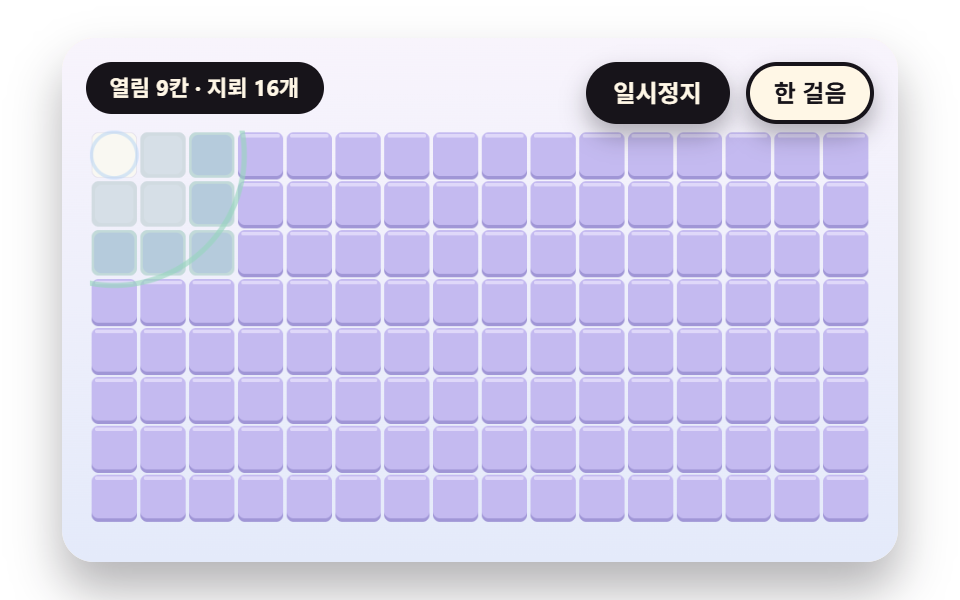 gameMinesweeper JavaScript: 9 Minefield Scenes
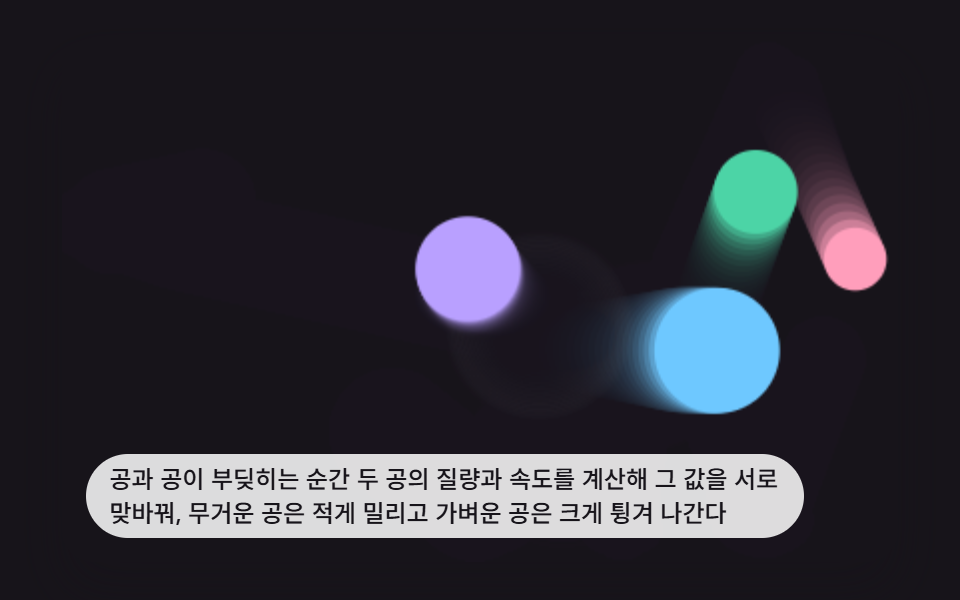 game9 Bouncing Ball Animation Patterns With Physics
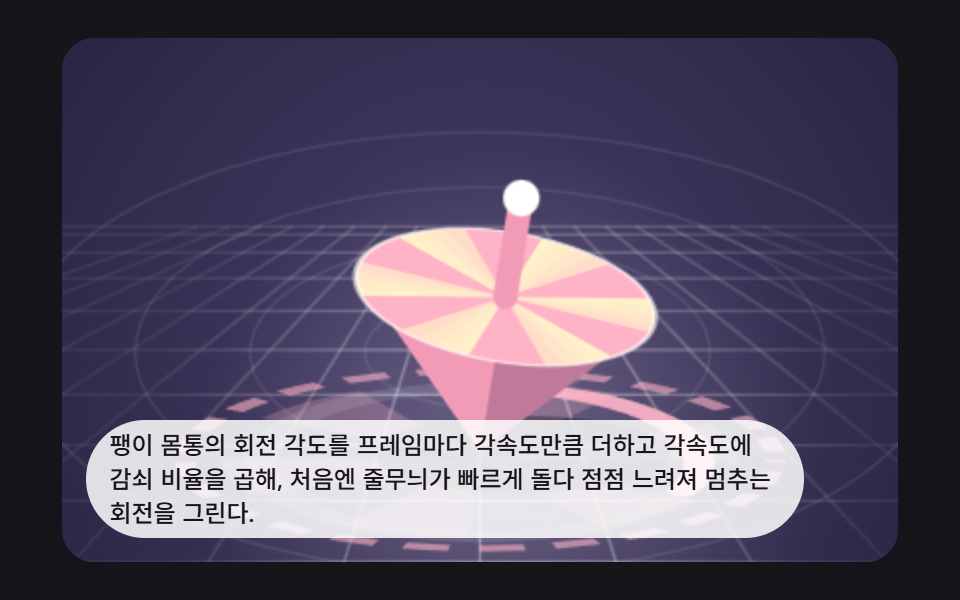 gameSpinning Top Animation: 9 Canvas Physics Scenes
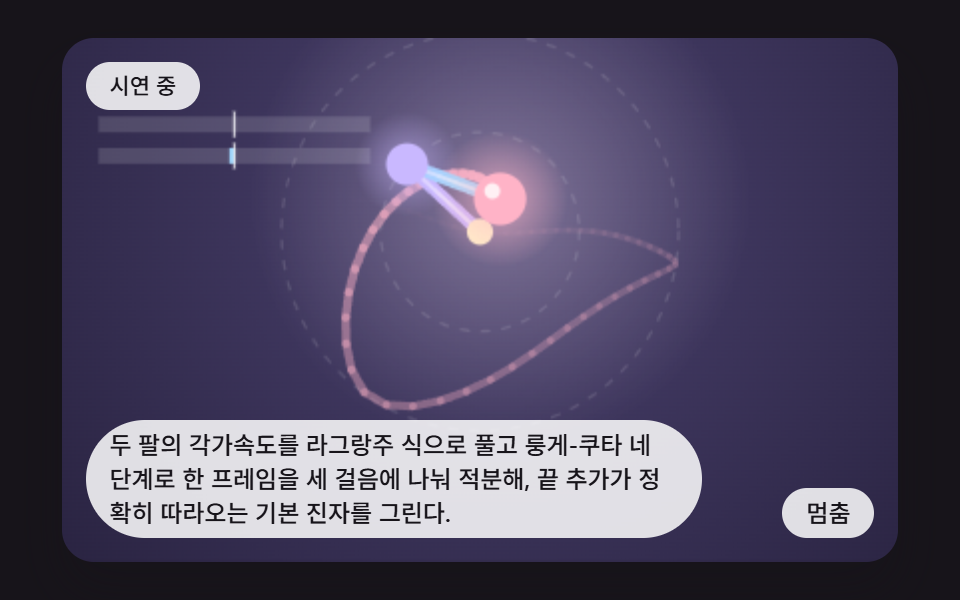 gameDouble Pendulum Simulation: 9 Chaos Scenes
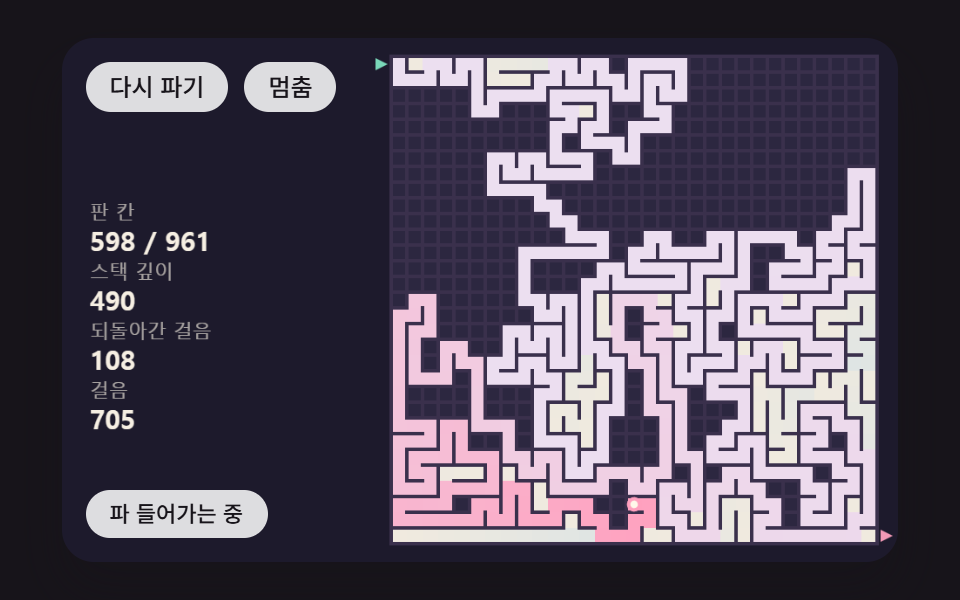 gameMaze Generator: 9 Carve-and-Solve Scenes
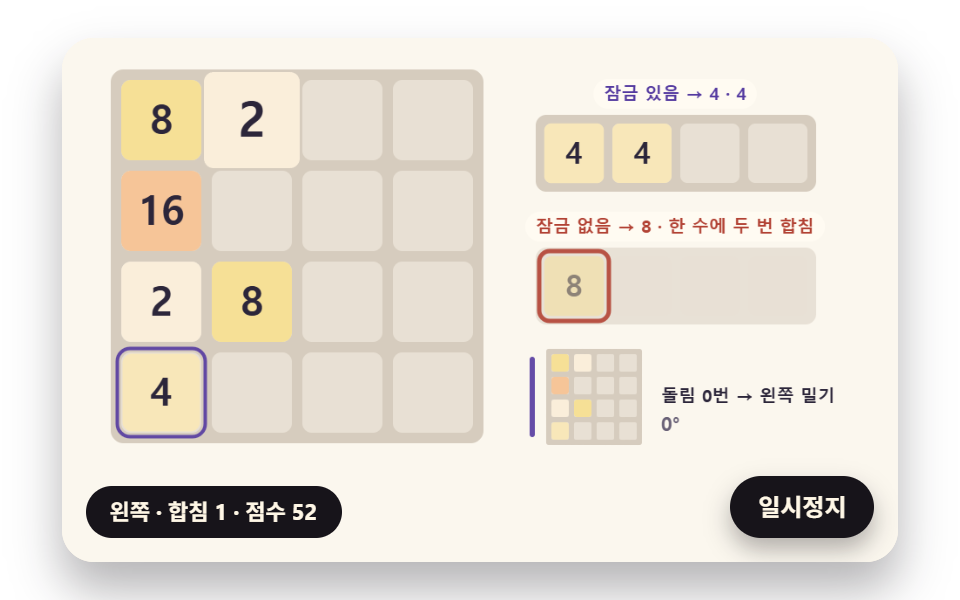 game2048 Game JavaScript: 9 Boards from Merges to AI
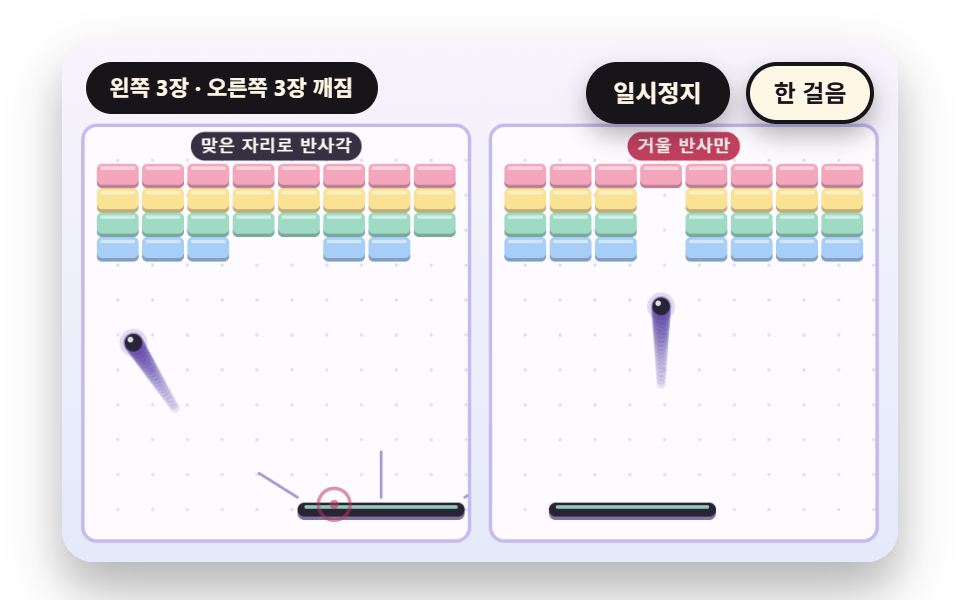 gameBrick Breaker Game: 9 Canvas Scenes
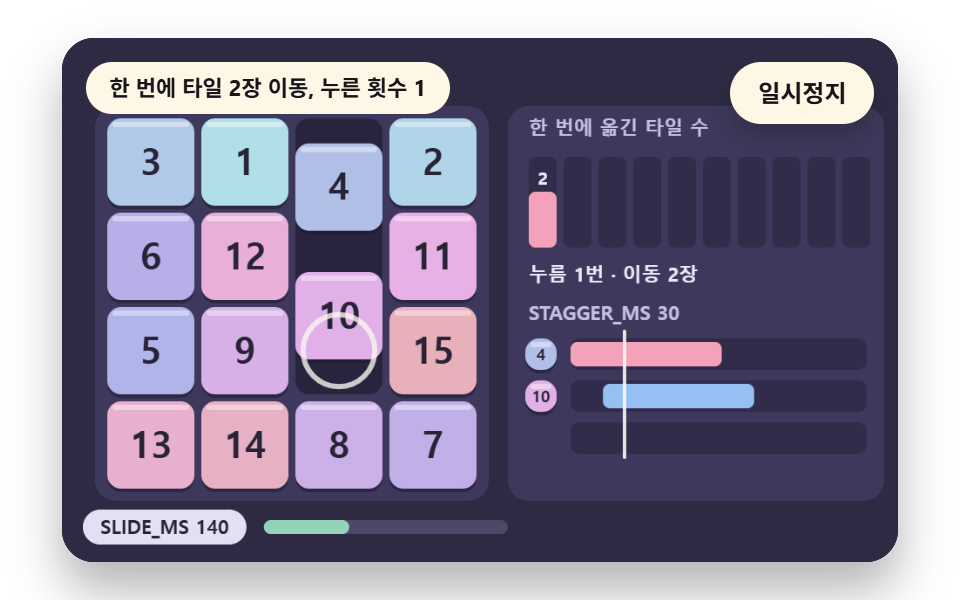 gameSliding Puzzle: 9 Canvas Scenes, Parity to Search
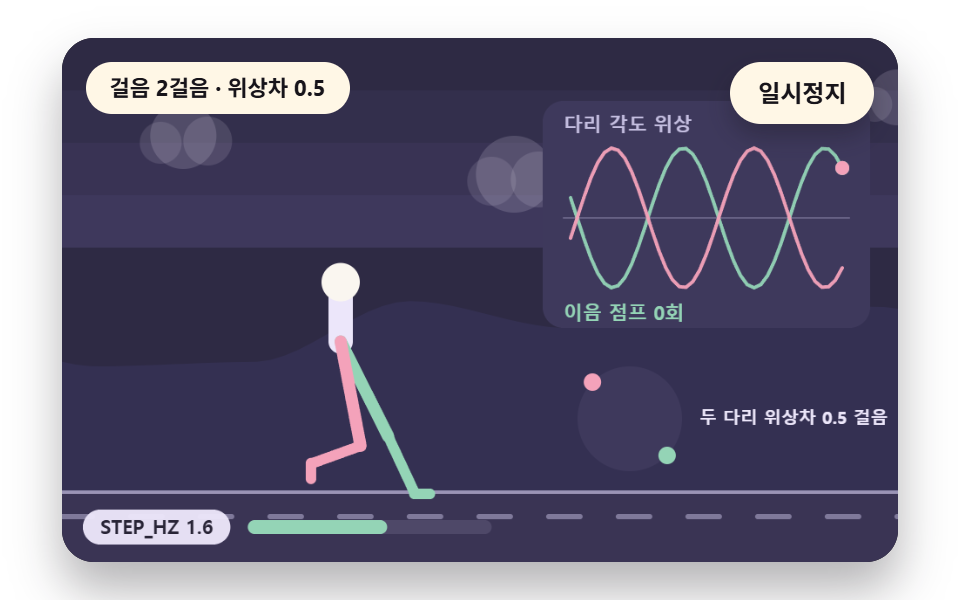 gameWalking Animation Cycle: 9 Calculated Scenes
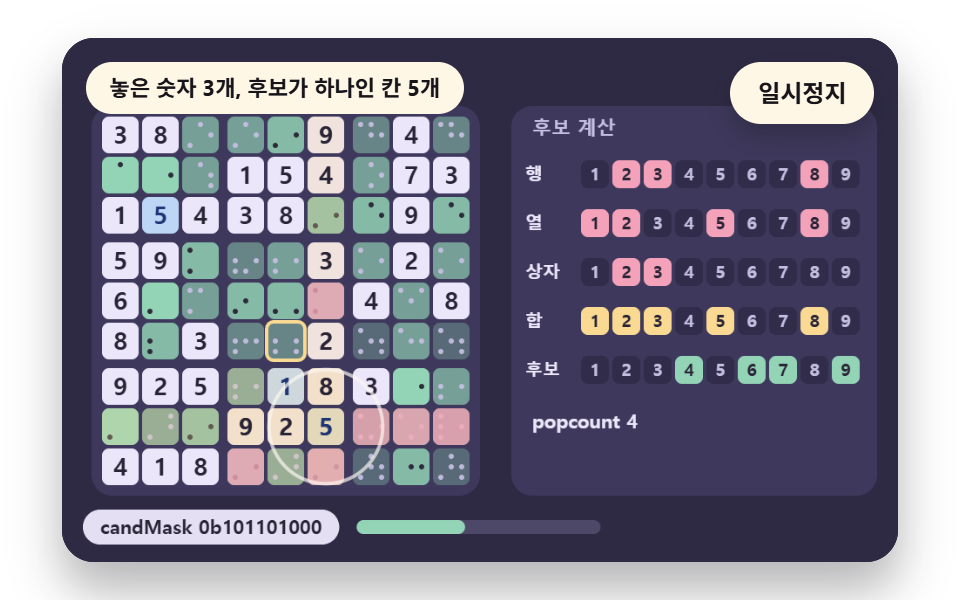 gameSudoku: 9 Scenes, Candidates to Unique Boards