Image Ripple Effect CSS: 9 Canvas Wave Patterns
Nine image ripple effect css patterns, one canvas each. Item 9's hero scene is the finished ripple. Before that, item 5 was a reflection pool swaying.
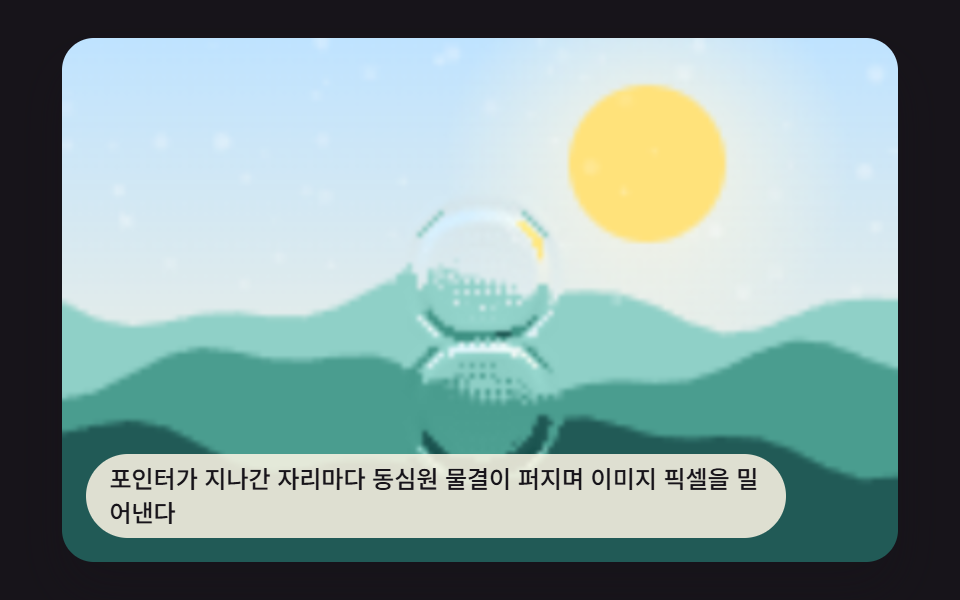 01 ripple-canvas-pointer-splash
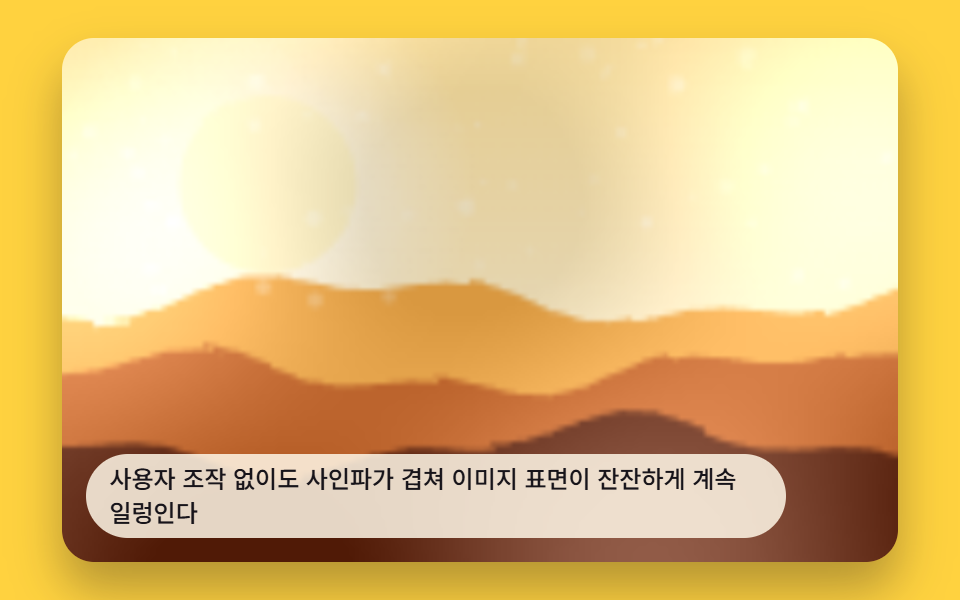 02 ripple-canvas-auto-loop-scene
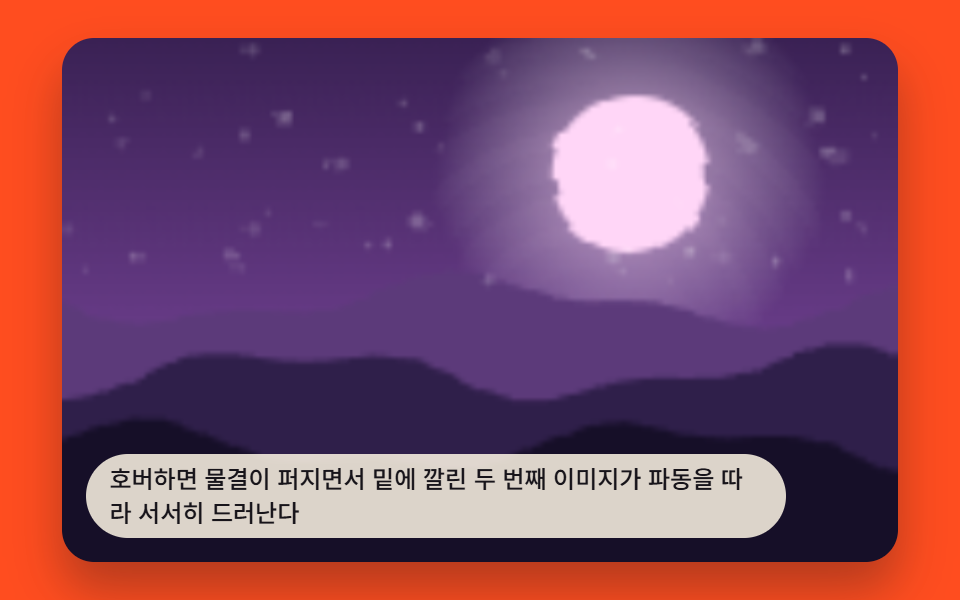 03 ripple-canvas-hover-reveal
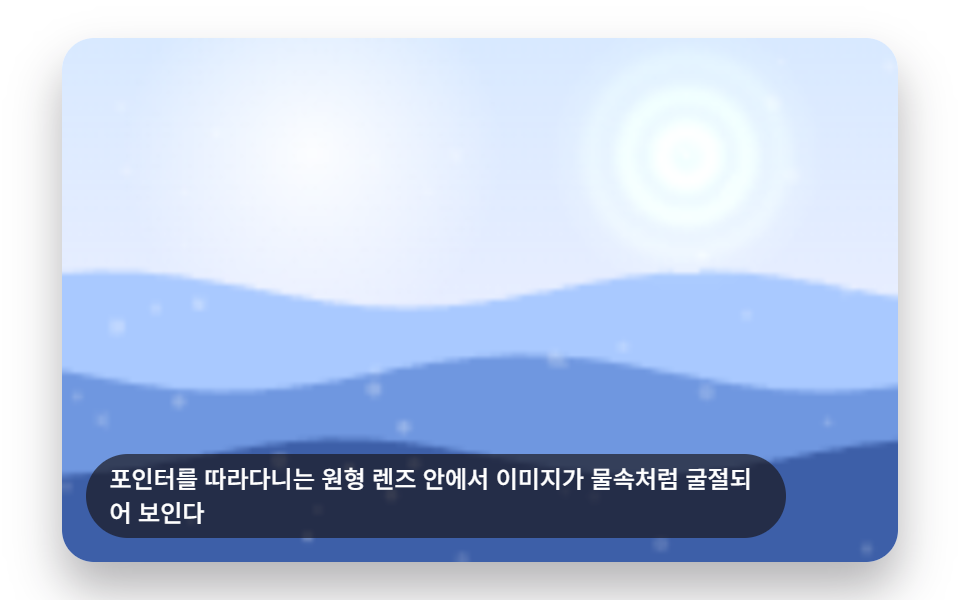 04 ripple-canvas-refraction-lens
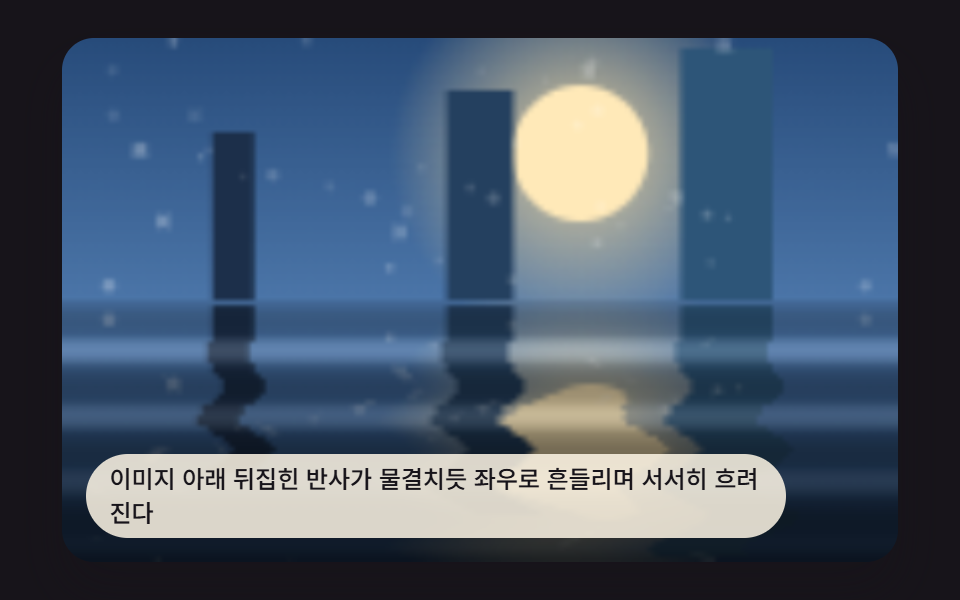 05 ripple-canvas-reflection-pool
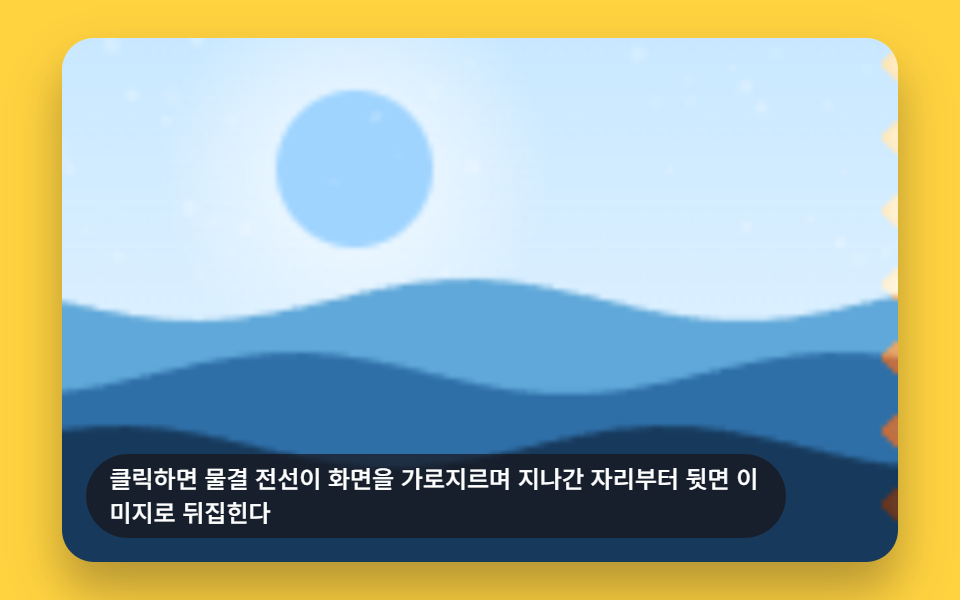 06 ripple-canvas-card-flip-wave
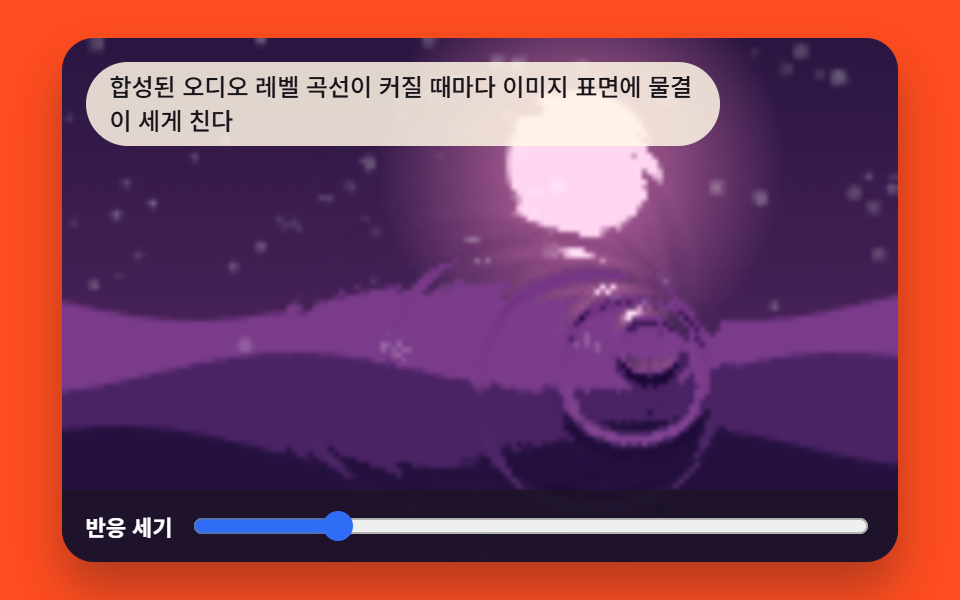 07 ripple-canvas-audio-reactive
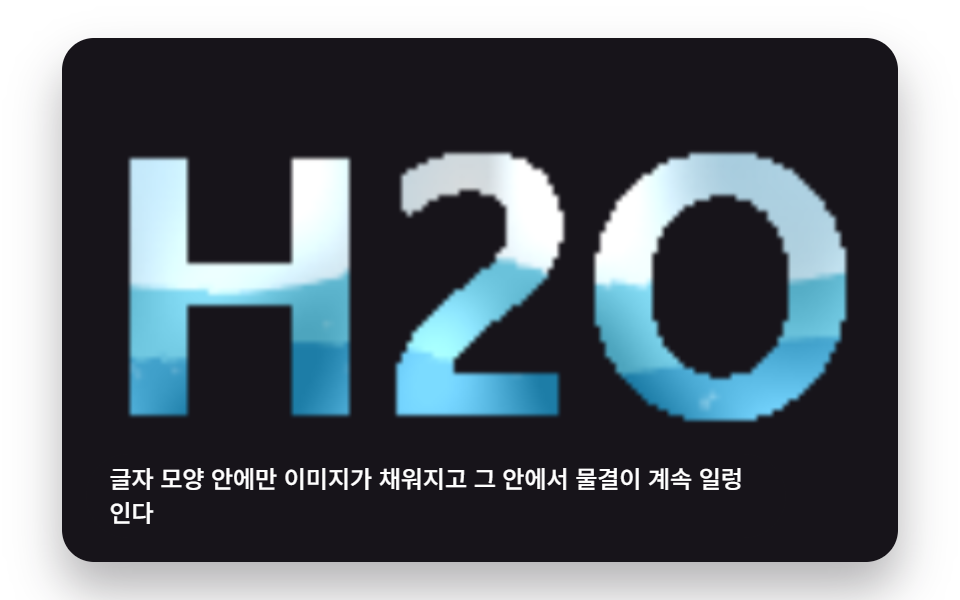 08 ripple-canvas-text-liquid
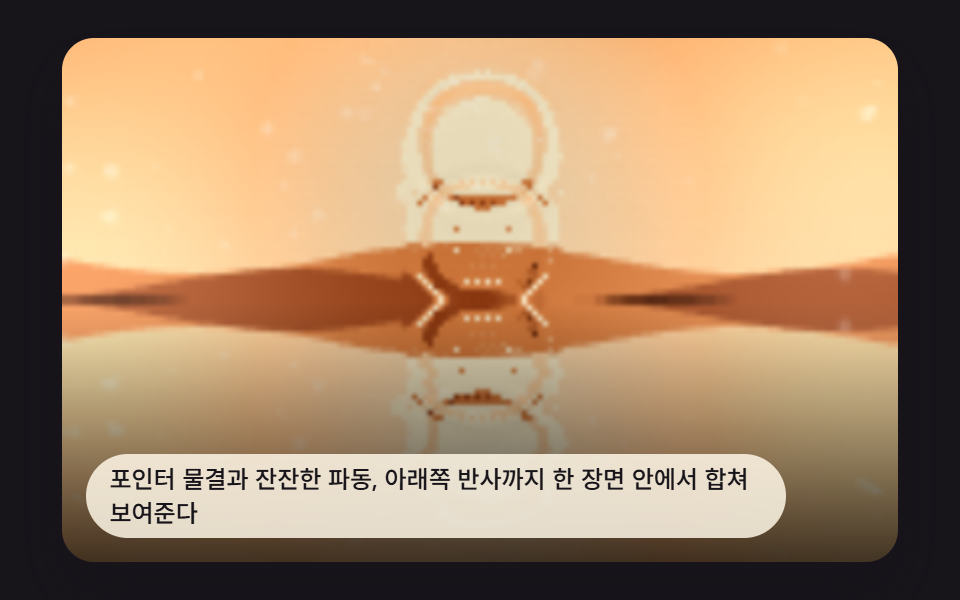 09 ripple-canvas-hero-scene
Auto-plays · click a tile to jump to its section · all nine in one zip
- 01 Pointer Splash Ripple
- 02 Ambient Auto-Ripple Background
- 03 Hover Ripple That Reveals a Second Image
- 04 Refraction Lens That Follows the Pointer
- 05 Reflection Pool Beneath the Image
- 06 Card Flip Swept by a Ripple Wave
- 07 Ripple That Grows With Sound Level
- 08 Image That Sloshes Inside Text
- 09 Hero Ripple Scene Combining the Techniques Above
Nine Image Ripple Effect CSS Patterns — Canvas Wave Math That Pushes Pixels
None of these nine load a photograph from anywhere. Each one calls a seedRand()-driven drawPhotoBase() once to paint a procedural gradient-and-fleck image onto an offscreen canvas, then reads it back with getImageData(). Every frame after that, the pattern recomputes a height field — a spring-damped two-buffer grid a pointer splashes into, a handful of summed Math.sin() waves, or a pointer-anchored radial falloff — turns the neighboring height difference into a small x/y pixel offset, resamples the base image at that offset, and writes the result back with putImageData(). That's why the order below runs from a single splash decaying across a 160×100 grid (item 1) through sine fields and lens geometry (items 2 through 8) to item 9, which reuses items 1, 2, and 5's math in one hero scene instead of computing a fourth wave of its own.
01Pointer Ripple Splash
Every point the pointer touches sends out a ring of ripples that pushes the image's pixels outward, each tap adding an impulse to a spring-damped 160×100 height grid that stepWave() propagates one cell per frame. RIPPLE_SPLASH_DECAY_MS (400) sets damping as Math.pow(0.02, 16 / RIPPLE_SPLASH_DECAY_MS), so a smaller value lets one splash die out before the next tap arrives while a larger one leaves several ripples overlapping.
<main class="stage">
<div class="rv is-demo" id="rvRoot">
  <canvas class="rv__canvas" id="rvCanvas" width="480" height="300"></canvas>
  <p class="rv__caption">Ripples spread out wherever the pointer passes, pushing the image's pixels outward.</p>
</div>
</main>
@use "../../../../site/static/demo-tokens" as *;
@include stage($stage-ink);
.rv {
position: relative;
width: min(92vw, calc(160vh - 12.8vw));
aspect-ratio: 480 / 300;
margin: 0 auto;
border-radius: $r-card;
overflow: hidden;
box-shadow: $shadow-raised;
cursor: crosshair;
outline: none;
}
.rv__canvas {
display: block;
width: 100%;
height: 100%;
}
.rv__caption {
position: absolute;
left: $sp-3;
bottom: $sp-3;
max-width: 78%;
margin: 0;
padding: $sp-1 $sp-3;
border-radius: $r-pill;
background: rgba(255, 247, 230, .85);
color: $subject-ink;
font-weight: 500;
font-size: 12px;
line-height: 1.4;
pointer-events: none;
}
@media (max-width: 340px) {
.rv__caption { font-size: 10px; padding: $sp-1 $sp-2; }
}
@media (prefers-reduced-motion: reduce) {
.rv { cursor: pointer; }
}html, body {
margin: 0;
overflow: hidden;
}
.stage {
box-sizing: border-box;
min-height: 100vh;
display: grid;
place-items: center;
margin: 0;
background: #17141a;
font-family: -apple-system, "Segoe UI", "Noto Sans KR", sans-serif;
padding: clamp(8px, 4vw, 24px);
}
.rv {
position: relative;
width: min(92vw, 160vh - 12.8vw);
aspect-ratio: 480/300;
margin: 0 auto;
border-radius: 16px;
overflow: hidden;
box-shadow: 0 14px 24px rgba(23, 20, 26, 0.32);
cursor: crosshair;
outline: none;
}
.rv__canvas {
display: block;
width: 100%;
height: 100%;
}
.rv__caption {
position: absolute;
left: 12px;
bottom: 12px;
max-width: 78%;
margin: 0;
padding: 4px 12px;
border-radius: 999px;
background: rgba(255, 247, 230, 0.85);
color: #17141a;
font-weight: 500;
font-size: 12px;
line-height: 1.4;
pointer-events: none;
}
@media (max-width: 340px) {
.rv__caption {
font-size: 10px;
padding: 4px 8px;
}
}
@media (prefers-reduced-motion: reduce) {
.rv {
cursor: pointer;
}
}(function () {
// 기법: 높이 필드 2버퍼 전파(감쇠 파동식) 위에 포인터가 지나가는 자리마다 임펄스를 찍는다.
// 높이 기울기를 픽셀 변위(굴절 오프셋)로 써서 절차적 "사진"을 getImageData/putImageData 로 다시 그린다.
var root = document.getElementById('rvRoot');
var canvas = document.getElementById('rvCanvas');
var ctx = canvas.getContext('2d');
var wrap = canvas.parentElement;
function seedRand(seed) {
var s = seed >>> 0;
return function () { s = (s * 1664525 + 1013904223) >>> 0; return s / 4294967296; };
}
function drawPhotoBase(pctx, w, h, seed) {
var rand = seedRand(seed);
var sky = pctx.createLinearGradient(0, 0, 0, h);
sky.addColorStop(0, '#bfe3ff');
sky.addColorStop(1, '#fff3da');
pctx.fillStyle = sky;
pctx.fillRect(0, 0, w, h);
var sunX = w * 0.7, sunY = h * 0.24, sunR = h * 0.15;
var glow = pctx.createRadialGradient(sunX, sunY, 0, sunX, sunY, sunR * 2.6);
glow.addColorStop(0, 'rgba(255,247,225,.9)');
glow.addColorStop(1, 'rgba(255,247,225,0)');
pctx.fillStyle = glow;
pctx.fillRect(0, 0, w, h);
pctx.beginPath();
pctx.arc(sunX, sunY, sunR, 0, Math.PI * 2);
pctx.fillStyle = '#ffe27a';
pctx.fill();
var hillColors = ['#8fd0c7', '#4a9d8f', '#215a56'];
for (var i = 0; i < hillColors.length; i += 1) {
var baseY = h * (0.5 + i * 0.14);
pctx.beginPath();
pctx.moveTo(0, h);
var step = Math.max(2, w / 24);
for (var x = 0; x <= w; x += step) {
var n = Math.sin(x * 0.06 + i * 2.3 + seed * 0.0003) * h * 0.045 + Math.sin(x * 0.16 + i) * h * 0.02;
pctx.lineTo(x, baseY + n);
}
pctx.lineTo(w, h);
pctx.closePath();
pctx.fillStyle = hillColors[i];
pctx.fill();
}
for (var k = 0; k < 60; k += 1) {
var px = rand() * w, py = rand() * h * 0.5, r = rand() * 1.3 + 0.3;
pctx.beginPath();
pctx.arc(px, py, r, 0, Math.PI * 2);
pctx.fillStyle = 'rgba(255,255,255,' + (0.12 + rand() * 0.22) + ')';
pctx.fill();
}
}
  var CALC_W = 160, CALC_H = 100;
  var LOOP_MS = 2000;
  var RIPPLE_SPLASH_DECAY_MS = 400;
  var SPLASH_AMP = -520;
  var REFRACT_K = 0.9;

  var gridA = new Float32Array(CALC_W * CALC_H);
  var gridB = new Float32Array(CALC_W * CALC_H);
  var damping = Math.pow(0.02, 16 / RIPPLE_SPLASH_DECAY_MS);

  function cellIndex(x, y) { return y * CALC_W + x; }

  function splashAt(gx, gy) {
    gx = Math.round(gx); gy = Math.round(gy);
    for (var dy = -1; dy <= 1; dy += 1) {
      for (var dx = -1; dx <= 1; dx += 1) {
        var x = gx + dx, y = gy + dy;
        if (x > 0 && x < CALC_W - 1 && y > 0 && y < CALC_H - 1) {
          gridA[cellIndex(x, y)] += SPLASH_AMP * (dx === 0 && dy === 0 ? 1 : 0.45);
        }
      }
    }
  }
function stepWave() {
for (var y = 1; y < CALC_H - 1; y += 1) {
var row = y * CALC_W;
for (var x = 1; x < CALC_W - 1; x += 1) {
var i = row + x;
var next = (gridA[i - 1] + gridA[i + 1] + gridA[i - CALC_W] + gridA[i + CALC_W]) / 2 - gridB[i];
gridB[i] = next * damping;
}
}
var t = gridA; gridA = gridB; gridB = t;
}
var off = document.createElement('canvas');
off.width = CALC_W; off.height = CALC_H;
var octx = off.getContext('2d');
drawPhotoBase(octx, CALC_W, CALC_H, 419011);
var baseImg = octx.getImageData(0, 0, CALC_W, CALC_H);
var baseBuf = baseImg.data;
var out = document.createElement('canvas');
out.width = CALC_W; out.height = CALC_H;
var outCtx = out.getContext('2d');
var outImg = outCtx.createImageData(CALC_W, CALC_H);
var outBuf = outImg.data;
function sampleBase(sx, sy) {
sx = sx < 0 ? 0 : (sx > CALC_W - 1 ? CALC_W - 1 : sx);
sy = sy < 0 ? 0 : (sy > CALC_H - 1 ? CALC_H - 1 : sy);
var i = (Math.round(sy) * CALC_W + Math.round(sx)) * 4;
return [baseBuf[i], baseBuf[i + 1], baseBuf[i + 2]];
}
function renderField() {
var idx = 0;
for (var y = 0; y < CALC_H; y += 1) {
var row = y * CALC_W;
for (var x = 0; x < CALC_W; x += 1) {
var i = row + x;
var hl = x > 0 ? gridA[i - 1] : gridA[i];
var hr = x < CALC_W - 1 ? gridA[i + 1] : gridA[i];
var hu = y > 0 ? gridA[i - CALC_W] : gridA[i];
var hd = y < CALC_H - 1 ? gridA[i + CALC_W] : gridA[i];
var dx = (hr - hl) * REFRACT_K;
var dy = (hd - hu) * REFRACT_K;
var rgb = sampleBase(x + dx, y + dy);
var shine = Math.max(-30, Math.min(60, (hu - hd) * 0.6));
outBuf[idx] = Math.max(0, Math.min(255, rgb[0] + shine));
outBuf[idx + 1] = Math.max(0, Math.min(255, rgb[1] + shine));
outBuf[idx + 2] = Math.max(0, Math.min(255, rgb[2] + shine));
outBuf[idx + 3] = 255;
idx += 4;
}
}
}
var cw = 480, ch = 300;
function fit() {
var r = wrap.getBoundingClientRect();
cw = Math.max(1, Math.round(r.width));
ch = Math.max(1, Math.round(r.height));
canvas.width = cw; canvas.height = ch;
draw();
}
function draw() {
renderField();
outCtx.putImageData(outImg, 0, 0);
ctx.clearRect(0, 0, cw, ch);
ctx.drawImage(out, 0, 0, CALC_W, CALC_H, 0, 0, cw, ch);
}
var reduce = window.matchMedia('(prefers-reduced-motion: reduce)').matches;
var playing = !reduce;
if (reduce) { root.classList.remove('is-demo'); }
var pointerActive = false;
var lastSplashMs = -9999;
function toGrid(e) {
var r = wrap.getBoundingClientRect();
var t0 = (e.touches && e.touches[0]) ? e.touches[0] : e;
var relX = (t0.clientX - r.left) / r.width * CALC_W;
var relY = (t0.clientY - r.top) / r.height * CALC_H;
return { x: relX, y: relY };
}
wrap.addEventListener('pointerdown', function (e) {
pointerActive = true;
var g = toGrid(e);
splashAt(g.x, g.y);
lastSplashMs = performance.now();
if (reduce) draw();
});
wrap.addEventListener('pointermove', function (e) {
if (!pointerActive && e.pressure === 0 && e.pointerType === 'mouse') { /* hover still allowed below */ }
var g = toGrid(e);
var now = performance.now();
if (now - lastSplashMs > 90) {
splashAt(g.x, g.y);
lastSplashMs = now;
if (reduce) draw();
}
});
wrap.addEventListener('pointerup', function () { pointerActive = false; });
wrap.addEventListener('pointerleave', function () { pointerActive = false; });
var keySplashRand = seedRand(419012);
wrap.addEventListener('keydown', function (e) {
if (e.key === 'Enter' || e.key === ' ') {
e.preventDefault();
splashAt(CALC_W / 2 + (keySplashRand() - 0.5) * 20, CALC_H / 2);
if (reduce) draw();
}
});
wrap.tabIndex = 0;
var VIRTUAL_INTERVAL_MS = 460;
var lastVirtualMs = -9999;
function virtualPointerOrbit(t) {
var cx = CALC_W * (0.28 + 0.44 * ((Math.sin(t * 0.0013) + 1) / 2));
var cy = CALC_H * (0.3 + 0.4 * ((Math.cos(t * 0.0019) + 1) / 2));
return { x: cx, y: cy };
}
var lastTs = null;
var elapsed = 0;
function tick(ts) {
if (lastTs === null) lastTs = ts;
var dt = ts - lastTs;
lastTs = ts;
if (playing) {
elapsed += dt;
if (!pointerActive && elapsed - lastVirtualMs > VIRTUAL_INTERVAL_MS) {
var p = virtualPointerOrbit(elapsed);
splashAt(p.x, p.y);
lastVirtualMs = elapsed;
}
stepWave();
draw();
}
requestAnimationFrame(tick);
}
fit();
window.addEventListener('resize', fit);
splashAt(CALC_W * 0.5, CALC_H * 0.45);
draw();
requestAnimationFrame(tick);
})();import { useEffect, useRef } from "react";
import styles from "./RippleCanvasPointerSplash.module.scss";
export default function RippleCanvasPointerSplash() {
const rootRef = useRef<HTMLDivElement>(null);
const canvasRef = useRef<HTMLCanvasElement>(null);
useEffect(() => {
const root = rootRef.current;
const canvas = canvasRef.current;
if (!root || !canvas) return;
const ctx = canvas.getContext("2d") as CanvasRenderingContext2D;
const wrap = canvas.parentElement as HTMLElement;
function seedRand(seed: number) {
let s = seed >>> 0;
return function () { s = (s * 1664525 + 1013904223) >>> 0; return s / 4294967296; };
}
function drawPhotoBase(pctx: CanvasRenderingContext2D, w: number, h: number, seed: number) {
const rand = seedRand(seed);
const sky = pctx.createLinearGradient(0, 0, 0, h);
sky.addColorStop(0, "#bfe3ff");
sky.addColorStop(1, "#fff3da");
pctx.fillStyle = sky;
pctx.fillRect(0, 0, w, h);
const sunX = w * 0.7, sunY = h * 0.24, sunR = h * 0.15;
const glow = pctx.createRadialGradient(sunX, sunY, 0, sunX, sunY, sunR * 2.6);
glow.addColorStop(0, "rgba(255,247,225,.9)");
glow.addColorStop(1, "rgba(255,247,225,0)");
pctx.fillStyle = glow;
pctx.fillRect(0, 0, w, h);
pctx.beginPath();
pctx.arc(sunX, sunY, sunR, 0, Math.PI * 2);
pctx.fillStyle = "#ffe27a";
pctx.fill();
const hillColors = ["#8fd0c7", "#4a9d8f", "#215a56"];
for (let i = 0; i < hillColors.length; i += 1) {
const baseY = h * (0.5 + i * 0.14);
pctx.beginPath();
pctx.moveTo(0, h);
const step = Math.max(2, w / 24);
for (let x = 0; x <= w; x += step) {
const n = Math.sin(x * 0.06 + i * 2.3 + seed * 0.0003) * h * 0.045 + Math.sin(x * 0.16 + i) * h * 0.02;
pctx.lineTo(x, baseY + n);
}
pctx.lineTo(w, h);
pctx.closePath();
pctx.fillStyle = hillColors[i];
pctx.fill();
}
for (let k = 0; k < 60; k += 1) {
const px = rand() * w, py = rand() * h * 0.5, r = rand() * 1.3 + 0.3;
pctx.beginPath();
pctx.arc(px, py, r, 0, Math.PI * 2);
pctx.fillStyle = "rgba(255,255,255," + (0.12 + rand() * 0.22) + ")";
pctx.fill();
}
}
const CALC_W = 160, CALC_H = 100;
const RIPPLE_SPLASH_DECAY_MS = 400;
const SPLASH_AMP = -520;
const REFRACT_K = 0.9;
let gridA = new Float32Array(CALC_W * CALC_H);
let gridB = new Float32Array(CALC_W * CALC_H);
const damping = Math.pow(0.02, 16 / RIPPLE_SPLASH_DECAY_MS);
function cellIndex(x: number, y: number) { return y * CALC_W + x; }
function splashAt(gx: number, gy: number) {
gx = Math.round(gx); gy = Math.round(gy);
for (let dy = -1; dy <= 1; dy += 1) {
for (let dx = -1; dx <= 1; dx += 1) {
const x = gx + dx, y = gy + dy;
if (x > 0 && x < CALC_W - 1 && y > 0 && y < CALC_H - 1) {
gridA[cellIndex(x, y)] += SPLASH_AMP * (dx === 0 && dy === 0 ? 1 : 0.45);
}
}
}
}
function stepWave() {
for (let y = 1; y < CALC_H - 1; y += 1) {
const row = y * CALC_W;
for (let x = 1; x < CALC_W - 1; x += 1) {
const i = row + x;
const next = (gridA[i - 1] + gridA[i + 1] + gridA[i - CALC_W] + gridA[i + CALC_W]) / 2 - gridB[i];
gridB[i] = next * damping;
}
}
const t = gridA; gridA = gridB; gridB = t;
}
const off = document.createElement("canvas");
off.width = CALC_W; off.height = CALC_H;
const octx = off.getContext("2d") as CanvasRenderingContext2D;
drawPhotoBase(octx, CALC_W, CALC_H, 419011);
const baseBuf = octx.getImageData(0, 0, CALC_W, CALC_H).data;
const out = document.createElement("canvas");
out.width = CALC_W; out.height = CALC_H;
const outCtx = out.getContext("2d") as CanvasRenderingContext2D;
const outImg = outCtx.createImageData(CALC_W, CALC_H);
const outBuf = outImg.data;
function sampleBase(sx: number, sy: number): [number, number, number] {
sx = sx < 0 ? 0 : (sx > CALC_W - 1 ? CALC_W - 1 : sx);
sy = sy < 0 ? 0 : (sy > CALC_H - 1 ? CALC_H - 1 : sy);
const i = (Math.round(sy) * CALC_W + Math.round(sx)) * 4;
return [baseBuf[i], baseBuf[i + 1], baseBuf[i + 2]];
}
function renderField() {
let idx = 0;
for (let y = 0; y < CALC_H; y += 1) {
const row = y * CALC_W;
for (let x = 0; x < CALC_W; x += 1) {
const i = row + x;
const hl = x > 0 ? gridA[i - 1] : gridA[i];
const hr = x < CALC_W - 1 ? gridA[i + 1] : gridA[i];
const hu = y > 0 ? gridA[i - CALC_W] : gridA[i];
const hd = y < CALC_H - 1 ? gridA[i + CALC_W] : gridA[i];
const dx = (hr - hl) * REFRACT_K;
const dy = (hd - hu) * REFRACT_K;
const rgb = sampleBase(x + dx, y + dy);
const shine = Math.max(-30, Math.min(60, (hu - hd) * 0.6));
outBuf[idx] = Math.max(0, Math.min(255, rgb[0] + shine));
outBuf[idx + 1] = Math.max(0, Math.min(255, rgb[1] + shine));
outBuf[idx + 2] = Math.max(0, Math.min(255, rgb[2] + shine));
outBuf[idx + 3] = 255;
idx += 4;
}
}
}
let cw = 480, ch = 300;
function fit() {
const r = wrap.getBoundingClientRect();
cw = Math.max(1, Math.round(r.width));
ch = Math.max(1, Math.round(r.height));
canvas!.width = cw; canvas!.height = ch;
draw();
}
function draw() {
renderField();
outCtx.putImageData(outImg, 0, 0);
ctx.clearRect(0, 0, cw, ch);
ctx.drawImage(out, 0, 0, CALC_W, CALC_H, 0, 0, cw, ch);
}
const reduce = window.matchMedia("(prefers-reduced-motion: reduce)").matches;
const playing = !reduce;
if (reduce) { root.classList.remove("is-demo"); }
let pointerActive = false;
let lastSplashMs = -9999;
function toGrid(e: PointerEvent) {
const r = wrap.getBoundingClientRect();
const relX = ((e.clientX - r.left) / r.width) * CALC_W;
const relY = ((e.clientY - r.top) / r.height) * CALC_H;
return { x: relX, y: relY };
}
function onPointerDown(e: PointerEvent) {
pointerActive = true;
const g = toGrid(e);
splashAt(g.x, g.y);
lastSplashMs = performance.now();
if (reduce) draw();
}
function onPointerMove(e: PointerEvent) {
const g = toGrid(e);
const now = performance.now();
if (now - lastSplashMs > 90) {
splashAt(g.x, g.y);
lastSplashMs = now;
if (reduce) draw();
}
}
function onPointerUp() { pointerActive = false; }
function onPointerLeave() { pointerActive = false; }
function onKeyDown(e: KeyboardEvent) {
if (e.key === "Enter" || e.key === " ") {
e.preventDefault();
splashAt(CALC_W / 2, CALC_H / 2);
if (reduce) draw();
}
}
wrap.addEventListener("pointerdown", onPointerDown);
wrap.addEventListener("pointermove", onPointerMove);
wrap.addEventListener("pointerup", onPointerUp);
wrap.addEventListener("pointerleave", onPointerLeave);
wrap.addEventListener("keydown", onKeyDown);
wrap.tabIndex = 0;
const VIRTUAL_INTERVAL_MS = 460;
let lastVirtualMs = -9999;
function virtualPointerOrbit(t: number) {
return {
x: CALC_W * (0.28 + 0.44 * ((Math.sin(t * 0.0013) + 1) / 2)),
y: CALC_H * (0.3 + 0.4 * ((Math.cos(t * 0.0019) + 1) / 2))
};
}
let lastTs: number | null = null;
let elapsed = 0;
let raf = 0;
function tick(ts: number) {
if (lastTs === null) lastTs = ts;
const dt = ts - lastTs;
lastTs = ts;
if (playing) {
elapsed += dt;
if (!pointerActive && elapsed - lastVirtualMs > VIRTUAL_INTERVAL_MS) {
const p = virtualPointerOrbit(elapsed);
splashAt(p.x, p.y);
lastVirtualMs = elapsed;
}
stepWave();
draw();
}
raf = requestAnimationFrame(tick);
}
fit();
window.addEventListener("resize", fit);
splashAt(CALC_W * 0.5, CALC_H * 0.45);
draw();
raf = requestAnimationFrame(tick);
return () => {
cancelAnimationFrame(raf);
window.removeEventListener("resize", fit);
wrap.removeEventListener("pointerdown", onPointerDown);
wrap.removeEventListener("pointermove", onPointerMove);
wrap.removeEventListener("pointerup", onPointerUp);
wrap.removeEventListener("pointerleave", onPointerLeave);
wrap.removeEventListener("keydown", onKeyDown);
};
}, []);
return (
<main className={styles.stage}>
<div className={`${styles.rv} is-demo`} ref={rootRef}>
<canvas className={styles.rv__canvas} ref={canvasRef} width={480} height={300} />
<p className={styles.rv__caption}>포인터가 지나간 자리마다 동심원 물결이 퍼지며 이미지 픽셀을 밀어낸다</p>
</div>
</main>
);
}01 · Pointer Splash Ripple — Measured area 15.95% · moving frames 23/23Original by GODRICH · SCSS and React ship in the zip · See the password
var CALC_W = 160, CALC_H = 100;
var LOOP_MS = 2000;
var RIPPLE_SPLASH_DECAY_MS = 400;
var SPLASH_AMP = -520;
var REFRACT_K = 0.9;
var gridA = new Float32Array(CALC_W * CALC_H);
var gridB = new Float32Array(CALC_W * CALC_H);
var damping = Math.pow(0.02, 16 / RIPPLE_SPLASH_DECAY_MS);
function cellIndex(x, y) { return y * CALC_W + x; }
function splashAt(gx, gy) {
gx = Math.round(gx); gy = Math.round(gy);
for (var dy = -1; dy <= 1; dy += 1) {
for (var dx = -1; dx <= 1; dx += 1) {
var x = gx + dx, y = gy + dy;
if (x > 0 && x < CALC_W - 1 && y > 0 && y < CALC_H - 1) {
gridA[cellIndex(x, y)] += SPLASH_AMP * (dx === 0 && dy === 0 ? 1 : 0.45);
}
}
}
}
Measured: 15.9% of the frame repaints across the loop, intensity averages 56.8, and 23 of 23 sampled frames moved.
02Ever-Rippling Ambient Background
Without any user input, overlapping sine waves keep the image's surface gently rippling on a loop, since ambientHeight() sums RIPPLE_AMBIENT_WAVE_COUNT (2) separate Math.sin() waves at every pixel every frame instead of reacting to a pointer. Raising that count layers in more waves at different angles and speeds, which is exactly what the first variant table row below does by pushing item 1's decay time, and what the second row does by pushing this count to 6.
<main class="stage">
<div class="rv is-demo" id="rvRoot">
  <canvas class="rv__canvas" id="rvCanvas" width="480" height="300"></canvas>
  <p class="rv__caption">Even without any input, overlapping sine waves keep the image's surface gently rippling.</p>
</div>
</main>
@use "../../../../site/static/demo-tokens" as *;
@include stage($stage-yellow);
.rv {
position: relative;
width: min(92vw, calc(160vh - 12.8vw));
aspect-ratio: 480 / 300;
margin: 0 auto;
border-radius: $r-card;
overflow: hidden;
box-shadow: $shadow-raised;
}
.rv__canvas {
display: block;
width: 100%;
height: 100%;
}
.rv__caption {
position: absolute;
left: $sp-3;
bottom: $sp-3;
max-width: 78%;
margin: 0;
padding: $sp-1 $sp-3;
border-radius: $r-pill;
background: rgba(255, 247, 230, .85);
color: $subject-ink;
font-weight: 500;
font-size: 12px;
line-height: 1.4;
pointer-events: none;
}
@media (max-width: 340px) {
.rv__caption { font-size: 10px; padding: $sp-1 $sp-2; }
}
@media (prefers-reduced-motion: reduce) {
.rv { cursor: default; }
}html, body {
margin: 0;
overflow: hidden;
}
.stage {
box-sizing: border-box;
min-height: 100vh;
display: grid;
place-items: center;
margin: 0;
background: #ffd23f;
font-family: -apple-system, "Segoe UI", "Noto Sans KR", sans-serif;
padding: clamp(8px, 4vw, 24px);
}
.rv {
position: relative;
width: min(92vw, 160vh - 12.8vw);
aspect-ratio: 480/300;
margin: 0 auto;
border-radius: 16px;
overflow: hidden;
box-shadow: 0 14px 24px rgba(23, 20, 26, 0.32);
}
.rv__canvas {
display: block;
width: 100%;
height: 100%;
}
.rv__caption {
position: absolute;
left: 12px;
bottom: 12px;
max-width: 78%;
margin: 0;
padding: 4px 12px;
border-radius: 999px;
background: rgba(255, 247, 230, 0.85);
color: #17141a;
font-weight: 500;
font-size: 12px;
line-height: 1.4;
pointer-events: none;
}
@media (max-width: 340px) {
.rv__caption {
font-size: 10px;
padding: 4px 8px;
}
}
@media (prefers-reduced-motion: reduce) {
.rv {
cursor: default;
}
}(function () {
// 기법: 포인터 없이도 사인파 RIPPLE_AMBIENT_WAVE_COUNT 겹을 분석식으로 합쳐 높이 필드를 매 프레임 계산한다.
// 높이 필드의 x·y 기울기를 굴절 변위로 써서 절차적 "사진" 픽셀을 매 프레임 다시 그린다(속성 트윈이 아니다).
var root = document.getElementById('rvRoot');
var canvas = document.getElementById('rvCanvas');
var ctx = canvas.getContext('2d');
var wrap = canvas.parentElement;
function seedRand(seed) {
var s = seed >>> 0;
return function () { s = (s * 1664525 + 1013904223) >>> 0; return s / 4294967296; };
}
function drawPhotoBase(pctx, w, h, seed) {
var rand = seedRand(seed);
var sky = pctx.createLinearGradient(0, 0, 0, h);
sky.addColorStop(0, '#ffe6a8');
sky.addColorStop(1, '#fff8ea');
pctx.fillStyle = sky;
pctx.fillRect(0, 0, w, h);
var sunX = w * 0.24, sunY = h * 0.28, sunR = h * 0.17;
var glow = pctx.createRadialGradient(sunX, sunY, 0, sunX, sunY, sunR * 2.4);
glow.addColorStop(0, 'rgba(255,255,255,.85)');
glow.addColorStop(1, 'rgba(255,255,255,0)');
pctx.fillStyle = glow;
pctx.fillRect(0, 0, w, h);
pctx.beginPath();
pctx.arc(sunX, sunY, sunR, 0, Math.PI * 2);
pctx.fillStyle = '#fff3c9';
pctx.fill();
var hillColors = ['#f3b25a', '#c9713a', '#6a3420'];
for (var i = 0; i < hillColors.length; i += 1) {
var baseY = h * (0.5 + i * 0.14);
pctx.beginPath();
pctx.moveTo(0, h);
var step = Math.max(2, w / 24);
for (var x = 0; x <= w; x += step) {
var n = Math.sin(x * 0.05 + i * 1.7 + seed * 0.0002) * h * 0.04 + Math.sin(x * 0.14 + i) * h * 0.02;
pctx.lineTo(x, baseY + n);
}
pctx.lineTo(w, h);
pctx.closePath();
pctx.fillStyle = hillColors[i];
pctx.fill();
}
for (var k = 0; k < 55; k += 1) {
var px = rand() * w, py = rand() * h * 0.5, r = rand() * 1.2 + 0.3;
pctx.beginPath();
pctx.arc(px, py, r, 0, Math.PI * 2);
pctx.fillStyle = 'rgba(255,255,255,' + (0.1 + rand() * 0.2) + ')';
pctx.fill();
}
}
var CALC_W = 160, CALC_H = 100;
var RIPPLE_AMBIENT_WAVE_COUNT = 2;
var REFRACT_K = 1.15;
var off = document.createElement('canvas');
off.width = CALC_W; off.height = CALC_H;
var octx = off.getContext('2d');
drawPhotoBase(octx, CALC_W, CALC_H, 419021);
var baseImg = octx.getImageData(0, 0, CALC_W, CALC_H);
var baseBuf = baseImg.data;
var out = document.createElement('canvas');
out.width = CALC_W; out.height = CALC_H;
var outCtx = out.getContext('2d');
var outImg = outCtx.createImageData(CALC_W, CALC_H);
var outBuf = outImg.data;
  function ambientHeight(x, y, t) {
    var h = 0;
    for (var i = 0; i < RIPPLE_AMBIENT_WAVE_COUNT; i += 1) {
      var ang = (i / RIPPLE_AMBIENT_WAVE_COUNT) * Math.PI + 0.5;
      var freq = 0.05 + i * 0.021;
      var speed = 0.0017 + i * 0.0009;
      var amp = 6.5 / (i + 1);
      var dir = (i % 2 === 0) ? 1 : -1;
      h += amp * Math.sin(x * Math.cos(ang) * freq + y * Math.sin(ang) * freq + t * speed * dir);
    }
    return h;
  }
function sampleBase(sx, sy) {
sx = sx < 0 ? 0 : (sx > CALC_W - 1 ? CALC_W - 1 : sx);
sy = sy < 0 ? 0 : (sy > CALC_H - 1 ? CALC_H - 1 : sy);
var i = (Math.round(sy) * CALC_W + Math.round(sx)) * 4;
return [baseBuf[i], baseBuf[i + 1], baseBuf[i + 2]];
}
function renderFrame(t) {
var idx = 0;
for (var y = 0; y < CALC_H; y += 1) {
for (var x = 0; x < CALC_W; x += 1) {
var h0 = ambientHeight(x, y, t);
var hx = ambientHeight(x + 1, y, t) - ambientHeight(x - 1, y, t);
var hy = ambientHeight(x, y + 1, t) - ambientHeight(x, y - 1, t);
var dx = hx * REFRACT_K, dy = hy * REFRACT_K;
var rgb = sampleBase(x + dx, y + dy);
var shine = Math.max(-26, Math.min(46, h0 * 4));
outBuf[idx] = Math.max(0, Math.min(255, rgb[0] + shine));
outBuf[idx + 1] = Math.max(0, Math.min(255, rgb[1] + shine));
outBuf[idx + 2] = Math.max(0, Math.min(255, rgb[2] + shine));
outBuf[idx + 3] = 255;
idx += 4;
}
}
}
var cw = 480, ch = 300;
function fit() {
var r = wrap.getBoundingClientRect();
cw = Math.max(1, Math.round(r.width));
ch = Math.max(1, Math.round(r.height));
canvas.width = cw; canvas.height = ch;
draw(lastElapsed);
}
var lastElapsed = 0;
function draw(t) {
lastElapsed = t;
renderFrame(t);
outCtx.putImageData(outImg, 0, 0);
ctx.clearRect(0, 0, cw, ch);
ctx.drawImage(out, 0, 0, CALC_W, CALC_H, 0, 0, cw, ch);
}
var reduce = window.matchMedia('(prefers-reduced-motion: reduce)').matches;
var playing = !reduce;
var elapsed = reduce ? 900 : 0;
if (reduce) { root.classList.remove('is-demo'); }
var lastTs = null;
function tick(ts) {
if (lastTs === null) lastTs = ts;
var dt = ts - lastTs;
lastTs = ts;
if (playing) { elapsed += dt; }
draw(elapsed);
requestAnimationFrame(tick);
}
fit();
window.addEventListener('resize', fit);
draw(elapsed);
requestAnimationFrame(tick);
})();import { useEffect, useRef } from "react";
import styles from "./RippleCanvasAutoLoopScene.module.scss";
export default function RippleCanvasAutoLoopScene() {
const rootRef = useRef<HTMLDivElement>(null);
const canvasRef = useRef<HTMLCanvasElement>(null);
useEffect(() => {
const root = rootRef.current;
const canvas = canvasRef.current;
if (!root || !canvas) return;
const ctx = canvas.getContext("2d") as CanvasRenderingContext2D;
const wrap = canvas.parentElement as HTMLElement;
function seedRand(seed: number) {
let s = seed >>> 0;
return function () { s = (s * 1664525 + 1013904223) >>> 0; return s / 4294967296; };
}
function drawPhotoBase(pctx: CanvasRenderingContext2D, w: number, h: number, seed: number) {
const rand = seedRand(seed);
const sky = pctx.createLinearGradient(0, 0, 0, h);
sky.addColorStop(0, "#ffe6a8");
sky.addColorStop(1, "#fff8ea");
pctx.fillStyle = sky;
pctx.fillRect(0, 0, w, h);
const sunX = w * 0.24, sunY = h * 0.28, sunR = h * 0.17;
const glow = pctx.createRadialGradient(sunX, sunY, 0, sunX, sunY, sunR * 2.4);
glow.addColorStop(0, "rgba(255,255,255,.85)");
glow.addColorStop(1, "rgba(255,255,255,0)");
pctx.fillStyle = glow;
pctx.fillRect(0, 0, w, h);
pctx.beginPath();
pctx.arc(sunX, sunY, sunR, 0, Math.PI * 2);
pctx.fillStyle = "#fff3c9";
pctx.fill();
const hillColors = ["#f3b25a", "#c9713a", "#6a3420"];
for (let i = 0; i < hillColors.length; i += 1) {
const baseY = h * (0.5 + i * 0.14);
pctx.beginPath();
pctx.moveTo(0, h);
const step = Math.max(2, w / 24);
for (let x = 0; x <= w; x += step) {
const n = Math.sin(x * 0.05 + i * 1.7 + seed * 0.0002) * h * 0.04 + Math.sin(x * 0.14 + i) * h * 0.02;
pctx.lineTo(x, baseY + n);
}
pctx.lineTo(w, h);
pctx.closePath();
pctx.fillStyle = hillColors[i];
pctx.fill();
}
for (let k = 0; k < 55; k += 1) {
const px = rand() * w, py = rand() * h * 0.5, r = rand() * 1.2 + 0.3;
pctx.beginPath();
pctx.arc(px, py, r, 0, Math.PI * 2);
pctx.fillStyle = "rgba(255,255,255," + (0.1 + rand() * 0.2) + ")";
pctx.fill();
}
}
const CALC_W = 160, CALC_H = 100;
const RIPPLE_AMBIENT_WAVE_COUNT = 2;
const REFRACT_K = 1.15;
const off = document.createElement("canvas");
off.width = CALC_W; off.height = CALC_H;
const octx = off.getContext("2d") as CanvasRenderingContext2D;
drawPhotoBase(octx, CALC_W, CALC_H, 419021);
const baseBuf = octx.getImageData(0, 0, CALC_W, CALC_H).data;
const out = document.createElement("canvas");
out.width = CALC_W; out.height = CALC_H;
const outCtx = out.getContext("2d") as CanvasRenderingContext2D;
const outImg = outCtx.createImageData(CALC_W, CALC_H);
const outBuf = outImg.data;
function ambientHeight(x: number, y: number, t: number) {
let h = 0;
for (let i = 0; i < RIPPLE_AMBIENT_WAVE_COUNT; i += 1) {
const ang = (i / RIPPLE_AMBIENT_WAVE_COUNT) * Math.PI + 0.5;
const freq = 0.05 + i * 0.021;
const speed = 0.0017 + i * 0.0009;
const amp = 6.5 / (i + 1);
const dir = (i % 2 === 0) ? 1 : -1;
h += amp * Math.sin(x * Math.cos(ang) * freq + y * Math.sin(ang) * freq + t * speed * dir);
}
return h;
}
function sampleBase(sx: number, sy: number): [number, number, number] {
sx = sx < 0 ? 0 : (sx > CALC_W - 1 ? CALC_W - 1 : sx);
sy = sy < 0 ? 0 : (sy > CALC_H - 1 ? CALC_H - 1 : sy);
const i = (Math.round(sy) * CALC_W + Math.round(sx)) * 4;
return [baseBuf[i], baseBuf[i + 1], baseBuf[i + 2]];
}
function renderFrame(t: number) {
let idx = 0;
for (let y = 0; y < CALC_H; y += 1) {
for (let x = 0; x < CALC_W; x += 1) {
const h0 = ambientHeight(x, y, t);
const hx = ambientHeight(x + 1, y, t) - ambientHeight(x - 1, y, t);
const hy = ambientHeight(x, y + 1, t) - ambientHeight(x, y - 1, t);
const dx = hx * REFRACT_K, dy = hy * REFRACT_K;
const rgb = sampleBase(x + dx, y + dy);
const shine = Math.max(-26, Math.min(46, h0 * 4));
outBuf[idx] = Math.max(0, Math.min(255, rgb[0] + shine));
outBuf[idx + 1] = Math.max(0, Math.min(255, rgb[1] + shine));
outBuf[idx + 2] = Math.max(0, Math.min(255, rgb[2] + shine));
outBuf[idx + 3] = 255;
idx += 4;
}
}
}
let cw = 480, ch = 300;
let lastElapsed = 0;
function draw(t: number) {
lastElapsed = t;
renderFrame(t);
outCtx.putImageData(outImg, 0, 0);
ctx.clearRect(0, 0, cw, ch);
ctx.drawImage(out, 0, 0, CALC_W, CALC_H, 0, 0, cw, ch);
}
function fit() {
const r = wrap.getBoundingClientRect();
cw = Math.max(1, Math.round(r.width));
ch = Math.max(1, Math.round(r.height));
canvas!.width = cw; canvas!.height = ch;
draw(lastElapsed);
}
const reduce = window.matchMedia("(prefers-reduced-motion: reduce)").matches;
const playing = !reduce;
let elapsed = reduce ? 900 : 0;
if (reduce) { root.classList.remove("is-demo"); }
let lastTs: number | null = null;
let raf = 0;
function tick(ts: number) {
if (lastTs === null) lastTs = ts;
const dt = ts - lastTs;
lastTs = ts;
if (playing) { elapsed += dt; }
draw(elapsed);
raf = requestAnimationFrame(tick);
}
fit();
window.addEventListener("resize", fit);
draw(elapsed);
raf = requestAnimationFrame(tick);
return () => {
cancelAnimationFrame(raf);
window.removeEventListener("resize", fit);
};
}, []);
return (
<main className={styles.stage}>
<div className={`${styles.rv} is-demo`} ref={rootRef}>
<canvas className={styles.rv__canvas} ref={canvasRef} width={480} height={300} />
<p className={styles.rv__caption}>사용자 조작 없이도 사인파가 겹쳐 이미지 표면이 잔잔하게 계속 일렁인다</p>
</div>
</main>
);
}02 · Ambient Auto-Ripple Background — Measured area 66.05% · moving frames 23/23Original by GODRICH · SCSS and React ship in the zip · See the password
function ambientHeight(x, y, t) {
var h = 0;
for (var i = 0; i < RIPPLE_AMBIENT_WAVE_COUNT; i += 1) {
var ang = (i / RIPPLE_AMBIENT_WAVE_COUNT) * Math.PI + 0.5;
var freq = 0.05 + i * 0.021;
var speed = 0.0017 + i * 0.0009;
var amp = 6.5 / (i + 1);
var dir = (i % 2 === 0) ? 1 : -1;
h += amp * Math.sin(x * Math.cos(ang) * freq + y * Math.sin(ang) * freq + t * speed * dir);
}
return h;
}
Measured: 66.0% of the frame repaints across the loop, intensity averages 32.2, and 23 of 23 sampled frames moved.
03Hover Reveal Through a Wave Front
On hover, a ripple spreads outward and a second image underneath gradually shows through along the wave front, with WAVE_BAND (10) setting how wide the mixing band around that expanding radius is before one photo fully replaces the other. When the pointer leaves, virtualHover() keeps driving the same reveal on a loop so the effect never sits static while nobody's touching it.
<main class="stage">
<div class="rv is-demo" id="rvRoot" tabindex="0">
  <canvas class="rv__canvas" id="rvCanvas" width="480" height="300"></canvas>
  <p class="rv__caption">On hover, a ripple spreads and a second image underneath gradually appears along the wave.</p>
</div>
</main>
@use "../../../../site/static/demo-tokens" as *;
@include stage($stage-orange);
.rv {
position: relative;
width: min(92vw, calc(160vh - 12.8vw));
aspect-ratio: 480 / 300;
margin: 0 auto;
border-radius: $r-card;
overflow: hidden;
box-shadow: $shadow-raised;
cursor: pointer;
outline: none;
}
.rv__canvas {
display: block;
width: 100%;
height: 100%;
}
.rv__caption {
position: absolute;
left: $sp-3;
bottom: $sp-3;
max-width: 78%;
margin: 0;
padding: $sp-1 $sp-3;
border-radius: $r-pill;
background: rgba(255, 247, 230, .85);
color: $subject-ink;
font-weight: 500;
font-size: 12px;
line-height: 1.4;
pointer-events: none;
}
@media (max-width: 340px) {
.rv__caption { font-size: 10px; padding: $sp-1 $sp-2; }
}
@media (prefers-reduced-motion: reduce) {
.rv { cursor: pointer; }
}html, body {
margin: 0;
overflow: hidden;
}
.stage {
box-sizing: border-box;
min-height: 100vh;
display: grid;
place-items: center;
margin: 0;
background: #ff4d1f;
font-family: -apple-system, "Segoe UI", "Noto Sans KR", sans-serif;
padding: clamp(8px, 4vw, 24px);
}
.rv {
position: relative;
width: min(92vw, 160vh - 12.8vw);
aspect-ratio: 480/300;
margin: 0 auto;
border-radius: 16px;
overflow: hidden;
box-shadow: 0 14px 24px rgba(23, 20, 26, 0.32);
cursor: pointer;
outline: none;
}
.rv__canvas {
display: block;
width: 100%;
height: 100%;
}
.rv__caption {
position: absolute;
left: 12px;
bottom: 12px;
max-width: 78%;
margin: 0;
padding: 4px 12px;
border-radius: 999px;
background: rgba(255, 247, 230, 0.85);
color: #17141a;
font-weight: 500;
font-size: 12px;
line-height: 1.4;
pointer-events: none;
}
@media (max-width: 340px) {
.rv__caption {
font-size: 10px;
padding: 4px 8px;
}
}
@media (prefers-reduced-motion: reduce) {
.rv {
cursor: pointer;
}
}(function () {
// 기법: 호버 시작점에서 시간에 비례해 자라는 파동 반경으로 두 절차적 "사진" A·B 를 마스크 블렌드한다.
// 반경 경계띠 안에서는 sin 오프셋으로 픽셀을 살짝 밀어 물결 전선이 지나가는 것처럼 보이게 한다.
var root = document.getElementById('rvRoot');
var canvas = document.getElementById('rvCanvas');
var ctx = canvas.getContext('2d');
var wrap = canvas.parentElement;
function seedRand(seed) {
var s = seed >>> 0;
return function () { s = (s * 1664525 + 1013904223) >>> 0; return s / 4294967296; };
}
function drawPhotoBase(pctx, w, h, seed, palette) {
var rand = seedRand(seed);
var sky = pctx.createLinearGradient(0, 0, 0, h);
sky.addColorStop(0, palette[0]);
sky.addColorStop(1, palette[1]);
pctx.fillStyle = sky;
pctx.fillRect(0, 0, w, h);
var sunX = w * 0.68, sunY = h * 0.26, sunR = h * 0.15;
var glow = pctx.createRadialGradient(sunX, sunY, 0, sunX, sunY, sunR * 2.5);
glow.addColorStop(0, palette[2]);
glow.addColorStop(1, 'rgba(255,255,255,0)');
pctx.fillStyle = glow;
pctx.fillRect(0, 0, w, h);
pctx.beginPath();
pctx.arc(sunX, sunY, sunR, 0, Math.PI * 2);
pctx.fillStyle = palette[3];
pctx.fill();
for (var i = 0; i < palette[4].length; i += 1) {
var baseY = h * (0.5 + i * 0.14);
pctx.beginPath();
pctx.moveTo(0, h);
var step = Math.max(2, w / 24);
for (var x = 0; x <= w; x += step) {
var n = Math.sin(x * 0.06 + i * 2 + seed * 0.0003) * h * 0.04 + Math.sin(x * 0.15 + i) * h * 0.018;
pctx.lineTo(x, baseY + n);
}
pctx.lineTo(w, h);
pctx.closePath();
pctx.fillStyle = palette[4][i];
pctx.fill();
}
for (var k = 0; k < 50; k += 1) {
var px = rand() * w, py = rand() * h * 0.5, r = rand() * 1.2 + 0.3;
pctx.beginPath();
pctx.arc(px, py, r, 0, Math.PI * 2);
pctx.fillStyle = 'rgba(255,255,255,' + (0.1 + rand() * 0.2) + ')';
pctx.fill();
}
}
var CALC_W = 160, CALC_H = 100;
var WAVE_FRONT_SPEED = 0.11;
var WAVE_BAND = 10;
function makeBase(seed, palette) {
var c = document.createElement('canvas');
c.width = CALC_W; c.height = CALC_H;
var cx = c.getContext('2d');
drawPhotoBase(cx, CALC_W, CALC_H, seed, palette);
return cx.getImageData(0, 0, CALC_W, CALC_H).data;
}
var bufA = makeBase(419031, ['#bfe3ff', '#fff3da', 'rgba(255,247,225,.9)', '#ffe27a', ['#8fd0c7', '#4a9d8f', '#215a56']]);
var bufB = makeBase(419032, ['#3a2154', '#8a4fae', 'rgba(255,214,247,.7)', '#ffd6f7', ['#5c3a7a', '#2f1f4a', '#160f28']]);
var out = document.createElement('canvas');
out.width = CALC_W; out.height = CALC_H;
var outCtx = out.getContext('2d');
var outImg = outCtx.createImageData(CALC_W, CALC_H);
var outBuf = outImg.data;
function sampleAt(buf, sx, sy) {
sx = sx < 0 ? 0 : (sx > CALC_W - 1 ? CALC_W - 1 : sx);
sy = sy < 0 ? 0 : (sy > CALC_H - 1 ? CALC_H - 1 : sy);
var i = (Math.round(sy) * CALC_W + Math.round(sx)) * 4;
return [buf[i], buf[i + 1], buf[i + 2]];
}
var origin = { x: CALC_W * 0.5, y: CALC_H * 0.5 };
var radius = 0;
var target = 0;
  function renderFrame(t) {
    var maxR = Math.sqrt(CALC_W * CALC_W + CALC_H * CALC_H);
    var idx = 0;
    for (var y = 0; y < CALC_H; y += 1) {
      for (var x = 0; x < CALC_W; x += 1) {
        var dx0 = x - origin.x, dy0 = y - origin.y;
        var dist = Math.sqrt(dx0 * dx0 + dy0 * dy0);
        var band = Math.sin(dist * 0.35 - t * 0.01);
        var mix = 1 - Math.max(0, Math.min(1, (dist - (radius - WAVE_BAND)) / WAVE_BAND));
        var rippled = dist + band * (mix > 0.02 && mix < 0.98 ? 2.4 : 0);
        var a = sampleAt(bufA, x + band * 0.6, y);
        var b = sampleAt(bufB, x - band * 0.6, y);
        var m = mix;
        outBuf[idx] = a[0] + (b[0] - a[0]) * m;
        outBuf[idx + 1] = a[1] + (b[1] - a[1]) * m;
        outBuf[idx + 2] = a[2] + (b[2] - a[2]) * m;
        outBuf[idx + 3] = 255;
idx += 4;
void rippled; void maxR;
}
}
}
var cw = 480, ch = 300;
function fit() {
var r = wrap.getBoundingClientRect();
cw = Math.max(1, Math.round(r.width));
ch = Math.max(1, Math.round(r.height));
canvas.width = cw; canvas.height = ch;
draw(lastElapsed);
}
var lastElapsed = 0;
function draw(t) {
lastElapsed = t;
renderFrame(t);
outCtx.putImageData(outImg, 0, 0);
ctx.clearRect(0, 0, cw, ch);
ctx.drawImage(out, 0, 0, CALC_W, CALC_H, 0, 0, cw, ch);
}
var reduce = window.matchMedia('(prefers-reduced-motion: reduce)').matches;
var playing = !reduce;
if (reduce) { root.classList.remove('is-demo'); }
var hovering = false;
function toGrid(e) {
var r = wrap.getBoundingClientRect();
var t0 = (e.touches && e.touches[0]) ? e.touches[0] : e;
return {
x: (t0.clientX - r.left) / r.width * CALC_W,
y: (t0.clientY - r.top) / r.height * CALC_H
};
}
function startReveal(e) {
hovering = true;
if (e) origin = toGrid(e);
target = Math.sqrt(CALC_W * CALC_W + CALC_H * CALC_H);
if (reduce) draw(lastElapsed);
}
function endReveal() {
hovering = false;
target = 0;
if (reduce) draw(lastElapsed);
}
wrap.addEventListener('pointerenter', startReveal);
wrap.addEventListener('pointermove', function (e) { if (hovering) origin = toGrid(e); });
wrap.addEventListener('pointerleave', endReveal);
wrap.addEventListener('focus', function () { startReveal(null); origin = { x: CALC_W * 0.5, y: CALC_H * 0.5 }; });
wrap.addEventListener('blur', endReveal);
var VIRTUAL_CYCLE_MS = 1900;
function virtualHover(t) {
var phase = (t % VIRTUAL_CYCLE_MS) / VIRTUAL_CYCLE_MS;
return phase < 0.55;
}
var lastTs = null;
var elapsed = 0;
function tick(ts) {
if (lastTs === null) lastTs = ts;
var dt = ts - lastTs;
lastTs = ts;
if (playing) {
elapsed += dt;
if (!hovering) {
var on = virtualHover(elapsed);
target = on ? Math.sqrt(CALC_W * CALC_W + CALC_H * CALC_H) : 0;
if (on) {
origin.x = CALC_W * (0.3 + 0.4 * ((Math.sin(elapsed * 0.0007) + 1) / 2));
origin.y = CALC_H * (0.3 + 0.4 * ((Math.cos(elapsed * 0.0011) + 1) / 2));
}
}
var maxR = Math.sqrt(CALC_W * CALC_W + CALC_H * CALC_H);
var step = WAVE_FRONT_SPEED * dt * (maxR / 20);
if (radius < target) radius = Math.min(target, radius + step);
else if (radius > target) radius = Math.max(target, radius - step);
draw(elapsed);
}
requestAnimationFrame(tick);
}
fit();
window.addEventListener('resize', fit);
draw(elapsed);
requestAnimationFrame(tick);
})();import { useEffect, useRef } from "react";
import styles from "./RippleCanvasHoverReveal.module.scss";
export default function RippleCanvasHoverReveal() {
const rootRef = useRef<HTMLDivElement>(null);
const canvasRef = useRef<HTMLCanvasElement>(null);
useEffect(() => {
const root = rootRef.current;
const canvas = canvasRef.current;
if (!root || !canvas) return;
const ctx = canvas.getContext("2d") as CanvasRenderingContext2D;
const wrap = canvas.parentElement as HTMLElement;
function seedRand(seed: number) {
let s = seed >>> 0;
return function () { s = (s * 1664525 + 1013904223) >>> 0; return s / 4294967296; };
}
function drawPhotoBase(pctx: CanvasRenderingContext2D, w: number, h: number, seed: number, palette: [string, string, string, string, string[]]) {
const rand = seedRand(seed);
const sky = pctx.createLinearGradient(0, 0, 0, h);
sky.addColorStop(0, palette[0]);
sky.addColorStop(1, palette[1]);
pctx.fillStyle = sky;
pctx.fillRect(0, 0, w, h);
const sunX = w * 0.68, sunY = h * 0.26, sunR = h * 0.15;
const glow = pctx.createRadialGradient(sunX, sunY, 0, sunX, sunY, sunR * 2.5);
glow.addColorStop(0, palette[2]);
glow.addColorStop(1, "rgba(255,255,255,0)");
pctx.fillStyle = glow;
pctx.fillRect(0, 0, w, h);
pctx.beginPath();
pctx.arc(sunX, sunY, sunR, 0, Math.PI * 2);
pctx.fillStyle = palette[3];
pctx.fill();
const bands = palette[4];
for (let i = 0; i < bands.length; i += 1) {
const baseY = h * (0.5 + i * 0.14);
pctx.beginPath();
pctx.moveTo(0, h);
const step = Math.max(2, w / 24);
for (let x = 0; x <= w; x += step) {
const n = Math.sin(x * 0.06 + i * 2 + seed * 0.0003) * h * 0.04 + Math.sin(x * 0.15 + i) * h * 0.018;
pctx.lineTo(x, baseY + n);
}
pctx.lineTo(w, h);
pctx.closePath();
pctx.fillStyle = bands[i];
pctx.fill();
}
for (let k = 0; k < 50; k += 1) {
const px = rand() * w, py = rand() * h * 0.5, r = rand() * 1.2 + 0.3;
pctx.beginPath();
pctx.arc(px, py, r, 0, Math.PI * 2);
pctx.fillStyle = "rgba(255,255,255," + (0.1 + rand() * 0.2) + ")";
pctx.fill();
}
}
const CALC_W = 160, CALC_H = 100;
const WAVE_FRONT_SPEED = 0.11;
const WAVE_BAND = 10;
function makeBase(seed: number, palette: [string, string, string, string, string[]]) {
const c = document.createElement("canvas");
c.width = CALC_W; c.height = CALC_H;
const cx = c.getContext("2d") as CanvasRenderingContext2D;
drawPhotoBase(cx, CALC_W, CALC_H, seed, palette);
return cx.getImageData(0, 0, CALC_W, CALC_H).data;
}
const bufA = makeBase(419031, ["#bfe3ff", "#fff3da", "rgba(255,247,225,.9)", "#ffe27a", ["#8fd0c7", "#4a9d8f", "#215a56"]]);
const bufB = makeBase(419032, ["#3a2154", "#8a4fae", "rgba(255,214,247,.7)", "#ffd6f7", ["#5c3a7a", "#2f1f4a", "#160f28"]]);
const out = document.createElement("canvas");
out.width = CALC_W; out.height = CALC_H;
const outCtx = out.getContext("2d") as CanvasRenderingContext2D;
const outImg = outCtx.createImageData(CALC_W, CALC_H);
const outBuf = outImg.data;
function sampleAt(buf: Uint8ClampedArray, sx: number, sy: number): [number, number, number] {
sx = sx < 0 ? 0 : (sx > CALC_W - 1 ? CALC_W - 1 : sx);
sy = sy < 0 ? 0 : (sy > CALC_H - 1 ? CALC_H - 1 : sy);
const i = (Math.round(sy) * CALC_W + Math.round(sx)) * 4;
return [buf[i], buf[i + 1], buf[i + 2]];
}
let origin = { x: CALC_W * 0.5, y: CALC_H * 0.5 };
let radius = 0;
let target = 0;
function renderFrame(t: number) {
let idx = 0;
for (let y = 0; y < CALC_H; y += 1) {
for (let x = 0; x < CALC_W; x += 1) {
const dx0 = x - origin.x, dy0 = y - origin.y;
const dist = Math.sqrt(dx0 * dx0 + dy0 * dy0);
const band = Math.sin(dist * 0.35 - t * 0.01);
const mix = 1 - Math.max(0, Math.min(1, (dist - (radius - WAVE_BAND)) / WAVE_BAND));
const a = sampleAt(bufA, x + band * 0.6, y);
const b = sampleAt(bufB, x - band * 0.6, y);
const m = mix;
outBuf[idx] = a[0] + (b[0] - a[0]) * m;
outBuf[idx + 1] = a[1] + (b[1] - a[1]) * m;
outBuf[idx + 2] = a[2] + (b[2] - a[2]) * m;
outBuf[idx + 3] = 255;
idx += 4;
}
}
}
let cw = 480, ch = 300;
let lastElapsed = 0;
function draw(t: number) {
lastElapsed = t;
renderFrame(t);
outCtx.putImageData(outImg, 0, 0);
ctx.clearRect(0, 0, cw, ch);
ctx.drawImage(out, 0, 0, CALC_W, CALC_H, 0, 0, cw, ch);
}
function fit() {
const r = wrap.getBoundingClientRect();
cw = Math.max(1, Math.round(r.width));
ch = Math.max(1, Math.round(r.height));
canvas!.width = cw; canvas!.height = ch;
draw(lastElapsed);
}
const reduce = window.matchMedia("(prefers-reduced-motion: reduce)").matches;
const playing = !reduce;
if (reduce) { root.classList.remove("is-demo"); }
let hovering = false;
function toGrid(e: PointerEvent) {
const r = wrap.getBoundingClientRect();
return {
x: (e.clientX - r.left) / r.width * CALC_W,
y: (e.clientY - r.top) / r.height * CALC_H
};
}
function startReveal(e: PointerEvent | null) {
hovering = true;
if (e) origin = toGrid(e);
target = Math.sqrt(CALC_W * CALC_W + CALC_H * CALC_H);
if (reduce) draw(lastElapsed);
}
function endReveal() {
hovering = false;
target = 0;
if (reduce) draw(lastElapsed);
}
function onPointerMove(e: PointerEvent) { if (hovering) origin = toGrid(e); }
function onFocus() { startReveal(null); origin = { x: CALC_W * 0.5, y: CALC_H * 0.5 }; }
wrap.addEventListener("pointerenter", startReveal as EventListener);
wrap.addEventListener("pointermove", onPointerMove);
wrap.addEventListener("pointerleave", endReveal);
wrap.addEventListener("focus", onFocus);
wrap.addEventListener("blur", endReveal);
const VIRTUAL_CYCLE_MS = 1900;
function virtualHover(t: number) {
const phase = (t % VIRTUAL_CYCLE_MS) / VIRTUAL_CYCLE_MS;
return phase < 0.55;
}
let lastTs: number | null = null;
let elapsed = 0;
let raf = 0;
function tick(ts: number) {
if (lastTs === null) lastTs = ts;
const dt = ts - lastTs;
lastTs = ts;
if (playing) {
elapsed += dt;
if (!hovering) {
const on = virtualHover(elapsed);
target = on ? Math.sqrt(CALC_W * CALC_W + CALC_H * CALC_H) : 0;
if (on) {
origin.x = CALC_W * (0.3 + 0.4 * ((Math.sin(elapsed * 0.0007) + 1) / 2));
origin.y = CALC_H * (0.3 + 0.4 * ((Math.cos(elapsed * 0.0011) + 1) / 2));
}
}
const maxR = Math.sqrt(CALC_W * CALC_W + CALC_H * CALC_H);
const step = WAVE_FRONT_SPEED * dt * (maxR / 20);
if (radius < target) radius = Math.min(target, radius + step);
else if (radius > target) radius = Math.max(target, radius - step);
draw(elapsed);
}
raf = requestAnimationFrame(tick);
}
fit();
window.addEventListener("resize", fit);
draw(elapsed);
raf = requestAnimationFrame(tick);
return () => {
cancelAnimationFrame(raf);
window.removeEventListener("resize", fit);
wrap.removeEventListener("pointerenter", startReveal as EventListener);
wrap.removeEventListener("pointermove", onPointerMove);
wrap.removeEventListener("pointerleave", endReveal);
wrap.removeEventListener("focus", onFocus);
wrap.removeEventListener("blur", endReveal);
};
}, []);
return (
<main className={styles.stage}>
<div className={`${styles.rv} is-demo`} ref={rootRef} tabIndex={0}>
<canvas className={styles.rv__canvas} ref={canvasRef} width={480} height={300} />
<p className={styles.rv__caption}>호버하면 물결이 퍼지면서 밑에 깔린 두 번째 이미지가 파동을 따라 서서히 드러난다</p>
</div>
</main>
);
}03 · Hover Ripple That Reveals a Second Image — Measured area 66.526% · moving frames 23/23Original by GODRICH · SCSS and React ship in the zip · See the password
function renderFrame(t) {
var maxR = Math.sqrt(CALC_W * CALC_W + CALC_H * CALC_H);
var idx = 0;
for (var y = 0; y < CALC_H; y += 1) {
for (var x = 0; x < CALC_W; x += 1) {
var dx0 = x - origin.x, dy0 = y - origin.y;
var dist = Math.sqrt(dx0 * dx0 + dy0 * dy0);
var band = Math.sin(dist * 0.35 - t * 0.01);
var mix = 1 - Math.max(0, Math.min(1, (dist - (radius - WAVE_BAND)) / WAVE_BAND));
var rippled = dist + band * (mix > 0.02 && mix < 0.98 ? 2.4 : 0);
var a = sampleAt(bufA, x + band * 0.6, y);
var b = sampleAt(bufB, x - band * 0.6, y);
var m = mix;
outBuf[idx] = a[0] + (b[0] - a[0]) * m;
outBuf[idx + 1] = a[1] + (b[1] - a[1]) * m;
outBuf[idx + 2] = a[2] + (b[2] - a[2]) * m;
outBuf[idx + 3] = 255;
Measured: 66.5% of the frame repaints across the loop, intensity averages 44.4, and 23 of 23 sampled frames moved.
04Pointer-Tracking Refraction Lens
Only the circular area around the pointer bends its pixels as if light were refracting through it, since everything inside LENS_RADIUS (26) pixels resamples the base image at an offset scaled by LENS_REFRACT_K (1.7) times a bulge-and-ripple factor. Everything outside that radius samples straight from its own coordinates, which is what makes the lens edge visible instead of blending smoothly into the rest of the photo.
<main class="stage">
<div class="rv is-demo" id="rvRoot" tabindex="0">
  <canvas class="rv__canvas" id="rvCanvas" width="480" height="300"></canvas>
  <p class="rv__caption">Inside a circular lens that follows the pointer, the image looks refracted as if seen through water.</p>
</div>
</main>
@use "../../../../site/static/demo-tokens" as *;
@include stage($stage-paper);
.rv {
position: relative;
width: min(92vw, calc(160vh - 12.8vw));
aspect-ratio: 480 / 300;
margin: 0 auto;
border-radius: $r-card;
overflow: hidden;
box-shadow: $shadow-raised;
cursor: crosshair;
outline: none;
}
.rv__canvas {
display: block;
width: 100%;
height: 100%;
}
.rv__caption {
position: absolute;
left: $sp-3;
bottom: $sp-3;
max-width: 78%;
margin: 0;
padding: $sp-1 $sp-3;
border-radius: $r-pill;
background: rgba(23, 20, 26, .68);
color: $stage-paper;
font-weight: 500;
font-size: 12px;
line-height: 1.4;
pointer-events: none;
}
@media (max-width: 340px) {
.rv__caption { font-size: 10px; padding: $sp-1 $sp-2; }
}
@media (prefers-reduced-motion: reduce) {
.rv { cursor: pointer; }
}html, body {
margin: 0;
overflow: hidden;
}
.stage {
box-sizing: border-box;
min-height: 100vh;
display: grid;
place-items: center;
margin: 0;
background: #ffffff;
font-family: -apple-system, "Segoe UI", "Noto Sans KR", sans-serif;
padding: clamp(8px, 4vw, 24px);
}
.rv {
position: relative;
width: min(92vw, 160vh - 12.8vw);
aspect-ratio: 480/300;
margin: 0 auto;
border-radius: 16px;
overflow: hidden;
box-shadow: 0 14px 24px rgba(23, 20, 26, 0.32);
cursor: crosshair;
outline: none;
}
.rv__canvas {
display: block;
width: 100%;
height: 100%;
}
.rv__caption {
position: absolute;
left: 12px;
bottom: 12px;
max-width: 78%;
margin: 0;
padding: 4px 12px;
border-radius: 999px;
background: rgba(23, 20, 26, 0.68);
color: #ffffff;
font-weight: 500;
font-size: 12px;
line-height: 1.4;
pointer-events: none;
}
@media (max-width: 340px) {
.rv__caption {
font-size: 10px;
padding: 4px 8px;
}
}
@media (prefers-reduced-motion: reduce) {
.rv {
cursor: pointer;
}
}(function () {
// 기법: 렌즈 중심에서의 거리 기반 반경 변위 필드(스넬 굴절 근사)로 원 안쪽만 픽셀을 재배치한다.
// 렌즈 표면에는 sin 파동을 얹어 정적 돋보기가 아니라 물 렌즈처럼 표면이 흔들리게 한다.
var root = document.getElementById('rvRoot');
var canvas = document.getElementById('rvCanvas');
var ctx = canvas.getContext('2d');
var wrap = canvas.parentElement;
function seedRand(seed) {
var s = seed >>> 0;
return function () { s = (s * 1664525 + 1013904223) >>> 0; return s / 4294967296; };
}
function drawPhotoBase(pctx, w, h, seed) {
var rand = seedRand(seed);
var sky = pctx.createLinearGradient(0, 0, 0, h);
sky.addColorStop(0, '#d8e9ff');
sky.addColorStop(1, '#f6f2ff');
pctx.fillStyle = sky;
pctx.fillRect(0, 0, w, h);
var sunX = w * 0.3, sunY = h * 0.22, sunR = h * 0.14;
var glow = pctx.createRadialGradient(sunX, sunY, 0, sunX, sunY, sunR * 2.6);
glow.addColorStop(0, 'rgba(255,255,255,.9)');
glow.addColorStop(1, 'rgba(255,255,255,0)');
pctx.fillStyle = glow;
pctx.fillRect(0, 0, w, h);
var gridColors = ['#a9c9ff', '#6f97e0', '#3d5fa8'];
for (var i = 0; i < gridColors.length; i += 1) {
var baseY = h * (0.48 + i * 0.16);
pctx.beginPath();
pctx.moveTo(0, h);
var step = Math.max(2, w / 22);
for (var x = 0; x <= w; x += step) {
var n = Math.sin(x * 0.055 + i * 1.9 + seed * 0.00025) * h * 0.035;
pctx.lineTo(x, baseY + n);
}
pctx.lineTo(w, h);
pctx.closePath();
pctx.fillStyle = gridColors[i];
pctx.fill();
}
for (var k = 0; k < 46; k += 1) {
var px = rand() * w, py = rand() * h, r = rand() * 1.1 + 0.4;
pctx.beginPath();
pctx.arc(px, py, r, 0, Math.PI * 2);
pctx.fillStyle = 'rgba(255,255,255,' + (0.12 + rand() * 0.2) + ')';
pctx.fill();
}
}
var CALC_W = 160, CALC_H = 100;
var LENS_RADIUS = 26;
var LENS_REFRACT_K = 1.7;
var off = document.createElement('canvas');
off.width = CALC_W; off.height = CALC_H;
var octx = off.getContext('2d');
drawPhotoBase(octx, CALC_W, CALC_H, 419041);
var baseImg = octx.getImageData(0, 0, CALC_W, CALC_H);
var baseBuf = baseImg.data;
var out = document.createElement('canvas');
out.width = CALC_W; out.height = CALC_H;
var outCtx = out.getContext('2d');
var outImg = outCtx.createImageData(CALC_W, CALC_H);
var outBuf = outImg.data;
function sampleBase(sx, sy) {
sx = sx < 0 ? 0 : (sx > CALC_W - 1 ? CALC_W - 1 : sx);
sy = sy < 0 ? 0 : (sy > CALC_H - 1 ? CALC_H - 1 : sy);
var i = (Math.round(sy) * CALC_W + Math.round(sx)) * 4;
return [baseBuf[i], baseBuf[i + 1], baseBuf[i + 2]];
}
var lens = { x: CALC_W * 0.5, y: CALC_H * 0.5 };
  function renderFrame(t) {
    var idx = 0;
    for (var y = 0; y < CALC_H; y += 1) {
      for (var x = 0; x < CALC_W; x += 1) {
        var dxp = x - lens.x, dyp = y - lens.y;
        var dist = Math.sqrt(dxp * dxp + dyp * dyp);
        var rgb;
        if (dist < LENS_RADIUS) {
          var norm = dist / LENS_RADIUS;
          var bulge = (1 - norm) * (1 - norm);
          var ripple = Math.sin(dist * 0.9 - t * 0.012) * 0.6 * (1 - norm);
          var factor = LENS_REFRACT_K * bulge + ripple;
          var ux = dist > 0.0001 ? dxp / dist : 0;
          var uy = dist > 0.0001 ? dyp / dist : 0;
          var sx = x - ux * factor * 4;
          var sy = y - uy * factor * 4;
          rgb = sampleBase(sx, sy);
          var shine = Math.max(-20, Math.min(50, (1 - norm) * 30 - ripple * 14));
          rgb = [
            Math.max(0, Math.min(255, rgb[0] + shine)),
            Math.max(0, Math.min(255, rgb[1] + shine)),
            Math.max(0, Math.min(255, rgb[2] + shine))
          ];
} else {
rgb = sampleBase(x, y);
}
outBuf[idx] = rgb[0];
outBuf[idx + 1] = rgb[1];
outBuf[idx + 2] = rgb[2];
outBuf[idx + 3] = 255;
idx += 4;
}
}
}
var cw = 480, ch = 300;
function fit() {
var r = wrap.getBoundingClientRect();
cw = Math.max(1, Math.round(r.width));
ch = Math.max(1, Math.round(r.height));
canvas.width = cw; canvas.height = ch;
draw(lastElapsed);
}
var lastElapsed = 0;
function draw(t) {
lastElapsed = t;
renderFrame(t);
outCtx.putImageData(outImg, 0, 0);
ctx.clearRect(0, 0, cw, ch);
ctx.drawImage(out, 0, 0, CALC_W, CALC_H, 0, 0, cw, ch);
}
var reduce = window.matchMedia('(prefers-reduced-motion: reduce)').matches;
var playing = !reduce;
if (reduce) { root.classList.remove('is-demo'); }
var pointerActive = false;
function toGrid(e) {
var r = wrap.getBoundingClientRect();
var t0 = (e.touches && e.touches[0]) ? e.touches[0] : e;
return {
x: (t0.clientX - r.left) / r.width * CALC_W,
y: (t0.clientY - r.top) / r.height * CALC_H
};
}
wrap.addEventListener('pointerenter', function () { pointerActive = true; });
wrap.addEventListener('pointermove', function (e) {
pointerActive = true;
lens = toGrid(e);
if (reduce) draw(lastElapsed);
});
wrap.addEventListener('pointerleave', function () { pointerActive = false; });
wrap.addEventListener('keydown', function (e) {
var moved = true;
if (e.key === 'ArrowLeft') lens.x = Math.max(0, lens.x - 6);
else if (e.key === 'ArrowRight') lens.x = Math.min(CALC_W, lens.x + 6);
else if (e.key === 'ArrowUp') lens.y = Math.max(0, lens.y - 6);
else if (e.key === 'ArrowDown') lens.y = Math.min(CALC_H, lens.y + 6);
else moved = false;
if (moved) {
e.preventDefault();
pointerActive = true;
if (reduce) draw(lastElapsed);
}
});
wrap.tabIndex = 0;
function virtualLens(t) {
return {
x: CALC_W * (0.5 + 0.32 * Math.sin(t * 0.0011)),
y: CALC_H * (0.5 + 0.3 * Math.cos(t * 0.0017))
};
}
var lastTs = null;
var elapsed = 0;
function tick(ts) {
if (lastTs === null) lastTs = ts;
var dt = ts - lastTs;
lastTs = ts;
if (playing) {
elapsed += dt;
if (!pointerActive) lens = virtualLens(elapsed);
draw(elapsed);
}
requestAnimationFrame(tick);
}
fit();
window.addEventListener('resize', fit);
draw(elapsed);
requestAnimationFrame(tick);
})();import { useEffect, useRef } from "react";
import styles from "./RippleCanvasRefractionLens.module.scss";
export default function RippleCanvasRefractionLens() {
const rootRef = useRef<HTMLDivElement>(null);
const canvasRef = useRef<HTMLCanvasElement>(null);
useEffect(() => {
const root = rootRef.current;
const canvas = canvasRef.current;
if (!root || !canvas) return;
const ctx = canvas.getContext("2d") as CanvasRenderingContext2D;
const wrap = canvas.parentElement as HTMLElement;
function seedRand(seed: number) {
let s = seed >>> 0;
return function () { s = (s * 1664525 + 1013904223) >>> 0; return s / 4294967296; };
}
function drawPhotoBase(pctx: CanvasRenderingContext2D, w: number, h: number, seed: number) {
const rand = seedRand(seed);
const sky = pctx.createLinearGradient(0, 0, 0, h);
sky.addColorStop(0, "#d8e9ff");
sky.addColorStop(1, "#f6f2ff");
pctx.fillStyle = sky;
pctx.fillRect(0, 0, w, h);
const sunX = w * 0.3, sunY = h * 0.22, sunR = h * 0.14;
const glow = pctx.createRadialGradient(sunX, sunY, 0, sunX, sunY, sunR * 2.6);
glow.addColorStop(0, "rgba(255,255,255,.9)");
glow.addColorStop(1, "rgba(255,255,255,0)");
pctx.fillStyle = glow;
pctx.fillRect(0, 0, w, h);
const gridColors = ["#a9c9ff", "#6f97e0", "#3d5fa8"];
for (let i = 0; i < gridColors.length; i += 1) {
const baseY = h * (0.48 + i * 0.16);
pctx.beginPath();
pctx.moveTo(0, h);
const step = Math.max(2, w / 22);
for (let x = 0; x <= w; x += step) {
const n = Math.sin(x * 0.055 + i * 1.9 + seed * 0.00025) * h * 0.035;
pctx.lineTo(x, baseY + n);
}
pctx.lineTo(w, h);
pctx.closePath();
pctx.fillStyle = gridColors[i];
pctx.fill();
}
for (let k = 0; k < 46; k += 1) {
const px = rand() * w, py = rand() * h, r = rand() * 1.1 + 0.4;
pctx.beginPath();
pctx.arc(px, py, r, 0, Math.PI * 2);
pctx.fillStyle = "rgba(255,255,255," + (0.12 + rand() * 0.2) + ")";
pctx.fill();
}
}
const CALC_W = 160, CALC_H = 100;
const LENS_RADIUS = 26;
const LENS_REFRACT_K = 1.7;
const off = document.createElement("canvas");
off.width = CALC_W; off.height = CALC_H;
const octx = off.getContext("2d") as CanvasRenderingContext2D;
drawPhotoBase(octx, CALC_W, CALC_H, 419041);
const baseBuf = octx.getImageData(0, 0, CALC_W, CALC_H).data;
const out = document.createElement("canvas");
out.width = CALC_W; out.height = CALC_H;
const outCtx = out.getContext("2d") as CanvasRenderingContext2D;
const outImg = outCtx.createImageData(CALC_W, CALC_H);
const outBuf = outImg.data;
function sampleBase(sx: number, sy: number): [number, number, number] {
sx = sx < 0 ? 0 : (sx > CALC_W - 1 ? CALC_W - 1 : sx);
sy = sy < 0 ? 0 : (sy > CALC_H - 1 ? CALC_H - 1 : sy);
const i = (Math.round(sy) * CALC_W + Math.round(sx)) * 4;
return [baseBuf[i], baseBuf[i + 1], baseBuf[i + 2]];
}
let lens = { x: CALC_W * 0.5, y: CALC_H * 0.5 };
function renderFrame(t: number) {
let idx = 0;
for (let y = 0; y < CALC_H; y += 1) {
for (let x = 0; x < CALC_W; x += 1) {
const dxp = x - lens.x, dyp = y - lens.y;
const dist = Math.sqrt(dxp * dxp + dyp * dyp);
let rgb: [number, number, number];
if (dist < LENS_RADIUS) {
const norm = dist / LENS_RADIUS;
const bulge = (1 - norm) * (1 - norm);
const ripple = Math.sin(dist * 0.9 - t * 0.012) * 0.6 * (1 - norm);
const factor = LENS_REFRACT_K * bulge + ripple;
const ux = dist > 0.0001 ? dxp / dist : 0;
const uy = dist > 0.0001 ? dyp / dist : 0;
const sx = x - ux * factor * 4;
const sy = y - uy * factor * 4;
const base = sampleBase(sx, sy);
const shine = Math.max(-20, Math.min(50, (1 - norm) * 30 - ripple * 14));
rgb = [
Math.max(0, Math.min(255, base[0] + shine)),
Math.max(0, Math.min(255, base[1] + shine)),
Math.max(0, Math.min(255, base[2] + shine))
];
} else {
rgb = sampleBase(x, y);
}
outBuf[idx] = rgb[0];
outBuf[idx + 1] = rgb[1];
outBuf[idx + 2] = rgb[2];
outBuf[idx + 3] = 255;
idx += 4;
}
}
}
let cw = 480, ch = 300;
let lastElapsed = 0;
function draw(t: number) {
lastElapsed = t;
renderFrame(t);
outCtx.putImageData(outImg, 0, 0);
ctx.clearRect(0, 0, cw, ch);
ctx.drawImage(out, 0, 0, CALC_W, CALC_H, 0, 0, cw, ch);
}
function fit() {
const r = wrap.getBoundingClientRect();
cw = Math.max(1, Math.round(r.width));
ch = Math.max(1, Math.round(r.height));
canvas!.width = cw; canvas!.height = ch;
draw(lastElapsed);
}
const reduce = window.matchMedia("(prefers-reduced-motion: reduce)").matches;
const playing = !reduce;
if (reduce) { root.classList.remove("is-demo"); }
let pointerActive = false;
function toGrid(e: PointerEvent) {
const r = wrap.getBoundingClientRect();
return {
x: (e.clientX - r.left) / r.width * CALC_W,
y: (e.clientY - r.top) / r.height * CALC_H
};
}
function onPointerEnter() { pointerActive = true; }
function onPointerMove(e: PointerEvent) {
pointerActive = true;
lens = toGrid(e);
if (reduce) draw(lastElapsed);
}
function onPointerLeave() { pointerActive = false; }
function onKeyDown(e: KeyboardEvent) {
let moved = true;
if (e.key === "ArrowLeft") lens.x = Math.max(0, lens.x - 6);
else if (e.key === "ArrowRight") lens.x = Math.min(CALC_W, lens.x + 6);
else if (e.key === "ArrowUp") lens.y = Math.max(0, lens.y - 6);
else if (e.key === "ArrowDown") lens.y = Math.min(CALC_H, lens.y + 6);
else moved = false;
if (moved) {
e.preventDefault();
pointerActive = true;
if (reduce) draw(lastElapsed);
}
}
wrap.addEventListener("pointerenter", onPointerEnter);
wrap.addEventListener("pointermove", onPointerMove);
wrap.addEventListener("pointerleave", onPointerLeave);
wrap.addEventListener("keydown", onKeyDown);
wrap.tabIndex = 0;
function virtualLens(t: number) {
return {
x: CALC_W * (0.5 + 0.32 * Math.sin(t * 0.0011)),
y: CALC_H * (0.5 + 0.3 * Math.cos(t * 0.0017))
};
}
let lastTs: number | null = null;
let elapsed = 0;
let raf = 0;
function tick(ts: number) {
if (lastTs === null) lastTs = ts;
const dt = ts - lastTs;
lastTs = ts;
if (playing) {
elapsed += dt;
if (!pointerActive) lens = virtualLens(elapsed);
draw(elapsed);
}
raf = requestAnimationFrame(tick);
}
fit();
window.addEventListener("resize", fit);
draw(elapsed);
raf = requestAnimationFrame(tick);
return () => {
cancelAnimationFrame(raf);
window.removeEventListener("resize", fit);
wrap.removeEventListener("pointerenter", onPointerEnter);
wrap.removeEventListener("pointermove", onPointerMove);
wrap.removeEventListener("pointerleave", onPointerLeave);
wrap.removeEventListener("keydown", onKeyDown);
};
}, []);
return (
<main className={styles.stage}>
<div className={`${styles.rv} is-demo`} ref={rootRef} tabIndex={0}>
<canvas className={styles.rv__canvas} ref={canvasRef} width={480} height={300} />
<p className={styles.rv__caption}>포인터를 따라다니는 원형 렌즈 안에서 이미지가 물속처럼 굴절되어 보인다</p>
</div>
</main>
);
}04 · Refraction Lens That Follows the Pointer — Measured area 21.081% · moving frames 23/23Original by GODRICH · SCSS and React ship in the zip · See the password
function renderFrame(t) {
var idx = 0;
for (var y = 0; y < CALC_H; y += 1) {
for (var x = 0; x < CALC_W; x += 1) {
var dxp = x - lens.x, dyp = y - lens.y;
var dist = Math.sqrt(dxp * dxp + dyp * dyp);
var rgb;
if (dist < LENS_RADIUS) {
var norm = dist / LENS_RADIUS;
var bulge = (1 - norm) * (1 - norm);
var ripple = Math.sin(dist * 0.9 - t * 0.012) * 0.6 * (1 - norm);
var factor = LENS_REFRACT_K * bulge + ripple;
var ux = dist > 0.0001 ? dxp / dist : 0;
var uy = dist > 0.0001 ? dyp / dist : 0;
var sx = x - ux * factor * 4;
var sy = y - uy * factor * 4;
rgb = sampleBase(sx, sy);
var shine = Math.max(-20, Math.min(50, (1 - norm) * 30 - ripple * 14));
rgb = [
Math.max(0, Math.min(255, rgb[0] + shine)),
Math.max(0, Math.min(255, rgb[1] + shine)),
Math.max(0, Math.min(255, rgb[2] + shine))
];
Measured: 21.1% of the frame repaints across the loop, intensity averages 22.5, and 23 of 23 sampled frames moved.
05Reflection Pool Sway
Below the horizon line, a flipped copy of the image sways along a wave shape as if it were a reflection floating on water, with reflectWave() returning a depth-shifted Math.sin() value that REFLECT_SWAY_AMP (6.5) scales into a horizontal sampling offset. The deeper a row sits below HORIZON, the more that offset fades toward the bottom, which is what keeps the reflection looking anchored to the surface instead of sliding as one flat sheet.
<main class="stage">
<div class="rv is-demo" id="rvRoot">
  <canvas class="rv__canvas" id="rvCanvas" width="480" height="300"></canvas>
  <p class="rv__caption">A flipped reflection below the image sways side to side like water and gradually fades.</p>
</div>
</main>
@use "../../../../site/static/demo-tokens" as *;
@include stage($stage-ink);
.rv {
position: relative;
width: min(92vw, calc(160vh - 12.8vw));
aspect-ratio: 480 / 300;
margin: 0 auto;
border-radius: $r-card;
overflow: hidden;
box-shadow: $shadow-raised;
}
.rv__canvas {
display: block;
width: 100%;
height: 100%;
}
.rv__caption {
position: absolute;
left: $sp-3;
bottom: $sp-3;
max-width: 78%;
margin: 0;
padding: $sp-1 $sp-3;
border-radius: $r-pill;
background: rgba(255, 247, 230, .85);
color: $subject-ink;
font-weight: 500;
font-size: 12px;
line-height: 1.4;
pointer-events: none;
}
@media (max-width: 340px) {
.rv__caption { font-size: 10px; padding: $sp-1 $sp-2; }
}
@media (prefers-reduced-motion: reduce) {
.rv { box-shadow: $shadow-raised; }
}html, body {
margin: 0;
overflow: hidden;
}
.stage {
box-sizing: border-box;
min-height: 100vh;
display: grid;
place-items: center;
margin: 0;
background: #17141a;
font-family: -apple-system, "Segoe UI", "Noto Sans KR", sans-serif;
padding: clamp(8px, 4vw, 24px);
}
.rv {
position: relative;
width: min(92vw, 160vh - 12.8vw);
aspect-ratio: 480/300;
margin: 0 auto;
border-radius: 16px;
overflow: hidden;
box-shadow: 0 14px 24px rgba(23, 20, 26, 0.32);
}
.rv__canvas {
display: block;
width: 100%;
height: 100%;
}
.rv__caption {
position: absolute;
left: 12px;
bottom: 12px;
max-width: 78%;
margin: 0;
padding: 4px 12px;
border-radius: 999px;
background: rgba(255, 247, 230, 0.85);
color: #17141a;
font-weight: 500;
font-size: 12px;
line-height: 1.4;
pointer-events: none;
}
@media (max-width: 340px) {
.rv__caption {
font-size: 10px;
padding: 4px 8px;
}
}
@media (prefers-reduced-motion: reduce) {
.rv {
box-shadow: 0 14px 24px rgba(23, 20, 26, 0.32);
}
}(function () {
// 기법: 원본을 위쪽에 그리고 아래쪽엔 상하 반전한 복사본을 행마다 다른 x 오프셋(sin)으로 밀어 수면 반사처럼 만든다.
// 오프셋은 정적이지 않고 시간에 따라 위상이 흐르며, 아래로 갈수록 알파를 낮춰 감쇠하는 반사를 표현한다.
var root = document.getElementById('rvRoot');
var canvas = document.getElementById('rvCanvas');
var ctx = canvas.getContext('2d');
var wrap = canvas.parentElement;
function seedRand(seed) {
var s = seed >>> 0;
return function () { s = (s * 1664525 + 1013904223) >>> 0; return s / 4294967296; };
}
function drawPhotoBase(pctx, w, h, seed) {
var rand = seedRand(seed);
var sky = pctx.createLinearGradient(0, 0, 0, h);
sky.addColorStop(0, '#274b7a');
sky.addColorStop(1, '#6f9fd6');
pctx.fillStyle = sky;
pctx.fillRect(0, 0, w, h);
var sunX = w * 0.62, sunY = h * 0.22, sunR = h * 0.13;
var glow = pctx.createRadialGradient(sunX, sunY, 0, sunX, sunY, sunR * 2.8);
glow.addColorStop(0, 'rgba(255,224,160,.85)');
glow.addColorStop(1, 'rgba(255,224,160,0)');
pctx.fillStyle = glow;
pctx.fillRect(0, 0, w, h);
pctx.beginPath();
pctx.arc(sunX, sunY, sunR, 0, Math.PI * 2);
pctx.fillStyle = '#ffe9b8';
pctx.fill();
var towerColors = ['#1c2f4a', '#24405f', '#2d5578'];
for (var i = 0; i < towerColors.length; i += 1) {
var tw = w * (0.05 + i * 0.03);
var tx = w * (0.18 + i * 0.28);
var th = h * (0.32 + i * 0.08);
pctx.fillStyle = towerColors[i];
pctx.fillRect(tx, h * 0.5 - th, tw, th);
}
for (var k = 0; k < 40; k += 1) {
var px = rand() * w, py = rand() * h * 0.5, r = rand() * 1 + 0.3;
pctx.beginPath();
pctx.arc(px, py, r, 0, Math.PI * 2);
pctx.fillStyle = 'rgba(255,255,255,' + (0.1 + rand() * 0.2) + ')';
pctx.fill();
}
}
var CALC_W = 160, CALC_H = 100;
var HORIZON = Math.round(CALC_H * 0.5);
var REFLECT_SWAY_AMP = 6.5;
var REFLECT_SWAY_SPEED = 0.0066;
var REFLECT_GLOW_AMP = 46;
var off = document.createElement('canvas');
off.width = CALC_W; off.height = CALC_H;
var octx = off.getContext('2d');
drawPhotoBase(octx, CALC_W, CALC_H, 419051);
var baseImg = octx.getImageData(0, 0, CALC_W, CALC_H);
var baseBuf = baseImg.data;
var out = document.createElement('canvas');
out.width = CALC_W; out.height = CALC_H;
var outCtx = out.getContext('2d');
var outImg = outCtx.createImageData(CALC_W, CALC_H);
var outBuf = outImg.data;
function sampleBase(sx, sy) {
sx = sx < 0 ? 0 : (sx > CALC_W - 1 ? CALC_W - 1 : sx);
sy = sy < 0 ? 0 : (sy > CALC_H - 1 ? CALC_H - 1 : sy);
var i = (Math.round(sy) * CALC_W + Math.round(sx)) * 4;
return [baseBuf[i], baseBuf[i + 1], baseBuf[i + 2]];
}
function reflectWave(depth, t) {
return Math.sin(depth * 0.5 - t * REFLECT_SWAY_SPEED);
}
  function renderFrame(t) {
    var idx = 0;
    var span = CALC_H - HORIZON;
    for (var y = 0; y < CALC_H; y += 1) {
      for (var x = 0; x < CALC_W; x += 1) {
        var rgb;
        var alpha = 1;
        var glow = 0;
        if (y < HORIZON) {
          rgb = sampleBase(x, y);
        } else {
          var depth = y - HORIZON;
          var srcY = HORIZON - depth;
          var frac = depth / span;
          var wave = reflectWave(depth, t);
          var offset = wave * REFLECT_SWAY_AMP * frac;
          rgb = sampleBase(x + offset, srcY);
// 수면 하이라이트: x 오프셋과 같은 파형(wave)을 밝기 감쇠·스웨이 알파에도 그대로 전파한다.
alpha = Math.max(0.15, 1 - frac * 0.75) * (0.9 + 0.1 * wave);
glow = Math.max(0, wave) * REFLECT_GLOW_AMP * (1 - frac);
}
outBuf[idx] = Math.max(0, Math.min(255, rgb[0] * alpha + glow));
outBuf[idx + 1] = Math.max(0, Math.min(255, rgb[1] * alpha + glow));
outBuf[idx + 2] = Math.max(0, Math.min(255, rgb[2] * alpha + glow));
outBuf[idx + 3] = 255;
idx += 4;
}
}
}
var cw = 480, ch = 300;
function fit() {
var r = wrap.getBoundingClientRect();
cw = Math.max(1, Math.round(r.width));
ch = Math.max(1, Math.round(r.height));
canvas.width = cw; canvas.height = ch;
draw(lastElapsed);
}
var lastElapsed = 0;
function draw(t) {
lastElapsed = t;
renderFrame(t);
outCtx.putImageData(outImg, 0, 0);
ctx.clearRect(0, 0, cw, ch);
ctx.drawImage(out, 0, 0, CALC_W, CALC_H, 0, 0, cw, ch);
}
var reduce = window.matchMedia('(prefers-reduced-motion: reduce)').matches;
var playing = !reduce;
var elapsed = reduce ? 700 : 0;
if (reduce) { root.classList.remove('is-demo'); }
var lastTs = null;
function tick(ts) {
if (lastTs === null) lastTs = ts;
var dt = ts - lastTs;
lastTs = ts;
if (playing) { elapsed += dt; }
draw(elapsed);
requestAnimationFrame(tick);
}
fit();
window.addEventListener('resize', fit);
draw(elapsed);
requestAnimationFrame(tick);
})();import { useEffect, useRef } from "react";
import styles from "./RippleCanvasReflectionPool.module.scss";
export default function RippleCanvasReflectionPool() {
const rootRef = useRef<HTMLDivElement>(null);
const canvasRef = useRef<HTMLCanvasElement>(null);
useEffect(() => {
const root = rootRef.current;
const canvas = canvasRef.current;
if (!root || !canvas) return;
const ctx = canvas.getContext("2d") as CanvasRenderingContext2D;
const wrap = canvas.parentElement as HTMLElement;
function seedRand(seed: number) {
let s = seed >>> 0;
return function () { s = (s * 1664525 + 1013904223) >>> 0; return s / 4294967296; };
}
function drawPhotoBase(pctx: CanvasRenderingContext2D, w: number, h: number, seed: number) {
const rand = seedRand(seed);
const sky = pctx.createLinearGradient(0, 0, 0, h);
sky.addColorStop(0, "#274b7a");
sky.addColorStop(1, "#6f9fd6");
pctx.fillStyle = sky;
pctx.fillRect(0, 0, w, h);
const sunX = w * 0.62, sunY = h * 0.22, sunR = h * 0.13;
const glow = pctx.createRadialGradient(sunX, sunY, 0, sunX, sunY, sunR * 2.8);
glow.addColorStop(0, "rgba(255,224,160,.85)");
glow.addColorStop(1, "rgba(255,224,160,0)");
pctx.fillStyle = glow;
pctx.fillRect(0, 0, w, h);
pctx.beginPath();
pctx.arc(sunX, sunY, sunR, 0, Math.PI * 2);
pctx.fillStyle = "#ffe9b8";
pctx.fill();
const towerColors = ["#1c2f4a", "#24405f", "#2d5578"];
for (let i = 0; i < towerColors.length; i += 1) {
const tw = w * (0.05 + i * 0.03);
const tx = w * (0.18 + i * 0.28);
const th = h * (0.32 + i * 0.08);
pctx.fillStyle = towerColors[i];
pctx.fillRect(tx, h * 0.5 - th, tw, th);
}
for (let k = 0; k < 40; k += 1) {
const px = rand() * w, py = rand() * h * 0.5, r = rand() * 1 + 0.3;
pctx.beginPath();
pctx.arc(px, py, r, 0, Math.PI * 2);
pctx.fillStyle = "rgba(255,255,255," + (0.1 + rand() * 0.2) + ")";
pctx.fill();
}
}
const CALC_W = 160, CALC_H = 100;
const HORIZON = Math.round(CALC_H * 0.5);
const REFLECT_SWAY_AMP = 6.5;
const REFLECT_SWAY_SPEED = 0.0066;
const REFLECT_GLOW_AMP = 46;
const off = document.createElement("canvas");
off.width = CALC_W; off.height = CALC_H;
const octx = off.getContext("2d") as CanvasRenderingContext2D;
drawPhotoBase(octx, CALC_W, CALC_H, 419051);
const baseBuf = octx.getImageData(0, 0, CALC_W, CALC_H).data;
const out = document.createElement("canvas");
out.width = CALC_W; out.height = CALC_H;
const outCtx = out.getContext("2d") as CanvasRenderingContext2D;
const outImg = outCtx.createImageData(CALC_W, CALC_H);
const outBuf = outImg.data;
function sampleBase(sx: number, sy: number): [number, number, number] {
sx = sx < 0 ? 0 : (sx > CALC_W - 1 ? CALC_W - 1 : sx);
sy = sy < 0 ? 0 : (sy > CALC_H - 1 ? CALC_H - 1 : sy);
const i = (Math.round(sy) * CALC_W + Math.round(sx)) * 4;
return [baseBuf[i], baseBuf[i + 1], baseBuf[i + 2]];
}
function reflectWave(depth: number, t: number) {
return Math.sin(depth * 0.5 - t * REFLECT_SWAY_SPEED);
}
function renderFrame(t: number) {
let idx = 0;
const span = CALC_H - HORIZON;
for (let y = 0; y < CALC_H; y += 1) {
for (let x = 0; x < CALC_W; x += 1) {
let rgb: [number, number, number];
let alpha = 1;
let glow = 0;
if (y < HORIZON) {
rgb = sampleBase(x, y);
} else {
const depth = y - HORIZON;
const srcY = HORIZON - depth;
const frac = depth / span;
const wave = reflectWave(depth, t);
const offset = wave * REFLECT_SWAY_AMP * frac;
rgb = sampleBase(x + offset, srcY);
// 수면 하이라이트: x 오프셋과 같은 파형(wave)을 밝기 감쇠·스웨이 알파에도 그대로 전파한다.
alpha = Math.max(0.15, 1 - frac * 0.75) * (0.9 + 0.1 * wave);
glow = Math.max(0, wave) * REFLECT_GLOW_AMP * (1 - frac);
}
outBuf[idx] = Math.max(0, Math.min(255, rgb[0] * alpha + glow));
outBuf[idx + 1] = Math.max(0, Math.min(255, rgb[1] * alpha + glow));
outBuf[idx + 2] = Math.max(0, Math.min(255, rgb[2] * alpha + glow));
outBuf[idx + 3] = 255;
idx += 4;
}
}
}
let cw = 480, ch = 300;
let lastElapsed = 0;
function draw(t: number) {
lastElapsed = t;
renderFrame(t);
outCtx.putImageData(outImg, 0, 0);
ctx.clearRect(0, 0, cw, ch);
ctx.drawImage(out, 0, 0, CALC_W, CALC_H, 0, 0, cw, ch);
}
function fit() {
const r = wrap.getBoundingClientRect();
cw = Math.max(1, Math.round(r.width));
ch = Math.max(1, Math.round(r.height));
canvas!.width = cw; canvas!.height = ch;
draw(lastElapsed);
}
const reduce = window.matchMedia("(prefers-reduced-motion: reduce)").matches;
const playing = !reduce;
let elapsed = reduce ? 700 : 0;
if (reduce) { root.classList.remove("is-demo"); }
let lastTs: number | null = null;
let raf = 0;
function tick(ts: number) {
if (lastTs === null) lastTs = ts;
const dt = ts - lastTs;
lastTs = ts;
if (playing) { elapsed += dt; }
draw(elapsed);
raf = requestAnimationFrame(tick);
}
fit();
window.addEventListener("resize", fit);
draw(elapsed);
raf = requestAnimationFrame(tick);
return () => {
cancelAnimationFrame(raf);
window.removeEventListener("resize", fit);
};
}, []);
return (
<main className={styles.stage}>
<div className={`${styles.rv} is-demo`} ref={rootRef}>
<canvas className={styles.rv__canvas} ref={canvasRef} width={480} height={300} />
<p className={styles.rv__caption}>이미지 아래 뒤집힌 반사가 물결치듯 좌우로 흔들리며 서서히 흐려진다</p>
</div>
</main>
);
}05 · Reflection Pool Beneath the Image — Measured area 25.191% · moving frames 23/23Original by GODRICH · SCSS and React ship in the zip · See the password
function renderFrame(t) {
var idx = 0;
var span = CALC_H - HORIZON;
for (var y = 0; y < CALC_H; y += 1) {
for (var x = 0; x < CALC_W; x += 1) {
var rgb;
var alpha = 1;
var glow = 0;
if (y < HORIZON) {
rgb = sampleBase(x, y);
} else {
var depth = y - HORIZON;
var srcY = HORIZON - depth;
var frac = depth / span;
var wave = reflectWave(depth, t);
var offset = wave * REFLECT_SWAY_AMP * frac;
rgb = sampleBase(x + offset, srcY);
Measured: 25.2% of the frame repaints across the loop, intensity averages 23.8, and 23 of 23 sampled frames moved.
06Card Flip Behind a Passing Wave
As the card flips, a single wave sweeps across the surface and swaps the front image for the back one, with frontX advancing across the canvas over CARD_FLIP_MS (900) and a FRONT_BAND (9) pixel-wide strip blending the two photos wherever the wave front is currently passing. Columns the front has already crossed show the back image outright, and columns it hasn't reached yet still show the front, so nothing pops instantly except right at that moving seam.
<main class="stage">
<div class="rv is-demo" id="rvRoot" tabindex="0">
  <canvas class="rv__canvas" id="rvCanvas" width="480" height="300"></canvas>
  <p class="rv__caption">On click, a wave front sweeps across the screen, flipping each area to the back image as it passes.</p>
</div>
</main>
@use "../../../../site/static/demo-tokens" as *;
@include stage($stage-yellow);
.rv {
position: relative;
width: min(92vw, calc(160vh - 12.8vw));
aspect-ratio: 480 / 300;
margin: 0 auto;
border-radius: $r-card;
overflow: hidden;
box-shadow: $shadow-raised;
cursor: pointer;
outline: none;
}
.rv__canvas {
display: block;
width: 100%;
height: 100%;
}
.rv__caption {
position: absolute;
left: $sp-3;
bottom: $sp-3;
max-width: 78%;
margin: 0;
padding: $sp-1 $sp-3;
border-radius: $r-pill;
background: rgba(23, 20, 26, .7);
color: $stage-paper;
font-weight: 500;
font-size: 12px;
line-height: 1.4;
pointer-events: none;
}
@media (max-width: 340px) {
.rv__caption { font-size: 10px; padding: $sp-1 $sp-2; }
}
@media (prefers-reduced-motion: reduce) {
.rv { cursor: pointer; }
}html, body {
margin: 0;
overflow: hidden;
}
.stage {
box-sizing: border-box;
min-height: 100vh;
display: grid;
place-items: center;
margin: 0;
background: #ffd23f;
font-family: -apple-system, "Segoe UI", "Noto Sans KR", sans-serif;
padding: clamp(8px, 4vw, 24px);
}
.rv {
position: relative;
width: min(92vw, 160vh - 12.8vw);
aspect-ratio: 480/300;
margin: 0 auto;
border-radius: 16px;
overflow: hidden;
box-shadow: 0 14px 24px rgba(23, 20, 26, 0.32);
cursor: pointer;
outline: none;
}
.rv__canvas {
display: block;
width: 100%;
height: 100%;
}
.rv__caption {
position: absolute;
left: 12px;
bottom: 12px;
max-width: 78%;
margin: 0;
padding: 4px 12px;
border-radius: 999px;
background: rgba(23, 20, 26, 0.7);
color: #ffffff;
font-weight: 500;
font-size: 12px;
line-height: 1.4;
pointer-events: none;
}
@media (max-width: 340px) {
.rv__caption {
font-size: 10px;
padding: 4px 8px;
}
}(function () {
// 기법: 좌→우로 진행하는 파동 전선의 x 위치를 시간으로 계산해, 전선을 지난 열은 뒷면 이미지, 못 지난 열은 앞면 이미지를 샘플링한다.
// 전선 경계에는 sin 오프셋을 더해 직선 와이프가 아니라 물결이 훑고 지나가는 모양으로 만든다.
var root = document.getElementById('rvRoot');
var canvas = document.getElementById('rvCanvas');
var ctx = canvas.getContext('2d');
var wrap = canvas.parentElement;
function seedRand(seed) {
var s = seed >>> 0;
return function () { s = (s * 1664525 + 1013904223) >>> 0; return s / 4294967296; };
}
function drawPhotoBase(pctx, w, h, seed, palette) {
var rand = seedRand(seed);
var sky = pctx.createLinearGradient(0, 0, 0, h);
sky.addColorStop(0, palette[0]);
sky.addColorStop(1, palette[1]);
pctx.fillStyle = sky;
pctx.fillRect(0, 0, w, h);
var sunX = w * 0.35, sunY = h * 0.25, sunR = h * 0.15;
var glow = pctx.createRadialGradient(sunX, sunY, 0, sunX, sunY, sunR * 2.5);
glow.addColorStop(0, palette[2]);
glow.addColorStop(1, 'rgba(255,255,255,0)');
pctx.fillStyle = glow;
pctx.fillRect(0, 0, w, h);
pctx.beginPath();
pctx.arc(sunX, sunY, sunR, 0, Math.PI * 2);
pctx.fillStyle = palette[3];
pctx.fill();
for (var i = 0; i < palette[4].length; i += 1) {
var baseY = h * (0.5 + i * 0.14);
pctx.beginPath();
pctx.moveTo(0, h);
var step = Math.max(2, w / 24);
for (var x = 0; x <= w; x += step) {
var n = Math.sin(x * 0.06 + i * 2 + seed * 0.0003) * h * 0.04;
pctx.lineTo(x, baseY + n);
}
pctx.lineTo(w, h);
pctx.closePath();
pctx.fillStyle = palette[4][i];
pctx.fill();
}
for (var k = 0; k < 48; k += 1) {
var px = rand() * w, py = rand() * h * 0.5, r = rand() * 1.1 + 0.3;
pctx.beginPath();
pctx.arc(px, py, r, 0, Math.PI * 2);
pctx.fillStyle = 'rgba(255,255,255,' + (0.1 + rand() * 0.2) + ')';
pctx.fill();
}
}
var CALC_W = 160, CALC_H = 100;
var CARD_FLIP_MS = 900;
var FRONT_BAND = 9;
function makeBase(seed, palette) {
var c = document.createElement('canvas');
c.width = CALC_W; c.height = CALC_H;
var cx = c.getContext('2d');
drawPhotoBase(cx, CALC_W, CALC_H, seed, palette);
return cx.getImageData(0, 0, CALC_W, CALC_H).data;
}
var bufFront = makeBase(419061, ['#ffe3b0', '#fff8ea', 'rgba(255,255,255,.85)', '#ffcf6b', ['#f0a35a', '#c76b34', '#6a331a']]);
var bufBack = makeBase(419062, ['#c9e8ff', '#eaf6ff', 'rgba(255,255,255,.8)', '#9fd4ff', ['#5fa8d9', '#2f6fa8', '#173a5c']]);
var out = document.createElement('canvas');
out.width = CALC_W; out.height = CALC_H;
var outCtx = out.getContext('2d');
var outImg = outCtx.createImageData(CALC_W, CALC_H);
var outBuf = outImg.data;
function sampleAt(buf, sx, sy) {
sx = sx < 0 ? 0 : (sx > CALC_W - 1 ? CALC_W - 1 : sx);
sy = sy < 0 ? 0 : (sy > CALC_H - 1 ? CALC_H - 1 : sy);
var i = (Math.round(sy) * CALC_W + Math.round(sx)) * 4;
return [buf[i], buf[i + 1], buf[i + 2]];
}
var progress = 0;
var target = 0;
  function renderFrame(t) {
    var frontX = progress * (CALC_W + FRONT_BAND * 2) - FRONT_BAND;
    var idx = 0;
    for (var y = 0; y < CALC_H; y += 1) {
      var wobble = Math.sin(y * 0.45 + t * 0.01) * 3.2;
      var localFront = frontX + wobble;
      for (var x = 0; x < CALC_W; x += 1) {
        var rgb;
        var d = x - localFront;
        if (d < -FRONT_BAND) {
          rgb = sampleAt(bufBack, x, y);
        } else if (d > FRONT_BAND) {
          rgb = sampleAt(bufFront, x, y);
        } else {
          var m = (d + FRONT_BAND) / (FRONT_BAND * 2);
          var a = sampleAt(bufFront, x, y);
          var b = sampleAt(bufBack, x, y);
          rgb = [a[0] + (b[0] - a[0]) * m, a[1] + (b[1] - a[1]) * m, a[2] + (b[2] - a[2]) * m];
          var shine = (1 - Math.abs(m - 0.5) * 2) * 34;
          rgb = [rgb[0] + shine, rgb[1] + shine, rgb[2] + shine];
}
outBuf[idx] = Math.max(0, Math.min(255, rgb[0]));
outBuf[idx + 1] = Math.max(0, Math.min(255, rgb[1]));
outBuf[idx + 2] = Math.max(0, Math.min(255, rgb[2]));
outBuf[idx + 3] = 255;
idx += 4;
}
}
}
var cw = 480, ch = 300;
function fit() {
var r = wrap.getBoundingClientRect();
cw = Math.max(1, Math.round(r.width));
ch = Math.max(1, Math.round(r.height));
canvas.width = cw; canvas.height = ch;
draw(lastElapsed);
}
var lastElapsed = 0;
function draw(t) {
lastElapsed = t;
renderFrame(t);
outCtx.putImageData(outImg, 0, 0);
ctx.clearRect(0, 0, cw, ch);
ctx.drawImage(out, 0, 0, CALC_W, CALC_H, 0, 0, cw, ch);
}
var reduce = window.matchMedia('(prefers-reduced-motion: reduce)').matches;
var playing = !reduce;
if (reduce) { root.classList.remove('is-demo'); }
function toggleFlip() {
target = target === 0 ? 1 : 0;
if (reduce) { progress = target; draw(lastElapsed); }
}
wrap.addEventListener('click', toggleFlip);
wrap.addEventListener('keydown', function (e) {
if (e.key === 'Enter' || e.key === ' ') { e.preventDefault(); toggleFlip(); }
});
wrap.tabIndex = 0;
var AUTO_CYCLE_MS = 2600;
var lastAutoMs = -9999;
function maybeAutoFlip(t) {
if (t - lastAutoMs > AUTO_CYCLE_MS) {
target = target === 0 ? 1 : 0;
lastAutoMs = t;
}
}
var lastTs = null;
var elapsed = 0;
function tick(ts) {
if (lastTs === null) lastTs = ts;
var dt = ts - lastTs;
lastTs = ts;
if (playing) {
elapsed += dt;
maybeAutoFlip(elapsed);
var step = dt / CARD_FLIP_MS;
if (progress < target) progress = Math.min(target, progress + step);
else if (progress > target) progress = Math.max(target, progress - step);
draw(elapsed);
}
requestAnimationFrame(tick);
}
fit();
window.addEventListener('resize', fit);
draw(elapsed);
requestAnimationFrame(tick);
})();import { useEffect, useRef } from "react";
import styles from "./RippleCanvasCardFlipWave.module.scss";
export default function RippleCanvasCardFlipWave() {
const rootRef = useRef<HTMLDivElement>(null);
const canvasRef = useRef<HTMLCanvasElement>(null);
useEffect(() => {
const root = rootRef.current;
const canvas = canvasRef.current;
if (!root || !canvas) return;
const ctx = canvas.getContext("2d") as CanvasRenderingContext2D;
const wrap = canvas.parentElement as HTMLElement;
function seedRand(seed: number) {
let s = seed >>> 0;
return function () { s = (s * 1664525 + 1013904223) >>> 0; return s / 4294967296; };
}
function drawPhotoBase(pctx: CanvasRenderingContext2D, w: number, h: number, seed: number, palette: [string, string, string, string, string[]]) {
const rand = seedRand(seed);
const sky = pctx.createLinearGradient(0, 0, 0, h);
sky.addColorStop(0, palette[0]);
sky.addColorStop(1, palette[1]);
pctx.fillStyle = sky;
pctx.fillRect(0, 0, w, h);
const sunX = w * 0.35, sunY = h * 0.25, sunR = h * 0.15;
const glow = pctx.createRadialGradient(sunX, sunY, 0, sunX, sunY, sunR * 2.5);
glow.addColorStop(0, palette[2]);
glow.addColorStop(1, "rgba(255,255,255,0)");
pctx.fillStyle = glow;
pctx.fillRect(0, 0, w, h);
pctx.beginPath();
pctx.arc(sunX, sunY, sunR, 0, Math.PI * 2);
pctx.fillStyle = palette[3];
pctx.fill();
const bands = palette[4];
for (let i = 0; i < bands.length; i += 1) {
const baseY = h * (0.5 + i * 0.14);
pctx.beginPath();
pctx.moveTo(0, h);
const step = Math.max(2, w / 24);
for (let x = 0; x <= w; x += step) {
const n = Math.sin(x * 0.06 + i * 2 + seed * 0.0003) * h * 0.04;
pctx.lineTo(x, baseY + n);
}
pctx.lineTo(w, h);
pctx.closePath();
pctx.fillStyle = bands[i];
pctx.fill();
}
for (let k = 0; k < 48; k += 1) {
const px = rand() * w, py = rand() * h * 0.5, r = rand() * 1.1 + 0.3;
pctx.beginPath();
pctx.arc(px, py, r, 0, Math.PI * 2);
pctx.fillStyle = "rgba(255,255,255," + (0.1 + rand() * 0.2) + ")";
pctx.fill();
}
}
const CALC_W = 160, CALC_H = 100;
const CARD_FLIP_MS = 900;
const FRONT_BAND = 9;
function makeBase(seed: number, palette: [string, string, string, string, string[]]) {
const c = document.createElement("canvas");
c.width = CALC_W; c.height = CALC_H;
const cx = c.getContext("2d") as CanvasRenderingContext2D;
drawPhotoBase(cx, CALC_W, CALC_H, seed, palette);
return cx.getImageData(0, 0, CALC_W, CALC_H).data;
}
const bufFront = makeBase(419061, ["#ffe3b0", "#fff8ea", "rgba(255,255,255,.85)", "#ffcf6b", ["#f0a35a", "#c76b34", "#6a331a"]]);
const bufBack = makeBase(419062, ["#c9e8ff", "#eaf6ff", "rgba(255,255,255,.8)", "#9fd4ff", ["#5fa8d9", "#2f6fa8", "#173a5c"]]);
const out = document.createElement("canvas");
out.width = CALC_W; out.height = CALC_H;
const outCtx = out.getContext("2d") as CanvasRenderingContext2D;
const outImg = outCtx.createImageData(CALC_W, CALC_H);
const outBuf = outImg.data;
function sampleAt(buf: Uint8ClampedArray, sx: number, sy: number): [number, number, number] {
sx = sx < 0 ? 0 : (sx > CALC_W - 1 ? CALC_W - 1 : sx);
sy = sy < 0 ? 0 : (sy > CALC_H - 1 ? CALC_H - 1 : sy);
const i = (Math.round(sy) * CALC_W + Math.round(sx)) * 4;
return [buf[i], buf[i + 1], buf[i + 2]];
}
let progress = 0;
let target = 0;
function renderFrame(t: number) {
const frontX = progress * (CALC_W + FRONT_BAND * 2) - FRONT_BAND;
let idx = 0;
for (let y = 0; y < CALC_H; y += 1) {
const wobble = Math.sin(y * 0.45 + t * 0.01) * 3.2;
const localFront = frontX + wobble;
for (let x = 0; x < CALC_W; x += 1) {
let rgb: number[];
const d = x - localFront;
if (d < -FRONT_BAND) {
rgb = sampleAt(bufBack, x, y);
} else if (d > FRONT_BAND) {
rgb = sampleAt(bufFront, x, y);
} else {
const m = (d + FRONT_BAND) / (FRONT_BAND * 2);
const a = sampleAt(bufFront, x, y);
const b = sampleAt(bufBack, x, y);
rgb = [a[0] + (b[0] - a[0]) * m, a[1] + (b[1] - a[1]) * m, a[2] + (b[2] - a[2]) * m];
const shine = (1 - Math.abs(m - 0.5) * 2) * 34;
rgb = [rgb[0] + shine, rgb[1] + shine, rgb[2] + shine];
}
outBuf[idx] = Math.max(0, Math.min(255, rgb[0]));
outBuf[idx + 1] = Math.max(0, Math.min(255, rgb[1]));
outBuf[idx + 2] = Math.max(0, Math.min(255, rgb[2]));
outBuf[idx + 3] = 255;
idx += 4;
}
}
}
let cw = 480, ch = 300;
let lastElapsed = 0;
function draw(t: number) {
lastElapsed = t;
renderFrame(t);
outCtx.putImageData(outImg, 0, 0);
ctx.clearRect(0, 0, cw, ch);
ctx.drawImage(out, 0, 0, CALC_W, CALC_H, 0, 0, cw, ch);
}
function fit() {
const r = wrap.getBoundingClientRect();
cw = Math.max(1, Math.round(r.width));
ch = Math.max(1, Math.round(r.height));
canvas!.width = cw; canvas!.height = ch;
draw(lastElapsed);
}
const reduce = window.matchMedia("(prefers-reduced-motion: reduce)").matches;
const playing = !reduce;
if (reduce) { root.classList.remove("is-demo"); }
function toggleFlip() {
target = target === 0 ? 1 : 0;
if (reduce) { progress = target; draw(lastElapsed); }
}
function onKeyDown(e: KeyboardEvent) {
if (e.key === "Enter" || e.key === " ") { e.preventDefault(); toggleFlip(); }
}
wrap.addEventListener("click", toggleFlip);
wrap.addEventListener("keydown", onKeyDown);
wrap.tabIndex = 0;
const AUTO_CYCLE_MS = 2600;
let lastAutoMs = -9999;
function maybeAutoFlip(t: number) {
if (t - lastAutoMs > AUTO_CYCLE_MS) {
target = target === 0 ? 1 : 0;
lastAutoMs = t;
}
}
let lastTs: number | null = null;
let elapsed = 0;
let raf = 0;
function tick(ts: number) {
if (lastTs === null) lastTs = ts;
const dt = ts - lastTs;
lastTs = ts;
if (playing) {
elapsed += dt;
maybeAutoFlip(elapsed);
const step = dt / CARD_FLIP_MS;
if (progress < target) progress = Math.min(target, progress + step);
else if (progress > target) progress = Math.max(target, progress - step);
draw(elapsed);
}
raf = requestAnimationFrame(tick);
}
fit();
window.addEventListener("resize", fit);
draw(elapsed);
raf = requestAnimationFrame(tick);
return () => {
cancelAnimationFrame(raf);
window.removeEventListener("resize", fit);
wrap.removeEventListener("click", toggleFlip);
wrap.removeEventListener("keydown", onKeyDown);
};
}, []);
return (
<main className={styles.stage}>
<div className={`${styles.rv} is-demo`} ref={rootRef} tabIndex={0}>
<canvas className={styles.rv__canvas} ref={canvasRef} width={480} height={300} />
<p className={styles.rv__caption}>클릭하면 물결 전선이 화면을 가로지르며 지나간 자리부터 뒷면 이미지로 뒤집힌다</p>
</div>
</main>
);
}06 · Card Flip Swept by a Ripple Wave — Measured area 63.749% · moving frames 23/23Original by GODRICH · SCSS and React ship in the zip · See the password
function renderFrame(t) {
var frontX = progress * (CALC_W + FRONT_BAND * 2) - FRONT_BAND;
var idx = 0;
for (var y = 0; y < CALC_H; y += 1) {
var wobble = Math.sin(y * 0.45 + t * 0.01) * 3.2;
var localFront = frontX + wobble;
for (var x = 0; x < CALC_W; x += 1) {
var rgb;
var d = x - localFront;
if (d < -FRONT_BAND) {
rgb = sampleAt(bufBack, x, y);
} else if (d > FRONT_BAND) {
rgb = sampleAt(bufFront, x, y);
} else {
var m = (d + FRONT_BAND) / (FRONT_BAND * 2);
var a = sampleAt(bufFront, x, y);
var b = sampleAt(bufBack, x, y);
rgb = [a[0] + (b[0] - a[0]) * m, a[1] + (b[1] - a[1]) * m, a[2] + (b[2] - a[2]) * m];
var shine = (1 - Math.abs(m - 0.5) * 2) * 34;
rgb = [rgb[0] + shine, rgb[1] + shine, rgb[2] + shine];
Measured: 63.7% of the frame repaints across the loop, intensity averages 59.5, and 23 of 23 sampled frames moved.
07Audio-Reactive Ripple (No Microphone)
As a simulated audio level rises, the ripple's amplitude and spreading speed both grow with it — there's no microphone anywhere in this file, only virtualAudioLevel() combining three Math.sin() terms into a 0–1 curve that tick() checks against a 0.25 threshold every BEAT_INTERVAL_MS (220). RIPPLE_AUDIO_GAIN (0.4 by default, adjustable from 10 to 160 on the range slider labeled "Response strength") multiplies that level before it reaches splashAt(), so raising the gain makes even a quiet simulated beat punch a wide ripple.
<main class="stage">
<div class="rv is-demo" id="rvRoot">
  <canvas class="rv__canvas" id="rvCanvas" width="480" height="300"></canvas>
  <p class="rv__caption">Each time the synthesized audio level rises, ripples strike the image's surface harder.</p>
  <div class="rv__control">
    <label class="rv__label" for="rvGain">Response strength</label>
    <input class="rv__range" id="rvGain" type="range" min="10" max="160" value="40" step="1" aria-label="Response strength">
  </div>
</div>
</main>
@use "../../../../site/static/demo-tokens" as *;
@include stage($stage-orange);
.rv {
position: relative;
width: min(92vw, calc(160vh - 12.8vw));
aspect-ratio: 480 / 300;
margin: 0 auto;
border-radius: $r-card;
overflow: hidden;
box-shadow: $shadow-raised;
}
.rv__canvas {
display: block;
width: 100%;
height: 100%;
}
.rv__caption {
position: absolute;
left: $sp-3;
top: $sp-3;
max-width: 70%;
margin: 0;
padding: $sp-1 $sp-3;
border-radius: $r-pill;
background: rgba(255, 247, 230, .85);
color: $subject-ink;
font-weight: 500;
font-size: 12px;
line-height: 1.4;
pointer-events: none;
}
.rv__control {
position: absolute;
left: 0;
right: 0;
bottom: 0;
display: flex;
align-items: center;
gap: $sp-2;
box-sizing: border-box;
padding: $sp-2 $sp-3;
background: rgba(23, 20, 26, .55);
}
.rv__label {
flex: 0 0 auto;
font-size: 11px;
font-weight: 600;
color: $stage-paper;
white-space: nowrap;
}
.rv__range {
flex: 1 1 auto;
min-width: 0;
width: 0;
accent-color: $subject-blue;
}
@media (max-width: 340px) {
.rv__caption { font-size: 10px; padding: $sp-1 $sp-2; }
.rv__label { font-size: 10px; }
}
@media (prefers-reduced-motion: reduce) {
.rv { cursor: default; }
}html, body {
margin: 0;
overflow: hidden;
}
.stage {
box-sizing: border-box;
min-height: 100vh;
display: grid;
place-items: center;
margin: 0;
background: #ff4d1f;
font-family: -apple-system, "Segoe UI", "Noto Sans KR", sans-serif;
padding: clamp(8px, 4vw, 24px);
}
.rv {
position: relative;
width: min(92vw, 160vh - 12.8vw);
aspect-ratio: 480/300;
margin: 0 auto;
border-radius: 16px;
overflow: hidden;
box-shadow: 0 14px 24px rgba(23, 20, 26, 0.32);
}
.rv__canvas {
display: block;
width: 100%;
height: 100%;
}
.rv__caption {
position: absolute;
left: 12px;
top: 12px;
max-width: 70%;
margin: 0;
padding: 4px 12px;
border-radius: 999px;
background: rgba(255, 247, 230, 0.85);
color: #17141a;
font-weight: 500;
font-size: 12px;
line-height: 1.4;
pointer-events: none;
}
.rv__control {
position: absolute;
left: 0;
right: 0;
bottom: 0;
display: flex;
align-items: center;
gap: 8px;
box-sizing: border-box;
padding: 8px 12px;
background: rgba(23, 20, 26, 0.55);
}
.rv__label {
flex: 0 0 auto;
font-size: 11px;
font-weight: 600;
color: #ffffff;
white-space: nowrap;
}
.rv__range {
flex: 1 1 auto;
min-width: 0;
width: 0;
accent-color: #2f6df6;
}
@media (max-width: 340px) {
.rv__caption {
font-size: 10px;
padding: 4px 8px;
}
.rv__label {
font-size: 10px;
}
}
@media (prefers-reduced-motion: reduce) {
.rv {
cursor: default;
}
}(function () {
// 기법: 실제 마이크·파일 없이 시간 함수로 합성한 가상 오디오 레벨 곡선(virtualAudioLevel)을 만든다.
// 레벨이 문턱을 넘을 때마다 높이 필드 2버퍼 파동식에 임펄스를 찍어 RIPPLE_AUDIO_GAIN 배율로 세기를 조절한다.
var root = document.getElementById('rvRoot');
var canvas = document.getElementById('rvCanvas');
var ctx = canvas.getContext('2d');
var wrap = canvas.parentElement;
var gainInput = document.getElementById('rvGain');
function seedRand(seed) {
var s = seed >>> 0;
return function () { s = (s * 1664525 + 1013904223) >>> 0; return s / 4294967296; };
}
function drawPhotoBase(pctx, w, h, seed) {
var rand = seedRand(seed);
var sky = pctx.createLinearGradient(0, 0, 0, h);
sky.addColorStop(0, '#2a1640');
sky.addColorStop(1, '#5c2a6b');
pctx.fillStyle = sky;
pctx.fillRect(0, 0, w, h);
var sunX = w * 0.62, sunY = h * 0.24, sunR = h * 0.14;
var glow = pctx.createRadialGradient(sunX, sunY, 0, sunX, sunY, sunR * 2.8);
glow.addColorStop(0, 'rgba(255,140,200,.75)');
glow.addColorStop(1, 'rgba(255,140,200,0)');
pctx.fillStyle = glow;
pctx.fillRect(0, 0, w, h);
pctx.beginPath();
pctx.arc(sunX, sunY, sunR, 0, Math.PI * 2);
pctx.fillStyle = '#ffd6f2';
pctx.fill();
var hillColors = ['#7a3b8a', '#4a2364', '#251140'];
for (var i = 0; i < hillColors.length; i += 1) {
var baseY = h * (0.5 + i * 0.14);
pctx.beginPath();
pctx.moveTo(0, h);
var step = Math.max(2, w / 24);
for (var x = 0; x <= w; x += step) {
var n = Math.sin(x * 0.06 + i * 2 + seed * 0.0003) * h * 0.04;
pctx.lineTo(x, baseY + n);
}
pctx.lineTo(w, h);
pctx.closePath();
pctx.fillStyle = hillColors[i];
pctx.fill();
}
for (var k = 0; k < 60; k += 1) {
var px = rand() * w, py = rand() * h * 0.6, r = rand() * 1.2 + 0.3;
pctx.beginPath();
pctx.arc(px, py, r, 0, Math.PI * 2);
pctx.fillStyle = 'rgba(255,255,255,' + (0.12 + rand() * 0.22) + ')';
pctx.fill();
}
}
var CALC_W = 160, CALC_H = 100;
var RIPPLE_AUDIO_GAIN = 0.4;
var gridA = new Float32Array(CALC_W * CALC_H);
var gridB = new Float32Array(CALC_W * CALC_H);
var damping = 0.965;
function cellIndex(x, y) { return y * CALC_W + x; }
function splashAt(gx, gy, amp) {
gx = Math.round(gx); gy = Math.round(gy);
for (var dy = -1; dy <= 1; dy += 1) {
for (var dx = -1; dx <= 1; dx += 1) {
var x = gx + dx, y = gy + dy;
if (x > 0 && x < CALC_W - 1 && y > 0 && y < CALC_H - 1) {
gridA[cellIndex(x, y)] += amp * (dx === 0 && dy === 0 ? 1 : 0.4);
}
}
}
}
function stepWave() {
for (var y = 1; y < CALC_H - 1; y += 1) {
var row = y * CALC_W;
for (var x = 1; x < CALC_W - 1; x += 1) {
var i = row + x;
var next = (gridA[i - 1] + gridA[i + 1] + gridA[i - CALC_W] + gridA[i + CALC_W]) / 2 - gridB[i];
gridB[i] = next * damping;
}
}
var t = gridA; gridA = gridB; gridB = t;
}
var off = document.createElement('canvas');
off.width = CALC_W; off.height = CALC_H;
var octx = off.getContext('2d');
drawPhotoBase(octx, CALC_W, CALC_H, 419071);
var baseImg = octx.getImageData(0, 0, CALC_W, CALC_H);
var baseBuf = baseImg.data;
var out = document.createElement('canvas');
out.width = CALC_W; out.height = CALC_H;
var outCtx = out.getContext('2d');
var outImg = outCtx.createImageData(CALC_W, CALC_H);
var outBuf = outImg.data;
function sampleBase(sx, sy) {
sx = sx < 0 ? 0 : (sx > CALC_W - 1 ? CALC_W - 1 : sx);
sy = sy < 0 ? 0 : (sy > CALC_H - 1 ? CALC_H - 1 : sy);
var i = (Math.round(sy) * CALC_W + Math.round(sx)) * 4;
return [baseBuf[i], baseBuf[i + 1], baseBuf[i + 2]];
}
function renderField() {
var idx = 0;
for (var y = 0; y < CALC_H; y += 1) {
var row = y * CALC_W;
for (var x = 0; x < CALC_W; x += 1) {
var i = row + x;
var hl = x > 0 ? gridA[i - 1] : gridA[i];
var hr = x < CALC_W - 1 ? gridA[i + 1] : gridA[i];
var hu = y > 0 ? gridA[i - CALC_W] : gridA[i];
var hd = y < CALC_H - 1 ? gridA[i + CALC_W] : gridA[i];
var dx = (hr - hl) * 0.8;
var dy = (hd - hu) * 0.8;
var rgb = sampleBase(x + dx, y + dy);
var shine = Math.max(-30, Math.min(60, (hu - hd) * 0.5));
outBuf[idx] = Math.max(0, Math.min(255, rgb[0] + shine));
outBuf[idx + 1] = Math.max(0, Math.min(255, rgb[1] + shine));
outBuf[idx + 2] = Math.max(0, Math.min(255, rgb[2] + shine));
outBuf[idx + 3] = 255;
idx += 4;
}
}
}
function virtualAudioLevel(t) {
var beat = Math.pow(Math.abs(Math.sin(t * 0.0026)), 3);
var pulse = Math.pow(Math.abs(Math.sin(t * 0.00071 + 1.3)), 5);
var flicker = 0.5 + 0.5 * Math.sin(t * 0.021);
var level = beat * 0.6 + pulse * 0.5 + flicker * 0.15;
return Math.max(0, Math.min(1, level));
}
var cw = 480, ch = 300;
function fit() {
var r = wrap.getBoundingClientRect();
cw = Math.max(1, Math.round(r.width));
ch = Math.max(1, Math.round(r.height));
canvas.width = cw; canvas.height = ch;
draw();
}
function draw() {
renderField();
outCtx.putImageData(outImg, 0, 0);
ctx.clearRect(0, 0, cw, ch);
ctx.drawImage(out, 0, 0, CALC_W, CALC_H, 0, 0, cw, ch);
}
var reduce = window.matchMedia('(prefers-reduced-motion: reduce)').matches;
var playing = !reduce;
if (reduce) { root.classList.remove('is-demo'); }
var gainMul = parseFloat(gainInput.value);
gainInput.addEventListener('input', function () {
gainMul = parseFloat(gainInput.value);
if (reduce) { splashAt(CALC_W * 0.5, CALC_H * 0.5, RIPPLE_AUDIO_GAIN * gainMul * 6); draw(); }
});
var lastBeatIdx = -1;
var BEAT_INTERVAL_MS = 220;
var lastTs = null;
var elapsed = 0;
  function tick(ts) {
    if (lastTs === null) lastTs = ts;
    var dt = ts - lastTs;
    lastTs = ts;
    if (playing) {
      elapsed += dt;
      var beatIdx = Math.floor(elapsed / BEAT_INTERVAL_MS);
      if (beatIdx !== lastBeatIdx) {
        lastBeatIdx = beatIdx;
        var level = virtualAudioLevel(elapsed);
        if (level > 0.25) {
          var gx = CALC_W * (0.3 + 0.4 * ((Math.sin(elapsed * 0.0017) + 1) / 2));
          var gy = CALC_H * (0.3 + 0.4 * ((Math.cos(elapsed * 0.0013) + 1) / 2));
          splashAt(gx, gy, -level * RIPPLE_AUDIO_GAIN * gainMul * 10);
        }
      }
      stepWave();
      draw();
    }
requestAnimationFrame(tick);
}
fit();
window.addEventListener('resize', fit);
splashAt(CALC_W * 0.5, CALC_H * 0.5, -RIPPLE_AUDIO_GAIN * gainMul * 6);
draw();
requestAnimationFrame(tick);
})();import { useEffect, useRef } from "react";
import styles from "./RippleCanvasAudioReactive.module.scss";
export default function RippleCanvasAudioReactive() {
const rootRef = useRef<HTMLDivElement>(null);
const canvasRef = useRef<HTMLCanvasElement>(null);
const gainRef = useRef<HTMLInputElement>(null);
useEffect(() => {
const root = rootRef.current;
const canvas = canvasRef.current;
const gainInput = gainRef.current;
if (!root || !canvas || !gainInput) return;
const ctx = canvas.getContext("2d") as CanvasRenderingContext2D;
const wrap = canvas.parentElement as HTMLElement;
function seedRand(seed: number) {
let s = seed >>> 0;
return function () { s = (s * 1664525 + 1013904223) >>> 0; return s / 4294967296; };
}
function drawPhotoBase(pctx: CanvasRenderingContext2D, w: number, h: number, seed: number) {
const rand = seedRand(seed);
const sky = pctx.createLinearGradient(0, 0, 0, h);
sky.addColorStop(0, "#2a1640");
sky.addColorStop(1, "#5c2a6b");
pctx.fillStyle = sky;
pctx.fillRect(0, 0, w, h);
const sunX = w * 0.62, sunY = h * 0.24, sunR = h * 0.14;
const glow = pctx.createRadialGradient(sunX, sunY, 0, sunX, sunY, sunR * 2.8);
glow.addColorStop(0, "rgba(255,140,200,.75)");
glow.addColorStop(1, "rgba(255,140,200,0)");
pctx.fillStyle = glow;
pctx.fillRect(0, 0, w, h);
pctx.beginPath();
pctx.arc(sunX, sunY, sunR, 0, Math.PI * 2);
pctx.fillStyle = "#ffd6f2";
pctx.fill();
const hillColors = ["#7a3b8a", "#4a2364", "#251140"];
for (let i = 0; i < hillColors.length; i += 1) {
const baseY = h * (0.5 + i * 0.14);
pctx.beginPath();
pctx.moveTo(0, h);
const step = Math.max(2, w / 24);
for (let x = 0; x <= w; x += step) {
const n = Math.sin(x * 0.06 + i * 2 + seed * 0.0003) * h * 0.04;
pctx.lineTo(x, baseY + n);
}
pctx.lineTo(w, h);
pctx.closePath();
pctx.fillStyle = hillColors[i];
pctx.fill();
}
for (let k = 0; k < 60; k += 1) {
const px = rand() * w, py = rand() * h * 0.6, r = rand() * 1.2 + 0.3;
pctx.beginPath();
pctx.arc(px, py, r, 0, Math.PI * 2);
pctx.fillStyle = "rgba(255,255,255," + (0.12 + rand() * 0.22) + ")";
pctx.fill();
}
}
const CALC_W = 160, CALC_H = 100;
const RIPPLE_AUDIO_GAIN = 0.4;
let gridA = new Float32Array(CALC_W * CALC_H);
let gridB = new Float32Array(CALC_W * CALC_H);
const damping = 0.965;
function cellIndex(x: number, y: number) { return y * CALC_W + x; }
function splashAt(gx: number, gy: number, amp: number) {
gx = Math.round(gx); gy = Math.round(gy);
for (let dy = -1; dy <= 1; dy += 1) {
for (let dx = -1; dx <= 1; dx += 1) {
const x = gx + dx, y = gy + dy;
if (x > 0 && x < CALC_W - 1 && y > 0 && y < CALC_H - 1) {
gridA[cellIndex(x, y)] += amp * (dx === 0 && dy === 0 ? 1 : 0.4);
}
}
}
}
function stepWave() {
for (let y = 1; y < CALC_H - 1; y += 1) {
const row = y * CALC_W;
for (let x = 1; x < CALC_W - 1; x += 1) {
const i = row + x;
const next = (gridA[i - 1] + gridA[i + 1] + gridA[i - CALC_W] + gridA[i + CALC_W]) / 2 - gridB[i];
gridB[i] = next * damping;
}
}
const t = gridA; gridA = gridB; gridB = t;
}
const off = document.createElement("canvas");
off.width = CALC_W; off.height = CALC_H;
const octx = off.getContext("2d") as CanvasRenderingContext2D;
drawPhotoBase(octx, CALC_W, CALC_H, 419071);
const baseBuf = octx.getImageData(0, 0, CALC_W, CALC_H).data;
const out = document.createElement("canvas");
out.width = CALC_W; out.height = CALC_H;
const outCtx = out.getContext("2d") as CanvasRenderingContext2D;
const outImg = outCtx.createImageData(CALC_W, CALC_H);
const outBuf = outImg.data;
function sampleBase(sx: number, sy: number): [number, number, number] {
sx = sx < 0 ? 0 : (sx > CALC_W - 1 ? CALC_W - 1 : sx);
sy = sy < 0 ? 0 : (sy > CALC_H - 1 ? CALC_H - 1 : sy);
const i = (Math.round(sy) * CALC_W + Math.round(sx)) * 4;
return [baseBuf[i], baseBuf[i + 1], baseBuf[i + 2]];
}
function renderField() {
let idx = 0;
for (let y = 0; y < CALC_H; y += 1) {
const row = y * CALC_W;
for (let x = 0; x < CALC_W; x += 1) {
const i = row + x;
const hl = x > 0 ? gridA[i - 1] : gridA[i];
const hr = x < CALC_W - 1 ? gridA[i + 1] : gridA[i];
const hu = y > 0 ? gridA[i - CALC_W] : gridA[i];
const hd = y < CALC_H - 1 ? gridA[i + CALC_W] : gridA[i];
const dx = (hr - hl) * 0.8;
const dy = (hd - hu) * 0.8;
const rgb = sampleBase(x + dx, y + dy);
const shine = Math.max(-30, Math.min(60, (hu - hd) * 0.5));
outBuf[idx] = Math.max(0, Math.min(255, rgb[0] + shine));
outBuf[idx + 1] = Math.max(0, Math.min(255, rgb[1] + shine));
outBuf[idx + 2] = Math.max(0, Math.min(255, rgb[2] + shine));
outBuf[idx + 3] = 255;
idx += 4;
}
}
}
function virtualAudioLevel(t: number) {
const beat = Math.pow(Math.abs(Math.sin(t * 0.0026)), 3);
const pulse = Math.pow(Math.abs(Math.sin(t * 0.00071 + 1.3)), 5);
const flicker = 0.5 + 0.5 * Math.sin(t * 0.021);
const level = beat * 0.6 + pulse * 0.5 + flicker * 0.15;
return Math.max(0, Math.min(1, level));
}
let cw = 480, ch = 300;
function draw() {
renderField();
outCtx.putImageData(outImg, 0, 0);
ctx.clearRect(0, 0, cw, ch);
ctx.drawImage(out, 0, 0, CALC_W, CALC_H, 0, 0, cw, ch);
}
function fit() {
const r = wrap.getBoundingClientRect();
cw = Math.max(1, Math.round(r.width));
ch = Math.max(1, Math.round(r.height));
canvas!.width = cw; canvas!.height = ch;
draw();
}
const reduce = window.matchMedia("(prefers-reduced-motion: reduce)").matches;
const playing = !reduce;
if (reduce) { root.classList.remove("is-demo"); }
let gainMul = parseFloat(gainInput.value);
function onGainInput() {
gainMul = parseFloat(gainInput!.value);
if (reduce) { splashAt(CALC_W * 0.5, CALC_H * 0.5, RIPPLE_AUDIO_GAIN * gainMul * 6); draw(); }
}
gainInput.addEventListener("input", onGainInput);
let lastBeatIdx = -1;
const BEAT_INTERVAL_MS = 220;
let lastTs: number | null = null;
let elapsed = 0;
let raf = 0;
function tick(ts: number) {
if (lastTs === null) lastTs = ts;
const dt = ts - lastTs;
lastTs = ts;
if (playing) {
elapsed += dt;
const beatIdx = Math.floor(elapsed / BEAT_INTERVAL_MS);
if (beatIdx !== lastBeatIdx) {
lastBeatIdx = beatIdx;
const level = virtualAudioLevel(elapsed);
if (level > 0.25) {
const gx = CALC_W * (0.3 + 0.4 * ((Math.sin(elapsed * 0.0017) + 1) / 2));
const gy = CALC_H * (0.3 + 0.4 * ((Math.cos(elapsed * 0.0013) + 1) / 2));
splashAt(gx, gy, -level * RIPPLE_AUDIO_GAIN * gainMul * 10);
}
}
stepWave();
draw();
}
raf = requestAnimationFrame(tick);
}
fit();
window.addEventListener("resize", fit);
splashAt(CALC_W * 0.5, CALC_H * 0.5, -RIPPLE_AUDIO_GAIN * gainMul * 6);
draw();
raf = requestAnimationFrame(tick);
return () => {
cancelAnimationFrame(raf);
window.removeEventListener("resize", fit);
gainInput.removeEventListener("input", onGainInput);
};
}, []);
return (
<main className={styles.stage}>
<div className={`${styles.rv} is-demo`} ref={rootRef}>
<canvas className={styles.rv__canvas} ref={canvasRef} width={480} height={300} />
<p className={styles.rv__caption}>합성된 오디오 레벨 곡선이 커질 때마다 이미지 표면에 물결이 세게 친다</p>
<div className={styles.rv__control}>
<label className={styles.rv__label} htmlFor="rvGain">반응 세기</label>
<input
className={styles.rv__range}
id="rvGain"
ref={gainRef}
type="range"
min={10}
max={160}
defaultValue={40}
step={1}
aria-label="반응 세기"
/>
</div>
</div>
</main>
);
}07 · Ripple That Grows With Sound Level — Measured area 19.934% · moving frames 23/23Original by GODRICH · SCSS and React ship in the zip · See the password
function tick(ts) {
if (lastTs === null) lastTs = ts;
var dt = ts - lastTs;
lastTs = ts;
if (playing) {
elapsed += dt;
var beatIdx = Math.floor(elapsed / BEAT_INTERVAL_MS);
if (beatIdx !== lastBeatIdx) {
lastBeatIdx = beatIdx;
var level = virtualAudioLevel(elapsed);
if (level > 0.25) {
var gx = CALC_W * (0.3 + 0.4 * ((Math.sin(elapsed * 0.0017) + 1) / 2));
var gy = CALC_H * (0.3 + 0.4 * ((Math.cos(elapsed * 0.0013) + 1) / 2));
splashAt(gx, gy, -level * RIPPLE_AUDIO_GAIN * gainMul * 10);
}
}
stepWave();
draw();
}
Measured: 19.9% of the frame repaints across the loop, intensity averages 33.3, and 23 of 23 sampled frames moved.
08Ripple Trapped Inside Letterforms
Inside a region clipped to the shape of the letters, the image ripples and sloshes as if liquid, because liquidHeight() only ever gets sampled where the text mask's alpha channel is 24 or higher. That function sums RIPPLE_TEXT_WAVE_COUNT (2) sine-times-cosine terms into a height value, and everywhere outside the mask is painted flat instead of being computed at all, which is why this item's area share stays among the lowest of the nine.
<main class="stage">
<div class="rv is-demo" id="rvRoot">
  <canvas class="rv__canvas" id="rvCanvas" width="480" height="300"></canvas>
  <p class="rv__caption">The image fills only the shape of the letters, rippling continuously inside them.</p>
</div>
</main>
@use "../../../../site/static/demo-tokens" as *;
@include stage($stage-paper);
.rv {
position: relative;
width: min(92vw, calc(160vh - 12.8vw));
aspect-ratio: 480 / 300;
margin: 0 auto;
border-radius: $r-card;
overflow: hidden;
box-shadow: $shadow-raised;
}
.rv__canvas {
display: block;
width: 100%;
height: 100%;
}
.rv__caption {
position: absolute;
left: $sp-3;
bottom: $sp-3;
max-width: 78%;
margin: 0;
padding: $sp-1 $sp-3;
border-radius: $r-pill;
background: rgba(23, 20, 26, .68);
color: $stage-paper;
font-weight: 500;
font-size: 12px;
line-height: 1.4;
pointer-events: none;
}
@media (max-width: 340px) {
.rv__caption { font-size: 10px; padding: $sp-1 $sp-2; }
}
@media (prefers-reduced-motion: reduce) {
.rv { box-shadow: $shadow-raised; }
}html, body {
margin: 0;
overflow: hidden;
}
.stage {
box-sizing: border-box;
min-height: 100vh;
display: grid;
place-items: center;
margin: 0;
background: #ffffff;
font-family: -apple-system, "Segoe UI", "Noto Sans KR", sans-serif;
padding: clamp(8px, 4vw, 24px);
}
.rv {
position: relative;
width: min(92vw, 160vh - 12.8vw);
aspect-ratio: 480/300;
margin: 0 auto;
border-radius: 16px;
overflow: hidden;
box-shadow: 0 14px 24px rgba(23, 20, 26, 0.32);
}
.rv__canvas {
display: block;
width: 100%;
height: 100%;
}
.rv__caption {
position: absolute;
left: 12px;
bottom: 12px;
max-width: 78%;
margin: 0;
padding: 4px 12px;
border-radius: 999px;
background: rgba(23, 20, 26, 0.68);
color: #ffffff;
font-weight: 500;
font-size: 12px;
line-height: 1.4;
pointer-events: none;
}
@media (max-width: 340px) {
.rv__caption {
font-size: 10px;
padding: 4px 8px;
}
}
@media (prefers-reduced-motion: reduce) {
.rv {
box-shadow: 0 14px 24px rgba(23, 20, 26, 0.32);
}
}(function () {
// 기법: fillText 로 그린 글자의 알파 채널을 마스크로 삼아, 마스크 안쪽 픽셀에만 사인파 높이 필드 굴절을 적용한다.
// 마스크 밖은 정적 배경이고 안쪽만 매 프레임 getImageData/putImageData 로 다시 계산해 액체가 담긴 글자처럼 보인다.
var root = document.getElementById('rvRoot');
var canvas = document.getElementById('rvCanvas');
var ctx = canvas.getContext('2d');
var wrap = canvas.parentElement;
function seedRand(seed) {
var s = seed >>> 0;
return function () { s = (s * 1664525 + 1013904223) >>> 0; return s / 4294967296; };
}
function drawPhotoBase(pctx, w, h, seed) {
var rand = seedRand(seed);
var sky = pctx.createLinearGradient(0, 0, 0, h);
sky.addColorStop(0, '#bfe9ff');
sky.addColorStop(1, '#e8fbff');
pctx.fillStyle = sky;
pctx.fillRect(0, 0, w, h);
var sunX = w * 0.5, sunY = h * 0.3, sunR = h * 0.2;
var glow = pctx.createRadialGradient(sunX, sunY, 0, sunX, sunY, sunR * 2.4);
glow.addColorStop(0, 'rgba(255,255,255,.9)');
glow.addColorStop(1, 'rgba(255,255,255,0)');
pctx.fillStyle = glow;
pctx.fillRect(0, 0, w, h);
var bandColors = ['#6fc7e0', '#3f9fc9', '#1f6f96'];
for (var i = 0; i < bandColors.length; i += 1) {
var baseY = h * (0.45 + i * 0.16);
pctx.beginPath();
pctx.moveTo(0, h);
var step = Math.max(2, w / 20);
for (var x = 0; x <= w; x += step) {
var n = Math.sin(x * 0.06 + i * 2 + seed * 0.0003) * h * 0.03;
pctx.lineTo(x, baseY + n);
}
pctx.lineTo(w, h);
pctx.closePath();
pctx.fillStyle = bandColors[i];
pctx.fill();
}
for (var k = 0; k < 40; k += 1) {
var px = rand() * w, py = rand() * h, r = rand() * 1 + 0.3;
pctx.beginPath();
pctx.arc(px, py, r, 0, Math.PI * 2);
pctx.fillStyle = 'rgba(255,255,255,' + (0.1 + rand() * 0.2) + ')';
pctx.fill();
}
}
var CALC_W = 160, CALC_H = 100;
var RIPPLE_TEXT_WAVE_COUNT = 2;
var RIPPLE_TEXT_FIT_RATIO = 0.9;
var off = document.createElement('canvas');
off.width = CALC_W; off.height = CALC_H;
var octx = off.getContext('2d');
drawPhotoBase(octx, CALC_W, CALC_H, 419081);
var baseImg = octx.getImageData(0, 0, CALC_W, CALC_H);
var baseBuf = baseImg.data;
var maskCanvas = document.createElement('canvas');
maskCanvas.width = CALC_W; maskCanvas.height = CALC_H;
var mctx = maskCanvas.getContext('2d');
mctx.textAlign = 'center';
mctx.textBaseline = 'middle';
// 글자 클립 영역을 스테이지 폭 기준으로 크게: probe 크기로 잰 폭을 CALC_W 의 RIPPLE_TEXT_FIT_RATIO 만큼 채우도록 실제 폰트 크기를 역산한다.
var TEXT_LABEL = 'H2O';
var PROBE_PX = 100;
mctx.font = '700 ' + PROBE_PX + 'px sans-serif';
var probeWidth = mctx.measureText(TEXT_LABEL).width;
var fitFontPx = Math.round(PROBE_PX * (CALC_W * RIPPLE_TEXT_FIT_RATIO) / probeWidth);
fitFontPx = Math.min(fitFontPx, Math.round(CALC_H * 0.88));
mctx.font = '700 ' + fitFontPx + 'px sans-serif';
mctx.fillStyle = '#000';
mctx.fillText(TEXT_LABEL, CALC_W / 2, CALC_H / 2 + 2);
var maskBuf = mctx.getImageData(0, 0, CALC_W, CALC_H).data;
var out = document.createElement('canvas');
out.width = CALC_W; out.height = CALC_H;
var outCtx = out.getContext('2d');
var outImg = outCtx.createImageData(CALC_W, CALC_H);
var outBuf = outImg.data;
function sampleBase(sx, sy) {
sx = sx < 0 ? 0 : (sx > CALC_W - 1 ? CALC_W - 1 : sx);
sy = sy < 0 ? 0 : (sy > CALC_H - 1 ? CALC_H - 1 : sy);
var i = (Math.round(sy) * CALC_W + Math.round(sx)) * 4;
return [baseBuf[i], baseBuf[i + 1], baseBuf[i + 2]];
}
  function liquidHeight(x, y, t) {
    var h = 0;
    for (var i = 0; i < RIPPLE_TEXT_WAVE_COUNT; i += 1) {
      var freq = 0.09 + i * 0.05;
      var speed = 0.0064 + i * 0.0032;
      var amp = 8 / (i + 1);
      h += amp * Math.sin(x * freq + t * speed) * Math.cos(y * (freq * 0.7) - t * speed * 0.7);
    }
    return h;
}
var BG_R = 23, BG_G = 20, BG_B = 26;
function renderFrame(t) {
var idx = 0;
for (var y = 0; y < CALC_H; y += 1) {
for (var x = 0; x < CALC_W; x += 1) {
var mAlpha = maskBuf[idx + 3];
if (mAlpha < 24) {
outBuf[idx] = BG_R; outBuf[idx + 1] = BG_G; outBuf[idx + 2] = BG_B; outBuf[idx + 3] = 255;
} else {
var h0 = liquidHeight(x, y, t);
var hx = liquidHeight(x + 1, y, t) - liquidHeight(x - 1, y, t);
var hy = liquidHeight(x, y + 1, t) - liquidHeight(x, y - 1, t);
var rgb = sampleBase(x + hx * 1.4, y + hy * 1.4);
// 파동 높이(h0)를 굴절 샘플뿐 아니라 글자 안 명도(shine)·그림자(hy 기반 음영)에도 같은 함수로 전파한다.
var shine = Math.max(-34, Math.min(60, h0 * 7 - hy * 3));
outBuf[idx] = Math.max(0, Math.min(255, rgb[0] + shine));
outBuf[idx + 1] = Math.max(0, Math.min(255, rgb[1] + shine));
outBuf[idx + 2] = Math.max(0, Math.min(255, rgb[2] + shine));
outBuf[idx + 3] = 255;
}
idx += 4;
}
}
}
var cw = 480, ch = 300;
function fit() {
var r = wrap.getBoundingClientRect();
cw = Math.max(1, Math.round(r.width));
ch = Math.max(1, Math.round(r.height));
canvas.width = cw; canvas.height = ch;
draw(lastElapsed);
}
var lastElapsed = 0;
function draw(t) {
lastElapsed = t;
renderFrame(t);
outCtx.putImageData(outImg, 0, 0);
ctx.clearRect(0, 0, cw, ch);
ctx.drawImage(out, 0, 0, CALC_W, CALC_H, 0, 0, cw, ch);
}
var reduce = window.matchMedia('(prefers-reduced-motion: reduce)').matches;
var playing = !reduce;
var elapsed = reduce ? 600 : 0;
if (reduce) { root.classList.remove('is-demo'); }
var lastTs = null;
function tick(ts) {
if (lastTs === null) lastTs = ts;
var dt = ts - lastTs;
lastTs = ts;
if (playing) { elapsed += dt; }
draw(elapsed);
requestAnimationFrame(tick);
}
fit();
window.addEventListener('resize', fit);
draw(elapsed);
requestAnimationFrame(tick);
})();import { useEffect, useRef } from "react";
import styles from "./RippleCanvasTextLiquid.module.scss";
export default function RippleCanvasTextLiquid() {
const rootRef = useRef<HTMLDivElement>(null);
const canvasRef = useRef<HTMLCanvasElement>(null);
useEffect(() => {
const root = rootRef.current;
const canvas = canvasRef.current;
if (!root || !canvas) return;
const ctx = canvas.getContext("2d") as CanvasRenderingContext2D;
const wrap = canvas.parentElement as HTMLElement;
function seedRand(seed: number) {
let s = seed >>> 0;
return function () { s = (s * 1664525 + 1013904223) >>> 0; return s / 4294967296; };
}
function drawPhotoBase(pctx: CanvasRenderingContext2D, w: number, h: number, seed: number) {
const rand = seedRand(seed);
const sky = pctx.createLinearGradient(0, 0, 0, h);
sky.addColorStop(0, "#bfe9ff");
sky.addColorStop(1, "#e8fbff");
pctx.fillStyle = sky;
pctx.fillRect(0, 0, w, h);
const sunX = w * 0.5, sunY = h * 0.3, sunR = h * 0.2;
const glow = pctx.createRadialGradient(sunX, sunY, 0, sunX, sunY, sunR * 2.4);
glow.addColorStop(0, "rgba(255,255,255,.9)");
glow.addColorStop(1, "rgba(255,255,255,0)");
pctx.fillStyle = glow;
pctx.fillRect(0, 0, w, h);
const bandColors = ["#6fc7e0", "#3f9fc9", "#1f6f96"];
for (let i = 0; i < bandColors.length; i += 1) {
const baseY = h * (0.45 + i * 0.16);
pctx.beginPath();
pctx.moveTo(0, h);
const step = Math.max(2, w / 20);
for (let x = 0; x <= w; x += step) {
const n = Math.sin(x * 0.06 + i * 2 + seed * 0.0003) * h * 0.03;
pctx.lineTo(x, baseY + n);
}
pctx.lineTo(w, h);
pctx.closePath();
pctx.fillStyle = bandColors[i];
pctx.fill();
}
for (let k = 0; k < 40; k += 1) {
const px = rand() * w, py = rand() * h, r = rand() * 1 + 0.3;
pctx.beginPath();
pctx.arc(px, py, r, 0, Math.PI * 2);
pctx.fillStyle = "rgba(255,255,255," + (0.1 + rand() * 0.2) + ")";
pctx.fill();
}
}
const CALC_W = 160, CALC_H = 100;
const RIPPLE_TEXT_WAVE_COUNT = 2;
const RIPPLE_TEXT_FIT_RATIO = 0.9;
const off = document.createElement("canvas");
off.width = CALC_W; off.height = CALC_H;
const octx = off.getContext("2d") as CanvasRenderingContext2D;
drawPhotoBase(octx, CALC_W, CALC_H, 419081);
const baseBuf = octx.getImageData(0, 0, CALC_W, CALC_H).data;
const maskCanvas = document.createElement("canvas");
maskCanvas.width = CALC_W; maskCanvas.height = CALC_H;
const mctx = maskCanvas.getContext("2d") as CanvasRenderingContext2D;
mctx.textAlign = "center";
mctx.textBaseline = "middle";
// 글자 클립 영역을 스테이지 폭 기준으로 크게: probe 크기로 잰 폭을 CALC_W 의 RIPPLE_TEXT_FIT_RATIO 만큼 채우도록 실제 폰트 크기를 역산한다.
const TEXT_LABEL = "H2O";
const PROBE_PX = 100;
mctx.font = "700 " + PROBE_PX + "px sans-serif";
const probeWidth = mctx.measureText(TEXT_LABEL).width;
let fitFontPx = Math.round(PROBE_PX * (CALC_W * RIPPLE_TEXT_FIT_RATIO) / probeWidth);
fitFontPx = Math.min(fitFontPx, Math.round(CALC_H * 0.88));
mctx.font = "700 " + fitFontPx + "px sans-serif";
mctx.fillStyle = "#000";
mctx.fillText(TEXT_LABEL, CALC_W / 2, CALC_H / 2 + 2);
const maskBuf = mctx.getImageData(0, 0, CALC_W, CALC_H).data;
const out = document.createElement("canvas");
out.width = CALC_W; out.height = CALC_H;
const outCtx = out.getContext("2d") as CanvasRenderingContext2D;
const outImg = outCtx.createImageData(CALC_W, CALC_H);
const outBuf = outImg.data;
function sampleBase(sx: number, sy: number): [number, number, number] {
sx = sx < 0 ? 0 : (sx > CALC_W - 1 ? CALC_W - 1 : sx);
sy = sy < 0 ? 0 : (sy > CALC_H - 1 ? CALC_H - 1 : sy);
const i = (Math.round(sy) * CALC_W + Math.round(sx)) * 4;
return [baseBuf[i], baseBuf[i + 1], baseBuf[i + 2]];
}
function liquidHeight(x: number, y: number, t: number) {
let h = 0;
for (let i = 0; i < RIPPLE_TEXT_WAVE_COUNT; i += 1) {
const freq = 0.09 + i * 0.05;
const speed = 0.0064 + i * 0.0032;
const amp = 8 / (i + 1);
h += amp * Math.sin(x * freq + t * speed) * Math.cos(y * (freq * 0.7) - t * speed * 0.7);
}
return h;
}
const BG_R = 23, BG_G = 20, BG_B = 26;
function renderFrame(t: number) {
let idx = 0;
for (let y = 0; y < CALC_H; y += 1) {
for (let x = 0; x < CALC_W; x += 1) {
const mAlpha = maskBuf[idx + 3];
if (mAlpha < 24) {
outBuf[idx] = BG_R; outBuf[idx + 1] = BG_G; outBuf[idx + 2] = BG_B; outBuf[idx + 3] = 255;
} else {
const h0 = liquidHeight(x, y, t);
const hx = liquidHeight(x + 1, y, t) - liquidHeight(x - 1, y, t);
const hy = liquidHeight(x, y + 1, t) - liquidHeight(x, y - 1, t);
const rgb = sampleBase(x + hx * 1.4, y + hy * 1.4);
// 파동 높이(h0)를 굴절 샘플뿐 아니라 글자 안 명도(shine)·그림자(hy 기반 음영)에도 같은 함수로 전파한다.
const shine = Math.max(-34, Math.min(60, h0 * 7 - hy * 3));
outBuf[idx] = Math.max(0, Math.min(255, rgb[0] + shine));
outBuf[idx + 1] = Math.max(0, Math.min(255, rgb[1] + shine));
outBuf[idx + 2] = Math.max(0, Math.min(255, rgb[2] + shine));
outBuf[idx + 3] = 255;
}
idx += 4;
}
}
}
let cw = 480, ch = 300;
let lastElapsed = 0;
function draw(t: number) {
lastElapsed = t;
renderFrame(t);
outCtx.putImageData(outImg, 0, 0);
ctx.clearRect(0, 0, cw, ch);
ctx.drawImage(out, 0, 0, CALC_W, CALC_H, 0, 0, cw, ch);
}
function fit() {
const r = wrap.getBoundingClientRect();
cw = Math.max(1, Math.round(r.width));
ch = Math.max(1, Math.round(r.height));
canvas!.width = cw; canvas!.height = ch;
draw(lastElapsed);
}
const reduce = window.matchMedia("(prefers-reduced-motion: reduce)").matches;
const playing = !reduce;
let elapsed = reduce ? 600 : 0;
if (reduce) { root.classList.remove("is-demo"); }
let lastTs: number | null = null;
let raf = 0;
function tick(ts: number) {
if (lastTs === null) lastTs = ts;
const dt = ts - lastTs;
lastTs = ts;
if (playing) { elapsed += dt; }
draw(elapsed);
raf = requestAnimationFrame(tick);
}
fit();
window.addEventListener("resize", fit);
draw(elapsed);
raf = requestAnimationFrame(tick);
return () => {
cancelAnimationFrame(raf);
window.removeEventListener("resize", fit);
};
}, []);
return (
<main className={styles.stage}>
<div className={`${styles.rv} is-demo`} ref={rootRef}>
<canvas className={styles.rv__canvas} ref={canvasRef} width={480} height={300} />
<p className={styles.rv__caption}>글자 모양 안에만 이미지가 채워지고 그 안에서 물결이 계속 일렁인다</p>
</div>
</main>
);
}08 · Image That Sloshes Inside Text — Measured area 17.21% · moving frames 23/23Original by GODRICH · SCSS and React ship in the zip · See the password
function liquidHeight(x, y, t) {
var h = 0;
for (var i = 0; i < RIPPLE_TEXT_WAVE_COUNT; i += 1) {
var freq = 0.09 + i * 0.05;
var speed = 0.0064 + i * 0.0032;
var amp = 8 / (i + 1);
h += amp * Math.sin(x * freq + t * speed) * Math.cos(y * (freq * 0.7) - t * speed * 0.7);
}
return h;
Measured: 17.2% of the frame repaints across the loop, intensity averages 29.6, and 23 of 23 sampled frames moved.
09Hero Scene Combining Splash, Ambient Wave, and Reflection
Combines the techniques above into one rippling image scene that fills a full hero section: above the horizon, upperRGB() adds the pointer-splash grid's height difference and ambientHeight()'s gradient at 0.85 and 1.1 weights respectively, and below the horizon that same combined field gets reused with a Math.sin() sway to stand in for a reflection. In short, item 9 is items 1, 2, and 5's math folded into a single renderFrame() instead of a fourth calculation of its own.
<main class="stage">
<div class="rv is-demo" id="rvRoot" tabindex="0">
  <canvas class="rv__canvas" id="rvCanvas" width="480" height="300"></canvas>
  <p class="rv__caption">Pointer ripples, ambient waves, and a reflection below all combine into one scene.</p>
</div>
</main>
@use "../../../../site/static/demo-tokens" as *;
@include stage($stage-ink);
.rv {
position: relative;
width: min(92vw, calc(160vh - 12.8vw));
aspect-ratio: 480 / 300;
margin: 0 auto;
border-radius: $r-card;
overflow: hidden;
box-shadow: $shadow-raised;
cursor: crosshair;
outline: none;
}
.rv__canvas {
display: block;
width: 100%;
height: 100%;
}
.rv__caption {
position: absolute;
left: $sp-3;
bottom: $sp-3;
max-width: 78%;
margin: 0;
padding: $sp-1 $sp-3;
border-radius: $r-pill;
background: rgba(255, 247, 230, .85);
color: $subject-ink;
font-weight: 500;
font-size: 12px;
line-height: 1.4;
pointer-events: none;
}
@media (max-width: 340px) {
.rv__caption { font-size: 10px; padding: $sp-1 $sp-2; }
}
@media (prefers-reduced-motion: reduce) {
.rv { cursor: pointer; }
}html, body {
margin: 0;
overflow: hidden;
}
.stage {
box-sizing: border-box;
min-height: 100vh;
display: grid;
place-items: center;
margin: 0;
background: #17141a;
font-family: -apple-system, "Segoe UI", "Noto Sans KR", sans-serif;
padding: clamp(8px, 4vw, 24px);
}
.rv {
position: relative;
width: min(92vw, 160vh - 12.8vw);
aspect-ratio: 480/300;
margin: 0 auto;
border-radius: 16px;
overflow: hidden;
box-shadow: 0 14px 24px rgba(23, 20, 26, 0.32);
cursor: crosshair;
outline: none;
}
.rv__canvas {
display: block;
width: 100%;
height: 100%;
}
.rv__caption {
position: absolute;
left: 12px;
bottom: 12px;
max-width: 78%;
margin: 0;
padding: 4px 12px;
border-radius: 999px;
background: rgba(255, 247, 230, 0.85);
color: #17141a;
font-weight: 500;
font-size: 12px;
line-height: 1.4;
pointer-events: none;
}
@media (max-width: 340px) {
.rv__caption {
font-size: 10px;
padding: 4px 8px;
}
}
@media (prefers-reduced-motion: reduce) {
.rv {
cursor: pointer;
}
}(function () {
// 히어로 장면: 01(포인터 스플래시 2버퍼 파동식) + 02(사인파 잔물결 높이 필드) + 05(하단 반전 반사·sway) 세 기법을 한 캔버스에 합성한다.
// 01: 포인터/가상 궤도가 splashAt 으로 grid 에 임펄스를 찍고 stepWave 로 전파한다.
// 02: ambientHeight 다중 사인파가 배경 전체에 잔잔한 굴절을 계속 더한다.
// 05: 수평선 아래는 위쪽을 상하 반전해 sway 오프셋과 알파 감쇠로 반사처럼 그린다.
var root = document.getElementById('rvRoot');
var canvas = document.getElementById('rvCanvas');
var ctx = canvas.getContext('2d');
var wrap = canvas.parentElement;
function seedRand(seed) {
var s = seed >>> 0;
return function () { s = (s * 1664525 + 1013904223) >>> 0; return s / 4294967296; };
}
function drawPhotoBase(pctx, w, h, seed) {
var rand = seedRand(seed);
var sky = pctx.createLinearGradient(0, 0, 0, h);
sky.addColorStop(0, '#ffb877');
sky.addColorStop(1, '#ffe9c2');
pctx.fillStyle = sky;
pctx.fillRect(0, 0, w, h);
var sunX = w * 0.5, sunY = h * 0.28, sunR = h * 0.16;
var glow = pctx.createRadialGradient(sunX, sunY, 0, sunX, sunY, sunR * 2.8);
glow.addColorStop(0, 'rgba(255,240,210,.9)');
glow.addColorStop(1, 'rgba(255,240,210,0)');
pctx.fillStyle = glow;
pctx.fillRect(0, 0, w, h);
pctx.beginPath();
pctx.arc(sunX, sunY, sunR, 0, Math.PI * 2);
pctx.fillStyle = '#fff2d0';
pctx.fill();
var hillColors = ['#e08a4f', '#a5542c', '#5c2c16'];
for (var i = 0; i < hillColors.length; i += 1) {
var baseY = h * (0.42 + i * 0.05);
pctx.beginPath();
pctx.moveTo(0, h * 0.5);
var step = Math.max(2, w / 24);
for (var x = 0; x <= w; x += step) {
var n = Math.sin(x * 0.06 + i * 2 + seed * 0.0003) * h * 0.03;
pctx.lineTo(x, baseY + n);
}
pctx.lineTo(w, h * 0.5);
pctx.closePath();
pctx.fillStyle = hillColors[i];
pctx.fill();
}
for (var k = 0; k < 40; k += 1) {
var px = rand() * w, py = rand() * h * 0.45, r = rand() * 1.1 + 0.3;
pctx.beginPath();
pctx.arc(px, py, r, 0, Math.PI * 2);
pctx.fillStyle = 'rgba(255,255,255,' + (0.1 + rand() * 0.2) + ')';
pctx.fill();
}
}
var CALC_W = 160, CALC_H = 100;
var HORIZON = Math.round(CALC_H * 0.5);
var RIPPLE_AMBIENT_WAVE_COUNT = 2;
var HERO_SPLASH_DECAY_MS = 420;
var SPLASH_AMP = -420;
var gridA = new Float32Array(CALC_W * CALC_H);
var gridB = new Float32Array(CALC_W * CALC_H);
var damping = Math.pow(0.02, 16 / HERO_SPLASH_DECAY_MS);
function cellIndex(x, y) { return y * CALC_W + x; }
function splashAt(gx, gy) {
gx = Math.round(gx); gy = Math.round(gy);
for (var dy = -1; dy <= 1; dy += 1) {
for (var dx = -1; dx <= 1; dx += 1) {
var x = gx + dx, y = gy + dy;
if (x > 0 && x < CALC_W - 1 && y > 0 && y < HORIZON - 1) {
gridA[cellIndex(x, y)] += SPLASH_AMP * (dx === 0 && dy === 0 ? 1 : 0.45);
}
}
}
}
function stepWave() {
for (var y = 1; y < HORIZON - 1; y += 1) {
var row = y * CALC_W;
for (var x = 1; x < CALC_W - 1; x += 1) {
var i = row + x;
var next = (gridA[i - 1] + gridA[i + 1] + gridA[i - CALC_W] + gridA[i + CALC_W]) / 2 - gridB[i];
gridB[i] = next * damping;
}
}
var t = gridA; gridA = gridB; gridB = t;
}
function ambientHeight(x, y, t) {
var h = 0;
for (var i = 0; i < RIPPLE_AMBIENT_WAVE_COUNT; i += 1) {
var ang = (i / RIPPLE_AMBIENT_WAVE_COUNT) * Math.PI + 0.5;
var freq = 0.05 + i * 0.021;
var speed = 0.0017 + i * 0.0009;
var amp = 4.5 / (i + 1);
var dir = (i % 2 === 0) ? 1 : -1;
h += amp * Math.sin(x * Math.cos(ang) * freq + y * Math.sin(ang) * freq + t * speed * dir);
}
return h;
}
var off = document.createElement('canvas');
off.width = CALC_W; off.height = CALC_H;
var octx = off.getContext('2d');
drawPhotoBase(octx, CALC_W, CALC_H, 419091);
var baseImg = octx.getImageData(0, 0, CALC_W, CALC_H);
var baseBuf = baseImg.data;
var out = document.createElement('canvas');
out.width = CALC_W; out.height = CALC_H;
var outCtx = out.getContext('2d');
var outImg = outCtx.createImageData(CALC_W, CALC_H);
var outBuf = outImg.data;
function sampleBase(sx, sy) {
sx = sx < 0 ? 0 : (sx > CALC_W - 1 ? CALC_W - 1 : sx);
sy = sy < 0 ? 0 : (sy > HORIZON - 1 ? HORIZON - 1 : sy);
var i = (Math.round(sy) * CALC_W + Math.round(sx)) * 4;
return [baseBuf[i], baseBuf[i + 1], baseBuf[i + 2]];
}
  function upperRGB(x, y, t) {
    var i = y * CALC_W + x;
    var hl = x > 0 ? gridA[i - 1] : gridA[i];
    var hr = x < CALC_W - 1 ? gridA[i + 1] : gridA[i];
    var hu = y > 0 ? gridA[i - CALC_W] : gridA[i];
    var hd = y < HORIZON - 1 ? gridA[i + CALC_W] : gridA[i];
    var amb = ambientHeight(x, y, t);
    var ambX = ambientHeight(x + 1, y, t) - ambientHeight(x - 1, y, t);
    var ambY = ambientHeight(x, y + 1, t) - ambientHeight(x, y - 1, t);
    var dx = (hr - hl) * 0.85 + ambX * 1.1;
    var dy = (hd - hu) * 0.85 + ambY * 1.1;
    var rgb = sampleBase(x + dx, y + dy);
    var shine = Math.max(-30, Math.min(55, (hu - hd) * 0.5 + amb * 4));
    return [
      Math.max(0, Math.min(255, rgb[0] + shine)),
      Math.max(0, Math.min(255, rgb[1] + shine)),
      Math.max(0, Math.min(255, rgb[2] + shine))
    ];
}
function renderFrame(t) {
var idx = 0;
for (var y = 0; y < CALC_H; y += 1) {
for (var x = 0; x < CALC_W; x += 1) {
var rgb;
if (y < HORIZON) {
rgb = upperRGB(x, y, t);
} else {
var depth = y - HORIZON;
var srcY = Math.max(0, HORIZON - 1 - depth);
var sway = Math.sin(depth * 0.5 - t * 0.006) * 2.2 * (depth / (CALC_H - HORIZON));
var refl = upperRGB(Math.max(0, Math.min(CALC_W - 1, Math.round(x + sway))), srcY, t);
var alpha = Math.max(0.15, 1 - depth / (CALC_H - HORIZON) * 0.75);
rgb = [refl[0] * alpha, refl[1] * alpha, refl[2] * alpha];
}
outBuf[idx] = rgb[0];
outBuf[idx + 1] = rgb[1];
outBuf[idx + 2] = rgb[2];
outBuf[idx + 3] = 255;
idx += 4;
}
}
}
var cw = 480, ch = 300;
function fit() {
var r = wrap.getBoundingClientRect();
cw = Math.max(1, Math.round(r.width));
ch = Math.max(1, Math.round(r.height));
canvas.width = cw; canvas.height = ch;
draw(lastElapsed);
}
var lastElapsed = 0;
function draw(t) {
lastElapsed = t;
renderFrame(t);
outCtx.putImageData(outImg, 0, 0);
ctx.clearRect(0, 0, cw, ch);
ctx.drawImage(out, 0, 0, CALC_W, CALC_H, 0, 0, cw, ch);
}
var reduce = window.matchMedia('(prefers-reduced-motion: reduce)').matches;
var playing = !reduce;
if (reduce) { root.classList.remove('is-demo'); }
var pointerActive = false;
var lastSplashMs = -9999;
function toGrid(e) {
var r = wrap.getBoundingClientRect();
var t0 = (e.touches && e.touches[0]) ? e.touches[0] : e;
return {
x: (t0.clientX - r.left) / r.width * CALC_W,
y: (t0.clientY - r.top) / r.height * HORIZON
};
}
wrap.addEventListener('pointerdown', function (e) {
pointerActive = true;
var g = toGrid(e);
splashAt(g.x, g.y);
lastSplashMs = performance.now();
if (reduce) draw(lastElapsed);
});
wrap.addEventListener('pointermove', function (e) {
var g = toGrid(e);
var now = performance.now();
if (now - lastSplashMs > 100) {
splashAt(g.x, g.y);
lastSplashMs = now;
if (reduce) draw(lastElapsed);
}
});
wrap.addEventListener('pointerup', function () { pointerActive = false; });
wrap.addEventListener('pointerleave', function () { pointerActive = false; });
wrap.addEventListener('keydown', function (e) {
if (e.key === 'Enter' || e.key === ' ') {
e.preventDefault();
splashAt(CALC_W / 2, HORIZON * 0.5);
if (reduce) draw(lastElapsed);
}
});
wrap.tabIndex = 0;
var VIRTUAL_INTERVAL_MS = 520;
var lastVirtualMs = -9999;
function virtualPointerOrbit(t) {
return {
x: CALC_W * (0.28 + 0.44 * ((Math.sin(t * 0.0012) + 1) / 2)),
y: HORIZON * (0.25 + 0.5 * ((Math.cos(t * 0.0017) + 1) / 2))
};
}
var lastTs = null;
var elapsed = 0;
function tick(ts) {
if (lastTs === null) lastTs = ts;
var dt = ts - lastTs;
lastTs = ts;
if (playing) {
elapsed += dt;
if (!pointerActive && elapsed - lastVirtualMs > VIRTUAL_INTERVAL_MS) {
var p = virtualPointerOrbit(elapsed);
splashAt(p.x, p.y);
lastVirtualMs = elapsed;
}
stepWave();
draw(elapsed);
}
requestAnimationFrame(tick);
}
fit();
window.addEventListener('resize', fit);
splashAt(CALC_W * 0.5, HORIZON * 0.4);
draw(elapsed);
requestAnimationFrame(tick);
})();import { useEffect, useRef } from "react";
import styles from "./RippleCanvasHeroScene.module.scss";
// 히어로 장면: 01(포인터 스플래시 2버퍼 파동식) + 02(사인파 잔물결 높이 필드) + 05(하단 반전 반사·sway) 세 기법을 한 캔버스에 합성한다.
// 01: 포인터/가상 궤도가 splashAt 으로 grid 에 임펄스를 찍고 stepWave 로 전파한다.
// 02: ambientHeight 다중 사인파가 배경 전체에 잔잔한 굴절을 계속 더한다.
// 05: 수평선 아래는 위쪽을 상하 반전해 sway 오프셋과 알파 감쇠로 반사처럼 그린다.
export default function RippleCanvasHeroScene() {
const rootRef = useRef<HTMLDivElement>(null);
const canvasRef = useRef<HTMLCanvasElement>(null);
useEffect(() => {
const root = rootRef.current;
const canvas = canvasRef.current;
if (!root || !canvas) return;
const ctx = canvas.getContext("2d") as CanvasRenderingContext2D;
const wrap = canvas.parentElement as HTMLElement;
function seedRand(seed: number) {
let s = seed >>> 0;
return function () { s = (s * 1664525 + 1013904223) >>> 0; return s / 4294967296; };
}
function drawPhotoBase(pctx: CanvasRenderingContext2D, w: number, h: number, seed: number) {
const rand = seedRand(seed);
const sky = pctx.createLinearGradient(0, 0, 0, h);
sky.addColorStop(0, "#ffb877");
sky.addColorStop(1, "#ffe9c2");
pctx.fillStyle = sky;
pctx.fillRect(0, 0, w, h);
const sunX = w * 0.5, sunY = h * 0.28, sunR = h * 0.16;
const glow = pctx.createRadialGradient(sunX, sunY, 0, sunX, sunY, sunR * 2.8);
glow.addColorStop(0, "rgba(255,240,210,.9)");
glow.addColorStop(1, "rgba(255,240,210,0)");
pctx.fillStyle = glow;
pctx.fillRect(0, 0, w, h);
pctx.beginPath();
pctx.arc(sunX, sunY, sunR, 0, Math.PI * 2);
pctx.fillStyle = "#fff2d0";
pctx.fill();
const hillColors = ["#e08a4f", "#a5542c", "#5c2c16"];
for (let i = 0; i < hillColors.length; i += 1) {
const baseY = h * (0.42 + i * 0.05);
pctx.beginPath();
pctx.moveTo(0, h * 0.5);
const step = Math.max(2, w / 24);
for (let x = 0; x <= w; x += step) {
const n = Math.sin(x * 0.06 + i * 2 + seed * 0.0003) * h * 0.03;
pctx.lineTo(x, baseY + n);
}
pctx.lineTo(w, h * 0.5);
pctx.closePath();
pctx.fillStyle = hillColors[i];
pctx.fill();
}
for (let k = 0; k < 40; k += 1) {
const px = rand() * w, py = rand() * h * 0.45, r = rand() * 1.1 + 0.3;
pctx.beginPath();
pctx.arc(px, py, r, 0, Math.PI * 2);
pctx.fillStyle = "rgba(255,255,255," + (0.1 + rand() * 0.2) + ")";
pctx.fill();
}
}
const CALC_W = 160, CALC_H = 100;
const HORIZON = Math.round(CALC_H * 0.5);
const RIPPLE_AMBIENT_WAVE_COUNT = 2;
const HERO_SPLASH_DECAY_MS = 420;
const SPLASH_AMP = -420;
let gridA = new Float32Array(CALC_W * CALC_H);
let gridB = new Float32Array(CALC_W * CALC_H);
const damping = Math.pow(0.02, 16 / HERO_SPLASH_DECAY_MS);
function cellIndex(x: number, y: number) { return y * CALC_W + x; }
function splashAt(gx: number, gy: number) {
gx = Math.round(gx); gy = Math.round(gy);
for (let dy = -1; dy <= 1; dy += 1) {
for (let dx = -1; dx <= 1; dx += 1) {
const x = gx + dx, y = gy + dy;
if (x > 0 && x < CALC_W - 1 && y > 0 && y < HORIZON - 1) {
gridA[cellIndex(x, y)] += SPLASH_AMP * (dx === 0 && dy === 0 ? 1 : 0.45);
}
}
}
}
function stepWave() {
for (let y = 1; y < HORIZON - 1; y += 1) {
const row = y * CALC_W;
for (let x = 1; x < CALC_W - 1; x += 1) {
const i = row + x;
const next = (gridA[i - 1] + gridA[i + 1] + gridA[i - CALC_W] + gridA[i + CALC_W]) / 2 - gridB[i];
gridB[i] = next * damping;
}
}
const t = gridA; gridA = gridB; gridB = t;
}
function ambientHeight(x: number, y: number, t: number) {
let h = 0;
for (let i = 0; i < RIPPLE_AMBIENT_WAVE_COUNT; i += 1) {
const ang = (i / RIPPLE_AMBIENT_WAVE_COUNT) * Math.PI + 0.5;
const freq = 0.05 + i * 0.021;
const speed = 0.0017 + i * 0.0009;
const amp = 4.5 / (i + 1);
const dir = (i % 2 === 0) ? 1 : -1;
h += amp * Math.sin(x * Math.cos(ang) * freq + y * Math.sin(ang) * freq + t * speed * dir);
}
return h;
}
const off = document.createElement("canvas");
off.width = CALC_W; off.height = CALC_H;
const octx = off.getContext("2d") as CanvasRenderingContext2D;
drawPhotoBase(octx, CALC_W, CALC_H, 419091);
const baseBuf = octx.getImageData(0, 0, CALC_W, CALC_H).data;
const out = document.createElement("canvas");
out.width = CALC_W; out.height = CALC_H;
const outCtx = out.getContext("2d") as CanvasRenderingContext2D;
const outImg = outCtx.createImageData(CALC_W, CALC_H);
const outBuf = outImg.data;
function sampleBase(sx: number, sy: number): [number, number, number] {
sx = sx < 0 ? 0 : (sx > CALC_W - 1 ? CALC_W - 1 : sx);
sy = sy < 0 ? 0 : (sy > HORIZON - 1 ? HORIZON - 1 : sy);
const i = (Math.round(sy) * CALC_W + Math.round(sx)) * 4;
return [baseBuf[i], baseBuf[i + 1], baseBuf[i + 2]];
}
function upperRGB(x: number, y: number, t: number): [number, number, number] {
const i = y * CALC_W + x;
const hl = x > 0 ? gridA[i - 1] : gridA[i];
const hr = x < CALC_W - 1 ? gridA[i + 1] : gridA[i];
const hu = y > 0 ? gridA[i - CALC_W] : gridA[i];
const hd = y < HORIZON - 1 ? gridA[i + CALC_W] : gridA[i];
const amb = ambientHeight(x, y, t);
const ambX = ambientHeight(x + 1, y, t) - ambientHeight(x - 1, y, t);
const ambY = ambientHeight(x, y + 1, t) - ambientHeight(x, y - 1, t);
const dx = (hr - hl) * 0.85 + ambX * 1.1;
const dy = (hd - hu) * 0.85 + ambY * 1.1;
const rgb = sampleBase(x + dx, y + dy);
const shine = Math.max(-30, Math.min(55, (hu - hd) * 0.5 + amb * 4));
return [
Math.max(0, Math.min(255, rgb[0] + shine)),
Math.max(0, Math.min(255, rgb[1] + shine)),
Math.max(0, Math.min(255, rgb[2] + shine))
];
}
function renderFrame(t: number) {
let idx = 0;
for (let y = 0; y < CALC_H; y += 1) {
for (let x = 0; x < CALC_W; x += 1) {
let rgb: [number, number, number];
if (y < HORIZON) {
rgb = upperRGB(x, y, t);
} else {
const depth = y - HORIZON;
const srcY = Math.max(0, HORIZON - 1 - depth);
const sway = Math.sin(depth * 0.5 - t * 0.006) * 2.2 * (depth / (CALC_H - HORIZON));
const refl = upperRGB(Math.max(0, Math.min(CALC_W - 1, Math.round(x + sway))), srcY, t);
const alpha = Math.max(0.15, 1 - depth / (CALC_H - HORIZON) * 0.75);
rgb = [refl[0] * alpha, refl[1] * alpha, refl[2] * alpha];
}
outBuf[idx] = rgb[0];
outBuf[idx + 1] = rgb[1];
outBuf[idx + 2] = rgb[2];
outBuf[idx + 3] = 255;
idx += 4;
}
}
}
let cw = 480, ch = 300;
let lastElapsed = 0;
function draw(t: number) {
lastElapsed = t;
renderFrame(t);
outCtx.putImageData(outImg, 0, 0);
ctx.clearRect(0, 0, cw, ch);
ctx.drawImage(out, 0, 0, CALC_W, CALC_H, 0, 0, cw, ch);
}
function fit() {
const r = wrap.getBoundingClientRect();
cw = Math.max(1, Math.round(r.width));
ch = Math.max(1, Math.round(r.height));
canvas!.width = cw; canvas!.height = ch;
draw(lastElapsed);
}
const reduce = window.matchMedia("(prefers-reduced-motion: reduce)").matches;
const playing = !reduce;
if (reduce) { root.classList.remove("is-demo"); }
let pointerActive = false;
let lastSplashMs = -9999;
function toGrid(e: PointerEvent) {
const r = wrap.getBoundingClientRect();
return {
x: (e.clientX - r.left) / r.width * CALC_W,
y: (e.clientY - r.top) / r.height * HORIZON
};
}
function onPointerDown(e: PointerEvent) {
pointerActive = true;
const g = toGrid(e);
splashAt(g.x, g.y);
lastSplashMs = performance.now();
if (reduce) draw(lastElapsed);
}
function onPointerMove(e: PointerEvent) {
const g = toGrid(e);
const now = performance.now();
if (now - lastSplashMs > 100) {
splashAt(g.x, g.y);
lastSplashMs = now;
if (reduce) draw(lastElapsed);
}
}
function onPointerUp() { pointerActive = false; }
function onPointerLeave() { pointerActive = false; }
function onKeyDown(e: KeyboardEvent) {
if (e.key === "Enter" || e.key === " ") {
e.preventDefault();
splashAt(CALC_W / 2, HORIZON * 0.5);
if (reduce) draw(lastElapsed);
}
}
wrap.addEventListener("pointerdown", onPointerDown);
wrap.addEventListener("pointermove", onPointerMove);
wrap.addEventListener("pointerup", onPointerUp);
wrap.addEventListener("pointerleave", onPointerLeave);
wrap.addEventListener("keydown", onKeyDown);
wrap.tabIndex = 0;
const VIRTUAL_INTERVAL_MS = 520;
let lastVirtualMs = -9999;
function virtualPointerOrbit(t: number) {
return {
x: CALC_W * (0.28 + 0.44 * ((Math.sin(t * 0.0012) + 1) / 2)),
y: HORIZON * (0.25 + 0.5 * ((Math.cos(t * 0.0017) + 1) / 2))
};
}
let lastTs: number | null = null;
let elapsed = 0;
let raf = 0;
function tick(ts: number) {
if (lastTs === null) lastTs = ts;
const dt = ts - lastTs;
lastTs = ts;
if (playing) {
elapsed += dt;
if (!pointerActive && elapsed - lastVirtualMs > VIRTUAL_INTERVAL_MS) {
const p = virtualPointerOrbit(elapsed);
splashAt(p.x, p.y);
lastVirtualMs = elapsed;
}
stepWave();
draw(elapsed);
}
raf = requestAnimationFrame(tick);
}
fit();
window.addEventListener("resize", fit);
splashAt(CALC_W * 0.5, HORIZON * 0.4);
draw(elapsed);
raf = requestAnimationFrame(tick);
return () => {
cancelAnimationFrame(raf);
window.removeEventListener("resize", fit);
wrap.removeEventListener("pointerdown", onPointerDown);
wrap.removeEventListener("pointermove", onPointerMove);
wrap.removeEventListener("pointerup", onPointerUp);
wrap.removeEventListener("pointerleave", onPointerLeave);
wrap.removeEventListener("keydown", onKeyDown);
};
}, []);
return (
<main className={styles.stage}>
<div className={`${styles.rv} is-demo`} ref={rootRef} tabIndex={0}>
<canvas className={styles.rv__canvas} ref={canvasRef} width={480} height={300} />
<p className={styles.rv__caption}>포인터 물결과 잔잔한 파동, 아래쪽 반사까지 한 장면 안에서 합쳐 보여준다</p>
</div>
</main>
);
}09 · Hero Ripple Scene Combining the Techniques Above — Measured area 61.751% · moving frames 23/23Original by GODRICH · SCSS and React ship in the zip · See the password
function upperRGB(x, y, t) {
var i = y * CALC_W + x;
var hl = x > 0 ? gridA[i - 1] : gridA[i];
var hr = x < CALC_W - 1 ? gridA[i + 1] : gridA[i];
var hu = y > 0 ? gridA[i - CALC_W] : gridA[i];
var hd = y < HORIZON - 1 ? gridA[i + CALC_W] : gridA[i];
var amb = ambientHeight(x, y, t);
var ambX = ambientHeight(x + 1, y, t) - ambientHeight(x - 1, y, t);
var ambY = ambientHeight(x, y + 1, t) - ambientHeight(x, y - 1, t);
var dx = (hr - hl) * 0.85 + ambX * 1.1;
var dy = (hd - hu) * 0.85 + ambY * 1.1;
var rgb = sampleBase(x + dx, y + dy);
var shine = Math.max(-30, Math.min(55, (hu - hd) * 0.5 + amb * 4));
return [
Math.max(0, Math.min(255, rgb[0] + shine)),
Math.max(0, Math.min(255, rgb[1] + shine)),
Math.max(0, Math.min(255, rgb[2] + shine))
];
Measured: 61.8% of the frame repaints across the loop, intensity averages 38.1, and 23 of 23 sampled frames moved.
Where These Nine Image Ripple Effects Actually Show Up
Three of the nine work fine as a set-and-forget backdrop: item 2's ambient waves and item 9's combined hero scene both suit a hero background or loading screen where nobody has to touch anything — unlike a looping image wave effect gif exported once and replayed forever, both keep recomputing their height field live, so panning the browser window never reveals a seam. Item 5's swaying reflection fits a brand logo intro or portfolio hero section where the sway itself is the point. The other six lean interactive: item 1's splash belongs on a product image hover or an interactive banner, item 3's reveal suits a comparison image card or a product color swap, item 4's lens reads well on a product detail image or a portfolio preview, item 6's wave-flip fits a card detail transition or an event banner swap, item 7's gain slider is closer to a small tool for a music album cover or podcast player than a plain backdrop, and item 8's letterform ripple fits a brand typography hero or event title where the text itself needs to look alive.
Nine Image Ripple Effect CSS Patterns, Measured Frame by Frame
| Item | Area % | Intensity | Frames moved |
|---|---|---|---|
| 01 ripple-canvas-pointer-splash | 15.9 | 56.8 | 23/23 |
| 02 ripple-canvas-auto-loop-scene | 66.0 | 32.2 | 23/23 |
| 03 ripple-canvas-hover-reveal | 66.5 | 44.4 | 23/23 |
| 04 ripple-canvas-refraction-lens | 21.1 | 22.5 | 23/23 |
| 05 ripple-canvas-reflection-pool | 25.2 | 23.8 | 23/23 |
| 06 ripple-canvas-card-flip-wave | 63.7 | 59.5 | 23/23 |
| 07 ripple-canvas-audio-reactive | 19.9 | 33.3 | 23/23 |
| 08 ripple-canvas-text-liquid | 17.2 | 29.6 | 23/23 |
| 09 ripple-canvas-hero-scene | 61.8 | 38.1 | 23/23 |
Item 1 sits at the lowest area share, 15.9%, because a single splash only ever touches the small ring of grid cells stepWave() has had time to propagate to, while item 3's hover reveal and item 2's ambient field both cross the 66% mark by touching nearly the whole 160×100 buffer every frame. Item 6 posts the highest intensity, 59.5, since a full-strength wave front swaps in a completely different photo across a 9-pixel band instead of nudging the same photo's own pixels the way every other item here does. All nine hit a clean 23 of 23 sampled frames, with no dropped-frame exception at all.
Where the Value Drives the Wave Shape — Decay Time, Wave Count, Audio Gain
Three constants carry most of the felt difference in motion. RIPPLE_SPLASH_DECAY_MS sets how fast stepWave() lets item 1's splash height die out (400 by default), and item 9 runs the same damping = Math.pow(0.02, 16 / decay) formula under its own HERO_SPLASH_DECAY_MS constant (420 by default) — different name, same math, so one tap still fades before the next lands. The variant table's first row below stretches item 1's value to 1400 and leaves several ripples overlapping at once. RIPPLE_AMBIENT_WAVE_COUNT sets how many Math.sin() terms ambientHeight() sums at every pixel every frame — items 2 and 9 default to 2, and the second variant row raises it to 6, layering in waves at different angles and speeds instead of one plain drift. RIPPLE_AUDIO_GAIN multiplies item 7's simulated virtualAudioLevel() reading before it reaches splashAt() — the default 0.4 keeps quiet beats subtle, and the third variant row's 1.6 makes even a small simulated level punch a ripple as wide as a real tap.
Where It Breaks — Reduced Motion, Low-End Devices, Large Image Performance
Every item here still walks the same 160×100 buffer (CALC_W/CALC_H) pixel by pixel inside its render function before draw() scales the result up onto the visible canvas — cheap at this size, but the same loop against a full 1920×1080 hero image would mean well over a hundred times more Math.sin(), Math.sqrt(), or getImageData() calls every frame, which is where a low-end phone starts dropping frames first on item 9, since upperRGB() calls ambientHeight() three separate times per pixel on top of reading the splash grid. e7jhekfs protecting every index.html/style.scss pair here sits in this paragraph on purpose — read this far and you already know which pattern to profile first before you unzip the rest. If you only need one still frame instead of the animation, every one of these nine is a plain <canvas> element, so right-click any frame and save it as an image ripple effect css png — no server-side export required.
Three Variants and Accessibility
| Variant | Value change | Feel |
|---|---|---|
| Adjust the ripple-decay-time value | 01 RIPPLE_SPLASH_DECAY_MS 400 → 1400 |
Lowering the value makes the ripple fade almost instantly for a quick tap feel, and raising it keeps the ripple alive long enough that several waves overlap. |
| Adjust the ambient-wave-count value | 02 RIPPLE_AMBIENT_WAVE_COUNT 2 → 6 |
Lowering the value leaves a single wave drifting plainly, and raising it layers several waves together for a far more complex, natural-looking motion. |
| Adjust the audio-reactive-gain value | 07 RIPPLE_AUDIO_GAIN 0.4 → 1.6 |
Lowering the value keeps the ripple nearly unchanged even as the sound gets louder, and raising it makes even a quiet sound send the ripple sloshing wide. |
prefers-reduced-motion: reduce stops the animation loop on every item and draws a single static frame instead — items 2, 5, and 8 deliberately offset that frozen frame's internal clock to 900ms, 700ms, and 600ms respectively instead of 0, so a reader with motion sensitivity still sees each pattern's typical wave shape rather than a blank starting frame. Items 1, 4, 6, and 9 also answer the keyboard directly: each wraps its canvas in an element with tabIndex set to 0 and a keydown listener — 1 and 9 fire the same splash a pointer tap would on Enter or Space, 4 nudges the lens with the arrow keys, and 6 toggles the flip on Enter or Space just like a click. Item 7's gain control is a native <input type="range"> labeled "Response strength," so arrow-key support comes from the browser for free. Item 3 skips keydown entirely but still reaches keyboard users a different way: its wrapper's focus and blur listeners open and close the same reveal that pointerenter/pointerleave do, so tabbing to the canvas starts the reveal from the center and tabbing away ends it, while the automatic virtualHover() loop keeps it moving whenever nobody's touching it. getImageData(), ImageData, requestAnimationFrame(), and the prefers-reduced-motion media query are all documented on MDN.
How Is a CSS Water Wave Effect Different From This Image Ripple Effect?
A css water wave effect search mostly turns up a flat box animated with border-radius, box-shadow, or an SVG <feDisplacementMap> filter — the wave lives in the container's edge or a filter graph, and the photo underneath, if there's one at all, never actually moves. Every pattern in this post instead calls getImageData() on the same 160×100 buffer, computes a height field, and resamples the base pixels at a small offset before putImageData() writes the result back, so the water ripple effect css codepen comparison that actually matters is whether a demo touches pixel data or just animates a shape's outline.
For nearby canvas patterns built the same value-driven way, HTML5 Canvas Animation: 9 Warp & Droplet Effects covers pixel-level distortion with a different set of forces, 9 CSS Image Filter Effects (Copy-Paste) shows what the same photo looks like run through CSS filter functions instead of a canvas loop, and Image Zoom Viewer UI: 9 Copy-Paste Patterns is the closest relative for pointer-anchored interaction on a single image.
Questions Worth Answering Before You Try One of These Nine
Does a real photo or a canvas library sit behind any of these nine?
No — every one calls its own drawPhotoBase(), which paints a seeded gradient-and-fleck image onto an offscreen canvas using nothing but rand(). Nothing here loads a photo file or pulls in a canvas library, so getImageData() and putImageData() are doing all of the work you can actually copy out of the zip.
Which of the nine is the most demanding on a low-end phone?
Item 9, since upperRGB() calls ambientHeight() three times per pixel on top of reading the splash grid that every tap feeds. Item 8's liquidHeight() is the next closest, sampling a wave function twice per pixel, but only inside the clipped letterform mask instead of the full 160×100 buffer, which is why its measured area stays far lower.
Is a css water drop effect tutorial built the same way as these nine ripples?
Only if that tutorial also reads and rewrites pixel data — most css water drop effect writeups animate a border-radius blob or an SVG filter over a fixed image. Item 4's lens and item 1's splash both call getImageData() so the water actually bends the photo's own pixels instead of a shape drawn on top of it.
You might also like
 Galleries9 CSS Rain Animation Layers for a Storm Window
 GalleriesPortfolio Gallery HTML CSS: 9 UI Patterns
 GalleriesCSS Smoke Effect: 9 Canvas Noise Patterns
 GalleriesCSS Masonry Layout: 9 Ways to Pack Uneven Cards
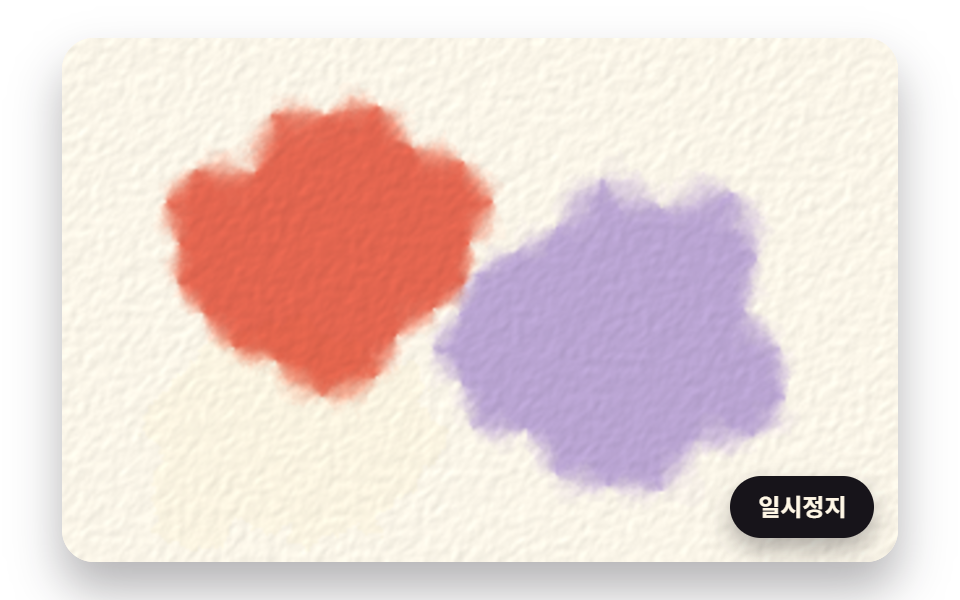 GalleriesWatercolor Effect CSS: 9 Bleeding Paint Scenes
 GalleriesSnow Animation CSS: 9 Snowfall Scenes in Canvas
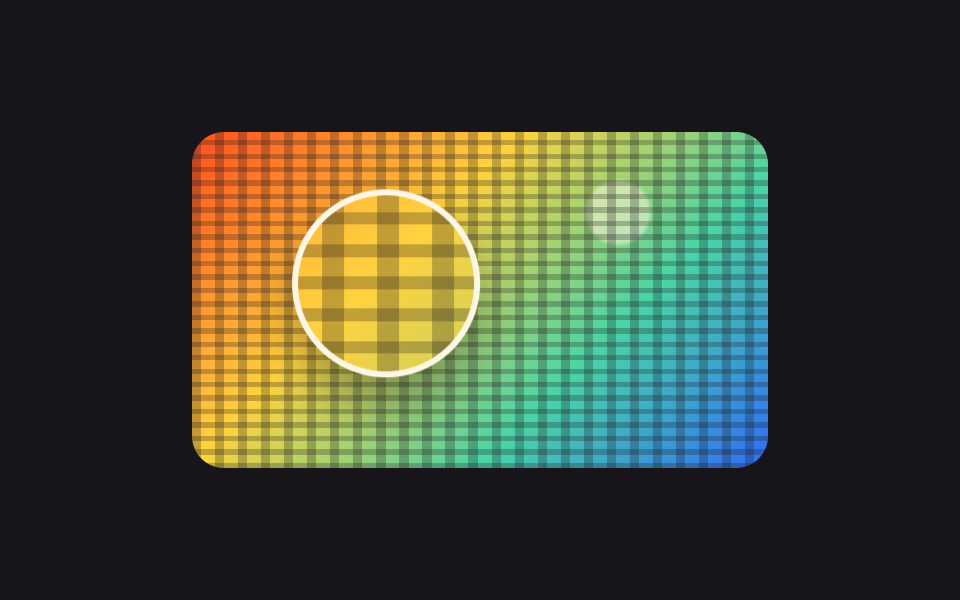 Galleries9 Image Zoom Viewer Interactions — No Photo Files
 GalleriesCSS Image Slider — 9 Responsive Sliders, No GSAP
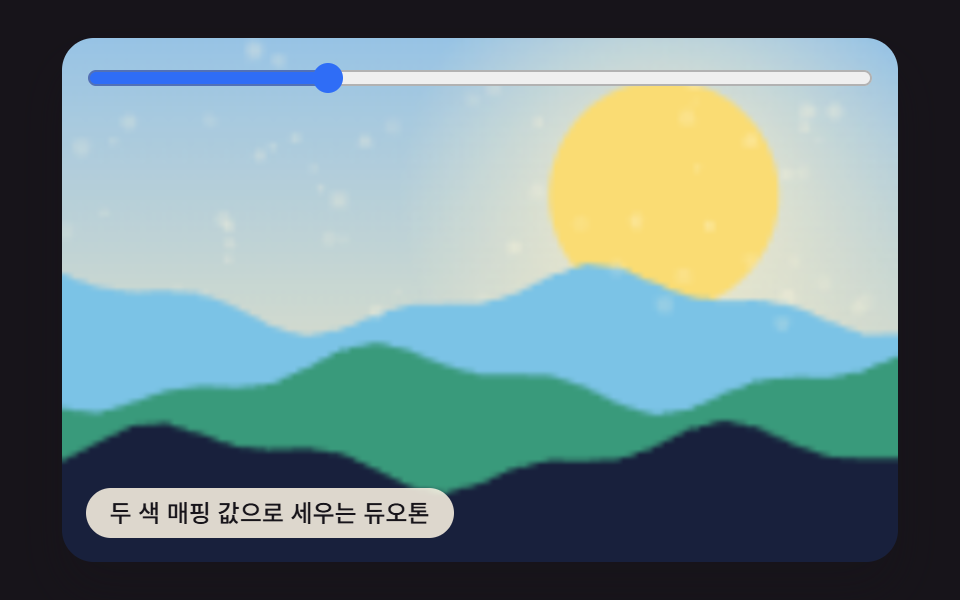 GalleriesCSS Image Filters: 9 Patterns, One Value
 Galleries9 CSS Image Gallery Grid Effects