CSS Smoke Effect: 9 Canvas Noise Patterns
A css smoke effect set: This smoke has no physics engine. Item 06 still swirls away from the pointer, item 07 still puffs out on a button press, and item 09
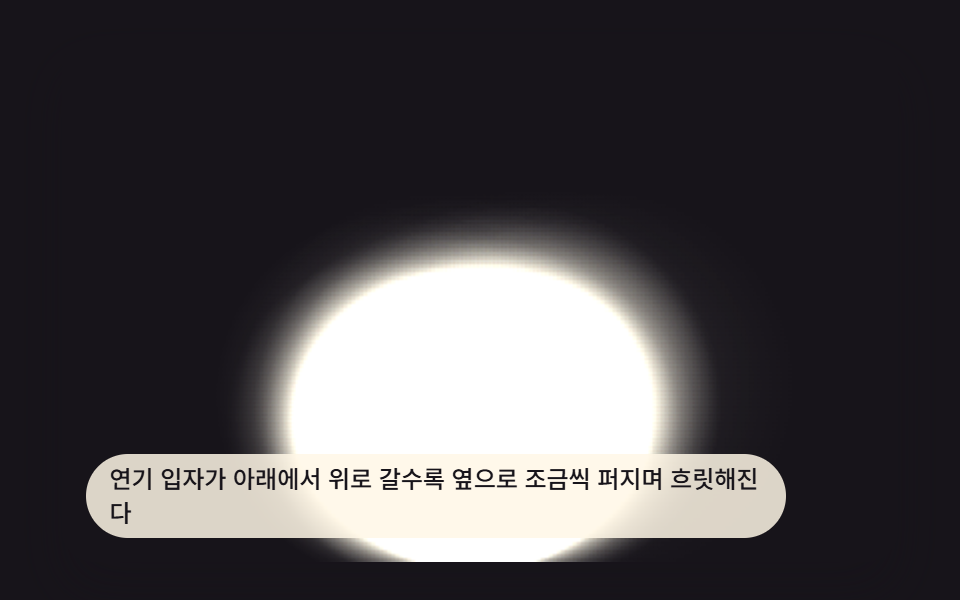 01 smoke-effect-ambient-plume-rise
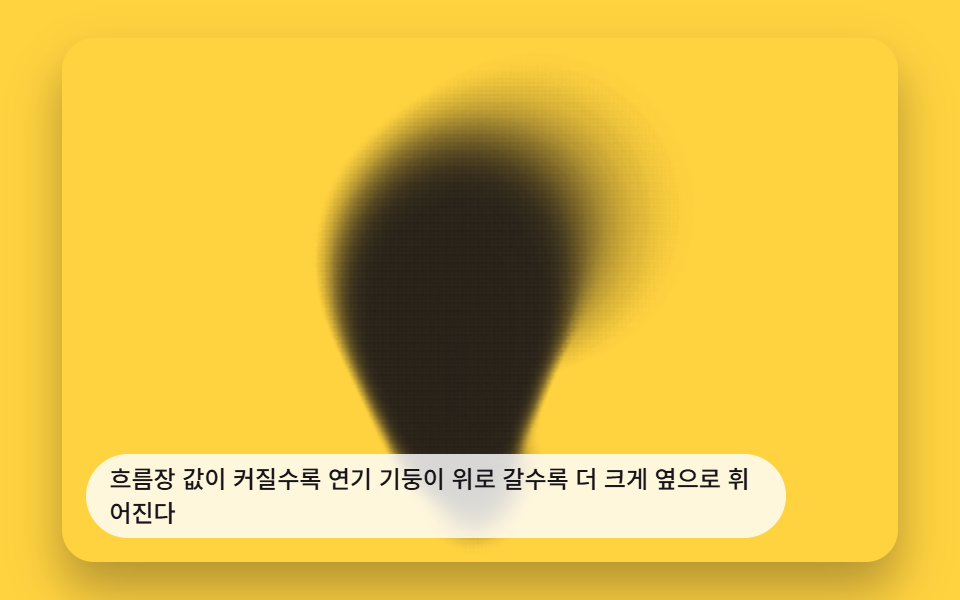 02 smoke-effect-wind-drift-flowfield
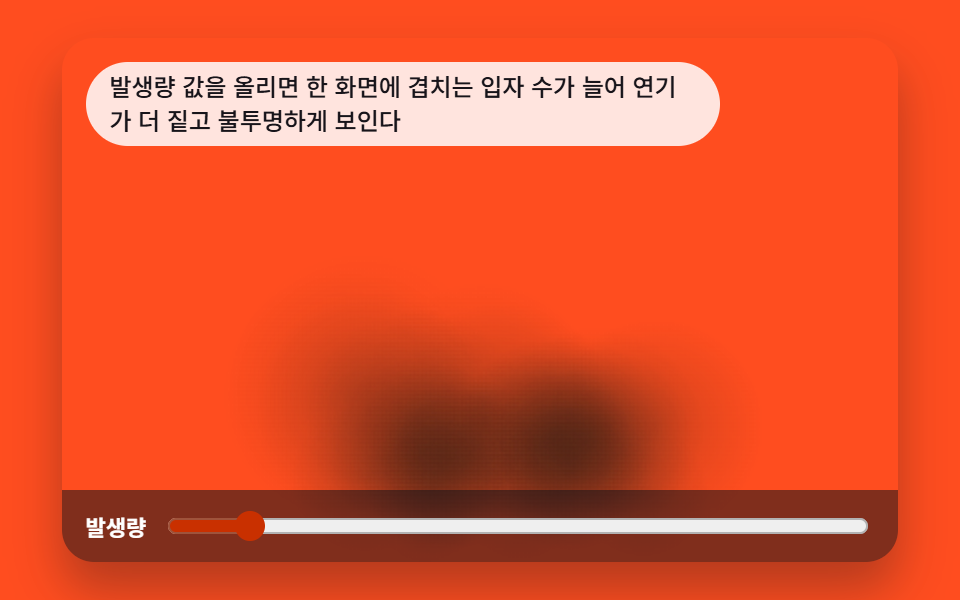 03 smoke-effect-density-emission-rate
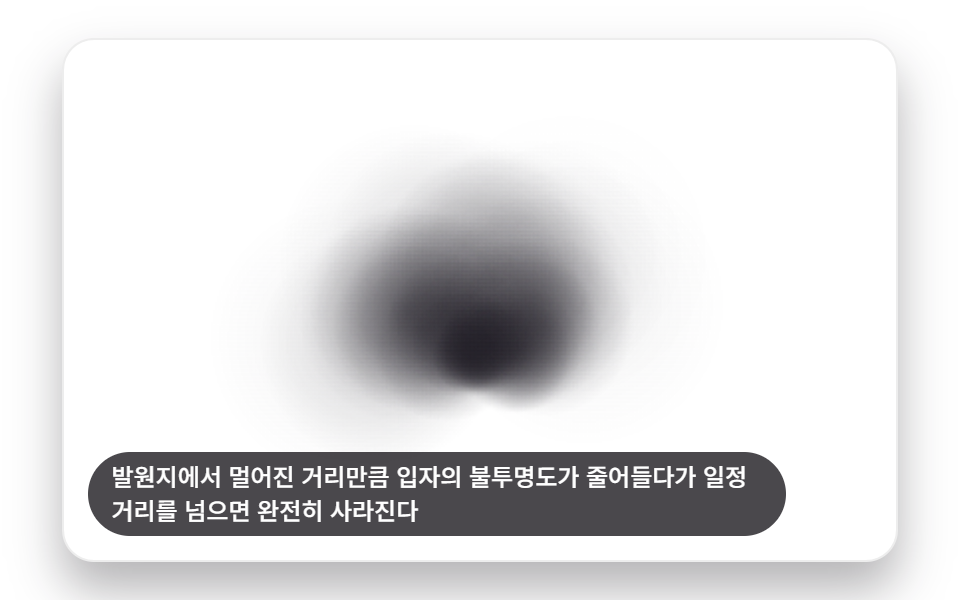 04 smoke-effect-distance-fade-dissolve
 05 smoke-effect-color-tint-shift
 06 smoke-effect-pointer-swirl-avoid
 07 smoke-effect-press-puff-burst
 08 smoke-effect-layered-depth-parallax
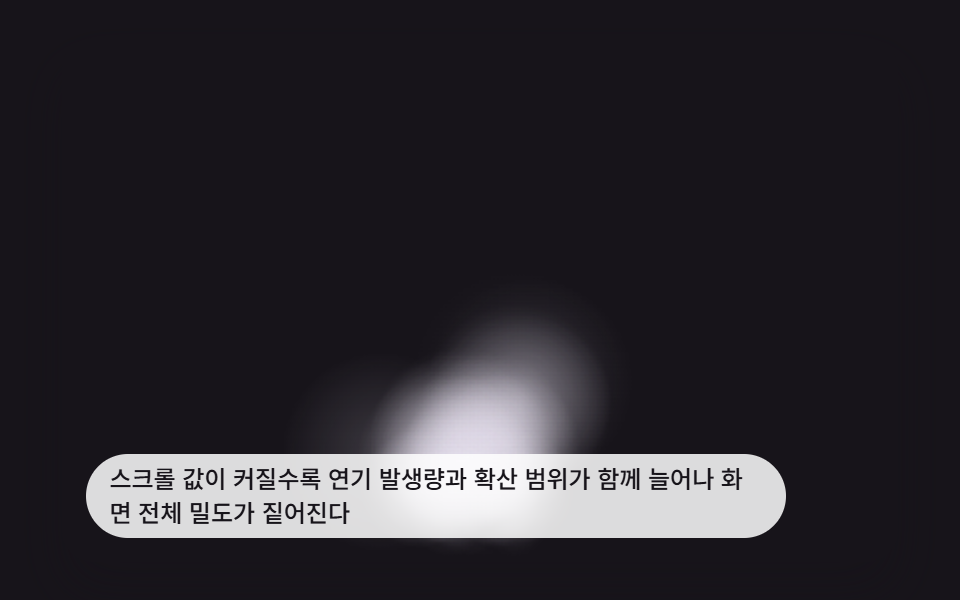 09 smoke-effect-hero-scroll-scene
Auto-plays · click a tile to jump to its section · all nine in one zip
- 01 Basic Smoke Plume That Rises Upward
- 02 Smoke That Curls Sideways Along a Wind Flow Field
- 03 Smoke Whose Thickness Changes With the Emission-Rate Value
- 04 Smoke That Fades and Dissolves the Farther It Drifts From Its Source
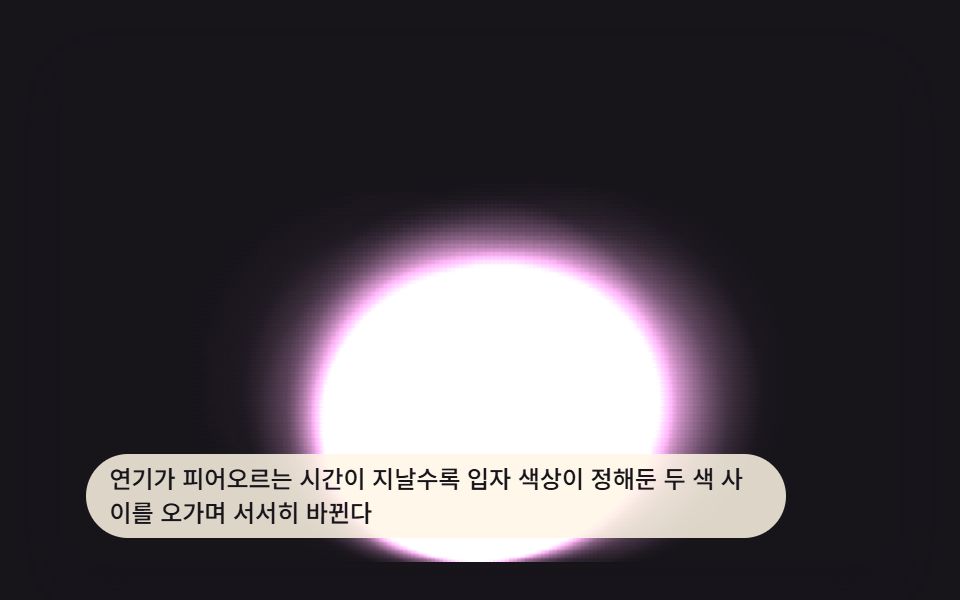
- 05 Smoke Whose Color Shifts Over Time
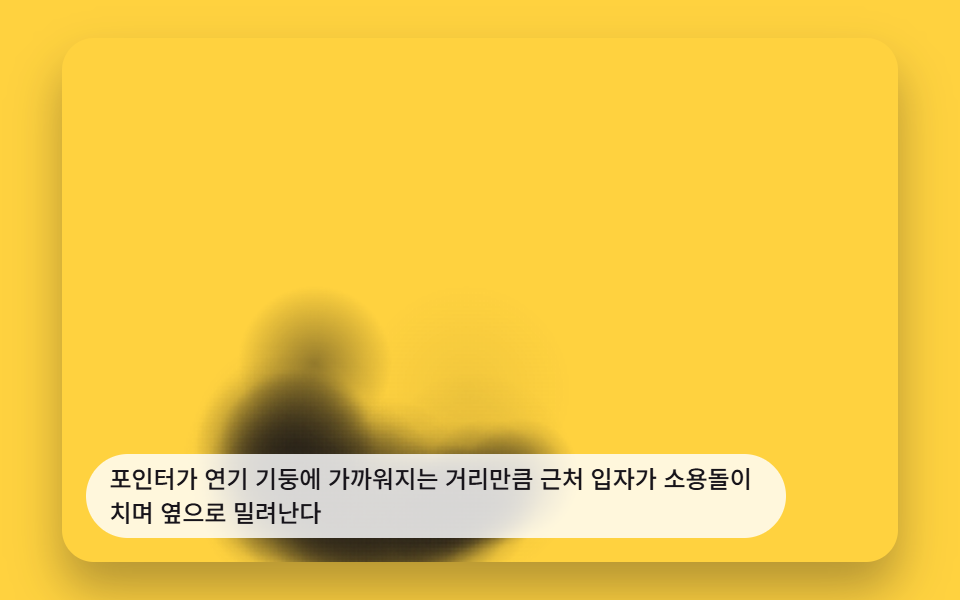
- 06 Smoke That Swirls Away From the Pointer
- 07 Smoke That Puffs Outward in a Burst When a Button Is Pressed
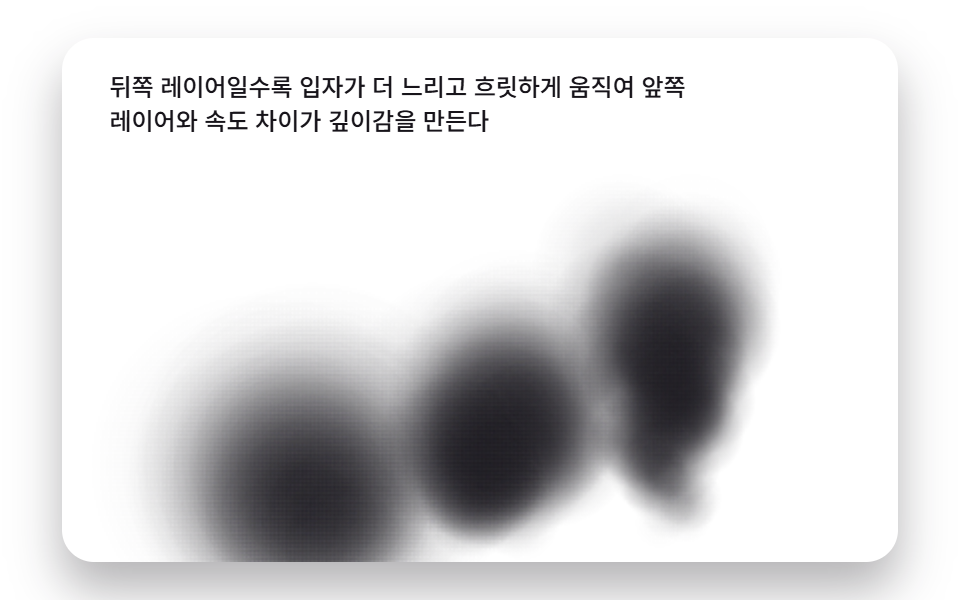
- 08 Layered Smoke Where Each Layer Moves at a Different Speed
- 09 Hero Smoke Scene That Reacts to the Scroll Value
9 CSS Smoke Effects — How One Canvas Calculation Reshapes How Smoke Moves
All nine smoke effects below share one canvas loop: spawn a particle, age it by a lifetime fraction, and paint it with a radial gradient — nothing here is a CSS @keyframes tween sitting on an element. Item 01 is the plainest read, a plume that just rises and blurs. By item 06 that same loop bends around a pointer-driven vector field, and item 09 spends the identical math on a full scroll-bound scene, sharing its per-frame gradient-paint approach with Rainbow Gradient Background CSS: 9 Patterns. The order below moves from a static plume through wind, density, distance, color, pointer interaction, a burst trigger, depth layering, and a scroll-driven scene, so each pattern hands the loop one more input to read.
01Basic Smoke Plume That Rises Upward
As smoke particles rise from the bottom, they gradually spread sideways and blur more — PLUME_DRIFT steers that sideways wobble and PLUME_LIFE_MS caps how long a particle survives before SMOKE_RISE_SPEED_PX carries it past the top edge. Used as an ambient background accent, it only needs a dark backdrop for the glow to read.
<main class="stage">
<div class="smk is-demo" id="smkRoot">
  <canvas class="smk__canvas" id="smkCanvas" width="480" height="300"></canvas>
  <p class="smk__caption">As smoke particles rise from the bottom, they gradually spread sideways and blur more.</p>
</div>
</main>
@use "../../../../site/static/demo-tokens" as *;
@include stage($stage-ink);
.smk {
position: relative;
width: min(92vw, calc(160vh - 12.8vw));
aspect-ratio: 480 / 300;
margin: 0 auto;
border-radius: $r-card;
overflow: hidden;
box-shadow: $shadow-raised;
background: $stage-ink;
}
.smk__canvas {
display: block;
width: 100%;
height: 100%;
}
.smk__caption {
position: absolute;
left: $sp-3;
bottom: $sp-3;
max-width: 78%;
margin: 0;
padding: $sp-1 $sp-3;
border-radius: $r-pill;
background: rgba(255, 247, 230, .85);
color: $subject-ink;
font-weight: 500;
font-size: 12px;
line-height: 1.4;
pointer-events: none;
}
@media (max-width: 340px) {
.smk__caption { font-size: 10px; padding: $sp-1 $sp-2; }
}
@media (prefers-reduced-motion: reduce) {
.smk { cursor: default; }
}html, body {
margin: 0;
overflow: hidden;
}
.stage {
box-sizing: border-box;
min-height: 100vh;
display: grid;
place-items: center;
margin: 0;
background: #17141a;
font-family: -apple-system, "Segoe UI", "Noto Sans KR", sans-serif;
padding: clamp(8px, 4vw, 24px);
}
.smk {
position: relative;
width: min(92vw, 160vh - 12.8vw);
aspect-ratio: 480/300;
margin: 0 auto;
border-radius: 16px;
overflow: hidden;
box-shadow: 0 14px 24px rgba(23, 20, 26, 0.32);
background: #17141a;
}
.smk__canvas {
display: block;
width: 100%;
height: 100%;
}
.smk__caption {
position: absolute;
left: 12px;
bottom: 12px;
max-width: 78%;
margin: 0;
padding: 4px 12px;
border-radius: 999px;
background: rgba(255, 247, 230, 0.85);
color: #17141a;
font-weight: 500;
font-size: 12px;
line-height: 1.4;
pointer-events: none;
}
@media (max-width: 340px) {
.smk__caption {
font-size: 10px;
padding: 4px 8px;
}
}
@media (prefers-reduced-motion: reduce) {
.smk {
cursor: default;
}
}(function () {
// 기법: 값 노이즈 필드로 좌우 흔들림(난류)을 만들어 입자마다 다른 파형으로 옆으로 밀어내고,
// 입자 나이(0~1)를 반경·투명도에 그대로 전파해 위로 갈수록 더 크고 흐리게 번지다 사라지게
// 한다. 파티클 물리 엔진 없이 배열 루프 하나로 발생·상승·소멸을 계산한다(계산 공간은
// CALC_W x CALC_H, 화면 표시 배율로 확대해 그린다).
var root = document.getElementById('smkRoot');
var canvas = document.getElementById('smkCanvas');
var ctx = canvas.getContext('2d');
var wrap = canvas.parentElement;
var CALC_W = 160, CALC_H = 100;
var SMOKE_RISE_SPEED_PX = 12;
var PLUME_SPAWN_PER_S = 50;
var PLUME_LIFE_MS = 2400;
var PLUME_DRIFT = 30;
function seedRand(seed) {
var s = seed >>> 0;
return function () { s = (s * 1664525 + 1013904223) >>> 0; return s / 4294967296; };
}
var NOISE_DIM = 40;
var noiseRand = seedRand(423011);
var noiseTable = new Float32Array(NOISE_DIM * NOISE_DIM);
for (var ni = 0; ni < noiseTable.length; ni += 1) noiseTable[ni] = noiseRand();
function noiseAt(xi, yi) {
var wx = ((xi % NOISE_DIM) + NOISE_DIM) % NOISE_DIM;
var wy = ((yi % NOISE_DIM) + NOISE_DIM) % NOISE_DIM;
return noiseTable[wy * NOISE_DIM + wx];
}
function smoothstep(t) { return t * t * (3 - 2 * t); }
function valueNoise2D(x, y) {
var x0 = Math.floor(x), y0 = Math.floor(y);
var tx = smoothstep(x - x0), ty = smoothstep(y - y0);
var v00 = noiseAt(x0, y0), v10 = noiseAt(x0 + 1, y0);
var v01 = noiseAt(x0, y0 + 1), v11 = noiseAt(x0 + 1, y0 + 1);
var a = v00 + (v10 - v00) * tx;
var b = v01 + (v11 - v01) * tx;
return a + (b - a) * ty;
}
var pRand = seedRand(423012);
var particles = [];
var spawnAcc = 0;
function spawn(bornMs) {
particles.push({
bx: CALC_W * 0.5 + (pRand() - 0.5) * 10,
y: CALC_H - 6,
born: bornMs,
wSeed: pRand() * 1000,
sign: pRand() < 0.5 ? -1 : 1
});
}
function stepSim(dtMs, nowMs) {
var dtS = dtMs / 1000;
spawnAcc += dtMs * PLUME_SPAWN_PER_S / 1000;
while (spawnAcc >= 1) { spawn(nowMs); spawnAcc -= 1; }
var alive = [];
for (var i = 0; i < particles.length; i += 1) {
var p = particles[i];
p.y -= SMOKE_RISE_SPEED_PX * dtS;
if (nowMs - p.born < PLUME_LIFE_MS) alive.push(p);
}
particles = alive;
}
  function drawSmoke(nowMs) {
    var sx = cw / CALC_W, sy = ch / CALC_H;
    ctx.clearRect(0, 0, cw, ch);
    ctx.globalCompositeOperation = 'lighter';
    for (var i = 0; i < particles.length; i += 1) {
      var p = particles[i];
      var f = Math.max(0, Math.min(1, (nowMs - p.born) / PLUME_LIFE_MS));
      var turb = (valueNoise2D(p.wSeed * 0.03, nowMs * 0.0018) - 0.5) * 2;
      var x = p.bx + turb * PLUME_DRIFT * f * p.sign;
      var r = 7 + f * 32;
      var alpha = Math.sin(f * Math.PI) * 0.55;
      if (alpha <= 0.01) continue;
      var dx = x * sx, dy = p.y * sy, dr = r * ((sx + sy) / 2);
      var g = ctx.createRadialGradient(dx, dy, 0, dx, dy, dr);
      g.addColorStop(0, 'rgba(255,247,230,' + alpha + ')');
      g.addColorStop(1, 'rgba(255,247,230,0)');
      ctx.fillStyle = g;
      ctx.beginPath();
      ctx.arc(dx, dy, dr, 0, Math.PI * 2);
      ctx.fill();
    }
    ctx.globalCompositeOperation = 'source-over';
  }
var cw = 480, ch = 300;
function fit() {
var r = wrap.getBoundingClientRect();
cw = Math.max(1, Math.round(r.width));
ch = Math.max(1, Math.round(r.height));
canvas.width = cw; canvas.height = ch;
drawSmoke(elapsed);
}
var reduce = window.matchMedia('(prefers-reduced-motion: reduce)').matches;
var elapsed = 0;
if (reduce) root.classList.remove('is-demo');
var warmSteps = reduce ? 160 : 120;
for (var w = 0; w < warmSteps; w += 1) { elapsed += 20; stepSim(20, elapsed); }
var lastTs = null;
function tick(ts) {
if (lastTs === null) lastTs = ts;
var dt = Math.min(ts - lastTs, 48);
lastTs = ts;
if (!reduce) {
elapsed += dt;
stepSim(dt, elapsed);
drawSmoke(elapsed);
}
requestAnimationFrame(tick);
}
fit();
window.addEventListener('resize', fit);
drawSmoke(elapsed);
requestAnimationFrame(tick);
})();import { useEffect, useRef } from "react";
import styles from "./SmokeEffectAmbientPlumeRise.module.scss";
type Particle = { x: number; y: number; born: number; wSeed: number };
export default function SmokeEffectAmbientPlumeRise() {
const rootRef = useRef<HTMLDivElement>(null);
const canvasRef = useRef<HTMLCanvasElement>(null);
useEffect(() => {
const root = rootRef.current;
const canvas = canvasRef.current;
if (!root || !canvas) return;
const ctx = canvas.getContext("2d");
if (!ctx) return;
const wrap = canvas.parentElement as HTMLElement;
const CALC_W = 160, CALC_H = 100;
const SMOKE_RISE_SPEED_PX = 12;
const PLUME_SPAWN_PER_S = 50;
const PLUME_LIFE_MS = 2400;
const PLUME_DRIFT = 30;
function seedRand(seed: number) {
let s = seed >>> 0;
return function () { s = (s * 1664525 + 1013904223) >>> 0; return s / 4294967296; };
}
const NOISE_DIM = 40;
const noiseRand = seedRand(423010);
const noiseTable = new Float32Array(NOISE_DIM * NOISE_DIM);
for (let ni = 0; ni < noiseTable.length; ni += 1) noiseTable[ni] = noiseRand();
function noiseAt(xi: number, yi: number) {
const wx = ((xi % NOISE_DIM) + NOISE_DIM) % NOISE_DIM;
const wy = ((yi % NOISE_DIM) + NOISE_DIM) % NOISE_DIM;
return noiseTable[wy * NOISE_DIM + wx];
}
function smoothstep(t: number) { return t * t * (3 - 2 * t); }
function valueNoise2D(x: number, y: number) {
const x0 = Math.floor(x), y0 = Math.floor(y);
const tx = smoothstep(x - x0), ty = smoothstep(y - y0);
const v00 = noiseAt(x0, y0), v10 = noiseAt(x0 + 1, y0);
const v01 = noiseAt(x0, y0 + 1), v11 = noiseAt(x0 + 1, y0 + 1);
const a = v00 + (v10 - v00) * tx;
const b = v01 + (v11 - v01) * tx;
return a + (b - a) * ty;
}
const pRand = seedRand(423011);
let particles: Particle[] = [];
let spawnAcc = 0;
function spawn(bornMs: number) {
particles.push({
x: CALC_W * 0.5 + (pRand() - 0.5) * 12,
y: CALC_H - 6,
born: bornMs,
wSeed: pRand() * 1000
});
}
function stepSim(dtMs: number, nowMs: number) {
const dtS = dtMs / 1000;
spawnAcc += dtMs * PLUME_SPAWN_PER_S / 1000;
while (spawnAcc >= 1) { spawn(nowMs); spawnAcc -= 1; }
const alive: Particle[] = [];
for (let i = 0; i < particles.length; i += 1) {
const p = particles[i];
const turb = (valueNoise2D(p.wSeed * 0.03, nowMs * 0.0016) - 0.5) * 2;
p.x += turb * PLUME_DRIFT * dtS * 0.1;
p.y -= SMOKE_RISE_SPEED_PX * dtS;
if (nowMs - p.born < PLUME_LIFE_MS) alive.push(p);
}
particles = alive;
}
let cw = 480, ch = 300;
function drawSmoke(nowMs: number) {
const sx = cw / CALC_W, sy = ch / CALC_H;
ctx!.clearRect(0, 0, cw, ch);
ctx!.globalCompositeOperation = "lighter";
for (let i = 0; i < particles.length; i += 1) {
const p = particles[i];
const f = Math.max(0, Math.min(1, (nowMs - p.born) / PLUME_LIFE_MS));
const r = 7 + f * 32;
const alpha = Math.sin(f * Math.PI) * 0.5;
if (alpha <= 0.01) continue;
const dx = p.x * sx, dy = p.y * sy, dr = r * ((sx + sy) / 2);
const g = ctx!.createRadialGradient(dx, dy, 0, dx, dy, dr);
g.addColorStop(0, "rgba(245,238,224," + alpha + ")");
g.addColorStop(1, "rgba(245,238,224,0)");
ctx!.fillStyle = g;
ctx!.beginPath();
ctx!.arc(dx, dy, dr, 0, Math.PI * 2);
ctx!.fill();
}
ctx!.globalCompositeOperation = "source-over";
}
function fit() {
const r = wrap.getBoundingClientRect();
cw = Math.max(1, Math.round(r.width));
ch = Math.max(1, Math.round(r.height));
canvas!.width = cw; canvas!.height = ch;
drawSmoke(elapsed);
}
const reduce = window.matchMedia("(prefers-reduced-motion: reduce)").matches;
let elapsed = 0;
if (reduce) root.classList.remove("is-demo");
const warmSteps = reduce ? 160 : 130;
for (let w = 0; w < warmSteps; w += 1) { elapsed += 20; stepSim(20, elapsed); }
let lastTs: number | null = null;
let raf = 0;
function tick(ts: number) {
if (lastTs === null) lastTs = ts;
const dt = Math.min(ts - lastTs, 48);
lastTs = ts;
if (!reduce) {
elapsed += dt;
stepSim(dt, elapsed);
drawSmoke(elapsed);
}
raf = requestAnimationFrame(tick);
}
fit();
window.addEventListener("resize", fit);
drawSmoke(elapsed);
raf = requestAnimationFrame(tick);
return () => {
cancelAnimationFrame(raf);
window.removeEventListener("resize", fit);
};
}, []);
return (
<main className={styles.stage}>
<div className={`${styles.smk} is-demo`} ref={rootRef}>
<canvas className={styles.smk__canvas} ref={canvasRef} width={480} height={300} />
<p className={styles.smk__caption}>연기 입자가 아래에서 위로 갈수록 옆으로 조금씩 퍼지며 흐릿해진다</p>
</div>
</main>
);
}01 · Basic Smoke Plume That Rises Upward — Measured area 12.548% · moving frames 23/23Original by GODRICH · SCSS and React ship in the zip · See the password
function drawSmoke(nowMs) {
var sx = cw / CALC_W, sy = ch / CALC_H;
ctx.clearRect(0, 0, cw, ch);
ctx.globalCompositeOperation = 'lighter';
for (var i = 0; i < particles.length; i += 1) {
var p = particles[i];
var f = Math.max(0, Math.min(1, (nowMs - p.born) / PLUME_LIFE_MS));
var turb = (valueNoise2D(p.wSeed * 0.03, nowMs * 0.0018) - 0.5) * 2;
var x = p.bx + turb * PLUME_DRIFT * f * p.sign;
var r = 7 + f * 32;
var alpha = Math.sin(f * Math.PI) * 0.55;
if (alpha <= 0.01) continue;
var dx = x * sx, dy = p.y * sy, dr = r * ((sx + sy) / 2);
var g = ctx.createRadialGradient(dx, dy, 0, dx, dy, dr);
g.addColorStop(0, 'rgba(255,247,230,' + alpha + ')');
g.addColorStop(1, 'rgba(255,247,230,0)');
ctx.fillStyle = g;
ctx.beginPath();
ctx.arc(dx, dy, dr, 0, Math.PI * 2);
ctx.fill();
}
ctx.globalCompositeOperation = 'source-over';
}
Item 01 repainted 12.5% of the frame at an average intensity of 25.8 across 23/23 measured frames.
02Smoke That Curls Sideways Along a Wind Flow Field
The flow-field strength is multiplied by a gust gain that rises and falls over time, so the stronger it is, the further the smoke column bends sideways as it climbs — WIND_FLOW_STRENGTH sets that ceiling and gustEnvelope(nowMs) is a time-based gain, not a slider a visitor drags. flowAngle() reads each particle's own position, so a column near the source bends less than one already high in the frame.
<main class="stage">
<div class="smk is-demo" id="smkRoot">
  <canvas class="smk__canvas" id="smkCanvas" width="480" height="300"></canvas>
  <p class="smk__caption">As the flow-field value increases, the smoke column bends further sideways the higher it rises.</p>
</div>
</main>
@use "../../../../site/static/demo-tokens" as *;
@include stage($stage-yellow);
.smk {
position: relative;
width: min(92vw, calc(160vh - 12.8vw));
aspect-ratio: 480 / 300;
margin: 0 auto;
border-radius: $r-card;
overflow: hidden;
box-shadow: $shadow-raised;
background: $stage-yellow;
}
.smk__canvas {
display: block;
width: 100%;
height: 100%;
}
.smk__caption {
position: absolute;
left: $sp-3;
bottom: $sp-3;
max-width: 78%;
margin: 0;
padding: $sp-1 $sp-3;
border-radius: $r-pill;
background: rgba(255, 255, 255, .82);
color: $subject-ink;
font-weight: 500;
font-size: 12px;
line-height: 1.4;
pointer-events: none;
}
@media (max-width: 340px) {
.smk__caption { font-size: 10px; padding: $sp-1 $sp-2; }
}
@media (prefers-reduced-motion: reduce) {
.smk { cursor: default; }
}html, body {
margin: 0;
overflow: hidden;
}
.stage {
box-sizing: border-box;
min-height: 100vh;
display: grid;
place-items: center;
margin: 0;
background: #ffd23f;
font-family: -apple-system, "Segoe UI", "Noto Sans KR", sans-serif;
padding: clamp(8px, 4vw, 24px);
}
.smk {
position: relative;
width: min(92vw, 160vh - 12.8vw);
aspect-ratio: 480/300;
margin: 0 auto;
border-radius: 16px;
overflow: hidden;
box-shadow: 0 14px 24px rgba(23, 20, 26, 0.32);
background: #ffd23f;
}
.smk__canvas {
display: block;
width: 100%;
height: 100%;
}
.smk__caption {
position: absolute;
left: 12px;
bottom: 12px;
max-width: 78%;
margin: 0;
padding: 4px 12px;
border-radius: 999px;
background: rgba(255, 255, 255, 0.82);
color: #17141a;
font-weight: 500;
font-size: 12px;
line-height: 1.4;
pointer-events: none;
}
@media (max-width: 340px) {
.smk__caption {
font-size: 10px;
padding: 4px 8px;
}
}
@media (prefers-reduced-motion: reduce) {
.smk {
cursor: default;
}
}(function () {
// 기법: 값 노이즈로 만든 방향장(flow field)의 각도를 입자 위치·시간에서 샘플링해 수평
// 속도로 쓴다. 흐름장 세기(WIND_FLOW_STRENGTH)에 바람이 부는 세기가 시간에 따라 오르내리는
// 게인(gustEnvelope)을 곱해, 같은 상수라도 순간마다 휘는 정도가 달라지는 걸 보여준다.
// 높이 비율(f)을 곱해 위로 갈수록 휘어짐이 커지도록 전파한다.
var root = document.getElementById('smkRoot');
var canvas = document.getElementById('smkCanvas');
var ctx = canvas.getContext('2d');
var wrap = canvas.parentElement;
var CALC_W = 160, CALC_H = 100;
var SMOKE_RISE_SPEED_PX = 26;
var WIND_FLOW_STRENGTH = 60;
var PLUME_SPAWN_PER_S = 40;
var PLUME_LIFE_MS = 2400;
function seedRand(seed) {
var s = seed >>> 0;
return function () { s = (s * 1664525 + 1013904223) >>> 0; return s / 4294967296; };
}
var NOISE_DIM = 40;
var noiseRand = seedRand(423021);
var noiseTable = new Float32Array(NOISE_DIM * NOISE_DIM);
for (var ni = 0; ni < noiseTable.length; ni += 1) noiseTable[ni] = noiseRand();
function noiseAt(xi, yi) {
var wx = ((xi % NOISE_DIM) + NOISE_DIM) % NOISE_DIM;
var wy = ((yi % NOISE_DIM) + NOISE_DIM) % NOISE_DIM;
return noiseTable[wy * NOISE_DIM + wx];
}
function smoothstep(t) { return t * t * (3 - 2 * t); }
function valueNoise2D(x, y) {
var x0 = Math.floor(x), y0 = Math.floor(y);
var tx = smoothstep(x - x0), ty = smoothstep(y - y0);
var v00 = noiseAt(x0, y0), v10 = noiseAt(x0 + 1, y0);
var v01 = noiseAt(x0, y0 + 1), v11 = noiseAt(x0 + 1, y0 + 1);
var a = v00 + (v10 - v00) * tx;
var b = v01 + (v11 - v01) * tx;
return a + (b - a) * ty;
}
function flowAngle(x, y, t) {
return (valueNoise2D(x * 0.06, y * 0.06 + t * 0.0004) - 0.5) * Math.PI * 2.2;
}
function gustEnvelope(t) {
return 0.5 + 0.5 * Math.sin(t * 0.0009);
}
var pRand = seedRand(423022);
var particles = [];
var spawnAcc = 0;
function spawn(bornMs) {
particles.push({
x: CALC_W * 0.5 + (pRand() - 0.5) * 8,
y: CALC_H - 6,
born: bornMs
});
}
  function stepSim(dtMs, nowMs) {
    var dtS = dtMs / 1000;
    spawnAcc += dtMs * PLUME_SPAWN_PER_S / 1000;
    while (spawnAcc >= 1) { spawn(nowMs); spawnAcc -= 1; }
    var gust = gustEnvelope(nowMs);
    var alive = [];
    for (var i = 0; i < particles.length; i += 1) {
      var p = particles[i];
      var f = Math.max(0, Math.min(1, (nowMs - p.born) / PLUME_LIFE_MS));
      var ang = flowAngle(p.x, p.y, nowMs);
      p.x += Math.sin(ang) * WIND_FLOW_STRENGTH * gust * f * dtS;
      p.y -= SMOKE_RISE_SPEED_PX * dtS;
      if (nowMs - p.born < PLUME_LIFE_MS) alive.push(p);
    }
    particles = alive;
  }
function drawSmoke(nowMs) {
var sx = cw / CALC_W, sy = ch / CALC_H;
ctx.clearRect(0, 0, cw, ch);
for (var i = 0; i < particles.length; i += 1) {
var p = particles[i];
var f = Math.max(0, Math.min(1, (nowMs - p.born) / PLUME_LIFE_MS));
var r = 6 + f * 26;
var alpha = Math.sin(f * Math.PI) * 0.6;
if (alpha <= 0.01) continue;
var dx = p.x * sx, dy = p.y * sy, dr = r * ((sx + sy) / 2);
var g = ctx.createRadialGradient(dx, dy, 0, dx, dy, dr);
g.addColorStop(0, 'rgba(40,34,26,' + alpha + ')');
g.addColorStop(1, 'rgba(40,34,26,0)');
ctx.fillStyle = g;
ctx.beginPath();
ctx.arc(dx, dy, dr, 0, Math.PI * 2);
ctx.fill();
}
}
var cw = 480, ch = 300;
function fit() {
var r = wrap.getBoundingClientRect();
cw = Math.max(1, Math.round(r.width));
ch = Math.max(1, Math.round(r.height));
canvas.width = cw; canvas.height = ch;
drawSmoke(elapsed);
}
var reduce = window.matchMedia('(prefers-reduced-motion: reduce)').matches;
var elapsed = 0;
if (reduce) root.classList.remove('is-demo');
var warmSteps = reduce ? 160 : 120;
for (var w = 0; w < warmSteps; w += 1) { elapsed += 20; stepSim(20, elapsed); }
var lastTs = null;
function tick(ts) {
if (lastTs === null) lastTs = ts;
var dt = Math.min(ts - lastTs, 48);
lastTs = ts;
if (!reduce) {
elapsed += dt;
stepSim(dt, elapsed);
drawSmoke(elapsed);
}
requestAnimationFrame(tick);
}
fit();
window.addEventListener('resize', fit);
drawSmoke(elapsed);
requestAnimationFrame(tick);
})();import { useEffect, useRef } from "react";
import styles from "./SmokeEffectWindDriftFlowfield.module.scss";
type Particle = { x: number; y: number; born: number; wSeed: number };
export default function SmokeEffectWindDriftFlowfield() {
const rootRef = useRef<HTMLDivElement>(null);
const canvasRef = useRef<HTMLCanvasElement>(null);
useEffect(() => {
const root = rootRef.current;
const canvas = canvasRef.current;
if (!root || !canvas) return;
const ctx = canvas.getContext("2d");
if (!ctx) return;
const wrap = canvas.parentElement as HTMLElement;
const CALC_W = 160, CALC_H = 100;
const WIND_FLOW_STRENGTH = 60;
const SMOKE_RISE_SPEED_PX = 26;
const PLUME_SPAWN_PER_S = 40;
const PLUME_LIFE_MS = 2400;
function seedRand(seed: number) {
let s = seed >>> 0;
return function () { s = (s * 1664525 + 1013904223) >>> 0; return s / 4294967296; };
}
const NOISE_DIM = 40;
const noiseRand = seedRand(423020);
const noiseTable = new Float32Array(NOISE_DIM * NOISE_DIM);
for (let ni = 0; ni < noiseTable.length; ni += 1) noiseTable[ni] = noiseRand();
function noiseAt(xi: number, yi: number) {
const wx = ((xi % NOISE_DIM) + NOISE_DIM) % NOISE_DIM;
const wy = ((yi % NOISE_DIM) + NOISE_DIM) % NOISE_DIM;
return noiseTable[wy * NOISE_DIM + wx];
}
function smoothstep(t: number) { return t * t * (3 - 2 * t); }
function valueNoise2D(x: number, y: number) {
const x0 = Math.floor(x), y0 = Math.floor(y);
const tx = smoothstep(x - x0), ty = smoothstep(y - y0);
const v00 = noiseAt(x0, y0), v10 = noiseAt(x0 + 1, y0);
const v01 = noiseAt(x0, y0 + 1), v11 = noiseAt(x0 + 1, y0 + 1);
const a = v00 + (v10 - v00) * tx;
const b = v01 + (v11 - v01) * tx;
return a + (b - a) * ty;
}
function flowAngle(x: number, y: number, t: number) {
return (valueNoise2D(x * 0.05 + t, y * 0.05) - 0.5) * Math.PI * 1.6;
}
function gustEnvelope(t: number) { return 0.5 + 0.5 * Math.sin(t * 0.0009); }
const pRand = seedRand(423021);
let particles: Particle[] = [];
let spawnAcc = 0;
function spawn(bornMs: number) {
particles.push({
x: CALC_W * 0.5 + (pRand() - 0.5) * 10,
y: CALC_H - 6,
born: bornMs,
wSeed: pRand() * 1000
});
}
function stepSim(dtMs: number, nowMs: number) {
const dtS = dtMs / 1000;
spawnAcc += dtMs * PLUME_SPAWN_PER_S / 1000;
while (spawnAcc >= 1) { spawn(nowMs); spawnAcc -= 1; }
const gust = gustEnvelope(nowMs);
const alive: Particle[] = [];
for (let i = 0; i < particles.length; i += 1) {
const p = particles[i];
const ang = flowAngle(p.wSeed, p.y, nowMs * 0.0007);
p.x += Math.sin(ang) * WIND_FLOW_STRENGTH * gust * dtS;
p.y -= SMOKE_RISE_SPEED_PX * dtS;
if (nowMs - p.born < PLUME_LIFE_MS) alive.push(p);
}
particles = alive;
}
let cw = 480, ch = 300;
function drawSmoke(nowMs: number) {
const sx = cw / CALC_W, sy = ch / CALC_H;
ctx!.clearRect(0, 0, cw, ch);
for (let i = 0; i < particles.length; i += 1) {
const p = particles[i];
const f = Math.max(0, Math.min(1, (nowMs - p.born) / PLUME_LIFE_MS));
const r = 6 + f * 26;
const alpha = Math.sin(f * Math.PI) * 0.6;
if (alpha <= 0.01) continue;
const dx = p.x * sx, dy = p.y * sy, dr = r * ((sx + sy) / 2);
const g = ctx!.createRadialGradient(dx, dy, 0, dx, dy, dr);
g.addColorStop(0, "rgba(40,34,26," + alpha + ")");
g.addColorStop(1, "rgba(40,34,26,0)");
ctx!.fillStyle = g;
ctx!.beginPath();
ctx!.arc(dx, dy, dr, 0, Math.PI * 2);
ctx!.fill();
}
}
function fit() {
const r = wrap.getBoundingClientRect();
cw = Math.max(1, Math.round(r.width));
ch = Math.max(1, Math.round(r.height));
canvas!.width = cw; canvas!.height = ch;
drawSmoke(elapsed);
}
const reduce = window.matchMedia("(prefers-reduced-motion: reduce)").matches;
let elapsed = 0;
if (reduce) root.classList.remove("is-demo");
const warmSteps = reduce ? 160 : 130;
for (let w = 0; w < warmSteps; w += 1) { elapsed += 20; stepSim(20, elapsed); }
let lastTs: number | null = null;
let raf = 0;
function tick(ts: number) {
if (lastTs === null) lastTs = ts;
const dt = Math.min(ts - lastTs, 48);
lastTs = ts;
if (!reduce) {
elapsed += dt;
stepSim(dt, elapsed);
drawSmoke(elapsed);
}
raf = requestAnimationFrame(tick);
}
fit();
window.addEventListener("resize", fit);
drawSmoke(elapsed);
raf = requestAnimationFrame(tick);
return () => {
cancelAnimationFrame(raf);
window.removeEventListener("resize", fit);
};
}, []);
return (
<main className={styles.stage}>
<div className={`${styles.smk} is-demo`} ref={rootRef}>
<canvas className={styles.smk__canvas} ref={canvasRef} width={480} height={300} />
<p className={styles.smk__caption}>흐름장 값이 커질수록 연기 기둥이 위로 갈수록 더 크게 옆으로 휘어진다</p>
</div>
</main>
);
}02 · Smoke That Curls Sideways Along a Wind Flow Field — Measured area 11.102% · moving frames 23/23Original by GODRICH · SCSS and React ship in the zip · See the password
function stepSim(dtMs, nowMs) {
var dtS = dtMs / 1000;
spawnAcc += dtMs * PLUME_SPAWN_PER_S / 1000;
while (spawnAcc >= 1) { spawn(nowMs); spawnAcc -= 1; }
var gust = gustEnvelope(nowMs);
var alive = [];
for (var i = 0; i < particles.length; i += 1) {
var p = particles[i];
var f = Math.max(0, Math.min(1, (nowMs - p.born) / PLUME_LIFE_MS));
var ang = flowAngle(p.x, p.y, nowMs);
p.x += Math.sin(ang) * WIND_FLOW_STRENGTH * gust * f * dtS;
p.y -= SMOKE_RISE_SPEED_PX * dtS;
if (nowMs - p.born < PLUME_LIFE_MS) alive.push(p);
}
particles = alive;
}
Item 02 repainted 11.1% of the frame at an average intensity of 16.7 across 23/23 measured frames.
03Smoke Whose Thickness Changes With the Emission-Rate Value
Raising the emission-rate value packs more overlapping particles on screen, making the smoke read thicker and more opaque — SMOKE_EMISSION_RATE sets how many particles smkRate spawns per second, and DEMO_SWEEP_MS sweeps that value up and down on its own so the difference stays visible with no input. Used for a warning or alert-state background, thicker smoke reads as more urgent.
<main class="stage">
<div class="smk is-demo" id="smkRoot">
  <canvas class="smk__canvas" id="smkCanvas" width="480" height="300"></canvas>
  <p class="smk__caption">Raising the emission-rate value packs more overlapping particles on screen, making the smoke read thicker and more opaque.</p>
  <div class="smk__control">
    <label class="smk__label" for="smkRate">Emission rate</label>
    <input class="smk__range" id="smkRate" type="range" min="2" max="22" value="4" step="1" aria-label="Emission rate">
  </div>
</div>
</main>
@use "../../../../site/static/demo-tokens" as *;
@include stage($stage-orange);
.smk {
position: relative;
width: min(92vw, calc(160vh - 12.8vw));
aspect-ratio: 480 / 300;
margin: 0 auto;
border-radius: $r-card;
overflow: hidden;
box-shadow: $shadow-raised;
background: $stage-orange;
}
.smk__canvas {
display: block;
width: 100%;
height: 100%;
}
.smk__caption {
position: absolute;
left: $sp-3;
top: $sp-3;
max-width: 70%;
margin: 0;
padding: $sp-1 $sp-3;
border-radius: $r-pill;
background: rgba(255, 255, 255, .85);
color: $subject-ink;
font-weight: 500;
font-size: 12px;
line-height: 1.4;
pointer-events: none;
}
.smk__control {
position: absolute;
left: 0;
right: 0;
bottom: 0;
display: flex;
align-items: center;
gap: $sp-2;
box-sizing: border-box;
padding: $sp-2 $sp-3;
background: rgba(23, 20, 26, .55);
}
.smk__label {
flex: 0 0 auto;
font-size: 11px;
font-weight: 600;
color: $stage-paper;
white-space: nowrap;
}
.smk__range {
flex: 1 1 auto;
min-width: 0;
width: 0;
accent-color: $subject-orange-deep;
}
@media (max-width: 340px) {
.smk__caption { font-size: 10px; padding: $sp-1 $sp-2; }
.smk__label { font-size: 10px; }
}
@media (prefers-reduced-motion: reduce) {
.smk { cursor: default; }
}html, body {
margin: 0;
overflow: hidden;
}
.stage {
box-sizing: border-box;
min-height: 100vh;
display: grid;
place-items: center;
margin: 0;
background: #ff4d1f;
font-family: -apple-system, "Segoe UI", "Noto Sans KR", sans-serif;
padding: clamp(8px, 4vw, 24px);
}
.smk {
position: relative;
width: min(92vw, 160vh - 12.8vw);
aspect-ratio: 480/300;
margin: 0 auto;
border-radius: 16px;
overflow: hidden;
box-shadow: 0 14px 24px rgba(23, 20, 26, 0.32);
background: #ff4d1f;
}
.smk__canvas {
display: block;
width: 100%;
height: 100%;
}
.smk__caption {
position: absolute;
left: 12px;
top: 12px;
max-width: 70%;
margin: 0;
padding: 4px 12px;
border-radius: 999px;
background: rgba(255, 255, 255, 0.85);
color: #17141a;
font-weight: 500;
font-size: 12px;
line-height: 1.4;
pointer-events: none;
}
.smk__control {
position: absolute;
left: 0;
right: 0;
bottom: 0;
display: flex;
align-items: center;
gap: 8px;
box-sizing: border-box;
padding: 8px 12px;
background: rgba(23, 20, 26, 0.55);
}
.smk__label {
flex: 0 0 auto;
font-size: 11px;
font-weight: 600;
color: #ffffff;
white-space: nowrap;
}
.smk__range {
flex: 1 1 auto;
min-width: 0;
width: 0;
accent-color: #c93000;
}
@media (max-width: 340px) {
.smk__caption {
font-size: 10px;
padding: 4px 8px;
}
.smk__label {
font-size: 10px;
}
}
@media (prefers-reduced-motion: reduce) {
.smk {
cursor: default;
}
}(function () {
// 기법: 초당 발생 수(emissionRate)만큼 입자를 계속 만들어내고, 살아있는 입자마다 옅은
// 알파로 겹쳐 그린다(source-over). 겹치는 입자 수가 많아질수록 알파가 누적되어 짙고
// 불투명하게 보이는 게 실제 계산 결과다 — 색을 진하게 바꾸는 게 아니라 개수가 밀도를 만든다.
var root = document.getElementById('smkRoot');
var canvas = document.getElementById('smkCanvas');
var ctx = canvas.getContext('2d');
var wrap = canvas.parentElement;
var rateInput = document.getElementById('smkRate');
var CALC_W = 160, CALC_H = 100;
var SMOKE_EMISSION_RATE = 4;
var SMOKE_RISE_SPEED_PX = 14;
var PLUME_LIFE_MS = 2200;
function seedRand(seed) {
var s = seed >>> 0;
return function () { s = (s * 1664525 + 1013904223) >>> 0; return s / 4294967296; };
}
var NOISE_DIM = 40;
var noiseRand = seedRand(423031);
var noiseTable = new Float32Array(NOISE_DIM * NOISE_DIM);
for (var ni = 0; ni < noiseTable.length; ni += 1) noiseTable[ni] = noiseRand();
function noiseAt(xi, yi) {
var wx = ((xi % NOISE_DIM) + NOISE_DIM) % NOISE_DIM;
var wy = ((yi % NOISE_DIM) + NOISE_DIM) % NOISE_DIM;
return noiseTable[wy * NOISE_DIM + wx];
}
function smoothstep(t) { return t * t * (3 - 2 * t); }
function valueNoise2D(x, y) {
var x0 = Math.floor(x), y0 = Math.floor(y);
var tx = smoothstep(x - x0), ty = smoothstep(y - y0);
var v00 = noiseAt(x0, y0), v10 = noiseAt(x0 + 1, y0);
var v01 = noiseAt(x0, y0 + 1), v11 = noiseAt(x0 + 1, y0 + 1);
var a = v00 + (v10 - v00) * tx;
var b = v01 + (v11 - v01) * tx;
return a + (b - a) * ty;
}
var pRand = seedRand(423032);
var particles = [];
var spawnAcc = 0;
var emissionRate = SMOKE_EMISSION_RATE;
rateInput.addEventListener('input', function () {
root.classList.remove('is-demo'); // 사람이 만졌으니 자동 스윕을 끈다
emissionRate = parseFloat(rateInput.value);
});
function spawn(bornMs) {
particles.push({
bx: CALC_W * (0.28 + pRand() * 0.44),
y: CALC_H - 6,
born: bornMs,
wSeed: pRand() * 1000
});
}
  function stepSim(dtMs, nowMs) {
    var dtS = dtMs / 1000;
    spawnAcc += dtMs * emissionRate / 1000;
    while (spawnAcc >= 1) { spawn(nowMs); spawnAcc -= 1; }
    var alive = [];
    for (var i = 0; i < particles.length; i += 1) {
      var p = particles[i];
      p.y -= SMOKE_RISE_SPEED_PX * dtS;
      if (nowMs - p.born < PLUME_LIFE_MS) alive.push(p);
    }
    particles = alive;
    if (particles.length > 320) particles = particles.slice(particles.length - 320);
  }
function drawSmoke(nowMs) {
var sx = cw / CALC_W, sy = ch / CALC_H;
ctx.clearRect(0, 0, cw, ch);
for (var i = 0; i < particles.length; i += 1) {
var p = particles[i];
var f = Math.max(0, Math.min(1, (nowMs - p.born) / PLUME_LIFE_MS));
var turb = (valueNoise2D(p.wSeed * 0.03, nowMs * 0.0015) - 0.5) * 2;
var x = p.bx + turb * 14 * f;
var r = 8 + f * 20;
var alpha = Math.sin(f * Math.PI) * 0.22;
if (alpha <= 0.01) continue;
var dx = x * sx, dy = p.y * sy, dr = r * ((sx + sy) / 2);
var g = ctx.createRadialGradient(dx, dy, 0, dx, dy, dr);
g.addColorStop(0, 'rgba(30,26,20,' + alpha + ')');
g.addColorStop(1, 'rgba(30,26,20,0)');
ctx.fillStyle = g;
ctx.beginPath();
ctx.arc(dx, dy, dr, 0, Math.PI * 2);
ctx.fill();
}
}
var cw = 480, ch = 300;
function fit() {
var r = wrap.getBoundingClientRect();
cw = Math.max(1, Math.round(r.width));
ch = Math.max(1, Math.round(r.height));
canvas.width = cw; canvas.height = ch;
drawSmoke(elapsed);
}
var reduce = window.matchMedia('(prefers-reduced-motion: reduce)').matches;
var elapsed = 0;
if (reduce) root.classList.remove('is-demo');
rateInput.addEventListener('input', function () {
if (reduce) drawSmoke(elapsed);
});
var warmSteps = 140;
for (var w = 0; w < warmSteps; w += 1) { elapsed += 20; stepSim(20, elapsed); }
var lastTs = null;
var demoPhase = 0;
var DEMO_SWEEP_MS = 2000;
function tick(ts) {
if (lastTs === null) lastTs = ts;
var dt = Math.min(ts - lastTs, 48);
lastTs = ts;
if (!reduce) {
elapsed += dt;
if (root.classList.contains('is-demo')) {
demoPhase = (demoPhase + dt) % DEMO_SWEEP_MS;
var t = demoPhase / DEMO_SWEEP_MS;
var sweep = t < 0.5 ? t * 2 : (1 - t) * 2;
emissionRate = 3 + sweep * 17;
}
stepSim(dt, elapsed);
drawSmoke(elapsed);
}
requestAnimationFrame(tick);
}
fit();
window.addEventListener('resize', fit);
drawSmoke(elapsed);
requestAnimationFrame(tick);
})();import { useEffect, useRef } from "react";
import styles from "./SmokeEffectDensityEmissionRate.module.scss";
type Particle = { x: number; y: number; born: number; wSeed: number };
export default function SmokeEffectDensityEmissionRate() {
const rootRef = useRef<HTMLDivElement>(null);
const canvasRef = useRef<HTMLCanvasElement>(null);
const rangeRef = useRef<HTMLInputElement>(null);
useEffect(() => {
const root = rootRef.current;
const canvas = canvasRef.current;
const range = rangeRef.current;
if (!root || !canvas || !range) return;
const ctx = canvas.getContext("2d");
if (!ctx) return;
const wrap = canvas.parentElement as HTMLElement;
const CALC_W = 160, CALC_H = 100;
const SMOKE_EMISSION_RATE = 4;
const SMOKE_RISE_SPEED_PX = 14;
const PLUME_LIFE_MS = 2200;
const PARTICLE_CAP = 320;
const DEMO_SWEEP_MS = 2000;
function seedRand(seed: number) {
let s = seed >>> 0;
return function () { s = (s * 1664525 + 1013904223) >>> 0; return s / 4294967296; };
}
const NOISE_DIM = 40;
const noiseRand = seedRand(423030);
const noiseTable = new Float32Array(NOISE_DIM * NOISE_DIM);
for (let ni = 0; ni < noiseTable.length; ni += 1) noiseTable[ni] = noiseRand();
function noiseAt(xi: number, yi: number) {
const wx = ((xi % NOISE_DIM) + NOISE_DIM) % NOISE_DIM;
const wy = ((yi % NOISE_DIM) + NOISE_DIM) % NOISE_DIM;
return noiseTable[wy * NOISE_DIM + wx];
}
function smoothstep(t: number) { return t * t * (3 - 2 * t); }
function valueNoise2D(x: number, y: number) {
const x0 = Math.floor(x), y0 = Math.floor(y);
const tx = smoothstep(x - x0), ty = smoothstep(y - y0);
const v00 = noiseAt(x0, y0), v10 = noiseAt(x0 + 1, y0);
const v01 = noiseAt(x0, y0 + 1), v11 = noiseAt(x0 + 1, y0 + 1);
const a = v00 + (v10 - v00) * tx;
const b = v01 + (v11 - v01) * tx;
return a + (b - a) * ty;
}
const pRand = seedRand(423031);
let particles: Particle[] = [];
let spawnAcc = 0;
let emissionRate = SMOKE_EMISSION_RATE;
function spawn(bornMs: number) {
particles.push({
x: CALC_W * 0.5 + (pRand() - 0.5) * 14,
y: CALC_H - 6,
born: bornMs,
wSeed: pRand() * 1000
});
}
function stepSim(dtMs: number, nowMs: number) {
const dtS = dtMs / 1000;
spawnAcc += dtMs * emissionRate / 1000;
while (spawnAcc >= 1) {
if (particles.length < PARTICLE_CAP) spawn(nowMs);
spawnAcc -= 1;
}
const alive: Particle[] = [];
for (let i = 0; i < particles.length; i += 1) {
const p = particles[i];
const turb = (valueNoise2D(p.wSeed * 0.03, nowMs * 0.0016) - 0.5) * 2;
p.x += turb * 6 * dtS;
p.y -= SMOKE_RISE_SPEED_PX * dtS;
if (nowMs - p.born < PLUME_LIFE_MS) alive.push(p);
}
particles = alive;
}
let cw = 480, ch = 300;
function drawSmoke(nowMs: number) {
const sx = cw / CALC_W, sy = ch / CALC_H;
ctx!.clearRect(0, 0, cw, ch);
for (let i = 0; i < particles.length; i += 1) {
const p = particles[i];
const f = Math.max(0, Math.min(1, (nowMs - p.born) / PLUME_LIFE_MS));
const r = 6 + f * 14;
const alpha = Math.sin(f * Math.PI) * 0.22;
if (alpha <= 0.01) continue;
const dx = p.x * sx, dy = p.y * sy, dr = r * ((sx + sy) / 2);
const g = ctx!.createRadialGradient(dx, dy, 0, dx, dy, dr);
g.addColorStop(0, "rgba(50,32,20," + alpha + ")");
g.addColorStop(1, "rgba(50,32,20,0)");
ctx!.fillStyle = g;
ctx!.beginPath();
ctx!.arc(dx, dy, dr, 0, Math.PI * 2);
ctx!.fill();
}
}
function fit() {
const r = wrap.getBoundingClientRect();
cw = Math.max(1, Math.round(r.width));
ch = Math.max(1, Math.round(r.height));
canvas!.width = cw; canvas!.height = ch;
drawSmoke(elapsed);
}
const reduce = window.matchMedia("(prefers-reduced-motion: reduce)").matches;
let elapsed = 0;
if (reduce) root.classList.remove("is-demo");
let userDriven = false;
function onRangeInput() {
userDriven = true;
emissionRate = Number(range!.value);
if (reduce) { stepSim(16, elapsed); drawSmoke(elapsed); }
}
range.addEventListener("input", onRangeInput);
const warmSteps = reduce ? 160 : 130;
for (let w = 0; w < warmSteps; w += 1) { elapsed += 20; stepSim(20, elapsed); }
let lastTs: number | null = null;
let raf = 0;
function tick(ts: number) {
if (lastTs === null) lastTs = ts;
const dt = Math.min(ts - lastTs, 48);
lastTs = ts;
if (!reduce) {
elapsed += dt;
if (!userDriven && root!.classList.contains("is-demo")) {
const phase = (elapsed % DEMO_SWEEP_MS) / DEMO_SWEEP_MS;
const tri = phase < 0.5 ? phase * 2 : 2 - phase * 2;
emissionRate = 3 + tri * 17;
range!.value = String(Math.round(emissionRate));
}
stepSim(dt, elapsed);
drawSmoke(elapsed);
}
raf = requestAnimationFrame(tick);
}
fit();
window.addEventListener("resize", fit);
drawSmoke(elapsed);
raf = requestAnimationFrame(tick);
return () => {
cancelAnimationFrame(raf);
window.removeEventListener("resize", fit);
range.removeEventListener("input", onRangeInput);
};
}, []);
return (
<main className={styles.stage}>
<div className={`${styles.smk} is-demo`} ref={rootRef}>
<canvas className={styles.smk__canvas} ref={canvasRef} width={480} height={300} />
<p className={styles.smk__caption}>발생량 값을 올리면 한 화면에 겹치는 입자 수가 늘어 연기가 더 짙고 불투명하게 보인다</p>
<div className={styles.smk__control}>
<label className={styles.smk__label} htmlFor="smkRate423react">발생량</label>
<input
className={styles.smk__range}
id="smkRate423react"
ref={rangeRef}
type="range"
min={2}
max={22}
defaultValue={4}
aria-label="발생량"
/>
</div>
</div>
</main>
);
}03 · Smoke Whose Thickness Changes With the Emission-Rate Value — Measured area 17.719% · moving frames 23/23Original by GODRICH · SCSS and React ship in the zip · See the password
function stepSim(dtMs, nowMs) {
var dtS = dtMs / 1000;
spawnAcc += dtMs * emissionRate / 1000;
while (spawnAcc >= 1) { spawn(nowMs); spawnAcc -= 1; }
var alive = [];
for (var i = 0; i < particles.length; i += 1) {
var p = particles[i];
p.y -= SMOKE_RISE_SPEED_PX * dtS;
if (nowMs - p.born < PLUME_LIFE_MS) alive.push(p);
}
particles = alive;
if (particles.length > 320) particles = particles.slice(particles.length - 320);
}
Item 03 repainted 17.7% of the frame at an average intensity of 16.2 across 23/23 measured frames.
04Smoke That Fades and Dissolves the Farther It Drifts From Its Source
Opacity drops in step with distance from the source, and past a set distance the particle disappears completely — DISSOLVE_DISTANCE is that cutoff, computed once from SMOKE_DISSOLVE_MS and DRIFT_SPEED_PX_S turning a duration into a travel distance. As a cleanup trail after loading completes, it clears itself without a manual fade-out.
<main class="stage">
<div class="smk is-demo" id="smkRoot">
  <canvas class="smk__canvas" id="smkCanvas" width="480" height="300"></canvas>
  <p class="smk__caption">Opacity drops in step with distance from the source, and past a set distance the particle disappears completely.</p>
</div>
</main>
@use "../../../../site/static/demo-tokens" as *;
@include stage($stage-paper);
.smk {
box-sizing: border-box;
position: relative;
width: min(92vw, calc(160vh - 12.8vw));
aspect-ratio: 480 / 300;
margin: 0 auto;
border-radius: $r-card;
overflow: hidden;
box-shadow: $shadow-raised;
background: $stage-paper;
border: 1px solid rgba(23, 20, 26, .08);
}
.smk__canvas {
display: block;
width: 100%;
height: 100%;
}
.smk__caption {
position: absolute;
left: $sp-3;
bottom: $sp-3;
max-width: 78%;
margin: 0;
padding: $sp-1 $sp-3;
border-radius: $r-pill;
background: rgba(23, 20, 26, .78);
color: $stage-paper;
font-weight: 500;
font-size: 12px;
line-height: 1.4;
pointer-events: none;
}
@media (max-width: 340px) {
.smk__caption { font-size: 10px; padding: $sp-1 $sp-2; }
}
@media (prefers-reduced-motion: reduce) {
.smk { cursor: default; }
}html, body {
margin: 0;
overflow: hidden;
}
.stage {
box-sizing: border-box;
min-height: 100vh;
display: grid;
place-items: center;
margin: 0;
background: #ffffff;
font-family: -apple-system, "Segoe UI", "Noto Sans KR", sans-serif;
padding: clamp(8px, 4vw, 24px);
}
.smk {
box-sizing: border-box;
position: relative;
width: min(92vw, 160vh - 12.8vw);
aspect-ratio: 480/300;
margin: 0 auto;
border-radius: 16px;
overflow: hidden;
box-shadow: 0 14px 24px rgba(23, 20, 26, 0.32);
background: #ffffff;
border: 1px solid rgba(23, 20, 26, 0.08);
}
.smk__canvas {
display: block;
width: 100%;
height: 100%;
}
.smk__caption {
position: absolute;
left: 12px;
bottom: 12px;
max-width: 78%;
margin: 0;
padding: 4px 12px;
border-radius: 999px;
background: rgba(23, 20, 26, 0.78);
color: #ffffff;
font-weight: 500;
font-size: 12px;
line-height: 1.4;
pointer-events: none;
}
@media (max-width: 340px) {
.smk__caption {
font-size: 10px;
padding: 4px 8px;
}
}
@media (prefers-reduced-motion: reduce) {
.smk {
cursor: default;
}
}(function () {
// 기법: 발원지(원점) 좌표를 저장해두고, 매 프레임 입자와 원점 사이의 유클리드 거리를 계산한다.
// 거리를 SMOKE_DISSOLVE_MS(=이동 속도 x 시간으로 환산한 소멸 거리)로 나눈 비율만큼 알파를
// 선형으로 깎는다 — 나이가 아니라 "거리"가 직접 불투명도를 정한다. 거리가 소멸 거리를
// 넘어서면 배열에서 제거한다.
var root = document.getElementById('smkRoot');
var canvas = document.getElementById('smkCanvas');
var ctx = canvas.getContext('2d');
var wrap = canvas.parentElement;
var CALC_W = 160, CALC_H = 100;
var SMOKE_DISSOLVE_MS = 900;
var DRIFT_SPEED_PX_S = 30;
var DISSOLVE_DISTANCE = (SMOKE_DISSOLVE_MS / 1000) * DRIFT_SPEED_PX_S;
var SPAWN_PER_S = 30;
var SOURCE_X = CALC_W * 0.5, SOURCE_Y = CALC_H * 0.62;
function seedRand(seed) {
var s = seed >>> 0;
return function () { s = (s * 1664525 + 1013904223) >>> 0; return s / 4294967296; };
}
var NOISE_DIM = 40;
var noiseRand = seedRand(423041);
var noiseTable = new Float32Array(NOISE_DIM * NOISE_DIM);
for (var ni = 0; ni < noiseTable.length; ni += 1) noiseTable[ni] = noiseRand();
function noiseAt(xi, yi) {
var wx = ((xi % NOISE_DIM) + NOISE_DIM) % NOISE_DIM;
var wy = ((yi % NOISE_DIM) + NOISE_DIM) % NOISE_DIM;
return noiseTable[wy * NOISE_DIM + wx];
}
function smoothstep(t) { return t * t * (3 - 2 * t); }
function valueNoise2D(x, y) {
var x0 = Math.floor(x), y0 = Math.floor(y);
var tx = smoothstep(x - x0), ty = smoothstep(y - y0);
var v00 = noiseAt(x0, y0), v10 = noiseAt(x0 + 1, y0);
var v01 = noiseAt(x0, y0 + 1), v11 = noiseAt(x0 + 1, y0 + 1);
var a = v00 + (v10 - v00) * tx;
var b = v01 + (v11 - v01) * tx;
return a + (b - a) * ty;
}
var pRand = seedRand(423042);
var particles = [];
var spawnAcc = 0;
  function spawn() {
    var ang = -Math.PI / 2 + (pRand() - 0.5) * Math.PI * 0.9;
    particles.push({
      x: SOURCE_X, y: SOURCE_Y,
      vx: Math.cos(ang) * DRIFT_SPEED_PX_S,
      vy: Math.sin(ang) * DRIFT_SPEED_PX_S,
      wSeed: pRand() * 1000
    });
  }

  function stepSim(dtMs) {
    var dtS = dtMs / 1000;
    spawnAcc += dtMs * SPAWN_PER_S / 1000;
    while (spawnAcc >= 1) { spawn(); spawnAcc -= 1; }
    var alive = [];
    for (var i = 0; i < particles.length; i += 1) {
      var p = particles[i];
      p.x += p.vx * dtS;
      p.y += p.vy * dtS;
      var dist = Math.hypot(p.x - SOURCE_X, p.y - SOURCE_Y);
      if (dist < DISSOLVE_DISTANCE) alive.push(p);
    }
    particles = alive;
  }
function drawSmoke(nowMs) {
var sx = cw / CALC_W, sy = ch / CALC_H;
ctx.clearRect(0, 0, cw, ch);
for (var i = 0; i < particles.length; i += 1) {
var p = particles[i];
var dist = Math.hypot(p.x - SOURCE_X, p.y - SOURCE_Y);
var f = Math.max(0, 1 - dist / DISSOLVE_DISTANCE);
var turb = (valueNoise2D(p.wSeed * 0.04, nowMs * 0.0016) - 0.5) * 6;
var r = 6 + (1 - f) * 24;
var alpha = f * 0.6;
if (alpha <= 0.01) continue;
var dx = (p.x + turb) * sx, dy = p.y * sy, dr = r * ((sx + sy) / 2);
var g = ctx.createRadialGradient(dx, dy, 0, dx, dy, dr);
g.addColorStop(0, 'rgba(35,32,40,' + alpha + ')');
g.addColorStop(1, 'rgba(35,32,40,0)');
ctx.fillStyle = g;
ctx.beginPath();
ctx.arc(dx, dy, dr, 0, Math.PI * 2);
ctx.fill();
}
}
var cw = 480, ch = 300;
function fit() {
var r = wrap.getBoundingClientRect();
cw = Math.max(1, Math.round(r.width));
ch = Math.max(1, Math.round(r.height));
canvas.width = cw; canvas.height = ch;
drawSmoke(elapsed);
}
var reduce = window.matchMedia('(prefers-reduced-motion: reduce)').matches;
var elapsed = 0;
if (reduce) root.classList.remove('is-demo');
var warmSteps = 60;
for (var w = 0; w < warmSteps; w += 1) { elapsed += 20; stepSim(20); }
var lastTs = null;
function tick(ts) {
if (lastTs === null) lastTs = ts;
var dt = Math.min(ts - lastTs, 48);
lastTs = ts;
if (!reduce) {
elapsed += dt;
stepSim(dt);
drawSmoke(elapsed);
}
requestAnimationFrame(tick);
}
fit();
window.addEventListener('resize', fit);
drawSmoke(elapsed);
requestAnimationFrame(tick);
})();import { useEffect, useRef } from "react";
import styles from "./SmokeEffectDistanceFadeDissolve.module.scss";
type Particle = { x: number; y: number; ang: number; born: number };
export default function SmokeEffectDistanceFadeDissolve() {
const rootRef = useRef<HTMLDivElement>(null);
const canvasRef = useRef<HTMLCanvasElement>(null);
useEffect(() => {
const root = rootRef.current;
const canvas = canvasRef.current;
if (!root || !canvas) return;
const ctx = canvas.getContext("2d");
if (!ctx) return;
const wrap = canvas.parentElement as HTMLElement;
const CALC_W = 160, CALC_H = 100;
const SMOKE_DISSOLVE_MS = 900;
const DRIFT_SPEED_PX_S = 30;
const DISSOLVE_DISTANCE = (SMOKE_DISSOLVE_MS / 1000) * DRIFT_SPEED_PX_S;
const SOURCE_X = CALC_W * 0.5, SOURCE_Y = CALC_H * 0.55;
const SPAWN_PER_S = 30;
function seedRand(seed: number) {
let s = seed >>> 0;
return function () { s = (s * 1664525 + 1013904223) >>> 0; return s / 4294967296; };
}
const pRand = seedRand(423041);
let particles: Particle[] = [];
let spawnAcc = 0;
function spawn(bornMs: number) {
particles.push({ x: SOURCE_X, y: SOURCE_Y, ang: pRand() * Math.PI * 2, born: bornMs });
}
function stepSim(dtMs: number, nowMs: number) {
const dtS = dtMs / 1000;
spawnAcc += dtMs * SPAWN_PER_S / 1000;
while (spawnAcc >= 1) { spawn(nowMs); spawnAcc -= 1; }
const alive: Particle[] = [];
for (let i = 0; i < particles.length; i += 1) {
const p = particles[i];
p.x += Math.cos(p.ang) * DRIFT_SPEED_PX_S * dtS;
p.y += Math.sin(p.ang) * DRIFT_SPEED_PX_S * dtS - DRIFT_SPEED_PX_S * 0.2 * dtS;
const dist = Math.hypot(p.x - SOURCE_X, p.y - SOURCE_Y);
if (dist < DISSOLVE_DISTANCE && nowMs - p.born < 4000) alive.push(p);
}
particles = alive;
}
let cw = 480, ch = 300;
function drawSmoke(nowMs: number) {
const sx = cw / CALC_W, sy = ch / CALC_H;
ctx!.clearRect(0, 0, cw, ch);
for (let i = 0; i < particles.length; i += 1) {
const p = particles[i];
const dist = Math.hypot(p.x - SOURCE_X, p.y - SOURCE_Y);
const f = Math.max(0, 1 - dist / DISSOLVE_DISTANCE);
const r = 6 + (1 - f) * 24;
const alpha = f * 0.6;
if (alpha <= 0.01) continue;
const dx = p.x * sx, dy = p.y * sy, dr = r * ((sx + sy) / 2);
const g = ctx!.createRadialGradient(dx, dy, 0, dx, dy, dr);
g.addColorStop(0, "rgba(35,32,40," + alpha + ")");
g.addColorStop(1, "rgba(35,32,40,0)");
ctx!.fillStyle = g;
ctx!.beginPath();
ctx!.arc(dx, dy, dr, 0, Math.PI * 2);
ctx!.fill();
}
void nowMs;
}
function fit() {
const r = wrap.getBoundingClientRect();
cw = Math.max(1, Math.round(r.width));
ch = Math.max(1, Math.round(r.height));
canvas!.width = cw; canvas!.height = ch;
drawSmoke(elapsed);
}
const reduce = window.matchMedia("(prefers-reduced-motion: reduce)").matches;
let elapsed = 0;
if (reduce) root.classList.remove("is-demo");
const warmSteps = reduce ? 140 : 100;
for (let w = 0; w < warmSteps; w += 1) { elapsed += 20; stepSim(20, elapsed); }
let lastTs: number | null = null;
let raf = 0;
function tick(ts: number) {
if (lastTs === null) lastTs = ts;
const dt = Math.min(ts - lastTs, 48);
lastTs = ts;
if (!reduce) {
elapsed += dt;
stepSim(dt, elapsed);
drawSmoke(elapsed);
}
raf = requestAnimationFrame(tick);
}
fit();
window.addEventListener("resize", fit);
drawSmoke(elapsed);
raf = requestAnimationFrame(tick);
return () => {
cancelAnimationFrame(raf);
window.removeEventListener("resize", fit);
};
}, []);
return (
<main className={styles.stage}>
<div className={`${styles.smk} is-demo`} ref={rootRef}>
<canvas className={styles.smk__canvas} ref={canvasRef} width={480} height={300} />
<p className={styles.smk__caption}>발원지에서 멀어진 거리만큼 입자의 불투명도가 줄어들다가 일정 거리를 넘으면 완전히 사라진다</p>
</div>
</main>
);
}04 · Smoke That Fades and Dissolves the Farther It Drifts From Its Source — Measured area 15.542% · moving frames 23/23Original by GODRICH · SCSS and React ship in the zip · See the password
function spawn() {
var ang = -Math.PI / 2 + (pRand() - 0.5) * Math.PI * 0.9;
particles.push({
x: SOURCE_X, y: SOURCE_Y,
vx: Math.cos(ang) * DRIFT_SPEED_PX_S,
vy: Math.sin(ang) * DRIFT_SPEED_PX_S,
wSeed: pRand() * 1000
});
}
function stepSim(dtMs) {
var dtS = dtMs / 1000;
spawnAcc += dtMs * SPAWN_PER_S / 1000;
while (spawnAcc >= 1) { spawn(); spawnAcc -= 1; }
var alive = [];
for (var i = 0; i < particles.length; i += 1) {
var p = particles[i];
p.x += p.vx * dtS;
p.y += p.vy * dtS;
var dist = Math.hypot(p.x - SOURCE_X, p.y - SOURCE_Y);
if (dist < DISSOLVE_DISTANCE) alive.push(p);
}
particles = alive;
}
Item 04 repainted 15.5% of the frame at an average intensity of 18.5 across 23/23 measured frames.
05Smoke Whose Color Shifts Over Time
The longer the smoke has been rising, the more its particle color drifts gradually between two set hues — SMOKE_TINT_CYCLE_MS sets how long a full cycle between SMOKE_TINT_FROM and SMOKE_TINT_TO takes. As a brand-color hero background, the shift stays slow enough to read as ambient rather than as an alert.
<main class="stage">
<div class="smk is-demo" id="smkRoot">
  <canvas class="smk__canvas" id="smkCanvas" width="480" height="300"></canvas>
  <p class="smk__caption">The longer the smoke has been rising, the more its particle color drifts gradually between two set hues.</p>
</div>
</main>
@use "../../../../site/static/demo-tokens" as *;
@include stage($stage-ink);
.smk {
position: relative;
width: min(92vw, calc(160vh - 12.8vw));
aspect-ratio: 480 / 300;
margin: 0 auto;
border-radius: $r-card;
overflow: hidden;
box-shadow: $shadow-raised;
background: $stage-ink;
}
.smk__canvas {
display: block;
width: 100%;
height: 100%;
}
.smk__caption {
position: absolute;
left: $sp-3;
bottom: $sp-3;
max-width: 78%;
margin: 0;
padding: $sp-1 $sp-3;
border-radius: $r-pill;
background: rgba(255, 247, 230, .85);
color: $subject-ink;
font-weight: 500;
font-size: 12px;
line-height: 1.4;
pointer-events: none;
}
@media (max-width: 340px) {
.smk__caption { font-size: 10px; padding: $sp-1 $sp-2; }
}
@media (prefers-reduced-motion: reduce) {
.smk { cursor: default; }
}html, body {
margin: 0;
overflow: hidden;
}
.stage {
box-sizing: border-box;
min-height: 100vh;
display: grid;
place-items: center;
margin: 0;
background: #17141a;
font-family: -apple-system, "Segoe UI", "Noto Sans KR", sans-serif;
padding: clamp(8px, 4vw, 24px);
}
.smk {
position: relative;
width: min(92vw, 160vh - 12.8vw);
aspect-ratio: 480/300;
margin: 0 auto;
border-radius: 16px;
overflow: hidden;
box-shadow: 0 14px 24px rgba(23, 20, 26, 0.32);
background: #17141a;
}
.smk__canvas {
display: block;
width: 100%;
height: 100%;
}
.smk__caption {
position: absolute;
left: 12px;
bottom: 12px;
max-width: 78%;
margin: 0;
padding: 4px 12px;
border-radius: 999px;
background: rgba(255, 247, 230, 0.85);
color: #17141a;
font-weight: 500;
font-size: 12px;
line-height: 1.4;
pointer-events: none;
}
@media (max-width: 340px) {
.smk__caption {
font-size: 10px;
padding: 4px 8px;
}
}
@media (prefers-reduced-motion: reduce) {
.smk {
cursor: default;
}
}(function () {
// 기법: 씬이 시작된 뒤 흐른 시간(nowMs)에 사인파를 걸어 0~1 사이를 오가는 색 진행도
// colorT 를 만들고, 이 값으로 두 색(SMOKE_TINT_FROM/TO)의 R·G·B를 각각 선형보간(lerp)한다.
// 입자 개별 나이가 아니라 장면 전체의 경과 시간이 색을 바꾼다는 점이 이 항목의 계산 축이다.
var root = document.getElementById('smkRoot');
var canvas = document.getElementById('smkCanvas');
var ctx = canvas.getContext('2d');
var wrap = canvas.parentElement;
var CALC_W = 160, CALC_H = 100;
var SMOKE_RISE_SPEED_PX = 13;
var SMOKE_TINT_CYCLE_MS = 4200;
var SMOKE_TINT_FROM = [255, 158, 187];
var SMOKE_TINT_TO = [185, 160, 255];
var PLUME_SPAWN_PER_S = 50;
var PLUME_LIFE_MS = 2400;
function seedRand(seed) {
var s = seed >>> 0;
return function () { s = (s * 1664525 + 1013904223) >>> 0; return s / 4294967296; };
}
var NOISE_DIM = 40;
var noiseRand = seedRand(423051);
var noiseTable = new Float32Array(NOISE_DIM * NOISE_DIM);
for (var ni = 0; ni < noiseTable.length; ni += 1) noiseTable[ni] = noiseRand();
function noiseAt(xi, yi) {
var wx = ((xi % NOISE_DIM) + NOISE_DIM) % NOISE_DIM;
var wy = ((yi % NOISE_DIM) + NOISE_DIM) % NOISE_DIM;
return noiseTable[wy * NOISE_DIM + wx];
}
function smoothstep(t) { return t * t * (3 - 2 * t); }
function valueNoise2D(x, y) {
var x0 = Math.floor(x), y0 = Math.floor(y);
var tx = smoothstep(x - x0), ty = smoothstep(y - y0);
var v00 = noiseAt(x0, y0), v10 = noiseAt(x0 + 1, y0);
var v01 = noiseAt(x0, y0 + 1), v11 = noiseAt(x0 + 1, y0 + 1);
var a = v00 + (v10 - v00) * tx;
var b = v01 + (v11 - v01) * tx;
return a + (b - a) * ty;
}
function lerp(a, b, t) { return a + (b - a) * t; }
var pRand = seedRand(423052);
var particles = [];
var spawnAcc = 0;
function spawn(bornMs) {
particles.push({
bx: CALC_W * 0.5 + (pRand() - 0.5) * 10,
y: CALC_H - 6,
born: bornMs,
wSeed: pRand() * 1000,
sign: pRand() < 0.5 ? -1 : 1
});
}
function stepSim(dtMs, nowMs) {
var dtS = dtMs / 1000;
spawnAcc += dtMs * PLUME_SPAWN_PER_S / 1000;
while (spawnAcc >= 1) { spawn(nowMs); spawnAcc -= 1; }
var alive = [];
for (var i = 0; i < particles.length; i += 1) {
var p = particles[i];
p.y -= SMOKE_RISE_SPEED_PX * dtS;
if (nowMs - p.born < PLUME_LIFE_MS) alive.push(p);
}
particles = alive;
}
function drawSmoke(nowMs) {
    var sx = cw / CALC_W, sy = ch / CALC_H;
    var colorT = 0.5 + 0.5 * Math.sin(nowMs / SMOKE_TINT_CYCLE_MS * Math.PI * 2);
    var cr = Math.round(lerp(SMOKE_TINT_FROM[0], SMOKE_TINT_TO[0], colorT));
    var cg = Math.round(lerp(SMOKE_TINT_FROM[1], SMOKE_TINT_TO[1], colorT));
    var cb = Math.round(lerp(SMOKE_TINT_FROM[2], SMOKE_TINT_TO[2], colorT));
    ctx.clearRect(0, 0, cw, ch);
    ctx.globalCompositeOperation = 'lighter';
    for (var i = 0; i < particles.length; i += 1) {
      var p = particles[i];
      var f = Math.max(0, Math.min(1, (nowMs - p.born) / PLUME_LIFE_MS));
      var turb = (valueNoise2D(p.wSeed * 0.03, nowMs * 0.0018) - 0.5) * 2;
      var x = p.bx + turb * 30 * f * p.sign;
      var r = 7 + f * 32;
      var alpha = Math.sin(f * Math.PI) * 0.6;
      if (alpha <= 0.01) continue;
      var dx = x * sx, dy = p.y * sy, dr = r * ((sx + sy) / 2);
      var g = ctx.createRadialGradient(dx, dy, 0, dx, dy, dr);
      g.addColorStop(0, 'rgba(' + cr + ',' + cg + ',' + cb + ',' + alpha + ')');
      g.addColorStop(1, 'rgba(' + cr + ',' + cg + ',' + cb + ',0)');
      ctx.fillStyle = g;
      ctx.beginPath();
      ctx.arc(dx, dy, dr, 0, Math.PI * 2);
      ctx.fill();
    }
    ctx.globalCompositeOperation = 'source-over';
}
var cw = 480, ch = 300;
function fit() {
var r = wrap.getBoundingClientRect();
cw = Math.max(1, Math.round(r.width));
ch = Math.max(1, Math.round(r.height));
canvas.width = cw; canvas.height = ch;
drawSmoke(elapsed);
}
var reduce = window.matchMedia('(prefers-reduced-motion: reduce)').matches;
var elapsed = 0;
if (reduce) root.classList.remove('is-demo');
var warmSteps = reduce ? 160 : 120;
for (var w = 0; w < warmSteps; w += 1) { elapsed += 20; stepSim(20, elapsed); }
var lastTs = null;
function tick(ts) {
if (lastTs === null) lastTs = ts;
var dt = Math.min(ts - lastTs, 48);
lastTs = ts;
if (!reduce) {
elapsed += dt;
stepSim(dt, elapsed);
drawSmoke(elapsed);
}
requestAnimationFrame(tick);
}
fit();
window.addEventListener('resize', fit);
drawSmoke(elapsed);
requestAnimationFrame(tick);
})();import { useEffect, useRef } from "react";
import styles from "./SmokeEffectColorTintShift.module.scss";
type Particle = { x: number; y: number; born: number; wSeed: number };
export default function SmokeEffectColorTintShift() {
const rootRef = useRef<HTMLDivElement>(null);
const canvasRef = useRef<HTMLCanvasElement>(null);
useEffect(() => {
const root = rootRef.current;
const canvas = canvasRef.current;
if (!root || !canvas) return;
const ctx = canvas.getContext("2d");
if (!ctx) return;
const wrap = canvas.parentElement as HTMLElement;
const CALC_W = 160, CALC_H = 100;
const SMOKE_RISE_SPEED_PX = 12;
const PLUME_SPAWN_PER_S = 50;
const PLUME_LIFE_MS = 2400;
const SMOKE_TINT_CYCLE_MS = 4200;
const SMOKE_TINT_FROM = [255, 158, 187];
const SMOKE_TINT_TO = [185, 160, 255];
function seedRand(seed: number) {
let s = seed >>> 0;
return function () { s = (s * 1664525 + 1013904223) >>> 0; return s / 4294967296; };
}
const NOISE_DIM = 40;
const noiseRand = seedRand(423050);
const noiseTable = new Float32Array(NOISE_DIM * NOISE_DIM);
for (let ni = 0; ni < noiseTable.length; ni += 1) noiseTable[ni] = noiseRand();
function noiseAt(xi: number, yi: number) {
const wx = ((xi % NOISE_DIM) + NOISE_DIM) % NOISE_DIM;
const wy = ((yi % NOISE_DIM) + NOISE_DIM) % NOISE_DIM;
return noiseTable[wy * NOISE_DIM + wx];
}
function smoothstep(t: number) { return t * t * (3 - 2 * t); }
function valueNoise2D(x: number, y: number) {
const x0 = Math.floor(x), y0 = Math.floor(y);
const tx = smoothstep(x - x0), ty = smoothstep(y - y0);
const v00 = noiseAt(x0, y0), v10 = noiseAt(x0 + 1, y0);
const v01 = noiseAt(x0, y0 + 1), v11 = noiseAt(x0 + 1, y0 + 1);
const a = v00 + (v10 - v00) * tx;
const b = v01 + (v11 - v01) * tx;
return a + (b - a) * ty;
}
function lerp(a: number, b: number, t: number) { return a + (b - a) * t; }
const pRand = seedRand(423051);
let particles: Particle[] = [];
let spawnAcc = 0;
function spawn(bornMs: number) {
particles.push({
x: CALC_W * 0.5 + (pRand() - 0.5) * 12,
y: CALC_H - 6,
born: bornMs,
wSeed: pRand() * 1000
});
}
function stepSim(dtMs: number, nowMs: number) {
const dtS = dtMs / 1000;
spawnAcc += dtMs * PLUME_SPAWN_PER_S / 1000;
while (spawnAcc >= 1) { spawn(nowMs); spawnAcc -= 1; }
const alive: Particle[] = [];
for (let i = 0; i < particles.length; i += 1) {
const p = particles[i];
const turb = (valueNoise2D(p.wSeed * 0.03, nowMs * 0.0016) - 0.5) * 2;
p.x += turb * 4 * dtS;
p.y -= SMOKE_RISE_SPEED_PX * dtS;
if (nowMs - p.born < PLUME_LIFE_MS) alive.push(p);
}
particles = alive;
}
let cw = 480, ch = 300;
function drawSmoke(nowMs: number) {
const sx = cw / CALC_W, sy = ch / CALC_H;
ctx!.clearRect(0, 0, cw, ch);
ctx!.globalCompositeOperation = "lighter";
const colorT = 0.5 + 0.5 * Math.sin((nowMs / SMOKE_TINT_CYCLE_MS) * Math.PI * 2);
const rr = Math.round(lerp(SMOKE_TINT_FROM[0], SMOKE_TINT_TO[0], colorT));
const gg = Math.round(lerp(SMOKE_TINT_FROM[1], SMOKE_TINT_TO[1], colorT));
const bb = Math.round(lerp(SMOKE_TINT_FROM[2], SMOKE_TINT_TO[2], colorT));
for (let i = 0; i < particles.length; i += 1) {
const p = particles[i];
const f = Math.max(0, Math.min(1, (nowMs - p.born) / PLUME_LIFE_MS));
const r = 7 + f * 32;
const alpha = Math.sin(f * Math.PI) * 0.6;
if (alpha <= 0.01) continue;
const dx = p.x * sx, dy = p.y * sy, dr = r * ((sx + sy) / 2);
const g = ctx!.createRadialGradient(dx, dy, 0, dx, dy, dr);
g.addColorStop(0, "rgba(" + rr + "," + gg + "," + bb + "," + alpha + ")");
g.addColorStop(1, "rgba(" + rr + "," + gg + "," + bb + ",0)");
ctx!.fillStyle = g;
ctx!.beginPath();
ctx!.arc(dx, dy, dr, 0, Math.PI * 2);
ctx!.fill();
}
ctx!.globalCompositeOperation = "source-over";
}
function fit() {
const r = wrap.getBoundingClientRect();
cw = Math.max(1, Math.round(r.width));
ch = Math.max(1, Math.round(r.height));
canvas!.width = cw; canvas!.height = ch;
drawSmoke(elapsed);
}
const reduce = window.matchMedia("(prefers-reduced-motion: reduce)").matches;
let elapsed = 0;
if (reduce) root.classList.remove("is-demo");
const warmSteps = reduce ? 160 : 130;
for (let w = 0; w < warmSteps; w += 1) { elapsed += 20; stepSim(20, elapsed); }
let lastTs: number | null = null;
let raf = 0;
function tick(ts: number) {
if (lastTs === null) lastTs = ts;
const dt = Math.min(ts - lastTs, 48);
lastTs = ts;
if (!reduce) {
elapsed += dt;
stepSim(dt, elapsed);
drawSmoke(elapsed);
}
raf = requestAnimationFrame(tick);
}
fit();
window.addEventListener("resize", fit);
drawSmoke(elapsed);
raf = requestAnimationFrame(tick);
return () => {
cancelAnimationFrame(raf);
window.removeEventListener("resize", fit);
};
}, []);
return (
<main className={styles.stage}>
<div className={`${styles.smk} is-demo`} ref={rootRef}>
<canvas className={styles.smk__canvas} ref={canvasRef} width={480} height={300} />
<p className={styles.smk__caption}>연기가 피어오르는 시간이 지날수록 입자 색상이 정해둔 두 색 사이를 오가며 서서히 바뀐다</p>
</div>
</main>
);
}05 · Smoke Whose Color Shifts Over Time — Measured area 16.073% · moving frames 23/23Original by GODRICH · SCSS and React ship in the zip · See the password
var sx = cw / CALC_W, sy = ch / CALC_H;
var colorT = 0.5 + 0.5 * Math.sin(nowMs / SMOKE_TINT_CYCLE_MS * Math.PI * 2);
var cr = Math.round(lerp(SMOKE_TINT_FROM[0], SMOKE_TINT_TO[0], colorT));
var cg = Math.round(lerp(SMOKE_TINT_FROM[1], SMOKE_TINT_TO[1], colorT));
var cb = Math.round(lerp(SMOKE_TINT_FROM[2], SMOKE_TINT_TO[2], colorT));
ctx.clearRect(0, 0, cw, ch);
ctx.globalCompositeOperation = 'lighter';
for (var i = 0; i < particles.length; i += 1) {
var p = particles[i];
var f = Math.max(0, Math.min(1, (nowMs - p.born) / PLUME_LIFE_MS));
var turb = (valueNoise2D(p.wSeed * 0.03, nowMs * 0.0018) - 0.5) * 2;
var x = p.bx + turb * 30 * f * p.sign;
var r = 7 + f * 32;
var alpha = Math.sin(f * Math.PI) * 0.6;
if (alpha <= 0.01) continue;
var dx = x * sx, dy = p.y * sy, dr = r * ((sx + sy) / 2);
var g = ctx.createRadialGradient(dx, dy, 0, dx, dy, dr);
g.addColorStop(0, 'rgba(' + cr + ',' + cg + ',' + cb + ',' + alpha + ')');
g.addColorStop(1, 'rgba(' + cr + ',' + cg + ',' + cb + ',0)');
ctx.fillStyle = g;
ctx.beginPath();
ctx.arc(dx, dy, dr, 0, Math.PI * 2);
ctx.fill();
}
ctx.globalCompositeOperation = 'source-over';
Item 05 repainted 16.1% of the frame at an average intensity of 30.6 across 23/23 measured frames.
06Smoke That Swirls Away From the Pointer
The closer the pointer gets to the smoke column, the more nearby particles swirl and get pushed aside — SMOKE_SWIRL_RADIUS sets how far that push reaches and SMOKE_SWIRL_STRENGTH sets how hard it shoves, while virtualPointerOrbit drives the demo's own pointer when nobody is hovering. Arrow keys move that virtual pointer in all four directions, so the swirl works without a mouse too.
<main class="stage">
<div class="smk is-demo" id="smkRoot" tabindex="0">
  <canvas class="smk__canvas" id="smkCanvas" width="480" height="300"></canvas>
  <p class="smk__caption">The closer the pointer gets to the smoke column, the more nearby particles swirl and get pushed aside.</p>
</div>
</main>
@use "../../../../site/static/demo-tokens" as *;
@include stage($stage-yellow);
.smk {
position: relative;
width: min(92vw, calc(160vh - 12.8vw));
aspect-ratio: 480 / 300;
margin: 0 auto;
border-radius: $r-card;
overflow: hidden;
box-shadow: $shadow-raised;
background: $stage-yellow;
cursor: crosshair;
outline: none;
}
.smk__canvas {
display: block;
width: 100%;
height: 100%;
}
.smk__caption {
position: absolute;
left: $sp-3;
bottom: $sp-3;
max-width: 78%;
margin: 0;
padding: $sp-1 $sp-3;
border-radius: $r-pill;
background: rgba(255, 255, 255, .82);
color: $subject-ink;
font-weight: 500;
font-size: 12px;
line-height: 1.4;
pointer-events: none;
}
@media (max-width: 340px) {
.smk__caption { font-size: 10px; padding: $sp-1 $sp-2; }
}
@media (prefers-reduced-motion: reduce) {
.smk { cursor: pointer; }
}html, body {
margin: 0;
overflow: hidden;
}
.stage {
box-sizing: border-box;
min-height: 100vh;
display: grid;
place-items: center;
margin: 0;
background: #ffd23f;
font-family: -apple-system, "Segoe UI", "Noto Sans KR", sans-serif;
padding: clamp(8px, 4vw, 24px);
}
.smk {
position: relative;
width: min(92vw, 160vh - 12.8vw);
aspect-ratio: 480/300;
margin: 0 auto;
border-radius: 16px;
overflow: hidden;
box-shadow: 0 14px 24px rgba(23, 20, 26, 0.32);
background: #ffd23f;
cursor: crosshair;
outline: none;
}
.smk__canvas {
display: block;
width: 100%;
height: 100%;
}
.smk__caption {
position: absolute;
left: 12px;
bottom: 12px;
max-width: 78%;
margin: 0;
padding: 4px 12px;
border-radius: 999px;
background: rgba(255, 255, 255, 0.82);
color: #17141a;
font-weight: 500;
font-size: 12px;
line-height: 1.4;
pointer-events: none;
}
@media (max-width: 340px) {
.smk__caption {
font-size: 10px;
padding: 4px 8px;
}
}
@media (prefers-reduced-motion: reduce) {
.smk {
cursor: pointer;
}
}(function () {
// 기법: 포인터-입자 거리가 SMOKE_SWIRL_RADIUS 안이면 반경 벡터를 90도 회전한 접선
// 방향으로 밀어내는 속도를 더한다 — 거리가 가까울수록(1 - dist/radius) 세게 밀린다.
// 실제 손이 없을 때는 가상 포인터가 원을 그리며 같은 계산 경로를 그대로 탄다.
var root = document.getElementById('smkRoot');
var canvas = document.getElementById('smkCanvas');
var ctx = canvas.getContext('2d');
var wrap = canvas.parentElement;
var CALC_W = 160, CALC_H = 100;
var SMOKE_RISE_SPEED_PX = 13;
var SMOKE_SWIRL_RADIUS = 34;
var SMOKE_SWIRL_STRENGTH = 70;
var PLUME_SPAWN_PER_S = 22;
var PLUME_LIFE_MS = 2400;
function seedRand(seed) {
var s = seed >>> 0;
return function () { s = (s * 1664525 + 1013904223) >>> 0; return s / 4294967296; };
}
var NOISE_DIM = 40;
var noiseRand = seedRand(423061);
var noiseTable = new Float32Array(NOISE_DIM * NOISE_DIM);
for (var ni = 0; ni < noiseTable.length; ni += 1) noiseTable[ni] = noiseRand();
function noiseAt(xi, yi) {
var wx = ((xi % NOISE_DIM) + NOISE_DIM) % NOISE_DIM;
var wy = ((yi % NOISE_DIM) + NOISE_DIM) % NOISE_DIM;
return noiseTable[wy * NOISE_DIM + wx];
}
function smoothstep(t) { return t * t * (3 - 2 * t); }
function valueNoise2D(x, y) {
var x0 = Math.floor(x), y0 = Math.floor(y);
var tx = smoothstep(x - x0), ty = smoothstep(y - y0);
var v00 = noiseAt(x0, y0), v10 = noiseAt(x0 + 1, y0);
var v01 = noiseAt(x0, y0 + 1), v11 = noiseAt(x0 + 1, y0 + 1);
var a = v00 + (v10 - v00) * tx;
var b = v01 + (v11 - v01) * tx;
return a + (b - a) * ty;
}
var pRand = seedRand(423062);
var particles = [];
var spawnAcc = 0;
function spawn(bornMs) {
particles.push({
x: CALC_W * 0.5 + (pRand() - 0.5) * 12,
y: CALC_H - 6,
born: bornMs,
wSeed: pRand() * 1000
});
}
var pointerX = CALC_W * 0.5, pointerY = CALC_H * 0.4;
var pointerActive = false;
  function stepSim(dtMs, nowMs) {
    var dtS = dtMs / 1000;
    spawnAcc += dtMs * PLUME_SPAWN_PER_S / 1000;
    while (spawnAcc >= 1) { spawn(nowMs); spawnAcc -= 1; }
    var alive = [];
    for (var i = 0; i < particles.length; i += 1) {
      var p = particles[i];
      var turb = (valueNoise2D(p.wSeed * 0.03, nowMs * 0.0018) - 0.5) * 2;
      p.x += turb * 8 * dtS;
      p.y -= SMOKE_RISE_SPEED_PX * dtS;
      var rx = p.x - pointerX, ry = p.y - pointerY;
      var dist = Math.hypot(rx, ry);
      if (dist < SMOKE_SWIRL_RADIUS && dist > 0.5) {
        var push = (1 - dist / SMOKE_SWIRL_RADIUS) * SMOKE_SWIRL_STRENGTH;
        var tx = -ry / dist, ty = rx / dist;
        p.x += tx * push * dtS;
        p.y += ty * push * dtS;
      }
      if (nowMs - p.born < PLUME_LIFE_MS) alive.push(p);
    }
    particles = alive;
  }
function drawSmoke(nowMs) {
var sx = cw / CALC_W, sy = ch / CALC_H;
ctx.clearRect(0, 0, cw, ch);
for (var i = 0; i < particles.length; i += 1) {
var p = particles[i];
var f = Math.max(0, Math.min(1, (nowMs - p.born) / PLUME_LIFE_MS));
var r = 6 + f * 15;
var alpha = Math.sin(f * Math.PI) * 0.5;
if (alpha <= 0.01) continue;
var dx = p.x * sx, dy = p.y * sy, dr = r * ((sx + sy) / 2);
var g = ctx.createRadialGradient(dx, dy, 0, dx, dy, dr);
g.addColorStop(0, 'rgba(38,32,24,' + alpha + ')');
g.addColorStop(1, 'rgba(38,32,24,0)');
ctx.fillStyle = g;
ctx.beginPath();
ctx.arc(dx, dy, dr, 0, Math.PI * 2);
ctx.fill();
}
}
var cw = 480, ch = 300;
function fit() {
var r = wrap.getBoundingClientRect();
cw = Math.max(1, Math.round(r.width));
ch = Math.max(1, Math.round(r.height));
canvas.width = cw; canvas.height = ch;
drawSmoke(elapsed);
}
var reduce = window.matchMedia('(prefers-reduced-motion: reduce)').matches;
var elapsed = 0;
if (reduce) root.classList.remove('is-demo');
function toCalc(e) {
var r = wrap.getBoundingClientRect();
var t0 = (e.touches && e.touches[0]) ? e.touches[0] : e;
return {
x: (t0.clientX - r.left) / r.width * CALC_W,
y: (t0.clientY - r.top) / r.height * CALC_H
};
}
wrap.addEventListener('pointermove', function (e) {
pointerActive = true;
var g = toCalc(e);
pointerX = g.x; pointerY = g.y;
if (reduce) { stepSim(16, elapsed); drawSmoke(elapsed); }
});
wrap.addEventListener('pointerleave', function () { pointerActive = false; });
wrap.addEventListener('keydown', function (e) {
var moved = true;
if (e.key === 'ArrowLeft') pointerX = Math.max(0, pointerX - 8);
else if (e.key === 'ArrowRight') pointerX = Math.min(CALC_W, pointerX + 8);
else if (e.key === 'ArrowUp') pointerY = Math.max(0, pointerY - 8);
else if (e.key === 'ArrowDown') pointerY = Math.min(CALC_H, pointerY + 8);
else moved = false;
if (moved) {
e.preventDefault();
pointerActive = true;
if (reduce) { stepSim(16, elapsed); drawSmoke(elapsed); }
}
});
function virtualPointerOrbit(t) {
var cx = CALC_W * (0.3 + 0.4 * ((Math.sin(t * 0.0011) + 1) / 2));
var cy = CALC_H * (0.28 + 0.5 * ((Math.cos(t * 0.0017) + 1) / 2));
return { x: cx, y: cy };
}
var warmSteps = reduce ? 160 : 120;
for (var w = 0; w < warmSteps; w += 1) { elapsed += 20; stepSim(20, elapsed); }
var lastTs = null;
function tick(ts) {
if (lastTs === null) lastTs = ts;
var dt = Math.min(ts - lastTs, 48);
lastTs = ts;
if (!reduce) {
elapsed += dt;
if (!pointerActive) {
var v = virtualPointerOrbit(elapsed);
pointerX = v.x; pointerY = v.y;
}
stepSim(dt, elapsed);
drawSmoke(elapsed);
}
requestAnimationFrame(tick);
}
fit();
window.addEventListener('resize', fit);
drawSmoke(elapsed);
requestAnimationFrame(tick);
})();import { useEffect, useRef } from "react";
import styles from "./SmokeEffectPointerSwirlAvoid.module.scss";
type Particle = { x: number; y: number; born: number; wSeed: number };
export default function SmokeEffectPointerSwirlAvoid() {
const rootRef = useRef<HTMLDivElement>(null);
const canvasRef = useRef<HTMLCanvasElement>(null);
useEffect(() => {
const root = rootRef.current;
const canvas = canvasRef.current;
if (!root || !canvas) return;
const ctx = canvas.getContext("2d");
if (!ctx) return;
const wrap = canvas.parentElement as HTMLElement;
const CALC_W = 160, CALC_H = 100;
const SMOKE_RISE_SPEED_PX = 13;
const SMOKE_SWIRL_RADIUS = 34;
const SMOKE_SWIRL_STRENGTH = 70;
const PLUME_SPAWN_PER_S = 22;
const PLUME_LIFE_MS = 2400;
function seedRand(seed: number) {
let s = seed >>> 0;
return function () { s = (s * 1664525 + 1013904223) >>> 0; return s / 4294967296; };
}
const NOISE_DIM = 40;
const noiseRand = seedRand(423061);
const noiseTable = new Float32Array(NOISE_DIM * NOISE_DIM);
for (let ni = 0; ni < noiseTable.length; ni += 1) noiseTable[ni] = noiseRand();
function noiseAt(xi: number, yi: number) {
const wx = ((xi % NOISE_DIM) + NOISE_DIM) % NOISE_DIM;
const wy = ((yi % NOISE_DIM) + NOISE_DIM) % NOISE_DIM;
return noiseTable[wy * NOISE_DIM + wx];
}
function smoothstep(t: number) { return t * t * (3 - 2 * t); }
function valueNoise2D(x: number, y: number) {
const x0 = Math.floor(x), y0 = Math.floor(y);
const tx = smoothstep(x - x0), ty = smoothstep(y - y0);
const v00 = noiseAt(x0, y0), v10 = noiseAt(x0 + 1, y0);
const v01 = noiseAt(x0, y0 + 1), v11 = noiseAt(x0 + 1, y0 + 1);
const a = v00 + (v10 - v00) * tx;
const b = v01 + (v11 - v01) * tx;
return a + (b - a) * ty;
}
const pRand = seedRand(423062);
let particles: Particle[] = [];
let spawnAcc = 0;
function spawn(bornMs: number) {
particles.push({
x: CALC_W * 0.5 + (pRand() - 0.5) * 12,
y: CALC_H - 6,
born: bornMs,
wSeed: pRand() * 1000
});
}
let pointerX = CALC_W * 0.5, pointerY = CALC_H * 0.4;
let pointerActive = false;
function stepSim(dtMs: number, nowMs: number) {
const dtS = dtMs / 1000;
spawnAcc += dtMs * PLUME_SPAWN_PER_S / 1000;
while (spawnAcc >= 1) { spawn(nowMs); spawnAcc -= 1; }
const alive: Particle[] = [];
for (let i = 0; i < particles.length; i += 1) {
const p = particles[i];
const turb = (valueNoise2D(p.wSeed * 0.03, nowMs * 0.0018) - 0.5) * 2;
p.x += turb * 8 * dtS;
p.y -= SMOKE_RISE_SPEED_PX * dtS;
const rx = p.x - pointerX, ry = p.y - pointerY;
const dist = Math.hypot(rx, ry);
if (dist < SMOKE_SWIRL_RADIUS && dist > 0.5) {
const push = (1 - dist / SMOKE_SWIRL_RADIUS) * SMOKE_SWIRL_STRENGTH;
const tx = -ry / dist, ty = rx / dist;
p.x += tx * push * dtS;
p.y += ty * push * dtS;
}
if (nowMs - p.born < PLUME_LIFE_MS) alive.push(p);
}
particles = alive;
}
let cw = 480, ch = 300;
function drawSmoke(nowMs: number) {
const sx = cw / CALC_W, sy = ch / CALC_H;
ctx!.clearRect(0, 0, cw, ch);
for (let i = 0; i < particles.length; i += 1) {
const p = particles[i];
const f = Math.max(0, Math.min(1, (nowMs - p.born) / PLUME_LIFE_MS));
const r = 6 + f * 15;
const alpha = Math.sin(f * Math.PI) * 0.5;
if (alpha <= 0.01) continue;
const dx = p.x * sx, dy = p.y * sy, dr = r * ((sx + sy) / 2);
const g = ctx!.createRadialGradient(dx, dy, 0, dx, dy, dr);
g.addColorStop(0, "rgba(38,32,24," + alpha + ")");
g.addColorStop(1, "rgba(38,32,24,0)");
ctx!.fillStyle = g;
ctx!.beginPath();
ctx!.arc(dx, dy, dr, 0, Math.PI * 2);
ctx!.fill();
}
}
function fit() {
const r = wrap.getBoundingClientRect();
cw = Math.max(1, Math.round(r.width));
ch = Math.max(1, Math.round(r.height));
canvas!.width = cw; canvas!.height = ch;
drawSmoke(elapsed);
}
const reduce = window.matchMedia("(prefers-reduced-motion: reduce)").matches;
let elapsed = 0;
if (reduce) root.classList.remove("is-demo");
function toCalc(e: PointerEvent) {
const r = wrap.getBoundingClientRect();
return {
x: (e.clientX - r.left) / r.width * CALC_W,
y: (e.clientY - r.top) / r.height * CALC_H
};
}
function onPointerMove(e: PointerEvent) {
pointerActive = true;
const g = toCalc(e);
pointerX = g.x; pointerY = g.y;
if (reduce) { stepSim(16, elapsed); drawSmoke(elapsed); }
}
function onPointerLeave() { pointerActive = false; }
function onKeydown(e: KeyboardEvent) {
let moved = true;
if (e.key === "ArrowLeft") pointerX = Math.max(0, pointerX - 8);
else if (e.key === "ArrowRight") pointerX = Math.min(CALC_W, pointerX + 8);
else if (e.key === "ArrowUp") pointerY = Math.max(0, pointerY - 8);
else if (e.key === "ArrowDown") pointerY = Math.min(CALC_H, pointerY + 8);
else moved = false;
if (moved) {
e.preventDefault();
pointerActive = true;
if (reduce) { stepSim(16, elapsed); drawSmoke(elapsed); }
}
}
wrap.addEventListener("pointermove", onPointerMove);
wrap.addEventListener("pointerleave", onPointerLeave);
wrap.addEventListener("keydown", onKeydown);
function virtualPointerOrbit(t: number) {
const cx = CALC_W * (0.3 + 0.4 * ((Math.sin(t * 0.0011) + 1) / 2));
const cy = CALC_H * (0.28 + 0.5 * ((Math.cos(t * 0.0017) + 1) / 2));
return { x: cx, y: cy };
}
const warmSteps = reduce ? 160 : 120;
for (let w = 0; w < warmSteps; w += 1) { elapsed += 20; stepSim(20, elapsed); }
let lastTs: number | null = null;
let raf = 0;
function tick(ts: number) {
if (lastTs === null) lastTs = ts;
const dt = Math.min(ts - lastTs, 48);
lastTs = ts;
if (!reduce) {
elapsed += dt;
if (!pointerActive) {
const v = virtualPointerOrbit(elapsed);
pointerX = v.x; pointerY = v.y;
}
stepSim(dt, elapsed);
drawSmoke(elapsed);
}
raf = requestAnimationFrame(tick);
}
fit();
window.addEventListener("resize", fit);
drawSmoke(elapsed);
raf = requestAnimationFrame(tick);
return () => {
cancelAnimationFrame(raf);
window.removeEventListener("resize", fit);
wrap.removeEventListener("pointermove", onPointerMove);
wrap.removeEventListener("pointerleave", onPointerLeave);
wrap.removeEventListener("keydown", onKeydown);
};
}, []);
return (
<main className={styles.stage}>
<div className={`${styles.smk} is-demo`} ref={rootRef} tabIndex={0}>
<canvas className={styles.smk__canvas} ref={canvasRef} width={480} height={300} />
<p className={styles.smk__caption}>포인터가 연기 기둥에 가까워지는 거리만큼 근처 입자가 소용돌이치며 옆으로 밀려난다</p>
</div>
</main>
);
}06 · Smoke That Swirls Away From the Pointer — Measured area 21.019% · moving frames 23/23Original by GODRICH · SCSS and React ship in the zip · See the password
function stepSim(dtMs, nowMs) {
var dtS = dtMs / 1000;
spawnAcc += dtMs * PLUME_SPAWN_PER_S / 1000;
while (spawnAcc >= 1) { spawn(nowMs); spawnAcc -= 1; }
var alive = [];
for (var i = 0; i < particles.length; i += 1) {
var p = particles[i];
var turb = (valueNoise2D(p.wSeed * 0.03, nowMs * 0.0018) - 0.5) * 2;
p.x += turb * 8 * dtS;
p.y -= SMOKE_RISE_SPEED_PX * dtS;
var rx = p.x - pointerX, ry = p.y - pointerY;
var dist = Math.hypot(rx, ry);
if (dist < SMOKE_SWIRL_RADIUS && dist > 0.5) {
var push = (1 - dist / SMOKE_SWIRL_RADIUS) * SMOKE_SWIRL_STRENGTH;
var tx = -ry / dist, ty = rx / dist;
p.x += tx * push * dtS;
p.y += ty * push * dtS;
}
if (nowMs - p.born < PLUME_LIFE_MS) alive.push(p);
}
particles = alive;
}
Item 06 repainted 21.0% of the frame at an average intensity of 29.6 across 23/23 measured frames.
07Smoke That Puffs Outward in a Burst When a Button Is Pressed
The instant the button is pressed, one particle cluster forms and bursts outward in every direction before quickly fading — SMOKE_BURST_COUNT sets the cluster size, SMOKE_BURST_LIFE_MS sets how fast it fades, and smkBtn answers a click, Enter, or Space the same way. As submit-complete button feedback, the burst reads once and gets out of the way.
<main class="stage">
<div class="smk is-demo" id="smkRoot">
  <canvas class="smk__canvas" id="smkCanvas" width="480" height="300"></canvas>
  <p class="smk__caption">The instant the button is pressed, one particle cluster forms and bursts outward in every direction before quickly fading.</p>
  <button class="smk__btn" id="smkBtn" type="button">Puff smoke</button>
</div>
</main>
@use "../../../../site/static/demo-tokens" as *;
@include stage($stage-orange);
.smk {
position: relative;
width: min(92vw, calc(160vh - 12.8vw));
aspect-ratio: 480 / 300;
margin: 0 auto;
border-radius: $r-card;
overflow: hidden;
box-shadow: $shadow-raised;
background: $stage-orange;
}
.smk__canvas {
display: block;
width: 100%;
height: 100%;
}
.smk__caption {
position: absolute;
left: $sp-3;
top: $sp-3;
max-width: 66%;
margin: 0;
padding: $sp-1 $sp-3;
border-radius: $r-pill;
background: rgba(255, 255, 255, .85);
color: $subject-ink;
font-weight: 500;
font-size: 12px;
line-height: 1.4;
pointer-events: none;
}
.smk__btn {
position: absolute;
left: 50%;
bottom: $sp-4;
transform: translateX(-50%);
border: none;
border-radius: $r-control;
padding: $sp-2 $sp-6;
font-weight: 700;
font-size: 13px;
color: $stage-paper;
background: $subject-ink;
box-shadow: $shadow-press;
cursor: pointer;
}
.smk__btn:focus-visible {
outline: 2px solid $stage-paper;
outline-offset: 2px;
}
@media (max-width: 340px) {
.smk__caption { font-size: 10px; padding: $sp-1 $sp-2; }
.smk__btn { font-size: 12px; padding: $sp-1 $sp-4; }
}
@media (prefers-reduced-motion: reduce) {
.smk { cursor: default; }
}html, body {
margin: 0;
overflow: hidden;
}
.stage {
box-sizing: border-box;
min-height: 100vh;
display: grid;
place-items: center;
margin: 0;
background: #ff4d1f;
font-family: -apple-system, "Segoe UI", "Noto Sans KR", sans-serif;
padding: clamp(8px, 4vw, 24px);
}
.smk {
position: relative;
width: min(92vw, 160vh - 12.8vw);
aspect-ratio: 480/300;
margin: 0 auto;
border-radius: 16px;
overflow: hidden;
box-shadow: 0 14px 24px rgba(23, 20, 26, 0.32);
background: #ff4d1f;
}
.smk__canvas {
display: block;
width: 100%;
height: 100%;
}
.smk__caption {
position: absolute;
left: 12px;
top: 12px;
max-width: 66%;
margin: 0;
padding: 4px 12px;
border-radius: 999px;
background: rgba(255, 255, 255, 0.85);
color: #17141a;
font-weight: 500;
font-size: 12px;
line-height: 1.4;
pointer-events: none;
}
.smk__btn {
position: absolute;
left: 50%;
bottom: 16px;
transform: translateX(-50%);
border: none;
border-radius: 12px;
padding: 8px 24px;
font-weight: 700;
font-size: 13px;
color: #ffffff;
background: #17141a;
box-shadow: 0 6px 12px rgba(23, 20, 26, 0.32);
cursor: pointer;
}
.smk__btn:focus-visible {
outline: 2px solid #ffffff;
outline-offset: 2px;
}
@media (max-width: 340px) {
.smk__caption {
font-size: 10px;
padding: 4px 8px;
}
.smk__btn {
font-size: 12px;
padding: 4px 16px;
}
}
@media (prefers-reduced-motion: reduce) {
.smk {
cursor: default;
}
}(function () {
// 기법: 누르는 순간 원점 한 곳에서 SMOKE_BURST_COUNT 개 입자를 방사형으로 한 번에
// 만들어 서로 다른 각도·속도로 사방에 흩뿌리고, 수명을 짧게 잡아(SMOKE_BURST_LIFE_MS)
// 빠르게 옅어지게 한다. 자동 시연은 루프마다 두 번 같은 burst() 함수를 그대로 호출한다.
var root = document.getElementById('smkRoot');
var canvas = document.getElementById('smkCanvas');
var ctx = canvas.getContext('2d');
var wrap = canvas.parentElement;
var btn = document.getElementById('smkBtn');
var CALC_W = 160, CALC_H = 100;
var SMOKE_BURST_COUNT = 34;
var SMOKE_BURST_SPEED_PX_S = 60;
var SMOKE_BURST_LIFE_MS = 620;
var ORIGIN_X = CALC_W * 0.5, ORIGIN_Y = CALC_H * 0.56;
function seedRand(seed) {
var s = seed >>> 0;
return function () { s = (s * 1664525 + 1013904223) >>> 0; return s / 4294967296; };
}
var pRand = seedRand(423071);
var particles = [];
  function burst(bornMs) {
    for (var i = 0; i < SMOKE_BURST_COUNT; i += 1) {
      var ang = pRand() * Math.PI * 2;
      var speed = SMOKE_BURST_SPEED_PX_S * (0.4 + pRand() * 0.9);
      particles.push({
        x: ORIGIN_X, y: ORIGIN_Y,
        vx: Math.cos(ang) * speed,
        vy: Math.sin(ang) * speed,
        born: bornMs
      });
    }
  }

  function stepSim(dtMs, nowMs) {
    var dtS = dtMs / 1000;
    var alive = [];
    for (var i = 0; i < particles.length; i += 1) {
      var p = particles[i];
      p.x += p.vx * dtS;
      p.y += p.vy * dtS;
      p.vy -= 8 * dtS;
      if (nowMs - p.born < SMOKE_BURST_LIFE_MS) alive.push(p);
    }
    particles = alive;
  }
function drawSmoke(nowMs) {
var sx = cw / CALC_W, sy = ch / CALC_H;
ctx.clearRect(0, 0, cw, ch);
for (var i = 0; i < particles.length; i += 1) {
var p = particles[i];
var f = Math.max(0, Math.min(1, (nowMs - p.born) / SMOKE_BURST_LIFE_MS));
var r = 4 + f * 15;
var alpha = (1 - f) * 0.55;
if (alpha <= 0.01) continue;
var dx = p.x * sx, dy = p.y * sy, dr = r * ((sx + sy) / 2);
var g = ctx.createRadialGradient(dx, dy, 0, dx, dy, dr);
g.addColorStop(0, 'rgba(28,24,20,' + alpha + ')');
g.addColorStop(1, 'rgba(28,24,20,0)');
ctx.fillStyle = g;
ctx.beginPath();
ctx.arc(dx, dy, dr, 0, Math.PI * 2);
ctx.fill();
}
}
var cw = 480, ch = 300;
function fit() {
var r = wrap.getBoundingClientRect();
cw = Math.max(1, Math.round(r.width));
ch = Math.max(1, Math.round(r.height));
canvas.width = cw; canvas.height = ch;
drawSmoke(elapsed);
}
var reduce = window.matchMedia('(prefers-reduced-motion: reduce)').matches;
var elapsed = 0;
if (reduce) root.classList.remove('is-demo');
btn.addEventListener('pointerdown', function () {
burst(elapsed);
if (reduce) drawSmoke(elapsed);
});
btn.addEventListener('keydown', function (e) {
if (e.key === 'Enter' || e.key === ' ') {
e.preventDefault();
burst(elapsed);
if (reduce) drawSmoke(elapsed);
}
});
var PUFF_LOOP_MS = 2000;
var PUFF_TIME_1 = 260;
var PUFF_TIME_2 = 1300;
var lastCycle = -1;
var triggered1 = false, triggered2 = false;
var lastTs = null;
function tick(ts) {
if (lastTs === null) lastTs = ts;
var dt = Math.min(ts - lastTs, 48);
lastTs = ts;
if (!reduce) {
elapsed += dt;
if (root.classList.contains('is-demo')) {
var cycle = Math.floor(elapsed / PUFF_LOOP_MS);
var phase = elapsed % PUFF_LOOP_MS;
if (cycle !== lastCycle) { lastCycle = cycle; triggered1 = false; triggered2 = false; }
if (!triggered1 && phase >= PUFF_TIME_1) { triggered1 = true; burst(elapsed); }
if (!triggered2 && phase >= PUFF_TIME_2) { triggered2 = true; burst(elapsed); }
}
stepSim(dt, elapsed);
drawSmoke(elapsed);
}
requestAnimationFrame(tick);
}
fit();
window.addEventListener('resize', fit);
drawSmoke(elapsed);
requestAnimationFrame(tick);
})();import { useEffect, useRef } from "react";
import styles from "./SmokeEffectPressPuffBurst.module.scss";
type Particle = { x: number; y: number; vx: number; vy: number; born: number };
export default function SmokeEffectPressPuffBurst() {
const rootRef = useRef<HTMLDivElement>(null);
const canvasRef = useRef<HTMLCanvasElement>(null);
const btnRef = useRef<HTMLButtonElement>(null);
useEffect(() => {
const root = rootRef.current;
const canvas = canvasRef.current;
const btn = btnRef.current;
if (!root || !canvas || !btn) return;
const ctx = canvas.getContext("2d");
if (!ctx) return;
const wrap = canvas.parentElement as HTMLElement;
const CALC_W = 160, CALC_H = 100;
const SMOKE_BURST_COUNT = 34;
const SMOKE_BURST_SPEED_PX_S = 60;
const SMOKE_BURST_LIFE_MS = 620;
const ORIGIN_X = CALC_W * 0.5, ORIGIN_Y = CALC_H * 0.56;
function seedRand(seed: number) {
let s = seed >>> 0;
return function () { s = (s * 1664525 + 1013904223) >>> 0; return s / 4294967296; };
}
const pRand = seedRand(423071);
let particles: Particle[] = [];
function burst(bornMs: number) {
for (let i = 0; i < SMOKE_BURST_COUNT; i += 1) {
const ang = pRand() * Math.PI * 2;
const speed = SMOKE_BURST_SPEED_PX_S * (0.4 + pRand() * 0.9);
particles.push({
x: ORIGIN_X, y: ORIGIN_Y,
vx: Math.cos(ang) * speed,
vy: Math.sin(ang) * speed,
born: bornMs
});
}
}
function stepSim(dtMs: number, nowMs: number) {
const dtS = dtMs / 1000;
const alive: Particle[] = [];
for (let i = 0; i < particles.length; i += 1) {
const p = particles[i];
p.x += p.vx * dtS;
p.y += p.vy * dtS;
p.vy -= 8 * dtS;
if (nowMs - p.born < SMOKE_BURST_LIFE_MS) alive.push(p);
}
particles = alive;
}
let cw = 480, ch = 300;
function drawSmoke(nowMs: number) {
const sx = cw / CALC_W, sy = ch / CALC_H;
ctx!.clearRect(0, 0, cw, ch);
for (let i = 0; i < particles.length; i += 1) {
const p = particles[i];
const f = Math.max(0, Math.min(1, (nowMs - p.born) / SMOKE_BURST_LIFE_MS));
const r = 4 + f * 15;
const alpha = (1 - f) * 0.55;
if (alpha <= 0.01) continue;
const dx = p.x * sx, dy = p.y * sy, dr = r * ((sx + sy) / 2);
const g = ctx!.createRadialGradient(dx, dy, 0, dx, dy, dr);
g.addColorStop(0, "rgba(28,24,20," + alpha + ")");
g.addColorStop(1, "rgba(28,24,20,0)");
ctx!.fillStyle = g;
ctx!.beginPath();
ctx!.arc(dx, dy, dr, 0, Math.PI * 2);
ctx!.fill();
}
}
function fit() {
const r = wrap.getBoundingClientRect();
cw = Math.max(1, Math.round(r.width));
ch = Math.max(1, Math.round(r.height));
canvas!.width = cw; canvas!.height = ch;
drawSmoke(elapsed);
}
const reduce = window.matchMedia("(prefers-reduced-motion: reduce)").matches;
let elapsed = 0;
if (reduce) root.classList.remove("is-demo");
function onPointerDown() {
burst(elapsed);
if (reduce) drawSmoke(elapsed);
}
function onKeydown(e: KeyboardEvent) {
if (e.key === "Enter" || e.key === " ") {
e.preventDefault();
burst(elapsed);
if (reduce) drawSmoke(elapsed);
}
}
btn.addEventListener("pointerdown", onPointerDown);
btn.addEventListener("keydown", onKeydown);
const PUFF_LOOP_MS = 2000;
const PUFF_TIME_1 = 260;
const PUFF_TIME_2 = 1300;
let lastCycle = -1;
let triggered1 = false, triggered2 = false;
let lastTs: number | null = null;
let raf = 0;
function tick(ts: number) {
if (lastTs === null) lastTs = ts;
const dt = Math.min(ts - lastTs, 48);
lastTs = ts;
if (!reduce) {
elapsed += dt;
if (root!.classList.contains("is-demo")) {
const cycle = Math.floor(elapsed / PUFF_LOOP_MS);
const phase = elapsed % PUFF_LOOP_MS;
if (cycle !== lastCycle) { lastCycle = cycle; triggered1 = false; triggered2 = false; }
if (!triggered1 && phase >= PUFF_TIME_1) { triggered1 = true; burst(elapsed); }
if (!triggered2 && phase >= PUFF_TIME_2) { triggered2 = true; burst(elapsed); }
}
stepSim(dt, elapsed);
drawSmoke(elapsed);
}
raf = requestAnimationFrame(tick);
}
fit();
window.addEventListener("resize", fit);
drawSmoke(elapsed);
raf = requestAnimationFrame(tick);
return () => {
cancelAnimationFrame(raf);
window.removeEventListener("resize", fit);
btn.removeEventListener("pointerdown", onPointerDown);
btn.removeEventListener("keydown", onKeydown);
};
}, []);
return (
<main className={styles.stage}>
<div className={`${styles.smk} is-demo`} ref={rootRef}>
<canvas className={styles.smk__canvas} ref={canvasRef} width={480} height={300} />
<p className={styles.smk__caption}>버튼이 눌린 순간 입자 뭉치 하나가 생겨 짧은 시간 안에 사방으로 퍼지다가 빠르게 옅어진다</p>
<button className={styles.smk__btn} ref={btnRef} type="button">연기 뿜기</button>
</div>
</main>
);
}07 · Smoke That Puffs Outward in a Burst When a Button Is Pressed — Measured area 25.765% · moving frames 18/23Original by GODRICH · SCSS and React ship in the zip · See the password
function burst(bornMs) {
for (var i = 0; i < SMOKE_BURST_COUNT; i += 1) {
var ang = pRand() * Math.PI * 2;
var speed = SMOKE_BURST_SPEED_PX_S * (0.4 + pRand() * 0.9);
particles.push({
x: ORIGIN_X, y: ORIGIN_Y,
vx: Math.cos(ang) * speed,
vy: Math.sin(ang) * speed,
born: bornMs
});
}
}
function stepSim(dtMs, nowMs) {
var dtS = dtMs / 1000;
var alive = [];
for (var i = 0; i < particles.length; i += 1) {
var p = particles[i];
p.x += p.vx * dtS;
p.y += p.vy * dtS;
p.vy -= 8 * dtS;
if (nowMs - p.born < SMOKE_BURST_LIFE_MS) alive.push(p);
}
particles = alive;
}
Item 07 repainted 25.8% of the frame at an average intensity of 72.7 across 18/23 measured frames — lower than the others on purpose, since a burst decays to nothing well before the capture window ends and the trailing frames simply have no particles left to move.
08Layered Smoke Where Each Layer Moves at a Different Speed
Layers further back move their particles slower and blurrier, and that speed gap against the front layer reads as depth — LAYERS holds each layer's own particle pool, and radiusMul/alphaMul scale size and opacity per layer without touching the shared draw loop. As a portfolio hero scene, the depth reads even on a still frame.
<main class="stage">
<div class="smk is-demo" id="smkRoot">
  <canvas class="smk__canvas" id="smkCanvas" width="480" height="300"></canvas>
  <p class="smk__caption">Layers further back move their particles slower and blurrier, and that speed gap against the front layer reads as depth.</p>
</div>
</main>
@use "../../../../site/static/demo-tokens" as *;
@include stage($stage-paper);
.smk {
position: relative;
width: min(92vw, calc(160vh - 12.8vw));
aspect-ratio: 480 / 300;
margin: 0 auto;
border-radius: $r-card;
overflow: hidden;
box-shadow: $shadow-raised;
background: $stage-paper;
}
.smk__canvas {
display: block;
width: 100%;
height: 100%;
}
.smk__caption {
position: absolute;
left: $sp-3;
top: $sp-3;
max-width: 70%;
margin: 0;
padding: $sp-1 $sp-3;
border-radius: $r-pill;
background: rgba(255, 255, 255, .85);
color: $subject-ink;
font-weight: 500;
font-size: 12px;
line-height: 1.4;
pointer-events: none;
}
@media (max-width: 340px) {
.smk__caption { font-size: 10px; padding: $sp-1 $sp-2; }
}
@media (prefers-reduced-motion: reduce) {
.smk { cursor: default; }
}html, body {
margin: 0;
overflow: hidden;
}
.stage {
box-sizing: border-box;
min-height: 100vh;
display: grid;
place-items: center;
margin: 0;
background: #ffffff;
font-family: -apple-system, "Segoe UI", "Noto Sans KR", sans-serif;
padding: clamp(8px, 4vw, 24px);
}
.smk {
position: relative;
width: min(92vw, 160vh - 12.8vw);
aspect-ratio: 480/300;
margin: 0 auto;
border-radius: 16px;
overflow: hidden;
box-shadow: 0 14px 24px rgba(23, 20, 26, 0.32);
background: #ffffff;
}
.smk__canvas {
display: block;
width: 100%;
height: 100%;
}
.smk__caption {
position: absolute;
left: 12px;
top: 12px;
max-width: 70%;
margin: 0;
padding: 4px 12px;
border-radius: 999px;
background: rgba(255, 255, 255, 0.85);
color: #17141a;
font-weight: 500;
font-size: 12px;
line-height: 1.4;
pointer-events: none;
}
@media (max-width: 340px) {
.smk__caption {
font-size: 10px;
padding: 4px 8px;
}
}
@media (prefers-reduced-motion: reduce) {
.smk {
cursor: default;
}
}(function () {
// 기법: 같은 상승·난류 계산을 레이어 배열(LAYER)에 담긴 서로 다른 속도·반경 배율·
// 알파로 3번 반복한다. 뒤 레이어일수록 속도를 낮추고 반경을 키우고 알파를 낮춰 흐릿하게
// 그린다 — 원근에 따른 대기 산란(aerial perspective) 근사를 계산으로 만든다. 뒤에서
// 앞 순서로 그려 앞 레이어가 항상 위에 겹치게 한다.
var root = document.getElementById('smkRoot');
var canvas = document.getElementById('smkCanvas');
var ctx = canvas.getContext('2d');
var wrap = canvas.parentElement;
var CALC_W = 160, CALC_H = 100;
var LAYERS = [
{ speed: 6, radiusMul: 1.7, alphaMul: 0.20, bx: CALC_W * 0.30, spawnPerS: 11, seed: 423081 },
{ speed: 13, radiusMul: 1.15, alphaMul: 0.32, bx: CALC_W * 0.52, spawnPerS: 15, seed: 423082 },
{ speed: 22, radiusMul: 0.8, alphaMul: 0.46, bx: CALC_W * 0.72, spawnPerS: 19, seed: 423083 }
];
var PLUME_LIFE_MS = 2400;
function seedRand(seed) {
var s = seed >>> 0;
return function () { s = (s * 1664525 + 1013904223) >>> 0; return s / 4294967296; };
}
var NOISE_DIM = 40;
var noiseRand = seedRand(423080);
var noiseTable = new Float32Array(NOISE_DIM * NOISE_DIM);
for (var ni = 0; ni < noiseTable.length; ni += 1) noiseTable[ni] = noiseRand();
function noiseAt(xi, yi) {
var wx = ((xi % NOISE_DIM) + NOISE_DIM) % NOISE_DIM;
var wy = ((yi % NOISE_DIM) + NOISE_DIM) % NOISE_DIM;
return noiseTable[wy * NOISE_DIM + wx];
}
function smoothstep(t) { return t * t * (3 - 2 * t); }
function valueNoise2D(x, y) {
var x0 = Math.floor(x), y0 = Math.floor(y);
var tx = smoothstep(x - x0), ty = smoothstep(y - y0);
var v00 = noiseAt(x0, y0), v10 = noiseAt(x0 + 1, y0);
var v01 = noiseAt(x0, y0 + 1), v11 = noiseAt(x0 + 1, y0 + 1);
var a = v00 + (v10 - v00) * tx;
var b = v01 + (v11 - v01) * tx;
return a + (b - a) * ty;
}
for (var li = 0; li < LAYERS.length; li += 1) {
LAYERS[li].rand = seedRand(LAYERS[li].seed);
LAYERS[li].particles = [];
LAYERS[li].spawnAcc = 0;
}
function stepSim(dtMs, nowMs) {
var dtS = dtMs / 1000;
for (var li = 0; li < LAYERS.length; li += 1) {
var L = LAYERS[li];
L.spawnAcc += dtMs * L.spawnPerS / 1000;
while (L.spawnAcc >= 1) {
L.particles.push({
bx: L.bx + (L.rand() - 0.5) * 10,
y: CALC_H - 6,
born: nowMs,
wSeed: L.rand() * 1000
});
L.spawnAcc -= 1;
}
var alive = [];
for (var i = 0; i < L.particles.length; i += 1) {
var p = L.particles[i];
p.y -= L.speed * dtS;
if (nowMs - p.born < PLUME_LIFE_MS) alive.push(p);
}
L.particles = alive;
}
}
  function drawSmoke(nowMs) {
    var sx = cw / CALC_W, sy = ch / CALC_H;
    ctx.clearRect(0, 0, cw, ch);
    for (var li = 0; li < LAYERS.length; li += 1) {
      var L = LAYERS[li];
      for (var i = 0; i < L.particles.length; i += 1) {
        var p = L.particles[i];
        var f = Math.max(0, Math.min(1, (nowMs - p.born) / PLUME_LIFE_MS));
        var turb = (valueNoise2D(p.wSeed * 0.03, nowMs * 0.0016) - 0.5) * 2;
        var x = p.bx + turb * 14 * f;
        var r = (6 + f * 16) * L.radiusMul;
        var alpha = Math.sin(f * Math.PI) * L.alphaMul;
        if (alpha <= 0.01) continue;
        var dx = x * sx, dy = p.y * sy, dr = r * ((sx + sy) / 2);
        var g = ctx.createRadialGradient(dx, dy, 0, dx, dy, dr);
        g.addColorStop(0, 'rgba(30,28,34,' + alpha + ')');
        g.addColorStop(1, 'rgba(30,28,34,0)');
        ctx.fillStyle = g;
        ctx.beginPath();
        ctx.arc(dx, dy, dr, 0, Math.PI * 2);
        ctx.fill();
      }
    }
  }
var cw = 480, ch = 300;
function fit() {
var r = wrap.getBoundingClientRect();
cw = Math.max(1, Math.round(r.width));
ch = Math.max(1, Math.round(r.height));
canvas.width = cw; canvas.height = ch;
drawSmoke(elapsed);
}
var reduce = window.matchMedia('(prefers-reduced-motion: reduce)').matches;
var elapsed = 0;
if (reduce) root.classList.remove('is-demo');
var warmSteps = reduce ? 160 : 130;
for (var w = 0; w < warmSteps; w += 1) { elapsed += 20; stepSim(20, elapsed); }
var lastTs = null;
function tick(ts) {
if (lastTs === null) lastTs = ts;
var dt = Math.min(ts - lastTs, 48);
lastTs = ts;
if (!reduce) {
elapsed += dt;
stepSim(dt, elapsed);
drawSmoke(elapsed);
}
requestAnimationFrame(tick);
}
fit();
window.addEventListener('resize', fit);
drawSmoke(elapsed);
requestAnimationFrame(tick);
})();import { useEffect, useRef } from "react";
import styles from "./SmokeEffectLayeredDepthParallax.module.scss";
type Particle = { bx: number; y: number; born: number; wSeed: number };
type Layer = {
speed: number; radiusMul: number; alphaMul: number; bx: number; spawnPerS: number; seed: number;
rand: () => number; particles: Particle[]; spawnAcc: number;
};
export default function SmokeEffectLayeredDepthParallax() {
const rootRef = useRef<HTMLDivElement>(null);
const canvasRef = useRef<HTMLCanvasElement>(null);
useEffect(() => {
const root = rootRef.current;
const canvas = canvasRef.current;
if (!root || !canvas) return;
const ctx = canvas.getContext("2d");
if (!ctx) return;
const wrap = canvas.parentElement as HTMLElement;
const CALC_W = 160, CALC_H = 100;
const PLUME_LIFE_MS = 2400;
function seedRand(seed: number) {
let s = seed >>> 0;
return function () { s = (s * 1664525 + 1013904223) >>> 0; return s / 4294967296; };
}
const NOISE_DIM = 40;
const noiseRand = seedRand(423080);
const noiseTable = new Float32Array(NOISE_DIM * NOISE_DIM);
for (let ni = 0; ni < noiseTable.length; ni += 1) noiseTable[ni] = noiseRand();
function noiseAt(xi: number, yi: number) {
const wx = ((xi % NOISE_DIM) + NOISE_DIM) % NOISE_DIM;
const wy = ((yi % NOISE_DIM) + NOISE_DIM) % NOISE_DIM;
return noiseTable[wy * NOISE_DIM + wx];
}
function smoothstep(t: number) { return t * t * (3 - 2 * t); }
function valueNoise2D(x: number, y: number) {
const x0 = Math.floor(x), y0 = Math.floor(y);
const tx = smoothstep(x - x0), ty = smoothstep(y - y0);
const v00 = noiseAt(x0, y0), v10 = noiseAt(x0 + 1, y0);
const v01 = noiseAt(x0, y0 + 1), v11 = noiseAt(x0 + 1, y0 + 1);
const a = v00 + (v10 - v00) * tx;
const b = v01 + (v11 - v01) * tx;
return a + (b - a) * ty;
}
const LAYERS: Layer[] = [
{ speed: 6, radiusMul: 1.7, alphaMul: 0.20, bx: CALC_W * 0.30, spawnPerS: 11, seed: 423081, rand: seedRand(423081), particles: [], spawnAcc: 0 },
{ speed: 13, radiusMul: 1.15, alphaMul: 0.32, bx: CALC_W * 0.52, spawnPerS: 15, seed: 423082, rand: seedRand(423082), particles: [], spawnAcc: 0 },
{ speed: 22, radiusMul: 0.8, alphaMul: 0.46, bx: CALC_W * 0.72, spawnPerS: 19, seed: 423083, rand: seedRand(423083), particles: [], spawnAcc: 0 }
];
function stepSim(dtMs: number, nowMs: number) {
const dtS = dtMs / 1000;
for (let li = 0; li < LAYERS.length; li += 1) {
const L = LAYERS[li];
L.spawnAcc += dtMs * L.spawnPerS / 1000;
while (L.spawnAcc >= 1) {
L.particles.push({ bx: L.bx + (L.rand() - 0.5) * 10, y: CALC_H - 6, born: nowMs, wSeed: L.rand() * 1000 });
L.spawnAcc -= 1;
}
const alive: Particle[] = [];
for (let i = 0; i < L.particles.length; i += 1) {
const p = L.particles[i];
p.y -= L.speed * dtS;
if (nowMs - p.born < PLUME_LIFE_MS) alive.push(p);
}
L.particles = alive;
}
}
let cw = 480, ch = 300;
function drawSmoke(nowMs: number) {
const sx = cw / CALC_W, sy = ch / CALC_H;
ctx!.clearRect(0, 0, cw, ch);
for (let li = 0; li < LAYERS.length; li += 1) {
const L = LAYERS[li];
for (let i = 0; i < L.particles.length; i += 1) {
const p = L.particles[i];
const f = Math.max(0, Math.min(1, (nowMs - p.born) / PLUME_LIFE_MS));
const turb = (valueNoise2D(p.wSeed * 0.03, nowMs * 0.0016) - 0.5) * 2;
const x = p.bx + turb * 14 * f;
const r = (6 + f * 16) * L.radiusMul;
const alpha = Math.sin(f * Math.PI) * L.alphaMul;
if (alpha <= 0.01) continue;
const dx = x * sx, dy = p.y * sy, dr = r * ((sx + sy) / 2);
const g = ctx!.createRadialGradient(dx, dy, 0, dx, dy, dr);
g.addColorStop(0, "rgba(30,28,34," + alpha + ")");
g.addColorStop(1, "rgba(30,28,34,0)");
ctx!.fillStyle = g;
ctx!.beginPath();
ctx!.arc(dx, dy, dr, 0, Math.PI * 2);
ctx!.fill();
}
}
}
function fit() {
const r = wrap.getBoundingClientRect();
cw = Math.max(1, Math.round(r.width));
ch = Math.max(1, Math.round(r.height));
canvas!.width = cw; canvas!.height = ch;
drawSmoke(elapsed);
}
const reduce = window.matchMedia("(prefers-reduced-motion: reduce)").matches;
let elapsed = 0;
if (reduce) root.classList.remove("is-demo");
const warmSteps = reduce ? 160 : 130;
for (let w = 0; w < warmSteps; w += 1) { elapsed += 20; stepSim(20, elapsed); }
let lastTs: number | null = null;
let raf = 0;
function tick(ts: number) {
if (lastTs === null) lastTs = ts;
const dt = Math.min(ts - lastTs, 48);
lastTs = ts;
if (!reduce) {
elapsed += dt;
stepSim(dt, elapsed);
drawSmoke(elapsed);
}
raf = requestAnimationFrame(tick);
}
fit();
window.addEventListener("resize", fit);
drawSmoke(elapsed);
raf = requestAnimationFrame(tick);
return () => {
cancelAnimationFrame(raf);
window.removeEventListener("resize", fit);
};
}, []);
return (
<main className={styles.stage}>
<div className={`${styles.smk} is-demo`} ref={rootRef}>
<canvas className={styles.smk__canvas} ref={canvasRef} width={480} height={300} />
<p className={styles.smk__caption}>뒤쪽 레이어일수록 입자가 더 느리고 흐릿하게 움직여 앞쪽 레이어와 속도 차이가 깊이감을 만든다</p>
</div>
</main>
);
}08 · Layered Smoke Where Each Layer Moves at a Different Speed — Measured area 23.225% · moving frames 23/23Original by GODRICH · SCSS and React ship in the zip · See the password
function drawSmoke(nowMs) {
var sx = cw / CALC_W, sy = ch / CALC_H;
ctx.clearRect(0, 0, cw, ch);
for (var li = 0; li < LAYERS.length; li += 1) {
var L = LAYERS[li];
for (var i = 0; i < L.particles.length; i += 1) {
var p = L.particles[i];
var f = Math.max(0, Math.min(1, (nowMs - p.born) / PLUME_LIFE_MS));
var turb = (valueNoise2D(p.wSeed * 0.03, nowMs * 0.0016) - 0.5) * 2;
var x = p.bx + turb * 14 * f;
var r = (6 + f * 16) * L.radiusMul;
var alpha = Math.sin(f * Math.PI) * L.alphaMul;
if (alpha <= 0.01) continue;
var dx = x * sx, dy = p.y * sy, dr = r * ((sx + sy) / 2);
var g = ctx.createRadialGradient(dx, dy, 0, dx, dy, dr);
g.addColorStop(0, 'rgba(30,28,34,' + alpha + ')');
g.addColorStop(1, 'rgba(30,28,34,0)');
ctx.fillStyle = g;
ctx.beginPath();
ctx.arc(dx, dy, dr, 0, Math.PI * 2);
ctx.fill();
}
}
}
Item 08 repainted 23.2% of the frame at an average intensity of 18.8 across 23/23 measured frames.
09Hero Smoke Scene That Reacts to the Scroll Value
As the scroll value grows, both the smoke emission rate and its spread radius increase together, thickening the whole scene's density — scrollProgress drives both numbers at once, and without a real scroll input triangleWave() rocks it back and forth on its own every SCROLL_AUTO_PERIOD_MS, while ArrowUp/ArrowDown and PageUp/PageDown move that same value by hand. As the site's top hero section, the scene keeps building density the deeper a visitor scrolls.
<main class="stage">
<div class="smk is-demo" id="smkRoot" tabindex="0">
  <canvas class="smk__canvas" id="smkCanvas" width="480" height="300"></canvas>
  <p class="smk__caption">As the scroll value grows, both the smoke emission rate and its spread radius increase together, thickening the whole scene's density.</p>
</div>
</main>
@use "../../../../site/static/demo-tokens" as *;
@include stage($stage-ink);
.smk {
position: relative;
width: min(92vw, calc(160vh - 12.8vw));
aspect-ratio: 480 / 300;
margin: 0 auto;
border-radius: $r-card;
overflow: hidden;
box-shadow: $shadow-raised;
background: $stage-ink;
outline: none;
}
.smk__canvas {
display: block;
width: 100%;
height: 100%;
}
.smk__caption {
position: absolute;
left: $sp-3;
bottom: $sp-3;
max-width: 78%;
margin: 0;
padding: $sp-1 $sp-3;
border-radius: $r-pill;
background: rgba(255, 255, 255, .85);
color: $subject-ink;
font-weight: 500;
font-size: 12px;
line-height: 1.4;
pointer-events: none;
}
@media (max-width: 340px) {
.smk__caption { font-size: 10px; padding: $sp-1 $sp-2; }
}
@media (prefers-reduced-motion: reduce) {
.smk { cursor: default; }
}html, body {
margin: 0;
overflow: hidden;
}
.stage {
box-sizing: border-box;
min-height: 100vh;
display: grid;
place-items: center;
margin: 0;
background: #17141a;
font-family: -apple-system, "Segoe UI", "Noto Sans KR", sans-serif;
padding: clamp(8px, 4vw, 24px);
}
.smk {
position: relative;
width: min(92vw, 160vh - 12.8vw);
aspect-ratio: 480/300;
margin: 0 auto;
border-radius: 16px;
overflow: hidden;
box-shadow: 0 14px 24px rgba(23, 20, 26, 0.32);
background: #17141a;
outline: none;
}
.smk__canvas {
display: block;
width: 100%;
height: 100%;
}
.smk__caption {
position: absolute;
left: 12px;
bottom: 12px;
max-width: 78%;
margin: 0;
padding: 4px 12px;
border-radius: 999px;
background: rgba(255, 255, 255, 0.85);
color: #17141a;
font-weight: 500;
font-size: 12px;
line-height: 1.4;
pointer-events: none;
}
@media (max-width: 340px) {
.smk__caption {
font-size: 10px;
padding: 4px 8px;
}
}
@media (prefers-reduced-motion: reduce) {
.smk {
cursor: default;
}
}(function () {
// 훅 06·09 합성: 스크롤 진행값(scrollProgress)이 항목 03 의 Emission rate(emissionRate) 계산과
// 항목 06 의 포인터-소용돌이 계산을 동시에 키운다 — 스크롤이 늘수록 입자가 더 많이
// 태어나고(Emission rate) 포인터가 지나는 자리의 소용돌이 반경도 커져(확산 범위) 화면 전체
// 밀도가 짙어지는 것을 한 값(scrollProgress)으로 함께 구동한다. 실제 스크롤 입력이
// 없을 때는 triangleWave() 로 진행값을 왕복시켜 같은 계산 경로를 그대로 탄다.
var root = document.getElementById('smkRoot');
var canvas = document.getElementById('smkCanvas');
var ctx = canvas.getContext('2d');
var wrap = canvas.parentElement;
var CALC_W = 160, CALC_H = 100;
var SMOKE_RISE_SPEED_PX = 14;
var BASE_EMISSION_PER_S = 6;
var EMISSION_RANGE_PER_S = 24;
var SMOKE_SWIRL_RADIUS_BASE = 16;
var SMOKE_SWIRL_RADIUS_RANGE = 30;
var SMOKE_SWIRL_STRENGTH = 60;
var PLUME_LIFE_MS = 2200;
function seedRand(seed) {
var s = seed >>> 0;
return function () { s = (s * 1664525 + 1013904223) >>> 0; return s / 4294967296; };
}
var NOISE_DIM = 40;
var noiseRand = seedRand(423090);
var noiseTable = new Float32Array(NOISE_DIM * NOISE_DIM);
for (var ni = 0; ni < noiseTable.length; ni += 1) noiseTable[ni] = noiseRand();
function noiseAt(xi, yi) {
var wx = ((xi % NOISE_DIM) + NOISE_DIM) % NOISE_DIM;
var wy = ((yi % NOISE_DIM) + NOISE_DIM) % NOISE_DIM;
return noiseTable[wy * NOISE_DIM + wx];
}
function smoothstep(t) { return t * t * (3 - 2 * t); }
function valueNoise2D(x, y) {
var x0 = Math.floor(x), y0 = Math.floor(y);
var tx = smoothstep(x - x0), ty = smoothstep(y - y0);
var v00 = noiseAt(x0, y0), v10 = noiseAt(x0 + 1, y0);
var v01 = noiseAt(x0, y0 + 1), v11 = noiseAt(x0 + 1, y0 + 1);
var a = v00 + (v10 - v00) * tx;
var b = v01 + (v11 - v01) * tx;
return a + (b - a) * ty;
}
var pRand = seedRand(423091);
var particles = [];
var spawnAcc = 0;
var scrollProgress = 0.15;
function spawn(bornMs) {
particles.push({
x: CALC_W * 0.5 + (pRand() - 0.5) * 16,
y: CALC_H - 6,
born: bornMs,
wSeed: pRand() * 1000
});
}
var pointerX = CALC_W * 0.5, pointerY = CALC_H * 0.4;
var pointerActive = false;
function stepSim(dtMs, nowMs) {
var dtS = dtMs / 1000;
    var emissionRate = BASE_EMISSION_PER_S + scrollProgress * EMISSION_RANGE_PER_S;
    var swirlRadius = SMOKE_SWIRL_RADIUS_BASE + scrollProgress * SMOKE_SWIRL_RADIUS_RANGE;
    spawnAcc += dtMs * emissionRate / 1000;
    var cap = 260;
    while (spawnAcc >= 1) {
      if (particles.length < cap) spawn(nowMs);
      spawnAcc -= 1;
    }
    var alive = [];
    for (var i = 0; i < particles.length; i += 1) {
      var p = particles[i];
      var turb = (valueNoise2D(p.wSeed * 0.03, nowMs * 0.0017) - 0.5) * 2;
      p.x += turb * 10 * dtS;
      p.y -= SMOKE_RISE_SPEED_PX * dtS;
      var rx = p.x - pointerX, ry = p.y - pointerY;
      var dist = Math.hypot(rx, ry);
      if (dist < swirlRadius && dist > 0.5) {
        var push = (1 - dist / swirlRadius) * SMOKE_SWIRL_STRENGTH;
        var tx = -ry / dist, ty = rx / dist;
        p.x += tx * push * dtS;
        p.y += ty * push * dtS;
      }
      if (nowMs - p.born < PLUME_LIFE_MS) alive.push(p);
    }
    particles = alive;
}
function drawSmoke(nowMs) {
var sx = cw / CALC_W, sy = ch / CALC_H;
ctx.clearRect(0, 0, cw, ch);
var densityAlpha = 0.34 + scrollProgress * 0.18;
for (var i = 0; i < particles.length; i += 1) {
var p = particles[i];
var f = Math.max(0, Math.min(1, (nowMs - p.born) / PLUME_LIFE_MS));
var r = 6 + f * 15;
var alpha = Math.sin(f * Math.PI) * densityAlpha;
if (alpha <= 0.01) continue;
var dx = p.x * sx, dy = p.y * sy, dr = r * ((sx + sy) / 2);
var g = ctx.createRadialGradient(dx, dy, 0, dx, dy, dr);
g.addColorStop(0, 'rgba(232,226,240,' + alpha + ')');
g.addColorStop(1, 'rgba(232,226,240,0)');
ctx.fillStyle = g;
ctx.beginPath();
ctx.arc(dx, dy, dr, 0, Math.PI * 2);
ctx.fill();
}
}
var cw = 480, ch = 300;
function fit() {
var r = wrap.getBoundingClientRect();
cw = Math.max(1, Math.round(r.width));
ch = Math.max(1, Math.round(r.height));
canvas.width = cw; canvas.height = ch;
drawSmoke(elapsed);
}
var reduce = window.matchMedia('(prefers-reduced-motion: reduce)').matches;
var elapsed = 0;
if (reduce) root.classList.remove('is-demo');
var userDriven = false;
function applyScroll(delta) {
userDriven = true;
scrollProgress = Math.max(0, Math.min(1, scrollProgress + delta));
if (reduce) { stepSim(16, elapsed); drawSmoke(elapsed); }
}
wrap.addEventListener('wheel', function (e) {
e.preventDefault();
applyScroll(e.deltaY * 0.0025);
}, { passive: false });
wrap.addEventListener('keydown', function (e) {
if (e.key === 'ArrowDown' || e.key === 'PageDown') { e.preventDefault(); applyScroll(0.08); }
else if (e.key === 'ArrowUp' || e.key === 'PageUp') { e.preventDefault(); applyScroll(-0.08); }
});
wrap.addEventListener('pointermove', function (e) {
pointerActive = true;
var r = wrap.getBoundingClientRect();
pointerX = (e.clientX - r.left) / r.width * CALC_W;
pointerY = (e.clientY - r.top) / r.height * CALC_H;
if (reduce) { stepSim(16, elapsed); drawSmoke(elapsed); }
});
wrap.addEventListener('pointerleave', function () { pointerActive = false; });
function triangleWave(t, period) {
var phase = (t % period) / period;
return phase < 0.5 ? phase * 2 : 2 - phase * 2;
}
function virtualPointerOrbit(t) {
return {
x: CALC_W * (0.35 + 0.3 * ((Math.sin(t * 0.0012) + 1) / 2)),
y: CALC_H * (0.3 + 0.4 * ((Math.cos(t * 0.0015) + 1) / 2))
};
}
var SCROLL_AUTO_PERIOD_MS = 3400;
var warmSteps = reduce ? 160 : 130;
for (var w = 0; w < warmSteps; w += 1) { elapsed += 20; stepSim(20, elapsed); }
var lastTs = null;
function tick(ts) {
if (lastTs === null) lastTs = ts;
var dt = Math.min(ts - lastTs, 48);
lastTs = ts;
if (!reduce) {
elapsed += dt;
if (!userDriven && root.classList.contains('is-demo')) {
scrollProgress = triangleWave(elapsed, SCROLL_AUTO_PERIOD_MS);
}
if (!pointerActive) {
var v = virtualPointerOrbit(elapsed);
pointerX = v.x; pointerY = v.y;
}
stepSim(dt, elapsed);
drawSmoke(elapsed);
}
requestAnimationFrame(tick);
}
fit();
window.addEventListener('resize', fit);
drawSmoke(elapsed);
requestAnimationFrame(tick);
})();import { useEffect, useRef } from "react";
import styles from "./SmokeEffectHeroScrollScene.module.scss";
type Particle = { x: number; y: number; born: number; wSeed: number };
export default function SmokeEffectHeroScrollScene() {
const rootRef = useRef<HTMLDivElement>(null);
const canvasRef = useRef<HTMLCanvasElement>(null);
useEffect(() => {
const root = rootRef.current;
const canvas = canvasRef.current;
if (!root || !canvas) return;
const ctx = canvas.getContext("2d");
if (!ctx) return;
const wrap = canvas.parentElement as HTMLElement;
// 훅 06·09 합성: scrollProgress 하나가 항목 03 의 발생량 계산과 항목 06 의
// 포인터-소용돌이 계산을 동시에 구동한다(자세한 설명은 vanilla index.html 참조).
const CALC_W = 160, CALC_H = 100;
const SMOKE_RISE_SPEED_PX = 14;
const BASE_EMISSION_PER_S = 6;
const EMISSION_RANGE_PER_S = 24;
const SMOKE_SWIRL_RADIUS_BASE = 16;
const SMOKE_SWIRL_RADIUS_RANGE = 30;
const SMOKE_SWIRL_STRENGTH = 60;
const PLUME_LIFE_MS = 2200;
function seedRand(seed: number) {
let s = seed >>> 0;
return function () { s = (s * 1664525 + 1013904223) >>> 0; return s / 4294967296; };
}
const NOISE_DIM = 40;
const noiseRand = seedRand(423090);
const noiseTable = new Float32Array(NOISE_DIM * NOISE_DIM);
for (let ni = 0; ni < noiseTable.length; ni += 1) noiseTable[ni] = noiseRand();
function noiseAt(xi: number, yi: number) {
const wx = ((xi % NOISE_DIM) + NOISE_DIM) % NOISE_DIM;
const wy = ((yi % NOISE_DIM) + NOISE_DIM) % NOISE_DIM;
return noiseTable[wy * NOISE_DIM + wx];
}
function smoothstep(t: number) { return t * t * (3 - 2 * t); }
function valueNoise2D(x: number, y: number) {
const x0 = Math.floor(x), y0 = Math.floor(y);
const tx = smoothstep(x - x0), ty = smoothstep(y - y0);
const v00 = noiseAt(x0, y0), v10 = noiseAt(x0 + 1, y0);
const v01 = noiseAt(x0, y0 + 1), v11 = noiseAt(x0 + 1, y0 + 1);
const a = v00 + (v10 - v00) * tx;
const b = v01 + (v11 - v01) * tx;
return a + (b - a) * ty;
}
const pRand = seedRand(423091);
let particles: Particle[] = [];
let spawnAcc = 0;
let scrollProgress = 0.15;
function spawn(bornMs: number) {
particles.push({
x: CALC_W * 0.5 + (pRand() - 0.5) * 16,
y: CALC_H - 6,
born: bornMs,
wSeed: pRand() * 1000
});
}
let pointerX = CALC_W * 0.5, pointerY = CALC_H * 0.4;
let pointerActive = false;
function stepSim(dtMs: number, nowMs: number) {
const dtS = dtMs / 1000;
const emissionRate = BASE_EMISSION_PER_S + scrollProgress * EMISSION_RANGE_PER_S;
const swirlRadius = SMOKE_SWIRL_RADIUS_BASE + scrollProgress * SMOKE_SWIRL_RADIUS_RANGE;
spawnAcc += dtMs * emissionRate / 1000;
const cap = 260;
while (spawnAcc >= 1) {
if (particles.length < cap) spawn(nowMs);
spawnAcc -= 1;
}
const alive: Particle[] = [];
for (let i = 0; i < particles.length; i += 1) {
const p = particles[i];
const turb = (valueNoise2D(p.wSeed * 0.03, nowMs * 0.0017) - 0.5) * 2;
p.x += turb * 10 * dtS;
p.y -= SMOKE_RISE_SPEED_PX * dtS;
const rx = p.x - pointerX, ry = p.y - pointerY;
const dist = Math.hypot(rx, ry);
if (dist < swirlRadius && dist > 0.5) {
const push = (1 - dist / swirlRadius) * SMOKE_SWIRL_STRENGTH;
const tx = -ry / dist, ty = rx / dist;
p.x += tx * push * dtS;
p.y += ty * push * dtS;
}
if (nowMs - p.born < PLUME_LIFE_MS) alive.push(p);
}
particles = alive;
}
let cw = 480, ch = 300;
function drawSmoke(nowMs: number) {
const sx = cw / CALC_W, sy = ch / CALC_H;
ctx!.clearRect(0, 0, cw, ch);
const densityAlpha = 0.34 + scrollProgress * 0.18;
for (let i = 0; i < particles.length; i += 1) {
const p = particles[i];
const f = Math.max(0, Math.min(1, (nowMs - p.born) / PLUME_LIFE_MS));
const r = 6 + f * 15;
const alpha = Math.sin(f * Math.PI) * densityAlpha;
if (alpha <= 0.01) continue;
const dx = p.x * sx, dy = p.y * sy, dr = r * ((sx + sy) / 2);
const g = ctx!.createRadialGradient(dx, dy, 0, dx, dy, dr);
g.addColorStop(0, "rgba(232,226,240," + alpha + ")");
g.addColorStop(1, "rgba(232,226,240,0)");
ctx!.fillStyle = g;
ctx!.beginPath();
ctx!.arc(dx, dy, dr, 0, Math.PI * 2);
ctx!.fill();
}
}
function fit() {
const r = wrap.getBoundingClientRect();
cw = Math.max(1, Math.round(r.width));
ch = Math.max(1, Math.round(r.height));
canvas!.width = cw; canvas!.height = ch;
drawSmoke(elapsed);
}
const reduce = window.matchMedia("(prefers-reduced-motion: reduce)").matches;
let elapsed = 0;
if (reduce) root.classList.remove("is-demo");
let userDriven = false;
function applyScroll(delta: number) {
userDriven = true;
scrollProgress = Math.max(0, Math.min(1, scrollProgress + delta));
if (reduce) { stepSim(16, elapsed); drawSmoke(elapsed); }
}
function onWheel(e: WheelEvent) {
e.preventDefault();
applyScroll(e.deltaY * 0.0025);
}
function onKeydown(e: KeyboardEvent) {
if (e.key === "ArrowDown" || e.key === "PageDown") { e.preventDefault(); applyScroll(0.08); }
else if (e.key === "ArrowUp" || e.key === "PageUp") { e.preventDefault(); applyScroll(-0.08); }
}
function onPointerMove(e: PointerEvent) {
pointerActive = true;
const r = wrap.getBoundingClientRect();
pointerX = (e.clientX - r.left) / r.width * CALC_W;
pointerY = (e.clientY - r.top) / r.height * CALC_H;
if (reduce) { stepSim(16, elapsed); drawSmoke(elapsed); }
}
function onPointerLeave() { pointerActive = false; }
wrap.addEventListener("wheel", onWheel, { passive: false });
wrap.addEventListener("keydown", onKeydown);
wrap.addEventListener("pointermove", onPointerMove);
wrap.addEventListener("pointerleave", onPointerLeave);
function triangleWave(t: number, period: number) {
const phase = (t % period) / period;
return phase < 0.5 ? phase * 2 : 2 - phase * 2;
}
function virtualPointerOrbit(t: number) {
return {
x: CALC_W * (0.35 + 0.3 * ((Math.sin(t * 0.0012) + 1) / 2)),
y: CALC_H * (0.3 + 0.4 * ((Math.cos(t * 0.0015) + 1) / 2))
};
}
const SCROLL_AUTO_PERIOD_MS = 3400;
const warmSteps = reduce ? 160 : 130;
for (let w = 0; w < warmSteps; w += 1) { elapsed += 20; stepSim(20, elapsed); }
let lastTs: number | null = null;
let raf = 0;
function tick(ts: number) {
if (lastTs === null) lastTs = ts;
const dt = Math.min(ts - lastTs, 48);
lastTs = ts;
if (!reduce) {
elapsed += dt;
if (!userDriven && root!.classList.contains("is-demo")) {
scrollProgress = triangleWave(elapsed, SCROLL_AUTO_PERIOD_MS);
}
if (!pointerActive) {
const v = virtualPointerOrbit(elapsed);
pointerX = v.x; pointerY = v.y;
}
stepSim(dt, elapsed);
drawSmoke(elapsed);
}
raf = requestAnimationFrame(tick);
}
fit();
window.addEventListener("resize", fit);
drawSmoke(elapsed);
raf = requestAnimationFrame(tick);
return () => {
cancelAnimationFrame(raf);
window.removeEventListener("resize", fit);
wrap.removeEventListener("wheel", onWheel);
wrap.removeEventListener("keydown", onKeydown);
wrap.removeEventListener("pointermove", onPointerMove);
wrap.removeEventListener("pointerleave", onPointerLeave);
};
}, []);
return (
<main className={styles.stage}>
<div className={`${styles.smk} is-demo`} ref={rootRef} tabIndex={0}>
<canvas className={styles.smk__canvas} ref={canvasRef} width={480} height={300} />
<p className={styles.smk__caption}>스크롤 값이 커질수록 연기 발생량과 확산 범위가 함께 늘어나 화면 전체 밀도가 짙어진다</p>
</div>
</main>
);
}09 · Hero Smoke Scene That Reacts to the Scroll Value — Measured area 11.384% · moving frames 23/23Original by GODRICH · SCSS and React ship in the zip · See the password
var emissionRate = BASE_EMISSION_PER_S + scrollProgress * EMISSION_RANGE_PER_S;
var swirlRadius = SMOKE_SWIRL_RADIUS_BASE + scrollProgress * SMOKE_SWIRL_RADIUS_RANGE;
spawnAcc += dtMs * emissionRate / 1000;
var cap = 260;
while (spawnAcc >= 1) {
if (particles.length < cap) spawn(nowMs);
spawnAcc -= 1;
}
var alive = [];
for (var i = 0; i < particles.length; i += 1) {
var p = particles[i];
var turb = (valueNoise2D(p.wSeed * 0.03, nowMs * 0.0017) - 0.5) * 2;
p.x += turb * 10 * dtS;
p.y -= SMOKE_RISE_SPEED_PX * dtS;
var rx = p.x - pointerX, ry = p.y - pointerY;
var dist = Math.hypot(rx, ry);
if (dist < swirlRadius && dist > 0.5) {
var push = (1 - dist / swirlRadius) * SMOKE_SWIRL_STRENGTH;
var tx = -ry / dist, ty = rx / dist;
p.x += tx * push * dtS;
p.y += ty * push * dtS;
}
if (nowMs - p.born < PLUME_LIFE_MS) alive.push(p);
}
particles = alive;
Item 09 repainted 11.4% of the frame at an average intensity of 18.0 across 23/23 measured frames.
Nine CSS Smoke Effects, Measured in Area and Intensity
Each row below pairs the share of the frame that repainted between captures with the average brightness change wherever that repaint landed. Item 07's burst is the most intense per pixel it touches but the shortest-lived, item 06's pointer swirl covers the most real estate of the ambient patterns, and item 09's hero scene stays modest on area because its density only grows as the scroll value does. A css smoke effect background reads calmest when area stays under 20% and intensity stays under 30, which is where most of these nine sit.
| Pattern | Cumulative area | Avg. intensity | Frames moved |
|---|---|---|---|
| 01 Ambient plume rise | 12.5% | 25.8 | 23/23 |
| 02 Wind flow-field drift | 11.1% | 16.7 | 23/23 |
| 03 Emission-rate density | 17.7% | 16.2 | 23/23 |
| 04 Distance fade dissolve | 15.5% | 18.5 | 23/23 |
| 05 Color tint shift | 16.1% | 30.6 | 23/23 |
| 06 Pointer swirl avoid | 21.0% | 29.6 | 23/23 |
| 07 Press puff burst | 25.8% | 72.7 | 18/23 |
| 08 Layered depth parallax | 23.2% | 18.8 | 23/23 |
| 09 Hero scroll scene | 11.4% | 18.0 | 23/23 |
Where the Values Change the Smoke — Emission Rate, Rise Speed, Dissolve Time
Three numbers below are doing more work than they look: SMOKE_EMISSION_RATE decides how many particles item 03 packs into one screen, SMOKE_RISE_SPEED_PX decides how fast item 01's column climbs and leaves the frame, and SMOKE_DISSOLVE_MS decides how far item 04 lets a particle drift before it's gone. None of them change what shape gets painted — they change how thick, how quick, and how far the same radial-gradient loop reads on screen, which is most of what separates a smoke effect css animation that feels considered from one that just loops the same puff forever. HTML5 Canvas Animation: 9 Warp & Droplet Effects tunes a similar kind of per-pixel calculation, just on a warped image instead of drifting particles.
Where It Breaks — Reduced Motion Settings, Frame Drops on Low-End Devices, Use Without a Background
prefers-reduced-motion strips the auto-playing .is-demo class from every item on load instead of disabling the canvas outright, so item 06 still swirls when a pointer actually moves over it and item 07 still puffs on a real click — only the scripted autoplay loop is skipped. Every item redraws every particle with its own createRadialGradient() call, and globalCompositeOperation: 'lighter' on top of that means a low-end device rendering hundreds of overlapping particles at once is the one place frame drops show up first, well before anything else on a page struggles. These particles read against darkness: drop any of the nine over a plain white page and the additive glow barely shows, since it's built to brighten a dark pixel rather than to sit as an opaque shape on a light one. The nine index.html/style.scss pairs behind these builds, 59z8ez3n, are the fastest way to see exactly how little a single canvas loop needs to carry all nine of these smoke effect css codepen-style demos.
Three Variants and Accessibility
| Variant | Value change | Feel |
|---|---|---|
| Adjust the smoke emission-rate value | 03 SMOKE_EMISSION_RATE 4 → 18 | Lowering the value keeps particle count low so the smoke reads thin and sparse, and raising it packs particles tightly so it reads thick and opaque. |
| Adjust the smoke rise-speed value | 01 SMOKE_RISE_SPEED_PX 12 → 40 | Lowering the value makes the smoke climb slowly and linger longer, and raising it makes it shoot upward and leave the screen quickly. |
| Adjust the smoke dissolve-time value | 04 SMOKE_DISSOLVE_MS 900 → 2600 | Lowering the value makes it disappear soon after leaving the source, and raising it lets it drift far before finally fading away. |
Every one of the nine checks prefers-reduced-motion once at the top of its own script and answers by dropping the autoplay class rather than turning off individual properties, so a visitor who asked for less motion still sees the shape settle at rest instead of a blank canvas. Arrow keys move item 06's virtual pointer in all four directions, Enter or Space triggers item 07's burst exactly like a click, and item 09 answers ArrowUp/ArrowDown as well as PageUp/PageDown to move its scroll value without a real scrollbar. CanvasRenderingContext2D, requestAnimationFrame(), and prefers-reduced-motion are documented on MDN.
Does a CSS Smoke Effect Need a Particle Library?
None of these nine load one. Each keeps its own array of plain objects, ages them with Math.max(0, Math.min(1, (nowMs - p.born) / PLUME_LIFE_MS)), and drops the ones whose time is up — the same pattern a particle library wraps in its own API, written out in the open instead. Canvas Fluid Simulation: 9 Grid Effects runs that same no-library approach across a full pixel grid instead of individual particles, which is the next step up once nine drifting points stop being enough.
Questions Worth Answering Before You Copy One of These Nine
Can I drop one of these nine into a page as an html css smoke effect without any build step?
Yes. Every item is a self-contained index.html with its own inline <canvas>, script, and stylesheet — open it in a browser and it runs, no bundler or framework required.
Why does item 07 show fewer moved frames than the rest?
Its burst finishes fading well inside the fixed 23-frame measurement window, so the last several captured frames genuinely have no particles left to move — that's the burst working as designed, not a missed measurement.
Do I need WebGL for a css smoke effect background like these?
No. All nine run on the plain 2D CanvasRenderingContext2D API with globalCompositeOperation: 'lighter' for the glow — there's no WebGL context or shader anywhere in the nine builds.
You might also like
 GalleriesImage Ripple Effect CSS: 9 Canvas Wave Patterns
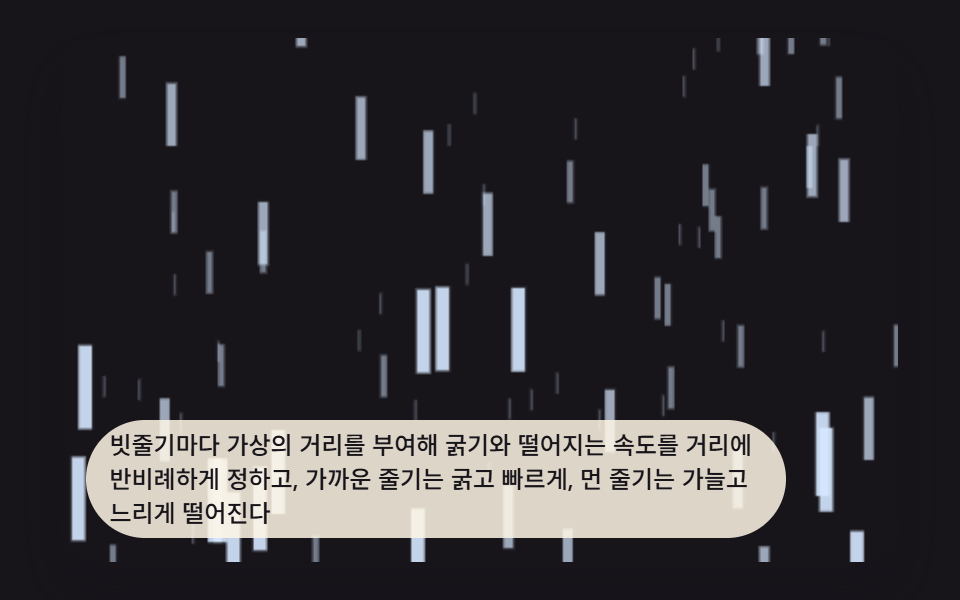 Galleries9 CSS Rain Animation Layers for a Storm Window
 GalleriesWatercolor Effect CSS: 9 Bleeding Paint Scenes
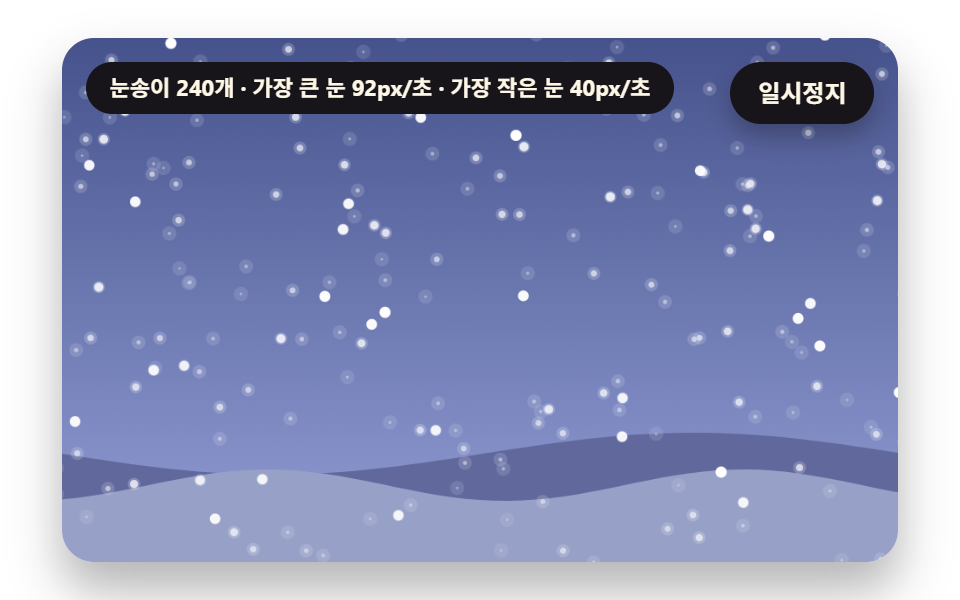 GalleriesSnow Animation CSS: 9 Snowfall Scenes in Canvas
 GalleriesPortfolio Gallery HTML CSS: 9 UI Patterns
 GalleriesCSS Image Slider — 9 Responsive Sliders, No GSAP
 GalleriesCSS Masonry Layout: 9 Ways to Pack Uneven Cards
 Galleries9 Before After Slider UIs — Drag to Compare
 Galleries9 Image Zoom Viewer Interactions — No Photo Files
 Creative UIMandelbrot Zoom, 9 Ways (Escape-Time, No Library)