Liquid Glass Effect CSS: 9 Refraction Patterns
A liquid glass effect css panel bends only its edges. The edge color split in item 03, the elastic snap-back in item 04, and the pressed-thickness change in
 01 liquid-glass-edge-refraction-lens
 02 liquid-glass-specular-highlight-follow
 03 liquid-glass-chromatic-edge-fringe
 04 liquid-glass-elastic-morph-drag
 05 liquid-glass-adaptive-tint-luminance
 06 liquid-glass-panel-stack-depth
 07 liquid-glass-ripple-touch-press
 08 liquid-glass-button-press-squeeze
 09 liquid-glass-hero-navbar-scene
Auto-plays · click a tile to jump to its section · all nine in one zip
- 01 Refraction Lens That Bends Only the Glass Edge
- 02 Specular Highlight That Follows the Pointer
- 03 Glass Whose Edge Splits Into Fringed Color
- 04 Glass That Stretches When Dragged and Snaps Back Elastically
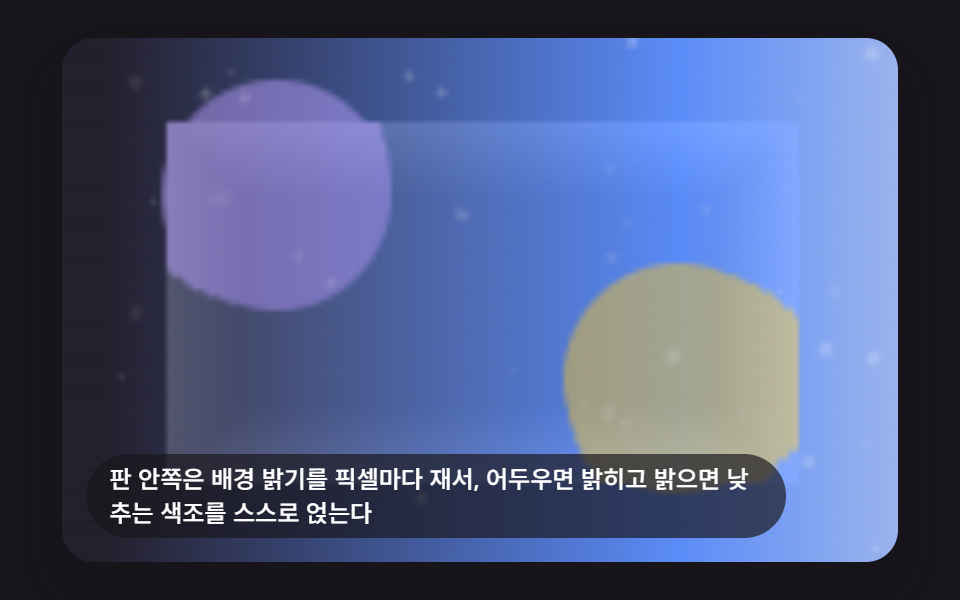
- 05 Glass Whose Tint Adapts to Background Brightness
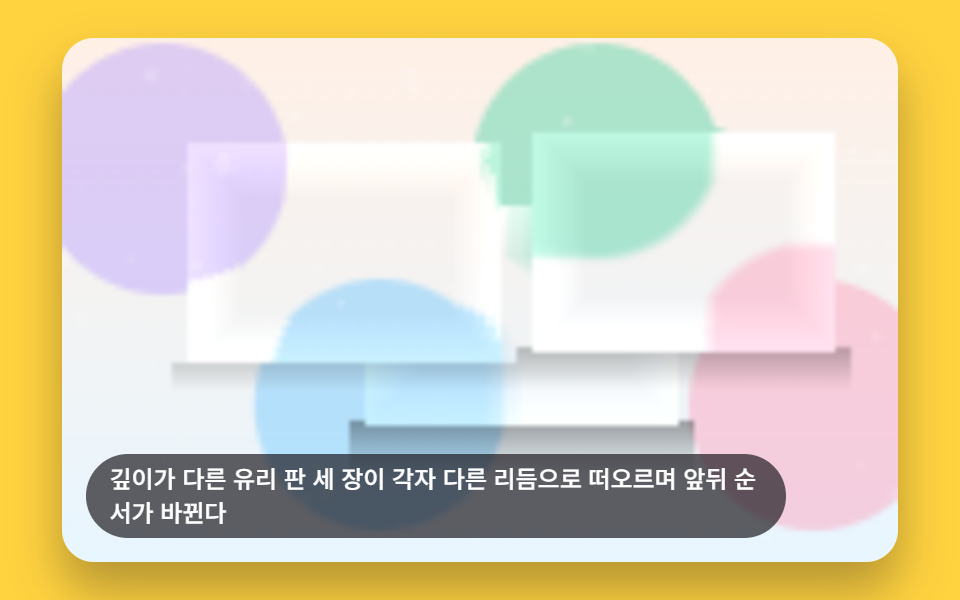
- 06 Glass Panels That Reveal Depth as They Stack
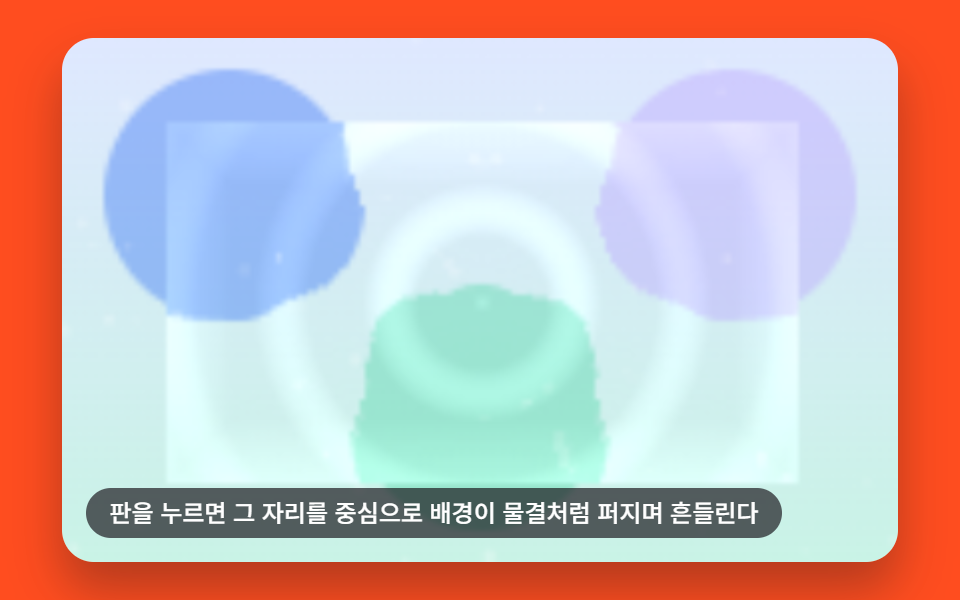
- 07 Glass Where Surface Refraction Ripples Out From the Pressed Spot
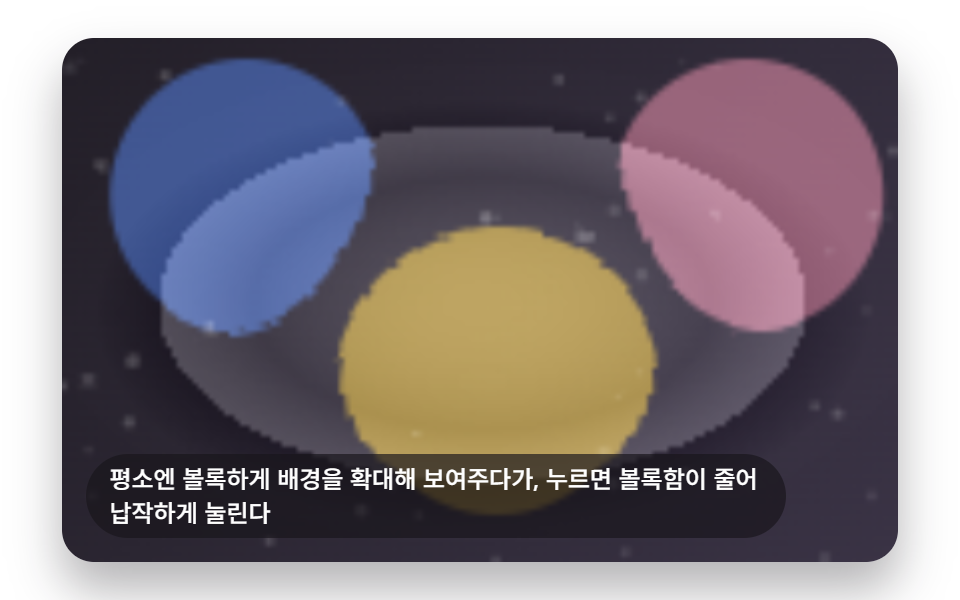
- 08 Button Whose Convexity Shrinks by the Amount It's Pressed
- 09 Top Glass Navbar Scene That Responds to the Scroll Value
9 Liquid Glass Effects — How One Refraction Calculation Reshapes Panel Depth
Every panel below reads how far a pixel sits from the panel's own border and pushes the sampled background inward by that amount — nothing further inside the panel ever moves. Item 01 multiplies that edge factor by a single strength value and stops there. Items 02 through 07 add exactly one more term on top of the same edge read: a highlight position, a per-channel color offset, a decay timer, a luminance reading, a draw-order slot, or a distance-based wave. Item 08 runs the same bend math on a dome instead of a flat rectangle, and item 09 reuses it on a strip that only reacts while the page scrolls. The order below moves from the bare calculation to every value it ends up carrying.
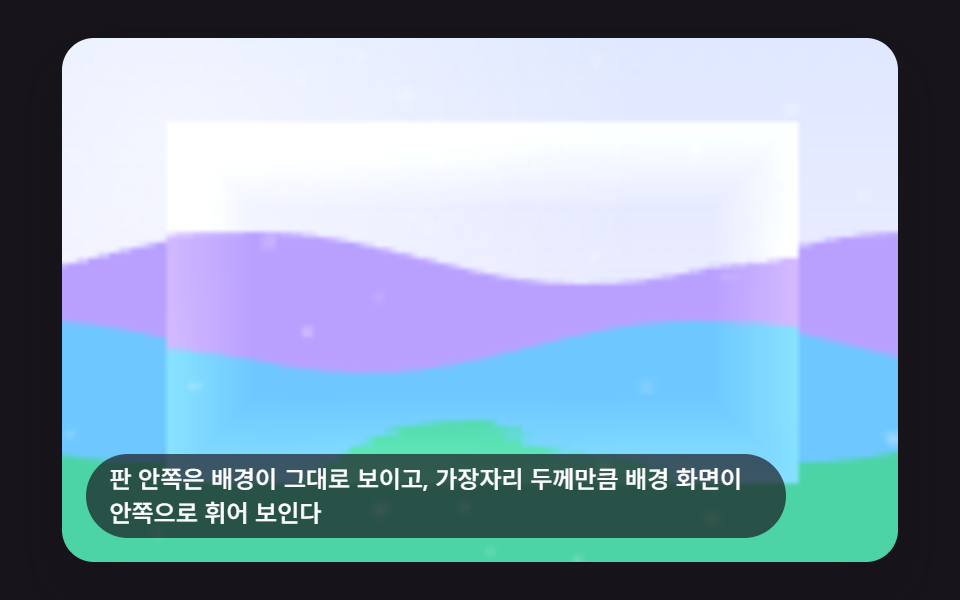
01Refraction Lens That Bends Only the Glass Edge
The panel's center shows the background exactly as it is behind it, while only the outer edge thickness bends that same background inward toward the panel. GLASS_REFRACTION_STRENGTH sets how far boxEdgeSample()'s edge factor pushes the sampled pixel, so raising this one number alone presses the bend in deeper without ever touching the center.
<main class="stage">
<div class="lg is-demo" id="lgRoot" tabindex="0">
  <canvas class="lg__canvas" id="lgCanvas" width="480" height="300"></canvas>
  <p class="lg__caption">The center shows the background as-is, while the edge thickness bends it inward</p>
</div>
</main>
@use "../../../../site/static/demo-tokens" as *;
@include stage($stage-ink);
.lg {
position: relative;
width: min(92vw, calc(160vh - 12.8vw));
aspect-ratio: 480 / 300;
margin: 0 auto;
border-radius: $r-card;
overflow: hidden;
box-shadow: $shadow-raised;
outline: none;
}
.lg__canvas {
display: block;
width: 100%;
height: 100%;
}
.lg__caption {
position: absolute;
left: $sp-3;
bottom: $sp-3;
max-width: 78%;
margin: 0;
padding: $sp-1 $sp-3;
border-radius: $r-pill;
background: rgba(23, 20, 26, .68);
color: $stage-paper;
font-weight: 500;
font-size: 12px;
line-height: 1.4;
pointer-events: none;
}
@media (max-width: 340px) {
.lg__caption { font-size: 10px; padding: $sp-1 $sp-2; }
}
@media (prefers-reduced-motion: reduce) {
.lg { cursor: default; }
}html, body {
margin: 0;
overflow: hidden;
}
.stage {
box-sizing: border-box;
min-height: 100vh;
display: grid;
place-items: center;
margin: 0;
background: #17141a;
font-family: -apple-system, "Segoe UI", "Noto Sans KR", sans-serif;
padding: clamp(8px, 4vw, 24px);
}
.lg {
position: relative;
width: min(92vw, 160vh - 12.8vw);
aspect-ratio: 480/300;
margin: 0 auto;
border-radius: 16px;
overflow: hidden;
box-shadow: 0 14px 24px rgba(23, 20, 26, 0.32);
outline: none;
}
.lg__canvas {
display: block;
width: 100%;
height: 100%;
}
.lg__caption {
position: absolute;
left: 12px;
bottom: 12px;
max-width: 78%;
margin: 0;
padding: 4px 12px;
border-radius: 999px;
background: rgba(23, 20, 26, 0.68);
color: #ffffff;
font-weight: 500;
font-size: 12px;
line-height: 1.4;
pointer-events: none;
}
@media (max-width: 340px) {
.lg__caption {
font-size: 10px;
padding: 4px 8px;
}
}
@media (prefers-reduced-motion: reduce) {
.lg {
cursor: default;
}
}(function () {
// 기법: 유리 판 사각형의 가장자리 거리(사각 SDF 근사)를 재고, 그 거리로 만든 법선 방향을
// 따라 배경 샘플 좌표를 안쪽으로 밀어(굴절 오프셋) putImageData 로 그린다. 판 중심은 배경 그대로.
var root = document.getElementById('lgRoot');
var canvas = document.getElementById('lgCanvas');
var ctx = canvas.getContext('2d');
var wrap = canvas.parentElement;
function seedRand(seed) {
var s = seed >>> 0;
return function () { s = (s * 1664525 + 1013904223) >>> 0; return s / 4294967296; };
}
var CALC_W = 160, CALC_H = 100;
var SCENE_W = 260;
var scene = document.createElement('canvas');
scene.width = SCENE_W; scene.height = CALC_H;
(function drawScene() {
var pctx = scene.getContext('2d');
var rand = seedRand(421011);
var sky = pctx.createLinearGradient(0, 0, 0, CALC_H);
sky.addColorStop(0, '#dfe8ff');
sky.addColorStop(1, '#f7f0ff');
pctx.fillStyle = sky;
pctx.fillRect(0, 0, SCENE_W, CALC_H);
var glow = pctx.createRadialGradient(SCENE_W * 0.3, CALC_H * 0.2, 0, SCENE_W * 0.3, CALC_H * 0.2, CALC_H * 0.9);
glow.addColorStop(0, 'rgba(255,255,255,.6)');
glow.addColorStop(1, 'rgba(255,255,255,0)');
pctx.fillStyle = glow;
pctx.fillRect(0, 0, SCENE_W, CALC_H);
var bands = ['#b9a0ff', '#6ec8ff', '#4cd4a6'];
for (var i = 0; i < bands.length; i += 1) {
var baseY = CALC_H * (0.42 + i * 0.17);
pctx.beginPath();
pctx.moveTo(0, CALC_H);
var step = 6;
for (var x = 0; x <= SCENE_W; x += step) {
var n = Math.sin(x * 0.05 + i * 2.1) * CALC_H * 0.05;
pctx.lineTo(x, baseY + n);
}
pctx.lineTo(SCENE_W, CALC_H);
pctx.closePath();
pctx.fillStyle = bands[i];
pctx.fill();
}
for (var k = 0; k < 60; k += 1) {
var px = rand() * SCENE_W, py = rand() * CALC_H, r = rand() * 1.1 + 0.4;
pctx.beginPath();
pctx.arc(px, py, r, 0, Math.PI * 2);
pctx.fillStyle = 'rgba(255,255,255,' + (0.1 + rand() * 0.2) + ')';
pctx.fill();
}
}());
var sceneCtx = scene.getContext('2d');
var sceneImg = sceneCtx.getImageData(0, 0, SCENE_W, CALC_H);
var sceneBuf = sceneImg.data;
function sampleScene(sx, sy) {
sx = sx < 0 ? 0 : (sx > SCENE_W - 1 ? SCENE_W - 1 : sx);
sy = sy < 0 ? 0 : (sy > CALC_H - 1 ? CALC_H - 1 : sy);
var i = (Math.round(sy) * SCENE_W + Math.round(sx)) * 4;
return [sceneBuf[i], sceneBuf[i + 1], sceneBuf[i + 2]];
}
  var PANEL_X0 = 20, PANEL_Y0 = 16, PANEL_X1 = 140, PANEL_Y1 = 84;
  var EDGE_BAND = 16;
  var GLASS_REFRACTION_STRENGTH = 8;
  var SCENE_OFFSET_X = (SCENE_W - CALC_W) / 2;
  var PAN_AMP = 34;
  var PERIOD_MS = 2000;

  function boxEdgeSample(x, y, x0, y0, x1, y1, band) {
    var dl = x - x0, dr = x1 - x, dt = y - y0, db = y1 - y;
    var dmin = Math.min(dl, dr, dt, db);
    if (dmin >= band || dmin < 0) return { f: 0, nx: 0, ny: 0 };
    var nx = 0, ny = 0;
    if (dl < band) nx -= (band - dl);
    if (dr < band) nx += (band - dr);
    if (dt < band) ny -= (band - dt);
    if (db < band) ny += (band - db);
    var len = Math.sqrt(nx * nx + ny * ny);
    if (len > 0.0001) { nx /= len; ny /= len; }
    return { f: Math.max(0, (band - dmin) / band), nx: nx, ny: ny };
  }
function panX(t) {
return PAN_AMP * Math.sin(t * 2 * Math.PI / PERIOD_MS);
}
var out = document.createElement('canvas');
out.width = CALC_W; out.height = CALC_H;
var outCtx = out.getContext('2d');
var outImg = outCtx.createImageData(CALC_W, CALC_H);
var outBuf = outImg.data;
function renderFrame(t) {
var pan = panX(t);
var idx = 0;
for (var y = 0; y < CALC_H; y += 1) {
for (var x = 0; x < CALC_W; x += 1) {
var baseSx = x + SCENE_OFFSET_X + pan;
var rgb;
if (x >= PANEL_X0 && x <= PANEL_X1 && y >= PANEL_Y0 && y <= PANEL_Y1) {
var e = boxEdgeSample(x, y, PANEL_X0, PANEL_Y0, PANEL_X1, PANEL_Y1, EDGE_BAND);
var ripple = Math.sin((x + y) * 0.12 - t * 0.006) * 0.25 * e.f;
var mag = (e.f + ripple) * GLASS_REFRACTION_STRENGTH;
rgb = sampleScene(baseSx - e.nx * mag, y - e.ny * mag);
var shine = e.f * 26 - Math.max(0, ripple) * 10;
rgb = [Math.min(255, rgb[0] + shine), Math.min(255, rgb[1] + shine), Math.min(255, rgb[2] + shine)];
} else {
rgb = sampleScene(baseSx, y);
}
outBuf[idx] = rgb[0]; outBuf[idx + 1] = rgb[1]; outBuf[idx + 2] = rgb[2]; outBuf[idx + 3] = 255;
idx += 4;
}
}
}
var cw = 480, ch = 300;
function fit() {
var r = wrap.getBoundingClientRect();
cw = Math.max(1, Math.round(r.width));
ch = Math.max(1, Math.round(r.height));
canvas.width = cw; canvas.height = ch;
draw(lastElapsed);
}
var lastElapsed = 0;
function draw(t) {
lastElapsed = t;
renderFrame(t);
outCtx.putImageData(outImg, 0, 0);
ctx.clearRect(0, 0, cw, ch);
ctx.drawImage(out, 0, 0, CALC_W, CALC_H, 0, 0, cw, ch);
}
var reduce = window.matchMedia('(prefers-reduced-motion: reduce)').matches;
if (reduce) { root.classList.remove('is-demo'); }
var lastTs = null;
var elapsed = 0;
function tick(ts) {
if (lastTs === null) lastTs = ts;
var dt = ts - lastTs;
lastTs = ts;
elapsed += dt;
draw(elapsed);
requestAnimationFrame(tick);
}
fit();
window.addEventListener('resize', fit);
draw(elapsed);
if (!reduce) requestAnimationFrame(tick);
})();// EdgeRefractionLens — vanilla 판(run/421/demo/01-liquid-glass-edge-refraction-lens/index.html) 의 React 포트.
// 유리 판 사각형의 가장자리 거리(사각 SDF 근사)를 재고, 그 거리로 만든 법선 방향을
// 따라 배경 샘플 좌표를 안쪽으로 밀어(굴절 오프셋) putImageData 로 그린다. 판 중심은 배경 그대로.
import { useEffect, useRef } from "react";
import styles from "./EdgeRefractionLens.module.scss";
type Box<T> = { current: T };
type Edge = { f: number; nx: number; ny: number };
const CALC_W = 160, CALC_H = 100;
const SCENE_W = 260;
const PANEL_X0 = 20, PANEL_Y0 = 16, PANEL_X1 = 140, PANEL_Y1 = 84;
const EDGE_BAND = 16;
const GLASS_REFRACTION_STRENGTH = 8;
const SCENE_OFFSET_X = (SCENE_W - CALC_W) / 2;
const PAN_AMP = 34;
const PERIOD_MS = 2000;
interface State {
ctx: CanvasRenderingContext2D | null;
wrap: HTMLElement | null;
sceneBuf: Uint8ClampedArray | null;
outCtx: CanvasRenderingContext2D | null;
out: HTMLCanvasElement | null;
outImg: ImageData | null;
outBuf: Uint8ClampedArray | null;
cw: number; ch: number;
lastElapsed: number;
lastTs: number | null;
elapsed: number;
raf: number;
reduce: boolean;
}
function seedRand(seed: number): () => number {
let s = seed >>> 0;
return function () { s = (s * 1664525 + 1013904223) >>> 0; return s / 4294967296; };
}
function boxEdgeSample(x: number, y: number, x0: number, y0: number, x1: number, y1: number, band: number): Edge {
const dl = x - x0, dr = x1 - x, dt = y - y0, db = y1 - y;
const dmin = Math.min(dl, dr, dt, db);
if (dmin >= band || dmin < 0) return { f: 0, nx: 0, ny: 0 };
let nx = 0, ny = 0;
if (dl < band) nx -= (band - dl);
if (dr < band) nx += (band - dr);
if (dt < band) ny -= (band - dt);
if (db < band) ny += (band - db);
const len = Math.sqrt(nx * nx + ny * ny);
if (len > 0.0001) { nx /= len; ny /= len; }
return { f: Math.max(0, (band - dmin) / band), nx, ny };
}
function panX(t: number): number {
return PAN_AMP * Math.sin((t * 2 * Math.PI) / PERIOD_MS);
}
export default function EdgeRefractionLens() {
const rootRef = useRef<HTMLDivElement | null>(null);
const canvasRef = useRef<HTMLCanvasElement | null>(null);
const st = useRef({
ctx: null, wrap: null, sceneBuf: null, outCtx: null, out: null, outImg: null, outBuf: null,
cw: 480, ch: 300, lastElapsed: 0, lastTs: null, elapsed: 0, raf: 0, reduce: false,
}) as Box<State>;
function sampleScene(sx: number, sy: number): number[] {
const buf = st.current.sceneBuf!;
const cx = sx < 0 ? 0 : sx > SCENE_W - 1 ? SCENE_W - 1 : sx;
const cy = sy < 0 ? 0 : sy > CALC_H - 1 ? CALC_H - 1 : sy;
const i = (Math.round(cy) * SCENE_W + Math.round(cx)) * 4;
return [buf[i], buf[i + 1], buf[i + 2]];
}
function renderFrame(t: number): void {
const outBuf = st.current.outBuf!;
const pan = panX(t);
let idx = 0;
for (let y = 0; y < CALC_H; y += 1) {
for (let x = 0; x < CALC_W; x += 1) {
const baseSx = x + SCENE_OFFSET_X + pan;
let rgb: number[];
if (x >= PANEL_X0 && x <= PANEL_X1 && y >= PANEL_Y0 && y <= PANEL_Y1) {
const e = boxEdgeSample(x, y, PANEL_X0, PANEL_Y0, PANEL_X1, PANEL_Y1, EDGE_BAND);
const ripple = Math.sin((x + y) * 0.12 - t * 0.006) * 0.25 * e.f;
const mag = (e.f + ripple) * GLASS_REFRACTION_STRENGTH;
rgb = sampleScene(baseSx - e.nx * mag, y - e.ny * mag);
const shine = e.f * 26 - Math.max(0, ripple) * 10;
rgb = [Math.min(255, rgb[0] + shine), Math.min(255, rgb[1] + shine), Math.min(255, rgb[2] + shine)];
} else {
rgb = sampleScene(baseSx, y);
}
outBuf[idx] = rgb[0]; outBuf[idx + 1] = rgb[1]; outBuf[idx + 2] = rgb[2]; outBuf[idx + 3] = 255;
idx += 4;
}
}
}
function draw(t: number): void {
const s = st.current;
s.lastElapsed = t;
renderFrame(t);
s.outCtx!.putImageData(s.outImg!, 0, 0);
s.ctx!.clearRect(0, 0, s.cw, s.ch);
s.ctx!.drawImage(s.out!, 0, 0, CALC_W, CALC_H, 0, 0, s.cw, s.ch);
}
function fit(): void {
const s = st.current;
const canvas = canvasRef.current;
if (!s.wrap || !canvas) return;
const r = s.wrap.getBoundingClientRect();
s.cw = Math.max(1, Math.round(r.width));
s.ch = Math.max(1, Math.round(r.height));
canvas.width = s.cw; canvas.height = s.ch;
draw(s.lastElapsed);
}
function tick(ts: number): void {
const s = st.current;
if (s.lastTs === null) s.lastTs = ts;
const dt = ts - s.lastTs;
s.lastTs = ts;
s.elapsed += dt;
draw(s.elapsed);
s.raf = requestAnimationFrame(tick);
}
useEffect(() => {
const root = rootRef.current;
const canvas = canvasRef.current;
if (!root || !canvas) return;
const ctx = canvas.getContext("2d");
const wrap = canvas.parentElement;
if (!ctx || !wrap) return;
const scene = document.createElement("canvas");
scene.width = SCENE_W; scene.height = CALC_H;
const pctx = scene.getContext("2d")!;
const rand = seedRand(421011);
const sky = pctx.createLinearGradient(0, 0, 0, CALC_H);
sky.addColorStop(0, "#dfe8ff");
sky.addColorStop(1, "#f7f0ff");
pctx.fillStyle = sky;
pctx.fillRect(0, 0, SCENE_W, CALC_H);
const glow = pctx.createRadialGradient(SCENE_W * 0.3, CALC_H * 0.2, 0, SCENE_W * 0.3, CALC_H * 0.2, CALC_H * 0.9);
glow.addColorStop(0, "rgba(255,255,255,.6)");
glow.addColorStop(1, "rgba(255,255,255,0)");
pctx.fillStyle = glow;
pctx.fillRect(0, 0, SCENE_W, CALC_H);
const bands = ["#b9a0ff", "#6ec8ff", "#4cd4a6"];
for (let i = 0; i < bands.length; i += 1) {
const baseY = CALC_H * (0.42 + i * 0.17);
pctx.beginPath();
pctx.moveTo(0, CALC_H);
const step = 6;
for (let x = 0; x <= SCENE_W; x += step) {
const n = Math.sin(x * 0.05 + i * 2.1) * CALC_H * 0.05;
pctx.lineTo(x, baseY + n);
}
pctx.lineTo(SCENE_W, CALC_H);
pctx.closePath();
pctx.fillStyle = bands[i];
pctx.fill();
}
for (let k = 0; k < 60; k += 1) {
const px = rand() * SCENE_W, py = rand() * CALC_H, r = rand() * 1.1 + 0.4;
pctx.beginPath();
pctx.arc(px, py, r, 0, Math.PI * 2);
pctx.fillStyle = "rgba(255,255,255," + (0.1 + rand() * 0.2) + ")";
pctx.fill();
}
const sceneImg = pctx.getImageData(0, 0, SCENE_W, CALC_H);
const out = document.createElement("canvas");
out.width = CALC_W; out.height = CALC_H;
const outCtx = out.getContext("2d")!;
const outImg = outCtx.createImageData(CALC_W, CALC_H);
const s = st.current;
s.ctx = ctx; s.wrap = wrap; s.sceneBuf = sceneImg.data;
s.outCtx = outCtx; s.out = out; s.outImg = outImg; s.outBuf = outImg.data;
s.reduce = window.matchMedia("(prefers-reduced-motion: reduce)").matches;
if (s.reduce) { root.classList.remove("is-demo"); }
fit();
window.addEventListener("resize", fit);
draw(s.elapsed);
if (!s.reduce) s.raf = requestAnimationFrame(tick);
return () => {
window.removeEventListener("resize", fit);
cancelAnimationFrame(st.current.raf);
};
}, []);
return (
<main className={styles.stage}>
<div className={`${styles.lg} is-demo`} ref={rootRef} tabIndex={0}>
<canvas className={styles.lg__canvas} ref={canvasRef} width={480} height={300} />
<p className={styles.lg__caption}>판 안쪽은 배경이 그대로 보이고, 가장자리 두께만큼 배경 화면이 안쪽으로 휘어 보인다</p>
</div>
</main>
);
}01 · Refraction Lens That Bends Only the Glass Edge — Measured area 23.072% · moving frames 23/23Original by GODRICH · SCSS and React ship in the zip · See the password
var PANEL_X0 = 20, PANEL_Y0 = 16, PANEL_X1 = 140, PANEL_Y1 = 84;
var EDGE_BAND = 16;
var GLASS_REFRACTION_STRENGTH = 8;
var SCENE_OFFSET_X = (SCENE_W - CALC_W) / 2;
var PAN_AMP = 34;
var PERIOD_MS = 2000;
function boxEdgeSample(x, y, x0, y0, x1, y1, band) {
var dl = x - x0, dr = x1 - x, dt = y - y0, db = y1 - y;
var dmin = Math.min(dl, dr, dt, db);
if (dmin >= band || dmin < 0) return { f: 0, nx: 0, ny: 0 };
var nx = 0, ny = 0;
if (dl < band) nx -= (band - dl);
if (dr < band) nx += (band - dr);
if (dt < band) ny -= (band - dt);
if (db < band) ny += (band - db);
var len = Math.sqrt(nx * nx + ny * ny);
if (len > 0.0001) { nx /= len; ny /= len; }
return { f: Math.max(0, (band - dmin) / band), nx: nx, ny: ny };
}
Measured: 23.1% cumulative area, 40.5 average intensity, 23/23 frames moved.
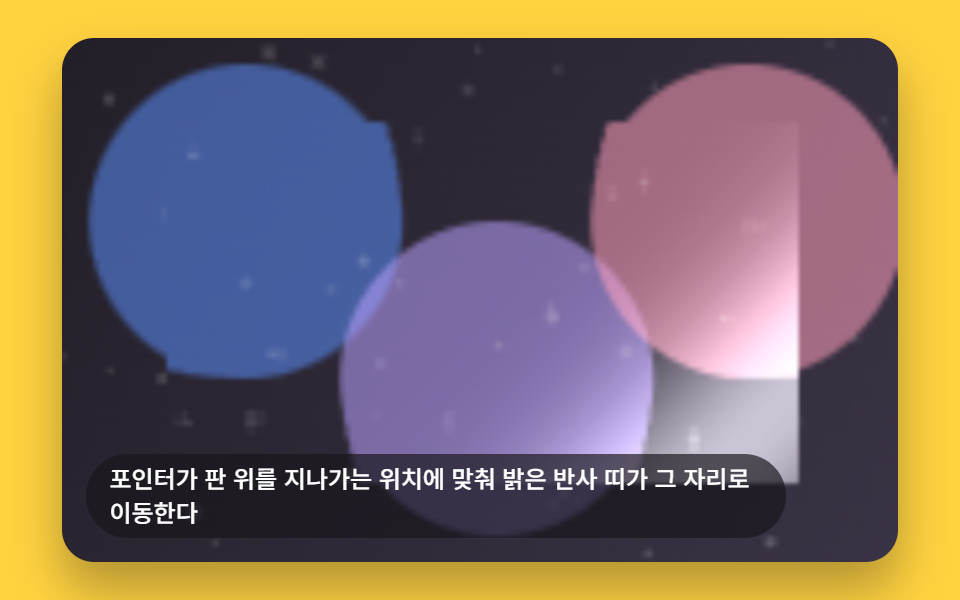
02Specular Highlight That Follows the Pointer
A bright reflective band moves to match wherever the pointer currently sits over the panel, and drifts along the same diagonal on its own once the pointer leaves. virtualCenter() sweeps that diagonal position back and forth, while HIGHLIGHT_BAND sets how tight the exponential falloff draws the bright band around it, on top of the same edge bend boxEdgeSample() already supplies.
<main class="stage">
<div class="lg is-demo" id="lgRoot" tabindex="0">
  <canvas class="lg__canvas" id="lgCanvas" width="480" height="300"></canvas>
  <p class="lg__caption">A bright reflection band moves to wherever the pointer passes over the panel</p>
</div>
</main>
@use "../../../../site/static/demo-tokens" as *;
@include stage($stage-yellow);
.lg {
position: relative;
width: min(92vw, calc(160vh - 12.8vw));
aspect-ratio: 480 / 300;
margin: 0 auto;
border-radius: $r-card;
overflow: hidden;
box-shadow: $shadow-raised;
outline: none;
cursor: crosshair;
}
.lg__canvas {
display: block;
width: 100%;
height: 100%;
}
.lg__caption {
position: absolute;
left: $sp-3;
bottom: $sp-3;
max-width: 78%;
margin: 0;
padding: $sp-1 $sp-3;
border-radius: $r-pill;
background: rgba(23, 20, 26, .68);
color: $stage-paper;
font-weight: 500;
font-size: 12px;
line-height: 1.4;
pointer-events: none;
}
@media (max-width: 340px) {
.lg__caption { font-size: 10px; padding: $sp-1 $sp-2; }
}
@media (prefers-reduced-motion: reduce) {
.lg { cursor: pointer; }
}html, body {
margin: 0;
overflow: hidden;
}
.stage {
box-sizing: border-box;
min-height: 100vh;
display: grid;
place-items: center;
margin: 0;
background: #ffd23f;
font-family: -apple-system, "Segoe UI", "Noto Sans KR", sans-serif;
padding: clamp(8px, 4vw, 24px);
}
.lg {
position: relative;
width: min(92vw, 160vh - 12.8vw);
aspect-ratio: 480/300;
margin: 0 auto;
border-radius: 16px;
overflow: hidden;
box-shadow: 0 14px 24px rgba(23, 20, 26, 0.32);
outline: none;
cursor: crosshair;
}
.lg__canvas {
display: block;
width: 100%;
height: 100%;
}
.lg__caption {
position: absolute;
left: 12px;
bottom: 12px;
max-width: 78%;
margin: 0;
padding: 4px 12px;
border-radius: 999px;
background: rgba(23, 20, 26, 0.68);
color: #ffffff;
font-weight: 500;
font-size: 12px;
line-height: 1.4;
pointer-events: none;
}
@media (max-width: 340px) {
.lg__caption {
font-size: 10px;
padding: 4px 8px;
}
}
@media (prefers-reduced-motion: reduce) {
.lg {
cursor: pointer;
}
}(function () {
// 기법: 판 대각선 위 위치(0~1)를 좌표로 두고, 포인터가 그 좌표에 있으면 가우시안 형태
// 밝기 띠(specular)를 더한다. 가장자리는 boxEdgeSample 로 약하게 늘 굴절시켜 유리 느낌을 유지한다.
var root = document.getElementById('lgRoot');
var canvas = document.getElementById('lgCanvas');
var ctx = canvas.getContext('2d');
var wrap = canvas.parentElement;
function seedRand(seed) {
var s = seed >>> 0;
return function () { s = (s * 1664525 + 1013904223) >>> 0; return s / 4294967296; };
}
var CALC_W = 160, CALC_H = 100;
var SCENE_W = 160;
var scene = document.createElement('canvas');
scene.width = SCENE_W; scene.height = CALC_H;
(function drawScene() {
var pctx = scene.getContext('2d');
var rand = seedRand(421021);
var sky = pctx.createLinearGradient(0, 0, CALC_W, CALC_H);
sky.addColorStop(0, '#231f28');
sky.addColorStop(1, '#3a3345');
pctx.fillStyle = sky;
pctx.fillRect(0, 0, SCENE_W, CALC_H);
var cols = ['#5b8cf8', '#b9a0ff', '#ff9ebb'];
for (var i = 0; i < cols.length; i += 1) {
pctx.beginPath();
pctx.arc(SCENE_W * (0.22 + i * 0.3), CALC_H * (0.35 + (i % 2) * 0.3), CALC_H * 0.3, 0, Math.PI * 2);
pctx.fillStyle = cols[i];
pctx.globalAlpha = 0.55;
pctx.fill();
}
pctx.globalAlpha = 1;
for (var k = 0; k < 50; k += 1) {
var px = rand() * SCENE_W, py = rand() * CALC_H, r = rand() * 1 + 0.3;
pctx.beginPath();
pctx.arc(px, py, r, 0, Math.PI * 2);
pctx.fillStyle = 'rgba(255,255,255,' + (0.08 + rand() * 0.16) + ')';
pctx.fill();
}
}());
var sceneCtx = scene.getContext('2d');
var sceneImg = sceneCtx.getImageData(0, 0, SCENE_W, CALC_H);
var sceneBuf = sceneImg.data;
function sampleScene(sx, sy) {
sx = sx < 0 ? 0 : (sx > SCENE_W - 1 ? SCENE_W - 1 : sx);
sy = sy < 0 ? 0 : (sy > CALC_H - 1 ? CALC_H - 1 : sy);
var i = (Math.round(sy) * SCENE_W + Math.round(sx)) * 4;
return [sceneBuf[i], sceneBuf[i + 1], sceneBuf[i + 2]];
}
var PANEL_X0 = 20, PANEL_Y0 = 16, PANEL_X1 = 140, PANEL_Y1 = 84;
var EDGE_BAND = 14;
var GLASS_EDGE_BEND = 5;
var HIGHLIGHT_BAND = 0.16;
var HIGHLIGHT_MAX = 150;
var DIAG_SPAN = (PANEL_X1 - PANEL_X0) + (PANEL_Y1 - PANEL_Y0);
var PERIOD_MS = 2000;
function boxEdgeSample(x, y, x0, y0, x1, y1, band) {
var dl = x - x0, dr = x1 - x, dt = y - y0, db = y1 - y;
var dmin = Math.min(dl, dr, dt, db);
if (dmin >= band || dmin < 0) return { f: 0, nx: 0, ny: 0 };
var nx = 0, ny = 0;
if (dl < band) nx -= (band - dl);
if (dr < band) nx += (band - dr);
if (dt < band) ny -= (band - dt);
if (db < band) ny += (band - db);
var len = Math.sqrt(nx * nx + ny * ny);
if (len > 0.0001) { nx /= len; ny /= len; }
return { f: Math.max(0, (band - dmin) / band), nx: nx, ny: ny };
}
function virtualCenter(t) {
return 0.5 + 0.75 * Math.sin(t * 2 * Math.PI / PERIOD_MS);
}
var out = document.createElement('canvas');
out.width = CALC_W; out.height = CALC_H;
var outCtx = out.getContext('2d');
var outImg = outCtx.createImageData(CALC_W, CALC_H);
var outBuf = outImg.data;
var pointerActive = false;
var pointerDiag = 0.5;
  function renderFrame(t) {
    var center = pointerActive ? pointerDiag : virtualCenter(t);
    var idx = 0;
    for (var y = 0; y < CALC_H; y += 1) {
      for (var x = 0; x < CALC_W; x += 1) {
        var rgb;
        if (x >= PANEL_X0 && x <= PANEL_X1 && y >= PANEL_Y0 && y <= PANEL_Y1) {
          var e = boxEdgeSample(x, y, PANEL_X0, PANEL_Y0, PANEL_X1, PANEL_Y1, EDGE_BAND);
          var mag = e.f * GLASS_EDGE_BEND;
          rgb = sampleScene(x - e.nx * mag, y - e.ny * mag);
          var d = ((x - PANEL_X0) + (y - PANEL_Y0)) / DIAG_SPAN;
          var diff = (d - center) / HIGHLIGHT_BAND;
          var shine = Math.exp(-diff * diff) * HIGHLIGHT_MAX;
          rgb = [Math.min(255, rgb[0] + shine), Math.min(255, rgb[1] + shine), Math.min(255, rgb[2] + shine)];
} else {
rgb = sampleScene(x, y);
}
outBuf[idx] = rgb[0]; outBuf[idx + 1] = rgb[1]; outBuf[idx + 2] = rgb[2]; outBuf[idx + 3] = 255;
idx += 4;
}
}
}
var cw = 480, ch = 300;
function fit() {
var r = wrap.getBoundingClientRect();
cw = Math.max(1, Math.round(r.width));
ch = Math.max(1, Math.round(r.height));
canvas.width = cw; canvas.height = ch;
draw(lastElapsed);
}
var lastElapsed = 0;
function draw(t) {
lastElapsed = t;
renderFrame(t);
outCtx.putImageData(outImg, 0, 0);
ctx.clearRect(0, 0, cw, ch);
ctx.drawImage(out, 0, 0, CALC_W, CALC_H, 0, 0, cw, ch);
}
var reduce = window.matchMedia('(prefers-reduced-motion: reduce)').matches;
if (reduce) { root.classList.remove('is-demo'); }
function toGrid(e) {
var r = wrap.getBoundingClientRect();
return {
x: (e.clientX - r.left) / r.width * CALC_W,
y: (e.clientY - r.top) / r.height * CALC_H
};
}
wrap.addEventListener('pointerenter', function () { pointerActive = true; });
wrap.addEventListener('pointermove', function (e) {
pointerActive = true;
var g = toGrid(e);
pointerDiag = Math.max(-0.3, Math.min(1.3, ((g.x - PANEL_X0) + (g.y - PANEL_Y0)) / DIAG_SPAN));
if (reduce) draw(lastElapsed);
});
wrap.addEventListener('pointerleave', function () { pointerActive = false; if (reduce) draw(lastElapsed); });
wrap.addEventListener('keydown', function (e) {
var moved = true;
if (e.key === 'ArrowLeft' || e.key === 'ArrowUp') pointerDiag = Math.max(-0.3, pointerDiag - 0.08);
else if (e.key === 'ArrowRight' || e.key === 'ArrowDown') pointerDiag = Math.min(1.3, pointerDiag + 0.08);
else moved = false;
if (moved) {
e.preventDefault();
pointerActive = true;
if (reduce) draw(lastElapsed);
}
});
var lastTs = null;
var elapsed = 0;
function tick(ts) {
if (lastTs === null) lastTs = ts;
var dt = ts - lastTs;
lastTs = ts;
elapsed += dt;
draw(elapsed);
requestAnimationFrame(tick);
}
fit();
window.addEventListener('resize', fit);
draw(elapsed);
if (!reduce) requestAnimationFrame(tick);
})();// SpecularHighlightFollow — vanilla 판(run/421/demo/02-liquid-glass-specular-highlight-follow/index.html) 의 React 포트.
// 판 대각선 위 위치(0~1)를 좌표로 두고, 포인터가 그 좌표에 있으면 가우시안 형태 밝기 띠(specular)를
// 더한다. 가장자리는 boxEdgeSample 로 약하게 늘 굴절시켜 유리 느낌을 유지한다.
import { useEffect, useRef } from "react";
import styles from "./SpecularHighlightFollow.module.scss";
type Box<T> = { current: T };
type Edge = { f: number; nx: number; ny: number };
type PtrEvt = { clientX: number; clientY: number };
type KeyEvt = { key: string; preventDefault(): void };
const CALC_W = 160, CALC_H = 100;
const SCENE_W = 160;
const PANEL_X0 = 20, PANEL_Y0 = 16, PANEL_X1 = 140, PANEL_Y1 = 84;
const EDGE_BAND = 14;
const GLASS_EDGE_BEND = 5;
const HIGHLIGHT_BAND = 0.16;
const HIGHLIGHT_MAX = 150;
const DIAG_SPAN = (PANEL_X1 - PANEL_X0) + (PANEL_Y1 - PANEL_Y0);
const PERIOD_MS = 2000;
interface State {
ctx: CanvasRenderingContext2D | null;
wrap: HTMLElement | null;
sceneBuf: Uint8ClampedArray | null;
outCtx: CanvasRenderingContext2D | null;
out: HTMLCanvasElement | null;
outImg: ImageData | null;
outBuf: Uint8ClampedArray | null;
cw: number; ch: number;
lastElapsed: number;
lastTs: number | null;
elapsed: number;
raf: number;
reduce: boolean;
pointerActive: boolean;
pointerDiag: number;
}
function seedRand(seed: number): () => number {
let s = seed >>> 0;
return function () { s = (s * 1664525 + 1013904223) >>> 0; return s / 4294967296; };
}
function boxEdgeSample(x: number, y: number, x0: number, y0: number, x1: number, y1: number, band: number): Edge {
const dl = x - x0, dr = x1 - x, dt = y - y0, db = y1 - y;
const dmin = Math.min(dl, dr, dt, db);
if (dmin >= band || dmin < 0) return { f: 0, nx: 0, ny: 0 };
let nx = 0, ny = 0;
if (dl < band) nx -= (band - dl);
if (dr < band) nx += (band - dr);
if (dt < band) ny -= (band - dt);
if (db < band) ny += (band - db);
const len = Math.sqrt(nx * nx + ny * ny);
if (len > 0.0001) { nx /= len; ny /= len; }
return { f: Math.max(0, (band - dmin) / band), nx, ny };
}
function virtualCenter(t: number): number {
return 0.5 + 0.75 * Math.sin((t * 2 * Math.PI) / PERIOD_MS);
}
export default function SpecularHighlightFollow() {
const rootRef = useRef<HTMLDivElement | null>(null);
const canvasRef = useRef<HTMLCanvasElement | null>(null);
const st = useRef({
ctx: null, wrap: null, sceneBuf: null, outCtx: null, out: null, outImg: null, outBuf: null,
cw: 480, ch: 300, lastElapsed: 0, lastTs: null, elapsed: 0, raf: 0, reduce: false,
pointerActive: false, pointerDiag: 0.5,
}) as Box<State>;
function sampleScene(sx: number, sy: number): number[] {
const buf = st.current.sceneBuf!;
const cx = sx < 0 ? 0 : sx > SCENE_W - 1 ? SCENE_W - 1 : sx;
const cy = sy < 0 ? 0 : sy > CALC_H - 1 ? CALC_H - 1 : sy;
const i = (Math.round(cy) * SCENE_W + Math.round(cx)) * 4;
return [buf[i], buf[i + 1], buf[i + 2]];
}
function renderFrame(t: number): void {
const s = st.current;
const outBuf = s.outBuf!;
const center = s.pointerActive ? s.pointerDiag : virtualCenter(t);
let idx = 0;
for (let y = 0; y < CALC_H; y += 1) {
for (let x = 0; x < CALC_W; x += 1) {
let rgb: number[];
if (x >= PANEL_X0 && x <= PANEL_X1 && y >= PANEL_Y0 && y <= PANEL_Y1) {
const e = boxEdgeSample(x, y, PANEL_X0, PANEL_Y0, PANEL_X1, PANEL_Y1, EDGE_BAND);
const mag = e.f * GLASS_EDGE_BEND;
rgb = sampleScene(x - e.nx * mag, y - e.ny * mag);
const d = ((x - PANEL_X0) + (y - PANEL_Y0)) / DIAG_SPAN;
const diff = (d - center) / HIGHLIGHT_BAND;
const shine = Math.exp(-diff * diff) * HIGHLIGHT_MAX;
rgb = [Math.min(255, rgb[0] + shine), Math.min(255, rgb[1] + shine), Math.min(255, rgb[2] + shine)];
} else {
rgb = sampleScene(x, y);
}
outBuf[idx] = rgb[0]; outBuf[idx + 1] = rgb[1]; outBuf[idx + 2] = rgb[2]; outBuf[idx + 3] = 255;
idx += 4;
}
}
}
function draw(t: number): void {
const s = st.current;
s.lastElapsed = t;
renderFrame(t);
s.outCtx!.putImageData(s.outImg!, 0, 0);
s.ctx!.clearRect(0, 0, s.cw, s.ch);
s.ctx!.drawImage(s.out!, 0, 0, CALC_W, CALC_H, 0, 0, s.cw, s.ch);
}
function fit(): void {
const s = st.current;
const canvas = canvasRef.current;
if (!s.wrap || !canvas) return;
const r = s.wrap.getBoundingClientRect();
s.cw = Math.max(1, Math.round(r.width));
s.ch = Math.max(1, Math.round(r.height));
canvas.width = s.cw; canvas.height = s.ch;
draw(s.lastElapsed);
}
function tick(ts: number): void {
const s = st.current;
if (s.lastTs === null) s.lastTs = ts;
const dt = ts - s.lastTs;
s.lastTs = ts;
s.elapsed += dt;
draw(s.elapsed);
s.raf = requestAnimationFrame(tick);
}
function toGrid(e: PtrEvt): { x: number; y: number } {
const r = st.current.wrap!.getBoundingClientRect();
return {
x: ((e.clientX - r.left) / r.width) * CALC_W,
y: ((e.clientY - r.top) / r.height) * CALC_H,
};
}
function onPointerEnter(): void {
st.current.pointerActive = true;
}
function onPointerMove(e: PtrEvt): void {
const s = st.current;
s.pointerActive = true;
const g = toGrid(e);
s.pointerDiag = Math.max(-0.3, Math.min(1.3, ((g.x - PANEL_X0) + (g.y - PANEL_Y0)) / DIAG_SPAN));
if (s.reduce) draw(s.lastElapsed);
}
function onPointerLeave(): void {
const s = st.current;
s.pointerActive = false;
if (s.reduce) draw(s.lastElapsed);
}
function onKeyDown(e: KeyEvt): void {
const s = st.current;
let moved = true;
if (e.key === "ArrowLeft" || e.key === "ArrowUp") s.pointerDiag = Math.max(-0.3, s.pointerDiag - 0.08);
else if (e.key === "ArrowRight" || e.key === "ArrowDown") s.pointerDiag = Math.min(1.3, s.pointerDiag + 0.08);
else moved = false;
if (moved) {
e.preventDefault();
s.pointerActive = true;
if (s.reduce) draw(s.lastElapsed);
}
}
useEffect(() => {
const root = rootRef.current;
const canvas = canvasRef.current;
if (!root || !canvas) return;
const ctx = canvas.getContext("2d");
const wrap = canvas.parentElement;
if (!ctx || !wrap) return;
const scene = document.createElement("canvas");
scene.width = SCENE_W; scene.height = CALC_H;
const pctx = scene.getContext("2d")!;
const rand = seedRand(421021);
const sky = pctx.createLinearGradient(0, 0, CALC_W, CALC_H);
sky.addColorStop(0, "#231f28");
sky.addColorStop(1, "#3a3345");
pctx.fillStyle = sky;
pctx.fillRect(0, 0, SCENE_W, CALC_H);
const cols = ["#5b8cf8", "#b9a0ff", "#ff9ebb"];
for (let i = 0; i < cols.length; i += 1) {
pctx.beginPath();
pctx.arc(SCENE_W * (0.22 + i * 0.3), CALC_H * (0.35 + (i % 2) * 0.3), CALC_H * 0.3, 0, Math.PI * 2);
pctx.fillStyle = cols[i];
pctx.globalAlpha = 0.55;
pctx.fill();
}
pctx.globalAlpha = 1;
for (let k = 0; k < 50; k += 1) {
const px = rand() * SCENE_W, py = rand() * CALC_H, r = rand() * 1 + 0.3;
pctx.beginPath();
pctx.arc(px, py, r, 0, Math.PI * 2);
pctx.fillStyle = "rgba(255,255,255," + (0.08 + rand() * 0.16) + ")";
pctx.fill();
}
const sceneImg = pctx.getImageData(0, 0, SCENE_W, CALC_H);
const out = document.createElement("canvas");
out.width = CALC_W; out.height = CALC_H;
const outCtx = out.getContext("2d")!;
const outImg = outCtx.createImageData(CALC_W, CALC_H);
const s = st.current;
s.ctx = ctx; s.wrap = wrap; s.sceneBuf = sceneImg.data;
s.outCtx = outCtx; s.out = out; s.outImg = outImg; s.outBuf = outImg.data;
s.reduce = window.matchMedia("(prefers-reduced-motion: reduce)").matches;
if (s.reduce) { root.classList.remove("is-demo"); }
wrap.addEventListener("pointerenter", onPointerEnter);
wrap.addEventListener("pointermove", onPointerMove as unknown as EventListener);
wrap.addEventListener("pointerleave", onPointerLeave);
wrap.addEventListener("keydown", onKeyDown as unknown as EventListener);
fit();
window.addEventListener("resize", fit);
draw(s.elapsed);
if (!s.reduce) s.raf = requestAnimationFrame(tick);
return () => {
window.removeEventListener("resize", fit);
wrap.removeEventListener("pointerenter", onPointerEnter);
wrap.removeEventListener("pointermove", onPointerMove as unknown as EventListener);
wrap.removeEventListener("pointerleave", onPointerLeave);
wrap.removeEventListener("keydown", onKeyDown as unknown as EventListener);
cancelAnimationFrame(st.current.raf);
};
}, []);
return (
<main className={styles.stage}>
<div className={`${styles.lg} is-demo`} ref={rootRef} tabIndex={0}>
<canvas className={styles.lg__canvas} ref={canvasRef} width={480} height={300} />
<p className={styles.lg__caption}>포인터가 판 위를 지나가는 위치에 맞춰 밝은 반사 띠가 그 자리로 이동한다</p>
</div>
</main>
);
}02 · Specular Highlight That Follows the Pointer — Measured area 39.642% · moving frames 20/23Original by GODRICH · SCSS and React ship in the zip · See the password
function renderFrame(t) {
var center = pointerActive ? pointerDiag : virtualCenter(t);
var idx = 0;
for (var y = 0; y < CALC_H; y += 1) {
for (var x = 0; x < CALC_W; x += 1) {
var rgb;
if (x >= PANEL_X0 && x <= PANEL_X1 && y >= PANEL_Y0 && y <= PANEL_Y1) {
var e = boxEdgeSample(x, y, PANEL_X0, PANEL_Y0, PANEL_X1, PANEL_Y1, EDGE_BAND);
var mag = e.f * GLASS_EDGE_BEND;
rgb = sampleScene(x - e.nx * mag, y - e.ny * mag);
var d = ((x - PANEL_X0) + (y - PANEL_Y0)) / DIAG_SPAN;
var diff = (d - center) / HIGHLIGHT_BAND;
var shine = Math.exp(-diff * diff) * HIGHLIGHT_MAX;
rgb = [Math.min(255, rgb[0] + shine), Math.min(255, rgb[1] + shine), Math.min(255, rgb[2] + shine)];
Measured: 39.6% cumulative area, 57.7 average intensity, 20/23 frames moved.
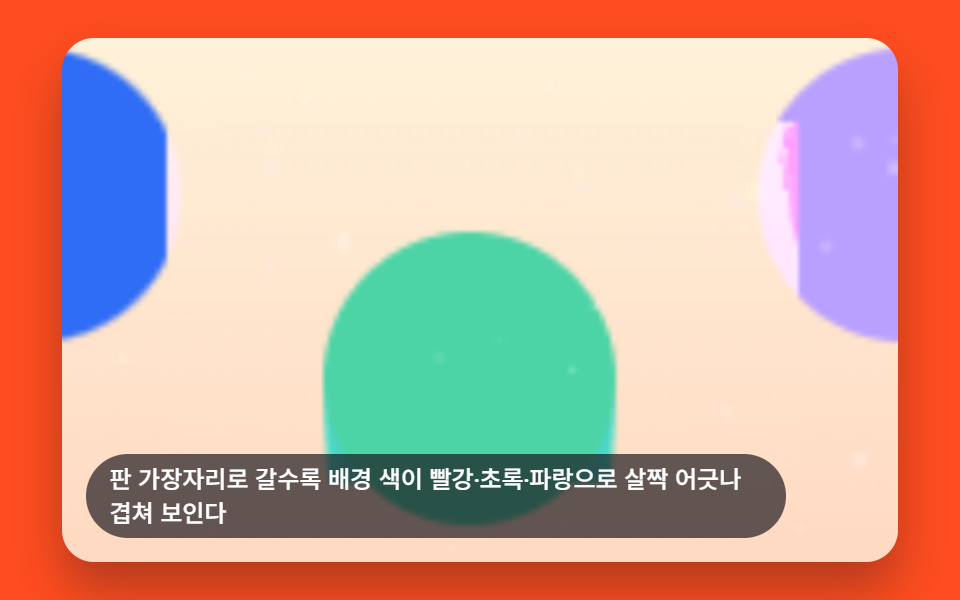
03Glass Whose Edge Splits Into Fringed Color
Toward the panel's edge, the background's red, green, and blue channels visibly slip apart from each other and overlap, the way a cheap camera lens fringes a bright edge. GLASS_CHROMA_SHIFT_PX sets how far the three channels are sampled apart on top of the same GLASS_BASE_BEND edge bend, so raising it alone slides the colors further out of register.
<main class="stage">
<div class="lg is-demo" id="lgRoot" tabindex="0">
  <canvas class="lg__canvas" id="lgCanvas" width="480" height="300"></canvas>
  <p class="lg__caption">Toward the panel's edge, the background color splits slightly into red, green and blue</p>
</div>
</main>
@use "../../../../site/static/demo-tokens" as *;
@include stage($stage-orange);
.lg {
position: relative;
width: min(92vw, calc(160vh - 12.8vw));
aspect-ratio: 480 / 300;
margin: 0 auto;
border-radius: $r-card;
overflow: hidden;
box-shadow: $shadow-raised;
outline: none;
}
.lg__canvas {
display: block;
width: 100%;
height: 100%;
}
.lg__caption {
position: absolute;
left: $sp-3;
bottom: $sp-3;
max-width: 78%;
margin: 0;
padding: $sp-1 $sp-3;
border-radius: $r-pill;
background: rgba(23, 20, 26, .68);
color: $stage-paper;
font-weight: 500;
font-size: 12px;
line-height: 1.4;
pointer-events: none;
}
@media (max-width: 340px) {
.lg__caption { font-size: 10px; padding: $sp-1 $sp-2; }
}
@media (prefers-reduced-motion: reduce) {
.lg { cursor: default; }
}html, body {
margin: 0;
overflow: hidden;
}
.stage {
box-sizing: border-box;
min-height: 100vh;
display: grid;
place-items: center;
margin: 0;
background: #ff4d1f;
font-family: -apple-system, "Segoe UI", "Noto Sans KR", sans-serif;
padding: clamp(8px, 4vw, 24px);
}
.lg {
position: relative;
width: min(92vw, 160vh - 12.8vw);
aspect-ratio: 480/300;
margin: 0 auto;
border-radius: 16px;
overflow: hidden;
box-shadow: 0 14px 24px rgba(23, 20, 26, 0.32);
outline: none;
}
.lg__canvas {
display: block;
width: 100%;
height: 100%;
}
.lg__caption {
position: absolute;
left: 12px;
bottom: 12px;
max-width: 78%;
margin: 0;
padding: 4px 12px;
border-radius: 999px;
background: rgba(23, 20, 26, 0.68);
color: #ffffff;
font-weight: 500;
font-size: 12px;
line-height: 1.4;
pointer-events: none;
}
@media (max-width: 340px) {
.lg__caption {
font-size: 10px;
padding: 4px 8px;
}
}
@media (prefers-reduced-motion: reduce) {
.lg {
cursor: default;
}
}(function () {
// 기법: boxEdgeSample 로 가장자리 거리·법선을 구하고, 채널마다 오프셋에 GLASS_CHROMA_SHIFT_PX
// 만큼을 더하고 빼 R·G·B 를 따로 샘플링한다 — 색분리(색수차)를 채널별 굴절 오프셋 차로 만든다.
var root = document.getElementById('lgRoot');
var canvas = document.getElementById('lgCanvas');
var ctx = canvas.getContext('2d');
var wrap = canvas.parentElement;
function seedRand(seed) {
var s = seed >>> 0;
return function () { s = (s * 1664525 + 1013904223) >>> 0; return s / 4294967296; };
}
var CALC_W = 160, CALC_H = 100;
var SCENE_W = 260;
var scene = document.createElement('canvas');
scene.width = SCENE_W; scene.height = CALC_H;
(function drawScene() {
var pctx = scene.getContext('2d');
var rand = seedRand(421031);
var sky = pctx.createLinearGradient(0, 0, 0, CALC_H);
sky.addColorStop(0, '#fff2da');
sky.addColorStop(1, '#ffd9c2');
pctx.fillStyle = sky;
pctx.fillRect(0, 0, SCENE_W, CALC_H);
var cols = ['#2f6df6', '#4cd4a6', '#b9a0ff'];
for (var i = 0; i < cols.length; i += 1) {
var cx = SCENE_W * (0.18 + i * 0.32), cy = CALC_H * (0.3 + (i % 2) * 0.35);
pctx.beginPath();
pctx.arc(cx, cy, CALC_H * 0.28, 0, Math.PI * 2);
pctx.fillStyle = cols[i];
pctx.fill();
}
for (var k = 0; k < 50; k += 1) {
var px = rand() * SCENE_W, py = rand() * CALC_H, r = rand() * 1 + 0.3;
pctx.beginPath();
pctx.arc(px, py, r, 0, Math.PI * 2);
pctx.fillStyle = 'rgba(255,255,255,' + (0.1 + rand() * 0.2) + ')';
pctx.fill();
}
}());
var sceneCtx = scene.getContext('2d');
var sceneImg = sceneCtx.getImageData(0, 0, SCENE_W, CALC_H);
var sceneBuf = sceneImg.data;
function sampleChannel(sx, sy, ch) {
sx = sx < 0 ? 0 : (sx > SCENE_W - 1 ? SCENE_W - 1 : sx);
sy = sy < 0 ? 0 : (sy > CALC_H - 1 ? CALC_H - 1 : sy);
var i = (Math.round(sy) * SCENE_W + Math.round(sx)) * 4;
return sceneBuf[i + ch];
}
var PANEL_X0 = 20, PANEL_Y0 = 16, PANEL_X1 = 140, PANEL_Y1 = 84;
var EDGE_BAND = 18;
var GLASS_BASE_BEND = 6;
var GLASS_CHROMA_SHIFT_PX = 1;
var SCENE_OFFSET_X = (SCENE_W - CALC_W) / 2;
var PAN_AMP = 30;
var PERIOD_MS = 2000;
function boxEdgeSample(x, y, x0, y0, x1, y1, band) {
var dl = x - x0, dr = x1 - x, dt = y - y0, db = y1 - y;
var dmin = Math.min(dl, dr, dt, db);
if (dmin >= band || dmin < 0) return { f: 0, nx: 0, ny: 0 };
var nx = 0, ny = 0;
if (dl < band) nx -= (band - dl);
if (dr < band) nx += (band - dr);
if (dt < band) ny -= (band - dt);
if (db < band) ny += (band - db);
var len = Math.sqrt(nx * nx + ny * ny);
if (len > 0.0001) { nx /= len; ny /= len; }
return { f: Math.max(0, (band - dmin) / band), nx: nx, ny: ny };
}
function panX(t) {
return PAN_AMP * Math.sin(t * 2 * Math.PI / PERIOD_MS);
}
var out = document.createElement('canvas');
out.width = CALC_W; out.height = CALC_H;
var outCtx = out.getContext('2d');
var outImg = outCtx.createImageData(CALC_W, CALC_H);
var outBuf = outImg.data;
  function renderFrame(t) {
    var pan = panX(t);
    var idx = 0;
    for (var y = 0; y < CALC_H; y += 1) {
      for (var x = 0; x < CALC_W; x += 1) {
        var baseSx = x + SCENE_OFFSET_X + pan;
        if (x >= PANEL_X0 && x <= PANEL_X1 && y >= PANEL_Y0 && y <= PANEL_Y1) {
          var e = boxEdgeSample(x, y, PANEL_X0, PANEL_Y0, PANEL_X1, PANEL_Y1, EDGE_BAND);
          var mag = e.f * GLASS_BASE_BEND;
          var chroma = e.f * GLASS_CHROMA_SHIFT_PX * 6;
          var rC = sampleChannel(baseSx - e.nx * (mag + chroma), y - e.ny * (mag + chroma), 0);
          var gC = sampleChannel(baseSx - e.nx * mag, y - e.ny * mag, 1);
          var bC = sampleChannel(baseSx - e.nx * (mag - chroma), y - e.ny * (mag - chroma), 2);
          outBuf[idx] = rC; outBuf[idx + 1] = gC; outBuf[idx + 2] = bC;
        } else {
          outBuf[idx] = sampleChannel(baseSx, y, 0);
          outBuf[idx + 1] = sampleChannel(baseSx, y, 1);
          outBuf[idx + 2] = sampleChannel(baseSx, y, 2);
}
outBuf[idx + 3] = 255;
idx += 4;
}
}
}
var cw = 480, ch = 300;
function fit() {
var r = wrap.getBoundingClientRect();
cw = Math.max(1, Math.round(r.width));
ch = Math.max(1, Math.round(r.height));
canvas.width = cw; canvas.height = ch;
draw(lastElapsed);
}
var lastElapsed = 0;
function draw(t) {
lastElapsed = t;
renderFrame(t);
outCtx.putImageData(outImg, 0, 0);
ctx.clearRect(0, 0, cw, ch);
ctx.drawImage(out, 0, 0, CALC_W, CALC_H, 0, 0, cw, ch);
}
var reduce = window.matchMedia('(prefers-reduced-motion: reduce)').matches;
if (reduce) { root.classList.remove('is-demo'); }
var lastTs = null;
var elapsed = 0;
function tick(ts) {
if (lastTs === null) lastTs = ts;
var dt = ts - lastTs;
lastTs = ts;
elapsed += dt;
draw(elapsed);
requestAnimationFrame(tick);
}
fit();
window.addEventListener('resize', fit);
draw(elapsed);
if (!reduce) requestAnimationFrame(tick);
})();// ChromaticEdgeFringe — vanilla 판(run/421/demo/03-liquid-glass-chromatic-edge-fringe/index.html) 의 React 포트.
// R·G·B 채널을 가장자리 거리만큼 서로 다른 오프셋으로 각각 샘플링해, 가장자리로 갈수록
// 색이 살짝 갈라져 보이는 색수차(chromatic fringe)를 흉내낸다.
import { useEffect, useRef } from "react";
import styles from "./ChromaticEdgeFringe.module.scss";
type Box<T> = { current: T };
type Edge = { f: number; nx: number; ny: number };
const CALC_W = 160, CALC_H = 100;
const SCENE_W = 260;
const PANEL_X0 = 20, PANEL_Y0 = 16, PANEL_X1 = 140, PANEL_Y1 = 84;
const EDGE_BAND = 18;
const GLASS_BASE_BEND = 6;
const GLASS_CHROMA_SHIFT_PX = 1;
const SCENE_OFFSET_X = (SCENE_W - CALC_W) / 2;
const PAN_AMP = 30;
const PERIOD_MS = 2000;
interface State {
ctx: CanvasRenderingContext2D | null;
wrap: HTMLElement | null;
sceneBuf: Uint8ClampedArray | null;
outCtx: CanvasRenderingContext2D | null;
out: HTMLCanvasElement | null;
outImg: ImageData | null;
outBuf: Uint8ClampedArray | null;
cw: number; ch: number;
lastElapsed: number;
lastTs: number | null;
elapsed: number;
raf: number;
reduce: boolean;
}
function seedRand(seed: number): () => number {
let s = seed >>> 0;
return function () { s = (s * 1664525 + 1013904223) >>> 0; return s / 4294967296; };
}
function boxEdgeSample(x: number, y: number, x0: number, y0: number, x1: number, y1: number, band: number): Edge {
const dl = x - x0, dr = x1 - x, dt = y - y0, db = y1 - y;
const dmin = Math.min(dl, dr, dt, db);
if (dmin >= band || dmin < 0) return { f: 0, nx: 0, ny: 0 };
let nx = 0, ny = 0;
if (dl < band) nx -= (band - dl);
if (dr < band) nx += (band - dr);
if (dt < band) ny -= (band - dt);
if (db < band) ny += (band - db);
const len = Math.sqrt(nx * nx + ny * ny);
if (len > 0.0001) { nx /= len; ny /= len; }
return { f: Math.max(0, (band - dmin) / band), nx, ny };
}
function panX(t: number): number {
return PAN_AMP * Math.sin((t * 2 * Math.PI) / PERIOD_MS);
}
export default function ChromaticEdgeFringe() {
const rootRef = useRef<HTMLDivElement | null>(null);
const canvasRef = useRef<HTMLCanvasElement | null>(null);
const st = useRef({
ctx: null, wrap: null, sceneBuf: null, outCtx: null, out: null, outImg: null, outBuf: null,
cw: 480, ch: 300, lastElapsed: 0, lastTs: null, elapsed: 0, raf: 0, reduce: false,
}) as Box<State>;
function sampleChannel(sx: number, sy: number, ch: number): number {
const buf = st.current.sceneBuf!;
const cx = sx < 0 ? 0 : sx > SCENE_W - 1 ? SCENE_W - 1 : sx;
const cy = sy < 0 ? 0 : sy > CALC_H - 1 ? CALC_H - 1 : sy;
const i = (Math.round(cy) * SCENE_W + Math.round(cx)) * 4;
return buf[i + ch];
}
function renderFrame(t: number): void {
const outBuf = st.current.outBuf!;
const pan = panX(t);
let idx = 0;
for (let y = 0; y < CALC_H; y += 1) {
for (let x = 0; x < CALC_W; x += 1) {
const baseSx = x + SCENE_OFFSET_X + pan;
if (x >= PANEL_X0 && x <= PANEL_X1 && y >= PANEL_Y0 && y <= PANEL_Y1) {
const e = boxEdgeSample(x, y, PANEL_X0, PANEL_Y0, PANEL_X1, PANEL_Y1, EDGE_BAND);
const mag = e.f * GLASS_BASE_BEND;
const chroma = e.f * GLASS_CHROMA_SHIFT_PX * 6;
const r = sampleChannel(baseSx - e.nx * (mag + chroma), y - e.ny * (mag + chroma), 0);
const g = sampleChannel(baseSx - e.nx * mag, y - e.ny * mag, 1);
const b = sampleChannel(baseSx - e.nx * (mag - chroma), y - e.ny * (mag - chroma), 2);
outBuf[idx] = r; outBuf[idx + 1] = g; outBuf[idx + 2] = b; outBuf[idx + 3] = 255;
} else {
outBuf[idx] = sampleChannel(baseSx, y, 0);
outBuf[idx + 1] = sampleChannel(baseSx, y, 1);
outBuf[idx + 2] = sampleChannel(baseSx, y, 2);
outBuf[idx + 3] = 255;
}
idx += 4;
}
}
}
function draw(t: number): void {
const s = st.current;
s.lastElapsed = t;
renderFrame(t);
s.outCtx!.putImageData(s.outImg!, 0, 0);
s.ctx!.clearRect(0, 0, s.cw, s.ch);
s.ctx!.drawImage(s.out!, 0, 0, CALC_W, CALC_H, 0, 0, s.cw, s.ch);
}
function fit(): void {
const s = st.current;
const canvas = canvasRef.current;
if (!s.wrap || !canvas) return;
const r = s.wrap.getBoundingClientRect();
s.cw = Math.max(1, Math.round(r.width));
s.ch = Math.max(1, Math.round(r.height));
canvas.width = s.cw; canvas.height = s.ch;
draw(s.lastElapsed);
}
function tick(ts: number): void {
const s = st.current;
if (s.lastTs === null) s.lastTs = ts;
const dt = ts - s.lastTs;
s.lastTs = ts;
s.elapsed += dt;
draw(s.elapsed);
s.raf = requestAnimationFrame(tick);
}
useEffect(() => {
const root = rootRef.current;
const canvas = canvasRef.current;
if (!root || !canvas) return;
const ctx = canvas.getContext("2d");
const wrap = canvas.parentElement;
if (!ctx || !wrap) return;
const scene = document.createElement("canvas");
scene.width = SCENE_W; scene.height = CALC_H;
const pctx = scene.getContext("2d")!;
const rand = seedRand(421031);
const warm = pctx.createLinearGradient(0, 0, SCENE_W, CALC_H);
warm.addColorStop(0, "#fff2da");
warm.addColorStop(1, "#ffd9c2");
pctx.fillStyle = warm;
pctx.fillRect(0, 0, SCENE_W, CALC_H);
const cols = ["#2f6df6", "#4cd4a6", "#b9a0ff"];
for (let i = 0; i < cols.length; i += 1) {
pctx.beginPath();
pctx.arc(SCENE_W * (0.2 + i * 0.32), CALC_H * (0.3 + (i % 2) * 0.36), CALC_H * 0.26, 0, Math.PI * 2);
pctx.fillStyle = cols[i];
pctx.fill();
}
for (let k = 0; k < 50; k += 1) {
const px = rand() * SCENE_W, py = rand() * CALC_H, r = rand() * 1.1 + 0.4;
pctx.beginPath();
pctx.arc(px, py, r, 0, Math.PI * 2);
pctx.fillStyle = "rgba(255,255,255," + (0.1 + rand() * 0.2) + ")";
pctx.fill();
}
const sceneImg = pctx.getImageData(0, 0, SCENE_W, CALC_H);
const out = document.createElement("canvas");
out.width = CALC_W; out.height = CALC_H;
const outCtx = out.getContext("2d")!;
const outImg = outCtx.createImageData(CALC_W, CALC_H);
const s = st.current;
s.ctx = ctx; s.wrap = wrap; s.sceneBuf = sceneImg.data;
s.outCtx = outCtx; s.out = out; s.outImg = outImg; s.outBuf = outImg.data;
s.reduce = window.matchMedia("(prefers-reduced-motion: reduce)").matches;
if (s.reduce) { root.classList.remove("is-demo"); }
fit();
window.addEventListener("resize", fit);
draw(s.elapsed);
if (!s.reduce) s.raf = requestAnimationFrame(tick);
return () => {
window.removeEventListener("resize", fit);
cancelAnimationFrame(st.current.raf);
};
}, []);
return (
<main className={styles.stage}>
<div className={`${styles.lg} is-demo`} ref={rootRef} tabIndex={0}>
<canvas className={styles.lg__canvas} ref={canvasRef} width={480} height={300} />
<p className={styles.lg__caption}>판 가장자리로 갈수록 배경 색이 빨강·초록·파랑으로 살짝 어긋나 겹쳐 보인다</p>
</div>
</main>
);
}03 · Glass Whose Edge Splits Into Fringed Color — Measured area 51.8% · moving frames 23/23Original by GODRICH · SCSS and React ship in the zip · See the password
function renderFrame(t) {
var pan = panX(t);
var idx = 0;
for (var y = 0; y < CALC_H; y += 1) {
for (var x = 0; x < CALC_W; x += 1) {
var baseSx = x + SCENE_OFFSET_X + pan;
if (x >= PANEL_X0 && x <= PANEL_X1 && y >= PANEL_Y0 && y <= PANEL_Y1) {
var e = boxEdgeSample(x, y, PANEL_X0, PANEL_Y0, PANEL_X1, PANEL_Y1, EDGE_BAND);
var mag = e.f * GLASS_BASE_BEND;
var chroma = e.f * GLASS_CHROMA_SHIFT_PX * 6;
var rC = sampleChannel(baseSx - e.nx * (mag + chroma), y - e.ny * (mag + chroma), 0);
var gC = sampleChannel(baseSx - e.nx * mag, y - e.ny * mag, 1);
var bC = sampleChannel(baseSx - e.nx * (mag - chroma), y - e.ny * (mag - chroma), 2);
outBuf[idx] = rC; outBuf[idx + 1] = gC; outBuf[idx + 2] = bC;
} else {
outBuf[idx] = sampleChannel(baseSx, y, 0);
outBuf[idx + 1] = sampleChannel(baseSx, y, 1);
outBuf[idx + 2] = sampleChannel(baseSx, y, 2);
Measured: 51.8% cumulative area, 92.3 average intensity, 23/23 frames moved.
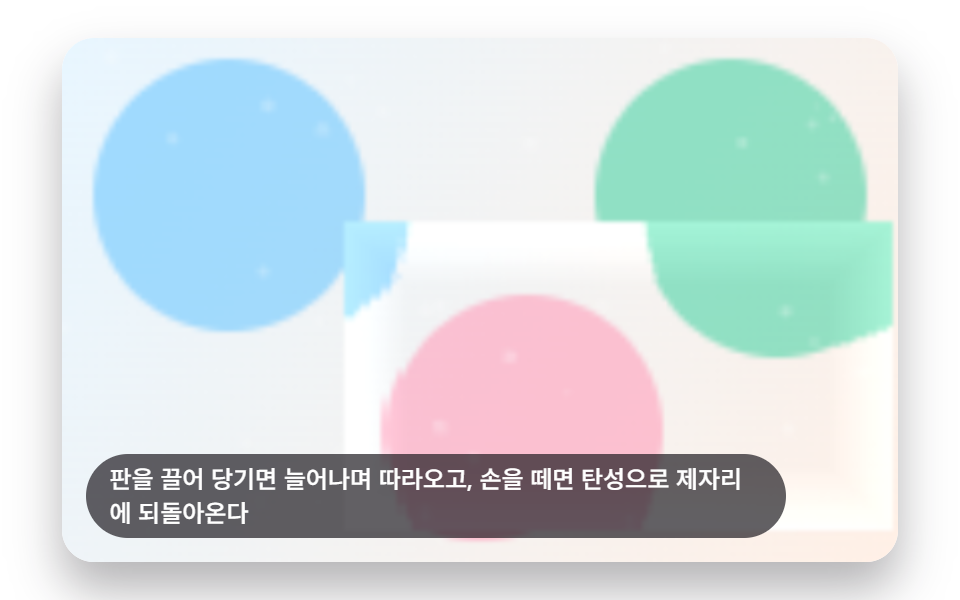
04Glass That Stretches When Dragged and Snaps Back Elastically
While a corner is held and dragged, the panel stretches that direction, and letting go sends it overshooting past its original shape two or three times before it comes to rest, instead of easing back in a single pass. elasticSpring() multiplies an exponential decay set by GLASS_ELASTIC_RETURN_MS against a cosine oscillation set by GLASS_ELASTIC_OSC_MS, and currentOffset() keeps replaying that spring for GLASS_ELASTIC_RETURN_MS * 5 after release before handing off to the idle drag loop.
<main class="stage">
<div class="lg is-demo" id="lgRoot" tabindex="0">
  <canvas class="lg__canvas" id="lgCanvas" width="480" height="300"></canvas>
  <p class="lg__caption">Drag the panel and it stretches to follow, then springs elastically back when released</p>
</div>
</main>
@use "../../../../site/static/demo-tokens" as *;
@include stage($stage-paper);
.lg {
position: relative;
width: min(92vw, calc(160vh - 12.8vw));
aspect-ratio: 480 / 300;
margin: 0 auto;
border-radius: $r-card;
overflow: hidden;
box-shadow: $shadow-raised;
outline: none;
cursor: grab;
touch-action: none;
}
.lg__canvas {
display: block;
width: 100%;
height: 100%;
}
.lg__caption {
position: absolute;
left: $sp-3;
bottom: $sp-3;
max-width: 78%;
margin: 0;
padding: $sp-1 $sp-3;
border-radius: $r-pill;
background: rgba(23, 20, 26, .68);
color: $stage-paper;
font-weight: 500;
font-size: 12px;
line-height: 1.4;
pointer-events: none;
}
@media (max-width: 340px) {
.lg__caption { font-size: 10px; padding: $sp-1 $sp-2; }
}
@media (prefers-reduced-motion: reduce) {
.lg { cursor: pointer; }
}html, body {
margin: 0;
overflow: hidden;
}
.stage {
box-sizing: border-box;
min-height: 100vh;
display: grid;
place-items: center;
margin: 0;
background: #ffffff;
font-family: -apple-system, "Segoe UI", "Noto Sans KR", sans-serif;
padding: clamp(8px, 4vw, 24px);
}
.lg {
position: relative;
width: min(92vw, 160vh - 12.8vw);
aspect-ratio: 480/300;
margin: 0 auto;
border-radius: 16px;
overflow: hidden;
box-shadow: 0 14px 24px rgba(23, 20, 26, 0.32);
outline: none;
cursor: grab;
touch-action: none;
}
.lg__canvas {
display: block;
width: 100%;
height: 100%;
}
.lg__caption {
position: absolute;
left: 12px;
bottom: 12px;
max-width: 78%;
margin: 0;
padding: 4px 12px;
border-radius: 999px;
background: rgba(23, 20, 26, 0.68);
color: #ffffff;
font-weight: 500;
font-size: 12px;
line-height: 1.4;
pointer-events: none;
}
@media (max-width: 340px) {
.lg__caption {
font-size: 10px;
padding: 4px 8px;
}
}
@media (prefers-reduced-motion: reduce) {
.lg {
cursor: pointer;
}
}(function () {
// 기법: 드래그 오프셋만큼 판(사각형) 자체를 옮기고 이동 방향으로 살짝 늘린 뒤,
// boxEdgeSample 로 그 판의 가장자리 굴절을 다시 계산한다. 손을 떼면 오프셋을
// GLASS_ELASTIC_RETURN_MS 를 시정수로 하고 GLASS_ELASTIC_OSC_MS 를 진동 주기로 한
// 언더댐프 스프링(exp(-t/τ) * cos(ωt))으로 2~3 회 오버슛하며 0 까지 되돌린다.
var root = document.getElementById('lgRoot');
var canvas = document.getElementById('lgCanvas');
var ctx = canvas.getContext('2d');
var wrap = canvas.parentElement;
function seedRand(seed) {
var s = seed >>> 0;
return function () { s = (s * 1664525 + 1013904223) >>> 0; return s / 4294967296; };
}
var CALC_W = 160, CALC_H = 100;
var SCENE_W = 160;
var scene = document.createElement('canvas');
scene.width = SCENE_W; scene.height = CALC_H;
(function drawScene() {
var pctx = scene.getContext('2d');
var rand = seedRand(421041);
var sky = pctx.createLinearGradient(0, 0, SCENE_W, CALC_H);
sky.addColorStop(0, '#e8f6ff');
sky.addColorStop(1, '#fff0e6');
pctx.fillStyle = sky;
pctx.fillRect(0, 0, SCENE_W, CALC_H);
var cols = ['#6ec8ff', '#ff9ebb', '#4cd4a6'];
for (var i = 0; i < cols.length; i += 1) {
pctx.beginPath();
pctx.arc(SCENE_W * (0.2 + i * 0.3), CALC_H * (0.3 + (i % 2) * 0.4), CALC_H * 0.26, 0, Math.PI * 2);
pctx.fillStyle = cols[i];
pctx.globalAlpha = 0.6;
pctx.fill();
}
pctx.globalAlpha = 1;
for (var k = 0; k < 46; k += 1) {
var px = rand() * SCENE_W, py = rand() * CALC_H, r = rand() * 1 + 0.3;
pctx.beginPath();
pctx.arc(px, py, r, 0, Math.PI * 2);
pctx.fillStyle = 'rgba(255,255,255,' + (0.12 + rand() * 0.18) + ')';
pctx.fill();
}
}());
var sceneCtx = scene.getContext('2d');
var sceneImg = sceneCtx.getImageData(0, 0, SCENE_W, CALC_H);
var sceneBuf = sceneImg.data;
function sampleScene(sx, sy) {
sx = sx < 0 ? 0 : (sx > SCENE_W - 1 ? SCENE_W - 1 : sx);
sy = sy < 0 ? 0 : (sy > CALC_H - 1 ? CALC_H - 1 : sy);
var i = (Math.round(sy) * SCENE_W + Math.round(sx)) * 4;
return [sceneBuf[i], sceneBuf[i + 1], sceneBuf[i + 2]];
}
var BASE_X0 = 40, BASE_Y0 = 25, BASE_X1 = 120, BASE_Y1 = 75;
var EDGE_BAND = 12;
var GLASS_EDGE_BEND = 5;
var GLASS_ELASTIC_RETURN_MS = 180;
var GLASS_ELASTIC_OSC_MS = 130;
var DRAG_MAX_X = 26, DRAG_MAX_Y = 14;
var PERIOD_MS = 2000;
var DRAG_PHASE_MS = 550;
function boxEdgeSample(x, y, x0, y0, x1, y1, band) {
var dl = x - x0, dr = x1 - x, dt = y - y0, db = y1 - y;
var dmin = Math.min(dl, dr, dt, db);
if (dmin >= band || dmin < 0) return { f: 0, nx: 0, ny: 0 };
var nx = 0, ny = 0;
if (dl < band) nx -= (band - dl);
if (dr < band) nx += (band - dr);
if (dt < band) ny -= (band - dt);
if (db < band) ny += (band - db);
var len = Math.sqrt(nx * nx + ny * ny);
if (len > 0.0001) { nx /= len; ny /= len; }
return { f: Math.max(0, (band - dmin) / band), nx: nx, ny: ny };
}
  function elasticSpring(rt) {
    var decay = Math.exp(-rt / GLASS_ELASTIC_RETURN_MS);
    var osc = Math.cos((2 * Math.PI / GLASS_ELASTIC_OSC_MS) * rt);
    return decay * osc;
  }

  function virtualOffset(t) {
    var cyc = t % PERIOD_MS;
    if (cyc < DRAG_PHASE_MS) {
      var p = cyc / DRAG_PHASE_MS;
      var e = 1 - Math.pow(1 - p, 3);
      return { x: e * DRAG_MAX_X, y: e * DRAG_MAX_Y };
    }
    var rt = cyc - DRAG_PHASE_MS;
    var k = elasticSpring(rt);
    return { x: DRAG_MAX_X * k, y: DRAG_MAX_Y * k };
  }
var out = document.createElement('canvas');
out.width = CALC_W; out.height = CALC_H;
var outCtx = out.getContext('2d');
var outImg = outCtx.createImageData(CALC_W, CALC_H);
var outBuf = outImg.data;
var dragging = false;
var dragStartPt = { x: 0, y: 0 };
var dragOffset = { x: 0, y: 0 };
var releaseAt = -Infinity;
var releasedOffset = { x: 0, y: 0 };
function currentOffset(t) {
if (dragging) return dragOffset;
var rt = t - releaseAt;
if (rt < GLASS_ELASTIC_RETURN_MS * 5) {
var k = elasticSpring(rt);
return { x: releasedOffset.x * k, y: releasedOffset.y * k };
}
return virtualOffset(t);
}
function renderFrame(t) {
var off = currentOffset(t);
var mag = Math.sqrt(off.x * off.x + off.y * off.y);
var stretch = Math.min(0.35, mag / 44);
var ux = mag > 0.001 ? off.x / mag : 0;
var uy = mag > 0.001 ? off.y / mag : 0;
var cx = (BASE_X0 + BASE_X1) / 2 + off.x;
var cy = (BASE_Y0 + BASE_Y1) / 2 + off.y;
var halfW = ((BASE_X1 - BASE_X0) / 2) * (1 + stretch * Math.abs(ux));
var halfH = ((BASE_Y1 - BASE_Y0) / 2) * (1 + stretch * Math.abs(uy));
var x0 = cx - halfW, x1 = cx + halfW, y0 = cy - halfH, y1 = cy + halfH;
var idx = 0;
for (var y = 0; y < CALC_H; y += 1) {
for (var x = 0; x < CALC_W; x += 1) {
var rgb;
if (x >= x0 && x <= x1 && y >= y0 && y <= y1) {
var e = boxEdgeSample(x, y, x0, y0, x1, y1, EDGE_BAND);
var bendMag = e.f * GLASS_EDGE_BEND;
var sx = (x - off.x * 0.35) - e.nx * bendMag;
var sy = (y - off.y * 0.35) - e.ny * bendMag;
rgb = sampleScene(sx, sy);
var shine = e.f * 20;
rgb = [Math.min(255, rgb[0] + shine), Math.min(255, rgb[1] + shine), Math.min(255, rgb[2] + shine)];
} else {
rgb = sampleScene(x, y);
}
outBuf[idx] = rgb[0]; outBuf[idx + 1] = rgb[1]; outBuf[idx + 2] = rgb[2]; outBuf[idx + 3] = 255;
idx += 4;
}
}
}
var cw = 480, ch = 300;
function fit() {
var r = wrap.getBoundingClientRect();
cw = Math.max(1, Math.round(r.width));
ch = Math.max(1, Math.round(r.height));
canvas.width = cw; canvas.height = ch;
draw(lastElapsed);
}
var lastElapsed = 0;
function draw(t) {
lastElapsed = t;
renderFrame(t);
outCtx.putImageData(outImg, 0, 0);
ctx.clearRect(0, 0, cw, ch);
ctx.drawImage(out, 0, 0, CALC_W, CALC_H, 0, 0, cw, ch);
}
var reduce = window.matchMedia('(prefers-reduced-motion: reduce)').matches;
if (reduce) { root.classList.remove('is-demo'); }
function toGrid(e) {
var r = wrap.getBoundingClientRect();
return {
x: (e.clientX - r.left) / r.width * CALC_W,
y: (e.clientY - r.top) / r.height * CALC_H
};
}
wrap.addEventListener('pointerdown', function (e) {
dragging = true;
dragStartPt = toGrid(e);
dragOffset = { x: 0, y: 0 };
wrap.setPointerCapture(e.pointerId);
if (reduce) draw(lastElapsed);
});
wrap.addEventListener('pointermove', function (e) {
if (!dragging) return;
var g = toGrid(e);
dragOffset = {
x: Math.max(-DRAG_MAX_X * 1.4, Math.min(DRAG_MAX_X * 1.4, g.x - dragStartPt.x)),
y: Math.max(-DRAG_MAX_Y * 1.4, Math.min(DRAG_MAX_Y * 1.4, g.y - dragStartPt.y))
};
if (reduce) draw(lastElapsed);
});
function release(t) {
if (!dragging) return;
dragging = false;
releasedOffset = dragOffset;
releaseAt = t;
if (reduce) draw(t);
}
wrap.addEventListener('pointerup', function () { release(lastElapsed); });
wrap.addEventListener('pointerleave', function () { release(lastElapsed); });
wrap.addEventListener('keydown', function (e) {
var moved = true;
if (e.key === 'ArrowLeft') dragOffset = { x: -DRAG_MAX_X, y: 0 };
else if (e.key === 'ArrowRight') dragOffset = { x: DRAG_MAX_X, y: 0 };
else if (e.key === 'ArrowUp') dragOffset = { x: 0, y: -DRAG_MAX_Y };
else if (e.key === 'ArrowDown') dragOffset = { x: 0, y: DRAG_MAX_Y };
else moved = false;
if (moved) {
e.preventDefault();
dragging = true;
release(lastElapsed);
}
});
var lastTs = null;
var elapsed = 0;
function tick(ts) {
if (lastTs === null) lastTs = ts;
var dt = ts - lastTs;
lastTs = ts;
elapsed += dt;
draw(elapsed);
requestAnimationFrame(tick);
}
fit();
window.addEventListener('resize', fit);
draw(elapsed);
if (!reduce) requestAnimationFrame(tick);
})();// ElasticMorphDrag — vanilla 판(run/421/demo/04-liquid-glass-elastic-morph-drag/index.html) 의 React 포트.
// 판을 끌면 이동 방향으로 살짝 늘어나며 따라오고, 놓으면 언더댐프 스프링
// (exp(-t/τ) * cos(ωt), τ=GLASS_ELASTIC_RETURN_MS·ω=GLASS_ELASTIC_OSC_MS 기반)으로
// 2~3 회 오버슛하며 제자리에 되돌아온다. 가장자리 굴절은 이동한 사각형 기준으로 다시 계산한다.
import { useEffect, useRef } from "react";
import styles from "./ElasticMorphDrag.module.scss";
type Box<T> = { current: T };
type Edge = { f: number; nx: number; ny: number };
type Vec = { x: number; y: number };
type PtrEvt = { clientX: number; clientY: number; pointerId: number };
type KeyEvt = { key: string; preventDefault(): void };
const CALC_W = 160, CALC_H = 100;
const SCENE_W = 160;
const BASE_X0 = 40, BASE_Y0 = 25, BASE_X1 = 120, BASE_Y1 = 75;
const EDGE_BAND = 12;
const GLASS_EDGE_BEND = 5;
const GLASS_ELASTIC_RETURN_MS = 180;
const GLASS_ELASTIC_OSC_MS = 130;
const DRAG_MAX_X = 26, DRAG_MAX_Y = 14;
const PERIOD_MS = 2000;
const DRAG_PHASE_MS = 550;
interface State {
ctx: CanvasRenderingContext2D | null;
wrap: HTMLElement | null;
sceneBuf: Uint8ClampedArray | null;
outCtx: CanvasRenderingContext2D | null;
out: HTMLCanvasElement | null;
outImg: ImageData | null;
outBuf: Uint8ClampedArray | null;
cw: number; ch: number;
lastElapsed: number;
lastTs: number | null;
elapsed: number;
raf: number;
reduce: boolean;
dragging: boolean;
dragStartPt: Vec;
dragOffset: Vec;
releaseAt: number;
releasedOffset: Vec;
}
function seedRand(seed: number): () => number {
let s = seed >>> 0;
return function () { s = (s * 1664525 + 1013904223) >>> 0; return s / 4294967296; };
}
function boxEdgeSample(x: number, y: number, x0: number, y0: number, x1: number, y1: number, band: number): Edge {
const dl = x - x0, dr = x1 - x, dt = y - y0, db = y1 - y;
const dmin = Math.min(dl, dr, dt, db);
if (dmin >= band || dmin < 0) return { f: 0, nx: 0, ny: 0 };
let nx = 0, ny = 0;
if (dl < band) nx -= (band - dl);
if (dr < band) nx += (band - dr);
if (dt < band) ny -= (band - dt);
if (db < band) ny += (band - db);
const len = Math.sqrt(nx * nx + ny * ny);
if (len > 0.0001) { nx /= len; ny /= len; }
return { f: Math.max(0, (band - dmin) / band), nx, ny };
}
function clamp(v: number, lo: number, hi: number): number {
return v < lo ? lo : v > hi ? hi : v;
}
function elasticSpring(rt: number): number {
const decay = Math.exp(-rt / GLASS_ELASTIC_RETURN_MS);
const osc = Math.cos((2 * Math.PI / GLASS_ELASTIC_OSC_MS) * rt);
return decay * osc;
}
function virtualOffset(t: number): Vec {
const cyc = t % PERIOD_MS;
if (cyc < DRAG_PHASE_MS) {
const p = cyc / DRAG_PHASE_MS;
const e = 1 - Math.pow(1 - p, 3);
return { x: DRAG_MAX_X * e, y: DRAG_MAX_Y * e };
}
const rt = cyc - DRAG_PHASE_MS;
const k = elasticSpring(rt);
return { x: DRAG_MAX_X * k, y: DRAG_MAX_Y * k };
}
export default function ElasticMorphDrag() {
const rootRef = useRef<HTMLDivElement | null>(null);
const canvasRef = useRef<HTMLCanvasElement | null>(null);
const st = useRef({
ctx: null, wrap: null, sceneBuf: null, outCtx: null, out: null, outImg: null, outBuf: null,
cw: 480, ch: 300, lastElapsed: 0, lastTs: null, elapsed: 0, raf: 0, reduce: false,
dragging: false, dragStartPt: { x: 0, y: 0 }, dragOffset: { x: 0, y: 0 },
releaseAt: -Infinity, releasedOffset: { x: 0, y: 0 },
}) as Box<State>;
function sampleScene(sx: number, sy: number): number[] {
const buf = st.current.sceneBuf!;
const cx = sx < 0 ? 0 : sx > SCENE_W - 1 ? SCENE_W - 1 : sx;
const cy = sy < 0 ? 0 : sy > CALC_H - 1 ? CALC_H - 1 : sy;
const i = (Math.round(cy) * SCENE_W + Math.round(cx)) * 4;
return [buf[i], buf[i + 1], buf[i + 2]];
}
function currentOffset(t: number): Vec {
const s = st.current;
if (s.dragging) return s.dragOffset;
const rt = t - s.releaseAt;
if (rt < GLASS_ELASTIC_RETURN_MS * 5) {
const k = elasticSpring(rt);
return { x: s.releasedOffset.x * k, y: s.releasedOffset.y * k };
}
return virtualOffset(t);
}
function renderFrame(t: number): void {
const outBuf = st.current.outBuf!;
const off = currentOffset(t);
const mag = Math.sqrt(off.x * off.x + off.y * off.y);
const stretch = Math.min(0.35, mag / 44);
const ux = mag > 0.0001 ? off.x / mag : 0;
const uy = mag > 0.0001 ? off.y / mag : 0;
const midX = (BASE_X0 + BASE_X1) / 2, midY = (BASE_Y0 + BASE_Y1) / 2;
const cx = midX + off.x, cy = midY + off.y;
const baseHalfW = (BASE_X1 - BASE_X0) / 2, baseHalfH = (BASE_Y1 - BASE_Y0) / 2;
const halfW = baseHalfW * (1 + stretch * Math.abs(ux));
const halfH = baseHalfH * (1 + stretch * Math.abs(uy));
const rx0 = cx - halfW, ry0 = cy - halfH, rx1 = cx + halfW, ry1 = cy + halfH;
let idx = 0;
for (let y = 0; y < CALC_H; y += 1) {
for (let x = 0; x < CALC_W; x += 1) {
let rgb: number[];
if (x >= rx0 && x <= rx1 && y >= ry0 && y <= ry1) {
const e = boxEdgeSample(x, y, rx0, ry0, rx1, ry1, EDGE_BAND);
const bendMag = e.f * GLASS_EDGE_BEND;
const sx = (x - off.x * 0.35) - e.nx * bendMag;
const sy = (y - off.y * 0.35) - e.ny * bendMag;
rgb = sampleScene(sx, sy);
const shine = e.f * 20;
rgb = [Math.min(255, rgb[0] + shine), Math.min(255, rgb[1] + shine), Math.min(255, rgb[2] + shine)];
} else {
rgb = sampleScene(x, y);
}
outBuf[idx] = rgb[0]; outBuf[idx + 1] = rgb[1]; outBuf[idx + 2] = rgb[2]; outBuf[idx + 3] = 255;
idx += 4;
}
}
}
function draw(t: number): void {
const s = st.current;
s.lastElapsed = t;
renderFrame(t);
s.outCtx!.putImageData(s.outImg!, 0, 0);
s.ctx!.clearRect(0, 0, s.cw, s.ch);
s.ctx!.drawImage(s.out!, 0, 0, CALC_W, CALC_H, 0, 0, s.cw, s.ch);
}
function fit(): void {
const s = st.current;
const canvas = canvasRef.current;
if (!s.wrap || !canvas) return;
const r = s.wrap.getBoundingClientRect();
s.cw = Math.max(1, Math.round(r.width));
s.ch = Math.max(1, Math.round(r.height));
canvas.width = s.cw; canvas.height = s.ch;
draw(s.lastElapsed);
}
function tick(ts: number): void {
const s = st.current;
if (s.lastTs === null) s.lastTs = ts;
const dt = ts - s.lastTs;
s.lastTs = ts;
s.elapsed += dt;
draw(s.elapsed);
s.raf = requestAnimationFrame(tick);
}
function toGrid(e: PtrEvt): Vec {
const r = st.current.wrap!.getBoundingClientRect();
return {
x: ((e.clientX - r.left) / r.width) * CALC_W,
y: ((e.clientY - r.top) / r.height) * CALC_H,
};
}
function release(t: number): void {
const s = st.current;
s.dragging = false;
s.releasedOffset = s.dragOffset;
s.releaseAt = t;
if (s.reduce) draw(s.lastElapsed);
}
function onPointerDown(e: PtrEvt): void {
const s = st.current;
s.dragging = true;
s.dragStartPt = toGrid(e);
s.dragOffset = { x: 0, y: 0 };
try { s.wrap!.setPointerCapture(e.pointerId); } catch { /* noop */ }
if (s.reduce) draw(s.lastElapsed);
}
function onPointerMove(e: PtrEvt): void {
const s = st.current;
if (!s.dragging) return;
const g = toGrid(e);
s.dragOffset = {
x: clamp(g.x - s.dragStartPt.x, -DRAG_MAX_X * 1.4, DRAG_MAX_X * 1.4),
y: clamp(g.y - s.dragStartPt.y, -DRAG_MAX_Y * 1.4, DRAG_MAX_Y * 1.4),
};
if (s.reduce) draw(s.lastElapsed);
}
function onPointerUp(): void {
release(st.current.lastElapsed);
}
function onKeyDown(e: KeyEvt): void {
const s = st.current;
let moved = true;
if (e.key === "ArrowLeft") s.dragOffset = { x: -DRAG_MAX_X, y: 0 };
else if (e.key === "ArrowRight") s.dragOffset = { x: DRAG_MAX_X, y: 0 };
else if (e.key === "ArrowUp") s.dragOffset = { x: 0, y: -DRAG_MAX_Y };
else if (e.key === "ArrowDown") s.dragOffset = { x: 0, y: DRAG_MAX_Y };
else moved = false;
if (moved) {
e.preventDefault();
release(s.lastElapsed);
}
}
useEffect(() => {
const root = rootRef.current;
const canvas = canvasRef.current;
if (!root || !canvas) return;
const ctx = canvas.getContext("2d");
const wrap = canvas.parentElement;
if (!ctx || !wrap) return;
const scene = document.createElement("canvas");
scene.width = SCENE_W; scene.height = CALC_H;
const pctx = scene.getContext("2d")!;
const rand = seedRand(421041);
const sky = pctx.createLinearGradient(0, 0, SCENE_W, CALC_H);
sky.addColorStop(0, "#e8f6ff");
sky.addColorStop(1, "#fff0e6");
pctx.fillStyle = sky;
pctx.fillRect(0, 0, SCENE_W, CALC_H);
const cols = ["#6ec8ff", "#ffd23f", "#ff9ebb"];
for (let i = 0; i < cols.length; i += 1) {
pctx.beginPath();
pctx.arc(SCENE_W * (0.24 + i * 0.28), CALC_H * (0.3 + (i % 2) * 0.34), CALC_H * 0.28, 0, Math.PI * 2);
pctx.fillStyle = cols[i];
pctx.globalAlpha = 0.5;
pctx.fill();
}
pctx.globalAlpha = 1;
for (let k = 0; k < 46; k += 1) {
const px = rand() * SCENE_W, py = rand() * CALC_H, r = rand() * 1 + 0.3;
pctx.beginPath();
pctx.arc(px, py, r, 0, Math.PI * 2);
pctx.fillStyle = "rgba(255,255,255," + (0.1 + rand() * 0.2) + ")";
pctx.fill();
}
const sceneImg = pctx.getImageData(0, 0, SCENE_W, CALC_H);
const out = document.createElement("canvas");
out.width = CALC_W; out.height = CALC_H;
const outCtx = out.getContext("2d")!;
const outImg = outCtx.createImageData(CALC_W, CALC_H);
const s = st.current;
s.ctx = ctx; s.wrap = wrap; s.sceneBuf = sceneImg.data;
s.outCtx = outCtx; s.out = out; s.outImg = outImg; s.outBuf = outImg.data;
s.reduce = window.matchMedia("(prefers-reduced-motion: reduce)").matches;
if (s.reduce) { root.classList.remove("is-demo"); }
wrap.addEventListener("pointerdown", onPointerDown as unknown as EventListener);
wrap.addEventListener("pointermove", onPointerMove as unknown as EventListener);
wrap.addEventListener("pointerup", onPointerUp);
wrap.addEventListener("pointerleave", onPointerUp);
wrap.addEventListener("keydown", onKeyDown as unknown as EventListener);
fit();
window.addEventListener("resize", fit);
draw(s.elapsed);
if (!s.reduce) s.raf = requestAnimationFrame(tick);
return () => {
window.removeEventListener("resize", fit);
wrap.removeEventListener("pointerdown", onPointerDown as unknown as EventListener);
wrap.removeEventListener("pointermove", onPointerMove as unknown as EventListener);
wrap.removeEventListener("pointerup", onPointerUp);
wrap.removeEventListener("pointerleave", onPointerUp);
wrap.removeEventListener("keydown", onKeyDown as unknown as EventListener);
cancelAnimationFrame(st.current.raf);
};
}, []);
return (
<main className={styles.stage}>
<div className={`${styles.lg} is-demo`} ref={rootRef} tabIndex={0}>
<canvas className={styles.lg__canvas} ref={canvasRef} width={480} height={300} />
<p className={styles.lg__caption}>판을 끌어 당기면 늘어나며 따라오고, 손을 떼면 탄성으로 제자리에 되돌아온다</p>
</div>
</main>
);
}04 · Glass That Stretches When Dragged and Snaps Back Elastically — Measured area 31.812% · moving frames 20/23Original by GODRICH · SCSS and React ship in the zip · See the password
function elasticSpring(rt) {
var decay = Math.exp(-rt / GLASS_ELASTIC_RETURN_MS);
var osc = Math.cos((2 * Math.PI / GLASS_ELASTIC_OSC_MS) * rt);
return decay * osc;
}
function virtualOffset(t) {
var cyc = t % PERIOD_MS;
if (cyc < DRAG_PHASE_MS) {
var p = cyc / DRAG_PHASE_MS;
var e = 1 - Math.pow(1 - p, 3);
return { x: e * DRAG_MAX_X, y: e * DRAG_MAX_Y };
}
var rt = cyc - DRAG_PHASE_MS;
var k = elasticSpring(rt);
return { x: DRAG_MAX_X * k, y: DRAG_MAX_Y * k };
}
Measured: 31.8% cumulative area, 27.7 average intensity, 20/23 frames moved.
05Glass Whose Tint Adapts to Background Brightness
When the background behind the panel is bright, the glass tint thins out, and when that background turns dark, the same tint deepens on its own. TINT_STRENGTH scales the delta between a target gray and the sampled luminance, riding on top of the same GLASS_EDGE_BEND bend that boxEdgeSample() already computes.
<main class="stage">
<div class="lg is-demo" id="lgRoot" tabindex="0">
  <canvas class="lg__canvas" id="lgCanvas" width="480" height="300"></canvas>
  <p class="lg__caption">Inside the panel, each pixel's background brightness is measured and tinted lighter or darker automatically</p>
</div>
</main>
@use "../../../../site/static/demo-tokens" as *;
@include stage($stage-ink);
.lg {
position: relative;
width: min(92vw, calc(160vh - 12.8vw));
aspect-ratio: 480 / 300;
margin: 0 auto;
border-radius: $r-card;
overflow: hidden;
box-shadow: $shadow-raised;
outline: none;
}
.lg__canvas {
display: block;
width: 100%;
height: 100%;
}
.lg__caption {
position: absolute;
left: $sp-3;
bottom: $sp-3;
max-width: 78%;
margin: 0;
padding: $sp-1 $sp-3;
border-radius: $r-pill;
background: rgba(23, 20, 26, .68);
color: $stage-paper;
font-weight: 500;
font-size: 12px;
line-height: 1.4;
pointer-events: none;
}
@media (max-width: 340px) {
.lg__caption { font-size: 10px; padding: $sp-1 $sp-2; }
}
@media (prefers-reduced-motion: reduce) {
.lg { cursor: default; }
}html, body {
margin: 0;
overflow: hidden;
}
.stage {
box-sizing: border-box;
min-height: 100vh;
display: grid;
place-items: center;
margin: 0;
background: #17141a;
font-family: -apple-system, "Segoe UI", "Noto Sans KR", sans-serif;
padding: clamp(8px, 4vw, 24px);
}
.lg {
position: relative;
width: min(92vw, 160vh - 12.8vw);
aspect-ratio: 480/300;
margin: 0 auto;
border-radius: 16px;
overflow: hidden;
box-shadow: 0 14px 24px rgba(23, 20, 26, 0.32);
outline: none;
}
.lg__canvas {
display: block;
width: 100%;
height: 100%;
}
.lg__caption {
position: absolute;
left: 12px;
bottom: 12px;
max-width: 78%;
margin: 0;
padding: 4px 12px;
border-radius: 999px;
background: rgba(23, 20, 26, 0.68);
color: #ffffff;
font-weight: 500;
font-size: 12px;
line-height: 1.4;
pointer-events: none;
}
@media (max-width: 340px) {
.lg__caption {
font-size: 10px;
padding: 4px 8px;
}
}
@media (prefers-reduced-motion: reduce) {
.lg {
cursor: default;
}
}(function () {
// 기법: 판 안쪽 픽셀마다 배경 휘도(0.299R+0.587G+0.114B)를 재고, 중간값(128)과의 차에
// 비례해 밝기를 보정한다(어두운 곳은 밝게, 밝은 곳은 어둡게) — 적응형 색조. 보정 강도는
// 삼각파로 0→최대→0 을 오가며 항상 값이 바뀌게 한다.
var root = document.getElementById('lgRoot');
var canvas = document.getElementById('lgCanvas');
var ctx = canvas.getContext('2d');
var wrap = canvas.parentElement;
function seedRand(seed) {
var s = seed >>> 0;
return function () { s = (s * 1664525 + 1013904223) >>> 0; return s / 4294967296; };
}
var CALC_W = 160, CALC_H = 100;
var SCENE_W = 220;
var scene = document.createElement('canvas');
scene.width = SCENE_W; scene.height = CALC_H;
(function drawScene() {
var pctx = scene.getContext('2d');
var rand = seedRand(421051);
var sky = pctx.createLinearGradient(0, 0, SCENE_W, 0);
sky.addColorStop(0, '#241f2c');
sky.addColorStop(0.5, '#5b8cf8');
sky.addColorStop(1, '#fff2da');
pctx.fillStyle = sky;
pctx.fillRect(0, 0, SCENE_W, CALC_H);
for (var i = 0; i < 3; i += 1) {
pctx.beginPath();
pctx.arc(SCENE_W * (0.15 + i * 0.35), CALC_H * (0.3 + (i % 2) * 0.35), CALC_H * 0.22, 0, Math.PI * 2);
pctx.fillStyle = i === 0 ? '#b9a0ff' : (i === 1 ? '#ffd23f' : '#ff9ebb');
pctx.globalAlpha = 0.5;
pctx.fill();
}
pctx.globalAlpha = 1;
for (var k = 0; k < 48; k += 1) {
var px = rand() * SCENE_W, py = rand() * CALC_H, r = rand() * 1 + 0.3;
pctx.beginPath();
pctx.arc(px, py, r, 0, Math.PI * 2);
pctx.fillStyle = 'rgba(255,255,255,' + (0.08 + rand() * 0.16) + ')';
pctx.fill();
}
}());
var sceneCtx = scene.getContext('2d');
var sceneImg = sceneCtx.getImageData(0, 0, SCENE_W, CALC_H);
var sceneBuf = sceneImg.data;
function sampleScene(sx, sy) {
sx = sx < 0 ? 0 : (sx > SCENE_W - 1 ? SCENE_W - 1 : sx);
sy = sy < 0 ? 0 : (sy > CALC_H - 1 ? CALC_H - 1 : sy);
var i = (Math.round(sy) * SCENE_W + Math.round(sx)) * 4;
return [sceneBuf[i], sceneBuf[i + 1], sceneBuf[i + 2]];
}
var PANEL_X0 = 20, PANEL_Y0 = 16, PANEL_X1 = 140, PANEL_Y1 = 84;
var EDGE_BAND = 14;
var GLASS_EDGE_BEND = 4;
var TINT_STRENGTH = 0.85;
var SCENE_OFFSET_X = (SCENE_W - CALC_W) / 2;
var PAN_AMP = 40;
var PERIOD_MS = 2000;
function boxEdgeSample(x, y, x0, y0, x1, y1, band) {
var dl = x - x0, dr = x1 - x, dt = y - y0, db = y1 - y;
var dmin = Math.min(dl, dr, dt, db);
if (dmin >= band || dmin < 0) return { f: 0, nx: 0, ny: 0 };
var nx = 0, ny = 0;
if (dl < band) nx -= (band - dl);
if (dr < band) nx += (band - dr);
if (dt < band) ny -= (band - dt);
if (db < band) ny += (band - db);
var len = Math.sqrt(nx * nx + ny * ny);
if (len > 0.0001) { nx /= len; ny /= len; }
return { f: Math.max(0, (band - dmin) / band), nx: nx, ny: ny };
}
function panX(t) {
return PAN_AMP * Math.sin(t * 2 * Math.PI / PERIOD_MS);
}
function triangleWave(t, period) {
var p = (t % period) / period;
return p < 0.5 ? p * 2 : (1 - p) * 2;
}
var out = document.createElement('canvas');
out.width = CALC_W; out.height = CALC_H;
var outCtx = out.getContext('2d');
var outImg = outCtx.createImageData(CALC_W, CALC_H);
var outBuf = outImg.data;
  function renderFrame(t) {
    var pan = panX(t);
    var adaptivity = triangleWave(t, PERIOD_MS);
    var idx = 0;
    for (var y = 0; y < CALC_H; y += 1) {
      for (var x = 0; x < CALC_W; x += 1) {
        var baseSx = x + SCENE_OFFSET_X + pan;
        var rgb;
        if (x >= PANEL_X0 && x <= PANEL_X1 && y >= PANEL_Y0 && y <= PANEL_Y1) {
          var e = boxEdgeSample(x, y, PANEL_X0, PANEL_Y0, PANEL_X1, PANEL_Y1, EDGE_BAND);
          var bendMag = e.f * GLASS_EDGE_BEND;
          rgb = sampleScene(baseSx - e.nx * bendMag, y - e.ny * bendMag);
          var lum = 0.299 * rgb[0] + 0.587 * rgb[1] + 0.114 * rgb[2];
          var delta = (128 - lum) * TINT_STRENGTH * adaptivity * 0.5;
          rgb = [rgb[0] + delta, rgb[1] + delta * 0.94, rgb[2] + delta * 0.86];
          var shine = e.f * 18;
          rgb = [
            Math.max(0, Math.min(255, rgb[0] + shine)),
            Math.max(0, Math.min(255, rgb[1] + shine)),
            Math.max(0, Math.min(255, rgb[2] + shine))
];
} else {
rgb = sampleScene(baseSx, y);
}
outBuf[idx] = rgb[0]; outBuf[idx + 1] = rgb[1]; outBuf[idx + 2] = rgb[2]; outBuf[idx + 3] = 255;
idx += 4;
}
}
}
var cw = 480, ch = 300;
function fit() {
var r = wrap.getBoundingClientRect();
cw = Math.max(1, Math.round(r.width));
ch = Math.max(1, Math.round(r.height));
canvas.width = cw; canvas.height = ch;
draw(lastElapsed);
}
var lastElapsed = 0;
function draw(t) {
lastElapsed = t;
renderFrame(t);
outCtx.putImageData(outImg, 0, 0);
ctx.clearRect(0, 0, cw, ch);
ctx.drawImage(out, 0, 0, CALC_W, CALC_H, 0, 0, cw, ch);
}
var reduce = window.matchMedia('(prefers-reduced-motion: reduce)').matches;
if (reduce) { root.classList.remove('is-demo'); }
var lastTs = null;
var elapsed = 0;
function tick(ts) {
if (lastTs === null) lastTs = ts;
var dt = ts - lastTs;
lastTs = ts;
elapsed += dt;
draw(elapsed);
requestAnimationFrame(tick);
}
fit();
window.addEventListener('resize', fit);
draw(elapsed);
if (!reduce) requestAnimationFrame(tick);
})();// AdaptiveTintLuminance — vanilla 판(run/421/demo/05-liquid-glass-adaptive-tint-luminance/index.html) 의 React 포트.
// 판 안쪽 각 픽셀의 배경 밝기(휘도)를 재서, 어두우면 밝히고 밝으면 낮추는 색조를
// 전역 삼각파(adaptivity)로 세기를 오르내리며 더한다.
import { useEffect, useRef } from "react";
import styles from "./AdaptiveTintLuminance.module.scss";
type Box<T> = { current: T };
type Edge = { f: number; nx: number; ny: number };
const CALC_W = 160, CALC_H = 100;
const SCENE_W = 220;
const PANEL_X0 = 20, PANEL_Y0 = 16, PANEL_X1 = 140, PANEL_Y1 = 84;
const EDGE_BAND = 14;
const GLASS_EDGE_BEND = 4;
const TINT_STRENGTH = 0.85;
const SCENE_OFFSET_X = (SCENE_W - CALC_W) / 2;
const PAN_AMP = 40;
const PERIOD_MS = 2000;
interface State {
ctx: CanvasRenderingContext2D | null;
wrap: HTMLElement | null;
sceneBuf: Uint8ClampedArray | null;
outCtx: CanvasRenderingContext2D | null;
out: HTMLCanvasElement | null;
outImg: ImageData | null;
outBuf: Uint8ClampedArray | null;
cw: number; ch: number;
lastElapsed: number;
lastTs: number | null;
elapsed: number;
raf: number;
reduce: boolean;
}
function seedRand(seed: number): () => number {
let s = seed >>> 0;
return function () { s = (s * 1664525 + 1013904223) >>> 0; return s / 4294967296; };
}
function boxEdgeSample(x: number, y: number, x0: number, y0: number, x1: number, y1: number, band: number): Edge {
const dl = x - x0, dr = x1 - x, dt = y - y0, db = y1 - y;
const dmin = Math.min(dl, dr, dt, db);
if (dmin >= band || dmin < 0) return { f: 0, nx: 0, ny: 0 };
let nx = 0, ny = 0;
if (dl < band) nx -= (band - dl);
if (dr < band) nx += (band - dr);
if (dt < band) ny -= (band - dt);
if (db < band) ny += (band - db);
const len = Math.sqrt(nx * nx + ny * ny);
if (len > 0.0001) { nx /= len; ny /= len; }
return { f: Math.max(0, (band - dmin) / band), nx, ny };
}
function panX(t: number): number {
return PAN_AMP * Math.sin((t * 2 * Math.PI) / PERIOD_MS);
}
function triangleWave(t: number, period: number): number {
const cyc = (t % period) / period;
return cyc < 0.5 ? cyc * 2 : (1 - cyc) * 2;
}
export default function AdaptiveTintLuminance() {
const rootRef = useRef<HTMLDivElement | null>(null);
const canvasRef = useRef<HTMLCanvasElement | null>(null);
const st = useRef({
ctx: null, wrap: null, sceneBuf: null, outCtx: null, out: null, outImg: null, outBuf: null,
cw: 480, ch: 300, lastElapsed: 0, lastTs: null, elapsed: 0, raf: 0, reduce: false,
}) as Box<State>;
function sampleScene(sx: number, sy: number): number[] {
const buf = st.current.sceneBuf!;
const cx = sx < 0 ? 0 : sx > SCENE_W - 1 ? SCENE_W - 1 : sx;
const cy = sy < 0 ? 0 : sy > CALC_H - 1 ? CALC_H - 1 : sy;
const i = (Math.round(cy) * SCENE_W + Math.round(cx)) * 4;
return [buf[i], buf[i + 1], buf[i + 2]];
}
function renderFrame(t: number): void {
const outBuf = st.current.outBuf!;
const pan = panX(t);
const adaptivity = triangleWave(t, PERIOD_MS);
let idx = 0;
for (let y = 0; y < CALC_H; y += 1) {
for (let x = 0; x < CALC_W; x += 1) {
const baseSx = x + SCENE_OFFSET_X + pan;
let rgb: number[];
if (x >= PANEL_X0 && x <= PANEL_X1 && y >= PANEL_Y0 && y <= PANEL_Y1) {
const e = boxEdgeSample(x, y, PANEL_X0, PANEL_Y0, PANEL_X1, PANEL_Y1, EDGE_BAND);
const bendMag = e.f * GLASS_EDGE_BEND;
rgb = sampleScene(baseSx - e.nx * bendMag, y - e.ny * bendMag);
const lum = 0.299 * rgb[0] + 0.587 * rgb[1] + 0.114 * rgb[2];
const delta = (128 - lum) * TINT_STRENGTH * adaptivity * 0.5;
rgb = [rgb[0] + delta, rgb[1] + delta * 0.94, rgb[2] + delta * 0.86];
const shine = e.f * 18;
rgb = [
Math.min(255, Math.max(0, rgb[0] + shine)),
Math.min(255, Math.max(0, rgb[1] + shine)),
Math.min(255, Math.max(0, rgb[2] + shine)),
];
} else {
rgb = sampleScene(baseSx, y);
}
outBuf[idx] = rgb[0]; outBuf[idx + 1] = rgb[1]; outBuf[idx + 2] = rgb[2]; outBuf[idx + 3] = 255;
idx += 4;
}
}
}
function draw(t: number): void {
const s = st.current;
s.lastElapsed = t;
renderFrame(t);
s.outCtx!.putImageData(s.outImg!, 0, 0);
s.ctx!.clearRect(0, 0, s.cw, s.ch);
s.ctx!.drawImage(s.out!, 0, 0, CALC_W, CALC_H, 0, 0, s.cw, s.ch);
}
function fit(): void {
const s = st.current;
const canvas = canvasRef.current;
if (!s.wrap || !canvas) return;
const r = s.wrap.getBoundingClientRect();
s.cw = Math.max(1, Math.round(r.width));
s.ch = Math.max(1, Math.round(r.height));
canvas.width = s.cw; canvas.height = s.ch;
draw(s.lastElapsed);
}
function tick(ts: number): void {
const s = st.current;
if (s.lastTs === null) s.lastTs = ts;
const dt = ts - s.lastTs;
s.lastTs = ts;
s.elapsed += dt;
draw(s.elapsed);
s.raf = requestAnimationFrame(tick);
}
useEffect(() => {
const root = rootRef.current;
const canvas = canvasRef.current;
if (!root || !canvas) return;
const ctx = canvas.getContext("2d");
const wrap = canvas.parentElement;
if (!ctx || !wrap) return;
const scene = document.createElement("canvas");
scene.width = SCENE_W; scene.height = CALC_H;
const pctx = scene.getContext("2d")!;
const rand = seedRand(421051);
const grad = pctx.createLinearGradient(0, 0, SCENE_W, 0);
grad.addColorStop(0, "#241f2c");
grad.addColorStop(0.5, "#5b8cf8");
grad.addColorStop(1, "#fff2da");
pctx.fillStyle = grad;
pctx.fillRect(0, 0, SCENE_W, CALC_H);
const cols = ["#b9a0ff", "#ffd23f", "#ff9ebb"];
for (let i = 0; i < cols.length; i += 1) {
pctx.beginPath();
pctx.arc(SCENE_W * (0.2 + i * 0.3), CALC_H * (0.32 + (i % 2) * 0.32), CALC_H * 0.27, 0, Math.PI * 2);
pctx.fillStyle = cols[i];
pctx.globalAlpha = 0.5;
pctx.fill();
}
pctx.globalAlpha = 1;
for (let k = 0; k < 48; k += 1) {
const px = rand() * SCENE_W, py = rand() * CALC_H, r = rand() * 1 + 0.3;
pctx.beginPath();
pctx.arc(px, py, r, 0, Math.PI * 2);
pctx.fillStyle = "rgba(255,255,255," + (0.08 + rand() * 0.18) + ")";
pctx.fill();
}
const sceneImg = pctx.getImageData(0, 0, SCENE_W, CALC_H);
const out = document.createElement("canvas");
out.width = CALC_W; out.height = CALC_H;
const outCtx = out.getContext("2d")!;
const outImg = outCtx.createImageData(CALC_W, CALC_H);
const s = st.current;
s.ctx = ctx; s.wrap = wrap; s.sceneBuf = sceneImg.data;
s.outCtx = outCtx; s.out = out; s.outImg = outImg; s.outBuf = outImg.data;
s.reduce = window.matchMedia("(prefers-reduced-motion: reduce)").matches;
if (s.reduce) { root.classList.remove("is-demo"); }
fit();
window.addEventListener("resize", fit);
draw(s.elapsed);
if (!s.reduce) s.raf = requestAnimationFrame(tick);
return () => {
window.removeEventListener("resize", fit);
cancelAnimationFrame(st.current.raf);
};
}, []);
return (
<main className={styles.stage}>
<div className={`${styles.lg} is-demo`} ref={rootRef} tabIndex={0}>
<canvas className={styles.lg__canvas} ref={canvasRef} width={480} height={300} />
<p className={styles.lg__caption}>판 안쪽은 배경 밝기를 픽셀마다 재서, 어두우면 밝히고 밝으면 낮추는 색조를 스스로 얹는다</p>
</div>
</main>
);
}05 · Glass Whose Tint Adapts to Background Brightness — Measured area 74.724% · moving frames 23/23Original by GODRICH · SCSS and React ship in the zip · See the password
function renderFrame(t) {
var pan = panX(t);
var adaptivity = triangleWave(t, PERIOD_MS);
var idx = 0;
for (var y = 0; y < CALC_H; y += 1) {
for (var x = 0; x < CALC_W; x += 1) {
var baseSx = x + SCENE_OFFSET_X + pan;
var rgb;
if (x >= PANEL_X0 && x <= PANEL_X1 && y >= PANEL_Y0 && y <= PANEL_Y1) {
var e = boxEdgeSample(x, y, PANEL_X0, PANEL_Y0, PANEL_X1, PANEL_Y1, EDGE_BAND);
var bendMag = e.f * GLASS_EDGE_BEND;
rgb = sampleScene(baseSx - e.nx * bendMag, y - e.ny * bendMag);
var lum = 0.299 * rgb[0] + 0.587 * rgb[1] + 0.114 * rgb[2];
var delta = (128 - lum) * TINT_STRENGTH * adaptivity * 0.5;
rgb = [rgb[0] + delta, rgb[1] + delta * 0.94, rgb[2] + delta * 0.86];
var shine = e.f * 18;
rgb = [
Math.max(0, Math.min(255, rgb[0] + shine)),
Math.max(0, Math.min(255, rgb[1] + shine)),
Math.max(0, Math.min(255, rgb[2] + shine))
Measured: 74.7% cumulative area, 30.6 average intensity, 23/23 frames moved.
06Glass Panels That Reveal Depth as They Stack
Each time another panel stacks in behind the front one, depthFor() eases that panel's depth index from its old slot to its new one over STACK_TRANSITION_MS instead of snapping between them, and its refraction bend (BEND_PER_DEPTH), its blur radius (BLUR_RADIUS_PER_DEPTH), and the size and darkness of the shadow darkenBand() casts beneath it all scale with that same depth value, so panels further back read as sitting deeper and blurrier by degrees. stackOrder() still slices every two-second cycle into three equal windows to decide which panel is deepest next.
<main class="stage">
<div class="lg is-demo" id="lgRoot" tabindex="0">
  <canvas class="lg__canvas" id="lgCanvas" width="480" height="300"></canvas>
  <p class="lg__caption">Three glass panels at different depths float at their own rhythm and swap front-to-back order</p>
</div>
</main>
@use "../../../../site/static/demo-tokens" as *;
@include stage($stage-yellow);
.lg {
position: relative;
width: min(92vw, calc(160vh - 12.8vw));
aspect-ratio: 480 / 300;
margin: 0 auto;
border-radius: $r-card;
overflow: hidden;
box-shadow: $shadow-raised;
outline: none;
}
.lg__canvas {
display: block;
width: 100%;
height: 100%;
}
.lg__caption {
position: absolute;
left: $sp-3;
bottom: $sp-3;
max-width: 78%;
margin: 0;
padding: $sp-1 $sp-3;
border-radius: $r-pill;
background: rgba(23, 20, 26, .68);
color: $stage-paper;
font-weight: 500;
font-size: 12px;
line-height: 1.4;
pointer-events: none;
}
@media (max-width: 340px) {
.lg__caption { font-size: 10px; padding: $sp-1 $sp-2; }
}
@media (prefers-reduced-motion: reduce) {
.lg { cursor: default; }
}html, body {
margin: 0;
overflow: hidden;
}
.stage {
box-sizing: border-box;
min-height: 100vh;
display: grid;
place-items: center;
margin: 0;
background: #ffd23f;
font-family: -apple-system, "Segoe UI", "Noto Sans KR", sans-serif;
padding: clamp(8px, 4vw, 24px);
}
.lg {
position: relative;
width: min(92vw, 160vh - 12.8vw);
aspect-ratio: 480/300;
margin: 0 auto;
border-radius: 16px;
overflow: hidden;
box-shadow: 0 14px 24px rgba(23, 20, 26, 0.32);
outline: none;
}
.lg__canvas {
display: block;
width: 100%;
height: 100%;
}
.lg__caption {
position: absolute;
left: 12px;
bottom: 12px;
max-width: 78%;
margin: 0;
padding: 4px 12px;
border-radius: 999px;
background: rgba(23, 20, 26, 0.68);
color: #ffffff;
font-weight: 500;
font-size: 12px;
line-height: 1.4;
pointer-events: none;
}
@media (max-width: 340px) {
.lg__caption {
font-size: 10px;
padding: 4px 8px;
}
}
@media (prefers-reduced-motion: reduce) {
.lg {
cursor: default;
}
}(function () {
// 기법: 판 세 장을 서로 다른 진폭·주기로 위아래로 띄우고(깊이감), 절반 주기마다
// 그리는 순서(앞뒤)를 바꾼다. depthFor 로 각 판의 스택 깊이(앞 0→뒤 n)를 구해
// 굴절(bend)·그림자(shadow)·흐림(blur, 굴절 샘플 반경)이 깊이에 비례해 늘어나게
// 하고, 순서가 바뀔 때는 STACK_TRANSITION_MS 동안 이전 깊이에서 새 깊이로 lerp 한다.
var root = document.getElementById('lgRoot');
var canvas = document.getElementById('lgCanvas');
var ctx = canvas.getContext('2d');
var wrap = canvas.parentElement;
function seedRand(seed) {
var s = seed >>> 0;
return function () { s = (s * 1664525 + 1013904223) >>> 0; return s / 4294967296; };
}
var CALC_W = 160, CALC_H = 100;
var scene = document.createElement('canvas');
scene.width = CALC_W; scene.height = CALC_H;
(function drawScene() {
var pctx = scene.getContext('2d');
var rand = seedRand(421061);
var sky = pctx.createLinearGradient(0, 0, 0, CALC_H);
sky.addColorStop(0, '#fff0e6');
sky.addColorStop(1, '#e8f6ff');
pctx.fillStyle = sky;
pctx.fillRect(0, 0, CALC_W, CALC_H);
var cols = ['#b9a0ff', '#6ec8ff', '#4cd4a6', '#ff9ebb'];
for (var i = 0; i < cols.length; i += 1) {
pctx.beginPath();
pctx.arc(CALC_W * (0.12 + i * 0.26), CALC_H * (0.25 + (i % 2) * 0.45), CALC_H * 0.24, 0, Math.PI * 2);
pctx.fillStyle = cols[i];
pctx.globalAlpha = 0.45;
pctx.fill();
}
pctx.globalAlpha = 1;
for (var k = 0; k < 46; k += 1) {
var px = rand() * CALC_W, py = rand() * CALC_H, r = rand() * 1 + 0.3;
pctx.beginPath();
pctx.arc(px, py, r, 0, Math.PI * 2);
pctx.fillStyle = 'rgba(255,255,255,' + (0.1 + rand() * 0.18) + ')';
pctx.fill();
}
}());
var sceneCtx = scene.getContext('2d');
var sceneImg = sceneCtx.getImageData(0, 0, CALC_W, CALC_H);
var sceneBuf = sceneImg.data;
function sampleScene(sx, sy) {
sx = sx < 0 ? 0 : (sx > CALC_W - 1 ? CALC_W - 1 : sx);
sy = sy < 0 ? 0 : (sy > CALC_H - 1 ? CALC_H - 1 : sy);
var i = (Math.round(sy) * CALC_W + Math.round(sx)) * 4;
return [sceneBuf[i], sceneBuf[i + 1], sceneBuf[i + 2]];
}
var EDGE_BAND = 10;
var PERIOD_MS = 2000;
var SLOT_MS = PERIOD_MS / 3;
var STACK_TRANSITION_MS = 220;
var BEND_PER_DEPTH = 3;
var BLUR_RADIUS_PER_DEPTH = 1.4;
var SHADOW_BASE_SIZE = 5;
var SHADOW_SIZE_PER_DEPTH = 2.5;
var SHADOW_BASE_ALPHA = 0.14;
var SHADOW_ALPHA_PER_DEPTH = 0.1;
var PANELS = [
{ x0: 24, y0: 20, x1: 84, y1: 62, amp: 8, freq: 1, phase: 0, bend: 5, shine: 20 },
{ x0: 58, y0: 34, x1: 118, y1: 76, amp: 6, freq: 1.4, phase: 1.4, bend: 4, shine: 16 },
{ x0: 90, y0: 24, x1: 148, y1: 66, amp: 10, freq: 0.8, phase: 3.0, bend: 6, shine: 22 }
];
function boxEdgeSample(x, y, x0, y0, x1, y1, band) {
var dl = x - x0, dr = x1 - x, dt = y - y0, db = y1 - y;
var dmin = Math.min(dl, dr, dt, db);
if (dmin >= band || dmin < 0) return { f: 0, nx: 0, ny: 0 };
var nx = 0, ny = 0;
if (dl < band) nx -= (band - dl);
if (dr < band) nx += (band - dr);
if (dt < band) ny -= (band - dt);
if (db < band) ny += (band - db);
var len = Math.sqrt(nx * nx + ny * ny);
if (len > 0.0001) { nx /= len; ny /= len; }
return { f: Math.max(0, (band - dmin) / band), nx: nx, ny: ny };
}
var out = document.createElement('canvas');
out.width = CALC_W; out.height = CALC_H;
var outCtx = out.getContext('2d');
var outImg = outCtx.createImageData(CALC_W, CALC_H);
var outBuf = outImg.data;
function orderForSlot(slot) {
slot = ((slot % 3) + 3) % 3;
if (slot === 0) return [0, 1, 2];
if (slot === 1) return [1, 2, 0];
return [2, 0, 1];
}
function stackOrder(t) {
return orderForSlot(Math.floor((t % PERIOD_MS) / SLOT_MS));
}
function depthFor(panelIdx, t) {
var cyc = t % PERIOD_MS;
var slot = Math.floor(cyc / SLOT_MS);
var tSlot = cyc - slot * SLOT_MS;
var curOrder = orderForSlot(slot);
var prevOrder = orderForSlot(slot - 1);
var curDepth = (PANELS.length - 1) - curOrder.indexOf(panelIdx);
var prevDepth = (PANELS.length - 1) - prevOrder.indexOf(panelIdx);
var blend = Math.min(1, tSlot / STACK_TRANSITION_MS);
var e = 1 - Math.pow(1 - blend, 2);
return prevDepth + (curDepth - prevDepth) * e;
}
function darkenBand(x0, y0, x1, y1, bandH, alpha) {
for (var y = Math.max(0, Math.round(y1)); y < Math.min(CALC_H, y1 + bandH); y += 1) {
var f = 1 - (y - y1) / bandH;
for (var x = Math.max(0, Math.round(x0 - 3)); x < Math.min(CALC_W, x1 + 3); x += 1) {
var i = (y * CALC_W + x) * 4;
outBuf[i] = outBuf[i] * (1 - alpha * f);
outBuf[i + 1] = outBuf[i + 1] * (1 - alpha * f);
outBuf[i + 2] = outBuf[i + 2] * (1 - alpha * f);
}
}
}
function renderFrame(t) {
var idx = 0;
for (var y = 0; y < CALC_H; y += 1) {
for (var x = 0; x < CALC_W; x += 1) {
var rgb = sampleScene(x, y);
outBuf[idx] = rgb[0]; outBuf[idx + 1] = rgb[1]; outBuf[idx + 2] = rgb[2]; outBuf[idx + 3] = 255;
idx += 4;
}
}
    var order = stackOrder(t);
    for (var oi = 0; oi < order.length; oi += 1) {
      var panelIdx = order[oi];
      var p = PANELS[panelIdx];
      var depth = depthFor(panelIdx, t);
      var bend = p.bend + depth * BEND_PER_DEPTH;
      var blurR = depth * BLUR_RADIUS_PER_DEPTH;
      var shadowSize = SHADOW_BASE_SIZE + depth * SHADOW_SIZE_PER_DEPTH;
      var shadowAlpha = SHADOW_BASE_ALPHA + depth * SHADOW_ALPHA_PER_DEPTH;
      var bobY = p.amp * Math.sin(t * 2 * Math.PI / PERIOD_MS * p.freq + p.phase);
      var x0 = p.x0, x1 = p.x1, y0 = p.y0 + bobY, y1 = p.y1 + bobY;
      darkenBand(x0, y0, x1, y1, shadowSize, shadowAlpha);
      for (var yy = Math.max(0, Math.round(y0)); yy < Math.min(CALC_H, y1); yy += 1) {
        for (var xx = Math.max(0, Math.round(x0)); xx < Math.min(CALC_W, x1); xx += 1) {
          var e = boxEdgeSample(xx, yy, x0, y0, x1, y1, EDGE_BAND);
          var mag = e.f * bend;
          var sxx = xx - e.nx * mag, syy = (yy - bobY) - e.ny * mag;
var c;
if (blurR > 0.05) {
var c0 = sampleScene(sxx, syy);
var c1 = sampleScene(sxx - blurR, syy);
var c2 = sampleScene(sxx + blurR, syy);
var c3 = sampleScene(sxx, syy - blurR);
var c4 = sampleScene(sxx, syy + blurR);
c = [
(c0[0] + c1[0] + c2[0] + c3[0] + c4[0]) / 5,
(c0[1] + c1[1] + c2[1] + c3[1] + c4[1]) / 5,
(c0[2] + c1[2] + c2[2] + c3[2] + c4[2]) / 5
];
} else {
c = sampleScene(sxx, syy);
}
var s = e.f * p.shine;
var i2 = (yy * CALC_W + xx) * 4;
outBuf[i2] = Math.min(255, c[0] + s);
outBuf[i2 + 1] = Math.min(255, c[1] + s);
outBuf[i2 + 2] = Math.min(255, c[2] + s);
}
}
}
}
var cw = 480, ch = 300;
function fit() {
var r = wrap.getBoundingClientRect();
cw = Math.max(1, Math.round(r.width));
ch = Math.max(1, Math.round(r.height));
canvas.width = cw; canvas.height = ch;
draw(lastElapsed);
}
var lastElapsed = 0;
function draw(t) {
lastElapsed = t;
renderFrame(t);
outCtx.putImageData(outImg, 0, 0);
ctx.clearRect(0, 0, cw, ch);
ctx.drawImage(out, 0, 0, CALC_W, CALC_H, 0, 0, cw, ch);
}
var reduce = window.matchMedia('(prefers-reduced-motion: reduce)').matches;
if (reduce) { root.classList.remove('is-demo'); }
var lastTs = null;
var elapsed = 0;
function tick(ts) {
if (lastTs === null) lastTs = ts;
var dt = ts - lastTs;
lastTs = ts;
elapsed += dt;
draw(elapsed);
requestAnimationFrame(tick);
}
fit();
window.addEventListener('resize', fit);
draw(elapsed);
if (!reduce) requestAnimationFrame(tick);
})();// PanelStackDepth — vanilla 판(run/421/demo/06-liquid-glass-panel-stack-depth/index.html) 의 React 포트.
// 유리 판 세 장이 각자 다른 진폭·주파수·위상으로 위아래로 떠오르고, 일정 구간마다
// 그리는 순서(앞뒤 겹침)가 rotate 된다. depthFor 로 각 판의 스택 깊이(앞 0→뒤 n)를 구해
// 굴절(bend)·그림자(shadow)·흐림(blur, 굴절 샘플 반경)이 깊이에 비례해 늘어나게 하고,
// 순서가 바뀌는 구간에서는 STACK_TRANSITION_MS 동안 이전 깊이에서 새 깊이로 lerp 한다.
import { useEffect, useRef } from "react";
import styles from "./PanelStackDepth.module.scss";
type Box<T> = { current: T };
type Edge = { f: number; nx: number; ny: number };
type Panel = { x0: number; y0: number; x1: number; y1: number; amp: number; freq: number; phase: number; bend: number; shine: number };
const CALC_W = 160, CALC_H = 100;
const EDGE_BAND = 10;
const PERIOD_MS = 2000;
const SLOT_MS = PERIOD_MS / 3;
const STACK_TRANSITION_MS = 220;
const BEND_PER_DEPTH = 3;
const BLUR_RADIUS_PER_DEPTH = 1.4;
const SHADOW_BASE_SIZE = 5;
const SHADOW_SIZE_PER_DEPTH = 2.5;
const SHADOW_BASE_ALPHA = 0.14;
const SHADOW_ALPHA_PER_DEPTH = 0.1;
const PANELS: Panel[] = [
{ x0: 24, y0: 20, x1: 84, y1: 62, amp: 8, freq: 1, phase: 0, bend: 5, shine: 20 },
{ x0: 58, y0: 34, x1: 118, y1: 76, amp: 6, freq: 1.4, phase: 1.4, bend: 4, shine: 16 },
{ x0: 90, y0: 24, x1: 148, y1: 66, amp: 10, freq: 0.8, phase: 3.0, bend: 6, shine: 22 },
];
interface State {
ctx: CanvasRenderingContext2D | null;
wrap: HTMLElement | null;
sceneBuf: Uint8ClampedArray | null;
outCtx: CanvasRenderingContext2D | null;
out: HTMLCanvasElement | null;
outImg: ImageData | null;
outBuf: Uint8ClampedArray | null;
cw: number; ch: number;
lastElapsed: number;
lastTs: number | null;
elapsed: number;
raf: number;
reduce: boolean;
}
function seedRand(seed: number): () => number {
let s = seed >>> 0;
return function () { s = (s * 1664525 + 1013904223) >>> 0; return s / 4294967296; };
}
function boxEdgeSample(x: number, y: number, x0: number, y0: number, x1: number, y1: number, band: number): Edge {
const dl = x - x0, dr = x1 - x, dt = y - y0, db = y1 - y;
const dmin = Math.min(dl, dr, dt, db);
if (dmin >= band || dmin < 0) return { f: 0, nx: 0, ny: 0 };
let nx = 0, ny = 0;
if (dl < band) nx -= (band - dl);
if (dr < band) nx += (band - dr);
if (dt < band) ny -= (band - dt);
if (db < band) ny += (band - db);
const len = Math.sqrt(nx * nx + ny * ny);
if (len > 0.0001) { nx /= len; ny /= len; }
return { f: Math.max(0, (band - dmin) / band), nx, ny };
}
function orderForSlot(slot: number): number[] {
const s = ((slot % 3) + 3) % 3;
if (s === 0) return [0, 1, 2];
if (s === 1) return [1, 2, 0];
return [2, 0, 1];
}
function stackOrder(t: number): number[] {
return orderForSlot(Math.floor((t % PERIOD_MS) / SLOT_MS));
}
function depthFor(panelIdx: number, t: number): number {
const cyc = t % PERIOD_MS;
const slot = Math.floor(cyc / SLOT_MS);
const tSlot = cyc - slot * SLOT_MS;
const curOrder = orderForSlot(slot);
const prevOrder = orderForSlot(slot - 1);
const curDepth = (PANELS.length - 1) - curOrder.indexOf(panelIdx);
const prevDepth = (PANELS.length - 1) - prevOrder.indexOf(panelIdx);
const blend = Math.min(1, tSlot / STACK_TRANSITION_MS);
const e = 1 - Math.pow(1 - blend, 2);
return prevDepth + (curDepth - prevDepth) * e;
}
function darkenBand(outBuf: Uint8ClampedArray, x0: number, y1: number, x1: number, bandH: number, alpha: number): void {
const yMax = Math.min(CALC_H - 1, Math.ceil(y1 + bandH));
for (let y = Math.max(0, Math.floor(y1)); y <= yMax; y += 1) {
const f = Math.max(0, 1 - (y - y1) / bandH);
const mul = 1 - alpha * f;
const xLo = Math.max(0, Math.floor(x0 - 3));
const xHi = Math.min(CALC_W - 1, Math.ceil(x1 + 3));
for (let x = xLo; x <= xHi; x += 1) {
const i = (y * CALC_W + x) * 4;
outBuf[i] = outBuf[i] * mul;
outBuf[i + 1] = outBuf[i + 1] * mul;
outBuf[i + 2] = outBuf[i + 2] * mul;
}
}
}
export default function PanelStackDepth() {
const rootRef = useRef<HTMLDivElement | null>(null);
const canvasRef = useRef<HTMLCanvasElement | null>(null);
const st = useRef({
ctx: null, wrap: null, sceneBuf: null, outCtx: null, out: null, outImg: null, outBuf: null,
cw: 480, ch: 300, lastElapsed: 0, lastTs: null, elapsed: 0, raf: 0, reduce: false,
}) as Box<State>;
function sampleScene(sx: number, sy: number): number[] {
const buf = st.current.sceneBuf!;
const cx = sx < 0 ? 0 : sx > CALC_W - 1 ? CALC_W - 1 : sx;
const cy = sy < 0 ? 0 : sy > CALC_H - 1 ? CALC_H - 1 : sy;
const i = (Math.round(cy) * CALC_W + Math.round(cx)) * 4;
return [buf[i], buf[i + 1], buf[i + 2]];
}
function renderFrame(t: number): void {
const s = st.current;
const outBuf = s.outBuf!;
outBuf.set(s.sceneBuf!);
const order = stackOrder(t);
for (const pi of order) {
const p = PANELS[pi];
const depth = depthFor(pi, t);
const bend = p.bend + depth * BEND_PER_DEPTH;
const blurR = depth * BLUR_RADIUS_PER_DEPTH;
const shadowSize = SHADOW_BASE_SIZE + depth * SHADOW_SIZE_PER_DEPTH;
const shadowAlpha = SHADOW_BASE_ALPHA + depth * SHADOW_ALPHA_PER_DEPTH;
const bobY = p.amp * Math.sin(((t * 2 * Math.PI) / PERIOD_MS) * p.freq + p.phase);
const rx0 = p.x0, ry0 = p.y0 + bobY, rx1 = p.x1, ry1 = p.y1 + bobY;
darkenBand(outBuf, rx0, ry1, rx1, shadowSize, shadowAlpha);
const yLo = Math.max(0, Math.floor(ry0)), yHi = Math.min(CALC_H - 1, Math.ceil(ry1));
const xLo = Math.max(0, Math.floor(rx0)), xHi = Math.min(CALC_W - 1, Math.ceil(rx1));
for (let y = yLo; y <= yHi; y += 1) {
for (let x = xLo; x <= xHi; x += 1) {
const e = boxEdgeSample(x, y, rx0, ry0, rx1, ry1, EDGE_BAND);
const mag = e.f * bend;
const sx = x - e.nx * mag;
const sy = (y - bobY) - e.ny * mag;
let rgb: number[];
if (blurR > 0.05) {
const c0 = sampleScene(sx, sy);
const c1 = sampleScene(sx - blurR, sy);
const c2 = sampleScene(sx + blurR, sy);
const c3 = sampleScene(sx, sy - blurR);
const c4 = sampleScene(sx, sy + blurR);
rgb = [
(c0[0] + c1[0] + c2[0] + c3[0] + c4[0]) / 5,
(c0[1] + c1[1] + c2[1] + c3[1] + c4[1]) / 5,
(c0[2] + c1[2] + c2[2] + c3[2] + c4[2]) / 5,
];
} else {
rgb = sampleScene(sx, sy);
}
const sh = e.f * p.shine;
const i = (y * CALC_W + x) * 4;
outBuf[i] = Math.min(255, rgb[0] + sh);
outBuf[i + 1] = Math.min(255, rgb[1] + sh);
outBuf[i + 2] = Math.min(255, rgb[2] + sh);
outBuf[i + 3] = 255;
}
}
}
}
function draw(t: number): void {
const s = st.current;
s.lastElapsed = t;
renderFrame(t);
s.outCtx!.putImageData(s.outImg!, 0, 0);
s.ctx!.clearRect(0, 0, s.cw, s.ch);
s.ctx!.drawImage(s.out!, 0, 0, CALC_W, CALC_H, 0, 0, s.cw, s.ch);
}
function fit(): void {
const s = st.current;
const canvas = canvasRef.current;
if (!s.wrap || !canvas) return;
const r = s.wrap.getBoundingClientRect();
s.cw = Math.max(1, Math.round(r.width));
s.ch = Math.max(1, Math.round(r.height));
canvas.width = s.cw; canvas.height = s.ch;
draw(s.lastElapsed);
}
function tick(ts: number): void {
const s = st.current;
if (s.lastTs === null) s.lastTs = ts;
const dt = ts - s.lastTs;
s.lastTs = ts;
s.elapsed += dt;
draw(s.elapsed);
s.raf = requestAnimationFrame(tick);
}
useEffect(() => {
const root = rootRef.current;
const canvas = canvasRef.current;
if (!root || !canvas) return;
const ctx = canvas.getContext("2d");
const wrap = canvas.parentElement;
if (!ctx || !wrap) return;
const scene = document.createElement("canvas");
scene.width = CALC_W; scene.height = CALC_H;
const pctx = scene.getContext("2d")!;
const rand = seedRand(421061);
const sky = pctx.createLinearGradient(0, 0, CALC_W, CALC_H);
sky.addColorStop(0, "#fff0e6");
sky.addColorStop(1, "#e8f6ff");
pctx.fillStyle = sky;
pctx.fillRect(0, 0, CALC_W, CALC_H);
const cols = ["#6ec8ff", "#ffd23f", "#ff9ebb", "#b9a0ff"];
for (let i = 0; i < cols.length; i += 1) {
pctx.beginPath();
pctx.arc(CALC_W * (0.16 + i * 0.24), CALC_H * (0.3 + (i % 2) * 0.34), CALC_H * 0.24, 0, Math.PI * 2);
pctx.fillStyle = cols[i];
pctx.globalAlpha = 0.45;
pctx.fill();
}
pctx.globalAlpha = 1;
for (let k = 0; k < 46; k += 1) {
const px = rand() * CALC_W, py = rand() * CALC_H, r = rand() * 1 + 0.3;
pctx.beginPath();
pctx.arc(px, py, r, 0, Math.PI * 2);
pctx.fillStyle = "rgba(255,255,255," + (0.08 + rand() * 0.18) + ")";
pctx.fill();
}
const sceneImg = pctx.getImageData(0, 0, CALC_W, CALC_H);
const out = document.createElement("canvas");
out.width = CALC_W; out.height = CALC_H;
const outCtx = out.getContext("2d")!;
const outImg = outCtx.createImageData(CALC_W, CALC_H);
const s = st.current;
s.ctx = ctx; s.wrap = wrap; s.sceneBuf = sceneImg.data;
s.outCtx = outCtx; s.out = out; s.outImg = outImg; s.outBuf = outImg.data;
s.reduce = window.matchMedia("(prefers-reduced-motion: reduce)").matches;
if (s.reduce) { root.classList.remove("is-demo"); }
fit();
window.addEventListener("resize", fit);
draw(s.elapsed);
if (!s.reduce) s.raf = requestAnimationFrame(tick);
return () => {
window.removeEventListener("resize", fit);
cancelAnimationFrame(st.current.raf);
};
}, []);
return (
<main className={styles.stage}>
<div className={`${styles.lg} is-demo`} ref={rootRef} tabIndex={0}>
<canvas className={styles.lg__canvas} ref={canvasRef} width={480} height={300} />
<p className={styles.lg__caption}>깊이가 다른 유리 판 세 장이 각자 다른 리듬으로 떠오르며 앞뒤 순서가 바뀐다</p>
</div>
</main>
);
}06 · Glass Panels That Reveal Depth as They Stack — Measured area 37.909% · moving frames 23/23Original by GODRICH · SCSS and React ship in the zip · See the password
var order = stackOrder(t);
for (var oi = 0; oi < order.length; oi += 1) {
var panelIdx = order[oi];
var p = PANELS[panelIdx];
var depth = depthFor(panelIdx, t);
var bend = p.bend + depth * BEND_PER_DEPTH;
var blurR = depth * BLUR_RADIUS_PER_DEPTH;
var shadowSize = SHADOW_BASE_SIZE + depth * SHADOW_SIZE_PER_DEPTH;
var shadowAlpha = SHADOW_BASE_ALPHA + depth * SHADOW_ALPHA_PER_DEPTH;
var bobY = p.amp * Math.sin(t * 2 * Math.PI / PERIOD_MS * p.freq + p.phase);
var x0 = p.x0, x1 = p.x1, y0 = p.y0 + bobY, y1 = p.y1 + bobY;
darkenBand(x0, y0, x1, y1, shadowSize, shadowAlpha);
for (var yy = Math.max(0, Math.round(y0)); yy < Math.min(CALC_H, y1); yy += 1) {
for (var xx = Math.max(0, Math.round(x0)); xx < Math.min(CALC_W, x1); xx += 1) {
var e = boxEdgeSample(xx, yy, x0, y0, x1, y1, EDGE_BAND);
var mag = e.f * bend;
var sxx = xx - e.nx * mag, syy = (yy - bobY) - e.ny * mag;
Measured: 37.9% cumulative area, 30.8 average intensity, 23/23 frames moved.
07Glass Where Surface Refraction Ripples Out From the Pressed Spot
Centered on wherever the panel was just pressed, its surface refraction spreads outward in a ring that fades out well before it reaches the edge. RIPPLE_AMPLITUDE scales the sine wave that envelope — an exponential decay over age times a radius falloff — multiplies down toward zero, and that ripple offset stacks on top of the same edge bend from item 01.
<main class="stage">
<div class="lg is-demo" id="lgRoot" tabindex="0">
  <canvas class="lg__canvas" id="lgCanvas" width="480" height="300"></canvas>
  <p class="lg__caption">Press the panel and the background ripples outward from that point</p>
</div>
</main>
@use "../../../../site/static/demo-tokens" as *;
@include stage($stage-orange);
.lg {
position: relative;
width: min(92vw, calc(160vh - 12.8vw));
aspect-ratio: 480 / 300;
margin: 0 auto;
border-radius: $r-card;
overflow: hidden;
box-shadow: $shadow-raised;
outline: none;
cursor: pointer;
}
.lg__canvas {
display: block;
width: 100%;
height: 100%;
}
.lg__caption {
position: absolute;
left: $sp-3;
bottom: $sp-3;
max-width: 78%;
margin: 0;
padding: $sp-1 $sp-3;
border-radius: $r-pill;
background: rgba(23, 20, 26, .68);
color: $stage-paper;
font-weight: 500;
font-size: 12px;
line-height: 1.4;
pointer-events: none;
}
@media (max-width: 340px) {
.lg__caption { font-size: 10px; padding: $sp-1 $sp-2; }
}
@media (prefers-reduced-motion: reduce) {
.lg { cursor: pointer; }
}html, body {
margin: 0;
overflow: hidden;
}
.stage {
box-sizing: border-box;
min-height: 100vh;
display: grid;
place-items: center;
margin: 0;
background: #ff4d1f;
font-family: -apple-system, "Segoe UI", "Noto Sans KR", sans-serif;
padding: clamp(8px, 4vw, 24px);
}
.lg {
position: relative;
width: min(92vw, 160vh - 12.8vw);
aspect-ratio: 480/300;
margin: 0 auto;
border-radius: 16px;
overflow: hidden;
box-shadow: 0 14px 24px rgba(23, 20, 26, 0.32);
outline: none;
cursor: pointer;
}
.lg__canvas {
display: block;
width: 100%;
height: 100%;
}
.lg__caption {
position: absolute;
left: 12px;
bottom: 12px;
max-width: 78%;
margin: 0;
padding: 4px 12px;
border-radius: 999px;
background: rgba(23, 20, 26, 0.68);
color: #ffffff;
font-weight: 500;
font-size: 12px;
line-height: 1.4;
pointer-events: none;
}
@media (max-width: 340px) {
.lg__caption {
font-size: 10px;
padding: 4px 8px;
}
}
@media (prefers-reduced-motion: reduce) {
.lg {
cursor: pointer;
}
}(function () {
// 기법: 누른 지점까지의 거리 d 와 누른 뒤 지난 시간 age 로 sin(d*주파수 - age*속도) 를
// 만들고, 시간·거리에 따라 감쇠(envelope)시켜 방사 방향(법선) 오프셋으로 배경을 샘플링한다
// — 원형 파동이 퍼지며 잦아드는 물결 굴절.
var root = document.getElementById('lgRoot');
var canvas = document.getElementById('lgCanvas');
var ctx = canvas.getContext('2d');
var wrap = canvas.parentElement;
function seedRand(seed) {
var s = seed >>> 0;
return function () { s = (s * 1664525 + 1013904223) >>> 0; return s / 4294967296; };
}
var CALC_W = 160, CALC_H = 100;
var scene = document.createElement('canvas');
scene.width = CALC_W; scene.height = CALC_H;
(function drawScene() {
var pctx = scene.getContext('2d');
var rand = seedRand(421071);
var sky = pctx.createLinearGradient(0, 0, 0, CALC_H);
sky.addColorStop(0, '#dfe8ff');
sky.addColorStop(1, '#c9f3e6');
pctx.fillStyle = sky;
pctx.fillRect(0, 0, CALC_W, CALC_H);
var cols = ['#2f6df6', '#4cd4a6', '#b9a0ff'];
for (var i = 0; i < cols.length; i += 1) {
pctx.beginPath();
pctx.arc(CALC_W * (0.2 + i * 0.3), CALC_H * (0.3 + (i % 2) * 0.4), CALC_H * 0.24, 0, Math.PI * 2);
pctx.fillStyle = cols[i];
pctx.globalAlpha = 0.4;
pctx.fill();
}
pctx.globalAlpha = 1;
for (var k = 0; k < 50; k += 1) {
var px = rand() * CALC_W, py = rand() * CALC_H, r = rand() * 1 + 0.3;
pctx.beginPath();
pctx.arc(px, py, r, 0, Math.PI * 2);
pctx.fillStyle = 'rgba(255,255,255,' + (0.1 + rand() * 0.18) + ')';
pctx.fill();
}
}());
var sceneCtx = scene.getContext('2d');
var sceneImg = sceneCtx.getImageData(0, 0, CALC_W, CALC_H);
var sceneBuf = sceneImg.data;
function sampleScene(sx, sy) {
sx = sx < 0 ? 0 : (sx > CALC_W - 1 ? CALC_W - 1 : sx);
sy = sy < 0 ? 0 : (sy > CALC_H - 1 ? CALC_H - 1 : sy);
var i = (Math.round(sy) * CALC_W + Math.round(sx)) * 4;
return [sceneBuf[i], sceneBuf[i + 1], sceneBuf[i + 2]];
}
var PANEL_X0 = 20, PANEL_Y0 = 16, PANEL_X1 = 140, PANEL_Y1 = 84;
var EDGE_BAND = 12;
var GLASS_EDGE_BEND = 4;
var RIPPLE_AMPLITUDE = 6;
var PERIOD_MS = 2000;
var PRESS_SCHEDULE = [40, 740, 1380];
var CENTER_X = (PANEL_X0 + PANEL_X1) / 2;
var CENTER_Y = (PANEL_Y0 + PANEL_Y1) / 2;
function boxEdgeSample(x, y, x0, y0, x1, y1, band) {
var dl = x - x0, dr = x1 - x, dt = y - y0, db = y1 - y;
var dmin = Math.min(dl, dr, dt, db);
if (dmin >= band || dmin < 0) return { f: 0, nx: 0, ny: 0 };
var nx = 0, ny = 0;
if (dl < band) nx -= (band - dl);
if (dr < band) nx += (band - dr);
if (dt < band) ny -= (band - dt);
if (db < band) ny += (band - db);
var len = Math.sqrt(nx * nx + ny * ny);
if (len > 0.0001) { nx /= len; ny /= len; }
return { f: Math.max(0, (band - dmin) / band), nx: nx, ny: ny };
}
var pressT = -Infinity;
var pressX = CENTER_X, pressY = CENTER_Y;
function activePress(t) {
if (t - pressT < 900) return { t: pressT, x: pressX, y: pressY };
var cyc = t % PERIOD_MS;
var best = PRESS_SCHEDULE[0];
for (var i = 0; i < PRESS_SCHEDULE.length; i += 1) {
if (PRESS_SCHEDULE[i] <= cyc) best = PRESS_SCHEDULE[i];
}
var loopBase = t - cyc;
return { t: loopBase + best, x: CENTER_X, y: CENTER_Y };
}
var out = document.createElement('canvas');
out.width = CALC_W; out.height = CALC_H;
var outCtx = out.getContext('2d');
var outImg = outCtx.createImageData(CALC_W, CALC_H);
var outBuf = outImg.data;
  function renderFrame(t) {
    var press = activePress(t);
    var age = Math.max(0, t - press.t);
    var idx = 0;
    for (var y = 0; y < CALC_H; y += 1) {
      for (var x = 0; x < CALC_W; x += 1) {
        var rgb;
        if (x >= PANEL_X0 && x <= PANEL_X1 && y >= PANEL_Y0 && y <= PANEL_Y1) {
          var e = boxEdgeSample(x, y, PANEL_X0, PANEL_Y0, PANEL_X1, PANEL_Y1, EDGE_BAND);
          var dx = x - press.x, dy = y - press.y;
          var dist = Math.sqrt(dx * dx + dy * dy) + 0.0001;
          var envelope = Math.exp(-age / 260) * Math.max(0, 1 - dist / 95);
          var wave = Math.sin(dist * 0.3 - age * 0.02) * envelope * RIPPLE_AMPLITUDE;
          var nx = dx / dist, ny = dy / dist;
          var offX = e.nx * (e.f * GLASS_EDGE_BEND) + nx * wave;
          var offY = e.ny * (e.f * GLASS_EDGE_BEND) + ny * wave;
          rgb = sampleScene(x - offX, y - offY);
          var shine = e.f * 16 + Math.max(0, wave) * 8;
          rgb = [Math.min(255, rgb[0] + shine), Math.min(255, rgb[1] + shine), Math.min(255, rgb[2] + shine)];
        } else {
rgb = sampleScene(x, y);
}
outBuf[idx] = rgb[0]; outBuf[idx + 1] = rgb[1]; outBuf[idx + 2] = rgb[2]; outBuf[idx + 3] = 255;
idx += 4;
}
}
}
var cw = 480, ch = 300;
function fit() {
var r = wrap.getBoundingClientRect();
cw = Math.max(1, Math.round(r.width));
ch = Math.max(1, Math.round(r.height));
canvas.width = cw; canvas.height = ch;
draw(lastElapsed);
}
var lastElapsed = 0;
function draw(t) {
lastElapsed = t;
renderFrame(t);
outCtx.putImageData(outImg, 0, 0);
ctx.clearRect(0, 0, cw, ch);
ctx.drawImage(out, 0, 0, CALC_W, CALC_H, 0, 0, cw, ch);
}
var reduce = window.matchMedia('(prefers-reduced-motion: reduce)').matches;
if (reduce) { root.classList.remove('is-demo'); }
function toGrid(e) {
var r = wrap.getBoundingClientRect();
return {
x: (e.clientX - r.left) / r.width * CALC_W,
y: (e.clientY - r.top) / r.height * CALC_H
};
}
wrap.addEventListener('pointerdown', function (e) {
var g = toGrid(e);
pressX = Math.max(PANEL_X0, Math.min(PANEL_X1, g.x));
pressY = Math.max(PANEL_Y0, Math.min(PANEL_Y1, g.y));
pressT = lastElapsed;
if (reduce) draw(lastElapsed);
});
wrap.addEventListener('keydown', function (e) {
if (e.key !== 'Enter' && e.key !== ' ') return;
e.preventDefault();
pressX = CENTER_X; pressY = CENTER_Y;
pressT = lastElapsed;
if (reduce) draw(lastElapsed);
});
var lastTs = null;
var elapsed = 0;
function tick(ts) {
if (lastTs === null) lastTs = ts;
var dt = ts - lastTs;
lastTs = ts;
elapsed += dt;
draw(elapsed);
requestAnimationFrame(tick);
}
fit();
window.addEventListener('resize', fit);
draw(elapsed);
if (!reduce) requestAnimationFrame(tick);
})();// RippleTouchPress — vanilla 판(run/421/demo/07-liquid-glass-ripple-touch-press/index.html) 의 React 포트.
// 누른 지점에서 거리 기반 감쇠 사인파(물결)를 만들어 그 자리를 중심으로 배경 샘플
// 좌표를 방사형으로 밀어낸다. 가장자리 굴절은 항상 약하게 겹쳐 있다.
import { useEffect, useRef } from "react";
import styles from "./RippleTouchPress.module.scss";
type Box<T> = { current: T };
type Edge = { f: number; nx: number; ny: number };
type PtrEvt = { clientX: number; clientY: number };
type KeyEvt = { key: string; preventDefault(): void };
const CALC_W = 160, CALC_H = 100;
const PANEL_X0 = 20, PANEL_Y0 = 16, PANEL_X1 = 140, PANEL_Y1 = 84;
const EDGE_BAND = 12;
const GLASS_EDGE_BEND = 4;
const RIPPLE_AMPLITUDE = 6;
const PERIOD_MS = 2000;
const PRESS_SCHEDULE = [40, 740, 1380];
const CENTER_X = (PANEL_X0 + PANEL_X1) / 2;
const CENTER_Y = (PANEL_Y0 + PANEL_Y1) / 2;
interface State {
ctx: CanvasRenderingContext2D | null;
wrap: HTMLElement | null;
sceneBuf: Uint8ClampedArray | null;
outCtx: CanvasRenderingContext2D | null;
out: HTMLCanvasElement | null;
outImg: ImageData | null;
outBuf: Uint8ClampedArray | null;
cw: number; ch: number;
lastElapsed: number;
lastTs: number | null;
elapsed: number;
raf: number;
reduce: boolean;
pressT: number;
pressX: number;
pressY: number;
}
function seedRand(seed: number): () => number {
let s = seed >>> 0;
return function () { s = (s * 1664525 + 1013904223) >>> 0; return s / 4294967296; };
}
function boxEdgeSample(x: number, y: number, x0: number, y0: number, x1: number, y1: number, band: number): Edge {
const dl = x - x0, dr = x1 - x, dt = y - y0, db = y1 - y;
const dmin = Math.min(dl, dr, dt, db);
if (dmin >= band || dmin < 0) return { f: 0, nx: 0, ny: 0 };
let nx = 0, ny = 0;
if (dl < band) nx -= (band - dl);
if (dr < band) nx += (band - dr);
if (dt < band) ny -= (band - dt);
if (db < band) ny += (band - db);
const len = Math.sqrt(nx * nx + ny * ny);
if (len > 0.0001) { nx /= len; ny /= len; }
return { f: Math.max(0, (band - dmin) / band), nx, ny };
}
export default function RippleTouchPress() {
const rootRef = useRef<HTMLDivElement | null>(null);
const canvasRef = useRef<HTMLCanvasElement | null>(null);
const st = useRef({
ctx: null, wrap: null, sceneBuf: null, outCtx: null, out: null, outImg: null, outBuf: null,
cw: 480, ch: 300, lastElapsed: 0, lastTs: null, elapsed: 0, raf: 0, reduce: false,
pressT: -Infinity, pressX: CENTER_X, pressY: CENTER_Y,
}) as Box<State>;
function sampleScene(sx: number, sy: number): number[] {
const buf = st.current.sceneBuf!;
const cx = sx < 0 ? 0 : sx > CALC_W - 1 ? CALC_W - 1 : sx;
const cy = sy < 0 ? 0 : sy > CALC_H - 1 ? CALC_H - 1 : sy;
const i = (Math.round(cy) * CALC_W + Math.round(cx)) * 4;
return [buf[i], buf[i + 1], buf[i + 2]];
}
function activePress(t: number): { x: number; y: number; t: number } {
const s = st.current;
if (t - s.pressT < 900) return { x: s.pressX, y: s.pressY, t: s.pressT };
const cyc = t % PERIOD_MS;
const loopBase = t - cyc;
let best = PRESS_SCHEDULE[PRESS_SCHEDULE.length - 1] - PERIOD_MS;
for (const ps of PRESS_SCHEDULE) {
if (ps <= cyc) best = ps;
}
return { x: CENTER_X, y: CENTER_Y, t: loopBase + best };
}
function renderFrame(t: number): void {
const outBuf = st.current.outBuf!;
const press = activePress(t);
const age = Math.max(0, t - press.t);
let idx = 0;
for (let y = 0; y < CALC_H; y += 1) {
for (let x = 0; x < CALC_W; x += 1) {
let rgb: number[];
if (x >= PANEL_X0 && x <= PANEL_X1 && y >= PANEL_Y0 && y <= PANEL_Y1) {
const e = boxEdgeSample(x, y, PANEL_X0, PANEL_Y0, PANEL_X1, PANEL_Y1, EDGE_BAND);
const dx = x - press.x, dy = y - press.y;
const dist = Math.sqrt(dx * dx + dy * dy) + 0.0001;
const envelope = Math.exp(-age / 260) * Math.max(0, 1 - dist / 95);
const wave = Math.sin(dist * 0.3 - age * 0.02) * envelope * RIPPLE_AMPLITUDE;
const nx = dx / dist, ny = dy / dist;
const offX = e.nx * (e.f * GLASS_EDGE_BEND) + nx * wave;
const offY = e.ny * (e.f * GLASS_EDGE_BEND) + ny * wave;
rgb = sampleScene(x - offX, y - offY);
const shine = e.f * 16 + Math.max(0, wave) * 8;
rgb = [Math.min(255, rgb[0] + shine), Math.min(255, rgb[1] + shine), Math.min(255, rgb[2] + shine)];
} else {
rgb = sampleScene(x, y);
}
outBuf[idx] = rgb[0]; outBuf[idx + 1] = rgb[1]; outBuf[idx + 2] = rgb[2]; outBuf[idx + 3] = 255;
idx += 4;
}
}
}
function draw(t: number): void {
const s = st.current;
s.lastElapsed = t;
renderFrame(t);
s.outCtx!.putImageData(s.outImg!, 0, 0);
s.ctx!.clearRect(0, 0, s.cw, s.ch);
s.ctx!.drawImage(s.out!, 0, 0, CALC_W, CALC_H, 0, 0, s.cw, s.ch);
}
function fit(): void {
const s = st.current;
const canvas = canvasRef.current;
if (!s.wrap || !canvas) return;
const r = s.wrap.getBoundingClientRect();
s.cw = Math.max(1, Math.round(r.width));
s.ch = Math.max(1, Math.round(r.height));
canvas.width = s.cw; canvas.height = s.ch;
draw(s.lastElapsed);
}
function tick(ts: number): void {
const s = st.current;
if (s.lastTs === null) s.lastTs = ts;
const dt = ts - s.lastTs;
s.lastTs = ts;
s.elapsed += dt;
draw(s.elapsed);
s.raf = requestAnimationFrame(tick);
}
function toGrid(e: PtrEvt): { x: number; y: number } {
const r = st.current.wrap!.getBoundingClientRect();
return {
x: ((e.clientX - r.left) / r.width) * CALC_W,
y: ((e.clientY - r.top) / r.height) * CALC_H,
};
}
function clamp(v: number, lo: number, hi: number): number {
return v < lo ? lo : v > hi ? hi : v;
}
function onPointerDown(e: PtrEvt): void {
const s = st.current;
const g = toGrid(e);
s.pressX = clamp(g.x, PANEL_X0, PANEL_X1);
s.pressY = clamp(g.y, PANEL_Y0, PANEL_Y1);
s.pressT = s.lastElapsed;
if (s.reduce) draw(s.lastElapsed);
}
function onKeyDown(e: KeyEvt): void {
const s = st.current;
if (e.key !== "Enter" && e.key !== " ") return;
e.preventDefault();
s.pressX = CENTER_X;
s.pressY = CENTER_Y;
s.pressT = s.lastElapsed;
if (s.reduce) draw(s.lastElapsed);
}
useEffect(() => {
const root = rootRef.current;
const canvas = canvasRef.current;
if (!root || !canvas) return;
const ctx = canvas.getContext("2d");
const wrap = canvas.parentElement;
if (!ctx || !wrap) return;
const scene = document.createElement("canvas");
scene.width = CALC_W; scene.height = CALC_H;
const pctx = scene.getContext("2d")!;
const rand = seedRand(421071);
const sky = pctx.createLinearGradient(0, 0, CALC_W, CALC_H);
sky.addColorStop(0, "#dfe8ff");
sky.addColorStop(1, "#c9f3e6");
pctx.fillStyle = sky;
pctx.fillRect(0, 0, CALC_W, CALC_H);
const cols = ["#2f6df6", "#4cd4a6", "#b9a0ff"];
for (let i = 0; i < cols.length; i += 1) {
pctx.beginPath();
pctx.arc(CALC_W * (0.22 + i * 0.3), CALC_H * (0.3 + (i % 2) * 0.34), CALC_H * 0.26, 0, Math.PI * 2);
pctx.fillStyle = cols[i];
pctx.globalAlpha = 0.45;
pctx.fill();
}
pctx.globalAlpha = 1;
for (let k = 0; k < 50; k += 1) {
const px = rand() * CALC_W, py = rand() * CALC_H, r = rand() * 1 + 0.3;
pctx.beginPath();
pctx.arc(px, py, r, 0, Math.PI * 2);
pctx.fillStyle = "rgba(255,255,255," + (0.1 + rand() * 0.2) + ")";
pctx.fill();
}
const sceneImg = pctx.getImageData(0, 0, CALC_W, CALC_H);
const out = document.createElement("canvas");
out.width = CALC_W; out.height = CALC_H;
const outCtx = out.getContext("2d")!;
const outImg = outCtx.createImageData(CALC_W, CALC_H);
const s = st.current;
s.ctx = ctx; s.wrap = wrap; s.sceneBuf = sceneImg.data;
s.outCtx = outCtx; s.out = out; s.outImg = outImg; s.outBuf = outImg.data;
s.reduce = window.matchMedia("(prefers-reduced-motion: reduce)").matches;
if (s.reduce) { root.classList.remove("is-demo"); }
wrap.addEventListener("pointerdown", onPointerDown as unknown as EventListener);
wrap.addEventListener("keydown", onKeyDown as unknown as EventListener);
fit();
window.addEventListener("resize", fit);
draw(s.elapsed);
if (!s.reduce) s.raf = requestAnimationFrame(tick);
return () => {
window.removeEventListener("resize", fit);
wrap.removeEventListener("pointerdown", onPointerDown as unknown as EventListener);
wrap.removeEventListener("keydown", onKeyDown as unknown as EventListener);
cancelAnimationFrame(st.current.raf);
};
}, []);
return (
<main className={styles.stage}>
<div className={`${styles.lg} is-demo`} ref={rootRef} tabIndex={0}>
<canvas className={styles.lg__canvas} ref={canvasRef} width={480} height={300} />
<p className={styles.lg__caption}>판을 누르면 그 자리를 중심으로 배경이 물결처럼 퍼지며 흔들린다</p>
</div>
</main>
);
}07 · Glass Where Surface Refraction Ripples Out From the Pressed Spot — Measured area 26.01% · moving frames 23/23Original by GODRICH · SCSS and React ship in the zip · See the password
function renderFrame(t) {
var press = activePress(t);
var age = Math.max(0, t - press.t);
var idx = 0;
for (var y = 0; y < CALC_H; y += 1) {
for (var x = 0; x < CALC_W; x += 1) {
var rgb;
if (x >= PANEL_X0 && x <= PANEL_X1 && y >= PANEL_Y0 && y <= PANEL_Y1) {
var e = boxEdgeSample(x, y, PANEL_X0, PANEL_Y0, PANEL_X1, PANEL_Y1, EDGE_BAND);
var dx = x - press.x, dy = y - press.y;
var dist = Math.sqrt(dx * dx + dy * dy) + 0.0001;
var envelope = Math.exp(-age / 260) * Math.max(0, 1 - dist / 95);
var wave = Math.sin(dist * 0.3 - age * 0.02) * envelope * RIPPLE_AMPLITUDE;
var nx = dx / dist, ny = dy / dist;
var offX = e.nx * (e.f * GLASS_EDGE_BEND) + nx * wave;
var offY = e.ny * (e.f * GLASS_EDGE_BEND) + ny * wave;
rgb = sampleScene(x - offX, y - offY);
var shine = e.f * 16 + Math.max(0, wave) * 8;
rgb = [Math.min(255, rgb[0] + shine), Math.min(255, rgb[1] + shine), Math.min(255, rgb[2] + shine)];
} else {
Measured: 26.0% cumulative area, 22.2 average intensity, 23/23 frames moved.
08Button Whose Convexity Shrinks by the Amount It's Pressed
The button normally bulges outward to magnify the background behind it, and once it's held down, that bulge shrinks by exactly the same amount its glass thickness drops — while its cast shadow and the halo bleeding into the background around it spread wider instead of shrinking with it. squeeze eases toward SQUEEZE_MIN on press and scales the dome height, the sample offset, and the rim and lift brightness down together, while that same press drives shadowMult and haloMult up through k = 1 - squeeze, so the glass itself reads thinner even as the blur it casts underneath and around it grows.
<main class="stage">
<div class="lg is-demo" id="lgRoot" tabindex="0">
  <canvas class="lg__canvas" id="lgCanvas" width="480" height="300"></canvas>
  <p class="lg__caption">Normally it bulges to magnify the background, but pressing it flattens the bulge</p>
</div>
</main>
@use "../../../../site/static/demo-tokens" as *;
@include stage($stage-paper);
.lg {
position: relative;
width: min(92vw, calc(160vh - 12.8vw));
aspect-ratio: 480 / 300;
margin: 0 auto;
border-radius: $r-card;
overflow: hidden;
box-shadow: $shadow-raised;
outline: none;
cursor: pointer;
touch-action: none;
}
.lg__canvas {
display: block;
width: 100%;
height: 100%;
}
.lg__caption {
position: absolute;
left: $sp-3;
bottom: $sp-3;
max-width: 78%;
margin: 0;
padding: $sp-1 $sp-3;
border-radius: $r-pill;
background: rgba(23, 20, 26, .68);
color: $stage-paper;
font-weight: 500;
font-size: 12px;
line-height: 1.4;
pointer-events: none;
}
@media (max-width: 340px) {
.lg__caption { font-size: 10px; padding: $sp-1 $sp-2; }
}
@media (prefers-reduced-motion: reduce) {
.lg { cursor: pointer; }
}html, body {
margin: 0;
overflow: hidden;
}
.stage {
box-sizing: border-box;
min-height: 100vh;
display: grid;
place-items: center;
margin: 0;
background: #ffffff;
font-family: -apple-system, "Segoe UI", "Noto Sans KR", sans-serif;
padding: clamp(8px, 4vw, 24px);
}
.lg {
position: relative;
width: min(92vw, 160vh - 12.8vw);
aspect-ratio: 480/300;
margin: 0 auto;
border-radius: 16px;
overflow: hidden;
box-shadow: 0 14px 24px rgba(23, 20, 26, 0.32);
outline: none;
cursor: pointer;
touch-action: none;
}
.lg__canvas {
display: block;
width: 100%;
height: 100%;
}
.lg__caption {
position: absolute;
left: 12px;
bottom: 12px;
max-width: 78%;
margin: 0;
padding: 4px 12px;
border-radius: 999px;
background: rgba(23, 20, 26, 0.68);
color: #ffffff;
font-weight: 500;
font-size: 12px;
line-height: 1.4;
pointer-events: none;
}
@media (max-width: 340px) {
.lg__caption {
font-size: 10px;
padding: 4px 8px;
}
}
@media (prefers-reduced-motion: reduce) {
.lg {
cursor: pointer;
}
}(function () {
// 기법: 버튼 안쪽 좌표를 -1~1 로 정규화해 반지름 r 을 재고, (1-r^2) 로 만든 돔 굴절
// 오프셋에 squeeze(0~1) 를 곱해 배경을 샘플링한다. 누르면 squeeze 가 0 으로 lerp 되어
// 돔이 눌려 납작해진 것처럼 보인다.
var root = document.getElementById('lgRoot');
var canvas = document.getElementById('lgCanvas');
var ctx = canvas.getContext('2d');
var wrap = canvas.parentElement;
function seedRand(seed) {
var s = seed >>> 0;
return function () { s = (s * 1664525 + 1013904223) >>> 0; return s / 4294967296; };
}
var CALC_W = 160, CALC_H = 100;
var scene = document.createElement('canvas');
scene.width = CALC_W; scene.height = CALC_H;
(function drawScene() {
var pctx = scene.getContext('2d');
var rand = seedRand(421081);
var sky = pctx.createLinearGradient(0, 0, CALC_W, CALC_H);
sky.addColorStop(0, '#231f28');
sky.addColorStop(1, '#3a3345');
pctx.fillStyle = sky;
pctx.fillRect(0, 0, CALC_W, CALC_H);
var cols = ['#5b8cf8', '#ffd23f', '#ff9ebb'];
for (var i = 0; i < cols.length; i += 1) {
pctx.beginPath();
pctx.arc(CALC_W * (0.22 + i * 0.3), CALC_H * (0.3 + (i % 2) * 0.35), CALC_H * 0.26, 0, Math.PI * 2);
pctx.fillStyle = cols[i];
pctx.globalAlpha = 0.5;
pctx.fill();
}
pctx.globalAlpha = 1;
for (var k = 0; k < 46; k += 1) {
var px = rand() * CALC_W, py = rand() * CALC_H, r = rand() * 1 + 0.3;
pctx.beginPath();
pctx.arc(px, py, r, 0, Math.PI * 2);
pctx.fillStyle = 'rgba(255,255,255,' + (0.08 + rand() * 0.16) + ')';
pctx.fill();
}
}());
var sceneCtx = scene.getContext('2d');
var sceneImg = sceneCtx.getImageData(0, 0, CALC_W, CALC_H);
var sceneBuf = sceneImg.data;
function sampleScene(sx, sy) {
sx = sx < 0 ? 0 : (sx > CALC_W - 1 ? CALC_W - 1 : sx);
sy = sy < 0 ? 0 : (sy > CALC_H - 1 ? CALC_H - 1 : sy);
var i = (Math.round(sy) * CALC_W + Math.round(sx)) * 4;
return [sceneBuf[i], sceneBuf[i + 1], sceneBuf[i + 2]];
}
var BTN_CX = 80, BTN_CY = 50, BTN_HW = 62, BTN_HH = 34;
var BULGE_STRENGTH = 0.5;
var SQUEEZE_MIN = 0.32;
var SQUEEZE_TAU_MS = 90;
var PERIOD_MS = 2000;
var PRESS_WINDOWS = [[200, 460], [900, 1160], [1500, 1760]];
var RIM_MAX = 44, LIFT_MAX = 42, SHADOW_MAX = 40, HALO_MAX = 38;
var SHADOW_MULT_BASE = 1.15, SHADOW_MULT_K = 0.55;
var HALO_MULT_BASE = 1.45, HALO_MULT_K = 0.75;
var BAND_BASE = 0.72, BAND_K = 0.18;
function virtualPressed(t) {
var cyc = t % PERIOD_MS;
for (var i = 0; i < PRESS_WINDOWS.length; i += 1) {
if (cyc >= PRESS_WINDOWS[i][0] && cyc <= PRESS_WINDOWS[i][1]) return true;
}
return false;
}
var realPressed = false;
var lastInteractionT = -Infinity;
var squeeze = 1;
function wantPressed(t) {
if (t - lastInteractionT < 2500) return realPressed;
return virtualPressed(t);
}
var out = document.createElement('canvas');
out.width = CALC_W; out.height = CALC_H;
var outCtx = out.getContext('2d');
var outImg = outCtx.createImageData(CALC_W, CALC_H);
var outBuf = outImg.data;
function renderFrame(t) {
// 두께(squeeze) 를 세 곳에 같은 함수로 전파: 그림자 반경(shadowMult) ·
// 주변 배경 굴절 반경(haloMult, 눌리며 번지는 빛) · 하이라이트 밴드 폭(bandStart)
    var k = 1 - squeeze;
    var pressY = BTN_CY + (1 - squeeze) * 3;
    var bandStart = BAND_BASE - k * BAND_K;
    var shadowMult = SHADOW_MULT_BASE + k * SHADOW_MULT_K;
    var haloMult = HALO_MULT_BASE + k * HALO_MULT_K;
    var idx = 0;
    for (var y = 0; y < CALC_H; y += 1) {
      for (var x = 0; x < CALC_W; x += 1) {
        var rgb;
        var nx = (x - BTN_CX) / BTN_HW;
        var ny = (y - pressY) / BTN_HH;
        var r2 = nx * nx + ny * ny;
        if (r2 <= 1) {
          var dome = (1 - r2) * BULGE_STRENGTH * squeeze;
          var sx = x - nx * BTN_HW * dome * 0.5;
          var sy = y - ny * BTN_HH * dome * 0.5;
          rgb = sampleScene(sx, sy);
          var rNorm = Math.sqrt(r2);
          var rim = Math.max(0, (rNorm - bandStart) / (1 - bandStart)) * RIM_MAX * squeeze;
          var lift = (1 - r2) * LIFT_MAX * squeeze;
rgb = [
Math.min(255, rgb[0] + rim + lift),
Math.min(255, rgb[1] + rim + lift),
Math.min(255, rgb[2] + rim + lift)
];
} else {
rgb = sampleScene(x, y);
var sdx = (x - BTN_CX) / (BTN_HW * shadowMult);
var sdy = (y - (pressY + 2)) / (BTN_HH * shadowMult);
var shadowR2 = sdx * sdx + sdy * sdy;
if (shadowR2 <= 1) {
var sh = (1 - shadowR2) * SHADOW_MAX * squeeze;
rgb = [Math.max(0, rgb[0] - sh), Math.max(0, rgb[1] - sh), Math.max(0, rgb[2] - sh)];
} else {
var hdx = (x - BTN_CX) / (BTN_HW * haloMult);
var hdy = (y - BTN_CY) / (BTN_HH * haloMult);
var haloR2 = hdx * hdx + hdy * hdy;
if (haloR2 <= 1) {
var glow = (1 - haloR2) * HALO_MAX * k;
rgb = [
Math.min(255, rgb[0] + glow),
Math.min(255, rgb[1] + glow),
Math.min(255, rgb[2] + glow)
];
}
}
}
outBuf[idx] = rgb[0]; outBuf[idx + 1] = rgb[1]; outBuf[idx + 2] = rgb[2]; outBuf[idx + 3] = 255;
idx += 4;
}
}
}
var cw = 480, ch = 300;
function fit() {
var r = wrap.getBoundingClientRect();
cw = Math.max(1, Math.round(r.width));
ch = Math.max(1, Math.round(r.height));
canvas.width = cw; canvas.height = ch;
draw(lastElapsed);
}
var lastElapsed = 0;
function draw(t) {
lastElapsed = t;
renderFrame(t);
outCtx.putImageData(outImg, 0, 0);
ctx.clearRect(0, 0, cw, ch);
ctx.drawImage(out, 0, 0, CALC_W, CALC_H, 0, 0, cw, ch);
}
var reduce = window.matchMedia('(prefers-reduced-motion: reduce)').matches;
if (reduce) { root.classList.remove('is-demo'); }
wrap.addEventListener('pointerdown', function () {
realPressed = true;
lastInteractionT = lastElapsed;
if (reduce) { squeeze = SQUEEZE_MIN; draw(lastElapsed); }
});
function releasePointer() {
realPressed = false;
lastInteractionT = lastElapsed;
if (reduce) { squeeze = 1; draw(lastElapsed); }
}
wrap.addEventListener('pointerup', releasePointer);
wrap.addEventListener('pointerleave', releasePointer);
wrap.addEventListener('keydown', function (e) {
if (e.key !== 'Enter' && e.key !== ' ') return;
e.preventDefault();
if (e.repeat) return;
realPressed = true;
lastInteractionT = lastElapsed;
if (reduce) { squeeze = SQUEEZE_MIN; draw(lastElapsed); }
});
wrap.addEventListener('keyup', function (e) {
if (e.key !== 'Enter' && e.key !== ' ') return;
realPressed = false;
lastInteractionT = lastElapsed;
if (reduce) { squeeze = 1; draw(lastElapsed); }
});
var lastTs = null;
var elapsed = 0;
function tick(ts) {
if (lastTs === null) lastTs = ts;
var dt = ts - lastTs;
lastTs = ts;
elapsed += dt;
var target = wantPressed(elapsed) ? SQUEEZE_MIN : 1;
var k = Math.min(1, dt / SQUEEZE_TAU_MS);
squeeze += (target - squeeze) * k;
draw(elapsed);
requestAnimationFrame(tick);
}
fit();
window.addEventListener('resize', fit);
draw(elapsed);
if (!reduce) requestAnimationFrame(tick);
})();// ButtonPressSqueeze — vanilla 판(run/421/demo/08-liquid-glass-button-press-squeeze/index.html) 의 React 포트.
// 평소엔 돔 형태로 배경을 볼록하게 확대해 보여주다가, 눌리면 지수 lerp(squeeze) 로
// 볼록함이 줄어 납작해진다. reduced-motion 에서는 실제 입력에만 즉시 반응한다.
import { useEffect, useRef } from "react";
import styles from "./ButtonPressSqueeze.module.scss";
type Box<T> = { current: T };
type KeyEvt = { key: string; repeat: boolean; preventDefault(): void };
const CALC_W = 160, CALC_H = 100;
const BTN_CX = 80, BTN_CY = 50, BTN_HW = 62, BTN_HH = 34;
const BULGE_STRENGTH = 0.5;
const SQUEEZE_MIN = 0.32;
const SQUEEZE_TAU_MS = 90;
const PERIOD_MS = 2000;
const PRESS_WINDOWS: [number, number][] = [[200, 460], [900, 1160], [1500, 1760]];
const RIM_MAX = 44, LIFT_MAX = 42, SHADOW_MAX = 40, HALO_MAX = 38;
const SHADOW_MULT_BASE = 1.15, SHADOW_MULT_K = 0.55;
const HALO_MULT_BASE = 1.45, HALO_MULT_K = 0.75;
const BAND_BASE = 0.72, BAND_K = 0.18;
interface State {
ctx: CanvasRenderingContext2D | null;
wrap: HTMLElement | null;
sceneBuf: Uint8ClampedArray | null;
outCtx: CanvasRenderingContext2D | null;
out: HTMLCanvasElement | null;
outImg: ImageData | null;
outBuf: Uint8ClampedArray | null;
cw: number; ch: number;
lastElapsed: number;
lastTs: number | null;
elapsed: number;
raf: number;
reduce: boolean;
realPressed: boolean;
lastInteractionT: number;
squeeze: number;
}
function seedRand(seed: number): () => number {
let s = seed >>> 0;
return function () { s = (s * 1664525 + 1013904223) >>> 0; return s / 4294967296; };
}
function virtualPressed(t: number): boolean {
const cyc = t % PERIOD_MS;
for (const [a, b] of PRESS_WINDOWS) {
if (cyc >= a && cyc <= b) return true;
}
return false;
}
export default function ButtonPressSqueeze() {
const rootRef = useRef<HTMLDivElement | null>(null);
const canvasRef = useRef<HTMLCanvasElement | null>(null);
const st = useRef({
ctx: null, wrap: null, sceneBuf: null, outCtx: null, out: null, outImg: null, outBuf: null,
cw: 480, ch: 300, lastElapsed: 0, lastTs: null, elapsed: 0, raf: 0, reduce: false,
realPressed: false, lastInteractionT: -Infinity, squeeze: 1,
}) as Box<State>;
function sampleScene(sx: number, sy: number): number[] {
const buf = st.current.sceneBuf!;
const cx = sx < 0 ? 0 : sx > CALC_W - 1 ? CALC_W - 1 : sx;
const cy = sy < 0 ? 0 : sy > CALC_H - 1 ? CALC_H - 1 : sy;
const i = (Math.round(cy) * CALC_W + Math.round(cx)) * 4;
return [buf[i], buf[i + 1], buf[i + 2]];
}
function wantPressed(t: number): boolean {
const s = st.current;
if (t - s.lastInteractionT < 2500) return s.realPressed;
return virtualPressed(t);
}
function renderFrame(): void {
const s = st.current;
const outBuf = s.outBuf!;
const squeeze = s.squeeze;
const k = 1 - squeeze;
const pressY = BTN_CY + (1 - squeeze) * 3;
const bandStart = BAND_BASE - k * BAND_K;
const shadowMult = SHADOW_MULT_BASE + k * SHADOW_MULT_K;
const haloMult = HALO_MULT_BASE + k * HALO_MULT_K;
let idx = 0;
for (let y = 0; y < CALC_H; y += 1) {
for (let x = 0; x < CALC_W; x += 1) {
const nx = (x - BTN_CX) / BTN_HW;
const ny = (y - pressY) / BTN_HH;
const r2 = nx * nx + ny * ny;
let rgb: number[];
if (r2 <= 1) {
const dome = (1 - r2) * BULGE_STRENGTH * squeeze;
rgb = sampleScene(x - nx * BTN_HW * dome * 0.5, y - ny * BTN_HH * dome * 0.5);
const rNorm = Math.sqrt(r2);
const rim = Math.max(0, (rNorm - bandStart) / (1 - bandStart)) * RIM_MAX * squeeze;
const lift = (1 - r2) * LIFT_MAX * squeeze;
const add = rim + lift;
rgb = [Math.min(255, rgb[0] + add), Math.min(255, rgb[1] + add), Math.min(255, rgb[2] + add)];
} else {
rgb = sampleScene(x, y);
const sdx = (x - BTN_CX) / (BTN_HW * shadowMult);
const sdy = (y - (pressY + 2)) / (BTN_HH * shadowMult);
const shadowR2 = sdx * sdx + sdy * sdy;
if (shadowR2 <= 1) {
const sh = (1 - shadowR2) * SHADOW_MAX * squeeze;
rgb = [Math.max(0, rgb[0] - sh), Math.max(0, rgb[1] - sh), Math.max(0, rgb[2] - sh)];
} else {
const hdx = (x - BTN_CX) / (BTN_HW * haloMult);
const hdy = (y - BTN_CY) / (BTN_HH * haloMult);
const haloR2 = hdx * hdx + hdy * hdy;
if (haloR2 <= 1) {
const glow = (1 - haloR2) * HALO_MAX * k;
rgb = [Math.min(255, rgb[0] + glow), Math.min(255, rgb[1] + glow), Math.min(255, rgb[2] + glow)];
}
}
}
outBuf[idx] = rgb[0]; outBuf[idx + 1] = rgb[1]; outBuf[idx + 2] = rgb[2]; outBuf[idx + 3] = 255;
idx += 4;
}
}
}
function draw(t: number): void {
const s = st.current;
s.lastElapsed = t;
renderFrame();
s.outCtx!.putImageData(s.outImg!, 0, 0);
s.ctx!.clearRect(0, 0, s.cw, s.ch);
s.ctx!.drawImage(s.out!, 0, 0, CALC_W, CALC_H, 0, 0, s.cw, s.ch);
}
function fit(): void {
const s = st.current;
const canvas = canvasRef.current;
if (!s.wrap || !canvas) return;
const r = s.wrap.getBoundingClientRect();
s.cw = Math.max(1, Math.round(r.width));
s.ch = Math.max(1, Math.round(r.height));
canvas.width = s.cw; canvas.height = s.ch;
draw(s.lastElapsed);
}
function tick(ts: number): void {
const s = st.current;
if (s.lastTs === null) s.lastTs = ts;
const dt = ts - s.lastTs;
s.lastTs = ts;
s.elapsed += dt;
const target = wantPressed(s.elapsed) ? SQUEEZE_MIN : 1;
const k = Math.min(1, dt / SQUEEZE_TAU_MS);
s.squeeze += (target - s.squeeze) * k;
draw(s.elapsed);
s.raf = requestAnimationFrame(tick);
}
function setPressedDirect(pressed: boolean): void {
const s = st.current;
s.squeeze = pressed ? SQUEEZE_MIN : 1;
draw(s.lastElapsed);
}
function onPointerDown(): void {
const s = st.current;
s.realPressed = true;
s.lastInteractionT = s.lastElapsed;
if (s.reduce) setPressedDirect(true);
}
function releasePointer(): void {
const s = st.current;
s.realPressed = false;
s.lastInteractionT = s.lastElapsed;
if (s.reduce) setPressedDirect(false);
}
function onKeyDown(e: KeyEvt): void {
if ((e.key === "Enter" || e.key === " ") && !e.repeat) {
e.preventDefault();
const s = st.current;
s.realPressed = true;
s.lastInteractionT = s.lastElapsed;
if (s.reduce) setPressedDirect(true);
}
}
function onKeyUp(e: KeyEvt): void {
if (e.key === "Enter" || e.key === " ") {
const s = st.current;
s.realPressed = false;
s.lastInteractionT = s.lastElapsed;
if (s.reduce) setPressedDirect(false);
}
}
useEffect(() => {
const root = rootRef.current;
const canvas = canvasRef.current;
if (!root || !canvas) return;
const ctx = canvas.getContext("2d");
const wrap = canvas.parentElement;
if (!ctx || !wrap) return;
const scene = document.createElement("canvas");
scene.width = CALC_W; scene.height = CALC_H;
const pctx = scene.getContext("2d")!;
const rand = seedRand(421081);
const diag = pctx.createLinearGradient(0, 0, CALC_W, CALC_H);
diag.addColorStop(0, "#231f28");
diag.addColorStop(1, "#3a3345");
pctx.fillStyle = diag;
pctx.fillRect(0, 0, CALC_W, CALC_H);
const cols = ["#5b8cf8", "#ffd23f", "#ff9ebb"];
for (let i = 0; i < cols.length; i += 1) {
pctx.beginPath();
pctx.arc(CALC_W * (0.22 + i * 0.3), CALC_H * (0.28 + (i % 2) * 0.36), CALC_H * 0.26, 0, Math.PI * 2);
pctx.fillStyle = cols[i];
pctx.globalAlpha = 0.5;
pctx.fill();
}
pctx.globalAlpha = 1;
for (let k = 0; k < 46; k += 1) {
const px = rand() * CALC_W, py = rand() * CALC_H, r = rand() * 1 + 0.3;
pctx.beginPath();
pctx.arc(px, py, r, 0, Math.PI * 2);
pctx.fillStyle = "rgba(255,255,255," + (0.08 + rand() * 0.18) + ")";
pctx.fill();
}
const sceneImg = pctx.getImageData(0, 0, CALC_W, CALC_H);
const out = document.createElement("canvas");
out.width = CALC_W; out.height = CALC_H;
const outCtx = out.getContext("2d")!;
const outImg = outCtx.createImageData(CALC_W, CALC_H);
const s = st.current;
s.ctx = ctx; s.wrap = wrap; s.sceneBuf = sceneImg.data;
s.outCtx = outCtx; s.out = out; s.outImg = outImg; s.outBuf = outImg.data;
s.reduce = window.matchMedia("(prefers-reduced-motion: reduce)").matches;
if (s.reduce) { root.classList.remove("is-demo"); }
wrap.addEventListener("pointerdown", onPointerDown);
wrap.addEventListener("pointerup", releasePointer);
wrap.addEventListener("pointerleave", releasePointer);
wrap.addEventListener("keydown", onKeyDown as unknown as EventListener);
wrap.addEventListener("keyup", onKeyUp as unknown as EventListener);
fit();
window.addEventListener("resize", fit);
draw(s.elapsed);
if (!s.reduce) s.raf = requestAnimationFrame(tick);
return () => {
window.removeEventListener("resize", fit);
wrap.removeEventListener("pointerdown", onPointerDown);
wrap.removeEventListener("pointerup", releasePointer);
wrap.removeEventListener("pointerleave", releasePointer);
wrap.removeEventListener("keydown", onKeyDown as unknown as EventListener);
wrap.removeEventListener("keyup", onKeyUp as unknown as EventListener);
cancelAnimationFrame(st.current.raf);
};
}, []);
return (
<main className={styles.stage}>
<div className={`${styles.lg} is-demo`} ref={rootRef} tabIndex={0}>
<canvas className={styles.lg__canvas} ref={canvasRef} width={480} height={300} />
<p className={styles.lg__caption}>평소엔 볼록하게 배경을 확대해 보여주다가, 누르면 볼록함이 줄어 납작하게 눌린다</p>
</div>
</main>
);
}08 · Button Whose Convexity Shrinks by the Amount It's Pressed — Measured area 14.814% · moving frames 23/23Original by GODRICH · SCSS and React ship in the zip · See the password
var k = 1 - squeeze;
var pressY = BTN_CY + (1 - squeeze) * 3;
var bandStart = BAND_BASE - k * BAND_K;
var shadowMult = SHADOW_MULT_BASE + k * SHADOW_MULT_K;
var haloMult = HALO_MULT_BASE + k * HALO_MULT_K;
var idx = 0;
for (var y = 0; y < CALC_H; y += 1) {
for (var x = 0; x < CALC_W; x += 1) {
var rgb;
var nx = (x - BTN_CX) / BTN_HW;
var ny = (y - pressY) / BTN_HH;
var r2 = nx * nx + ny * ny;
if (r2 <= 1) {
var dome = (1 - r2) * BULGE_STRENGTH * squeeze;
var sx = x - nx * BTN_HW * dome * 0.5;
var sy = y - ny * BTN_HH * dome * 0.5;
rgb = sampleScene(sx, sy);
var rNorm = Math.sqrt(r2);
var rim = Math.max(0, (rNorm - bandStart) / (1 - bandStart)) * RIM_MAX * squeeze;
var lift = (1 - r2) * LIFT_MAX * squeeze;
Measured: 14.8% cumulative area, 29.7 average intensity, 23/23 frames moved.
09Top Glass Navbar Scene That Responds to the Scroll Value
The more you scroll the scene beneath it, the thicker and more frosted the glass navbar at the top reads, instead of staying at one fixed refraction. EXTRA_BEND scales on top of a fixed BASE_BEND by the scroll progress, and that same progress drives both the frost mix and a scroll-linked ripple through the navbar in a single pass.
<main class="stage">
<div class="lg is-demo" id="lgRoot" tabindex="0">
  <canvas class="lg__canvas" id="lgCanvas" width="480" height="300"></canvas>
  <p class="lg__caption">The more you scroll the scene below, the stronger the navbar's refraction and ripple become</p>
</div>
</main>
@use "../../../../site/static/demo-tokens" as *;
@include stage($stage-ink);
.lg {
position: relative;
width: min(92vw, calc(160vh - 12.8vw));
aspect-ratio: 480 / 300;
margin: 0 auto;
border-radius: $r-card;
overflow: hidden;
box-shadow: $shadow-raised;
outline: none;
cursor: ns-resize;
}
.lg__canvas {
display: block;
width: 100%;
height: 100%;
}
.lg__caption {
position: absolute;
left: $sp-3;
bottom: $sp-3;
max-width: 78%;
margin: 0;
padding: $sp-1 $sp-3;
border-radius: $r-pill;
background: rgba(23, 20, 26, .68);
color: $stage-paper;
font-weight: 500;
font-size: 12px;
line-height: 1.4;
pointer-events: none;
}
@media (max-width: 340px) {
.lg__caption { font-size: 10px; padding: $sp-1 $sp-2; }
}
@media (prefers-reduced-motion: reduce) {
.lg { cursor: pointer; }
}html, body {
margin: 0;
overflow: hidden;
}
.stage {
box-sizing: border-box;
min-height: 100vh;
display: grid;
place-items: center;
margin: 0;
background: #17141a;
font-family: -apple-system, "Segoe UI", "Noto Sans KR", sans-serif;
padding: clamp(8px, 4vw, 24px);
}
.lg {
position: relative;
width: min(92vw, 160vh - 12.8vw);
aspect-ratio: 480/300;
margin: 0 auto;
border-radius: 16px;
overflow: hidden;
box-shadow: 0 14px 24px rgba(23, 20, 26, 0.32);
outline: none;
cursor: ns-resize;
}
.lg__canvas {
display: block;
width: 100%;
height: 100%;
}
.lg__caption {
position: absolute;
left: 12px;
bottom: 12px;
max-width: 78%;
margin: 0;
padding: 4px 12px;
border-radius: 999px;
background: rgba(23, 20, 26, 0.68);
color: #ffffff;
font-weight: 500;
font-size: 12px;
line-height: 1.4;
pointer-events: none;
}
@media (max-width: 340px) {
.lg__caption {
font-size: 10px;
padding: 4px 8px;
}
}
@media (prefers-reduced-motion: reduce) {
.lg {
cursor: pointer;
}
}(function () {
// 기법: 스크롤 진행도(0~1)를 배경 세로 샘플 오프셋에 그대로 써서 장면이 흘러가게 하고,
// 같은 진행도를 상단 내비 바의 가장자리 굴절 세기·물결 진폭에 곱해 스크롤이 깊어질수록
// 바가 더 짙게 굴절하도록 만든다.
var root = document.getElementById('lgRoot');
var canvas = document.getElementById('lgCanvas');
var ctx = canvas.getContext('2d');
var wrap = canvas.parentElement;
function seedRand(seed) {
var s = seed >>> 0;
return function () { s = (s * 1664525 + 1013904223) >>> 0; return s / 4294967296; };
}
var CALC_W = 160, CALC_H = 100;
var SCENE_H = 220;
var scene = document.createElement('canvas');
scene.width = CALC_W; scene.height = SCENE_H;
(function drawScene() {
var pctx = scene.getContext('2d');
var rand = seedRand(421091);
var sky = pctx.createLinearGradient(0, 0, 0, SCENE_H);
sky.addColorStop(0, '#6ec8ff');
sky.addColorStop(0.5, '#b9a0ff');
sky.addColorStop(1, '#fff2da');
pctx.fillStyle = sky;
pctx.fillRect(0, 0, CALC_W, SCENE_H);
var cols = ['#ffffff', '#4cd4a6', '#ff9ebb', '#ffd23f'];
for (var i = 0; i < 6; i += 1) {
var cy = SCENE_H * ((i + 0.5) / 6);
pctx.beginPath();
pctx.arc(CALC_W * (0.2 + (i % 2) * 0.55), cy, 14, 0, Math.PI * 2);
pctx.fillStyle = cols[i % cols.length];
pctx.globalAlpha = 0.55;
pctx.fill();
}
pctx.globalAlpha = 1;
for (var k = 0; k < 90; k += 1) {
var px = rand() * CALC_W, py = rand() * SCENE_H, r = rand() * 1 + 0.3;
pctx.beginPath();
pctx.arc(px, py, r, 0, Math.PI * 2);
pctx.fillStyle = 'rgba(255,255,255,' + (0.08 + rand() * 0.16) + ')';
pctx.fill();
}
}());
var sceneCtx = scene.getContext('2d');
var sceneImg = sceneCtx.getImageData(0, 0, CALC_W, SCENE_H);
var sceneBuf = sceneImg.data;
function sampleScene(sx, sy) {
sx = sx < 0 ? 0 : (sx > CALC_W - 1 ? CALC_W - 1 : sx);
sy = sy < 0 ? 0 : (sy > SCENE_H - 1 ? SCENE_H - 1 : sy);
var i = (Math.round(sy) * CALC_W + Math.round(sx)) * 4;
return [sceneBuf[i], sceneBuf[i + 1], sceneBuf[i + 2]];
}
var NAV_Y0 = 0, NAV_Y1 = 26;
var EDGE_BAND = 10;
var BASE_BEND = 2, EXTRA_BEND = 7;
var RIPPLE_AMP = 3;
var PAN_RANGE = SCENE_H - CALC_H;
var PERIOD_MS = 2000;
function boxEdgeSample(x, y, x0, y0, x1, y1, band) {
var dl = x - x0, dr = x1 - x, dt = y - y0, db = y1 - y;
var dmin = Math.min(dl, dr, dt, db);
if (dmin >= band || dmin < 0) return { f: 0, nx: 0, ny: 0 };
var nx = 0, ny = 0;
if (dl < band) nx -= (band - dl);
if (dr < band) nx += (band - dr);
if (dt < band) ny -= (band - dt);
if (db < band) ny += (band - db);
var len = Math.sqrt(nx * nx + ny * ny);
if (len > 0.0001) { nx /= len; ny /= len; }
return { f: Math.max(0, (band - dmin) / band), nx: nx, ny: ny };
}
function triangleWave(t, period) {
var p = (t % period) / period;
return p < 0.5 ? p * 2 : (1 - p) * 2;
}
var realProgress = 0;
var lastInteractionT = -Infinity;
function wantProgress(t) {
if (t - lastInteractionT < 2500) return realProgress;
return triangleWave(t, PERIOD_MS);
}
var out = document.createElement('canvas');
out.width = CALC_W; out.height = CALC_H;
var outCtx = out.getContext('2d');
var outImg = outCtx.createImageData(CALC_W, CALC_H);
var outBuf = outImg.data;
  function renderFrame(t, progress) {
    var panY = progress * PAN_RANGE;
    var idx = 0;
    for (var y = 0; y < CALC_H; y += 1) {
      for (var x = 0; x < CALC_W; x += 1) {
        var rgb;
        if (y >= NAV_Y0 && y <= NAV_Y1) {
          var e = boxEdgeSample(x, y, NAV_Y0 - 999, NAV_Y0, NAV_Y0 + 1998, NAV_Y1, EDGE_BAND);
          var bendMag = (BASE_BEND + EXTRA_BEND * progress) * (e.f || 1) * 0.6 + BASE_BEND * 0.4;
          var ripple = Math.sin(x * 0.16 - t * 0.006) * RIPPLE_AMP * progress;
          rgb = sampleScene(x, (y + panY) - e.ny * bendMag - ripple);
          var frost = 60 * progress;
          rgb = [
            Math.min(255, rgb[0] * (1 - progress * 0.25) + frost),
            Math.min(255, rgb[1] * (1 - progress * 0.25) + frost),
            Math.min(255, rgb[2] * (1 - progress * 0.25) + frost)
          ];
        } else {
rgb = sampleScene(x, y + panY);
}
outBuf[idx] = rgb[0]; outBuf[idx + 1] = rgb[1]; outBuf[idx + 2] = rgb[2]; outBuf[idx + 3] = 255;
idx += 4;
}
}
}
var cw = 480, ch = 300;
function fit() {
var r = wrap.getBoundingClientRect();
cw = Math.max(1, Math.round(r.width));
ch = Math.max(1, Math.round(r.height));
canvas.width = cw; canvas.height = ch;
draw(lastElapsed);
}
var lastElapsed = 0;
function draw(t) {
lastElapsed = t;
renderFrame(t, wantProgress(t));
outCtx.putImageData(outImg, 0, 0);
ctx.clearRect(0, 0, cw, ch);
ctx.drawImage(out, 0, 0, CALC_W, CALC_H, 0, 0, cw, ch);
}
var reduce = window.matchMedia('(prefers-reduced-motion: reduce)').matches;
if (reduce) { root.classList.remove('is-demo'); }
wrap.addEventListener('wheel', function (e) {
e.preventDefault();
realProgress = Math.max(0, Math.min(1, realProgress + e.deltaY * 0.0015));
lastInteractionT = lastElapsed;
if (reduce) draw(lastElapsed);
}, { passive: false });
wrap.addEventListener('keydown', function (e) {
var moved = true;
if (e.key === 'ArrowUp' || e.key === 'PageUp') realProgress = Math.max(0, realProgress - 0.12);
else if (e.key === 'ArrowDown' || e.key === 'PageDown') realProgress = Math.min(1, realProgress + 0.12);
else moved = false;
if (moved) {
e.preventDefault();
lastInteractionT = lastElapsed;
if (reduce) draw(lastElapsed);
}
});
var lastTs = null;
var elapsed = 0;
function tick(ts) {
if (lastTs === null) lastTs = ts;
var dt = ts - lastTs;
lastTs = ts;
elapsed += dt;
draw(elapsed);
requestAnimationFrame(tick);
}
fit();
window.addEventListener('resize', fit);
draw(elapsed);
if (!reduce) requestAnimationFrame(tick);
})();// HeroNavbarScene — vanilla 판(run/421/demo/09-liquid-glass-hero-navbar-scene/index.html) 의 React 포트.
// 아래 장면을 스크롤(휠)해 넘길수록 위 내비게이션 바의 굴절 강도·물결·서리(frost) 블렌드가
// 함께 짙어진다. 내비바 사각형은 좌우로 아주 넓게 잡아(가짜 폭) 위아래 가장자리만 반응한다.
import { useEffect, useRef } from "react";
import styles from "./HeroNavbarScene.module.scss";
type Box<T> = { current: T };
type Edge = { f: number; nx: number; ny: number };
type WheelEvt = { deltaY: number; preventDefault(): void };
type KeyEvt = { key: string; preventDefault(): void };
const CALC_W = 160, CALC_H = 100;
const SCENE_H = 220;
const NAV_Y0 = 0, NAV_Y1 = 26;
const EDGE_BAND = 10;
const BASE_BEND = 2, EXTRA_BEND = 7;
const RIPPLE_AMP = 3;
const PAN_RANGE = SCENE_H - CALC_H;
const PERIOD_MS = 2000;
interface State {
ctx: CanvasRenderingContext2D | null;
wrap: HTMLElement | null;
sceneBuf: Uint8ClampedArray | null;
outCtx: CanvasRenderingContext2D | null;
out: HTMLCanvasElement | null;
outImg: ImageData | null;
outBuf: Uint8ClampedArray | null;
cw: number; ch: number;
lastElapsed: number;
lastTs: number | null;
elapsed: number;
raf: number;
reduce: boolean;
realProgress: number;
lastInteractionT: number;
}
function seedRand(seed: number): () => number {
let s = seed >>> 0;
return function () { s = (s * 1664525 + 1013904223) >>> 0; return s / 4294967296; };
}
function boxEdgeSample(x: number, y: number, x0: number, y0: number, x1: number, y1: number, band: number): Edge {
const dl = x - x0, dr = x1 - x, dt = y - y0, db = y1 - y;
const dmin = Math.min(dl, dr, dt, db);
if (dmin >= band || dmin < 0) return { f: 0, nx: 0, ny: 0 };
let nx = 0, ny = 0;
if (dl < band) nx -= (band - dl);
if (dr < band) nx += (band - dr);
if (dt < band) ny -= (band - dt);
if (db < band) ny += (band - db);
const len = Math.sqrt(nx * nx + ny * ny);
if (len > 0.0001) { nx /= len; ny /= len; }
return { f: Math.max(0, (band - dmin) / band), nx, ny };
}
function triangleWave(t: number, period: number): number {
const cyc = (t % period) / period;
return cyc < 0.5 ? cyc * 2 : (1 - cyc) * 2;
}
function clamp(v: number, lo: number, hi: number): number {
return v < lo ? lo : v > hi ? hi : v;
}
export default function HeroNavbarScene() {
const rootRef = useRef<HTMLDivElement | null>(null);
const canvasRef = useRef<HTMLCanvasElement | null>(null);
const st = useRef({
ctx: null, wrap: null, sceneBuf: null, outCtx: null, out: null, outImg: null, outBuf: null,
cw: 480, ch: 300, lastElapsed: 0, lastTs: null, elapsed: 0, raf: 0, reduce: false,
realProgress: 0, lastInteractionT: -Infinity,
}) as Box<State>;
function sampleScene(sx: number, sy: number): number[] {
const buf = st.current.sceneBuf!;
const cx = sx < 0 ? 0 : sx > CALC_W - 1 ? CALC_W - 1 : sx;
const cy = sy < 0 ? 0 : sy > SCENE_H - 1 ? SCENE_H - 1 : sy;
const i = (Math.round(cy) * CALC_W + Math.round(cx)) * 4;
return [buf[i], buf[i + 1], buf[i + 2]];
}
function wantProgress(t: number): number {
const s = st.current;
if (t - s.lastInteractionT < 2500) return s.realProgress;
return triangleWave(t, PERIOD_MS);
}
function renderFrame(t: number): void {
const outBuf = st.current.outBuf!;
const progress = wantProgress(t);
const panY = progress * PAN_RANGE;
let idx = 0;
for (let y = 0; y < CALC_H; y += 1) {
for (let x = 0; x < CALC_W; x += 1) {
let rgb: number[];
if (y >= NAV_Y0 && y <= NAV_Y1) {
const e = boxEdgeSample(x, y, NAV_Y0 - 999, NAV_Y0, NAV_Y0 + 1998, NAV_Y1, EDGE_BAND);
const bendMag = (BASE_BEND + EXTRA_BEND * progress) * (e.f || 1) * 0.6 + BASE_BEND * 0.4;
const ripple = Math.sin(x * 0.16 - t * 0.006) * RIPPLE_AMP * progress;
rgb = sampleScene(x, (y + panY) - e.ny * bendMag - ripple);
const frost = 60 * progress;
rgb = [
Math.min(255, rgb[0] * (1 - progress * 0.25) + frost),
Math.min(255, rgb[1] * (1 - progress * 0.25) + frost),
Math.min(255, rgb[2] * (1 - progress * 0.25) + frost),
];
} else {
rgb = sampleScene(x, y + panY);
}
outBuf[idx] = rgb[0]; outBuf[idx + 1] = rgb[1]; outBuf[idx + 2] = rgb[2]; outBuf[idx + 3] = 255;
idx += 4;
}
}
}
function draw(t: number): void {
const s = st.current;
s.lastElapsed = t;
renderFrame(t);
s.outCtx!.putImageData(s.outImg!, 0, 0);
s.ctx!.clearRect(0, 0, s.cw, s.ch);
s.ctx!.drawImage(s.out!, 0, 0, CALC_W, CALC_H, 0, 0, s.cw, s.ch);
}
function fit(): void {
const s = st.current;
const canvas = canvasRef.current;
if (!s.wrap || !canvas) return;
const r = s.wrap.getBoundingClientRect();
s.cw = Math.max(1, Math.round(r.width));
s.ch = Math.max(1, Math.round(r.height));
canvas.width = s.cw; canvas.height = s.ch;
draw(s.lastElapsed);
}
function tick(ts: number): void {
const s = st.current;
if (s.lastTs === null) s.lastTs = ts;
const dt = ts - s.lastTs;
s.lastTs = ts;
s.elapsed += dt;
draw(s.elapsed);
s.raf = requestAnimationFrame(tick);
}
function onWheel(e: WheelEvt): void {
e.preventDefault();
const s = st.current;
s.realProgress = clamp(s.realProgress + e.deltaY * 0.0015, 0, 1);
s.lastInteractionT = s.lastElapsed;
if (s.reduce) draw(s.lastElapsed);
}
function onKeyDown(e: KeyEvt): void {
const s = st.current;
let moved = true;
if (e.key === "ArrowUp" || e.key === "PageUp") s.realProgress = clamp(s.realProgress - 0.12, 0, 1);
else if (e.key === "ArrowDown" || e.key === "PageDown") s.realProgress = clamp(s.realProgress + 0.12, 0, 1);
else moved = false;
if (moved) {
e.preventDefault();
s.lastInteractionT = s.lastElapsed;
if (s.reduce) draw(s.lastElapsed);
}
}
useEffect(() => {
const root = rootRef.current;
const canvas = canvasRef.current;
if (!root || !canvas) return;
const ctx = canvas.getContext("2d");
const wrap = canvas.parentElement;
if (!ctx || !wrap) return;
const scene = document.createElement("canvas");
scene.width = CALC_W; scene.height = SCENE_H;
const pctx = scene.getContext("2d")!;
const rand = seedRand(421091);
const sky = pctx.createLinearGradient(0, 0, 0, SCENE_H);
sky.addColorStop(0, "#6ec8ff");
sky.addColorStop(0.55, "#b9a0ff");
sky.addColorStop(1, "#fff2da");
pctx.fillStyle = sky;
pctx.fillRect(0, 0, CALC_W, SCENE_H);
const cols = ["#5b8cf8", "#4cd4a6", "#ffd23f", "#ff9ebb", "#b9a0ff", "#6ec8ff"];
for (let i = 0; i < cols.length; i += 1) {
pctx.beginPath();
pctx.arc(CALC_W * (0.15 + (i % 3) * 0.35), SCENE_H * (0.15 + Math.floor(i / 3) * 0.4), SCENE_H * 0.1, 0, Math.PI * 2);
pctx.fillStyle = cols[i];
pctx.globalAlpha = 0.4;
pctx.fill();
}
pctx.globalAlpha = 1;
for (let k = 0; k < 90; k += 1) {
const px = rand() * CALC_W, py = rand() * SCENE_H, r = rand() * 1 + 0.3;
pctx.beginPath();
pctx.arc(px, py, r, 0, Math.PI * 2);
pctx.fillStyle = "rgba(255,255,255," + (0.08 + rand() * 0.18) + ")";
pctx.fill();
}
const sceneImg = pctx.getImageData(0, 0, CALC_W, SCENE_H);
const out = document.createElement("canvas");
out.width = CALC_W; out.height = CALC_H;
const outCtx = out.getContext("2d")!;
const outImg = outCtx.createImageData(CALC_W, CALC_H);
const s = st.current;
s.ctx = ctx; s.wrap = wrap; s.sceneBuf = sceneImg.data;
s.outCtx = outCtx; s.out = out; s.outImg = outImg; s.outBuf = outImg.data;
s.reduce = window.matchMedia("(prefers-reduced-motion: reduce)").matches;
if (s.reduce) { root.classList.remove("is-demo"); }
wrap.addEventListener("wheel", onWheel as unknown as EventListener, { passive: false });
wrap.addEventListener("keydown", onKeyDown as unknown as EventListener);
fit();
window.addEventListener("resize", fit);
draw(s.elapsed);
if (!s.reduce) s.raf = requestAnimationFrame(tick);
return () => {
window.removeEventListener("resize", fit);
wrap.removeEventListener("wheel", onWheel as unknown as EventListener);
wrap.removeEventListener("keydown", onKeyDown as unknown as EventListener);
cancelAnimationFrame(st.current.raf);
};
}, []);
return (
<main className={styles.stage}>
<div className={`${styles.lg} is-demo`} ref={rootRef} tabIndex={0}>
<canvas className={styles.lg__canvas} ref={canvasRef} width={480} height={300} />
<p className={styles.lg__caption}>아래 장면을 굴려 넘길수록 위 내비게이션 바의 굴절과 물결이 짙어진다</p>
</div>
</main>
);
}09 · Top Glass Navbar Scene That Responds to the Scroll Value — Measured area 74.716% · moving frames 23/23Original by GODRICH · SCSS and React ship in the zip · See the password
function renderFrame(t, progress) {
var panY = progress * PAN_RANGE;
var idx = 0;
for (var y = 0; y < CALC_H; y += 1) {
for (var x = 0; x < CALC_W; x += 1) {
var rgb;
if (y >= NAV_Y0 && y <= NAV_Y1) {
var e = boxEdgeSample(x, y, NAV_Y0 - 999, NAV_Y0, NAV_Y0 + 1998, NAV_Y1, EDGE_BAND);
var bendMag = (BASE_BEND + EXTRA_BEND * progress) * (e.f || 1) * 0.6 + BASE_BEND * 0.4;
var ripple = Math.sin(x * 0.16 - t * 0.006) * RIPPLE_AMP * progress;
rgb = sampleScene(x, (y + panY) - e.ny * bendMag - ripple);
var frost = 60 * progress;
rgb = [
Math.min(255, rgb[0] * (1 - progress * 0.25) + frost),
Math.min(255, rgb[1] * (1 - progress * 0.25) + frost),
Math.min(255, rgb[2] * (1 - progress * 0.25) + frost)
];
} else {
Measured: 74.7% cumulative area, 45.4 average intensity, 23/23 frames moved.
Where a Liquid Glass Panel Fits Into an Actual Interface
The edge-only bend in item 01 reads best on a hero section glass card, where the surrounding scene needs to stay recognizable while only the card's own border reads as glass. The pointer-following highlight in item 02 belongs on a product showcase glass panel, since a static highlight would give away that nothing is actually reacting to the shopper's cursor. The chroma fringe in item 03 works as a settings modal's glass border, where a small amount of lens-like color splitting reads as premium rather than broken. The elastic drag in item 04 fits a draggable widget window that a person actually repositions, and the luminance-adaptive tint in item 05 belongs on a navigation bar that has to sit over both dark and light hero sections without a special-cased dark mode.
A liquid glass effect css generator can spit out a flat backdrop-filter blur in seconds, but none of that covers the six use cases above, because a generator has no scene to read pixels from and no press or drag state to react to. The stacking depth in item 06 suits a gallery of stacked cards, and the ripple in item 07 is built for a payment confirmation button where a person needs to feel that the tap registered. The squeeze in item 08 is a liquid glass effect button css treatment purpose-built for a submit button, and the scroll-linked bend in item 09 belongs nowhere but a site's fixed top navigation, since it has nothing to respond to without a page to scroll.
The Numbers Behind All Nine Liquid Glass Panels — Area, Intensity, Frames Moved
| Item | Cumulative area | Intensity | Frames moved |
|---|---|---|---|
| 01 edge refraction lens | 23.1% | 40.5 | 23/23 |
| 02 specular highlight follow | 39.6% | 57.7 | 20/23 |
| 03 chromatic edge fringe | 51.8% | 92.3 | 23/23 |
| 04 elastic morph drag | 31.8% | 27.7 | 20/23 |
| 05 adaptive tint luminance | 74.7% | 30.6 | 23/23 |
| 06 panel stack depth | 37.9% | 30.8 | 23/23 |
| 07 ripple touch press | 26.0% | 22.2 | 23/23 |
| 08 button press squeeze | 14.8% | 29.7 | 23/23 |
| 09 hero navbar scene | 74.7% | 45.4 | 23/23 |
Items 05 and 09 lead the set because their bend or tint math runs across nearly the whole canvas every frame rather than inside one small rectangle, while item 08's squeeze only ever touches the small dome of a button, which is exactly why its cumulative area sits lowest at 14.8%.
Where the Values Change the Refraction — Refraction Strength, Chroma Shift Width, Elastic Return Time
Three of the nine items expose a single constant that a person can turn up or down without touching anything else in the file, and the table below is measured from actually setting each one to both ends of its range, not estimated from reading the formula.
| Variant | Value | Feel |
|---|---|---|
| Adjust the refraction strength value | 01 GLASS_REFRACTION_STRENGTH 8 → 28 | Lowering the value keeps the background behind the panel nearly flat with almost no bend, and raising it presses the edge background inward hard enough to read as thick glass. |
| Adjust the chroma shift width value | 03 GLASS_CHROMA_SHIFT_PX 1 → 4 | Lowering the value keeps the edge color crisp with almost no split, and raising it makes the red, green, and blue visibly slip apart and overlap. |
| Adjust the elastic return time value | 04 GLASS_ELASTIC_RETURN_MS 180 → 520 | Lowering the value makes it stop almost immediately on release with barely any wobble, and raising it draws out several long wobbles before it settles back into shape. |
Where It Breaks — Reduced Motion Settings, Frame Drops on Low-End Devices, Use Without a Background
Every one of these nine reads and writes a pixel buffer with getImageData()/putImageData() once per frame, so the render cost scales with the buffer's own area rather than with how complex any single formula looks — item 05's and item 09's near-full-canvas reach is exactly why they're the two heaviest entries in the table above, and a low-end phone is where that cost shows up first as dropped frames. Password k28ehrdh behind the zip below unlocks every one of these nine index.html/style.scss pairs so you can drop your own image behind them and watch that cost for yourself instead of taking this paragraph's word for it. None of the nine reads anything meaningful with a flat, single-color background in place of a real scene, since the edge bend, the chroma split, and the tint all sample actual neighboring pixels — over one flat color, every one of those samples returns that same flat color, and the glass effect simply disappears.
Keyboard Support and Reduced-Motion Behavior Across These Nine Panels
Every item checks window.matchMedia('(prefers-reduced-motion: reduce)').matches once on load, and when that's true it removes the .is-demo class instead of hiding the panel outright, so the seeded auto-demo animation freezes on a single still frame rather than looping. Items 07 and 08 stay interactive even with reduced motion on: both attach a keydown handler for Enter and Space alongside pointerdown, so pressing either key still triggers the ripple or the squeeze on demand. Item 09 keeps its own keydown handler too, moving the scroll progress with ArrowUp/ArrowDown and PageUp/PageDown in addition to its wheel listener, so a keyboard-only visitor can still see the navbar thicken without ever touching a mouse wheel. Every brightened highlight and tint shift in items 02 and 05 stays additive rather than replacing the base color outright, which keeps whatever text sits on the glass readable against the panel instead of washing it out.
How Is a Liquid Glass Effect Different From Glassmorphism?
A general glassmorphism panel is a backdrop-filter: blur() layer with a translucent fill — the same blur value applies evenly across the whole panel regardless of what sits behind any particular pixel. A liquid glass effect css panel like these nine instead reads the actual pixels around each point with getImageData() and displaces them by a calculated amount, so the distortion changes across the panel's own surface — thicker at a pressed spot, sharper at an edge, tinted differently over a bright patch than a dark one. The two can sit on the same page, but only one of them is actually calculating anything per pixel. For a closer look at the panel itself rather than the refraction math, 9 CSS Glassmorphism Effects to Copy-Paste covers the blur-and-fill side on its own.
Nearby Patterns Worth Comparing
HTML5 Canvas Animation: 9 Warp & Droplet Effects reads and displaces a pixel buffer the same way item 07's ripple does here, but bends a whole scene instead of just a panel's own edge. Rainbow Gradient Background CSS: 9 Patterns shares the same per-item single-value tuning shown in the table above, just driving color instead of refraction.
Common Questions About Liquid Glass Refraction Before You Ship It
Do I need WebGL or a canvas library to build any of these nine?
No — every panel here is a plain <canvas> element read and written with the 2D context's own getImageData()/putImageData(), with zero WebGL calls and zero external libraries anywhere in the nine files.
Can I try a liquid glass effect css codepen instead of copying the code straight from this page?
You can, but a codepen embed still has to run the same boxEdgeSample() math shown above to get a real edge-only bend — copying the nine files from the zip guarantees you're starting from the exact measured version in the table rather than a simplified rewrite.
Why does item 08's convexity shrink instead of just fading out on press?
Because squeeze multiplies the dome height, the sample offset, and the rim and lift brightness all at once, so a lower squeeze value reads as the button's glass physically thinning under a fingertip rather than the highlight simply dimming.
You might also like
 Creative UICSS Radial Menu: 9 Circular Control Patterns
 Creative UIString Art: 9 Thread-Geometry Demos
 Creative UIForce Directed Graph: 9 Network Layout Demos
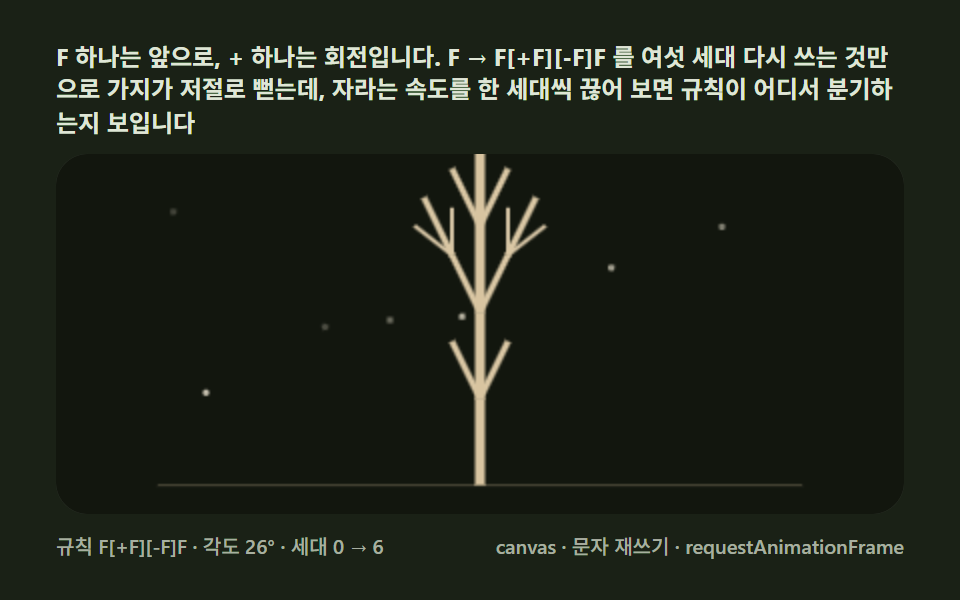 Creative UIL-System Fractal Tree Generator: 9 Demos
 Creative UICSS Sticker Peel Effect: 9 Styles, Border to Holo
 Creative UINode Based UI Design: 9 Patterns, No Library
 Creative UISignature Pad JavaScript: 9 Canvas Drawing UIs
 Creative UIAudio Visualizer JavaScript: 9 Parts, No Library
 Creative UIJavaScript Physics Simulation: 9 Demos, No Library
 Creative UICSS Background Pattern Generator: 9 Seeded Scenes